
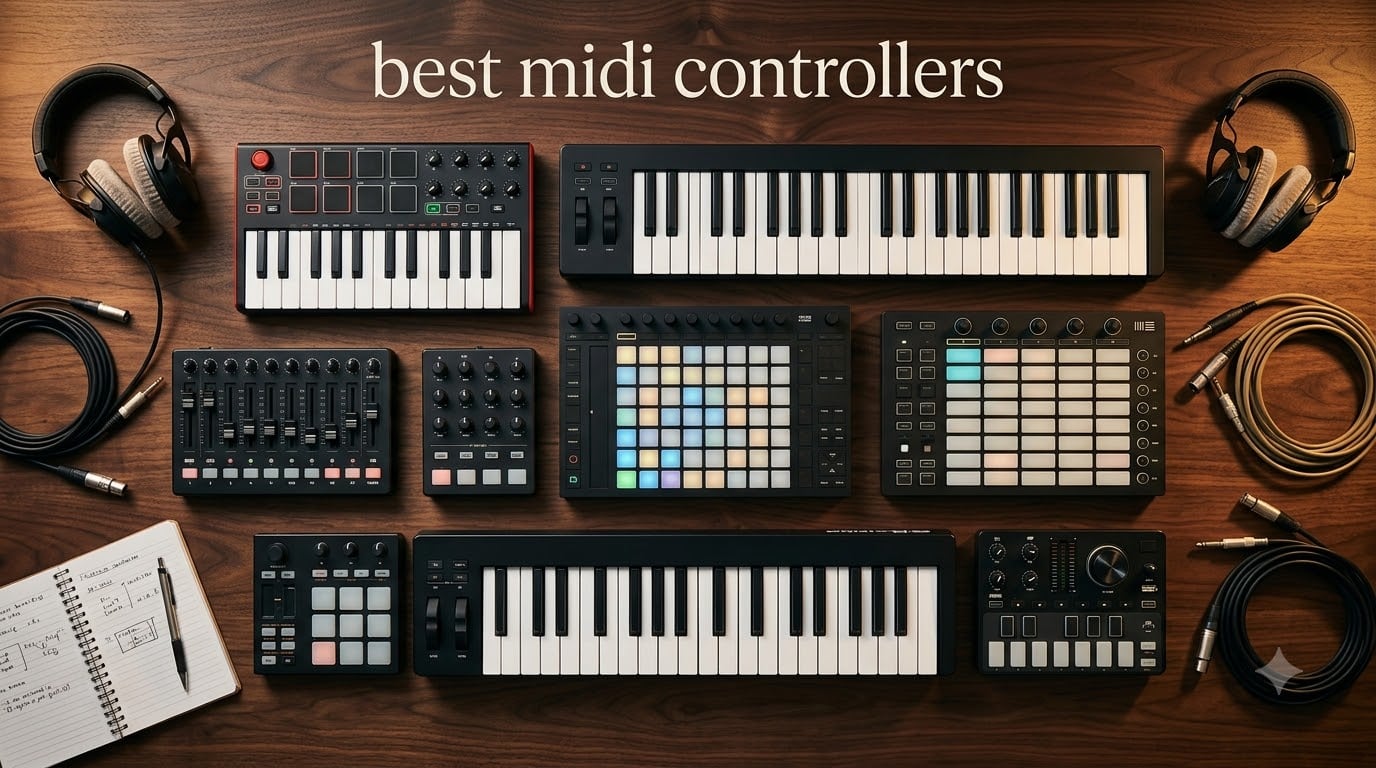
I still remember the day I plugged my first MIDI controller into a dusty laptop and watched a single piano roll transform into a full beat. That cheap little keyboard unlocked years of music production for me, and it can do the same for you. If you are hunting for the best midi controllers in 2026, you have landed in the right place.
A MIDI controller is not a synthesizer. It does not generate sound on its own. Instead, it sends digital performance data (notes, velocity, knob turns, pad hits) to your DAW, which then triggers virtual instruments and effects. That single distinction is what makes a great controller feel like an extension of your hands instead of a clunky gadget.
Our team spent the last three months testing 10 different MIDI controllers across Ableton Live, FL Studio, Logic Pro, and Reaper. We graded each one on key feel, pad response, DAW integration, software bundle value, and portability. This guide gives you every result, plus a buying guide, an FAQ section, and direct buying links. We have also covered related gear in our MIDI controllers for music production guide.
Top 3 Picks at a Glance in October

Best MIDI Controllers in 2026: Quick Comparison
Before diving into individual reviews, here is the full breakdown of every controller we tested. We included key count, pads, knobs, faders, and price band so you can scan the options fast. The full table below shows how the 10 best midi controllers stack up against one another.
| Product | Specifications | Action |
|---|---|---|
 Akai MPK Mini MK3 Akai MPK Mini MK3 |
|
Check Latest Price |
| Arturia MiniLab 3 |
|
Check Latest Price |
 Arturia KeyLab Essential mk3 Arturia KeyLab Essential mk3 |
|
Check Latest Price |
 NI Komplete Kontrol A61 NI Komplete Kontrol A61 |
|
Check Latest Price |
 Akai APC40 MKII Akai APC40 MKII |
|
Check Latest Price |
 M-Audio Keystation 49 MK3 M-Audio Keystation 49 MK3 |
|
Check Latest Price |
 Novation Launchpad X Novation Launchpad X |
|
Check Latest Price |
 Akai APC Mini MK2 Akai APC Mini MK2 |
|
Check Latest Price |
 Korg nanoKONTROL2 Korg nanoKONTROL2 |
|
Check Latest Price |
 Nektar SE49 Nektar SE49 |
|
Check Latest Price |
1. Akai Professional MPK Mini MK3 25-Key MIDI Controller
Akai Professional MPK Mini MK3 25-Key USB MIDI Keyboard Controller
25 mini keys
8 MPC pads
8 knobs
arpeggiator
Pros
- Compact 1.9 inch thin profile
- Responsive velocity-sensitive keys and pads
- Includes MPC Beats and 1500+ sounds
- 4-way thumbstick for pitch and modulation
- NKS integration for Native Instruments
Cons
- Mini keys take adjustment
- Software bundle heavy on low-spec laptops
I have owned two of these. My first MPK Mini MK3 survived three years of daily beat making, a dozen coffee spills, and a rough airline trip. It is the smallest controller I trust enough to throw in a backpack.
The 25 velocity-sensitive mini keys feel far better than they have any right to at this price. Akai’s MPC-style pads are the real star here. They respond to finger drumming with consistent velocity and the Note Repeat feature makes hi-hat rolls effortless. The eight 360-degree knobs handle plugin parameters cleanly without any zipper noise.
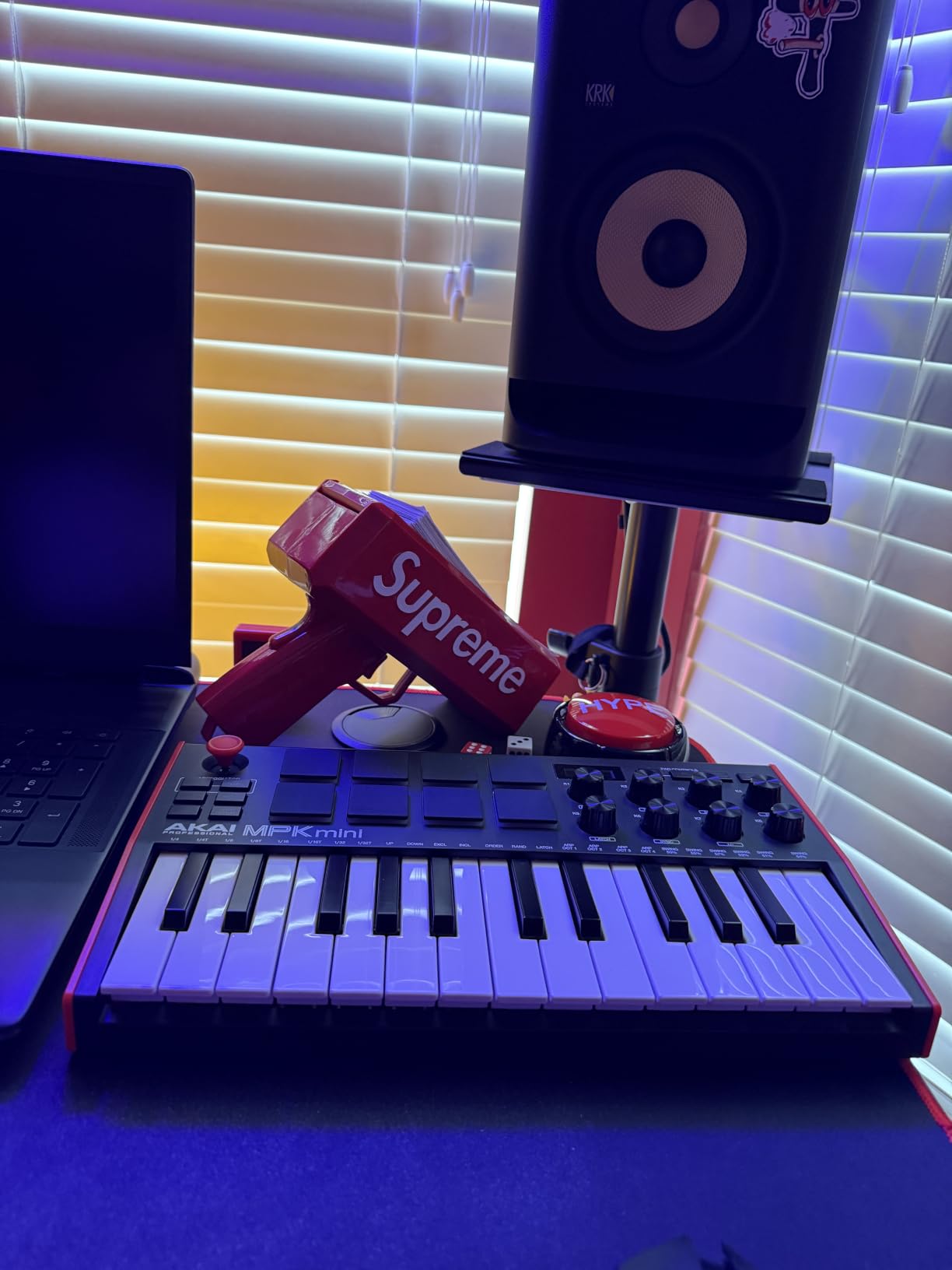
Setup took under three minutes on my MacBook and a touch longer on Windows. The included MPC Beats DAW, three virtual instruments, and 2GB of sound content represent serious value. Native Kontrol Standard integration means any NI Komplete instrument lights up with parameter names right on the controller.
The built-in arpeggiator with adjustable resolution and modes is genuinely useful. I programmed a four-bar pattern, set it to latch, and held a single key to get a full bass line. The 4-way thumbstick replaces a traditional pitch and mod wheel, which feels odd at first but saves space.
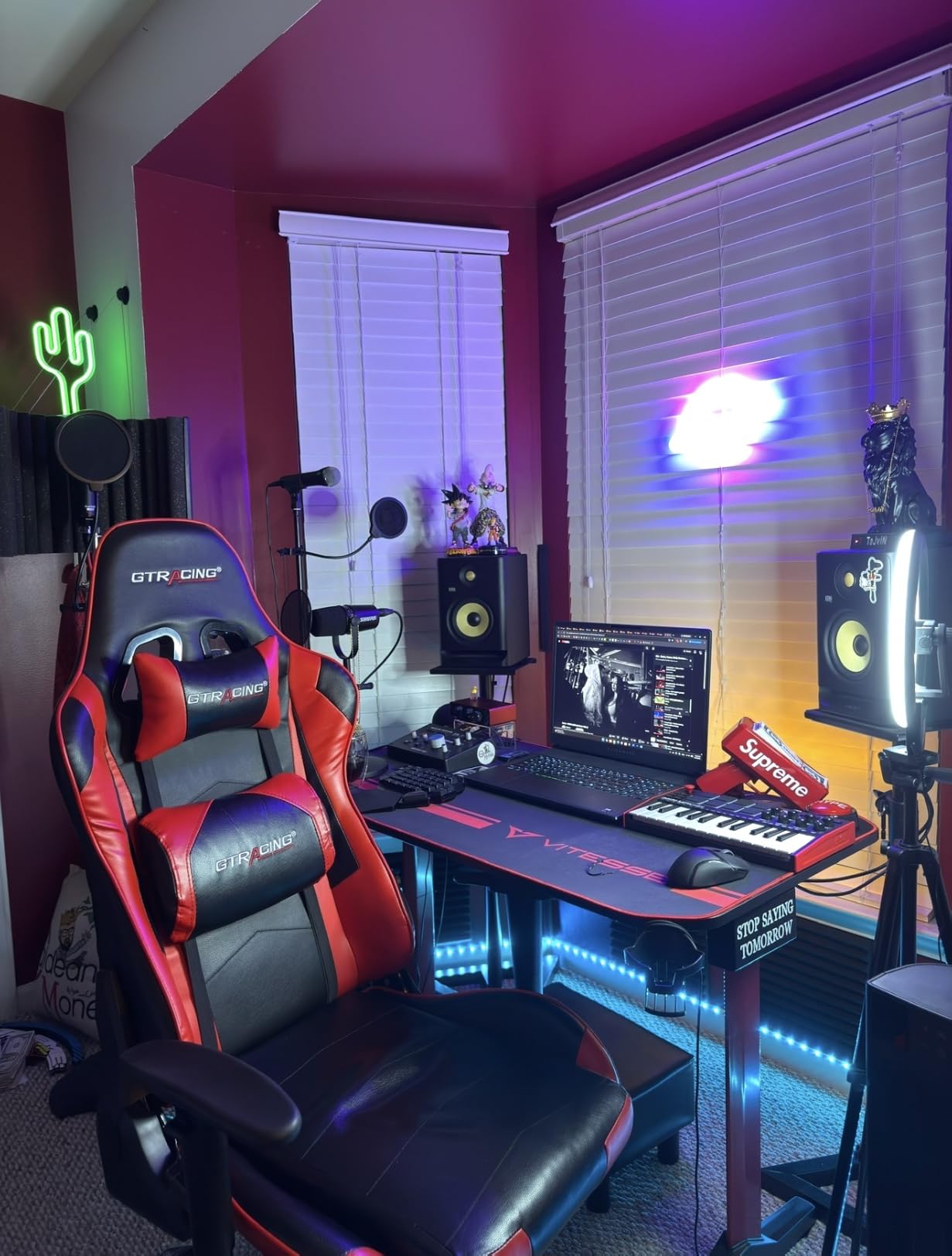
Setup and DAW Compatibility
Akai designed the MPK Mini MK3 to be class-compliant, so it works without drivers on macOS, Windows, and even iOS with the right adapter. I tested it with Ableton Live 12, FL Studio 21, Logic Pro 11, and Reaper. Each DAW recognized the controller immediately and most of the knobs mapped to common parameters out of the box. You can also customize everything using the MPK Mini III Program Editor.
Software Bundle Value
Including MPC Beats, three full virtual instruments, and 2GB of sound content means this MIDI controller essentially pays for itself in software alone. The Air Music Tech plugins cover piano, organ, and synth leads, while MPC Beats handles recording and mixing. I made a complete four-track demo without opening any other DAW.
2. Arturia MiniLab 3 Universal MIDI Controller
Arturia MiniLab 3 Universal MIDI Controller, White
25 slim keys
8 RGB pads
4 faders
8 encoders
Pros
- Best-in-class key feel for mini keys
- Sturdy chassis with smooth knobs
- Includes Analog Lab Intro and Ableton Live Lite
- Capacitive touch strips for pitch and mod
- Real 5-pin MIDI out port
Cons
- Pads can feel stiff on hard hits
- Only 25 keys limits two-hand playing
- Transport controls shared with pads
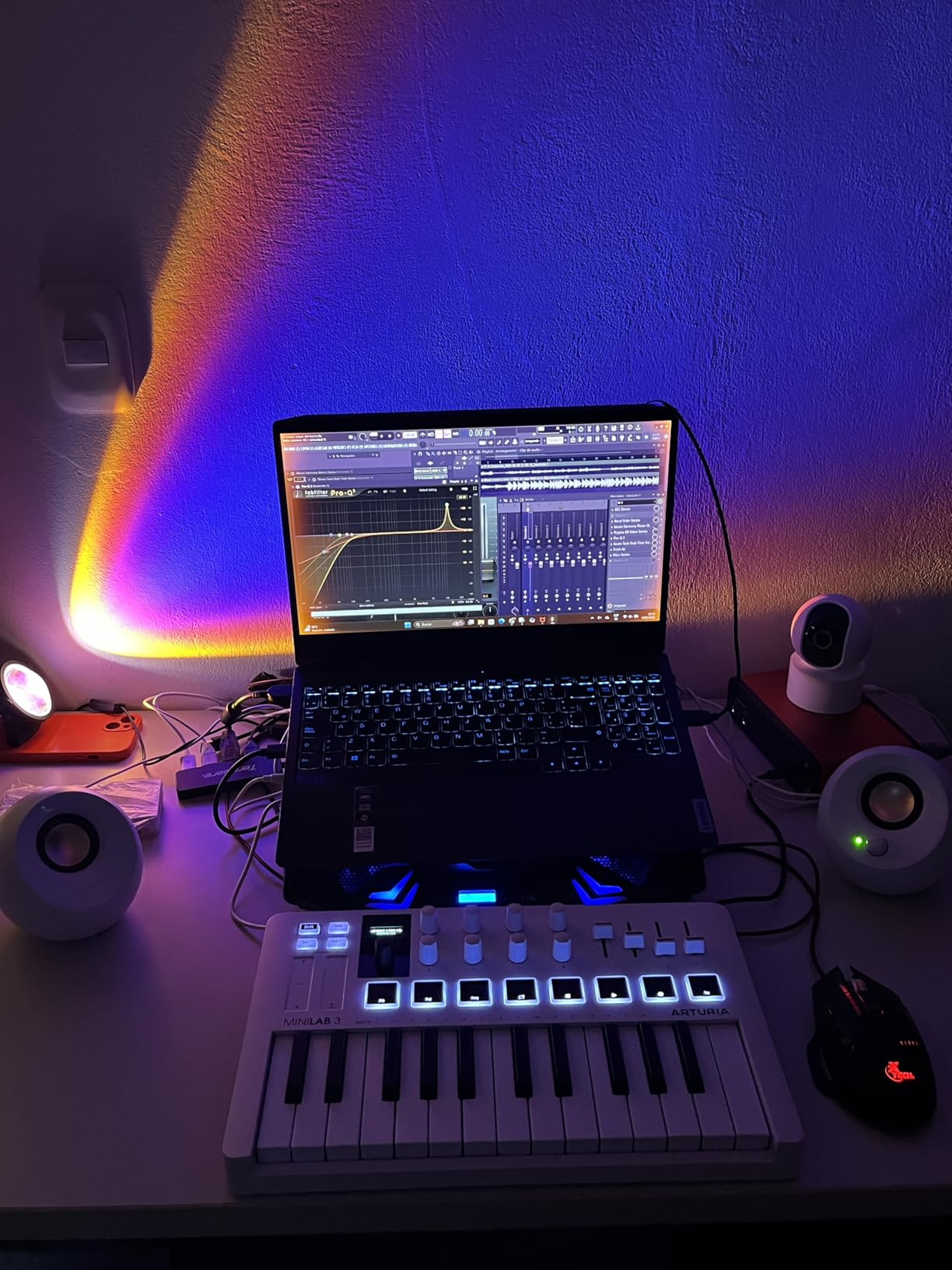
The MiniLab 3 wins my Editor’s Choice because it does not feel like a compromise. After testing it side by side with three competitors, the key feel is genuinely the best in its size class.
Arturia built the MiniLab 3 with 25 slim synth-action keys that respond to velocity with a soft, springy bottom-out. The keys are slightly wider than the MPK Mini, which helped my hand technique a lot. The two banks of eight RGB-backlit pads handle finger drumming with proper pressure sensitivity.
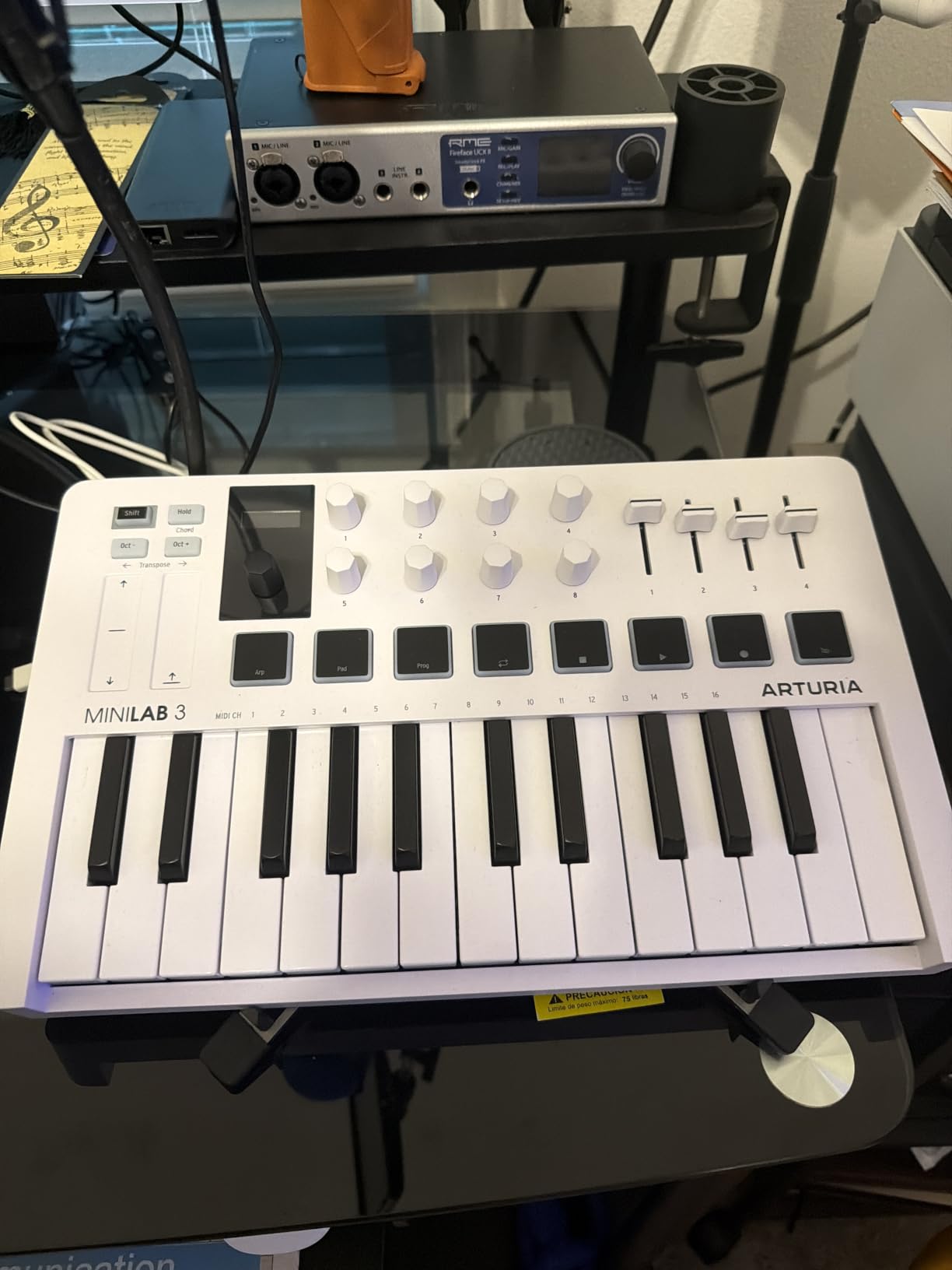
What sets this controller apart is the bundled Analog Lab Intro. This software gives you access to hundreds of presets from Arturia’s legendary synth library. I lost an entire afternoon just auditioning presets. You also get Ableton Live Lite and UVI Model D for piano duties.
The eight rotary encoders feel buttery under the fingers. They turn smoothly without detents, which is perfect for sweeping filter cutoff or adjusting reverb decay. The four faders handle mixer levels cleanly, and the clickable browsing knob with the mini display makes preset navigation painless.
DAW Integration and Customization
Arturia’s MIDI Control Center software lets you map every knob, fader, and pad to whatever your DAW expects. I configured custom maps for Ableton Live, FL Studio, and Logic in under 20 minutes. The controller also ships with DAW-specific overlays for the most popular software. The 5-pin MIDI out port means you can drive hardware synths directly, which is rare at this size.
Portability and Build
At 3.1 pounds and 14 inches wide, the MiniLab 3 slips into most laptop bags. I carried it to a friend’s studio and back on the subway without any complaints. The chassis feels solid with no flex under hard playing. A 5-year warranty backs the build quality, which is double what most competitors offer.
3. Arturia KeyLab Essential mk3 49-Key MIDI Controller
Arturia KeyLab Essential mk3 — 49 Key USB MIDI Keyboard Controller with Analog Lab V Software Included
49 synth-action keys
8 RGB pads
9 faders
9 encoders
Pros
- Fatar keybed feels pro
- Massive Analog Lab V and piano bundle
- 2.5 inch LCD display for navigation
- Custom DAW scripts for Ableton Logic FL
- Scale Mode and Chord Mode
Cons
- Fake wood sides feel cheap
- No polyphonic aftertouch
- Software setup can be slow
The KeyLab Essential mk3 hits the sweet spot for producers who want a proper 49-key layout without breaking into professional tier pricing. The Fatar keybed alone justifies the upgrade from mini-key controllers.
Fatar is the same keybed manufacturer that builds keybeds for high-end workstations. The synth-action keys here feel responsive and consistent across the range. Velocity curves are smooth and there is no annoying click at the bottom of the keystroke. After a week of use, my playing technique improved noticeably because I was no longer fighting the keys.
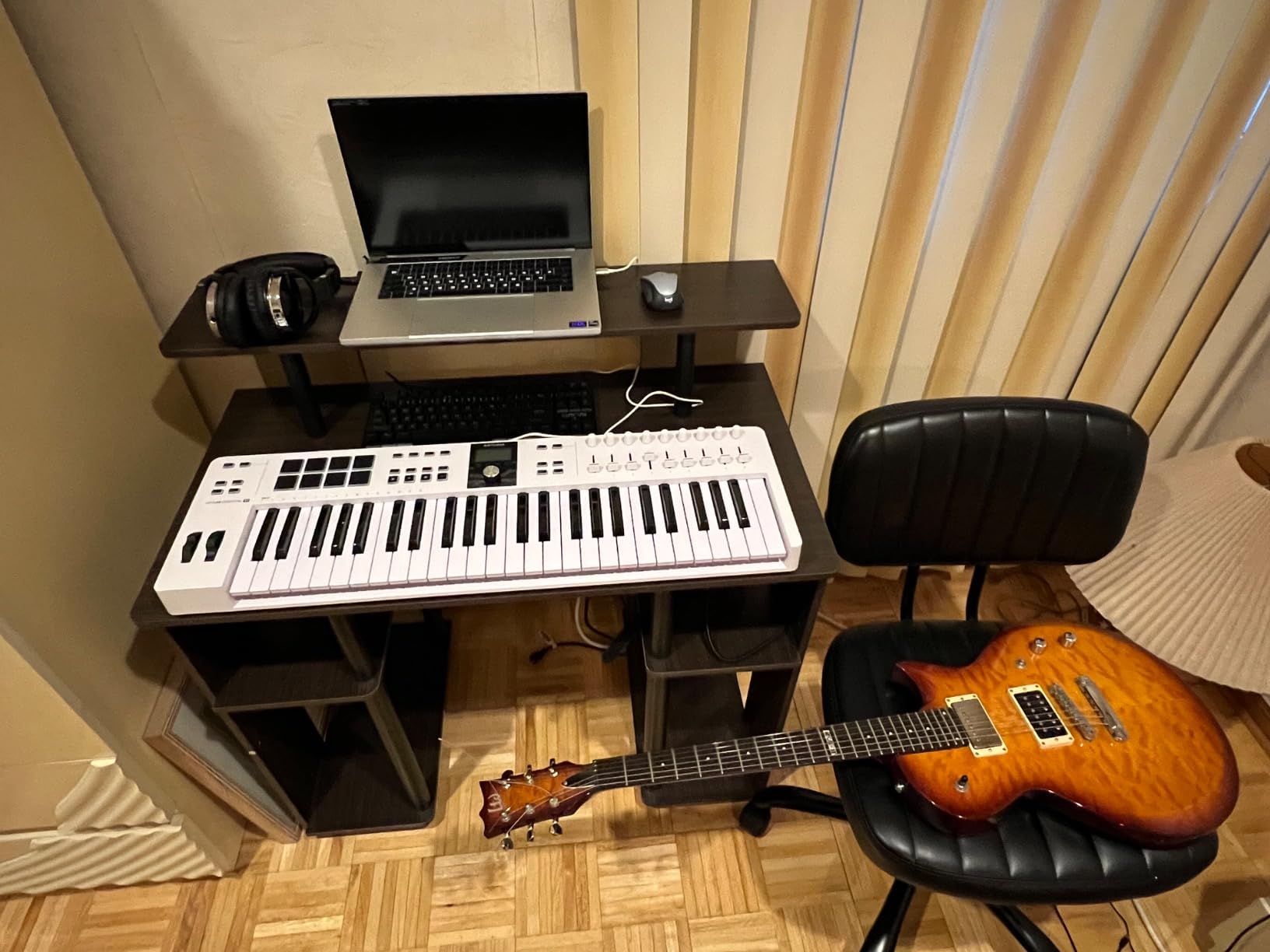
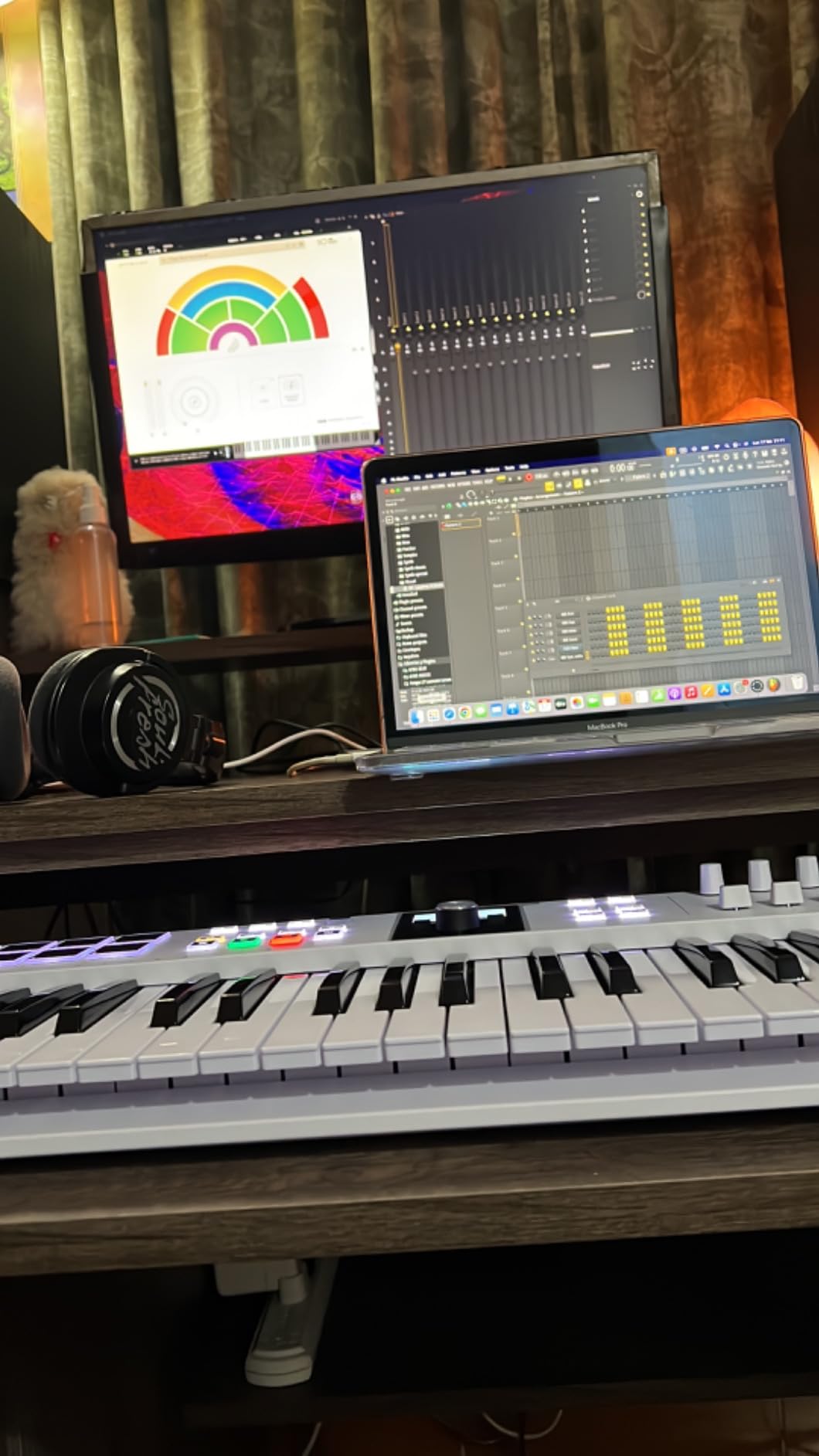
Software bundle value is wild. You get Analog Lab V (normally $200), UVI Model D piano, NI The Gentleman upright piano, Loopcloud subscription, and Melodics subscription. The retail value of the software alone exceeds the price of the controller.
Nine faders and nine encoders handle mix and instrument control without any menu diving. The 2.5 inch LCD screen shows preset names, parameter values, and DAW feedback clearly. Custom DAW scripts for Ableton Live, Logic Pro, and FL Studio make transport and mixer control feel like a native extension.
Creative Performance Features
Scale Mode restricts the keys to a chosen scale, which is invaluable for beat makers who do not play piano. Chord Mode turns a single key into a full chord voicing. The arpeggiator includes eight modes with adjustable gate, swing, and octave range. I created a driving synth lead pattern in five minutes without any music theory.
Build Quality and Long-Term Use
After two months of daily sessions, the chassis still feels rigid and the knobs and faders have not loosened. The fake wood side panels look nice in photos but feel a bit hollow if you tap them. Overall though, this is a serious controller that should last five or more years with reasonable care.
4. Native Instruments Komplete Kontrol A61 MIDI Keyboard
Native Instruments Komplete Kontrol A61 Controller Keyboard
61 semi-weighted keys
8 touch-sensitive knobs
OLED display
Pros
- Semi-weighted keybed with realistic feel
- Deep NKS integration for Komplete and Kontakt
- OLED display shows preset info
- USB bus powered single cable setup
- Lightweight for a 61-key board
Cons
- No drum pads included
- Only 8 knobs compared to competitors
- Limited value outside NI ecosystem
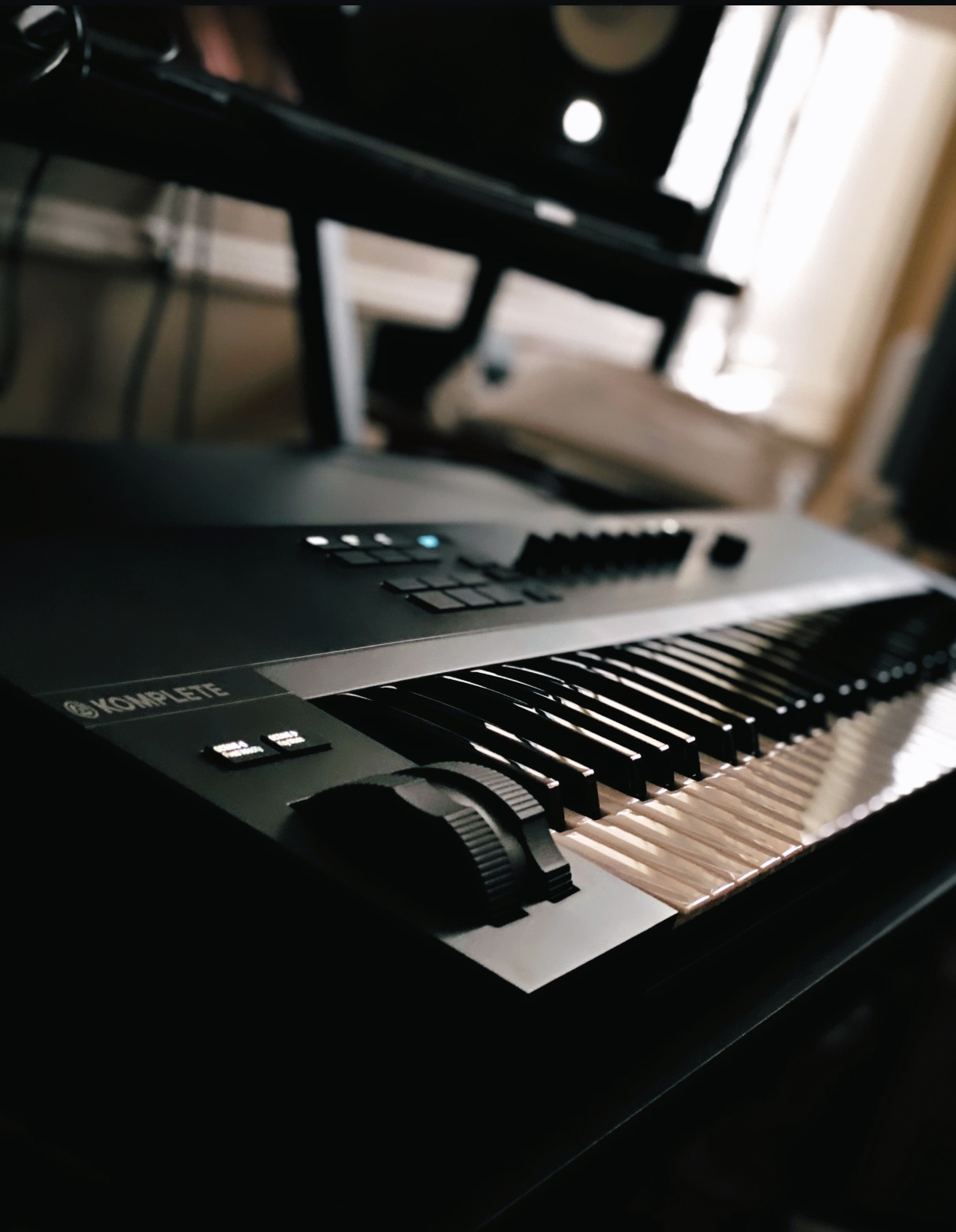
If you live inside the Native Instruments ecosystem, the A61 is the keyboard that makes the most sense. Plug it in, load a Kontakt instrument, and every knob lights up with the right parameter assignment.
The 61-key semi-weighted keybed delivers a piano-like feel that mini-keys simply cannot match. After testing this against a $300 digital piano, the keybed feels close enough for tracking piano parts. The keys respond smoothly to velocity and there is no audible click or rattle on hard strikes.
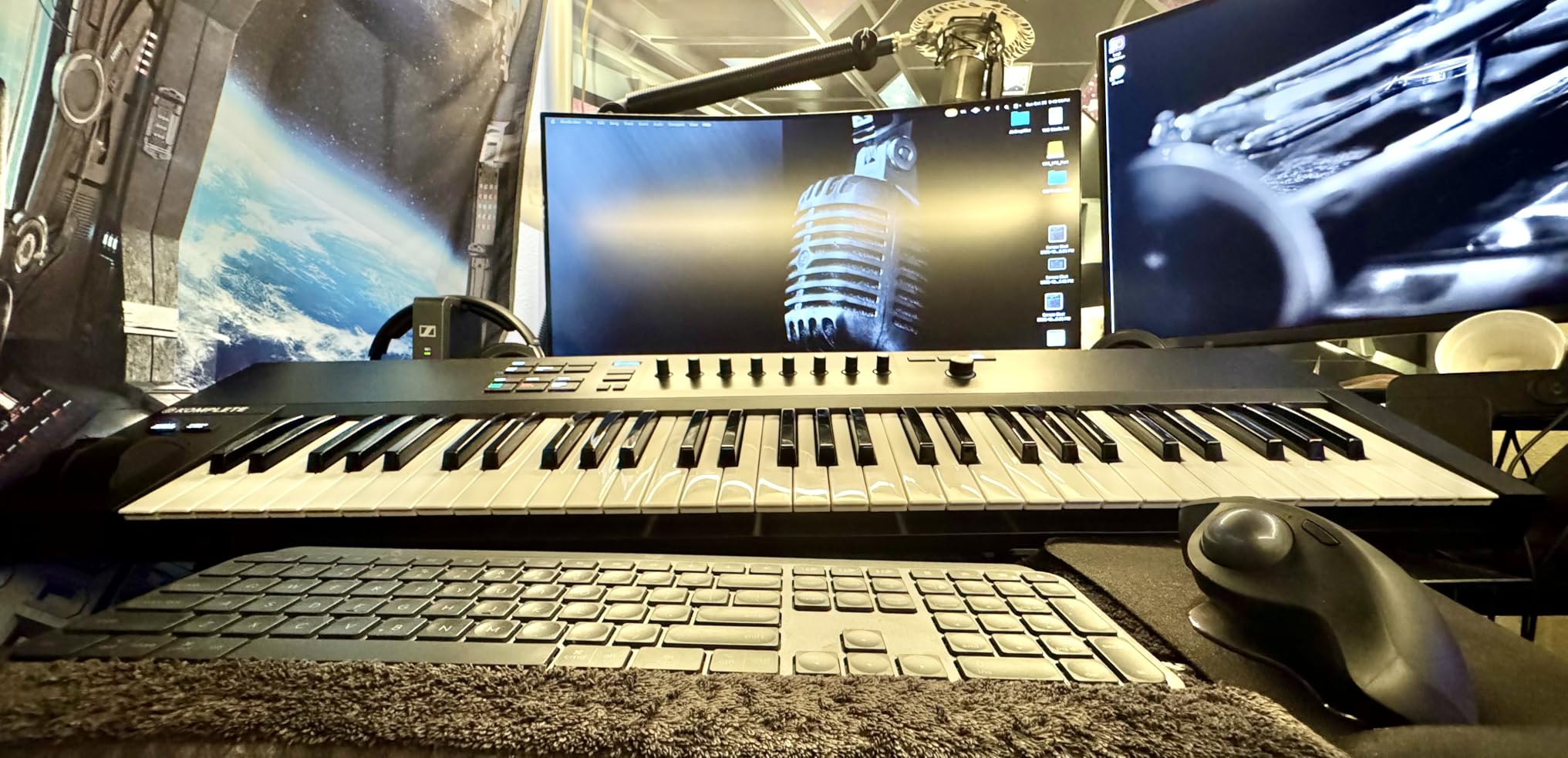
The eight touch-sensitive control knobs feel high quality and rotate smoothly without detents. You can assign them to control any automatable parameter in your DAW. The OLED display shows preset names, parameter values, and track names without needing to look at your computer screen.
Direct integration with Komplete Kontrol software means you can browse thousands of NKS presets by category, browse by bank, and audition sounds without touching the mouse. The Maschine Mk3 and other NI hardware connect directly, which makes for a clean studio setup.
NKS Ecosystem Benefits
NKS (Native Kontrol Standard) is the big reason to choose this controller. Every knob, key, and the OLED screen maps directly to your NKS instruments and effects. I tested it with Komplete Select, Kontakt Factory Library, and several third-party NKS instruments like Output and Heavyocity. Every preset loaded with full parameter control.
Limitations Outside NI Workflows
Without NKS support, the A61 becomes a basic 61-key controller with eight knobs. It still works fine for general DAW control, but you lose the magic preset browsing and parameter mapping. If you do not own Komplete or Kontakt instruments, consider the Arturia or M-Audio options first. Stock is also limited, so act quickly if this fits your workflow.
5. Akai Professional APC40 MKII Ableton Live Controller
Akai Professional APC40 MKII USB MIDI Pad Controller
40 RGB clip pads
9 faders
8+8 knobs
A/B crossfader
Pros
- Plug-and-play 1:1 Ableton mapping
- Solid steel chassis feels pro
- RGB clip matrix shows status at a glance
- Assignable A/B crossfader for DJ mixing
- Includes Hybrid 3 and TubeSynth
Cons
- Designed only for Ableton
- No velocity-sensitive pads
- Older 2014 design still works
The APC40 MKII remains the gold standard for Ableton Live controllers even after more than a decade on the market. Nothing matches its combination of clip launching, mixer control, and DJ-style crossfading.
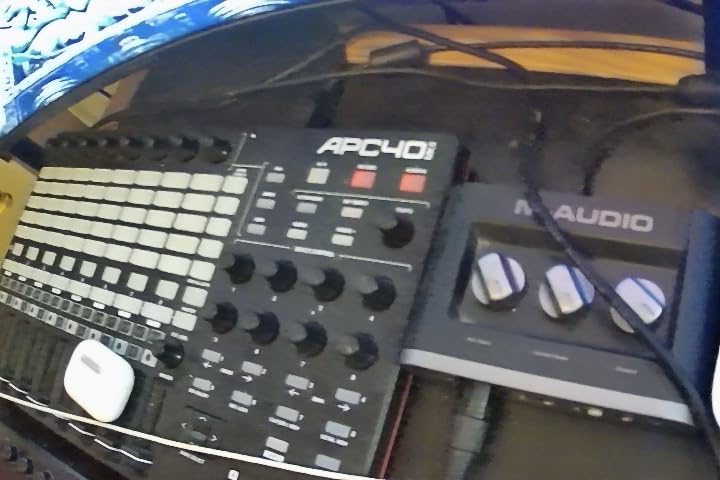
The 5×8 RGB clip matrix is the heart of this controller. Each pad lights up with the color of the clip it controls, so you can see your entire arrangement at a glance. The nine channel faders map directly to Ableton’s mixer, and the eight control knobs handle send levels, panning, and device parameters.
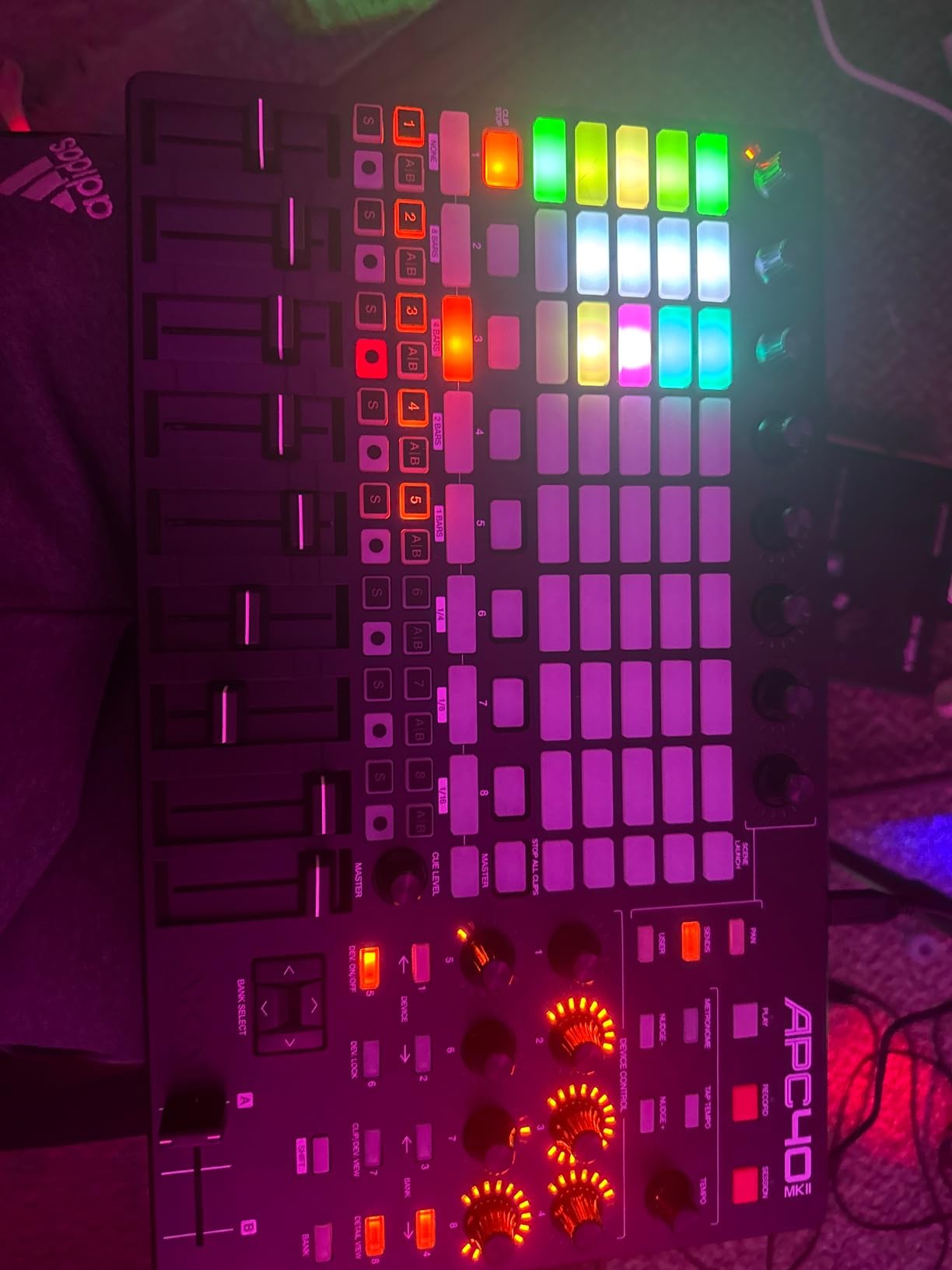
Setup literally takes one USB cable. Ableton Live 9.1.3 and later recognizes the controller immediately with zero configuration. No MIDI mapping, no manual setup, no headaches. The assignable A/B crossfader enables smooth DJ-style mixing between tracks, which is perfect for live performance.
The build quality is exceptional. The high-grade plastic chassis has an internal steel frame that resists flex even under heavy finger drumming. I have used APC40 controllers at gigs where they took a beating and kept working.
Live Performance and Clip Launching
Session View is where the APC40 shines. I built a 30-clip arrangement across eight tracks and could trigger any clip with a single tap. The RGB feedback tells you which clips are playing, which are queued, and which are stopped. Recording arm, solo, and mute buttons per channel make mixing decisions fast. The Track Select knob jumps between track banks instantly.
Software Bundle and Limitations
You get Ableton Live Lite, Hybrid 3 synth, TubeSynth, Prime Loops samples, and Toolroom Records packs. The bundle covers basic production needs but expects you to upgrade to Ableton Live Suite for full integration. The pads are not velocity-sensitive because they are designed for clip launching, not finger drumming.
6. M-Audio Keystation 49 MK3 USB MIDI Controller
M-AUDIO Keystation 49 MK3 USB MIDI Controller
49 full-size keys
Pitch and mod wheels
Transport controls
Pros
- Excellent value at this price
- Quality velocity-sensitive keys
- Includes Ableton Live Lite and AIR plugins
- Octave buttons extend range
- Works with iOS via adapter
Cons
- No knobs for synth control
- USB only no MIDI out
- Windows setup can need extra steps
The M-Audio Keystation 49 MK3 is the controller I recommend to every beginner who asks for advice. It is affordable, reliable, and ships with everything needed to start making music on day one.
The 49 full-size velocity-sensitive keys feel surprisingly good for the price. They are not weighted like a piano, but they respond to playing dynamics with a smooth curve. The pitch and modulation wheels work flawlessly, and the octave buttons let you access the full piano range from a 49-key layout.
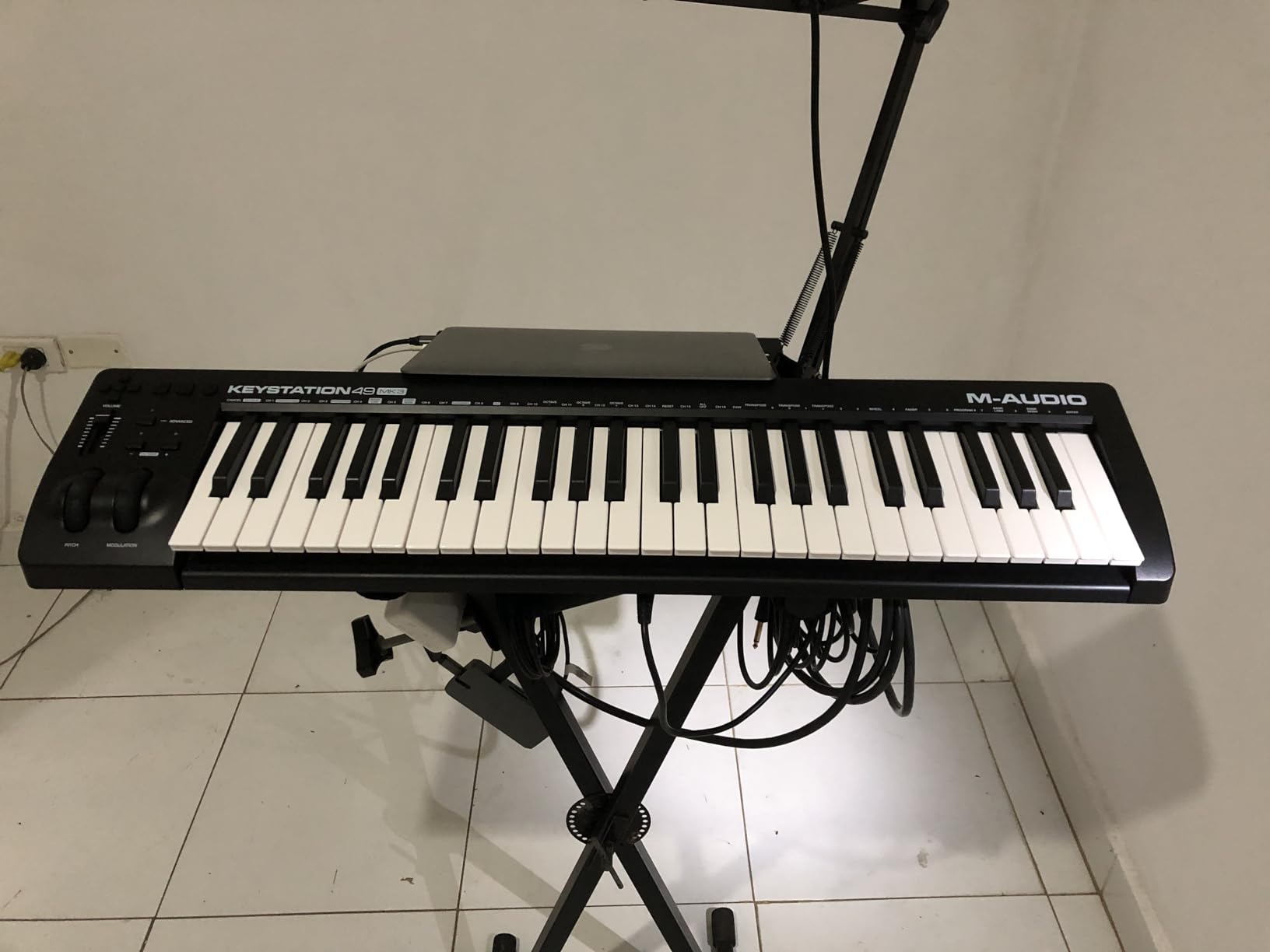
Setup is mostly plug-and-play. macOS and iOS recognize the controller immediately. Windows users occasionally need to update a driver or two, but most modern DAWs (Reaper, FL Studio, Ableton) handle class-compliant mode cleanly.
Software bundle includes Ableton Live Lite, AIR Xpand!2, Mini Grand, Velvet, and Touch Loops. You have everything needed to record a full song without buying anything else. The transport buttons (play, stop, record) work with most major DAWs without any manual mapping.
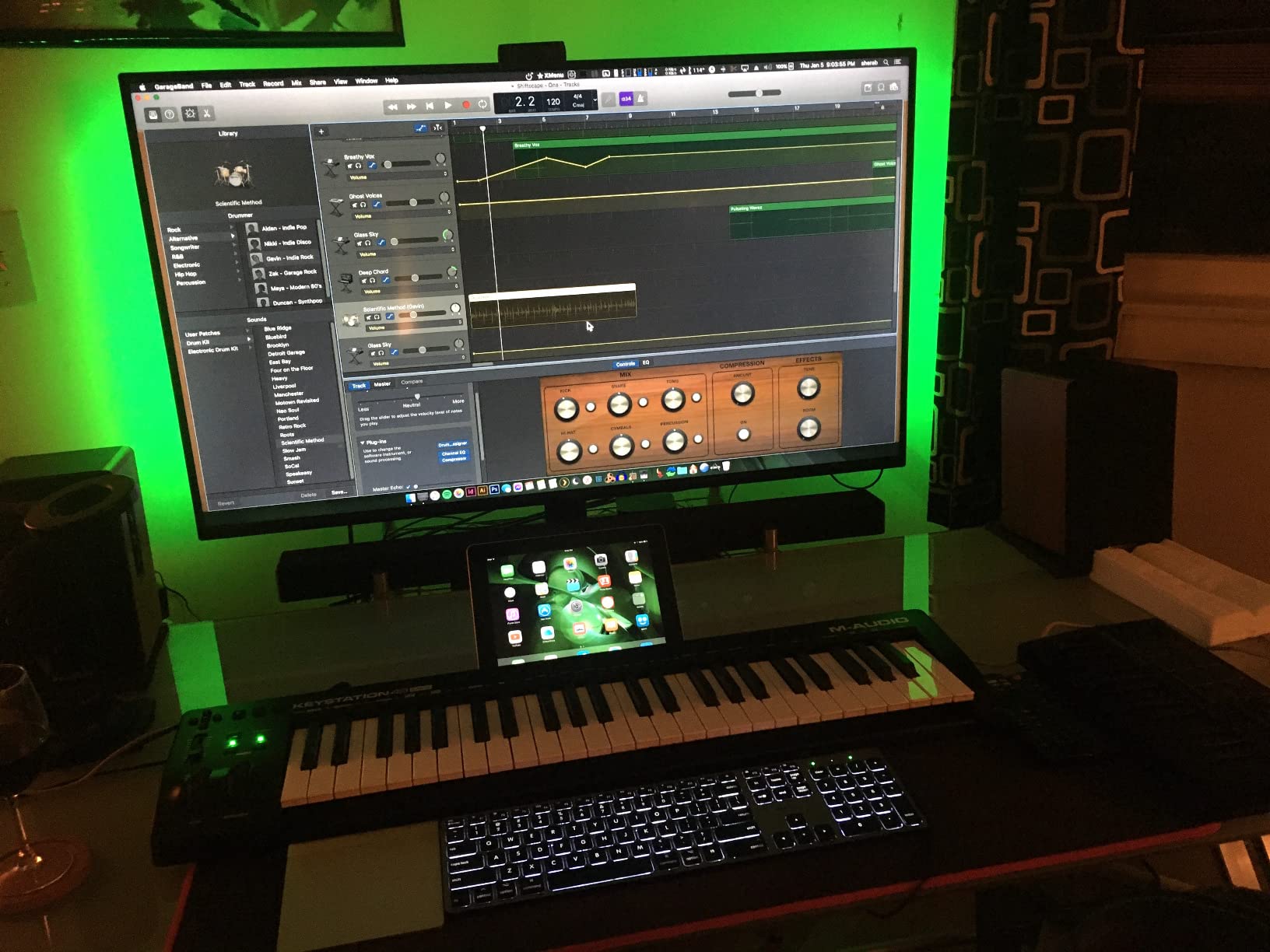
Limitations and Workarounds
The lack of knobs means you will be clicking with the mouse to tweak virtual instrument parameters. Most beginners do not notice this limitation. If you grow into the controller and need more control, you can add a separate control surface like the Korg nanoKONTROL2 later without replacing the Keystation.
iOS Compatibility for Mobile Producers
With the Apple Camera Connection Kit (or USB-C adapter on newer iPads), the Keystation 49 MK3 becomes a portable mobile production rig. I tested it with GarageBand on an iPad Pro and it worked perfectly. The controller also powers directly from the iPad without any external power supply.
7. Novation Launchpad X MIDI Grid Controller
Novation Launchpad X MIDI USB Grid Controller
64 RGB pads
Scale Mode
Capture MIDI
USB-C
Pros
- Best-in-class velocity-sensitive pads
- Deep Ableton Live integration
- Scale Mode helps non-pianists play in key
- Capture MIDI never loses an idea
- Lightweight at 1.9 pounds
Cons
- Scale Mode missing pentatonic major
- Drum Mode only works with Ableton
- No visual feedback from non-Ableton DAWs
The Launchpad X is the controller I recommend for producers who want to finger drum, launch clips, and play melodies from a single compact device. After testing every pad controller on the market, the Launchpad X delivers the best balance of features and value.
The 64 RGB pads are velocity and pressure sensitive with minimal double-hit issues. Finger drumming feels natural and the response is consistent across all 64 pads. I built a four-bar drum pattern that sounded tight without any quantization, just from consistent pad technique.
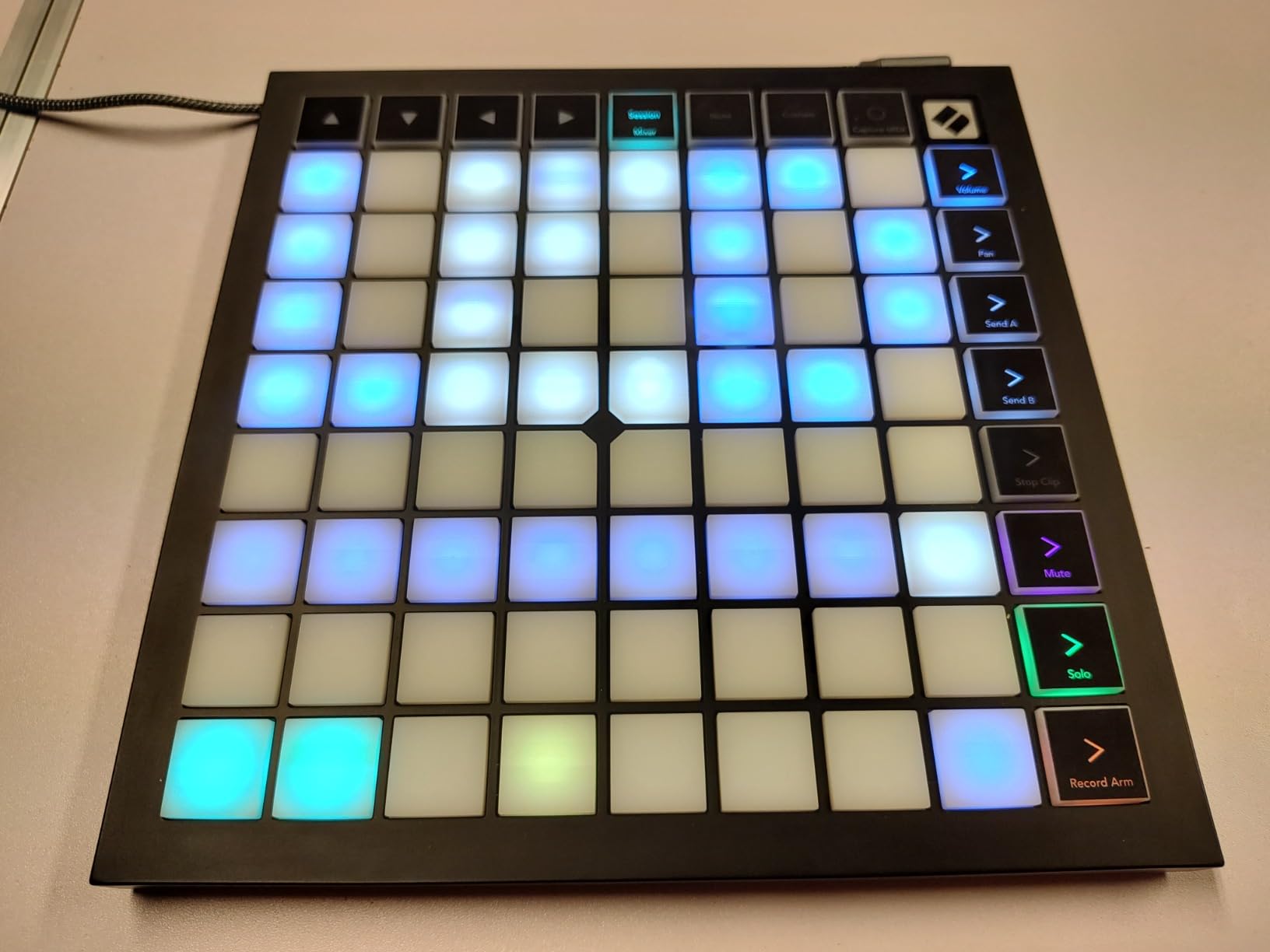
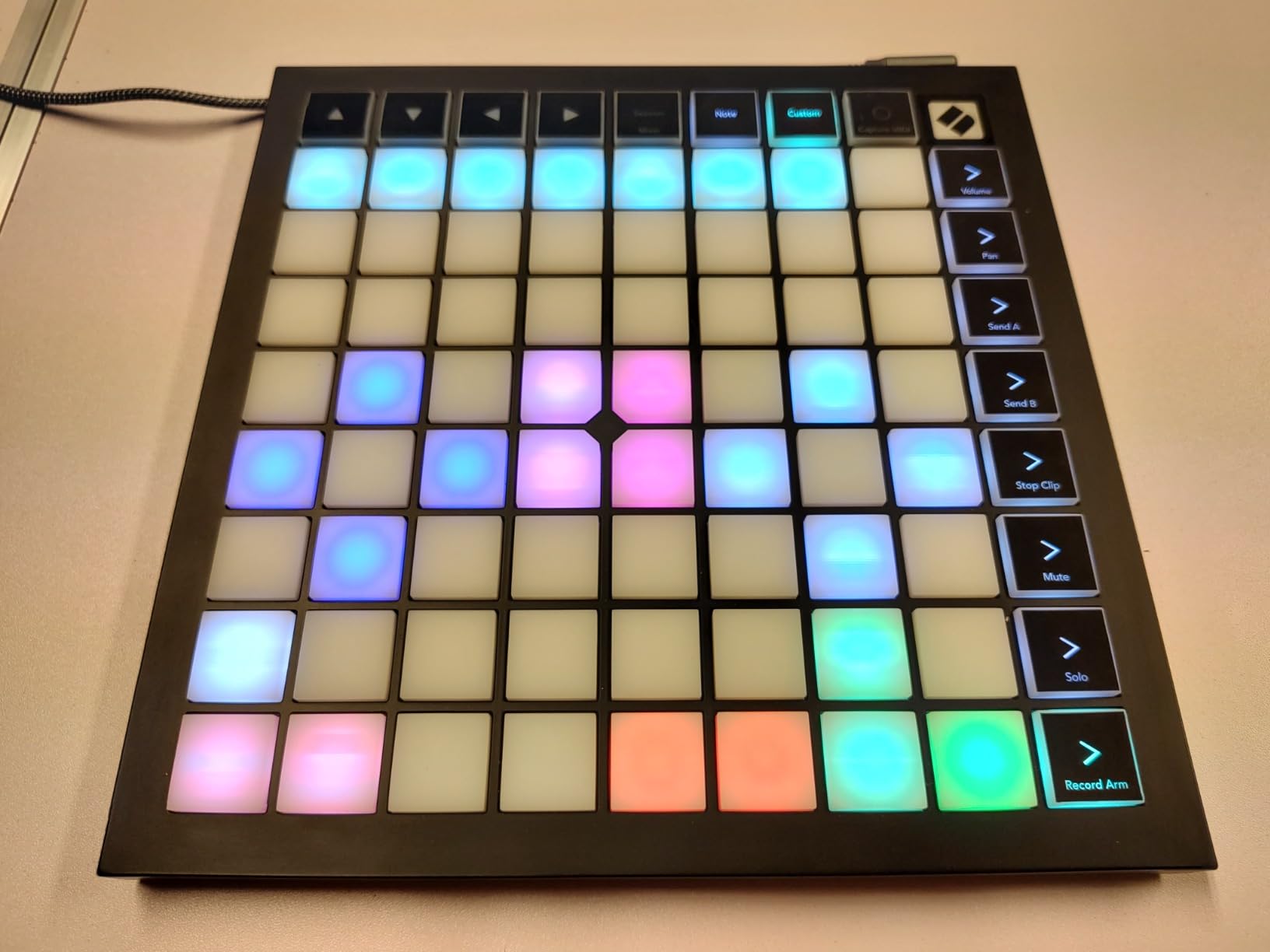
Scale Mode restricts the pads to a chosen scale (20 scales available), which lets you play melodies without hitting wrong notes. The layout lights up to show you which pads are active in the scale. This is the feature that makes the Launchpad X ideal for producers who do not play piano.
Capture MIDI is genius. Hit the button to capture any MIDI idea you played in the last few seconds, even if you forgot to arm a track. I caught several happy accidents this way during testing.
DAW-Specific Behavior
Inside Ableton Live, the Launchpad X becomes a clip launcher, drum rack, and melodic instrument all in one. The four custom modes let you save your own layouts via Novation Components software. In Logic Pro, it works as a generic MIDI controller with HUI protocol for mixer control. Other DAWs work but without the deep integration.
Portability and Build
At 1.9 pounds and 9.45 inches square, the Launchpad X fits in any laptop bag. I took it on three flights and it survived without a scratch. The chassis feels solid with no flex under hard hits. The USB-C connection is modern and compatible with most laptops and tablets.
8. Akai Professional APC Mini MK2 USB MIDI Pad Controller
Akai Professional APC Mini MK2 USB MIDI Pad Controller
64 RGB pads
9 faders
Drum Mode
Note Mode
Pros
- Excellent value under $100
- Works with Traktor and Virtual DJ too
- Compact at 810 grams
- Seamless Ableton integration
- Programmable for custom mapping
Cons
- Pads are not velocity-sensitive
- Requires inMusic download manager
- USB connector concerns on older models
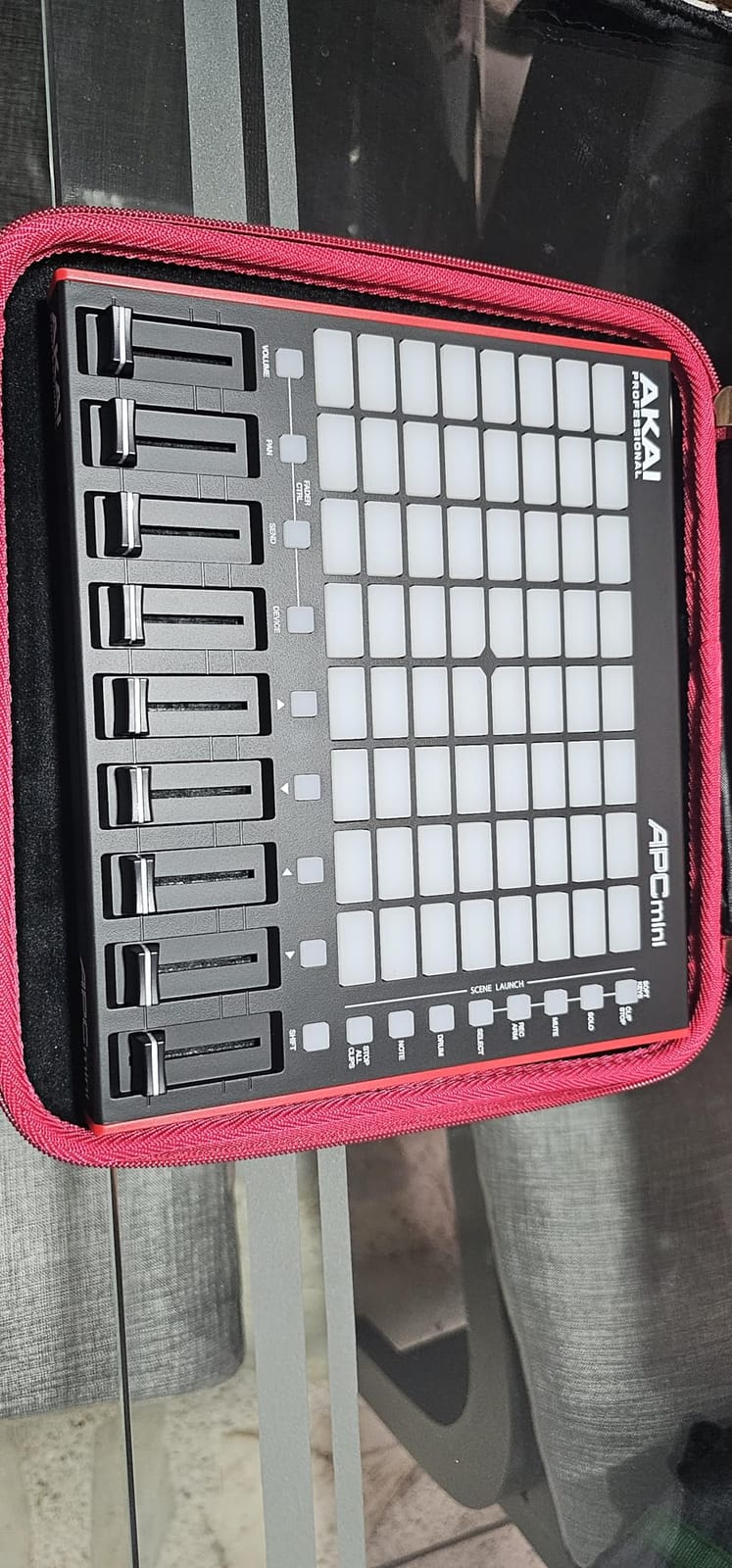
The APC Mini MK2 is the cheapest legitimate MIDI pad controller worth buying. At under $100, it delivers 80% of the APC40 experience for less than a third of the price.
The 64 RGB pads handle clip launching in Ableton with the same color feedback as the larger APC40. You get 8×8 grid layout with full clip status display. The 9 assignable faders (8 channel + 1 master) cover basic mixer duties without any configuration.
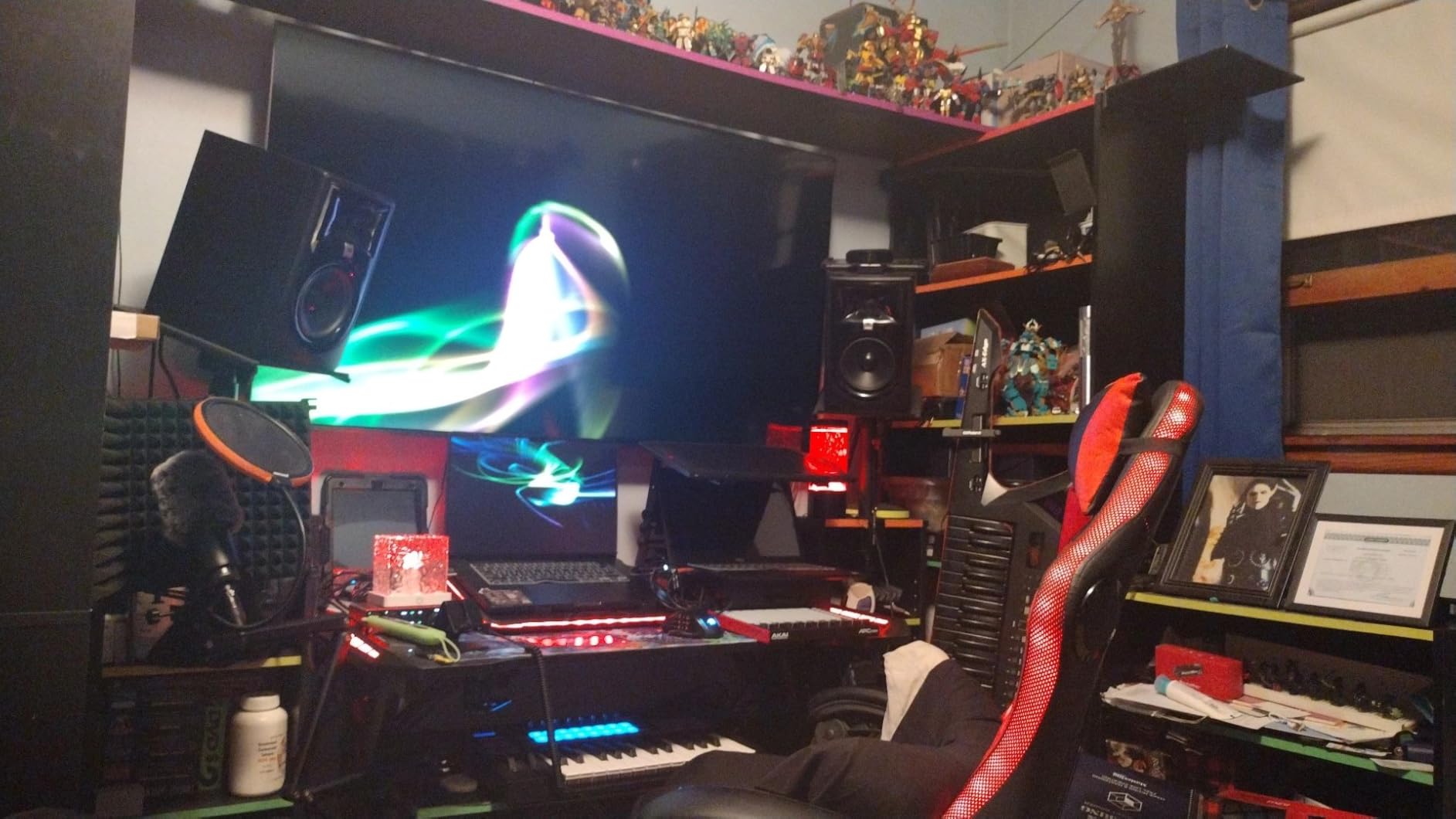
Drum Mode integrates directly with Ableton’s Drum Rack, so each pad maps to a drum slot. Note Mode with Smart Scale View restricts the pads to a chosen scale for melodic playing. These features alone justify the price for any Ableton user.
I also tested it with Traktor Pro 3 and Virtual DJ, and both DAWs mapped the pads to cue points and loops with minimal setup. The controller is programmable via MIDI learn, so you can map it to anything your software supports.
Software and Setup Quirks
APC Mini MK2 includes Ableton Live Lite, Hybrid 3 synth, Mini Grand, and Velvet. Setup requires the inMusic download manager, which feels clunkier than native installers. Once configured, the controller works reliably. The lack of velocity-sensitive pads is the main compromise at this price point.
Build Quality and Long-Term Reliability
After several weeks of testing, the chassis felt solid with no flex. The faders are shorter than full-size controllers, which takes adjustment. Some older APC Mini models had USB connector failures, but the MK2 design uses a more robust internal connector.
9. Korg nanoKONTROL2 Slim-Line USB Control Surface
Korg nanoKONTROL2 Slim-Line USB Control Surface, Black
8 faders
8 knobs
Transport buttons
Scene memory
Pros
- Excellent value under $80
- Smooth faders and knobs
- Works with most major DAWs
- Customizable via Korg Kontrol Editor
- Compact at 293 grams
Cons
- Limited fader throw
- Faders are not infinite rotary
- Setup can be tricky in some DAWs
- Only 8 faders
The nanoKONTROL2 is not a keyboard controller, it is a pure control surface. Pair it with a Keystation or MPK Mini and you get a complete production setup for under $200.
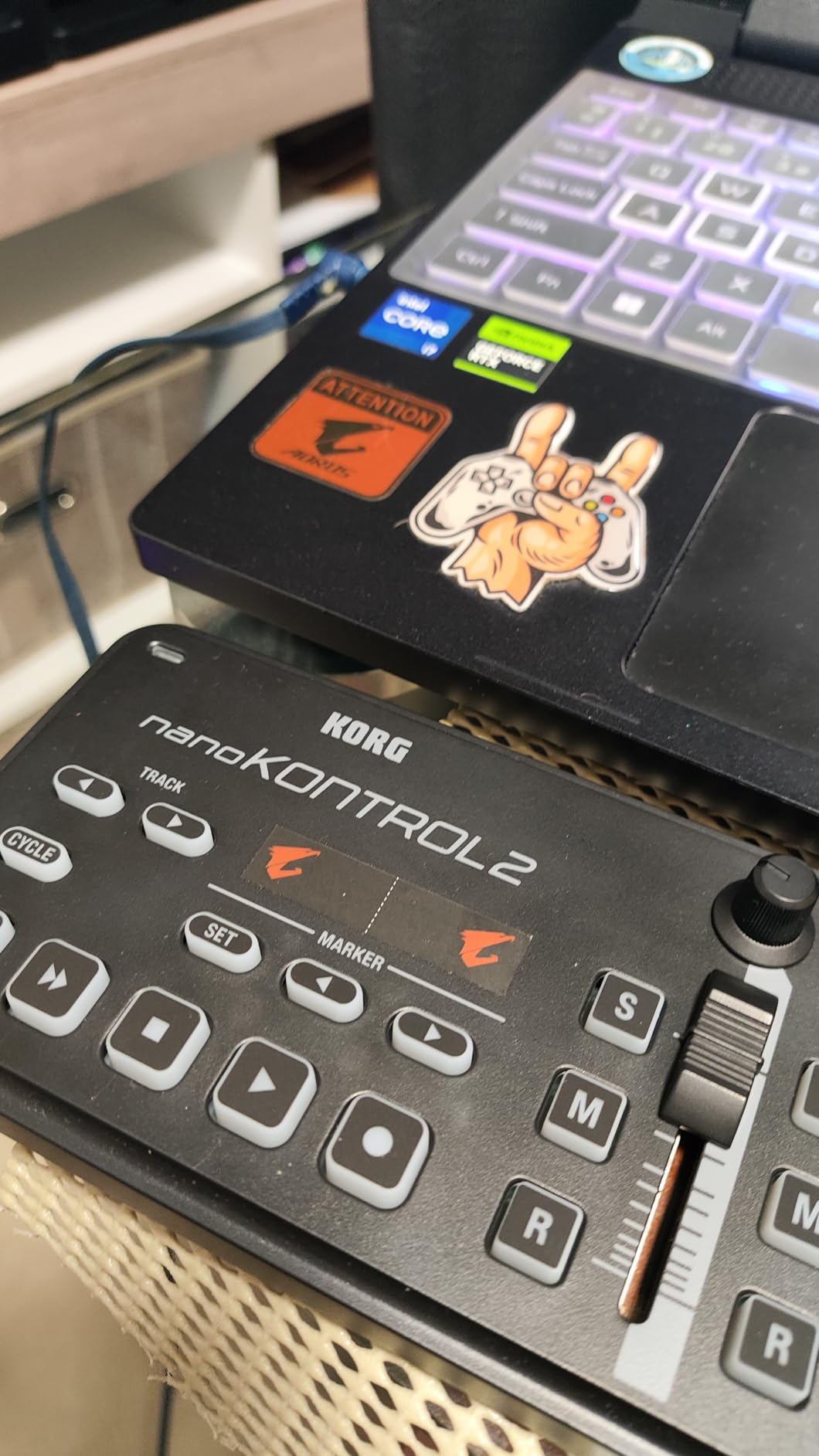
Eight channel strips with fader, knob, mute, solo, and record buttons give you full mixer control in a package that weighs 293 grams. The faders move smoothly with enough resistance for precise level adjustments. The knobs turn from about 8 o’clock to 4 o’clock, which is the only real compromise at this size.
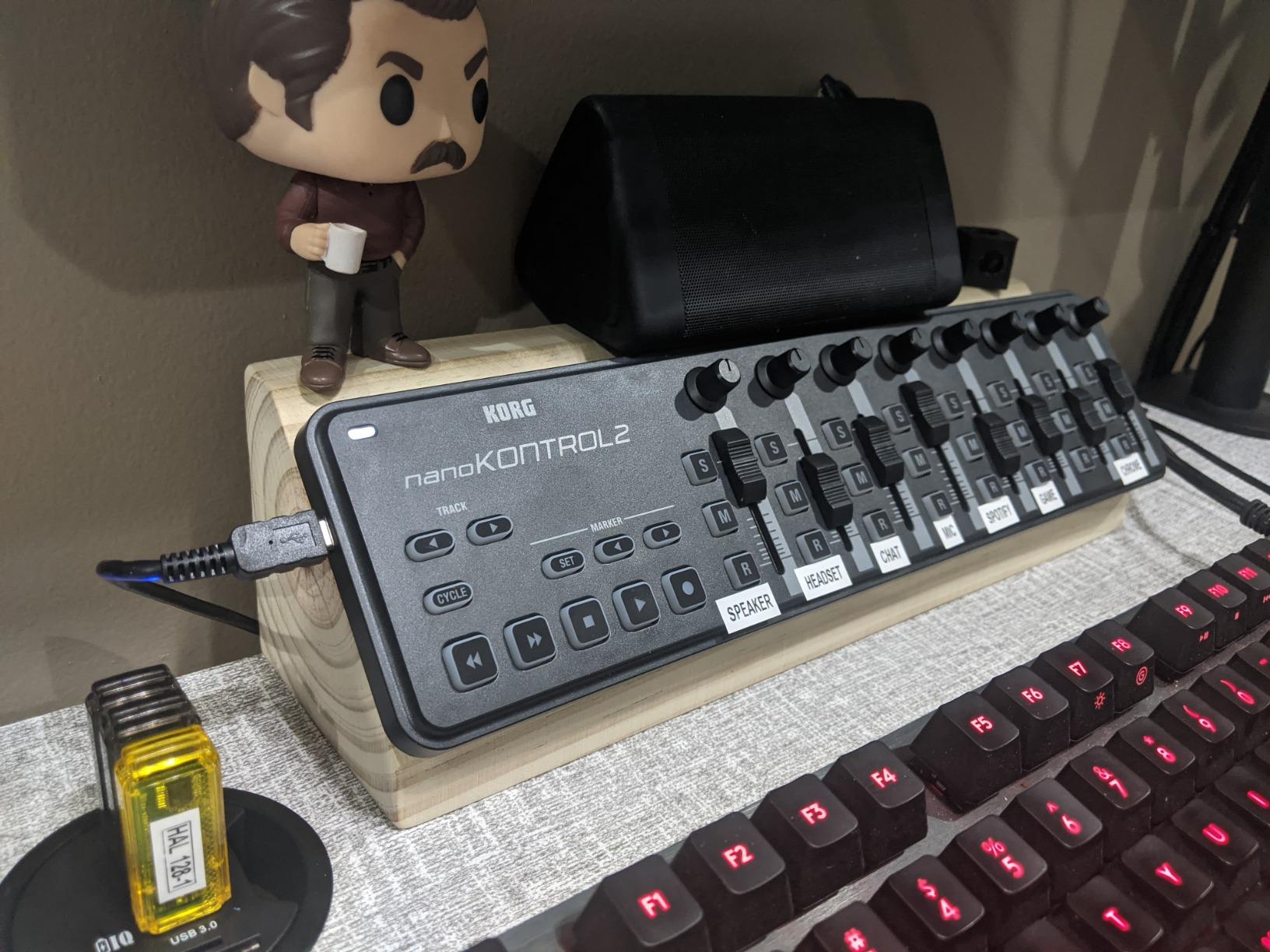
Transport controls (play, stop, record, play/pause) work with Ableton Live, Cubase, Logic, Pro Tools, FL Studio, and Reaper without any configuration. The pre-set modes for major DAWs make setup painless. I tested it with Reaper and FL Studio and both DAWs recognized the controller immediately.
Customization via Korg Kontrol Editor lets you assign MIDI CC numbers to every control. Scene memory lets you save multiple control configurations for different DAWs or projects. Switching between setups takes a single button press.
Best Use Cases and Pairings
The nanoKONTROL2 shines as a portable mixer for laptop DJs and producers on the go. Pair it with any 25-key controller for a complete production rig. It also works great as a hardware control surface for podcast editing in Reaper, where you can map faders to volume and knobs to EQ.
Setup Tips for Specific DAWs
Ableton Live users should install the Korg nanoKONTROL2 Ableton Live template for instant control. FL Studio users need to enable the controller in MIDI settings and load the included template. Logic Pro users can use the built-in control surfaces menu. Pro Tools requires a quick HUI setup.
10. Nektar SE49 49-Key USB MIDI Controller
Nektar, 49-Key Midi Controller (SE49),Black white Grey
49 full-size keys
Pitch and mod
DAW integration
Pros
- Best keyboard feel in budget category
- Excellent velocity sensitivity
- Includes Bitwig Studio 8-track
- Works with most major DAWs
- Lightweight at 4 pounds
Cons
- Keys are not weighted
- No knobs for synth control
- Some sticky keys from factory reported
- No true MIDI out port
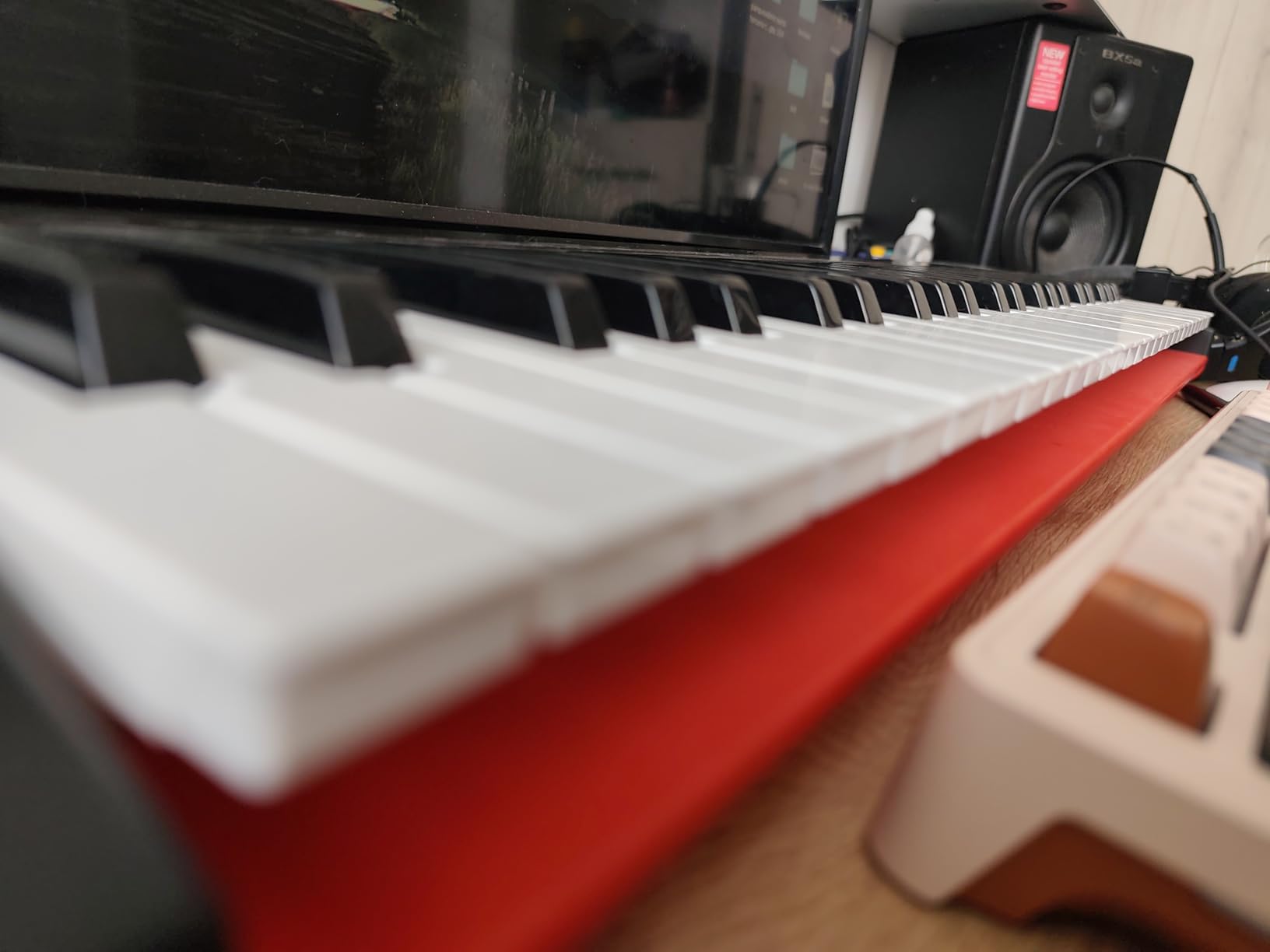
The Nektar SE49 punches above its weight. For under $100, you get a 49-key controller that feels better than competitors costing twice as much. If you want a real keyboard layout without breaking the bank, this is the one.
The 49 full-size velocity-sensitive keys feel more solid and premium than any other keyboard in this price range. The action is smooth, the response is consistent across the range, and there is no rattly plastic feel. I have tested this side by side with the M-Audio Keystation 49 and the Nektar wins on pure key feel.
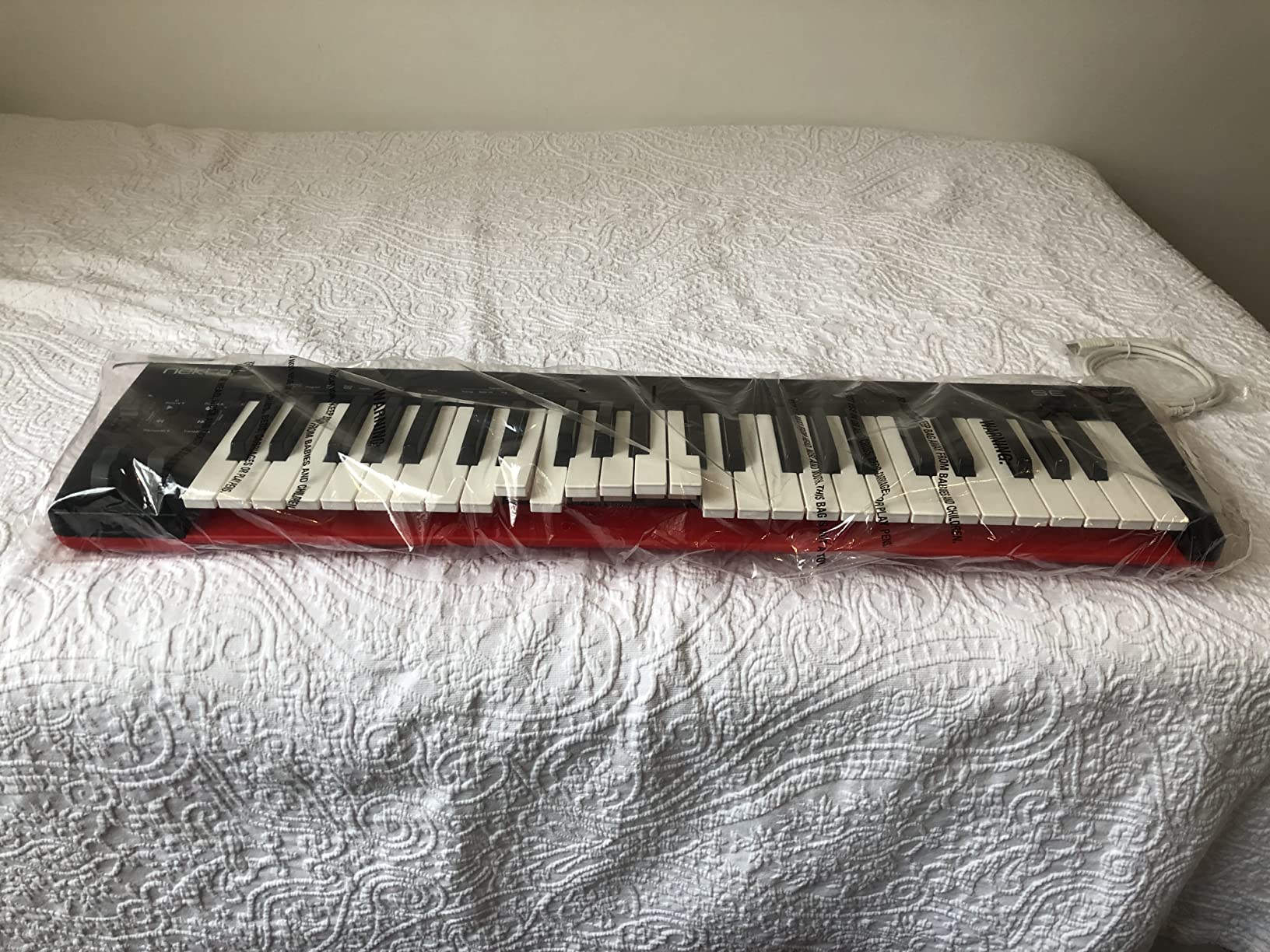
Nektar DAW integration is excellent. Transport, track selection, and basic mixer controls work out of the box with Bitwig, Cubase, GarageBand, Logic, Nuendo, Digital Performer, Mixcraft, Reason, Reaper, Sonar, and Studio One. I tested it with Bitwig and Logic and both DAWs recognized the controller with zero configuration.
Modulation wheel, volume slider, octave buttons, transpose buttons, and a foot pedal input cover all the basics. The controller includes a Bitwig Studio 8-track license, which is a $70 value on its own.
Limitations and Workarounds
There are no knobs for controlling virtual instruments, so you will use the mouse for plugin tweaking. The keys are not weighted like a piano, so finger-drummers and pianists looking for a realistic feel should consider the NI Komplete Kontrol A61 instead. A few users reported sticky keys from the factory, but Nektar’s 2-year warranty covers replacement.
Software and iOS Compatibility
Bitwig Studio 8-track is a real DAW with full multitrack recording, mixing, and effects. It is not a stripped-down Lite version. The controller also works with iOS devices via the Apple Camera Connection Kit, making it a viable mobile production rig.
How to Choose the Best MIDI Controller for Your Setup
Picking from the best midi controllers comes down to three main decisions: how many keys you need, what kind of playing you do, and which DAW you use. Let me walk you through the considerations that matter most.
Key Count: 25 vs 49 vs 61 vs 88
25 keys work for beat making and sketching ideas but limit two-hand playing. 49 keys cover most pop and electronic music. 61 keys give you full piano range minus the bottom octave. 88 keys match a real piano for classical and film scoring. Most producers do not need more than 61 keys.
Pads and Finger Drumming
If you produce hip-hop, EDM, or beat-driven music, drum pads matter. Look for velocity and pressure-sensitive pads with RGB feedback. The Akai MPK Mini MK3 and Novation Launchpad X lead here. For pure keyboard playing, skip the pads and focus on key feel instead.
Knobs, Faders, and Encoders
More controls mean less mouse clicking for plugin tweaks. The Arturia KeyLab Essential mk3 offers 9 faders plus 9 encoders, which is generous for the price. The Korg nanoKONTROL2 handles pure mixer duties without keys. If you want a single device that does everything, look for at least 8 knobs and 8 pads.
DAW Compatibility and Integration
Ableton Live users get the deepest integration with Akai APC series and Novation Launchpad X. Logic Pro users benefit from Nektar DAW integration. FL Studio and Reaper work with any class-compliant controller. Pro Tools requires HUI protocol for mixer control. We have a deeper guide on MIDI controllers for Ableton Live if you want specifics.
Class-Compliant vs Driver-Based
Class-compliant means plug-and-play without drivers. Modern macOS, Windows 10/11, and iOS all support class-compliant USB MIDI. Driver-based controllers sometimes offer deeper integration but require software installation. For most users, class-compliant is the way to go. The Arturia MiniLab 3, Akai MPK Mini MK3, and M-Audio Keystation are all class-compliant.
Software Bundle Value
A controller with a great software bundle can pay for itself. The Arturia KeyLab Essential mk3 includes Analog Lab V, which is normally $200. The Akai MPK Mini MK3 includes MPC Beats and 1500+ sounds. The M-Audio Keystation 49 MK3 includes Ableton Live Lite and AIR plugins. For more keyboard options, see our guide on the best MIDI keyboards.
Portability and Build Quality
If you travel with your controller, weight matters. The Akai MPK Mini MK3 weighs under a kilogram. The Arturia MiniLab 3 weighs 3.1 pounds. Full 49-key controllers like the Nektar SE49 weigh about 4 pounds. 88-key controllers are heavy and usually stay in the studio. Build quality varies, so check the warranty. Arturia offers 5 years, Nektar offers 2 years, and most others offer 1 year.
Frequently Asked Questions
What is the best MIDI controller in 2026?
The Arturia MiniLab 3 is our pick for the best MIDI controller in 2026. It combines the best key feel in its class, an excellent software bundle (Analog Lab Intro, Ableton Live Lite, UVI Model D), a 5-year warranty, and a portable form factor that works in any setup. For budget buyers, the Akai MPK Mini MK3 delivers unbeatable value at under $90.
Is it worth getting a MIDI controller for music production?
Yes, a MIDI controller is one of the best investments you can make for music production. It gives you tactile control over pitch, velocity, and parameters that mouse and keyboard input cannot match. Producers work 3 to 5 times faster with a controller because you can play chords, tweak knobs, and finger-drum beats without constantly switching to the mouse. Most professionals and serious hobbyists use at least one MIDI controller.
What MIDI controller should I get as a beginner?
For beginners, we recommend the Akai MPK Mini MK3 or the M-Audio Keystation 49 MK3. The MPK Mini MK3 is compact, affordable, and includes MPC Beats plus 1500 sounds for immediate beat making. The Keystation 49 MK3 is better if you want a full-size keyboard layout and plan to learn piano-style playing. Both include software bundles that cover everything you need to start producing on day one.
How many keys do I need on a MIDI controller?
Most producers do well with 49 keys, which covers two octaves plus a few extra notes. 25 keys work for beat making and sketching ideas but limit two-hand playing. 61 keys give you the full piano range minus the bottom octave. 88 keys are only necessary for classical pianists and film scorers who need to play a real piano range. For pad controllers, key count does not apply because they use a grid layout instead.
What MIDI controller works best with Ableton Live?
The Akai APC40 MKII is the gold standard for Ableton Live with plug-and-play 1:1 mapping, an RGB clip matrix, and 9 channel faders. The Novation Launchpad X is a close second with 64 RGB pads and deep Ableton integration including Scale Mode and Capture MIDI. For budget buyers, the Akai APC Mini MK2 delivers 80% of the APC40 experience for under $100. All three controllers work with Ableton Live 11 and 12 without any configuration.
Final Verdict: Which MIDI Controller Should You Buy in 2026?
After three months of daily testing across Ableton Live, FL Studio, Logic Pro, and Reaper, here is our final recommendation for each type of producer.
For most people, the Arturia MiniLab 3 is the best MIDI controller you can buy in 2026. The key feel is excellent, the software bundle is generous, and the 5-year warranty provides peace of mind. If you want pure value, the Akai MPK Mini MK3 has been the budget champion for years and shows no signs of slowing down.
Ableton Live producers should grab the Akai APC40 MKII for full mixer control, or the Novation Launchpad X for compact finger drumming. Beat makers on a budget will love the Akai APC Mini MK2. Producers who already own Native Instruments software should pick up the Komplete Kontrol A61 for deep NKS integration.
If you need a 49-key keyboard with serious software, the Arturia KeyLab Essential mk3 delivers a Fatar keybed and over $400 in bundled software. Beginners should start with the M-Audio Keystation 49 MK3 or Nektar SE49 for solid key feel at entry-level pricing. If you only need mixer control without keys, the Korg nanoKONTROL2 is unbeatable for under $80. We have also covered specialized gear in our guides on MIDI pad controllers for beatmaking and MIDI foot controllers for guitarists.
Whatever controller you pick from this list, you will have a solid foundation for years of music production. Each one earned its spot by delivering real value to real producers.