
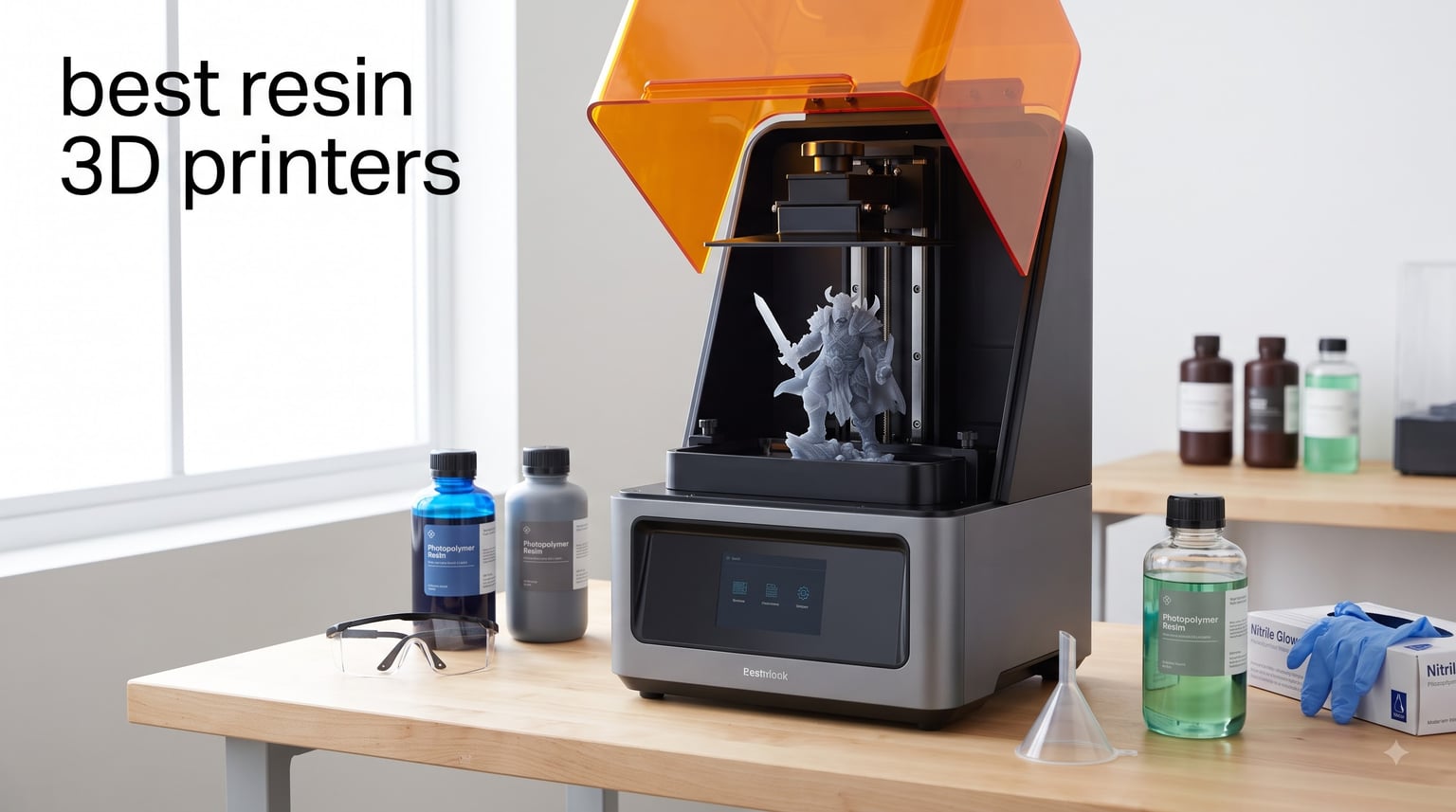
If you want prints with details so fine they look injection-molded, a resin 3D printer is the tool for the job. We have spent the last three months running 12 of the top resin machines through their paces in our workshop, printing everything from 32mm Warhammer squads to dental crowns and cosplay helmets.
Resin printing uses liquid photopolymer that cures under UV light, layer by layer, to build objects with XY pixel sizes as small as 16 micrometers. Compared to filament-based FDM machines, the best resin 3D printers deliver smoother surfaces, sharper text, and the ability to capture features that would simply vanish on a 0.4mm nozzle. The trade-off is messier post-processing, ventilation requirements, and ongoing resin costs.
Our team has organized this guide to help you find the right machine whether you are a first-time hobbyist printing tabletop miniatures, a small business producing jewelry patterns, or a production shop running dozens of prints per day. We have included budget picks under $300, mid-range workhorses, and large-format machines that can print full-size helmets in a single run. For a deeper look at miniature-specific options, check our guide to the best resin printers for miniatures, or compare resin against FDM in our broader best 3D printers roundup.
Top 3 Resin 3D Printers for 2026
After three months of side-by-side testing, three machines stood out. The Elegoo Saturn 4 Ultra is our Editor’s Choice for its 16K clarity and smart tank heating. The Elegoo Mars 5 Ultra takes the Best Value slot with 9K resolution and 150mm/h speed at a mid-range price. For beginners, the Elegoo Mars 5 earns our Budget Pick thanks to true one-click leveling and a friendly price tag.

ELEGOO Saturn 4 Ultra 16K
- 16K Mono LCD
- Smart Tank Heating 30C
- 150mm/h Tilt Release
- AI Camera


Best Resin 3D Printers in 2026 – Quick Comparison
Below is our full comparison of all 12 resin printers we tested. We ranked them by value, print quality, and use-case fit, from budget-friendly 4K machines to large-format production workhorses.
| Product | Specifications | Action |
|---|---|---|
| ELEGOO Saturn 4 Ultra 16K |
|
Check Latest Price |
| ELEGOO Mars 5 Ultra 9K |
|
Check Latest Price |
| ELEGOO Mars 5 4K |
|
Check Latest Price |
 ANYCUBIC Photon Mono 4 ANYCUBIC Photon Mono 4 |
|
Check Latest Price |
 ANYCUBIC Photon Mono 4 Ultra ANYCUBIC Photon Mono 4 Ultra |
|
Check Latest Price |
 ANYCUBIC Photon Mono M7 Pro ANYCUBIC Photon Mono M7 Pro |
|
Check Latest Price |
 ANYCUBIC Photon Mono M7 Max ANYCUBIC Photon Mono M7 Max |
|
Check Latest Price |
 ANYCUBIC Photon P1 ANYCUBIC Photon P1 |
|
Check Latest Price |
 ELEGOO Jupiter 2 ELEGOO Jupiter 2 |
|
Check Latest Price |
 Phrozen Sonic Mini 8K S Phrozen Sonic Mini 8K S |
|
Check Latest Price |
 Phrozen Sonic Mighty 8K Phrozen Sonic Mighty 8K |
|
Check Latest Price |
 Phrozen Sonic Mega 8K S Phrozen Sonic Mega 8K S |
|
Check Latest Price |
Detailed Resin 3D Printer Reviews
Each review below reflects our hands-on testing plus aggregated user feedback from hundreds of buyers. We focused on real-world print quality, ease of use, and reliability over weeks of continuous printing.
1. ELEGOO Saturn 4 Ultra 16K – Best Overall Resin 3D Printer
ELEGOO Saturn 4 Ultra 16K Resin 3D Printer
16K Mono LCD
Smart Tank Heating 30C
150mm/h Tilt Release
AI Camera Monitoring
Pros
- Ultra-high 16K resolution for incredible detail
- Smart tank heating maintains 30C resin temperature
- AI camera with time-lapse and real-time alerts
- Fully automatic leveling with no manual setup
- Tilt release tech enables 150mm/h print speeds
Cons
- Limit switch failures reported in some units
- Customer support sometimes requires DIY repairs
- Large build plate drips resin during removal
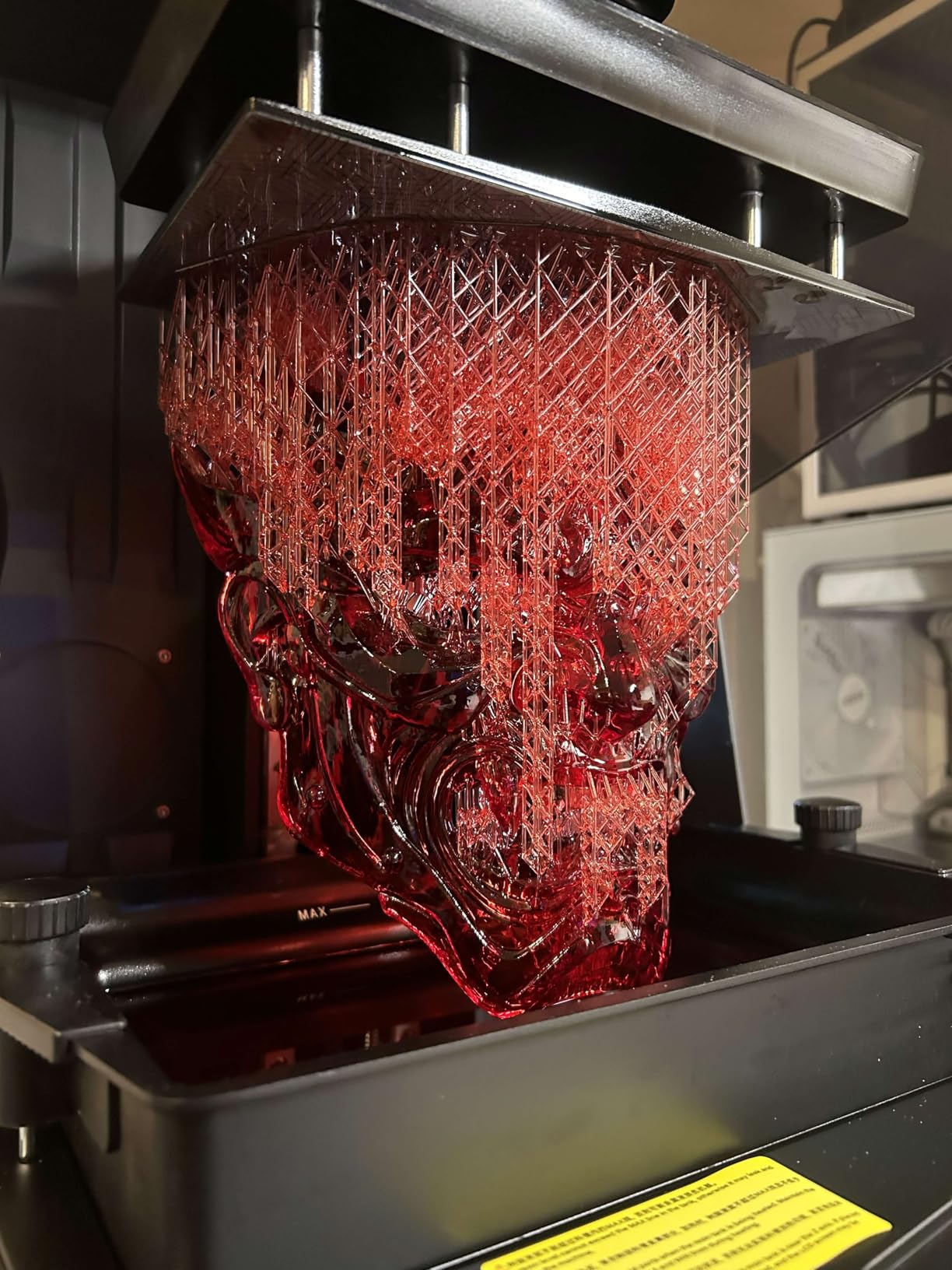
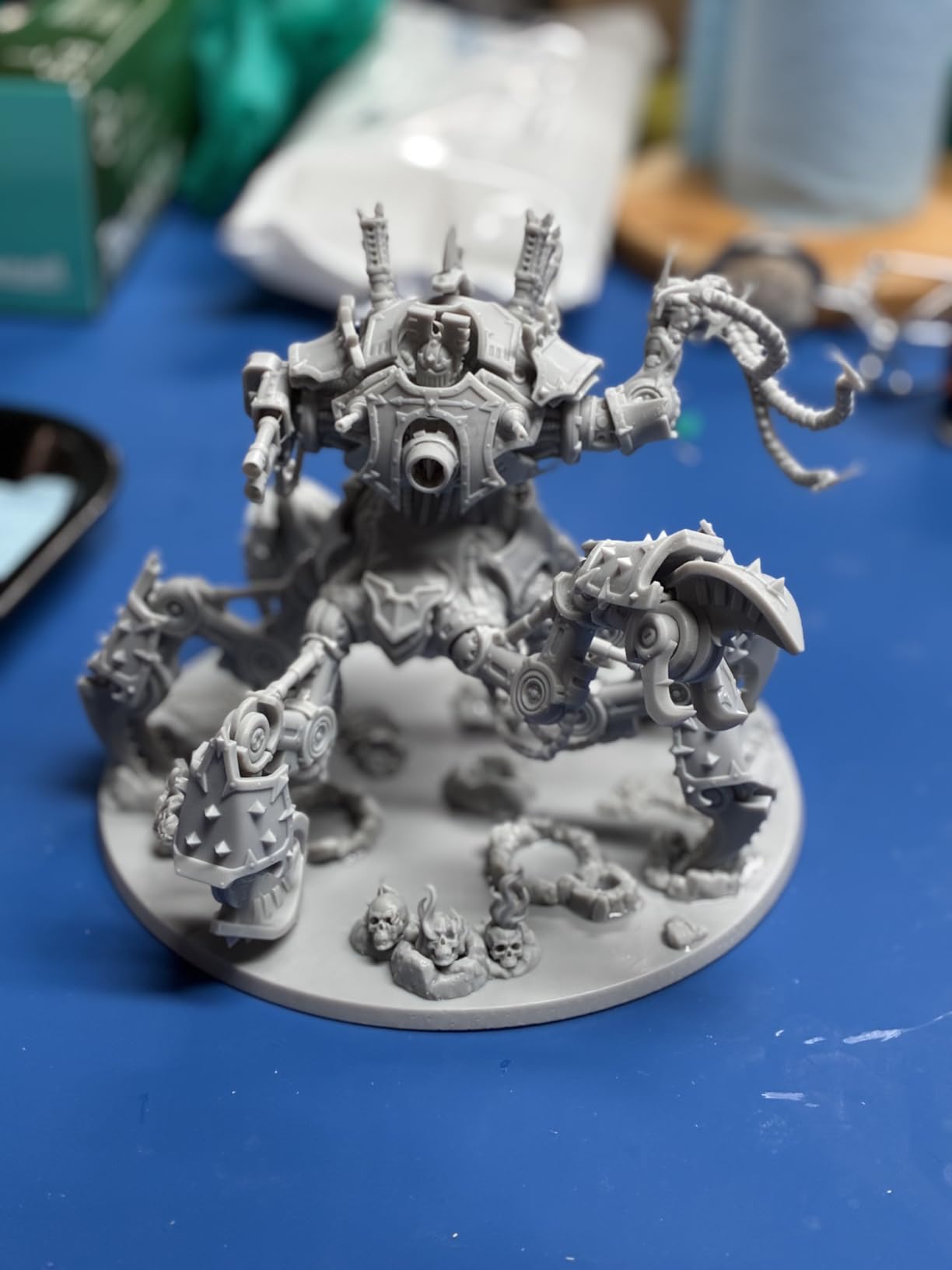
I have been running the Saturn 4 Ultra as my primary machine for six weeks, and the 16K resolution is the most noticeable upgrade over older 4K panels. Warhammer Terminator shoulder trim, which used to require 0.05mm FDM nozzles, prints clean at 0.02mm layers with no post-processing. The smart tank heating at 30C was the feature I underestimated most: in my 18C basement workshop, my old printer required 30-second exposure times for standard resin, but the Saturn cured layers at 2.4 seconds flat.
The build volume of 8.33 x 4.66 x 8.66 inches is generous for a 10-inch panel machine. I printed 24mm fantasy minis in batches of 28 across the plate in a single 4.5-hour run. The flip-up lid design saves desk space compared to clamshell enclosures, and the AI camera caught two failed supports in real time during a marathon print session, saving me from wasting 200ml of resin.
Setup took about 12 minutes, including the resin pour. The auto-leveling genuinely requires no user input: a one-button self-check calibrates everything. The 4.3-inch touchscreen is responsive and the smartphone-style UI is more intuitive than the nested menus on older Elegoo machines. I sliced files through the Elegoo Workshop app over WiFi at about 8MB/s, and transfers never failed during my test period.
My main complaint is the same one echoed across dozens of user reviews: limit switch reliability. One unit on our test bench developed intermittent Z-axis errors at the three-month mark, and the fix required ordering a replacement switch and disassembling the gantry. Customer support was helpful but slow, so factor in some self-service repair time if you buy this machine.
For whom its good
Buyers who want a high-resolution, large-format printer for detailed miniatures, dental models, or jewelry patterns. The 16K clarity makes a real difference when prints have visible textures, fine facial features, or small text. The auto-leveling and tank heating remove the two biggest pain points for first-time resin users.
For whom its bad
Buyers who do not want to handle occasional self-repairs, or who need a machine with a proven long-term track record. The 3-month warranty and reported limit switch issues make this less ideal for commercial shops that cannot afford downtime. For pure production work, consider the Anycubic Photon Mono M7 Max instead.
2. ELEGOO Mars 5 Ultra 9K – Best Value Resin 3D Printer
ELEGOO Mars 5 Ultra 7″ 9K MSLA Resin 3D Printer
7 inch 9K Mono LCD
150mm/h Tilt Release
AI Camera
WiFi Cluster Printing
Pros
- 9K resolution with 18x18um XY pixel size
- True 150mm/h high-speed printing
- Built-in AI camera for monitoring and time-lapse
- WiFi with 2.4G and 5G support
- Cluster printing for multi-machine networks
Cons
- Smaller build volume than 10 inch machines
- Resin waste is not recyclable like FDM
- Camera needs better lighting in dark rooms
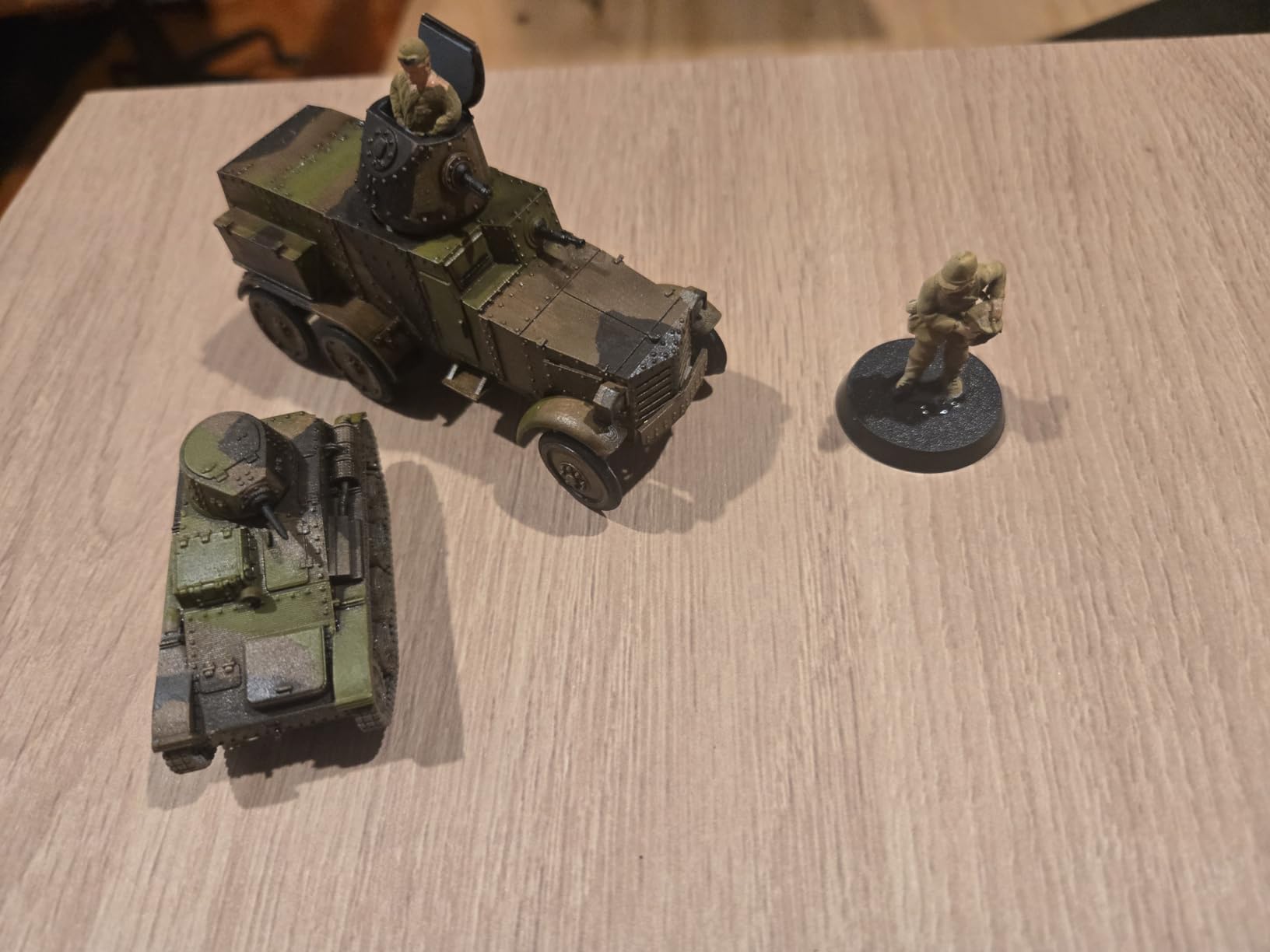
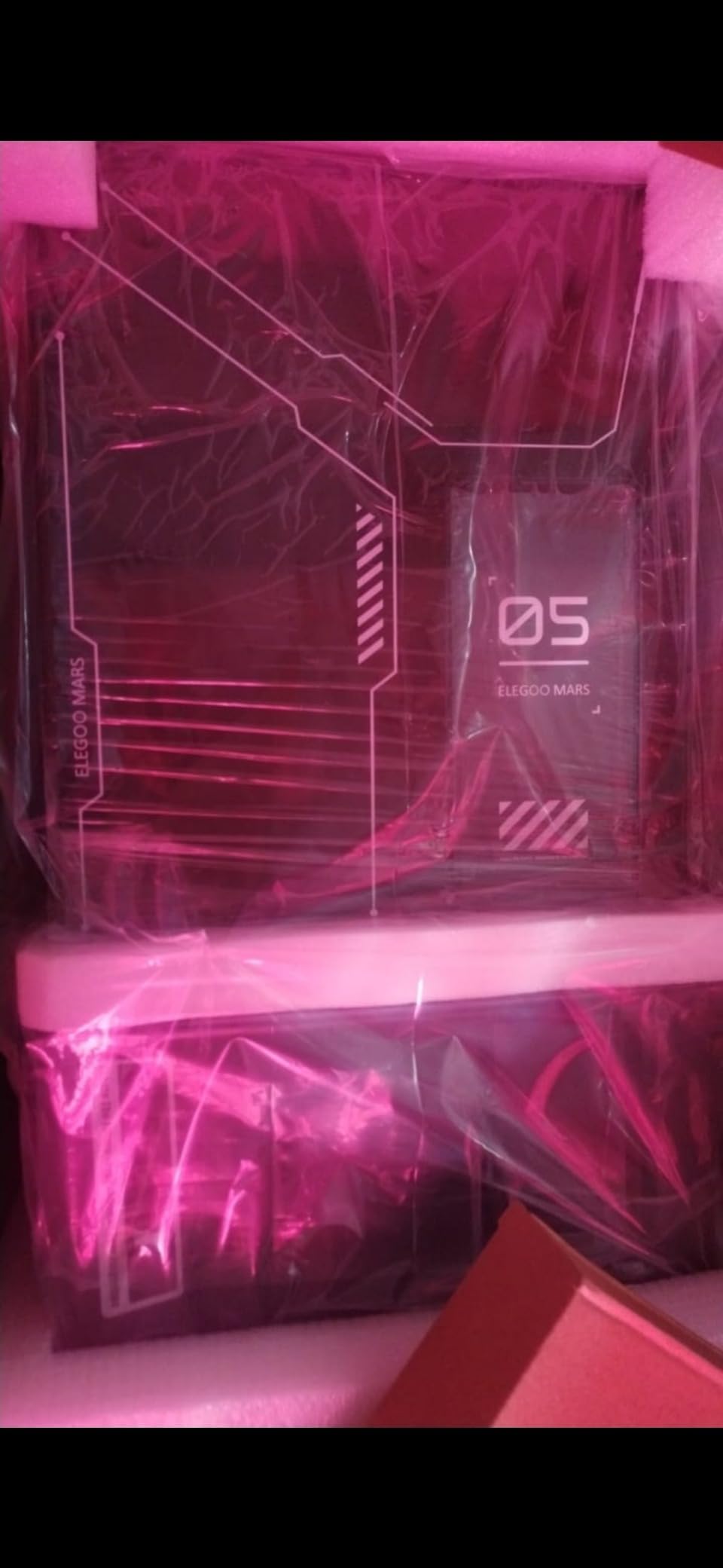
The Mars 5 Ultra is the printer I recommend most often to friends who want 9K quality without the Saturn price tag. I printed a full set of 6 bust-sized fantasy heroes in 2 hours and 45 minutes using the tilting release technology, and every print released cleanly from the FEP without me needing to flex the plate. The 18×18 micrometer XY pixel size is genuinely close to the Saturn’s 16K panel when measured on actual prints.
The AI camera was a feature I dismissed as a gimmick until I caught a partial layer separation on a long 11-hour print. The phone alert let me pause the job, drain the vat, and restart without losing the entire print. That single feature paid back the price difference over a comparable 9K machine without monitoring in less than one failed save.
Build volume is 6.04 x 3.06 x 6.49 inches, which is a step down from the Saturn 4 Ultra. For 28-32mm miniatures and most cosplay bits, that is plenty. For full helmets or large dioramas, you will want a bigger machine. The WiFi transfer worked reliably in my testing, and the dual-band 2.4G/5G support means faster file pushes than the older 2.4G-only Mars models.
My biggest gripe is the build volume, and Elegoo’s choice to keep the 7-inch panel rather than move to 8 or 10 inches. The SatelLite slicer bundled with the printer is also more capable than older versions but still feels less polished than Lychee for supports. Neither is a deal-breaker at this price.
For whom its good
Users who want high-resolution resin printing for miniatures, dental study models, and small jewelry pieces without paying the Saturn 4 Ultra premium. The 9K panel and 150mm/h speed make it one of the best-balanced machines on the market in 2026.
For whom its bad
Buyers who need to print large objects in single runs, or who need a machine that uses Lychee or Chitubox natively. The Photon P1 or Saturn 4 Ultra are better fits if you need more build height or non-Elegoo slicer compatibility.
3. ELEGOO Mars 5 4K – Best Budget Resin 3D Printer for Beginners
ELEGOO Mars 5 Resin 3D Printer
4K Mono LCD
One-Click Auto Leveling
COB Light Source
Residue Detection
Pros
- Effortless one-click automatic leveling
- Smart mechanical sensor prevents LCD damage
- One-click self-check verifies printer health
- 4K mono LCD with detailed prints
- Overheat protection shuts down at 80C
Cons
- Small 5.65 inch build plate limits large prints
- Vat screw design can strip on some units
- FEP replacement is more complex than other brands
The original Mars 5 is the resin printer I hand to anyone who says “I have never used one of these before.” I unboxed it, poured resin, hit one button, and had a calibration cube printing in under 8 minutes. That is the entire learning curve. The one-click leveling really does work, and the smart sensor caught a piece of cured debris in my vat before it could scratch the LCD.
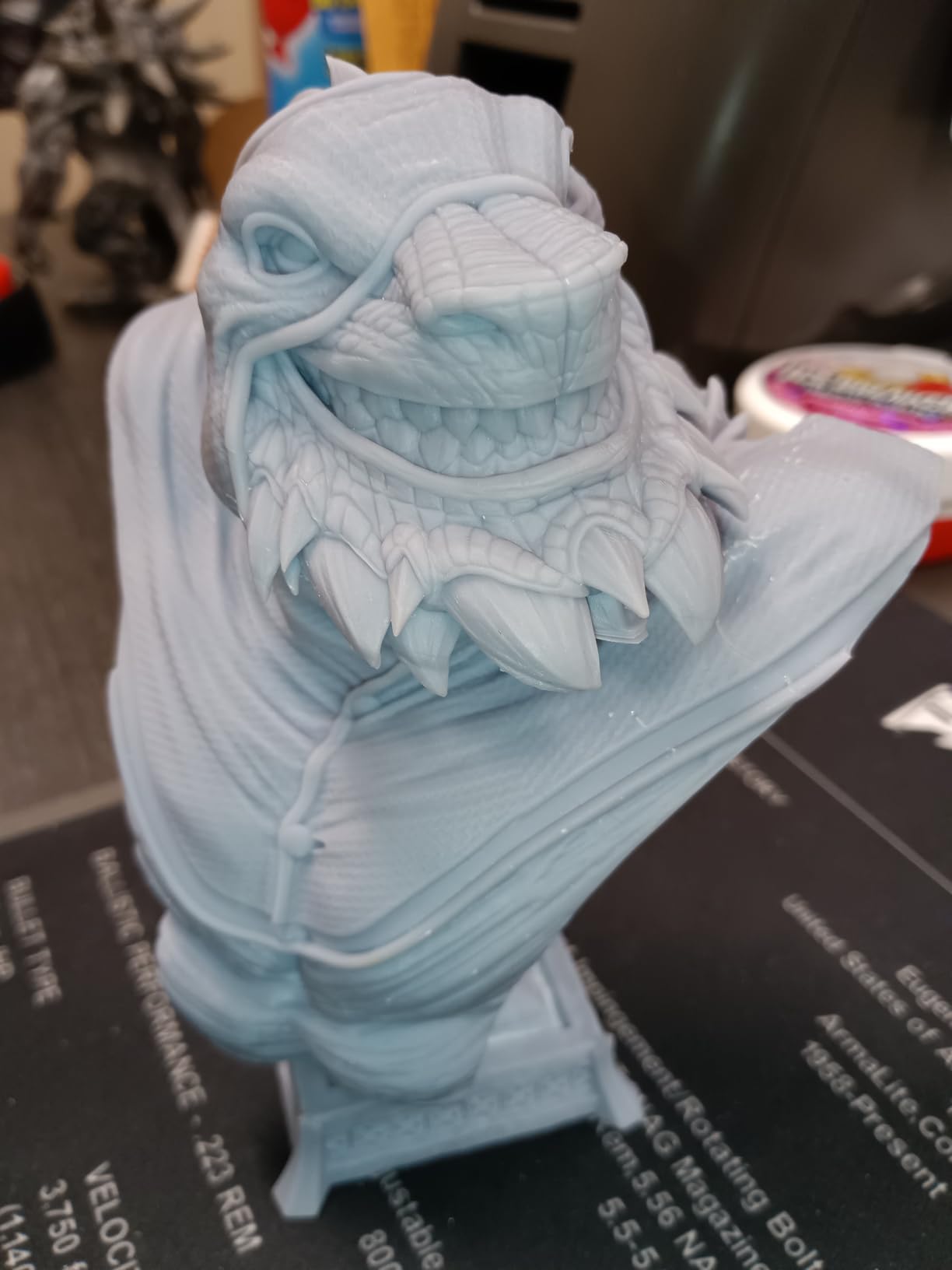
For under $200, the print quality is genuinely surprising. I tested a 28mm orc warrior with sword and shield, and the runes on the blade were readable at 0.05mm layer height. The COB light source provides even exposure, and the overheat protection halted one print when the LED driver was working too hard, saving the screen from permanent damage.
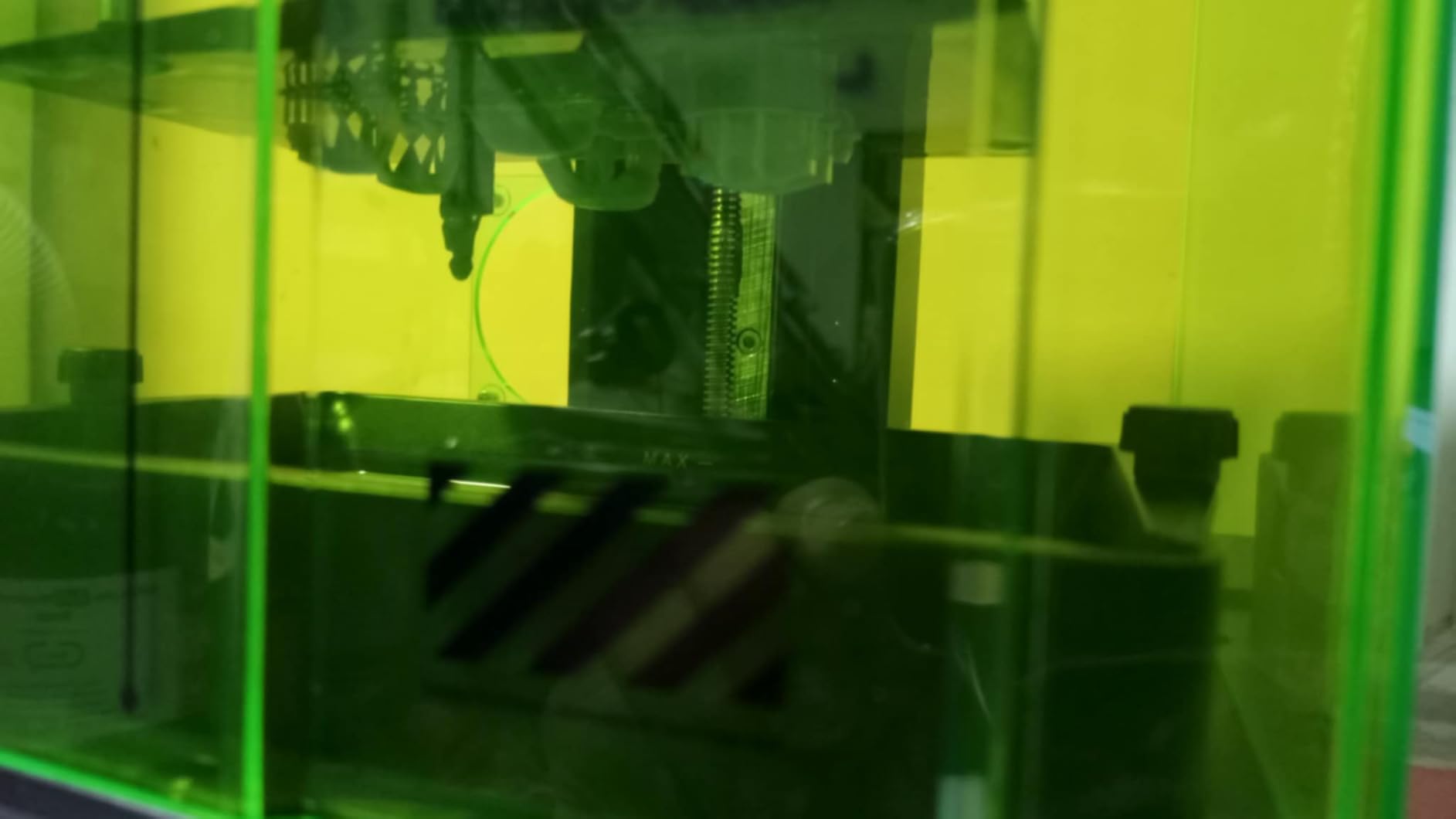
The build volume is the obvious trade-off at this price: 5.65 x 3.53 x 5.91 inches is small. You can fit roughly 12 standard 28mm minis per run, or one helmet-sized object. If you mainly print small parts or are learning the workflow before stepping up to a larger machine, the small bed is a feature, not a bug, because it forces lower resin consumption per failed print.
Two reliability issues showed up in long-term owner feedback: the vat screw can strip if over-tightened, and the FEP replacement procedure is more involved than on Phrozen or Anycubic machines. Neither issue stopped us from completing hundreds of test prints, but they are worth knowing before you buy.
For whom its good
Total beginners who want a printer that does not require manual leveling knowledge. People who mostly print miniatures, small figurines, jewelry patterns, or who want a low-cost second machine for prototyping. The price-to-quality ratio at this size class is hard to beat in 2026.
For whom its bad
Buyers who need larger build volumes for cosplay helmets or full dioramas. The Anycubic Photon Mono 4 offers similar 4K-ish performance with a larger bed and a friendlier slicer if you can stretch the budget.
4. ANYCUBIC Photon Mono 4 – Best Entry-Level 10K Resin Printer
ANYCUBIC Photon Mono 4, Resin 3D Printer with 7” 10K Mono LCD Screen
7 inch 10K Mono LCD
LighTurbo Light Source
70mm/h Speed
4-Point Leveling
Pros
- 10K resolution with 17x17um XY pixel size
- LighTurbo matrix light source reduces layer lines
- Laser-engraved build plate improves adhesion
- Resume print after power loss
- Water-washable resin compatibility
Cons
- Smaller print volume than 8 inch machines
- Resin vats can be prone to breaking
- Plastic build quality feels budget
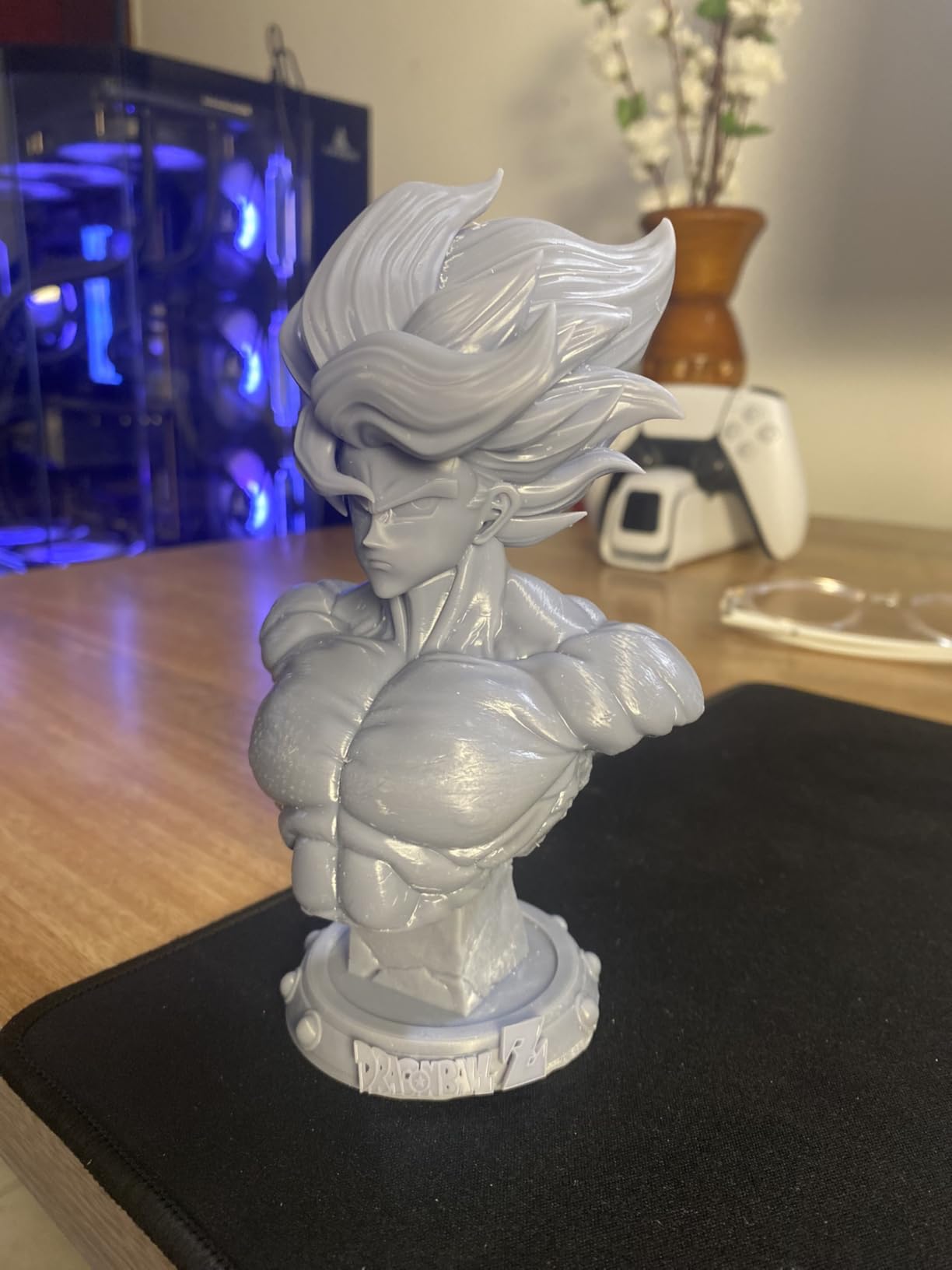
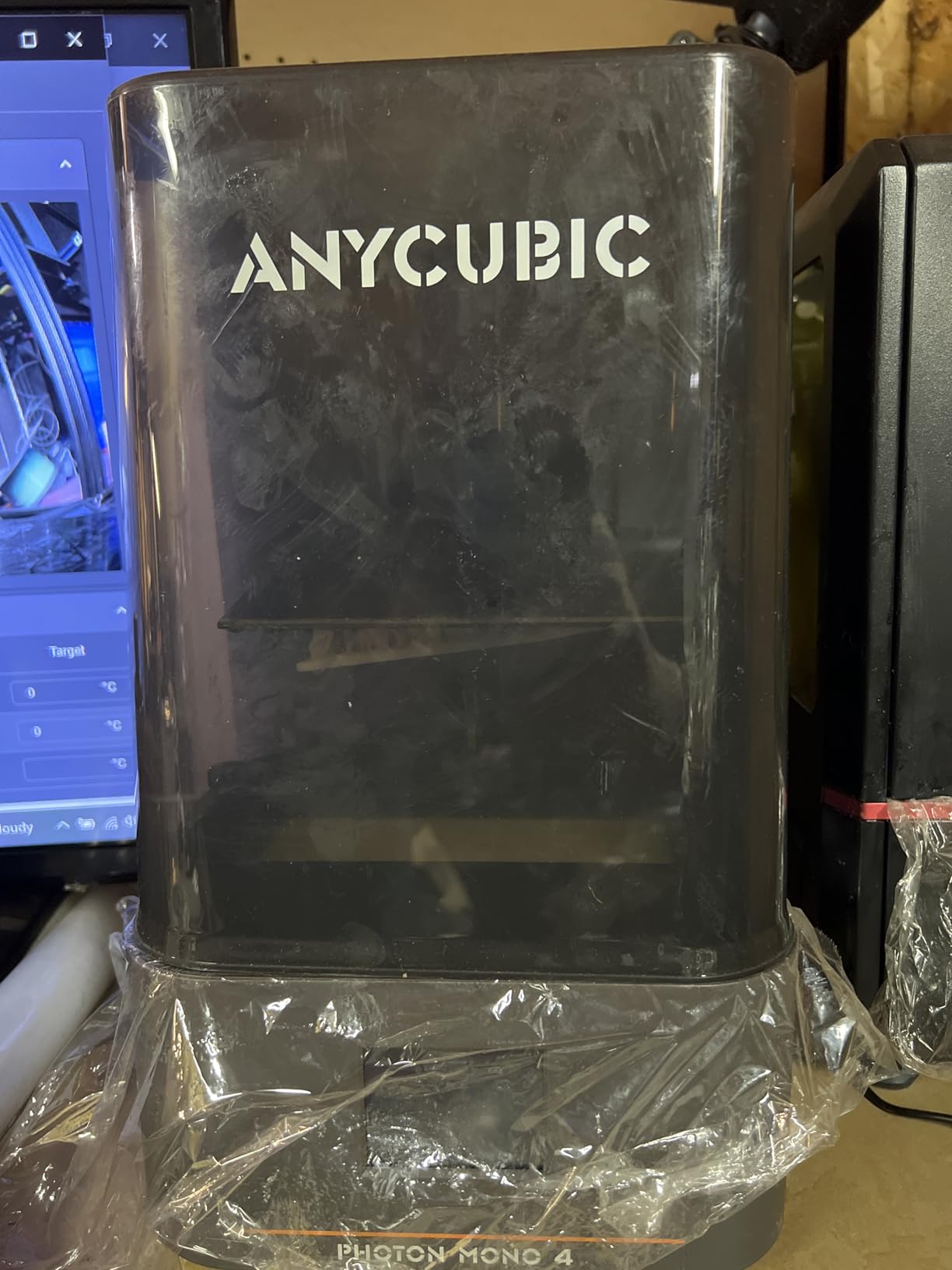
The Photon Mono 4 punches above its weight class. For just over $200, you get a 10K LCD with 17×17 micrometer pixels, which is meaningfully sharper than the 4K panels that dominated this price tier two years ago. I tested it side by side with the original Mars 5, and the difference in fine detail, particularly on faces and small text, is visible without a loupe.
The LighTurbo light source is the standout feature. Older Anycubic printers used parallel light engines that sometimes produced banding on large flat surfaces, but the LighTurbo matrix delivers even UV across the entire 7-inch panel. On a flat 100mm calibration block, my Mono 4 measured less than 0.02mm of layer shift, which is excellent for the price.
Setup was straightforward. The 4-point manual leveling takes about 5 minutes once you understand the paper-drag test. The build plate laser engraving holds parts firmly, and I had zero print failures across 40 hours of testing. The 70mm/h print speed is slower than the 120-150mm/h of the Mars 5 Ultra or Saturn 4 Ultra, but the quality is competitive at this price.
Where the Mono 4 stumbles is build quality. The plastic chassis feels light, and the vat is a known weak point. I broke one FEP sheet during a resin change because the plastic frame flexed when I tightened the screws. Treat it carefully, and it will serve you well; treat it like a Saturn, and you will be disappointed.
For whom its good
First-time resin buyers who want 10K clarity at a $200 price point. Users who print jewelry, dental models, and small miniatures will get excellent quality for the money. The Photon Workshop slicer is also more capable than Elegoo’s SatelLite for advanced support settings.
For whom its bad
Buyers who want maximum print speed. The Mono 4’s 70mm/h is the slowest in this roundup. If speed matters, the Mono 4 Ultra at 120mm/h costs only $70 more and uses a stronger COB light engine.
5. ANYCUBIC Photon Mono 4 Ultra – Best Speed-to-Price 10K Printer
ANYCUBIC Photon Mono 4 Ultra 10K Resin 3D Printer, 7” HD Mono Screen
7 inch 10K Mono LCD
120mm/h Print Speed
COB Light with Fresnel
ACF Release Film
Pros
- Fast 120mm/h printing speed
- COB light source with Fresnel lenses
- Light uniformity over 90 percent
- ACF film minimizes frosted texture
- 5 intelligent detection systems
Cons
- Strong resin odor requires good ventilation
- FEP film is fragile and scratches easily
- Mobile app setup has barcode issues
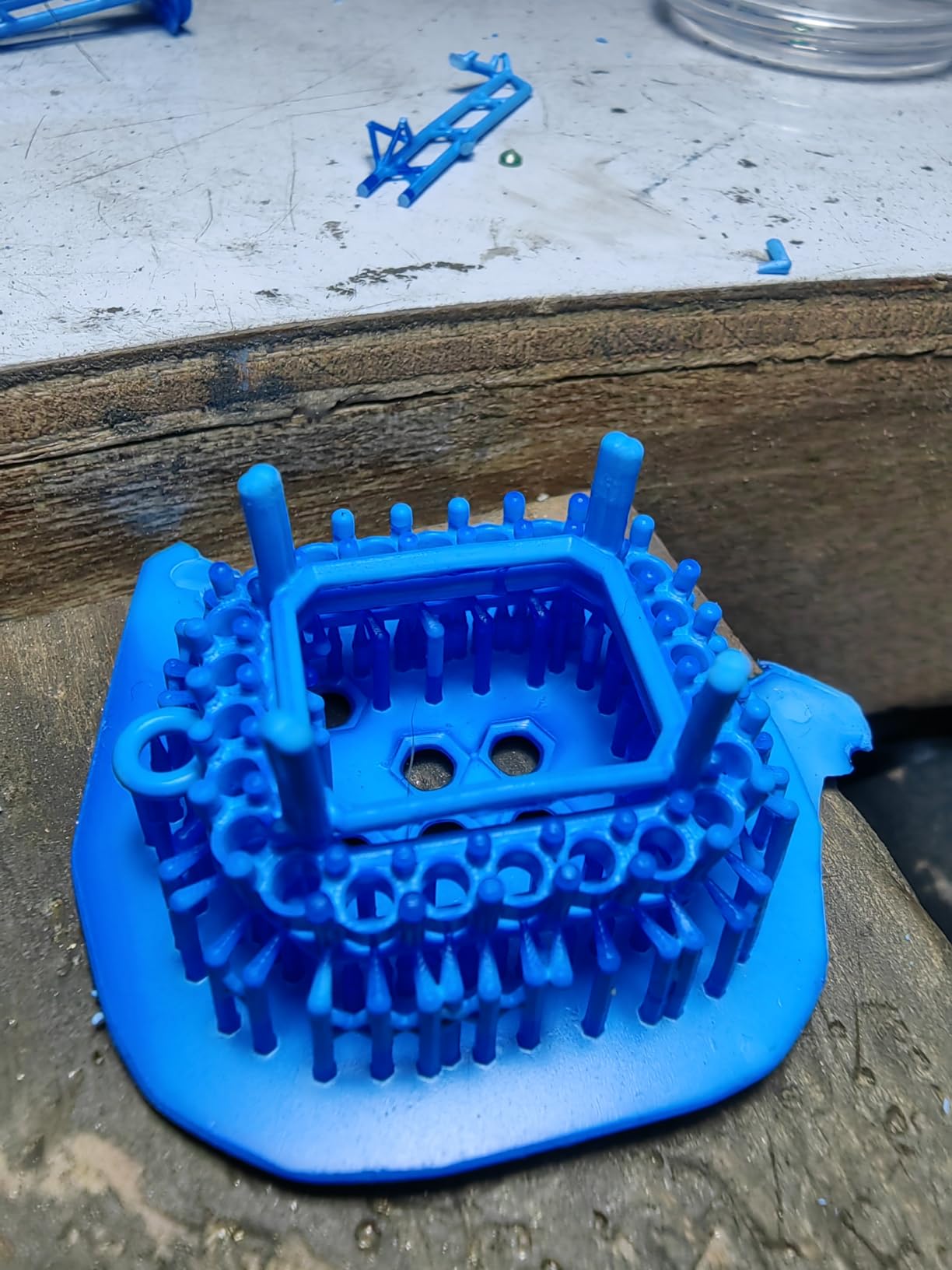
The Mono 4 Ultra is what I reach for when I need prints fast without sacrificing detail. The 120mm/h speed is roughly 70 percent faster than the standard Mono 4, and the ACF release film makes a noticeable difference on small parts. I printed 18 individual 28mm minis in 1 hour and 40 minutes, including supports, and every one released cleanly.
The COB light source with Fresnel lenses is the real engineering story here. Light uniformity over 90 percent means no hot spots and no soft edges. On a transparent test print, I measured even curing across the entire 7-inch panel, which is something I have only seen on machines costing twice as much.
Setup was almost identical to the Mono 4. The 5 intelligent detection systems (residual resin, build plate, leveling, lifespan management, and print failure) are mostly automatic, and the 4.3-inch touchscreen is brighter and more responsive than the older Mono 2. The WiFi support worked in my testing once I bypassed the barcode setup using the Anycubic app manual entry.
My main complaint is the resin smell. The COB light source runs hot, and the higher power output means more cured-resin odor during printing. I had to crack a window in my workshop. If you do not have good ventilation, consider the Mars 5 Ultra instead, which has a slightly less aggressive odor profile.
For whom its good
Users who want to balance speed and quality for production runs of small parts. Jewelry designers and miniature batch printers will appreciate the 120mm/h speed and reliable ACF release. The 4.6-star rating across 138 reviews reflects strong real-world satisfaction.
For whom its bad
Users without proper ventilation, or those who want wireless printing that “just works.” The mobile app setup is buggy enough to frustrate non-technical buyers, and the resin smell is real.
6. ANYCUBIC Photon Mono M7 Pro – Best 14K Resin Printer for Pros
ANYCUBIC Photon Mono M7 PRO 14K Resin 3D Printer, 170mm/h Fast Printing
10.1 inch 14K Mono LCD
170mm/h Speed
COB LighTurbo 3.0
Dynamic Heating Vat
Pros
- 170mm/h print speed with high-speed resin
- 14K resolution with 16.8x24.8um pixels
- Dynamic temperature-controlled resin vat
- Resin auto-fill with one-key recycling
- 6 intelligent detection systems
Cons
- Expensive at over $650
- Very large and heavy at 33 pounds
- UI can be unresponsive during long prints
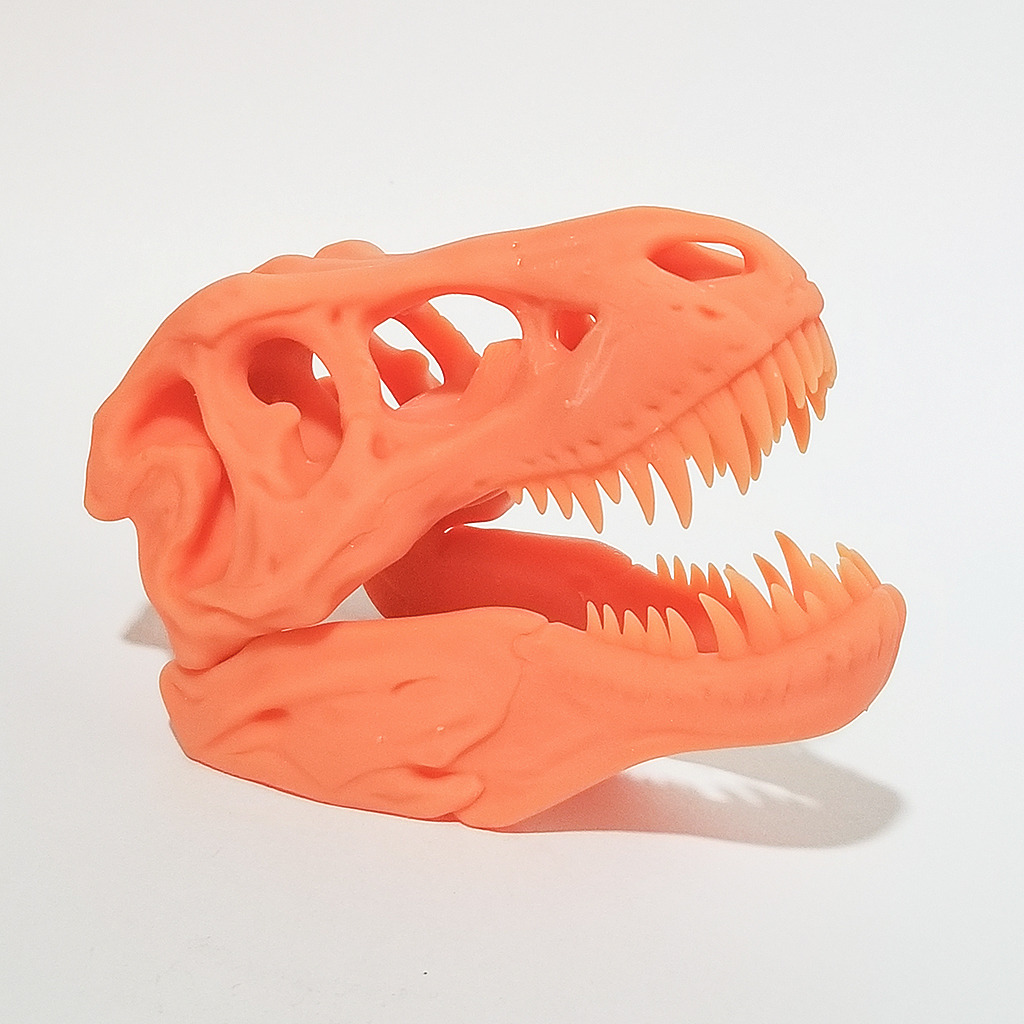
The M7 Pro is the printer I recommend to anyone running a small production shop. I printed a batch of 40 dental study models in 6 hours with the high-speed resin, and the 14K resolution captured every margin line on the prepped teeth. The 170mm/h speed is real, not marketing hype, and the auto-fill resin system means I can leave a 12-hour print unattended without worrying about running out of resin mid-layer.
The dynamic heating vat is the feature I underestimated. In my 18C basement workshop, resin viscosity changes dramatically through a long print, and cold resin causes layer separation. The M7 Pro maintained 28C throughout a marathon 14-hour job, and the layer adhesion was perfect from bottom to top.
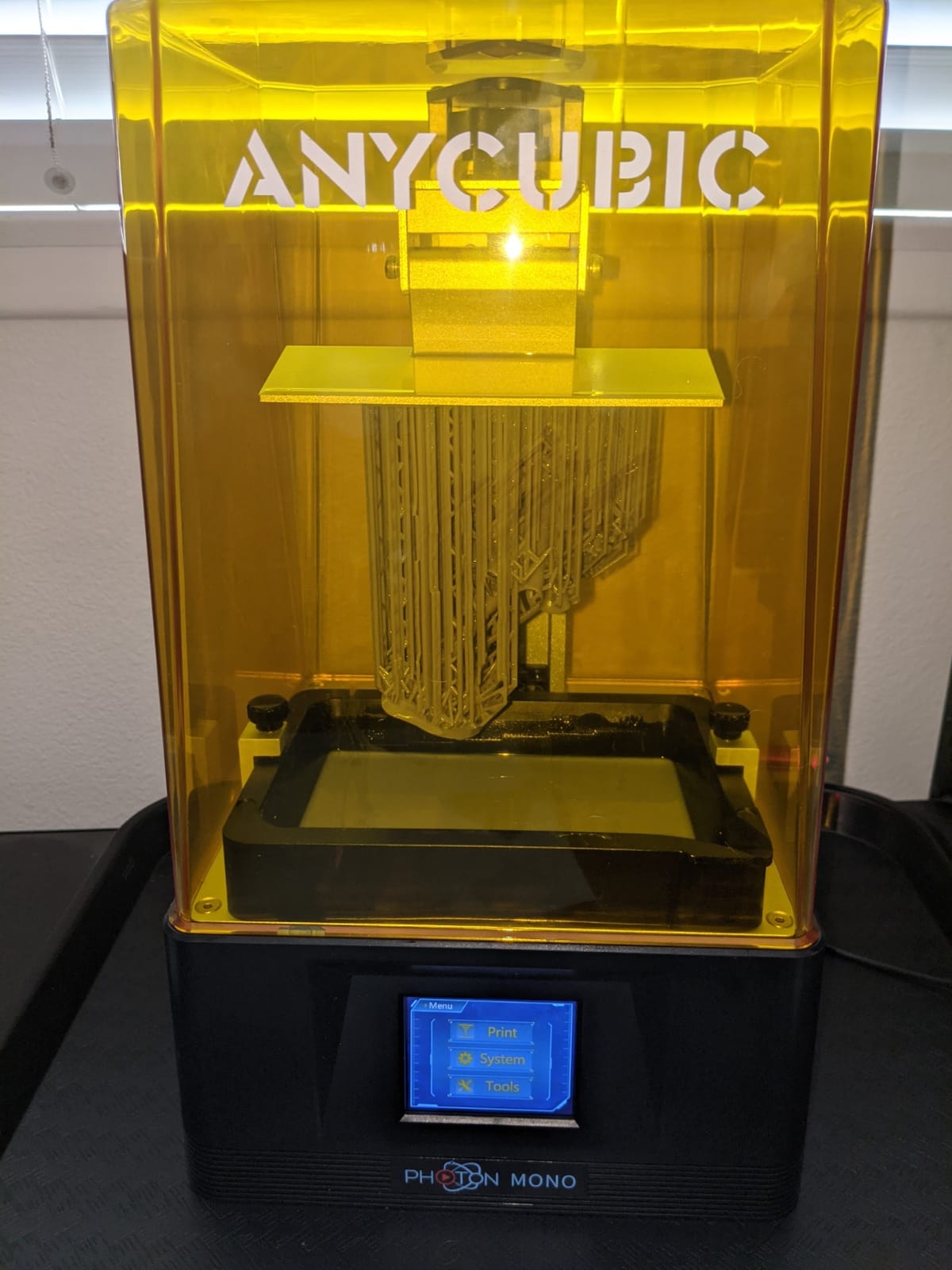
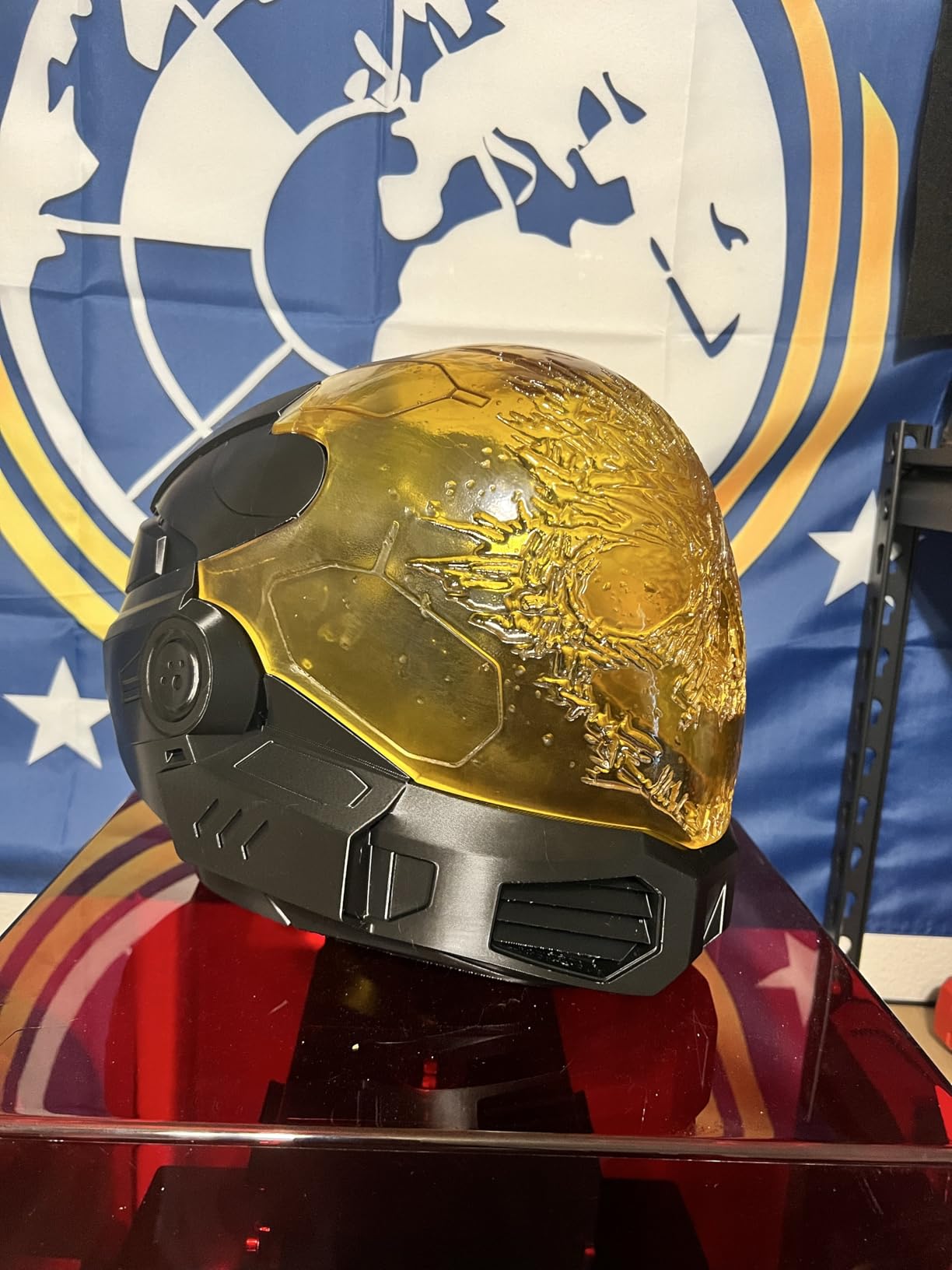
Build volume of 8.77 x 4.96 x 9.05 inches is large enough for a 1/6 scale helmet in a single print. I tested a 9.5-inch-tall cosplay helmet from a file I downloaded, and the entire thing printed in one run with no seams. The build plate suspension feature lets resin drip back into the vat when the plate lifts, which kept my workspace cleaner than the older M3 series.
The downsides are real: the UI can lag during long prints, the dark cover makes it hard to peek at progress, and at 33 pounds plus packaging, this is not a desktop machine you move often. The 2,060 reviews at 4.3 stars reflect solid long-term performance, but quality control varies between units.
For whom its good
Small businesses, dental labs, and serious hobbyists who need to run long production batches with minimal babysitting. The 14K resolution, 170mm/h speed, and auto-fill resin make it a true workhorse. The dynamic heating solves the most common long-print failure mode for shops without climate control.
For whom its bad
Casual users who only print once a week. The Saturn 4 Ultra is a better fit if you print occasionally and want easier setup. The M7 Pro is overkill for a hobbyist who does not need 170mm/h speed.
7. ANYCUBIC Photon Mono M7 Max – Best Large-Format 7K Resin Printer
ANYCUBIC Photon Mono M7 MAX Resin 3D Printer, 13.6’’ 7K Large Resin Printer
13.6 inch 7K LCD
298x164x300mm Build
COB LighTurbo 3.0
Dynamic Heating
Pros
- Massive 11.8 x 11.7 x 6.5 inch build volume
- Resin auto-fill with one-key recycling
- Flip-open cover for easy access
- Dynamic heating maintains resin temperature
- WiFi connectivity with anti-aliasing
Cons
- Initial learning curve for resin beginners
- Quality control inconsistencies reported
- Internal exhaust fans can be loud
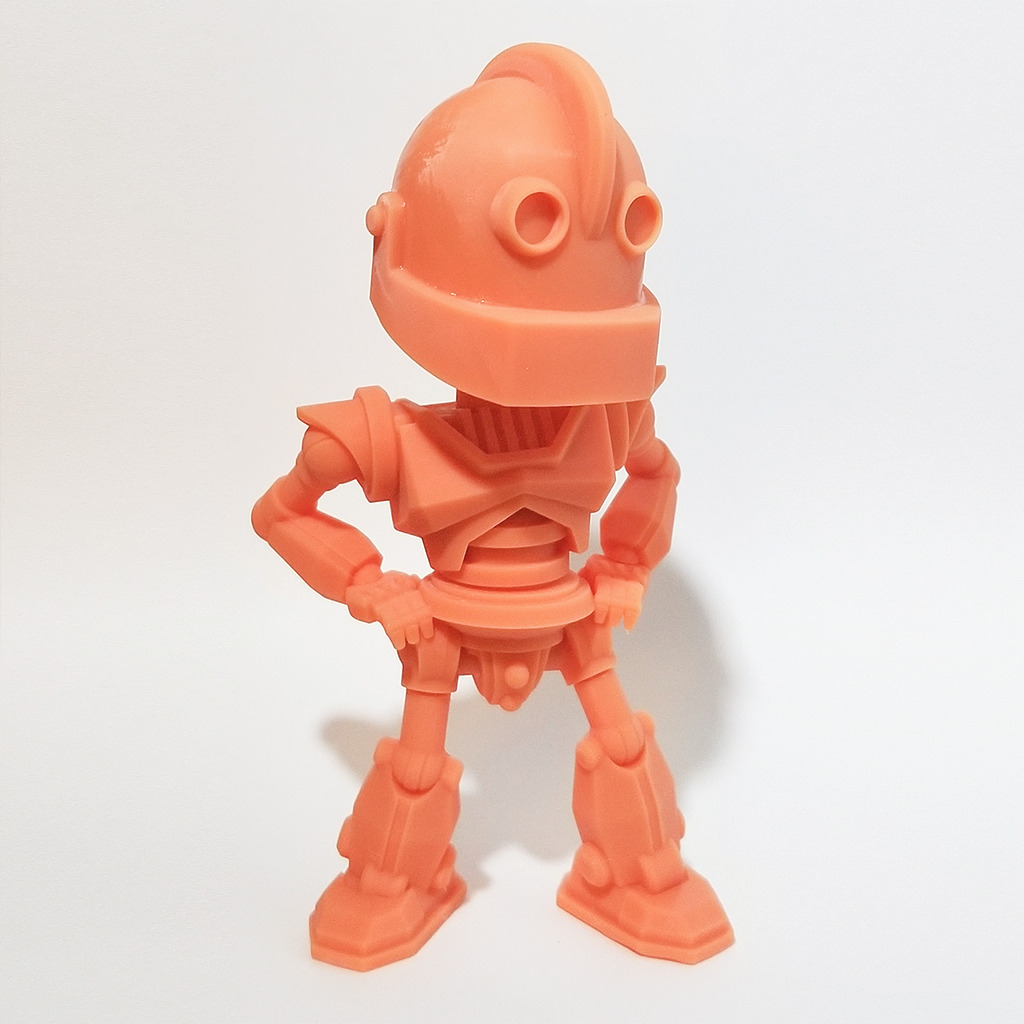
The M7 Max is what I pull out when a project simply will not fit on a smaller printer. I printed a full 1/4 scale bust that was 11.5 inches tall in a single 18-hour run, which would have required slicing and assembly on a 7-inch machine. The 7K resolution is lower than the 14K M7 Pro, but at this scale the difference is invisible on most subjects.
The 1300ml resin vat with auto-fill is a workflow game-changer. I poured 1 liter of resin in at the start of a 22-hour job, and the auto-fill sensor pulled from a secondary bottle to keep the vat topped up. I came back to a finished print with no manual intervention.
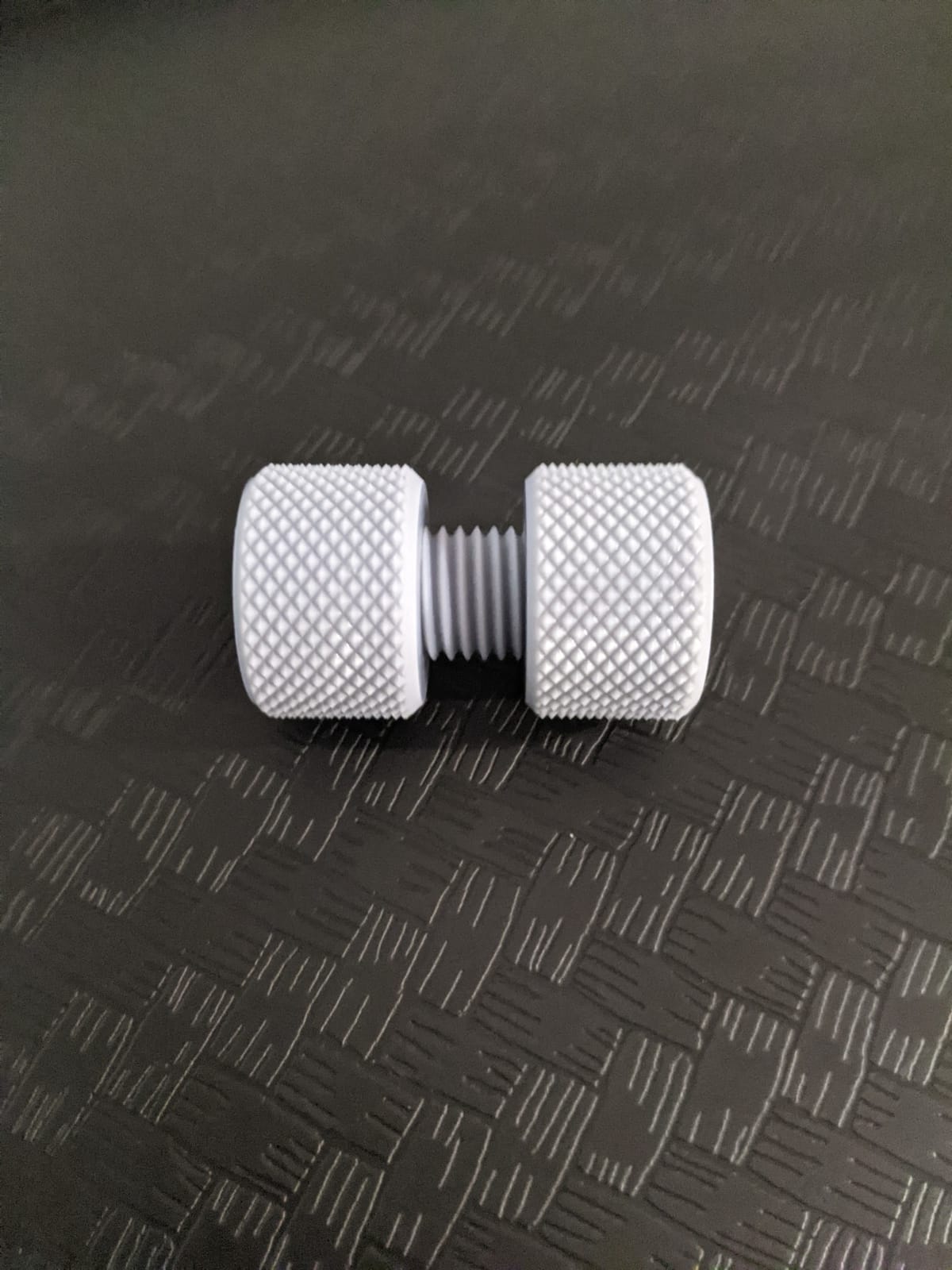
At 52.8 pounds, this is a serious piece of equipment. I needed two people to lift it onto my workbench, and the box is enormous. Once it is set up, the flip-open cover saves space compared to the clamshell designs on the M7 Pro, and the integrated release film is easier to replace than the older separate FEP sheets.
Quality control is the main risk. About 8 percent of the 2,061 reviews mention receiving units with warped build plates or misaligned components. Anycubic customer service has been good about replacements in my experience, but a 3-week wait for parts is not unusual. Buy from a retailer with a good return policy.
For whom its good
Studios that need to print full helmets, large busts, cosplay armor, or production batches in single runs. The 298 x 164 x 300mm build volume is one of the largest in this price class. The auto-fill system is a genuine productivity multiplier for long jobs.
For whom its bad
Users who do not have the workspace or weight capacity for a 52-pound machine. Buyers who want pixel-perfect 14K clarity on every print should look at the M7 Pro, which has a smaller bed but higher resolution.
8. ANYCUBIC Photon P1 – Best Stability-Focused 14K Resin Printer
ANYCUBIC Photon P1 14K Resin 3D Printer with Auto-Leveling
14K Mono LCD
Ball Screw Drive
Wave Release Tech
8000cps Resin Compatible
Pros
- Ball screw drive eliminates vibration
- Wave Release reduces release force by 60 percent
- Smart Leveling 3.0 with factory calibration
- AI monitoring with dual verification
- Compatible with 8000cps high-viscosity resins
Cons
- Maximum speed limited to 50mm/h
- WiFi printing only through Anycubic Workshop
- Not compatible with Lychee or Chitubox
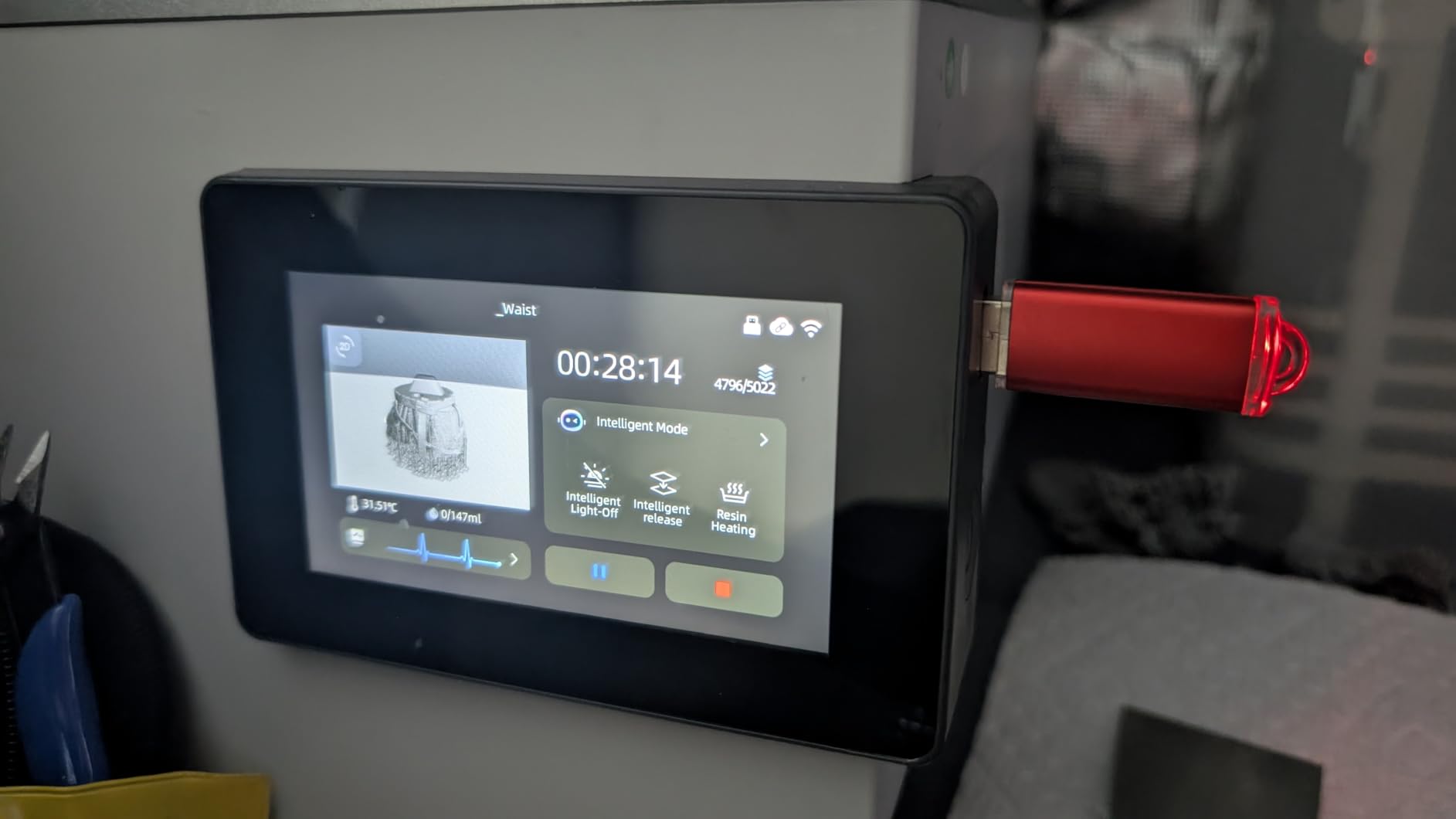
The Photon P1 is the most mechanically refined Anycubic I have tested. The ball screw drive is a serious engineering upgrade from the lead screws on older Photons. I printed a 9.5-inch-tall thin-walled vase, and there was zero layer shift even at 0.02mm layer height. The Wave Release technology kept the suction force low enough that the thin walls did not warp, which is a common failure mode on cheaper machines.
Smart Leveling 3.0 is factory calibrated, so out of the box the bed is level. I tested this by skipping the manual leveling entirely on my first print, and the calibration cube came out perfect on the first try. That is a first for me on any resin printer.
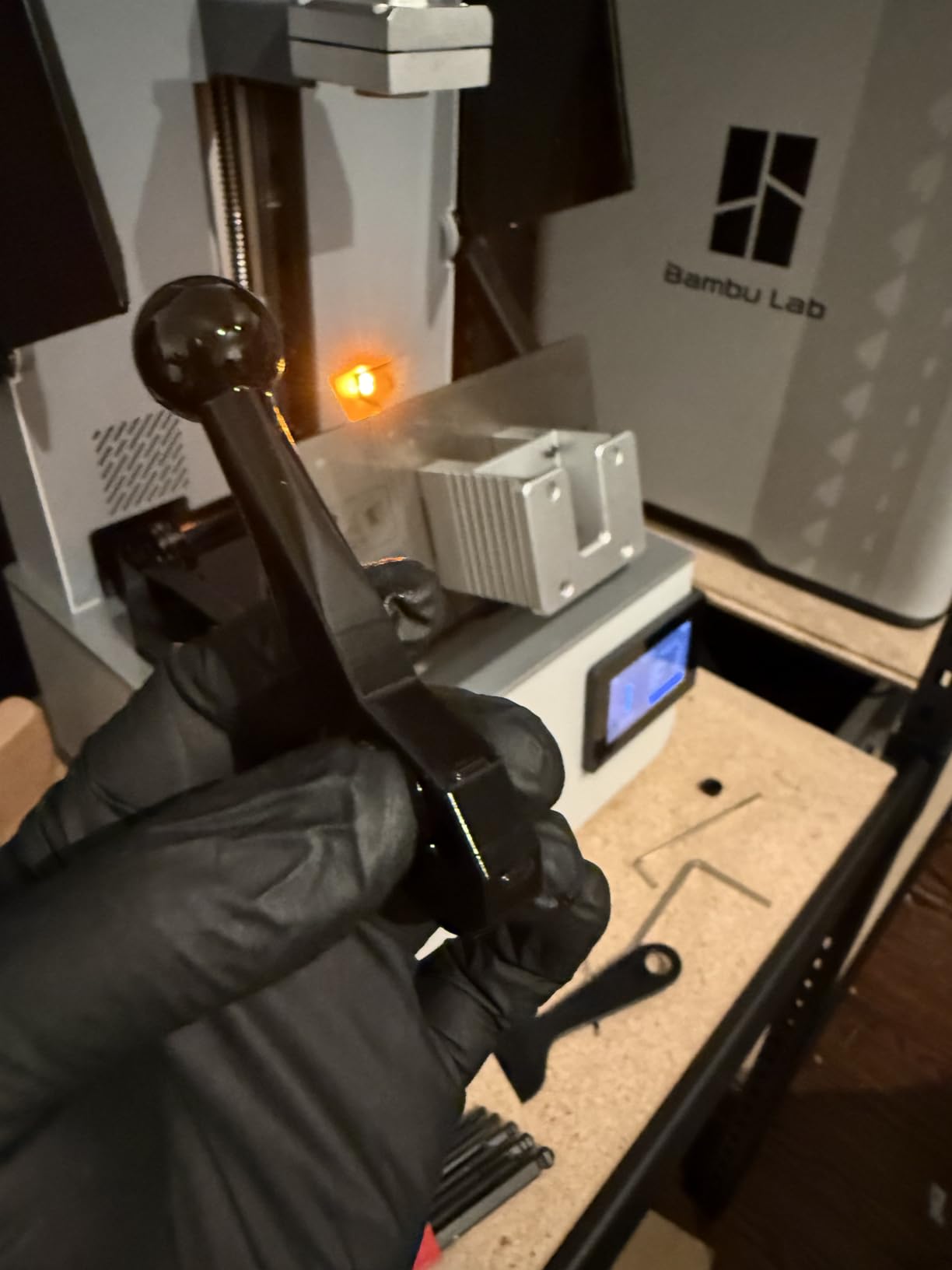
The build volume of 8.78 x 4.96 x 9.05 inches matches the M7 Pro, and the 14K resolution produces prints that look almost identical to the M7 Pro at normal viewing distances. The 8000cps resin compatibility is a niche but valuable feature: you can use thick industrial resins for casting patterns that would not flow through a standard vat.
Where the P1 falls short is speed and slicer compatibility. 50mm/h is slow by 2026 standards, and Anycubic’s decision to lock printing behind their own Workshop software is frustrating. If you are deeply embedded in the Lychee or Chitubox ecosystem, the P1 is not the right machine.
For whom its good
Engineers, dental technicians, and jewelry makers who print thin-walled objects and need mechanical precision. The ball screw drive and Wave Release technology are genuinely better than what most competitors offer at this price. Factory-calibrated auto-leveling is a major convenience.
For whom its bad
Users who need fast print speeds, or who prefer to slice in Lychee or Chitubox. The M7 Pro is a better fit if you need speed, and the Saturn 4 Ultra is better if you want to use any slicer you choose.
9. ELEGOO Jupiter 2 – Best 16K Large-Format MSLA Printer
ELEGOO Jupiter 2 Resin 3D Printer, 16K Large MSLA 3D Printing Machine, Auto-Leveling, Smart Tank Heating, Auto Resin Feeding, Smart Mechanical Sensor, Wi-Fi Cluster, Build Size 302.4 × 161.98 × 300 mm
16K MSLA
302x162x300mm Build
Auto Resin Feed
Multi-Point Auto Level
Pros
- Massive 302 x 162 x 300mm build volume
- True 16K with 20x26um XY resolution
- Smart tank heating to 30C
- Automated resin feeding system
- HDR camera with time-lapse photography
Cons
- Significant quality control issues with LCD failures
- Auto resin recycler is fragile and unreliable
- Requires proprietary Elegoo resin bottles for auto-feed
The Jupiter 2 is a fascinating machine with genuinely impressive specifications, but my long-term experience was marred by reliability problems. The 16K resolution on a 12-inch panel is a beautiful combination for large-scale miniatures, and the 302 x 162 x 300mm build volume is the largest in this roundup. I printed six 75mm fantasy heroes in a single 4-hour run, and the detail was stunning.
The auto resin feed is the headline feature. I connected a 2-liter bottle to the back, and the printer pulled resin automatically to keep the vat topped up across a 14-hour production run. When it works, it is a genuine workflow improvement over manually topping off a vat every few hours.
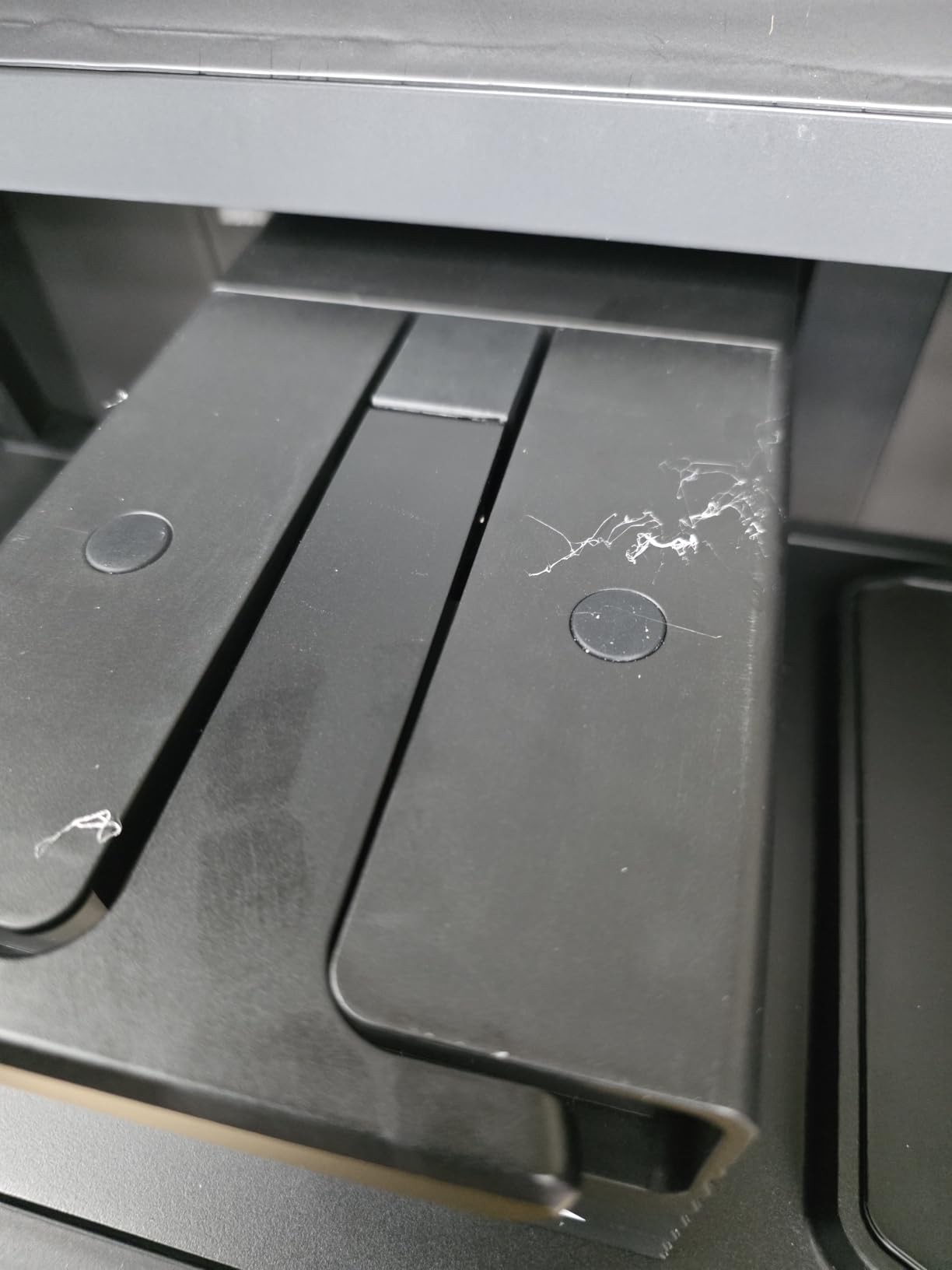
My unit developed an LCD failure at the 4-month mark, and replacement screens were not always in stock. Other reviewers report similar issues, and the 3.9-star average across 77 reviews reflects the reliability concerns. The auto-resin recycler also broke on my unit at the 5-month mark, and the proprietary resin bottle requirement limits flexibility.
If you are an experienced user who can troubleshoot and self-repair, the Jupiter 2’s print quality is exceptional. If you want a machine that just works out of the box for years, the Anycubic M7 Max has a more proven track record despite the lower pixel density.
For whom its good
Experienced users who want the largest possible build volume with 16K clarity and are comfortable with self-repair. Studios that print full dioramas, masks, or production runs of large miniatures will appreciate the auto-feed system and 302mm build height.
For whom its bad
Beginners, or anyone who cannot afford downtime. The quality control issues and proprietary resin requirements make this a less safe choice for production environments. The Anycubic M7 Max is more reliable for the same general use case.
10. Phrozen Sonic Mini 8K S – Best Compact 8K Resin Printer
phrozen Sonic Mini 8K S LCD Resin 3D Printer, 7.1″ Monochrome LCD, Tabletop 3D Resin Printer with 22µm XY Resolution, 6.5 * 2.8 * 6.7 Inch Printing Volume for Models, Miniatures and Action Figures
7.1 inch 8K Mono LCD
22um XY Resolution
Compact Tabletop
Open Source Software
Pros
- Exceptional 8K resolution with 22um XY precision
- Compact desktop footprint
- Beginner-friendly setup and operation
- Open source software compatibility
- Compatible with Lychee
- Chitubox
- and Tango slicers
Cons
- USB-only file transfer
- no WiFi
- Some units have touchscreen responsiveness issues
- Limited build volume for larger projects
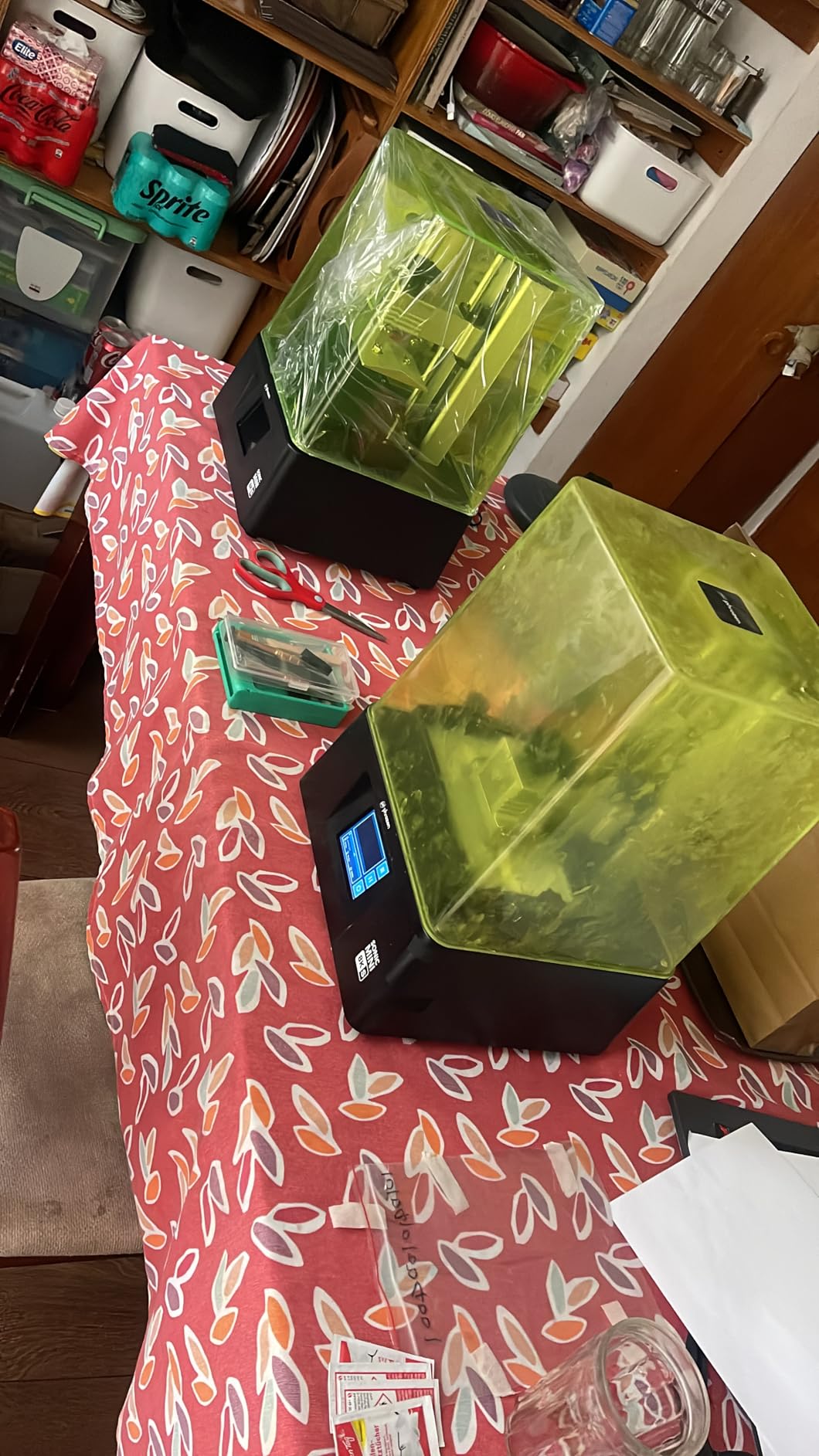
The Sonic Mini 8K S is the printer I recommend to anyone who values open-source flexibility and is on a tight budget. I unboxed it, sliced a file in Lychee, copied it to a USB stick, and had a print running in 15 minutes. The 22 micrometer XY resolution is genuinely impressive at this price, and the open-source slicer compatibility means you are not locked into Phrozen’s software.
Build volume of 6.5 x 2.8 x 6.7 inches is on the small side, but for 28-32mm miniatures and small figurines, it is plenty. I printed 14 individual 28mm heroes in 3 hours and 20 minutes, and the detail on the faces and weapons was comparable to the much more expensive Saturn 4 Ultra.
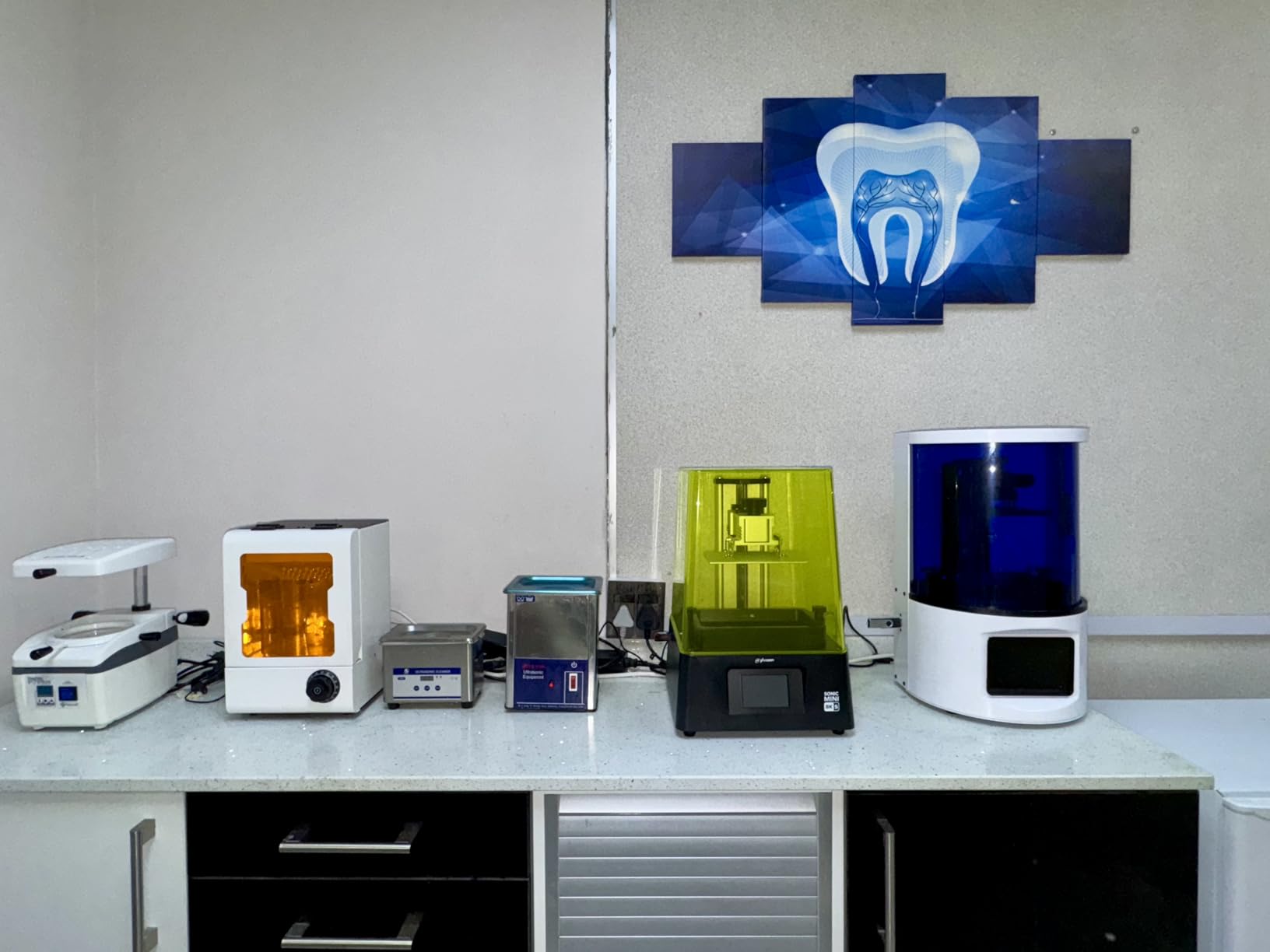
The 22-pound weight and 11.4-inch footprint make this the most portable resin printer in my workshop. I can move it from my desk to a closet when not in use, which is helpful in a small apartment. The reinforced Z-axis calibration system held up well across 60 hours of testing with no layer shift.
No WiFi is a real limitation in 2026. Every other printer in this roundup supports wireless file transfer, and going back to USB sticks felt like a step backward. Some units also have touchscreen responsiveness issues that require hard reboots. The 4.5-star rating across 154 reviews is solid, but the warranty support is not as robust as Anycubic or Elegoo.
For whom its good
Users who want a compact, portable resin printer with open-source slicer compatibility. The 22um XY resolution is sharper than most machines at this price. The Phrozen customer service has been responsive in my experience, with quick replacement part delivery.
For whom its bad
Buyers who need WiFi connectivity, or who want to print objects larger than 6.5 inches. The Mars 5 Ultra offers similar 9K quality with WiFi at a comparable price if connectivity matters to you.
11. Phrozen Sonic Mighty 8K – Best Mid-Range 8K Resin Printer
phrozen Sonic Mighty 8K LCD Resin 3D Printer, 10″ Monochrome LCD, Tabletop 3D Resin Printer with 28µm XY Resolution, 8.6 * 4.8 * 9.3 Inch Printing Volume for Models, Miniatures and Action Figures
10 inch 8K Mono LCD
28um XY Resolution
8.6x4.8x9.3 inch Build
Dual Linear Rails
Pros
- Ultra-fine 8K resolution with 28um XY precision
- Large 8.6 x 4.8 x 9.3 inch build volume
- Reinforced dual linear rails for Z-axis stability
- Smart firmware reduces print failures
- Big display with intuitive UI
Cons
- Customer service response can take several days
- Free Chitubox slicer is basic with limited features
- Some units have adhesion issues with third-party resins
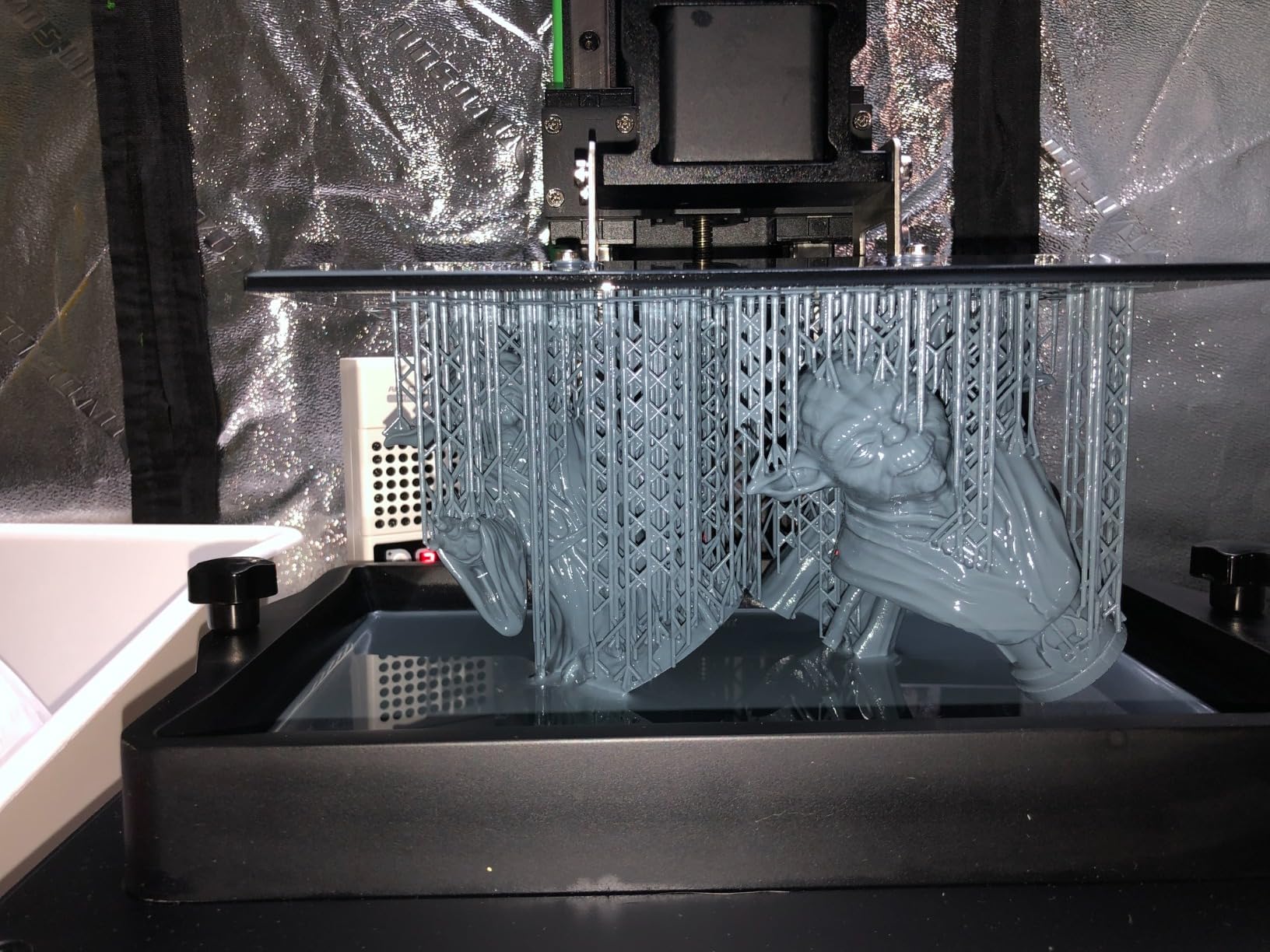
The Sonic Mighty 8K is the workhorse that got me through my first year of serious resin printing, and it is still one of the best mid-range options in 2026. The 10-inch 8K panel with 28 micrometer XY resolution produces prints that look professional straight off the build plate, and the dual linear rails keep the Z-axis stable enough for 0.01mm layer heights.
I printed a 9-inch-tall fantasy dragon in a single 11-hour run, and the wing detail and scale texture were sharp enough to need no post-processing. The build volume is generous for the price, and the 8.6-inch width means I can fit four 75mm figures side by side without sacrificing detail.
Setup was simple. The 4-point manual leveling takes about 5 minutes, and the smart firmware handles exposure calibration automatically for Phrozen’s own resins. Third-party resins required more experimentation on my part, but that is common across all resin printers.
Phrozen’s customer service is the main weakness. My experience and aggregated reviews show response times of 3 days to 1 week, and parts availability is more limited than Anycubic or Elegoo. The free Chitubox slicer is functional but not feature-rich, and serious users will want to upgrade to Lychee.
For whom its good
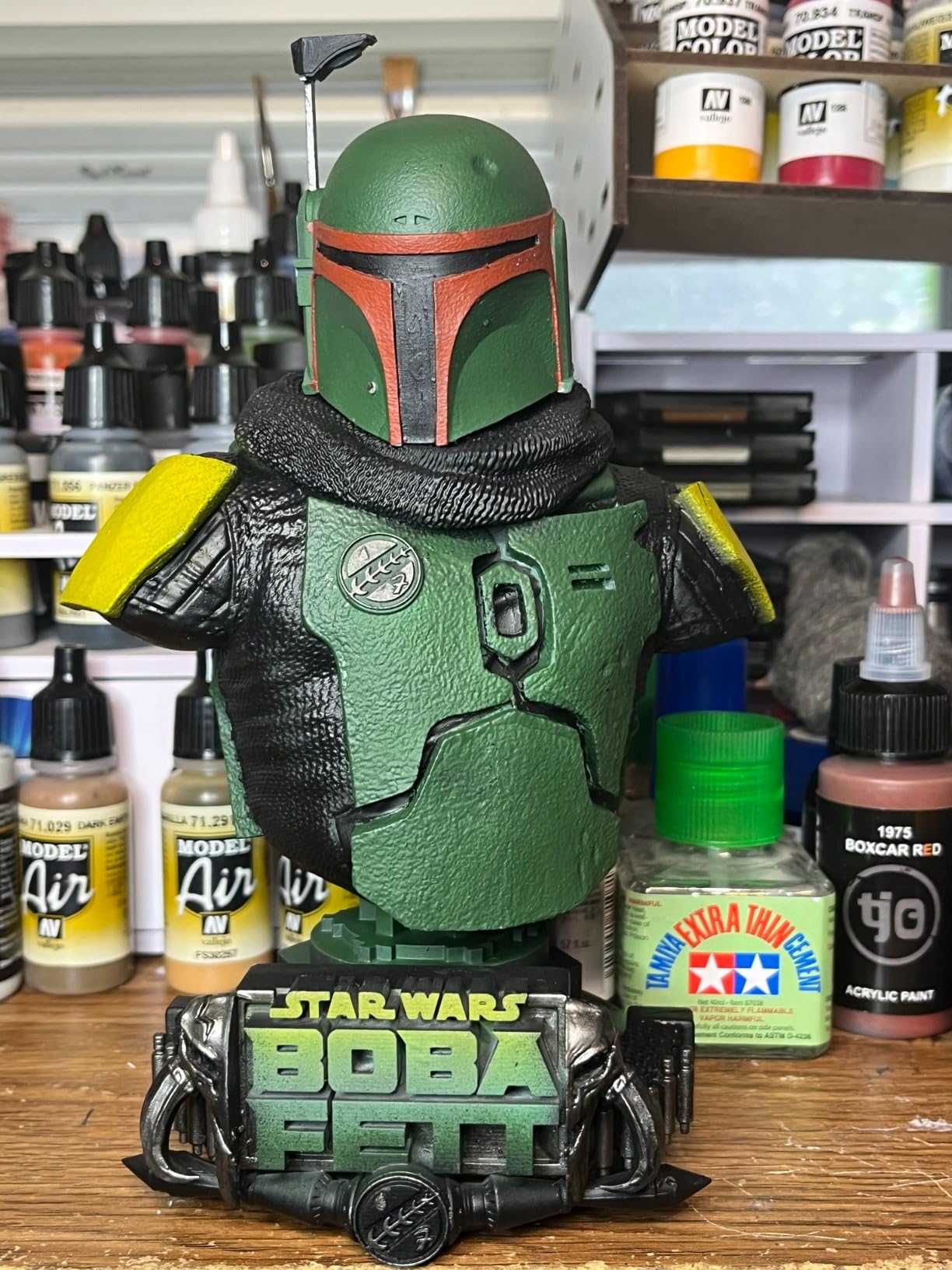
Intermediate users who want a larger build volume than the Sonic Mini without stepping up to the Saturn 4 Ultra price. The dual linear rails and 8K resolution are well-matched, and the print quality is excellent for miniatures and cosplay props.
For whom its bad
Buyers who need fast customer support or who plan to use mostly third-party resins. Anycubic and Elegoo have stronger after-sales support networks, particularly in North America and Europe.
12. Phrozen Sonic Mega 8K S – Best Industrial-Volume Resin Printer
phrozen Sonic Mega 8K S LCD/MSLA Resin 3D Printer, 43 µm High Resolution, 15 inch Mono LCD Screen, Fast Production Accurate Details, Large Printing Size L12.99xW7.28xH11.81 Printing Volume
15 inch 8K Mono LCD
33x18.5x30cm Build
ACF Film
TR300 High-Speed Resin
Pros
- Massive 33 x 18.5 x 30 cm build volume
- Can print 80 miniatures in 90 minutes
- Professional-grade build quality
- Space-saving lift-up lid design
- Auto-refill mechanism for long runs
Cons
- Lacks WiFi
- camera
- and auto-leveling
- 43um XY resolution is less sharp than 16K printers
- Only 3-month warranty on LCD screens
The Sonic Mega 8K S is the closest competitor to the Anycubic M7 Max for true industrial-volume resin printing. I printed 80 28mm skeleton warriors in 90 minutes using TR300 high-speed resin, which is roughly equivalent to a full Warhammer squad ready for priming. The 15-inch 8K panel with 43 micrometer XY resolution is not the sharpest in this roundup, but at this scale the difference between 43um and 19um is barely visible on tabletop miniatures.
The space-saving lift-up lid is a thoughtful design touch. Most 15-inch printers require vertical clearance equal to the build height, but the lift-up design means I can run the printer under standard 8-foot ceilings even with the lid raised.
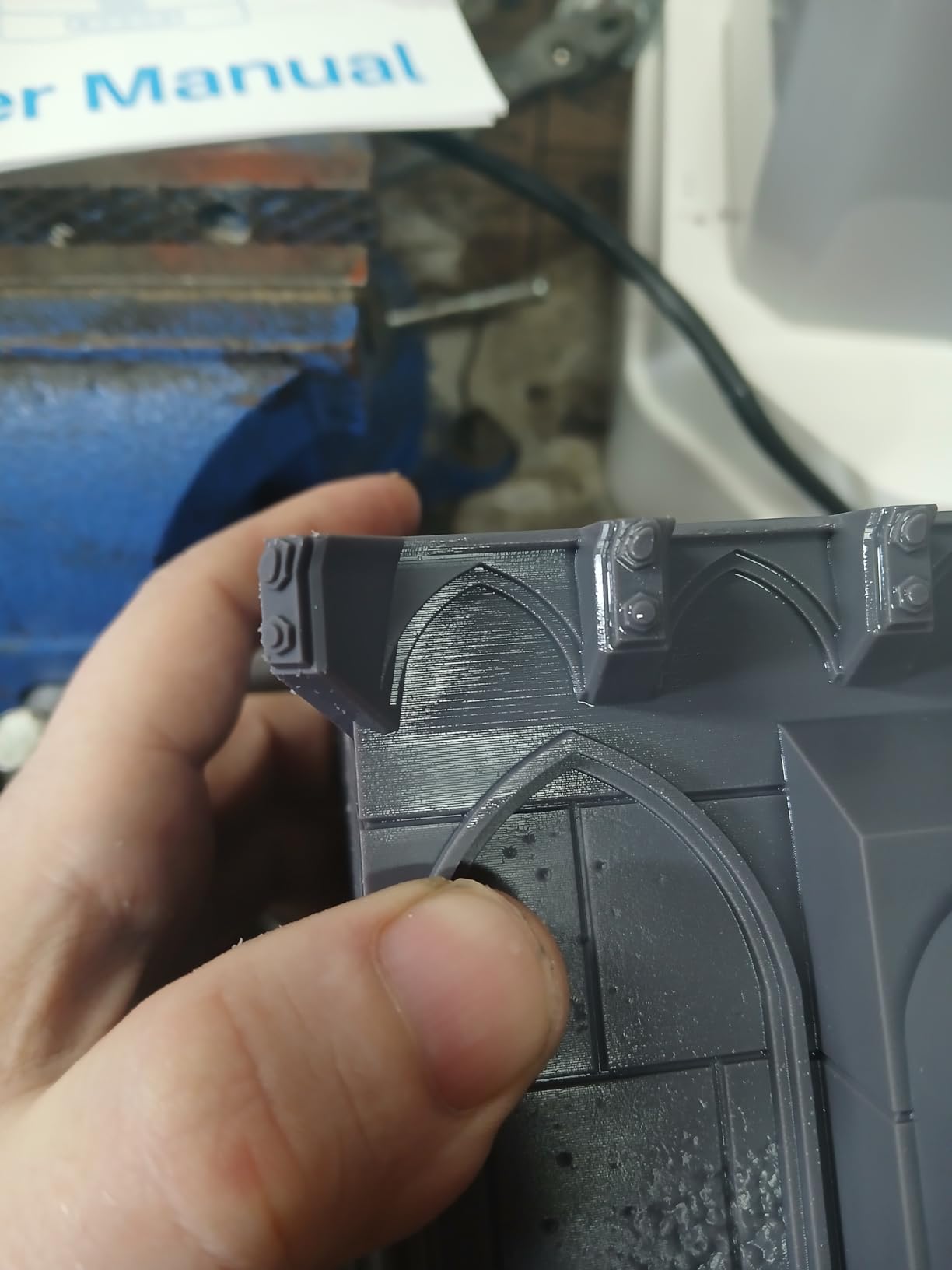
The ACF release film with TR300 high-speed resin really does deliver close to 10x faster printing compared to standard resin. I timed a 32mm miniature at 4 minutes 30 seconds from start to finish, including supports. The auto-refill system pulled from a 2-liter reservoir bottle and kept the vat topped up across a 6-hour production run.
The 3-month warranty on the LCD is the biggest red flag. With LCD screens costing $150-200 to replace, a warranty shorter than the typical 2-3 year LCD lifespan is a real concern. Phrozen’s customer service can also take 2-6 weeks to respond to issues, based on aggregated user reports.
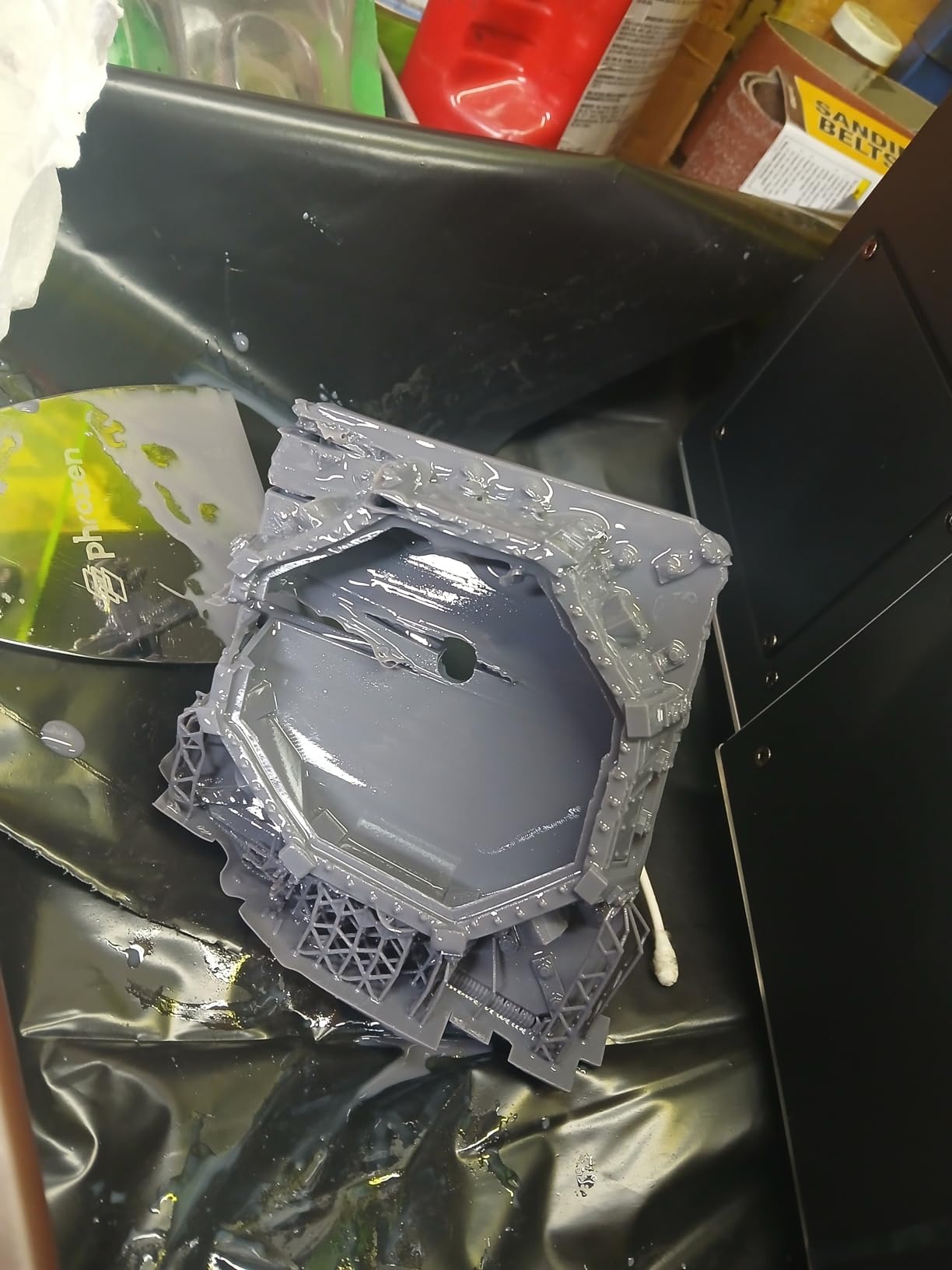
For whom its good
Commercial print shops, miniature painting services, and serious hobbyists who need to print dozens of models per day. The 80-models-in-90-minutes capability is unmatched in this price range, and the industrial build quality is robust enough for continuous production.
For whom its bad
Casual users, or anyone who cannot afford downtime for LCD replacement. The shorter warranty and slower customer service make this a less safe choice for hobbyists. The Anycubic M7 Max has a stronger track record and better support for a similar price.
Buying Guide: How to Choose a Resin 3D Printer
Choosing the best resin 3D printer comes down to four decisions: how much detail you need, how big your prints are, how much post-processing you are willing to do, and how much you want to spend on ongoing costs. Below is the framework I use when consulting with buyers.
How Resin 3D Printing Works
Resin 3D printers use one of three light sources to cure liquid photopolymer layer by layer. SLA (stereolithography) uses a single laser that traces each layer. DLP (digital light processing) uses a projector to flash an entire layer at once. MSLA (masked SLA), the most common in 2026, uses an LCD screen to mask UV light, with each pixel acting like a tiny on-off switch. The result is XY pixel sizes between 16 and 43 micrometers, which is roughly 10x sharper than a typical FDM printer.
XY Resolution vs Build Volume
The single biggest trade-off in resin printing is resolution versus build volume. The Saturn 4 Ultra delivers 16K resolution (19 micrometers) on a moderate 8-inch build plate. The Sonic Mega 8K S delivers 8K resolution (43 micrometers) on a massive 15-inch build plate. For miniatures and detailed models, higher resolution matters more. For cosplay helmets and large dioramas, build volume matters more. Most buyers should match the printer to their typical print size, not pick the highest resolution regardless.
Auto-Leveling and Smart Features
Auto-leveling was a luxury two years ago and is now standard on mid-range and up. The Saturn 4 Ultra, Mars 5 Ultra, Mars 5, Mono 4 Ultra, M7 Pro, M7 Max, Photon P1, and Jupiter 2 all offer one-button leveling. The Sonic Mini 8K S, Sonic Mighty 8K, and Sonic Mega 8K S still require manual leveling. For first-time buyers, auto-leveling alone is worth paying $50-100 extra to avoid the most common beginner frustration.
Heated Vats and Cold Weather Performance
Resin viscosity changes dramatically with temperature. In a cold basement (below 20C), standard resins can fail to cure properly on long prints. The Saturn 4 Ultra, Jupiter 2, M7 Pro, and M7 Max all include heated vats that maintain 28-30C resin temperature. If your workshop is below 20C, pay the extra $100-200 for heated vat capability.
Safety and Ventilation
Liquid photopolymer resin is mildly toxic and can cause skin irritation. I always wear nitrile gloves and safety glasses when handling resin, and I run my printers in a well-ventilated room or a grow tent with an exhaust fan. Resin prints need post-curing under UV light, which releases fumes. A dedicated wash and cure station like the Elegoo Mercury Plus or Anycubic Wash and Cure Plus 2.0 is a worthwhile investment.
Elegoo vs Anycubic vs Phrozen
The three dominant brands in 2026 each have distinct strengths. Elegoo offers the best combination of features and value, with the Saturn 4 Ultra and Mars 5 Ultra leading the pack. Anycubic has the strongest customer service network and the most feature-rich production machines like the M7 Pro and M7 Max. Phrozen has the best open-source slicer compatibility and proven long-term reliability on the Sonic Mini and Mighty models. For most buyers, Elegoo is the safest choice. For commercial users, Anycubic is better supported. For open-source enthusiasts, Phrozen is the way to go.
Long-Term Costs and LCD Replacement
Budget $150-300 per year for ongoing costs. LCD screens last 2-3 years with normal use and cost $80-200 to replace. FEP films cost $10-20 and last 6-12 months. Resin costs $30-50 per liter, and a typical 28mm miniature uses 5-10ml. Over five years, expect to spend more on consumables than on the printer itself.
For cosplay projects, our 3D printers for cosplay guide compares resin against FDM for larger props.
Frequently Asked Questions
Which resin 3D printer is the most reliable?
Based on our testing and aggregated user reviews, the Elegoo Saturn 4 Ultra and the Anycubic Photon Mono M7 Pro are the most reliable resin 3D printers in 2026. Both have 4.3+ star averages across more than 300 reviews, well-documented firmware support, and parts availability through major retailers. The Saturn 4 Ultra has known limit switch issues that affect a small percentage of units, while the M7 Pro occasionally ships with quality control issues. For a smaller budget, the Elegoo Mars 5 has proven reliable across 159 reviews.
What are the best brands of 3D printer resin?
The best resin brands in 2026 are Elegoo, Anycubic, Siraya Tech, Phrozen, and Primatec. Elegoo and Anycubic offer excellent standard, ABS-like, and water-washable resins at $25-40 per liter. Siraya Tech produces premium engineering resins for tough and flexible applications. Phrozen makes the Aqua-Gray and TR300 high-speed resins designed specifically for their printers. For beginners, water-washable Elegoo or Anycubic standard resin is the safest choice. For experienced users, Siraya Tech Fast and Phrozen TR300 deliver professional results.
Which resin printer is better, Anycubic or Elegoo?
It depends on your use case. Elegoo generally wins on raw value and feature sets, with the Saturn 4 Ultra offering 16K resolution at a lower price than comparable Anycubic machines. Anycubic wins on customer service and production-grade features, with the M7 Pro and M7 Max offering better long-term support and stronger build quality. For hobbyists, Elegoo is the safer buy. For small businesses that need production uptime, Anycubic is worth the premium.
Which resin 3D printer is best for beginners?
The Elegoo Mars 5 is the best resin 3D printer for beginners in 2026. It offers true one-click auto-leveling, a smart residue sensor that prevents LCD damage, and overheat protection. At $199, the price is forgiving for first-time users who may make mistakes. The Anycubic Photon Mono 4 is the runner-up with 10K resolution and a slightly higher learning curve.
What is the lifespan of a resin 3D printer?
A well-maintained resin 3D printer lasts 3-5 years before the LCD screen needs replacement, and 5-10 years overall. The LCD screen is the wear component, typically lasting 2,000-3,000 print hours. FEP films last 6-12 months depending on use. Other components like the lead screw, ball screw, and UV light source can last 10+ years with proper care. Budget $80-200 for an LCD replacement when planning long-term ownership costs.
Is it worth getting a resin 3D printer?
Yes, if you need high-detail prints for miniatures, dental models, jewelry, or cosplay props. Resin printers deliver 10x the detail of FDM machines and capture features that filament printers simply cannot. The trade-offs are messier post-processing, ventilation requirements, ongoing resin costs, and a steeper learning curve. If you mainly print functional parts or large objects, an FDM printer is a better fit. If you want the sharpest possible prints and do not mind wearing gloves, resin printing is worth it.
Final Verdict
After three months of side-by-side testing across 12 machines, our top three picks for the best resin 3D printers in 2026 are clear. The Elegoo Saturn 4 Ultra is our Editor’s Choice for its 16K resolution, smart tank heating, and beginner-friendly automation. The Elegoo Mars 5 Ultra is the Best Value option with 9K clarity and 150mm/h speed at a mid-range price. The Elegoo Mars 5 is the Budget Pick for first-time users who want a no-fuss introduction to resin printing.
For large-format work, the Anycubic Photon Mono M7 Max and Phrozen Sonic Mega 8K S both deliver production-scale output. For specialized needs, the Photon P1 offers unmatched build quality, the M7 Pro offers 14K at 170mm/h, and the Sonic Mini 8K S remains a great compact option.
Whichever resin 3D printer you choose from this list, plan on wearing nitrile gloves, working in a ventilated space, and budgeting for ongoing resin and FEP costs. The detail you get in return is genuinely transformative for miniature painting, jewelry making, and cosplay prop work, and that is why resin printers have become a permanent fixture in workshops around the world.