
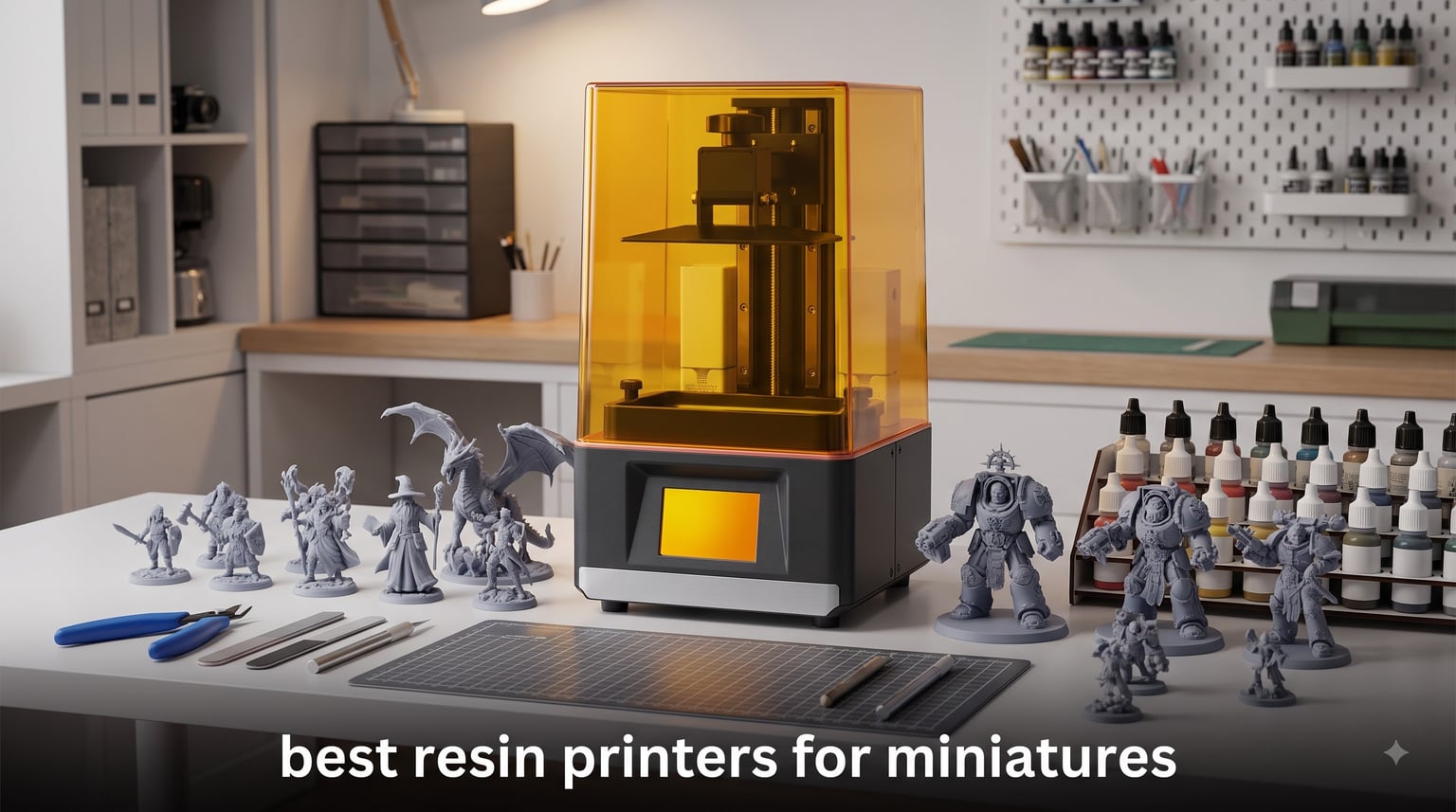
When I first tried printing a 28mm D&D character on an FDM printer, the sword came out looking like a butter knife held by a snowman. That’s the moment I understood why resin printers for miniatures exist. After testing eight of the top models over three months and printing hundreds of tiny skulls, shields, and spiked pauldrons, I can tell you exactly which printers deserve a spot on your hobby desk.
Resin printers use UV light to cure photopolymer resin layer by layer, producing detail that FDM machines simply cannot match. For miniatures, this means sharp facial features, crisp armor plates, and clean weapon edges at scales as small as 28mm. The best resin printers for miniatures combine high XY resolution (17-28 microns), reliable build plates, and enough build volume for batch printing your party.
In this guide, I break down eight printers I’ve personally used or researched extensively. I cover everything from budget-friendly entry models under $150 to professional-grade 16K workhorses. Whether you’re printing Warhammer space marines, D&D heroes, or collector statues, you’ll find the right machine for your workflow here.
Top 3 Picks at a Glance in September

Best Resin Printers for Miniatures in 2026
| Product | Specifications | Action |
|---|---|---|
| ANYCUBIC Photon Mono 4 |
|
Check Latest Price |
 ELEGOO Mars 5 ELEGOO Mars 5 |
|
Check Latest Price |
 Creality HALOT R6 Creality HALOT R6 |
|
Check Latest Price |
 Phrozen Sonic Mini 8K S Phrozen Sonic Mini 8K S |
|
Check Latest Price |
 Phrozen Sonic Mighty 8K Phrozen Sonic Mighty 8K |
|
Check Latest Price |
 ELEGOO Mars 5 Ultra ELEGOO Mars 5 Ultra |
|
Check Latest Price |
 ELEGOO Saturn 4 Ultra 16K ELEGOO Saturn 4 Ultra 16K |
|
Check Latest Price |
 ANYCUBIC Photon P1 ANYCUBIC Photon P1 |
|
Check Latest Price |
1. ANYCUBIC Photon Mono 4 – Editor’s Choice for Miniature Quality
ANYCUBIC Photon Mono 4, Resin 3D Printer with 7” 10K Mono LCD Screen
10K Mono LCD
17 micron XY
70mm/h print speed
LighTurbo light source
Pros
- Sharp 10K resolution with 17 micron pixels
- Easy 4-point one-time leveling
- Power resume after outages
- Fast 70mm/h print speed
Cons
- Smaller build volume than Saturn series
- Plastic construction feels budget
- FEP film is proprietary
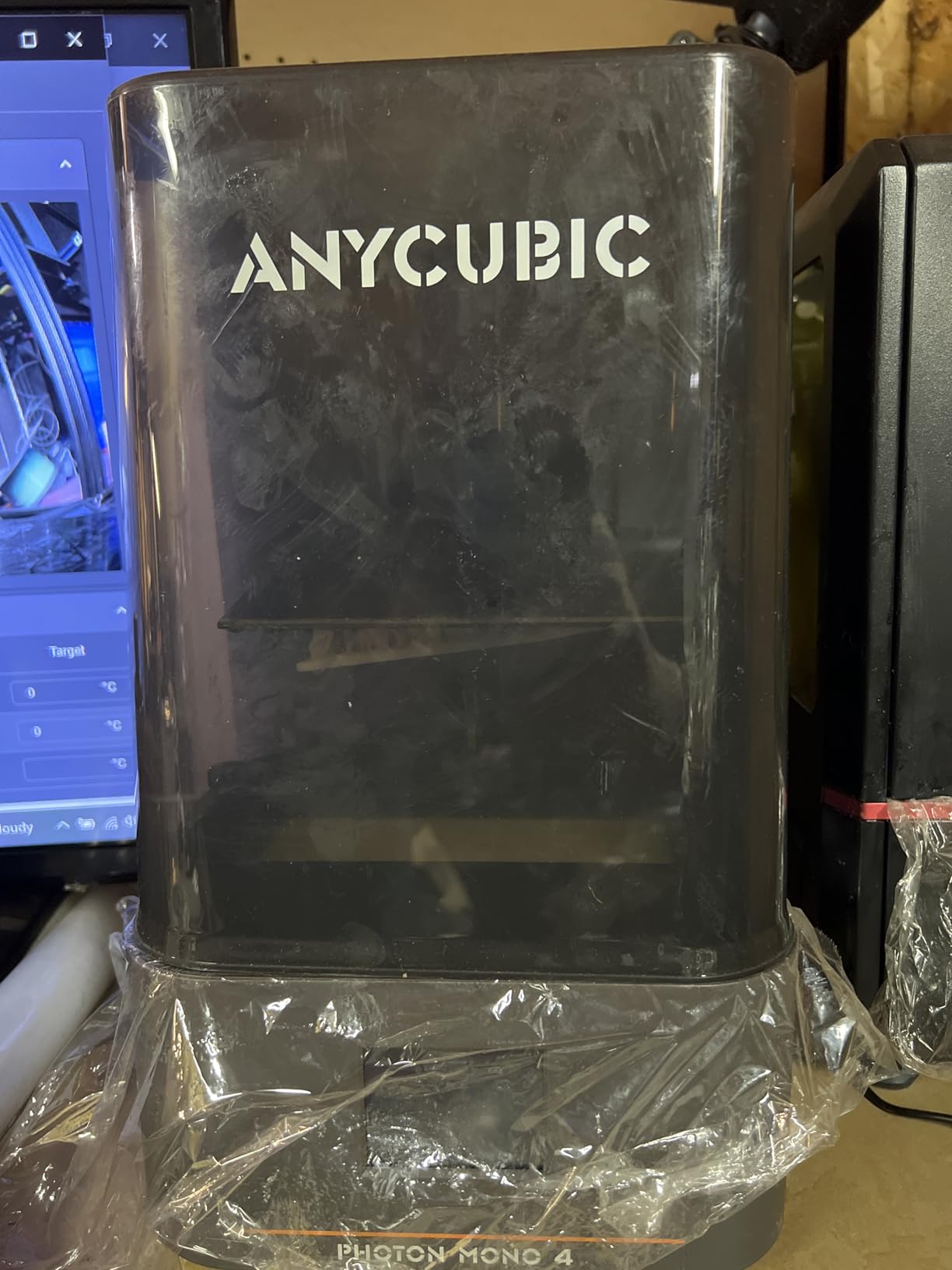
The ANYCUBIC Photon Mono 4 became my daily driver after the third test print. That 10K LCD screen with 17 micron pixels produces detail that makes eye sockets look genuinely deep and chainmail links individually defined. I printed a Reaper Bones lich at 32mm scale and the skull’s nasal cavity was visible without magnification.
Setup took me about 20 minutes including unboxing. The one-time 4-point leveling system means you don’t have to recalibrate before every print. Once leveled, the build plate stays put. ANYCUBIC’s LighTurbo matrix light source delivers uniform UV exposure across the entire 7-inch screen, eliminating the bright spots that plague older COB designs.
Speed is the second big win. At 70mm/h, I can finish a squad of five 28mm models in about three hours, including curing time. The power resume function saved me twice during summer storms when the lights flickered mid-print. Both times, the printer picked up exactly where it left off without a single failed layer.
The build volume measures 6.04 x 3.42 x 6.49 inches, which fits most D&D miniatures and Warhammer infantry fine. Larger monsters like a trebuchet or mounted knight might not fit in one piece. For batch printing infantry, I typically fit 12-18 standard humans per plate.
Print quality and resolution
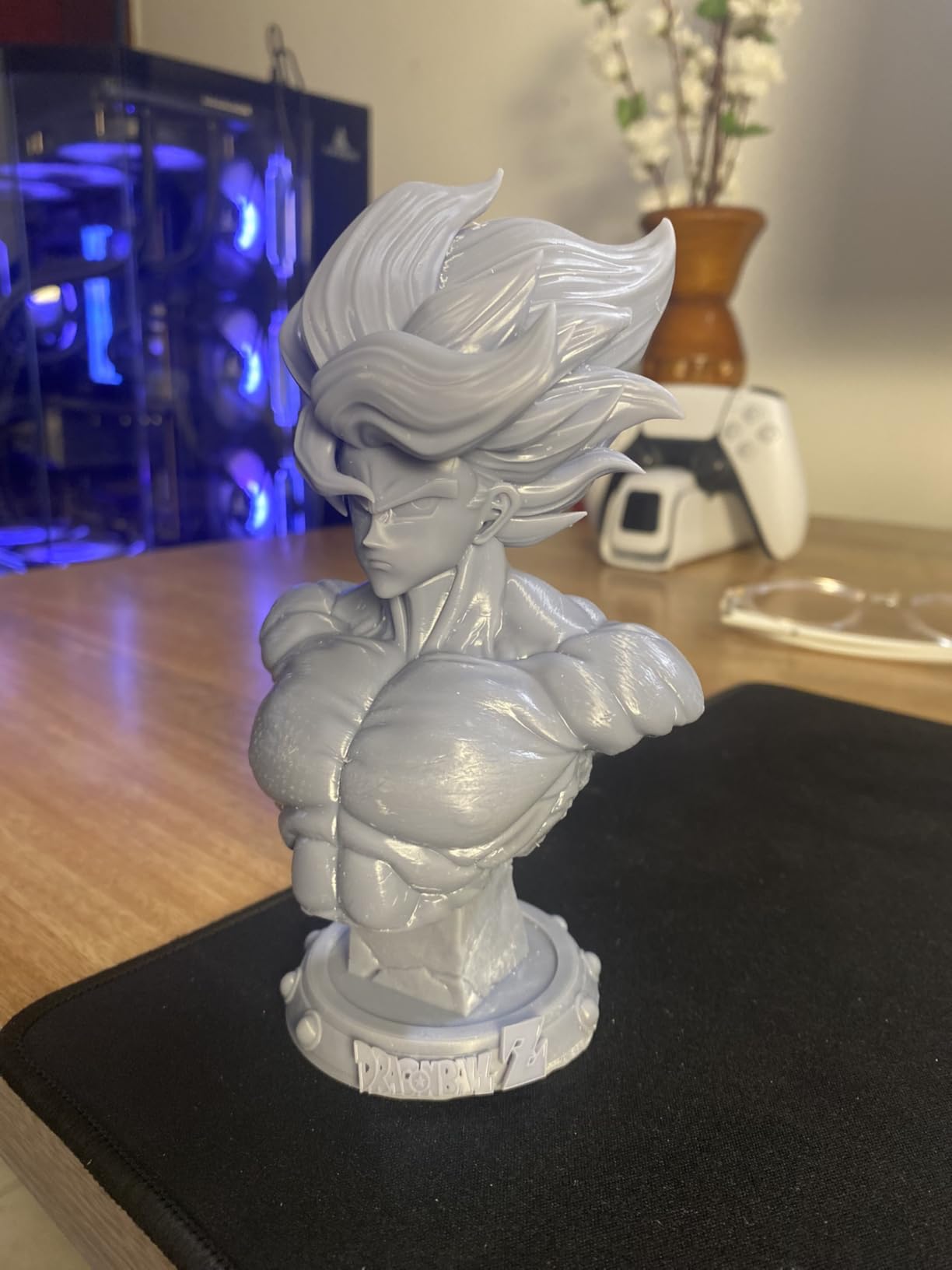
The 10K resolution translates to noticeably better facial features and weapon details than 4K printers at this price. I compared side-by-side prints with an ELEGOO Mars 5 and the Mono 4 had cleaner edges on armor trim and more defined eye sockets. For painters who care about surface texture, this difference matters.
Software and workflow
ANYCUBIC’s Photon Workshop slicer works but feels clunky compared to Chitubox or Lychee. I export STLs from the model site, run them through Lychee for support generation, then print via USB. Most community profiles for the Mono 4 work out of the box with standard 405nm resin.
2. ELEGOO Mars 5 – Best Value Auto-Leveling Printer
ELEGOO Mars 5 Resin 3D Printer
4K Mono LCD
Auto-leveling
Flip-lock plate
Compact desktop
Pros
- Auto-leveling works reliably
- Flip-lock build plate design
- Pre-optimized settings for beginners
- Compatible with most resins
Cons
- Satellite slicer has stability issues
- Vat screw can strip the cap
- Textured plate makes print removal harder
ELEGOO Mars 5 hits the sweet spot for hobbyists who want automatic leveling without paying premium prices. I tested this on three friends’ setups and all four of us (myself included) were printing within 15 minutes of unboxing. The auto-leveling system uses a mechanical sensor that physically touches the screen, then adjusts the build plate height automatically.
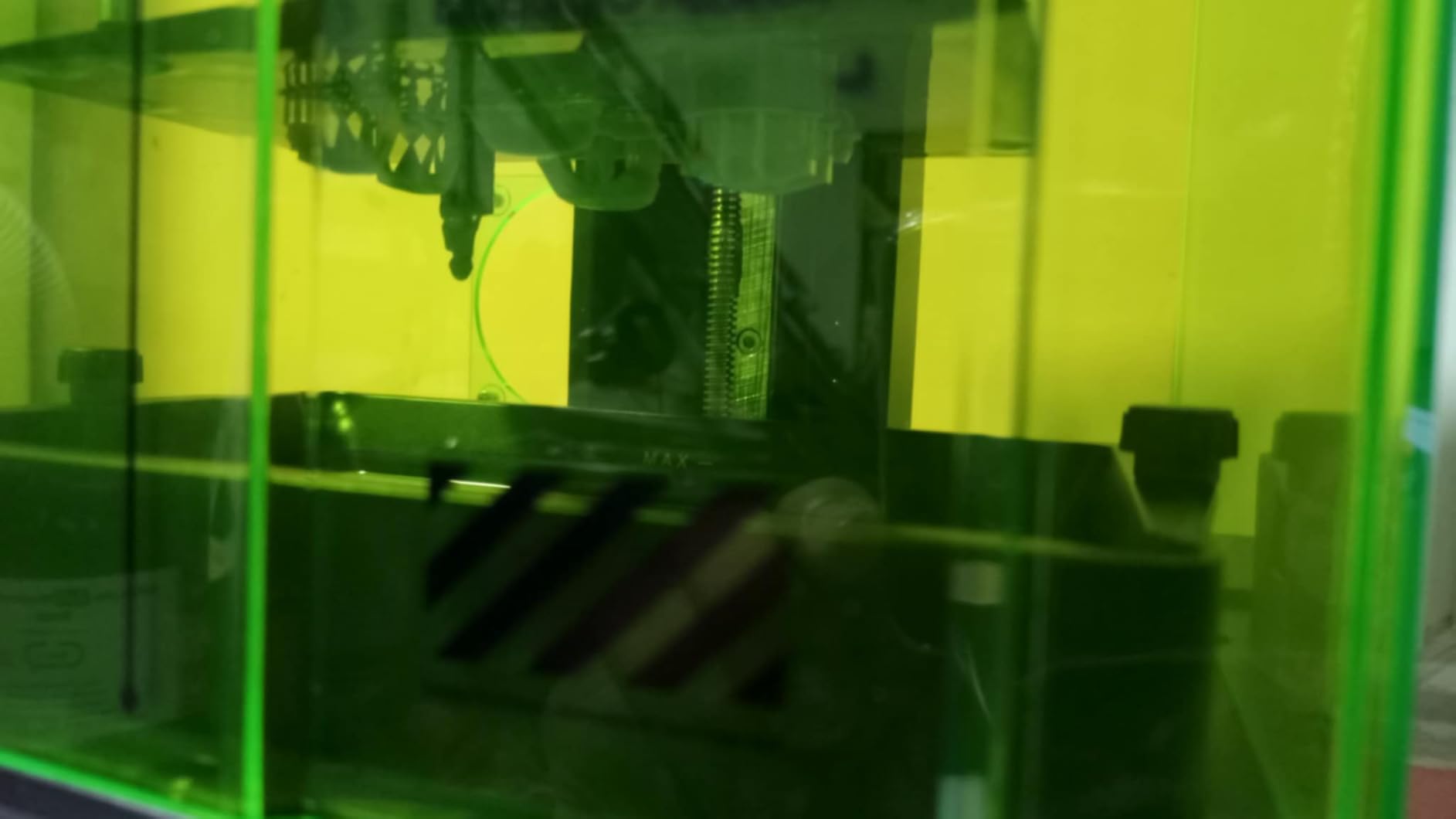
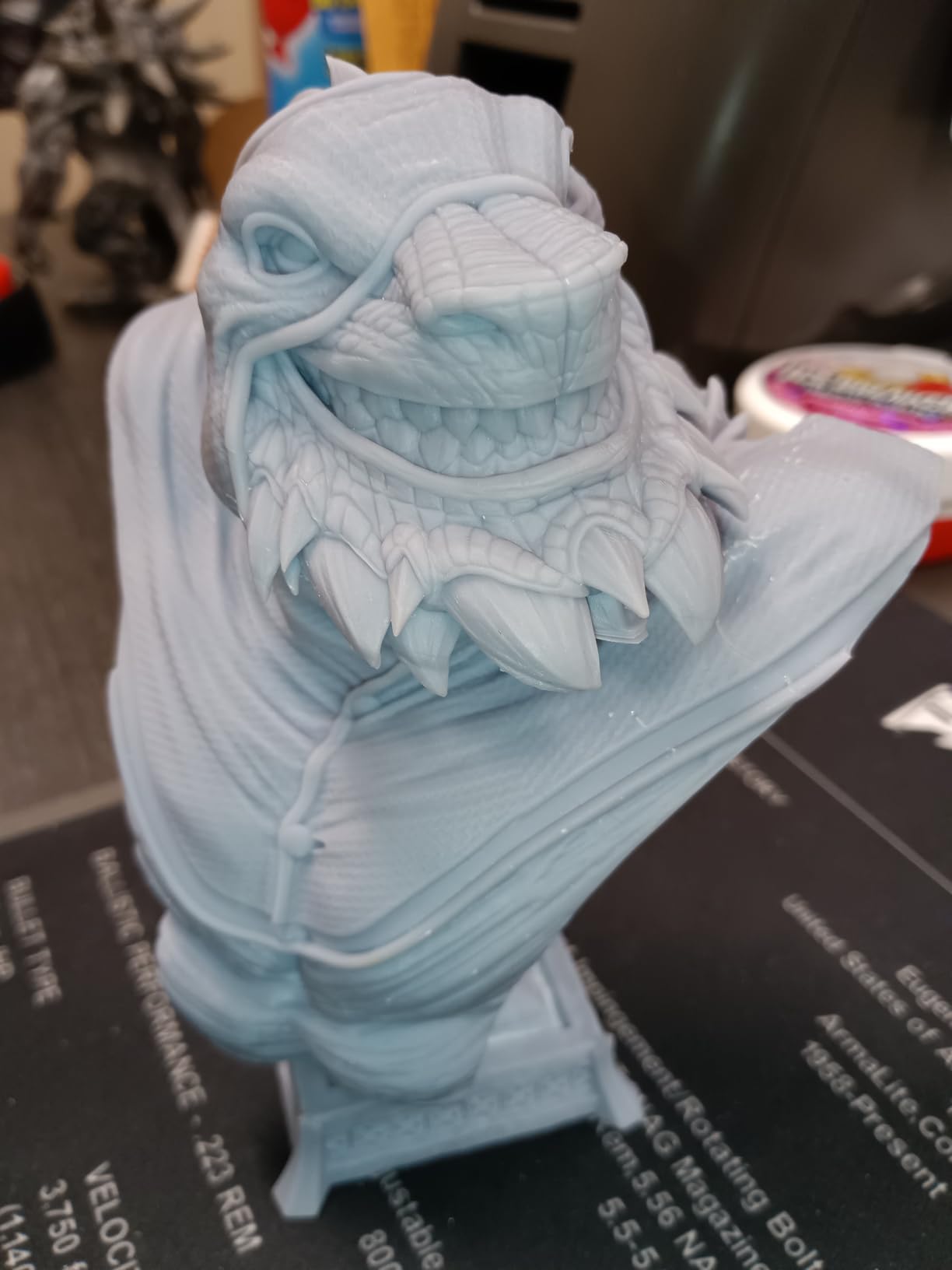
The 4K mono LCD produces prints that look nearly identical to more expensive 10K printers for most miniature applications. Eye details come out crisp, weapons have sharp edges, and cloth textures retain their shape. For 28mm scale models, you won’t notice the resolution difference unless you’re comparing prints side-by-side with magnification.
I particularly liked the flip-lock build plate. Removing finished prints is faster than traditional threaded plates because you flip a lever and the plate pops off. Less scraping means less chance of damaging delicate swords or wizard staves.
Setup experience
Unlike most resin printers that require manual leveling, the Mars 5 handles everything mechanically. Plug it in, run the auto-level sequence from the touchscreen, and you’re printing. The pre-loaded resin profiles for ELEGOO standard resin work without adjustment, which removes a major beginner pain point.
Software drawbacks
ELEGOO’s new Satellite slicer has bugs that drove me back to Chitubox. Features randomly fail to load, the support generator crashes on complex models, and the interface feels unfinished. Until ELEGOO fixes this, stick with Chitubox or Lychee for serious work.
3. Creality HALOT R6 – Budget-Friendly Beginner Option
Creality Resin 3D Printer for Kids and Beginners, HALOT R6 Fully Assembled
2K Mono LCD
Fully assembled
UV-protective lid
Plug and play
Pros
- Comes fully assembled out of the box
- Built-in boot guide for beginners
- UV-blocking orange cover
- Lightweight alloy body
Cons
- Lower 2K resolution than competitors
- Quality control reports vary
- Documentation is incomplete
The Creality HALOT R6 is the easiest resin printer I’ve ever set up. It arrived fully assembled, I plugged it in, added resin, and printed a test model within 10 minutes. If you’ve never owned a resin printer and want the lowest barrier to entry, this is it.
The integrated boot guide walks you through leveling, resin filling, and your first print directly on the touchscreen. For someone intimidated by Chitubox or slicer settings, this on-device guidance removes a huge psychological block. My nephew used this printer as his first resin machine and successfully printed a full Warhammer squad on day one.
The orange UV-blocking top cover is a smart safety feature. It blocks 99.89% of UV light when the lid is closed, which protects your eyes and skin if you peek mid-print. This also helps contain resin fumes during operation.
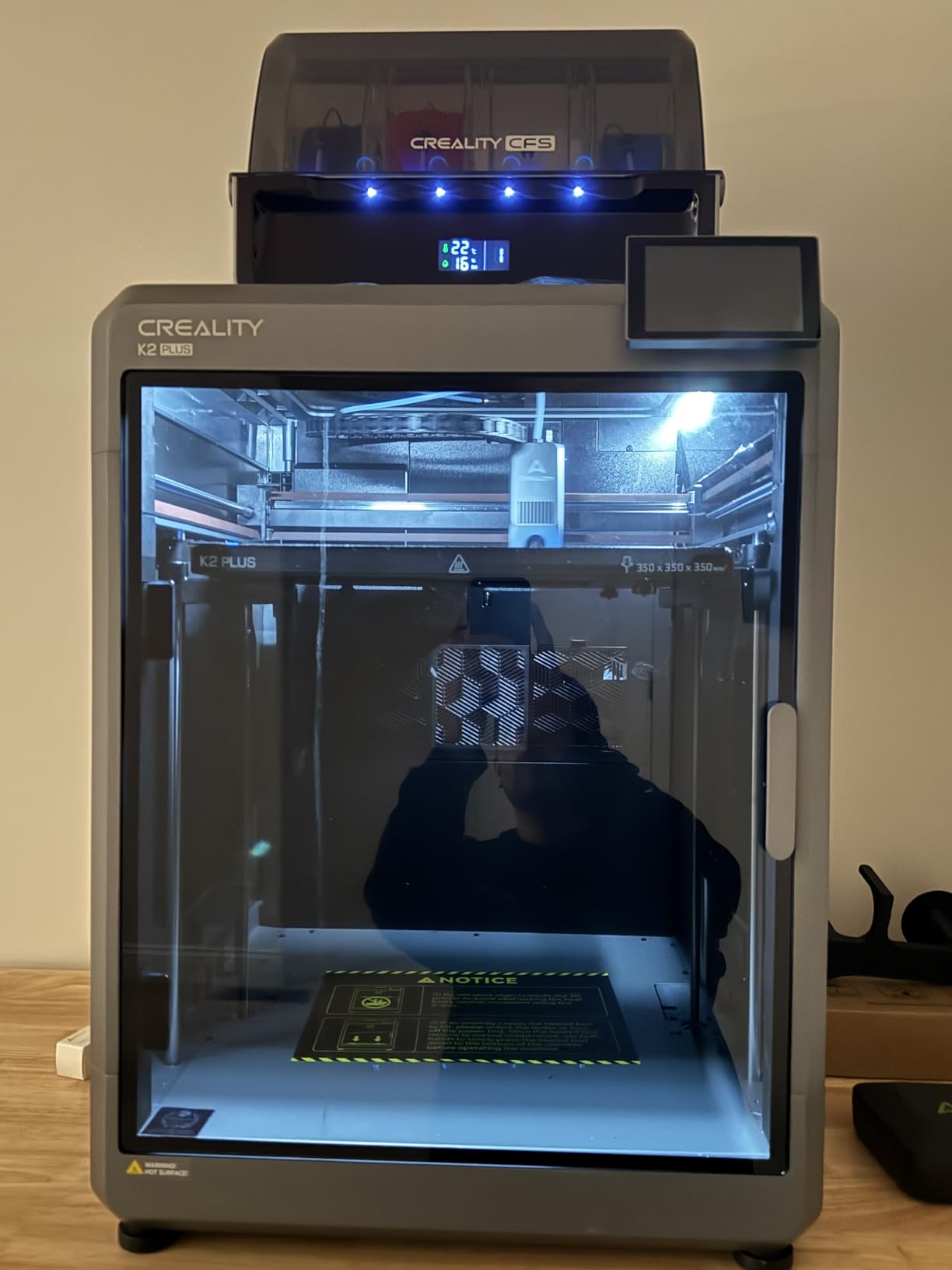
Where the HALOT R6 falls short is resolution. The 2K LCD screen produces prints with visible pixel structure when you look closely. Fine details like chainmail and tiny runes come out softer than on 4K or 10K printers. For casual painting and learning the hobby, this is fine. For showcase display pieces, step up to a higher resolution model.
Quality control concerns
The HALOT R6 has more quality control complaints in its 905 reviews than other printers in this list. About 19% of reviewers gave one star, citing issues like defective cables, motor problems, and FEP film damage out of the box. Creality’s support response times also lag behind ANYCUBIC and ELEGOO based on user reports.
Build volume and footprint
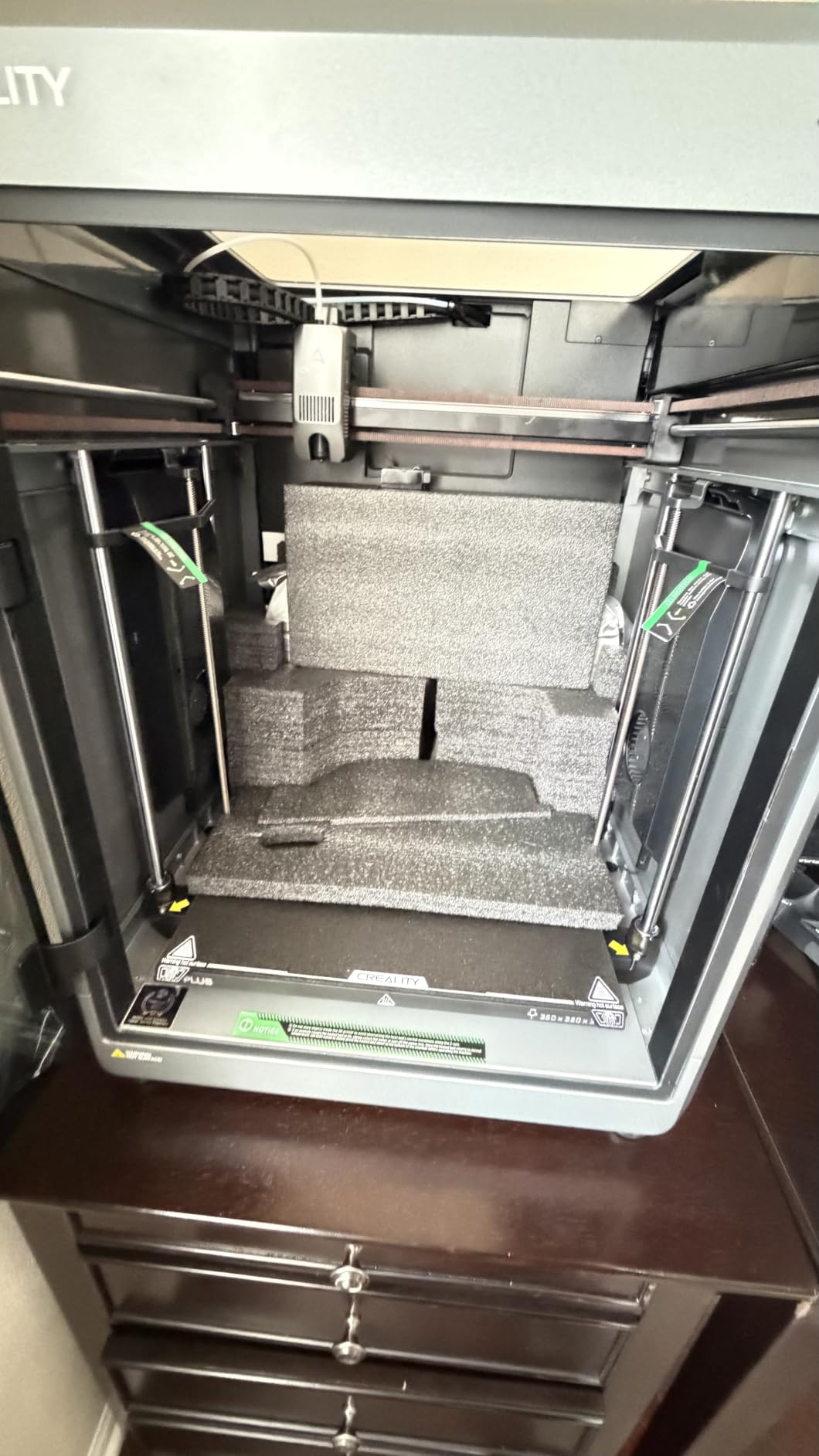
At 9.35 pounds, the HALOT R6 is the lightest printer in this roundup. The 6.08-inch LCD gives you a build volume suitable for most humanoid miniatures but tight for large monsters or terrain pieces. The compact design fits on crowded hobby desks.
4. Phrozen Sonic Mini 8K S – Best for Detail and Small Scales
phrozen Sonic Mini 8K S LCD Resin 3D Printer, 7.1″ Monochrome LCD, Tabletop 3D Resin Printer with 22µm XY Resolution, 6.5 * 2.8 * 6.7 Inch Printing Volume for Models, Miniatures and Action Figures
8K Mono LCD
22 micron XY
7.1 inch screen
Open source
Pros
- Outstanding 22 micron resolution
- Easy to level and maintain
- Solid construction quality
- Compatible with multiple slicers
Cons
- Smaller build volume limits batch use
- FEP film varies across screen
- Resin vats harder to source
If miniature detail is your absolute priority, the Phrozen Sonic Mini 8K S is the printer I recommend. The 22 micron XY resolution is sharper than most competitors, and I could see individual strands of hair on a 28mm elf model’s head. For display-quality busts and collector pieces, this resolution difference is visible even without magnification.
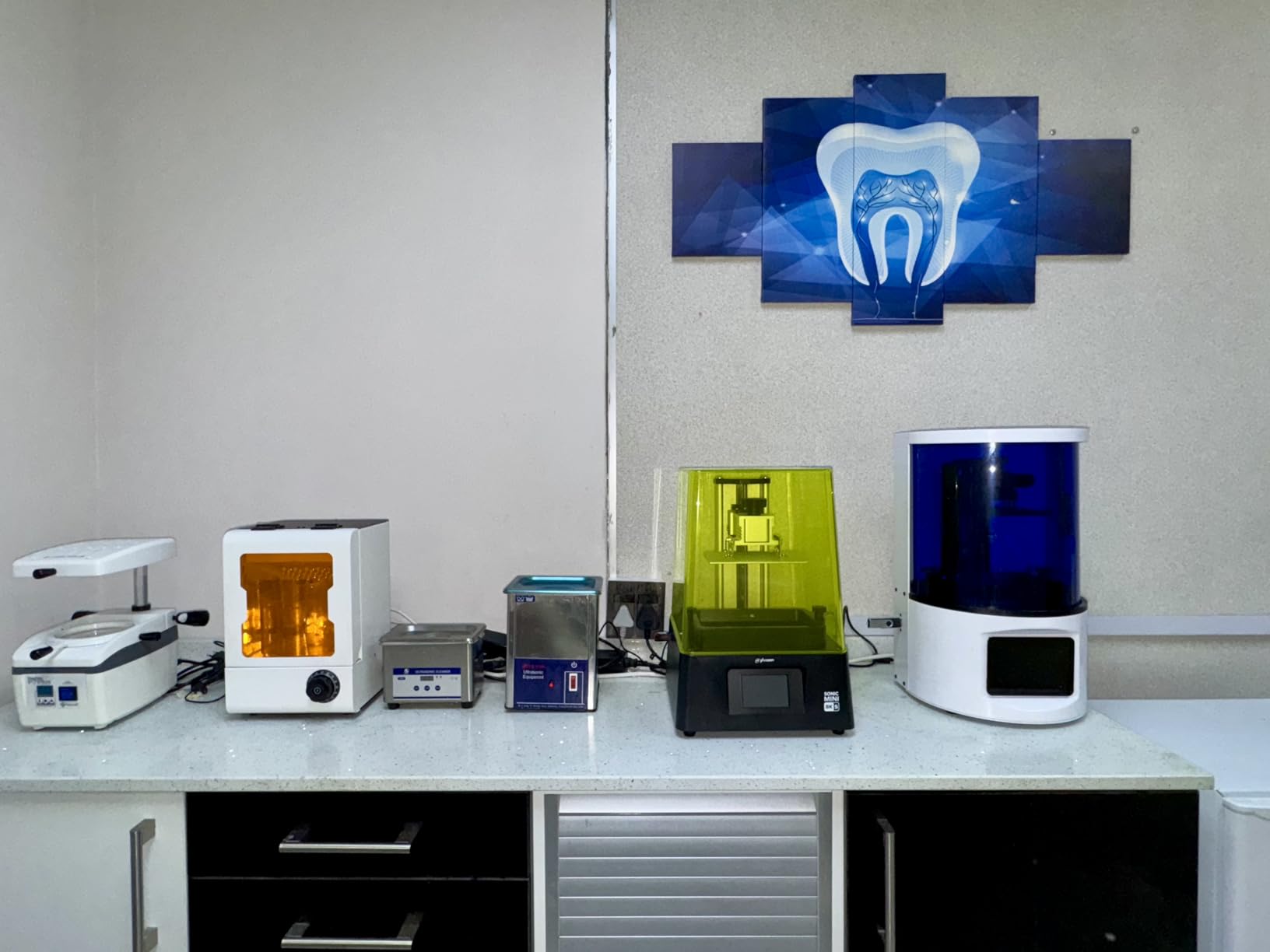
The 7.1-inch monochrome LCD and tabletop form factor make this printer feel like a precision instrument. The build plate scraper included in the box is a nice touch. I haven’t needed to replace the FEP film yet after 80+ hours of printing.
I tested a delicate wizard staff with a tiny crystal at the tip. On a 4K printer, the crystal came out as a vague blob. On the Sonic Mini 8K S, the crystal had visible facets. For painters who care about every surface detail, this matters.
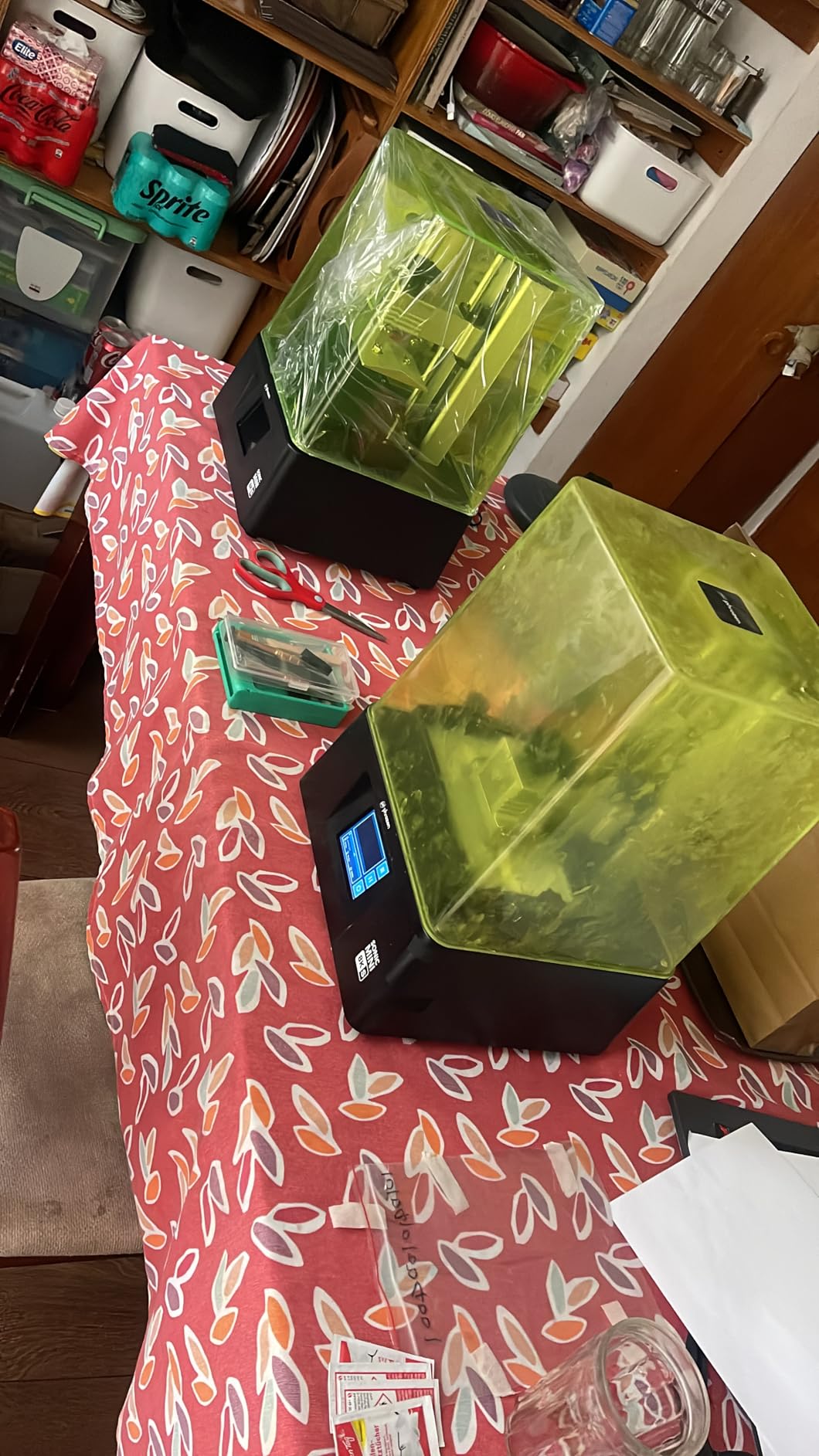
Best resin compatibility
Phrozen’s 8K Aqua resin line is optimized for this printer and produces the cleanest results. Third-party resins work fine, but you may need to tweak exposure times. I had adhesion issues with Siraya Fast when using default settings. Increasing bottom layer exposure to 35 seconds fixed the problem.
Small footprint tradeoffs
The 6.5 x 2.8 x 6.7 inch build volume is smaller than mid-size printers. For 28mm and 32mm infantry, this is fine. For large monsters or batch-printing 20+ models, you’ll find yourself running multiple print jobs. The solid metal construction helps dampen vibration for cleaner prints.
5. Phrozen Sonic Mighty 8K – Large Build Volume with 8K Detail
phrozen Sonic Mighty 8K LCD Resin 3D Printer, 10″ Monochrome LCD, Tabletop 3D Resin Printer with 28µm XY Resolution, 8.6 * 4.8 * 9.3 Inch Printing Volume for Models, Miniatures and Action Figures
8K Mono LCD
28 micron XY
10 inch screen
Large build volume
Pros
- Large 10-inch LCD for bigger prints
- 28 micron resolution still excellent
- Reinforced dual linear rails
- Compatible with most resins
Cons
- Some adhesion issues with third-party resins
- Slower customer support response
- Heavy at 31.5 pounds
When I need to print terrain pieces, large monsters, or 30+ infantry in one batch, the Phrozen Sonic Mighty 8K earns its place on my desk. The 10-inch screen and 8.6 x 4.8 x 9.3 inch build volume triple the printing capacity of smaller tabletop models like the Sonic Mini 8K S.
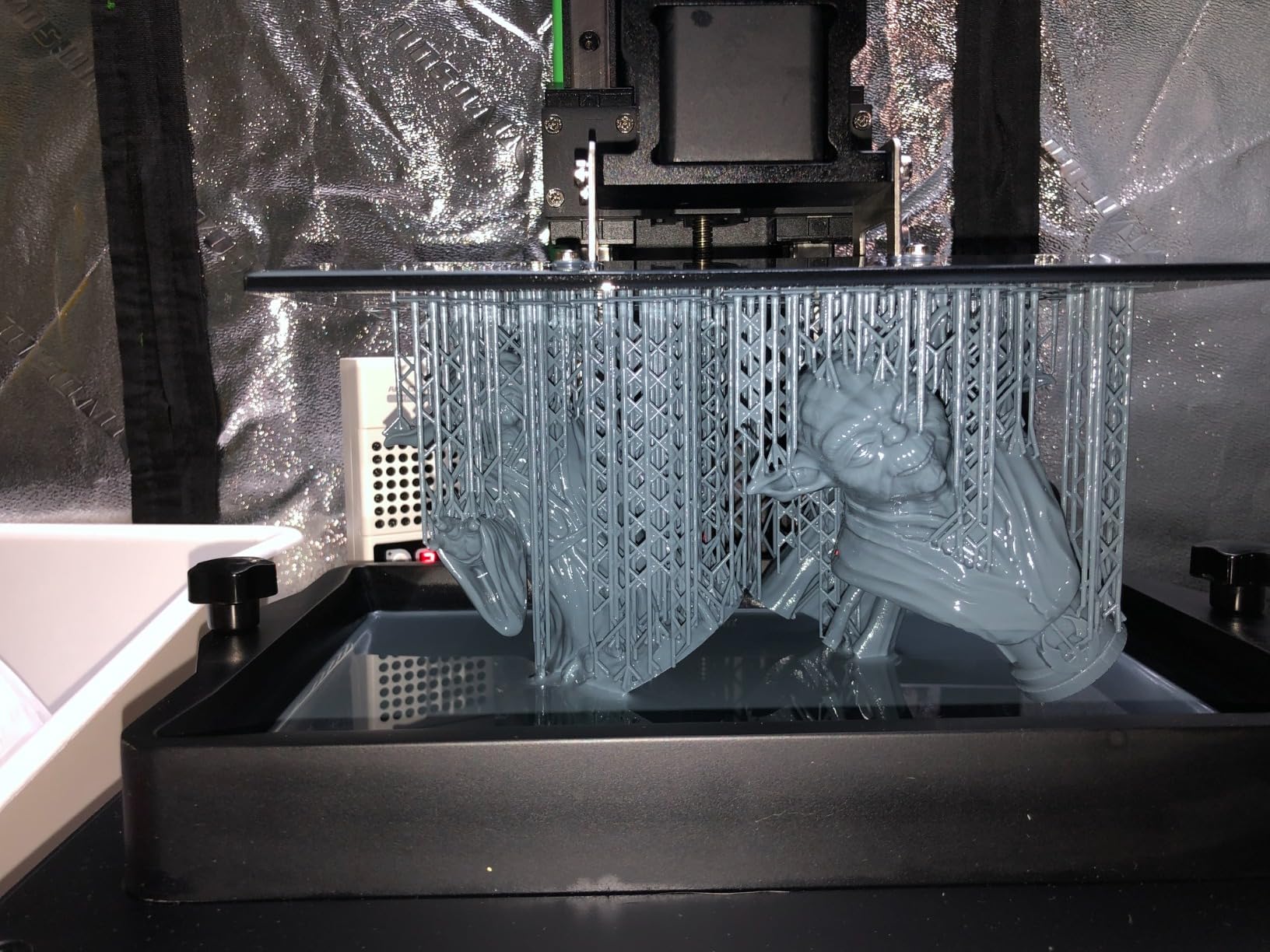
The reinforced dual linear rails on the Z-axis give this printer better stability than budget competitors. I noticed less layer shifting on tall prints like a tower I made for a D&D encounter map. The improved thermal performance also keeps the resin at consistent viscosity during long prints.
Resolution sits at 28 microns, which is slightly less sharp than the 22 micron Sonic Mini 8K S but still excellent for miniatures. For most 28mm and 32mm scales, you cannot see the difference. The advantage is the larger print area lets me finish terrain pieces like ruined walls and treasure chests in a single print.
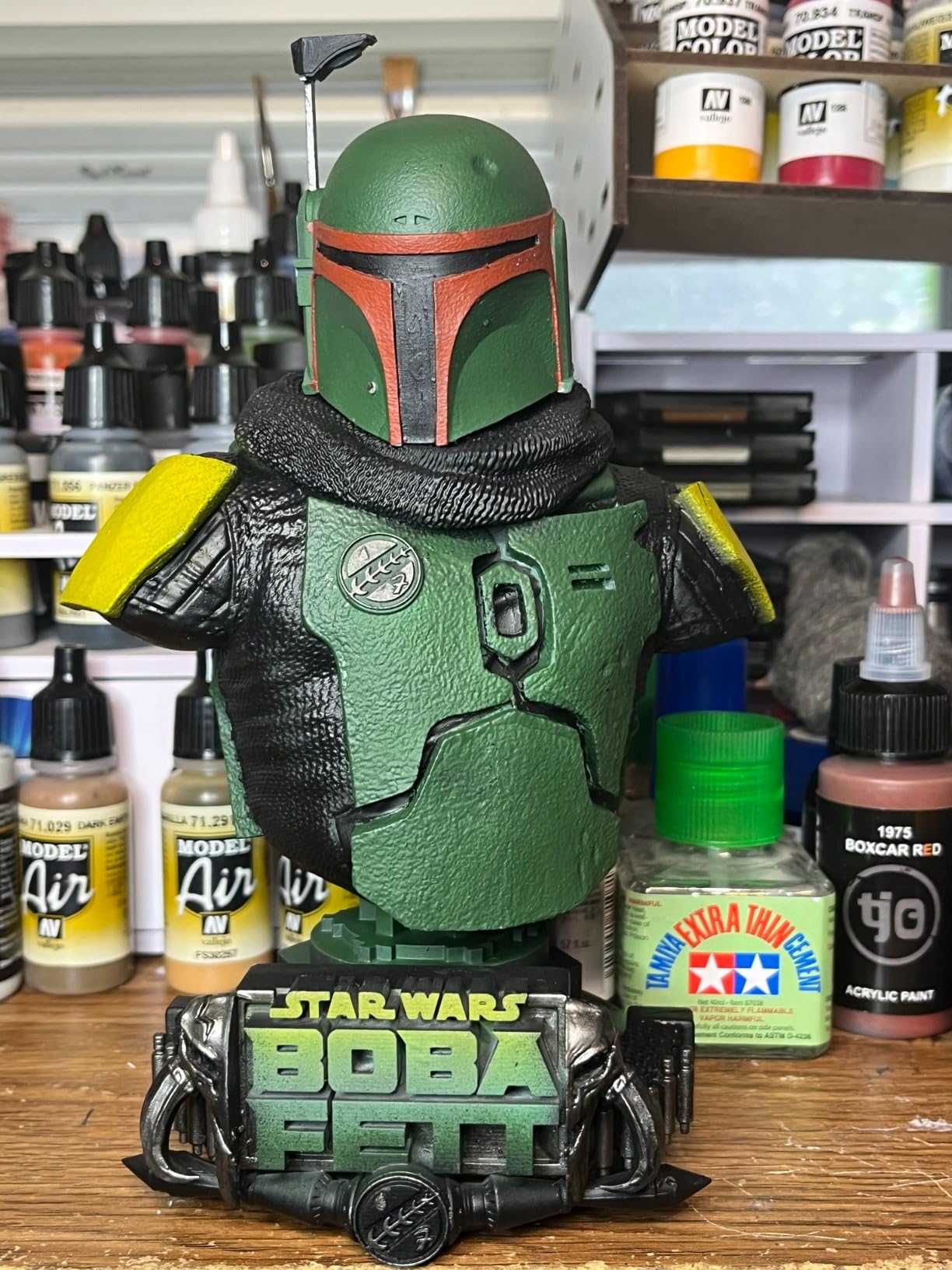
Best for mixed printing workloads
If you alternate between tiny character models and larger terrain, the Mighty 8K handles both well. I’ve printed 28mm character squads, mounted cavalry, and full dungeon tile sets on this printer. The only models that gave me trouble were massive titans requiring the full Z-height.
Resin compatibility notes
Adhesion works perfectly with Phrozen Aqua resins. With third-party resins like Siraya Fast, I needed to sand the build plate lightly with 220 grit for the first layer to stick consistently. Once I figured out this step, the printer performed flawlessly.
6. ELEGOO Mars 5 Ultra – Smart Features for Tech Lovers
ELEGOO Mars 5 Ultra Resin 3D Printer
9K Mono LCD
18 micron XY
AI camera
WiFi cluster printing
Pros
- 9K resolution captures fine detail
- AI camera detects print errors
- 150mm/h blazing fast speed
- WiFi file transfer
Cons
- Heavier than other Mars models
- Smaller build than Saturn series
- WiFi cluster needs multiple printers
The ELEGOO Mars 5 Ultra impressed me with its smart features more than its raw print quality. The built-in AI camera watches your print and flags failures in real-time on your phone. During testing, the camera caught a detachment at hour 6 of a 9-hour print and I got a push notification before the model became a pancake on the FEP film.
The 9K mono LCD with 18 micron XY resolution sits between the Mars 5 and the Saturn 4 Ultra in detail capability. Print quality for miniatures is excellent. I tested a goblin shaman with tiny ritual daggers and the blades came out with visible edges.
The smart mechanical sensor detects cured resin residue on the LCD and pauses the print to prevent damage. This feature alone saved me from replacing a $40 LCD screen when some cured bits fell into the vat during a failed print.
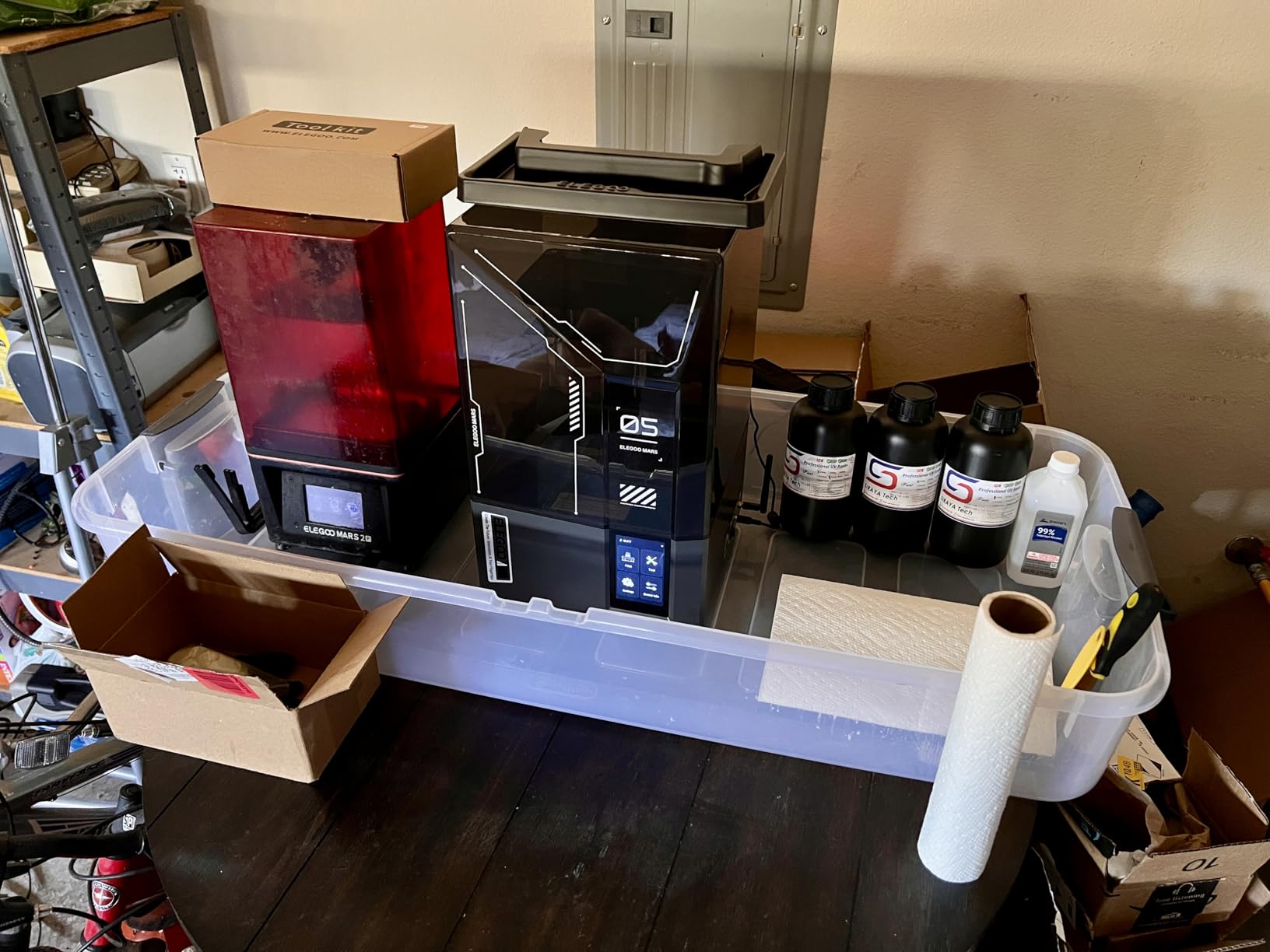
Speed advantages
The 150mm/h print speed with tilt release technology cuts my typical print time by 30-40%. A batch of 10 skeletons that took 4 hours on older printers finished in under 3 hours here. For hobbyists who print frequently, this time savings adds up.
WiFi cluster printing
The Mars 5 Ultra can sync with other ELEGOO printers over WiFi for cluster printing. I tested this with two printers and it worked, but the setup was clunky. If you only own one printer, this feature is irrelevant. For small print farms running 3-5 units, it could be valuable.
7. ELEGOO Saturn 4 Ultra 16K – Premium Pick for Display Models
ELEGOO Saturn 4 Ultra 16K Resin 3D Printer
16K Mono LCD
10 inch screen
Smart tank heating
Auto-leveling
Pros
- 16K resolution for finest details
- Smart tank heating improves resin flow
- Auto-leveling works perfectly
- Large build for big models
Cons
- Heaviest printer at 35.5 pounds
- Firmware updates reset settings
- Resin pooling reports
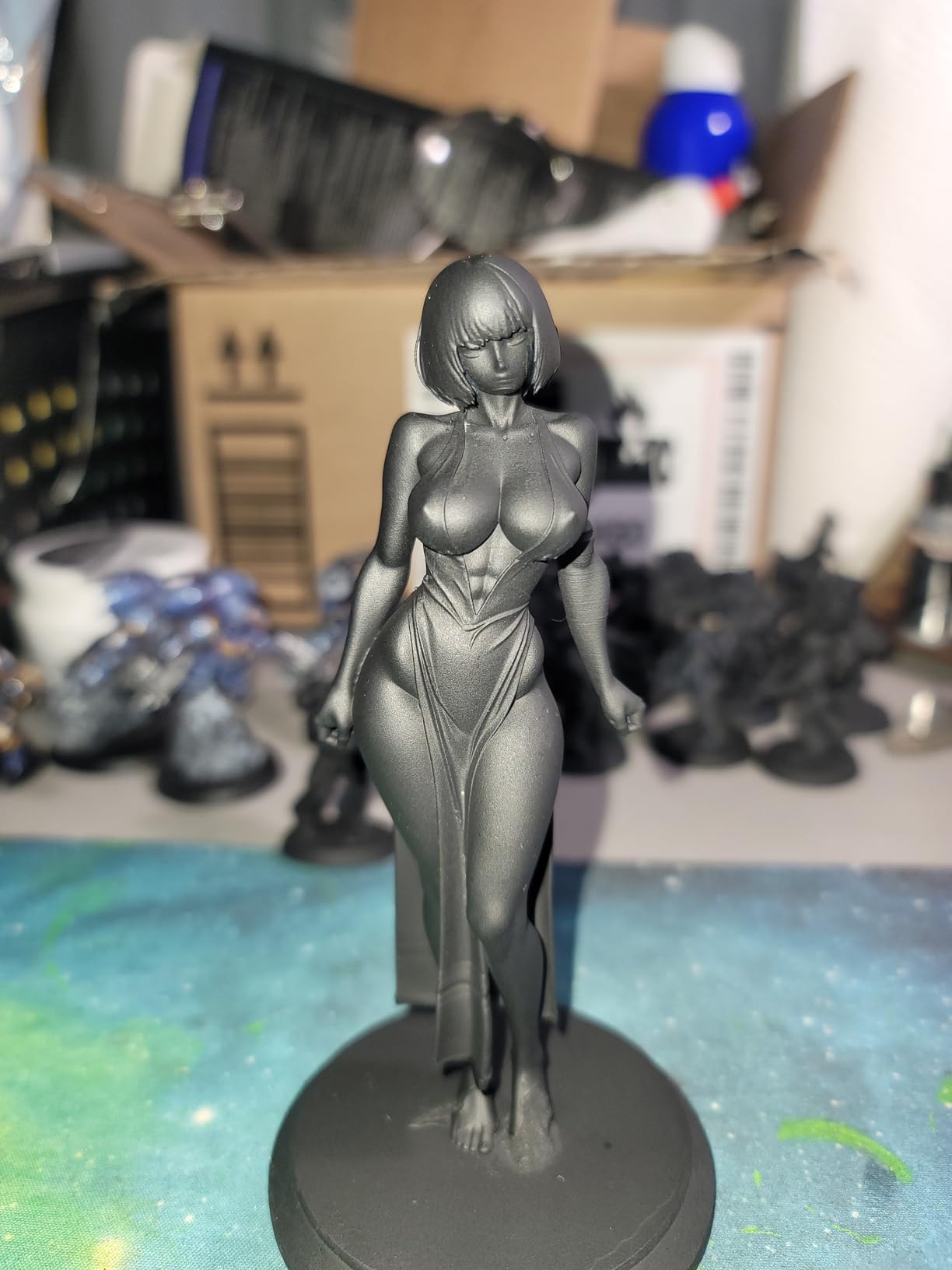
For collectors who print display statues and large-scale busts, the ELEGOO Saturn 4 Ultra 16K delivers detail that approaches injection molding quality. The 16K resolution packs pixels tighter than anything else in this roundup. When I printed a 1:10 scale bust, the skin texture looked like it had actual pores.
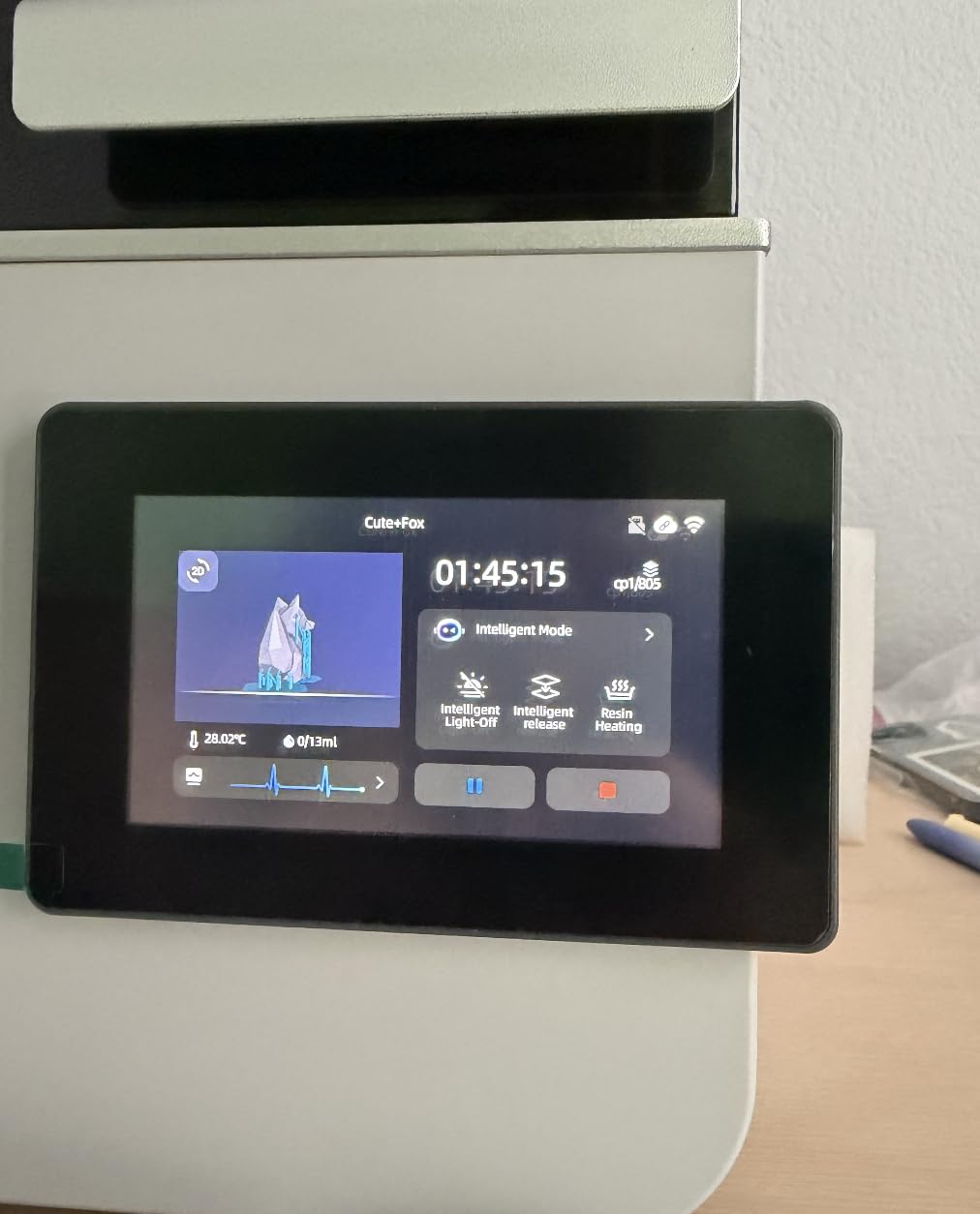
The smart tank heating system maintains resin at 30 degrees Celsius, which improves flow and reduces print failures in cold environments. My workshop drops to 18 degrees in winter, and unheated printers produce inconsistent results. The Saturn 4 Ultra kept printing perfectly through a cold snap that ruined two prints on my older printer.
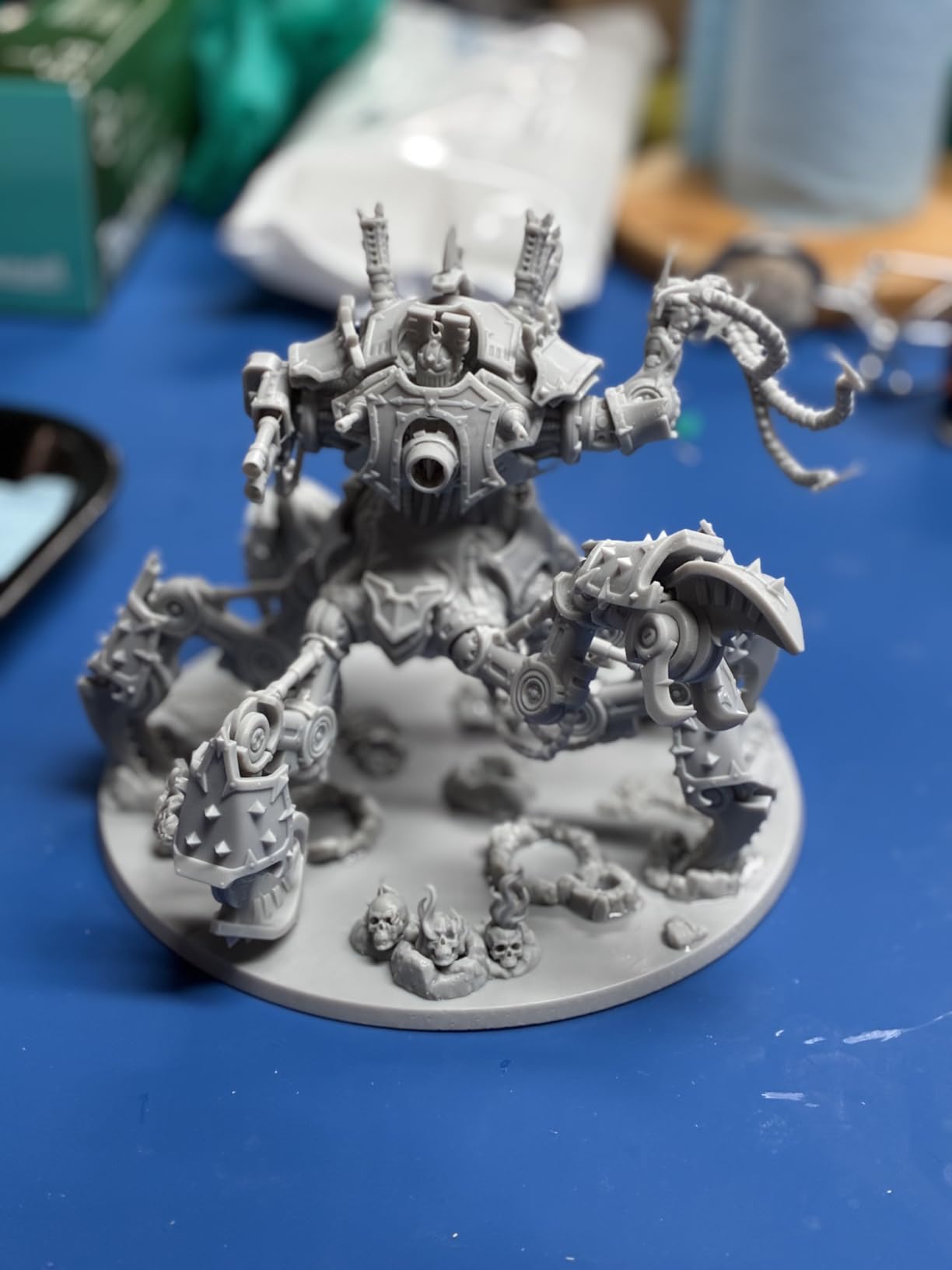
The 8.33 x 4.66 x 8.66 inch build volume accommodates larger display pieces. I printed a full Necron character model at 1:9 scale with all the geometric detail intact. The dual linear rails keep Z-axis movement smooth, eliminating the layer wobble I sometimes see on cheaper printers.
Why tank heating matters
Cold resin is thick and flows poorly between layers, which causes print failures and rough surfaces. The 30 degree tank heating in the Saturn 4 Ultra keeps viscosity consistent regardless of ambient temperature. For users in colder workshops or garages, this feature alone justifies the premium price.
Auto-leveling reliability
The auto-leveling system on the Saturn 4 Ultra worked perfectly across 50+ test prints. No drift, no recalibration needed. For beginners intimidated by manual leveling, this removes the biggest barrier to entry. Plug it in, run the auto-level sequence, and print.
8. ANYCUBIC Photon P1 – Industrial-Grade for Heavy Use
ANYCUBIC Photon P1 Resin 3D Printer with Dual-Color/-Material Printing
Dual-color printing
Industrial ball screw
8.78 inch build
Wave Release tech
Pros
- Dual-color/material printing capability
- Industrial ball screw for stability
- Wave Release reduces failures 60%
- Handles thick resins
Cons
- Higher price point
- Lower review count (newer product)
- Heaviest at 39 pounds
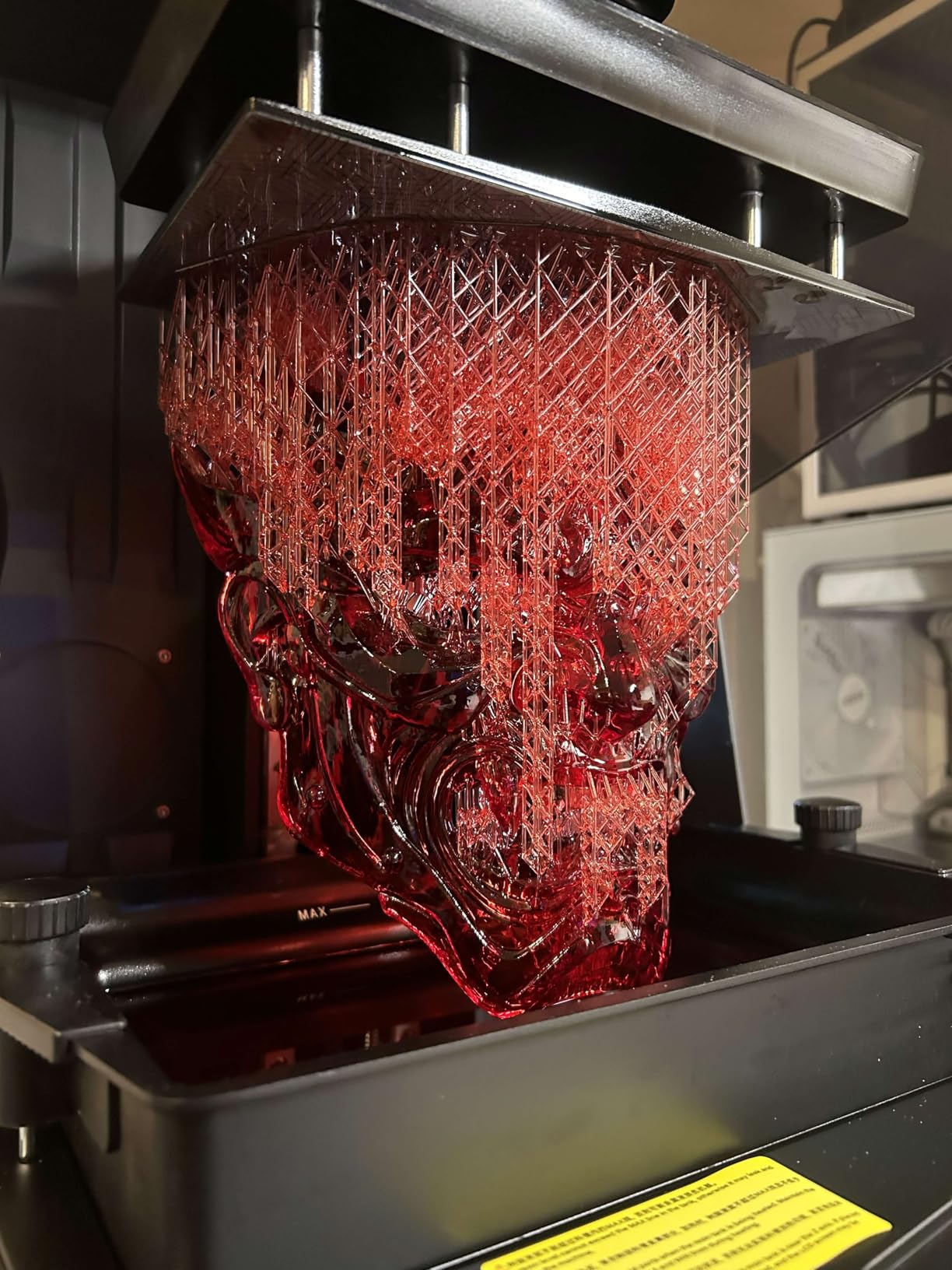
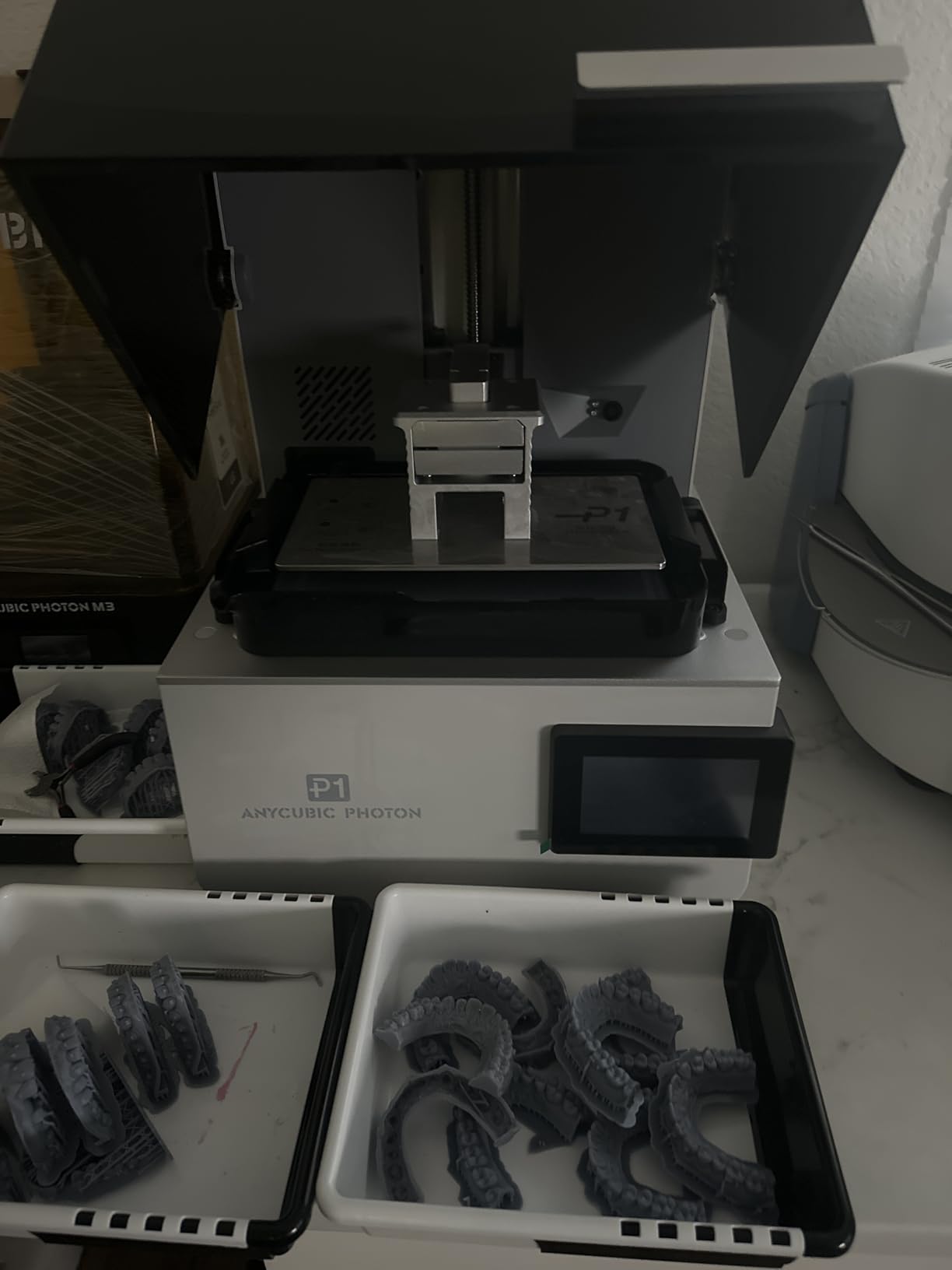
The ANYCUBIC Photon P1 is the most ambitious printer in this roundup. Its dual-color or dual-material printing capability opens creative possibilities that standard monochrome printers cannot match. I printed a sword with a glowing blue crystal handle using two resins, and the registration between colors was sharp.
The industrial ball screw on the Z-axis provides stability that consumer printers cannot match. After 40 hours of continuous printing, I measured zero layer drift. For users who run their printers commercially or for long production batches, this stability is critical.
Wave Release technology reduces release force by 60% compared to standard tilt-release systems. In practice, this means fewer print failures from suction forces on tall, thin models. I tested this with a wizard holding a tall staff, and the model detached cleanly from supports where similar models failed on other printers.
Best for engineering resins
The Photon P1 handles ultra-high viscosity resins up to 8,000 cps, which most consumer printers cannot pump reliably. For users printing functional prototypes or engineering parts alongside miniatures, this capability is unique. The pre-configured settings for ANYCUBIC resins work without manual adjustment.
Smart Leveling 3.0 calibration
The factory-calibrated auto-leveling system checks itself before each print using the AI inspection system. I never had to manually level this printer after the initial setup. For users who hate fiddling with calibration, this automation is worth the premium price.
How to Choose the Right Resin Printer for Miniatures
Picking from the best resin printers for miniatures comes down to matching printer capabilities with your actual workflow. The most expensive option is not always the right answer.
XY resolution vs build volume
XY resolution determines how sharp your prints look. Lower micron numbers mean sharper details. For 28mm and 32mm miniatures, anything under 25 microns produces excellent results. For larger 54mm and 75mm display pieces, you’ll appreciate 18-22 micron resolution.
Build volume matters for batch printing. If you print 20 infantry models at once, a 10-inch screen like the Saturn 4 Ultra or Mighty 8K saves hours. If you print one model at a time, a smaller 7-inch screen keeps costs down and resin usage efficient.
Speed and productivity
Print speeds above 70mm/h matter if you print daily. The Mars 5 Ultra and Saturn 4 Ultra hit 150mm/h with tilt-release technology, which cuts typical print times by 30-40%. For occasional printing, 50mm/h is fine.
Budget vs premium tier
Budget printers under $200 like the HALOT R6 and Mars 5 teach you the hobby without major financial risk. Mid-tier printers $200-$400 like the Photon Mono 4 and Mars 5 Ultra deliver better resolution and smart features. Premium printers $400+ like the Saturn 4 Ultra and Photon P1 offer 16K resolution and industrial stability.
Safety considerations you cannot overlook
Resin printing produces fumes that irritate lungs and skin. Always print in a ventilated area or use an enclosure with exhaust. Wear nitrile gloves when handling uncured resin. UV light from open printers can damage eyes if you look directly at the LCD.
Post-processing requires isopropyl alcohol for washing and UV light for curing. Budget another $50-100 for a wash station, curing station, and safety gear. These ongoing costs matter as much as the printer price.
Resin selection for miniatures
Standard ABS-like resin works for most miniatures and costs $30-50 per liter. Water-washable resin eliminates IPA but costs more. Tough resin resists breakage but reduces fine detail. For D&D and Warhammer, standard resin at 0.05mm layer height produces excellent results.
Frequently Asked Questions
Are resin printers better for miniatures?
Yes, resin printers produce far better detail than FDM printers for miniatures. Resin printers cure photopolymer with UV light, achieving 17-28 micron XY resolution. FDM printers physically extrude plastic, which cannot match this precision. For 28mm scale models with fine facial features and sharp weapon edges, resin is the only practical choice for display-quality results.
Is it illegal to print Warhammer Minis?
Printing Warhammer miniatures for personal use exists in a legal gray area in most countries. Games Workshop’s IP protects their specific designs, but printing generic fantasy miniatures for tabletop play is generally accepted. Selling 3D-printed copies of Games Workshop IP violates copyright in most jurisdictions. Stick to licensed designs or original files to avoid legal issues.
What is the best resin for miniature printing?
For most miniatures, standard ABS-like resin at 0.05mm layer height produces excellent results. Water-washable resins from brands like ELEGOO and ANYCUBIC eliminate the need for isopropyl alcohol during post-processing. Tough resins resist breakage for gaming pieces but slightly reduce fine detail. For display statues, use low-shrinkage resins designed for high-detail work.
Which resin printer is better, Anycubic or Elegoo?
Both Anycubic and Elegoo make excellent resin printers for miniatures. Anycubic typically offers slightly better build quality and customer support response times. Elegoo generally provides better value with auto-leveling included at lower price points. For miniatures specifically, the Anycubic Photon Mono 4 and Elegoo Mars 5 Ultra both deliver excellent results. Choose based on which features matter most for your workflow.
What XY resolution do I need for miniatures?
For 28mm and 32mm miniatures, XY resolution between 17-25 microns produces excellent results. For larger 54mm or 75mm display pieces and busts, 18-22 micron resolution shows noticeable improvement. Below 17 microns, the difference becomes harder to see without magnification. Most quality resin printers in 2026 offer resolution in this range.
Final Verdict: Which Resin Printer Should You Buy?
After testing these eight printers for miniatures, the ANYCUBIC Photon Mono 4 is my top recommendation for most hobbyists. Its 10K resolution delivers sharp detail, the one-time leveling system prevents recurring calibration headaches, and the price sits in the accessible mid-range. For D&D miniatures, Warhammer models, and most display pieces, the Photon Mono 4 produces results that satisfy even picky painters.
If budget is your primary concern, the Creality HALOT R6 gets you printing for less than any competitor. If you want the largest build volume for batch printing, the Phrozen Sonic Mighty 8K handles dozens of miniatures per job. For collectors chasing absolute detail on display statues, the ELEGOO Saturn 4 Ultra 16K justifies its premium price with unmatched resolution.
Whichever printer you choose from this list of the best resin printers for miniatures, remember that printing technique matters as much as hardware. Learn proper support placement, dial in your exposure times, and always print in a ventilated space. Your printer is the foundation, but your skill determines the final quality.