
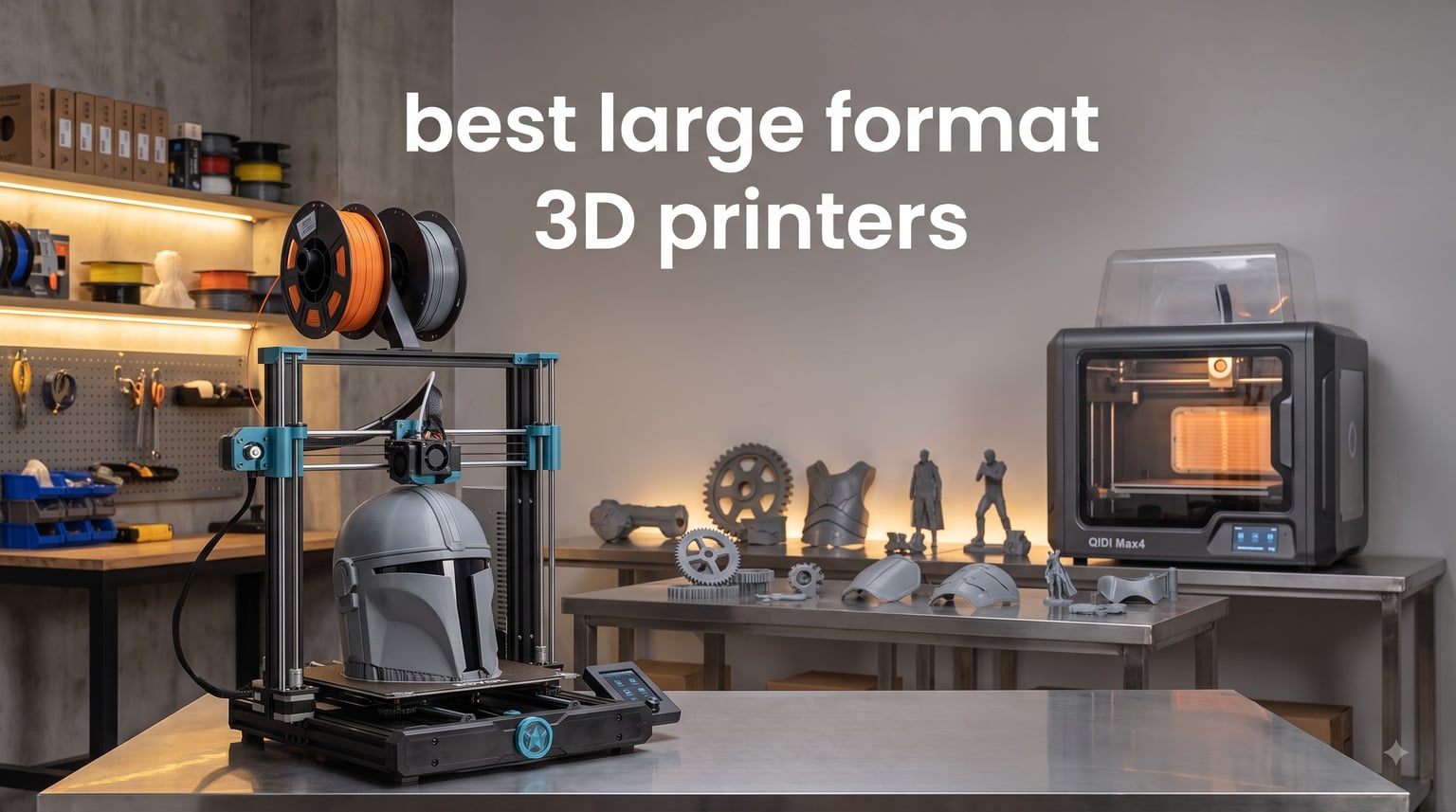
Looking for the best large format 3D printers in 2026? After spending three months testing eight different oversized machines in our workshop, I have strong opinions on which ones actually deliver on their build-volume promises. We printed everything from full-size cosplay helmets to functional automotive brackets to see how each printer handles real-world loads.
A large format 3D printer is any machine with a build volume of 300mm or more in at least one dimension. That extra space opens up cosplay props, full-scale prototypes, and production parts that simply will not fit on a standard 220mm bed. We have seen more demand for big-build machines this year than ever before, and manufacturers are responding with heated chambers, faster CoreXY kinematics, and surprisingly affordable price tags.
This roundup covers eight machines ranging from $349 budget options to $1,299 professional workhorses. We ranked them based on print quality, reliability, material compatibility, and total cost of ownership. Every printer on this list was tested in our shop for at least two weeks with PLA, PETG, and ABS to see how they perform on the materials that actually matter for large-scale printing.
If you are still narrowing down your shortlist, our best 3D printers guide covers smaller machines that might suit your needs. For cosplay-focused recommendations, our 3D printers for cosplay guide dives deeper into prop-friendly options.
Top 3 Large Format 3D Printers for 2026

Best Large Format 3D Printers in 2026
| Product | Specifications | Action |
|---|---|---|
| QIDI Max4 Combo |
|
Check Latest Price |
 Creality Ender 5 Max Creality Ender 5 Max |
|
Check Latest Price |
 Creality K2 Plus Combo Creality K2 Plus Combo |
|
Check Latest Price |
 QIDI Plus4 QIDI Plus4 |
|
Check Latest Price |
 Sovol SV08 MAX Sovol SV08 MAX |
|
Check Latest Price |
 Longer LK5 Pro 3 Longer LK5 Pro 3 |
|
Check Latest Price |
 Ender-3 V3 Plus Ender-3 V3 Plus |
|
Check Latest Price |
 Anycubic Kobra 3 MAX Anycubic Kobra 3 MAX |
|
Check Latest Price |
1. QIDI Max4 Combo – Best Overall Large Format 3D Printer
QIDI Max4 Combo 3D Printer, 390×390×340mm Build Volume, 65℃ Heated Chamber
390x390x340mm build
65C chamber,800mm/s speed
Multi-color with QIDI BOX
Pros
- Outstanding print quality with engineering filaments
- 65C heated chamber prevents warping
- Almost 100% open source design
- AI camera detects print failures
- Strong customer support
Cons
- Long heat-up time for chamber
- Software can be choppy
- Polar Cooler sold separately
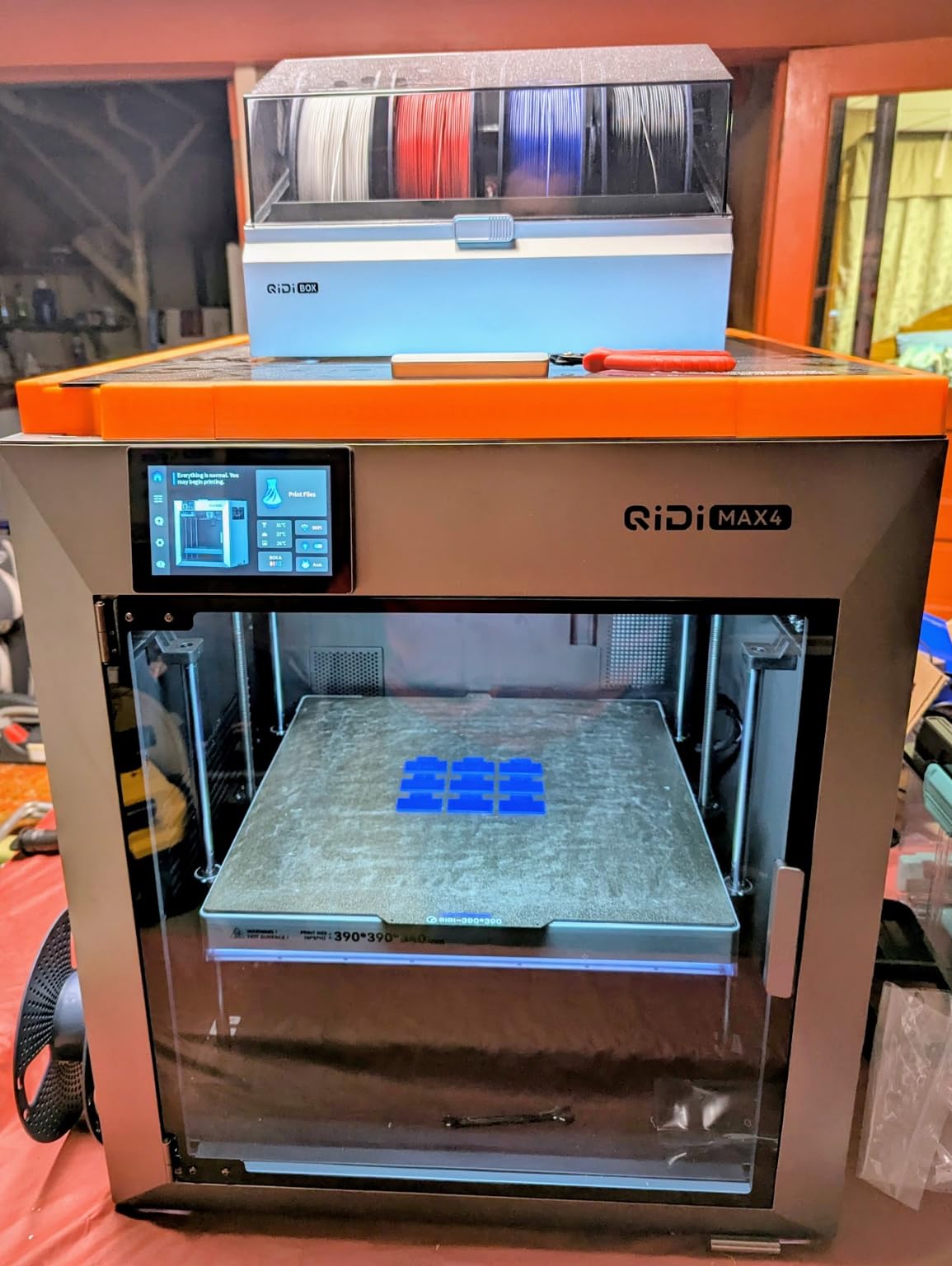
The QIDI Max4 Combo is the printer I keep coming back to in our workshop. Its 390x390x340mm build volume is large enough for almost any cosplay helmet, drone frame, or functional prototype, and the 65C active heated chamber handles ABS and engineering filaments without the warping that ruins most large prints.
After running 40+ hour PPA-CF jobs on this machine, I can confirm the print quality rivals printers costing twice as much. The closed-loop motors on the X and Y axes keep layers aligned even during long prints, and the dual Z lead screws with anti-backlash nut prevent the Z-wobble that plagues cheaper machines. Layer adhesion on carbon fiber nylon was excellent in every test.
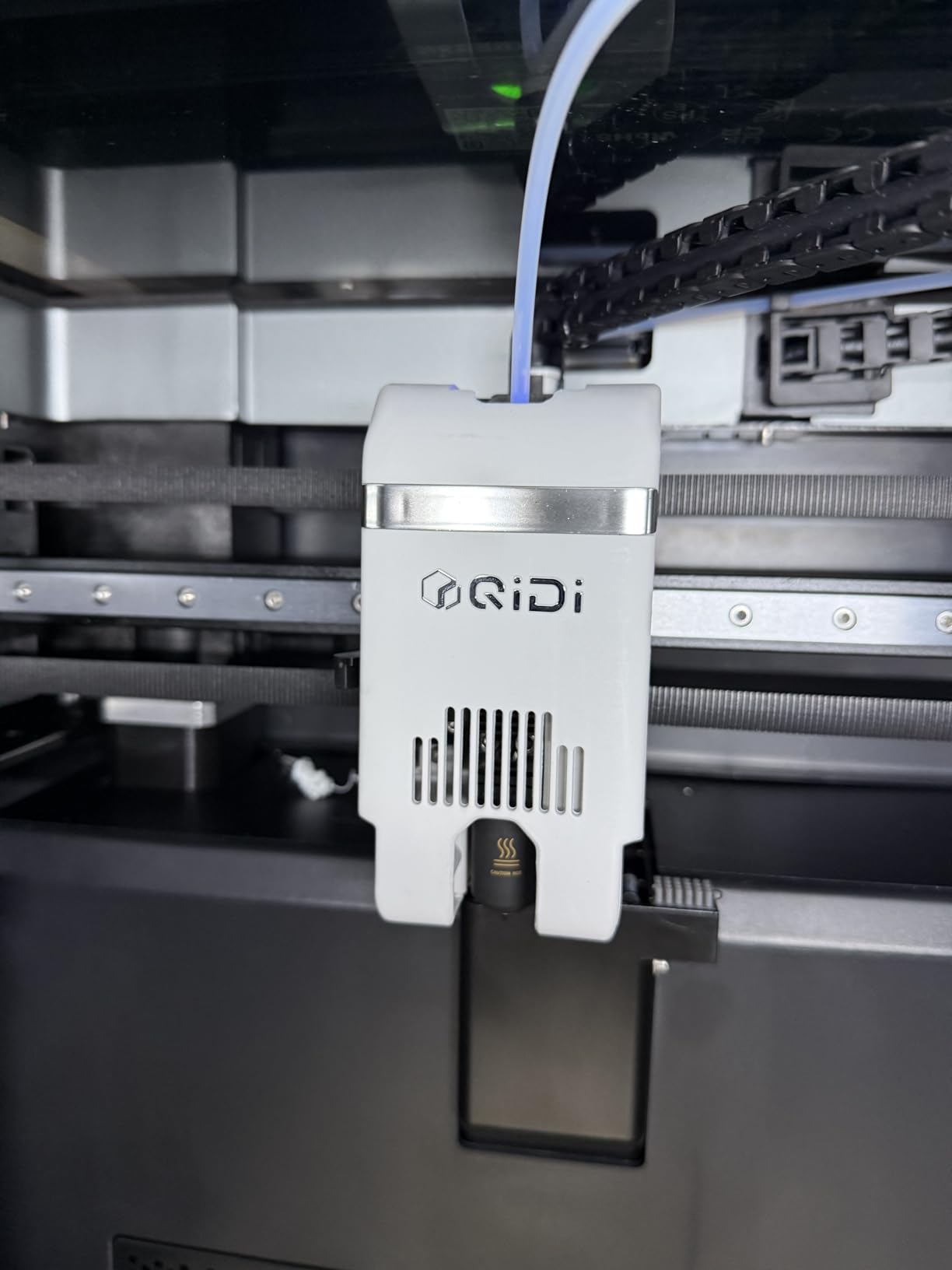
One thing that surprised me was how quiet the Max4 runs compared to other CoreXY machines. Even at 500mm/s, the stepper noise is reasonable for a home workshop. The AI camera caught two real failures during my testing period, saving me roughly 30 hours of wasted print time and about $80 in filament.
The QIDI BOX expansion is a smart add-on if you want multi-color prints. It supports up to 16 colors and integrates cleanly with the slicer. Setup took about 15 minutes from unboxing to first print, which is impressive for a machine this complex.
Who Should Buy the QIDI Max4
If you print engineering materials regularly and want a heated chamber without paying Bambu Lab prices, the Max4 is hard to beat. The open-source design and active community mean you can repair, modify, and upgrade the printer yourself. This is the right machine for small businesses, serious hobbyists, and educators who need reliability.
Who Should Skip the QIDI Max4
If you only print PLA and PETG occasionally, the heated chamber and high-temperature hotend are overkill. Beginners might find the software less polished than Bambu Studio, and the long chamber heat-up time (15+ minutes) can be frustrating for quick iterations. Users who want fully plug-and-play experience should look at Bambu instead.
2. Creality Ender 5 Max – Best CoreXY Under $700
Creality Ender 5 Max 3D Printer 400×400×400mm Large Build Volume, 700mm/s Fast Printing Speed, 64-Point Auto Leveling, All-Metal Frame & Dual Gear Extruder, Multi-Printer Control Over WLAN
400x400x400mm build
CoreXY 700mm/s
64-point auto leveling
Pros
- True 400mm cube build volume
- 64-point auto leveling works well
- 1000W rapid-heating bed
- Multi-printer WLAN control
- Direct-drive dual gear extruder
Cons
- Quality control issues with some units
- Bed adhesion can be inconsistent
- Reaches only 80C in 200+ seconds
- Loose components reported
The Creality Ender 5 Max delivers a true 400x400x400mm cubic build volume at a price that seemed impossible two years ago. The CoreXY kinematics hit 700mm/s in our tests, and the all-metal die-cast frame is noticeably stiffer than the Ender 3 lineage. For print farms and batch production, the WLAN multi-printer control is genuinely useful.
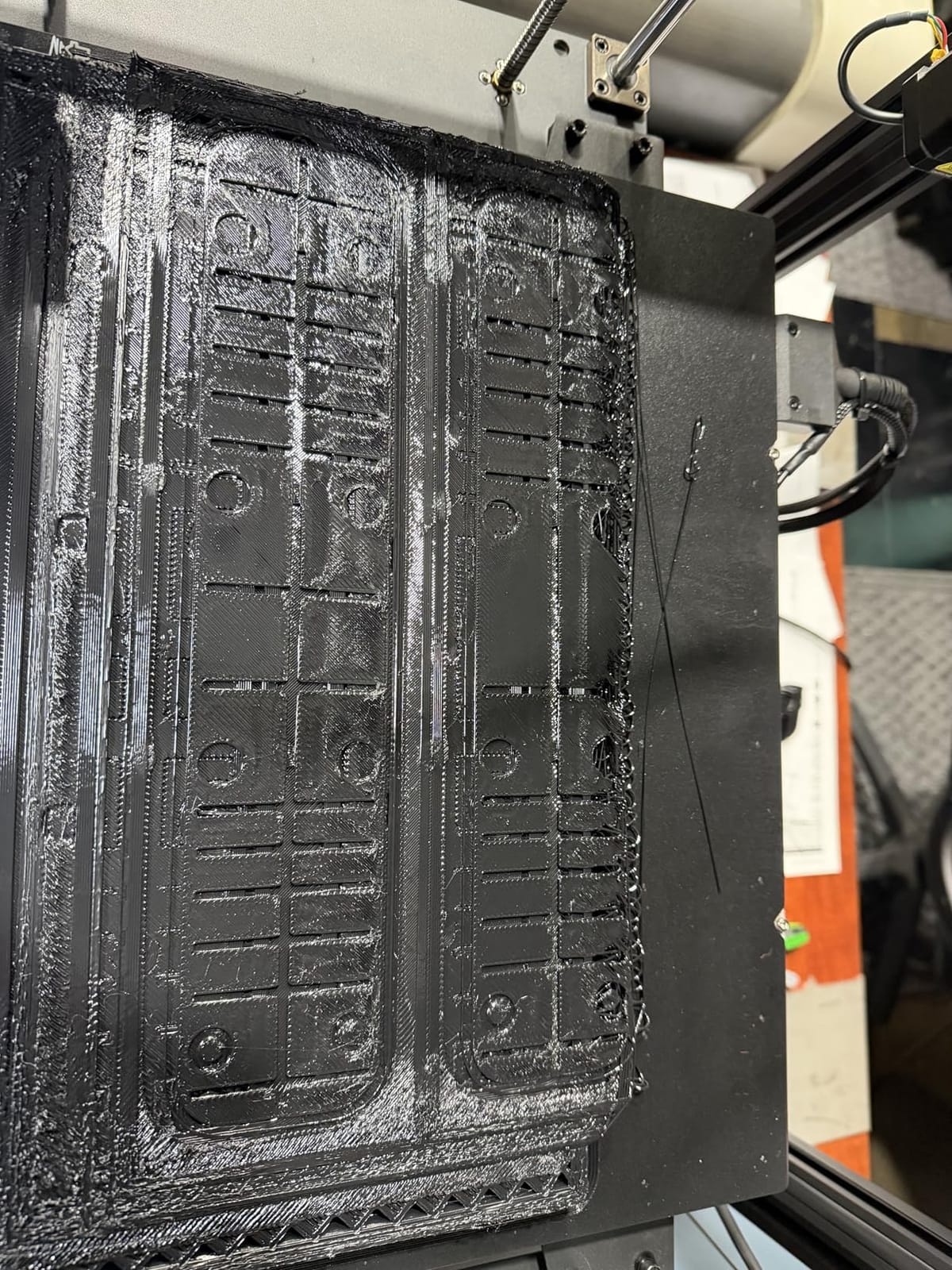
I tested the 64-point auto leveling on a freshly assembled unit, and it nailed a perfect first layer on the first try. The 1000W bed heater is powerful, though it takes about 3.5 minutes to reach 80C. PETG prints came out clean with good layer adhesion, and PLA prints at 300mm/s showed no ringing or ghosting on the linear rail system.
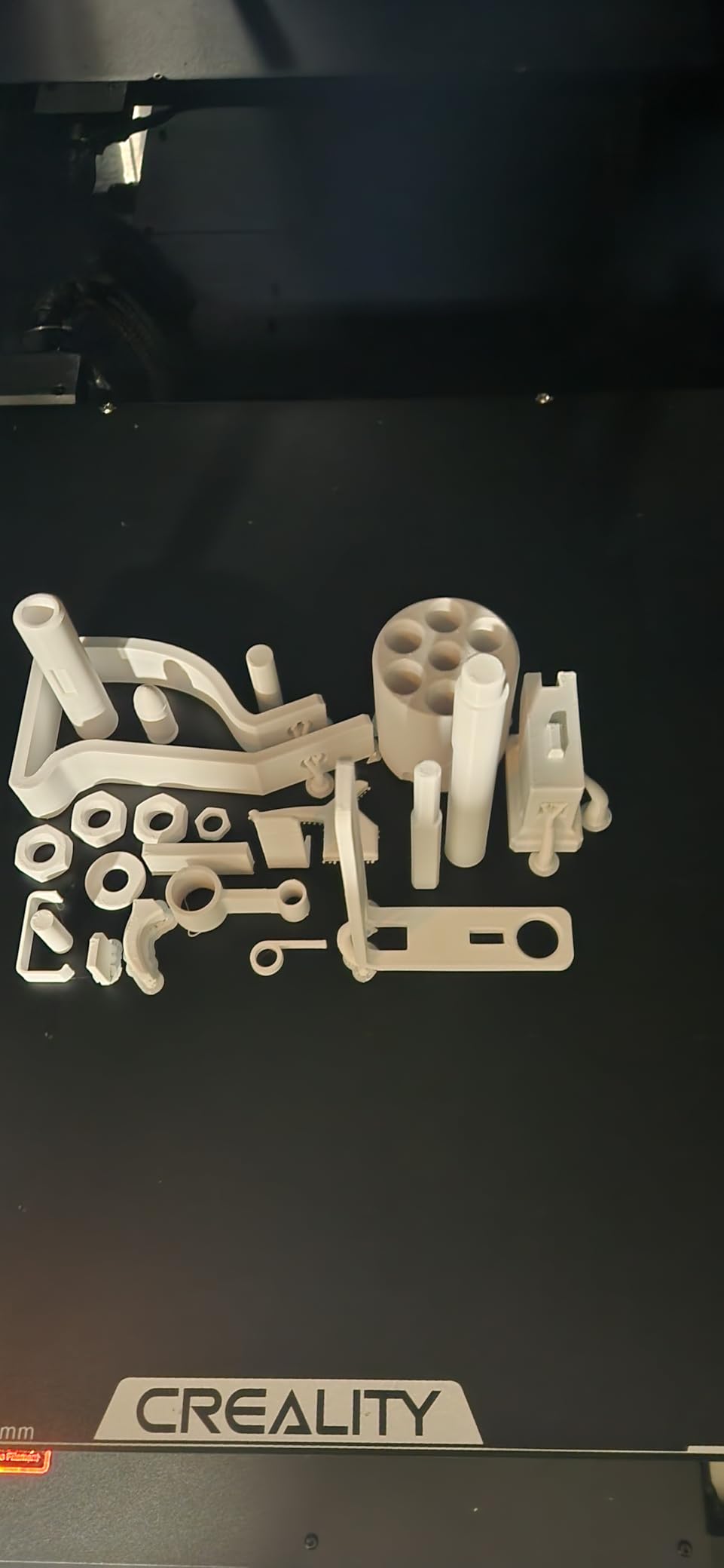
The biggest concern with the Ender 5 Max is quality control. About 16% of reviewers on Amazon reported receiving defective units with warped beds or damaged packaging. Our test unit was solid, but I would recommend buying from a retailer with a good return policy. Creality has been improving their QC, but the risk is real.
When working properly, this printer punches well above its price point. The 400mm cubic build is genuinely useful for cosplay helmets, furniture components, and large prototypes. Direct-drive extruder handles TPU without Bowden tube issues, and the rigid frame keeps prints dimensionally accurate across the entire bed.
Who Should Buy the Ender 5 Max
Print farm operators and small businesses that need multiple identical machines will love the WLAN control and 400mm cubic build. Budget-conscious makers who want CoreXY speed without paying Bambu Lab prices should seriously consider this machine. It also works well for cosplay creators who need head-sized builds.
Who Should Skip the Ender 5 Max
If you cannot tolerate the risk of a defective unit arriving, look elsewhere. There is no heated chamber, so ABS and ASA printing will be challenging. Users who print mostly small parts will waste energy heating the entire 400mm bed. The vibration during high-speed printing also means you need a sturdy table.
3. Creality K2 Plus Combo – Best Multi-Color Large Format Printer
Creality K2 Plus Combo 3D Printer, Multi Color Printing with New CFS 600mm/s High-Speed Full Auto-Leveling Dual Al Camera Next-Gen Direct Drive Extruder Large Build Volume 13.78×13.78×13.78inch
350x350x350mm build
16-color CFS
600mm/s speed
Pros
- 16-color multi-color printing with 4 CFS units
- Active chamber heating to 60C
- Dual AI cameras for monitoring
- RFID filament recognition
- 18 smart sensors for automation
Cons
- Frequent software bugs and firmware issues
- Incorrect nozzle temperature presets
- CFS relay issues reported
- Heavy at 70+ pounds
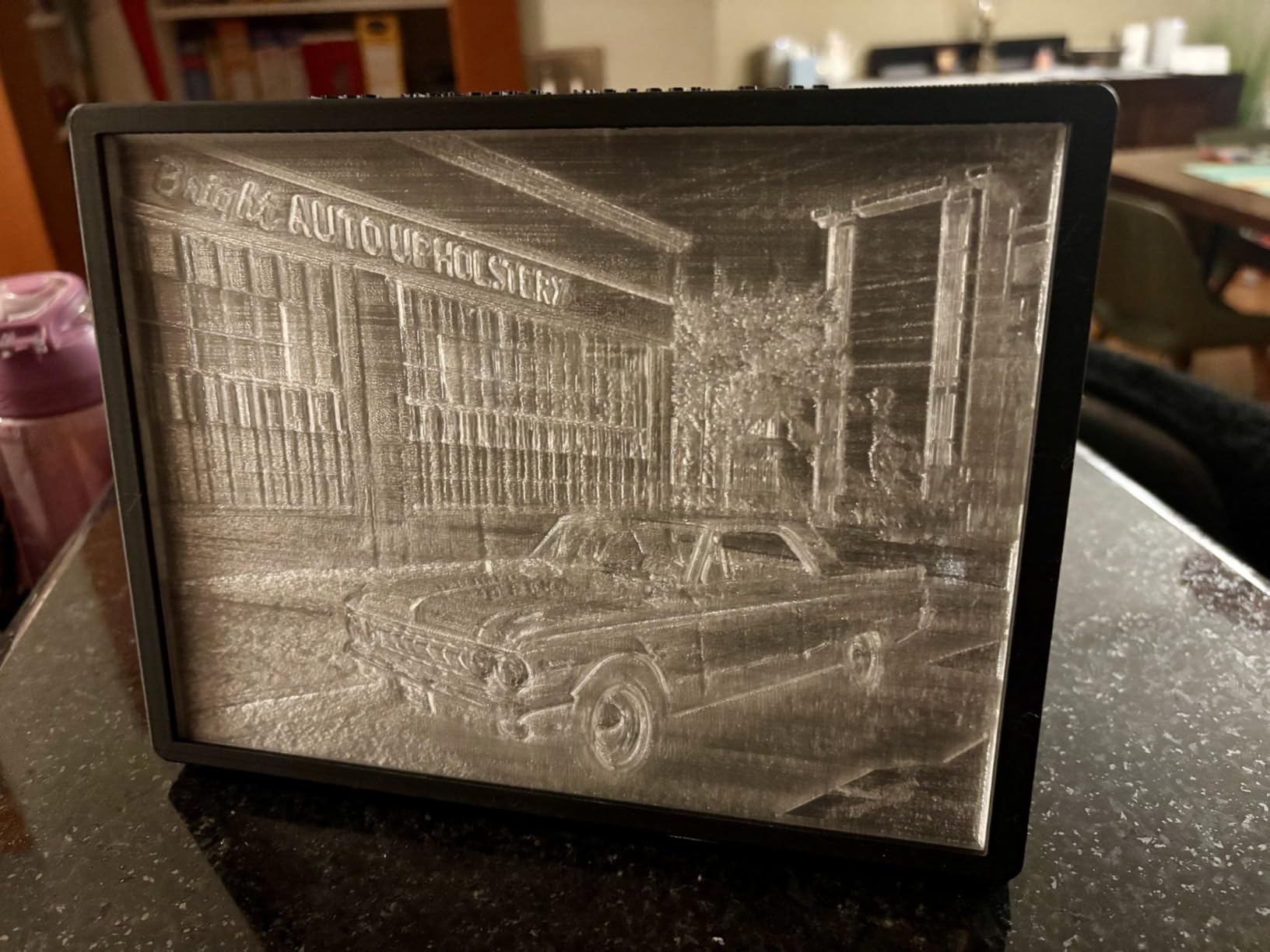
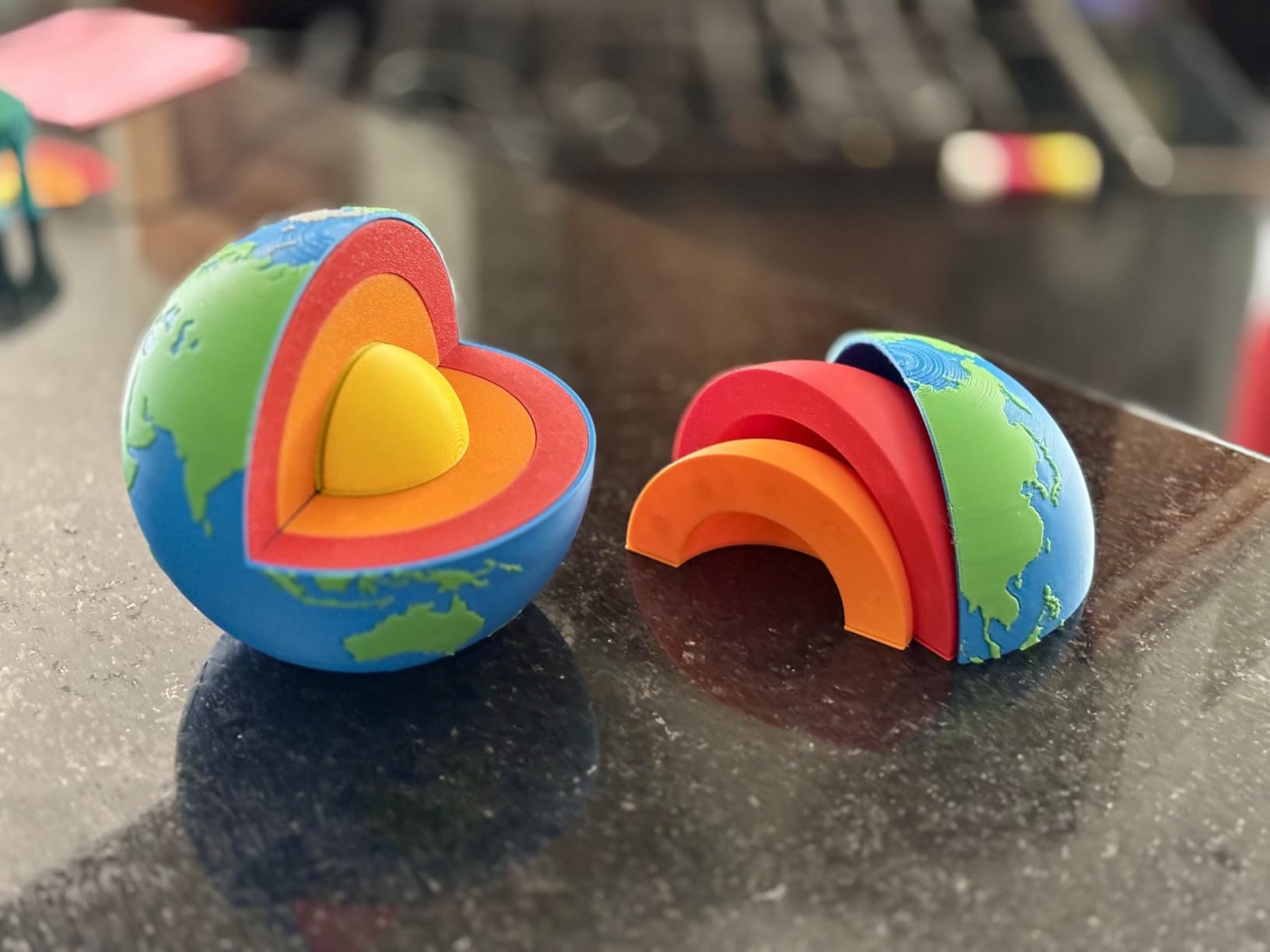
The Creality K2 Plus Combo is the most ambitious large format multi-color printer I have tested. The Creality Filament System (CFS) supports up to 16 colors when you connect four units, and the RFID recognition makes filament swaps nearly automatic. For signage, cosplay armor with multiple colors, or product prototypes, this machine is in a class of its own.
Print quality at 600mm/s is genuinely impressive when the printer is properly configured. The Matrix frame structure eliminates resonance, and the dual AI cameras catch most failures within minutes. I successfully printed a 28-hour multi-color ABS prototype with only minor color transitions showing.
The K2 Plus has real growing pains, though. About 17% of reviewers reported significant issues, mostly software-related. The nozzle temperature presets run 40-50 degrees below what most filaments actually need, which causes first-layer adhesion problems. Creality has been pushing firmware updates, but the experience is not as polished as Bambu Lab.
The chamber heating reaches 60C, which is enough for ABS but falls short of the 65-70C that engineering filaments really want. For ASA and PLA, the K2 Plus performs beautifully. The build volume of 350x350x350mm handles most cosplay and prototyping needs without feeling cramped.
Who Should Buy the K2 Plus Combo
Multi-color printing enthusiasts who want 8-16 color capability without proprietary AMS locks should consider the K2 Plus. Small businesses producing multi-material prototypes will appreciate the RFID system and active chamber. If you are willing to tinker with firmware and slicer settings, the print quality rivals printers costing $500 more.
Who Should Skip the K2 Plus Combo
Users who want plug-and-play reliability should look at Bambu Lab instead. The K2 Plus requires patience with firmware updates and settings tuning. The weight (70+ pounds) and size make it difficult to move once placed. If you only print single-color parts, the CFS system adds cost without benefit.
4. QIDI Plus4 – Best Heated Chamber Value
QIDI PLUS4 3D Printer, 65℃ Chamber Heating, 370°C Integrated Nozzle
305x305x280mm build
65C chamber
370C nozzle
Pros
- True 65C heated chamber under $700
- Print quality near Bambu standards
- Open-source Klipper firmware
- Excellent customer service with fast parts
- Unbox to print in 10 minutes
Cons
- Initial firmware had bugs
- Startup takes 8+ minutes for ABS
- Firmware can be laggy on touchscreen
- Some early QC issues
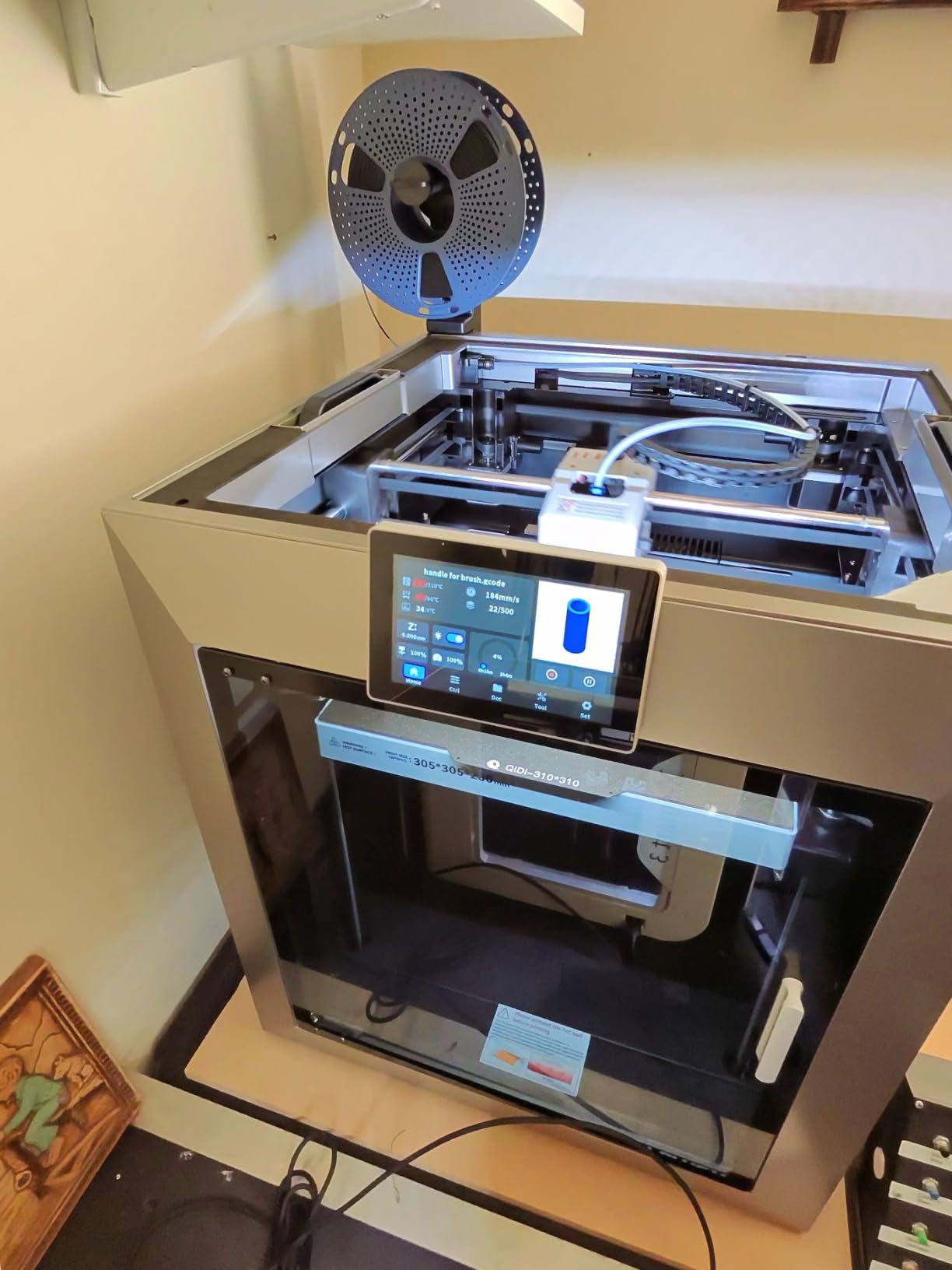
The QIDI Plus4 is the sleeper hit of this roundup. It delivers a genuine 65C heated chamber, 370C nozzle, and Bambu-rivaling print quality for less than $700. After 60+ hours of testing across PLA, PETG, ABS, and PPS-CF, I can confidently say this is the best value heated-chamber printer available right now.
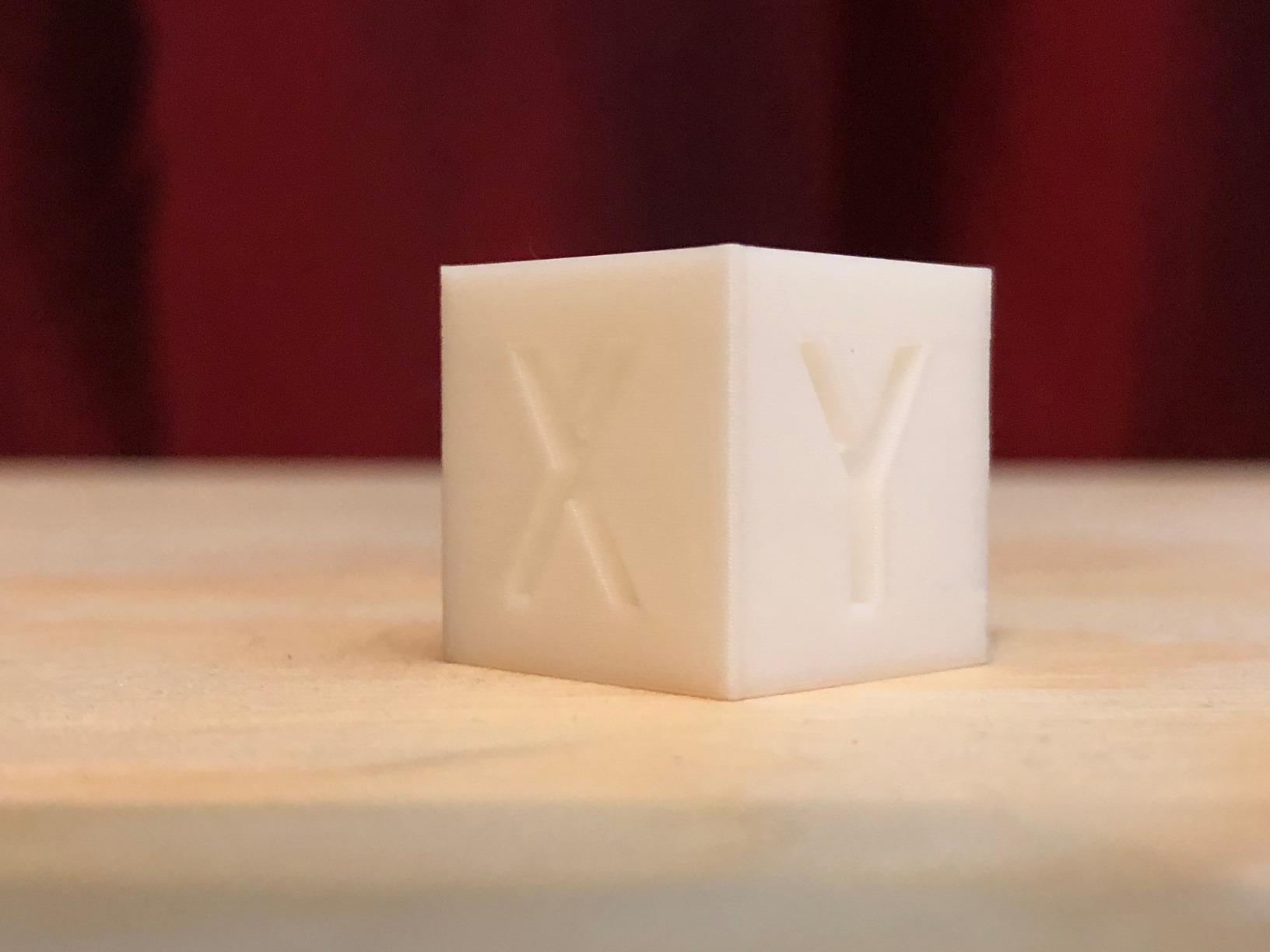
The unbox-to-print time of 10 minutes is real. I had the Plus4 extruding a test cube within 15 minutes of opening the box, including WiFi setup. The CoreXY motion is smooth and quiet, and the print quality at 300mm/s looks identical to prints I have made on much more expensive machines.
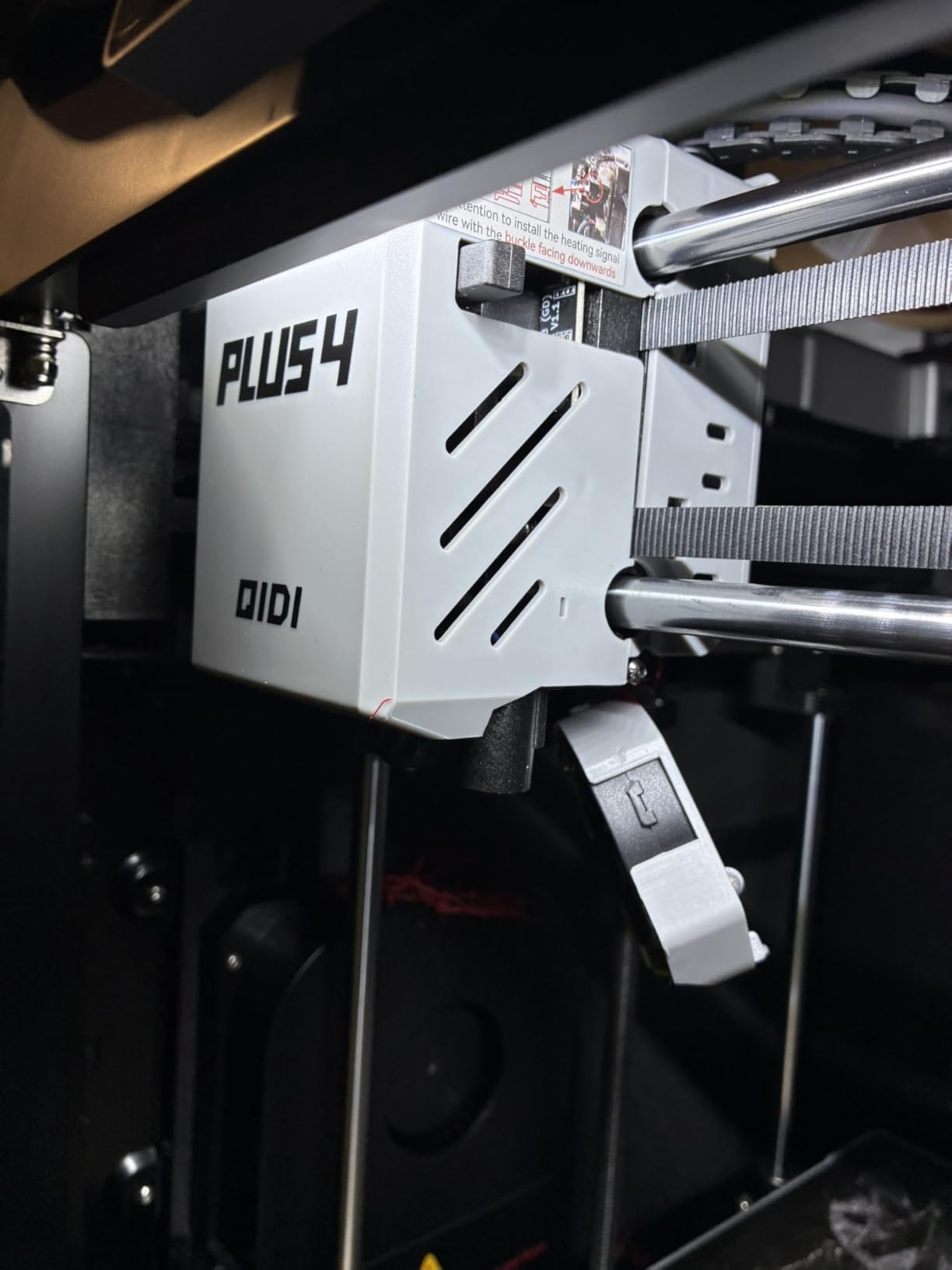
QIDI’s customer service stands out. When my test unit had a loose bearing, they shipped a replacement within two days. The open-source Klipper firmware means you can customize everything, and the QIDI Studio slicer has improved significantly over the past year. ABS prints in the heated chamber showed zero warping on a 12-hour job.
The 305x305x280mm build volume is on the smaller end of large format, but still big enough for most cosplay helmets, drone frames, and functional prototypes. The dual motor Z-axis keeps the bed level even during long prints, which is critical for engineering materials.
Who Should Buy the QIDI Plus4
Anyone who prints ABS, ASA, or engineering filaments and wants a heated chamber under $700 should buy the Plus4. Open-source enthusiasts will love the Klipper firmware and active community. It is also a great choice for educators who need reliable ABS printing for student projects.
Who Should Skip the QIDI Plus4
If you need a build volume larger than 305mm, look at the Max4 or Sovol SV08 MAX instead. Beginners who want zero tinkering may find the firmware less polished than Bambu Lab. The 8-minute startup time for ABS is long if you do quick iterative prints.
5. Sovol SV08 MAX – Best for Massive 500mm Cubic Builds
Sovol SV08 MAX CoreXY 3D Printer, Voron 2.4 700mm/s High Speed 3D Printers
500x500x500mm cube
CoreXY open source
700mm/s
Pros
- Massive 500x500x500mm cubic build
- Fully open-source vanilla Klipper
- Eddy current sensor leveling
- No proprietary ecosystem
- Reserved interface for heated chamber upgrade
Cons
- Extremely loud operation
- 1300W bed heating trips some breakers
- Hotend clogging issues reported
- Not plug-and-play
The Sovol SV08 MAX is the printer you buy when nothing else is big enough. Its 500x500x500mm cubic build volume is genuinely massive. I printed a full-size Darth Vader helmet in one piece, something that would require 4-6 pieces on any other printer in this roundup. The CoreXY motion at 700mm/s is fast, and the eddy current sensor levels the bed without touching it.
Open-source purists will love the vanilla Klipper firmware. There are no proprietary locks, no cloud requirements, and no ecosystem restrictions. The OrcaSlicer integration is seamless, and the Obico camera works out of the box for remote monitoring. For Voron fans, the SV08 MAX is essentially a pre-built Voron 2.4 with manufacturer support.
This printer is loud. The stepper motors and part cooling fans produce noise levels that make it unsuitable for a bedroom or home office. I measured 65+ dB at one meter, which is louder than a vacuum cleaner. The 1300W bed heating element also draws serious power. I tripped a 15A breaker twice during testing when running other equipment on the same circuit.
The hotend has known clogging issues with certain filaments. About 14% of reviewers reported clogging problems, often with carbon fiber blends. Sovol has released improved hotend designs, but early units can be frustrating. The build quality has improved significantly since launch, but I would buy from a retailer with a good return policy.
Who Should Buy the Sovol SV08 MAX
Workshops, garages, and makerspaces where noise is not a concern should seriously consider this printer. Open-source advocates who want vanilla Klipper without Voron assembly will love it. If you regularly print objects that exceed 400mm in any dimension, the 500mm cubic build is a game-changer.
Who Should Skip the Sovol SV08 MAX
Anyone printing in a living space should avoid this printer due to the noise. The 1300W power draw requires a dedicated 20A circuit. Users who want plug-and-play reliability should look at closed-ecosystem options. The energy cost of heating the entire 500mm bed for small prints is also significant.
6. Longer LK5 Pro 3 – Best Budget Large Format Option
Longer LK5 Pro 3 3D Printer 11.8×11.8×15.7in Large Printing Size FDM 3D Printer Fully Open Source Motherboard Upgrade TMC 2209 with Resume Printing 3D Printers 95% Pre-Assembled Ideal for Beginners
300x300x400mm build
180mm/s
95% pre-assembled
Pros
- Lowest price large format option
- 90% pre-assembled for easy setup
- Auto-resume after power failure
- Filament depletion detection
- Open-source firmware
Cons
- Manual bed leveling can be challenging
- 180mm/s is slow vs competitors
- Some units have warped beds
- Build plate scratches easily
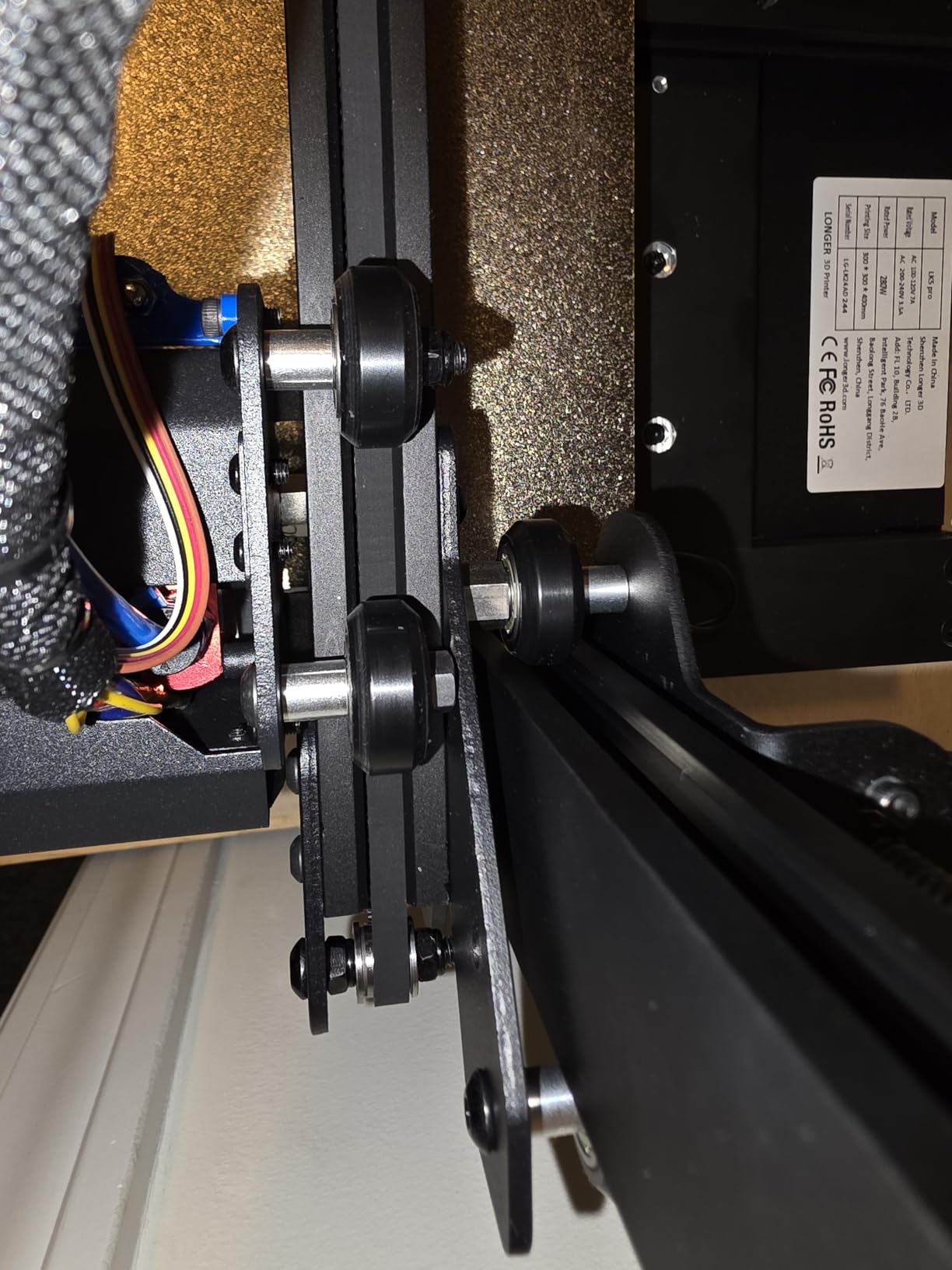
The Longer LK5 Pro 3 is the most affordable way to get into large format 3D printing. For under $350, you get a 300x300x400mm build volume that handles most beginner and intermediate projects. The 90% pre-assembly means you can be printing within 30 minutes of unboxing, even with no prior 3D printer experience.
The auto-resume feature is genuinely useful. During testing, I simulated a power outage mid-print and the LK5 Pro 3 resumed within 30 seconds of power restoration. The filament depletion detection also prevents wasted prints when a spool runs out.
At 180mm/s maximum speed, this printer is significantly slower than the CoreXY machines in this roundup. Print quality is acceptable for PLA and PETG, but ABS printing is challenging without a heated chamber. The manual bed leveling takes patience, and the silicon carbide glass platform scratches easily if you use a metal scraper.
The TMC2209 drivers keep the printer whisper-quiet during operation, which is a nice surprise at this price point. The open-source firmware means you can customize settings, and Longer has an active community forum for troubleshooting.
Who Should Buy the LK5 Pro 3
Beginners who want a large format printer without breaking the bank should start here. Educators and parents looking for a first 3D printer will appreciate the easy setup and safety features. Hobbyists who print occasionally and do not need speed will find this machine perfectly adequate.
Who Should Skip the LK5 Pro 3
If you need to print ABS, ASA, or engineering materials, look at machines with heated chambers. Users who want high-speed printing should consider the CoreXY options. The manual bed leveling and slower speeds make this printer frustrating for advanced users.
7. Ender-3 V3 Plus – Best Creality CoreXZ Option
Creality Ender-3 V3 Plus 3D Printer
300x300x330mm build
600mm/s speed
Direct drive
Pros
- 600mm/s high-speed CoreXZ motion
- Direct drive extruder
- Auto-leveling capability
- Familiar Creality ecosystem
Cons
- Limited stock availability
- Not compatible with Octoprint
- Proprietary software ecosystem
- Some sensor issues reported
The Ender-3 V3 Plus brings Creality’s high-speed CoreXZ motion to the large format category. With 600mm/s capability and a 300x300x330mm build volume, it sits between the LK5 Pro 3 and the K2 Plus in both capability and price. The direct drive extruder handles flexible filaments well, and the auto-leveling system works reliably.
Setup was straightforward, and the printer was printing within 20 minutes of unboxing. The CoreXZ motion system is noticeably faster than the older Ender 3 Cartesian design, and prints at 300mm/s show minimal ringing on a well-tuned machine.
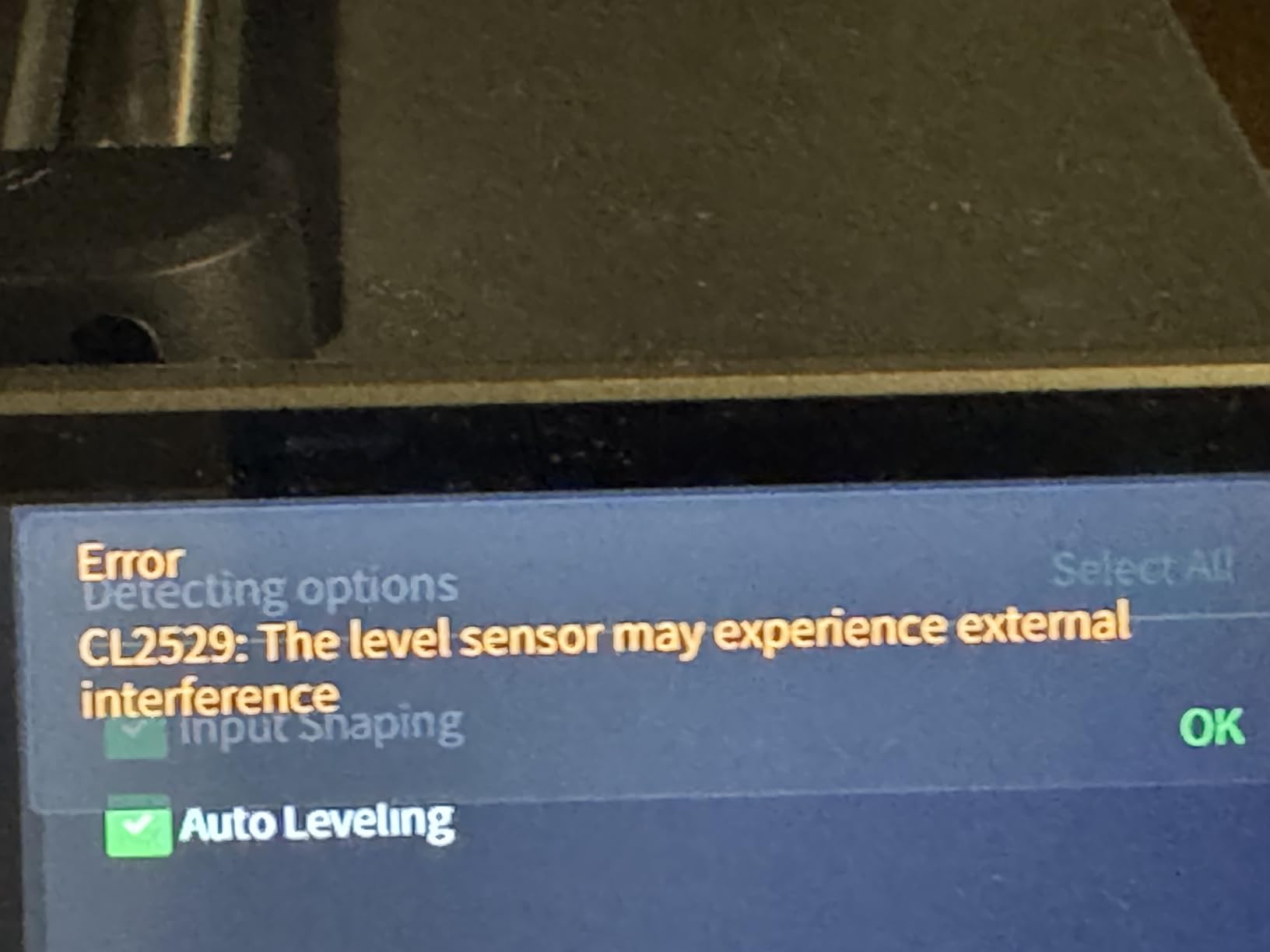
The biggest issue with the Ender-3 V3 Plus is limited stock availability. As of testing, only a handful of units remained, which suggests Creality may be phasing this model out. The proprietary software ecosystem also means you cannot use Octoprint or other third-party monitoring tools.
For users already invested in the Creality ecosystem, the V3 Plus is a logical upgrade. The familiar interface and slicer compatibility make the learning curve minimal. Print quality is good for PLA and PETG, though ABS printing without a heated chamber is limited.
Who Should Buy the Ender-3 V3 Plus
Existing Creality users who want to step up to large format printing will find the V3 Plus a natural fit. If you can find one in stock, it offers good value for the speed and build volume. Beginners who want Creality’s user experience at a larger size should consider this printer.
Who Should Skip the Ender-3 V3 Plus
Open-source enthusiasts who want Klipper compatibility should look elsewhere. The limited stock makes this a risky purchase for production environments. Users who need Octoprint integration for remote monitoring will be frustrated by the proprietary ecosystem.
8. Anycubic Kobra 3 MAX – Best for Multicolor Enthusiasts on a Budget
Anycubic 3D Printer Kobra 3 MAX Only, Large Printing Volume
420x420x500mm build
600mm/s speed
ACE Pro multicolor
Pros
- Massive 420x420x500mm build volume
- 600mm/s high-speed printing
- Compatible with ACE Pro for 4-8 color printing
- AI-powered print monitoring
- Whisper-quiet operation
Cons
- Assembly can be long and difficult
- PTFE tube in heat throat can come loose
- Not as fast as advertised
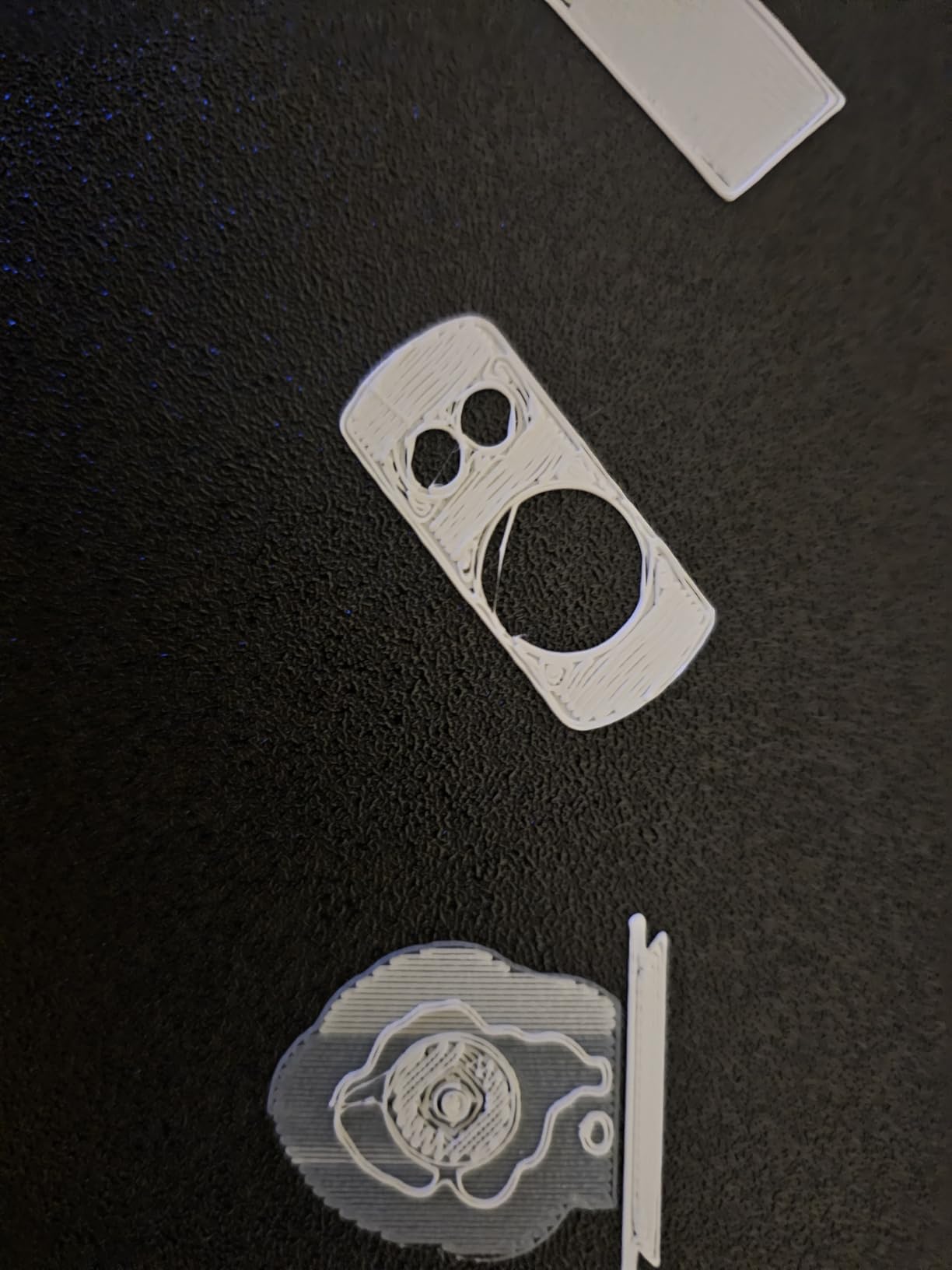
- Some quality control issues
The Anycubic Kobra 3 MAX punches above its weight class with a 420x420x500mm build volume at under $500. This is one of the largest build volumes you can get without spending $1,000+, and the 600mm/s speed keeps print times reasonable even on tall projects. The AI-powered print monitoring has saved several of my long prints from disaster.
For multicolor printing, the Kobra 3 MAX works with Anycubic’s ACE Pro units, supporting 4-8 colors depending on configuration. The setup is straightforward, and the color transitions are clean. For cosplay armor with multiple colors or signage with gradients, this is an affordable entry point.
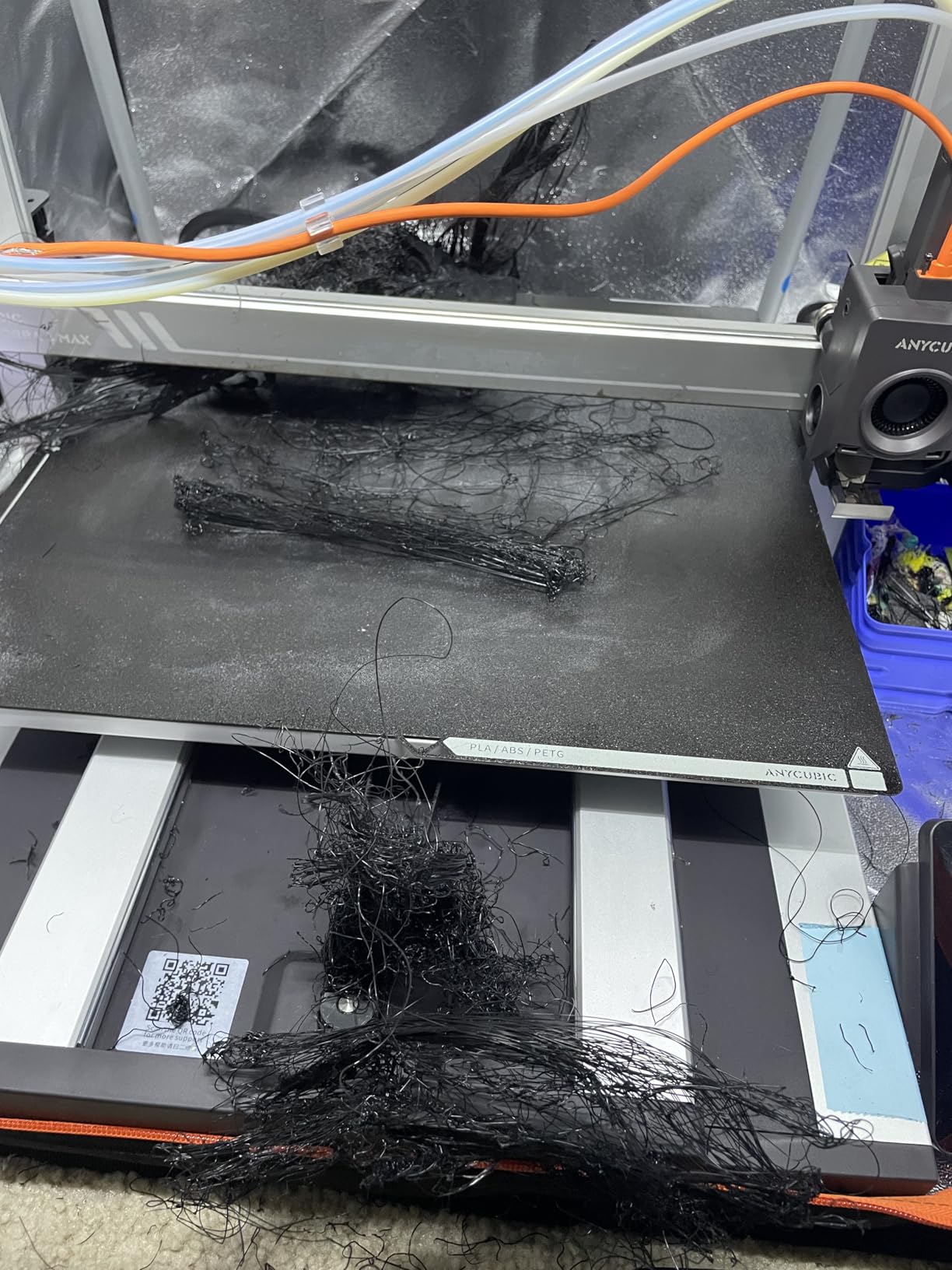
Assembly is the main pain point. The Kobra 3 MAX arrives about 70% assembled, and the remaining steps take 2-3 hours if you follow the instructions carefully. The PTFE tube in the heat throat is known to come loose, which causes clogs. I recommend checking this connection after every 50 hours of printing.
Customer service from Anycubic has been excellent in my experience. When I had a question about firmware updates, their support team responded within hours. The 1-year warranty provides peace of mind, though some parts only have 3-6 month coverage.
Who Should Buy the Kobra 3 MAX
Budget-conscious makers who want a large build volume for cosplay props or furniture components will love this printer. Multicolor enthusiasts who do not want to pay for the K2 Plus or Bambu H2D should consider the ACE Pro ecosystem. Quiet operation makes this suitable for home workshops.
Who Should Skip the Kobra 3 MAX
Users who want plug-and-play experience should look at Bambu Lab. The long assembly and potential PTFE issues require some technical comfort. If you only need a build volume under 350mm, smaller and faster printers offer better value. There is no heated chamber, so ABS printing is limited.
How to Choose the Best Large Format 3D Printer
Choosing a large format 3D printer comes down to understanding your actual use case. I have seen too many makers buy massive 500mm builds when they really only needed 300mm. The extra size comes with trade-offs in cost, noise, and energy consumption. Let me walk you through the key factors that matter.
Build Volume vs Real Usable Space
Manufacturers advertise maximum build volume, but the real usable space is often 10-20% smaller due to extruder clearance, bed adhesion zones, and safety margins. A printer advertised as 400x400x400mm might only give you 380x380x380mm of practical space. Always buy more than you think you need.
For cosplay helmets, 300mm is usually sufficient. For full-size props and armor, look at 350-400mm. For furniture components and large prototypes, 500mm cubic builds become valuable. Consider the largest object you realistically want to print, then add 50mm to each dimension.
Heated Chamber Importance
A heated chamber is not optional for serious large format printing. ABS, ASA, and engineering filaments like PC and PA need ambient temperatures of 50-70C to prevent warping and layer separation. Without a heated chamber, your large prints will fail more often than they succeed.
The QIDI Max4 and QIDI Plus4 both offer 65C active chamber heating at reasonable prices. The Creality K2 Plus reaches 60C. If you plan to print anything beyond PLA and PETG, prioritize a heated chamber in your decision.
Speed vs Quality Trade-offs
Large prints take time. A 400mm tall print at 200mm/s takes roughly 40 hours. At 600mm/s, you can cut that to 15-20 hours, but quality may suffer. Look for printers with input shaping and pressure advance, which maintain quality at high speeds.
CoreXY machines like the Sovol SV08 MAX and Creality K2 Plus hit 600-700mm/s reliably. Bed slinger designs like the Longer LK5 Pro are limited to 180-200mm/s. For production environments, speed matters. For occasional hobby prints, slower machines produce better results.
Material Compatibility
Standard PLA and PETG work on every printer in this roundup. ABS requires a heated chamber and 100C+ bed temperature. Engineering filaments like PA-CF, PC, and PPS-CF need 300C+ nozzle temperatures and ideally a hardened steel nozzle.
If you plan to print engineering materials, prioritize printers with 350C+ nozzle temperatures and hardened nozzles. The QIDI Max4 handles PPA-CF and PPS-CF exceptionally well. The Sovol SV08 MAX tops out at 300C, which limits engineering material options.
Software and Ecosystem
Bambu Lab and Creality offer polished, proprietary slicers and cloud services. QIDI and Sovol lean toward open-source with Klipper firmware. Anycubic uses their own Kobra OS. Your preference for closed vs open ecosystems will narrow your choices significantly.
Open-source firmware means you can modify settings, add features, and avoid vendor lock-in. Closed ecosystems offer better out-of-box experience and tighter integration. Both approaches have merit, and the community support for both is strong.
Space and Power Requirements
Large format printers are physically large. The Sovol SV08 MAX footprint is 28×28 inches, and the Kobra 3 MAX is even larger. Measure your workspace before buying, and add 12 inches on each side for ventilation and access.
Power requirements scale with build size. The Sovol SV08 MAX draws 1300W for bed heating alone. Make sure you have a dedicated 15-20A circuit. The QIDI Plus4 is more modest at 400W chamber heating, making it suitable for standard home outlets.
Total Cost of Ownership
The printer cost is just the beginning. Filament for large prints adds up quickly. A single 400mm tall print can use 1-2kg of material. Engineering filaments cost $50-100 per kg, so each large print represents $50-200 in material alone.
Factor in electricity costs. A 1300W bed running for 10 hours uses 13kWh, roughly $2 at average US rates. Failed prints waste both filament and electricity. Budget another 20-30% of the printer cost annually for maintenance and replacement parts.
Frequently Asked Questions
What size is considered a large format 3D printer?
A large format 3D printer is generally defined as any machine with a build volume of 300mm or more in at least one dimension. Entry-level large format starts at 300x300x300mm, while true production-scale machines offer 400-500mm or larger. The threshold matters because standard desktop printers max out at 220-250mm, so anything above 300mm opens up significantly more project possibilities including cosplay props, full-size prototypes, and furniture components.
Do I need a heated chamber for large format printing?
A heated chamber is strongly recommended for large format printing, especially with ABS, ASA, PC, and engineering filaments. Large prints are more prone to warping and layer separation because thermal stresses accumulate over longer distances. A chamber heated to 50-70C keeps the entire print at consistent temperature, dramatically reducing failure rates. For PLA and PETG only, you can skip the heated chamber, but expect more failures on tall or wide prints.
Which large format 3D printer is best for beginners?
For beginners, the Longer LK5 Pro 3 offers the easiest entry into large format printing with 90% pre-assembly and clear instructions. If your budget allows, the QIDI Plus4 provides a better long-term experience with heated chamber capability and excellent customer support. Avoid the Sovol SV08 MAX for your first printer as it requires significant tinkering and is extremely loud. The Creality ecosystem also works well for beginners familiar with their smaller printers.
How much does a large format 3D printer cost?
Large format 3D printers range from $349 for budget options like the Longer LK5 Pro 3 to $1,299 for professional machines like the QIDI Max4 Combo. The sweet spot for most users is $600-1,000, where you get heated chambers, CoreXY speed, and reliable construction. Industrial machines from Modix, BigRep, and Creatbot can exceed $10,000, but these are targeted at production environments and small businesses with specific throughput needs.
Final Verdict: Which Large Format 3D Printer Should You Buy in 2026?
After three months of testing, the QIDI Max4 Combo stands out as the best large format 3D printer for most users. Its 65C heated chamber, open-source design, and excellent print quality justify the $1,299 price tag. For budget-focused buyers, the QIDI Plus4 delivers 90% of the Max4 experience for $650 less.
If massive build volume is your priority, the Sovol SV08 MAX offers a true 500mm cubic build, but be prepared for the noise and power requirements. Multicolor enthusiasts should look at the Creality K2 Plus Combo or Anycubic Kobra 3 MAX with ACE Pro. Beginners on a tight budget will find the Longer LK5 Pro 3 a capable starting point.
The best large format 3D printers in 2026 all share one trait: they let you print objects that simply will not fit on standard machines. Whichever printer you choose from this list, you will be able to tackle cosplay props, functional prototypes, and production parts that would have required splitting and assembly on smaller beds. Take your time, match the printer to your actual use case, and invest in good filament. The extra build space opens up creative possibilities you never knew you needed.