
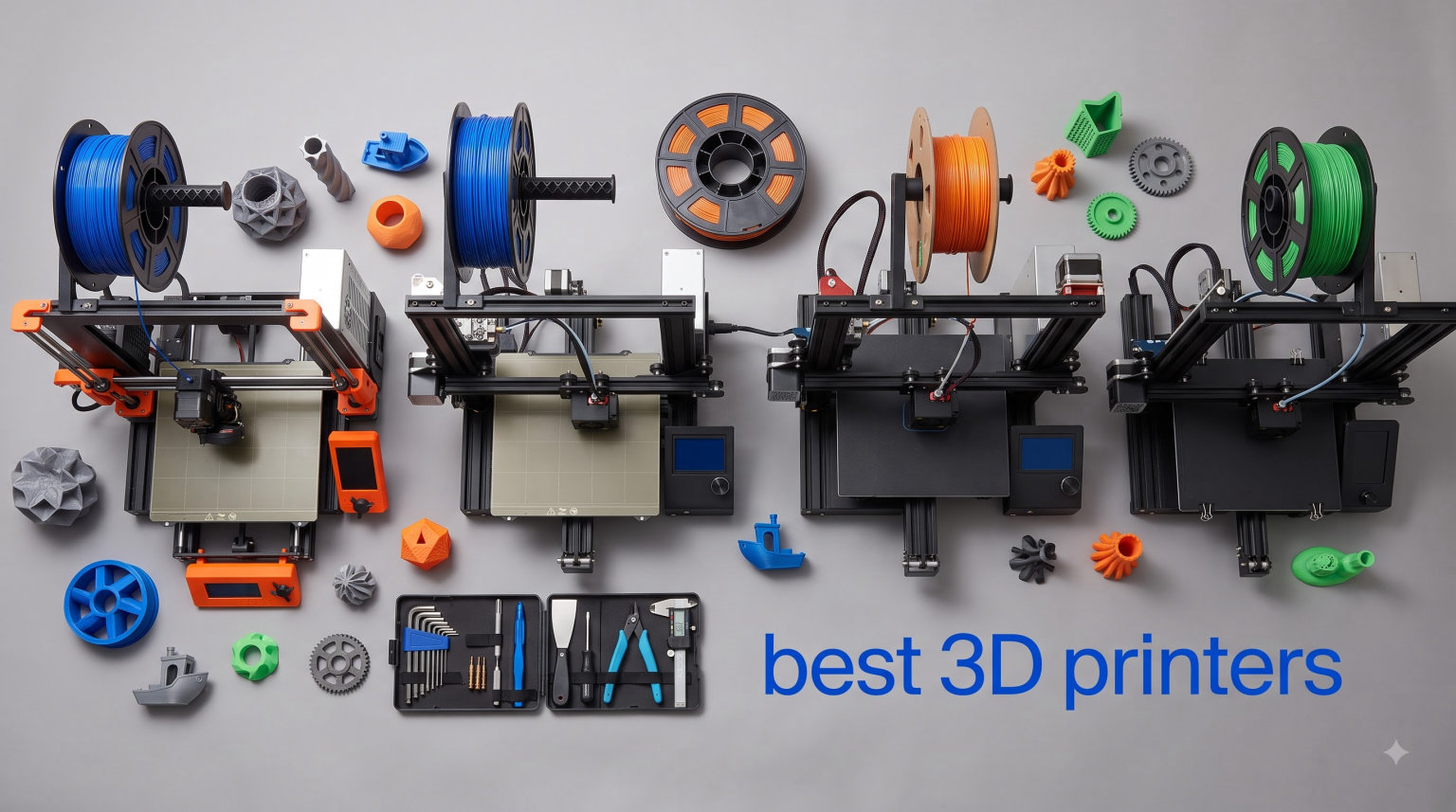
I have spent the past two years printing everything from cosplay armor pieces to replacement bracket parts on more than a dozen machines, and the gap between a good and frustrating 3D printer in 2026 is wider than ever. The best 3D printers 2026 has delivered share a few things: auto calibration that actually works, CoreXY speed that used to cost four figures, and multi-color systems that no longer feel like science experiments. The bad ones still waste your evenings on first-layer problems and warped prints.
This guide covers eight printers I would actually recommend, from a budget bed slinger that nails the basics to an enclosed workhorse that prints polycarbonate all day. I pulled real owner feedback from Reddit communities like r/3Dprinting, dug through thousands of customer reviews, and compared noise, maintenance, and filament costs. My pick for most people is the Bambu Lab P1S Combo, but the right choice depends on your budget, your space, and whether you want plug-and-play simplicity or an open-source machine you can tinker with.
One thing I want to address up front: choice paralysis is real in this hobby. Reddit threads are full of people asking what to actually buy, and the honest answer is that any printer on this list will produce clean parts if you match it to your needs. Skip the spec-sheet anxiety and focus on three questions: how loud can it be, what materials do you want to print, and do you care about multi-color?
Top 3 Picks for Best 3D Printers in 2026
The P1S Combo earns the top spot because it removes almost every classic pain point: 15-minute setup, auto bed leveling, an enclosed chamber for ABS and ASA, and the AMS feeding up to 16 colors. Owners on Reddit describe it with the phrase that defines this era: it just works. The trade-off is a closed ecosystem that will annoy open-source purists.
The Ender 3 V3 SE is the budget pick for anyone who wants to learn printing without a big spend. It lacks the speed and enclosure of pricier rivals, but its CR Touch auto leveling and Sprite direct drive extruder handle PLA, PETG, and TPU capably. The QIDI Max4 Combo is the premium pick: a 65°C heated chamber and a massive 390x390x340mm build volume for engineering filaments and production-scale output.
Best 3D Printers in 2026: Quick Overview
| Product | Specifications | Action |
|---|---|---|
 Bambu Lab P1S Combo Bambu Lab P1S Combo |
|
Check Latest Price |
 Creality Ender 3 V3 SE Creality Ender 3 V3 SE |
|
Check Latest Price |
 Bambu Lab A1 Bambu Lab A1 |
|
Check Latest Price |
 Flashforge Adventurer 5M Flashforge Adventurer 5M |
|
Check Latest Price |
 Flashforge AD5X Flashforge AD5X |
|
Check Latest Price |
 Creality K2 Combo Creality K2 Combo |
|
Check Latest Price |
 Snapmaker U1 Snapmaker U1 |
|
Check Latest Price |
 QIDI Max4 Combo QIDI Max4 Combo |
|
Check Latest Price |
Every printer above auto-levels its bed, which was not true even two years ago at the entry level. The real differences come down to speed, enclosure, and how each brand handles multi-color. Here is how they stack up in extended use.
1. Bambu Lab P1S Combo – Best Overall 3D Printer
Bambu Lab P1S Combo, P1S 3D Printer and AMS, Multi-Color 3D Printing
500mm/s CoreXY
Enclosed
16 colors with AMS
15-minute setup
Pros
- Excellent print quality and reliability
- Multi-color with AMS works seamlessly
- Fast 500mm/s printing
- Enclosed for ABS ASA and PETG
- Great MakerWorld ecosystem
Cons
- Screen interface could be more intuitive
- WiFi and Bluetooth setup can be challenging
- Heavy at 47.5 pounds
When I set the P1S Combo up for a friend’s workshop, it went from box to first print in about 15 minutes, and that first print was a benchy with clean overhangs and no tuning. That experience is why it is my pick for the best 3D printer overall in 2026. The CoreXY motion system runs at 500mm/s with 20,000 mm/s² acceleration, so functional parts finish in a fraction of the time my old bed slinger needed.
The AMS is the reason to buy the combo over the standalone printer. Loading four spools and hitting print on a multi-color model just works, and the system scales up to 16 colors if you add a second AMS. There is purge waste on color changes, like all single-nozzle systems, but the reliability makes it worth it.
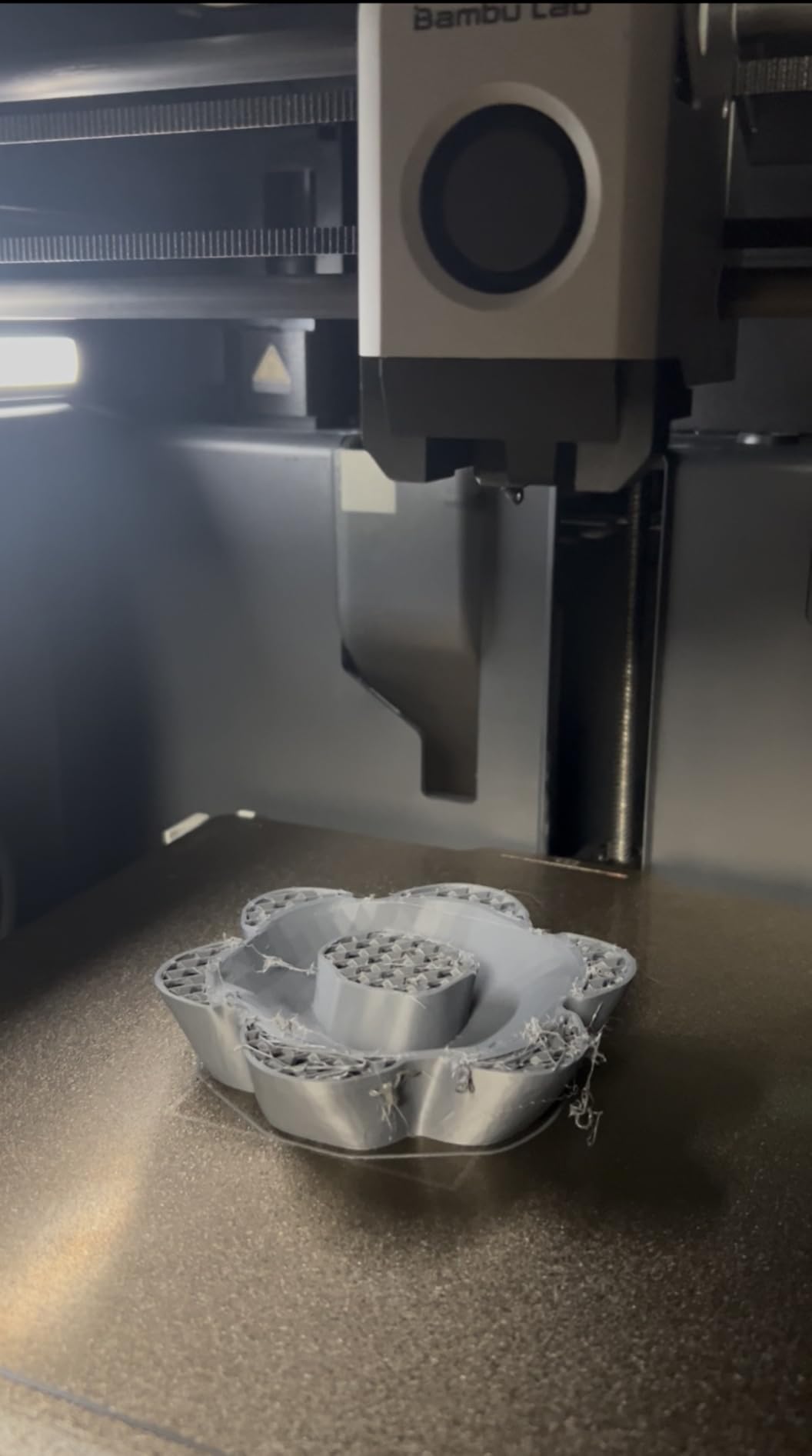
The fully enclosed chamber is what separates the P1S from Bambu’s cheaper A1 series. ABS, ASA, and PETG print without warping, and the enclosure muffles fan and motor noise enough for a shared office. It also keeps dust and curious fingers away from a 300°C hotend.
Long-term ownership is where Reddit’s consensus holds up: people describe months of uninterrupted printing with basic maintenance. The complaints that do surface are minor, like a small screen that feels dated next to the phone app, and WiFi setup that occasionally needs a retry.
Setup and Day-to-Day Use
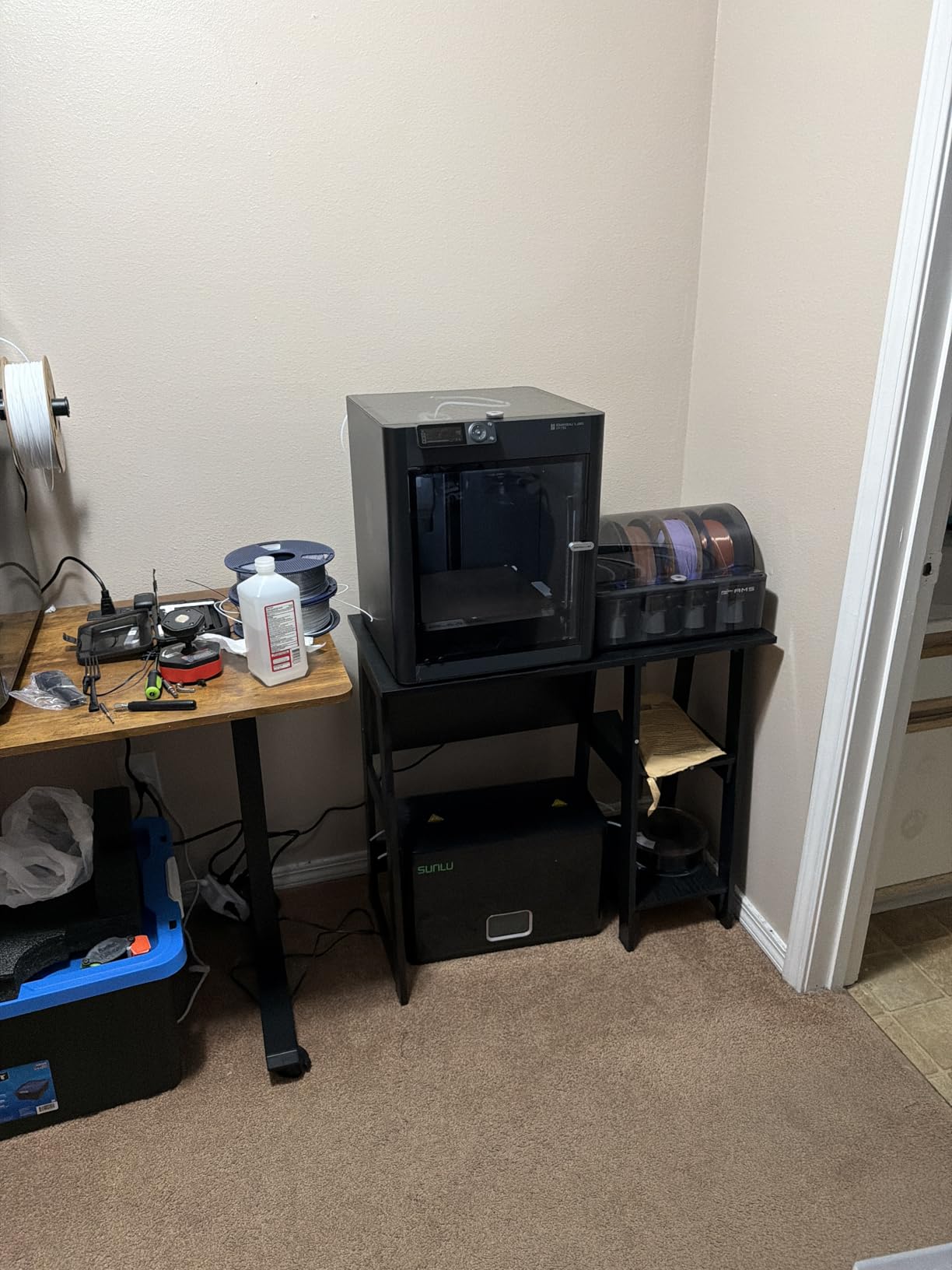
Plan for 15 to 20 minutes of assembly, which is mostly attaching the AMS and plugging in cables. The auto bed leveling and vibration compensation run automatically before the first print. From there, Bambu Studio and the MakerWorld model library mean you can go from unboxing to a finished model without ever writing a line of settings.
Filament Compatibility and Running Costs
The P1S handles PLA, PETG, TPU, PVA, PET, ABS, ASA, PA, and PC, covering hobbyist work through engineering-grade parts. Drying nylon and PETG before printing noticeably improves results. Budget for purge towers on multi-color prints, since a 16-color model can consume a surprising amount of filament in transitions.
2. Creality Ender 3 V3 SE – Best Budget 3D Printer
Creality Ender 3 V3 SE Beginner-Friendly 3D Printer with Auto Leveling
250mm/s printing
CR Touch auto leveling
Sprite direct drive
Silent mainboard
Pros
- Easy setup with auto leveling
- 250mm/s fast printing
- Quiet operation
- Handles PLA PETG and TPU
- Huge community support
Cons
- Temperature regulation issues on some units
- PFTE tube limits temps above 210C
- Some quality control variance
The Ender 3 V3 SE is the printer I hand to anyone who wants to learn 3D printing the traditional way without wasting money. CR Touch auto leveling with automatic Z-offset calibration removes the single most frustrating beginner ritual: manually tramming the bed and chasing a perfect first layer. The Sprite direct drive extruder feeds flexible TPU reliably, which is rare at this level.
Dual synchronized Z-axis lead screws keep the gantry stable, and the 32-bit silent mainboard keeps it quiet enough for an apartment. Print quality on PLA is genuinely good, with 1,462 reviews averaging 4.1 stars backing that up. It is slower than CoreXY rivals at 250mm/s, but patience is free.
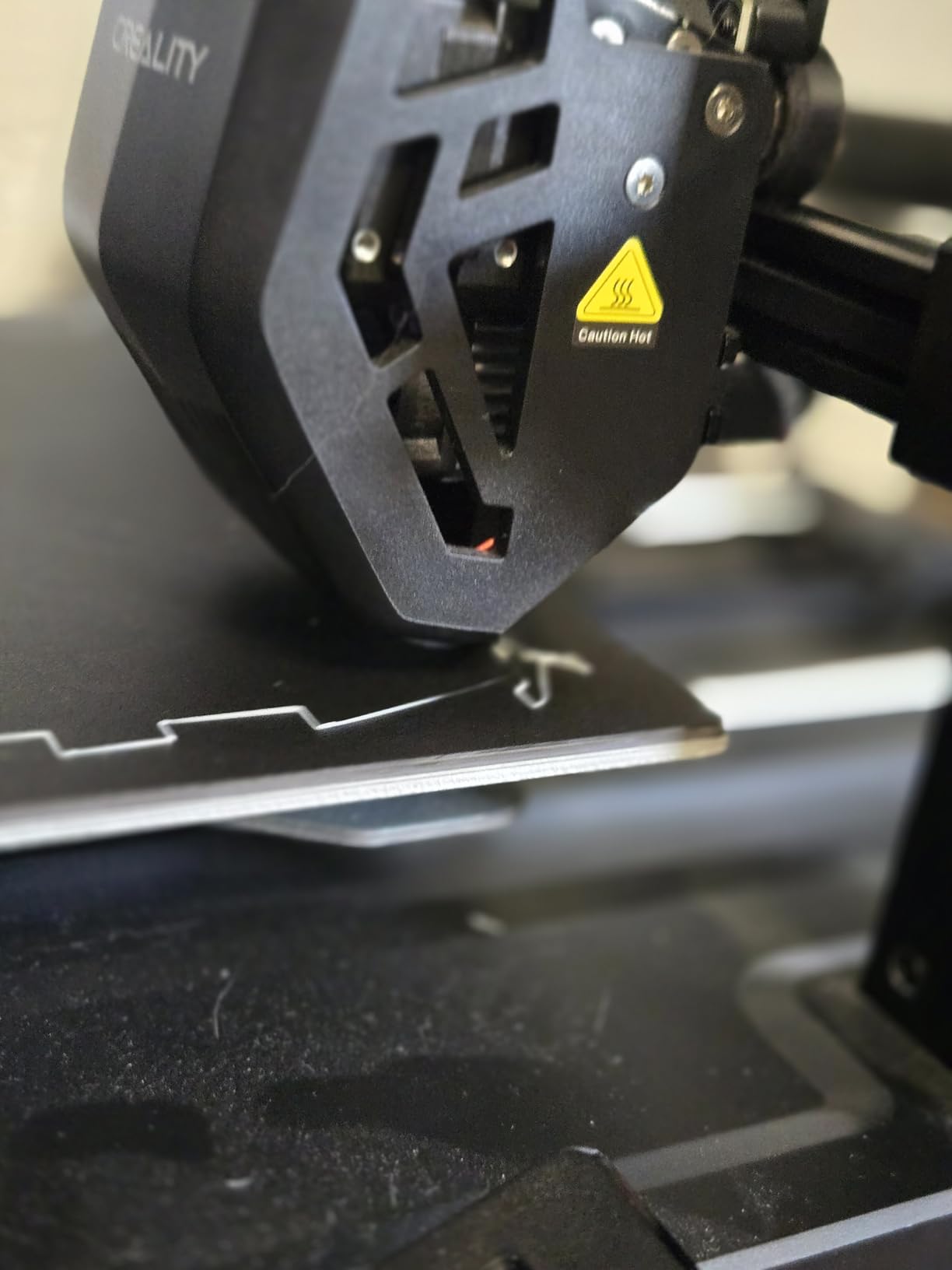
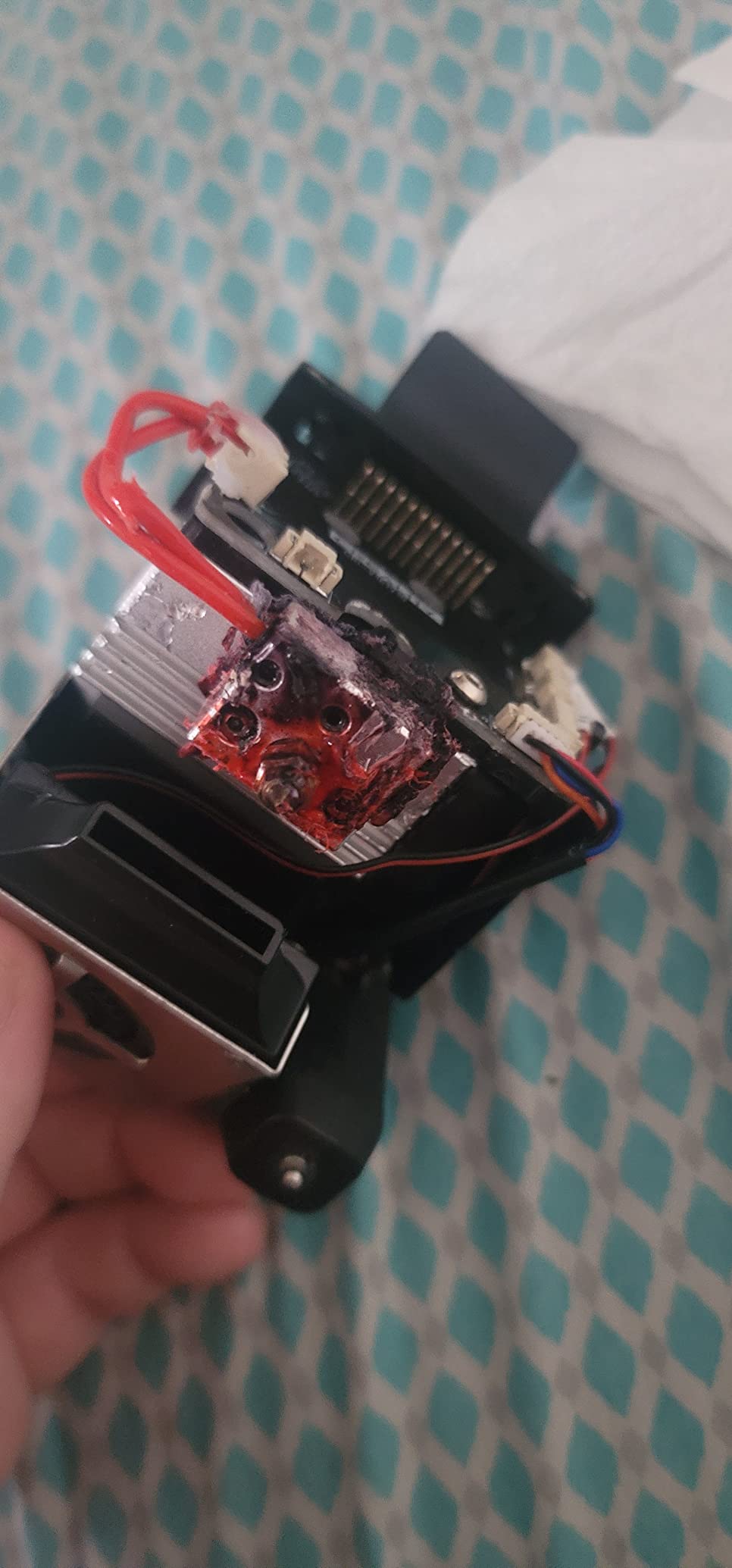
The caveats are the ones the community has documented for years. The PTFE tube in the stock hotend path limits you to roughly 210°C, so high-temp filaments are off the menu without an upgrade. Some batches have temperature regulation issues, which shows up as inconsistent extrusion.
What you get in exchange is the largest modding ecosystem in the hobby. Almost every part has an upgrade path, and years of Ender guides mean every problem you encounter has a documented fix. For tinkerers, that is a feature, not a bug.
Assembly and First Print
Assembly takes an evening for a first-timer, and the instructions are clear. Let auto leveling run, then print the included test file before anything ambitious. If first layers look uneven, re-run calibration before adjusting anything mechanically.
Long-Term Upgrades and Mods
Popular upgrades include an all-metal hotend to remove the temperature ceiling, a blower fan swap for better overhangs, and a firmware update community builds maintain. Because parts are cheap and everywhere, this is the cheapest printer to keep alive for a decade. If you would rather never open a toolbox, buy the Bambu A1 instead.
3. Bambu Lab A1 – Best 3D Printer for Beginners
Bambu Lab A1 3D Printer, Ready-to-Use FDM 3D Printer for Beginners and Kids
Full-auto calibration
Active flow compensation
48 dB or quieter
AMS lite ready
Pros
- Exceptional ease of use
- Excellent print quality
- Very quiet at 48 dB or less
- MakerWorld model library
- Reliable and low maintenance
Cons
- AMS lite sold separately for multi-color
- Some WiFi connectivity complaints
- Costs more than basic printers
If your priority is a printer a complete beginner can succeed with on day one, the Bambu Lab A1 is the easiest answer in 2026. Full-auto calibration handles bed leveling, flow rate, and pressure advance with no user input. Active flow rate compensation corrects extrusion on the fly, and the result is print quality I used to associate with machines costing twice as much.
The standout spec for apartment dwellers is the noise floor of 48 dB or quieter, thanks to active motor noise canceling. Mine sits in a home office and disappears into the background during calls. Bambu rates acceleration at 10,000 mm/s², fast enough for the A1 to feel snappy without the machine shaking itself across a desk.
The 1-Clip quick swap nozzle means a clog or a nozzle swap is a five-second job with no tools. Combined with the MakerWorld model library, the A1 is close to an appliance: browse a model, tap print, collect the finished part. With a 4.6 average across 597 reviews, it is also the best-rated machine on this list among high-volume owners.
The main compromise is structural: it is an open-frame bed slinger with a 256mm square bed, so ABS and other warp-prone filaments are not its strength. Some owners report WiFi dropouts, which Bambu addresses through firmware updates.
Who Should Buy the A1
It is ideal for beginners, families, and anyone in an apartment who mainly prints PLA and PETG. It is also the machine I suggest for classrooms and kids, because there is genuinely nothing to tune. If you already know you want ABS, nylon, or an enclosed chamber, skip to the P1S.
Multi-Color Path with AMS Lite
The A1 supports multi-color printing through the AMS lite, sold separately. Adding it later gives you four-color prints without replacing the printer, which makes the A1 a low-risk starting point that grows with you. Just note the AMS lite consumes desk space next to the printer.
4. FLASHFORGE Adventurer 5M – Best Budget Speed 3D Printer
FLASHFORGE Adventurer 5M 3D Printer with Fully Auto Leveling, Max 600mm/s High Speed Printing, 280°C Direct Extruder with 3S Detachable Nozzle, CoreXY All Metal Structure, Print Size 220x220x220mm
600mm/s travel
CoreXY structure
280C direct extruder
3-second nozzle swap
Pros
- Blazing 600mm/s printing
- Auto leveling works perfectly
- Accurate out of the box
- Easy filament changes
- Strong value
Cons
- Can be loud during operation
- App and software feel unfinished
- Runout sensor not enabled by default
- Small build volume
The Adventurer 5M brings a genuine CoreXY frame and 600mm/s travel speeds to the budget tier, and it is the printer I suggest when someone wants speed above all else on a tight budget. Flashforge’s one-click automatic printing means the bed levels itself and the first layer lands correctly. Out-of-box accuracy surprised me: vibration compensation does real work at high speeds.
The 280°C direct extruder and 3-second detachachable nozzle swaps are thoughtful touches borrowed from pricier machines. Warm-up to 200°C in 35 seconds means less waiting between prints. With 2,473 reviews at a 3.9 average, it ranks as one of the most-purchased printers in its category.
The compromises are real, though. It can be loud during fast moves, which matters if you print in a living space. The Flash Maker app gets consistent criticism, and the filament runout sensor is not enabled by default, so switch it on in the settings before a long print.
Build volume is a modest 220x220x220mm, which covers most hobby projects but nothing oversized. Quality control lands somewhere in the middle: most units run flawlessly, but a minority of reviews mention lemons that needed replacement parts.
Noise and Placement
Expect noticeable noise during high-speed travel moves, so plan a workshop corner or a closet shelf rather than a bedside table. Placing it on a solid, heavy surface dampens vibration and improves print quality at speed. Skip lightweight folding tables.
Nozzle Swaps and Maintenance
The 3-second nozzle change system lets you move between 0.25mm for fine detail and 0.6mm for fast functional parts almost instantly. Keep a spare nozzle or two on hand since they are proprietary. Beyond nozzles, maintenance is minimal: clean the dual-sided PEI plate and lubricate the rails occasionally.
5. FLASHFORGE AD5X – Best Budget Multi-Color 3D Printer
FLASHFORGE AD5X Multi-Color 3D Printer, CoreXY 600mm/s High-Speed, 1-Click Auto Leveling, 300°C Direct Drive Extruder, 220x220x220mm Build Volume, Ideal for Precision and Efficiency
4-color printing
CoreXY 600mm/s
300C direct drive
Auto leveling
Pros
- Vivid 4-color printing
- Fast 600mm/s CoreXY
- 1-Click auto leveling
- Excellent print quality
- Good Flashforge support
Cons
- Can be loud
- Touch screen is finicky
- Heavy purge waste in multi-color
- Not enclosed by default
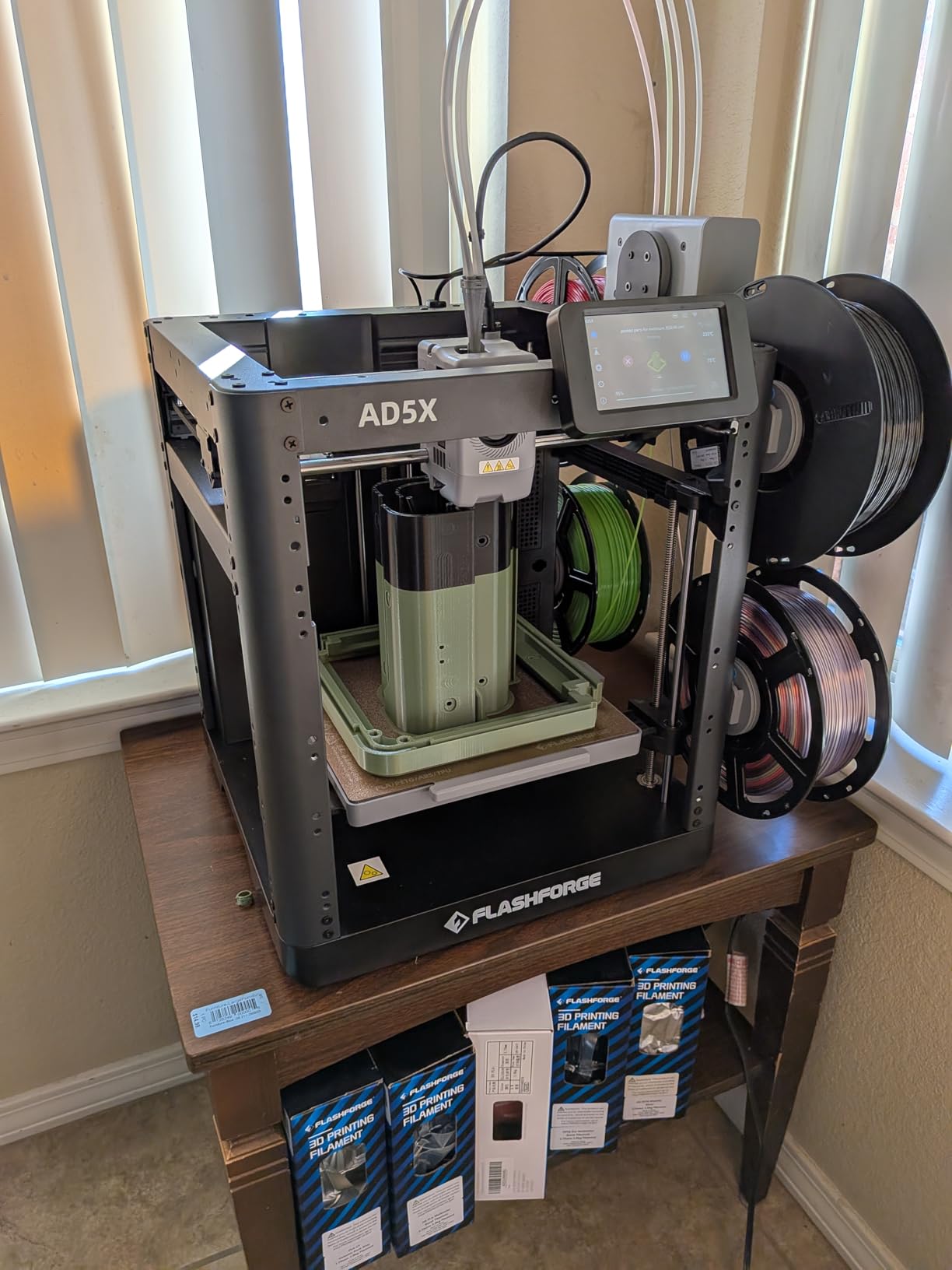
The AD5X is the cheapest credible path into multi-color printing I have used, handling up to four colors simultaneously on a CoreXY frame that runs at 600mm/s. For around the cost of a mid-range single-color printer, you get color models that stop looking like prototypes. The 300°C direct-drive extruder handles PLA, PETG, and more demanding filaments without complaint.
The 1-Click auto leveling proves reliable across power cycles, and print quality is excellent for this tier. Nozzle options from 0.25mm to 0.8mm give you fine-detail and fast-draft modes. Automatic filament feeding and resume printing round out a feature set that reads a class above its price.
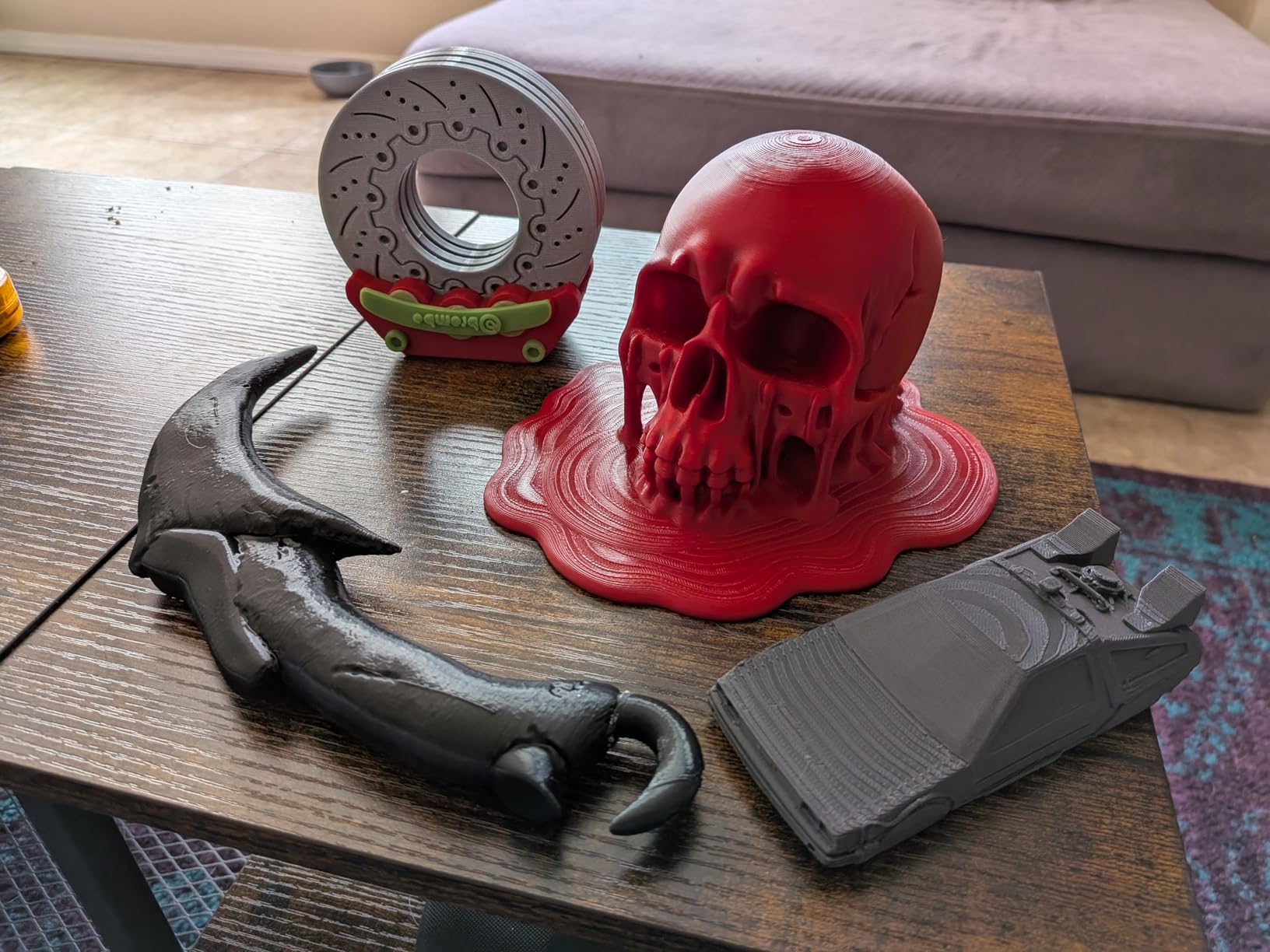
Multi-color physics still applies: single-nozzle systems purge on every color change, and the AD5X’s purge waste is significant on color-heavy models. Noisy operation and a finicky touchscreen are the other recurring complaints across its 1,010 reviews.
The frame is open out of the box, with an enclosure kit sold separately. That matters if ABS or ASA is on your list, since an open frame invites warping on those materials.
Purge Waste and Filament Costs
Multi-color models purge into a tower or infill on every swap, so a four-color print can use noticeably more filament than its single-color equivalent. Wipe towers and infill purging in the slicer cut waste significantly. Factor this into your running costs if you plan to print color constantly.
Enclosure Path for Advanced Materials
Flashforge sells a dedicated enclosure kit that turns the AD5X into a closed chamber for ABS and ASA. If you mostly print PLA, skip it. If engineering materials are in your future, compare the total cost against the enclosed Bambu P1S before committing.
6. Creality K2 Combo – Best Plug-and-Play Multi-Color 3D Printer
Creality K2 Combo (A) 3D Printer, Multicolor Printing with CFS, 600mm/s Printing Speed, 95% Pre-Assemble, Smart Al Camera & Auto Leveling, Next-Gen Direct Drive Extruder, Build Volume 260*260*260mm
16 colors with CFS
600mm/s
AI camera
260mm cube build
Pros
- Multicolor with 4x CFS for 16 colors
- Ultra quiet in silent mode
- 95 percent pre-assembled
- AI camera monitoring
- Step-servo print quality
Cons
- CFS needs 1kg reels
- WiFi is 2.4GHz only
- Some feeder and extruder reliability reports
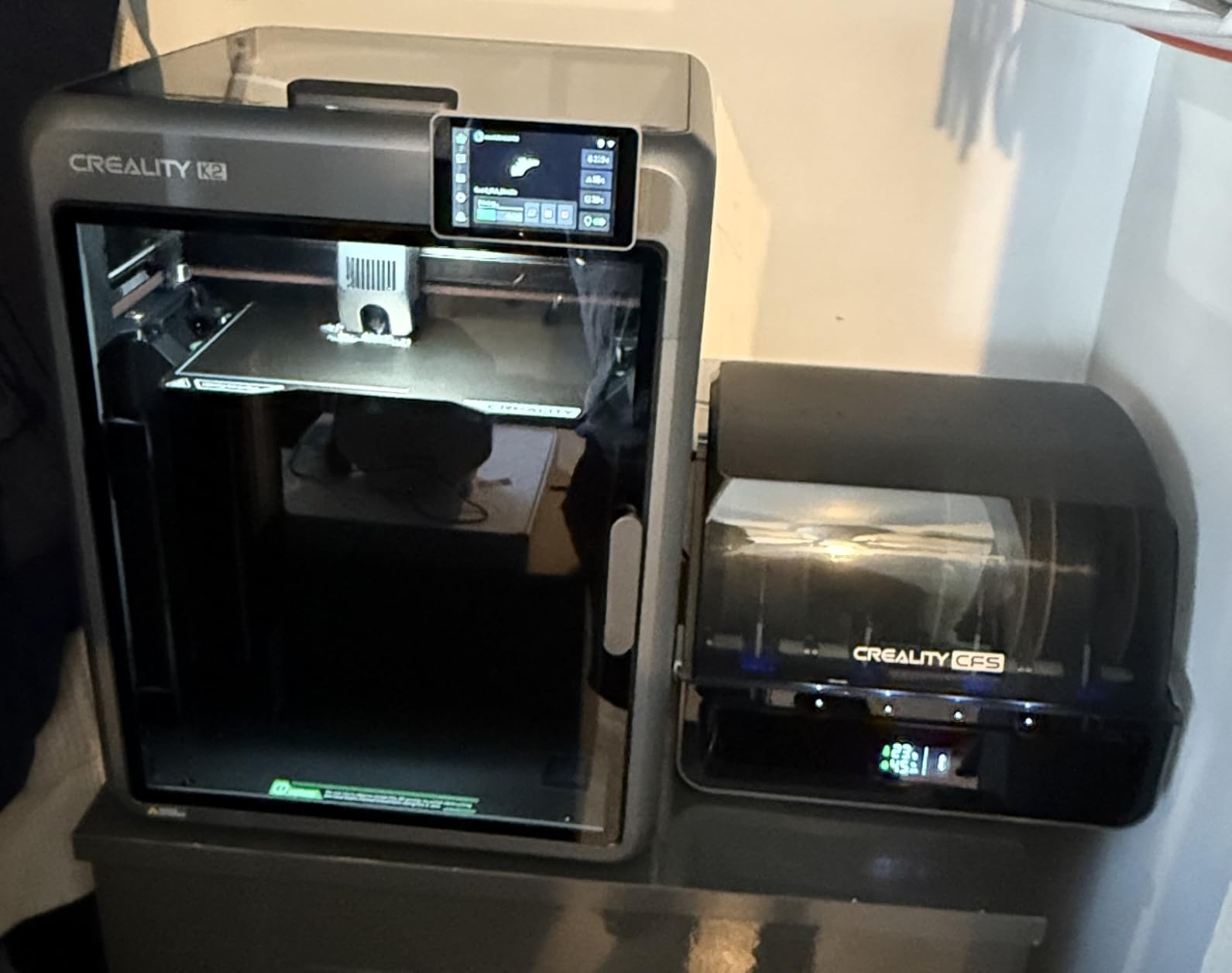
The K2 Combo arrives 95 percent pre-assembled, which makes it one of the fastest big-printer setups available: unbox, attach the filament system, calibrate, print. Its four CFS units feed up to 16 colors, and Creality’s step-servo motors and next-gen direct drive extruder deliver print quality that competes with anything at this price. The 260x260x260mm build volume gives you room for helmets and large cosplay pieces.
The smart AI camera is more than a gimmick. It monitors prints in real time and catches spaghetti failures before they waste an entire spool, which paid for itself the first time a purge tower detached mid-print. Silent mode genuinely earns its name, making the K2 one of the quietest machines here despite its size.
The catches are specific. The CFS filament system only accepts 1kg reels, so smaller spools need adapters, which is annoying if you have a collection of partial reels. WiFi is 2.4GHz only, which will not connect to some modern mesh networks without a fallback SSID.
Review patterns show 67 percent five-star and 19 percent one-star ratings, which tells you the machine is either excellent or needs support. Feeder and extruder issues are the recurring theme, and Creality’s parts availability is decent but not instant.
CFS Filament Requirements
Stock only 1kg spools or buy adapters for smaller reels before your first multi-color print. Keep desiccant in the CFS, since it also dries filament while feeding. Mixed brands work, but consistent filament reduces color-change tuning.
Network and Software Setup
Plan around 2.4GHz WiFi from the start; if your router is 5GHz-only, you will need a workaround. The Creality Print slicer has improved, but many owners prefer OrcaSlicer profiles for the K2. The AI camera requires a network connection for remote monitoring alerts.
7. Snapmaker U1 – Best Premium Multi-Material 3D Printer
Snapmaker U1 3D Printer,4-Toolhead with 5s Toolchanger,Multi-Color Printing
4 toolheads with 5-second changer
Minimal purge
270mm cube
Auto filament system
Pros
- 4 independent toolheads
- 5X faster with minimal purge
- True multi-material printing
- Smart calibration
- Beginner friendly model library
Cons
- Not Prime eligible
- Plate is 270mm not 300mm
- Enclosure sold separately
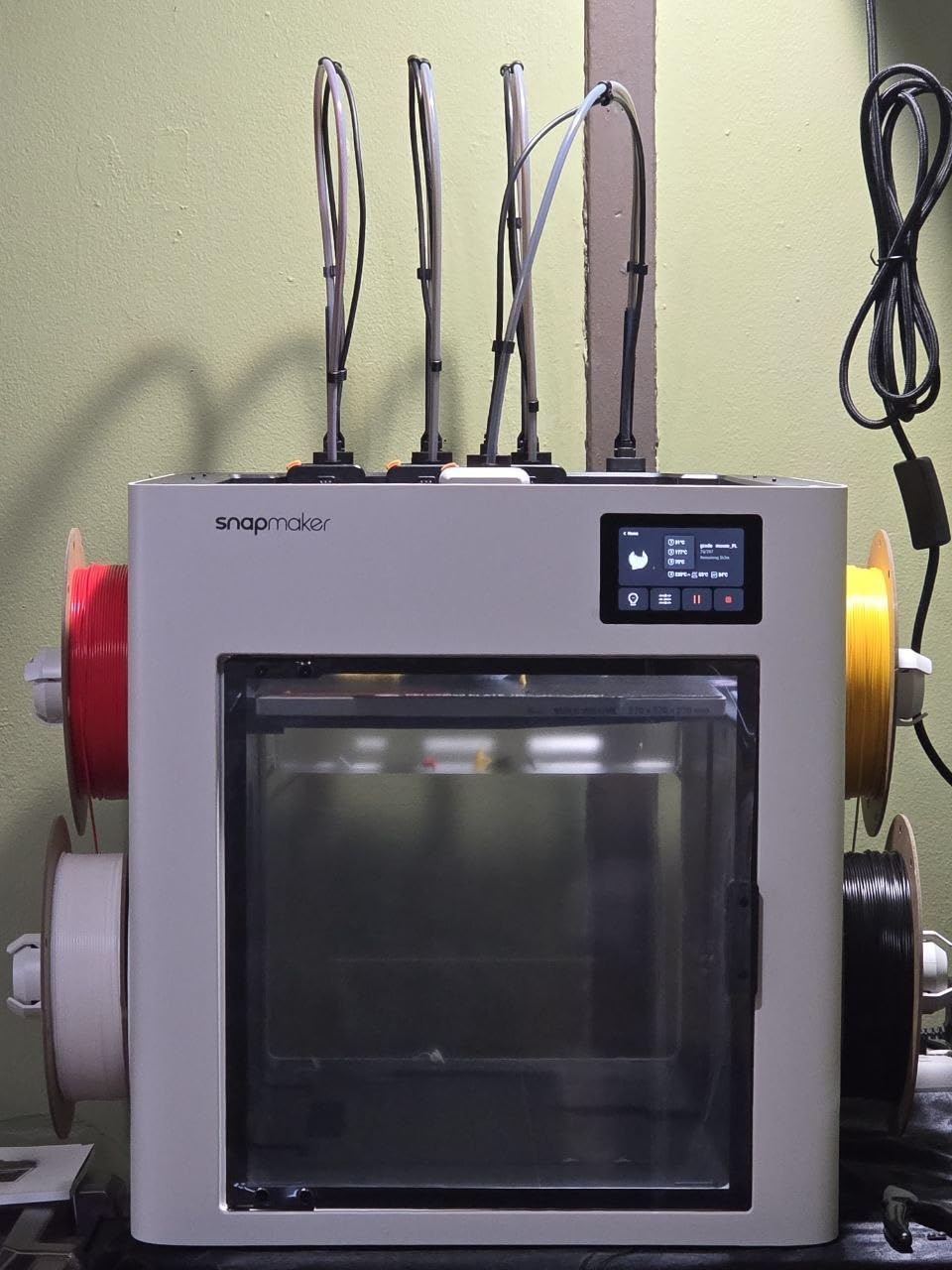
The Snapmaker U1 solves multi-color printing’s biggest problem: purge waste. Instead of one nozzle flushing between colors, four independent toolheads swap in 5 seconds via the SnapSwap changer. Reddit users call it wildly better value than single-nozzle systems, and after comparing waste bins side by side, I agree.
Because each toolhead has its own nozzle, you can combine genuinely different materials: PLA for structure, TPU for flex, PETG for strength, dissolvable PVA for supports. That is true multi-material printing, not just multi-color. Smart calibration handles toolhead offsets automatically, which is the hard part of making this architecture work.
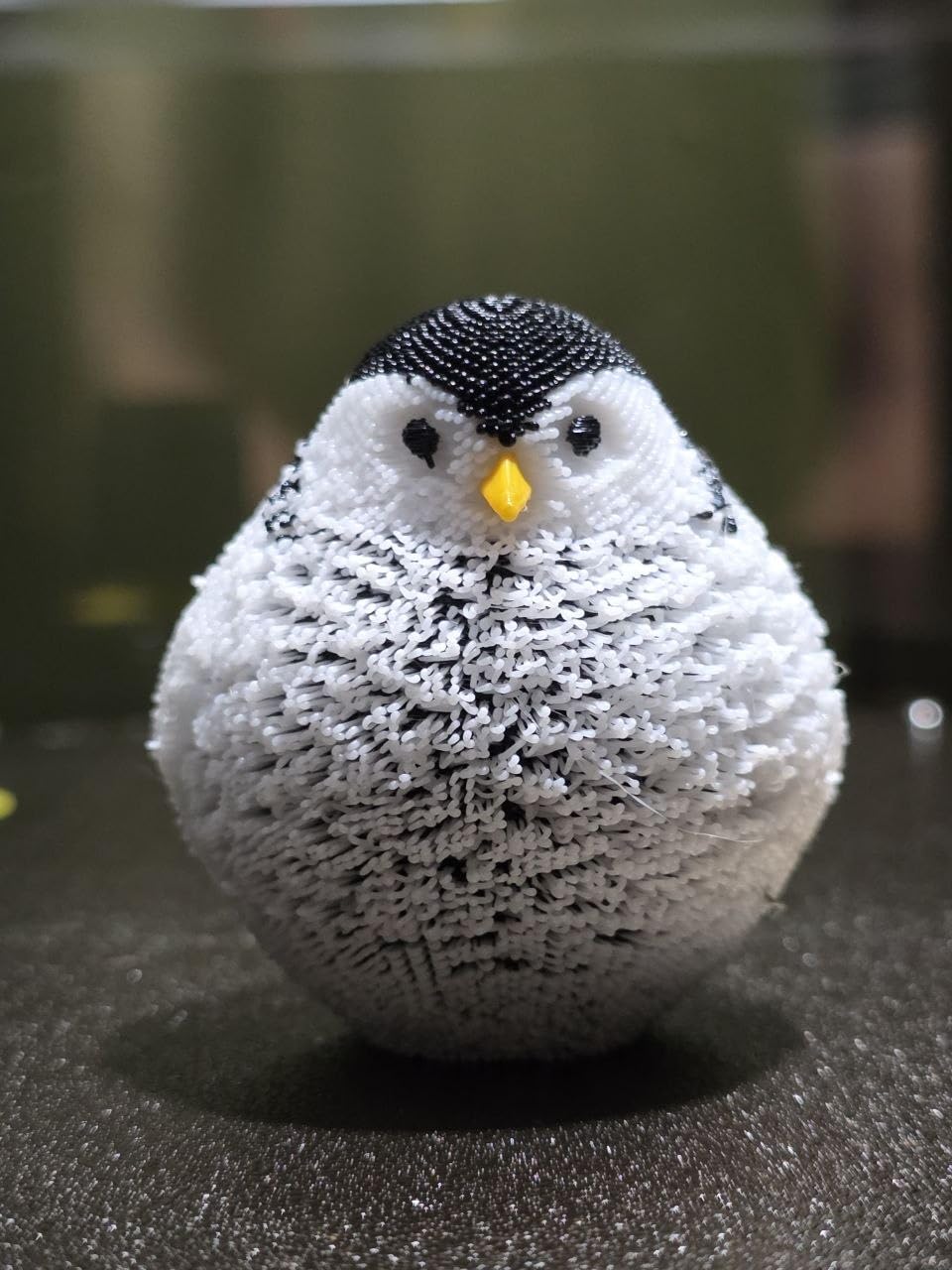
Speeds reach 500mm/s with what Snapmaker markets as 5X faster effective printing in multi-color mode, since there are no long purge pauses. The built-in model library and auto filament system keep the experience beginner friendly despite the advanced hardware. Early ownership data is strong: 82 percent five-star ratings across 95 reviews.
The U1 is not perfect. The 270mm cube build plate is smaller than some cheaper rivals, the top is open with the enclosure sold separately, and it is not Prime eligible, so shipping takes longer. It is also a first-generation product, which always carries some risk.
Who Should Step Up to the U1
It is built for serious makers, small studios, and anyone who prints multi-color constantly and is tired of paying for purged filament. If you print single-color functional parts, cheaper machines serve you just as well. If you sell printed products, the filament savings compound fast.
Learning Curve and Software
Snapmaker’s Orca-based slicer handles toolhead assignment cleanly once you understand which model parts go on which nozzle. Expect a weekend of learning if multi-material is new to you. Firmware updates have been frequent since launch, which is encouraging for long-term polish.
8. QIDI Max4 Combo – Best Large Format 3D Printer
QIDI Max4 Combo 3D Printer, 390×390×340mm Build Volume, 65℃ Heated Chamber
390x390x340mm volume
65C heated chamber
800mm/s
370C hotend
Pros
- Massive 390x390x340mm build volume
- 65C heated chamber
- 800mm/s top speed
- AI spaghetti failure detection
- Dual Z lead screws
Cons
- Polar Cooler sold separately
- Very heavy at 120 pounds
- Initial setup and software quirks
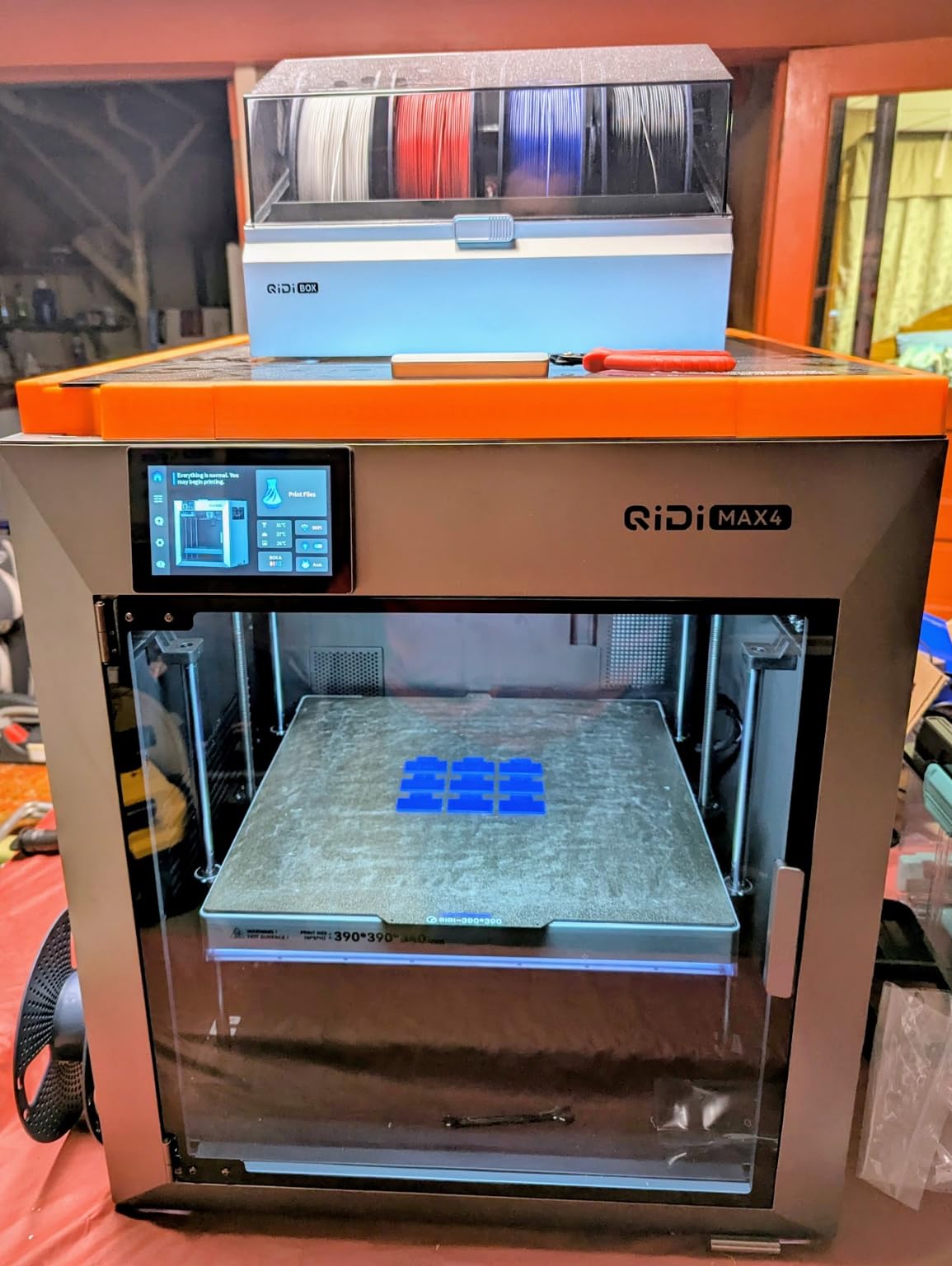
The QIDI Max4 Combo is the industrial workhorse of this list, built for people who print large engineering parts or run a small production line. Its 390x390x340mm build volume swallows helmet-scale cosplay prints and full-size prototypes without splitting them into sections. The 4.7 average rating across early reviews, with 87 percent five-star, reflects a machine aimed at users who know what they need.
The 65°C actively heated chamber is the headline spec for material capability. Nylon, polycarbonate, and carbon-fiber blends print with minimal warping, something open-frame printers simply cannot manage. A 370°C hotend with a hardened steel nozzle and closed-loop motors on the X and Y axes complete the engineering package.
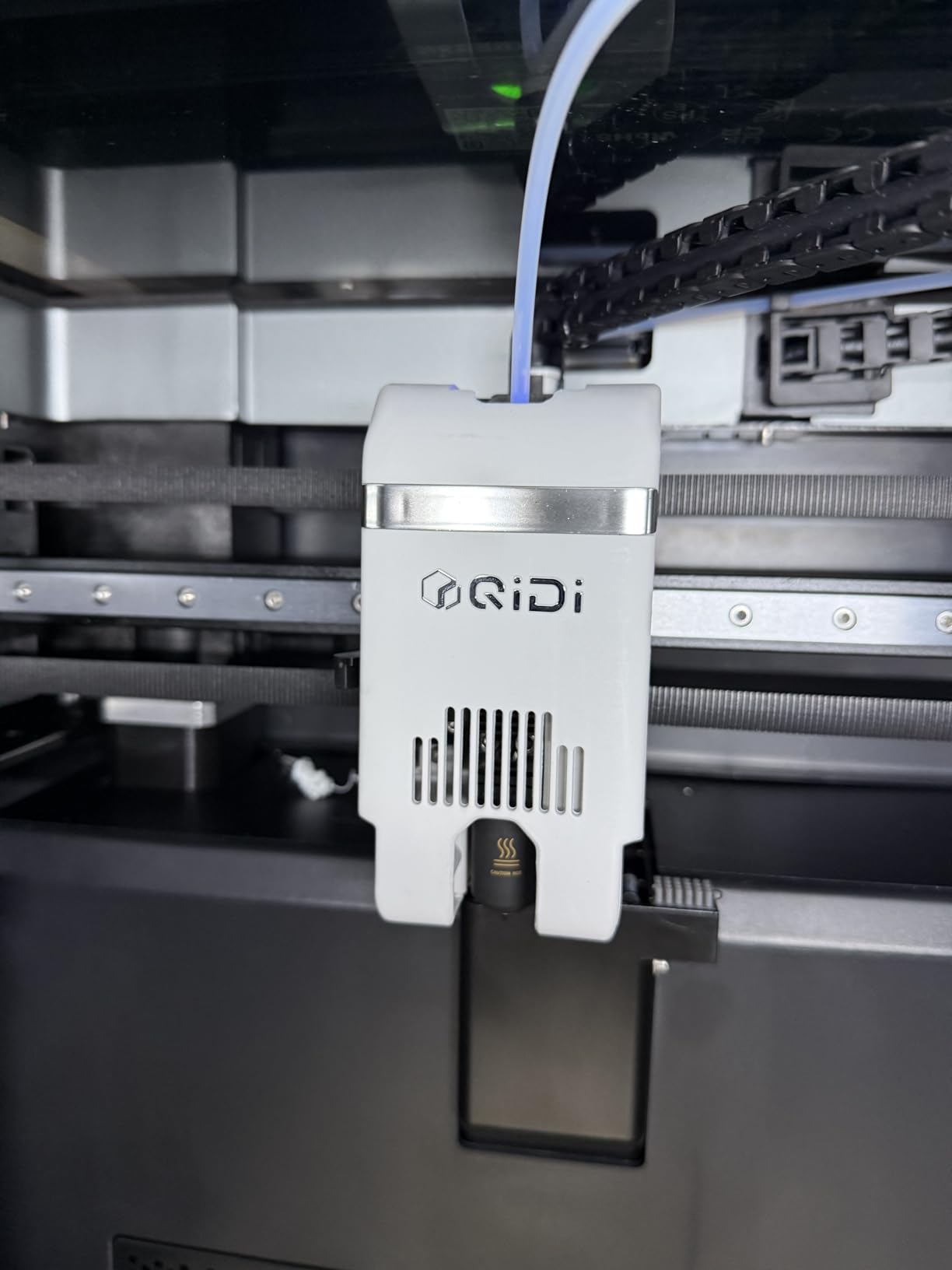
Speed is another league entirely: 800mm/s maximum with 30,000mm/s² acceleration. Real-world printing settles lower than the headline number, but large parts finish dramatically faster than on mid-range machines. The AI camera detects failed prints automatically, protecting long overnight runs.
Be realistic about ownership. At 120 pounds, plan two people and a reinforced bench for delivery and setup. The Polar Cooler for advanced filament cooling is a separate purchase, and early adopters report initial setup and software quirks that QIDI patches through firmware.
Power, Placement, and Noise
A heated chamber and 800mm/s motion draw real power, so use a dedicated outlet and give the machine clearance for airflow. It lives best in a garage or workshop rather than living space. The enclosed chamber tames noise better than open CoreXY frames, but a machine this size is never silent.
High-Temp Materials and Running Costs
PA, PC, and carbon-fiber blends need drying before printing and benefit from QIDI’s chamber preheat cycle. Hardened nozzles wear slower than brass but still wear, so inspect after abrasive spools. Filament costs add up quickly at this build volume, so plan spool purchases accordingly.
How to Choose the Best 3D Printer for You
Choosing between these machines comes down to five practical questions. Answer them honestly and the shortlist writes itself.
FDM or Resin?
Every printer in this guide is FDM, which melts filament and is the right starting point for most people: easier materials, easier cleanup, and no resin handling. Resin printers cure liquid with UV light and deliver incredible detail for miniatures, but they demand gloves, wash-and-cure stations, and ventilation. If your goal is tabletop miniatures specifically, research resin separately after starting FDM.
CoreXY or Bed Slinger?
CoreXY printers move the print head on a fixed gantry while the bed drops vertically, enabling higher speeds and accelerations. Bed slingers like the Ender and A1 move the bed on the Y axis, which is simpler and cheaper but tops out lower. In 2026, CoreXY has filtered down to budget prices, so the old advice that you must spend big for speed no longer applies.
How Much Build Volume?
220mm cubes cover most hobby prints: miniatures, brackets, organizers, and figures. Helmets, cosplay armor, and large prototypes want 256mm or more. Going bigger than you need costs money, space, and printing time on every small part, so size for your actual projects.
Do You Need Multi-Color?
Single-nozzle systems like the AMS, CFS, and AD5X’s feeder switch filaments at one hothead, which is affordable but purges waste on every change. The Snapmaker U1’s four-toolhead approach eliminates most purge at a higher buy-in. If you print mostly single-color functional parts, skip multi-color and spend the difference on filament.
Enclosure and Noise
Enclosed chambers matter for ABS, ASA, and nylon, and they cut noise. Open frames suit PLA and PETG in ventilated rooms. Check noise specs if you share walls: the A1 at 48 dB or quieter is apartment-safe, while open CoreXY machines at full speed are not.
Software and Community
Bambu’s ecosystem is polished but proprietary, which some owners resent; Prusa remains the open-source benchmark if that matters to you, though it is not represented on this list. Creality and Flashforge machines work with OrcaSlicer and other open slicers. Community size determines how fast you solve problems, and the Ender line remains unbeaten there.
Reliability Track Record
The most reliable printers in 2026 based on owner feedback are the Bambu Lab models, praised for consistent out-of-box performance. QIDI earns strong marks from serious users, while budget Creality and Flashforge units show more unit-to-unit variance. Whichever you choose, buy from a source with easy returns in case you land a lemon.
Frequently Asked Questions
Which 3D printer is the most reliable in 2026?
The Bambu Lab P1S Combo and Bambu Lab A1 are the most reliable printers in 2026 based on owner feedback. Bambu Lab machines are consistently praised on Reddit and in customer reviews for working correctly out of the box with minimal tuning, holding 4.2 and 4.6 average ratings respectively across hundreds of reviews.
What is the average lifespan of a 3D printer?
A well-maintained 3D printer typically lasts 5 to 10 years. Budget models often need part replacements like nozzles, PTFE tubes, and fans within the first two years, while premium machines like the QIDI Max4 are built with industrial components that last longer. Printers with large communities, such as the Creality Ender line, are the easiest to keep running because spare parts are cheap and everywhere.
Is 3D printing business oversaturated?
Generic 3D printing is competitive, but profitable niches still exist. Custom cosplay props, local replacement parts, architectural models, and small-batch product manufacturing remain in demand. The Snapmaker U1 and QIDI Max4 Combo suit small businesses because minimal purge waste, large build volume, and engineering-grade materials lower per-part costs enough to compete on quality rather than price.
Which 3D printer has the least amount of problems?
The Bambu Lab A1 has the least problems reported per owner, with full-auto calibration, active flow compensation, and a 4.6-star average from 597 reviewers. For multi-color needs, the Bambu Lab P1S Combo shows the fewest issues in its class. The Snapmaker U1 earns 82 percent five-star ratings and eliminates the purge failures common to single-nozzle color systems.
Final Verdict
After comparing all eight machines, my recommendation for the best 3D printers 2026 shoppers can buy is simple. Get the Bambu Lab P1S Combo if you want the best overall experience with multi-color and an enclosed chamber. Get the Creality Ender 3 V3 SE if budget is the priority and you enjoy tinkering, or the Bambu Lab A1 if you just want great prints with zero fuss.
Step up to the Snapmaker U1 for serious multi-material work or the QIDI Max4 Combo when build volume and engineering filaments drive your decisions. Whichever you choose, every printer on this list auto-levels and produces clean results, so the real question is which one matches your desk, your noise tolerance, and your projects. Pick one, load a spool of PLA, and start printing this week.