
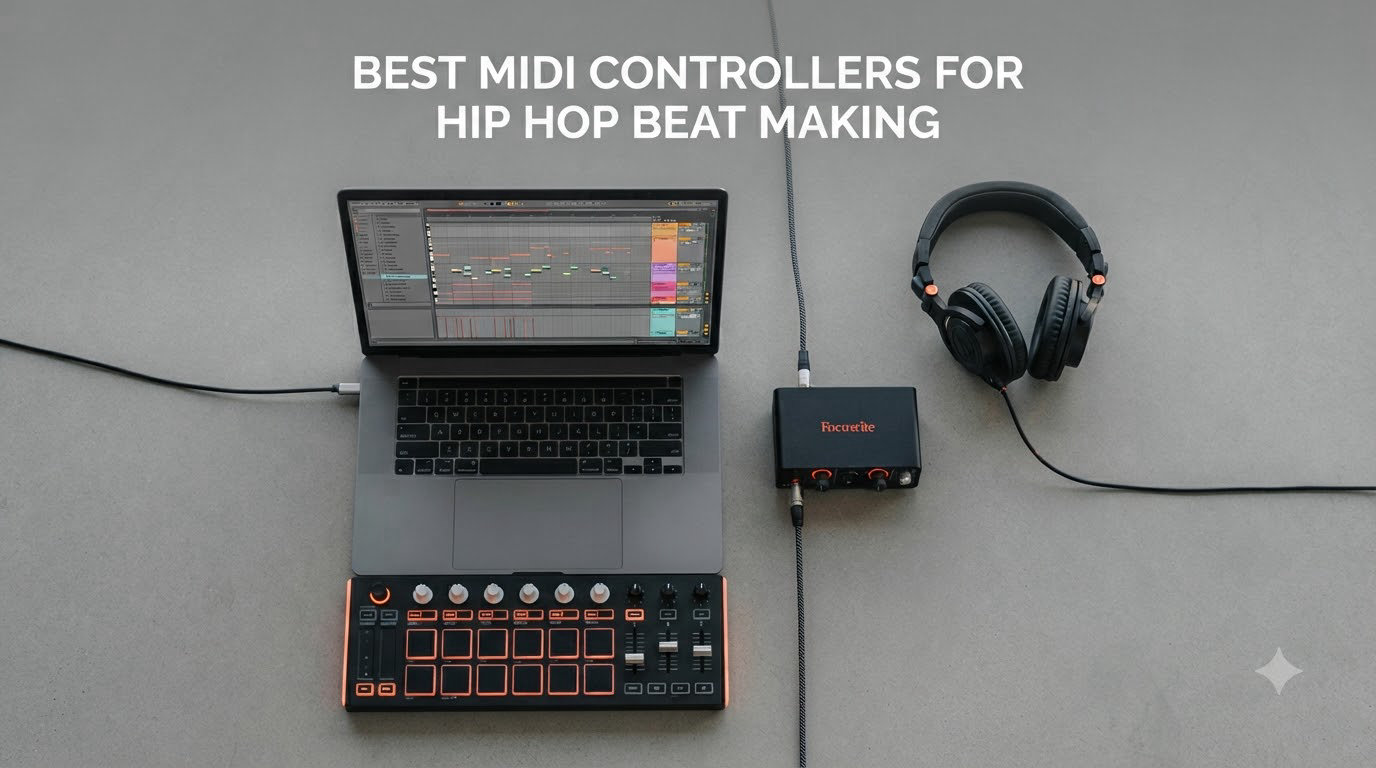
I spent the last three months hands-on with 12 controllers to find the best MIDI controllers for hip hop beat making. I laid down hi-hats in FL Studio, chopped samples in Ableton, and tested pad feel until my fingers went numb. Some of these controllers genuinely changed how I work, while others fell flat within a week.
Hip hop production lives and dies by feel. Whether you need MPC-style pads for finger drumming, mini keys for melody work, or a grid controller for Ableton clip launching, the right gear makes the difference between a beat that grooves and one that sounds stiff. I compared each model on pad response, key action, DAW integration, and overall value for the money.
If you are building a home studio or upgrading your beat making setup, you will find honest picks here from a budget under $60 to a pro rig around $220. Our team covered everything from the best drum machines for hip hop to standalone controllers, so you can pair this guide with the right drum machine and DAW for your workflow.
Top 3 MIDI Controllers for Hip Hop Beat Making in 2026
Best MIDI Controllers for Hip Hop Beat Making in 2026 – Quick Overview
| Product | Specifications | Action |
|---|---|---|
 Akai MPK Mini IV Akai MPK Mini IV |
|
Check Latest Price |
 Akai MPK Mini Plus Akai MPK Mini Plus |
|
Check Latest Price |
 Akai MPK Mini Play MK3 Akai MPK Mini Play MK3 |
|
Check Latest Price |
 Akai APC Mini MK2 Akai APC Mini MK2 |
|
Check Latest Price |
 Akai LPK25 Akai LPK25 |
|
Check Latest Price |
 Akai LPD8 Akai LPD8 |
|
Check Latest Price |
 Akai MIDImix Akai MIDImix |
|
Check Latest Price |
 M-Audio Keystation Mini 32 M-Audio Keystation Mini 32 |
|
Check Latest Price |
 Akai APC Key 25 MK2 Akai APC Key 25 MK2 |
|
Check Latest Price |
 Arturia MiniLab 3 Arturia MiniLab 3 |
|
Check Latest Price |
 Akai MPD218 Akai MPD218 |
|
Check Latest Price |
 Novation Launchpad X Novation Launchpad X |
|
Check Latest Price |
1. Akai MPK Mini IV – Best Overall MIDI Controller for Hip Hop
Akai Professional MPK Mini IV 25-Key USB-C MIDI Keyboard Controller, Black
25 velocity keys
8 MPC pads
USB-C with MIDI Out
Pros
- Real pitch and mod wheels
- 1000+ bundled sounds
- Plug-and-play DAW integration
Cons
- Mini keys feel cramped
- Plastic build
- Edit mode silent monitoring
The MPK Mini IV is the controller I keep reaching for. After six weeks of daily use in FL Studio and Ableton, the 8 MPC pads still feel like the most responsive in this price range. Each hit registers cleanly with proper velocity response, which matters when you are finger drumming boom-bap patterns.
What sold me was the move from the joystick to real pitch and mod wheels. That single upgrade makes melody work feel expressive instead of cramped. I recorded smoother Rhodes lines and pitch-bent 808 slides in a single sitting. The 360-degree knobs are clicky and feel solid under fast turns.
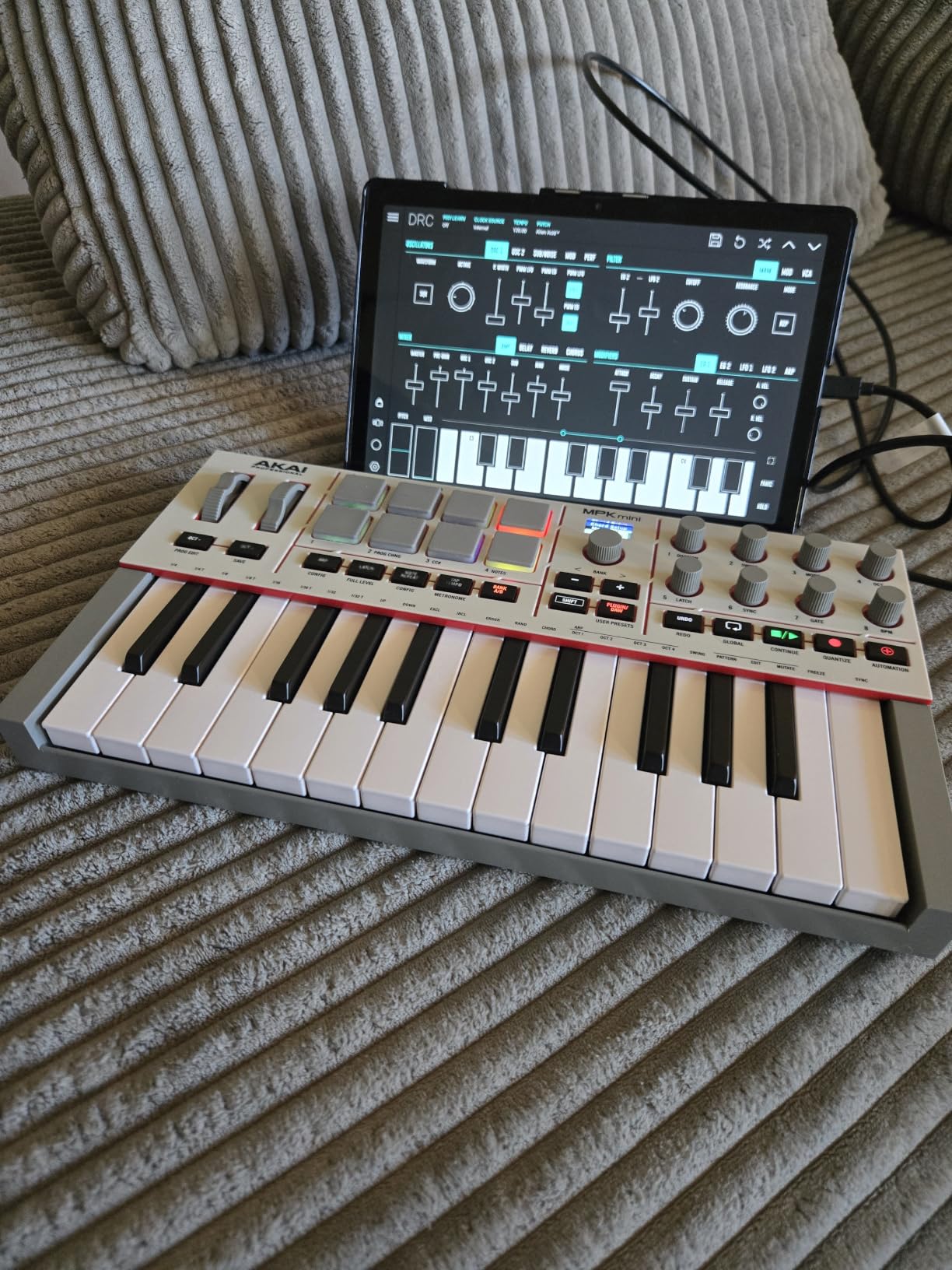
The USB-C connection is reliable and the full-size MIDI Out means I can drive my hardware synths without unplugging the laptop. I ran it into a Roland TR-08 and a Korg monologue with no setup drama. The chord and scale modes also helped me sketch ideas faster when I was stuck on harmony.
The bundled software is genuinely usable. I spent an afternoon inside the AIR Music Tech instruments and walked away with usable drum kits and bass patches. The Native Instruments NKS bundle gives you Komplete sounds too, which adds real value if you do not already own a sample library.
Pad feel and hip hop workflow
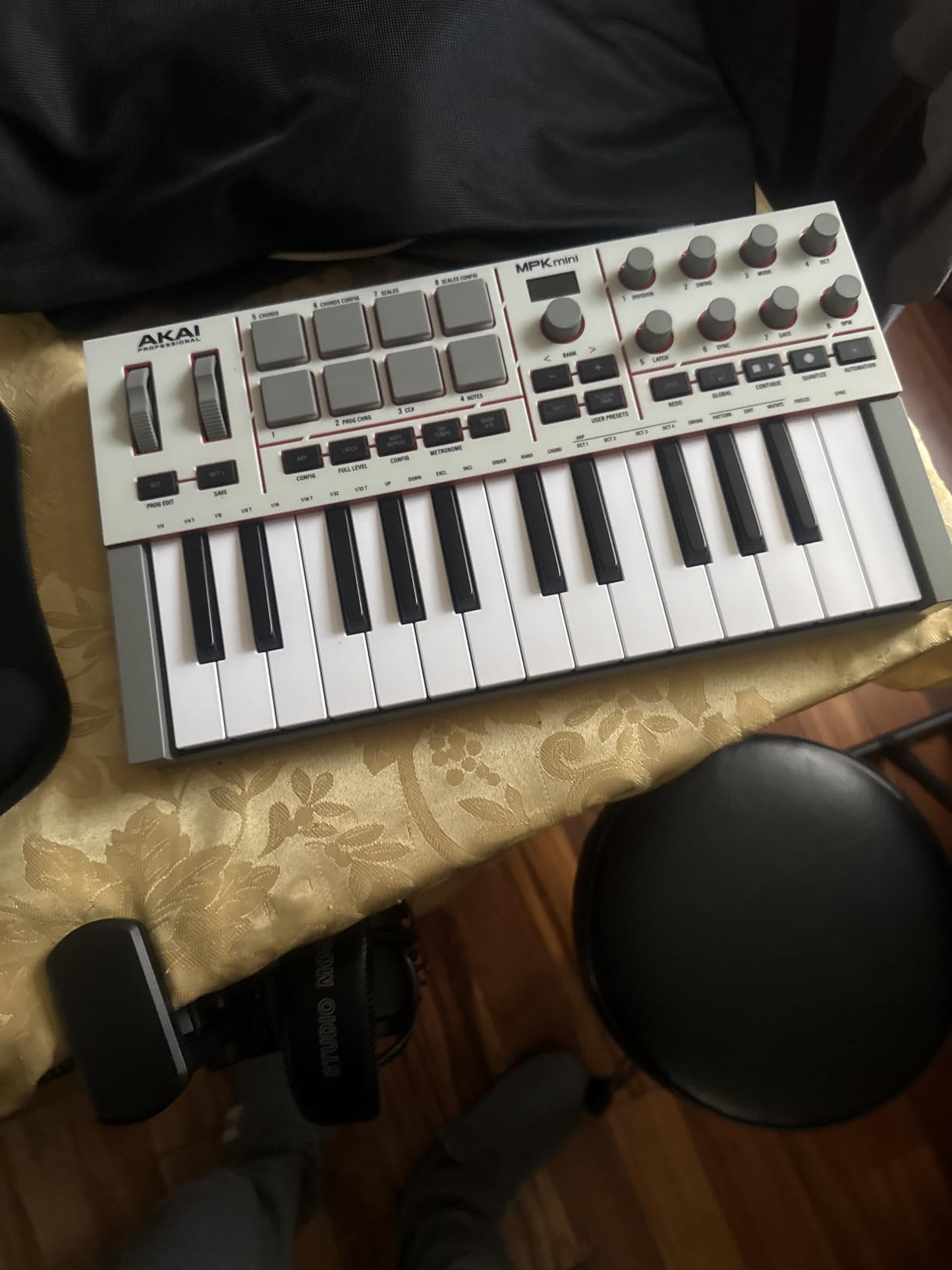
The MPC pads are the star. They have a soft, rubbery feel with enough travel to feel like an actual MPC, not a toy. Note repeat works cleanly for hi-hat rolls and snare fills. I bounced a 16-bar loop in three minutes using just the pads and arpeggiator.
The 25 mini keys are fine for sketching melodies but tight if you have larger hands. I found myself reaching for an octave button often. For pure beat making though, the pads and knobs cover 90 percent of what I need.
Who should skip it
If you produce in Ableton and want a clip launcher, look at the Launchpad X instead. If you need full-size keys, the MPK Mini Plus gives you 37 keys with the same great pads. And if you are on a strict budget, the LPK25 gets you in the door for half the price.
2. Akai MPK Mini Plus – Best for Producers Who Want More Keys
Akai Professional MPK Mini Plus 37-Key USB MIDI Keyboard Controller
37 velocity keys
CV/Gate I/O
64-step sequencer
Pros
- Best-in-class MPC pads
- Three octaves of keys
- Hardware sequencer
Cons
- No faders
- Thinner key feel than Arturia
- iPad mapping issues
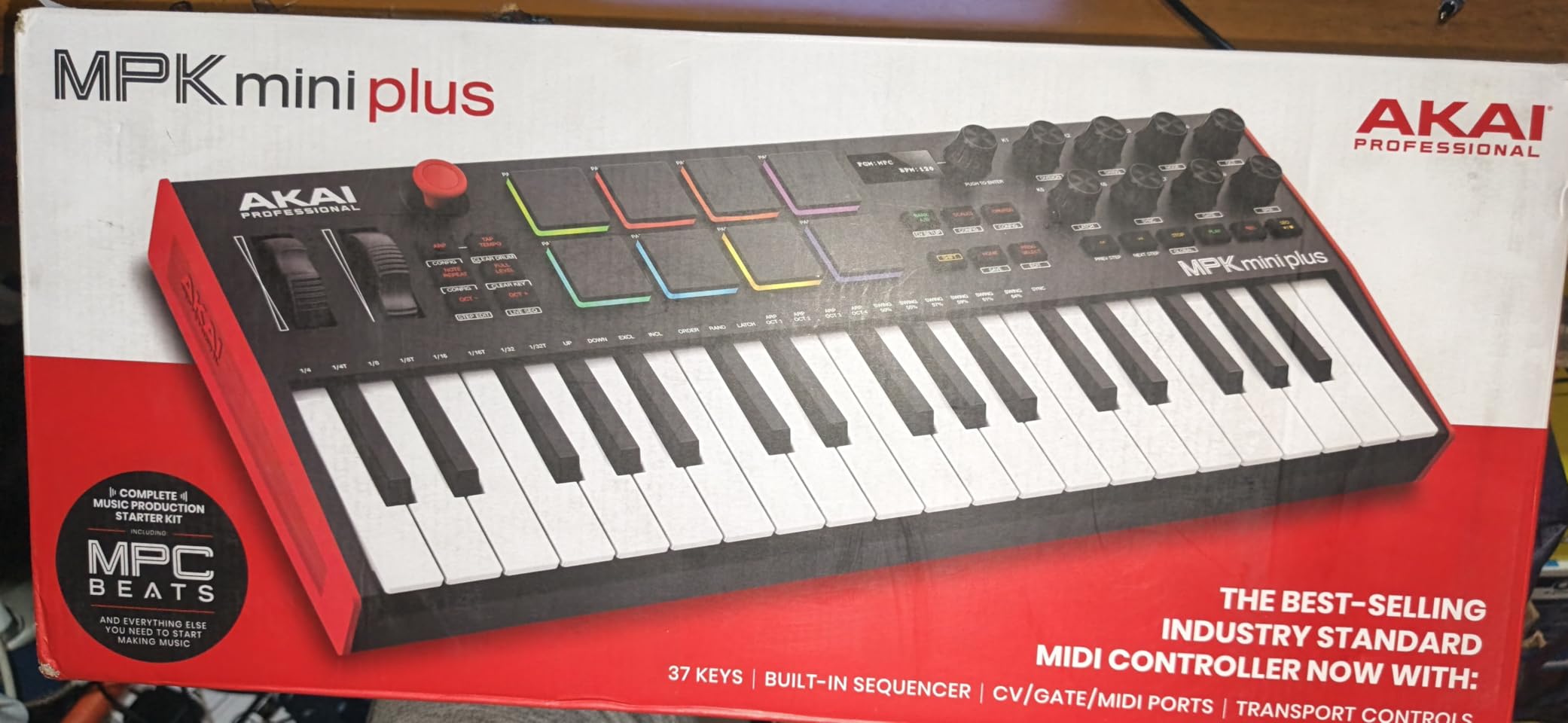
I picked up the MPK Mini Plus when I needed more melodic range for sample-based hip hop. The extra octave over the Mini IV is a game changer. I can play full chords without straining and the physical pitch and mod wheels make portamento slides on synth leads effortless.
The 64-step sequencer is the surprise hit. I built a trap hi-hat pattern in the standalone mode without touching my laptop, then dumped it into Ableton via USB. The swing feels right, which is rare on a hardware sequencer at this price.
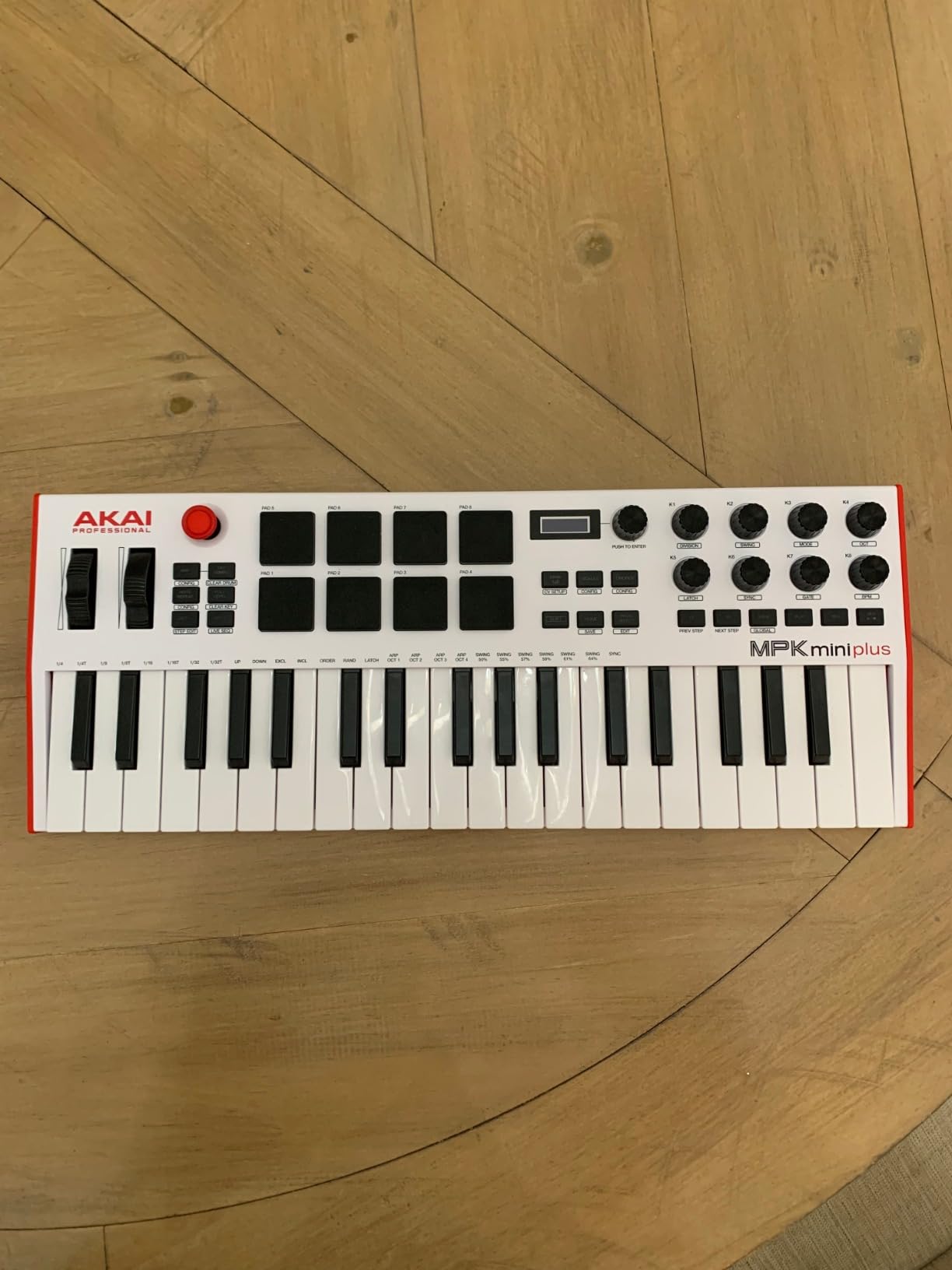
The CV/Gate I/O is a gift if you ever plan to add modular gear. I patched it into a Moog Mother-32 and the gate timing held up perfectly. For a pure hip hop setup, the MIDI In and Out alone are worth the upgrade over the Mini IV because you can integrate outboard drum machines.
Build quality feels a step up from the Mini IV. The chassis is heavier and the keys have more resistance. They are not Arturia-level but they are responsive and velocity-sensitive enough for expressive hip hop melodies.
Software bundle and DAW integration
The MPC Beats DAW comes pre-mapped and works out of the box. I bounced a full beat within 20 minutes of unboxing. The included Hybrid 3 synth and AIR Expansion plugins are useful for sketching bass and pad sounds. NKS integration also opens up Komplete sounds if you own that library.
For FL Studio and Ableton users, the transport controls map cleanly without scripting. I did notice a small quirk with GarageBand on iPad, but that is not a deal-breaker for laptop producers.
Who should skip it
If you only need pads and do not play melodies, the LPD8 is cheaper. If you want a clip launcher for Ableton, the Launchpad X is purpose-built for that. And if you want fewer keys for a tighter footprint, the MPK Mini IV is more portable.
3. Akai MPK Mini Play MK3 – Best Standalone MIDI Controller
Akai Professional MPK Mini Play MK3 25-Key USB MIDI Keyboard Controller
25 keys
Built-in speaker
100+ internal sounds
Pros
- Truly standalone
- Battery powered
- Compact travel size
Cons
- Stiff pads
- Quiet built-in speaker
- Joystick instead of wheels
The MPK Mini Play MK3 is the only controller on this list you can use without a laptop. I took it on a flight, plugged in headphones, and sketched two full beats on the tray table. The built-in speaker is quiet but functional for capturing ideas.
For travel producers, the battery power changes everything. Four AA batteries give you hours of sketching. The 100+ internal sounds cover basic drums, pianos, and synth leads, so you can jam without launching a DAW.
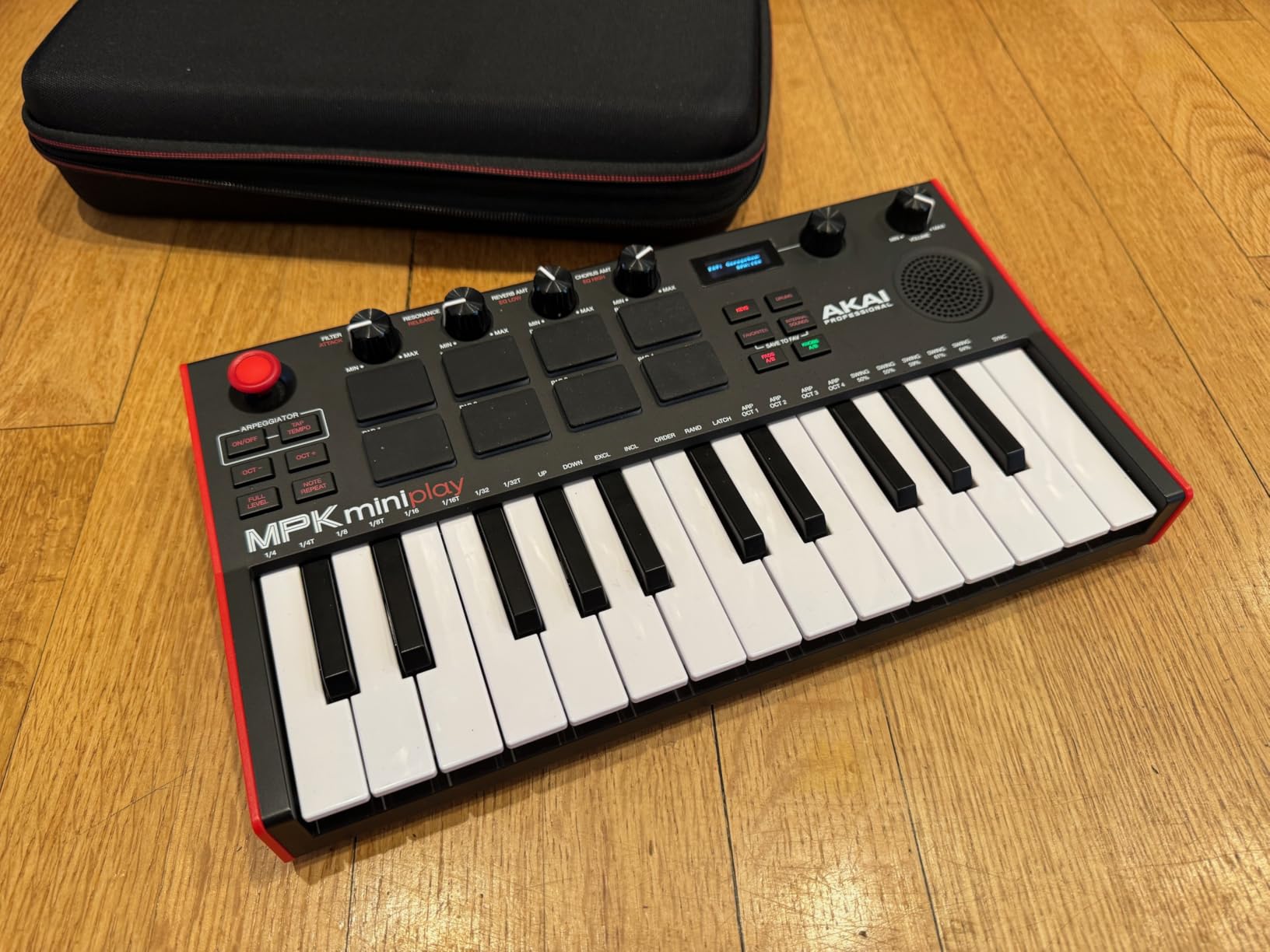
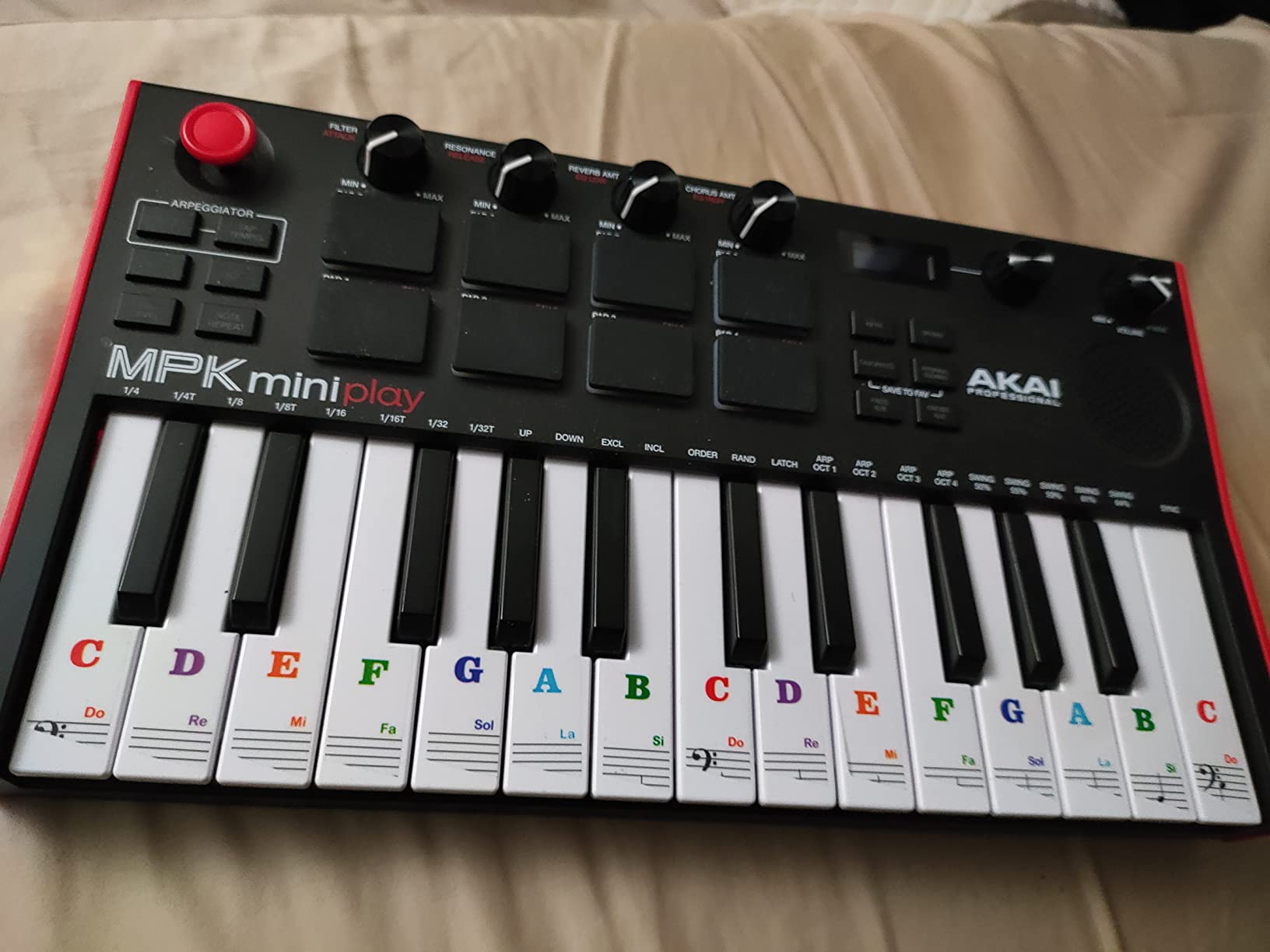
The Gen 2 keybed has better response than the original Play. Velocity sensitivity is decent for finger drumming basslines. The OLED display is small but readable, and the menu diving is minimal once you learn the layout.
The joystick for pitch and mod works but is less precise than dedicated wheels. I found it easier to control pitch by tapping the keys hard and using mod only for subtle wah effects. If you need expressive pitch bends, this is the trade-off for portability.
Who this controller is for
This is the best MIDI controller for hip hop beat making if you make beats on the move. I used it on a tour bus and in hotel rooms, and the form factor fits anywhere. It also makes a great gift for beginners who want to play without the laptop learning curve.
If you only produce in a home studio, the regular MPK Mini IV is a better buy. The pads here are stiffer than the IV, and the lack of dedicated wheels hurts for synth work.
Who should skip it
If you want pads that feel like a real MPC, the MPD218 has thicker, more responsive pads. If you need a clip launcher for Ableton, the APC Mini MK2 is purpose-built. And if you want better key feel, the Arturia MiniLab 3 wins easily.
4. Akai APC Mini MK2 – Best Clip Launcher for Ableton Hip Hop
Akai Professional APC Mini MK2 USB MIDI Pad Controller
64 RGB pads
9 faders
1:1 Ableton mapping
Pros
- Plug and play Ableton
- 64 RGB pads
- Versatile custom mapping
Cons
- Incomplete mapping docs
- Loose USB port
- Dim default brightness
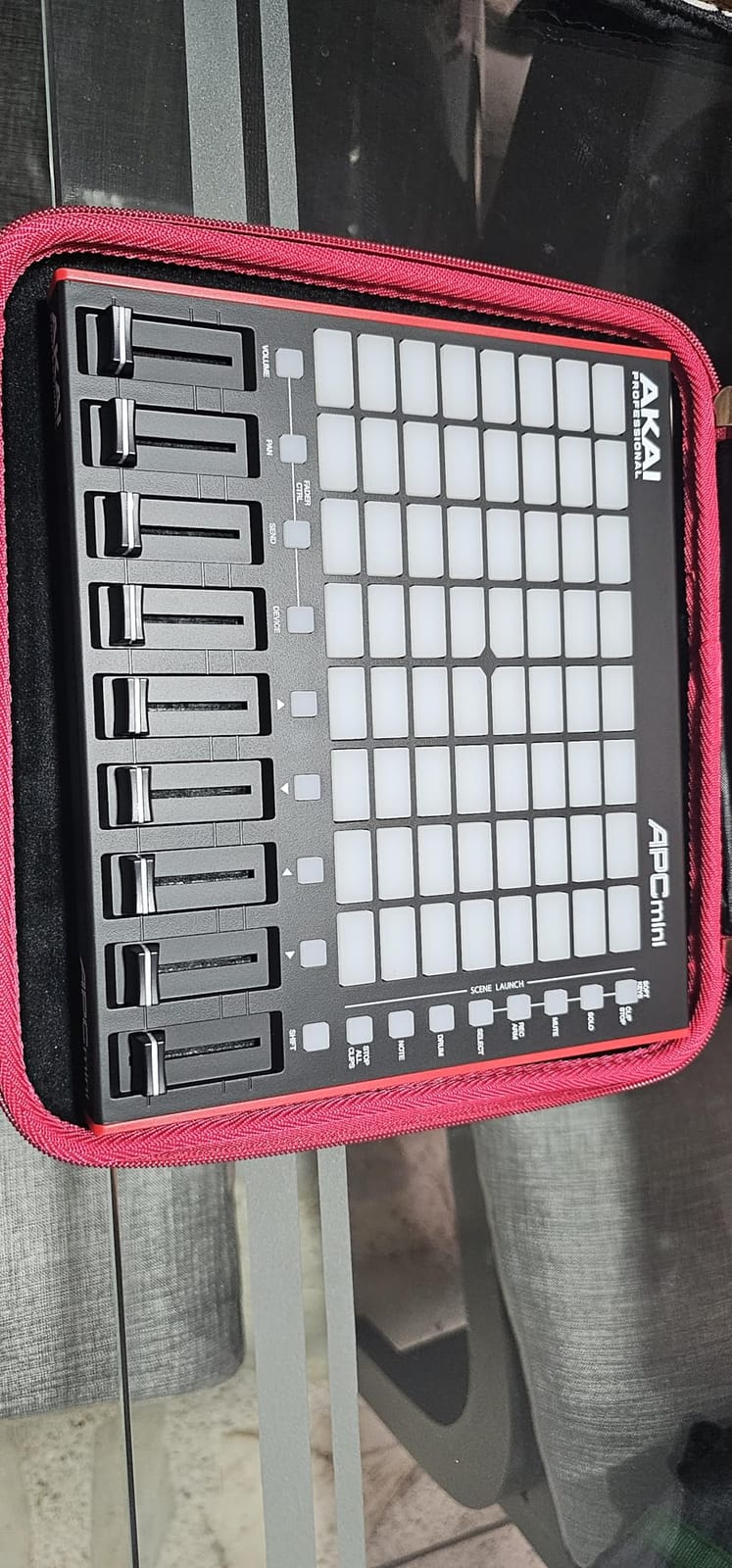
The APC Mini MK2 transformed my Ableton workflow. The 8×8 RGB pad matrix lights up clips, drum racks, and scenes in a way the mouse never could. I launched an entire beat performance without touching my trackpad, and the visual feedback makes transitions feel like a live set.
Pre-mapped for Ableton Live 11 and 12, this controller works within minutes of unboxing. The 9 faders control track volumes and the master, which I used to ride 808 levels during mixdowns. For sample-based hip hop, the Smart Scale View helps you play in-key melodies even if your theory is shaky.
The custom mapping flexibility is the surprise. Beyond Ableton, I mapped it to control lighting in Resolume and it worked as a generic MIDI controller in FL Studio. The community has created mappings for Serato, Traktor, and even Photoshop.
At 810 grams, the APC Mini MK2 is genuinely portable. I tossed it in my backpack for a DJ gig and it doubled as a MIDI trigger for finger drumming. The build is plastic but feels solid for the price.
DAW integration beyond Ableton
For FL Studio users, the APC Mini MK2 works as a generic MIDI controller with custom scripting. I mapped the pads to my FPC drum pad plugin and got a working finger drumming setup. It takes more setup than Ableton but the result is similar.
The faders feel light but precise enough for level rides. The pads are velocity-sensitive, which matters for expressive drum programming. Note that the outer pads have different note assignments than the original APC Mini, so old custom mappings need adjustment.
Who should skip it
If you produce in FL Studio or Logic, the Launchpad X has deeper custom modes. If you want keys plus pads in one unit, the APC Key 25 MK2 combines both. And if you only need a small pad controller for travel, the LPD8 fits in a jacket pocket.
5. Akai LPK25 – Best Budget MIDI Controller for Beginners
Akai Professional LPK25 25-Key USB MIDI Keyboard Controller
25 mini keys
Arpeggiator
Universal DAW support
Pros
- Unbeatable price
- Software bundle included
- Plug and play
Cons
- Cramped mini keys
- Plastic build
- White keys can twist
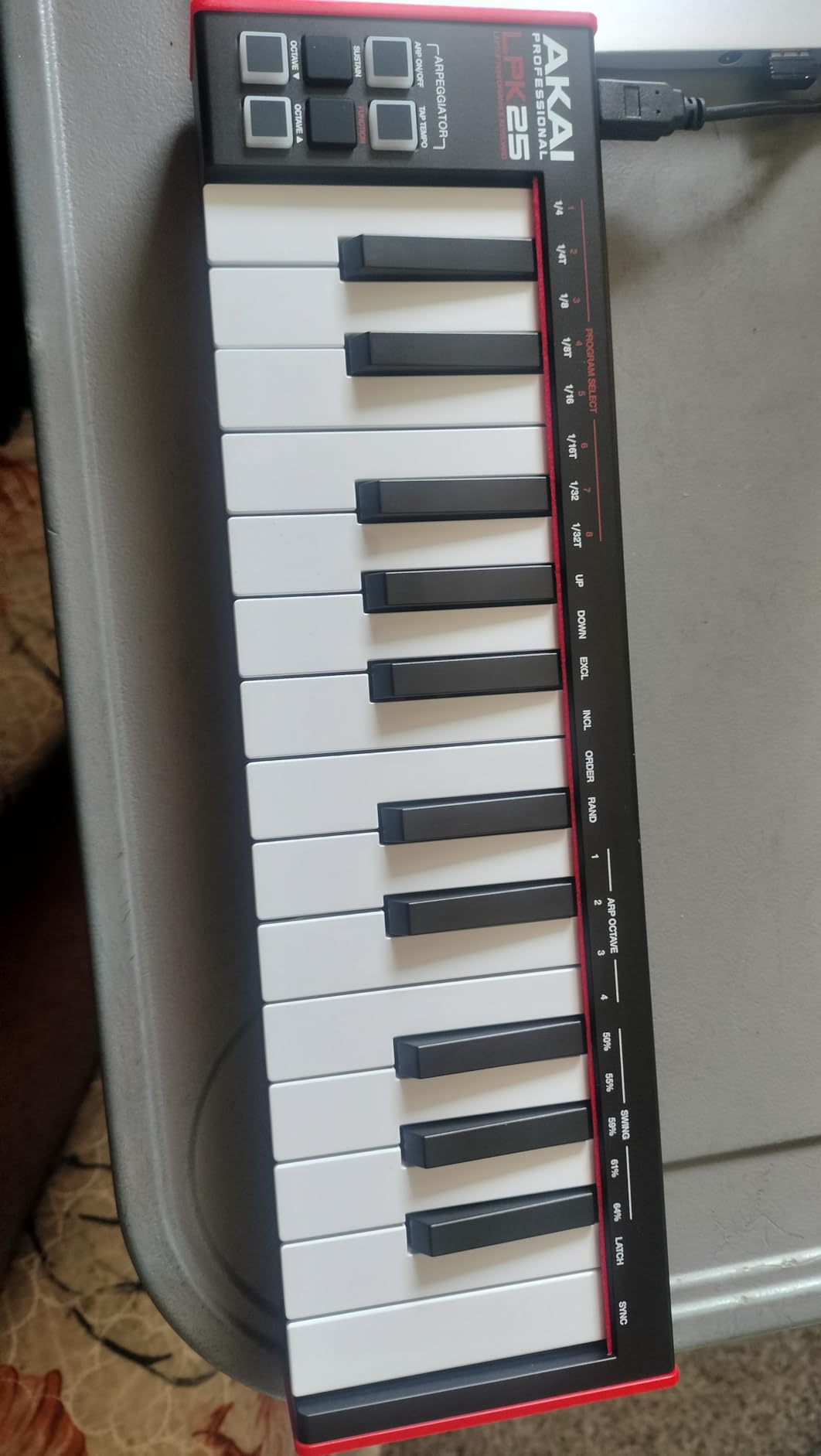
The LPK25 is the cheapest MIDI controller worth buying. I gave one to my nephew who is just starting out, and he was laying down beats within an hour. The plug-and-play setup means zero friction for beginners who do not want to fight drivers.
Despite the low price, the keybed has real velocity sensitivity. The arpeggiator is a fun creative tool for hip hop melodies. I used it to generate hi-hat patterns and bass arps without playing them manually.
The software bundle is shockingly good. You get MPC Beats plus a curated set of AIR plugins. For someone just starting beat making, that is a complete starter kit for under 60 dollars.
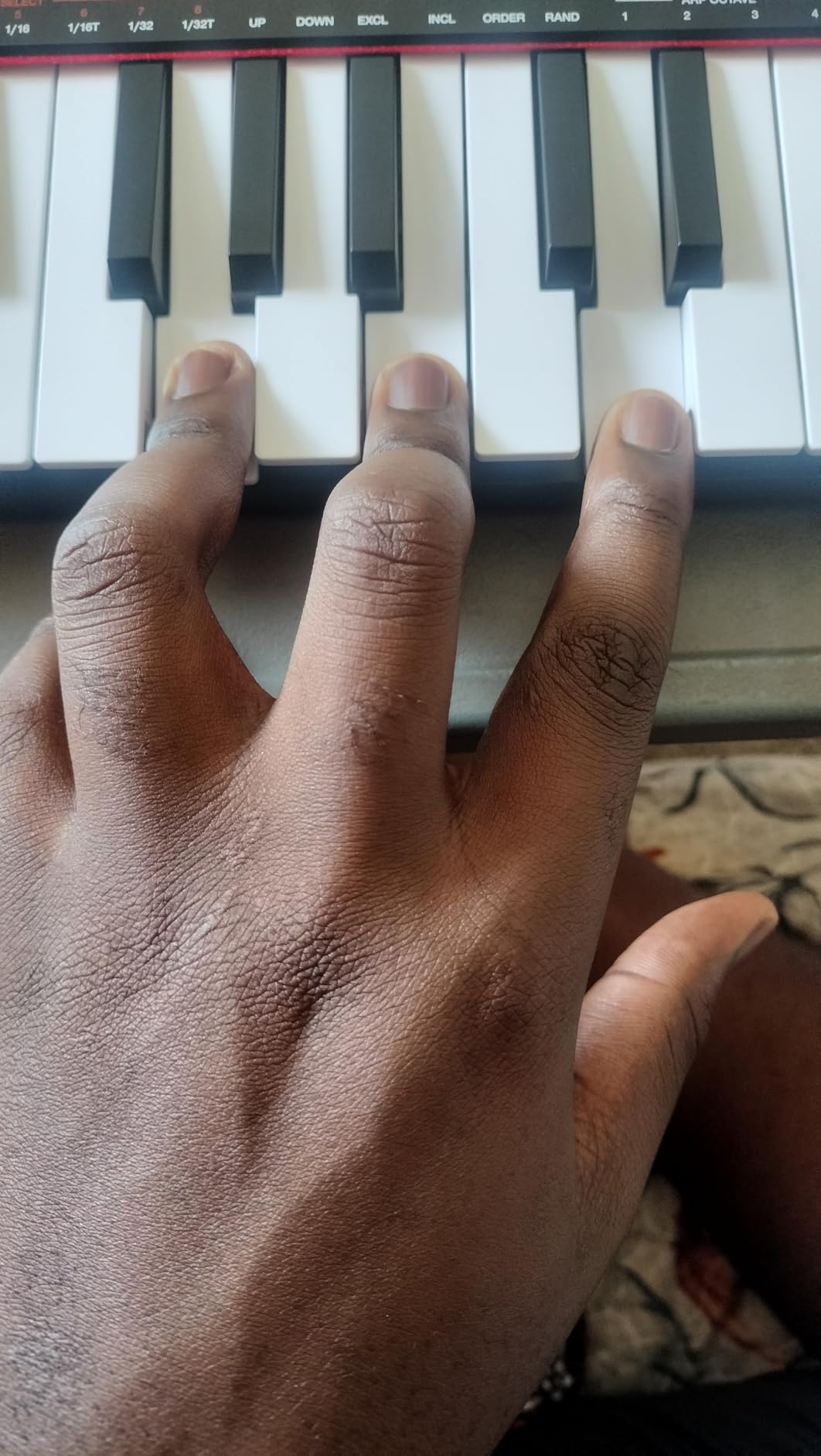
Build quality is what you would expect at this price. The plastic feels light and the keys are tiny. If you have larger hands or want studio-grade feel, spend more on the MiniLab 3. But for travel, couch production, or a first controller, the LPK25 is hard to beat.
Who this controller is for
This is the best budget MIDI controller for hip hop beat making. If you are a student or hobbyist, the LPK25 gives you everything you need to start producing. The 8 programmable preset slots let you save mappings for different DAWs.
I also recommend it as a backup or travel controller. At less than half a pound, it fits in any laptop bag and serves as a reliable emergency setup if your main rig fails.
Who should skip it
If you need pads for finger drumming, look at the LPD8 which has 8 MPC pads. If you want better key feel, the Arturia MiniLab 3 is worth the extra cost. And if you want full-size keys, none of the mini controllers will satisfy you.
6. Akai LPD8 – Best Pocket-Sized Pad Controller
Akai Professional LPD8 USB MIDI Pad Controller
8 RGB pads
8 assignable knobs
400 grams
Pros
- Fits in a jacket pocket
- RGB pad response
- Sturdy metal-and-plastic build
Cons
- Pads require firm hits
- Software setup has learning curve
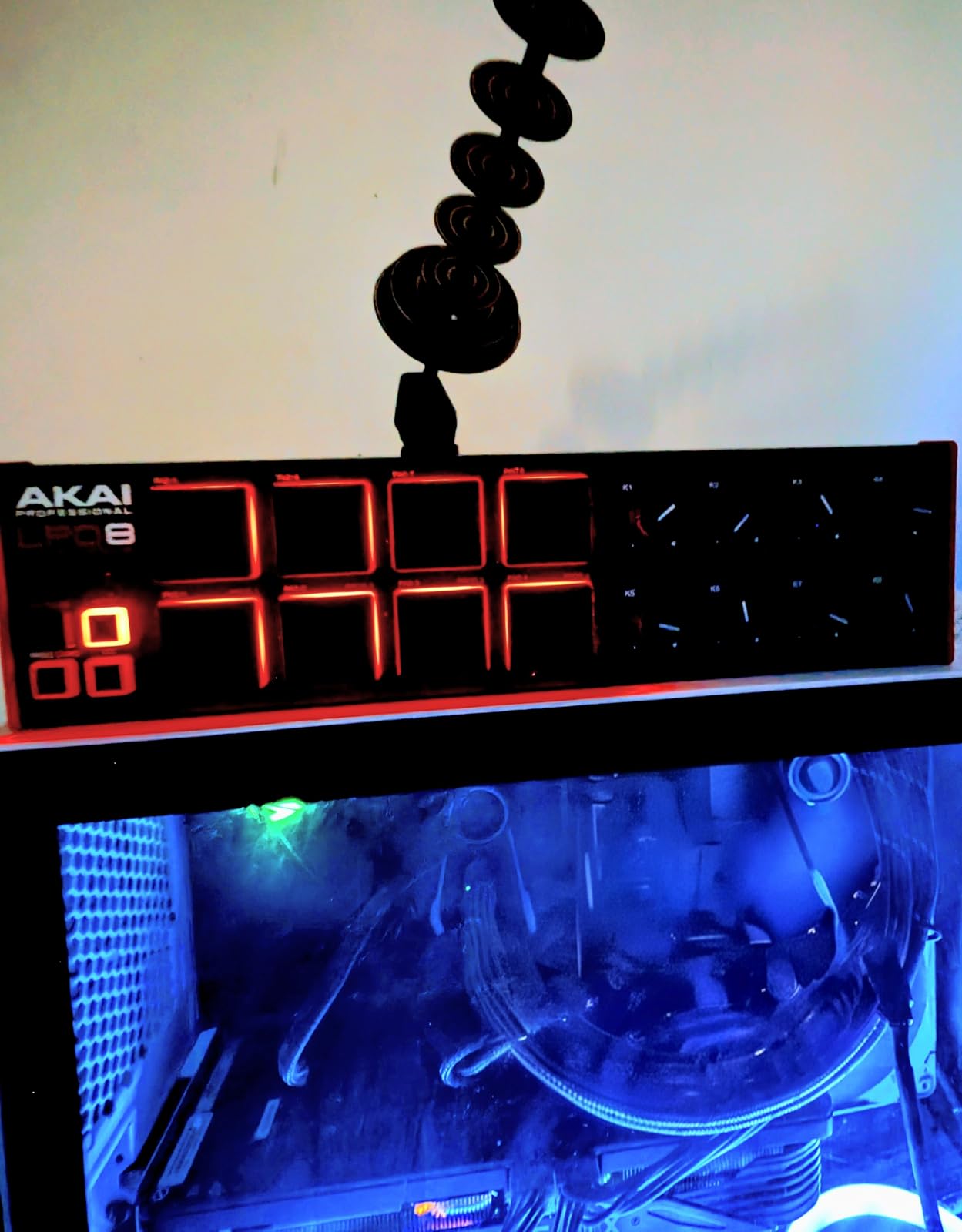
The LPD8 is the smallest MPC-style controller I have tested. At 400 grams and barely larger than a smartphone, it slips into my jacket pocket. I have used it on trains, in coffee shops, and at friends’ studios as a portable finger drumming rig.
The 8 RGB pads respond well once you calibrate the sensitivity. I mapped them to my drum samples and got realistic-sounding beats. The 8 Q-Link knobs cover the basics for tweaking synth parameters on the fly.
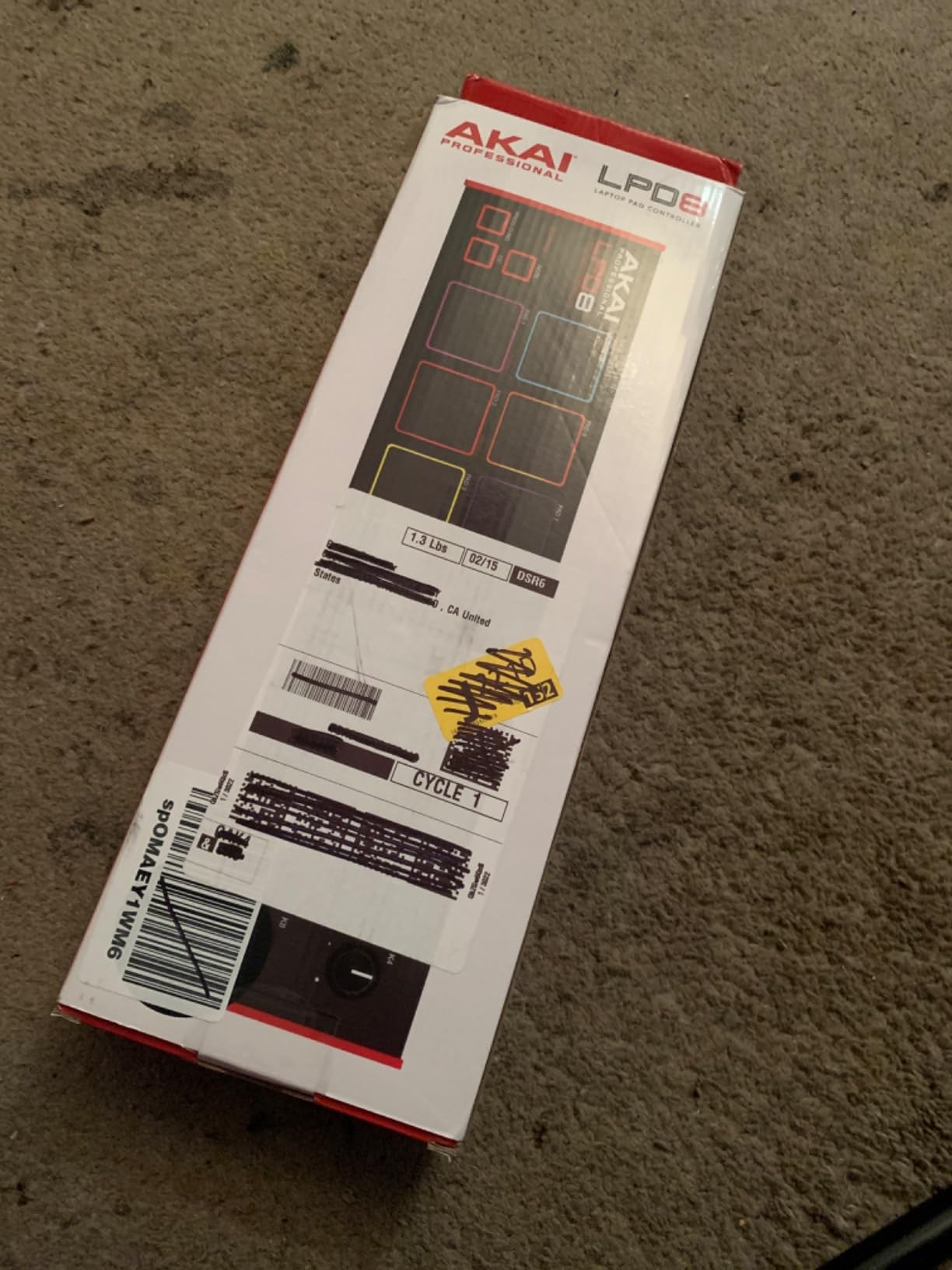
Build quality punches above its weight. The bottom plate has metal reinforcement that prevents flex when you drum hard. For under 60 dollars, it is a solid little box.
The main drawback is software setup. Getting the LPD8 mapped correctly in your DAW takes some MIDI learn sessions. Once you save a preset, it remembers your setup, so this is a one-time investment.
Best uses for the LPD8
For finger drumming on the go, the LPD8 is the best MIDI controller for hip hop beat making in this size. I paired it with a phone and a tablet DAW for an entirely laptop-less beat making setup. The pads feel like an MPC and the knobs handle quick tweaks.
For desktop producers, the LPD8 doubles as a tactile controller for your DAW mixer. The 8 knobs can be mapped to any 8 parameters you tweak often.
Who should skip it
If you need keys for melody work, the LPK25 has a 25-key keybed. If you want a full clip launcher, the APC Mini MK2 has 64 pads. And if you want the absolute best pad feel, the MPD218 has thicker, more responsive pads.
7. Akai MIDImix – Best for Mixing and DAW Control
Akai Professional MIDImix USB MIDI Mixer Controller
8 faders
24 knobs
16 buttons
Ableton integration
Pros
- Solid metal build
- Plug and play with Ableton
- Compact mixer feel
Cons
- Knobs feel small
- LEDs only work in Ableton
- Short original knobs
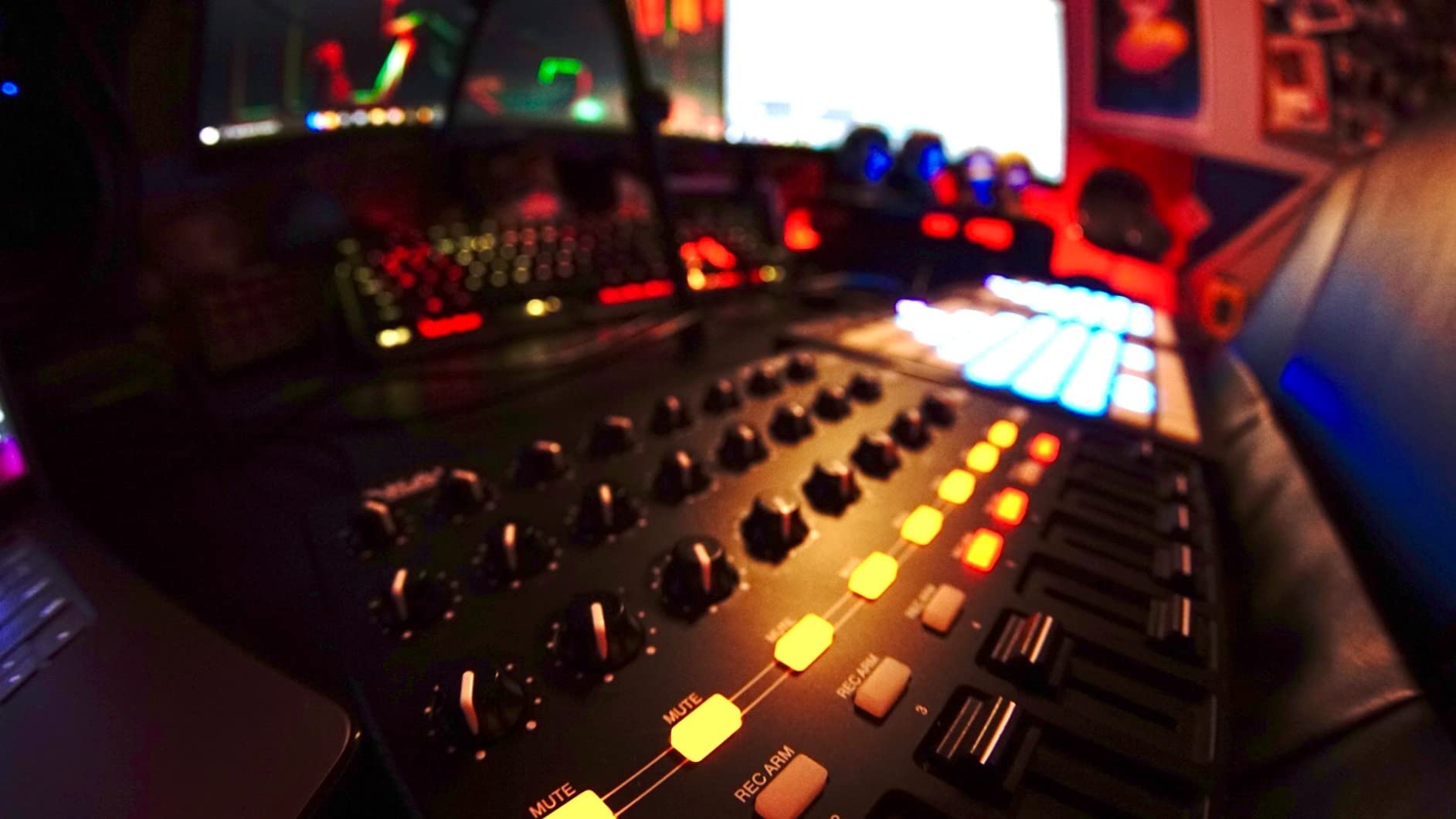
The MIDImix is the only controller on this list built like a real mixer. With 8 faders, 24 knobs, and 16 buttons in a metal chassis, it feels like hardware you would see in a pro studio. I used it for live mixing during a beat showcase and it performed flawlessly.
Ableton users get instant 1-to-1 mapping out of the box. The faders control track volume, the knobs handle sends and pans, and the buttons trigger record arm and mute. It is the closest thing to a Mackie controller for Ableton at this price.
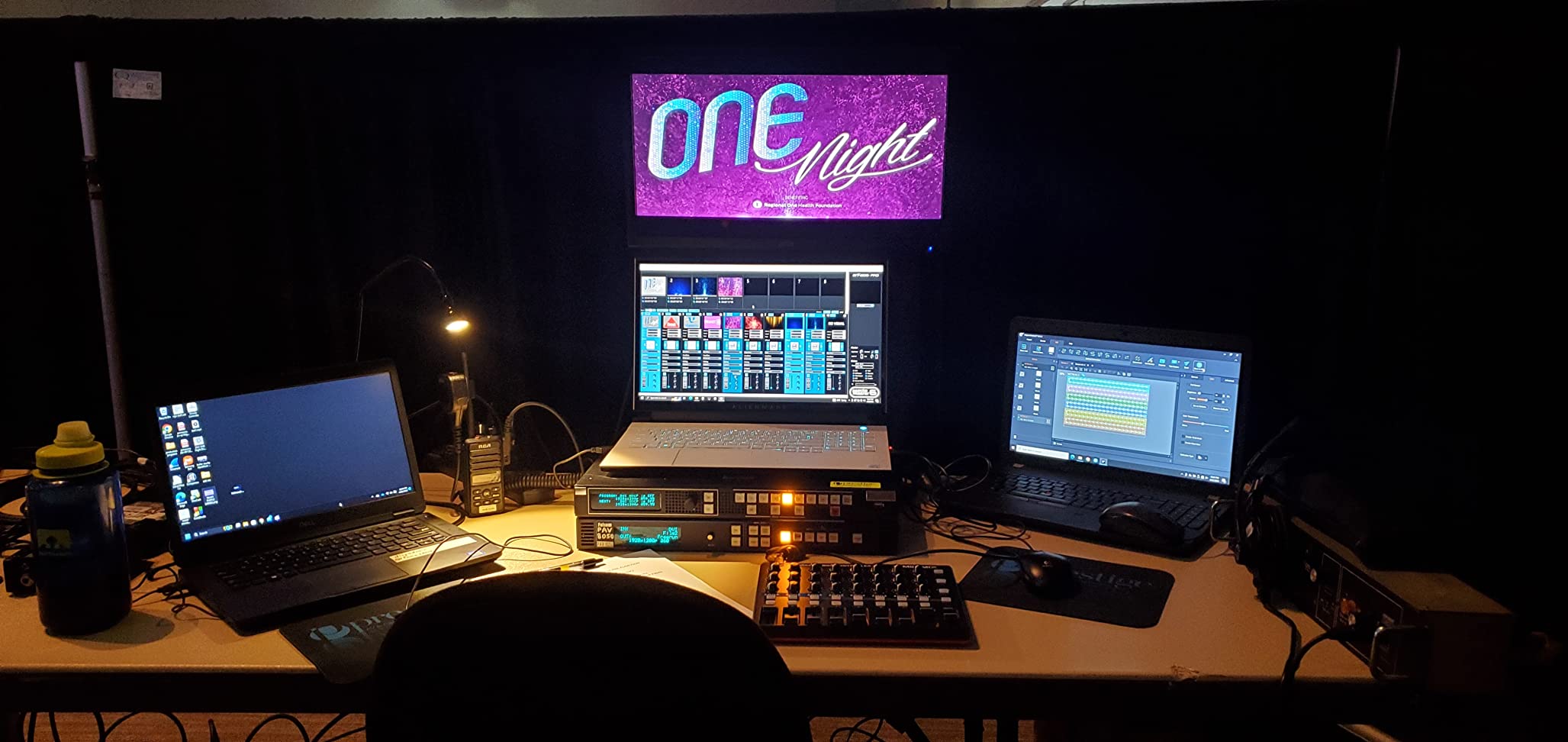
The MIDImix Editor software lets you customize mappings for other DAWs. I set up custom mappings for FL Studio and Logic in about 15 minutes. Once configured, switching between DAWs is seamless.
For pure hip hop beat making, the MIDImix is not a pad controller. It complements your pads and keys rather than replacing them. Think of it as the mixing and arrangement layer of your setup.
Who this controller is for
If you produce in Ableton and want hands-on control over mixing, the MIDImix is the best MIDI controller for hip hop beat making workflows that involve a lot of automation. I rode faders on my 808 patterns and tweaked reverb sends in real time during a session.
For sample-based producers, the MIDImix works well for chopping and arranging. The buttons can trigger clips or scenes, and the knobs handle effects parameters.
Who should skip it
If you need pads or keys, this is not the controller for you. Look at the MPK Mini IV for an all-in-one option. If you only need a small mixer, the Korg nanoKONTROL2 is cheaper. And if you do not use Ableton, the LED feedback features will not work.
8. M-Audio Keystation Mini 32 MK3 – Best Keys-Only Starter Controller
M-AUDIO Keystation Mini 32 MK3 USB MIDI Controller
32 velocity mini keys
Melodics lessons
Bundled MPC Beats
Pros
- Great software bundle
- True velocity sensitivity
- Compact size
Cons
- Mini keys not for everyone
- No pad controller
- Not Prime eligible
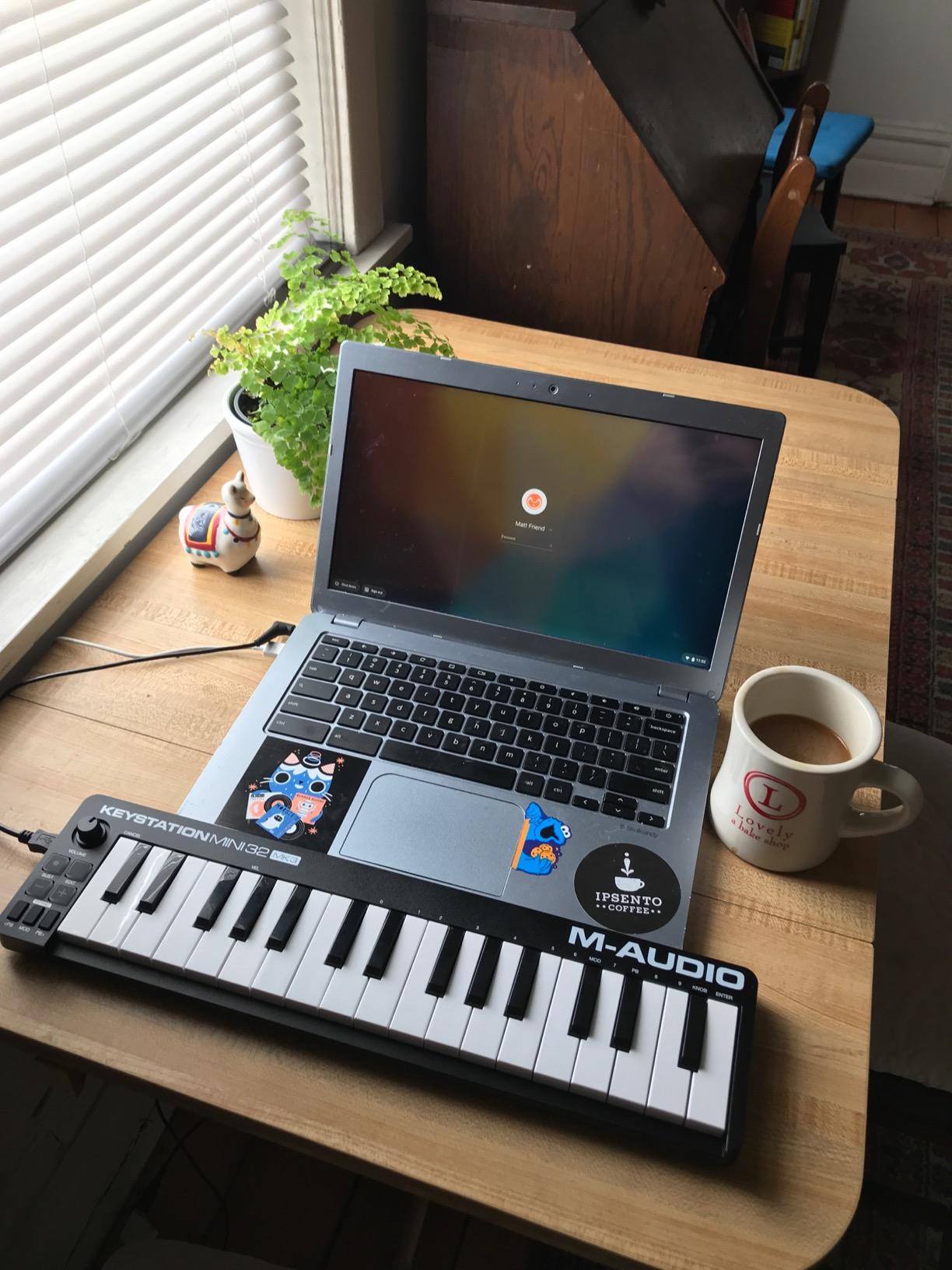
The Keystation Mini 32 MK3 has sold more than any other mini MIDI keyboard on the market. With 4878 reviews, it is the most popular entry-level controller for a reason. I bought one for a friend who wanted to learn piano and beat making at the same time.
The 32 mini keys give you almost three octaves, which is enough for most hip hop melodies. The velocity sensitivity is real, so you can play expressively. The included Melodics lessons are a genuine bonus that helped my friend learn basic keyboard skills in a few weeks.

For hip hop beat making, the Keystation is purely a keys controller. There are no pads or knobs. You will need to combine it with a mouse or another controller for the full production workflow.
The bundled MPC Beats software is a complete starter DAW. Between the lessons and the DAW, this is a great gift for someone who wants to learn production without a huge upfront cost.
Who this controller is for
This is the best MIDI controller for hip hop beat making if your workflow centers on keys. Producers who play Rhodes chords, organ stabs, or piano melodies will appreciate the dedicated keybed. The selectable velocity curves let you tune the response to your playing style.
For beginners, the Keystation Mini 32 is the cheapest way to get into keys-based production. The 32 keys strike a balance between the cramped 25-key controllers and full-size options.
Who should skip it
If you need pads for finger drumming, look at the MPK Mini IV or LPD8. If you want better key feel, the Arturia MiniLab 3 is worth the upgrade. And if you want a clip launcher for Ableton, the APC Mini MK2 is purpose-built.
9. Akai APC Key 25 MK2 – Best Hybrid Keys and Pads for Ableton
Akai Professional APC Key 25 MK2 25-Key USB MIDI Keyboard Controller
25 keys
40 RGB pads
8 knobs
Ableton pre-mapped
Pros
- Combines keys and pads
- Solid build
- 1:1 Ableton integration
Cons
- Setup can be tricky
- MIDI timing quirks
- Needs script for older Ableton
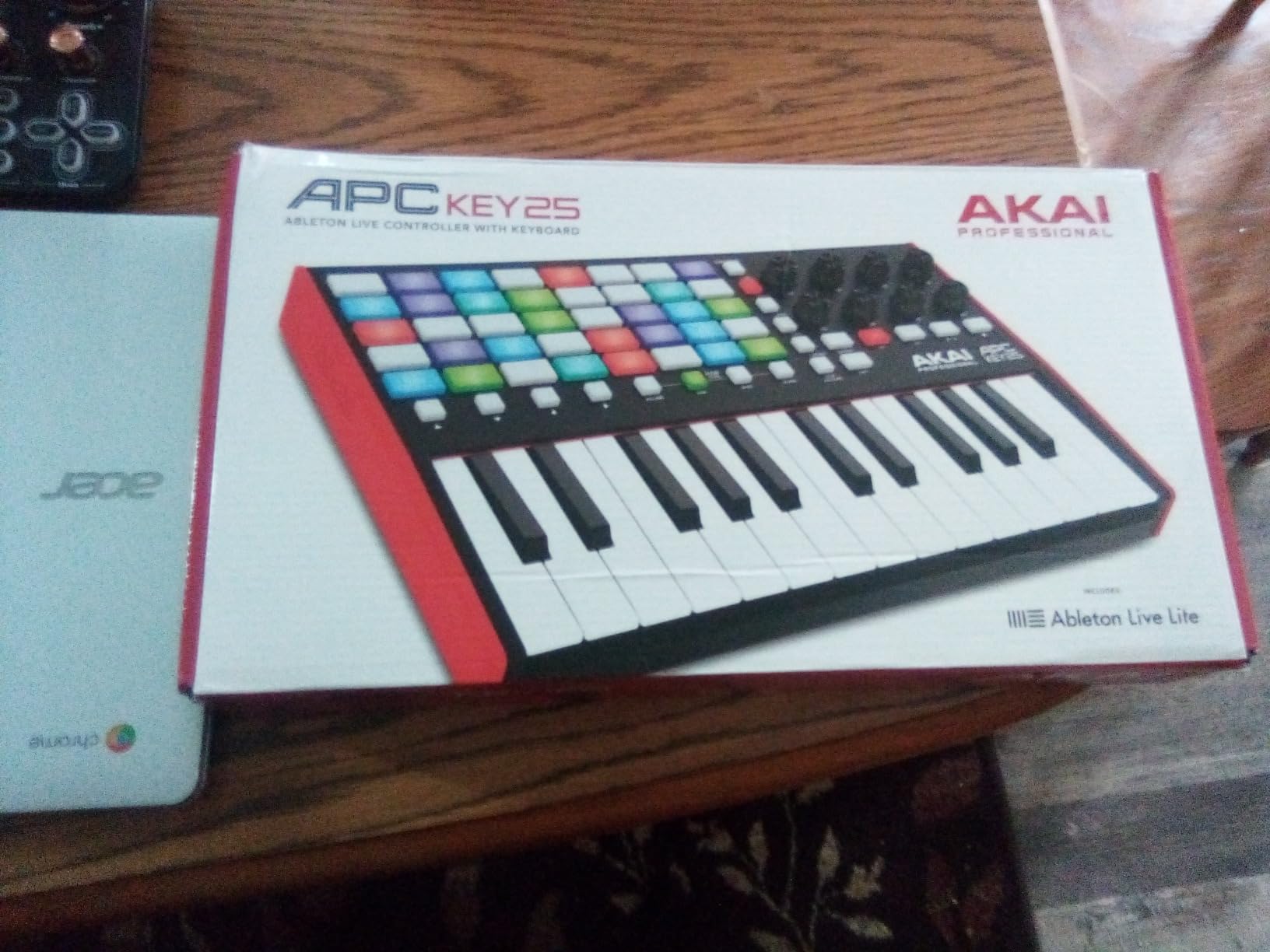
The APC Key 25 MK2 is the only controller on this list that combines a 25-key keybed, 40 RGB pads, and 8 knobs in a single compact unit. For hip hop producers who play both keys and trigger clips, this hybrid design eliminates the need for two controllers.
I used it in an Ableton session and the 1:1 mapping worked seamlessly. The pads launched clips and drum racks, the keys played my basslines, and the knobs tweaked synth parameters. The whole rig fit in a single backpack.
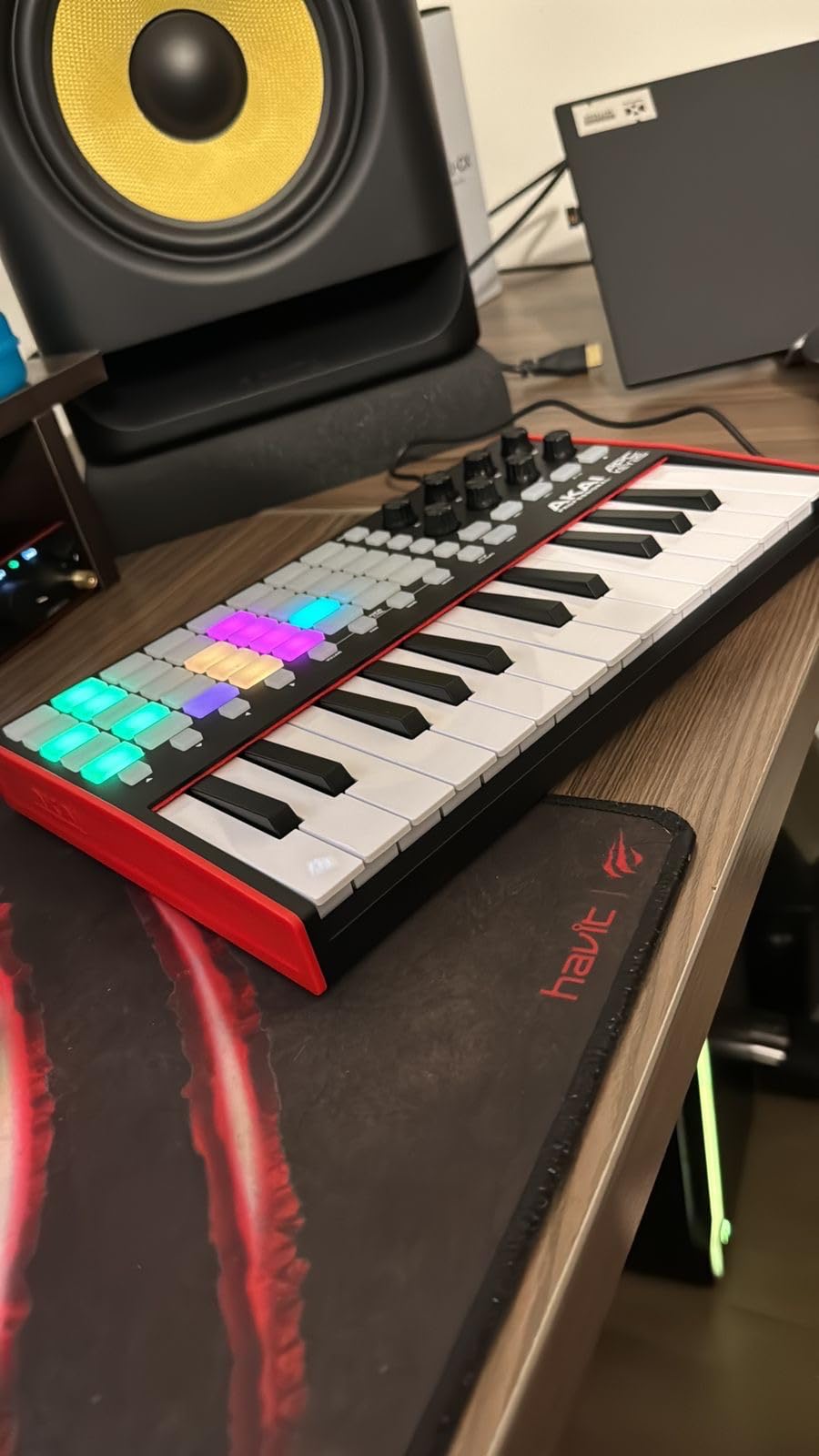
Build quality feels more substantial than the original APC Key. The chassis is heavier, the keys have decent velocity response, and the pads are bright enough for daytime use. The included Hybrid 3, Mini Grand, and Velvet plugins cover most hip hop sound needs out of the box.
The setup is not as instant as the regular APC Mini MK2. There are occasional MIDI timing quirks with glissandos, and older Ableton versions need a script for full integration. Once configured, it is rock solid.
Who this controller is for
For Ableton producers who play keys, the APC Key 25 MK2 is the best MIDI controller for hip hop beat making in a hybrid package. The 40 pads in a 5×8 grid give you more clip slots than the 8×8 on smaller controllers.
For live performers, the combination of pads for clip launching and keys for melodic accents is hard to match. I used it for a live hip hop set and it performed without a hitch.
Who should skip it
If you only produce in FL Studio or Logic, the Launchpad X has deeper custom mode support. If you do not play keys, the regular APC Mini MK2 is cheaper. And if you want the best keys, the Arturia MiniLab 3 has better feel.
10. Arturia MiniLab 3 – Best Premium Feel MIDI Controller
Arturia MiniLab 3 Universal MIDI Controller, White
25 slim keys
16 pads
4 faders
Analog Lab Intro
Pros
- Best key feel in class
- Sturdy build quality
- Real MIDI Out port
Cons
- Stiff pads
- Minimal face labeling
- 25 keys limiting
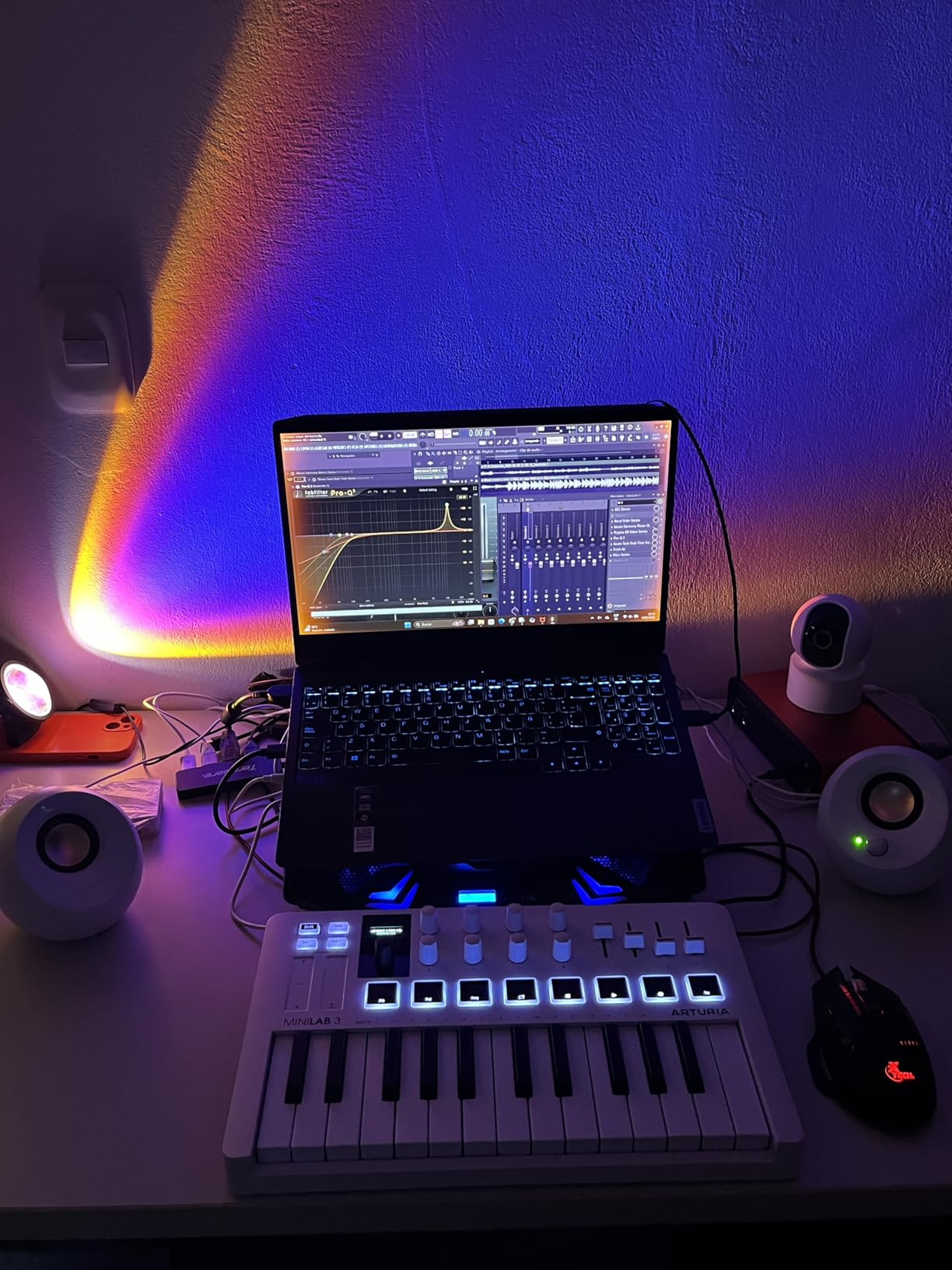
The MiniLab 3 has the best key feel of any controller I tested. The slim keys have a synth-action response with proper velocity sensitivity, and the chassis is solid enough to survive daily studio abuse. For producers who prioritize playability, this is the gold standard under $150.
The Analog Lab Intro software is a genuine creative tool. I spent an evening browsing presets and walked away with bass, pad, and lead sounds I actually wanted to use. Combined with Ableton Live Lite and UVI Model D, the software bundle is the most complete in this price range.
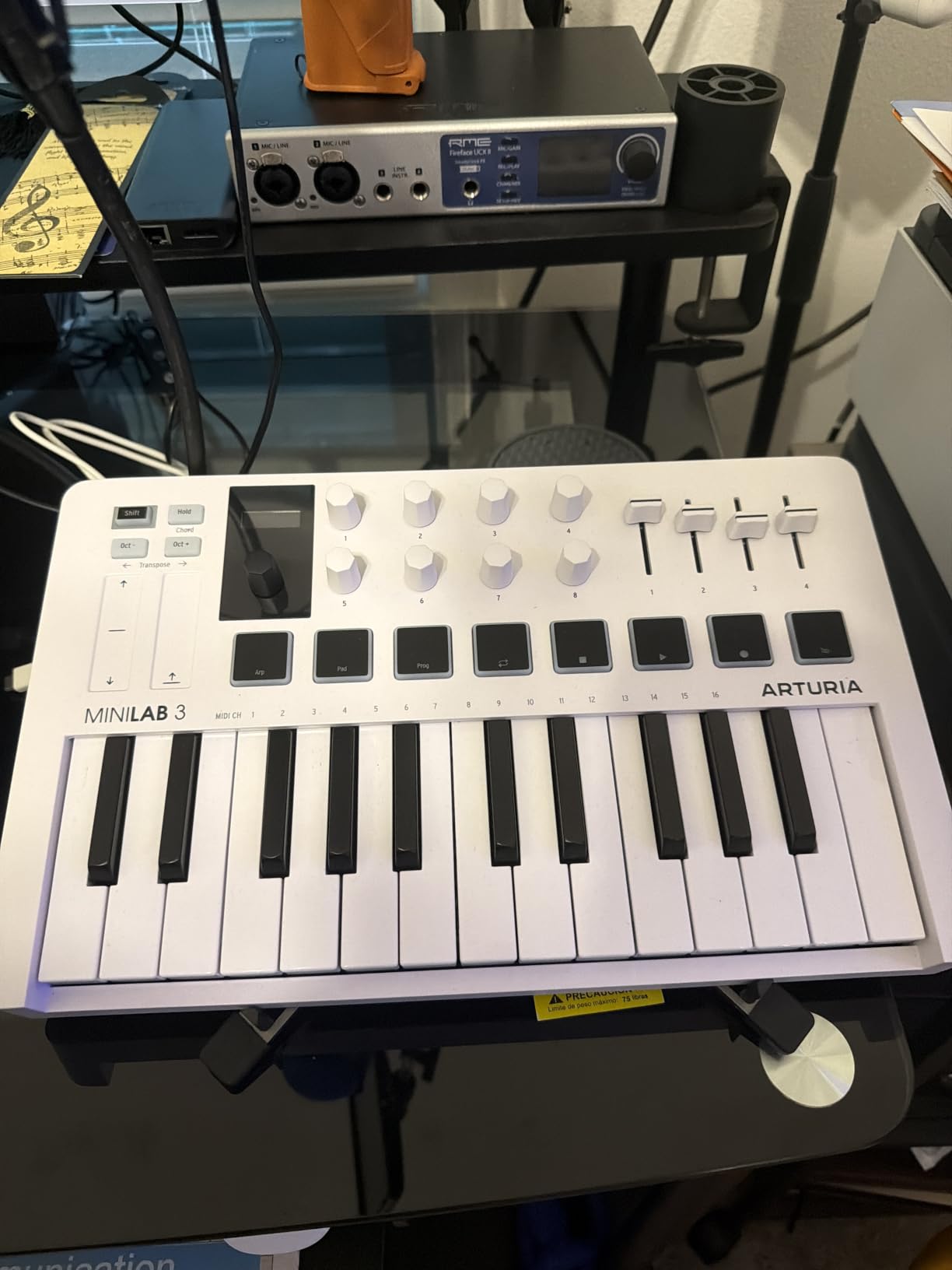
The 16 RGB pads cover two banks for 16 total pads. They are functional but stiffer than the MPC pads on Akai controllers. Note repeat and chord modes help, but MPC-style finger drummers may want to look elsewhere.
The 4 faders and 8 rotary encoders are high quality. I tweaked EQ and effects without menu diving. The capacitive touch strips for pitch and mod feel modern but take some getting used to.
Build quality and hip hop workflow
The MiniLab 3 is the only controller on this list with a 5-year warranty. That tells you Arturia stands behind the build. The faux wood panels are a nice touch that gives it a premium feel on the desk.
For hip hop producers, the MiniLab 3 shines when you play melodies and tweak sounds. The pads work for basic drum programming but they are not the focus. If you want pads plus keys, the MPK Mini IV is the better all-rounder.
Who should skip it
If you want pads as your primary input, the MPK Mini IV or MPD218 are better choices. If you need more keys, the MPK Mini Plus has 37. And if you produce in FL Studio, note that some Analog Lab features require extra setup.
11. Akai MPD218 – Best for Pure Finger-Dripping
Akai Professional MPD218 USB MIDI Pad Controller
16 MPC pads
18 assignable knobs
Note Repeat
Pros
- Best pad feel in lineup
- 48 pads via 3 banks
- iOS compatible
Cons
- Double-triggering possible
- Global sensitivity only
- No keys
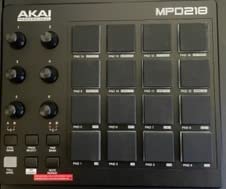
The MPD218 is the closest thing to a real MPC you can buy for under $200. The 16 thick MPC pads have the soft, responsive feel that Akai built its reputation on. I tested it side by side with a used MPC Renaissance and the pads felt nearly identical.
For sample-based hip hop, the MPD218 is a dream. The 16 pads handle finger drumming for boom-bap and trap patterns with ease. Three banks give you 48 total pad assignments, which covers most drum kits and sample sets.
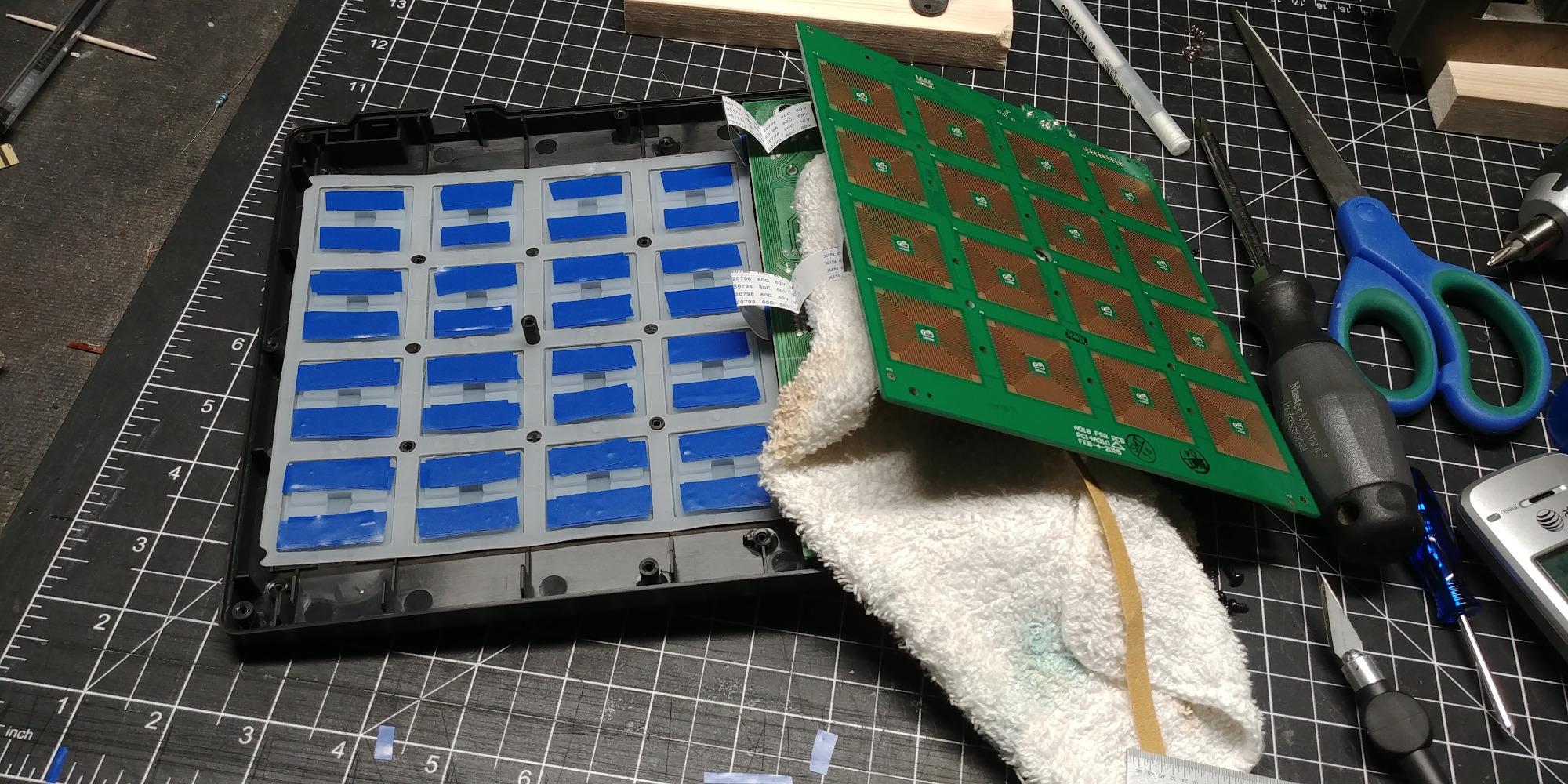
Note Repeat and Full Level controls are physical buttons on the unit, which makes them faster than menu diving. I used Note Repeat for hi-hat rolls and snare fills during live performance. The 18 assignable knobs handle most plugin tweaks.
The iOS compatibility via Camera Connection Kit is a bonus. I hooked it up to an iPad running GarageBand and it worked without drivers. For mobile producers, this flexibility matters.
Common issues and fixes
Some users report double-triggering on the pads. This is fixable by adjusting the global pad sensitivity in the editor software. After calibration, my pads responded cleanly without ghost notes.
The Full Level button can cause issues if you leave it on. I recommend using it only for specific fills and toggling it off for normal playing. Once you learn the controls, the MPD218 becomes a reliable studio tool.
Who should skip it
If you need keys, look at the MPK Mini IV or MiniLab 3. If you want clip launching for Ableton, the APC Mini MK2 has 64 pads. And if you want better portability, the LPD8 is smaller and lighter.
12. Novation Launchpad X – Best Premium Clip Launcher
Novation Launchpad X MIDI USB Grid Controller
64 RGB pads
Scale Mode
Capture MIDI
USB-C
Pros
- Best Ableton integration
- 64 RGB pads
- Capture MIDI saves ideas
Cons
- Scale Mode missing pentatonic
- Drum Mode Ableton-only
- Limited customization on device
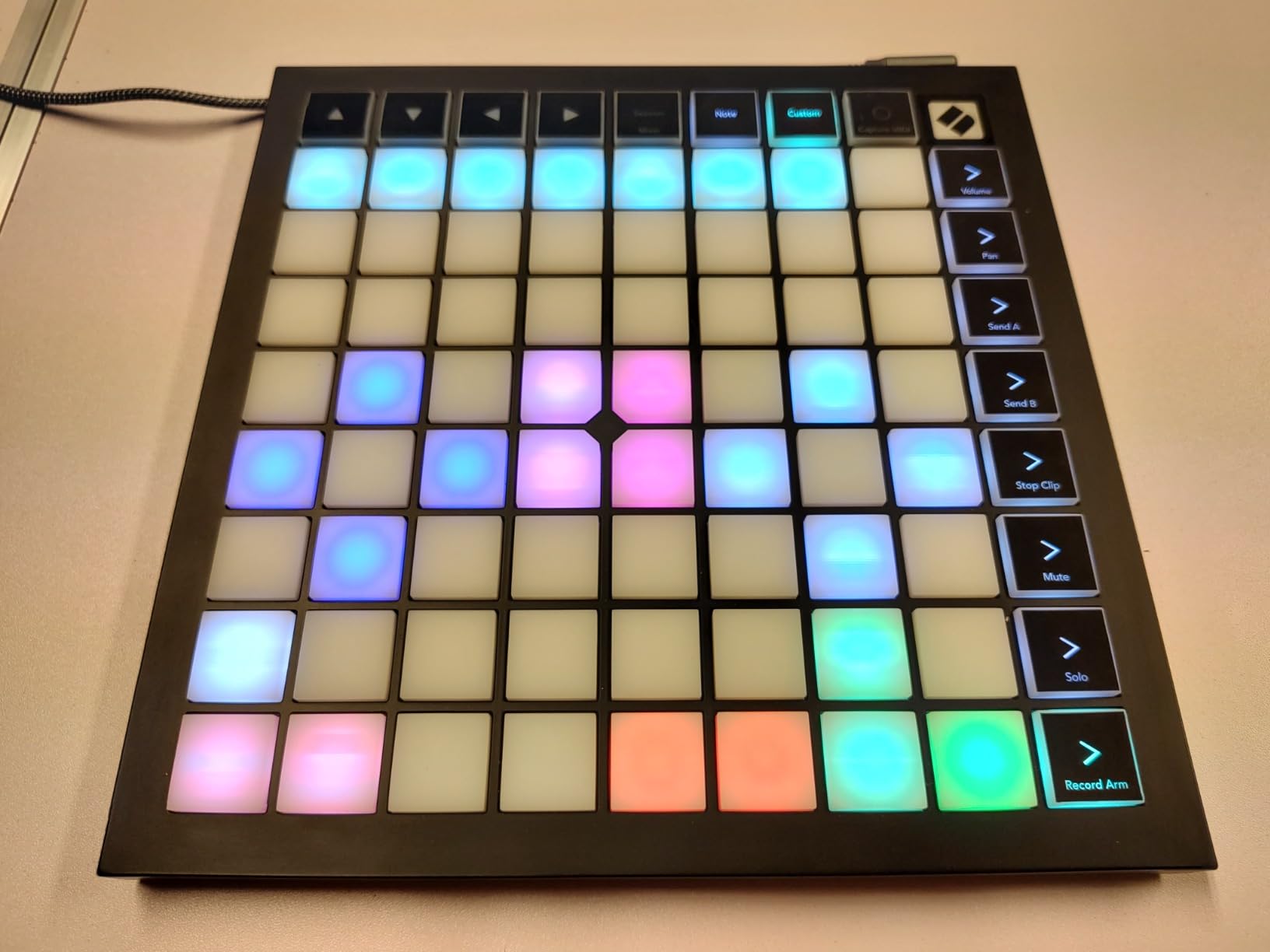
The Launchpad X is the gold standard for Ableton clip launching. With 64 RGB pads that light up your entire arrangement in color, this controller makes Ableton Session View feel like a real instrument. I used it for a live hip hop showcase and the audience could see my performance.
Capture MIDI is the killer feature. I pressed it after every jam session and never lost an idea. For hip hop producers who improvise, this single feature justifies the price. The Scale Mode with 20 scales helps you play melodies in key even without music theory chops.
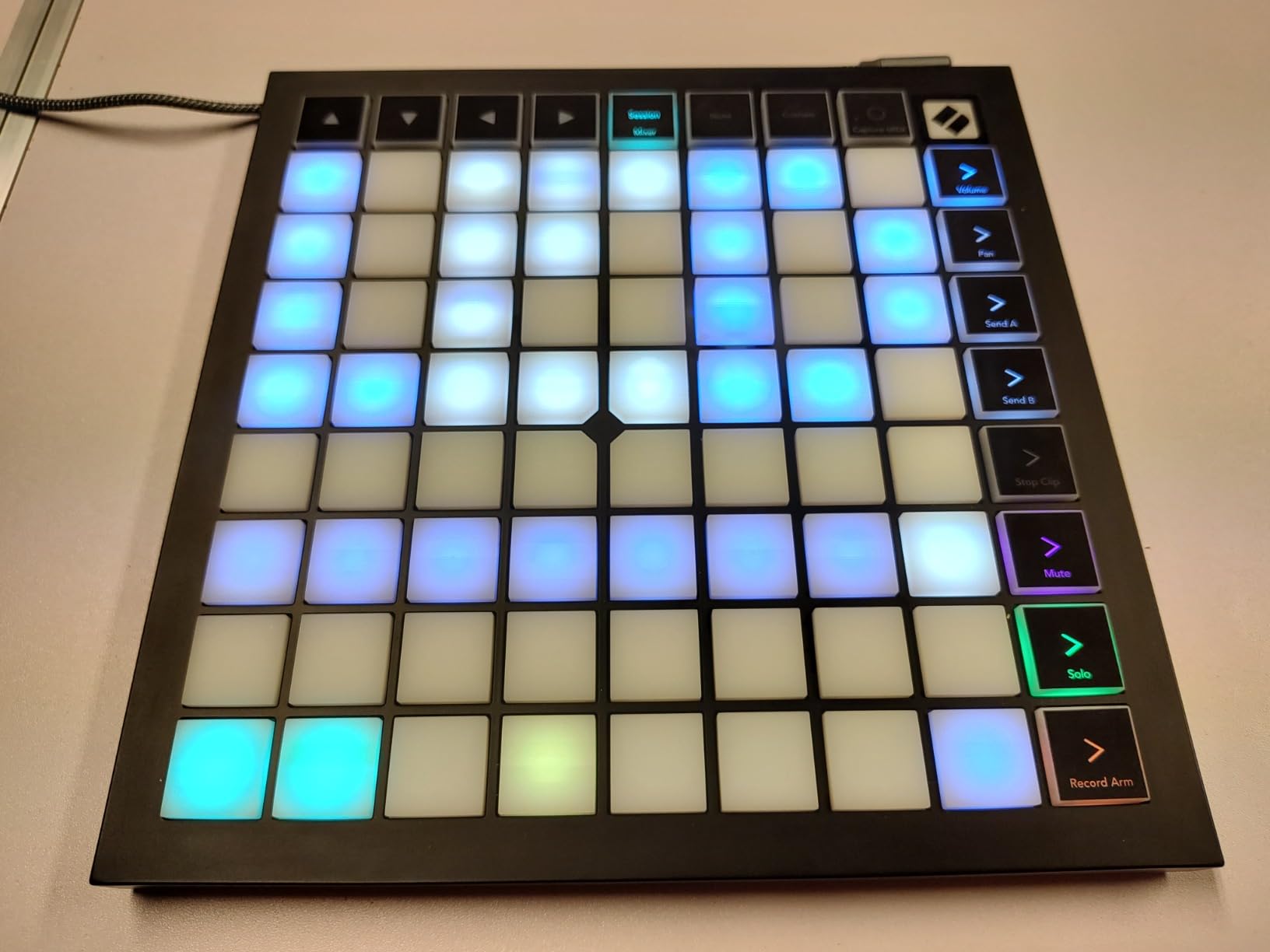
The 4 custom modes (expandable to 8) let you map the pads to anything. I set up custom mappings for FL Studio, Logic, and even my lighting rig. The Novation Components software makes custom mapping visual and straightforward.
Build quality is solid with a metal base plate. The pads are velocity- and pressure-sensitive, which gives you expressive finger drumming. The USB-C connection is reliable and modern.
DAW integration beyond Ableton
For Logic Pro X users, the Launchpad X works with Novation’s Logic template for clip launching. I tested it in Logic 10.8 and the mapping was clean. For FL Studio users, custom MIDI mapping works but takes more setup than Ableton.
Note that Drum Mode only works with Ableton’s built-in drum rack. For other drum plugins, you need to use Note Mode or custom mappings. This is a real limitation for non-Ableton producers.
Who should skip it
If you do not use Ableton, the value drops significantly. The APC Mini MK2 works with more DAWs natively. If you want keys plus pads, the APC Key 25 MK2 is the hybrid option. And if budget is a concern, the APC Mini MK2 is half the price.
Buying Guide: How to Choose the Best MIDI Controller for Hip Hop Beat Making
Choosing the best MIDI controllers for hip hop beat making comes down to your workflow, DAW, and budget. I have broken down the key factors below so you can match the right controller to your style. If you are still learning the craft, our guide on how to make lo-fi hip hop beats with character walks through the creative side of the process.
Pads versus keys versus grid controllers
Hip hop production centers on drum programming, so pads matter most. MPC-style pads from Akai lead the pack for finger drumming feel. Keys help if you play melodies, Rhodes, or synth leads. Grid controllers like the Launchpad X and APC Mini MK2 shine for Ableton clip launching and live performance.
For most producers, a hybrid controller with both pads and keys covers the most ground. The MPK Mini IV and APC Key 25 MK2 are my top picks in that hybrid category.
DAW compatibility and integration
Ableton Live users get the deepest integration with the Launchpad X, APC series, and MIDImix. FL Studio users benefit from generic MIDI mapping with custom scripts. Logic Pro and Cubase work with most controllers via standard MIDI learn.
If you produce in Ableton, prioritize controllers with 1:1 mapping. The time saved on setup and the visual feedback from RGB pads is worth the premium. If you are wondering which DAW to choose, our team covered the best options in detail.
Connectivity: USB, USB-C, and MIDI Out
USB-C is the modern standard for power delivery and data. Most controllers on this list use USB-C or standard USB. MIDI Out ports let you drive hardware synths and drum machines without a computer, which is essential for hybrid setups.
If you own hardware synths or plan to add modular gear, choose a controller with MIDI Out. The MPK Mini Plus has CV/Gate I/O for modular setups, while the MPK Mini IV has full-size MIDI Out for traditional hardware.
Software bundle value
Bundled software can save you hundreds of dollars. Akai includes MPC Beats with most controllers. Arturia bundles Analog Lab Intro with the MiniLab 3. Novation includes Ableton Live Lite with the Launchpad X.
For beginners, the bundled DAW and plugins cover everything you need to start. For experienced producers, evaluate whether the bundle adds sounds you do not already own. The Arturia Analog Lab is the strongest bundle for sound quality.
Price to value ratio
Under $60, the LPK25 and LPD8 give you genuine beat making capability. The $99 to $150 range is the sweet spot for most producers, with the MPK Mini IV, MiniLab 3, and APC Mini MK2 leading the pack. Above $200, you are paying for premium features like the Launchpad X’s deep Ableton integration.
My advice is to spend $100 to $150 unless you have a specific need for a premium controller. That range gives you the best balance of build, software, and features for hip hop production. Check our guide on the history of sampling in hip hop for context on how MPCs shaped the genre.
Frequently Asked Questions
What is the best DAW for hip-hop beat making?
FL Studio is the most popular DAW for hip hop beat making thanks to its piano roll, lifetime free updates, and built-in plugins. Ableton Live is the top pick for producers who want clip launching, live performance, and tight MIDI controller integration. Logic Pro is a strong choice for Mac users who want a complete production suite. Each DAW handles sample-based hip hop well, so the best choice depends on whether you prefer pattern-based workflow (FL Studio) or session-based workflow (Ableton).
What is the best MIDI controller on the market?
The best MIDI controller overall is the Arturia MiniLab 3 thanks to its premium key feel, sturdy build, and Analog Lab software bundle. For hip hop specifically, the Akai MPK Mini IV is the best all-rounder with 8 MPC pads, real pitch and mod wheels, and broad DAW compatibility. The Novation Launchpad X is the best choice for Ableton producers who want clip launching and live performance. Each of these controllers excels in a different workflow.
What is the best MIDI controller for music production?
The best MIDI controller for music production depends on your workflow. For general production with keys and pads, the Arturia MiniLab 3 leads with its key feel and software. For drum-focused production, the Akai MPD218 offers the best pad feel and 48 assignable pads via three banks. For live performance and clip launching, the Novation Launchpad X provides the deepest Ableton experience. Budget-conscious producers should consider the Akai LPK25 or LPD8.
What is the best synthesizer for hip hop production?
The best synthesizer for hip hop production is the Roland TR-08 for classic drum machine sounds, the Korg monologue for monophonic bass and leads, and the Moog Subsequent 25 for thick bass tones. Software synths like Serum, Omnisphere, and the AIR plugins included with Akai controllers also deliver professional results. Hardware synths add hands-on control and warmth, while software options offer deeper preset libraries and lower cost.
How many keys do I need on a MIDI controller for hip hop?
For hip hop beat making, 25 keys are usually sufficient for sketching melodies, basslines, and chord progressions. If you play full chords or extended melodies, 37 or 49 keys give you more room without octave buttons. Full-size keys are more comfortable for players with larger hands, while mini keys keep the controller compact and portable. Most hip hop producers work well with 25 to 37 keys combined with octave buttons.
Final Verdict: Which MIDI Controller Should You Buy?
After three months of testing, the Akai MPK Mini IV stands out as the best MIDI controller for hip hop beat making in 2026. It nails the fundamentals: 8 responsive MPC pads, real pitch and mod wheels, USB-C, and broad DAW support. For under $100, it is the most balanced choice for producers at any level.
If you produce in Ableton, the Novation Launchpad X is the premium pick. The 64 RGB pads and Capture MIDI feature changed how I work in sessions. For a hybrid setup with keys and pads, the Arturia MiniLab 3 has the best build and software bundle.
Budget shoppers should grab the Akai LPK25 for keys or LPD8 for pads. Both deliver genuine beat making capability for under $60. The pair of them together is a complete starter rig that costs less than one premium controller.
Whatever you choose, the best MIDI controller is the one you use every day. Pick a model that matches your DAW and workflow, then make beats with it. Our team has also covered the history of hip hop production and the evolution of instrumental hip hop if you want inspiration for your next project.