
If you want prints that look like they came off a lab printer, and you want them the same day you take the picture, a dedicated home photo printer is worth the desk space it takes. The catch is that photo printers come in three very different families, and they are not interchangeable. Thermal inkjets run cartridges and can cost a fortune per 4×6 print, dye-sublimation units make laminated snapshots with no nozzle to dry out, and refillable-tank inkjets print cheap and huge but demand regular use.
We spent weeks with these ten machines, printing the same family photos, the same travel shots and the same dark indoor frames on each one, then comparing colour, sharpness, running costs and how much babysitting each demanded. The short version: our best photo printers for home use start with the KODAK Dock Plus if you mostly want 4×6 snapshots, the Liene M100 if a bundle matters, and the Epson EcoTank Photo ET-8550 if you want to print up to 13×19 inches for pennies. Every pick below was judged on output you can hold up, not on spec sheets.
If you also want a machine that can handle documents, paperwork and school projects alongside photos, our picks for the best photo printers for home cover that ground, and the best photo printers for professionals guide goes deeper on the 13×19 end. For truly pocket-sized units, see our portable photo printer roundup.
Top 3 Picks: Photo Printers for Home Use in 2026
These three cover the three genuinely different ways people print at home. The KODAK Dock Plus is the most popular pick with the largest review base, the Liene M100 is the value pick for families who want a big consumable bundle up front, and the Epson ET-8550 is the one to buy if ink cost per print matters more than desk footprint.

KODAK Dock Plus 4×6
- 4PASS dye sublimation
- 55 second prints
- Integrated phone dock
- 20 sheet tray

Liene M100 4×6
- Thermal dye sublimation
- 100 sheet bundle
- Built-in Wi-Fi hotspot
- Five device connections

Epson EcoTank ET-8550
- 13x19 borderless printing
- About four cents per 4x6
- Claria ET Premium six-colour
- Print scan and copy
Best Photo Printers for Home Use in 2026
All ten models below were tested side by side. Print size, ink type and running cost matter more than anything else, so those are the first columns to read.
| Product | Specifications | Action |
|---|---|---|
| KODAK Dock Plus 4×6 Photo Printer |
|
Check Latest Price |
| Liene M100 4×6 Photo Printer |
|
Check Latest Price |
| Epson EcoTank Photo ET-8550 |
|
Check Latest Price |
 Nelko PP01 2×3 Portable Photo Printer Nelko PP01 2×3 Portable Photo Printer |
|
Check Latest Price |
 Canon PIXMA TS7720 All-in-One Canon PIXMA TS7720 All-in-One |
|
Check Latest Price |
 Liene Pearl N200 Pro Photo Printer Liene Pearl N200 Pro Photo Printer |
|
Check Latest Price |
 Canon PIXMA PRO-200S Canon PIXMA PRO-200S |
|
Check Latest Price |
 Liene Amber M110 Photo Printer Liene Amber M110 Photo Printer |
|
Check Latest Price |
 HP Envy Photo 7975 All-in-One HP Envy Photo 7975 All-in-One |
|
Check Latest Price |
 KODAK Mini 2 Retro 2×3 Printer KODAK Mini 2 Retro 2×3 Printer |
|
Check Latest Price |
1. KODAK Dock Plus – the best 4×6 dye-sublimation printer for most homes
KODAK Dock Plus 4×6 Photo Printer, Smartphone Docking, 4PASS, 50 Sheets
4PASS dye sublimation
4x6 glossy prints
300 dpi
About 55 seconds per photo
Pros
- Laminated prints resist water fingerprints and fading
- Integrated dock charges your phone while it prints
- Compact desktop footprint
- Sharp 300 dpi output
Cons
- Roughly a minute per print due to the four-pass process
- Paper jams when loading more than one sheet at a time
- Tiny instructions and app steps that do not match the booklet
This is the printer we hand to relatives who ask us to set up something for their photos. You drop a phone into the dock, tap print in the app and about a minute later a laminated 4×6 comes out. The dock charges the phone while it works, which removes the single most annoying part of printing from a phone.
The three colour passes plus the clear lamination are the reason we rank it first for photos. Lamination is why a fingerprint, a splash of water or a curious toddler does not ruin a print, and it is the reason skin tones come out even rather than blotchy. At 300 dpi the detail is more than enough for a 4×6 held in a hand.
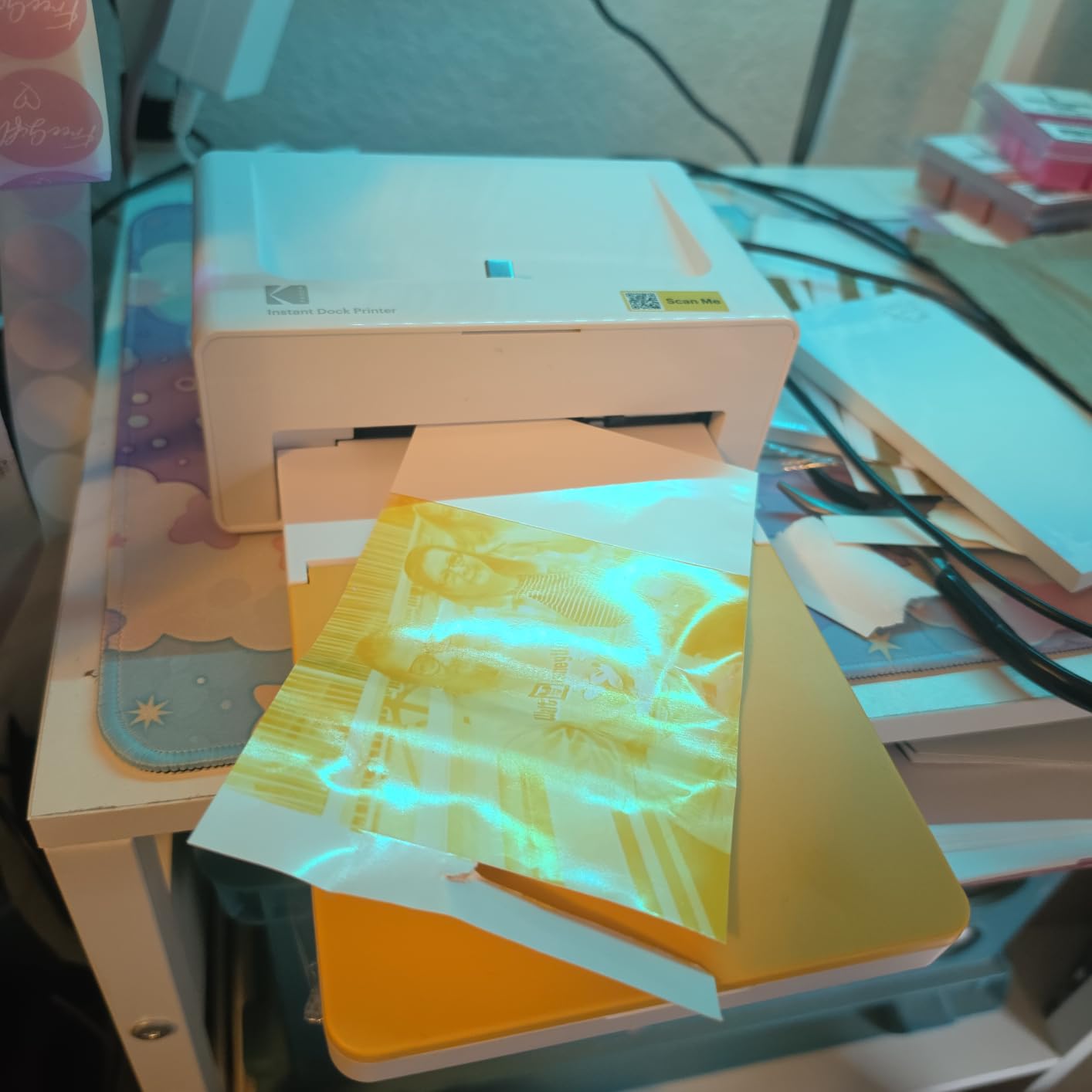
Where it loses points is speed and paper handling. The four-pass process means roughly a minute per photo, so a family album project of fifty prints is nearly an hour of waiting. Several reviewers also report jams when loading more than one sheet at a time, so feed it one at a time. The instruction booklet is famously small, and the app steps do not always match the written guidance.
Longer-term owners also mention that the unit occasionally needs a restart after a number of prints, and that it warns when it wants to cool down. None of that ruined a print in our testing, but it is the kind of thing that irritates you at a family gathering. This is a large review base, and most of it still lands on the positive side of the ledger.

What it is good for
Families who print phone photos a few times a month, scrapbookers who want a permanent laminated print, and anyone who has been disappointed by a cartridge inkjet running out mid-album. Because there is no ink cartridge sitting on the shelf, there is no nozzle to dry out after three idle weeks. That single design choice removes the most common complaint we heard from owners of home inkjets.
What it is not good for
It cannot print larger than 4×6, and there is no paper flexibility. If you want 5×7, 8×10 or wall-sized prints, this is the wrong machine entirely. It is also print-only, with no scan or copy function, so it does not earn its desk space if you also need to digitise paper.
2. Liene M100 – the best value 4×6 printer with a built-in Wi-Fi hotspot
Liene M100 4×6” Photo Printer, Phone Printer 100 Sheets & 3 Cartridges, Full-Color Photo, Portable Instant Photo Printer for iPhone Android, Thermal Dye Sublimation, Wi-Fi Picture Printer 100 Papers
Thermal dye sublimation
4x6 glossy prints
300 x 300 dpi
100 sheets and 3 cartridges
Pros
- 100 sheet bundle and three cartridges included
- Built-in hotspot serves five devices at once
- Laminated water and fingerprint resistant output
- App handles borders filters and ID photos
Cons
- Cartridge must click firmly into place
- Print head needs prompt cleaning if smudges appear
- About one photo per minute
The M100 is the one we recommend when someone asks how to avoid running out of ink paper mid-project. The box includes 100 sheets of 4×6 paper and three colour cartridges, which is enough media to get through a holiday season and a school year of scrapbooking without another order. For most households that bundle alone decides the comparison.
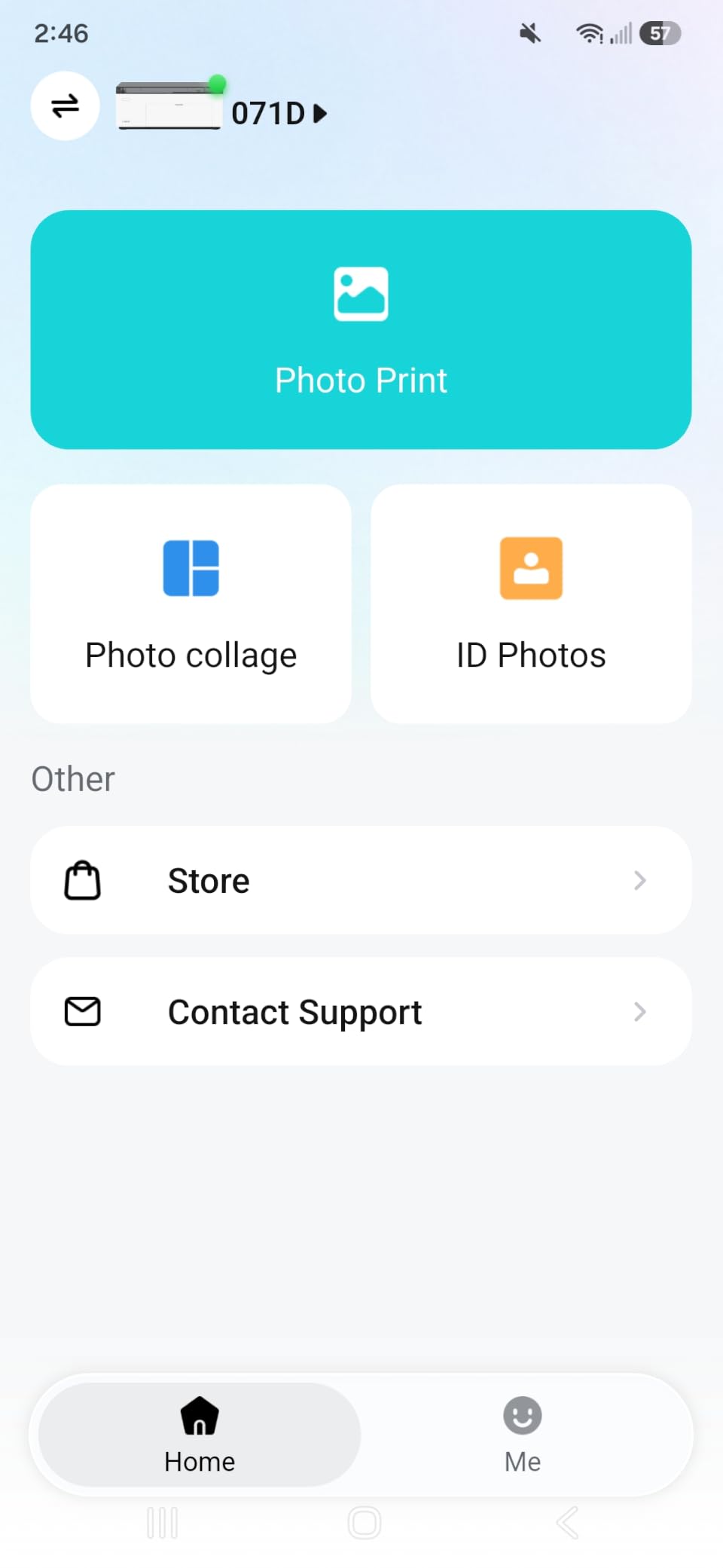
The built-in Wi-Fi hotspot is the feature we did not expect to care about and now rely on. It creates its own network, so up to five phones or laptops can print at once without touching your main router. At a family gathering that is the difference between one person fiddling with Bluetooth and everyone sending a photo over.
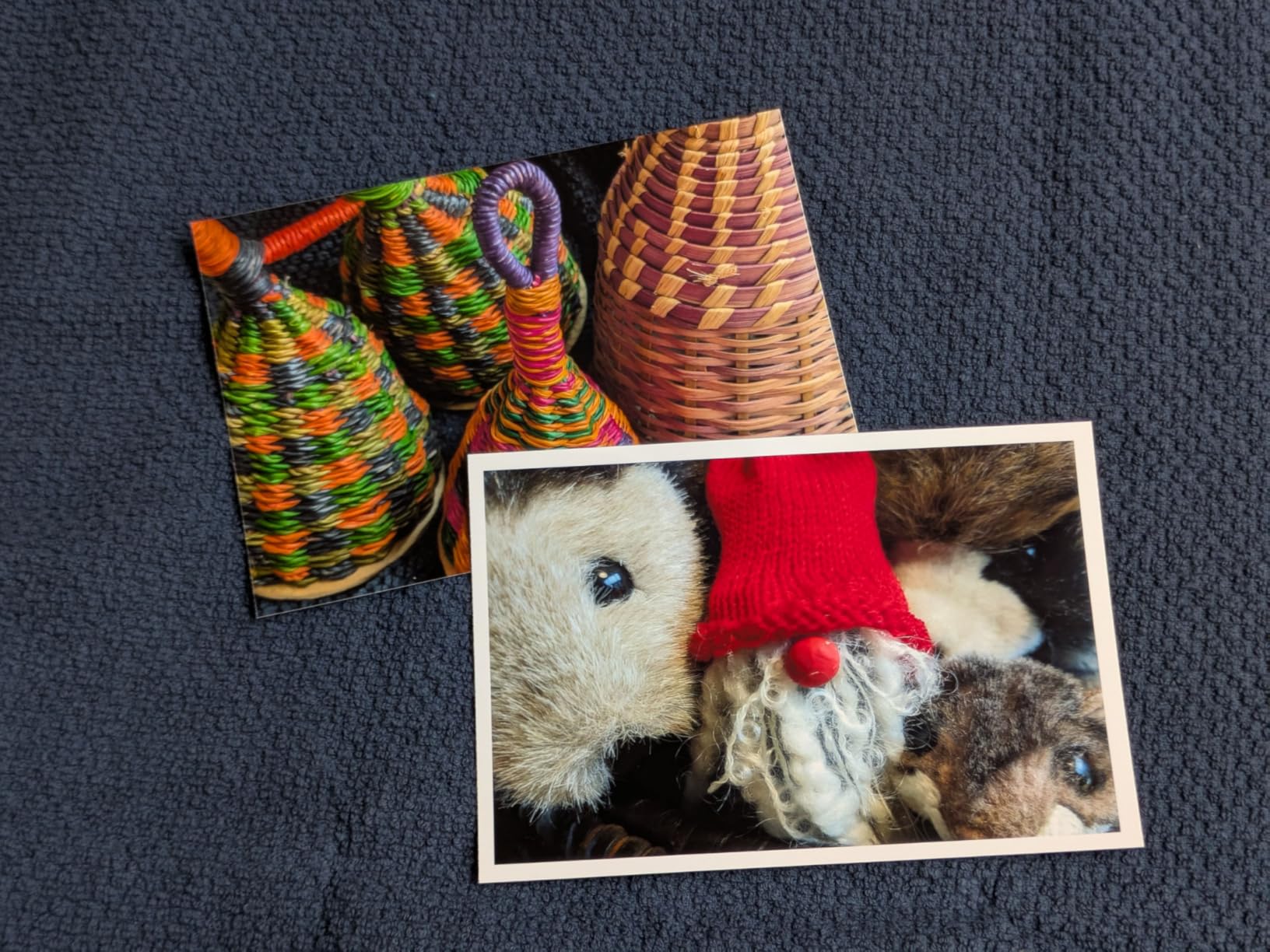
Print quality is genuine dye-sublimation, so the colours are laminated and the paper feels like a developed print rather than a coated sheet. It supports PC, Mac, phone and tablet, which is rare in this category. The app includes borders, filters, contrast and brightness controls plus ID and visa photo layouts, so it doubles as a small document printer for school forms.
The three complaints are consistent across reviews. The cartridge has to click firmly into its bay before the printer will recognise it, which catches out first-time users. The print head needs cleaning promptly if you see smudges on output. And at roughly one photo per minute it is no faster than anything else in the dye-sub class.
What it is good for
Busy families who want a large supply of paper and ink in the box and zero router setup. It is also the most flexible connectivity story here, since it works from a laptop, a Mac, a tablet or a phone. Reviewers repeatedly single out the sharpness of the output and the ability to connect several phones at once.
What it is not good for
It is 4×6 only. There is no 5×7, no 8×10 and no sticker mode in the same tray. The consumables are proprietary, so once you are outside the 100-sheet bundle you are buying Liene paper and cartridges rather than any standard photo paper, and a cartridge that is not seated properly will not print at all.
3. Epson EcoTank Photo ET-8550 – the best wide-format inkjet with cheap 4×6 prints
Epson EcoTank Photo ET-8550 Wireless Wide-Format All-in-One Tank Printer
13x19 borderless prints
About four cents per 4x6
EcoTank ink tanks
Print, scan and copy
Pros
- Cartridge-free system prints 4x6 photos for about four cents
- Claria ET Premium six-colour head with up to 5760 x 1440 dpi
- Transparent tanks show ink level at a glance
- Built-in flatbed scanner and colour LCD
Cons
- Tray 1 spring design triggers false paper and jam errors
- Automatic tray selection is unreliable
- Large and heavy with a long unboxing and setup
This is the printer for someone who wants posters, gallery walls and proper 8x10s rather than wallet prints. It prints borderless up to 13×19 inches, which is bigger than anything else in this roundup, and the EcoTank system means no cartridges at all. Epson’s own claim of roughly four cents per 4×6 print is the number that makes the economics work at volume.
Quality comes from the Claria ET Premium six-colour head, rated up to 5760 x 1440 dpi. On glossy Epson photo paper the output is the closest to a lab print we saw from any single home machine, with smooth gradients and clean blacks. The transparent tanks are a genuinely nice touch, since you can see the level of every colour without opening a menu.
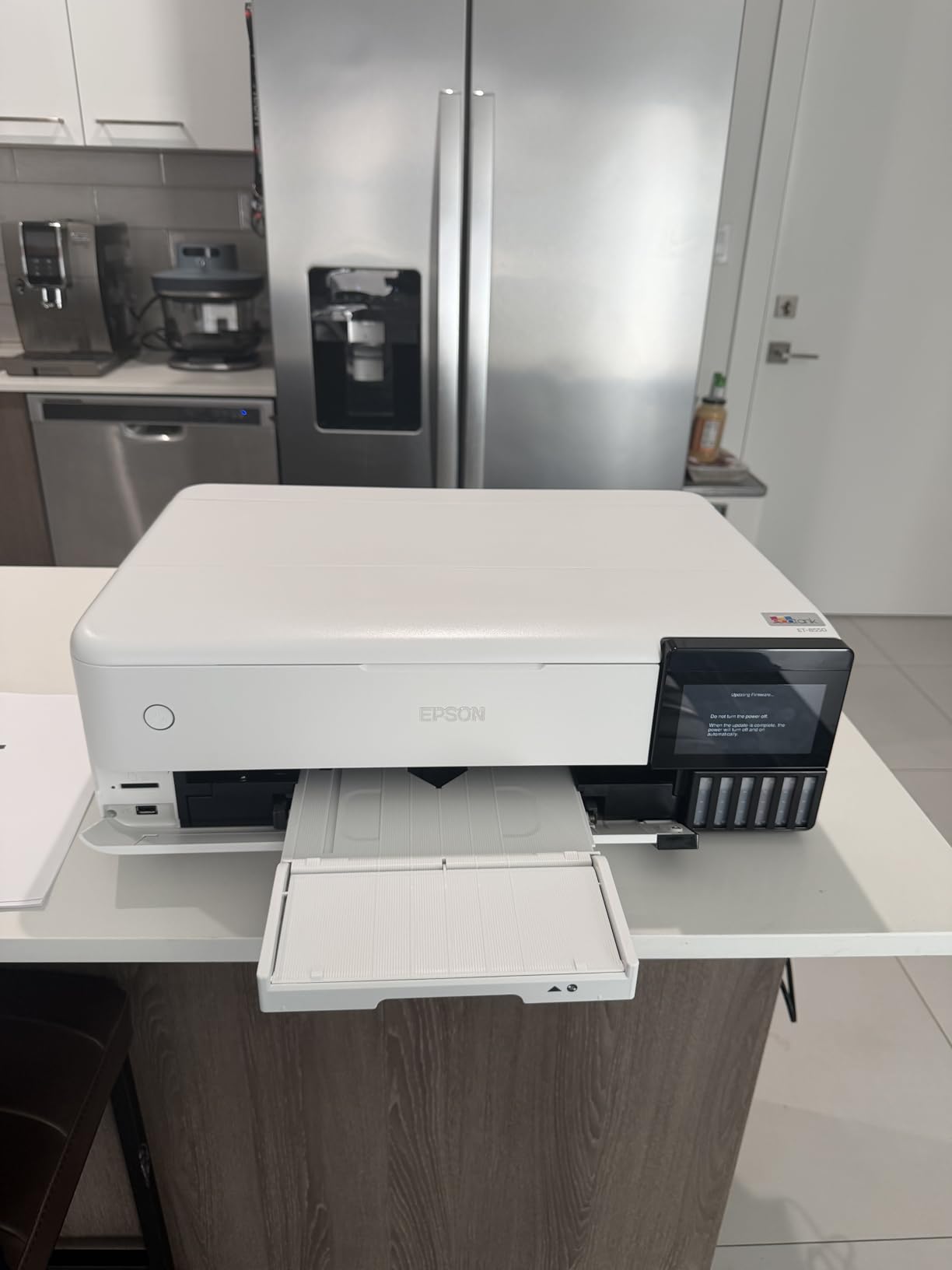
It is also a full all-in-one with a flatbed scanner, copy function and a large colour LCD. Up to two years of ink is included in the box, so you can set it up and forget about supplies for a long while. But the physical reality is 24.5 pounds and a footprint around 30 inches deep, so you need a sturdy deep table, not a desk.
There is one well-documented hardware problem to know about before you buy. The spring in tray 1 repeatedly throws false no-paper and paper-jam errors, and a meaningful share of one-star reviews describe it. Automatic tray selection is unreliable enough that reviewers recommend choosing the tray manually. Some owners also report clogged heads and stray ink drops after months of use, which is the classic trade-off for a tank system in a home.
What it is good for
Hobbyist photographers, scrapbookers and anyone framing prints. If you will print hundreds of photos a year, the running cost difference against a cartridge machine is the entire argument. It also handles plain paper for schoolwork, so a household can consolidate onto one device.
What it is not good for
It is not a machine you can pull out once a year. Tanks need regular use or the nozzles can block, and the scan bed has no document feeder and cannot take an 11×17 original. Check that you have a deep, sturdy table and patience for a long unboxing before you commit.
4. Nelko PP01 – a budget pick for pocket-sized 2×3 sticker prints
Nelko PP01 Photo Printer, 2×3 Portable Photo Printer, Mini Printer, White
Inkjet technology
2x3 sticky-backed prints
600 dpi
0.6 pounds
Pros
- Genuinely pocketable at 0.6 pounds
- Sticky-backed paper is smudge-proof and tear-resistant
- Each cartridge prints up to 80 full-colour photos
- App includes frames collages stickers and AI editing
Cons
- Power adapter not included
- Inkjet head can clog after sitting idle
- Prints take up to 90 seconds
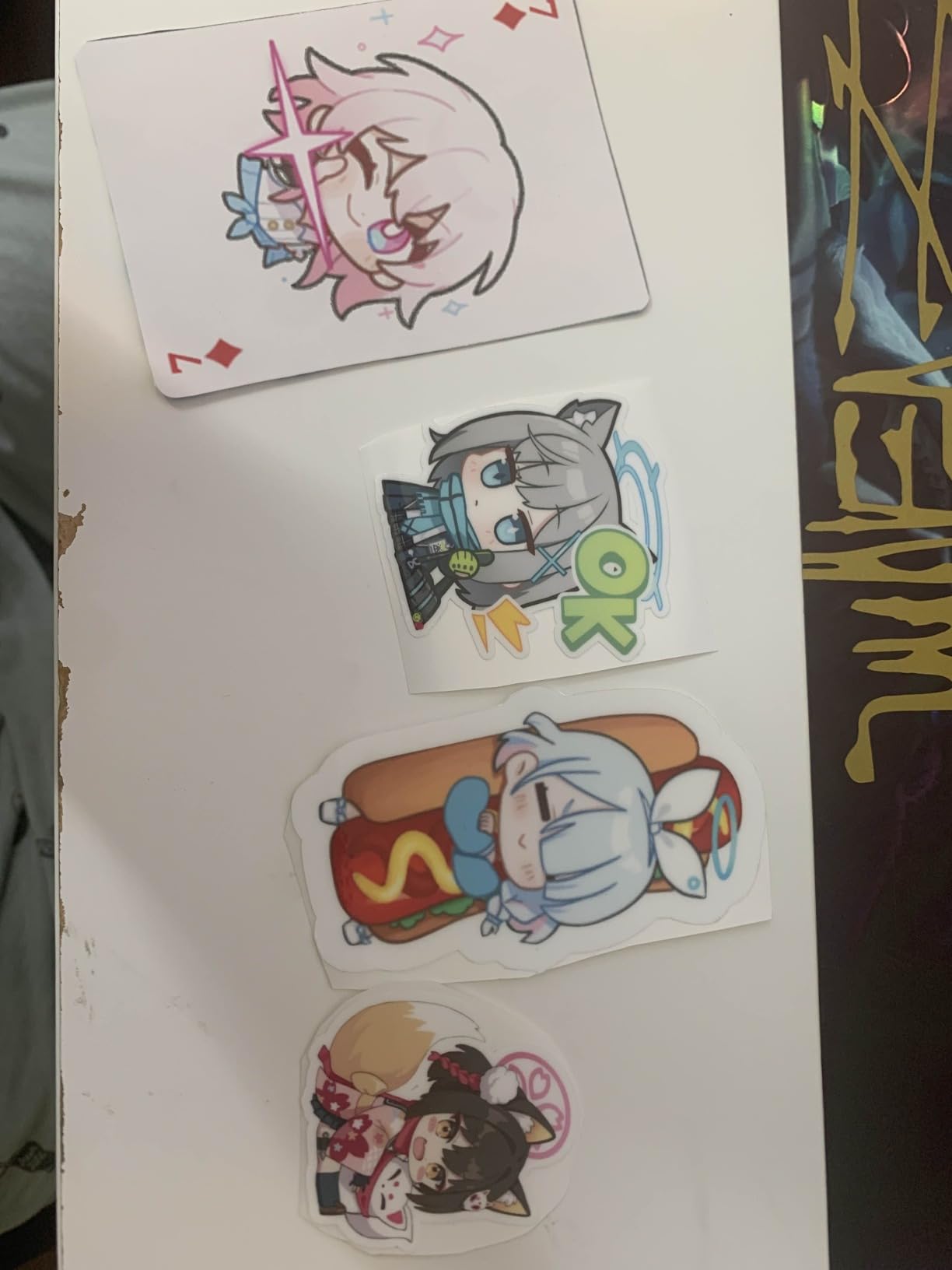
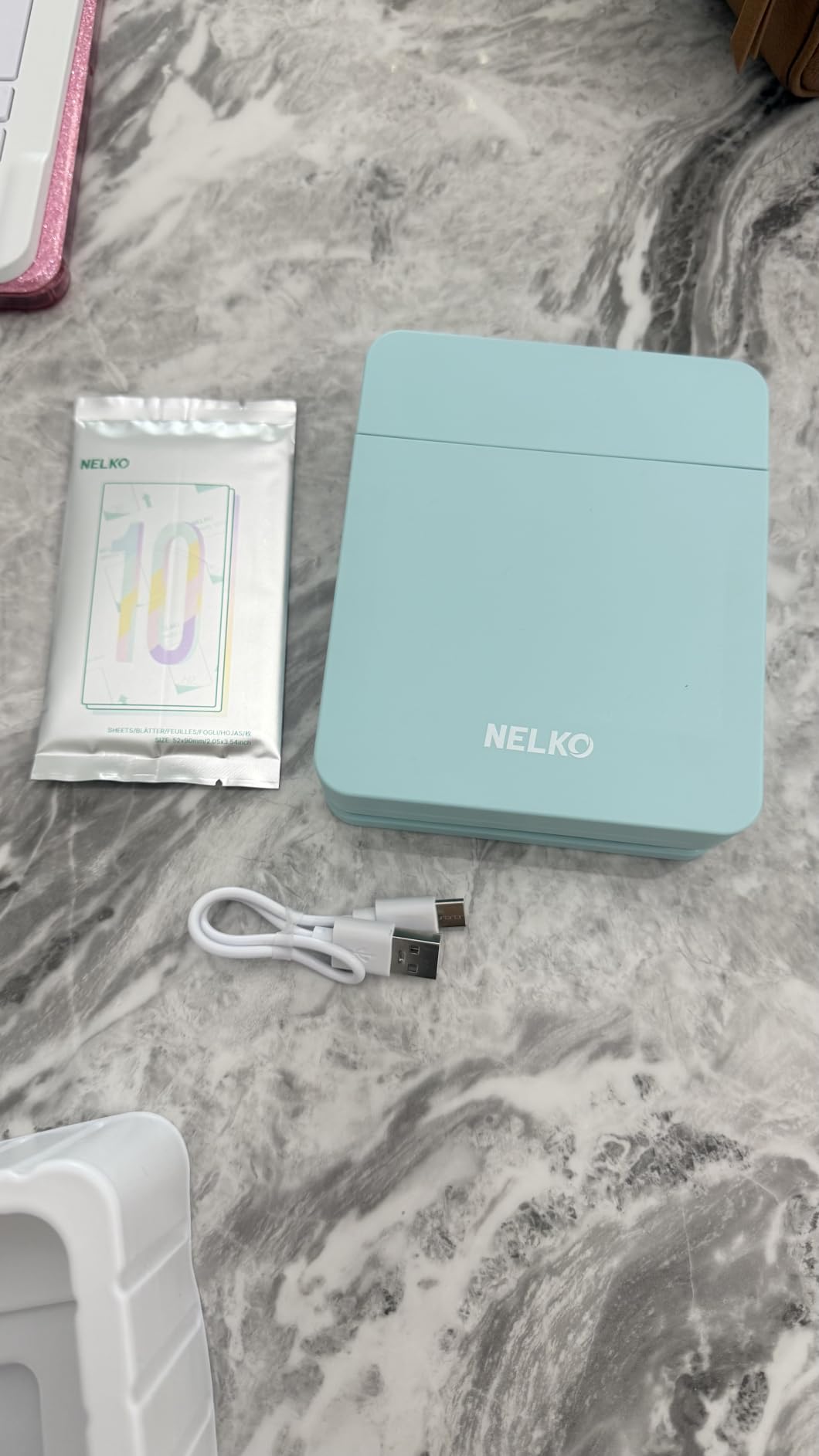
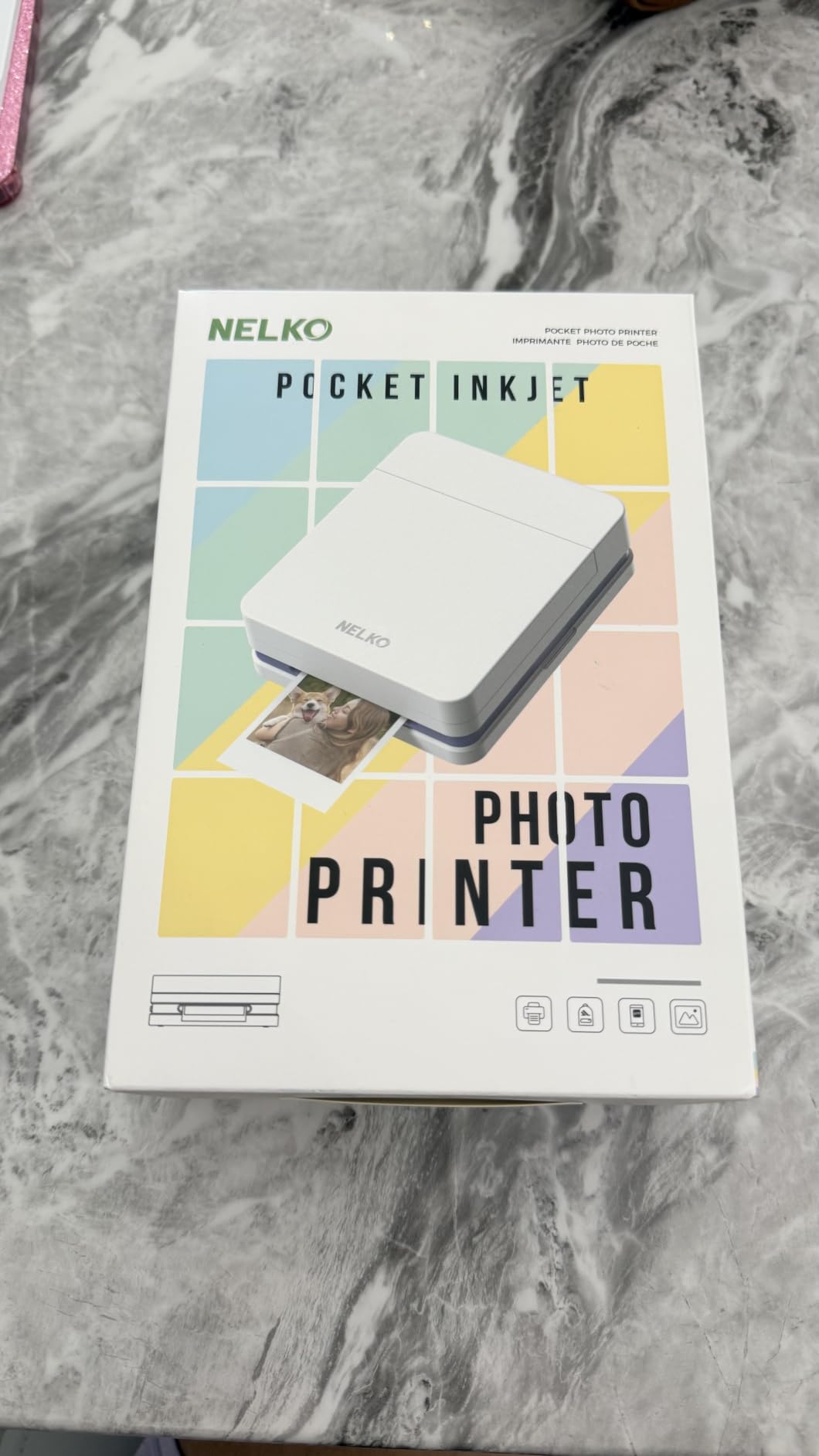
The Nelko PP01 is the smallest and cheapest machine here, and it does one job: adhesive 2×3 prints from a phone. At 0.6 pounds and roughly the size of a phone it lives in a school bag. For a kid’s scrapbook, a travel journal or a set of name labels, that is a genuinely useful tool rather than a novelty.
The adhesive backing is the reason to buy it over a plain snapshot printer. The paper is smudge-proof, water-resistant and tear-resistant, which matters when a print goes straight onto a page and gets handled. At 600 dpi the detail is clearer than the 300 dpi dye-sub units despite being an inkjet, and each cartridge covers up to 80 full-colour photos.
The app is the surprise here. It handles frames, collages, filters, text, stickers and AI image editing, which is more creative tooling than most printers twice the size offer. All of it runs over Bluetooth from iOS or Android.
The trade-offs are real. It is an inkjet, so a head that has sat unused can clog, and the recovery is a full charge plus a vertical wipe of the cartridge head. A power adapter is not included, only a USB charging cable, so you need a wall plug. Prints run up to 90 seconds each, and first-time paper loading takes a few attempts.
What it is good for
Travel, school projects, scrapbooking and label-style prints where the adhesive backing is the point. It is the least expensive way to get a dedicated photo printer, and the 600 dpi output is sharp enough for a 2×3 held in a hand.
What it is not good for
It is not a family photo printer. Two inches by three is tiny, the inkjet head clogs after storage, and the 90-second cycle is slow even for a small print. Anyone printing more than a few dozen photos a year should look at a dye-sublimation unit instead.
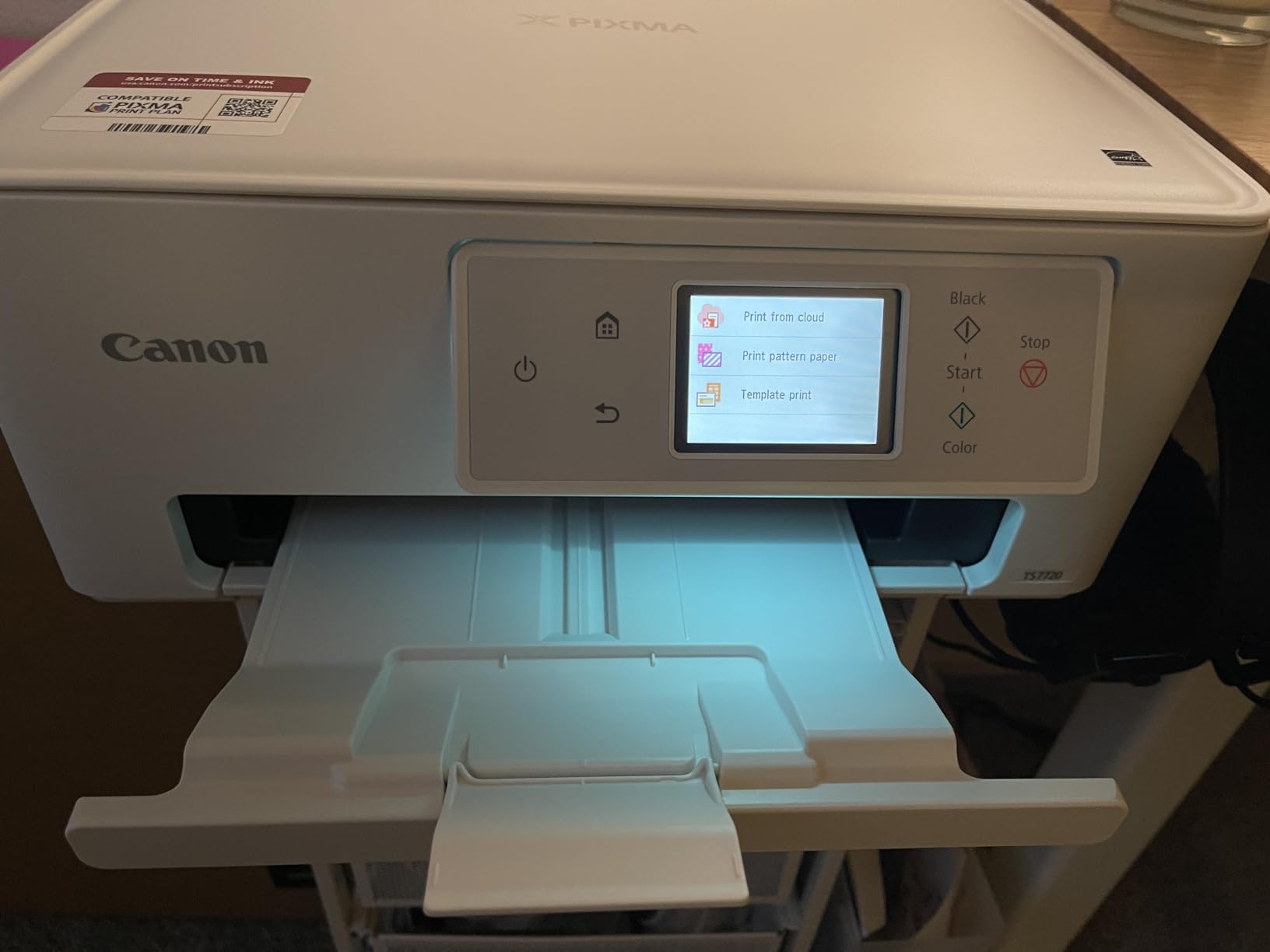
5. Canon PIXMA TS7720 – a compact all-in-one for small desks
Canon PIXMA TS7720 Wireless All-in-One Color Inkjet Printer – Print, Copy, Scan – Auto Duplex, 15/10 PPM, 2.7” Touchscreen, Compact Home Photo Printer with Easy Setup
Inkjet all-in-one
Up to 8x10 borderless photos
1200 x 1200 dpi
2.7 inch touchscreen
Pros
- Compact footprint for a full print copy and scan machine
- Two simple mess-free cartridges with no tank complexity
- Automatic duplex and a 2.7 inch touchscreen
- Supports Wi-Fi and borderless prints up to 8x10
Cons
- Cartridges give a high per-page ink cost
- 1200 x 1200 dpi is below photo-focused inkjets
- 8x10 is the largest listed borderless size
The TS7720 is the option for a home office desk where space is tight and the printer also has to scan and copy. At 13.8 pounds and under 15 inches wide it is a genuinely compact all-in-one, and borderless photo printing goes up to 8×10, which covers most framed prints and albums.
Operation is deliberately dull in the best way. Two cartridges, no tanks, no ribbon, and no ribbon-loading step. The 2.7-inch touchscreen handles the basics, and the rear tray plus a lower cassette take plain paper and photo sizes separately. Setup is quick out of the box, which matters for anyone setting this up in a spare room.
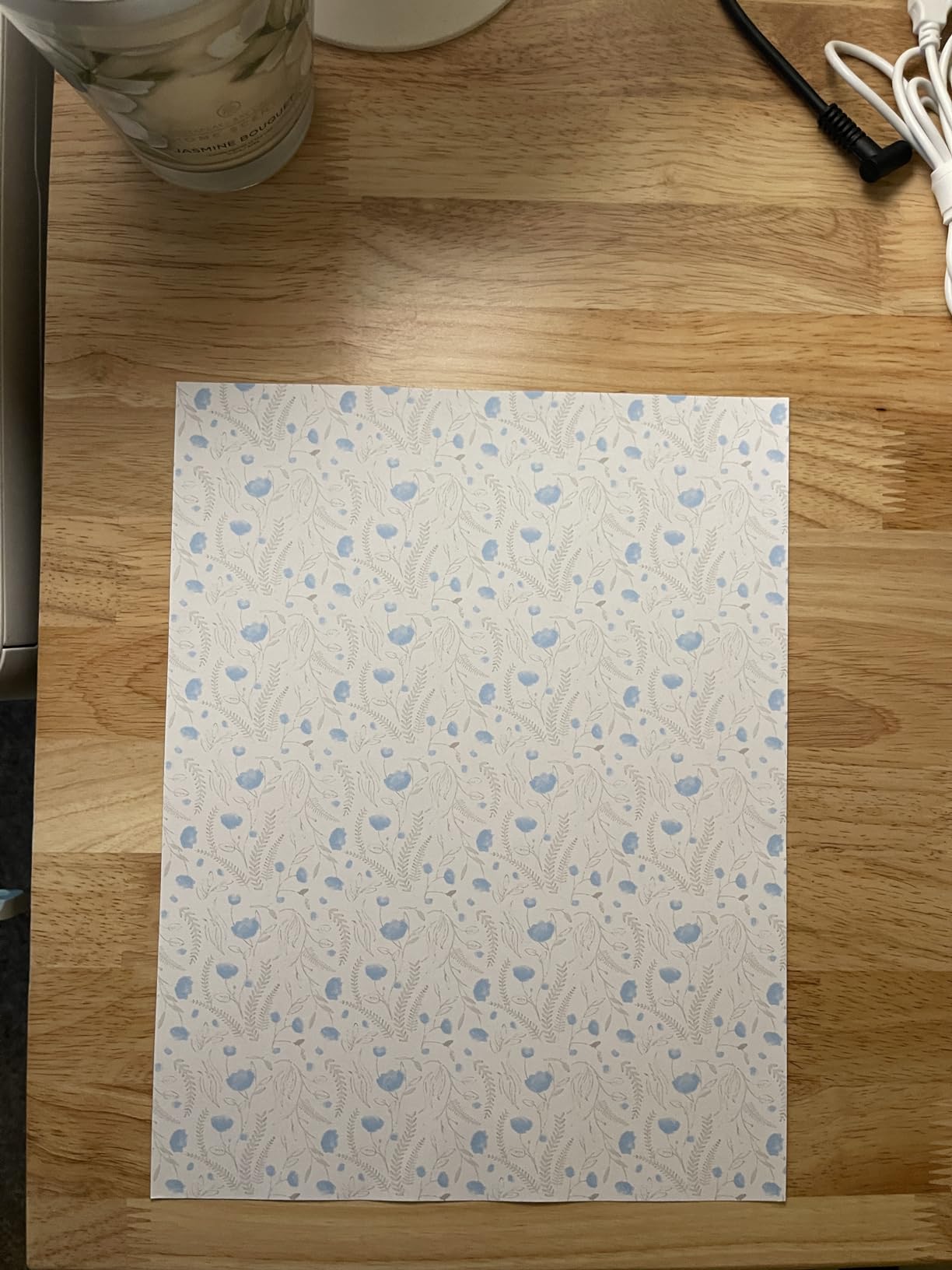
Where it falls short is photo quality relative to the resolution figure. The maximum colour resolution of 1200 x 1200 dpi is well below what the eight-colour and EcoTank machines here manage, and Canon lists the compatible cartridges as a single PG-285 black and a single CL-286 colour, which is a straightforward but consumable-heavy approach.
The running cost is the deciding factor. A cartridge machine means your cost per 4×6 photo stays high no matter how much you print, which is exactly the trap the tank systems exist to avoid. Buyers with a 64 percent five-star share treat this as an affordable tidy all-in-one; the 15 percent one-star group complains about precisely that ink cost and the modest photo resolution.
What it is good for
Households that need one machine for documents, homework and photos in a small footprint. If you print a few dozen photos a year and mostly 4×6 or 5×7, the simplicity and the scanner make this the sensible buy. Borderless output up to 8×10 is a real bonus for framing.
What it is not good for
It is not a serious photo machine. Cartridge running cost adds up, and the resolution ceiling means fine detail in a large print will not hold up at close range. No 13×19, no wide format, and no dye-sublimation permanence.
6. Liene Pearl N200 Pro – the best portable dye-sublimation printer for events and trips
Liene Pearl N200 Pro Portable Photo Printer, Instant Mini Picture Printer for iPhone Smartphone, Thermal Dye Sublimation, Bluetooth Sticker Printer 50 Sheets 2×3 Adhesive Paper & 5 Cartridges, Gold
Dye sublimation
2x3 adhesive prints
300 x 300 dpi
Built-in battery
Pros
- Built-in battery for true on-the-go printing
- Colour matches the screen closely with no smearing or drying time
- InstaPic Print mode with built-in camera filters
- Compact enough to pack easily
Cons
- Adhesive is weak on stiffer papers
- Each cartridge covers about ten prints
- Occasional Bluetooth drops and paper detection failures
The Pearl N200 Pro is the portable option that does not compromise on colour. It is dye-sublimation, so it produces the same laminated 2×3 sticker prints as the larger Liene units, and owners with an 80 percent five-star share specifically call the sharpness and on-screen colour accuracy better than the ZINK and compact Canon alternatives they compared it against.
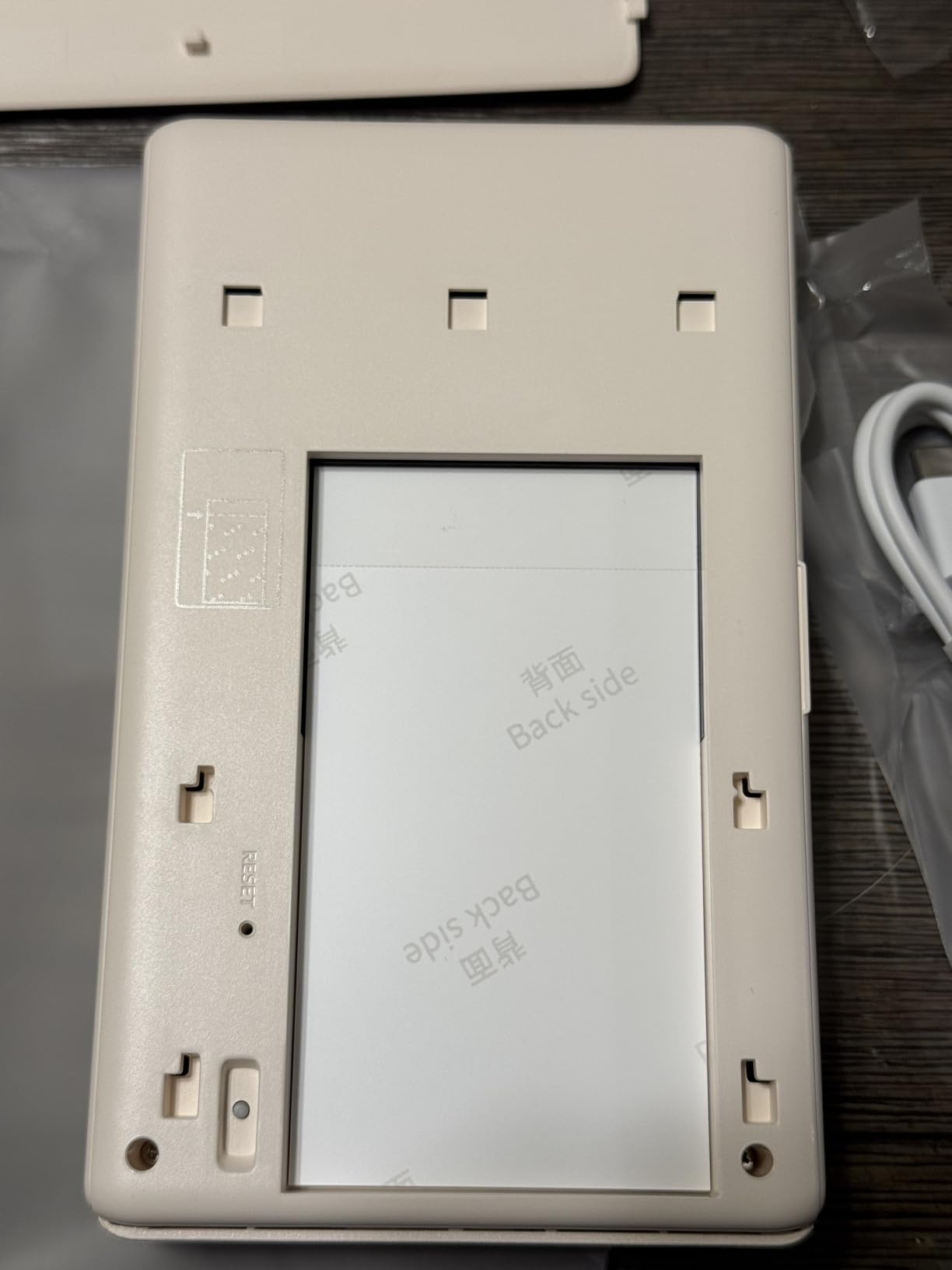
The built-in battery is what separates it. A full charge delivers power for up to 27 sticker prints, and at 340 grams it packs into a bag without thought. Bluetooth pairing is fast and several devices can be paired for group printing, so it works as a party printer rather than a one-person gadget.
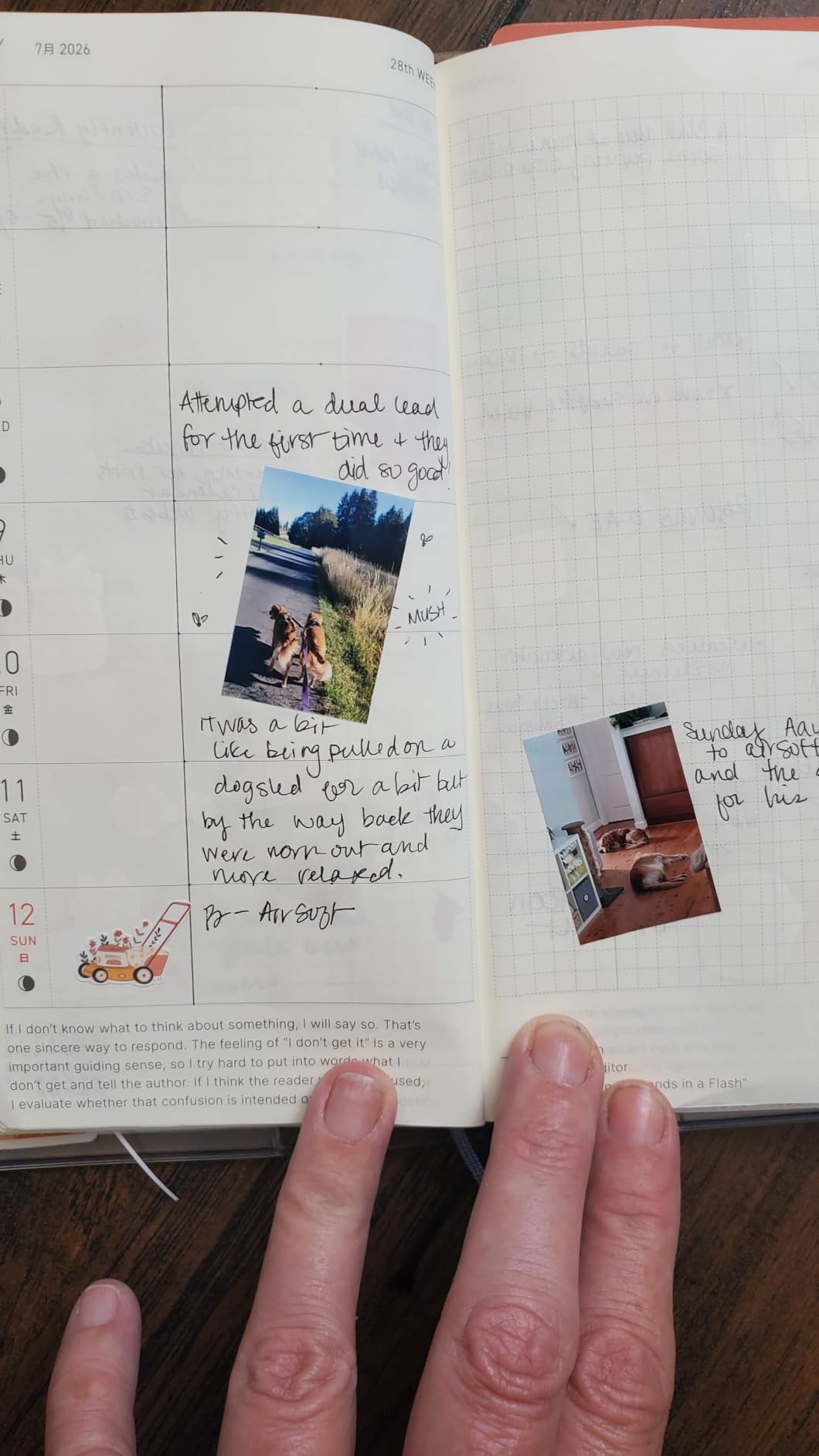
The app is unusually capable for a portable unit. InstaPic Print is a one-touch shoot-and-print mode with built-in camera filters, and there is AI portrait styling, background removal, watermarks, timestamps and official stickers. That makes it a reasonable photo booth prop for a birthday, a holiday or a school event.
Running cost is the weak point. Each cartridge covers only about ten prints, which works out to roughly fifty cents per sticker once you are past the included media. The adhesive is not very strong and can lift on stiffer paper, and owners report occasional Bluetooth drops and paper-detection failures on printers that have been in regular use for months.
What it is good for
Travel, weddings, birthdays and school events where you need laminated prints on the spot. The colour accuracy and sharpness make it a step up from ink-based portable printers, and battery power means no cable hunt at the venue.
What it is not good for
High-volume sticker printing, because the per-print refill cost adds up quickly. It is also 2×3 only, the adhesive needs extra glue for long-term sticking on stiff stock, and connectivity is Bluetooth with no PC or Mac path in the specifications.
7. Canon PIXMA PRO-200S – eight-colour 13×19 prints for a home studio
Canon PIXMA PRO-200S Professional 13″ Wireless Inkjet Photo Printer, 3″ Color LCD, 8-Color Dye Ink, Black
Eight-colour dye-based ink
Borderless 3.5x3.5 to 13x19
4800 x 2400 dpi
3.0 inch colour LCD
Pros
- Eight-colour system gives vibrant output with excellent blacks and gradients
- Borderless from 3.5 inch square up to 13x19
- Nozzles clog less often than competing brands
- Very low ink usage with levels staying near full
Cons
- Heavy at 32 pounds and needs a deep sturdy table
- App and Wi-Fi setup can be confusing
- Recurring no-paper errors from tray one
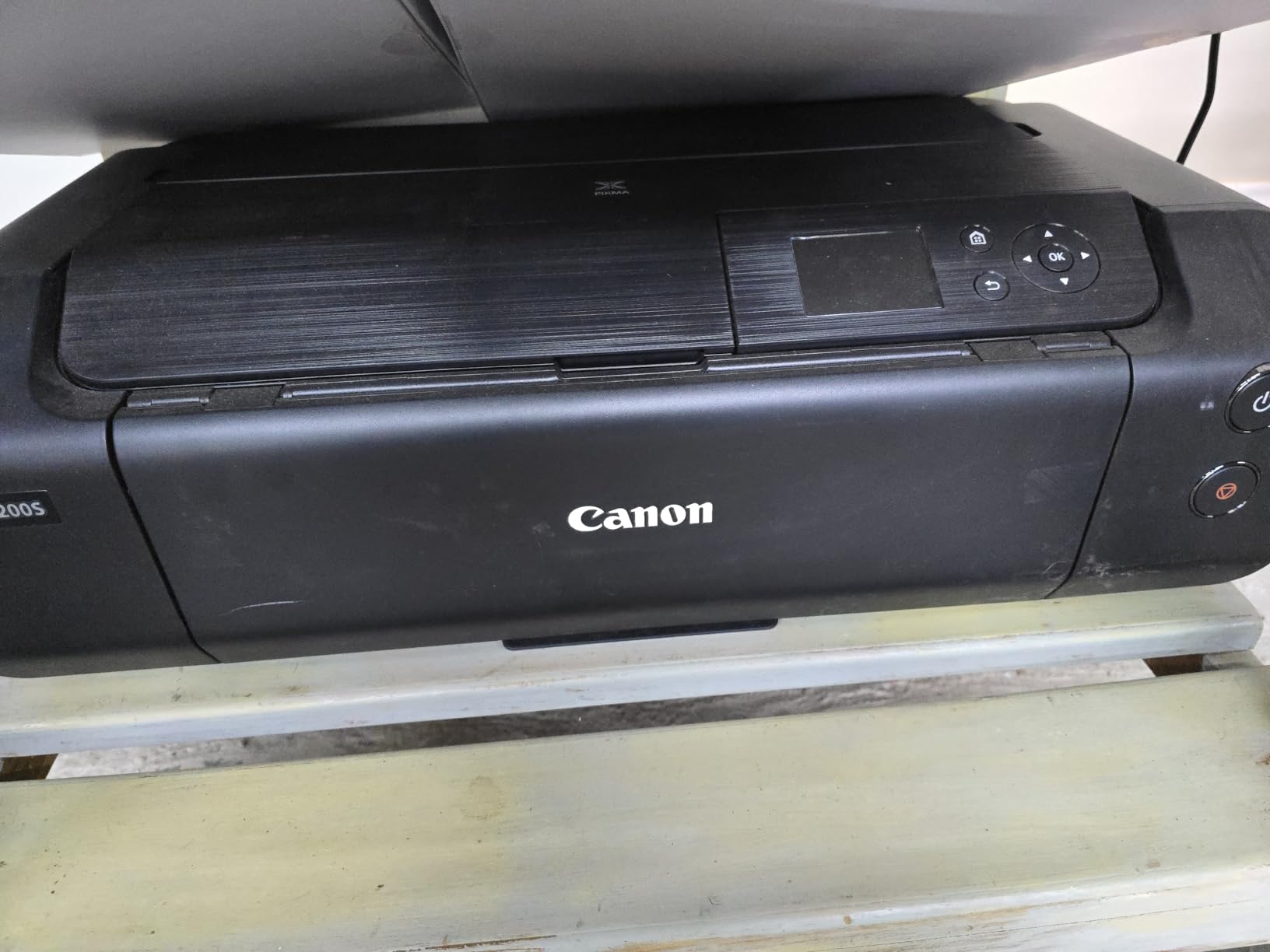
The PRO-200S is the most serious photo machine in this roundup. It uses an eight-colour dye-based ink system rather than the four or six colours most home inkjets use, and the extra inks show up as cleaner blacks, smoother gradients and more convincing skin tones. At 4800 x 2400 dpi with borderless output from 3.5 inch square all the way to 13×19, it is a genuine home studio printer.
Two things stand out in owner feedback. Reviewers consistently report that the nozzles clog less often than on competing brands and need less maintenance, which matters enormously for a machine that is not printed from every week. They also report very low ink usage, with tank levels still near full after extended test printing.
The 3.0-inch colour LCD shows ink levels and printer status at a glance, and the machine runs quietly enough to sit in a room where people are working. Speed is respectable for the size: a bordered A3 in about 90 seconds or a bordered 8×10 in about 53 seconds.
The compromises are physical and software. At 32 pounds and roughly 29 inches deep it needs a deep sturdy table, and the top paper feed may not clear a wall-mounted placement. The install flow is mobile-first, and owners report confusing Wi-Fi setup that can conflict with other networked Canon devices, plus recurring no-paper errors from tray one.
What it is good for
Photographers printing portfolio work, wall prints and large framed pieces at home. The eight-colour system and the low clogging reports make it the least maintenance-hungry wide-format option here, and 13×19 borderless covers poster and gallery sizes.
What it is not good for
Small desks, busy family print runs and anyone who needs a scanner. It is print-only, heavy, and the software and settings options are limited for the price. If you mainly need a doc printer that happens to do photos, this is overkill.
8. Liene Amber M110 – a dual tray for 4×6 prints and 3×3 stickers
Liene Amber M110 Bluetooth Photo Printer 80 Sheets, Portable Photo Printer for iPhone, Thermal Dye Sublimation, Picture Printer 60 Sheets 4×6 Paper & 20 Sheets 3″ Square Sticker Paper & 2 Cartridges
Thermal dye sublimation
4x6 and 3x3 dual tray
80 sheets and 2 cartridges
Pros
- Dual tray handles 4x6 prints and 3x3 adhesive stickers in one unit
- Bluetooth pairs in about 13 seconds
- Dye-sub output comparable to Canon SELPHY
- Supports several devices at once
Cons
- Supplied paper is less glossy and thinner than drug-store film
- Fine detail lost in dark low-contrast scenes
- App crops photos that do not match the paper ratio
The Amber M110 solves a problem the other Liene units create. The M100 is 4×6 only, the Pearl is 2×3 only, and this one has two trays, so it takes 4×6 photo paper and 3×3 adhesive stickers in a single compact unit. For a scrapbooker who wants both formats, that is the whole argument.
Owners with an 82 percent five-star share describe the output as comparable to Canon SELPHY lab quality, with a protective laminate that resists water, scratches, fingerprints and fading. Bluetooth pairs in about 13 seconds, prints land in under a minute, and each cartridge covers about 40 prints. The bundle includes 60 sheets of 4×6 and 20 sheets of 3×3 stickers plus two cartridges.
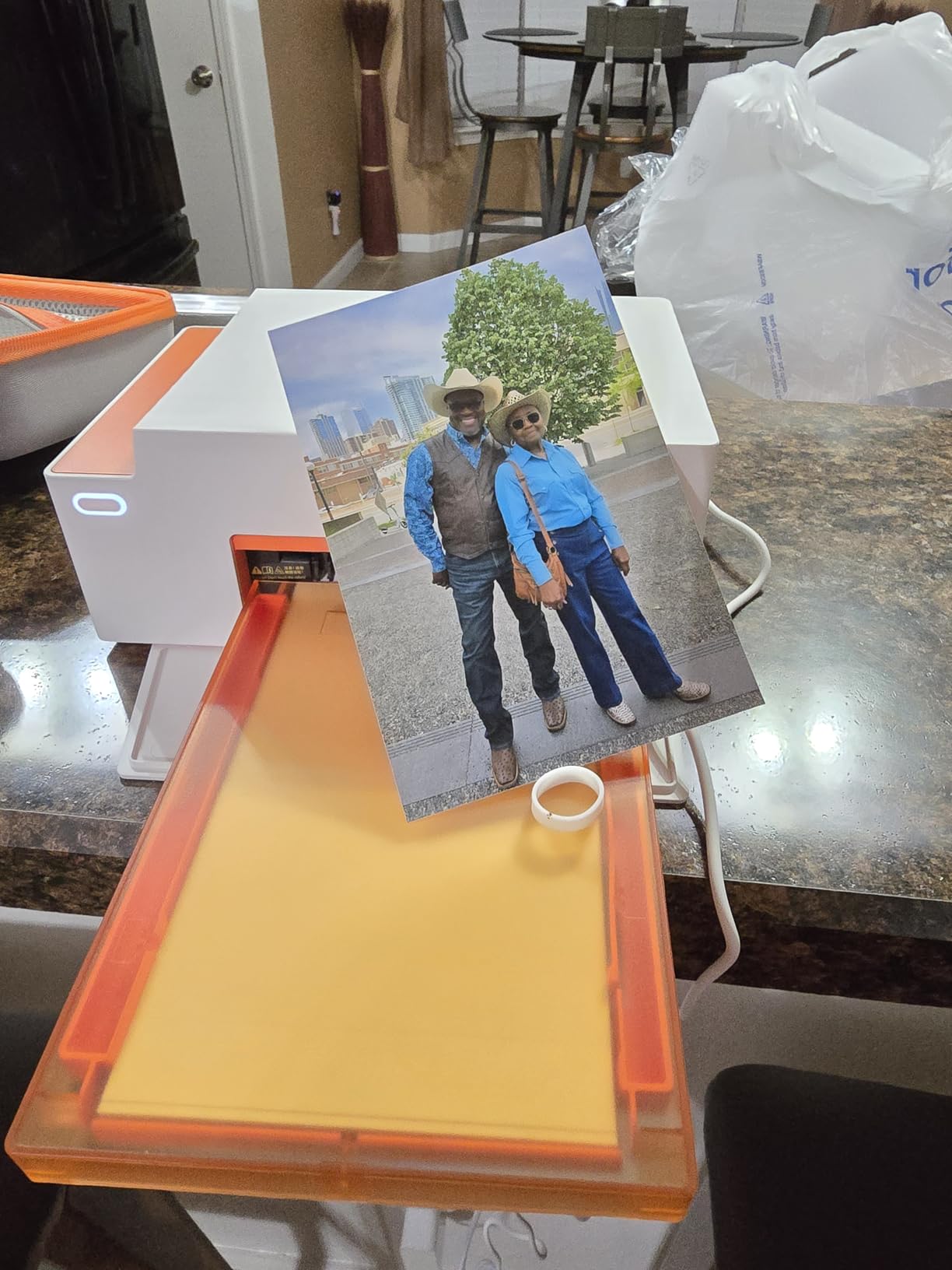
The app handles Polaroid-style borders, filters, contrast and brightness, and can produce ID and visa photo layouts, which is a genuinely useful feature for school forms and club membership. It works from laptops, PCs, phones and tablets, and several devices can connect at once without extra cables.
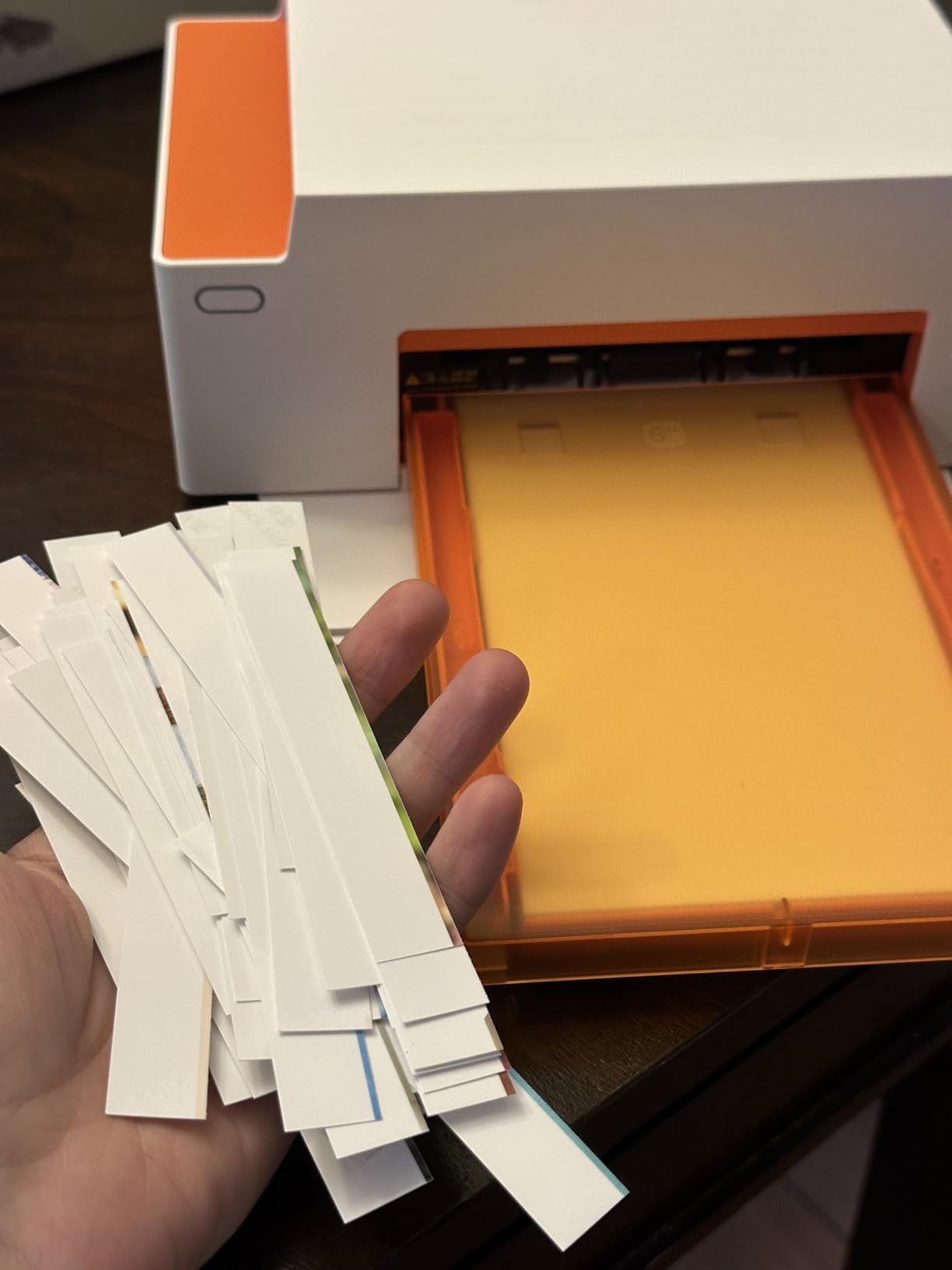
Be honest about the paper, though. Owners report the supplied sheets are noticeably less glossy and thinner than drug-store developed film, so prints can look flat in the hand. Fine detail is lost in dark and low-contrast scenes, images print a little darker than on screen, and the app is restrictive about aspect ratio so it crops edges of photos that do not match the paper.
What it is good for
Scrapbookers and crafters who alternate between standard prints and stickers. It runs from a laptop as well as a phone, and the lamination makes finished pages more durable than an uncoated inkjet print would be.
What it is not good for
Anyone chasing gallery-quality paper, because the finish is thinner and less glossy than lab film. The 3×3 sticker mode wastes about an inch of the bottom of the sheet, and cartridges are proprietary and costlier than the M100 bundle suggests.
9. HP Envy Photo 7975 – one machine for homework, documents and photos
HP Envy Photo 7975 Wireless Color Inkjet Photo Printer, Print, scan, Copy, Easy Setup, Mobile Printing, Best-for-Home, 3 Month Instant Ink Trial Included, AI-Enabled (B63K3A)
Inkjet all-in-one
Borderless 4x6 photos
Up to 4800 x 1200 optimized dpi
Automatic duplex
Pros
- Print copy scan duplex plus a separate photo tray and 35 sheet feeder
- True-to-screen borderless photos with photo-enhanced ink
- HP AI formats web pages and emails to remove clutter
- Large colour touchscreen with wireless and mobile printing
Cons
- HP 64 cartridges mean a high cost per photo
- 4x6 output is not in the same class as dedicated photo printers
- Nearly 18 inches wide
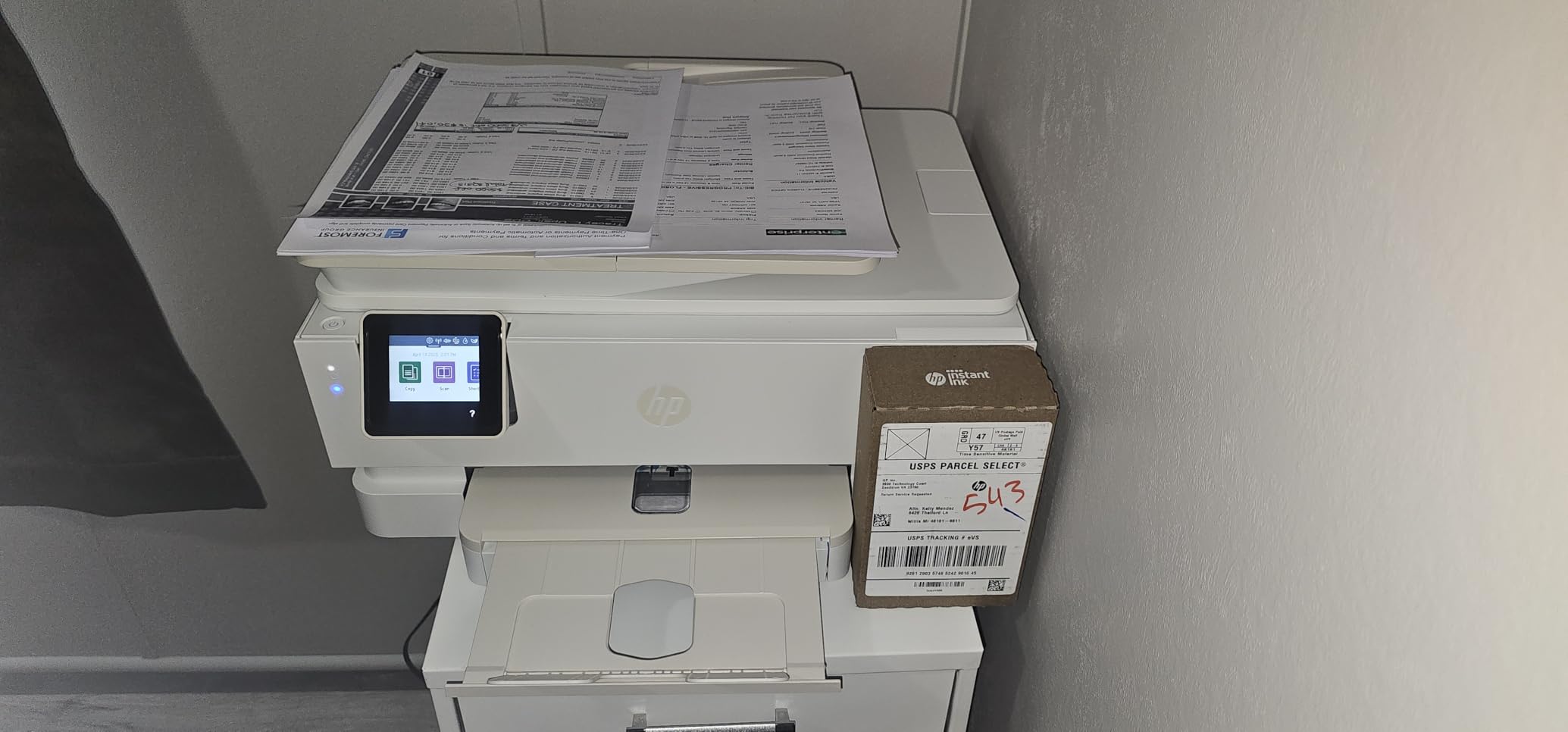
The Envy Photo 7975 is the do-everything option. It prints, copies, scans, duplexes automatically, has a separate photo tray for glossy paper and a 35-sheet automatic document feeder for a stack of homework. Nothing else in this roundup combines a feeder, a scanner and borderless photo output in one box.
The optimised colour resolution of up to 4800 x 1200 dpi is respectable, and HP’s photo-enhanced ink gives true-to-screen borderless output. The touchscreen is large and clear. It comes with setup black and tri-colour cartridges so it works the minute you unbox it, and the initial page prints in about 22 seconds.
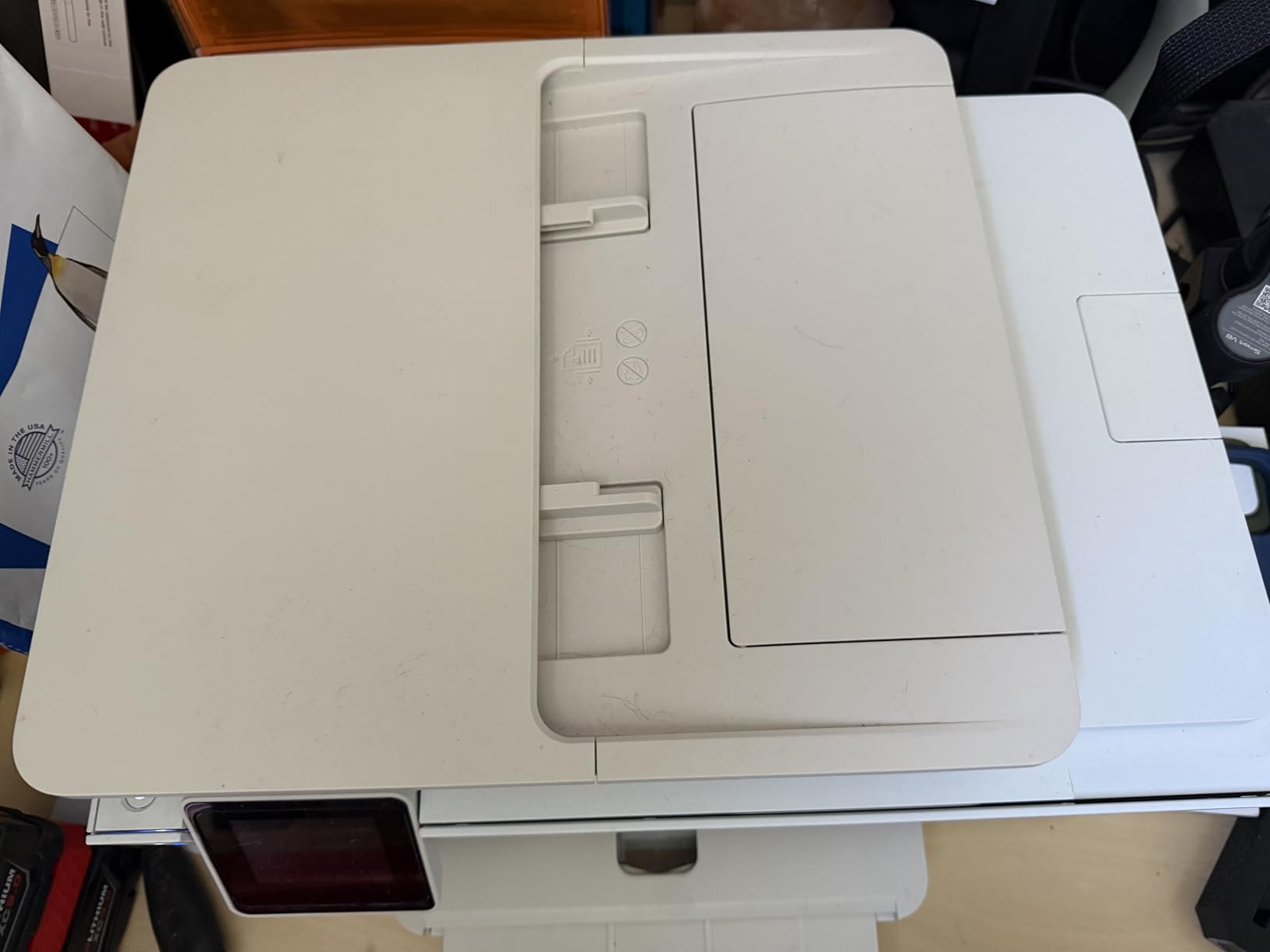
HP AI formats web pages and emails to strip out the navigation, adverts and awkward layouts that waste a ream of paper. In a household where the printer is shared between a teenager’s homework and a parent’s documents, that quietly saves more ink than it sounds like it should.
Two limits are worth being clear about. It runs HP 64 and 64XL cartridges, so ink cost per photo is well above the tank-based machines here, and a 61 percent five-star share reflects a dependable general-purpose printer more than a photo specialist. At nearly 18 inches wide it is also a large footprint for a home all-in-one.
What it is good for
Home offices and families where documents, scanning and duplexing matter as much as photos. The document feeder and the touchscreen make it the easiest machine here to hand to everyone in the house, and the borderless 4×6 output is fine for albums and displays.
What it is not good for
Dedicated photo printing. A dedicated dye-sublimation unit gives you laminated, fingerprint-proof prints with no cartridge economics, and a tank inkjet gives you far cheaper colour at volume. This machine is a compromise, and a deliberate one.
10. KODAK Mini 2 Retro – a genuinely pocketable 2×3 dye-sublimation printer
KODAK Mini 2 Retro 2×3 Portable Photo Printer, 4PASS, 38 Sheets, Yellow
4PASS dye sublimation
Credit-card-size 2x3 prints
300 dpi
About 55 seconds per photo
Pros
- Sharp vibrant smudge-proof prints in about 55 seconds
- Fits in a hand or pocket with retro styling
- Clean all-in-one cartridge system with no separate ink handling
- Bluetooth app with frames filters and cropping
Cons
- Needs a cooldown pause after five or six prints
- Battery holds about 80 percent and drops quickly per print
- Paper jams can ruin a cartridge
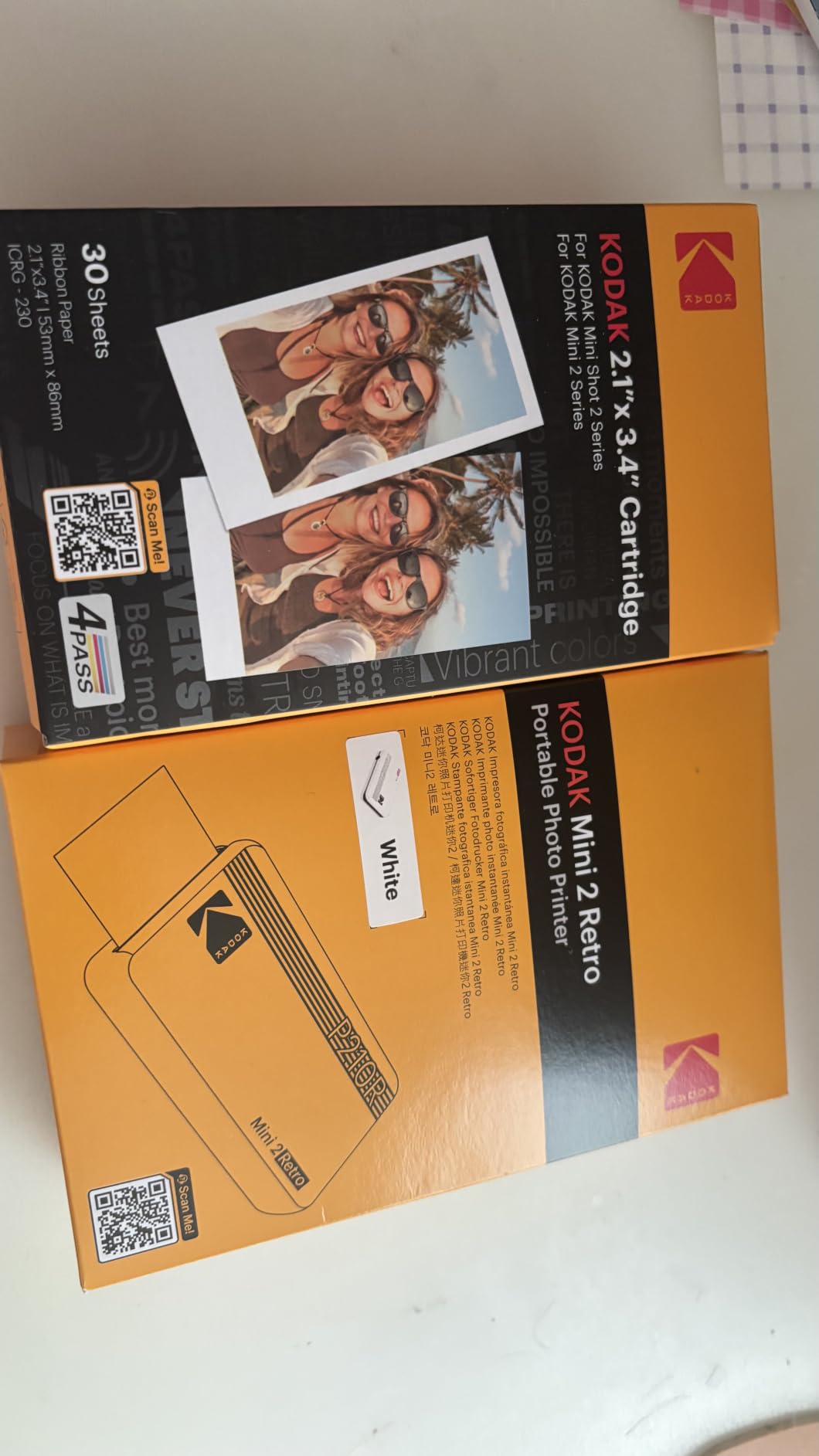
The Mini 2 Retro is the pick if the whole point is printing wherever you happen to be. At 200 grams and about the size of a hand it is genuinely portable, and the four-pass dye-sublimation process delivers sharp, vibrant, smudge-proof prints roughly credit-card sized in about 55 seconds. That colour is the reason buyers prefer it to a ZINK alternative, which tends to look washed out.
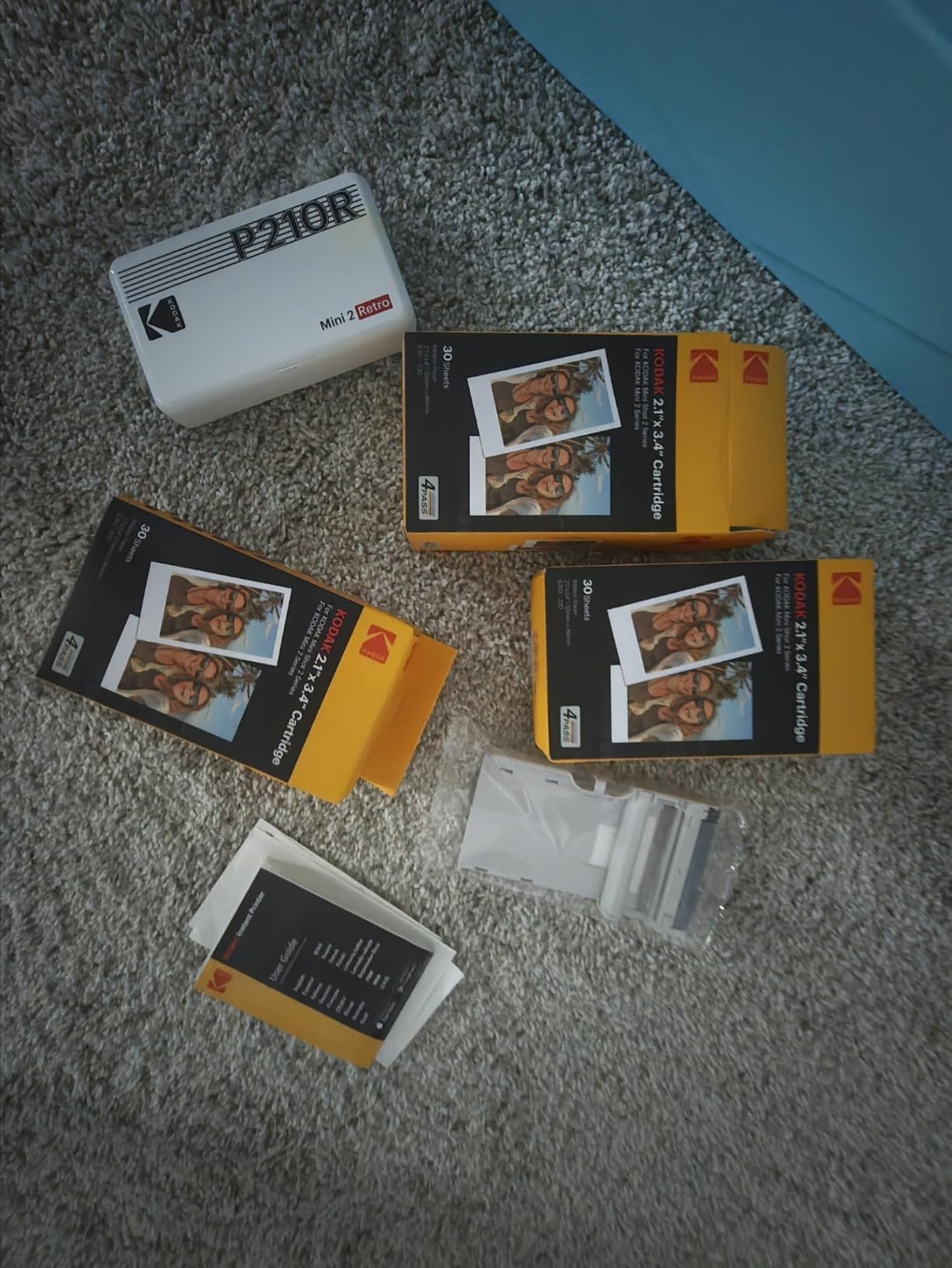
The cartridge system is clean and quick to load, with no separate ink to handle and no ribbon. The bundle includes four cartridges, 38 sheets of photo paper, a USB-C cable and a guide, so it is usable out of the box. The app handles frames, filters, layouts, cropping and text before you print.
It is a large review base and the feedback is consistent. The unit needs a cooldown pause after roughly five or six prints, and battery life is short: it holds around 80 percent while plugged in and drops quickly with each print. Paper jams are reported often enough that owners treat a cartridge as potentially at risk, and many buyers note the actual sheet count in the bundle is lower than advertised.
The app is the other weak point. The photo-selection grid is disorganised and the editing view does not clearly show the printable area, which turns into cropped prints if you are not paying attention.
What it is good for
Travel, parties, journaling, school projects and scrapbooks where nothing is plugged in. The dye-sublimation colour is genuinely better than inkless paper alternatives, and the laminated prints survive being handled in a bag.
What it is not good for
Bulk printing. A minute per photo plus a cooldown pause after six prints means a class set of thirty photos is a long job, and the short battery makes that worse. The 2×3 format is also small enough that you will want something larger for framing.
How to Choose a Home Photo Printer
Print technology: inkjet, dye-sublimation or ZINK
Inkjets spray microscopic droplets of dye or pigment ink onto paper and give you the widest size range and the lowest cost per print, but they need regular use or the print head clogs. Dye-sublimation printers transfer a ribbon of dye onto a heated laminate layer, which produces smudge- and water-resistant prints that will not fade, with no nozzle to dry out and no ink cartridges in the traditional sense. ZINK uses a chemical, ink-free paper that develops colour when the print head applies heat, which makes it the simplest and most compact, but at a higher cost per print and with flatter colour. For photos that live in an album, dye-sub is the safest choice. For posters and volume, inkjet wins.
Ink system and running cost
Running cost is the number that decides everything else. Refillable tank systems, marketed as EcoTank by Epson and MegaTank by Canon, print 4×6 photos for cents rather than the tens of cents a cartridge machine costs. Epson’s own figure for the ET-8550 is about four cents per 4×6 print against roughly 40 cents with traditional cartridges. Dye-sublimation units land in between because you buy a cartridge and paper together, and refill cartridges and print packs are the most expensive per print of all. If your family will print hundreds of photos a year, a tank machine pays for itself. If you will print a dozen a month, buy whichever small unit you actually like using.
Is Canon or Epson better for photos?
Neither wins outright, and the honest answer depends on the model. Canon’s strength in this list is the eight-colour dye-based system in the PIXMA PRO-200S, which produces excellent blacks and gradients, and owner reports that the nozzles clog less often than on competing brands. Epson’s strength is the Claria ET Premium six-colour system in the EcoTank ET-8550, which pairs strong colour with the cheapest running costs here, plus a scanner and copy function in the same box. Canon tends to lean on dye-based inks and a wide size range, Epson on pigment-capable tank systems and lower cost per page. Pick on ink system and maximum print size rather than brand.
Preventing clogs in a printer you rarely use
If you print once every few weeks, an inkjet is the wrong choice entirely. If you do own one, the community advice that comes up again and again is simple. Print one test page or a single-colour alignment sheet every week or two, even if you have nothing to print, and run the head cleaning cycle the moment you see banding rather than letting it sit. Store the printer upright with the lid closed, keep it in a room with stable humidity, and never leave a cartridge out. The wider choices on this site cover large format photo printers in more depth, and our label printer picks for home offices are worth a look if you also print labels and vinyl.
Paper, size and the rest of the decision
Paper changes the result more than people expect. Dye-sublimation machines need their own branded paper, tank inkjets are optimised for the manufacturer’s own glossy and fine art media, and cartridge machines handle standard photo paper adequately. If you plan to frame, a 13×19 borderless machine such as the ET-8550 or the PRO-200S removes the need to tile images or upscale later. If you plan scrapbooks, look for a 3×3 sticker mode alongside your 4×6 tray. If you share a printer with homework, add a duplexer, a document feeder and a scanner to the criteria. For people who print at desks and in batches, our picks for the best photo printers for professionals cover 13×19 and roll paper in depth.
Frequently Asked Questions
What is the best printer for photo printing at home?
For most households the best photo printer for home use is a dye-sublimation model like the KODAK Dock Plus, because its laminated 4×6 output resists water, fingerprints and fading and has no print head to clog. If you want larger prints or a very low cost per photo, a refillable tank inkjet such as the Epson EcoTank Photo ET-8550 is the better choice, since it prints borderless up to 13×19 inches for about four cents a print.
Is Canon or Epson better for photos?
It depends on the model rather than the brand. Canon’s PIXMA PRO-200S uses an eight-colour dye-based system that gives excellent blacks and smooth gradients, and owners report less frequent nozzle clogging. Epson’s EcoTank Photo ET-8550 uses a six-colour Claria ET Premium head and delivers the lowest running costs here, roughly four cents per 4×6 print, plus scanning and copying. Choose on ink system, maximum print size and cost per page.
Is laser or inkjet better for photos?
Inkjet wins for photos, and it is not close. Laser printers use powdered toner that sits on the surface of the paper, which produces crisp text and fast documents but flat, less detailed colour images. Photo inkjets spray microscopic droplets of dye or pigment ink in multiple colours, which is what makes borderless prints, gradient skin tones and wide colour gamut output possible. Every printer in our roundup is an inkjet or dye-sublimation machine for that reason.
Is dye sublimation better than inkjet for photos?
For prints that need to survive handling, yes. Dye-sublimation transfers dye into the paper and adds a clear protective laminate, so the result resists fingerprints, water, scratches and fading, and because there is no water-based ink there is no print head to dry out and clog. Inkjet wins on size and cost, printing up to 13×19 borderless for cents per print. The practical answer is that dye-sub wins for snapshots and stickers, inkjet wins for posters and volume.
Is it worth having your own photo printer at home?
It is worth it if you print regularly, want control over colour and cropping, or need a size a lab or online service will not do. A dye-sublimation unit gives durable 4×6 prints with no running cost surprises, and a wide-format tank printer gives gallery prints at a few cents each. If you print a handful of photos a year, ordering from a lab or an app is usually simpler and cheaper than maintaining a machine.
Conclusion
The best photo printers for home use split cleanly by how much you print and how large. For occasional 4×6 snapshots, the KODAK Dock Plus is our first choice, with the Liene M100 close behind if you want a big consumable bundle and no router setup. For 2×3 stickers on the move, the Liene Pearl N200 Pro is the sharpest portable option, and the KODAK Mini 2 Retro is the one that genuinely fits in a pocket.
For large prints, the Epson EcoTank Photo ET-8550 gives the cheapest running cost and borderless 13×19 output, while the Canon PIXMA PRO-200S wins on eight-colour accuracy and a reputation for nozzles that clog less often. If the printer has to do homework and documents too, the Canon PIXMA TS7720 or HP Envy Photo 7975 keep everything on one machine, at a higher cost per photo. Whichever you choose, print a test page before you commit, match the paper to the printer, and print something every few weeks if it is an inkjet.