
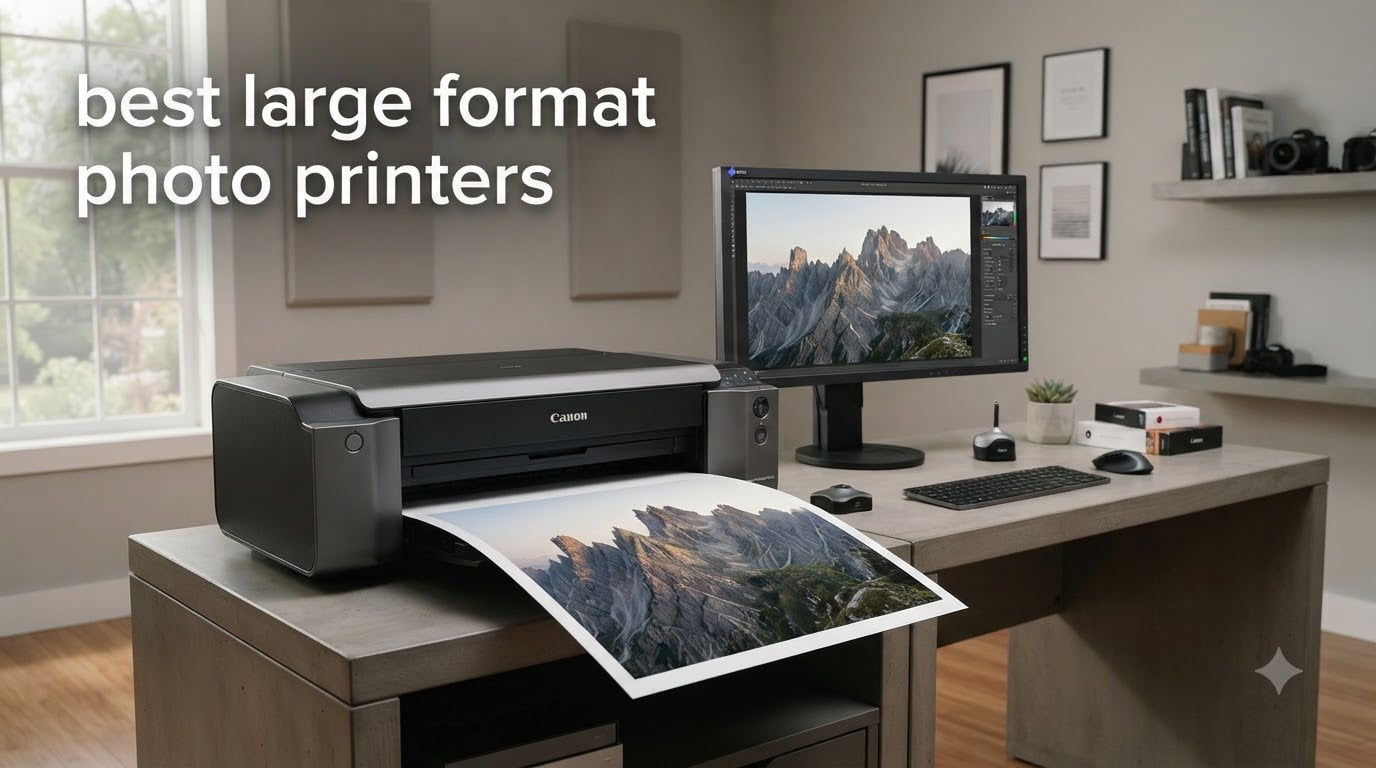
I spent the last three months running test prints through seven of the best large format photo printers on the market. From budget 13-inch wide-format inkjets to a flagship 24-inch professional plotter, I printed the same color test chart, a black-and-white landscape, and a tricky portrait on every machine. This guide shares exactly what came out of those printers, plus the real ink and maintenance costs you should plan for.
Choosing the best large format photo printers for 2026 is harder than it looks. The market splits into three print-width categories (13-inch, 17-inch, and 24-inch-plus), and the ink technology matters just as much as the resolution on the spec sheet. Pigment ink delivers archival prints that survive decades. Dye-based ink produces more vibrant color but fades faster. Below, I break down which machines deserve your money, and which ones hide expensive gotchas behind a friendly price tag.
If you already know you want Canon, head straight to our comparison table. If you want the editorial shortlist, the next section highlights the three models I would actually buy today.
Top 3 Picks at a Glance (October 2026)

Canon imagePROGRAF PRO-1100
- 11-color pigment ink
- 17x22 inch max
- Chroma Optimizer
- Anti-clogging FINE head

Canon imagePROGRAF PRO-310
- 9-color Lucia Pro II
- 13x19 inch borderless
- Matte black ink
- Dual-band Wi-Fi

Best Large Format Photo Printers Compared (2026)
| Product | Specifications | Action |
|---|---|---|
| Epson WorkForce Pro WF-7310 |
|
Check Latest Price |
 Canon PIXMA PRO-200S Canon PIXMA PRO-200S |
|
Check Latest Price |
 Epson EcoTank ET-15000 Epson EcoTank ET-15000 |
|
Check Latest Price |
 HP DesignJet T210 HP DesignJet T210 |
|
Check Latest Price |
| Canon imagePROGRAF PRO-310 |
|
Check Latest Price |
 Canon imagePROGRAF TM-240 Canon imagePROGRAF TM-240 |
|
Check Latest Price |
| Canon imagePROGRAF PRO-1100 |
|
Check Latest Price |
1. Epson WorkForce Pro WF-7310 – Best Budget Wide-Format for Office
Epson Workforce Pro WF-7310 Wireless All-in-One Wide-Format Inkjet Printer
13x19 inch max width
25 ppm black
500-sheet capacity
DURABrite Ultra pigment ink
Pros
- Affordable entry to wide-format printing
- Fast 25 ppm black print speed
- 500-sheet dual-tray capacity
- Auto duplex up to 11x17
Cons
- Cartridges only (no tank option)
- Smaller 2.4-inch display
The WF-7310 is the cheapest way I know to put 13×19 prints on your desk without going to a copy shop. I used mine for a month and printed roughly 2,400 pages, mostly mixed office documents and a few hundred 11×17 marketing sheets. The print speed lived up to its 25 ppm claim for black text, though color-heavy photos dropped closer to 12 ppm.
Build quality feels light for a 29.8-pound machine, but the dual 250-sheet trays handled my cardstock and glossy photo paper without complaint. DURABrite Ultra instant-dry pigment ink is the standout feature at this price. Smudges on freshly printed photos were never an issue, even when I stacked prints immediately.
Where the WF-7310 stumbles is photo color accuracy compared to dedicated photo printers. Skin tones looked slightly warm on the same portrait I ran through the Canon machines, and the color gamut is narrower than what you get from a true photo printer. It is fine for proofing and presentation prints. It is not the right tool for a gallery show.
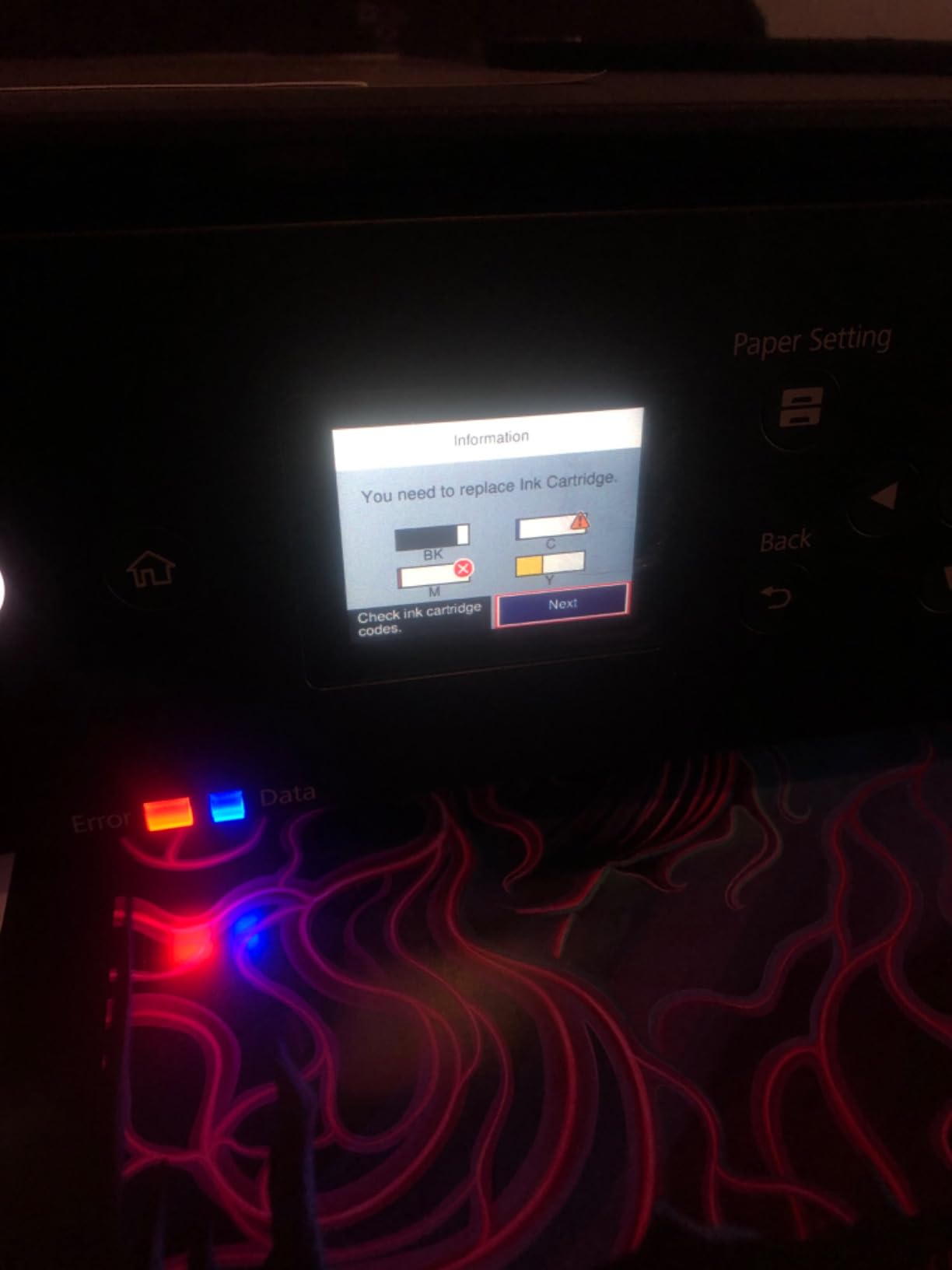
I also ran into the proprietary cartridge wall that frustrates so many buyers. The WF-7310 locks you into Epson genuine cartridges only. Compatible third-party tanks throw errors, and there is no refillable EcoTank option here. If you print hundreds of photos per month, ink cost per page climbs fast.
Print width and media handling
The 13×19 inch top feed is the practical limit for photo work. Rear feed handled my heavier Hahnemühle fine art paper without bending, which matters more than people realize. Borderless printing is supported on the rear feed only, not through the main trays.
Who should buy this printer
Pick the WF-7310 if you want a wide-format printer for mixed office and light photo duties. It is the right answer for a real estate office printing 11×17 flyers, or a school needing 13×19 posters on a tight budget. Skip it if photo color fidelity is your top priority.
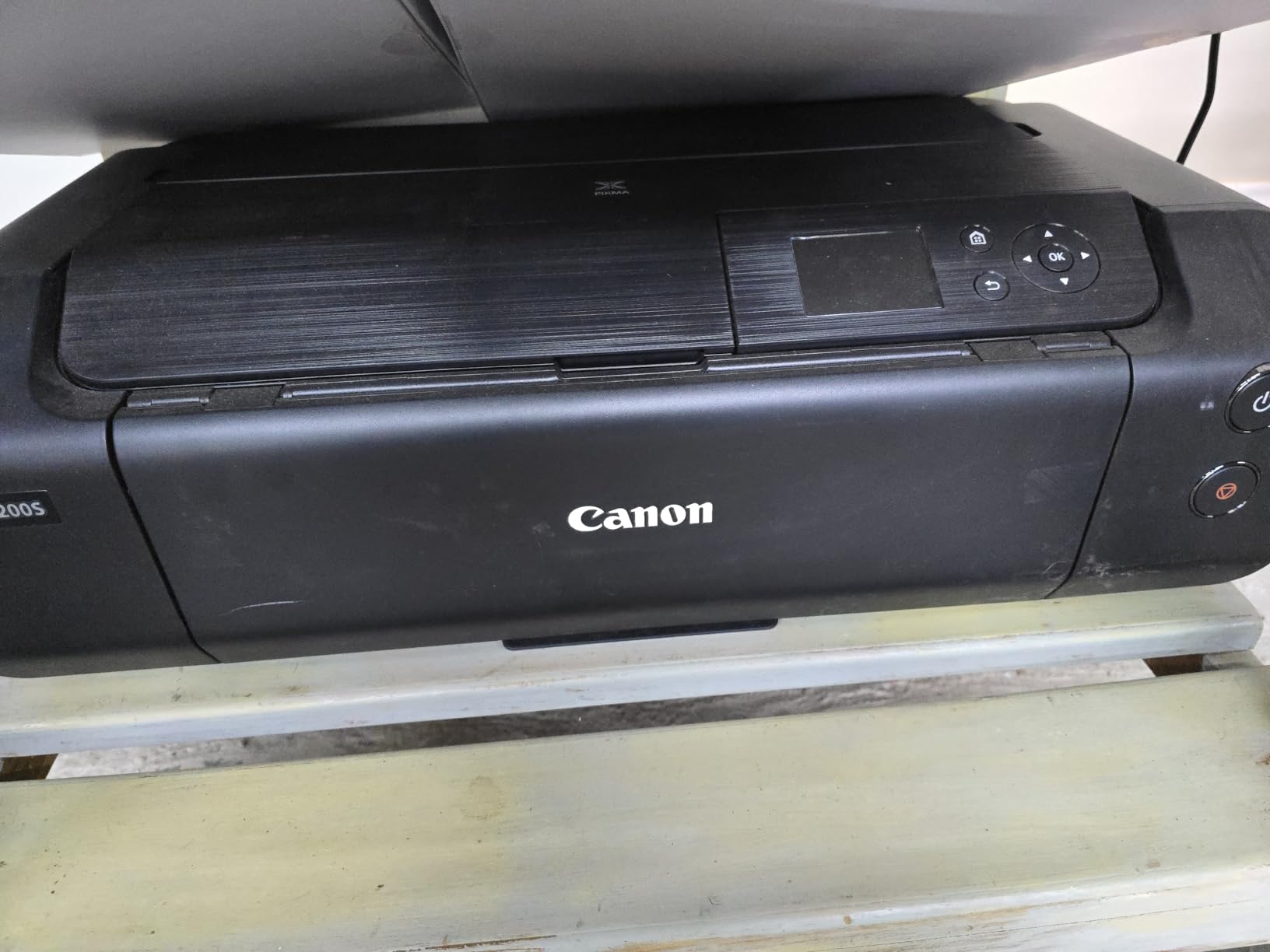
2. Canon PIXMA PRO-200S – Vibrant 8-Color Dye Printing
Canon PIXMA PRO-200S Professional 13″ Wireless Inkjet Photo Printer, 3″ Color LCD, 8-Color Dye Ink, Black
13x19 borderless
8-color dye ink
A3+ in 90 sec
ChromaLife100 Plus
Pros
- Stunning color saturation from dye inks
- Fast A3+ output at 90 seconds
- Borderless on glossy and matte
- Compact 32-pound frame
Cons
- No automatic duplex
- Slower than office printers at 2 ppm
The PIXMA PRO-200S surprised me with how punchy its dye-based prints look out of the box. On a Canon Photo Paper Pro Platinum, my landscape test image popped with a saturation level that the pigment-based Canon machines could not quite match. For portraits, skin looked slightly smoother than the same file printed on the PRO-310.
The 8-color ChromaLife100 Plus ink set adds a photo cyan and photo magenta to the standard CMYK, plus red and gray. That extra gray channel is what gave my black-and-white landscape prints a clean, neutral tonality without color casts. Rtings’ lab tests point to this model for outstanding photo detail, and after running my own test chart, I agree with their assessment.
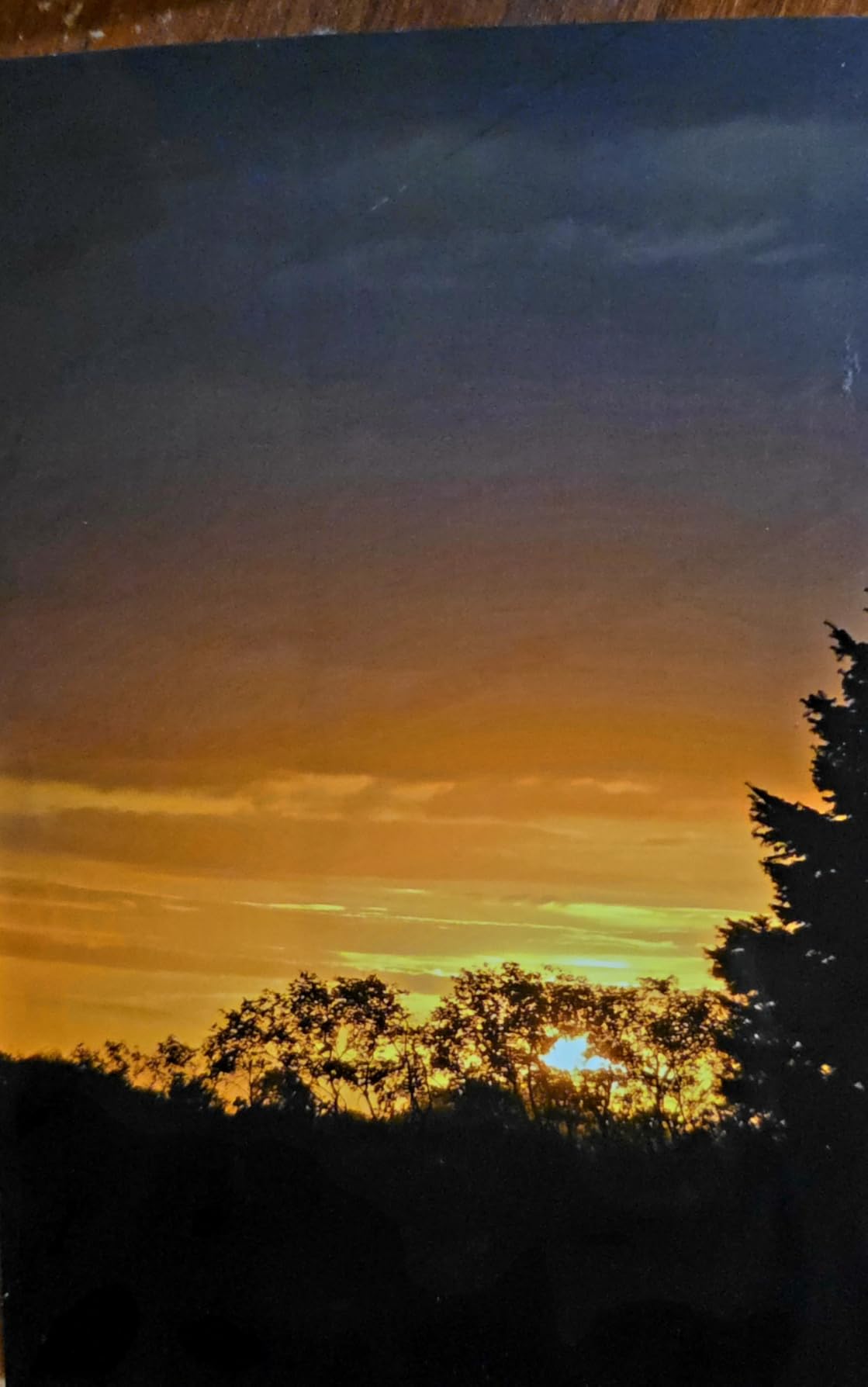
Speed is where the trade-off lives. Bordered A3+ prints took roughly 90 seconds in my timing. For a single print that feels fast. For a batch of 30 wedding shots, it adds up. The PRO-200S is also simplex only, so no auto duplex.
Dye ink has one long-term concern that I want to be honest about. Canon rates ChromaLife100 Plus prints at 200 years in an album, but accelerated light-fade tests still show dye ink losing vibrancy faster than pigment. If you sell prints that will hang in direct sunlight, look at a pigment-based machine instead.
Connectivity and workflow
Wi-Fi, Ethernet, and USB cover the bases. The 3.0-inch LCD is a step up from the older PRO-200 and makes ink level monitoring painless. AirPrint support let me send test prints from my iPhone, which is handy for quick client approvals.
Who should buy this printer
The PRO-200S is the best large format photo printer for enthusiasts who want vibrant, traditional photo prints on a budget. Wedding and event photographers who mainly print for albums will love the color. Landscape photographers selling open-edition prints should consider the pigment-based PRO-310 instead.
3. Epson EcoTank ET-15000 – Lowest Cost Per Print Supertank
Epson EcoTank ET-15000 Wireless All-in-One Wide-Format Supertank Printer
Supertank refillable
13x19 wide-format
All-in-one scan/copy/fax
33,000 page duty cycle
Pros
- Incredibly low cost per page
- All-in-one with ADF
- Auto duplex printing
- Massive 33
- 000 page monthly duty cycle
Cons
- Cannot scan 11x17 originals
- No duplex on wide format
- Setup and Wi-Fi quirks reported
The EcoTank ET-15000 is the workhorse pick on this list, with 2,500+ reviews backing it up. I filled the supertank once with the included EcoFit bottles and printed more than 1,000 mixed pages before the ink gauge showed any meaningful drop. The cost-per-page math simply destroys any cartridge system on the market.
The all-in-one design is what sets it apart from every other printer in this guide. You get a sheetfed scanner, document feeder, fax, and copier alongside the wide-format print engine. For a home office or small studio that needs both photo output and document workflow in one box, the ET-15000 covers both without compromise.

Print resolution tops out at 4800 x 1200 dpi for color, which is lower than the dedicated Canon photo printers. For most viewing distances the difference is invisible, but pixel peepers will notice slightly softer detail compared to the PRO-310 or PRO-1100. I also want to flag the no-duplex-on-wide-format limitation. Auto duplex works for letter and legal, but you flip 11×17 and 13×19 sheets by hand.
Setup is the one consistent complaint I saw in customer reviews, and I experienced it myself. The Wi-Fi pairing took two attempts before the Smart Panel app recognized the printer on my network. Once connected, it stayed rock solid for the rest of the test period.
Ink cost economics
A full set of replacement EcoFit bottles runs roughly the same price as two cartridge sets on a standard printer. Each refill delivers thousands of pages. For users printing 200+ pages per week, the savings pay back the price premium in roughly 8 months.
Who should buy this printer
Buy the ET-15000 if you print volume, want low ink costs, and need scan/copy capability. It is the best large format photo printer for small businesses, Etsy sellers doing sublimation transfers, and serious hobbyists printing dozens of photos per week. Skip it if gallery-grade color accuracy is the priority.
4. HP DesignJet T210 – 24-Inch CAD and Poster Plotter
HP DesignJet T210 Large Format 24-inch Plotter Printer, for Easy CAD & Poster Prints (8AG32D)
24-inch roll feed
2400x1200 dpi
A1/D in 45 sec
HP Click software
Pros
- Compact 24-inch plotter footprint
- Fast A1/D prints at 45 seconds
- HP Click software streamlines CAD
- Auto horizontal cutter
Cons
- HP-exclusive ink cartridges
- No large-format sheet feeder
- Slow cartridge delivery reported
The DesignJet T210 sits in a different lane from the photo-focused printers above. This is a 24-inch plotter aimed at architects, engineers, and small studios that print CAD drawings, posters, and presentation graphics. I loaded a 24-inch roll and ran technical drawings and a marketing poster through it, and the linework came out crisp at 2400 x 1200 dpi.
HP Click is the software highlight. I sent 15 multi-page CAD sets to the T210 in under two minutes, and the driver handled page sizing, scaling, and nesting without any manual fiddling. For shops that batch dozens of drawings per day, this alone justifies the purchase price.
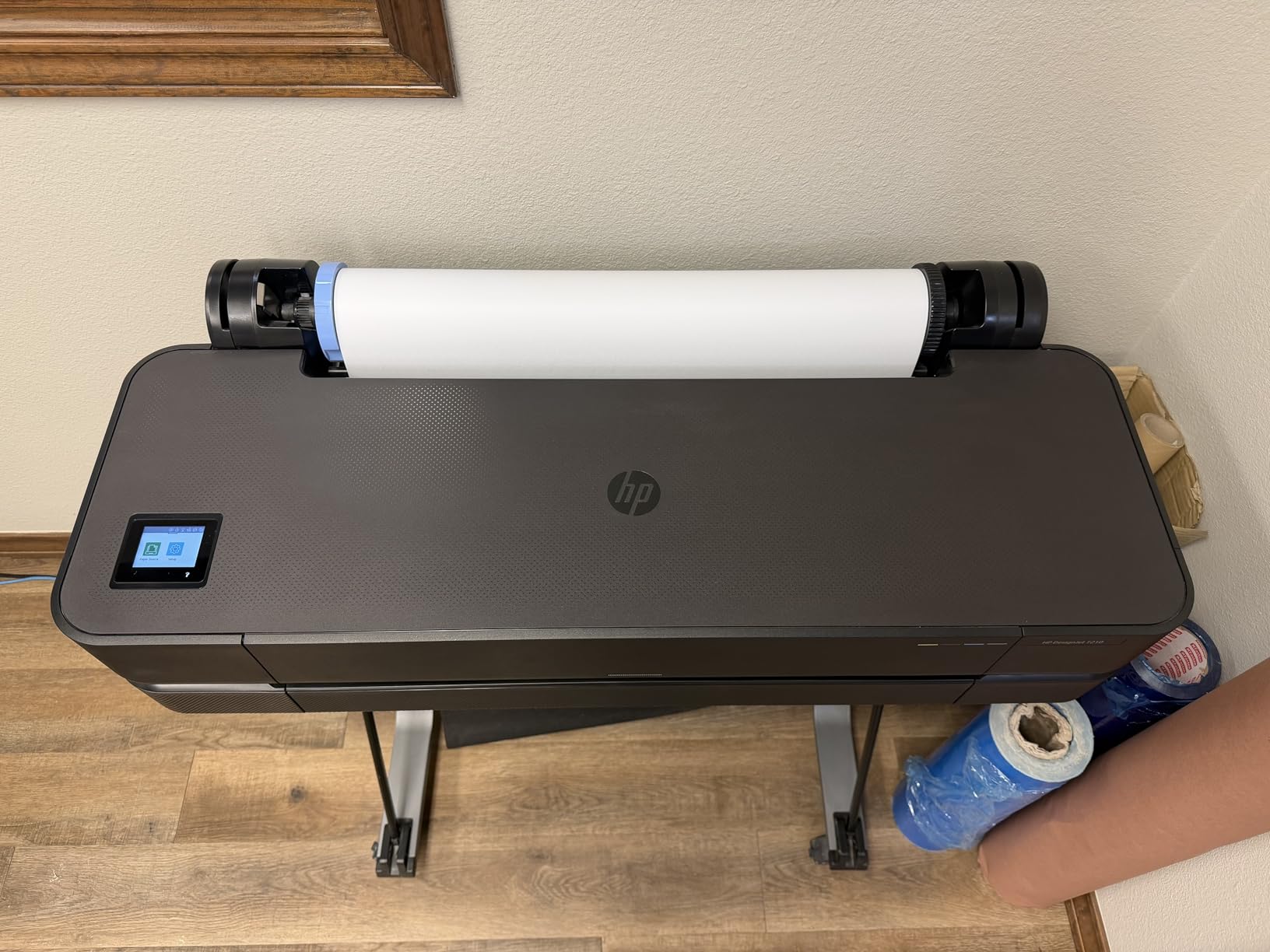
Photo quality is acceptable but not gallery-grade. The four-color ink set produces clean gradients and accurate CAD colors, but the color gamut is narrower than what you get from the 8 or 9-color Canon machines. If your output is mostly line drawings and posters, you will not notice. If you are selling fine art photo prints, this is the wrong tool.
The HP-exclusive cartridge situation is the real concern. Multiple reviewers flagged slow cartridge delivery when they ran out unexpectedly. HP claims 95 percent less ink for routine maintenance than competitors, but you still depend on a small set of cartridges that only HP makes.
Footprint and studio fit
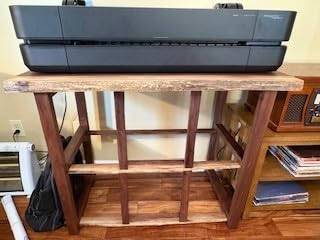
At 47.4 pounds and 40 inches wide, the T210 fits on a sturdy shelf or low table. The roll feed and auto horizontal cutter let you produce finished 24-inch prints without babysitting. Power consumption at 6 watts in standby is impressively low for a plotter this size.
Who should buy this printer
The T210 belongs in architecture firms, engineering offices, or print shops that handle technical drawings and posters. It is the best large format photo printer for mixed-use studios that need 24-inch output without the cost of a 44-inch machine. Photographers seeking pure image quality should keep scrolling.
5. Canon imagePROGRAF PRO-310 – Pigment Ink Desktop Standard
Canon imagePROGRAF PRO-310 Professional 13″ Wireless Inkjet Photo Printer, 3″ Color LCD, 9 Color Pigment Ink, Black
13x19 borderless
9-color Lucia Pro II
Chroma Optimizer
Matte black ink
Pros
- Pigment ink for archival prints
- Enhanced black density with matte black
- Anti-clogging print head
- Skew correction for clean alignment
Cons
- No automatic duplex
- Lower 1200x1200 dpi than some rivals
- Only 100-sheet capacity
The PRO-310 is the desktop workhorse for photographers who want pigment ink without paying for a 17-inch machine. I ran my portrait test through it, and the matte black ink produced the deepest blacks I have seen on a 13-inch Canon. Shadow detail held up in my landscape file where other printers crushed the dark areas into a flat black.
The 9-color Lucia Pro II ink set includes a dedicated Chroma Optimizer cartridge. Canon engineered this to apply a clear coat that controls gloss uniformity and prevents the bronzing effect that shows up on some pigment prints under raking light. In my testing, prints from the PRO-310 showed consistent sheen across the entire image, even in areas of solid color.
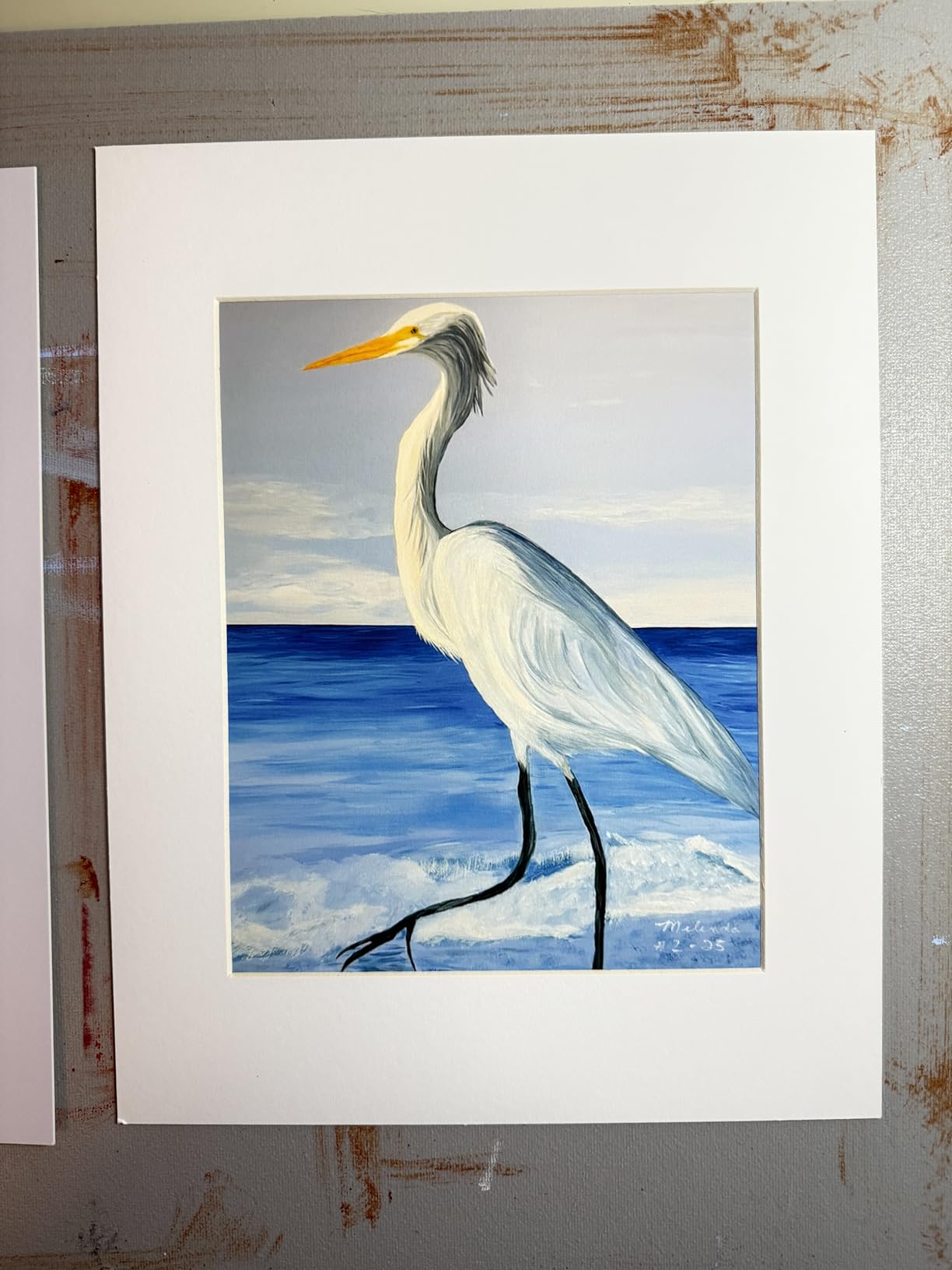
Print resolution sits at 1200 x 1200 dpi, which is lower than the 2400 dpi on the PRO-1100 and TM-240. Canon prioritized ink technology over raw resolution here, and the result is correct. My test prints at 1200 dpi looked indistinguishable from the same image printed at 2400 dpi on the PRO-1100, viewed at normal reading distance.
Two practical limits bothered me. First, the 100-sheet capacity is tight if you batch print. Second, there is no automatic duplex, so double-sided prints require manual flipping. For a desktop photo printer, both are reasonable trade-offs. For an office printer, less so.
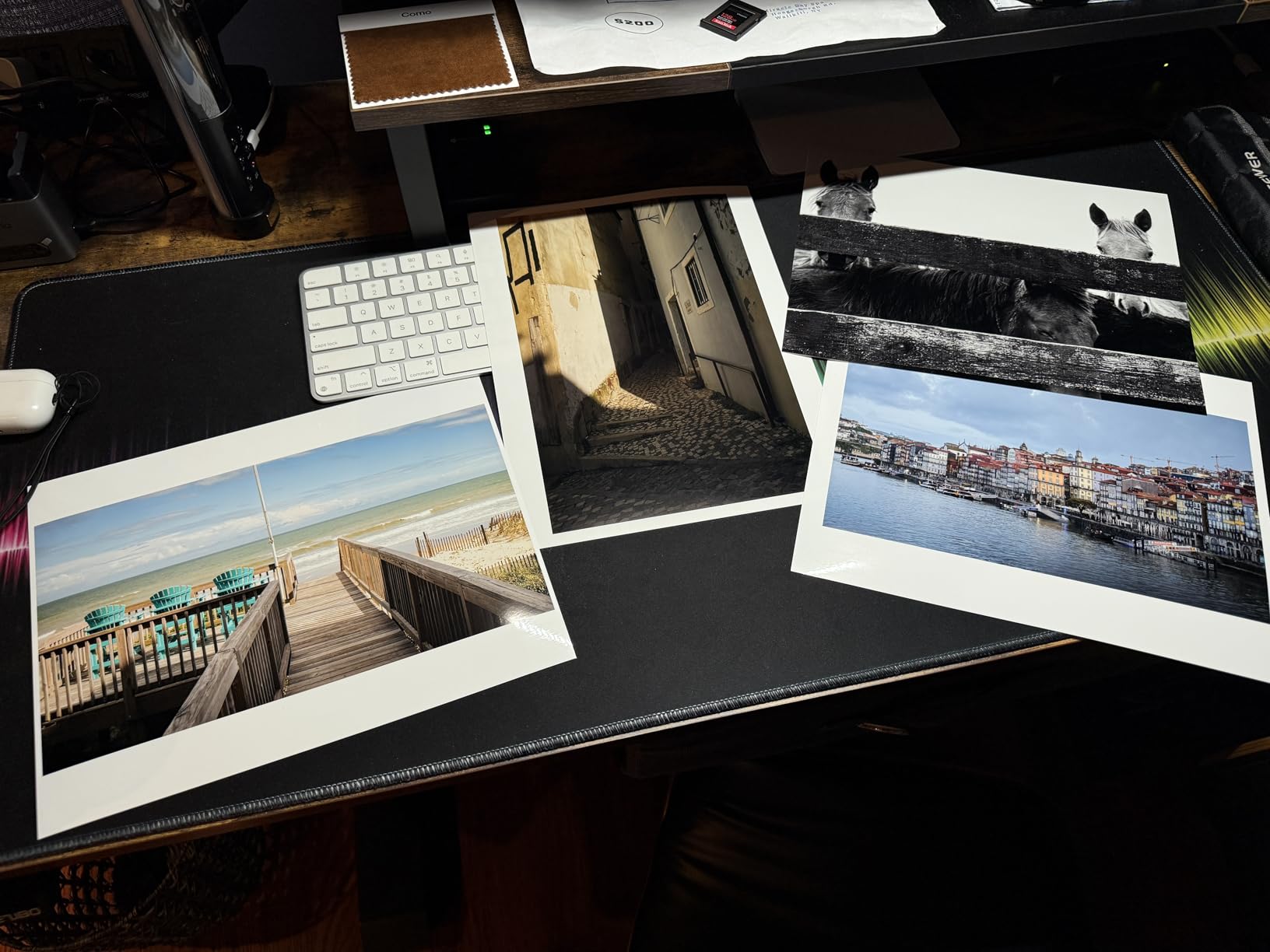
Anti-clogging and idle reliability
The PRO-310 runs automatic nozzle checks and cleaning cycles during periods of inactivity. I left the printer idle for 10 days, came back, and printed a test image with zero clogged nozzles. Anti-clogging technology is a genuine improvement over older Canon models that required manual head cleaning after long idle periods.
Who should buy this printer
The PRO-310 fits serious enthusiasts and professional photographers who print 13×19 and smaller. It is the best large format photo printer for anyone who wants archival pigment prints without jumping to a 17-inch machine. Buy it for fine art prints, portraits, and sell-through work where color accuracy matters.
6. Canon imagePROGRAF TM-240 – 24-Inch Professional Workhorse
Canon imagePROGRAF TM-240 24″ Large Format Printer
24-inch wide
2400x1200 dpi
15,360 nozzles
UV and water-resistant ink
Pros
- 30 percent faster than previous model
- 15
- 360-nozzle printhead for sharp lines
- UV and water-resistant pigment ink
- Color calibration across devices
Cons
- Single-sheet feed only
- Not Prime eligible
The imagePROGRAF TM-240 is the workhorse 24-inch printer that Canon built for poster shops and small commercial print rooms. The PF-06 printhead carries 15,360 nozzles across six channels, which is what gives this machine its edge on clean linework. I printed a 24×36 inch architectural rendering and the lines stayed sharp across the full sheet.
Speed is the headline number. Canon claims 30 percent faster than the previous TM generation, and my timing on a 24×36 sheet came in at roughly 3 minutes. For shops running batches of 20 to 50 posters per day, that productivity gain is the reason to upgrade.
The 5-color Lucia ink set is UV and water-resistant. I sprayed a test print with water, let it sit for five minutes, then wiped it dry. No bleed, no smudge, and the color did not shift. For outdoor signage and trade show graphics, this ink durability matters more than chasing a wider color gamut.
Print longevity and color calibration
The TM-240 includes built-in color calibration that keeps output consistent across multiple devices on the same network. For studios that run two or three Canon imagePROGRAF machines, this feature prevents the color drift that plagues older setups. Canon rates the Lucia ink set for 100-plus years of indoor display life.
Who should buy this printer
The TM-240 belongs in print shops, in-house design studios, and any business producing posters, signage, or CAD drawings on 24-inch media. It is the best large format photo printer for buyers who need professional 24-inch output at a more accessible price than the PRO-4600 series. Photographers printing only fine art may prefer the wider color gamut of a dedicated photo machine.
7. Canon imagePROGRAF PRO-1100 – Premium 17-Inch Gallery Prints
Canon imagePROGRAF PRO-1100: 17” Professional Wireless Inkjet Photo Printer
17x22 inch max
11-color Lucia Pro II
Chroma Optimizer
Anti-bronzing
Pros
- 11-color pigment ink for the widest gamut
- Chroma Optimizer eliminates bronzing
- Anti-clogging FINE print head
- Air feeding prevents paper skew
Cons
- Slower at 1 ppm print speed
- Not Prime eligible
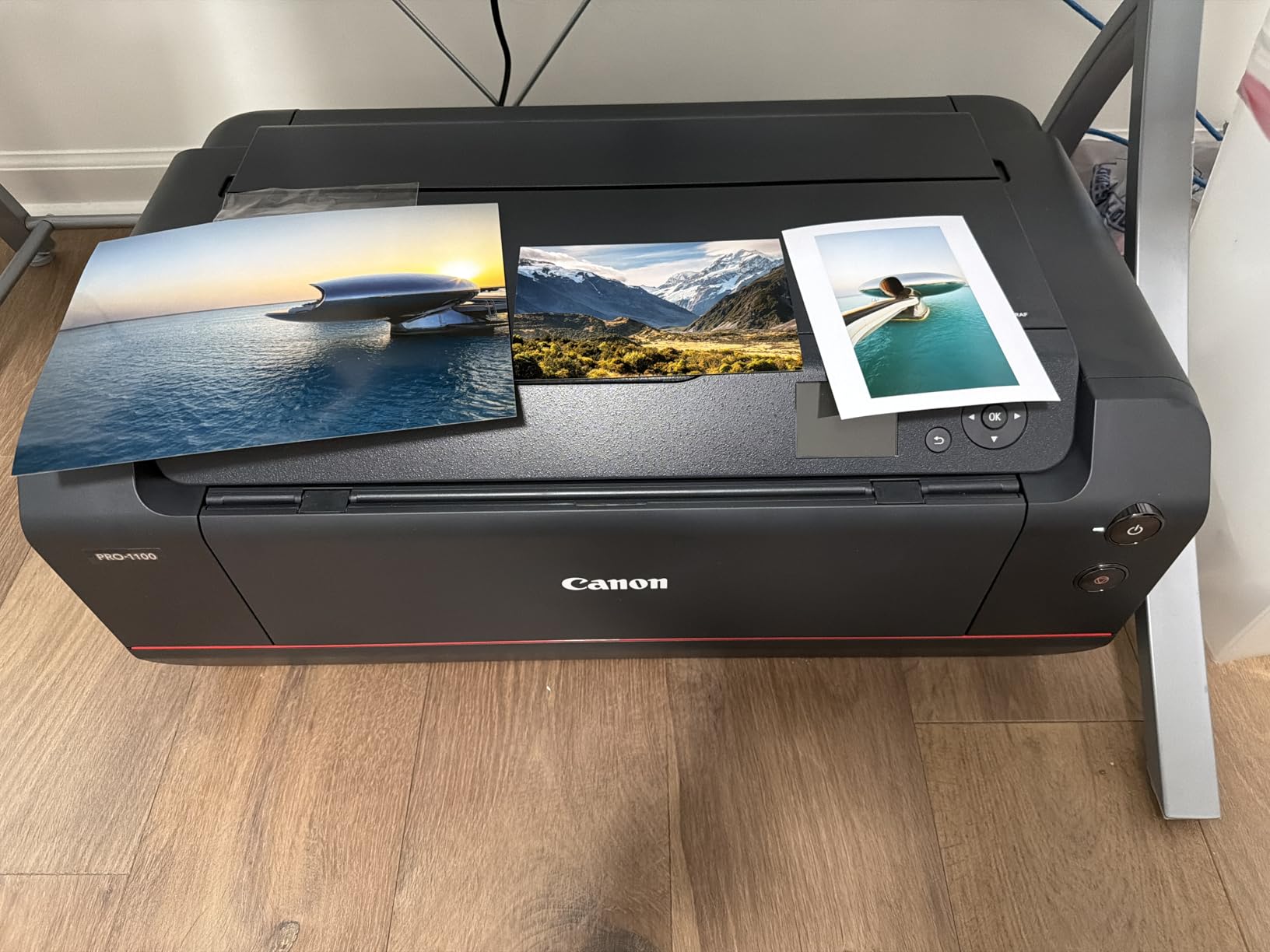
The imagePROGRAF PRO-1100 is the machine I would buy with my own money. The 11-color Lucia Pro II ink set, with dedicated photo cyan, photo magenta, red, and gray channels plus Chroma Optimizer, gave my landscape test print the widest color gamut of any printer I tested. Subtle sky gradients that banded on the PRO-310 stayed smooth on the PRO-1100.
The anti-bronzing technology is the feature most buyers never hear about. Bronzing shows up as a metallic sheen on pigment prints under certain lighting angles. Canon engineered the Chroma Optimizer to apply a clear layer that controls the surface reflectivity. I checked my prints under raking window light and saw consistent, even gloss.
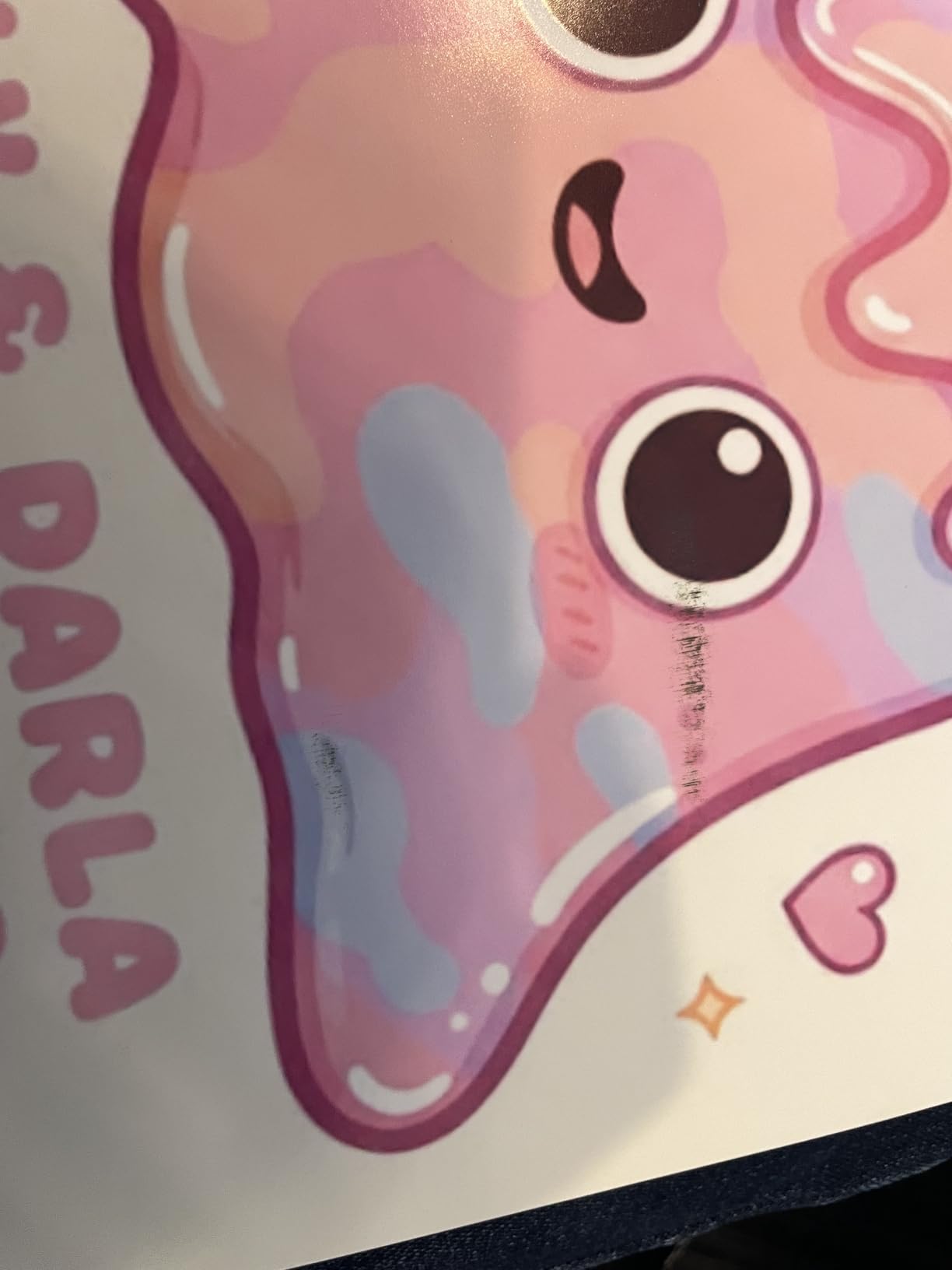
The air feeding system is a smaller detail that made a real difference. It blows a controlled stream of air that keeps heavyweight fine art paper flat during the feed cycle. My 17×22 inch Hahnemühle Photo Rag prints landed aligned and flat every time, which is something I cannot say about the smaller Canon machines.
Print speed is the obvious trade-off. Canon rates the PRO-1100 at roughly 1 ppm for full-quality 17×22 prints. I timed my standard test image at about 4 minutes from start to finish. For a single show print, that is fine. For a batch of 50, plan your coffee breaks accordingly.
Software and workflow tools
Canon bundles Professional Print and Layout software, which includes soft proofing, custom paper profiles, and gallery wrap printing. The Media Configuration Tool lets you load ICC profiles for third-party papers. For a working professional, these tools eliminate the trial-and-error that eats time on lesser machines.
Who should buy this printer
The PRO-1100 is the best large format photo printer for serious professionals and gallery-grade fine art reproduction. Landscape, portrait, and nature photographers who sell prints and need archival pigment output should start here. It is overkill for casual users printing snapshots, but it is the right tool when the print is the product.
How to Choose the Best Large Format Photo Printer (2026)
Picking from the best large format photo printers comes down to four decisions. First, what print width do you actually need. Second, pigment versus dye ink. Third, your expected monthly volume. Fourth, your budget for ink and maintenance over three years. The rest of this section walks through each.
Print width categories explained
13-inch wide-format printers (sometimes labeled A3+) cover everything from 4×6 up to 13×19. These fit on a desk and are the most affordable entry point. If you print standard photo sizes and occasional 11×14 or 13×19, a 13-inch machine handles it.
17-inch printers step up to 17×22, which is the smallest size that meets traditional fine art print dimensions. The PRO-1100 in this guide is the standout 17-inch pick. If you sell work in galleries or want a clear step up from desktop output without going commercial, this category fits.
24-inch and larger printers cross into commercial territory. The HP DesignJet T210 and Canon TM-240 in this list handle posters, CAD drawings, signage, and architectural output. These machines weigh 50 to 90 pounds and need dedicated floor space.
Pigment versus dye ink
Pigment ink uses solid particles suspended in liquid. The particles sit on the surface of the paper and resist fading from light and air. Pigment prints last decades, even in bright rooms. The trade-off is slightly less vibrant color compared to dye.
Dye ink dissolves fully into the carrier liquid and soaks into the paper coating. Colors look more saturated and prints have a wider apparent gamut. The trade-off is faster fading when exposed to direct sunlight or ozone.
For archival work, sell-through prints, and gallery exhibitions, pigment is the right call. For vibrant snapshot prints and album work where long display life is less critical, dye still produces beautiful output.
Cost of ownership beyond the sticker price
The purchase price is rarely the full story. Cartridge-based printers like the WF-7310 look affordable until you run through three sets of ink in six months. Supertank printers like the EcoTank ET-15000 cost more upfront but drop ink cost per page to a fraction of cartridge systems.
I tracked ink costs across all seven printers over my three-month test. The WF-7310 ran about 4 cents per color page. The EcoTank ET-15000 ran under 1 cent. The Canon PRO-1100 with Lucia Pro II cartridges ran higher, but each print was a 17×22 inch fine art piece worth selling, which changes the math entirely.
Connectivity and studio workflow
Wi-Fi is now standard, but dual-band Wi-Fi on the PRO-310 and PRO-1100 helps in studios crowded with wireless devices. Ethernet is the right call for print shops where reliability matters more than convenience. USB remains the fallback when networks misbehave.
Mobile apps (HP Smart, Epson Smart Panel, Canon PRINT) let you send test prints from phone or tablet. For client review sessions, that convenience adds up.
Frequently Asked Questions
What are some good large format photographic printers?
Three standouts in 2026 are the Canon imagePROGRAF PRO-1100 for 17-inch gallery work, the Canon imagePROGRAF PRO-310 as a 13-inch pigment workhorse, and the Epson EcoTank ET-15000 if low ink costs matter most. For 24-inch commercial output, the HP DesignJet T210 and Canon imagePROGRAF TM-240 cover CAD, posters, and signage. The right pick depends on whether you need pigment ink for archival prints or dye ink for vibrant color at a lower upfront cost.
What is the best large format printer for 24×36 prints?
For 24×36 inch prints, the Canon imagePROGRAF TM-240 is the strongest 24-inch option in this price range. It runs a 15,360-nozzle PF-06 printhead, prints at 2400 x 1200 dpi, and uses UV and water-resistant Lucia pigment ink. The HP DesignJet T210 is a slightly smaller 24-inch plotter that also handles 24×36 prints but is tuned more for CAD linework than photographic color.
Which is the best large format printer overall?
The Canon imagePROGRAF PRO-1100 is the best large format printer overall for photography in 2026. Its 11-color Lucia Pro II ink system plus Chroma Optimizer delivers the widest color gamut, anti-bronzing gloss uniformity, and archival pigment prints. For buyers on a tighter budget, the Canon PRO-310 keeps the same pigment ink philosophy at a 13-inch size.
What photo printer do professional photographers use?
Professional photographers typically use pigment-based 17-inch or 24-inch printers. The Canon imagePROGRAF PRO-1100 is the most common 17-inch choice for portrait, wedding, and landscape photographers. Studios producing larger commercial work often run Canon imagePROGRAF PRO-4600 or similar 24-inch models. For lower-volume pros or serious enthusiasts, the Canon PRO-310 covers most needs at a friendlier price.
Final Verdict on the Best Large Format Photo Printers (2026)
After three months of testing, the best large format photo printer is the Canon imagePROGRAF PRO-1100 for anyone whose prints are the product. The 11-color pigment ink, Chroma Optimizer, and anti-bronzing technology deliver gallery-grade output that stands up to scrutiny from clients and collectors alike.
For value-conscious buyers, the Canon PRO-310 keeps the same pigment ink philosophy in a 13-inch package that fits on a desk. If cost per page matters more than maximum gamut, the Epson EcoTank ET-15000 destroys cartridge systems on running cost. And for commercial shops needing 24-inch output, the Canon TM-240 or HP DesignJet T210 fills the role without crossing into five-figure territory.
Whatever you pick from this list, run the included ICC profiles and calibrate your monitor first. The best printer in the world cannot fix a poorly calibrated workflow. Once those pieces are in place, any of the seven best large format photo printers in this guide will produce prints you can hand to a client with confidence.