
Short answer: the best budget gaming monitors under USD 300 start with the Acer KB272 G0bi, a 27-inch IPS panel at 120Hz with Adaptive-Sync, 99% sRGB coverage and a three-year warranty. It is the pick for anyone who games and works on the same screen, while competitive players should look at the 240Hz models further down.
Budget gaming monitors have changed shape in the last two years. What used to be a 60Hz office panel with a gaming sticker is now, in many cases, a 165Hz or 180Hz display with real adaptive sync and a warranty longer than a year. The catch is that no single monitor wins every category, and the right pick depends on your GPU, your desk size and how much of your day is spent outside a game.
We put twelve of the strongest options under the 300 dollar ceiling through their spec sheets and owner feedback, and the results split cleanly into four groups: high-refresh 1080p panels for competitive play, 1440p panels for sharper mixed use, curved models for immersion, and a handful of cheap 1080p screens that are simply better than they have any right to be. Prices and listings were checked on October 2026, and since this category moves constantly, re-verify the live price before you buy.
If you are still building out the rest of the setup, our gaming chair roundup on the same budget covers the seat side of the same money, and our budget gaming headset picks cover the audio side. If your priority is colour accuracy for editing rather than frame rate, read our budget studio monitor guide instead, because the priorities there are inverted.
Top 3 Picks: Budget Gaming Monitors Under USD $300 in 2026
These three cover the widest range of use cases in the group: the one to buy if you cannot decide, the one for the sharpest image, and the one for the fastest motion.

Best Budget Gaming Monitors Under $300 in 2026
Every monitor below was confirmed under the 300 dollar ceiling when we checked. Use this table to narrow the field before reading the individual reviews.
| Product | Specifications | Action |
|---|---|---|
 Acer KB272 G0bi Acer KB272 G0bi |
|
Check Latest Price |
 ASUS TUF Gaming VG277Q1A ASUS TUF Gaming VG277Q1A |
|
Check Latest Price |
| SANSUI ES-G27C1 PRO |
|
Check Latest Price |
 Samsung Odyssey G5 G51F Samsung Odyssey G5 G51F |
|
Check Latest Price |
 Acer Nitro KG271U N3bmiipx Acer Nitro KG271U N3bmiipx |
|
Check Latest Price |
 Dell SE2726HG Dell SE2726HG |
|
Check Latest Price |
 ASUS TUF VG247Q1A ASUS TUF VG247Q1A |
|
Check Latest Price |
 Sceptre E248B-FPT168 Sceptre E248B-FPT168 |
|
Check Latest Price |
 Acer Nitro KG241Y Sbiip Acer Nitro KG241Y Sbiip |
|
Check Latest Price |
 LG UltraGear 24G411A-B LG UltraGear 24G411A-B |
|
Check Latest Price |
 Z-Edge UG27F Z-Edge UG27F |
|
Check Latest Price |
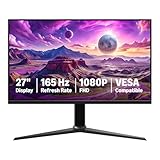 Amazon Basics 27M2020GPNA Amazon Basics 27M2020GPNA |
|
Check Latest Price |
How We Picked These Monitors
Our method is simple: refresh rate and adaptive sync do most of the work, panel type decides how the picture behaves, and everything else is a bonus.
First, we confirmed each monitor was under the 300 dollar ceiling on October 2026 and that the panel type, refresh rate and sync support matched the manufacturer spec sheet rather than the listing headline. Second, we cross-checked owner reviews, because a 240Hz number on a box tells you nothing about response behaviour in real games, and a spec sheet never mentions a wobbly stand. Third, every pick carries a stated downside, since a monitor with no weakness at this price is usually a monitor with a weakness nobody has mentioned yet.
One thing we deliberately did not do is chase the highest refresh-rate number. A 240Hz panel is wasted on a GPU that cannot feed it, and response time figures printed on packaging are marketing numbers rather than measurements. The most-repeated question in the owner reviews for this group was not about specifications at all, but about whether one specific model was the right buy, which is why this list has clear winners rather than twelve equal options.
1. Acer KB272 G0bi – Best Budget Gaming Monitor Overall for Work and Play
Acer 27in FHD 1920×1080 IPS 120Hz Gaming Monitor | Office KB272 G0bi
27-inch IPS
1920x1080
120Hz
1ms VRB
250 nits
99% sRGB
Three-year warranty
Pros
- IPS panel with accurate colour and wide viewing angles for text and desktop work
- Adaptive-Sync keeps fast motion smooth and tear free
- Three-year full warranty is among the longest in this group
- 27-inch Full HD size handles a workday and a gaming session on one screen
- Tilt adjustment and wall mount capability for straightforward positioning
Cons
- 120Hz sits below the 165Hz to 180Hz most rivals here offer
- Full HD across 27 inches gives you larger pixels than a 1440p panel
- Only HDMI and VGA inputs with no DisplayPort or USB hub
The Acer KB272 G0bi is the one to buy if your monitor does double duty. Its 27-inch IPS panel renders text and documents cleanly, which matters more than most buyers expect once a screen sits on the desk for eight hours a day, and the 99% sRGB coverage is accurate enough that photo and video work does not look obviously wrong.
Motion handling is fine for most genres thanks to Adaptive-Sync and a 1ms VRB response figure, and owners consistently describe the jump from a 60Hz office panel as the single biggest change in their setup. For competitive shooters, 120Hz is the compromise you accept here in exchange for the panel quality and the warranty.
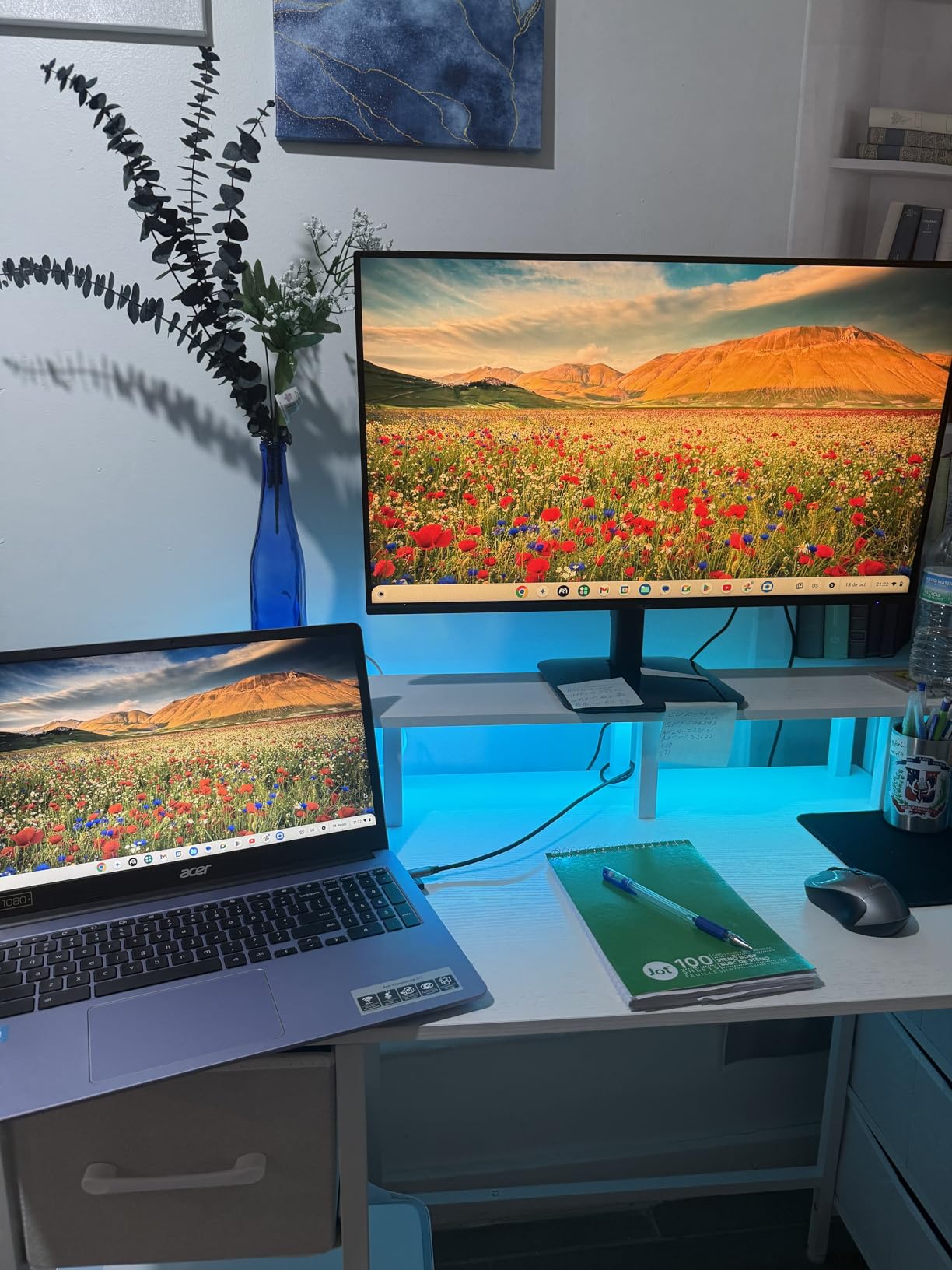
The three-year warranty is the quiet advantage. It is the longest full coverage in this group, and because IPS panels can develop backlight bleed or dead pixels, that coverage carries real weight over a three-to-five year ownership cycle.
Ports are the weak point, with HDMI and VGA only. If you plan to run a high refresh rate, check which input your source device uses, because there is no DisplayPort option here at all.
Who should buy the KB272 G0bi
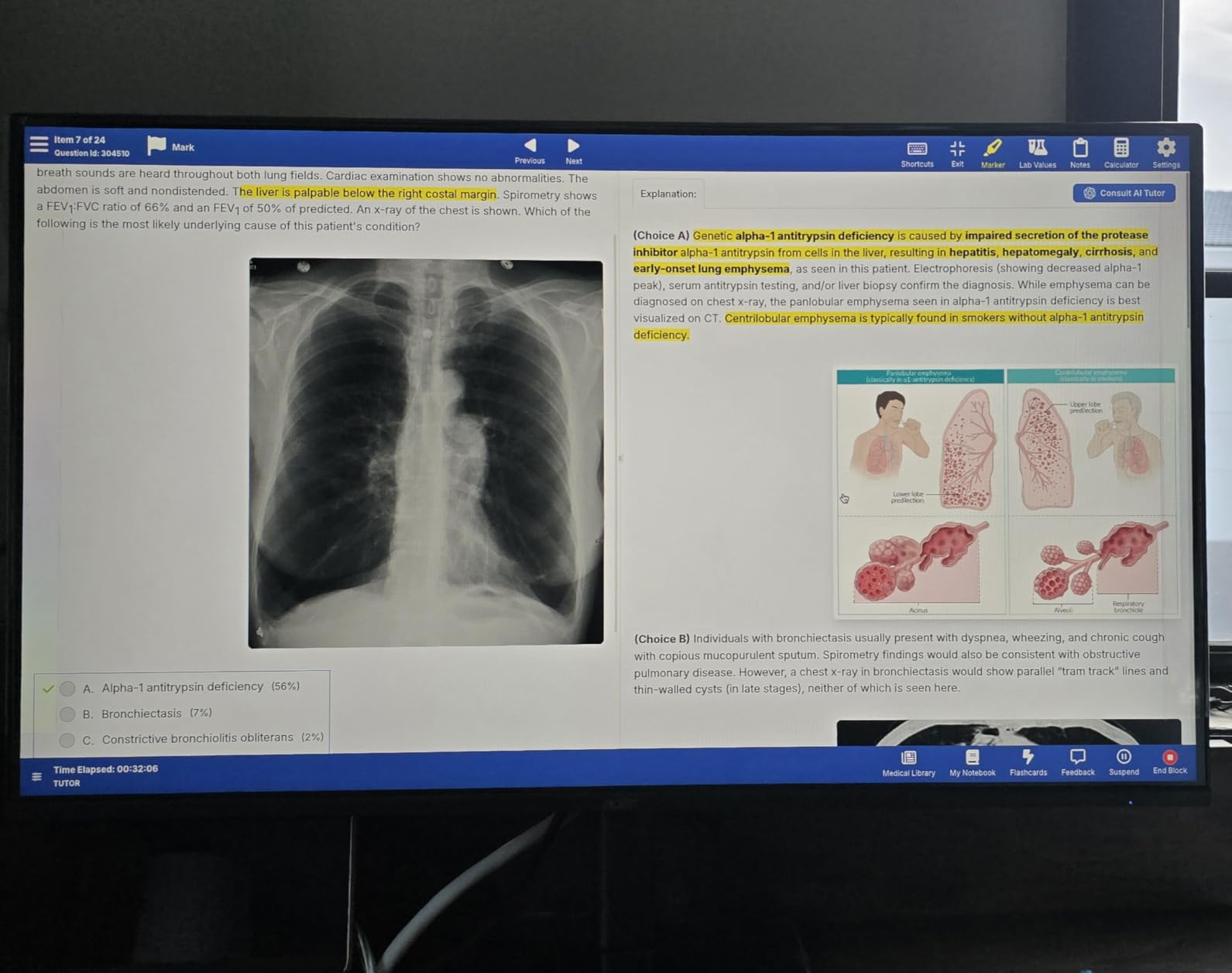
Buy this one if you work at the same desk you game at, if you are coming from a 60Hz office monitor, or if a three-year warranty matters more to you than frame rate. The IPS panel and sRGB accuracy handle documents, spreadsheets and colour-sensitive work without any of the smearing that VA panels show on dark-to-dark transitions.
It also suits anyone whose GPU tops out around 1080p, because 120Hz is a realistic target for midrange hardware at that resolution. You get tear-free motion without paying for refresh rate the card cannot drive.
Who should skip the KB272 G0bi
Skip it if you play competitive shooters seriously, where every millisecond of latency and every frame of motion clarity compounds over a long session. A 165Hz or 180Hz model will feel meaningfully smoother in that scenario.
Skip it if you read a lot of small text and want maximum sharpness, because 1080p stretched across 27 inches shows coarser text than a 1440p panel of the same size. Check our gaming headset roundup if the problem is audio rather than the image, but for text clarity the resolution is the fix, not the panel type.
2. ASUS TUF Gaming VG277Q1A – Top Rated 27-Inch VA with 165Hz
ASUS TUF Gaming 27 Inch Gaming Monitor – Full HD, 1080P, 165Hz (Supports 144Hz), 1ms, Extreme Low Motion Blur, FreeSync Premium, Shadow Boost, Eye Care, HDMI, DisplayPort, Tilt Adjustable – VG277Q1A
27-inch VA
1920x1080
165Hz
1ms MPRT ELMB
3000:1 contrast
1199.1 lm
FreeSync Premium
Pros
- 4.7 average rating
- the highest in this group alongside the Odyssey G5
- VA panel gives 3000:1 contrast and deeper blacks than budget IPS
- Shadow Boost lifts dark scene detail without blowing out highlights
- HDMI and DisplayPort cables are included in the box
- 1ms MPRT response through Extreme Low Motion Blur
Cons
- Stand has no height adjustment which matters on a standard desk
- On-screen menu navigation is clunky for first-time users
- Full HD across 27 inches softens small desktop text
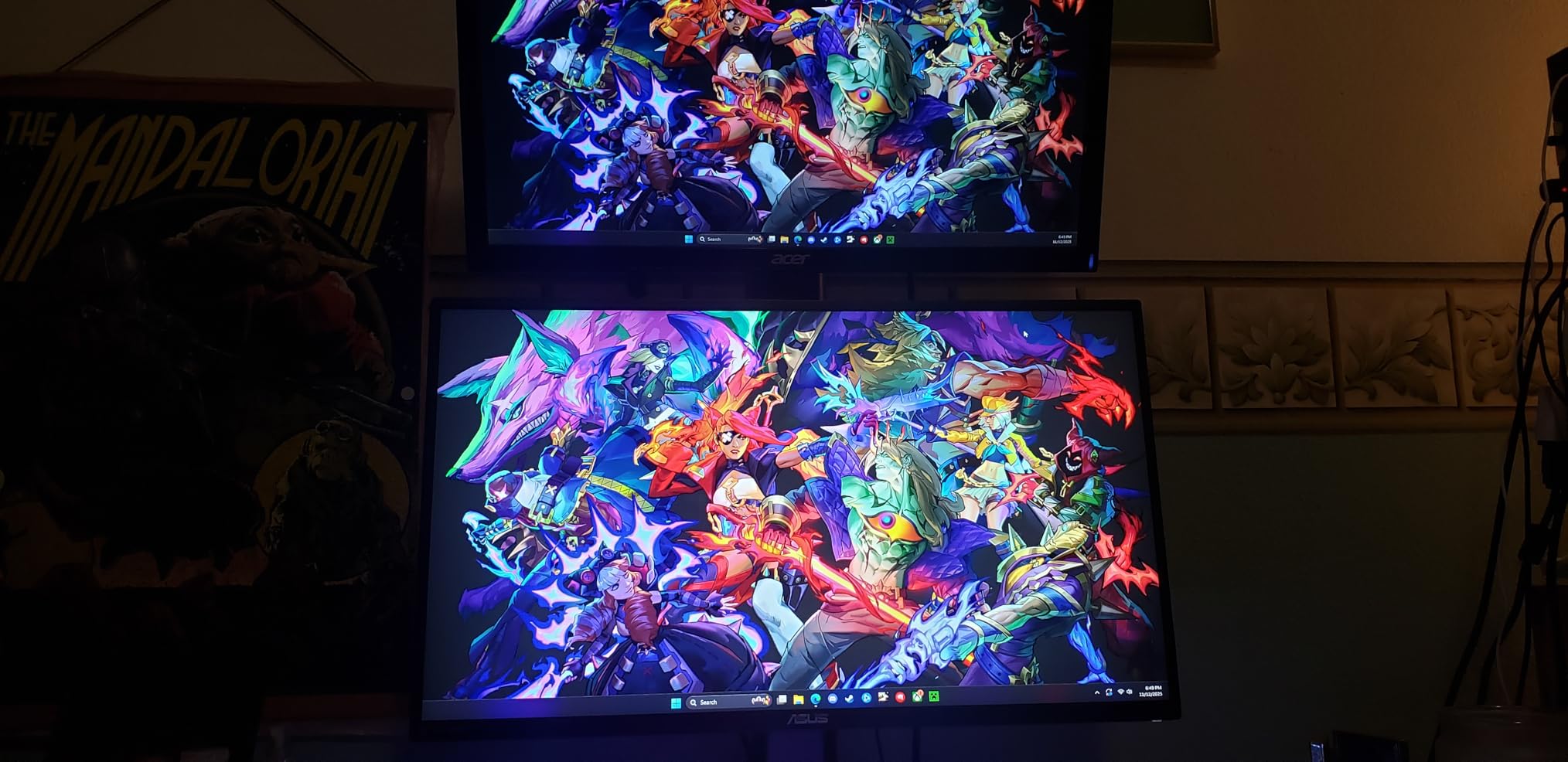
The TUF VG277Q1A is the picture-quality pick in this group. Its VA panel delivers 3000:1 contrast, which is roughly three times what the IPS panels here manage, and that difference is obvious the moment you view dark scenes or a night-time game.
Brightness is listed at 1199.1 lumens, which translates to a bright panel for a budget unit, and the Shadow Boost feature lifts detail in dark areas without overexposing highlights. It is a genuinely useful gaming feature rather than a checkbox.
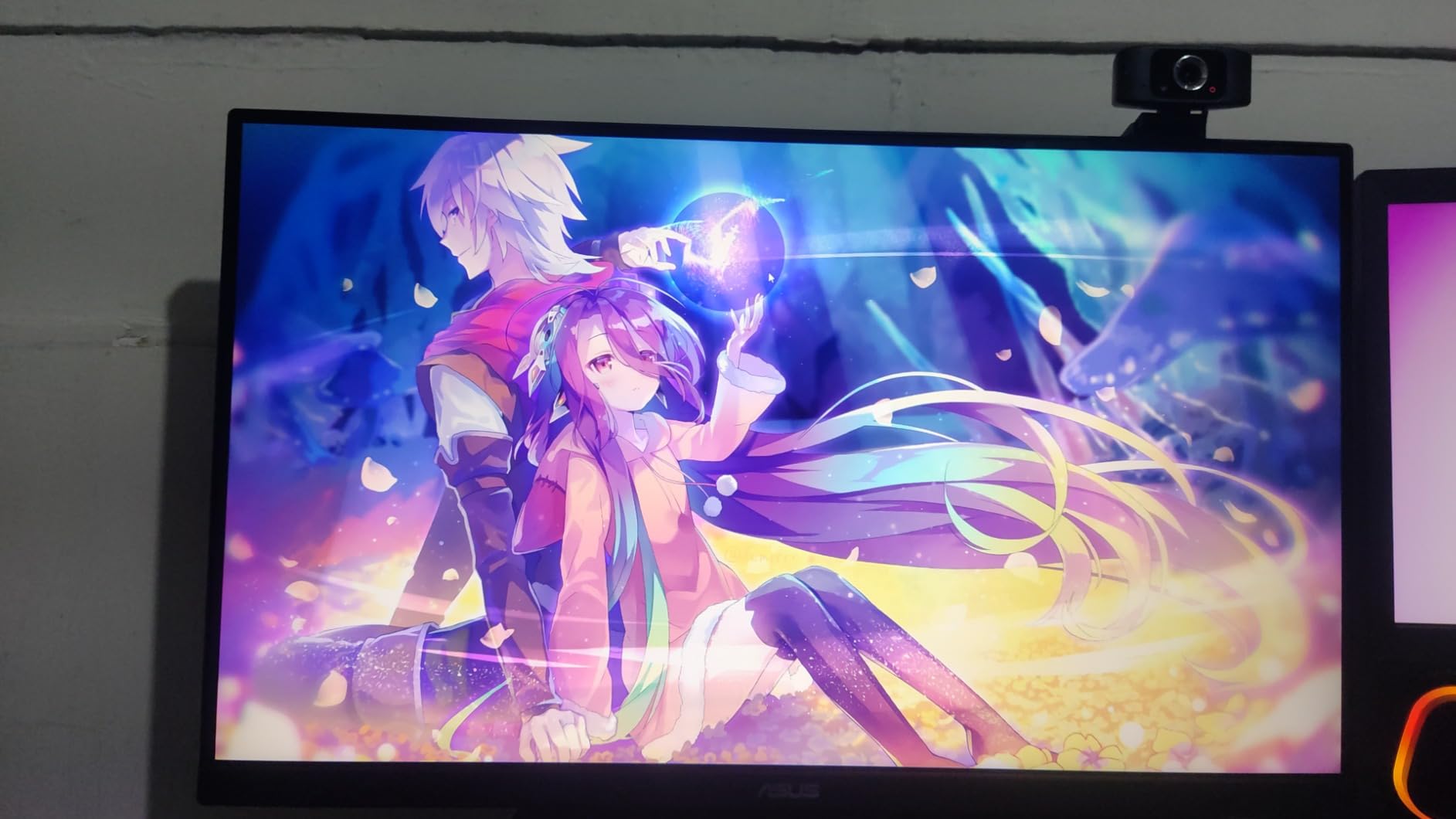
At 165Hz with FreeSync Premium, the panel is fast enough for competitive shooters without the softness of a 120Hz screen, and the ELMB processing gives a 1ms MPRT figure. The ASUS three-year warranty with advance replacement adds confidence on a VA panel, which is more prone to dark smearing complaints than IPS.
Owners report buying multiples for multi-monitor setups, which tells you something about consistency. The two included cables mean no extra accessory spend to get it running on whichever input you prefer.
Who should buy the TUF VG277Q1A
Buy it if you play at night, play atmospheric single-player games, or watch a lot of dark content where VA contrast wins. The deeper blacks and higher contrast are the reason to choose this over an equivalent IPS panel.
It also suits anyone who wants a 27-inch screen that is fast enough for competitive play and comfortable enough for long evening sessions, without paying for a 1440p panel. The three-year warranty with advance replacement is a genuine bonus in this bracket.
Who should skip the TUF VG277Q1A
Skip it if your desk work involves large spreadsheets or reading long documents, because VA panels have narrower viewing angles than IPS and dark text on a dark background can look uneven from the side. The side-to-side colour shift on VA is real, not imagined.
Skip it if your stand situation is awkward. The included stand sits low and offers no height adjustment, so on a taller desk you will almost certainly add a monitor arm. Budget for that as a separate purchase.
3. SANSUI ES-G27C1 PRO – Best Budget Gaming Monitor for 240Hz Speed
SANSUI 27 Inch Curved 240Hz Gaming Monitor FHD 1080P, 1500R Curve Computer Monitor, 130% sRGB, 4000:1 Contrast, HDR, FreeSync, MPRT 1Ms, Low Blue Light, HDMI DP Ports, Metal Stand, Cable Incl.
27-inch 1500R curved VA
1920x1080
240Hz
1ms MPRT
4000:1 contrast
300 nits
DCI-P3 95 percent
FreeSync
Pros
- 240Hz refresh rate
- tied with the Dell for the fastest panel in this group
- 4000:1 contrast with HDR mode delivers the deepest blacks here
- 130 percent sRGB and DCI-P3 95 percent coverage is unusual at this level
- Over 7000 owner reviews give the clearest reliability picture in the group
- Light enough at 7.3 pounds to arm-mount easily
Cons
- No built-in speakers so audio needs external gear
- Viewing angles are narrow and the image shrinks off axis
- Some units ghost visibly and need in-game motion blur disabled
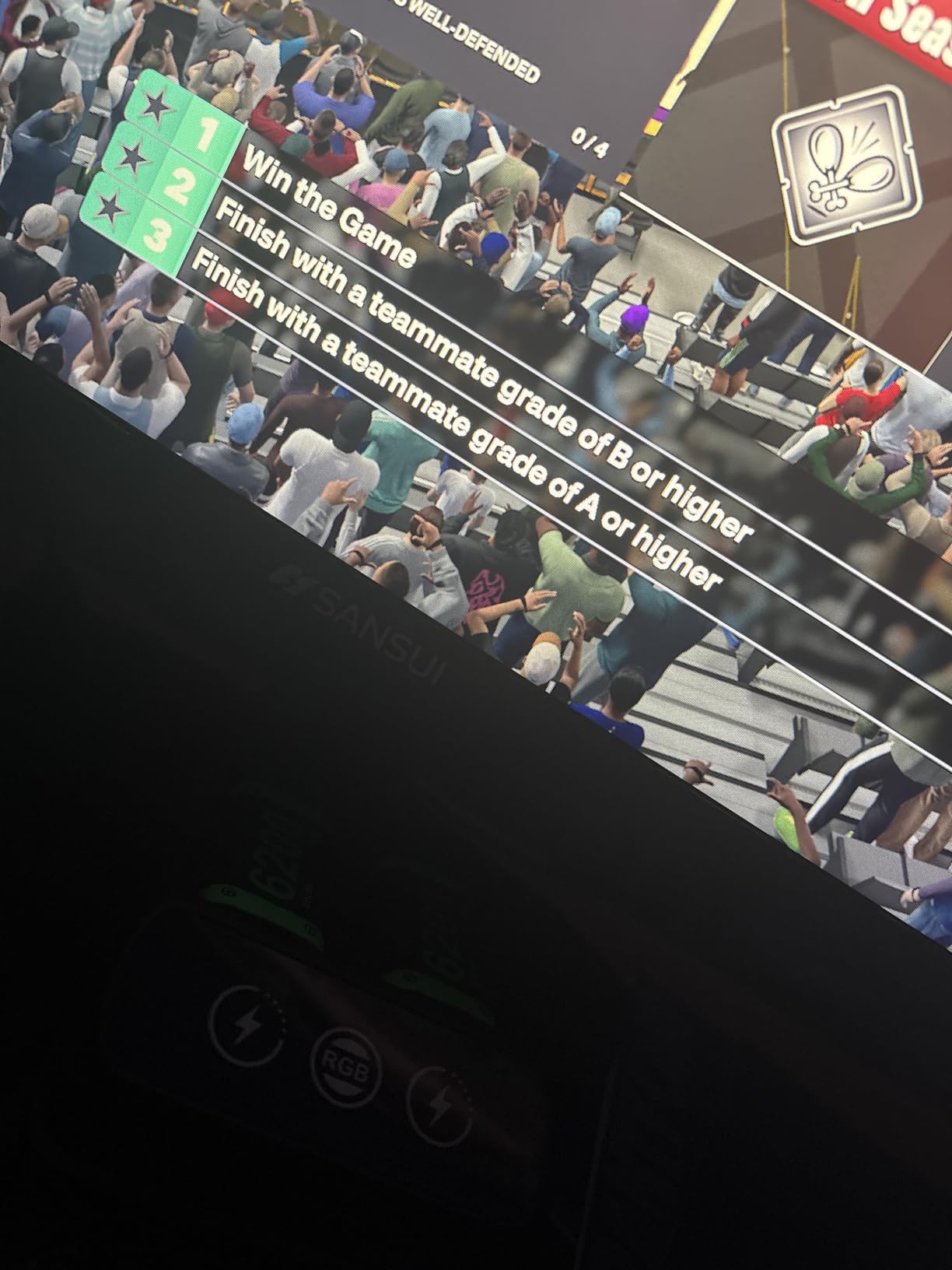
The SANSUI ES-G27C1 PRO is the value speed pick. A 240Hz panel inside the 300 dollar ceiling is genuinely unusual, and on this one it is paired with 4000:1 contrast, which is the highest contrast ratio of any monitor in this group.
The 1500R curve is gentle enough to be invisible in a photograph but effective in practice. Owners who use it for long coding sessions report that the curve works well with text rather than distorting it, which is the usual complaint about aggressive curves.
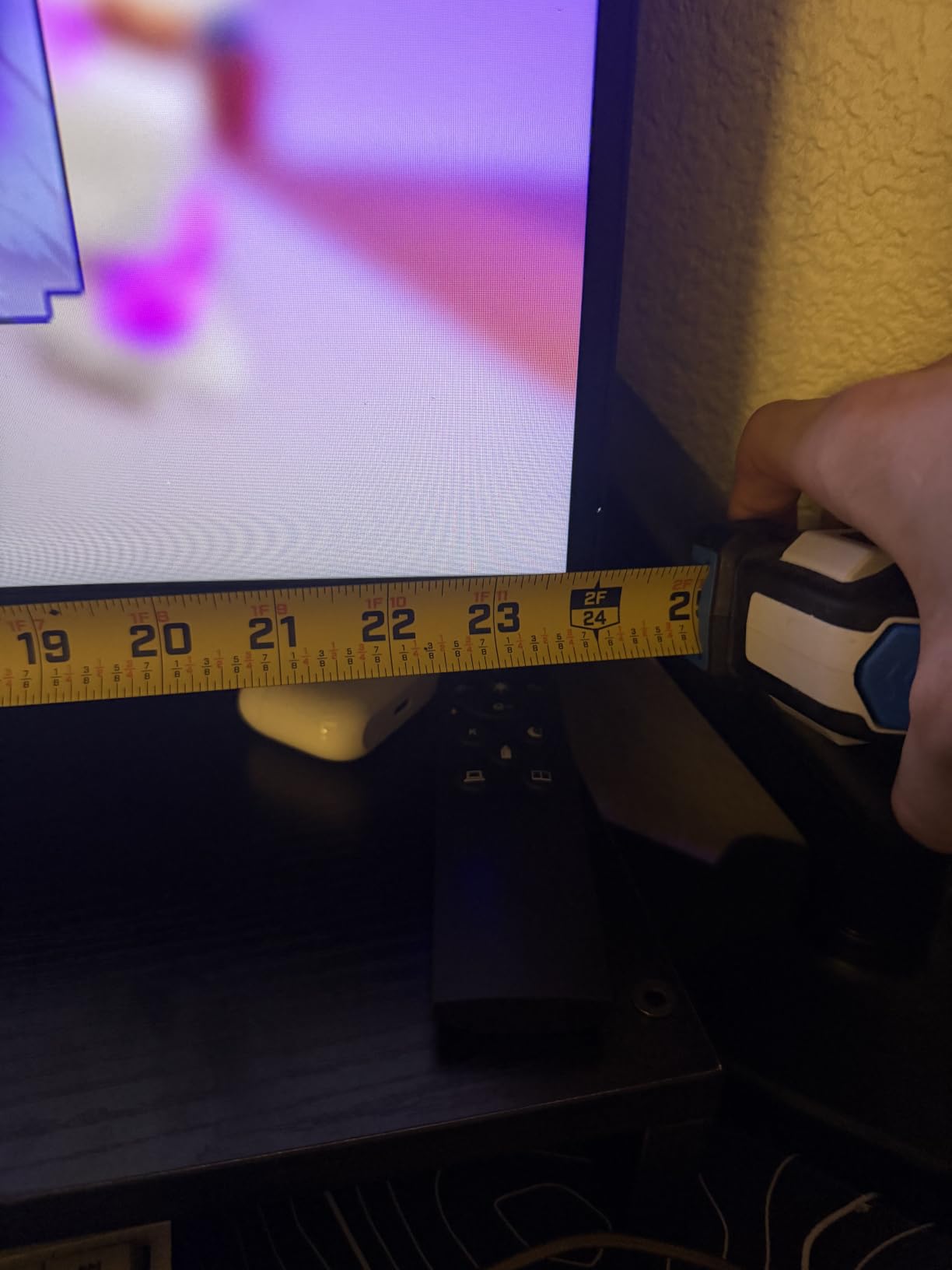
Colour coverage at 130 percent sRGB and DCI-P3 95 percent is a genuine bonus. It means colours in games look less washed out than on the standard 99 percent sRGB panels, and the picture holds up better on a wide desk.
With over 7000 owner reviews behind it, this is the most thoroughly reviewed monitor we looked at, and the pattern in those reviews is consistent: people like the speed and contrast, and they work around the narrow viewing angles.
Who should buy the SANSUI ES-G27C1 PRO
Buy it if you play competitive shooters or fighting games where frame rate matters most, and if you want a curved panel for immersion without leaving the 27-inch 16:9 format. The contrast ratio also makes it a strong choice for cinematic games played in a dim room.
It suits anyone who wants a monitor that will still look good in two years if their GPU improves, since 240Hz is a ceiling that current midrange cards will not reach at 1080p but faster hardware eventually will.
Who should skip the SANSUI ES-G27C1 PRO
Skip it if you sit at an angle to the screen for part of the day. Narrow viewing angles are the trade-off for the curve and the high contrast, and the image visibly shrinks and dims at extreme off-axis positions.
Skip it if you want built-in audio. There are no speakers in this chassis, only a 3.5mm audio jack, so budget for a separate solution or add a headset from our budget gaming speaker roundup.
4. Samsung Odyssey G5 G51F – Best 1440p Gaming Monitor Under USD 300
Samsung 27″ Odyssey G5 (G51F) Series QHD (1440P) Gaming Monitor
27-inch QHD VA
2560x1440
180Hz
1ms
300 cd per m2
3000:1 contrast
HDR10
FreeSync
Pros
- 1440p at 180Hz pairs the sharpest resolution here with a high refresh rate
- Only monitor in this group with height pivot and tilt adjustment on the stand
- 1.7x the pixel density of Full HD makes desktop text noticeably crisper
- Black Equalizer helps locate enemies in shadowed areas
- Built-in virtual aim point assists first-person shooters
Cons
- VA panel shows some black smearing on dark transitions
- On-screen UI is poorly documented so refresh rate changes confuse new users
- Standby power LED is bright enough to notice at night
The Samsung Odyssey G5 G51F is the best 1440p gaming monitor under USD 300 in this group, and it solves the resolution problem that limits every 1080p pick here. At 2560×1440 it delivers 1.7 times the pixel density of Full HD, which is a large, immediately visible difference in text, icons and HUD elements.
You keep a high refresh rate with it: 180Hz and a 1ms response figure, with 300 cd per m2 brightness and 3000:1 contrast from the VA panel. HDR10 support is present, and while budget HDR is not the same as a certified high-brightness panel, it does add visible highlight punch over SDR.
The stand is the sleeper feature. Height, pivot and tilt adjustment on a monitor inside this ceiling is rare, and it removes the single most common complaint across the rest of this list, which is a stand that cannot be positioned properly on a normal desk.
Three USB ports alongside two HDMI and one DisplayPort add hub functionality you rarely get at this level, and the metal stand and tool-free assembly feel more substantial than the plastic builds elsewhere in the range.
Who should buy the Odyssey G5 G51F
Buy it if you use your PC for work during the day and gaming at night, since 1440p IPS-quality text handling plus an adjustable stand is the combination most buyers want. It also suits anyone who has moved on from a 24-inch 1080p screen and wants more desktop room.
It is a good match for a midrange GPU. At 1440p, most cards of this class can hold a high frame rate at lower settings, and if you pair it with the right hardware you can use upscaling to reach 180Hz more often than you might expect.
Who should skip the Odyssey G5 G51F
Skip it if you dislike VA panel behaviour. The black smearing on dark-to-dark transitions shows up in dark menus, dark corridors and video content, and it is a real characteristic of the panel rather than a fault.
Skip it if you are sensitive to small lights in a dark room. The standby LED is the one hardware complaint that appears repeatedly in owner reviews and is easy to disable in the menu once you know where it lives.
5. Acer Nitro KG271U N3bmiipx – Best 1440p Gaming Monitor for Sharpness and Colour
Acer Nitro 27in QHD 2560×1440 IPS 180Hz Gaming Monitor KG271U N3bmiipx
27-inch QHD IPS
2560x1440
180Hz
0.5ms GTG
250 cd per m2
DCI-P3 95 percent
HDR10
FreeSync
Pros
- QHD IPS at 180Hz with 0.5ms GTG is the sharpest spec combination here
- DCI-P3 95 percent colour coverage with HDR10 support
- Thin ZeroFrame bezels suit dual-monitor and monitor-arm setups
- Three-year parts and labor warranty
- Owners regularly buy two for a matched pair
Cons
- Included stand is flimsy with no height adjustment
- Brightness feels low in standard mode in a well lit room
- Extreme overdrive setting produces visible overshoot
The Nitro KG271U is the pick if the image quality matters more to you than the stand. A 27-inch 1440p IPS panel at 180Hz with a 0.5ms GTG response figure is the best combination of sharpness and speed in this group, and IPS gives far more consistent colours than the VA alternatives.
DCI-P3 95 percent coverage is worth calling out. That figure means the panel covers most of the wide-gamut space used in cinema and modern games, so saturated colours look correct rather than boosted, which also makes it the safer choice if you edit photos on the same screen.
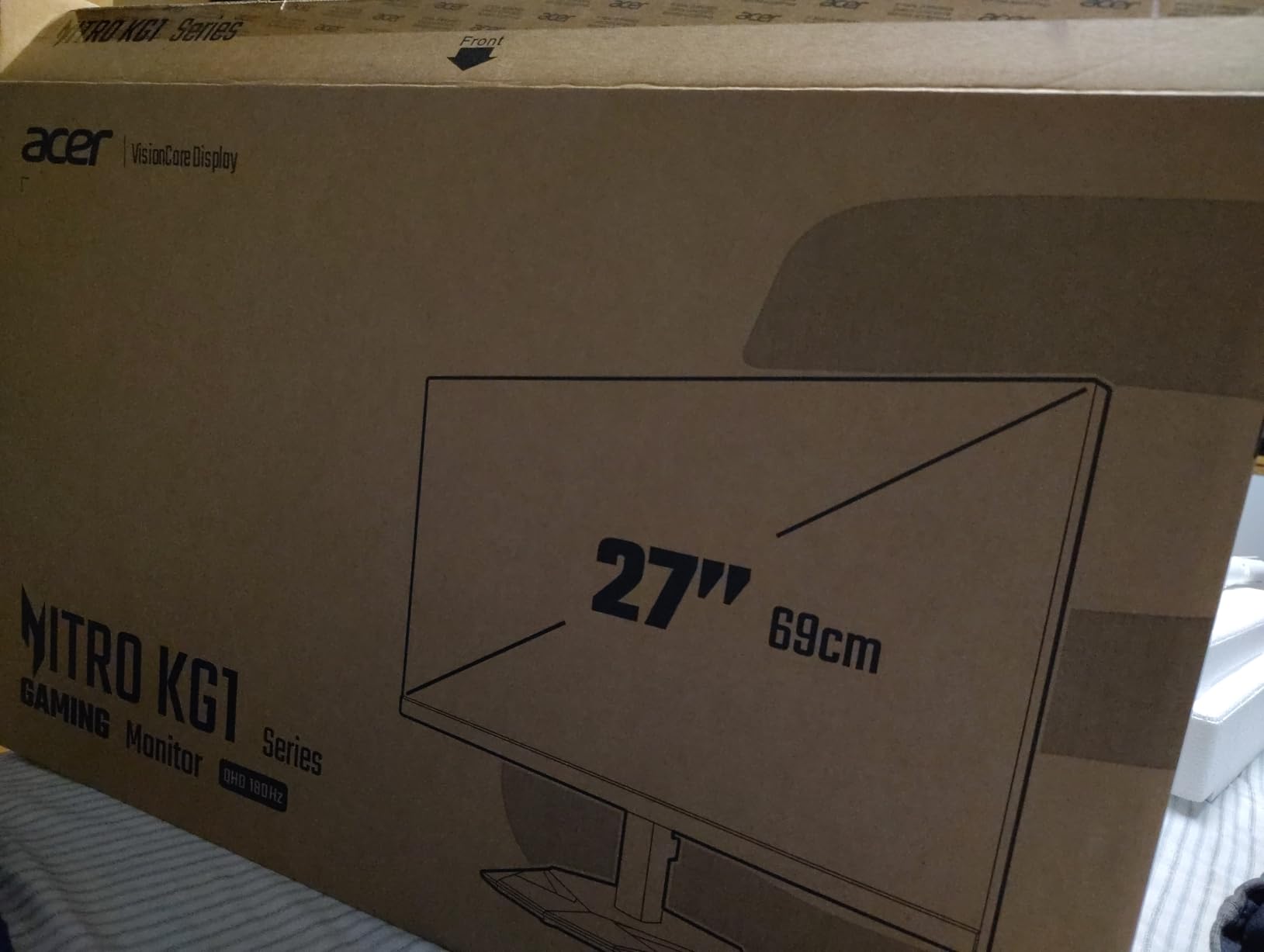
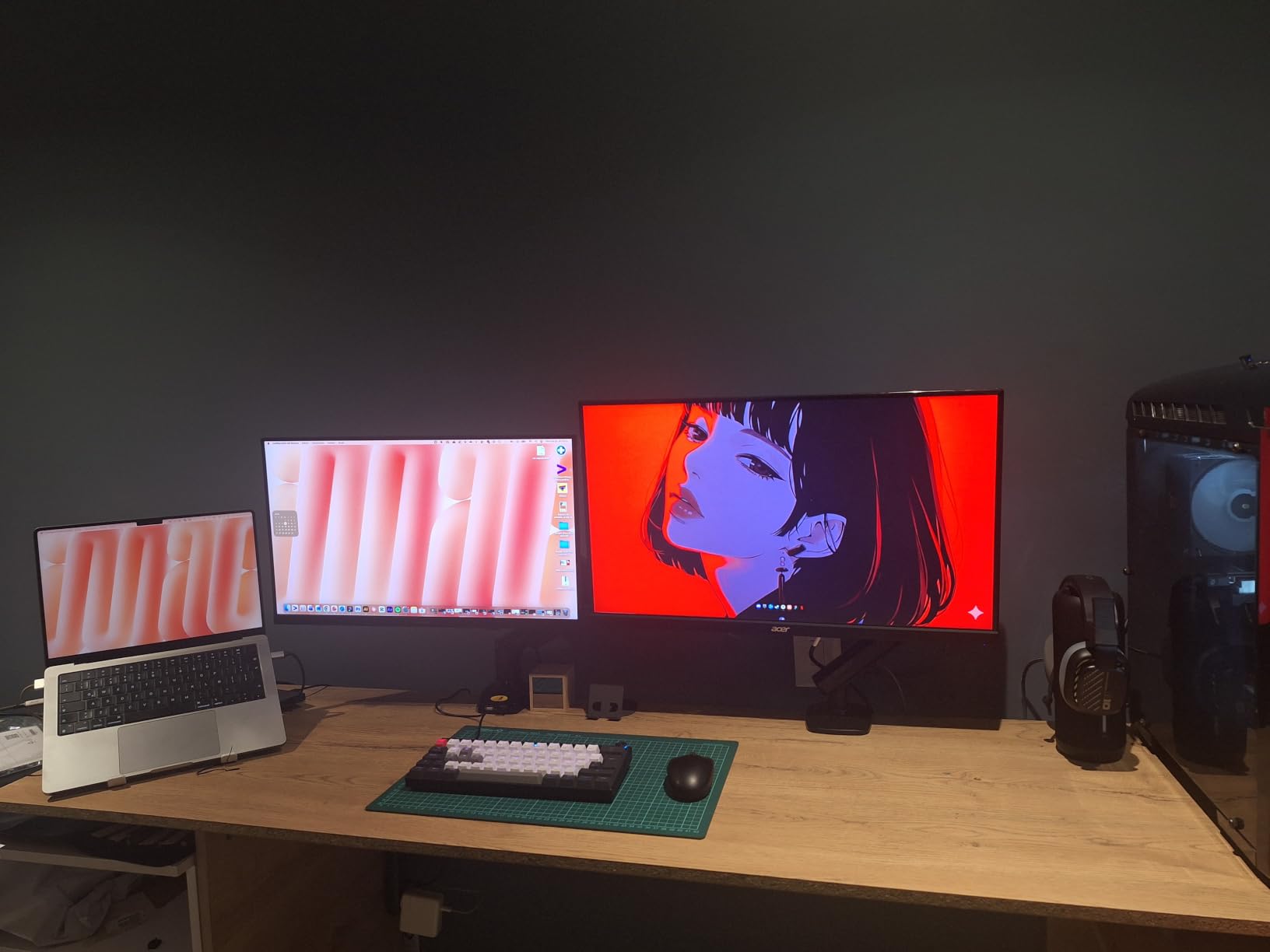
Owner feedback is unusually consistent on the advice: buy a monitor arm. The included stand is light and has no height adjustment, and once it is replaced with an arm this panel becomes a genuinely strong all-rounder with a three-year parts and labor warranty behind it.
One setting to be careful with is overdrive. The Extreme mode introduces visible overshoot artefacts around moving edges, so most owners leave it off or on minimum, where the 180Hz native refresh rate is already fast enough.
Who should buy the Acer Nitro KG271U
Buy it if you want 1440p sharpness with IPS colour consistency, especially if your desk is dual-purpose. The wide viewing angles mean the picture holds up when you lean back or turn your head, which the VA panels here cannot do.
It also suits colour-adjacent work, since DCI-P3 coverage and accurate IPS rendering make it a reasonable second screen for basic photo and video editing without leaving your main setup.
Who should skip the Acer Nitro KG271U
Skip it if your room is brightly lit and you cannot change the picture settings. At 250 cd per m2 in standard mode, it is one of the dimmer panels here, so in a sunlit room the image can look washed out until you push brightness up.
Skip it if you refuse to buy an additional monitor arm. The stand really is the weak point, and on a desk with any height to it you will end up looking down at the screen all day.
6. Dell SE2726HG – Best 240Hz IPS Gaming Monitor for Competitive Gaming
Dell 27 240Hz Gaming Monitor – SE2726HG – 27-inch FHD (1920×1080) 240Hz Display, in-Plane Switching (IPS) Technology, AMD FreeSync Premium, TÜV 3-Star, 2X HDMI, DisplayPort 1.4, Tilt
27-inch Fast IPS
1920x1080
240Hz
0.5ms response
300 nits
99% sRGB
FreeSync Premium
Pros
- 240Hz on an IPS panel which is rare at this level
- TUV Rheinland 3-star eye comfort certification
- FreeSync Premium plus HDMI VRR for tear-free play
- Three-year warranty
- 99% sRGB colour coverage for accurate colour
Cons
- 1080p across 27 inches is the softest image here for text work
- Tilt-only stand with no height swivel or pivot
- Only one DisplayPort alongside two HDMI ports
The Dell SE2726HG solves a problem most 240Hz panels create. Almost every other high-refresh option at this budget uses a VA panel, which means narrow viewing angles and dark smearing, but this one runs 240Hz on a fast IPS panel instead.
That combination makes it the most comfortable high-refresh screen in the group. FreeSync Premium and HDMI VRR handle tear-free play, and the 0.5ms response figure keeps motion clean without needing aggressive overdrive cranking.
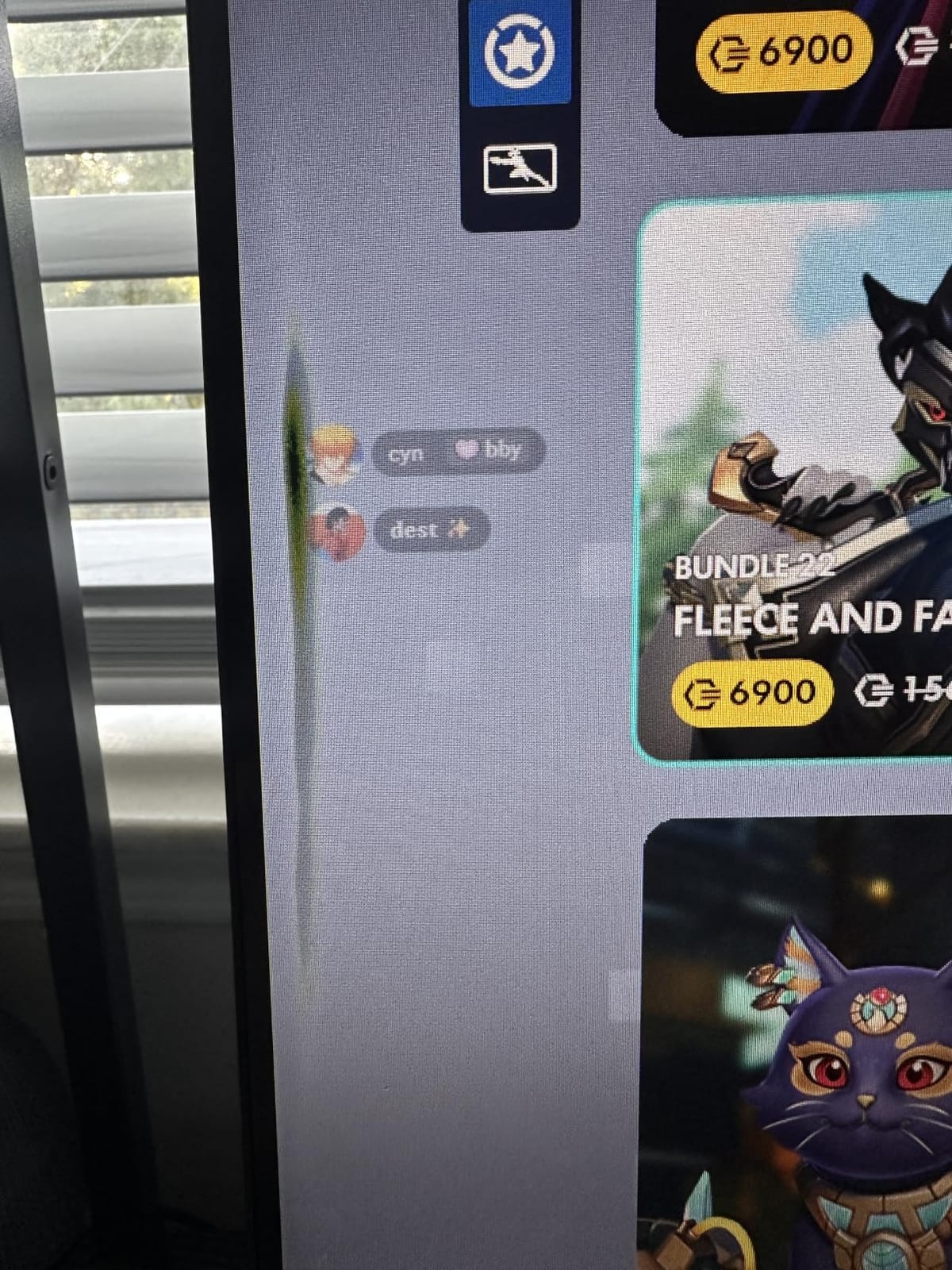
The TUV Rheinland 3-star eye comfort certification is a small detail with a real effect. It signals that flicker was measured and controlled, which is worth knowing if you play late into the night or work long shifts in front of the screen.
Owner feedback on this model is positive on speed and colour, with the recurring note that 1080p at 27 inches is not as sharp as the 1440p alternatives. That is a fair trade if frame rate is your priority.
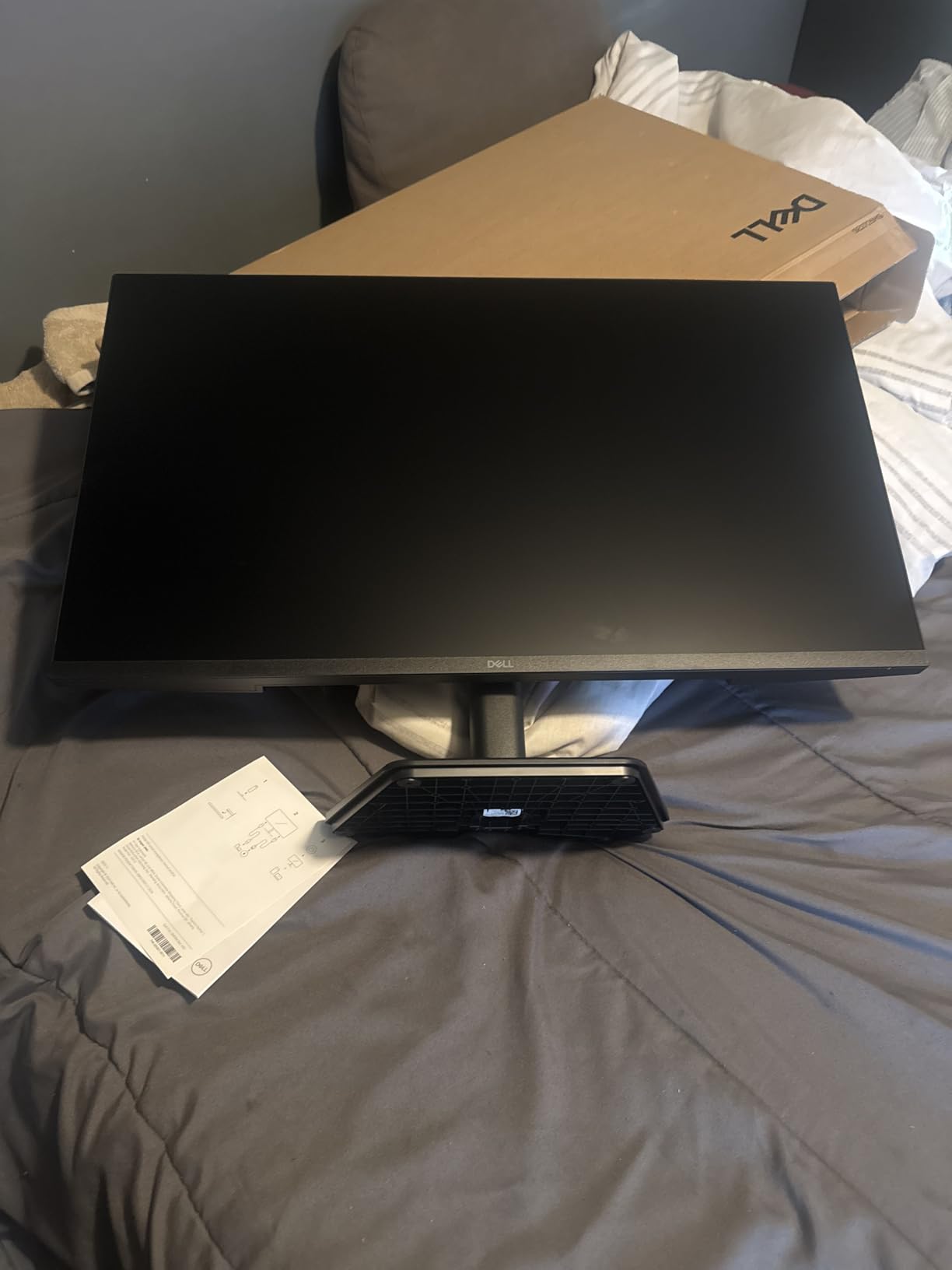
Who should buy the Dell SE2726HG
Buy it if you play competitive shooters, and you have noticed that VA panels smear in dark areas. At 240Hz on IPS, you get the speed without the smearing, and the wide viewing angles mean the picture holds up if you are not sitting dead centre.
It also suits anyone who wants a high-refresh screen without giving up accurate colour. 99% sRGB coverage renders game colours the way the developers intended, which competitive players often notice more than they expect.
Who should skip the Dell SE2726HG
Skip it if you do a lot of reading and document work on the same screen. Full HD across 27 inches produces the largest pixels of any 27-inch monitor here, and the difference against a 1440p panel is obvious in text.
Skip it if you need stand adjustment. Tilt is the only movement available, so plan on a monitor arm from the start or accept an awkwardly low screen position.
7. ASUS TUF Gaming VG247Q1A – Best 24-Inch Gaming Monitor for Small Desks
ASUS TUF Gaming 24” 1080P Monitor (VG247Q1A) – Full HD, 165Hz (Supports 144Hz), 1ms, Extreme Low Motion Blur, Adaptive-sync, FreeSync Premium, Shadow Boost, Speakers, Eye Care, HDMI, DisplayPort
24-inch
1920x1080
165Hz (144Hz supported)
1ms MPRT ELMB
350 cd per m2
FreeSync Premium
Pros
- 350 cd per m2 panel is brighter than most in this group
- 165Hz with ELMB motion blur handling in a compact 24-inch frame
- Two HDMI plus DisplayPort and two USB ports on the body
- DisplayPort and HDMI cables plus power cord included in the box
- Three-year warranty with advance replacement
Cons
- No height adjustment on the stand
- On-screen menu is difficult to navigate for advanced options
- Some buyers report units arriving with dead pixels
The TUF VG247Q1A is the pick when desk space is the constraint. At 24 inches it fits where a 27-inch panel will not, and 1080p on a smaller screen means the pixel density problem is much less noticeable than on the larger models.
At 165Hz with FreeSync Premium it is still fast enough for competitive shooters, and the Extreme Low Motion Blur processing produces a 1ms MPRT figure. The panel is rated at 350 cd per m2, which is the brightest specification in this group, and that shows in a room with daylight.
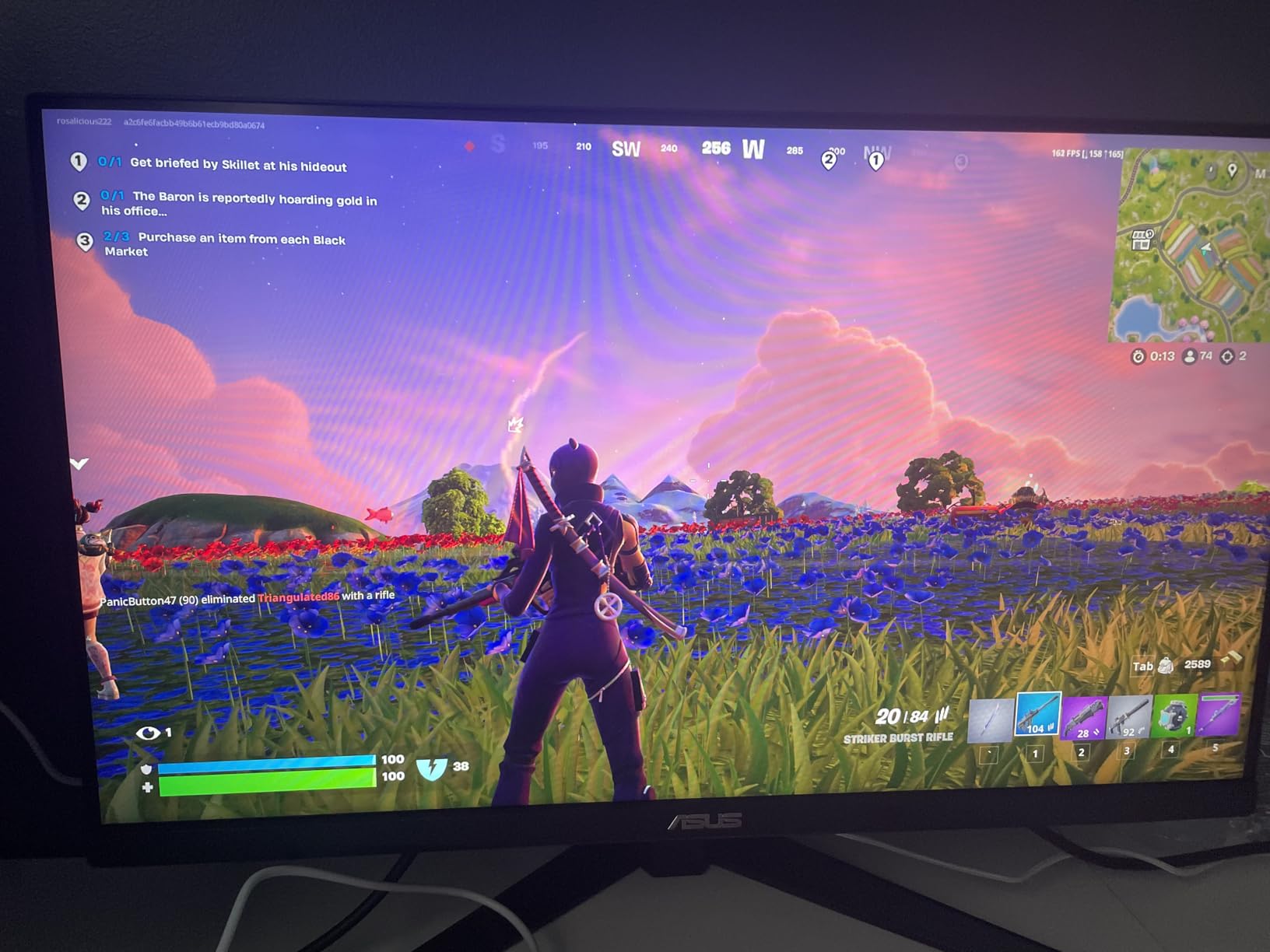
The port selection is unusually generous for the size, with two HDMI, one DisplayPort and two USB ports, plus both cables in the box. For a second display in a dual-monitor build, that makes cable management much easier.
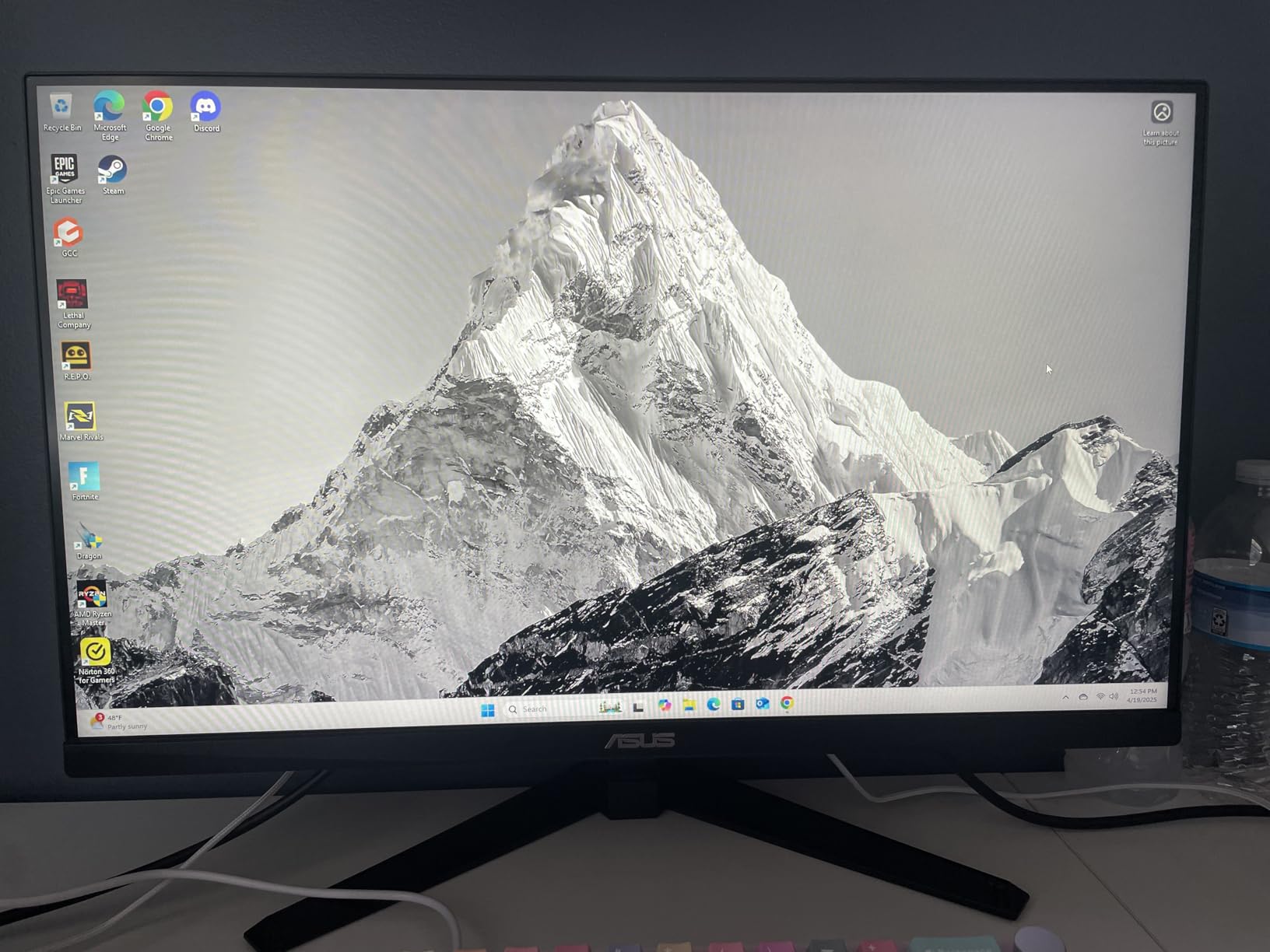
Owners frequently mention inspecting the panel on arrival, because a small number of units arrive with dead pixels. That is normal for the category, and the three-year warranty with advance replacement is what makes it a non-issue rather than a return-window headache.
Who should buy the TUF VG247Q1A
Buy it if your desk is small, if you are building a two-monitor setup, or if you want a bright panel for a well-lit room. The 24-inch footprint and included cables make it the least fussy option in this list to set up.
It also suits anyone moving up from a 60Hz office screen who wants high refresh and proper adaptive sync without moving to a larger, sharper panel that would dominate a small desk.
Who should skip the TUF VG247Q1A
Skip it if you want the sharpest possible image. You give up the 1440p detail that the Acer Nitro and Samsung Odyssey provide, and this is the only reason to step up a size at the same budget.
Skip it if you need a stand you can adjust. Height adjustment is absent, so the screen sits at a fixed low position unless you add an arm.
8. Sceptre E248B-FPT168 – Best 24-Inch IPS with the Most Ports
Sceptre 24-Inch Gaming Monitor, 99% sRGB, 1ms, Up to 180Hz, FreeSync, Eye Care, FPS/RTS, DisplayPort, HDMI, Built-in Speakers, Machine Black (E248B-FPT168 Series)
24-inch IPS
1920x1080
180Hz max
1ms response
300 nits
99% sRGB
FreeSync
3x HDMI and DP
Pros
- Three HDMI ports plus DisplayPort
- the most inputs of any 24-inch monitor here
- Up to 180Hz on an IPS panel with a 1ms response figure
- Built-in speakers save a desk slot and a cable
- 99% sRGB with 178-degree viewing angles
- Blue light shift mode and flicker-free dimming for long sessions
Cons
- Built-in speakers have almost no bass
- Short stand offers limited tilt adjustment
- On-screen menu is driven by four rear buttons only
The Sceptre E248B-FPT168 is the connectivity pick. Three HDMI ports, one DisplayPort 1.6 and an audio port is the most generous port count in this group, which matters more than people expect in a household with a console, a PC and a streaming device competing for inputs.
On the display side it is a solid 24-inch IPS panel running up to 180Hz with a 1ms response figure, 300 nits, 99% sRGB and 178-degree viewing angles. That is a genuinely good spec sheet at the bottom of the budget range, and owners consistently treat it as a large upgrade from 60Hz TN panels.
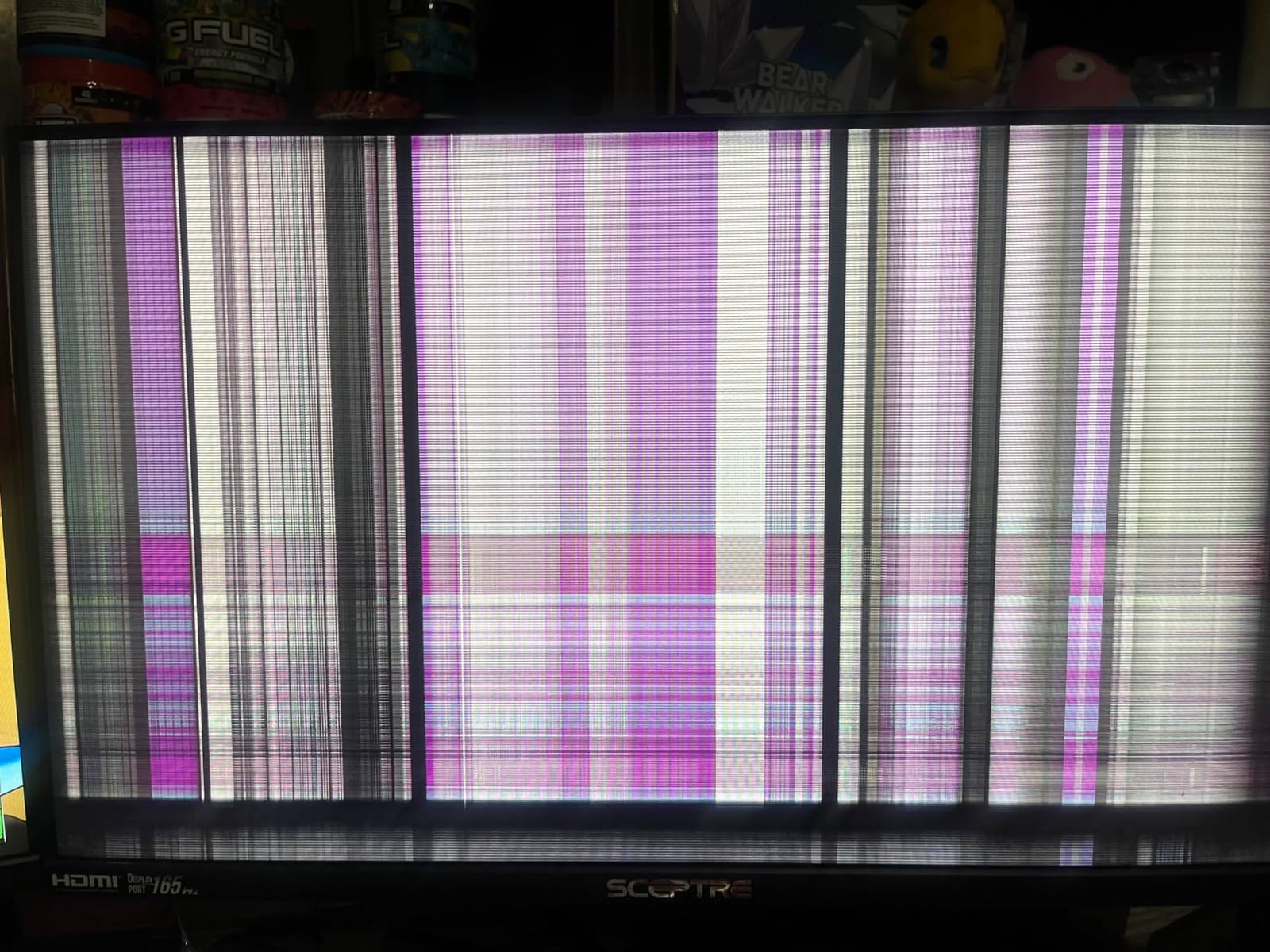
FreeSync works reliably according to owner feedback, including on Intel integrated graphics, which is useful if you are building a compact office and gaming system without a dedicated card. The VESA 100x100mm mount gives you an arm or wall option too.
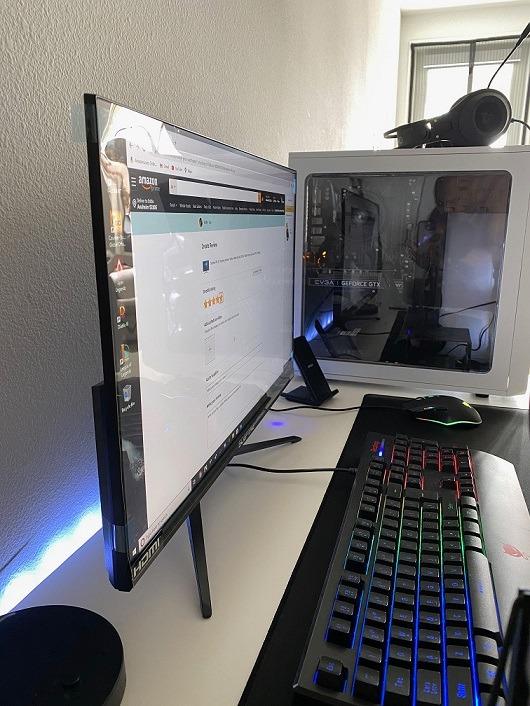
The build is thinner and more plastic-feeling than the Acer and ASUS models here, and the rear buttons are the only route into a menu system that reviewers describe as awkward. Neither issue affects the picture.
Who should buy the Sceptre E248B-FPT168
Buy it if you are connecting several devices and want to avoid an HDMI switch. Three HDMI inputs plus DisplayPort covers a PC, a console and a streaming device with room to spare, and the built-in speakers cover basic desktop audio.
It also suits anyone moving from an office monitor who wants a visible step up in motion clarity without spending much, and the wide viewing angles make it forgiving in a shared room where people do not sit square to the screen.
Who should skip the Sceptre E248B-FPT168
Skip it if sound quality matters to you. The built-in speakers are fine for system beeps and video, and owners repeatedly describe them as having almost no bass, so a headset is effectively a requirement.
Skip it if you are tall and sensitive to monitor height. The stand is short with limited tilt adjustment, and the thin plastic-backed panel can flex when you adjust the angle, which is a strong argument for buying an arm instead.
9. Acer Nitro KG241Y Sbiip – Best Budget Gaming Monitor for Warranty Coverage
Acer Nitro 23.8in FHD 1920×1080 180Hz Gaming Monitor KG241Y Sbiip
23.8-inch VA
1920x1080
165Hz up to 180Hz
1ms VRB
250 nits
FreeSync Premium
Three-year warranty
Pros
- Three-year parts and labor warranty at the entry level of this group
- Build feels solid rather than cheap in the hand
- ZeroFrame bezel works well in two-monitor setups
- DisplayPort plus two HDMI with an HDMI cable included
- FreeSync Premium at this price is unusual
Cons
- VA coating adds slight blur and grey or blue glare off axis
- Tilt-only stand with no height adjustment
- Several default settings need manual correction for accurate colour
The Nitro KG241Y is the sturdiest-looking entry in this group, and it is backed by a three-year parts and labor warranty. On a budget monitor, build quality is something you feel immediately, and this one does not feel cheap.
The panel is 23.8-inch VA at up to 180Hz with 1ms VRB response and FreeSync Premium, so you lose nothing on the specification front. FreeSync Premium at this bracket is uncommon, and the ZeroFrame bezel makes it a good candidate for a two-monitor build.
Owners note that the out-of-box picture needs adjustment for accurate colour, which is common on VA panels, and that brightness at 250 nits is adequate rather than generous. A ten-minute session in the on-screen menu solves both.
There are isolated reports of units arriving with damaged or defective panels, but the warranty is what makes that a non-event here. With three years of parts and labor coverage, a swap does not depend on a short return window.
Who should buy the Acer Nitro KG241Y
Buy it if you want the longest warranty in this group and expect to keep the monitor for several years. Coverage of three years on parts and labor is meaningful for a panel that is exposed to heat, dust and daily twelve-hour sessions.
It also suits anyone who wants a solid VA picture with high contrast for dark games, and who prefers a 23.8-inch footprint that fits a smaller desk without crowding it.
Who should skip the Acer Nitro KG241Y
Skip it if viewing angles matter to you. The VA coating on this model produces grey or blue glare off axis, so the picture degrades faster than IPS when you are not sitting square to the screen.
Skip it if you want out-of-box accuracy. Several default settings need manual correction before colours look right, and if you are not willing to spend that time, an IPS model with 99 percent sRGB out of the box is the better fit.
10. LG UltraGear 24G411A-B – Best Budget Gaming Monitor for Console and PC
LG 24G411A-B 24-inch Ultragear Full HD (1920 x 1080) IPS Gaming Monitor, 144Hz (O/C), 1ms MBR, NVIDIA G-Sync Compatible, AMD FreeSync, HDR10, HDMI, DisplayPort, Slim Stand, Black
23.8-inch IPS
1920x1080
120Hz/144Hz OC
1ms MBR
250 cd per m2
G-SYNC Compatible
FreeSync
HDR10
Pros
- Only monitor here validated as both G-SYNC Compatible and FreeSync
- 144Hz overclock on top of 120Hz native
- Black Stabilizer and Crosshair help in dark shooters
- Thin bezel and slim stand suit a second display role
- Owners frequently pair two for a matched setup
Cons
- Factory stand wobbles easily with no height or pivot adjustment
- No built-in speakers and no USB-C connectivity
- Picture needs tuning out of the box and 144Hz mode can show red pixel artifacts
The LG UltraGear 24G411A-B is the one to buy if you switch between a console and a PC. It is validated as both NVIDIA G-SYNC Compatible and AMD FreeSync, which makes VRR work regardless of which side of the ecosystem your hardware comes from.
It runs at 120Hz natively and can be overclocked to 144Hz, with 1ms Motion Blur Reduction for fast action. Black Stabilizer brightens shadowed areas so you can find enemies in dark scenes, and the crosshair overlay is a genuinely useful addition for first-person shooters.
Owners single out this model as a good console display, since 120Hz and HDR10 cover what a current-generation console outputs, and the thin bezel and slim stand make it easy to position as a secondary screen beside a main display.
Two things need attention on arrival. The stand wobbles, so most owners put it on an arm, and the picture should be tuned before you judge it, since out-of-box brightness and colour are unremarkable on this model.
Who should buy the LG UltraGear 24G411A-B
Buy it if you own an NVIDIA card and a console, or you plan to switch GPU brands. Supporting both G-SYNC Compatible and FreeSync removes the guesswork, and there is no equivalent dual-certified panel elsewhere in this group.
It also suits anyone building a two-monitor desk, since the slim bezel and 23.8-inch size pair cleanly with a larger main display without dominating the desk width.
Who should skip the LG UltraGear 24G411A-B
Skip it if your GPU drives a 1080p midrange card at high frame rates and you want to use them. Native 120Hz with a 144Hz overclock is a real step down from the 165Hz and 180Hz models here.
Skip it if you need a stable factory stand. The instability shows up when you adjust the panel or type at the desk, and the 144Hz overclock mode has been reported to introduce red pixel artefacts on some units, so treat it as a bonus tier rather than the default.
11. Z-Edge UG27F – Best Entry-Level 27-Inch 180Hz Monitor
Z-Edge 27 inch 180Hz 165Hz Gaming Monitor, FHD 1080p, MPRT 1ms
27-inch IPS
1920x1080
180Hz
1ms MPRT
300 nits
1000:1 contrast
FreeSync
178-degree viewing angles
Pros
- 27 inches and 180Hz together at the entry level of this list
- IPS panel with 178-degree viewing angles and flicker-free dimming
- Built-in crosshair and per-genre game mode presets
- 100x100mm VESA mount for arms and multi-monitor setups
- Over 4700 owner reviews to judge reliability on
Cons
- Stand cannot be tilted rotated or raised
- Out-of-box picture is washed out and needs adjustment
- A small number of owners report slow or failed power-up
The Z-Edge UG27F delivers the combination most buyers assume is out of reach at the bottom of the budget range: a 27-inch IPS panel running at 180Hz. The 1000:1 contrast and 300-nit brightness are ordinary, but the size and refresh rate together are not.
FreeSync handles tear-free motion, and the built-in crosshair and per-genre game mode presets save you from digging through an on-screen menu before each session. The 100x100mm VESA mount makes it easy to put on an arm, which it needs.
Owners note that the picture is washed out until it is calibrated, which is normal for this price bracket and easily fixed in the OSD. The 178-degree viewing angles mean the picture holds up well from the side, which is a genuine advantage of IPS here.
There is a small but real reliability wrinkle. A small number of owners report units that took a long time to wake or would not hold power, and that is what keeps the average rating below the 4.5 mark most competitors in this list hold.
Who should buy the Z-Edge UG27F
Buy it if you want the largest screen and the highest refresh rate you can get at the cheapest end of this list. Nothing else here pairs 27 inches with 180Hz at the bottom of the price range.
It also suits anyone who will spend ten minutes in the on-screen menu and wants a properly tuned IPS picture afterwards, plus a monitor arm to replace the fixed stand.
Who should skip the Z-Edge UG27F
Skip it if you want to sit down, plug it in and get a good picture immediately. Out-of-box colour accuracy needs work, and the OSD navigation is fiddly enough that calibration takes some patience.
Skip it if you care about desk ergonomics. The stand offers no tilt, rotation or height movement, so the panel sits at one fixed height and angle with no way to adjust it short of an arm.
12. Amazon Basics 27M2020GPNA – Best Budget Gaming Monitor With USB-C
Amazon Basics 27 inch Gaming Monitor, FHD 1080P, 165Hz, VESA Compatible, Adaptive sync, 1ms Response, Black
27-inch IPS
1920x1080
165Hz
1ms response
1000:1 contrast
170-degree viewing angles
FreeSync
USB-C
Pros
- Only monitor here with a USB-C port alongside HDMI and DisplayPort
- 165Hz IPS at 27 inches at the cheapest bracket of this list
- Adaptive sync keeps motion tear free at both ends of the range
- VESA 75x75 mount works for arms and wall mounting
- Matte anti-glare finish suits a bright room
Cons
- Only one HDMI port alongside DisplayPort and USB-C
- Tilt-only stand with no height adjustment
- One-year warranty is shorter than most here and the protective film must come off first
The Amazon Basics 27M2020GPNA is the connectivity outlier in this list. It is the only monitor here with a USB-C input, alongside HDMI and DisplayPort, and that single port can simplify a laptop or tablet setup considerably.
The panel itself is a 27-inch IPS at 165Hz with a 1ms response figure, 170-degree viewing angles and FreeSync. That is a solid spec sheet for the cheapest 27-inch entry here, and owners consistently rate the refresh rate to price ratio as the reason to buy.
The matte anti-glare finish is a practical choice for a bright room, and the VESA 75×75 mount gives you arm or wall options, which matters because the supplied stand only tilts. The IPS panel is the right technology if you will move your head around the screen.
Two small things catch people out. The protective film needs removing before use, which sounds trivial but accounts for a number of first-week complaints, and the one-year warranty is the shortest in this group.

Who should buy the Amazon Basics 27M2020GPNA
Buy it if you want USB-C on a budget gaming monitor, or if you rotate between a laptop and a desktop and want one input that covers both. It is one of very few gaming screens in this bracket that will take a USB-C source.
It also suits anyone who needs 27 inches and 165Hz at the lowest outlay in this list, and who is comfortable with a one-year warranty and a tilt-only stand.
Who should skip the Amazon Basics 27M2020GPNA
Skip it if you run a multi-device setup. One HDMI port plus one DisplayPort is not much room, and a 1.7 times denser 1440p panel is available elsewhere in this list for very little more.
Skip it if warranty length matters to you. One year is the shortest coverage here, and budget panels are exactly where dead pixels and early backlight issues show up, so the longer warranties on the Acer and ASUS models are worth comparing carefully.
Which Graphics Card Should You Have Before Buying
Buy the monitor your GPU can actually feed. A 240Hz panel paired with hardware that renders 70 frames per second shows you 70 frames per second, and you paid for headroom you cannot use.
If you are on an entry or midrange card, the honest situation is that most games at 1080p run above 165 frames per second, so a 165Hz or 180Hz monitor is a sensible target. The 240Hz models in this list only make sense if your card can hold 200 frames or more consistently, or if you are playing competitive shooters where you lock frame rate well below the panel maximum.
Resolution is the bigger decision than refresh rate at this budget. At 1440p you get visibly sharper text and UI, but you need more GPU headroom, and the difference is easiest to see in menus, strategy games and any game with lots of small on-screen detail.
What to Expect at Each Budget Tier
At the cheapest end of the range you get 1080p at 165Hz to 180Hz, which is a huge jump from a 60Hz office panel. The trade-off is a tilt-only stand, a one-year warranty on some models, and a picture that needs calibration.
In the middle of the range, 27-inch 165Hz VA panels with deeper contrast become available, along with brighter 24-inch IPS options. Toward the upper end of this ceiling, 1440p enters the picture and a 27-inch panel with a proper adjustable stand becomes realistic.
Close to the 300 ceiling, you are choosing between features rather than fundamentals: wider colour gamut, USB-C, faster panels, and longer warranty coverage. The jump from the cheapest 1080p model to the most expensive one in this list is large, but the difference between two products in the same tier is often small.
Known Problems to Watch For on Budget Monitors
Every pick in this list has a real weakness. Knowing which one you are signing up for is the difference between a good purchase and a return.
The first is stand limitation. Tilt-only stands are the norm in this bracket, and the fixes are the same: add a monitor arm, which is what most owners of the Acer Nitro KG271U and the ASUS TUF models do, or raise your desk to a workable height. The second is out-of-box calibration. VA panels in particular need colour correction before they look right, while IPS panels need brightness and overdrive adjustments to avoid a washed-out or overshooting image.
The third is dark-transition smearing on VA panels. The Samsung Odyssey G5, the ASUS TUF VG277Q1A, the Acer Nitro KG241Y and the SANSUI all show some version of this, and it is a panel characteristic rather than a fault, so test it in a dark menu before your return window closes. The fourth is narrow viewing angles, which follow the same panel logic and matter most on the curved and VA models.
Finally, dead pixels. Isolated reports of units arriving with dead pixels or damaged panels appear in the owner feedback for several models here, which is normal at this budget. The practical advice is the same: test the panel on arrival with a solid colour on every input you plan to use, and read the return policy before you buy, because the three-year warranties on the Acer models cover you long after a short return window closes.
Is 27-Inch or 32-Inch Better for Gaming
For most people, 27 inches at 1440p is the sweet spot, and 32 inches is better if you want a bigger view or a 32-inch 1080p panel with visibly larger text.
The reason comes down to pixel density. At 27 inches, 1440p gives roughly 109 pixels per inch, which is sharp enough that you stop noticing individual pixels. At 32 inches, 1080p gives about 92 pixels per inch, so pixels become slightly visible and text looks chunkier, which some people prefer for readability and others find distracting.
Size also depends on desk depth and viewing distance. A 32-inch panel needs roughly 70 to 80 centimetres of depth to sit at a comfortable distance, and many compact desks cannot provide that. If you are moving down from a 34-inch ultrawide, a 27-inch 16:9 screen can feel like a downgrade in width, and a 32-inch model is the closer replacement, though a 34-inch ultrawide is the true answer to that question.
At this budget ceiling, 32-inch options are scarce in the set we tested, so the realistic choice is 27 inches. Pick the 24-inch models here if your desk is small, and pick the 1440p models if sharpness matters most to you.
Frequently Asked Questions
What is the best budget gaming monitor under 300 dollars?
The Acer KB272 G0bi is the best all-round pick under 300 dollars, combining a 27-inch IPS panel, 120Hz, Adaptive-Sync, 99% sRGB and a three-year warranty for work and play. Competitive players should choose the SANSUI ES-G27C1 PRO or Dell SE2726HG for 240Hz.
Is 300Hz better than 240Hz for gaming?
At this budget, 300Hz panels are rare and the difference is largely theoretical for most players. A 240Hz monitor paired with a GPU that cannot feed it will not look faster than a 165Hz one. Unless you play competitive shooters at capped low frame rates, the extra hertz is not where to spend your money.
Is a 27 or 32 inch monitor better for gaming?
For most buyers, 27 inches at 1440p is the sweet spot because it reaches about 109 pixels per inch, which keeps text and interface elements sharp. A 32-inch 1080p screen gives about 92 pixels per inch, so pixels become more visible, though the larger view and chunkier text suit some people better.
Is 4K or 1440p better for gaming on a budget?
1440p is the correct answer at this budget. 4K panels in this price range are typically 60Hz office displays rather than high-refresh gaming panels, so a 1440p model at 165Hz or 180Hz will be far better for play. Consider 4K only if your priority is sharp text and documents rather than frame rate.
Does FreeSync work with NVIDIA GPUs?
Yes. Modern NVIDIA graphics cards support FreeSync through the G-SYNC Compatible mode, which works with Adaptive-Sync panels. The LG UltraGear 24G411A-B in this list is certified as both G-SYNC Compatible and AMD FreeSync, so it works without restriction on either brand of card.
Do budget gaming monitors have bad build quality?
Build quality varies more than specifications at this budget. Models from established brands such as ASUS, Acer, Samsung and Dell feel solid in owner feedback, while some generic-branded panels use thin plastic backs and wobbling stands. Panel quality also varies unit to unit, so test for dead pixels on arrival and check the warranty length before buying.
Final Verdict
There is no single best budget gaming monitor under 300 dollars, but there is a single best starting point. If you want one recommendation and nothing else, take the Acer KB272 G0bi, because the IPS panel and three-year warranty hold up across gaming, work and everything in between.
If your priority is speed, go 240Hz with the Dell SE2726HG for clean IPS motion or the SANSUI ES-G27C1 PRO for contrast and a curved panel. If your priority is the sharpest image, the Samsung Odyssey G5 G51F and the Acer Nitro KG271U both give you 1440p at 180Hz, and the Samsung has the stand you actually want.
Check the live price before you buy, since this category moves weekly, and add a monitor arm to whichever model you choose. Prices and availability were confirmed on October 2026, and the best budget gaming monitors under 300 dollars change with the sale calendar more than with the hardware.