
The hardest part of buying the best laptops for engineering students is not the processor list. It is guessing, in September, what your program will demand four years from now when you are running a 2 million face finite element mesh on a laptop that cost less than a used car. Most students buy on processor tier alone, then discover in sophomore year that their CAD software needs video memory, not raw clock speed.
Our team has been reading engineering department hardware recommendations, owner reviews and student forum threads for years, and the pattern is consistent. Mechanical and civil students need a dedicated GPU with at least 6GB of VRAM. Electrical and computer science students can often get away with integrated graphics, provided the memory is fast and the screen is large enough for two windows. Everyone eventually needs 32GB of RAM and 1TB of storage.
Below is our 2026 ranking of 12 laptops that we think genuinely serve engineering workloads, from a 2.8-pound ultraportable to a 5.8-pound machine with 12GB of VRAM. We used the published specifications, the aggregate owner ratings and the recurring complaint patterns rather than marketing copy. Two of the machines here have zero customer photos, which tells you something about how new they are.
One caution before we start. Prices move daily, so every card below ends with a button rather than a number. Check the current price yourself before you commit. And if your program also involves buying lab instruments, our microscope guide for students covers the other half of a first-year lab kit.
Top 3 Picks for Engineering Students in 2026

MacBook Pro 14 M5 16GB 1TB
- Apple M5 10-core CPU and GPU
- 14.2-inch XDR display at 1600 nits
- 16GB unified memory and 1TB SSD
- 3.41 pounds

Acer Nitro V 16S RTX 5060 32GB
- RTX 5060 with 8GB GDDR7
- 32GB DDR5 and 1TB Gen 4 SSD
- 16-inch 180Hz 100% sRGB display
- Free M.2 slot for a second drive

Acer Swift Go 14 Touch i7 16GB
- 13th Gen Core i7 with 16GB LPDDR5
- 2.8 pounds and 0.59-inch chassis
- 14-inch 100% sRGB 120Hz touchscreen
- Two Thunderbolt 4 ports
Best Laptops for Engineering Students in 2026
Every machine in this list is judged on the same five criteria: processor capability, memory and storage headroom, graphics for GPU-accelerated work, screen quality for long drafting sessions, and how the chassis holds up to four years of being carried around a campus. The full specification table below gives you the headline numbers so you can rule machines in or out quickly.
| Product | Specifications | Action |
|---|---|---|
| MacBook Pro 14 M5 16GB 1TB |
|
Check Latest Price |
| Acer Nitro V 16S RTX 5060 32GB |
|
Check Latest Price |
| Acer Swift Go 14 Touch i7 16GB |
|
Check Latest Price |
 ASUS TUF Gaming F16 RTX 4050 ASUS TUF Gaming F16 RTX 4050 |
|
Check Latest Price |
 ASUS ROG Strix G16 RTX 5070 Ti ASUS ROG Strix G16 RTX 5070 Ti |
|
Check Latest Price |
 Lenovo V15 G6 Ryzen 7 170 Win 11 Pro Lenovo V15 G6 Ryzen 7 170 Win 11 Pro |
|
Check Latest Price |
 HP ProBook 465 G11 Ryzen 7 7735U HP ProBook 465 G11 Ryzen 7 7735U |
|
Check Latest Price |
 Lenovo IdeaPad Pro 5 OLED RTX 5050 Lenovo IdeaPad Pro 5 OLED RTX 5050 |
|
Check Latest Price |
 Lenovo ThinkPad E14 Gen 7 Ultra 5 226V Lenovo ThinkPad E14 Gen 7 Ultra 5 226V |
|
Check Latest Price |
 Lenovo ThinkPad P16s Gen 4 OLED Lenovo ThinkPad P16s Gen 4 OLED |
|
Check Latest Price |
 Dell XPS 14 3.2K OLED 32GB Dell XPS 14 3.2K OLED 32GB |
|
Check Latest Price |
 ASUS Vivobook S16 OLED Ryzen AI 7 350 ASUS Vivobook S16 OLED Ryzen AI 7 350 |
|
Check Latest Price |
1. MacBook Pro 14 with M5 Chip: Best Overall for Software and CS Students
Apple 2025 MacBook Pro Laptop with Apple M5 chip with 10‑core CPU and 10‑core GPU: Built for AI, 14.2-inch Liquid Retina XDR Display, 16GB Unified Memory, 1TB SSD Storage; Space Black
M5 10-core CPU and GPU
16GB unified memory
1TB SSD
3.41 pounds
14.2-inch XDR at 1600 nits
Pros
- Fast M5 silicon with per-core Neural Accelerators
- All-day battery with identical performance on battery
- Three Thunderbolt 4 ports plus MagSafe 3 SDXC and HDMI
- Bright 1600 nits XDR display with excellent contrast
Cons
- Soldered unified memory cannot be upgraded
- No dedicated NVIDIA graphics for heavy CAD or FEA
- Premium cost for a student budget
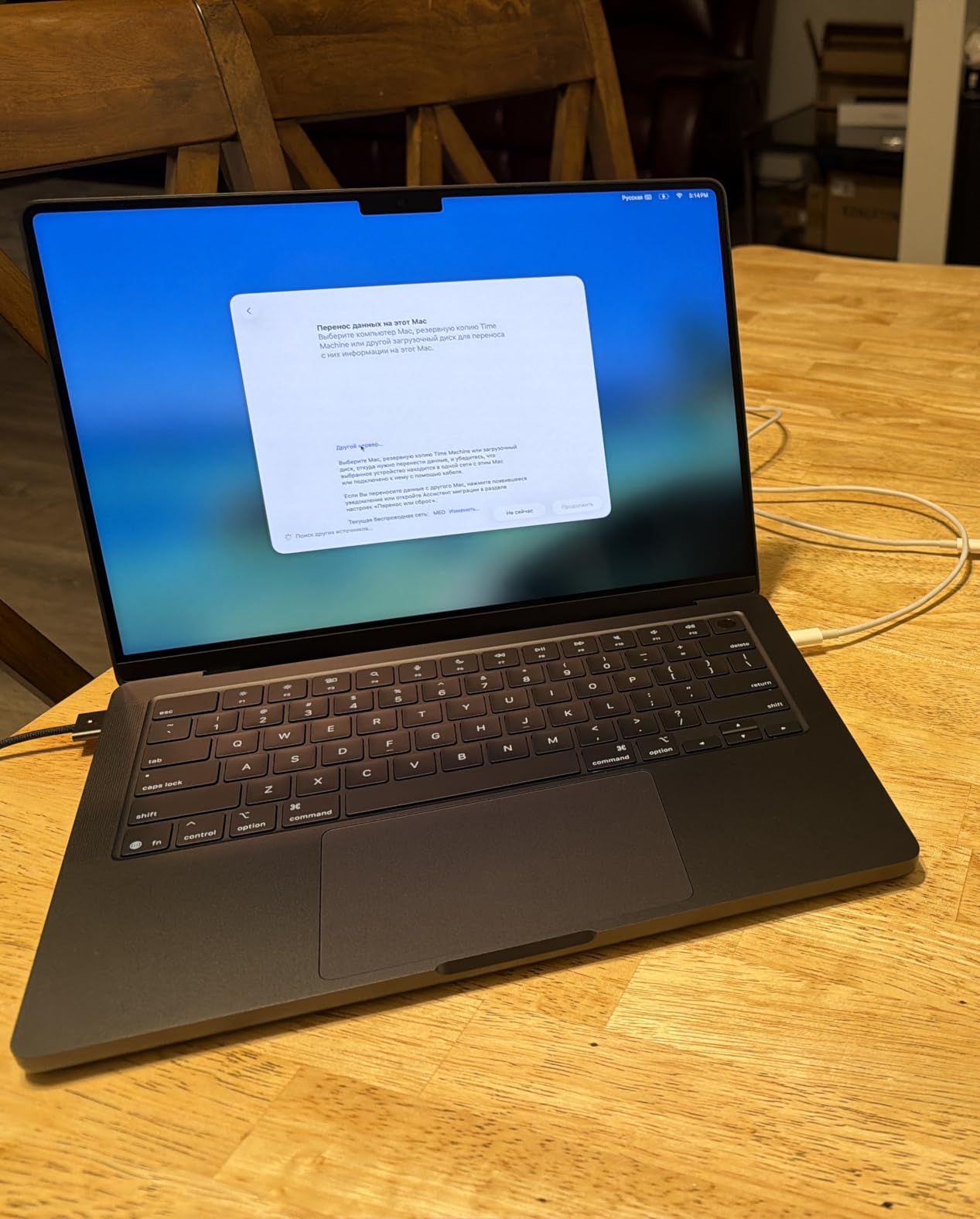
The MacBook Pro 14 with the M5 chip is the machine I recommend most often to students in computer science, electrical engineering and anything that lives in a terminal. The 10-core CPU handles compilation, container builds and simultaneous virtual machines without complaint, and per-core Neural Accelerators give it headroom for machine learning coursework that would stall a typical thin laptop.
Owners rate it 4.7 stars across 305 reviews, with 89 percent five-star feedback. The most common theme in those reviews is consistency: performance on battery matches performance plugged in, which matters on a day of back-to-back lab sessions where you never find an outlet.
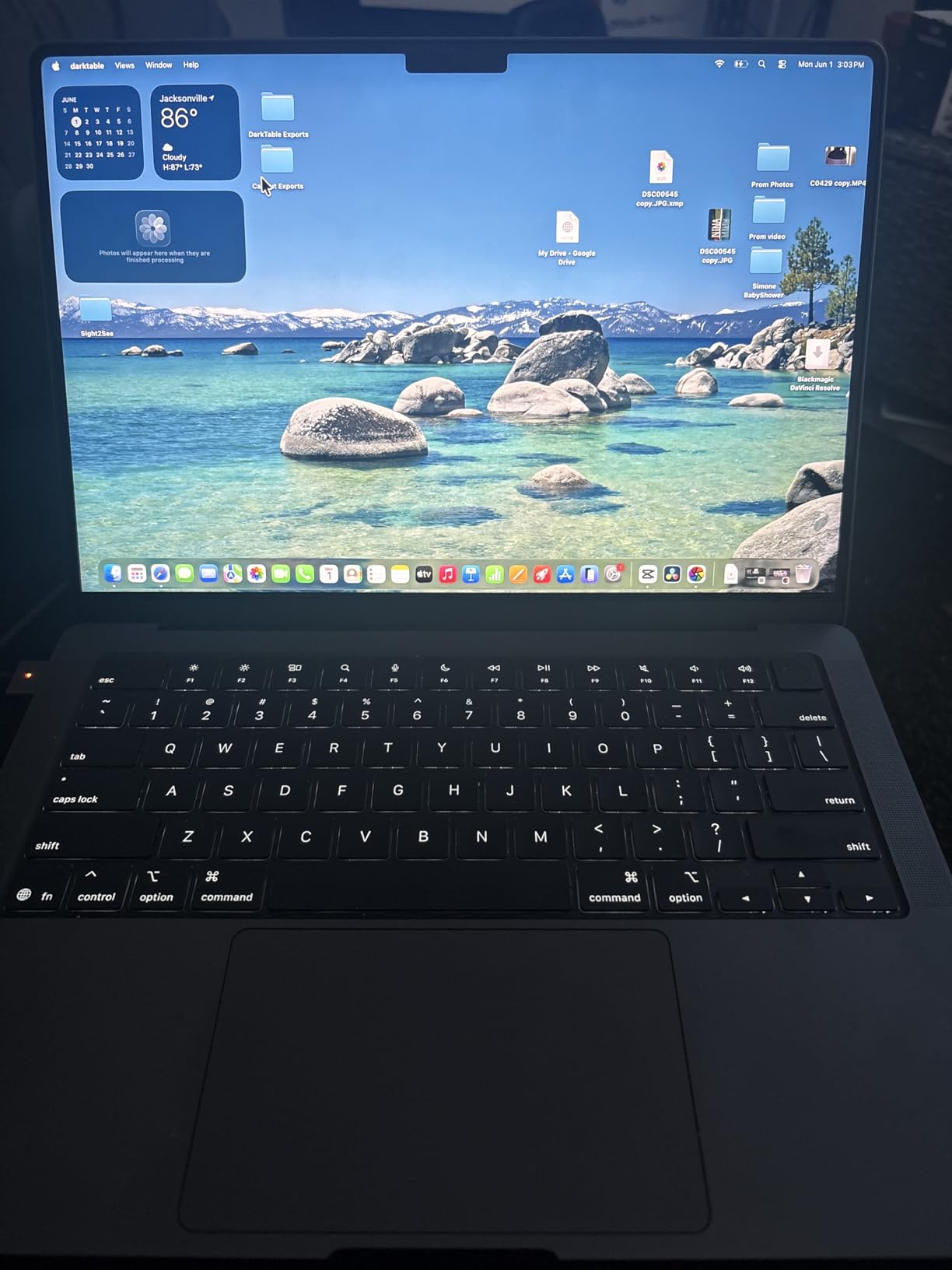
The display is the standout. A 14.2-inch Liquid Retina XDR panel peaking at 1600 nits with a 1,000,000:1 contrast ratio makes long hours in code editors and schematics genuinely easy on the eyes, and it stays readable under harsh lecture-hall lighting where a 300-nit panel washes out.
Port selection is unusually generous for a thin machine. Three Thunderbolt 4 ports, MagSafe 3 charging, an SDXC card slot and HDMI means a bench setup with two external displays needs no dongle for anything except legacy serial hardware.
Who this laptop suits
Software and computer science students get the most out of it, because the Unix-like environment means Docker, Python toolchains and embedded debuggers behave exactly as your course documentation describes. Electrical students doing SPICE, KiCad or Altium work will also find that most of the toolchain is cross-platform.
The 3.41-pound weight and all-day battery mean it disappears into a bag in a way that a workstation-class machine never does. For a student who carries a laptop to every lecture for four years, that physical durability of the arrangement matters as much as the chip inside.
Where it falls short
The hard limit is software compatibility for mechanical and civil majors. SolidWorks, most ANSYS modules and the AutoCAD full install do not run natively on macOS, and relying on a remote lab machine to cover that gap means your design work is always at the mercy of campus network quality.
There is also the memory ceiling. The 16GB of unified memory is fixed at purchase, and every reviewer who mentions a limitation mentions this one. If you plan to run large simulations locally, choose a different machine.
2. Acer Nitro V 16S AI with RTX 5060: Best Value for Mechanical and Civil
Acer Nitro V 16S AI Gaming Laptop | AMD Ryzen 7 260 Processor | NVIDIA GeForce RTX 5060 Laptop GPU (572 AI Tops) | 16″ WUXGA IPS 180Hz Display | 32GB DDR5 | 1TB Gen 4 SSD | Wi-Fi 6 | ANV16S-41-R2AJ
Ryzen 7 260 with RTX 5060 8GB
32GB DDR5 5600MHz
1TB Gen 4 SSD
16-inch 180Hz 100% sRGB
4.6 pounds
Pros
- RTX 5060 with 572 AI TOPS and DLSS 4
- 32GB DDR5 and 1TB storage out of the box
- 180Hz 100% sRGB panel is smooth and color-accurate
- Spare M.2 slot allows a second drive later
Cons
- 32GB is the ceiling on this two-slot memory layout
- 1920x1200 resolution is modest for detailed CAD
- 4.6-pound 16-inch chassis is not portable
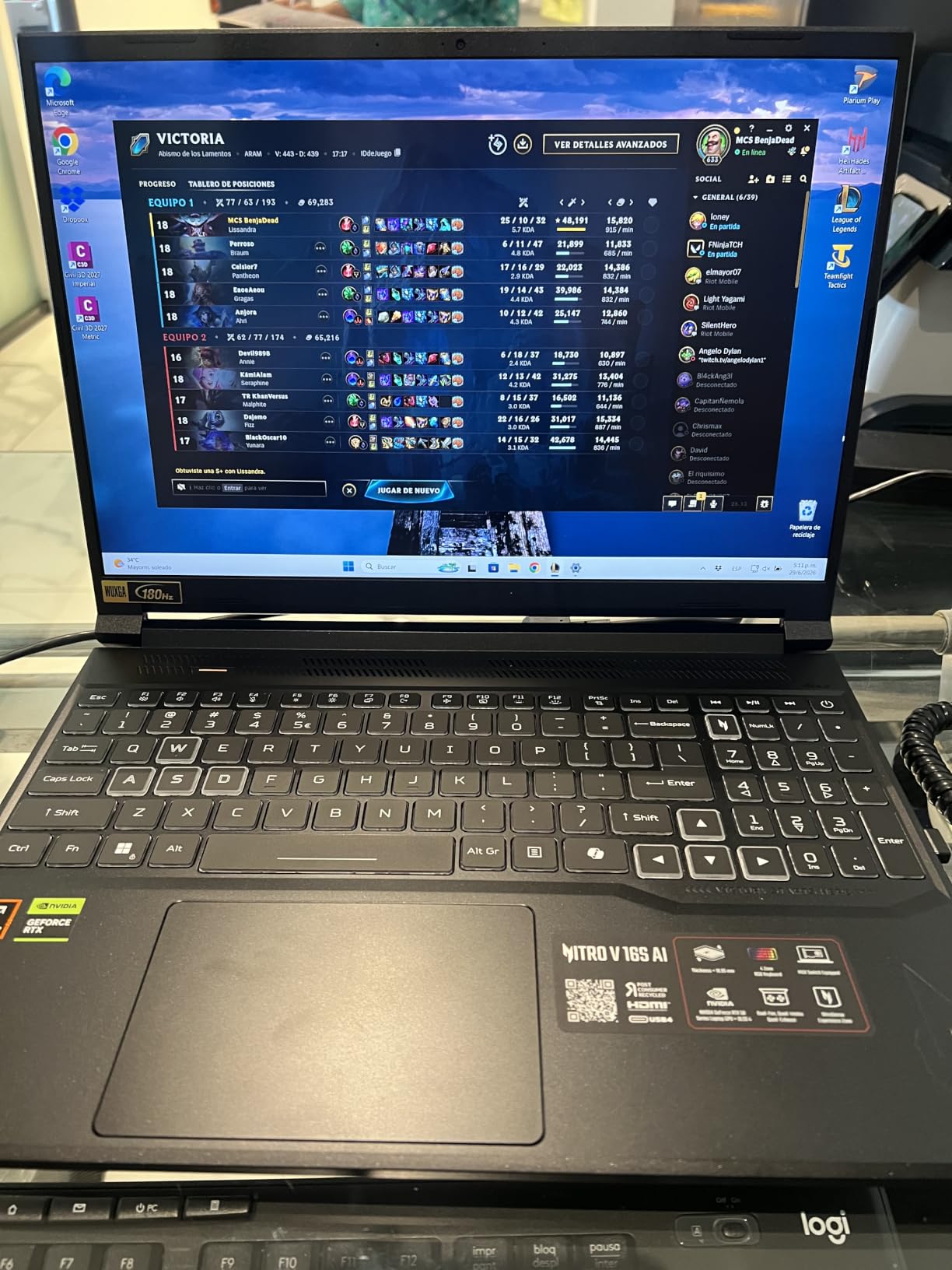
For a mechanical or civil engineering student, this is the configuration that makes the most sense. The RTX 5060 Laptop GPU carries 8GB of GDDR7 dedicated memory, and that number is the single most important spec on this page for anyone opening large assemblies or running finite element analysis on a laptop.
The Ryzen 7 260 provides 8 cores with up to 5.1 GHz boost and 24MB of L3 cache, which is enough headroom for solver runs that would otherwise stall a thin-and-light machine. The 32GB of DDR5 5600MHz means you are not one big assembly away from swapping to the page file.
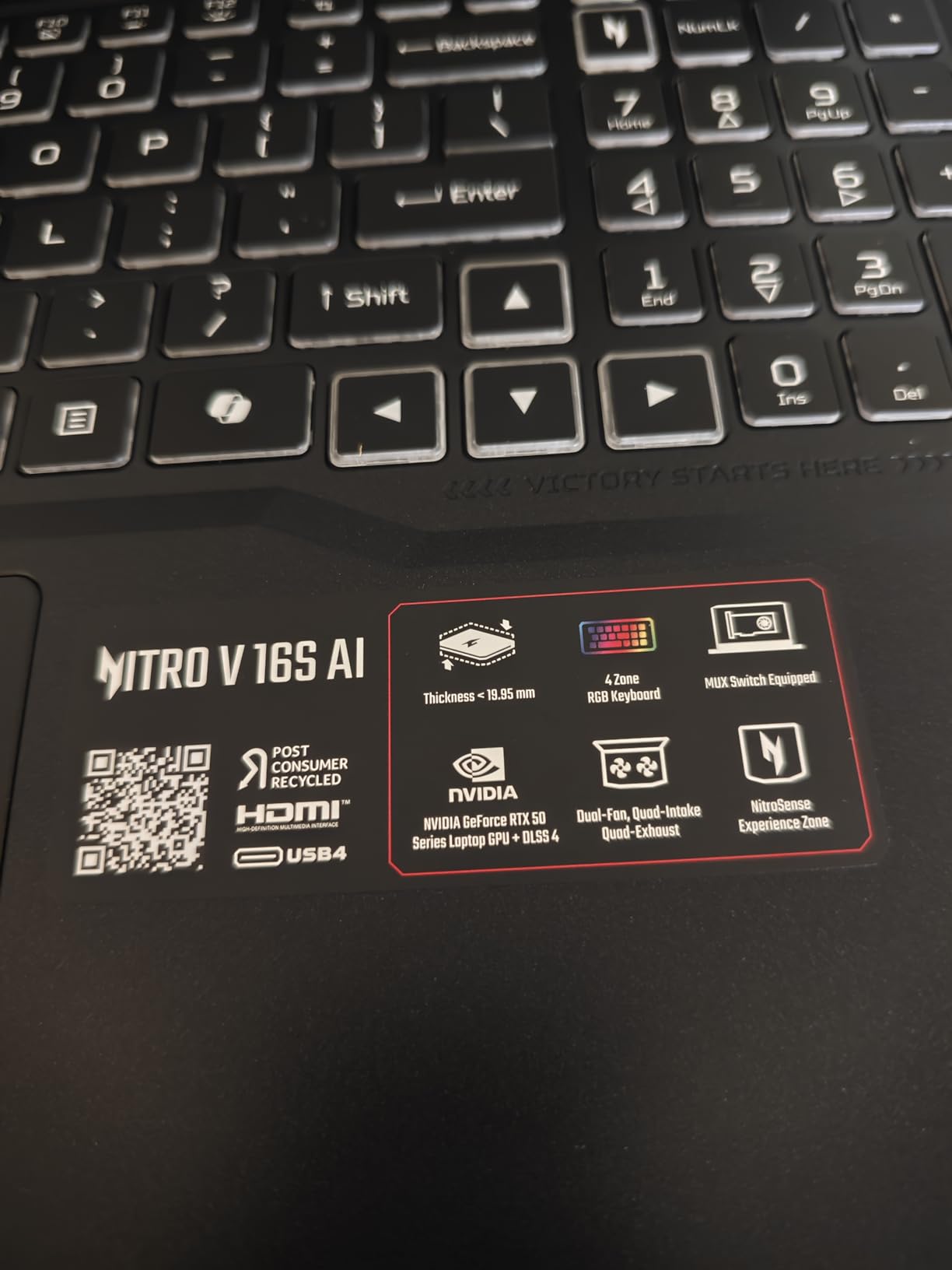
The 16-inch 1920×1200 LCD runs at 180Hz with 100% sRGB coverage, so a spin animation or an orbit-around view stays fluid and colors stay honest. Connectivity covers the basics with Wi-Fi 6, Bluetooth, HDMI and three USB ports, and the box includes a protective sleeve and a backlit keyboard with numeric keypad.
Owners give it 4.4 stars from 337 reviews, with 73 percent five-star feedback. That volume of reviews matters here, because it is a mature configuration rather than a launch-day listing, and the feedback has settled into something consistent.
Who this laptop suits
Second-year mechanical students and anyone whose coursework includes SolidWorks, AutoCAD, Revit or ANSYS should look here first. Eight gigabytes of VRAM is the practical floor for comfortable CAD work, and a spare M.2 slot means you can add a second drive for simulation meshes without replacing the first one.
It also suits students who will keep the machine past graduation. A gaming-class cooling design in a chassis that weighs 4.6 pounds is a better bet for a four-year solver load than an ultraportable that throttles after twenty minutes.
Where it falls short
The memory configuration is already at its maximum. Both DDR5 slots are filled at 32GB, so you cannot go to 64GB later even though the slots exist. For most engineering coursework that ceiling is fine, but for machine learning or large-scale CFD it is a wall.
The 1920×1200 resolution also gives you less screen real estate than you might like when you want a CAD viewport beside a datasheet. And at 4.6 pounds, this is not the machine you want if your day involves a lot of walking between buildings.
3. Acer Swift Go 14 Touch: Most Versatile for Notes and Coding
Acer Swift Go Intel Evo Thin & Light Premium Laptop 14″ 1920×1200 100% sRGB Touch Screen Display Intel Core i7-1355U Intel Iris Xe 16GB LPDDR5 512GB Gen 4 SSD SFG14-71T-72QV
Core i7-1355U 10 cores
16GB LPDDR5
512GB Gen 4 SSD
14-inch 120Hz 100% sRGB touch
2.8 pounds
Pros
- Light 2.8-pound aluminum chassis that is easy to carry
- Sharp 14-inch 120Hz 100% sRGB touchscreen
- Two Thunderbolt 4 and USB4 ports plus HDMI 2.1
- Fingerprint reader with Windows Hello
Cons
- Soldered 16GB cannot be upgraded
- Iris Xe graphics will not handle GPU-heavy CAD or FEA
- Some owners report screen flickering after extended use
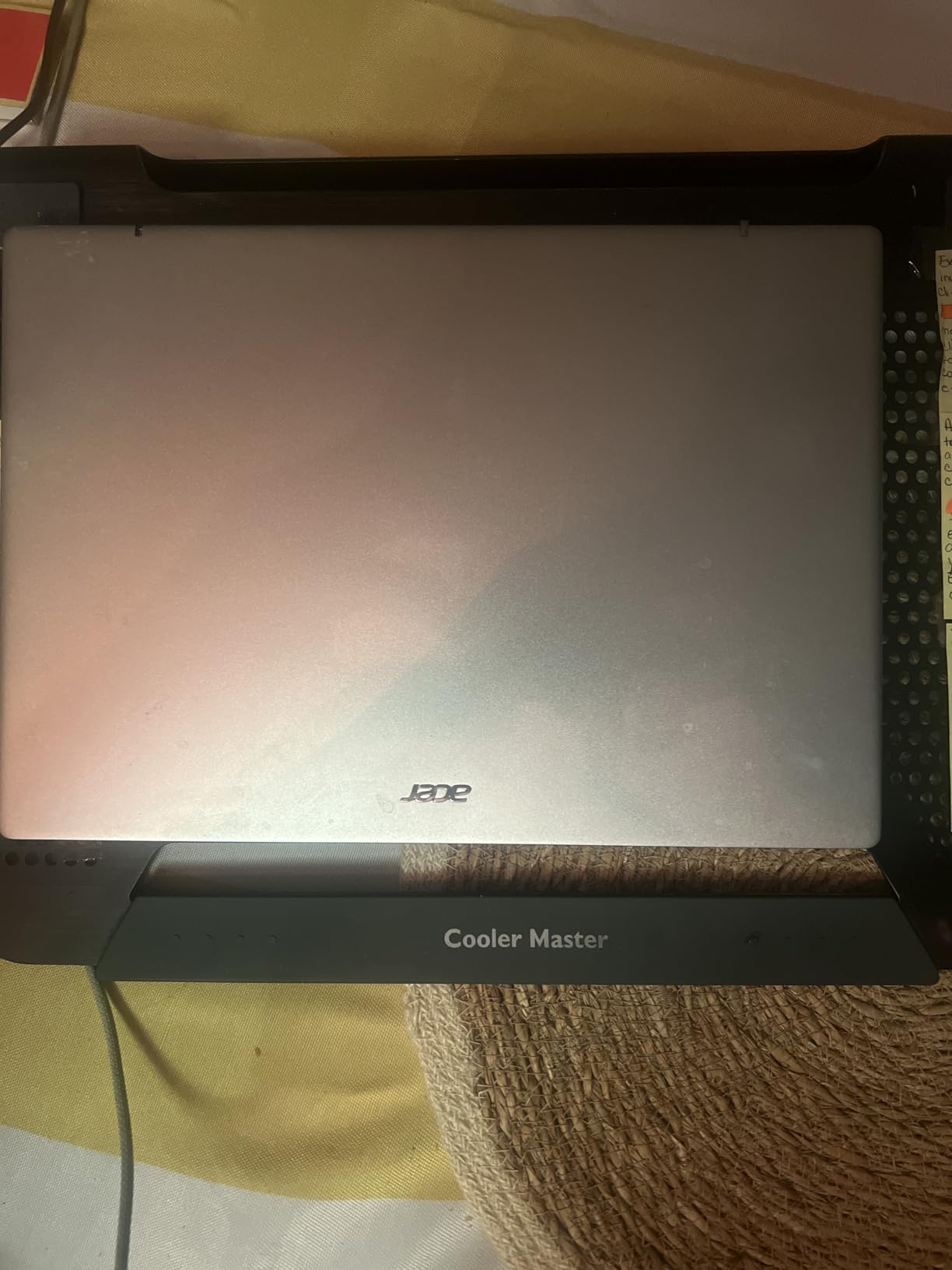
The Swift Go is the answer to a question most guides ignore: does an engineering student actually need a laptop they can put in a bag without thinking about it? At 2.8 pounds and 0.59 inches thick, this is the lightest machine here that still runs Windows 11, and it does not feel like a compromise the moment you start typing.
The 13th Gen Core i7-1355U gives you 10 cores with boost up to 4.8 GHz, which is more than enough for Python, MATLAB scripting, LaTeX, SPICE simulation and a full IDE with a browser full of documentation tabs. The 1440p QHD camera with Acer TNR and PurifiedVoice noise reduction is a genuine bonus for recorded lab presentations.
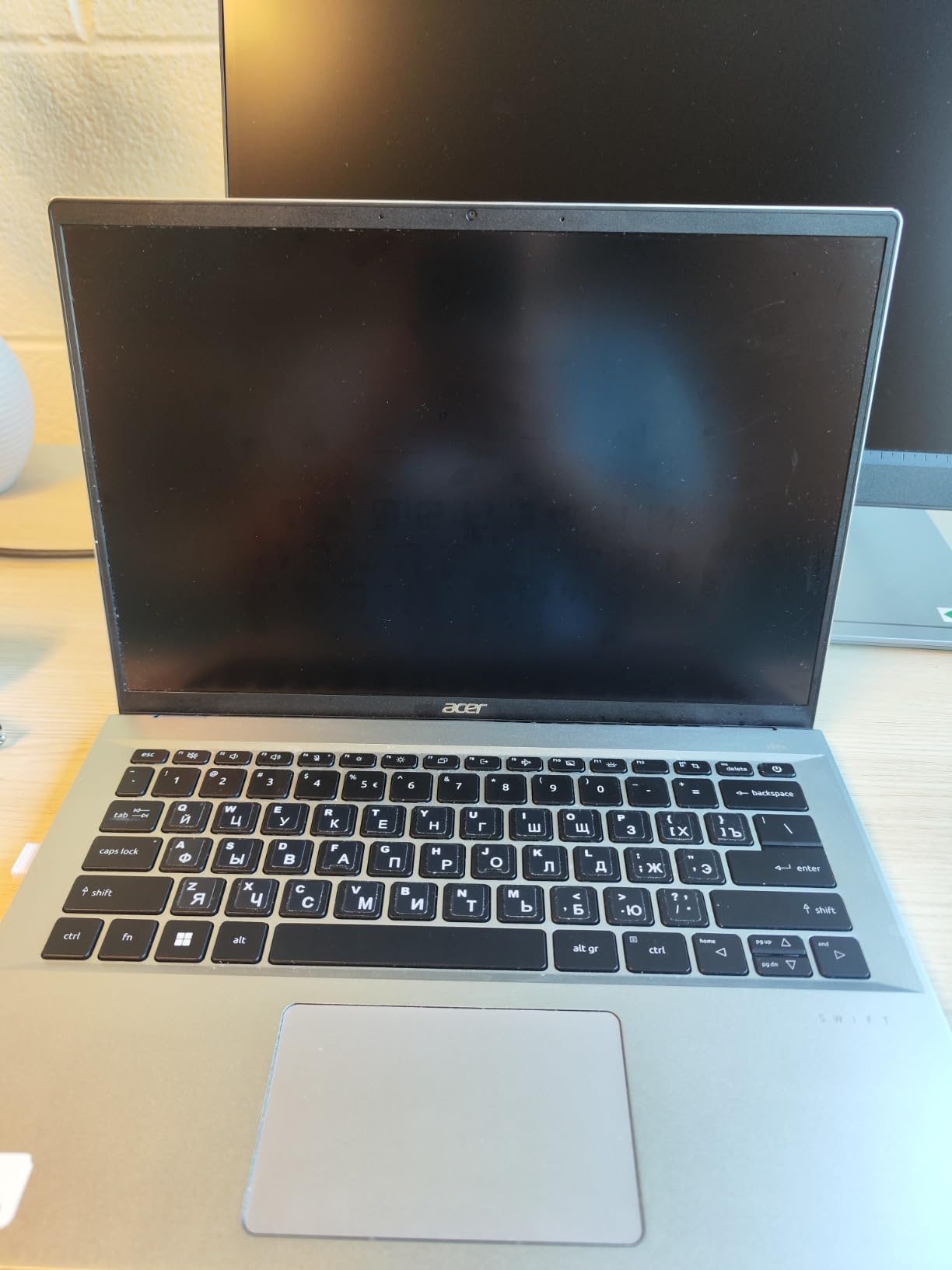
Cooling is handled by twin fans and dual copper heat pipes, which is enough to keep sustained compiles and light analysis runs unthrottled. Ports are the best in this class of size: two USB-C with Thunderbolt 4 and USB4, two USB-A 3.2, HDMI 2.1 and a microSD reader.
At 4.3 stars across 373 reviews, this is the most-reviewed machine on the list, and 68 percent of those reviews are five-star. Reviewers report more than six hours of real-world battery, which comfortably covers a full day of notes and coding between outlets.
Who this laptop suits
First-year students and anyone in electrical, industrial or computer engineering who does not yet run GPU-accelerated software will get the best portability per pound here. The 120Hz touchscreen is genuinely useful for reading schematics and marking up PDF datasheets directly.
Students whose program provides remote desktop access to heavier lab software also benefit. A light machine plus campus compute is a combination that keeps your back intact across a four-year program.
Where it falls short
Integrated Iris Xe graphics are the deal breaker for mechanical and civil students. There is no configuration switch that turns shared memory into CUDA cores, and a first-year who picks this hoping to avoid a replacement in year three is likely disappointed.
The 16GB of LPDDR5 is soldered and fixed, and a smaller number of owners report screen flickering or a warped chassis after months of daily use. The touchscreen also does not fold into a tablet, which limits how useful that panel actually is.
4. ASUS TUF Gaming F16 with RTX 4050: Best Built for Campus Life
ASUS TUF Gaming F16 Gaming Laptop, 16” FHD+ 144Hz IPS-Level 16:10 Display, Intel® Core™ 5 210H, NVIDIA® GeForce RTX™ 4050, 16GB DDR5, 512GB PCIe Gen4 SSD, Wi-Fi 6, Win11 Home, FX607VU-SS53
Core 5 210H with RTX 4050 at 115W
16GB DDR5 5200MHz
512GB Gen 4 SSD
16-inch 144Hz 16:10
MIL-STD-810H
Pros
- RTX 4050 runs at 115W Max TGP for real GPU throughput
- 144Hz 100% sRGB 16:10 display with Adaptive-Sync
- MIL-STD-810H tested chassis built for lab and travel
- Five heat pipes and Arc Flow cooling
Cons
- 512GB SSD is small for large CAD libraries
- 6GB of VRAM limits heavy rendering and AI work
- 16GB DDR5 is the listed maximum configuration
The TUF Gaming F16 is the one here that explicitly survived a durability standard. MIL-STD-810H military grade testing is a spec sheet claim, but combined with the reinforced chassis and five-heat-pipe cooling design it is the machine I would hand to a student who will carry it through four years of concrete labs, machine shops and transit.
The RTX 4050 Laptop GPU runs at up to 115W Max TGP with NVIDIA Advanced Optimus, which is a meaningfully higher power ceiling than the thin 4050 configurations you see in ultraportables. That extra headroom shows up directly in viewport frame rates and render times.
The 16-inch FHD+ 1920×1200 panel at 144Hz with 100% sRGB and Adaptive-Sync is comfortable for long drafting sessions, and the 16:10 aspect ratio gives you noticeably more vertical room than a 16:9 panel when you stack a CAD window over a terminal.
Owners give it 4.4 stars from 233 reviews with 75 percent five-star feedback. The praise centers on the 115W GPU, the smooth high-refresh panel and the durable build, which is a reasonable read of what a student actually touches.
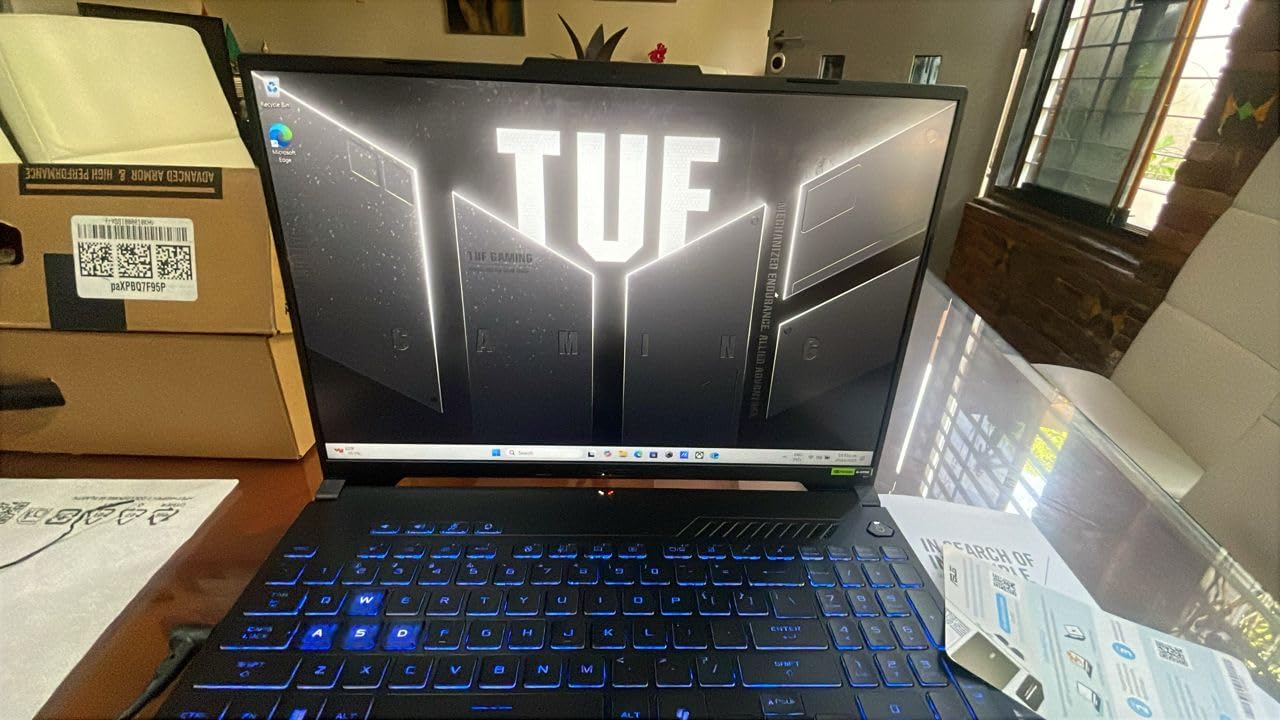
Who this laptop suits
Mechanical, civil and architectural students who want discrete graphics without the size of a full workstation. A 16:10 high-refresh screen is unusually good for CAD work, where vertical workspace determines how much of a drawing you can see without scrolling.
It also suits students who take their machines somewhere physical. The tested durability, the four exhaust vents and the anti-dust filter all point to a chassis built for environments rather than a desk.
Where it falls short
Two specs limit how long this configuration will serve you. Six gigabytes of VRAM on the RTX 4050 is the constraint that matters for heavy 3D rendering, and 512GB of storage fills up fast once you add a CAD library and a few course mesh files.
The 16GB of DDR5 is listed as the maximum for this build, so the memory upgrade path that many students count on is closed. Reviewers also note the FHD+ panel is less color-accurate than OLED alternatives in the same general range, which matters for rendering work.
5. ASUS ROG Strix G16 with RTX 5070 Ti: Best for GPU-Heavy Simulation
ASUS ROG Strix G16 (2025) Gaming Laptop, 16” ROG Nebula 16:10 2.5K 240Hz/3ms, NVIDIA® GeForce RTX™ 5070 Ti, Intel® Core™ Ultra 9 Processor 275HX, 32GB DDR5, 1TB SSD, Wi-Fi 7, Win11 Home, G615LR-AS96
Core Ultra 9 275HX 24 cores
RTX 5070 Ti with 12GB VRAM
32GB DDR5-5600
16-inch 2.5K 240Hz
5.8 pounds
Pros
- RTX 5070 Ti with 12GB VRAM handles Inventor Lumion Blender and C4D
- Vapor chamber tri-fan cooling with liquid metal on the chipset
- 2.5K 240Hz 3ms Nebula display with anti-glare film
- Stealth Mode turns off the RGB lightbar
Cons
- Battery life of roughly four to five hours off the charger
- 5.8-pound chassis is heavy between classes
- Preinstalled bloatware and restricted manual fan control
When 12GB of VRAM is the difference between a smooth run and a failed one, this is the machine. The RTX 5070 Ti Laptop GPU on Blackwell architecture with DLSS 4 and Max-Q gives you double the memory of an RTX 4060-class laptop, and that is exactly the resource that large assemblies, FEA post-processing and GPU rendering exhaust first.
The Core Ultra 9 275HX brings 24 cores boosting to 5.4 GHz, which is real multicore throughput rather than marketing. Pair it with 32GB of DDR5-5600 and a 1TB PCIe Gen 4 SSD and you have a machine that will not be the bottleneck in a simulation lab for the length of a degree.
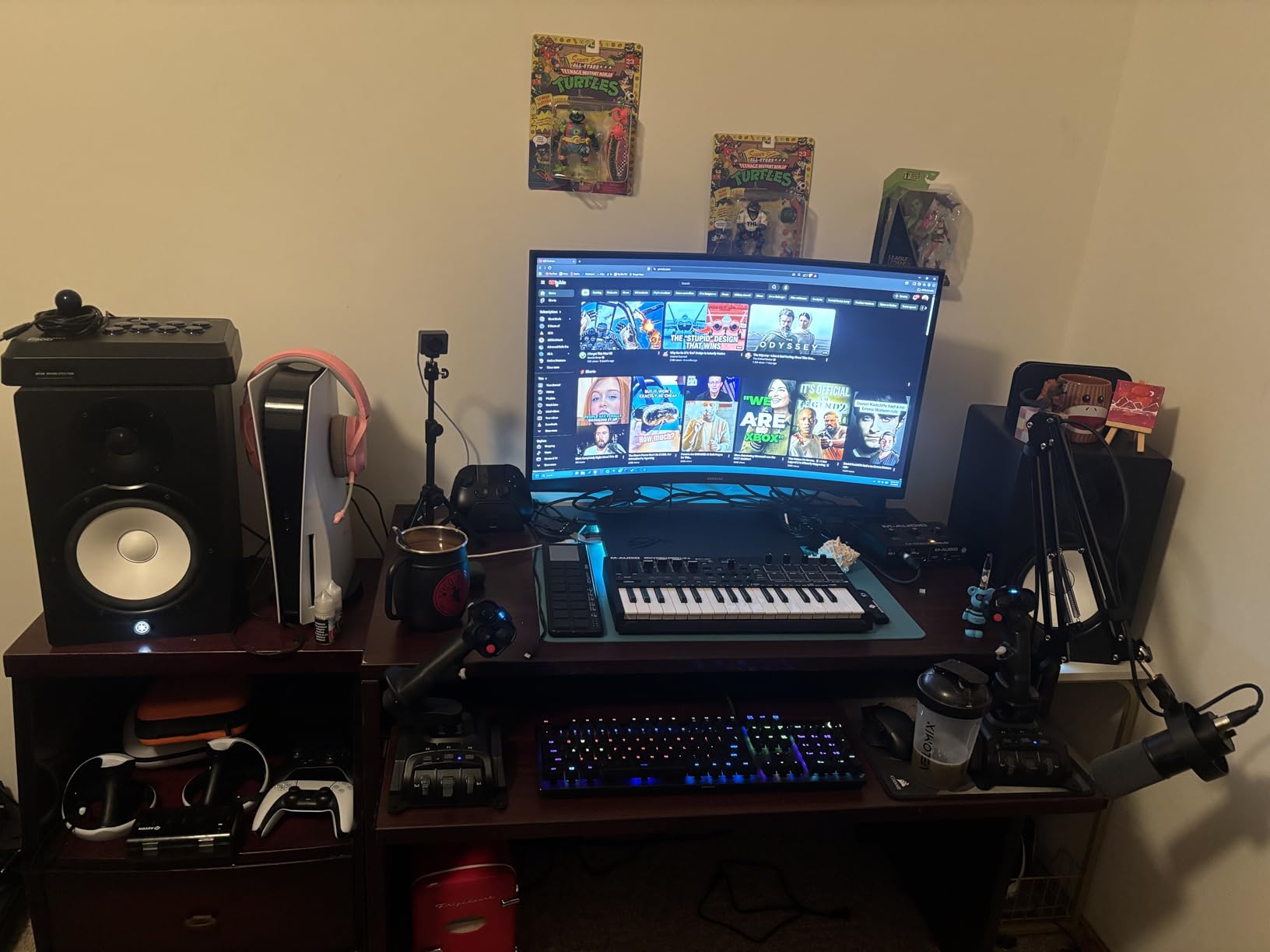
Cooling is the other headline. An end-to-end vapor chamber with tri-fan technology and Conductonaut extreme liquid metal on the chipset is designed for sustained load, and owners specifically praise low temperatures under long rendering sessions rather than at idle.
The 16-inch ROG Nebula panel runs 2560×1600 IPS at 240Hz with 3ms response, 500 nits brightness and an ACR anti-glare film. That resolution is a genuine upgrade for CAD work, where a 1920×1200 viewport fits noticeably less geometry.
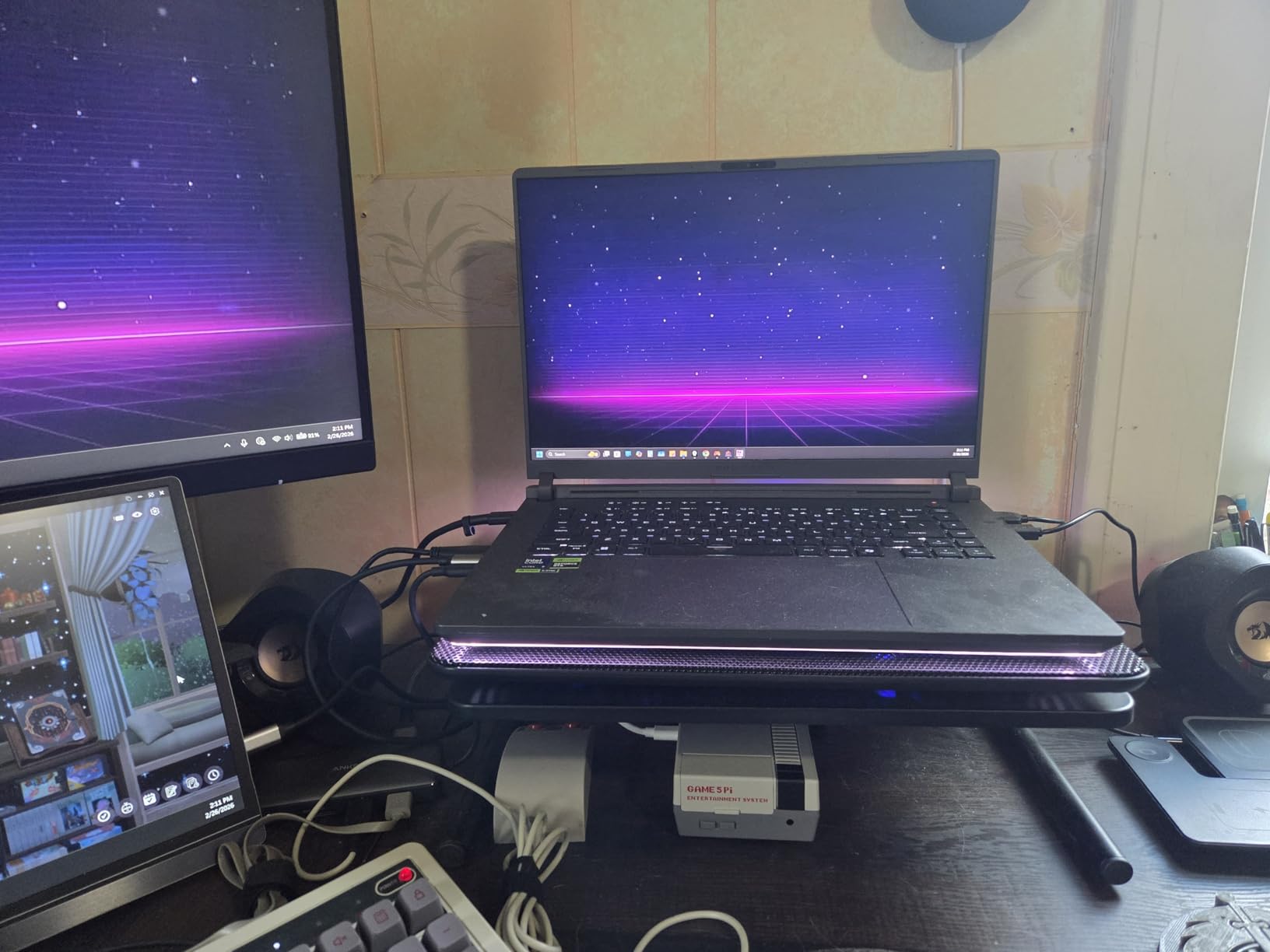
Who this laptop suits
Aerospace, mechanical and architectural students who will run structural simulation, architectural visualization or motion rendering, and anyone who needs Blender or Cinema 4D alongside their CAD package. If your capstone project involves a large mesh, the VRAM headroom pays for itself immediately.
The 90Wh battery and full-surround RGB lightbar with Stealth Mode also make it a pleasant machine to take to a study group, since you can silence the lighting for a library or a lab bench.
Where it falls short
Battery life is the honest weakness, at roughly four to five hours off the charger according to owners. This is a desktop-replacement machine in a laptop shell, and treating it as an all-day machine will disappoint you.
At 5.8 pounds it is the heaviest laptop here, and the high power draw means heavy work needs a plugged-in outlet. Reviewers also flag preinstalled McAfee and ASUS utilities that consume memory, and software that restricts manual fan-curve control, which is annoying when you want to tune for a long solver run.
6. Lenovo V15 G6 with Ryzen 7 170: Best with Windows 11 Pro
Lenovo Laptop V15 G6, AMD Ryzen 7 170, 16GB RAM, 512GB SSD, Windows 11 Pro
Ryzen 7 170 to 4.75 GHz
16GB DDR5 up to 64GB
512GB NVMe SSD
3.5 pounds
Windows 11 Pro
Pros
- Strong price-to-performance pairing of Ryzen 7 170 with 16GB DDR5
- Windows 11 Pro with BitLocker Remote Desktop and Copilot
- Full port set including RJ-45 Ethernet
- RAM expandable to 64GB and a free M.2 slot
Cons
- Integrated Radeon 680M will not run GPU-accelerated CAD
- 512GB SSD is small for large project files
- 300-nit display with 45% color gamut is dim and color-limited
The V15 G6 is the value pick for students whose program leans on Windows-specific tooling rather than graphics-heavy simulation. It ships with Windows 11 Pro, which brings BitLocker encryption, Remote Desktop and Copilot, and those three features cause more day-to-day friction in student life than most buyers expect.
The Ryzen 7 170 provides 8 cores up to 4.75 GHz with integrated Radeon 680M graphics. The CPU side is fine for data analysis, circuit simulation, MATLAB and heavy multitasking; the graphics side is not, and no amount of extra RAM changes that.
What makes this configuration interesting is the upgrade path. The 16GB of DDR5 runs at 5600MHz and expands to 64GB, with one available M.2 slot, so you can start modest and grow into it rather than being locked at purchase. That is the opposite of most machines in this price bracket.
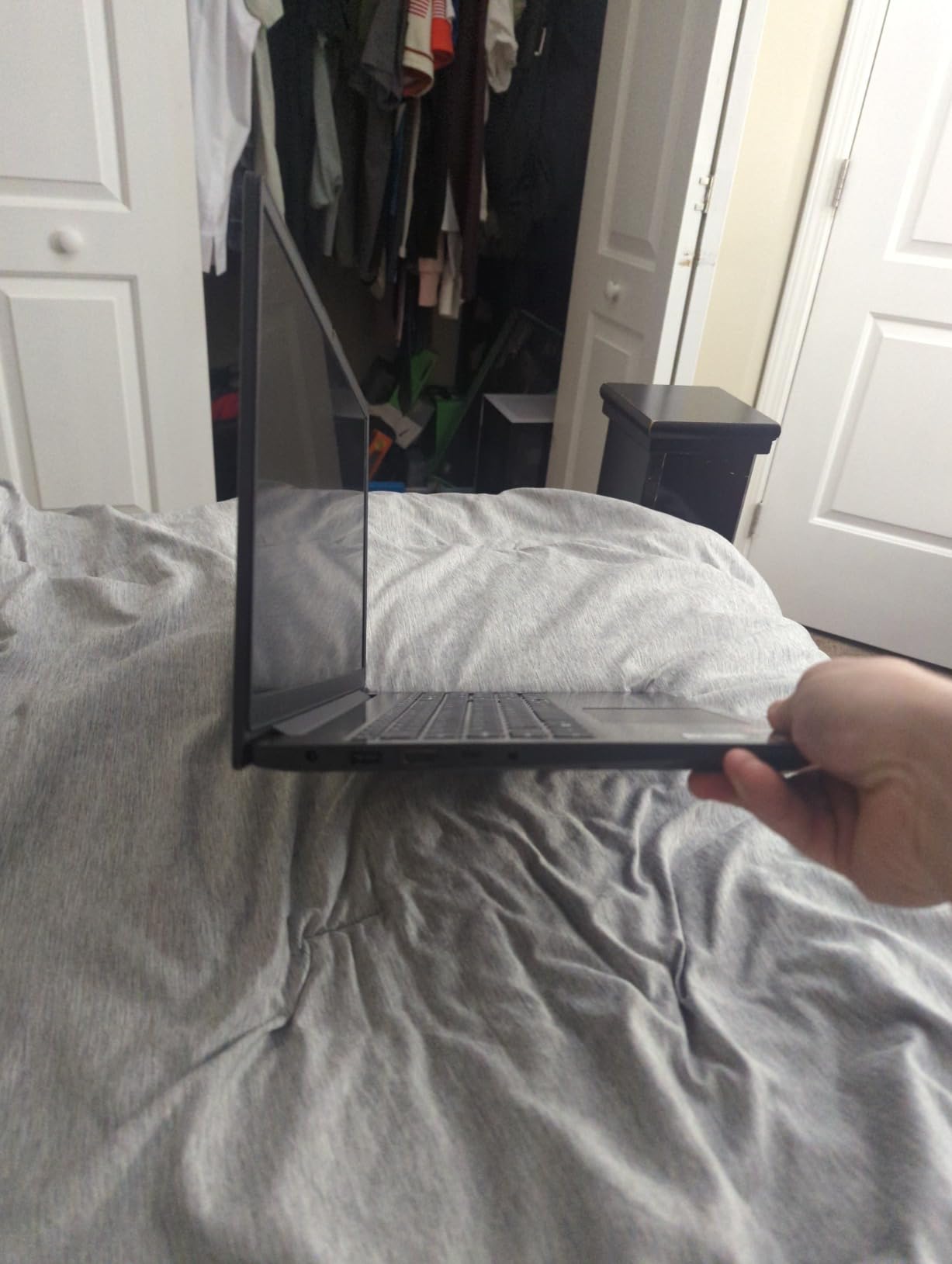
It also supports up to two external 4K monitors at 60Hz without a docking station, and the port set includes USB-C with Power Delivery and DisplayPort 1.2, two USB-A, HDMI 1.4 and a real RJ-45 Ethernet jack.
Who this laptop suits
Electrical, industrial and biomedical students, and anyone who needs Windows Pro features like BitLocker, group policy enrollment or Remote Desktop into a lab machine. The Ethernet jack alone will matter if your dorm room network is congested.
It is also the sensible pick for a student who wants to buy now and upgrade in year three. The RAM ceiling of 64GB and the free M.2 slot make that plan realistic.
Where it falls short
The integrated Radeon 680M rules this out for mechanical, civil and architectural work that uses GPU-accelerated rendering. The 15.6-inch 1920×1080 anti-glare panel runs at 300 nits and 45% color gamut, which reviewers consistently call dim and color-limited for media work.
One more practical note: this configuration is sold and configured by a third-party reseller rather than directly by the manufacturer, so warranty service and configuration consistency are worth confirming before you commit.
7. HP ProBook 465 G11: Best for BIM, Revit and Spreadsheets
HP ProBook 465 G11 Business Laptop, 16″ FHD+ IPS Display, AMD Ryzen 7 7735U Processor, 16GB DDR5 RAM 1TB Storage (512GB SSD+512GB PLUSERA Docking Set), Win 11 Pro, FP Reader, Backlit KB, Pike Silver
Ryzen 7 7735U 8 cores 16 threads
16GB DDR5
1TB total storage
16-inch 16:10 WUXGA IPS
6 pounds
Pros
- 16:10 WUXGA display gives extra vertical workspace
- 8 cores and 16 threads handle multitasking well
- Includes a PLUSERA docking set for extra ports
- Business Windows 11 Pro with fingerprint reader
Cons
- Integrated Radeon 680M cannot handle GPU-accelerated CAD
- Listed weight of 6 pounds is heavy
- Backlit keyboard is not present on every configuration
The ProBook 465 G11 is built around a screen rather than a chip. A 16-inch 1920×1200 IPS panel at a 16:10 aspect ratio gives you meaningfully more vertical space than a 16:9 display, and for a civil student running Revit alongside a specification schedule and a quantity takeoff, that extra height is worth more than a faster single-core score.
The Ryzen 7 7735U provides 8 cores and 16 threads up to 4.7 GHz, which handles BIM coordination, data analysis and coursework multitasking smoothly. It also includes a 512GB SSD plus a 512GB PLUSERA docking storage set, so total storage is 1TB.
Business features are standard rather than optional. You get Windows 11 Pro, a fingerprint reader, a backlit numeric keypad and a port selection of two USB-C 3.2 Gen 2, two USB-A, Ethernet, HDMI and an audio combo jack. The included docking set adds convenient extra ports for a desk setup at home or in the lab.
It holds 4.2 stars from 108 reviews with 74 percent five-star feedback, and reviewers highlight easy setup, strong value and the sharp 1920×1200 panel as the main draws.
Who this laptop suits
Civil and architectural students working in Revit and BIM coordination, plus anyone who spends the day in spreadsheets, drawing sheets and PDF markup rather than in a 3D viewport. The 16:10 aspect ratio is the reason to pick it over a similarly priced 15.6-inch machine.
Business students taking professional exams, and anyone who needs Windows Pro security features, will find the fingerprint reader and Pro license more useful than a faster integrated GPU.
Where it falls short
Two things stand out. The integrated Radeon 680M cannot accelerate CAD or 3D rendering, so heavy BIM visualization will feel slow, and the listed weight of 6 pounds makes this one of the heaviest machines in the lineup despite the reasonable-looking chassis.
Reviewers also note that the backlit keyboard is not present on every configuration, and the software load is barebones, so most applications need to be installed separately. The 60Hz refresh rate is low compared with modern high-refresh alternatives.
8. Lenovo IdeaPad Pro 5 with OLED and RTX 5050: Best Mid-Tier OLED
Lenovo IdeaPad Pro 5-2025 – 16″ OLED 2880 x 1800 120Hz Display – 16GB Memory – 1 TB Storage – Ryzen AI 7 350 – NVIDIA GeForce RTX5050 – Windows 11 Home – Luna Grey
Ryzen AI 7 350 with RTX 5050
16GB LPDDR5 8000MHz
1TB SSD
16-inch 2880x1800 OLED 120Hz
TPM 2.0
Pros
- 2.8K 2880x1800 OLED at 120Hz with VRR and 500 nits
- Discrete RTX 5050 graphics at this tier are uncommon
- USB4 plus HDMI 2.1 with 8K output and SD reader
- TPM 2.0 and Microsoft Pluton security
Cons
- 4GB of VRAM on the RTX 5050 restricts heavy rendering
- Lowest average rating in the lineup with 21 percent one-star feedback
- 16GB LPDDR5 is soldered and not upgradeable
The IdeaPad Pro 5 puts a 2880×1800 OLED panel in a 0.7-inch chassis, and that panel is the reason to look at it. Sixteen inches of 16:10 OLED at 120Hz with VRR and 500 nits is a drafting and reviewing surface that most engineering laptops in this bracket simply do not offer.
The Ryzen AI 7 350 boosts to 5 GHz, and the discrete RTX 5050 with 4GB of GDDR6 gives you a hardware-accelerated path for viewport display that integrated graphics cannot provide. The 16GB of LPDDR5 at 8000MHz is fast, and 1TB of storage covers a normal course load.
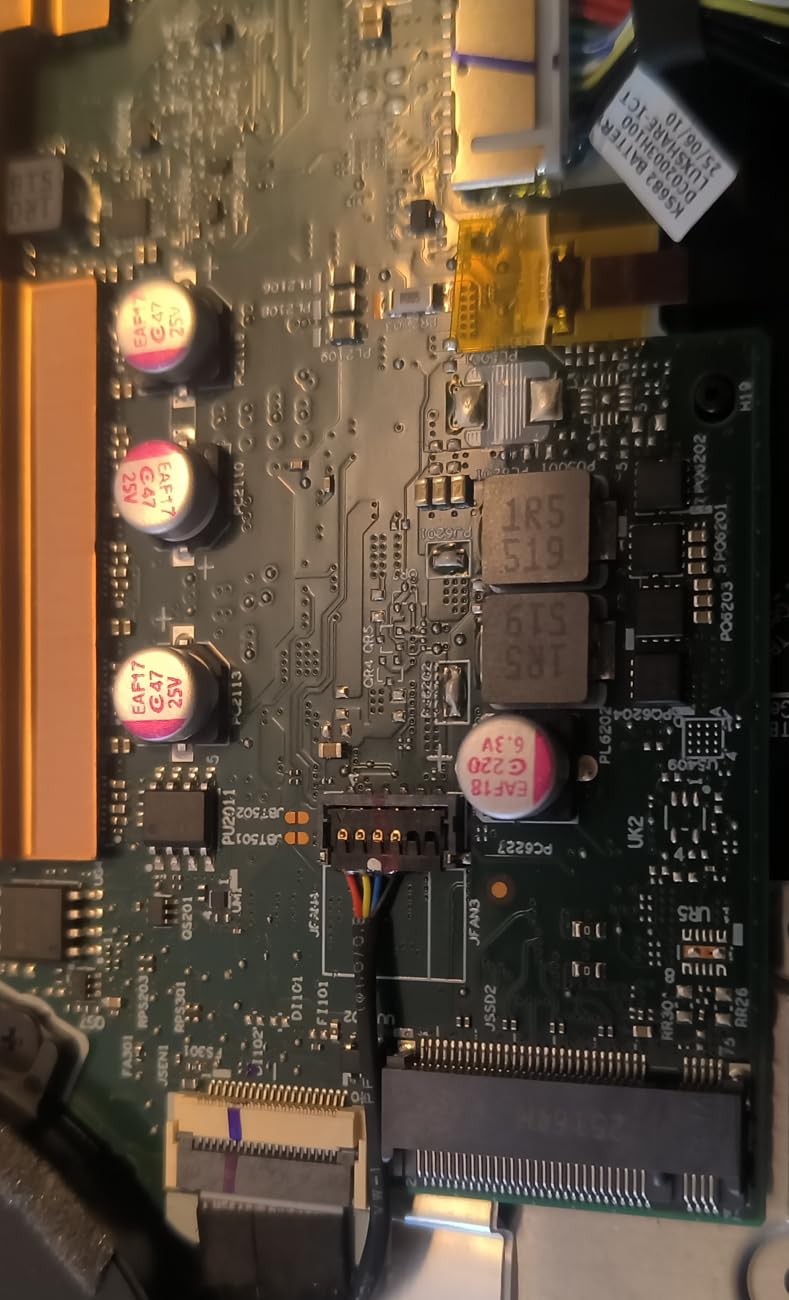
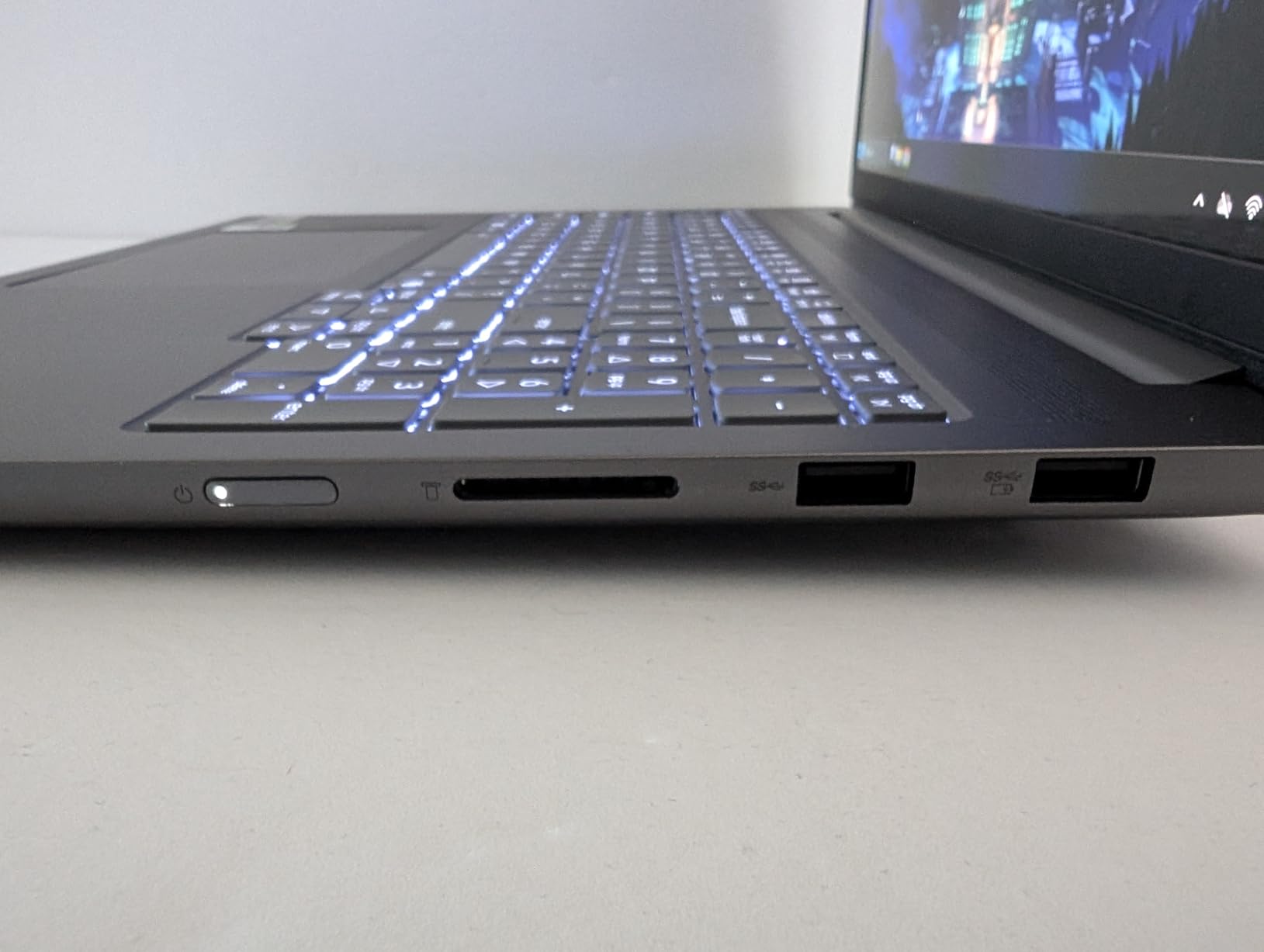
Connectivity is well thought out: two USB-C with USB4, DisplayPort and Power Delivery, two USB-A, HDMI 2.1 with 8K at 60Hz output, an SD card reader and a 3.5mm jack. Security is genuinely business-grade with TPM 2.0, Microsoft Pluton, an IR plus FHD webcam with a privacy shutter and Windows Hello.
Be aware of the feedback pattern. At 3.6 stars from 30 reviews it is the lowest-rated machine here, with 21 percent one-star responses, and the spread suggests inconsistent quality control rather than one specific defect. It also runs Windows 11 Home, so there is no BitLocker or Remote Desktop.
Who this laptop suits
Students who do a lot of visual work but not heavy rendering. Architecture and product design students reviewing drawings, color-sensitive drafting, and any engineer who wants a genuinely excellent screen at a mid-tier price rather than accepting a dim 300-nit panel.
The security stack and SD card reader also suit students who transfer media from cameras or field recorders regularly. The MIL-STD-810H tested chassis helps on lab trips.
Where it falls short
Four gigabytes of VRAM on the RTX 5050 is the defining limitation. It is enough to accelerate a viewport, not enough for GPU-accelerated FEA, serious rendering or machine learning workloads, so anyone whose program includes those should look at the RTX 5060 or 5070 Ti machines instead.
The 16GB of LPDDR5 is soldered with no upgrade path, and OLED panels can show burn-in with long-term static use and cost more to replace if damaged. The dispersed review scores are the biggest practical caution on this page.
9. Lenovo ThinkPad E14 Gen 7: Best for Coding and Lab Work
Lenovo ThinkPad E14 Gen 7 Business Laptop (14″ FHD+, Intel Ultra 5 226V (> AMD Ryzen 7 250), 16GB 8533 MT/s DDR5, 512GB SSD), IPS Anti-Glare, Lightweight AI PC, 2X Thunderbolt 4, MIL-STD, Win 11 Pro
Core Ultra 5 226V with 40 TOPS NPU
16GB LPDDR5X-8533
512GB SSD
2.9 pounds
Pros
- Lightest machine here at 2.9 pounds with MIL-STD-810H durability
- Two Thunderbolt 4 ports plus USB-A HDMI 2.1 and RJ-45
- Windows 11 Pro with BitLocker and Remote Desktop
- Supports up to three displays including 8K at 60Hz
Cons
- 16GB of LPDDR5X memory is soldered
- 45 percent NTSC gamut at 300 nits is weak for design work
- Some reseller-configured builds report memory instability
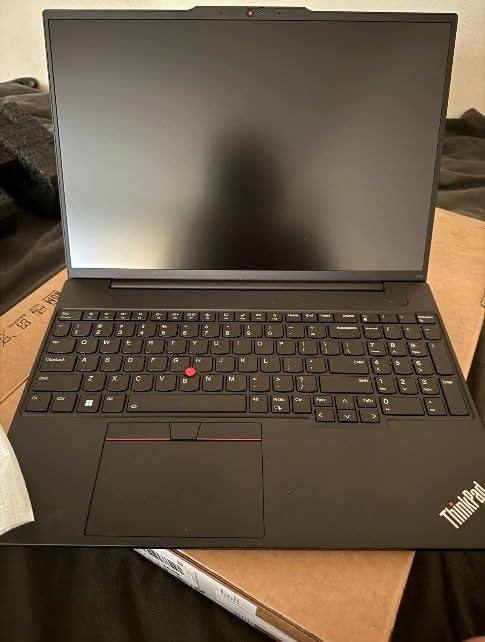
The ThinkPad E14 Gen 7 is the machine we keep coming back to for computer science and electrical students who want a ThinkPad keyboard, a full port set and Windows Pro without carrying a workstation. At 2.9 pounds with a 0.6-inch chassis it is genuinely portable, and MIL-STD-810H testing is unusual in this category.
The Intel Core Ultra 5 226V provides 8 cores up to 4.5 GHz with a 40 TOPS NPU, and the 16GB of LPDDR5X at 8533 MT/s is a fast memory configuration. Owners running five or six programming environments alongside multiple external screens report smooth performance.
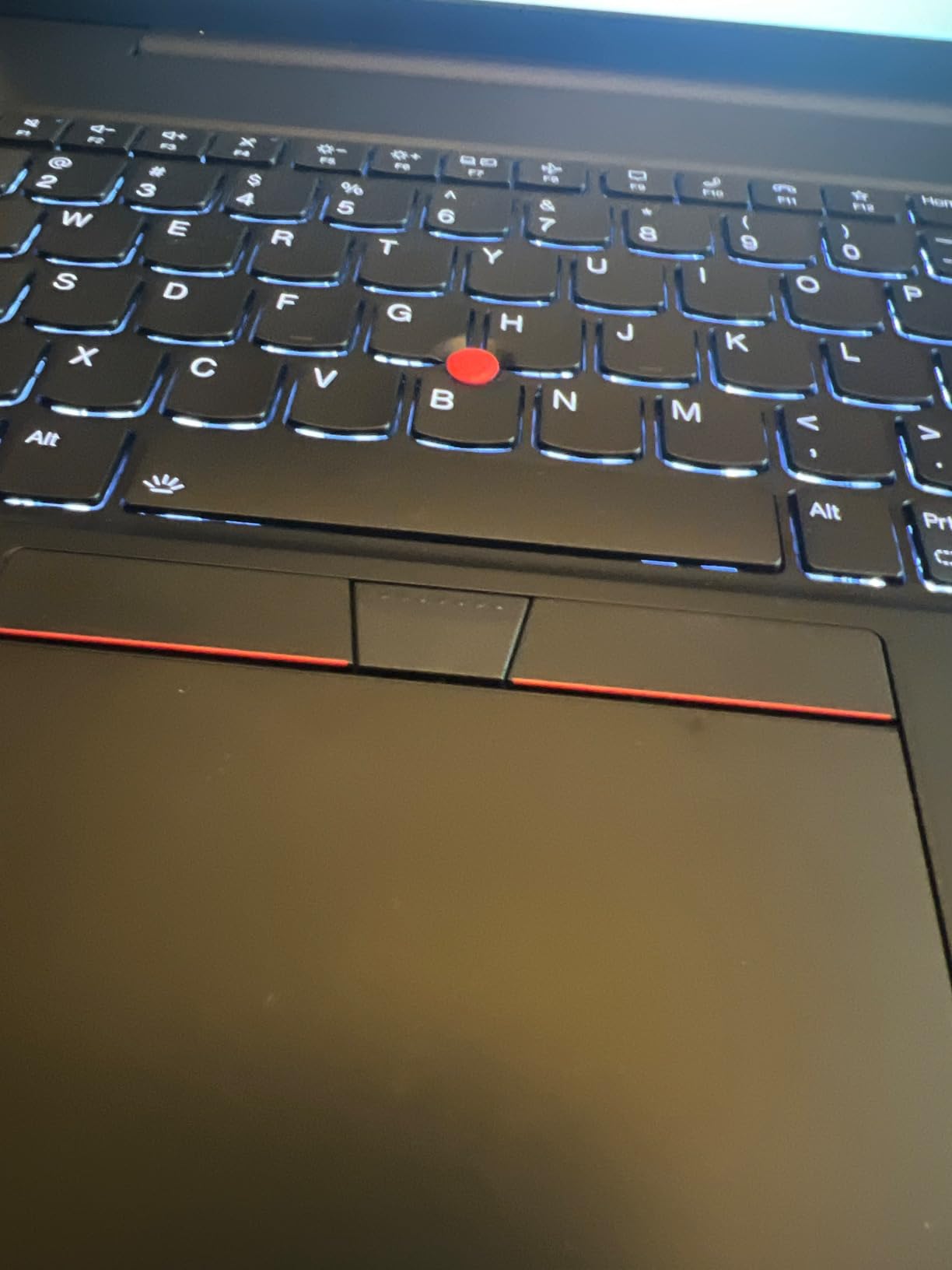
Display support is the quiet strength. Two Thunderbolt 4 ports, a USB-A 3.2 Gen 2, a USB-A 3.2 Gen 1, RJ-45 Ethernet and HDMI 2.1 let you run up to three monitors, including 8K at 60Hz over Thunderbolt 4. For a student with a laptop plus a lab monitor, that removes a dock from the equation.
A 1080p IR camera with privacy shutter, fingerprint reader, backlit keyboard and Dolby Atmos speakers round out a feature set that reads as designed for long working days rather than for a spec sheet photo.
Who this laptop suits
Computer science, electrical and embedded students. The keyboard, the multi-monitor support and the Windows 11 Pro license with BitLocker and Remote Desktop line up exactly with how those programs work, including connecting to a lab desktop.
Anyone who carries a laptop daily and works mostly in a terminal, a browser and an IDE will find 2.9 pounds and a 10-hour standby battery rating more valuable than a discrete GPU they never use.
Where it falls short
The 14-inch 1920×1200 IPS panel runs at 300 nits with 45 percent NTSC coverage, which is a genuine weakness for color-accurate design work and looks dim in bright rooms. The soldered 16GB of LPDDR5X cannot be upgraded later.
Integrated Intel Arc Graphics 130V is not suitable for GPU-heavy CAD or simulation, so mechanical and civil students should look elsewhere. Reviewers also report that some reseller-configured builds arrived with faulty or low-tier memory, causing crashes and display flicker, so confirm the configuration on arrival.
10. Lenovo ThinkPad P16s Gen 4 with 4K OLED: Best 4K OLED Workstation
Lenovo ThinkPad P16s Gen 4 with OLED 4K Dolby Vision 100%DCI-P3 Touchscreen
Ryzen AI 7 PRO 350
32GB DDR5 up to 96GB
16-inch 4K OLED touch
100% DCI-P3
Pros
- Factory-calibrated 4K OLED touchscreen with 100% DCI-P3 and Dolby Vision
- 32GB DDR5 expandable to 96GB for large datasets and virtualization
- Compact 0.47-inch workstation chassis with numeric keypad
- ThinkShield suite and 12 military-grade standards tested
Cons
- Only one M.2 SSD slot so no second drive later
- No SD card slot for media transfer
- Integrated graphics only so GPU-accelerated 3D rendering is not supported
The ThinkPad P16s Gen 4 holds 4.6 stars from 22 reviews with 84 percent five-star feedback. What earns that score is a 16-inch 3840×2400 OLED touchscreen with Dolby Vision at 100% DCI-P3, factory calibrated, which gives you a strong surface for reviewing models and renders.
Underneath is a Ryzen AI 7 PRO 350 with 8 cores up to 5 GHz and a dedicated NPU, which performs very well with Adobe applications and engineering software. The 32GB of DDR5-5600MT memory expands to 96GB, a ceiling few student laptops offer and a meaningful advantage for large simulation datasets and virtualization.
It is also thinner than its name suggests at 0.47 inches, and the chassis includes a full numeric keypad. Two Thunderbolt 4 and USB4 ports at 40Gbps with Power Delivery 3.0 and DisplayPort 1.4, plus HDMI 2.1 up to 4K at 60Hz, USB-A including one Always On port, and RJ-45 Ethernet give it the peripheral support a workstation should have.
Security is workstation-class, with the ThinkShield suite, a fingerprint reader, a 5MP RGB plus IR camera and Windows 11 Pro. It has been tested against 12 military-grade standards and more than 200 quality checks, and the warranty can be extended to five years of Premier Onsite Support Plus.
Who this laptop suits
Mechanical, civil and product design students who review a lot of rendered output, and anyone whose work involves color-accurate visualization rather than fast viewport frames. The 4K OLED makes comparing a render against a physical sample meaningful for the first time.
Students running virtual machines, containers or locally hosted services benefit most from the 32GB-to-96GB memory path, since a workload that exhausts 32GB can still grow rather than forcing a machine change.
Where it falls short
Integrated graphics only, so GPU-accelerated 3D rendering is not supported. Despite the workstation branding, this is a machine for visual review and analysis rather than for solving render jobs on a train.
There is only one M.2 SSD slot, so a second drive cannot be added later, and there is no SD card slot, which means a USB-C hub for media transfer. One of the two USB-C ports doubles as the power port, and the numeric keypad compresses the keyboard layout for touch typists.
11. Dell XPS 14 with 3.2K OLED: Best for Creative Media Work
Dell XPS 14 Premium Laptop DA14250-14.5-inch Touch 3.2K OLED 48-120Hz Display, Intel Core Ultra 7 255H, Intel Arc Graphics, 32GB Memory, 1TB SSD, Backlit English Keyboard with Fingerprint Reader
Core Ultra 7 255H up to 5.1 GHz
32GB LPDDR5 6400MHz
1TB SSD
14.5-inch 3.2K OLED 48-120Hz
3.8 pounds
Pros
- 3.2K 3200x2000 OLED with variable 48-120Hz refresh
- 32GB LPDDR5 and 1TB SSD for creative and engineering software
- Machined aluminum chassis with Gorilla Glass 3
- Two Thunderbolt 4 ports plus microSDXC card slot
Cons
- Redesigned flat keyboard with touch-only function keys frustrates typists
- Very wide palm rest forces awkward hand positioning
- Integrated Intel Arc graphics cannot handle GPU-accelerated CAD
The Dell XPS 14 DA14250 is the premium ultraportable in this group, and the 14.5-inch 3200×2000 OLED touchscreen with variable 48 to 120Hz refresh is its strongest feature. That variable refresh matters more than the peak number, because it lets the panel drop to 48Hz for battery work instead of running a power-hungry panel all day.
Internally, the Core Ultra 7 255H boosts to 5.1 GHz with 24MB of cache, backed by 32GB of LPDDR5 at 6400MHz that can be configured up to 64GB, and a 1TB SSD. That is a serious amount of memory for a machine this thin, and it handles engineering and creative software without drama.
Build quality is premium: a machined aluminum chassis with Gorilla Glass 3, at 3.8 pounds and 0.71 inches thick. Ports include two Thunderbolt 4 ports, a microSDXC card slot and three USB ports total, with Wi-Fi 7 and Bluetooth 5.4. Audio is handled by Waves MaxxAudio Pro with Waves Nx 3D.
Owners rate it 4.5 stars from 21 reviews with 76 percent five-star feedback, praising the display, the memory, the build and fast straightforward setup.
Who this laptop suits
Students who split time between engineering coursework and media work, and anyone who wants the best possible screen in a machine they will carry every day. The 32GB of memory at 6400MHz gives plenty of headroom for a heavy multi-application workflow.
It is also a strong choice for a student whose program has little or no GPU-accelerated CAD, since the integrated Intel Arc graphics are adequate for documentation, code, spreadsheets and visual review.
Where it falls short
The keyboard is the real issue here and reviewers are specific about it. The redesigned layout uses flat keys with touch-based function keys and an extra AI key, and the very wide space bar area forces awkward hand and forearm positioning. If you type for a living, test this one in a store first.
Integrated Intel Arc graphics will not handle GPU-accelerated CAD or 3D rendering, and at 3.8 pounds it is heavier than the Lenovo X1-class alternatives. Windows 11 Home rather than Pro also means no BitLocker or Remote Desktop.
12. ASUS Vivobook S16 OLED: Best for All-Day Note-Taking
ASUS Vivobook S16 Laptop, Copilot+ PC, AMD Ryzen AI 7 350 with XDNA NPU, 16GB Memory, 1TB SSD, Neutral Black, M5606KA-DS76
Ryzen AI 7 350 with 50 TOPS NPU
16GB LPDDR5 7500MHz
1TB SSD
16-inch 3K OLED
75Wh battery
Pros
- 3K 2880x1800 OLED at 120Hz with 600 nits and 100% DCI-P3
- 75Wh battery rated for up to 14 hours of video playback
- Only 0.55 inches thick at 3.31 pounds
- Includes one year of accident protection
Cons
- Integrated Radeon 860M is not suitable for GPU-accelerated CAD or FEA
- 16GB LPDDR5 is soldered and cannot be upgraded
- Charging port is located on only one side
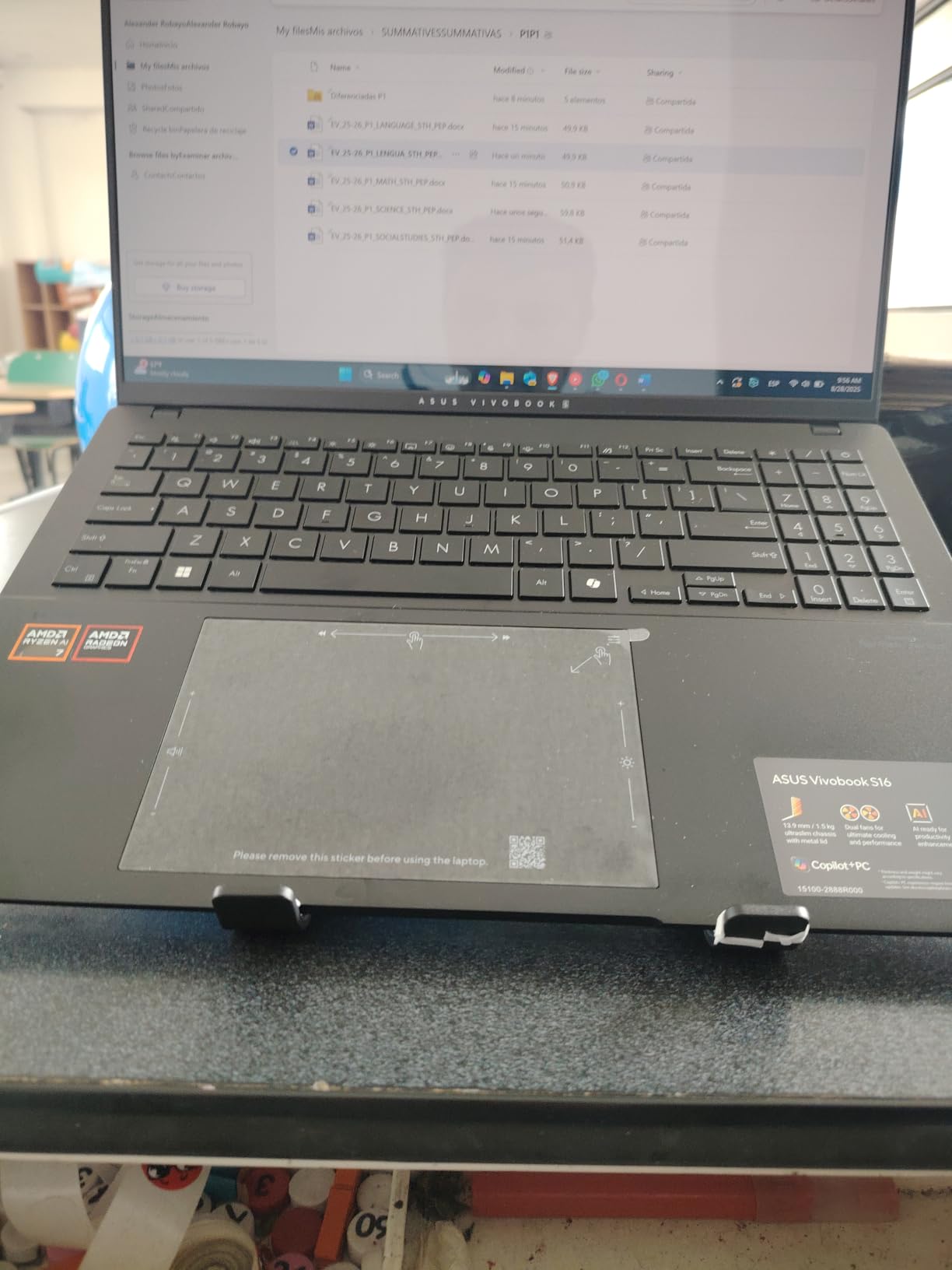
The Vivobook S16 is the best balance of large screen, long battery and moderate weight in this list, which is exactly what a student who takes notes for eight hours a day needs. A 75Wh battery is unusually large for a 16-inch machine at 0.55 inches thick and 3.31 pounds.
The Ryzen AI 7 350 provides 8 cores up to 5 GHz with an XDNA NPU rated up to 50 TOPS, paired with Radeon 860M integrated graphics and 16GB of LPDDR5 at 7500MHz. That is fast, modern silicon for coursework, and the 1TB SSD means you will not run out of room in a typical year.
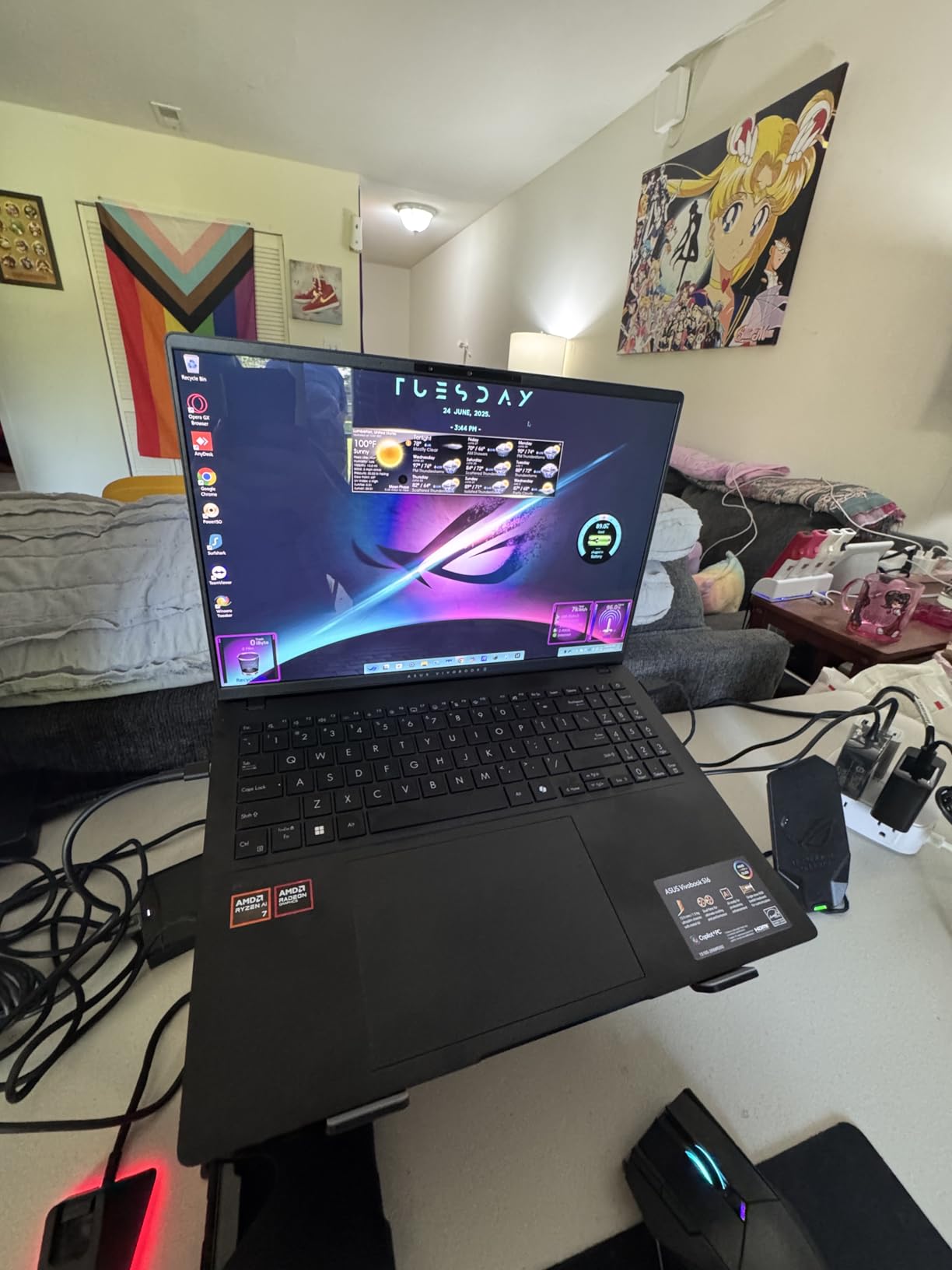
The 16-inch 2880×1800 OLED at 16:10, 120Hz with 600-nit peak HDR and 100% DCI-P3 is one of the best displays in the lineup, and a 16:10 panel gives more vertical room for lecture notes and datasheets than a 16:9 screen. The single-zone RGB backlit keyboard includes a numeric keypad.
Feature-wise it is well equipped, with a 1080p IR webcam using AiSense, a privacy shutter, Microsoft Pluton, ASUS Adaptive Lock and Harman Kardon speakers tuned with Dolby Atmos. It also includes one year of accident protection, which is worth having on a machine you will carry for four years.
Who this laptop suits
Students whose week is lectures, notes and light computational work rather than 3D modeling. The battery is the deciding factor for long days on campus, and the thin, light 16-inch chassis is rare at this screen quality.
Electrical, industrial and computer science students get a large, color-accurate workspace for datasheets, schematics and documentation without paying for a dedicated GPU they would not use.
Where it falls short
Integrated Radeon 860M graphics are not suitable for GPU-accelerated CAD, FEA or 3D rendering, so this is not the machine for a mechanical or civil major working in SolidWorks or ANSYS. The 16GB of LPDDR5 is soldered with no upgrade path.
The charging port is located on only one side, which is awkward depending on your desk setup, and a small number of owners report a machine that would not power on during the first week. Test it early rather than a week before your first deadline.
What Engineering Software Actually Needs From Your Laptop
Most buying guides start with the processor. For engineering students that is backwards. The programs that actually stop you are graphics and memory bound, so the order that matters is GPU VRAM first, then system memory, then sustained thermal performance, and only then the CPU tier.
Graphics memory is the hard requirement for mechanical and civil students
SolidWorks, AutoCAD, Revit, Inventor, ANSYS and every rendering package you will meet allocate graphics memory first. A laptop with a dedicated GPU carrying at least 6GB of VRAM is the practical floor for comfortable CAD work, which is why the RTX 5060, RTX 4050 and RTX 5070 Ti configurations on this page exist. Integrated graphics share system memory, and while modern Radeon 680M and Intel Arc parts are respectable for everything else, there is no driver trick that makes them equivalent under a heavy assembly load.
If your major is computer science, electrical, industrial or biomedical, integrated graphics are usually fine. Those programs lean on SPICE, KiCad, MATLAB, Python and simulation tools that are CPU bound, and spending your budget on a discrete GPU you never invoke is a poor trade.
Memory: 16GB works until it does not
Reviewers and forum threads converge on the same answer here. Sixteen gigabytes is fine for a first year of coursework, but 32GB is the minimum that mechanical engineering students describe as comfortable, and anything running containers, virtual machines or machine learning coursework wants 32GB at purchase or an upgrade path to reach it. This is exactly why the V15 G6, which expands to 64GB, is more future-proof than several machines with more memory today and no way to add more later.
Pay attention to the ceiling as much as the current figure. Two DDR5 slots already filled at 32GB give you no headroom, while 32GB expandable to 96GB gives you four years of thinking time. Soldered LPDDR5 memory is the same message: whatever it is at purchase is what it is for the life of the machine.
Storage: 1TB is the new baseline, 512GB is a compromise
A CAD library alone, an operating system, a MATLAB install and one semester of mesh files can reach 250GB. Add simulation output and a Linux virtual machine for embedded work, and 512GB becomes a storage management hobby. Look for a free M.2 slot above all, since adding a second drive later is far cheaper than replacing a laptop.
Display: 16:10 and full sRGB earn their cost
Aspect ratio matters more than resolution for engineering work. A 16:10 panel shows noticeably more of a drawing sheet than a 16:9 screen of the same diagonal, which is the difference between seeing a full elevation and scrolling it. Color gamut matters for anyone reviewing renders or doing photorealistic visualization, so 100 percent sRGB or 100 percent DCI-P3 is the target. Panels at 300 nits and 45 percent NTSC, which appear on a couple of machines here, are fine for code and documents but frustrating for visual work.
Battery, ports, thermals and the operating system
Aim for a full day of classes without a charger, and check whether that claim is a real-use number or a standby rating. Weight is the number you feel every single day: under three pounds disappears in a backpack, while six pounds becomes a shoulder problem by November. Our beginner instrument guides follow the same principle, since a heavier instrument that discourages practice is a bad buy too.
Count your ports against what you actually plug in. Two Thunderbolt 4 ports plus HDMI and an RJ-45 Ethernet jack let most students run a dual-monitor bench setup with no dock at all, and several machines here support up to three external displays. For thermals, look for multiple heat pipes, more than one exhaust vent and a vapor chamber on machines you expect to run solvers on, because thermal throttling during a long session shows up as a solve that never finishes.
Finally, decide between Windows 11 Home and Windows 11 Pro early. Pro brings BitLocker, Remote Desktop and group policy enrollment, which matter if you connect to lab machines or if your employer later issues a device. Several machines here ship with Home only, and you cannot simply add the features later.
Windows vs Mac vs Linux for Engineering Students
Choose Windows unless you have a specific reason not to. The reason is not preference, it is that SolidWorks, most ANSYS modules, the full AutoCAD install, MATLAB, KiCad and every lab instrument driver your department owns are built and supported for Windows first. Linux runs a great deal of engineering tooling natively, and macOS runs a lot, but both require you to check your course list before committing.
macOS is an excellent fit for computer science and software engineering students. The Unix-like environment means Docker, package managers and embedded debuggers behave the way the documentation describes, and the battery life and build quality are hard to argue with. It is a poor fit for a mechanical or civil student who needs to run desktop CAD locally rather than over a network connection.
Linux is the choice for students who already know it, and for embedded and systems work it is often the fastest path. Running it as a virtual machine on one of the Windows machines here is a reasonable compromise, though simulations inside a virtual machine never perform as well as native.
Gaming Laptop vs Mobile Workstation: Which One Do You Need?
The old assumption that you must buy a workstation for engineering is outdated. Gaming laptops now ship the same class of dedicated GPU silicon that workstations do, with better thermals and better cooling, and the difference in driver certification matters mainly for professional rendering and CAD work done for a paying employer rather than for coursework.
A gaming laptop suits students who run GPU-accelerated CAD or simulation, because the RTX 4050, RTX 5060 and RTX 5070 Ti configurations on this page deliver the VRAM those tasks need. The trade-offs are a heavier chassis, shorter battery life and RGB lighting, though several of these machines include a Stealth Mode that turns the lighting off in a professional setting.
A mobile workstation suits students who need a calibrated color-accurate display, extensive RAM upgrade headroom, onsite warranty service and enterprise security features. The ThinkPad P16s Gen 4 in this list is the clearest example. If you are doing coursework on campus and using campus compute, a lighter machine with a good screen may serve you better than any workstation.
Frequently Asked Questions
Is 32GB RAM overkill for engineering?
No. 32GB is the practical minimum for mechanical and civil engineering students, and it is comfortable rather than excessive. Reviewers and forum owners consistently describe 16GB as fine for a first year and tight by the time you are running large assemblies or multiple simulation tools. If your program is computer science, electrical or industrial and you are not running virtual machines or machine learning workloads, 16GB will carry you. The more useful question is whether the memory can be upgraded later, because two slots already filled at 32GB give you no headroom while a machine expandable to 64GB or 96GB does.
Which company laptop is best for engineering?
It depends on your discipline and budget rather than the brand. ASUS and Acer cover the dedicated-GPU end of this list with the ROG Strix G16, TUF Gaming F16, Vivobook S16, Nitro V 16S and Swift Go. Lenovo covers both ends with the V15 G6, IdeaPad Pro 5, ThinkPad E14 and ThinkPad P16s Gen 4. HP and Dell appear here in the business and premium ultraportable categories with the ProBook 465 G11 and XPS 14. Apple covers the portable software and CS end with the MacBook Pro 14. Match the graphics memory to your major first, then everything else follows.
Is Dell or Lenovo better for engineering students?
Lenovo offers more configurations for engineering work in this list, spanning an entry Ryzen 7 machine with expandable memory, a 2.8K OLED model, a 2.9-pound ThinkPad for coding and a 4K OLED ThinkPad P16s Gen 4 workstation. Dell appears here with the XPS 14, which offers a premium 3.2K OLED display and 32GB of memory in a machined aluminum chassis, but its integrated graphics will not run GPU-accelerated CAD and its redesigned keyboard is the most criticized feature in this review. For GPU-accelerated work, a Lenovo or ASUS discrete-GPU configuration is the stronger path.
Do engineering students need a gaming laptop?
Only if your coursework uses GPU-accelerated software. Mechanical, civil, aerospace and architectural students benefit from a dedicated GPU with at least 6GB of VRAM, and gaming laptops are the most common way to get one at a sensible price. Computer science, electrical and industrial students generally do not need it, and would be better served by spending that budget on 32GB of memory, a larger battery or a better display. If your department provides remote desktop access to licensed software, an ultraportable with a good screen may serve you better than any gaming machine.
Is a MacBook good for engineering?
It depends entirely on your major. The MacBook Pro 14 with the M5 chip is an excellent choice for computer science and software engineering students, with 10 CPU and GPU cores, 16GB of unified memory, 1TB of storage and all-day battery life in a 3.41-pound chassis. For mechanical and civil students it is the wrong tool, because SolidWorks, most ANSYS modules and the full AutoCAD install do not run natively on macOS. Electrical and embedded work is more mixed, since much of that toolchain is cross-platform. Check your course software list before you commit.
Conclusion: Which Laptop Should Engineering Students Buy in 2026?
If you want one answer to give most people, start with the Acer Nitro V 16S. It has the combination that matters most for engineering coursework today: a dedicated RTX 5060 with 8GB of VRAM, 32GB of DDR5 as standard, a spare M.2 slot and a high-refresh 100 percent sRGB panel. It is not light, and the memory is already at its ceiling, but it will not be the bottleneck.
Buy the MacBook Pro 14 instead if you are in computer science, software or a non-CAD electrical program and you value battery life and portability over local GPU capability. Buy the ThinkPad P16s Gen 4 if your workload is visual review and analysis rather than rendering, and you want a calibrated 4K OLED and memory that can grow to 96GB.
Whatever you choose, buy for the software your major actually uses, not for the badge on the lid. Check your department’s hardware recommendation page, confirm whether they provide remote desktop access, and then match the graphics memory and the memory upgrade path to your course list.
We keep our guides to student instruments and audio gear updated as new models land, and the same approach applies here: verify the current configuration and price yourself before you buy.