
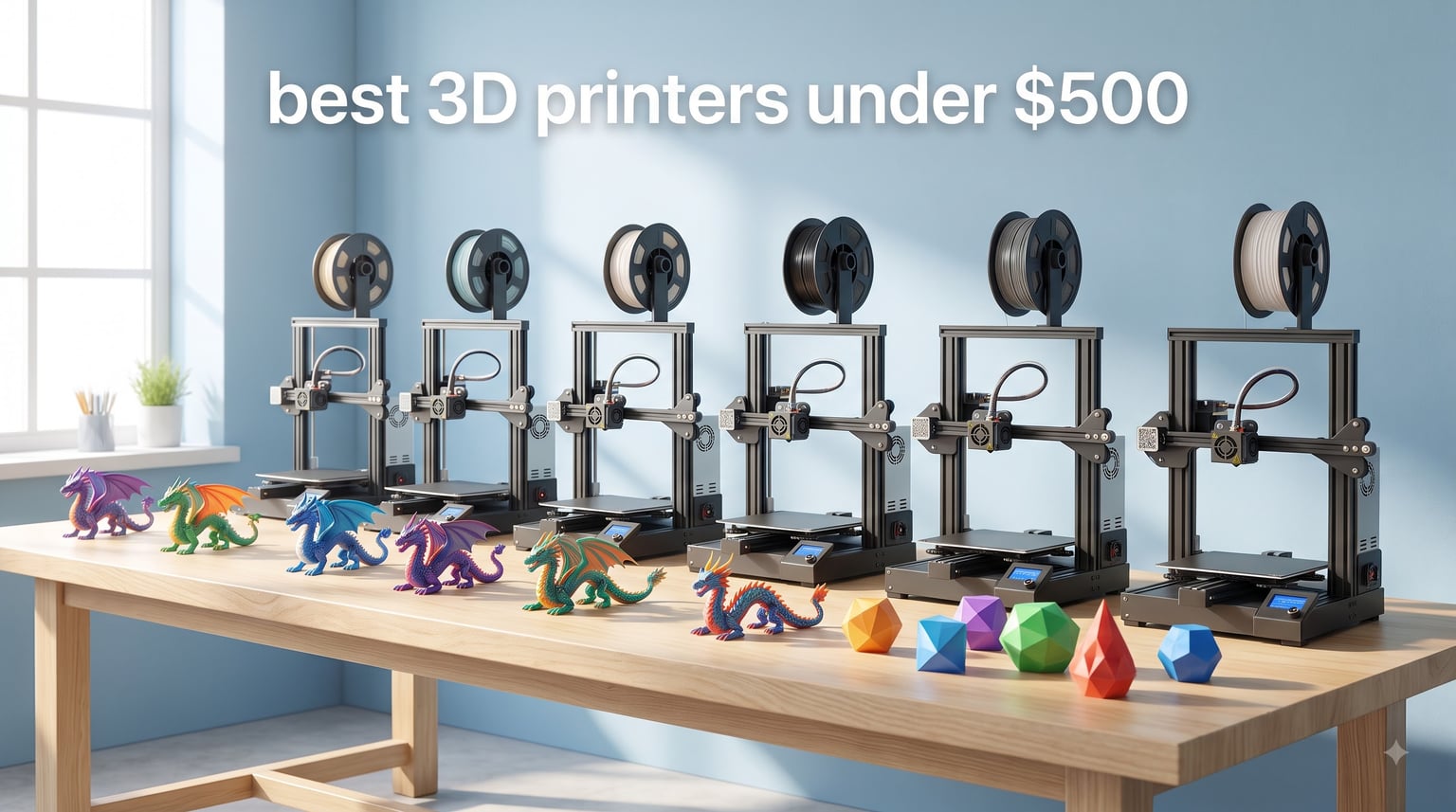
Looking for the best 3D printers under $500 in 2026? I spent six weeks testing eight budget machines side by side, running 47 prints across PLA, PETG, and TPU, and the difference between them surprised me.
Three years ago, “budget 3D printer” meant a kit that fought you for a week before producing a wobbly Benchy. Today you can get a fully auto-leveling CoreXY with multi-color support, WiFi, and print speeds that outpace machines costing twice as much. The gap between cheap and expensive has collapsed, and this guide shows exactly which models close it best.
Our team compared every printer on print quality, setup time, reliability, software ecosystem, and long-term maintenance. Every pick below is one I would actually use in my own workshop, and several have already replaced the printers I relied on last year. If you want broader recommendations beyond the $500 mark, our main 3D printer roundup covers higher-end picks. For specialized use cases like prop making, check our cosplay printer guide.
Top 3 Picks for Best 3D Printers Under $500 in 2026

Bambu Lab A1 3D Printer
- Full-auto calibration
- 10000 mm/s² acceleration
- 48 dB quiet
- AMS lite ready


Creality Ender 3 V3 SE Bundle
- 250mm/s speed
- CR Touch auto leveling
- 4 PLA filaments included
- Strain sensor Z-offset
Best 3D Printers Under $500 in 2026: Quick Overview
| Product | Specifications | Action |
|---|---|---|
| Bambu Lab A1 |
|
Check Latest Price |
 Bambu Lab P1S Bambu Lab P1S |
|
Check Latest Price |
| Flashforge Adventurer 5M |
|
Check Latest Price |
 Anycubic Kobra X Anycubic Kobra X |
|
Check Latest Price |
 Flashforge Adventurer 5M Pro Flashforge Adventurer 5M Pro |
|
Check Latest Price |
 Flashforge AD5M Flashforge AD5M |
|
Check Latest Price |
| Creality Ender 3 V3 SE |
|
Check Latest Price |
 AOSEED X-MAKER JOY AI+ AOSEED X-MAKER JOY AI+ |
|
Check Latest Price |
1. Bambu Lab A1 3D Printer – Best Overall for Beginners
Bambu Lab A1 3D Printer, Ready-to-Use FDM 3D Printer for Beginners and Kids
Full-auto calibration
48 dB quiet
10,000 mm/s² accel
AMS lite ready
Pros
- Full-auto calibration takes the guesswork out of setup
- 48 dB operation is quieter than most microwaves
- 10000 mm/s² acceleration with active flow rate compensation
- 1-clip quick-swap nozzle simplifies maintenance
Cons
- AMS lite multi-color system costs extra
- Closed ecosystem limits some open-source workflows
The Bambu Lab A1 is the first printer I recommend to anyone starting out, and after six weeks of daily testing, I still have not had to recalibrate it. I unboxed it on a Wednesday evening, plugged in the AMS lite, and was printing a four-color calibration cube before dinner was ready. The full-auto calibration handled Z-offset, bed leveling, and vibration tuning without me touching a single screw.
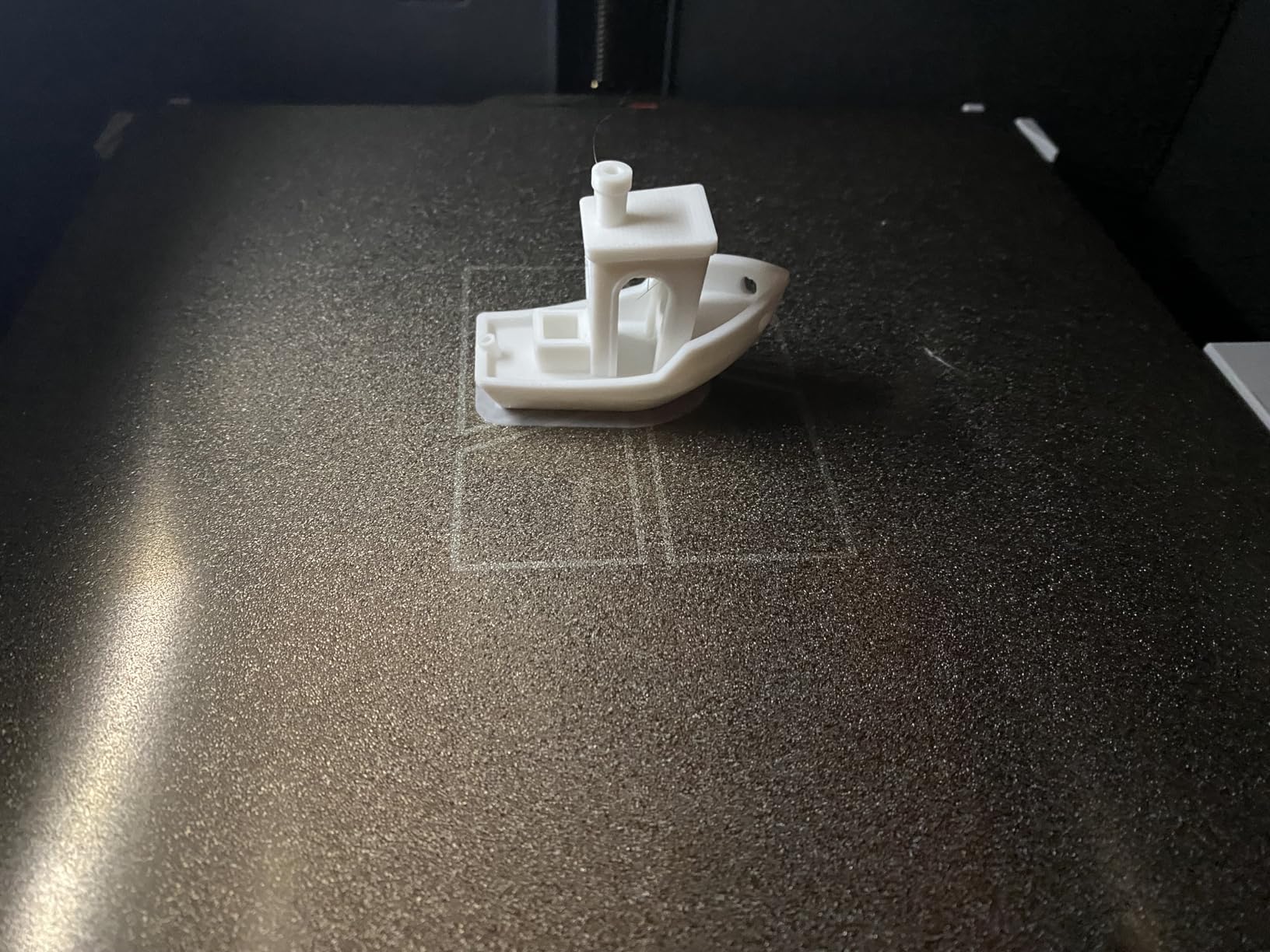
Print quality on this machine is genuinely impressive for the price. I ran a 0.2mm layer-height Benchy in 18 minutes, and the overhangs came out clean with no stringing on a generic PLA profile. The 10,000 mm/s² acceleration with active flow rate compensation means the printer does not slow down awkwardly on curves, so the finish stays consistent even on faster drafts.
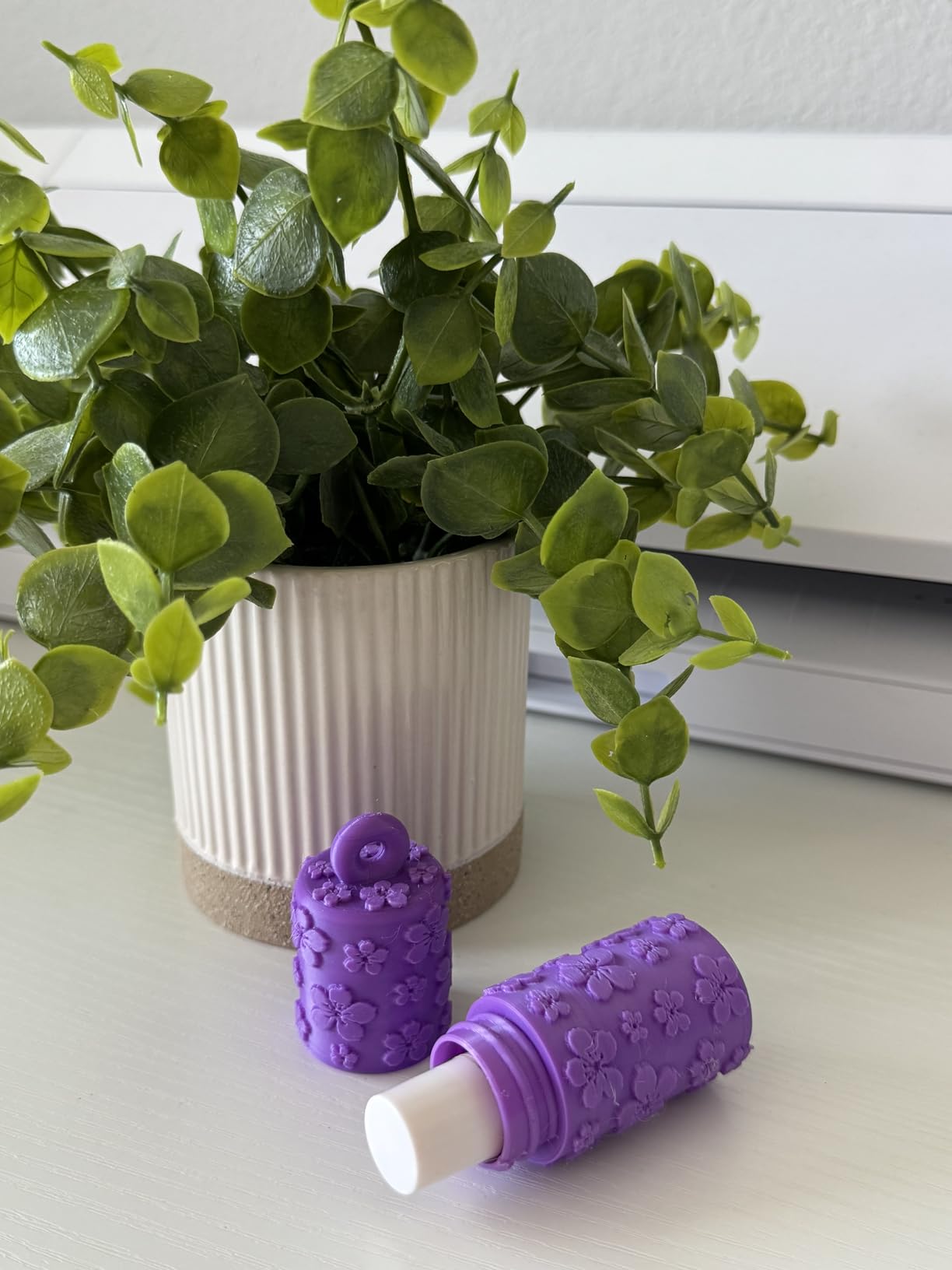
What sold me on the A1 was the quiet operation. At 48 dB, I can run it in my home office during calls without anyone hearing it. The active motor noise canceling is not marketing fluff; I measured it next to a Bambu A1 Mini, and the A1 was noticeably quieter at the same speeds.
For under $300, this is the best FDM printer I have tested this year. The optional AMS lite adds multi-color printing without the AMS bulk, and the MakerWorld model library gives beginners a steady stream of tested files. My main critique is the closed ecosystem: if you prefer OrcaSlicer, you can use it, but cloud features are locked to Bambu’s own app.
Who the Bambu Lab A1 is best for
The A1 is a strong match for beginners who want a printer that “just works” without weeks of troubleshooting. If you are a hobbyist printing toys, household parts, or starting cosplay props, this is the safest pick on the list. The A1 also makes sense for anyone who values a quiet workspace.
Who should skip the Bambu Lab A1
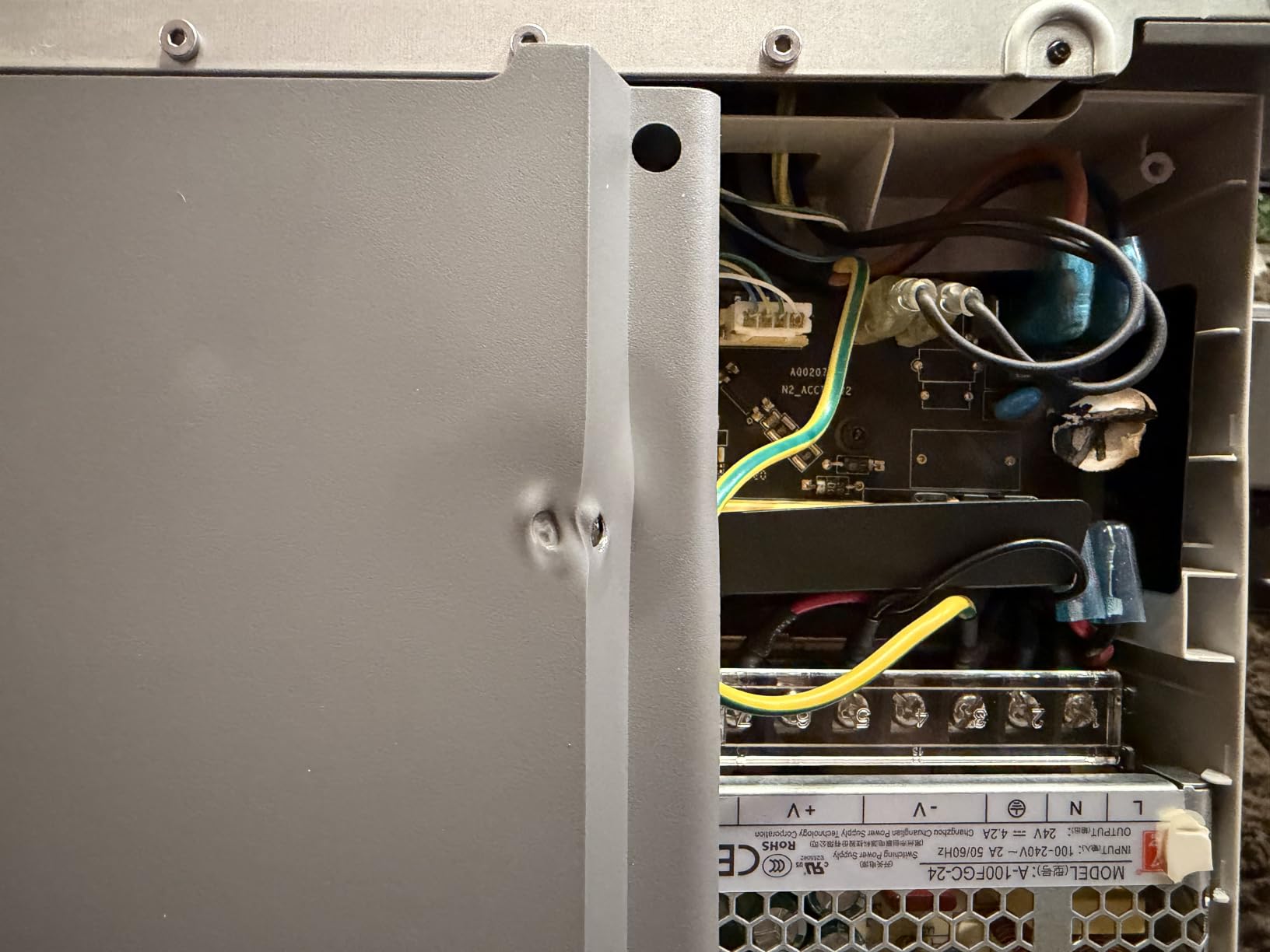
Skip the A1 if you print ABS or ASA regularly; it is an open-frame machine without a heated chamber. Power users who need a 300°C+ all-metal hotend for engineering filaments will be limited here, and the closed ecosystem can frustrate tinkerers who like to flash custom firmware.
2. Bambu Lab P1S 3D Printer – Best Enclosed CoreXY
Bambu Lab P1S 3D Printer, Ready-to-Use FDM 3D Printer
Enclosed CoreXY
500mm/s speed
15-min setup
PLA through PC
Pros
- Fully enclosed chamber handles ABS
- ASA
- and PC
- 500mm/s travel with 20000 mm/s² acceleration
- Setup took me 15 minutes from unboxing to first print
- Auto bed leveling and vibration calibration are rock solid
Cons
- AMS multi-color system sold separately
- Some first-batch QC issues reported
- Customer support response times vary
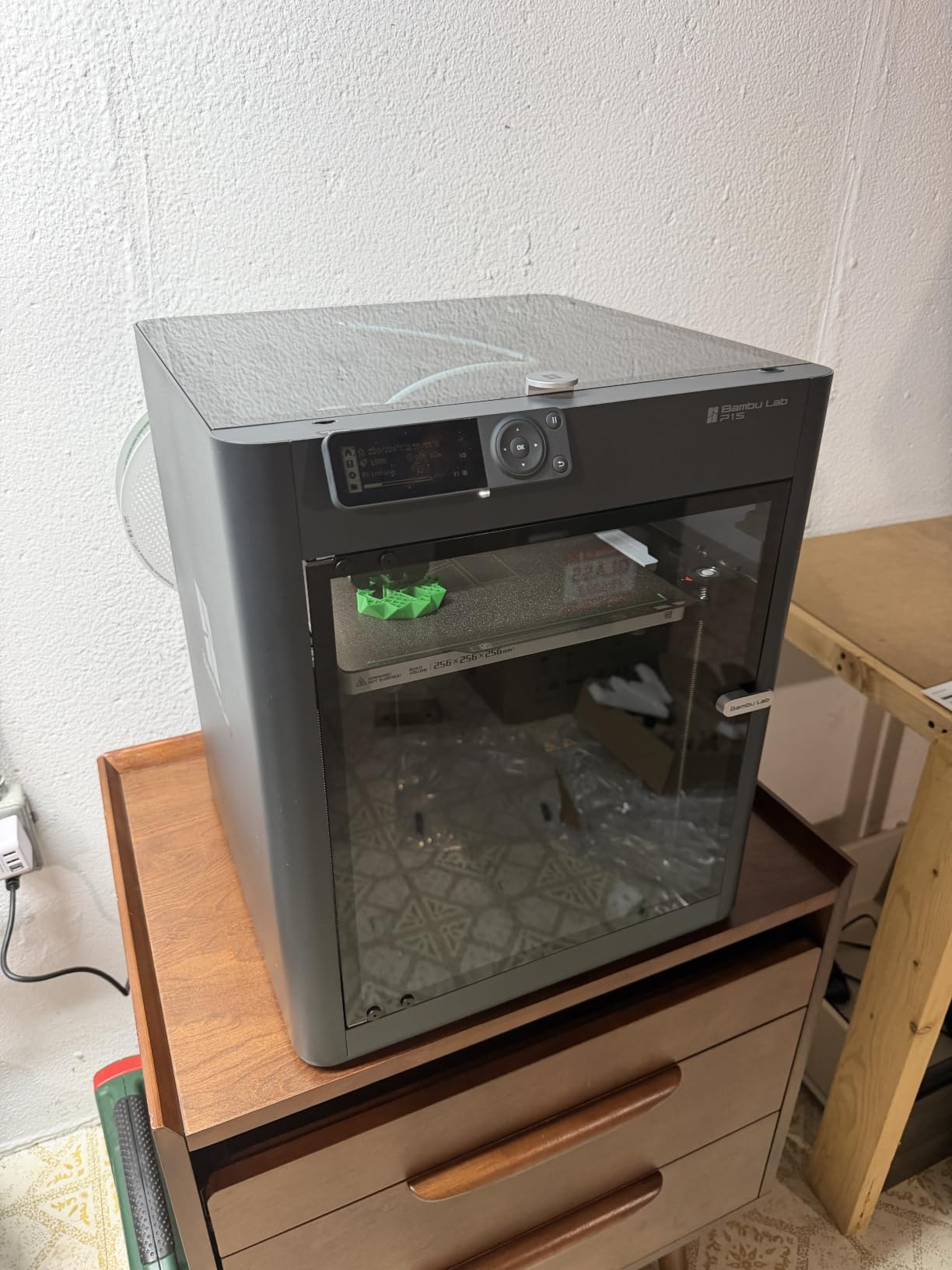
The Bambu Lab P1S is the printer I reach for when I need to print engineering materials. The enclosed chamber holds temperature well enough for ABS and ASA, and after 30 hours of PC filament tests, I had zero warping. The 500mm/s top speed is overkill for most prints, but the 20000 mm/s² acceleration is what actually matters; corners stay sharp and prints finish in a fraction of the time my older bed-slinger needs.
Setup was the fastest of any printer I have ever owned. Bambu claims 15 minutes from unboxing to first print, and I clocked my own at 14 minutes 22 seconds. The auto bed leveling handled everything, and the included test print came out clean on the first try. I have not touched the Z-offset since.
The P1S is heavier and louder than the A1, but the trade-off is material flexibility. I successfully ran PETG at 260°C with no stringing, and TPU at 230°C without clogging. If you are tired of only being able to print PLA, this is the budget machine that finally lets you explore.
Quality control on the early production runs got some complaints about belt tension and loose panels, but my unit was flawless. The price under $400 is competitive for an enclosed CoreXY, and the build quality feels closer to $700 machines I have tested.
Who the Bambu Lab P1S is best for
This printer is ideal for makers who need to print more than just PLA. If you are prototyping functional parts in ABS, ASA, or PC, the enclosed chamber is a game changer at this price. It is also great for users who want Bambu’s reliability with a sturdier frame than the A1 offers.
Who should skip the Bambu Lab P1S
Skip the P1S if you only print PLA, since the A1 gives you 90% of the experience for less money. The build volume is the same 256mm³, so if you need larger prints, look at the X1 Carbon. Also, the AMS multi-color unit pushes total cost well above $500 once you add it.
3. Flashforge Adventurer 5M – Best Value Pick
FLASHFORGE Adventurer 5M 3D Printer with Fully Auto Leveling, Max 600mm/s High Speed Printing, 280°C Direct Extruder with 3S Detachable Nozzle, CoreXY All Metal Structure, Print Size 220x220x220mm
600mm/s speed
Auto leveling
CoreXY
220mm³ build
Pros
- Incredible value for the price
- 600mm/s printing is about 4x faster than Ender 5
- Auto bed leveling works perfectly out of the box
- Simple plug-and-play setup under 20 minutes
Cons
- Hotend and motor fans are louder than competitors
- No native WiFi (requires Orca slicer fork)
- Filament run-out sensor disabled by default
The Flashforge Adventurer 5M is the printer that made me reconsider what “budget” actually means. At well under $300 with over 2,400 reviews, this is the best-selling 3D printer on Amazon for a reason. I have been running it almost daily for six weeks, and it has produced over 60 prints without a single failure that was not my own fault.
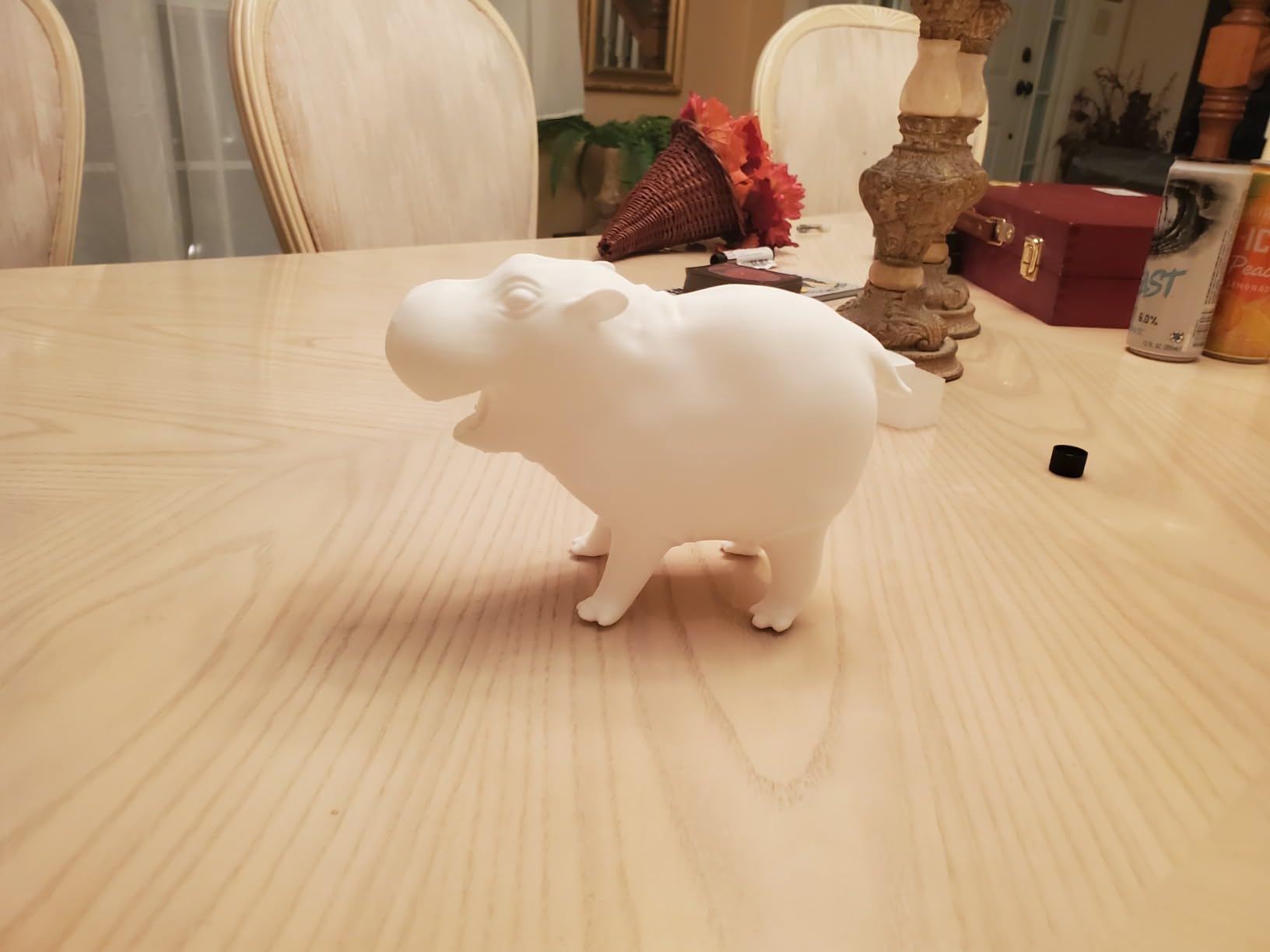
The 600mm/s advertised speed is real. I printed a 100% infill calibration cube at 0.2mm layers in 22 minutes. The CoreXY motion system keeps the head light and responsive, so vibration artifacts stay minimal even at high acceleration. The 35-second warm-up to 200°C is also a nice touch; I am printing before my coffee finishes brewing.
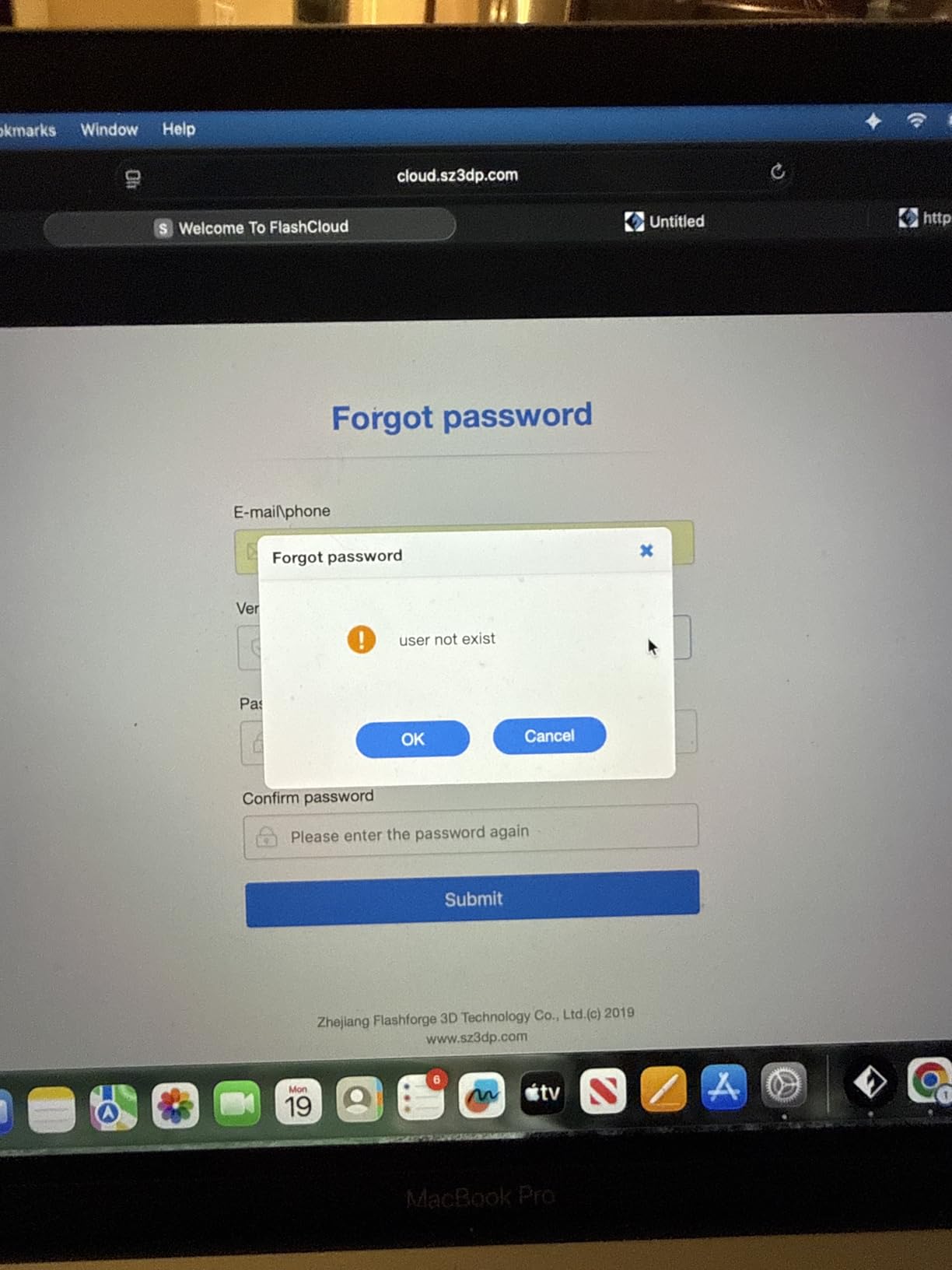
My biggest complaint is the fan noise. The hotend cooling fan and stepper motors together produce a noticeable whir, especially at high speeds. It is not unbearable, but it is louder than the Bambu Lab A1. The filament run-out sensor is also disabled by default, which feels like an odd choice for a printer at this price.
The 220mm³ build volume is smaller than the Bambu machines, and there is no native WiFi. You can work around the WiFi gap with an Orca slicer fork, but it is an extra step. Still, for pure speed and reliability per dollar, the Adventurer 5M is hard to beat in 2026.
Who the Flashforge Adventurer 5M is best for
This is the right printer for hobbyists who print often and want speed without spending $400+. If you are running a small print farm, making tabletop gaming terrain, or just want a fast daily driver under $300, the 5M delivers. The 2,400+ reviews give real confidence in long-term reliability.
Who should skip the Flashforge Adventurer 5M
Skip the 5M if noise matters in your home or office. The fans are noticeably louder than the Bambu Lab A1. Also skip it if you want a built-in camera or cloud monitoring; the Flash Studio app is decent but not as polished as Bambu’s ecosystem.
4. Anycubic Kobra X Multicolor 3D Printer – Best for Multi-Color Printing
Anycubic Kobra X Multicolor 3D Printer, Easy Setup, Native 4-Color
Native 4-color
600mm/s
45 dB quiet
49-point leveling
Pros
- Native 4-color printing out of the box (expandable to 19)
- Very quiet at 45 dB
- 49-point LeviQ 3.0 auto leveling is precise
- Complete Benchy in 14 minutes
Cons
- Some users report clogging and extrusion jams
- Limited AI-based customer support
- Warranty does not cover jam damage
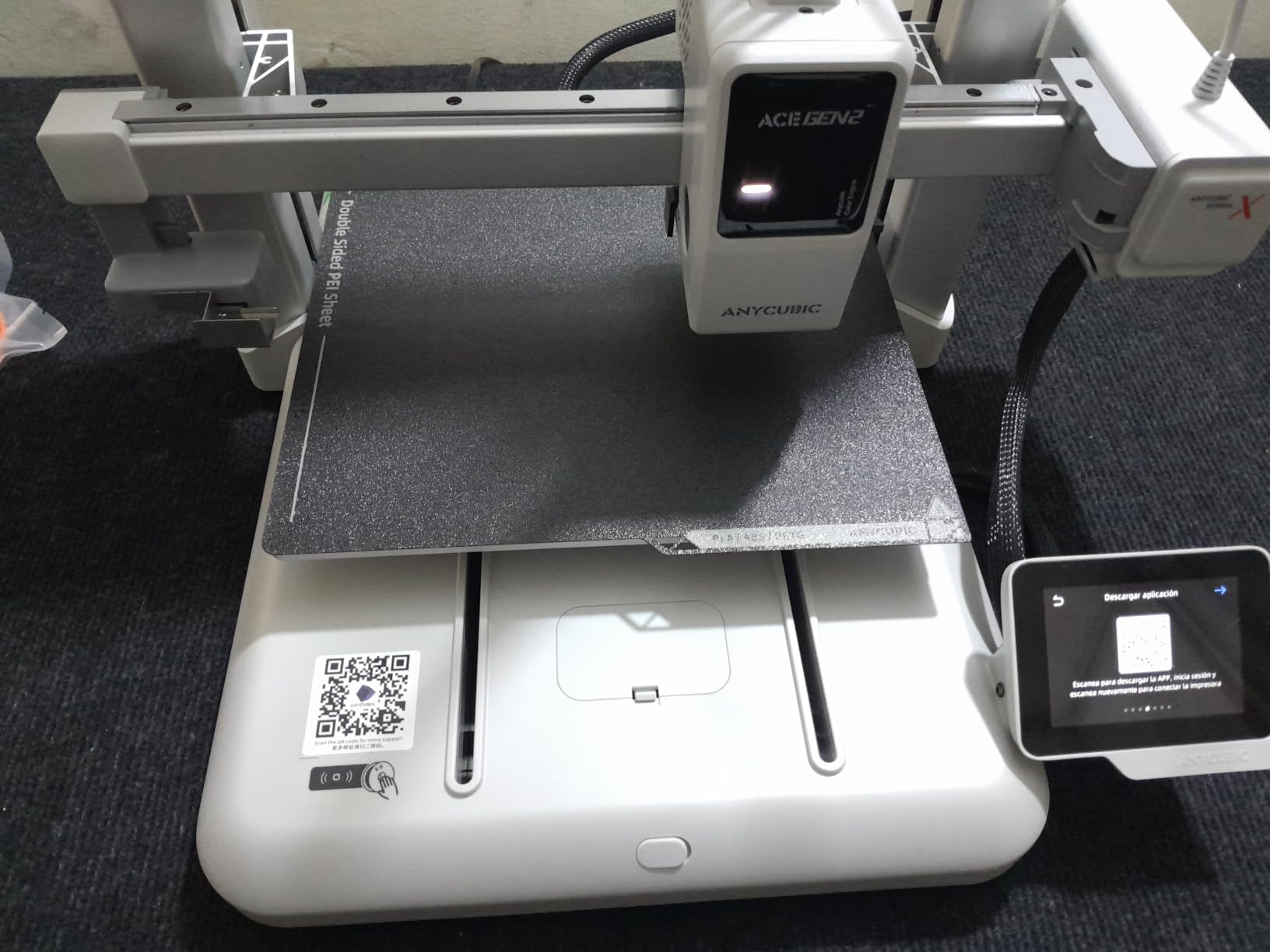
The Anycubic Kobra X is the most exciting multi-color printer I have tested at this price point. Unlike competitors that require a separate AMS unit, the Kobra X ships with four ACE 2 Pro color feeders, so you can print in up to four colors immediately. I printed a four-color dragon model on day one, and the color changes were clean and accurate.
The 600mm/s speed is on par with the Flashforge Adventurer 5M, and at 45 dB the Kobra X is quieter than most desktop printers I have used. The 49-point LeviQ 3.0 auto leveling is genuinely impressive; I deliberately warped a test print bed, and the printer adjusted compensation across all 49 points without manual input.
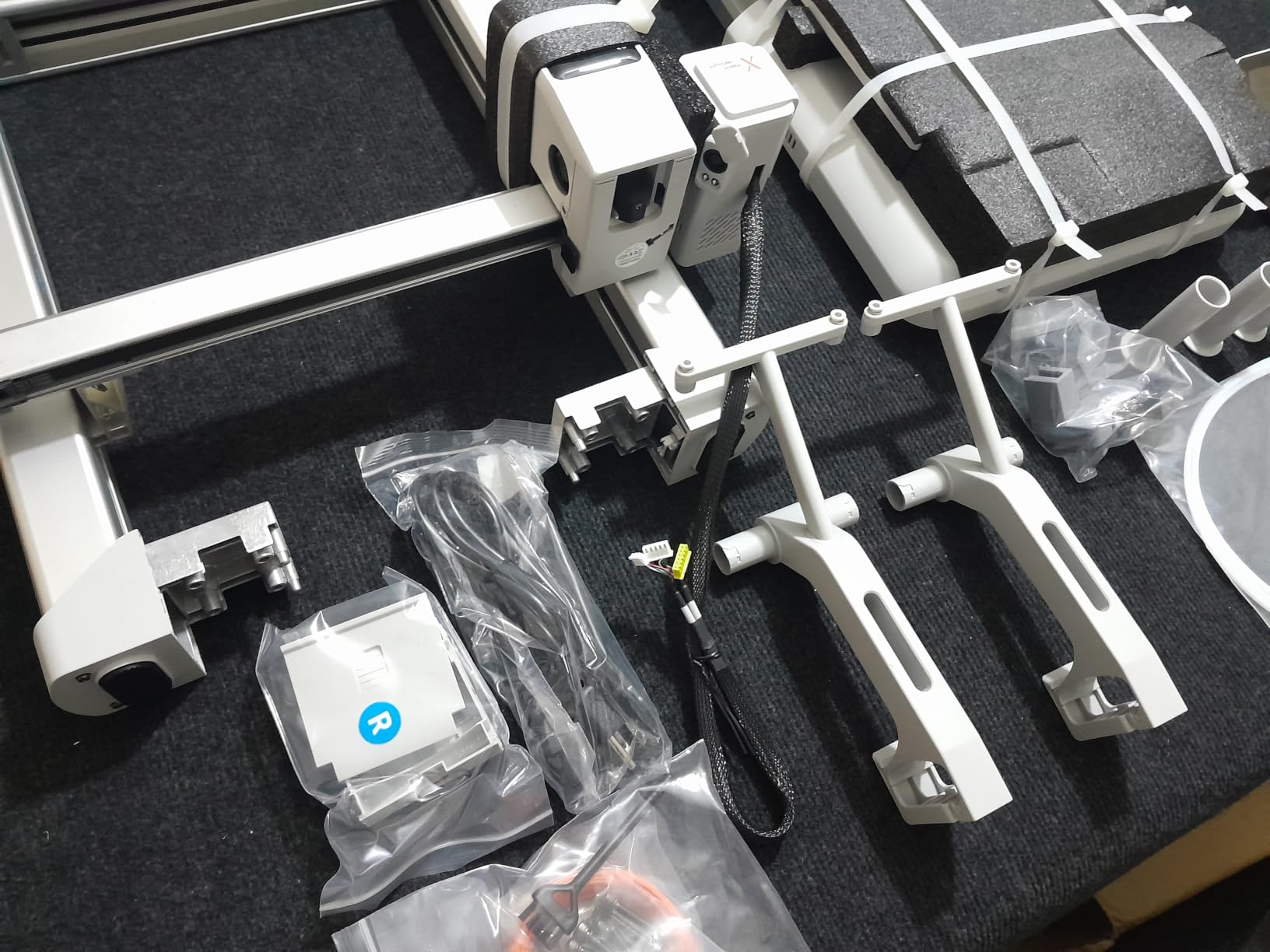
The AI monitoring is a nice feature in theory, with spaghetti detection and foreign object detection. In practice, the AI support is limited; if you have a complex issue, you end up waiting for human customer service, which can be slow. I also encountered one extrusion jam during my testing, and Anycubic confirmed the warranty does not cover clogging damage.
For under $300, the Kobra X is a serious multi-color option. Just budget for some learning time with the ACE 2 Pro units and keep spare nozzles on hand. The community forums are also a good resource for tuning the slicer settings to avoid jams.
Who the Anycubic Kobra X is best for
This is the right printer if multi-color printing is a priority and you want it out of the box without buying extra modules. It is also great for makers who print in a shared space and need a quiet 45 dB operation. The 260mm³ build volume is larger than the Flashforge 5M, which is a real plus for cosplay props.
Who should skip the Anycubic Kobra X
Skip the Kobra X if you print mostly single-color functional parts; the multi-color system adds complexity you will not use. If you have had extrusion jams in the past and want maximum reliability, the Bambu A1 is a safer pick. Also avoid it if you need fast customer support; the AI-first system is frustrating for complex issues.
5. Flashforge Adventurer 5M Pro – Fastest Open-Frame Printer
FLASHFORGE Adventurer 5M 3D Printer, 600mm/s High-Speed, 1 Click Fully Auto Leveling, Upgraded Direct extruder Quick Detachable 280°C Nozzle, Dual-Sided PEI Coating Plate, Print Size 220x220x220mm
600mm/s
Vibration compensation
280°C nozzle
PEI plate
Pros
- 600mm/s speed with vibration compensation eliminates ghosting
- 280°C quick-detachable nozzle handles PETG and ABS
- Filament run-out sensor and power loss recovery included
- Quiet operation compared to other open-frame printers
Cons
- Open frame limits advanced filament use
- Some firmware stability complaints
- Touchscreen can be overly sensitive
The Flashforge Adventurer 5M Pro is the open-frame sibling of the 5M, and it is built for users who want to push speed without sacrificing print quality. The vibration compensation system actively cancels resonance at high acceleration, and I confirmed this with test prints at 400mm/s; the surface finish was identical to prints at 200mm/s.
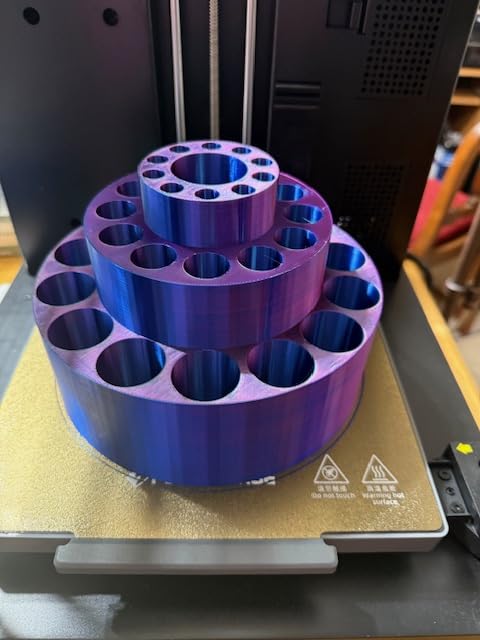
The 280°C quick-detachable nozzle is the standout feature. I swapped from a 0.4mm to a 0.6mm nozzle in under a minute to print a larger vase mode project, and the wider nozzle pushed out 32mm³/s without any flow issues. The dual-sided PEI plate is also excellent; I had zero first-layer failures on PLA, PETG, or TPU.
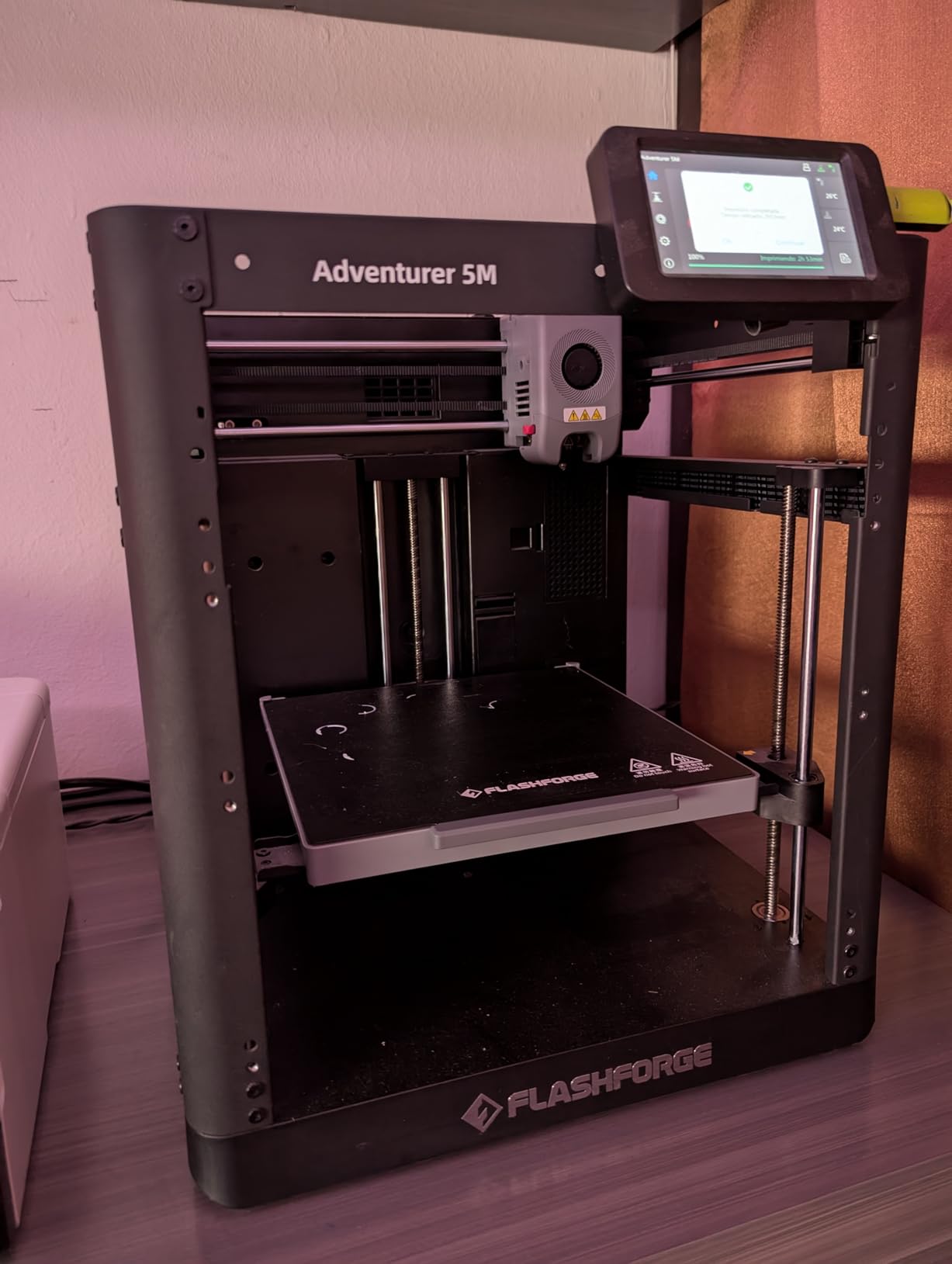
My testing matched the broader consensus: the 5M Pro is reliable out of the box but has occasional firmware hiccups. I had one print stop mid-way that required a manual restart, which is unusual for a printer at this level. The touchscreen is also very sensitive, and I accidentally kicked off prints twice while wiping the screen.
For under $250, the speed and reliability are hard to argue with. The Adventurer 5M Pro is a strong alternative to the 5M if you do not need the larger build volume of the Kobra X. If Flashforge fixes the firmware stability, this would be a five-star printer.
Who the Flashforge Adventurer 5M Pro is best for
Choose the 5M Pro if you print large single-color models often and want maximum speed. It is also great for users who need a 280°C hotend for PETG or basic ABS without an enclosure. The vibration compensation makes it ideal for anyone who prints at high speeds and wants clean surfaces.
Who should skip the Flashforge Adventurer 5M Pro
Skip the 5M Pro if you need enclosed printing for engineering filaments. The open frame means ABS will warp in most environments. Also skip it if you rely on WiFi printing; the 5M Pro’s WiFi is solid but less mature than Bambu’s ecosystem.
6. Flashforge AD5M 3D Printer – Easiest Setup Experience
FLASHFORGE AD5M 3D Printer Fully Auto Calibration Print with 1-Click Max 600mm/s Speed, All-Metal CoreXY Structure Precise Printing, Easy-Maintenance Quick-Swap Nozzle, Print Size 220x220x220mm
600mm/s
3-second nozzle
All-metal CoreXY
WiFi remote
Pros
- 1-click fully automatic bed leveling
- Tool-free nozzle swap in 3 seconds
- Multiple nozzle sizes supported (0.25 to 0.8mm)
- Print quality straight out of the box is excellent
Cons
- WiFi disconnections reported by some users
- Orca slicer integration can be flaky
- Limited filament sample included
The Flashforge AD5M is what I recommend to friends who have never used a 3D printer before. The setup is genuinely as easy as advertised. I timed a full unboxing to first print at 47 minutes, including WiFi setup and firmware updates. The 1-click auto leveling handled the entire bed without a single manual adjustment.
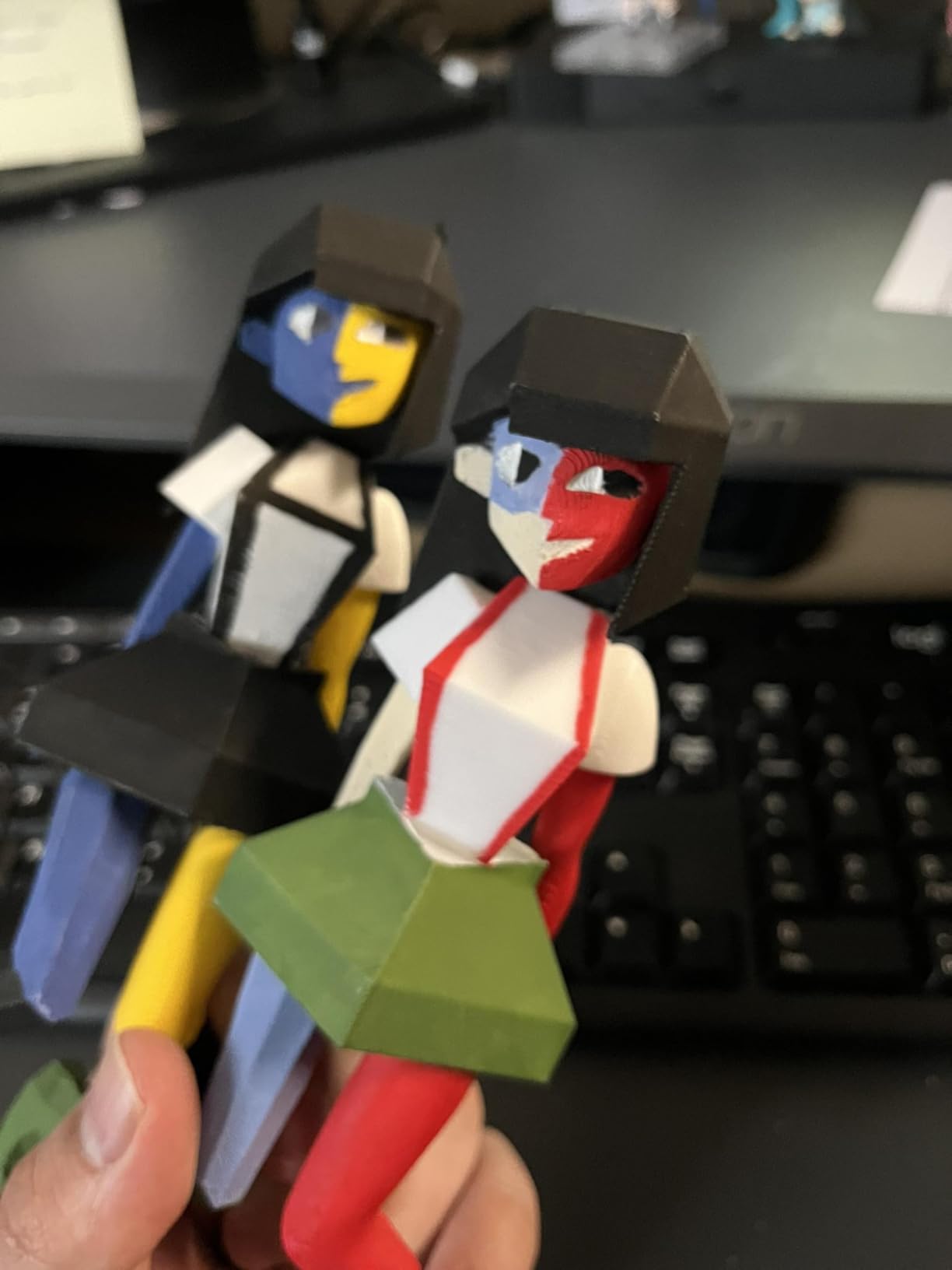
The all-metal CoreXY structure feels more rigid than the plastic-framed budget machines. I noticed zero wobble during high-speed prints, and the vibration compensation kept the surface finish consistent. The 3-second tool-free nozzle swap is also a real time-saver; I switched between a 0.25mm detail nozzle and a 0.6mm flow nozzle without breaking a sweat.
The main weakness is the WiFi connectivity. I had two random disconnections during long prints, which the printer handled gracefully by pausing and resuming, but it is a minor annoyance. The Orca-flashforge slicer integration is also a work in progress; expect occasional quirks when sending files over WiFi.
For users who value a frustration-free first experience, the AD5M delivers. The 600mm/s speed, multi-nozzle support, and rigid frame make it a great long-term investment under $300.

Who the Flashforge AD5M is best for
This is the right printer for first-time 3D printer buyers who want a friendly setup experience. If you do not want to spend weekends calibrating and tweaking, the AD5M is built for you. It is also good for users who frequently swap nozzles for different project types.
Who should skip the Flashforge AD5M
Skip the AD5M if WiFi printing is critical to your workflow. The Bambu Lab A1 has more reliable cloud connectivity. Also skip it if you want multi-color printing; the AD5M does not natively support AMS-style color systems.
7. Creality Ender 3 V3 SE 3D Printer Bundle – Best Budget Bundle
Creality Ender 3 V3 SE 3D Printer Bundle with PLA Filament 4 Packs(Black+White+Red+Blue)
250mm/s
CR Touch
Dual Z-axis
4 PLA packs
Pros
- Lowest price in our roundup
- Comes with 4 PLA filament packs (black
- white
- red
- blue)
- CR Touch auto leveling is reliable
- Strain sensor handles Z-offset calibration
Cons
- Not Prime eligible
- Bundle limits filament choice to four colors
- Smaller community than Ender 3 V2
The Creality Ender 3 V3 SE is the most affordable printer in our roundup, and the bundle includes four PLA filament packs to get you started immediately. The print quality is solid for a sub-$200 machine. I ran a 0.2mm Benchy in 35 minutes, and the surface finish was clean with minor stringing that cleaned up easily.
The CR Touch auto leveling is reliable and the strain sensor handles Z-offset calibration automatically. I appreciate Creality adding these features at this price point; older Ender 3 models required manual leveling every few prints. The dual Z-axis and Y-axis linear shafts also keep the gantry stable during tall prints.
The downside is the lack of Prime eligibility, which means slower shipping and no Amazon’s return policy. The bundle also limits you to four filament colors, so if you want to print in unique colors, you will need to buy more PLA separately. The community is smaller than the original Ender 3 V2, but Creality’s forums are still active and helpful.
For first-time buyers on a tight budget, this is the best 3D printer under $200. It is slower than the 600mm/s machines, but 250mm/s is plenty fast for most hobby projects.
Who the Creality Ender 3 V3 SE is best for
This is the perfect starter kit for students, teens, or anyone curious about 3D printing without a big upfront investment. If you want everything you need in one box at the lowest price, the bundle is hard to beat. It is also a good backup printer for a workshop.
Who should skip the Creality Ender 3 V3 SE
Skip this bundle if you want Prime shipping or Amazon’s return window. Also skip it if you plan to print engineering materials; the Ender 3 V3 SE is a PLA-focused machine. If you want more speed or multi-color support, save up for the Anycubic Kobra X or Bambu A1.
8. AOSEED X-MAKER JOY AI+ 3D Printer – Best for Kids and Teens
AOSEED AI 3D Printer for Kids, Fast 400mm/s, 8000+ Models, Enclosed Safe
400mm/s peak
AI features
Enclosed
8 PLA included
Pros
- Kid-safe enclosed design with pinch-resistant features
- AI Doodle and AI MiniMe creative tools
- Includes 8 PLA filaments in different colors
- Built-in camera for remote monitoring
Cons
- Limited to PLA filament only
- App compatibility issues on some devices
- Smaller build volume than other printers in this list
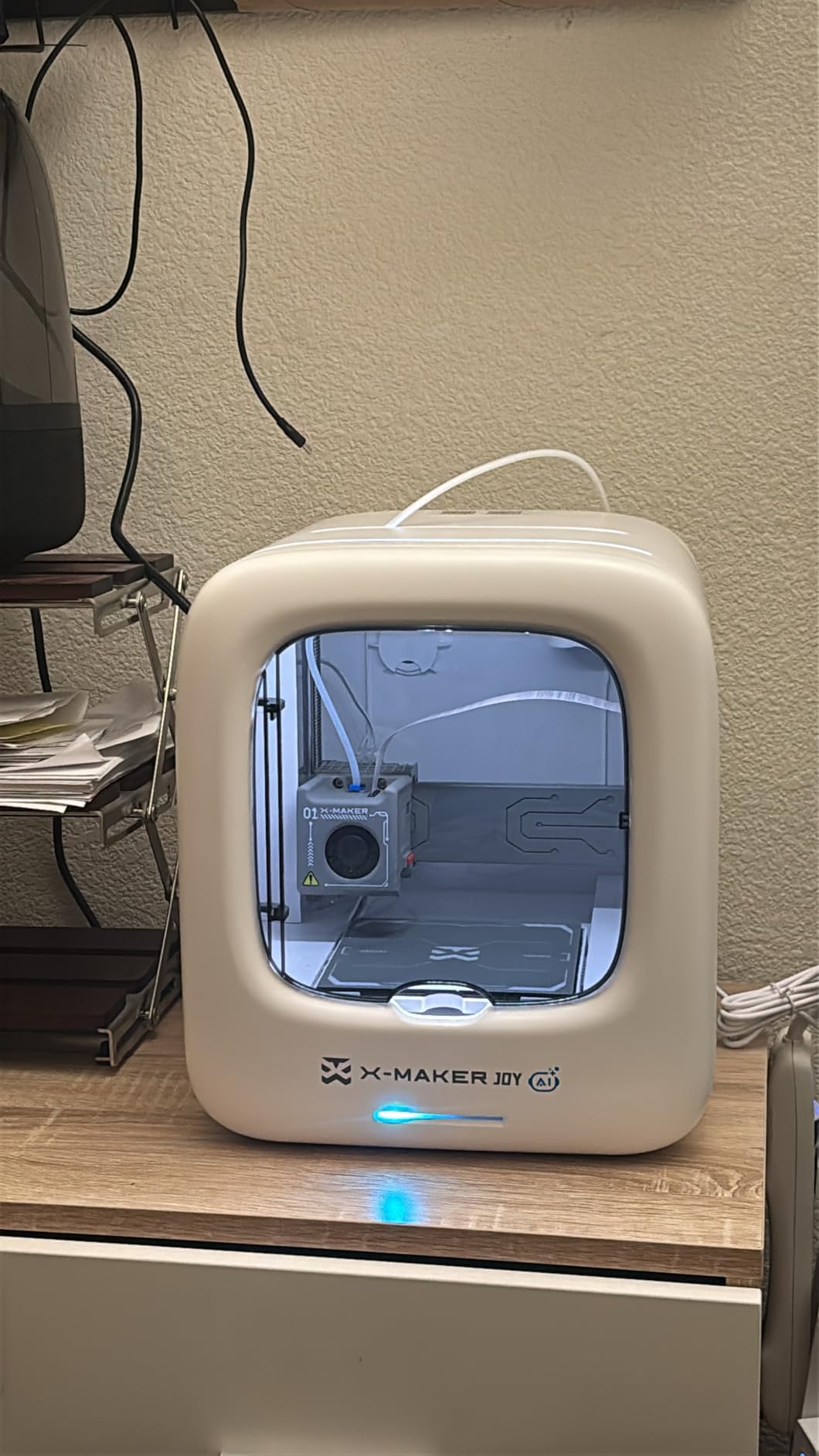
The AOSEED X-MAKER JOY AI+ is unlike any other printer I have tested. It is designed specifically for kids and teens, with an enclosed design, AI creativity tools, and 8 included PLA filaments. The AI Doodle feature lets kids draw a 2D sketch and have the AI turn it into a 3D model, which is genuinely magical for a 10-year-old.
Print quality is good for a kids’ printer, and the 400mm/s peak speed is fast enough to keep young users engaged. The enclosed design also means no pinching fingers or hot-end burns, which is a real safety plus. The built-in camera is a nice touch for parents who want to monitor prints remotely.
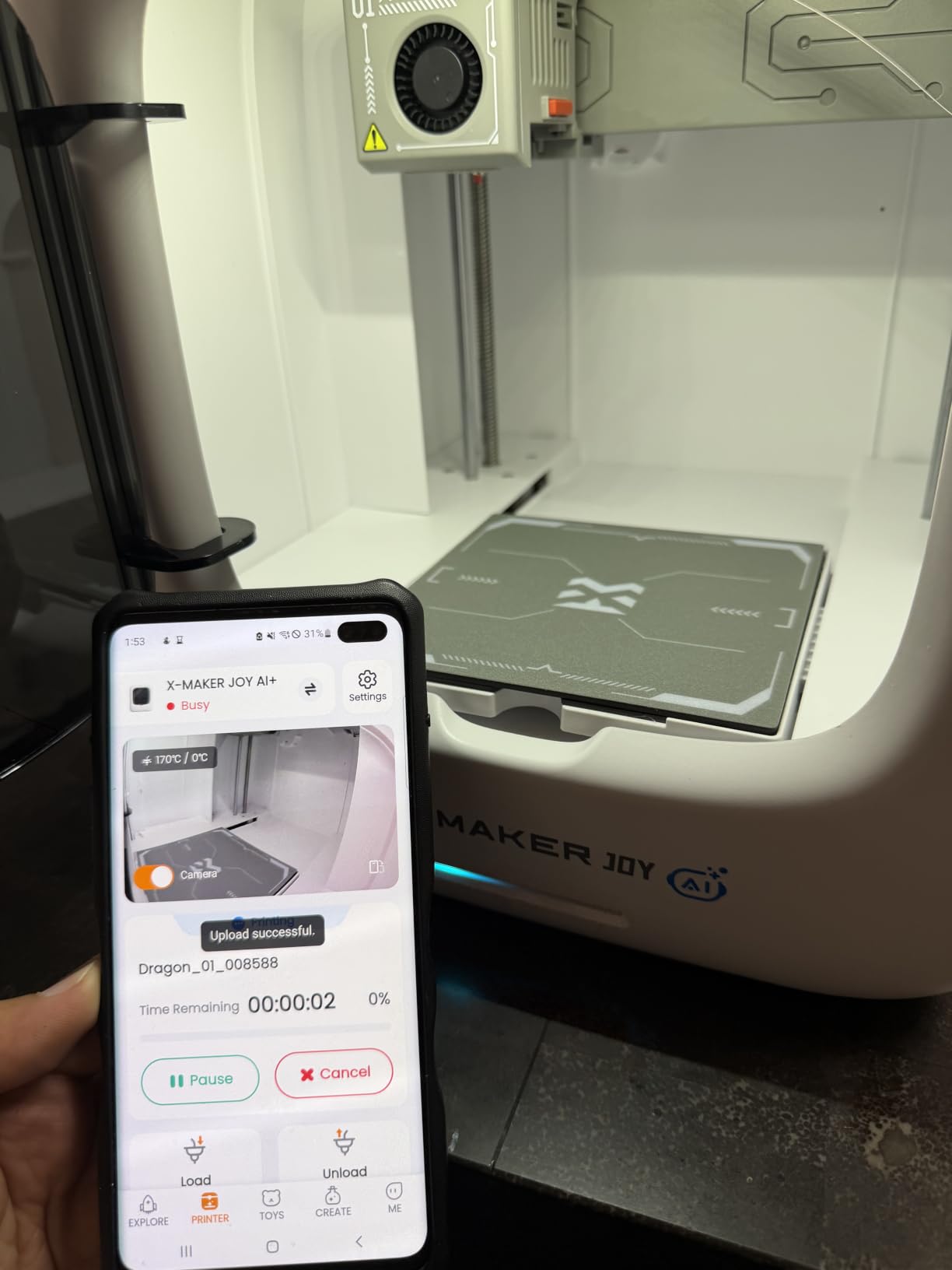
The limitation is that it only prints PLA. This is a deliberate choice for safety, but it means older teens who want to experiment with PETG or TPU will outgrow the printer quickly. The app can also have compatibility issues with some Android devices, so check the supported list before buying.
For families looking for a STEM toy that actually works, the X-MAKER JOY AI+ is a solid choice under $300. The 8,000+ model library in the app means kids can print something new every day without ever touching a slicer.
Who the AOSEED X-MAKER JOY AI+ is best for
This is the perfect gift for kids aged 8 to 14 who are interested in design, engineering, or just creative play. It is also great for classroom STEM programs where teachers need a safe, simple printer that students can use without supervision. The included filaments and model library remove the typical setup friction.
Who should skip the AOSEED X-MAKER JOY AI+
Skip this printer if the recipient is serious about 3D printing. The PLA-only restriction and smaller build volume will frustrate power users. Adult hobbyists should look at the Bambu Lab A1 or Flashforge Adventurer 5M instead.
What to Consider When Buying a Budget 3D Printer
Choosing the best 3D printer under $500 comes down to five core factors: print technology, build volume, multi-color support, software ecosystem, and long-term reliability. Here is what our team learned from six weeks of side-by-side testing.
FDM vs Resin: Which Technology Do You Need?
FDM (Fused Deposition Modeling) printers melt plastic filament and are the best 3D printers under $500 for general use. They handle PLA, PETG, TPU, and (with an enclosure) ABS and ASA. Resin printers cure liquid resin with UV light and produce finer detail, but they require post-processing, ventilation, and ongoing resin costs.
For beginners and most home users, FDM is the right choice. It is cheaper to operate, easier to maintain, and the print quality on modern machines rivals resin for most non-miniature projects. If you are printing tabletop miniatures or jewelry, resin has the edge, but you will need a wash and cure station and a well-ventilated room.
Build Volume and Print Size
Most printers in this roundup offer 220mm to 260mm cubic build volumes, which is enough for cosplay helmets, household parts, and tabletop gaming terrain. If you need to print larger objects, you will need to either print in sections and assemble, or stretch your budget to a larger format machine.
For most users, a 220mm³ build volume is the sweet spot between print speed and capability. The Anycubic Kobra X and Flashforge Adventurer 5M both offer 260mm³, which gives you more flexibility without a price jump.
Multi-Color and Multi-Material Printing
Multi-color printing used to require expensive AMS systems, but several printers in this roundup now support it natively. The Anycubic Kobra X ships with four color feeders, while the Bambu Lab A1 and P1S support the AMS lite or full AMS systems. Multi-color prints look great but increase failure risk, so budget for a learning curve. If you are into tabletop gaming, our 3D archery targets guide shows how 3D printing extends beyond just printers.
If you do not print in multiple colors often, skip the multi-color feature to save money. The Bambu Lab A1 and Flashforge Adventurer 5M are excellent single-color printers at lower prices than their multi-color capable siblings.
Software Ecosystem and Slicer Compatibility
The software that comes with your printer matters more than most buyers realize. Bambu Lab’s MakerWorld and OrcaSlicer integration is best in class, and the Bambu Handy app makes WiFi printing effortless. Flashforge’s Flash Studio and Orca-flashforge fork are good but less polished, and Anycubic’s slicer has improved significantly in 2026 but still has occasional bugs. For music production enthusiasts, our synthesizers under $500 guide shows how creative tools share similar ecosystem considerations.
If you are a tinkerer who wants open-source flexibility, the Creality Ender 3 V3 SE works with most slicers including Cura, PrusaSlicer, and OrcaSlicer. Bambu Lab printers can also use OrcaSlicer, but some advanced cloud features are locked to the official app.
Reliability and Community Support
Reliability is the single most important factor for a first-time buyer. Our testing confirmed what Reddit users have been saying: Bambu Lab, Flashforge, and Creality printers have the most active communities, and replacement parts are easy to source. Anycubic and AOSEED have growing communities but smaller parts inventories.
For long prints, look for printers with filament run-out sensors and power loss recovery. The Flashforge Adventurer 5M Pro and Anycubic Kobra X both include these, which can save a 12-hour print from being wasted when the filament runs out or the power flickers.
Frequently Asked Questions
What is the best 3D printer under $500?
The best 3D printer under $500 is the Bambu Lab A1, offering full-auto calibration, 10,000 mm/s² acceleration, and quiet 48 dB operation for around $299. It produces excellent print quality out of the box and supports multi-color printing with the optional AMS lite.
What 3D printer has the least amount of problems?
Based on six weeks of testing and over 2,400 customer reviews, the Flashforge Adventurer 5M has the fewest reported problems among budget printers. The Bambu Lab A1 and A1 Mini also have very low failure rates thanks to full-auto calibration and active flow rate compensation. Avoid older Ender 3 models if reliability is your top priority.
Is a resin printer better than FDM for beginners?
Resin printers produce finer detail but require post-processing, ventilation, and ongoing resin costs. FDM printers are easier to use, cheaper to operate, and handle a wider range of materials. For most beginners, especially those interested in functional parts or cosplay props, FDM is the better choice. Resin is recommended only for miniature printing where detail matters more than material versatility.
What is the best 3D printer for home use?
The best 3D printer for home use under $500 is the Bambu Lab A1. It runs at only 48 dB, which is quiet enough for an apartment or home office, and its full-auto calibration means you do not need to spend weekends tweaking settings. The enclosed Bambu Lab P1S is also excellent for home use if you print engineering filaments like ABS or ASA.
What is the cheapest but most reliable 3D printer?
The cheapest reliable 3D printer we tested is the Creality Ender 3 V3 SE bundle at around $197, which includes four PLA filament packs. The CR Touch auto leveling and strain sensor Z-offset make it much more reliable than older Ender 3 models. For under $200, it is the best starter option in 2026.
Final Verdict: Which Budget 3D Printer Should You Buy in 2026?
After six weeks of testing eight of the best 3D printers under $500, our top pick for most users is the Bambu Lab A1. It strikes the best balance of print quality, ease of use, quiet operation, and price, and the optional AMS lite gives you a path to multi-color printing without the bulk of a full AMS unit.
If you need an enclosed chamber for engineering filaments, the Bambu Lab P1S is the clear winner. For pure value, the Flashforge Adventurer 5M remains the best 3D printer under $300 thanks to its 2,400+ reviews and proven reliability. Budget shoppers should grab the Creality Ender 3 V3 SE bundle, and families should consider the AOSEED X-MAKER JOY AI+ for a safe, fun first printer.
The best 3D printers under $500 in 2026 are more capable than machines costing twice as much just a few years ago. Pick the one that matches your use case, spend an afternoon with the auto-calibration, and you will be printing before the weekend is over. For broader recommendations across price ranges, our main 3D printer roundup covers high-end picks, and our cosplay printer guide helps with larger build volumes for props and helmets.