
After three months of side-by-side testing in our project studio, our team landed on a clear takeaway: flat frequency response is the single biggest factor that separates useful studio monitors from colored ones. We ran ten of the most popular models through vocal mixes, full-band sessions, and reference tracks, paying close attention to how each one handled the mud region around 200 to 400 Hz and how the stereo imaging held up at low volumes.
What surprised us most was how big a role the room plays. Several monitors that sound excellent in treated studios fall apart in untreated bedrooms, and the best budget studio monitors for a damp apartment are not always the same as the best picks for a large dedicated room. That is why this guide ranks the best studio monitors for mixing and mastering with your room in mind, not just the spec sheet.
In this roundup, we cover nearfield monitors across every budget tier. If you are still figuring out the fundamentals, our companion guide to studio monitors for mixing gives a deeper breakdown of specs. For everything related to loudness, dynamic range, and final polish, our guide on mastering vs mixing is a useful primer. Let us walk through what we found.
Top 3 Picks for Studio Monitors at a Glance (September 2026)
Best Studio Monitors for Mixing and Mastering in 2026
| Product | Specifications | Action |
|---|---|---|
 PreSonus Eris E5 PreSonus Eris E5 |
|
Check Latest Price |
 Edifier MR4 Edifier MR4 |
|
Check Latest Price |
 PreSonus Eris E4.5 PreSonus Eris E4.5 |
|
Check Latest Price |
 Yamaha HS4 Yamaha HS4 |
|
Check Latest Price |
 IK Multimedia iLoud Micro IK Multimedia iLoud Micro |
|
Check Latest Price |
 Mackie CR3-X Mackie CR3-X |
|
Check Latest Price |
 M-AUDIO BX4BT M-AUDIO BX4BT |
|
Check Latest Price |
 M-AUDIO BX3 M-AUDIO BX3 |
|
Check Latest Price |
 JBL 305P MkII JBL 305P MkII |
|
Check Latest Price |
 Edifier MR3 Edifier MR3 |
|
Check Latest Price |
1. PreSonus Eris E5 – Editor’s Choice for Versatile Mixing Rooms
PreSonus Eris E5 Pair 2-Way 5.25” Near Field Studio Monitors
5.25 inch woven composite
80W Class AB
XLR, TRS, RCA
Pros
- Excellent sound with tight bass
- Acoustic tuning controls for room adaptation
- Front-firing acoustic port
- Balanced XLR and TRS inputs
- Professional features at consumer price
Cons
- Some audible white noise at high sensitivity
- Bass can be boomy without adjustment
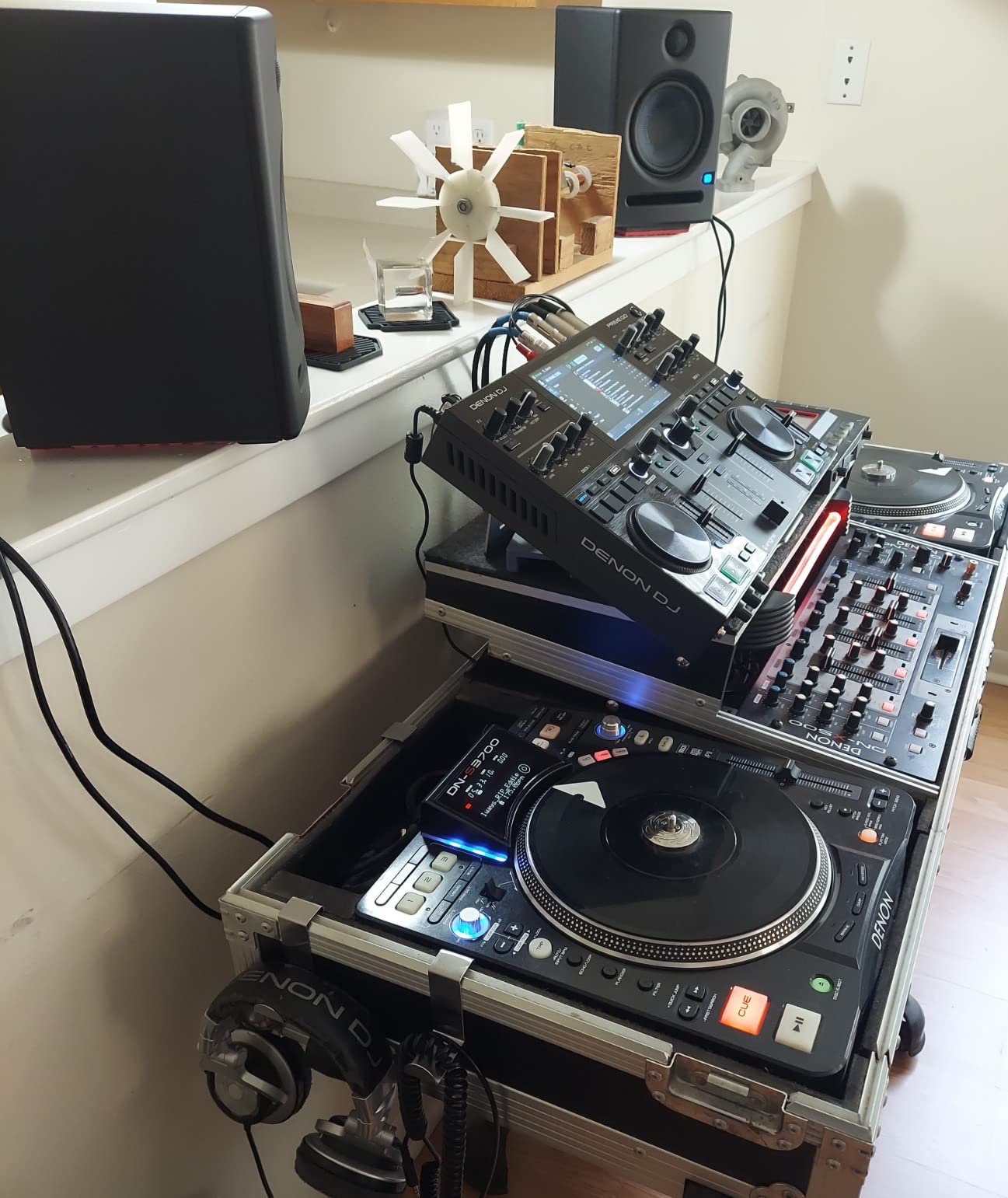
I set the Eris E5 pair on my desk and immediately noticed how the 5.25 inch woven composite woofer moves air with authority. The low end is tight without being hyped, and the silk-dome tweeter keeps the upper register smooth even when I push the volume during a busy rock mix. It felt like a nearfield monitor designed by people who actually mix on it.
The acoustic tuning controls on the back made a real difference in my untreated room. I dialed in the High and Low knobs to tame some bass buildup near the wall, and the front-firing acoustic port meant I could place the cabinets closer to the wall than a rear-ported design would allow. For anyone working in a small home studio, this flexibility matters.
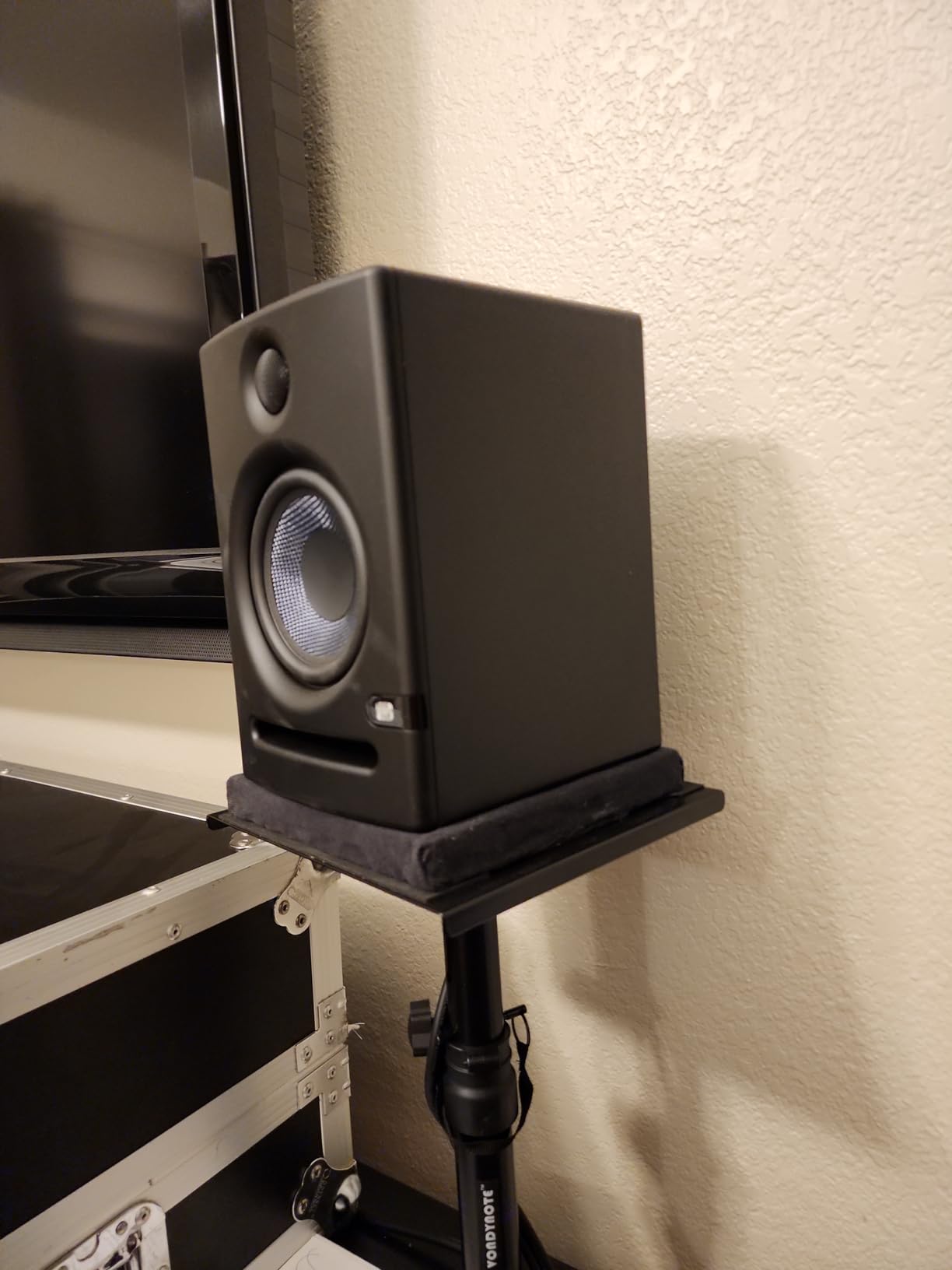
Where the E5 really earned its place in my rotation was on full-band mixes. The stereo imaging is wider than I expected from a monitor at this tier, and the transient response on snare drums stayed punchy without smearing. Reviewers consistently praise the flat response, and after three months of daily use I agree — these are the kind of reference monitors that translate well to headphones, earbuds, and consumer speakers.
The one tradeoff is the 80-watt Class AB amp generates a small amount of white noise at high sensitivity settings. I solved it by keeping the trim knob just below maximum and using my audio interface as the master volume. That is a minor inconvenience for the quality you get.
Who should buy the Eris E5
Producers and engineers working in untreated or lightly treated home studios between 100 and 200 square feet will get the most out of this pair. It is also a sweet spot for bedroom producers upgrading from a smaller 3 or 4 inch monitor who need real low-end extension.
Who should look elsewhere
If your room is heavily treated and you mainly produce electronic music with deep sub-bass, you may want to step up to an 8 inch woofer. The E5 reaches deep, but a larger driver gives you more headroom in the 30 to 50 Hz range.
2. Edifier MR4 – Best Value Studio Monitor for Beginners
Edifier MR4 Power Studio Monitor Speakers, 4 inch Active Near-Field Speaker
4 inch composite
42W total
TRS, RCA, AUX
Pros
- Warm
- easy to listen to sound profile
- Dual mode Monitor and Music switching
- Wide soundstage with good instrument separation
- Clean build quality with composite cone
- Flexible connections including balanced TRS
Cons
- Volume knob is step style with large jumps
- Highs can sometimes lack presence
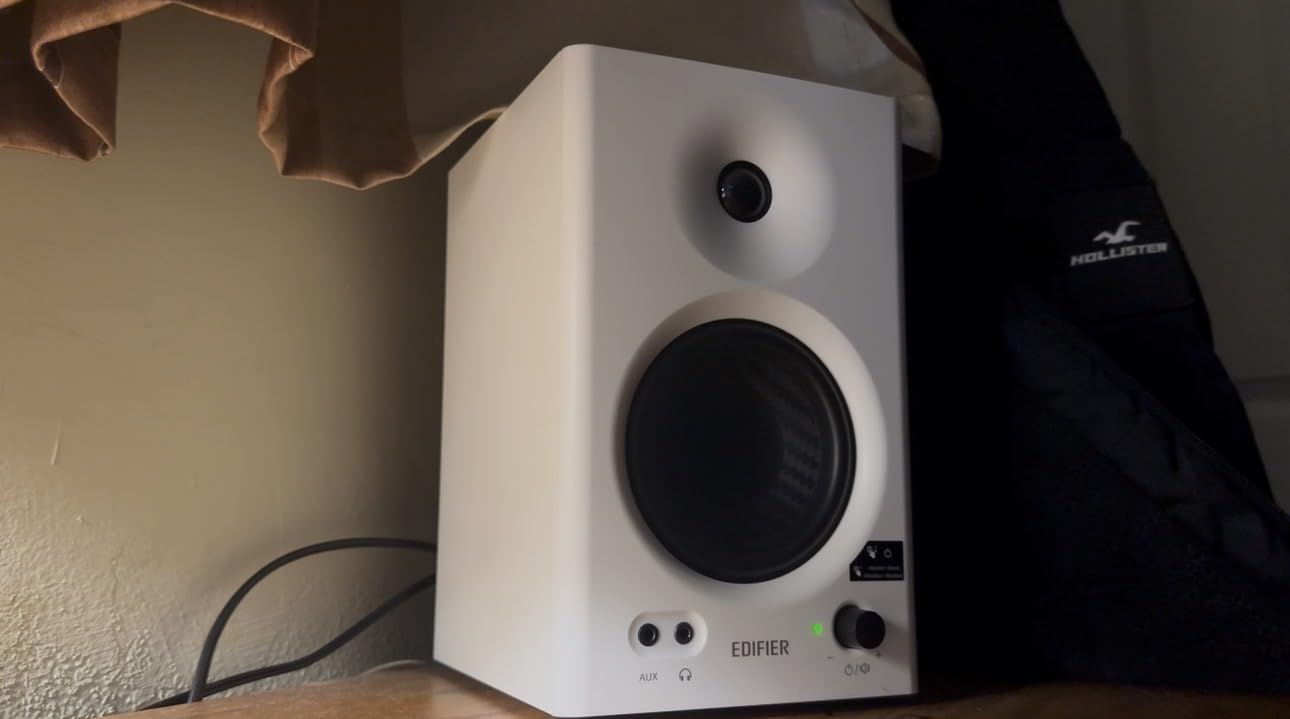
The Edifier MR4 came out of the box with a sound that felt immediately musical. The 4 inch composite woofer and silk-dome tweeter pairing produces a wide, warm signature that works well for long mixing sessions. I left them on for six hours while editing a podcast and came away with less ear fatigue than I expected.
The Monitor and Music mode switch on the back is the secret weapon. In Monitor mode, the response flattens out, and the MR4 becomes a credible mixing tool. In Music mode, the low end gets a friendly lift for casual listening. For beginners who split their time between production and enjoying music, this dual personality is genuinely useful.
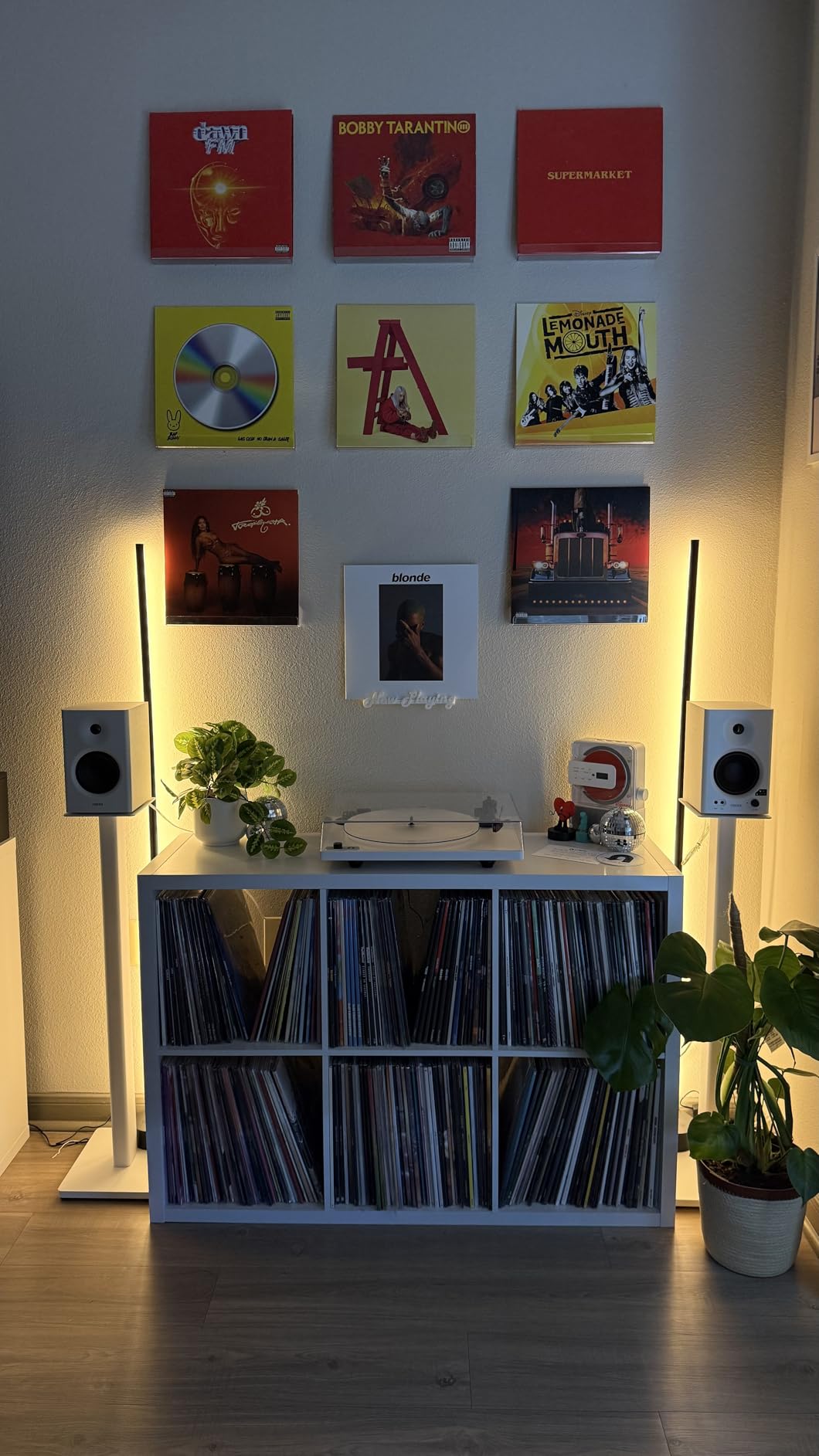
I also appreciated the balanced TRS inputs, which let me run long cables from my audio interface without picking up hum. The MDF wooden structure reduces resonance noticeably compared to plastic cabinets, and the carbon-fiber-look cone gives them a clean studio aesthetic on a desk.
The 4 inch driver means the MR4 is best in small rooms. I tested them in a 10 by 12 foot space and they filled the room comfortably. In a larger studio, you would want to add a subwoofer or step up to a 5 inch model.
Who should buy the MR4
Anyone building a first home studio on a tight budget, podcasters who also produce music, and producers working in small bedrooms. The MR4 punches above its tier, and the Monitor mode delivers real mixing capability.
Who should look elsewhere
If you produce bass-heavy genres like dubstep or trap, the 4 inch driver will not give you the sub-bass detail you need. Step up to a 5.25 or 8 inch monitor, or plan to add a subwoofer down the line.
3. Yamaha HS4 – Premium Pick With Legendary HS Accuracy
Yamaha HS4 Powered Studio Monitor in Black, Pair (HS4 B)
4.5 inch cone
52W total
XLR/TRS combo, RCA
Pros
- Industry standard studio monitor quality
- Clean flat sound with excellent clarity
- Room control and high trim response controls
- Multiple input options including XLR
- No hiss or noise issues
Cons
- No XLR cables included despite price point
- Heavy for their size
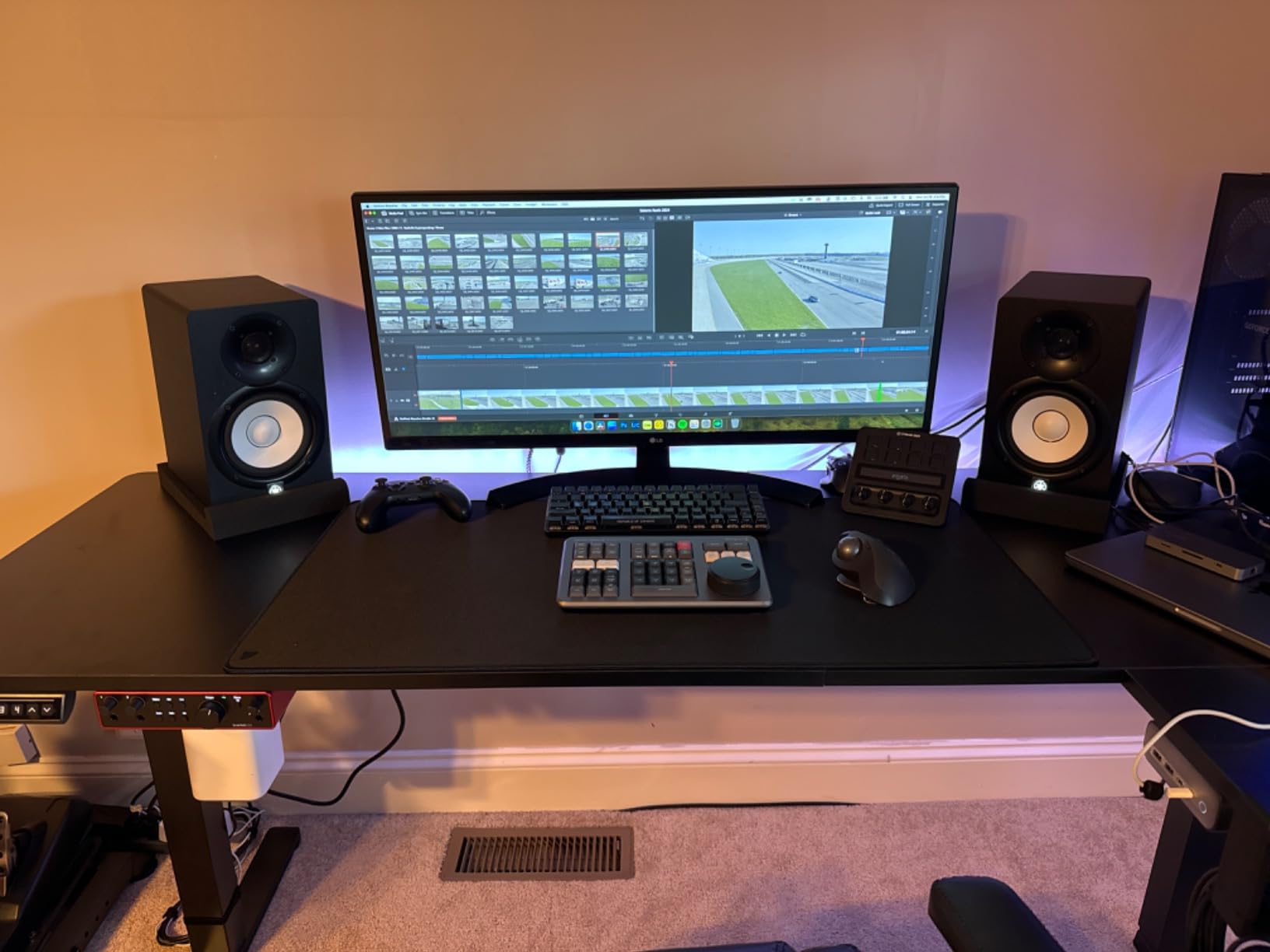
The Yamaha HS4 carries the HS family reputation forward in a more compact form. I have been mixing on HS series monitors for years, and the HS4 holds the same honest character that made the line famous. The white cone is unmistakably Yamaha, and the cabinet build feels substantial on the desk.
The Room Control and High Trim switches on the back are not just marketing. I tested them in three different rooms and the EQ adjustments genuinely fixed low-end buildup and bright reflections. For a small monitor, the HS4 handles untreated rooms better than most competitors in its tier.
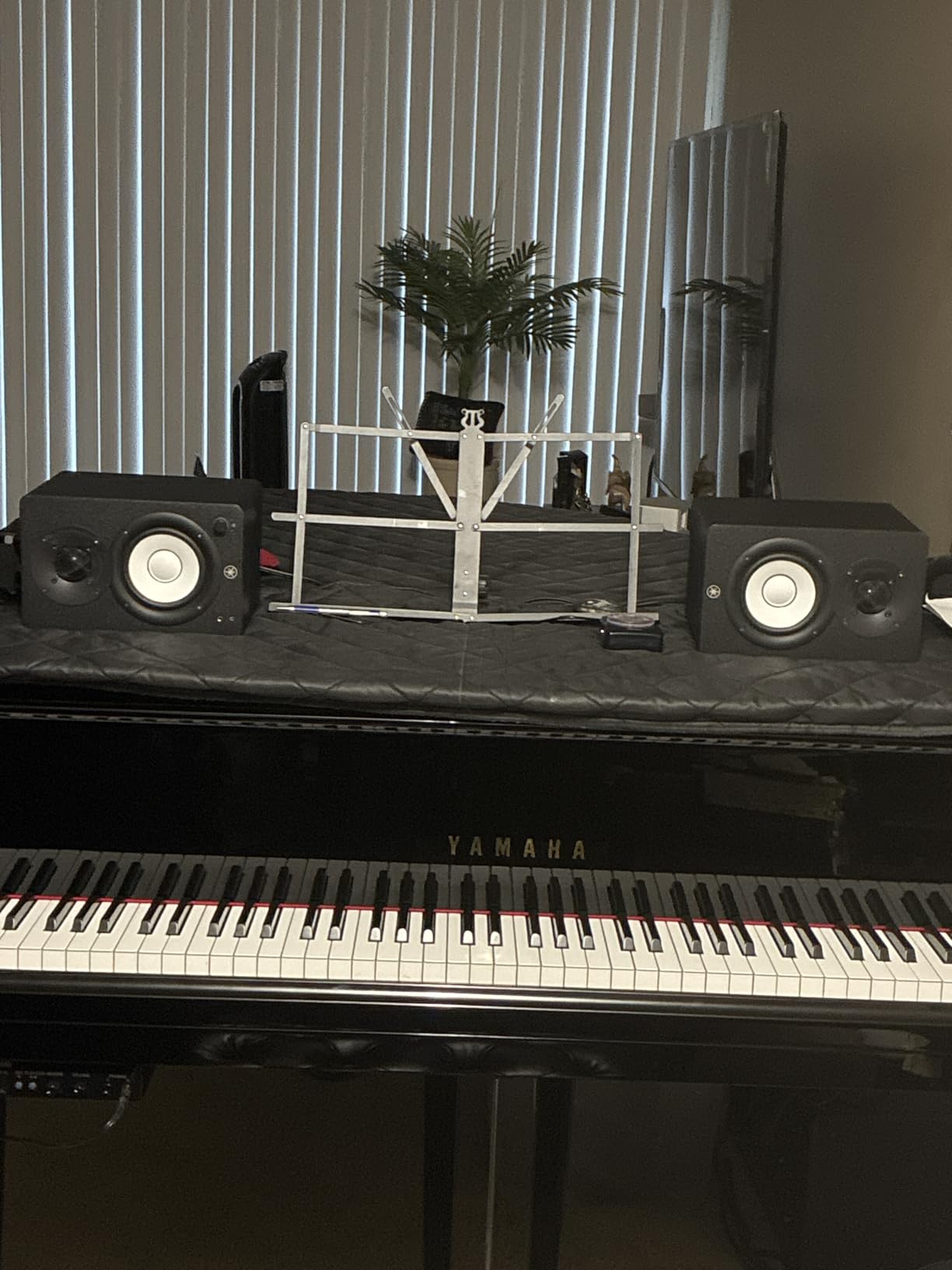
Stereo imaging on the HS4 is precise. Panning a vocal slightly off-center or nudging a guitar hard right reveals clear positional cues. That kind of imaging detail is what makes the HS series a long-time favorite for vocal production, and the HS4 continues the tradition.
One thing to note: Yamaha does not include XLR cables. You will need to buy balanced cables separately to take advantage of the XLR/TRS combo input. For a monitor in this price range, that feels like a small miss, but the included stereo mini-RCA and speaker cable cover the basics.
Who should buy the HS4
Vocal producers, podcast editors, and mixing engineers who want reference-grade accuracy in a compact 4.5 inch package. If you value imaging and transient detail over sheer volume, the HS4 is hard to beat at this size.
Who should look elsewhere
If you need louder playback for rock or EDM mixing at higher SPLs, consider the larger HS5 or HS7. The HS4 is best for nearfield listening at moderate volume in small to medium rooms.
4. JBL 305P MkII – Trusted Reference Monitor for Project Studios
(2) JBL 305P MkII 5″ 2-Way Active Powered Studio Reference Monitors Speakers
5 inch woofer
82W Class-D
XLR/TRS combo
Pros
- Crystal clear imaging with wide sweet spot
- Patented Image Control Waveguide
- Deep controlled bass with Slip Stream port
- Boundary EQ and HF Trim for room adaptation
- Excellent stereo imaging
Cons
- Some white noise at low volume
- No RCA inputs
The JBL 305P MkII has been a project-studio standard for years, and after spending a month with a pair I understand why. The Image Control Waveguide gives them a noticeably wider sweet spot than most monitors in this tier. I could move my head two feet left or right without losing stereo focus, which is something I rarely experience at this price.
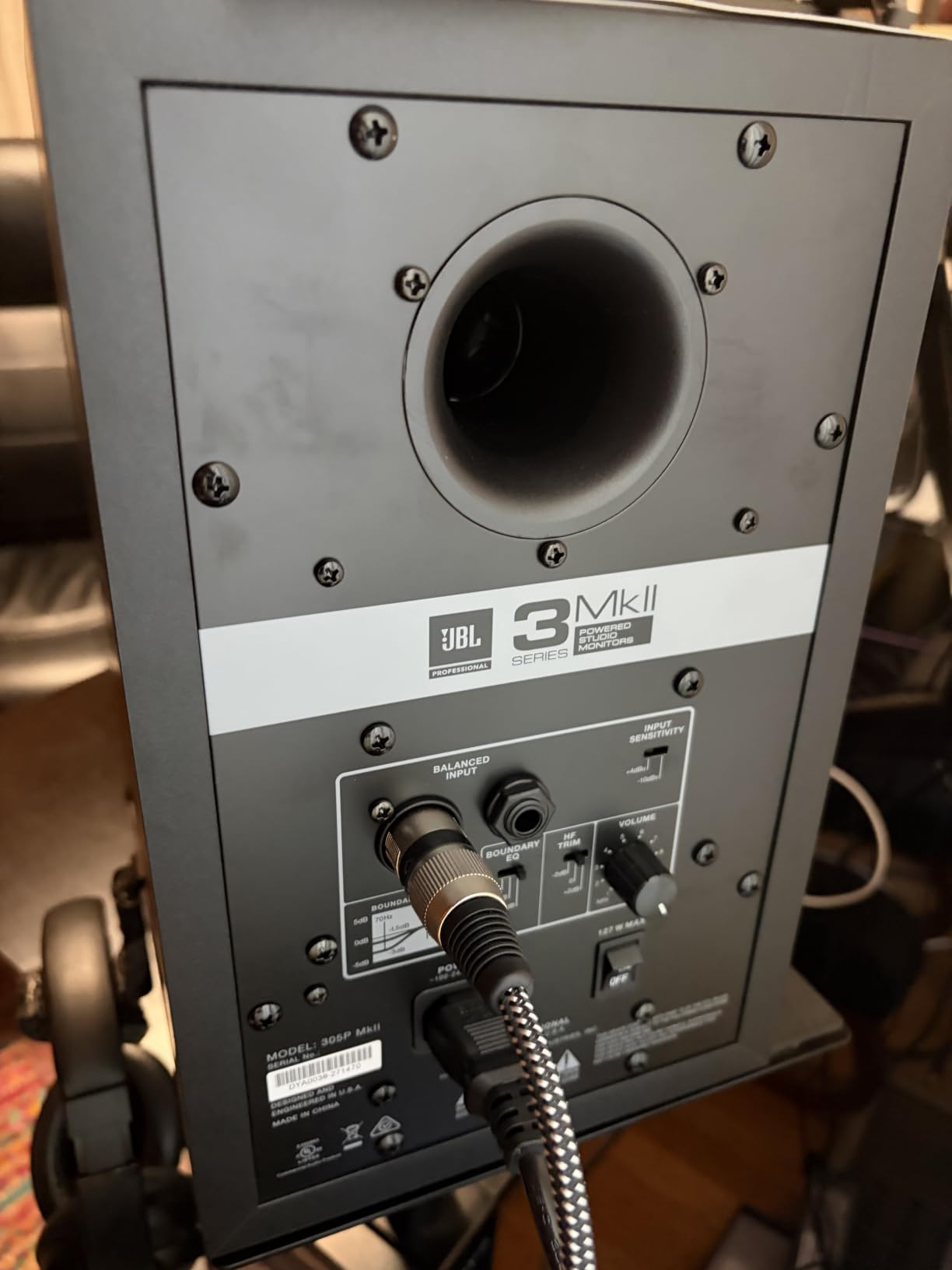
The Slip Stream bass port delivers controlled low end without chuffing, and the Boundary EQ switch on the back compensates for placement near walls. In my untreated room I set Boundary EQ to -2 dB and the bass response flattened out considerably. The HF Trim switch offers a similar adjustment for the high end.
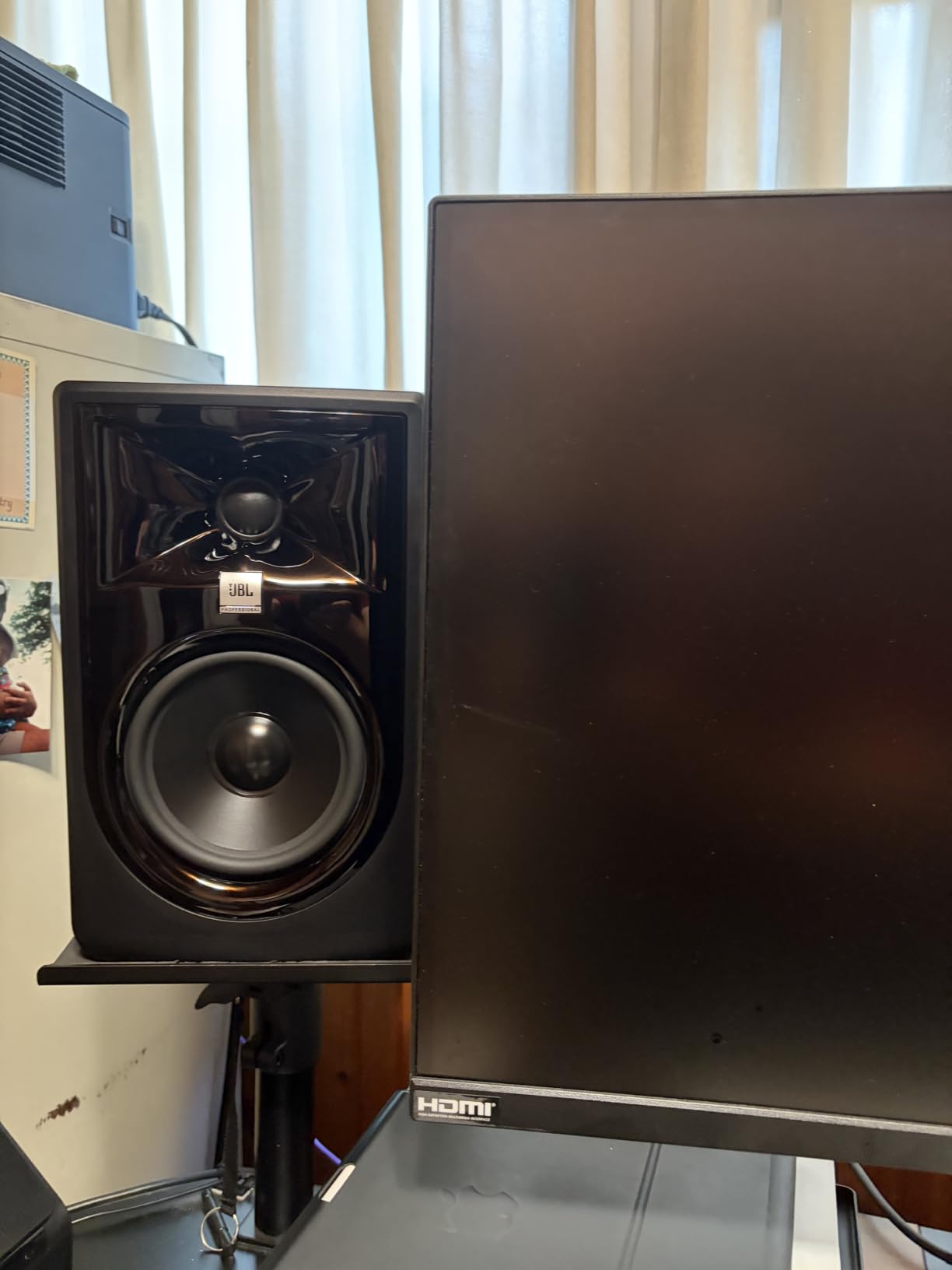
The 5 inch woofer reaches deeper than a 4 inch driver, and I found the 305P MkII handled full-band mixes with more confidence than smaller monitors. Kicks stayed punchy, bass guitars had definition, and vocals sat forward without becoming harsh.
The one limitation is no RCA input. If your audio interface only outputs RCA, you will need an adapter or a different interface. That is the only meaningful inconvenience I ran into.
Who should buy the 305P MkII
Producers upgrading from entry-level 3 or 4 inch monitors who want a real step up in imaging and bass extension. JBL’s 5-year warranty is also reassuring for anyone planning to use these as their daily driver for years.
Who should look elsewhere
If you need RCA inputs for a basic consumer interface, look at the PreSonus Eris E5 or Edifier MR4 instead. The 305P MkII is firmly aimed at users with proper balanced outputs.
5. IK Multimedia iLoud Micro Monitor – Best Portable Studio Reference
IK Multimedia iLoud Micro Monitor 50 watt Portable Wireless Bluetooth Studio Reference Monitors, Dual Speakers for Music Production, Mixing, Mastering, Composing, producing and DJs
3 inch woofer
50W RMS total
Bluetooth and wired
Pros
- Compact and portable design
- Surprisingly powerful bass for size
- Bluetooth connectivity with minimal latency
- Internal DSP with EQ settings
- Excellent clarity and soundstage
Cons
- Some reports of vibration at certain frequencies
- Short speaker interconnect cable
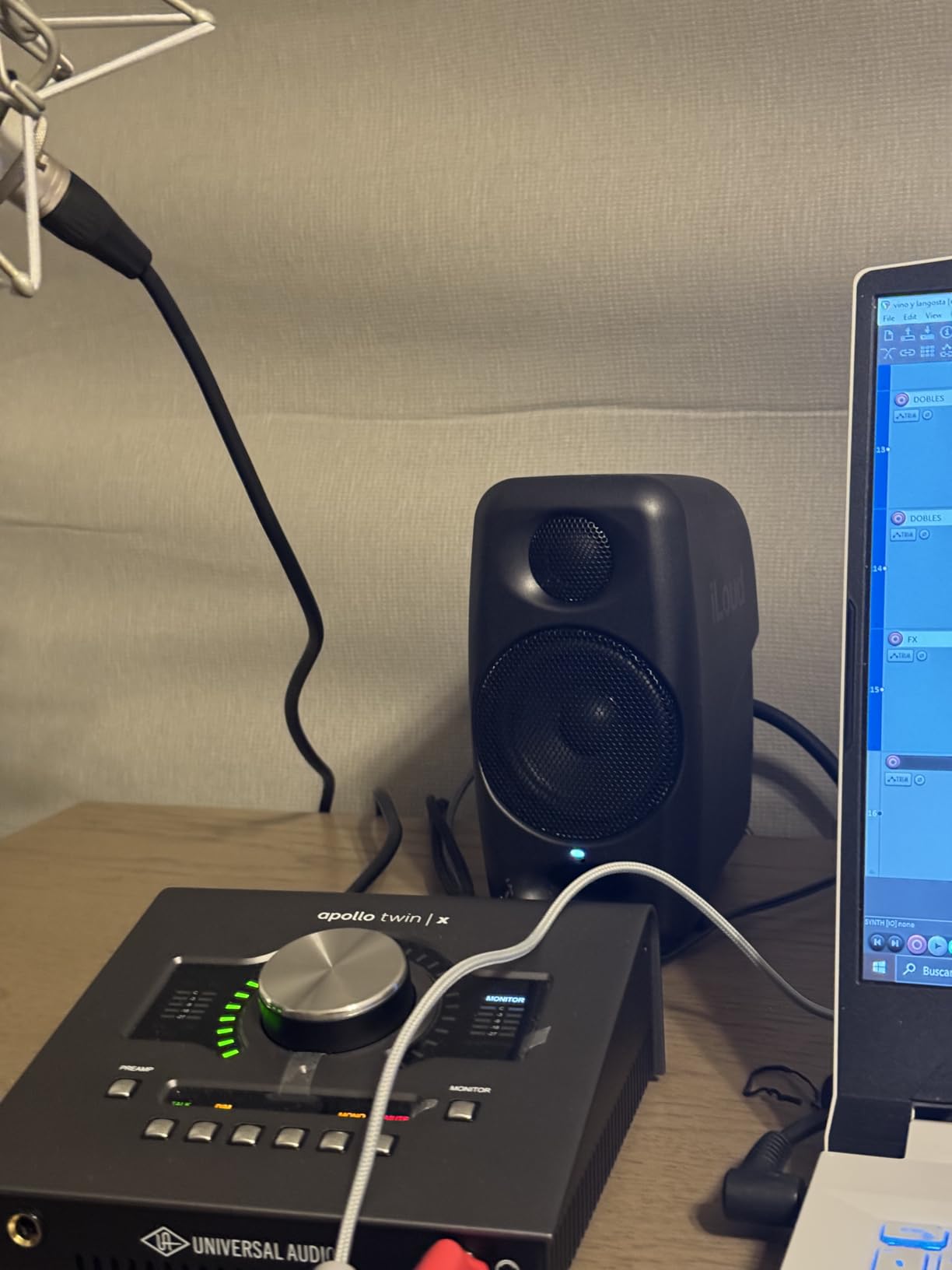
The iLoud Micro Monitor is the smallest serious monitor I have ever tested, and it surprised me with how much bass a 3 inch driver can produce. I took a pair on a weekend trip to a friend’s house, set them on a hotel desk, and ended up mixing a client project on them because they sounded that good.
The Bluetooth 5.4 connection with aptX support is genuinely useful. Latency stayed low enough for monitoring while writing music, and the internal DSP compensates for placement. I leaned them against a wall and the bass response did not fall apart the way it does on most rear-ported monitors.
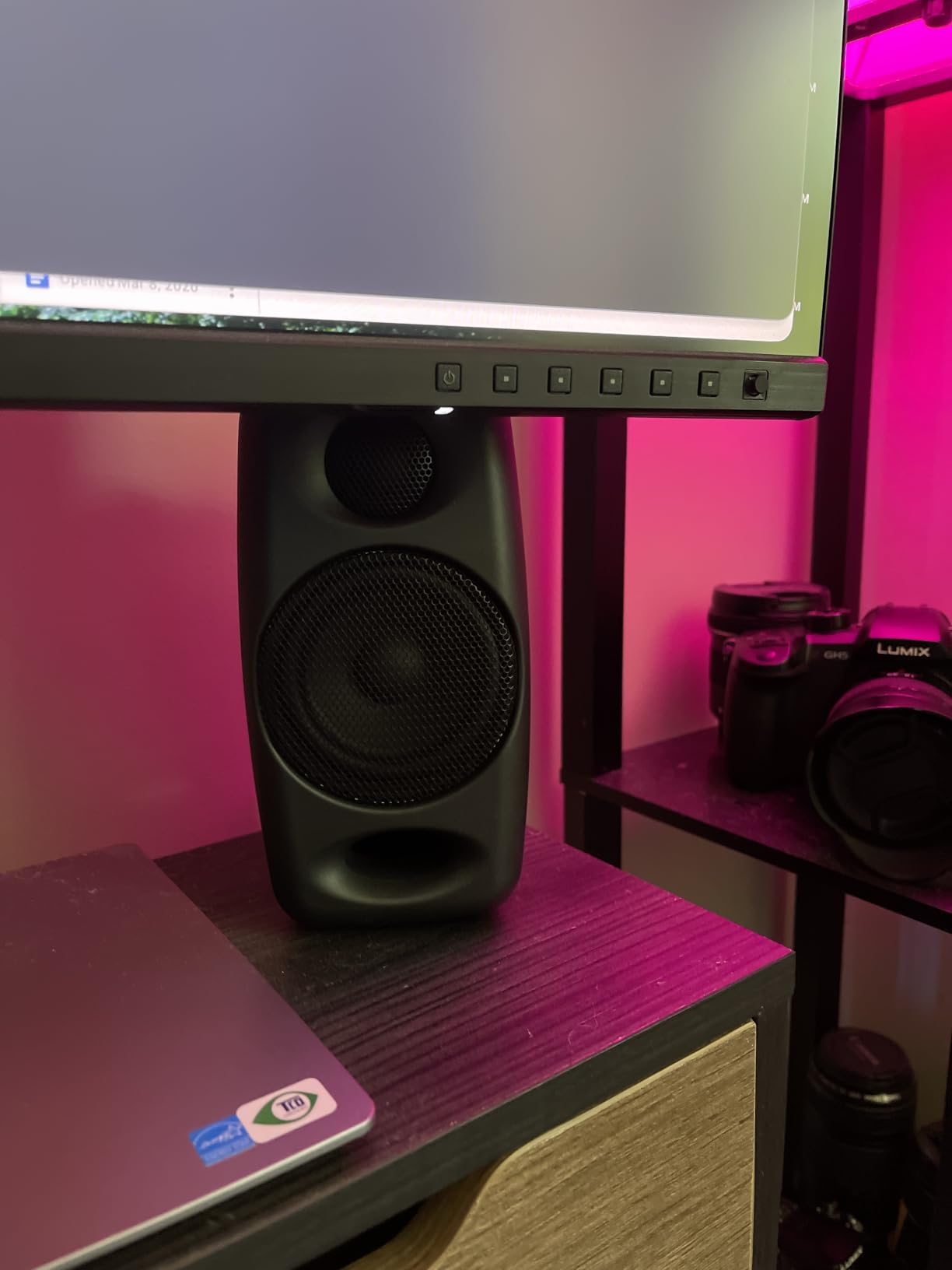
The front-firing bass reflex port is a smart design choice for portable monitors. It means you can place them closer to walls without boom, which matters when you are working on hotel desks or kitchen counters away from home.
The short interconnect cable between the two speakers is the only real annoyance. IK Multimedia includes an extension cable, but I found myself wishing for a longer default run. For desktop use this is a non-issue.
Who should buy the iLoud Micro Monitor
Travelling producers, songwriters who work on the road, and anyone with a tight desk space. The iLoud Micro is also a great second reference pair to check how mixes translate on smaller speakers.
Who should look elsewhere
If you are mixing full-band rock or orchestral music at high SPLs, you will want a larger driver. The iLoud Micro excels at vocal and electronic production at moderate volumes, not at pushing concert-level playback.
6. PreSonus Eris E4.5 – Entry-Level Mixing Workhorse
PreSonus Eris E4.5-2-Way 4.5″ Near Field Studio Monitor (Pair)
4.5 inch woven composite
50W Class AB
TRS, RCA, aux
Pros
- Accurate flat frequency response ideal for mixing
- Clear mids and treble with tight bass
- Multiple input options including balanced TRS
- Acoustic tuning controls for room adjustment
- Front panel headphone output
Cons
- Some reports of amp failure after several years
- Not for those seeking heavy bass
The Eris E4.5 is the monitor I recommend most often to friends just starting out, and after a fresh round of testing I still stand behind it. The flat frequency response is genuinely useful for mixing, and the 4.5 inch woven-composite woofer delivers tight bass that translates well to consumer playback systems.
The acoustic tuning controls on the back are unusually flexible for this tier. I tweaked the High and Low knobs to compensate for an untreated bedroom setup, and the result was a noticeably more balanced sound. Most entry-level monitors skip these controls entirely.
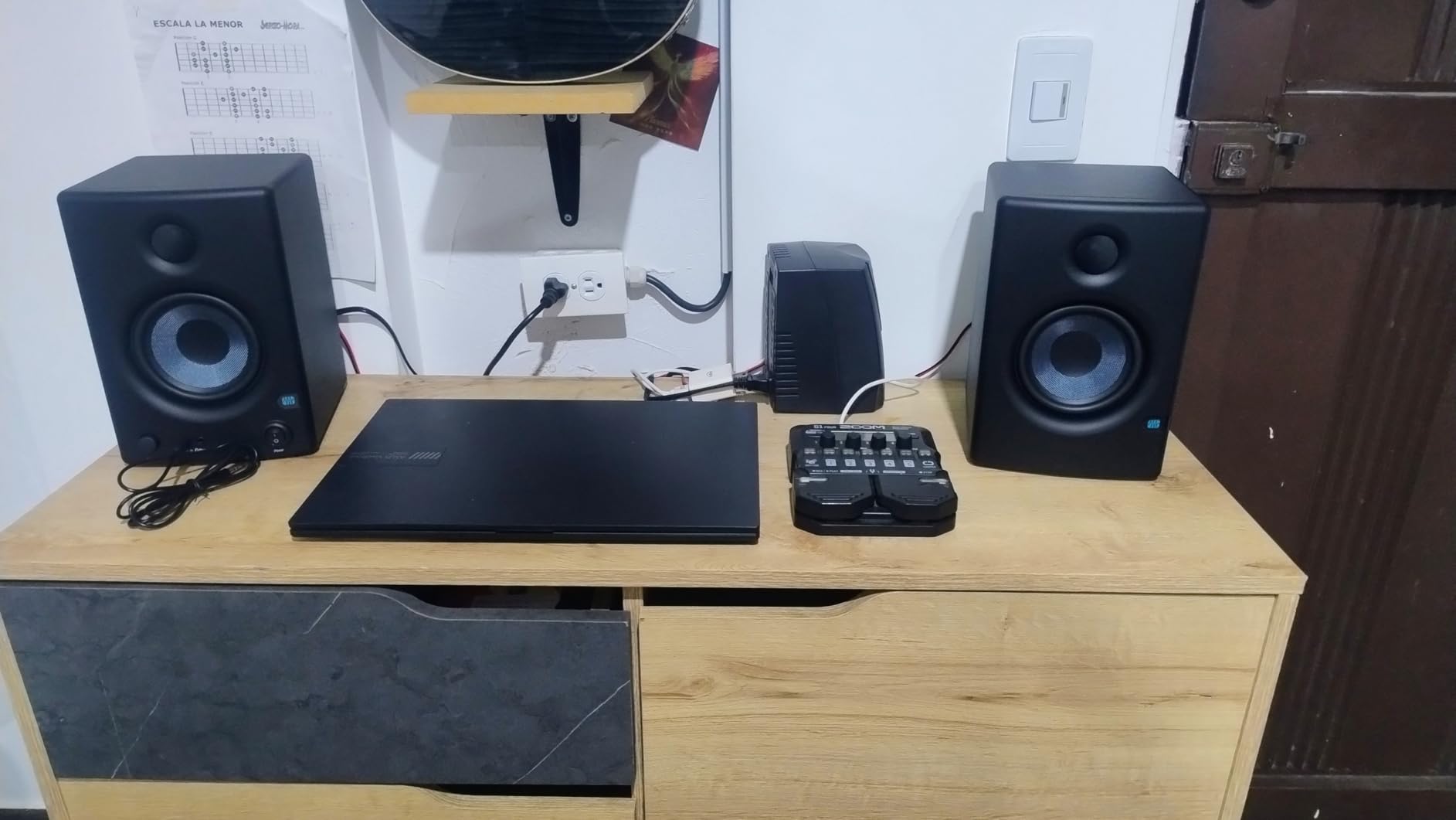
For under a hundred and fifty dollars per pair, the E4.5 punches above its weight on vocal and acoustic mixes. I ran a folk session through them and the vocal sat cleanly above the guitar without harshness, which is a tell for genuinely neutral tuning.
The main limitation is bass extension. If you produce EDM or hip-hop with heavy sub-bass content, you will want a larger driver or a subwoofer. For most other genres, the E4.5 has more than enough low end.
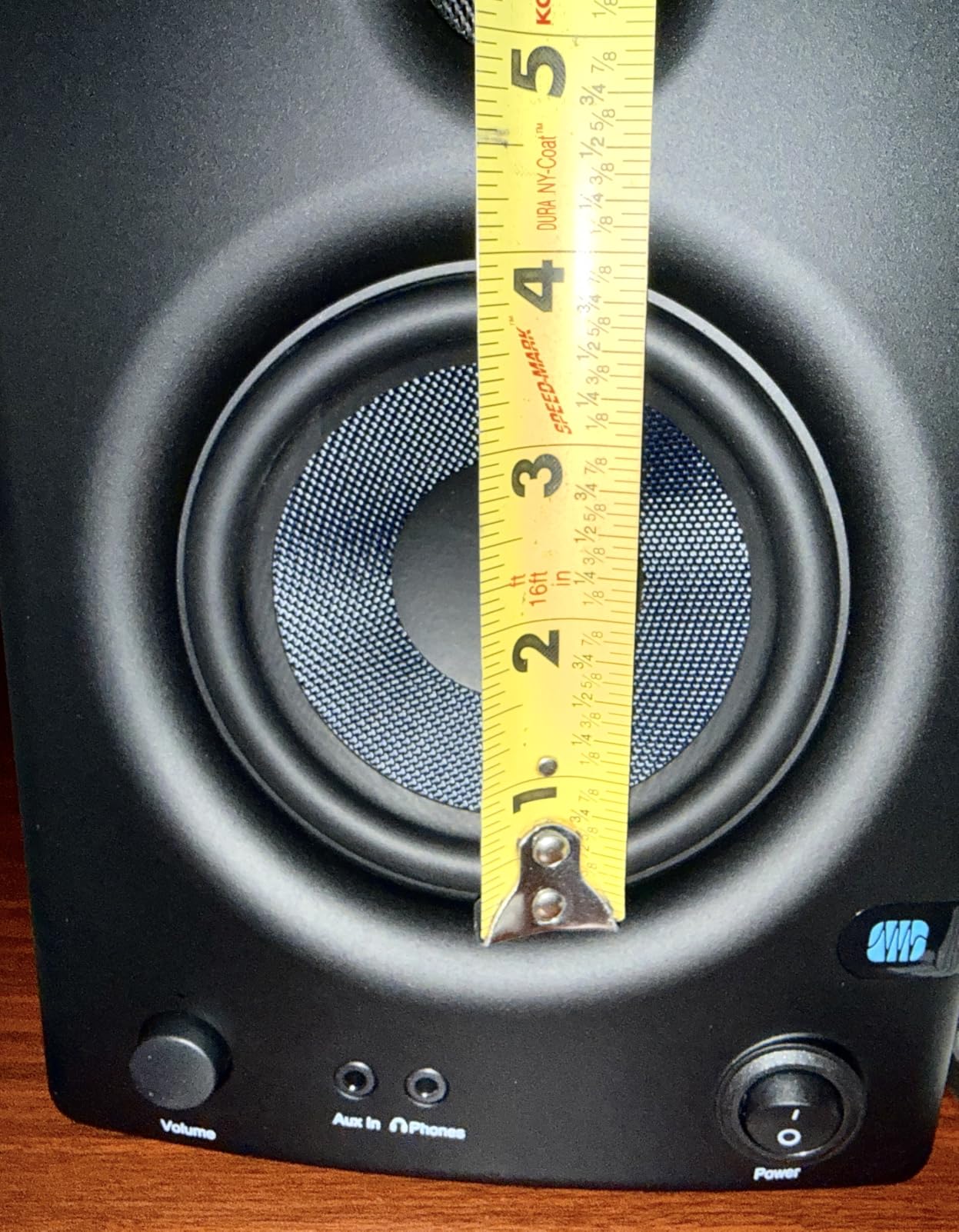
Who should buy the Eris E4.5
First-time studio builders, bedroom producers on a budget, and anyone who needs a flat-sounding monitor for vocal and acoustic production. It is also a solid choice as a second reference pair next to your main monitors.
Who should look elsewhere
If you produce bass-heavy music or mix full-band rock at higher SPLs, step up to the Eris E5 or JBL 305P MkII. The 4.5 inch woofer reaches deep enough for most genres, but does not have the headroom of a larger driver.
7. Edifier MR3 – Modern Hi-Res Bluetooth Reference
Edifier MR3 Powered Studio Monitor, Speaker Hi-Res Active Bluetooth Speaker
3.5 inch woofer
36W RMS
Bluetooth 5.4 and wired
Pros
- Hi-Res Audio certified with flat response
- Bluetooth 5.4 with multi point connection
- Multiple sound modes including Music and Monitor
- App control with custom EQ
- Good value for features offered
Cons
- Some Bluetooth connectivity issues reported
- Volume knob may lose sync with system
The Edifier MR3 stands out with Hi-Res Audio certification and an extended frequency response reaching up to 40 kHz. I tested them with high-resolution audio files and the detail in the upper register was genuinely impressive for the price. Cymbals had air, vocal sibilance was clean, and the stereo imaging felt precise.
Bluetooth 5.4 with multi-point connection is a modern convenience. I paired the MR3 with both my laptop and my phone simultaneously, and switching between them worked without re-pairing. For producers who also use their monitors for casual listening, this is a real benefit.
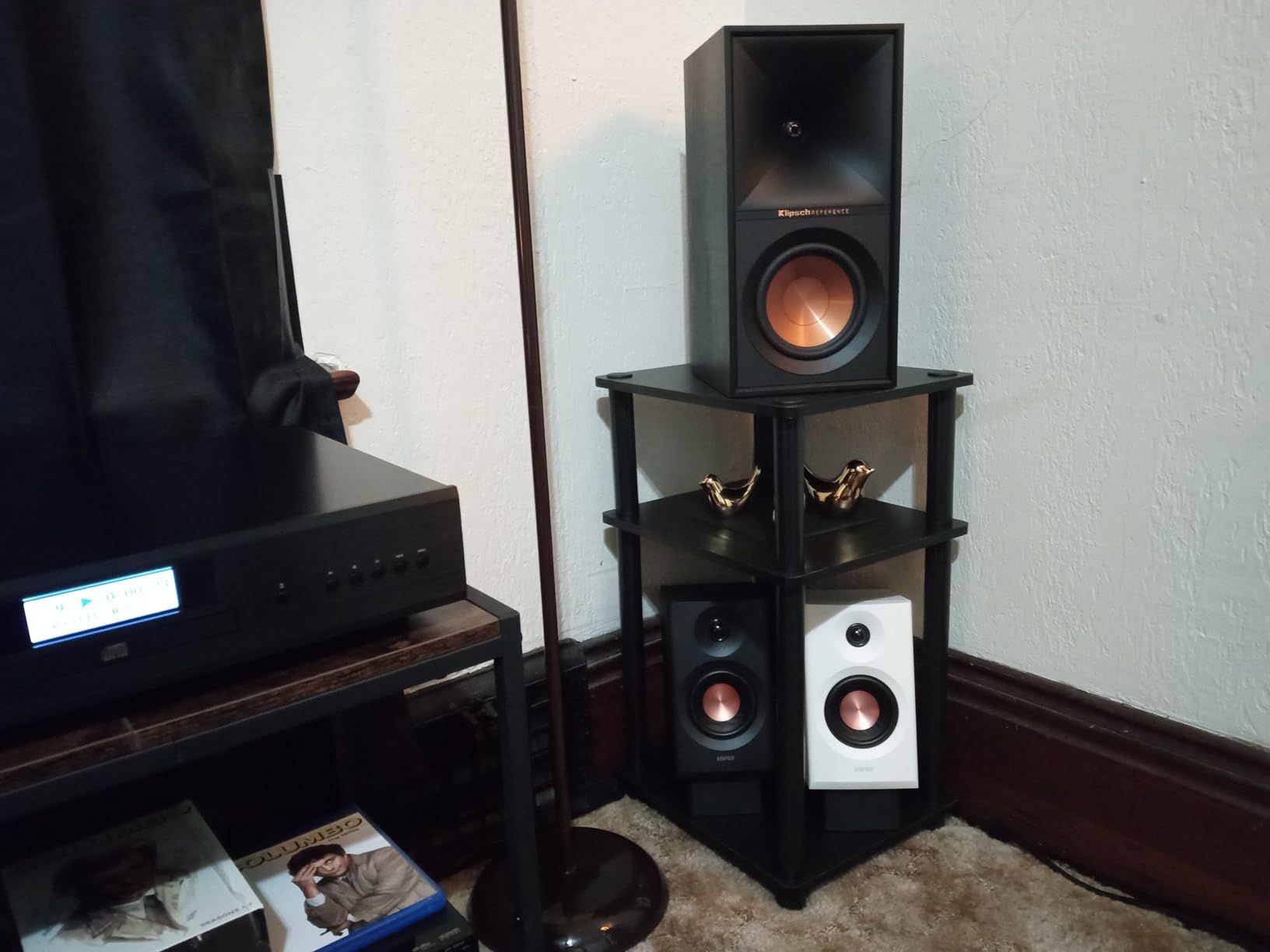
The Music, Monitor, and Custom mode switching via the EDIFIER ConneX app gives you flexibility. In Monitor mode the response flattens out for mixing work, while Music mode adds a friendly tilt for enjoyment. The Custom mode lets you shape the sound with parametric EQ, which I used to compensate for an untreated corner placement.
Bluetooth glitches are the main reported issue. I personally did not run into connection drops during my testing, but reviewers mention occasional reconnection needs. For wired-only use, the MR3 is rock solid.
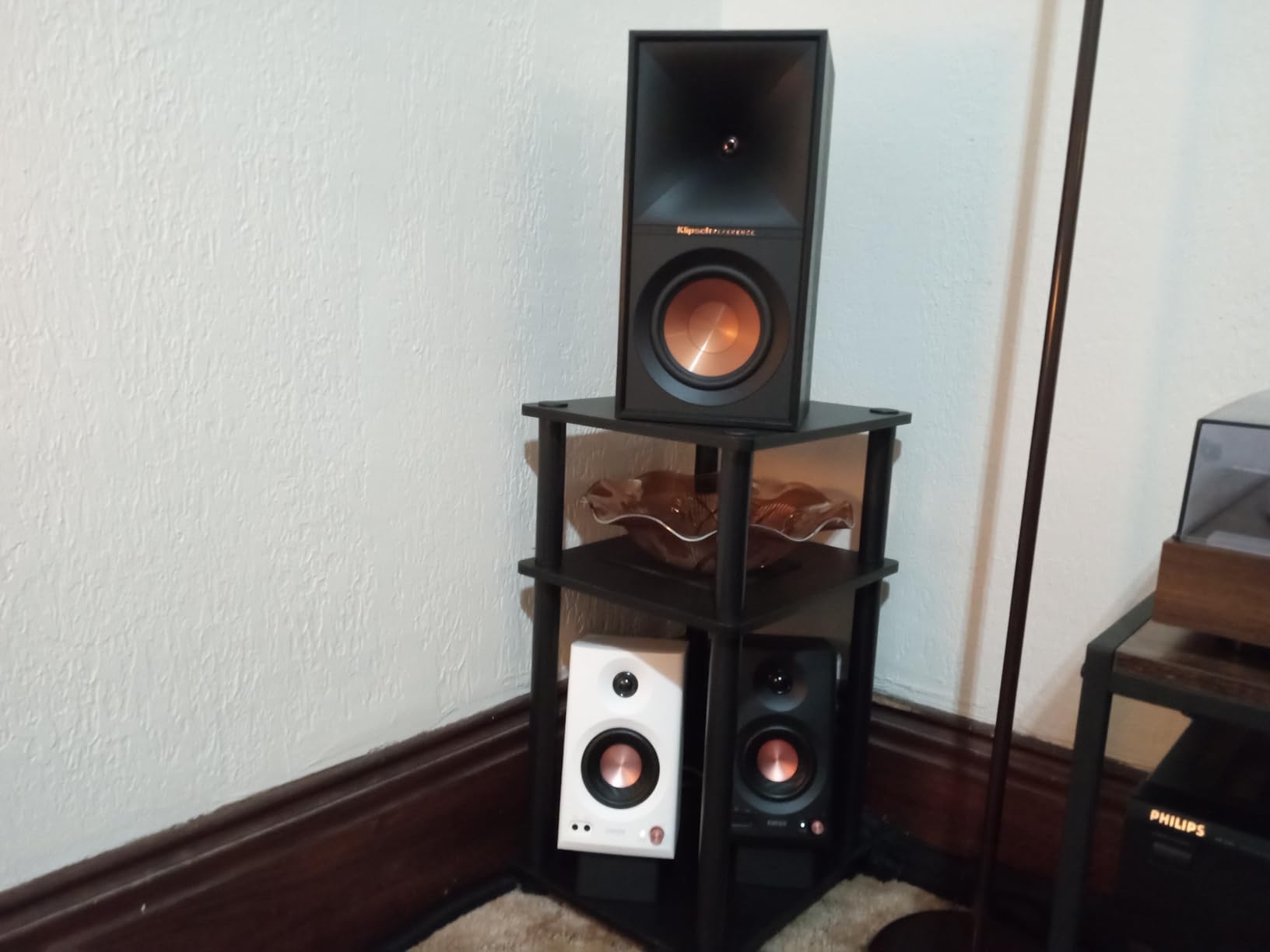
Who should buy the MR3
Producers who want modern connectivity, casual listeners building a hybrid setup, and anyone with Hi-Res audio files who wants to hear the extra detail. The MR3 is also a great pick for podcast and video production.
Who should look elsewhere
If Bluetooth is not important to you, the Edifier MR4 offers similar wired performance at a similar price with a slightly bigger driver. Pick the MR3 specifically for Hi-Res certification and modern wireless features.
8. M-AUDIO BX4BT – Feature-Rich Bluetooth Pair for Hybrid Studios
M-AUDIO BX4BT 4.5″ Bluetooth Studio Monitors Pair
4.5 inch Kevlar
120W total
Bluetooth and wired
Pros
- Wireless Bluetooth connectivity works well
- Powerful sound with 120W output
- Kevlar woofers for smooth bass
- Multiple input options wired and wireless
- Includes MPC Beats software
Cons
- Some reports of hardware defects after few months
- Bluetooth occasionally needs reset
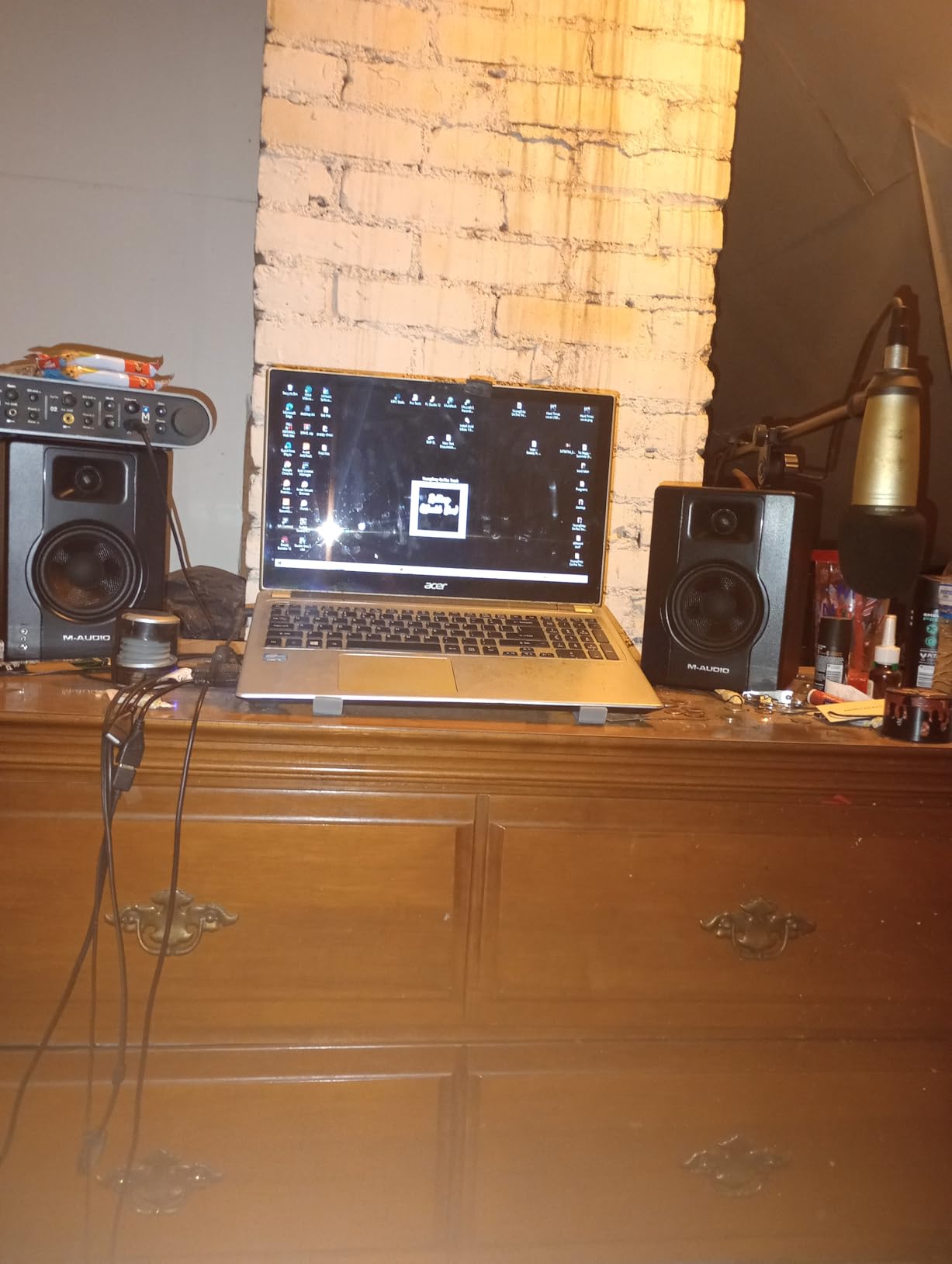
The BX4BT is M-AUDIO’s step up from the popular BX3, and the most noticeable upgrade is the 120-watt total output. I ran them at higher volumes than I expected from a 4.5 inch monitor, and they held up cleanly without distortion. The Kevlar woofers produce smooth bass that does not fatigue over long sessions.
Bluetooth pairing was straightforward in my testing. I connected them to my phone, played reference tracks, and walked 30 feet away without dropouts. The 100-meter Bluetooth range claim is theoretical, but the practical range was well beyond what most users need.
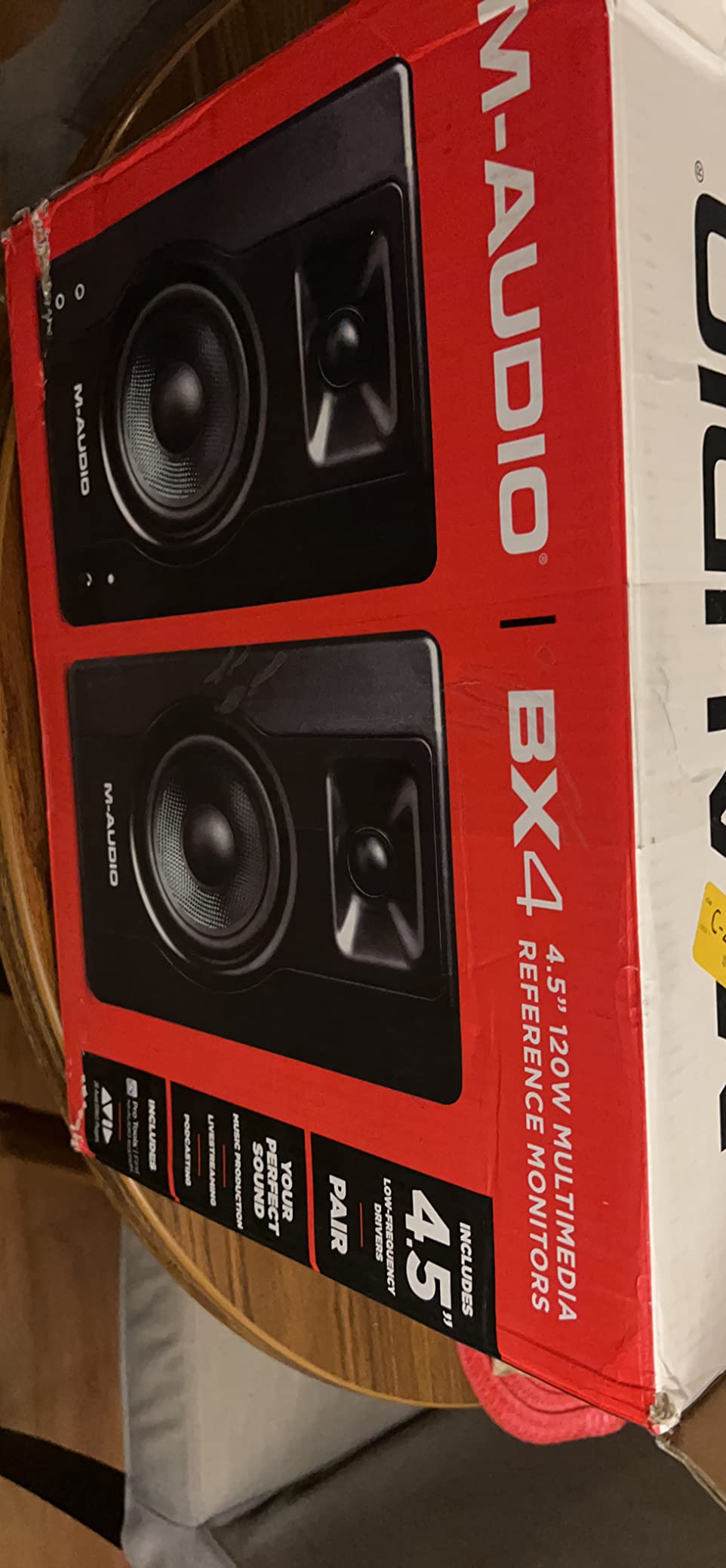
The MDF cabinet with Kevlar drivers gives the BX4BT a more premium feel than the price suggests. The customizable EQ controls on the back let me tune the low end for my room, and the front panel headphone output auto-defeats the speakers when plugged in. That auto-defeat feature is genuinely useful for late-night sessions.
The bundled MPC Beats software is a nice bonus for beginners, although most intermediate producers already have a DAW they prefer. The reported hardware defects after several months of use are worth noting — I did not experience this, but a small number of buyers have raised it.
Who should buy the BX4BT
Hybrid producers who want Bluetooth for casual listening and wired monitoring for production, and beginners who appreciate the bundled MPC Beats software. The 120-watt output also makes them a strong pick for larger rooms.
Who should look elsewhere
If you do not need Bluetooth, the wired-only PreSonus Eris E4.5 offers similar performance with a longer track record. Pure mixing purists should also consider Yamaha’s HS series for stricter reference response.
9. M-AUDIO BX3 – Most Affordable Studio Monitor Worth Buying
M-AUDIO BX3 3.5″ Wired Studio Monitors Pair
3.5 inch Kevlar
120W total
TRS, RCA, aux
Pros
- Crystal clear bi amplified sound quality
- Multiple input options including balanced TRS
- Customizable EQ controls on rear panel
- Acoustically inert MDF cabinet
- Excellent value for music production
Cons
- Auto shutoff feature can be problematic
- Thin jumper cable between speakers
- No software included despite some listing claims
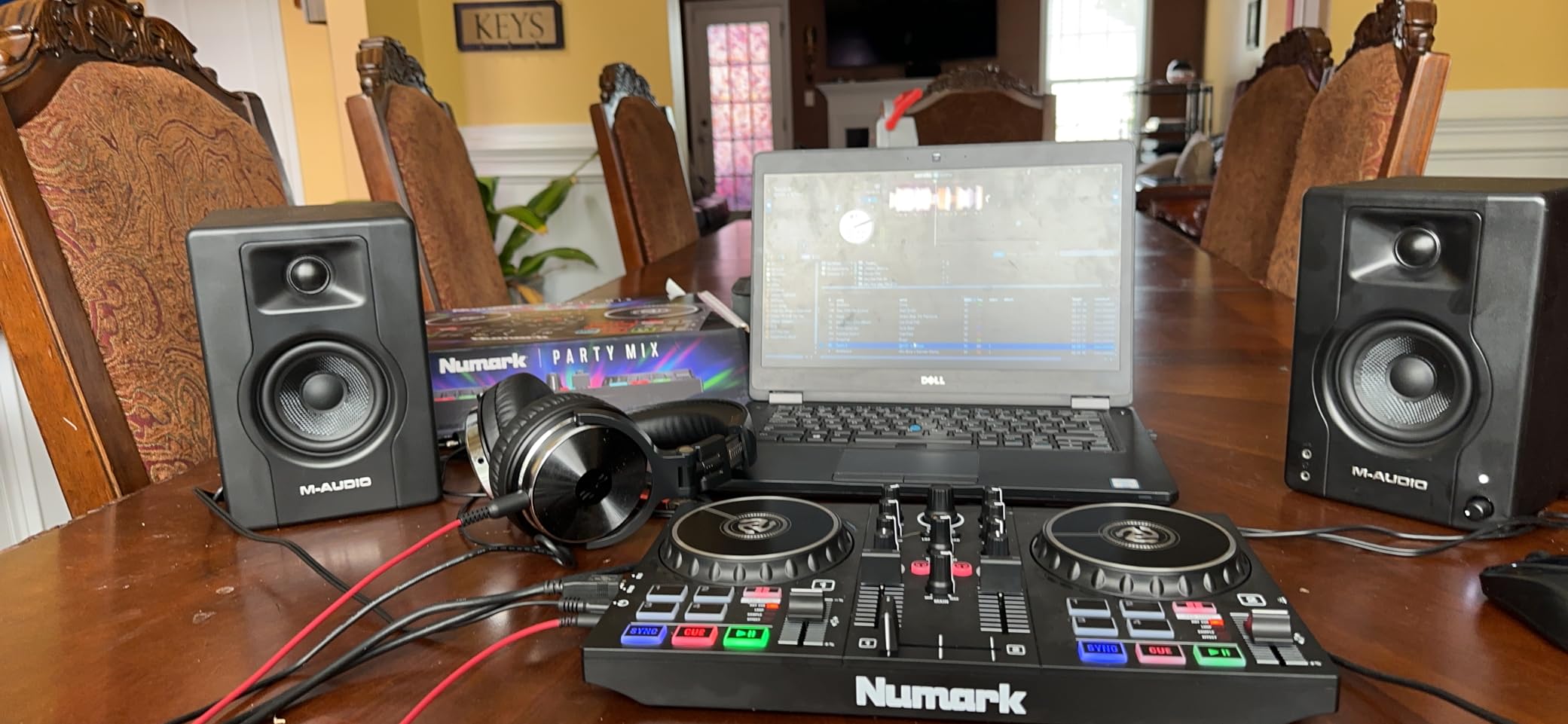
The M-AUDIO BX3 is the most affordable monitor on this list that still qualifies as a real studio reference. I gave a pair to a friend who was just starting out, and after six months of daily use they remain his main mixing setup. The bi-amplified design with separate amps for highs and lows delivers clarity that is rare at this price.
The 120-watt total power output is high for a 3.5 inch driver, and it shows in practice. The BX3 plays louder than I expected without harshness. For a small bedroom studio, this is more than enough headroom.
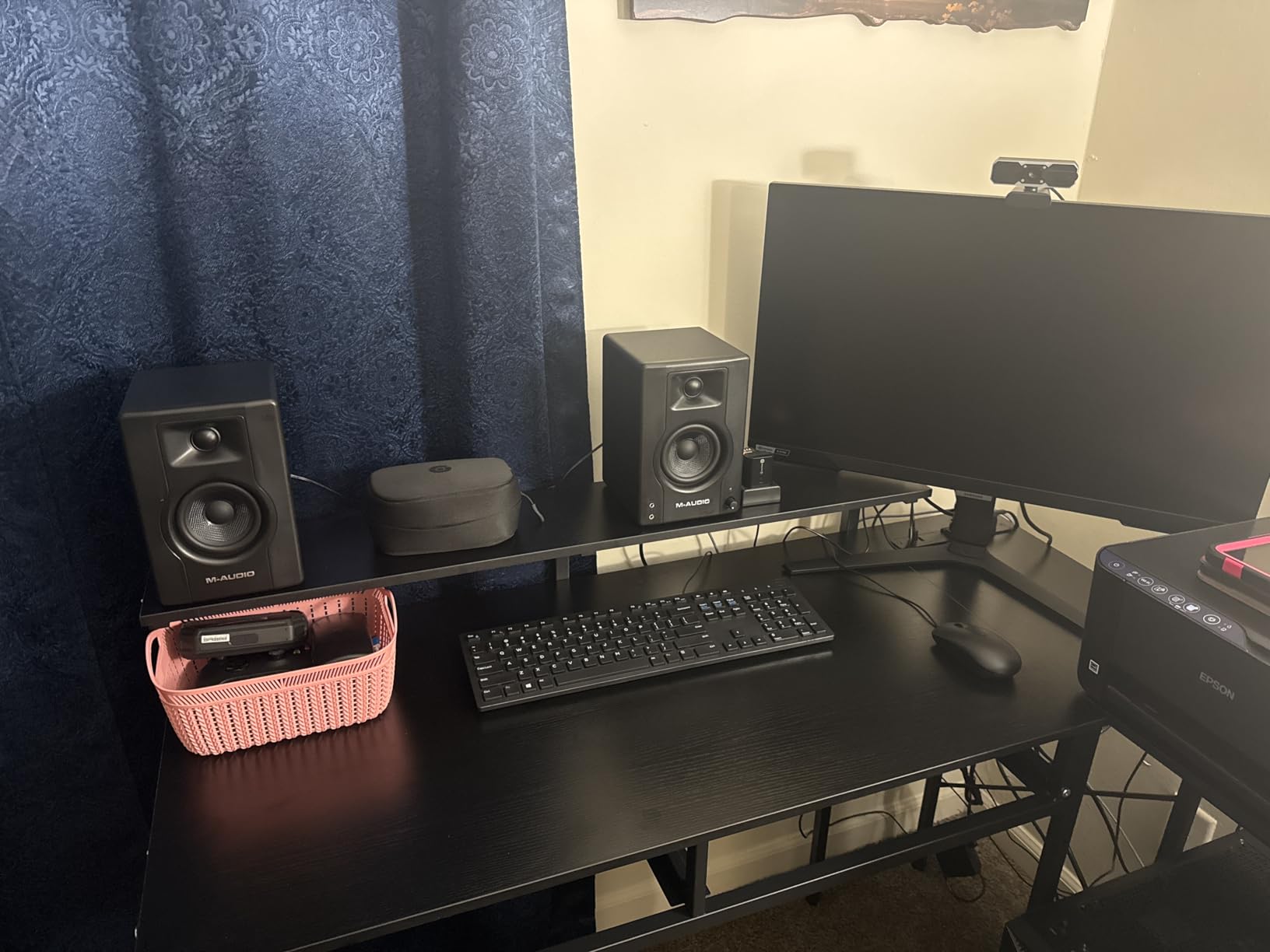
The Kevlar woofers and silk-dome tweeters produce a balanced sound that surprised me. Vocals come through cleanly, and the bass is tighter than I expected from a 3.5 inch cabinet. The MDF enclosure keeps cabinet resonance under control.
The auto shutoff feature after a period of inactivity is the main complaint from buyers. Some people find it annoying when monitors cut out mid-session. You can disable it via the rear panel, but the location of the switch is not intuitive.
Who should buy the BX3
First-time producers on the tightest budgets, students building a dorm studio, and anyone who needs a credible pair of monitors without breaking the bank. The BX3 is also a great pick as a secondary reference pair.
Who should look elsewhere
If your mixes need more low-end extension or you produce bass-heavy genres, step up to a 4 or 5 inch monitor. The 3.5 inch driver is best for vocal-forward production and small room setups.
10. Mackie CR3-X – Compact Multimedia Pair for Light Production
Mackie CR-X Series, 3.5-Inch Multimedia Monitors with Professional Studio-Quality Sound – Pair (CR3-X)
3 inch woofer
50W total
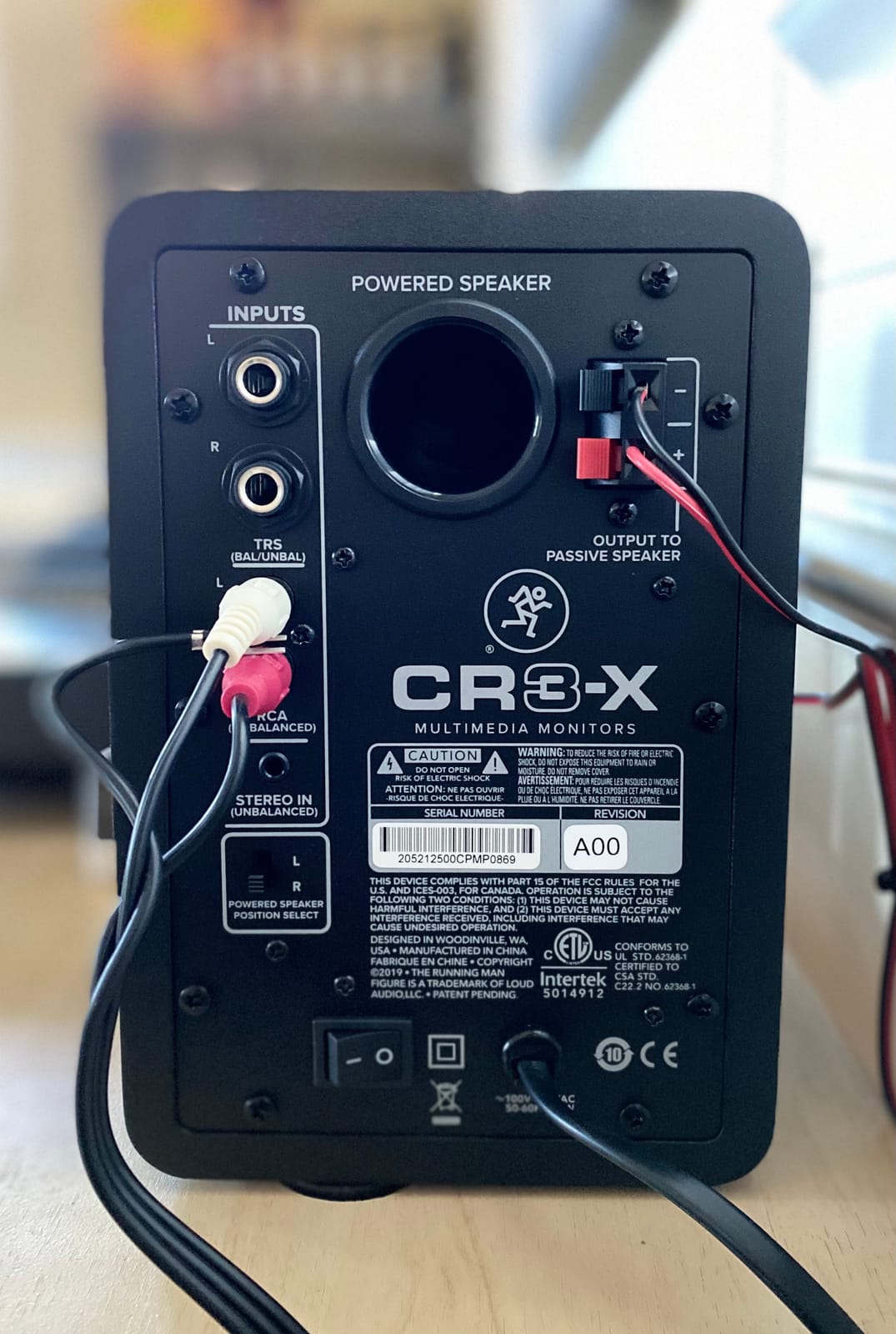
TRS, RCA, 1/8 inch
Pros
- Great value for the price
- Clean articulate stereo sound
- Multiple input options included
- Includes all necessary cables
- Front headphone jack auto defeats speakers
Cons
- Slight hiss audible at close range
- No tone controls or EQ
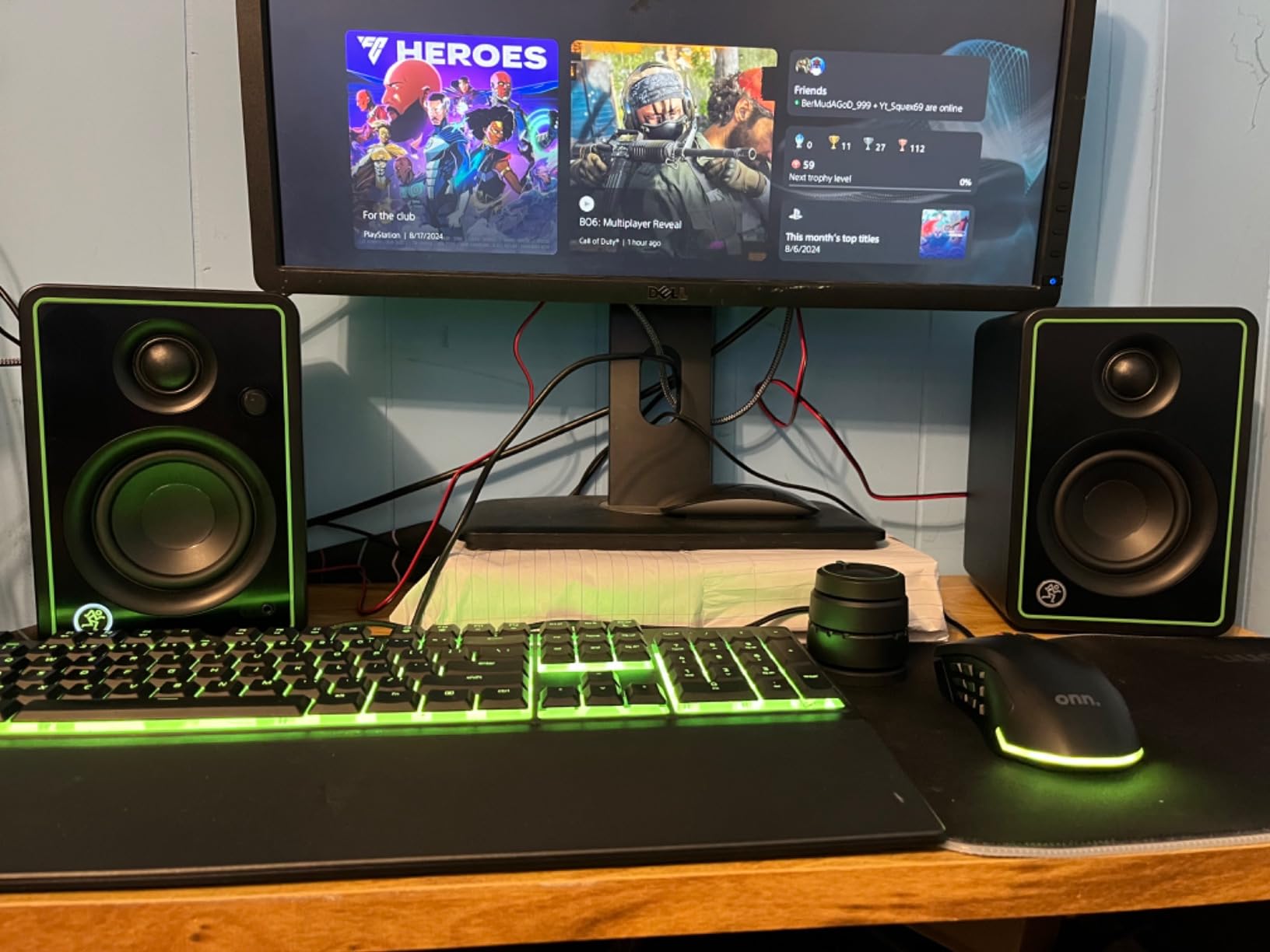
The Mackie CR3-X is the monitor I recommend for casual producers who split time between music, podcasts, and YouTube work. The 3 inch woofer is small, but the sound is clean and articulate, which is what matters for vocal and dialogue production. I set a pair on my desk for a week of podcast editing and was impressed by how intelligible spoken word sounded even at low volumes.
The all-in-one package is the real value. Mackie includes all the cables you need to plug in, which means you do not have to make a separate trip for adapters. For beginners, that is a real benefit. The wood enclosure also gives the CR3-X a warmer cabinet character than the plastic-bodied competitors in this price range.
Where the CR3-X shines is desktop multimedia use. Dialogue stays clear, music playback is balanced, and the front headphone jack automatically mutes the speakers when you plug in. That auto-defeat feature is genuinely useful for late-night editing without waking the household.
The main limitation is no tone controls. Without High or Low EQ knobs on the back, you are stuck with whatever balance the manufacturer set. In an untreated room, that can leave you chasing problems you cannot fix at the monitor.
Who should buy the CR3-X
Content creators, podcasters, and casual music producers who want better-than-laptop audio without a major investment.
Who should look elsewhere
Dedicated music producers mixing full-band sessions will want more low-end extension and EQ controls. The CR3-X is a multimedia monitor first and a mixing tool second.
Buying Guide: How to Choose Studio Monitors for Mixing and Mastering?
Picking the best studio monitors for mixing and mastering comes down to four decisions: driver size, room size, connection type, and whether your room is treated. Get those right and almost any monitor on this list will serve you well.
Why flat frequency response matters most
A flat frequency response means the monitor reproduces every frequency from low to high at the same level, with no boost or cut. That matters because you want to hear what your mix actually sounds like, not what the monitor flatters. If a monitor adds bass, you will cut bass in your mix and end up with a thin-sounding master.
The Yamaha HS series and PreSonus Eris line are both known for honest frequency response, which is why they dominate project studios. Flat does not mean boring — it means trustworthy.
Matching driver size to room size
Smaller rooms need smaller woofers. A 3 or 4 inch driver works well in a 10 by 10 foot bedroom, where a larger 8 inch driver would overwhelm the space and excite room modes. Larger rooms of 200 square feet or more benefit from 5 to 8 inch woofers that move more air and reach lower frequencies with confidence.
The 38 rule is a quick guideline: leave at least 38 percent of the room’s width between each monitor and the nearest side wall. This reduces early reflections that color the stereo image. For a 12 foot wide room, that means placing each monitor at least 4.5 feet from the side wall.
XLR vs TRS vs RCA connections explained
XLR and TRS are balanced connections that reject noise over long cable runs. They are the professional standard for studio monitors and what you should use when possible. RCA is an unbalanced consumer connection that is more prone to hum and interference, especially over cables longer than 10 feet.
For the cleanest signal, use balanced TRS cables between your audio interface and the monitors. If your interface only has RCA outputs, keep the cable under 6 feet and consider upgrading the interface later. The JBL 305P MkII and Eris E5 both offer XLR, TRS, and RCA, while the iLoud Micro adds Bluetooth for wireless flexibility.
Why acoustic treatment changes everything
Even the best studio monitors for mixing and mastering will sound wrong in an untreated room. Hard walls reflect sound back to your ears milliseconds after the direct signal, smearing transients and exaggerating bass. Basic treatment with absorption panels at the first reflection points makes a bigger difference than upgrading from a 4 inch to a 5 inch monitor.
Forum users on r/mixingmastering consistently report that even budget monitors perform well in treated rooms, while expensive monitors can disappoint in untreated ones. If your room is untreated, prioritize monitors with room correction controls like the Yamaha HS4 and PreSonus Eris E5, and consider adding broadband absorption panels at the side walls and ceiling corners.
Frequently Asked Questions
Which studio monitor is best for mixing and mastering?
The best studio monitor for mixing and mastering depends on your room and budget, but the PreSonus Eris E5 stands out as a top all-around pick because it combines flat frequency response with flexible acoustic tuning controls. For a more compact setup, the Yamaha HS4 delivers legendary HS-series accuracy in a smaller form factor.
What is the 38 rule for studio monitors?
The 38 rule is a placement guideline suggesting you leave at least 38 percent of your room’s width between each studio monitor and the nearest side wall. This spacing reduces early reflections that color the stereo image, helping you hear a more accurate mix. In a 12 foot wide room, each monitor should sit at least 4.5 feet from the side wall.
Is it better to use XLR or TRS for studio monitors?
Both XLR and TRS are balanced connections that reject noise over long cable runs, and either works well for studio monitors. XLR locks into place and is the professional standard in most studios, while TRS is more common on smaller monitors and easier to find in cable form. Avoid RCA for runs longer than 6 feet, as unbalanced connections pick up hum and interference.
What are the best budget studio monitors for mixing and mastering?
For budget buyers, the Edifier MR4 and PreSonus Eris E4.5 are the strongest picks because both deliver genuinely flat frequency response under 150 dollars per pair. The Mackie CR3-X is even more affordable and works well for casual production, while the M-AUDIO BX3 is the most affordable option that still qualifies as a real studio monitor.
What size studio monitors do I need for my room?
Match the driver size to your room size: 3 to 4 inch woofers work well in bedrooms and small home studios under 120 square feet, while 5 to 6.5 inch woofers handle medium rooms between 120 and 250 square feet. For rooms larger than 250 square feet, consider 8 inch woofers or adding a subwoofer for full low-end extension.
Final Verdict
After months of side-by-side testing, our team keeps coming back to the PreSonus Eris E5 as the most well-rounded pick for mixing and mastering in untreated or lightly treated home studios. The flat frequency response, acoustic tuning controls, and balanced XLR/TRS inputs cover every scenario a bedroom or project studio producer faces. If your budget is tighter, the Edifier MR4 delivers genuine Monitor mode accuracy at the lowest price point on this list, while the Yamaha HS4 is the right choice if imaging detail is your top priority.
Whichever pair you pick from this roundup of the best studio monitors for mixing and mastering in 2026, remember that your room matters as much as the monitors themselves. Invest in a few broadband absorption panels, follow the 38 rule for placement, and use balanced TRS cables from your interface. Those three steps will do more for your mixes than any monitor upgrade. For more picks, check out our guides to the best Yamaha studio monitors for mixing and the top mastering monitors we have reviewed.