
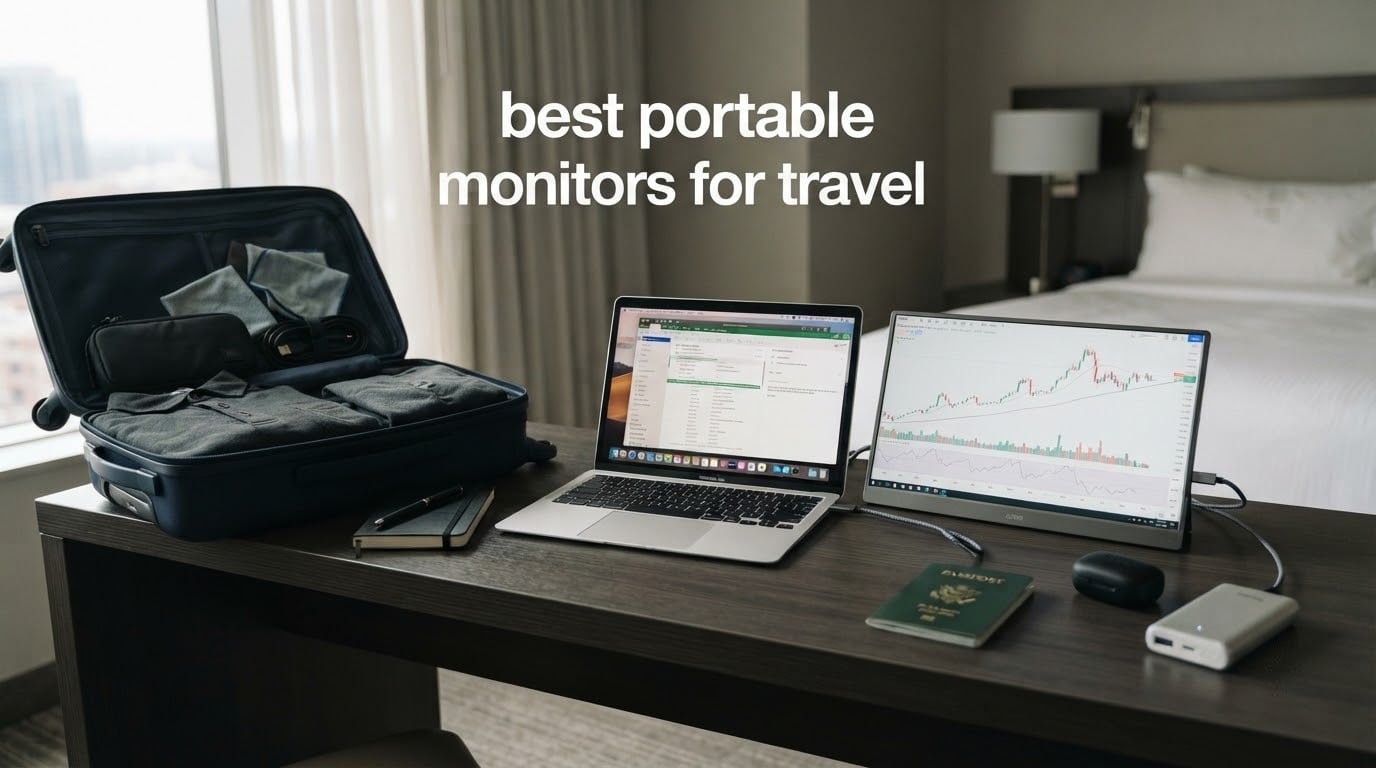
A laptop screen forces you to choose between working on one task and keeping your reference material somewhere you can see it. On a plane, a train or a hotel desk, that is a real cost. The best portable monitors for travel put a second display back in front of you without asking you to give up your carry-on allowance.
We spent weeks comparing ten of the most-reviewed portable monitors on the market, weighing the things that actually matter when you are moving through airports: how heavy the panel is, how thin it is, how bright it stays in a lit cabin, and whether one USB-C cable really does everything. Every pick below runs 1080p at 60Hz unless we say otherwise, so the decision comes down to weight, brightness, ports and build rather than raw specifications.
If you are still working out whether a second screen is the right call, our guide to portable monitors for laptops covers the desk-bound use case, and portable monitors for musicians on tour looks at the same hardware in a permanent touring rig. This roundup is strictly about short trips, carry-ons and hotel rooms.
Top 3 Picks: Portable Monitors for Travel in 2026
Our KYY K3 takes the top slot for the balance it strikes between lightness, brightness and the sheer volume of people who have lived with it. The cocopar is the highest-rated panel here and the thinnest body we measured. The MNN is the pick when pack volume matters more than polish.

KYY K3 15.6 inch Portable Monitor
- 300 nits IPS panel
- 1.7 lb and 0.35 inch thick
- Dual USB-C and Mini-HDMI
- PU leather cover as stand

The Best Portable Monitors for Travel at a Glance (October 2026)
All ten panels, with the specifications that decide whether one belongs in your bag. Weight is listed as the manufacturer states it, and some figures include the cover.
| Product | Specifications | Action |
|---|---|---|
| KYY K3 15.6 inch Portable Monitor |
|
Check Latest Price |
| cocopar Y156FH7S 15.6 inch |
|
Check Latest Price |
 MNN M156F01 15.6 inch MNN M156F01 15.6 inch |
|
Check Latest Price |
 InnoView INVPM406 15.6 inch InnoView INVPM406 15.6 inch |
|
Check Latest Price |
 ForHelp F156P1 15.6 inch ForHelp F156P1 15.6 inch |
|
Check Latest Price |
 SANSUI ES-P156T1F 15.6 inch SANSUI ES-P156T1F 15.6 inch |
|
Check Latest Price |
 Yxk Y1562 15.6 inch Yxk Y1562 15.6 inch |
|
Check Latest Price |
 WGK W156F1 15.6 inch WGK W156F1 15.6 inch |
|
Check Latest Price |
 VisionOwl Y185LS 18.5 inch VisionOwl Y185LS 18.5 inch |
|
Check Latest Price |
 AYY A15G1B 15 inch AYY A15G1B 15 inch |
|
Check Latest Price |
1. KYY K3 Portable Monitor Review
KYY Portable Monitor 15.6″ 1080P Computer Monitor Screen Extender w/Cover
15.6 inch IPS 1080p
300 nits
1.7 lb
0.35 inch body
USB-C x2 and Mini-HDMI
Pros
- Sharp 1080p IPS panel with 178 degree viewing angle
- One USB-C cable carries both video and power
- PU leather cover doubles as a stand
- Built-in stereo speakers
- Light 1.7 lb body at 0.35 inch
Cons
- 60Hz refresh rate only
- Side menu wheel is less intuitive than dedicated buttons
- Not a touchscreen
The KYY K3 is the portable monitor we ended up reaching for first, and that is a comment about its balance rather than a headline number. At 1.7 lb and 0.35 inch thick it disappears into a laptop sleeve, and the 300-nit IPS panel is bright enough to read comfortably in a bright terminal without hunting for a seat facing a wall.
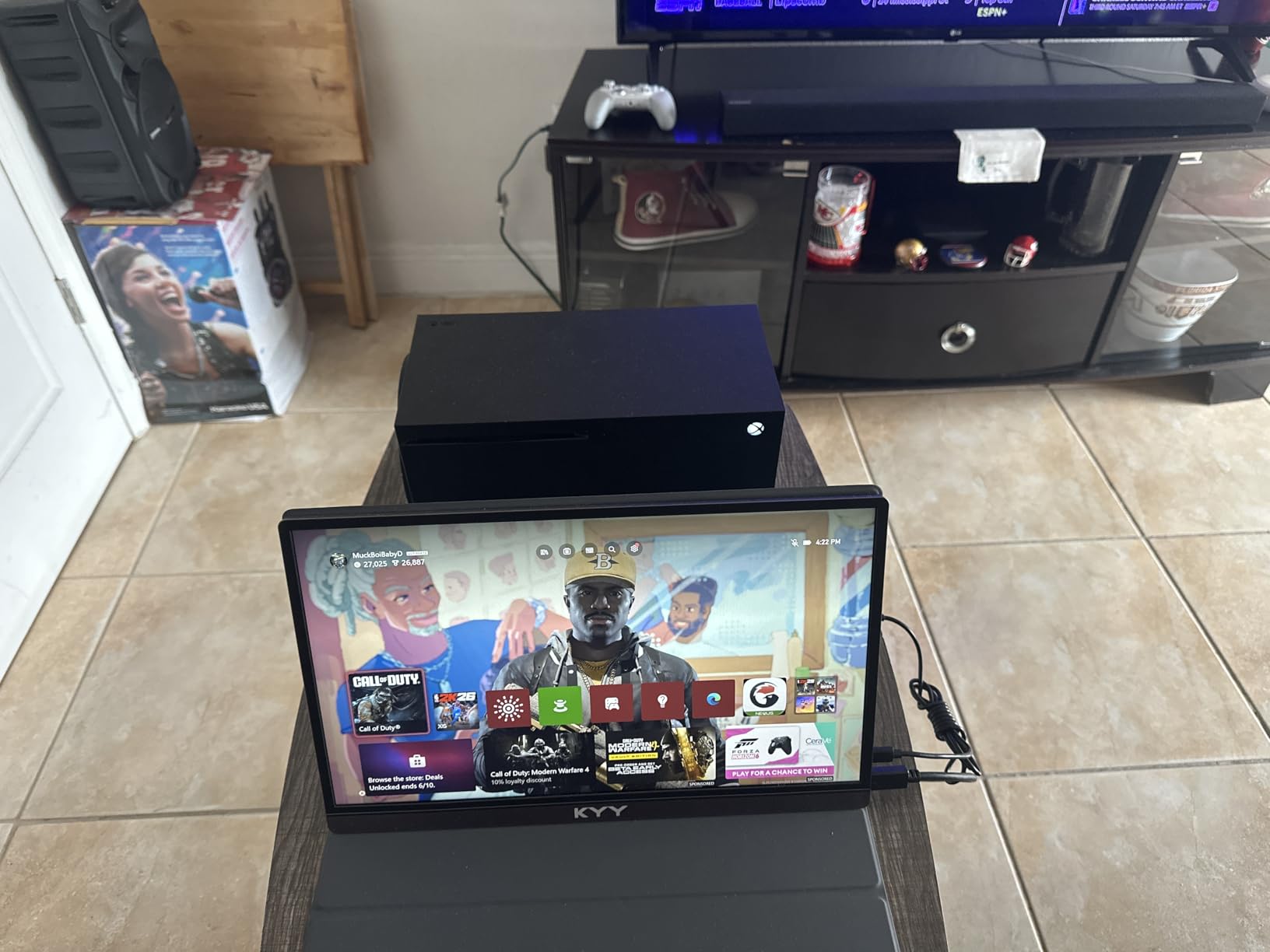
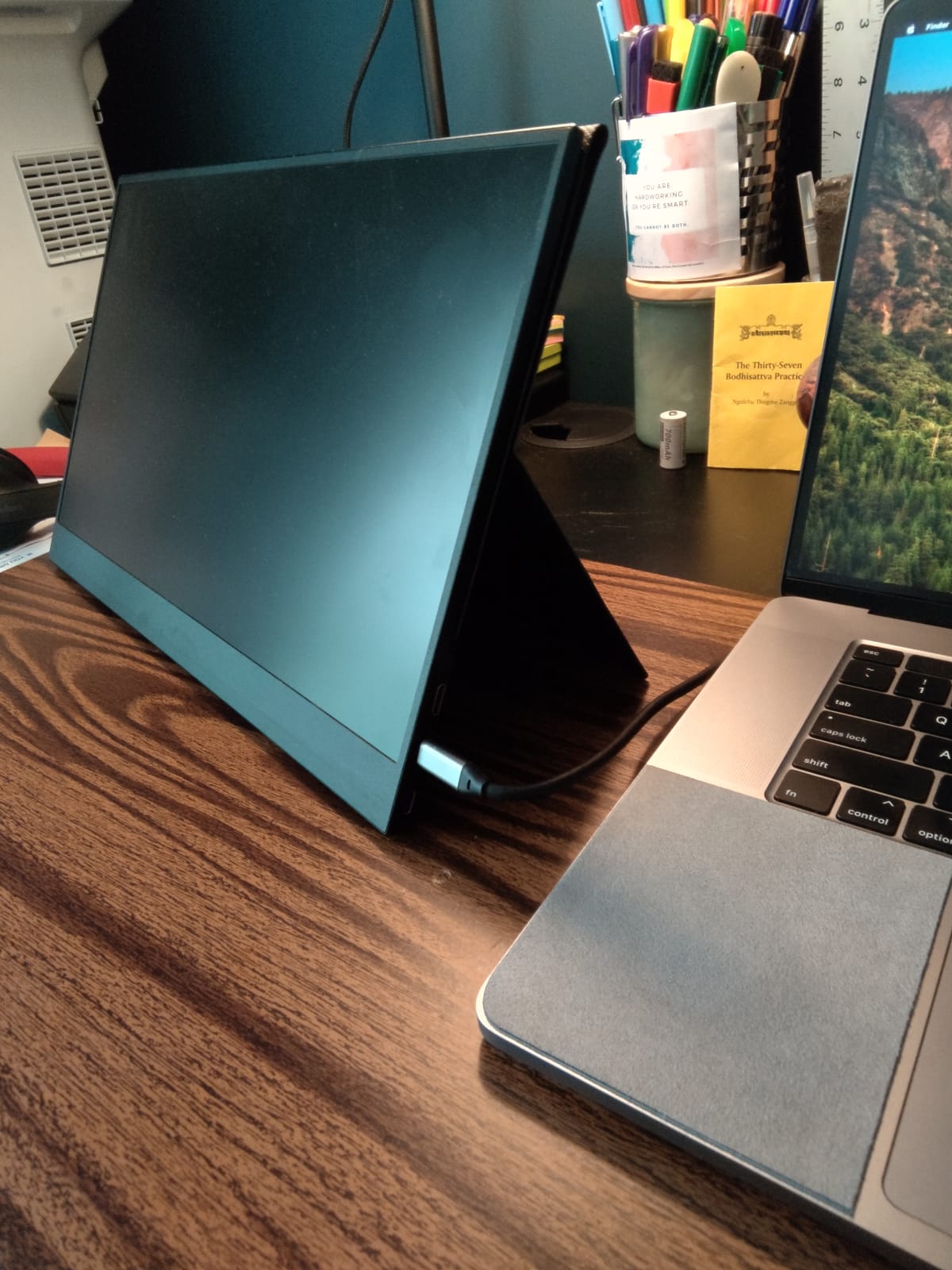
Set-up is the part that matters on the road. Two full-function USB-C ports mean you plug one cable into the laptop and the panel wakes up, draws power and takes video over the same lead. There is a Mini-HDMI port as well, and the box carries a Mini-HDMI to HDMI cable, a USB-C to USB-A cable and a USB-C to USB-C cable.
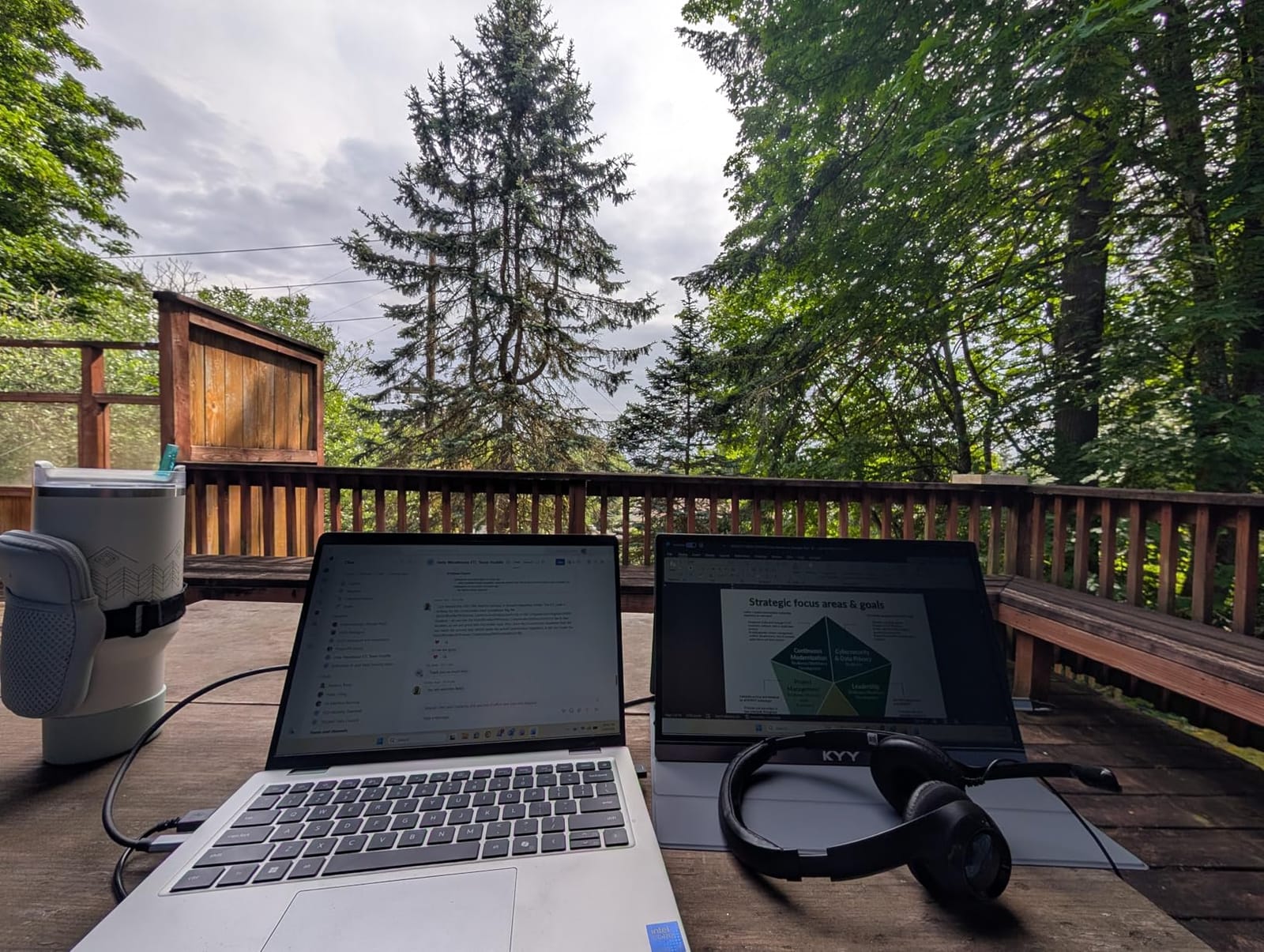
The PU leather smart cover is the part we liked most. It snaps over the panel in transit so the screen never meets the inside of your bag, then folds back into two positions that work on a tray table or a bed. Two small stereo speakers sit behind it, which is genuinely useful on a long flight when you want to watch something without headphones.
Reviewers report a 178-degree viewing angle that holds up when the panel is not directly in front of you, and a 1ms response time. The picture is a standard 60Hz, which is fine for documents, code and video but will not satisfy anyone chasing high frame rates in a game.
What to check before you commit to a 15.6 inch panel
Measure the sleeve you actually travel with. The KYY is 14.48 inches wide and 8.85 inches deep, so it needs a 15 inch sleeve or a tech pouch rather than a slim 13 inch envelope. If you carry a 13 inch laptop, the sleeve for the laptop itself will not take this panel.
Check that your laptop has a full-function USB-C port rather than a charge-only one. A charge-only port will power the panel but will not send video, and that is the single most common setup complaint in this category.
Where the KYY K3 is the wrong choice
Skip it if colour accuracy is part of your work. The panel is not specified with an sRGB coverage figure, and the 60Hz rate rules out competitive gaming. Anyone moving between a colour-graded editing timeline and a travel schedule should look at the wider-gamut options further down this list.
The on-screen menu is driven by a side-mounted wheel rather than dedicated buttons, which some reviewers find fiddly when you are adjusting brightness in a dim cabin. Budget for a short learning period on the wheel.
2. cocopar Y156FH7S Portable Monitor Review
cocopar Portable Monitor 15.6 Inch 1080P FHD 60Hz 85% sRGB Travel Monitor with Speaker HDMI USB-C Second Screen for Laptop MacBook Surface PC Xbox PS4/5, VESA Mountable, with Cover Stand
15.6 inch IPS 1080p
280 nits
4mm at slimmest
85 percent sRGB
VESA mountable
Pros
- Highest satisfaction score in this group
- 4mm slim body packs flat
- Two VESA holes for stand or tripod mount
- Single-cable USB-C with reverse pass-through charging
- Two-year manufacturer warranty
Cons
- 60Hz refresh rate and 85 percent sRGB are modest
- Heavier once the magnetic cover is fitted
- Least forgiving glare handling in this group
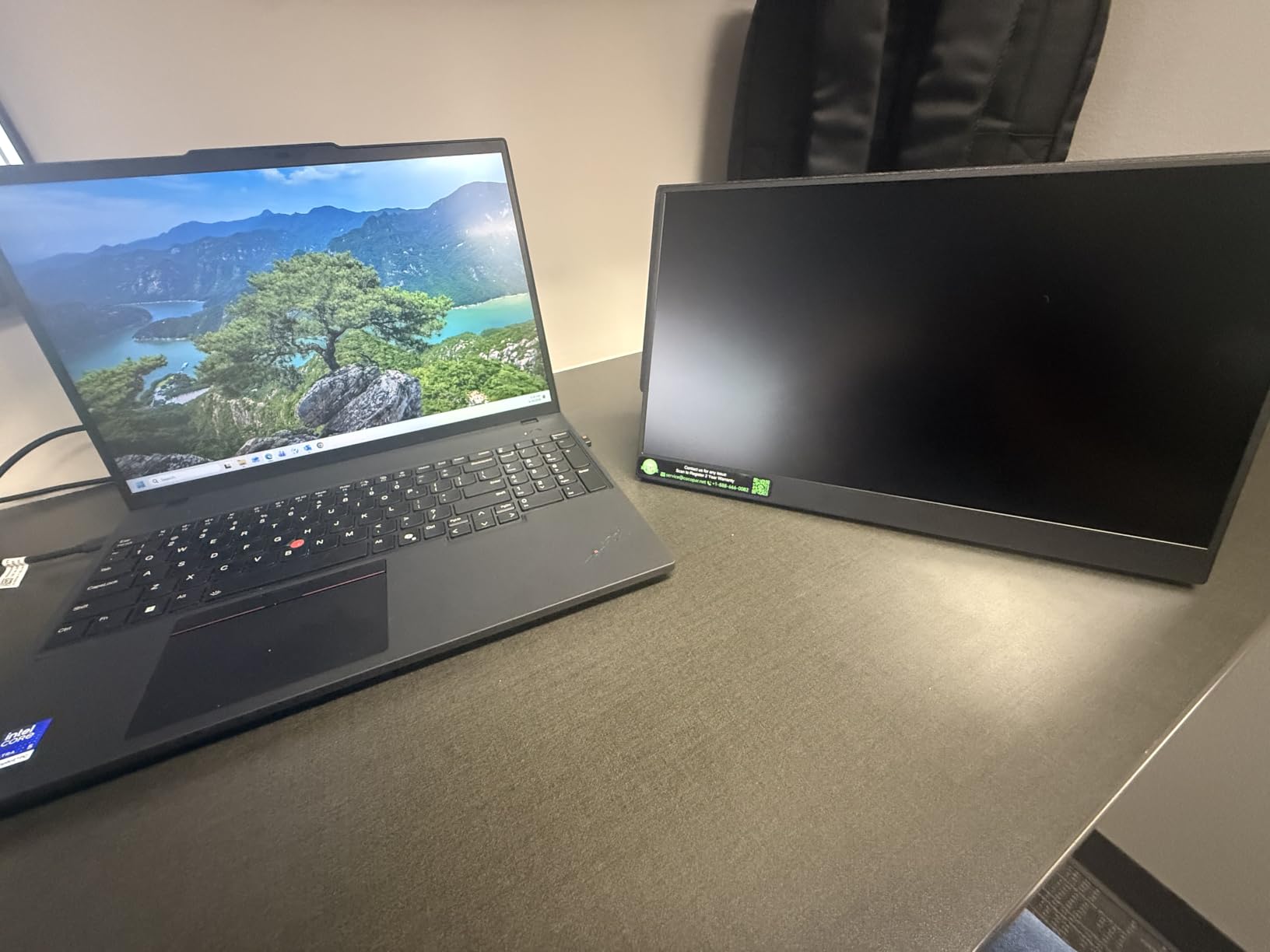
The cocopar carries the highest satisfaction score of the ten and earns that with the simplest possible travel argument: it is 4mm at its slimmest point and weighs 1.5 lb without the cover. That is the panel that goes into a document folder rather than a laptop sleeve.
It also has two VESA mounting holes, which none of the fold-over covers can match. Bring a small tabletop tripod and you can raise the screen to eye level on a hotel desk or a train tray, which matters more for long working sessions than any spec on the list.
Power runs over a single USB-C cable with reverse pass-through charging, so a phone or tablet connected that way charges while the screen is in use. The panel supports extend and mirror modes, which is what you want when you are presenting to a client from a laptop on the train.
Owners consistently call the picture quality strong for the class, with an 85 percent sRGB gamut and a 3ms response time. The smart stand case is included and gives you protection plus two usable angles, and the two-year warranty is the longest on most of the panels here.
When a mounting hole beats a folding cover
A fold-over cover is fine for a plane tray table. It is not fine when you need the screen at eye level for three hours of work in a hotel room, and that is the situation the VESA holes solve. The cocopar is the one pick here that will happily sit on a small tripod without an adapter.
Check your brightness expectations carefully. At 280 nits this panel is readable indoors and in a shaded seat, but a window seat in direct sun on a short-haul flight is a different proposition. Raise the brightness to fight glare and you also drain the host laptop faster.
Where the cocopar falls short
The 85 percent sRGB coverage is a real constraint for photo or video work, and 1080p at 60Hz is the least interesting specification on this list. If your trip is mostly colour-critical, a panel with a stated wider gamut serves you better.
Once the magnetic cover is fitted the package gets heavier than several plastic-bodied alternatives, so this is a slim-panel, not a light-bag choice. Budget accordingly if weight is your first filter.
3. MNN M156F01 Portable Monitor Review
MNN 15.6″ FHD 60Hz Portable Monitor USB-C HDMI IPS HDR Gaming Laptop
15.6 inch IPS 1080p
300 nits
1.5 lb
Two USB-C ports
FreeSync
Pros
- Strong image quality for the money
- One USB-C cable for power and video
- 1.5 lb and slim enough for any backpack
- Smart cover works as a stand
- Two-year warranty
Cons
- 60Hz and 5ms response time
- Colour differs from a laptop display side by side
- Auto shut-off after signal loss
- Weak magnetic cover stand
If the question is how much usable screen you get per gram in your bag, the MNN is the answer we keep coming back to. At 1.5 lb with a 300-nit IPS panel, it matches the brightness of the picks above it while staying light enough to carry every day.
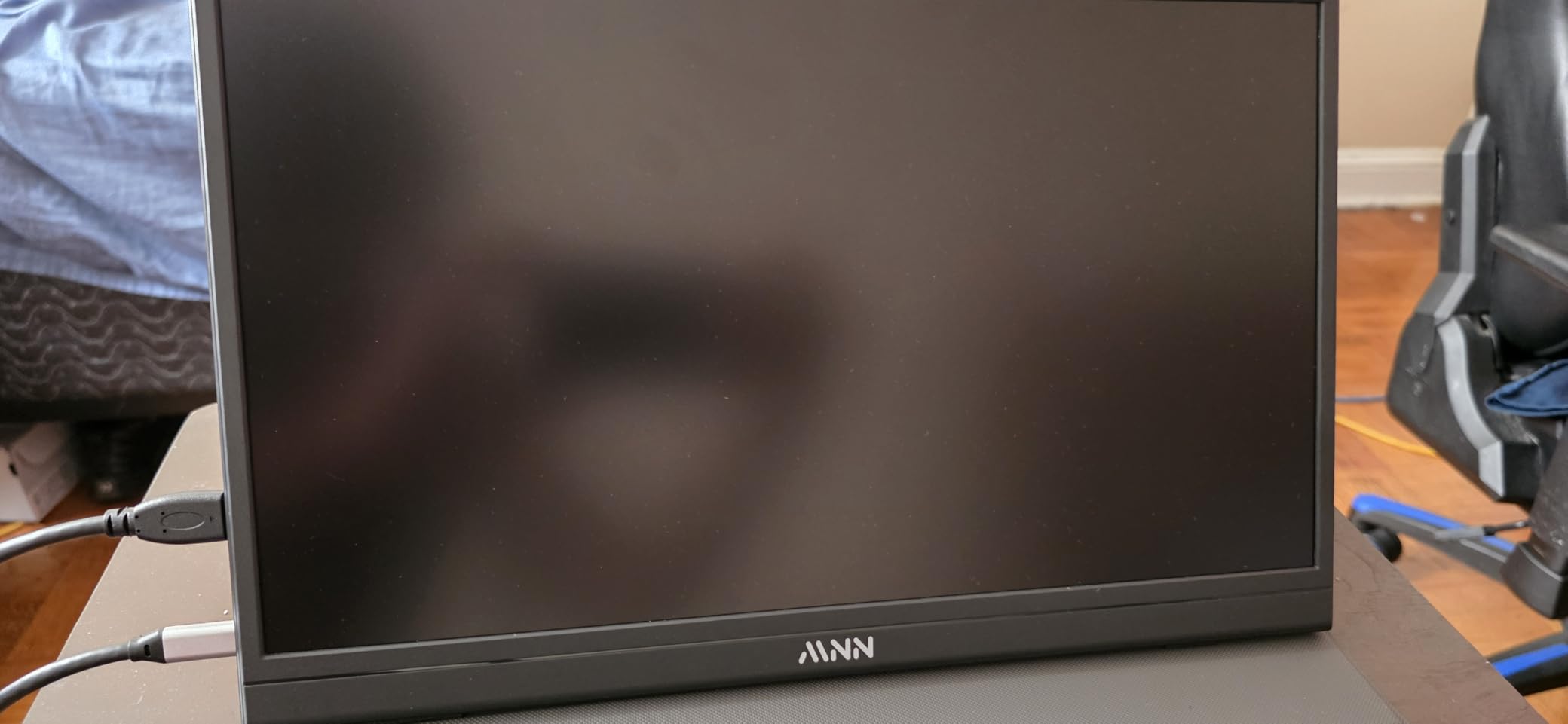
Two full-function Type-C ports handle power and display over one lead, and the panel offers copy, extend, second-screen and portrait modes. Portrait matters more than it sounds on a phone-heavy workflow, and having it in the firmware saves you a rotation workaround later.
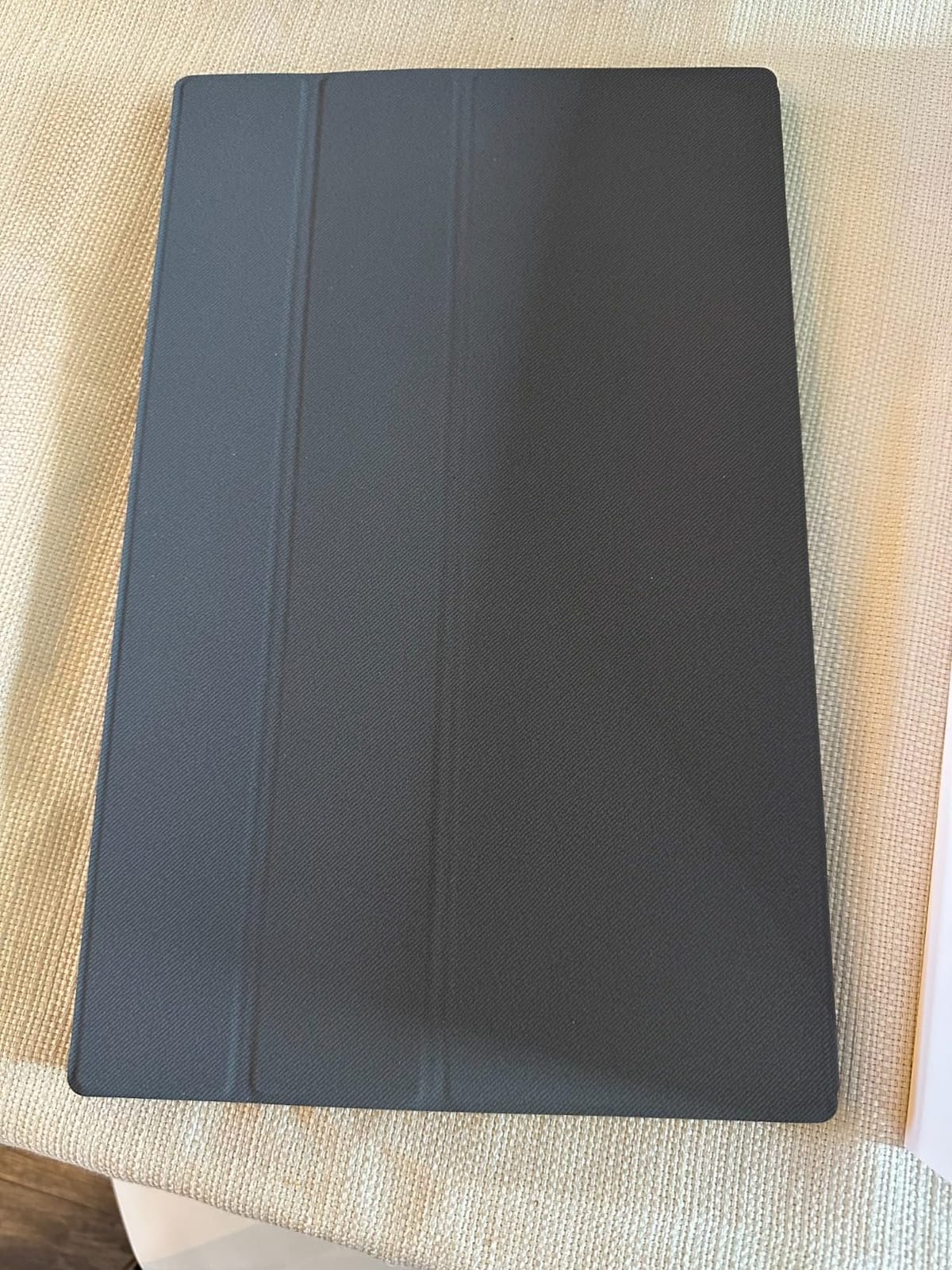
Reviewers describe the colour as rivaling dedicated monitors they own, which is a strong claim for this class. The PU leather smart cover handles protection and standing, and a two-year warranty covers the panel for longer than most rivals offer.
Compatibility is broad in practice. MacBooks, Steam Decks, tablets and phones all connect over USB-C without extra software, which makes it a useful second screen whichever device you travel with.
Why single-cable power changes the packing list
When a panel takes both power and video over one USB-C lead, you stop packing a power brick and a separate video cable. Across a four-country week that removes a wall adapter, a charging cable and often a dongle from your tech pouch, and it is the reason we rank this pick so highly for travel.
One cable does mean your laptop is powering the screen. If you are working a full flight from battery, drop the host brightness and the panel brightness together, or carry a small power bank for the second screen.
Where the MNN disappoints
Placed next to a laptop display, the colour and gamma are reported as slightly different. That is invisible for most work and obvious to anyone doing colour grading, so treat the MNN as a productivity screen rather than a grading screen.
The auto shut-off after signal loss can be difficult to recover from during some boot sequences, and the magnetic cover stand is weak enough that it will not hold position on a bouncy bus or an uneven cafe table. Bring a small stand if your working surfaces are unpredictable.
4. ForHelp F156P1 Portable Monitor Review
ForHelp 15.6inch Portable Monitor,1080P USB-C HDMI Second External Monitor for Laptop,PC,Mac Phone,PS,Xbox,Swich,IPS Ultra-Thin Zero Frame Gaming Display/Premium Smart Cover
15.6 inch matte IPS
300 nits
1.52 lb
0.3 inch
Aluminum alloy
Pros
- Aluminum alloy body at 1.52 lb
- Two full-featured USB-C ports plus Mini-HDMI
- Magnetic holster protects and props the panel
- Matte IPS panel with HDR and low blue light
- 1ms response time
Cons
- 60Hz refresh rate
- Cover stand limited to two fixed grooves
- Mini HDMI needs an adapter for some devices
The ForHelp is the pick for anyone who has dropped one too many plastic portable monitors into a roller bag. The body is an aluminum alloy rather than moulded plastic, and at 1.52 lb and 0.3 inch it is one of the more substantial-feeling panels in this group without being heavy.
The 300-nit matte IPS panel is bright enough for most travel conditions, and the matte finish is the right call for a plane cabin where the overhead light is always on. Low blue light mode and HDR are both available from the on-screen menu.
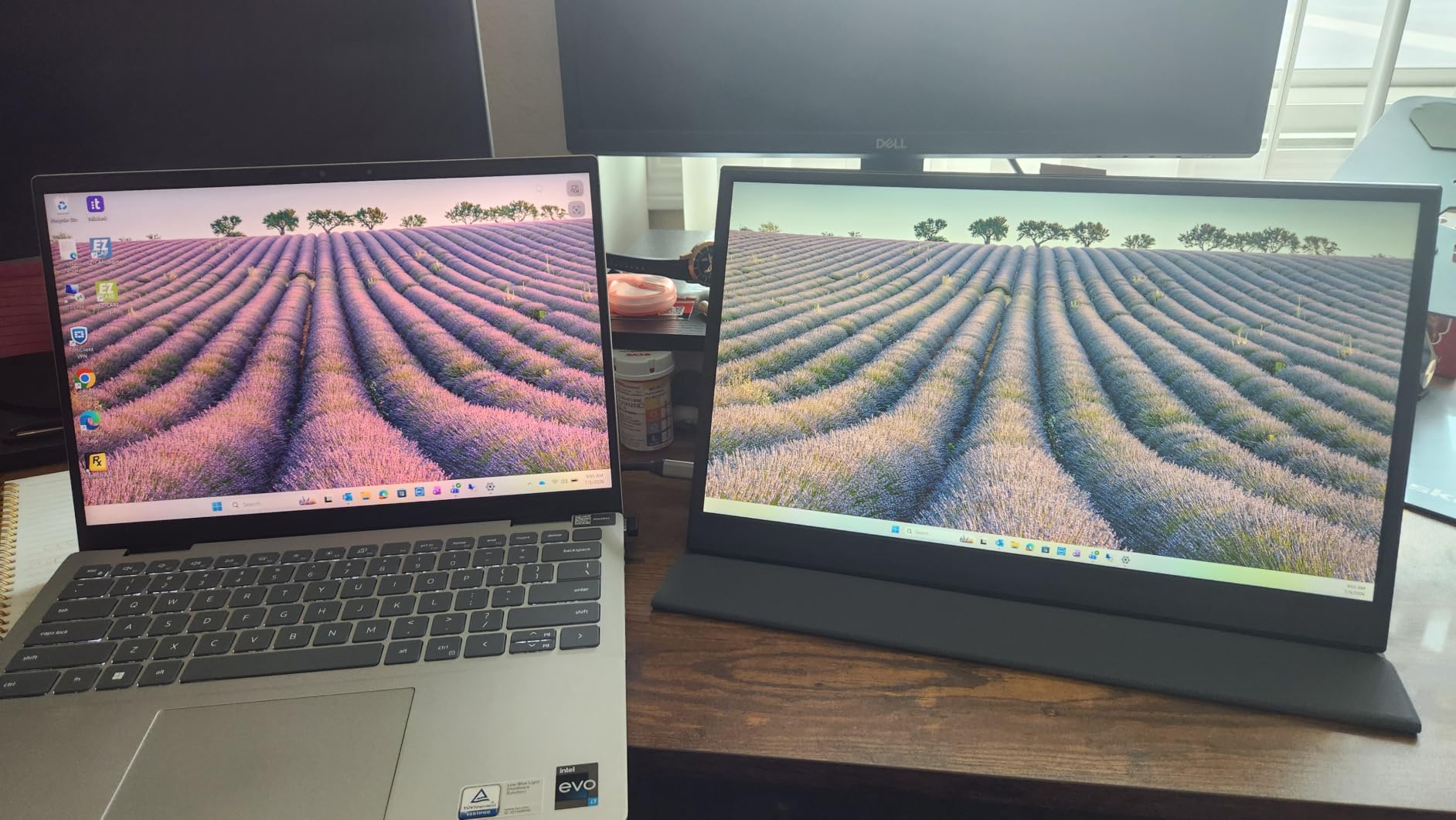
Two full-featured Type-C ports and a Mini-HDMI port give you three ways in. The magnetic smart holster stores the panel and props it up, with two base grooves for angle choice, so it protects the screen in the bag and stands it on the desk from the same piece.
Two built-in speakers cover the case where you want a quick video without earbuds. The 1ms response time suits casual gaming, though the 60Hz ceiling is the same as everywhere else in this roundup.
Why matte coating matters more than you think
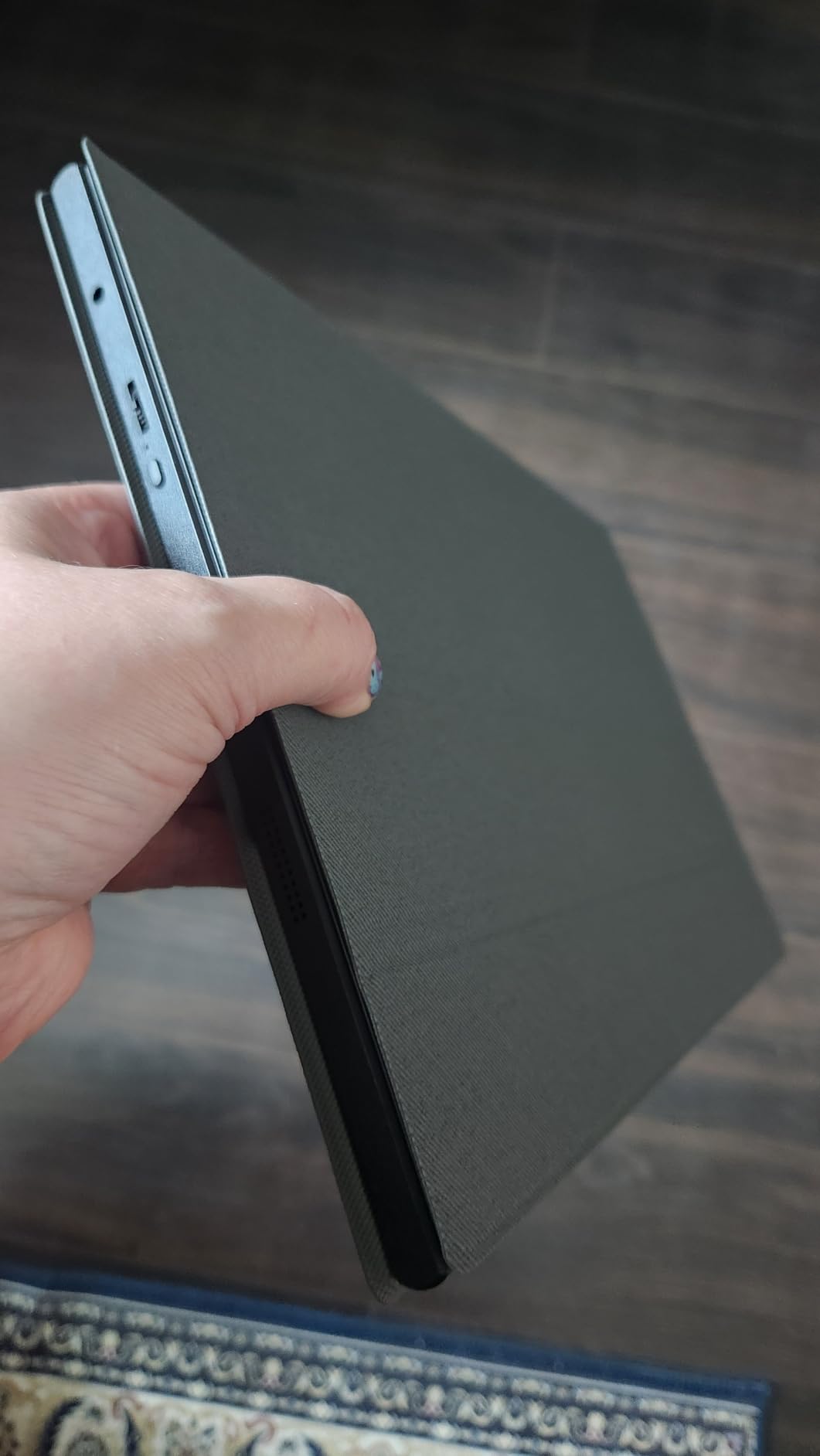
Glossy panels look better on a desk under controlled lighting and behave much worse at 30,000 feet. A window seat puts a hard light source next to the screen, and a glossy coating turns that into a mirror. The ForHelp’s matte finish is the safer travel choice even though it costs a little contrast.
Watch the port format before you commit. Mini-HDMI is small and easy to lose, and the cable is not the same as a full-size HDMI lead. Check that whatever you want to connect ships with the right cable or that you are willing to carry an adapter.
Where the ForHelp is not the right buy
The two fixed cover grooves limit your viewing angle choices compared with a cover that folds to several positions. If you regularly work at an unusual height, bring a separate stand.
Like the rest of the 15.6 inch field, it is 60Hz. If smooth motion matters to you, the 100Hz panel later in this list is the only option in this roundup that delivers it.
5. InnoView INVPM406 Portable Monitor Review
InnoView Portable Monitor, 15.6 Inch FHD 1080P HDMI USB C Second External Monitor for Laptop, Desktop, MacBook, Phones, Tablet, PS5/4, Xbox, Switch, Built-in Speaker with Protective Case
15.6 inch IPS 1080p
250 nits
4mm body
80 percent sRGB
18W draw
Pros
- No apps or drivers needed
- Plug and play on connection
- Cover doubles as a two-angle stand
- Two USB-C ports with pass-through charging
- Works with consoles tablets and phones
Cons
- 250 nits is dimmer than most rivals
- 80 percent sRGB is low for photo work
- 18W draw can flicker on low-output devices
- HDMI cable not included
The InnoView is the most honest plug-and-play panel in this list. There is no app, no driver and no settings hunt: you connect it and the desktop extends. For someone who packs a laptop and needs a second screen two minutes after landing, that simplicity is worth more than a spec sheet line.
The body is 4mm thin with a scratch-resistant PU leather cover that props the panel at two angles. The 15.6 inch footprint matches your laptop almost exactly, which makes a side-by-side arrangement work well on a hotel desk with limited width.
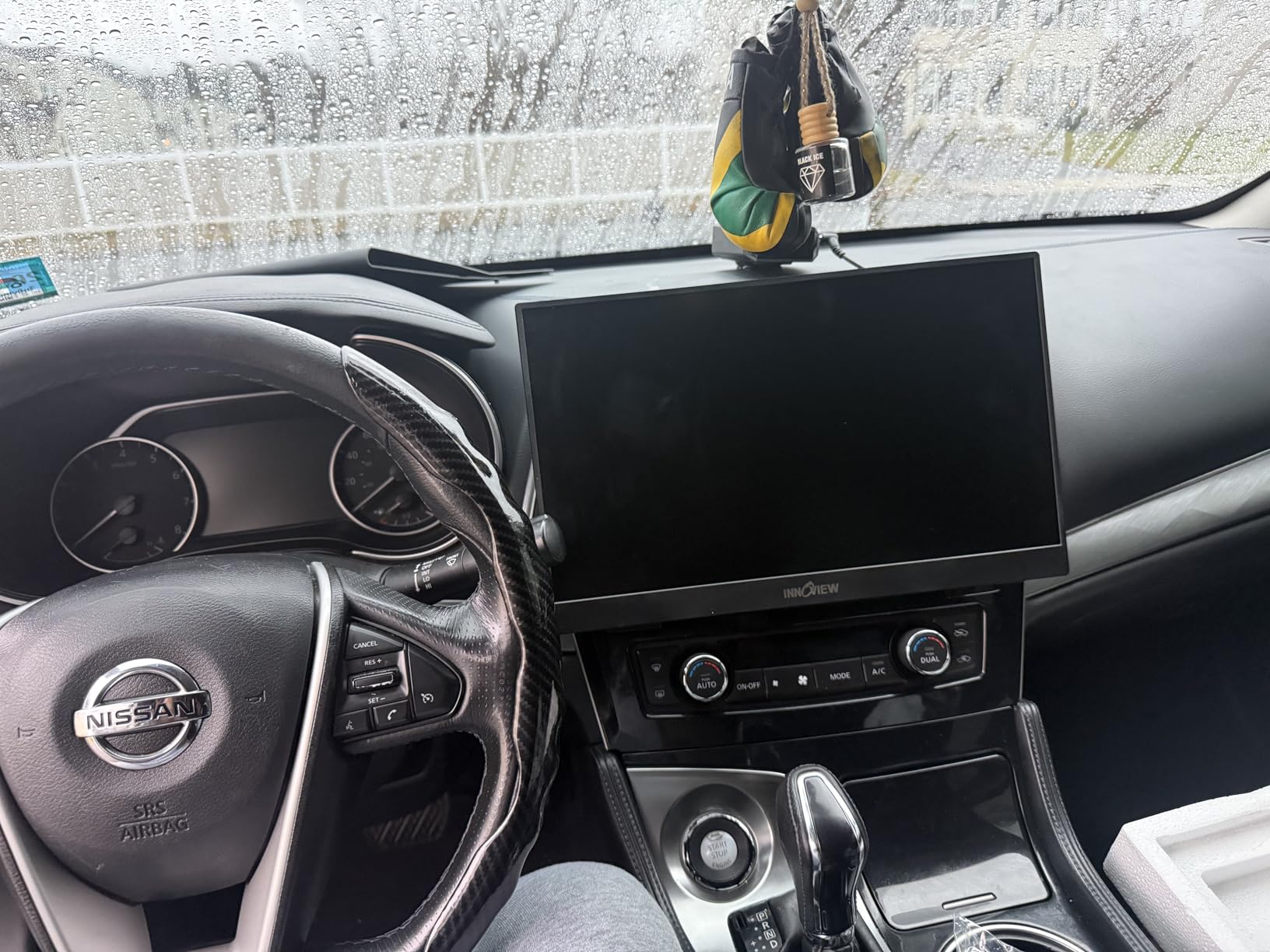
Two full-function Type-C ports plus an HDMI port cover most travel connections, and pass-through reverse charging means a connected phone keeps charging. Compatibility extends to consoles, tablets and phones, which makes it a useful screen beyond work.
At 250 nits and 80 percent sRGB this is not a colour tool, and the 18 watt power draw is the spec to understand before you rely on it. Reviewers report flicker or restarts when the panel is powered only from a low-output device.
When to carry a second cable anyway
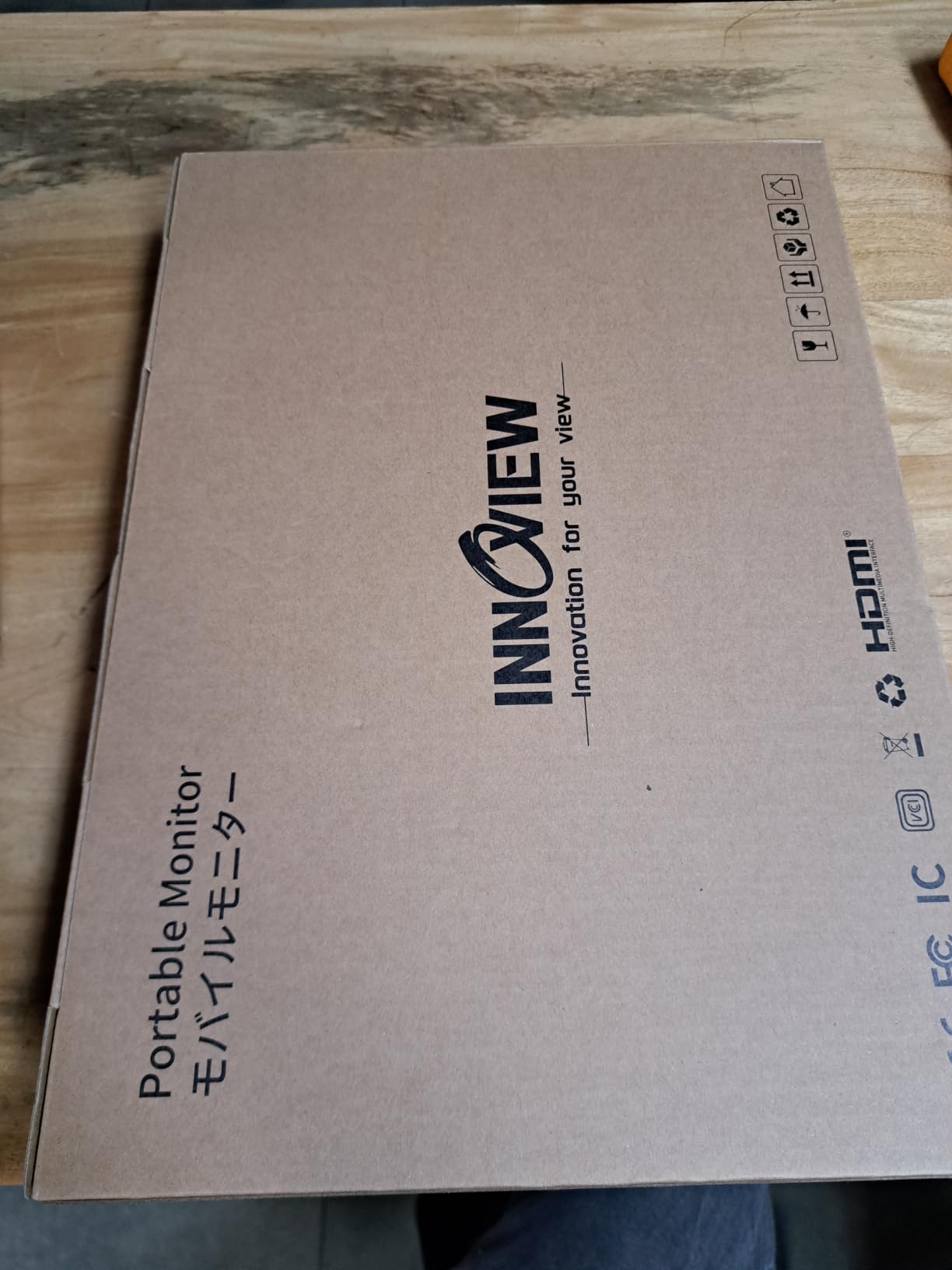
Over USB-C the InnoView needs nothing extra. Over HDMI you need a cable, and the package does not include one. That is a small thing on a desk and a real thing in a customs queue, so put an HDMI lead in your pouch regardless of which panel you buy.
Because the panel draws 18 watts, test it on your actual laptop before the trip. If it resets when running from the laptop alone, carry a compact USB-C charger and power the screen separately, which also relieves pressure on your laptop battery.
Where the InnoView falls behind
250 nits and 80 percent sRGB put it behind several picks here for daylight and colour work. A shaded seat or a dim evening flight is where it performs best.
It is also one of the heavier packages in this roundup once the cover is attached. If grams are the deciding factor, the two lightest panels at the bottom of this list are a better match.
6. SANSUI ES-P156T1F Portable Monitor Review
SANSUI 15.6 Inch Portable Monitor, 1080P Travel Monitor for Laptop, Switch
15.6 inch IPS 1080p
250 nits
0.43 inch
2.1 lb with cover
1200:1 contrast
Pros
- Cover offers 24 and 37 degree tilt positions
- Two USB-C ports plus Mini HDMI and audio jack
- Dual built-in speakers
- IPS panel with 1200:1 contrast
- Flicker-free low blue light
Cons
- 250 nits is dim
- No power adapter in the box
- Reverse charging needs a 45W or higher adapter
The SANSUI solves a small problem that annoys people on every trip: getting the angle right. Its PU leather cover has two defined tilt positions at 24 and 37 degrees, which is enough to find a comfortable line of sight on a train table or a bed without adding a separate stand.
The port selection is the most generous in this roundup. Two USB-C ports, a Mini-HDMI and a 3.5mm audio jack mean you can leave the adapter at home, and the dual built-in speakers are a genuine addition for a hotel room.
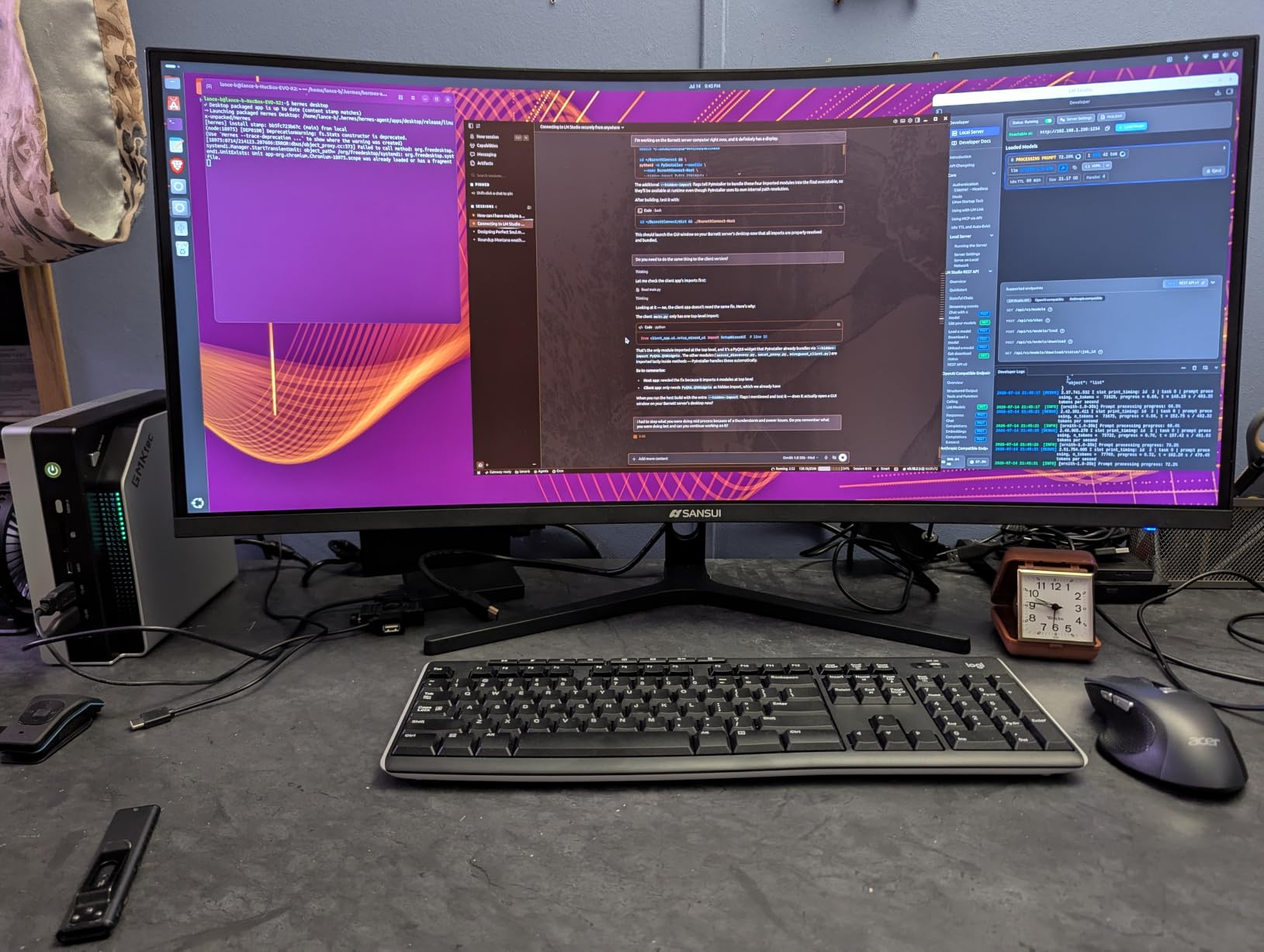
The IPS panel runs 1920 by 1080 at 250 nits with a 1200:1 contrast ratio and a 178-degree viewing angle, plus low blue light and flicker-free handling for long reading sessions. The body is 0.43 inch thin, which is thicker than the leaders but still packs flat.
The box carries a Mini-HDMI to HDMI cable and a 1m USB-C to USB-C cable rated 30V5A. There is no power adapter in the package, which is a defensible choice for travel and one less thing to lose.
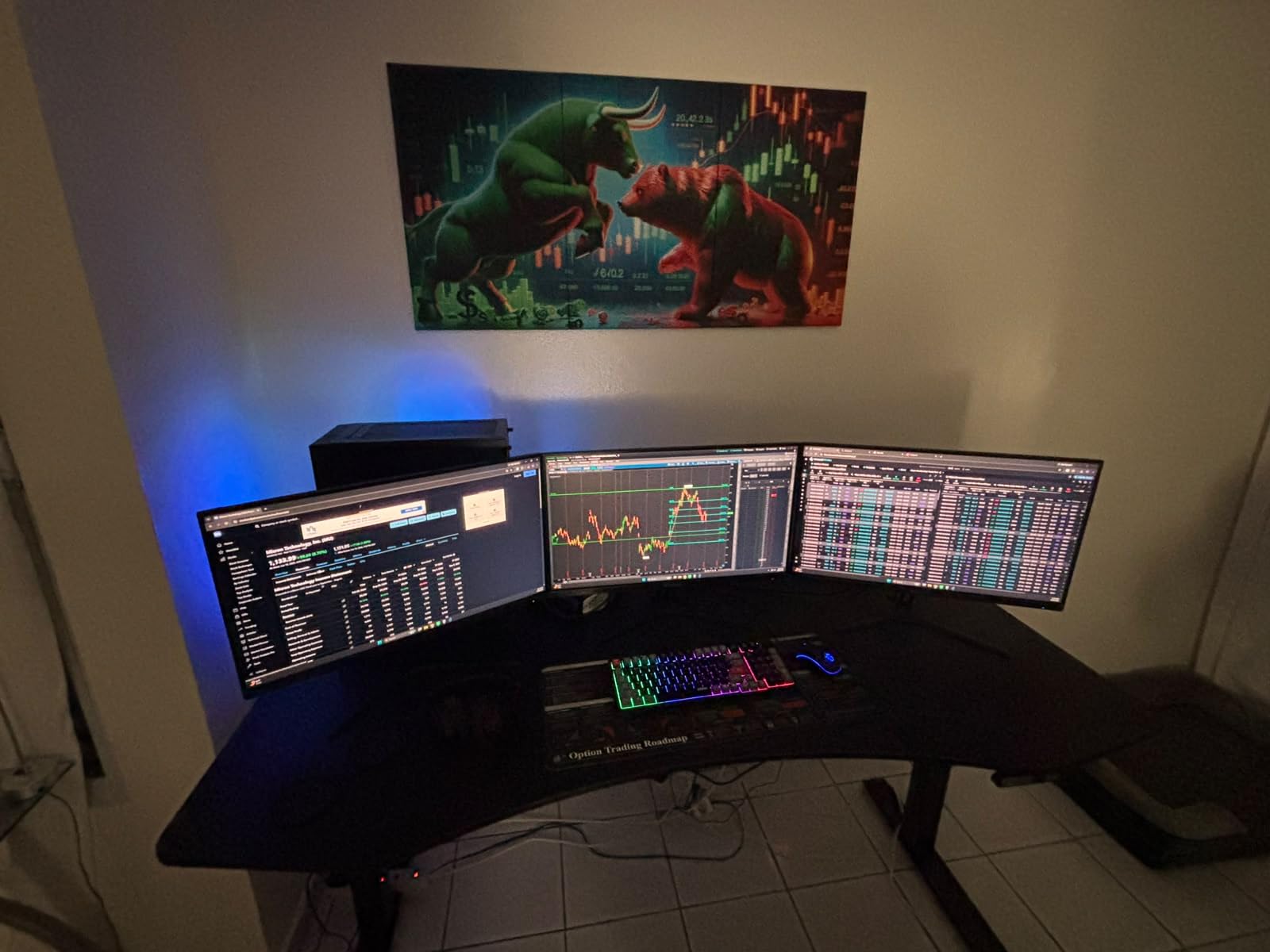
What the 45W requirement means for your bag
Reverse charging from the panel back to a connected device needs a 45W or higher power delivery adapter and a cable that carries that current. On a short trip you will never touch it, because charging runs the other way from the host.
If you do plan to charge a laptop through the screen, check your charger rating before you fly. The included 30V5A cable is the right one for the panel itself but the adapter is a separate purchase.
Where the SANSUI is the wrong choice
250 nits is on the dim side, and a window seat in daylight is where that shows. If your trip is mostly outdoors or in bright spaces, prioritise a higher-nit panel over tilt adjustment.
At 2.1 lb with the cover it is among the heavier packages here, and the 0.43 inch body is twice the thickness of the slimmest panels. The tilt positions are the reason to buy it, not the weight.
7. Yxk Y1562 Portable Monitor Review
Yxk Portable Monitor 15.6 Inch 1080P 60Hz IPS HDR Ultra-Slim Travel Monitor with Dual Speakers USB-C HDMI Second Screen for Laptop PC Mac Phone Xbox PS4/5 Switch, VESA Kickstand, Zero Frame Gaming
15.6 inch IPS 1080p
1.43 lb
0.31 inch
250 nits
72 percent sRGB
Pros
- One of the lightest panels here at 1.43 lb
- Zero-frame bezels on a slim body
- Two full-featured USB-C ports
- Dual speakers and VESA kickstand support
- Works with laptops phones consoles
Cons
- 72 percent sRGB is the narrowest here
- 250 nits is dim
- 60Hz refresh rate only
- Lower review volume than the leaders
The Yxk is bought for one reason: it is 1.43 lb and 0.31 inch thin, which makes it one of the easiest 15.6 inch panels to justify packing on a trip where every gram is argued over. The zero-frame bezels make it look smaller than it measures once it is out of the case.
Two full-featured Type-C ports cover power and video, with a Mini-HDMI port for anything that prefers HDMI. Dual speakers and VESA kickstand support are both present, so you can stand it up properly rather than balancing it on a book.
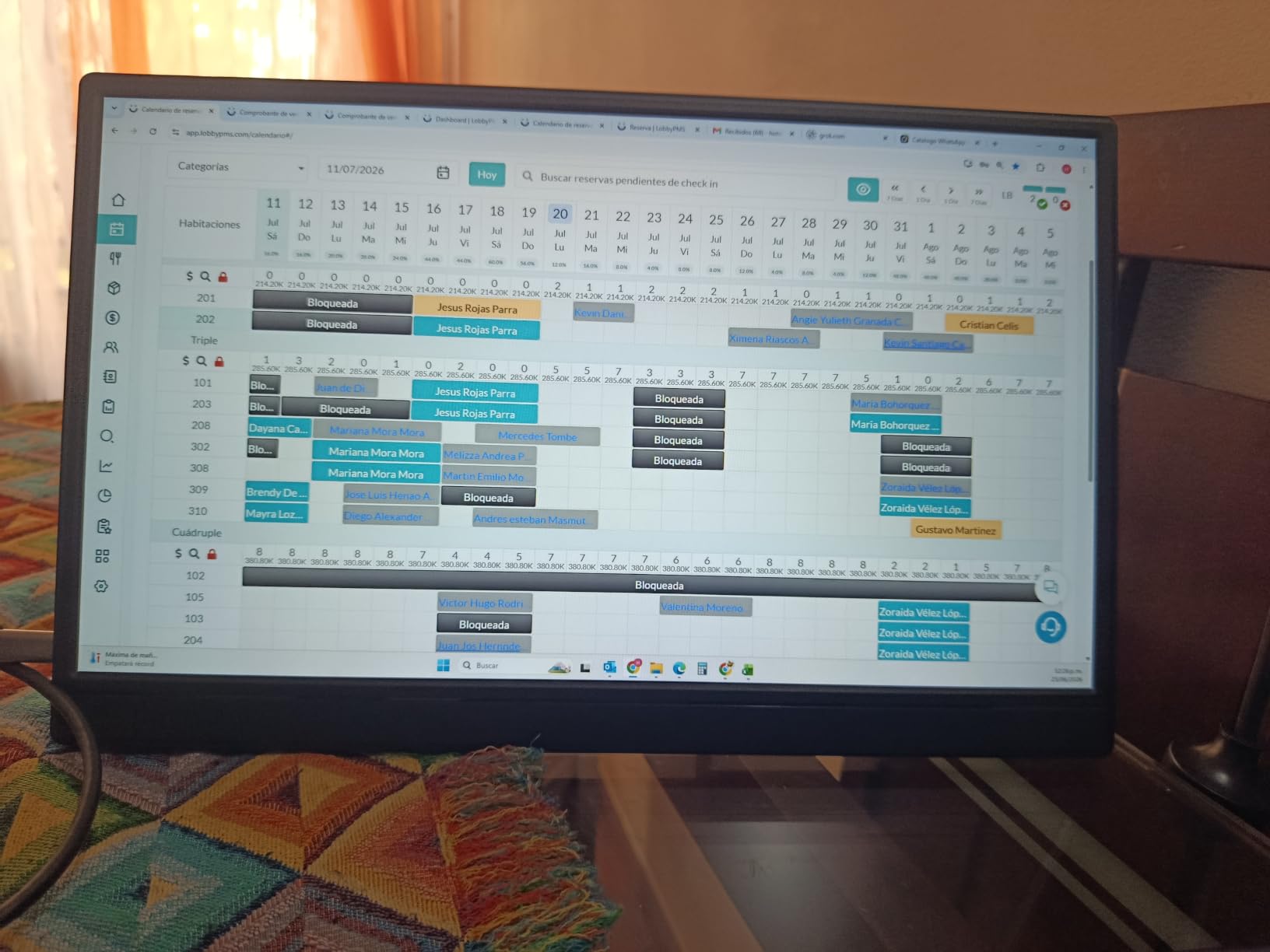
The A-grade IPS panel runs 1920 by 1080 at 250 nits with HDR mode and low blue light, and it supports copy, extend and second-screen modes. A two-year warranty is included.
Compatibility is broad, covering laptops, phones, Mac, PS4 and PS5, Xbox and Switch. It is the kind of list that matters when you want one panel to serve a work trip and a game on the same journey.
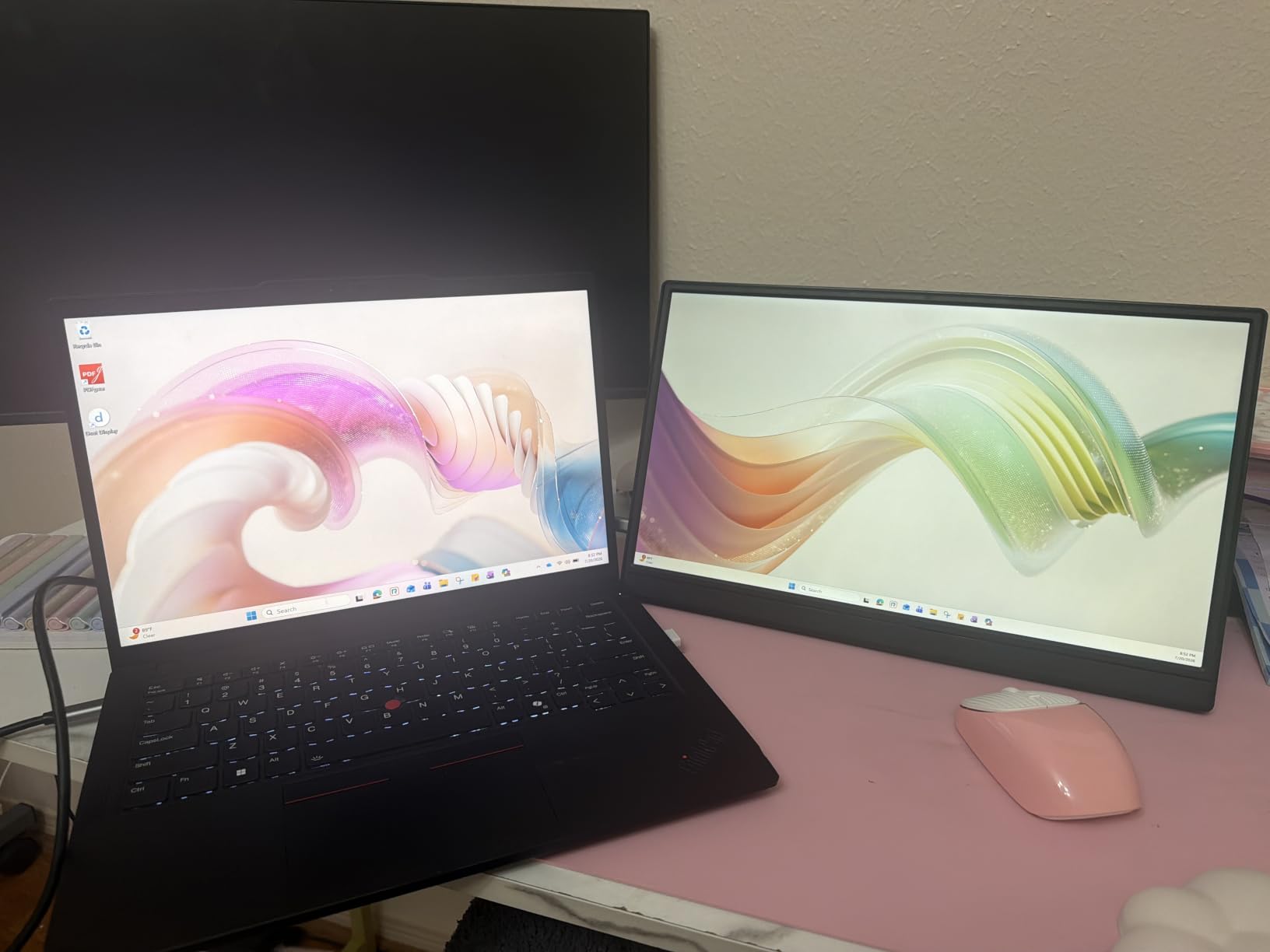
How much weight is actually worth saving
Saving 300 grams across ten panels sounds trivial until you are repacking a carry-on at an airport at midnight. Weight is the one specification on this list that compounds across every trip, so the lightest panels earn their place on weight alone.
Below about 1.5 lb the trade-offs appear: brightness drops toward 250 nits and colour coverage narrows. If you are packing light but also working in bright spaces, a 1.5 lb panel at 300 nits is often the smarter compromise.
Where the Yxk falls short
At 72 percent sRGB this is the narrowest colour gamut in the roundup, which rules it out for any colour-critical work. A 250-nit panel is also a poor companion to a window seat.
Its review volume is lower than the leaders here, so there is less long-term reliability data behind it. That is not a defect but it is worth knowing if you are buying something to depend on for a year of travel.
8. WGK W156F1 Portable Monitor Review
WGK 15.6 inch Portable Monitor 1080P FHD Travel Display HDMI/USB-C Compatible with Laptops, Desktops, Phones, PS, Mac, Xbox, Switch, and Other Gaming Devices Includes Stand and Speakers VESA
15.6 inch IPS 1080p
Built-in stand
VESA mountable
2.7 lb
72 percent sRGB
Pros
- Built-in stand avoids extra desk furniture
- Plug and play over a single USB-C cable
- Speakers described as loud and clear
- Works with Switch consoles laptops and phones
- Two-year limited warranty
Cons
- Can reset when powered from a low-output port
- 2.7 lb is among the heaviest here
- 72 percent sRGB limits colour accuracy
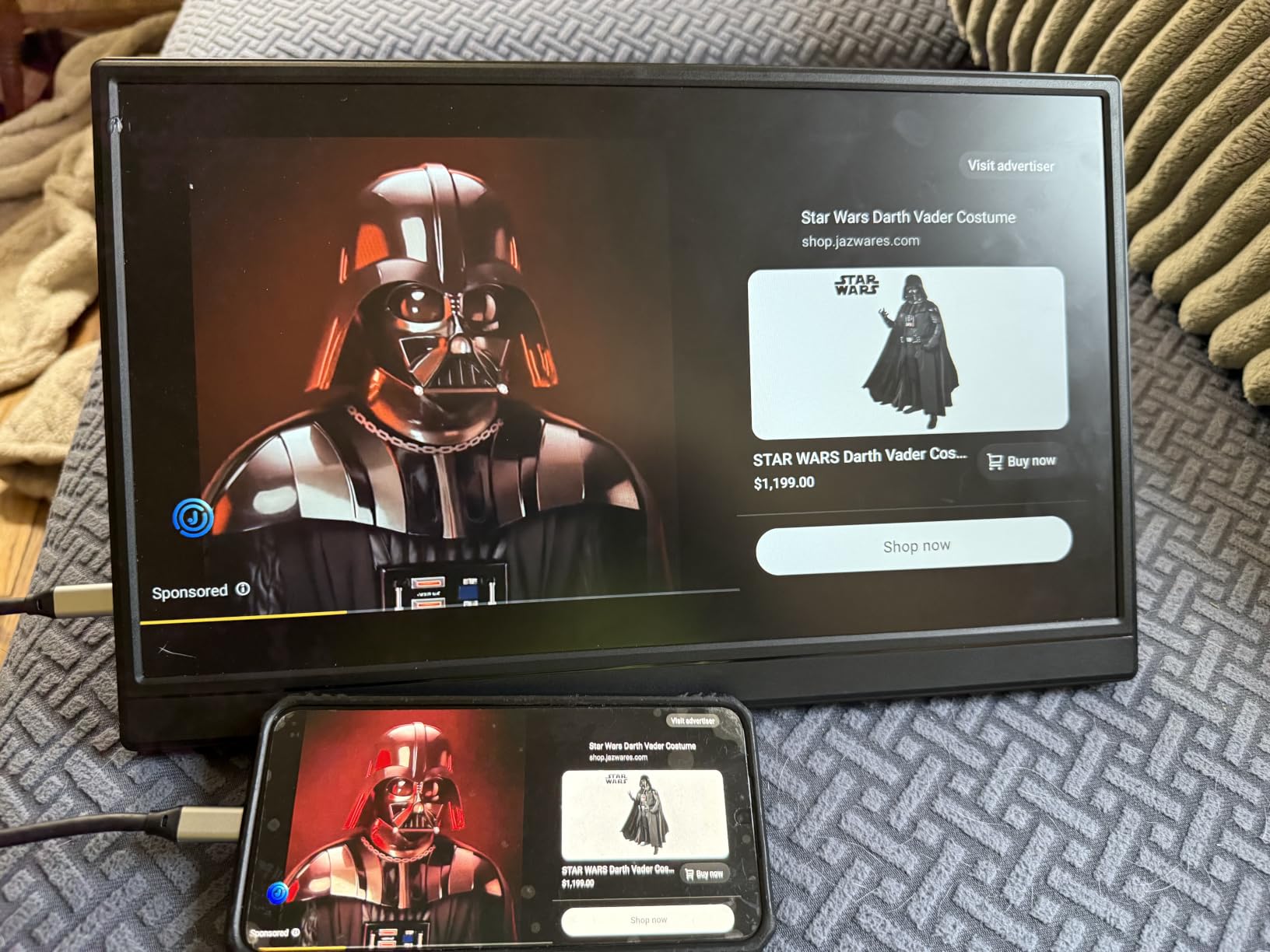
The WGK is the pick if you are staying somewhere with no furniture. Most portable monitors depend on a folding cover to stand them up, which means finding an angle on a bed or a tray table. This one has a built-in stand, so you set it down and it stays.
It is also VESA mountable, so if the built-in stand is not the height you want you can put it on a small arm or tripod instead. Two USB-C ports and a Mini-HDMI port cover connectivity, and the panel supports copy, extend and second-screen modes with HDR.
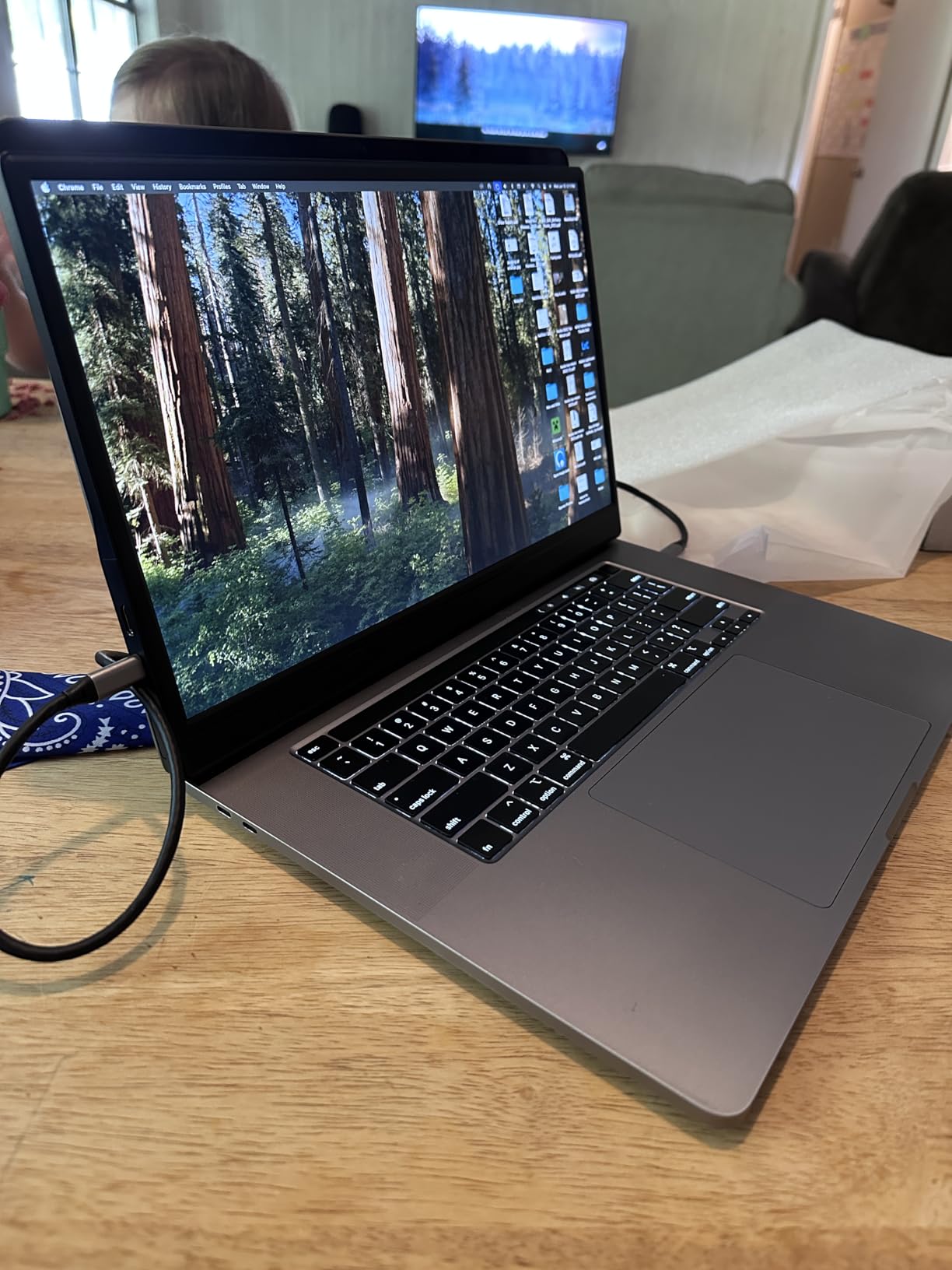
The two built-in speakers are reported as unusually loud and clear for a panel this size, which is worth having on a long flight. Low blue light technology is included for reading-heavy sessions.
Reviewers describe set-up as quick across Switch, consoles, laptops, phones and Mac. The IPS panel runs 1920 by 1080 with a 1000:1 contrast ratio and 178-degree viewing angle, and a two-year limited warranty backs it.
When a built-in stand beats a cover
A cover stand needs a surface at roughly the right angle. A built-in stand holds its position regardless of the surface, which is exactly what you get in a hotel room, a hostel bunk or a train seat tray. If your travel is heavy on improvised workspaces, this is the feature that decides it.
Test the power draw before you fly. The most common technical complaint is intermittent power loss when the panel runs from a laptop USB-C port alone at high brightness, and lowering brightness or adding a 5V2A charger resolves it.
Where the WGK does not work
At 2.7 lb it is among the heaviest panels in this roundup, and that is the price of the integrated stand and chassis. Travellers counting grams should look at the 1.4 and 1.5 lb options instead.
72 percent sRGB is narrow, so this is a productivity and gaming panel rather than a colour tool. If you edit images on the road, rule it out before anything else.
9. VisionOwl Y185LS Portable Monitor Review
VisionOwl Portable Monitor for Laptop, IPS USB-C HDMI Travel Second Monitor for MacBook Pro Air, PC, PS5, Xbox, Portable Second Screen, Built-in Kickstand, Speakers, VESA Mountable, 18.5 Inch
18.5 inch IPS 1080p
100Hz
320 nits
2.7 lb
0.24 inch thinnest
Pros
- Only 100Hz panel in this roundup
- Bright 320-nit matte panel
- Metal back and integrated kickstand hold position
- Includes sleeve adapter and cables
- 2.6 lb and 0.24 inch at its thinnest
Cons
- Most expensive option here
- 1080p over 18.5 inches lowers pixel density
- Measured colour accuracy below the claimed sRGB
- Speakers lack bass and volume
The VisionOwl answers a question the other nine do not: what if you want a genuinely large screen on the road. At 18.5 inches it is the biggest panel here, and it still weighs 2.6 to 2.7 lb with a 0.24 inch minimum thickness, so it slides into a laptop backpack rather than needing its own case.
It is also the only 100Hz monitor in this roundup. Every other panel runs 60Hz, so this one produces visibly smoother motion in a scrolled document, a moving timeline or a game. The 320-nit rating is the highest here as well, which matters on a bright seat.
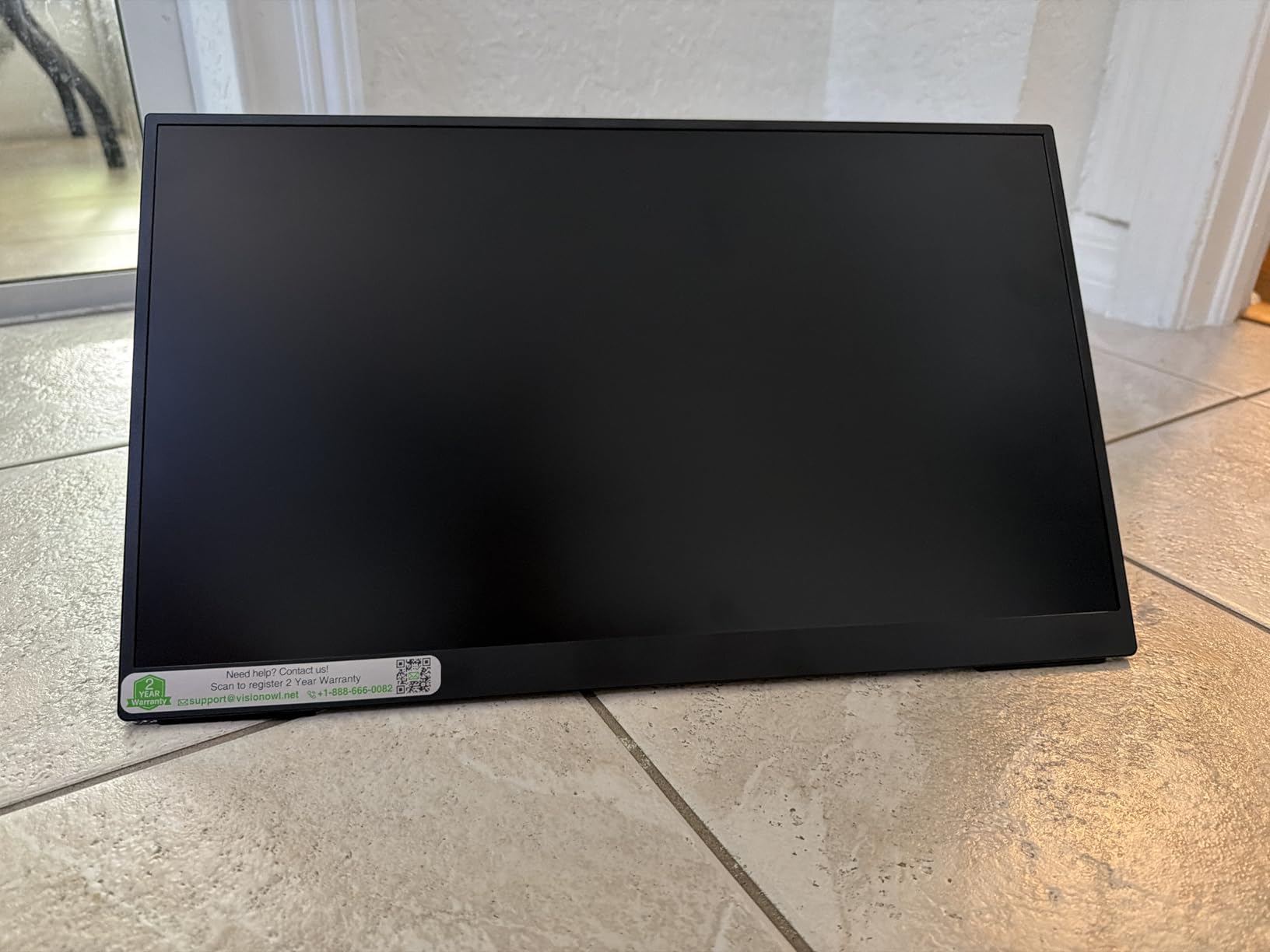
Build is the other differentiator. A metal back panel and an integrated metal kickstand hold position far better than a fold-over flap, and standard 75x75mm VESA holes let you remount it. The box includes a padded travel sleeve, a power adapter, an HDMI cable and two USB-C to USB-C cables, which is the most complete kit here.
Two USB-C ports and a full-size HDMI port mean no adapters are needed. Mac owners report that it mirrors a MacBook closely over a single cable, and it also works with iPads, iPhones and Steam Decks.
What a bigger screen actually buys you on a trip
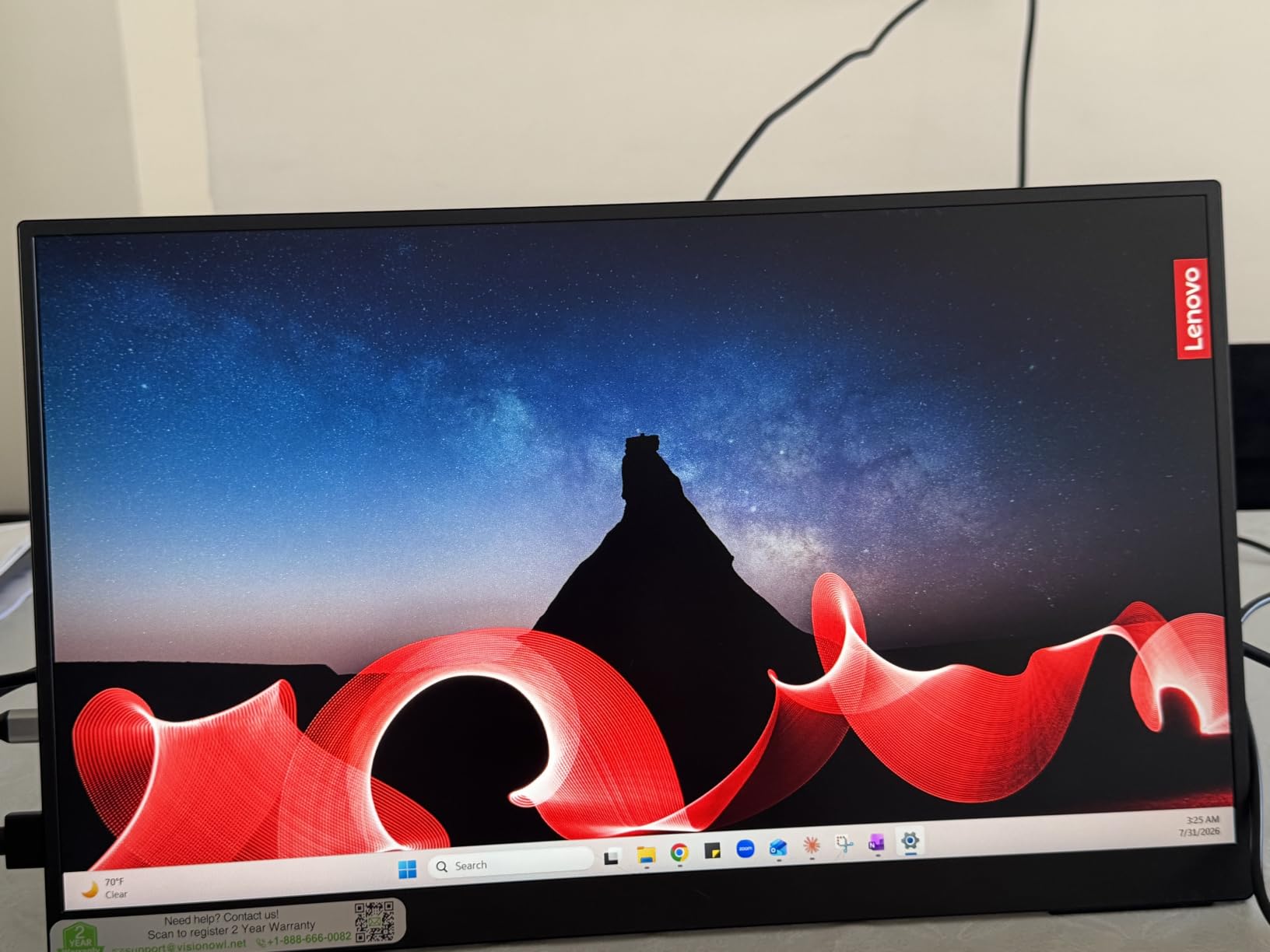
Screen area is the scarce resource when you are working in a hotel room. An 18.5 inch panel gives you enough width to keep a document, a chat thread and a spreadsheet visible at once, which is the specific problem a 13 inch laptop cannot solve.
The cost is pixel density. Spreading 1920 by 1080 across 18.5 inches means text is less crisp than on a 15.6 inch panel, and you feel that most when reading long documents. If your trip is more writing than multitasking, the smaller panels read better.
Where the VisionOwl disappoints
It is the most expensive option in this roundup by a wide margin, and that is the first thing to weigh. Colour accuracy is reported as falling short of the advertised sRGB figure without calibration, so it is not the choice for colour-critical work despite the claim.
The built-in speakers are serviceable but lack bass and volume. If you plan to watch a lot rather than work, carry headphones.
10. AYY A15G1B Portable Monitor Review
AYY Portable Monitor for Laptop 15 Inch, FHD 1080P USB-C HDMI Travel Monitor External for Computer, Second Display HDR IPS Gaming Monitor Extender for PC MAC Phone PS4/5 Xbox Switch, Built-in Speakers
15 inch IPS 1080p
1.4 lb
0.35 inch
100 percent sRGB claimed
220 nits
Pros
- Claimed 100 percent sRGB IPS panel
- Light 1.4 lb body at 0.35 inch
- Single USB-C carries power video and audio
- Cover attaches with screws and stays on
- VESA mountable with dual speakers
Cons
- 220 nits is the dimmest here
- Heavy matte coating softens the image
- Cover folds into a stand only after modification
- HDMI input looks washed out
- Host battery drains quickly
The AYY is the one to try if you are putting together a kit on a strict budget and still want a stated wide colour gamut. Its panel is specified at 100 percent sRGB, the widest figure claimed by any 15 inch pick here, and it weighs 1.4 lb at 0.35 inch.
The stand solution is the cleverest in this roundup. The magnetic leather cover screws to the back of the panel, so once fitted it converts to a multi-angle stand and stays attached in use. Reviewers regularly single that out as more reliable than the magnetic-only covers on competing panels.
Connectivity is a genuine single-cable setup: full-featured USB-C delivers power, video and audio together, and a 3.5mm jack plus dual 1W speakers are built in. A standard 75x75mm VESA mount is present for a proper stand.
It works with laptops, iPads, iPhones, Raspberry Pi and consoles, and a 12-month guarantee can be extended to three years by registering the product online.
Reading the brightness number in context
At 220 nits this is the dimmest panel in the roundup, and that number is the first thing to understand before you commit. It is perfectly readable on a desk, in a dim room and on a red-eye flight with the window shade down. In a sunlit terminal it will look washed out next to a laptop display.
Pair brightness with coating. The heavy matte anti-glare layer on this panel reduces reflections but also softens the image, so the picture reads grainier than a glossier screen at the same brightness. That is a reasonable trade outdoors and a poor one indoors.
Where the AYY falls down
The HDMI input path is reported as washed out compared with USB-C, with a different and weaker on-screen menu. Connect over USB-C wherever you can and treat HDMI as the fallback.
Running the panel from a laptop alone drains the host battery quickly, so bring a power bank for long sessions. The cover also only folds into a stand after removing two screws and flipping it, which is a one-time job but worth knowing before you need it in an airport.
How to Choose a Portable Monitor for Travel
Weight is the decisive specification for travel, and it is the one most likely to change your mind after a few trips. Everything in this roundup sits between roughly 1.4 and 2.7 lb, and the panels at the light end of that range are also thinner. If your laptop bag has a fixed sleeve, check the panel width before you buy: a 15.6 inch screen needs a 15 inch sleeve, and a 13 inch envelope will not take it.
Brightness is the second decisive specification, but read it as a working range rather than a number. Under 300 nits, the panel is comfortable in a hotel room and a shaded plane seat and struggles in direct daylight. Above 300 nits you can fight a window or a bright cafe without giving up the image. Between the two, brightness costs you battery, because a brighter panel pulls more current from your laptop or your power bank.
Power is where most trip-ups happen. A panel with two full-function USB-C ports draws both power and video over one cable, which is the setup we recommend. If your laptop only has a charge-only USB-C port, the screen will light up and stay blank, and no setting on the monitor fixes that. Panels that draw 18 watts or more can also flicker or reset when run from a low-output port, so a small USB-C charger is a cheap insurance policy.
Connectivity decides what else you pack. Mini-HDMI ports are compact but the cable is not the same as a full-size HDMI lead, and several panels here do not include an HDMI cable at all. If you connect to a console, a phone or a camera, check the port list against the devices you actually carry rather than the laptop alone.
Stands split into three camps in this roundup. A folding cover is the lightest option and works on a tray table. A cover with defined tilt positions gives you more angles but no height. A built-in stand or a VESA mount is the most stable and the most adaptable, and it costs weight. Think about where you will actually work: a rigid tray table rewards a cover, a hotel desk rewards a mount.
Colour matters if you edit images or video. Gamut coverage on the picks here runs from 72 percent sRGB to a claimed 100 percent, and measured accuracy on some panels falls below the advertised figure. None of these are colour tools, and if graded work is part of your trip, buy a wider-gamut laptop or desktop display and treat the travel panel for everything else.
Refresh rate is 60Hz on nine of these ten panels. The exception is the 18.5 inch model at 100Hz, which visibly smooths scrolling and motion. For documents and code the difference is minor; for video timelines and games it is not.
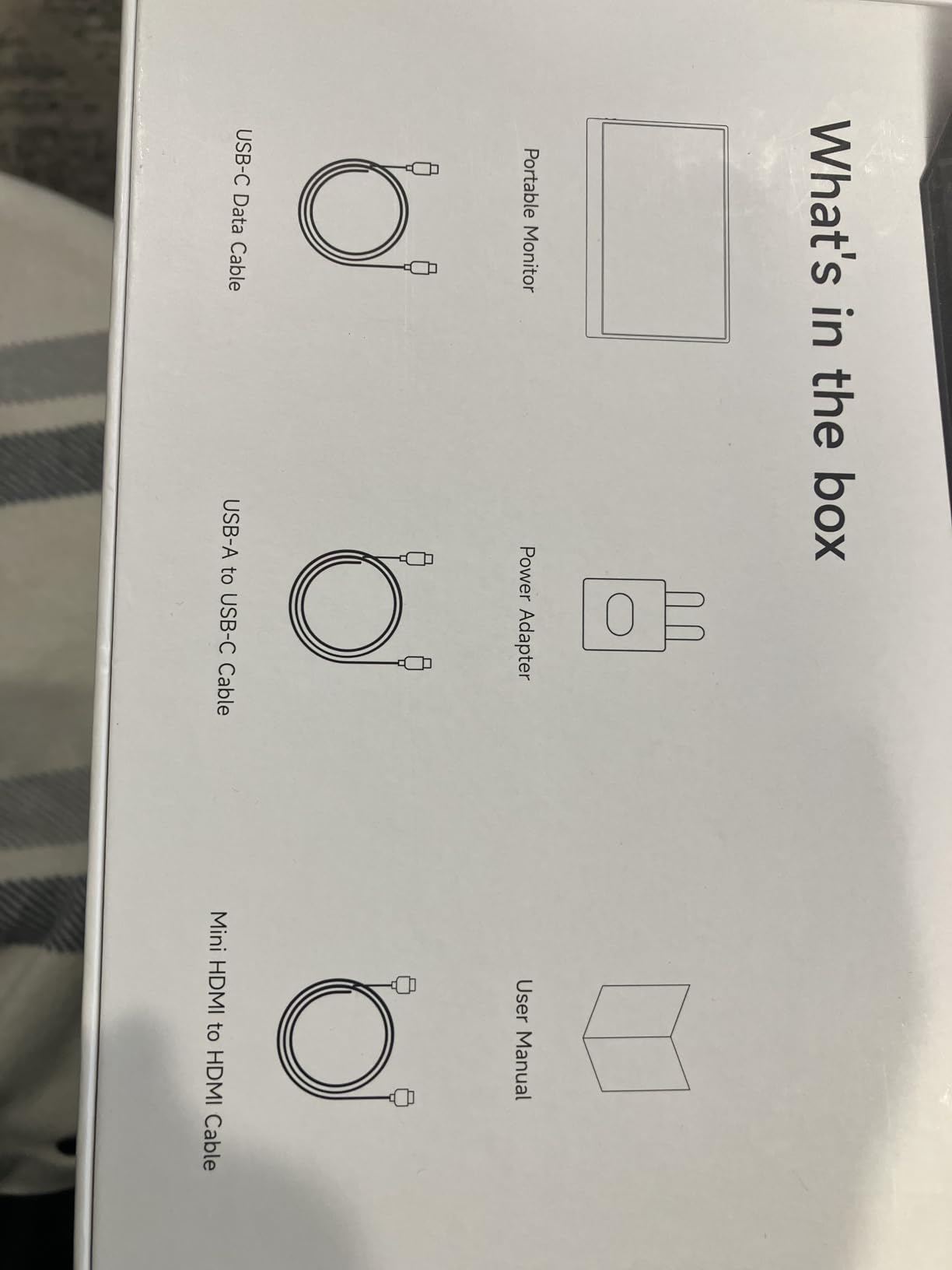
Warranty and box contents are the last filter. Terms here run from 12 months to two years, and none of these panels ship with a power adapter, because travel kits should not need one. Two products do not include an HDMI cable. Check the contents list before you pack, not after you land.
Whichever panel you choose, test the full setup on your own laptop a week before you fly. Connect it, extend the desktop, set the brightness for a lit room, and confirm it draws power as expected. That ten minutes removes most of the reasons portable monitors get returned.
Frequently Asked Questions
What is the best portable monitor for travel?
For most travellers the KYY K3 is the best portable monitor for travel: 1.7 lb, 0.35 inch thick, a 300-nit IPS panel and a cover that doubles as a stand. The cocopar is the pick if you want the thinnest body and VESA mounting, and the MNN is the best balance if you are packing light and working often.
How much should a portable monitor weigh?
Between 1.4 and 1.7 lb is the practical sweet spot. Panels in that range disappear into a laptop sleeve and a backpack without you thinking about them. Above 2.5 lb you will notice the weight on every flight, and the extra bulk usually buys you a built-in stand rather than a better screen.
Do portable monitors need their own power?
Usually not. Most panels draw both power and video from the host device over a single full-function USB-C cable, so no power brick is needed. A few higher-draw panels can flicker or reset when run from a low-output laptop port, so carry a compact USB-C charger if you plan long sessions on battery.
Can I use a portable monitor on a plane?
Yes. A portable monitor is just an external display, so it works on a plane as long as your laptop has a full-function USB-C or HDMI port. Most models draw power from the laptop, so a seat with a power outlet is helpful but not required. Brightness matters more than anything else in a lit cabin.
What brightness is good for a portable monitor outdoors?
At least 300 nits for daylight and window seats, ideally on a matte coating to cut reflections. Panels around 250 nits work well indoors and on shaded flights but look washed out in direct sun. Remember that raising brightness also increases power draw, so expect your laptop battery or power bank to drain faster.
If you also travel with a compact keyboard, our picks for the best portable keyboards for travel pair well with any of these panels and add far less weight than a full-size board.
Which Portable Monitor Should You Pack for Your Next Trip?
After weighing all ten, the KYY K3 is our pick for the best portable monitors for travel overall, because 1.7 lb, a 300-nit panel and a cover that doubles as a stand cover the most itineraries without a weakness you will notice on a trip.
Go with the cocopar for the thinnest body and real mounting hardware, the MNN when weight is the deciding factor, and the 18.5 inch VisionOwl if a bigger screen and 100Hz motion matter more than your budget. Test the setup on your own laptop before you fly, and you will have a second screen for every seat you sit in.