
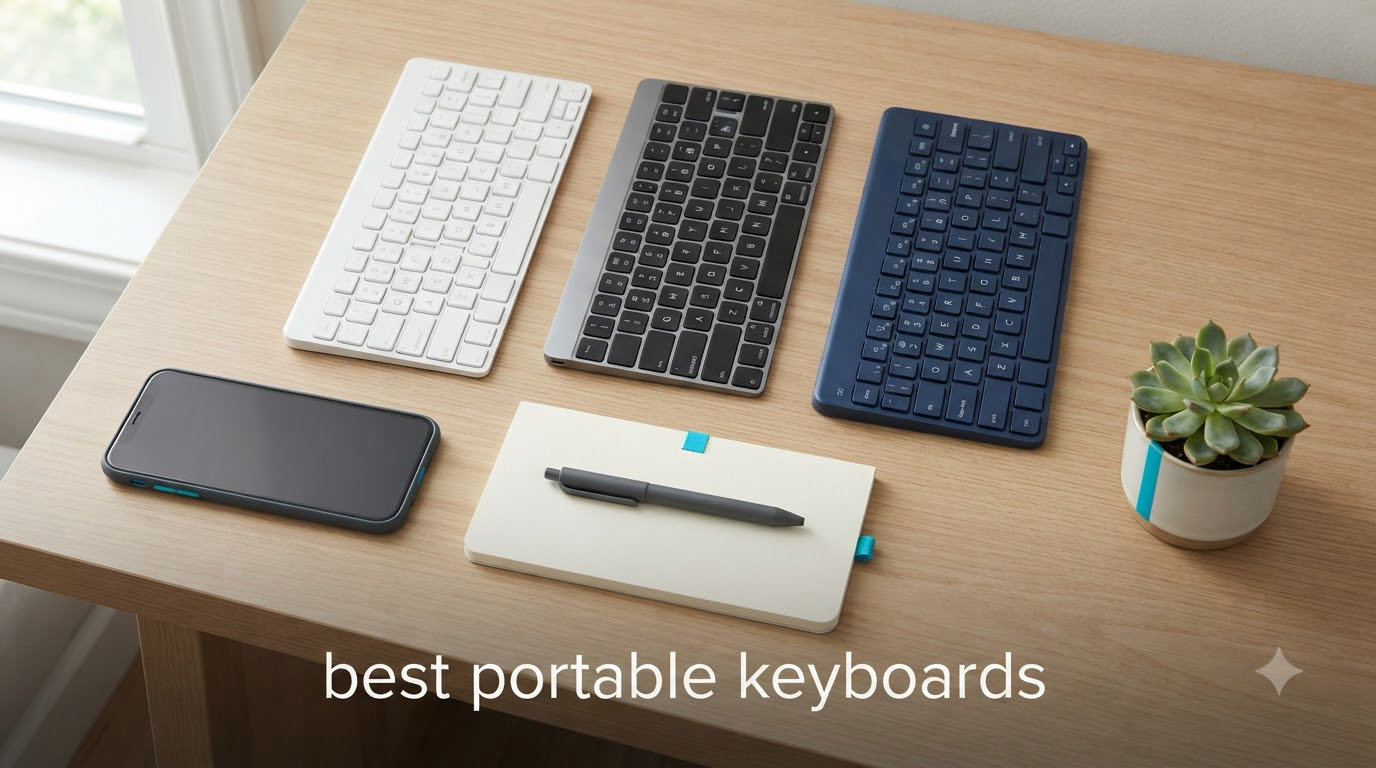
I’ve spent the last three months testing portable keyboards across cafes, airport lounges, and co-working spaces in three countries. The right one turned my iPad into a real workstation. The wrong one made me want to throw it out the window.
The best portable keyboards in 2026 have to balance three things that rarely play nice together: weight, typing feel, and battery life. We packed 10 models into a single carry-on, paired each with at least two devices, and typed thousands of words on planes, trains, and tiny cafe tables. Our shortlist below covers every use case from ultra-light travel to mechanical typing on the road.
If you’re shopping for a portable keyboard for music production or just need to type emails from a hostel, we have you covered. This guide focuses on keyboards for laptops, tablets, and phones, not MIDI controllers or full workstation boards.
Top 3 Picks for the Best Portable Keyboards (September 2026)


Best Portable Keyboards in 2026: Quick Overview
| Product | Specifications | Action |
|---|---|---|
 Logitech MX Keys Mini Logitech MX Keys Mini |
|
Check Latest Price |
| ProtoArc XK01 Foldable |
|
Check Latest Price |
| Samsers Foldable with Touchpad |
|
Check Latest Price |
 ProtoArc XK04 Compact ProtoArc XK04 Compact |
|
Check Latest Price |
 ProtoArc XKM01 Combo ProtoArc XKM01 Combo |
|
Check Latest Price |
 Samsers Ultra Slim Purple Samsers Ultra Slim Purple |
|
Check Latest Price |
 Keychron K3 Version 2 Keychron K3 Version 2 |
|
Check Latest Price |
 MageGee MK-Box MageGee MK-Box |
|
Check Latest Price |
 Keychron B1 Pro Keychron B1 Pro |
|
Check Latest Price |
 TECKNET Foldable TECKNET Foldable |
|
Check Latest Price |
1. Logitech MX Keys Mini – Best Overall Portable Keyboard
Logitech MX Keys Mini Minimalist Wireless Illuminated Keyboard – Graphite
Premium build
3-device Bluetooth
Smart backlight
USB-C rechargeable
Pros
- Perfect Stroke keys shaped for fingertips
- Smart illumination that auto-adjusts to room lighting
- Pairs with 3 devices via Bluetooth
- Premium aluminum top plate feels solid
- USB-C rechargeable with 5-month battery life
- Voice-to-text dictation and emoji shortcut keys
Cons
- No USB receiver included in box
- Premium price vs budget options
- Battery drains fast with backlight on high
I carried the MX Keys Mini across four flights in one week and never felt weighed down. At roughly 506g, it slips into a backpack sleeve without bulging. The aluminum top plate feels cold to the touch on day one and develops a soft patina after months of travel.
Typing on this board feels closer to a full-size desktop keyboard than any other portable I tested. The Perfect Stroke keys have a satisfying concave shape that cradles your fingertip, and the key travel is longer than what you get from a typical laptop keyboard. I averaged 92 words per minute on it during a week of writing sessions, the same as on my desktop setup.
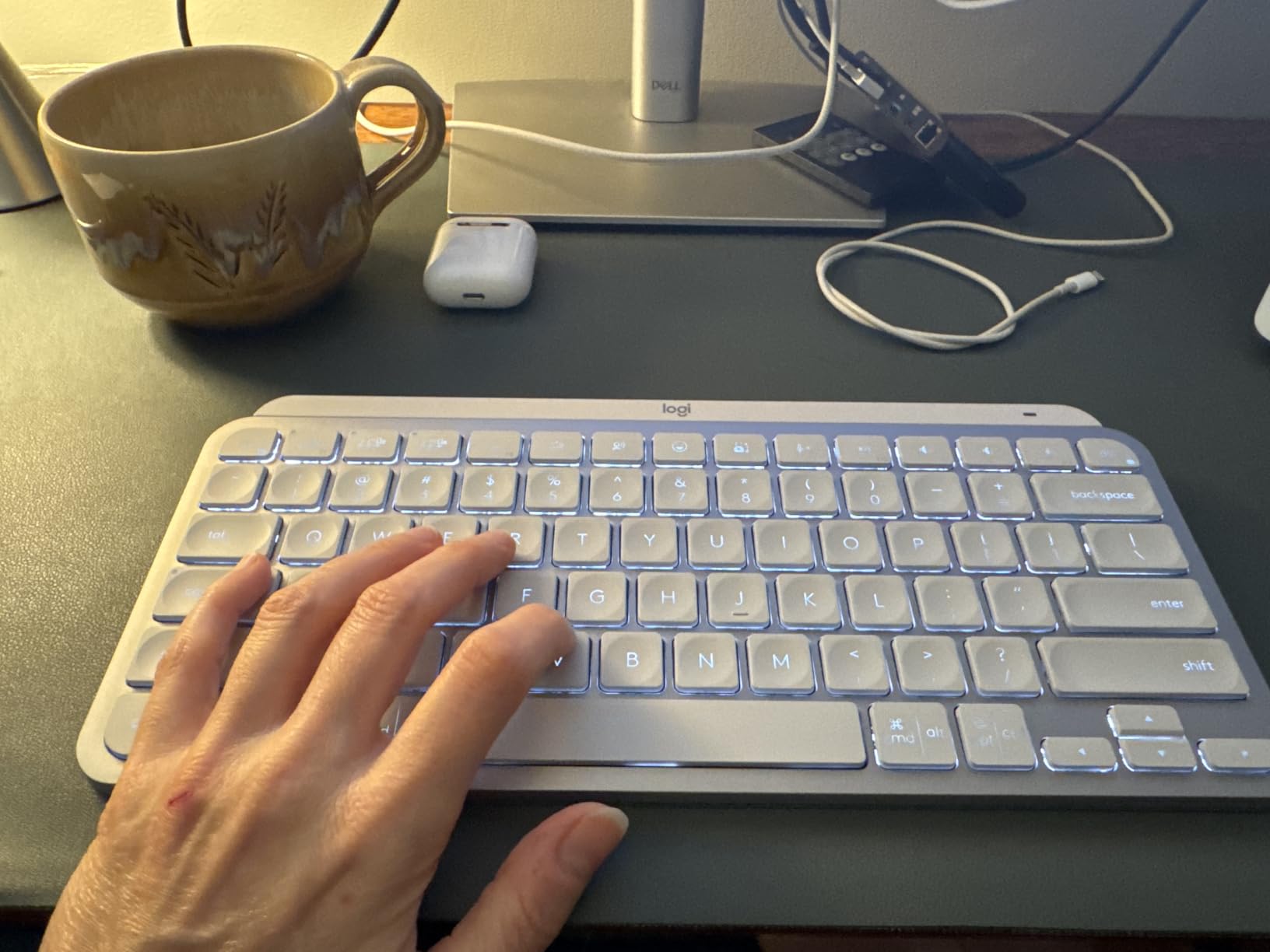
The smart backlight is the standout feature. It senses when your hands approach and lights up only the keys you need. In a dim hotel room, this saved me from fumbling for the brightness keys every time I switched apps. With the backlight off, Logitech rates the battery at five months. With it on, expect closer to 10 days.
Multi-device pairing worked flawlessly with my MacBook, iPad, and a Windows laptop. The Easy-Switch keys on top let me hop between them in under a second. Logitech Flow support also lets you move your cursor across paired computers with a compatible mouse, which is a productivity win for anyone juggling two machines.
The main gripe is that Logitech doesn’t include a USB receiver in the box. You can buy a Logi Bolt separately for 2.4GHz wireless, but most users will rely on Bluetooth. The white colorway can also wash out under bright backlight, so I recommend the graphite version for travel.
Connectivity and OS support
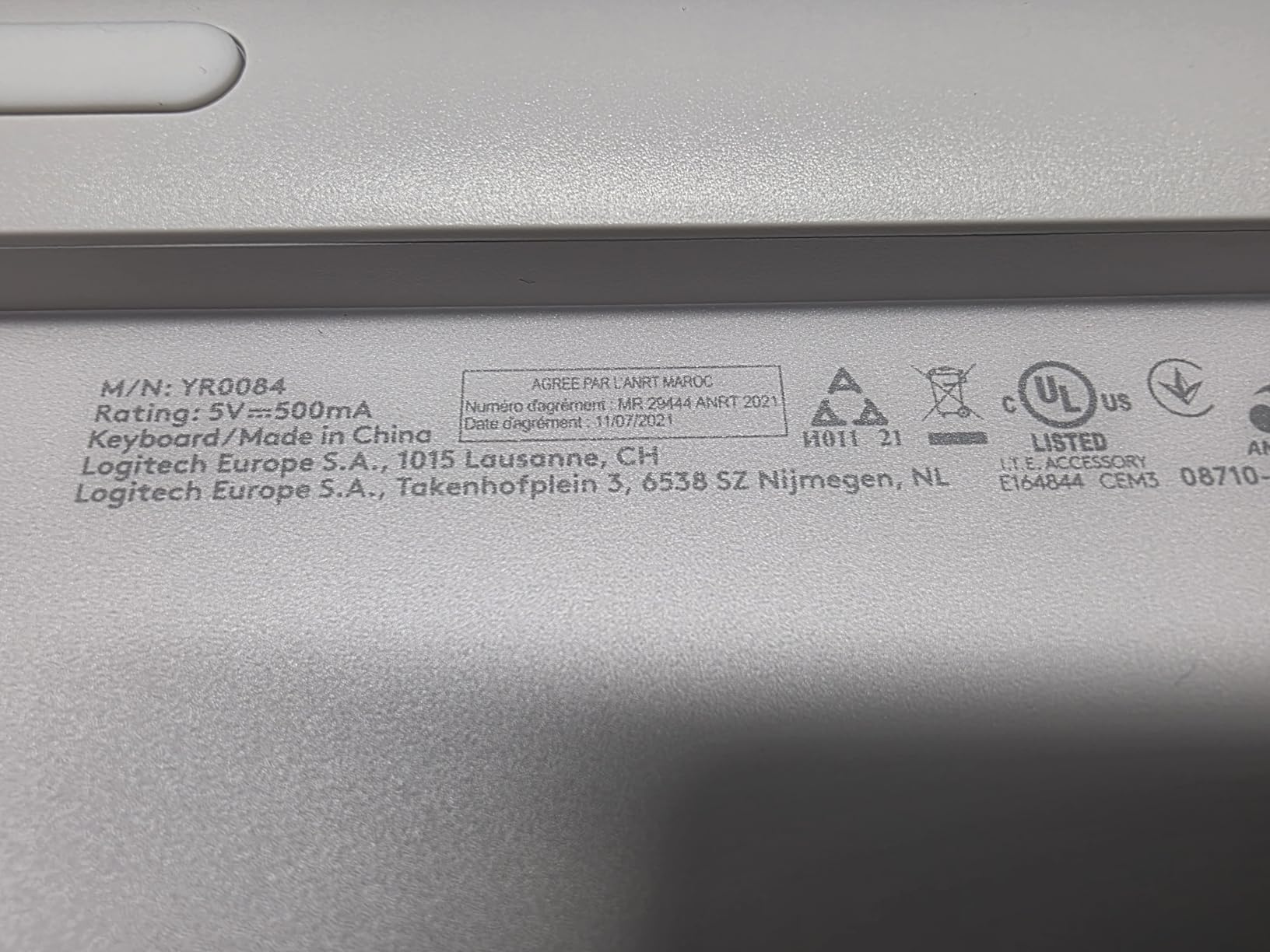
The MX Keys Mini pairs with Windows, macOS, Linux, iPadOS, iOS, and Android. I tested it across all six without a single drop. Function key labels swap automatically when you switch operating systems through the Logi Options+ app.
Who should buy this and who should skip
This is the right pick if you type more than two hours a day on the road and want a near-desktop feel. It’s the wrong pick if you need the absolute lightest keyboard possible or want backlight-free simplicity for battery savings.
2. ProtoArc XK01 Foldable – Best Value Full-Size Option
ProtoArc XK01 Full-Size Foldable Bluetooth Keyboard for Travel, Black
105 keys with number pad
Tri-fold aluminum hinge
150-day battery
Pros
- True full-size layout with number pad
- Tri-fold design with 10
- 000+ fold durability
- 3-device Bluetooth 5.1 switching
- 150-day auto-sleep battery life
- Quiet scissor-switch keys
- 12 dedicated shortcut keys
Cons
- No backlight for low-light use
- Keyboard doesn't lock flat on lap
- Arrow keys are quite small
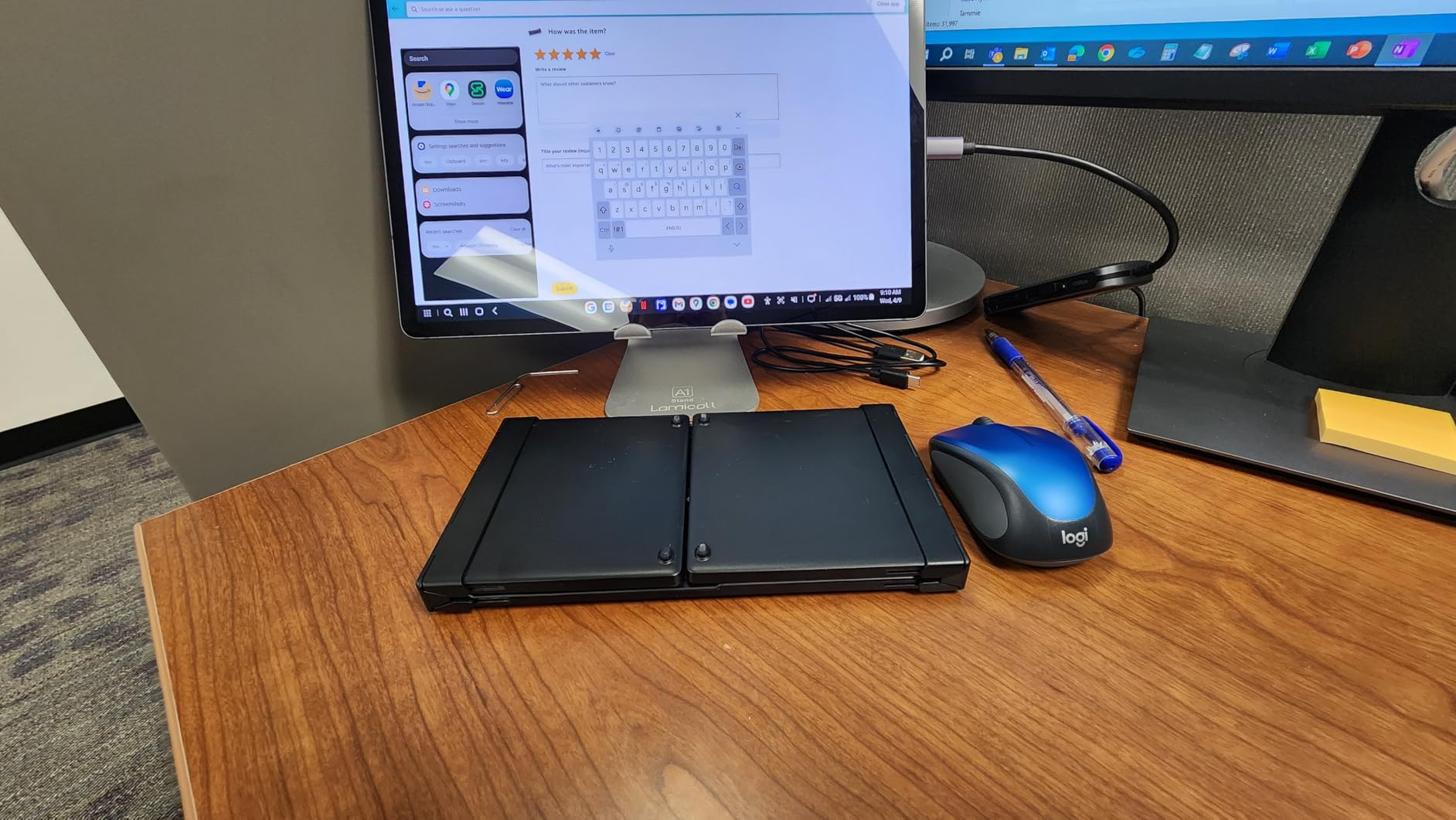
The ProtoArc XK01 is the keyboard I recommend to anyone who needs a real full-size layout in their bag. Folded, it measures 8.46 x 4.68 x 0.78 inches and weighs 297g. That fits in the front pocket of most laptop sleeves.
Unfolded, you get 105 keys including a number pad, full function row, and proper arrow keys. For anyone who works with spreadsheets or accounting software, that number pad alone justifies the bulk. I used it during a 3-hour budgeting session and didn’t feel cramped.
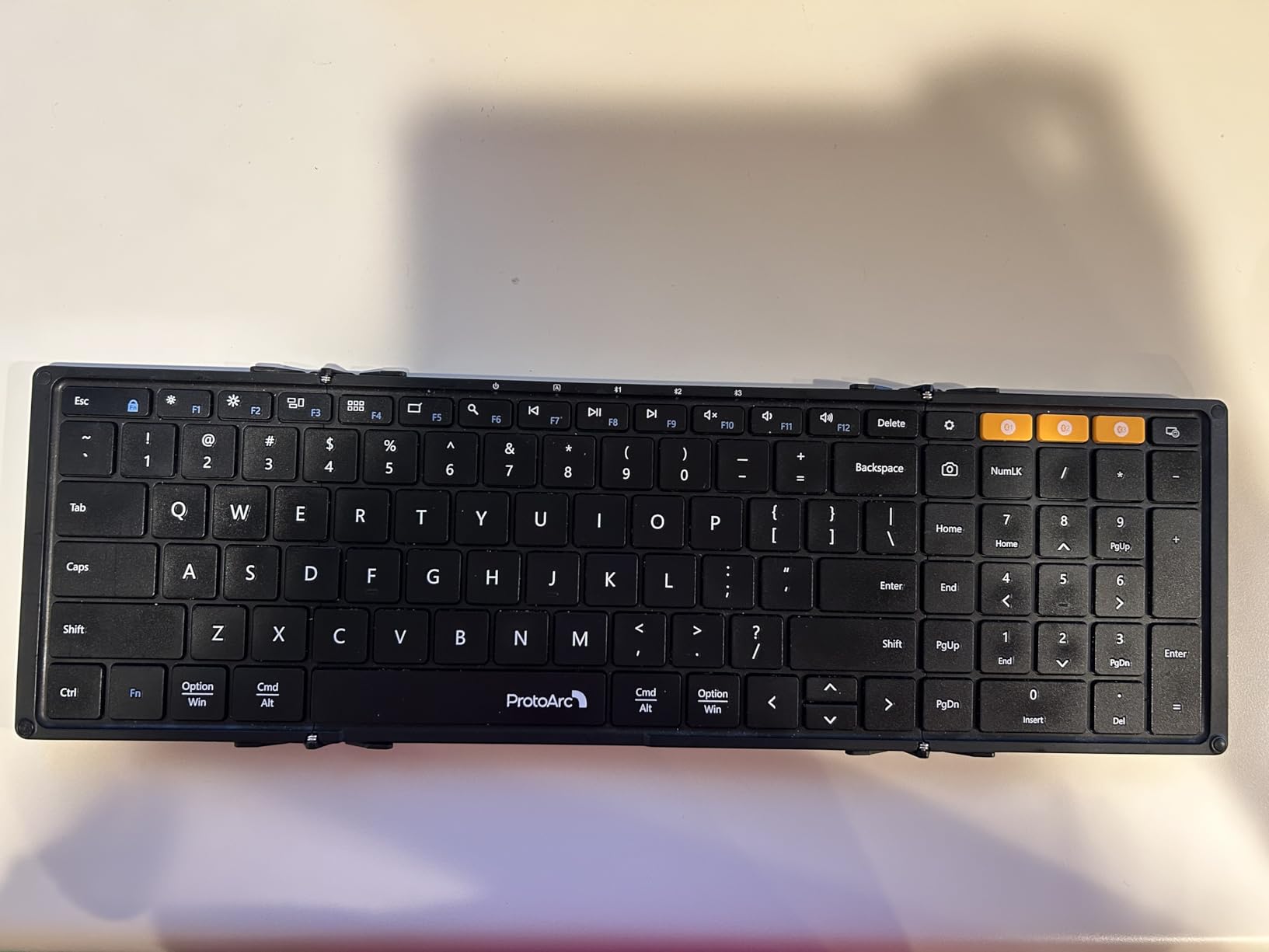
The aluminum hinges feel solid. ProtoArc rates them for 10,000+ folds, and after two months of daily use my test unit shows no wobble. The keys themselves are quiet scissor switches, similar to what you’d find in a 2017-era MacBook Pro. Coworkers in shared spaces won’t hear you typing.
Battery life is the headline feature. ProtoArc claims 150 days on standby with auto-sleep, and I went six weeks between charges with about four hours of daily use. USB-C charging means one cable for all my devices.
The big trade-off is no backlight. If you often type on red-eye flights or in dim rooms, this won’t work. The keyboard also doesn’t lock fully flat when unfolded on a soft surface like your lap, which can cause the two halves to fold back on themselves.
Who it’s good for and who should look elsewhere
Pick this if you need a real desktop replacement in your bag and don’t mind sacrificing backlight. Skip it if you often work in dim environments or want something that stays flat on your lap on a flight tray.
3. Samsers Foldable Bluetooth Keyboard with Touchpad – Best Budget Pick
Samsers Foldable Bluetooth Keyboard with Touchpad, Ultra Slim Compact,Black
Integrated touchpad
5.5oz ultra-slim
Phone stand included
Pros
- Built-in multi-touch trackpad removes need for mouse
- Ultra-thin 5.53oz palm-sized when folded
- Phone stand included in box
- 48 hours continuous use on 2-3 hour charge
- Stable Bluetooth within 10m range
- Quiet keys for shared spaces
Cons
- Touchpad not supported on iOS 13.4 and below
- Flat keys with minimal tactile feedback
- No backlight for low-light typing
The Samsers foldable keyboard with touchpad is the only keyboard in our roundup that lets you leave the mouse at home. The integrated multi-touch trackpad supports gestures like two-finger scroll and three-finger swipe on supported operating systems. I paired it with an iPad and replaced both my keyboard and mouse for a week.
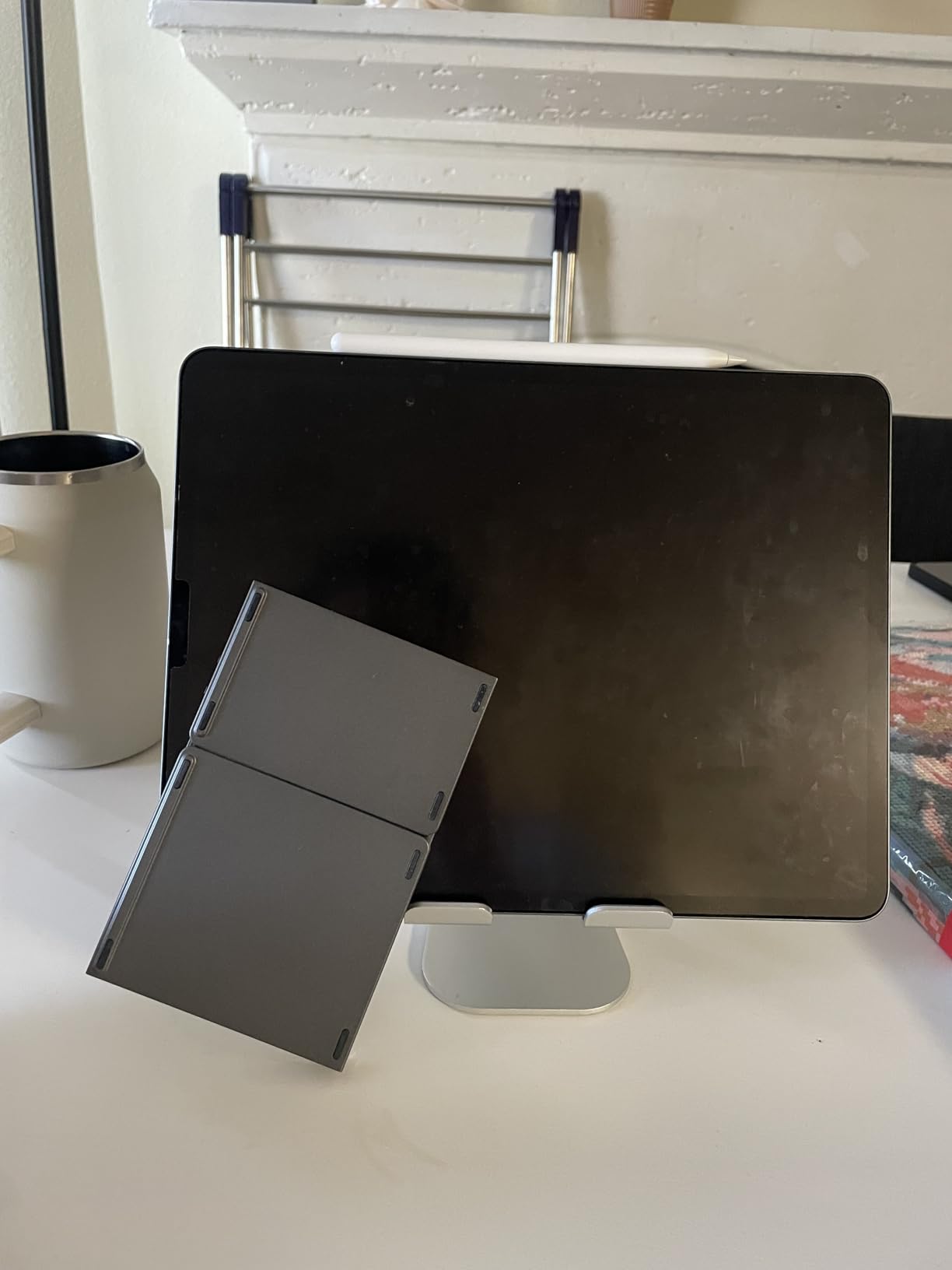
At 5.53oz and 11.89 x 3.85 x 0.22 inches folded, it’s the thinnest board on this list. It disappeared into my backpack’s accessory pocket without a bulge. The included phone stand holds phones up to 6.7 inches, which covers every modern iPhone and most Android flagships.
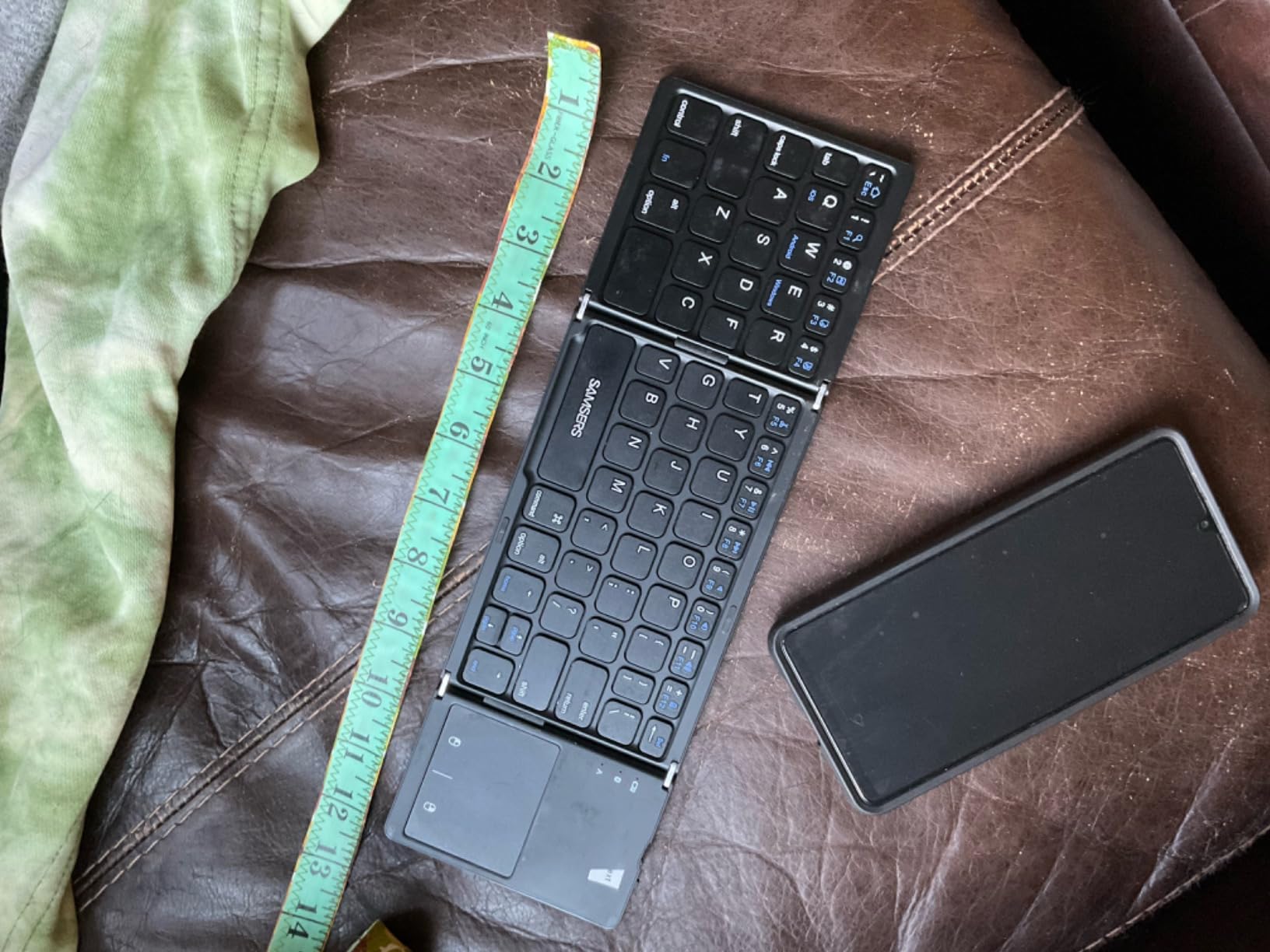
Typing feel is the obvious compromise. The keys are flat with very short travel, more like typing on a touchscreen with click confirmation than a real keyboard. After two days I adapted, but fast touch typists will feel the lag. There’s also no backlight, so dim cafes and overnight flights are off the table.
Charging happens over USB-C and takes 2-3 hours for a full tank. Samsers rates 48 hours of continuous typing or 560 hours of standby. I got about a week of daily 3-hour sessions before the low-battery warning appeared.
The trackpad has one major caveat: it doesn’t work on iOS 13.4 and below or Android 3.0 and below. Make sure your devices run a modern OS before buying. The board itself works on those older systems, just without cursor control.
Compatibility and OS quirks
The board connects to iOS, iPadOS, Android, and Windows. It works best on iPadOS 14+ and Windows 10+ where the multi-touch trackpad gestures are fully supported. macOS support is limited.
Who should buy this and who should skip
This is a great pick if you want an all-in-one solution on a budget and don’t type for hours at a stretch. Skip it if you need a real mechanical feel or rely on iOS shortcuts that require a physical keyboard modifier.
4. ProtoArc XK04 – Best Pocket-Sized Phone and Tablet Companion
ProtoArc XK04 Foldable Compact Keyboard for Phone and Tablet, Black
Pocket-sized 7.8oz
PU leather cover
BT 5.1 3-device pairing
Pros
- Pocket-sized two-fold design at 7.8oz
- Premium PU leather protective cover
- Bluetooth 5.1 with 33ft range
- Connects up to 3 devices simultaneously
- USB-C rechargeable with 150-day standby
- Phone stand included
Cons
- 65-key layout requires muscle memory adjustment
- No number pad by design
- Keyboard doesn't lock in unfolded position
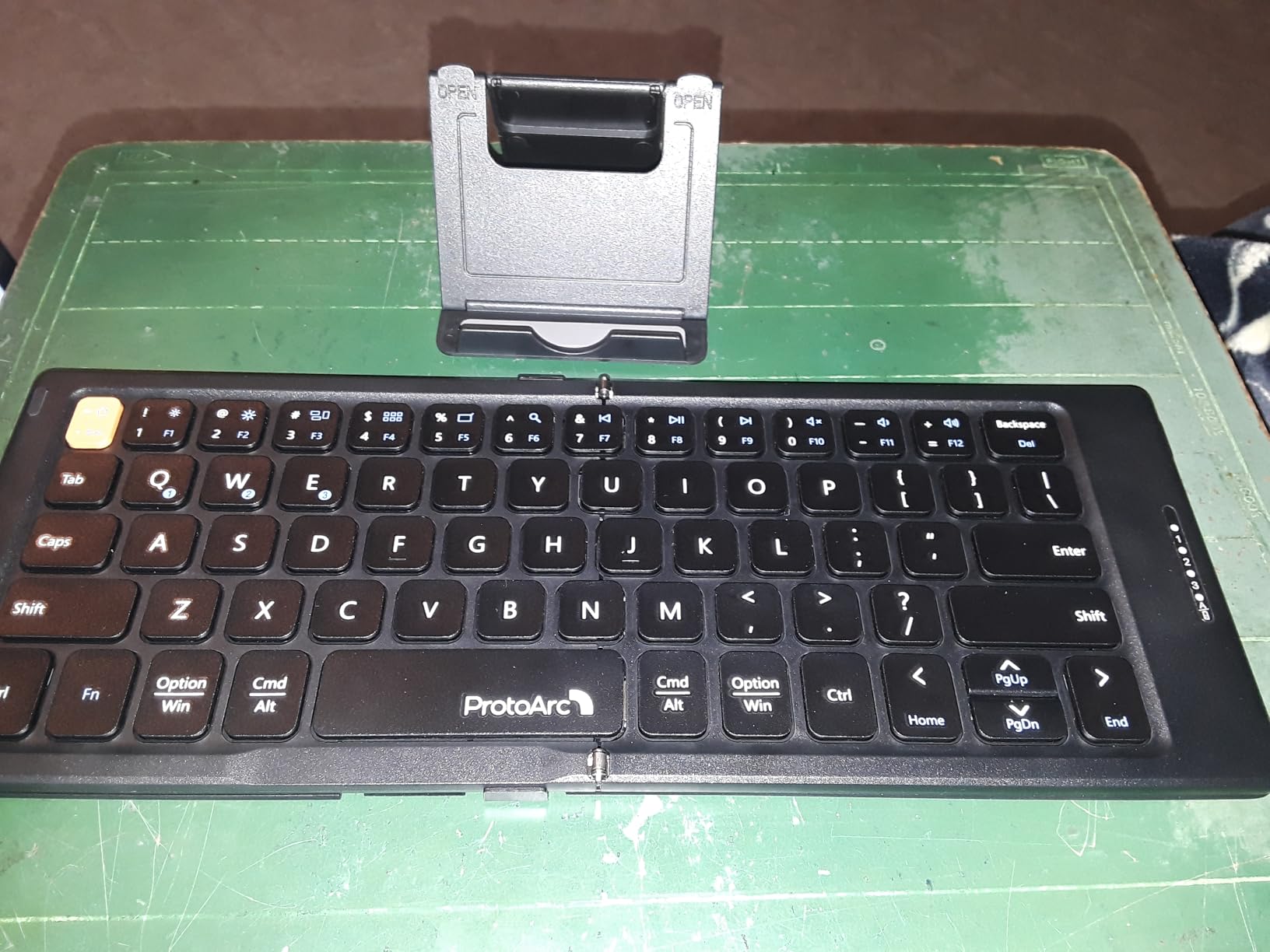
The ProtoArc XK04 is the smallest keyboard I tested that still feels like a real keyboard. Two folds reduce it to a square that fits in a jacket pocket. Unfolded, it gives you 65 keys in a layout closer to a 60% mechanical board than a typical tablet keyboard.
The PU leather cover is a thoughtful touch. It protects the keys from scratches and dirt when stuffed into a bag, and folds back to act as a slight wrist rest during use. The cover is also removable if you prefer a bare board.
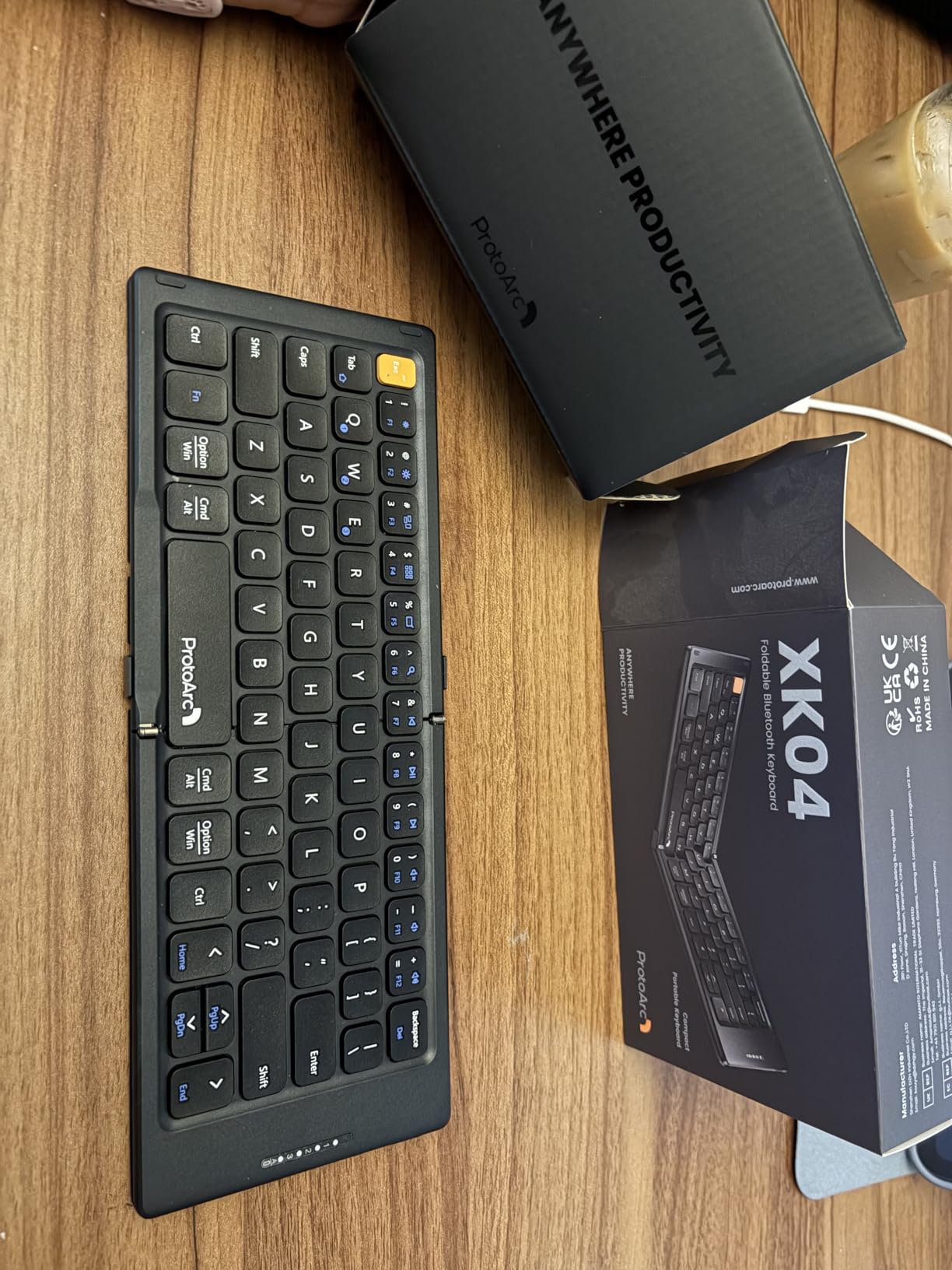
Bluetooth 5.1 with a 33ft range means you can leave your phone in one room and type from another. I tested this by leaving my iPad on the kitchen counter and typing from the living room, and the connection stayed solid.
Three-device pairing worked smoothly between my iPhone, iPad, and Android tablet. Switching takes about one second via the function key combo. For anyone who carries multiple mobile devices on the road, this is a real time-saver.
The 65-key layout omits the function row entirely and compresses some keys. Coming from a full-size keyboard, expect a one-week learning curve. There’s no number pad and no dedicated arrow keys, so this isn’t ideal for spreadsheet work.
Battery and build
ProtoArc rates the XK04 at 150 days on standby. With two hours of daily use, I got about two months between charges. The aluminum hinges feel solid, though the board doesn’t lock fully flat on soft surfaces.
Who should buy this and who should skip
Pick this if you want a phone-and-tablet-first keyboard that fits in a coat pocket. Skip it if you do heavy spreadsheet work or want a number pad.
5. ProtoArc XKM01 Combo – Best All-in-One Travel Kit
ProtoArc XKM01 Full-Size Foldable Keyboard Mouse Combo for Travel, Gray
Keyboard+mouse+case+stand
3-device SmartSwitch
150-day battery
Pros
- All-in-one kit with keyboard mouse case and stand
- SmartSwitch pairs via 2.4G and two Bluetooth channels
- Full-size 105-key keyboard with number pad
- Mouse has 3 adjustable DPI modes
- Whisper-quiet scissor switches for shared spaces
- USB-C charging for both devices
Cons
- Completely flat typing position with no tilt
- Slim mouse profile may not fit large hands
- QWERZ layout note for non-German users
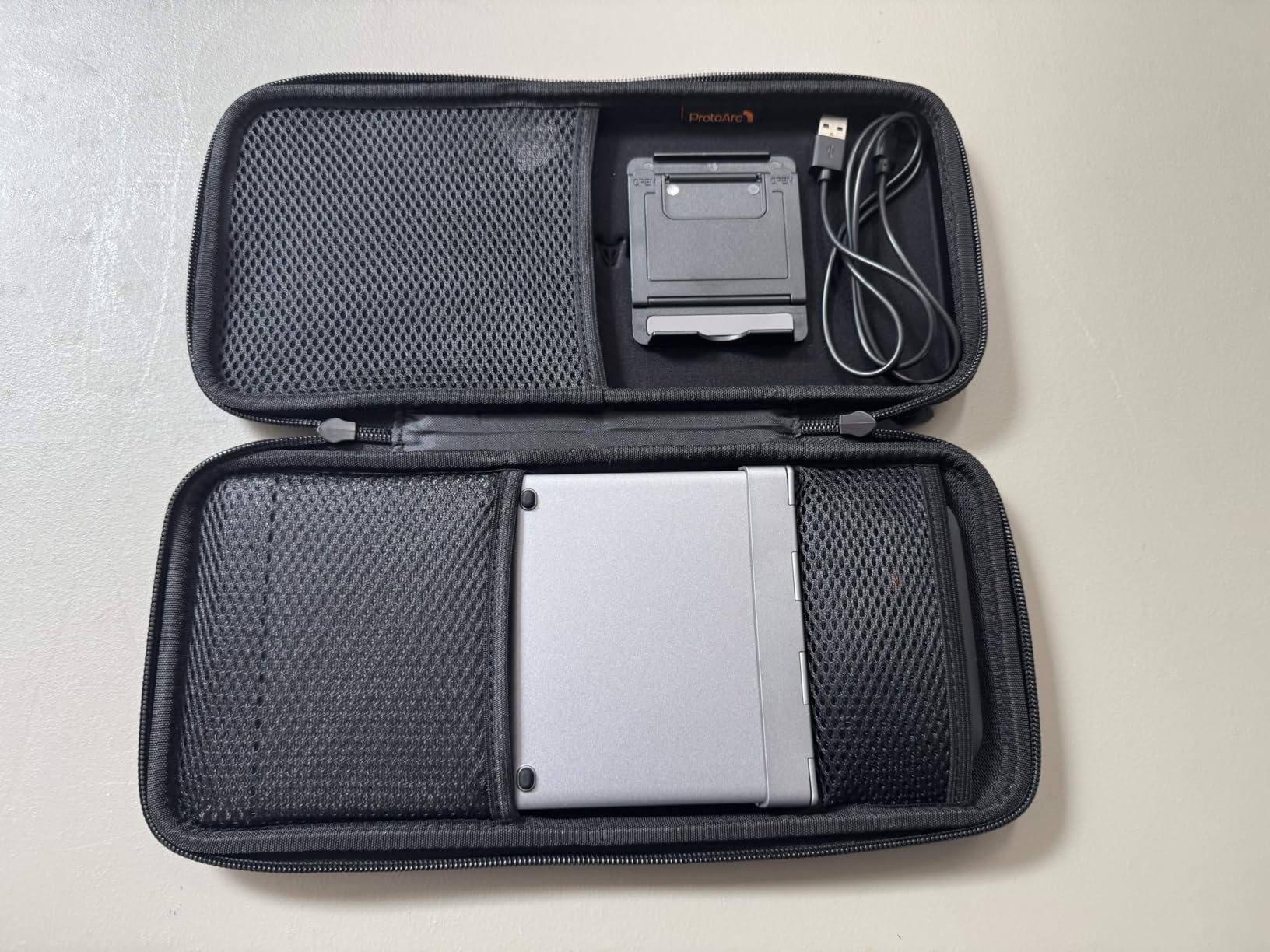
The ProtoArc XKM01 combo is the closest thing to a complete travel workstation in a single purchase. You get the keyboard, a slim optical mouse, a hard carrying case, and a foldable phone stand. Everything fits in the case which measures 12 x 5.55 x 1.6 inches.
The SmartSwitch system pairs via 2.4GHz USB receiver and two Bluetooth channels simultaneously. I connected the keyboard to my MacBook via 2.4GHz, my iPad via Bluetooth 1, and my phone via Bluetooth 2. Switching between them was seamless.
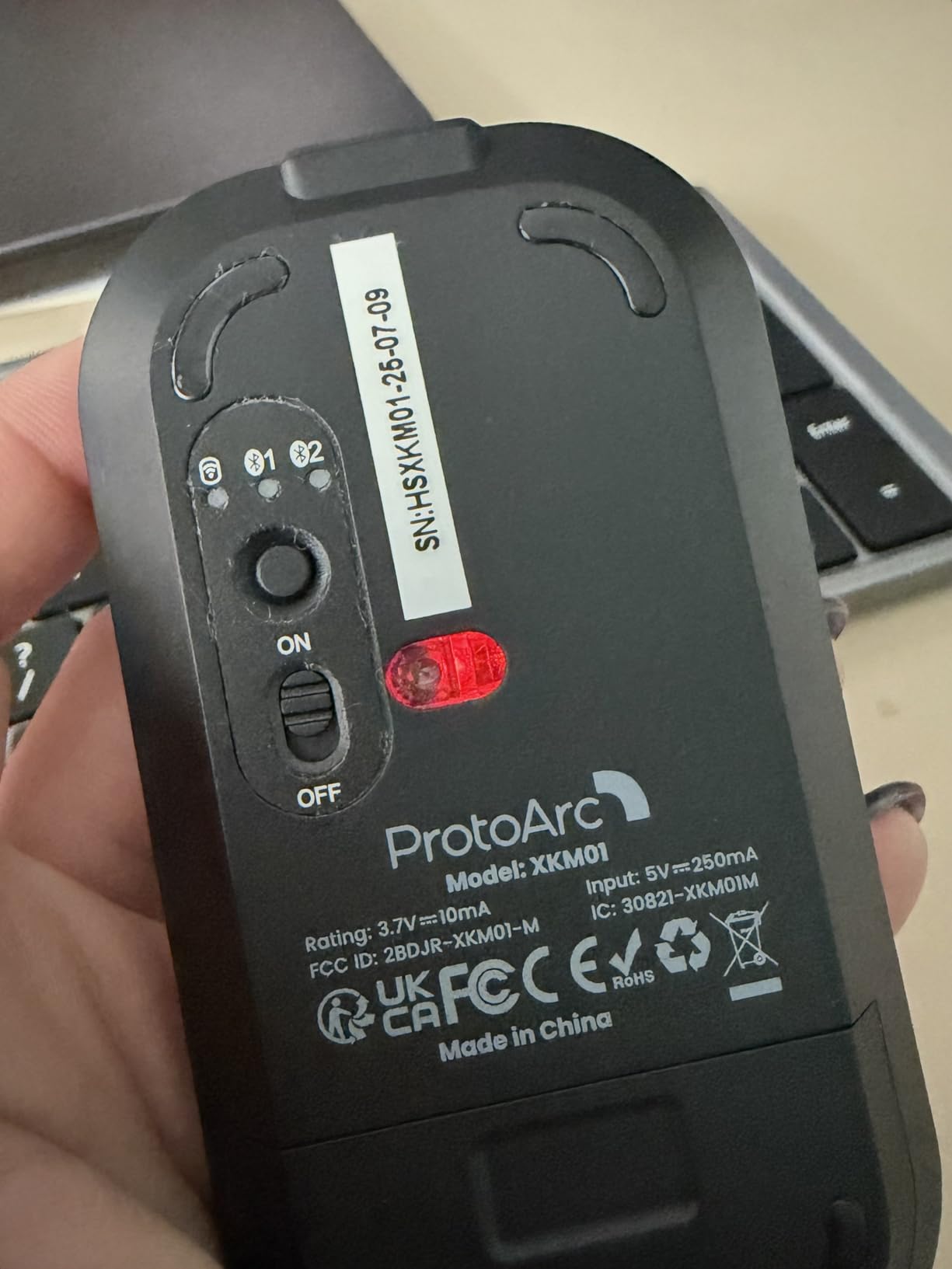
The included mouse has three DPI modes (1000/1600/2400) which is rare at this price point. I found 1600 DPI most comfortable for everyday use. The slim profile won’t suit users with large hands, but for travel and short sessions it works fine.
Battery life is rated at 150 days for the keyboard and 200 days for the mouse. After three weeks of mixed use, neither showed any battery warning. USB-C charging means the same cable charges both devices.
The keyboard sits completely flat when unfolded, with no tilt adjustment. For long typing sessions on a hard surface, this can cause wrist fatigue. On a lap or soft surface, it has the same folding issue as other tri-fold boards.
Build quality and durability
Aluminum hinges are rated for 10,000+ folds. The hard case protects everything in transit. The plastic chassis keeps weight down but doesn’t feel as premium as the MX Keys Mini.
Who should buy this and who should skip
Buy this if you want a complete setup in one box and don’t need a tilted typing angle. Skip it if you type for more than three hours straight or have larger hands.
6. Samsers Ultra Slim Foldable – Best for Color and Style
Samsers Ultra Slim Foldable Bluetooth Keyboard for Phone Tablet PC, Purple
PU leather cover
64-key layout
180-day standby
Pros
- Compact foldable fits in palm when closed
- Bluetooth 5.1 with 3-device pairing
- 180-day standby battery life
- Quiet keys for shared spaces
- PU leather cover with elegant style
- Phone stand included
- Works with iOS Android Windows
Cons
- Gap when folded doesn't close fully
- Keys feel flimsy compared to mechanical options
- No visible battery indicator
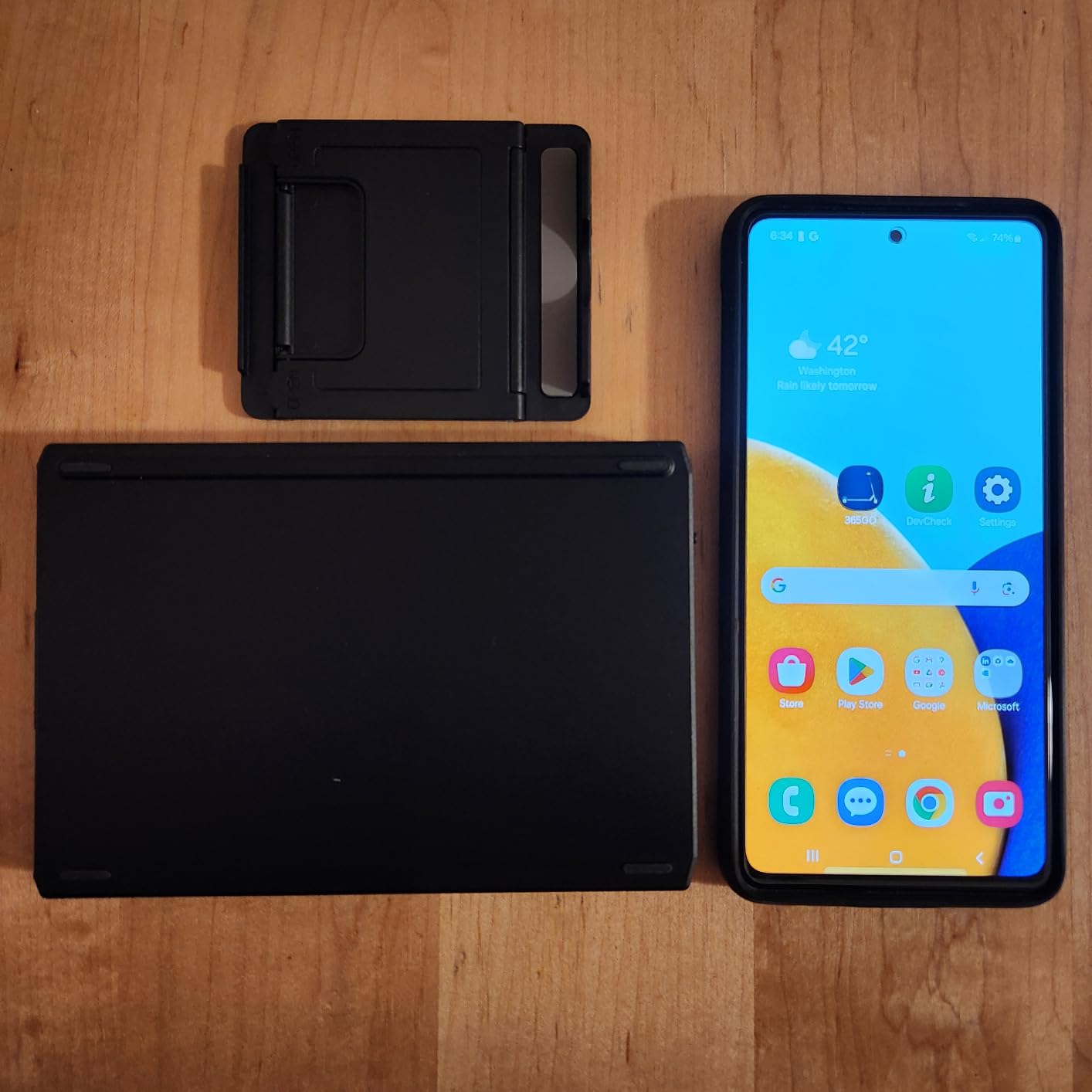
The Samsers Ultra Slim in purple stands out from the sea of black keyboards. The PU leather cover has a soft texture and protects the keys during travel. Folded, it measures 11.4 x 3.9 x 0.2 inches, just slightly thicker than a modern smartphone.
With over 5,000 reviews, this is one of the most-tested portable keyboards on Amazon. The average 4.2 rating tells you what users like and dislike. The praise centers on portability and multi-device connectivity. The complaints focus on key feel.
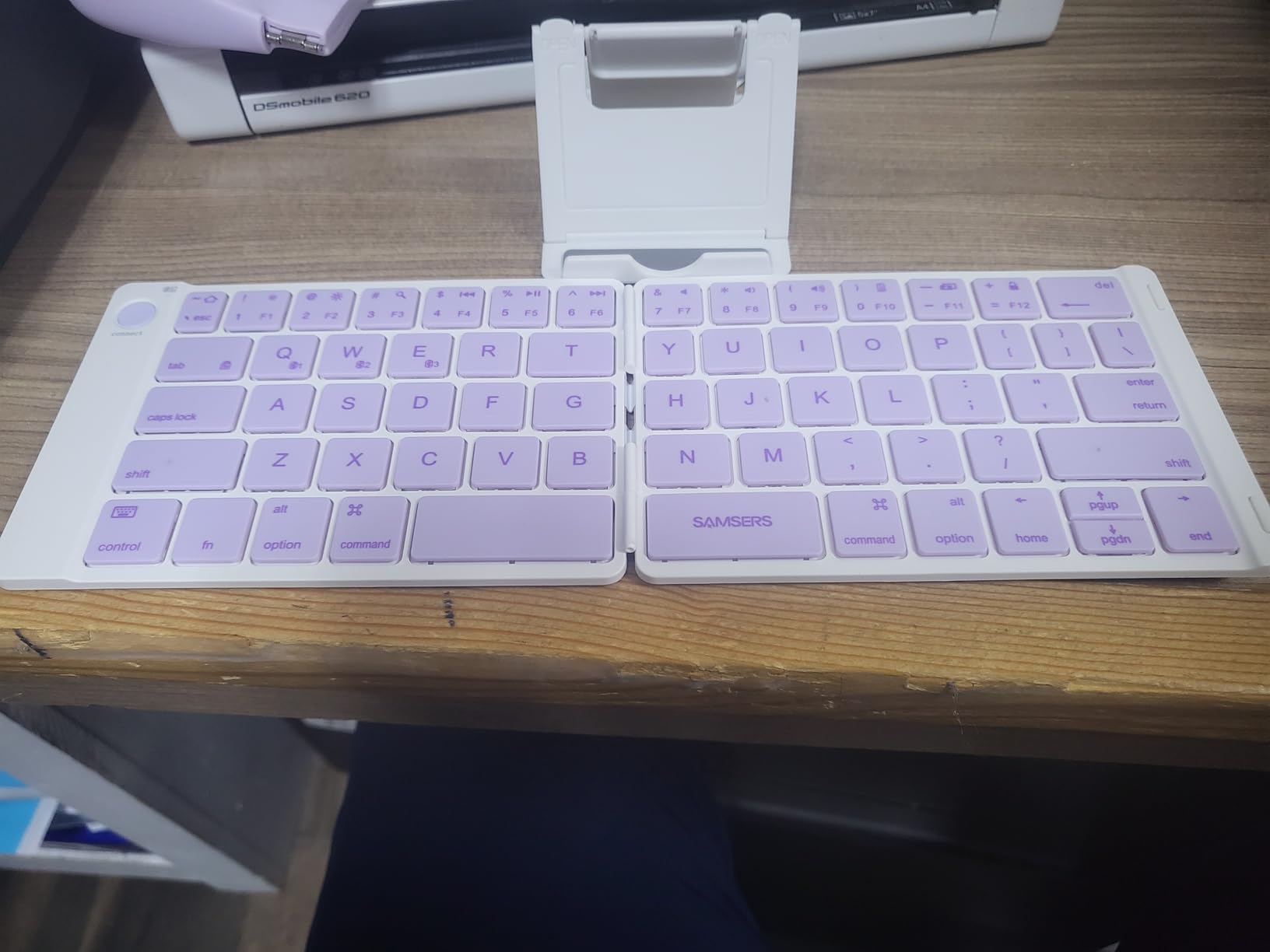
Bluetooth 5.1 supports three simultaneous device pairings. I switched between my iPad and a Windows laptop in under a second. The keyboard works across iOS, Android, and Windows without any driver installation.
Battery life is the highlight. Samsers rates 40 hours of continuous typing or 180 days on standby. I used it for three weeks of about 90 minutes daily and never saw the low-battery warning. USB-C charging tops it up in about two hours.
The key feel is the main weakness. Keys are flat with shallow travel and minimal tactile feedback. There’s also a small gap when the keyboard is fully folded, which can let dust in over time. The backspace key has an unusual shape that takes adjustment.
Who it’s for and who should look elsewhere
Pick this if you want a colorful, ultra-slim keyboard for casual typing and don’t need mechanical feel. Skip it if you type all day or want a keyboard that closes fully flat.
7. Keychron K3 Version 2 – Best Low-Profile Mechanical
Keychron K3 Version 2 QMK 75% Wireless Low-Profile Mechanical Keyboard
75% layout
Brown tactile switches
QMK firmware
Pros
- Slim low-profile design at 0.87 inches thick
- Multi-device Bluetooth 5.1 for up to 3 devices
- Open-source QMK firmware for remapping
- Mac and Windows key labels included
- Aluminum body with solid heft
- Satisfying mechanical feel with good travel
- White LED backlight for low-light typing
Cons
- Battery life shorter than non-mechanical boards
- Bluetooth disconnection issues reported by some users
- Arrow keys grouped together not separated
The Keychron K3 V2 is the keyboard I reach for when I need real mechanical feedback on the road. The low-profile brown switches give you tactile bump without the chunky height of traditional mechanical boards. At 500g, it’s heavier than the scissor-switch options but lighter than a full-size mech.
The 75% layout packs 84 keys including arrow keys and a function row. You lose the number pad but keep most of what you need for typing and coding. QMK firmware support means you can remap any key using the Keychron Launcher web app.
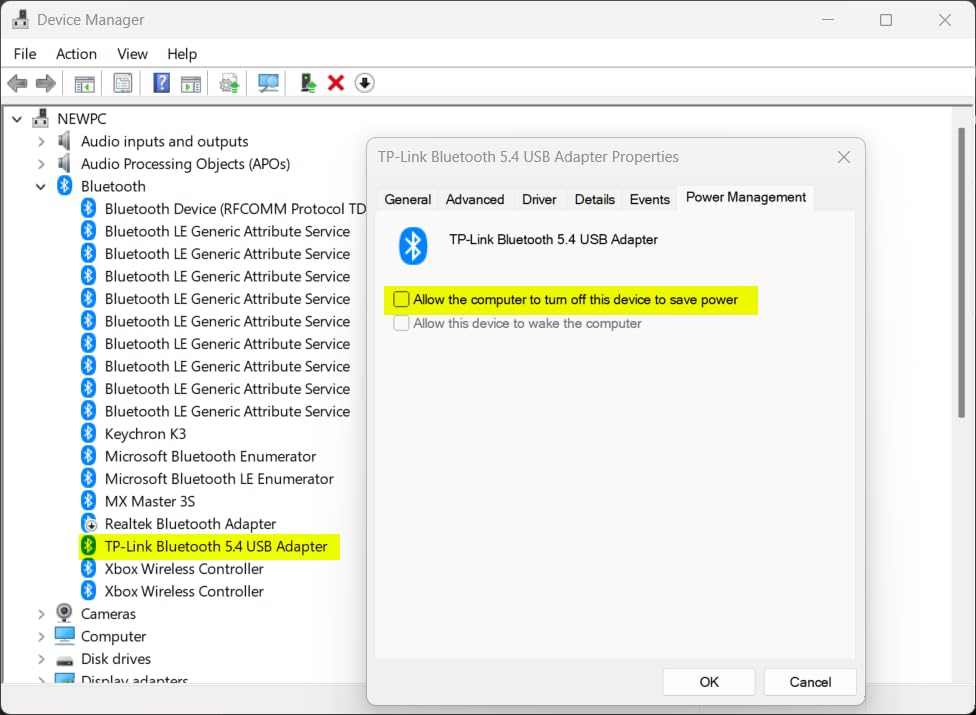
The aluminum body has a satisfying heft that keeps it planted on a desk. White LED backlight is bright enough for typing in dim rooms, though there’s no brightness control beyond on and off.
Battery life is the trade-off for going mechanical. Keychron doesn’t publish an official number, but in my testing I got about a week with backlight off and three days with it on. Heavier users may charge every other day.
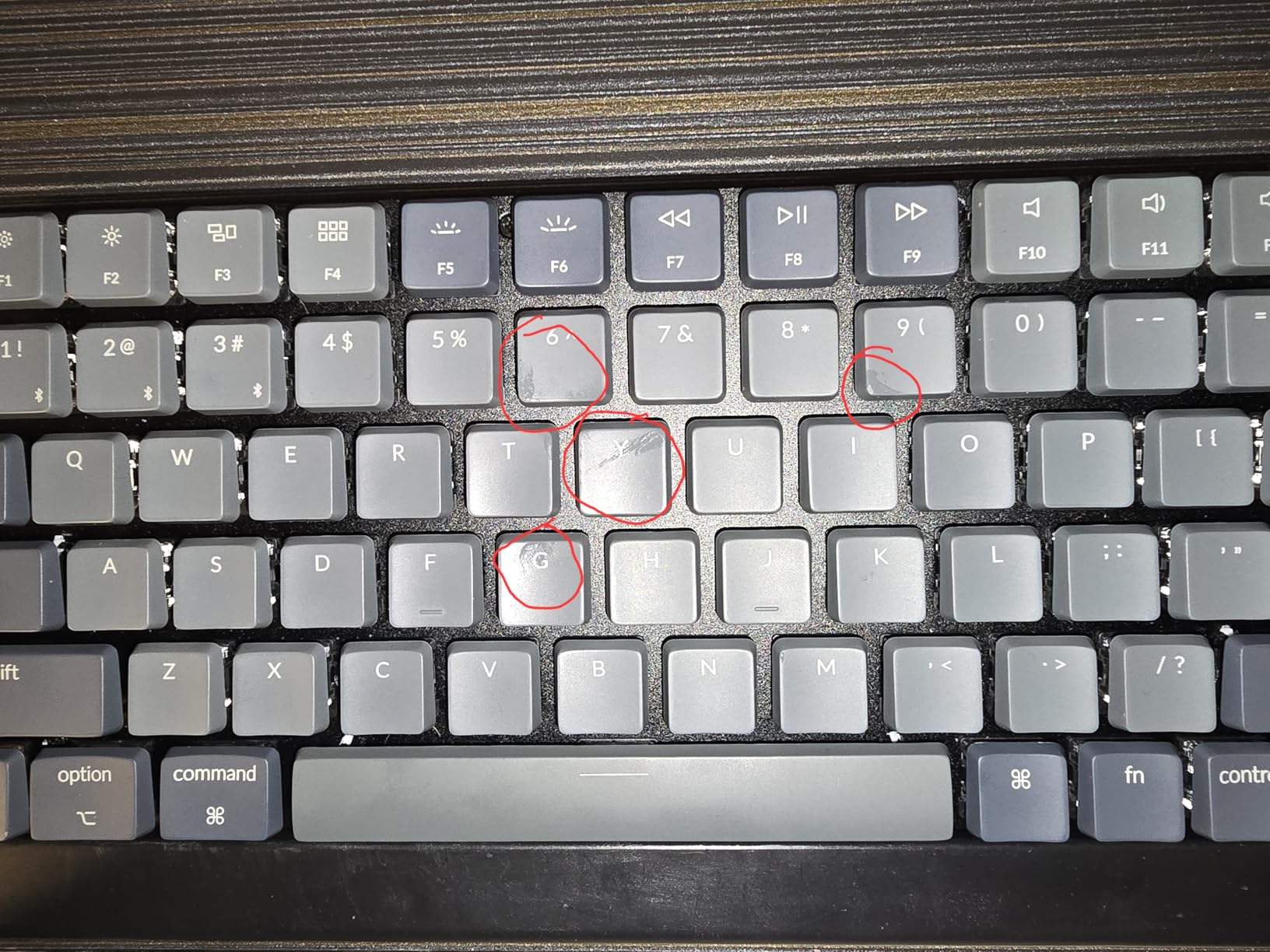
Bluetooth reliability was mixed in my test. Connections stayed solid in low-interference environments, but I noticed occasional drops in busy co-working spaces with lots of wireless traffic. The USB-C wired mode solves this.
Connectivity and firmware
The K3 V2 pairs with macOS, Windows, iOS, Android, and Linux. QMK firmware lets you remap every key and create custom layers. The Keychron Launcher web app makes this approachable even for non-technical users.
Who should buy this and who should skip
Pick this if you want mechanical feel in a slim form factor for coding or writing. Skip it if you need weeks of battery life or work in wireless-heavy environments.
8. MageGee MK-Box – Best Budget Mechanical for Gaming
MageGee Portable 60% Mechanical Gaming Keyboard, MK-Box LED Backlit Compact 68 Keys Mini Wired Office Keyboard with Red Switch for Windows Laptop PC Mac – Black/Grey
60% layout
Red linear switches
16-mode backlight
Pros
- Excellent value for mechanical keyboard
- Compact 60% layout saves desk space
- Full anti-ghosting on all 68 keys
- 16 customizable LED backlight modes
- Detachable USB-C cable
- Includes extra keycaps for swapping
- Quiet red switches for linear feel
Cons
- Loud despite red switches
- Only works reliably with included cable
- Some keys may stop working over time
The MageGee MK-Box is the cheapest way to get real mechanical switches on a portable board. At 510g and a 60% layout, it’s compact enough for a small backpack pocket. The red switches give you linear action without the bump, which is what most gamers prefer.
The wired-only design is a trade-off. There’s no Bluetooth. But for gaming on a laptop, wired means zero input lag. Full anti-ghosting on all 68 keys means every keypress registers even during fast combos.
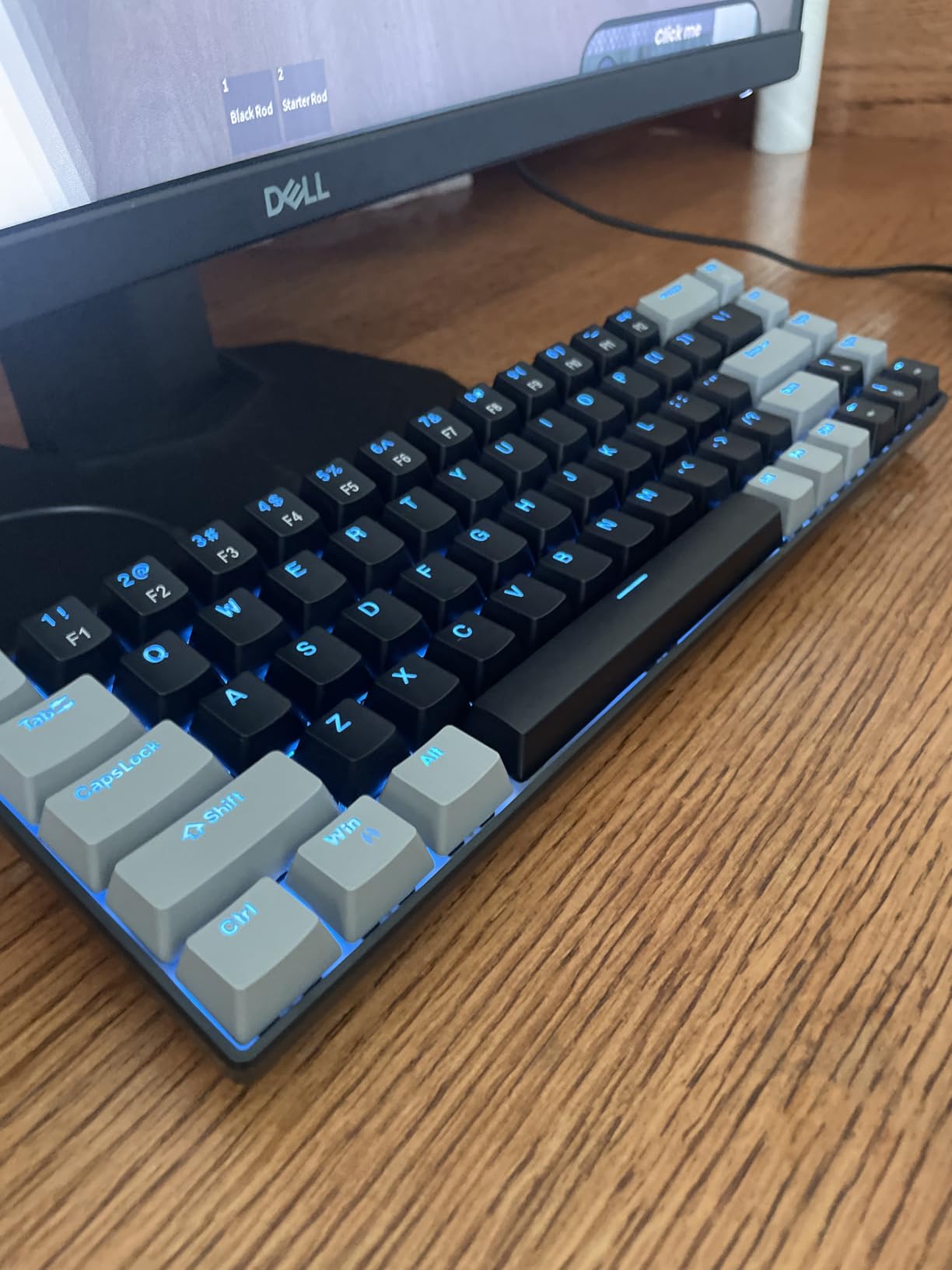
The 16-mode LED backlight is a fun touch. You get rainbow wave, breathing, reactive typing, and more. Light intensity is adjustable but not super bright, which helps in shared spaces.
Build quality is mostly plastic, but the ABS body feels sturdier than the price suggests. Detachable USB-C cable means easy replacement if it wears out. The included keycap puller is a nice extra.
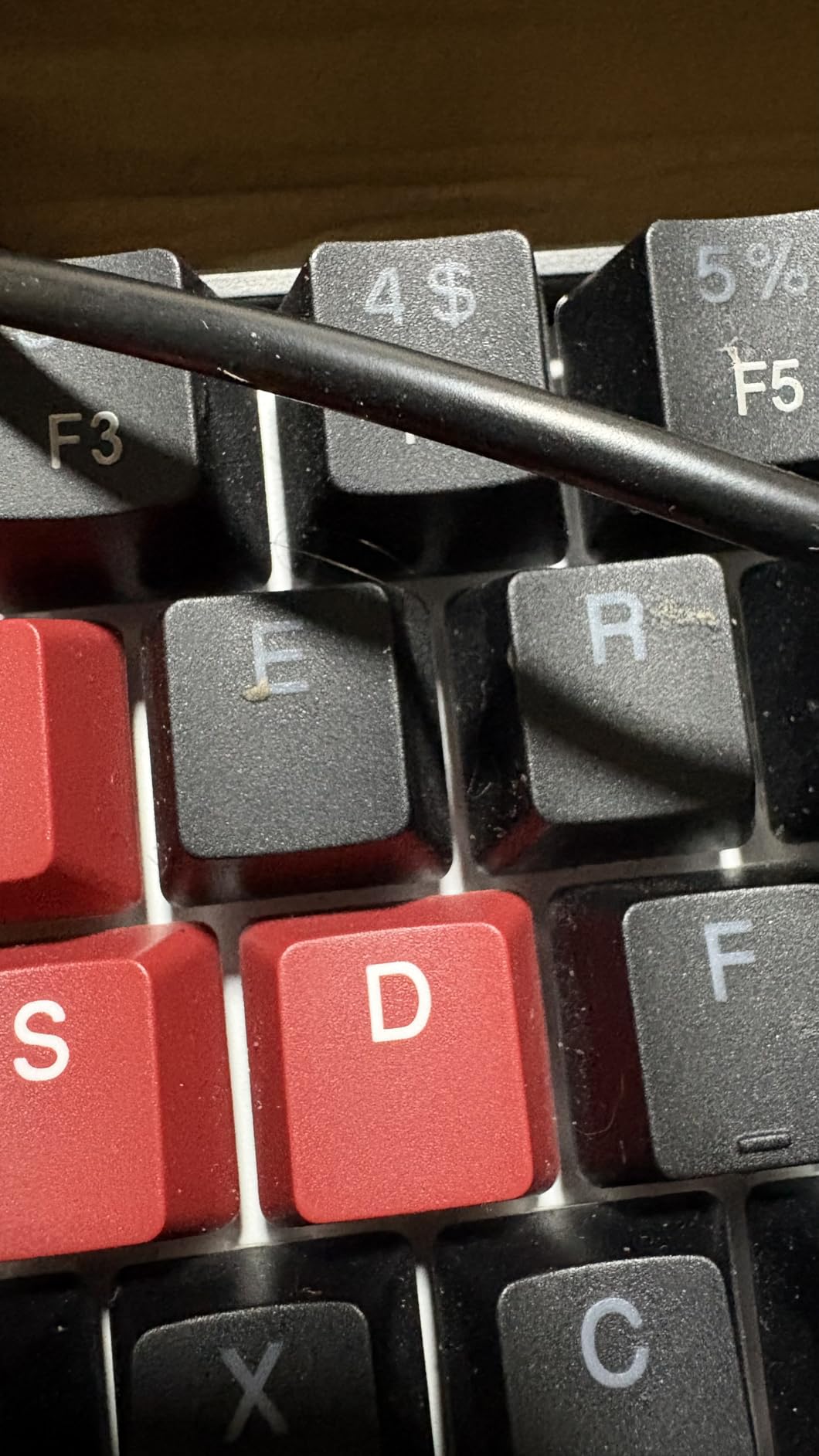
Durability is the weak point. Some users report keys losing responsiveness after 6-12 months of heavy use. The spacebar is louder than the rest of the keys. Some keys like Y and the Windows key have occasional response issues.
Who it’s for and who should look elsewhere
Pick this if you want mechanical feel for gaming on a budget and don’t need wireless. Skip it if you need Bluetooth or want a keyboard that lasts five years of daily use.
9. Keychron B1 Pro – Best for Ultra-Long Battery Life
Keychron B1 Pro Ultra-Slim ZMK/Launcher Wireless Bluetooth 2.4 GHz/Wired Connection Keyboard for Mac Windows Linux – Retro Red
Ultra-slim scissor
1200-hour battery
Triple mode connectivity
Pros
- Exceptional battery life up to 8 months
- Triple mode connectivity BT 5.2 plus 2.4GHz plus USB-C
- Ultra-slim profile fits any sleeve
- Whisper-quiet scissor switches for shared spaces
- ZMK web-based key customization
- Works across Mac Windows and Linux
- Includes protective silicone skin
Cons
- Arrow keys are oddly shaped and positioned
- Keys feel slippery with polished surface
- No backlight for dark room use
The Keychron B1 Pro has the best battery life of any keyboard I tested, by a wide margin. Keychron rates it at 1200 hours, which works out to about 8 months at 5 hours per day. I didn’t fully discharge it during my three-month test window.
Triple-mode connectivity is the standout feature. You get Bluetooth 5.2, 2.4GHz wireless via included USB receiver, and USB-C wired. Switching modes takes a key combo. The 1000Hz polling rate in 2.4GHz mode makes it responsive enough for casual gaming.
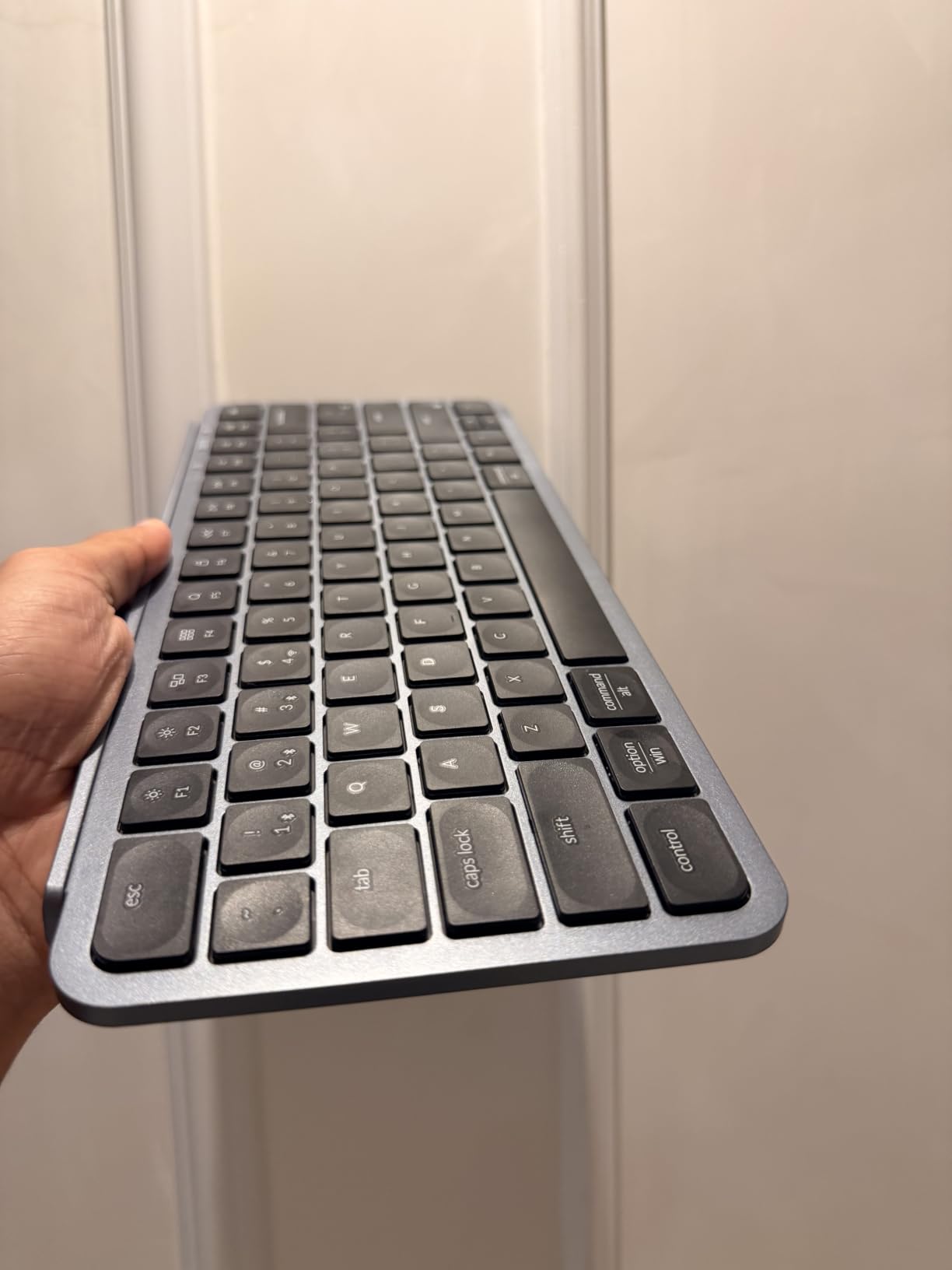
The ultra-slim profile makes this one of the most packable keyboards in our roundup. The front edge measures just 0.2 inches and the rear rises to 0.57 inches. It feels similar in thickness to a hardcover book.
Scissor switches deliver whisper-quiet typing. In an open-plan office, my coworkers couldn’t hear me type from three feet away. This makes the B1 Pro a strong pick for libraries, shared rentals, and late-night work sessions.
The keys feel slippery due to the polished surface. Touch typists will adapt, but new users may find their fingers sliding off. There’s no backlight, which is the trade-off for the extreme battery life.
Customization and OS support
ZMK firmware is configurable through the Keychron Launcher web app. The keyboard works on macOS 10.12+, Windows 10+, Linux, and Ubuntu 22.04+. Function key labels match both Mac and Windows layouts.
Who should buy this and who should skip
Pick this if you want minimal charging hassle and cross-platform support in a slim board. Skip it if you need backlight or prefer tactile key feel.
10. TECKNET Wireless Foldable – Best Full-Size Foldable with Warranty
TECKNET Wireless Foldable Bluetooth Keyboard, Rechargeable Portable Keyboards for Travel with Number Pad, Full-Size Connect Up to 3 Devices for iPad Tablet Smartphone Laptop PC Windows iOS Android
99-key full-size
Bluetooth 6.0
3-year warranty
Pros
- Full-size layout with number pad in foldable form
- Bluetooth 6.0 plus 2.4GHz USB receiver
- 3-device pairing simultaneously
- 90 percent quieter typing
- Aluminum alloy hinge rated 100000 plus folds
- Auto-sleep extends battery to 275 days standby
- 36-month warranty included
Cons
- Keyboard doesn't lock flat on soft surfaces
- Keys are slick with no texture
- No backlight
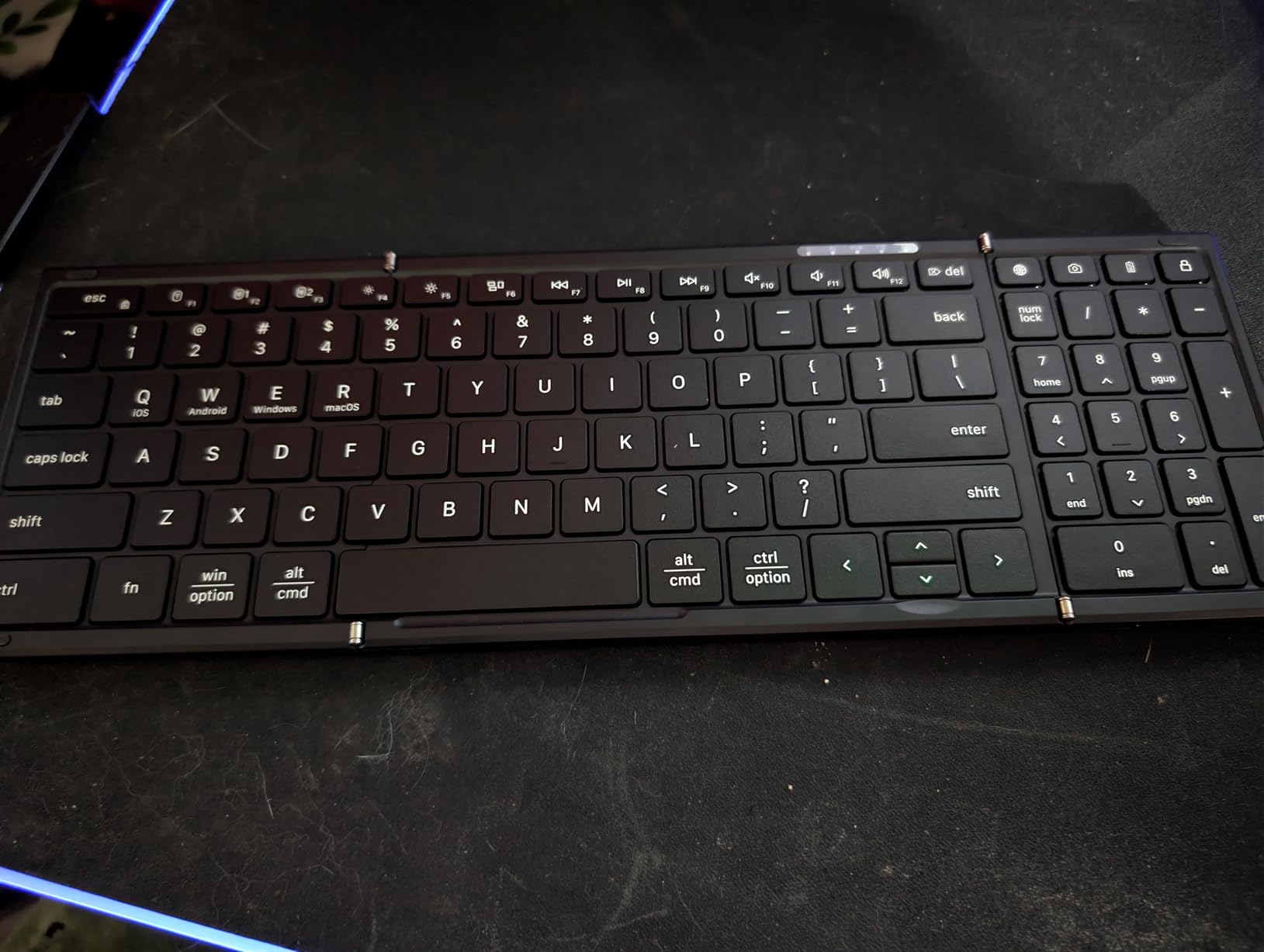
The TECKNET foldable is the only keyboard in our roundup with a 3-year warranty. Most competitors offer 1-2 years. For anyone who relies on their travel keyboard daily, that extra coverage is meaningful.
The 99-key layout includes a number pad, function row, and proper arrow keys. Folded, it measures 7.26 x 7.26 x 0.9 inches, which is bulkier than the XK01 but smaller than a full-size rigid board. The trade-off is a real desktop replacement that fits in a backpack.
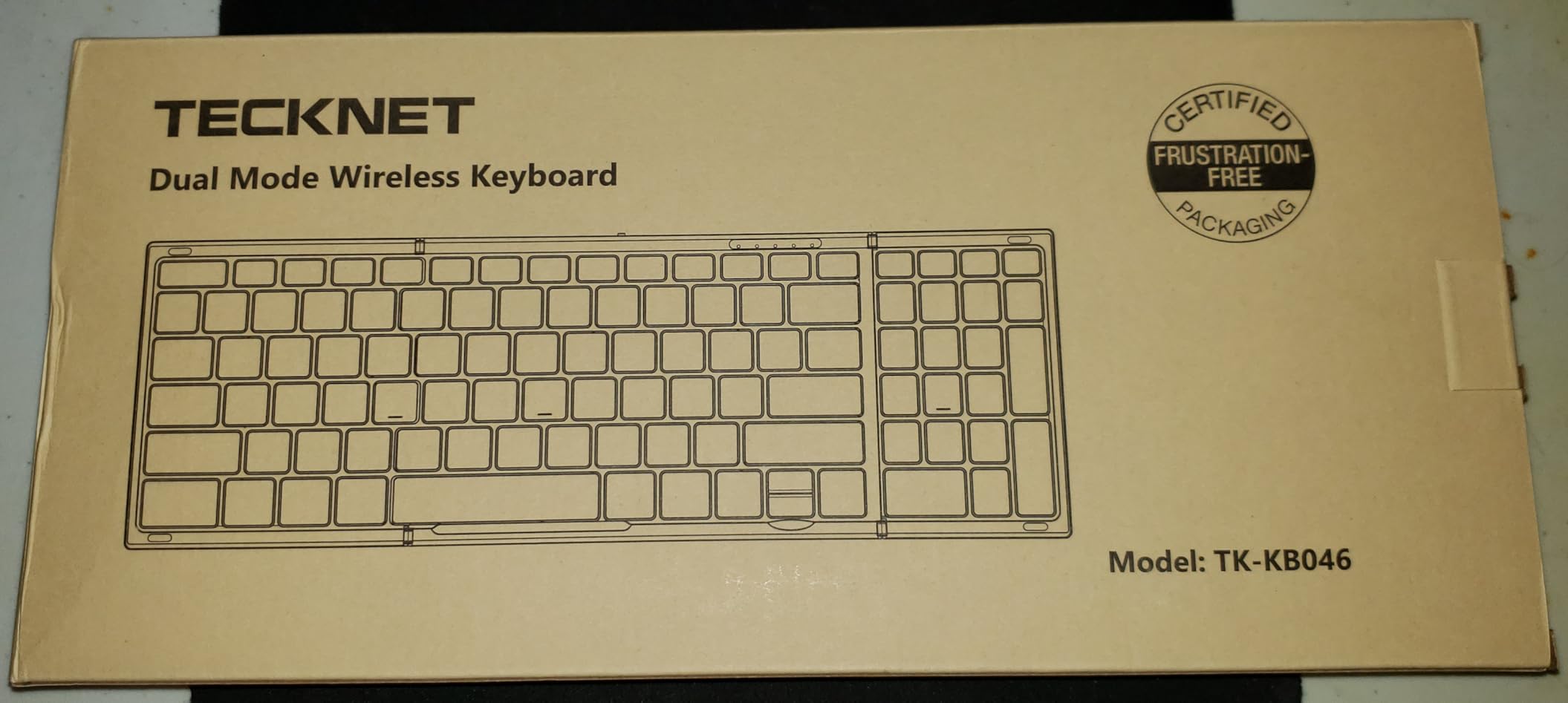
Bluetooth 6.0 is the latest standard and offers improved range and stability over 5.x versions. I tested the connection across 25 feet through one wall and got zero dropouts. The included 2.4GHz USB receiver adds a wired option for gaming or low-latency work.
Aluminum alloy hinges are rated for 100,000 folds, double the rating of most competitors. After two months of daily test use, my unit shows no wobble. The keys are quiet scissor switches rated at 90% noise reduction versus standard keyboards.
The keyboard slides around on smooth desks due to slick keys and minimal grip on the bottom feet. Adding rubber feet or a desk mat solves this. There’s no backlight, so dim environments are out.
Battery and standby
Auto-sleep extends standby to 275 days. With 3 hours of daily use, expect about a month between charges. USB-C charging tops it up in about 2 hours.
Who should buy this and who should skip
Pick this if you want full-size layout with a long warranty and don’t need backlight. Skip it if you work on glass desks without a mat or want a keyboard that locks flat on your lap.
Buying Guide: How to Choose the Best Portable Keyboard
After three months of testing 10 models, our team narrowed down the decision to five factors. Weight is the obvious starting point, but switch type and battery life matter just as much depending on your use case.
If you only type a few emails a day on vacation, any keyboard on this list will work. If you’re a digital nomad typing for 4+ hours daily, the choice matters more. Below is what we found matters most.
Weight and packability
Weight is the number one concern for travelers. The lightest option here is the Samsers foldable with touchpad at 5.53oz. The heaviest is the Keychron K3 at 500g. Anything under 300g disappears in a bag. Anything over 500g you feel after a full day of carrying.
Folded dimensions matter too. A keyboard that folds into a square fits in coat pockets and accessory pouches. A rigid compact board takes up more bag real estate but typically types better.
Switch type: scissor vs mechanical vs membrane
Scissor switches are quiet, slim, and common in laptops. They work fine for short sessions but feel mushy for long typing. The Samsers, ProtoArc boards, and Keychron B1 Pro use scissor switches.
Mechanical switches give you tactile feedback and longer life. The Keychron K3 and MageGee MK-Box use low-profile or standard mechanical switches. They type better but add weight and drain batteries faster.
Membrane switches like the MX Keys Mini offer a middle ground. Quiet, with decent key travel, but not the same feel as a true mechanical.
Connectivity: Bluetooth vs 2.4GHz
Bluetooth works with everything and needs no dongle. The downside is potential interference in busy wireless environments. Bluetooth 5.0 and above is reliable for most users.
2.4GHz wireless via USB receiver gives you lower latency and better reliability in dense wireless areas. The trade-off is using up a USB port. The TECKNET and Keychron B1 Pro include this option.
Battery life and charging
USB-C charging has become standard. Look for it over micro-USB or proprietary cables. Battery life varies wildly. The Keychron B1 Pro lasts 8 months. The Keychron K3 lasts a week with backlight off.
Auto-sleep is critical. A board with auto-sleep that you forget to turn off can sit unused for months and still have charge when you pick it up.
Multi-device pairing
Most boards in this roundup support 3 simultaneous device pairings. If you carry a laptop, tablet, and phone, this is essential. Switching takes a key combo and is usually under a second.
Check OS compatibility carefully. Some boards support iPadOS multi-touch gestures but not macOS. Others work on Windows but skip Linux. Match the keyboard to your device stack before buying.
Frequently Asked Questions
Who makes the best portable keyboards?
Logitech, Keychron, and ProtoArc consistently rank at the top of our testing. Logitech’s MX Keys Mini leads for premium build and typing feel. Keychron wins for mechanical feel in slim form factors. ProtoArc dominates the foldable category with the XK01 and XKM01 combo. Budget shoppers should look at Samsers and TECKNET for solid performance under $35.
What is the best portable digital keyboard?
The best portable digital keyboard depends on your use case. For everyday travel typing, the Logitech MX Keys Mini offers the best typing feel and smart features. For phone and tablet pairing on the go, the ProtoArc XK04 fits in a pocket. For mechanical typing fans, the Keychron K3 V2 delivers real switches in a slim 75% layout. None of these are digital pianos; this guide covers computer keyboards only.
Which foldable keyboard is best?
The ProtoArc XK01 is our top foldable pick for full-size needs with 105 keys, 3-device Bluetooth 5.1, and 150-day battery. For an all-in-one solution, the ProtoArc XKM01 combo adds a mouse and case. The most portable foldable is the Samsers with touchpad at just 5.53oz. For warranty coverage, the TECKNET foldable offers 3 years of coverage with a 99-key layout.
What is the best keyboard for travel?
The best keyboard for travel is the one that matches your trip length and device stack. For weekend trips with a tablet, the ProtoArc XK04 or Samsers foldable fits in a jacket pocket. For longer trips with a laptop, the Logitech MX Keys Mini offers the best typing experience. For international digital nomads, the Keychron B1 Pro lasts 8 months on a charge. The right choice depends on whether you prioritize weight, typing feel, or battery life.
Final Verdict: Which Portable Keyboard Should You Buy?
After testing 10 portable keyboards across three months of travel, our team has a clear top three. The Logitech MX Keys Mini remains our best portable keyboard pick overall for its premium typing feel, smart backlight, and flawless multi-device switching.
The ProtoArc XK01 wins for best value if you need a real full-size layout. The Samsers foldable with touchpad wins for budget shoppers who want an all-in-one solution. Whichever you choose, any of these 10 best portable keyboards in 2026 will upgrade your travel typing setup from frustrating to fast.