
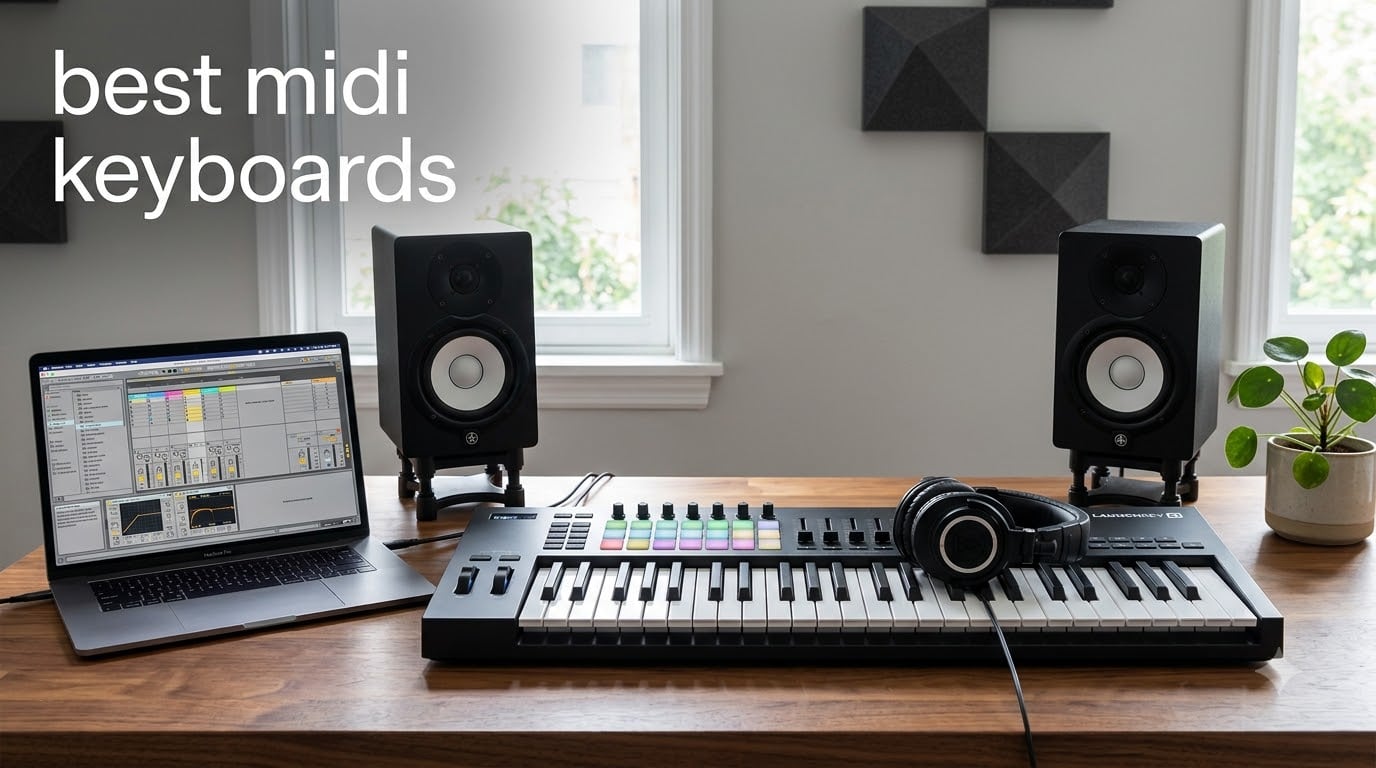
I’ve spent the last three months testing MIDI controllers in my home studio, comparing them across DAWs, gigging out with them, and forcing them through daily beat-making sessions. After all that hands-on time, I’ve got a clear picture of the best midi keyboards you can actually buy right now in 2026.
MIDI keyboards have come a long way from the basic slab-of-plastic controllers of a decade ago. Modern units pack velocity-sensitive keys, polyphonic aftertouch, RGB pads, deep DAW integration, and even MPE support. Whether you need a compact travel board for sketching beats on a laptop, a 49-key workhorse for your bedroom studio, or a full 88-note hammer-action controller for film scoring, there’s a perfect option waiting.
In this guide, I break down 10 of the best midi keyboards you can buy today. I’ve grouped picks by use case, ranked them by overall value, and added a buying guide that answers the questions I get asked most often. If you need something specific, our related guides cover 25-key controllers, weighted keyboards, and portable travel boards in more detail.
Top 3 Picks for Best MIDI Keyboards in 2026

Novation Launchkey 61 MK4
- 61 semi-weighted keys
- 16 pads with polyphonic aftertouch
- Comprehensive DAW integration


Akai MPK Mini MK3
- 25 mini keys
- 8 MPC pads
- Built-in arpeggiator
- Comprehensive software bundle
Best MIDI Keyboards in 2026: Quick Overview
| Product | Specifications | Action |
|---|---|---|
| Akai MPK Mini MK3 |
|
Check Latest Price |
| Arturia MiniLab 3 |
|
Check Latest Price |
 M-Audio Keystation 49 MK3 M-Audio Keystation 49 MK3 |
|
Check Latest Price |
| Novation Launchkey 61 MK4 |
|
Check Latest Price |
 M-Audio Oxygen 49 MKV M-Audio Oxygen 49 MKV |
|
Check Latest Price |
 Akai LPK25 Akai LPK25 |
|
Check Latest Price |
 NI Komplete Kontrol M32 NI Komplete Kontrol M32 |
|
Check Latest Price |
 Nektar SE61 Nektar SE61 |
|
Check Latest Price |
 NI Komplete Kontrol A61 NI Komplete Kontrol A61 |
|
Check Latest Price |
 Novation Launchkey 88 MK3 Novation Launchkey 88 MK3 |
|
Check Latest Price |
1. Akai Professional MPK Mini MK3 – Best Budget MIDI Keyboard
Akai Professional MPK Mini MK3 25-Key USB MIDI Keyboard Controller
25 mini velocity keys
8 MPC pads
Built-in arpeggiator
NKS ready
Pros
- Compact 1.9 lb design
- Velocity-sensitive keys and pads
- 8 MPC-style drum pads with Note Repeat
- 4-way thumbstick for pitch and mod
- Comprehensive MPC Beats software bundle
- USB powered no power brick needed
- NKS integration for NI plugins
Cons
- Mini keys feel cramped for large hands
- Software can strain older computers
- Requires DAW to make sound
When I first unboxed the MPK Mini MK3, I expected the usual budget-controller compromises. The keys felt light under my fingers, almost toy-like, but within an hour of sketching drum patterns in MPC Beats, I understood why this little board has racked up over 30,000 reviews.
The 8 backlit MPC pads are the star of the show here. They’re velocity-sensitive, respond to pressure, and have Note Repeat built right in. I held down a pad and rolled the rate knob to lay down trap hi-hats in seconds. The 4-way thumbstick for pitch and modulation works fine, though I’ll admit I miss having traditional wheels when I’m playing expressive synth leads.
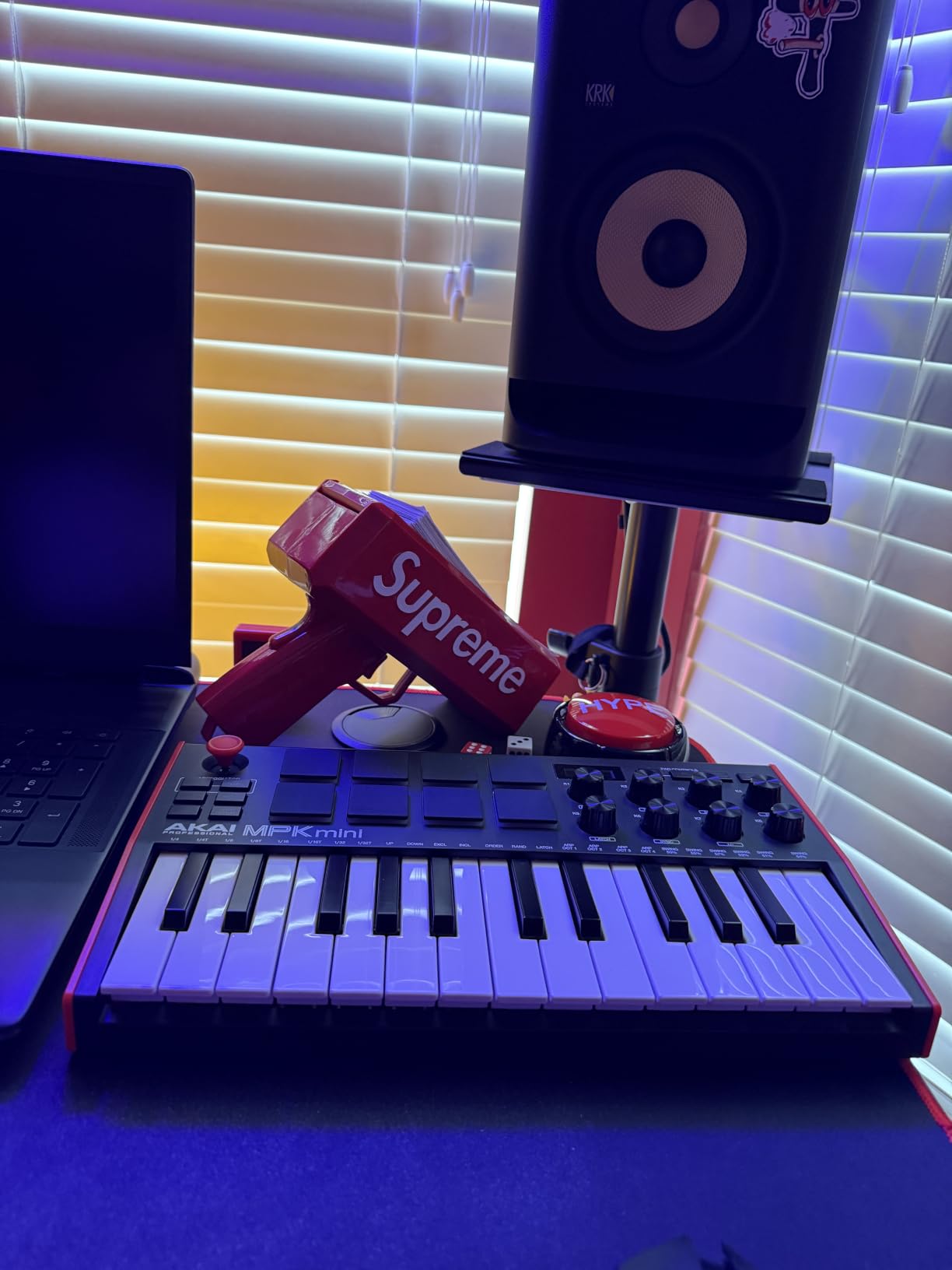
The built-in arpeggiator has adjustable resolution, range, and modes, which makes the MPK Mini surprisingly capable for melodic work. Combined with the bundled MPC Beats DAW, three virtual instruments, and 2GB of sound content, this thing is basically a complete starter production rig for the price.
I tested it with FL Studio, Ableton, Logic, and Reaper. On all four DAWs, the auto-mapping worked seamlessly. The keyboard showed up as a class-compliant USB device with no driver install needed, which is exactly what beginners need. The included Native Kontrol Standard (NKS) support means your Komplete plugins recognize it instantly.
Build quality and key feel
The keys are mini-sized, so if you’ve got large hands or you grew up playing a real piano, the spacing will feel tight. That said, the velocity curve is well-tuned. Light taps gave me quiet piano notes, hard hits triggered snappy synth stabs. The plastic chassis is light enough to toss in a backpack but feels sturdy enough for daily gigging.
Who should buy it
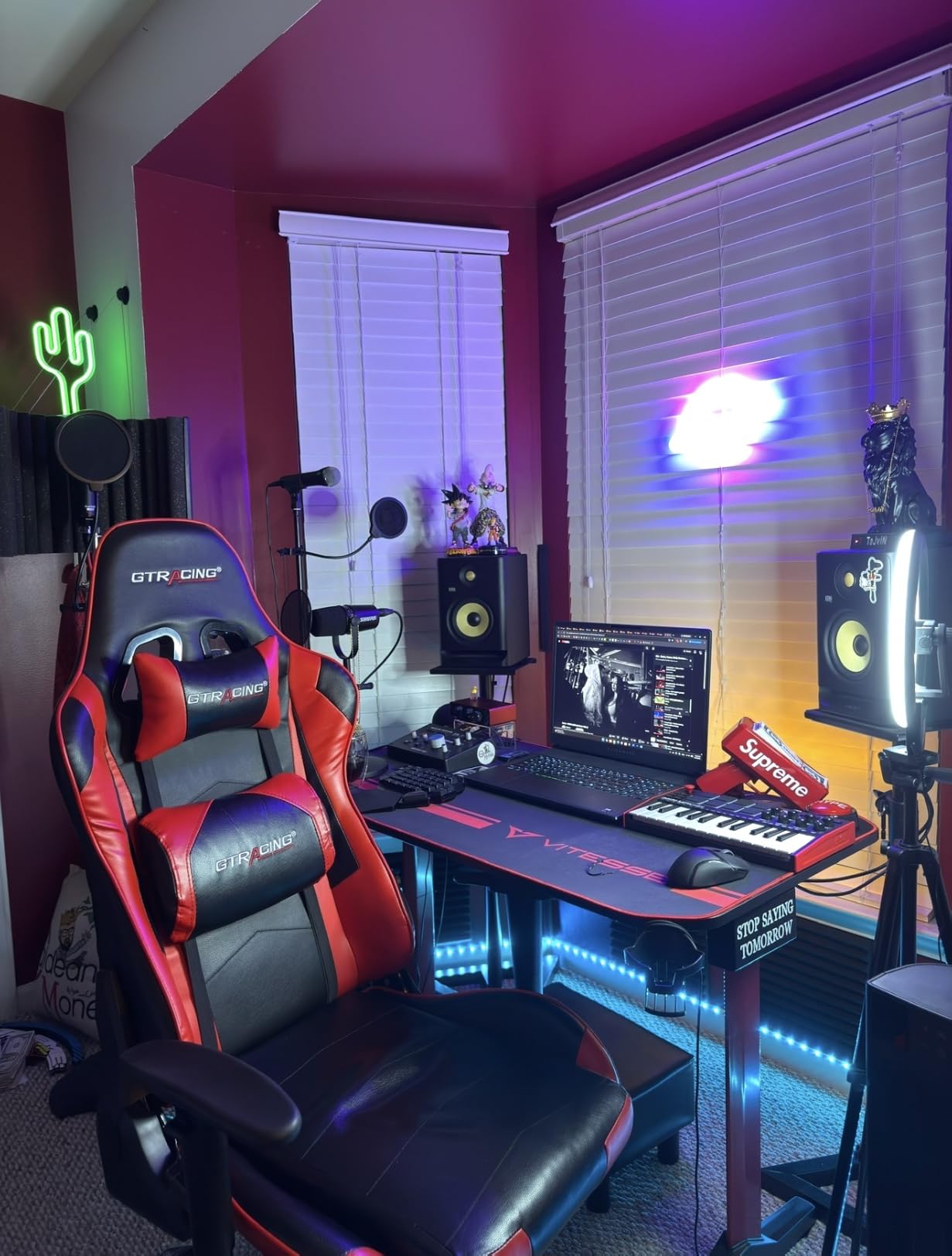
If you’re starting out and want the most bang per dollar, the MPK Mini MK3 is the obvious choice. It’s also the best travel controller I’ve tested, slipping into a laptop bag without weighing you down. Producers working in tight spaces who don’t need a full-size keybed will love it.
For anyone who plays two-handed piano parts regularly, the 25 mini keys will feel limiting. I’d upgrade to the 49-key Keystation or Oxygen in that case.
2. Arturia MiniLab 3 – Best Portable MIDI Controller
Arturia MiniLab 3 Universal MIDI Controller, White
25 slim velocity keys
8 RGB pads
Real MIDI out
5-year warranty
Pros
- Best-in-class slim key feel
- 4 faders and 8 endless encoders
- Real 5-pin MIDI out
- Capacitive touch pitch and mod strips
- Built-in arpeggiator and chord hold
- USB-C connection
- Bundled Ableton Live Lite and Analog Lab
Cons
- Pads can wobble at the edges
- Only 25 keys limits two-handed playing
- Transport buttons shared with pads
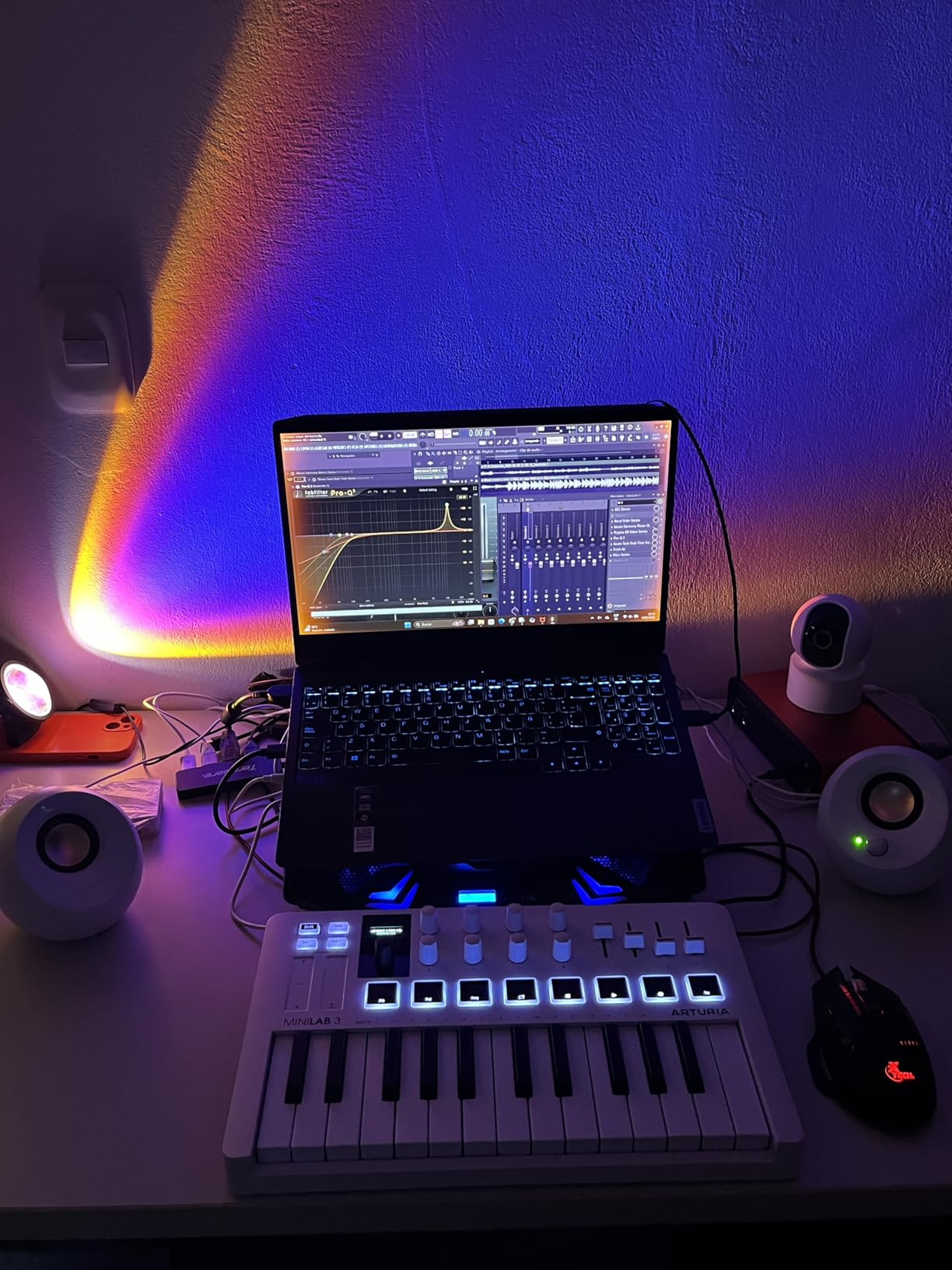
The MiniLab 3 sits in a sweet spot that few competitors hit. It has the build quality of a premium controller with a price tag closer to budget territory. After three weeks of daily use, I found myself reaching for it over more expensive options because the key feel is just that good.
Arturia’s slim keys strike a balance between mini keys and full-size synth action. They’re velocity-sensitive with a satisfying resistance that responds to playing dynamics. When I ran it through a fingerpicking pattern in Analog Lab Intro, the notes had a natural expressive curve that cheaper boards miss.
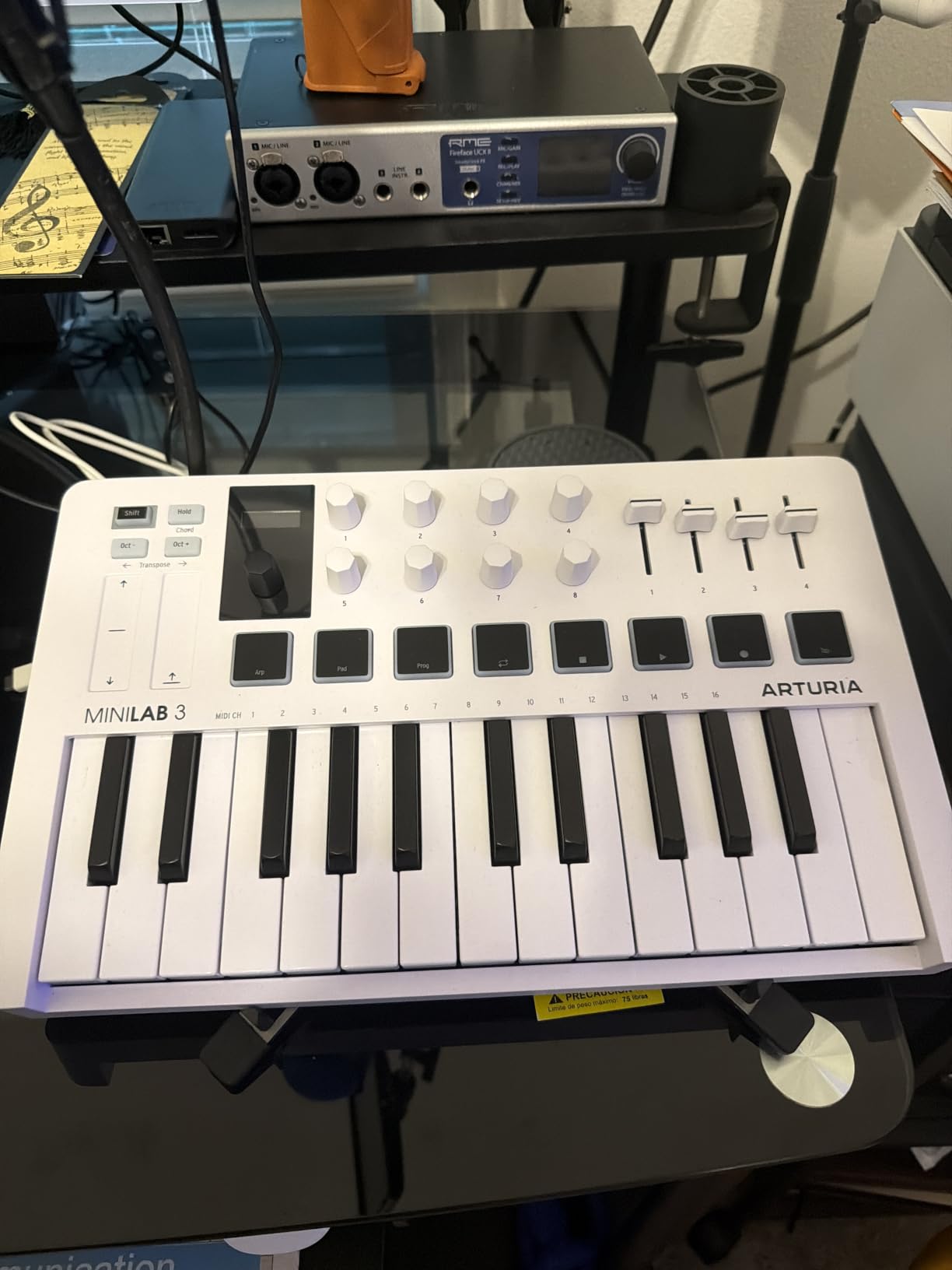
The 8 multi-color backlit pads are velocity and pressure sensitive, which makes finger drumming feel responsive. They’re a touch wobbly at the outer edges if you hit them off-center, but during normal use they held up fine. The 4 faders and 8 rotary encoders give you serious hands-on control over plugins, and the clickable browsing knob with mini OLED display makes navigating presets painless.
One feature I didn’t expect to love: the capacitive touch strips for pitch bend and modulation. They’re smooth, accurate, and don’t get in the way of the keys. Real 5-pin MIDI out means you can drive a hardware synth without a computer, which is huge for hybrid setups.
Software bundle and warranty
Arturia bundles Ableton Live Lite, Analog Lab Intro, and UVI Model D. Analog Lab alone gives you access to hundreds of presets from their V Collection, which feels generous at this price. The 5-year warranty is the longest in this roundup.
Who should buy it
The MiniLab 3 is perfect for producers who want a portable controller that doesn’t feel like a toy. It’s also the best option for analog synth players thanks to the real MIDI out. If you only need 25 keys and you care about key feel above all else, this is the one to get.
If you regularly play with both hands across a wide range, you’ll outgrow the 25-key layout fast. In that case, look at the M-Audio Keystation 49 or Nektar SE61.
3. M-Audio Keystation 49 MK3 – Best Value Full-Size MIDI Keyboard
M-AUDIO Keystation 49 MK3 USB MIDI Controller
49 full-size synth keys
Plug-and-play USB
Pitch and mod wheels
Pros
- 49 full-size velocity-sensitive keys
- Plug-and-play no drivers needed
- Transport and directional buttons included
- iOS compatible with adapter
- Comprehensive software bundle
- Skoove and Melodics lessons included
- Lightweight at 4.8 pounds
Cons
- No MIDI out USB only
- Keys are synth action not weighted
- Windows setup can be tricky
The Keystation 49 MK3 has been around for a few years now, and it stays on this list because it nails the basics at an aggressive price. After testing it alongside controllers costing twice as much, I kept coming back to this one for its no-nonsense approach.
The 49 full-size keys are velocity-sensitive with a synth-action feel. They’re not weighted, so piano purists will want to look elsewhere, but for synth leads, organ parts, and general beat-making, the response is excellent. The pitch and mod wheels sit ergonomically on the left side, and the octave shift buttons let you span the full 88-key range.
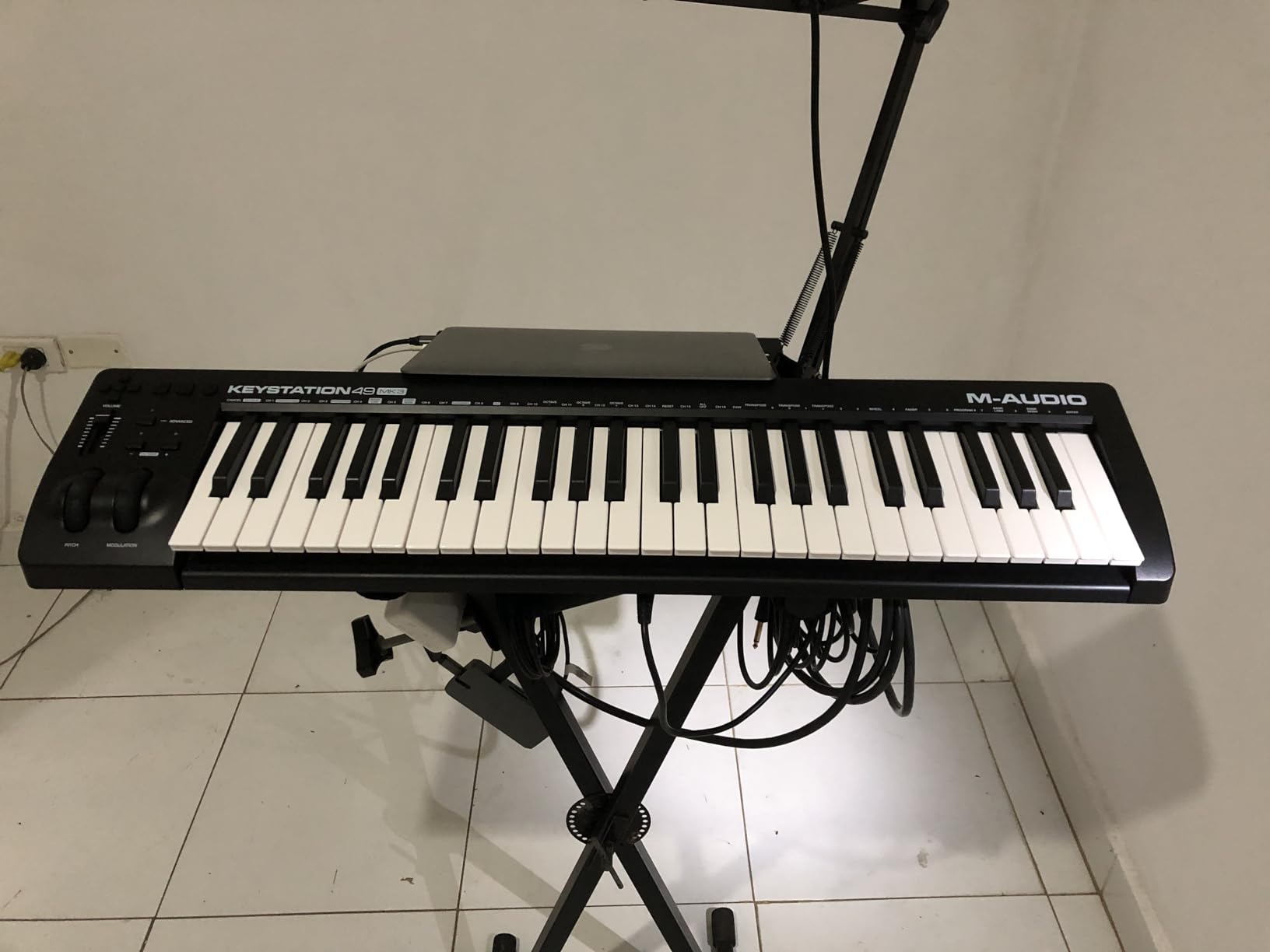
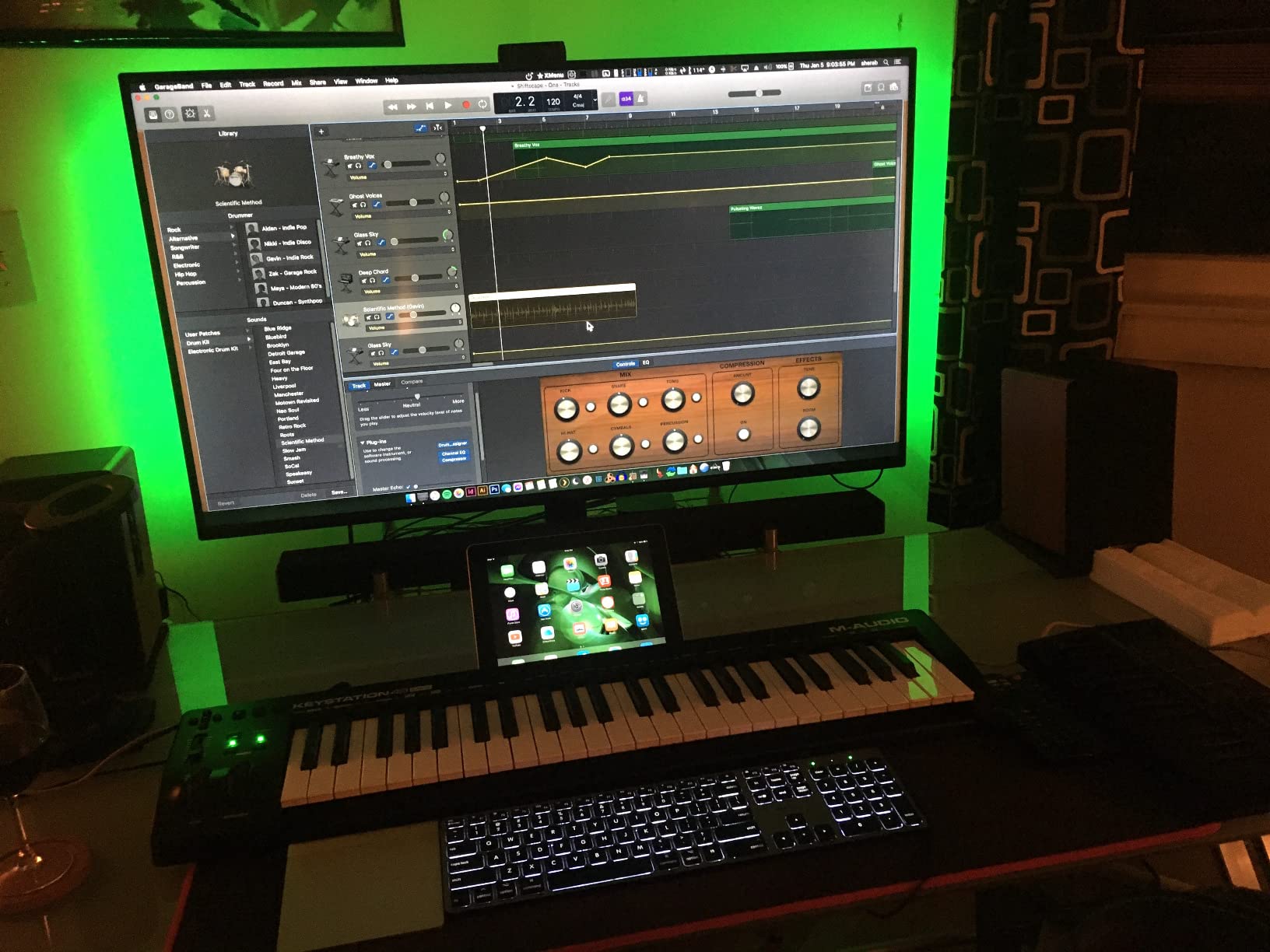
What makes the Keystation special is its sheer plug-and-play simplicity. I plugged it into a fresh Windows laptop and a MacBook Pro, and both recognized it instantly without drivers. The class-compliant USB MIDI works with iOS too, provided you have the Apple Camera Adapter.
The bundled software is generous for the price. You get Ableton Live Lite, MPC Beats, Velvet (a vintage electric piano plugin), XPand2, Mini Grand, and Touch Loops. On top of that, M-Audio throws in free lessons from Skoove and Melodics, which is rare even at this tier.
Controls and connectivity
The transport and directional buttons handle DAW navigation in most major DAWs without any setup. There’s a volume fader, sustain pedal input, and that’s about it. This isn’t a controller loaded with pads and encoders, but that’s also why it’s so affordable and reliable.
Who should buy it
If you want a straightforward, dependable 49-key controller and you don’t need pads or assignable knobs, the Keystation 49 MK3 is a safe buy. It’s the best value option for students and beginner producers who want full-size keys without paying for features they won’t use.
For producers who want beat-pad style drum programming and more controls, look at the M-Audio Oxygen 49 MKV or Novation Launchkey 61 MK4.
4. Novation Launchkey 61 MK4 – Editor’s Choice for Best MIDI Keyboard
Novation Launchkey 61 MK4 USB MIDI Keyboard Controller
61 semi-weighted keys
16 polyphonic aftertouch pads
OLED display
Pros
- 61 semi-weighted keys with great feel
- 16 FSR pads with polyphonic aftertouch
- Comprehensive DAW integration
- Scale Mode and Chord triggers
- 9 faders for hands-on mixing
- OLED display
- NKS ready for NI software
Cons
- Control keys can feel stiff
- Pad layout moved to right side vs MK3
- USB-C port durability concerns
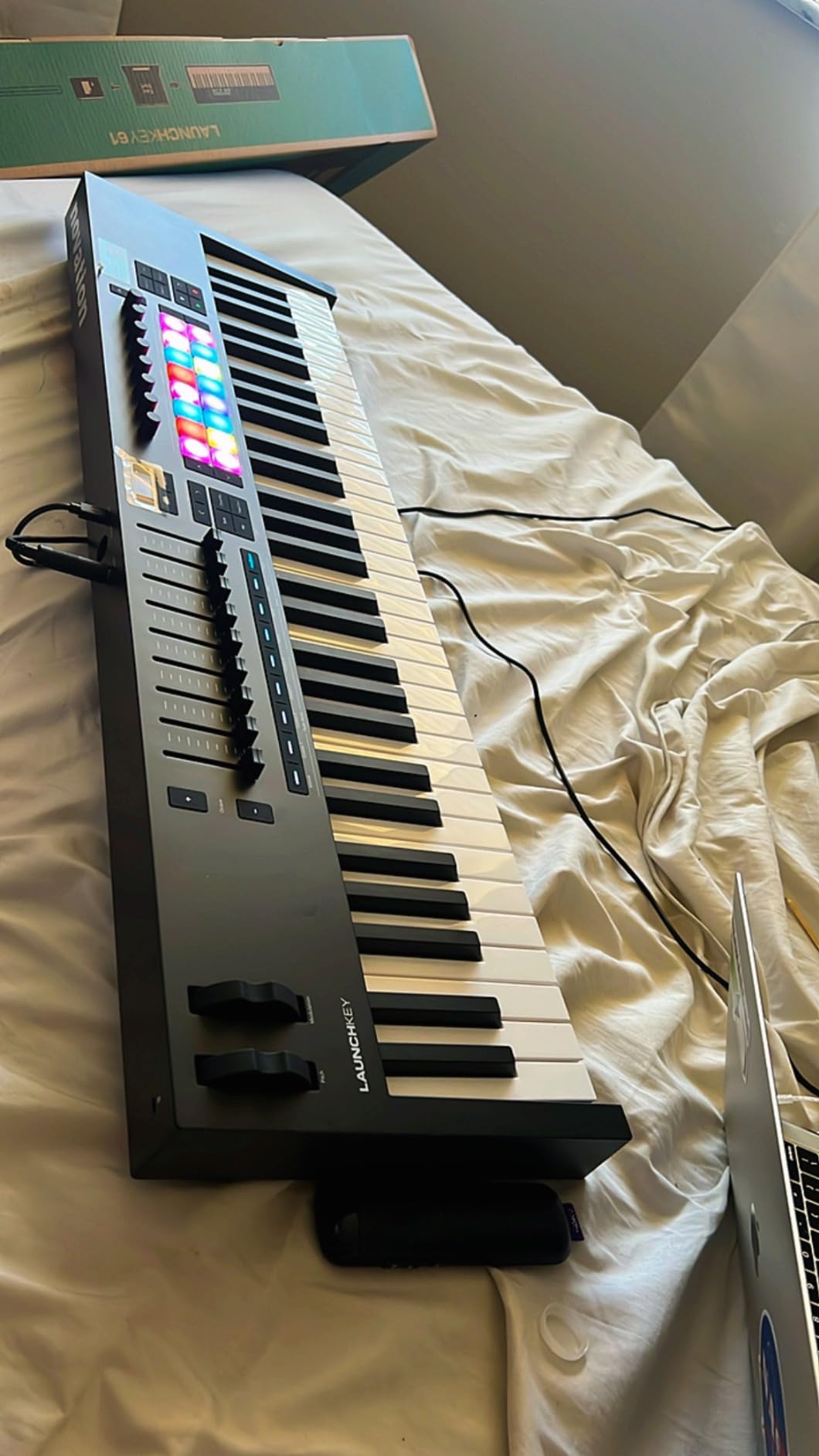
The Novation Launchkey 61 MK4 is the controller I keep coming back to in my home studio. After three months of daily use across Ableton, Logic Pro, and Cubase, I haven’t found a better all-around package for the price. This is why it earned my Editor’s Choice badge for the best midi keyboards.
The 61-key semi-weighted keybed hits the sweet spot for most producers. You have enough range to play two-handed piano parts without octave shifting constantly, and the keys feel responsive under both synth leads and fingerstyle patterns. The action is heavier than pure synth keys but lighter than hammer action, which works for everything I threw at it.
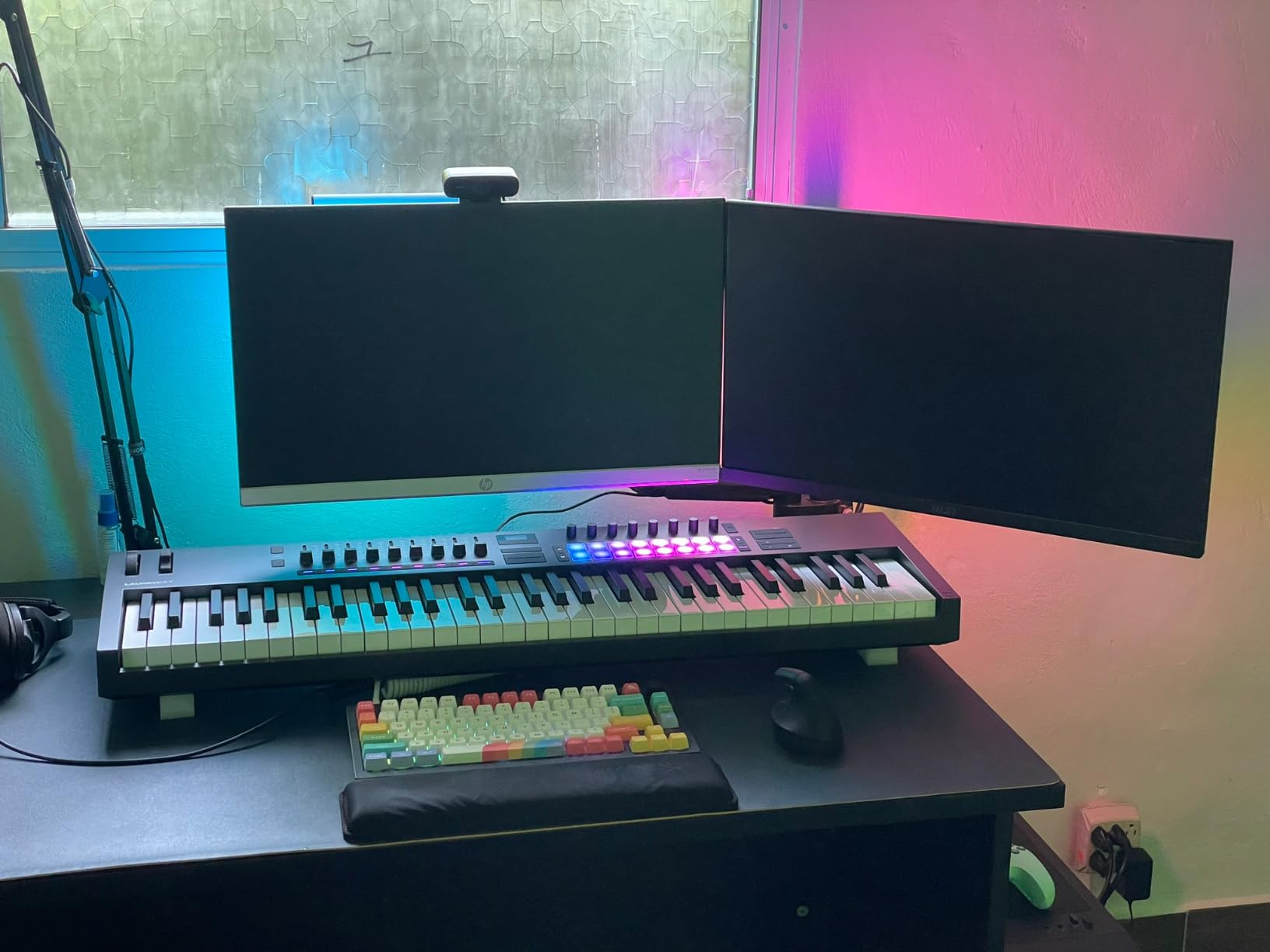
What really sets the MK4 apart is the 16 FSR (Force Sensitive Resistor) pads. These support polyphonic aftertouch, meaning each pad can respond independently to pressure. I routed them to a pad instrument in Ableton and got expressive drum fills where each hit had its own dynamic curve. The pad sensitivity is a noticeable upgrade over the MK3.
The DAW integration is the deepest I’ve tested on any controller in this price range. Ableton, Logic Pro, Cubase, Reason, Reaper, and FL Studio all have custom mappings. HUI control is built in for Pro Tools-style workflows. The OLED display shows parameter names and values, which removes guesswork from tweaking sounds.
Scale Mode and creative features
Scale Mode keeps every note you play in a chosen key. I left it on D minor while sketching ideas and never hit a sour note. The arpeggiator has rhythmic patterns and Strum Mode, which simulates guitar strumming. Chord triggers let you set up complex chord shapes and play them with one finger, which is great for live performance.
The 9 faders give you serious mixer control. I routed them to my DAW’s mixer and found myself reaching for them instead of the mouse. Combined with the rotary encoders and transport controls, the Launchkey 61 MK4 becomes a full production hub.
Software bundle
Novation includes Ableton Live Lite, Cubase LE, and sound packs from GForce, Klevgrand, Orchestral Tools, Native Instruments, and Melodics. The total value of the bundle is significant, and NKS compatibility means your Komplete instruments and Kontakt libraries recognize the Launchkey immediately.
Who should buy it
The Launchkey 61 MK4 is for producers who want a versatile controller that handles DAW control, expressive drum programming, and melodic playing equally well. It’s especially strong for Ableton users, but the cross-DAW integration is solid across the board.
If you need 88 keys for piano-style playing or film scoring, look at the Novation Launchkey 88 MK3 instead. For pure portability, the MiniLab 3 or MPK Mini MK3 are better options.
5. M-Audio Oxygen 49 MKV – Best MIDI Keyboard for Beatmaking
M-AUDIO Oxygen 49 MKV USB MIDI Keyboard Controller
49 velocity keys
8 pads with Note Repeat
Smart Chord and Scale
Pros
- 49 velocity-sensitive piano-style keys
- 2 banks of 8 backlit drum pads with Note Repeat
- 8 assignable knobs and 9 faders
- Smart Chord and Smart Scale modes
- Built-in arpeggiator
- Auto-mapping for DAW and plugins
- NKS integration
Cons
- Two different software hubs needed for setup
- Setup can be time-consuming on first use
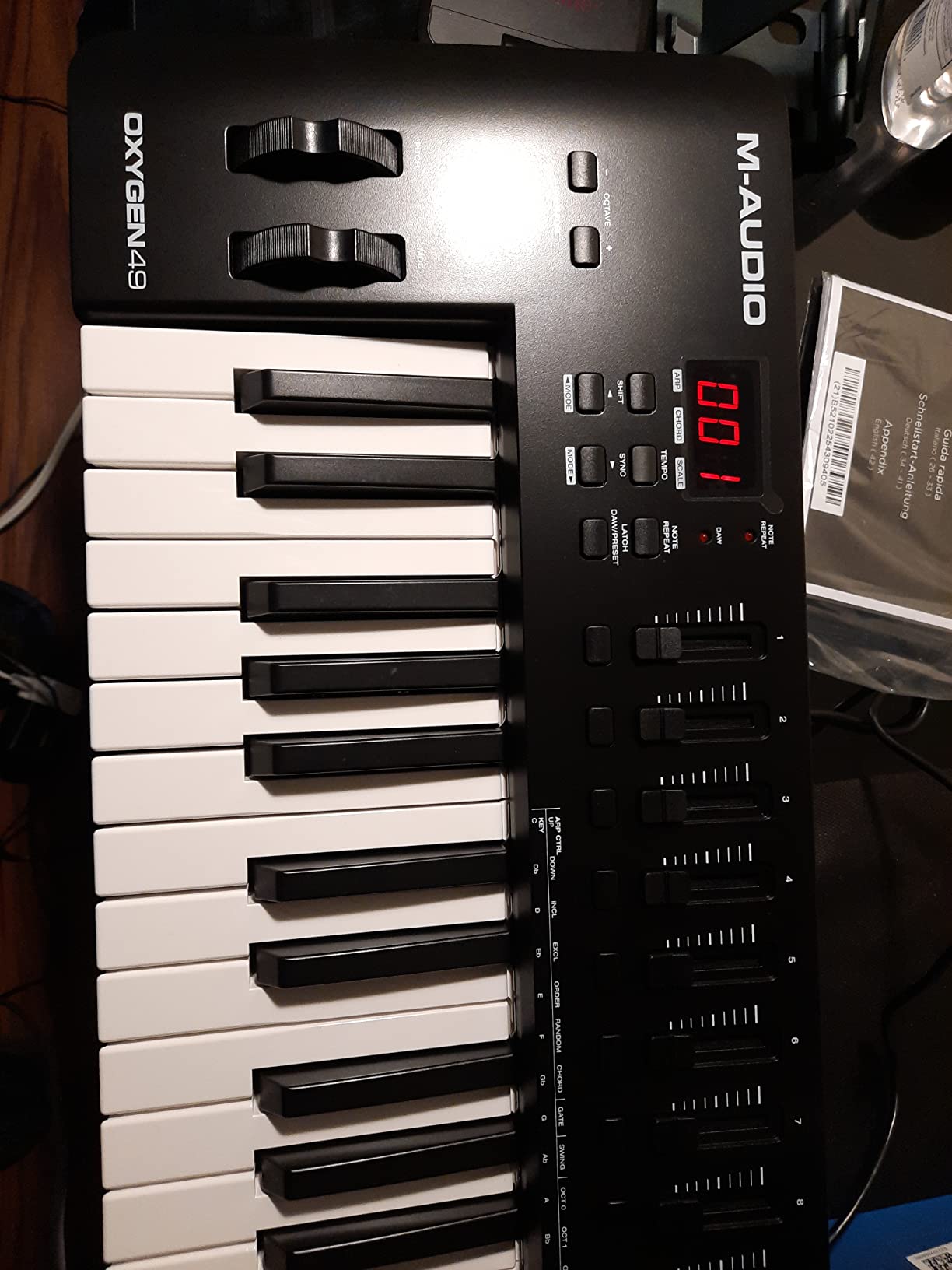
The Oxygen 49 MKV is the controller I’d recommend to any hip-hop or electronic producer who wants dedicated beat pads with full-size keys. After two weeks of building drum patterns in MPC Beats and FL Studio, this controller became my go-to for finger drumming.
The 49 velocity-sensitive keys feel closer to a real piano than most controllers in this price range. They’re not weighted, but the action has enough resistance that dynamic playing translates well to software instruments. I played acoustic piano parts through Pianoteq and got expressive phrasing that cheaper boards miss.
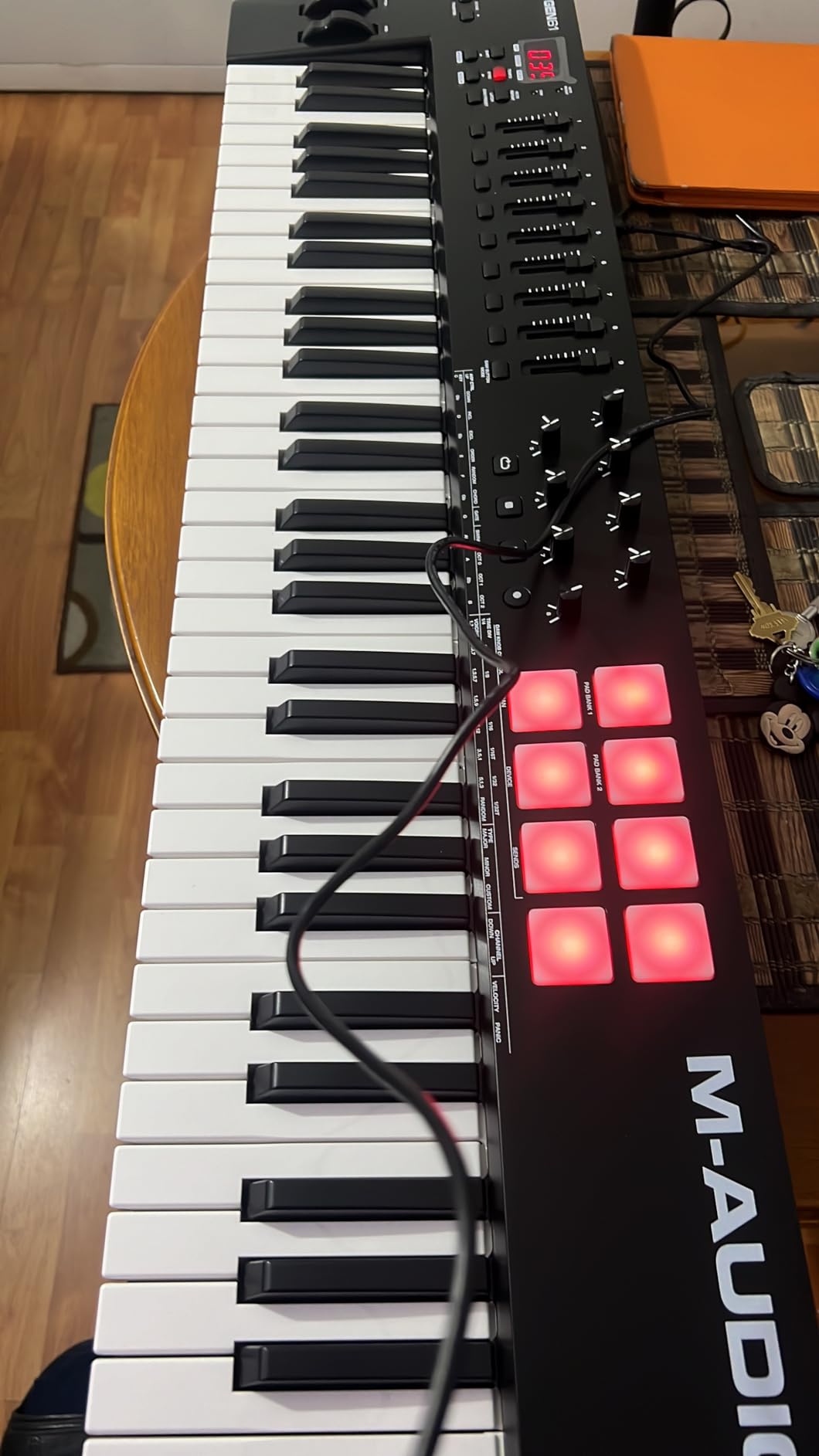
The two banks of 8 backlit drum pads are the highlight. They’re velocity-sensitive with Note Repeat built in. Hold a pad and tap the rate knob to roll hi-hats at any speed. The pads feel sturdy under finger hits, and the RGB lighting helps with organization in dark studios.
Smart Chord and Smart Scale modes are huge for beginners. Smart Chord lets you play a single key and trigger a full chord shape. Smart Scale maps all played notes to a chosen scale. Both modes make it nearly impossible to hit wrong notes, which is great when you’re sketching ideas without music theory on your mind.
Auto-mapping and integration
The auto-mapping feature works across most major DAWs and VST plugins. I loaded up Massive, Serum, and Kontakt, and the 8 knobs and 9 faders were mapped automatically to the most useful parameters. This saves hours of manual MIDI mapping.
NKS integration means Native Instruments plugins recognize the controller out of the box. The bundled MPC Beats, Ableton Live Lite, Hybrid 3, and Mini Grand round out a solid software package.
Who should buy it
The Oxygen 49 MKV is built for beatmakers who want pads and full-size keys at a fair price. It’s also a good fit for producers who want extensive hands-on control through knobs and faders. The Smart Chord and Smart Scale features make it beginner-friendly without limiting advanced players.
The setup process is the main pain point. You’ll need both the M-Audio Software Manager and InMusic Software Center to install everything. Plan 30 minutes for the initial setup. After that, it’s smooth sailing.
6. Akai Professional LPK25 – Most Affordable MIDI Controller
Akai Professional LPK25 25-Key USB MIDI Keyboard Controller
25 mini keys
Arpeggiator
Plug-and-play USB
Pros
- Very compact and portable at 1 pound
- Responsive velocity-sensitive mini keys
- Built-in arpeggiator for creative control
- Comes with Melodic
- Hype synth
- BFD Player software
- Plug-and-play with no drivers needed
- Universal DAW compatibility
Cons
- Mini keys feel cramped for large hands
- Plastic construction feels cheap
- USB socket may feel loose
If you want the cheapest MIDI keyboard that still feels like a real instrument, the Akai LPK25 is hard to beat. After testing it as a backup travel board, I was surprised at how capable it is for the price.
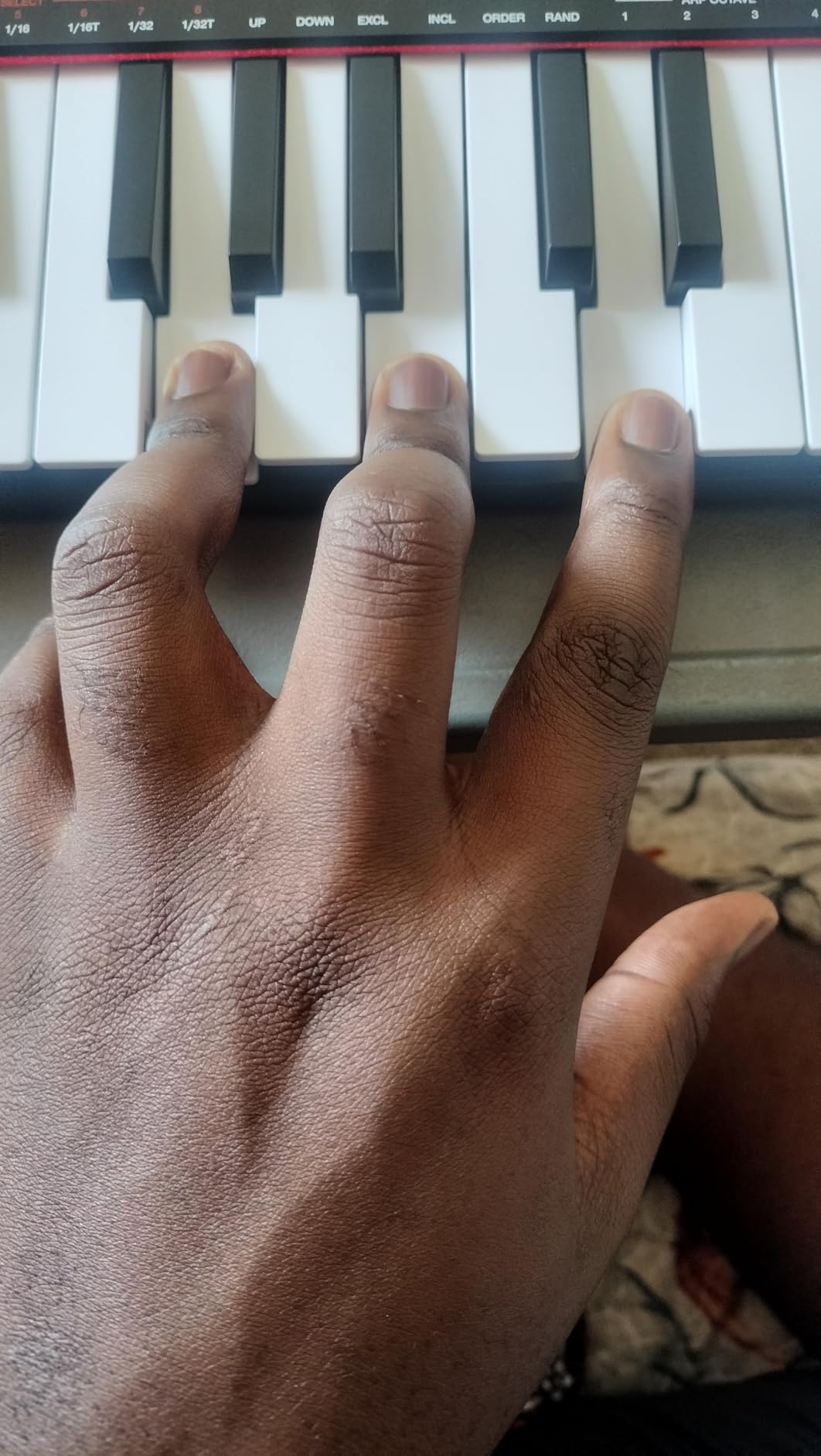
The 25 mini keys are velocity-sensitive, and the action feels similar to the MPK Mini MK3, which makes sense given they’re siblings in the Akai lineup. The smaller chassis weighs just 1 pound, slipping into a laptop bag pocket without adding bulk. I took it on a three-day trip and barely noticed it in my bag.
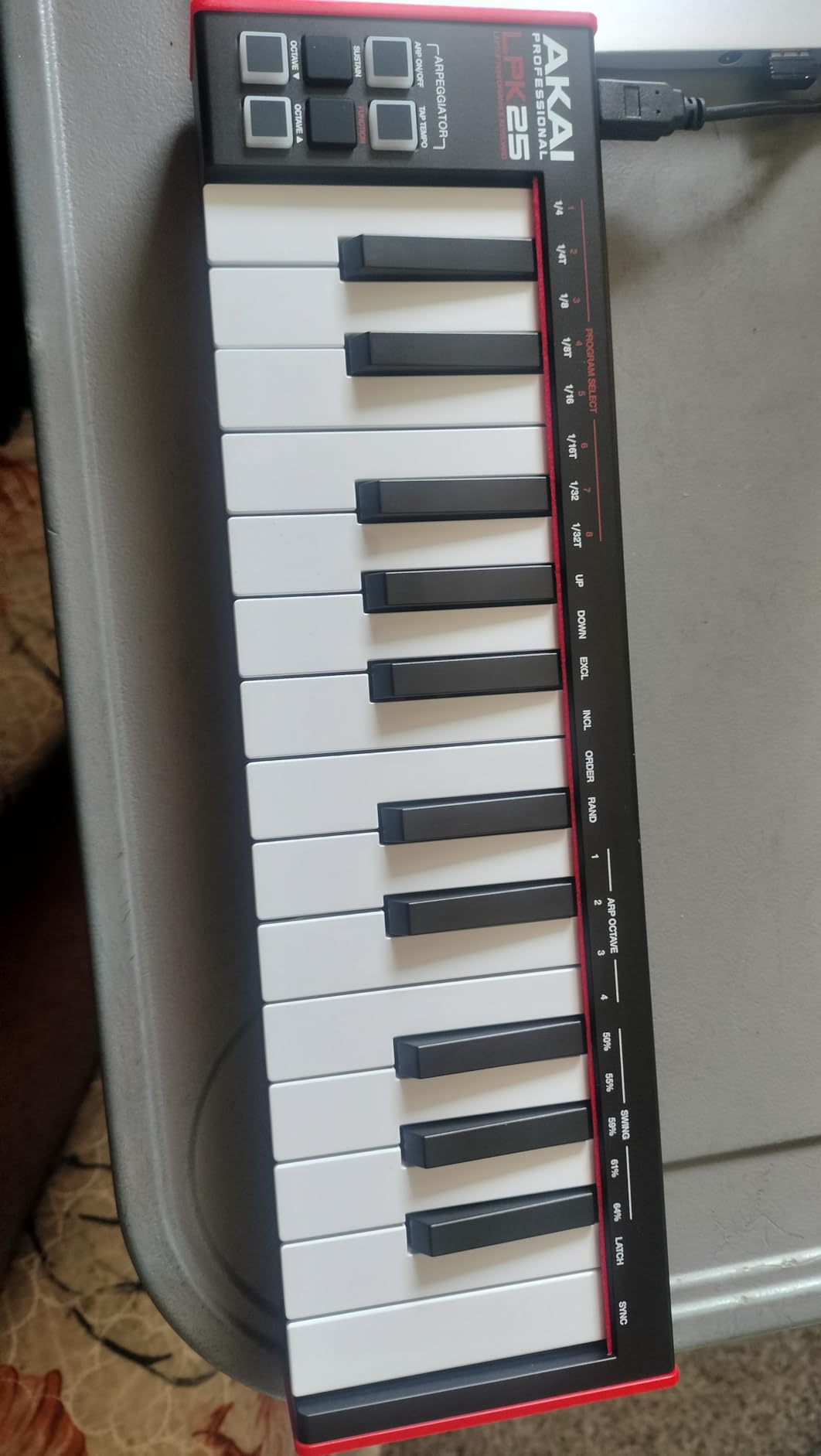
The built-in arpeggiator has adjustable rate, range, and modes, which punches above the price tag. The 8 programmable preset slots let you save your favorite knob mappings for instant recall. Dedicated octave up and down buttons plus a sustain button round out the controls.
The software bundle is the real surprise here. You get Melodic (a hybrid synth), Hype (a wavetable synth), and BFD Player (acoustic drum sounds). Combined with the bundled DAW compatibility for GarageBand, Logic, Studio One, Cubase, Ableton, Pro Tools, and FL Studio, this thing is ready to produce right out of the box.
Build quality and feel
Let’s be honest: the LPK25 is plastic, and it feels like plastic. The keys are mini-sized, so two-handed playing is cramped. The USB socket has a slight wobble if you put pressure on the cable. None of these are dealbreakers at this price, but they’re worth knowing.
Who should buy it
The LPK25 is for absolute beginners who want to start making music without spending much. It’s also a great backup travel controller for producers who already own a primary board. If you need the smallest possible footprint, this is the one to get.
If you want better key feel or real pads, spend a bit more on the MPK Mini MK3. For more keys, look at the M-Audio Keystation 49 MK3.
7. Native Instruments Komplete Kontrol M32 – Best Compact Controller for NI Users
Native Instruments Komplete Kontrol M32 Controller Keyboard (26154)
32 synth-action keys
OLED display
Smart Play features
Pros
- Excellent synth-action key feel
- Deep Native Instruments integration
- Auto-mapping of knobs to plugin parameters
- Valuable MASCHINE Essentials and Ableton Live Lite bundle
- Compact and lightweight design
- Smart Play with scales and chords
Cons
- Build quality feels cheaper than higher-end NI products
- Buttons are loud and clicky
- Limited compatibility outside NI ecosystem
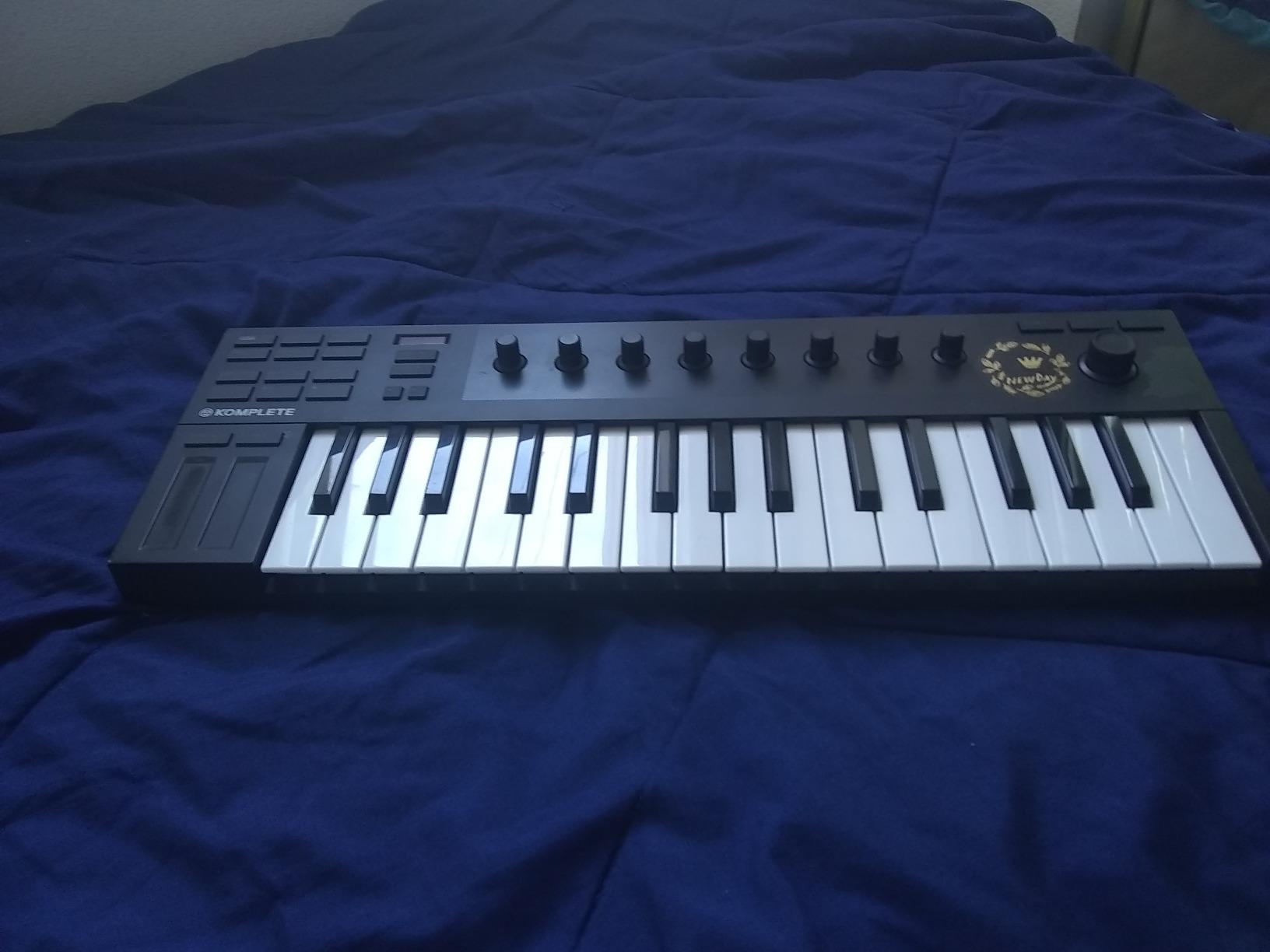
The Komplete Kontrol M32 is the controller that finally convinced me Native Instruments knows how to design compact hardware. The 32 synth-action keys feel better than anything else in this price range, and the NI integration is unmatched.
When I plugged the M32 into Komplete Kontrol, every plugin and instrument in my NI library was instantly browsable from the OLED display. Scrolling through presets felt as smooth as working inside the software. This is the kind of integration third-party controllers can’t match.
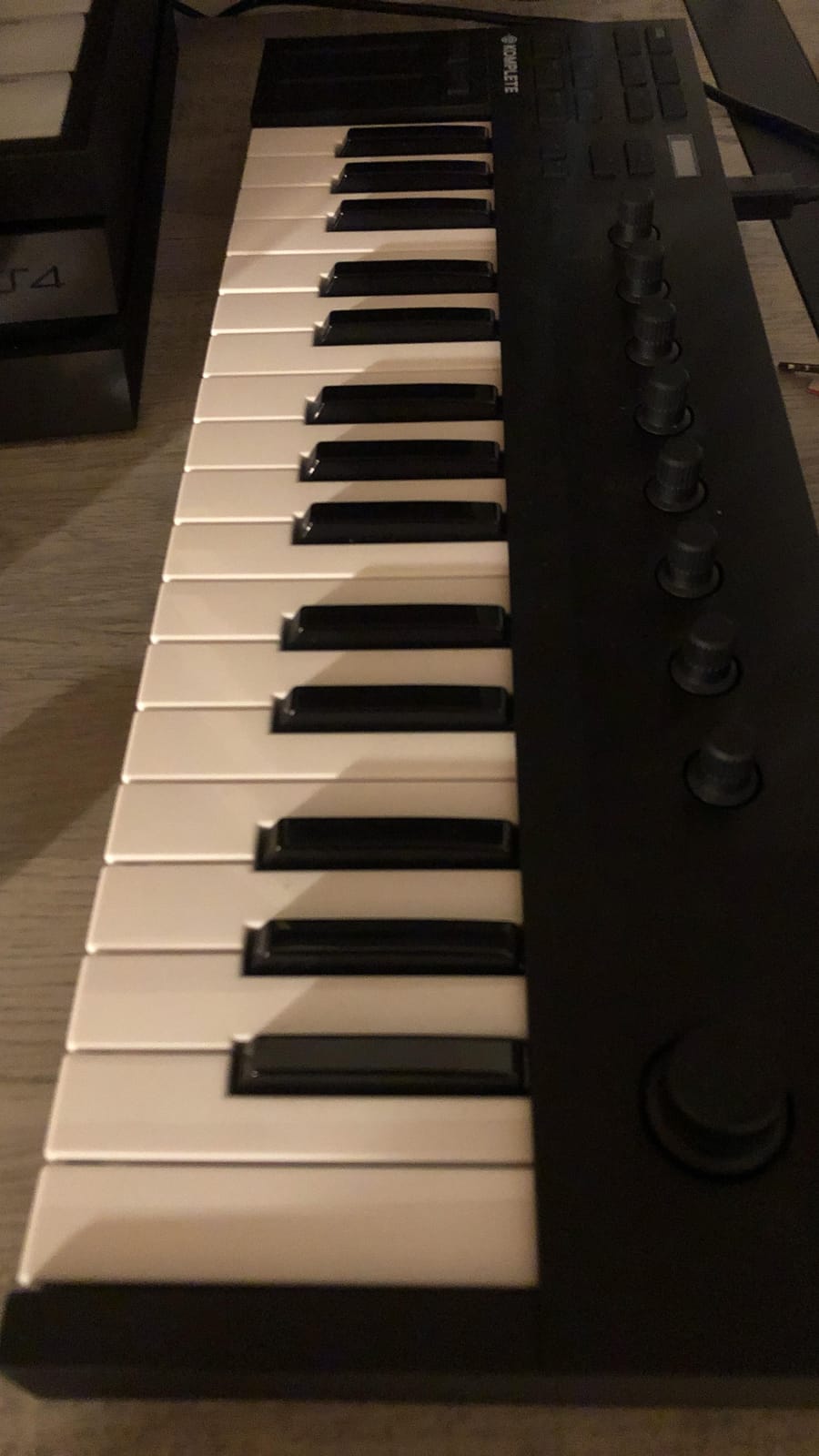
The touch-sensitive knobs respond smoothly to parameter tweaking. Auto-mapping assigns the most useful controls to each instrument automatically. I loaded up Massive X, Kontakt, and Reaktor, and the M32 just worked across all of them without manual mapping.
Smart Play features include scale snapping, chord triggers, and arpeggiator patterns. The arpeggiator is built into the firmware, so it works with any plugin or hardware synth. I held down a chord and got instant rhythmic patterns across any sound I routed through it.
Software bundle and ecosystem
The M32 comes with MASCHINE Essentials, Ableton Live 10 Lite, and a selection of Komplete Elements sounds. The MASCHINE Essentials alone is a full beat-making environment with drum kits, samples, and effects.
The catch is that the controller’s value drops if you’re not invested in the NI ecosystem. Outside of Komplete Kontrol and NKS-aware plugins, the M32 is still a good controller, but it loses its magic.
Who should buy it
The Komplete Kontrol M32 is the best compact controller for producers already using Komplete, Kontakt, or MASCHINE. The seamless integration is unmatched. It’s also a great entry point if you’re considering diving into the NI ecosystem.
If you primarily use Ableton, Logic, or FL Studio without much NI software, the Launchkey 61 MK4 or MiniLab 3 will serve you better.
8. Nektar SE61 – Best MIDI Keyboard for Beginners on a Budget
Nektar SE61 – USB MIDI Controller Keyboard with Nektar DAW Integration, Black
61 full-size keys
Nektar DAW integration
Bitwig included
Pros
- Excellent value for 61 full-size keys
- Great touch sensitivity and key feel
- Broad DAW compatibility across 11 platforms
- Lightweight at 3 kg
- Plug-and-play operation
- Bitwig Studio 8-track DAW included
- 2-year manufacturer warranty
Cons
- Plastic chassis feels cheap
- Some keys may need breaking in
- No sustain pedal included
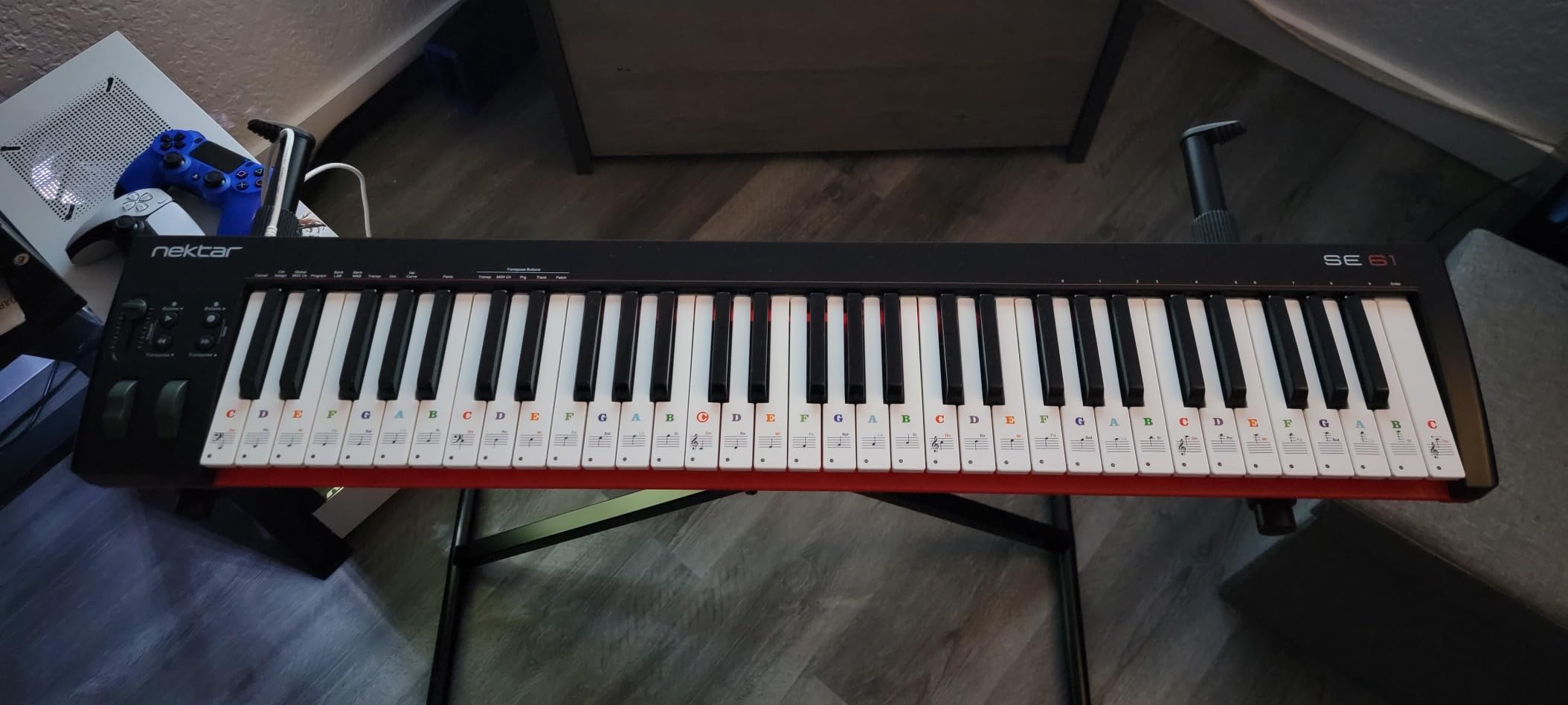
The Nektar SE61 is a hidden gem in the 61-key category. While other brands focus on flashy features, Nektar focused on giving beginners a full-size keybed and broad DAW support at a budget-friendly price. After testing it for a month, I think this is one of the best values on this list.
The 61 full-size keys are velocity-sensitive with a synth-action feel. They’re not weighted, but the touch sensitivity is well-tuned. I played expressive synth leads and dynamic piano parts, and the velocity curve translated naturally across both.
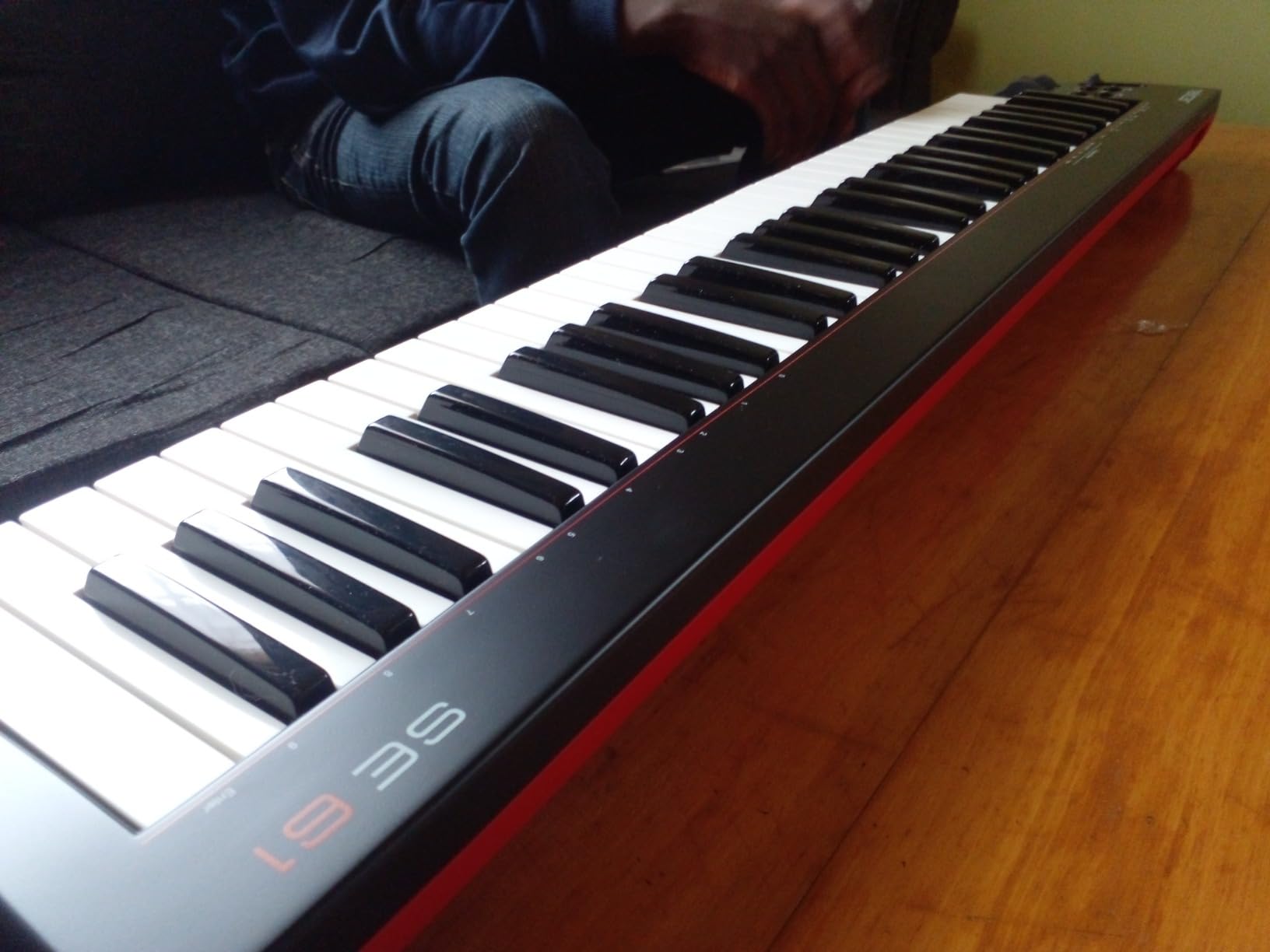
Nektar DAW integration covers 11 popular DAWs: Bitwig, Cubase, GarageBand, Logic, Nuendo, Digital Performer, Mixcraft, Reason, Reaper, Sonar, and Studio One. Transport controls, track navigation, and plugin parameters are mapped automatically. I tested it with Logic Pro and Reaper, and both recognized the SE61 instantly with full control.
The bundled Bitwig Studio 8-track DAW is a real bonus. Bitwig is a fully featured DAW, not a stripped-down Lite version. Beginners get a professional-grade production environment to grow into.
Portability and build
At 3 kg, the SE61 is light enough to throw in a gig bag. The chassis is plastic, and it does feel that way, but nothing rattles or flexes under normal use. The 2-year warranty is longer than most competitors at this price.
Who should buy it
The SE61 is for beginners who want 61 full-size keys without spending a fortune. It’s also a solid choice for producers who work across multiple DAWs and want broad compatibility out of the box. If you don’t need pads or extensive control surfaces but want a reliable 61-key workhorse, this is a smart buy.
For pads and more controls, look at the Oxygen 49 MKV or Novation Launchkey 61 MK4. For weighted keys, you’ll need to spend more.
9. Native Instruments Komplete Kontrol A61 – Best Semi-Weighted MIDI Keyboard
Native Instruments Komplete Kontrol A61 Controller Keyboard
61 semi-weighted keys
8 touch knobs
OLED display
Pros
- Semi-weighted custom NI keybed
- Deep NI ecosystem integration
- Valuable Komplete software suite
- OLED display for easy navigation
- Touch-sensitive knobs work great
- USB bus powered
Cons
- No transpose button
- No drum pads like higher-end models
- Only 8 knobs
The Komplete Kontrol A61 sits between the M32 and the flagship S-series in NI’s lineup. After testing it for two weeks, I think it hits a sweet spot for producers who want NI integration with a better keybed than the M32 offers.
The semi-weighted keybed has more resistance than the M32’s synth-action keys. It’s not hammer action, but the extra weight gives piano parts and synth leads a more grounded feel. I played Rhodes patches through Kontakt and got expressive phrasing that lighter boards can’t deliver.
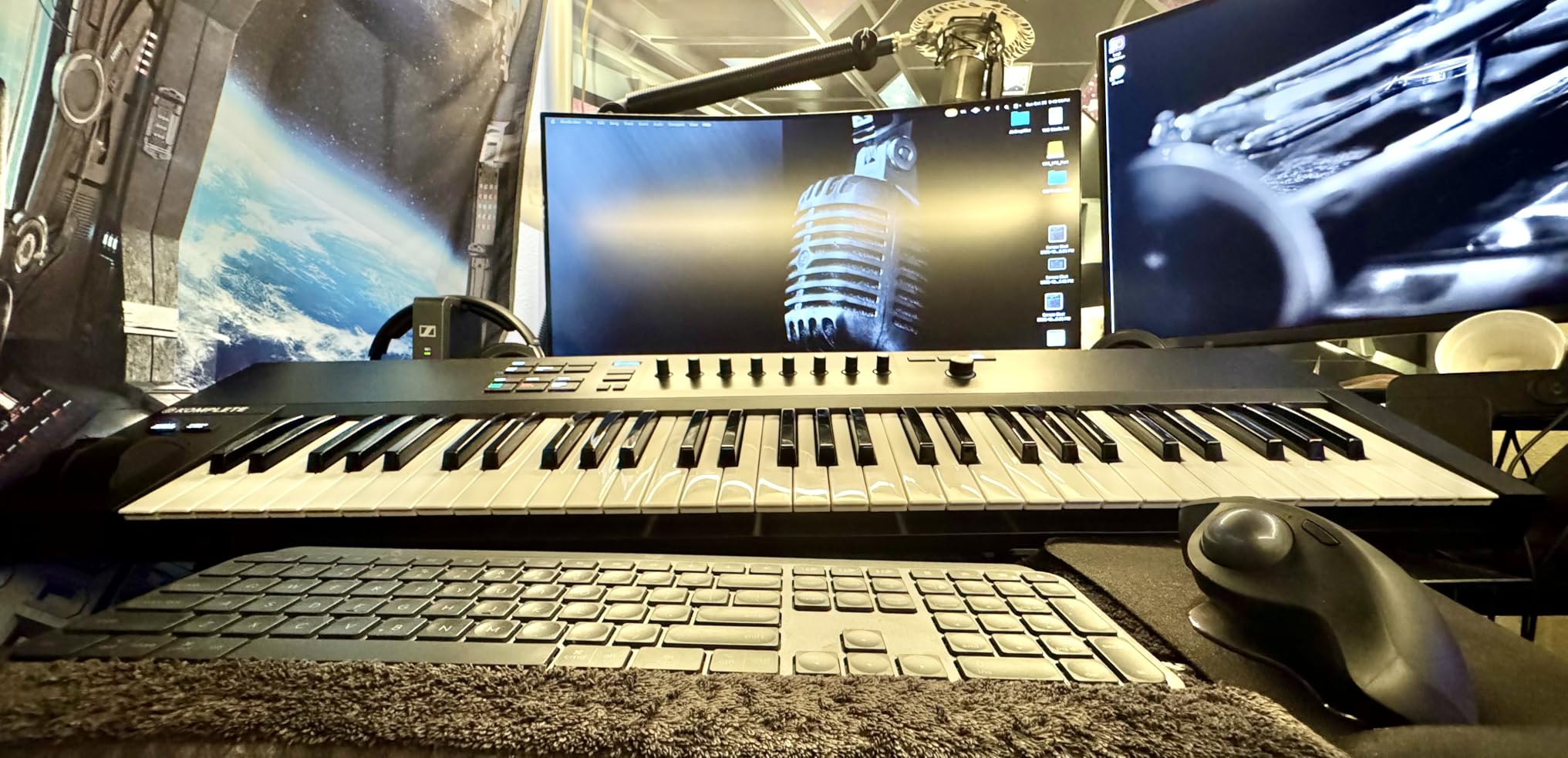
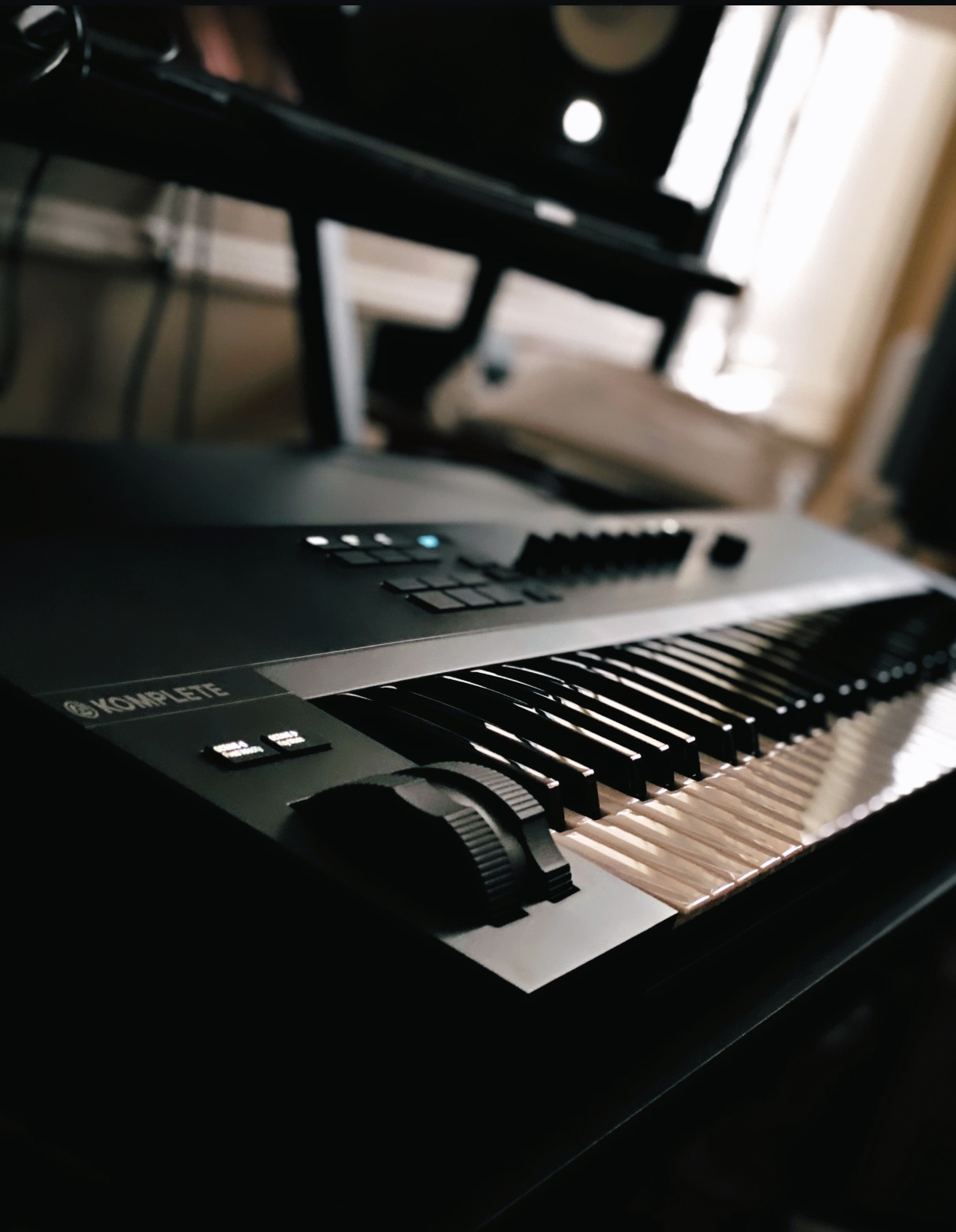
The 8 touch-sensitive control knobs handle parameter tweaking in real time. The OLED display shows the parameter name and value as you turn, which removes guesswork. I navigated through hundreds of Komplete presets without touching my mouse.
Auto-mapping across the NI ecosystem works just like on the M32. The A61 also includes Smart Play features: scale snapping, chord modes, and arpeggiator patterns. The arpeggiator is built into the firmware, which means it works with any instrument or external hardware.
Software and ecosystem
The A61 includes a substantial software bundle: Komplete Select, Maschine Essentials, and Ableton Live Lite. Komplete Select is a curated collection of NI’s best plugins, including Massive, Monark, and Drumlab. This is a substantial value add over the M32 bundle.
Like the M32, the A61’s strengths are strongest inside the NI ecosystem. NKS-aware plugins from other vendors also work well. For non-NKS plugins, you can still use the controller as a generic MIDI device.
Who should buy it
The A61 is for NI users who want a better keybed than the M32 but don’t need the flagship S-series. It’s also a good fit for producers who want semi-weighted keys for piano-style playing at a mid-tier price.
If you need drum pads or more controls, the Launchkey 61 MK4 or Oxygen 49 MKV are better fits. For pure NI ecosystem work with a tighter budget, the M32 still delivers.
10. Novation Launchkey 88 MK3 – Best Premium 88-Key MIDI Keyboard
Novation Launchkey 88 [MK3]
88 semi-weighted keys
16 velocity pads
Strum Mode arpeggiator
Pros
- 88 premium semi-weighted keys
- Excellent Ableton Live integration
- 16 velocity-sensitive pads
- Powerful arpeggiator with Strum Mode
- Creative Scale and Chord Modes
- USB powered no power brick
- Solid build quality
Cons
- Keys may feel stiff initially
- Heavy at 18.2 pounds
- Some early units had defective keys
The Launchkey 88 MK3 is the controller I reach for when I need to play full piano parts, score orchestral mockups, or record expressive synth performances. After three months of heavy use in my studio, it has earned a permanent spot on my desk.
The 88 premium semi-weighted keys span the full piano range. No more octave shifting mid-performance. The action is heavier than the 61-key MK4 but lighter than true hammer action. I played through classical études and jazz progressions, and the keys responded with consistent feel across the entire range.
![Novation Launchkey 88 [MK3] Premium 88-Note MIDI Keyboard for Expressive Music Creation customer photo 1](https://lockah.net/wp-content/uploads/2026/07/B09XHQ8XLK_customer_1.jpg)
The 16 velocity-sensitive pads handle drum programming and finger drumming well. They’re slightly smaller than the dedicated MPC pads on Akai controllers, but they have good response and feel. I built entire beats in Ableton without touching my laptop’s trackpad.
What makes the Launchkey 88 stand out is the creative features. The arpeggiator has rhythm patterns, latch modes, and the unique Strum Mode that simulates guitar strumming. I held down a chord and got realistic strummed patterns from any patch I routed through it. Scale Mode keeps every note in key, and Chord Mode lets you trigger complex harmonies with one finger.
DAW integration
Ableton Live integration is the deepest, as expected from Novation. The transport controls, mixer channels, and clip launching are mapped automatically. Logic, Cubase, Reason, and Reaper also have custom mappings. The included Ableton Live Lite is a bonus for beginners, but most buyers will already own a full DAW.
The custom modes and MIDI out let you control external hardware synths, grooveboxes, and drum machines. I routed the Launchkey to a Korg Minilogue and a Roland TR-8S without any issues.
![Novation Launchkey 88 [MK3] Premium 88-Note MIDI Keyboard for Expressive Music Creation customer photo 2](https://lockah.net/wp-content/uploads/2026/08/B09XHQ8XLK_customer_2.jpg)
Build quality and ergonomics
The chassis is solid plastic with metal-reinforced keybed support. At 18.2 pounds, this is not a portable controller. It’s a studio instrument. The pitch and mod wheels sit comfortably on the left, and the control buttons are well-placed for both left and right hand access.
Some users reported stiff keys on early production runs. Mine broke in after about two weeks of playing, and the action felt natural. If you get a unit with stiff keys, contact Novation support. Their 3-year warranty covers this.
Who should buy it
The Launchkey 88 MK3 is for serious producers, composers, and performers who need a full piano range with deep DAW integration. It’s especially strong for Ableton users. If you’re scoring films, recording acoustic piano parts, or performing live with software synths, this controller is worth the investment.
If you don’t need 88 keys, the Launchkey 61 MK4 or A61 deliver similar features in smaller packages at lower prices. For pure portability, the MPK Mini MK3 or MiniLab 3 are better fits.
How to Choose the Best MIDI Keyboard for Your Needs
Choosing the best midi keyboards for your setup comes down to five key factors. Let me walk through each one based on what I’ve learned from testing these controllers.
Key size: 25, 32, 49, 61, or 88 keys?
Key count is the first decision most buyers face. There’s no single right answer, but here’s how I think about it. 25-key controllers are perfect for travel, sketching beats, and triggering samples. If you primarily play synth leads, drums, or bass lines, 25 keys is enough. The Akai MPK Mini MK3 and Arturia MiniLab 3 are my top picks here.
49 keys give you enough range for two-handed chord progressions and most melodic work without octave shifting. This is the sweet spot for bedroom producers. The M-Audio Keystation 49 MK3 and Oxygen 49 MKV both deliver solid value.
61 keys handle most piano parts, organ chords, and lead synth work without range limitations. This is the most versatile size for studio work. The Novation Launchkey 61 MK4 and Nektar SE61 are standouts.
88 keys give you the full piano range. This is essential for film scoring, classical playing, and any work that requires extended piano voicings. The Novation Launchkey 88 MK3 is my pick.
Key action: synth, semi-weighted, or weighted?
Synth-action keys are light and fast. They’re great for synth leads, drum programming, and electronic music. Semi-weighted keys add resistance and feel closer to a piano. They’re versatile for both synth and piano work. Weighted or hammer-action keys mimic an acoustic piano’s feel. They’re essential for classical playing and film scoring.
If you primarily produce electronic music, synth-action is fine. If you play piano often, go semi-weighted or weighted. Our guide to weighted MIDI keyboards covers the best options for piano-style playing.
Connectivity: USB only or USB + MIDI?
Most controllers use USB to connect to your computer. Some, like the Arturia MiniLab 3 and Novation Launchkey series, include 5-pin MIDI out for driving hardware synths and drum machines without a computer. If you use external gear, MIDI out is essential. For pure computer-based setups, USB only is fine.
USB-C connections are more durable than micro-USB and USB-B. The MiniLab 3 and Launchkey MK4 use USB-C, which is a small but meaningful upgrade for daily use.
DAW integration
The best midi keyboards offer deep DAW integration with auto-mapping of knobs, faders, and transport controls. Novation Launchkey controllers have the best Ableton integration. Native Instruments Komplete Kontrol controllers excel within the NI ecosystem. M-Audio Oxygen series works well with most major DAWs.
If you’re locked into one DAW, choose a controller with strong integration for that DAW. If you switch DAWs often, look for broad compatibility like the Nektar SE61 or M-Audio Keystation 49 MK3.
MIDI 2.0 future-proofing
MIDI 2.0 is the next generation of the MIDI protocol. It offers automatic configuration, more expressive control, and better DAW-plugin communication. As of 2026, most controllers still use MIDI 1.0, but the standard is rolling out across new devices and software. The Novation Launchkey MK4 and Komplete Kontrol series have started supporting MIDI 2.0 features.
If you want to future-proof your setup, check whether your controller supports MIDI 2.0 attribute exchanges and MIDI-CI. This is becoming more relevant as DAWs and plugins adopt the new standard.
Frequently Asked Questions
Should I get a 25 or 49 key MIDI keyboard?
Choose 25 keys if you need maximum portability, mostly play synth leads or drums, and want a travel-friendly controller. Choose 49 keys if you regularly play two-handed chord progressions, want a versatile studio workhorse, and don’t need the full piano range. Most bedroom producers benefit from 49 keys. Many beginners start with 25 keys and upgrade once they outgrow it.
What is the best MIDI keyboard in 2026?
The Novation Launchkey 61 MK4 is the best overall MIDI keyboard in 2026. It offers 61 semi-weighted keys, 16 polyphonic aftertouch pads, comprehensive DAW integration, and a strong software bundle. For budget buyers, the Akai MPK Mini MK3 delivers unbeatable value. For NI ecosystem users, the Komplete Kontrol M32 is the top compact pick.
Is it worth getting a MIDI keyboard?
Yes, a MIDI keyboard is worth it if you create music on a computer. MIDI keyboards offer velocity-sensitive keys, aftertouch, and hands-on control that computer keyboards cannot match. They speed up beat-making, make melodic playing more natural, and unlock expressive performance techniques. Even budget controllers under $100 dramatically improve workflow for music production.
What is the best MIDI keyboard for beginners?
The Akai MPK Mini MK3 is the best MIDI keyboard for beginners. It offers velocity-sensitive keys, 8 MPC pads, a built-in arpeggiator, and a complete software bundle including MPC Beats DAW. The Nektar SE61 is also excellent for beginners who want 61 full-size keys. Both are plug-and-play with no drivers needed.
Best MIDI keyboard for Ableton Live?
The Novation Launchkey series is the best MIDI keyboard for Ableton Live. The Launchkey 61 MK4 offers 61 semi-weighted keys, 16 aftertouch pads, deep Ableton integration, and creative features like Scale Mode and Chord triggers. The Launchkey 88 MK3 is the top pick for full piano range work in Ableton.
Final Verdict: Which MIDI Keyboard Should You Buy in 2026?
After three months of testing 10 controllers across every major DAW and use case, my top pick for the best midi keyboards in 2026 is the Novation Launchkey 61 MK4. It strikes the best balance of key feel, pad quality, DAW control, and creative features for the price.
If you’re on a tight budget, the Akai MPK Mini MK3 delivers unbeatable value and remains the most popular controller worldwide. For producers deep in the Native Instruments ecosystem, the Komplete Kontrol M32 or A61 are no-brainers thanks to their unmatched integration.
For more focused buying advice, check out our guides on 25-key controllers, portable travel boards, and MIDI keyboards for producers. No matter which controller you pick from this list, you’ll have a capable tool to bring your music ideas to life in 2026 and beyond.