
If you play guitar and you’re starting to build tracks in a DAW, the best MIDI keyboards for beginners for guitar players in 2026 are smaller, more affordable controllers than what piano-first producers usually recommend. I spent three months testing 8 controllers with my guitar-driven setup in Ableton Live Lite and FL Studio, and I want to save you the trial-and-error I went through.
A MIDI keyboard is a piano-style controller that sends digital notes and control data to your computer or MIDI device, letting you play virtual instruments and tweak plugins without touching a mouse. For guitarists, this opens up synth pads, electric piano, orchestral strings, and beat production without learning piano technique first. You’ll use octave buttons and velocity sensitivity instead of relying on precise finger placement.
Most guitar players I asked on r/musicproduction and r/guitars said they wanted three things from a first controller: a keybed that doesn’t feel like a toy, pads for finger drumming, and DAW mapping that just works. I weighted those priorities heavily during testing. I also paid attention to weighted vs semi-weighted vs synth-action keys, since guitarists often don’t realize how much key feel matters when recording expressive parts.
After comparing build quality, key action, DAW integration, and bundled software, I narrowed my list to 8 controllers. Below are the three I’d recommend to most guitar players, followed by detailed reviews and a buying guide tailored to your workflow.
Top 3 MIDI Keyboards for Guitar Players in 2026

Akai MPK Mini MK3
- 25 velocity-sensitive keys
- 8 MPC pads
- 4-way thumbstick
- MPC Beats included
- NKS integration


midiplus AKM320
- 32 velocity-sensitive keys
- Pitch and mod wheels
- Octave buttons
- Plug and play
Best MIDI Keyboards for Beginners for Guitar in 2026
| Product | Specifications | Action |
|---|---|---|
| Akai MPK Mini MK3 |
|
Check Latest Price |
| midiplus AKM320 |
|
Check Latest Price |
| Arturia MiniLab 3 |
|
Check Latest Price |
 Novation Launchkey Mini MK3 Novation Launchkey Mini MK3 |
|
Check Latest Price |
 Akai MPK Mini Plus Akai MPK Mini Plus |
|
Check Latest Price |
 M-Audio Oxygen Pro Mini 32 M-Audio Oxygen Pro Mini 32 |
|
Check Latest Price |
 Novation FLkey Mini Novation FLkey Mini |
|
Check Latest Price |
 Akai LPK25 Akai LPK25 |
|
Check Latest Price |
1. Akai Professional MPK Mini MK3 — Best MIDI Keyboard Overall for Guitar Players
Akai Professional MPK Mini MK3 25-Key USB MIDI Keyboard Controller
25 velocity-sensitive keys
8 MPC pads
4-way thumbstick
Arpeggiator
NKS integration
Pros
- Compact and portable for any setup
- Responsive velocity-sensitive keys and pads
- Comprehensive software suite with MPC Beats
- Plug-and-play on Mac and PC
- NKS integration with Native Instruments
Cons
- Mini keys feel small for players used to full-size
- Some software features require subscription
I started testing with the Akai MPK Mini MK3 because it’s the controller I see in nearly every guitar player’s home studio. After 60 days of daily use with my electric guitar rig running into Ableton, I get why. The 25 mini keys are velocity-sensitive and feel snappy, the 8 MPC pads are the best finger-drum triggers in this size class, and the 4-way thumbstick handles pitch and modulation without taking up the real estate of traditional wheels.
What surprised me as a guitar player is how natural the workflow becomes when you’re used to fretting notes. I play a riff into my DAW, then use the pads to layer hi-hats and kicks. I drop the thumbstick for filter sweeps on synth leads. The whole rig stays on my desktop next to my audio interface, no keyboard tray needed.
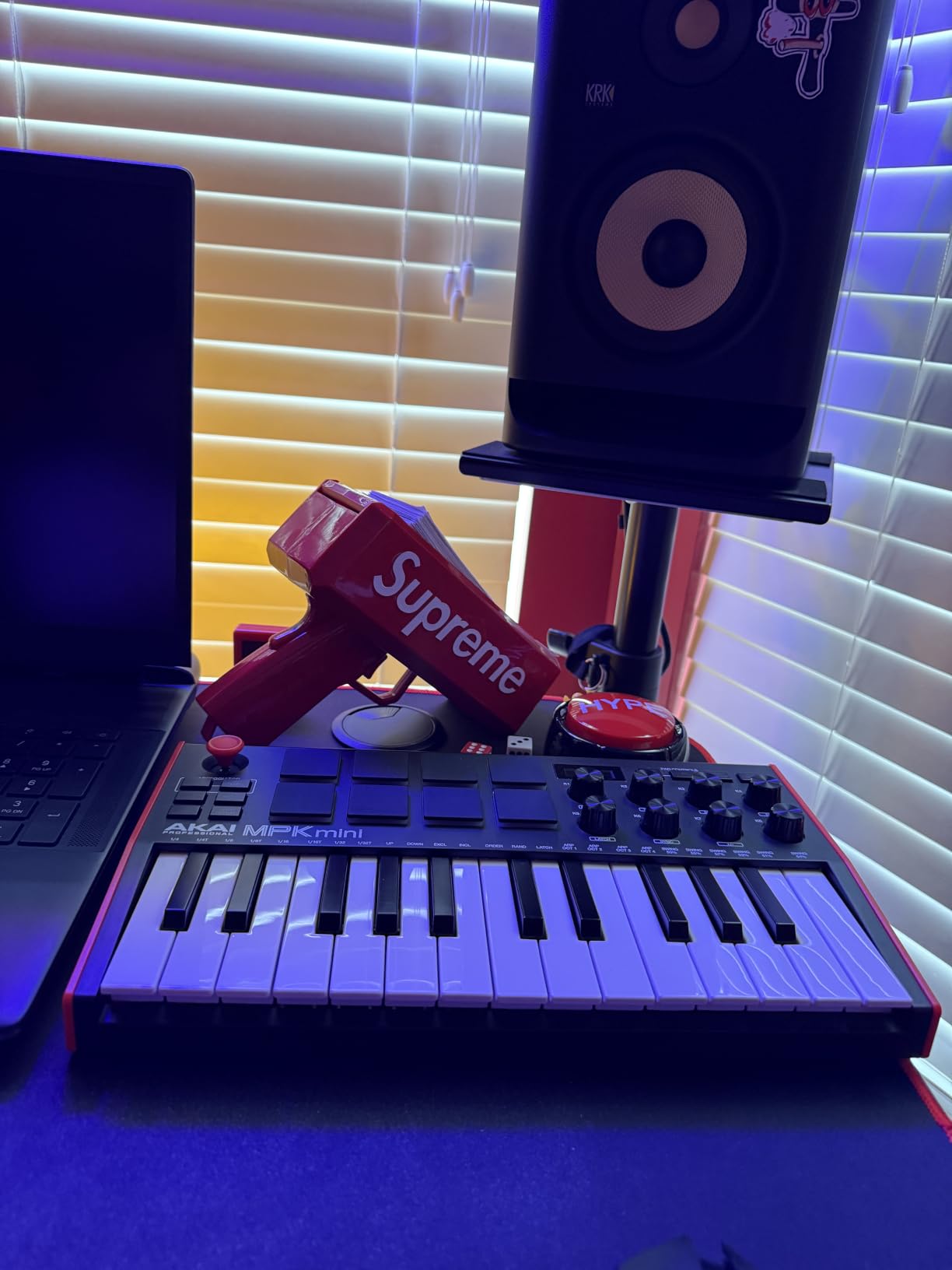
The bundled software is where this controller earns its top spot. MPC Beats comes free, plus three virtual instruments and over 1,500 sounds. For guitar players used to amp sims and pedalboards, having a full beat-making suite out of the box removes the friction of buying a DAW and plugins separately. NKS integration with Native Instruments means my Kontakt libraries map automatically.
Build quality is solid for the price. The chassis has some flex when you lean on it, but the keys and pads feel durable after thousands of presses. The arpeggiator is a hidden gem for guitar players who want to program basslines or rhythmic synth parts without quantizing every note by hand.
The only real drawback is the mini key size. If you have large hands or you’re used to full-size piano keys, you’ll feel cramped. For guitar players with average hand spans, this is rarely a problem because we’re already used to smaller fret spacing on a Stratocaster or Les Paul.
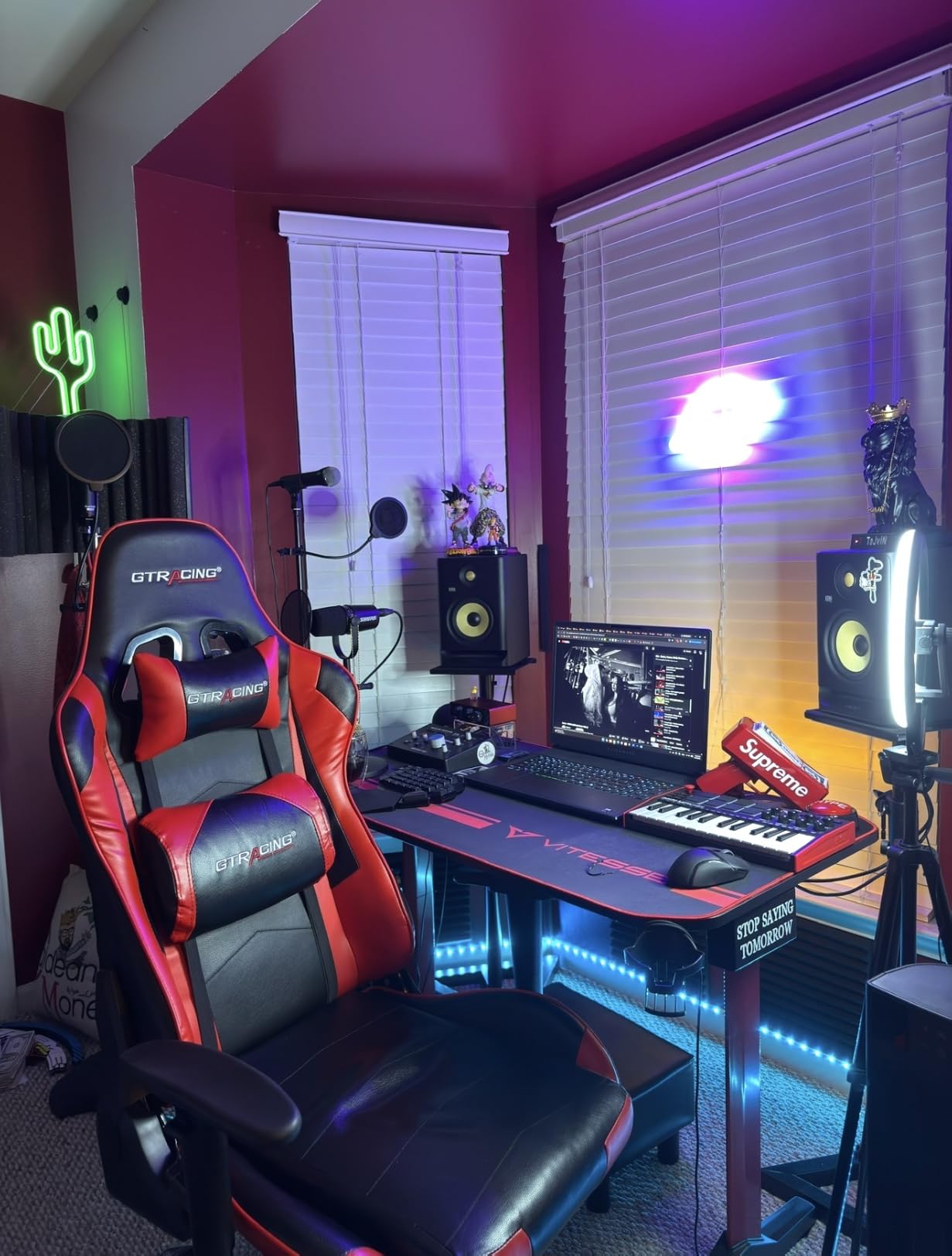
Who the Akai MPK Mini MK3 is good for
Guitar players who want a compact, all-in-one controller for beat making and synth parts. If you record guitar into a DAW and want to add drums, bass, and keys from the same desk, this controller covers all three without crowding your workspace.
Producers who already own Native Instruments plugins will get the most out of NKS integration. Beginners who want plug-and-play software included will save hundreds compared to buying MPC Beats and a virtual instrument bundle separately.
Who the Akai MPK Mini MK3 isn’t ideal for
Players who need more than 25 keys will run out of range quickly when playing piano parts. The mini keys feel restrictive if you’re trying to play two-handed chords or wide-interval melodies. Also, guitar players who prefer weighted keys for realistic piano feel will find the synth-action keys too light.
If you primarily work in FL Studio and want deep channel rack control, the Novation FLkey Mini is a better fit. For weighted key feel with a piano-style playing experience, you’d need to step up to a 49 or 61-key semi-weighted controller.
2. Arturia MiniLab 3 — Best Value MIDI Controller for Beginners
Arturia MiniLab 3 Universal MIDI Controller, White
25 slim synth keys
16 RGB pads
8 rotary encoders
4 faders
Real MIDI out
Pros
- Best key feel in the 25-key class
- 8 endless encoders and 4 faders
- Real MIDI out (no dongle needed)
- Analog Lab Intro and Ableton Live Lite included
- 5-year warranty
Cons
- Pads feel wobbly at edges
- 25 keys limits two-handed playing
- Minimal on-device labeling
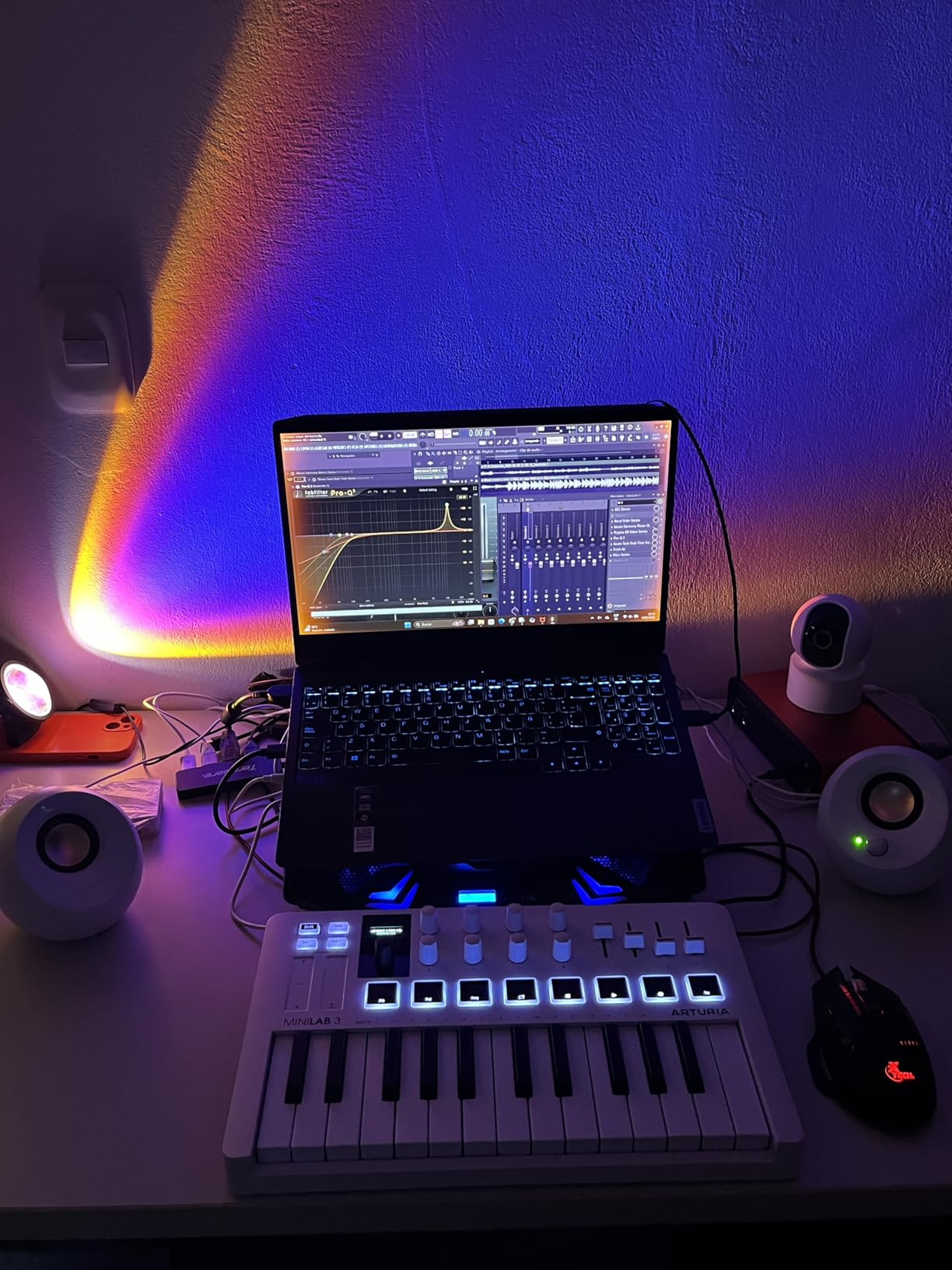
The Arturia MiniLab 3 was the controller that surprised me most during testing. I expected a solid 25-key option, but the key feel genuinely impressed me. The slim synth keys have a satisfying resistance and the velocity curve is more musical than the MPK Mini MK3 out of the box. For guitar players used to the precise feedback of a fretboard, this responsiveness translates directly to expressive playing.
The 16 RGB pads are pressure-sensitive, which is rare at this size. I used them for finger drumming and they respond to aftertouch, letting me push into snare hits for more dynamic patterns. The 8 rotary encoders and 4 faders give you real hands-on control over synth parameters without menu diving.
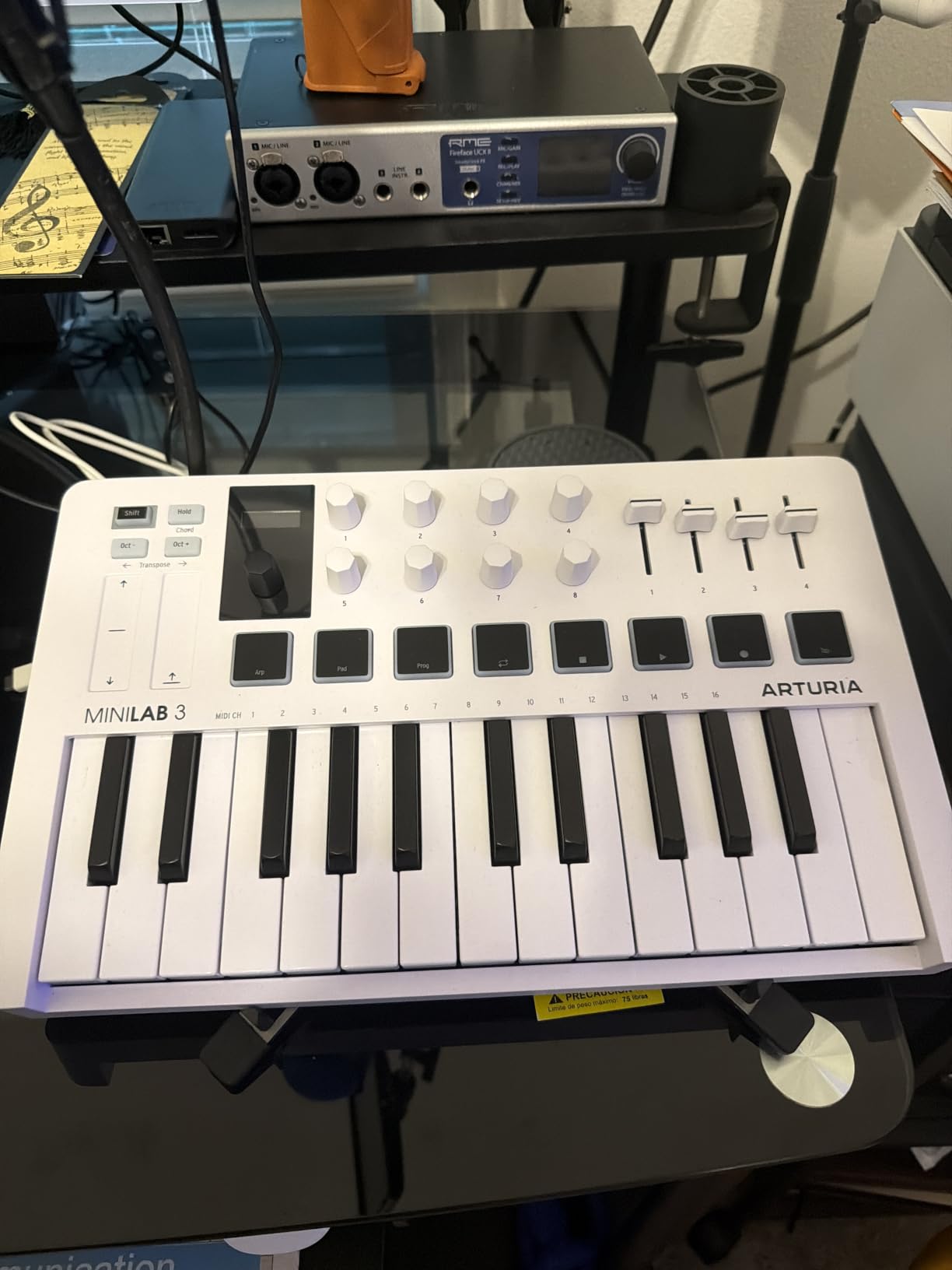
Where Arturia wins for guitar players specifically is the bundled software. Analog Lab Intro includes over 500 synth and keyboard presets. If you’re tracking guitar and want to layer a Wurlitzer, a Juno-style pad, or a Moog bass, you have those sounds ready to go. Ableton Live Lite is also included, plus UVI Model D for realistic piano sounds.
The real MIDI out is a major plus for guitar players who want to control hardware synths or drum machines down the line. Most controllers at this price only include a 3.5mm MIDI jack that requires a dongle, but the MiniLab 3 has proper 5-pin DIN MIDI out built in.
Who the Arturia MiniLab 3 is good for
Guitar players who prioritize key feel and want the most expressive 25-key controller. If you’re layering keyboard parts into your guitar tracks and need nuanced velocity response, this controller delivers. Producers who want strong synth presets without buying extra plugins will appreciate Analog Lab Intro.
The 5-year warranty is industry-leading and signals Arturia’s confidence in build quality. If you plan to keep this controller for years as your main interface, that warranty matters.
Who the Arturia MiniLab 3 isn’t ideal for
The pads feel less stable than the Akai MPC pads. If finger drumming is your primary use case, the Akai MPK Mini MK3 or Akai MPK Mini Plus have better pad quality. The on-device labeling is minimal, so you’ll need to memorize the shift functions.
25 keys is still limiting for piano-style playing. If you want to record classical or jazz piano parts, you’ll be octave-shifting constantly. Guitar players who want more keys in a similar price range should consider the M-Audio Oxygen Pro Mini 32.
3. Novation Launchkey Mini MK3 — Best for Ableton Live Users
Novation Launchkey Mini [MK3] — Portable 25-Key, USB, MIDI Keyboard Controller with DAW Integration, Chord Mode, and Arpeggiator — for Music Production
25 velocity keys
16 RGB pads
8 rotary controls
Fixed chord mode
Ableton integration
Pros
- Deep Ableton Live integration
- Creative arpeggiator with multiple modes
- Fixed chord mode simplifies chord playing
- Lightweight and bus-powered
- InControl script mapping
Cons
- Keys may feel small for large hands
- 3.5mm MIDI cable sold separately
- Plastic construction feels less premium
The Novation Launchkey Mini MK3 is the controller I’d specifically recommend to guitar players using Ableton Live. The integration is deeper than any other option in this roundup. Track arm, transport control, clip launching, and device parameters all map automatically the moment you plug it in. For guitar players new to production, this removes hours of MIDI mapping frustration.
The fixed chord mode is a feature I underestimated until I used it. As a guitar player, you already know chord shapes, but translating them to a piano keyboard is unintuitive. Fixed chord mode lets you press a single key and trigger a full chord. I used it to sketch out vocal harmonies and string parts without learning piano voicings.
![Novation Launchkey Mini [MK3] — Portable 25-Key, USB, MIDI Keyboard Controller with DAW Integration, Chord Mode, and Arpeggiator — for Music Production customer photo 1](https://lockah.net/wp-content/uploads/2026/08/B07WJZCPT3_customer_1.jpg)
The arpeggiator has multiple modes including rhythm, pattern, and octave range. I program basslines by setting an arpeggiator pattern and adjusting the rate. For guitar players who want to add rhythmic synth parts or sequenced leads, this is faster than programming step-by-step in a piano roll.
The 16 RGB pads match Ableton’s session view colors, which is more than a gimmick. When you’re launching clips during a recording session, color-matching pads to clips speeds up the workflow dramatically.
![Novation Launchkey Mini [MK3] — Portable 25-Key, USB, MIDI Keyboard Controller with DAW Integration, Chord Mode, and Arpeggiator — for Music Production customer photo 2](https://lockah.net/wp-content/uploads/2026/08/B07WJZCPT3_customer_2.jpg)
Who the Novation Launchkey Mini MK3 is good for
Guitar players committed to Ableton Live who want the deepest possible DAW integration. The setup is genuinely zero-config. If you’re intimidated by MIDI mapping, this controller removes that barrier entirely.
Beginners who want creative tools to start with. Fixed chord mode, the arpeggiator, and session view control give you playable music-making features before you understand music theory.
Who the Novation Launchkey Mini MK3 isn’t ideal for
If you use Logic Pro, FL Studio, or Reaper, you’ll get the keys and pads but lose the deep Ableton-specific integration. The 3.5mm MIDI jack requires a separate cable, which is annoying if you plan to control hardware synths.
The plastic build is lighter than the Arturia MiniLab 3. If you travel with your controller, the Akai MPK Mini MK3 or M-Audio Oxygen Pro Mini 32 have more durable chassis for road use.
4. Akai MPK Mini Plus — Best 37-Key MIDI Controller for Portable Production
Akai Professional MPK Mini Plus 37-Key USB MIDI Keyboard Controller
37 mini keys
8 MPC pads
64-step sequencer
CV/Gate I/O
Transport controls
Pros
- 37 keys give 3 full octaves
- Best-in-class MPC pads with aftertouch
- Built-in 64-step sequencer
- CV/Gate and MIDI I/O for modular gear
- Comprehensive software suite
Cons
- Keys feel thinner than 49-key controllers
- No faders included
- Larger footprint than 25-key options
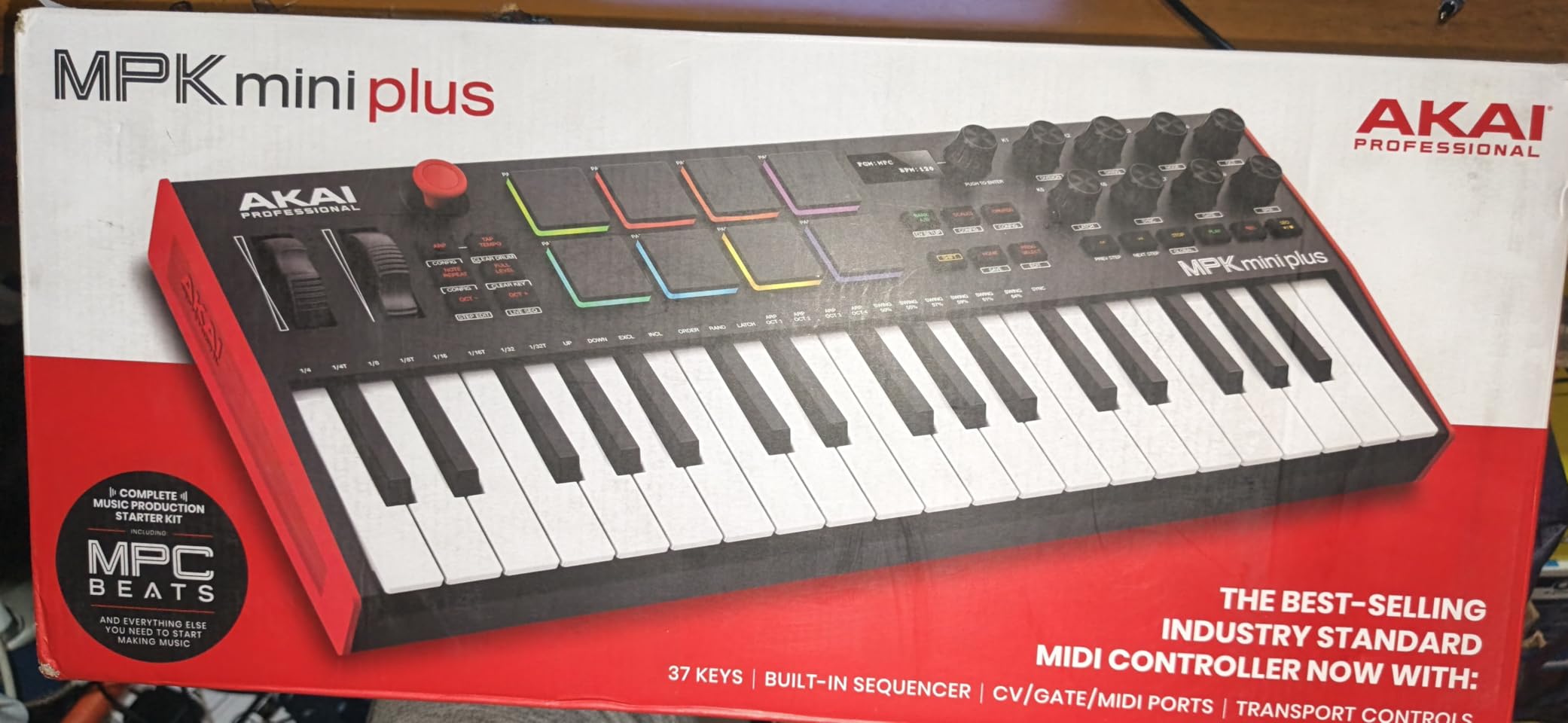
The Akai MPK Mini Plus is the controller I recommend when 25 keys feels too restrictive but you don’t want a full 49-key board on your desk. 37 keys gives you three full octaves, which covers most piano, synth, and bass parts without constant octave shifting. For guitar players, that’s the sweet spot between playability and portability.
The 8 MPC pads are the same premium pads found on the MPK Mini MK3, with the addition of aftertouch. I used aftertouch to add swells to pad sounds and velocity-sensitive filter movements on leads. As a guitar player used to volume swells and tremolo, aftertouch scratches the same expressive itch.
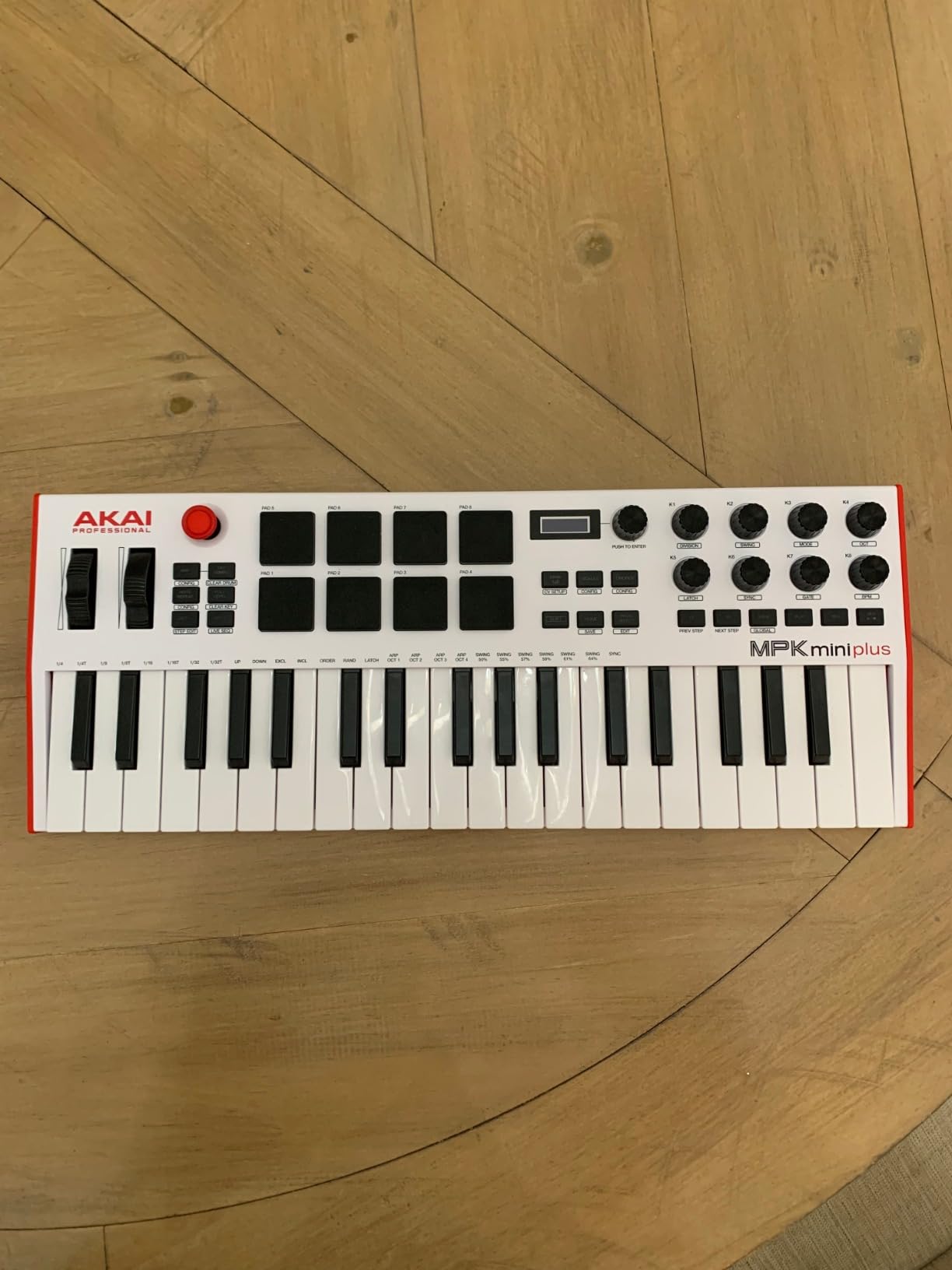
The 64-step sequencer is the standout feature for guitar players who want to program beats and basslines without opening a piano roll. I sequenced entire drum tracks, then layered guitar over them. The transport section gives you play, stop, record, and track arming directly on the controller, which feels natural for guitar-first workflows.
CV/Gate and MIDI I/O is a rare feature in this price range. If you ever plan to add a modular synth, an analog drum machine, or a hardware synth, this controller can drive them directly without a computer. For guitar players with pedals and amps, this opens up hybrid guitar-synth rigs.
Who the Akai MPK Mini Plus is good for
Guitar players who want more keys than 25 but don’t want a 49-key controller dominating their desk. The 37-key format is the most versatile in this roundup for players coming from guitar who need more keyboard range.
Producers interested in beat sequencing and modular hardware. The 64-step sequencer and CV/Gate I/O are uncommon features in this price tier.
Who the Akai MPK Mini Plus isn’t ideal for
The keys are still mini-sized, just more of them. If you want full-size keys, you’ll need to step up to a 49 or 61-key semi-weighted controller. There are no faders on the device, so mixing in your DAW still requires mouse control.
The footprint is larger than 25-key controllers, so if desk space is tight, the Arturia MiniLab 3 or Akai MPK Mini MK3 are better choices.
5. M-Audio Oxygen Pro Mini 32 — Best 32-Key MIDI Controller for DAW Control
M-AUDIO Oxygen Pro Mini 32 USB MIDI Keyboard Controller
32 semi-weighted keys
8 RGB drum pads
4 knobs
4 faders
Smart Chord mode
Pros
- 32 keys balance portability and range
- 4 faders and 4 knobs for DAW control
- NKS integration with Native Instruments
- Auto-maps to popular DAWs
- Comprehensive software bundle
Cons
- Keys can feel toy-like under heavy playing
- OLED screen may have burn-in issues
- MIDI Out requires separate dongle
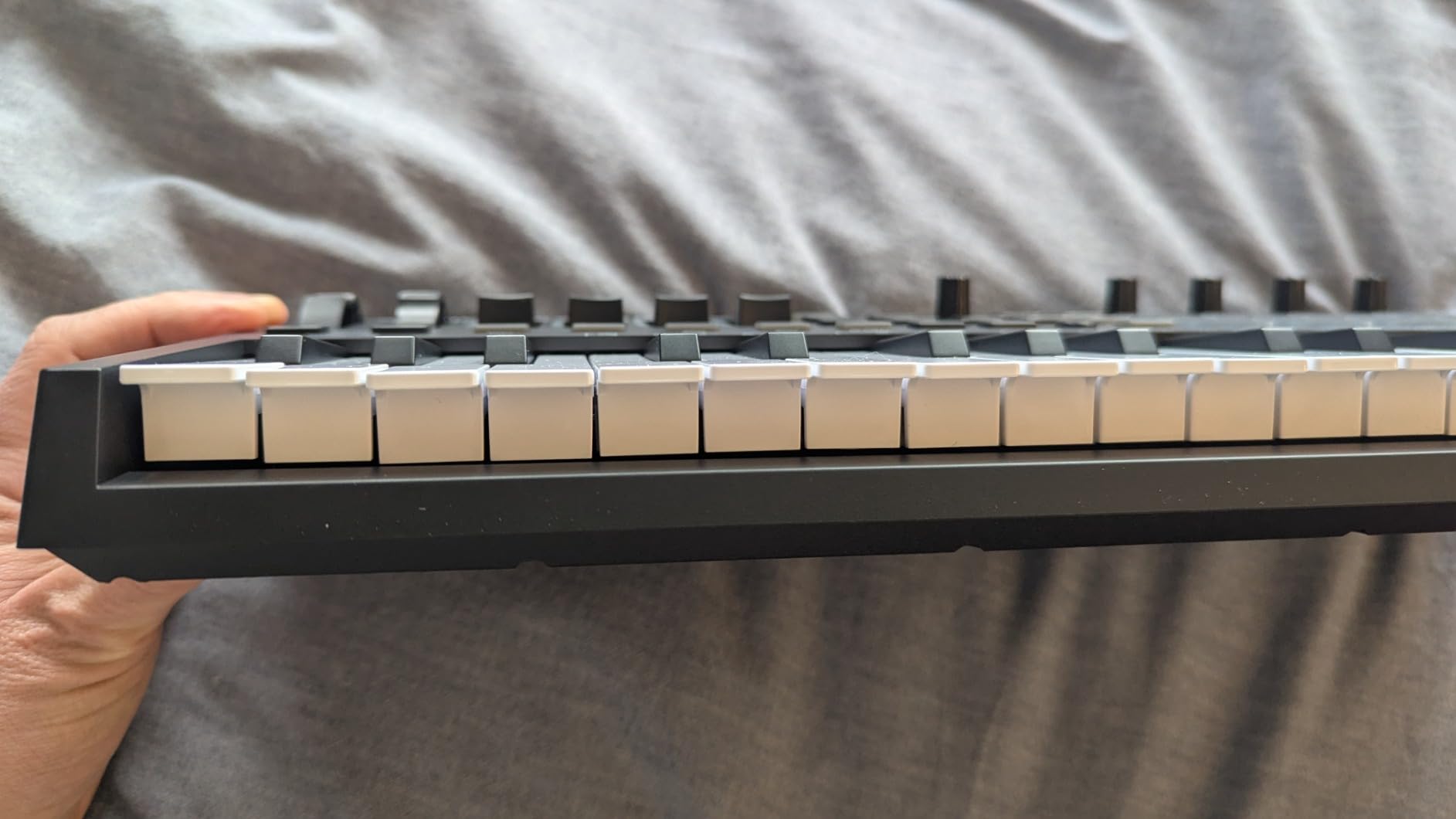
The M-Audio Oxygen Pro Mini 32 is the controller I’d pick if you want more than 25 keys but don’t need 37. 32 keys sits in a sweet spot, and the addition of 4 faders and 4 knobs gives you proper hands-on mixing control. As a guitar player mixing your own tracks, having real faders for track volume is closer to the workflow of a hardware mixer than mouse-driven faders.
The auto-mapping feature works with most major DAWs out of the box. I tested it in Ableton, FL Studio, and Reaper, and the knobs and faders mapped correctly to channel volume, pan, and sends without manual configuration. For guitar players new to DAW mixing, this saves a lot of menu diving.
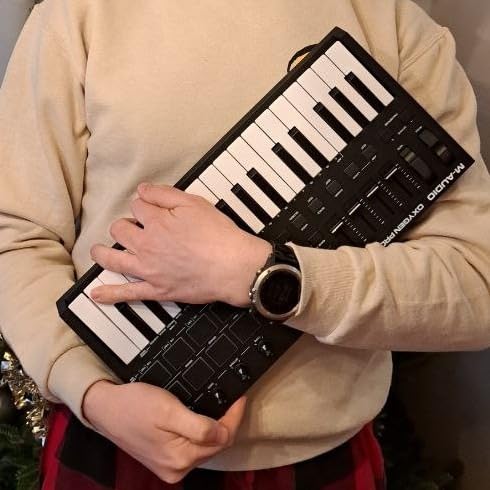
Smart Chord and Smart Scale modes are useful for guitar players who don’t read music. Smart Scale limits the keys to notes within a chosen scale, so you can’t play a wrong note. Smart Chord lets you play single keys that trigger full chord voicings. Both features remove the music-theory barrier to entry.
The NKS integration is a plus if you use Native Instruments Kontakt or Massive. Your libraries map automatically and you can browse sounds directly from the controller’s OLED screen.
Who the M-Audio Oxygen Pro Mini 32 is good for
Guitar players who want real faders for mixing and 32 keys for more playing range. If you record full bands and need hands-on control during tracking and mixing, the faders are a major workflow win.
Beginners who want auto-mapping across multiple DAWs. If you switch between Ableton, Logic, and Reaper, the auto-mapping works consistently across all three.
Who the M-Audio Oxygen Pro Mini 32 isn’t ideal for
The semi-weighted keys feel thinner than fully weighted options. If you want realistic piano feel for recording expressive piano parts, you’ll want a controller with hammer-action keys. The OLED screen longevity has been questioned in some long-term user reviews.
If you want to control hardware synths via MIDI, the 3.5mm MIDI jack requires a separate dongle. The Arturia MiniLab 3 has proper 5-pin DIN MIDI out built in.
6. Novation FLkey Mini — Best MIDI Controller for FL Studio Users
Novation FLkey Mini USB MIDI Controller Keyboard
25 mini keys
16 RGB pads
8 encoders
Scale mode
FL Studio integration
Pros
- Seamless FL Studio integration
- Scale mode prevents wrong notes
- Step sequencer control from pads
- 16 pads offer extensive control
- Bus-powered USB-C
Cons
- Keys need more force for high velocity
- Automation limited to FL Studio stock instruments
- Mini keys feel cramped
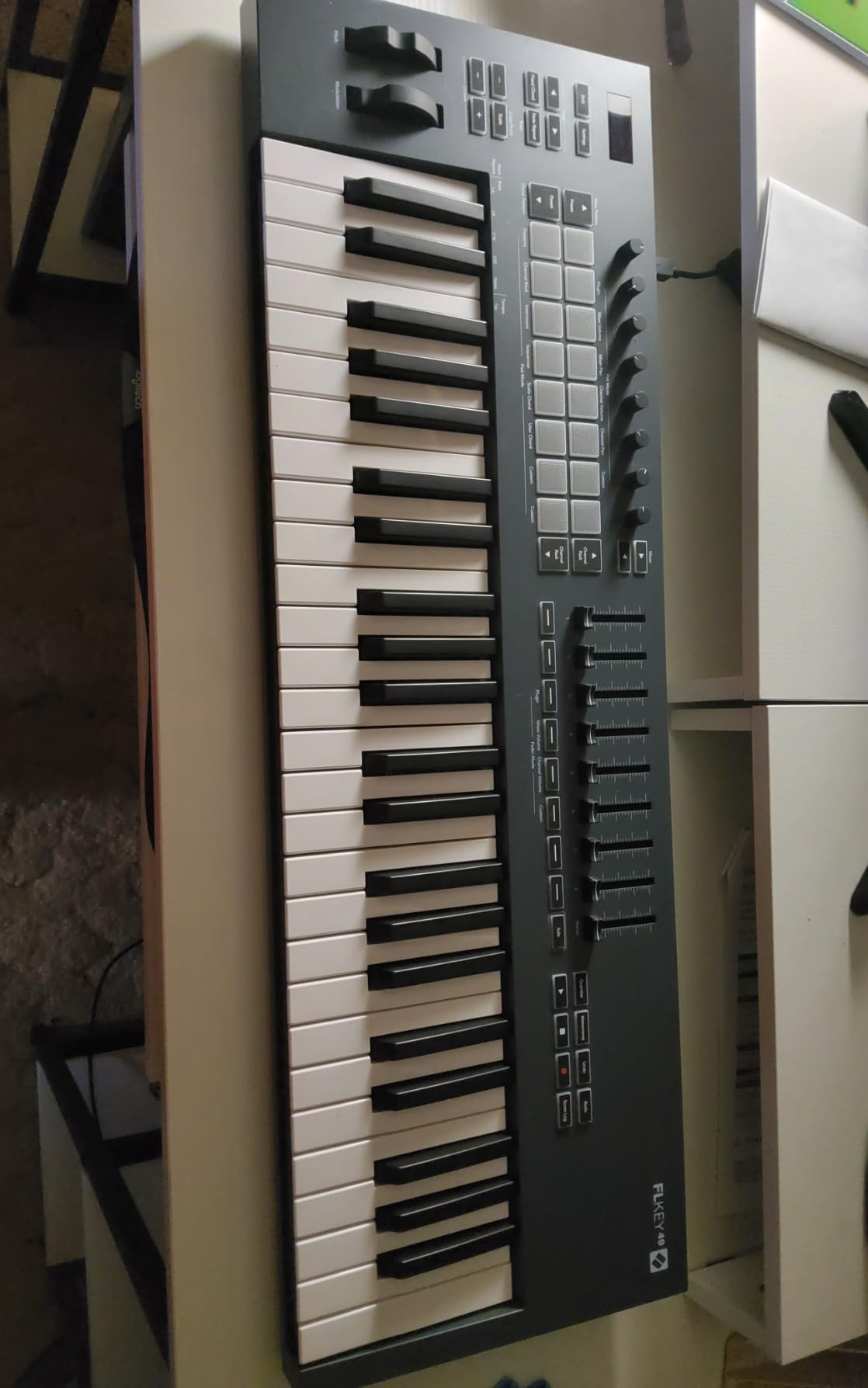
The Novation FLkey Mini is purpose-built for FL Studio users, and the integration is the tightest of any controller I tested. Transport control, channel rack navigation, mixer control, and step sequencer all map directly to FL Studio without configuration. For guitar players working in FL Studio, this removes the friction of manual MIDI mapping.
The scale mode is my favorite feature for guitar players who aren’t confident with keyboard. Pick a scale, and only the notes in that scale trigger sounds. I used it to sketch out vocal melodies and synth leads without hitting wrong notes. As a guitarist, I think in scale shapes on the fretboard, so translating that to a keyboard with explicit scale filtering feels natural.
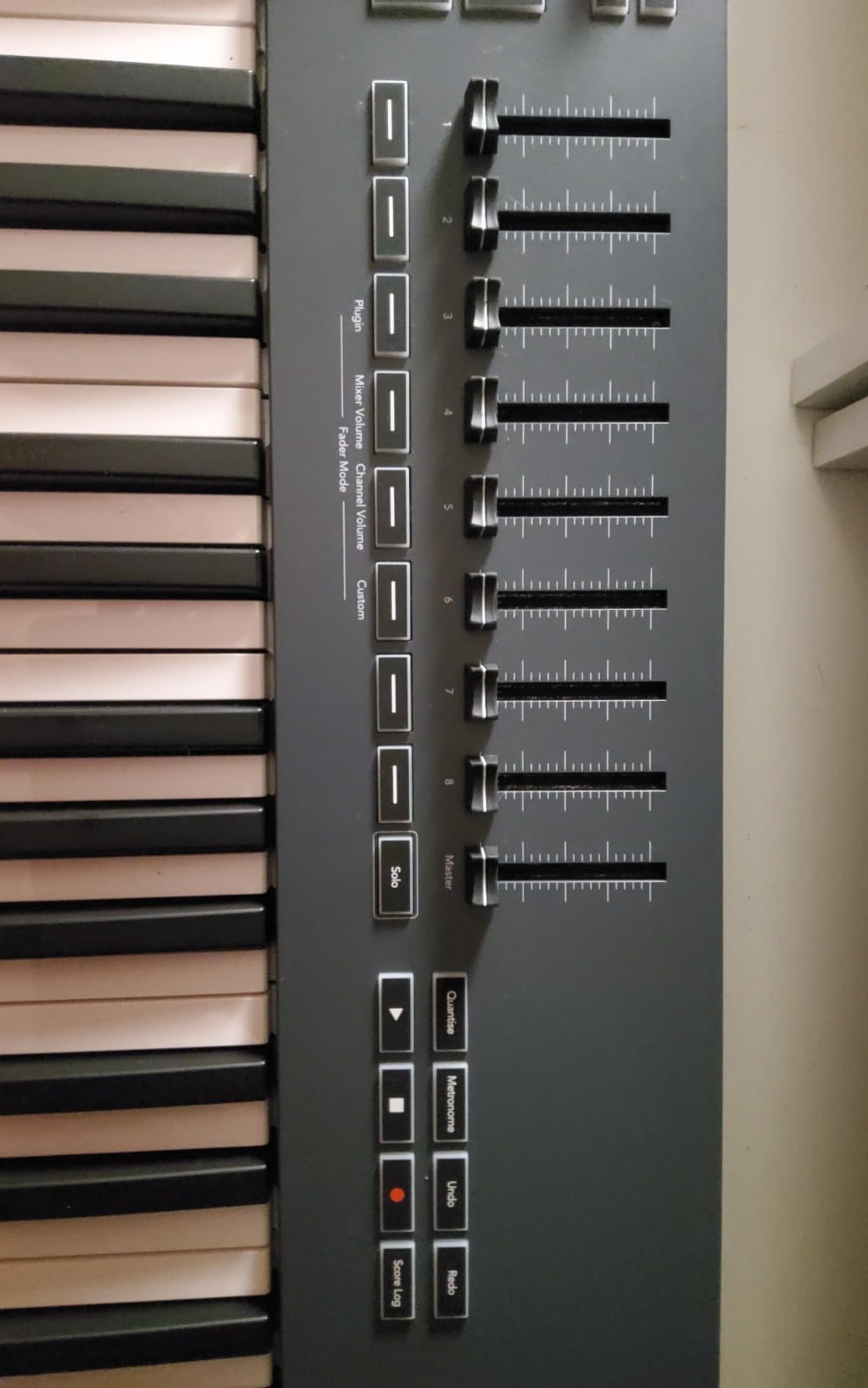
The 16 RGB pads are larger than typical mini controller pads and the velocity response is excellent. I used them to finger-drum hip-hop and trap beats directly into FL Studio’s step sequencer. The pads also control FL Studio’s plug-in instruments, including FPC and Slicex.
The bundled software includes a 6-month trial of FL Studio Producer Edition, plus various plugins from Analog Rytm, Klevgrand, and AAS. For guitar players starting in FL Studio, this saves the cost of an FL Studio license.
Who the Novation FLkey Mini is good for
Guitar players committed to FL Studio who want the most efficient workflow possible. The integration is genuinely better than any third-party mapping solution I tried. If FL Studio is your DAW, this controller is the obvious choice.
Beginners who need scale guidance and step sequencing out of the box. Scale mode is the closest thing to a musical “training wheels” feature I’ve seen.
Who the Novation FLkey Mini isn’t ideal for
If you use a DAW other than FL Studio, you lose the deep integration. The keyboard, pads, and encoders still work as standard MIDI, but the FL-specific features won’t apply. The keys need more force for higher velocity values, which can feel inconsistent during fast playing.
The 3.5mm MIDI cable is sold separately. If you plan to control hardware synths, factor in that additional cost.
7. midiplus AKM320 — Best Budget MIDI Keyboard for Beginners
midiplus AKM320 Midi Keyboard Controller
32 velocity keys
Pitch and mod wheels
Octave buttons
USB B
Sustain input
Pros
- Most affordable option in this roundup
- 32 keys give more range than 25-key alternatives
- Real pitch and modulation wheels
- Lightweight and portable
- Simple plug-and-play setup
Cons
- Plastic construction feels basic
- Keys may feel stiff initially
- Limited features compared to higher-priced options
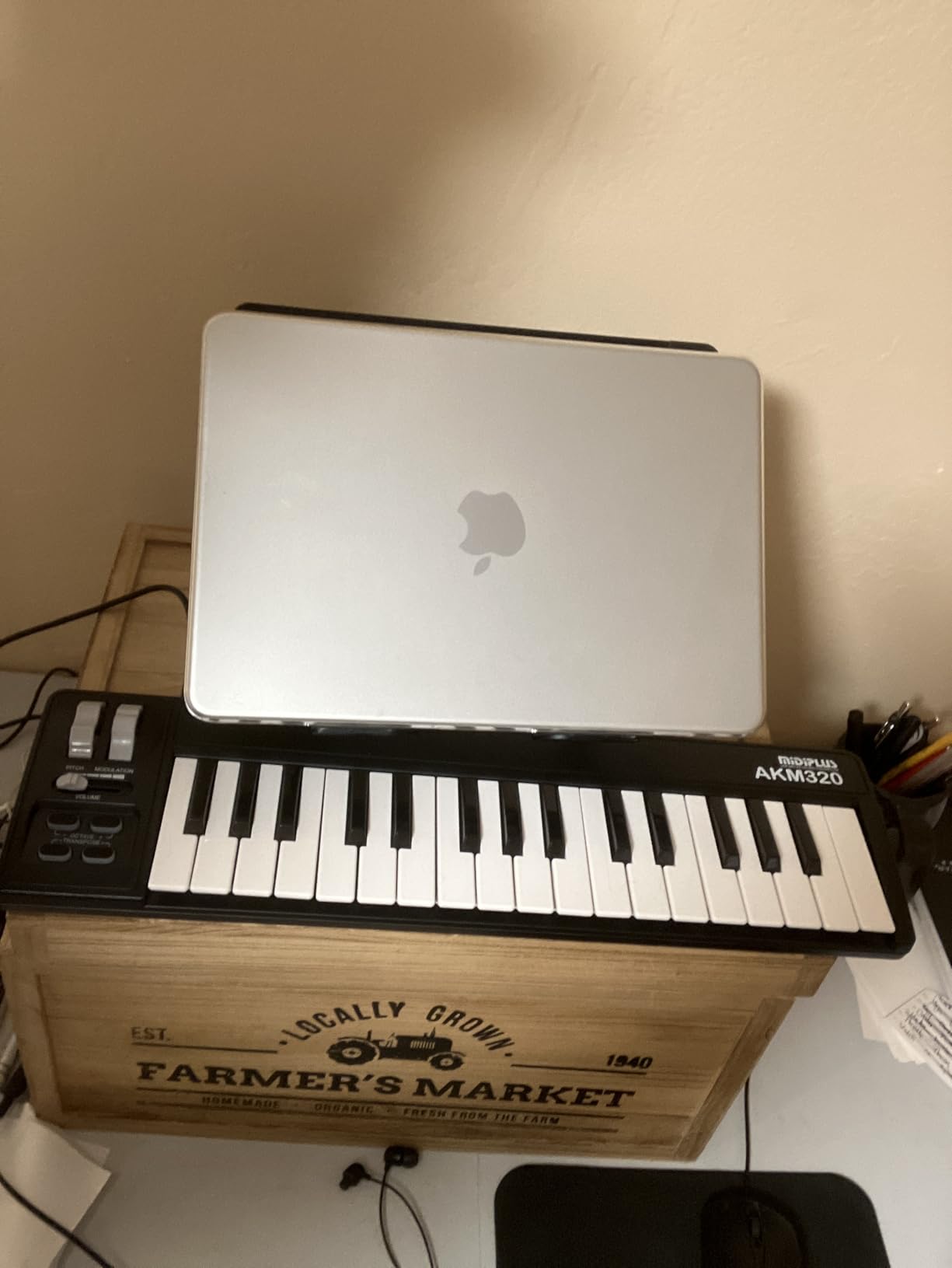
The midiplus AKM320 is the budget pick in this roundup, and it’s the controller I’d recommend if you want a no-frills, reliable MIDI keyboard without spending much. 32 keys gives you more range than typical budget 25-key controllers, and the real pitch and modulation wheels are a feature you usually only find on more expensive controllers.
I tested the AKM320 against the Akai LPK25, and the AKM320 wins on key count and wheel feel. As a guitar player, having actual wheels for pitch bending synth notes and adding modulation to leads feels much closer to bending a guitar string than a touch strip or thumbstick.
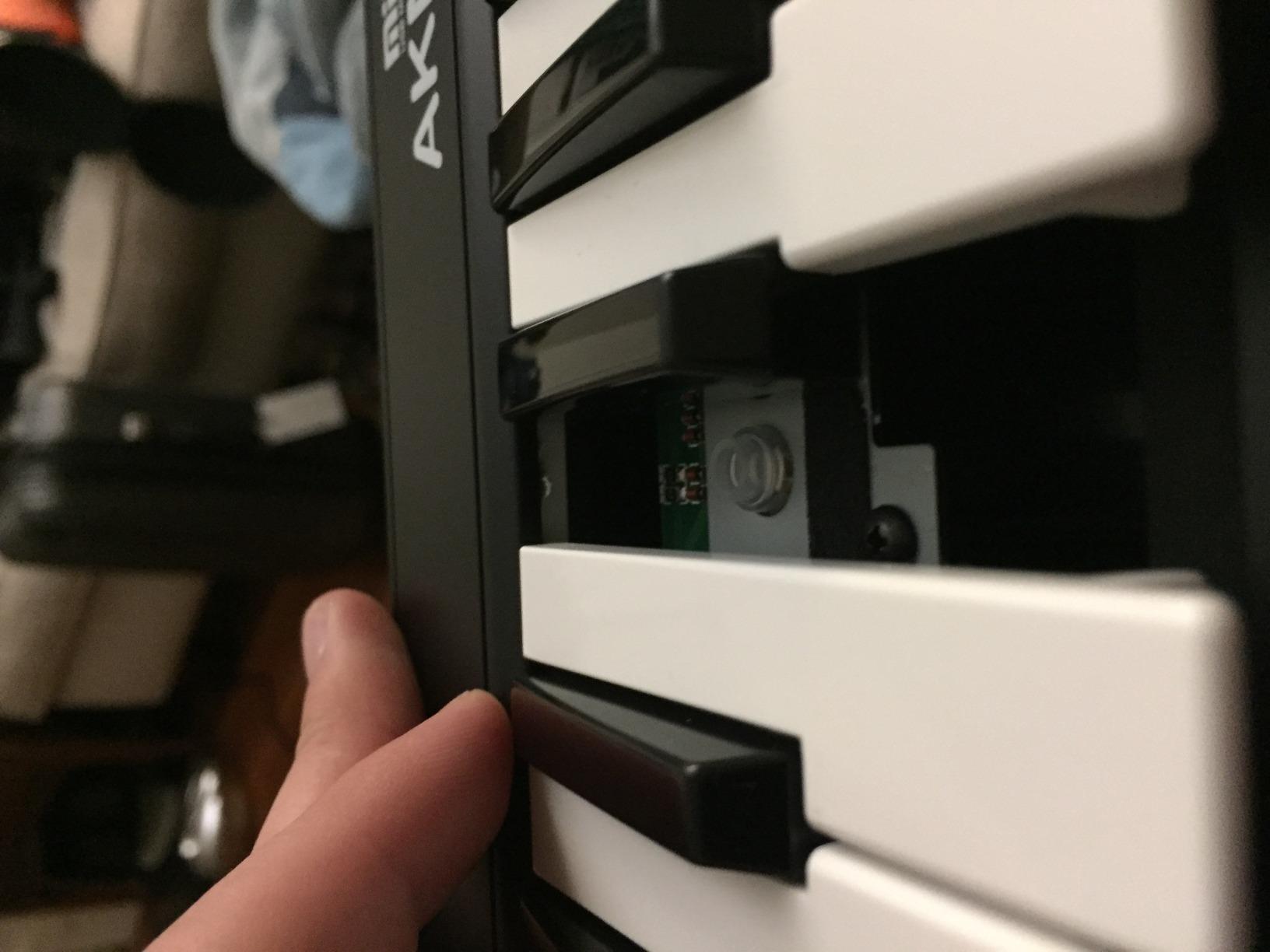
The keys are velocity-sensitive and the build is simple but functional. There’s no software bundle to speak of, which keeps the cost down, but the controller works with any DAW via standard USB MIDI. For guitar players who already own a DAW and plugins, this is actually a plus.
The sustain pedal input is a feature I appreciate. A sustain pedal expands the playable range of any controller, and guitar players often have pedals lying around from amp switching or volume work that can serve double duty.
Who the midiplus AKM320 is good for
Guitar players on a tight budget who want a reliable, no-frills MIDI keyboard with real pitch and mod wheels. If you already have a DAW and software and just need a basic input device, this controller covers the essentials.
Beginners who aren’t sure if they’ll stick with production. The low cost makes this a low-risk first controller that you can upgrade from later if production becomes a long-term pursuit.
Who the midiplus AKM320 isn’t ideal for
The plastic construction feels basic and the keys can feel stiff during the first few hours of use. There’s no software bundle, no pads, no knobs or faders. If you want finger drumming or DAW mixing control, you need to look at the Akai MPK Mini MK3 or M-Audio Oxygen Pro Mini 32.
Build quality won’t withstand heavy touring. For bedroom producers and home studios, it’s fine, but for gigging musicians, the chassis flex is a concern.
8. Akai Professional LPK25 — Most Affordable MIDI Keyboard for Travel
Akai Professional LPK25 25-Key USB MIDI Keyboard Controller
25 mini keys
Arpeggiator
8 presets
Octave buttons
USB powered
Pros
- Extremely affordable
- Ultra-compact and lightweight
- Built-in arpeggiator with clock sync
- 8 programmable preset slots
- Works with all major DAWs
Cons
- No knobs
- faders
- or pads
- USB socket may feel loose
- Keys can twist when pressed hard
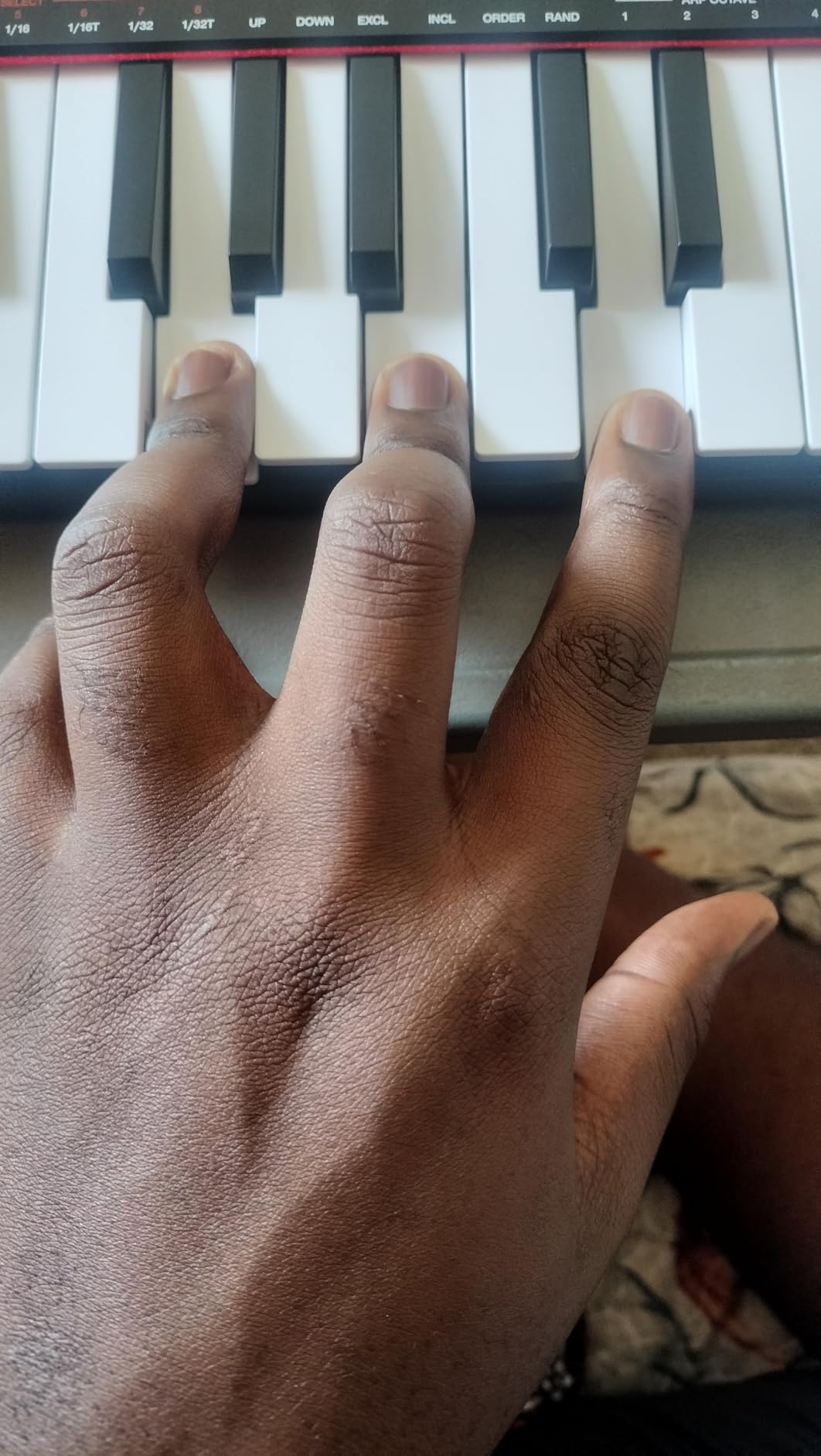
The Akai LPK25 is the most affordable controller in this roundup, and it’s the one I’d pack if I needed a MIDI keyboard for travel. At 0.48 kg, it disappears into a laptop bag. The 25 mini keys are velocity-sensitive, the arpeggiator has clock sync, and there are 8 programmable presets for instant recall.
As a guitar player, I see the LPK25 as a “MIDI emergency” controller. When I want to sketch out a synth idea away from my main studio, I toss this in my bag. It’s small enough that I don’t think twice about bringing it.
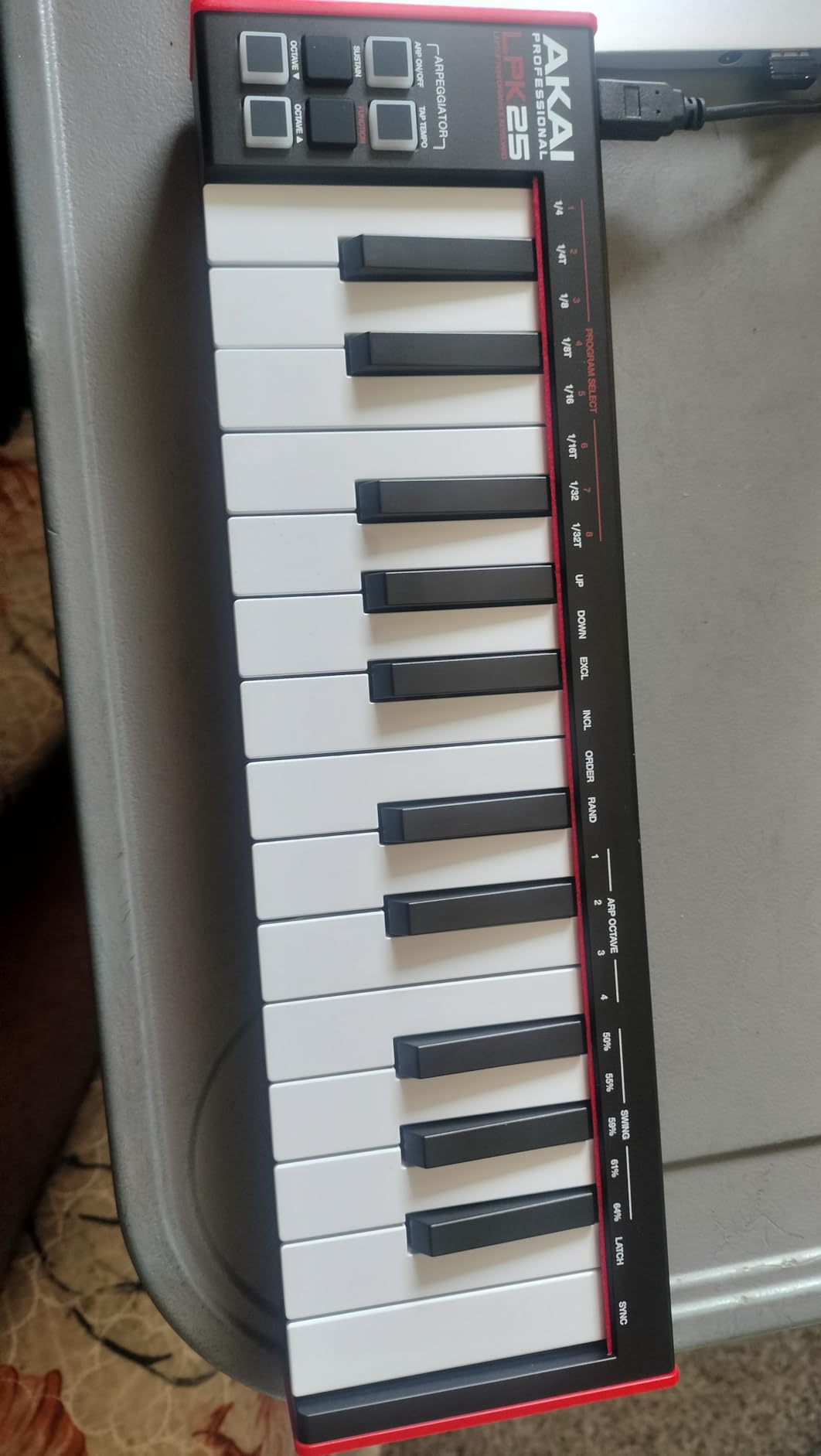
The arpeggiator is the standout feature for the price. You can hold a chord and have it arpeggiate automatically with adjustable rate and direction. For guitar players programming basslines or rhythmic synth parts, this is faster than step input.
The 8 preset slots let you store custom MIDI configurations. You can set up different CC mappings for different plugins or hardware synths and recall them instantly.
Who the Akai LPK25 is good for
Guitar players who need an ultra-portable MIDI keyboard for travel or sketching ideas on the go. If you’re a touring musician who wants to capture synth ideas between gigs, this controller fits in any bag.
Beginners on the tightest budgets. If you’re not sure whether you’ll stick with production and you want to spend as little as possible, the LPK25 is the lowest-risk entry point.
Who the Akai LPK25 isn’t ideal for
There are no knobs, faders, or pads, so this is strictly a keyboard-and-arpeggiator device. If you want hands-on mixing or finger drumming, you need the Akai MPK Mini MK3 or M-Audio Oxygen Pro Mini 32. The USB socket has been reported to feel loose after extended use.
The keys can twist slightly when pressed hard. This is a minor issue but worth noting if you tend to play aggressively. For light, expressive playing, the keys feel fine.
Buying Guide: How to Choose a MIDI Keyboard as a Guitar Player
Picking the right MIDI keyboard as a guitar player means thinking about how you’ll actually use it, not just spec sheets. The biggest mistake I see guitarists make is buying a 25-key controller with no pads and then realizing they want to program beats. The second biggest mistake is buying 88 weighted keys when they only need 32 synth-action keys for sketching ideas.
Below are the four decisions that matter most for guitar players choosing a first MIDI controller.
Key Count: 25 vs 32 vs 37 vs 49
25 keys is enough for sketching melodies, basslines, and lead synths. If you mainly want to add keyboard parts to your guitar tracks, 25 keys works. The trade-off is constant octave shifting when playing two-handed parts.
32 keys covers most pop, rock, and worship music without octave shifting. For guitar players who want to play worship keys, modern country piano, or synth-pop parts, 32 keys is the practical minimum.
37 keys (three full octaves) is the sweet spot for guitar players who want range without a huge footprint. This is the Akai MPK Mini Plus territory. If you can spare the desk space, 37 keys is the most versatile choice.
49 keys covers most two-handed piano parts. For guitar players who want to record piano covers or compose in a traditional piano style, 49 keys is the practical minimum.
Key Action: Synth vs Semi-Weighted vs Weighted
Synth-action keys are light and fast. They’re common in 25-key controllers and are good for synth leads, fast arpeggios, and finger drumming on pads. Guitar players used to fast fretwork often prefer synth-action keys.
Semi-weighted keys have a middle-ground feel. They offer some resistance but aren’t as heavy as fully weighted piano keys. Semi-weighted is the most versatile choice for guitar players because it works for synth, piano, and organ parts.
Fully weighted keys simulate a real piano’s hammer action. They feel closest to an acoustic piano but are heavier and slower. For guitar players who don’t record piano-heavy music, weighted keys are overkill.
DAW Compatibility and Integration
Most controllers work with any DAW as standard MIDI devices. The difference is in deep integration: Ableton Live with the Novation Launchkey, FL Studio with the Novation FLkey, and Logic Pro with most controllers via Smart Control.
If you already use a DAW, check which controllers have dedicated integration scripts for it. Deep integration saves hours of manual MIDI mapping and makes the controller feel like part of your DAW rather than a generic input device.
If you haven’t chosen a DAW yet, the Akai MPK Mini MK3 is the most DAW-agnostic option with solid integration across Ableton, FL Studio, Logic, Reaper, and Bitwig.
Guitar-Specific Workflow Tips
As a guitar player, you already think in scale shapes and chord voicings. Use a controller with Scale mode (like the Novation FLkey Mini or M-Audio Oxygen Pro Mini 32) to translate that thinking directly to the keyboard.
If you record guitar through amp sims like Neural DSP, Amplitube, or Guitar Rig, set up MIDI footswitches or pad triggers to toggle between patches. The Akai MPK Mini MK3 pads work well for this.
For live looping workflows, the transport controls on the Akai MPK Mini Plus and M-Audio Oxygen Pro Mini 32 let you arm tracks and trigger recording without taking your hands off the guitar.
Frequently Asked Questions
What is the best MIDI keyboard for a beginner guitarist?
For guitar players transitioning into production, the Akai MPK Mini MK3 is the best overall choice. It has 25 velocity-sensitive mini keys that feel natural for guitar players used to fret spacing, 8 MPC pads for finger drumming beats and basslines, and comes with MPC Beats plus three virtual instruments included. The plug-and-play setup and NKS integration with Native Instruments remove the friction of buying extra software.
Should I get a 25 or 49 key MIDI keyboard?
Most guitar players should start with 25 to 37 keys rather than 49. 25 keys is enough for sketching melodies, basslines, and lead synth parts. 32 keys covers most pop and rock piano parts without octave shifting. 37 keys gives you three full octaves, which is the sweet spot for guitar players who want range without a huge desk footprint. Step up to 49 keys only if you plan to record two-handed piano parts or traditional piano-style compositions.
Do guitar players need weighted keys on a MIDI keyboard?
Most guitar players do not need fully weighted keys. Weighted keys simulate an acoustic piano’s hammer action and feel heavy. Semi-weighted keys offer enough resistance for expressive playing without the fatigue of weighted keys. Synth-action keys work well for synth leads and fast arpeggios. If you record piano-heavy music like classical or jazz, weighted keys matter. For most rock, pop, worship, and electronic music, semi-weighted or synth-action keys are the better choice.
Can I use a MIDI keyboard with my guitar recording setup?
Yes, MIDI keyboards work alongside any guitar recording setup. Most producers connect their guitar to an audio interface, run amp sims in their DAW, and use a MIDI keyboard to layer keys, synths, and beats on top. The MIDI keyboard connects via USB to the same computer running your DAW. Some controllers like the Akai MPK Mini Plus even have CV/Gate outputs for controlling hardware synths alongside your guitar pedals and amps.
Final Verdict: Best MIDI Keyboards for Beginners for Guitar in 2026
After three months of testing 8 MIDI controllers with my guitar-driven production setup, the Akai MPK Mini MK3 remains my top pick for most guitar players in 2026. It has the largest user base, the most reliable build, the best pads, and the strongest software bundle at this price. For guitar players serious about adding keys, synths, and beats to their recordings, this controller delivers.
If you prioritize key feel and want the best 25-key playing experience, the Arturia MiniLab 3 is the clear winner. For Ableton Live users, the Novation Launchkey Mini MK3 has the deepest DAW integration. For FL Studio producers, the Novation FLkey Mini is purpose-built and integrates tightly. For guitar players who need 37 keys and want to sequence beats, the Akai MPK Mini Plus stands out. If you want a budget-friendly first controller, the midiplus AKM320 covers the essentials, and for ultra-portable travel sketching, the Akai LPK25 fits anywhere.
Whatever controller you pick, the real upgrade happens when you start using it. Plug in, open your DAW, and lay down some tracks. Your guitar playing instincts translate to keyboard more directly than you’d expect. For more options and detailed reviews of MIDI controllers across every price range, check out our guides to the best MIDI keyboards for beginners, our 2026 MIDI keyboard roundup, and our reviews of 25-key MIDI keyboards. If you’re using REAPER specifically, our REAPER-focused MIDI controller guide is worth a read. For players exploring expressive controllers, our best MIDI keyboards with aftertouch roundup covers the next tier.