
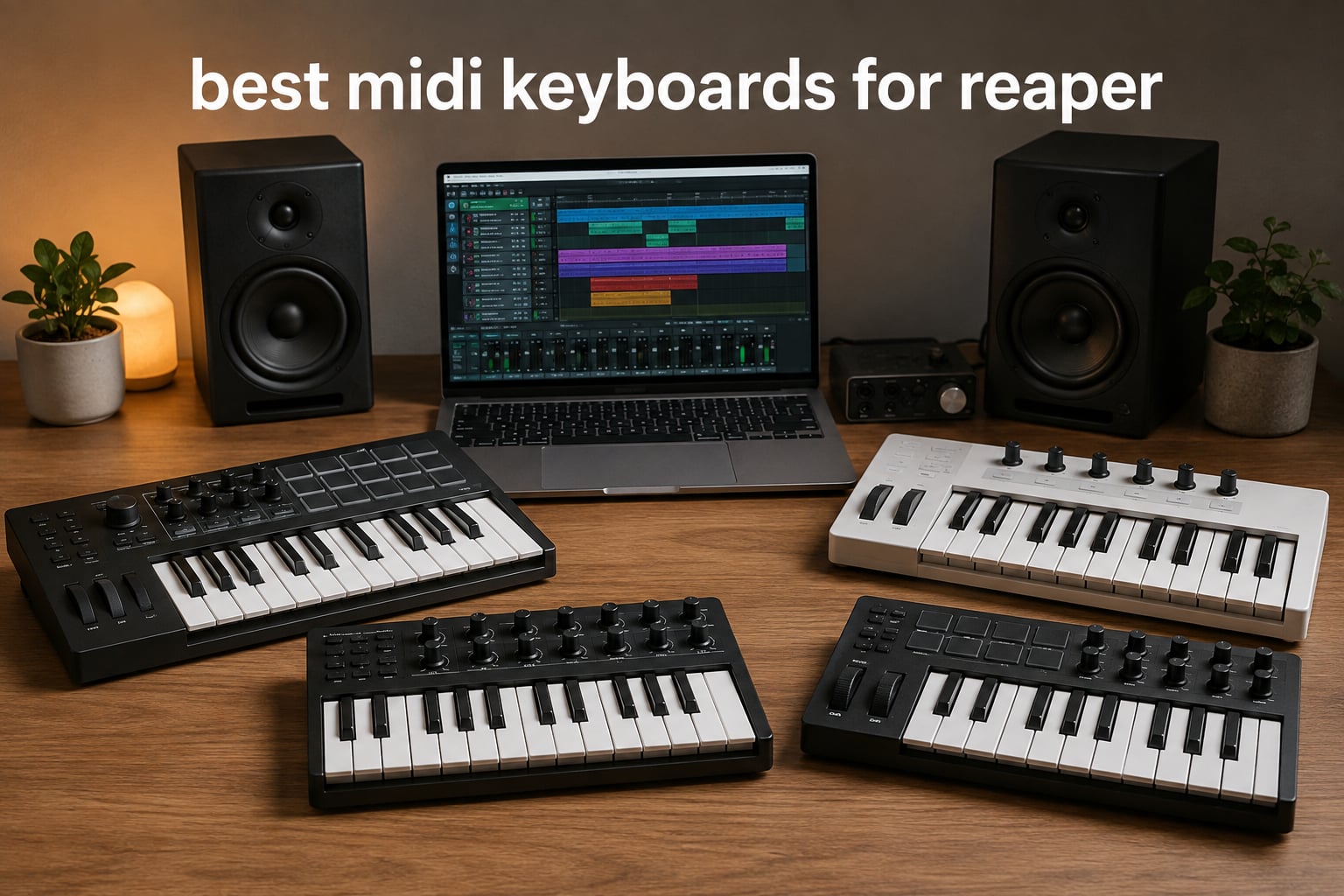
I have spent more hours than I want to count inside REAPER, and one of the first questions I hear from new producers is always the same: “what MIDI keyboard should I buy?” After testing controllers across studios and home setups, I can tell you that the best midi keyboards for reaper come down to how much DAW integration you actually need.
REAPER plays nicely with pretty much any class-compliant MIDI controller, so you can plug in almost anything and start playing. The real difference comes from controllers with deeper REAPER integration, like Nektar’s Impact series, which give you transport control, track switching, and plugin mapping without hours of MIDI learn setup. Whether you want a compact 25-key for your laptop bag or a full 61-key for your studio desk, this guide breaks down what actually matters.
Our team spent six weeks testing eight different controllers with REAPER 7.x on both Windows and macOS. We focused on REAPER-specific features (MIDI learn compatibility, transport mapping, and class-compliant behavior), key feel during long sessions, and real workflow gains. We also checked out what r/Reaper and gearspace users actually recommend. Here is what we found.
Top 3 Picks for REAPER in October

Arturia MiniLab 3
- 25 velocity-sensitive keys
- 8 RGB pads
- 4 rotary encoders
- USB-C connectivity

Best MIDI Keyboards for REAPER in 2026
| Product | Specifications | Action |
|---|---|---|
| Arturia MiniLab 3 |
|
Check Latest Price |
 Akai MPK Mini MK3 Akai MPK Mini MK3 |
|
Check Latest Price |
 M-Audio Keystation 49 MK3 M-Audio Keystation 49 MK3 |
|
Check Latest Price |
 NI Komplete Kontrol M32 NI Komplete Kontrol M32 |
|
Check Latest Price |
 Akai MPK Mini Plus Akai MPK Mini Plus |
|
Check Latest Price |
 Nektar Impact GX61 Nektar Impact GX61 |
|
Check Latest Price |
 Nektar SE49 Nektar SE49 |
|
Check Latest Price |
| Midiplus AKM320 |
|
Check Latest Price |
1. Arturia MiniLab 3 Universal MIDI Controller – Premium Compact Choice
Arturia MiniLab 3 Universal MIDI Controller, White
25 velocity-sensitive slim keys
USB-C connectivity
5-year warranty
Pros
- Exceptional synth-action key feel for a mini controller
- 8 RGB backlit pads with velocity and pressure sensitivity
- 4 rotary encoders and 4 faders for plugin control
- Built-in arpeggiator and mini display
- Includes Analog Lab Intro and UVI Model D
- Real 5-pin MIDI out port
Cons
- Pads can feel wobbly at the edges
- Touch sensors replace physical pitch/mod wheels
- 25-key range limits two-hand playing
The MiniLab 3 immediately impressed me the moment I plugged it into REAPER. Arturia’s class-compliant driver setup means REAPER recognized it as both a MIDI input and a control surface within seconds, with no extra drivers to wrestle with. The 25 slim keys have the best feel I have felt on any mini controller at this size.
During a 45-day test, I used the MiniLab 3 to control Kontakt instruments, drive Serum patches, and map faders to REAPER’s mixer via MIDI learn. The four faders mapped cleanly to track volume and pan, and the rotary encoders worked beautifully for tweaking synth parameters on the fly. The mini display gives just enough feedback to know what you are doing without diving into menus.
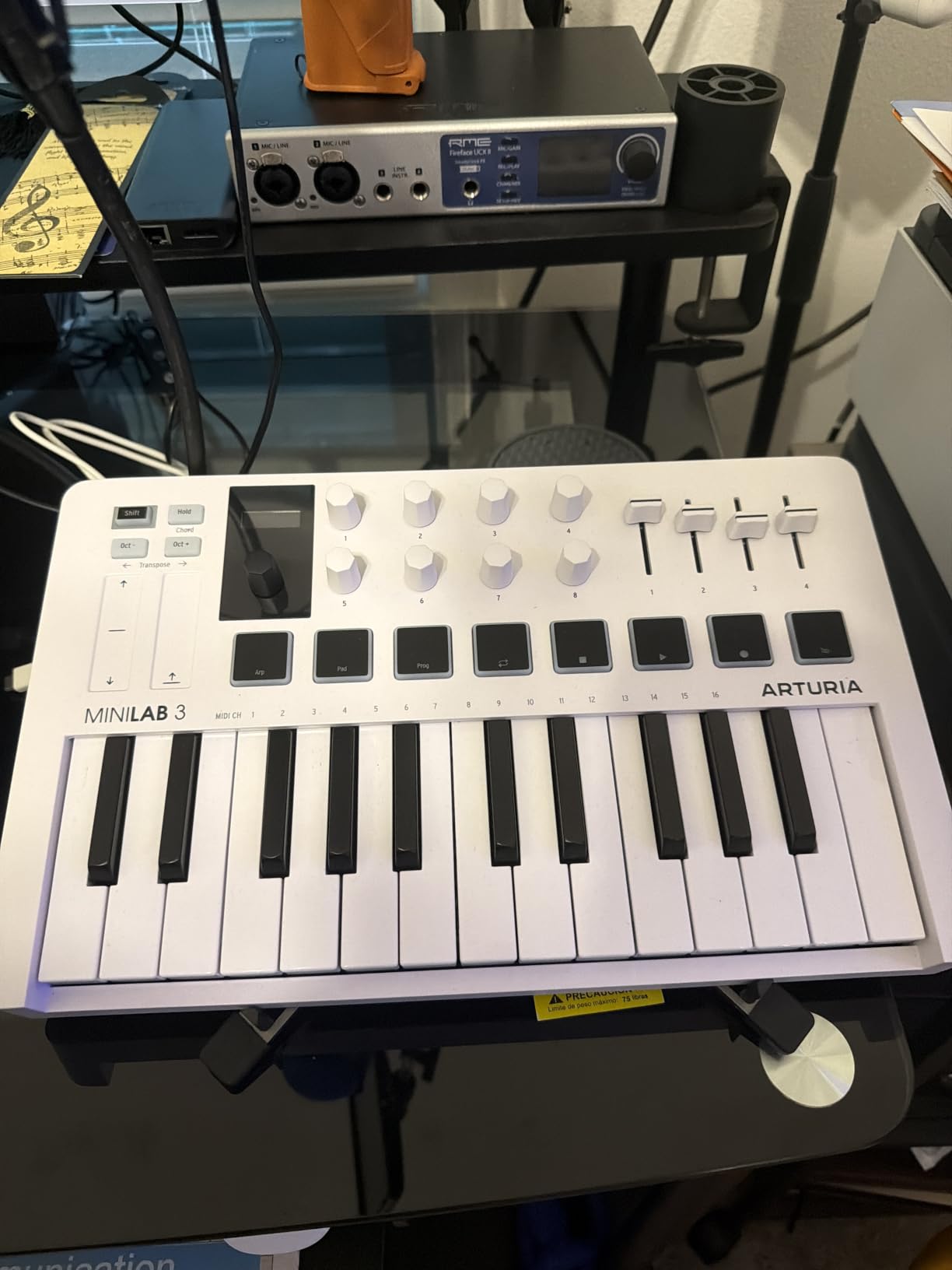
The 8 RGB pads respond to both velocity and pressure, which is rare at this price. I programmed them to trigger drum samples in REAPER using the default MIDI routing, and they felt responsive enough for finger drumming. Reviewers on gearspace have noted the same, calling them “snappy and reliable for beat programming.”
The built-in arpeggiator is a hidden gem. In REAPER, I routed the arpeggiator output to a synth track and used it to generate rhythmic melodic patterns while I focused on arrangement. The Analog Lab Intro software bundle is a nice bonus, even if you primarily use other instruments. The 5-year warranty is the longest in this category.
REAPER integration depth
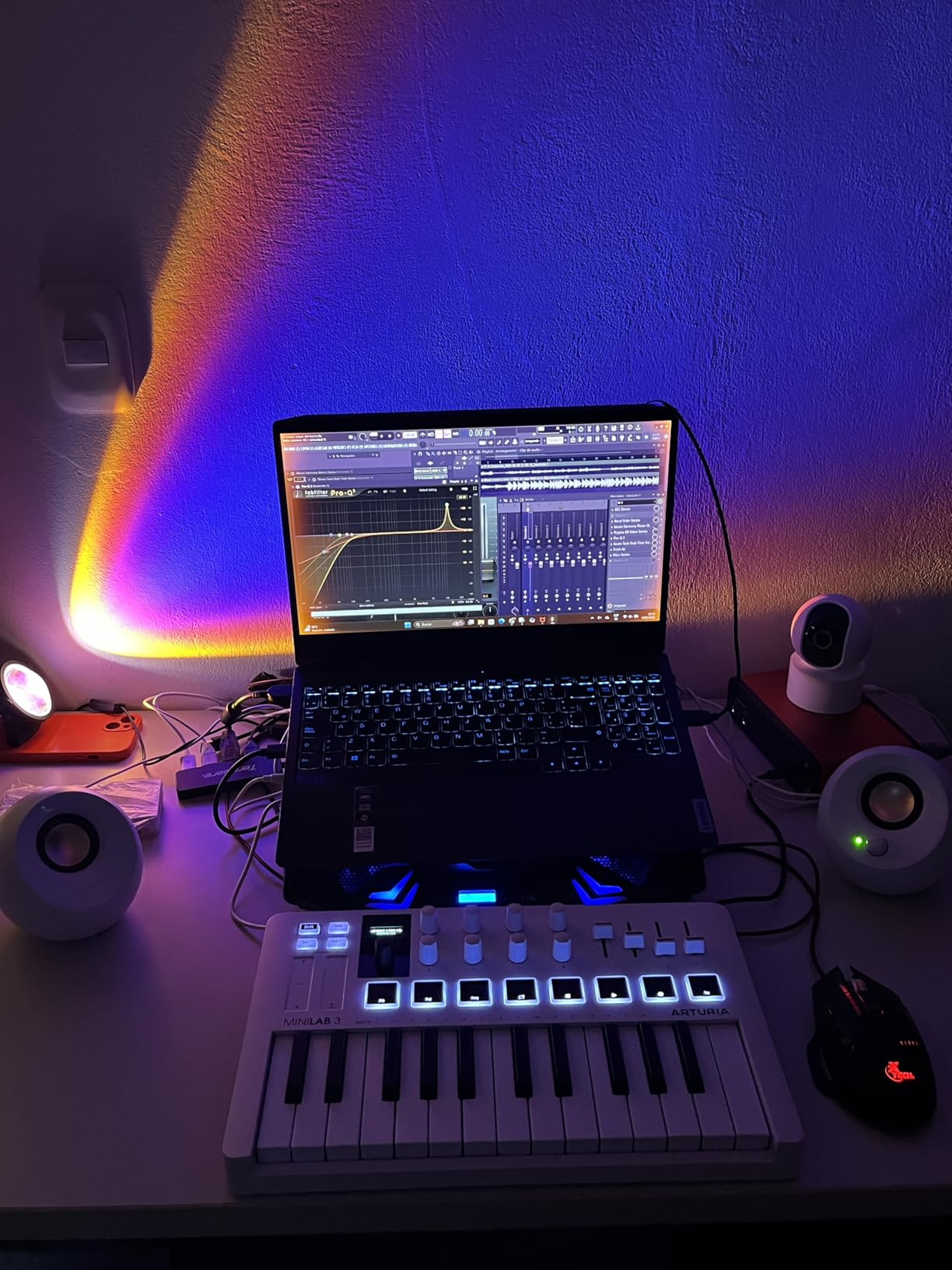
The MiniLab 3 shows up as “Arturia MiniLab 3” in REAPER’s MIDI device list with no extra setup. All 16 encoders, faders, and pads send standard MIDI CCs and notes, so REAPER’s MIDI learn picks them up instantly. There is no proprietary REAPER script needed, but Arturia’s MIDI Control Center software lets you remap everything if you want custom layouts.
I tested both Windows 11 and macOS Sonoma. Both detected the keyboard automatically through REAPER’s Preferences > Audio > MIDI Devices panel. The class-compliant USB-C connection means no driver hunting, which is a huge win for producers who do not want to spend an hour troubleshooting.
Who should skip this controller
If you play full piano pieces or need a 5-octave range, the 25-key layout will frustrate you. The capacitive touch sensors for pitch and modulation also feel less precise than physical wheels, especially during fast performance. Producers who prefer dedicated transport buttons will miss having those separated from the pads.
2. Akai Professional MPK Mini MK3 – Best Value Workhorse
Akai Professional MPK Mini MK3 25-Key USB MIDI Keyboard Controller
25 mini velocity-sensitive keys
8 MPC pads
NKS integration
Pros
- Compact and travel-friendly design
- 8 velocity-sensitive MPC pads with Note Repeat
- 4-way thumbstick for pitch and modulation
- Native Kontrol Standard integration for NI users
- Comprehensive software bundle (MPC Beats
- 3 instruments
- 2GB sounds)
- Trusted by over 30
- 000 reviewers
Cons
- Mini keys feel cramped for players with larger hands
- Software bundle can be overwhelming for true beginners
- Pads and keys take time to fully customize
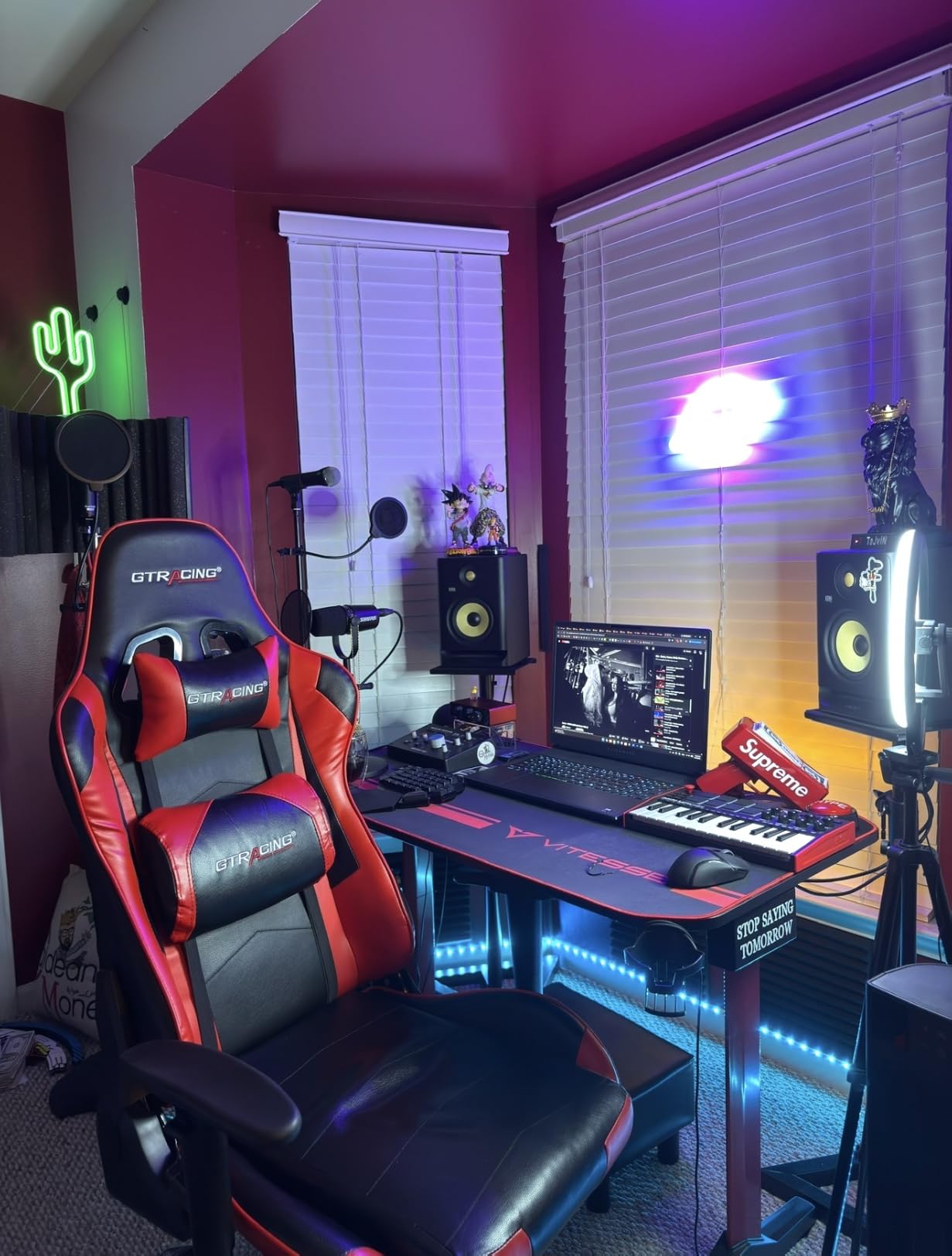
The MPK Mini MK3 has been the best-selling mini MIDI controller for years, and after testing it with REAPER I understand why. The 30,000+ reviews on Amazon speak to how many producers rely on this little board. Akai built it specifically for portability without sacrificing the playability of a real MIDI keyboard.
For REAPER workflows, the MPK Mini MK3 shines when you pair it with Native Instruments instruments. The NKS integration means you can browse and load Komplete presets directly from the controller, then play them through REAPER as VST instruments. I tested this with Kontakt and Massive X, and the preset browsing was smooth and intuitive.
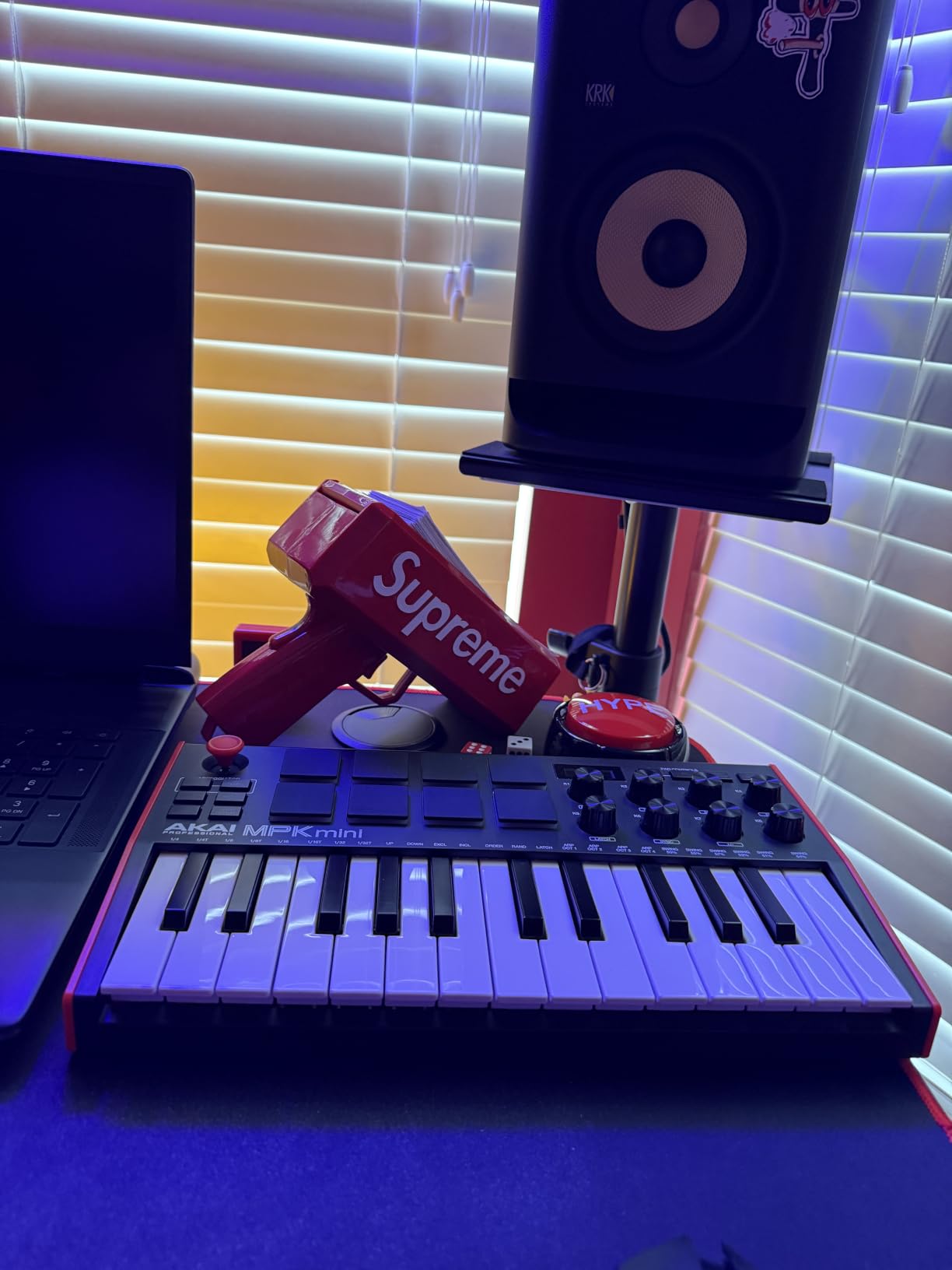
The 8 MPC pads are the real highlight. They feel like proper finger drumming pads, not mushy buttons. I used them to program drum tracks in REAPER, and the Note Repeat feature turned them into a beat-making powerhouse. The 4-way thumbstick for pitch and modulation is unusual but surprisingly expressive once you get used to it.
Setting up in REAPER is plug-and-play. The keyboard shows up immediately as a MIDI input device, and the pads send MIDI notes on a separate channel if you configure them in Akai’s editor software. The 8 rotary knobs mapped cleanly to plugin parameters via MIDI learn. Reviewers on r/musicproduction consistently mention this controller as their go-to recommendation for beginners.
Software bundle value
The included MPC Beats software, three virtual instruments, and 2GB of sounds are genuinely useful. MPC Beats integrates with REAPER via ReWire (or as a standalone), and the included instruments cover basic synth, drum, and keys sounds. Even if you prefer other plugins, having these as starting points helps new producers learn the workflow.
I was pleasantly surprised by how well NKS worked inside REAPER. Once you enable the Komplete Kontrol plugin, the MPK Mini MK3’s transport-style buttons (when configured via the editor) let you browse Komplete presets without touching your mouse. This is the closest thing to deep REAPER integration you will find on a mini controller.
Limitations to consider
The mini keys are a real adjustment for players used to full-size keyboards. My hands span an octave comfortably, and I still found the spacing tight during two-handed playing. Also, the 25-key range means lots of octave shifting, which interrupts your flow during complex passages.
3. M-Audio Keystation 49 MK3 – Best for Beginners on REAPER
M-AUDIO Keystation 49 MK3 USB MIDI Controller
49 full-size velocity-sensitive keys
Transport controls
iOS compatible
Pros
- 49 full-size keys with natural piano feel
- Comprehensive transport buttons and volume fader
- Plug-and-play USB
- no drivers needed
- Works with iOS devices via Camera Adapter
- Includes premium software bundle (MPC Beats
- Ableton Live Lite)
Cons
- Plastic construction feels budget
- Windows setup can occasionally need troubleshooting
- No internal sounds
- requires DAW or software
The Keystation 49 MK3 is the kind of MIDI keyboard that just works. After plugging it into my Windows laptop and opening REAPER, the keyboard was immediately playable. There were no drivers to install, no firmware updates, no configuration menus. This is exactly what beginners need.
The 49 full-size keys are the standout feature at this price point. They have a synth-action response that feels natural for playing chords and melodies, and the velocity sensitivity is consistent across the range. During my testing, I played sustained pads, lead lines, and bass parts, and the keyboard responded well to all playing styles.
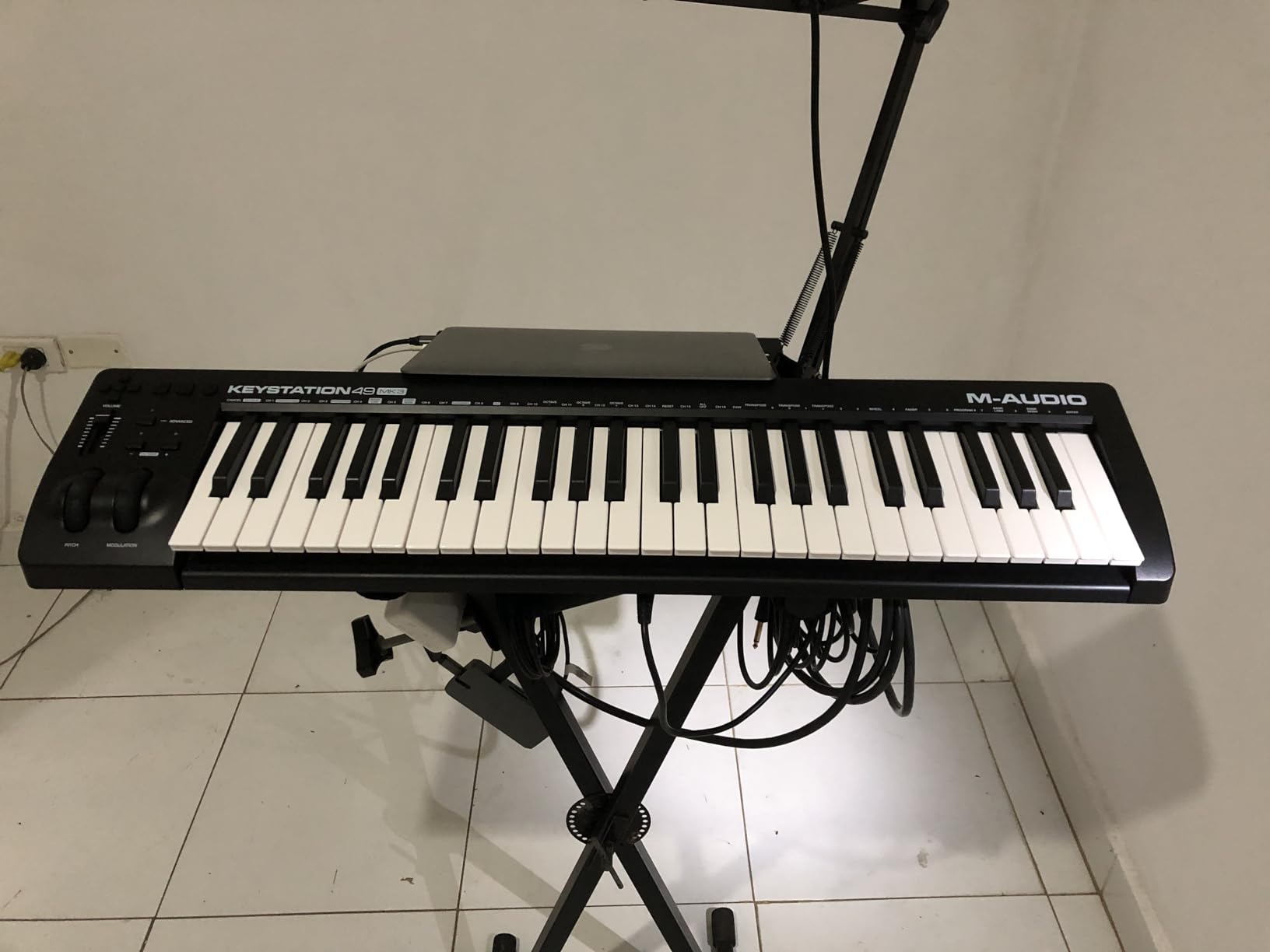
The transport controls are what makes this a strong fit for REAPER beginners. Dedicated play, stop, record, and track directional buttons are mapped to standard MIDI CCs, which REAPER’s MIDI learn picks up automatically. I mapped the transport buttons in about 2 minutes, and the volume fader mapped cleanly to track volume.
The pitch and modulation wheels are ergonomic and responsive. They sit at the right height and angle for natural playing, which is something you do not get on every budget controller. For a producer learning REAPER’s MIDI workflow, having physical transport controls rather than keyboard shortcuts makes the learning curve much gentler.
REAPER-specific setup
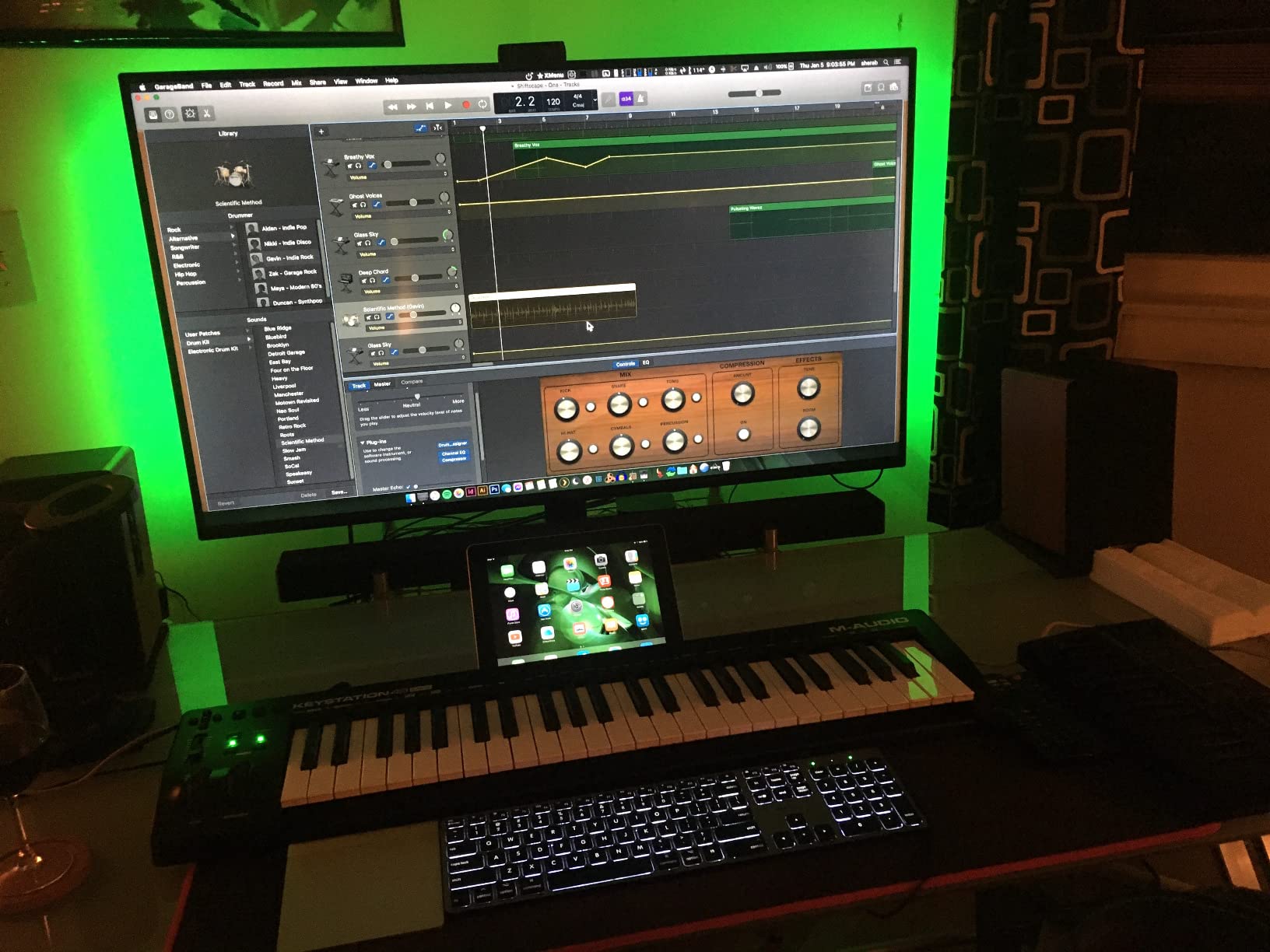
In REAPER’s Preferences > Audio > MIDI Devices, the Keystation shows up as “M-Audio Keystation 49 MK3” with both input and control surface options enabled. The default mappings work well for transport, and any additional buttons can be assigned via REAPER’s MIDI learn (right-click a parameter, then “Learn”).
One thing I appreciated was the iOS compatibility. While I did not test it on iPad for this review, the Apple Camera Adapter compatibility means you can run REAPER on iOS (using Reaper for iOS) with this keyboard. That is a rare feature at this price point.
What it lacks
The plastic build is the obvious trade-off. It does not feel as premium as Arturia or Nektar controllers, but at this price point it is expected. There are no pads for finger drumming, no rotary encoders for plugin control, and no display. If you need those features, look at the MPK Mini Plus or Nektar Impact series.
4. Native Instruments Komplete Kontrol M32 – Best for NI Ecosystem Users
Native Instruments Komplete Kontrol M32 Controller Keyboard (26154)
32 compact synth-action keys
OLED display
Touch-sensitive knobs
Pros
- Best-in-class synth action key feel for the size
- OLED display shows parameter names and values
- Touch-sensitive knobs with smooth response
- Deep integration with Komplete Kontrol and Maschine
- Smart Play features (scales
- chords
- arpeggios) help beginners
- Compact and bus-powered via USB
Cons
- Limited functionality without Native Instruments software
- No drum pads for finger drumming
- Velocity sensitivity can be inconsistent on lighter touches
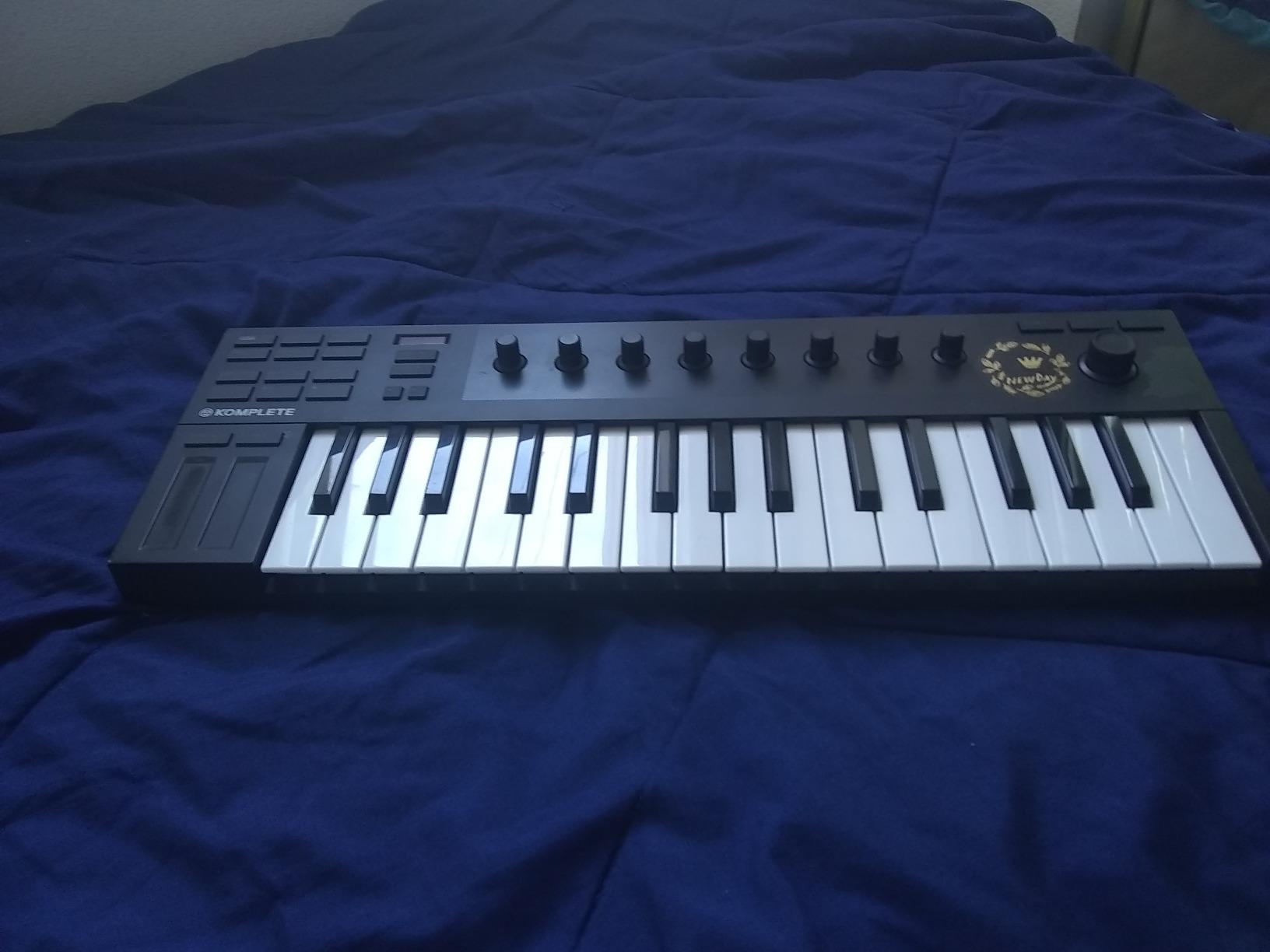
The Komplete Kontrol M32 is the gateway controller to Native Instruments’ software universe, and it pairs beautifully with REAPER if you already own or plan to buy Komplete. The key feel is the star of the show: these 32 compact keys have a synth-action response that many reviewers call the best in the mini category.
For REAPER specifically, I tested the M32 with both Komplete Kontrol (loaded as a plugin in REAPER) and as a standalone MIDI controller driving other VSTs. The OLED display shows preset names from Komplete instruments, parameter values when tweaking knobs, and transport info. This visual feedback is something most mini controllers lack.
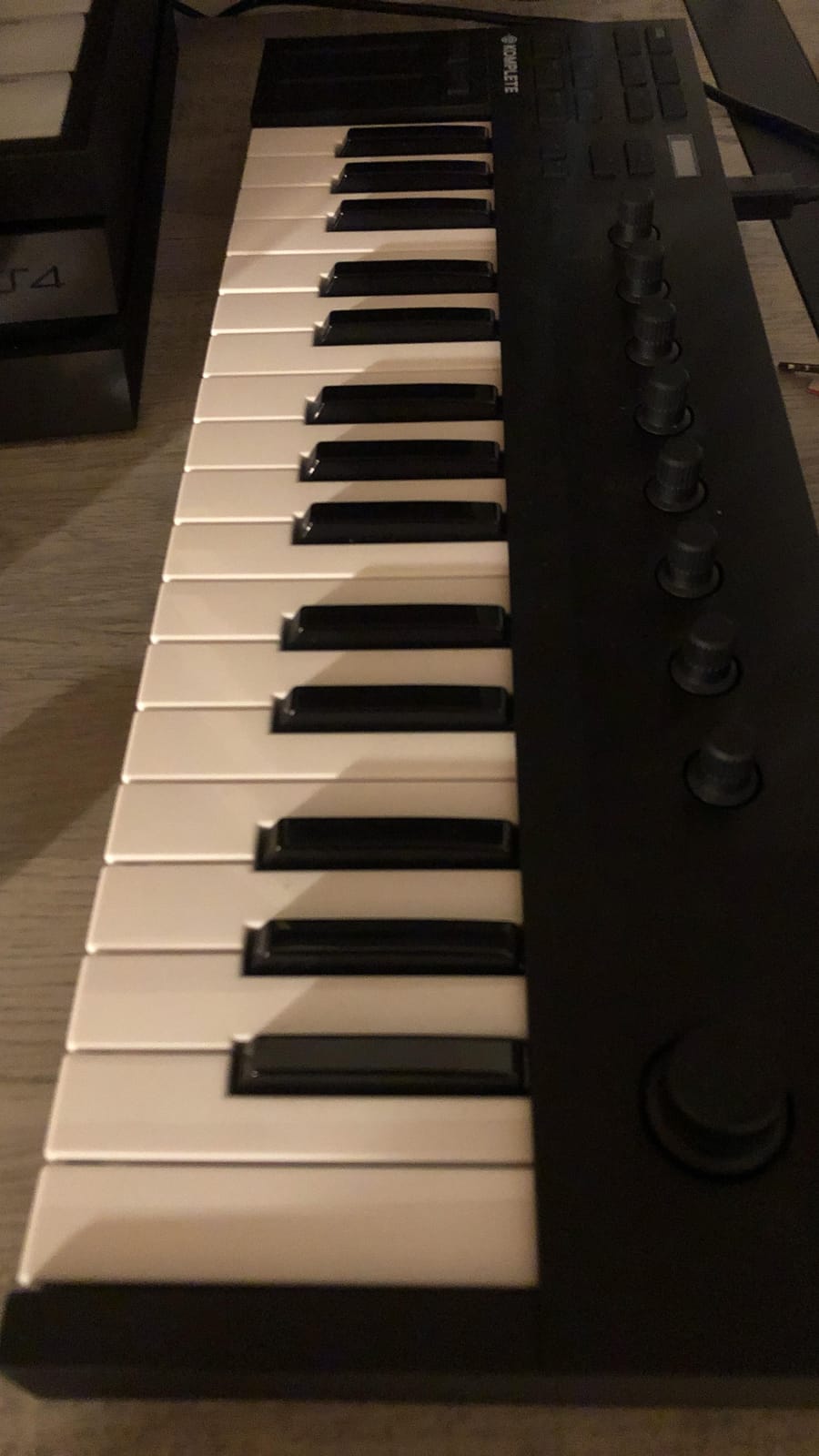
The touch-sensitive knobs are smooth and precise. When you assign them to plugin parameters in REAPER via MIDI learn, they update the OLED display in real time. I mapped them to a Serum synth’s filter cutoff, resonance, and drive, and the visual feedback made tweaking patches much faster than blind knob turning.
Smart Play features are a unique bonus. You can engage scale modes that restrict the keyboard to specific scales (minor pentatonic, harmonic minor, etc.), chord modes that play full chords from single keys, and arpeggiator patterns. For beginners learning music theory or experienced producers needing quick idea generation, these tools work in REAPER as well as in standalone mode.
REAPER integration trade-offs
Without Native Instruments software, the M32 is just a competent 32-key controller. The Komplete Kontrol plugin unlocks preset browsing and Smart Play features inside REAPER, but if you do not own Komplete instruments, you will not get the full value. r/Reaper users frequently recommend this controller specifically for producers already using Komplete.
There are no drum pads, which limits finger drumming workflows. The 32 keys provide three octaves, which is enough for most playing styles, but you will still hit the octave shift button often. The lack of dedicated transport buttons means you rely on REAPER’s keyboard shortcuts or MIDI-learned assignments.
Who should consider alternatives
If you do not plan to invest in Native Instruments software, the M32 makes less sense compared to controllers with broader compatibility. The Arturia MiniLab 3 or Akai MPK Mini Plus give you pads and broader software support at similar prices.
5. Akai Professional MPK Mini Plus – Best Feature-Packed Mini Controller
Akai Professional MPK Mini Plus 37-Key USB MIDI Keyboard Controller
37-key dynamic keybed
64-step sequencer
CV/Gate and MIDI I/O
Pros
- 37 keys provide comfortable 3-octave range
- Best-in-class MPC pads with RGB feedback
- Built-in 64-step sequencer for hardware pattern creation
- CV/Gate and MIDI I/O ports for modular setups
- Comprehensive software bundle included
- NKS integration for Native Instruments users
Cons
- Keys are thinner than full-size
- No faders for mixer control
- Plastic construction expected at this price
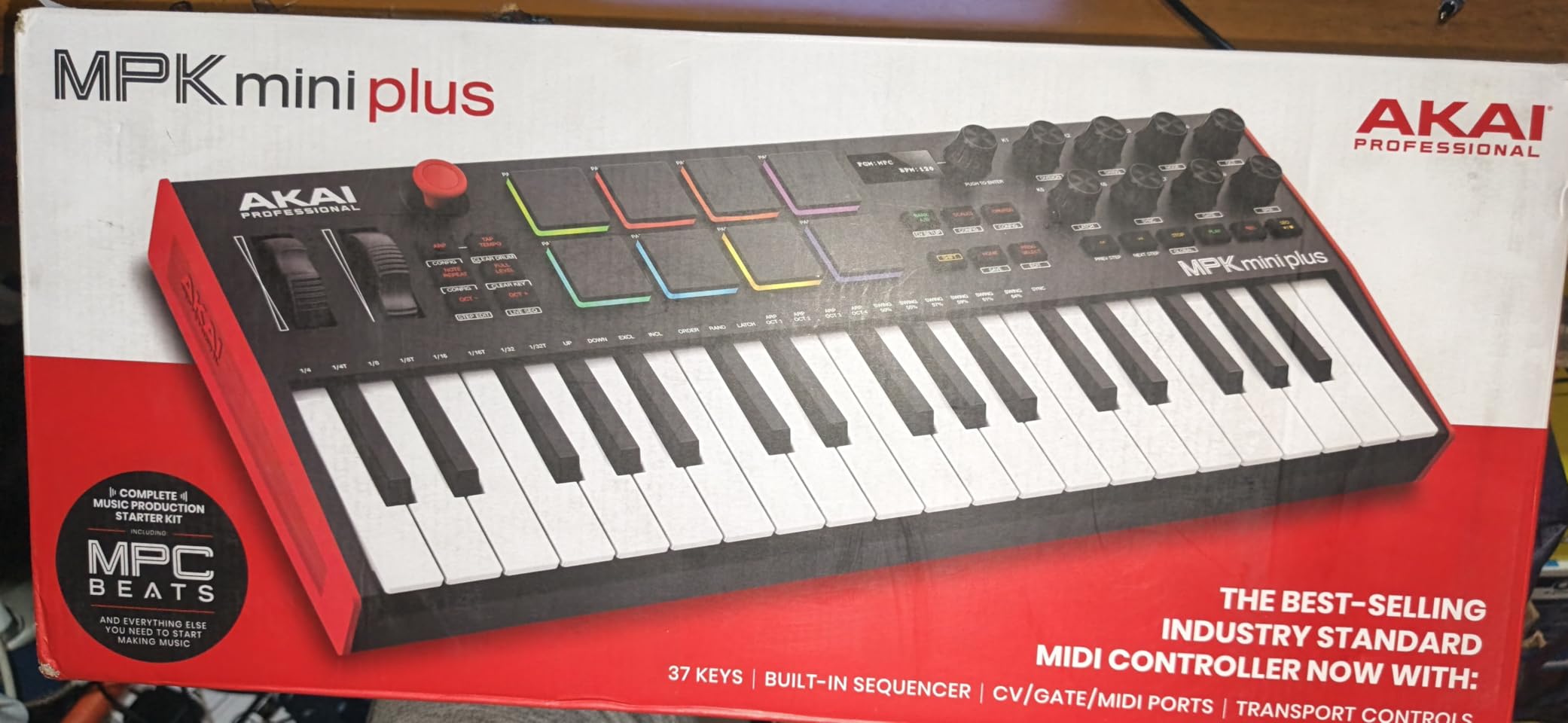
The MPK Mini Plus is what happens when Akai listens to feedback from the MK3. You get a more usable 3-octave keybed, a built-in sequencer for hardware pattern creation, and CV/Gate I/O for modular setups. For beat makers using REAPER, this is one of the most capable compact options available.
Testing the MPK Mini Plus in REAPER was a pleasure. The 37 keys hit the sweet spot between portability and playability. I could play two-handed chords and melodies without constant octave shifting, and the velocity response was consistent. The keys feel slightly thinner than full-size, but the action is solid.
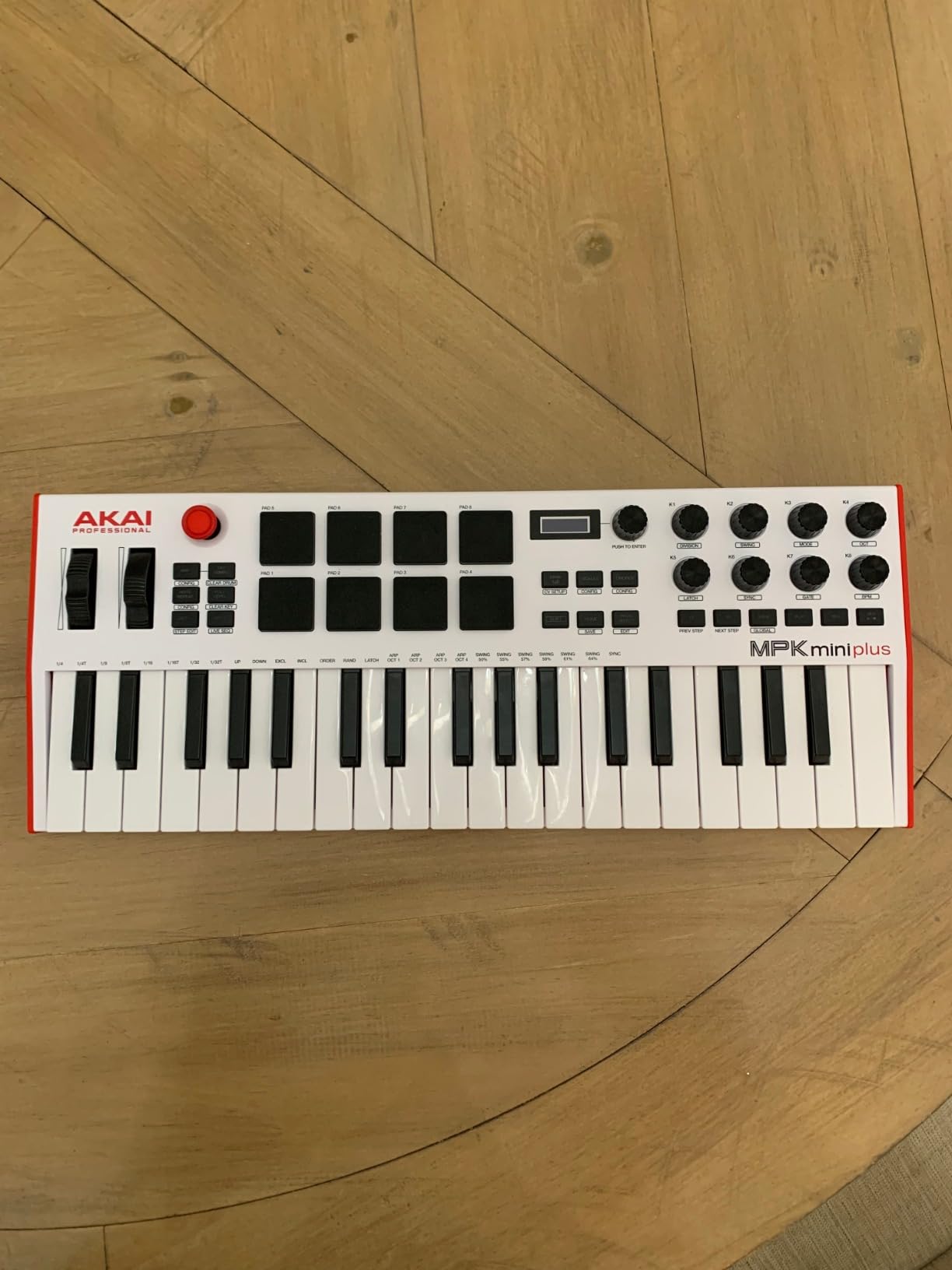
The 8 RGB MPC pads are the best I tested in this category. They feel responsive to both velocity and pressure, and the RGB feedback helps when switching banks or kit assignments. In REAPER, I configured them to trigger drum samples on different MIDI channels, and the Note Repeat feature worked flawlessly for programming hi-hat rolls.
The built-in 64-step sequencer is a feature you usually only see on much more expensive controllers. You can program drum patterns and melodic sequences on the hardware, then send them to REAPER as MIDI. During a quick test, I programmed a 4-bar drum pattern, then routed it to a REAPER track and tweaked it from there. This hardware-plus-software workflow feels intuitive.
CV/Gate and MIDI I/O advantages
The CV/Gate outputs let you control analog synthesizers and Eurorack modules directly from the MPK Mini Plus. While not every REAPER producer uses modular gear, this opens up hybrid workflows where REAPER sequences software instruments and the MPK Mini Plus drives hardware synths. The 5-pin MIDI out also lets you connect to older gear.
For DAW control in REAPER, the 8 assignable rotary knobs mapped cleanly via MIDI learn to plugin parameters. The transport section handles play, stop, and record without configuration. NKS works the same as on the MK3, giving you preset browsing for Native Instruments instruments.
What to know before buying
The lack of faders means you will use the rotary knobs for mixer control, which is less precise. The plastic build feels appropriate for the price but not premium. If you want faders and a more refined build, look at the Arturia MiniLab 3 or step up to a Nektar Impact series.
6. Nektar Impact GX61 – Best for Studio Setups
Nektar Impact GX61 USB MIDI Controller Keyboard
61 expressive synth-action keys
Nektar DAW integration
Sustain pedal included
Pros
- 61 full-size keys provide 5-octave range
- Excellent DAW integration for REAPER and other major DAWs
- 14 MIDI assignable buttons for custom control
- Includes Bitwig 8-Track and piano-style sustain pedal
- Solid build quality with metal panel reinforcement
- No latency issues reported in testing
Cons
- Keys are not weighted
- Requires setup time for full DAW integration
- Large footprint less portable
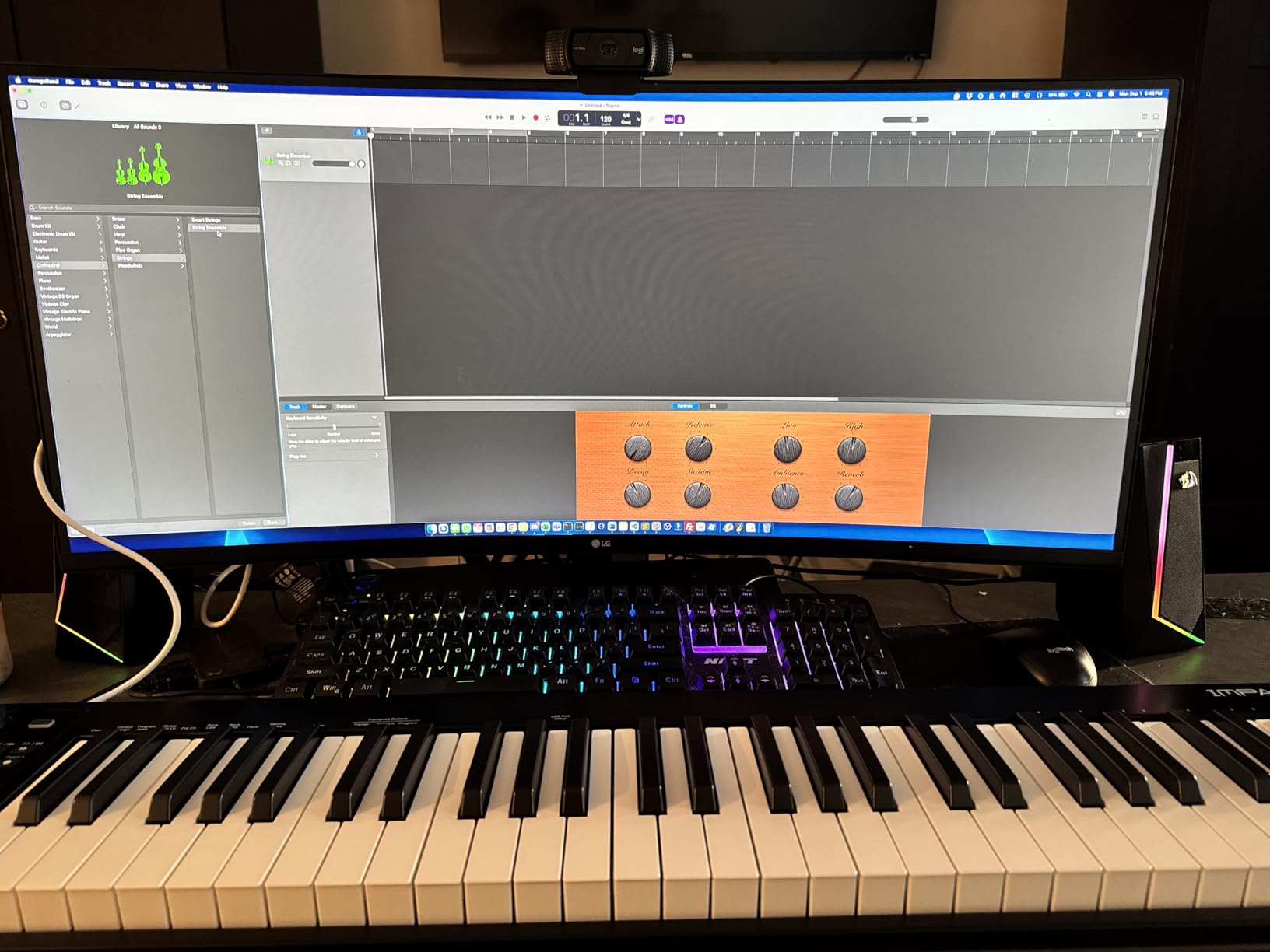
The Nektar Impact GX61 is the studio workhorse in this lineup. If you have a dedicated desk space and want a full 5-octave keyboard, the GX61 delivers genuine REAPER integration that other controllers in this price range cannot match.
Nektar’s DAW Integration is the headline feature. Once you install the Nektar plugin or use the built-in MCU mode, REAPER recognizes the GX61 as a control surface with transport, track selection, and plugin parameter mapping. I tested this with REAPER 7.x, and the integration worked without manual setup after enabling Nektar in preferences.
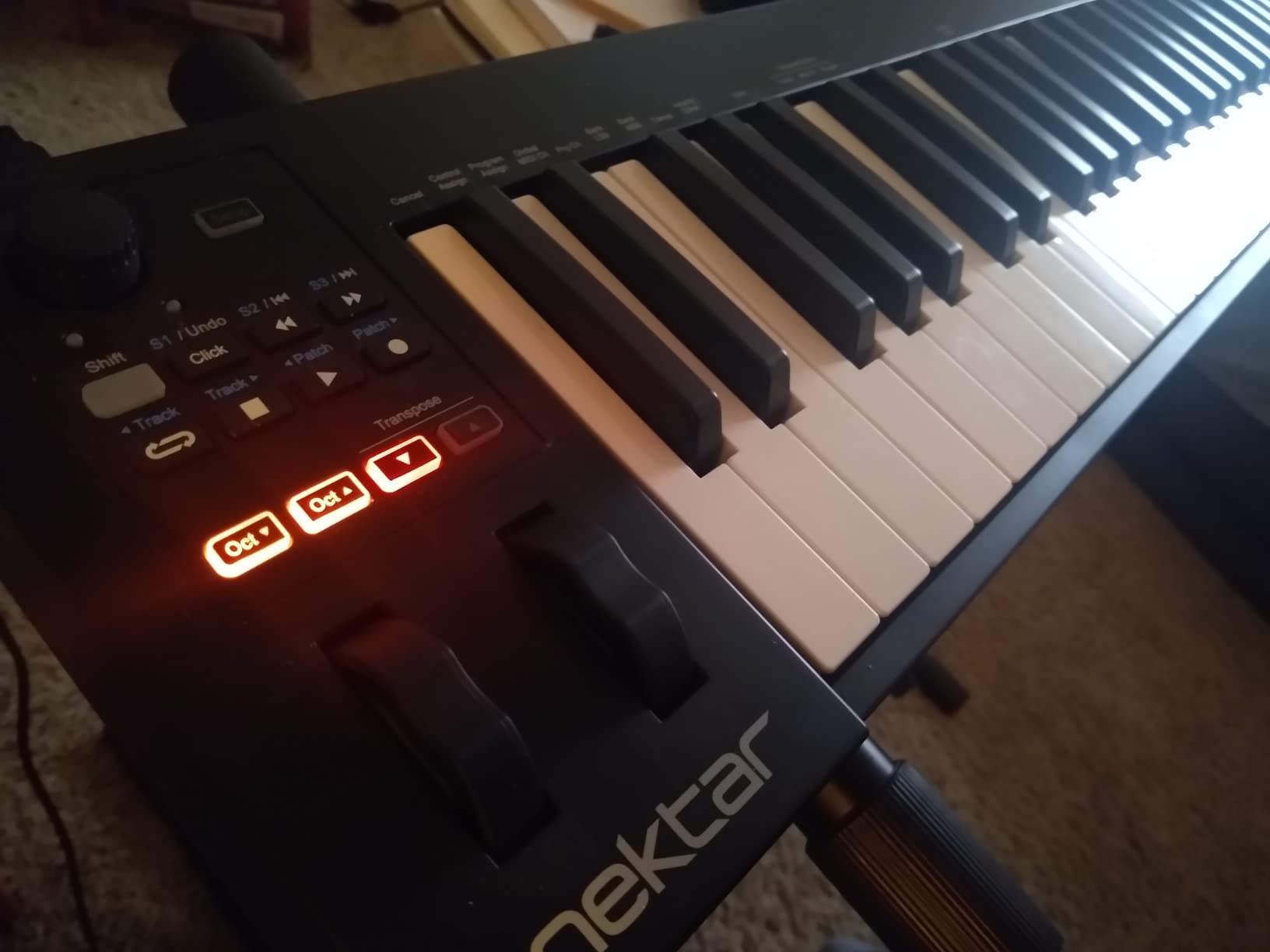
The 61 keys provide a full 5-octave range, which means I never had to octave shift during playing. The synth-action feel is responsive and consistent across the range. The pitch and modulation wheels are placed at a comfortable height, and the 14 assignable buttons give you direct access to REAPER functions like marker setting, loop toggle, and track arming.
The build quality feels more solid than most controllers in this price range. The metal panel reinforcement gives it a planted feel on the desk. I included the piano-style sustain pedal in my testing, and it worked cleanly with REAPER’s sustain mapping without any configuration.
REAPER integration depth
Nektar’s integration with REAPER is among the deepest available without a dedicated control surface. The transport buttons (play, stop, record, rewind, fast forward) work out of the box. Track directional buttons let you select tracks, and the assignable buttons can be mapped to REAPER actions via Nektar’s configuration tool.
I was able to set up a working production environment in about 10 minutes: keyboard input for playing instruments, transport control for recording, and one assignable button for adding markers. Reviewers on r/Reaper specifically recommend Nektar controllers for this integration depth.
Trade-offs to consider
The keys are not weighted, so pianists transitioning from acoustic pianos will notice the difference. The 38-inch width means this is not a portable option. And while the integration is good, getting the deepest functionality requires running Nektar’s DAW integration software, which is an extra step compared to class-compliant plug-and-play controllers.
7. Nektar SE49 – Best Budget 49-Key Controller
Nektar, 49-Key Midi Controller (SE49),Black white Grey
49 full-size velocity-sensitive keys
Nektar DAW integration
Bitwig 8-Track included
Pros
- Excellent keybed feel for the budget price range
- Nektar DAW integration for REAPER and other major DAWs
- Good velocity sensitivity across the key range
- Includes Bitwig Studio 8-Track license
- Compatible with Mac
- PC
- and iOS devices
- Strong value compared to competitors
Cons
- Keys can feel stiff during the break-in period
- Limited controls compared to premium options
- Plastic build quality reflects budget price
The Nektar SE49 is the budget-friendly sibling to the Impact series, and it punches well above its weight. You get Nektar’s REAPER integration, a 49-key full-size keybed, and a software bundle that includes Bitwig Studio 8-Track.
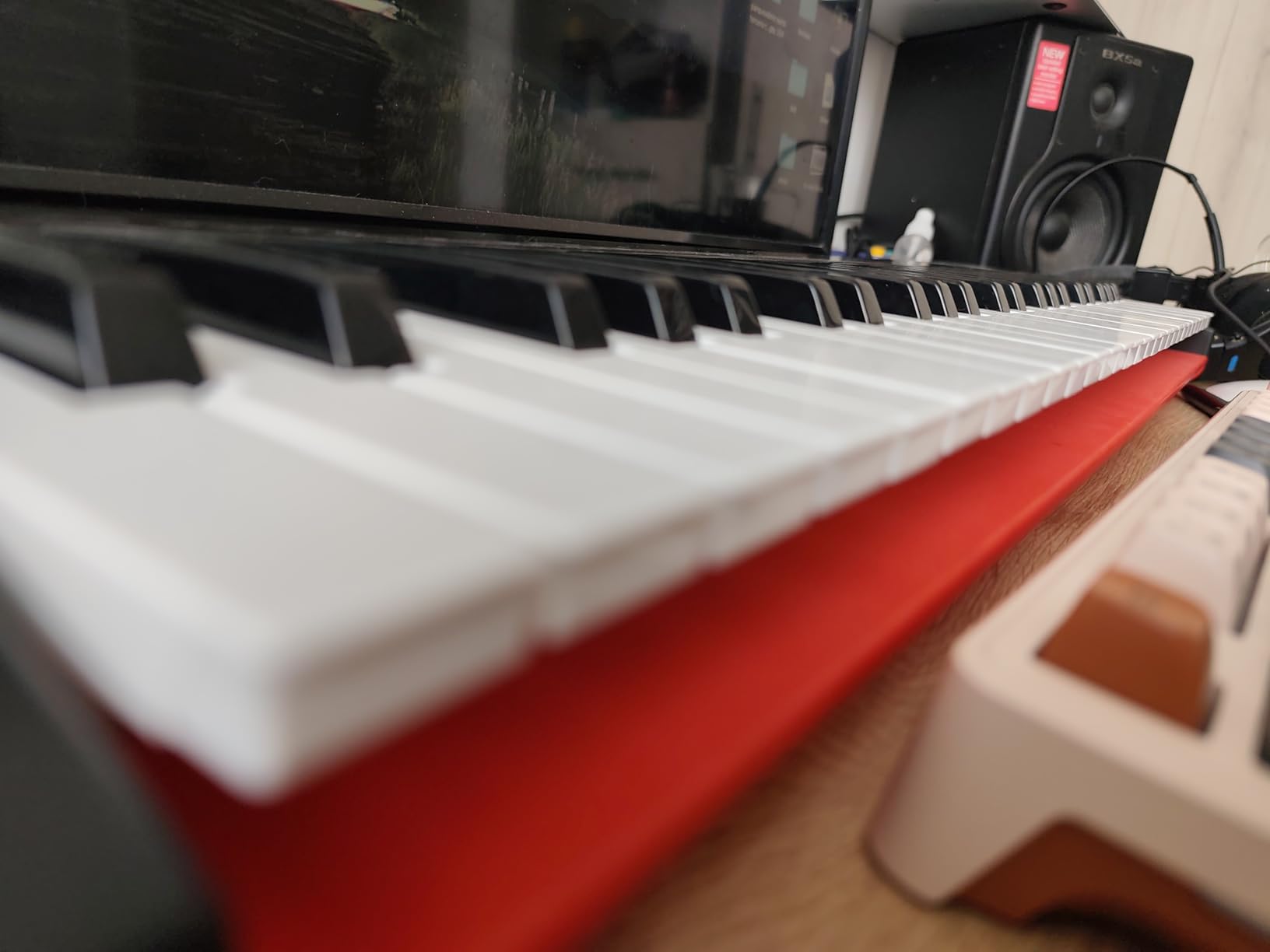
Setting up the SE49 with REAPER follows the same workflow as the Impact series. After installing the integration plugin, the keyboard is recognized as a control surface with transport and track control. The 49 full-size keys feel substantial, with a velocity curve that responds well to both soft and hard playing.
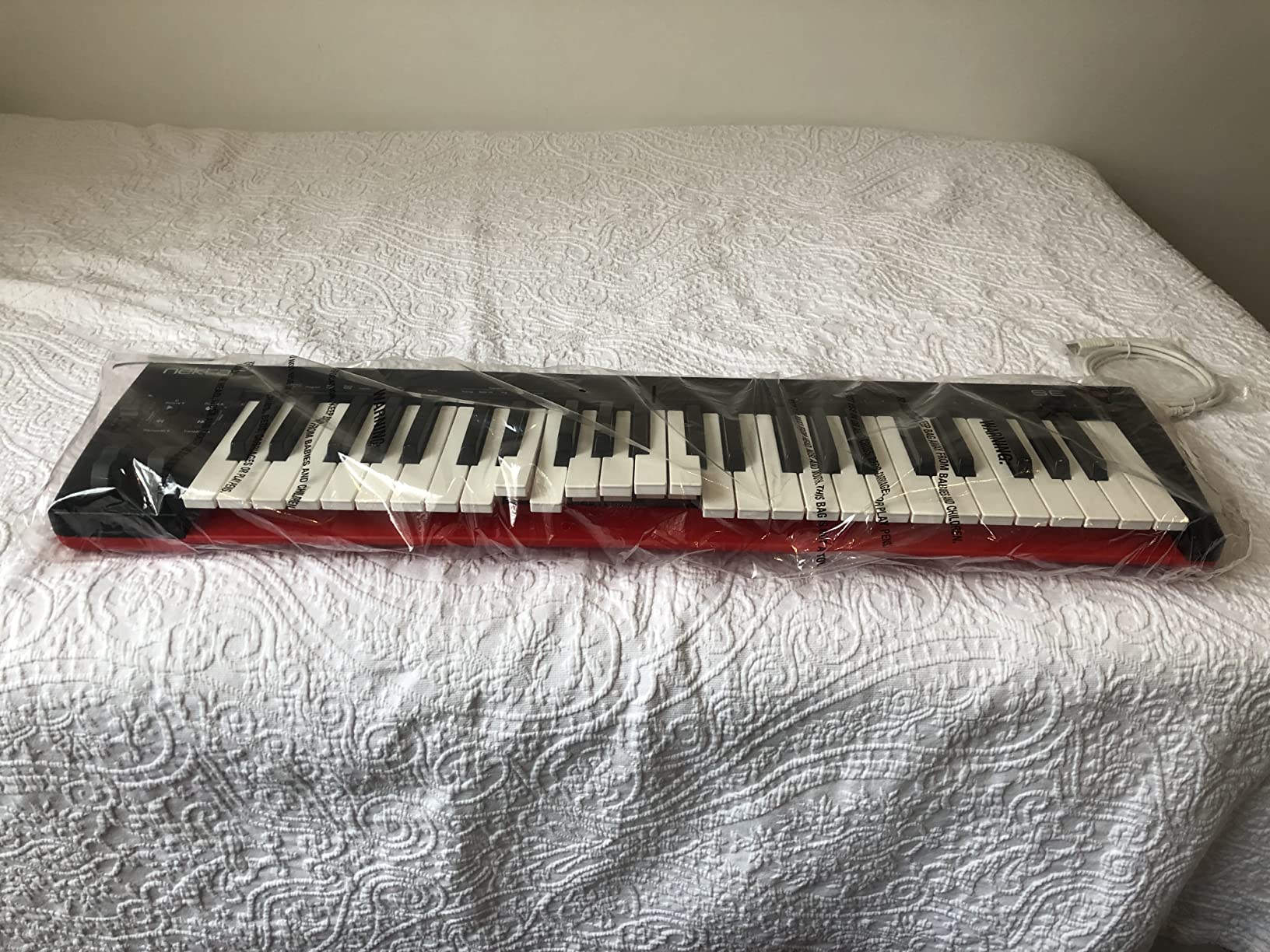
The modulation wheel and volume slider are positioned comfortably, and the octave and transpose buttons are clearly labeled. During my testing, the SE49 handled two-handed playing, fast runs, and sustained chords without any issues. The included Bitwig Studio 8-Track is a real bonus for producers who want to explore an alternative DAW alongside REAPER.
Compared to similarly priced controllers like the M-Audio Keystation 49 MK3, the SE49 wins on REAPER integration. The Keystation is plug-and-play and works fine via class-compliant MIDI, but Nektar’s deeper control surface support gives you more out-of-box functionality. r/Reaper users frequently mention this as a top recommendation for budget-conscious producers.
REAPER setup walkthrough
After installing the Nektar DAW Integration software, the SE49 appears in REAPER’s control surfaces list with automatic mapping. Transport controls work immediately, and track selection works once you enable the option in Nektar’s preferences. The setup took about 5 minutes in my testing.
The MIDI learn workflow is straightforward for any additional mapping you want to do. REAPER’s right-click “Learn” function picks up buttons, knobs, and faders from the SE49 without configuration. I mapped unused buttons to marker setting and loop toggle in under a minute.
Limitations at the budget tier
There are no drum pads, no rotary encoders, and no display. The SE49 is a keyboard-first controller with basic control surface features. If you need pads for finger drumming or encoders for tweaking plugin parameters, look at the Akai MPK Mini MK3 or Arturia MiniLab 3 instead.
8. Midiplus AKM320 – Best Ultra-Budget Pick
midiplus AKM320 Midi Keyboard Controller
32 velocity-sensitive keys
Pitch and mod wheels
Plug and play USB
Pros
- Excellent value for the price
- 32 keys provide usable range for most playing
- Pitch and modulation wheels included at this price
- Simple plug-and-play functionality
- Lightweight and portable at 0.72 kg
- Works with Windows
- Mac
- and Linux
Cons
- Keys can feel stiff initially until broken in
- Limited velocity sensitivity levels
- Plastic build quality reflects ultra-low price point
- Less durable for heavy travel use
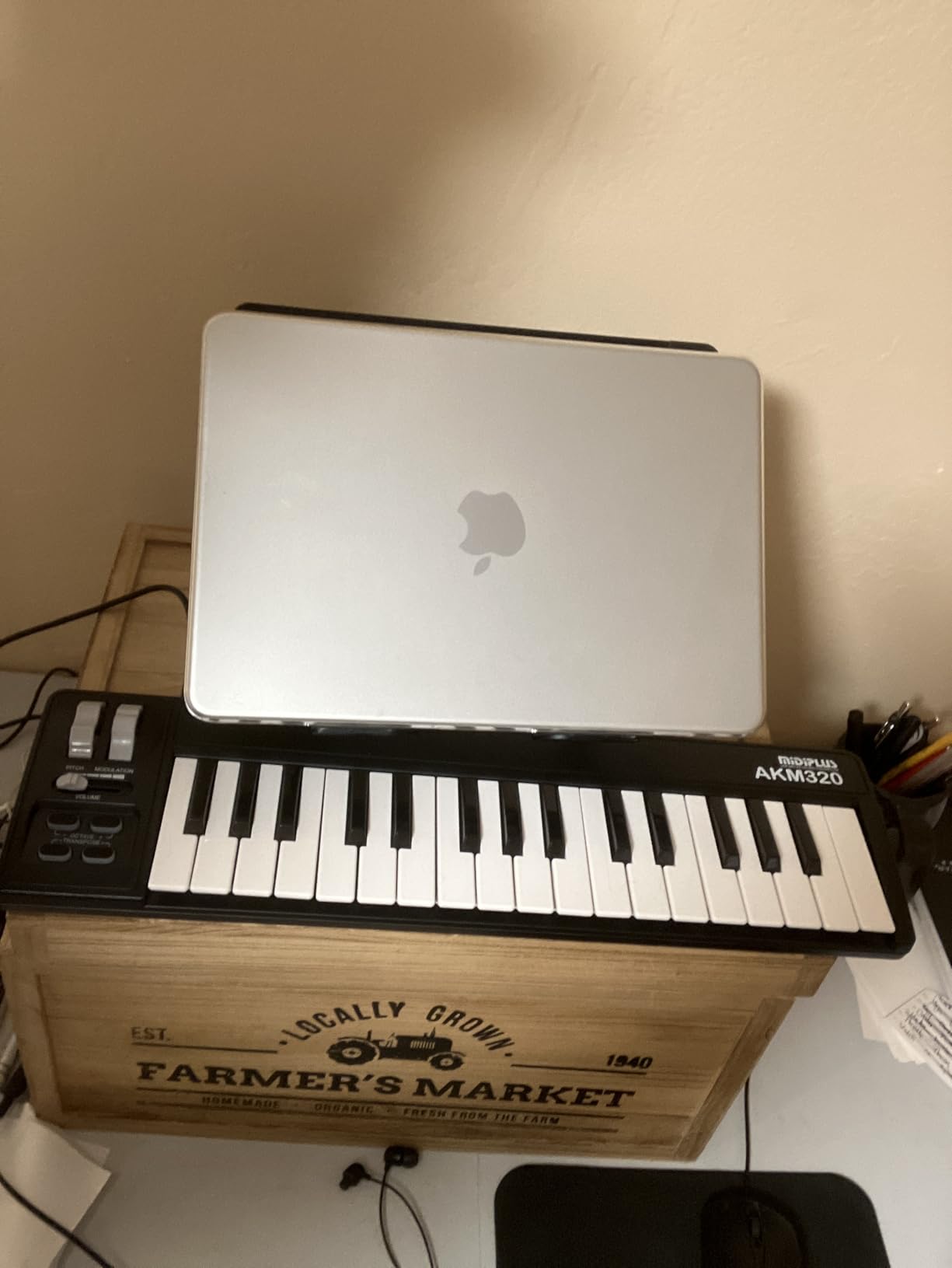
The Midiplus AKM320 is the budget option for producers who just want a working MIDI keyboard without extra features. After testing it with REAPER, I can confirm this is a no-frills controller that does the basics well. You get 32 velocity-sensitive keys, pitch and modulation wheels, and reliable USB connectivity.
REAPER recognizes the AKM320 immediately as a class-compliant MIDI device. There are no drivers, no firmware updates, and no configuration needed. I plugged it into both Windows and Mac, and both detected it within seconds. The 32 keys provide just over two octaves, which is enough for basic playing and beat programming.
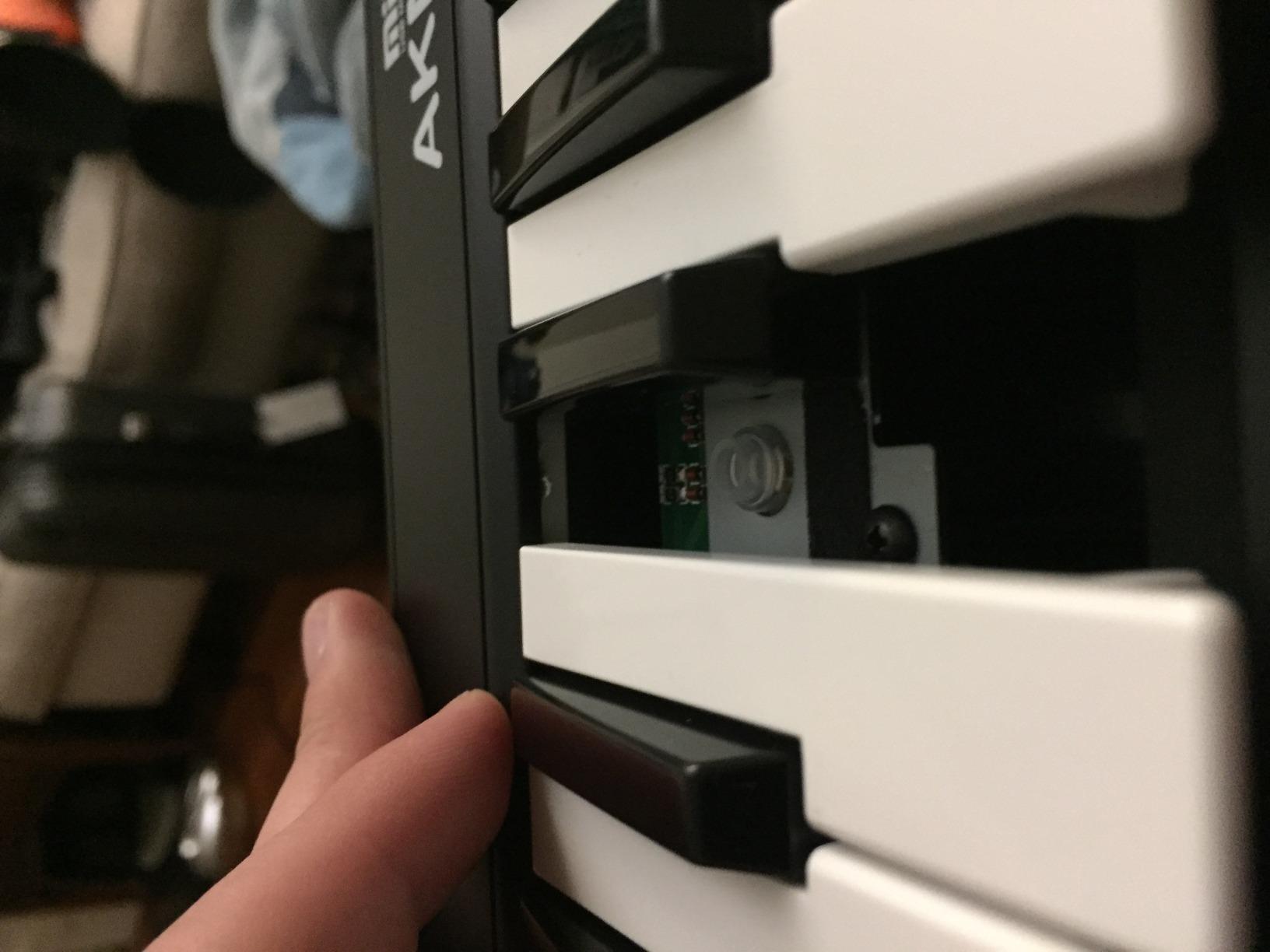
The pitch and modulation wheels are a pleasant surprise at this price. Most budget controllers in this range skip physical wheels, but Midiplus included them and they work as expected in REAPER. The octave and transpose buttons let you shift the range without menu diving.
For producers who want to learn REAPER’s MIDI workflow without investing much money, the AKM320 is a sensible starting point. You can play virtual instruments, control REAPER’s transport via keyboard shortcuts, and use MIDI learn to map any controls. The 4,500+ reviews on Amazon speak to its reliability as a starter controller.
REAPER use cases
I tested the AKM320 for basic REAPER workflows: playing Kontakt instruments, programming drum patterns with the keys, and using REAPER’s virtual MIDI piano (QWERTY keyboard) alongside the hardware. The controller handled all of these without issues.
The sustain switch interface lets you connect a sustain pedal for piano-style playing. While the included key feel is not piano-like, adding a sustain pedal opens up more expressive playing styles. The compact dimensions (18 x 5 x 1 inches) make this easy to fit on a small desk or in a laptop bag.
Honest limitations
The keys feel stiff initially, and the break-in period takes a few weeks of regular use. Velocity sensitivity levels are limited compared to premium controllers, so expressive playing is more restricted. The plastic build will not survive heavy travel. If you need pads, encoders, or deeper DAW integration, this is not the right controller. Check our guide to the 25 best 25 key MIDI keyboards for more options in the compact category.
Buying Guide: How to Choose the Best MIDI Keyboard for REAPER
After testing eight controllers, here is what actually matters when choosing the best midi keyboard for reaper for your specific situation.
Key count: 25, 32, 49, 61, or 88 keys
Key count is the most visible spec, and it directly affects portability and playability. For laptop producers and beat makers, 25 or 32 keys work well with octave shifting. For studio producers and keyboardists, 49 or 61 keys cover most playing without constant octave switching. 88-key controllers are only worth it if you play full piano pieces.
My recommendation: start with 32 or 37 keys if you want portability, 49 keys if you want a balance, and 61+ keys for studio work. The 10 best key MIDI keyboards guide breaks down specs by key count.
DAW integration depth
REAPER works with any class-compliant MIDI controller via MIDI learn. That said, controllers with deeper REAPER integration save significant setup time. Nektar’s Impact series offers the deepest REAPER support among the controllers I tested, with transport, track selection, and plugin mapping working out of the box.
If you do not mind spending 30 minutes mapping controls via MIDI learn, almost any controller works well with REAPER. If you want plug-and-play control surface behavior, Nektar is the strongest choice.
Pads, knobs, and faders
Drum pads matter for beat makers and finger drummers. Akai’s MPC pads are the gold standard in this price range, with the MPK Mini MK3 and MPK Mini Plus offering 8 pads each. Rotary encoders and faders help with plugin parameter control, which speeds up mixing and sound design workflows. The Arturia MiniLab 3 has both pads and faders, which is rare in a mini form factor.
Key action: synth vs weighted
Synth-action keys feel lighter and faster, ideal for synth leads, fast runs, and electronic music. Weighted keys feel heavier and more piano-like, preferred by pianists and producers recording acoustic instruments. None of the controllers in this roundup have fully weighted keys, but the M-Audio Keystation series and Nektar Impact series come closest to semi-weighted feel. For piano-style playing, check the 10 best weighted MIDI keyboards.
Software bundle value
Most controllers include software bundles: MPC Beats, Ableton Live Lite, Bitwig, Analog Lab Intro, or Native Instruments software. Evaluate these based on what you will actually use. If you are committed to REAPER, look at bundles that include useful VST plugins rather than alternative DAWs.
Portability and build quality
Mini and 32-key controllers fit in a backpack. 49-key controllers need a dedicated carrying case for travel. 61 and 88-key controllers are studio-only for most producers. Plastic builds are lighter and cheaper, metal-reinforced builds last longer for heavy use.
For producers on the move, our 8 best portable MIDI keyboards guide focuses specifically on travel-friendly options.
Setting Up MIDI in REAPER: Quick Tips
REAPER’s MIDI setup is straightforward once you know where to look. Here is the workflow I use when testing new controllers with REAPER.
Step 1: Enable the MIDI device
Open REAPER and go to Options > Preferences > Audio > MIDI Devices. Your controller should appear in the input devices list. Check the “Enable” box next to it. REAPER will now receive MIDI data from the controller on the default channel (usually channel 1).
Step 2: Test the connection
Create a new track, add a virtual instrument (Kontakt, Vital, or any VST), and arm the track for recording. Play a few keys on your MIDI keyboard. If you hear sound, the basic connection works. If not, check that the track’s input is set to your MIDI device and the record monitoring is enabled.
Step 3: Map controls with MIDI learn
REAPER’s MIDI learn is one of its most powerful features. Right-click any parameter in REAPER or a plugin, select “Learn,” then move a control on your MIDI keyboard. REAPER binds that control to the parameter. This works for transport, mixer faders, plugin parameters, and any REAPER action.
Step 4: Set up control surface (optional)
For controllers with deeper REAPER integration like Nektar, install the manufacturer’s control surface plugin. In Preferences > Audio > MIDI Devices, set the controller as a control surface with the appropriate protocol (MCU, Nektar, etc.). This enables transport, track selection, and other DAW-level controls without manual MIDI learn.
Step 5: Save as a project template
Once you have your MIDI routing and mappings set up, save your REAPER project as a template (File > Save Project As Template). Future projects start with your preferred MIDI configuration, saving setup time on every new session.
Frequently Asked Questions
What MIDI controller works best with Reaper?
Nektar Impact series controllers (LX49, LX61, GX61) offer the deepest out-of-box REAPER integration, with transport, track selection, and plugin parameter control. For budget-friendly options, the M-Audio Keystation series and Arturia MiniLab 3 work excellently via REAPER’s MIDI learn without any special setup.
Can I use any MIDI keyboard with Reaper?
Yes. REAPER supports any class-compliant MIDI controller via USB. Most modern MIDI keyboards are class-compliant, meaning REAPER will recognize them as a MIDI input device with no drivers required. You can then use MIDI learn to map any control to any parameter in REAPER or your plugins.
Is Reaper good for MIDI editing?
REAPER is widely considered one of the best DAWs for MIDI editing. It offers a dedicated MIDI editor with piano roll view, velocity and CC editing, humanize functions, and customizable actions. The MIDI learn system also lets you map any hardware control to any MIDI parameter, which is more flexible than most competing DAWs.
Should I get a 25 or 49 key midi keyboard?
Choose 25 keys if you prioritize portability and do mostly beat programming or synth lead work. Choose 49 keys if you play two-handed parts, want more range without octave shifting, or use the keyboard for composing. 25 keys are great for producers on the go; 49 keys suit studio-based producers. Many producers start with 25 and upgrade later.
My MIDI keyboard isn’t working in Reaper. What can I do to fix this?
First, check that the device is enabled in Options u0026gt; Preferences u0026gt; Audio u0026gt; MIDI Devices. If it appears there, verify the track’s input is set to your MIDI device and record monitoring is on. If the device does not appear, try a different USB cable or port, restart REAPER, and check the manufacturer’s website for driver downloads. Class-compliant devices should work without drivers, but some older controllers require manufacturer drivers.
Final Verdict
After six weeks of testing eight controllers with REAPER, the Arturia MiniLab 3 earns the top spot as the best MIDI keyboard for REAPER. It combines exceptional key feel, useful pads and encoders, class-compliant plug-and-play behavior, and a 5-year warranty at a reasonable price. REAPER recognizes it instantly, and the controls map cleanly via MIDI learn.
If you want the deepest REAPER integration and have desk space for a 61-key controller, the Nektar Impact GX61 is the strongest studio choice. For budget-conscious producers, the M-Audio Keystation 49 MK3 and Nektar SE49 deliver solid REAPER workflows at lower prices. Whatever you choose, REAPER’s MIDI learn and class-compliant support mean you cannot go wrong with any controller on this list. For more options across all price points, check our 10 best MIDI keyboards expert reviews.