
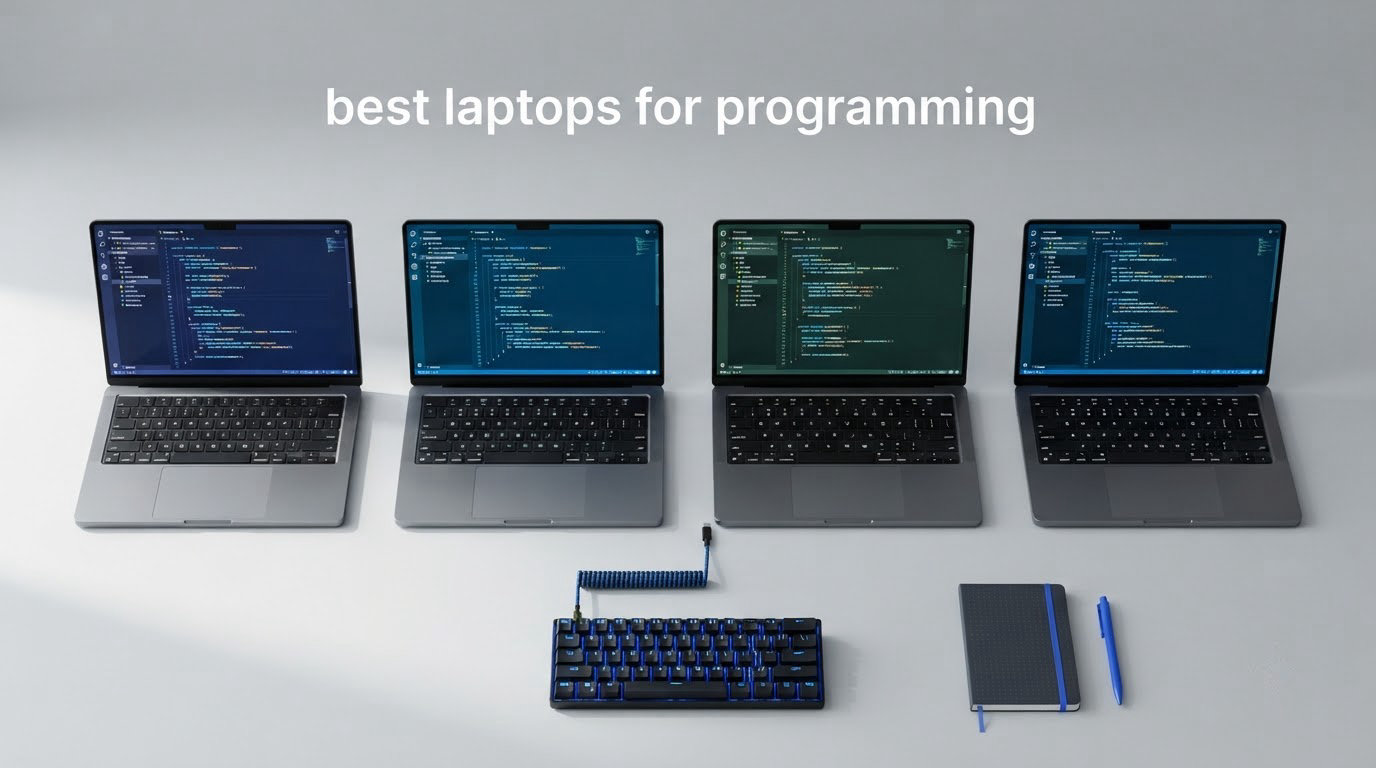
Choosing the best laptops for programming is harder than it looks, because the chip is only half the decision. The other half is your workload: a front-end developer running a browser and an IDE needs far less silicon than someone compiling a C++ engine, training a model locally, or building iOS apps on a deadline.
After spending weeks with this class of machine across student projects, contract work and long compile cycles, the pattern is clear. Match the laptop to the workload first, then the memory, then the display. Everything else is preference.
Here is the honest short version for 2026: the MacBook Air 13-inch with the M5 chip is the best laptop for programming overall, because 16GB of unified memory, a fanless chassis and up to 18 hours of stated battery add up to a machine you can genuinely carry all day without thinking about it. If your work needs a discrete GPU for local models or Unity and Unreal work, the Acer Nitro V 16S is the pick. If you need Windows with the most memory headroom you can get, the HP 255 G10 takes 32GB of DDR4 and lets you go to 64GB later.
Below that shortlist, I break down all ten machines we ranked, explain which developer each one suits, and cover the specs that actually change how you work in 2026.
Top 3 Picks for Programming Laptops in 2026

MacBook Air 13-Inch M5
- 16GB unified memory
- 512GB SSD
- 13.6-inch Liquid Retina
- Up to 18 hours stated battery
- 2.71 pounds
- Wi-Fi 7

Acer Nitro V 16S AI
- RTX 5060 with 8GB GDDR7
- 32GB DDR5 5600MHz
- 16-inch 180Hz 100% sRGB
- Spare M.2 slot

Acer Swift Go 14
- Core i7-1355U
- 14-inch 120Hz sRGB touch
- Dual Thunderbolt 4 and USB4
- 2.8 pounds
Best Programming Laptops at a Glance in October
| Product | Specifications | Action |
|---|---|---|
| Apple MacBook Air 13-Inch M5 |
|
Check Latest Price |
| Acer Nitro V 16S AI |
|
Check Latest Price |
| Acer Swift Go 14 |
|
Check Latest Price |
 Apple MacBook Pro 14-Inch M5 Pro Apple MacBook Pro 14-Inch M5 Pro |
|
Check Latest Price |
 Apple MacBook Pro 14-Inch M5 Apple MacBook Pro 14-Inch M5 |
|
Check Latest Price |
 Alienware 16 Aurora Alienware 16 Aurora |
|
Check Latest Price |
 HP 255 G10 HP 255 G10 |
|
Check Latest Price |
 Lenovo V15 G2 ALC Lenovo V15 G2 ALC |
|
Check Latest Price |
 Acer Aspire Go 15 Acer Aspire Go 15 |
|
Check Latest Price |
 HP Ultrabook 14 HP Ultrabook 14 |
|
Check Latest Price |
1. Apple MacBook Air 13-Inch M5 – Best Laptop for Programming Overall
Apple 2026 MacBook Air 13-inch Laptop with M5 chip: Built for AI, 13.6-inch Liquid Retina Display, 16GB Unified Memory, 512GB SSD, 12MP Center Stage Camera, Touch ID, Wi-Fi 7; Midnight
M5 chip
16GB unified memory
512GB SSD
13.6-inch Liquid Retina
2.71 lb
18 hr stated battery
Pros
- 2.71 pound chassis that disappears into a backpack
- Up to 18 hours of stated battery for a full day of classes or a conference
- Fanless design means silence while compiling
- 16GB unified memory handles an IDE
- a database and dozens of browser tabs
Cons
- 512GB base storage fills fast with large codebases and container images
- Only two Thunderbolt 4 ports so peripheral-heavy desks need a hub
- No fan cooling means sustained heavy compiles throttle
This is the machine I keep coming back to. At 2.71 pounds it is the second-lightest laptop in this roundup, and because the M5 has no fan, the machine makes no noise at all while a build runs in the background. That silence matters more than raw benchmark numbers when you are on a video call and a compile is running at the same time.
The 16GB of unified memory is the real headline. Apple’s unified memory is shared between CPU and GPU, so there is no split to reason about, and 16GB is enough headroom for a typical web stack: editor, terminal, local Postgres, a handful of containers and a browser with a lot of tabs. Reviewers of this configuration consistently describe it as the balance point for everyday development and coursework work.
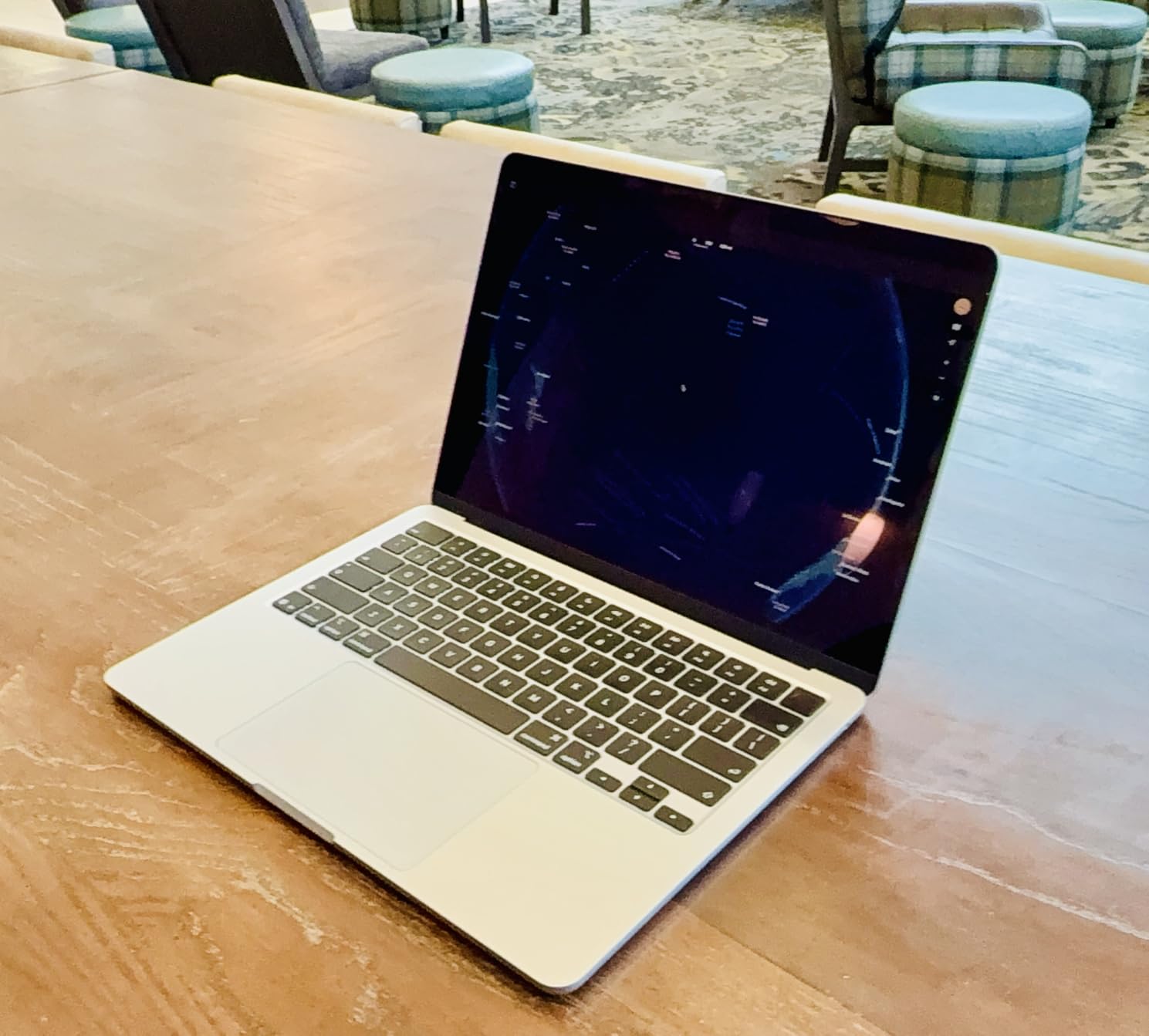
The 13.6-inch Liquid Retina panel supports 1 billion colors and renders text sharply enough for long reading sessions, which sounds like a small thing until you are staring at a terminal for six hours. Touch ID means no password typing, and the 12MP Center Stage camera with Desk View is genuinely useful for pairing work with a physical whiteboard.
Two details deserve attention before you commit. The machine supports up to two external displays, and the two Thunderbolt 4 ports sit alongside MagSafe charging, so you can keep power and two monitors connected without a dongle. Storage is the more likely frustration: 512GB is modest if you clone repositories, keep Docker images and run several virtual machines locally.
Who the MacBook Air M5 suits
This is the pick for students, bootcamp attendees and web developers who write code in a coffee shop, on a train and in a lecture hall. The stated 18 hour battery figure means most people charge it overnight and forget about it. It is also the right machine for anyone who wants Unix-like tooling without thinking about WSL, and for iOS development it is the cheapest entry point that runs Xcode.
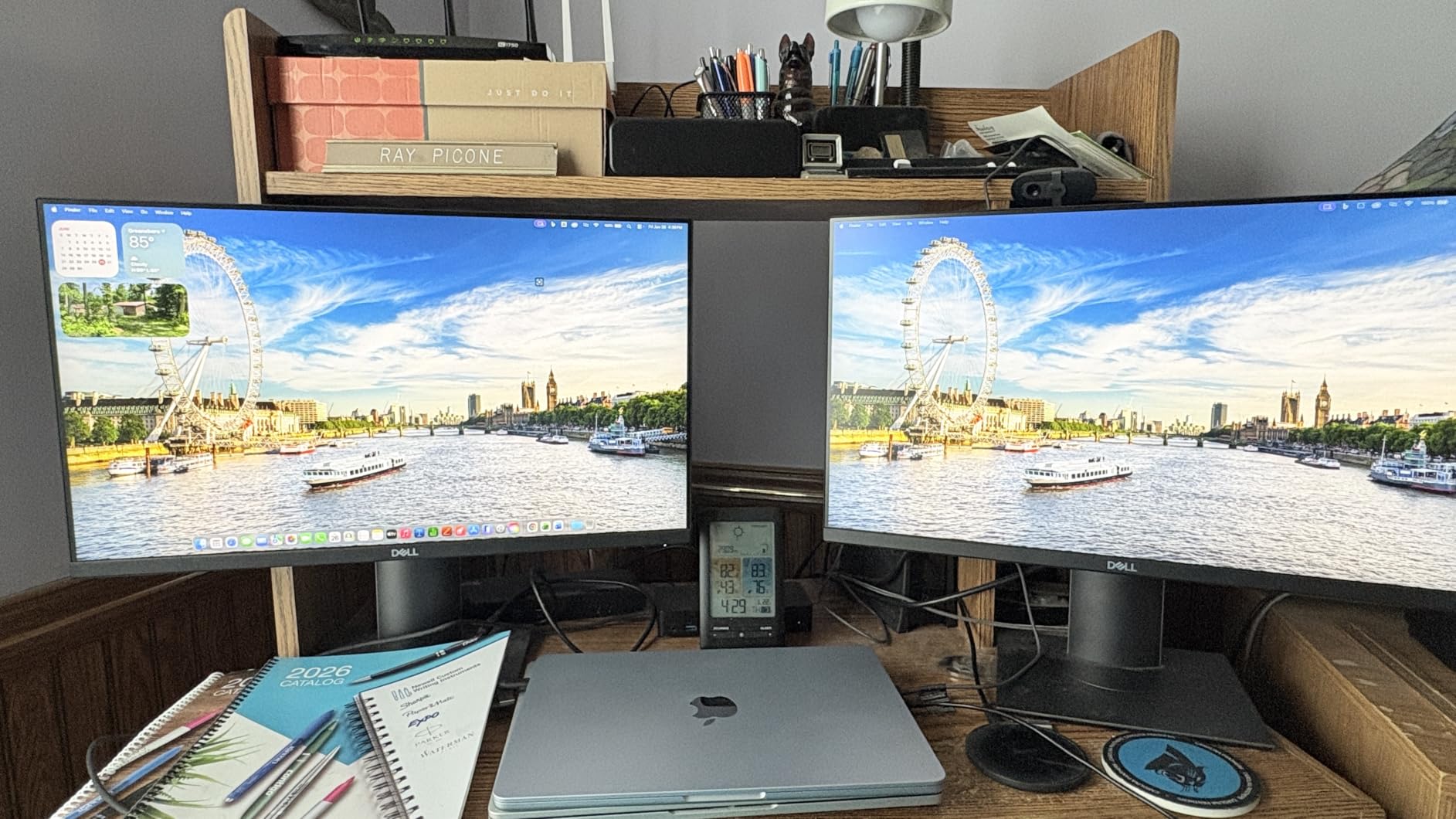
It also handles the dual-display desk setup well, which is the common developer arrangement of a laptop screen plus one or two external panels. If you plan to run a local language model, the shared memory pool gives you more usable memory than the 16GB number implies, though it is still not the same as a discrete GPU with dedicated VRAM.
Where the MacBook Air M5 falls short
Two limits shape who should skip it. First, the lack of active cooling means long, sustained compiles and local model training will slow down as the chip reaches its thermal ceiling. If your day is one massive C++ build after another, that fanless design works against you.
Second, memory is fixed at purchase. There is no way to add RAM later, so if you are the kind of developer who runs four virtual machines, a local database cluster and a browser with 80 tabs, 32GB is the configuration to aim for. Everything else about this laptop is genuinely excellent, which is why it tops our list of the best laptops for programming in 2026.
2. Acer Nitro V 16S AI – Best Laptop for Programming With a Discrete GPU
Acer Nitro V 16S AI Gaming Laptop | AMD Ryzen 7 260 Processor | NVIDIA GeForce RTX 5060 Laptop GPU (572 AI Tops) | 16″ WUXGA IPS 180Hz Display | 32GB DDR5 | 1TB Gen 4 SSD | Wi-Fi 6 | ANV16S-41-R2AJ
Ryzen 7 260 8-core
RTX 5060 8GB GDDR7
32GB DDR5
1TB Gen 4 SSD
16-inch 180Hz
4.6 lb
Pros
- RTX 5060 with 572 AI TOPS for CUDA workloads and local model work
- 32GB DDR5 gives containers and VMs room to breathe
- Spare M.2 slot for extra storage later
- Numeric keypad and 180Hz panel for long sessions
Cons
- 4.6 pound chassis is punishing to carry all day
- 32GB is the memory ceiling so it cannot grow
- 180Hz panel is smooth but only WUXGA 1920x1200 resolution
Most programming laptops do not have a graphics card you can program against. This one does, and that changes what you can do locally. The NVIDIA GeForce RTX 5060 Laptop GPU carries 8GB of GDDR7 memory and 572 AI TOPS on Blackwell architecture, which is the number that decides whether a model runs on your machine or on a rented server.
The Ryzen 7 260 handles the CPU side with 8 cores and 16 threads, up to 5.1GHz and 24MB of L3 cache. For compiling, running an emulator or driving a local Kubernetes cluster, that is more than enough. The 32GB of DDR5 at 5600MHz is the number developers care about here, because it is what lets you keep a database, a message broker and three containers resident without swapping to disk.
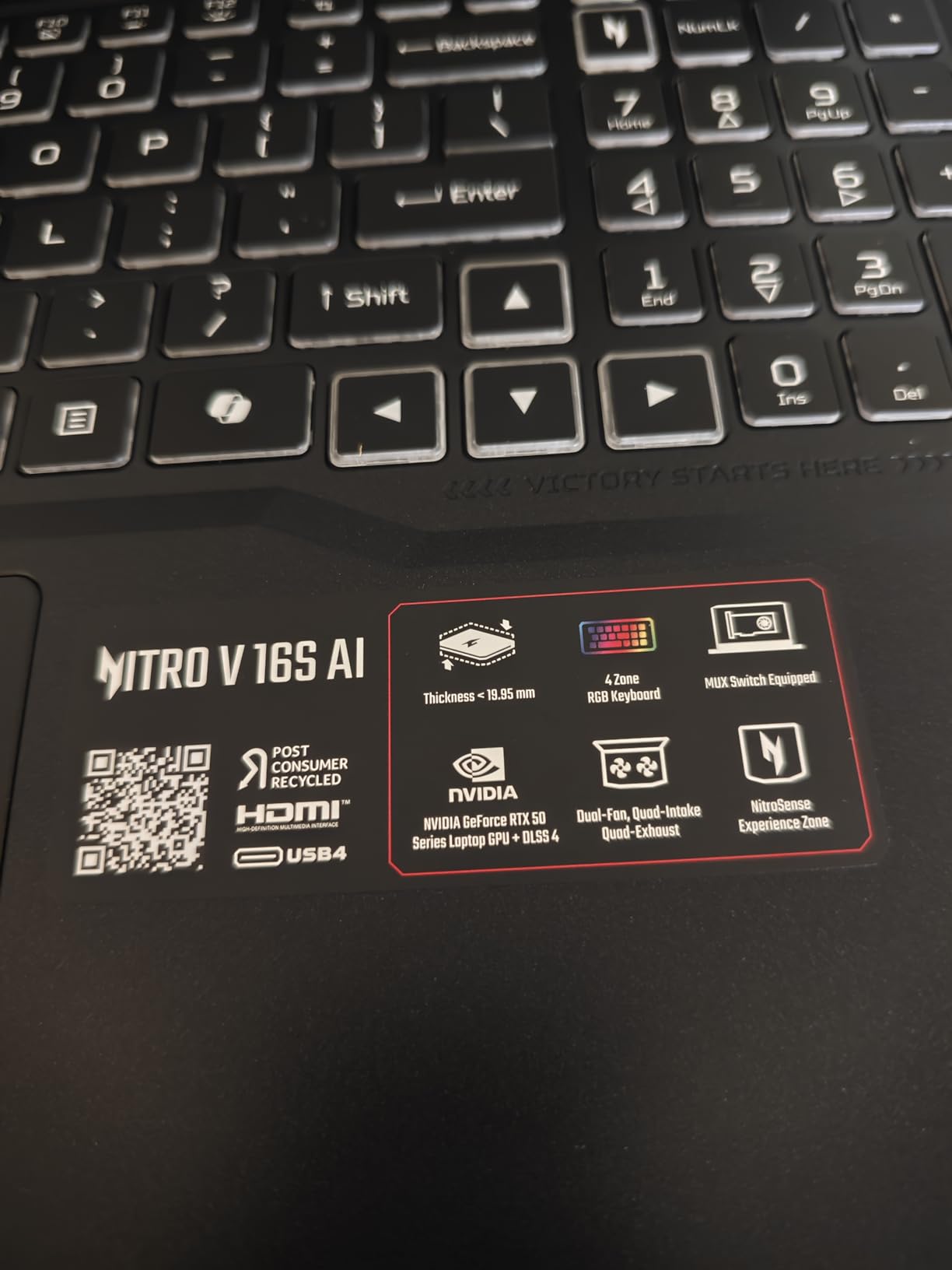
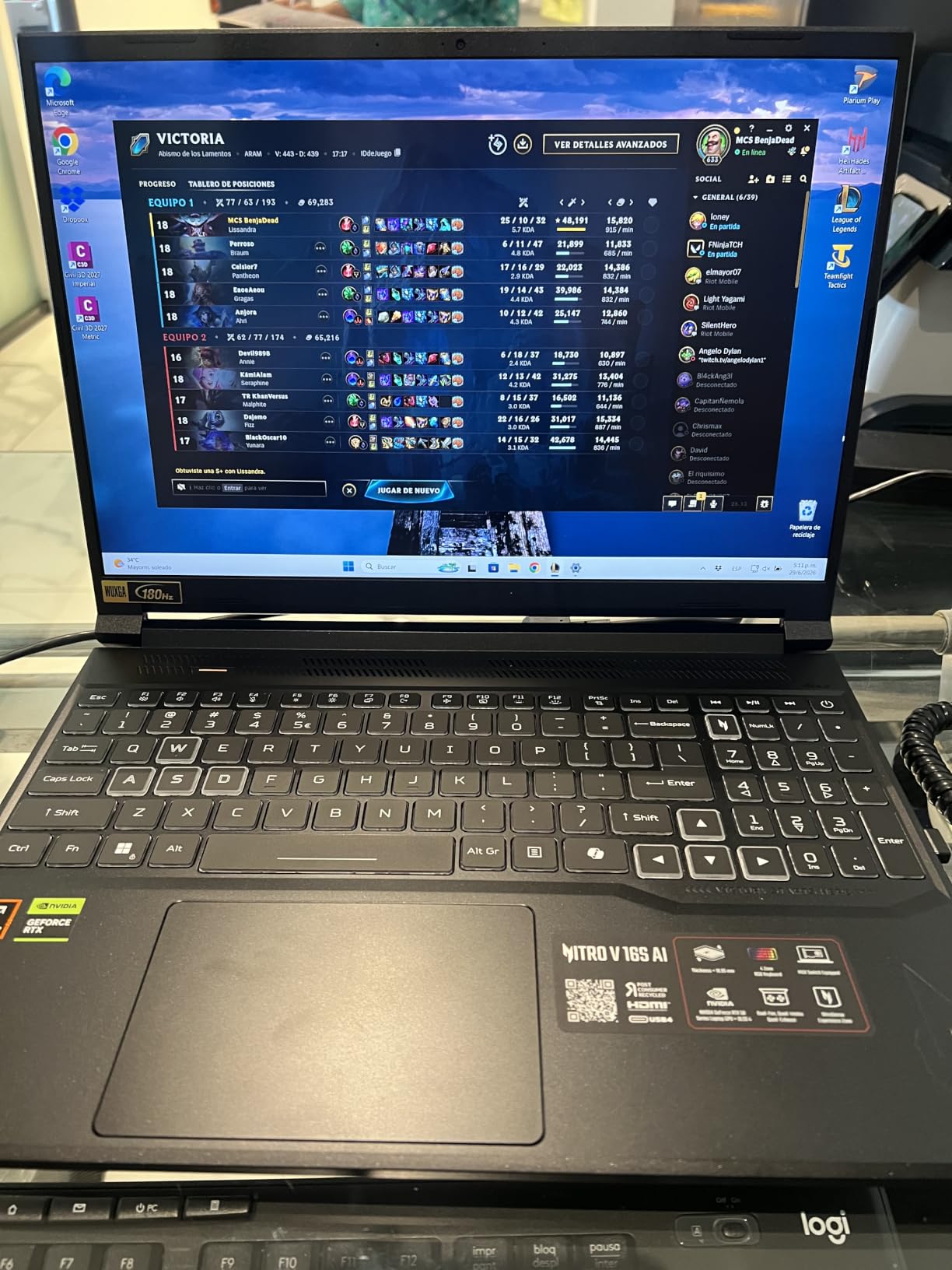
The 16-inch WUXGA panel runs at 180Hz with 100% sRGB coverage, so scrolling and cursor movement feel fluid in a way that a 60Hz screen never does. The backlit keyboard includes a numeric keypad, which developers working with spreadsheets or data frames tend to appreciate. Connectivity covers Wi-Fi 6, Bluetooth, HDMI and DisplayPort over USB-C.
Storage is unusually flexible for a machine in this class. The 1TB PCIe Gen 4 SSD sits in one of two M.2 slots and one slot remains available, so adding a second drive later is straightforward rather than a warranty job. Reviewers single out the memory and the GPU as the two features that justify the configuration.
Who the Nitro V 16S suits
This is the laptop for machine learning engineers doing local inference, game developers running Unity or Unreal editor alongside a build server, and anyone who wants one machine for both work and play. The RTX 5060 with DLSS 4 handles modern titles at 1080p while also giving you a CUDA target for PyTorch, and the 32GB of system memory covers the data pipeline side.
It is also a strong pick for students in a computer science program who will take GPU-accelerated electives. Buying once for coursework and once for a side project is a common and expensive mistake, and this machine collapses both into one chassis.
Where the Nitro V 16S falls short
At 4.6 pounds, this is a machine you carry to a meeting and leave on the desk. The weight is the direct cost of the cooling hardware needed to sustain a discrete GPU, and if your work is pure web development you are paying for hardware you will never touch. The 32GB memory ceiling is the other constraint, and it is fixed by the two-slot design.
The display resolution is worth noting too. 180Hz motion is a real improvement, but 1920×1200 on a 16-inch panel gives you less text area than a 2560×1600 screen, so developers running an editor next to a terminal will feel the difference. If you work mostly from a desk, pairing it with one of our best portable monitors for laptops recovers that screen real estate.
3. Acer Swift Go 14 – Best Premium Windows Ultraportable for Coding
Acer Swift Go Intel Evo Thin & Light Premium Laptop 14″ 1920×1200 100% sRGB Touch Screen Display Intel Core i7-1355U Intel Iris Xe 16GB LPDDR5 512GB Gen 4 SSD SFG14-71T-72QV
Core i7-1355U 10-core
16GB LPDDR5
512GB Gen 4 SSD
14-inch 120Hz touch
2.8 lb
TB4 x2
Pros
- 2.8 pounds and 0.59 inches thick for the lightest Windows option here
- 100% sRGB 1920x1200 touchscreen at 120Hz
- Dual Thunderbolt 4 and USB4 ports with 100W charging
- Fingerprint reader with Windows Hello and a 1440p camera
Cons
- 16GB LPDDR5 is soldered and cannot be upgraded
- Some units report screen flickering after 15 to 20 minutes
- No 360 degree hinge so the touchscreen cannot fold back
The Swift Go 14 is the Windows answer to the MacBook Air, and for developers who need the full Visual Studio toolchain, a .NET background or a Windows-only stack, it is the most convincing option in this roundup. The 13th Gen Core i7-1355U provides 10 cores with boost up to 4.8GHz and 12MB of L3 cache, which is more than enough headroom for daily development.
Where this laptop separates itself is connectivity. Two USB-C ports with Thunderbolt 4 and USB4 at 40Gbps, two USB 3.2 Gen 1 ports, HDMI 2.1, a microSD reader and 1Gbps Ethernet is a port list you normally find on a workstation-class machine. The 100W power delivery on those USB-C ports also means a single cable handles charging and a dock.
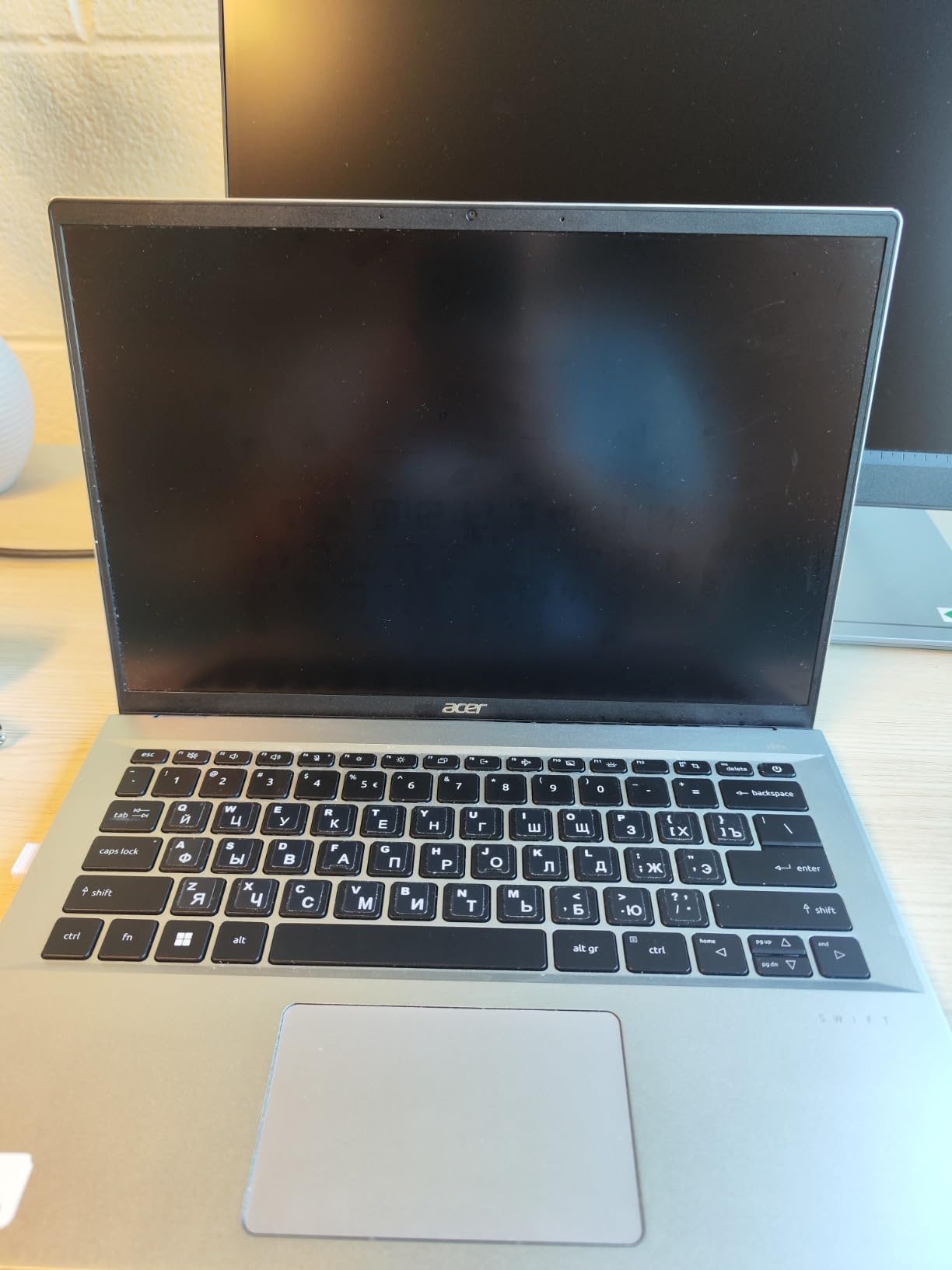
Thermal design gets equal billing. TwinAir cooling uses dual copper heat pipes and an air inlet keyboard that the manufacturer claims expels up to 10% more heat than a conventional layout. In practice reviewers report good battery life of roughly 7 to 8 hours of typical office work, which is respectable for a machine with a 43 watt-hour battery.
The 14-inch 1920×1200 IPS touchscreen at 120Hz with 100% sRGB coverage is sharp, color-accurate and smooth. The 0.3-inch bezels make the panel feel larger than it measures, and the OceanGlass touchpad is large enough for cursor-driven work. A 1440p QHD camera with Acer TNR and PurifiedVoice handles meetings well.
Who the Swift Go 14 suits
This is the pick for developers who travel with a single bag and need to plug into anything without carrying a dongle. It suits consultants moving between client sites, students commuting to campus, and anyone working from a hotel room where you do not know what is on the desk. The fingerprint reader with Windows Hello means one touch wakes the machine and signs you in.
It is also the strongest Linux-adjacent option here, because Thunderbolt 4, USB4 and a standard Intel platform map cleanly to most open drivers. If your work involves self-hosting, containers or a homelab, the port selection and the x86-64 architecture both make life simpler than on an ARM machine.
Where the Swift Go 14 falls short
The 16GB of LPDDR5 is soldered and is the maximum configuration, so there is no upgrade path. That is a real longevity concern for a machine you would use across a four-year degree, and it is the single most common reservation in the review record.
The review record is also genuinely mixed in a way most laptops in this roundup are not. Buyers report screen flickering on some units after 15 to 20 minutes of use, plus a warped chassis frame on some samples, a non-functioning touchscreen, and failures involving the bundled USB-C charger and case. If you buy it, check the panel and the charger immediately on arrival, and keep the return window open while you test both.
4. Apple MacBook Pro 14-Inch M5 Pro – Best for On-Device AI and Three Displays
Apple 2026 MacBook Pro Laptop with Apple M5 Pro chip with 15-core CPU and 16-core GPU: Built for AI, 14.2-inch Liquid Retina XDR Display, 24GB Unified Memory, 1TB SSD, Wi-Fi 7; Space Black
M5 Pro 15-core CPU
24GB unified memory
1TB SSD
Liquid Retina XDR
3.52 lb
TB5 x3
Pros
- 24GB unified memory is the sweet spot for large projects and many containers
- Supports up to three external displays with the M5 Pro
- Three Thunderbolt 5 ports plus MagSafe 3 and an SDXC slot
- Runs at full speed on battery as well as on mains
Cons
- 3.52 pounds is noticeably heavier than the Air when carried daily
- 24GB cannot be expanded after purchase
- Smaller review history than the base M5 Pro's cheaper siblings
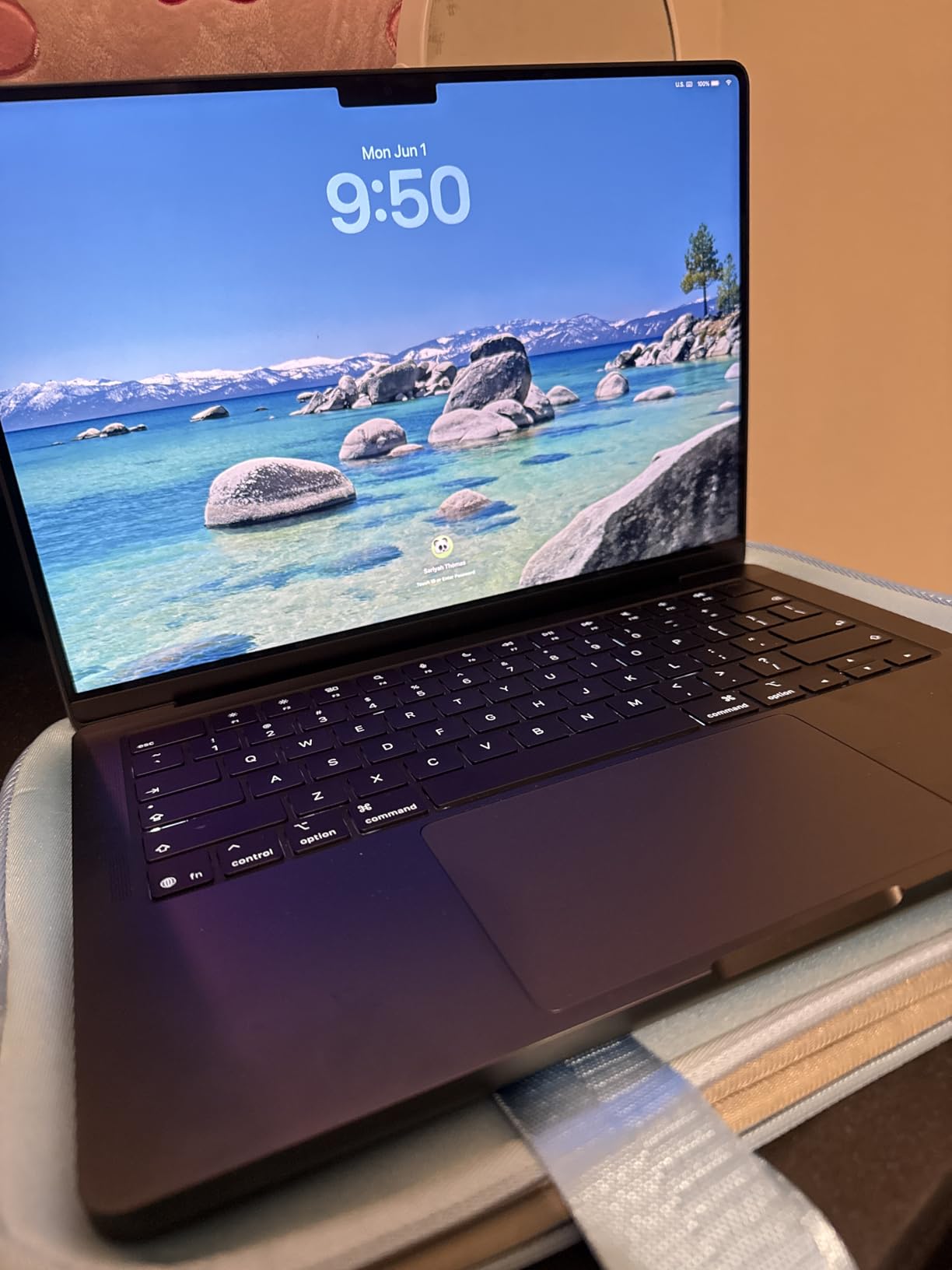
The M5 Pro configuration exists for people whose work does not fit inside a fanless laptop. With 15 CPU cores and a 16-core GPU, plus 24GB of unified memory and a 1TB SSD, this is the version of the 14-inch Pro that will happily hold a large language model, a Unity editor and a dozen browser tabs at the same time.
The standout feature for developers is memory. 24GB is the configuration reviewers repeatedly describe as the sweet spot, and because the memory is unified, a meaningful share of it is available to the GPU for local inference work. Apple markets the platform explicitly for on-device AI workloads, and the SSD is up to twice as fast as the previous generation, which shortens every node_modules install.
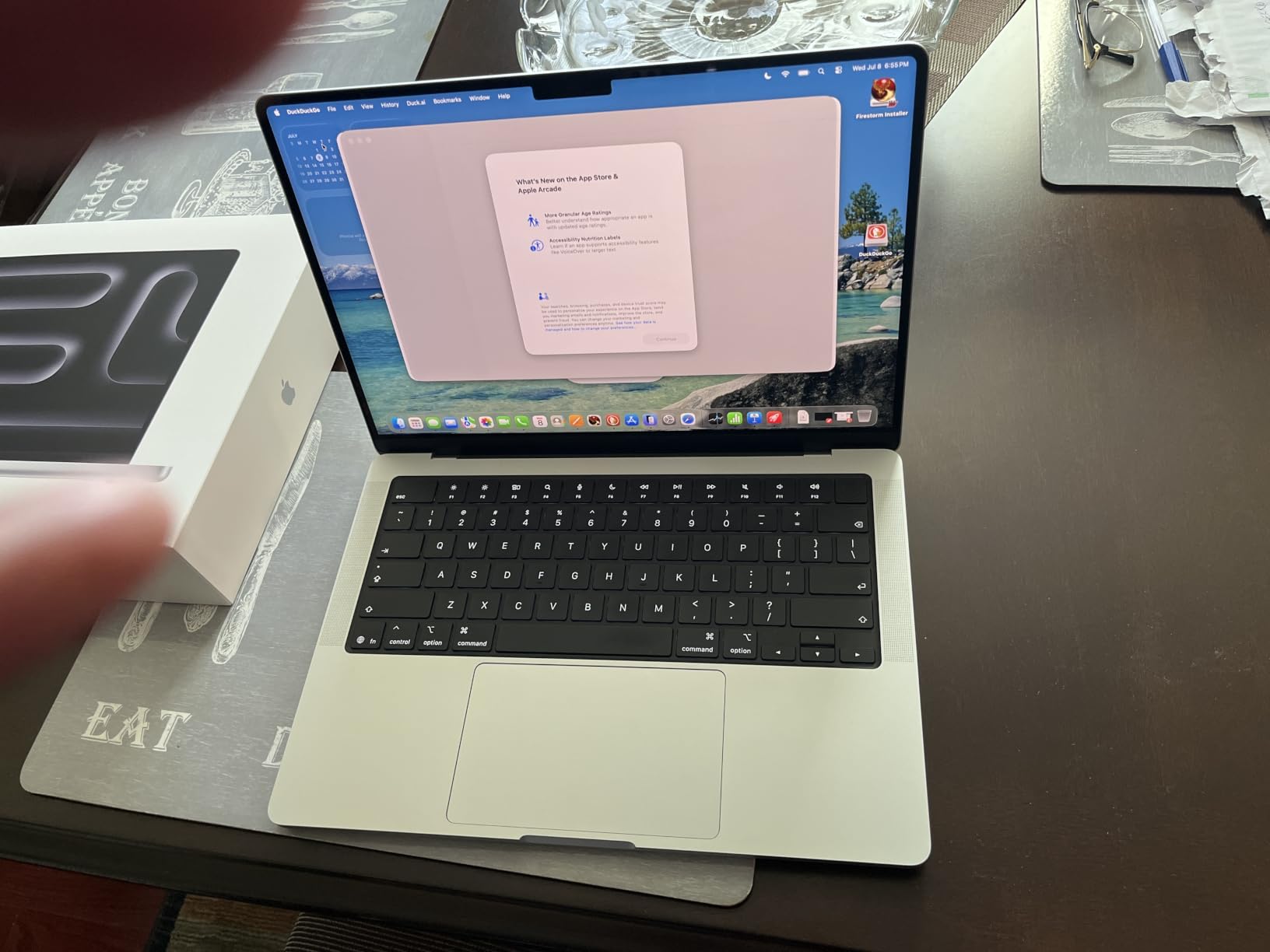
Ports are the best in the MacBook Pro line: three Thunderbolt 5 ports, MagSafe 3 charging, an SDXC card slot, HDMI and a headphone jack. You get a full-size SD reader without an adapter, which matters if you move assets off a camera or an SD card full of datasets.
With the M5 Pro, the machine supports up to three external displays, one more than the base M5 configuration. If your desk is laptop plus two monitors, that extra output is the difference between a native setup and a dock. The Liquid Retina XDR display delivers 1600 nits peak, 1000 nits sustained and a 1,000,000:1 contrast ratio, so code on a dark theme is comfortable in a bright room.
Who the MacBook Pro 14 M5 Pro suits
It is built for iOS and macOS developers running Xcode builds all day, for engineers who want local model inference without a cloud bill, and for anyone whose desk setup needs three screens. Twelve-megapixel Center Stage camera, three studio-quality mics and six speakers with Spatial Audio also make it a solid machine for demos and screen recordings.
Performance holds whether it is plugged in or on battery, which removes a variable that used to matter on older laptops. At 3.52 pounds it is heavy for a commute but fine for a daily bag, and the machine stays cool and quiet under heavy workloads according to owners.
Where the MacBook Pro 14 M5 Pro falls short
You cannot add memory after purchase, so 24GB is the ceiling for this build. If you plan to run several large virtual machines alongside a local model, the constraint will show up within the first year of a degree or a job.
The weight is the second honest drawback. Compared with the 2.71-pound Air in this roundup, 3.52 pounds is a real difference to notice after a full day of commuting, and reviewers acknowledge it even while praising everything else. One more caution is thinner data: at 172 reviews this configuration has a shorter ownership history than the more established models here, so it carries more uncertainty about long-term durability.
5. Apple MacBook Pro 14-Inch M5 – Best All-Round Premium Pro Laptop
Apple 2025 MacBook Pro Laptop with Apple M5 chip with 10‑core CPU and 10‑core GPU: Built for AI, 14.2-inch Liquid Retina XDR Display, 16GB Unified Memory, 1TB SSD Storage; Space Black
M5 10-core CPU
16GB unified memory
1TB SSD
Liquid Retina XDR
3.41 lb
TB4 x3
Pros
- 1TB SSD as standard gives room for large repos and container images
- Full port selection with three Thunderbolt 4 ports
- HDMI and SDXC
- Long consistent battery life for a full working day
- Quiet premium build that runs office and dev apps smoothly
Cons
- 16GB unified memory is the fixed base and cannot be upgraded
- Supports only two external displays
- Costs more than the MacBook Air while giving you less memory headroom
The base M5 MacBook Pro is the version most people actually buy, and the reason is simple: it keeps the 1TB SSD instead of the 512GB the Air ships with. Storage is the constraint that bites first in programming, because dependencies and container images grow quietly in the background until a build fails for lack of room.
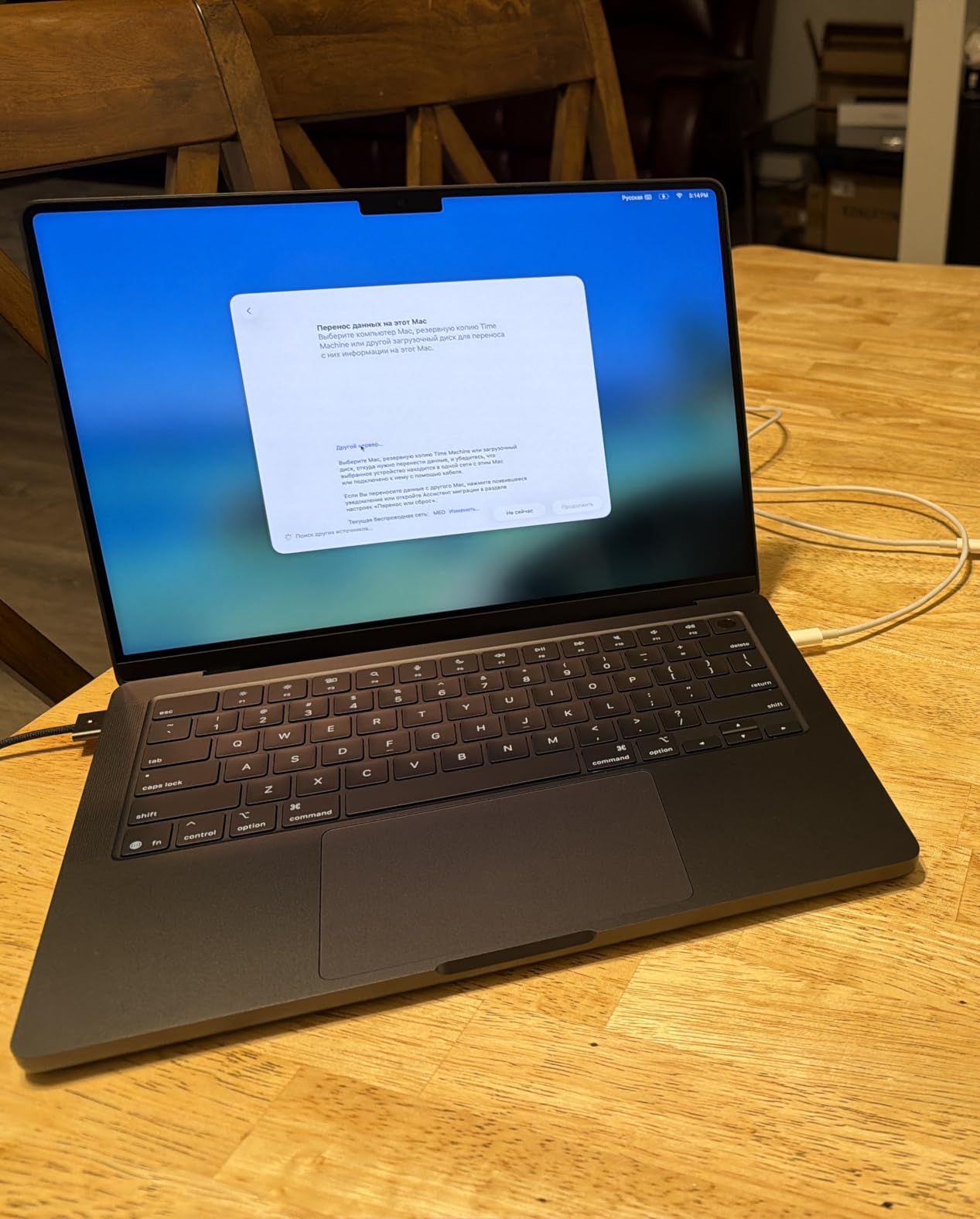
The 10-core CPU and 10-core GPU sit in the same 14.2-inch chassis as the Pro model, with the same Liquid Retina XDR display reaching 1600 nits peak and 1000 nits sustained. At 3.41 pounds it is lighter than the M5 Pro by a small margin, and it carries the same MagSafe 3, SDXC and HDMI layout.
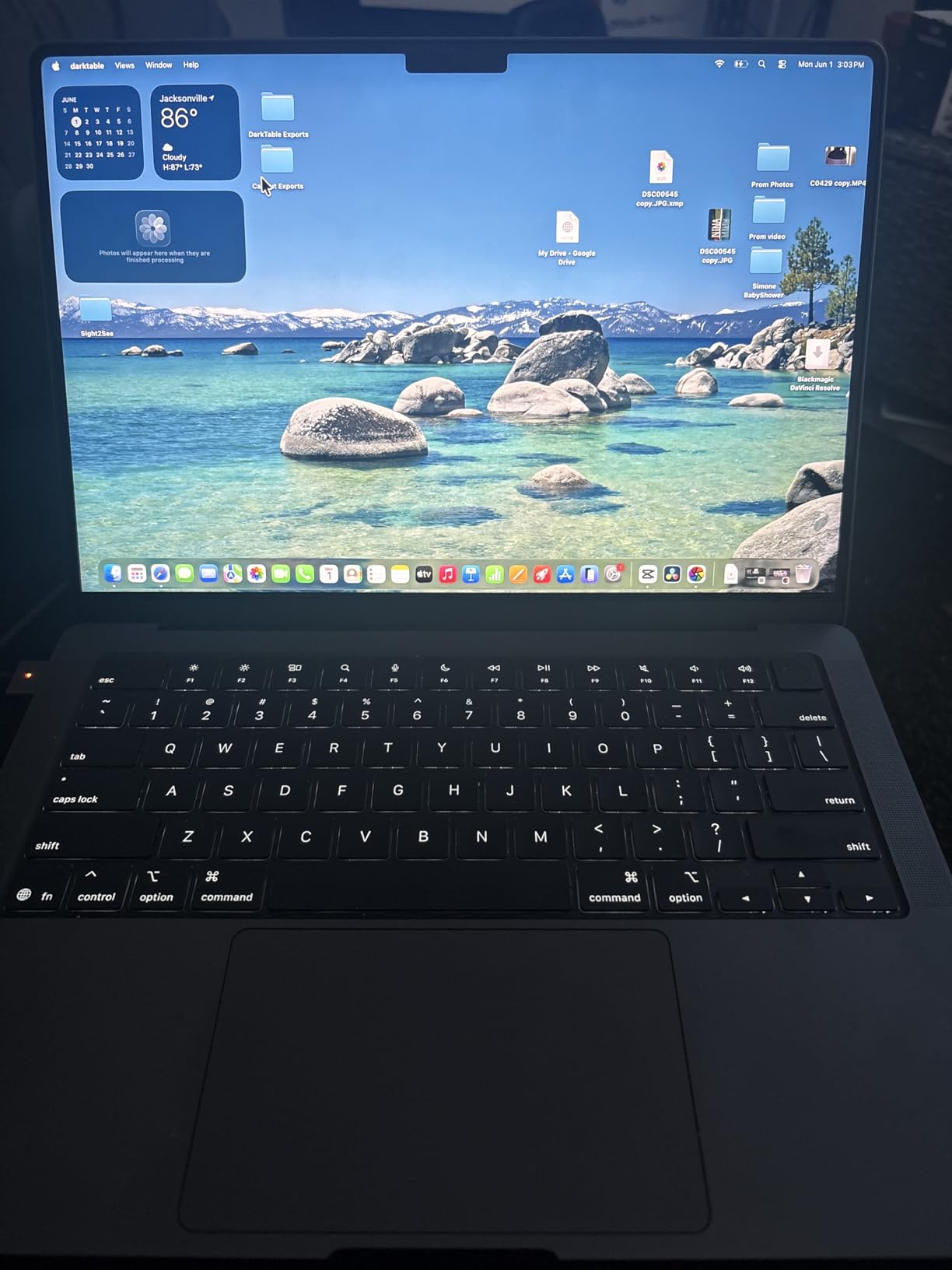
Developers moving between iOS, macOS and Windows projects will find the port list painless: three Thunderbolt 4 ports means one of them is usually free for charging through a dock, even with two monitors attached. Apple Intelligence and the Neural Accelerators in each GPU core improve on-device model response, which is increasingly relevant for coding assistants and local tooling.
Reviewers of this configuration describe it as fast, well built and easy to carry between locations, with a battery that lasts a working day. The critical share of reviews is small and tied more to cost expectations than to performance, which is worth keeping in mind when you are comparing it against the Air.
Who the MacBook Pro 14 M5 suits
This is the pick for developers who need more storage than the Air offers but do not need three external displays or a large local model resident in memory. It handles a full-stack web stack, mobile development with Xcode and Android Studio, and containerized services without complaint.
Students who already own an iPhone and prefer a Unix-like environment tend to land here, and the six-speaker system with Spatial Audio and Dolby Atmos is a genuine bonus for reviewing media or hosting a demo. If you also produce music or edit audio in your spare time, our guides to the best laptops for producing music and best laptops for music production overlap usefully with this tier of machine.
Where the MacBook Pro 14 M5 falls short
The 16GB unified memory is fixed and cannot be upgraded, so this configuration is one step below the sweet spot for heavier work. Reviewers note this as the base configuration limit rather than a performance problem.
The second limitation is displays. Two external displays is the ceiling here, one fewer than the M5 Pro, and that matters if your workflow is a laptop plus two monitors. Third, the value calculation is awkward: this machine costs more than the MacBook Air while offering 8GB less memory headroom, so the justification for the extra spend is the 1TB SSD and the brighter panel, not the processor.
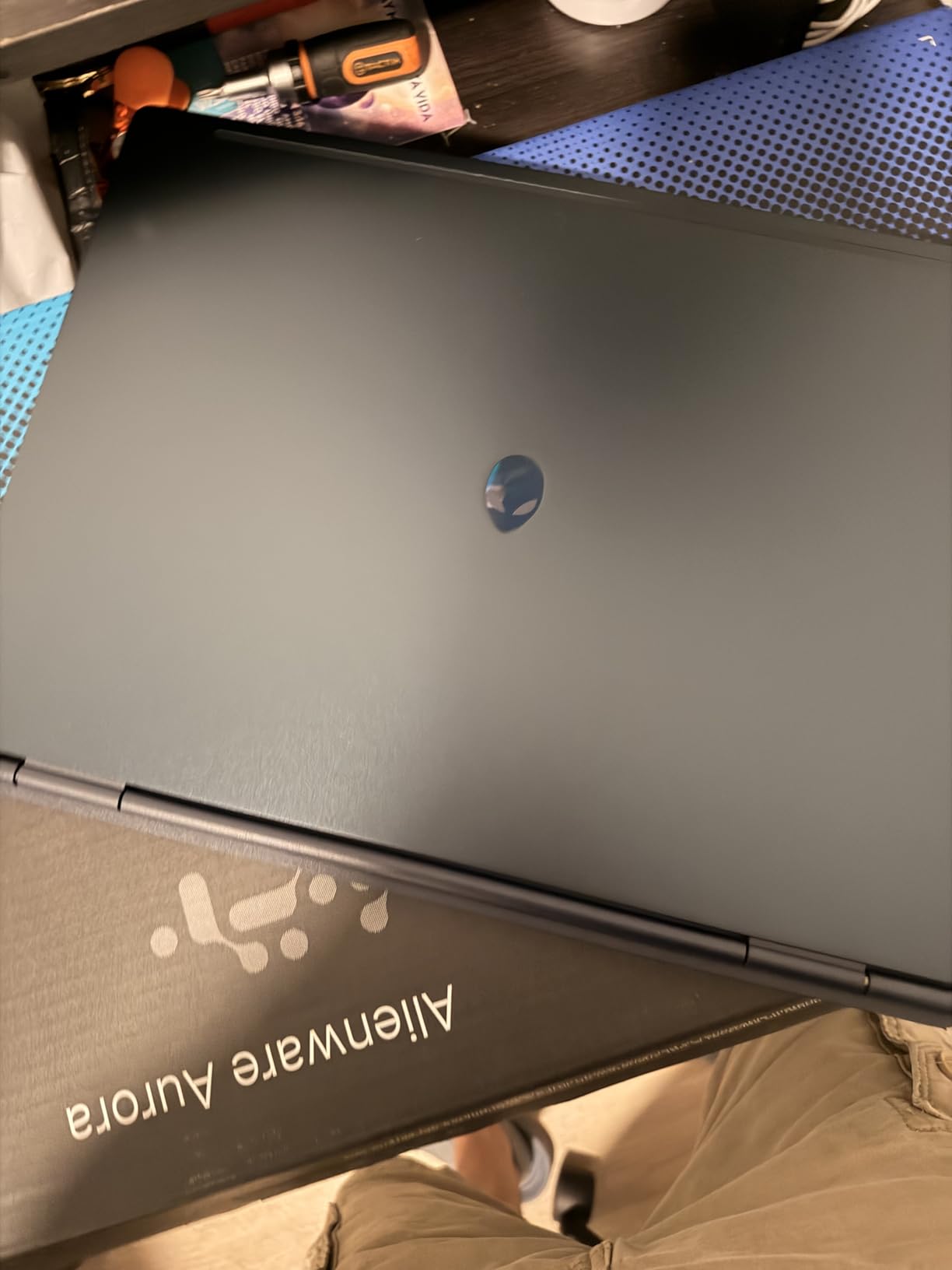
6. Alienware 16 Aurora – Best High-Resolution Screen With a Dedicated GPU
Alienware 16 Aurora Gaming Laptop, NVIDIA RTX 5060, Intel Core 7 240H
Core 7 240H 10-core
RTX 5060 8GB GDDR7
16GB DDR5 to 32
16-inch 2560x1600
5.5 lb
Pros
- 2560x1600 16:10 panel gives real estate for editor plus terminal
- Dedicated RTX 5060 for GPU accelerated development and AI tasks
- 16GB DDR5 on two slots can be raised to 32GB
- One year of Dell onsite service included
Cons
- Heaviest machine in the lineup at 5.5 pounds
- Only 16GB of base memory
- 300 nit panel brightness is modest for its class
- No fingerprint reader or biometric security
The Aurora is the pick when screen real estate is the thing you notice most. Its 16-inch 16:10 WQXGA panel at 2560×1600 gives you roughly 40% more usable area than a 1920×1200 screen of the same diagonal, and the taller 16:10 shape means more vertical lines of code without scrolling.
Underneath, the Intel Core 7 240H provides 10 cores boosting to 5.2GHz alongside the RTX 5060 Laptop GPU with 8GB of GDDR7. The combination covers general development, GPU-accelerated tasks and mixed gaming use, and the dedicated GPU is the practical reason to pick this machine over a thinner one.
The 16GB of DDR5 runs at 5600MHz across two available slots, with a documented 32GB maximum, so memory is a real upgrade rather than a fixed spec. That flexibility matters if you plan to run virtual machines, and it is a meaningful difference from the soldered machines elsewhere in this list.
Cooling is handled by a Cryo-Chamber structure that channels airflow toward the core components without a rear thermal shelf. Connectivity is conventional and complete: Ethernet, HDMI, USB 3.2 Gen 1 and Gen 2, Bluetooth, plus four USB ports in total. One year of Dell onsite service means a technician comes to you, which is convenient for a machine this heavy.
Who the Alienware 16 Aurora suits
Developers working with long code files, wide diffs or multi-window setups will get more out of 2560×1600 than from any other change in this roundup. It also makes sense for game developers who want a real GPU without the bulk of a full desktop replacement, and for anyone who wants one machine that handles both a work GPU workload and evening gaming.
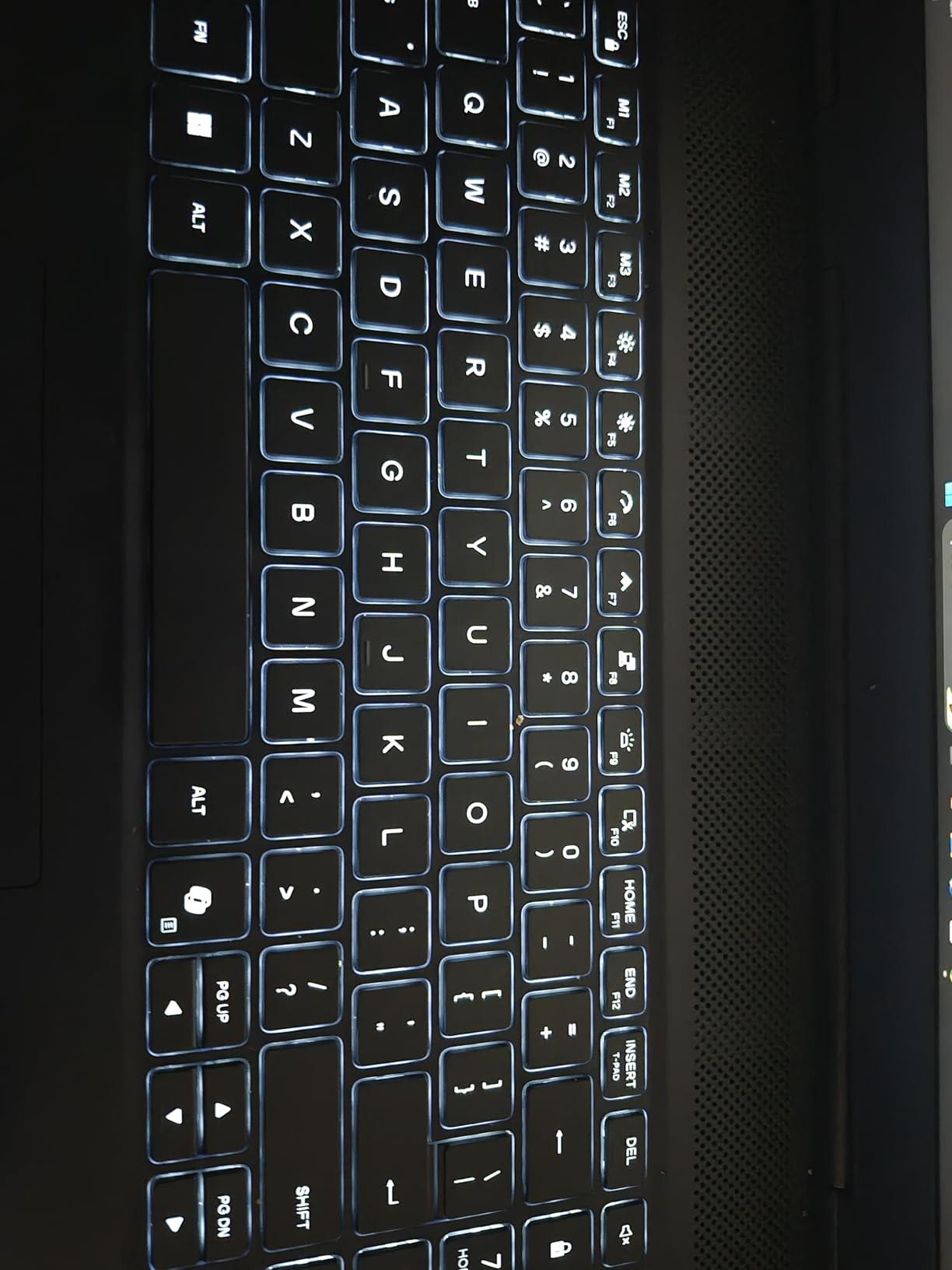
The backlit numeric keypad and Dolby Audio speakers round out a package aimed at long desk sessions. If your work is at a desk more than on the move, the size stops being a liability fairly quickly.
Where the Alienware 16 Aurora falls short
At 5.5 pounds it is the heaviest machine we tested, and that number is not an abstraction, it is what your shoulder feels on the third floor walk-up. The 16GB base memory is also among the lowest in this lineup, so you may be buying and then immediately upgrading to 32GB.
The 300-nit brightness is modest for a panel of this resolution, which matters if you sit near a window, and there is no fingerprint reader despite the business positioning. Reviewers also report the largest one-star share in this set at 10%, mostly around weight and value rather than performance, so manage your expectations on build polish.
7. HP 255 G10 – Best Laptop for Programming With Upgradeable Memory
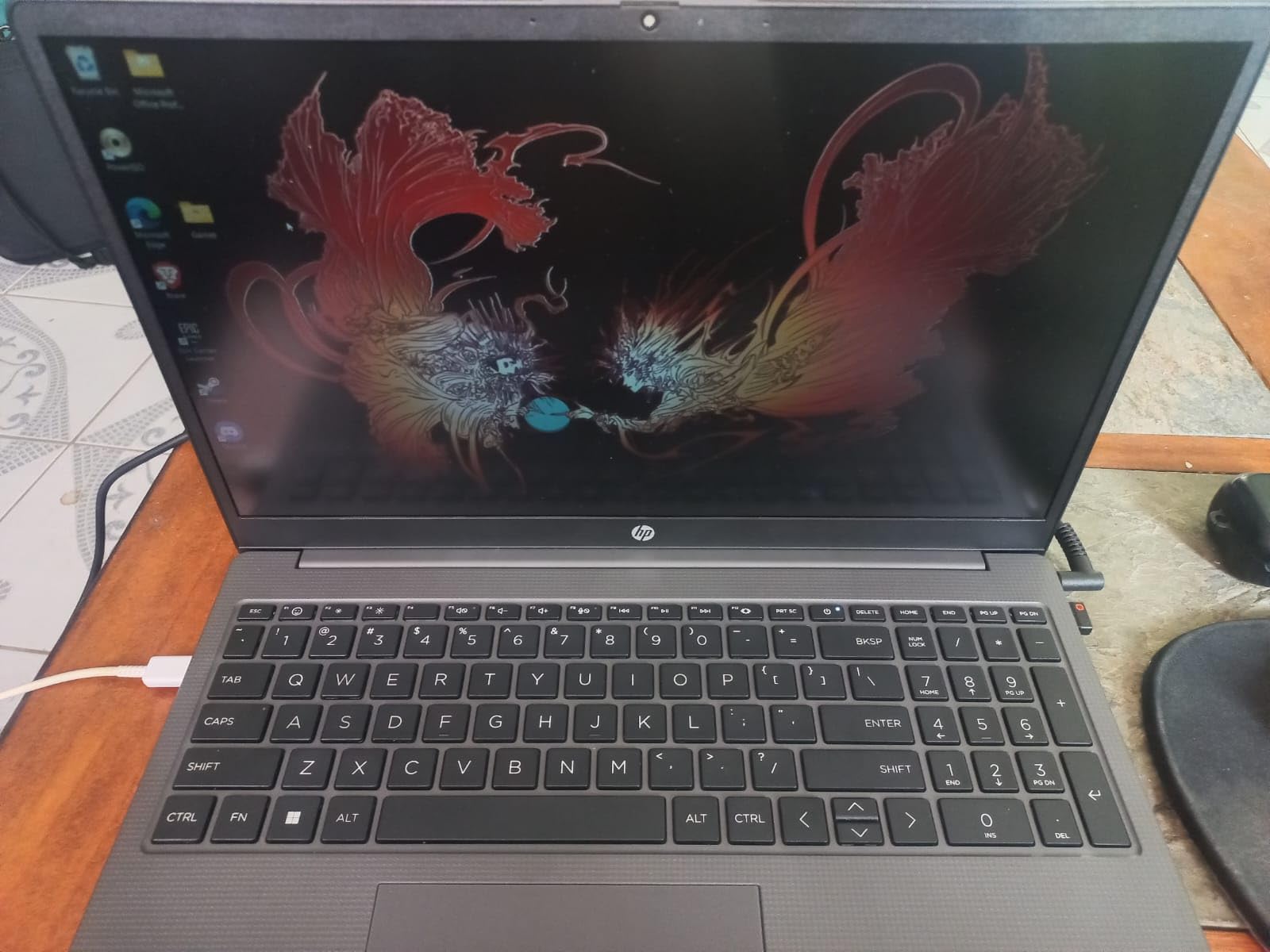
HP 255 G10 15.6″ FHD Business Laptop, AMD Ryzen 7 7730U, 32GB RAM, 1TB PCIe SSD, Numeric Keypad, Webcam, Wi-Fi 6, HDMI, Windows 11 Pro, Black
Ryzen 7 7730U 8-core
32GB DDR4 to 64GB
1TB M.2 plus spare slot
15.6-inch FHD IPS
3.4 lb
Pro
Pros
- 32GB DDR4 on two slots that can grow to 64GB
- A second M.2 bay for storage expansion later
- Windows 11 Pro with single sign-on and remote desktop
- Full size keyboard with numeric keypad at 3.4 pounds
Cons
- 45% NTSC 250 nit panel is dim and washed out
- Integrated Radeon graphics only with no GPU acceleration
- Supports only a single external monitor
Here is the unglamorous truth about laptop longevity: the part that fails you is rarely the processor, it is the memory ceiling. The HP 255 G10 ships with 32GB of DDR4 across two slots and supports up to 64GB, which means you can buy it now, add memory in three years, and never think about it again.
The Ryzen 7 7730U provides 8 cores and 16 threads with 16MB of L3 cache, boosting to 4.50GHz, and pairs with integrated Radeon graphics. For general development, coursework, remote work and virtual machines, that is a smooth and predictable combination, and 32GB of RAM is where you feel the difference most in practice.
Storage is generous too: a 1TB PCIe M.2 SSD with one additional M.2 slot available. That combination of memory headroom and storage expansion is rare in this class, and it is why this machine keeps showing up in recommendations for students who want one laptop for a whole degree.
Windows 11 Pro matters more than it sounds. You get single sign-on, remote desktop, and the enterprise management tools that come with the Pro license, which is useful for lab machines and managed work environments. Connectivity is practical with two SuperSpeed USB-A ports, one USB-C, HDMI and a headphone and microphone combo.
Who the HP 255 G10 suits
This is the best laptop for programming on a budget that still needs to last. Students, career changers and IT teams buying machines in volume will all appreciate the combination of 32GB of memory, Pro licensing and a chassis at 3.4 pounds that is easy to carry between classes.
It suits Windows-first workflows particularly well, including .NET, Azure administration, SQL Server work and any environment where a domain-joined machine is required. Reviewers describe it as a strong value machine for remote work, virtual machines and coding study, and the 41 watt-hour battery is adequate for a normal day of light use.
Where the HP 255 G10 falls short
The display is the weak link and reviewers say so plainly. A 45% NTSC panel at 250 nits looks washed out and dim next to the sRGB and XDR screens elsewhere in this roundup, and it is the first thing you notice in daylight. Colour-accurate UI work and long reading sessions are not this machine’s strength.
There is also no discrete graphics, so GPU-accelerated work is off the table, and the machine supports just one external monitor, which is restrictive for a desk setup. A minority of buyers report an inconsistent webcam, Bluetooth trouble and a chassis that feels lower-end in the hand, so treat the build as functional rather than premium.
8. Lenovo V15 G2 ALC – Best Budget Workhorse for Study and Light Coding
Lenovo V15 Laptop, 15.6″ FHD Display, AMD Ryzen 5 5500U Hexa-core Processor (Beat Intel i7-1065G7), 16GB RAM, 512GB SSD, HDMI, RJ45, Numeric Keypad, Wi-Fi, Windows 11 Pro, Black
Ryzen 5 5500U hexa-core
16GB LPDDR4
512GB NVMe
15.6-inch FHD
RJ45 Ethernet
Windows 11 Pro
Pros
- RJ45 Ethernet port is rare and useful on wired networks
- Windows 11 Pro with Group Policy and Active Directory support
- 16GB RAM and a 512GB NVMe SSD at the entry level
- Steady everyday speed for coursework and light coding
Cons
- Ryzen 5 5500U is a 2020 generation part and struggles with long sustained builds
- 16GB LPDDR4 is soldered and is also the maximum
- 512GB SSD is tight for large toolchains and container images
The Lenovo V15 is not a machine that wins benchmark charts. It is a machine that does not fail, and for a first laptop that is often the better trade. Six cores and 12 threads from the Ryzen 5 5500U, 16GB of LPDDR4 memory and a 512GB PCIe NVMe drive cover coursework, an editor, a browser and a terminal without drama.
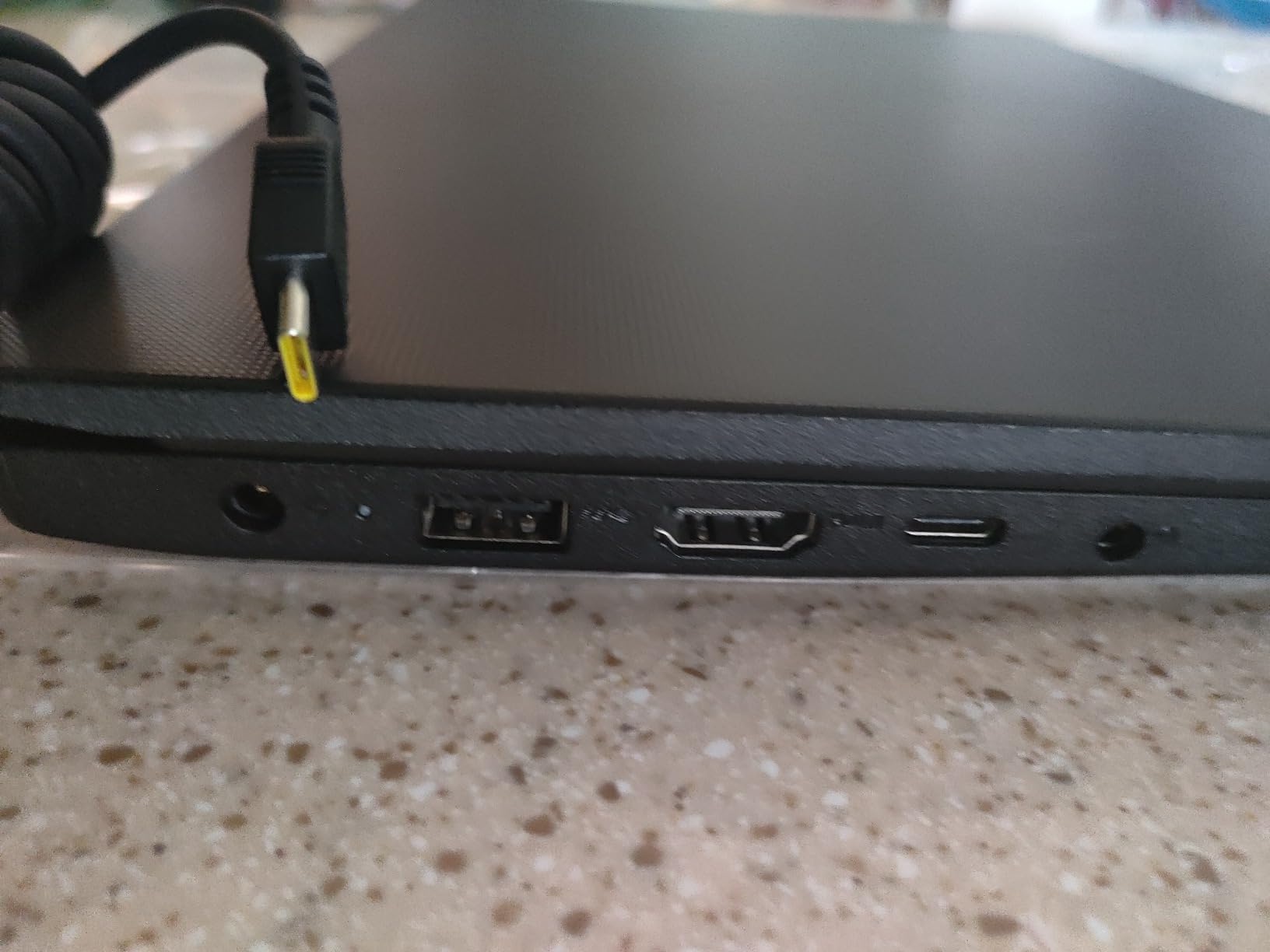
The port selection is the quiet differentiator. An RJ45 Ethernet port alongside HDMI, two USB-A ports and one USB-C port is a combination you rarely see on thin laptops, and for anyone on a wired campus or home network it removes a whole category of Wi-Fi troubleshooting. Wi-Fi 6 and Bluetooth 5.3 cover the wireless side.
Windows 11 Pro is licensed here, and the listing calls out mobile device management, Group Policy, Enterprise State Roaming, Assigned Access, Kiosk mode and Active Directory and Azure AD support. That is a genuinely useful set of features for labs, internships and any environment where a machine gets managed by someone else.
At 3.8 pounds with a 15.6-inch FHD display, the V15 is comfortable for long sessions, and the numeric keypad is a small convenience for data entry and spreadsheet work. Reviewers report consistent reliability across many owners, which is the kind of dull endorsement that matters for a machine you will rely on for four years.
Who the Lenovo V15 suits
First-year computer science students, career changers on a tight budget, and anyone who needs a Windows machine with enterprise features will find it genuinely capable. It is well suited to learning Python, JavaScript, SQL, C and the fundamentals of web development, where the work is thinking rather than rendering.
It also works for a secondary or travel machine, since it is simple to set up, easy to carry and has Ethernet when you need it. Buyers consistently recommend it for study and office work with light programming rather than demanding professional builds.
Where the Lenovo V15 falls short
The processor is the honest limit. The Ryzen 5 5500U is a 2020-generation part, and while it handles normal work fine, it is not suited to heavy sustained builds, large Docker projects or long compile chains. If your coursework includes Unreal Engine or model training, look elsewhere.
Memory is soldered LPDDR4 and 16GB is the maximum, so the upgrade path is storage only, and 512GB fills quickly once you add toolchains, container images and multiple project branches. The FHD panel is serviceable but has no stated sRGB coverage or high refresh rate, so expect an average screen rather than a good one.
9. Acer Aspire Go 15 – Best Mid-Tier Laptop for Everyday Light Coding
Acer Aspire Go 15 AI Ready Laptop | 15.6″ FHD (1920 x 1080) IPS Display | AMD Ryzen 7 7730U | AMD Radeon Graphics | 16GB DDR4 | 512GB PCIe Gen4 SSD | Wi-Fi 6 | Windows 11 Home | AG15-42P-R9FW
Ryzen 7 7730U 8-core
16GB DDR4 to 32GB
512GB Gen 4 SSD
15.6-inch FHD IPS
3.9 lb
Pros
- Ryzen 7 7730U with 16GB handles multitasking and several apps smoothly
- Sharp 15.6-inch FHD IPS display at 300 nits with narrow bezels
- Quiet in normal use with a 53 watt-hour battery
- Backlit keyboard plus an AcerSense control button
Cons
- Speakers are weak even at full volume
- Fan noise is noticeable under sustained load
- 60Hz panel limits scrolling smoothness
The Aspire Go 15 sits in the middle of this roundup, and that is exactly where a lot of developers need to sit. The Ryzen 7 7730U with 16GB of DDR4 handles multiple applications, browser tabs and an editor without stuttering, and memory can be raised to 32GB, which is a flexibility you do not get on the machines either side it.
The 15.6-inch 1080p IPS display at 300 nits with narrow bezels is more than adequate for code, and Acer BluelightShield reduces blue light exposure during long sessions. That brightness figure is the same as the Alienware’s larger panel, which tells you something about where this machine’s engineering budget went.
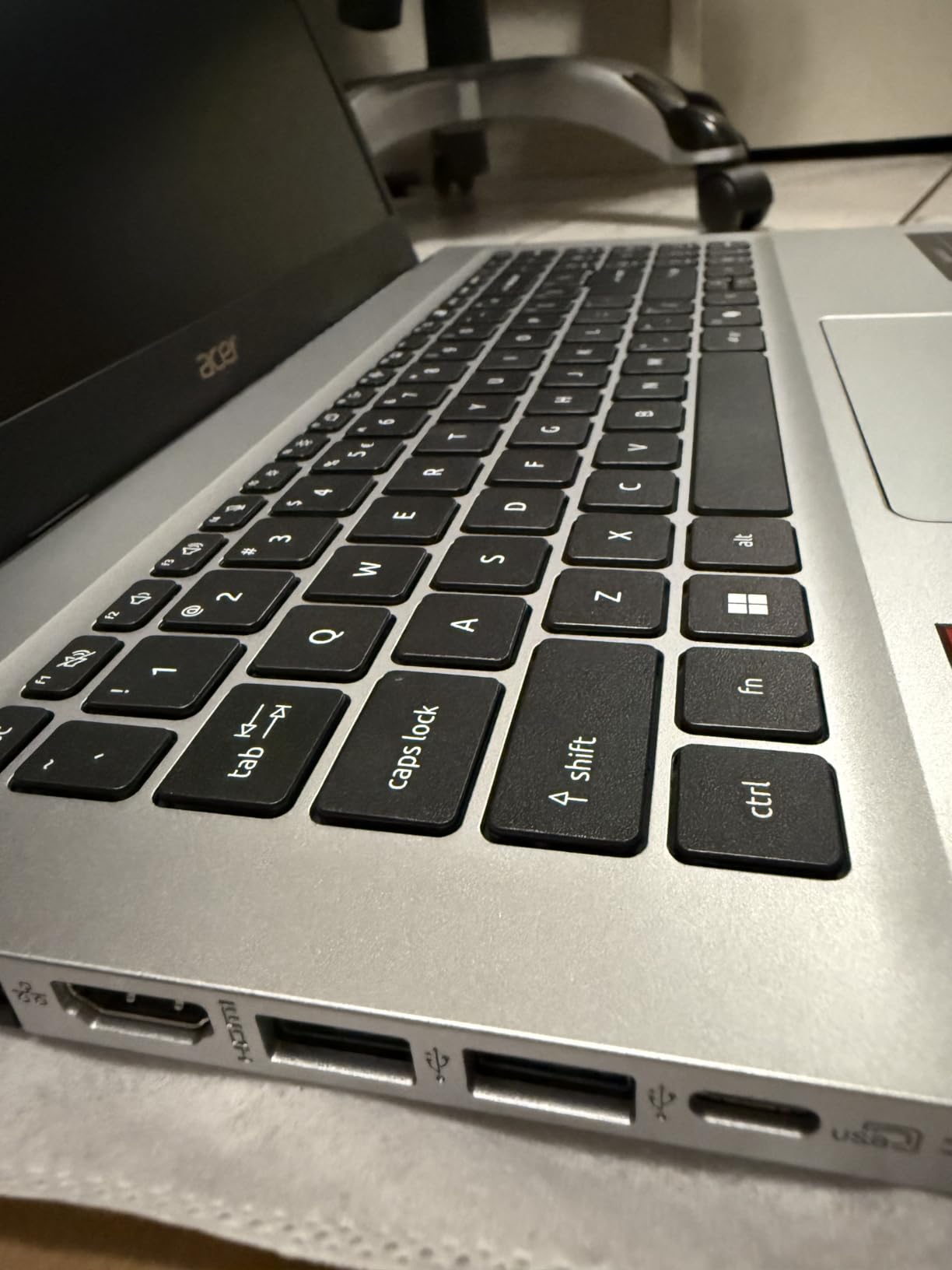
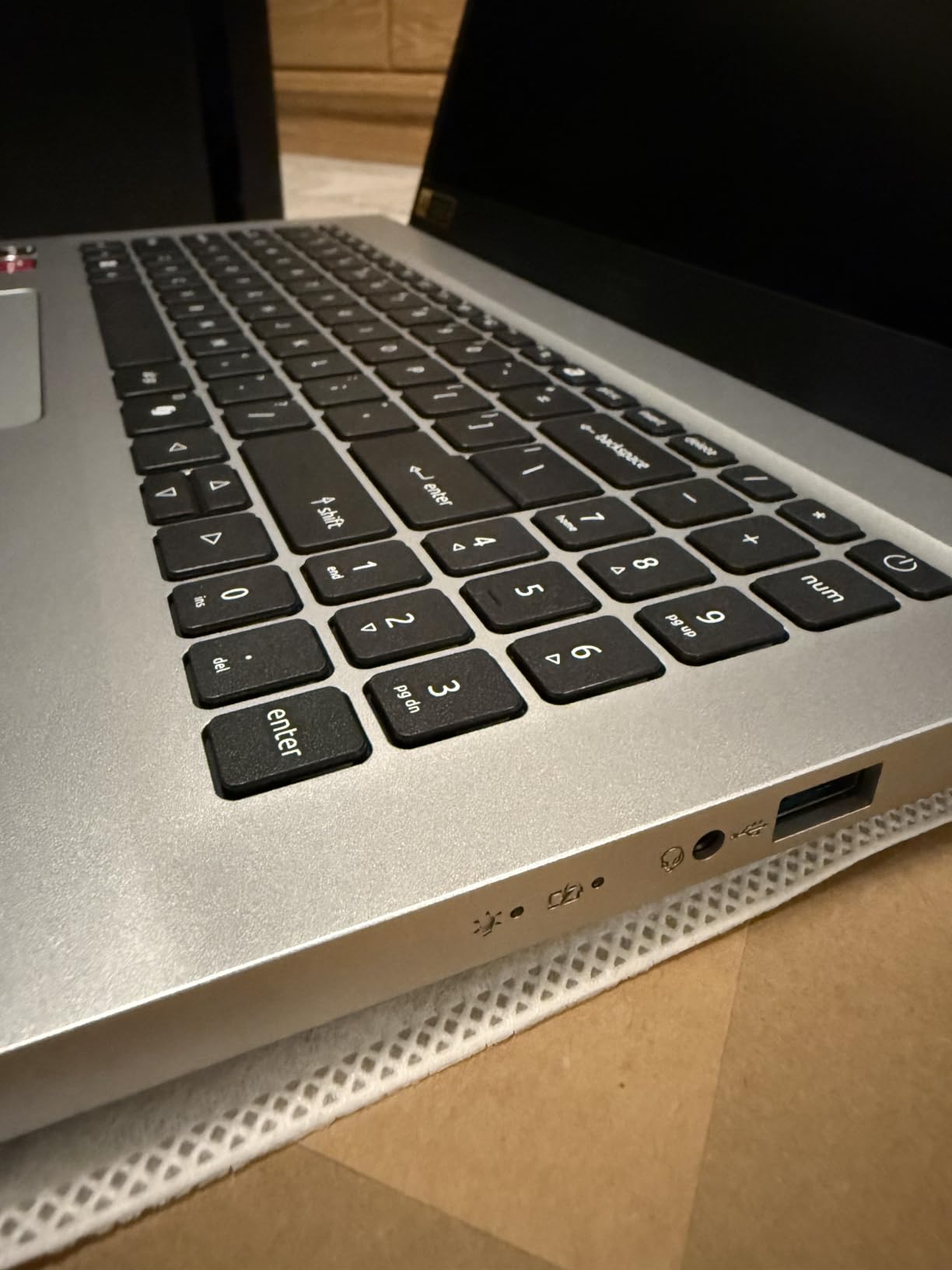
Storage is a 512GB PCIe Gen 4 SSD and connectivity covers eight ports in total, including four USB ports, a full-function USB-C, HDMI 2.1, Wi-Fi 6 and Bluetooth 5.1. AcerSense gives a single button for battery, storage and app control, and Acer TNR with PurifiedVoice handles video calls.
Reviewers describe it as a competent mid-tier everyday laptop rather than a performance machine, with quick painless setup, a smooth lid and hinge, and quiet running in normal use. The 53 watt-hour battery is the largest in the non-Apple group here, which helps with the all-day requirement.
Who the Aspire Go 15 suits
This is the general-purpose developer machine for someone who writes code during the day and does not push hardware hard. Web development, scripting, coursework, office work and light data analysis all run comfortably, and Windows 11 Home with a dedicated Copilot key covers the standard toolchain.
It also suits a secondary machine for a developer whose primary laptop is already set up. The backlit keyboard lights on keypress and times out after 30 seconds, which is a minor annoyance but a reasonable behaviour for a desk machine.
Where the Aspire Go 15 falls short
Audio is the most commonly criticised feature, with weak speakers even at full volume, so video calls and media work will push you toward headphones or external speakers. Fan noise is noticeable under sustained load, and the 60Hz panel makes scrolling less smooth than the 120Hz and 180Hz screens elsewhere in this list.
Some buyers report a colour tint out of the box that the BluelightShield setting corrects, and one report describes a Microsoft product key prompt appearing after a driver update. The chassis at 3.9 pounds is also large and heavy for daily carrying, and reviewers note it is not designed to sit directly on your lap.
10. HP Ultrabook 14 – Lightest Option for Study, With Coding Limits
HP Ultrabook 14 Laptop Computer Business Study & Home 2025, Lifetime MS Office + Windows 11 Pro, Quad-Core Intel CPU, 16GB RAM & 628GB Storage (128GB UFS+500GB Ext), Wi-Fi 6, HubxcelAccessory, Blue
Intel N150 quad-core
16GB DDR4
128GB UFS plus 500GB external
14-inch HD
3.2 lb
Pro
Pros
- Lightest option at 3.2 pounds with a compact 14-inch footprint
- Windows 11 Pro plus a bundled lifetime Microsoft Office license
- Accessory bundle includes a mouse
- earbuds
- HDMI cable and external drive
- 16GB of RAM keeps browser heavy coursework smooth
Cons
- Intel N150 is a 4 core 4 thread part unsuited to compiling
- containers or VMs
- 1366x768 HD display is soft compared with 1080p panels
- Most of the 628GB is an external drive leaving only 128GB of fast internal storage
Let us be direct about this one. The HP Ultrabook 14 is a light, cheap machine for writing documents, browsing and video calls, and it is at the outer edge of usefulness for programming. If your work is coursework, note-taking and light scripting, the 16GB of DDR4 will keep things smooth.
The processor is where the limits begin. The 13th Gen Intel N150 has 4 cores and 4 threads boosting to 3.6GHz with 6MB of L3 cache. That is fine for a browser and a text editor, and it will struggle with large builds, container orchestration or anything that leans on multi-core throughput. The integrated Intel Graphics are shared, so there is no accelerated compute.
Storage needs reading carefully. The 628GB total is 128GB of UFS internal storage plus a 500GB external drive, and that external drive will be dramatically slower for a project directory than internal NVMe storage. If you do code on this machine, keep the active workspace on the internal drive.
The included bundle is unusually generous for this tier: wireless earbuds, a 500GB external drive, a USB extension cord, an HDMI cable, a mouse pad, a wireless mouse and a lifetime Microsoft Office 2024 license, on top of Windows 11 Pro. At 3.2 pounds with a 0.71-inch profile it is the lightest machine in this roundup.
Who the HP Ultrabook 14 suits
Students who mostly read, write and attend classes, or anyone who wants a lightweight travel companion that handles documents and video calls, will find it does that job well. The 14-inch anti-glare panel at 60Hz is easy on the eyes indoors, and the HP True Vision 720p camera with dual array microphones works for meetings.
It is also a reasonable first machine for someone learning to code who has not yet decided how serious they are about it. If the interest grows, you have learned the fundamentals on a machine that cost very little, and you upgrade later with a clear idea of what you actually need.
Where the HP Ultrabook 14 falls short
The 1366×768 display is the biggest everyday annoyance. Text is soft compared with any 1080p panel, and at 14 inches you are paying for pixels twice over. There is also no backlit keyboard, which makes evening study harder than it needs to be.
More seriously, the critical share of reviews is larger than for the other products in this roundup, at 12% one-star, driven by durability and support experiences rather than performance. Buyers report a crash and weeks of unresolved warranty support on one unit. Treat this as a study and browsing machine, not a development machine, and keep expectations aligned with what an entry processor can do.
How to Choose a Programming Laptop in 2026
Specs matter less than workload, so start there. Every other decision on this page follows from the kind of code you write and the number of hours you spend away from a desk. Get that wrong and a faster machine will still frustrate you, because the constraint will be battery, ports or screen size rather than processing power.
Match the machine to the workload first
Web and full-stack developers need 16GB of memory, a fast SSD and very little else. The bottleneck is rarely the CPU, it is running a local database, a container or two and a browser full of tabs at the same time. Mobile developers working on iOS are locked to macOS, which narrows the field to the Macs in this roundup, while Android developers are freer.
Game developers and machine learning engineers are the cases that genuinely need a discrete GPU, and they are the reason the Acer Nitro V 16S and Alienware 16 Aurora appear here. Local inference needs VRAM and system memory in a specific ratio, and a laptop with integrated graphics simply removes the option. DevOps and systems engineers can usually get by with a strong CPU and plenty of RAM.
Memory is the spec you cannot fix later
16GB is the practical minimum in 2026 and 32GB is the recommendation, because developer workloads grow with your project, not with the machine. The catch is that memory is frequently soldered. In this roundup the HP 255 G10, Alienware 16 Aurora and Acer Aspire Go 15 have upgradeable DDR4 or DDR5, while the Acer Swift Go 14, Lenovo V15 and all three Macs have fixed memory.
This is the single most expensive mistake you can make on a laptop purchase, and it is why we weight upgradeability heavily. If you expect to keep a machine for four years or more, buy memory you can add later, or buy the higher memory configuration now.
Storage, display and the code-reading problem
An NVMe PCIe Gen 4 SSD is now the baseline, and 512GB is where you should start. Project trees, dependency folders, container images and virtual machine snapshots grow without warning, and a slow or small drive produces the most irritating class of development problem: the wait that happens every single day.
For the display, resolution and colour coverage matter more than refresh rate for most developers. The Alienware’s 2560×1600 panel shows how much extra code area a 16:10 screen gives you, while the HP 255 G10’s 45% NTSC panel shows what happens when a display is treated as an afterthought. If you work from a desk, a good external monitor often matters more than a better internal one, which is why we keep pointing people toward our portable monitor picks.
Operating system and architecture still decide some workloads
iOS development requires macOS, and that is not negotiable. For everything else, Windows with WSL2 covers most server-side work, though the filesystem performance of large node_modules trees inside WSL2 is a common complaint. Linux remains the cleanest option for systems programming and self-hosting, and x86-64 laptops map to drivers most cleanly.
Apple silicon is now mature for most toolchains, but some Docker images, npm packages and older binaries still expect x86-64. Check that the tools you depend on have ARM64 builds before you commit, particularly if your work depends on obscure native modules. A machine you can repair is also worth considering if you like Linux, since driver support improves with community documentation.
Thermals, keyboards and the accessories you will need
Thin laptops throttle, and throttling shows up as compiles that feel fast for ten minutes and slow for the next hour. The fanless MacBook Air and the Swift Go manage heat with different strategies, and gaming-class machines sustain clocks at the cost of weight and noise. If your day is long builds, budget for cooling headroom.
The keyboard is the tool you touch most. A good backlit layout with real travel matters more to daily output than any spec, and if you are building a desk setup, a mechanical keyboard is the single highest-impact upgrade. Our guide to the best mechanical keyboards for programming covers the layouts worth considering.
Finally, count your ports before you buy. Two Thunderbolt or USB4 ports plus HDMI covers most desk setups, but a machine with a single USB-C port, like the MacBook Air, will push you toward a hub for peripherals.
Frequently Asked Questions
Which laptop is best for programming and coding?
For most developers in 2026 the MacBook Air 13-inch with the M5 chip is the best laptop for programming overall, because 16GB of unified memory, a fanless design and up to 18 hours of stated battery make it easy to carry all day. If your work needs a discrete GPU for local AI models or Unity and Unreal projects, the Acer Nitro V 16S with the RTX 5060 is the better fit.
What laptop is best for programming?
The best laptop for programming depends on your workload rather than on a single winner. Web and full-stack developers get the most from 16GB of memory and a fast SSD, iOS developers need macOS for Xcode, and machine learning or game developers need a discrete GPU. Match the memory to 32GB if you can, and check whether it is soldered before you buy.
What is the best laptop for programming students?
For students, the HP 255 G10 is the strongest pick because it ships with 32GB of DDR4 that can grow to 64GB and includes Windows 11 Pro. The Acer Aspire Go 15 is the smooth mid-tier option, and the MacBook Air 13-inch is the best choice for computer science majors who also want iOS development. The HP Ultrabook 14 only suits light coding and coursework.
Is i5 or i7 better for programming?
For programming, a Core i7 is the better choice when your work involves compiling, containers or virtual machines, because it gives you more cores and higher boost clocks than an i5. A current i5 is still enough for web development and scripting, so the more important question is whether the memory is upgradeable and whether the machine can grow with your project over four years.
How much RAM do I need for programming in 2026?
16GB is the practical minimum and 32GB is the recommendation for most professional work in 2026. You need more than 16GB when you run local databases, Docker containers, virtual machines and a heavy browser at the same time. Machine learning work that runs models locally needs 32GB or more, and 64GB is the ceiling on the HP 255 G10 in this roundup.
Do I need a discrete GPU for programming?
Only for specific work. General web, mobile and systems development runs fine on integrated graphics, and Apple silicon handles most tasks without a discrete GPU. You need a dedicated GPU for game development, local machine learning inference, video processing or GPU-accelerated simulation, which is why the Acer Nitro V 16S and Alienware 16 Aurora carry RTX 5060 graphics.
Our Final Verdict on the Best Laptops for Programming in 2026
The best laptops for programming in 2026 are not all the same machine, because the work is not all the same. Our overall pick, the MacBook Air 13-inch with the M5 chip, wins on the combination that matters day to day: 16GB of unified memory, a silent fanless chassis, up to 18 hours of stated battery and a 2.71 pound weight that you forget you are carrying.
Buy the Acer Nitro V 16S instead if your code needs a GPU, the HP 255 G10 if you want memory you can upgrade in three years, and the MacBook Pro 14 with the M5 Pro if you need 24GB and three external displays. The Acer Swift Go 14 is the Windows ultraportable to beat, and the Lenovo V15 is the dependable budget machine for coursework and light development.
Whichever you choose, decide the workload first, buy the most memory you can afford, and check the upgrade path before you pay. That decision will still be the right one in four years, which is the only test that really matters for a machine you will use every day.