
Choosing a first laptop for a child is mostly an act of guessing. You are trying to predict what a seven-year-old will need in two years, whether a first grader can type without frustration, and whether the machine you pick now will still be receiving security updates when your kid reaches middle school. That is why the best Chromebooks for kids are not simply the newest models on the shelf. They are the machines that are forgiving, cheap enough to replace, and patient enough for a small pair of hands.
We spent several weeks going through owner feedback on ten Chromebooks that parents actually buy, and the patterns were clearer than the spec sheets. Review counts mattered more than we expected. Three of these devices have well over 3000 reviews, which means the recurring problems are well documented, while one sits at 242 reviews where five-star ratings mean something much softer. We show both numbers next to every rating below so you can weigh confidence yourself.
Everything in this list is a real Chromebook you can buy for a child right now, and every drawback is drawn from what owners report rather than from a spec sheet. If you are also shopping for the rest of the back-to-school kit, our guides to the best kids smartwatches and the best telescopes for kids beginners cover the rest of the list. Here is the short version of the best Chromebooks for kids, updated for 2026.
Top 3 Picks: Chromebook Kids in 2026

Samsung Chromebook 3
- 11.6 inch 1366 x 768 display
- 4GB RAM and 16GB eMMC
- Spill-resistant build
- 11 hour battery life

Lenovo 300e 2-in-1 Renewed
- 10-point multitouch IPS touchscreen
- Folds into tablet mode
- 32GB eMMC storage
- 10 hour battery

HP Chromebook 14a
- 14 inch anti-glare micro-edge display
- 14 hour battery life
- 64GB eMMC and 4GB RAM
- HP Fast Charge
Best Chromebooks for Kids in 2026: Full Comparison
| Product | Specifications | Action |
|---|---|---|
| Samsung Chromebook 3 11.6 inch |
|
Check Latest Price |
| Lenovo 300e 2-in-1 Renewed |
|
Check Latest Price |
| HP Chromebook 14a |
|
Check Latest Price |
 Dell Chromebook 11 3100 Renewed Dell Chromebook 11 3100 Renewed |
|
Check Latest Price |
 HP Chromebook 11A G8 Education Edition HP Chromebook 11A G8 Education Edition |
|
Check Latest Price |
 Lenovo Chromebook Duet Lenovo Chromebook Duet |
|
Check Latest Price |
 Acer Chromebook 315 Acer Chromebook 315 |
|
Check Latest Price |
 Lenovo IdeaPad Duet 5 Lenovo IdeaPad Duet 5 |
|
Check Latest Price |
 Acer Chromebook 311 Acer Chromebook 311 |
|
Check Latest Price |
 Samsung 12.2 inch Chromebook Plus 2-in-1 Samsung 12.2 inch Chromebook Plus 2-in-1 |
|
Check Latest Price |
1. Samsung Chromebook 3 – Best Overall Chromebook for Kids
Samsung Chromebook 3, 11.6″, 4GB RAM, 16GB eMMC, Chromebook (XE500C13)
11.6 inch 1366 x 768
4GB DDR3 and 16GB eMMC
Celeron N3060
11 hour battery
Spill resistant
Pros
- Light at 2.5 pounds for an 11.6 inch laptop
- 11 hour rated battery
- Spill-resistant build suits children
- Automatic Chrome OS updates
- 3672 owner reviews give real confidence
Cons
- Only 16GB of storage
- Low resolution 1366 x 768 panel
- Celeron N3060 is an entry-level chip
- No touchscreen
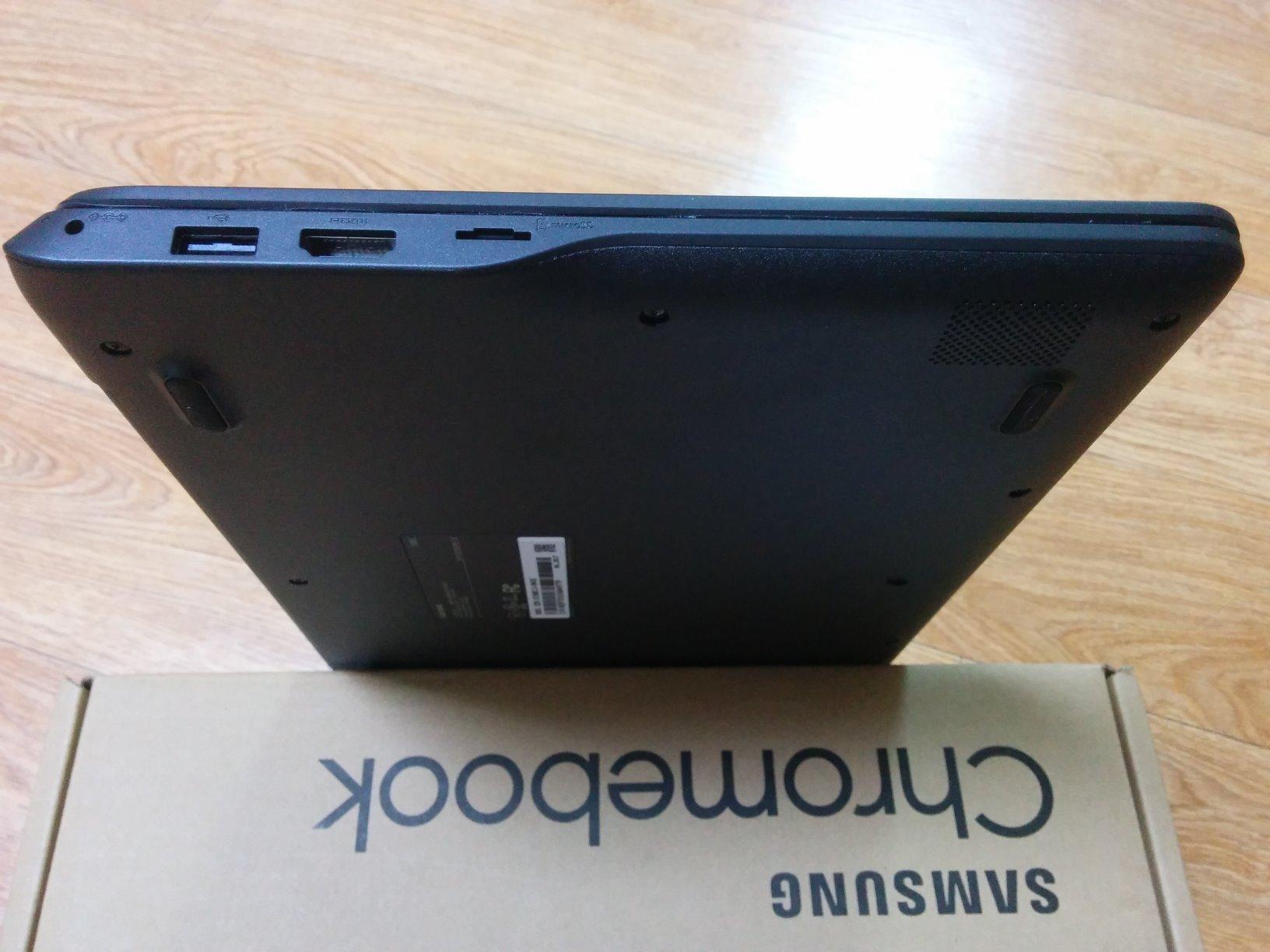
The Samsung Chromebook 3 is the machine we hand to a family with one kid in the early grades and no idea how much screen time the school will assign. It weighs 2.5 pounds, which matters more than it sounds like when a six-year-old is carrying it from a bus stop to a classroom, and the chassis is rated spill-resistant rather than merely described as durable.
What sold us is the battery figure of 11 hours on a 33 watt-hour cell, combined with a screen that is large enough for two Google Docs windows and small enough to sit on a lap. Chrome OS updates itself in the background, so there is no patching routine for a parent to remember.
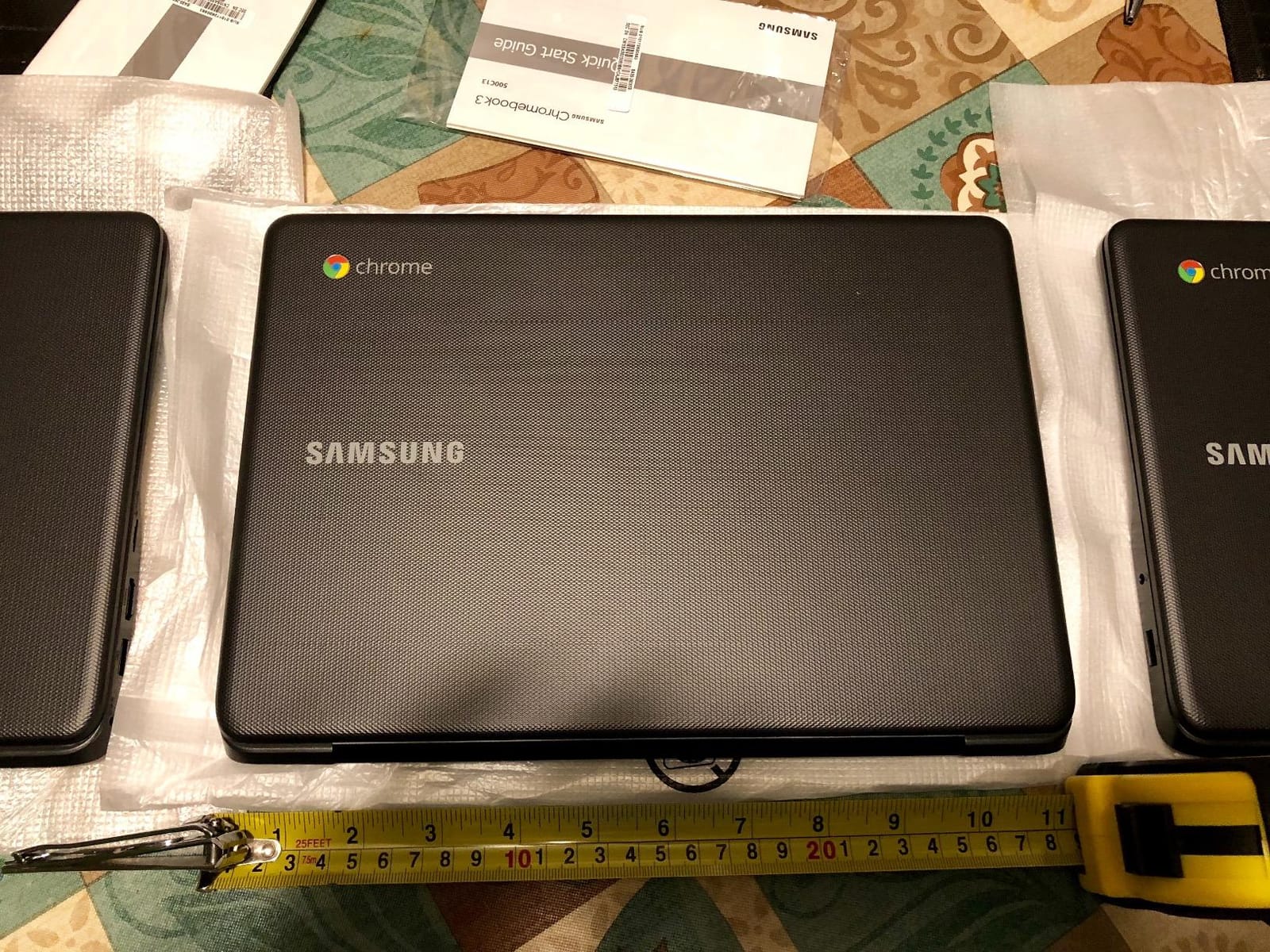
The honest weakness is storage. At 16GB of eMMC there is very little room to keep anything offline, so a child who downloads a lot of videos or offline reading will feel the ceiling quickly. The 1366 x 768 LCD is also a low resolution by 2026 standards, though it does keep files small on that limited drive.
The Intel Celeron N3060 is an older entry-level chip, and it stalls if a child opens a dozen heavy tabs while a video call runs. For Google Classroom, Docs, YouTube and Android apps, it does the job without drama.
Is 16GB of storage enough for a child’s first laptop?
It is enough for browser-based schoolwork, which lives in the cloud, and it holds the operating system with room to spare. It is not enough for a child who wants a local library of videos or offline documents, so pair it with a microSD card or keep a USB drive in the bag if that is likely.
When should you step up to a bigger Chromebook instead?
Move up when your child is in middle school, opens more than a handful of tabs at a time, or starts using a drawing or coding app that needs a touchscreen. Until then, the simplicity of the Chromebook 3 is the feature that matters most.
2. Lenovo 300e 2-in-1 Chromebook Touchscreen – Best Budget Touchscreen for Kids
Lenovo 11.6″ 300e Chromebook Touchscreen LCD 2 in 1- MediaTek M8173C Quad-core 2.1GHz 4GB LPDDR3 32GB Flash Memory Chrome OS Model 81H00000US (Renewed)
10-point multitouch IPS
4GB LPDDR3 and 32GB eMMC
MediaTek M8173C quad-core
Folds to tablet
10 hour battery
Pros
- Affordable route to a folding touchscreen
- Tablet mode works for games and video
- 32GB storage is double many budget rivals
- Anti-glare coating
- 3452 owner reviews
Cons
- Renewed condition varies between machines
- Battery life is inconsistent across machines
- Some arrive missing charger pieces
- 1366 x 768 resolution only
The Lenovo 300e answers a question parents ask constantly: is a touchscreen worth paying extra for when the child is five? The hinge folds the screen all the way back, so the same device is a laptop on the kitchen table and a tablet on the sofa, and at 3 pounds it fits in a school bag without a dedicated sleeve.
The 10-point multitouch IPS panel with an anti-glare coating handles finger taps properly, which matters for apps designed for small hands. Storage of 32GB is double what most rivals in this price bracket offer, and the MediaTek M8173C quad-core handles browsing, documents and light Android games without complaint.
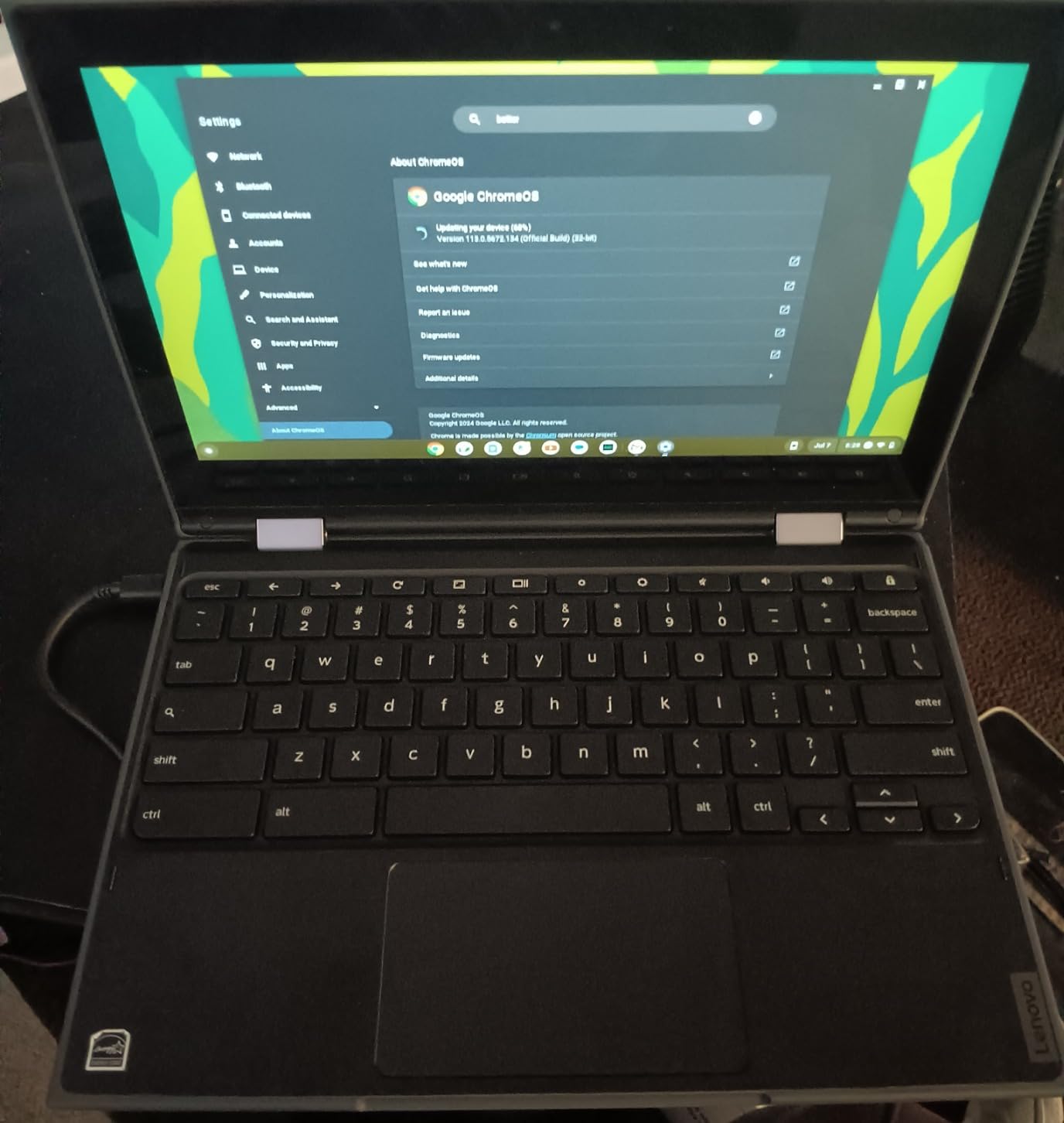
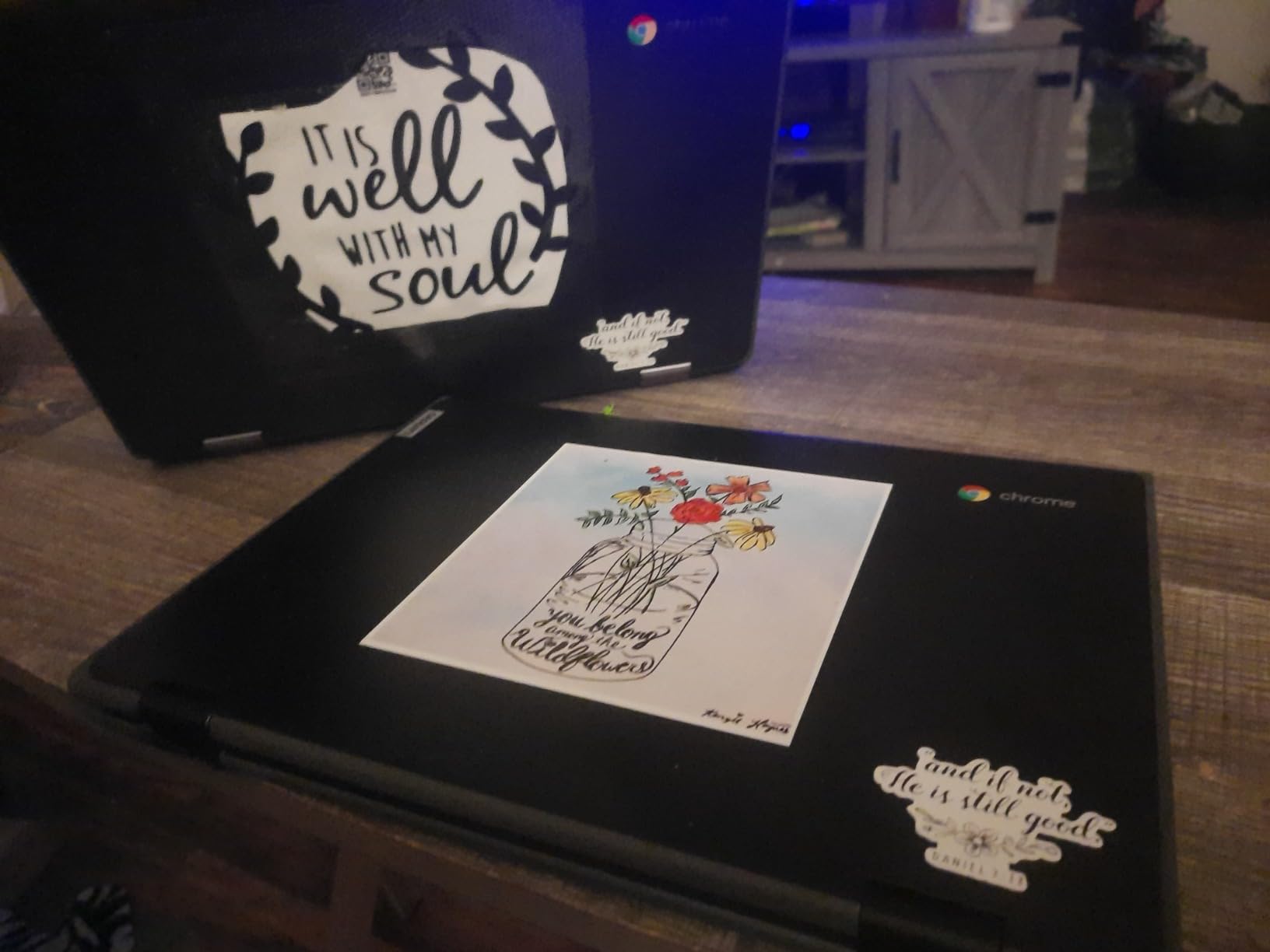
Because this is a renewed listing, the review text is unusually blunt about what to expect. Some machines arrive scratched, dirty or with a trackpad that needs a second press, battery life varies sharply between individual devices, and a small share have failed outright soon after delivery. The 90 day warranty is shorter than a one-year hardware warranty on a new machine.
The screen resolution of 1366 x 768 is the same soft limitation as the Chromebook 3, so video calls and shared documents look softer than on a Full HD panel. If you are comfortable inspecting the machine on arrival, the savings are the real argument here.
Is buying a renewed Chromebook a good idea for a child?
Yes, if the price gap is large and you check the machine within the return window. Renewed inventory is the fastest way into a touchscreen 2-in-1 for a family that would otherwise buy a clamshell, and the Lenovo 300e has 3452 reviews documenting both the wins and the failures honestly.
What do you check first when a renewed device arrives?
Test the charger, the trackpad and the battery before the child does. Play a video for twenty minutes on mains power and then unplug to see how quickly the charge level drops, because that single test predicts most of the renewed-condition complaints owners report.
3. HP Chromebook 14a – Best Value Chromebook for Kids
HP Chromebook 14 Laptop, Intel Celeron N4120, 4 GB RAM, 64 GB eMMC, 14″ HD Display, Chrome OS, Thin Design, 4K Graphics, Long Battery Life, Ash Gray Keyboard (14a-na0226nr, 2022, Mineral Silver)
14 inch anti-glare display
4GB DDR4 and 64GB eMMC
Celeron N4120
14 hour battery
Fast charge
Pros
- Large 14 inch anti-glare micro-edge display
- Up to 14 hours of battery
- Fast charge reaches about half in 45 minutes
- 64GB storage
- ENERGY STAR and EPEAT Silver
Cons
- 1366 x 768 resolution is low
- No touchscreen
- Entry-level Celeron N4120 graphics
- Fanless design can throttle under heavy load
The HP Chromebook 14a is the pick we send to families who have two children sharing a room and need screen real estate. A 14 inch micro-edge anti-glare panel gives a small writer enough width for a document and a reference page at the same time, and the matte finish survives a kitchen table better than a glossy screen.
The battery claim of 14 hours on a 47 watt-hour cell is among the longest rated figures in this roundup, and HP Fast Charge adds roughly half a charge in about 45 minutes, which rescues a forgotten evening of charging. Four GB of DDR4 and 64GB of eMMC hold many tabs, Docs and Android apps without strain.
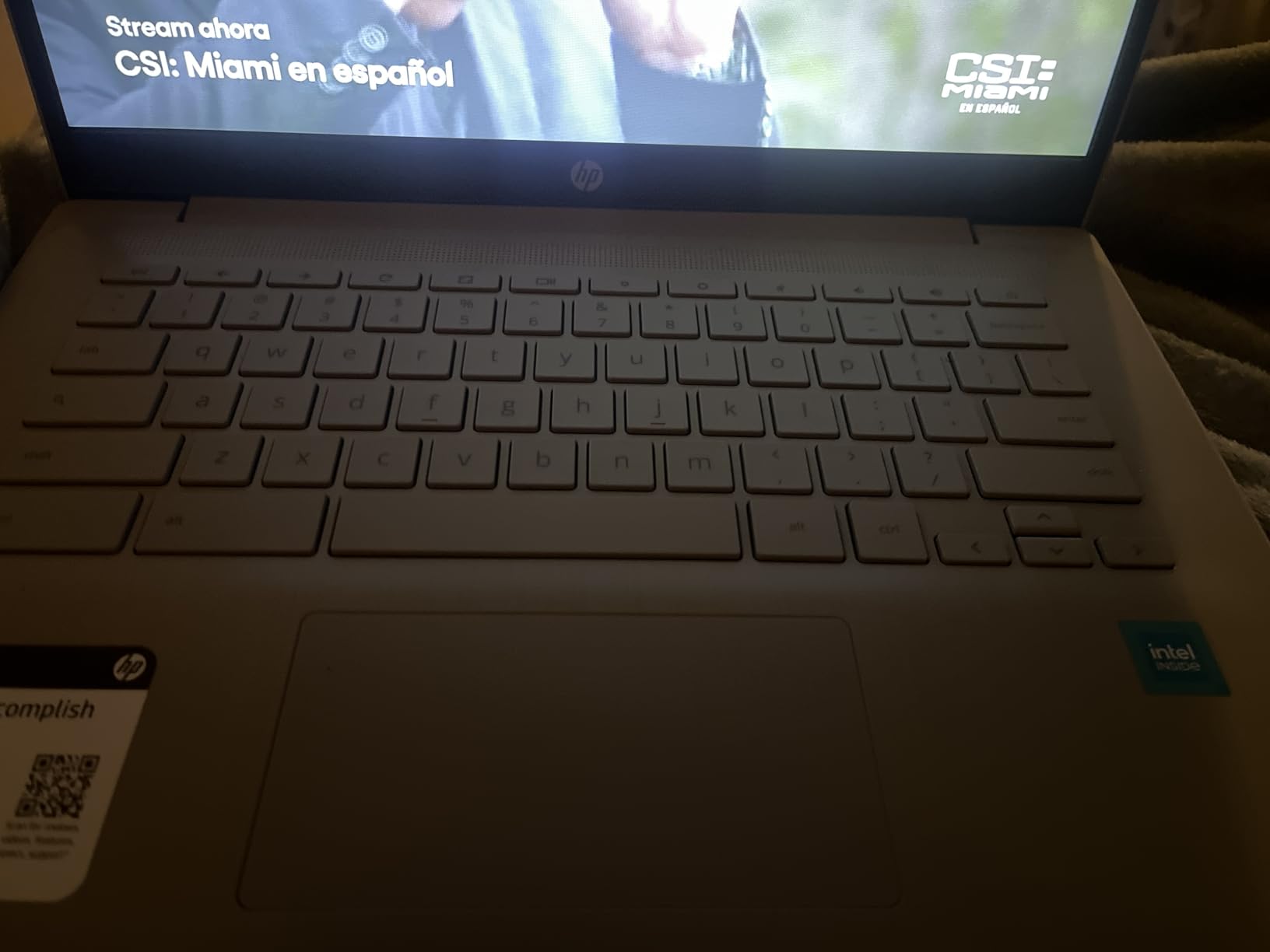
Two caveats keep this out of first place. The resolution is 1366 x 768 despite the larger size, so the screen is bigger but not sharper, and there is no touchscreen, which rules it out for drawing apps and younger children who tap rather than point.
The Intel Celeron N4120 is an entry-level processor and the fanless chassis will throttle under sustained heavy loads, so video editing and demanding games are out. For homework, streaming and video calls it stays smooth, and the ENERGY STAR and EPEAT Silver registrations matter for schools buying in volume.
Is a 14 inch screen too big for a young child?
For a first grader doing reading and simple worksheets, 14 inches is fine as long as the machine stays on a desk. It is only awkward on a lap, and at 3.2 pounds the weight compounds that. For grades four and up the extra width is a genuine advantage for long writing assignments.
Should you pay more for a Full HD screen at this size?
If the child watches a lot of streaming video or reads scanned PDFs, a Full HD panel is worth the step up, and the Acer Chromebook 315 in this list is that option. For text-heavy schoolwork the difference is small, and the longer battery here is the better trade.
4. Dell Chromebook 11 3100 – Best First Laptop for a Complete Beginner
Dell Chromebook 11 3100 11.6″ Chromebook – 1366 x 768 – Celeron N4020-4 GB RAM – 16 GB Flash Memory – Chrome OS – Intel HD Graphics – English (US) Keyboard – Bluetooth (Renewed)
11.6 inch 1366 x 768
Celeron N4020
4GB RAM and 16GB flash
14 hour rated battery
2.9 pounds
Pros
- Very low-cost route to a working Chromebook
- Keyboard is well regarded by owners
- Light at 2.9 pounds
- Renewed units often near-new cosmetically
- Rated up to 14 hours of battery
Cons
- Very slow
- pages time out
- 16GB leaves little usable space
- Small screen is cramped
- Some renewed machines have charging failures
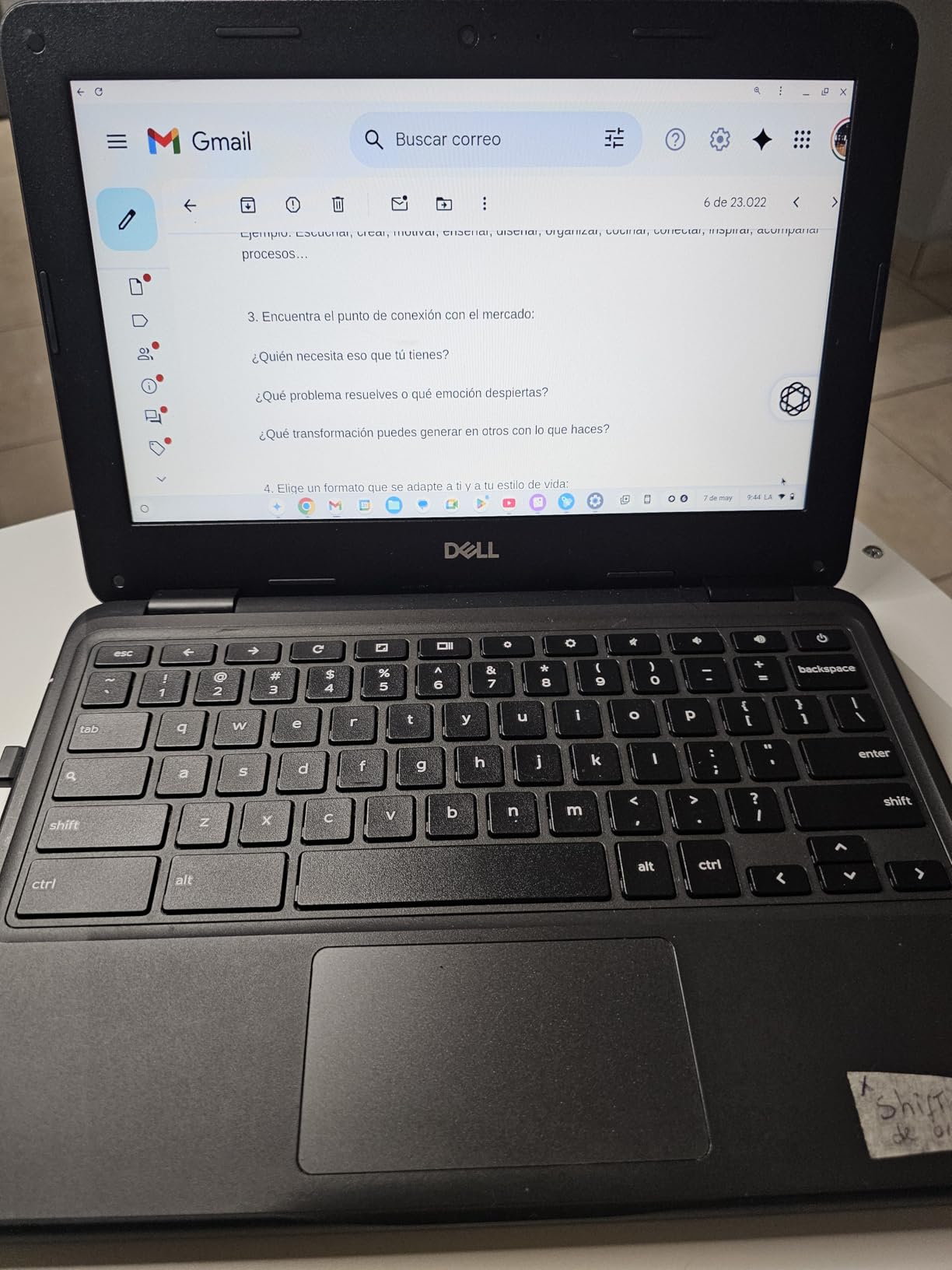
The Dell Chromebook 11 3100 is the machine we would buy for a child who has never touched a laptop keyboard, because there is very little to break and almost nothing to pay for. The keyboard is the standout, and owners consistently single it out as the reason they kept the machine after trying cheaper alternatives.
At 2.9 pounds with a 11.6 inch screen it is easy to carry, and renewed machines often arrive close to new cosmetically. The rated battery figure of 14 hours looks excellent on paper, though owners report real runtime landing well below that on some devices.
The Celeron N4020 is slow, and this is the pick’s real limitation. Reviewers describe pages that time out and need a manual refresh, which is frustrating for an adult and demoralising for a child. Storage is the other problem: after Chrome OS overhead, owners report roughly 1.8GB of usable room on the 16GB flash memory.
The 11.6 inch screen is cramped for browsing and typing compared with anything above 13 inches, and a small share of renewed machines have developed charging, battery or power-key failures. The warranty here is 90 days through Amazon Renewed rather than a full year.
Is 16GB of storage workable on a child’s Chromebook?
Workable for web-based schoolwork, painful for anything saved locally. Combine it with the age of the child: a first grader streaming from Google Classroom will not notice, while a seventh grader with downloaded videos and offline files will hit the wall in a term.
What should a first-time computer user actually learn on it?
Typing, trackpad gestures, opening and saving files, and video calling. All four work here without friction, and the comfortable keyboard helps more than a faster chip would at this stage. Set up the machine yourself first, then hand it over with a short list of allowed apps.
5. HP Chromebook 11A G8 Education Edition – Best for School Bags and Travel
HP Chromebook 11A G8 Education Edition AMD A4-9120C 4GB DDR4-1866 SDRAM, 32GB eMMC 11.6-inch WLED HD Webcam Chrome OS (Renewed)
Backlit spill-resistant keyboard
AMD A4-9120C dual-core
32GB eMMC and 4GB DDR4
220 nit anti-glare
10 hour battery
Pros
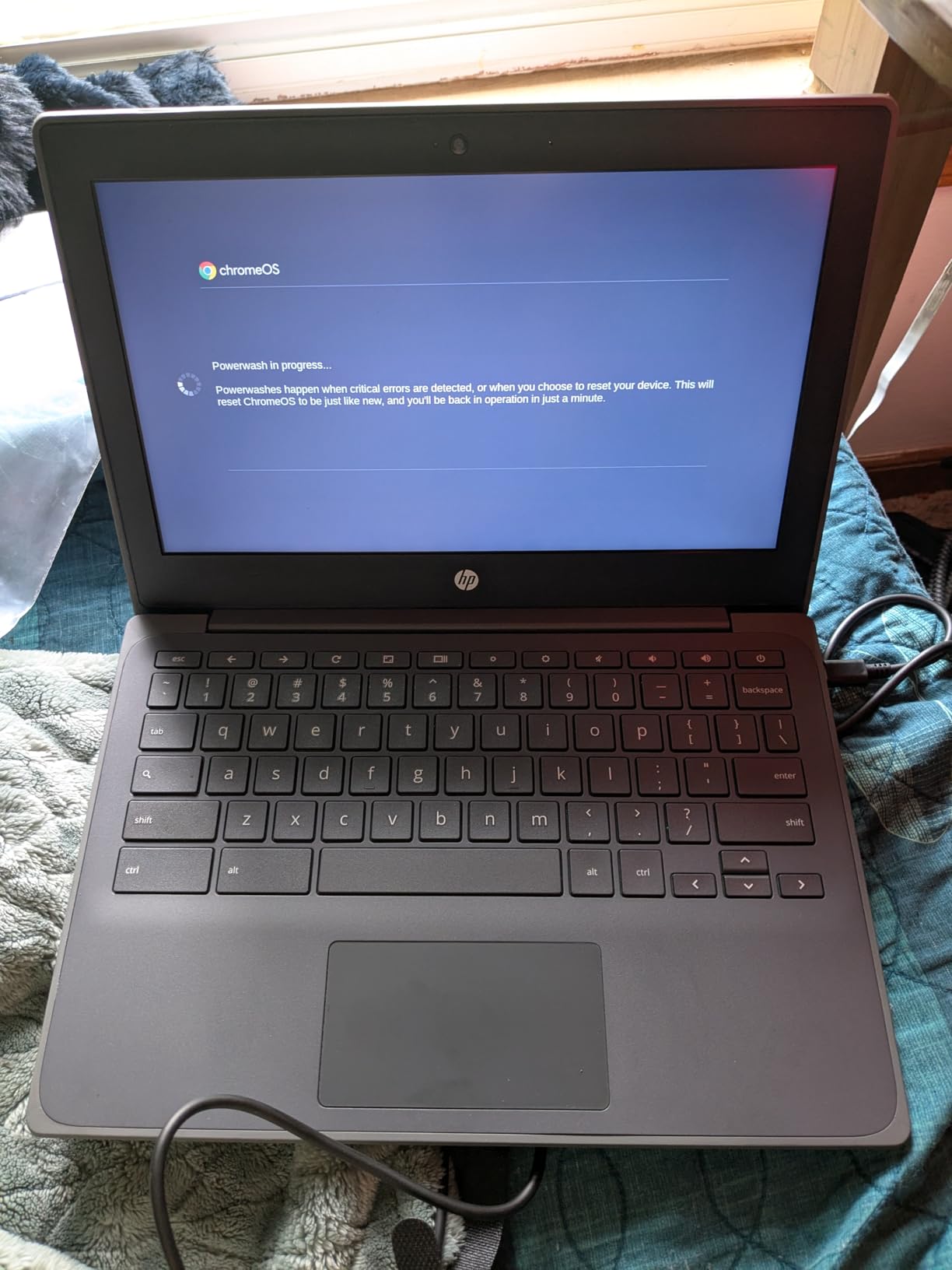
- Pick-and-spill-resistant backlit keyboard
- Backlit keyboard is rare at this price
- 32GB storage is generous
- 720p camera and dual speakers
- USB-C with DisplayPort output
Cons
- AMD A4-9120C is an older dual-core chip
- 220 nit screen is dim
- Renewed machines have variable battery wear
- Only two USB ports plus one microSD slot
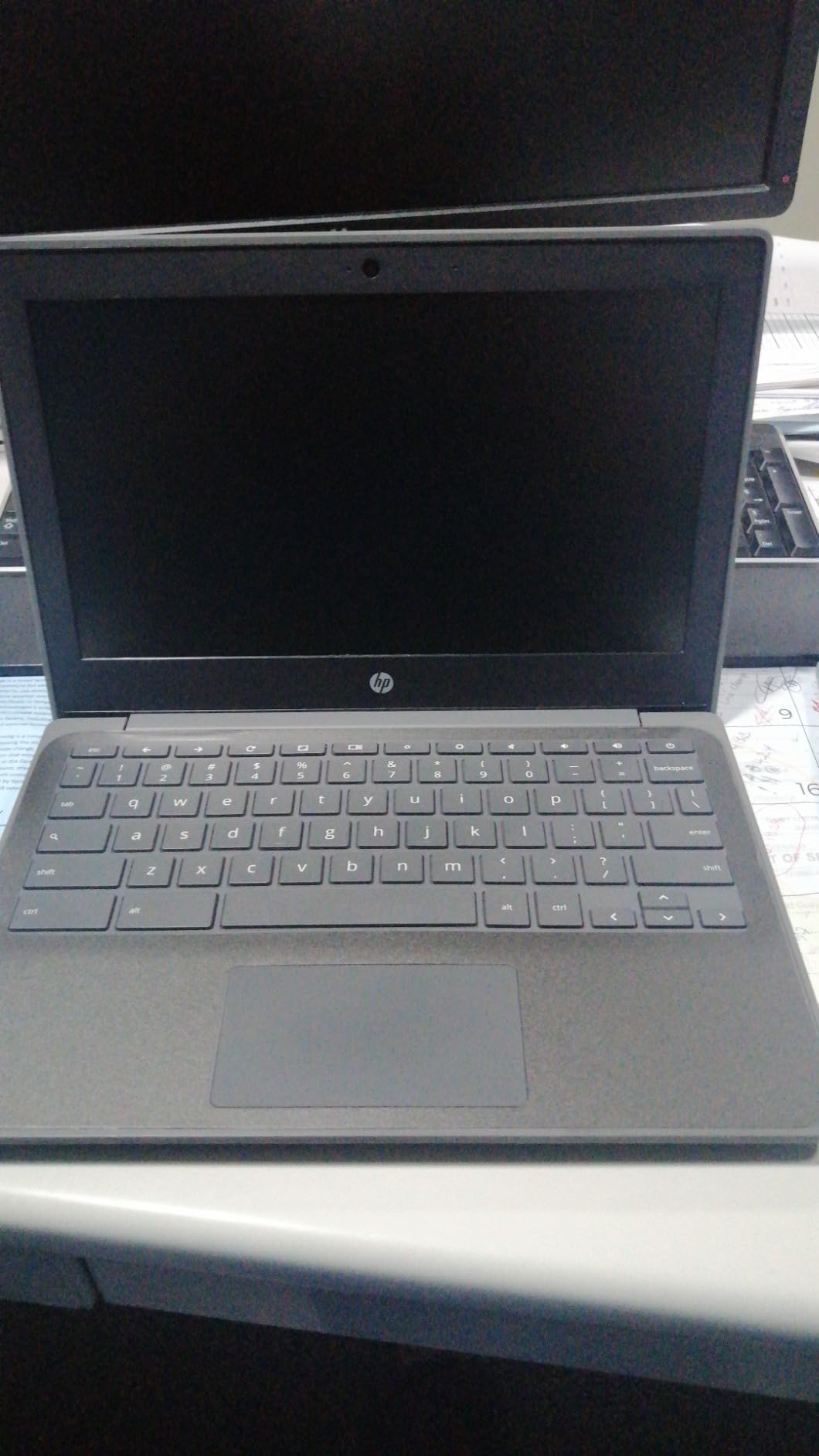
This is the Education Edition of the HP 11A, and the keyboard is the reason it exists. It is full-size, island-style, backlit and rated pick-and-spill-resistant, which means a juice box at the edge of the keyboard is a near-miss rather than a funeral. A backlit keyboard at this price is unusual and genuinely useful for early-morning homework in a dim room.
The ports are sensible too, with two USB-C ports, two USB 2.0 ports, a headphone and microphone combo and a microSD slot, and the USB-C port carries DisplayPort output so a second monitor is possible for an older child. Storage of 32GB beats most rivals in this bracket.
At 220 nits, this is the lowest brightness figure published for any model in the group. In a bright classroom or near a window, a child will struggle where the 400 nit Duet 5 panel would be comfortable.
The AMD A4-9120C is an older dual-core processor, and renewed machines show variable cosmetics and battery wear. The listed battery energy of 3.5 watt-hours looks like a data entry error rather than a real figure, so treat the 10 hour battery claim with caution and test it on arrival.
Why does a backlit keyboard matter more for kids than adults think?
Because children do homework in the hour after dinner when the room light is off. A backlit keyboard removes the most common frustration in that scenario, which is trying to find the keys. It also means fewer smudges from a child squinting to see a screen in daylight.
Is a dim 220 nit screen a problem for schoolwork?
For indoor evening work at a desk, generally no. It becomes a real issue in a bright classroom or anywhere near a window during the day, and it is the strongest reason to step up to a brighter panel once the child is older and using the device in those conditions.
6. Lenovo Chromebook Duet – Best Detachable 2-in-1 for Kids
Lenovo Chromebook Duet, 2-in-1, 10.1″ WUXGA (1920 x 1200) Display, MediaTek Helio P60T, 4GB LPDDR4X RAM, 64GB eMCP SSD, Integrated ARM G72 MP3 Graphics, Chrome OS, ZA6F0031US, Ice Blue + Iron Grey
10.1 inch 1920 x 1200 IPS
4GB RAM and 64GB eMCP SSD
Helio P60T
Detachable keyboard
10 hour battery
Pros
- Light at 15.84 ounces
- Detachable magnetic keyboard and folding cover included
- Sharp 1920 x 1200 IPS display
- Battery often lasts a full day or more
- Handles many tabs and Android apps
Cons
- Keys are small and cramped
- Weak low-volume speakers
- Screen scratches easily
- Uncomfortable for lap use
- ARM chip blocks many Linux apps
The Lenovo Chromebook Duet has a distinctive shape that suits children better than a clamshell. The tablet detaches from a magnetic keyboard and the fabric cover folds back into a stand, so a child can watch a video in bed, prop it up for a lesson, then type a paragraph on the couch. It is also the lightest item here at 15.84 ounces, so small hands can carry the tablet alone.
The display is the standout: a 10.1 inch 1920 x 1200 IPS panel, a higher resolution than the 1366 x 768 panels on most of the budget models here, and the 64GB eMCP SSD is faster than the eMMC storage on those rivals. Performance is smooth with many tabs, Android apps and games, and battery life frequently runs past a full day.
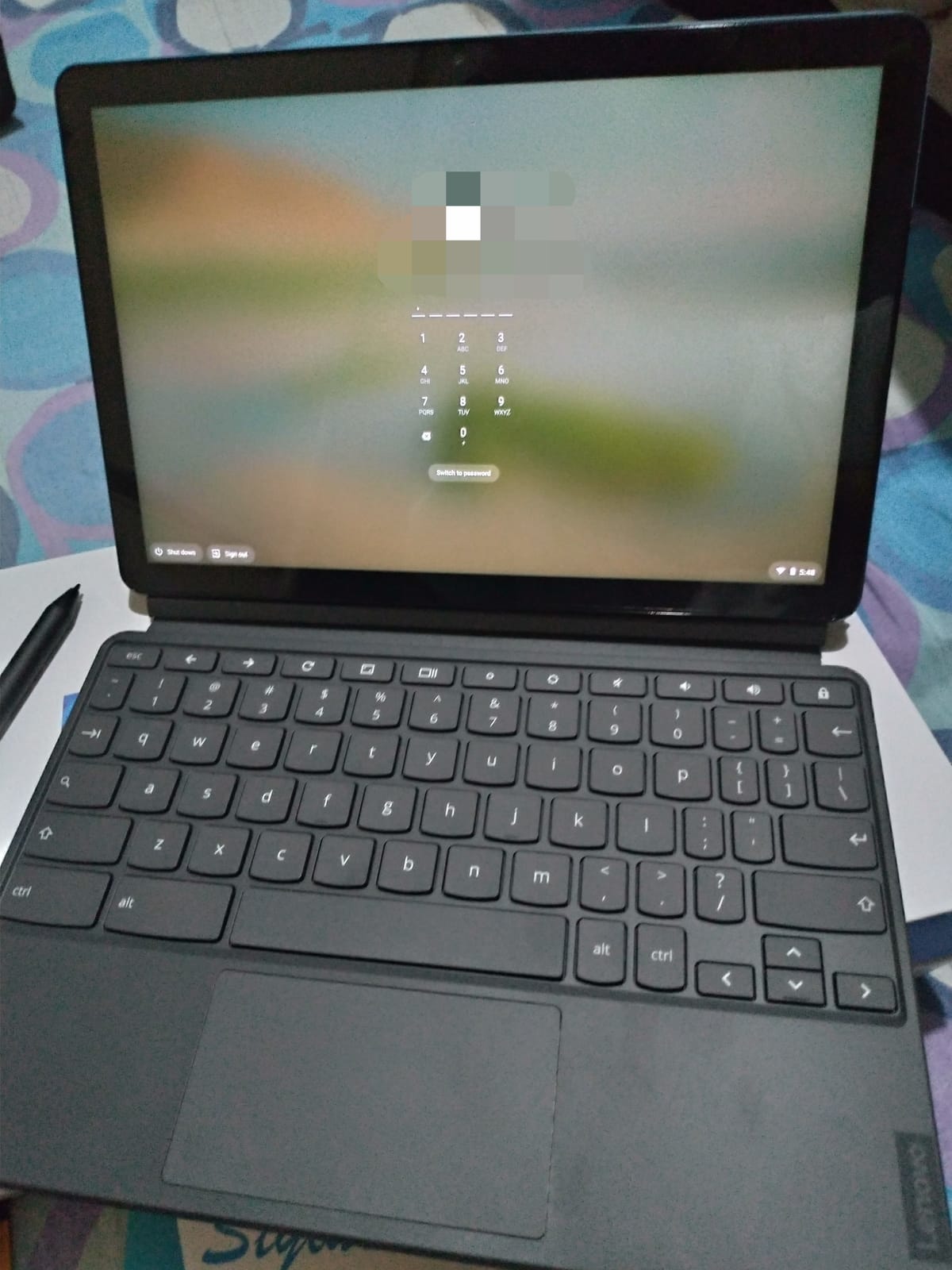
The compromises are physical. The compact keyboard has small keys, especially the right pinky column, which slows down children who have not yet learned touch typing. The speakers are quiet and get drowned out by background noise, so it is not a good solo movie machine, and the screen scratches easily without a protector.
Used as a laptop on a lap it is uncomfortable, because the fabric cover and stand are designed for a table. The MediaTek Helio P60T is ARM-based, so a number of Linux applications are unavailable, and some early machines had freezing or reboot problems that later Chrome OS updates improved.
Is a detachable Chromebook better than a folding one for a child?
Detachable wins on weight and handling, because a young child can hold the tablet comfortably and set it down. Folding designs win on price and on having a real hinge-free keyboard attached. For ages five to eight the tablet mode is usually the part that gets used most.
Do kids need a stylus with this model?
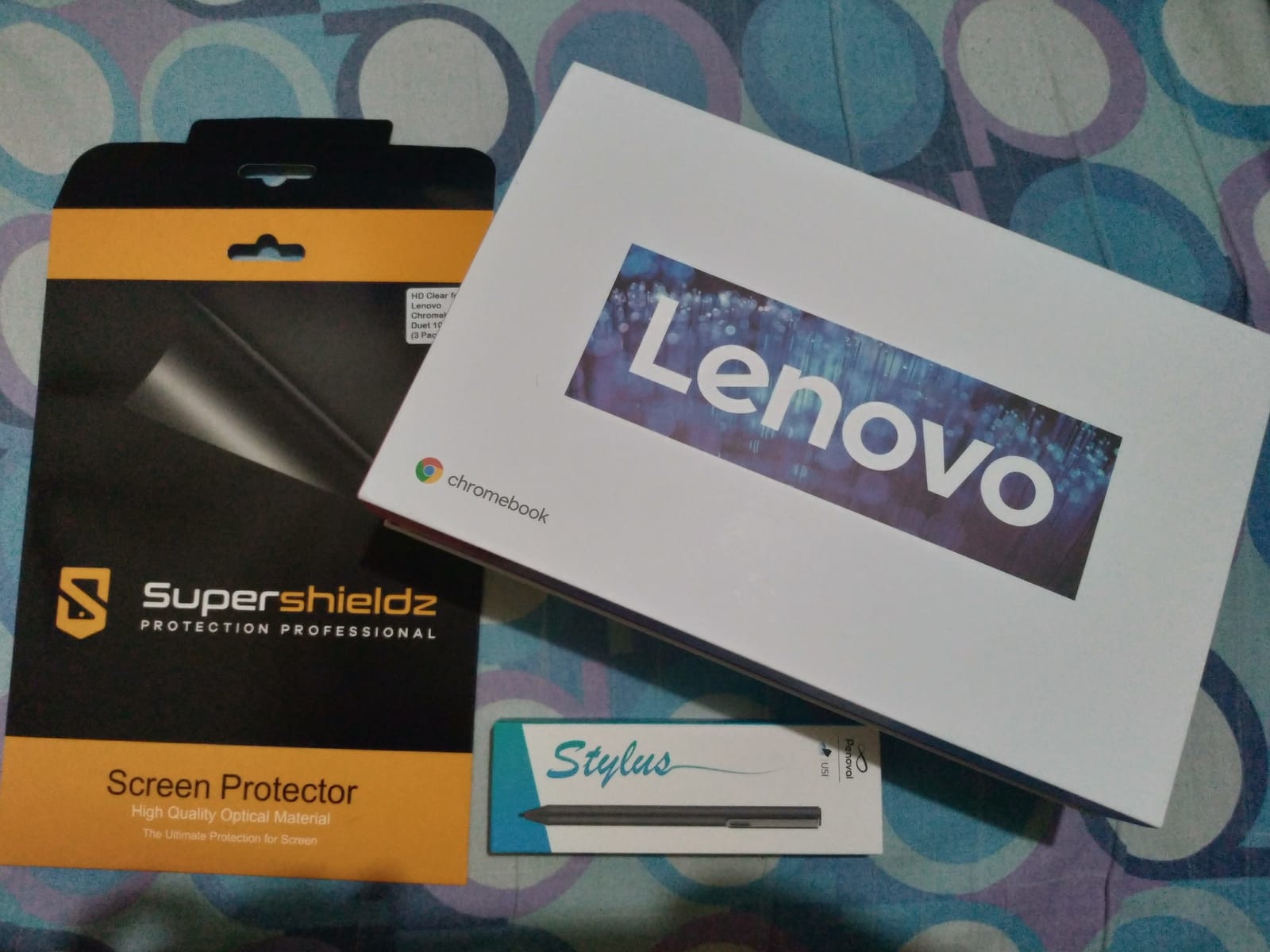
The display accepts a USI pen but the pen is not included, so budget separately if drawing is part of the plan. The Duet is still our pick for a child learning to handwrite digitally, provided you add a screen protector. Owners also report that the tablet works fine as a standalone Android device, which extends its usefulness for reading apps.
7. Acer Chromebook 315 – Best Large Screen Chromebook for Kids
Acer 2022 Chromebook 315 15.6″ Full HD 1080p IPS Touchscreen Laptop PC, Intel Celeron N4020 Dual-Core Processor, 4GB DDR4 RAM, 64GB eMMC, Webcam, WiFi, 12 Hrs Battery Life, Chrome OS, Silver
15.6 inch 1920 x 1080 IPS touch
Celeron N4020
4GB LPDDR4 and 64GB
12.5 hour battery
Numeric keypad
Pros
- Large 15.6 inch Full HD 1080p IPS touchscreen
- Up to 12.5 hours of battery
- Light at 2.8 pounds for a machine this size
- Numeric keypad on the keyboard
- USB-C charging means one cable
Cons
- Keyboard is not backlit
- Does not fold into tablet mode
- Scrolling can be choppy
- Not suited to video editing or demanding games
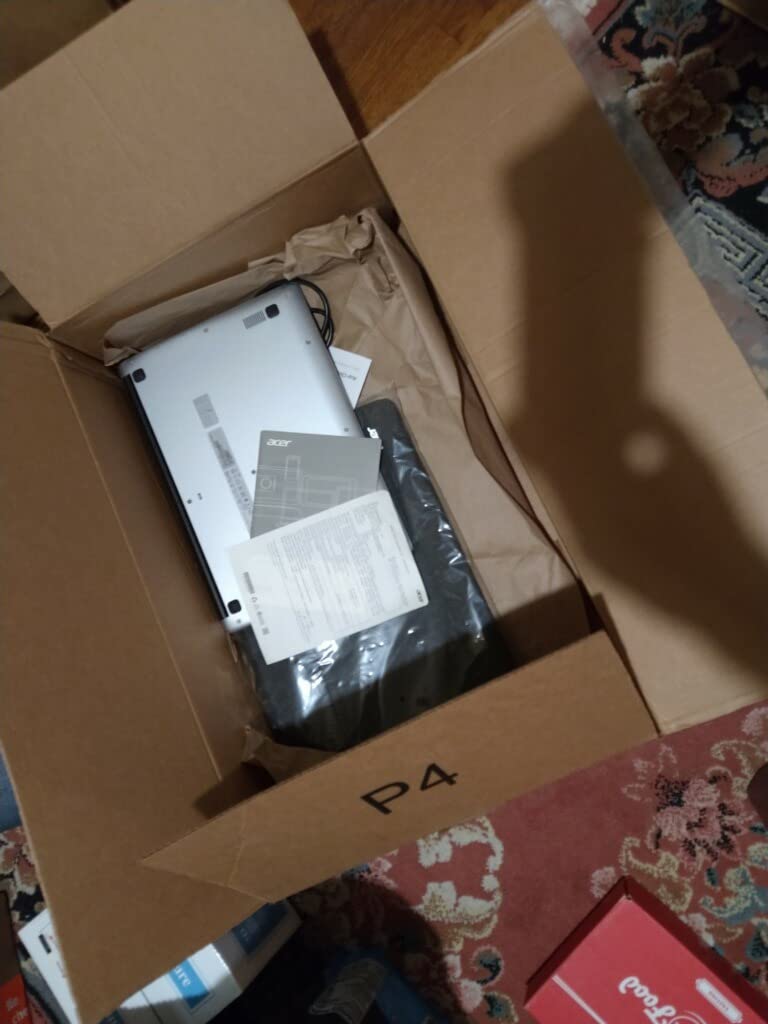
The Acer Chromebook 315 is what we recommend for a tween doing research projects, because a 15.6 inch Full HD 1080p IPS touchscreen is the largest display in the group. It is also the only machine in this roundup with a numeric keypad, which starts mattering when a child reaches spreadsheets in middle school.
Battery life of up to 12.5 hours on a 41 watt-hour cell means the charger stays home most days, and the 2.8 pound weight is genuinely light for a machine this size. Stylus support and Google Classroom compatibility are both noted in the specifications, and USB-C charging keeps it to one cable.
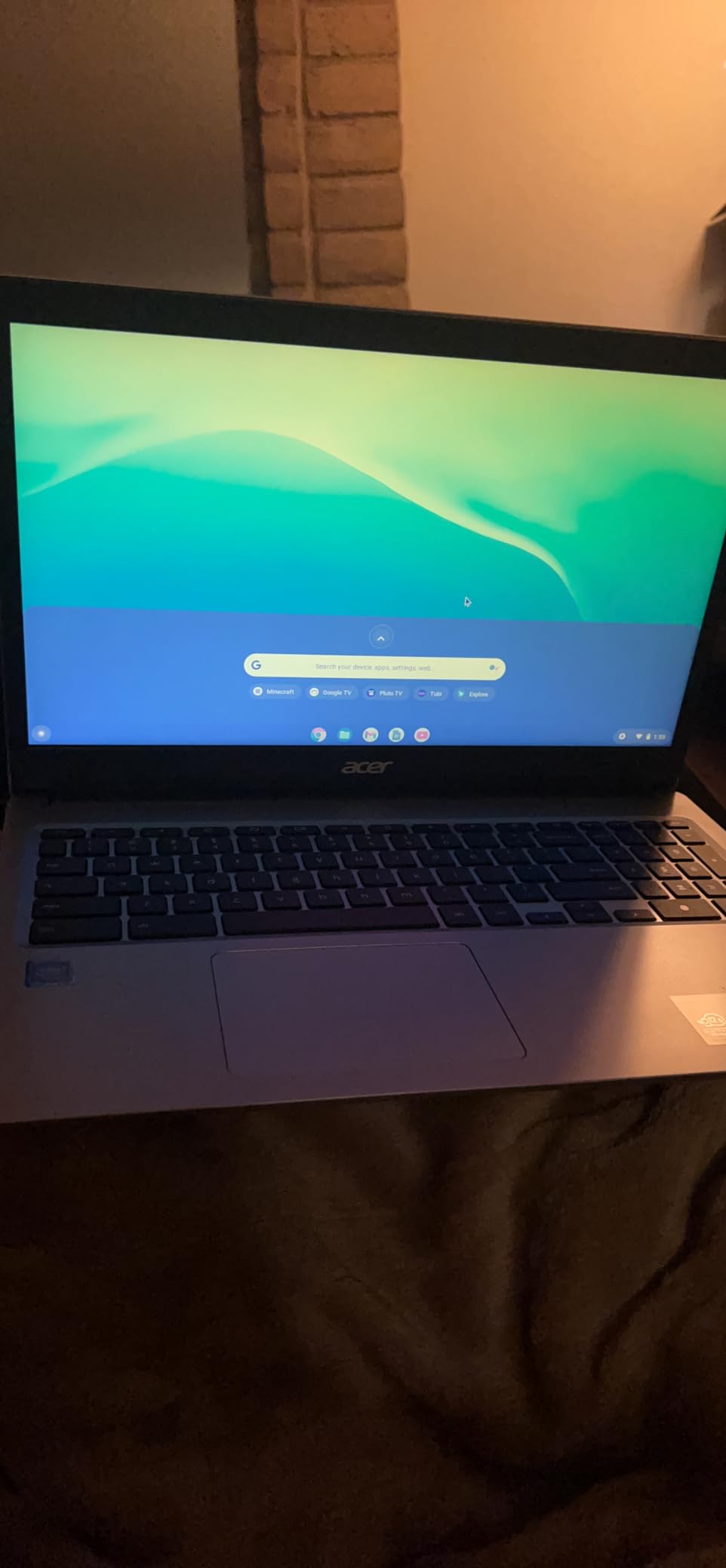
The keyboard is not backlit, which puts it behind the HP 11A in that specific respect. Despite the touchscreen, the hinge does not fold all the way into tablet mode, so the touchscreen is useful for tapping but the device stays a laptop. Scrolling occasionally stutters, and the Celeron N4020 rules out video editing and demanding games.
Microsoft 365 is not preinstalled, so anything outside the browser means working through the web, which is a real adjustment for a child used to a full desktop suite. Storage is 64GB of eMMC, which is adequate for schoolwork but modest for a large personal media library.
When is a 15.6 inch screen worth the extra size?
From about grade five onward, when a child is working with multiple sources, long documents and spreadsheets side by side. Below that, the screen is mostly showing a worksheet, and a smaller lighter machine is easier to carry. It is also the better choice for a shared family device used at a kitchen table.
Is a touchscreen worth it if the hinge does not fold?
For a child it still is, because tapping links, scrolling and using touchscreen-based classroom apps is more natural for small hands. Just do not buy it expecting tablet mode. If tablet mode is the goal, the Lenovo Duet in this list is the machine built for it.
8. Lenovo IdeaPad Duet 5 – Best OLED Screen for Older Kids and Teens
Lenovo 82QS0000US, IdeaPad Duet 5 Chromebook, OLED 13.3″ FHD Touch Display, Snapdragon SC7180, 4GB RAM, 64GB Storage, Qualcomm Adreno Graphics, Chrome OS, Abyss Blue
13.3 inch OLED at 400 nits
Snapdragon SC7180
4GB LPDDR4X and 64GB
15 hour battery
Detachable keyboard
Pros
- 13.3 inch OLED at 400 nits with full DCI-P3 coverage
- Battery life rated up to 15 hours
- Detachable keyboard included
- Four speakers with smart amplifier
- Front 5MP 1080p camera for calls
Cons
- Some machines have failed to power on
- Screen repair costs more than the device
- Fewer cases and screen protectors exist
- Heavier at 4 pounds in tablet mode
- No headphone jack
The IdeaPad Duet 5 is the one to buy when a child is heading into teenage years and starts caring how things look. The 13.3 inch OLED panel runs at 400 nits with 100% DCI-P3 colour coverage, which is a visible step up for drawing, photo work and streaming, and its 400 nit rating is the highest brightness figure published for any of the ten models reviewed.
Battery life is rated at up to 15 hours, with some owners reporting days between charges, and the detachable fabric folio keyboard is included. Four speakers with a smart amplifier and two microphones handle video calls and media, and the front 5MP 1080p camera is a genuine step up for a child joining calls from a bedroom.
Reliability is the reason this sits below the Duet despite the better screen. Several owners report machines that failed to power on or died within a few months, and screen repair is priced beyond what the device cost to begin with. At 344 reviews the pattern is visible but not yet conclusive, which is exactly the kind of judgment a review count is supposed to inform.
It is also 4 pounds, which is tiring to hold in tablet mode, and the folio kickstand prop is awkward unless the device rests on a solid surface. There is no headphone jack or fingerprint reader, and because the chipset is ARM-based many Linux apps are unavailable.
Are OLED screens worth it for a child’s laptop?
For creative work, drawing apps and long streaming sessions, yes, and the 400 nit brightness also makes the screen usable in daylight where cheaper panels wash out. For homework and Google Docs the difference is real but modest, and it is not worth taking on the reliability questions above.
Is the ARM-based processor a problem for school?
Almost never. Google Classroom, Docs, Sheets, Slides, video calls and Android apps all run natively, and the ARM chip is part of why battery life is so strong. The gap only appears if your child needs a specific Linux application, which is rare below high school.
9. Acer Chromebook 311 – Best Lightweight Chromebook for Travel
acer Chromebook 311 CB311-9H-C12A, Intel Celeron N4000, 11.6″ HD, 4GB LPDDR4, 32GB eMMC, Gigabit WiFi, Bluetooth 5.0
11.6 inch HD display
Celeron N4000
4GB LPDDR4 and 32GB
10 hour battery
2.3 pounds
Pros
- 4GB RAM
- 32GB storage
- 4 USB ports
- Four USB ports plus USB-C with DisplayPort
- Clear webcam and microphone
Cons
- No touchscreen despite some listings
- Speakers are weak
- Only microSD for extra storage
- Glossy 1366 x 768 screen
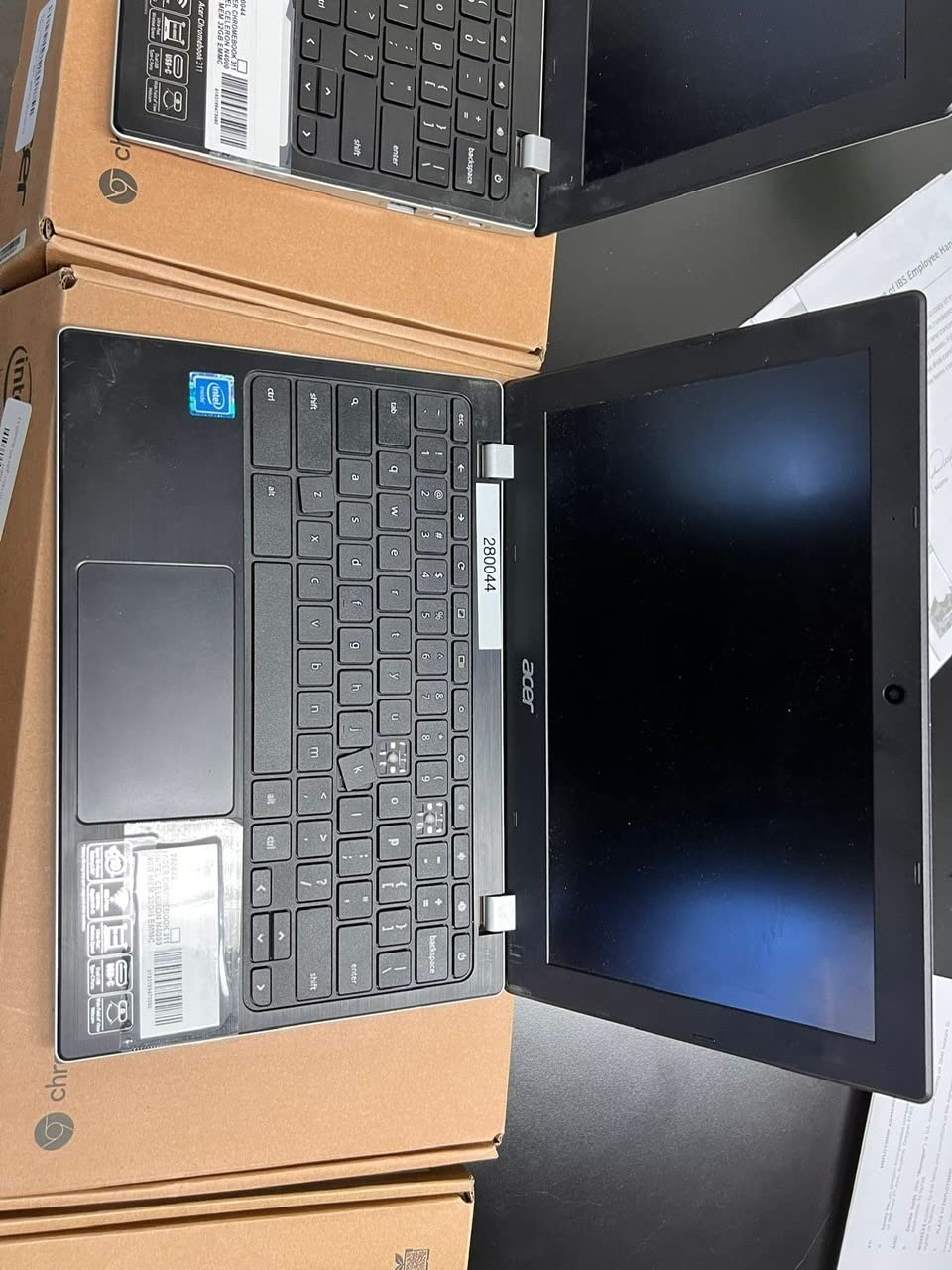
The Acer Chromebook 311 has the highest average rating of anything we looked at, at 4.5 stars with 76% five-star ratings, and owners describe it as fast and reliable for schoolwork, browsing and light gaming. Read the review count of 242 alongside that rating: it is the smallest sample here, so the rating is encouraging but less settled than the 3672 behind the Samsung Chromebook 3.
At 2.3 pounds, this is one of the lightest laptops here, and the 7.83 by 11.65 inch footprint fits into a child’s lap without pushing the display forward. Four USB ports plus a USB-C port with DisplayPort give unusual room for peripherals, and 32GB of storage is more than most rivals at this level.
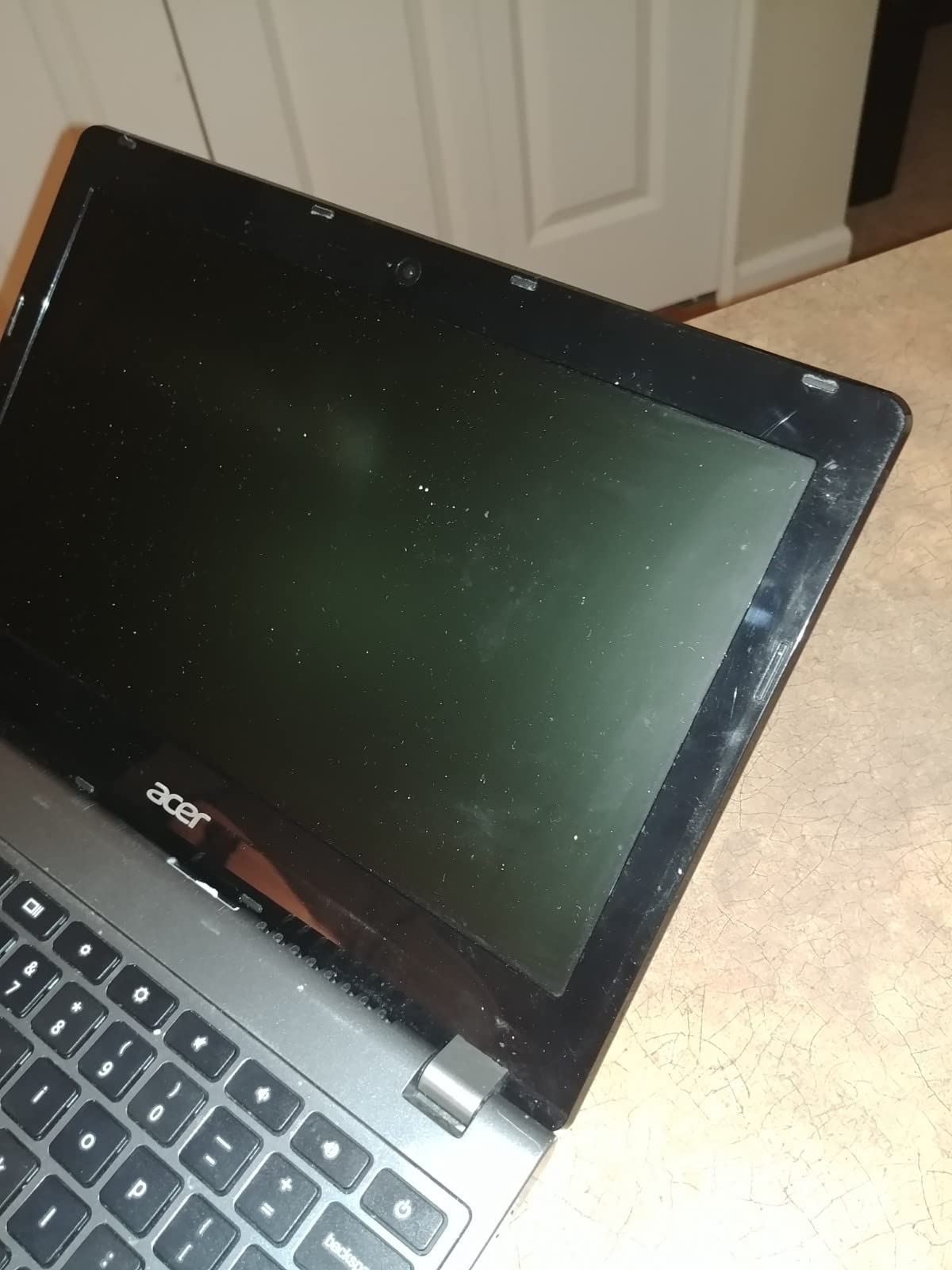
The main confusion is the touchscreen. Some listings suggest one, and owners repeatedly report that the machine has none, so treat any touchscreen claim for this model as wrong. The speakers are weak, and storage above the 32GB internal limit requires a microSD card.
The screen is glossy rather than matte, which means more reflections in a car or on a plane, and 1366 x 768 is a soft resolution. Battery life is rated at 10 hours, with some owners reporting closer to 12 in practice.
Is a low review count a reason to avoid a laptop?
It is a reason to slow down, not to skip. A small number of reviews usually means a newer or less common model, so the five-star share is less meaningful and defect patterns are still emerging. Here that matters because the Duet 5 reliability reports came from a similar sample size.
Why do the USB port count on this model stand out?
Because most budget Chromebooks have two ports and force you to carry a hub. Four USB ports plus USB-C with DisplayPort means a mouse, a USB drive, headphones through the combo jack and a charging cable all fit at once, which is genuinely useful for a child who plugs in external storage for school projects.
10. Samsung 12.2 Inch Chromebook Plus 2-in-1 Bundle – Best Accessory Bundle
Samsung 12.2″ FHD 2-in-1 Touchscreen Chromebook Plus Laptop for Business&Students, Intel Dual-Core, 4GB RAM, 224GB Storage(64GB eMMC+160GB Docking Station Set), Stylus Pen, Wireless Mouse, Silver
12.2 inch 1920 x 1200 touch
360 degree hinge
Celeron 3965Y dual-core
Stylus and mouse included
Docking station
Pros
- Stylus pen and wireless mouse in the box
- 7-in-1 docking station with 128GB SSD
- Sharp 12.2 inch Full HD touchscreen
- 360 degree hinge converts to tablet
- Light at 2.98 pounds
Cons
- Performance is slow and apps freeze
- Only 4GB of RAM on an older Celeron chip
- Some buyers returned it over performance
- Storage total depends on the dock and microSD card
The pitch of this Samsung bundle is what comes in the box, and it is a lot: a stylus pen, a wireless mouse, a 7-in-1 docking station with a 128GB SSD, a 32GB microSD card with adapter, a Type-C data cable, a 3-in-1 charging cable and a cleaning cloth. For a family that would buy a pen and a dock anyway, that changes the arithmetic more than the laptop itself.
The 12.2 inch 1920 x 1200 touchscreen is sharp and responsive, and the 360 degree hinge converts it to a tablet for reading, drawing and streaming. It weighs 2.98 pounds, is spill-resistant, and parents report it working well for their children’s schoolwork. The 720p front camera covers video calls adequately.
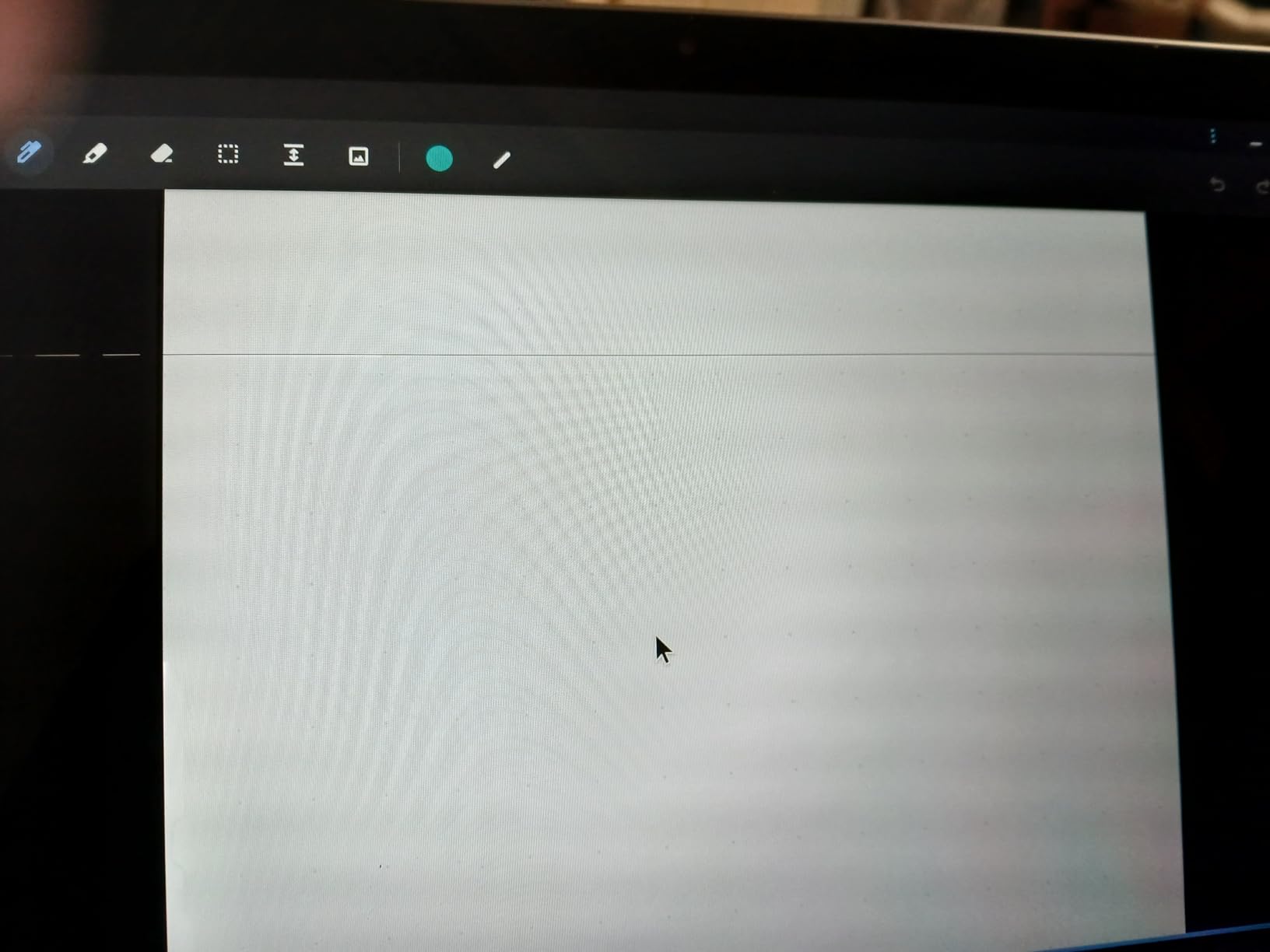
Performance is where this listing stumbles. The Intel Celeron 3965Y is a 2019-era low-voltage dual-core chip, and a minority of owners report apps freezing, glitching or dropping to the home screen mid-task, with a few returning the device. Four GB of LPDDR3 RAM is thin for heavy multitasking on a larger screen.
Also read the storage number carefully. The advertised 224GB combines 64GB of internal eMMC with the docking station SSD and the microSD card, so internal storage alone is modest. Two USB-C ports, one USB 3.0 port, HDMI and a headset jack cover the basics.
Is the included stylus and docking station worth more than a better processor?
For a child who draws, does handwriting practice or works on projects that need external storage, the accessories are worth real money. For a child who only needs Docs and Google Classroom, a faster machine with a smaller bundled kit will serve better over a longer school run.
Is a 12.2 inch screen the right size for a school-age child?
It is a good middle ground, larger than the Duet and smaller than the Acer 315, and the 2-in-1 hinge means it works flat on a desk for drawing. For a first grader who mostly watches and taps, that flexibility is more useful than raw screen size, and it is why this bundle appeals for younger siblings too.
How to Choose a Chromebook for Your Child
Start with the age of the child, not the price. A five-year-old needs a machine that starts instantly, survives a drop and does not tempt a parent to spend money on protection. A fourteen-year-old needs RAM, a decent display and enough battery to last through an evening of study. The same budget stretches very differently across those two situations.
Then read the review count next to the rating, because a 4.5 across 242 reviews and a 4.4 across 3672 reviews are not the same claim. We show both on every pick here for that reason. If you are buying for a teenager, our kids smartwatch guide covers the other device most families add at that age.
How much RAM does a kid need?
Four GB is genuinely fine for a child in the early grades who is running Docs, one video call and a few Android apps. Eight GB is the right target once the child is in middle school, keeps twenty or more tabs open, or runs a coding or video call alongside coursework. Sixteen GB is rarely needed for a student.
Storage follows the same pattern. 16GB forces everything to the cloud, which is fine for Google Classroom but tight for a growing media library. 32GB is comfortable. 64GB is comfortable for most years, and 128GB removes the ceiling entirely.
What screen size should you buy by age?
Under 11.6 inches suits a first grader and fits any school bag, and 11.6 inches is fine through about grade three. From grade four up, 13 to 14 inches gives a child room for a document and a reference side by side. 15.6 inches is a family or shared-device size, best used on a desk rather than carried all day.
Resolution matters separately from size. A 1366 x 768 panel is soft on a 15 inch screen, so if you are paying for a large display, pay for Full HD rather than a bigger low-resolution one. Anti-glare coating is worth more than extra brightness for a child working in a bright classroom.
Should you buy a clamshell or a 2-in-1?
A clamshell is cheaper, stiffer and more reliable, and it is the right choice for a child whose work is typing. A 2-in-1 earns its price when the child watches video in bed, draws, or uses a touchscreen app at school, and a detachable model is easier for small hands to hold than a folding one.
Do not pay a premium for a touchscreen that cannot rotate into tablet mode. Some budget models include a touch panel on a fixed hinge, which gives you tapping without the flexibility, and that is a reasonable compromise as long as you know which one you are buying.
Does your child need a Chromebook Plus or a MIL-STD rating?
A Chromebook Plus certification is a spec floor rather than a magic label. It means at least 8GB of RAM, 128GB of storage, a 1080p webcam and a Full HD display, with a Core i3 or Ryzen 3 5000 series class processor. It also means access to Google’s extra AI features, Gemini and NotebookLM, which are genuinely useful for older students doing research.
None of the ten machines here carries Chromebook Plus certification, because the models parents actually buy at these price points sit below that floor. If your child is in high school and does heavy research or coding, a Plus model is worth the step up. If they are in elementary school, the difference will not register.
A MIL-STD-810H rating tests for drops, shock, temperature extremes, dust and sand. It is a useful signal on a rugged classroom machine from an education line, and less meaningful on a slim consumer laptop that looks sturdy. The HP 11A G8 in this list is the closest example, with its pick-and-spill-resistant keyboard and reinforced design.
How long will a Chromebook keep receiving updates?
Every Chromebook has an auto-update expiration date, which is the date after which Google stops sending security and stability updates. The list is published and maintained by Google, and it is the single most useful page to check before buying. Search the exact model on Google’s auto-update expiration list, confirm the date is at least four years out, and ignore any listing that will not tell you the date.
For a child starting school, four years of updates means the machine still works when they move up. Buying used is reasonable, but confirm the expiration date for that specific generation first, since an out-of-support machine is a security risk in a house with shared Wi-Fi.
How do you set up parental controls on a new Chromebook?
Create a supervised child account before handing the device over, rather than after. On the sign-in screen choose Add a child, then link the account to your Google Family Link family group so the settings apply across the household.
Set a screen time limit, set a bedtime schedule, and approve or deny app and website requests so a child cannot install something new without you seeing it. From your own phone, the Family Link app lets you pause the device remotely, which is the feature most parents in parent forums say they use most.
On the Chromebook itself, the Family controls section in Chrome OS settings holds per-account permissions, and adding a second supervised account for a sibling keeps their screen time separate. Family Link handles the children well; managing adult and teen accounts from the same app is where parents report the most frustration, so set boundaries directly on those devices instead.
Should you buy a Chromebook or an iPad for a child?
For schoolwork, a Chromebook wins, because Google Classroom, Docs and browser-based tools behave identically on a school-issued device and at home. An iPad wins for drawing apps, media consumption and reading, and it lasts longer before feeling dated.
If the school supplies a device, buy a Chromebook and your child arrives already knowing it. If the school uses iPads, an iPad with a keyboard may be the smoother choice. Families buying one machine for both school and play usually land on a Chromebook because the price of a keyboard-equipped iPad plus a case is higher.
Frequently Asked Questions
Are Chromebooks any good for kids?
Yes, for the things most children actually do. ChromeOS is secure by default, updates itself in the background, starts in seconds and costs far less than a comparable Windows laptop. A four GB Chromebook handles Google Classroom, Docs, video calls, streaming and Android apps comfortably. The limits are heavy creative software, demanding games and video editing, where a Windows machine or a more expensive Chromebook Plus model is the better tool.
How long does a Chromebook receive updates?
Every Chromebook has a published auto-update expiration date, and Google keeps an up-to-date list by model. A Chromebook bought now from a current range typically has several years of support left, which covers a primary school run. Check the exact model on Google’s auto-update expiration page before buying, especially with renewed or older devices, because an out-of-support machine stops getting security patches even if it still works.
Is 4GB of RAM enough for a kid’s Chromebook?
For a child in the early grades, yes. Four GB of RAM handles browsing, Google Docs, a video call and a few Android apps without trouble, which covers most elementary schoolwork. Once a student reaches middle school and keeps many tabs, a video call and coursework open at the same time, eight GB is the better target. Above that, extra RAM rarely changes anything for a student.
What age should a child get a Chromebook?
Between six and eight is the usual starting point, when a child can read typed instructions and handle a keyboard independently. Younger children usually do better with a shared family device for occasional use. If the school issues a device sooner, a personally owned Chromebook that matches the school setup means the child already knows what they are working with on day one.
How do I set up parental controls on a Chromebook?
At sign-in, choose to add a child and link the account to a Google Family Link family group. From there set screen time limits, a bedtime schedule, and approval rules so new apps and websites need your permission. The Family Link app on your own phone lets you pause the device and review activity remotely, and you can add a separate supervised account for each child so their limits stay independent.
Which Chromebook Should You Buy for Your Kid?
The Samsung Chromebook 3 is the pick we would put in front of a family with one child in the early grades, because it is light, spill-resistant, updates itself and carries 3672 owner reviews confirming the pattern. If the child needs a touchscreen, the Lenovo 300e is an affordable way in and the Lenovo Chromebook Duet is the better-built option with a sharp 1920 x 1200 screen and a keyboard cover included.
Older children change the answer. The HP Chromebook 14a gives a tween a 14 inch anti-glare screen and a 14 hour rated battery, the Acer Chromebook 315 handles research projects with its Full HD 15.6 inch display and numeric keypad, and the Lenovo IdeaPad Duet 5 is the step up for a teenager who cares about screen quality. Whatever you choose, check the auto-update expiration date first and set up a supervised account before the device leaves the box.
If your child also needs a case or a second charger, our guide to kids recording microphones covers the other creative kit most families set up at the same time.