
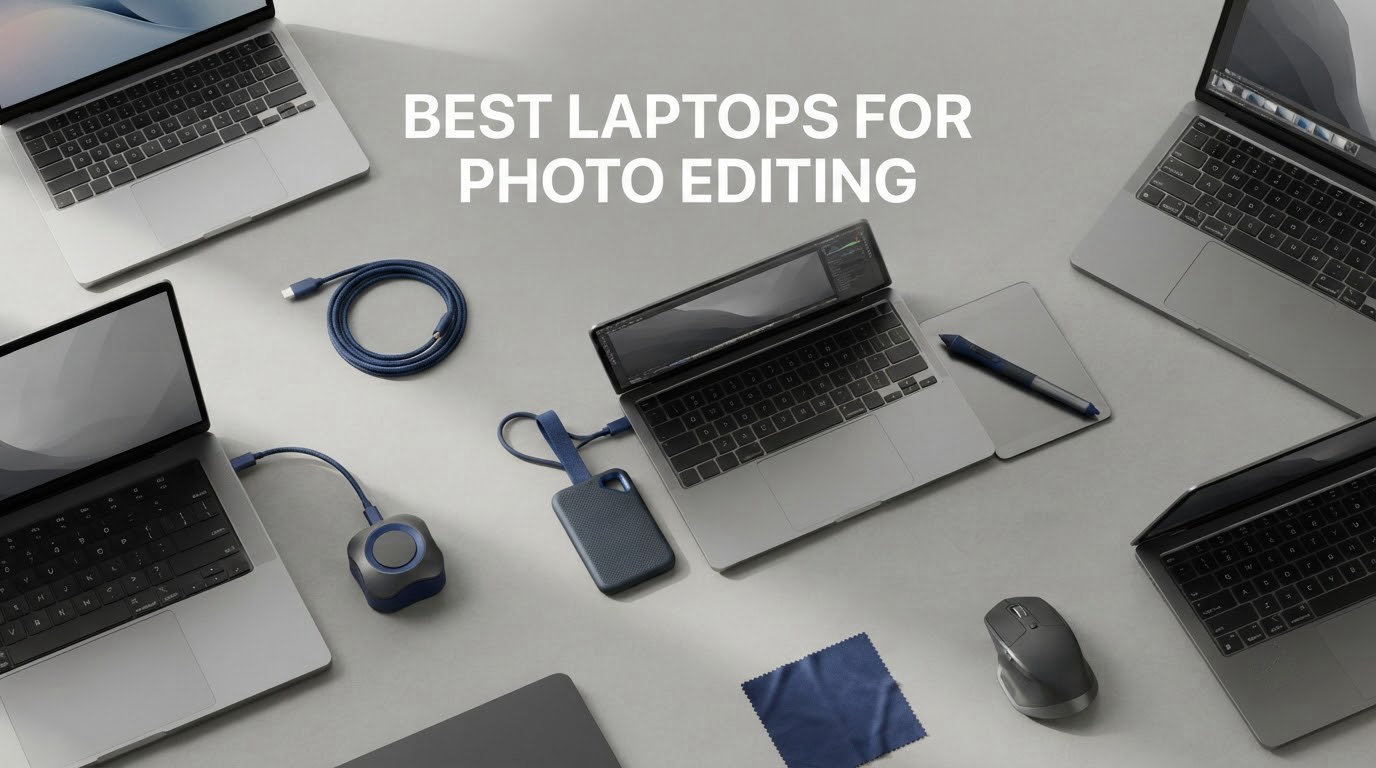
The best laptops for photo editing are display-first machines, not just fast ones. Lightroom and Photoshop spend most of their time rendering pixels to the screen and shuttling large RAW files, so color gamut coverage, factory calibration and memory headroom decide whether your edits look right and whether the software stays responsive.
We went through ten current laptops built for exactly that job, from a fanless 2.71-pound travel machine to a 4K workstation panel with a published 100% DCI-P3 claim. Below is the full breakdown, plus the laptops we would steer you away from and a plain-language buying guide covering the specs that actually matter.
If you are building out a full workspace, you will also want to think about the screen and input side of the setup. Our picks on monitors for video editing and keyboards with shortcut keys for photo editing pair well with any of the laptops here.
Top 3 Picks for Photo Editing in 2026

MacBook Pro 16 M5 Pro
- 16.2-inch Liquid Retina XDR
- 1600 nits peak
- M5 Pro 18-core CPU and 20-core GPU
- 24GB unified memory and 1TB SSD
- SDXC card slot

MacBook Pro 14 M5
- 14.2-inch Liquid Retina XDR display
- Apple M5 10-core CPU and GPU
- 24GB unified memory and 1TB SSD
- Same speed on battery

MacBook Air 13 M5
- 13.6-inch Liquid Retina display
- 16GB unified memory and 512GB SSD
- Fanless and 2.71 pounds
- Up to 18 hours of battery
Best Laptops for Photo Editing in October
| Product | Specifications | Action |
|---|---|---|
| Apple MacBook Pro 16-inch M5 Pro |
|
Check Latest Price |
| Apple MacBook Pro 14-inch M5 |
|
Check Latest Price |
| Apple MacBook Air 13-inch M5 |
|
Check Latest Price |
 Dell XPS 14 Premium 3.2K OLED Dell XPS 14 Premium 3.2K OLED |
|
Check Latest Price |
 MSI Creator M14 RTX 4060 MSI Creator M14 RTX 4060 |
|
Check Latest Price |
 Lenovo IdeaPad Pro 5 16 OLED Lenovo IdeaPad Pro 5 16 OLED |
|
Check Latest Price |
 HP OmniBook 3 16 HP OmniBook 3 16 |
|
Check Latest Price |
 Lenovo IdeaPad 16 2-in-1 Lenovo IdeaPad 16 2-in-1 |
|
Check Latest Price |
 Lenovo Legion 5 15 OLED Lenovo Legion 5 15 OLED |
|
Check Latest Price |
 Dell Precision 7680 Dell Precision 7680 |
|
Check Latest Price |
1. MacBook Pro 16-inch M5 Pro: the desktop replacement that never throttles
Apple 2026 MacBook Pro Laptop with Apple M5 Pro chip with 18-core CPU and 20-core GPU: Built for AI, 16.2-inch Liquid Retina XDR Display, 24GB Unified Memory, 1TB SSD, Wi-Fi 7; Space Black
16.2-inch Liquid Retina XDR at 1600 nits peak
M5 Pro 18-core CPU and 20-core GPU
24GB unified memory, 1TB SSD
4.71 pounds, three Thunderbolt 5 ports
Pros
- Exceptionally bright color-rich XDR display
- 24GB memory and 1TB SSD handle huge RAW libraries
- Identical performance on battery or plugged in
- Runs cool and silent under sustained load
- Built-in SDXC card slot
Cons
- 24GB unified memory cannot be upgraded
- Heavy and large for a portable machine
- macOS setup prompts can feel intrusive
This is the machine I keep coming back to for color work. The 16.2-inch Liquid Retina XDR panel runs to 1600 nits peak with 1000 nits sustained and a million-to-one contrast ratio, which gives you real highlight headroom when you are judging a sky or a specular highlight in a RAW file.
Under the hood it is an M5 Pro with an 18-core CPU and 20-core GPU, paired with 24GB of unified memory and a 1TB SSD. That memory figure matters more than most buyers realize: it is the ceiling on how large a catalog stays responsive in Lightroom Classic.
The single feature I would put at the top of this list is the promise of identical performance on battery or plugged in. Photographers on r/AskPhotography describe that behavior as the reason an M-series machine feels effortless on a job, and it is a real advantage when the nearest outlet is a hotel room or an airport bench.
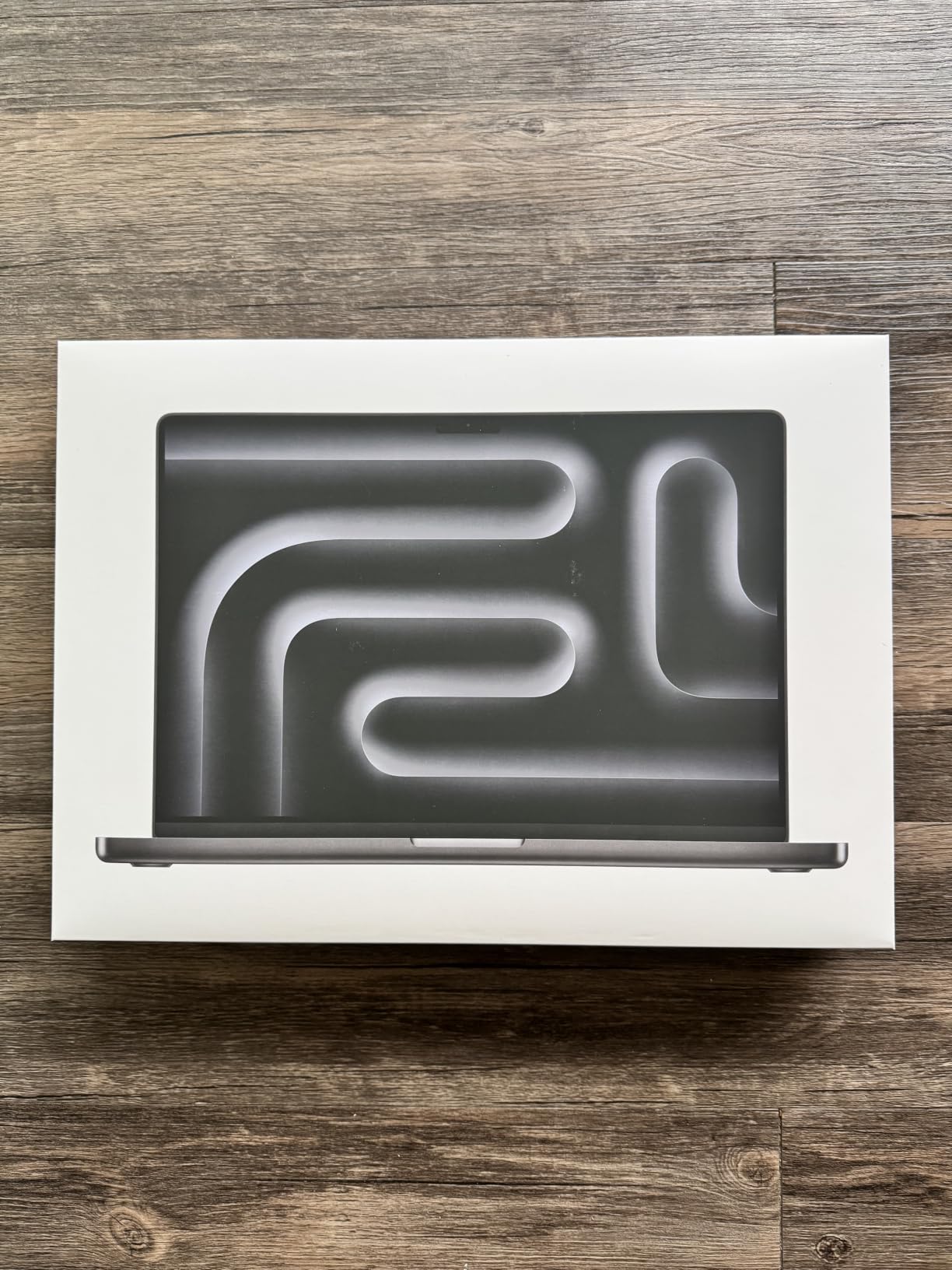
Owners consistently report a machine that stays cool and silent even under sustained heavy creative load, with no lag or crashes when several Adobe and AI workflows run at once. The Space Black finish and the keyboard feel get mentioned just as often as the silicon, which tells you the whole product is landing well rather than just the spec sheet.
Ports are the quiet strength: three Thunderbolt 5 ports, MagSafe 3, an SDXC card slot and HDMI. Having the full-size card reader built in removes the adapter from your bag, which is a small thing that you notice every single shoot.
Note the weight, though. At 4.71 pounds and 9.77 by 14.01 inches, this is a machine that lives on a desk. Buyers who planned to travel with it report that reality quickly.
Who the 16-inch MacBook Pro suits
Wedding, portrait and commercial shooters who are on location for days and want a tethered editing station that is still a laptop at the end of the night. The SDXC slot, the sustained brightness and the silent cooling all point at exactly that job.
It also suits anyone mixing photo and motion work from the same machine, since the 20-core GPU has headroom for video timelines without the machine becoming a desk fan.
Who should skip the 16-inch
Travel photographers working from a carry-on. The size and weight defeat the point of a laptop, and a photographer in the DPReview forums reported humidity damage to a machine carried through months of multi-country trips.
Buyers who expect to grow into larger AI workloads also regret the 24GB ceiling. Memory is soldered on Apple silicon, and several owners say they wish they had gone to 48GB at purchase.
2. MacBook Pro 14-inch M5: the best balance of accuracy and portability
Apple 2025 MacBook Pro Laptop with Apple M5 chip with 10‑core CPU and 10‑core GPU: Built for AI, 14.2-inch Liquid Retina XDR Display, 24GB Unified Memory, 1TB SSD Storage; Silver
14.2-inch Liquid Retina XDR, 1600 nits peak
M5 10-core CPU and 10-core GPU
24GB unified memory, 1TB SSD
3.41 pounds
Pros
- XDR-class color-accurate display in a portable body
- 24GB and 1TB handle large RAW libraries
- Full workday and beyond on one charge
- Silent and cool under load
- Very high five-star share
Cons
- Supports only two external displays
- Unified memory is soldered
- Premium price for a 14-inch
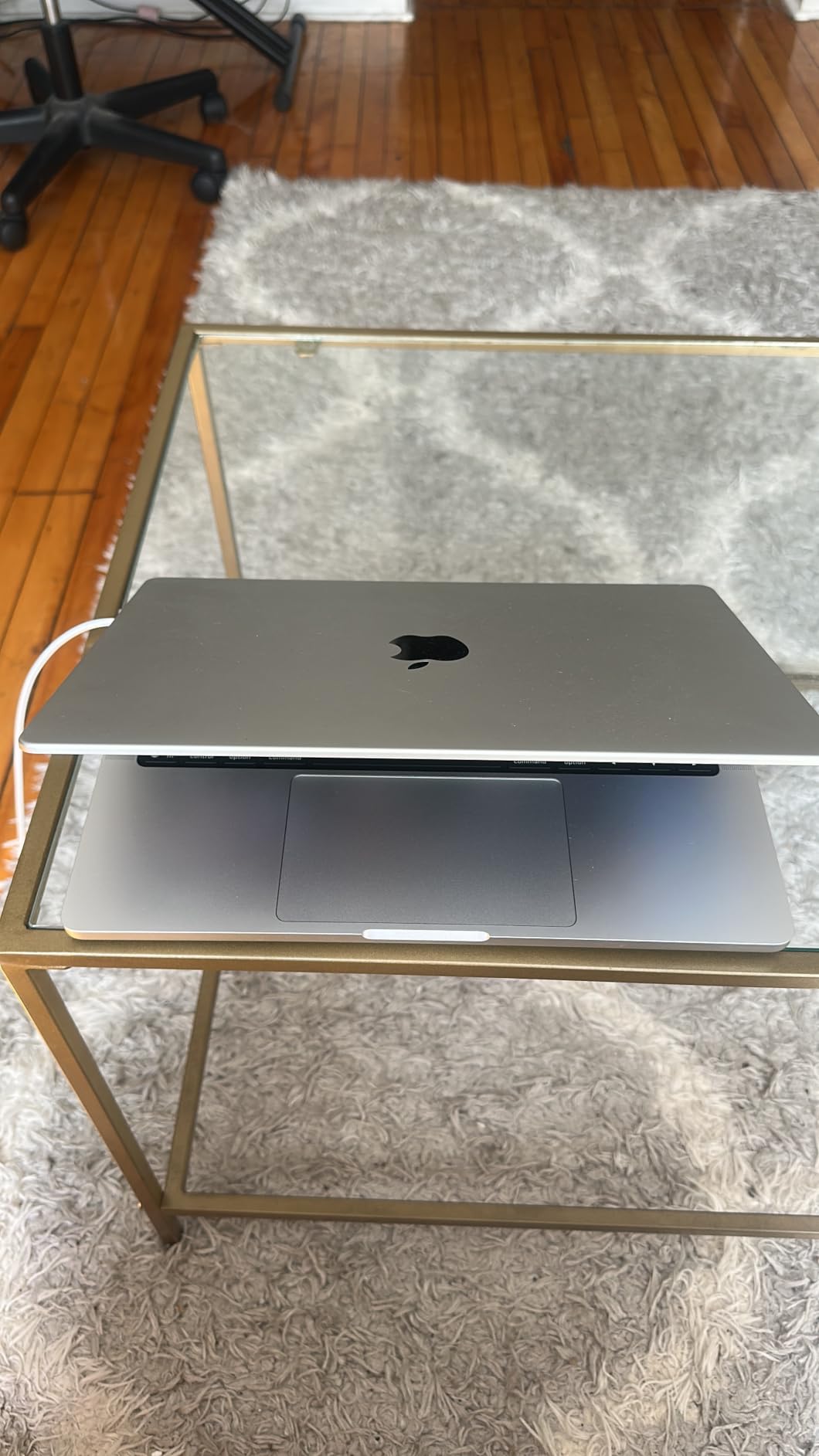
If the 16-inch is too much machine, this is the one. You keep the same class of Liquid Retina XDR display, 1600 nits peak brightness and 1000 nits sustained, and you give up about 1.3 pounds and a larger canvas.
For photo editing, screen real estate is not a luxury. A 14.2-inch panel is still wide enough to run a Develop module beside a full-size loupe, and reviewers point to strong color reproduction and fast response in Adobe apps as the reasons it keeps scoring so well.
The M5 chip has a 10-core CPU and 10-core GPU, and Apple lists 24GB of unified memory with a 1TB SSD. That is the same memory ceiling as the bigger machine, which is the spec that decides catalog size.
What stands out in the review data is the consistency. Owners talk about a full workday of battery, silent operation under load, and 92% of reviews being five stars, which is about as clean a signal as you will get on any laptop at any tier.
The Apple silicon argument for photo work is well made by users. One photographer on r/WeddingPhotography runs an M1 Pro 14-inch alongside a Ryzen desktop with an RTX-class card and reports the laptop as noticeably faster for Lightroom, which is a fair summary of how much the gap has closed.
Port selection is again strong: three Thunderbolt 4 ports, MagSafe 3, an SDXC slot and HDMI.
Who the 14-inch MacBook Pro suits
Working photographers who need a genuinely portable editing machine without giving up a trustworthy panel. A full-size SD card reader, a workday of battery and full speed unplugged cover the location-edit workflow end to end.
It is also the pick for students who want a machine that will still be strong in five years, since 24GB of memory leaves room for a growing catalog and heavier multitab work.
Who should skip the 14-inch
People running multi-monitor desk setups. This configuration supports up to two external displays, which is the most common complaint in the reviews and a real limit for studio work.
As with every Apple laptop, memory is soldered. If you think you will run 200GB-plus catalogs or local AI models, buy the larger memory configuration rather than planning to upgrade later.
3. MacBook Air 13-inch M5: the travel and tethered-shoot machine
Apple 2026 MacBook Air 13-inch Laptop with M5 chip: Built for AI, 13.6-inch Liquid Retina Display, 16GB Unified Memory, 512GB SSD, 12MP Center Stage Camera, Touch ID, Wi-Fi 7; Midnight
13.6-inch Liquid Retina, 1 billion colors
M5 chip, 16GB unified memory, 512GB SSD
2.71 pounds, fanless, 0.44 inch thin
Up to 18 hours of battery
Pros
- Lightest machine in this roundup at 2.71 pounds
- Fanless and completely silent
- Up to 18 hours of battery
- Sharp display for culling on location
- Fast quiet multitasking across Adobe apps
Cons
- 16GB and 512GB leave little headroom
- No SD card slot
- Two Thunderbolt 4 ports and two-display limit
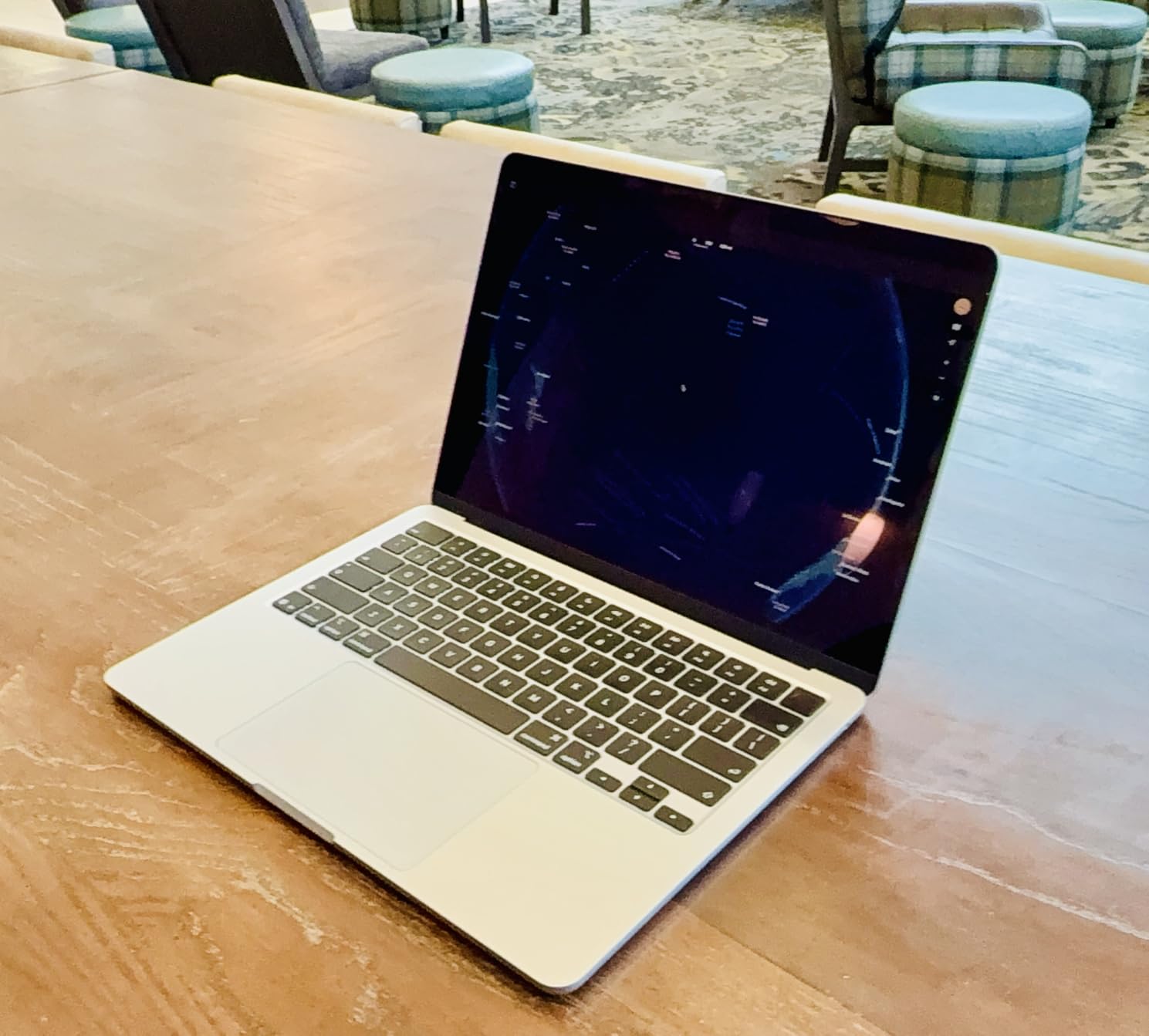
This is the lightest laptop in our roundup, at 2.71 pounds and 0.44 inches thick, and it has no fans at all. For a photographer culling thousands of frames on a beach or reviewing a tethered shoot in a hotel room, that combination is hard to beat.
The 13.6-inch Liquid Retina display supports 1 billion colors with sharp detail, and reviewers specifically praise it for culling and quick on-the-go edits. It is not an XDR panel and does not claim 1600 nits, so treat it as a very good sRGB editing screen rather than a grading reference.
Configuration is 16GB unified memory with a 512GB SSD. That is the honest weak point: it works well for a single catalog and a tethered session, but it is tight for a multi-year RAW library or several heavy applications at once.
Reviewers also highlight rich color reproduction, Dolby Atmos speakers and the 12MP Center Stage camera with Desk View, which is genuinely useful for a client call from a location shoot.
With 1,076 reviews in the data and 91% of them at five stars, this is the most thoroughly tested machine on the list, which matters when you are spending a full workday a week inside the software.
You get two Thunderbolt 4 ports, MagSafe, a headphone jack, Wi-Fi 7 and Bluetooth 6, and support for up to two external displays. There is no SD card slot, so shoot media needs an adapter.
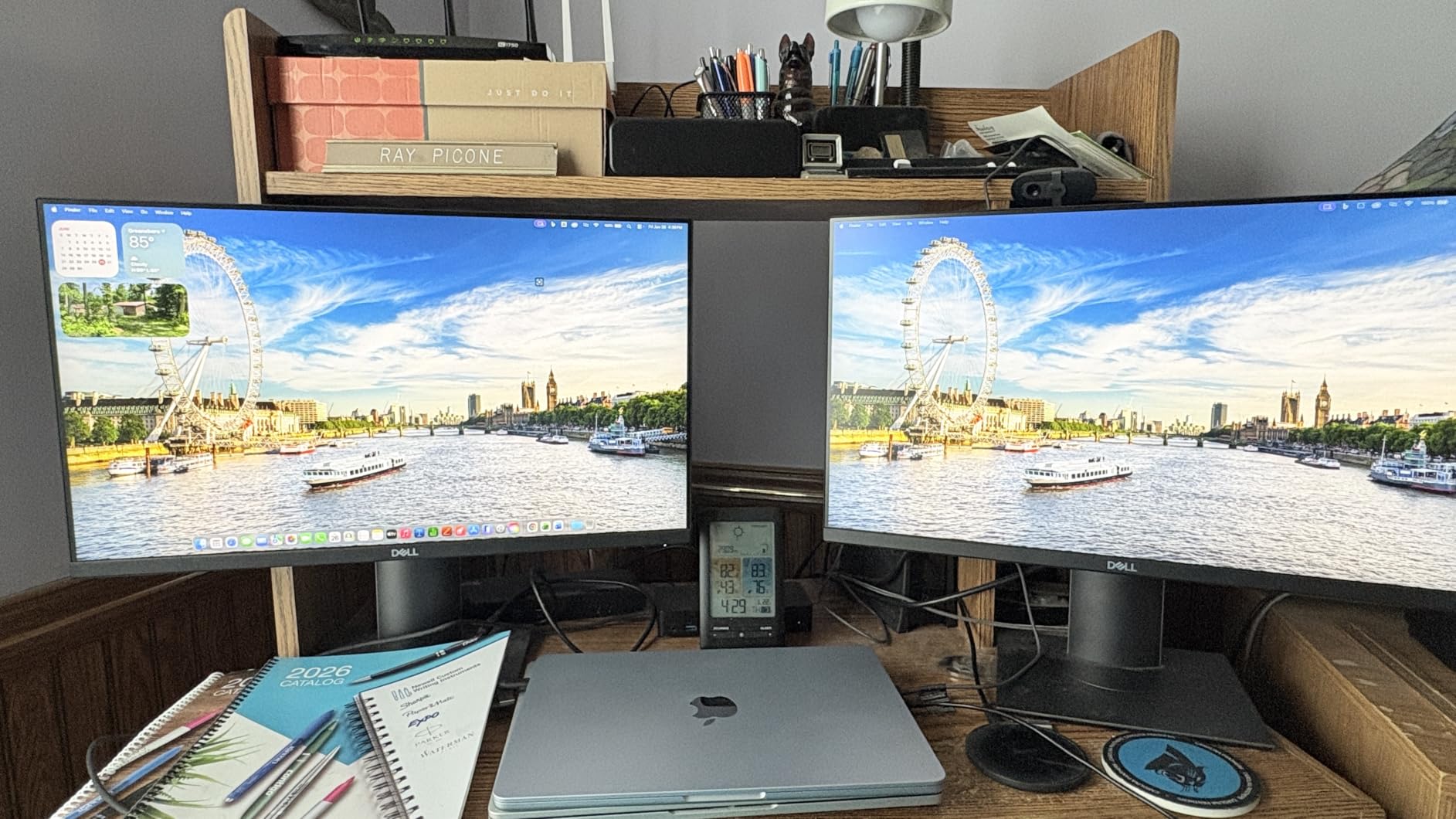
Who the MacBook Air suits
Travel, destination and event photographers who edit while they are still on location. The 18-hour battery figure means a charger is rarely part of the kit, and the silent fanless design disappears in a quiet room.
It is also a strong first editing machine. A photography student whose current laptop freezes under Lightroom Classic will find this configuration a large step up in responsiveness at a far lower outlay than any Pro machine.
Who should skip the MacBook Air
Anyone whose library is measured in terabytes or who runs Photoshop, Premiere and a catalog tool side by side all day. The 16GB/512GB configuration is the fixed point of the design, and reviewers flag it as the main limitation for heavy multi-application work.
It is also the wrong choice for a desk-based color-critical workflow, since a plugged-in external calibrated monitor will beat the built-in panel and you are paying for the Air’s portability whether you use it or not.
4. Dell XPS 14 Premium 3.2K OLED: a touch-first creator panel
Dell XPS 14 Premium Laptop DA14250-14.5-inch Touch 3.2K OLED 48-120Hz Display, Intel Core Ultra 7 255H, Intel Arc Graphics, 32GB Memory, 1TB SSD, Backlit English Keyboard with Fingerprint Reader
14.5-inch 3.2K OLED touch, 120Hz variable refresh
400 nit maximum brightness
Intel Core Ultra 7 255H, Intel Arc graphics
32GB DDR5, up to 64GB, 1TB SSD
Pros
- Sharp 3.2K OLED touch panel with variable refresh
- 32GB gives plenty of headroom
- Premium machined aluminum and Gorilla Glass 3
- Smooth under everyday creative workloads
Cons
- Keyboard layout is a downgrade for touch typists
- Heavier than some competing ultraportables
- Very few customer reviews so far
The 14.5-inch 3.2K OLED touch display is the reason to look at this machine. Resolution of 3200 by 2000 on a 14.5-inch panel is dense enough that a 100% view shows you actual pixel-level detail when checking focus and sharpening.
It is a matte finish with variable refresh from 48 to 120Hz. The matte coating is a real advantage over glossy panels in bright locations, and the variable refresh helps static-image work hold battery better than a fixed high-refresh panel.
Inside is an Intel Core Ultra 7 255H running to 5.1GHz with Intel Arc integrated graphics, 32GB of DDR5 memory that can reach 64GB, and a 1TB SSD. The memory ceiling here is the best upgrade path of any Windows laptop on this list.
Build quality is a genuine strength. Machined aluminum and Gorilla Glass 3, a fingerprint reader and a backlit keyboard, and several buyers describe it as class-ready for graphic design work.
The one consistent complaint is the redesigned keyboard. Flat keys and tiny function-row indicator lights are called out as a real downgrade by reviewers, including XPS owners upgrading from earlier models, so if you type all day for captions or client notes, try it first.
Port selection is solid: two Thunderbolt 4 ports, microSDXC and three total USB ports, plus Wi-Fi 7 and Bluetooth 5.4.
Who the XPS 14 suits
Creative professionals who work at a desk with a touchscreen and want deep memory headroom. A studio doing retouching or product work benefits from 32GB as a floor and the option to go to 64GB later.
It also suits anyone editing in bright ambient light, since the matte panel and 400-nit maximum brightness handle reflections better than a glossy OLED.
Who should skip the XPS 14
Fast typists and keyboard-first workflows. That keyboard is the single most repeated negative in the reviews and it is not a preference, it is a layout change.
Color-critical deliverable work should also be cautious here. At 400 nits with no published gamut percentage, this panel is bright and sharp but unverified, and the review base is thin at 21 ratings, so there is limited long-term reliability data.
5. MSI Creator M14 RTX 4060: dedicated graphics without the workstation bulk
MSI Creator M14 A13V A13VF-081US 14″ 2.8K Laptop, Intel Core i7-13620H 2.4GHz, 32GB RAM, 2TB SSD, NVIDIA GeForce RTX 4060 8GB, Windows 11 Home, Lunar Gray
14-inch 2880 x 1800 display at 120Hz
NVIDIA GeForce RTX 4060 8GB dedicated GPU
32GB DDR5, up to 64GB, 2TB SSD
RTX GPU for masking and lens work
Pros
- Dedicated RTX 4060 8GB accelerates GPU-heavy editing
- 32GB RAM and 2TB SSD give real working space
- 2.8K 120Hz panel in a 14-inch body
- Color configuration options for sRGB Adobe RGB and DCI-P3
Cons
- Small 53.5 watt-hour battery
- Listing claims Windows Hello features the unit does not have
- Only four customer reviews
Most photo editing does not need a discrete graphics card, but specific work does. Layer blending, large-radius masks, AI denoise, content-aware fill and video motion effects all lean on the GPU, and this is the pick where that hardware is present in a portable body.
The NVIDIA GeForce RTX 4060 with 8GB of dedicated GDDR5 memory is the meaningful spec. The 2.8K 2880 by 1800 panel at 120Hz gives you a sharp, high-resolution canvas, and the 14-inch chassis stays small enough to travel with.
Memory and storage are generous: 32GB of DDR5 at 5200MHz, upgradeable to 64GB, and a 2TB NVMe M.2 drive. For a photographer with a large RAW library, 2TB removes the storage pressure that is the single most common regret in editing forums.
Reviewers specifically mention the color configuration presets, including sRGB, Adobe RGB, DCI-P3 and a blue-light filter option, which makes this a flexible choice for people who work across different delivery standards.
There is an SD card reader and HDMI 2.1, plus four USB ports and Bluetooth 5, so the connectivity is better than most creator laptops at this size.
The honest caveat is the 53.5 watt-hour battery. Reviewers recommend keeping it plugged in for long Adobe sessions, which is a fair expectation for a machine with a discrete GPU in a 14-inch chassis.
Who the MSI Creator M14 suits
Photographers who also work with large composites, AI tools or motion graphics, where a dedicated GPU earns its place. Anyone juggling photo and video on one machine falls into this group.
It is also a good fit for a photographer who wants one drive for a very large RAW archive rather than constantly offloading to external storage.
Who should skip the MSI Creator M14
Anyone working a full day away from a charger, given the small battery and the load a discrete GPU puts on it.
Be cautious about the listing details too. Buyers report that the page claims Windows Hello support the unit does not actually provide, and with only four reviews there is very limited long-term feedback on this specific configuration.
6. Lenovo IdeaPad Pro 5 16 OLED: the large-screen value pick
Lenovo IdeaPad Pro 5-2025 – 16″ OLED 2880 x 1800 120Hz Display – 16GB Memory – 1 TB Storage – Ryzen AI 7 350 – NVIDIA GeForce RTX5050 – Windows 11 Home – Luna Grey
16-inch 2880 x 1800 OLED, 120Hz with VRR
500 nit max brightness
Ryzen AI 7 350, RTX 5050 4GB GPU
16GB LPDDR5, 1TB SSD
Pros
- Color-vivid 2880 x 1800 OLED at a mid price point
- RTX 5050 adds GPU acceleration affordably
- 120Hz with VRR makes scrubbing smooth
- USB4 HDMI 2.1 and SD card reader
- Backlit keyboard Dolby Atmos privacy shutter
Cons
- 16GB memory is soldered with no upgrade path
- Only 4GB of VRAM on the RTX 5050
- Lowest average rating in this roundup
- Some buyers report a dim panel
The 16-inch 2880 by 1800 OLED at 120Hz with variable refresh is the headline. A 16:10 panel that size is the closest thing most people get to a desktop canvas without buying a desktop, and it is the size photographers consistently ask about when culling large shoots.
Inside, an AMD Ryzen AI 7 350 runs to 5GHz with a GeForce RTX 5050 carrying 4GB of GDDR6, plus 16GB of LPDDR5 memory and a 1TB SSD. Discrete graphics at this tier is unusual, and it shows up in GPU-accelerated masking and filter work.
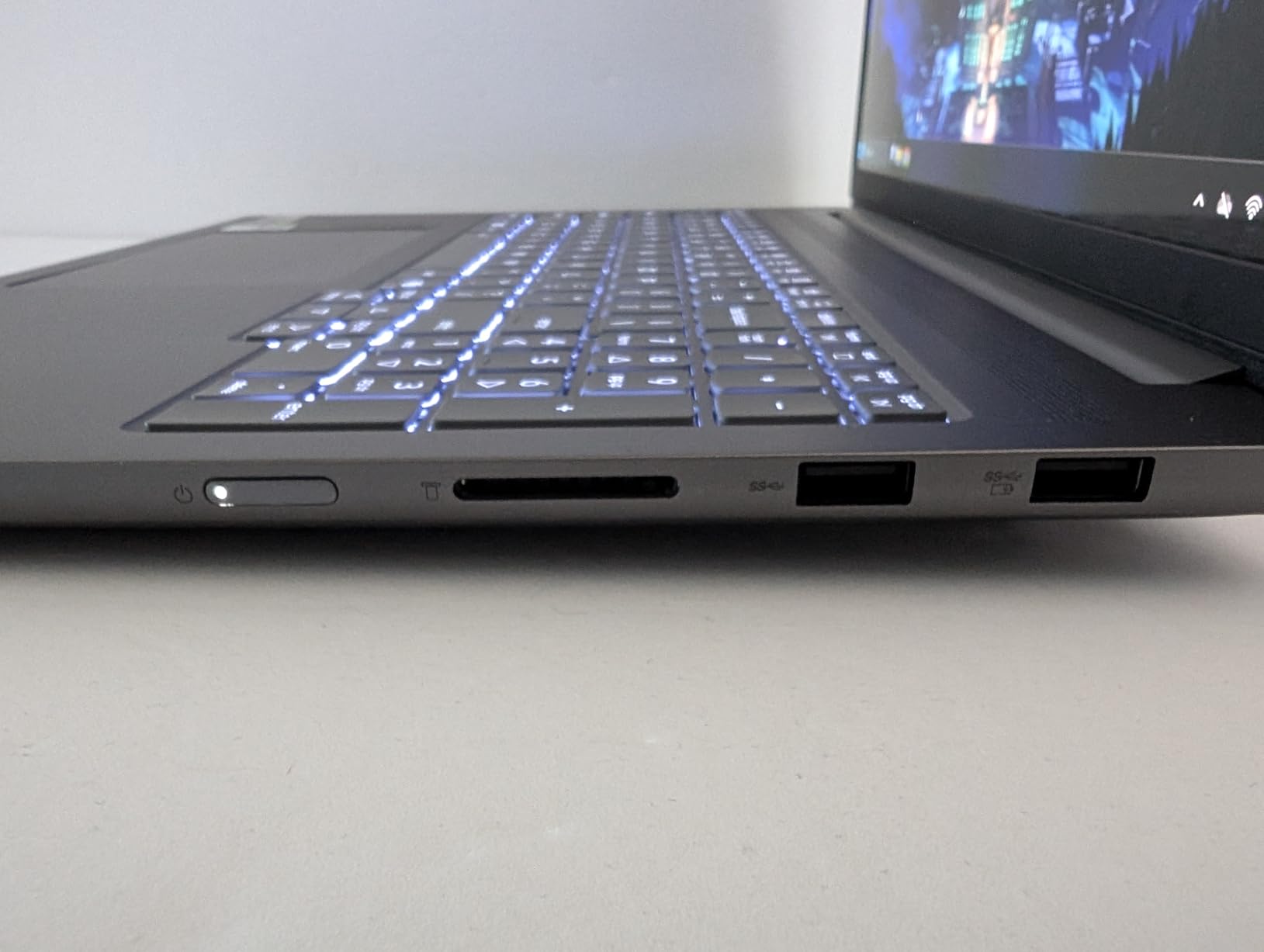
Port selection is genuinely good for a creative laptop: two USB-C ports with USB4, DisplayPort and power delivery, two USB-A, HDMI 2.1, an SD card reader and a 3.5mm combo jack.
You also get an IR and FHD webcam with a privacy shutter, dual microphones, a backlit keyboard and Dolby Atmos. The chassis has been MIL-STD-810H tested, which matters for a machine that travels.
Now the part that gives us pause. The 16GB of LPDDR5 memory is capped and soldered with no upgrade path, and the RTX 5050 carries only 4GB of VRAM, which will feel tight on very large RAW batches or heavy GPU filters.
This machine also has the lowest average rating in the group at 3.6, with 21% one-star reviews describing mixed experiences. Some buyers also find the 500-nit panel dim next to premium OLEDs.
Who the IdeaPad Pro 5 suits
Photographers who want a big, sharp, color-vivid canvas at a mid price and who mostly work plugged in. Culling on a 16-inch 2.8K screen is where this machine earns its place.
It is also a reasonable choice for a student or a photographer who wants a discrete GPU and a premium-looking display without a workstation price.
Who should skip the IdeaPad Pro 5
Anyone who will need more memory in two years. This is the one failure mode we would not forgive, because the 16GB soldered ceiling cannot be fixed later, and that is the single most repeated complaint in photo editing forums about laptops that slow down and freeze on large catalogs.
Color-critical deliverable work deserves caution too. There is no published gamut figure here, and the brightness is the lowest of the OLED panels in this roundup.
7. HP OmniBook 3 16: the student budget all-rounder
HP OmniBook 3 16 inch Next Gen AI PC, 2K Touchscreen, AMD Ryzen AI 5 430, 16 GB RAM, 512 GB SSD, AMD Radeon 840M GPU, Windows 11 Home, Glacier Silver, 16-bv0099nr
16-inch 2K IPS touchscreen, 1920 x 1200 anti-glare
300 nits, 62.5% sRGB coverage
Ryzen AI 5 430, Radeon 840M integrated
16GB DDR5, 512GB SSD, 68 watt-hour battery
Pros
- Large 2K touch display with anti-glare finish
- Up to 19.5 hours of battery with fast charging
- 16GB DDR5 handles culling and tone work
- FHD IR camera with HDR auto-switch
- 3.6 pound chassis with numeric keypad
Cons
- Only 62.5% sRGB and 300 nits so not color-accurate
- 512GB storage is modest for RAW libraries
- 16GB is a single memory slot
- Integrated graphics only
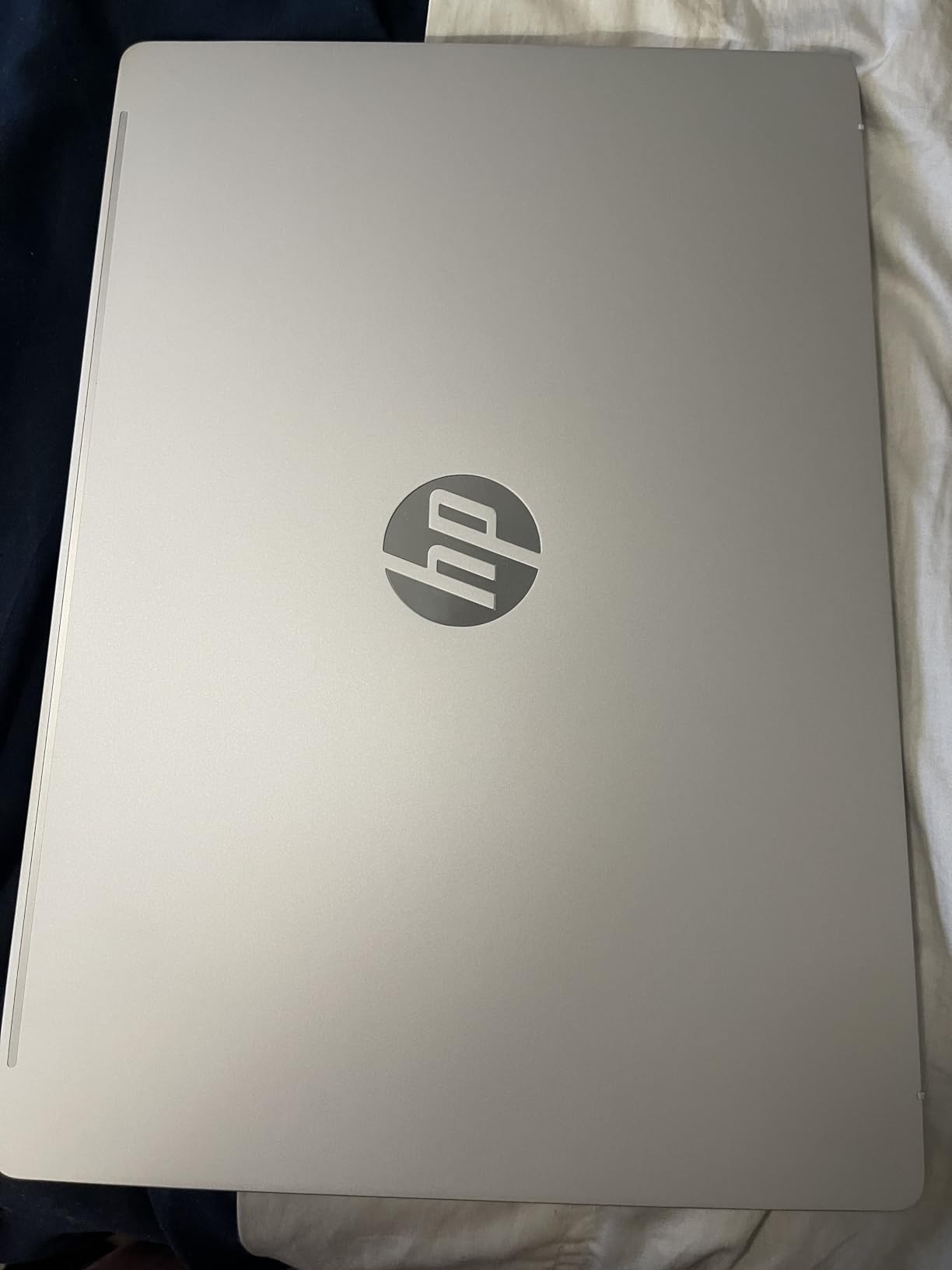
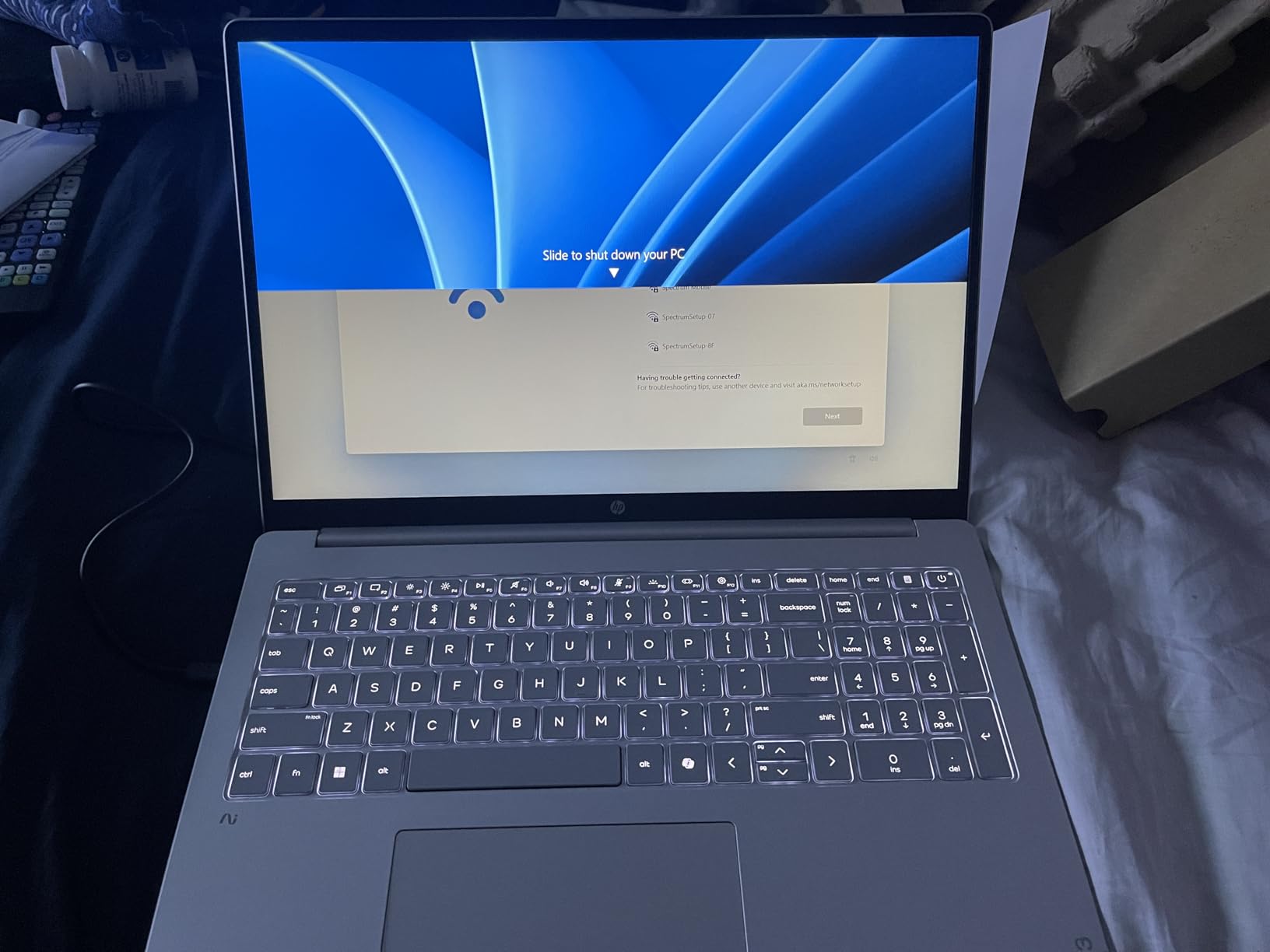
This is the honest budget answer, and it is not a color-accurate machine. The 16-inch 2K IPS touchscreen covers 62.5% of sRGB at 300 nits, and no manufacturer or retailer claims anything wider. Judge your final images on a calibrated display, not this panel.
What it does have is a large, anti-glare 1920 by 1200 touch screen with wide viewing angles, which is genuinely useful for reviewing a shoot with a client in a bright room. Wide viewing angles matter more than raw resolution when two people are looking at the same image.
Internals are an AMD Ryzen AI 5 430 with four cores and eight threads to 4.5GHz, Radeon 840M integrated graphics with hardware accelerated encoding, 16GB of DDR5-5600 and a 512GB PCIe Gen4 NVMe drive.
Battery is the standout number here, with a 68 watt-hour cell and a claimed figure of up to 19.5 hours, plus fast charge that restores 50% in about 45 minutes. For a student carrying one machine between class, library and a weekend shoot, that is the specification that matters most.
There is a 1080p FHD IR camera with HDR auto-switch and AI noise reduction, which is useful for client calls, and a backlit full-size keyboard with a numeric keypad in a 3.6 pound chassis.
Connectivity is 2x USB-A, 2x USB-C, HDMI 2.1 and a combo jack, with Wi-Fi 6 and Bluetooth 5.4.
Who the OmniBook 3 suits
Photography students and hobbyists who need a capable editing and culling machine for crop, tone and basic retouching. Reviewers consistently treat it as a budget machine for that work rather than for grading.
It also suits anyone who edits on battery far from a socket, since the battery life here is the best figure in the roundup.
Who should skip the OmniBook 3
Anyone grading or matching color on the laptop screen. 62.5% sRGB means saturated colors will look wrong on this display and that your work will not travel to other screens or to print without a correction step.
Large RAW libraries are also a poor fit. 512GB fills quickly as shoots accumulate, and 16GB is a single slot, so there is no simple memory upgrade path later.
8. Lenovo IdeaPad 16 2-in-1: the office workhorse for hybrid shooters
Lenovo IdeaPad 2-in-1 Business Laptop, 16″ FHD+ Touch Display, AMD Ryzen 7 8845HS (>i7-1355U), 16GB DDR5 RAM 1TB SSD, Win 11 Pro, FP Reader, Backlit KB, Numeric Keypad, PLUSERA Earphones, Luna Grey
16-inch 1920 x 1200 FHD+ LED touch display
Ryzen 7 8845HS, 8 cores and 16 threads
Radeon 780M integrated graphics
16GB LPDDR5, 1TB SSD, 42 watt-hour battery
Pros
- Large 16-inch FHD+ touch display for desk review
- 8845HS handles heavy multitasking smoothly
- 1TB SSD plus room for larger drives
- Sturdy build with good port selection
- Fingerprint reader and camera privacy shutter
Cons
- Battery life is the most common complaint
- Build can feel cheap and 6lb listed weight is heavy
- Plain LED panel with no high color accuracy
- One owner reported unexplained crashes
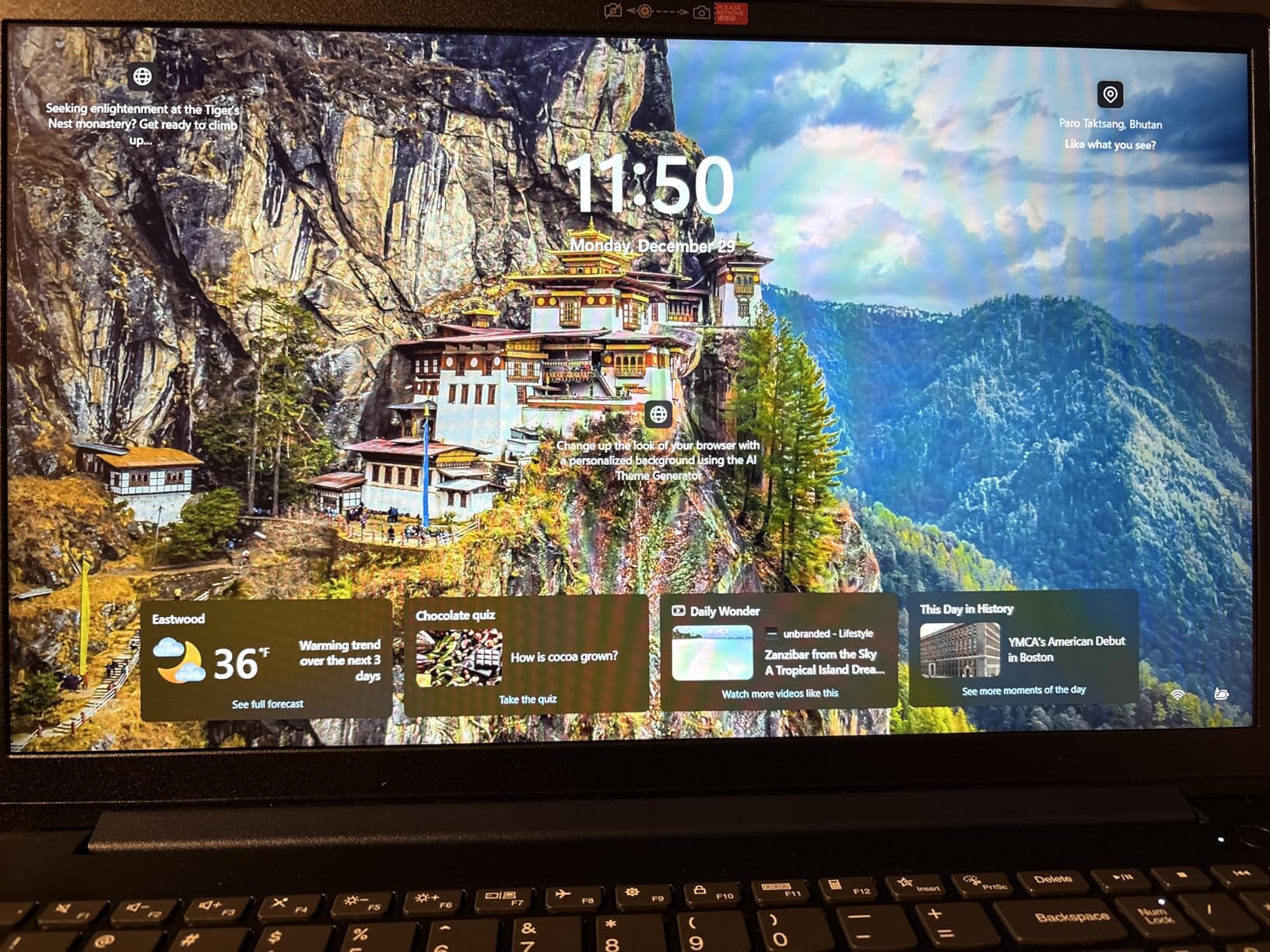
The 16-inch FHD+ touch display runs at 1920 by 1200 and 60Hz, which is an ordinary panel with no published color gamut figure. The value here is real estate, resolution per inch and touch, not color fidelity.
The Ryzen 7 8845HS brings eight cores and 16 threads up to 5.1GHz with 24MB of cache, paired with Radeon 780M integrated graphics. Owners running VMs, coding and content creation at the same time report it stays smooth.
Storage is 1TB with the listing indicating up to 2.5TB capacity, and 16GB of LPDDR5 memory. Two USB-C, two USB-A, HDMI, a combo jack and a microSD card reader mean you can import a card without an adapter.
 i7-1355U), 16GB DDR5 RAM 1TB SSD, Win 11 Pro, FP Reader, Backlit KB, Numeric Keypad, PLUSERA Earphones, Luna Grey customer photo 1″ class=”wp-image-customer”/>
With 204 reviews, this is one of the more thoroughly reported machines here, and the pattern is consistent. Buyers treat it as a practical, no-nonsense workhorse with a sturdy chassis, a good full-size backlit keyboard and a numeric keypad, plus a fingerprint reader and camera privacy shutter at this tier.
Windows 11 Pro is a real differentiator if you also run the business side of a photography studio, since it brings BitLocker, remote desktop and group policy features that Home editions lack.
The negatives are equally consistent. The 42 watt-hour battery is the most common complaint, with owners reporting it dies sooner than a full working day. Build quality is described as feeling cheap by some reviewers, and the listed 6-pound weight is heavy for a 16-inch machine.
 i7-1355U), 16GB DDR5 RAM 1TB SSD, Win 11 Pro, FP Reader, Backlit KB, Numeric Keypad, PLUSERA Earphones, Luna Grey customer photo 2″ class=”wp-image-customer”/>
Who the IdeaPad 16 suits
Photographers who shoot weddings or events and spend half the week in a studio or office running invoicing, culling, client delivery and editing in one device. Windows 11 Pro and the fingerprint reader suit that workflow.
It also works for a photographer whose business side is heavier than their grading side, where a business-class operating system matters more than a wide-gamut panel.
Who should skip the IdeaPad 16
Anyone doing color-critical work or working away from a charger all day. The plain LED panel offers no color accuracy advantage over a much cheaper external monitor, and the battery is the weakest point in the reviews.
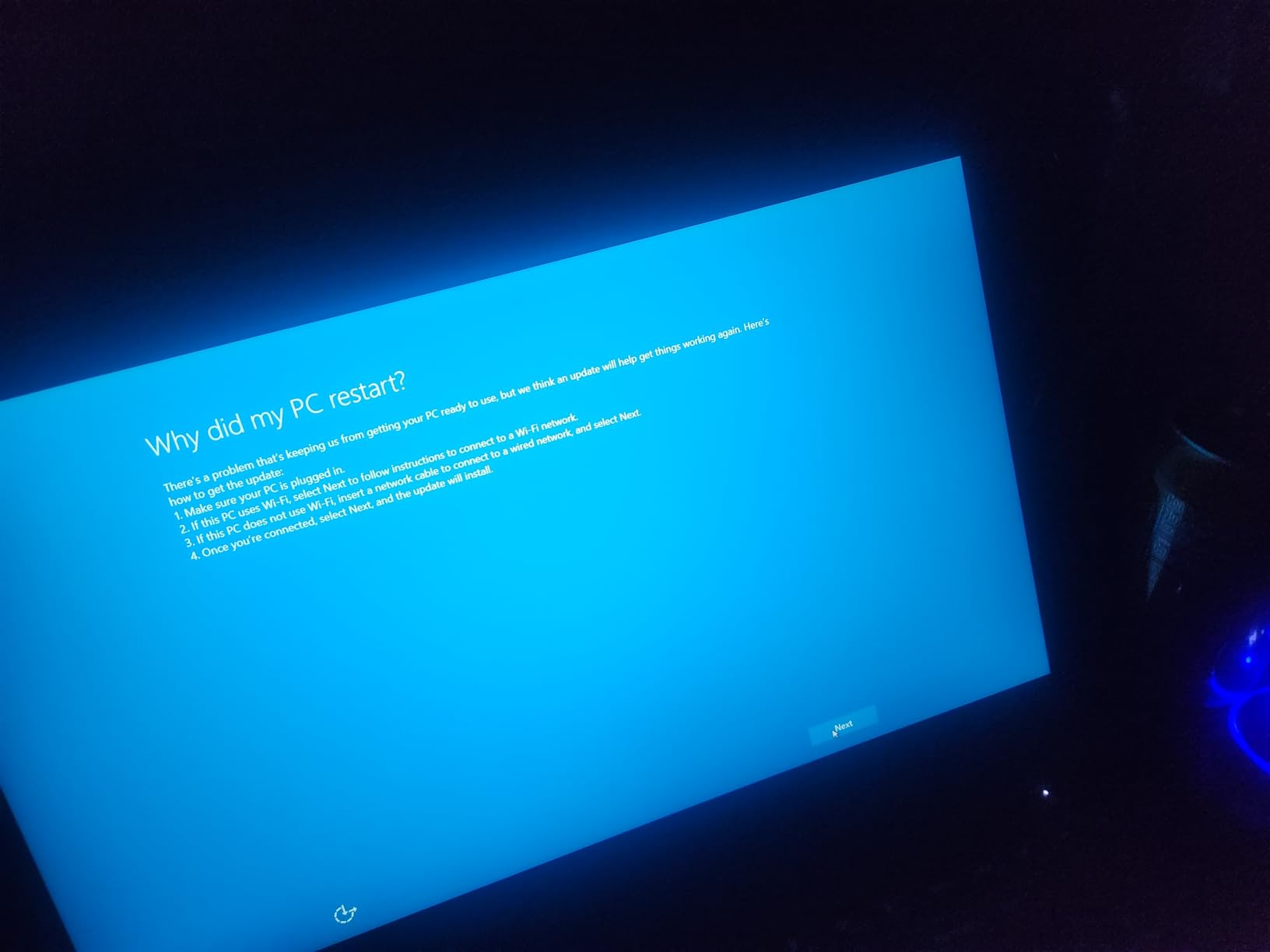
If you need a machine that travels, the 6-pound listed weight undercuts the whole point. A small number of owners also report random crashes and restarts that no repair tool could diagnose, so keep your catalog backed up.
9. Lenovo Legion 5 15 OLED: for photo editors who also cut video
Lenovo Legion 5 15IRX10 15.1″ WQXGA OLED, Gaming Laptop, Intel Core i9 14th Gen 14900HX 1.6GHz; NVIDIA GeForce RTX 5070 8GB GDDR7; 32GB DDR5 RAM; 1TB NVMe M.2 SSD; Gigabit LAN, 2×2 WiFi 7
15.1-inch 2560 x 1600 glossy OLED at 165Hz
500 nit max brightness
i9-14900HX 24 cores to 5.8GHz
RTX 5070 8GB GDDR7, 32GB DDR5, 1TB Gen4
Pros
- High-resolution OLED with excellent contrast for judging images
- RTX 5070 8GB GDDR7 strong GPU throughput
- 24-core i9 for raw compute
- 32GB DDR5 and 1TB Gen4 SSD
- 4.19lb weight for the class
Cons
- Glossy OLED shows reflections and fingerprints
- Small battery capacity for a 15-inch gaming chassis
- RGB gaming keyboard adds bulk
The 15.1-inch 2560 by 1600 OLED at 165Hz is the reason this machine is on a photo list at all. That resolution across 16:10 gives a sharp working canvas, and owners single out the contrast for judging images, which matters when you are deciding whether shadows actually hold detail.
The compute is where it separates from a photo-only laptop: a 14th Gen i9-14900HX with 24 cores to 5.8GHz, and a GeForce RTX 5070 with 8GB of GDDR7. Buyers report more raw compute than the Ultra 9 alternative, and strong GPU throughput for filters, masks and renders.
Memory and storage are 32GB of DDR5-5600, upgradeable to 64GB, and a 1TB PCIe Gen4 x4 NVMe drive. That combination handles large RAW libraries and a motion timeline without swapping out memory.
The weight is 4.19 pounds, which reviewers note is reasonable for this class of performance, and setup is reported as straightforward with everything working as described.
The glossy OLED finish is the catch. It picks up reflections and fingerprints, which is a real annoyance when you are judging a dark image in a room with any ambient light, and it is the opposite of the anti-glare approach on the Dell XPS 14.
The RGB backlit gaming keyboard adds bulk that is not useful for editing, and the battery capacity is small for a 15-inch chassis of this class. Owners also note 8GB of VRAM is finite for very large batches.
Who the Legion 5 suits
Creators whose output is mixed, meaning stills plus short-form video, social cutdowns or client motion pieces. The RTX 5070 handles timeline scrubbing and export in a way integrated graphics does not.
It is also a good choice for a photographer who wants 32GB of memory with a 64GB upgrade path, which is rare at this level of GPU performance.
Who should skip the Legion 5
Anyone who edits in bright ambient light or travels with the machine. A glossy panel plus a gaming chassis is the wrong tool for judging color away from a controlled desk.
It is also a poor choice if your work is photos only. You would be paying for GPU capability you will rarely trigger and carrying a keyboard you will not use.
10. Dell Precision 7680: the only published 100% DCI-P3 panel here
Dell Precision 7680 Laptop, NVIDIA RTX 1000 Ada 6GB, i5-13600HX, 32GB DDR5
16-inch 4K UHD+ 3840 x 2400 OLED touch, anti-glare
100% DCI-P3 coverage at 400 nits
i5-13600HX vPro 14 cores
RTX 1000 Ada 6GB, 32GB CAMM memory
Pros
- Only panel here with a published 100% DCI-P3 claim
- Anti-glare 4K OLED suits bright studio spaces
- 32GB CAMM memory for large RAW sessions
- Dell build quality and typing feel praised over ThinkPad rivals
- Up to four external 4K monitors without a dock
Cons
- Only 512GB storage in the base configuration
- RTX 1000 Ada 6GB is entry-level professional
- 5.9lb and 1.03in thick is bulky
- Sold by a third-party reseller
This is the only machine in the roundup with a published 100% DCI-P3 coverage claim on a 16-inch 4K UHD+ OLED touchscreen, and the anti-glare coating on that panel is unusual at this class. If you deliver color-graded work, a written gamut claim is worth more than any brightness number.
The display runs 3840 by 2400 at 400 nits. At that resolution and size, the pixel density is high enough that a 100% view resolves real detail, which is what you want for retouching and focus checking.
Internals are an Intel Core i5-13600HX vPro with 14 cores to 4.8GHz, a GeForce RTX 1000 Ada with 6GB of GDDR6, 32GB of DDR5 CAMM memory at 5600MHz, and a 512GB PCIe NVMe drive. Windows 11 Pro 64-bit comes with a 3-year warranty and ISV certification.
Who the Precision 7680 suits
Studios and photographers who work to a specification rather than a preference. A documented 100% DCI-P3 panel, an anti-glare surface and 32GB of memory make this the safest pick for client-facing color work in a bright room.
Multi-monitor users are well served too, since it drives up to four external 4K displays at 60Hz without a dock, and the vPro platform plus Windows 11 Pro suits corporate environments.
Who should skip the Precision 7680
Anyone who needs a portable machine. At 5.9 pounds and 1.03 inches thick, this is a workstation, and the bulk shows up in a camera bag immediately.
512GB of base storage is thin for a RAW workflow, and the RTX 1000 Ada with 6GB is an entry-level professional card that will not stretch to heavy 3D or large local AI work. Note also that this configuration comes from a third-party reseller rather than Dell directly, so confirm the warranty terms before you buy.
Laptops to Stay Away From for Photo Editing
Nobody in this category publishes a list of machines to avoid, so here is ours. These are failure modes we see repeatedly in owner feedback, and each one maps to a symptom you will recognise.
Any laptop with 8GB of memory. Lightroom Classic with a real catalog, plus Photoshop, plus a browser, will run out of memory and start paging to disk. The advice from r/laptops is that 16GB is the practical floor for a photo editing machine, and users on r/computers describe a photography student whose current laptop freezes running Lightroom Classic on what was almost certainly a memory shortage.
Any 256GB drive if you shoot RAW. Storage fills faster than beginners expect, and a full SSD during a wedding is a genuine emergency. If a machine only offers 256GB, treat it as a travel-only machine and keep an external drive as the working catalog.
Any panel that does not state a color gamut. Marketing language like vibrant color and lifelike color tells you nothing measurable. If a listing does not publish a gamut percentage, assume sRGB at best.
Any laptop with a non-upgradeable 16GB ceiling when you expect to grow. Two machines in this roundup fall into that trap, and it is the mistake that costs you the most over a five-year career.
Any machine whose listing oversells Windows Hello. One product here advertises biometric login it does not actually deliver, with no IR camera and no fingerprint reader, which is a good reminder to read the spec list rather than the bullet points.
Any dedicated GPU with 4GB of VRAM for large batches. Outside of video work, 4GB becomes the ceiling quickly on heavy AI denoise and large layer stacks.
Mac vs Windows: What Photographers Actually Use
Short answer: most professional photographers use Macs, and the reasons are software and panels rather than raw speed.
Adobe Lightroom and Photoshop run natively on macOS with consistent color management, Apple silicon holds full performance unplugged, and the built-in Liquid Retina panels are well calibrated out of the box. A photographer on r/AskPhotography summarises the standard view: M-series hardware is more than enough, Lightroom works well, and there is no lost performance on battery.
Windows wins on hardware choice and price. You get touchscreens, OLED panels at 16 inches, discrete NVIDIA graphics and memory upgrade paths that Apple does not offer, which is why the ProArt-class and Precision-class machines keep appearing in roundups. If your work is color grading to a published specification, the Dell Precision 7680 with its written 100% DCI-P3 claim is the more defensible choice.
A growing number of professionals use both, and an Alamy forum contributor who edits 8K RAW on a Max-chip MacBook Pro puts it plainly: the silicon MacBook Pros handle very hard work and are no longer a compromise. The honest summary is that the platform decision matters less than the panel and the memory.
One more path worth naming. Refurbished prior-generation Apple silicon is the value route several users in r/AskPhotography recommend, pointing to a refurbished M4 MacBook Air with at least 512GB of storage. If you want the color-accurate panel without a new-machine outlay, that is where the value is.
What Specs Actually Matter for Photo Editing
Here is how we weighted the ten picks above: display color coverage 40%, memory and storage 25%, sustained editing performance 20%, and portability and battery under load 15%. That weighting comes from how editing software actually spends its time.
Display: the spec that decides everything else
Color accuracy is not the same as color gamut, and almost every roundup confuses the two. Gamut is how much color a panel can show. Accuracy is how close each color is to the reference value. A wide-gamut panel can be wildly inaccurate.
For sRGB delivery work, a good 100% sRGB panel is enough. For anything graded or destined for print, you want 100% DCI-P3 coverage, which is why the only machine here with a published DCI-P3 claim made the list on those grounds.
Brightness matters less for editing than for grading HDR and for working in a bright room. The XDR panels here reach 1600 nits peak with 1000 nits sustained, which gives real highlight headroom. Panels at 300 to 500 nits are fine for daylight-adjacent work and culling.
Resolution has a floor worth knowing: 2880 by 1800 is the point where a 100% view shows you real pixel detail, and any 1920 by 1200 panel will look soft when you check sharpening on a large print.
RAM: 16GB is the floor, 32GB is the working answer
16GB is enough for a single catalog, tethered sessions and modest Photoshop work. 32GB is where large RAW libraries stop fighting you, and it is the point at which multi-application work stays responsive.
Check whether the memory is soldered. An upgradeable 32GB that can reach 64GB, as on the Dell XPS 14 and MSI Creator M14, protects you better than a fixed 48GB elsewhere.
Storage math is worth doing once. A single high-resolution RAW shoot can run to tens of gigabytes before you touch exports, and a working catalog accumulates fast. 1TB is a sensible floor, 2TB removes the pressure entirely, and no amount of fast exports compensates for a drive that is full.
Graphics: integrated is now enough, except when it is not
For Lightroom, Develop-module work and layer-based Photoshop edits, current integrated graphics including Apple silicon, Intel Arc and Radeon 840M are genuinely sufficient. That consensus shows up repeatedly in photography forums, and it is the reason several picks here ship without a discrete card.
A discrete GPU earns its place for large-radius masks, AI denoise, content-aware fill at size, heavy HDR merges and any motion work. If that is your workflow, look for 8GB of VRAM rather than a GPU model number.
Battery behavior is the underrated factor. A machine that throttles when unplugged changes how you work, and the reviewers who praise Apple silicon do so specifically because performance is identical on battery or plugged in.
Screen size: 13-inch or 16-inch
Culling a few thousand frames favors a 16-inch screen because the grid is simply bigger. Retouching a single image at high zoom favors a 14-inch, where the panel is close enough to be examined comfortably.
Think of it as a desk choice and a travel choice. The 16-inch machines in this roundup, from the IdeaPad Pro 5 to the Precision 7680, are desk machines first, and the 13-inch MacBook Air is the opposite trade.
Whatever the size, buy a color-accurate panel and keep a calibrated external display for final grading. If you build out the rest of the desk, our guides to color-accurate monitors and photo printers for home cover the output end, and photo scanners matters if you shoot film.
Frequently Asked Questions
What type of laptop is best for photo editing?
A laptop with a color-accurate wide-gamut display, at least 16GB of RAM and 1TB of SSD storage. Photo editing is display-bound before it is compute-bound, so a panel covering 100% DCI-P3 matters more than raw CPU speed, while RAM and storage decide whether a large RAW catalog stays responsive. Current integrated graphics handle Lightroom and Photoshop work well.
What laptop to stay away from when editing photos?
Avoid laptops with 8GB of memory, 256GB of storage, a non-upgradeable 16GB ceiling, or a display with no published color gamut figure. The first two cause freezing and full drives, the third cannot be fixed later, and the last means you cannot trust what you see. Also skip any machine whose listing oversells features like biometric login the unit does not have.
Do photographers prefer Mac or PC for photo editing?
Most professional photographers use Macs, mainly because Adobe software runs consistently on macOS, Apple silicon holds full performance on battery, and the built-in panels are well calibrated. Windows still wins on hardware choice, price, touchscreens and memory upgrade paths. The platform matters less than the display and the amount of memory you get.
Which laptop is best for editing photos in Adobe Lightroom?
The Apple MacBook Pro 14-inch with M5 chip is the strongest overall answer: a 14.2-inch Liquid Retina XDR display, 24GB of unified memory, a 1TB SSD and identical performance on battery or plugged in. The 16-inch M5 Pro version is the pick for tethered work and large catalogs, and the 13-inch MacBook Air is the option for travel editing.
Which laptops have DCI-P3 color gamut coverage?
In this roundup, the Dell Precision 7680 is the only machine with a published 100% DCI-P3 claim, on a 16-inch 4K OLED touchscreen with an anti-glare coating. The OLED and XDR panels in the other picks are wide-gamut in practice, but manufacturers rarely print a DCI-P3 percentage, so treat the claim as unverified without a lab measurement.
Which laptop is the best for color accuracy?
For color accuracy, prioritize a factory-calibrated wide-gamut panel with a published gamut figure. The Apple MacBook Pro models use Liquid Retina XDR displays rated at 1600 nits peak and 1000 nits sustained, and the Dell Precision 7680 states 100% DCI-P3 coverage. For any color-critical deliverable, keep a calibrated external monitor as the reference.
Bottom Line: Which Laptop Should You Buy
Buy the MacBook Pro 16-inch M5 Pro if you want the most capable photo editing laptop in this roundup, with a 1600-nit XDR panel, 24GB of memory and identical performance on battery. Buy the 14-inch M5 instead if you need to carry it, since you keep the same display class and memory in a 3.41-pound body.
For travel and tethered work, the 13-inch MacBook Air is the answer, with a fanless 2.71-pound design and 18 hours of battery, provided 16GB and 512GB is enough for your library. On Windows, the MSI Creator M14 is the pick when you need a dedicated GPU in a portable body, and the Dell Precision 7680 is the one to buy when a written 100% DCI-P3 claim matters more than weight.
Whatever you choose, check three things before you pay: published color gamut coverage, at least 16GB of upgradeable-or-large memory, and 1TB of storage. Those three decide whether the machine still feels fast and accurate in 2026.