
A lightweight laptop for travel is one that stays under roughly 3.5 pounds, delivers around eight or more hours of real battery so it survives a long flight and a full workday without an outlet, and is built to be carried, stowed in an overhead bin and used on café Wi-Fi that barely works. Those four criteria, not screen size or chip generation, decide this list.
The best lightweight laptops for travel are not the same machines as the best laptops overall. A 15-inch workstation that flies beautifully on a spec sheet becomes a brick in a personal item the moment you are carrying it through three terminals. We spent this roundup weighing machines against the conditions they actually meet: a 14-hour transit day, a seat with no power outlet, a hotel connection that drops every ninety seconds, and a bag that gets set down on a hard floor more than once.
Our shortlist also leans on what buyers report after the honeymoon period. Across travel and buying forums the three complaints that recur most are a real battery figure far below the rated one, fan noise during ordinary work, and glossy or dim panels that are unusable outdoors. We screened for all three. A machine appears below only if the weight, the battery capacity and the panel brightness hold up together.
Several of the picks here are the low-power or browser-first kind, and that is deliberate. Not every travel laptop needs to run heavy desktop software, and a machine that lasts a full transit day at under 2 pounds solves a real problem a faster one does not. If your work is producing music on the road, our separate guide to the best laptops for producing music covers the audio-specific side of that decision.
Top 3 Picks for Lightweight Travel Laptops in 2026
These three cover the widest range of travel conditions. The MacBook Air wins on battery and weight together, the ThinkPad X1 Carbon wins on keyboard and ports, and the Acer Swift Go 14 wins on what you give up to stay inside a sensible budget.

MacBook Air 13-inch M4
- 2.73 lb body
- 0.44 inch thin
- Up to 18 hours battery
- 13.6 inch Liquid Retina

ThinkPad X1 Carbon Gen 12
- 2.4 lb carbon fiber chassis
- 32GB RAM and 1TB SSD
- 14 inch sRGB touch
- Full port set

Acer Swift Go 14
- 2.8 lb aluminum body
- 14 inch 120Hz sRGB touch
- 16GB LPDDR5 and 512GB SSD
- Thunderbolt 4
Best Lightweight Laptops for Travel in 2026
Weight, stated battery figure and screen size are the three numbers that decide a travel purchase. They are listed here exactly as the manufacturers state them; where buyers report a real-world figure well below the claim, we say so in that product’s section.
| Product | Specifications | Action |
|---|---|---|
| MacBook Air 13-inch M4 |
|
Check Latest Price |
| ThinkPad X1 Carbon Gen 12 |
|
Check Latest Price |
| Acer Swift Go 14 |
|
Check Latest Price |
 Surface Pro 12-inch 2025 Surface Pro 12-inch 2025 |
|
Check Latest Price |
 Lenovo IdeaPad Slim 3X 15.3 Lenovo IdeaPad Slim 3X 15.3 |
|
Check Latest Price |
 MacBook Neo 13-inch A18 Pro MacBook Neo 13-inch A18 Pro |
|
Check Latest Price |
 CHUWI MiniBook 10.51-inch CHUWI MiniBook 10.51-inch |
|
Check Latest Price |
 Lenovo 14-inch Chromebook Lenovo 14-inch Chromebook |
|
Check Latest Price |
 HP 14-inch Ultralight HP 14-inch Ultralight |
|
Check Latest Price |
 Surface Pro 13-inch OLED Surface Pro 13-inch OLED |
|
Check Latest Price |
1. Apple MacBook Air 13-inch M4 – the best lightweight laptop for travel overall
Apple 2025 MacBook Air 13-inch Laptop with M4 chip: Built for Apple Intelligence, 13.6-inch Liquid Retina Display, 16GB Unified Memory, 256GB SSD Storage, 12MP Center Stage Camera, Touch ID; Silver
Weight 2.73 lb
Thickness 0.44 inch
Up to 18 hours battery
13.6 inch Liquid Retina
Pros
- 2.73 lb and 0.44 inch thin
- Completely silent fanless operation
- Up to 18 hours stated battery
- Sharp Liquid Retina display
Cons
- Only two Thunderbolt 4 ports plus MagSafe
- 256GB base storage fills quickly
- Fanless design throttles under sustained heavy load
Just under 2.7 pounds, under half an inch thick, and a fan that never spins. That combination is the reason the 13.6-inch MacBook Air with the M4 chip sits at the top of this list for most travelers, and the reason it carries the largest review base here at nearly 5,800 ratings averaging 4.8 out of 5.
It is not the lightest machine on this list. The ThinkPad below is a third of a pound lighter, and the CHUWI is more than three quarters of a pound lighter. What the Air wins is the ratio: it pairs that low weight with a high battery capacity and a stated 18-hour figure, and owners report the gap between the claim and reality is small on this generation.
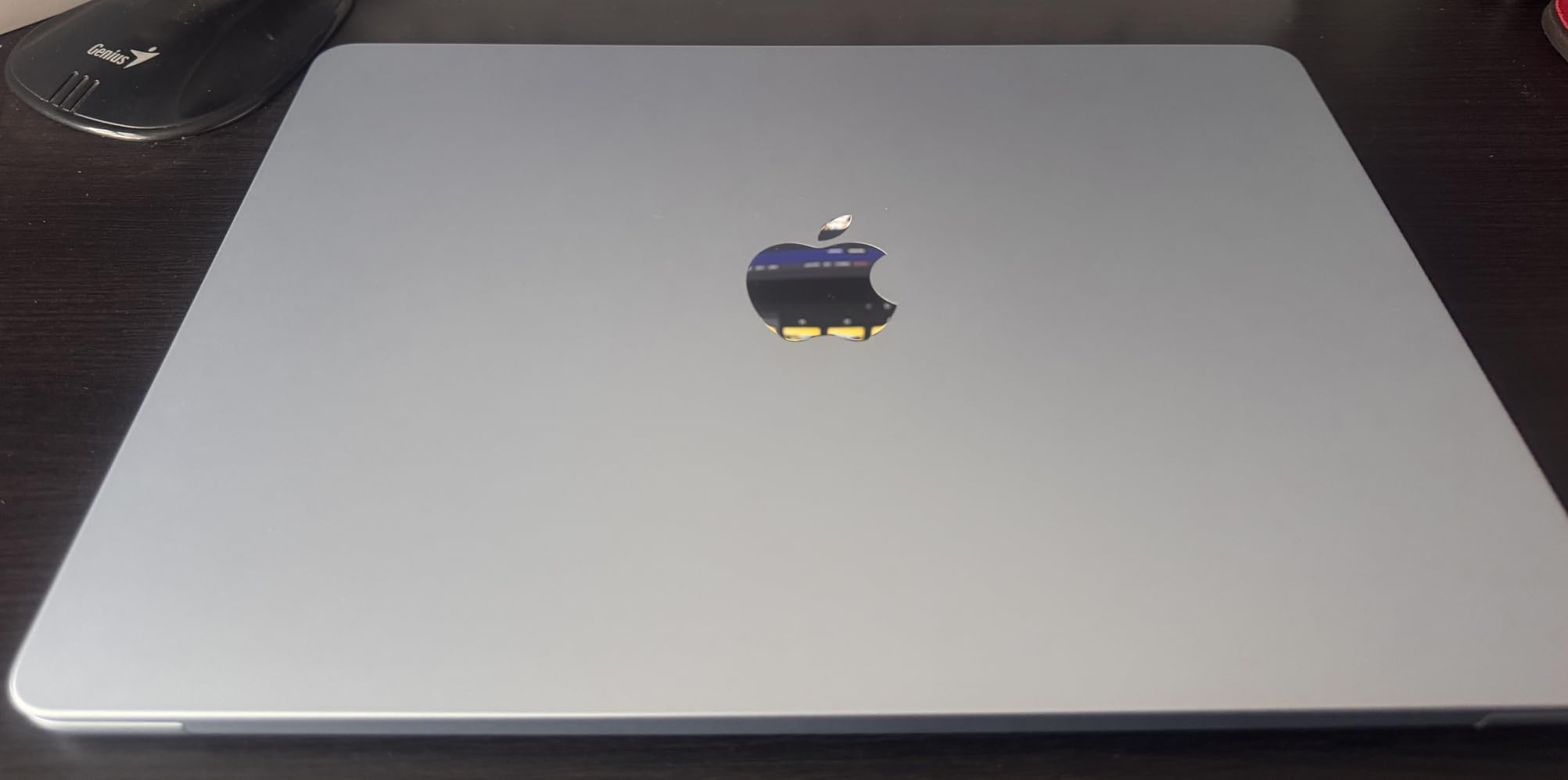
The build is the quiet hero. A rigid recycled aluminum enclosure does not flex when you type, survives being slid into a bag half a dozen times a day, and adds no weight to speak of. The Liquid Retina panel is bright and high contrast, which matters more than raw resolution when you are working at an airport gate under fluorescent light.
Two Thunderbolt 4 ports and MagSafe is genuinely all you get. If you arrive at a hotel and need to drive two external displays, a wired network or a dozen peripherals, you are carrying a hub, and that hub is another object in the bag.
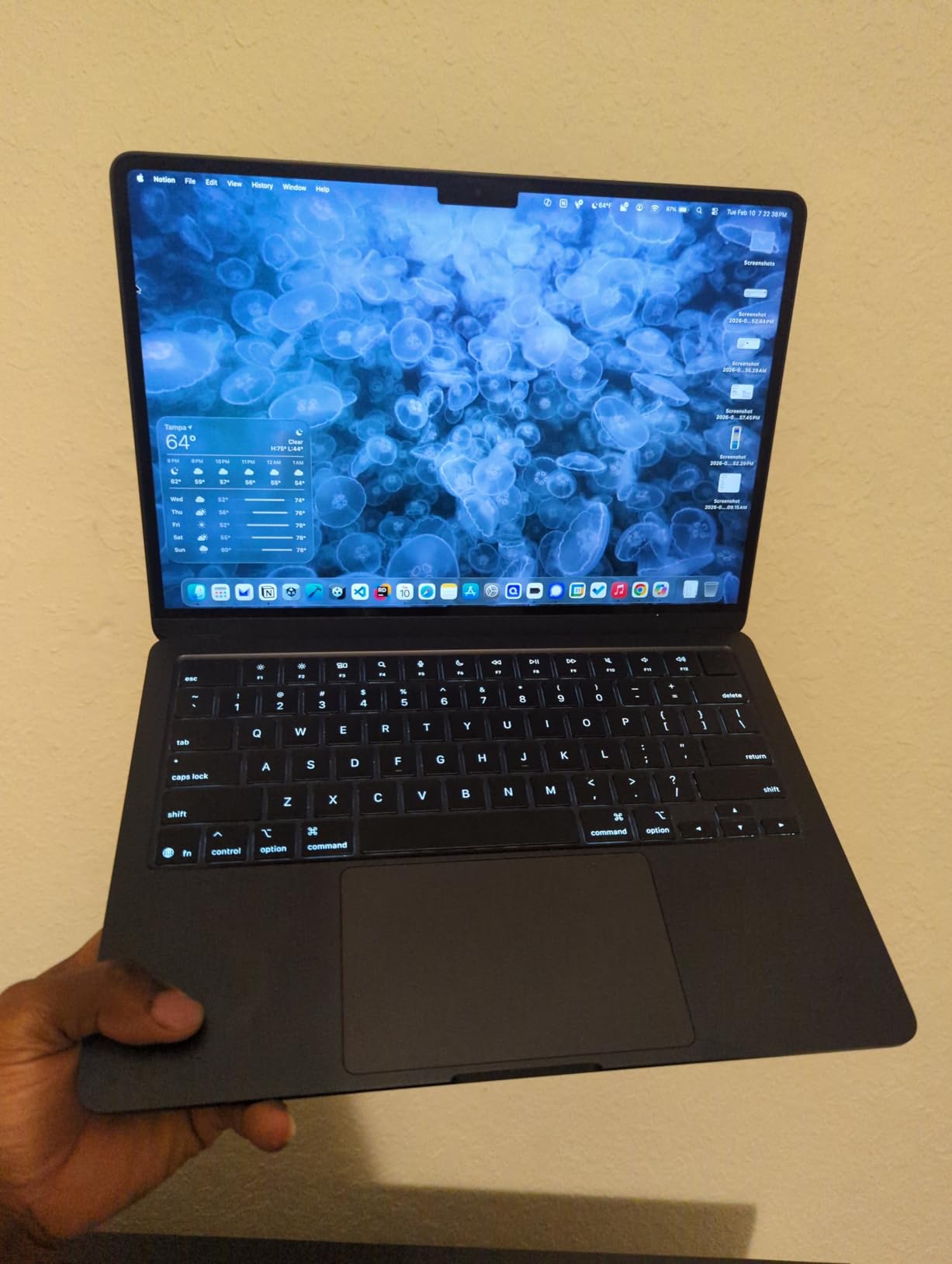
Where the 18-hour figure survives a real transit day
On a typical day of writing, email, browser tabs and one video call, owners consistently report landing a working day in a charge. For a 14-hour door-to-door itinerary that is the difference between working the whole way and watching the battery bar decide when the day ends.
The fanless design is also a travel feature, not a compromise. A spinning fan in a quiet cabin or a shared workspace is a small but constant irritation, and this machine produces nothing at all under normal load.
When the MacBook Air is the wrong buy
Skip it if your work is RAM-bound. The 256GB base storage and 16GB of unified memory are fixed, and reviewers who push large photo or video libraries report filling both quickly. The 256GB figure is also the reason the base configuration feels tight the moment you try to keep a working set of media on the machine.
Also weigh the ecosystem honestly. If your work depends on Windows-only software, or on a native app your company uses that has no Mac version, the convenience ends quickly. The battery and weight advantages do not rescue a machine that cannot run your tools.
2. Lenovo ThinkPad X1 Carbon Gen 12 – the lightest conventional travel laptop
Lenovo Gen 12 ThinkPad X1 Carbon Laptop with Intel Ultra 7 165U vPro Processor, 14″ WUXGA 100% sRGB Touchscreen, 32GB 6400MHz RAM, 1TB Gen4 Performance SSD, FHD+ IR+ RGB Camera, and Windows 11 Pro
Weight 2.4 lb
Thickness 0.59 inch
57Wh battery
14 inch WUXGA sRGB touch
Pros
- 2.4 lb carbon fiber chassis
- 32GB RAM with 1TB SSD
- Two Thunderbolt 4 plus HDMI
- 14 inch 100% sRGB 400 nit touch
Cons
- Very high cost for the configuration
- Some reports of trackpad and display failures
- No 2-in-1 hinge for tablet use
At 2.4 pounds with a 14-inch screen, the ThinkPad X1 Carbon Gen 12 answers the question forums ask constantly: can you have a proper business laptop that disappears in a bag. The chassis is recycled carbon fiber and the screen is a 14-inch WUXGA 100% sRGB anti-glare panel at 400 nits, which is the most usable outdoor display here.
Two Thunderbolt 4 USB-C ports, two USB-A 3.2 ports and HDMI 2.1 mean you can present from a hotel conference room, borrow a projector cable, and plug a drive in without unpacking an adapter bag. For business travel that is worth more than any display upgrade.
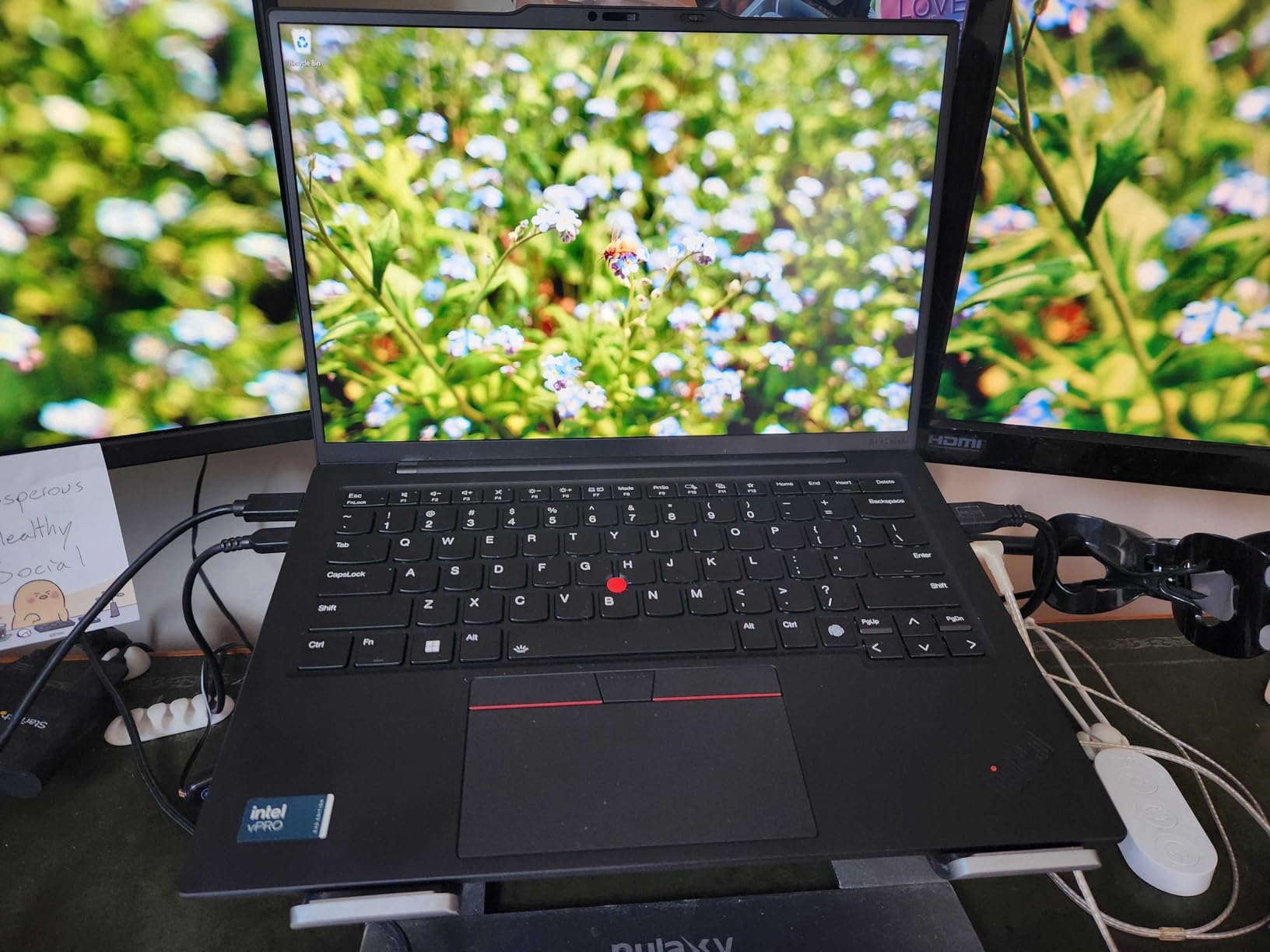
The specification is genuinely premium: Intel Core Ultra 7 165U vPro with 12 cores, 32GB of LPDDR5X at 6400MHz, a 1TB Gen4 SSD with a spare M.2 slot, Wi-Fi 6E, a fingerprint reader and a backlit keyboard. Nothing here needs explaining to an IT department, which is a real benefit for a machine bought on a company account.
One year of Lenovo onsite warranty is included. That matters more on the road than it does at a desk, because a machine that fails in an airport should not have to go back to a depot.
Why 2.4 pounds changes how you pack
At this weight you stop thinking about the laptop and start thinking about the trip. A 14-inch machine that size fits in the laptop sleeve of a standard carry-on without displacing anything else, and it stays comfortable in a hand for a ten-minute walk to a gate at the far end of a concourse.
The 14-inch 16:10-ish panel is also the practical sweet spot for documents, spreadsheets and code side by side. It is large enough to avoid constant window juggling and small enough that the weight budget still works.
When the X1 Carbon is the wrong buy
It is also the most expensive machine here by a wide margin, and a small but real group of reviews describes hardware failures within months, including a failed trackpad, a detached shift key and a blacked-out screen. Support responsiveness is also criticized by some buyers.
It also has no convertible hinge. If your travel work involves showing a client a sketch or reading a document to a customer across a table, the clamshell format is a limitation the two Surface picks below do not share.
3. Acer Swift Go 14 – the best Windows value for travel
Acer Swift Go Intel Evo Thin & Light Premium Laptop 14″ 1920×1200 100% sRGB Touch Screen Display Intel Core i7-1355U Intel Iris Xe 16GB LPDDR5 512GB Gen 4 SSD SFG14-71T-72QV
Weight 2.8 lb
Thickness 0.59 inch
43Wh battery
14 inch 1920x1200 120Hz touch
Pros
- 2.8 lb aluminum body under 0.6 inch
- Bright 120Hz 1920x1200 touch display
- Thunderbolt 4 with 100W charging
- Fingerprint reader with Windows Hello
Cons
- 16GB memory is soldered and not upgradeable
- Touchscreen does not fold back
- Flickering reported on some units
The Swift Go 14 is the machine we recommend when someone wants a real Windows laptop that stays under 3 pounds without buying into the premium tier. At 2.8 pounds and 0.59 inches thick, with a 13th Gen Core i7, 16GB of LPDDR5 and a 512GB Gen4 SSD, it covers almost everything a travel work pattern needs.
The display is the standout. A 14-inch 1920×1200 IPS panel at 120Hz with 0.3-inch bezels and accurate color is a strong travel screen, and the 1440p QHD webcam with AI noise reduction is a genuine advantage on a day of video calls from hotel rooms.
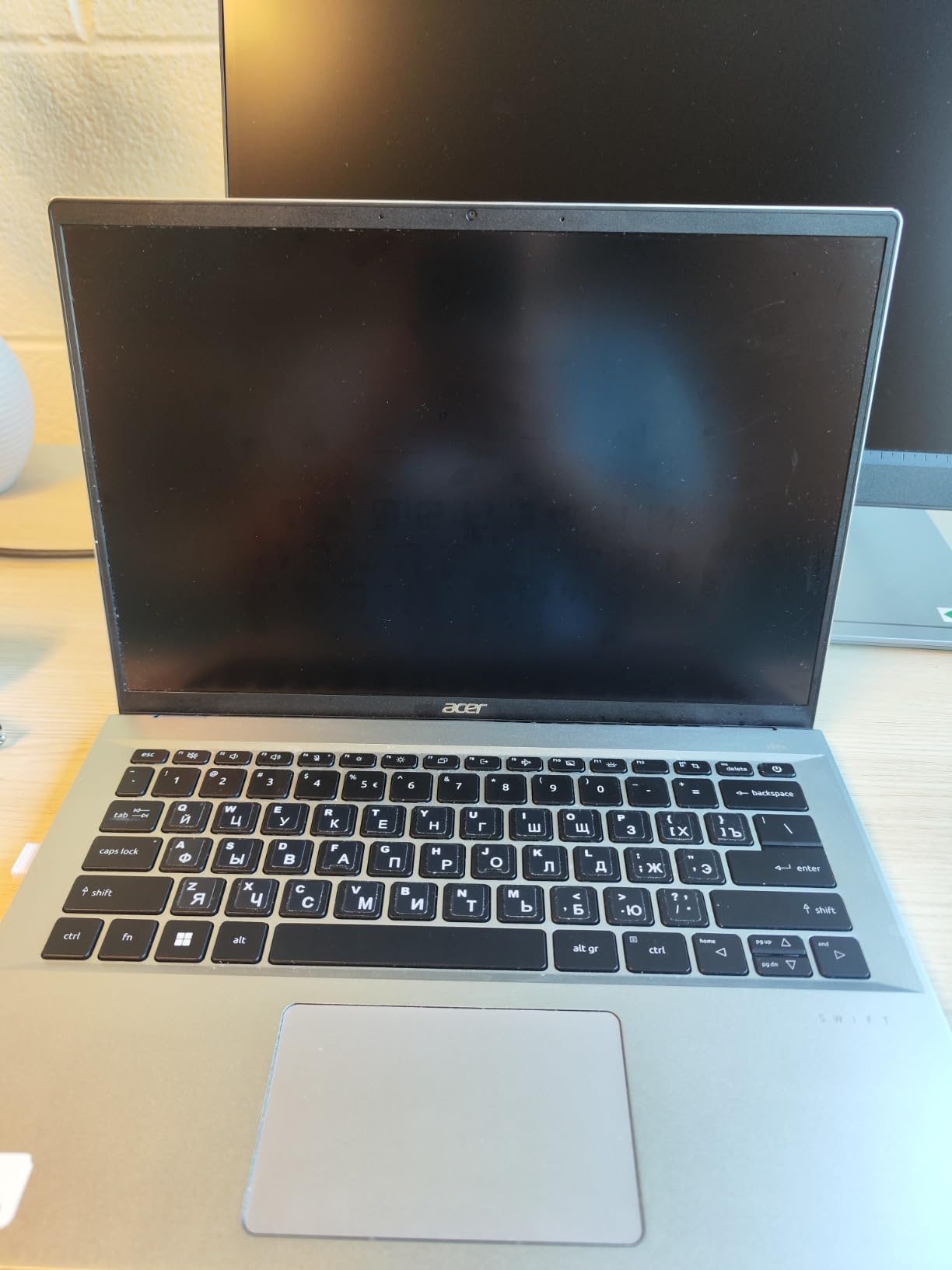
Charging is handled by two USB-C ports with USB4 and Thunderbolt 4 at 100W, plus two USB-A ports, HDMI 2.1, an audio jack and a microSD reader. That is a travel port layout. You can carry one small multiport adapter rather than three cables.
Box contents include the machine, a power cord, a USB-C power adapter and a protective sleeve, which is a small thing that saves a sleeve purchase.
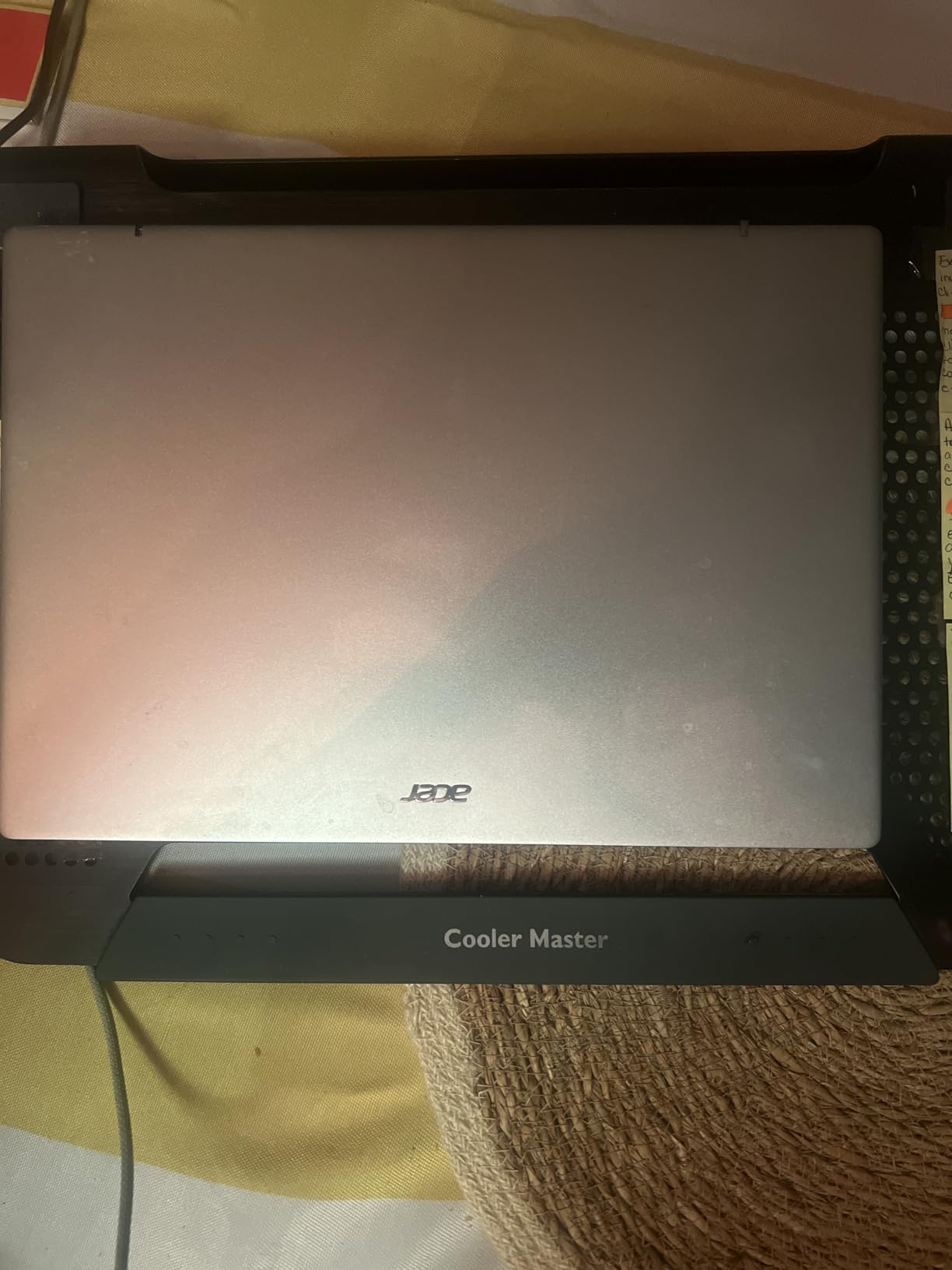
How it handles a nine-hour transit day
The 43Wh battery is on the smaller side for this group, and reviewers report solid battery life for normal workloads with fast charging on top. Expect a full working morning and afternoon on a charge rather than a two-day figure, which is enough for a long-haul flight plus an airport transfer.
TwinAir cooling with dual copper heat pipes and an air-inlet keyboard keeps thermals reasonable for a thin chassis, and the two USB-C ports accept 100W charging, so topping up over lunch is quick.
Where the Swift Go falls short
The 16GB of memory is soldered with no upgrade path, which fixes your ceiling. A minority of buyers also report screen flickering after short periods of use, and a few describe the chassis as less refined than premium rivals. If you are sensitive to a soft keyboard, try one before you commit.
The touchscreen does not fold back, so it is a touch screen without tablet utility. Some buyers find this frustrating because it suggests a 2-in-1 that is not one. If you want a convertible, look at the two Surface picks further down.
4. Microsoft Surface Pro 12-inch 2025 – the lightest full Windows 2-in-1
Microsoft Surface Pro 2-in-1 Laptop/Tablet (2025), Windows 11 Copilot+ PC, 12″ Touchscreen Display, Snapdragon X Plus (8 Core), 16GB RAM, 256GB Storage, Platinum
Weight 2.2 lb
12 inch PixelSense touch
Up to 16 hours battery
Snapdragon X Plus 8 core
Pros
- About 1 kg and easy to carry
- Built-in kickstand works on a tray table
- Completely silent and fanless
- Up to 16 hours stated battery
Cons
- Keyboard and stylus sold separately
- Windows tablet mode is awkward
- Some reports of display damage after impacts
The 12-inch Surface Pro with the Snapdragon X Plus is one of the lightest full Windows machines you can carry, at about one kilogram. If your travel pattern is reading, writing, browsing and presenting rather than heavy computation, that weight is the whole argument.
The built-in kickstand is the feature that changes how you use it on a plane. Propped on a tray table, propped on a hotel desk, propped on a lap with a blanket, it reads as a small display rather than a laptop you are unwilling to unfold. That is a genuinely different travel pattern.
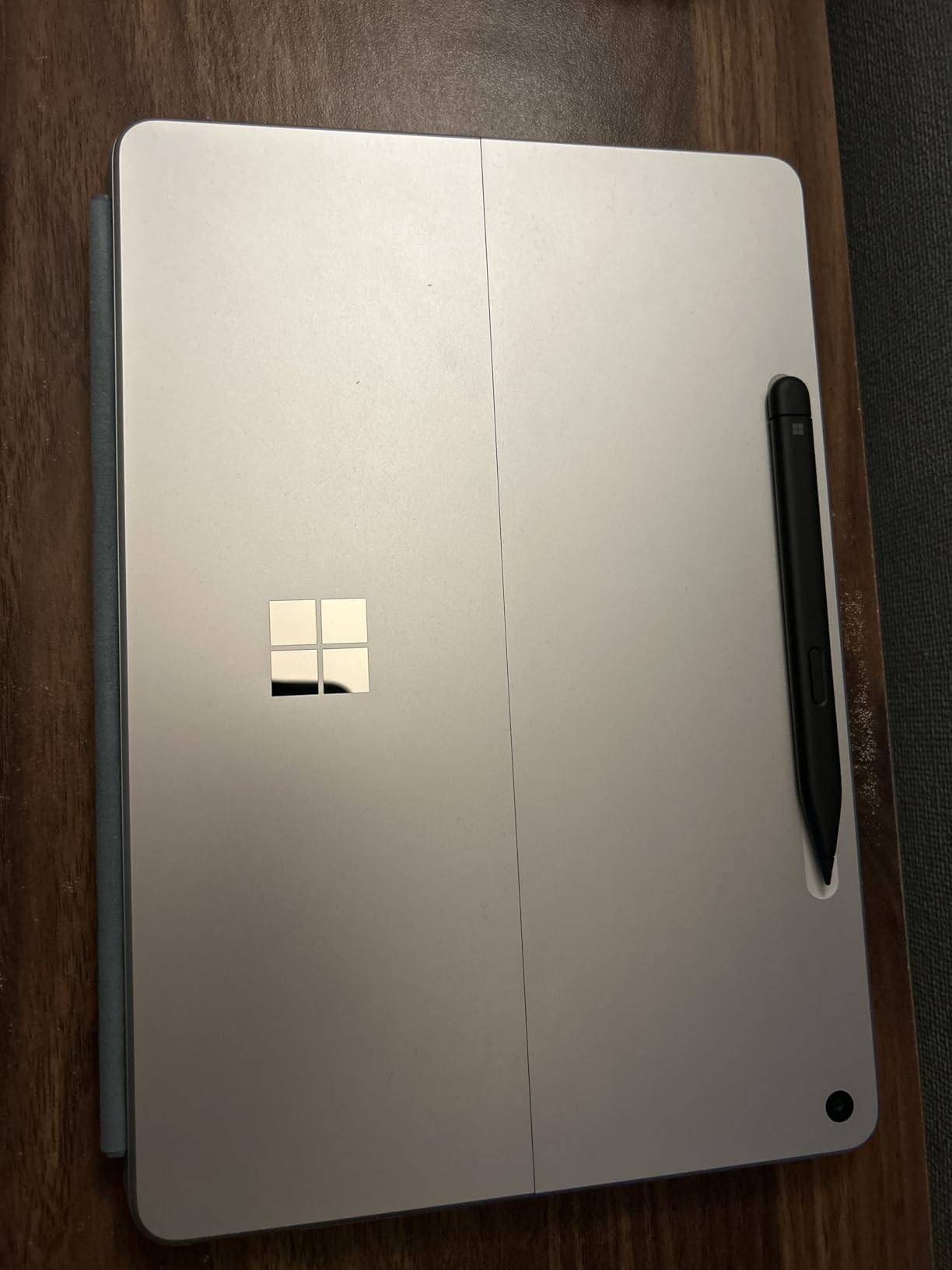
Performance is where it earns its place. A Snapdragon X Plus 8-core chip with a 45 TOPS AI engine, 16GB of RAM and 256GB of storage runs browser-heavy work smoothly and completely silently. The 12-inch PixelSense touchscreen at 2196×1464 and 400 nits is crisp and bright for the class.
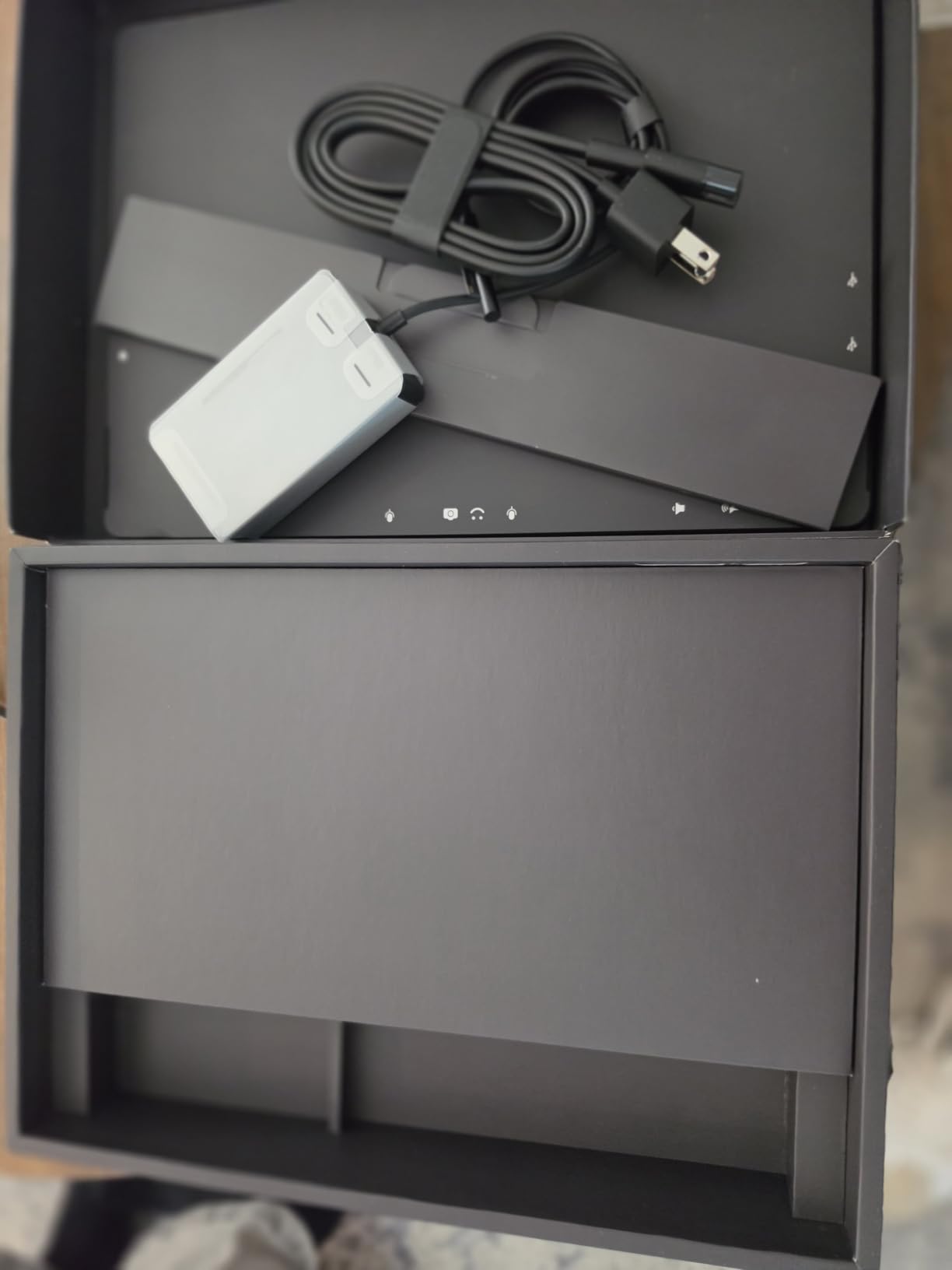
Note the box contents: the device, quick start guide, safety documents and a USB-C charging cable, with no charger. A compact USB-C power bank is a sensible travel addition.
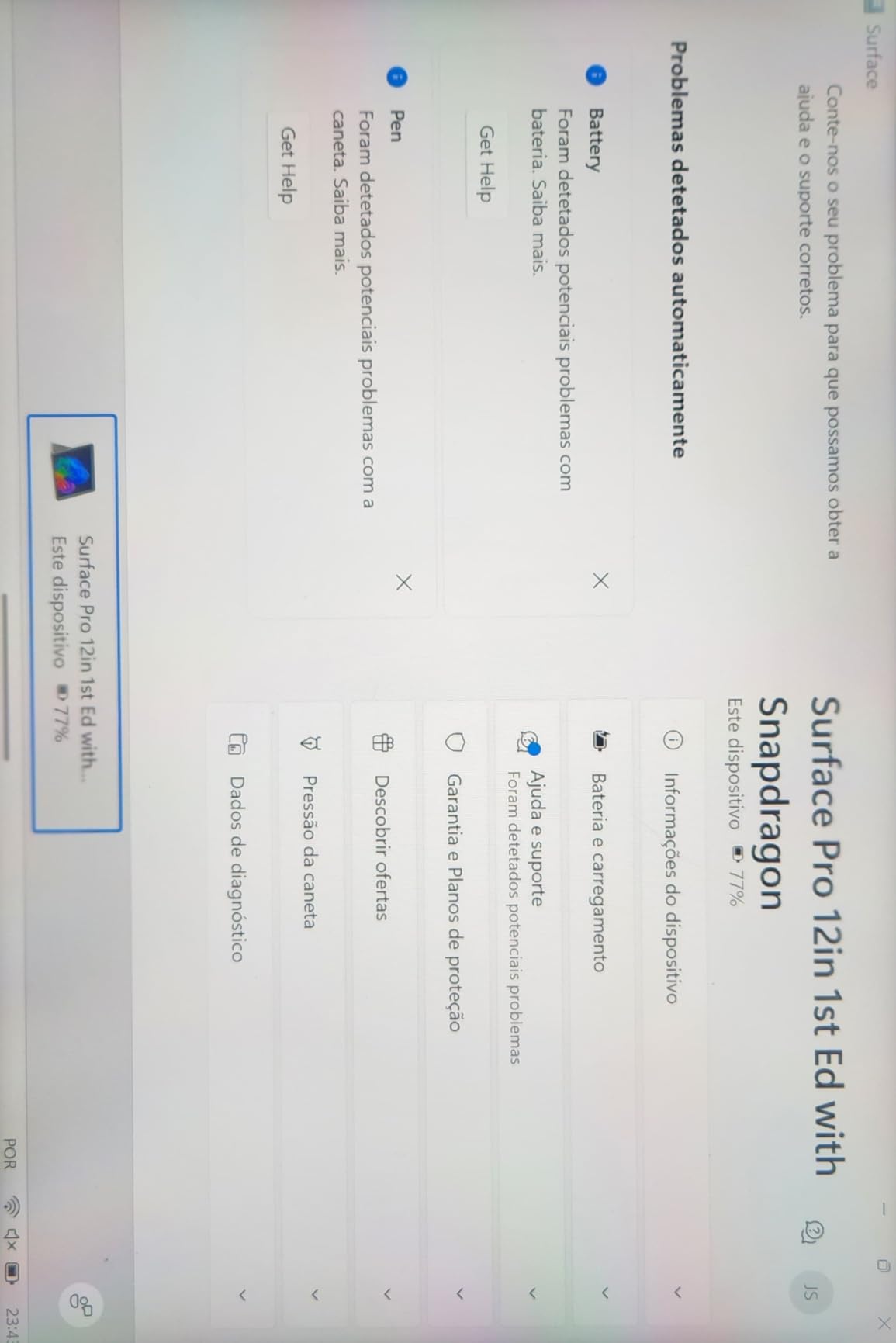
Using it bare on a tray table
The kickstand plus a Bluetooth keyboard turns this into the lightest editing setup you can put under a seat. Owners use it exactly that way, and the reported battery life of up to 16 hours means most long-haul itineraries are covered by a single charge.
Two USB-C ports and Wi-Fi and Bluetooth are the full port list, which is why the device is at its best when you are reading and writing rather than connecting.
When the missing keyboard is a deal-breaker
The Surface Pro Keyboard and stylus are sold separately, so the full laptop experience costs more than the base configuration suggests. If you type all day, buy the keyboard with the machine rather than after.
Windows tablet mode remains awkward, with small interface elements and no virtual gamepad, and the ARM architecture means some x86 software runs through emulation. A minority of owners also report display failures after minor impacts, so if your bag takes a beating, a clamshell machine is the safer choice.
5. Lenovo IdeaPad Slim 3X 15.3-inch – the big screen that stays under 3.5 lb
Lenovo IdeaPad Slim 3X – 2025 – Everyday AI Laptop – Copilot+ PC – 15.3″ WUXGA Display – 16 GB Memory – 512 GB Storage – Snapdragon® X – Luna Grey
Weight 3.4 lb
Thickness 0.7 inch
60Wh up to 15 hours
15.3 inch 16:10 120Hz
Pros
- 15.3 inch 16:10 screen in a 0.7 inch chassis
- 60Wh battery with Rapid Boost charging
- MIL-STD 810H tested metal chassis
- Backlit keyboard with numeric keypad
Cons
- Heaviest machine at this screen size
- Fingerprint reader unreliable on some units
- Not a touchscreen
Buyers who ask for a 15-inch screen and still want a light machine usually get told to choose. The IdeaPad Slim 3X is the exception on this list, delivering a 15.3-inch 16:10 display in a 0.7-inch chassis that weighs 3.4 pounds.
It runs on a Snapdragon X processor with a 45 TOPS neural processing unit and pairs it with 16GB of LPDDR5 memory and 512GB of storage in an expandable M.2 slot. Wi-Fi 7, three USB ports and HDMI cover the connectivity basics.
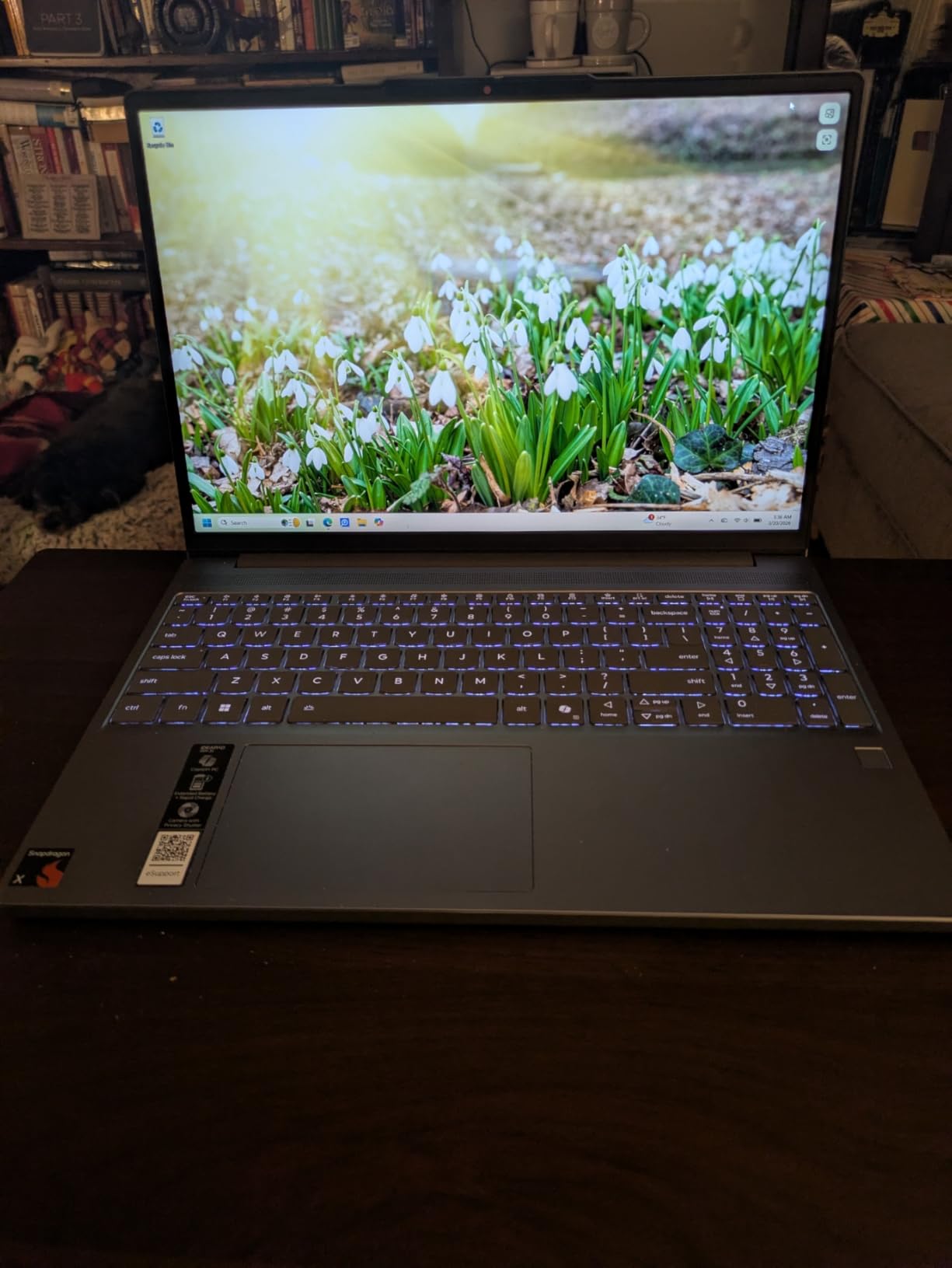
The 60Wh battery carries a stated figure of up to 15 hours, and Rapid Boost fast charging is a genuine travel asset when you land with twenty percent and a short layover. A physical webcam shutter and a fingerprint reader give it the security posture of a business machine at a mid-range price.
The MIL-STD 810H tested metal chassis is the detail that matters most in a suitcase. It is the only machine on this list with a documented durability standard, and it is a fair argument against the plastic-feeling alternatives.
The 15-inch case for travel
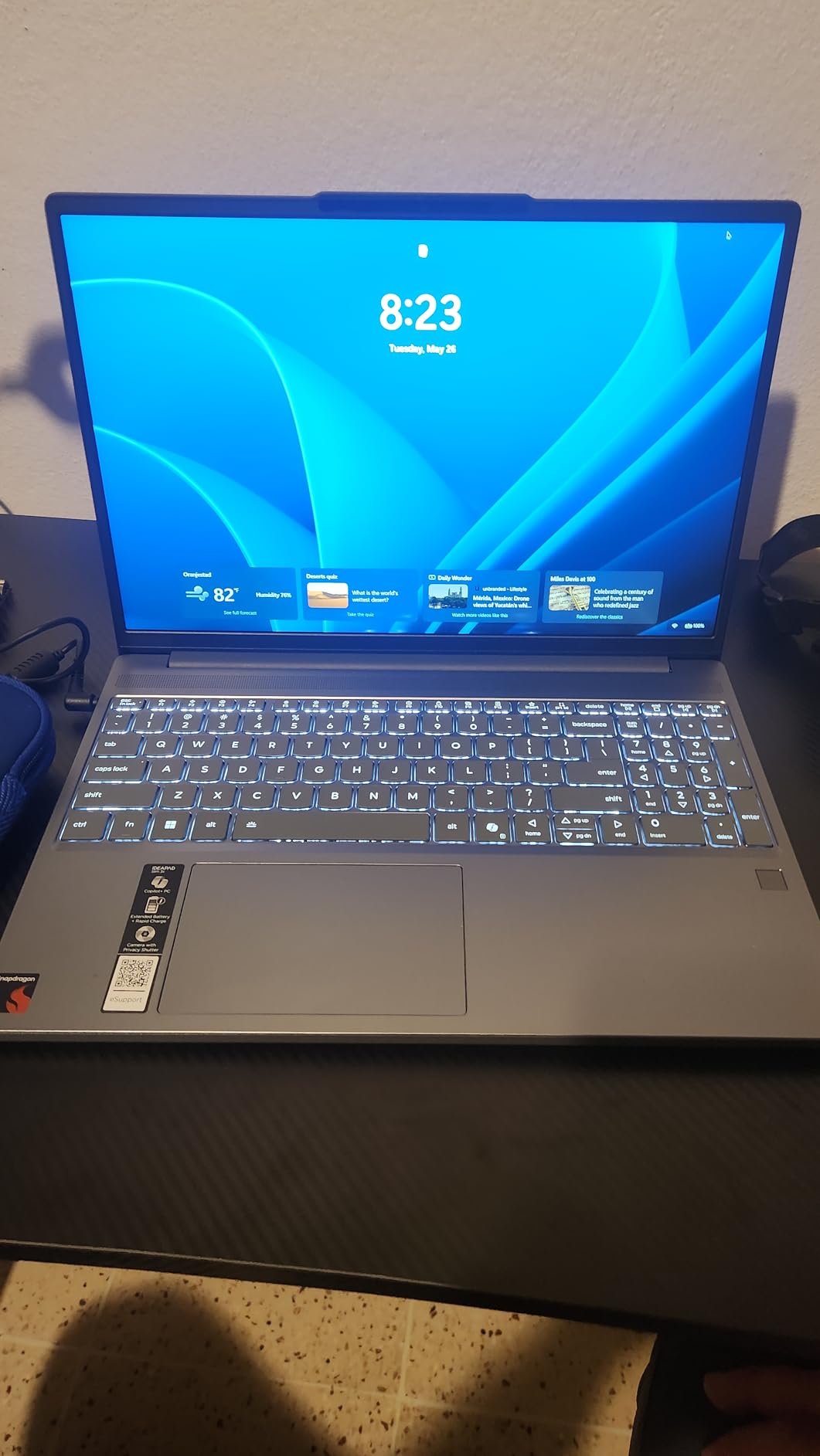
A large screen reduces the number of windows you juggle, which is the main reason people ask for one. On a long trip with spreadsheets, documents and a messaging app open, a 15.3-inch 16:10 panel at 120Hz is a materially calmer working surface than a 13-inch screen at the same desk.
The backlit chiclet keyboard includes a numeric keypad, which spreadsheet-heavy travelers tend to value immediately, and it is one of the few full-size layouts in a chassis this thin.
Where 3.4 pounds bites
It is the heaviest machine here, and at 15-inch size that is the deal-breaker forum users name most often. If your bag already holds a camera or a change of clothes, the difference narrows considerably.
Some buyers found the fingerprint reader unreliable, and it is not a touchscreen despite what some listings suggest. Speaker quality is average, which is a real limitation if you plan to use it for calls in a noisy space without a headset.
6. Apple MacBook Neo 13-inch A18 Pro – the best value Mac for travel
Apple 2026 MacBook Neo 13-inch Laptop with A18 Pro chip: Built for AI and Apple Intelligence, Liquid Retina Display, 8GB Unified Memory, 256GB SSD Storage, 1080p FaceTime HD Camera; Blush
Weight 2.71 lb
Thickness 0.5 inch
Up to 16 hours battery
13 inch Liquid Retina
Pros
- Rigid recycled aluminum chassis that resists flex
- 2.71 lb and very easy to carry
- Completely silent and fanless
- Good 1080p webcam and trackpad
Cons
- No backlit keyboard
- Only two USB-C ports and no HDMI
- 8GB memory with no upgrade path
The MacBook Neo is an affordable route into a genuinely rigid, well-built, silent Mac, and at 2.71 pounds with a stated 16 hours of battery it is as travel-ready as any machine here. It has 1,263 ratings averaging 4.6, which is a strong result for this price tier.
The 13-inch Liquid Retina display supports a billion colors, and the A18 Pro chip with Apple Intelligence handles everyday work smoothly. The recycled aluminum enclosure contains 60 percent recycled content by weight and does not flex under typing pressure, which reviewers single out repeatedly.
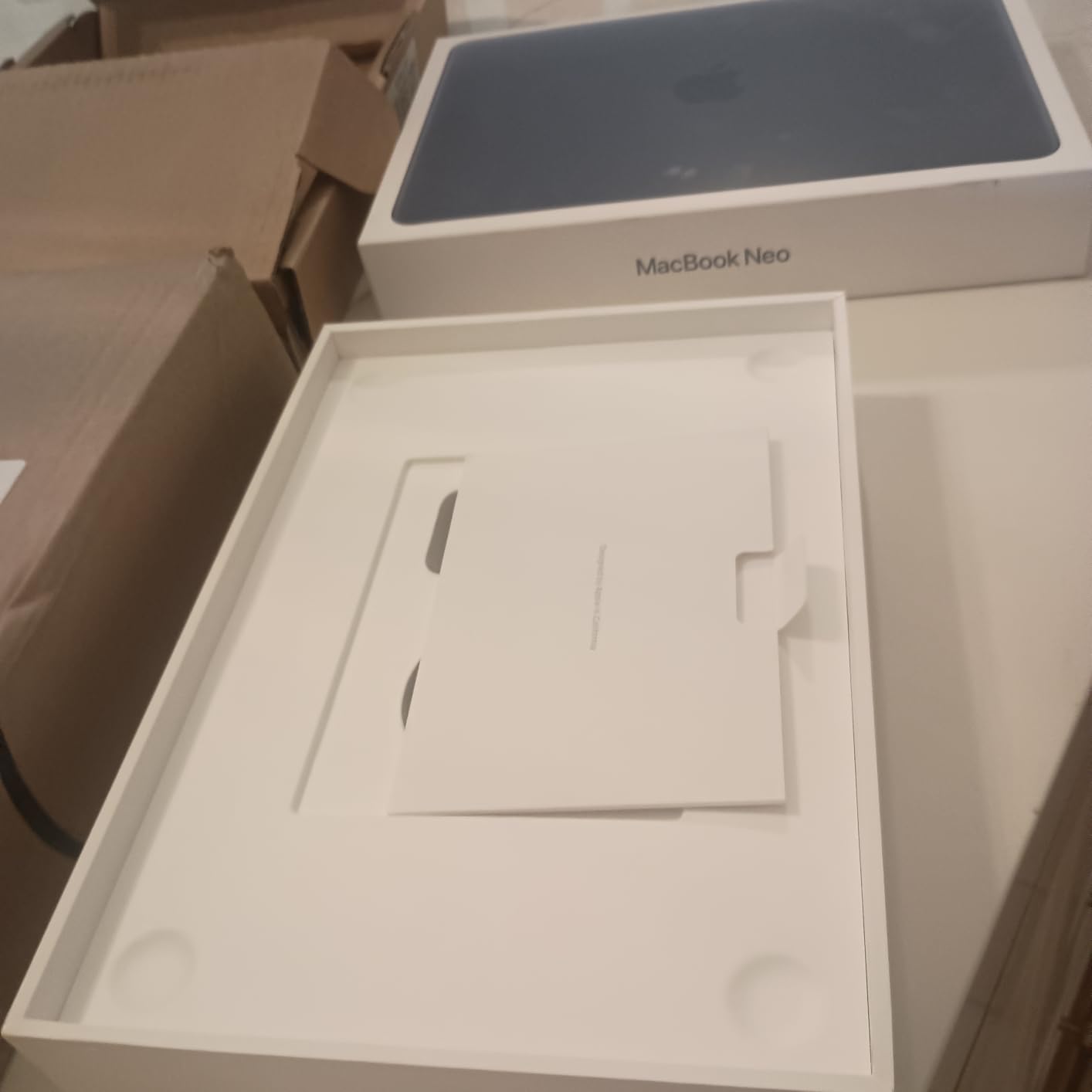
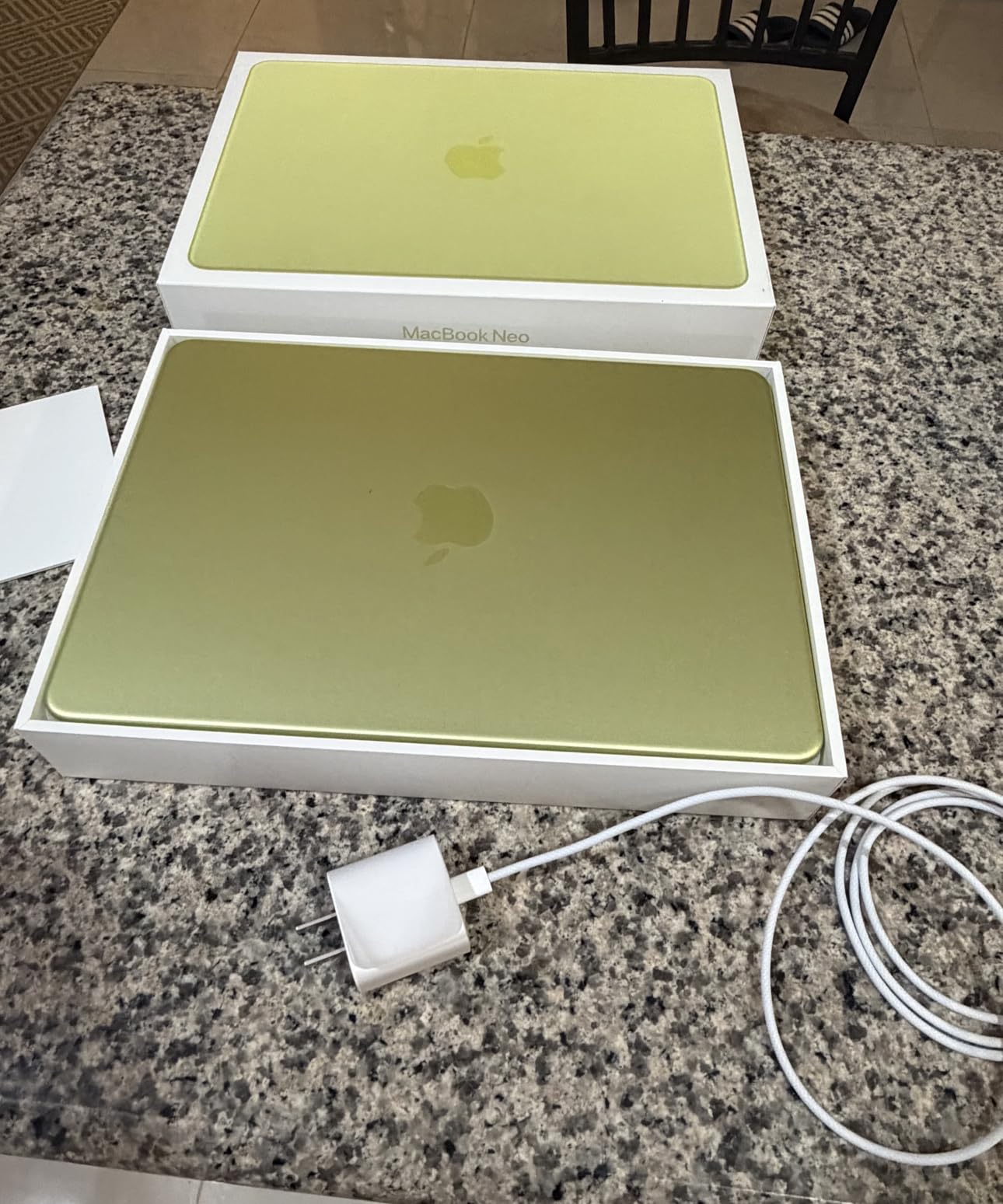
Color options are part of the appeal. Silver, Blush, Citrus and Indigo, with color-coordinated keyboards, in 256GB and 512GB configurations and with or without Touch ID, means you can pick the model that suits how you travel rather than the one that happens to be configured.
Wireless performance is a quiet strength. Owners report strong Bluetooth and Wi-Fi range and fast boot times, both of which matter when you are pairing a headset and a hotspot in an unfamiliar room.
What you give up for the lower cost
Three compromises show up repeatedly. There is no keyboard backlight, and the low-contrast key legends are the single most-cited drawback, especially for anyone working in a dim cabin on a red-eye. Only two USB-C ports, one of which is USB 2.0, with no HDMI, no SD slot and no MagSafe, leaves you dependent on adapters.
The 8GB of unified memory has no upgrade path. It is fine for browsing, writing and light creative work, and it is the first thing to feel slow if you run many applications or large files at once.
Where the Neo is the right answer
Choose it if you want macOS reliability, silence and a rigid chassis at the lowest sensible outlay, and your work does not demand a lot of memory or ports. The build quality is the reason buyers recommend it so warmly, and on a machine that lives in a bag that quality is not cosmetic.
Choose the 500-nit panel with caution if you work outdoors. Reviewers note it struggles in bright sunlight, which is one of the few cases where a glossier competitor has the advantage. For a carry-on and indoor travel pattern, it is not an issue.
7. CHUWI MiniBook 10.51-inch – the smallest machine you can still type on
CHUWI 2-in-1 Mini Laptop 10.51”, 16GB RAM 512GB SSD, Intel N150 Max 3.6GHz
Weight 1.96 lb
Thickness 0.31 inch
3400mAh battery
10.51 inch FHD+ touch
Pros
- 1.96 lb and only 0.31 inch thick
- 10.51 inch 100% sRGB touchscreen
- 16GB RAM with 512GB SSD and M.2 slot
- 360 degree hinge for tent mode
Cons
- Battery life of roughly 3-4 hours of browsing
- Runs warm under sustained load
- Screen defaults to portrait and caps at 50Hz
At 1.96 pounds and 0.31 inches thick, the CHUWI MiniBook is the smallest full-size machine here and one of the few that fits the strictest personal-item rules. The 10.51-inch 1920×1200 IPS touchscreen at 100% sRGB in 16:10 is larger than a netbook screen and genuinely usable.
It is also a 360-degree convertible. Stand mode, tent mode and tablet mode are all available, which makes it useful in the cramped spaces where a clamshell is awkward, such as a bus seat or a crowded café table.
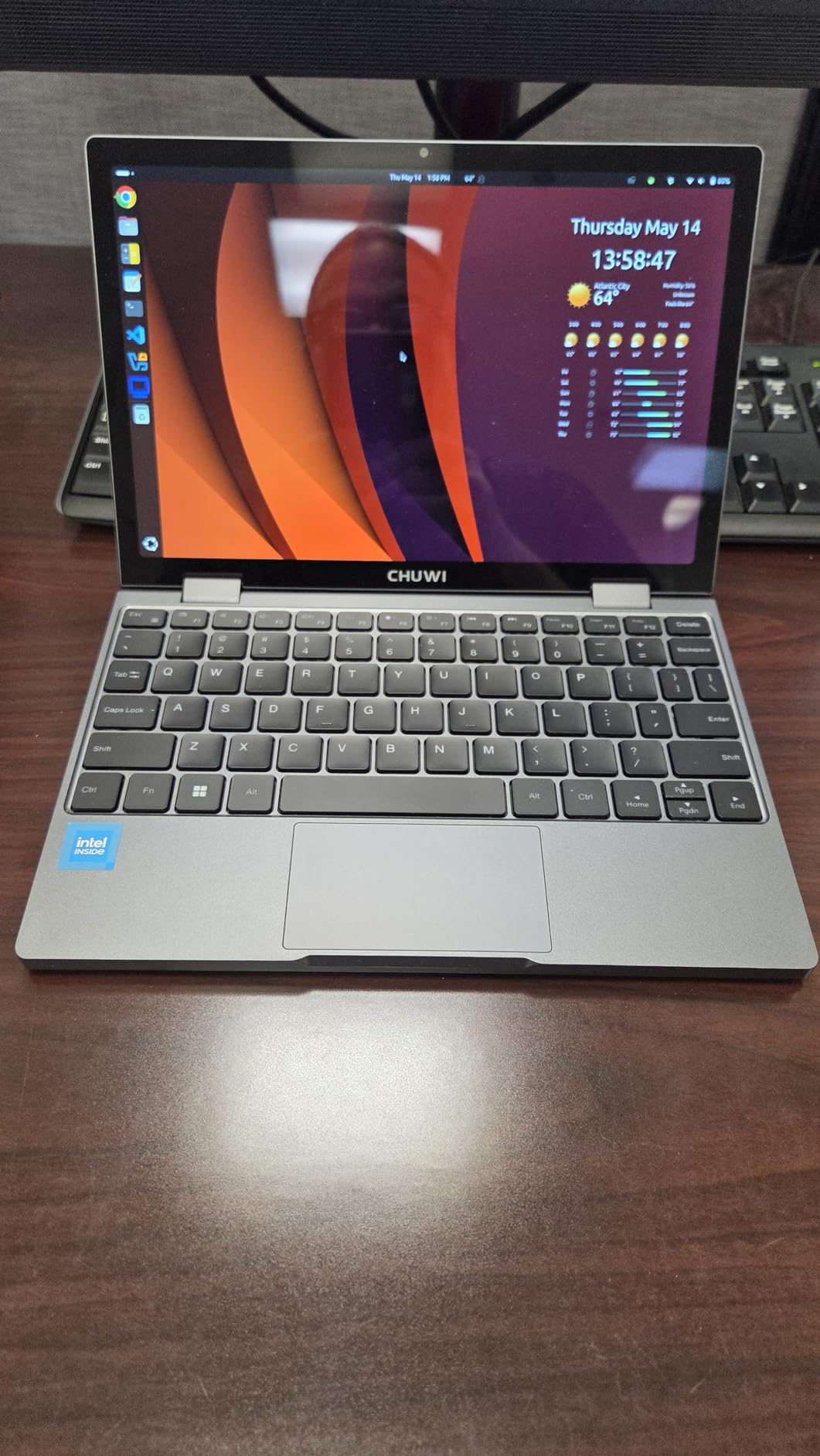
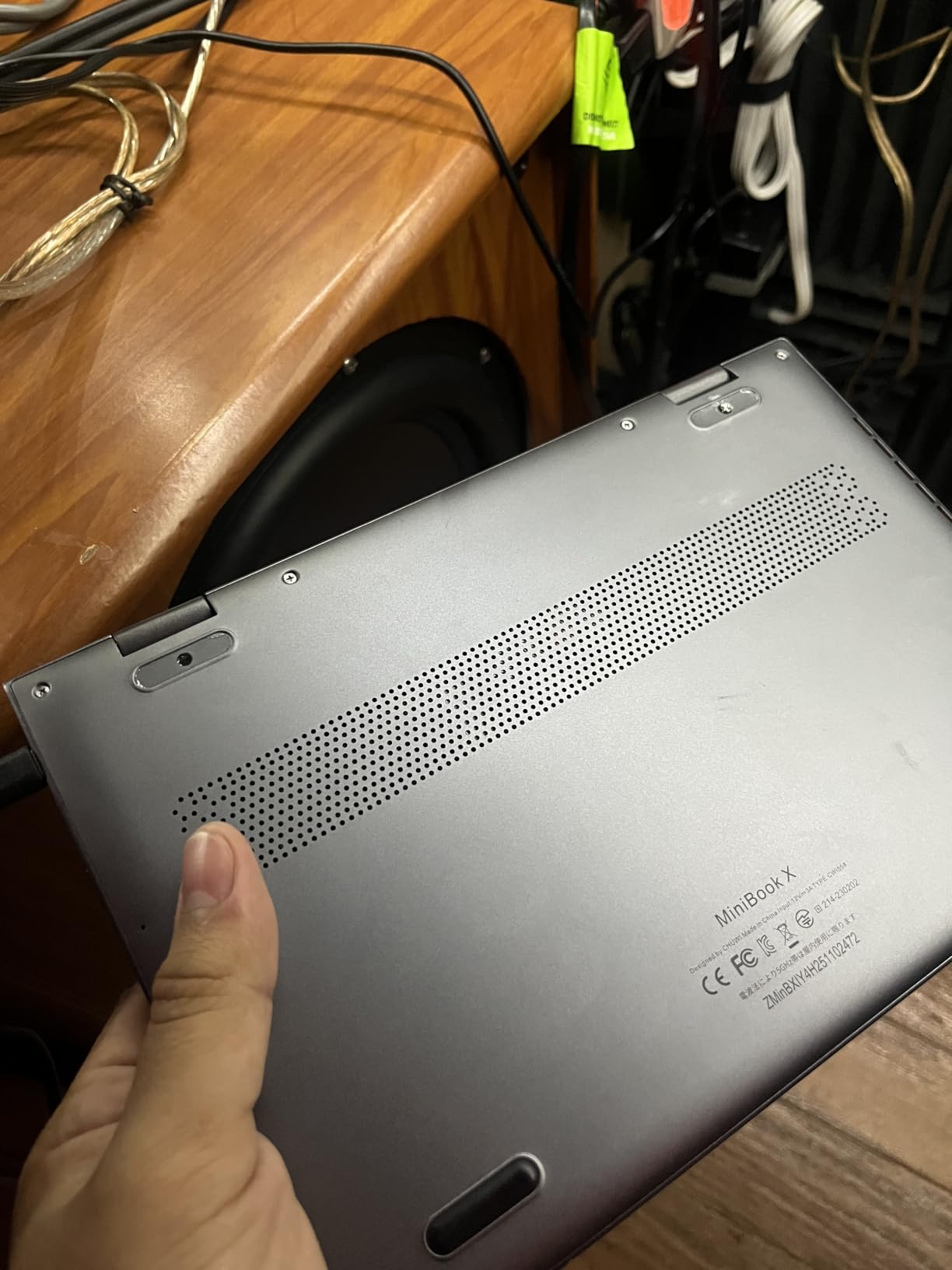
On paper the internals are generous for the size: a 12th Gen Intel N150 at up to 3.6 GHz, 16GB of LPDDR5, a 512GB SSD and an M.2 2280 slot that expands to 2TB. Two full-function USB-C ports handle charging, data and 4K video output, and Wi-Fi 6 and Bluetooth 5.2 are present.
Owners frequently run Linux distributions such as Ubuntu or Fedora on it, and it suits a lightweight desktop or a travel secondary machine particularly well. A full-size backlit keyboard is included, toggled with Fn and F5.
The 10.51-inch argument
There is a specific trip this machine solves. If you need something to write, browse and read on a long journey where carrying a bag is the problem, a 1.96-pound machine that fits a jacket pocket changes the calculation.
The 100% sRGB panel and expandable storage make it a credible Linux or travel-secondary machine rather than a stopgap.
Four columns of text, a spreadsheet and a video call on a plane is the actual test. At 10.51 inches that is tight, and if your itinerary includes a full working day in transit you will feel it.
When battery life ends the trip early
This is the honest limitation. Buyers report roughly three to four hours of web browsing, which will not get you through a long flight. If the primary goal is a machine that survives a full transit day, choose one of the longer-rated picks instead.
Other reported rough edges: the screen defaults to portrait orientation at startup and is capped at 50Hz, the keyboard and touchpad stay active when folded into tablet mode, and a few owners reported screen defects and network failures. The 4.1 average is toward the lower end of this group, so buy it for what it does well rather than expecting polish.
8. Lenovo 14-inch Flagship Chromebook – the best cheap travel laptop for browser work
Lenovo Flagship Chromebook, 14” FHD Touchscreen Slim Thin Light Laptop Computer, 8-Core MediaTek Kompanio 520 Processor, 4GB RAM, 64GB eMMC, WiFi 6,Chrome OS, Abyss Blue
Weight 2.86 lb
Thickness 0.73 inch
47Wh up to 13.5 hours
14 inch FHD IPS touch
Pros
- 2.86 lb and 0.73 inch thin
- Very good battery life for a Chrome OS device
- 14 inch FHD IPS touchscreen with privacy shutter
- Fast simple setup from a Google account
Cons
- 4GB RAM and 64GB eMMC struggle with many tabs
- Trackpad and keyboard feel unresponsive
- Chrome OS limits non-web software
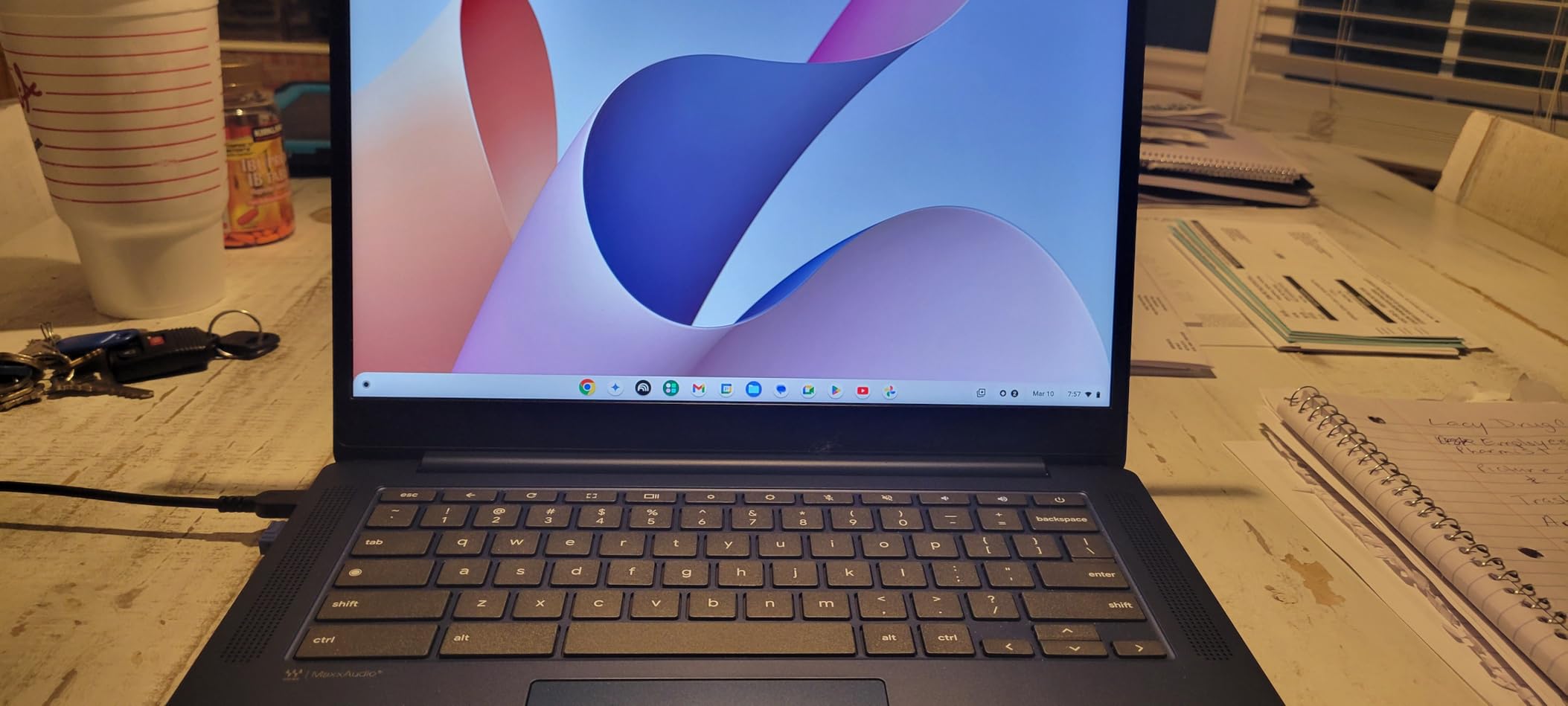
If your travel work lives in a browser, a Chromebook is a defensible answer and this 14-inch Lenovo is the version we would carry. It weighs 2.86 pounds, runs Chrome OS, and has a 47Wh battery with a stated figure of up to 13.5 hours.
The MediaTek Kompanio 520 octa-core processor is built around battery efficiency rather than peak speed, and that is exactly the right tradeoff for a machine that spends most of its life unplugged. The 14-inch 1920×1080 IPS touchscreen with LED backlight is accurate in color, if modest at 250 nits.
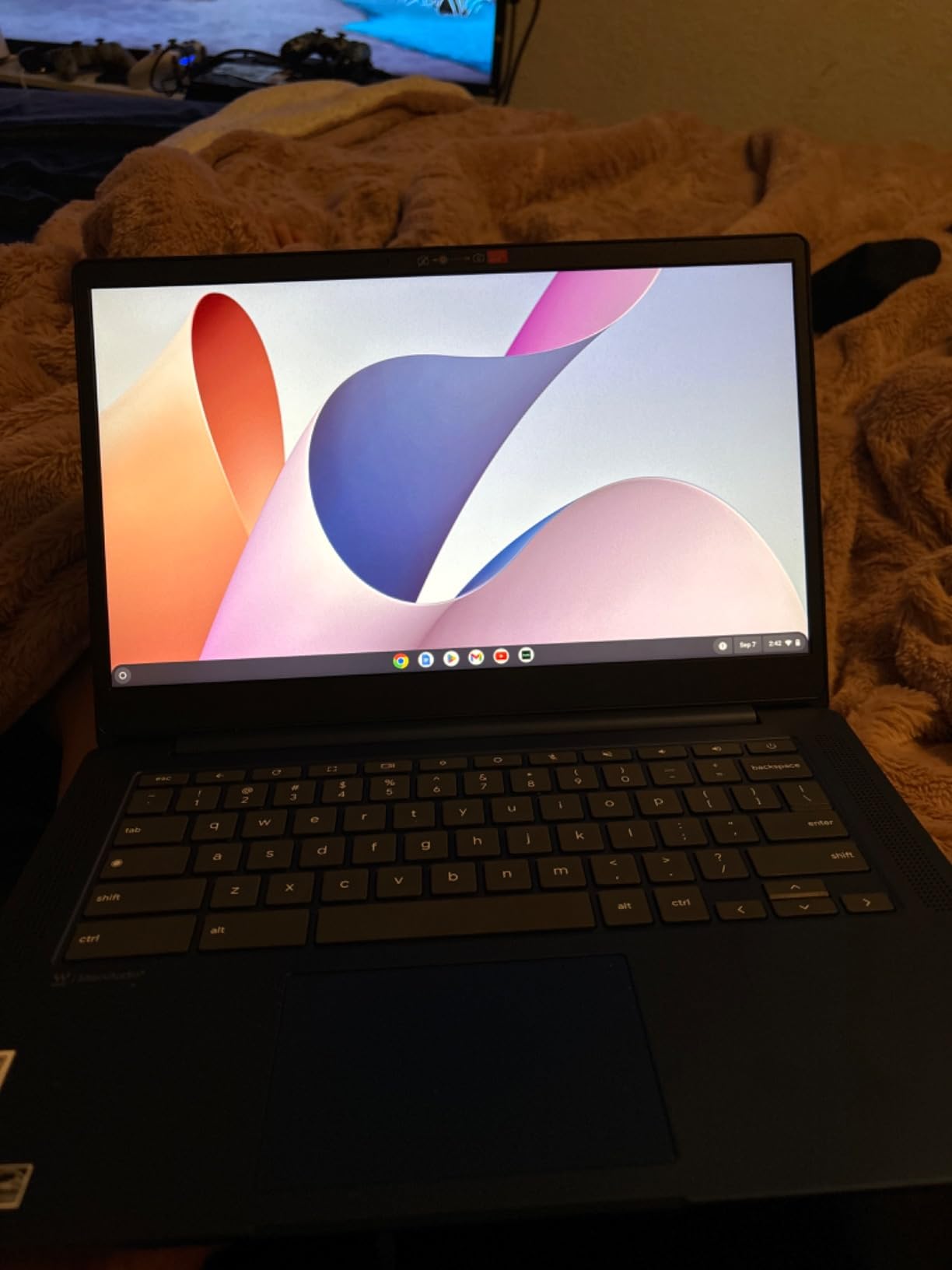
Setup is a genuine travel benefit. Sign in with a Google account and you have your documents, mail, files and extensions almost immediately, with no operating system to install, update or troubleshoot. The 720p webcam has a physical privacy shutter, which is worth having in a hotel room.
Wi-Fi 6, a backlit keyboard, a microSD reader and a USB-C plus USB-A port complete a sensible layout, and the warranty runs 90 days.
Is a Chromebook enough for travel work
Yes, for writing, research, spreadsheets, video calls, streaming and light photo management in Google Photos. Owners use it as an inexpensive travel or school machine, and with 1,396 ratings the pattern of use is well documented.
It is a poor fit if your work is desktop software, local development environments, or anything that needs more than one or two heavy applications. Chrome OS does not run them.
When Chrome OS stops being enough
The specification is the constraint. 4GB of RAM and 64GB of eMMC means many tabs or apps at once will slow down, and some owners report browsing lag that worsens over time. There is one available M.2 slot, so storage can be expanded, but memory cannot.
Reviewers also describe the trackpad and keyboard as plastic-feeling and occasionally unresponsive, and the 250-nit screen is fine indoors but not a machine for a sunny terrace. Buyers who want a real display outdoors should look at the Acer Swift Go instead.
9. HP 14-inch Ultralight for Students and Business – the budget Windows pick with a full-size keyboard
HP 14″ Ultral Light Laptop for Students and Business, Intel Quad-Core, 8GB RAM, 192GB Storage(64GB eMMC+128GB Ghost Manta SD Card), 1 Year Office 365, USB C, Win 11 S
Weight 3.2 lb
Thickness 0.71 inch
45Wh up to 11 hours
14 inch 1366x768 display
Pros
- 0.71 inch thin chassis
- 8GB RAM handles browsing and documents
- USB-C plus two USB-A plus HDMI and microSD
- Full Windows 11 Home
Cons
- 3.2 lb is heavy for a travel laptop
- 1366x768 display is low resolution
- Celeron N4120 is an entry-level processor
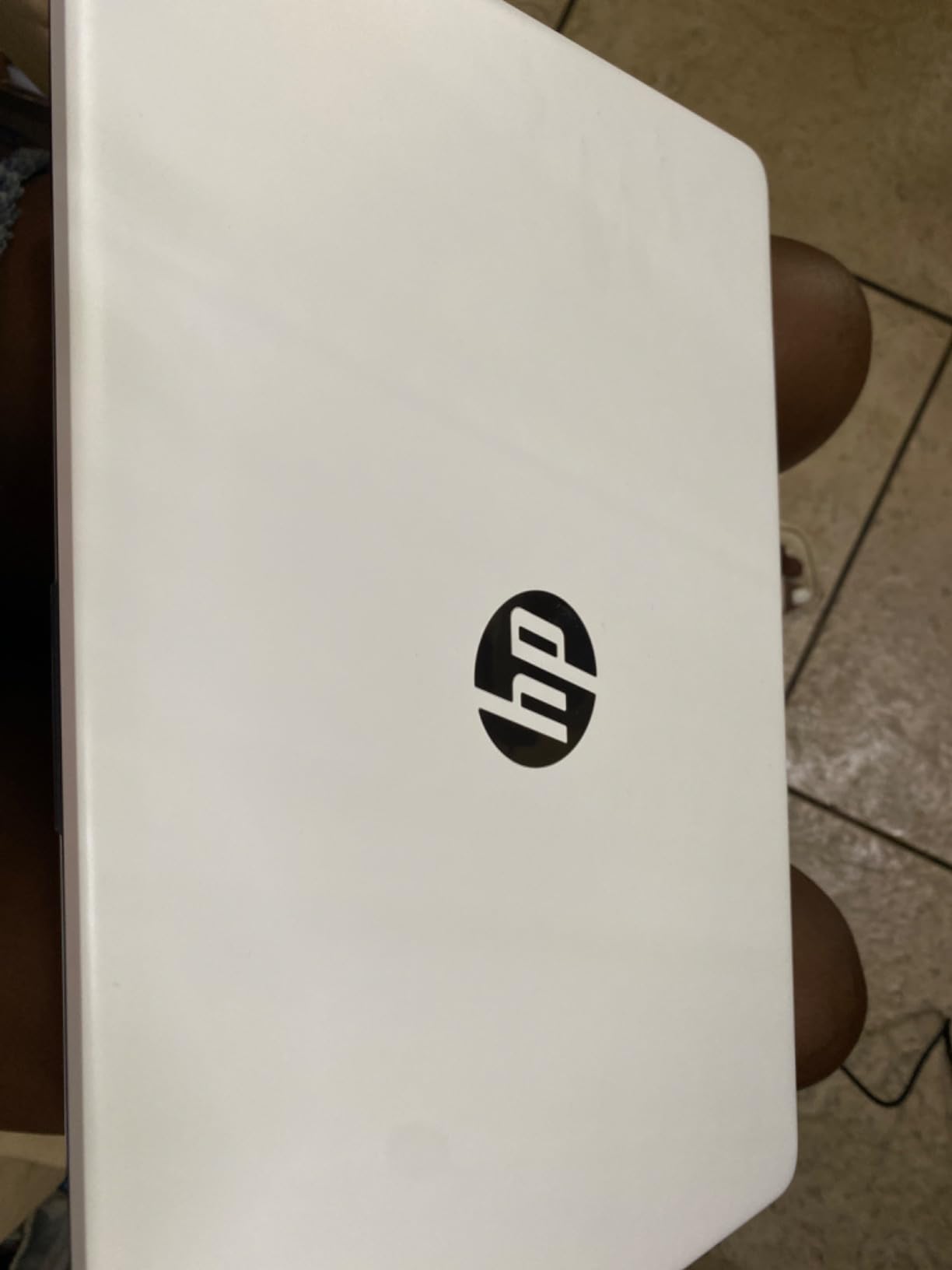
The HP 14-inch is the lowest-cost way to carry a real Windows machine, and its 2,100-plus ratings make it one of the most thoroughly reviewed budget options around. At 0.71 inches thick and 3.2 pounds, it is thin if not genuinely ultralight.
You get a full-size keyboard, 8GB of memory, USB-C, two USB-A ports, HDMI and a microSD slot, plus a year of Office 365. For someone who needs Windows, needs documents and email, and is not doing anything demanding, that is a complete package.
Storage is an unusual arrangement: 64GB of eMMC plus a 128GB removable SD card for 192GB combined. It works, and it is easy to swap the card, but it is not the same as a single fast drive for anything performance-related.
The 45Wh battery carries a stated figure of up to 11 hours, which is respectable on paper for a machine in this tier.
What 8GB and a full keyboard actually buy you
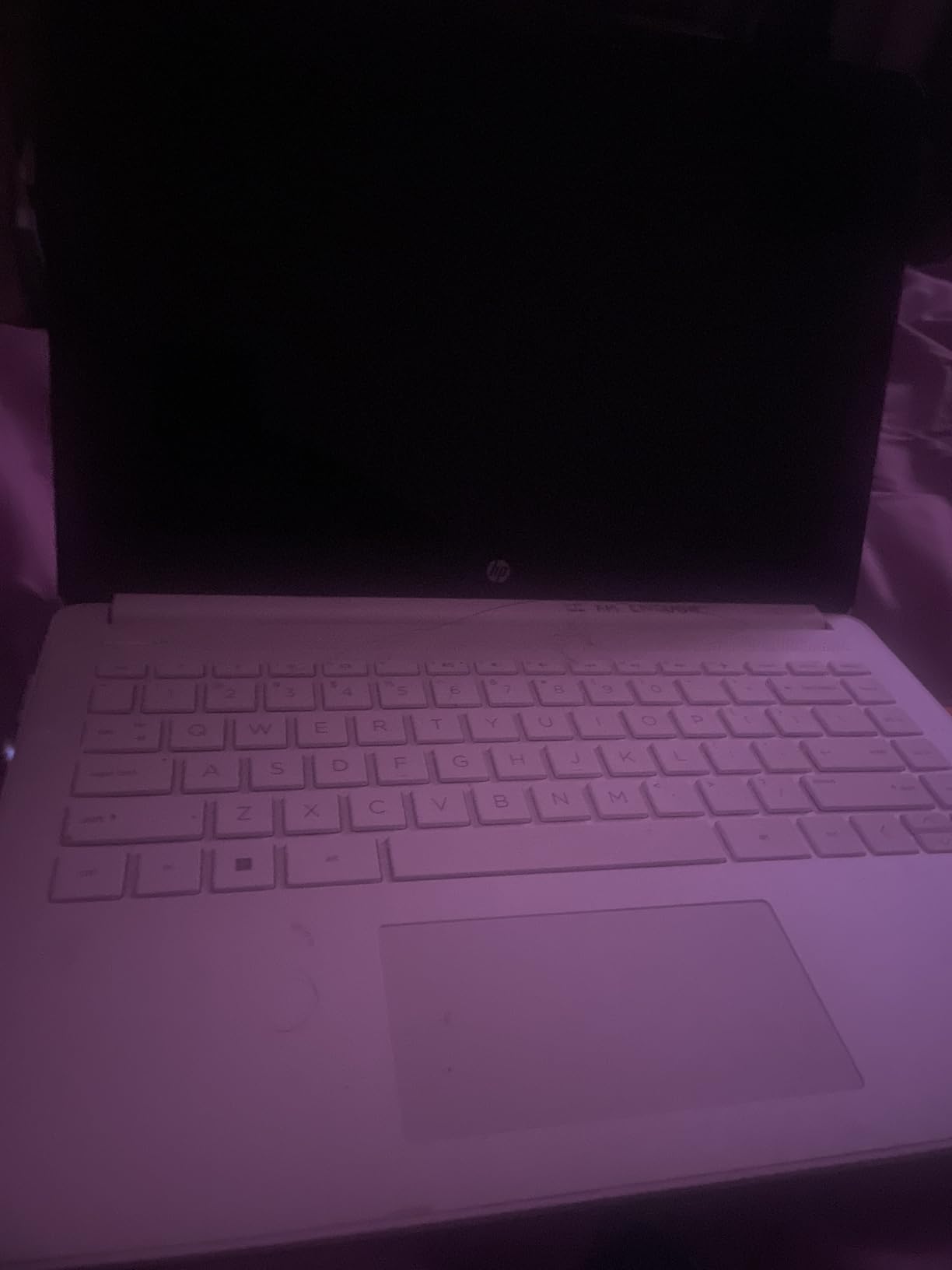
Enough for browsing, documents, spreadsheets, streaming and several tabs at once, which is genuinely most travel admin. The keyboard is full-size with the keys you expect, so a long writing session does not become a strain.
Having full Windows rather than a limited operating system is the deciding factor for anyone whose employer hands out Windows instructions. Nothing needs translating.
Where the 1366×768 screen hurts
The display is the weakest part. A 1366×768 panel at 60Hz is low resolution by modern standards, text edges are soft, and the image is noticeably less pleasant than the 1920×1200 panels on the Acer and Lenovo models here. It is the first thing most buyers complain about.
The Intel Celeron N4120 is an entry-level chip with modest performance, so heavy multitasking will feel slow. And at 3.2 pounds it is not truly ultraportable, which is the point of this roundup. Buy it as a backup travel machine, not as a machine you will want to carry every day.
10. Microsoft Surface Pro 13-inch OLED – the best display under 2 lb
Microsoft Surface Pro 2-in-1 Laptop/Tablet (2024), Windows 11 Copilot+ PC, 13″ Touchscreen OLED Display, Snapdragon X Elite (12 Core), 16GB RAM, 256GB Storage, Black, Amazon Exclusive
Weight 1.97 lb
13 inch 2560x1600 OLED
Up to 14 hours battery
47.67Wh battery
Pros
- 1.97 lb with a large 13 inch OLED panel
- 2560x1600 OLED at 1M:1 contrast
- Up to 14 hours stated battery
- Kickstand and detachable keyboard for tablet use
Cons
- Keyboard sold separately
- Only one USB-C port and no USB-A or headphone jack
- ARM architecture limits some x86 software
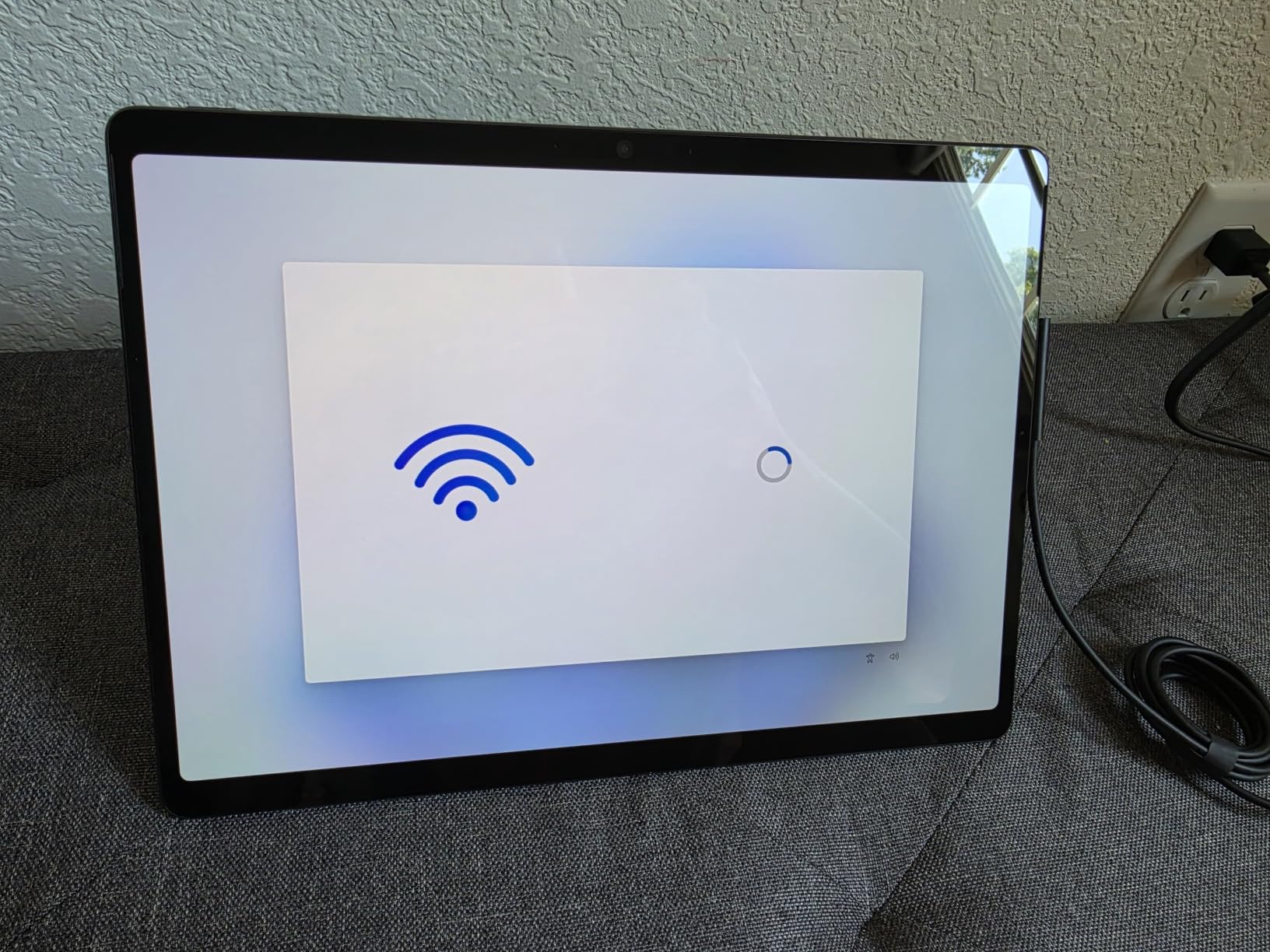
The 13-inch Surface Pro takes the tablet form factor and pairs it with an OLED panel that stands apart in this roundup. At 895 grams, or 1.97 pounds, with a 13-inch PixelSense OLED at 2560×1600 and a 1M:1 contrast ratio, it is the rare travel machine where the screen is genuinely a reason to choose it.
Color accuracy and viewing angles make a measurable difference when you are editing photos in a hotel room at night or reviewing documents under mixed lighting. The sharpness at 13 inches is well beyond what the other 13-inch panels here deliver.
Underneath is a Snapdragon X Elite 12-core processor with an NPU, 16GB of LPDDR5 memory and 256GB of storage. The 47.67Wh battery carries a stated figure of up to 14 hours, and fast charging works through either the 65W Surface Connect supply or USB-C.
Wi-Fi 7 is the newest wireless standard here, alongside the IdeaPad Slim 3X, and it helps in hotels and airports where the access point is crowded.
Why OLED matters on a trip
A high-contrast, high-resolution display is easier on the eyes during long sessions, and an OLED panel holds blacks properly in a dark cabin. If your travel work involves reviewing images, video or fine text, the display is the component you will notice most.
The kickstand means you can work propped up rather than hunched, and the device detaches into a tablet whenever you want to read rather than type.
When the single USB-C port ruins the trip
There is one USB-C port, no USB-A and no headphone jack. If you use a wired headset, a USB drive or a wired network connection, you are carrying an adapter at all times. That is a meaningful limitation for a machine that also sells the portability.
The detachable Surface Pro Flex Keyboard is sold separately, ARM architecture can limit x86 software and some games, and Windows tablet mode still has small interface elements. If you need full laptop ergonomics, the clamshell picks above are the safer route.
How to Choose a Lightweight Laptop for Travel in 2026
Every ranking on this topic is organised around chip generation or screen size, which is not how the decision actually goes. Weight, battery and connectivity decide it. Here is the order we would work through it.
Weight thresholds that actually matter in a bag
Under 2 pounds means you stop budgeting for the laptop at all. Between 2 and 2.5 pounds is the practical sweet spot where a 14-inch machine still feels light. Between 2.5 and 3.5 pounds you notice it, but it still fits the laptop compartment of a carry-on without displacing anything. Past 3.5 pounds you are carrying an object rather than a tool.
Add the charger to the number. A 65W USB-C brick is roughly the weight of a small sandwich, and a machine that only charges over a proprietary port may force you to carry a larger brick. Two USB-C laptops let you travel with one compact power bank instead. If you are also carrying the rest of a mobile rig, the same arithmetic applies to everything else in the bag, including a lightweight bass guitar for a working session in a hotel room.
Battery life: read the real number, not the rated one
Rated battery figures are measured under light load with the screen dimmed. Real use on a plane involves a bright screen, a video call, dozens of tabs and a video playing. The gap between rated and real is often thirty to forty percent.
Use the watt-hour capacity as the more honest comparison between machines. 57Wh and above comfortably covers a long-haul flight plus a working day. 43Wh gets you through a flight and an afternoon. Around 3400mAh in a very small chassis, as on the CHUWI, is the category where you should assume three to four hours and plan around it.
The pattern forum buyers complain about most is a machine described as excellent in every respect except that the battery is like an hour. That is the failure mode to avoid, and it is why the battery figure in each section above comes before the specification list.
Screen size versus weight: the 13 versus 14 versus 15 tradeoff
This is the most-asked question in travel laptop forums and the one no ranking page answers properly. A 13-inch machine is the lightest and the easiest in a lap, and it forces window juggling. A 14-inch machine is the balance point and is the size most people should buy. A 15-inch machine is only viable if the manufacturer has done the engineering to keep it near 3.5 pounds, which is exactly what the IdeaPad Slim 3X manages with a 15.3-inch panel at 3.4 pounds.
Below about 11 inches you are trading away the keyboard, and 10.51 inches is the practical floor for typing at speed. The MiniBook sits at that floor with a full-size backlit keyboard, which is unusual. The same floor shows up in every other travel-weight category too, including the best lightweight stage pianos, where key count and carried weight pull against each other in the same way.
ARM and Copilot+ PCs: where they hold up and where they do not
Snapdragon-based Windows machines appear three times on this list, and the reason is power efficiency. ARM SoCs draw less than comparable Intel parts, which is how a 60Wh machine claims 15 hours and how the 12-inch Surface Pro reaches 16. They also run completely silently, which matters in a cabin.
The honest limit is software. Windows on ARM runs native ARM apps well and most common applications through emulation, but some x86 tools, specialist engineering software and many games do not run or run poorly. If your daily work includes anything niche, verify your specific applications before committing.
The real-world battery story on these machines is easier to live with than their early reputation suggested. Expect to give up some peak performance for the silence and the hours, not the other way round.
Ports, offline work and the travel-day checklist
At minimum you want two USB-C ports for charging and data, one USB-A so you are not carrying an adapter for a USB drive or a presentation, and ideally HDMI. The machines with one port and no USB-A are the hardest to travel with.
Before you fly, do four things. Download your documents, tickets and maps for offline use, because hotel Wi-Fi fails and airport Wi-Fi is unreliable. Screenshot anything that lives behind a login, including your boarding pass and any booking confirmations. Set up a hotspot workflow on your phone so the laptop is working through your own connection rather than a captive portal. And make sure your files are synced or backed up off the machine before you leave the house, because luggage does get lost and laptops do get stolen.
Check the airline seat power situation for your route before you buy. A machine that fast-charges over USB-C is far more useful than one that needs a proprietary barrel connector, and most business-class and many premium-economy seats now include USB-C power.
What to avoid: the three configs we would skip
First, glossy or low-nit panels. A reflective screen is unusable outdoors and a 250-nit panel is dim in a bright room. A matte or anti-glare panel is the travel standard, and the 400-nit anti-glare screen on the ThinkPad X1 Carbon is the clearest example on this list.
Second, machines with a fan that spins during ordinary browsing. A forum user described terrible fan noise on a Windows laptop as one of the reasons for switching, and it is a fair reason. A fanless machine is quieter and often more efficient.
Third, soldered 8GB configurations on machines you intend to keep for years. The MacBook Neo and the Acer Swift Go both have fixed memory, which is fine if you replace the machine on a normal cycle and frustrating if you do not.
Two more worth a glance: a touchscreen that does not fold back, as on the Acer, invites disappointment, and a low-resolution 1366×768 panel, as on the HP, ages badly. Neither is fatal. Both are cheaper to avoid now than to regret later.
One last option no ranking page on this topic mentions: a previous-generation or refurbished machine. Forum buyers seeking value welcome the idea openly, and a one-generation-old flagship gives you most of the battery and weight behaviour of a new one for less money. Check that the battery health is measured, and factor a possible battery replacement into a multi-year ownership plan.
Frequently Asked Questions
What is the best lightweight laptop for travel?
The 13-inch MacBook Air with the M4 chip is the best lightweight laptop for travel overall, because it pairs a 2.73 pound, 0.44 inch chassis with a stated battery figure of up to 18 hours and completely silent operation. If you want more ports and a lighter chassis, the ThinkPad X1 Carbon Gen 12 at 2.4 pounds is the alternative.
What is the best very lightweight laptop?
A very lightweight laptop weighs under 2.5 pounds. On that definition the CHUWI MiniBook at 1.96 pounds and the 13-inch Surface Pro OLED at 1.97 pounds are the lightest options here, with the 12-inch Surface Pro at 2.2 pounds close behind. All three have battery or accessory tradeoffs worth reading before you choose.
What is the best value laptop for travel?
The best value options divide by tier. The 14-inch Lenovo Chromebook is the cheapest way to carry a full-size machine for browser work. The Acer Swift Go 14 gives you a full Windows ultrabook with a 14-inch 120Hz touch display, Thunderbolt 4 and 16GB of memory without the premium price.
Which MacBook is best for traveling?
For most travelers the 13.6-inch MacBook Air with the M4 chip is the right choice at 2.73 pounds and up to 18 hours of stated battery. The 13-inch MacBook Neo with the A18 Pro is the lower-cost option at 2.71 pounds and up to 16 hours, with the tradeoffs of no keyboard backlight, only two USB-C ports and 8GB of memory.
Is the ASUS ZenBook 14 better than the MacBook Air?
It depends on what you are optimizing for. A Zenbook-class Windows machine with a 14-inch high-resolution OLED touchscreen offers a bigger, sharper display and more ports, while the MacBook Air is lighter, completely silent and delivers longer stated battery life. The Acer Swift Go 14 in this list is a comparable Windows alternative with a bright 1920×1200 touch panel at 120Hz.
Should I buy a 13-inch, 14-inch or 15-inch laptop for travel?
Pick 14 inches for the best balance of weight and usable workspace. Choose 13 inches if you want the lightest possible machine and can live with smaller windows, and 15 inches only if the manufacturer has kept the weight near 3.5 pounds, as the Lenovo IdeaPad Slim 3X does with a 15.3-inch display at 3.4 pounds.
Our Verdict for the Best Lightweight Laptops for Travel in 2026
The 13.6-inch MacBook Air with the M4 chip is our pick for the best lightweight laptops for travel in 2026. It is the rare machine where weight, battery life, silence and build quality all land in the same place, and its 4.8 rating across nearly 5,800 reviews is the strongest evidence base in this group.
Buy the ThinkPad X1 Carbon Gen 12 if ports and a real business keyboard matter more than screen size. Buy the Acer Swift Go 14 if you want a full Windows ultrabook without the premium outlay, and the 13-inch MacBook Neo if you want the same ecosystem for less. Go smaller with the Surface Pro OLED only if you are comfortable buying a keyboard separately, and pick the Lenovo Chromebook if your travel work is entirely browser-based.
Whichever you choose, test the offline workflow and the battery on a long day before you depend on it. A laptop that fails either one turns into dead weight for the whole trip.