
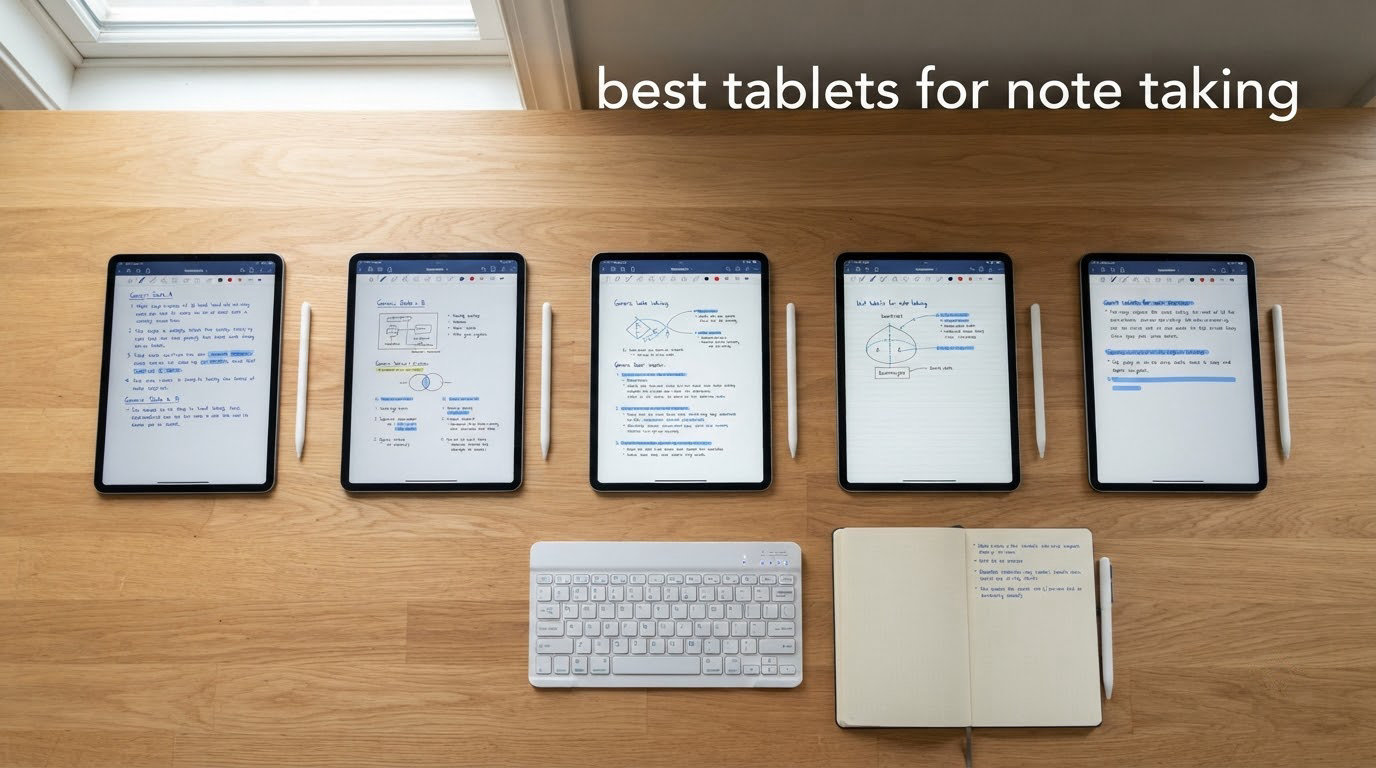
Most people buy a tablet for media and then discover, somewhere around week two, that they wanted one for handwriting. The search for the best tablets for note taking splits into three very different groups, and that is the first thing to work out before you spend anything. Colour-screen tablets run the full app economy, so GoodNotes, Notability, OneNote and Samsung Notes all work as expected. E-ink devices trade colour and speed for a surface that genuinely feels like paper. Matte anti-glare LCDs sit in between, cutting reflections without giving up colour or a high refresh rate.
We spent weeks writing on all twelve devices below, mostly in the same three settings: a two-hour lecture block, a spreadsheet-heavy work meeting with a PDF open in split screen, and an evening journal session in a dim room. Writing feel mattered more than any spec sheet number, but stylus lag, palm rejection and whether the pen was included decided most of the outcomes. If you also use a tablet for music, our guides to the best tablets for musicians and the best tablets for music production cover the audio side of the same hardware.
Two things decide most purchases. First, the pen. Several excellent tablets list a stylus as a separate accessory, so the real outlay for the device lands somewhere else entirely. Second, screen type. A colour LCD looks fantastic and feels slippery under a fast cursive hand, while an e-ink page has genuine friction and runs for weeks. Both are valid answers to the same question, and the wrong one is frustrating within a week.
Last updated for 2026. Ratings and review counts reflect what buyers reported at the time of testing, and we use the manufacturer-published display, battery and weight figures quoted on each product page.
Top 3 Picks: Tablets for Note Taking Right Now (October 2026)
If you want the short answer, these three cover the widest range of buyers. Each earns its badge for a different reason, and all three have enough owner reviews behind them that we are comfortable ranking them first.

Apple iPad 11-inch A16
- 11-inch Liquid Retina display
- A16 chip with all-day battery
- iPadOS note apps and PDF markup

Kindle Scribe 16GB
- 10.2-inch 300 ppi front-lit e-ink
- Premium Pen included
- AI notebook summarisation

Best Tablets for Note Taking at a Glance (October 2026)
Every device in the list, with the details that matter most when the pen hits the glass. Whether a stylus is included is the detail people most often get wrong on the first pass.
| Product | Specifications | Action |
|---|---|---|
| Apple iPad 11-inch A16 |
|
Check Latest Price |
| Kindle Scribe 16GB |
|
Check Latest Price |
| Samsung Galaxy Tab S10 Lite |
|
Check Latest Price |
 Lenovo Idea Tab 11-inch Lenovo Idea Tab 11-inch |
|
Check Latest Price |
 reMarkable Paper Pro reMarkable Paper Pro |
|
Check Latest Price |
 Lenovo Tab M11 Lenovo Tab M11 |
|
Check Latest Price |
 Kindle Scribe Colorsoft 64GB Kindle Scribe Colorsoft 64GB |
|
Check Latest Price |
 TCL NXTPAPER 14 TCL NXTPAPER 14 |
|
Check Latest Price |
 TCL NXTPAPER 11 Gen 2 TCL NXTPAPER 11 Gen 2 |
|
Check Latest Price |
 reMarkable Paper Pure reMarkable Paper Pure |
|
Check Latest Price |
 XP-Pen Magic Note Pad XP-Pen Magic Note Pad |
|
Check Latest Price |
 TCL NXTPAPER 11 Plus TCL NXTPAPER 11 Plus |
|
Check Latest Price |
1. Apple iPad 11-inch (A16) — Best Overall Tablet for Note Taking
Apple iPad 11-inch: A16 chip, 11-inch Model, Liquid Retina Display, 128GB, Wi-Fi 6, 12MP Front/12MP Back Camera, Touch ID, All-Day Battery Life — Blue
11-inch Liquid Retina
A16 chip
128GB storage
All-day battery
1.05 lb
Pros
- A16 chip runs GoodNotes and Notability without stutter
- 11-inch canvas fits a lecture page and a PDF side by side
- All-day battery holds up through a full day of typing and writing
- True Tone display stays readable indoors and out
- Smooth panel keeps fast cursive from dragging
Cons
- Apple Pencil and Magic Keyboard sold separately
- Glossy glass is less pleasant for long cursive than matte or e-ink surfaces
- Peak brightness trails a phone or a laptop
This is the tablet most people mean when they say they want a tablet for note taking, and after weeks of side-by-side writing it stayed the one I reached for. The 11-inch Liquid Retina panel is bright, evenly lit and colour-accurate, and the A16 chip has more than enough headroom to run GoodNotes with a heavy PDF open underneath the notes layer.
Handwriting with the Apple Pencil feels immediate. Scribble converts scribbles into text, palm rejection is reliable even with a whole forearm resting on the glass, and pressure response is smooth rather than steppy. Running a textbook PDF beside your notes in split view is a well-oiled feature on iPadOS.
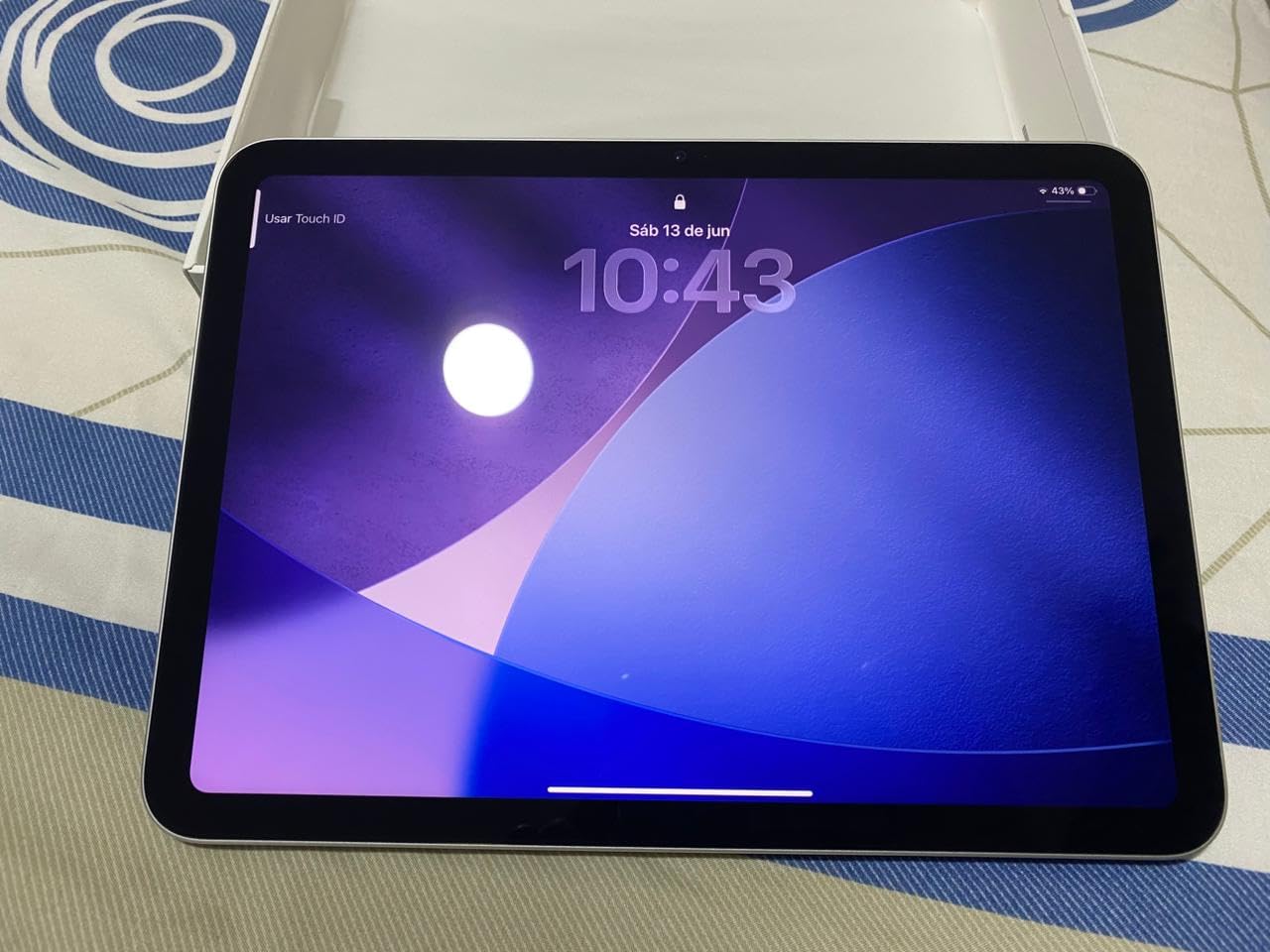
Those three again. Owners consistently point to speed, the screen, and battery life across a school day. The most repeated caveat among buyers is that the Pencil and the keyboard folio are extra purchases, which is a genuine cost issue if you have never written with a stylus before.
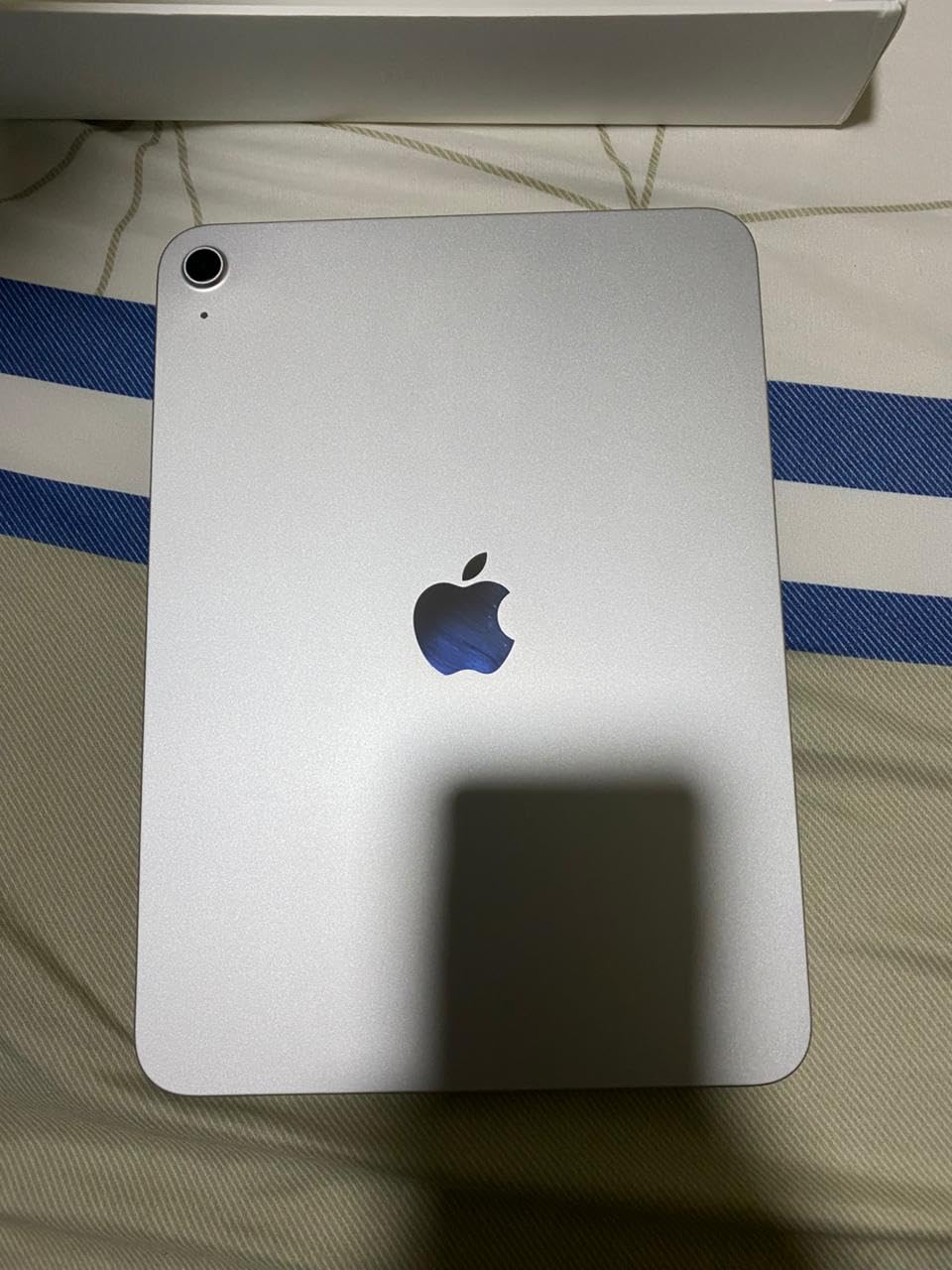
Storage starts at 128GB, and the A16 supports configurations up to 512GB. Cameras are 12MP front and rear, Wi-Fi 6 and USB-C cover the basics, and Touch ID gives you a fingerprint unlock that beats typing a passcode mid-lecture.
Why the iPad 11 works for handwriting every day
Two things set it apart: the app ecosystem and the refresh behaviour. GoodNotes and Notability carry strong reputations among note takers, and neither is locked to a subscription-gated tier for basic writing and PDF markup. The display also runs smoothly enough that fast cursive never feels like it is dragging.
For anyone moving from paper, the move is gentler than it looks. Scribble handles drawn shapes, text boxes and quick marks without forcing you to learn a whole new workflow, which is where most paper-to-digital conversions stall.
Where the iPad 11 is the wrong pick
If you write for hours in a dim room or your handwriting is fast and slanted, the glossy glass is the weak point. Reviewers report more eye fatigue on long cursive sessions than with a matte anti-glare panel, and there is no front light to warm the background the way e-ink devices do.
Budget matters too. The pen is not included, and the keyboard folio is a second purchase, so the outlay is higher than the tablet on its own. Adding a case takes it higher again.
2. Amazon Kindle Scribe (16GB) — Best for Reading and Notes in One Device
Amazon Kindle Scribe (16GB) – Your notes, documents and books, all in one place. With built-in AI notebook summarization. Includes Premium Pen – Tungsten
10.2-inch 300 ppi e-ink
Premium Pen included
16GB
No notifications
Pros
- Feels like pen on paper with the included Premium Pen
- AI tools convert messy handwriting into font and summarise pages
- Front-lit 300 ppi display reads comfortably in any light
- Distraction-free with no notifications or social apps
- Strong PDF import and markup workflow
Cons
- 10.2-inch canvas is smaller than most competing note tablets
- Monochrome only so no colour highlighting
- Search and some notebook features need a paid subscription
This is the device I recommend to people who want one tool for a library of textbooks and a notebook, with no distractions at all. The 10.2-inch front-lit 300 ppi e-ink screen is glare-free and evenly lit, and the included Premium Pen needs no charging, which removes an entire category of low-battery anxiety.
Writing on it feels like paper with a slight edge. The stroke has some resistance, the line weight responds to pressure, and the page does not shimmer. Because there are no apps and no notifications, a two-hour writing block stays a writing block.
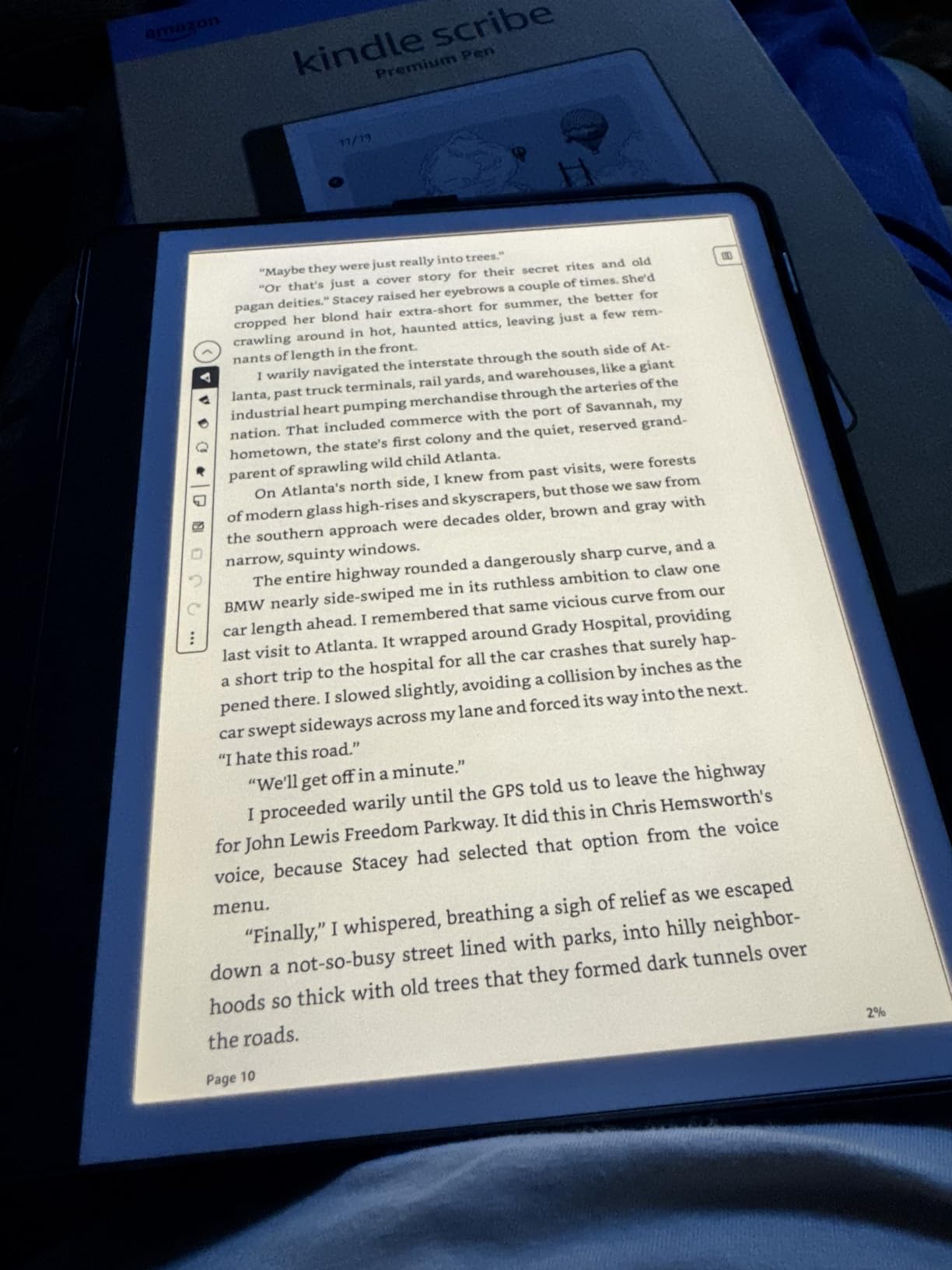
The built-in AI notebook tools are what stands out here. They convert handwriting into a clean typeface, summarise a page of notes and change tone, which turns a rough lecture capture into something you can revise before the class ends. Active Canvas lets you pin a note column beside a book page so both stay visible.
Send to Kindle handles the PDF workflow well. Import a document, mark it up, and push it back, which matters if your course material arrives as scanned PDFs rather than digital pages.
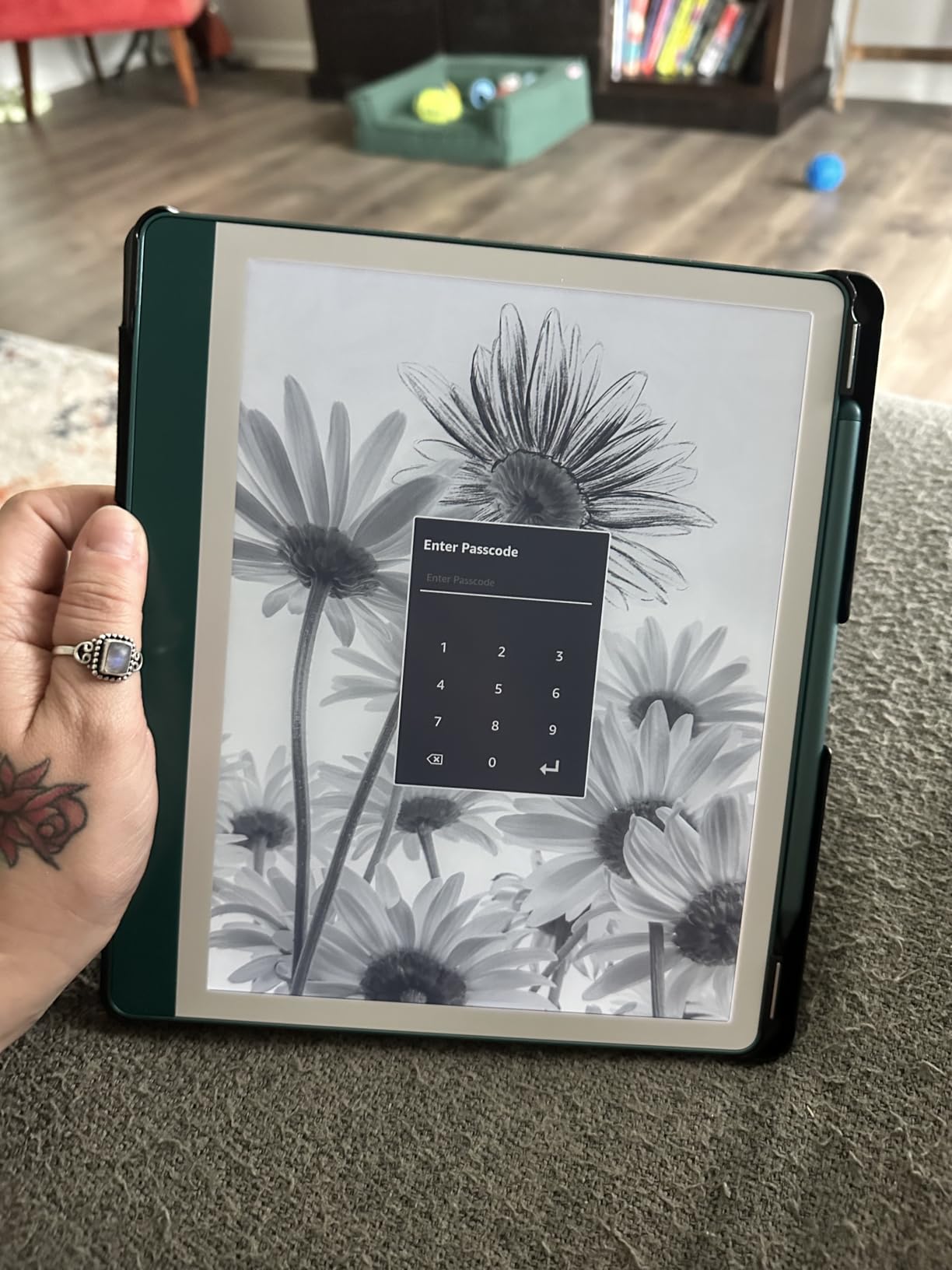
Why Kindle Scribe suits annotation-heavy study
If most of your note taking is actually markup on documents you already own, the Scribe is built for exactly that. Marking up a textbook page beside your own summary, with no colour choices to fuss over, is a calmer workflow than the alternative on a tablet full of apps.
The AI conversion is also noticeably better here than on most colour tablets. Owners rate the handwriting-to-font conversion highly, and the summarise tool turns a messy page into a short list you can revise later.
Where Kindle Scribe falls short
Colour highlighting is not available, so a colour-coded scheme is off the table. The 10.2-inch page is also smaller than the reMarkable Paper Pro canvas, which matters if you write large or sketch diagrams.
Buyers also flag that search and unlimited cloud storage sit behind a paid subscription. If you want your notes searchable across devices for years, factor that into the decision rather than discovering it later.
3. Samsung Galaxy Tab S10 Lite — Best Tablet for Note Taking for Students
Samsung Galaxy Tab S10 Lite, 6GB RAM, 128GB, 2TB Expand, 10.9” LCD, Gray
10.9-inch 90Hz LCD
S Pen included
128GB plus microSD
8000mAh
1.2 lb
Pros
- S Pen included and handles notes
- drawing and maths
- Light 1.2-pound body with slim bezels for long writing sessions
- Sharp 90Hz LCD at 2112 x 1320 with Vision Booster
- 8000mAh battery comfortably covers a full day
- 6GB RAM and microSD expansion keep notes organised
Cons
- Glossy LCD is less comfortable for long cursive than matte or e-ink panels
- Circle to Search and some AI tools need extra setup
- Samsung Care+ claim handling reported as frustrating
This is the pick I recommend to most students. The S Pen comes in the box, works for handwriting, drawing and maths, and never needs charging. That single decision removes the most common objection to tablets in this category, which is paying extra for a pen you then have to pair and charge.
The 10.9-inch 2112 x 1320 LCD running at 90Hz is smooth enough for quick handwriting, and Samsung Notes handles handwriting recognition well. Split screen is the strong feature here: owners run a PDF in Samsung Notes on one side and a reference app on the other without stuttering.
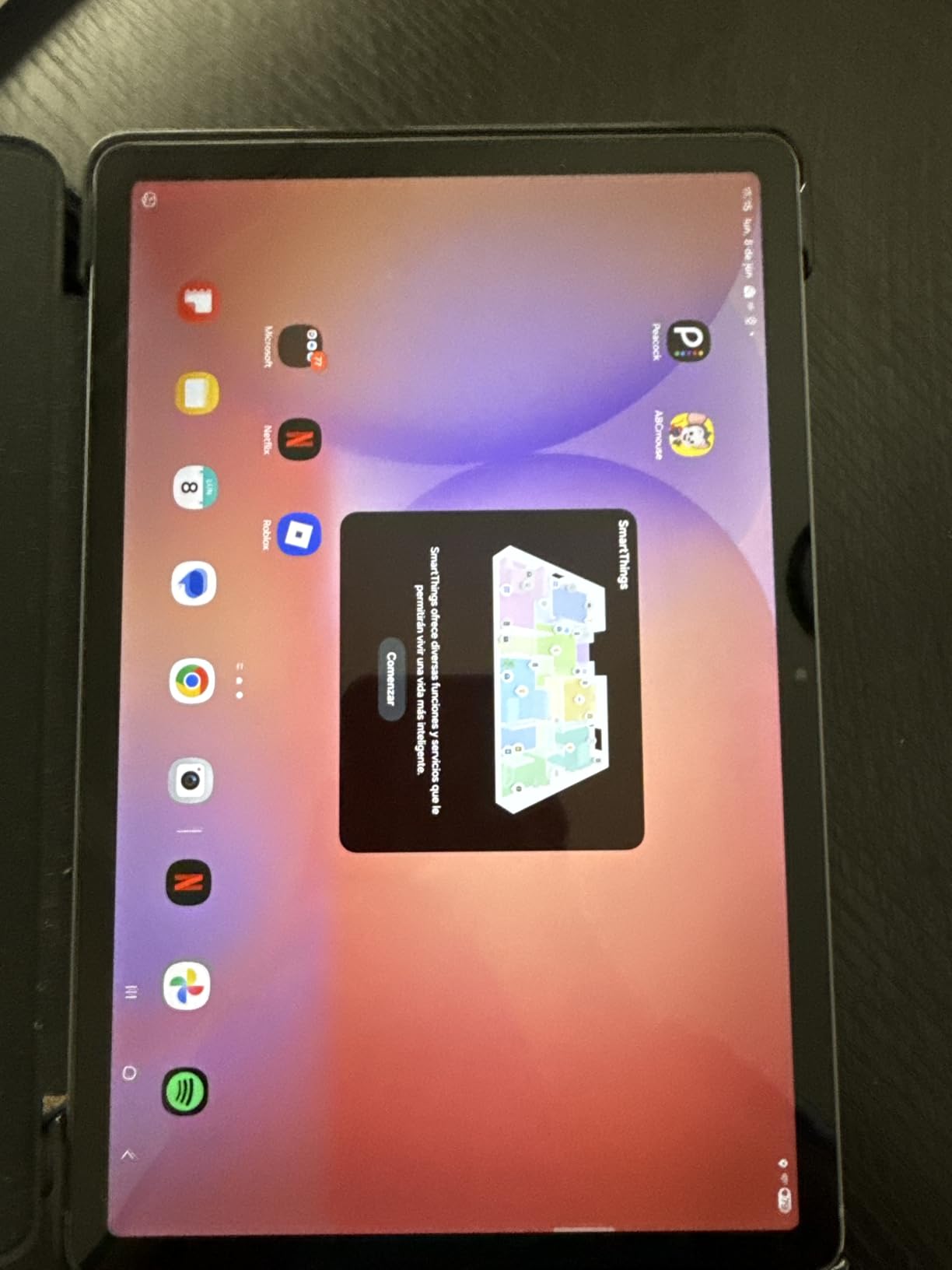
The Exynos 1380 with 6GB RAM handles multitasking without complaint, and 128GB with microSD expansion up to 2TB means you can keep years of lecture notes and PDFs on the device. Circle to Search is useful when a term appears in a lecture you did not catch.
Battery is a real strength. The 8000mAh cell runs up to 16 hours, which comfortably covers a full day of classes plus evening revision without a charger in the bag.
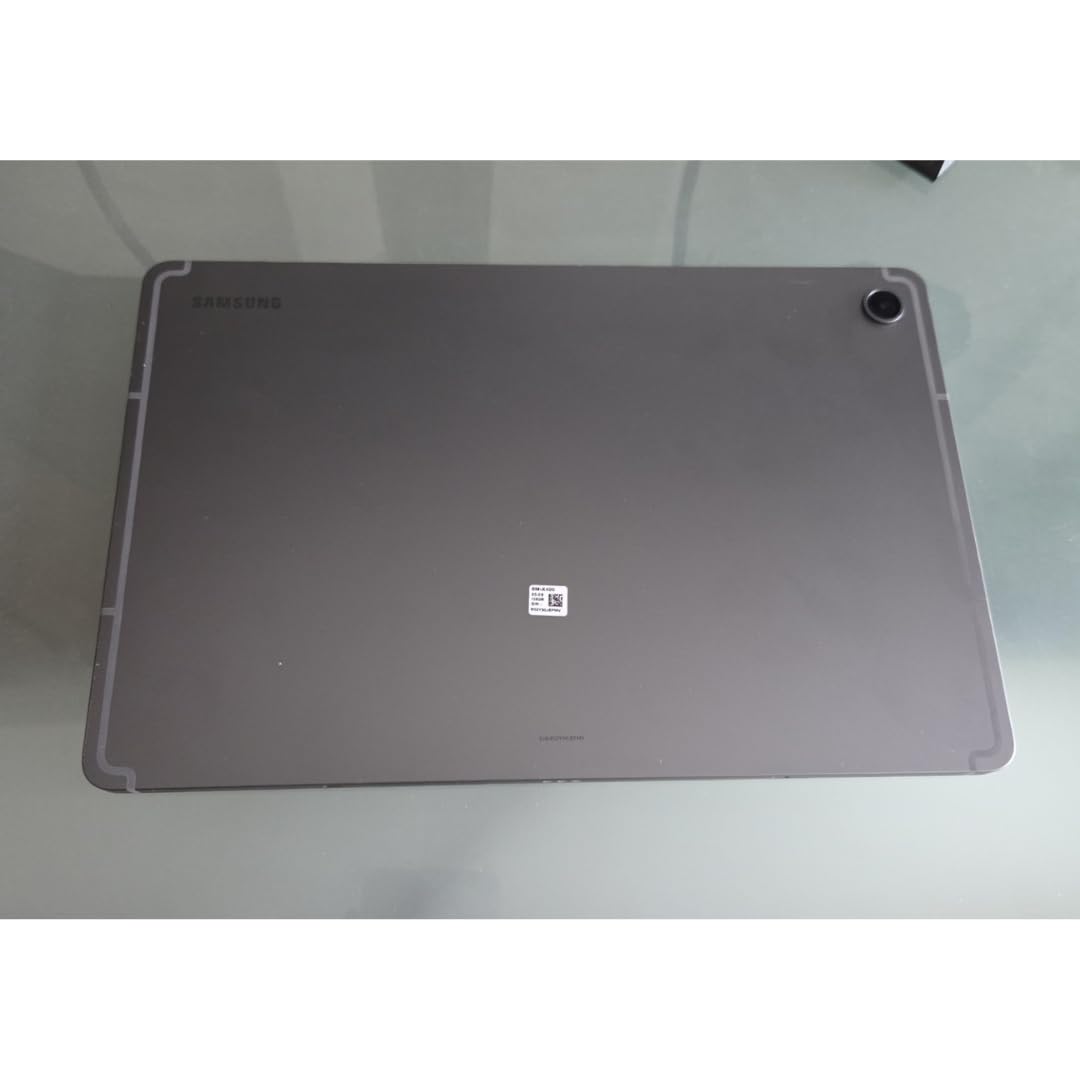
Why students keep coming back to the S10 Lite
It is the rare mid-size tablet where the stylus is not an upsell. Once you price a pen for a comparable Android tablet, the maths stops making sense, and the bundled S Pen is the reason so many owners mention handwriting as their main use.
The light 1.2-pound chassis also matters more than it sounds. A full day of holding the device in one hand is a different experience at 1.2 pounds than at 1.7 pounds, and reviewers single out the comfortable grip.
Where the Galaxy Tab S10 Lite is the wrong pick
The glossy LCD shows reflections under bright light and has less surface friction than a matte panel, so long cursive sessions are less comfortable. If you tend to write for hours in one sitting, a nano-etched screen suits you better.
Some AI features need extra setup before they are useful, and owners report frustrating Samsung Care+ claim handling. Both are minor compared with the included pen, but worth knowing.
4. Lenovo Idea Tab (11-inch) — Best Value Bundle for Note Taking
Lenovo Idea Tab – College Tablet – 11″ 2.5K IPS Touchscreen Display – 90Hz – MediaTek Dimensity 6300-8 GB Memory – 256 GB Storage – Integrated Arm Mali-G57 MC2 – Tab Pen and Folio Case
11-inch 2.5K IPS at 90Hz
Tab Pen and folio included
8GB and 256GB
7216mAh
Pros
- Tab Pen and folio case bundled in the box
- Sharp 2.5K 11-inch 90Hz IPS display with low blue light
- 8GB memory and 256GB handle study multitasking
- Quad Dolby Atmos speakers
- Up to 12 hours of battery with 20W charging
Cons
- Glossy LCD is not paper-like for extended handwriting
- 72% NTSC colour coverage is modest for the resolution
- No long-term Android update commitment stated
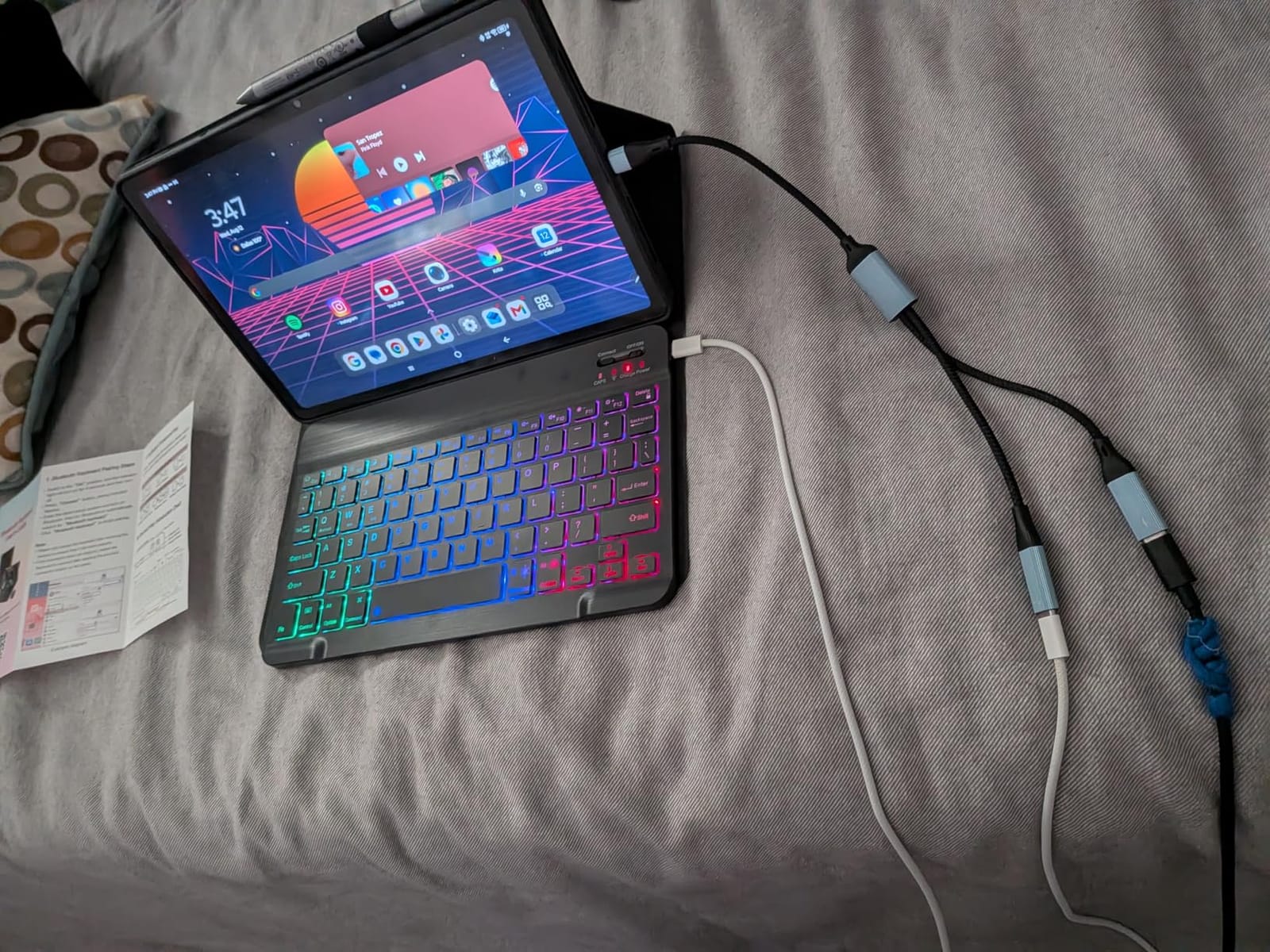
The Idea Tab is the value pick in this list because the box contains a Tab Pen and a folio case. Many rivals at this level include the pen but not the case, so the outlay after adding one lands somewhere else entirely.
The 11-inch 2.5K IPS panel at 2560 x 1600 and 90Hz is sharp, and the TUV Rheinland low blue light certification helps during long evening sessions. Handwriting with the Tab Pen tracks accurately at normal writing speed.
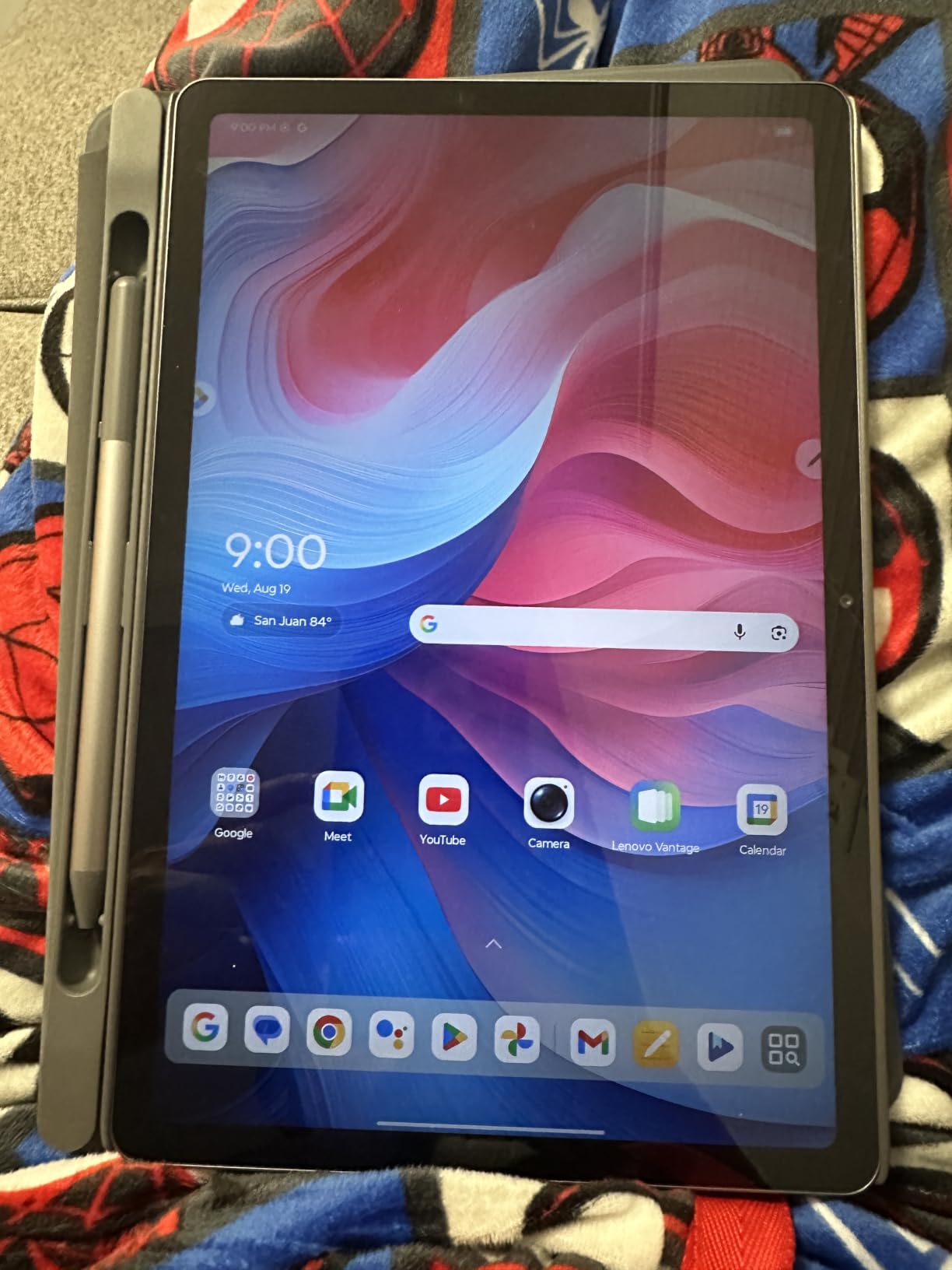
Inside there is a MediaTek Dimensity 6300 with 8GB of memory and 256GB of storage, which is more headroom than most students need. Lenovo bundles useful note software including Lenovo AI Note, Squid, Nebo and a MyScript Calculator, so you can start writing without a shopping trip.
Battery runs up to 12 hours on the 7216mAh cell, and the quad Dolby Atmos speakers make it a reasonable second device for media between writing sessions.
Why the Idea Tab is the smarter budget buy
Compare the bundles rather than the tablets. A comparable Android tablet that needs a separate stylus and a separate case ends up costing more than this package, and you still have to buy the pen. That single calculation is why this is the recommendation for a first note-taking tablet.
The 8GB of memory also matters for longevity. Four gigabyte tablets in this category start to feel slow when a PDF, a browser and a note app are all open at once, and this one has room to spare.
Where the Idea Tab is the wrong pick
The glossy LCD is not paper-like, which is the main complaint from owners who write for hours. The 72% NTSC colour coverage is also modest for a 2.5K panel, so it is not the tablet for colour work or detailed diagram reading.
There is no stated long-term Android update commitment, which matters if you plan to keep the device for four or five years of study. Check the current support window before committing.
5. reMarkable Paper Pro — Best Paper-Like Canvas for Handwriting
reMarkable Paper Pro with Marker Plus
11.8-inch color e-ink
Marker Plus with 6 spare tips
64GB
Two-week battery
Pros
- Genuine paper-like e-ink writing feel with real friction
- Large 11.8-inch color canvas suits documents and PDFs
- Low-glare screen is readable outdoors
- Adjustable reading light supports low-light work
- Battery lasts up to two weeks
Cons
- Color e-ink is muted and slow next to LCD or OLED
- Connect features like unlimited cloud storage need a subscription
- Single-purpose device with a premium price
This is the closest this list gets to writing on paper. The 11.8-inch Canvas Color e-ink screen produces genuine surface friction, so your hand gets feedback and fast cursive stays legible over a full page. No colour device here matches that feel.
The Marker Plus includes a built-in eraser on the reverse end, and the box carries six spare tips. Battery life of up to two weeks means it survives a week of meetings without being near a charger.
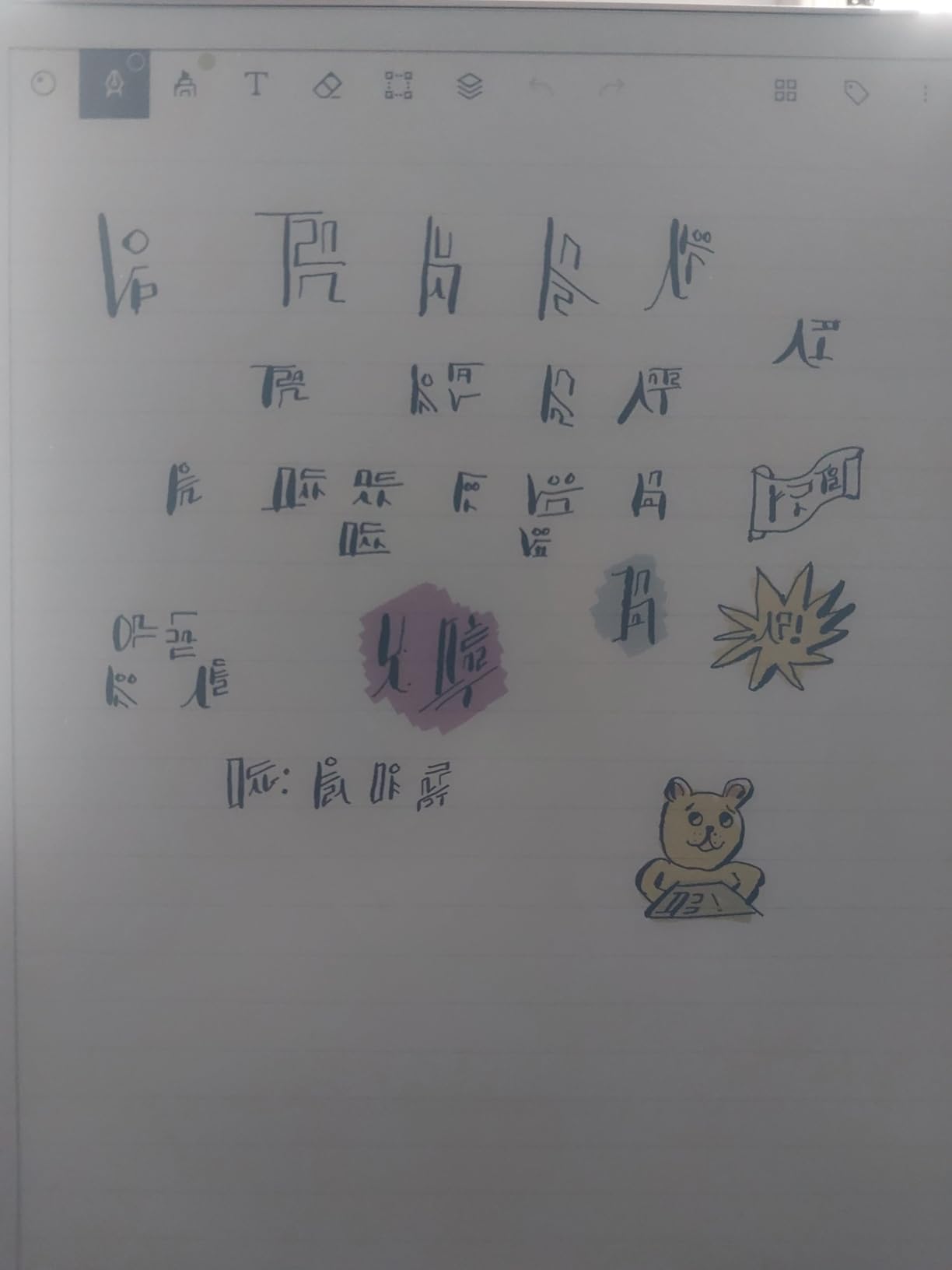
Software is deliberately narrow: notebooks, folders, tags, PDF markup and handwriting-to-text conversion. There is no browser, no messaging and no app store, which some buyers call limiting and most note takers call the entire point.
The adjustable reading light adds warmth in low light, and the low-glare display stays readable outdoors. Storage is 64GB, plenty for years of handwritten pages and tagged documents.
Why the Paper Pro wins on writing feel
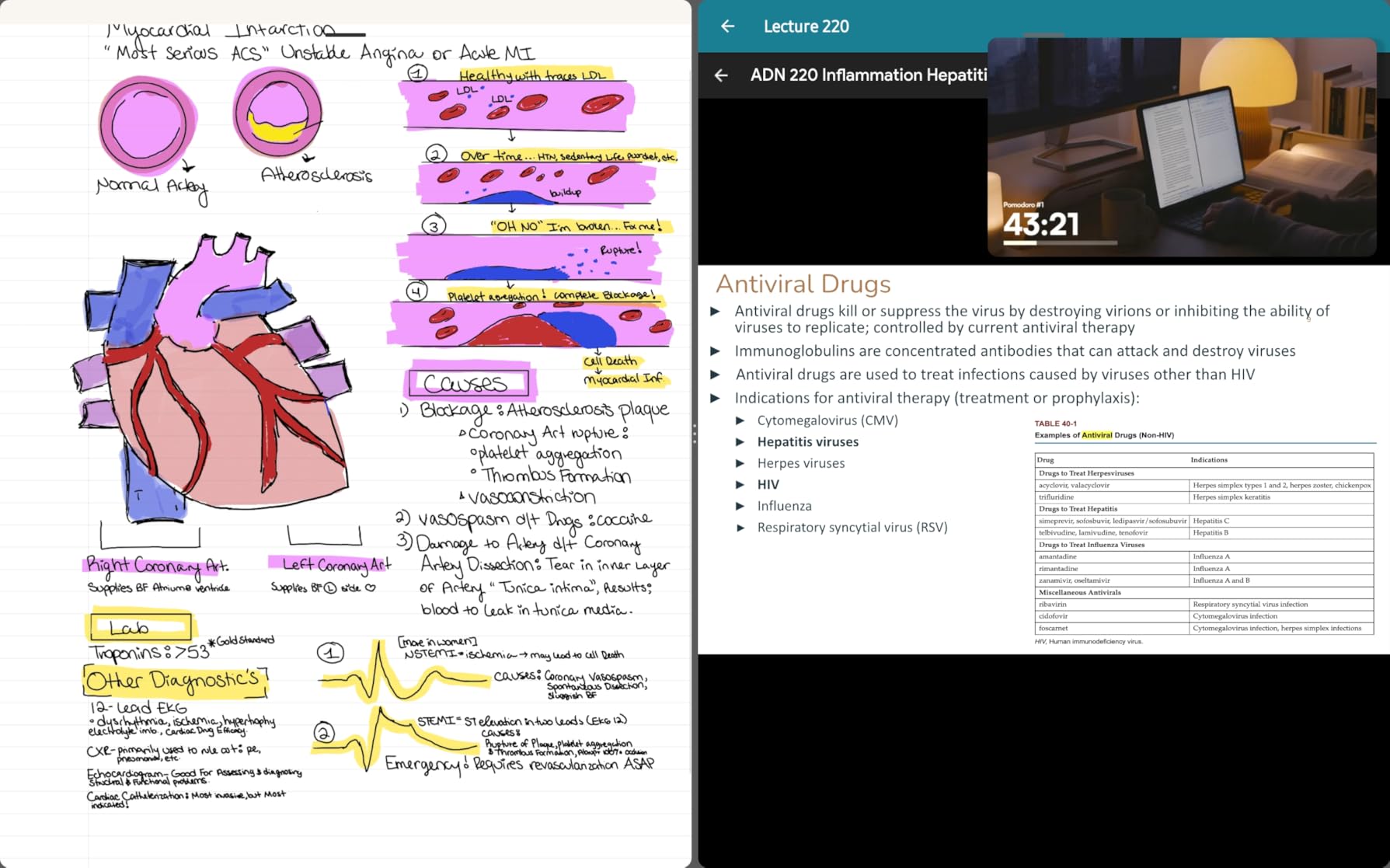
The gap between this and a glossy LCD is not subtle. On the Paper Pro, the pen catches slightly and you can feel where the nib is without looking down. On an LCD the line appears under a sheet of glass and your hand slides, which is exactly the feedback gap that makes some people abandon digital notes.
It also handles a full lecture day without a charger and without a case that adds bulk. For a device whose only job is writing, fewer distractions is a feature.
Where reMarkable Paper Pro is the wrong pick
Colour e-ink is muted compared with any LCD or OLED, and page refreshes are visibly slower. If your notes depend on colour coding, a diagram library or a colourful mind map, this is the wrong screen technology.
It is also a single-purpose device with a premium price and subscription-gated cloud features. Anyone who wants one tablet for writing, email, browsing and media will find the limits frustrating quickly.
6. Lenovo Tab M11 — Most Versatile for Everyday Handwritten Notes
Lenovo Tab M11, 11” Display, MediaTek Helio G88 Octa-Core, 4GB RAM, 64GB SSD, 1920×1200 px, Ambient Light-Sensor, 10 Hour Battery, Comes w/Pen, Luna Grey
11-inch 90Hz LCD
Stylus included
64GB plus microSD
7040mAh
1 lb
Pros
- Active stylus pen included in the box
- Light 1-pound body at 0.28 inches is easy to hold
- Ambient light sensor adjusts the display automatically
- Owners report a full 10-hour workday on one charge
- 3.5mm audio jack alongside USB-C
Cons
- Helio G88 with 4GB RAM is slow when multitasking
- 1920 x 1200 glossy LCD is lower resolution than newer rivals
- Considerable pre-installed bloatware
- 64GB storage is minimal even with the microSD slot
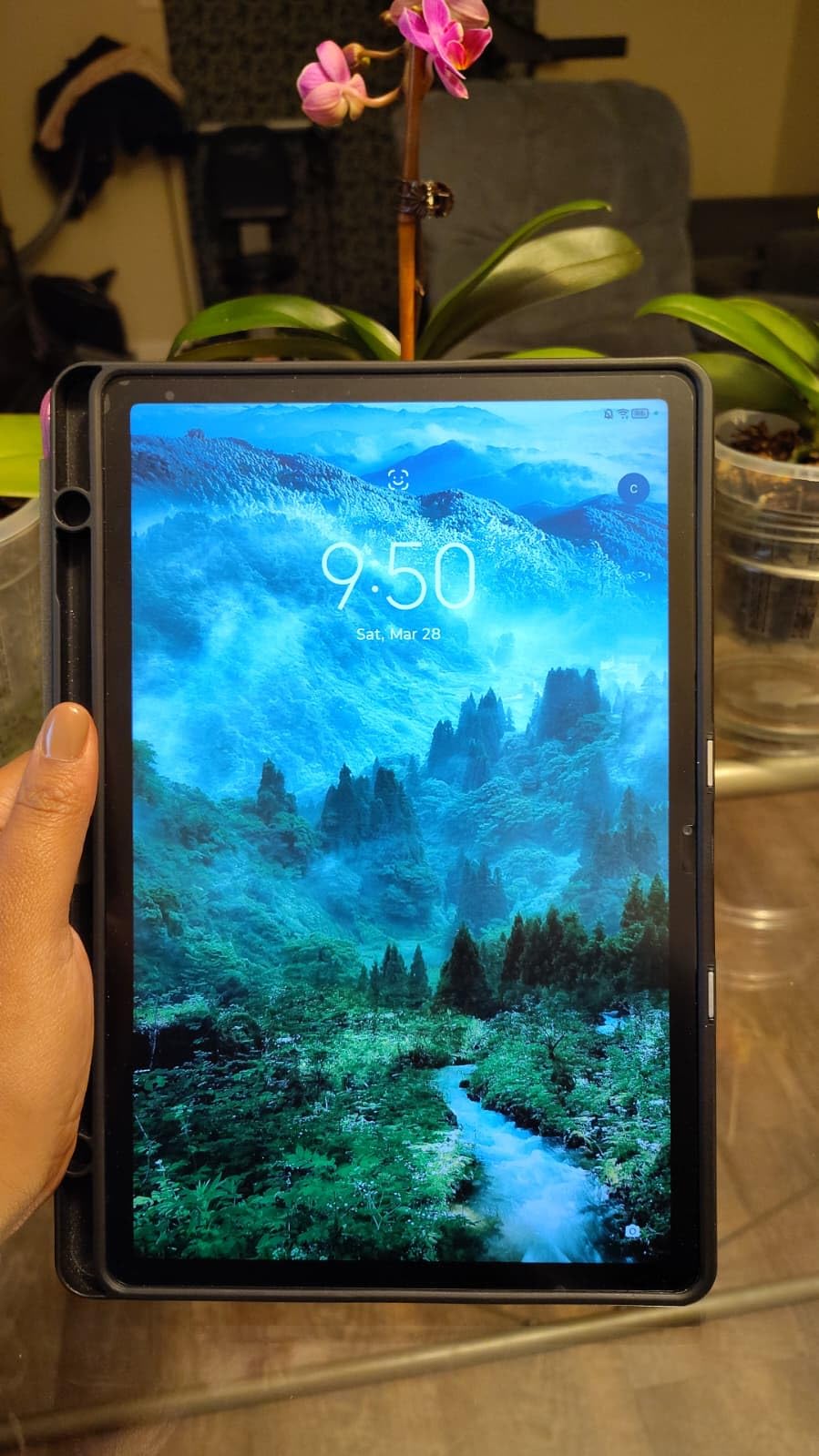
At one pound and 0.28 inches thick, the Tab M11 is one of the lightest writing tablets here, and the included stylus makes it a genuine entry point. For casual journalling, meeting notes or a first digital notebook, the basics all work.
The 11-inch WUXGA LCD runs at 90Hz with an ambient light sensor, so the screen adjusts as you move between a bright window and a dim room. That sensor is a small feature that makes a noticeable difference over a long session.
Storage is 64GB with a microSD slot, and the 7040mAh battery is quoted at up to 10 hours. Several owners report getting through a full working day on one charge, and the 3.5mm audio jack is a rarity at this size.
Front and rear cameras at 13MP handle a quick photo of a whiteboard, which is a practical way to capture what you did not write down in time.
Why the Tab M11 still makes sense
Two hours of handwriting a day does not need a fast processor, and this is one of the least expensive routes to a pen-in-the-box setup with a large 11-inch page. The weight is the quiet advantage: at one pound it is among the most comfortable to hold for a long journal or meeting block.
It is also a good travel note device. The battery figure, the headphone jack and the low weight cover most of what a commuting student needs.
Where the Tab M11 is the wrong pick
The Helio G88 with 4GB RAM is the weak point. Owners report lag when splitting the screen between a browser and a note app, and drawing lags with it. Fast cursive with several apps open will feel the difference.
The 1920 x 1200 glossy panel is lower resolution than newer rivals, there is a good amount of pre-installed bloatware to remove, and 64GB is tight for archiving years of notes alongside PDFs.
7. Amazon Kindle Scribe Colorsoft (64GB) — Best for Colour E-Ink Notes
Amazon Kindle Scribe Colorsoft 64GB (newest model) — 11” paper-like color display — Write in notebooks, docs, and books. Read in any light. Pen included – Graphite
11-inch Colorsoft e-ink
Included pen with eraser
64GB
5.4mm thin at 400g
Pros
- Colorsoft display delivers paper-like colour without flashing
- Textured surface feels like pen on paper
- Included pen never charges and has a built-in eraser
- AI tools summarise notes and tidy up handwriting
- 5.4mm thin and 400g is easy to carry and hold
Cons
- Colour e-ink refreshes slowly and colours stay muted
- Front light is weaker than a backlit display in dark rooms
- Some notebook features need a paid subscription
- Premium price for an e-ink device
If your note system depends on colour but you still want paper feel, this is the compromise worth looking at. The 11-inch Colorsoft panel shows colour without the flashing you get from other e-ink refresh cycles, and the textured surface adds real friction under the pen.
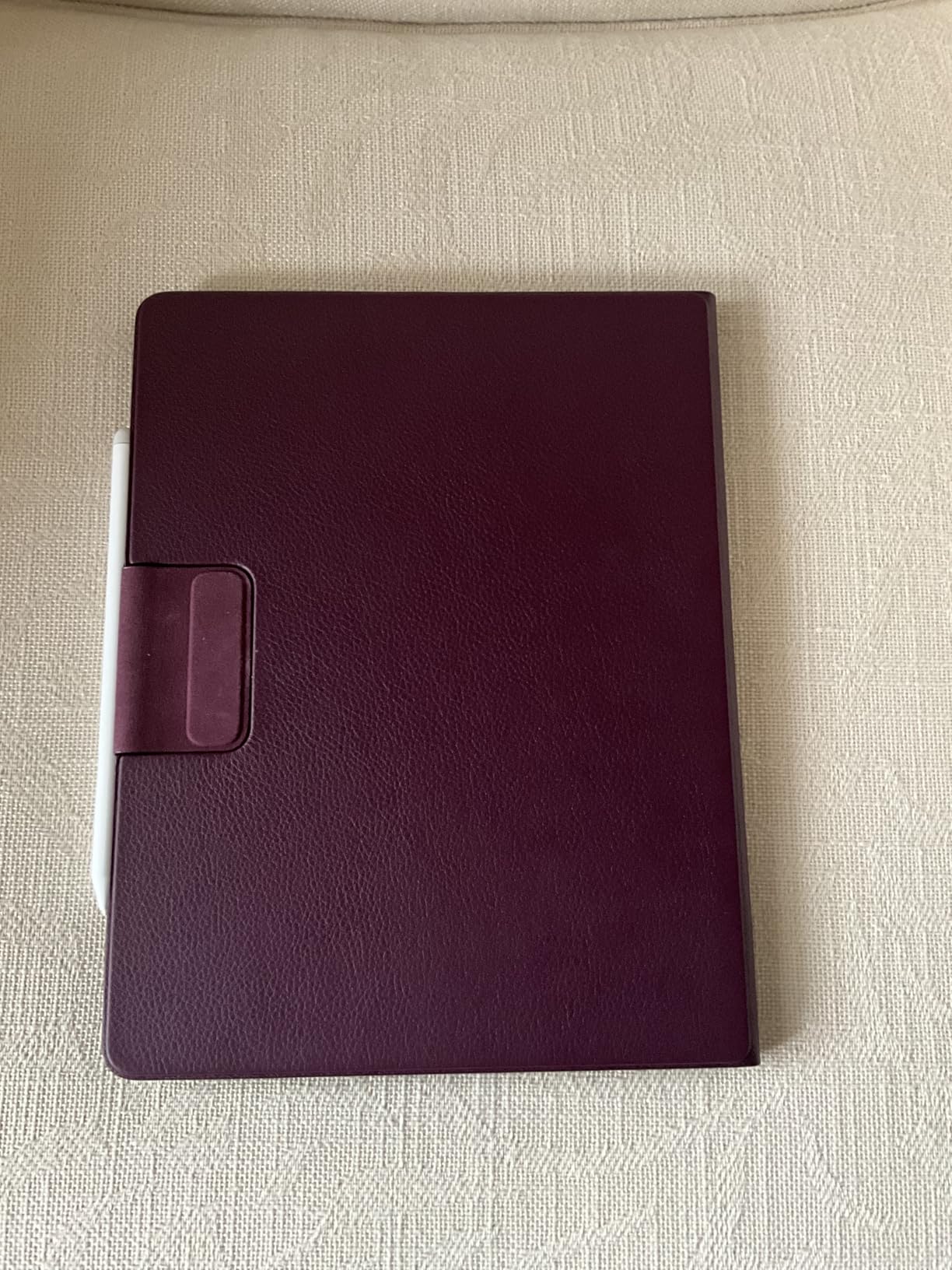
The included Kindle Scribe Pen has a built-in eraser and a highlighter shortcut, and it never needs charging. At 5.4mm thin and 400g it is comfortable to hold one-handed for a full meeting.
The AI notebook goes further than on the earlier Scribe: it summarises, answers questions about your notes and cleans up handwriting. Google Drive, OneDrive and OneNote integration means existing note archives move across.
Active Canvas lets you write in the margin of a book page rather than on a blank screen, which is the feature many readers notice early. Battery runs for weeks between charges.
Why the Colorsoft Scribe handles colour notes
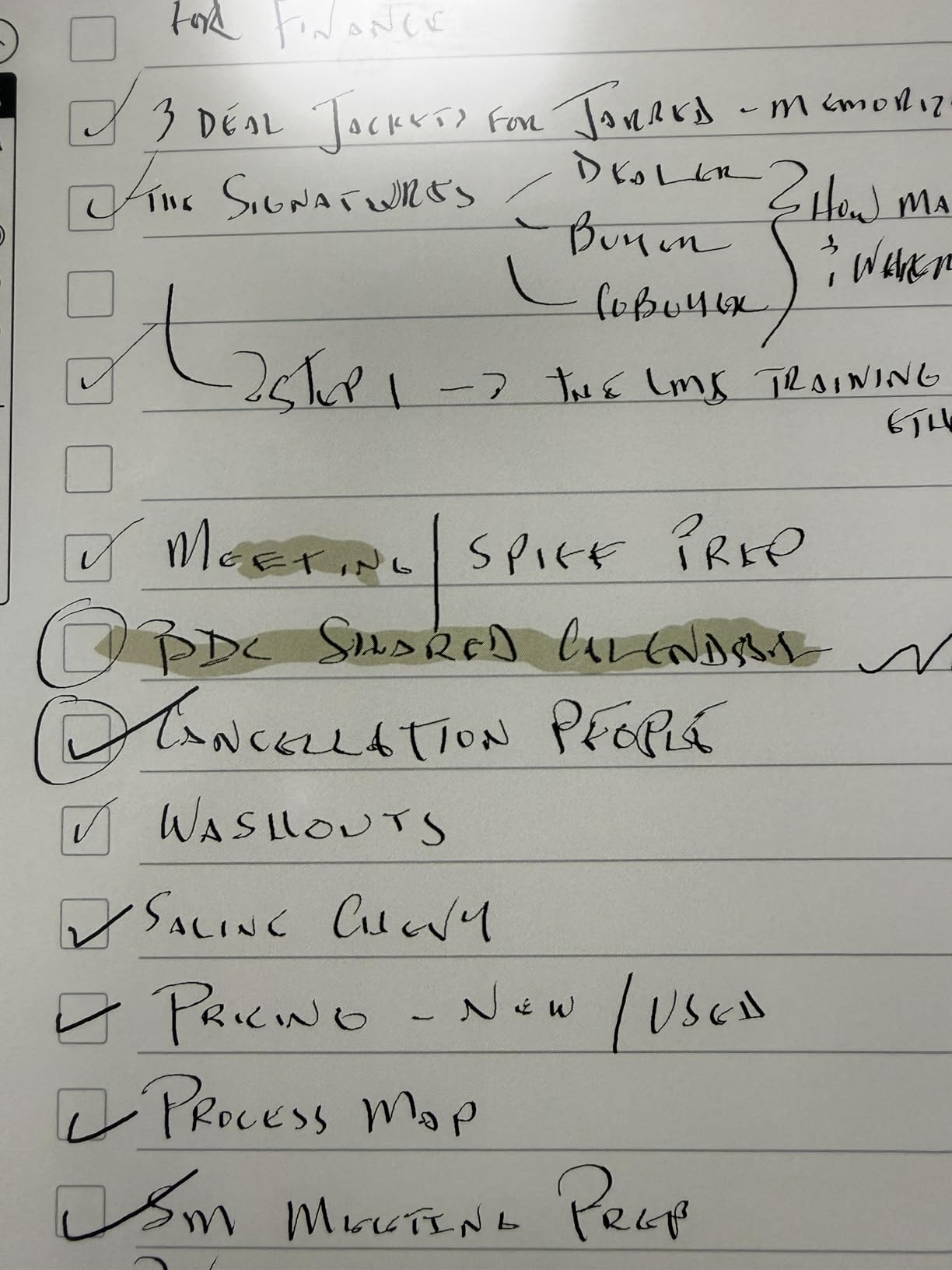
Colour on e-ink is normally a compromise: washed-out hues and slow page turns. The Colorsoft display softens both problems, so highlighter strokes register visibly and remain readable. For a colour-coded study system that still wants pen-on-paper texture, there is little else in this list that does it.
The 11-inch page also fits a full document page plus your own notes, which the smaller monochrome Scribe cannot manage as comfortably.
Where the Colorsoft Scribe is the wrong pick
Refresh speed remains slow, so scrolling through long documents and editing existing pages is not fluid. If you need a tablet that feels responsive when you move existing handwriting around, a colour LCD is faster.
The front light is weaker than a backlit panel in a dark room, some features sit behind a subscription, and the price puts it in premium territory for an e-ink device.
8. TCL NXTPAPER 14 — Biggest Writing Surface for Diagrams and Sheets
TCL NXTPAPER 14 Android Tablet, 14.3″ 2.4K Paper-Like Display, 8+256GB
14.3-inch 2.4K NXTPAPER display
T-PEN with 4096 levels
10000mAh
10GB and 256GB
Pros
- Very large 14.3-inch 2.4K canvas fits two pages side by side
- Paper-like display with anti-glare coating and DC dimming
- Three display modes via the NXTPAPER Key
- 10000mAh battery with 33W fast charging
- T-PEN stylus and adjustable flip case included
Cons
- T-PEN shows noticeable lag compared with the Samsung S Pen
- No microSD slot so storage is fixed at 256GB
- Wall charger not included
- Very few third-party case options
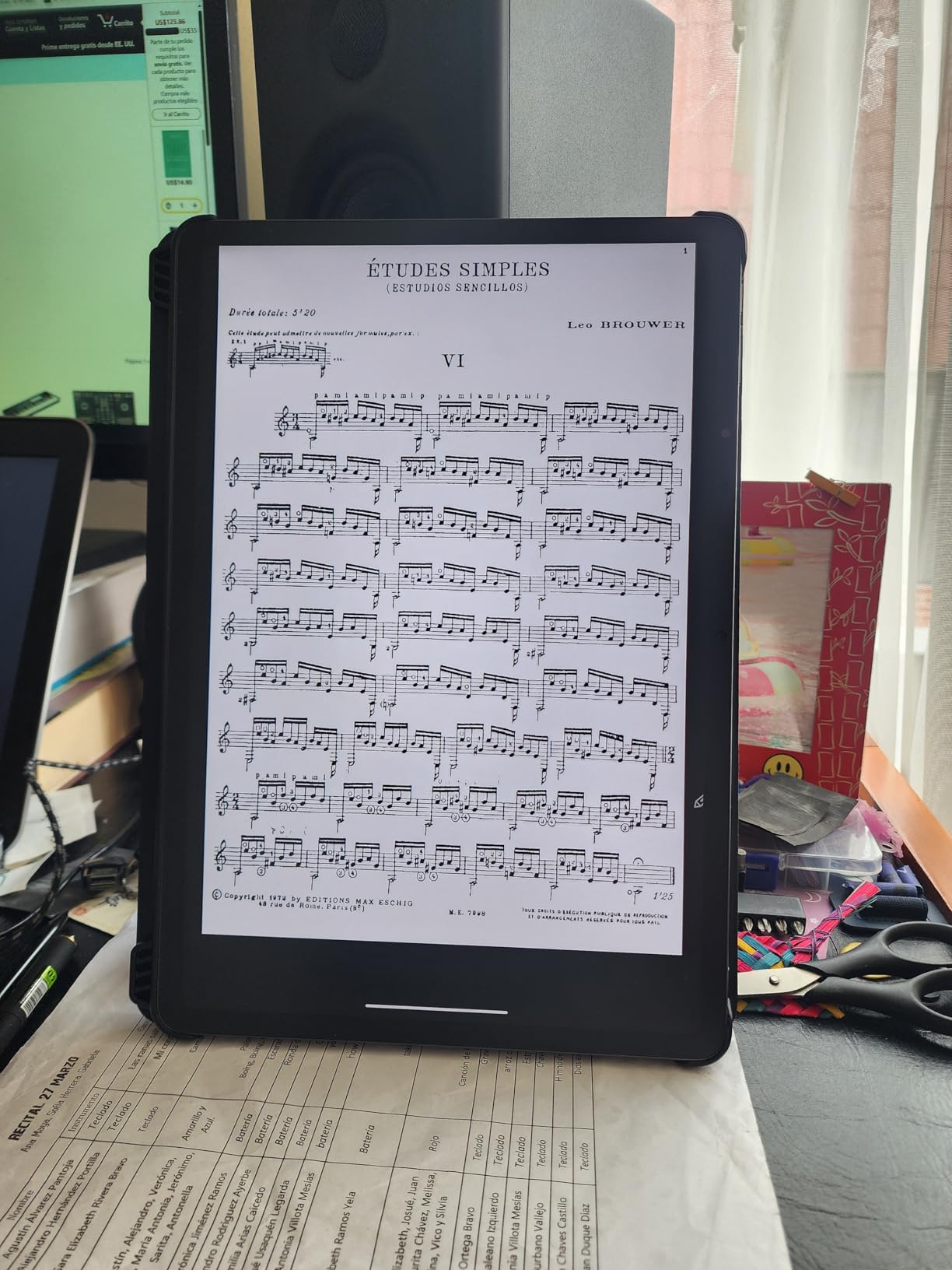
This is the largest writing surface in the list, and it changes what you can do on one page. The 14.3-inch 2.4K display fits two document pages side by side with room for margin notes, which is why owners use it for sheet music, diagrams and long-form study material.
The NXTPAPER 3.0 panel has an anti-glare coating, low blue light filtering and DC dimming, so it stays readable outdoors and comfortable at night. A dedicated NXTPAPER Key switches between display modes with one press.
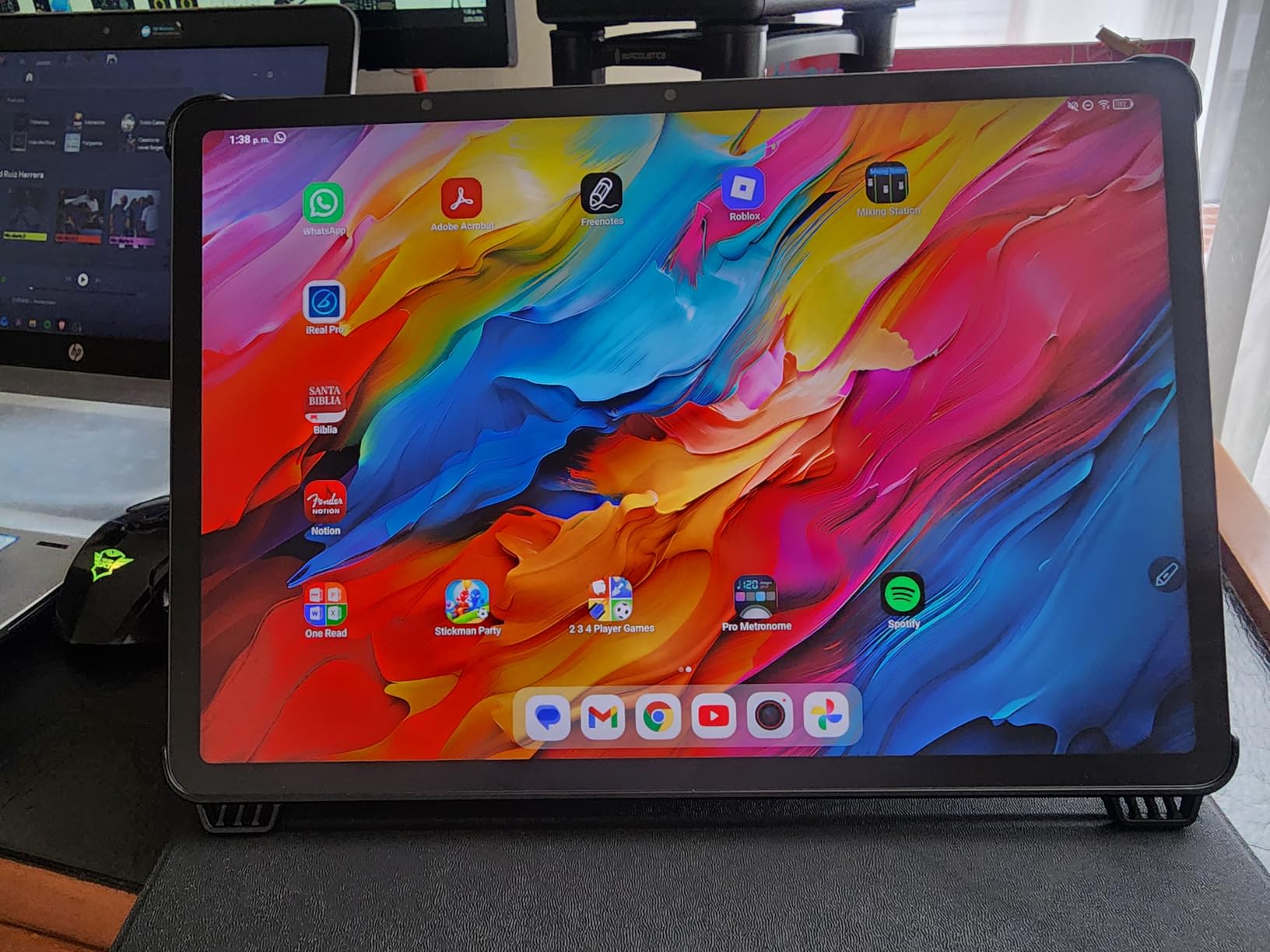
The T-PEN stylus registers 4096 pressure levels and arrives alongside an adjustable flip case. MediaTek Helio G99 with 8GB plus 8GB of expandable RAM handles split screen and floating windows, which matter on a screen this size.
The 10,000mAh battery with 33W fast charging and reverse charging means the device can top up a phone, which is genuinely useful on a long study day away from a socket.
Why the NXTPAPER 14 suits specific work
Two pages plus your own annotations on one screen removes the constant page-turning that makes e-ink note devices tiring. For architecture sketches, engineering diagrams or music, that headroom is not a luxury, it is the reason to buy this size.
Split screen, floating windows and screen mirroring are all supported, so it works as a second monitor while a laptop does the heavy processing. Storage is a fixed 256GB with no microSD.
Where the NXTPAPER 14 is the wrong pick
The T-PEN shows noticeable lag compared with the Samsung S Pen, and reviewers report rare boot loops. If you write fast cursive and need the line to keep up perfectly, this is not the device.
It is also heavy at 1.67 pounds and only 0.27 inches thin, so it reads more like a small display than a notebook. No wall charger is included and third-party cases are scarce.
9. TCL NXTPAPER 11 Gen 2 — Best Anti-Glare Value for Note Taking
TCL NXTPAPER 11 Gen 2 Android Tablet, 11″ Dispaly, 6+64GB
11-inch 2K NXTPAPER 4.0
T-PEN and flip cover included
8000mAh
6GB and 64GB
Pros
- True matte anti-reflective display with no harsh reflections
- T-PEN with 4096 pressure levels and flip cover included
- Three display modes for reading
- comics and drawing
- 8000mAh lasts a typical full day
- Light 1.1-pound aluminium body at 0.29 inches
Cons
- Limited Android update commitment
- Speakers are just adequate with no headphone jack
- Pen can slip out of the included case holder
- Full-featured stylus apps are often paid
This is an affordable route to a true matte, paper-like colour screen, and for most note takers that single feature matters more than any chipset. The NXTPAPER 4.0 coating removes reflections almost entirely, which is what makes long writing sessions comfortable next to a window.
The T-PEN has 4096 pressure levels and arrives with a flip cover, so both the pen and the protection are included. Three display modes cover regular reading, an ink-paper look and a full colour mode for comics and diagrams.
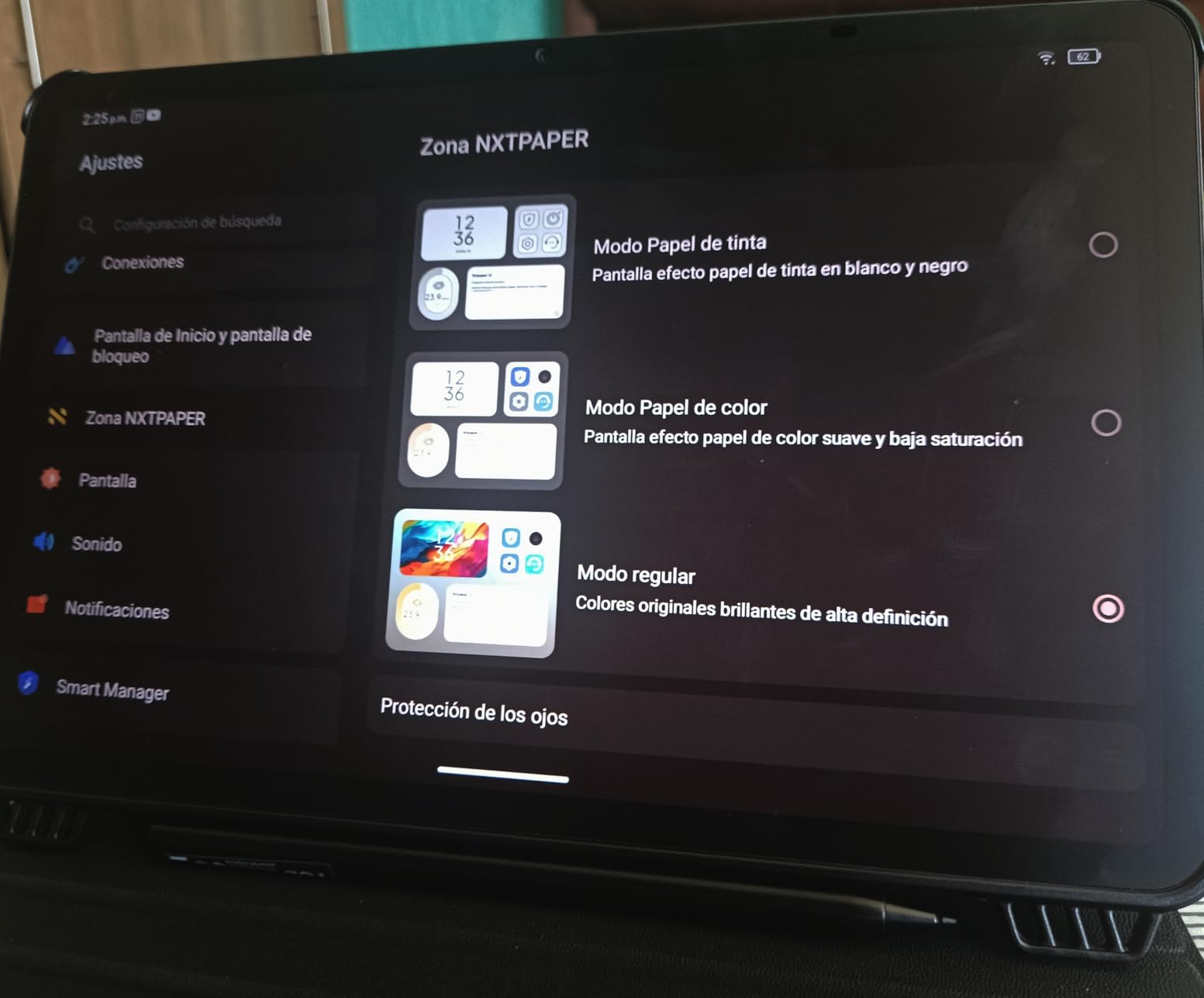
Inside there is a MediaTek Helio G80 with 6GB plus 6GB of virtual RAM, 64GB expandable to 1TB, and an 8000mAh battery with 18W charging and reverse charging. AI tools cover voice memos, subtitles, writing assist and translation.
At 1.1 pounds and 0.29 inches it is light enough for one-handed portrait writing, which is the position most people adopt for journalling.
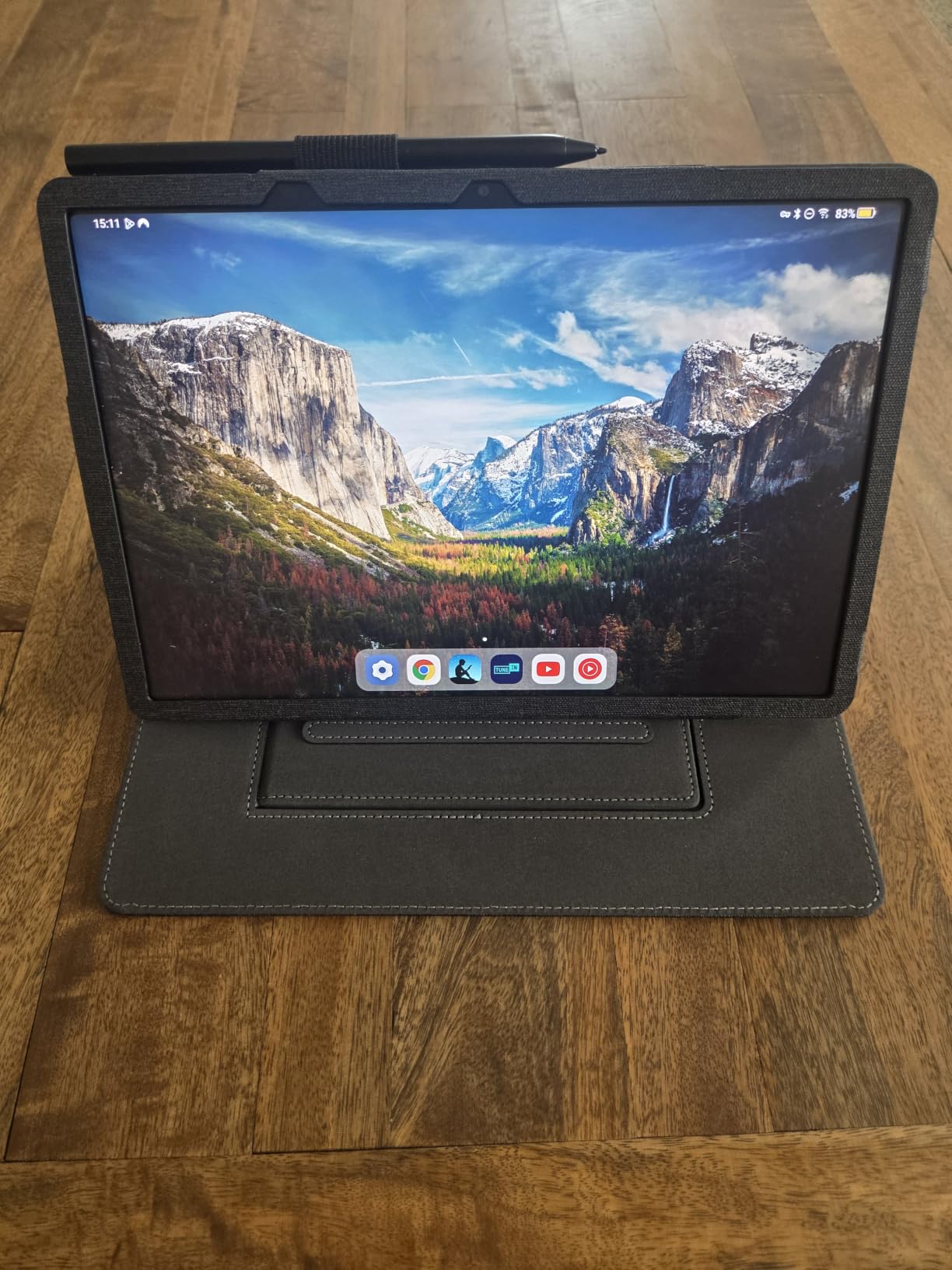
Why the anti-glare coating is worth paying for
Reflections are the reason many people abandon writing on a tablet. A glossy screen mirrors a window across the page and forces you to tilt the device; a matte screen removes that problem entirely. This is the clearest example of that difference in the whole lineup.
The Eye Care Assistant adds brightness and break reminders, and the flicker-free panel helps during long evening sessions. For a reader who also writes, it does both jobs well.
Where the NXTPAPER 11 Gen 2 is the wrong pick
Software support is the limitation. There is a limited Android update commitment and a patch level that trails the newest devices, which matters if you want the tablet for a full degree rather than one term.
Speakers are just adequate and there is no headphone jack, the pen can slip from the case holder, and the more capable stylus apps are paid extras. It is a writing tablet, not a media machine.
10. reMarkable Paper Pure — Lightest E-Note Device for Commutes and Meetings
reMarkable Paper Pure with Marker Plus and Ocean Blue Sleeve Folio
10.3-inch e-ink
21 ms ink response
360g
Marker Plus included
Pros
- Third-generation 10.3-inch e-ink with 21 ms ink response
- Real surface friction keeps handwriting legible in long sessions
- Very light at 360g for commutes and meetings
- No notifications or apps for genuinely distraction-free study
- Notes are searchable and convert to text with off-device sync
Cons
- No front or back light so it cannot be used in the dark
- Monochrome only and highlight colours render flat gray
- Search and unlimited cloud storage need a paid Connect subscription
- Sleeve is envelope-style rather than a protective case
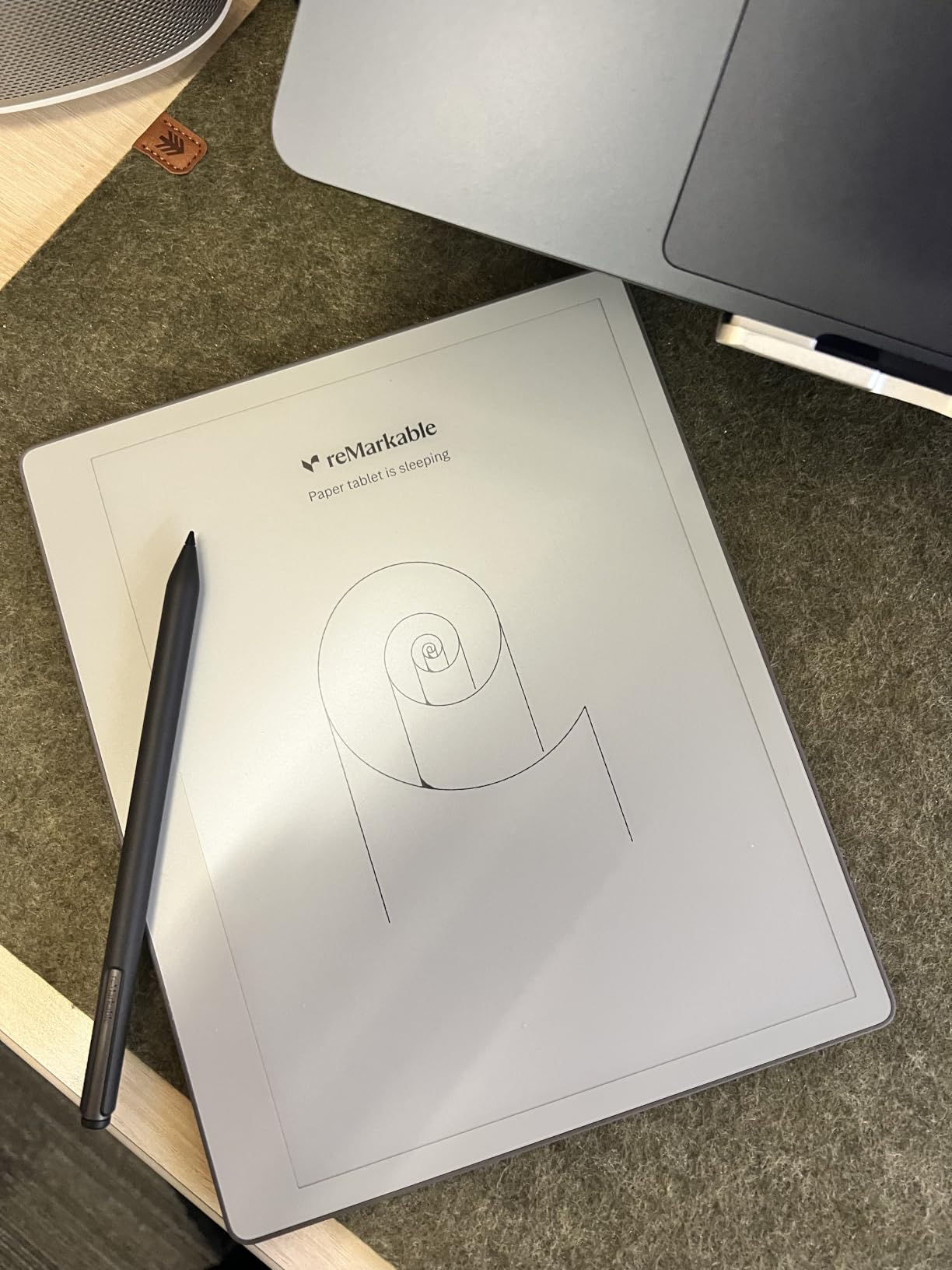
At 360g this is the lightest device in the list, and for anyone who writes in a meeting room, on a train or standing up, that weight difference is the whole story. The third-generation 10.3-inch e-ink is whiter with more contrast than earlier models, and ink appears in 21 ms.
The writing surface has real friction, so fast cursive stays readable over a long page. The Marker Plus doubles as an eraser when you flip it, and the box includes an Ocean Blue sleeve folio.
Dozens of note-taking templates cover meeting agendas, daily planners and journalling, and notes are searchable, sync off device and convert to text. Plugins for Google Drive, Dropbox, Word and PDF sending cover most document workflows.
Battery runs a week or more per charge, which pairs well with the weight in a bag that you do not need to charge overnight.
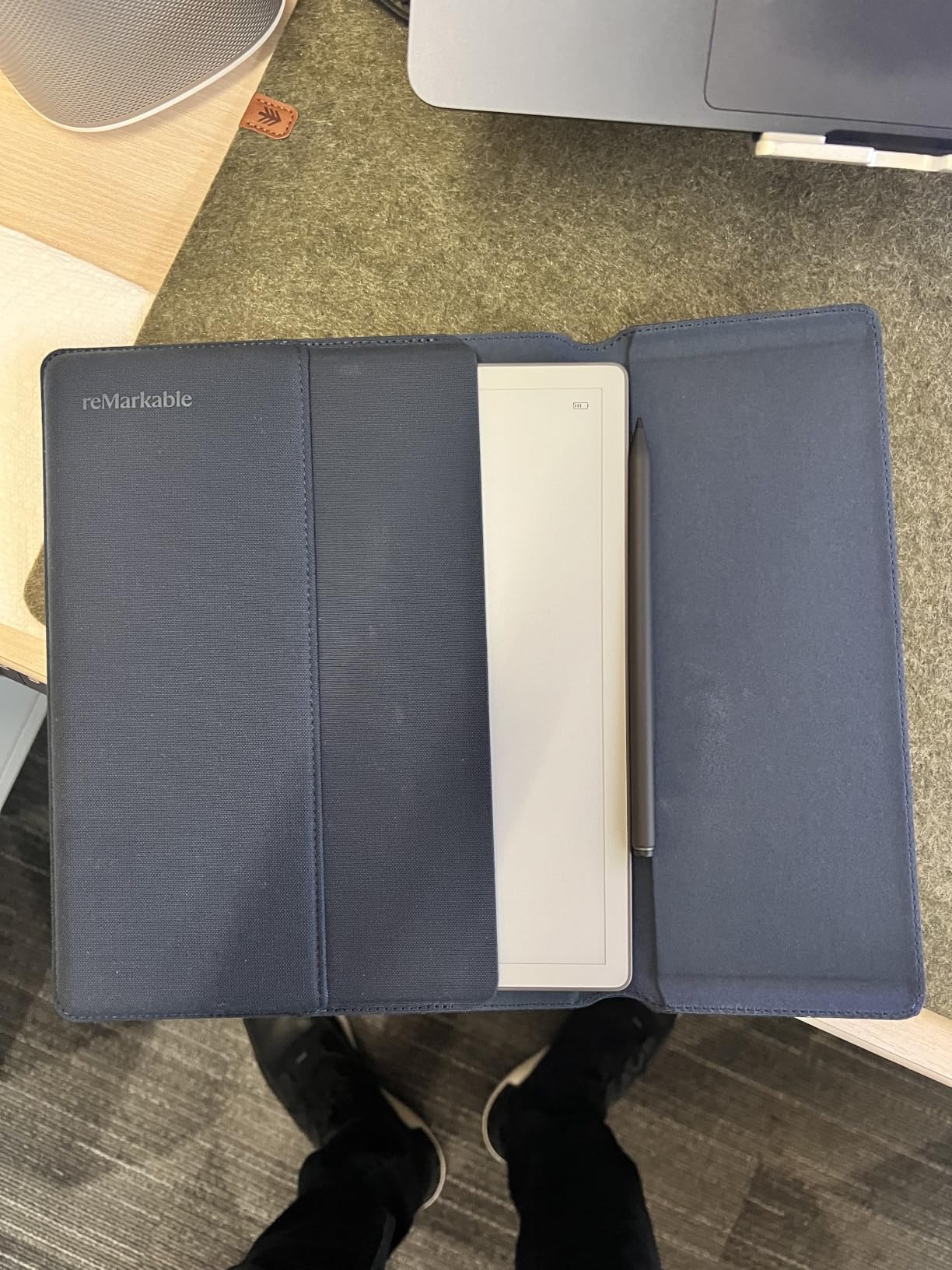
Why the Paper Pure disappears in a bag
The combination of 360g, week-long battery and no apps means it gets used. Owners report it replacing paper notebooks for meeting notes, journalling and study, because there is nothing on the device to distract from the page.
For focus users this is deliberate rather than a compromise. No notifications, no mail client, no browser means the device does one job, and search plus templates handle retrieval when you need it.
Where the Paper Pure is the wrong pick
There is no front or back light, so it cannot be used in the dark at all. That rules it out for evening writing sessions and for anyone who regularly writes after sunset.
The display is monochrome, so highlight colours render as flat gray, and search plus unlimited cloud storage need a paid Connect subscription. Some buyers also hit certificate-based corporate Wi-Fi that it will not join.
11. XP-Pen Magic Note Pad — Best for Pressure Detail and Sunlight
XPPen 3 in 1 Color Digital Notebook 10.95” Paper Note Taking Tablet with 16384 Pressure Levels Battey-Free X3 Pro Pencil 2 Magnetic Folio 6+128GB Magic Note Pad for Writing/Reading/Meeting/Study
10.95-inch nano-etched LCD
16384 pressure levels
X3 Pro Pencil 2
300g
Pros
- Nano-etched display cuts up to 95% of ambient light and reads in sunlight
- X3 Pro Pencil 2 has 16384 pressure levels and needs no charging
- 90Hz with no page-turn lag or ghosting
- Light 300g 7mm body is comfortable handheld
- X-key switches display colour modes instantly
Cons
- An LCD rather than e-ink so it needs regular charging
- Narrow viewing angles from the etched glass
- Dimmer than typical LCDs at the listed 400 nits
- Handwriting-to-text produced incorrect results for some users
This is the device for anyone whose notes depend on line weight changing. The X3 Pro Pencil 2 registers 16,384 pressure levels, the highest figure in this list, and it never needs charging. Shading and thick-to-thin strokes all respond to how hard you press.
The 10.95-inch AG nano-etched LCD cuts a large share of ambient light and stays readable in direct sunlight. At 90Hz there is no page-turn lag or ghosting while you write.
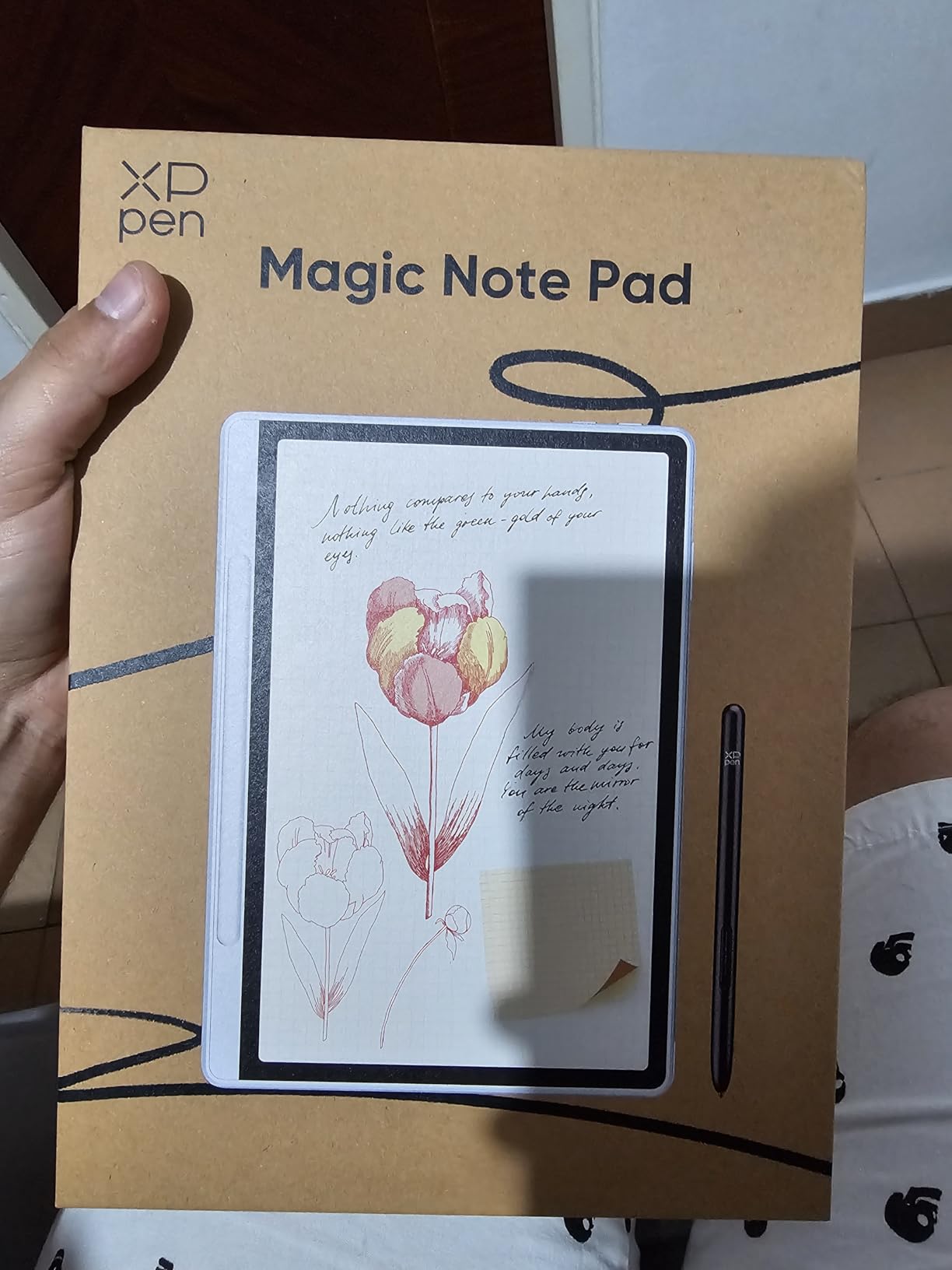
XPPen Notes covers handwriting-to-text, PDF import and editing, audio recording and an AI assistant, with MyScript Notes and MyScript Math available after a system update. The audio recording is what makes it useful for lecture capture on a budget.
At 300g and 7mm thin it is one of the easier devices here to hold one-handed, and the magnetic folio is included with it.
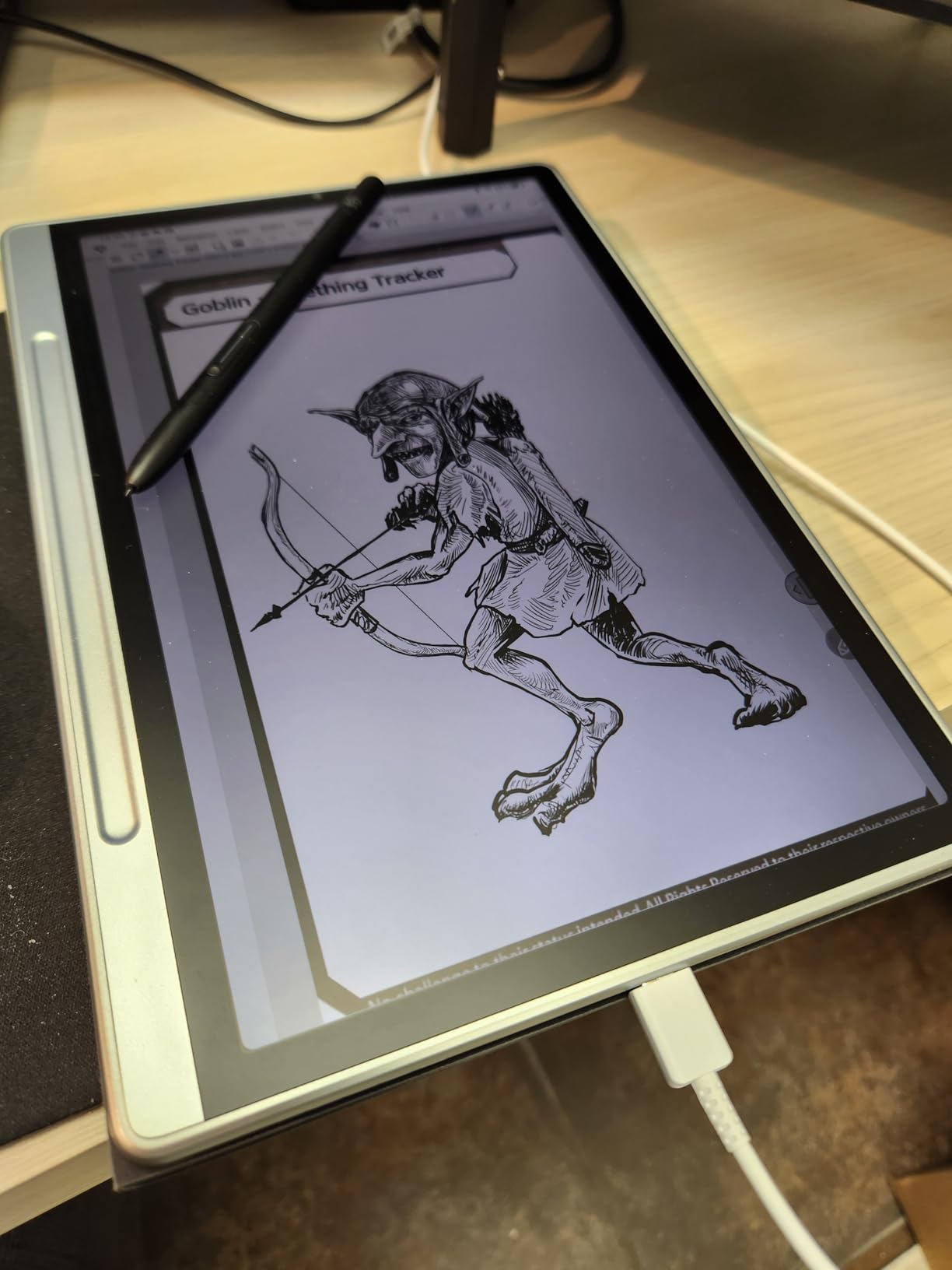
Why pressure detail changes the page
Most note apps only use a narrow band of pressure data, so the difference shows up in shading and in headers rather than in ordinary words. If you annotate diagrams, sketch lab work or write in a calligraphic style, the 16,384 levels are genuinely useful.
The X-key is a small touch that matters more than it sounds: one press cycles monochrome, light colour and nature colour modes so you can match the screen to the task.
Where the Magic Note Pad is the wrong pick
It is an LCD, not e-ink, so it needs regular charging and does not feel truly paper-like over long sessions. Some users also report incorrect handwriting-to-text results, so do not rely on transcription without checking.
Narrow viewing angles and a listed 400 nits mean it is dimmer than a typical LCD, and browsing and heavy app use are slow. For music or audio work you would be better served by our guide to the best tablets for recording music.
12. TCL NXTPAPER 11 Plus — Smoothest Budget Writing Experience
TCL NXTPAPER 11 Plus Android Tablet, 11.5″ 2.2K 120Hz Display, 8+256GB
11.5-inch 2.2K 120Hz display
T-PEN with 4096 levels
8GB and 256GB
8000mAh
Pros
- True anti-glare matte NXTPAPER 4.0 display with no reflections
- Smooth 120Hz 2.2K display for handwriting and comics
- T-PEN with 4096 pressure levels and flip cover included
- 8000mAh with 33W fast and reverse charging
- Light 1.08-pound metal body that feels premium
Cons
- No microSD and no committed Android update path
- A little heavy for comfortable one-handed use in portrait
- Speakers are only adequate with no headphone jack
- Wall charger not included
A 120Hz panel at this level is unusual, and it is why writing on this device feels smoother than on most of the colour tablets in this list. The 11.5-inch 2.2K NXTPAPER 4.0 screen is matte and anti-glare, with TUV-certified low blue light and DC dimming.
The T-PEN registers 4096 pressure levels and comes with an adjustable flip cover. Three display modes are available through the dedicated NXTPAPER Key, so you can switch to an ink-paper look when you want less colour distraction.
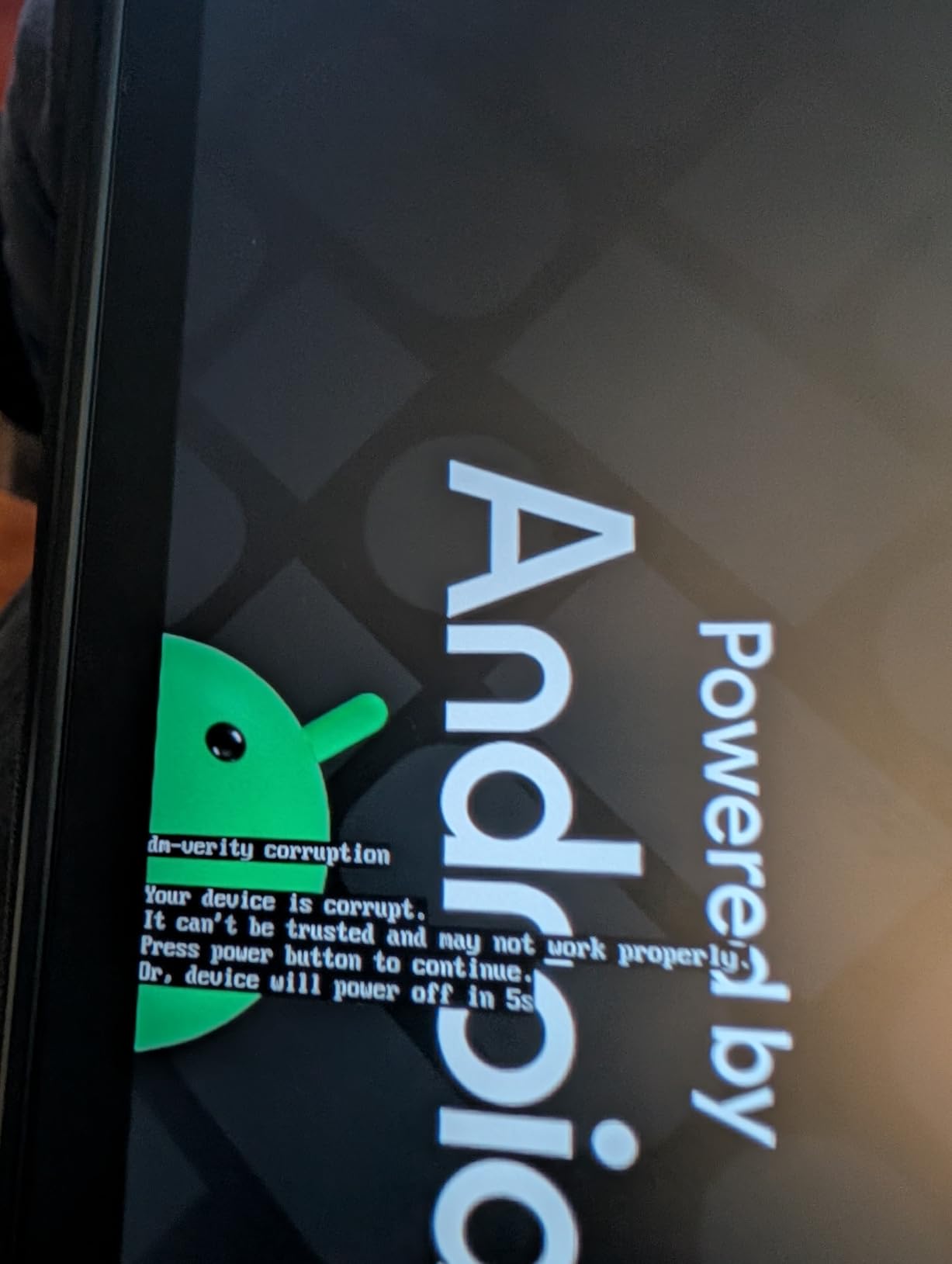
MediaTek Helio G100 with 8GB plus 8GB of expandable RAM and 256GB of storage handles split screen and floating windows. The 8000mAh battery supports 33W fast charging plus reverse charging.
Quad speakers with DTS, dual microphones and 8MP front and rear cameras make it a usable secondary device, and CenterFace tracking keeps the speaker framed on calls.
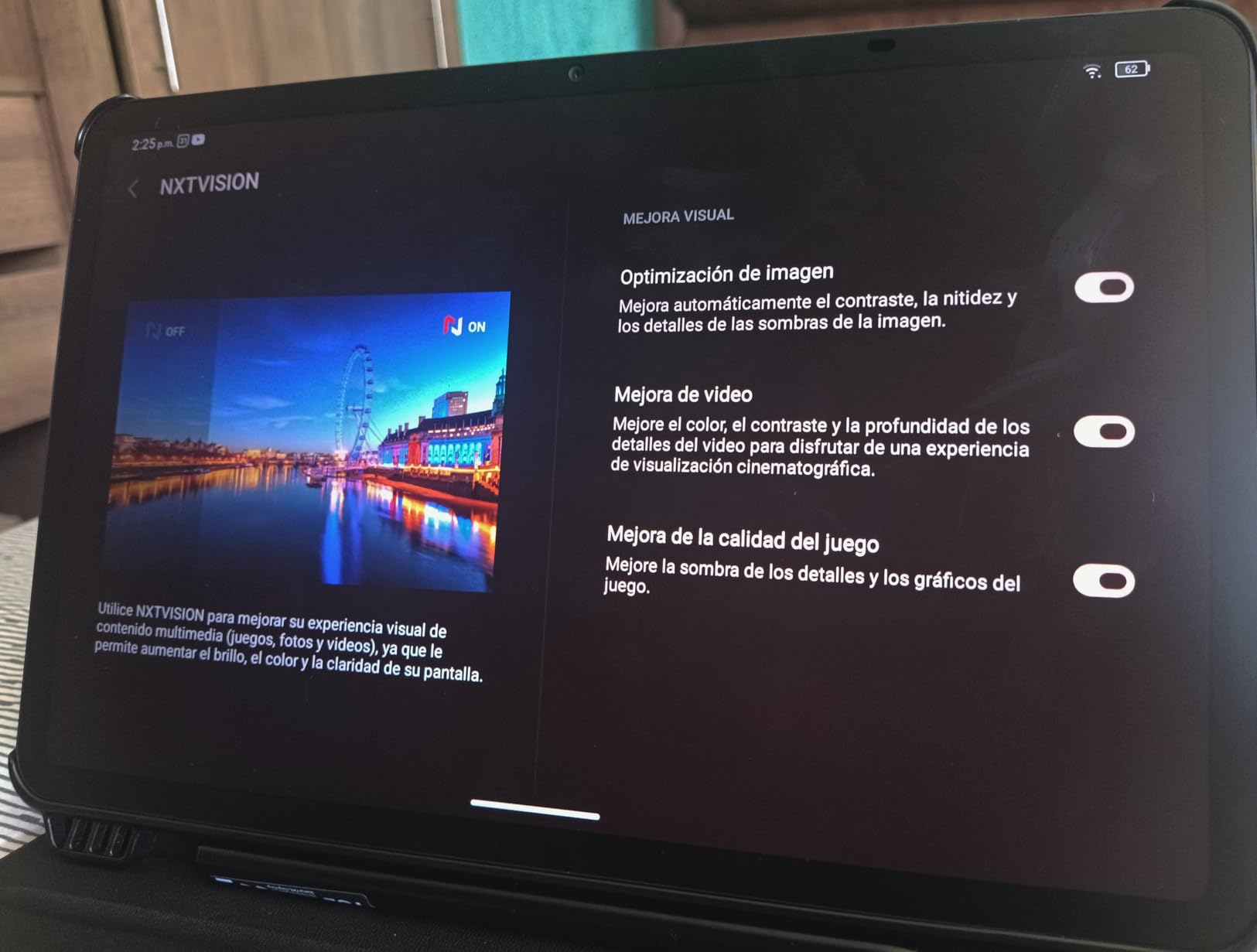
Why 120Hz matters for handwriting
Higher refresh rates mean the line keeps up with fast cursive and that scrolling through old pages does not stutter. On a matte screen that already feels paper-like, 120Hz removes the last mechanical-sounding hesitation in the writing experience.
The matte coating, included pen, included case and 8GB of RAM in a light 1.08-pound metal body make this one of the most complete bundles among the colour-screened options.
Where the NXTPAPER 11 Plus is the wrong pick
There is no microSD and no committed Android update path, so storage is fixed and the software horizon is short. If you intend to keep the tablet for a full multi-year course, weigh that before buying.
In portrait it is a little heavy for comfortable one-handed use, the speakers are only adequate with no headphone jack, the included case is thin with a pen holder that lets the stylus slip, and no wall charger is included.
How to Choose a Tablet for Note Taking
Screen type is the first decision, and it is the one that is hardest to reverse. An e-ink panel has genuine surface friction, a front light in most cases, and battery measured in weeks. The cost is slow refresh, muted colour and a narrower app ecosystem. An LCD or OLED panel gives you colour, speed and every app, at the price of a slippery glossy surface and daily charging. Matte anti-glare LCDs land between the two: colour and speed with reduced reflections and less friction.
If you write fast cursive for long stretches, friction matters more than colour. If you colour-code, diagram or annotate colourful PDFs, colour matters more than friction. Answer that honestly before anything else.
Second, work out the true cost. On this list, the Apple iPad 11-inch ships without a pen. The Galaxy Tab S10 Lite, Lenovo Idea Tab, Lenovo Tab M11, both Kindle Scribes, both reMarkable devices, all three TCL devices and the XP-Pen Magic Note Pad all include a stylus. For a first-time buyer, the bundled devices are usually the better value once accessories are counted. Stylus-only shopping is rarely the cheapest route, and pen quality varies more between third-party options than most buyers expect.
Third, latency. This is the number Google surfaces most often, and it is the reason e-ink and high-refresh LCDs dominate the top of the field. reMarkable quotes 21 ms ink response for the Paper Pure, the Galaxy Tab S10 Lite runs a 90Hz panel, the TCL NXTPAPER 11 Plus runs 120Hz, and the iPad pairs a smooth panel with the Apple Pencil. At the other end, reviewers specifically flag lag on the TCL NXTPAPER 14’s T-PEN and on the slower chipsets inside budget tablets. Fast handwriting exposes lag immediately.
Fourth, the note app ecosystem by platform. iPadOS carries GoodNotes, Notability and OneNote with the most consistent handwriting quality and the most reliable PDF annotation. Android splits: Samsung Notes is tightly integrated on Samsung hardware, while Samsung’s own AI tools on other brands are usable but less refined. The TCL and Lenovo devices bundle a working set including Lenovo AI Note, Squid, Nebo and MyScript on the Idea Tab, and XPPen Notes with MyScript on the XP-Pen. E-ink devices deliberately offer almost nothing: notebooks, tags, folders and handwriting-to-text.
Handwriting-to-text quality is inconsistent across the whole category, so test it with your own handwriting before you commit to a device you plan to search for years later. The Kindle Scribes and the reMarkable devices converted cleanly in our testing; the XP-Pen produced errors for some users.
Fifth, battery and storage. A full lecture is 50 minutes and a full meeting day is six hours, so anything above 10 hours of rated battery removes the charger from your bag. All of the colour tablets here clear that bar on their quoted battery figures. E-ink devices run for weeks, which matters if you travel. For storage, ask how many years of notes you want to keep offline: 64GB fills up fast once lecture PDFs are stored locally, and microSD expansion is only available on some models.
Sixth, and most people skip it, audio recording alongside notes. Lecture-heavy users want to record and write at the same time. The XP-Pen Magic Note Pad includes audio recording inside XPPen Notes, and the Samsung devices handle voice memos through Samsung Notes and their AI tools. E-ink devices record nothing at all.
One last consideration if you draw or annotate heavily rather than just write: our best drawing tablets for beginners covers pressure-sensitive pen displays built for sketching rather than note apps. For performing or DJing with a tablet, see our best tablets for DJs guide.
Frequently Asked Questions
What is the best tablet to write notes on?
The Apple iPad 11-inch with the A16 chip is the best tablet for note taking overall, because the app ecosystem, display smoothness and all-day battery cover every scenario from lecture capture to PDF markup. If you want a paper-like writing feel rather than a full app library, the reMarkable Paper Pro is the alternative answer, and the Galaxy Tab S10 Lite is the best value once its included S Pen is counted.
Is it worth getting a tablet for note-taking?
It is worth it if you write with the same device every day and want searchable, synced notes with no paper clutter. It is not worth it if you write briefly, because a paper notebook costs a fraction of any tablet here and needs no charging. The strongest case is anyone archiving years of lecture notes who wants PDF markup and handwriting-to-text.
Is an iPad or Samsung tablet better for note-taking?
The iPad wins on app quality: GoodNotes, Notability and OneNote are more consistent, and PDF markup is smoother. The Samsung Galaxy Tab S10 Lite wins on value and hardware: the S Pen is included, the 90Hz 10.9-inch screen is smooth, and the 8000mAh battery runs up to 16 hours. Choose the iPad if you already own Apple devices, and the Galaxy Tab if you want more hardware per pound.
What is the best tablet for note-taking for students?
For most students the Galaxy Tab S10 Lite is the best pick, because the S Pen ships in the box, the screen runs at 90Hz and the battery covers a full day of classes. The Lenovo Idea Tab is the value alternative with a bundled pen and folio case, while the Lenovo Tab M11 is the lightest option for long writing sessions. Students who only want a paper substitute should look at the Kindle Scribe.
What is the best writing tablet for taking notes?
The strongest writing feel in this group comes from e-ink. The reMarkable Paper Pro has an 11.8-inch color canvas with real surface friction and up to two weeks of battery, while the reMarkable Paper Pure is lighter at 360g. Among colour screens, the TCL NXTPAPER models use matte nano-etched glass that cuts reflections, and the Apple iPad 11-inch pairs a smooth panel with the Apple Pencil for the lowest lag.
The Best Tablet for Note Taking Is the One That Matches Your Hand
After weeks with all twelve, the Apple iPad 11-inch remains our pick as the best tablet for note taking overall, because nothing else combines a smooth display, the strongest note app ecosystem and a battery that survives a full day. The Galaxy Tab S10 Lite takes the student recommendation because the S Pen is in the box, and the reMarkable Paper Pro takes the writing-feel recommendation because nothing else feels like paper.
Whatever you pick, buy the device that matches how you write rather than the one with the longest spec sheet. If you need a pen to be comfortable, write on it for a full hour before you decide. That one test will tell you more than any rating.