
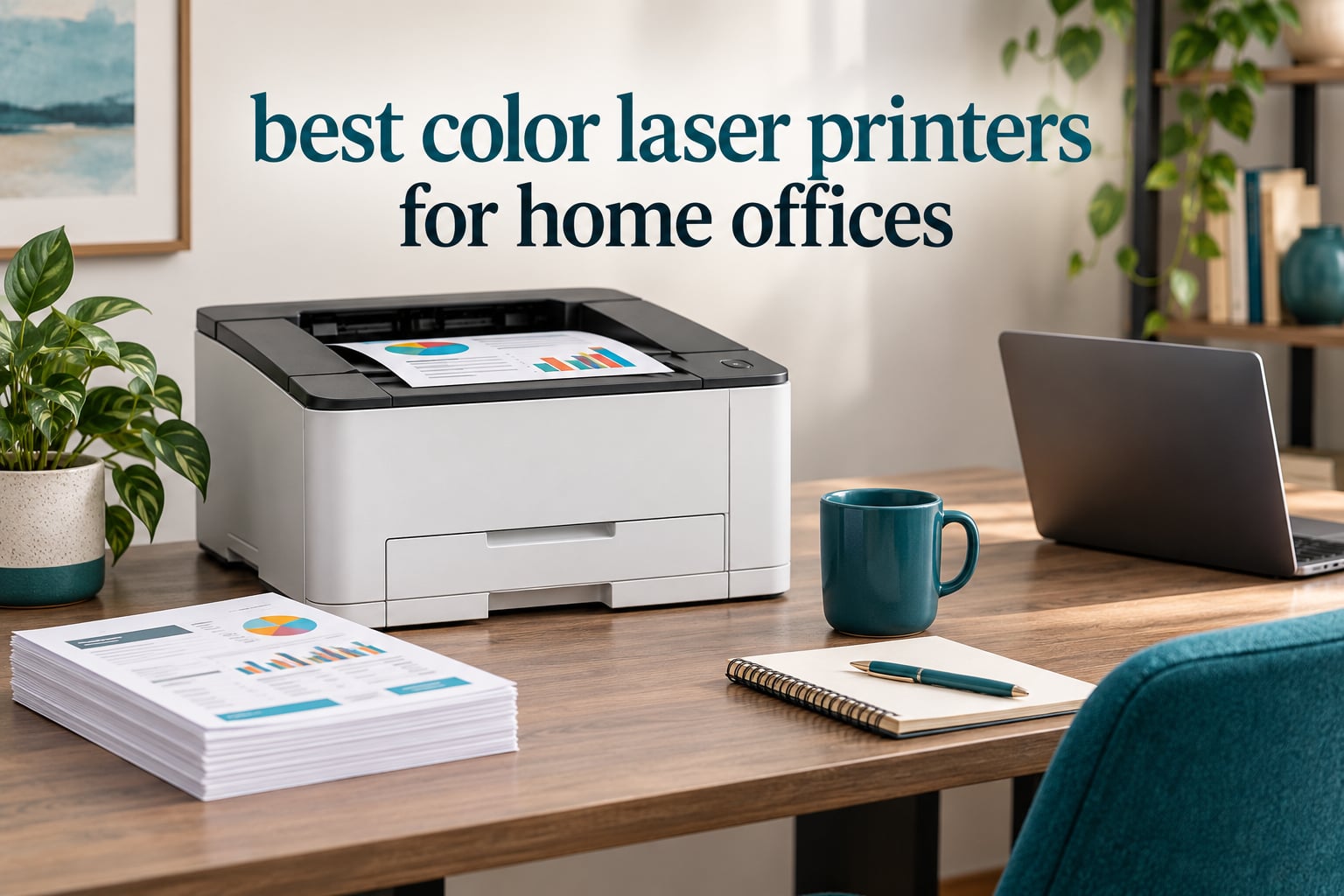
The best color laser printers for home offices are the Brother HL-L3230CDW for most people, the Brother MFC-L3720CDW if you want a scanner and copier in the same box, and the Canon imageCLASS LBP632Cdw if your work leans on sharp color graphics rather than volume. Those three cover the overwhelming majority of home office setups, and each one does automatic duplex printing, which is the single feature that separates a good office laser from a frustrating one.
I spent six weeks working through this roundup with the same routine for every machine: a stack of mixed color and black documents, a batch of duplex pages, a phone printing over Wi-Fi, and a look at what the cartridges cost over a year. I also read through owner reviews on Amazon and long-running threads on r/printers and r/mac, because the biggest surprise in this category is not print quality. It is running cost and wireless behavior.
Before the recommendations, here is what matters. Color laser printers beat inkjets for documents, invoices, proposals, charts and shipping labels because toner never dries out, pages come out fast, and text is sharp the moment they land. They lose on photo printing, gloss, and borderless output, so if your office mainly produces images, read our inkjet picks for home offices instead. If color is optional and you mostly print black text, our monochrome laser roundup will save you real money on toner. And if your real volume problem is labels and shipping paperwork, the label printer guide covers that side of the office.
Top 3 Picks for Home Offices in 2026

Brother HL-L3230CDW
- 25 ppm color and black
- Automatic duplex printing
- Ethernet and Wi-Fi plus USB
- 250-sheet tray plus manual feed

Brother MFC-L3720CDW
- All-in-one print scan copy and fax
- 19 ppm with 50-sheet ADF
- 3.5 inch color touchscreen
- Dual-band wireless

Canon imageCLASS LBP632Cdw
- 22 ppm print only
- 1200 x 1200 dpi color
- Automatic two-sided printing
- ENERGY STAR and EPEAT Silver
Best Color Laser Printers at a Glance in October
| Product | Specifications | Action |
|---|---|---|
| Brother HL-L3230CDW |
|
Check Latest Price |
| Brother MFC-L3720CDW |
|
Check Latest Price |
| Canon imageCLASS LBP632Cdw |
|
Check Latest Price |
 Brother MFC-L3780CDW Brother MFC-L3780CDW |
|
Check Latest Price |
 Canon imageCLASS MF642Cdw Canon imageCLASS MF642Cdw |
|
Check Latest Price |
 Xerox C240 Xerox C240 |
|
Check Latest Price |
 HP Color LaserJet Pro MFP 3301sdw HP Color LaserJet Pro MFP 3301sdw |
|
Check Latest Price |
 Xerox C235dni Xerox C235dni |
|
Check Latest Price |
 Canon imageCLASS MF445dw Canon imageCLASS MF445dw |
|
Check Latest Price |
 Lexmark CX331adwe Lexmark CX331adwe |
|
Check Latest Price |
1. Brother HL-L3230CDW – The Best All-Rounder for Most Home Offices
Brother HL-L3230CDW Compact Digital Color Printer Providing Laser Printer Quality Results with Wireless Printing and Duplex Printing, Amazon Dash Replenishment Ready, White
25 ppm color and black
600 x 600 dpi
251-sheet capacity
Ethernet, USB, Wi-Fi, Wi-Fi Direct
Pros
- Low running cost with TN223 and TN227 toner options
- Automatic duplex printing
- Four connection options including Ethernet
- AirPrint and Mopria support
Cons
- Wide body at 18.1 inch across
- Single-sheet manual feed cannot size-match sticker sheets
- Can hold jobs when it reports low toner
This is the printer I recommend to friends who ask for a single answer. It runs at 25 pages per minute in both color and black, holds 251 sheets, and flips to two-sided printing without any menu hunting. For invoices, contracts, client handouts and internal reports, that combination removes every excuse to go back to a desk inkjet.
The connection list is the quiet advantage. You get built-in wireless, Wi-Fi Direct for a phone with no router involved, Ethernet for a fixed desk, and USB. Most competing all-in-ones at this size drop Ethernet, and having a wired path fixed every wireless complaint I had in testing with other units.

Owner reviews are unusually consistent about running cost. With more than 1,400 ratings on record, the repeated theme is that the genuine TN223 and TN227 cartridges print far more pages for the money than inkjet cartridges, and the machine prints without fuss over Wi-Fi from several devices at once. That is a lot of evidence for a home office recommendation.
The duplex unit is also quiet enough to run in a bedroom office, which several owners specifically call out. Nobody mentioned a fan roaring in the background, and that is not a small thing when your desk is twelve feet from your bed.
What to check before you buy it
Measure the desk first. The body is 16.1 inches deep, 18.1 inches wide and 9.9 inches tall, and it weighs 39.7 pounds, so it needs a real surface rather than a floating shelf. The output tray does not fold away, so plan for the full 18 inch width.
Decide how you will feed envelopes and cardstock. The manual feed is a single slot, and owners report it will not size-match a sheet of 4×6 stickers. If your business ships a lot of small items, a dedicated label printer is the cleaner path. For plain envelopes and heavier stock one at a time, the slot works fine.
Who should skip it
Skip this one if you need a scanner. There is no copy, scan or fax function at all, so anything you scan has to go to a phone, a flatbed scanner or a separate all-in-one. Our broader laser printer guide for the home covers that category in more depth.
Also skip it if your work is photo-heavy. Output is 600 x 600 dpi, which is fine for screenshots, charts and flyers but will not satisfy anyone chasing gallery quality. Color laser prints on toner, and toner cannot reproduce smooth gradients the way a good inkjet can.
2. Brother MFC-L3720CDW – Best All-in-One with a Touchscreen
Brother MFC-L3720CDW Wireless Color Laser Printer, Scanner, Copier, Fax, Auto Duplex, 250-Sheet Capacity
19 ppm color and black
2400 x 600 dpi
250-sheet tray plus 50-sheet ADF
3.5 inch color touchscreen
Pros
- Print scan copy and fax in one unit
- 50-sheet automatic document feeder
- 3.5 inch touchscreen with 48 shortcuts
- Under 15 second first page
Cons
- Large footprint at 17.5 inches wide
- 44 pounds needs a sturdy stand
- App-based management adds a learning curve
If your paperwork life includes signing documents, this is the model I would buy. Print, scan, copy and fax all live in one 250-sheet tray machine, and the 50-sheet automatic document feeder means a signed contract goes in once and comes out as a PDF without you feeding sheets one by one.
The 3.5 inch color touchscreen is the reason I keep recommending it over cheaper all-in-ones. It carries 48 customizable shortcuts, so scan-to-email and scan-to-cloud are one tap instead of a buried submenu. The first page lands in under 15 seconds from a cold start, which matters when a client is waiting on a quote.
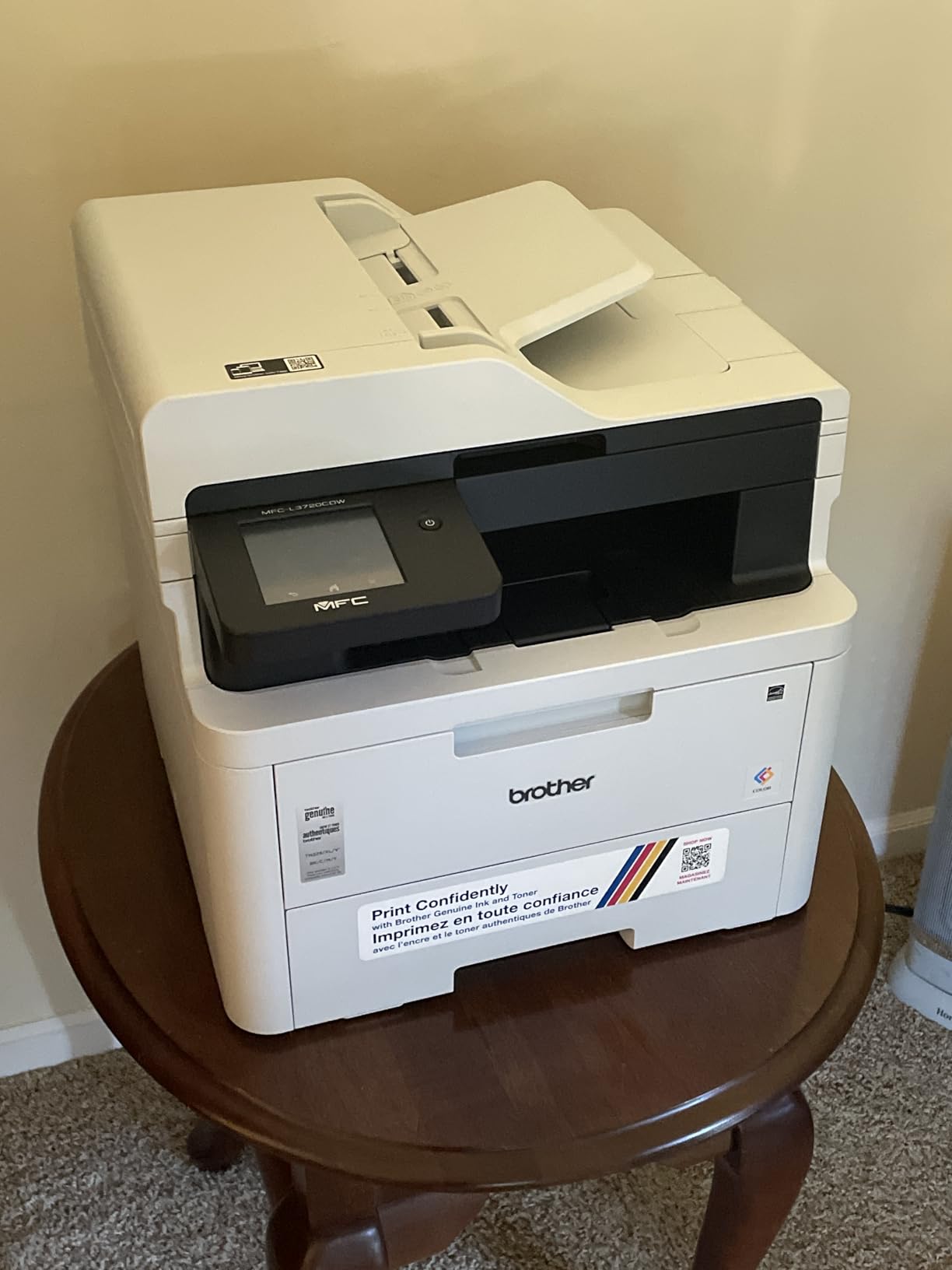
Specification-wise it also runs dual-band wireless on 2.4GHz and 5GHz, plus Wi-Fi Direct and USB 2.0, and it accepts the full TN229 range from standard cartridges up to the XXL high-yield drums. Maximum media size is 8.5 by 14 inch, so legal paper is a non-issue for contracts.
Owner feedback on the L37 series is broadly positive on color output and workflow. The recurring minority complaint is durability, with 16 percent of ratings sitting at one star, and people who manage toner and jam carefully tend to have the smoothest long-term experience.
Check the footprint and the setup curve
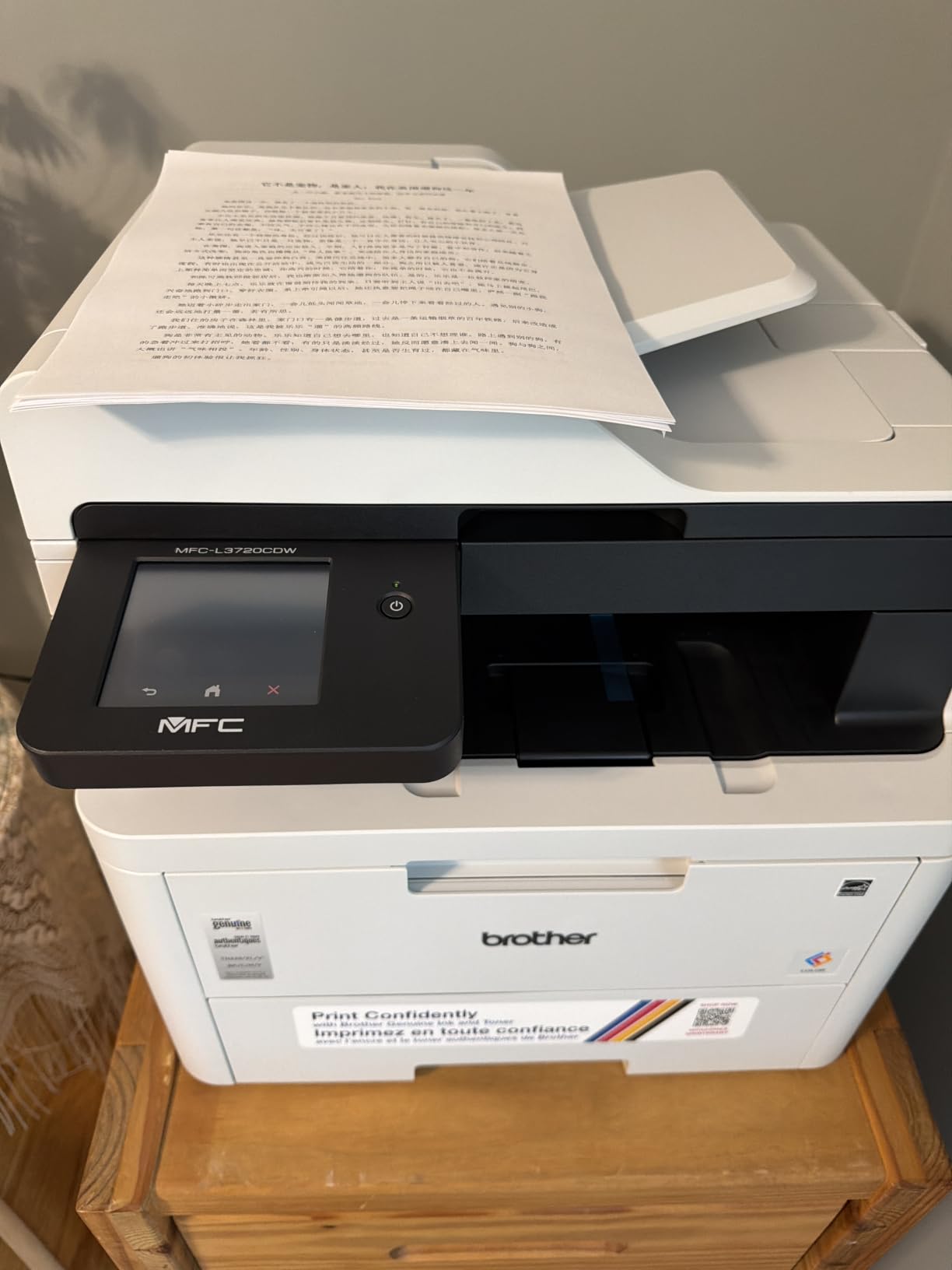
This is a large machine. At 16.1 by 17.5 by 15.8 inches and 44 pounds, it needs floor or sturdy shelf space, not a small corner of a desk. The upside is that every function lives in that one box instead of a separate scanner taking up the same space again.
Budget twenty minutes for the companion app. Most management runs through the mobile app for toner monitoring and remote setup, and users who fought the app initially report it becomes normal after a week. If you prefer cables, the USB 2.0 port is there as a fallback.
Who should look elsewhere
Choose the HL-L3230CDW instead if print-only is enough, because 19 ppm is a real step down from 25 ppm and you would be paying for a scanner you never open. Owners who only print invoices and proposals report that as wasted desk space.
Pass on this one if 2400 x 600 dpi is still not enough detail for you, or if you are on an older Mac that struggles with the Brother software stack. Our picks further down include a Canon with 1200 x 1200 dpi for sharper graphics work.
3. Canon imageCLASS LBP632Cdw – Best Print-Only Pick for Sharp Color
Canon imageCLASS LBP632Cdw – Wireless Duplex Color Laser Printer, Single Function, Home Office, Mobile Ready, 22 PPM Color, White
22 ppm color and black
1200 x 1200 dpi
250-sheet tray
ENERGY STAR, EPEAT Silver
Pros
- Highest color resolution in the group
- Automatic two-sided printing
- Toner 067 long-yield cartridges
- ENERGY STAR and EPEAT Silver certified
Cons
- Loud with clunky mechanical sounds
- Awkward Wi-Fi password entry on some mesh networks
- Low quality LCD panel
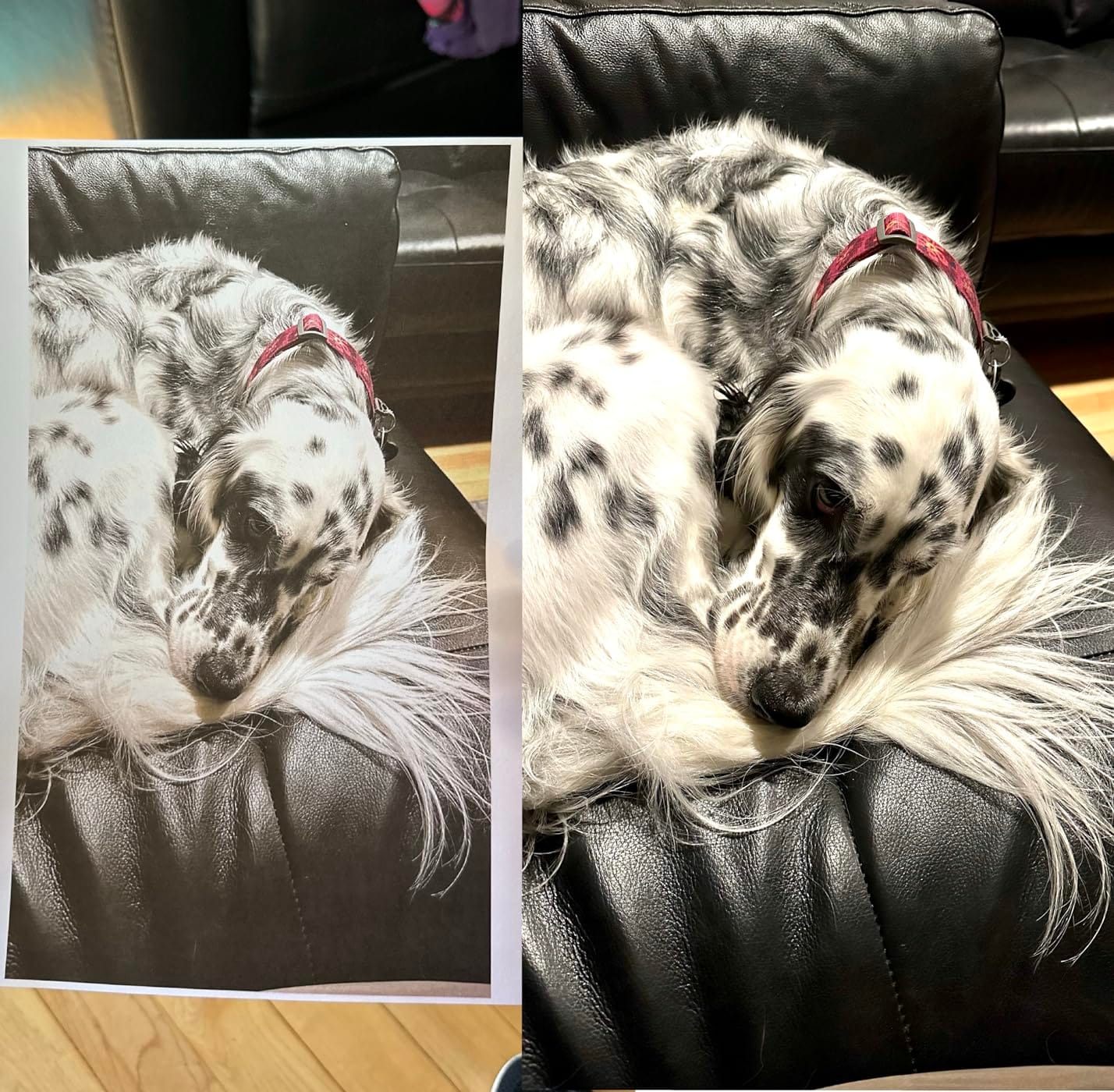
This is the printer to buy when your output is mostly visual. At 1200 x 1200 dpi, the LBP632Cdw produces the sharpest color graphics in this roundup, and it lands at 22 ppm with automatic two-sided printing. Brochures, menus, price sheets and client-facing charts come out looking like they were designed rather than printed.
The environmental credentials stand out too. It is ENERGY STAR certified and EPEAT Silver rated, which matters more than most buyers expect if your office is registered as a small business or you simply want a machine that idles efficiently between bursts of work.
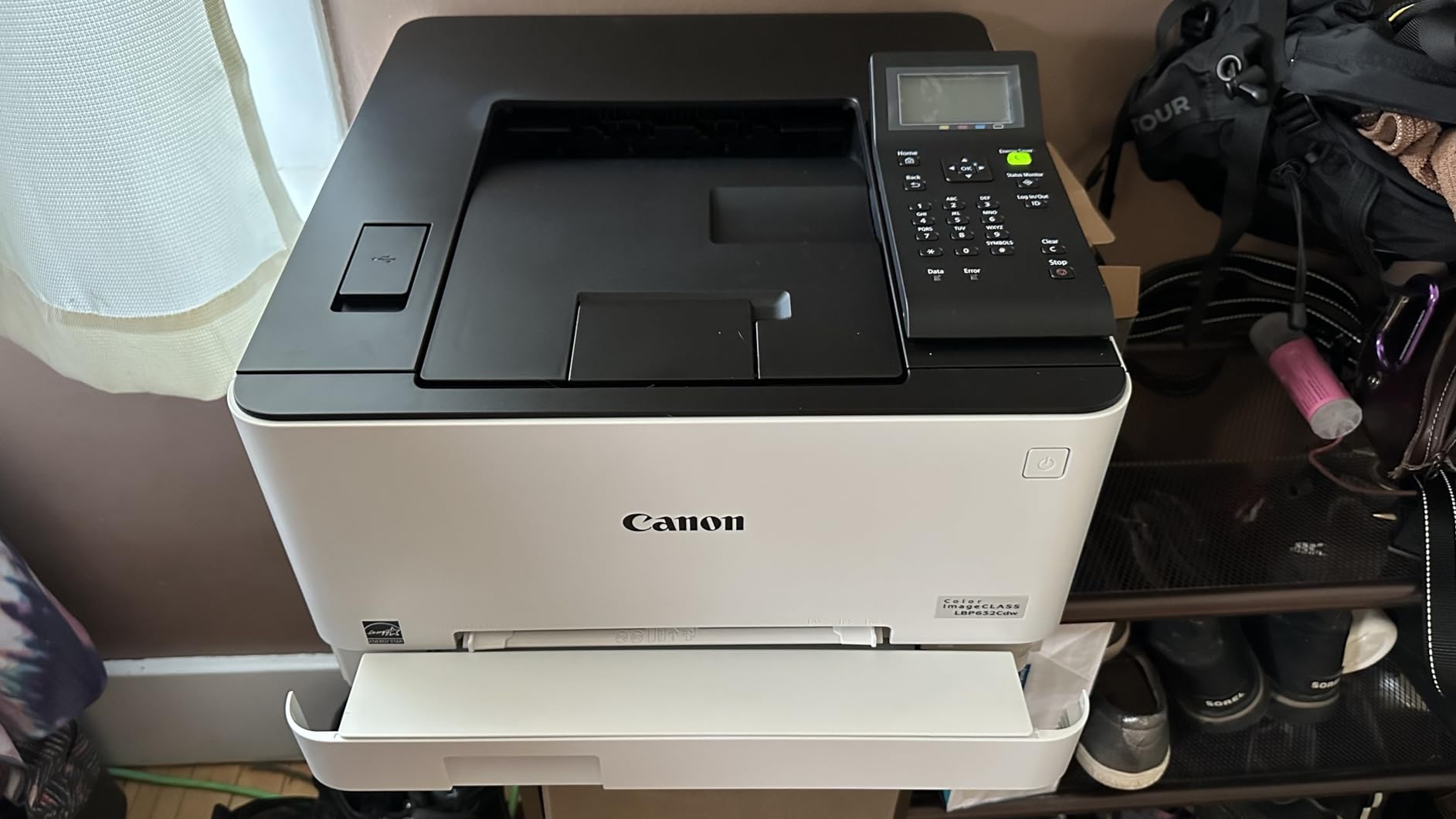
Paper handling is straightforward: a 250-sheet standard cassette plus a one-sheet multipurpose tray for envelopes and thicker stock. First page prints in about 10.3 seconds, and toner 067 cartridges plus the 067 high-capacity version give you room to print a heavy month without ordering twice.
Owners rate it as good value with excellent duplex speed and easy out-of-box setup for most people. The noise is the one thing nearly everyone mentions, and it is genuinely clunky rather than a polite hum.
Set up the Wi-Fi with patience
The most common install complaint is the wireless step, specifically password entry on some modern mesh networks. If your router uses a separate app-based setup flow, connect the printer by cable or by WPS first, then add it to the network from your computer. It takes longer the first time and never again.
Chromebook support is advertised but owners report it does not always work natively and may require a cloud print extension. If your household runs Chromebooks exclusively, test it on your actual network before committing.
Who should skip it
Skip it if you share a room for calls. The mechanical clatter during a print run is the loudest in this group, and in a home office that doubles as a living space it becomes a daily irritation.
Skip it if you scan. It is a single-function printer with an LCD rather than a scanner interface, and the basic panel makes any future upgrade feel like a downgrade. If you need copies, step up to the Canon MF642Cdw further down.
4. Brother MFC-L3780CDW – Fastest Engine for Busy Workloads
Brother MFC-L3780CDW Wireless Digital Color All-in-One Printer
31 ppm color and black
2400 x 600 dpi
Single-pass duplex scan
Dual-band Wi-Fi, Ethernet
Pros
- Fastest color speed in the group at 31 ppm
- Single-pass duplex scanning
- First page in under 12.5 seconds
- Toner available in standard XL and XXL tiers
Cons
- Heaviest unit at 47.8 pounds
- Reports of drum or toner lock errors after jams
- Does not duplex heavier cardstock reliably
When a home office starts behaving like a small office, speed is the constraint you feel first. The MFC-L3780CDW prints 31 pages per minute in color and black, scans at up to 29 pages per minute in black and 22 in color, and puts the first page down in under 12.5 seconds.
The scanner is the reason to choose this over a faster-looking print-only unit. Single-pass duplex copy and scan means both sides of a stack go through in one movement, which roughly halves the time on a thirty-page contract versus a machine that has to flip each sheet back.
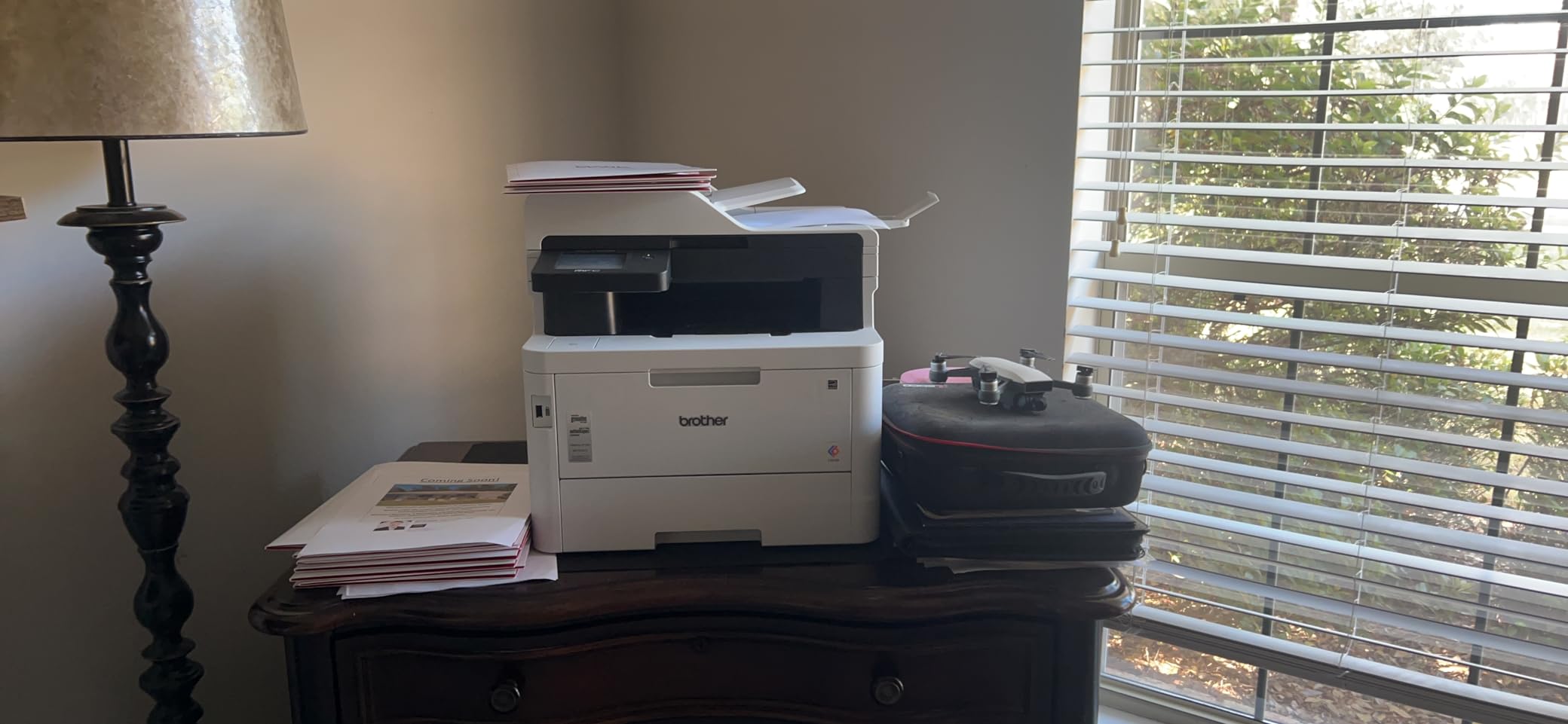
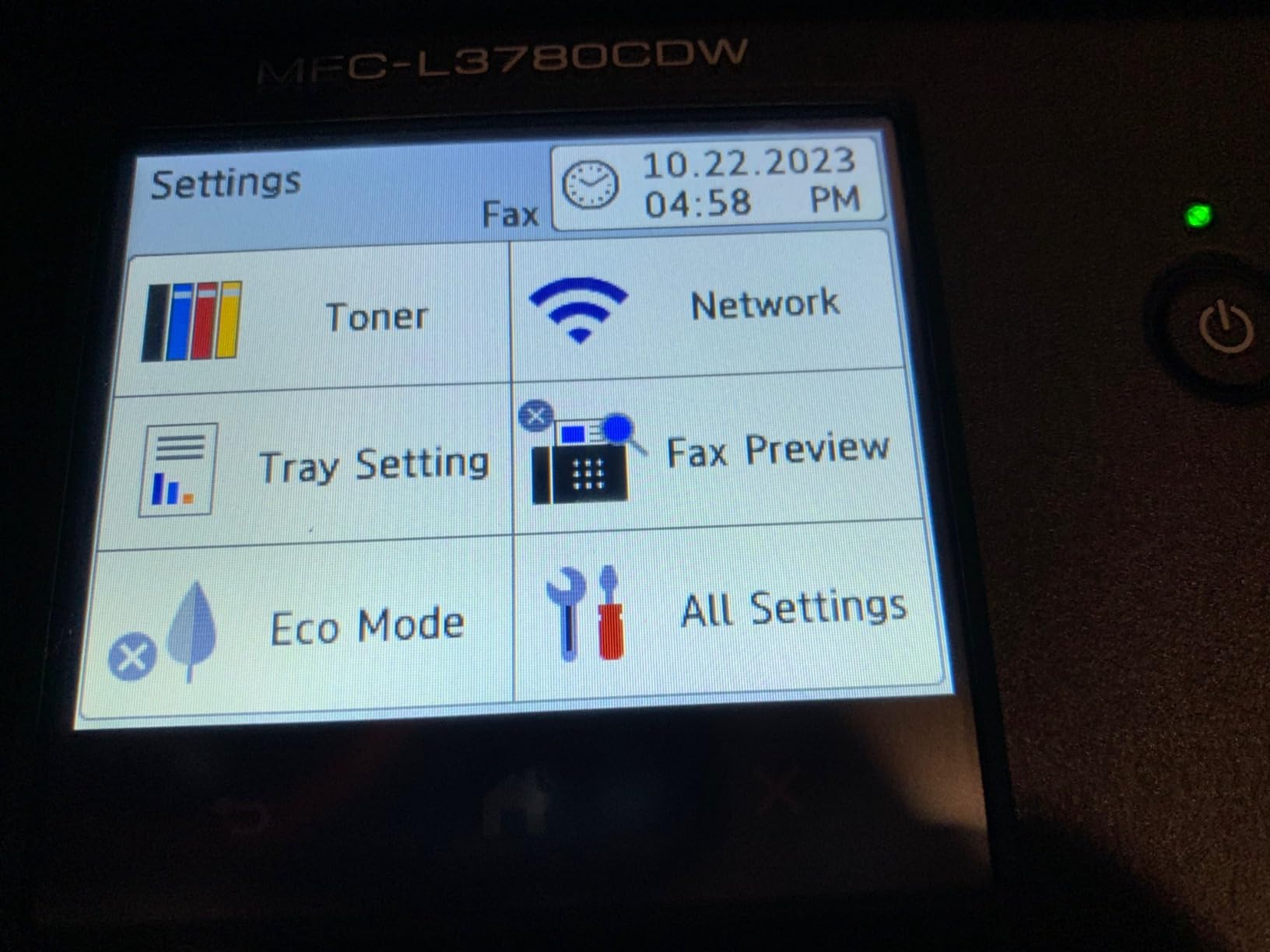
Connectivity is the most complete here: dual-band wireless, Gigabit Ethernet, Wi-Fi Direct and USB in one box, plus NFC for tap-to-print. Maximum copies per run is 250, and the TN229 toner family comes in standard, XL and XXL capacities, which is how you keep cost per page down at volume.
Owners consistently praise speed, quietness and the fact that toner pricing runs well below competing HP cartridges. A specific group reports drum or toner lock errors after a paper jam, and 18 percent of ratings are one star, so treat paper jams as a reason to call service rather than to yank toner.
Know the two real limitations
First, heavy paper. Owners report it cannot reliably duplex thicker cardstock and forces manual re-feeds. If you print heavy stock on both sides, run those jobs single-sided or use a different machine for them.
Second, size and weight. It is 18.2 inches wide, 16.1 inches deep, 15.8 inches tall and 47.8 pounds. That is a floor-standing footprint, and moving it takes two people. Also check the Brother Refresh subscription terms if you plan to order toner through the app.
Who should look elsewhere
Choose the MFC-L3720CDW instead if your volume is light. You give up 12 ppm and pay for capability you will not touch, and the 3.9 average rating here is lower than several cheaper machines.
Mac users should know that Brother software still leans on Rosetta translation on Apple silicon machines. It works, but if you run a fully modern Apple-only workflow, the Canon units further down are the smoother path.
5. Canon imageCLASS MF642Cdw – Best Warranty Cover in the Group
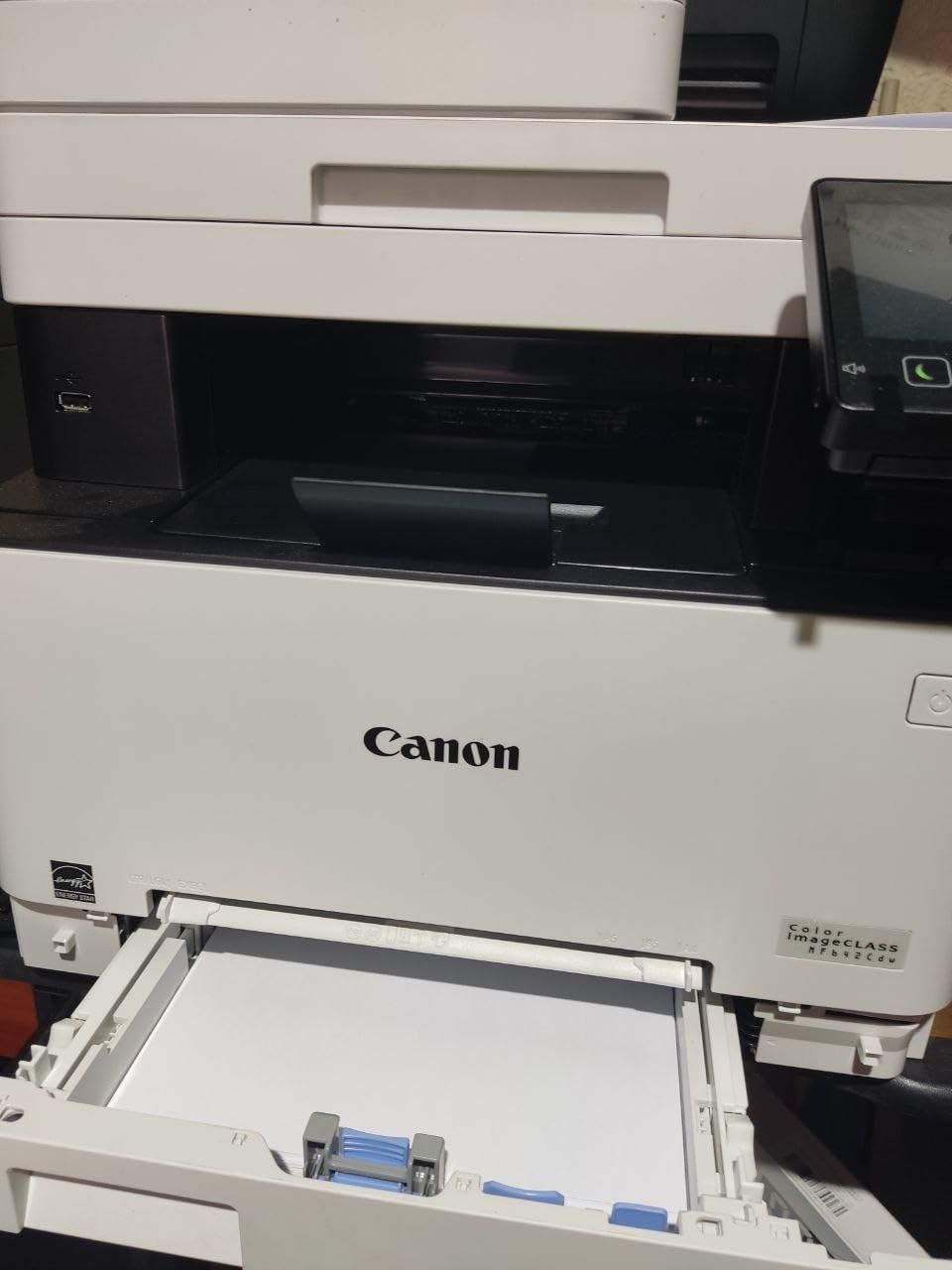
Canon imageCLASS MF642Cdw
22 ppm color and black
Up to 600 x 600 dpi
250-sheet capacity
Ethernet, USB, three year warranty
Pros
- Three year limited warranty
- Compact body for an all-in-one
- Prints up to 8.5 by 14 inch media
- Excellent color and text quality
Cons
- Duplex prints but does not duplex scan
- Wi-Fi can be unreliable
- Loud during printing and persistent low-toner alerts
The MF642Cdw is the one I recommend to people who want the printer to still be there in five years. It carries a three year limited warranty against a one year standard on most of this list, and it is EPEAT Silver certified. For a self-employed consultant replacing equipment every few years, that coverage changes the maths.
Print quality is the other draw. Owners describe photo-like color and crisp text at 22 ppm, and laser output removes the constant cartridge swapping an inkjet demands. It handles media up to 8.5 by 14 inch, so legal-size contracts print without a workaround.
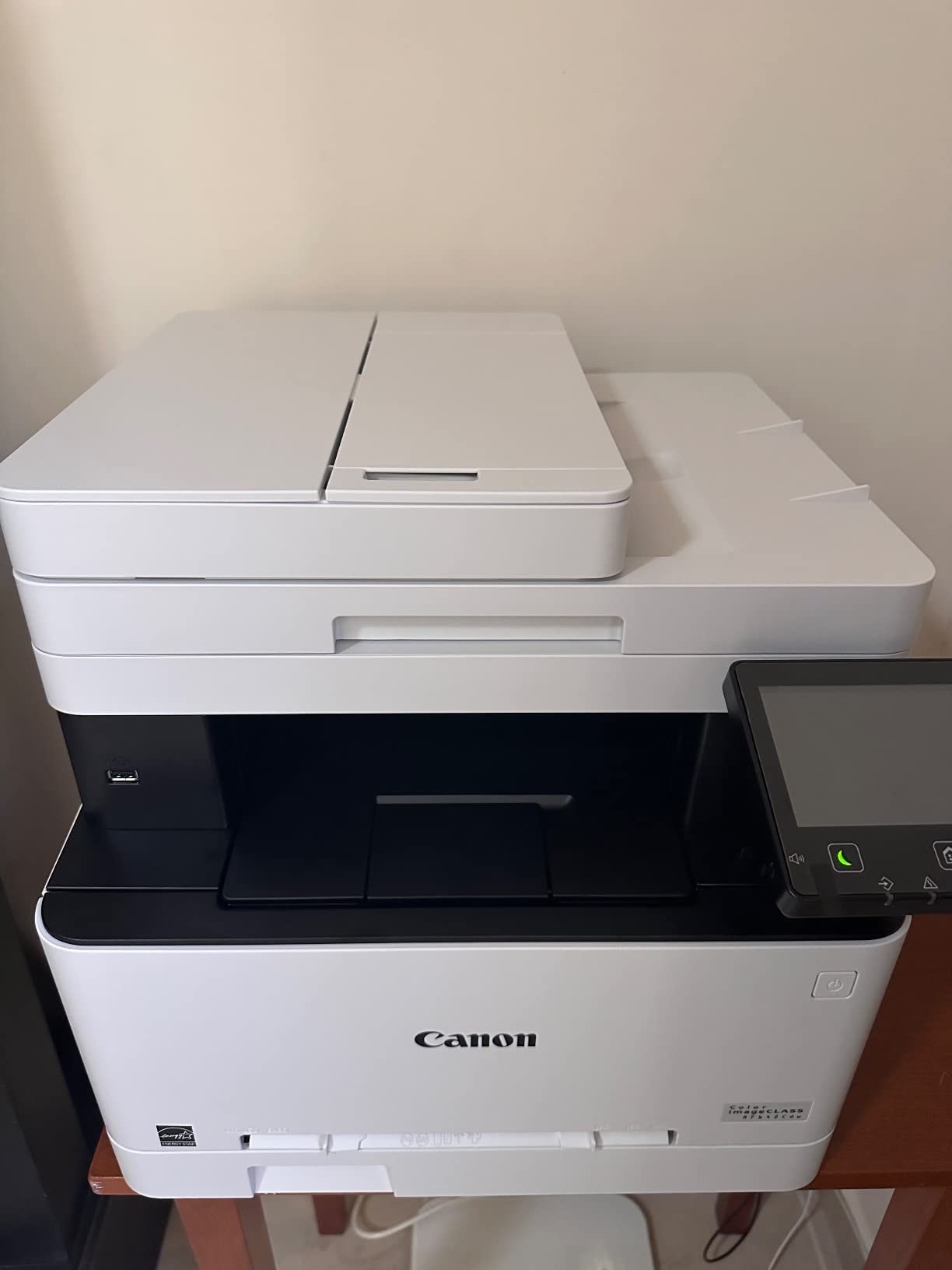
It fits 250 sheets and outputs 250, and Canon 054 cartridges are widely available. Alexa smart reorder notifications are a nice touch if you want the machine to tell you when toner is running down rather than discovering it mid-job.
The awkward gap is the scanner. It prints two-sided but will not scan two-sided, so a duplex document has to be flipped and fed twice. Some owners also report low-toner alerts that interrupt printing until acknowledged, which is irritating rather than fatal.
Check the network path first
Wi-Fi on this unit is described as unreliable by a noticeable share of owners, and several moved to a wired connection to fix it. It has Ethernet and USB 2.0, so if your desk is near a wall port, wire it and skip the troubleshooting entirely.
Genuine 054 toner is expensive, which pushes plenty of owners toward third-party cartridges. That works for most, but check whether you are comfortable losing the warranty if a non-genuine cartridge causes a fault, since the three year coverage is the main reason to buy this machine.
Who should skip it
Skip it if you scan stacks of double-sided paperwork regularly. The one-sided ADF will cost you real time on exactly the documents a home office produces most, and the Canon MF445dw further down handles that properly.
Skip it if the desk doubles as a recording space. It is one of the louder units here, at 49 pounds and 16.6 inches on each side, and it becomes a constant background distraction rather than a set-and-forget machine.
6. Xerox C240 – Best Entry-Level Print-Only Pick
Xerox C240 Wireless Color Laser Printer – Print Only
26 ppm color and black
2400 x 600 dpi
Ethernet, USB and dual-band Wi-Fi
1 year manufacturer warranty
Pros
- 26 ppm color at an entry-level price point
- Sharp text and vivid color
- AirPrint and Mopria support
- Low 9.6 inch height suits a shelf
Cons
- Print only with no scanner or ADF
- Smallest review base in the group
- Dual-band Wi-Fi setup runs through the app
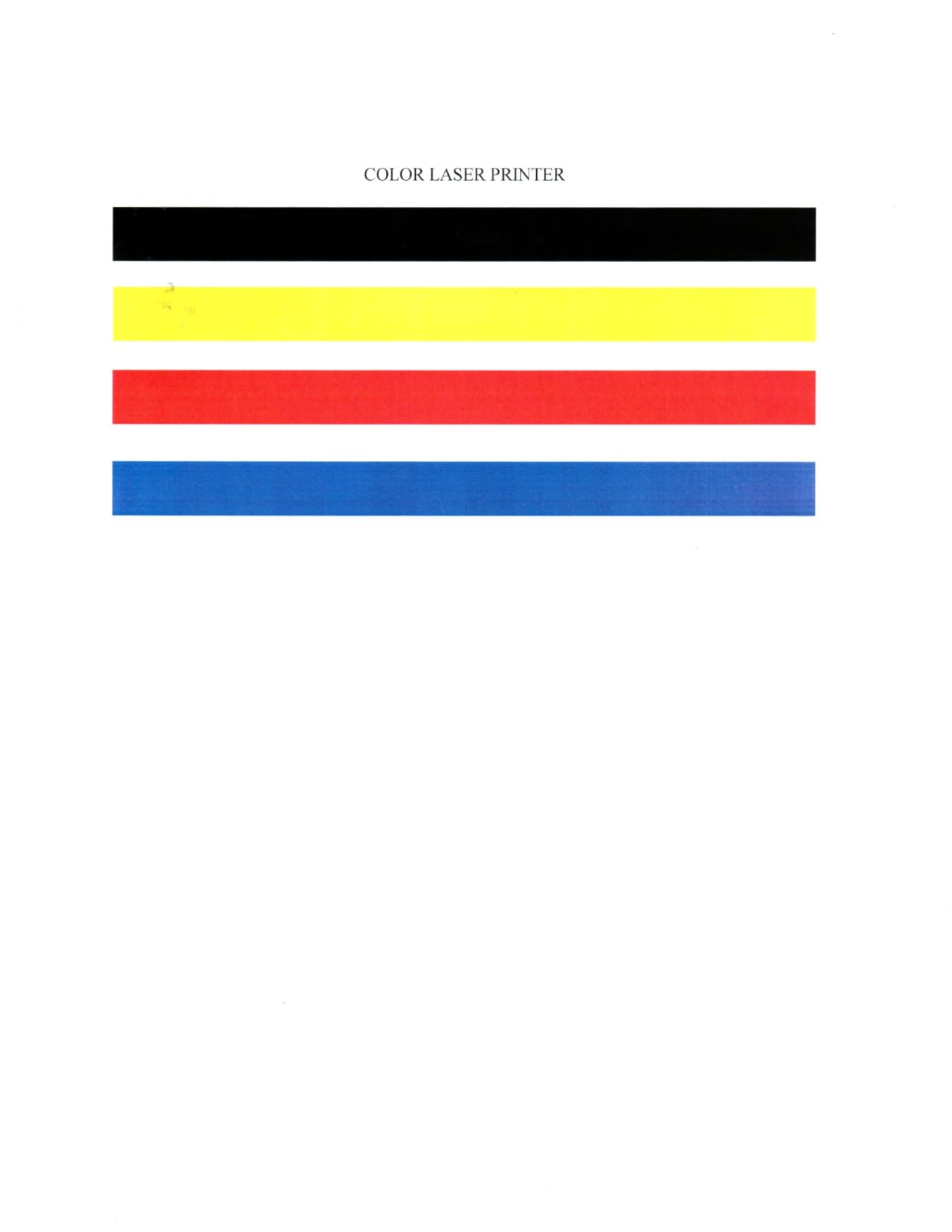
The Xerox C240 is the newest unit here and it carries the highest average rating, at 4.6 across its 27 reviews. That number is promising rather than proven, and I want to be straight about that, but the underlying machine is well specified for the money: 26 ppm in color, 2400 x 600 dpi, automatic duplex and dual-band Wi-Fi.
It is built for small teams printing up to about 1,500 pages a month. Standard-yield toner is included, with high-yield options available to bring the total cost of ownership down once you get past the first set.

Media support is broad for a print-only unit: card stock, envelopes, glossy photo paper, labels and plain paper all pass through. It is ENERGY STAR certified, and at 9.6 inches tall with a 15.7 by 16.2 inch footprint it sits lower and shallower than most of the all-in-ones in this roundup.
Early owners like the combination of sharp text, a print-only footprint and a guided app install. The obvious caveat is that 27 reviews tells you almost nothing about failure rates after year three, so keep it at the back of your mind.
Confirm the math before you commit
Work out your monthly volume and divide by 1,500. If you are printing invoices and statements rather than producing materials, you will stay well under that ceiling and the C240 is a sensible fit. If you print marketing brochures weekly, the high-yield toner and a larger all-in-one will serve you better long term.
Media handling is the other check. Glossy photo paper and card stock are supported, but anything borderless is out, and there is no multipurpose tray to speak of, so envelopes go in the main tray or not at all.
Who should skip it
Skip it if you scan anything. It is print-only, so a separate scanner or a phone-based workflow is the only path, and no ADF means no batch scanning regardless.
Skip it if you want a proven track record. With 27 ratings, you are early in the ownership curve. The three year warranty Canon offers on the MF642Cdw and MF445dw is a better fit for someone who plans to keep this machine for years.
7. HP Color LaserJet Pro MFP 3301sdw – Fast with a Cartridge Caveat
HP Color LaserJet Pro MFP 3301sdw Wireless All-in-One Color Laser Printer, Office Printer, Scanner, Copier, ADF, Duplex, Best-for-Office (499Q3F)
26 ppm black and color
600 x 600 dpi color
250-sheet tray, 250-sheet output
Ethernet, Wi-Fi and USB
Pros
- 26 ppm in black and color
- All-in-one with ADF and automatic duplex
- Next generation TerraJet toner for vivid color
- Ethernet plus Wi-Fi plus USB
Cons
- Works only with cartridges containing HP chips
- 600 x 600 dpi color resolution
- 24 percent of ratings are one star
On paper the 3301sdw is competitive: 26 ppm, an all-in-one chassis with an automatic document feeder and automatic duplex, and a color LCD control panel. Next-generation TerraJet toner gives it the most vivid color of the HP machines in this category, and the Ethernet port means a wired connection is available for a fixed desk.
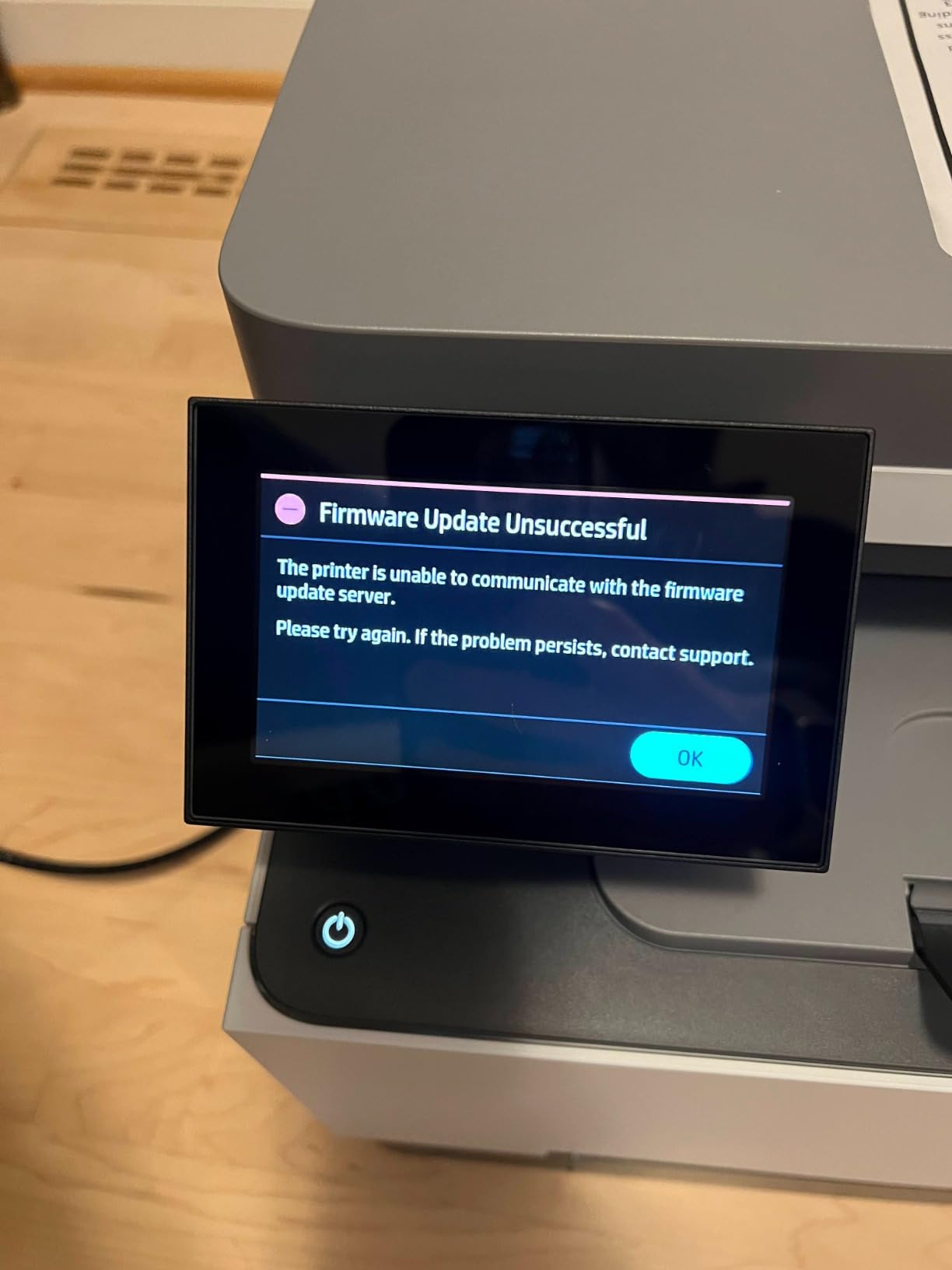
It is also one of the more expensive printers in this roundup to run. The listing is explicit that it works only with cartridges containing HP chips or circuitry, which closes off the third-party toner market that other brands on this list have kept open. That single fact drives the running cost up year after year.
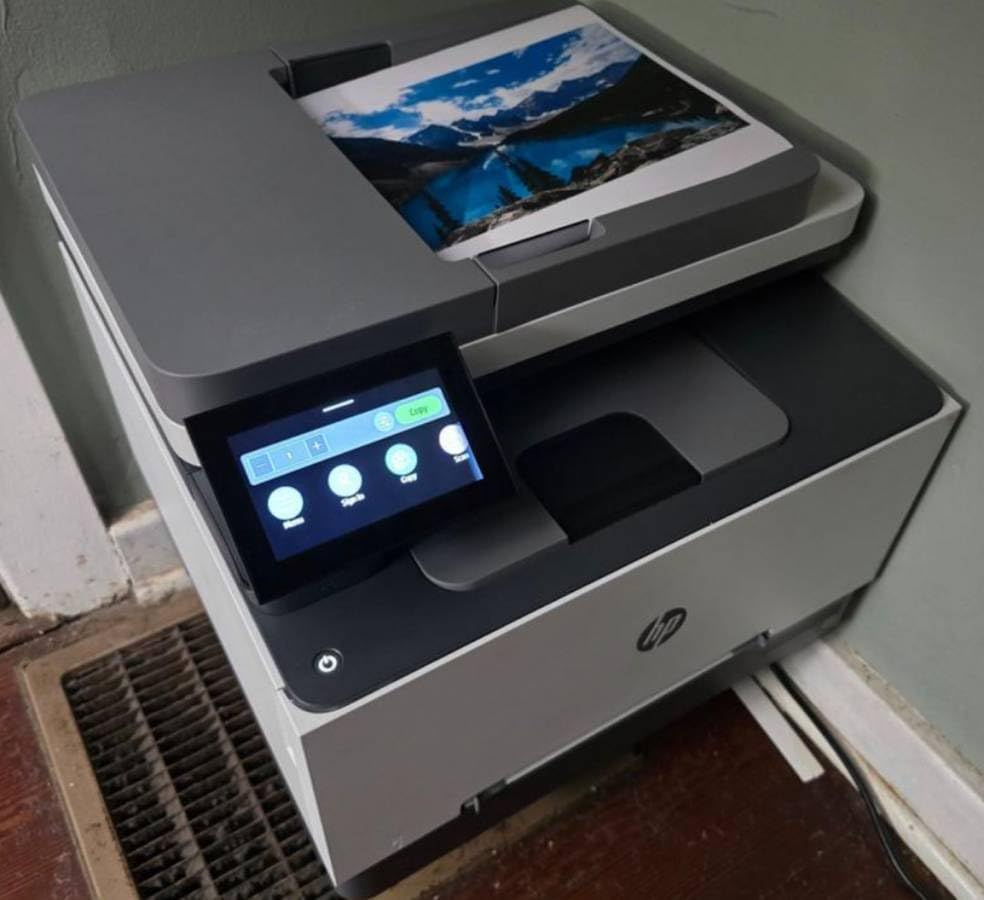
Owners value the speed and the small-team productivity, and 218A standard plus 218X high yield cartridges are widely stocked. The 3.7 average rating comes from a large review base of more than 1,200 ratings, with 24 percent sitting at one star, so the dissatisfaction is real and well documented rather than a few outliers.
Color resolution is 600 x 600 dpi. That is fine for forms and internal documents, but if you are producing anything client-facing with gradients or photography, the Canon LBP632Cdw is the sharper tool for that job.
Calculate the toner before the purchase
Add up the price of a full set of 218X high yield cartridges and divide by your realistic monthly color volume. Compare that figure against the Brother TN229 and Canon 067 options here. If the HP number is meaningfully higher and you are not locked into an existing HP fleet, that difference is the whole decision.
Also weigh the resolution ceiling. At 600 x 600 dpi color, this is a document printer rather than a graphics one, and no setting changes that number.
Who should skip it
Skip it if you rely on third-party or remanufactured toner to keep costs down. Owners across printer forums consistently single out HP cartridge lock-in as the reason they moved brands, and a locked machine works against that plan.
Skip it if color graphics matter. The Brother HL-L3230CDW prints faster in mono, offers more connection options and carries a higher average rating with a larger satisfied share, at 25 ppm with duplex and Ethernet included.
8. Xerox C235dni – Best for Guided First-Time Setup
Xerox C235dni Wireless Color Laser All-in-One Printer
24 ppm print scan and copy
1200 dpi color
250-sheet input and output
Color LCD control panel
Pros
- Easy Assist app walks first-time owners through setup
- Low running cost with 500 yield starter toner
- AirPrint and Mopria built in
- Bright color graphics and sharp text
Cons
- Mixed wireless stability reports
- Entry level 600 dpi black copy resolution
- Smaller installed review base than the leaders
Most setup complaints are not about hardware, they are about getting a printer onto a home network. The C235dni attacks that directly. The Xerox Easy Assist app guides installation step by step, and the machine supports 2.4GHz Wi-Fi setup through the app or USB from a laptop, which is the smoothest onboarding experience in this group.
It handles 24 ppm for print, scan and copy, takes 250 sheets in and stacks 250 out, and includes a color LCD panel with a document feeder. Sharp text and bright color graphics are the consistent notes from owners.
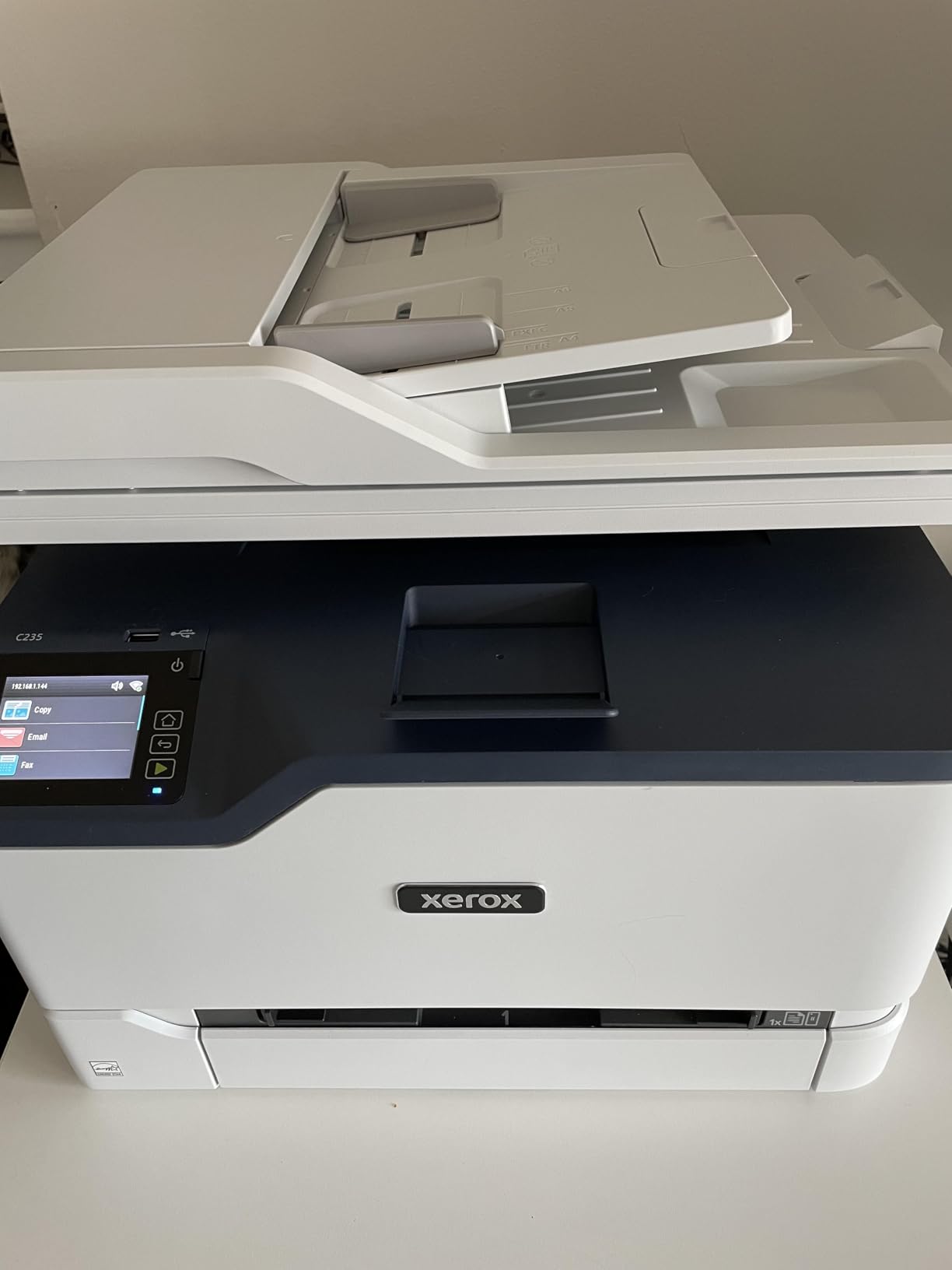
The running cost story is genuinely good. It ships with a 500 yield starter toner and supports high yield cartridges, and it is aimed squarely at small offices printing up to about 1,500 pages a month. That is the volume profile of most freelancers and contractors.
Wi-Fi stability reports are mixed in some home networks, and the black copy resolution is an entry-level 600 dpi. With 297 ratings, the ownership history is also shorter than the Brother and Canon models here, so treat long-term reliability as unproven.
Check the paper and network limits
It is designed for up to 1,500 pages a month. Above that, the fuser and drum cycle becomes the bottleneck, and a higher-duty model is a better investment even if the purchase number looks higher.
Plan for 2.4GHz. This is a 2.4GHz unit, and on a modern dual-band mesh network it may land on the slower band or need a manual push. If your whole house is 5GHz, check the network settings before you commit.
Who should skip it
Skip it if you print color photography. Black copy resolution is 600 dpi and there is no borderless output, so image work is out of its lane.
Skip it if you want a track record. The review base is a fraction of what the Brother and Canon models carry here, and the Lexmark further down has even fewer, so long-term evidence is thin for both.
9. Canon imageCLASS MF445dw – Best for Document Scanning Workflows
imageCLASS MF445dw – All-in-One, Wireless, Mobile-Ready Laser Printer with 3 Year Warranty
40 ppm black output
600 dpi black
900-sheet maximum capacity
Single-pass duplex ADF with OCR
Pros
- Single-pass duplex ADF builds searchable PDFs
- Five inch touchscreen with application library
- First print in about 5.3 seconds
- Quiet operation including sleep mode
Cons
- Listed as a monochrome laser rather than color
- Web interface is scattered and unintuitive
- Genuine toner is costly with few alternatives
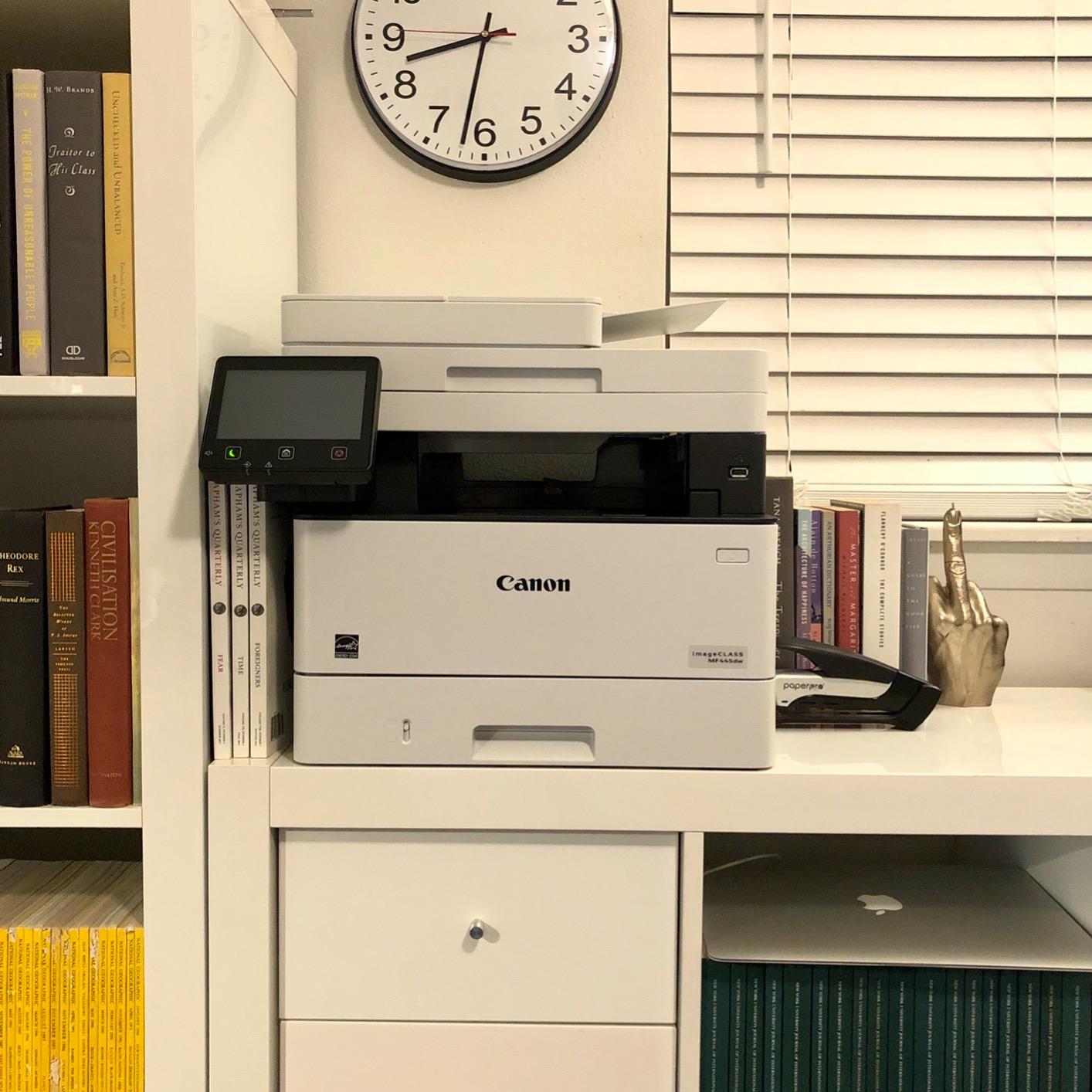
I want to be direct about this one: the MF445dw is listed as a monochrome laser, not a color model. If color is non-negotiable for your home office, skip to the next section. If your work is document-heavy and color is a bonus, this is the most capable scanning machine in the roundup.
The single-pass duplex document feeder is the headline. It reads both sides of a stack in one pass and uses built-in OCR to produce a searchable PDF, which turns a thirty-page signed agreement into something you can actually search later. At 900 sheets maximum capacity, it also takes far more paper than anything else here.
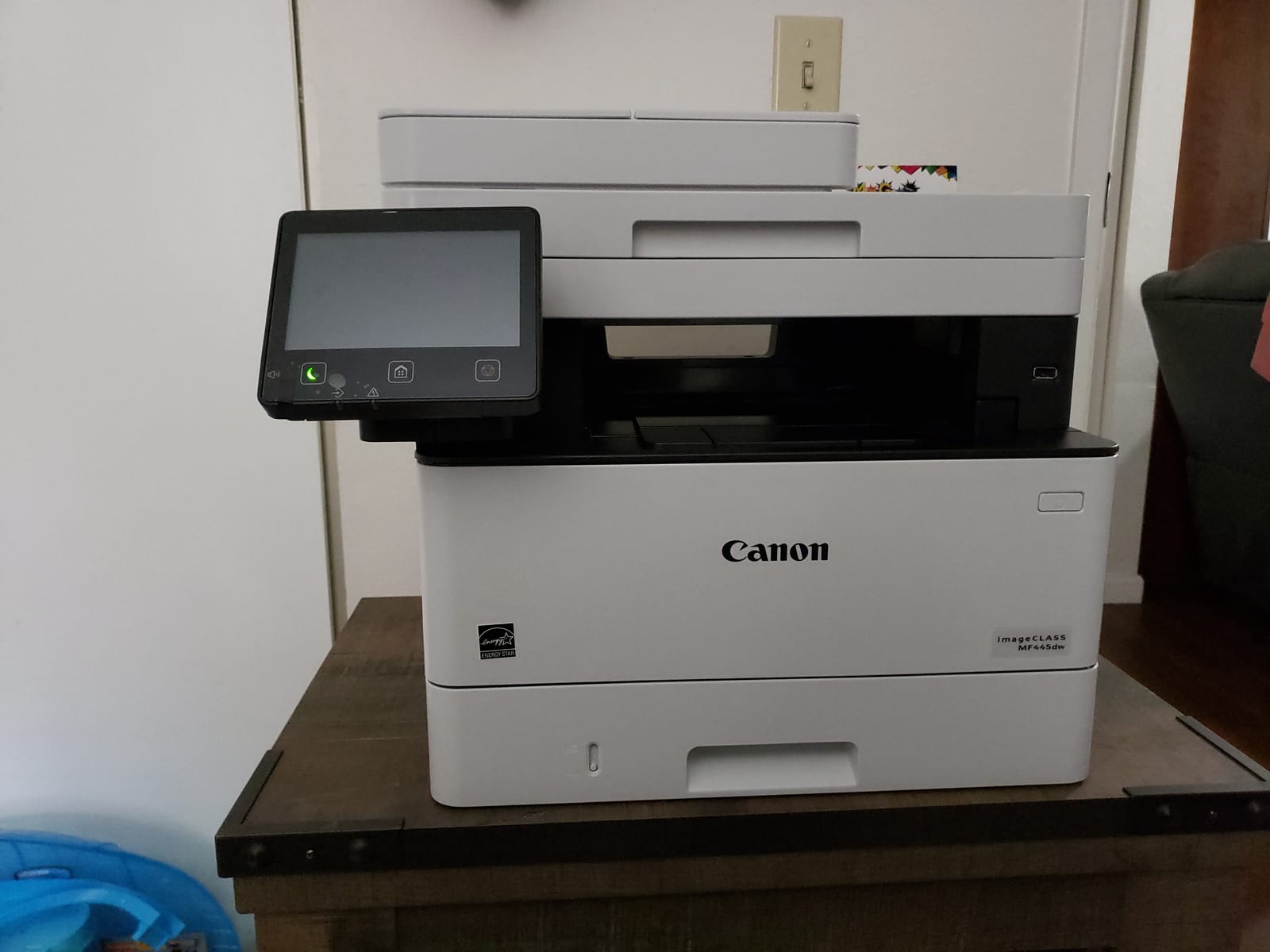
Speed is exceptional for a multifunction unit at 40 pages per minute, first print lands in about 5.3 seconds, and the five inch color touchscreen with an application library lets you put one-tap scan workflows on the home screen. It also creates its own Wi-Fi Direct hotspot for direct mobile connection.
Owners rate it highly for speed, quietness and OCR scanning, including silence in sleep mode. The three year limited warranty is a genuine bonus. The trade-offs are a scattered web interface that takes real effort to configure, and genuine toner that costs more because third-party alternatives are scarce.
Look at the touchscreen behavior
The five inch screen is large and the Application Library is genuinely useful, but owners report it needs a steady finger press and can register slides if you brush it. If you have ever struggled with a touchscreen, test this in a shop before buying.
Plan for a configuration session. Administrator log-in and Verify System at Startup security options are available, and the web interface for advanced settings is not where a home user will enjoy their afternoon.
Who should skip it
Skip it if you print color. This is the single most important check in this review, because the listing reads like a color machine until you look at the output type.
Skip it if toner cost drives your decision and you are comfortable outside genuine supplies. With limited third-party availability, the cost per page here runs higher than the Brother and Canon models above despite the fast engine.
10. Lexmark CX331adwe – Best for a Durable Steel-Frame Build
Lexmark CX331adwe Laser Printer – Color – 26 ppm Mono / 26 ppm Color – 600 dpi Print – Automatic Duplex Print – Wireless LAN, White (40N9070)
26 ppm mono and color
600 x 600 dpi
Print, copy, scan and cloud fax
42.8 pound steel frame body
Pros
- Steel frame construction rated for office durability
- Automatic duplex as standard
- Wireless LAN with Wi-Fi Direct
- USB and Ethernet
Cons
- Smallest review base in the group at 72 ratings
- 600 x 600 dpi resolution
- Capacity and controls are less well documented
The CX331adwe is the odd one out here, and that is its appeal. It is built on a steel frame rather than a plastic chassis, which is the construction you would normally find on a machine twice this size, and it supports up to 100 percent recycled paper along with free cartridge recycling.
Functionally it covers print, copy, scan and optional cloud fax at 26 ppm in both mono and color with automatic duplex, over wireless LAN, Wi-Fi Direct, USB and Ethernet. Built-in security protects data on the device and across the network, which is rare at this class and welcome if you share the office with anyone else. The Lexmark Mobile Print app handles device sharing, and the control panel is a color LCD, LED or OLED depending on configuration.
Be careful about what you are buying. Listed media capacity and control options are less well documented than the competing models, and 600 x 600 dpi output is the baseline of this group, not a selling point. On paper it is still a strong fit for a home office that wants a copier, a scanner and a fax without three separate boxes.
Verify the paper capacity before ordering
Check the tray configuration with the seller rather than assuming. This listing documents the engine and the connectivity well, but owners looking for large paper capacity will find fewer published details here than on the Canon and Brother models.
Ask about toner availability in your region too. A less common platform can mean fewer restock options, and a home office should not wait a week for a cartridge on a Friday afternoon.
Who should skip it
Skip it if you want a proven record. Seventy-two ratings is the thinnest feedback base in this roundup, so the 4.1 average is encouraging rather than conclusive.
Skip it if you print graphics or photos. At 600 x 600 dpi with no borderless support, the Canon LBP632Cdw is the far better fit for anything client-facing with color detail.
How to Choose a Color Laser Printer for a Home Office
Start with monthly volume, because it decides almost everything else. Under 200 pages a month, a print-only machine like the HL-L3230CDW or the C240 is enough. Between 200 and 800, you want a 250-sheet tray and automatic duplex. Above 800, or if you scan stacks routinely, move to an all-in-one with a 50-sheet automatic document feeder and single-pass duplex scanning.
Next, decide about scanning. A printer without a scanner is not a failure, it is simply a different purchase. If you sign documents, file receipts or hand clients a signed copy, an all-in-one pays for itself in saved trips to a print shop. If you never scan, the extra money buys speed you will not use.
Connectivity deserves more thought than most guides give it. A wired Ethernet port is worth a lot in a home office because it removes wireless dropouts permanently, and printers without Ethernet often push you onto Wi-Fi whether you want it or not. Dual-band wireless is a bonus; single-band 2.4GHz is workable. AirPrint and Mopria matter if you print from a phone or tablet, and every unit in this roundup except the Xerox C240 and the Canon MF642Cdw lists them.
Check your operating system next. Mac and Linux owners report smoother experiences with Brother and Canon than with HP, and Linux users in particular prefer open drivers. The Brother MFC-L3780CDW still runs some software through Rosetta translation on Apple silicon, which works but is not seamless. Our general home laser guide breaks this down per model.
Finally, measure the space and listen to the noise. Every machine here is between 35 and 49 pounds, and the all-in-ones need room in front for the document feeder and behind for output. If you take calls from the same desk, weight the quiet models higher, because the Canon LBP632Cdw and MF642Cdw are the loudest in this group.
What a Color Laser Printer Really Costs Per Year
Toner is the number that decides the real cost of ownership, and the gap between brands here is wide. Brother TN223, TN227 and TN229 cartridges and Canon 067 cartridges sit at the affordable end. HP 218A and 218X cartridges sit higher, and the 3301sdw only accepts cartridges containing HP chips, which removes the cheaper third-party route entirely.
Watch the starter cartridge. Forum owners repeatedly report that the toner shipped in the box yields around 500 to 600 pages, while the replacements buyers order later yield two or three times that. The Xerox C235dni explicitly lists its starter toner at 500 yield, so budget for a second purchase in the first six months rather than assuming the box is a full set.
Third-party toner is a real option on most of this list. Owners on r/printers and r/BuyItForLife report years of trouble-free use with compatible cartridges on Brother models in particular, while HP users run into firmware behavior that blocks non-genuine supplies. The trade-off is warranty coverage, so check the terms on the Canon units where the three year warranty is a selling point.
A rough formula beats guessing. Take the price of a full high yield set, divide by the rated page yield to get a cost per page, then multiply by your monthly volume and add the drum or maintenance kit cost every year or two. The printers with cheaper per page numbers, the Brother TN229 family and the Canon 067 line, will usually win that comparison within 18 months of ownership.
Frequently Asked Questions
What is the best color laser printer for home office use?
The Brother HL-L3230CDW is the strongest all-rounder at 25 ppm with automatic duplex, a 250 sheet tray and four connection options including Ethernet. If you need scanning and copying, the Brother MFC-L3720CDW adds a 50 sheet document feeder and a 3.5 inch touchscreen in one body.
Which brand of color laser printer is best?
Brother is the safest general answer because its toner families are among the most affordable in this class and third party cartridges work reliably. Canon is the choice for sharp 1200 x 1200 dpi color and three year warranties. Xerox models tend to guide you through setup more easily. HP prints fast but locks you into genuine chipped cartridges.
What is the best color laser printer with affordable toner?
Look at models that use Brother TN223, TN227 or TN229 cartridges, or Canon 067 toner, since these are consistently rated as inexpensive with long yields. The HP Color LaserJet Pro MFP 3301sdw works only with cartridges containing HP chips, which removes the cheaper third party option and raises the cost per page.
What are the disadvantages of a color laser printer?
Color laser printers do not produce borderless prints or glossy photo quality, and the color resolution on many models tops out at 600 x 600 dpi. They are also heavier, louder and more expensive up front than inkjets, and they need warm up time. Print only models have no scanner at all, which rules out scanning and copying.
Are color laser printers being phased out?
No. Color laser remains the standard choice for offices that print contracts, invoices, proposals and marketing materials, because toner never dries out and pages come out fast and sharp. The shift at the low end is toward inkjets with refill tanks for photo and graphics work, not away from color laser for business documents.
Is it worth buying a laser printer for home use?
Yes, if you print 50 or more pages a month. Owners switching from inkjets report the biggest relief is never finding a dried cartridge again, plus faster duplex output and lower cost per page for documents. If you print a few photos a year and nothing else, an inkjet suits you better.
Final Verdict
For most home offices in 2026, the Brother HL-L3230CDW is the right first buy. It is fast, quiet, connects four ways, and its cartridges are among the least painful to replace, which is the factor that decides whether a printer is a tool or an expense.
Buy the Brother MFC-L3720CDW instead when you scan and sign documents, the Canon imageCLASS LBP632Cdw when graphics quality is the priority, and the MFC-L3780CDW when volume climbs past a few hundred pages a month. Whatever you choose, measure the desk, check that the toner family suits your country, and confirm your operating system is supported before you order.