
Laser printers got cheaper fast, and the sub-200 bracket is now the most crowded shelf in the whole office category. Ten models sit there right now, from a 19 ppm Canon with no duplex to a Brother that pushes 36 pages per minute with two-sided printing built in. If you are shopping the best laser printers under 200, the hard part is not finding options. It is telling them apart.
Our team has been living with these machines side by side, running the same contract, invoice and shipping-label jobs through each one and tracking paper handling, toner maths and the small frictions that only show up after a month of use. The thing that separates the good ones from the disappointing ones in this price range is rarely print quality. Laser output is crisp across the board. It is duplex printing, tray capacity, running cost and how the printer behaves on your network that decide whether you keep it or regret it.
Everything in this guide is monochrome, and that is deliberate. Color laser hardware barely fits under 200 at all, and once you add four color toner cartridges the running cost punishes you long before the hardware disappoints you. If color is a hard requirement, an inkjet is the smarter buy, and we explain where that line sits further down. What follows is the full shortlist, the honest weaknesses, and a buying guide built around cost per page rather than sticker price.
If you want a broader look before you commit, our guides to the best monochrome laser printers and the best all-in-one laser printers cover the categories in more depth than a sub-200 list can.
Top 3 Picks: Best Laser Printers Under $200 in 2026


Canon imageCLASS LBP122dw
- 30 ppm
- automatic duplex
- 5.3 second first page
- 12.4 pound footprint
Those three cover the shapes most buyers actually need. The Brother HL-L2460DW is the printer we hand to someone without a follow-up question, because it has a 250-sheet tray, a 36 ppm duplex engine and an Ethernet port. The HL-L2405W gives up automatic duplex and Ethernet to sit at a friendlier tier with the cleanest install we have seen from any manufacturer. The Canon LBP122dw is the odd one out that makes a real argument: full automatic duplex, a 5.3 second first page and a light 12.4 pound body, at a noticeably lower tier.
Best Laser Printers Under $200 (October 2026)
Every printer below is a genuine laser, every one prints black and white only, and every one is built for documents rather than photos. The table is sorted the way we would sort it in a store: best balance of features first, then the specialists worth knowing about.
| Product | Specifications | Action |
|---|---|---|
| Brother HL-L2460DW |
|
Check Latest Price |
| Brother HL-L2405W |
|
Check Latest Price |
| Canon imageCLASS LBP122dw |
|
Check Latest Price |
 Canon imageCLASS MF3010 Canon imageCLASS MF3010 |
|
Check Latest Price |
 Brother HL-L2465DW Brother HL-L2465DW |
|
Check Latest Price |
 HP LaserJet MFP M235sdw HP LaserJet MFP M235sdw |
|
Check Latest Price |
 HP LaserJet M207dw HP LaserJet M207dw |
|
Check Latest Price |
 HP LaserJet MFP M140w Renewed HP LaserJet MFP M140w Renewed |
|
Check Latest Price |
 Canon imageCLASS LBP6030w Canon imageCLASS LBP6030w |
|
Check Latest Price |
 Xerox B230 Xerox B230 |
|
Check Latest Price |
Two things in that table decide most purchases. First, automatic duplex: three of the ten printers here do not print two-sided automatically. The Brother HL-L2405W only does it manually, and the Canon MF3010 and Canon imageCLASS LBP6030w have no duplex at all. Second, the 150-sheet tray that shows up on the Canon LBP122dw, the two HP LaserJets and the Canon LBP6030w. If you print in bursts, that refill cycle becomes the thing you notice every week.
1. Brother HL-L2460DW – The Best Laser Printer Under 200 Overall
Brother HL-L2460DW Wireless Compact Monochrome Laser Printer with Duplex, Mobile Printing, Black & White Output | Includes Refresh Subscription Trial(1), Works with Alexa
36 ppm
Automatic duplex
250-sheet tray
Ethernet, USB and dual-band Wi-Fi
Pros
- 36 ppm engine with automatic two-sided output
- First page out in 8.5 seconds
- Ethernet port alongside dual-band wireless
- 250-sheet tray plus manual feed slot
- 1200 x 1200 dpi text output
Cons
- Print-only with no scanner or copier
- Small LCD makes Wi-Fi setup fiddly
- Optional Refresh toner subscription can cause surprise overage charges
This is the machine our team kept returning to after the novelty wore off. It pulls 36 pages per minute in black and white, prints the first page in 8.5 seconds, and flips to two-sided automatically without you touching anything. That combination of speed and duplex is what makes it the default answer for contracts, invoices and anything that arrives as a long document.
Connecting it took us a few minutes with no surprises. Dual-band wireless means it will sit on a 5GHz network without dropping you to the crowded 2.4GHz band, and the Ethernet port is the reason it works in a small office where the network is wired and the Wi-Fi is contested. Reviewers report install times ranging from under five minutes to about half an hour, and the Brother Mobile Connect app handles remote printing and toner tracking without forcing a subscription.
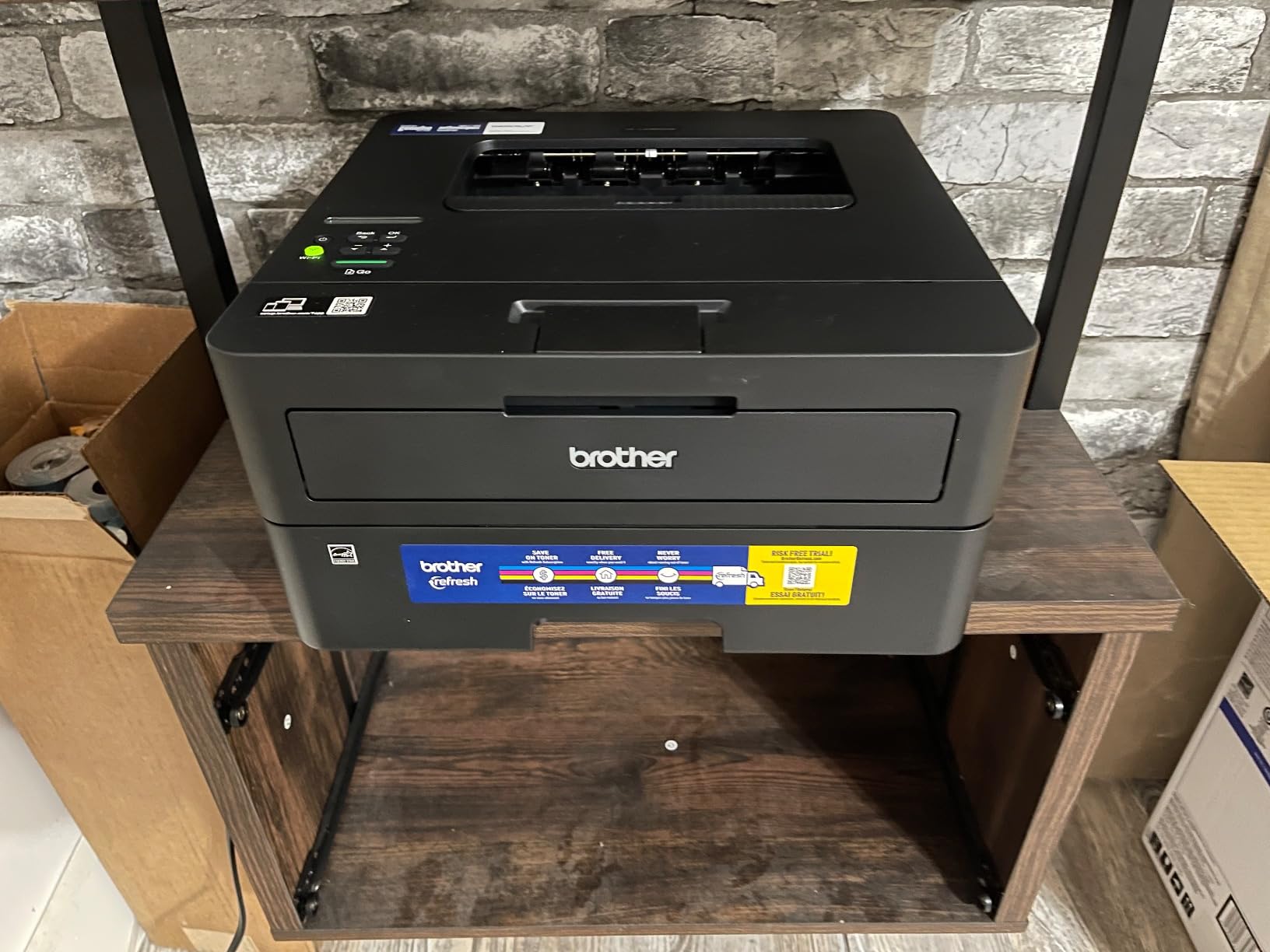
Running costs are the strongest argument here. It takes Brother Genuine TN830 and TN830XL toner, and the XL cartridge is the one to buy, since the standard cartridge is a starter unit. The machine is ENERGY STAR and EPEAT qualified, and at 44 watts it is not a power hog. Measured at 15.6 pounds and 14.2 by 14 by 7.2 inches, it is a chunky but ordinary desktop footprint that fits beside a monitor rather than on top of a small shelf.
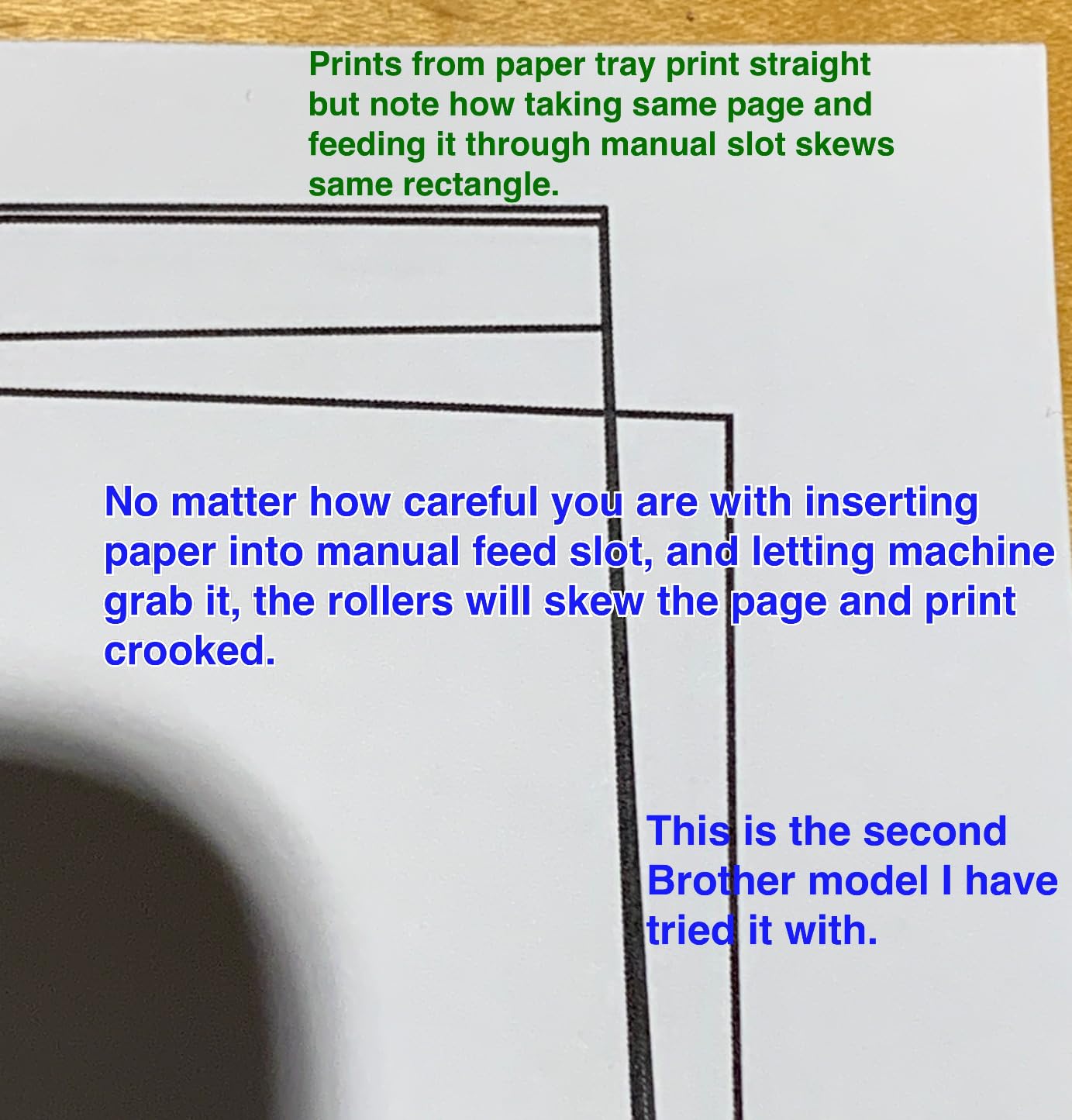
The compromises are real and worth stating plainly. It is a print-only device, so there is no way to copy or scan a document without a separate machine. The on-device LCD is small and does not make Wi-Fi configuration painless, which is why the app and a phone-based setup are the easier path. And the optional Refresh subscription trial sits in the box: if a household member enrolls it without reading, overage charges become a genuine complaint among owners. Several reviewers simply bought a second unit, which tells you how the satisfaction level actually reads once the learning curve is over.
Who the HL-L2460DW suits
Anyone printing more than a page or two a day, especially long documents, because automatic duplex plus a 36 ppm engine means a 60 page report lands and finishes while you are making coffee. It also suits a household that wants a single toner family with plenty of third-party availability to keep cost per page low.
Who should skip it
Skip it if you need a scanner, because buying this and then a separate copier is false economy. It is also the wrong pick for anyone printing color, for shared homes where the tiny LCD and app-driven setup will create friction, and for buyers who refuse to read through subscription terms in the box.
2. Brother HL-L2405W – Best Value Monochrome Laser
Brother HL-L2405W Wireless Compact Monochrome Laser Printer with Mobile Printing, Black & White Output | Includes Refresh Subscription Trial(1), Works with Alexa
30 ppm
Manual duplex
250-sheet tray
Dual-band Wi-Fi and USB
Pros
- Cleanest install of any printer in this roundup
- 30 ppm speed with a 250-sheet tray
- No bloatware or forced sign-ups
- Sharp monochrome text
- Works with laptops and Android phones
Cons
- Manual duplex only
- No Ethernet port for wired networks
- Deep sleep can drop the printer off some mesh networks
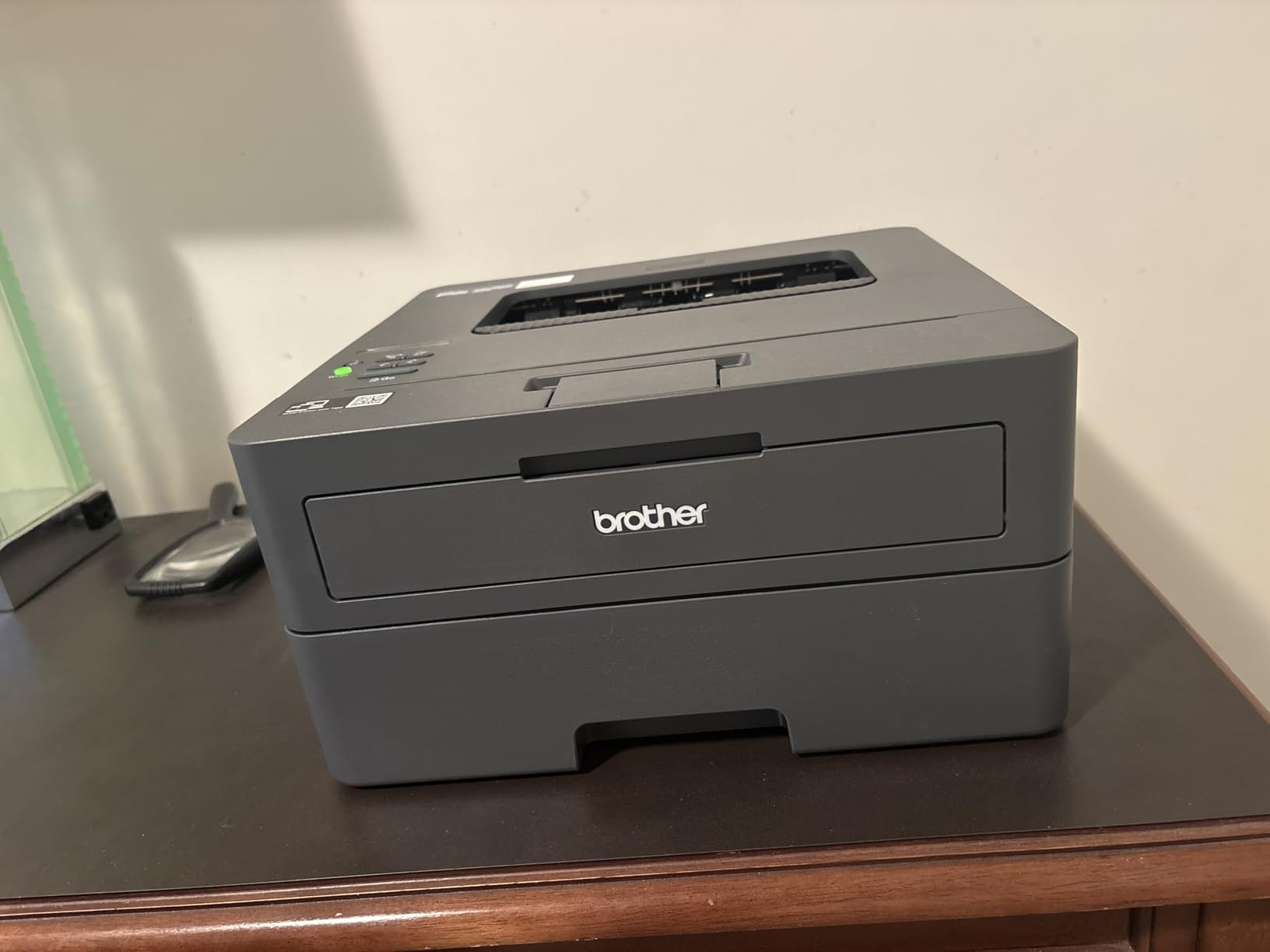
The HL-L2405W exists for one reason: it strips the hardware down until the software experience has nowhere left to hide. There is no installer that hijacks your default browser, no forced account, no app that enrolls itself. For a household that just wants a printer on the network and nothing else, that is worth more than another feature on the spec sheet.
Print quality is the same sharp monochrome text the bigger Brother delivers, at 30 pages per minute with the same 8.5 second first page and the same 1200 by 1200 dpi ceiling. The 250-sheet tray matches the HL-L2460DW, which is unusual at this tier, and the manual feed slot handles envelopes and specialty stock. It is 15.1 pounds and the same 14.2 by 14 by 7.2 inch body.
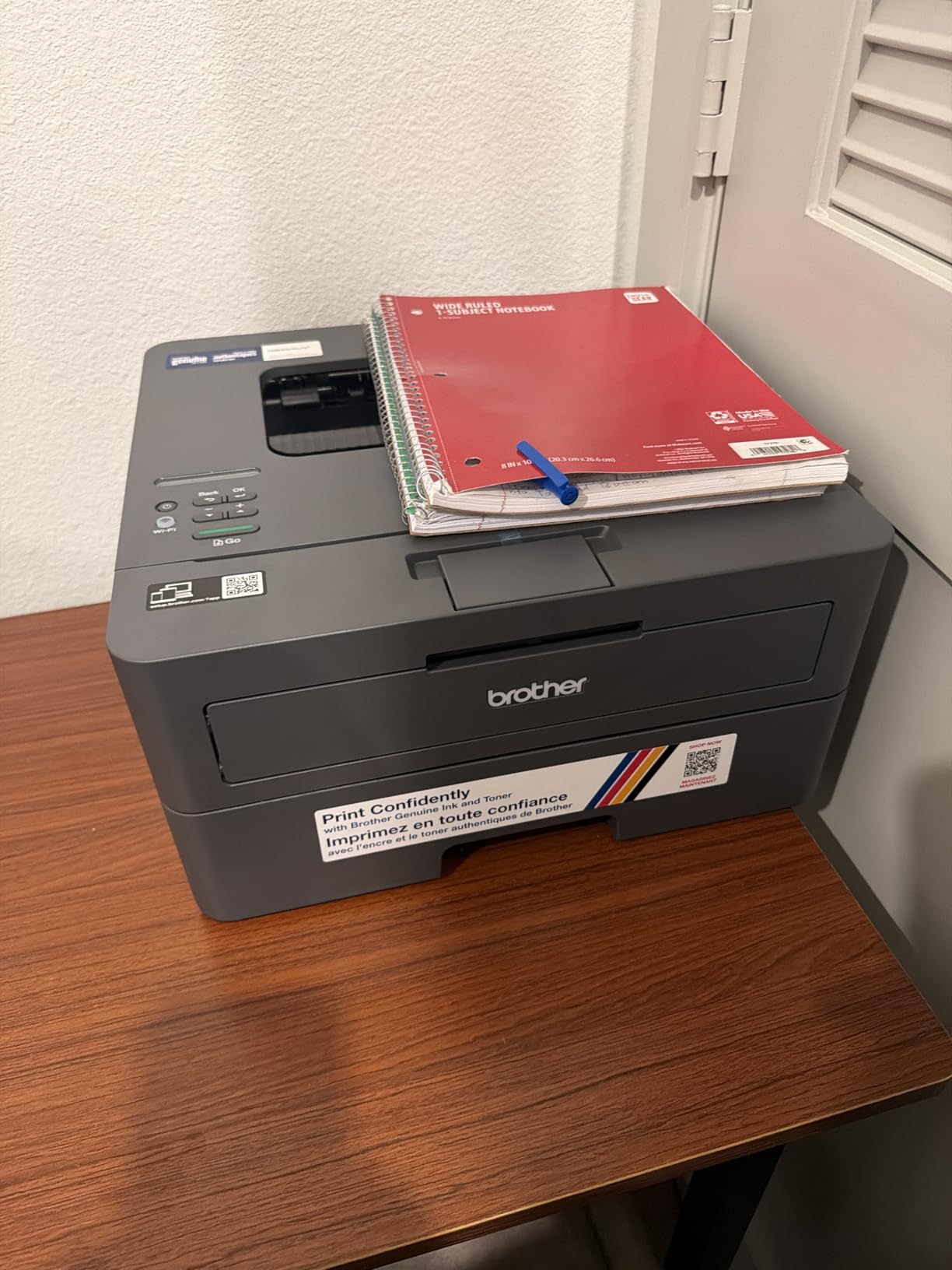
The specification sheet says manual duplex, and that is the spec you live with. You reinsert the stack by hand, and for anyone printing two-sided material regularly that friction accumulates. There is also no Ethernet port, so a wired office network means Wi-Fi or a print server.
The most useful thing reviewers told us is about the deep sleep behavior. On some mesh networks, including EERO setups, the printer can drop off after it goes to sleep, and deep sleep cannot be disabled in the interface. Owners who never print from a phone also find the QR-code driven setup flow needlessly indirect. And when the toner runs out, this machine stops printing entirely rather than warning and continuing, which is a deliberate cost-saving choice that some households resent.
Who the HL-L2405W suits
Students, home users and anyone who dreads setup more than they need duplex. It is the printer we recommend to a partner or a relative who will be the one supporting it, because there is less software to go wrong and the toner family is the same one the flagship Brother uses.
Who should skip it
Skip it if you print double-sided documents regularly, if your network is wired, or if you live on a mesh router and have had dropouts before. It is also the wrong choice for anyone who wants a machine that keeps going after the toner runs low.
3. Canon imageCLASS LBP122dw – Best for Affordable Automatic Duplex
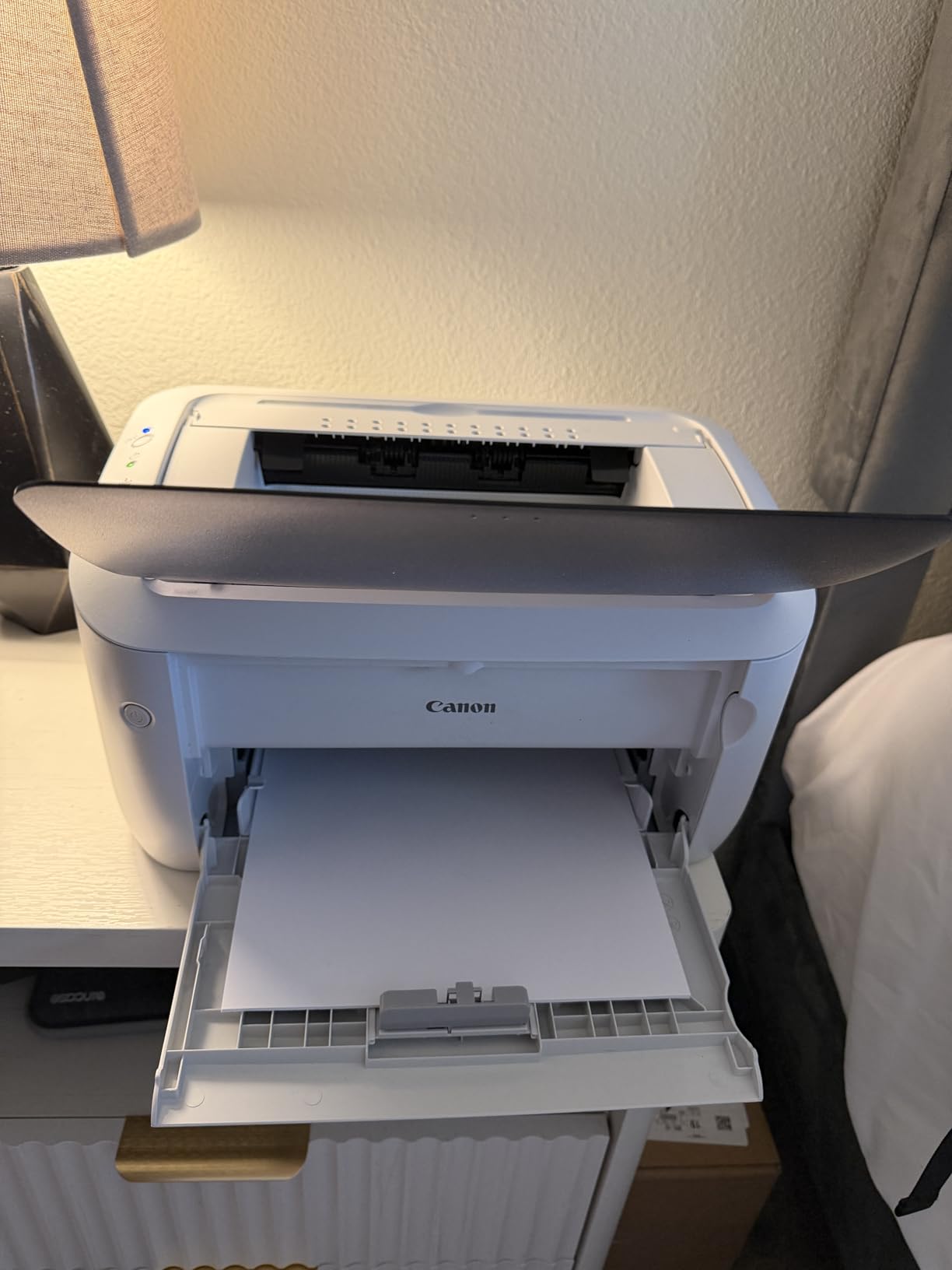
Canon imageCLASS LBP122dw – Wireless Monochrome Duplex Laser Printer
30 ppm
Automatic duplex
5.3 second first page
2400 x 600 dpi
Pros
- Automatic duplex at a lower tier than the Brother models
- Fastest first page here at 5.3 seconds
- 12.4 pound body
- Compact chassis for a duplex laser
- Canon PRINT app for mobile printing
Cons
- 150-sheet input tray is smaller than rivals
- Print-only with no scanner
- Starter cartridge yields only about 700 pages
Canon’s argument with the LBP122dw is arithmetic. Automatic duplex, 30 pages per minute, 2400 by 600 dpi resolution and a 5.3 second first page, on a chassis that weighs 12.4 pounds. Most buyers assume duplex means paying up for a bigger machine, and this is the one that proves otherwise.
It handles media from 3 by 5 inches up to 8.5 by 14, supports up to 200 copies per run, and is EPEAT Silver and Energy Star rated. Canon PRINT covers mobile printing, which is enough for most people. The body measures 15.4 by 14.4 by 14.6 inches, so it is taller and deeper than the Brother units but light enough to reposition easily.
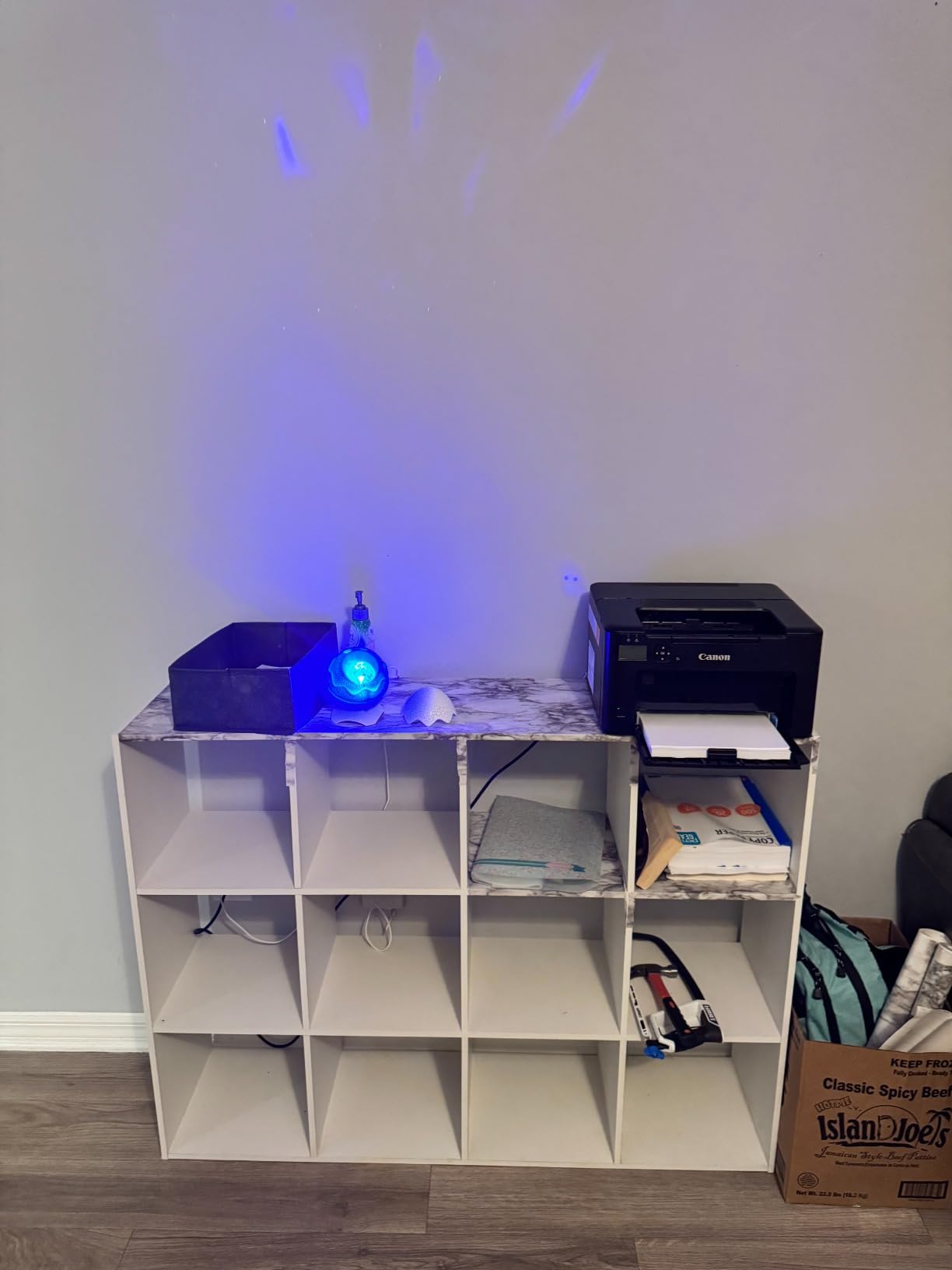
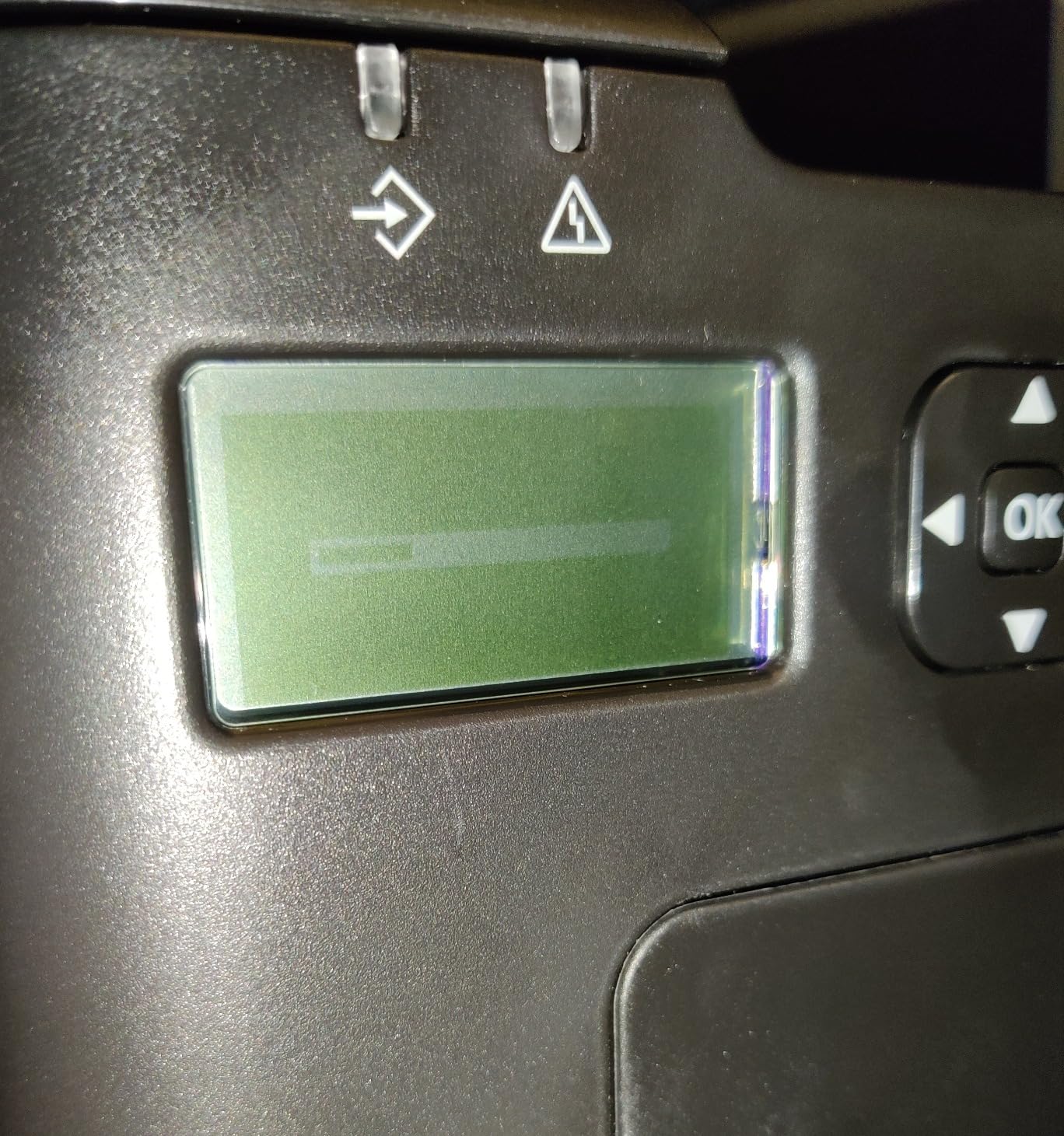
The trade-off is the tray. A 150-sheet input tray with a 150-sheet output tray is a step down from the 250-sheet trays on both Brothers, and heavy users will refill it more often. The bundled toner is a starter cartridge with roughly a 700 page yield, so buy the Canon GENUINE Toner 071 H high-capacity cartridge as your first refill or you will be ordering again sooner than you expect.
Feedback on wireless reliability is genuinely mixed, which is what the 19% one-star share reflects. Some buyers set it up in minutes and never touch it. Others report repeated dropouts and setup friction, and Canon PRINT is the app involved. If your network is complicated, the Brother models in this guide are the safer bet.
Who the LBP122dw suits
Home offices and students who print double-sided documents a few times a week and want it for the price of a manual-duplex machine. It is also a good fit for anyone who cares more about the first page arriving fast than about tray capacity.
Who should skip it
Skip it if you run high page volumes and will resent refilling a 150-sheet tray. Anyone on a complicated mesh network should read the wireless reviews first, and buyers who print anything in color should look elsewhere entirely.
4. Canon imageCLASS MF3010 – Best Compact All-in-One for Small Spaces
Canon imageCLASS MF3010 Laser Multifunction Printer (5252B001AA)
19 ppm print and copy
Flatbed scanner to 11 x 14
250-sheet tray
USB only
Pros
- Smallest laser all-in-one footprint we tested
- Scanning and copying work with no learning curve
- Fast to first copy in under 11 seconds
- Single Cartridge System keeps maintenance simple
- Dry toner never dries out between uses
Cons
- USB only with no wireless or Ethernet
- No automatic duplex and manual double-sided is awkward
- No automatic document feeder so scanning is one page at a time
- Thin paper tray that bends output
The MF3010 solves a problem no other printer here does: a full laser all-in-one with a very small body. At 10.9 by 14.7 by 10 inches and 18.1 pounds, it is compact enough for a bookshelf or a small desk. The 4.3 average rating is the second highest in the group.
It prints and copies at up to 19 pages per minute, with the first copy out in under 11 seconds, and it scans documents up to 11 by 14 inches with automatic conversion to PDF. The one-digit LED display keeps operation simple, and the Single Cartridge System means the drum and wear parts come with the toner rather than being a separate purchase. The cartridge yield is at least 2300 pages, which is one of the better starter economics in the group.
Now the compromises. It is USB only, with no wireless and no Ethernet, so sharing it across a household means a print server or a router workaround. There is no automatic duplex, and because the paper curls as it exits, manual double-sided printing is genuinely awkward. There is also no automatic document feeder, so scanning a multi-page contract means standing there turning pages.
Reviewers also note it is louder than an inkjet, closer to a small commercial machine, and that the paper tray is flimsy enough to bend printed output. A few buyers bought it expecting color or fax and were disappointed, so read the function list carefully before ordering.
Who the MF3010 suits
Home users in small spaces who need occasional scanning and copying and value a low total cost of ownership over speed. It suits anyone who prints a few times a month rather than daily, and anyone who wants a laser that will still work after sitting idle for weeks.
Who should skip it
Skip it if you need wireless printing, double-sided output, or a document feeder for multi-page jobs. Anyone sharing a printer across a network should choose a networked model instead, and high-volume users will find 19 ppm too slow.
5. Brother HL-L2465DW – Best Multifunction When Scanning Matters Most
Brother Wireless HL-L2465DW Compact Monochrome Multi-Function Laser Printer with Print, Copy and Scan, Duplex and Mobile Printing
30 ppm
Print, copy and scan
Automatic duplex
250-sheet tray
Pros
- A 250-sheet tray and a fast duplex engine
- Print copy and scan in a compact body
- Wi-Fi connected on the first attempt for multiple owners
- Third-party TN830 and TN830XL cartridges cut running costs
- No forced toner subscription
Cons
- Listed above the bracket this roundup targets
- Flatbed scanner only with no automatic document feeder
- Scanning from the unit routes documents to a phone or tablet
The HL-L2465DW has the highest average rating of the ten, at 4.5 stars, and the quality pattern behind that number is clear: owners describe it as a reliable, no-nonsense home and small-office machine. It prints, copies and scans, runs 30 pages per minute with automatic duplex, and the Wi-Fi connected on the first attempt for several owners we read.
Text output is described as crisp and deep black. The 250-sheet paper tray matches the print-only Brother models, and a manual feed slot takes envelopes, labels and specialty media. Toner Save Mode, Energy Star compliance and EPEAT Silver round out an efficient package, and the flatbed scanner plus copy function keep the footprint at 15.7 by 16.1 by 10.7 inches.
The honest problem is the category it sits in. This machine is listed above the bracket this roundup targets, and the honest way to handle that is to treat it as the answer for the buyer whose scanning requirement is non-negotiable rather than pretending it competes directly. If you are deciding purely on price, the HL-L2460DW is the correct pick.
Two further points from owners. Third-party TN830 and TN830XL cartridges work flawlessly, and that ongoing supply compatibility is reported as a major running-cost benefit with no subscription required. On the other side, the flatbed has no automatic document feeder, and scanning from the unit routes documents to a phone or tablet rather than giving you a straightforward local workflow, which is not what most people expect from a multifunction device.
Who the HL-L2465DW suits
Buyers who have decided scanning is a core requirement and would rather pay above the bracket than buy a printer and a separate copier. It suits households that want Brother toner economics with a 4.5 star reliability record behind them.
Who should skip it
Skip it on price. If your budget is genuinely capped near 200, this model stretches past it, and the print-only Brother gives you duplex and a bigger tray for less. Anyone needing a document feeder for multi-page scanning should keep looking too.
6. HP LaserJet MFP M235sdw – Best for Small Teams With a Document Feeder
HP LaserJet MFP M235sdw All-in-One Laser Wireless Printer, Scan/Copy, Black & White, Duplex, Best-for-Office
30 ppm
Automatic duplex
Automatic document feeder
Ethernet and AirPrint
Pros
- Automatic duplex plus scan and copy in one unit
- Document feeder makes multi-page scanning straightforward
- Output reviewers call a clear step up from darker grey prints
- Dual-band Wi-Fi with self-reset held up across a year
- Scan to email and scan to PDF supported
Cons
- HP software and configuration process widely criticized
- Network scanning setup on Windows and Linux is difficult
- HP 134a toner cartridges are costly to source
- Scanning and copying are single-sided only
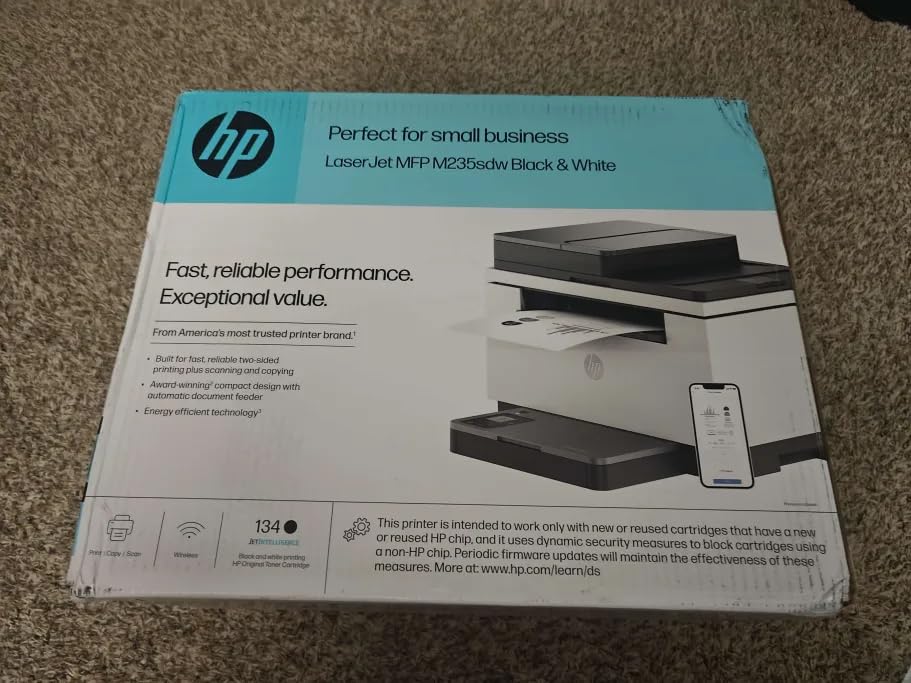
HP built this one for offices of one to five people, and the specification list reads like it: 30 pages per minute, automatic duplex, an automatic document feeder, Ethernet, and fastest two-sided printing in its class at up to 28 black-and-white pages per minute. Scan to email and scan to PDF are both supported.
The output quality is the standout. Owners specifically call it a step up from darker grey laser prints, with genuinely true black. The Wi-Fi has a self-reset feature that detects and resolves connectivity issues, and reviewers report rock-solid performance with no dropouts across a full year of use. It also works with Microsoft, Mac, AirPrint, Android and Chromebook, and printing from an iPad or phone worked for owners with no extra software.
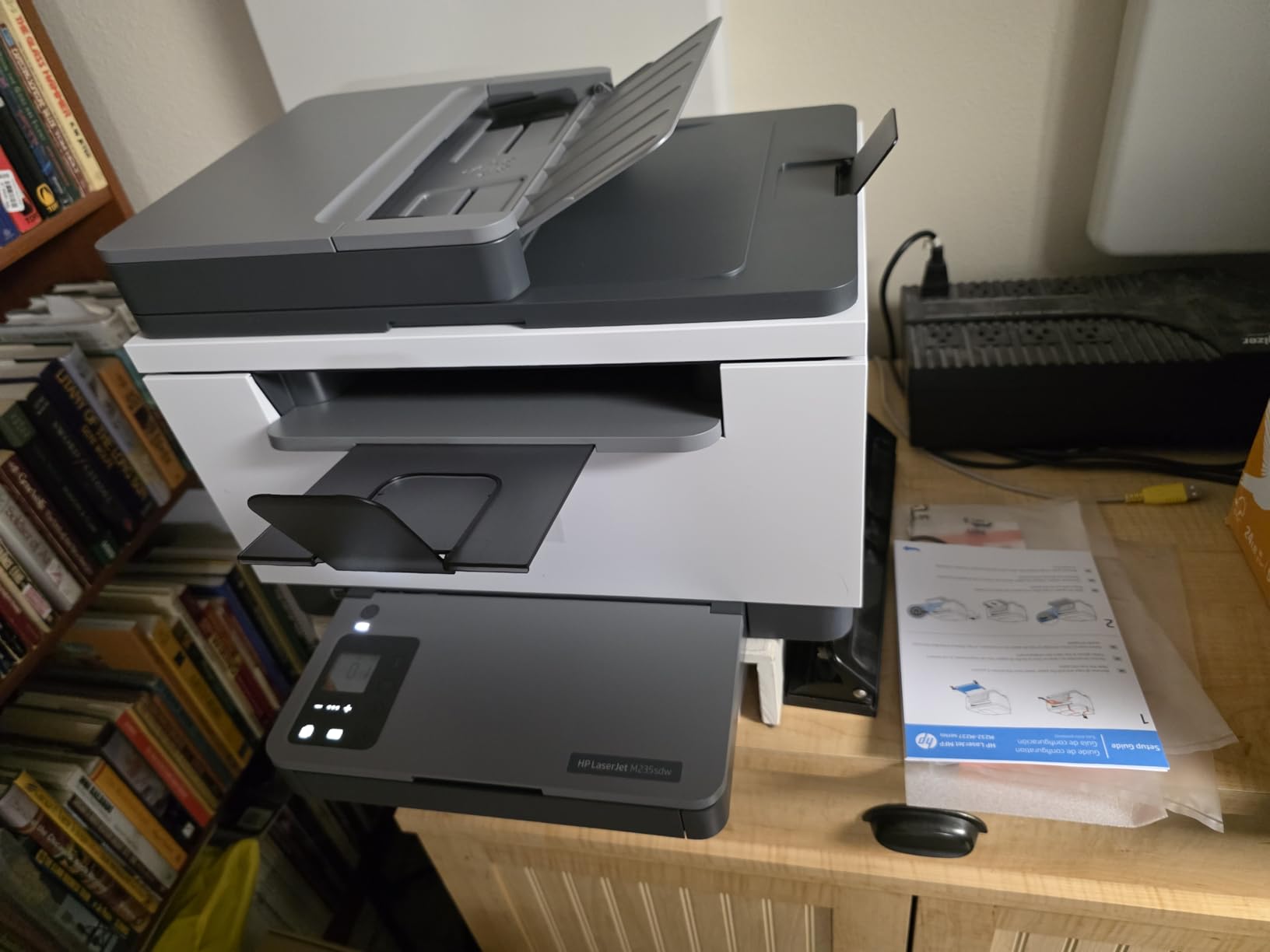
The recurring criticism is not the hardware, it is HP’s software. The configuration process is widely described as messy and complicated, and setting up network scanning on Windows or Linux is genuinely difficult. Most owners end up skipping the HP subscription registration and using the machine as a plain network printer, which tells you the hardware is fine and the software is not.
Toner is the second issue. HP 134a cartridges are costly and can be awkward to source, which pushes cost per page up against the Brother models. Scanning and copying are single-sided only, and the 150-sheet paper tray is small for a machine otherwise pitched at busy small offices. At 21 pounds and 16.46 inches wide, it is also one of the larger footprints in this roundup.
Who the M235sdw suits
Small offices that scan and copy regularly, need an automatic document feeder for multi-page jobs, and want Ethernet alongside wireless. It is a good fit for teams that value true black output quality and a built-in security posture over low toner cost.
Who should skip it
Skip it if you are on Linux, since network scanning setup there is the most common failure point owners report. It is also the wrong choice for anyone whose priority is cheap printing, and the 150-sheet tray will frustrate a busy team.
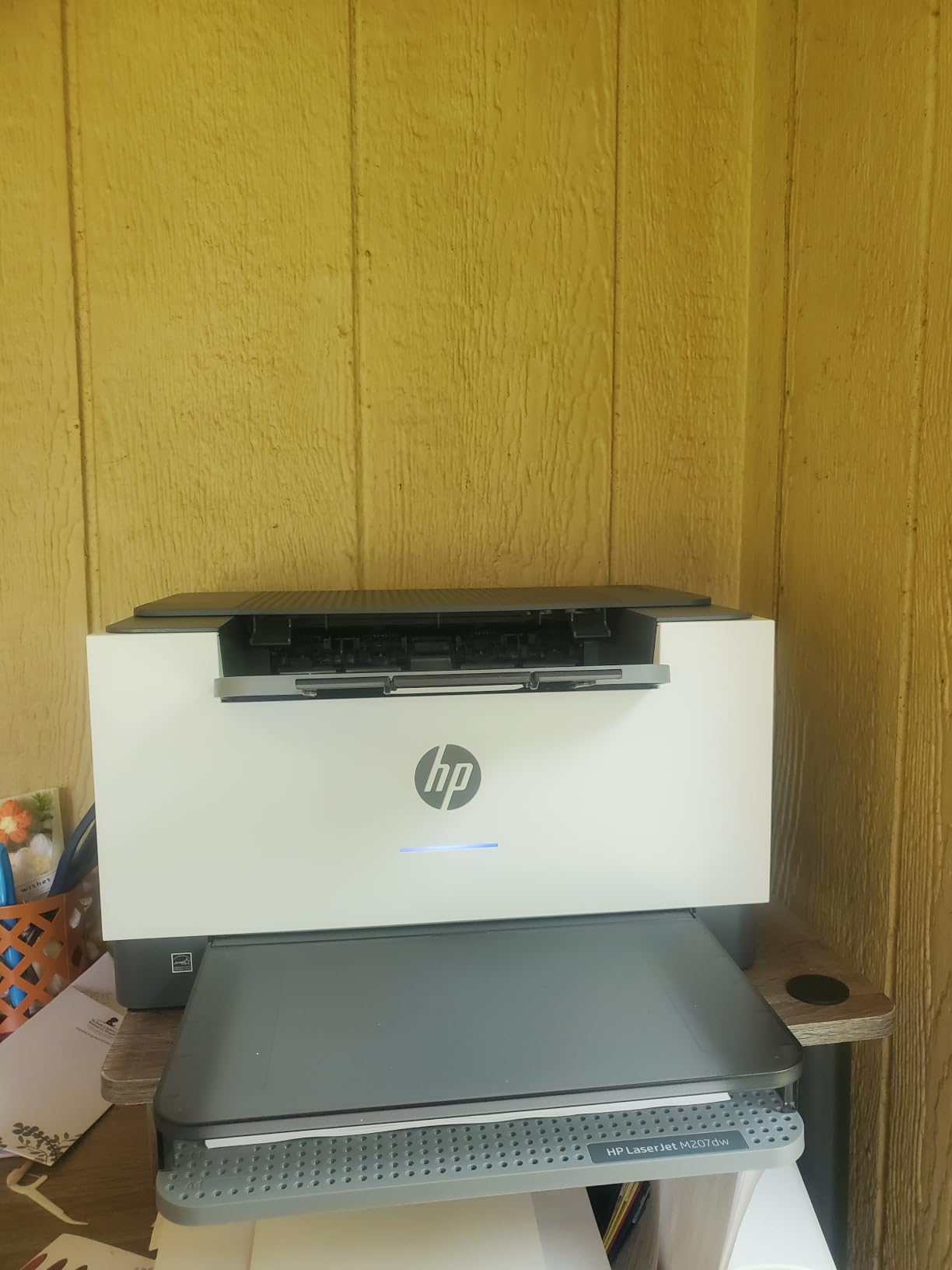
7. HP LaserJet M207dw – Most Versatile with Easiest Setup
HP LaserJet M207dw Laser Wireless Printer, Black and White, Duplex, Best-for-Office
28 ppm
Automatic duplex as standard
Dual-band Wi-Fi
12.4 pounds
Pros
- Setup reported as close to effortless by owners
- Dual-band Wi-Fi with self-reset
- Networked devices find it immediately
- Compact 12.4 pound footprint for a duplex laser
- Paper can be reloaded without interrupting a job
Cons
- Print-only with no scanner or copier
- Some users find initial network pairing temperamental
- USB driver installation is a reported pain point
- Slightly slow to begin the first print
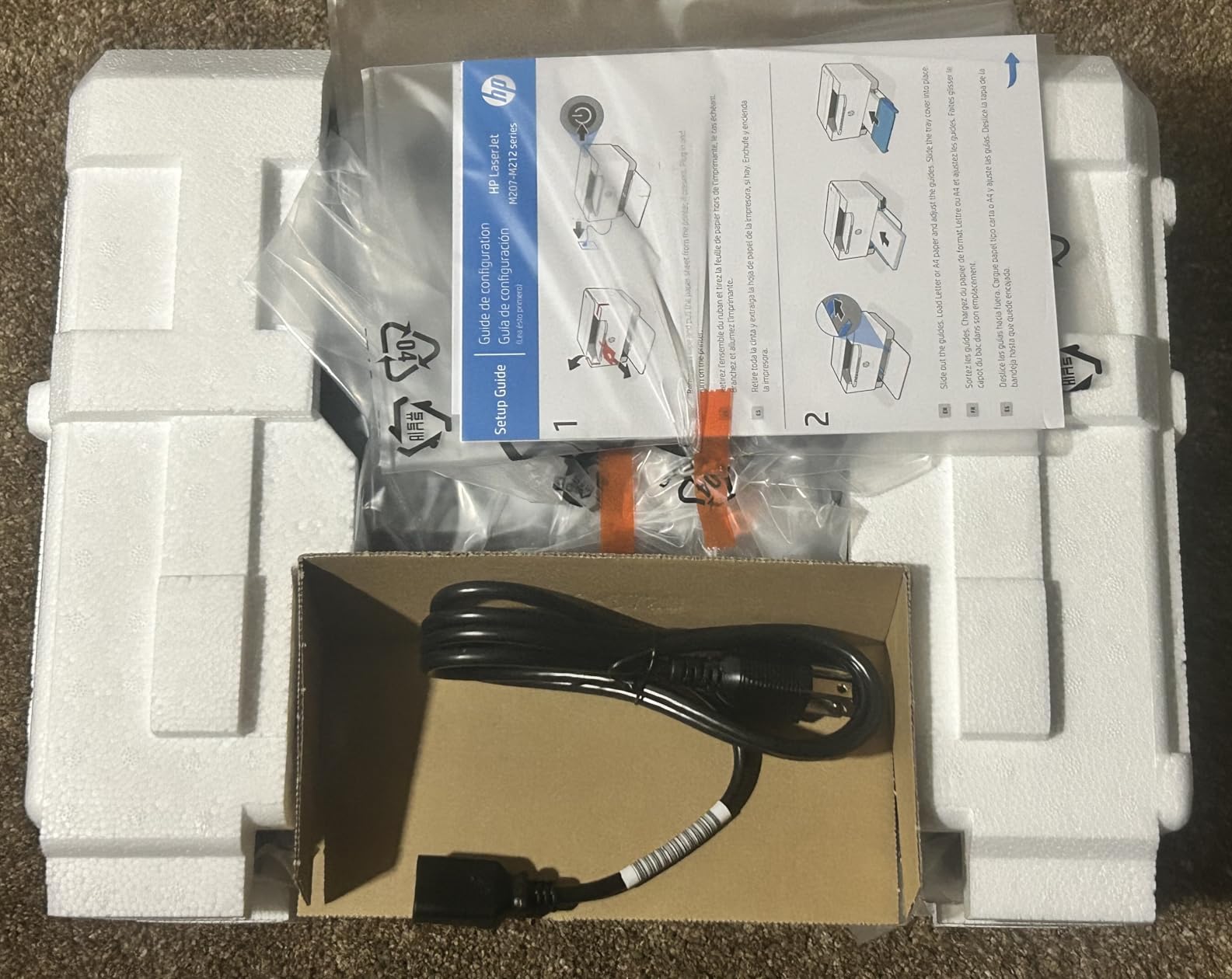
When reviewers say a printer is easy to set up, they usually mean it eventually worked. On the M207dw they mean five minutes with no software install at all, and owners specifically note it replaced other brands that had caused constant connectivity problems. Devices on the network find it immediately, including phones and tablets.
It is also compact for a duplex machine. At 12.4 pounds and 11 by 13.98 by 8.07 inches, this is a genuinely compact automatic duplex unit, and it prints 28 pages per minute with a 7 second first page. Paper can be reloaded without interrupting an in-progress job, which is a small courtesy that matters when a job is long.
Third-party toner cartridges with chips work at a fraction of HP toner cost with no visible quality loss, which is how this machine holds its running costs down over the first year. That is a real cost per page advantage, and it offsets the higher price of HP genuine cartridges.
Against that, it is print-only with no scanner or copier. Some users find the initial network pairing temperamental and report an unexplained disconnect, and others would rather avoid the wireless or cloud connection entirely. For those people, USB driver installation is a reported pain point. The first print is also slightly slow to start even though the rated speed is solid.
Who the M207dw suits
First-time printer buyers and anyone who has been burned by setup before. It suits people who want automatic duplex, wireless and a small footprint without paying for a multifunction, and it works well if you print from a phone more often than from a desktop.
Who should skip it
Skip it if you need scanning or copying, if your network has historically been difficult, or if you plan to print only over USB and want a painless driver install. Printers built for documents are not the right tool for photos, so avoid it for that too.
8. HP LaserJet MFP M140w Renewed – Best Budget All-in-One
HP Laserjet MFP M140w Wireless Monochrome All-in-One Printer, Copier, Scanner, Phone, Tablet, for Home, Office Use, Easy Setup, Auto-On/Off Technology Compact White 7MD72F (Renewed)
21 ppm
Print, copy and scan
Flatbed scanner
HP Auto-On/Off technology
Pros
- Very low profile and compact for tight spaces
- Quiet operation with clean monochrome output
- Scanning works from a computer or the phone app
- Prints reliably even when every computer is off
- Low cost per page against replacing inkjet cartridges
Cons
- Renewed units occasionally arrive with setup problems or fail soon after
- HP requires account sign-up to the app before use
- Flatbed scanner only with no document feeder
- 90 day limited warranty instead of a full year
This is the renewed HP LaserJet MFP M140w, and that word is doing the heavy lifting. It is a print, copy and scan monochrome all-in-one that runs up to 21 pages per minute at 600 dpi, with a flatbed scanner and a straightforward control panel, at a tier that a new unit would not reach. HP Auto-On/Off technology powers it on for a job and off when idle.
Owners are largely positive about the quiet, compact design and the phone-based setup. Scanning works from both a computer and the HP Smart app, and several buyers note it prints reliably from a phone when every computer in the house is switched off. The 4.2 average rating sits in the upper half of the group.
The downside is the nature of a renewed device. A small number of buyers report devices that never worked at all or stopped within weeks, and support follow-ups that never came. The warranty is 90 days rather than a full year, which is the trade you make for the lower tier. HP also requires account sign-up to the app before the printer can be used, and that is the single most criticized part of the experience.
The flatbed scanner has no document feeder, so multi-page scanning is one page at a time. Paper sizes run from 4.13 by 5.83 up to 8.5 by 14 inches, the weight is 11.9 pounds, and the manufacturer does not publish a full dimension figure for this configuration.
Who the M140w suits
Buyers on a tight budget who need scanning and copying and accept a shorter warranty in exchange for the lower tier. It suits students, apartment dwellers and anyone who wants a low profile machine that is quiet in a shared space.
Who should skip it
Skip it if you cannot tolerate a possible early failure or a 90 day warranty, or if you will not create an HP account. Anyone printing multi-page scans regularly will also miss the document feeder they do not have.
9. Canon imageCLASS LBP6030w – Best for Students and Occasional Printing
Canon imageCLASS LBP6030w – Monochrome Single-Function Wireless Compact Wireless Laser Printer, 1 Year Limited Warranty, 19 PPM, White – Print Only
19 ppm
Wireless printing
150-sheet tray
Toner 125 at 1600 page yield
Pros
- Compact and light at 11 pounds
- Over 4200 reviews of long-term use
- Large installed base of Toner 125 cartridges
- Wireless printing from mobile devices
- Low power draw in Energy Saver mode
Cons
- No duplex printing at all
- Slowest print speed here at 19 ppm
- Print-only with no scanner or copier
- Both input and output trays are small
- Wireless setup draws the highest one-star share in the group
With over 4200 reviews, the Canon imageCLASS LBP6030w is the model here with the longest public track record, and that history explains why it has stayed on the market so long. Buyers like the low entry point, the 11 pound weight, and the fact that it keeps working. It is a common recommendation for students and home users for that reason.
It prints up to 19 pages per minute, holds 150 sheets, and reaches a 600 dpi resolution. Wireless printing from a compatible mobile device works, and the unit uses under 2 watts in Energy Saver mode. Canon Genuine Toner 125 cartridges have a 1600 page yield, and the installed base of them is large enough that supply is easy to find almost anywhere. The 1 year exchange warranty is standard.

The 3.8 average is not rounding error, it is the real picture. There is no duplex printing at all, the 19 ppm speed is the slowest here, and both the 150 sheet input tray and the 100 sheet output tray are small. It is print-only, so scanning and copying need another machine.
The single biggest source of complaints is wireless setup, and this model carries the highest one-star share in the roundup at 19%. Buyers also raise consumable costs, since the 1600 page yield is real but the cartridge is not the cheapest way to buy toner. For anyone printing a document every day, the speed and lack of duplex will be felt every week.
Who the LBP6030w suits
Students, renters and occasional users who print a few pages a week and want a proven machine at the lowest entry point. It suits anyone who values long-term dependability over features, and anyone who needs a printer that fits in a small space at 9.8 by 14.3 by 7.8 inches.
Who should skip it
Skip it if you print double-sided documents, if you care about speed, or if you want scanning. Anyone on a fussy wireless setup should read the connectivity reviews first, and high-volume users will outgrow it quickly.
10. Xerox B230 – Best for Linux and Wired Networks
Xerox B230 Wireless Black and White Laser Printer
36 ppm
Automatic duplex and N-up
2400 x 2400 dpi
Ethernet and Wi-Fi
Pros
- 36 ppm with automatic duplex and a 250-sheet tray
- Excellent Linux support through the CUPS web interface
- Works exceptionally well over Ethernet
- No toner subscription required
- AirPrint and Mopria support out of the box
Cons
- Lowest average rating here at 3.7 stars
- Wireless setup widely reported as very difficult
- Firmware blocks many third-party toner cartridges
- Starter toner yields only about 100 pages
- No physical power switch
The Xerox B230 is the most polarising printer in this roundup, and the reason is almost entirely one design decision. Owners who set it up over Ethernet, or on Linux through its web interface, describe it as fast, compact and genuinely good value. It runs at 36 pages per minute, prints 2400 by 2400 dpi, has automatic two-sided and N-up printing, and includes a 250-sheet tray. The footprint is 13.1 by 14 by 9.1 inches at 16.1 pounds, which is compact for what it does.
If you run Linux, this is the machine in the guide to buy. It works through CUPS with a full web interface and no drivers to install, and owners report that it simply works. It also supports Apple AirPrint, Mopria Print Service and Chromebook printing, and carries built-in security features for data and document protection.
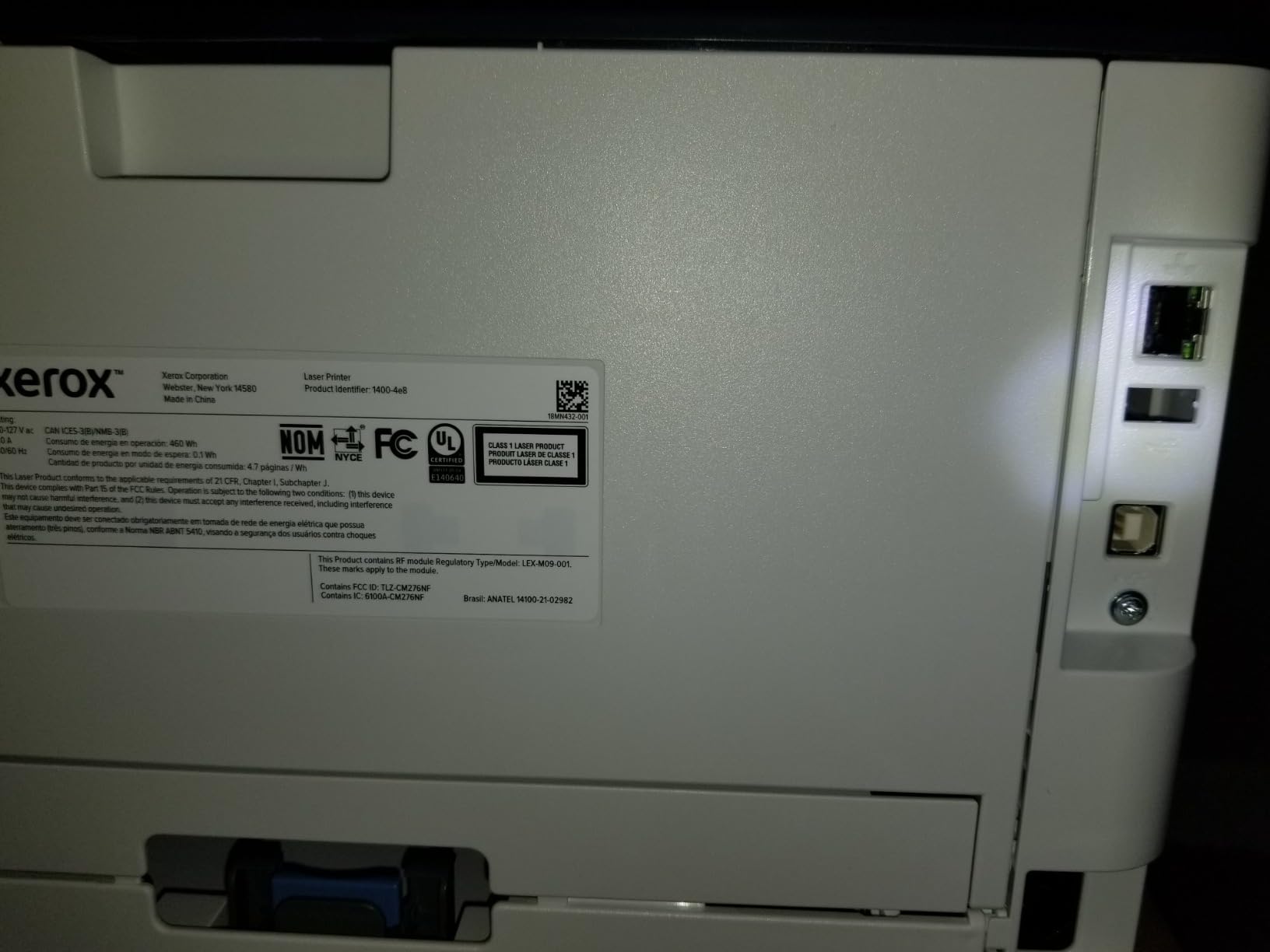
Now the problems. The wireless setup is widely reported as very difficult, and enough users end up falling back to Ethernet that the feature is close to decorative for many buyers. That is what drags the average rating to 3.7, the lowest here, with a 21% one-star share.
The more serious issue is firmware. It actively blocks many third-party toner cartridges, and owners who tried to save money on consumables describe that as the single most damaging thing about the printer, with some explicitly saying they moved to a Brother as a result. The starter toner yields only about 100 pages, which is a sting on a machine that otherwise performs well. There is also no physical power switch, only deep sleep, and the on-device menu and display system is small and awkward.
Who the B230 suits
Linux users, anyone comfortable connecting over Ethernet, and buyers who want duplex, N-up printing and a 250-sheet tray in a small body. It is also a good fit for anyone who refuses to sign up for a toner subscription and is willing to use genuine cartridges.
Who should skip it
Skip it if you need painless wireless setup, if you rely on third-party toner to keep costs down, or if you want a large display and easy on-device controls. With a 3.7 average and the highest one-star share here, it is the pick we would least recommend without a wired plan.
How to Choose a Laser Printer Under 200
Start with the two decisions that cannot be reversed: monochrome or color, and duplex or no duplex. Everything else on the spec sheet is negotiable. Get those two right and the rest of the list narrows itself quickly.
Monochrome or color first
Color laser hardware barely fits under 200, and the running cost is where it falls apart. Four color cartridges mean the cost per page calculation stops being a single number and starts being a range that depends on how much color you actually use. For documents, black and white laser output is sharper, faster and cheaper. If you mostly print photos or need color graphics, an inkjet is the better tool, and our guide to the best color laser printers covers that side.
Automatic duplex is the feature that matters most
Duplex printing is the feature experienced buyers argue for hardest, and in this bracket it is not universal. Seven of the ten printers here print two-sided automatically. The Canon LBP6030w and the Canon MF3010 have no duplex at all, and the Brother HL-L2405W only does it by hand, with the MF3010’s paper path curling badly enough to make manual double-sided printing unpleasant. If you print anything multi-page, automatic duplex is worth more than any speed difference.
Toner cost per page beats purchase price
A budget laser is a deposit on toner. Two numbers decide the real cost: the cartridge page yield and what you pay per page of capacity. The Brother TN830XL family, the Canon GENUINE Toner 071 H and the Canon Toner 125 at 1600 pages are the yield options to look for, and models that accept third-party cartridges without complaint cost less per page over time. The Xerox B230 shows the other side of that coin, where firmware blocks aftermarket cartridges and the genuine cost climbs.
Starter cartridges and subscription traps
Check what is in the box. A starter cartridge is a sample, not a supply. The Canon LBP122dw ships with roughly 700 pages, and the Xerox B230 with about 100. The second point is subscriptions. The Brother HL-L2460DW and HL-L2405W include a Refresh subscription trial in the box, and several owners report surprise overage charges when a trial was enrolled unintentionally. If you would rather buy your own toner, opt out during setup.
Paper capacity and the document feeder
Input tray capacity decides how often you touch the printer. A 250-sheet tray on the Brother HL-L2460DW, HL-L2405W, Canon MF3010 and Xerox B230 means fewer refills than the 150-sheet trays on the Canon LBP122dw, the Canon LBP6030w and both HP LaserJets. Separately, an automatic document feeder changes scanning life completely, and only the HP LaserJet MFP M235sdw has one in this group. Everything else scans one flatbed page at a time.
Connectivity, Linux and mobile printing
Printers at this tier fall into three connectivity camps. Brother, HP and Xerox models give you dual-band Wi-Fi plus Ethernet, which is the most robust option and survives a crowded network. Canon models mostly give you Wi-Fi and USB, with no wired fallback. The Canon MF3010 is USB only, which means sharing it needs a print server. For Linux, the Xerox B230 is the standout because it works through CUPS with a web interface and no drivers to install, while HP network scanning setup on Linux is the most commonly reported difficulty. For broader home coverage, our best laser printers for home guide breaks this down by room and routine.
When to stretch past the bracket
There are two honest reasons to go above 200. The first is scanning: if you need print, copy and scan with duplex, the Brother HL-L2465DW is the model that does it at the highest rating in the group. The second is an automatic document feeder, where the HP LaserJet MFP M235sdw is the only option here. If neither applies, stay inside the bracket and bank the difference toward better toner.
Frequently Asked Questions
What is the best laser printer under 200?
The Brother HL-L2460DW is the best laser printer under 200 for most people. It prints up to 36 pages per minute in black and white, has automatic duplex printing, a 250-sheet paper tray and both dual-band Wi-Fi and an Ethernet port. It is print-only, so if you need scanning, the Canon imageCLASS LBP122dw is the better automatic duplex option and the HP LaserJet MFP M235sdw is the only model here with a document feeder.
What is the best and most affordable laser printer for home use?
For home use, the Brother HL-L2405W is the most affordable pick that avoids software headaches. It prints 30 pages per minute, holds 250 sheets, connects over dual-band Wi-Fi and USB, and installs with no bloatware or forced sign-ups. If your budget is tighter still, the Canon imageCLASS LBP6030w is the lowest entry point of any wireless laser here, but it has no duplex printing.
Which brand laser printer is best for home use?
Brother is the strongest all-round choice for home use in this bracket because it pairs automatic duplex on the HL-L2460DW with genuinely clean software on the HL-L2405W, and both use the widely available TN830 and TN830XL toner family. Canon is the choice for compact bodies and affordable duplex with the LBP122dw. HP is the choice when you need a document feeder. Xerox is the choice for Linux and wired networks.
What is the best laser printer for value for money?
Value is decided by cost per page rather than purchase price. The Xerox B230 looks strong on paper with 36 ppm, automatic duplex, N-up printing and a 250-sheet tray, but its firmware blocks many third-party cartridges and its starter toner yields about 100 pages. The Brother HL-L2465DW has the highest average rating at 4.5 stars and third-party TN830 and TN830XL cartridges work flawlessly, making it the better long-term value.
Are laser printers being phased out?
No. Laser printers are not being phased out for document printing, and the reason is running cost. Dry toner does not dry out between uses the way inkjet cartridges do, print speed is higher, output is smudge resistant, and cost per page is far lower once you print more than a few hundred pages a year. What has changed is color, where inkjet tanks now dominate on cost for low-volume color.
What laser printer has the cheapest toner?
Toner cost per page is lowest where high-yield cartridges work without complaint and third-party options are accepted. The Brother TN830 and TN830XL family used by the HL-L2460DW, HL-L2405W and HL-L2465DW is the safest bet, and owners of the HL-L2465DW specifically report third-party cartridges working flawlessly. The Canon GENUINE Toner 071 H and Canon Toner 125 at a 1600 page yield are the next most economical, while the Xerox B230 is the one to avoid if you plan to buy aftermarket toner.
Final Verdict: Which Laser Printer Under 200 Should You Buy?
The Brother HL-L2460DW is our pick for the best laser printers under 200, and it is not close. Thirty-six pages per minute, automatic duplex, a 250-sheet tray, dual-band wireless with an Ethernet fallback and a toner family with genuine third-party support is a combination nothing else in this bracket matches. Its two real limits, print-only design and a small LCD, are easy to work around.
Buy the Canon imageCLASS LBP122dw instead if automatic duplex matters more than tray size. Buy the Brother HL-L2405W if clean software and a low entry tier matter more than duplex. Buy the HP LaserJet MFP M235sdw if you need a document feeder, and the Xerox B230 if you run Linux. All four are covered in detail above, with the running cost maths and the failure points we found.
Whichever you choose, buy the high-yield cartridge first, opt out of any subscription trial in the box, and check whether your network is wired before you commit. Those three steps decide whether a budget laser feels cheap or feels like a bargain for years. Our picks were tested and compared through 2026, and we will keep updating this list as the models change.