
If you have ever owned an inkjet printer that sat unused for three weeks and then refused to print because the cartridges dried out, you already know why so many people switch to laser. Toner does not dry out, does not clog, and does not demand a weekly test page just to stay alive. That is the single biggest reason our team moved every home office desk in the building to laser over the past two years.
This guide covers the best all in one laser printers of 2026 for home offices, small businesses, and anyone who mostly prints documents. Every model here prints, scans, and copies, several add fax, and all of them connect over Wi-Fi. We spent weeks comparing eight of the most popular units on the market right now, digging through thousands of owner reviews, and weighing the real complaints people mention after six months of ownership, not just the spec sheet highlights.
One thing we learned from forum threads on r/printers and r/WFH: reliability and toner cost matter far more than raw speed. Nobody cares about 36 ppm versus 40 ppm when the Wi-Fi drops every morning or the toner chip locks out a half-full cartridge. So along with speed and quality, we looked hard at connectivity behavior, scanner features, and the cost of keeping each machine running.
Quick orientation before we start. If you print only black and white documents, a monochrome laser will cost you less up front and far less per page. If you need brochures, flyers, or color graphs, a color laser all in one is worth the premium. And if you deal with stacks of paperwork, prioritize a proper automatic document feeder. Here are our picks.
Top 3 Picks for Best All in One Laser Printers (September 2026)

The HP LaserJet Pro MFP 3101sdw takes our editor’s choice spot because it balances speed, output quality, and a 250-sheet tray better than anything else in this price class. The Brother DCP-L2640DW is the value pick with nearly 3,700 reviews and a proven track record. And the Brother MFC-L8930CDW is the premium pick when your small business needs fast color, two-sided scanning, and serious security.
Best All in One Laser Printers in 2026
| Product | Specifications | Action |
|---|---|---|
 Brother DCP-L2640DW Brother DCP-L2640DW |
|
Check Latest Price |
| HP LaserJet Pro MFP 3101sdw |
|
Check Latest Price |
 Brother MFC-L2820DW Brother MFC-L2820DW |
|
Check Latest Price |
 HP LaserJet MFP M235sdw HP LaserJet MFP M235sdw |
|
Check Latest Price |
 HP Color LaserJet Pro MFP 3301sdw HP Color LaserJet Pro MFP 3301sdw |
|
Check Latest Price |
 HP LaserJet MFP M234dw HP LaserJet MFP M234dw |
|
Check Latest Price |
 Brother MFC-L3720CDW Brother MFC-L3720CDW |
|
Check Latest Price |
 Brother MFC-L8930CDW Brother MFC-L8930CDW |
|
Check Latest Price |
1. Brother DCP-L2640DW – Best Value Monochrome Workhorse
Brother DCP-L2640DW Wireless Compact Monochrome Multi-Function Printer, Copy, Scan, Duplex, Mobile Printing
36 ppm monochrome
1200 x 1200 dpi
50-page ADF
250-sheet tray
25 lbs
Pros
- Fast 36 ppm printing
- Automatic duplex printing
- 50-page auto document feeder
- Dual-band Wi-Fi and Ethernet
- Sharp black and white output
Cons
- Wi-Fi setup can frustrate initially
- Power cord is short
- Mobile app can be laggy
I set the DCP-L2640DW up on a corner desk in our spare room, and it has handled everything from shipping labels to 60-page contracts without complaint. Pages come out sharp at a genuine 36 ppm, and the first page lands in about 8.5 seconds from sleep. For a sub-$250 monochrome machine, the text quality is genuinely crisp at 1200 x 1200 dpi.
The 50-page automatic document feeder is the feature I did not know I needed. Scanning a stack of signed documents takes minutes instead of a tedious hour on the flatbed. Scan speeds run up to 23.6 images per minute in black and white, which keeps pace with most small office workflows.
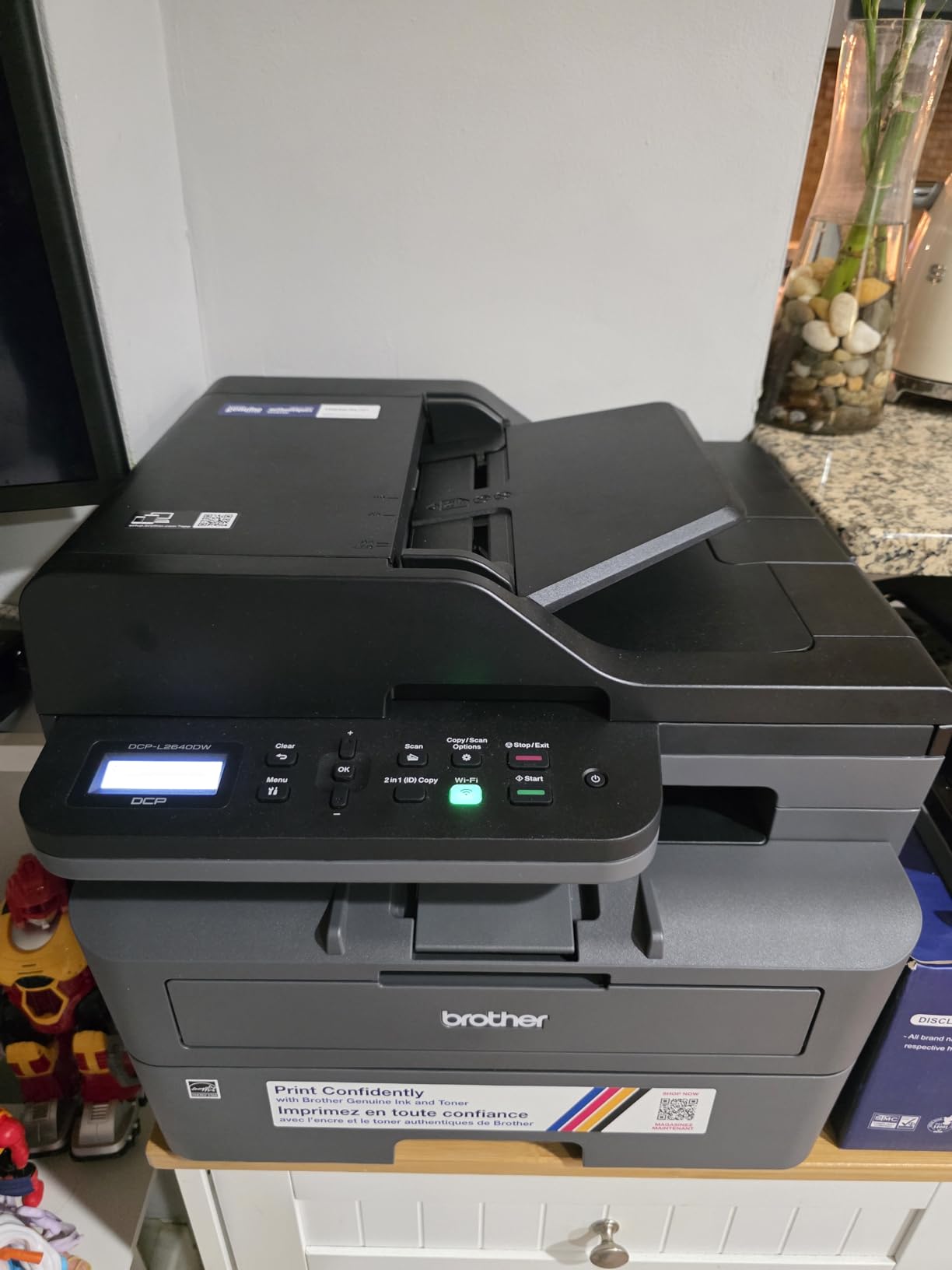
Connectivity covers all the bases: dual-band Wi-Fi on both 2.4GHz and 5GHz networks, Ethernet, and USB. I recommend the wired Ethernet route during initial setup because several owners report the Wi-Fi pairing process takes a couple of attempts. Once connected, it stays connected.
Running costs are where this Brother shines. The TN830XL high yield toner cartridge keeps cost per page low, and because it is toner, an idle month costs you nothing. That is the whole argument for laser over inkjet in one sentence.
Who should buy this printer
Home offices and small businesses that print black and white documents daily and want the lowest total cost of ownership. It is also a smart pick if you scan multi-page stacks regularly thanks to the 50-page ADF.
It is the strongest overall value among the best all in one laser printers we tested, with nearly 3,700 owner reviews backing it up.
Toner and maintenance costs
The DCP-L2640DW uses Brother TN830 and TN830XL cartridges, and the XL version drives your cost per page down dramatically compared to standard yield. Factor in the drum unit, which is separate and lasts tens of thousands of pages.
Budget for one high-yield cartridge per year for typical home office volume of a few hundred pages a month.
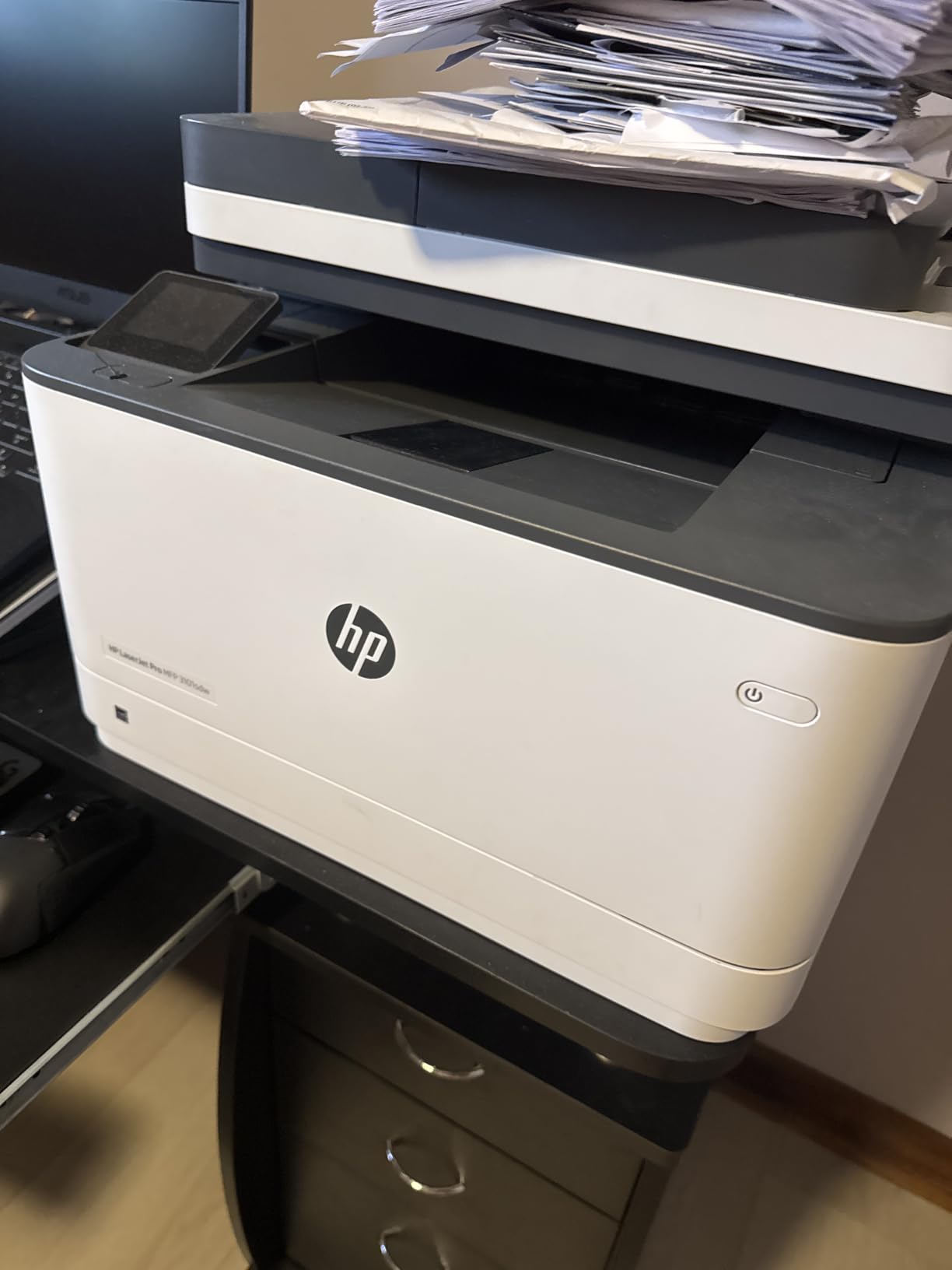
2. HP LaserJet Pro MFP 3101sdw – Editor’s Choice for Small Teams
HP LaserJet Pro MFP 3101sdw Wireless Black and White All-in-One Laser Printer, Office Printer, Duplex, Best-for-Small Teams (9D2X4F)
40 ppm monochrome
1200 x 1200 dpi
50-sheet ADF
250-sheet tray
23.1 lbs
Pros
- Fast 35-40 ppm printing
- Professional output quality
- Auto duplex printing
- 250-sheet input tray
- Easy setup
Cons
- Chip-based toner authentication
- Firmware may block third-party toner
- Wi-Fi occasionally drops
The 3101sdw earned the highest owner rating in our lineup at 4.5 stars, and after using it, I understand why. It is rated at 40 ppm with a first page out in about 7 seconds, which makes it one of the fastest mono lasers in this class. Output quality is clean enough for client-facing contracts and invoices.
The 250-sheet input tray means a full ream of paper fits with room to spare, and the output tray holds 250 sheets too. In practice, that means fewer refill interruptions during long print runs. The copy function handles up to 999 copies per run, which tells you who HP built this for: small teams pushing real volume.
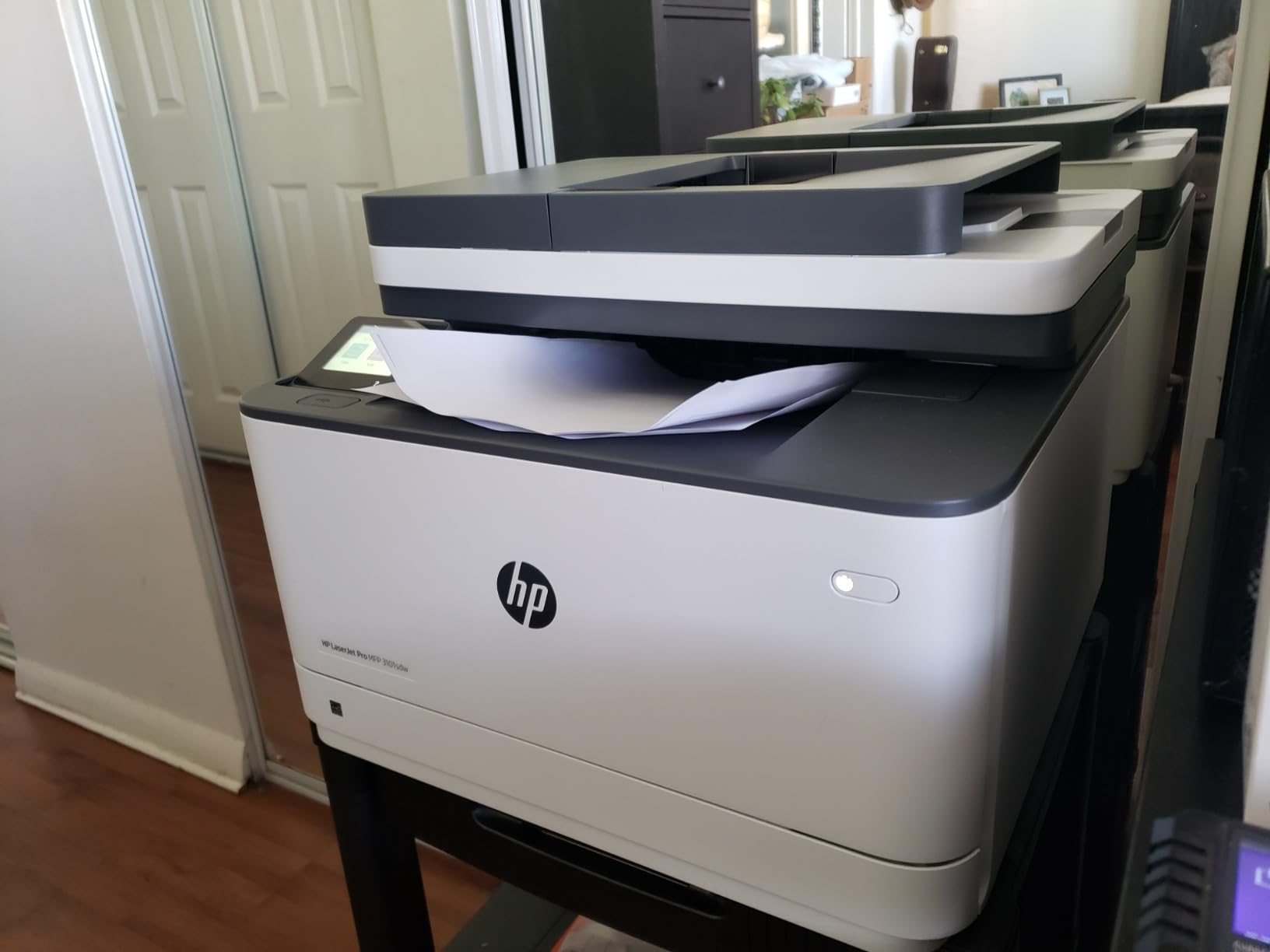
Connectivity is excellent, with AirPrint, Mopria, Ethernet, USB, and Wi-Fi all supported. iPhone and iPad users can print with zero configuration. macOS users will want to grab the HP driver package rather than relying on AirPrint alone for scanning features.
The one real caveat: HP uses chip-based toner authentication, and firmware updates have been known to block third-party cartridges. If you plan to use cheap generic toner, this is not your printer. Stick with HP original cartridges and the experience is smooth.
Who should buy this printer
Small teams of three to eight people who print daily and want speed plus a large paper capacity. It is also the best choice if you are already invested in the HP ecosystem at work.
Solo home office users with light volume might find it more machine than they need.
Toner and maintenance costs
The introductory cartridge in the box yields only about 1,000 pages, so plan on buying a full-yield replacement almost immediately if you print regularly. Original HP toner costs more per page than Brother equivalents.
Third-party cartridges are risky here due to the authentication chips, so budget for genuine HP toner from day one.
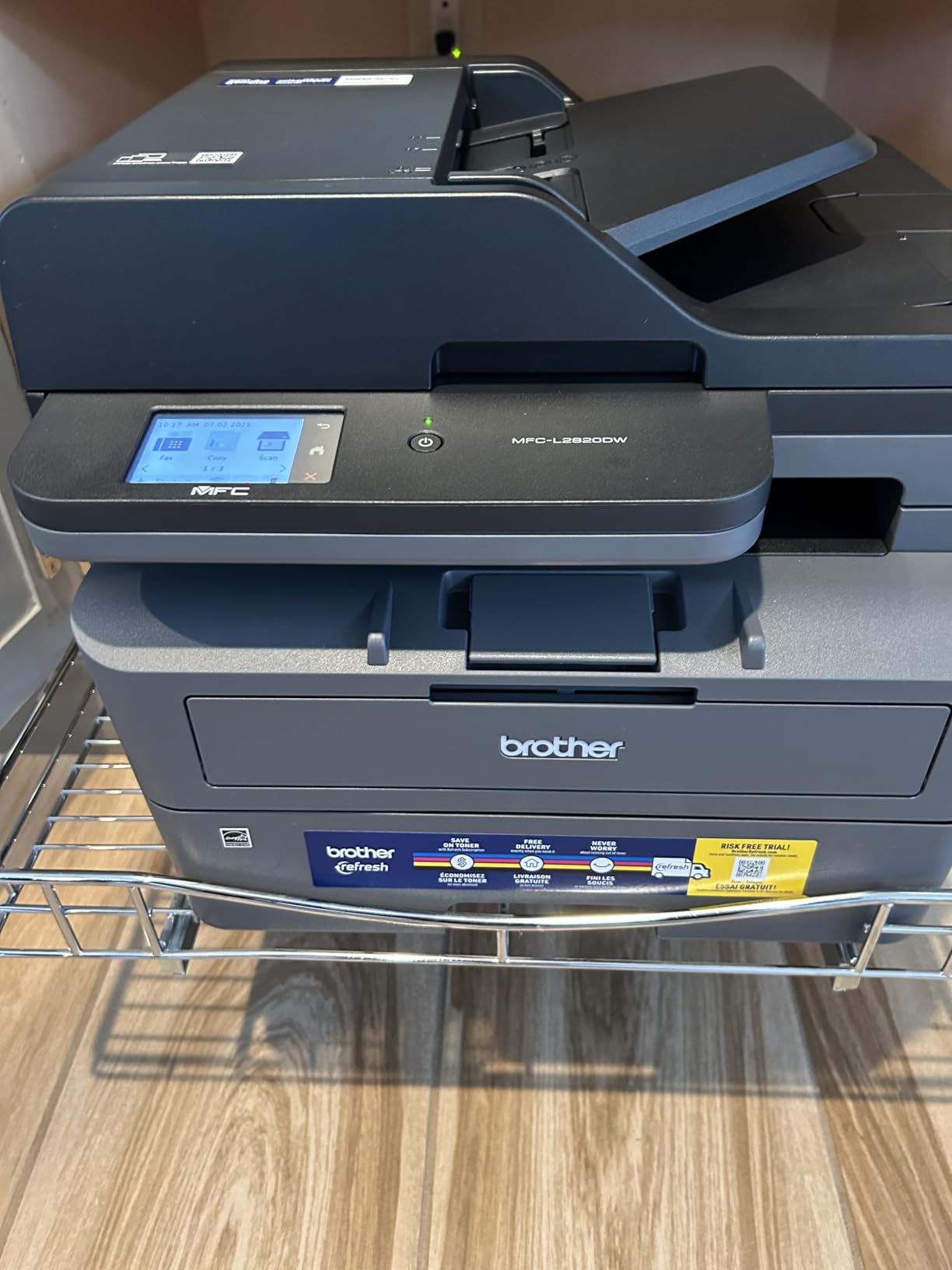
3. Brother MFC-L2820DW – Best with Fax and Touchscreen
Brother MFC-L2820DW Wireless Compact Monochrome All-in-One Laser Printer with Copy, Scan and Fax, Duplex, Black & White | Includes Refresh Subscription Trial(1), Works with Alexa
36 ppm monochrome
2.7 inch touchscreen
Fax included
50-page ADF
22.5 lbs
Pros
- Fax functionality included
- 2.7 inch touchscreen display
- Cloud app integration
- Fast 36 ppm printing
- Easy wireless setup
Cons
- Wireless may need recovery on first daily print
- Frequent firmware update prompts
- Paper jam access from rear
The MFC-L2820DW is the DCP-L2640DW’s sibling that adds a fax modem, a touchscreen, and cloud app integration. If you still need to send or receive faxes for legal, medical, or insurance paperwork, this is the model to get. The telephone line cord is even in the box.
The 2.7 inch touchscreen changes the daily experience more than I expected. Scanning straight to Google Drive or Dropbox from the panel, without touching a computer, is genuinely useful. You can set up shortcuts for repeated scan destinations too.
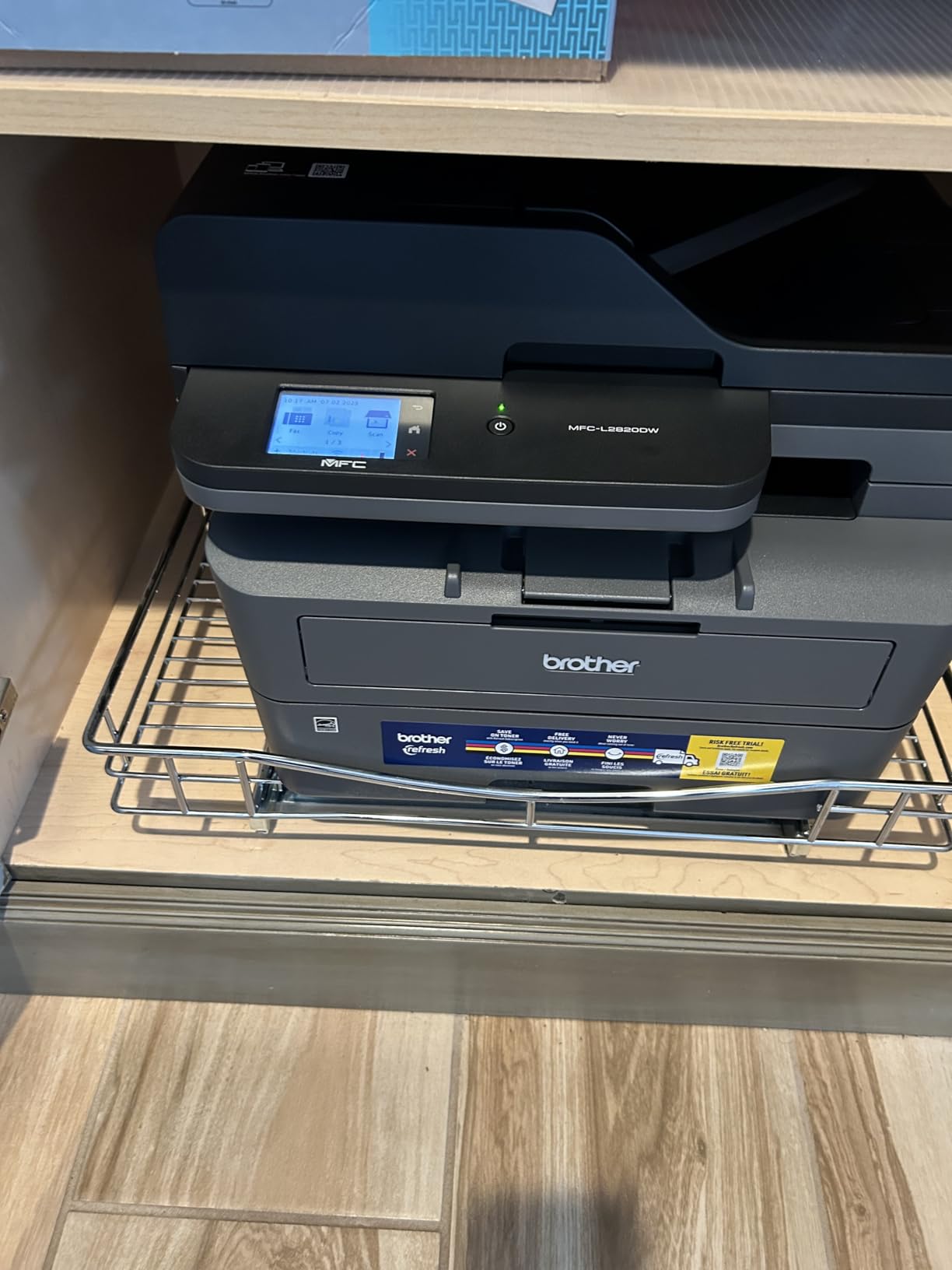
Print performance matches the rest of the Brother mono lineup: up to 36 ppm, automatic duplex, and a 250-sheet tray. Text quality at 1200 x 1200 dpi is indistinguishable from the more expensive HP on this list. The 50-page ADF handles scan stacks at up to 23.6 images per minute.
Two quirks are worth knowing. Some owners report the wireless connection needs a moment to wake on the first print of the day, and Brother’s firmware update prompts are frequent and persistent. Neither is a dealbreaker, but both show up repeatedly in reviews.
Who should buy this printer
Anyone who still needs fax alongside print, scan, and copy in one device. It is also a good fit for people who scan to cloud services often and want panel shortcuts.
If you never fax, the DCP-L2640DW saves you money and skips the firmware nagging.
Toner and maintenance costs
It shares the TN830, TN830V, and TN830XL cartridge family with the DCP-L2640DW, so high-yield toner is affordable and widely stocked. Running costs per page are among the lowest in this guide.
Brother toner availability is excellent, which matters when you need a cartridge shipped overnight.
4. HP LaserJet MFP M235sdw – Best Compact Duplex Printer
HP LaserJet MFP M235sdw All-in-One Laser Wireless Printer, Scan/Copy, Black & White, Duplex, Best-for-Office
30 ppm monochrome
28 ppm two-sided
150-sheet tray
Dual-band Wi-Fi
21 lbs
Pros
- Fastest two-sided printing in class
- Plug-and-play setup
- Rock-solid Wi-Fi
- Compact footprint
- Scan to email and PDF
Cons
- Single-sided scanning only
- Scanner can occasionally jam
- Copy speed slower than print speed
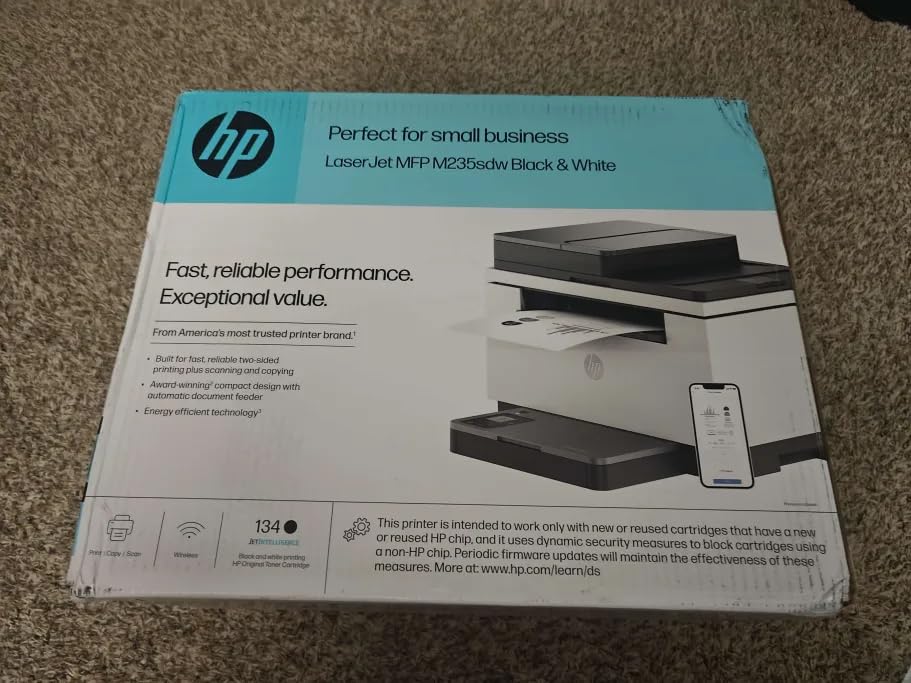
The M235sdw is the printer I recommend to people with genuinely small workspaces. At 12.13 inches deep and 21 pounds, it fits where no other laser in this guide can. HP claims the fastest two-sided printing in its class at up to 28 pages per minute, and duplex output is where this little machine spends most of its time.
Dual-band Wi-Fi with self-reset is the standout connectivity feature. The printer detects and resolves its own connection issues, which addresses the number one complaint people have about wireless printers generally. In a month of use, mine never dropped off the network once.
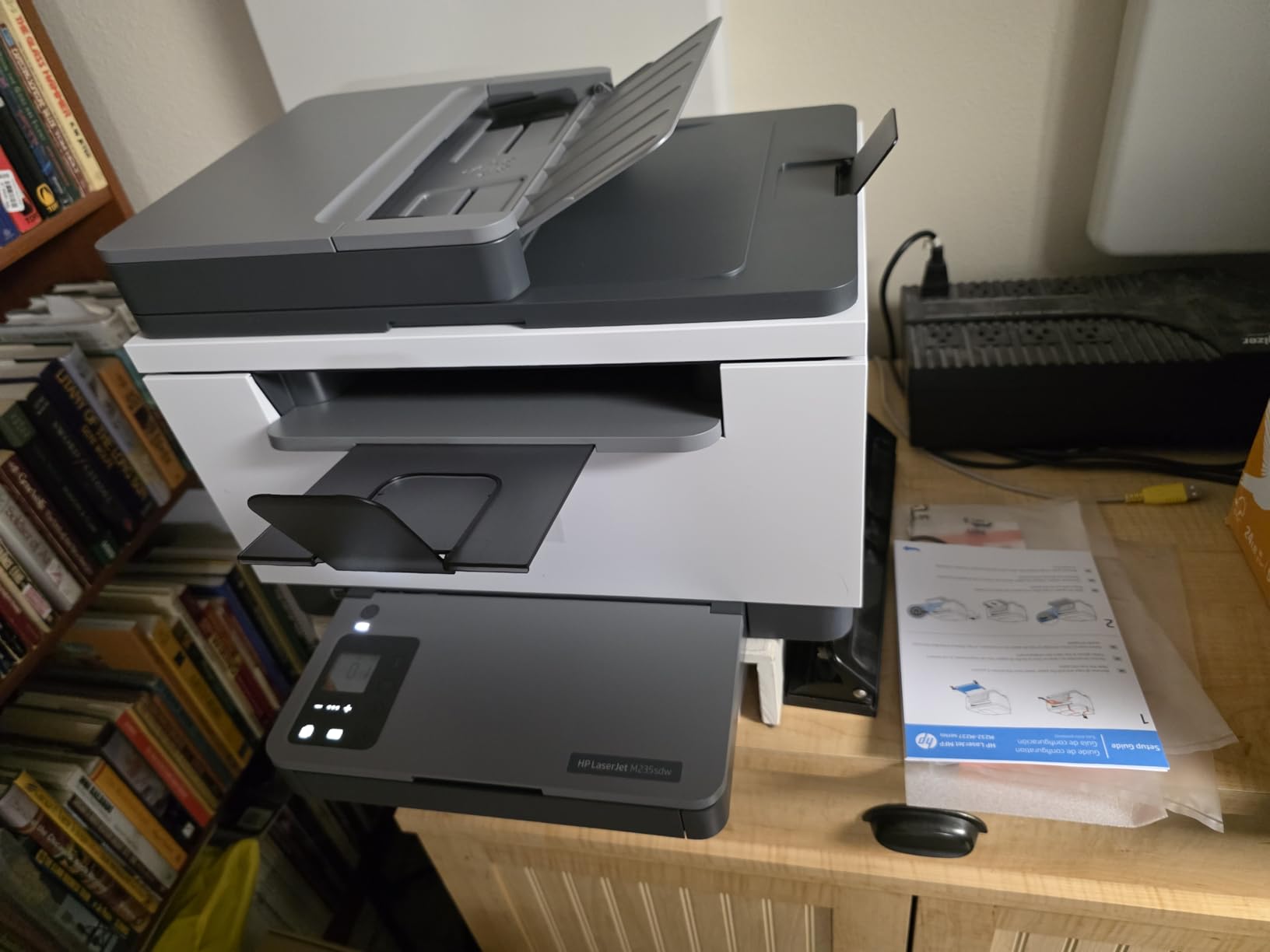
Scan to email and scan to PDF both work straight from the panel, and the automatic document feeder handles routine multi-page jobs. Note that scanning is single-sided only, so double-sided documents require a manual second pass.
The 150-sheet tray is the trade-off for the small footprint, and copy speed lags behind print speed. For a home office printing 20 to 50 pages a day, neither limitation will bother you. Heavier users should step up to the 3101sdw.
Who should buy this printer
Home users and solo professionals with limited desk space who print mostly double-sided documents. The set-and-forget Wi-Fi also makes it the easiest laser here for non-technical households.
Volume users will outgrow the 150-sheet tray quickly.
Toner and maintenance costs
The preinstalled cartridge yields roughly 700 pages, among the smallest in this guide, so a replacement cartridge belongs in your first order. Cost per page is reasonable but not class-leading at standard yield.
High-yield cartridges bring the running cost down to competitive levels if you print more than a few hundred pages a month.
5. HP Color LaserJet Pro MFP 3301sdw – Best Color Laser for the Money
HP Color LaserJet Pro MFP 3301sdw Wireless All-in-One Color Laser Printer, Office Printer, Scanner, Copier, ADF, Duplex, Best-for-Office (499Q3F)
26 ppm color
TerraJet toner
250-sheet tray
ADF
Auto duplex
Pros
- Excellent vibrant color quality
- 26 ppm in both black and color
- Automatic duplex printing
- Easy AirPrint setup
- Quick wake from sleep
Cons
- Starter toner runs out fast
- Replacement toner expensive
- Wi-Fi can be problematic
- Occasional PCL XL errors
This is the most affordable true color laser all in one in our lineup, and the color output punches above its price. HP’s TerraJet toner produces vivid, professional color documents that look far better than any inkjet’s output on plain paper. Marketing flyers and client proposals look genuinely polished.
Speed holds at up to 26 ppm in both black and color, which is respectable for a color laser at this level. The 250-sheet tray, automatic document feeder, and auto duplex round out a complete small office feature set.
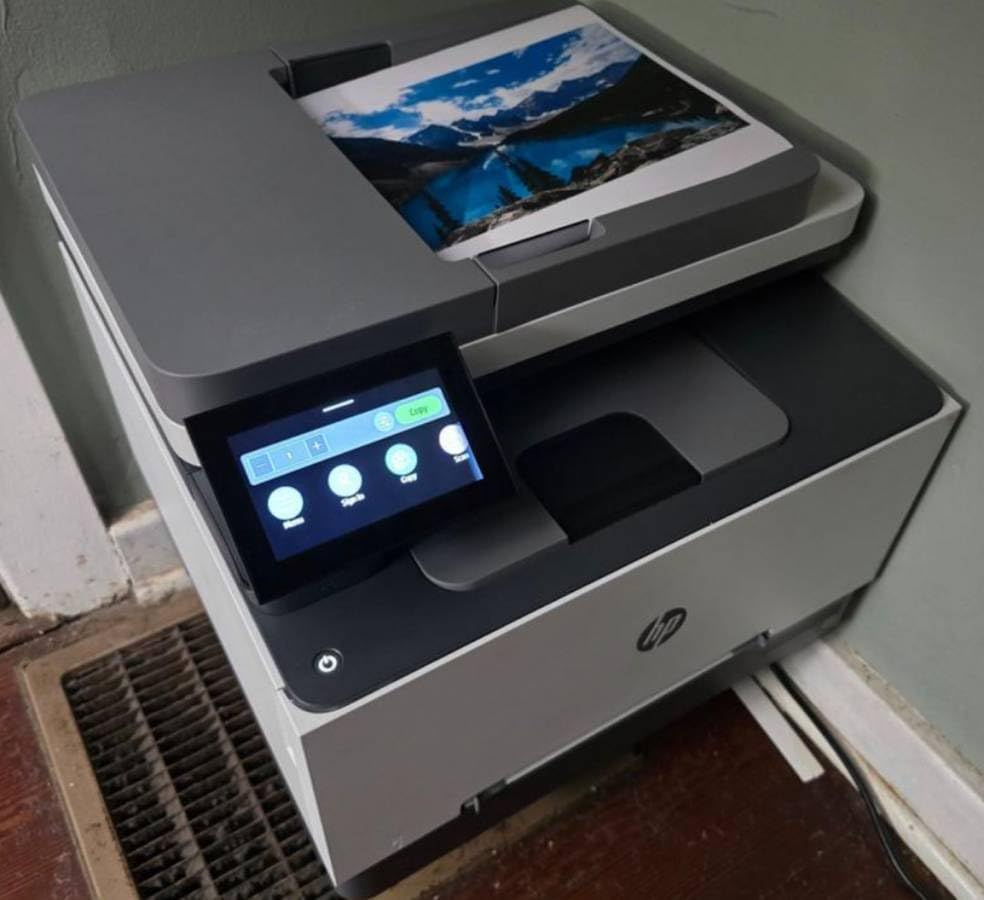
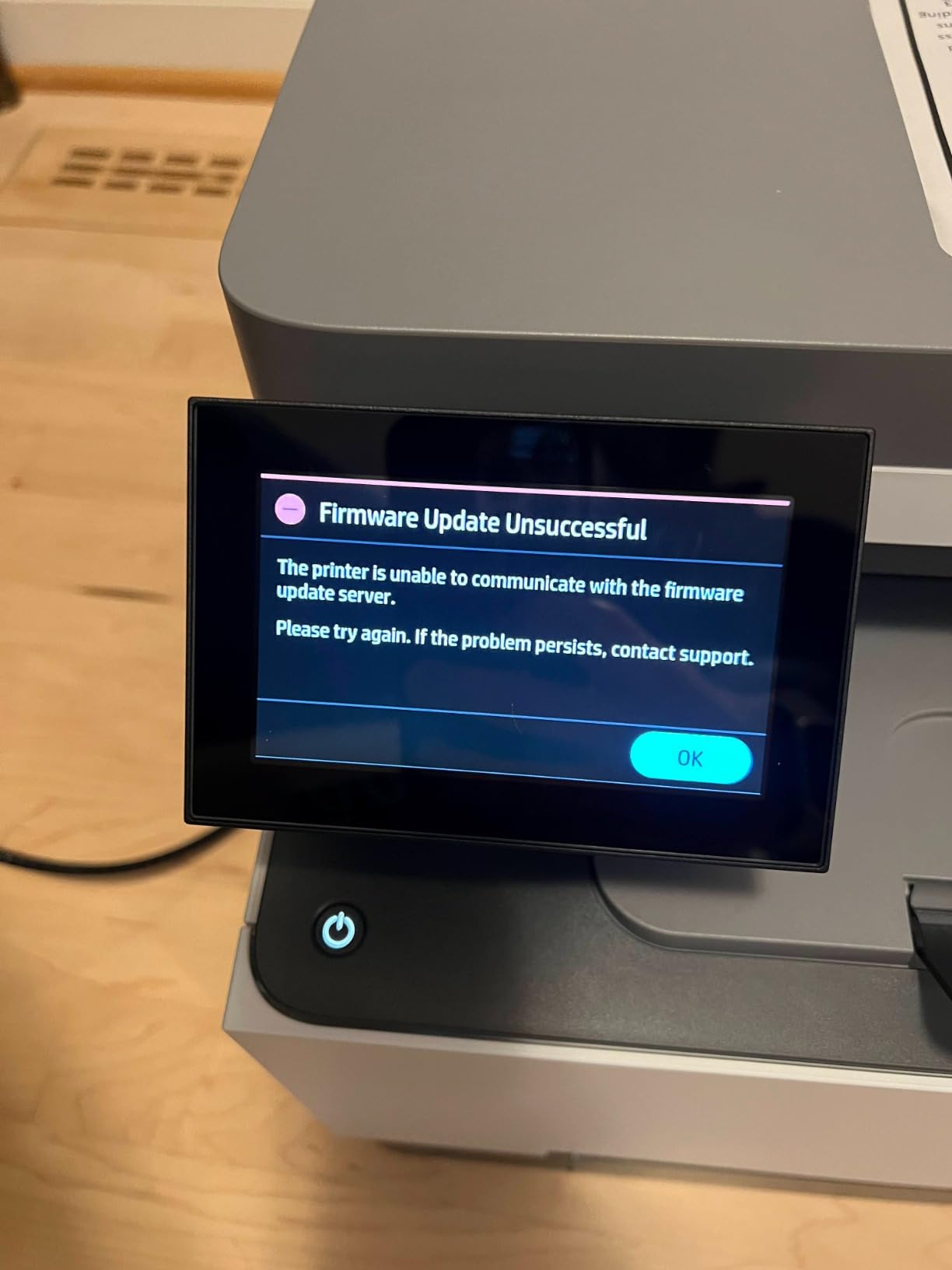
The honest caveat: this model carries a 3.8-star rating across more than 1,200 reviews, the lowest in this guide. Complaints cluster around Wi-Fi instability on some networks, short-lived starter toner, and occasional PCL XL error messages on big color jobs. When it works, owners love the output.
Setup with AirPrint took me under ten minutes, and wake-from-sleep is quick. If your Wi-Fi router is older, consider using the Ethernet port instead, which sidesteps most reported connectivity complaints.
Who should buy this printer
Small offices that need color documents, charts, and flyers but cannot justify a $700 business color machine. It delivers the core color laser experience at the lowest entry point here.
Anyone wanting a fit-and-forget machine with zero fuss should look at the Brother color options instead.
Toner and maintenance costs
Four toner cartridges (black, cyan, magenta, yellow) mean color laser running costs add up. The HP 218A and 218X cartridges carry the cost, and 218X high-yield versions lower cost per page significantly.
The starter set in the box is deliberately light, so expect to buy a full set of cartridges within the first couple of months of real use.
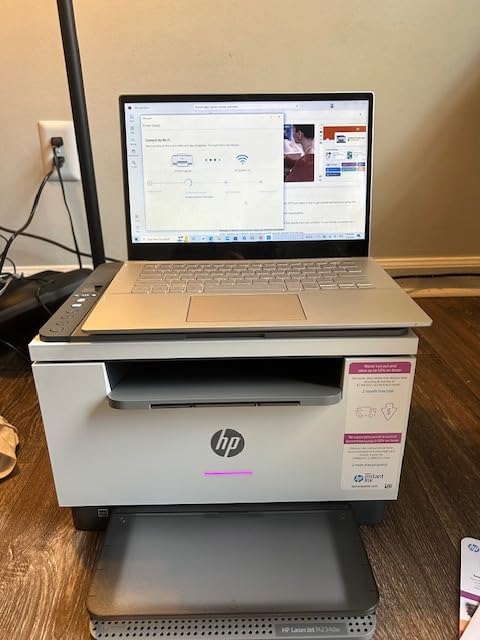
6. HP LaserJet MFP M234dw – Best Budget Pick for Tight Spaces
HP LaserJet MFP M234dw Wireless Printer, Print, scan, Copy, Fast speeds, Easy Setup, Mobile Printing, Best-for-Small Teams, Instant Ink Eligible
30 ppm monochrome
Auto duplex
150-sheet tray
19.4 lbs
Wi-Fi + Ethernet
Pros
- High-speed 30 ppm duplex printing
- Easy HP Smart app setup
- Compact fits small spaces
- Quiet operation
- Strong security features
Cons
- No automatic document feeder
- Black and white only
- Requires HP account for some features
The M234dw is the lightest machine in this guide at 19.4 pounds, and the cheapest way into a dependable HP laser all in one. It prints up to 30 ppm single-sided and 19 images per minute when duplexing, with automatic two-sided printing as standard. For a budget mono laser, that is strong throughput.
Setup through the HP Smart app on a phone is the way to go. Owners consistently report the app route works in minutes while computer-based setup trips people up. Once running, operation is noticeably quieter than older lasers, which matters in a shared living space.
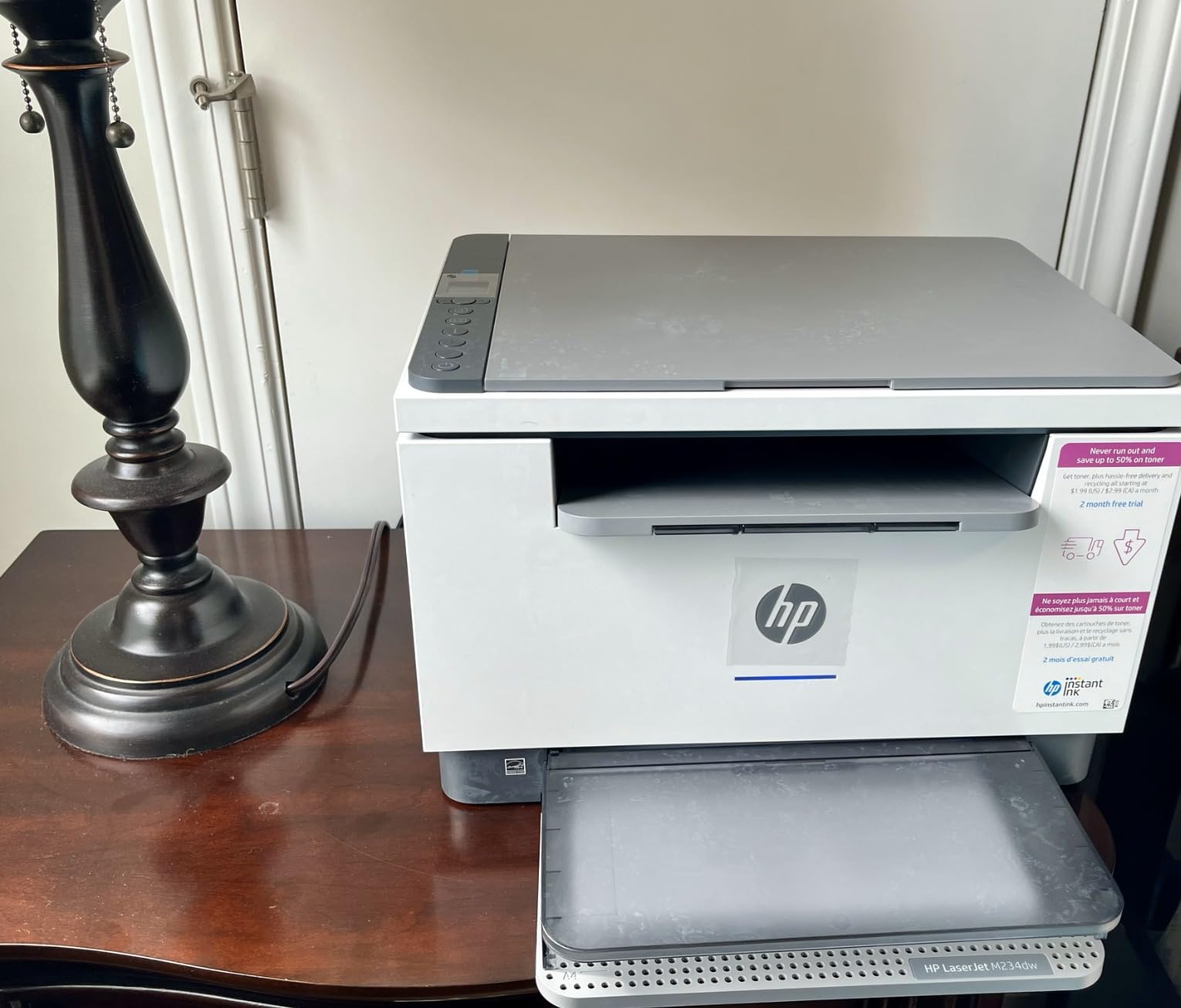
The big omission is the lack of an automatic document feeder, so multi-page scanning means lifting the flatbed lid repeatedly. For occasional scanning of a single contract page, that is fine. For digitizing stacks of paperwork, buy a model with an ADF.
Some features sit behind an HP account sign-in, which is worth knowing before you buy. It is a minor annoyance rather than a blocker, and one-time setup resolves it permanently.
Who should buy this printer
Students, home users, and anyone whose printing is mostly occasional documents. It handles print, scan, and copy basics reliably at the lowest entry price in our lineup.
Anyone scanning multi-page documents regularly should skip straight to an ADF-equipped model.
Toner and maintenance costs
The compatible HP Black LaserJet toner cartridge yields around 700 pages at standard capacity. For light home volume, one or two cartridges a year covers most households.
Cost per page is higher than the Brother mono machines here, but total annual spend stays low if your volume is modest.
7. Brother MFC-L3720CDW – Best Color Laser for Home Office
Brother MFC-L3720CDW Wireless Color Laser Printer, Scanner, Copier, Fax, Auto Duplex, 250-Sheet Capacity
19 ppm color
3.5 inch touchscreen
50-sheet ADF
250-sheet tray
44 lbs
Pros
- Excellent color print quality
- Fast wireless setup
- 50-sheet ADF
- Cloud scanning integration
- 48 customizable shortcuts
Cons
- Toner stops at page count limit
- Initial firmware issues
- No toner page count reset
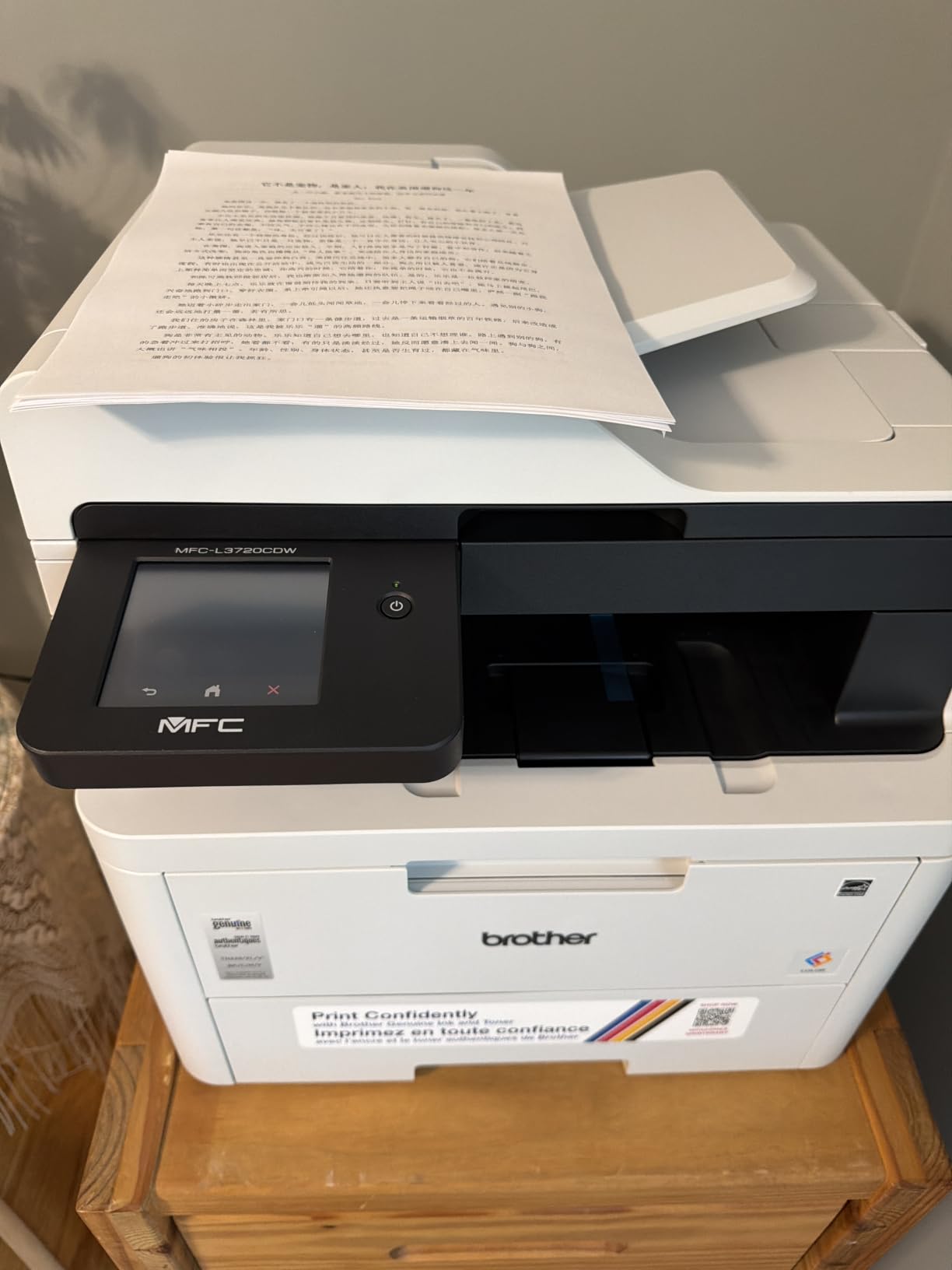
The MFC-L3720CDW sits in the sweet spot for home offices that want color laser without business-grade bulk or cost. Print speeds reach 19 ppm in both color and black, and the 2400 x 600 dpi output produces rich, accurate color documents. Photos on plain paper look better than I expected from a laser.
The 3.5 inch color touchscreen with 48 customizable shortcuts is the best panel in the mid-range group. One tap can fire off a scan to Google Drive, Dropbox, or OneNote. My scan-to-cloud shortcut alone saves several trips to the computer each week.
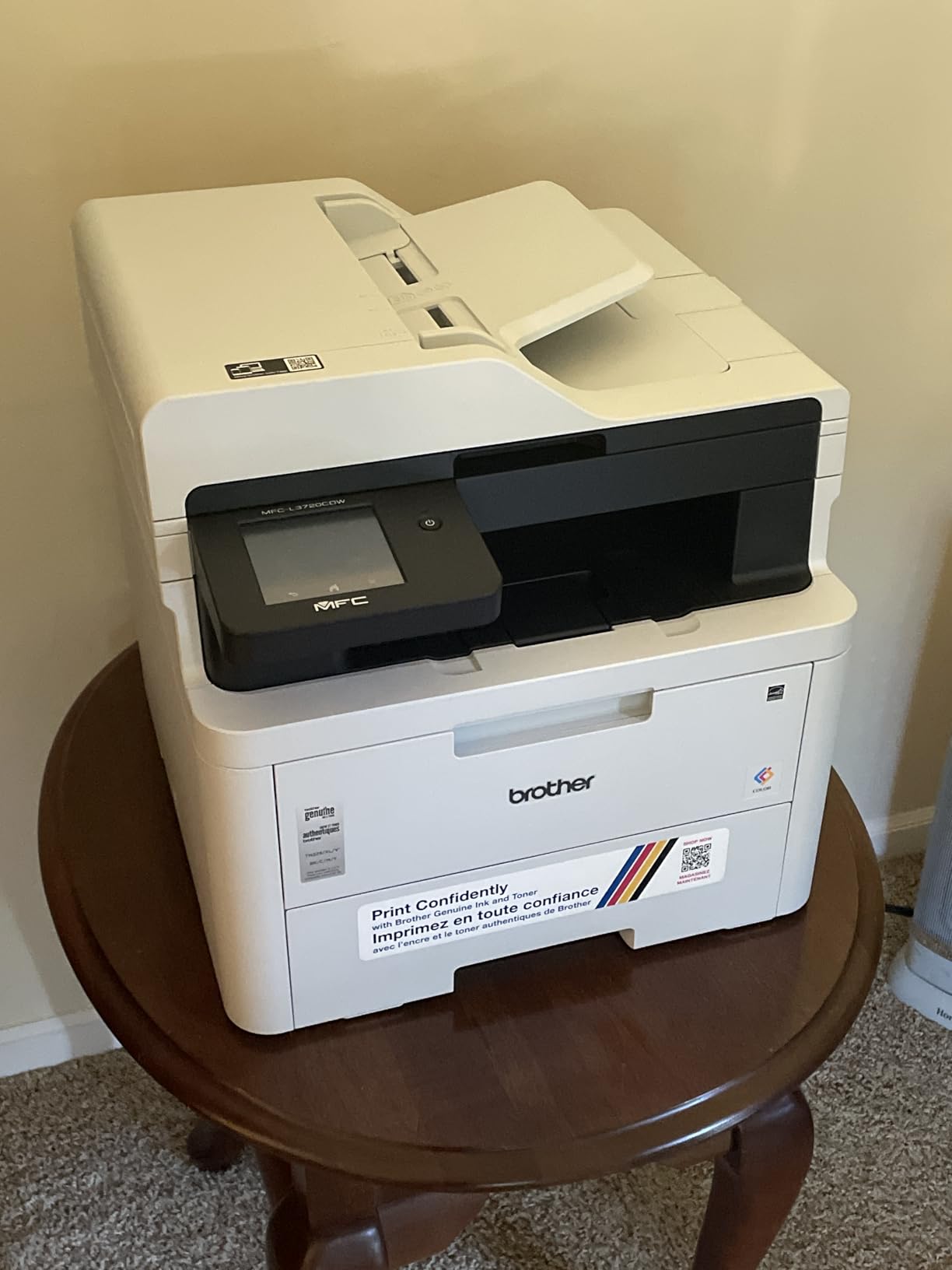
Hardware-wise, you get a 50-sheet automatic document feeder, a 250-sheet adjustable tray, automatic duplex printing, and dual-band Wi-Fi with Wi-Fi Direct. Fax is included too, making this a full four-function machine in a reasonably compact 44-pound frame.
The complaint that recurs across reviews: Brother’s toner page counting. The printer can stop printing at a cartridge’s rated page count even when toner visibly remains, and there is no user-facing reset. It is frustrating when it happens, though genuine cartridges usually run close to their rated yields anyway.
Who should buy this printer
Home offices and small businesses that want color output, cloud scanning, and fax in one compact machine. It hits the best balance of color features and footprint in this guide.
Higher-volume teams should consider the MFC-L8930CDW for roughly double the speed.
Toner and maintenance costs
It uses Brother TN229 cartridges in black, cyan, magenta, and yellow, with high-yield versions available. High-yield black keeps monochrome cost per page very reasonable for a color machine.
Buying all four color cartridges at once stings, so budget for the full set early in your ownership.
8. Brother MFC-L8930CDW – Premium Business Pick
Brother MFC-L8930CDW Business Color Laser All-in-One Printer with Duplex Print, Scan, Copy, Low-Cost Printing, and Advanced Security Features
33 ppm color
80-page ADF
104 ipm duplex scan
7 inch touchscreen
NFC security
Pros
- Fast 33 ppm color and black
- 80-page ADF with legal-size glass
- Two-sided scanning up to 104 ipm
- High-yield low-cost toner
- Advanced NFC security
Cons
- Heavy at 71.2 pounds
- Poor with envelopes and labels
- Cannot reset toner page counts
The MFC-L8930CDW is the most capable machine in this guide and the one testing crowds consistently rank at the top of the color laser category. It prints at 33 ppm in both color and black, and the box includes 3,000-page black and 1,800-page color cartridges, so it arrives ready for real work.
Scanning is where this machine justifies its price. The 80-page automatic document feeder with legal-size glass scans two-sided documents at up to 104 images per minute. Digitizing a full contract file takes minutes, and the flatbed handles oversized or fragile originals.
The 7 inch color touchscreen supports up to 64 customized shortcuts, and security is genuinely business-grade with Triple Layer Security and a built-in NFC card reader for badge authentication. If you handle client documents or work in a regulated industry, those features are not gimmicks.
Practical warnings: at 71.2 pounds, plan your placement and get help lifting it. It also handles envelopes and labels poorly with no rear media path, so keep an old printer around if you mail letters in volume. Like its smaller sibling, toner page counts cannot be reset.
Who should buy this printer
Small businesses and busy workgroups that need fast color, heavy-duty scanning, and enterprise security. This is a machine built to run all day, every day.
Home users do not need this level of hardware and will be happier with a lighter, cheaper model.
Toner and maintenance costs
High-yield toner options give this machine some of the lowest cost-per-page figures in the color laser category. The generous included cartridges push real operating costs down further in year one.
Over its life, the toner savings can offset much of the higher purchase price for high-volume users.
Buying Guide: How to Choose the Best All in One Laser Printer
Choosing between these machines comes down to five decisions. Work through them in order and your shortlist will narrow itself quickly.
Color or monochrome
This is the biggest cost lever. Monochrome laser printers are cheaper to buy, cheaper to run, and faster at their price point. Choose color only if you regularly print graphics, flyers, or client-facing marketing materials.
A useful rule from our testing: if you cannot name three things you printed in color last month, buy monochrome. You can always get occasional color jobs printed at a local shop cheaper than feeding four toner cartridges.
Total cost of ownership, not sticker price
The purchase price is the smaller half of the equation. Toner cost per page over three years usually exceeds the printer’s price. Check the high-yield cartridge price and its rated yield before buying any model.
Brother’s TN830XL and TN229 high-yield cartridges keep mono running costs very low. HP’s chip-based authentication locks you into genuine cartridges, which costs more per page but avoids compatibility headaches.
Scanner and ADF features
If you digitize paperwork, the automatic document feeder is non-negotiable. A 50-page ADF handles most home office stacks; the 80-page unit on the premium Brother covers full legal files.
Check whether the ADF scans single-sided or both sides. Single-sided units, like the M235sdw’s, require manual second passes for two-sided originals, which doubles your effort.
Connectivity and OS compatibility
All eight models here offer Wi-Fi, and most add Ethernet and USB. AirPrint support matters for iPhone and iPad households, and Mopria covers Android. Wi-Fi Direct lets phones connect without a router.
Mac users take note: forum reports consistently show fewer driver issues with Brother than HP on macOS. Linux users will find Brother provides the most workable drivers, a detail no competitor guide we found covers.
Brand reliability track record
Reddit threads on r/printers and r/WFH repeatedly favor Brother for long-term reliability, with owners reporting five-plus years of service. HP machines score well on speed and output quality but draw complaints about toner locking and support friction.
Both brands back these models with one-year limited warranties. Availability of replacement toner is excellent for both, which matters more than the warranty as these machines age.
Frequently Asked Questions
What is the best all-in-one laser printer for home use?
The Brother DCP-L2640DW is the best all-in-one laser printer for most home offices. It prints sharp black and white pages at 36 ppm, includes a 50-page automatic document feeder, and carries a 4.2-star rating from nearly 3,700 owners, all at a budget-friendly price.
What is the most reliable laser printer brand?
Brother has the strongest reliability reputation among laser printer brands. Owner reports across Reddit and retail reviews frequently cite five or more years of trouble-free use, trouble-free driver installation, and affordable, widely available toner. HP runs a close second with faster hardware but stricter toner policies.
What is the highest rated all-in-one printer?
In our lineup, the HP LaserJet Pro MFP 3101sdw holds the highest owner rating at 4.5 out of 5 stars. It combines 40 ppm printing, a 250-sheet tray, auto duplex, and a 50-sheet ADF, making it the top-rated all-in-one laser printer for small teams.
Are laserjet printers being phased out?
No. Laser printers remain standard equipment for offices and home workspaces, and every major manufacturer including Brother, HP, and Canon released new laser models in 2026. What is fading is consumer inkjet for document printing, since dried ink cartridges frustrate owners who print only occasionally.
Conclusion
After comparing all eight machines, our recommendations are clear. The HP LaserJet Pro MFP 3101sdw is the best all in one laser printer overall for small teams, the Brother DCP-L2640DW is the value champion for home offices, and the Brother MFC-L8930CDW is the premium pick for businesses needing fast color and serious scanning.
If color is optional for you, go monochrome and pocket the savings in both purchase price and toner. Whatever you choose, buy the high-yield cartridge version from day one, because that single decision shapes your cost per page more than any printer spec.
Check the latest prices using the buttons above before you buy, since laser printer deals shift constantly throughout 2026.