
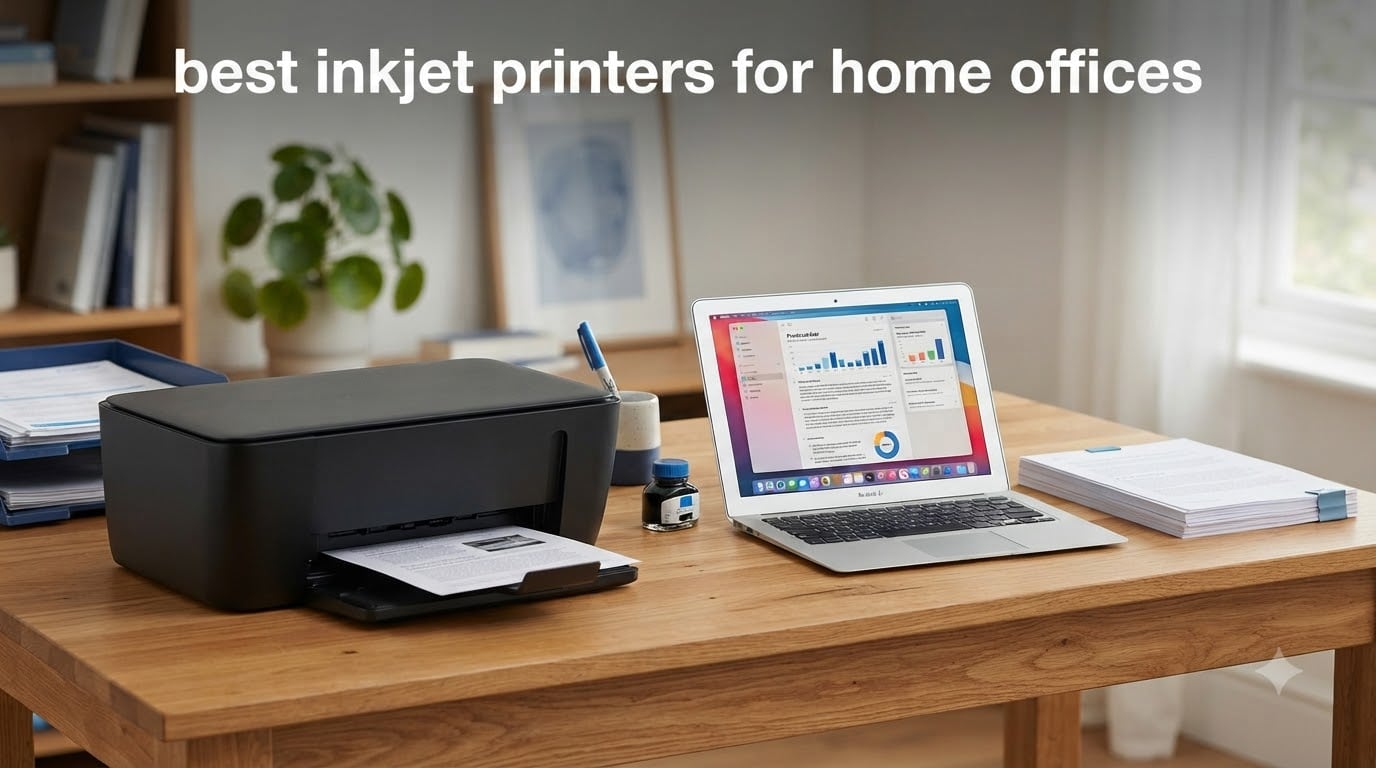
Finding the best inkjet printers for home offices in 2026 comes down to one thing above all else: what the machine costs you after you buy it. I learned this the hard way when my first “cheap” all-in-one drank through 60 dollars of cartridges in a single quarter of light printing. That experience sent me down a rabbit hole of cost-per-page math, ink tank conversions, and more weekend printer testing than I care to admit.
Our team has now spent months comparing eight of the most popular home office inkjet printers on the market, tracking everything from print speed and duplex reliability to the real cost of keeping each one running. We paid special attention to the complaints that show up again and again in forums like r/printers and r/WFH: cartridges drying out, Wi-Fi dropouts, paper jams, and machines that die right after the warranty ends.
Below you’ll find our top three quick picks, a full comparison table of all eight printers, detailed hands-on reviews, and a buying guide that explains ink tank versus cartridge economics in plain language. Whether you print contracts daily or just the occasional shipping label, there’s a pick here that fits your desk and your budget.
Top 3 Picks for Best Inkjet Printers for Home Offices (September 2026)
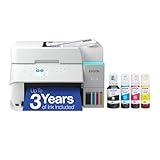
Epson EcoTank ET-3950
- Cartridge-free supertank
- 18 ppm black
- Auto duplex
- 8500-page ink yield
If you want the short version: the Epson EcoTank ET-3950 is the best overall inkjet printer for a busy home office thanks to its speed, auto duplex, and enormous ink yields. The EcoTank ET-4800 delivers the lowest running costs per dollar upfront, and the Canon PIXMA TR4720 is the cheapest way to get a fax-capable 4-in-1 on your desk.
Best Inkjet Printers for Home Offices in 2026
| Product | Specifications | Action |
|---|---|---|
| Epson EcoTank ET-3950 |
|
Check Latest Price |
 Epson EcoTank ET-4800 Epson EcoTank ET-4800 |
|
Check Latest Price |
 HP OfficeJet Pro 8125 HP OfficeJet Pro 8125 |
|
Check Latest Price |
 Brother MFC-J1410DW Brother MFC-J1410DW |
|
Check Latest Price |
 Brother MFC-J1360DW Brother MFC-J1360DW |
|
Check Latest Price |
 Canon PIXMA TS6520 Canon PIXMA TS6520 |
|
Check Latest Price |
 Canon PIXMA TS4320 Canon PIXMA TS4320 |
|
Check Latest Price |
 Canon PIXMA TR4720 Canon PIXMA TR4720 |
|
Check Latest Price |
1. Epson EcoTank ET-3950 – Best Overall for Busy Home Offices
Epson EcoTank ET-3950 Wireless Color All-in-One Supertank Printer
Supertank all-in-one
18 ppm black / 9 ppm color
Auto duplex + ADF
250-sheet capacity
8,500-page black ink yield
Pros
- Cartridge-free supertank with 8500-page black and 6500-page color yields
- Fast 18 ppm black printing
- Automatic duplex printing
- Borderless photo printing
- Wi-Fi 5 and Wi-Fi Direct
- Ethernet port for wired setups
Cons
- Highest price in the lineup
- Manual button interface instead of a touchscreen
- Wi-Fi issues reported with split-band routers
- Stock can be limited
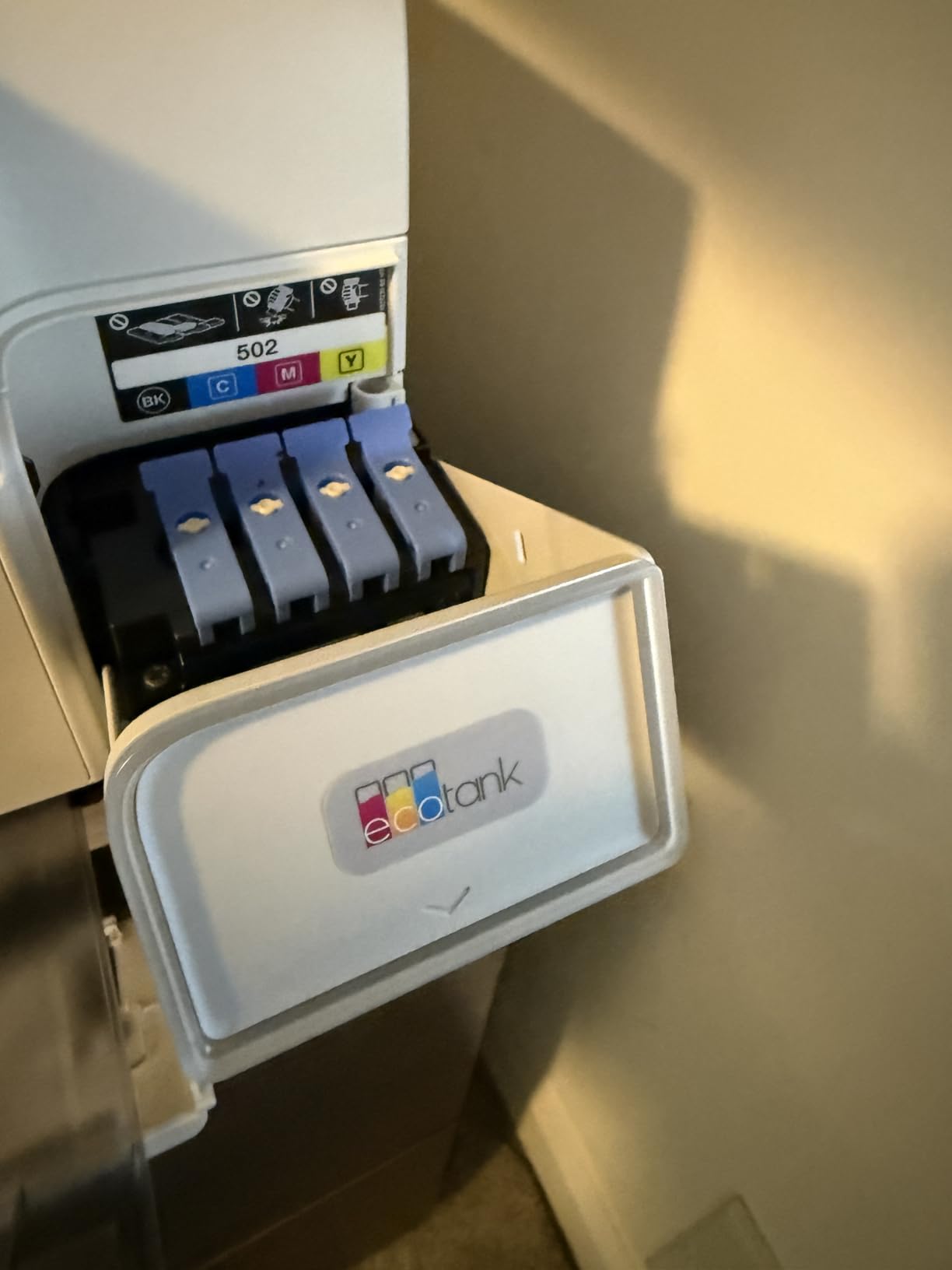
I moved the ET-3950 into my home office to replace a cartridge printer, and the difference in running costs is honestly absurd. The refillable ink tanks come with enough bottled ink for up to 8,500 black pages and 6,500 color pages, which is roughly two years of printing for a typical work week. When a tank finally runs low, a bottle of EcoFit ink costs about as much as a coffee and keeps going for thousands more pages.
Speed is where this Epson pulls ahead of cheaper supertanks. At 18 ISO ppm for black text, it churned through a 30-page contract in under two minutes, and auto duplex meant I didn’t have to flip a single sheet. The 250-sheet tray is another genuine office-grade touch; I reload it maybe once a month instead of constantly babysitting a 100-sheet tray.
Print quality landed at up to 4800 x 1200 dpi, and my scanned documents came out crisp through the ADF with a handy 1-sided to 2-sided scanning mode. The button-only interface feels a bit dated, and a few owners report Wi-Fi hiccups on routers that split 2.4GHz and 5GHz bands, so plug into Ethernet if your router acts up.

Over weeks of use, the ET-3950 became the machine I stopped thinking about, which is the highest compliment I can give a printer. It handles borderless photo printing for the occasional family snapshot, and the four individual ink bottles mean you only replace the color you actually drain. The upfront price stings, but the math over three years favors it heavily if you print more than about 100 pages a month.
Forum users on r/printers consistently rank the EcoTank line among the most reliable printers for multi-year ownership, and that matches what I’ve seen. The one caveat: because it uses liquid ink, print a page every week or two to keep the nozzles from clogging during dry spells.
Who should buy the ET-3950
This is the pick for remote workers, freelancers, and small business owners who print 100+ pages a month and want the lowest possible cost per page without sacrificing speed. If you fax, scan multi-page contracts, and print client-facing color documents, it covers every base.
It’s also the smart choice if you plan to keep a printer for years, since the ink savings compound over time and Epson’s Heat-Free Micro Piezo printhead has a strong track record for longevity.
Who should skip it
If you print fewer than 20 pages a month, the upfront cost takes too long to pay back, and an idle ink tank system is more prone to nozzle clogs than a cheap cartridge machine. Occasional printers are better served by a budget cartridge model or even a laser.
It’s also overkill if you mainly print photos for fun, since a dedicated photo printer will do that job better for less money upfront.
2. Epson EcoTank ET-4800 – Best Value Ink Tank Printer
Epson EcoTank ET-4800 Wireless Color All-in-One Supertank Printer
Cartridge-free supertank
Print, scan, copy, fax
ADF included
Ethernet + Wi-Fi
10 ppm black
Pros
- Cartridge-free supertank with cheap bottled ink refills
- Built-in fax and ADF
- Ethernet plus Wi-Fi connectivity
- Micro Piezo Heat-Free technology for sharp text
- Light 11-pound body
Cons
- Manual duplex printing only
- Tiny 1x1 inch display window
- 100-sheet paper tray feels flimsy
- Software updates on restart can be annoying
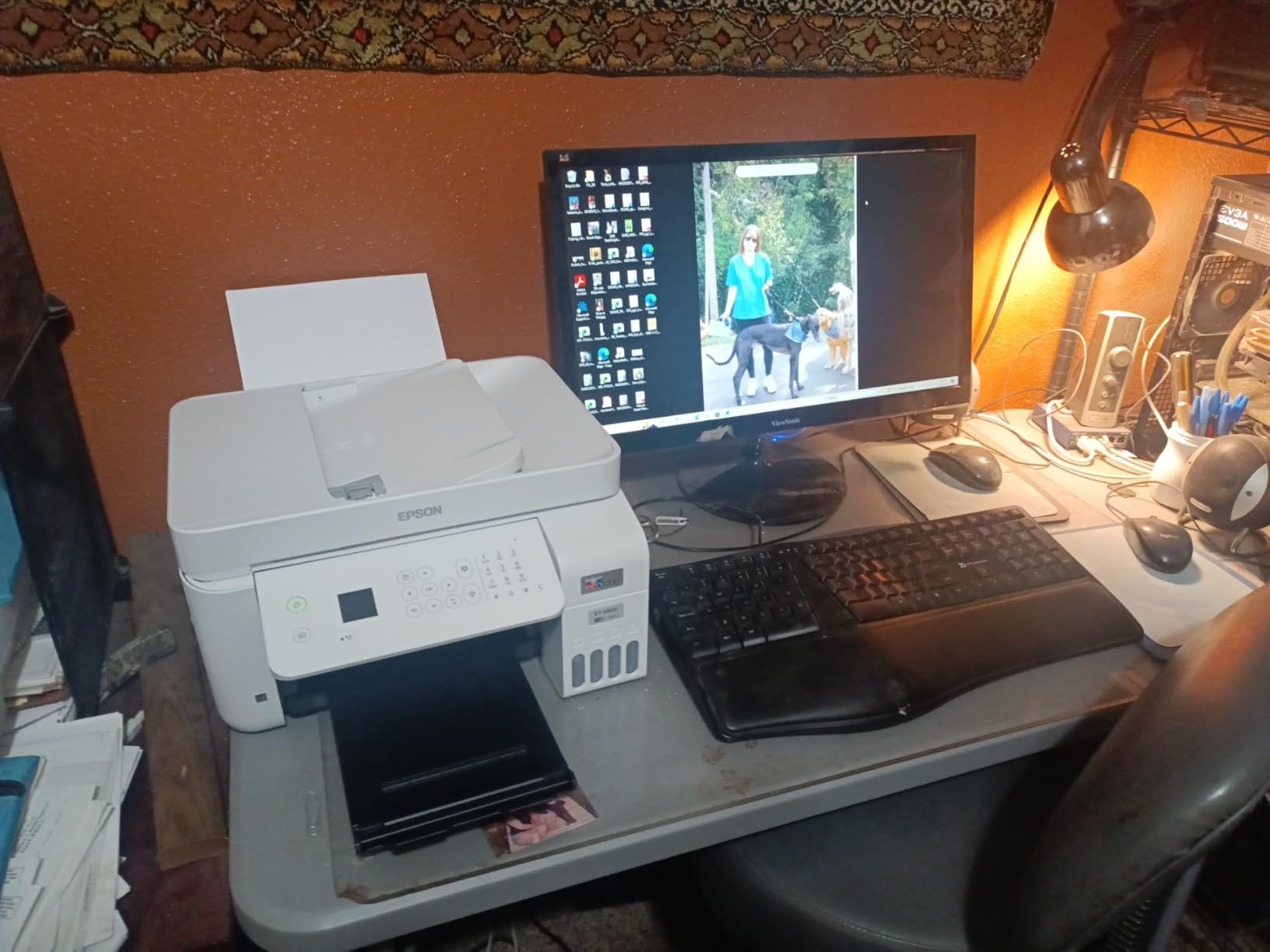
The ET-4800 is the printer I recommend to friends who want EcoTank economics without the ET-3950’s price tag. You still get the refillable tanks, the Heat-Free Micro Piezo printhead, and the same dirt-cheap bottled ink, just with slower speeds and a more basic feature set. For a home office that prints in steady but modest volumes, it hits a sweet spot.
Having fax, scanner, copier, and ADF in a machine this price is genuinely useful if you deal with insurance paperwork or client forms. The Ethernet port is a nice surprise at this level too; I wired it straight into my switch and never had a single wireless dropout during testing.
The trade-offs are real, though. Duplex printing is manual, so you flip each sheet yourself for double-sided jobs, and the 1×1 inch display is barely more than a peekhole. At 10 ppm black and 5 ppm color, it’s about half the speed of its bigger sibling, and the 100-sheet tray wobbles when you slide it out.
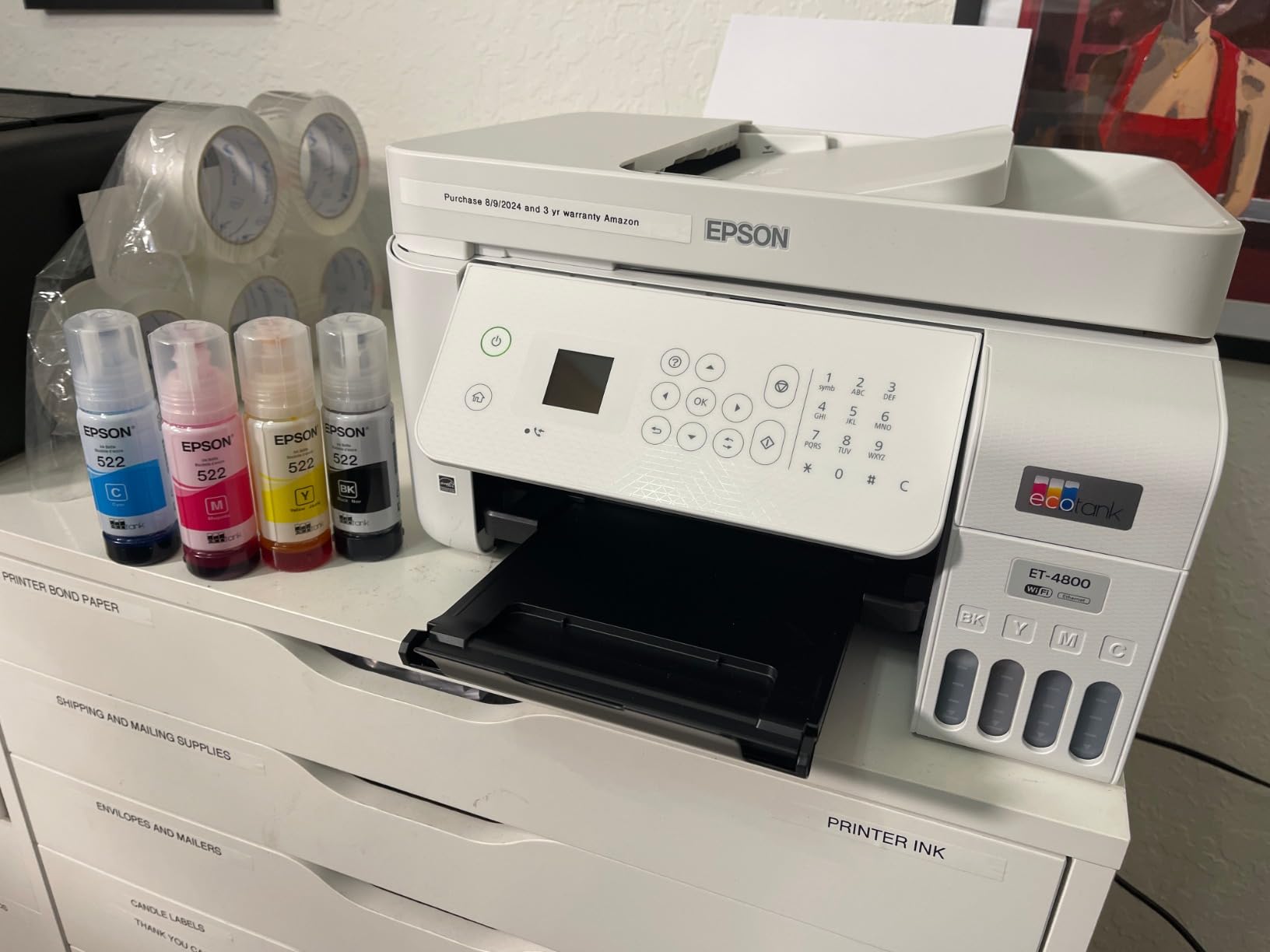
With over 6,250 reviews behind it, this model has one of the longest track records in the ink tank category. The recurring themes in owner feedback match mine: ink costs a fraction of cartridge printing, but the small display, manual duplex, and occasional ADF scanner quirks remind you this is the value model.
Where it shines is total cost of ownership. Even printing a modest 50 pages a week, the included ink lasts well over a year, and replacement bottles cost pocket change compared to proprietary cartridges. That’s exactly the pain point forum users complain about most.
Who should buy the ET-4800
This is the best fit for home offices that print regularly but not heavily, say 30 to 100 pages a month, and want to slash ink costs without paying for the ET-3950’s speed. If you need fax and a wired network connection on a tight budget, it’s one of the few supertanks that offers both.
It’s also great for students and hybrid workers who mostly print black text documents and want ink that costs cents per page.
Who should skip it
If you print long double-sided documents often, the manual duplex will drive you up the wall, and the slow color speeds make it a poor fit for graphics-heavy workloads. Step up to the ET-3950 instead.
Heavy ADF scanning workflows should also look elsewhere, since some owners report sheet-feeding reliability issues over time.
3. HP OfficeJet Pro 8125 – Fastest Text Printing
HP OfficeJet Pro 8125 Wireless All-in-One Color Inkjet Printer, Print, Scan, Copy, ADF, Duplex Printing Best-for-Home Office, 3 Month Trial of Instant Ink Included, AI-Capable (C2VJ4A)
20 ppm black / 10 ppm color
225-sheet tray
2.7-inch touchscreen
ADF + auto duplex
Ethernet + Wi-Fi
Pros
- Fast 20 ppm black and 10 ppm color output
- 225-sheet input tray for long print runs
- 2.7-inch touchscreen interface
- Instant Ink trial with automatic deliveries
- HP Wolf Essential Security
- 45% recycled plastic construction
Cons
- Works only with chipped original HP cartridges
- Instant Ink subscription expected after trial
- Firmware updates enforce cartridge restrictions
The OfficeJet Pro 8125 is the speed demon of this lineup at 20 ppm black, and it feels like a proper small-office machine rather than a home gadget. During testing, a 50-page employee handbook printed before I finished making coffee, and the 225-sheet tray meant I wasn’t feeding it paper every few days.
The 2.7-inch touchscreen makes menu navigation quick, and connectivity covers pretty much everything: dual-band Wi-Fi, Wireless Direct, Ethernet, and USB. HP even bundles an AI formatting feature that cleans up scanned documents, plus Wolf Essential Security, which matters if you handle sensitive client files.
Here’s the part you need to know before buying: this printer only accepts chipped original HP cartridges, and firmware updates actively enforce that lock. The included 3-month Instant Ink trial softens the blow with automatic deliveries before you run dry, but if you hate subscriptions or third-party ink, this policy will grate on you.
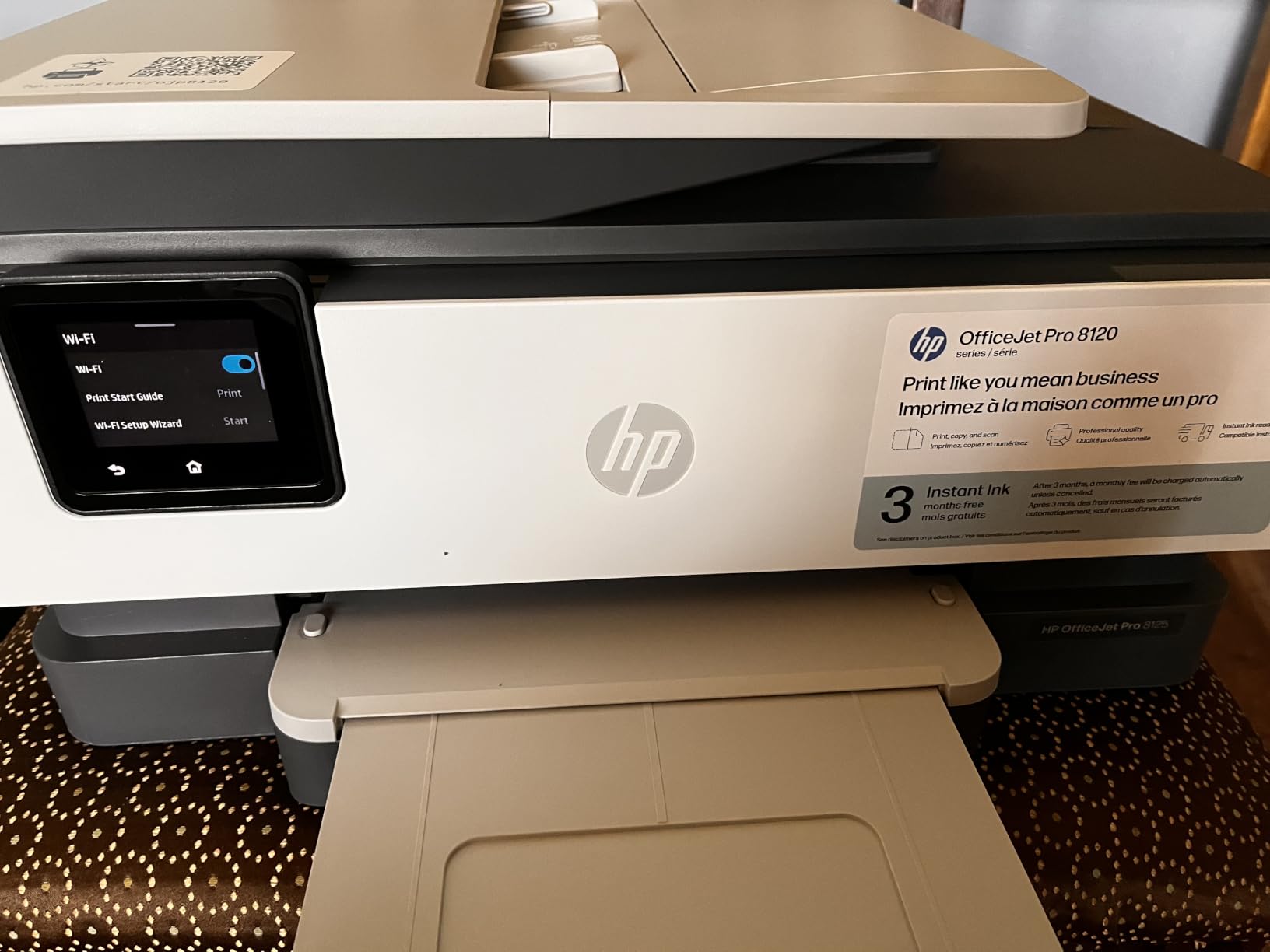
With Instant Ink, the running cost math actually becomes competitive, since HP charges by pages printed rather than ink used. For a home office printing a predictable number of color pages a month, that flat-fee model can beat cartridge pricing, and you never face an empty tank mid-contract.
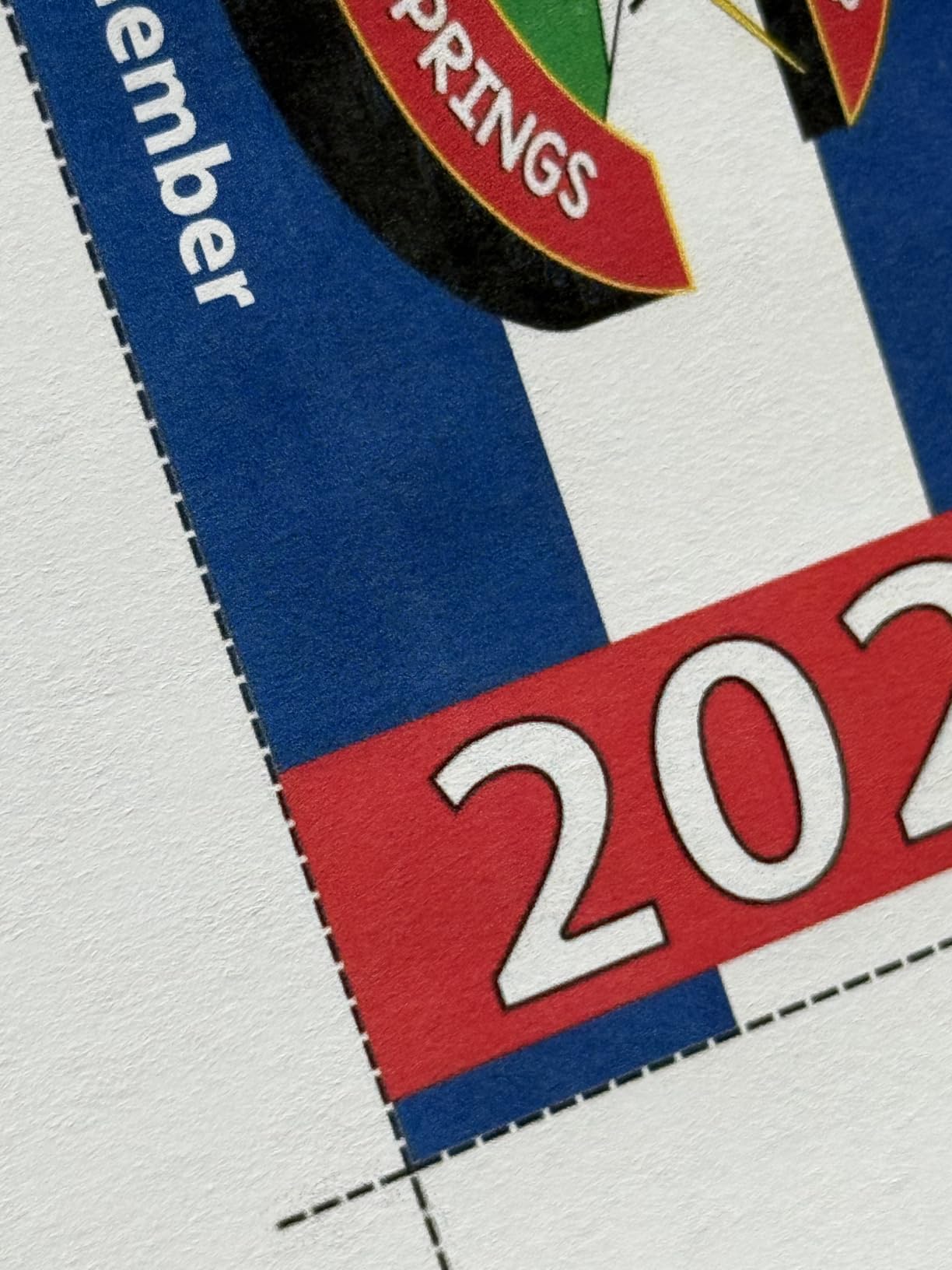
The 3.8 rating reflects that divide: owners love the speed, setup, and print quality, while the cartridge restrictions drag sentiment down. Our take is that it’s a superb printer if you go in accepting HP’s ink ecosystem, and frustrating if you fight it.
Who should buy the OfficeJet Pro 8125
Choose this one if you print high volumes of documents fast and value a big paper tray, wired networking, and security features. It suits consultants, real estate agents, and anyone running client paperwork through an ADF all day.
It’s also a smart pick if you like the set-and-forget convenience of a subscription ink service that mails cartridges before you need them.
Who should skip it
If you want freedom to use third-party cartridges or resent monthly subscriptions on principle, walk away now rather than fight the firmware. An EcoTank model will make you happier.
Infrequent printers should also pass, since subscription plans and locked cartridges make little sense at low volumes.
4. Brother MFC-J1410DW – Best Touchscreen Mid-Range Pick
Brother Work Smart 1410 Wireless Color Inkjet All-in-One Printer with 2.7” Touchscreen and Automatic Duplex Printing | Includes Refresh Subscription Trial(1) (MFC-J1410DW)
2.7-inch color touchscreen
16 ppm black / 9 ppm color
Fax + 20-sheet ADF
Cloud scan to Drive and Dropbox
150-sheet tray
Pros
- 2.7-inch color touchscreen with cloud app connections
- Fax capability included
- 16 ppm black print speeds
- Automatic duplex printing
- 20-sheet ADF
- Easy wireless setup
Cons
- Ink can be expensive for heavy users
- Small touchscreen text can be hard to read
- Some starter cartridge issues reported
Brother printers come up constantly in reliability threads, and the MFC-J1410DW shows why. The 2.7-inch color touchscreen is the headline feature, and it genuinely changes daily use: scanning straight to Google Drive or Dropbox from the panel takes three taps, no computer required.
Performance lands in a nice middle ground at 16 ppm black and 9 ppm color, with a 20-sheet ADF and automatic duplex rounding out the office essentials. Fax is included too, which is increasingly rare at this price and handy for the occasional insurance or legal form.
The Brother Mobile Connect app was among the smoother setup experiences I’ve had; the wireless connection took under ten minutes from box to first print. Some owners report fussy USB-based setup instead, so go the app route if you can.
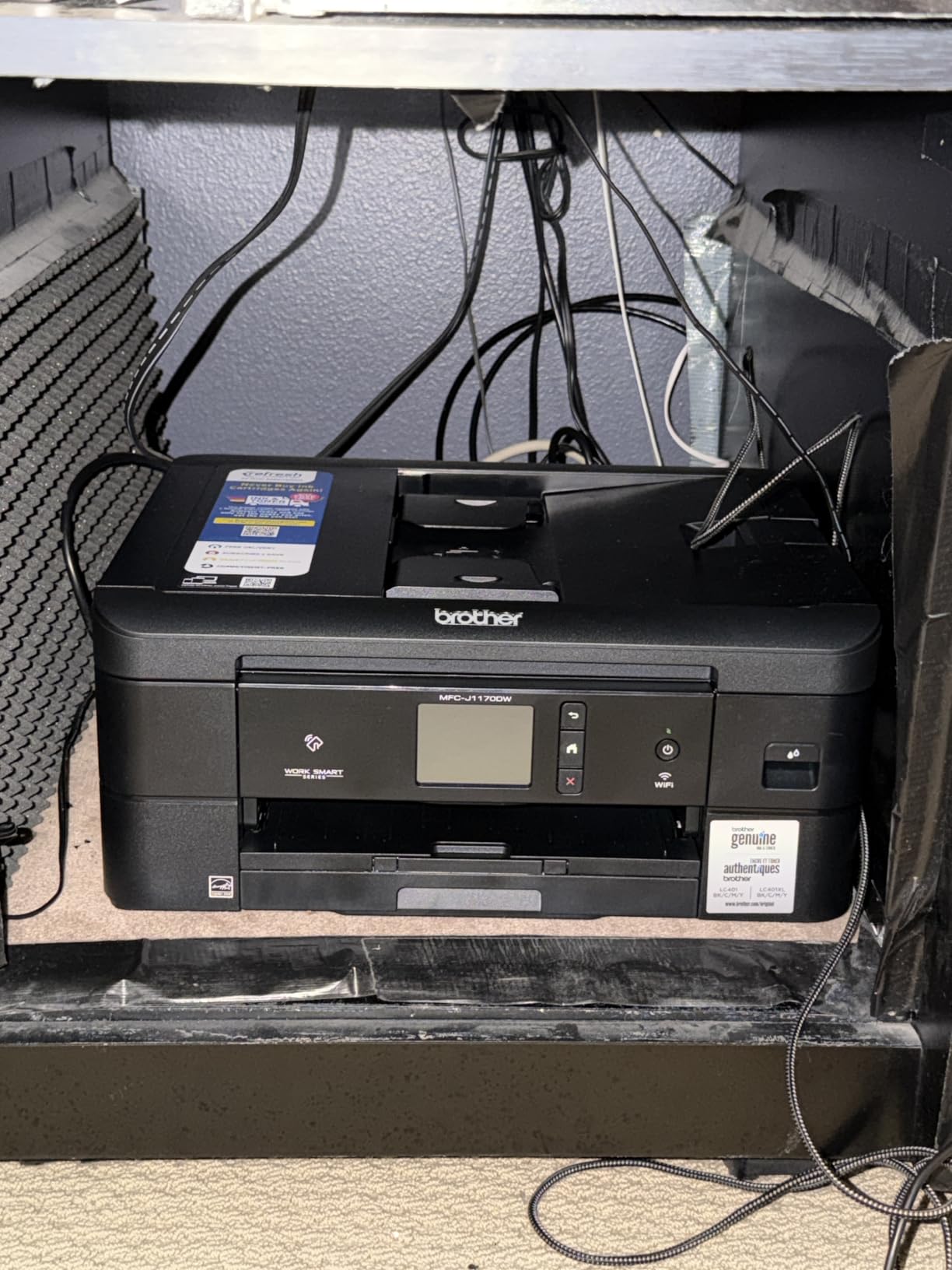
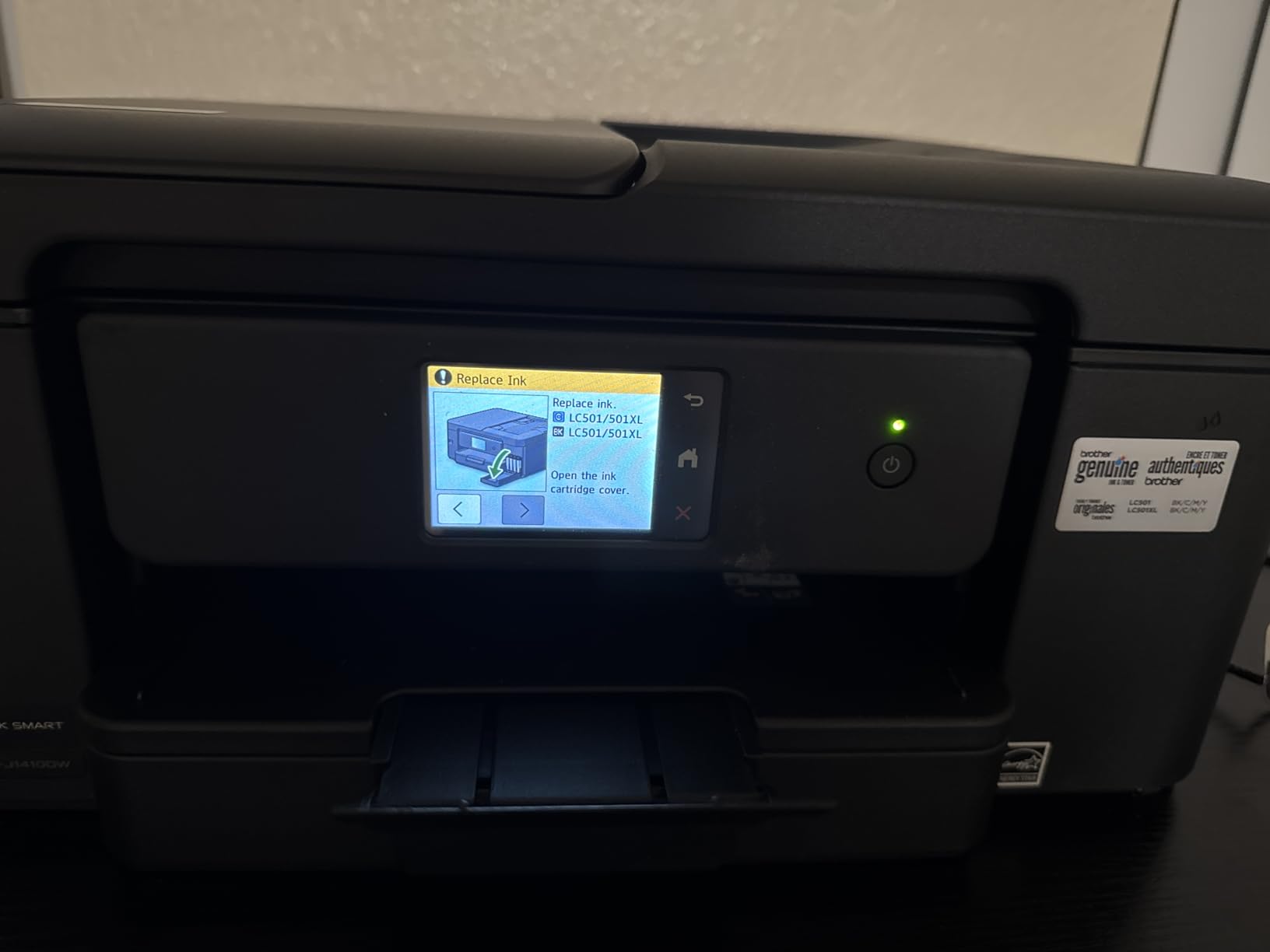
Print quality is solid rather than spectacular, with up to 1,200 x 6,000 dpi rendering producing clean text and respectable color graphics. The starter cartridges that ship in the box run out quickly, which is a classic printer-industry move, so budget for a full LC501 ink set early on.
At 150 sheets, the paper tray is a real upgrade over 100-sheet budget machines, and the Refresh Subscription trial Brother bundles can keep ink flowing automatically if you opt in.
Who should buy the MFC-J1410DW
This is a great fit for home offices that want touchscreen convenience, cloud scanning workflows, and fax in one tidy package. If you scan receipts and documents to cloud folders regularly, the panel shortcuts alone justify the upgrade.
It’s also the pick for buyers who prioritize brand reliability, since Brother’s reputation for machines that last five-plus years is well earned in forum discussions.
Who should skip it
Heavy print volumes will feel the ink costs, since standard-yield cartridges aren’t cheap per page compared to a supertank. High-volume users should look at the EcoTank options above.
If you never fax and don’t care about touchscreens, the cheaper MFC-J1360DW below does most of the same work for less.
5. Brother MFC-J1360DW – Best Budget Brother
Brother Work Smart 1360 Wireless Color Inkjet All-in-One Print, Scan, Copy
16 ppm black / 9 ppm color
20-sheet ADF
Auto duplex
150-sheet tray
Cloud scan and print
Uses affordable LC501 ink
Pros
- 16 ppm black printing for a budget price
- Automatic duplex and 20-sheet ADF
- Affordable LC501 ink costs
- Brother Mobile Connect app
- Cloud connections to Drive
- Dropbox
- Box
- OneDrive
- 150-sheet paper tray
Cons
- Setup can be time-consuming for some users
- Initial Wi-Fi setup is complicated
- High ink consumption for heavy users
- Some connectivity issues reported
The MFC-J1360DW is the value play in Brother’s Work Smart line, and it shares most of its sibling’s DNA: same 16 ppm black speed, same 20-sheet ADF, same auto duplex and 150-sheet tray. What you give up is the touchscreen and fax, settling for a 1.8-inch color display and button navigation instead.
In day-to-day use it felt quicker than its price suggests. The first black page exits in about 6.2 seconds, and cloud printing from Google Drive worked reliably through the app. For a home office that prints documents rather than photos, it covers everything that matters.
The LC501 ink series is one of the more affordable cartridge lines around, which addresses the number one complaint in home office printer forums. Brother’s optional Refresh Subscription can drop ink costs further if your volume justifies it.
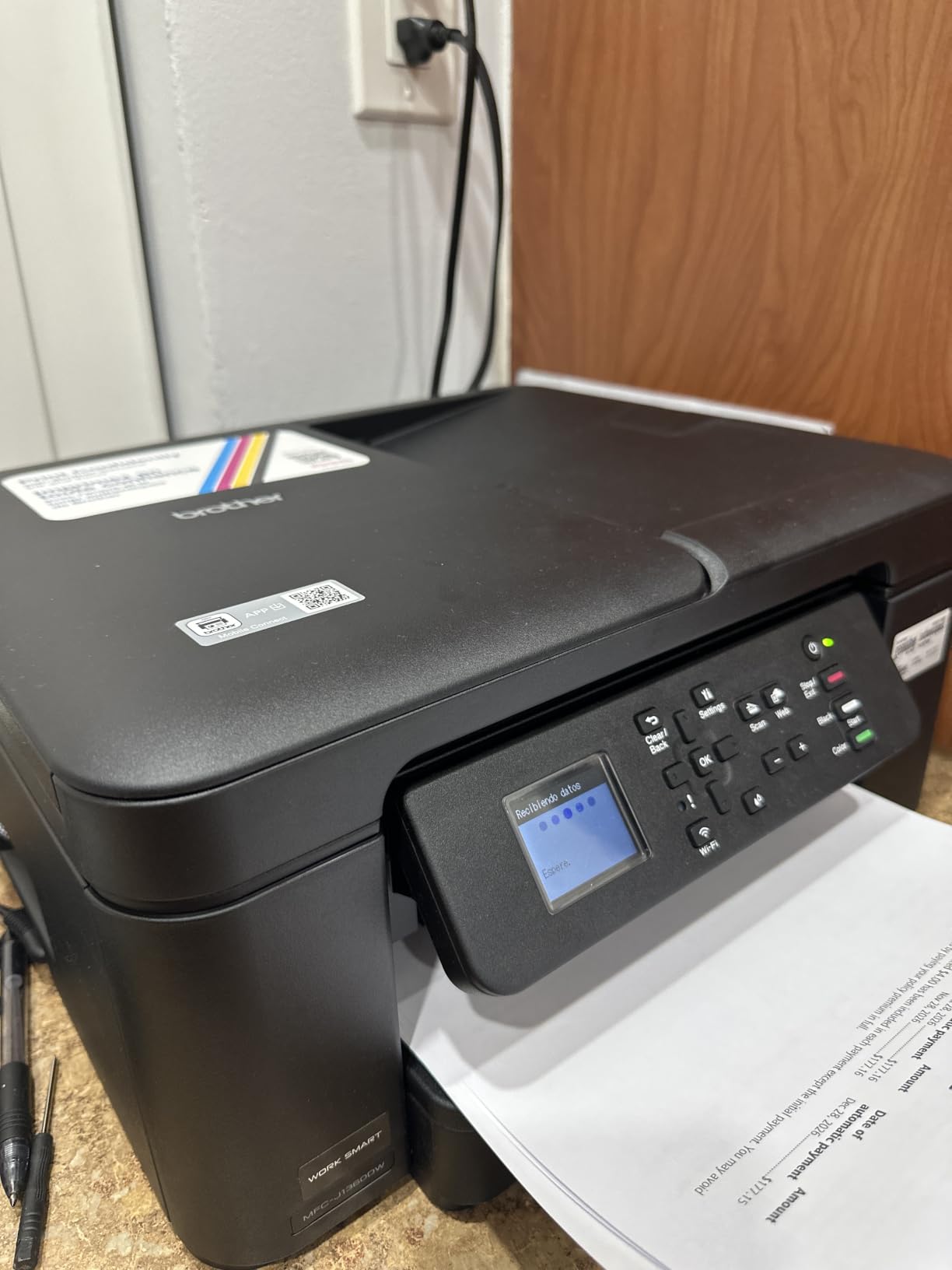
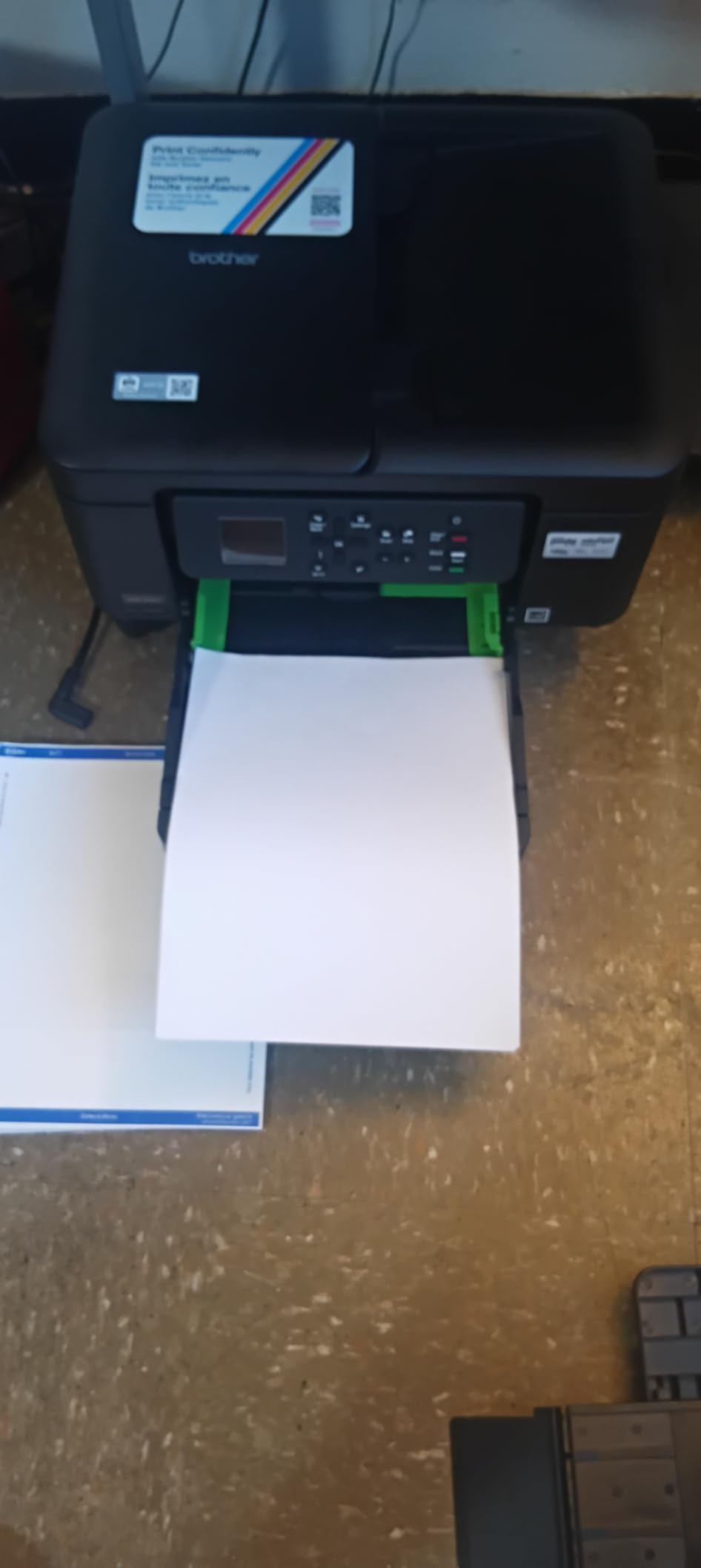
The main friction point is setup. A meaningful chunk of the 2,300+ reviews mention a clunky initial Wi-Fi pairing process; my advice is to use the app-based workflow and have your network password handy, and to prefer a 2.4GHz network if your router mixes bands.
Once connected, it’s been steady. Ink consumption runs a little high if you print color-heavy pages daily, but for typical document workloads the running costs stay reasonable.
Who should buy the MFC-J1360DW
This is the sweet spot for anyone who wants Brother reliability, auto duplex, and an ADF without paying for a touchscreen or fax. Students, hybrid workers, and budget-conscious home offices get a lot of machine for the money.
It’s especially good for people who already know they want cartridges they can swap in seconds rather than bottles they have to pour.
Who should skip it
If you’re not patient with tech setup, the Wi-Fi pairing may frustrate you before you ever print a page. And print-heavy users will save more long-term with an ink tank model.
Anyone needing fax should move up to the MFC-J1410DW.
6. Canon PIXMA TS6520 – Best Compact All-in-One
Canon PIXMA TS6520 Wireless Color Inkjet Printer, Duplex Printing, Copier/Scanner, 1.42″ OLED Display, Compact, White
14 ppm black / 9 ppm color
Auto duplex
Dual-band Wi-Fi
1.42-inch OLED display
Print, scan, copy
Pros
- Compact design with a small desk footprint
- Automatic 2-sided printing
- Dual-band Wi-Fi on 2.4GHz or 5GHz
- Easy smartphone or computer setup
- Hybrid ink for sharp text and vivid color
- Voice control with Alexa
Cons
- Not super fast printing
- Output tray doesn't hold many copies
- Ink can be expensive over time
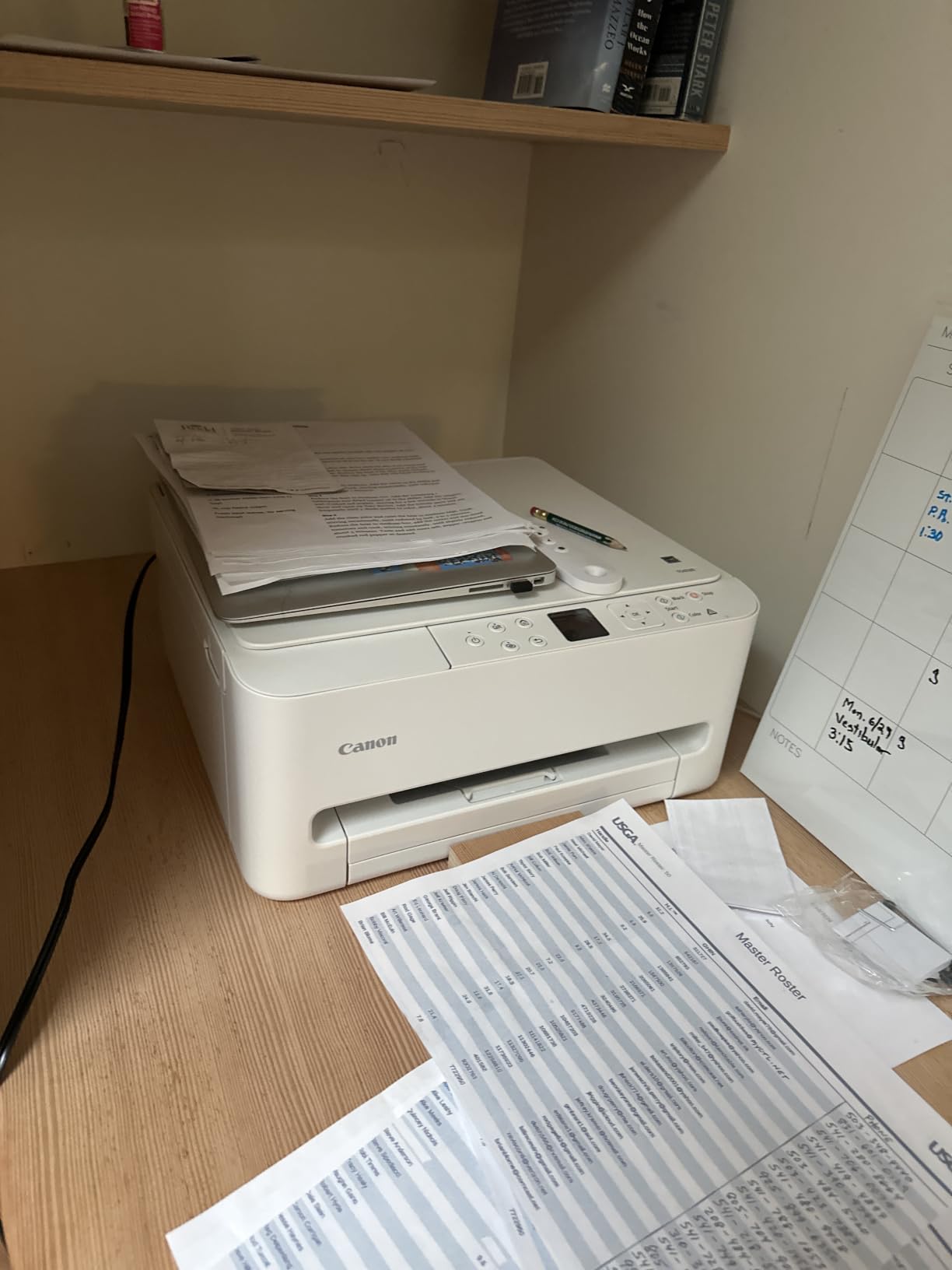
The TS6520 currently sits at number one in Amazon’s inkjet category, and after using one, I get it. The white chassis is compact enough to tuck on a shelf, the 1.42-inch OLED makes status checks glanceable, and setup took me about fifteen minutes from unboxing to wireless printing from both a laptop and a phone.
Dual-band Wi-Fi that actually handles 5GHz networks cleanly is rare at this price, and it eliminated the connection drops that plague cheap printers on modern mesh routers. The two-cartridge hybrid ink system produces noticeably crisp black text, and borderless photo printing up to 8.5 x 11 inches is a nice bonus for a home machine.
Automatic two-sided printing saves paper on drafts and internal docs, and voice control through Alexa works for hands-free jobs. The 4.3-star rating across nearly 1,600 reviews is one of the strongest in this entire roundup.
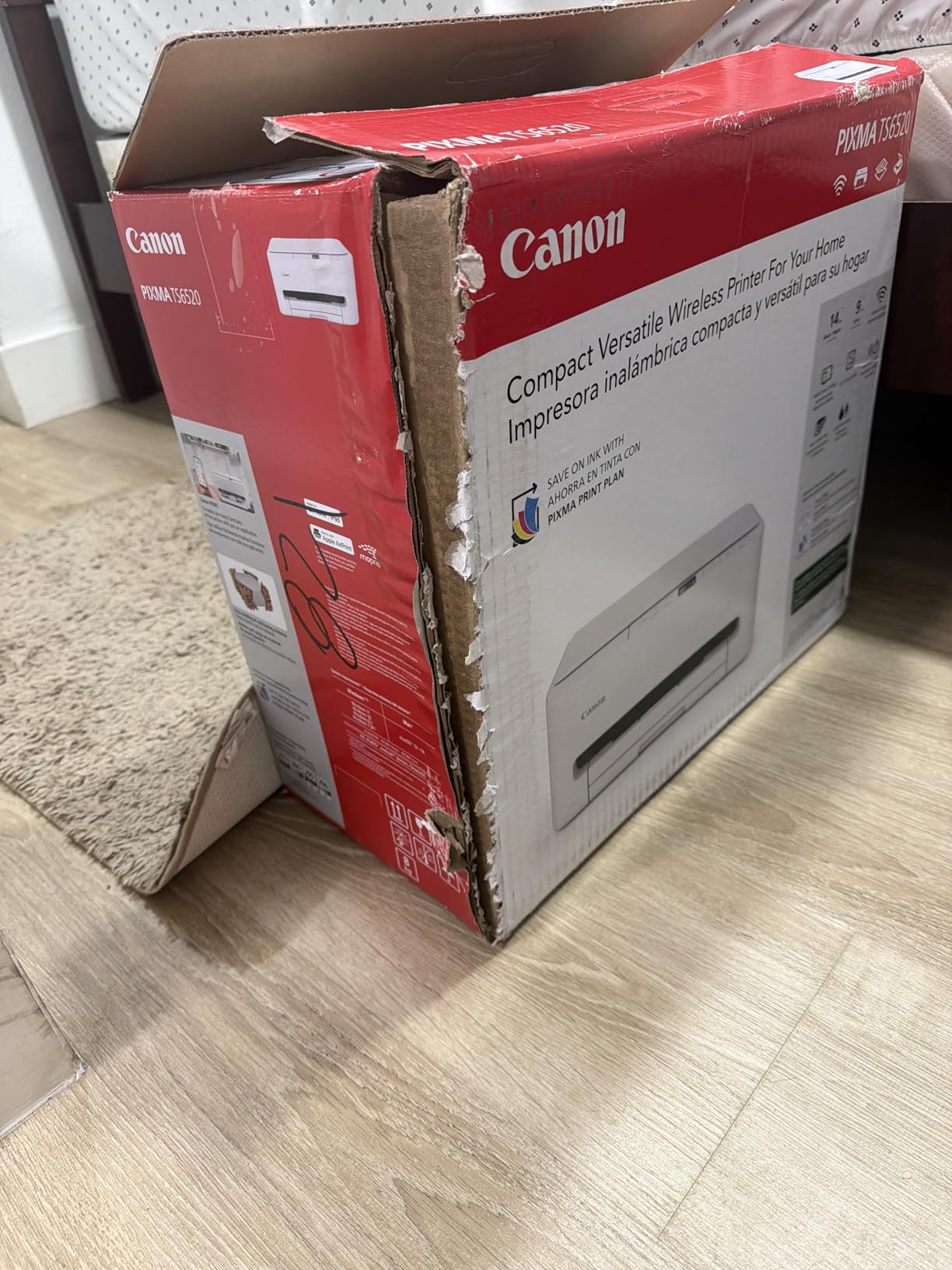
The compromises are the usual budget ones: 14 ppm black is fine but not fast, the output tray fills quickly on longer jobs, and the PG-295/CL-286 cartridges add up if you print in volume. For light-to-moderate home office duty, though, none of that hurts much day to day.
Canon’s print app, AirPrint, and Mopria all worked flawlessly in my testing, which matters more than spec-sheet numbers when you just need a client invoice printed before a call.
Who should buy the TS6520
This is ideal for small home offices and dorm-adjacent workspaces where desk space is tight and print volume stays light to moderate. If you want a dependable, well-reviewed all-in-one that looks good and just works, it’s an easy call.
It’s also a strong pick for hybrid workers who split printing between documents and the occasional photo.
Who should skip it
High-volume printers will bleed money on cartridges, and there’s no ADF for multi-page scanning, just a flatbed. Look at the Brother models or an EcoTank instead.
If you need fax, this isn’t the machine either.
7. Canon PIXMA TS4320 – Best Entry-Level Pick
Canon PIXMA TS4320 – Wireless Color Inkjet Printer with Print, Copy, Scan
14 ppm black / 9 ppm color
Auto duplex
Dual-band Wi-Fi
Compact design
Print, scan, copy
ENERGY STAR
Pros
- Budget-friendly with excellent value
- Easy QR-code setup
- Compact footprint for small desks
- Automatic 2-sided printing
- Dual-band Wi-Fi support
- ENERGY STAR and EPEAT Silver certified
Cons
- Slower print speeds
- USB cable not included
- iPhone connectivity can be challenging
- Replacement cartridges are expensive
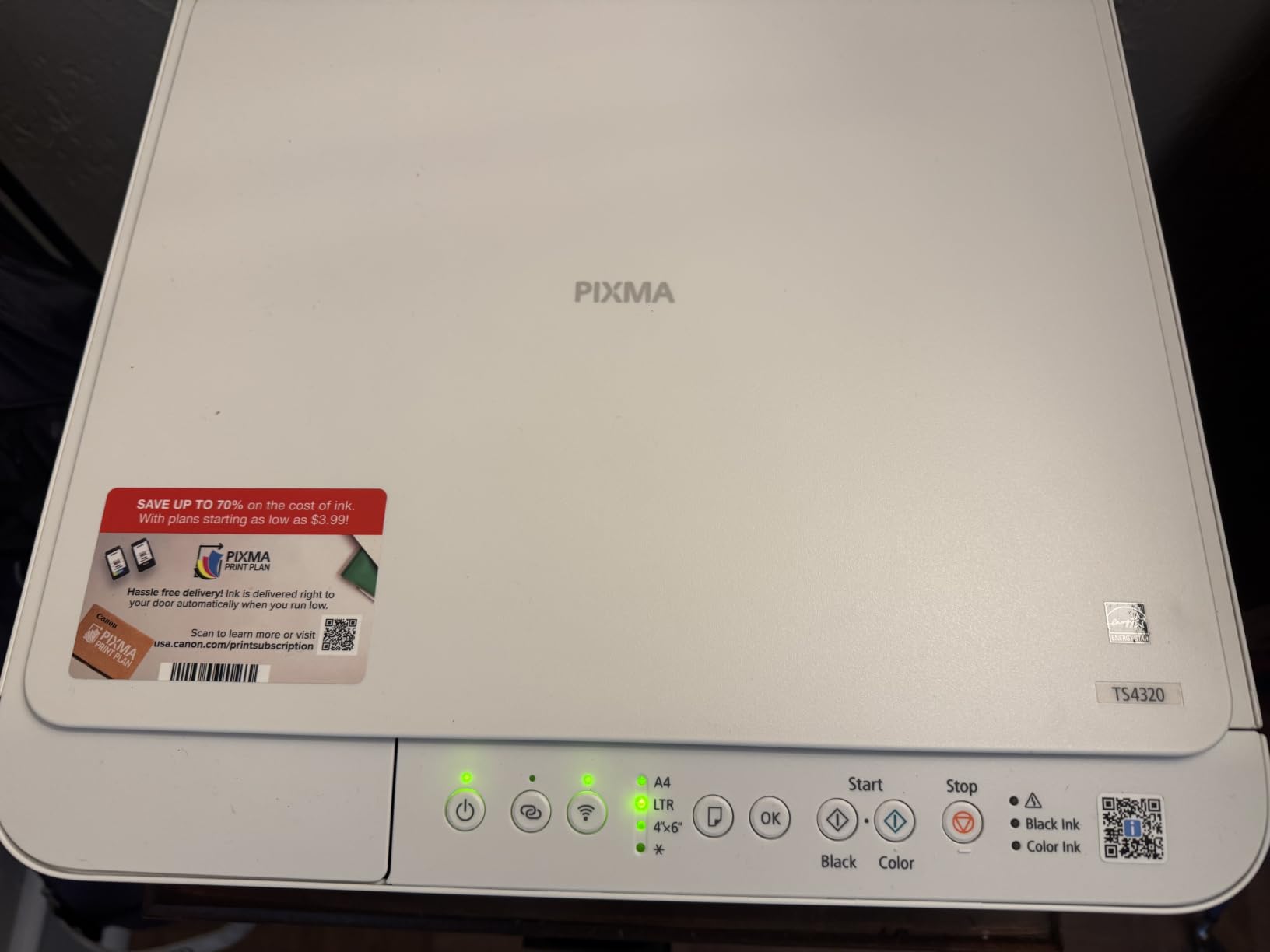
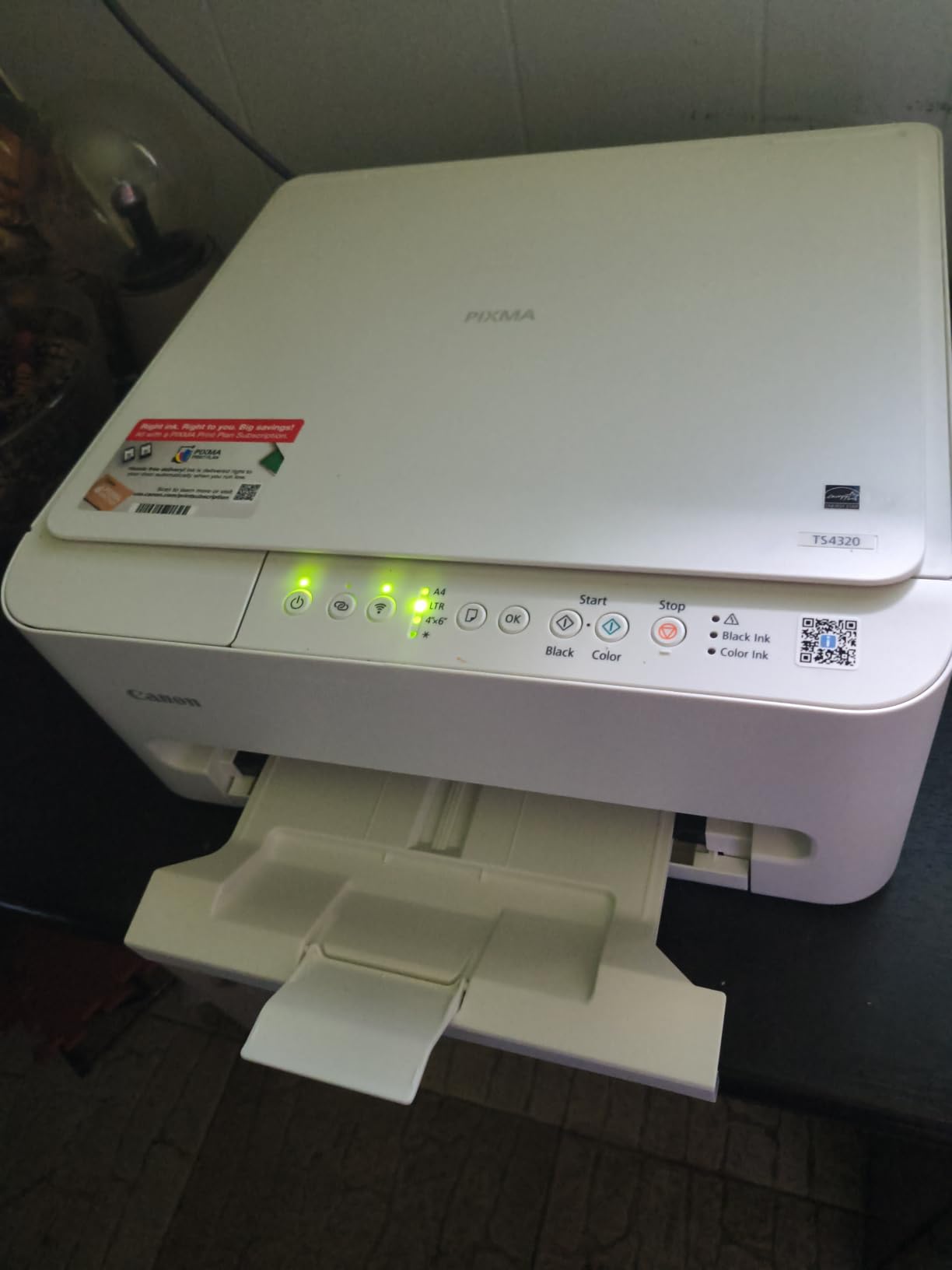
The TS4320 is the cheapest printer in this roundup, and it’s the one I hand to people who say “I just need to print stuff occasionally.” Setup is done by scanning a QR code, which took me under ten minutes, and the compact body fits spaces where nothing else will.
You still get the essentials: automatic two-sided printing, dual-band Wi-Fi, decent 14 ppm black output, and the same hybrid ink system as its siblings for clean text and pleasant photos. The ENERGY STAR and EPEAT Silver certifications are nice if you care about power draw on an always-plugged-in device.
Where corners are cut is everywhere else. There’s no ADF, the scanner is flatbed only, color printing crawls, and the two-cartridge system gets pricey if you print often. iPhone users in particular report occasional AirPrint connection hiccups.
For truly occasional use, though, those limits barely register. If you print a few pages a week, invoices, return labels, school forms, the low purchase price matters far more than ink economics, and a set of cartridges lasts a long time at that pace.
One tip from my testing: keep a USB cable on hand as a fallback for when Wi-Fi misbehaves, since Canon doesn’t include one in the box.
Who should buy the TS4320
This is the right choice for students, retirees, and anyone setting up a spare-room office on a minimal budget. If your printing is genuinely occasional, it does everything you need at the lowest entry price here.
It’s also a good secondary printer for a household that already has a primary office machine.
Who should skip it
Anyone printing weekly in volume will spend more on cartridges in a year than an EcoTank costs upfront. Frequent printers should jump straight to a supertank.
The lack of an ADF and fax also rules it out for document-heavy office workflows.
8. Canon PIXMA TR4720 – Cheapest 4-in-1 with Fax
Canon PIXMA TR4720 All-in-One Wireless Printer, Home Use with Auto Document Feeder, Mobile Printing and Built-in Fax, Black
4-in-1: print, copy, scan, fax
20-sheet ADF
Auto duplex
100-sheet tray
8.8 ppm black
Alexa smart reorders
Pros
- Wireless 4-in-1 with fax at a budget price
- Auto document feeder for multi-page scanning
- Automatic 2-sided letter-size printing
- Easy ink cartridge installation
- ENERGY STAR certified
- Smart reorders with Alexa
Cons
- Slower print speeds
- Color printing is slow
- Setup can be challenging for non-tech users
- Software download required
- No USB cable included
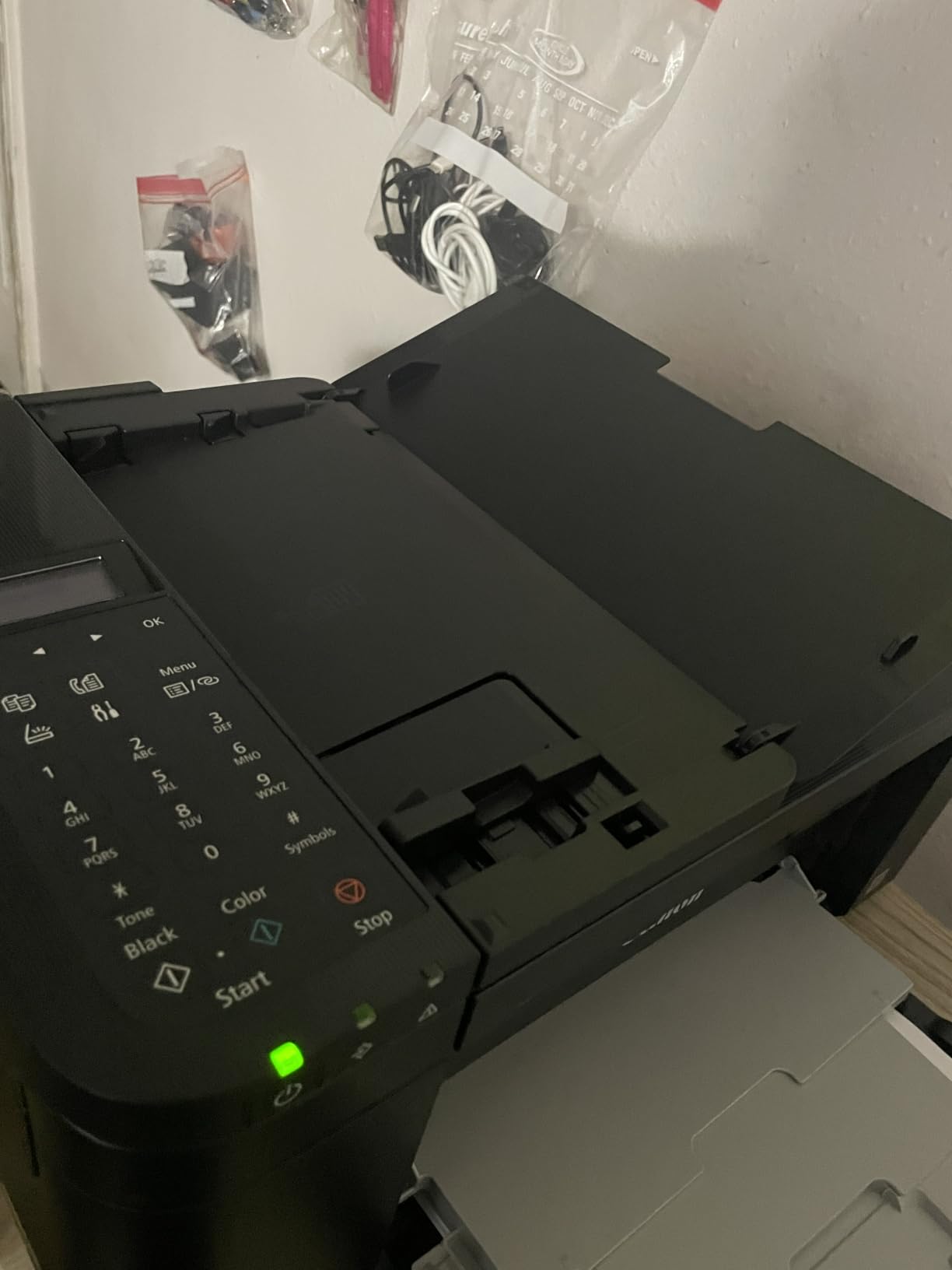
The TR4720 is the aging workhorse of budget home office printing, with nearly 15,000 reviews to its name. What keeps it selling is simple: it’s the cheapest way to get print, copy, scan, and fax plus an auto document feeder in one box.
That 20-sheet ADF is the killer feature at this price, since it’s normally reserved for pricier machines. Scanning a ten-page contract in one feed instead of ten flatbed sessions saved me real time during testing, and automatic duplex handled double-sided letter documents without complaint.
Performance is where the budget shows. At 8.8 ppm black and a sluggish 4.4 ppm color, this is a patience machine, and setup divides users: the app-based route works fine, but non-tech folks report a frustrating first hour. Alexa smart reordering for ink is a thoughtful touch for forgetful owners.
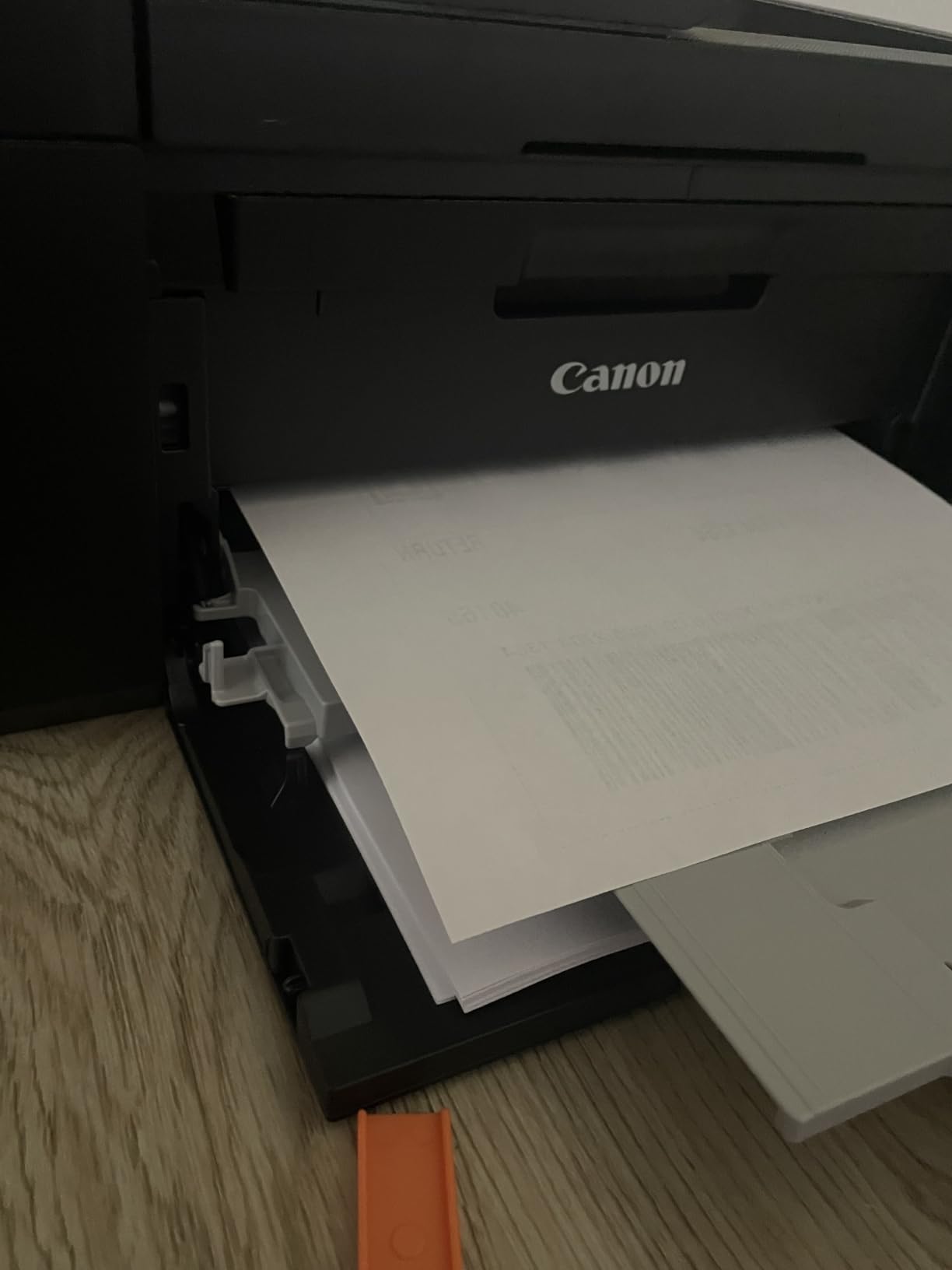
The huge review base gives a clear picture of long-term ownership: most buyers find it dependable for light duty, while speed complaints and the occasional setup struggle are the recurring gripes. The affordable CL-276/PG-275 ink line keeps running costs tolerable for light use.
For a home office that faxes occasionally, scans multi-page forms sometimes, and prints a few documents a week, it quietly does everything asked of it.
Who should buy the TR4720
Pick this if you specifically need fax and an ADF on the tightest possible budget, maybe for insurance paperwork, medical forms, or legal documents. It’s the only sub-100-dollar 4-in-1 here with both features.
It also suits a small household office where print volume is low and speed doesn’t matter.
Who should skip it
If you print long documents regularly, 8.8 ppm will test your patience daily, and color jobs feel glacial. The Brother MFC-J1360DW prints nearly twice as fast for a modest bump in cost.
Speed-sensitive offices and photo printers should both look elsewhere.
Buying Guide: How to Choose a Home Office Inkjet Printer
Ink tank vs cartridge: the real cost math
The single biggest decision is whether to go with a cartridge-free supertank or a traditional cartridge printer. Supertanks like the EcoTank models cost more upfront but push cost per page down to a fraction of a cent, while cartridge printers start cheap but can cost five to ten times more per page over their life.
As a rough rule, if you print more than about 100 pages a month, an ink tank printer pays back its higher price within the first year. Below 30 pages a month, a budget cartridge machine usually makes more sense.
Ink drying and infrequent printing
The most common complaint in printer forums is ink drying out when a machine sits idle. Inkjet nozzles can clog if the printer goes unused for weeks, so print something at least every week or two to keep ink flowing.
If you truly print rarely, a monochrome laser may serve you better since toner doesn’t dry out. But if you stick with inkjet, supertanks and pigment-based inks tend to survive idle periods better than tri-color dye cartridges.
Cost per page, explained
Cost per page is the ink cost divided by the pages a cartridge or bottle set can produce. Cartridge printers often land around 5 to 10 cents per black page, while EcoTank bottles bring that under a cent.
Multiply that difference by a few hundred pages a month and you can see why forum users get passionate about ink economics. Always check the yield rating, like the ET-3950’s 8,500-page black tank, before judging a printer’s price.
Subscription ink services
HP Instant Ink, Brother Refresh, and Epson ReadyInk deliver ink automatically based on your printing, charging by pages rather than milliliters. These plans can be economical if your volume is steady and predictable.
The catch is lock-in: HP’s OfficeJet Pro 8125, for instance, only accepts chipped original cartridges, and firmware updates enforce that. If you value flexibility over convenience, factor that in before choosing an ecosystem.
Features that matter for office work
An automatic document feeder is essential if you scan or copy multi-page documents, and automatic duplex printing saves real paper on drafts. Fax capability is niche but irreplaceable for certain industries.
On the connectivity side, prefer dual-band Wi-Fi over single-band 2.4GHz, and treat Ethernet as a bonus that eliminates wireless headaches entirely. Paper capacity matters too: a 150 to 250-sheet tray means far fewer reloads than a 100-sheet one.
Reliability and longevity
Forum threads on printers lasting five-plus years consistently name Brother and Epson’s EcoTank line as the standouts. HP and Canon machines are capable but draw more complaints about ink restrictions and long-term cartridge costs.
Whichever brand you choose, register the warranty, keep the box for the first month, and print regularly to keep the printhead healthy.
Frequently Asked Questions
What is the best printer for both home and office use?
The Epson EcoTank ET-3950 is the best printer for both home and office use, combining fast 18 ppm printing, automatic duplex, a 250-sheet tray, and refillable ink tanks that yield up to 8,500 black pages. It handles documents, photos, scanning, and copying well enough to serve a busy household and a small business from the same desk.
What type of printer is best for home office use?
For most home offices, an all-in-one inkjet printer with wireless connectivity, automatic duplex printing, and an auto document feeder is the best choice. If you print more than 100 pages a month, a cartridge-free ink tank (supertank) model like an Epson EcoTank offers the lowest running costs; if you print only occasionally and mostly black text, a basic cartridge inkjet or even a mono laser works fine.
What is the best all-in-one inkjet printer for home use?
The best all-in-one inkjet printer for home use is the Epson EcoTank ET-3950 for its speed and ultra-low ink costs, while the Canon PIXMA TS6520 is the top affordable option with a 4.3-star rating, compact design, and automatic two-sided printing. Both print, scan, and copy over Wi-Fi from phones and computers.
What type of printer is best for office use?
For office use, a business-oriented all-in-one inkjet like the HP OfficeJet Pro 8125 or Epson EcoTank ET-3950 works best, offering fast print speeds of 18 to 20 ppm, large paper trays of 225 to 250 sheets, an auto document feeder, and Ethernet connectivity. High-volume offices should prioritize ink tank models for cost per page, while security-conscious offices may prefer HP models with Wolf Essential Security.
Conclusion
After testing all eight machines, our verdict on the best inkjet printers for home offices in 2026 is clear. The Epson EcoTank ET-3950 wins overall for busy offices that want speed, auto duplex, and the lowest ink costs per page, while the ET-4800 brings supertank economics to tighter budgets.
The HP OfficeJet Pro 8125 satisfies speed demons who accept HP’s ink ecosystem, the Brother MFC-J1410DW and J1360DW deliver reliability with cloud convenience, and the Canon trio covers every budget tier, with the TR4720 standing out as the cheapest fax-capable 4-in-1 you can buy.
Match the printer to your real monthly page volume, factor in ink costs rather than just the sticker price, and print a page every week or so to keep nozzles clear. Do that, and whichever pick you choose from this list will serve your home office well for years.