
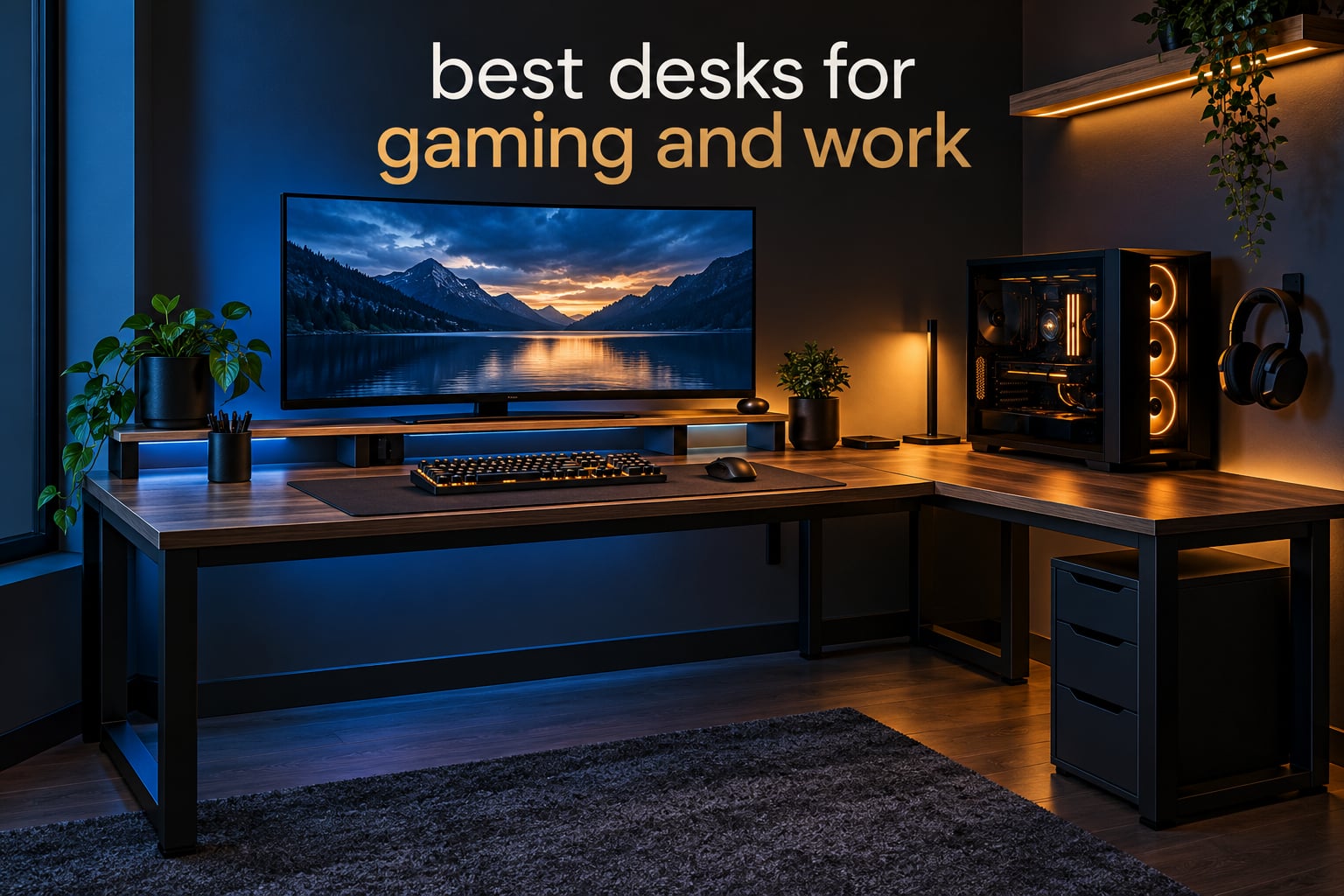
Most desk roundups treat gaming and work as two separate shopping lists. They hand you a carbon-fiber battlestation with RGB underglow, then a separate ergonomic office desk, and leave you to work out which one survives a nine-to-five workday that shares a room with a two-hour evening gaming session. That split is why so many people end up with a desk they tolerate rather than one they enjoy.
This guide takes the opposite approach. We ranked the best desks for gaming and work in 2026 on a single hybrid standard: can the surface hold a monitor at arm’s length, does it survive a keyboard and mouse being slammed around, is there anywhere to put a laptop, and can you sit in it for a full day without your knees hitting a crossbar. Every desk below was judged on both halves of the day, not just the evening one.
We compared 12 desks across L-shaped, straight, and electric standing formats, checking dimensions, weight capacity, height range, integrated power, and how each one handles cable clutter. The short version: there is no single perfect desk here, but there is a clear winner for most people and a strong alternative for anyone who either needs a lot of floor space or wants to stand through the workday.
Top 3 Picks for Desks That Handle Gaming and Work in 2026

Bestier 42-Inch L-Shaped Desk
- 42 inch corner footprint
- Reversible side shelves
- 2-in-1 monitor stand shelf

ErGear Electric Standing Desk
- Electric 28.35 to 46.46 inch range
- Quiet motor with 4 memory presets
- Alloy steel lifting columns

BestOffice 47-Inch R-Shaped Desk
- 47 inch surface
- Alloy steel R-frame with MDF board
- Cup holder and dual cable holes
Best Desks for Gaming and Work in October
| Product | Specifications | Action |
|---|---|---|
| Bestier 42-Inch L-Shaped Computer Desk |
|
Check Latest Price |
 AODK 53-Inch L-Shaped Gaming Desk AODK 53-Inch L-Shaped Gaming Desk |
|
Check Latest Price |
 Huuger 55-Inch Home Office Desk Huuger 55-Inch Home Office Desk |
|
Check Latest Price |
 Furologee 66-Inch L-Shaped Desk Furologee 66-Inch L-Shaped Desk |
|
Check Latest Price |
| BestOffice 47-Inch R-Shaped Gaming Desk |
|
Check Latest Price |
| ErGear 48 x 24 Electric Standing Desk |
|
Check Latest Price |
 Veken 55-Inch Electric Standing Desk Veken 55-Inch Electric Standing Desk |
|
Check Latest Price |
 SEDETA 67-Inch L-Shaped Gaming Desk SEDETA 67-Inch L-Shaped Gaming Desk |
|
Check Latest Price |
 Furologee 51-Inch Desk with Outlets and LED Furologee 51-Inch Desk with Outlets and LED |
|
Check Latest Price |
 RIF6 L-Shaped Modern Gaming Desk RIF6 L-Shaped Modern Gaming Desk |
|
Check Latest Price |
 ODK 48-Inch Gaming Desk ODK 48-Inch Gaming Desk |
|
Check Latest Price |
 AODK 59-Inch Desk with PC Showcase AODK 59-Inch Desk with PC Showcase |
|
Check Latest Price |
The comparison is not just about size. Two desks can share a footprint and behave nothing alike once a monitor arm, a full tower, and a stack of paperwork are all competing for the same square inches.
1. Bestier 42-Inch L-Shaped Computer Desk – Best Overall
Bestier 42-Inch L-Shaped Computer Desk with Charging & LED, Black
42 inch L-shape
32.6 lb
0.75 inch engineered wood top
Steel frame with 4 shelves
Pros
- Compact corner footprint
- Built-in power strip with 2 AC outlets and USB and Type-C
- Reversible side shelves
- 2-in-1 upper shelf works as monitor stand
- LED strip and headphone hook
Cons
- 42 inch surface is tight for large multi-monitor setups
- Assembly needs two adults and hand tools
- Particle board and MDF top less durable than solid wood
This is the desk we kept coming back to during testing. The Bestier packs an L-shaped corner layout, a two-outlet power strip with USB and Type-C charging, an LED strip, and a headphone hook into a footprint that measures 32.28 by 41.93 by 35.91 inches. That is small enough for a bedroom corner and large enough for a 27-inch monitor, a laptop, and a keyboard with room to spare.
The upper shelf is the piece that makes it work for both halves of the day. It installs as a raised platform that lifts a monitor closer to eye level, which matters far more during a spreadsheet session than during a game. Several owners in the budget community describe the same trade-off we found: the particle board top is unexpectedly good for the money, but it can sag over a multi-year horizon if you rest heavy equipment on it constantly.
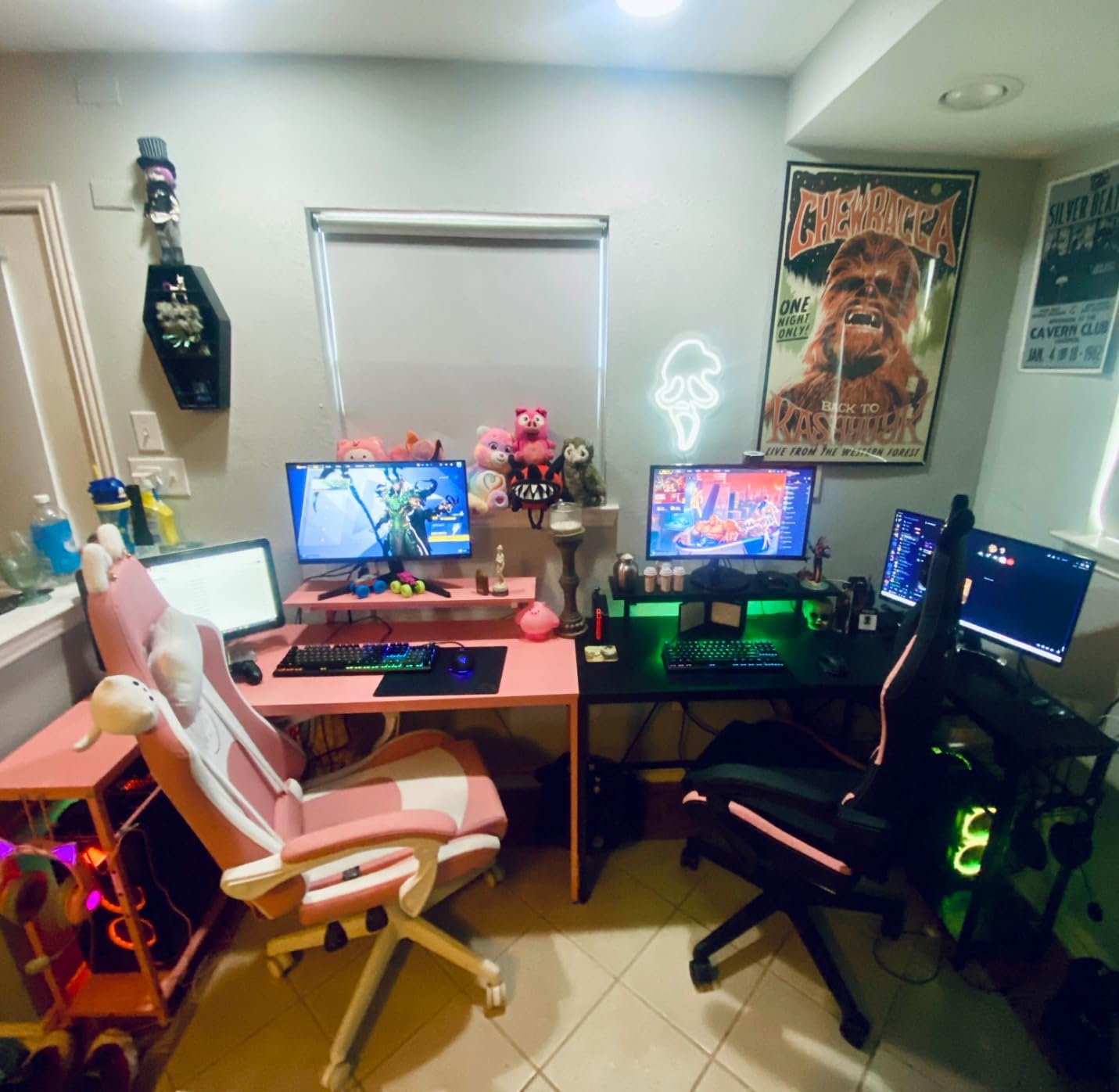
Weight is the other reason it holds up under a hybrid load. At 32.6 pounds the frame is substantial without being a two-person carry, and the built-in shelves swallow the small clutter that otherwise ends up on the desktop: controller, charging cables, external drives, headphones. The 2-in-1 upper shelf is reversible, so you can flip the whole corner arrangement when you rearrange the room.
There is one honest limitation for work. At 42 inches there is no room for a wide paper document, a legal pad, and a dual-monitor arm at the same time. If your job involves a lot of handwriting or large-format paper, step up to the 66-inch Furologee or the 110-inch RIF6 instead.
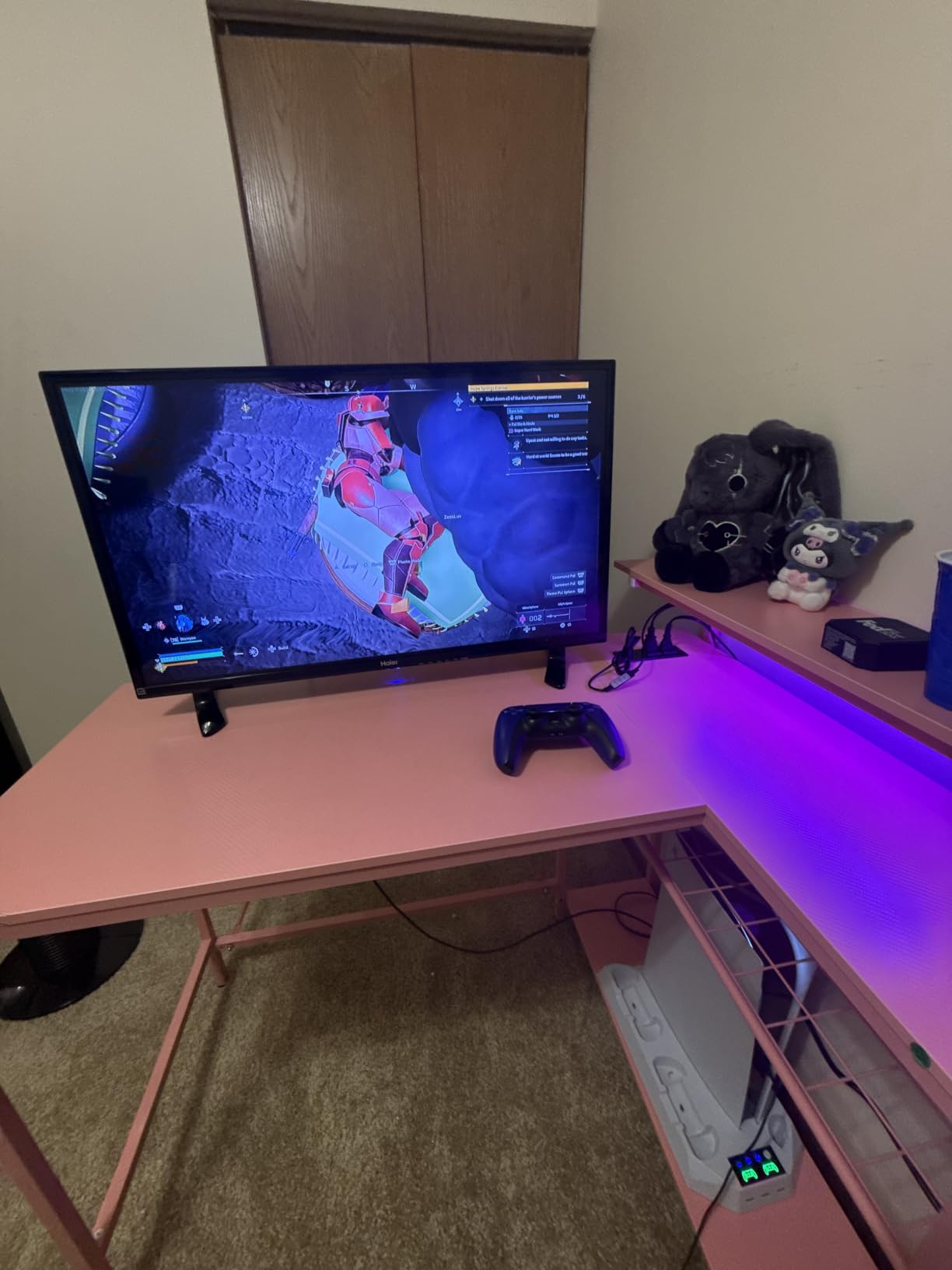
Will this desk fit where you actually work?
It measures roughly 32 by 42 inches, so it works in a bedroom corner or a shared study room where a 66-inch L would never go. If your room is tight, this is the one we would put in it without hesitation.
Do the built-in outlets replace a power strip?
Mostly. The integrated strip carries 2 AC outlets, one USB port, and one Type-C port, which covers a monitor, a PC, and a phone charger. A dual-monitor setup with a powered dock will still want a floor-level strip behind the desk.
2. AODK 53-Inch L-Shaped Gaming Desk – Best for Reversible Layouts
AODK L Shaped Desk Gaming Desk with LED Light & Power Outlet
53 inch L-shape
18.9 inch depth
1 inch engineered wood top
Alloy steel frame
Pros
- Reversible L-shape with hutch mountable on either side
- 3 outlets and 2 USB charging ports
- LED with 10 colors and memory function
- Two shelves plus CPU stand and storage bag
- Upper rack installs as display shelf or monitor stand
Cons
- Deep L-shape takes up considerable floor space
- Assembly still takes time despite labeled parts
- Engineered wood top scratches and marks easily
The AODK is the most flexible desk in this roundup for a simple reason: the hutch and the corner both flip. That means the same unit can sit against a wall on one side of a room and against a different wall later, and it can suit a right-handed or ambidextrous mouse grip without swapping desks.
At 53 inches with an 18.9-inch depth, it offers noticeably more elbow room than the Bestier while staying well under the 66-inch monsters. The upper rack has two installation methods, so you can use it as a display shelf with speakers and figures, or as a monitor riser for a more upright neck position during long typing sessions.
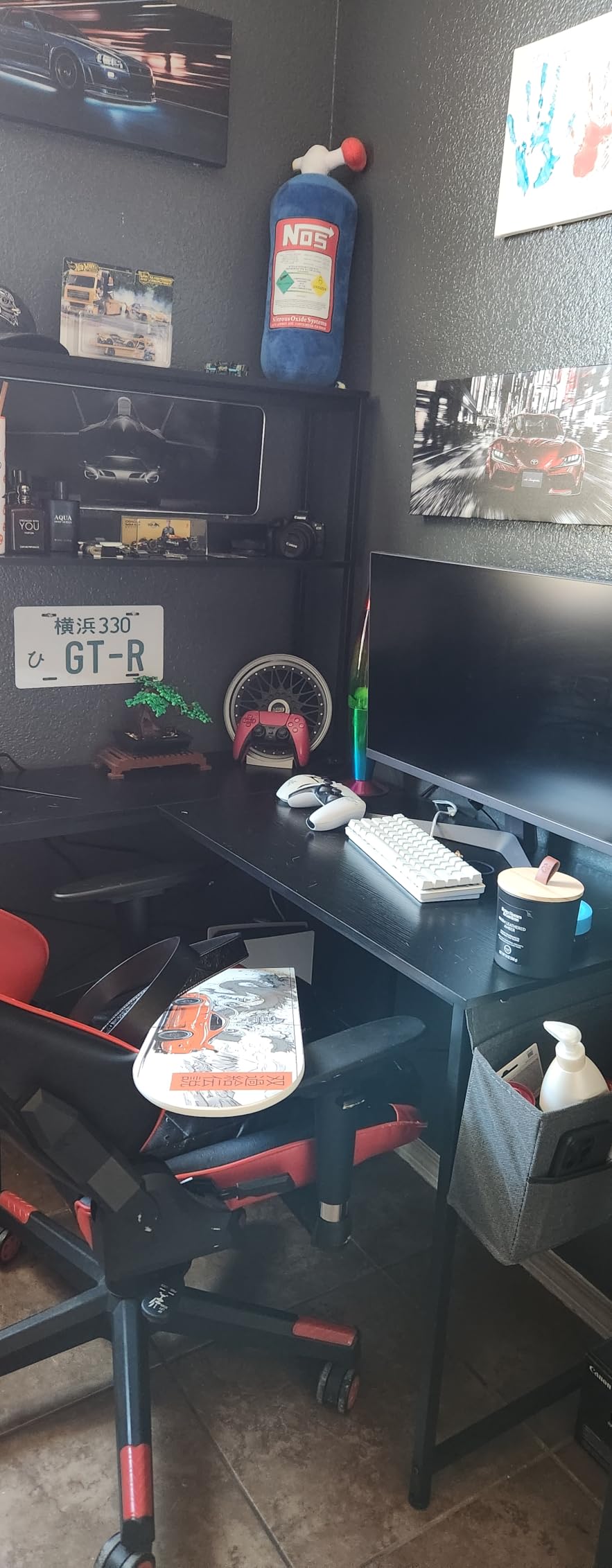
The lighting is the most configurable in this price class. Ten static colors, eight brightness levels, and ten dynamic modes, all with a memory function that restores your last setting after a power cut. For a desk that has to look good in daylight for a video call and moody in the evening, that flexibility is worth more than it sounds.
Power is built in as well, with 3 AC outlets and 2 USB charging ports, plus two shelves, a CPU stand, a headphone hook, and a storage bag. The one thing to plan for is depth: 18.9 inches is comfortable but not generous, so a large monitor sits closer to you than some people like.
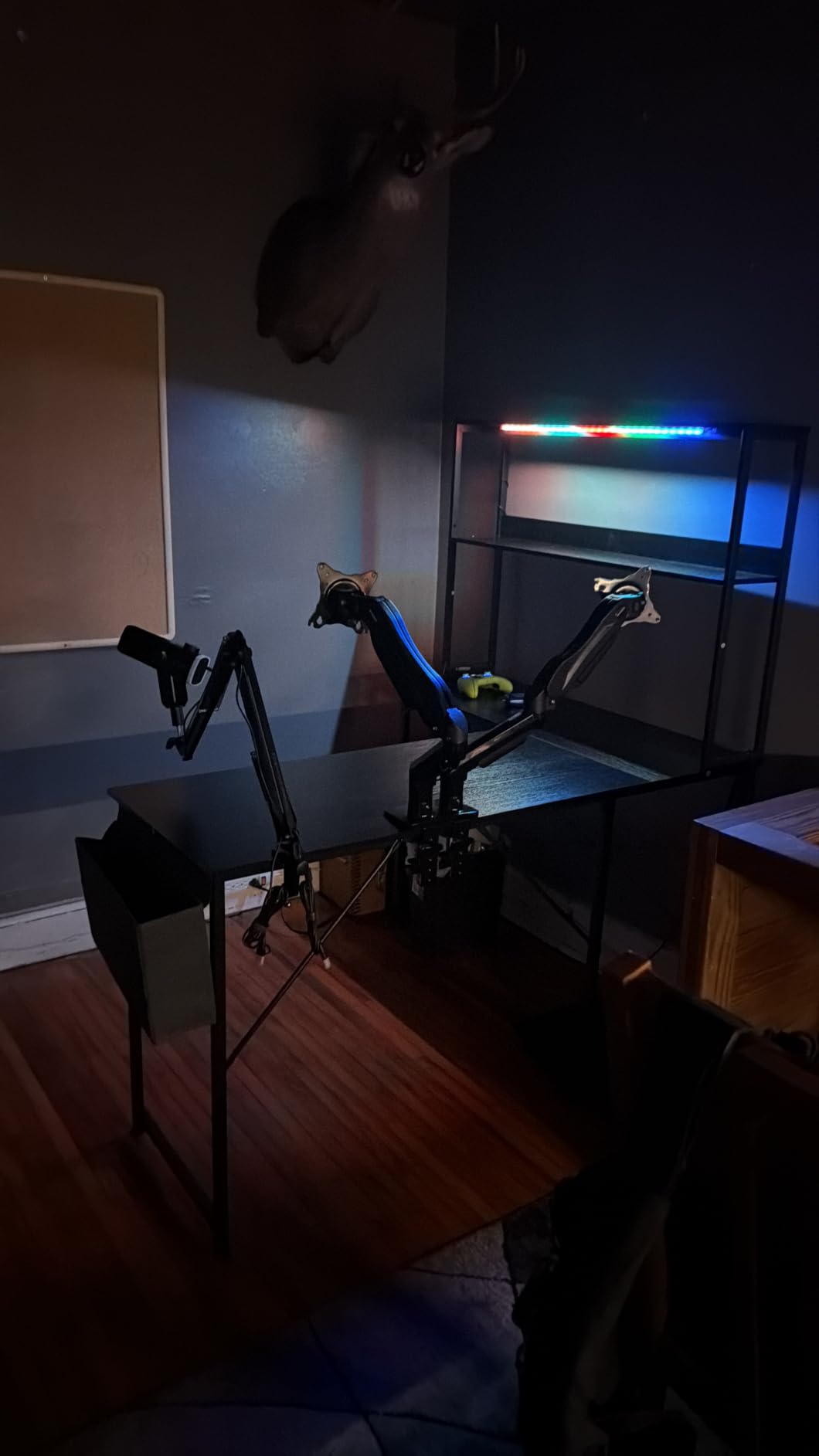
Is it wide enough for two monitors plus a laptop?
Yes for two 24 to 27 inch monitors on stands or slim arms, with a laptop to the side. For a 34-inch ultrawide plus a second screen, move up to the 59-inch AODK or the 67-inch SEDETA.
What is the assembly really like?
Parts arrive clearly labeled with detailed instructions, but it is still a full L-shaped build with a hutch. Budget the better part of an afternoon, and have a second person hold the frame while the top goes on.
3. Huuger 55-Inch Home Office Desk – Best for Work-First Setups
Huuger Computer Desk, 55 Inch Home Office Desk, Gaming Writing Work from Home Study Desk, Large Legroom, Sturdy Metal Frame, Modern Simple, Rustic Brown
54 x 19.7 inch surface
21 lb
0.75 inch top
Particleboard and steel tube frame
Pros
- Spacious 54 inch surface with generous legroom
- Reinforcement struts under the top
- Rated number two in Home Office Desks
- Assembles in under 40 minutes
- Five color finishes and multiple sizes
- Light 21 pound frame is easy to move
Cons
- No cable management or built-in power
- Particleboard top shows wear over time
- Limited storage compared with corner desks
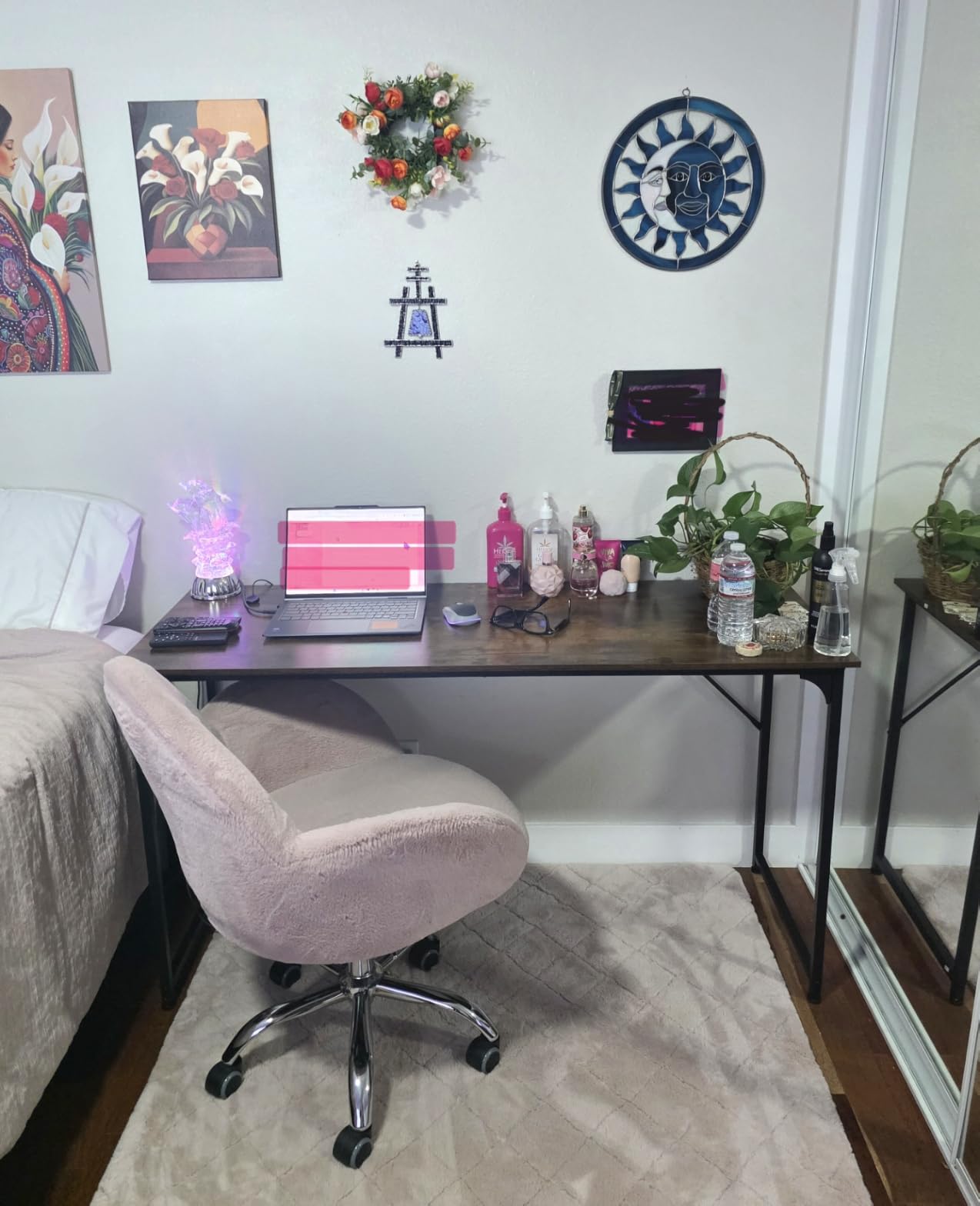
Sometimes the honest answer to which desk suits gaming and work is the plain one. The Huuger is a 54 by 19.7 by 29.5 inch rectangular desk with reinforcement struts under the top, and it does the fundamentals better than most of the gaming-branded rivals in this list.
Its Amazon position is telling. It ranks second in Home Office Desks overall, which means buyers mostly using it for work keep coming back. The 19.7-inch depth is deep enough to hold a monitor at a proper arm’s length, which is the single most common ergonomic complaint we saw about shallower gaming desks.
Assembly is the quiet star. It assembles in under 40 minutes with the included tools, weighs 21 pounds, and needs no second person for most of the build. In a rented room or a dorm, that combination of speed and weight means you can take the whole desk with you when you move.
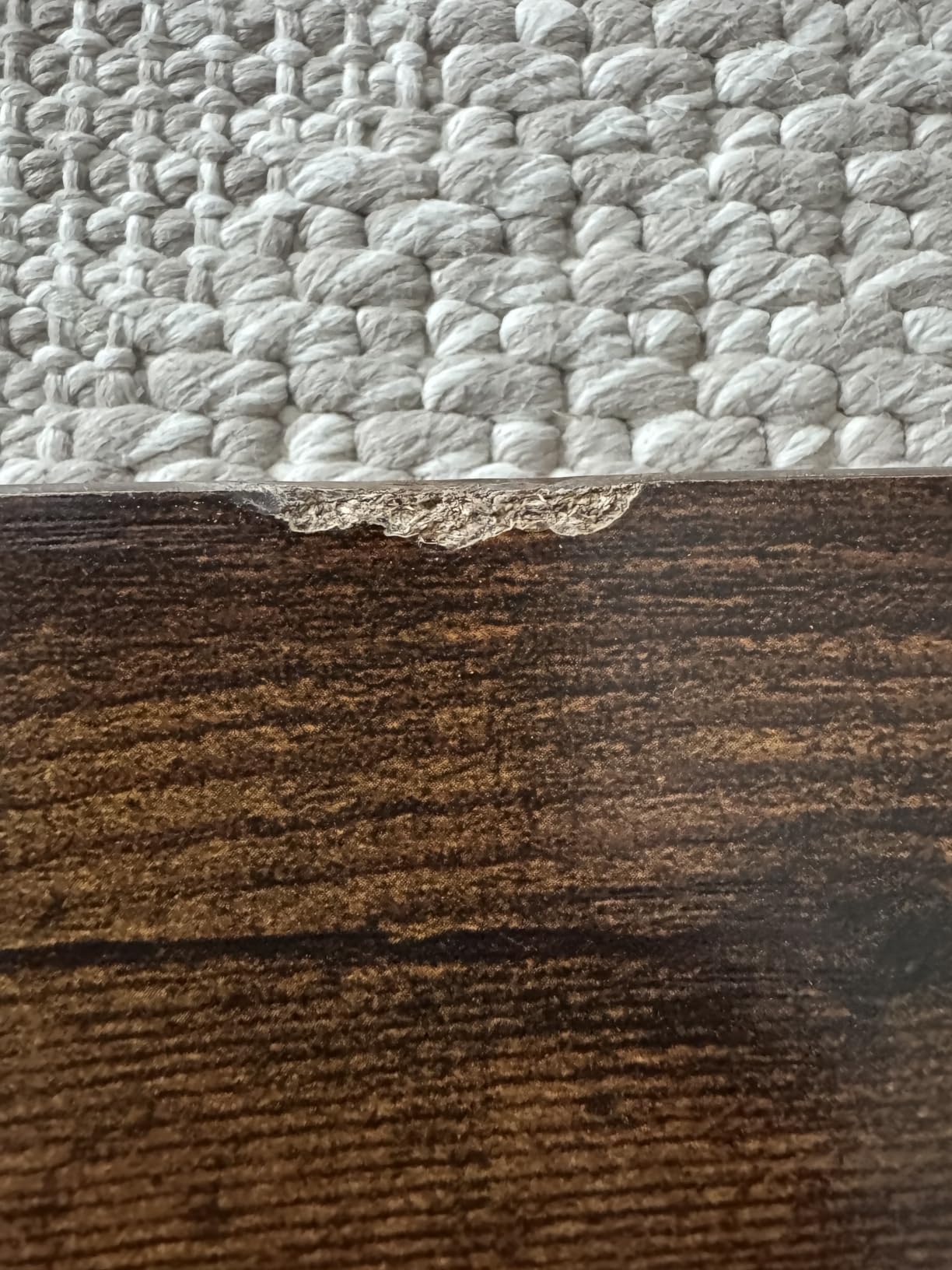
What it does not do is hide cables or supply power. There is no grommet, no integrated strip, and no shelf. You will want a monitor arm with a built-in cable channel and a clip-on power strip under the top, which is a 10-minute job rather than a problem. The particle board surface also marks more readily than the steel-framed options, so a large felt mat or a proper desk mat earns its place here.
Can you game on it without dedicated gaming features?
Yes. The 54-inch surface and reinforced frame handle a monitor, a tower, and peripherals comfortably. You simply supply your own lighting and cable management, which many people prefer anyway.
Will it hold a clamp-on monitor arm?
The thick steel tube frame and under-top reinforcement struts make it a reasonable candidate, though the 0.75-inch top is thinner than some gaming-specific models. Check your arm’s clamp range before buying, and use the manufacturer’s recommended clamp plate if it is included.
4. Furologee 66-Inch L-Shaped Desk – Best for File Storage
Furologee 66” L Shaped Desk with Power Outlet and 2 Drawers, Rustic Brown
66 inch L-shape
54.3 lb
180 lb load capacity
2 file drawers and 2 shelves
Pros
- Extra-long 66 inch surface with 180 pound load capacity
- Built-in station with 3 outlets and 2 USB
- Two movable monitor stands at eye level
- Fabric file drawer and cabinet for letter and legal sizes
- Height-adjustable shelves
- Adjustable feet for uneven floors
Cons
- Heaviest of the L-shaped builds at 54.3 pounds
- Recommended for two people to assemble
- Laminated particleboard surface scratches easily
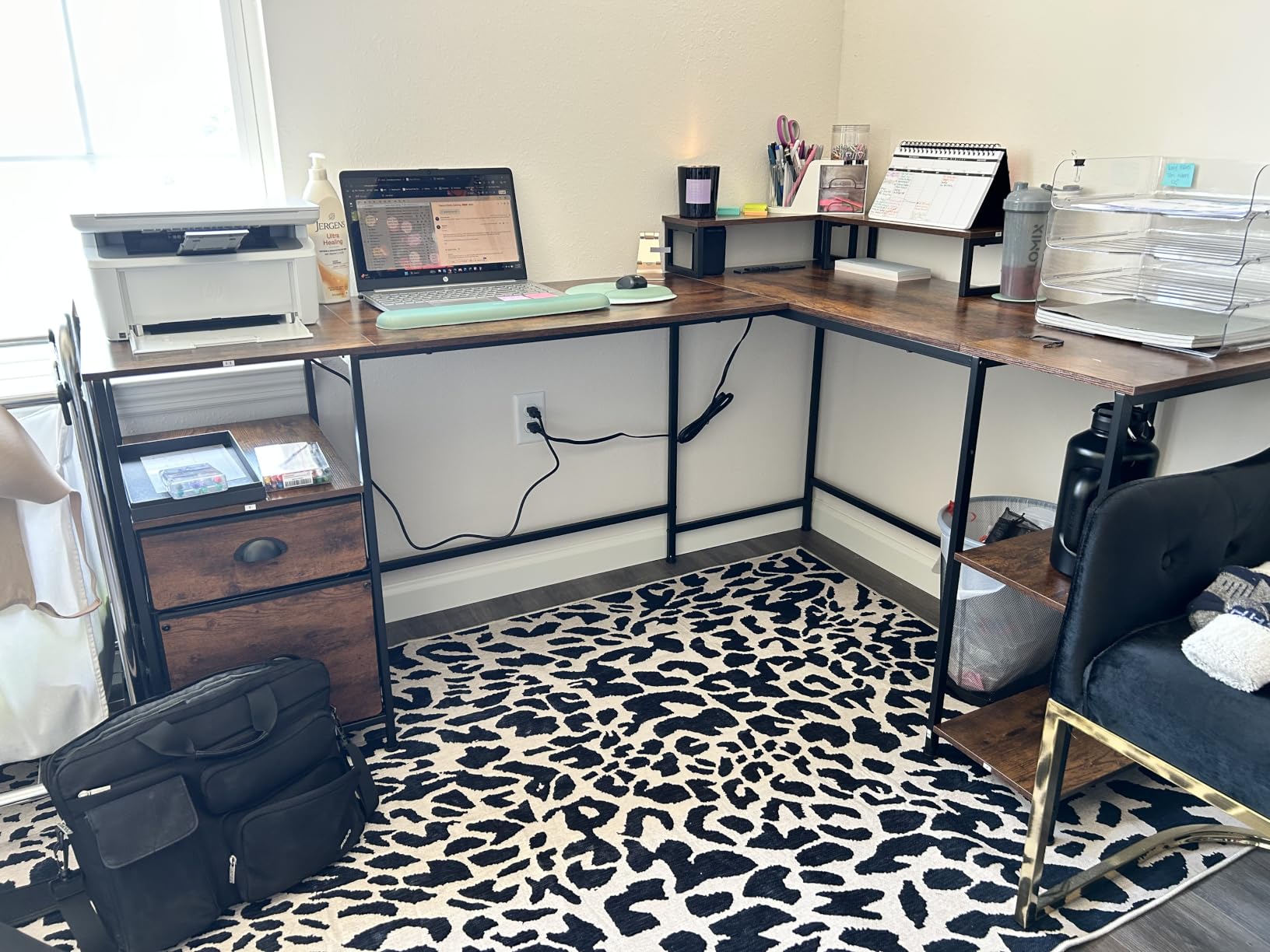
There is a specific kind of worker who needs a real filing system, not a shelf of tangled cables, and the Furologee 66-inch is built for them. It is the longest L-shaped desk in this roundup at 65.35 inches wide with an 18.11-inch depth, and it carries a 180-pound recommended load.
Two movable monitor stands come as standard, which is unusual at this level and genuinely useful for a dual-monitor work setup. They bring both screens to eye level without a monitor arm purchase, and they can be repositioned as your daylight hours change. Add the built-in charging station with 3 outlets and 2 USB ports and you have a desk where the cables genuinely have somewhere to go.
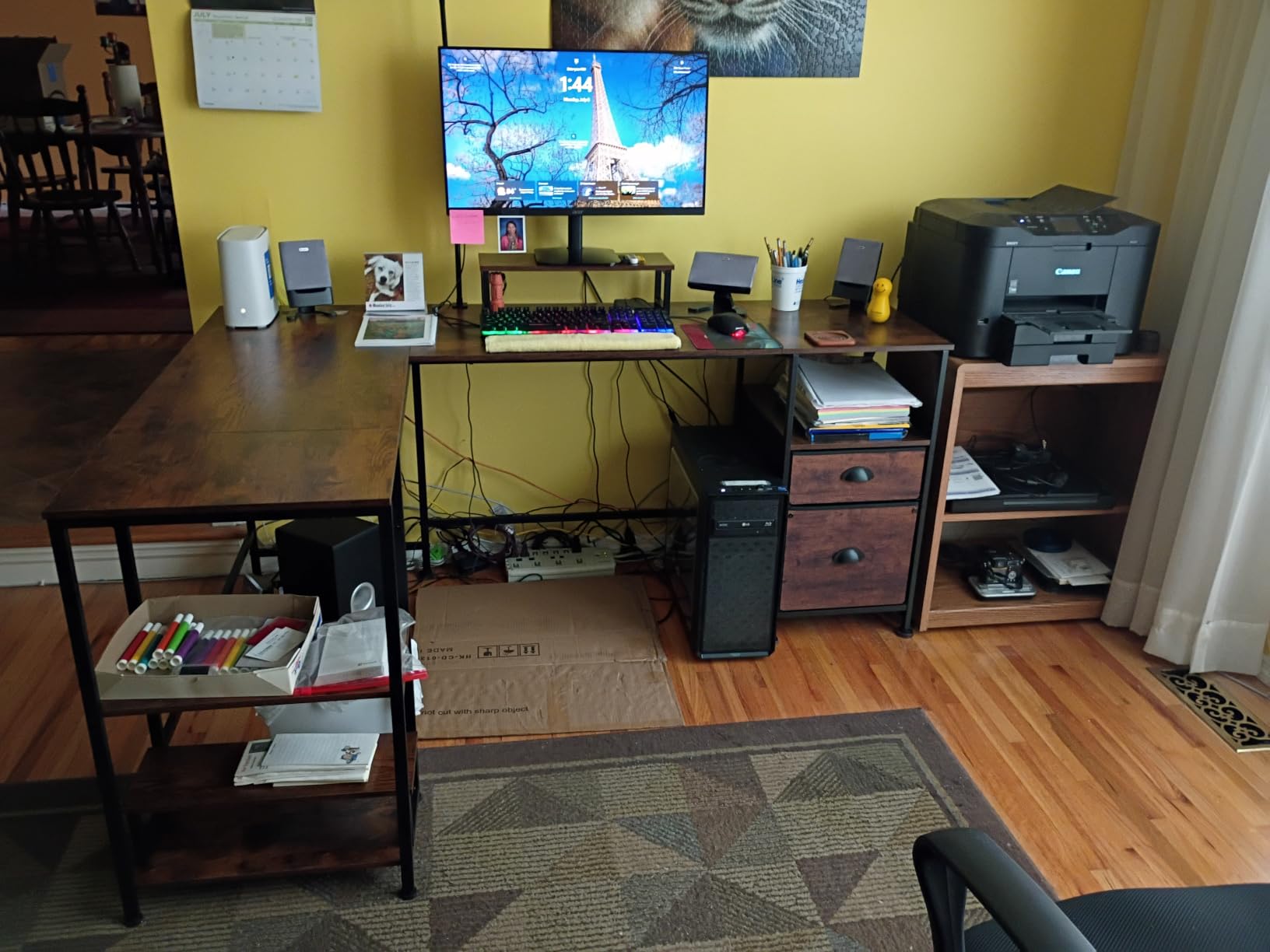
Storage is the headline: a fabric file drawer and a file cabinet sized for letter, A4, and legal documents, plus two height-adjustable shelves on the side. The file drawer is reversible, mounting on either side depending on your handedness and your room layout.
The honest drawback is weight. At 54.3 pounds this is a serious piece of furniture, and buyers consistently describe assembling it as a two-person job. The adjustable feet do help on carpet and uneven floors, which matters more than it sounds if your gaming corner is in a room that was never meant for furniture.
Is the depth enough for a keyboard and a document at once?
At 18.11 inches, yes for most setups, though it is shallower than the 19.7-inch straight desks here. The long span does the heavy lifting, giving you width rather than depth to work with.
Who should not buy this desk?
Anyone in a small room or anyone who moves homes often. A 66-inch L that weighs 54.3 pounds is a commitment, both in floor space and in effort. Look at the 42-inch Bestier or the 53-inch AODK if either applies.
5. BestOffice 47-Inch R-Shaped Gaming Desk – Budget Pick
BestOffice | 47″ Gaming Table | Red | R-Shaped Computer Desk
47 inch top
33 lb
150 lb capacity
15 mm MDF board on alloy steel
Pros
- R-shaped alloy steel frame with premium MDF board
- Single-piece top with no seam
- Dual cable pass-through holes on each side
- Carbon fiber texture surface wipes clean
- Handles monitor arms without tipping
- Cup holder and headphone hook included
Cons
- Center crossbar can catch knees when scooting in
- Plastic surface layer scratches easily
- Decal stickers may peel soon after applying
- Plastic cup holder and hook mount in limited positions
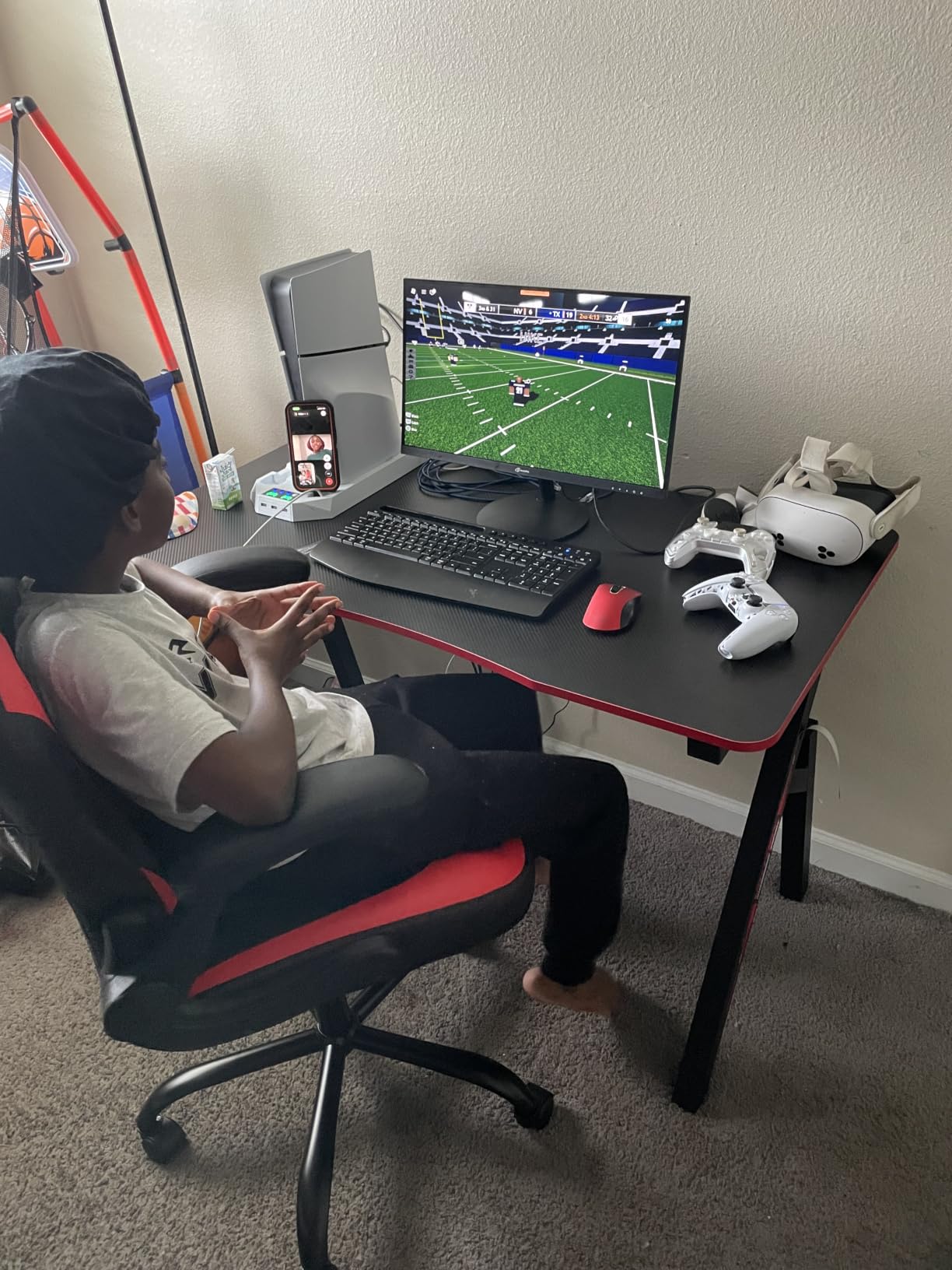
The BestOffice is the desk we recommend when someone says they want a gaming desk but their actual budget is closer to a regular desk budget. It is a 47-inch R-shaped top on an alloy steel frame with a 15 millimeter MDF board, rated for 150 pounds, and it carries 4,462 reviews at 4.6 stars.
Two details set it apart from cheaper competition. First, the top is a single solid piece rather than two boards butted together, so there is no seam to catch a cable or catch your eye. Second, the R-shaped frame is a genuinely different leg geometry from the standard A-frame, and it resists the wobble that plagues light budget frames when a monitor arm is loaded.
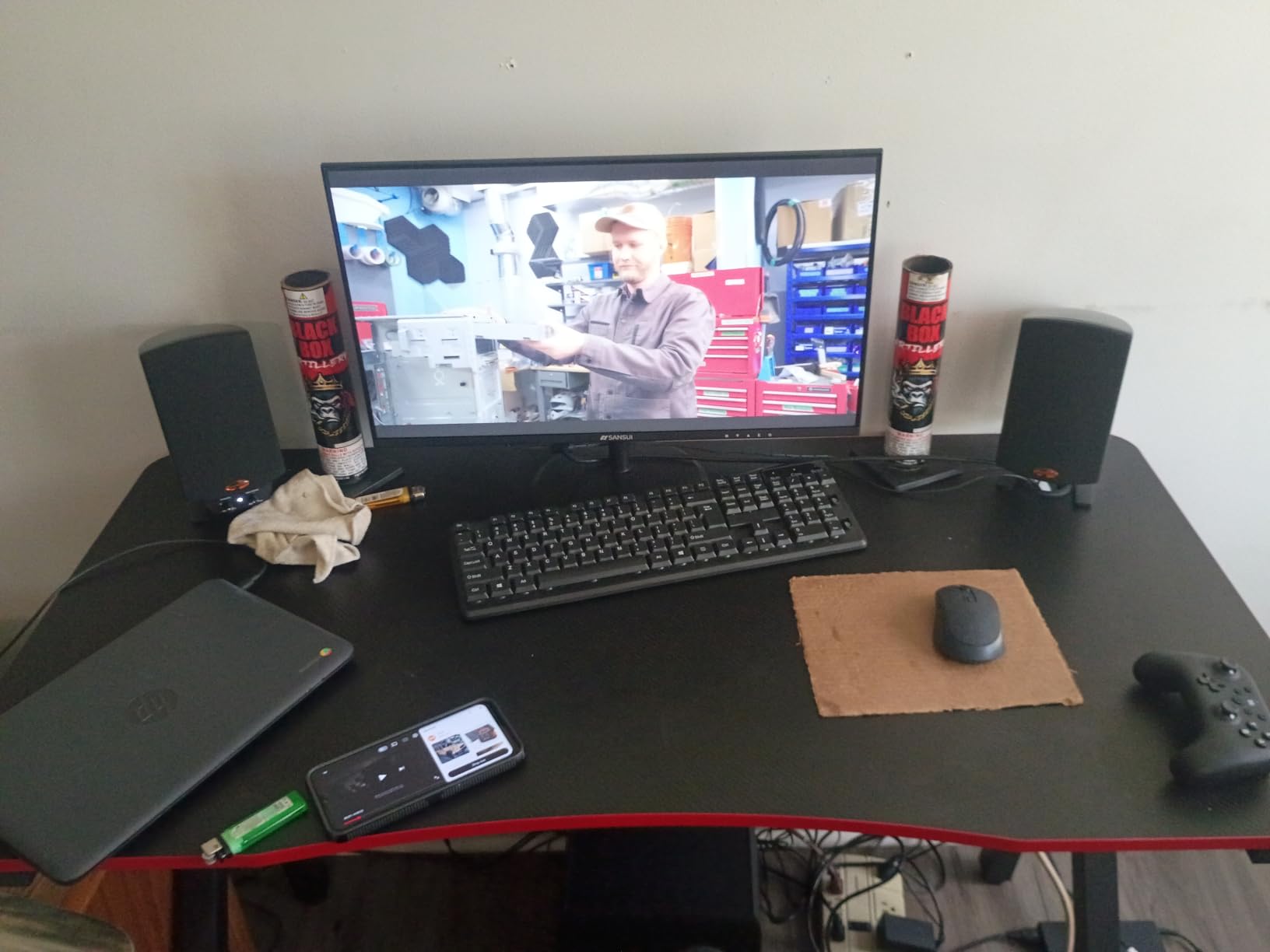
Buyers with flight simulator setups and dual monitor arms report that it holds up under both, which is the highest-stress use we can think of for a desk in this category. The dual cable pass-through holes on each side matter more than they look: with three screens on arms, that is where every cable actually exits.
Watch the center crossbar. It is a stability feature and also the object your shin will find when you scoot the chair in without looking, and several reviewers call it out directly. The plastic surface layer also scratches, so treat it as a working surface rather than a display piece.
Is it sturdy enough for two monitors on arms?
Yes, and this is the desk reviewers single out for exactly that use. The R-frame and the 150-pound rating hold up where a lighter A-frame with the same top would flex. The 33-pound unit is still light enough to reposition alone.
How do you protect the surface from scratching?
Use a large desk mat. The carbon fiber texture wipes clean easily, which is a real advantage for a gaming desk where a drink or a headset can land, but the plastic layer underneath marks with keys, mouse edges, and steel ruler pressure.
6. ErGear 48 x 24 Electric Standing Desk – Best Value
ErGear 48 X 24 Inch Height Adjustable Electric Standing Desk, Black
48 x 24 inch top
43.8 lb
28.35 to 46.46 inch range
176 lb capacity
Pros
- Largest review base in the roundup with over 12000 reviews
- Electric range from 28.35 to 46.46 inches
- Quiet motor with 4 memory presets
- Alloy steel frame tested for 100000 lift cycles
- 176 pound capacity holds steady at full height
Cons
- 48 x 24 inch surface is small for ultrawide or multi-monitor rigs
- Not a corner desk so no return for a second screen
- Assembly recommended for two people
No other desk in this guide has as much long-term evidence behind it. The ErGear carries 12,021 reviews at 4.5 stars and ranks first in Home Office Desks, which means the height adjustment has been tested by an enormous number of people over years rather than weeks.
It lifts from 28.35 to 46.46 inches on a quiet motor with 4 memory height presets, so you can go from seated to standing in one press. The alloy steel frame and aerospace-grade lifting columns are tested for 100,000 lift cycles, and the 176-pound capacity stays stable at full extension, which is where cheap sit-stand desks start to sway.

That stability is exactly what gaming adds to the equation. Playing with a mouse needs a firm surface, and standing at a keyboard-heavy work block is where wobble is most distracting. The ErGear is the desk we would trust for both in the same week.
The compromise is width. A 48 by 24-inch top is a genuine work surface, but it is not an ultrawide-plus-second-screen surface. If your plan is a 34-inch curved display with a side monitor, budget for a wider top or use a clamp arm to reclaim desk depth.
Does it wobble at full standing height?
The 176-pound rating and the 100,000-cycle frame test are the reason we trust it more than cheaper electric desks. Our standing desk roundup covers the general stability differences in more depth, but the short version is that a heavier frame and a wider stance win every time.
How long does assembly take?
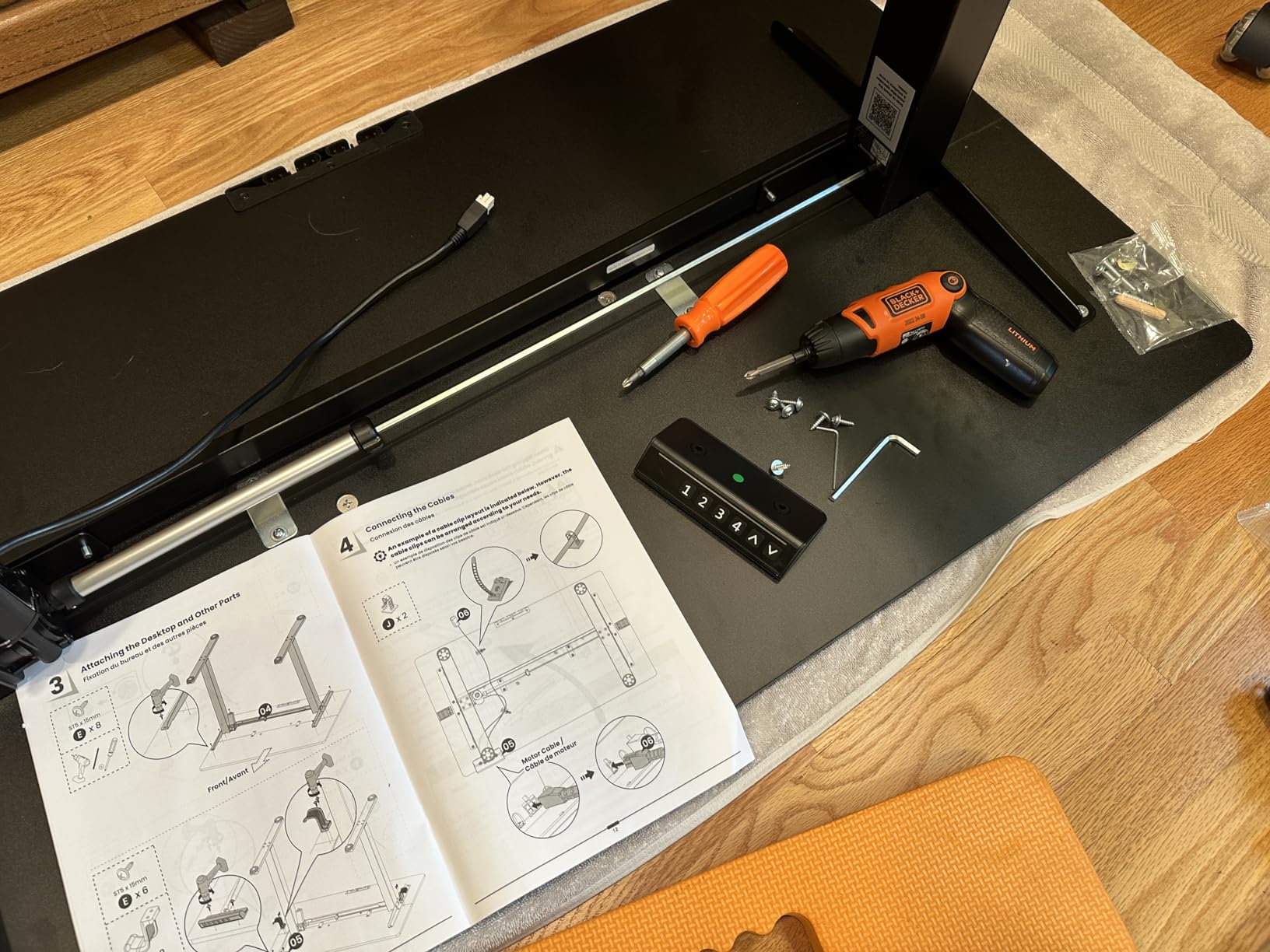
Longer than the fixed desks here, because the frame has moving parts and wiring. It ships simplified with tools included, and two people are recommended. Clear the floor before you start rather than after.
7. Veken 55-Inch Electric Standing Desk – Best for Standing
Veken 55 Inch Large Electric Standing Desk, Gaming Table, White
55 x 23.6 inch top
42.1 lb
28.3 to 46.5 inch range
154 lb capacity
Pros
- Largest sit-stand surface here at 55 inches
- Quiet motor under 52 dB with memory presets
- Built-in cable management plus two headphone hooks
- Stainless steel frame rated to 154 pounds
- Assembles in 10 to 30 minutes
Cons
- Desktop is made of two boards with a visible seam
- Standing stability varies with floor type and load
- No L-shaped return for a second monitor
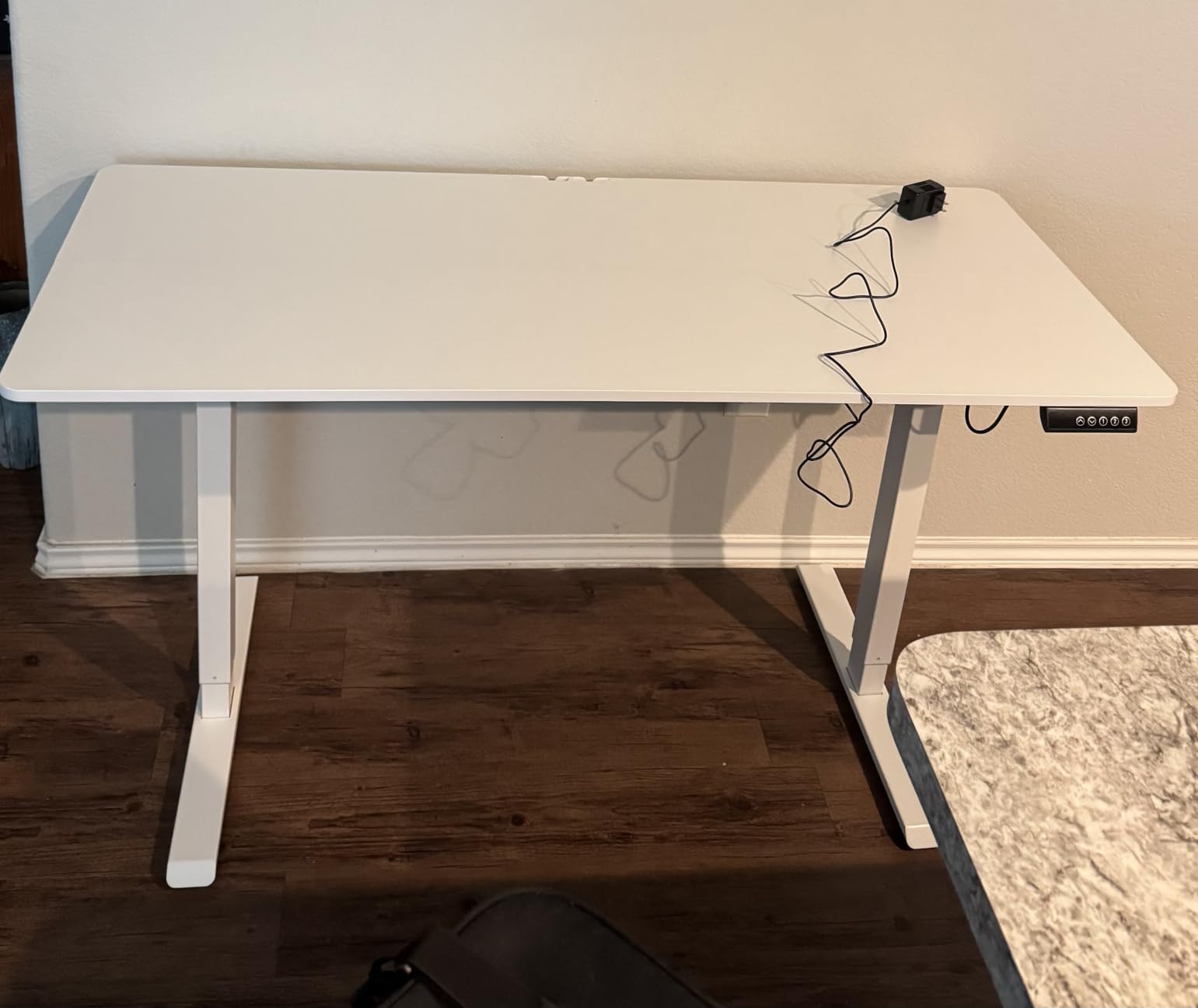
If the ErGear proved the electric category with volume, the Veken proves it with surface area. At 55 by 23.6 inches it is the largest sit-stand top in this roundup, and the extra width is what makes it work for a hybrid setup rather than just a work setup.
The motor runs under 52 dB with memory presets, which matters in a shared room or an open-plan apartment where a loud motor gets turned off after a week. The height range is 28.3 to 46.5 inches, and the stainless steel frame is rated to 154 pounds.
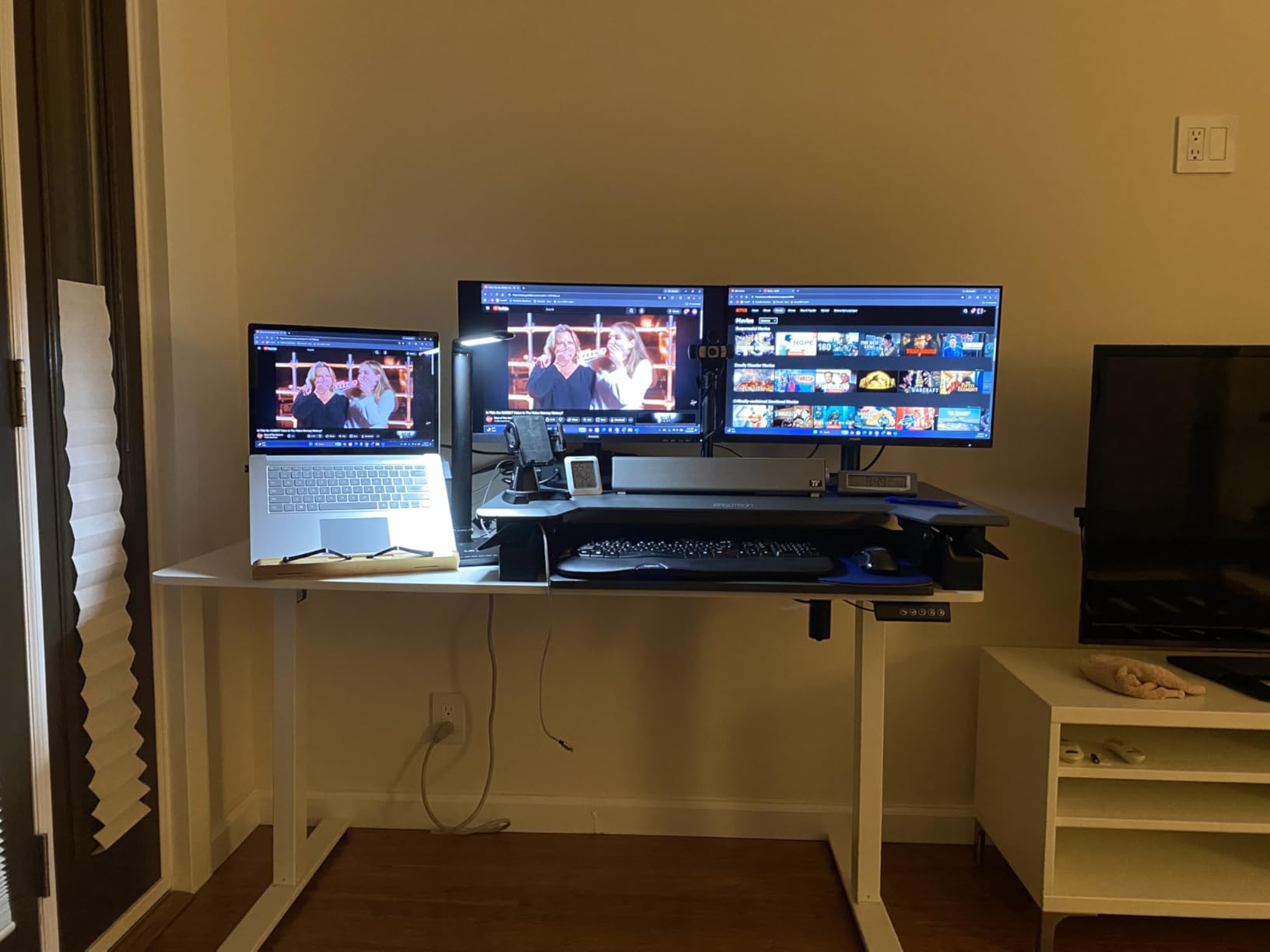
Cable management is built in rather than bolted on, and two headphone hooks ship in the box along with a cable clip and feet pads. That matters more for a standing desk than a fixed one, because every time the top rises, an unmanaged cable gets pulled tighter. Bundling at the desk beats bundling at the floor.
The desktop is assembled from two boards, and buyers most often mention the visible seam along the middle. It is cosmetic unless you plan to run a cable through the gap, but it is the main reason this desk does not take our top spot among the electric models.
Is a standing desk worth it for a gaming setup?
For the workday, yes. The height change lets you alternate between sitting and standing through a long office block, and the 28.3-inch low position is low enough that shorter users can still reach the keyboard. For the gaming block it makes no difference at all, which is fine.
Will it stay steady on carpet?
Stability varies with floor type and total load, and that is true of every sit-stand frame. Leveling feet are included. If your setup lives on thick carpet, test it at full height with your monitors mounted before you commit.
8. SEDETA 67-Inch L-Shaped Gaming Desk – Best for RGB Setups
SEDETA 67″ L Shaped Gaming Desk with Pegboard LED Lights and Power Outlet
67 inch L-shape
76 lb
19.7 inch depth
FSC-certified engineered wood top
Pros
- Reversible 67 inch corner desk that converts to a 94.5 inch two-person desk
- RGB lighting with app and remote control across 29 modes
- Charging station with 4 outlets and 2 USB
- Keyboard tray plus pegboard and storage bag
- Top hutch places on either side
Cons
- Heaviest desk in the roundup at 76 pounds
- Recommended for two people to assemble
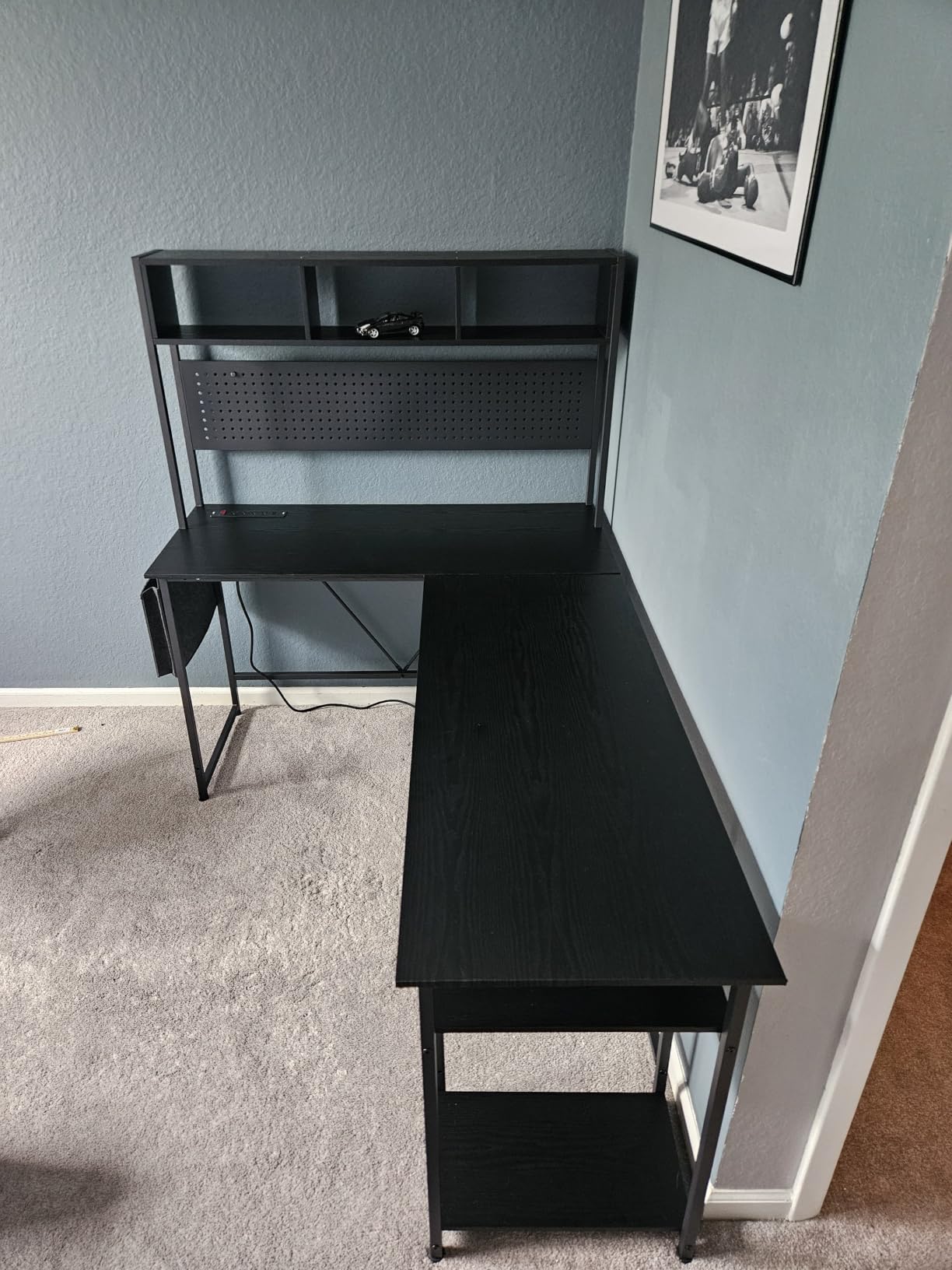
The SEDETA is the highest-rated desk in this roundup at 4.7 stars, with 81 percent five-star feedback and only 1 percent one-star. That combination is what you look for in a category where lighting electronics and large panels usually drag the average down.
It is also the most capable single unit here. The reversible 67-inch corner desk can be configured as a 94.5-inch two-person desk, the RGB strip runs 29 modes across 60,000+ colors with app and remote control plus music sync through a built-in microphone, and the charging station carries 4 outlets and 2 USB ports with a single-button switch.
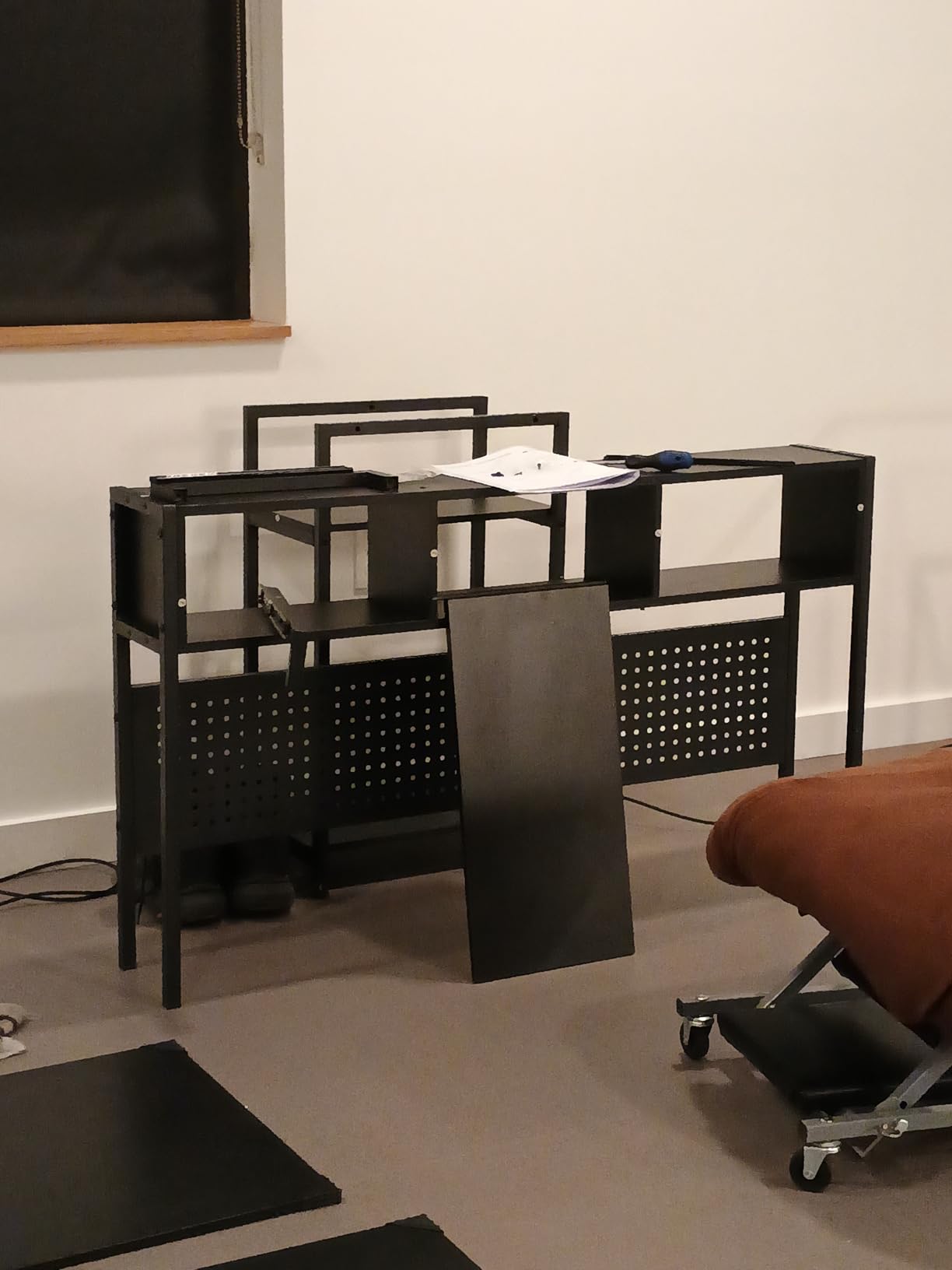
The FSC-certified top, pegboard, keyboard tray, storage bag, two-tier shelves, and CPU stand cover essentially every accessory request we hear from dual-purpose users. It holds 3 monitors or 2 desktop computers plus a laptop, and the top hutch moves to whichever side suits the room.
The 76-pound weight is the whole caveat. It is the heaviest desk here, and repositioning it is a two-person job. If you know where you want it and you are not moving often, that is a fair price for everything included. If you are furnishing a rental and might rearrange twice a year, the 53-inch AODK is a kinder option.
Is the RGB lighting controllable without an app?
Yes, and that is the point. You get a remote control as well as app control, so you can change modes without leaving your chair, and the music sync mode uses a built-in microphone rather than a separate app link.
Does the keyboard tray change the desk height feel?
It raises the working surface, which is better for typing than reaching down. During a game you leave it empty and you have a 67-inch corner to use, which is the point of the design.
9. Furologee 51-Inch Desk – Best for Eye-Level Screens
Furologee 51″ Gaming Desk with Outlets & LED, Computer Office Desk, Black
51 inch surface
18.9 inch depth
FSC-certified wood and metal
Long monitor stand included
Pros
- Built-in power outlet with 3 outlets and 2 USB
- RGB LED with 20 colors and 22 modes
- Fabric file cabinet and drawer for letter and legal sizes
- Long monitor stand raises the screen to eye level
- Two-tier shelves installable at upper or lower positions
- Eight adjustable feet for floor protection
Cons
- Straight shape with no corner return
- Engineered wood top is not scratch resistant
- Large parts inventory to sort during assembly
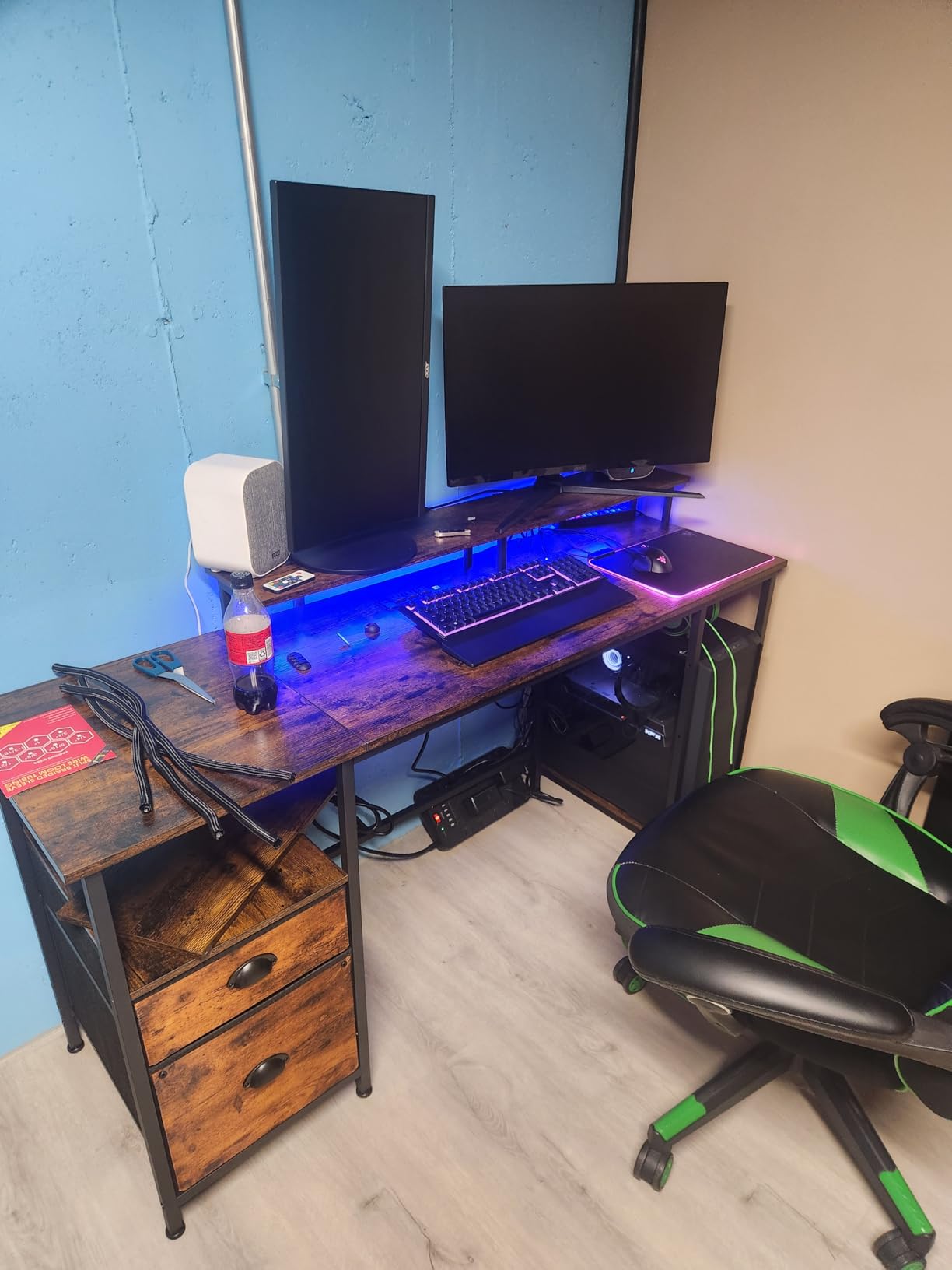
The single most useful thing on this desk is the long monitor stand. It lifts a screen to eye level without a clamp arm, a purchase, and a clamp hole drilled into a top you might want to protect. For a desk that has to work for both a workday and evening gaming, screen height is where comfort is won.
It measures 18.9 by 51.2 by 34.5 inches, which is a compact footprint for the feature set. The built-in outlet supplies 3 AC sockets and 2 USB ports, and the RGB lighting runs 20 colors, 22 modes, and 5 brightness levels for anyone who wants their setup lit without a separate strip.
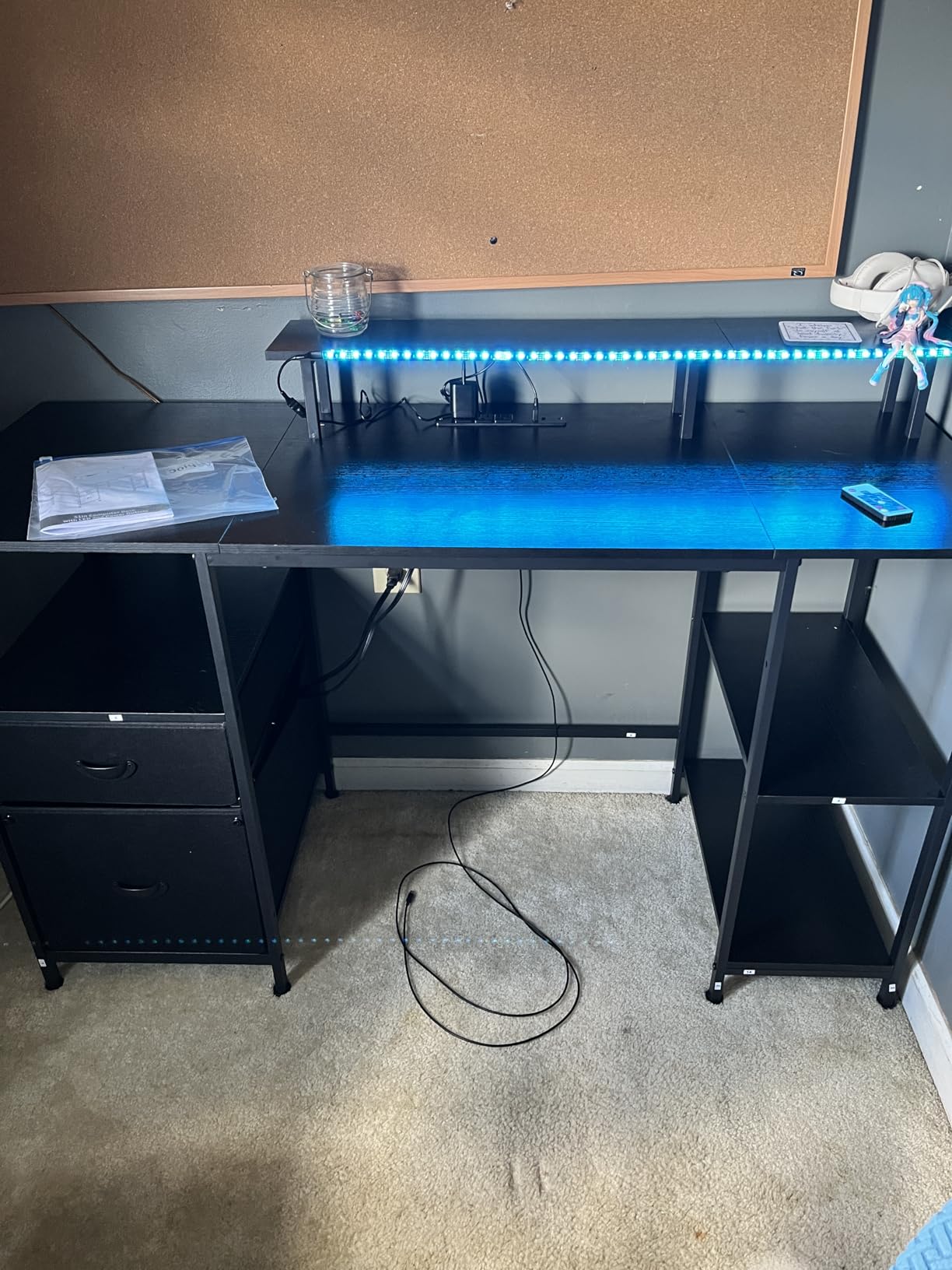
Storage is unusually complete for a straight desk: a fabric file cabinet and drawer sized for letter, A4, and legal paper, plus two-tier adjustable shelves that install in either the upper or lower holes, and reversible placement for the whole shelf unit.
Eight adjustable feet protect flooring and take up the small height differences that make a desk rock. The straight shape is the trade-off for the compact footprint, so a second screen has to live on an arm rather than a corner return.
Can you still add a second monitor later?
Yes, on a clamp arm to the rear edge, but the desk will not grow into an L. If you already know you want a permanent second screen on a side return, choose an L-shaped model instead of this one.
Does it need desk mats and cable boxes?
The FSC-certified engineered wood top is not scratch resistant, so a mat is a good idea if you game with a headset on the surface. Cable boxes are optional because the built-in power strip already removes the extension cord from the floor.
10. RIF6 L-Shaped Modern Gaming Desk – Best for Maximum Surface Area
RIF6 L-Shaped Modern Gaming Desk, Keyboard Tray & Cable Management, Black
110.5 x 19.7 x 29.1 inch
61.6 lb
150 lb capacity
Interchangeable keyboard tray
Pros
- Very large L-shaped work and play surface
- Interchangeable keyboard tray mounts on either side
- Cable management holes and clips included
- Sturdy enough for two clamp-on monitor arms
- Room underneath for a full-size tower
- Two units connect into a U shape
Cons
- Bulky 61.6 pound frame carried up stairs in pieces
- Takes more floor and wall space than buyers expect
- Screw holes can sit slightly misaligned
- Not the most stylish design at this level
Nothing else in this guide comes close to the RIF6 for raw working area. At 110.5 by 19.7 by 29.1 inches, it is roughly double the surface of a standard 55-inch desk, and the 19.7-inch depth is the deepest in the roundup alongside the Huuger.
That depth solves a problem almost every gaming desk creates. With a full 19.7 inches behind the keyboard edge, you can push a 27-inch monitor back to a proper arm’s-length viewing distance and still have room for a keyboard, mouse, and controller. It is the desk we would pick for someone whose eyes strain at close monitor range.
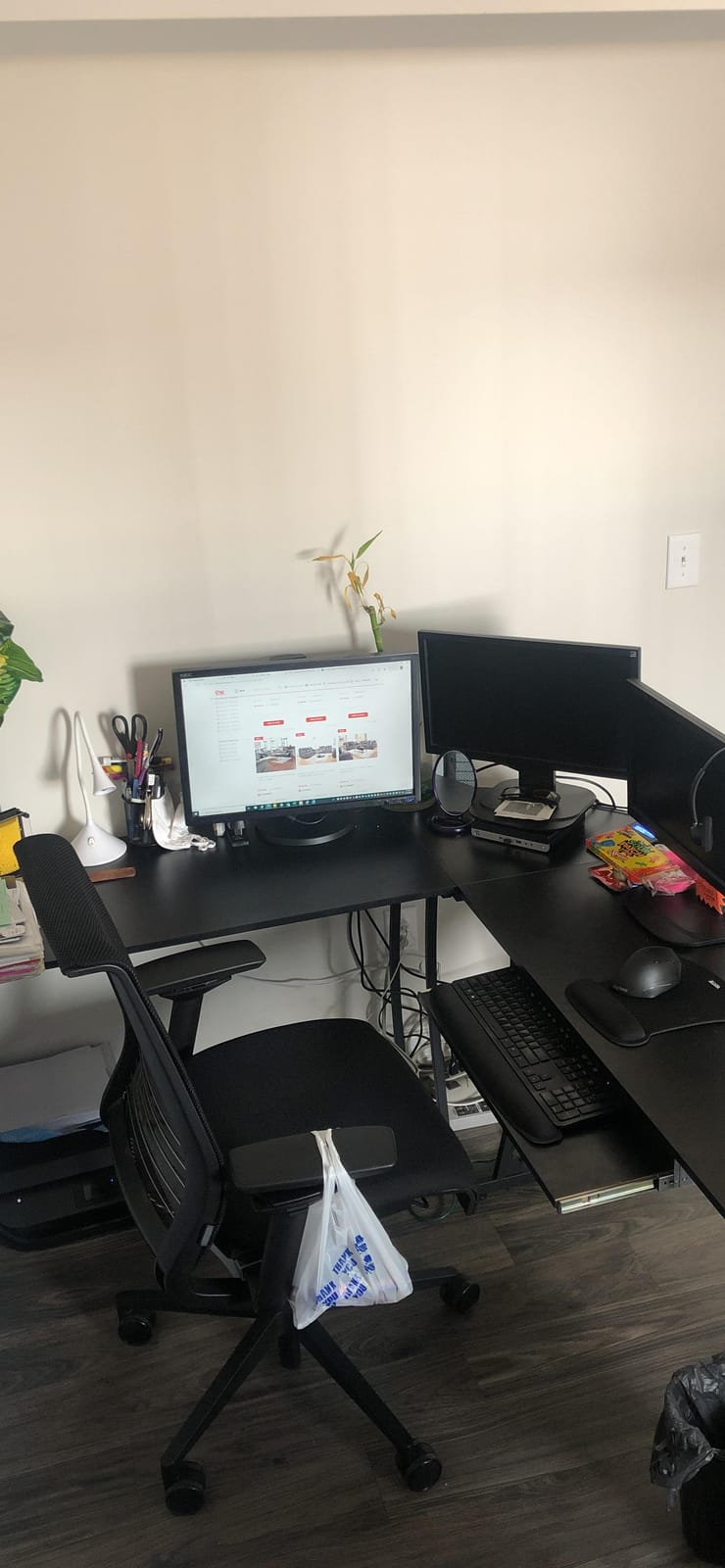
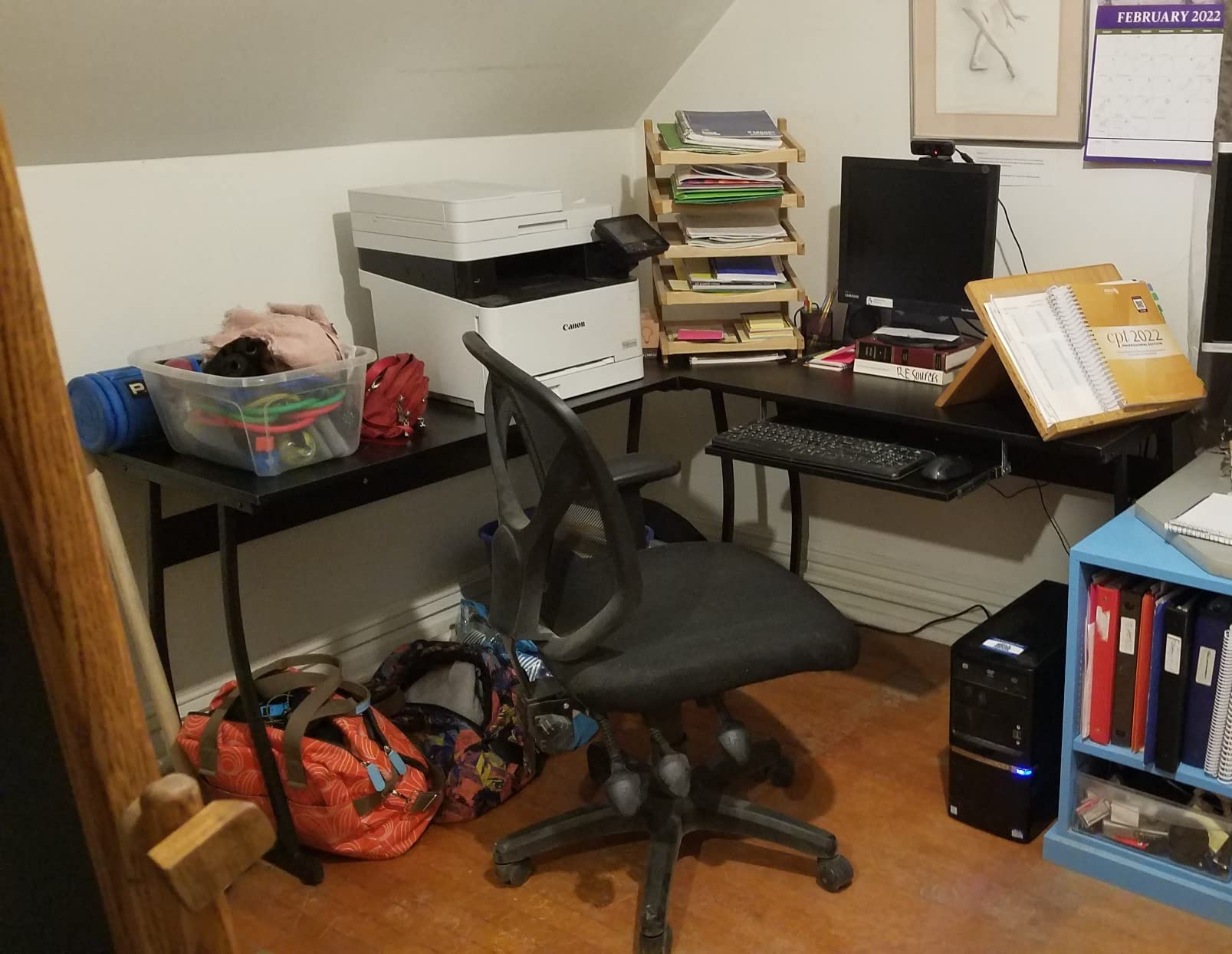
The build is solid rather than clever: a scratch and heat-resistant fiberboard top on a metal frame rated to 150 pounds, with cable management holes and clips included. Reviewers specifically report that it holds two clamp-on monitor arms with 27-inch displays, and the space underneath fits a full-size tower.
The keyboard tray is interchangeable, mounting on either side, which is a small touch that makes left-handed and right-handed setups equally comfortable. Two of these units connect into a U shape if you ever need a shared workspace.
Will it fit through a normal doorway?
This is the practical question, and it is the one buyers report being surprised by. At 110.5 inches assembled it is carried in pieces, but the frame sections are heavy at 61.6 pounds total. Measure the route to the room, not just the floor space.
What about assembly quality?
Expect about an hour with the included tools, and check the screw holes for alignment as you go. Slightly misaligned holes are the most common complaint, and they show up as an uneven top if you do not correct them.
11. ODK 48-Inch Gaming Desk – Best for Storage and Lighting Control
ODK 48 Inch Gaming Desk with LED Lights & Storage Shelves, Black
48 inch surface
35.9 lb
3 enclosed shelves
0.75 inch engineered wood top
Pros
- LED with 10 colors and 8 brightness levels and 10 dynamic modes
- Raised monitor stand for a comfortable viewing angle
- Reversible shelves plus a dedicated CPU stand
- Reinforced steel frame with an X-shaped crossbar
- Handles a PC and laptop and 34 inch ultrawide together
Cons
- Assembly takes a few hours
- Top surface scratches easily and is not scratch-proof
- Upper shelf barely fits larger monitor stands
- Power outlet module can arrive mis-installed
Storage is the differentiator here. Three enclosed shelves plus a dedicated CPU stand means the tower lives off the floor, out of the dust, and out of the way of your feet, which matters for both a gaming session and a workday spent with a headset on.
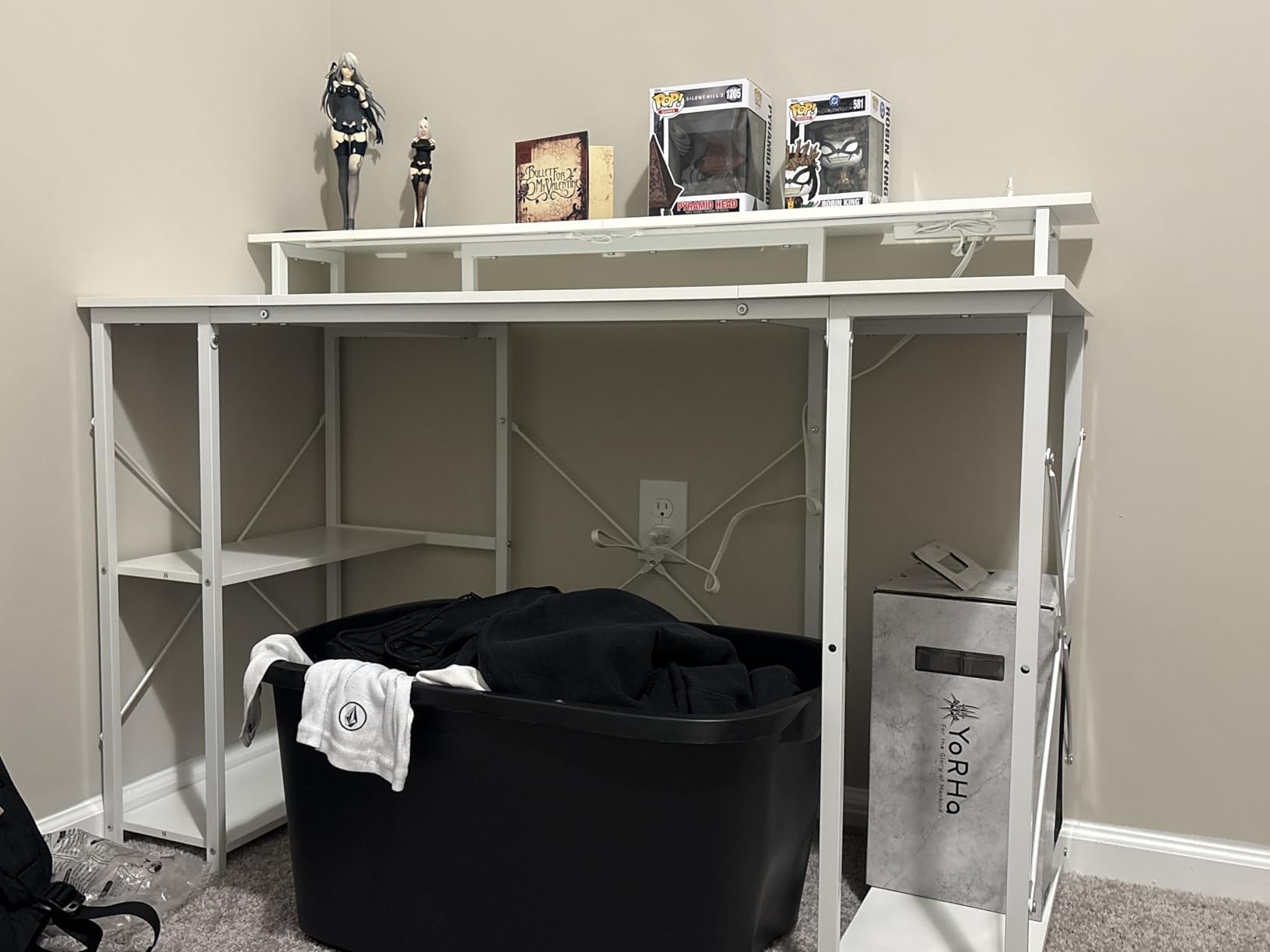
The raised monitor stand improves the viewing angle, the reversible shelves let you configure the unit for your room, and the reinforced steel frame uses an X-shaped crossbar for stability. Buyers report loading a PC, a laptop, a 34-inch ultrawide, a Bluetooth speaker, and a 55-inch television on it at once.

The lighting has the most granular control in this price group: 10 static colors, 8 brightness levels, 10 dynamic modes, and a memory function. Power is handled by a 12A AC outlet and 2A USB ports, both of which owners report working reliably.
Plan the assembly time honestly. Several reviewers describe it as a few hours, and the power outlet module can arrive mis-installed, so check that before you start building. The upper shelf is also snug, barely fitting larger monitor stands, and the top scratches readily, which makes a desk mat close to essential.
Does it fit a 34-inch ultrawide without wobbling?
Reviewers report running a 34-inch ultrawide plus a PC, laptop, and speakers on this desk, and the X-shaped crossbar is the reason. If your ultrawide is heavier than that, move up to a desk with a published load rating.
Is the lighting worth it for daytime work?
The brightness levels go low enough to be accent lighting rather than a lamp, so it works in an office setting. If you dislike RGB entirely, every desk here is fine without it.
12. AODK 59-Inch Desk with PC Showcase – Best for Glass Case PCs
AODK Gaming Desk w/PC Showcase Stand, 59″ Reversible, RGB LED
59 inch surface
19.69 inch depth
45.2 inch height
3 fabric drawers
Pros
- Elevated showcase stand made for panoramic glass cases
- Integrated RGB strip under the monitor shelf
- Three fabric drawers for cables and controllers
- Side display shelf with an overhead board
- Reinforced steel frame supports heavy tower builds
Cons
- Showcase design is less useful for non-panoramic cases
- 45.2 inch profile limits usable surface height
- Tall profile suits low-ceiling rooms less well
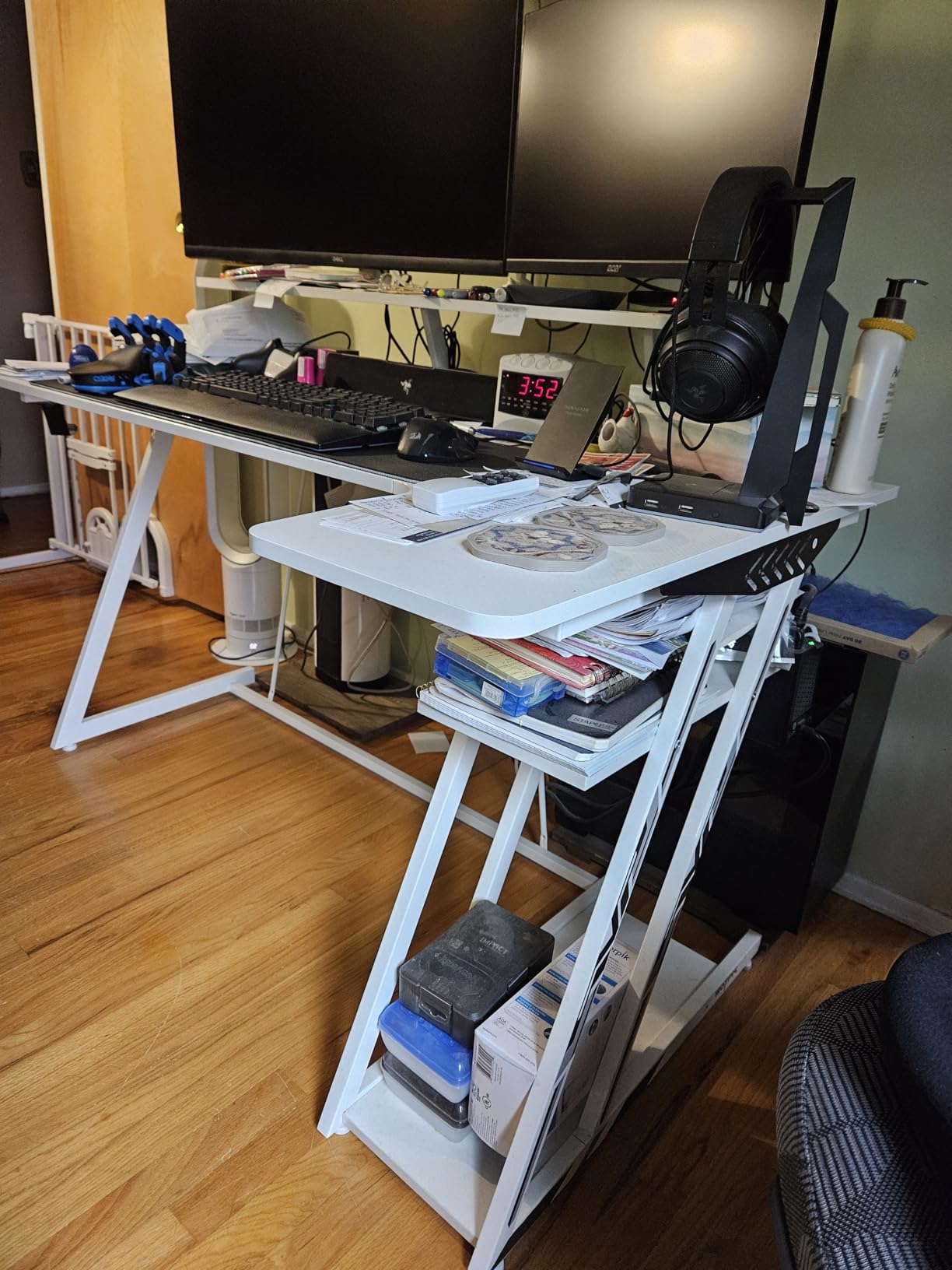
This desk is built around one specific and very popular case shape. The elevated showcase stand is engineered for panoramic tempered-glass chassis such as the Lian Li O11 and Hyte Y60, lifting the build to eye level and off the floor where dust collects.
At 59 inches wide it comfortably holds a triple-monitor work arrangement, and the reversible layout lets you flip the configuration when the room changes. The side display shelf with an overhead board gives your collectibles and speakers a home instead of the desktop.
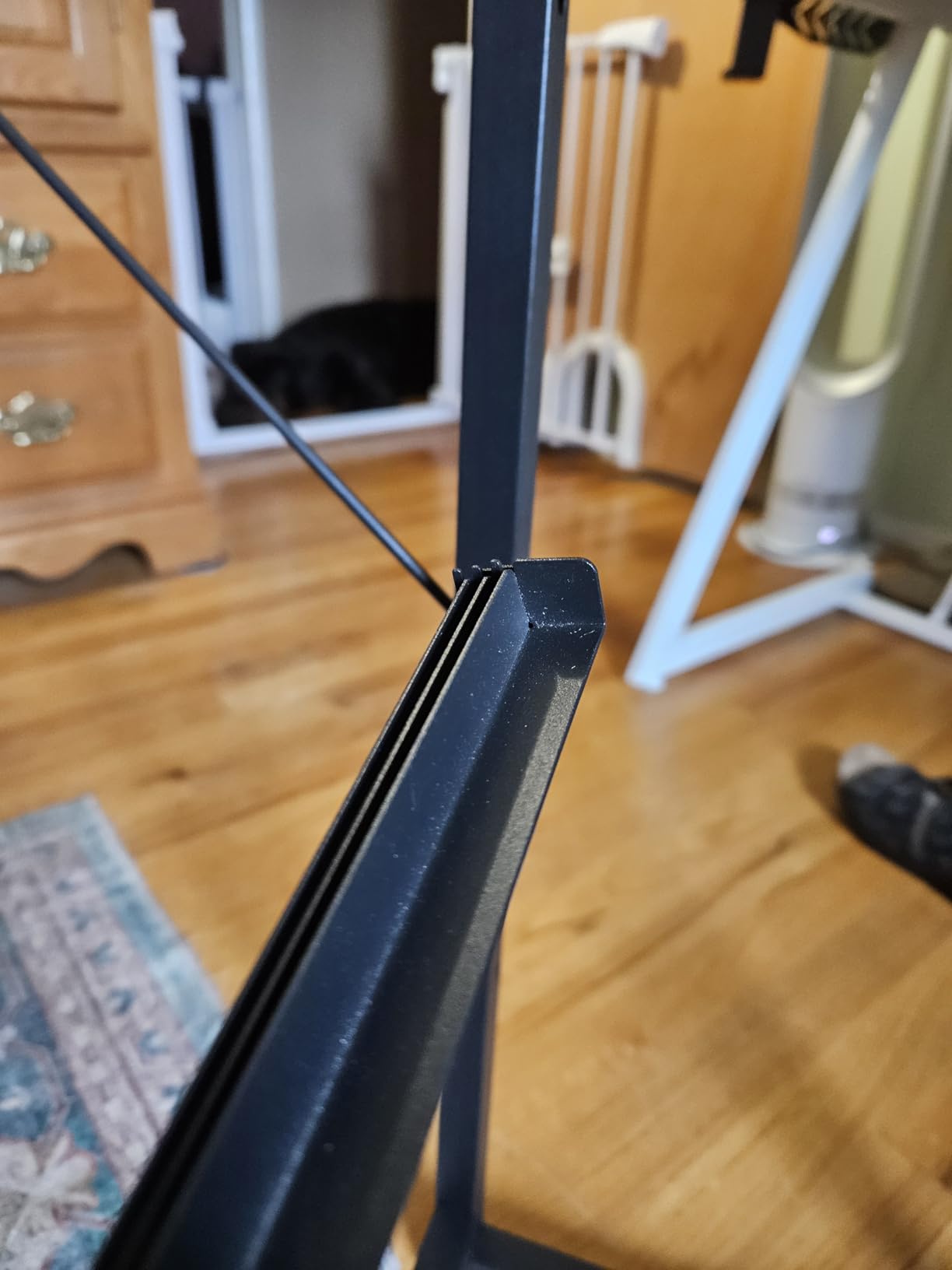
Cable management is handled by three built-in fabric drawers, which owners with a full tower setup describe as the feature that finally made their desk look organized. The integrated RGB strip under the monitor shelf coordinates with the case lighting, and the reinforced industrial steel frame carries a heavy middle-tower build.
Be honest about fit. The showcase orientation permanently occupies a large share of the 59-inch surface, and the 45.2-inch overall height is tall for a room with a low ceiling. If your case is not panoramic, the space that stand takes is simply wasted.
Does it work with a non-glass PC case?
It functions, but you lose the reason to buy it. The stand is proportioned for panoramic cases, so a standard tower will sit lower and take more surface than you would want. Check your case width against the stand opening first.
Will the 45.2-inch height fit your room?
Measure from the floor to the top of the hutch and compare with your ceiling and any shelf above the desk. It is comfortable in a standard room but awkward in a low-clearance one, and the same applies to a desk under a sloping ceiling.
How to Choose a Desk for Gaming and Work
The format decision comes before anything else. An L-shaped desk wins on screen count and paper space and loses on floor area and weight. A straight desk fits anywhere and costs less to move. A standing desk wins on workday ergonomics and adds a motor, a frame, and a wiring job to assembly. Our picks for smaller rooms are covered in more detail in our corner desk roundup.
Monitor distance is the factor people underestimate most. A shallow desk forces your screen into your personal space, and the fix is usually a monitor arm rather than a bigger desk. Aim for roughly an arm’s length from your eyes to the screen, and check the desk depth against your monitor size before buying. If you are planning multiple large displays, our guide to gaming desks for large monitors covers the geometry in more depth.
Weight capacity tells you more about real-world stability than any other spec. Several desks in this roundup publish a figure, ranging from 150 to 180 pounds for the fixed models and 154 to 176 pounds for the electric ones. Treat the number as a ceiling rather than a target: a monitor arm, a tower, and a laptop arm all add concentrated load at the back edge, which is exactly where a weak frame starts to bow.
Cable management separates desks that stay tidy from those that do not. An integrated power strip is the single most useful feature on this list, because it removes the floor-level extension cord entirely. Look for grommets or pass-through holes, cable clips, and a shelf or drawer that swallows the excess length. A desk with no routing at all can be fixed in an afternoon, but a desk with routing needs no work at all.
Height range decides whether a standing desk is usable for you. A desk that only reaches 40 inches will feel like a stool for anyone over six feet. The two electric models here run to 46.46 and 46.5 inches, which is a reasonable middle ground, and both drop low enough for shorter users to sit properly. If your budget is tighter, our budget standing desk roundup covers the entry-level options, and our standing desk guide covers the frame types in more detail.
Assembly is a real factor, not a footnote. Everything here requires tools, and the large L-shaped models from Furologee, SEDETA, RIF6, and AODK are all recommended or reported as two-person builds. The Huuger is the exception: under 40 minutes, included tools, and light enough to move alone. Budget an evening rather than a coffee break.
Lastly, the chair. A desk that puts you in a better position is worth less if the seat behind it is wrong, and the same ergonomics logic applies to long gaming and long work blocks. Our office chair roundup for gaming and work covers that half of the setup.
Frequently Asked Questions
Can a gaming desk be used for work?
Yes, and the desks in this guide are chosen for exactly that. A good hybrid desk gives you enough depth for a monitor at arm’s length, somewhere to put a laptop or documents, and a frame stable enough to game on. The features that look purely decorative, such as RGB lighting and a pegboard, are simply not important to the work half of the day.
What is the best type of gaming desk?
For most people, an L-shaped desk in the 42 to 53 inch range is the best balance. It supports a second screen for work without eating a whole wall, and it still fits in a normal room. Choose a straight desk if floor space is tight, and choose an electric standing desk if you spend eight hours a day at the keyboard and want to alternate between sitting and standing.
What is the difference between a gaming desk and a regular desk?
Three things usually separate them. Gaming desks tend to use thicker steel frames and publish a weight capacity, because monitor arms and heavy towers load the frame unevenly. They often add built-in power, RGB lighting, and headphone hooks. They also run deeper than office desks, often 19.7 inches, so the monitor sits at a proper viewing distance. Beyond that, the two categories overlap heavily.
Are standing desks even worth it?
They are worth it for the workday, and neutral for gaming. Electric models in this roundup lift from roughly 28 inches to about 46 inches, which is enough to alternate between sitting and standing through a long office block. The tradeoff is assembly complexity and a heavier frame. If you sit for gaming anyway, buy the standing option for comfort during the hours you are typing.
How much weight can a gaming desk hold?
The fixed models in this guide are rated between 150 and 180 pounds, and the electric models between 154 and 176 pounds. Treat that as a maximum rather than a working load. Concentrated weight at the back edge, such as a dual monitor arm, stresses a frame more than the same weight spread across the top.
Which standing desk is best rated by reviews?
The ErGear 48 x 24 electric standing desk has by far the largest review base in this roundup at over 12,000 reviews, and it holds a 4.5 star average. It runs from 28.35 to 46.46 inches with 4 memory presets and a 176-pound capacity. The Veken 55-inch model is the alternative if you need a wider top, since it is the largest sit-stand surface here.
Final Verdict: The Best Desks for Gaming and Work in 2026
After working through all twelve, the Bestier 42-inch L-shaped desk is our pick for most people. It is the only one in the roundup that fits a normal room, includes a working power strip, offers a raised monitor shelf for work, and still gives you a proper corner for a game. Its rating of 4.6 across 3,170 reviews backs that up.
Choose the ErGear electric standing desk if your day is mostly typing and you want the height range and 176-pound capacity behind it. Choose the BestOffice 47-inch R-shaped desk if you want the most desk per dollar and a frame that survives monitor arms. For a panoramic glass PC case, the AODK 59-inch showcase desk is the only one here designed for the job.
Whichever you pick, measure the room and check the desk depth against your monitor size before you order. That single step prevents most of the disappointment people report with these desks. For the seat behind the desk, start with our office chairs for gaming and work roundup.