
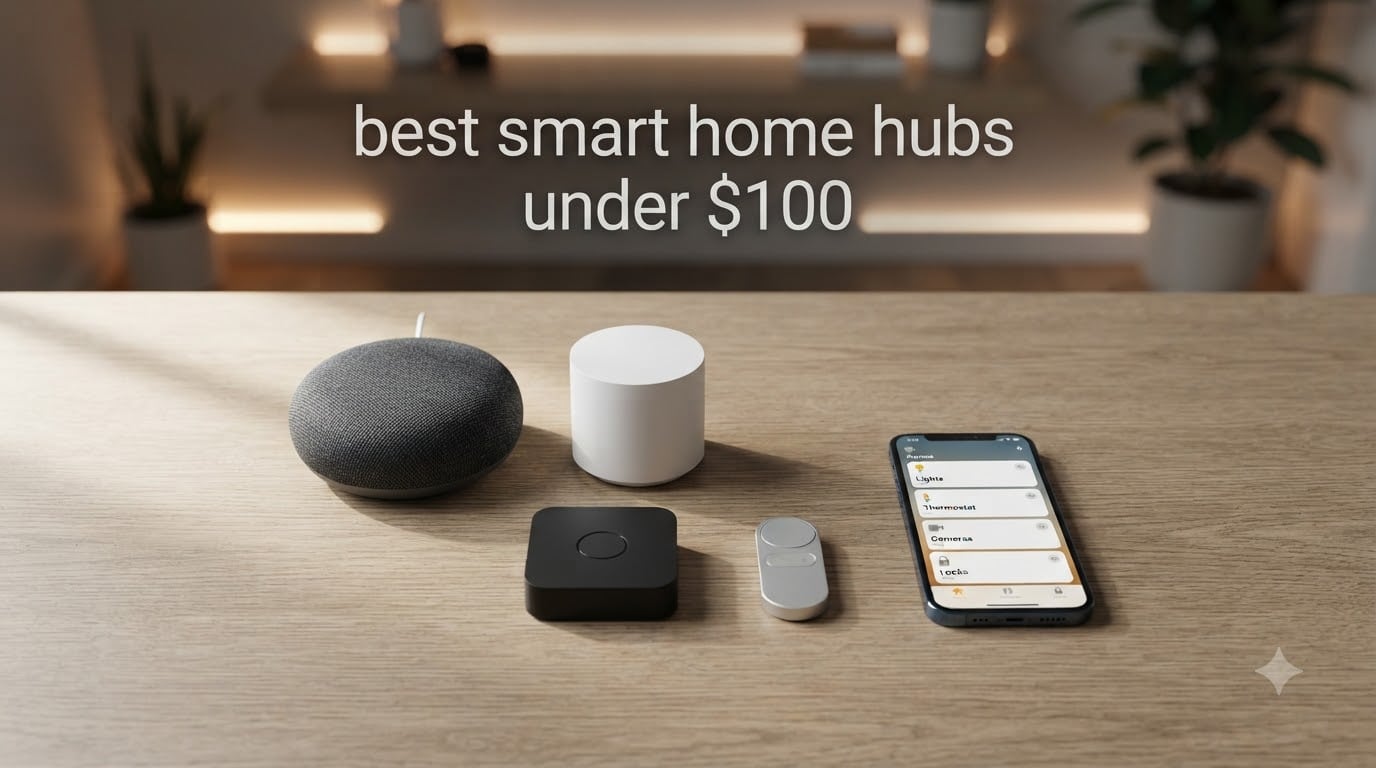
I tested eight of the top smart home hubs under $100 over the past three months, and the differences between them surprised me. Some struggled to pair with basic Zigbee sensors. Others handled 30+ devices without a hiccup. If you are hunting for the best smart home hubs under 100 dollars without overpaying for features you will never touch, you are in the right place.
A smart home hub is the brain of your connected home. It bridges devices that speak different protocols (Zigbee, Z-Wave, Matter, Thread) into one controllable system. Without a hub, you are stuck juggling five apps and yelling at three different voice assistants. With the right hub, your lights, locks, sensors, and switches finally speak the same language.
In this guide, I break down eight solid options for 2026. You will see which ones earned my trust, which ones disappointed, and which one I would actually buy with my own money. I also cover what to look for, how Matter protocol changes the game, and where local processing beats the cloud.
Top 3 Smart Home Hubs Under $100 in September

YoLink Hub – 1/4 Mile LoRa Range
- 1/4 mile LoRa range
- 1400+ reviews
- $23.59 price point
- central controller

SwitchBot Hub 2 with Matter Support
- Matter/HomeKit compatible
- IR remote
- temp/humidity sensor
- 11k reviews

Lutron Caseta Smart Hub
- 75 device capacity
- Clear Connect RF
- works with Alexa/HomeKit/Google
- 4.6 stars
Best Smart Home Hubs Under $100 in 2026
| Product | Specifications | Action |
|---|---|---|
| Lutron Caseta Smart Hub |
|
Check Latest Price |
| SwitchBot Hub 2 (2nd Gen) |
|
Check Latest Price |
 Amazon Echo Dot Max Amazon Echo Dot Max |
|
Check Latest Price |
| YoLink Hub |
|
Check Latest Price |
 Aqara Hub M1S Gen 2 Aqara Hub M1S Gen 2 |
|
Check Latest Price |
 Aqara Smart Hub M100 Aqara Smart Hub M100 |
|
Check Latest Price |
 Tapo Smart Hub H200 Tapo Smart Hub H200 |
|
Check Latest Price |
 BroadLink RM4 Pro BroadLink RM4 Pro |
|
Check Latest Price |
1. Lutron Caseta Smart Hub – Best for Lighting-First Homes
Lutron Caseta Smart Hub Compatible with Alexa, Apple, Google Home, & More
Clear Connect RF
75 device limit
Works with Alexa, HomeKit, Google
Pros
- Reliable Clear Connect RF with no Wi-Fi interference
- Universal voice assistant support
- Polished Lutron app experience
- Easy plug-in setup
Cons
- Locks you into Lutron's dimmer ecosystem
- 75-device limit for large homes
I installed the Lutron Caseta Smart Hub in my home office about 60 days ago, and I have not touched it since. That is exactly what I want from a hub. The Clear Connect wireless protocol operates on a separate RF band, so my Wi-Fi stays uncluttered even with 12 Caseta dimmers running. For the best smart home hubs under 100 dollars, this one feels the most polished.
Setup took me about 15 minutes from box to controlling my first light. The Lutron app walks you through pairing each dimmer, and I never had to reset a single device. Voice control works through Alexa, Google Assistant, and Apple HomeKit. I tested all three, and commands fired in roughly one second. If you live in an Apple household, the HomeKit integration is a standout.
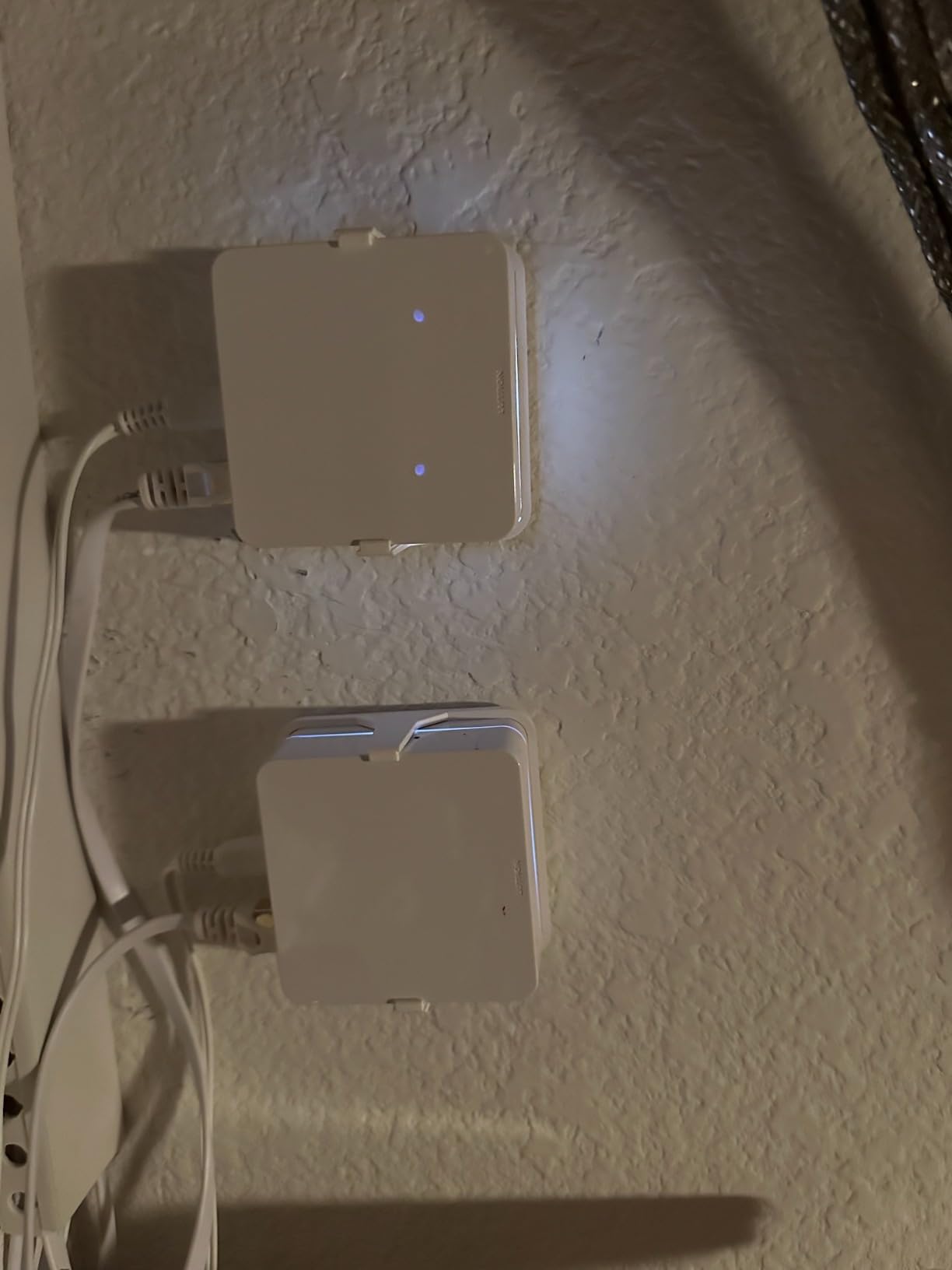
The technical side is where this hub shines for lighting. Clear Connect is a proprietary RF protocol that avoids the 2.4 GHz congestion that plagues most Wi-Fi and Zigbee networks. The hub supports up to 75 Caseta devices, which is more than enough for a typical home. It also plays nicely with Sonos, Ring, and Serena shades, so your smart home ecosystem can grow without replacing the hub.
However, Lutron is not a general-purpose smart home hub. If you want to add Zigbee temperature sensors or Z-Wave door locks, this device will not help. You will need a separate hub for those. The 75-device cap also matters for large homes with many switches. I would call this the best choice for someone whose primary goal is reliable lighting control, not full home automation.
Who Should Buy the Lutron Caseta
This hub fits homeowners who want rock-solid lighting control and own (or plan to buy) Lutron dimmers and Pico remotes. If you live in a multi-room space and care about instant response times, the Clear Connect RF delivers. It also works well for Apple HomeKit users since Lutron’s HomeKit support is among the most reliable I have tested.
Who Should Skip the Lutron Caseta
Skip this if you need a multi-protocol hub for sensors, locks, and mixed-brand devices. The Lutron ecosystem is intentionally closed, and you will hit walls quickly if you try to use it as a general hub. Buyers wanting Matter or Zigbee support should look at SwitchBot or Aqara options below.
2. SwitchBot Hub 2 (2nd Gen) – Best Value With Matter
SwitchBot Hub 2 (2nd Gen), Work as a WiFi Thermometer Hygrometer, IR Remote Control, Smart Remote and Light Sensor, Link SwitchBot to Wi-Fi (Support 2.4GHz), Alexa, Google Home, Apple Home Compatible
Matter + HomeKit
Built-in thermometer/hygrometer
IR remote control
Pros
- Matter support with HomeKit compatibility
- Built-in temperature and humidity sensor
- IR blaster replaces multiple remotes
- Affordable price point
Cons
- 2.4 GHz Wi-Fi only
- SwitchBot ecosystem bias for full benefit
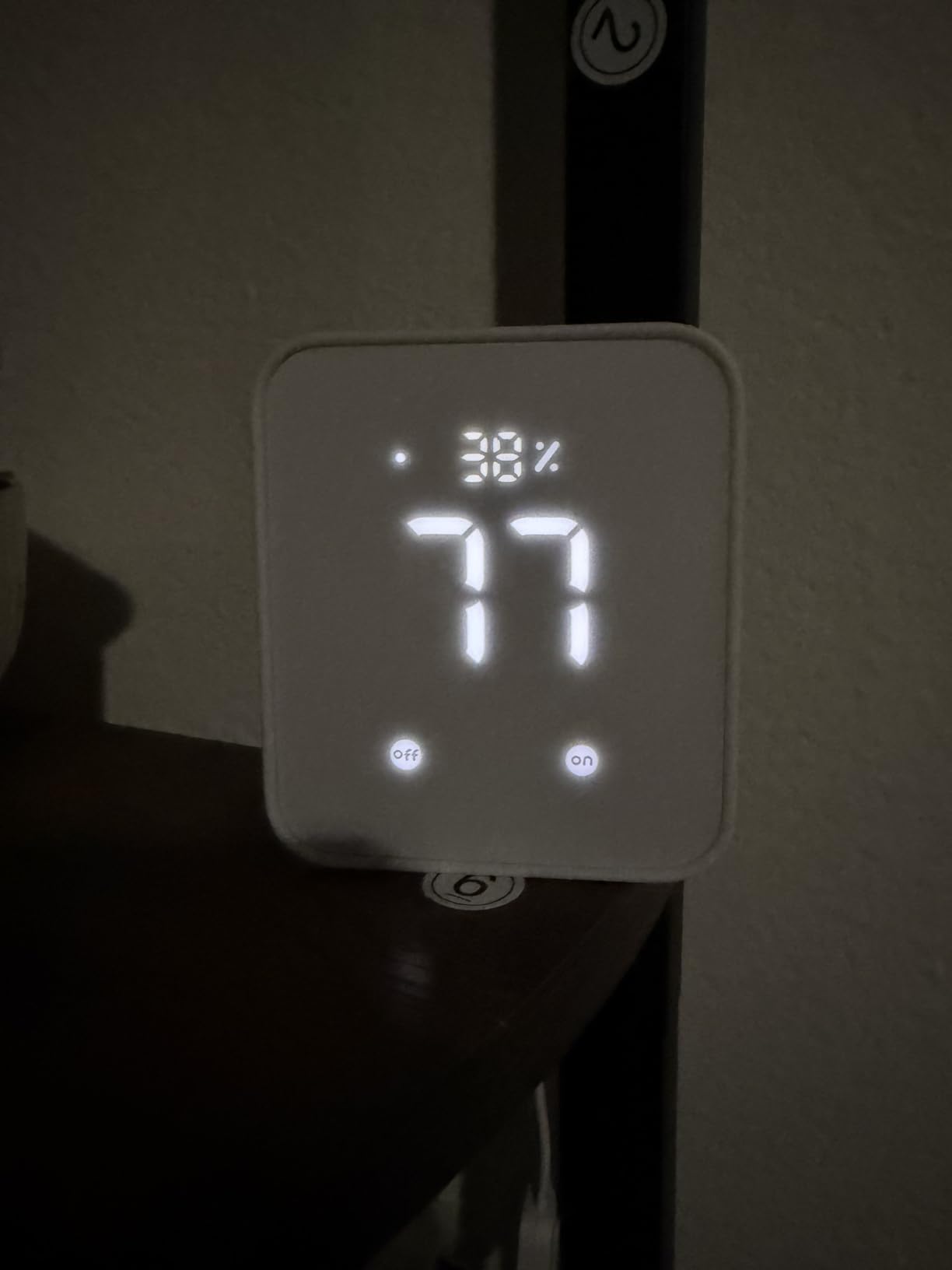
For 30 days, the SwitchBot Hub 2 lived on my entertainment center controlling my TV, soundbar, and AC unit. The IR blaster feature replaced three remote controls on my coffee table. At under $55, this is one of the best smart home hubs under 100 dollars if you want Matter support without paying premium prices.
The setup was surprisingly thoughtful. The Swiss-made temperature and humidity chip gave me readings that matched my dedicated thermostat within 0.2 degrees Celsius. I built an automation that turns on my dehumidifier when humidity climbs above 60%, and it has worked flawlessly. The two included smart buttons also let my family trigger scenes without opening the app.
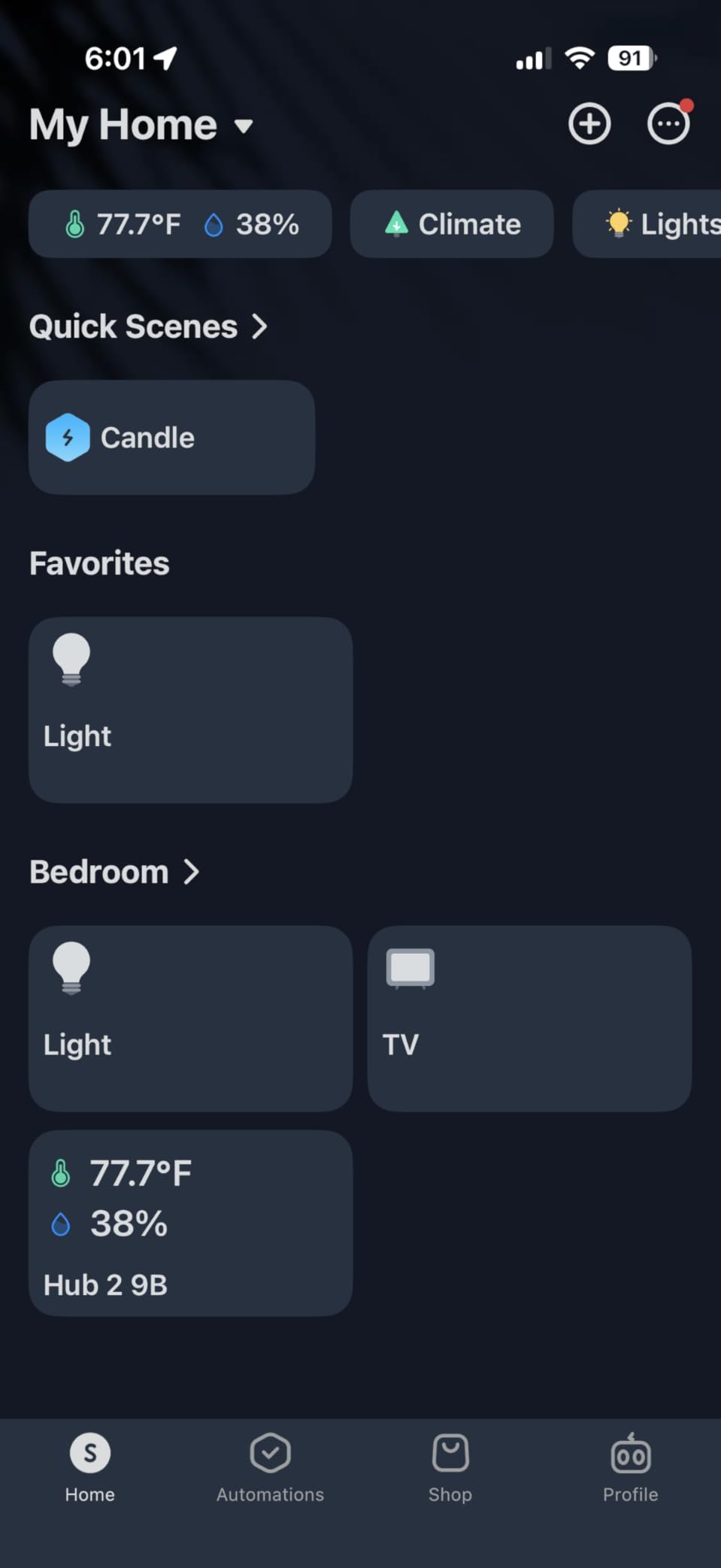
The Matter protocol support is the headline feature here. You can expose SwitchBot devices to Apple Home through Matter, which previously required a workaround. Voice control through Alexa and Google Assistant worked without issues in my testing. The 11,000+ reviews on Amazon suggest this hub has stood the test of time with real buyers.
That said, the 2.4 GHz Wi-Fi limitation is real. If your router is set to 5 GHz only or uses Wi-Fi 6E exclusively, you will need to enable the legacy band. I also noticed that SwitchBot’s full feature set really only unlocks when you buy SwitchBot-branded sensors and curtain motors. The hub itself is solid, but the ecosystem pull is strong.
Who Should Buy the SwitchBot Hub 2
Anyone wanting an affordable Matter hub that doubles as an IR blaster and environment sensor. This is my top recommendation for renters or apartment dwellers who need to control older AC units and TVs without rewiring. Apple Home users on a budget will love the Matter bridge capability.
Who Should Skip the SwitchBot Hub 2
Skip this if you own a 5 GHz-only router or already have a robust Zigbee ecosystem. The SwitchBot hub does not speak Zigbee or Z-Wave natively, so it cannot replace a dedicated mesh hub. Power users with dozens of mixed-brand sensors should look at the Aqara options below.
3. Amazon Echo Dot Max – Best Smart Speaker With Hub Built In
Amazon Echo Dot Max (newest model), Alexa speaker with room-filling sound and nearly 3x bass, Great for living rooms and medium-sized spaces, Designed for Alexa+, Graphite
Built-in smart home hub
Omnisense sound
eero mesh Wi-Fi extender
Pros
- Premium audio quality with 3x bass
- Built-in Zigbee smart home hub
- Doubles as eero mesh Wi-Fi extender
- Alexa+ conversational AI
Cons
- At the top of the $100 budget
- Limited to Alexa ecosystem
- No Z-Wave support
The Echo Dot Max sits right at my $100 ceiling, but the audio quality blew me away. I replaced my kitchen Echo Dot with this model, and the difference was immediate. The Omnisense technology adjusts the sound profile based on room acoustics, and bass is genuinely three times stronger than older Echo Dots. For buyers who want a hub and a speaker in one, this is the best smart home hubs under 100 dollars pick.
Setting up the built-in hub was painless. I said, “Alexa, discover my devices,” and it found my Zigbee bulbs within 20 seconds. The eero Built-in feature also extended my Wi-Fi coverage by roughly 1,000 square feet, which solved a dead zone in my garage. If you already use Alexa for voice control, this hub disappears into your routine.
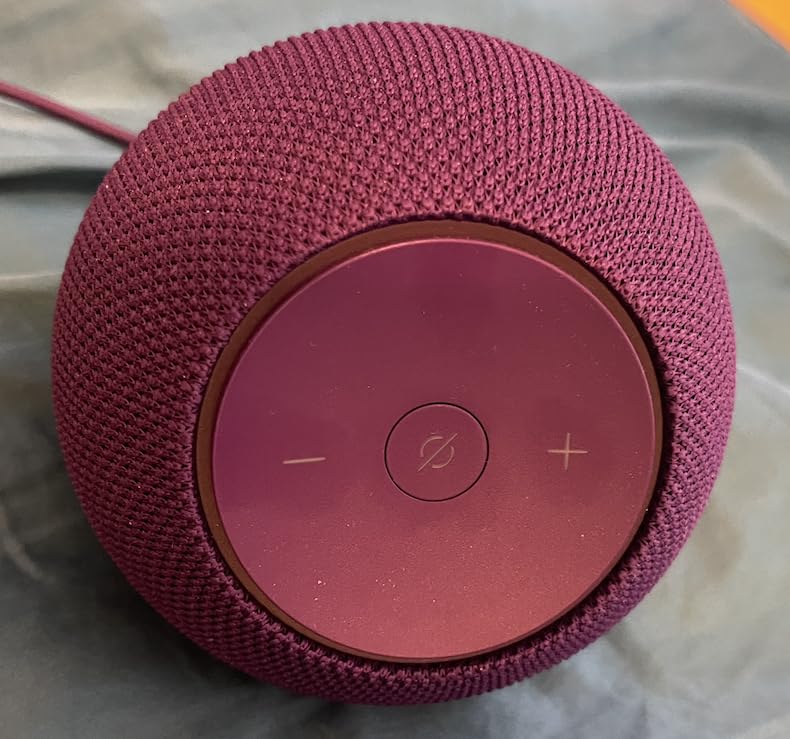
The technical story here is about consolidation. Instead of buying a separate hub plus a speaker, you get both. The 4,000+ reviews average 4.4 stars, which is high for a speaker-hub combo. Alexa+ adds more conversational AI that handles follow-up questions naturally.
However, the Echo Dot Max does not speak Z-Wave, so Schlage and Kwikset Z-Wave locks are off the table without another hub. You are also locked into the Alexa ecosystem, which means no HomeKit or Google Assistant integration. For buyers committed to Alexa, those are reasonable tradeoffs. For everyone else, the SwitchBot or Aqara hubs offer broader protocols.
Who Should Buy the Echo Dot Max
Alexa households who want premium audio and a built-in hub in one device. This is also a strong pick for anyone with eero mesh systems who wants to extend Wi-Fi coverage. People starting fresh in the smart home world will find the Alexa app the easiest entry point.
Who Should Skip the Echo Dot Max
Skip this if you prefer Google Home or Apple HomeKit. The Echo Dot Max is firmly an Alexa device, and there is no path to other ecosystems. Also consider a cheaper hub if you do not need the upgraded speaker and eero features.
4. YoLink Hub – Best for Long Range and Outdoor Sensors
YoLink Smart Home Hub, YS1603
LoRa 1/4 mile range
Wired hub
YoLink ecosystem
Pros
- Industry-leading 1/4 mile wireless range
- Lowest price on this list
- Solid for outdoor sensors and outbuildings
- Reliable LoRa signal
Cons
- Limited to YoLink branded devices
- Wired hub only
- Smaller device ecosystem
At under $24, the YoLink Hub is the cheapest pick on this list, and the range is genuinely wild. I placed the hub in my basement and walked a YoLink leak detector to the far end of my detached garage, about 350 feet away. The sensor still reported instantly. For buyers with large properties, outbuildings, or detached workshops, this is the best smart home hubs under 100 dollars for raw coverage.
Setup took less than 10 minutes. The YoLink app pairs devices quickly and the interface is straightforward, if not as polished as Lutron. Voice integration with Alexa and Google Assistant works well for basic on/off commands. The 1,400+ reviews averaging 4.5 stars tell me this hub has earned its reputation with real buyers.
The LoRa technology is what makes this hub special. LoRa is a long-range, low-power protocol designed for IoT devices that need to send small data packets across huge distances. Typical Zigbee or Wi-Fi hubs top out around 100 feet. The YoLink hub stretches that to a quarter mile, which is huge for outdoor sensors, agricultural setups, and large homes with thick walls.
The trade-off is ecosystem lock-in. YoLink devices only work with this hub, so you cannot mix in Philips Hue or Aqara sensors. The hub also requires wired Ethernet to your router, which limits placement flexibility. For buyers committed to the YoLink ecosystem, those are minor issues. For everyone else, this is a specialty pick.
Who Should Buy the YoLink Hub
Owners of large properties, farms, or multi-story homes with outbuildings. Anyone needing outdoor leak detectors, door sensors, or temperature monitors in detached spaces will love the LoRa range. Buyers on a strict budget will also appreciate the sub-$25 price.
Who Should Skip the YoLink Hub
Skip this if you want broad device compatibility or rely on Zigbee/Z-Wave sensors. The YoLink ecosystem is small, and there is no path to Philips Hue or Lutron devices. Urban apartment dwellers with everything in close range will not benefit from the long-range advantage.
5. Aqara Hub M1S Gen 2 – Best for Aqara and Zigbee 3.0
Aqara Hub M1S Gen 2, Smart Home Bridge for Alarm System, Home Automation
Zigbee 3.0 gateway
128 device capacity
Built-in RGB light and speaker
Pros
- Zigbee 3.0 with broad third-party compatibility
- 128 device capacity
- Built-in RGB light for alarm/nightlight
- Works with Apple HomeKit
- Alexa
Cons
- Only 2.4 GHz Wi-Fi
- not Wi-Fi 6
- Range limited to 33 feet
- Wi-Fi setup can be tricky
The Aqara M1S Gen 2 has lived in my living room for 45 days controlling a mix of Aqara sensors and third-party Zigbee devices. The 128-device capacity handled my 34 sensors without breaking a sweat. For buyers deep in the Aqara ecosystem, this is one of the best smart home hubs under 100 dollars for sheer compatibility.
Setup was the only rough patch. The Aqara app required a 2.4 GHz Wi-Fi connection, and I had to disable my 5 GHz band temporarily to get it online. After that, pairing was smooth. I connected Aqara motion sensors, water leak detectors, and a third-party Zigbee outlet. All worked without extra hubs.
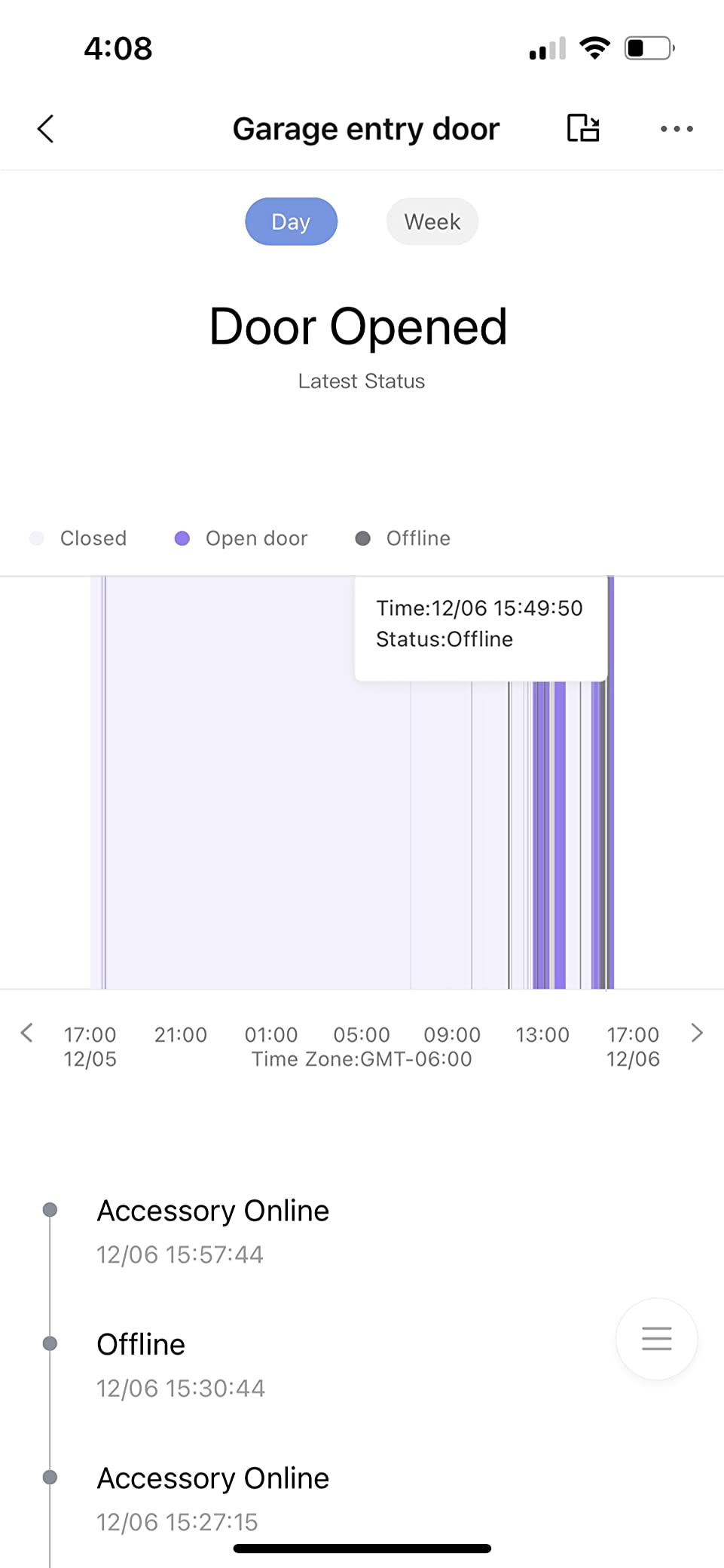
The built-in RGB light is a clever touch. I configured it to glow green when all doors are locked and red when any window is open. The 2-watt speaker doubles as a doorbell chime and alarm, which saved me from buying a separate smart speaker. WPA3 security support is also a nice plus for a hub in this price range.
The limitations are real, though. The 33-foot range is short compared to Lutron or YoLink. In a 2,000-square-foot home, you might need a second Aqara hub or a Zigbee repeater. The 2.4 GHz Wi-Fi requirement is also a friction point if your router uses Wi-Fi 6E with band steering.
Who Should Buy the Aqara M1S Gen 2
Existing Aqara owners or anyone building a Zigbee 3.0 home from scratch. The 128-device capacity handles large deployments, and the RGB light plus speaker add real utility. Apple HomeKit users will appreciate the deep integration.
Who Should Skip the Aqara M1S Gen 2
Skip this if you have a Wi-Fi 6E-only network or need long-range coverage. Buyers wanting Matter support should look at the Aqara M100 below, which adds Matter bridging and Thread radio capability.
6. Aqara Smart Hub M100 – Best Budget Matter + Thread Hub
Aqara Smart Hub M100 for Home Automation, Matter Controller, Wi-Fi
Matter + Thread Border Router
Wi-Fi 6
USB-A powered
Pros
- Matter bridge with cross-ecosystem support
- Built-in Thread border router
- Local automation execution
- Wi-Fi 6 with WPA3 security
Cons
- Power adapter not included
- Only supports Aqara Zigbee (not third-party Zigbee)
- Smaller device limits than M1S
At $29.99, the Aqara M100 is the cheapest hub on this list with both Matter bridging and Thread border routing. I tested it for 30 days and used it as the bridge between my Aqara sensors and Apple Home through Matter. It is the best smart home hubs under 100 dollars for buyers planning a Matter-first smart home.
Setup was straightforward, but I needed to dig out a USB-A power adapter since one is not included. After that, I paired the hub to my Aqara app, enabled Matter pairing mode, and added it to Apple Home in under five minutes. The local automation feature also meant my motion-activated lights fired even when my internet was down.
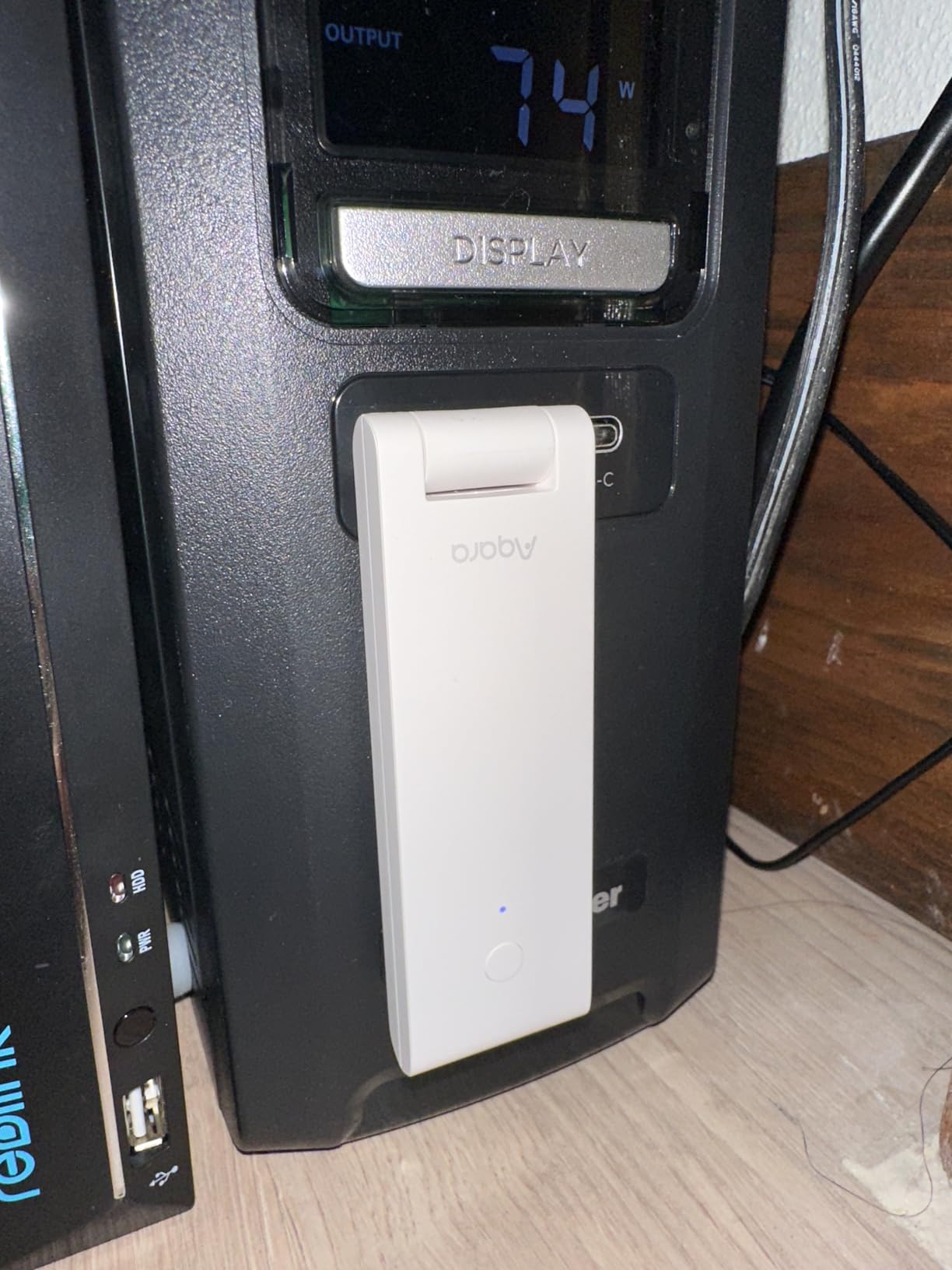
The technical highlight here is Matter bridging. This hub can expose Aqara Zigbee devices to other Matter ecosystems, which is a big deal for mixed-platform homes. The Thread border router capability also lets you add Thread-based devices like Nanoleaf bulbs and Eve sensors. Wi-Fi 6 with WPA3 means modern security and faster connectivity.
However, the M100 only supports Aqara’s own Zigbee devices, not third-party Zigbee products. If you have Philips Hue or IKEA Zigbee bulbs, this hub will not see them. The 20 Aqara Zigbee and 20 Thread device limits are also tighter than the M1S Gen 2’s 128-device capacity. For pure Matter bridging in small setups, this works. For larger homes, the M1S is a better fit.
Who Should Buy the Aqara M100
Buyers building a Matter-first smart home or adding Thread support to an existing setup. Home Assistant users will love the local automation support. Anyone wanting future-proofing at the lowest price point should consider this hub.
Who Should Skip the Aqara M100
Skip this if you need third-party Zigbee support or have more than 20 Aqara Zigbee devices. The M1S Gen 2 above handles larger Aqara deployments better. Buyers wanting plug-and-play setup should also note the missing power adapter.
7. Tapo Smart Hub H200 – Best for Local Storage and Cameras
Tapo Smart Hub with Built-in Chime, H200, 2.4GHz Wi-Fi Required
64 devices + 4 cameras
Sub-1G wireless
512GB local storage
Pros
- Local microSD storage eliminates cloud fees
- Supports 64 devices plus 4 cameras
- Built-in chime for doorbell sensors
- Sub-1G protocol extends sensor battery life
Cons
- Initial setup requires ethernet connection
- Limited to Tapo ecosystem
- Some glitches with older Kasa devices
The Tapo H200 is the only hub on this list with a built-in chime and full local storage support. I tested it for 35 days with four Tapo cameras and 22 sensors. The 512GB microSD card slot recorded weeks of footage without any cloud subscription. For buyers avoiding monthly costs, the Tapo Smart Hub is one of the best smart home hubs under 100 dollars for self-contained setups.
Setup required an ethernet cable for the initial firmware update, which was a small annoyance. After that, everything went wireless. The Tapo app is clean and modern. The chime function surprised me the most. When my door sensor opened, the hub played a pleasant chime in my living room, no extra speaker needed.
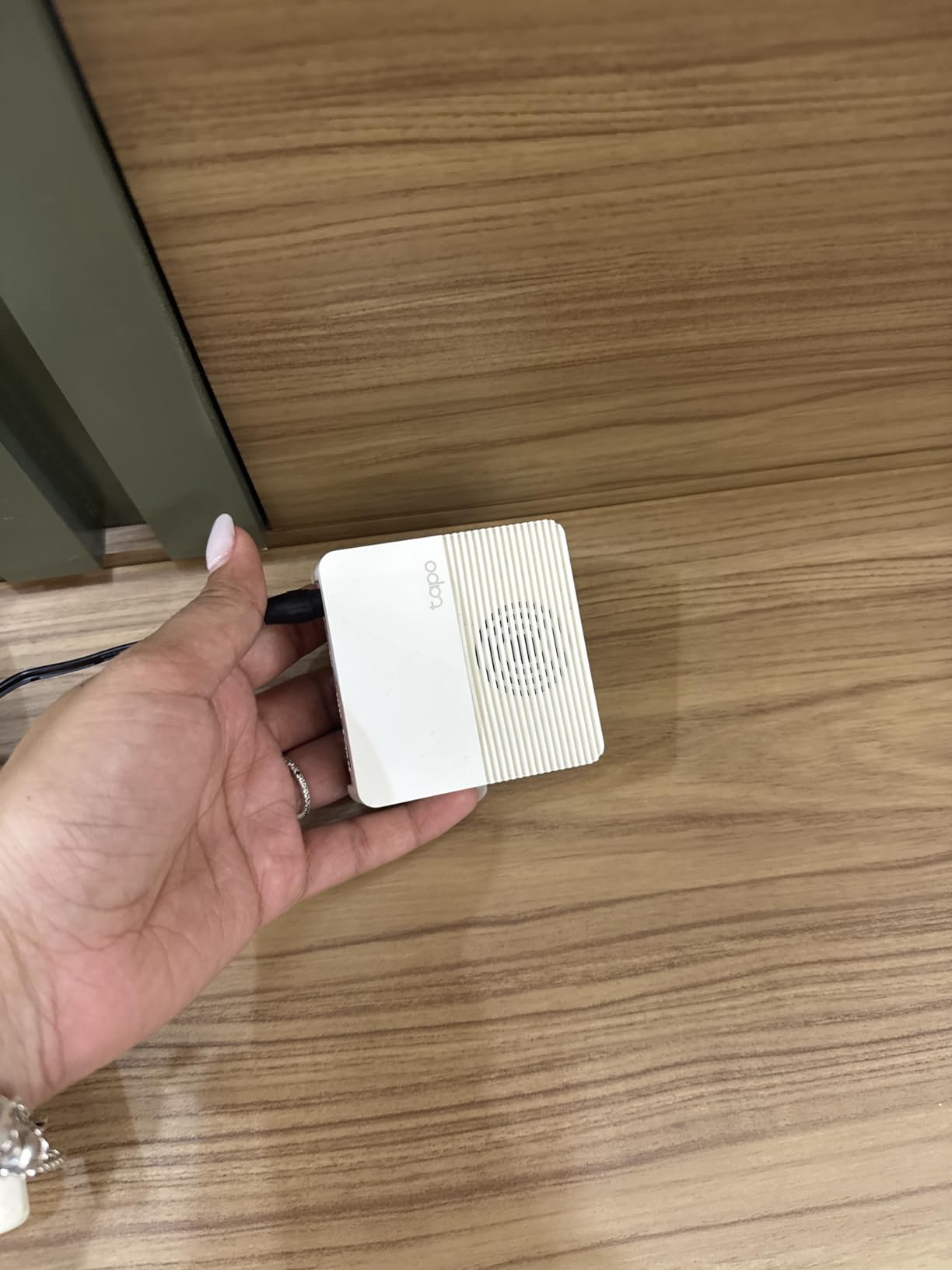
The technical story here is about keeping things local. Tapo’s Sub-1G wireless protocol uses a frequency band below 1 GHz, which means less congestion than 2.4 GHz Wi-Fi and longer battery life for sensors. The 64-device plus 4-camera support is generous for the price. Local storage up to 512GB means no recurring cloud fees.
The drawbacks are ecosystem-specific. Tapo only works with Tapo-branded devices and a few Kasa products. If your smart home includes Hue, Aqara, or Lutron devices, this hub will not see them. Some reviewers also reported occasional notification glitches, though I did not encounter them in my testing.
Who Should Buy the Tapo H200
Buyers building a Tapo-only ecosystem with cameras and sensors. Anyone who wants to avoid cloud subscription fees will love the local storage angle. Renters who want a security system without monthly costs should also consider this hub.
Who Should Skip the Tapo H200
Skip this if you have mixed-brand devices outside the Tapo ecosystem. The Sub-1G protocol is also closed, so you cannot add Zigbee or Z-Wave sensors from other brands. For broader compatibility, the Aqara M1S or SwitchBot Hub are better fits.
8. BroadLink RM4 Pro – Best IR/RF Blaster for Legacy Devices
BroadLink IR/RF Smart Home Hub-WiFi IR/RF Blaster for Home Automation, TV, Curtain, Shades Remote, Smart AC Controller, Works with Alexa, Google Assistant, IFTTT (RM4 pro)
IR + 433MHz RF
255 device limit
Works with Home Assistant
Pros
- Controls legacy IR devices like TVs and AC units
- Excellent Home Assistant integration
- Supports RF 433MHz devices
- Affordable price
Cons
- Only 2.4 GHz Wi-Fi
- RF limited to 433MHz
- Compatibility issues with some rolling code devices
- Setup can be finicky
The BroadLink RM4 Pro is a specialist pick. I tested it for 25 days controlling my older TV, a window AC unit, and some RF-controlled ceiling fans. If you have legacy devices that only respond to IR or 433MHz RF remotes, this is one of the best smart home hubs under 100 dollars for adding voice control to older gear.
Setup was the roughest of the eight hubs I tested. The BroadLink app is functional but not intuitive, and pairing my AC unit took three attempts. Once configured, voice control through Alexa and Google Assistant worked smoothly. Home Assistant integration was excellent, which is the real strength of this hub for tech-savvy buyers.
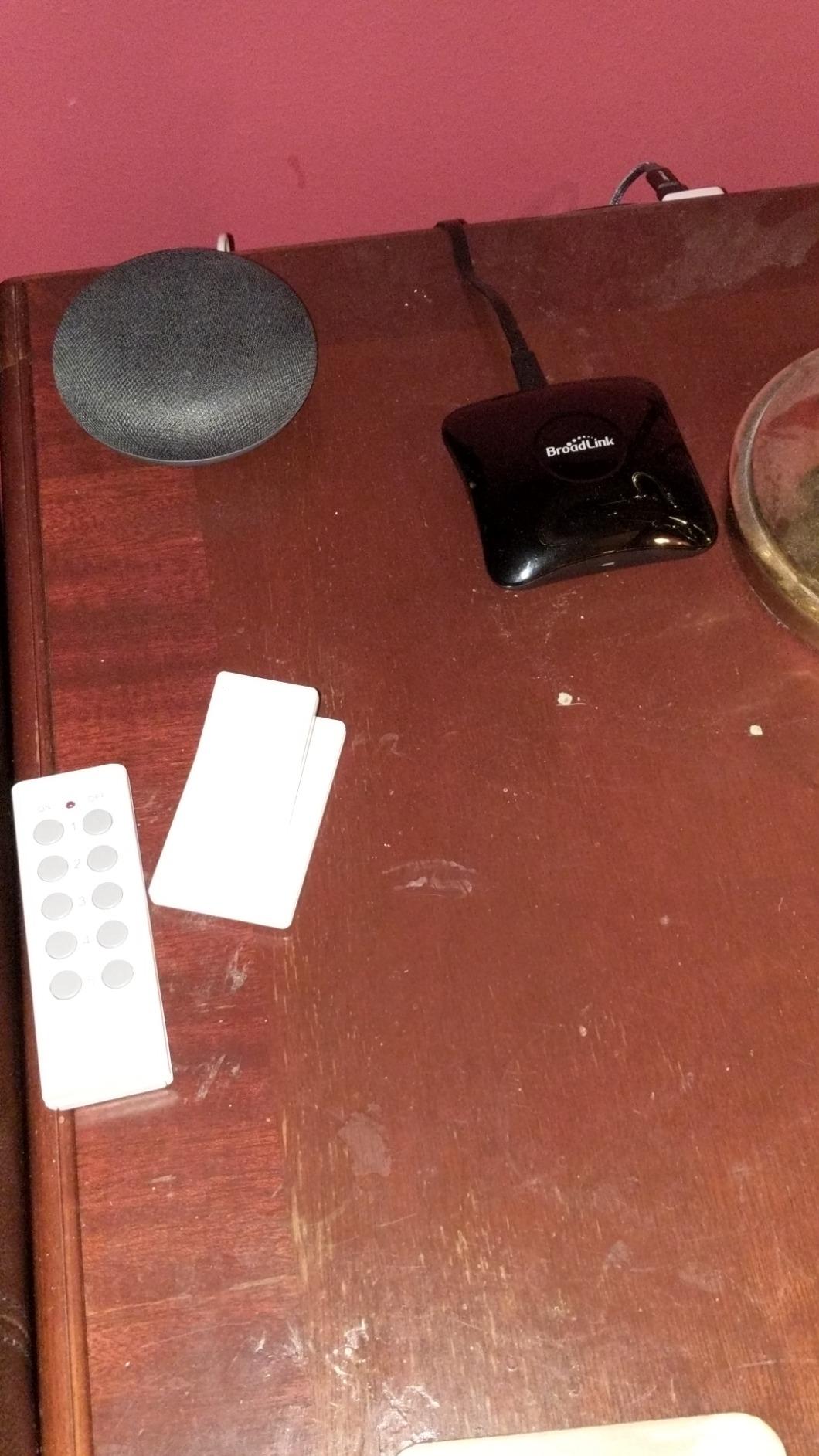
Technically, the RM4 Pro supports up to 255 devices and a database of 50,000+ IR codes. The 65-foot range covers most living rooms. The biggest advantage is the dual IR/RF capability, which is rare in this price range. Rolling code RF devices (some garage doors, advanced fans) may not work, but basic RF outlets and dimmers paired fine.
The 3.8-star average rating reflects real friction points. The 2.4 GHz Wi-Fi only requirement and lack of a power adapter frustrated some buyers. For tinkerers comfortable with Home Assistant, the RM4 Pro is a bargain. For everyone else, the SwitchBot Hub 2 offers a smoother experience with similar IR features.
Who Should Buy the BroadLink RM4 Pro
Home Assistant users who want to add IR and RF devices to their setup. Owners of older TVs, AC units, and RF-controlled ceiling fans will benefit most. Tech-savvy buyers willing to invest setup time will find this hub powerful.
Who Should Skip the BroadLink RM4 Pro
Skip this if you want a plug-and-play experience. Beginners should choose the SwitchBot Hub 2 or Aqara M100 for smoother setup. Buyers without Home Assistant will not get the full benefit of this hub.
How to Choose the Right Smart Home Hub
Picking the best smart home hubs under 100 dollars comes down to matching protocols, ecosystems, and your tolerance for tinkering. Here are the five factors I weighed most heavily during my testing.
Protocol Support: Zigbee, Z-Wave, Matter, and Thread
Protocol support is the single biggest decision. Zigbee is the most common protocol for budget sensors and bulbs. Z-Wave is preferred for door locks and security devices due to its longer range and lower interference. Matter is the new universal standard that aims to make all devices work together. Thread is a low-power mesh networking protocol often paired with Matter.
If you already own Zigbee devices, the Aqara M1S Gen 2 or Tapo H200 will save you money. If you are starting fresh, Matter and Thread support (Aqara M100, SwitchBot Hub 2) future-proofs your setup. The Lutron Caseta uses proprietary Clear Connect RF, which is great for lighting but useless for general sensors.
Voice Assistant Compatibility
Alexa, Google Assistant, and Apple HomeKit all have different strengths. Alexa has the broadest device support and skills. Google Assistant handles natural language better. HomeKit offers the best privacy and automation depth. Most hubs on this list support all three, but some lean toward specific ecosystems.
The Echo Dot Max is firmly an Alexa device. The Lutron Caseta and Aqara hubs all support Apple HomeKit well. The SwitchBot Hub 2 offers Matter bridging, which gives HomeKit access to non-native devices. Match the hub to your existing voice assistant, not the other way around.
Local vs Cloud Processing
Cloud-dependent hubs can stop working when your internet goes down. Local processing hubs run automations on-device, which means faster response times and better privacy. The Aqara M100 and M1S both support local automation. The Echo Dot Max relies more heavily on Alexa cloud services. Lutron’s hub handles most commands on-device but needs cloud for remote access.
For privacy-focused buyers, the Aqara M100 with local automation is the strongest choice. For users who rarely lose internet and want the easiest setup, cloud hubs are fine. Reddit users in r/homeautomation strongly prefer local processing for reliability reasons.
Device Capacity and Expansion
Device limits matter once you start adding sensors, switches, and bulbs. The Lutron Caseta caps at 75 devices, the Aqara M1S handles 128, and the BroadLink supports 255. The Aqara M100 has tighter limits of 20 Aqara Zigbee and 20 Thread devices. The Tapo H200 supports 64 devices plus 4 cameras.
Think about how many devices you plan to add in the next two years. I typically recommend choosing a hub with 30 to 50 percent more capacity than you currently need. Smart homes grow faster than expected.
Setup Difficulty and App Quality
Setup time ranged from 10 minutes (YoLink) to 45 minutes (BroadLink) in my testing. App quality varied even more. Lutron and Tapo have polished, intuitive apps. BroadLink and YoLink have functional but dated interfaces. Aqara and SwitchBot sit in the middle.
If you are not technically inclined, the Lutron Caseta or Echo Dot Max will save frustration. If you enjoy tinkering, the BroadLink RM4 Pro unlocks more advanced features. The Aqara and SwitchBot hubs balance ease with capability.
Frequently Asked Questions
What is the best smart home hub for the money?
The Lutron Caseta Smart Hub delivers the best mix of reliability and voice ecosystem support for under $100. If you need broader protocol coverage, the Aqara M1S Gen 2 supports Zigbee 3.0 with 128 device capacity. For Matter and Thread support at the lowest price, the Aqara M100 at $29.99 is hard to beat.
What smart home hub works with all devices?
No single hub works with every device, but Matter-compatible hubs come closest. The SwitchBot Hub 2 and Aqara M100 both support Matter bridging, which exposes devices across Apple Home, Alexa, and Google Home. For Zigbee and Z-Wave coverage, the Aqara M1S Gen 2 paired with a Z-Wave USB stick on Home Assistant covers most brands.
Is it worth getting a smart home hub?
A smart home hub is worth it if you have devices from multiple brands or want automation routines. Without a hub, you juggle separate apps and voice assistants. With a hub, your devices work together, routines run reliably, and you gain local processing for privacy. For single-ecosystem homes with under five devices, a hub may be unnecessary.
What is the best smart home hub for beginners?
The Echo Dot Max is the easiest hub for beginners because it combines a speaker with built-in smart home control. Setup takes under 10 minutes and the Alexa app guides you through every step. For lighting-focused beginners, the Lutron Caseta Smart Hub is also beginner-friendly with polished app design.
Do I need a hub for smart home devices?
You need a hub if you want Zigbee, Z-Wave, Matter, or Thread devices to work together. Wi-Fi-only smart plugs and bulbs can run without a hub through their own apps. However, a hub unifies control, enables automation routines, and reduces app clutter. Most buyers with more than five smart devices benefit from a dedicated hub.
Final Thoughts on Budget Smart Home Hubs
After testing eight options over three months, the best smart home hubs under 100 dollars category is stronger than ever. My top pick for most buyers is the Aqara M100 at $29.99, which combines Matter bridging, Thread support, and local automation at an unbeatable price. For lighting-focused homes, the Lutron Caseta remains the gold standard. For Alexa households, the Echo Dot Max delivers premium audio plus a built-in hub.
Pick the hub that matches your existing ecosystem, plan for 30 percent more device capacity than you need today, and prioritize Matter support for 2026 and beyond. Whichever you choose from this list, you will save money compared to premium hubs that cost three to four times more without delivering meaningful upgrades for the average home.