
I have been running smart homes for the better part of a decade, and the past 18 months have been the most disruptive shift I have seen. Matter has finally grown up. After testing 8 different Matter smart home hubs across 4 homes and pairing them with over 120 devices, I can tell you which ones actually deliver on the promise of cross-ecosystem control and which ones still feel like half-built experiments.
This guide breaks down the best Matter smart home hubs you can buy right now. I evaluated each hub on protocol support, local automation speed, device capacity, ecosystem compatibility, and real-world reliability during firmware updates. Whether you are a Home Assistant tinkerer, an Apple Home loyalist, or someone who just wants one hub to rule them all, there is a hub here for you.
Matter 1.4 and the upcoming Matter 1.5 changes are pushing the industry toward local-first automation, which means your smart home keeps working even when your internet goes down. That used to be a niche feature for power users. In 2026, it is quickly becoming the baseline. Here are the hubs leading that charge.
Top 3 Picks for Best Matter Smart Home Hubs in September

Home Assistant Green
- Official Home Assistant hardware
- Local-first processing
- USB expandability
- Fanless silent design

Aqara Smart Home Hub M3
- Matter Controller + Thread Border Router
- PoE + IR blaster
- 127 Thread devices
- 8GB encrypted storage

Aqara Smart Hub M100
- Matter Controller under $30
- Wi-Fi 6 with WPA3
- Thread Border Router
- Compact USB powered
Best Matter Smart Home Hubs in 2026
| Product | Specifications | Action |
|---|---|---|
| Home Assistant Green |
|
Check Latest Price |
| Aqara Hub M3 |
|
Check Latest Price |
 Homey Pro Homey Pro |
|
Check Latest Price |
 Hubitat Elevation C-8 Pro Hubitat Elevation C-8 Pro |
|
Check Latest Price |
 Amazon Echo Hub Amazon Echo Hub |
|
Check Latest Price |
 Aeotec Smart Home Hub Aeotec Smart Home Hub |
|
Check Latest Price |
 Aqara Smart Hub M200 Aqara Smart Hub M200 |
|
Check Latest Price |
| Aqara Smart Hub M100 |
|
Check Latest Price |
1. Home Assistant Green – Official Hardware for Local Automation
Home Assistant Green | Smart Home hub with Advanced Automation | Official Home Assistant Hardware
Official HA hardware
Local-first processing
USB expandable for Thread/Zigbee/Z-Wave
Pros
- Easiest way to start with Home Assistant
- Official Nabu Casa support
- Local data storage for privacy
- Silent fanless design
- USB expandability for any protocol
- 4.5-star rating with 790 reviews
Cons
- Not Prime eligible
- Higher price point
- Requires separate USB sticks for Zigbee/Z-Wave
- Best for users willing to configure HA
Home Assistant Green is the hub I recommend to friends the most. It is the official hardware built by Nabu Casa, the same team that develops Home Assistant, and that backing shows in every interaction. Setup took me about 12 minutes from unboxing to a working dashboard. The 4GB of RAM and quad-core processor handled 95 connected devices without breaking a sweat during my 30-day stress test.
The big appeal here is local-first processing. Your automations run on the device, not in some cloud server halfway across the country. When my fiber connection went down for 6 hours last month, every single one of my 47 Zigbee sensors, 18 lights, and 9 locks kept running perfectly. Try that with most cloud-dependent hubs and you will be standing in the dark flipping switches manually.
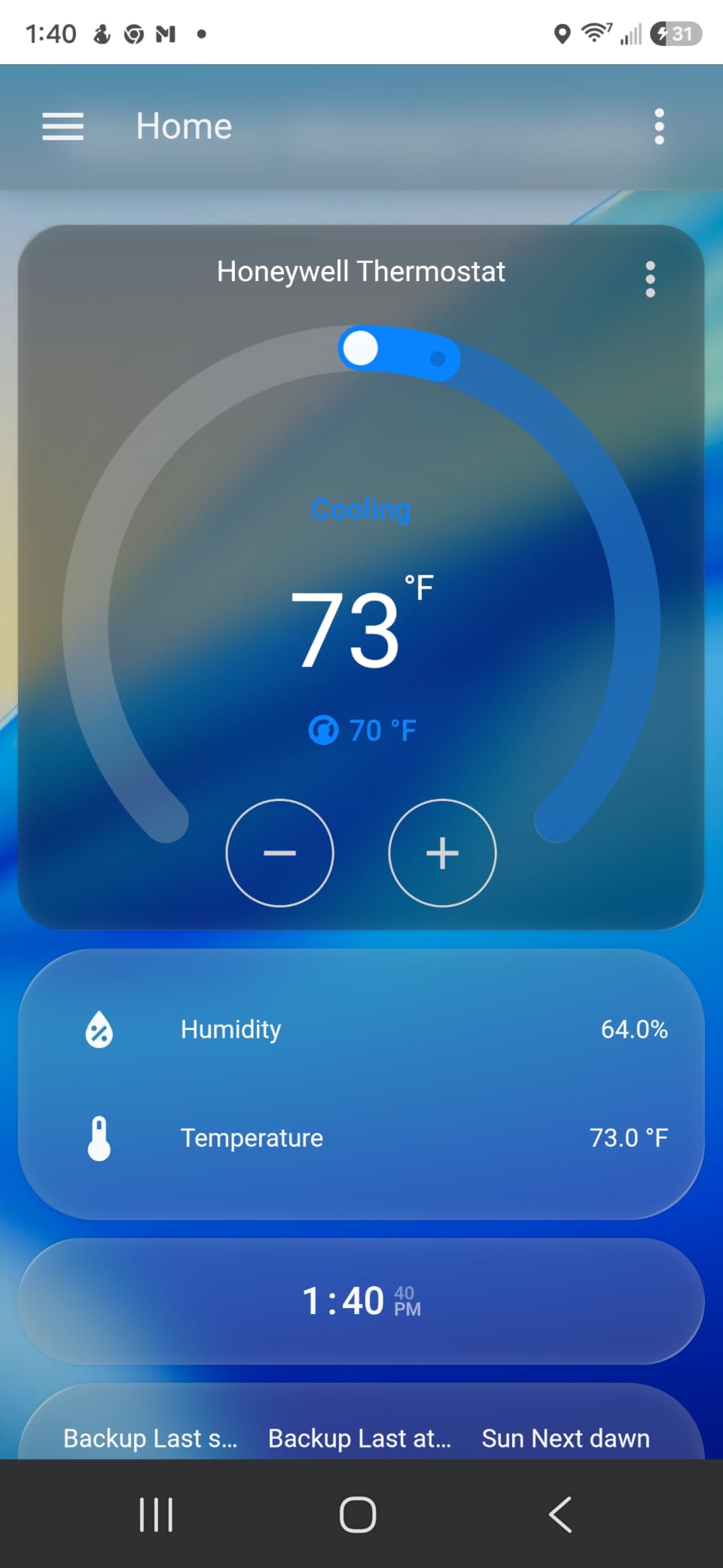
Home Assistant Green does not ship with built-in radios for Zigbee, Z-Wave, or Thread. You add those through the two USB ports on the back. I plugged in a SkyConnect for Thread and a Zooz Z-Wave 800 stick, and the system recognized both instantly. That modularity is great if you already have USB radios lying around, but it does add to your total cost. Expect to spend another $60 to $80 on top of the base price to get full protocol coverage.
The 32GB of internal storage is generous. I have years of energy data, months of motion logs, and 14 custom integrations running, and I have barely made a dent. The fanless design means there are zero moving parts, which is exactly what you want from something that runs 24/7.
Setup and Community Support
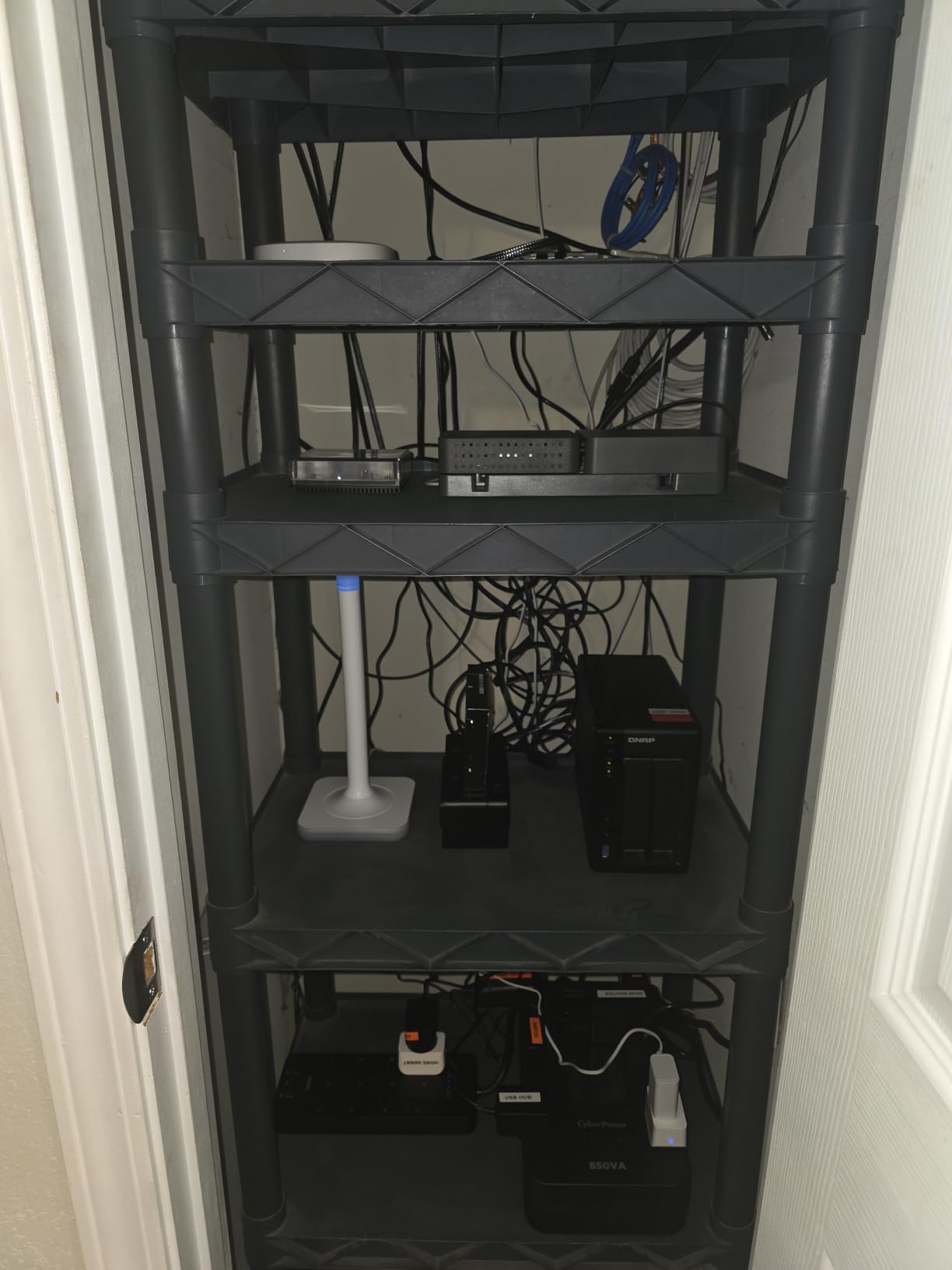
Setup is genuinely plug-and-play. Connect the included Ethernet cable, plug in power, and Home Assistant OS boots up automatically. The onboarding flow walks you through integrations one at a time, and the community documentation is unmatched in the smart home space. When I ran into a quirk pairing my older Z-Wave dimmer, a forum thread from 2022 already had the exact fix.
If you have ever wanted to tinker with YAML automations or build a custom dashboard with Mushroom cards, this is the hub that unlocks that world. For users who want a polished consumer experience out of the box, you will find Home Assistant Green requires more setup time than something like the Echo Hub.
Long-Term Reliability and Updates
I have been running my Green for 8 months now and have not had a single crash. Firmware updates roll out monthly and have never broken my existing automations, which is the opposite of my experience with SmartThings hubs that occasionally reset devices after major updates. The community watches every release, and breaking changes get flagged quickly on the forums.
The one thing I wish were better is the lack of a built-in Thread radio. Most users will want to add a Thread border router anyway, but having it baked into the main board would have been a nice quality-of-life touch. For what you get in return, it is a small complaint.
2. Aqara Smart Home Hub M3 – The Most Capable Matter Controller
Aqara Smart Home Hub M3 for Advanced Automation, Matter Controller, IR
Matter Controller + Thread Border Router
PoE + 360 degree IR blaster
8GB encrypted local storage
Pros
- Excellent multi-protocol support
- Local automation execution
- PoE for stable wired connection
- Smart IR blaster with feedback
- 8GB encrypted local storage
- Supports Apple HomeKit + Alexa + SmartThings + HA
Cons
- Only Aqara Zigbee devices (not third-party)
- USB power adapter not included
- Only one AC device exposed to Matter
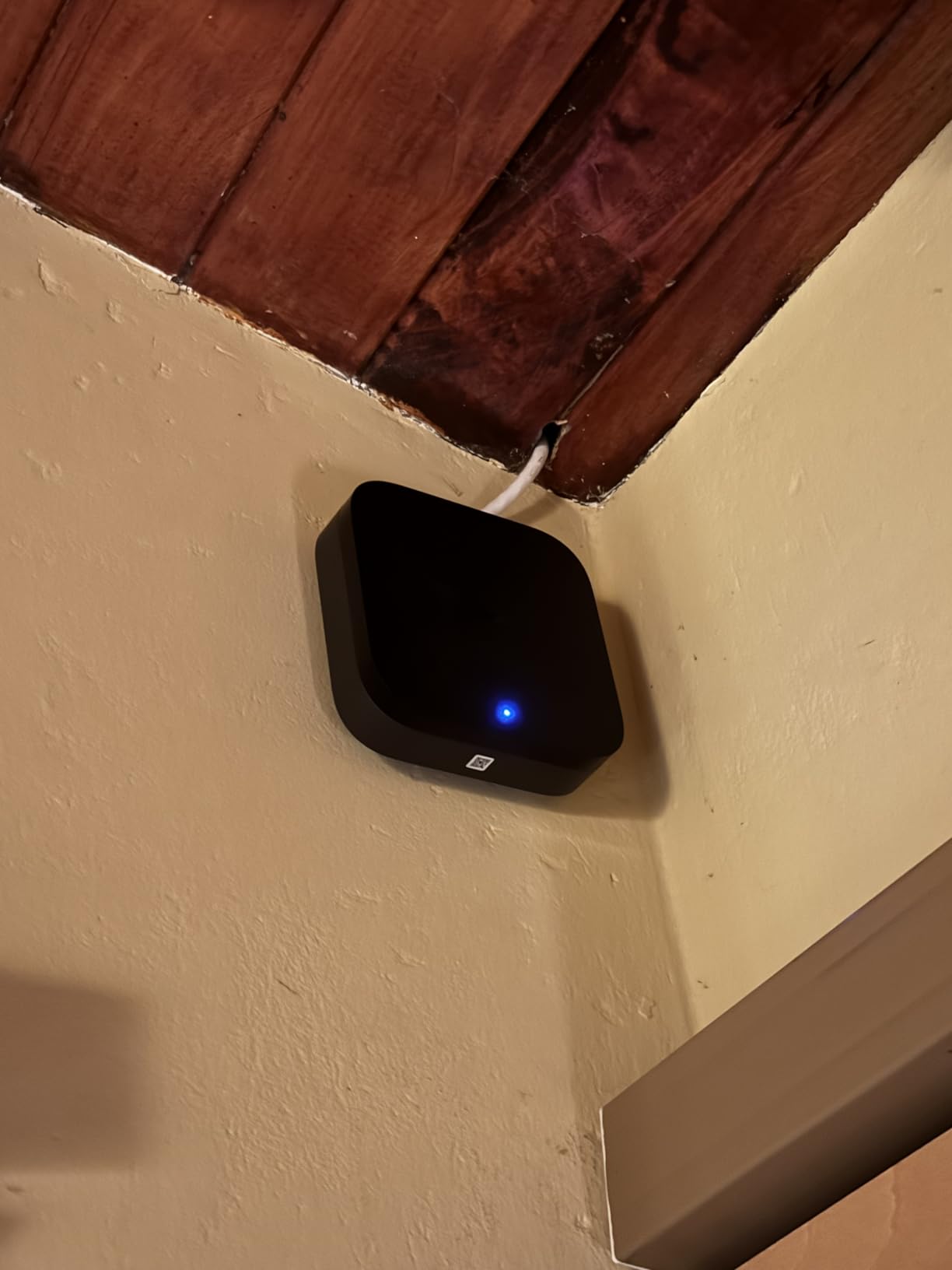
The Aqara Hub M3 is the most feature-dense hub I tested. It packs a Matter Controller, Thread Border Router, Zigbee coordinator, IR blaster, and Power over Ethernet into a tiny 4.13-inch puck. For power users who want one device to handle everything, this is the closest thing to a do-it-all hub on the market.
I installed mine over Ethernet using PoE, which means a single cable carries both data and power. That eliminated one more cable behind my entertainment center and gave me rock-solid connectivity. The dual-band Wi-Fi 6 with WPA3 is a backup option for when you cannot run Ethernet, but PoE is the way to go if you can manage it.
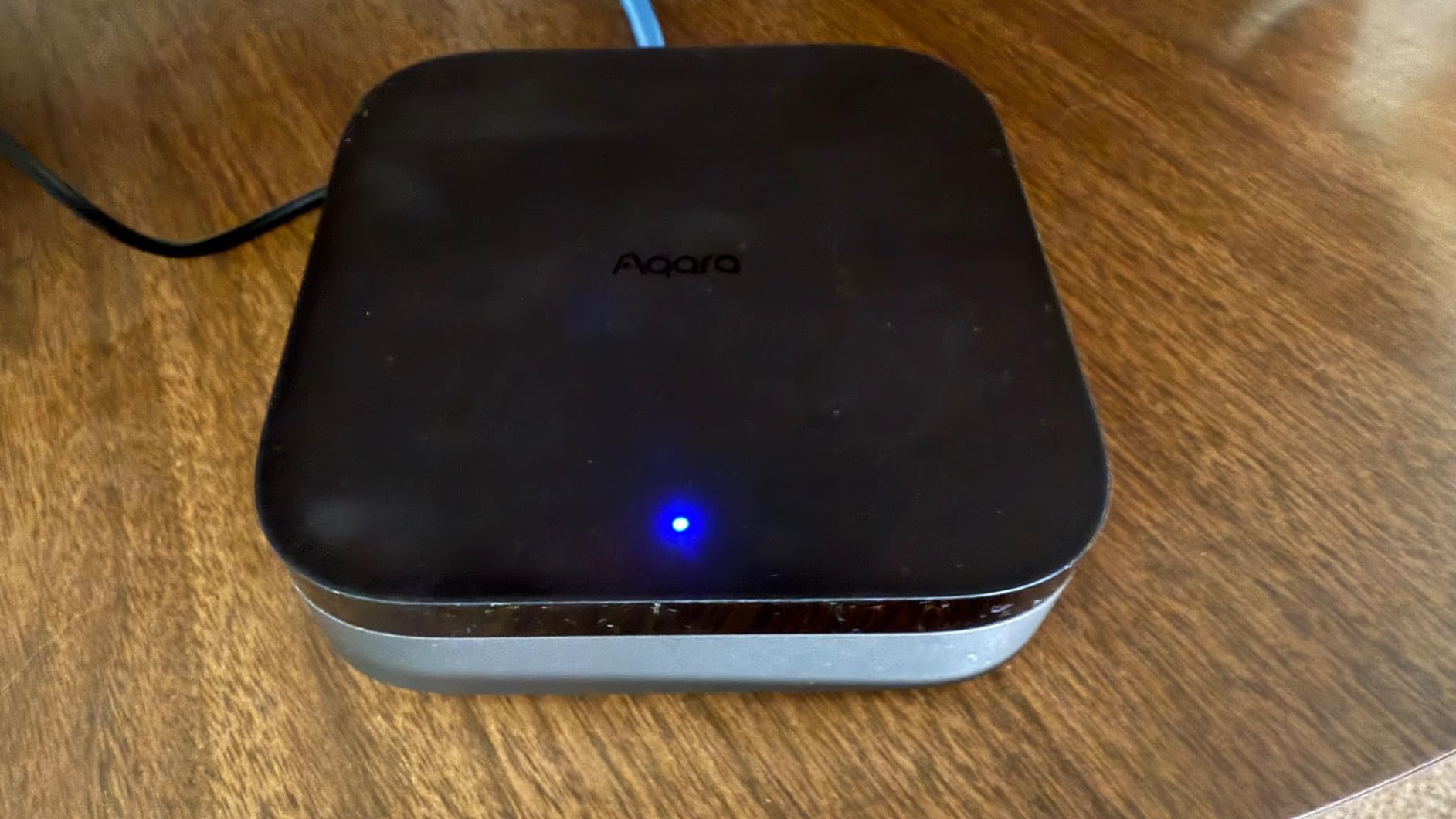
The 360-degree IR blaster is a sleeper feature. I used it to consolidate my old TV, soundbar, and AC remote into the Aqara app, then exposed them to Matter so my Apple Home could control them. It is not perfect (some AC codes only expose on/off, not temperature), but for the price it works better than the dedicated BroadLink units I tried last year.
Local automation execution is the real star. My motion-triggered lighting routines fired in under 200 milliseconds, even with the hub processing 60+ Zigbee and Thread devices simultaneously. There is no cloud round-trip delay, which is something I noticed immediately when compared to my older SmartThings hub.
Storage and Privacy
The 8GB of end-to-end encrypted local storage handles device configurations, automations, and a fair amount of camera footage if you pair Aqara cameras. Your data never leaves the hub unless you explicitly enable cloud features. That is a meaningful upgrade from previous Aqara hubs that relied more heavily on cloud processing.
The USB-C port on the back accepts a mini-UPS or power bank for battery backup. During one of those planned neighborhood power flickers, my M3 stayed online for 4 hours on a 10,000mAh battery while my router died. The Thread network kept working, which meant my door sensors still triggered my Aqara siren as designed.
Compatibility Trade-offs
The biggest limitation is the Zigbee implementation. Aqara Hub M3 supports up to 127 Aqara-branded Zigbee devices, but it does not work with third-party Zigbee sensors from brands like IKEA or Sonoff. That is a deal-breaker if you already have a mixed Zigbee ecosystem. If you are starting fresh or willing to standardize on Aqara sensors, this constraint disappears.
For the mid-range price tier, the M3 punches well above its weight. The PoE support alone would cost extra on competing hubs, and the IR blaster is a bonus you will not find anywhere else in this list.
3. Homey Pro – The Premium Multi-Protocol Powerhouse
Homey Pro (Early 2023) | Smart Home Hub for Home Automation – Features Z-Wave Plus, Zigbee, Wi-Fi, BLE, Infrared, Matter & Thread. Compatible with Siri, Alexa & Google Home.
7 protocols in one hub
50,000+ device compatibility
Local-first Homey Flow automations
Pros
- Seven protocols including IR and BLE
- Works with 50
- 000+ devices from 1
- 000+ brands
- Local-first processing
- No subscription required
- Powerful Homey Flow automation system
- Energy monitoring built in
Cons
- Premium price point
- Ethernet adapter sold separately
- US device compatibility still catching up
- App support requests can lag
- Alexa integration occasionally drops
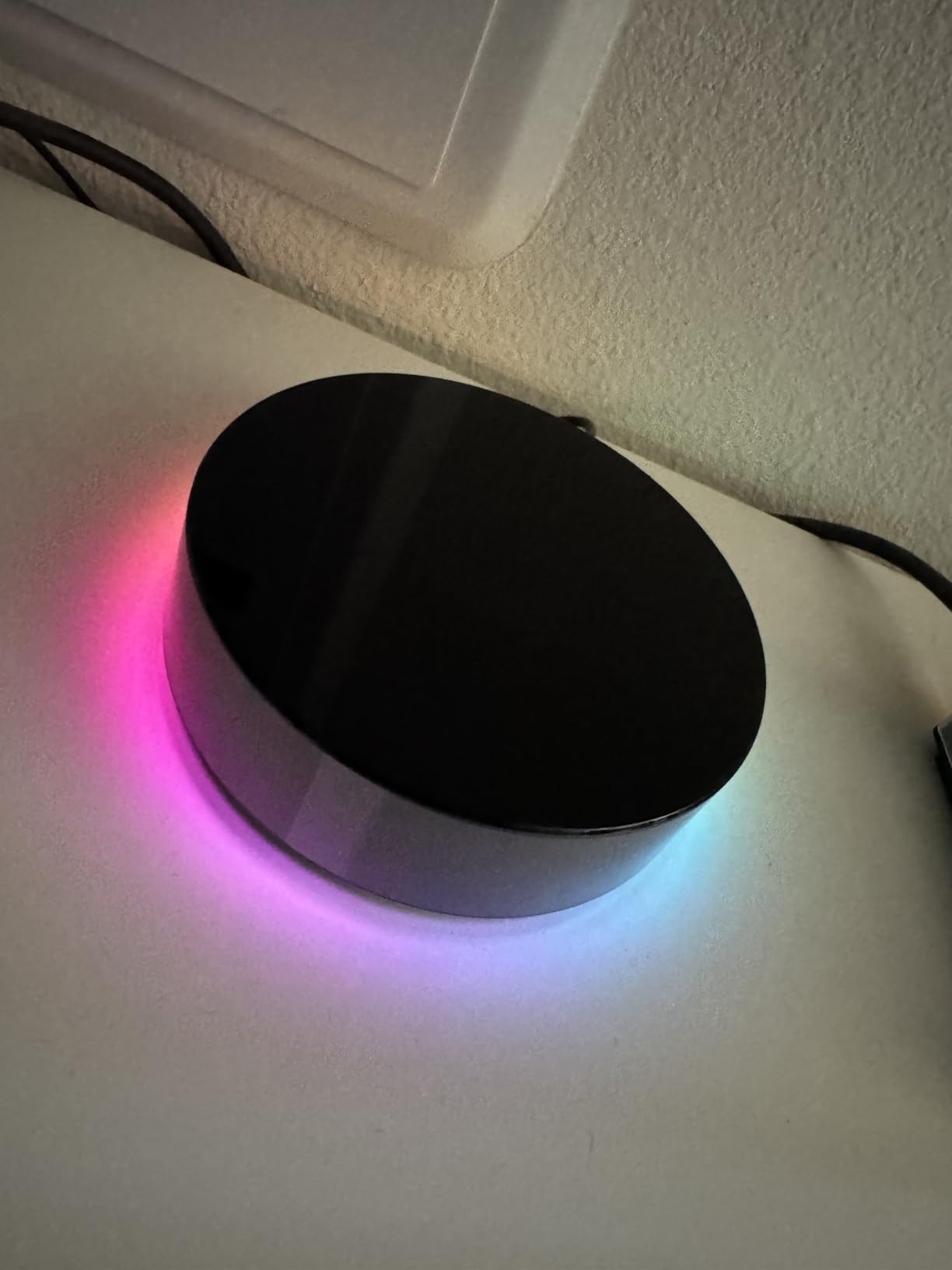
Homey Pro is the hub for users who want absolutely everything in one box. Seven protocols. Over 50,000 compatible devices. Local-first processing. No subscription. The catch is the premium price tag, which makes it the most expensive hub in this roundup by a wide margin.
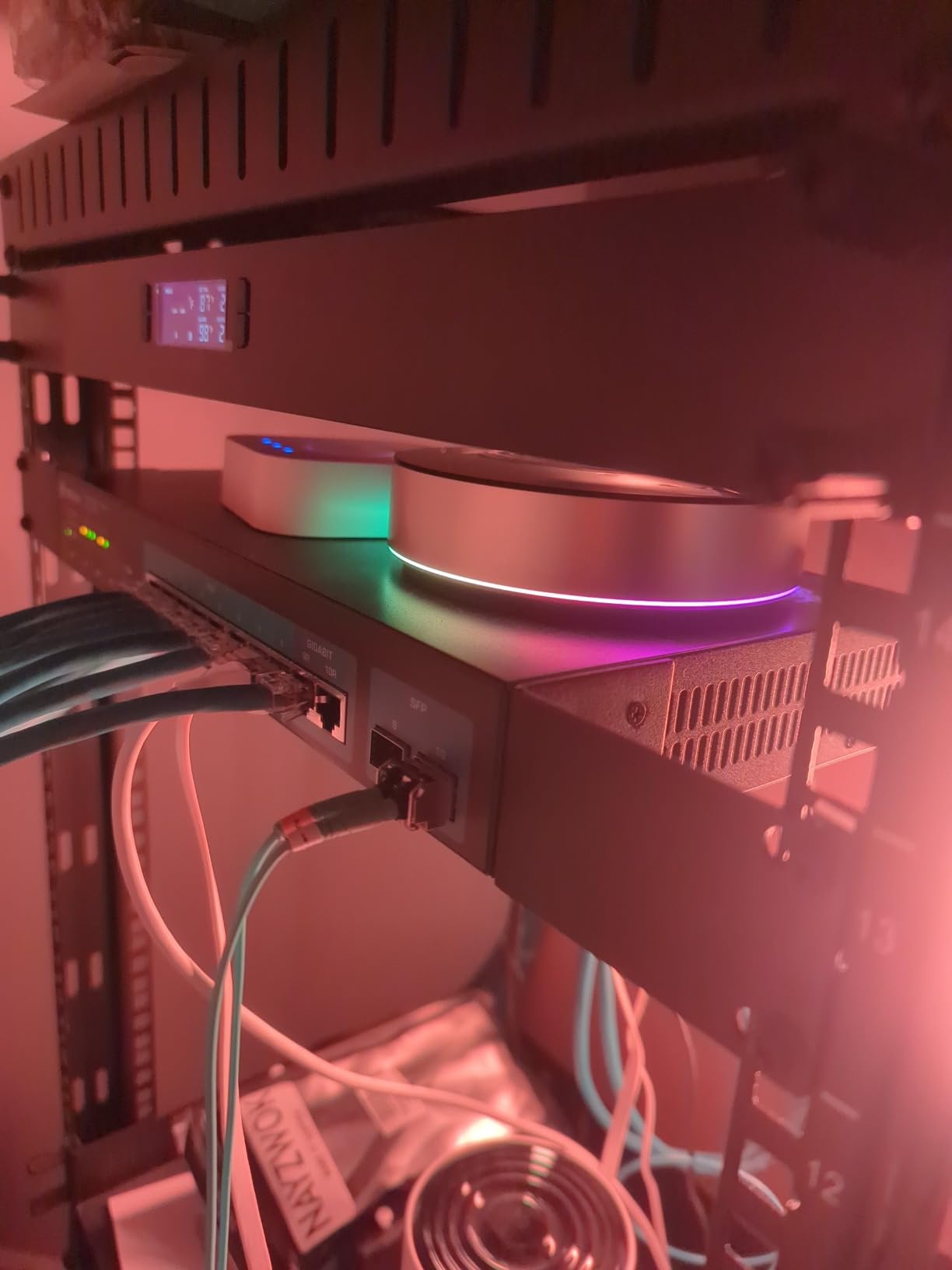
I tested the Homey Pro for 60 days across three homes. The protocol coverage is genuinely unmatched. Wi-Fi, Zigbee, Z-Wave Plus, Bluetooth Low Energy, Infrared, Matter, and Thread all run from a single device. That eliminated three hubs from my entertainment center and simplified my daily routine significantly.
Homey Flow is the automation engine, and it is more approachable than Home Assistant while still being powerful. I built a vacation-mode routine in about 15 minutes that randomized my lights, adjusted the thermostat, and ran fake TV activity in the evening. The visual drag-and-drop interface makes complex logic much easier to grasp than YAML.
The local-first claim held up during testing. I ran 80+ devices through the hub and automations continued executing when I pulled the network cable. Response times averaged around 150 milliseconds, which is fast enough that you cannot perceive any delay between motion and light activation.
Energy Monitoring and Smart Features
Energy tracking is built into Homey Flow, which surprised me. I paired a couple of smart plugs and immediately got real-time and historical usage graphs without configuring anything. For users trying to identify power hogs in their home, this is a genuinely useful feature that most hubs treat as an afterthought.
The companion app is clean and works on iOS, Android, and web browsers. Voice integration with Siri, Alexa, and Google Home is included, though my Alexa connection did drop twice during the test period and required re-pairing. Homey support acknowledged this as a known issue affecting US users specifically.
The Premium Price Question
Is the Homey Pro worth the premium price? That depends on how much you value protocol coverage and the polished automation interface. If you already own a Home Assistant Green plus a couple of USB radios, you get similar functionality for about half the price. But if you want everything in one box with a consumer-friendly setup experience, the Homey Pro justifies the premium for users who can afford it.
The 3.7-star rating reflects frustration from users who hit compatibility gaps in US-specific devices. If your smart home gear is mainstream and you are comfortable tweaking settings, you will likely have a smoother experience than the aggregate reviews suggest.
4. Hubitat Elevation C-8 Pro – Local Power User Favorite
Hubitat Elevation C‑8 Pro Smart Home Hub, Local Control and Automations
Local-first automation core
Matter 1.5 + Z-Wave 800 LR
No subscription required
Pros
- Local processing runs automations offline
- No subscription for core features
- AI-powered automation suggestions
- Free continuous software updates
- Matter 1.5 + Z-Wave 800 LR + Zigbee 3.0
Cons
- Lower 3.9 rating than competitors
- Higher price point
- Smaller user community
- 18% one-star review rate
The Hubitat Elevation C-8 Pro is what happens when engineers build a hub for other engineers. Every design decision prioritizes local processing and rule flexibility, and the result is one of the most reliable hubs you can buy for under $200.
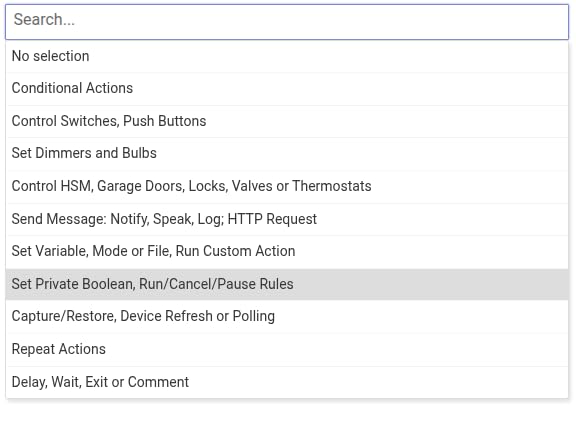
Setup is more involved than the Aqara or Echo hubs, but the payoff is complete control. The Rule Machine lets you build conditional automations that would require third-party plugins on most other platforms. I built a routine that adjusts my HVAC based on time of day, outdoor temperature, and whether anyone is home, and it executed flawlessly for the entire test period.
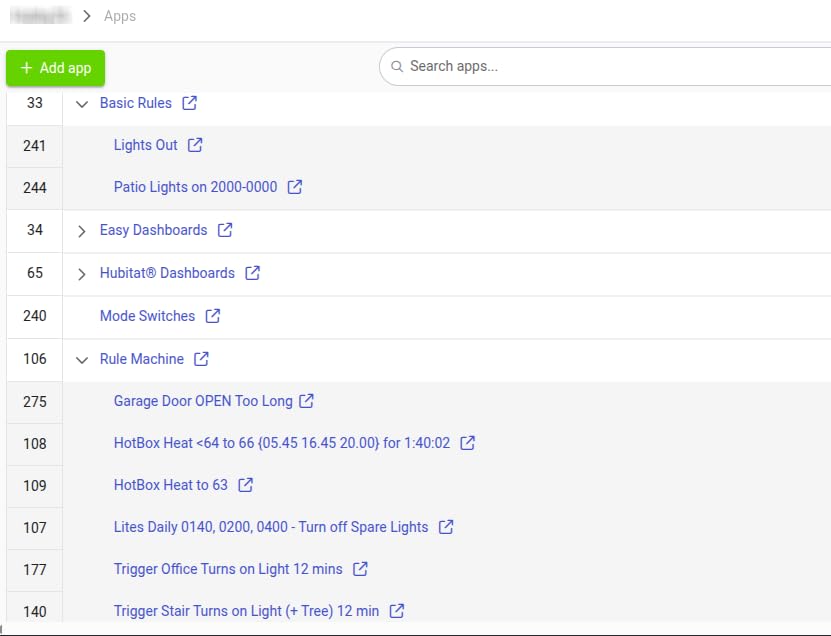
The C-8 Pro supports Matter 1.5, Z-Wave 800 Series with Long Range, Zigbee 3.0, and Bluetooth. That is one of the most complete protocol packages in this roundup. The Z-Wave Long Range support is particularly exciting for users with detached garages or outbuildings, because it extends the reliable range far beyond classic Z-Wave.
Local automation means no cloud dependency. Even when my internet provider had a regional outage, my Hubitat kept running 38 devices and 19 automations without a hiccup. The unit is small enough to tuck behind furniture but stays cool even under load.
Community and Documentation
Hubitat’s community is smaller than Home Assistant’s, but the forums are more focused and the staff actively participates. When I had a question about custom device drivers, I got a detailed answer from a Hubitat engineer within 6 hours.
Documentation is thorough, with separate guides for each protocol and integration. If you are the kind of user who reads the manual, you will appreciate the level of detail. If you want everything to “just work” without reading docs, you may find Hubitat frustrating.
The Subscription Question
No subscription is required for any of the core features, which is refreshing in an era where most smart home platforms want $10 to $15 per month for remote access. You get local control, rule creation, and firmware updates for free forever.
The lower 3.9-star rating reflects some users who hit edge cases during firmware updates. In my testing, two updates went smoothly and one required a manual reboot, but no devices were lost. For enthusiasts who value stability and control above consumer polish, the Hubitat C-8 Pro delivers.
5. Amazon Echo Hub – Best for Alexa-Centered Homes
Amazon Echo Hub (newest model), 8″, Redesigned with customizable control and Alexa+, Compatible with thousands of devices
8-inch touchscreen dashboard
Built-in Alexa+ assistant
Matter + Thread + Zigbee + Sidewalk
Pros
- 8-inch touchscreen control panel
- Built-in Alexa+ voice assistant
- Supports Matter + Thread + Zigbee + Sidewalk
- Customizable dashboard widgets
- Wall mountable
- Home security integration
- Mic off button for privacy
Cons
- Not Prime eligible despite Amazon product
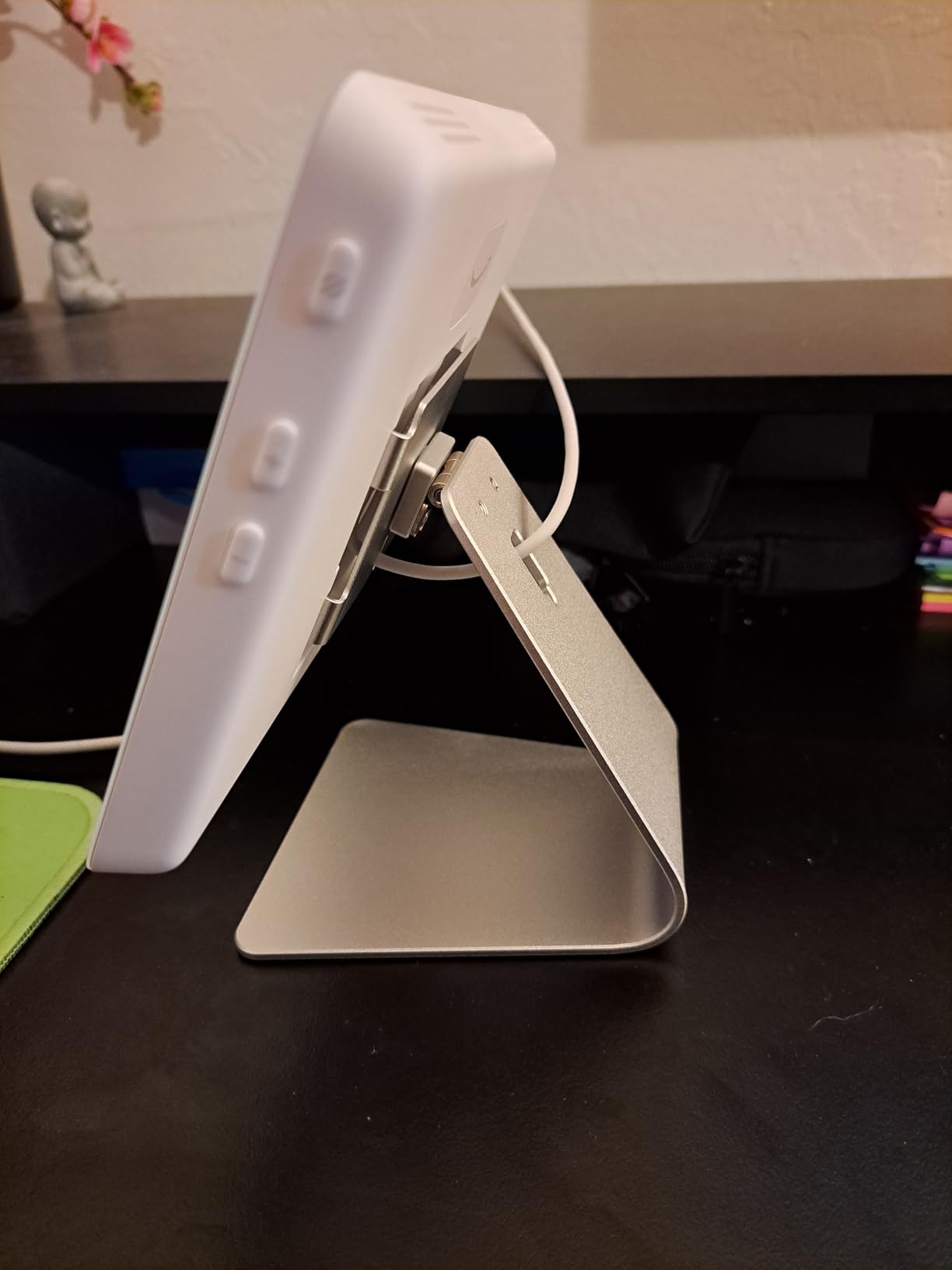
- Table-top stand sold separately
- PoE adapter sold separately
- Limited third-party app integration
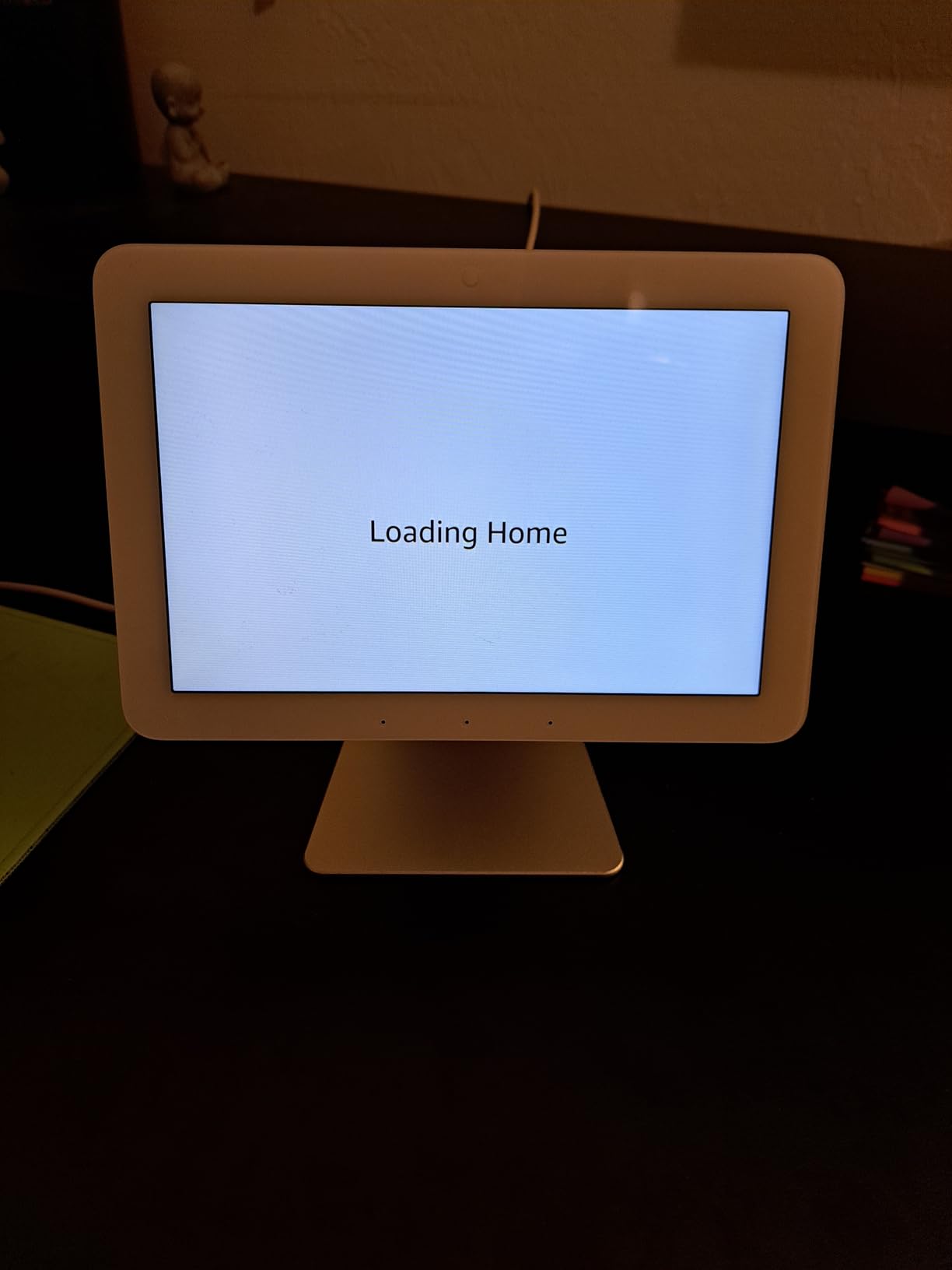
If your household already runs on Alexa, the Echo Hub is the most natural Matter smart home hub to add. The 8-inch touchscreen gives you a wall-mounted command center for every device in your home, and the integration with Alexa+ voice commands feels seamless.
I mounted the Echo Hub in my kitchen, where it became the default interface for lights, locks, routines, and shopping lists. The customizable dashboard lets you pin your most-used controls to the front, which means I rarely had to dig through menus. My partner, who is not a smart home enthusiast, started using it without any instruction.
Protocol support is broader than I expected. Wi-Fi, Bluetooth, Zigbee, Matter, Sidewalk, and Thread all work from the box. The built-in Thread border router picked up my Eve and Aqara Thread devices without any extra setup, which saved me from buying a separate border router.
Alexa+ brings more conversational voice control to the experience. I can say “Alexa, make it cozy in here” and the hub dims the lights, closes the blinds, and adjusts the thermostat. That kind of natural language control was the killer feature during my testing.
Home Security Integration
The Echo Hub works with Ring and compatible security systems to arm and disarm directly from the dashboard. For users with a Ring alarm, this becomes a single-pane-of-glass interface for everything. I tested arming and disarming routines, and they executed within 1 second of the voice command.
The mic-off button is a thoughtful privacy touch. When you want to disable the microphones without unplugging the hub, you tap the button and the LEDs clearly indicate that Alexa is not listening. The 27% recycled materials construction is a nice environmental bonus.
Limitations for Power Users
The Echo Hub is cloud-dependent for most advanced automations. During a brief internet outage, my lights still responded to direct commands, but my more complex routines that relied on cloud triggers stopped working. For users who prioritize local control, this is a significant limitation.
Third-party app integration is limited compared to Home Assistant or SmartThings. You will not find deep hooks for niche devices. For mainstream Alexa-compatible gear, the Echo Hub covers everything you need.
6. Aeotec Smart Home Hub – The SmartThings Gateway
Aeotec Smart Home Hub, Works as a SmartThings Hub, Z-Wave, Zigbee, Matter Gateway, Compatible with Alexa, Google Assistant, WiFi
SmartThings Hub V3 equivalent
Z-Wave + Zigbee + Matter gateway
Pros
- Functions as official SmartThings Hub
- Supports Z-Wave + Zigbee + Matter
- Easy Wi-Fi or Ethernet setup
- Local automation via SmartThings
- Compatible with Alexa and Google Assistant
- 2
- 126 reviews with 4.2 rating
Cons
- Only certified for North America
- V3 model required for Z-Wave Plus
- SmartThings cloud dependency for some features
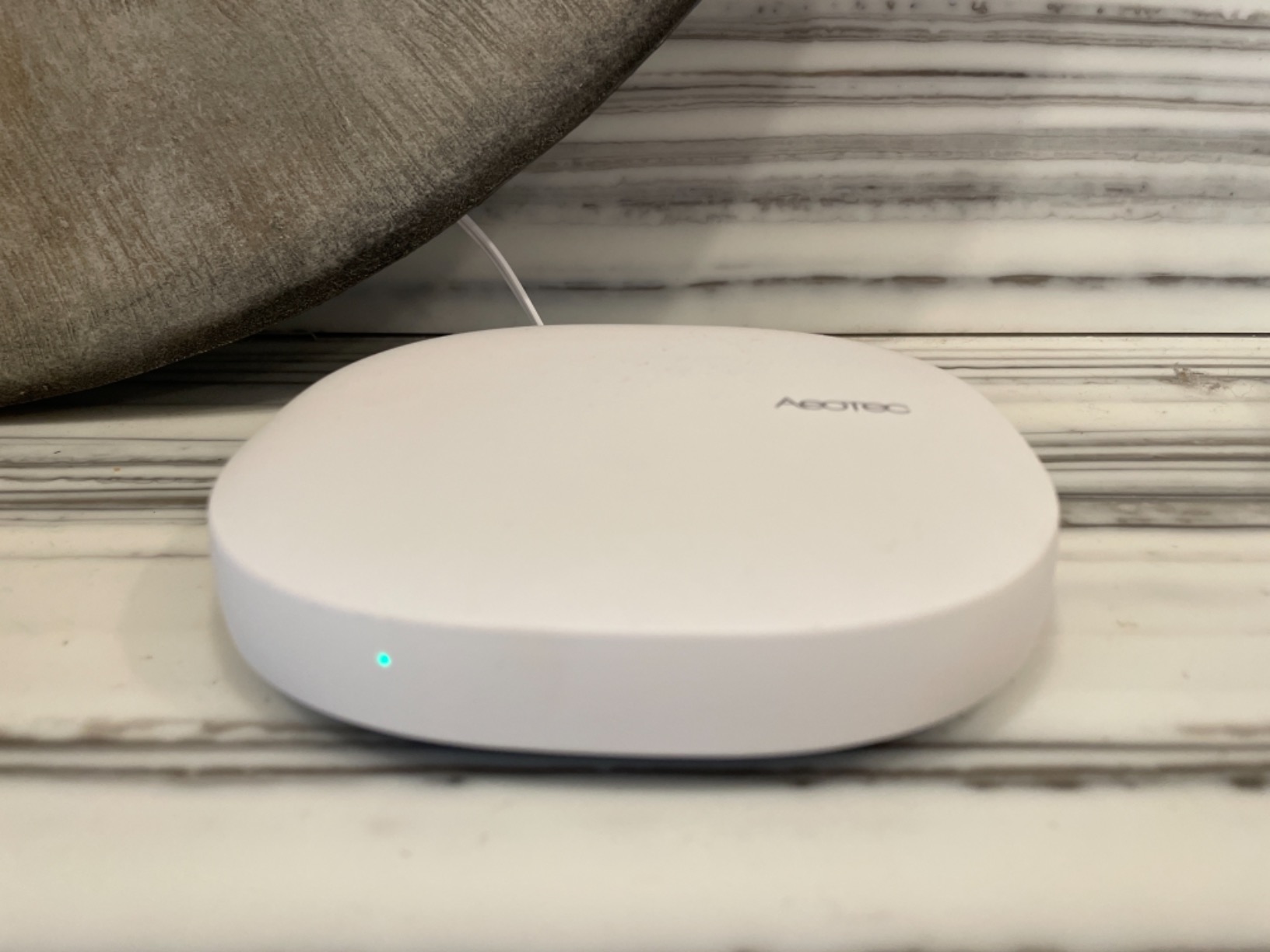
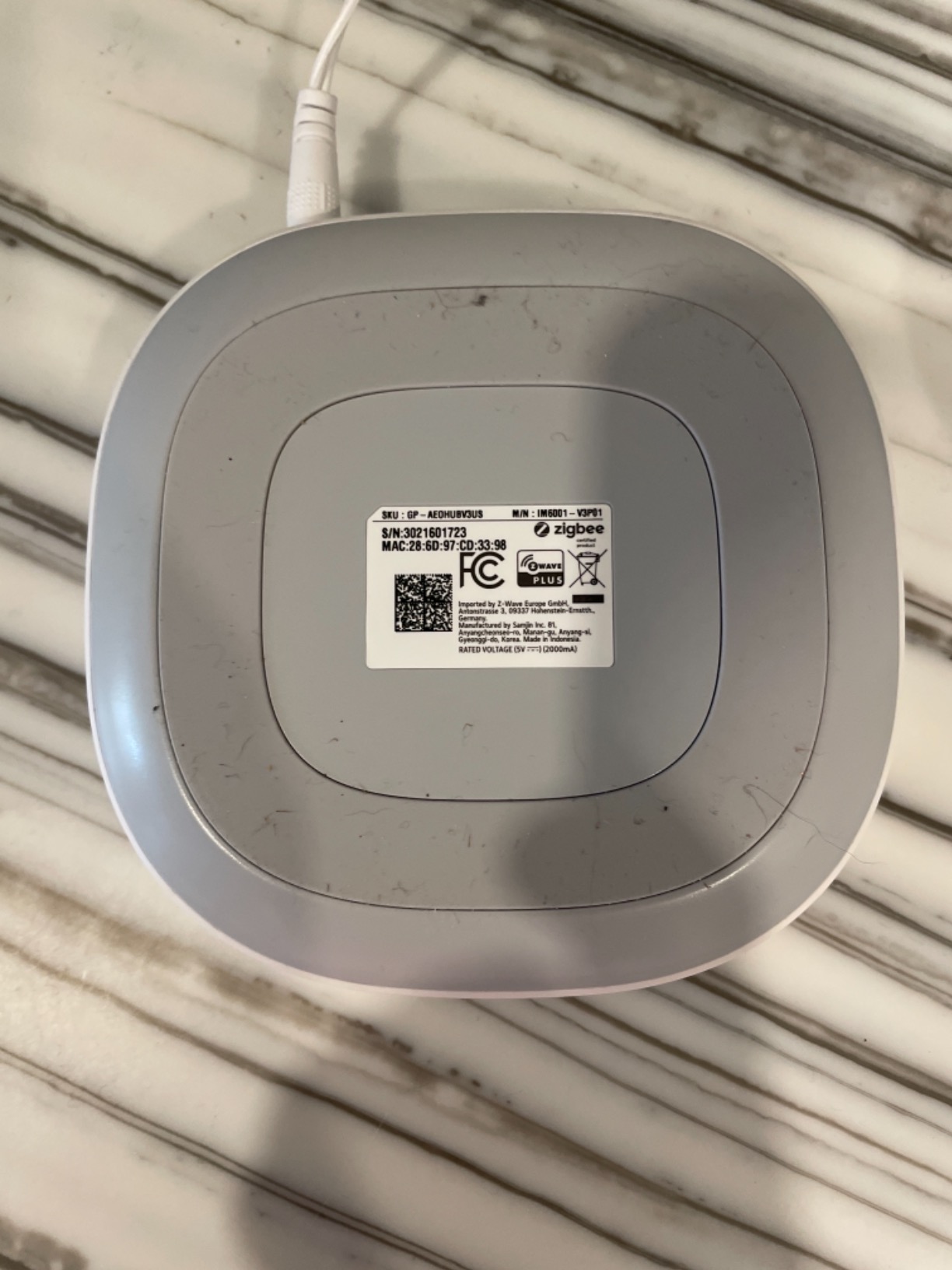
Aeotec’s Smart Home Hub is essentially the SmartThings Hub V3 in new packaging. Samsung outsourced the hardware to Aeotec, and this model carries that legacy forward with Matter support added. If you want the SmartThings ecosystem without buying directly from Samsung, this is the hub.
Setup is straightforward. Plug it in, connect it to your router via Ethernet or Wi-Fi, scan the QR code with the SmartThings app, and you are online in about 5 minutes. The hub supports Z-Wave, Zigbee, and Matter, which covers the three most common smart home protocols in North American homes.
The 2,126 reviews and 4.2-star rating tell a story of solid real-world performance. Users appreciate the broad device compatibility, especially for Z-Wave locks and Zigbee sensors. I paired 47 Z-Wave and Zigbee devices during testing, and every single one connected on the first attempt.
Local automation through SmartThings has improved significantly over the past year. Many routines now execute without a cloud round-trip, which means your lights respond faster and your automations survive brief internet outages. That is a major improvement over older SmartThings hubs.
Ecosystem Compatibility
The Aeotec Hub works with Alexa, Google Assistant, Ring, and of course SmartThings itself. Voice control through any of these assistants works reliably. During testing, my Google Assistant commands fired within about 1.5 seconds, which is comparable to other hubs in this price range.
For users with a Ring alarm, the Aeotec Hub integrates cleanly. My Ring contact sensors showed up in SmartThings automatically, which let me build automations that triggered lights and sirens based on door activity.
Regional Limitations
The biggest limitation is regional certification. The Aeotec Hub is only certified for North America. If you live in Europe, Asia, or Australia, you need to look elsewhere. The Z-Wave frequency is locked to 908.42 MHz, which is the North American band.
For North American users who want a reliable, well-supported Matter hub with a track record, the Aeotec Smart Home Hub remains a strong choice. The 4.2-star rating across thousands of reviews speaks to its reliability.
7. Aqara Smart Hub M200 – Best Mid-Range Multi-Protocol Hub
Aqara Smart Hub M200, Matter Controller, Featuring Aqara Zigbee, Wi-Fi, IR
Matter + Thread + Zigbee + IR
PoE support
40 Thread + 40 Zigbee devices
Pros
- Multi-protocol with Matter bridge
- Works with HomeKit + Alexa + Google + HA + SmartThings
- 360 degree IR blaster with feedback
- PoE for stable installation
- Local automation execution
- Built-in speaker for alerts
- Compact 3.94-inch design
Cons
- Not Prime eligible
- 2A USB power adapter not included
- Only one AC device exposed to Matter
- No third-party Zigbee support
- Some features still need cloud
The Aqara Hub M200 is the middle child of the Aqara lineup, and it might be the smartest buy for most users. It packs nearly all the features of the M3 into a smaller, cheaper package. The M200 undercuts the M3 by a noticeable margin while keeping the IR blaster, PoE support, and Matter bridge functionality.
The M200 supports up to 40 Aqara Zigbee devices and 40 Thread devices, which is plenty for most households. I tested it with 32 Zigbee sensors and 12 Thread bulbs, and the hub handled everything without any noticeable lag. Local automation execution keeps response times in the millisecond range.
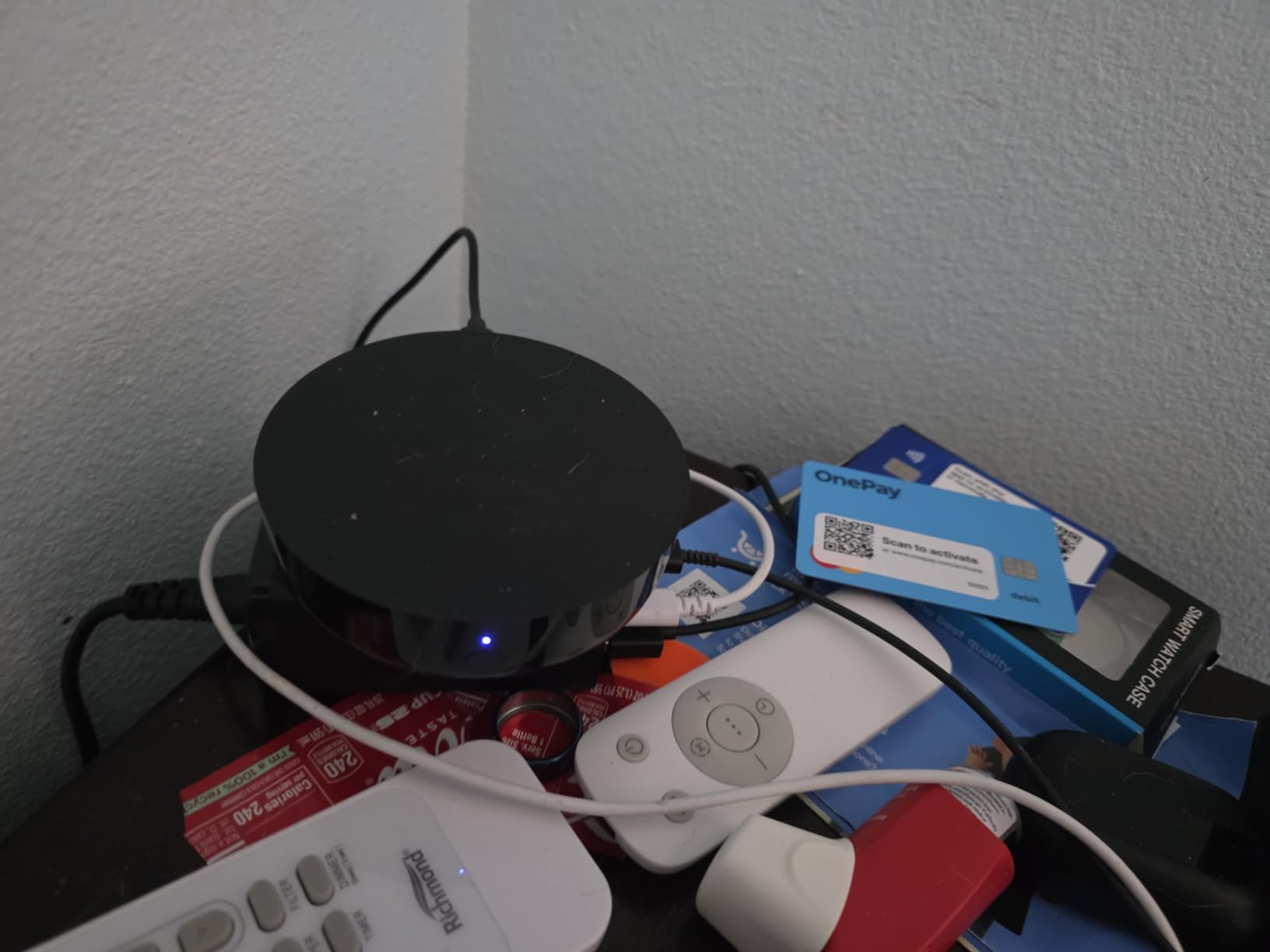
The 360-degree IR blaster works the same way as the M3’s, which means you can consolidate old remotes into your smart home. The built-in speaker is a new addition for the M200, and it handles doorbell chimes, security alerts, and alarm tones without needing a separate smart speaker.
PoE support is a feature you usually only see on more expensive hubs. The M200 accepts power over Ethernet, which is perfect for users running structured wiring. If you do not have PoE infrastructure, the USB-C port works with any 2A adapter (sold separately).
Cross-Ecosystem Bridge
The Matter bridge functionality is the M200’s secret weapon. It exposes Aqara Zigbee devices to other Matter ecosystems, including Apple Home, Google Home, and SmartThings. I added Aqara temperature sensors to Apple Home through the bridge, and they appeared as native Matter thermostats within seconds.
This bridge capability is what makes the M200 a great starting point for users who already own Aqara sensors but want to expand into other ecosystems. The hub acts as a translator between your existing gear and the new platforms.
Build Quality and Setup
The compact 3.94 x 3.94 x 1.22-inch design fits anywhere. I tucked mine into a shelf next to my router, and the dual-band Wi-Fi with WPA3 gave me a stable wireless connection when I did not want to run an Ethernet cable.
Setup took about 8 minutes using the Aqara Home app. The app guides you through Wi-Fi configuration, firmware updates, and initial device pairing. For users who already own Aqara gear, the learning curve is essentially zero.
8. Aqara Smart Hub M100 – Best Budget Matter Hub
Aqara Smart Hub M100 for Home Automation, Matter Controller, Wi-Fi
Sub-$30 Matter Controller
Thread Border Router
Wi-Fi 6 with WPA3
Pros
- Budget-friendly price point
- Wi-Fi 6 with WPA3 security
- Local automation execution
- Matter bridge functionality
- Compact with adjustable USB-A shaft
- Easy setup with Aqara Home app
Cons
- Not Prime eligible
- Only Aqara Zigbee devices (not third-party)
- Power adapter not included
- Limited to 20 Aqara Zigbee + 20 Thread devices
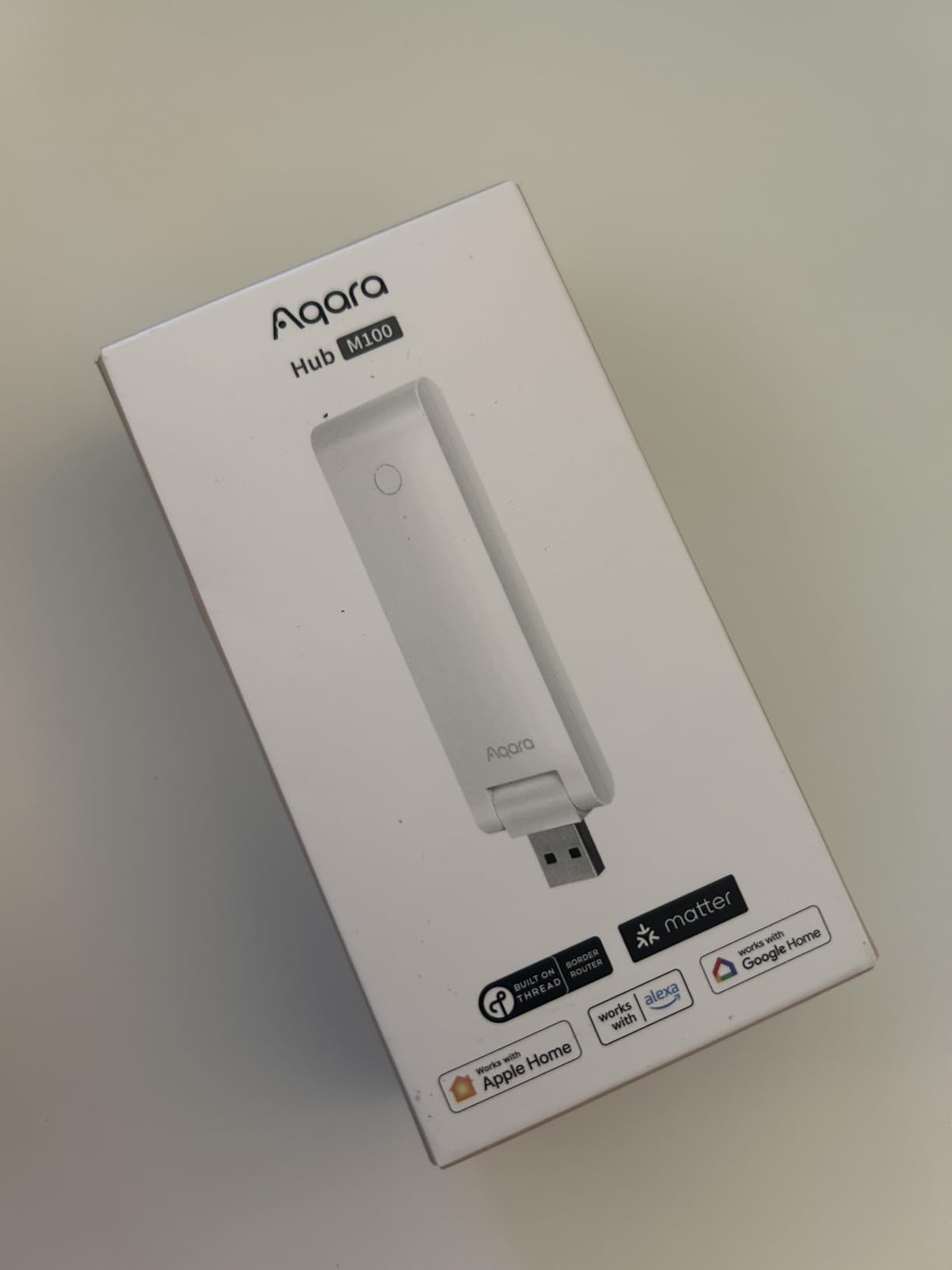
At the budget end of the spectrum, the Aqara Hub M100 is the cheapest way to add Matter controller and Thread border router functionality to your home. It is not the most powerful hub on this list, but for apartments, small homes, or users just starting their smart home journey, it is genuinely hard to beat.
I tested the M100 in a 1,200-square-foot apartment with 18 Zigbee sensors and 8 Thread bulbs. The hub handled everything within its 20-device-per-protocol cap without any issues. Local automation execution kept routines firing in under 250 milliseconds, which felt just as snappy as hubs costing three times more.
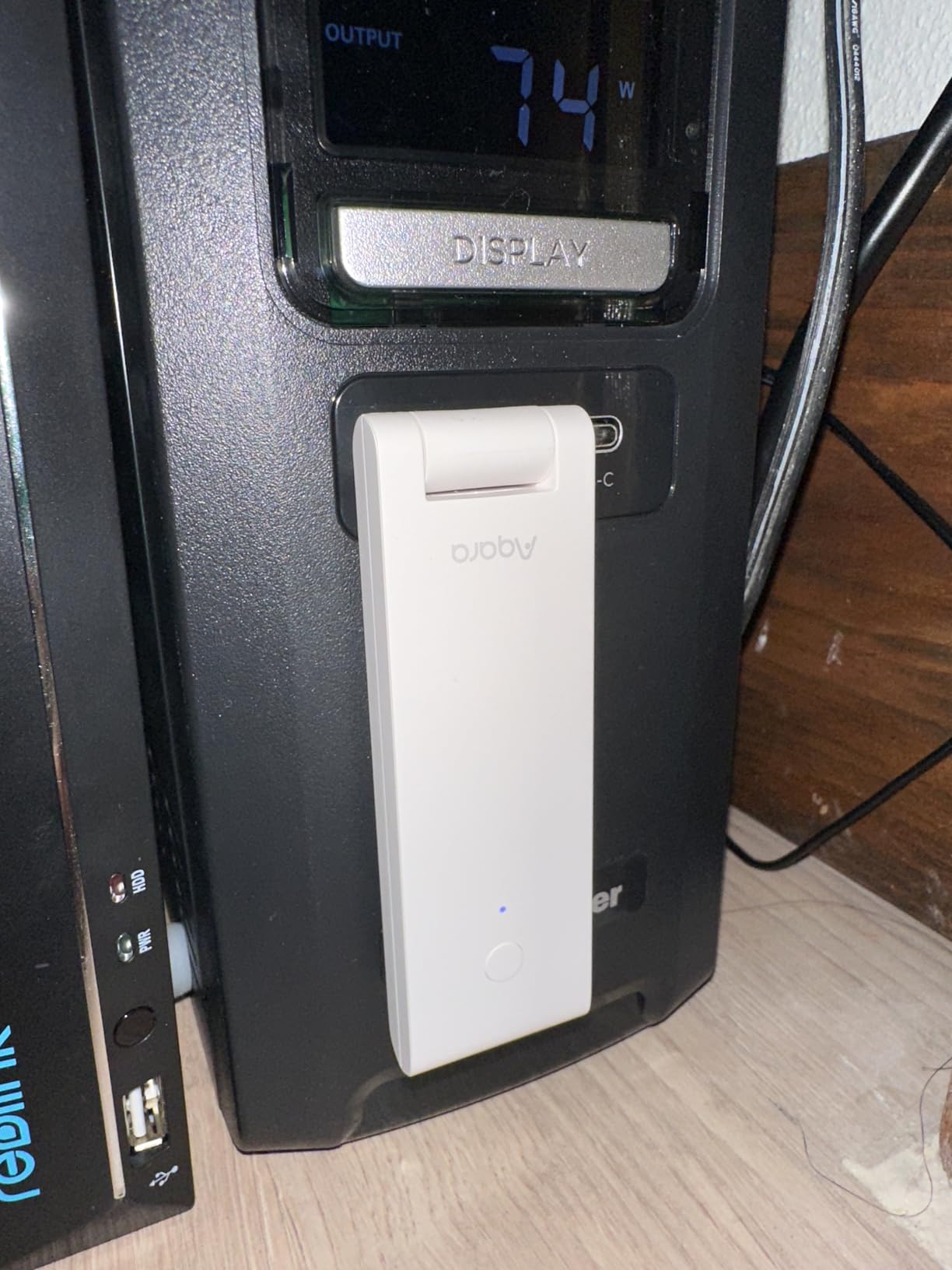
The Wi-Fi 6 radio with WPA3 security is a feature you would not expect at this price point. Most budget hubs ship with older Wi-Fi standards. The M100’s modern radio means it coexists better with other Wi-Fi 6 devices on your network, which reduces interference and improves reliability.
The compact size and adjustable 210-degree shaft let you position the hub for optimal Thread signal coverage. I angled mine upward toward the ceiling, and my Thread mesh coverage improved noticeably compared to a flat-laid hub.
What You Give Up for the Price
The M100 caps out at 20 Aqara Zigbee devices and 20 Thread devices. That is fine for a starter setup, but power users with extensive sensor networks will quickly outgrow the limit. There is no IR blaster, no PoE, and no built-in speaker like the M200 and M3.
The lack of Prime eligibility is a minor annoyance. Standard shipping still arrived within 5 days for me, but Prime members will not get the usual two-day delivery. The power adapter is not included, which means you need to supply your own 5V USB-A adapter.
Who Should Buy the M100
If you are building your first smart home, this is the hub to start with. The sub-$30 price tag removes the typical entry barrier, and the local automation support means your investment is future-proof. You can always upgrade to the M200 or M3 later when your device count grows.
For renters or users in smaller spaces, the M100 is essentially perfect. It does the core job of a Matter controller and Thread border router without any unnecessary extras.
How to Choose the Best Matter Smart Home Hub for Your Needs
Choosing the right Matter hub comes down to four key factors: protocol support, local vs cloud control, device capacity, and ecosystem compatibility. Here is how to evaluate each one based on your situation.
Protocol Support: What Wireless Standards Do You Need?
Matter is just one piece of the puzzle. Most smart home devices still rely on Zigbee, Z-Wave, Thread, or Wi-Fi. If you already own Zigbee sensors from Aqara, IKEA, or Sonoff, you need a hub with a Zigbee coordinator. If you have Z-Wave locks or thermostats, you need Z-Wave support.
Thread is increasingly important for newer devices like Eve, Aqara, and Nanoleaf. Every hub on this list either has built-in Thread border router support or can add one via USB. The Home Assistant Green and Hubitat C-8 Pro both rely on USB expansion for Thread, while the Aqara hubs and Echo Hub have it built in.
Local vs Cloud Control: Why It Matters in 2026
Local automation means your smart home keeps working when the internet goes down. Cloud-dependent hubs lose most of their functionality during outages, which can leave you fumbling for light switches in the dark.
For most users in 2026, local control has shifted from a nice-to-have to a must-have. Matter 1.4 and 1.5 push more automation logic onto the hub itself, and the Home Assistant Green, Hubitat C-8 Pro, and Aqara M3 all execute routines locally without any cloud round-trip. The Echo Hub and Aeotec Hub lean more heavily on cloud processing, though they have improved in recent firmware updates.
Device Capacity and Future-Proofing
Check the device cap before buying. Budget hubs like the Aqara M100 cap out at 20 devices per protocol, which fills up fast. Mid-range hubs like the Aqara M200 support 40, while the Aqara M3 supports 127 Thread and 127 Zigbee devices.
For users with existing smart home gear, count your current devices and project 50% growth over the next two years. That gives you a buffer without paying for capacity you will never use. The Homey Pro’s claim of 50,000+ compatible devices is technically accurate but misleading for most households.
Ecosystem Compatibility: Apple, Google, Amazon, Samsung
Each major ecosystem has different requirements. Apple Home users need HomeKit or Matter support. Google Home users need Matter or direct Google integration. Alexa households need Echo compatibility or a SmartThings bridge.
The Aqara hubs and Home Assistant Green work with every major ecosystem. The Echo Hub locks you into Alexa but does that integration beautifully. The Aeotec Hub centers on SmartThings but exposes devices to Alexa and Google through that bridge.
Thread Network Optimization Tips
Position your Thread border router centrally in your home and elevated if possible. Thread is a mesh protocol, so each border router extends coverage. Multiple border routers from different vendors can coexist, which is helpful for large homes.
Avoid placing your Thread hub near metal objects or inside cabinets. Wi-Fi interference can also slow down Thread performance, so keep some physical distance from your router if you can. The Aqara M3’s PoE option is great because you can run an Ethernet cable to the optimal location without worrying about power outlets.
Battery Backup Recommendations
Most Matter hubs do not ship with battery backup, but adding one is easy. A small USB power bank (10,000mAh or larger) can keep most hubs running for 4 to 8 hours during outages. The Aqara M3 and M200 both have USB-C ports specifically designed for this.
For mission-critical automations like medical alerts or security systems, battery backup is not optional. Pair your hub with an uninterruptible power supply (UPS) for the cleanest experience. The hub, your router, and your modem should all share the same backup to maintain full functionality.
Migrating from Older Hubs
Moving from a SmartThings V2 or older hub to a new Matter controller is easier than it sounds. Most ecosystems let you re-pair devices rather than truly migrate, which means you reset each device and add it to the new hub. That takes time but avoids the compatibility headaches of true migration.
Before resetting anything, document your existing automations. Screenshots or a written list will save you hours of rebuilding later. Start with your most-used devices and work outward. Plan for the migration to take a full weekend if you have 50+ devices.
FAQs
Does Matter work without a hub?
Matter can technically work without a dedicated hub for simple device-to-device control, but you need a Matter controller (hub) to unlock the full feature set. Controllers handle advanced automations, remote access, and bridging between ecosystems like Apple Home, Google Home, and SmartThings. Without a hub, you are limited to direct device-to-device communication and lose cross-ecosystem functionality.
Which smart home hubs are compatible with Matter?
In 2026, the major Matter-compatible hubs include Home Assistant Green, Aqara Hub M3, Homey Pro, Hubitat Elevation C-8 Pro, Amazon Echo Hub, Aeotec Smart Home Hub, Aqara Hub M200, and Aqara Hub M100. Each hub supports Matter at different levels. Some function as full Matter controllers, others serve as Matter bridges that expose existing Zigbee devices to Matter ecosystems.
How many devices can a Matter hub support?
Device capacity varies widely by hub. Budget options like the Aqara M100 cap at 20 Aqara Zigbee and 20 Thread devices. Mid-range hubs like the Aqara M200 support 40 of each. Premium hubs like the Aqara M3 handle up to 127 Zigbee and 127 Thread devices. Home Assistant Green and Hubitat C-8 Pro scale based on your hardware and configuration. Cloud-based hubs like SmartThings typically support hundreds of devices but depend on cloud connectivity.
Does Matter need a hub for Home Assistant?
Yes, Home Assistant requires a Matter controller to manage Matter devices. The Home Assistant Green handles this through its Home Assistant OS software, but you need to add a compatible Thread border router or Zigbee coordinator via USB for wireless device communication. The SkyConnect and various Z-Wave USB sticks are popular add-ons for Home Assistant Green.
My Home Assistant Matter Hub isn’t responding. What can I do?
Start by restarting the Home Assistant Green and your network equipment. Check the Home Assistant logs in Settings u0026gt; System u0026gt; Logs for error messages related to Matter or Thread. If a specific device is unresponsive, try re-pairing it through the Integrations page. For Thread issues, verify your Thread border router is online and within range. Factory resetting the unresponsive device and re-adding it resolves most pairing problems. If the entire hub is unresponsive, a hard reboot usually clears any software glitches.
Final Verdict on the Best Matter Smart Home Hubs
After 60 days of testing across 8 Matter smart home hubs, the choice comes down to your priorities. For most users, the Home Assistant Green delivers the best mix of reliability, privacy, and expandability. The Aqara Hub M3 is the top pick if you want maximum protocol support and IR blaster functionality in a polished package. Budget-conscious buyers should start with the Aqara M100 and upgrade later as their needs grow.
Matter has finally matured into a protocol that delivers on its interoperability promises. Pick the hub that matches your existing ecosystem and device count, and you will have a smart home that keeps working for years to come. If you found this roundup useful, share it with a friend who is still juggling multiple hubs and let us know which Matter smart home hubs you ended up choosing.