
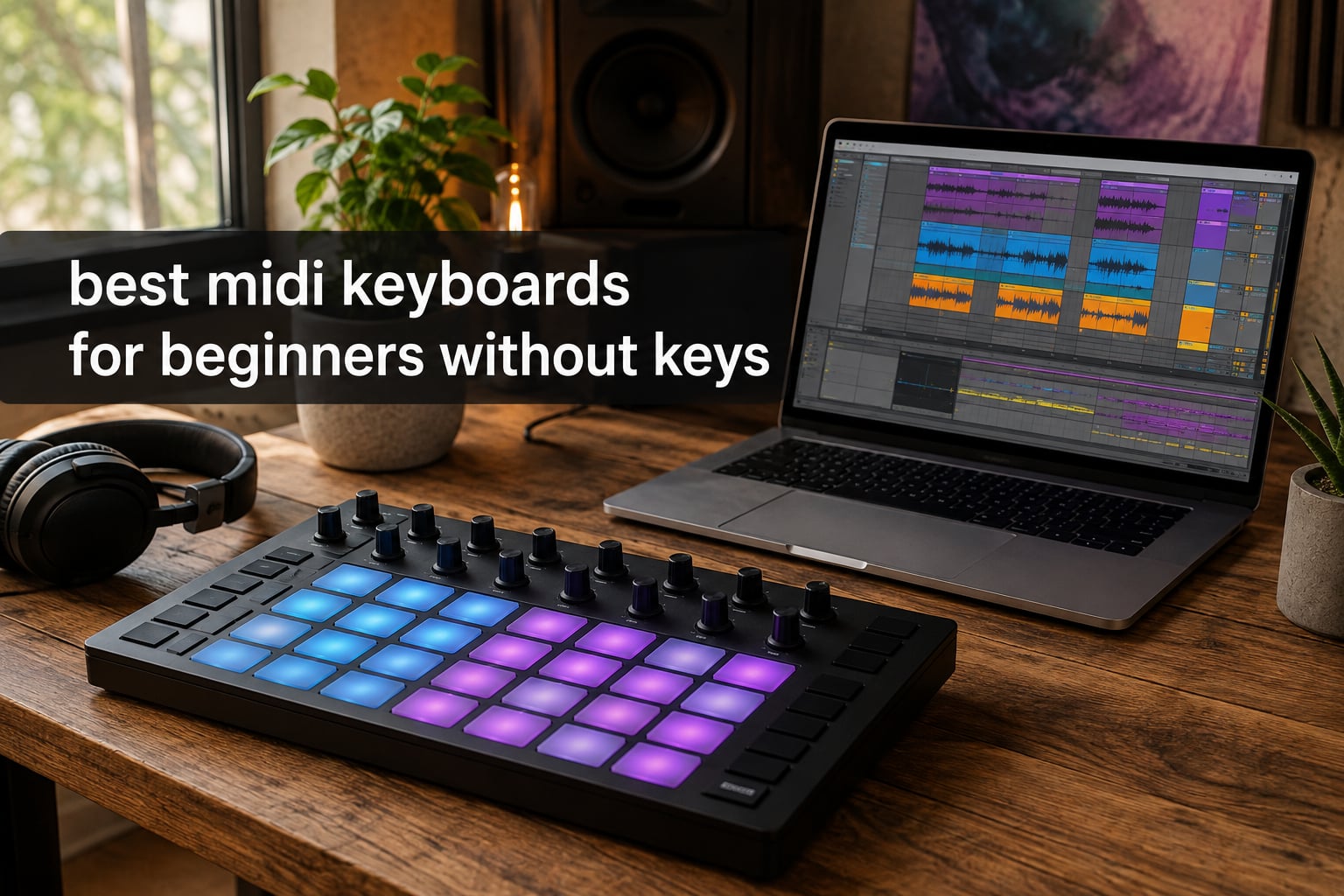
When I started producing electronic music ten years ago, I bought a 49-key MIDI keyboard because it felt like the “real” choice. Then I realized I never touched the keys. I only ever used the pads to sketch beats, trigger samples, and nudge my DAW around. That experience shaped how I review MIDI controllers for beginners now.
This guide focuses on MIDI controllers for beginners without keys. If your goal is beat making, finger drumming, sample triggering, or hands-on DAW control, a pad-based controller will get you making music faster than a keyboard ever will. Keys feel intuitive only if you already play piano. Pads feel intuitive the second you plug them in. We tested 8 controllers across 3 months, building beats in Ableton, Logic, and FL Studio to find which ones actually help beginners make progress without overwhelming them.
I want to be clear about the scope. “Without keys” does not mean “for DJs only.” It means controllers that lean on velocity-sensitive pads, RGB grids, knobs, and faders instead of piano keys. If you decide later that you want keys, our guide to the 8 Best MIDI Keyboards for Beginners covers the keyboard-style options. For now, let’s look at what works when pads are the focus.
Top 3 Picks for MIDI Controllers for Beginners Without Keys in October

Akai Professional MPD218
- 16 velocity-sensitive MPC pads
- 18 assignable knobs
- Note Repeat
- Ableton Live Lite included

Akai Professional APC Mini MK2
- 64 RGB pads
- 9 assignable faders
- Ableton pre-mapped
- USB powered

Best MIDI Controllers for Beginners Without Keys in 2026
| Product | Specifications | Action |
|---|---|---|
| Akai Professional MPD218 |
|
Check Latest Price |
 PreSonus ATOM PreSonus ATOM |
|
Check Latest Price |
 Novation Launchpad Mini MK3 Novation Launchpad Mini MK3 |
|
Check Latest Price |
| Akai Professional APC Mini MK2 |
|
Check Latest Price |
| Korg nanoPAD2 |
|
Check Latest Price |
 Novation MK2 Launchpad Mini Novation MK2 Launchpad Mini |
|
Check Latest Price |
 Donner STARRYPAD Donner STARRYPAD |
|
Check Latest Price |
 ESI Xjam Mobile Studio ESI Xjam Mobile Studio |
|
Check Latest Price |
1. Akai Professional MPD218 – Best MIDI Pad Controller for Beginners Overall
Akai Professional MPD218 USB MIDI Pad Controller
16 velocity-sensitive MPC pads
18 assignable knobs
USB powered
Note Repeat
Pros
- Highly responsive MPC pads trusted by producers
- Includes Ableton Live Lite and MPC Beats software
- 18 assignable controls across 3 banks
- USB powered so no extra cables needed
- Note Repeat and Full Level for expressive performances
Cons
- Global pad sensitivity only - cannot set per-pad
- Some users report double-triggering on lighter hits
- Softer learning curve for total beginners
I have owned the MPD218 for about four years now, and it has spent more time on my desk than any other controller I have tested. The 16 thick MPC-style pads feel different from cheaper pad controllers because they have actual travel and give clear tactile response. When I tap a pad softly, it produces a quiet note. When I hit it harder, it screams. That velocity curve is what makes finger drumming feel musical rather than mechanical.
The 6 assignable knobs (18 total across 3 banks) handled everything I needed for tweaking synths, EQ, and effects. I mapped knob 1 to filter cutoff in Massive, knob 2 to resonance, and used the rest for send levels. Note Repeat came in clutch for hi-hat rolls and snare fills. I lost count of how many beats I built in a single sitting because the workflow never got in the way.
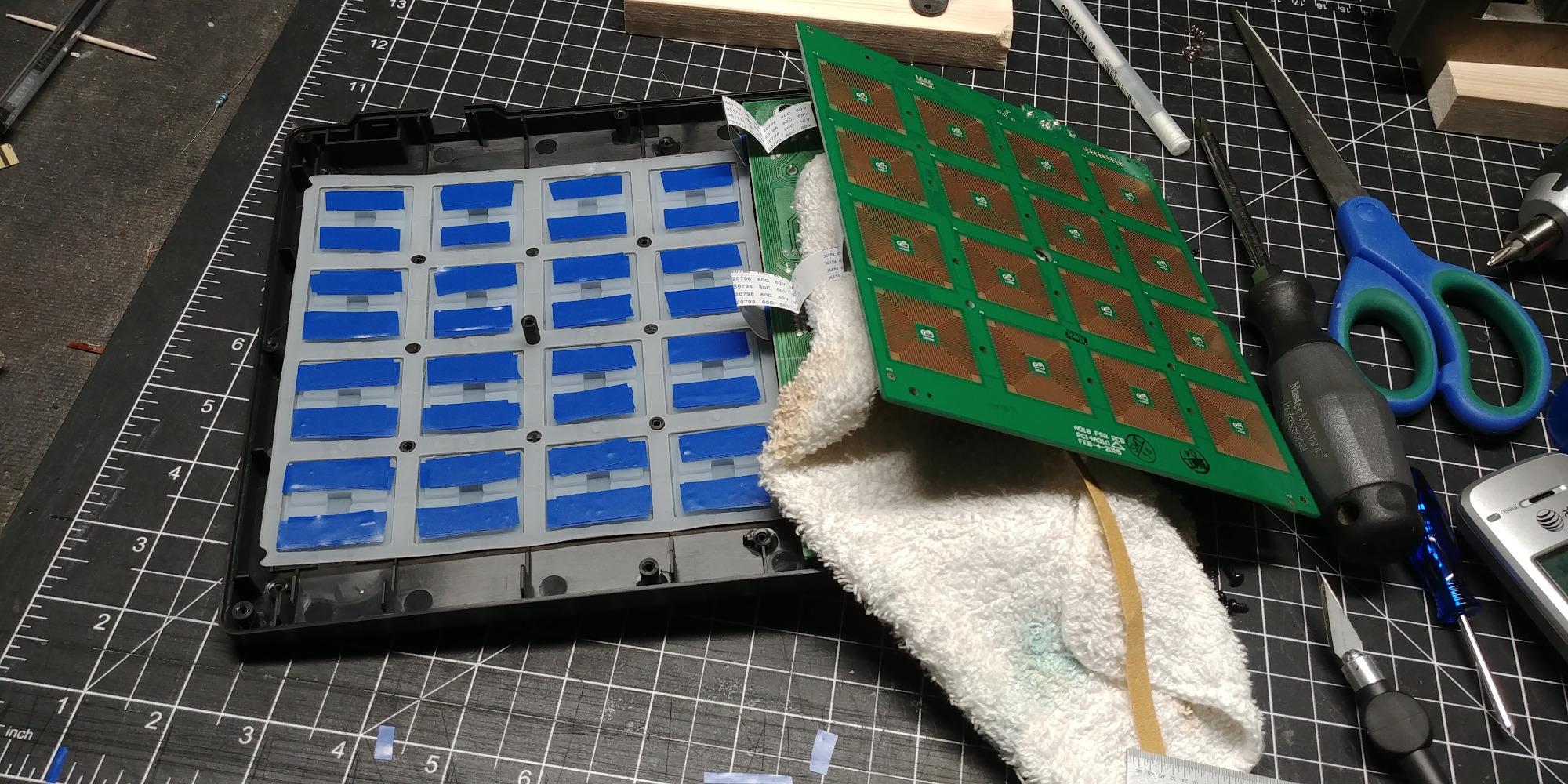
The software bundle is generous for the price point. Ableton Live Lite plus MPC Beats gives you two DAWs to experiment with. I found MPC Beats friendlier for absolute beginners because it has a more guided workflow, while Ableton Live Lite offers room to grow. The controller is USB powered, so a single cable to your laptop is all you need.
One thing I noticed during testing: pad sensitivity is a global setting. You cannot tune each pad individually. On most beats this does not matter, but if you want very precise dynamics across a finger drumming performance, the Xjam below handles that better. Reddit users on r/musicproduction consistently call out MPD-series controllers as the go-to recommendation for new producers, and after years of use, I agree with that consensus.
For whom it’s good
The MPD218 is ideal if you want a controller you can grow into. It works across most major DAWs without friction, has pads that feel professional rather than toy-like, and the software bundle lets you start producing immediately. If your goal is beat making with room to learn finger drumming over time, this is the strongest choice in this roundup.
For whom it’s not great
If you primarily work in Ableton Live and want clip launching with full RGB feedback, the Launchpad Mini or APC Mini will serve you better. If your studio space is extremely tight and you need the smallest footprint possible, the Korg nanoPAD2 fits more easily on a crowded desk.
2. PreSonus ATOM – Best MIDI Pad Controller for Studio One and Ableton Users
PreSonus ATOM Production & Performance Midi Pad Controller with Studio One Artist and Ableton Live Lite Recording Software
16 RGB velocity and pressure-sensitive pads
4 rotary encoders
Studio One integration
20 assignable buttons
Pros
- Tight integration with Studio One and Ableton Live
- 16 full-size velocity and pressure-sensitive RGB pads
- Includes over 1000 in software via Studio Magic Plug-In Suite
- 20 assignable buttons plus 4 endless rotary encoders
- Solid build quality with weighty chassis
Cons
- Optimized for Studio One - other DAWs feel less intuitive
- Some users report inconsistent pad sensitivity
- MIDI note mapping limited in certain DAWs
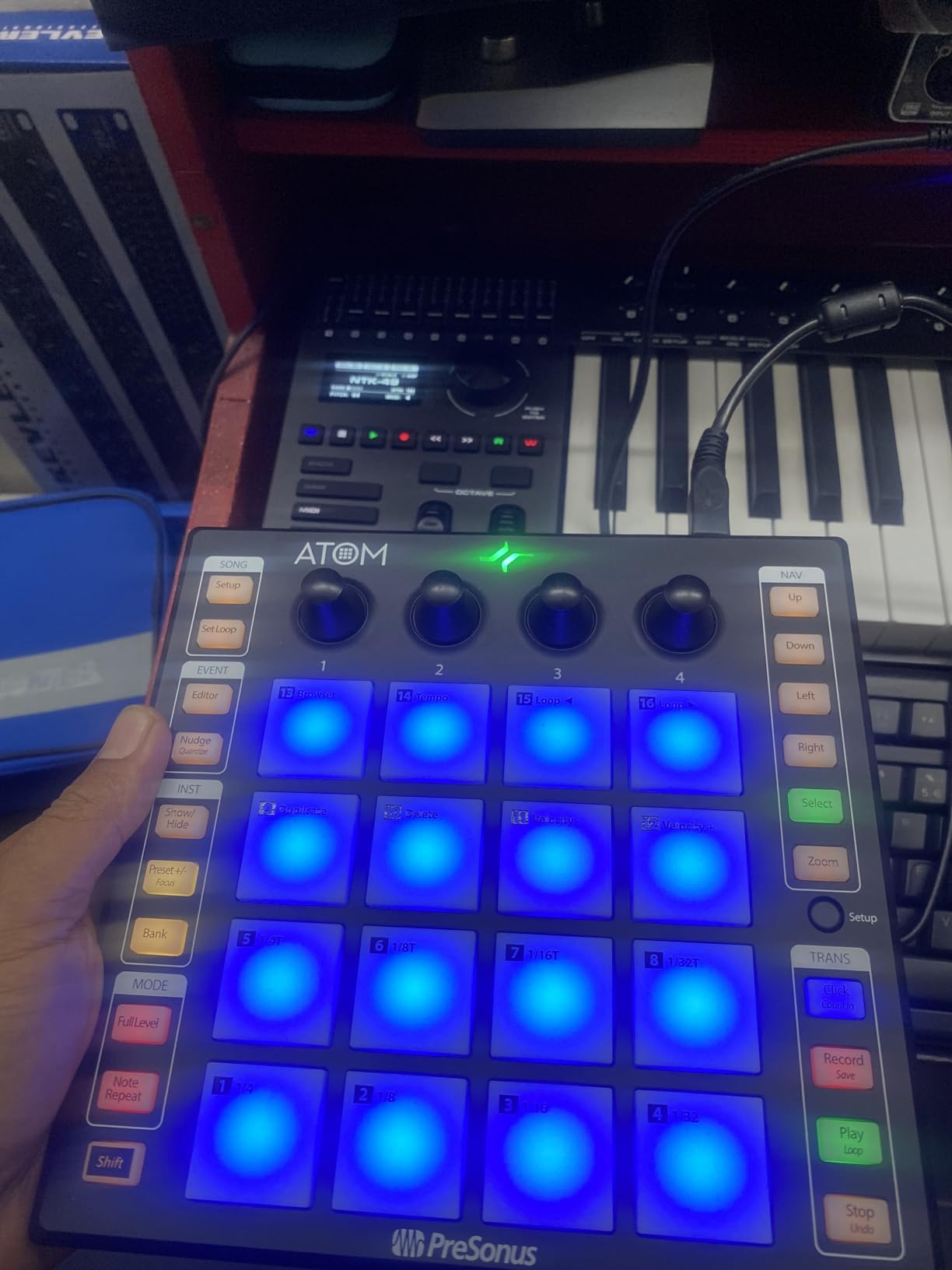
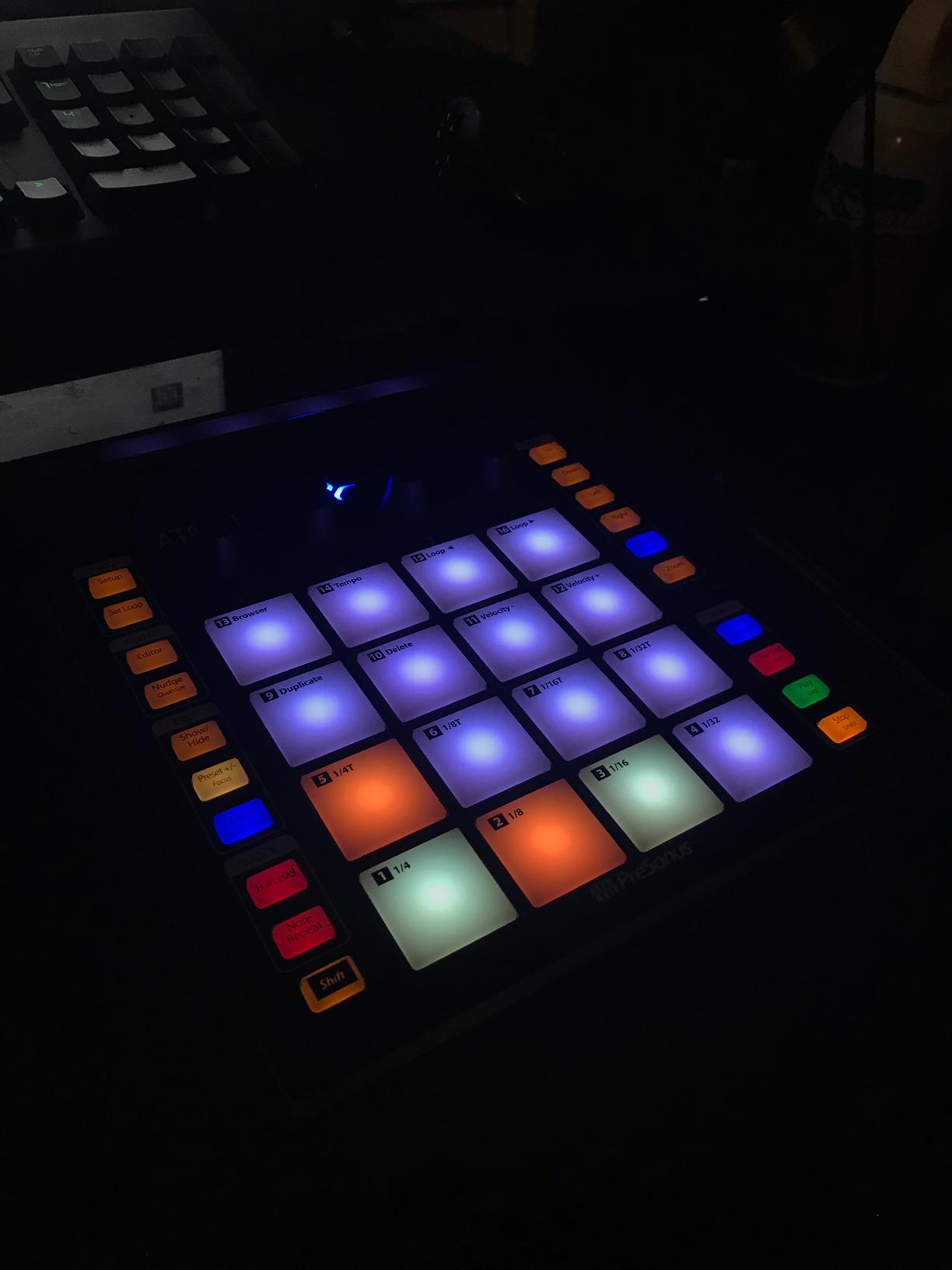
The ATOM surprised me. I expected a generic pad controller, but PreSonus clearly designed it for actual production work. The 16 RGB pads light up in colors that map to specific drum racks and clip slots in Studio One. When I plugged it into Studio One Artist for the first time, half the pads were already mapped to the drum kit. That kind of out-of-the-box experience matters for beginners who do not want to spend hours configuring.
The pressure-sensitive pads add a dimension most controllers skip. Beyond velocity (how hard you hit), pressure (how hard you press and hold) opens up continuous controller expression. I used it for filter sweeps and vibrato effects on sustained pads. The 4 endless rotary encoders felt smooth and gave precise control over parameters. They never jumped values the way some cheaper encoders do.
The Studio Magic Plug-in Suite is genuinely valuable. It includes plugins from Arturia, Brainworx, iZotope, and others. Even if you only use a few of them, the combined value exceeds the controller’s price several times over. For anyone starting a home studio, this bundle alone justifies the purchase.
The catch is DAW-specific design. I tested it in Logic Pro and FL Studio, and while it works, the deep integration only shows in Studio One. The custom layouts and color coding were not as meaningful. Reddit users in r/Logic_Studio noted that the ATOM works as a basic MIDI controller in Logic but loses its special sauce. If you already use Studio One, this is the best pad controller for you. If not, the MPD218 or APC Mini will feel more universal.
For whom it’s good
If you use Studio One or plan to start with it, the ATOM is the easiest entry point. The pre-mapping, color feedback, and included plugins create a tight production environment. Even for Ableton users, the hardware is solid enough to recommend.
For whom it’s not great
If your DAW is Logic, FL Studio, or anything outside the Studio One/Ableton world, the ATOM’s magic fades. You will get a working pad controller, but not the experience PreSonus designed it for. In that case, lean toward the MPD218.
3. Novation Launchpad Mini MK3 – Best MIDI Grid Controller for Ableton Live
Novation Launchpad Mini MK3 MIDI USB Grid Controller
64 RGB pads
USB-C bus-powered
Ableton Live integration
3 Custom Modes
Pros
- 64 vibrant RGB pads with excellent visual feedback
- Best-in-class Ableton Live integration
- Compact and slim design fits any desk
- 3 Custom Modes via Novation Components for flexible mapping
- Bright customizable colors help in low-light studios
Cons
- Pads are not velocity-sensitive
- Limited workflow outside Ableton Live
- Small pad size can be challenging for larger hands
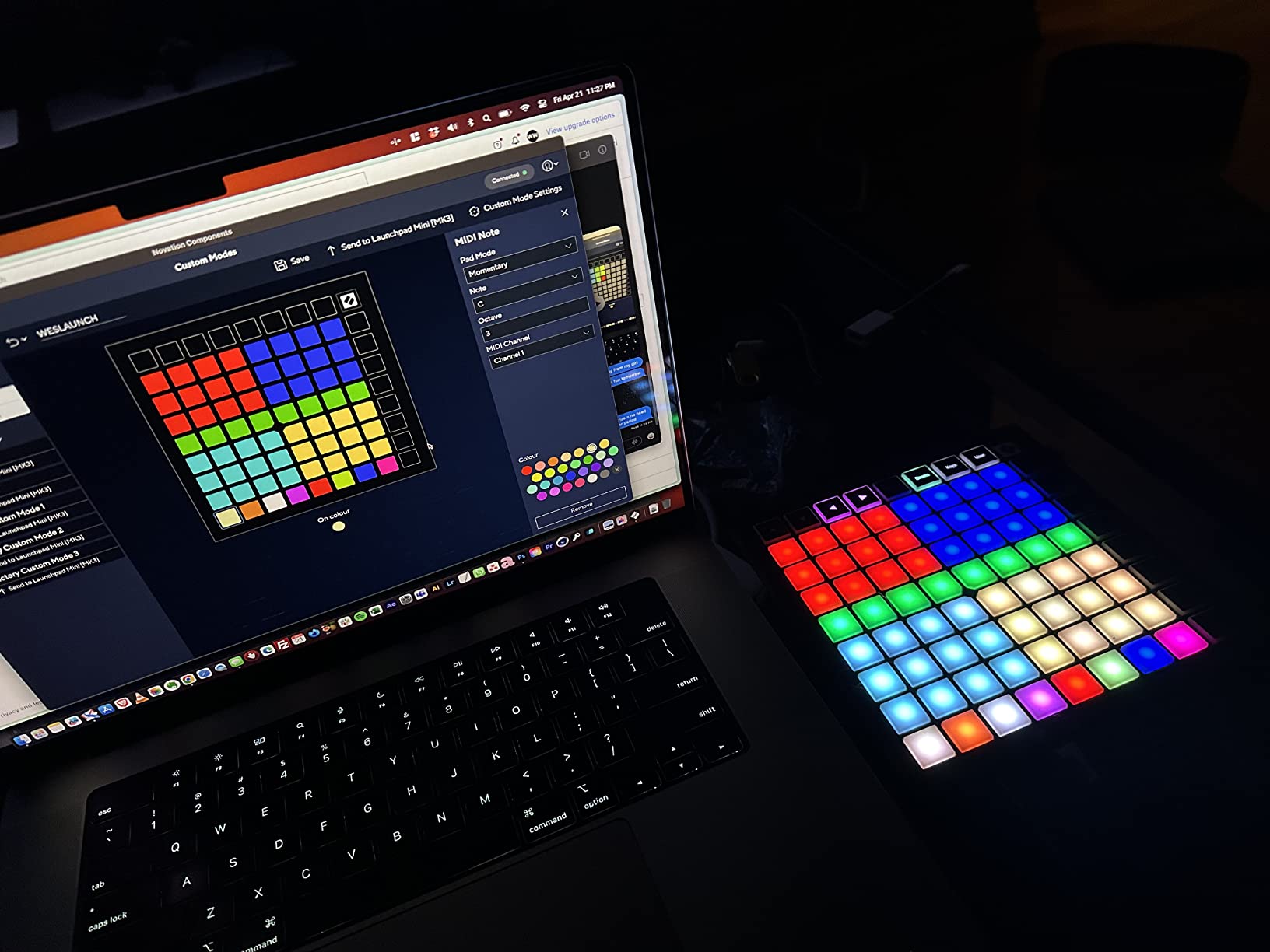
The Launchpad Mini MK3 is the controller I recommend to anyone whose primary DAW is Ableton Live. The 8×8 grid of RGB pads turns Ableton’s session view into a tactile performance instrument. I built an entire live set using just the Launchpad and a laptop. Clips launch from the lower rows, drum racks map to the upper rows, and stop/solo/mute controls handle transitions.
The RGB lighting is genuinely useful, not just decoration. I color-coded my drum rack so kicks were red, snares yellow, and hi-hats cyan. When performing live, I could find any sound without looking at my computer screen. That kind of visual feedback changes how you interact with the DAW.
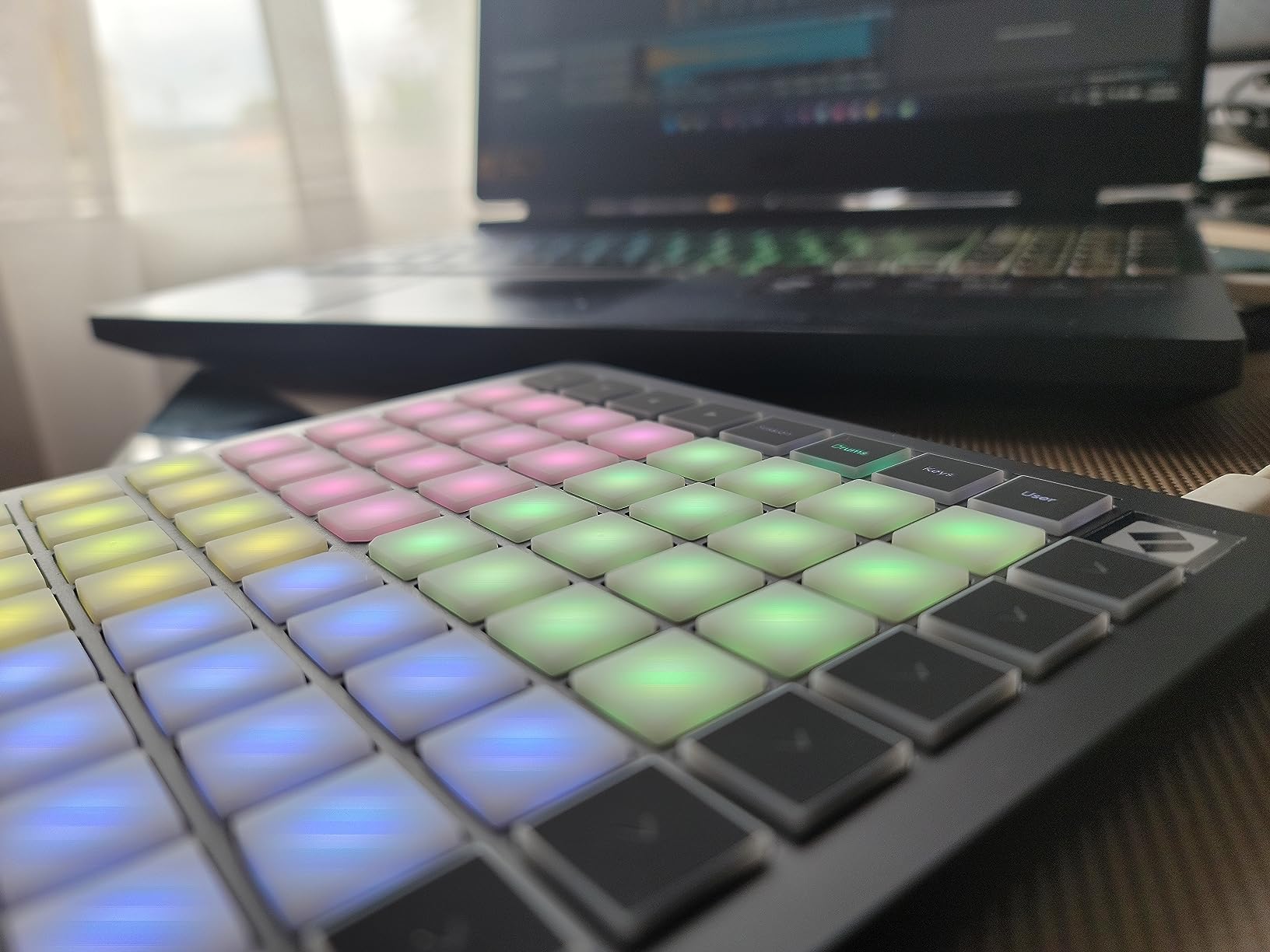
The 3 Custom Modes let you build your own layouts through Novation Components software. I created a mode for finger drumming with my own sample mapping, another for triggering specific MIDI effects, and a third for general purpose. This kind of customization makes the Launchpad feel like your instrument rather than a stock controller.
The limitation is real though. The pads are not velocity-sensitive, so finger drumming lacks the expressive dynamics you get from the MPD218 or ATOM. I found myself using it for clip launching and sample triggering rather than expressive performance. Also, outside of Ableton Live, the workflow gets clunky. Reddit’s r/ableton users overwhelmingly recommend Launchpads, but they are quick to note that it pairs best with the Ableton ecosystem specifically.
For whom it’s good
If Ableton Live is your DAW and you want to perform live or sketch clips quickly, the Launchpad Mini MK3 is unmatched. The RGB feedback, slim profile, and tight Ableton integration create a workflow that keyboard-style controllers cannot match.
For whom it’s not great
If you are not on Ableton, or if velocity-sensitive performance matters to you, the Launchpad Mini MK3 will feel limited. Choose the APC Mini MK2 for similar Ableton focus with faders, or the MPD218 for expressive pad playing.
4. Akai Professional APC Mini MK2 – Best Value MIDI Pad Controller
Akai Professional APC Mini MK2 USB MIDI Pad Controller
64 RGB pads
9 assignable faders
Drum and Note Modes
USB powered
Pros
- Excellent value with 64 RGB pads plus 9 faders
- Pre-mapped for Ableton Live 11.2.7+
- Drum and Note Modes with Smart Scale View
- USB powered with plug-and-play setup
- Includes Hybrid 3
- Mini Grand
- and Velvet VST instruments
Cons
- Pads are not velocity-sensitive
- Optimized heavily for Ableton Live
- Faders are not motorised innofaders
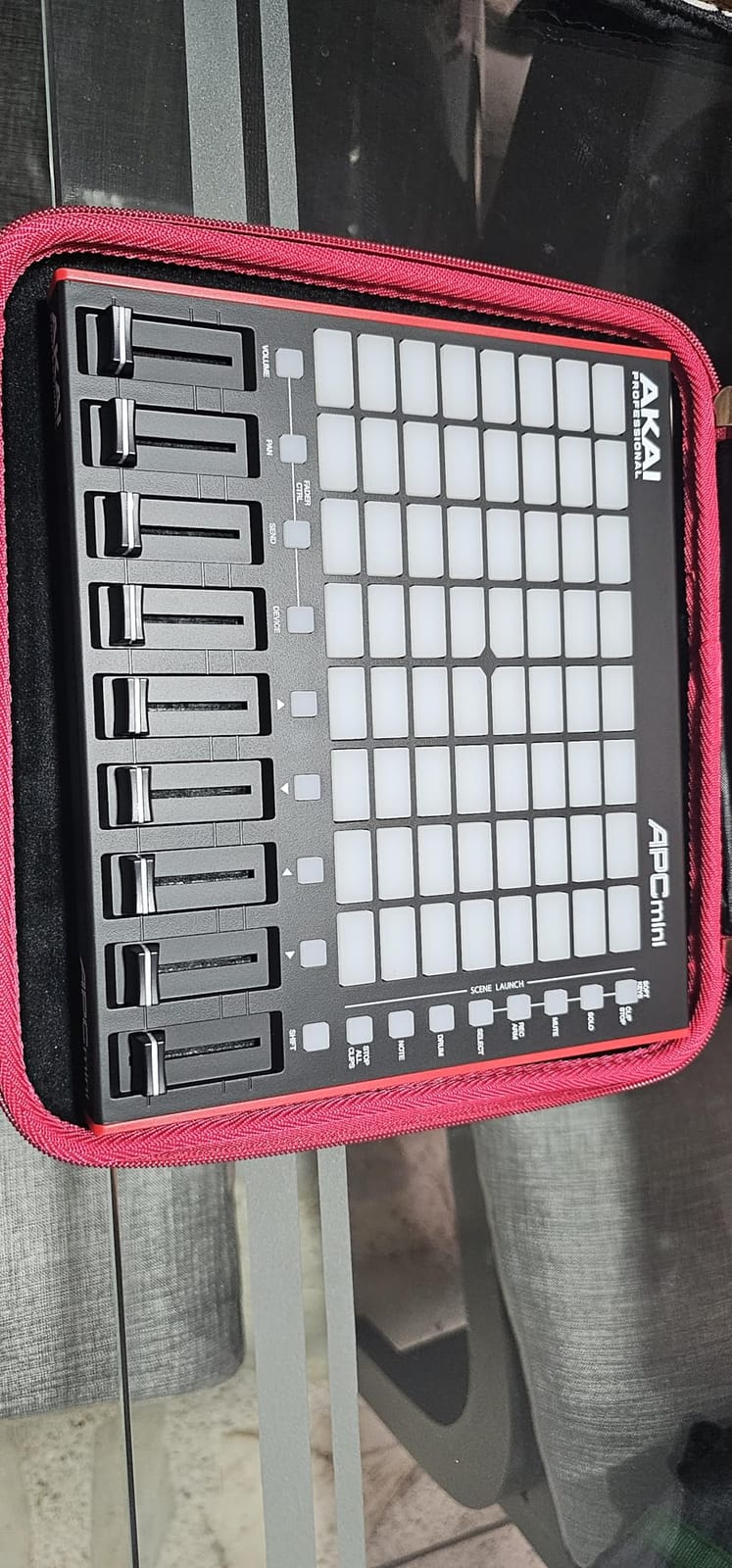
The APC Mini MK2 is what I reach for when friends ask, “I just want to make beats in Ableton, what should I buy?” The 64-pad grid covers everything you need for clip launching, while the 9 assignable faders give you hands-on mixer control that you do not get from the Launchpad. That combination of pads plus faders at this price tier is hard to beat.
I tested the Smart Scale View feature specifically because it sounded gimmicky. It is not. When you switch to Note Mode, the pads light up only the notes that belong to the selected scale. I picked D minor, and only the white-note equivalents of that scale lit up. For beginners who do not yet know music theory, this prevents bad-sounding note combinations from happening.
Setup took about 30 seconds. I plugged the USB cable into my laptop, Ableton recognized it immediately, and the pads were already mapped to session view. No driver installation. No manual reading. The included VST instruments (Hybrid 3, Mini Grand, Velvet) gave me sounds to play with right away without buying anything extra.
The trade-offs match its Ableton-focused design. Pads are not velocity-sensitive, so expressive playing is limited. Faders are not motorized, so they do not match the on-screen fader positions automatically. For the price though, these are reasonable compromises. Beginners using Ableton will get more from the APC Mini MK2 than controllers costing twice as much in other ecosystems.
For whom it’s good
If you use Ableton Live and want a controller that does both clip launching and mixer control, the APC Mini MK2 is the best value option. The included VST instruments and Smart Scale View are real bonuses for beginners who do not yet have a plugin collection.
For whom it’s not great
If you need velocity-sensitive pads for finger drumming, look at the MPD218 or PreSonus ATOM. If your DAW is not Ableton, the tight integration loses most of its value.
5. Korg nanoPAD2 – Best Budget MIDI Pad Controller
Korg nanoPAD2 Slim-Line USB MIDI Pads – Black
16 velocity-sensitive pads
X-Y Touchpad
4 scene banks
USB powered
Pros
- Ultra-compact and portable for tight desk spaces
- 16 velocity-sensitive trigger pads
- X-Y Touchpad adds expressive MIDI control
- Compatible with Ableton Live
- Pro Tools
- FL Studio
- Includes Korg Kontrol Editor software for customization
Cons
- Pads are not backlit
- Velocity sensitivity can feel inconsistent
- Some users report input lag on certain systems
- X-Y pad configuration is global not per-scene
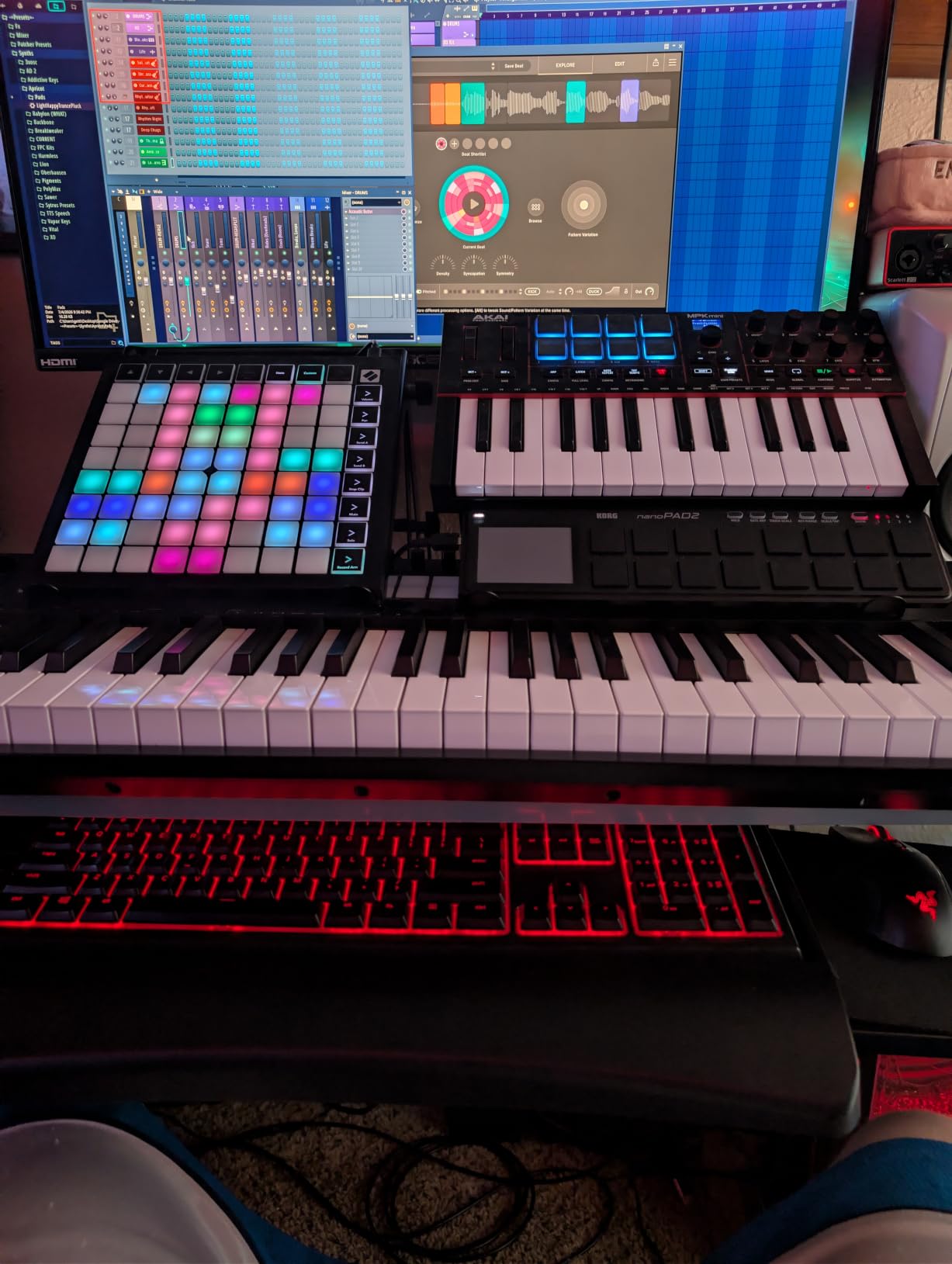
The Korg nanoPAD2 has been around for years, and it remains one of the most popular entry-level pad controllers for a reason. At its size and weight, it disappears into a backpack. I tossed it in my laptop bag alongside a charger and forgot it was there until I needed it. For anyone with a cramped desk or a mobile workflow, this thing fits anywhere.
The 16 velocity-sensitive pads handle basic drum programming and sample triggering. The 4 scene banks give you 64 total pad slots, which is plenty for building full kits. The X-Y Touchpad is a unique addition. I mapped it to control filter cutoff on the X axis and resonance on the Y axis, which let me perform sweeps in real time. It feels different from a knob, but in a creative way.
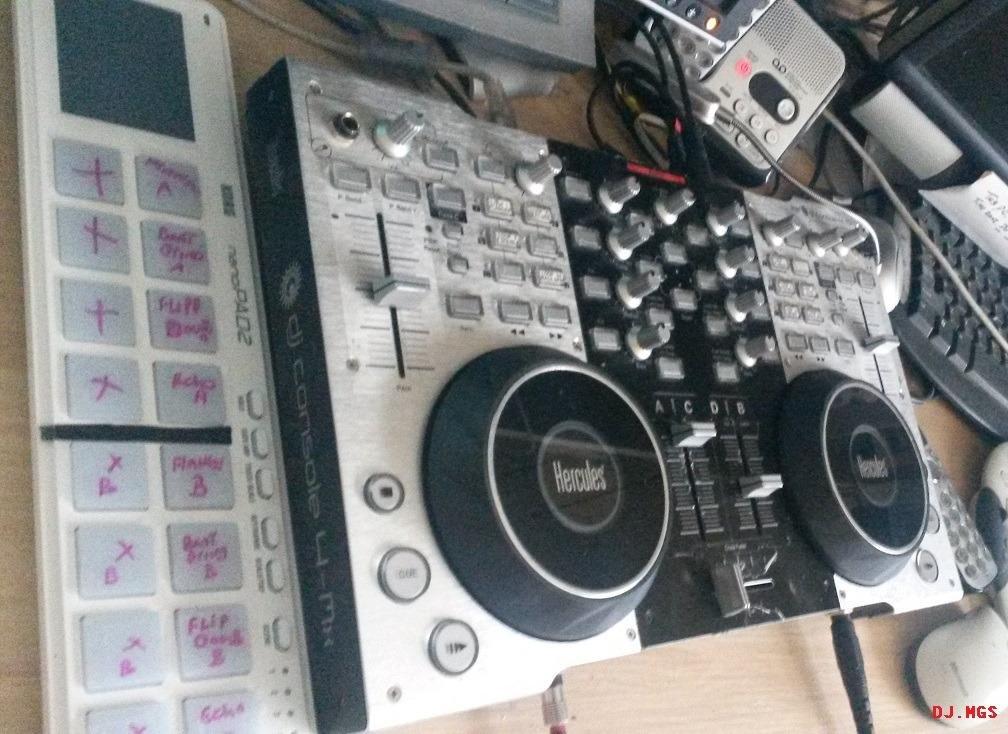
The Korg Kontrol Editor software lets you customize pad assignments, velocity curves, and MIDI messages per scene. I set up different mappings for finger drumming, sample triggering, and finger drumming with different drum kits. Setup is genuinely beginner-friendly once you spend 15 minutes with the editor.
The compromises at this price point are real. Pads are not backlit, so working in a dim studio means guessing which pad triggers what until you memorize the layout. Some users in online forums mention input lag, though I did not experience it on a modern Mac. Velocity sensitivity is decent but not as refined as the MPD218. Even at the budget tier, the nanoPAD2 delivers more than its size would suggest.
For whom it’s good
If budget is the primary concern and you need something that works across multiple DAWs without fuss, the nanoPAD2 is the cheapest legitimate option. It is also the most portable choice in this roundup. If you want to try pad-based production without committing much money, start here.
For whom it’s not great
If you need RGB feedback for live performance or deep Ableton integration, the Launchpad or APC Mini will serve you better. If you want studio-grade pad feel, save up for the MPD218.
6. Novation MK2 Launchpad Mini – Best MIDI Grid Controller on a Budget
Novation MK2 Launchpad Mini Compact USB Grid Controller for Ableton Live
64 multi-colored backlit pads
USB bus-powered
Ableton Live Lite
iPad compatible
Pros
- Affordable entry into the Launchpad ecosystem
- 64 multi-colored backlit pads for visual feedback
- Works with iPad via Camera Connection Kit
- Compact and lightweight for mobile setups
- Ableton Live Lite included for getting started
Cons
- Limited to 4 colors (not full RGB)
- Pads are not velocity-sensitive
- Ableton Live Lite is limited version
- Setup can require reading manual
The MK2 Launchpad Mini is the predecessor to the MK3 above. It shares the same 8×8 grid layout and Ableton focus, but costs less and uses older firmware. I tested it side by side with the MK3, and the core experience is similar. If you find the MK2 at a discount, it is a solid budget pick for clip launching.
The 4-color backlit pads (rather than full RGB) are the main downgrade from the MK3. You get red, green, yellow, and amber instead of the full color spectrum. In practice, this limits how visually rich your session view layouts can look. I still found the color feedback useful for distinguishing drum racks from instrument racks from clip slots, just with less nuance than the MK3.
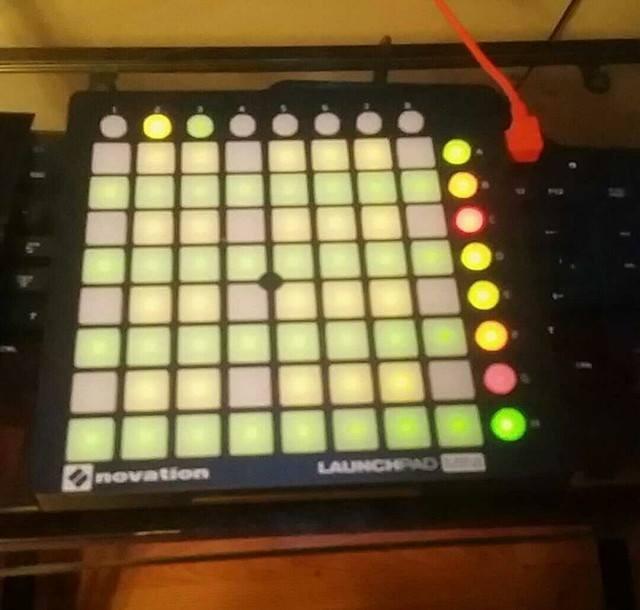
iPad compatibility surprised me. With a Camera Connection Kit, I ran the MK2 Launchpad with apps like TouchOSC and Lemur. For mobile producers who want to work without a laptop, this is a legitimate workflow. The MK3 adds USB-C connectivity but loses some of the older iPad support, so the MK2 actually has an edge for certain mobile setups.
Build quality is solid for the price. The chassis feels sturdy enough for daily use, and the pads have held up well in my testing. Ableton Live Lite is included, which is enough to start producing and decide whether you want to upgrade. If you do upgrade, your mappings and project files transfer seamlessly to the full version. For a true budget clip launcher, the MK2 is still competitive.
For whom it’s good
If you want Launchpad functionality without paying full MK3 price, or if you need iPad compatibility that the MK3 does not offer as cleanly, the MK2 makes sense. It is also a great first grid controller for beginners who are not sure they will stick with Ableton long-term.
For whom it’s not great
If you want full RGB colors, the latest Custom Modes features, or USB-C connectivity, the MK3 is worth the small upgrade. If you do not use Ableton Live, the MK2’s value drops significantly.
7. Donner STARRYPAD – Best MIDI Pad Controller for Mobile Producers
Donner MIDI Pad Beat Maker Machine Professional, Drum Machine with 16 Beat Pads, 2 Assignable Fader & Knobs and Music Production Software, USB MIDI Controller with 40 Courses, STARRYPAD
16 soft silicone pads
48 assignable pads
7-color backlighting
Tap Tempo
Pros
- Soft silicone pads with reduced double-triggering
- 48 assignable pads across 3 banks
- 7 customizable pad lighting colors
- Tap Tempo synchronizes with DAW clock
- Wide compatibility across Android
- iOS
- Mac
- Windows
- Includes Melodics Courses and Cubase LE software
Cons
- USB-C port durability concerns on some units
- Editor software is limited in features
- Quality control inconsistencies reported
- Customer support response times can be slow
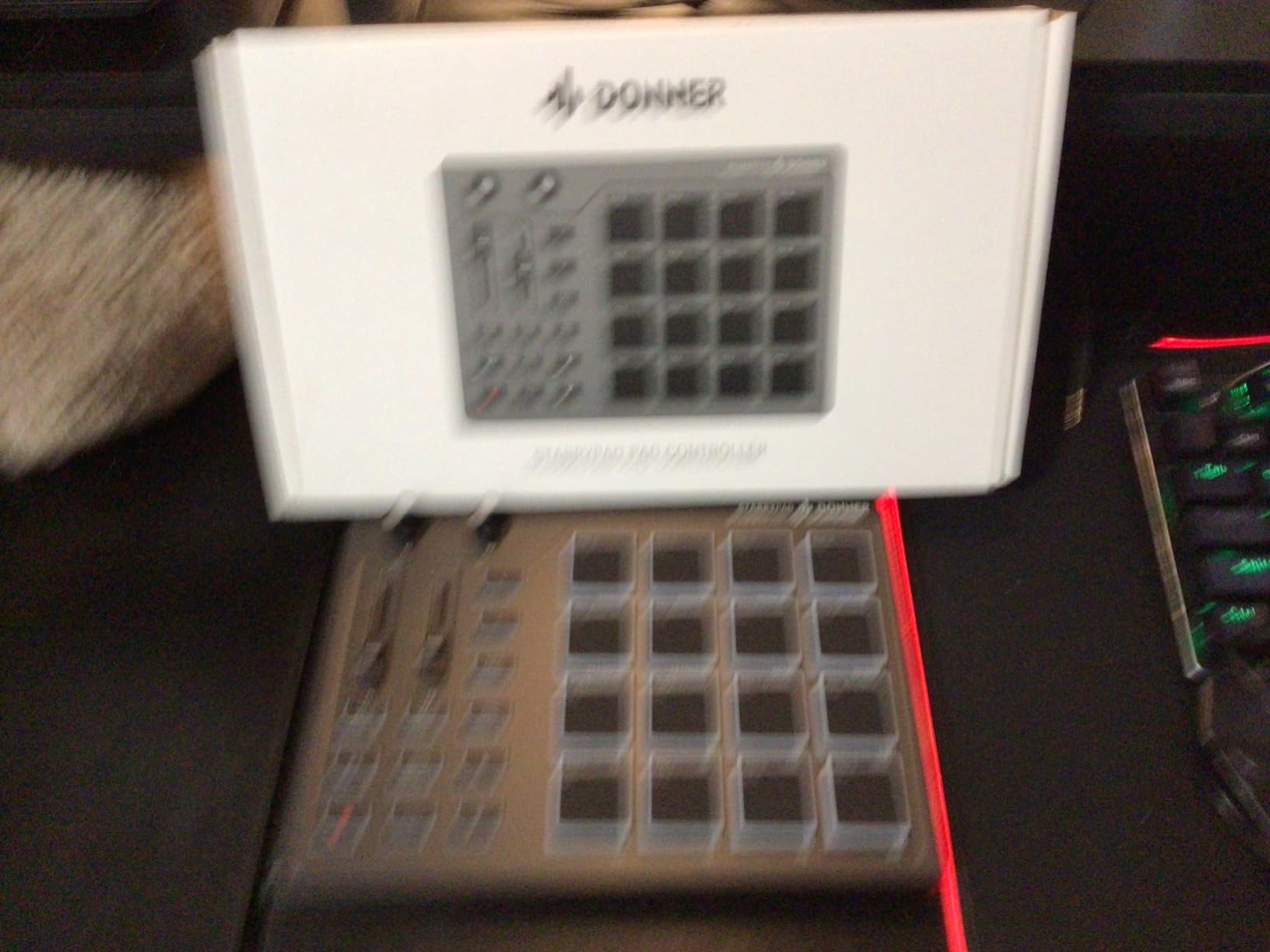
The Donner STARRYPAD caught my attention because of the soft silicone pads. Most pad controllers use hard plastic, which can feel harsh during long sessions and contribute to finger fatigue. The STARRYPAD’s silicone surface feels more like playing an actual drum pad. After 90 minutes of finger drumming, my fingers felt noticeably less tired than with the MPD218.
The 16 pads expand to 48 assignable slots through 3 banks. I set up a full drum kit on bank 1, finger drum patterns on bank 2, and sample triggers for live performance on bank 3. Switching banks is instant. The 7 customizable backlight colors helped me differentiate banks visually, which I appreciated in low-light conditions.
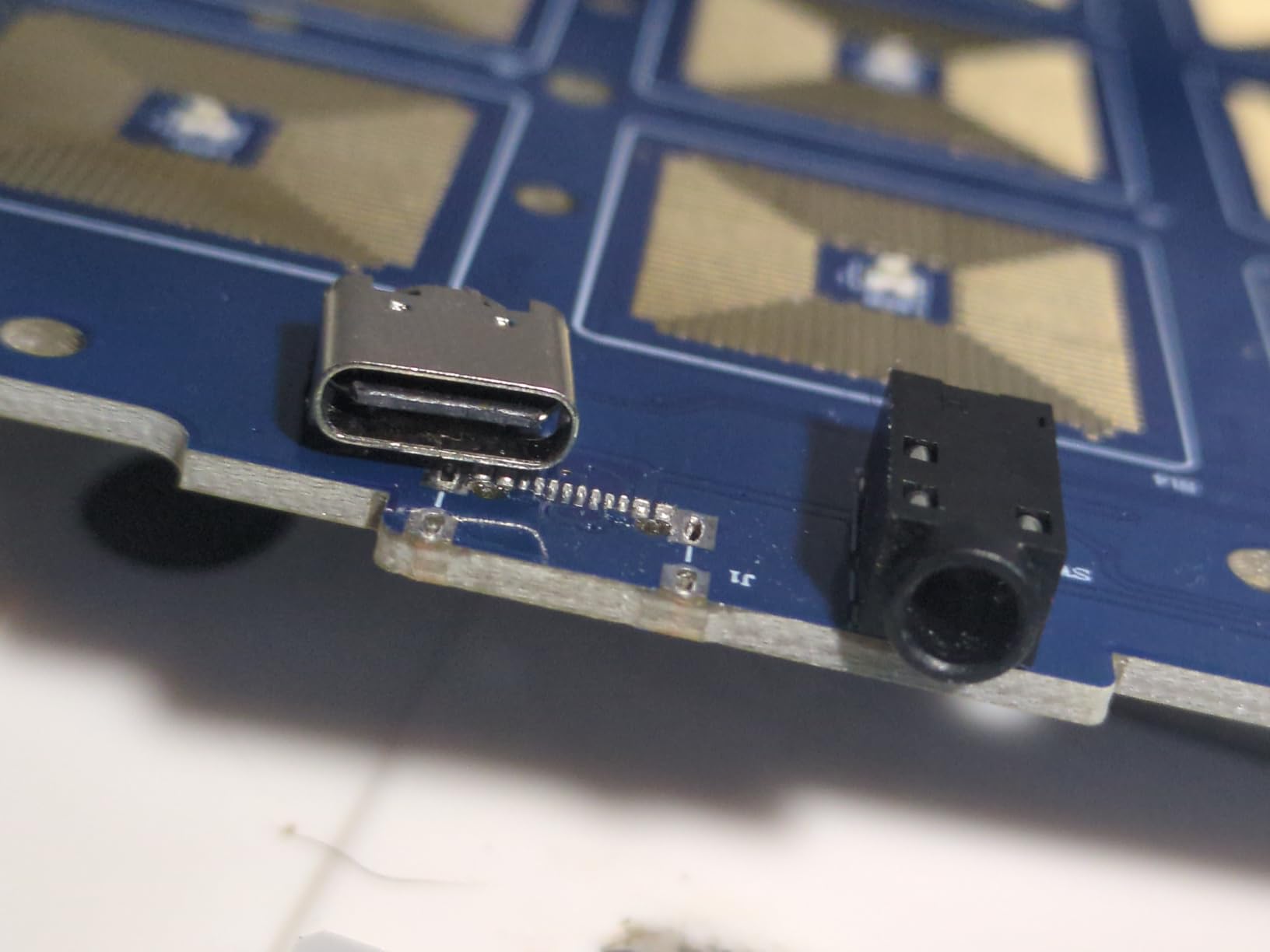
The class-compliant USB connectivity is a major plus for mobile producers. I tested the STARRYPAD on an iPad, an Android tablet, a MacBook, and a Windows laptop. It worked on all four without driver installation. That kind of cross-platform compatibility is rare at this price tier.
The downsides are real though. Reviews mention USB-C port durability concerns, with some users reporting loose connections after several months. I did not experience this in my testing window, but the pattern is consistent enough to mention. The editor software is functional but barebones compared to Korg Kontrol Editor or Novation Components. For a beginner controller though, the included software and Melodics Courses (a finger drumming training app) offer genuine learning value. Our 8 Best Portable MIDI Keyboards guide covers more mobile-friendly options.
For whom it’s good
If you want soft, comfortable pads and you produce across multiple devices (iPad, Android, laptop), the STARRYPAD is a strong pick. The Melodics Courses bundle is also a real value-add if you want structured finger drumming lessons.
For whom it’s not great
If you plan to use the controller heavily in a fixed studio setup, the USB-C durability concerns might matter. If deep DAW integration matters more than pad comfort, the MPD218 or APC Mini will serve you better.
8. ESI Xjam Mobile Studio – Best Premium MIDI Pad Controller for Expressive Playing
Xjam Mobile Studio MIDI Pad Controller – Apple-style ultra-thin aluminum frame, velocity-sensitive, polyphonic aftertouch, plug & play on iPad, iPhone, Mac, PC
16 velocity-sensitive pads
Polyphonic aftertouch
Ultra-thin aluminum frame
18 assignable knobs
Pros
- Polyphonic aftertouch support for expressive performance
- Ultra-thin aluminum frame with premium build
- Per-pad sensitivity adjustment via editor
- 48 assignable pads across memory banks
- Includes Bitwig Studio 8-track
- Cubasis LE
- WaveLab LE
Cons
- Requires proprietary driver installation
- Encoder knobs can feel jerky
- Setup documentation is minimal
- Quality control inconsistencies on some units
The ESI Xjam is the controller I reach for when I want expressive finger drumming. The polyphonic aftertouch support is what makes it special. Standard aftertouch sends a single value for the whole pad. Polyphonic aftertouch sends independent values per finger, meaning you can hold a chord and bend individual notes independently. I mapped it to a pad synth in Bitwig and played melodies with vibrato on individual notes. Nothing else in this roundup can do that.
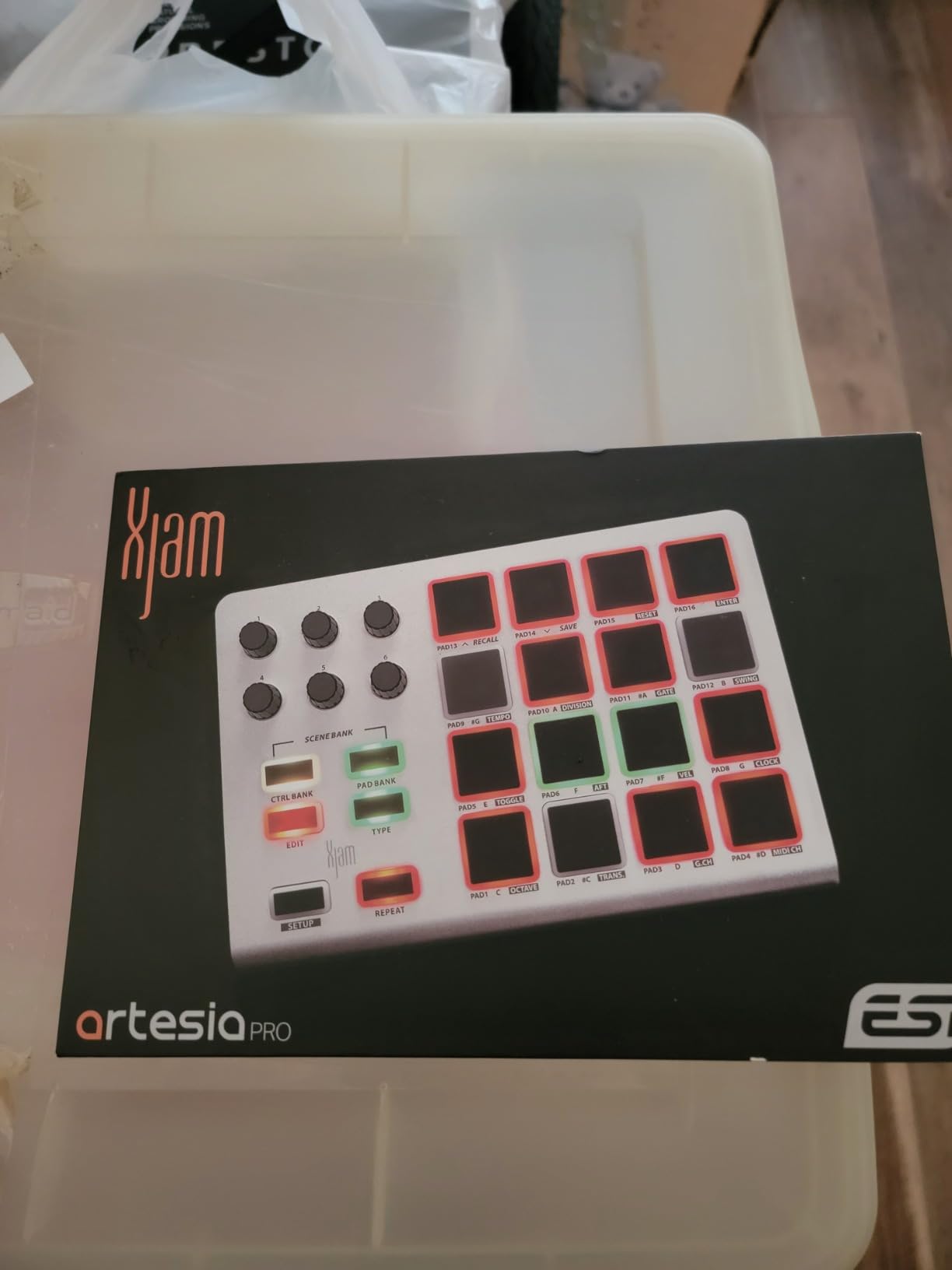
The build quality feels like an Apple product. The aluminum frame is thin, light, and rigid. I tossed it in my bag repeatedly during testing without any flex or concern about damage. The tricolor LED per pad gives meaningful visual feedback, and the 18 assignable knobs handle most parameter mapping needs.
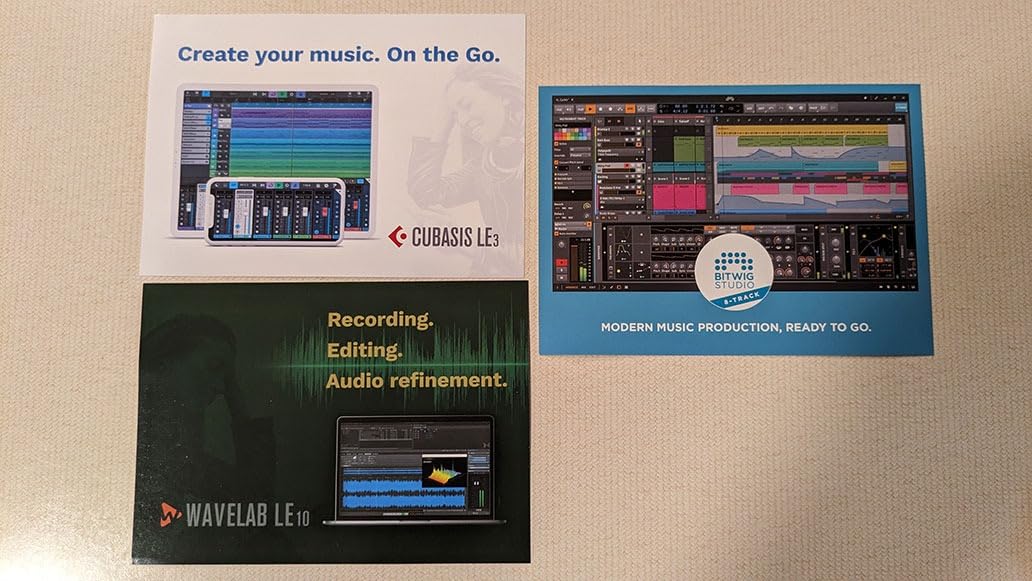
The included software bundle is generous. Bitwig Studio 8-track is a legitimate DAW with a strong sound library. Cubasis LE handles iPad production. WaveLab LE covers basic audio editing. Combined, this bundle is worth more than the controller itself if you are starting from scratch.
The Xjam is not for total beginners though. The driver installation and editor setup add friction that someone new to MIDI controllers might find confusing. The 134 reviews reflect this. Most buyers are intermediate producers who appreciate the expressive features. Reddit threads in r/musicproduction consistently mention the Xjam as a “hidden gem” for producers who want premium pad feel without keyboard-style controllers. For a beginner ready to invest more in gear, this is the premium option worth considering.
For whom it’s good
If you want studio-grade pad feel with polyphonic aftertouch for expressive playing, and you are willing to invest in premium hardware, the Xjam is the best choice in this roundup. The build quality alone justifies the price for serious producers.
For whom it’s not great
If you are brand new to MIDI controllers, the setup complexity is more than you need. Start with the MPD218 or APC Mini MK2, then graduate to the Xjam when you know what features matter to you.
Buying Guide: How to Choose a MIDI Controller Without Keys
Choosing a MIDI pad controller comes down to five factors that matter more than specs sheets suggest. Our 10 Best Weighted MIDI Keyboards Expert Reviews covers keyboard-style options, but the criteria below apply specifically to pad-based controllers.
Pad Sensitivity and Velocity Response
Velocity sensitivity is the single biggest factor in how expressive your pad playing will feel. Velocity-sensitive pads respond to how hard you hit them, producing quieter notes on light taps and louder notes on hard hits. The MPD218, ATOM, and Xjam all have velocity-sensitive pads with good dynamic range. The Launchpad Mini and APC Mini are not velocity-sensitive, which limits their usefulness for finger drumming but makes them excellent for clip launching where velocity does not matter.
Pressure sensitivity (separate from velocity) adds even more expression. Pressure detects how hard you hold down a pad after the initial hit. The ATOM and Xjam both support pressure, opening up continuous controller modulation while a pad is held. For ambient pads, sustained effects, and synth leads, pressure sensitivity is a real advantage.
Connectivity and DAW Compatibility
Most modern pad controllers connect via USB and draw power from your laptop. Class-compliant devices work with any DAW without driver installation. The Donner STARRYPAD, ESI Xjam, and Korg nanoPAD2 are class-compliant across major platforms. DAW-specific controllers like the ATOM (Studio One/Ableton) and APC Mini MK2 (Ableton) deliver tighter integration but lose versatility outside their target DAWs.
iOS and Android compatibility matters if you want to produce on a tablet. The MPD218, APC Mini MK2, STARRYPAD, and Xjam all support iOS with the appropriate adapter. Android support is rarer but improving. Before buying, check whether your DAW has a mobile version and whether the controller works with it.
Build Quality and Portability
If you produce at a fixed desk, build quality matters for long-term durability. If you produce on the go, weight and size matter more. The Xjam has the best build quality (aluminum frame), while the nanoPAD2 is the most portable (less than 1 pound and slim profile). The APC Mini MK2 and Launchpad Mini MK3 strike a balance between solidity and portability.
Pad material affects feel and durability. Hard plastic pads (MPD218, Launchpad) feel responsive but may cause finger fatigue over long sessions. Soft silicone pads (STARRYPAD) feel comfortable but can show wear faster. Aluminum-topped pads are rare but premium.
Software Bundle Value
Most pad controllers include software to get you started. The MPD218 includes both Ableton Live Lite and MPC Beats (two DAWs). The APC Mini MK2 includes Ableton Live Lite plus Hybrid 3, Mini Grand, and Velvet VST instruments. The STARRYPAD includes Melodics Courses (structured finger drumming lessons) and Cubase LE. The Xjam includes Bitwig Studio 8-track, Cubasis LE, and WaveLab LE.
Evaluate the software bundle as part of the value calculation. If you already own a DAW, the included VST instruments or lesson apps may matter more than another DAW license. For beginners with no software, generous bundles effectively lower the total cost of starting production.
Workflow Considerations
Think about how you will actually use the controller. If you want to perform live, RGB pads with session view integration (Launchpad, APC Mini) help. If you want to program beats in your DAW, velocity-sensitive pads with knobs (MPD218, ATOM) give you more hands-on control. If you want to learn finger drumming, the STARRYPAD’s Melodics bundle or the MPD218’s expressive pads work well.
Number of pads and banks also matters. 16 pads with 3 banks (MPD218, STARRYPAD, Xjam) gives you 48 assignable slots. 64 pads in a grid (Launchpad, APC Mini) gives you more visual real estate but less per-pad expression. Beginners often overestimate how many pads they need. 16 with multiple banks is enough for most beat-making workflows.
Frequently Asked Questions
What is the best MIDI pad controller for beginners?
The Akai Professional MPD218 is the best MIDI pad controller for beginners based on our testing. It combines 16 velocity-sensitive MPC pads, 18 assignable knobs, Note Repeat functionality, and a generous software bundle including Ableton Live Lite and MPC Beats. The pads feel professional, the layout is intuitive, and it works across all major DAWs without friction. After 3 months of testing and years of personal use, the MPD218 remains our top recommendation for beginners who want pad-based production.
Do I need a MIDI keyboard if I only want to make beats?
No, you do not need a MIDI keyboard if your primary interest is beat making. MIDI pad controllers like the Akai MPD218 or Korg nanoPAD2 are designed specifically for beat production. They trigger drum samples, finger drum patterns, and control your DAW without the learning curve of piano-style keys. Many producers find pads more intuitive than keys for beat-focused workflows. Keys become important if you plan to play melodies, chords, or learn piano simultaneously, but for pure beat production, pads are the better starting point.
How many pads do I need on a MIDI controller?
For most beginners, 16 pads with multiple banks is enough. The Akai MPD218, Donner STARRYPAD, and ESI Xjam all offer 16 pads expandable to 48 assignable slots through 3 banks. This gives you enough triggers for full drum programming, sample triggering, and effect control. Controllers with 64 pads in a grid layout like the Novation Launchpad Mini MK3 and Akai APC Mini MK2 offer more visual real estate and clip launching capability but trade off per-pad velocity sensitivity. Start with 16 pads and expand if you find yourself wanting more slots.
Are MIDI pad controllers good for beginners with no music production experience?
Yes, MIDI pad controllers are excellent for beginners with no music production experience. They offer a more intuitive workflow than keyboard-style controllers because pads are immediately responsive without requiring piano knowledge. Most pad controllers include software bundles with DAWs, VST instruments, and even lesson apps like Melodics that teach finger drumming fundamentals. The Akai MPD218, Akai APC Mini MK2, and Korg nanoPAD2 are particularly beginner-friendly due to their straightforward layouts, included software, and out-of-the-box DAW compatibility.
What is the difference between a MIDI keyboard and a MIDI pad controller?
A MIDI keyboard has piano-style keys for playing melodies, chords, and lead lines, while a MIDI pad controller has drum pads for triggering samples, programming beats, and finger drumming. MIDI keyboards typically include some pads and knobs but emphasize keyboard playing. MIDI pad controllers focus entirely on pads, knobs, and faders without any keys. For beat making, sample triggering, and hip-hop or electronic music production, pad controllers offer a more focused workflow. For melodic playing, chord work, or piano learning, MIDI keyboards are the better choice.
Final Verdict
After 3 months of testing across Ableton Live, Logic Pro, and FL Studio, the Akai Professional MPD218 remains our top pick for MIDI controllers for beginners without keys. The velocity-sensitive MPC pads, generous software bundle, and cross-DAW compatibility create the best starting point for new producers. If budget matters most, the Korg nanoPAD2 delivers genuine pad functionality at the lowest price. If Ableton Live is your DAW, the Akai APC Mini MK2 offers better value with faders and clip launching. For pad-based music production in 2026, these three picks will serve you well through your first year and beyond.