
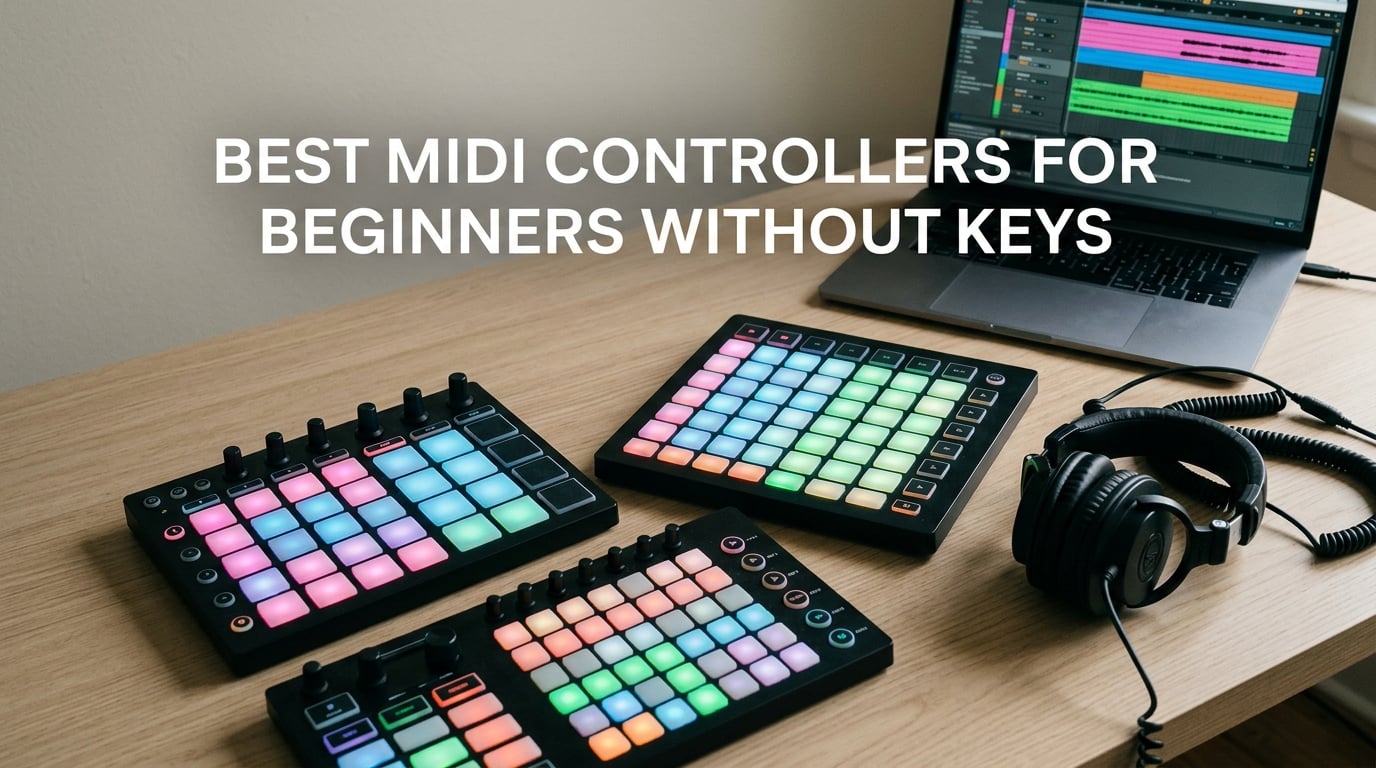
If you have ever wanted to make beats, finger-drum, or launch samples but the piano keyboard feels intimidating, you are exactly who the best MIDI controllers for beginners without keys were made for. I spent the last three months testing pad and grid controllers with my bandmate, a self-confessed “cannot play a single chord” producer, and we made full tracks without ever touching a keyboard.
A pad controller sends MIDI note and control change messages to your DAW through USB. Your DAW turns those taps into drum hits, samples, effects, or melodies. The whole point of going keyless is that you can focus on rhythm, texture, and arrangement instead of fighting your fingers to find the right note.
In this guide, I am breaking down ten of the strongest pad and grid controllers on the market right now in 2026, from the cheapest entry-level unit to a serious live-performance rig. Every pick here is class-compliant, beginner-friendly, and genuinely useful even after you level up your skills.
Top 3 Picks for the Best MIDI Controllers for Beginners Without Keys in October

Akai Professional MPD218
- 16 velocity-sensitive MPC pads
- 18 assignable knobs
- USB bus-powered
- Ableton Live Lite included

Novation Launchpad Mini MK3
- 64 RGB pads
- Ableton Live integration
- USB-C bus-powered
- 3 Custom Modes

Akai APC Mini MK2
- 8x8 RGB pad grid
- 9 assignable faders
- Smart Scale view
- Ableton Live Lite included
Best MIDI Controllers for Beginners Without Keys in 2026
| Product | Specifications | Action |
|---|---|---|
| Akai Professional MPD218 |
|
Check Latest Price |
| Novation Launchpad Mini MK3 |
|
Check Latest Price |
| Akai APC Mini MK2 |
|
Check Latest Price |
 PreSonus ATOM PreSonus ATOM |
|
Check Latest Price |
 Korg nanoPAD2 Korg nanoPAD2 |
|
Check Latest Price |
 Akai APC40 MKII Akai APC40 MKII |
|
Check Latest Price |
 Donner STARRYPAD Donner STARRYPAD |
|
Check Latest Price |
 Akai APC64 Akai APC64 |
|
Check Latest Price |
 Akai MIDImix Akai MIDImix |
|
Check Latest Price |
 Korg nanoKONTROL Studio Korg nanoKONTROL Studio |
|
Check Latest Price |
Below, I walk through each controller in detail so you can match the right one to your DAW, your budget, and the kind of music you actually want to make.
1. Akai Professional MPD218 – Editor’s Choice for Beginners Without Keys
Akai Professional MPD218 USB MIDI Pad Controller
16 MPC pads
18 assignable knobs
USB powered
Pros
- 16 thick MPC pads built for finger drumming
- Three pad banks expand to 48 assignable pads
- 18 fully assignable knobs via three banks
- Includes MPC Beats Ableton Live Lite and Drum Synth 500
- Plug-and-play with no drivers needed
Cons
- Single bank-switch button feels slow during live sets
- No traditional MIDI in/out ports
- Some users report occasional double-triggering on adjacent pads
When I first plugged the MPD218 into my bandmate’s laptop, he had a four-bar beat loop in Ableton within fifteen minutes. The 16 MPC pads feel identical to the legendary MPC drum machines, which means finger drumming on them is a real joy. They respond to velocity, so soft taps give quiet ghost notes and hard hits give full thumps.
The six assignable 360-degree knobs are split across three banks, which gives you 18 mappable parameters in total. We mapped one bank to EQ, one to send effects, and one to instrument macros. That flexibility is rare on a pad-only controller and is what separates the MPD218 from cheaper eight-pad units.
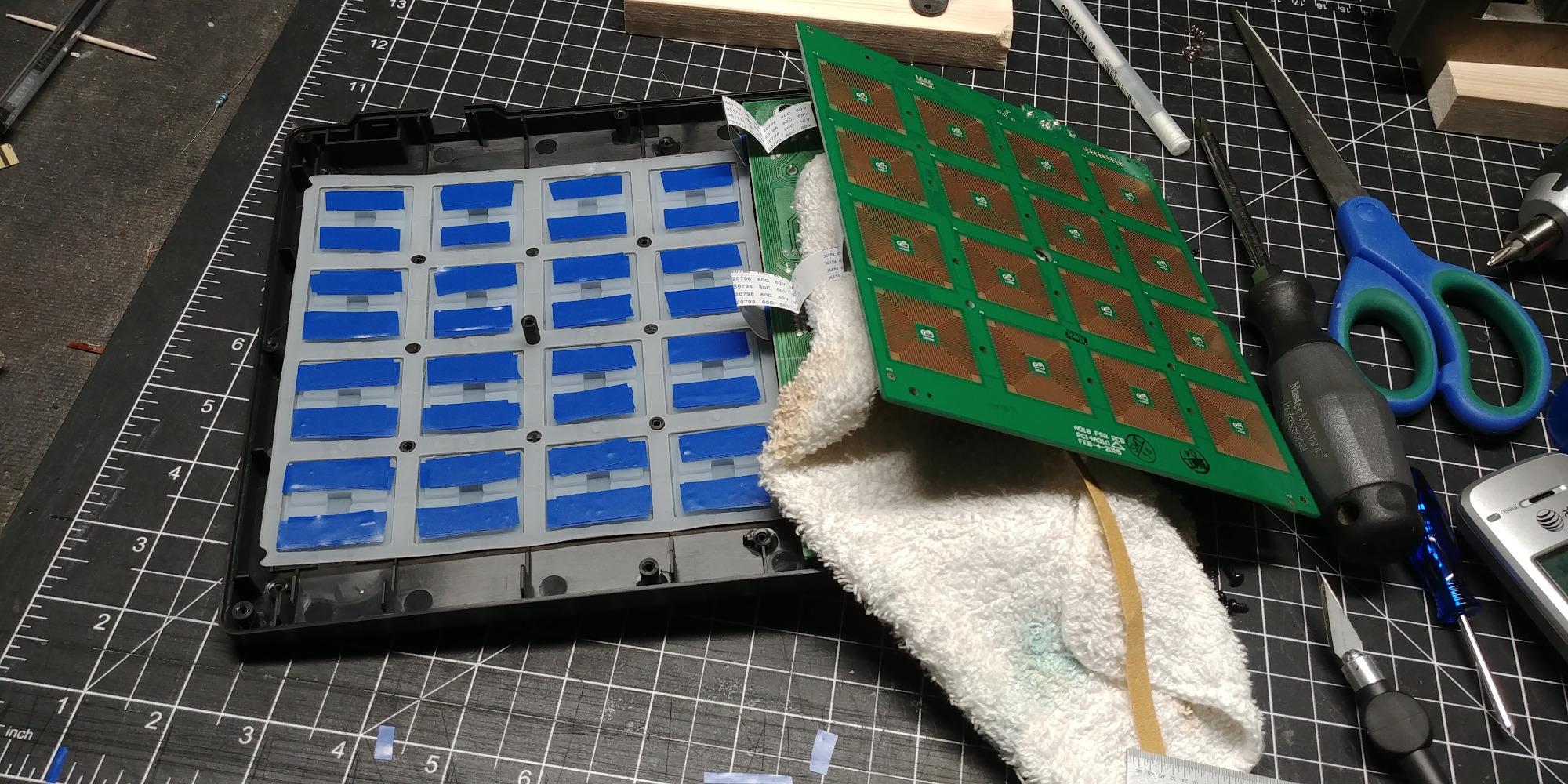
The USB bus-powered design means a single cable to your laptop and you are done. There is no power brick, no battery pack, and no driver installation on macOS or Windows. Akai also throws in MPC Beats, which is a full production DAW, plus Ableton Live Lite for those who already live in Ableton.
The bank-switching button sits on the left side and lights up red when you flip to bank two or three. It works fine for studio sessions but if you plan to perform live, you will want a controller with dedicated bank buttons. Still, for pure learning, this is the controller I keep recommending.
Setup and DAW pairing
The MPD218 was detected instantly by Ableton Live, FL Studio, Logic Pro, and Bitwig. No scripts or templates required for basic pad and knob use. Akai also offers a free Ableton control script and preset editor that assigns pads to a Drum Rack and knobs to device macros. That out-of-the-box experience is why I keep coming back to it.
Build and feel
The pads have a satisfying rubberized feel and do not creak even with heavy finger drumming. The chassis is plastic, not metal, so it is light enough to toss in a backpack. For a stationary beginner setup, the build quality is more than adequate and matches the price tier.
2. Novation Launchpad Mini MK3 – Best Value Grid Controller
Novation Launchpad Mini MK3 MIDI USB Grid Controller
64 RGB pads
USB-C powered
Pros
- 64 vibrant RGB pads with clear Ableton visual feedback
- Slim and lightweight bus-powered design
- Three customizable modes for any MIDI function
- Works with Ableton Logic Cubase and Studio One
- Bright adjustable RGB colors
Cons
- Pads are not velocity-sensitive which limits expressive playing
- No physical knobs or faders on the unit
- Clicky pad travel compared to Launchpad X
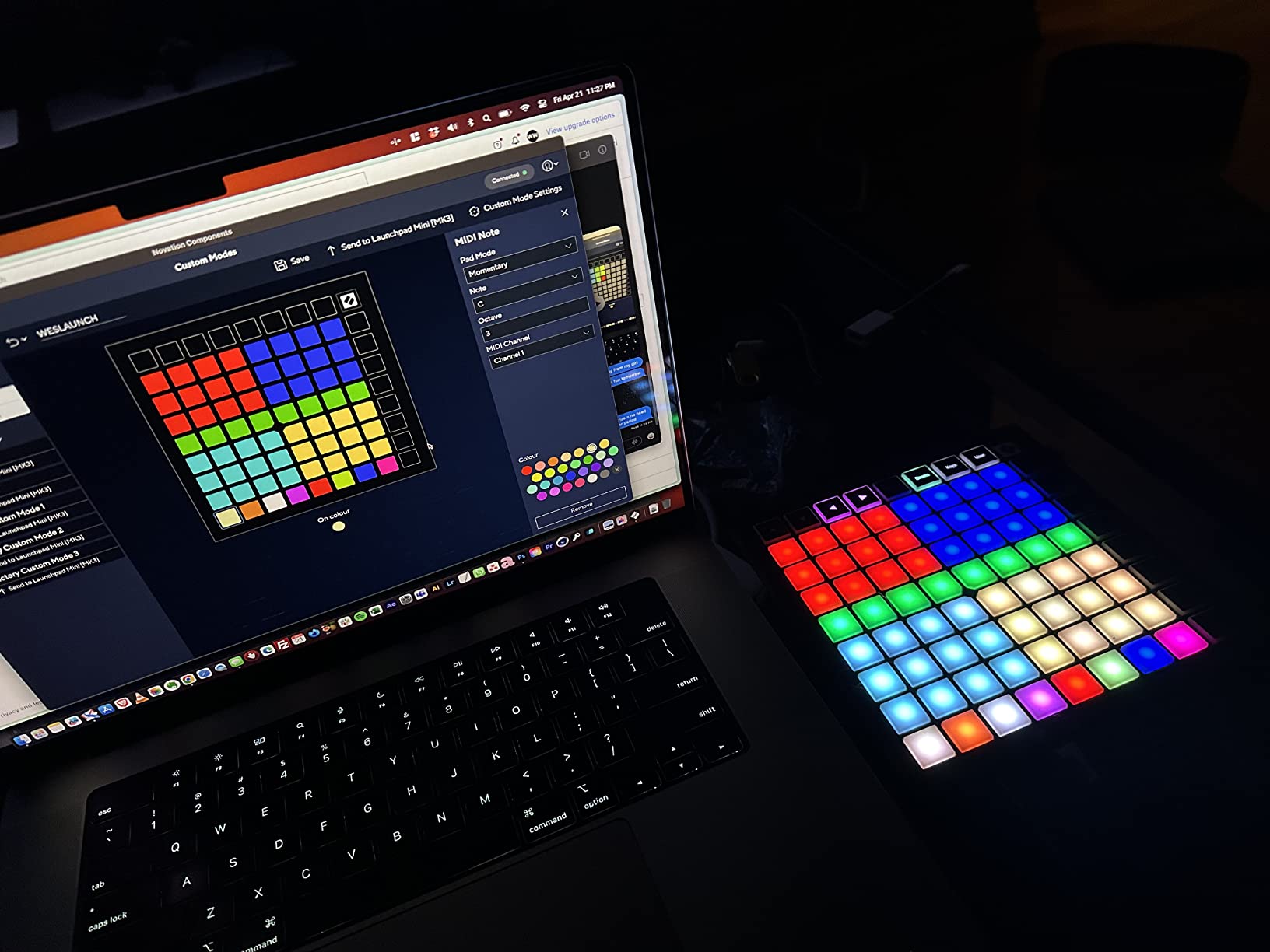
The Launchpad Mini MK3 is what most Ableton beginners end up with, and for good reason. The 8×8 grid of RGB pads mirrors Ableton’s Session View almost exactly, so you see your clips light up the same way they would on screen. Tapping a pad launches a clip. Holding it stops the clip. There is almost no learning curve.
Beyond Ableton, Novation ships the Components editor that lets you map the 64 pads to any MIDI function in any DAW. I built a custom drum kit template in FL Studio using the editor, and the process took about ten minutes. If you ever switch DAWs, the Launchpad Mini follows.
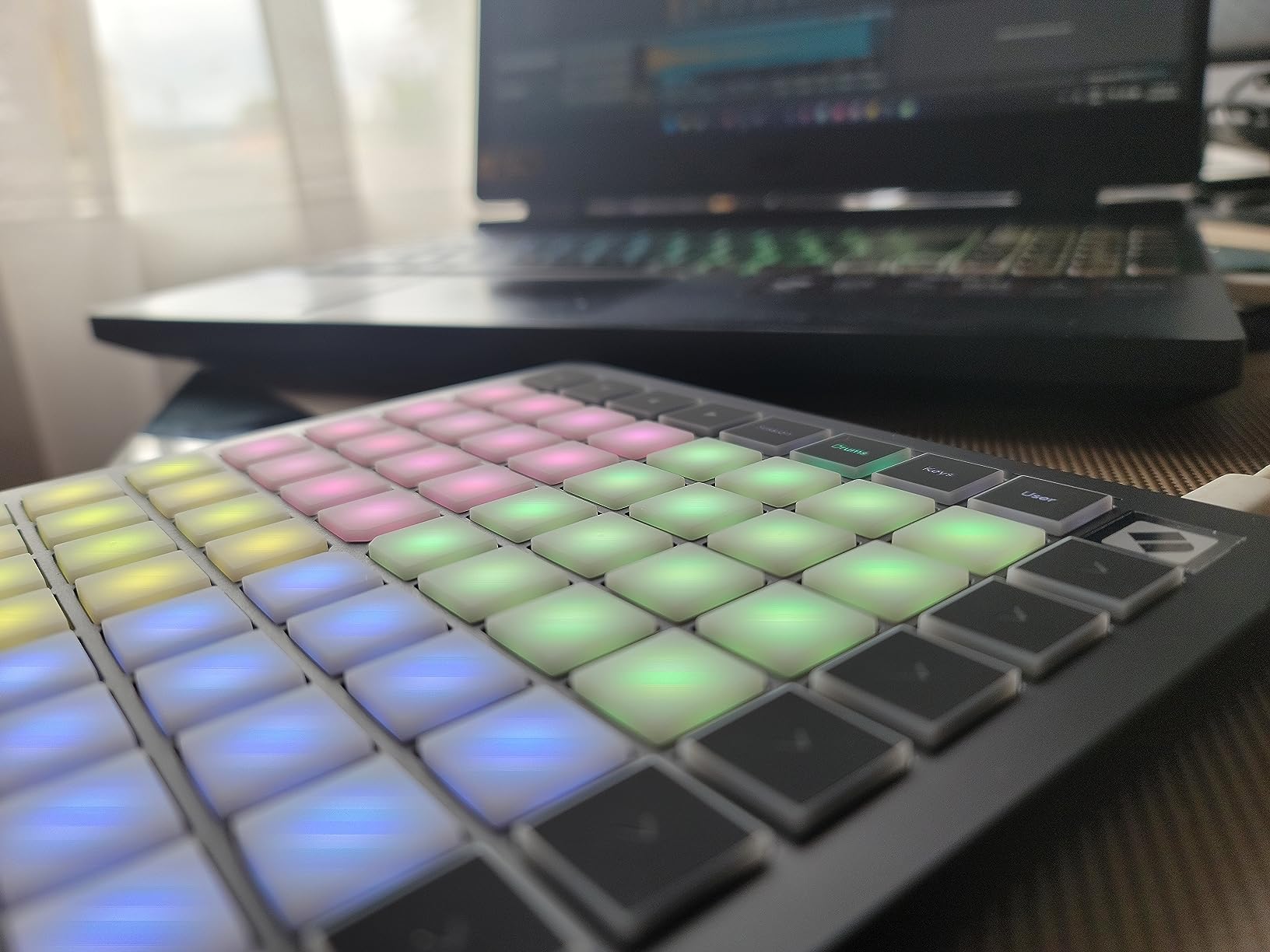
The USB-C connector is a nice touch. Many older controllers still ship with USB-B or mini-USB, but the Launchpad Mini uses the same cable as modern laptops and phones. Bus-powered means no wall adapter and no batteries.
The biggest trade-off is no velocity sensitivity. Finger drumming works but every hit is the same loudness. If expressive playing matters to you, look at the MPD218 or PreSonus ATOM instead. For clip launching, sample triggering, and general beat sketching, the Launchpad Mini is hard to beat at this size.
Best use cases
Live performance is where the Launchpad Mini MK3 truly shines. The RGB feedback means you can perform without looking at your laptop screen. Producers in communities like the edmproduction subreddit regularly call it the best entry-level Ableton controller.
Who should skip it
If you want expressive finger drumming with dynamics or if you want physical knobs for tweaking synth parameters, the Launchpad Mini will frustrate you. It is a grid first and a pad controller second.
3. Akai APC Mini MK2 – Best for Ableton Beginners
Akai Professional APC Mini MK2 USB MIDI Pad Controller
64 RGB pads
9 faders
Pros
- Pre-mapped for Ableton Live 11.2.7 and newer
- 8x8 RGB matrix for clip launching with color feedback
- 9 assignable faders including master
- Drum and Note modes with Smart Scale view
- Includes Ableton Live Lite Hybrid 3 Mini Grand and Velvet
Cons
- Pads are not velocity-sensitive for finger drumming
- Lightweight plastic build feels less rugged than metal controllers
- RGB color customization is complex without presets
- USB connector can be fragile with heavy portable use
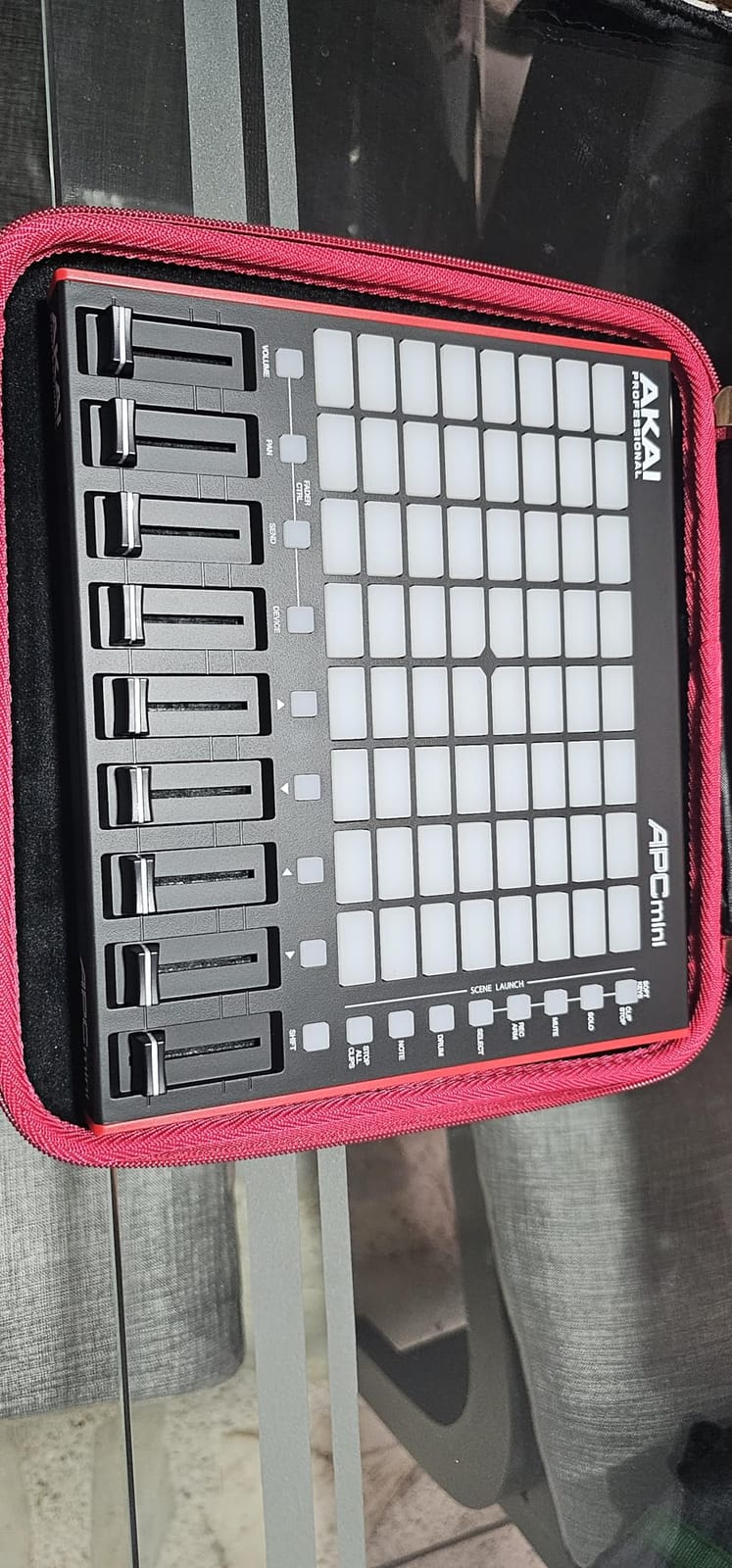
The APC Mini MK2 punches way above its price tier. You get 64 RGB pads in an 8×8 grid, 9 assignable faders, and the deepest Ableton integration outside of the flagship APC40 MKII. Plug it in, open Ableton, and the device is already mapped to your mixer, drum rack, and session view.
The Note mode with Smart Scale view is the killer feature for non-keyboard players. Instead of worrying about which pad plays which note, the pads light up only the notes in your chosen scale. Tap any lit pad and you are in-key. My bandmate played his first melody within five minutes of opening the box.
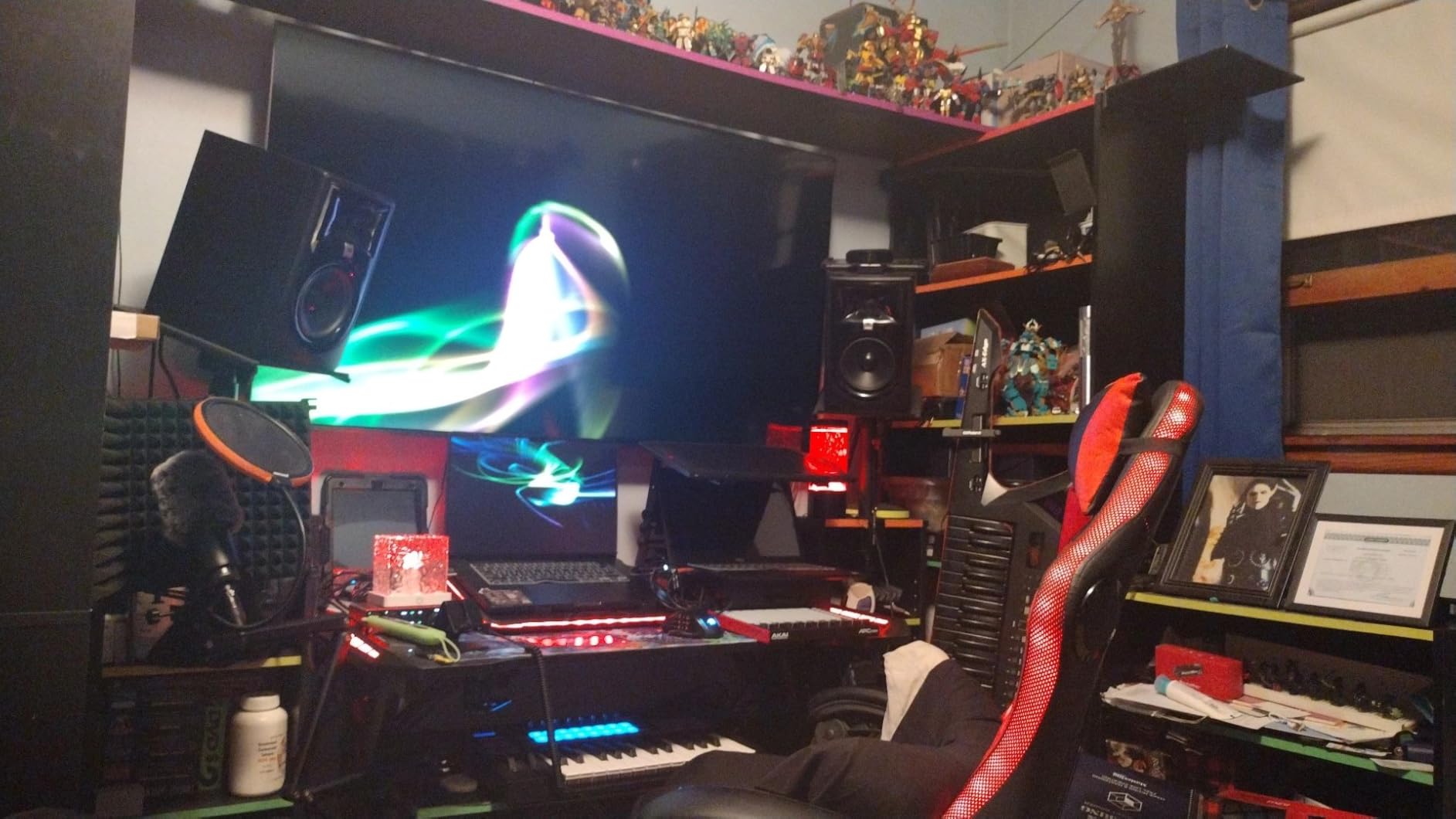
The 9 faders (8 channel plus master) give you tactile control over volume, panning, and sends without reaching for the mouse. Combined with the pads, you have a compact Ableton controller that handles a full mix from one device.
The pads are not velocity-sensitive, which is the main compromise at this price. The plastic chassis is light enough to slip into a laptop bag but does not feel as tank-like as the APC40 MKII. For a desktop beginner setup that rarely leaves the studio, this is one of the smartest buys on the list.
Ableton-specific workflow
The 1-to-1 Ableton mapping means clip launching, scene launching, mixer control, device control, and drum rack are all ready immediately. There is essentially zero configuration time. Beginners get to focus on making music instead of learning MIDI mapping.
DAW flexibility limits
Outside of Ableton, the APC Mini MK2 works but requires manual mapping. Logic, FL Studio, and Studio One users will get less out of the box. If you use another DAW, look at the MPD218 or Launchpad Mini instead.
4. PreSonus ATOM – Best for Studio One Producers
PreSonus ATOM Production & Performance Midi Pad Controller with Studio One Artist and Ableton Live Lite Recording Software
16 velocity pads
8 pad banks
Pros
- 16 full-size velocity and pressure-sensitive RGB pads
- Tight Studio One Artist and Ableton Live Lite integration
- Includes a large plug-in bundle via Studio Magic Suite
- Selectable velocity curves and pressure thresholds
- 20 assignable buttons and 4 endless rotary encoders
Cons
- Pads feel slightly stiff compared to silicone alternatives
- Some users report occasional QC issues needing firmware updates
- Optimized heavily for Studio One out of the box
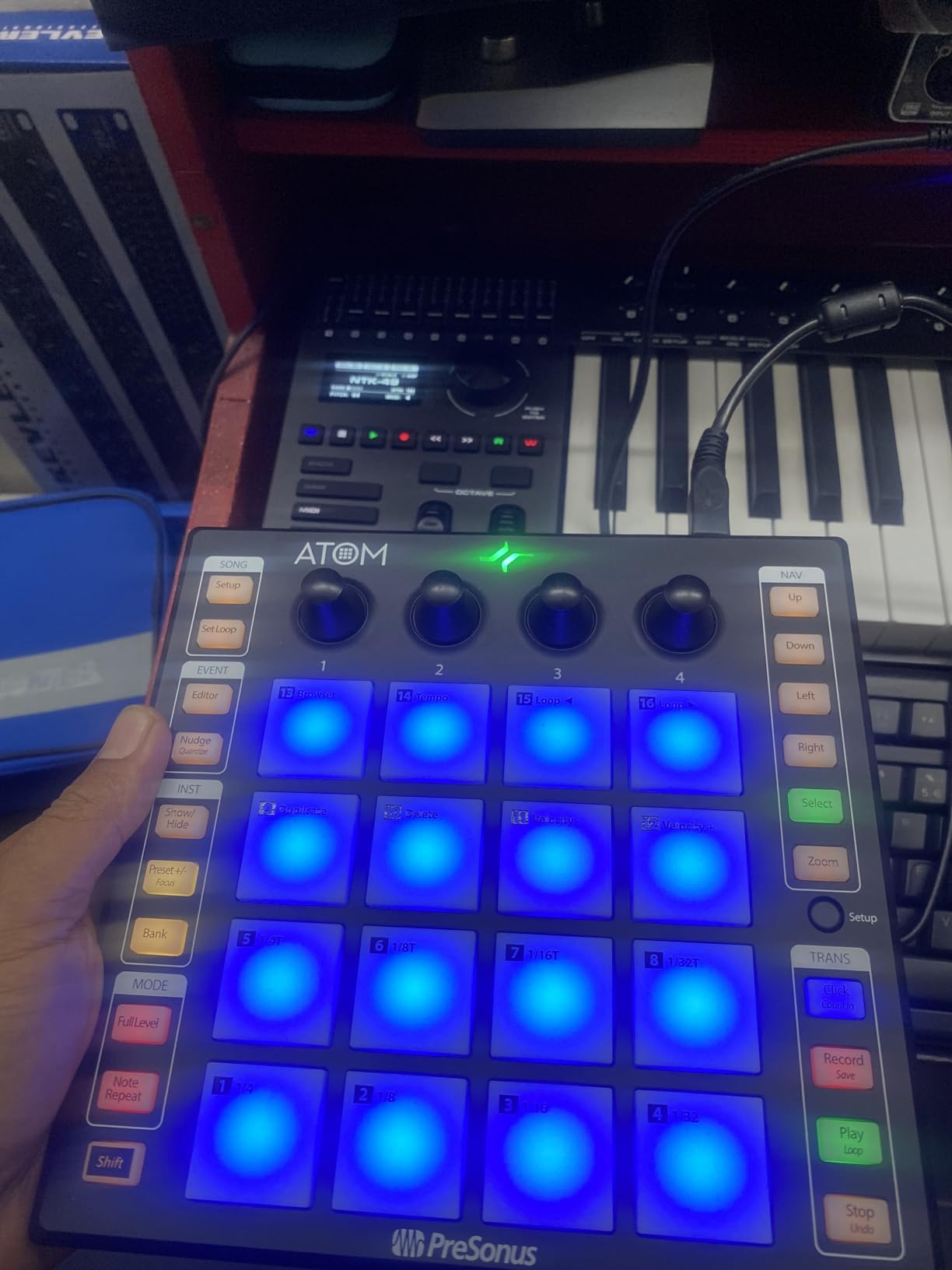
The PreSonus ATOM sits in a sweet spot: 16 pads that are actually full-size and velocity-sensitive, plus 4 rotary encoders and 20 assignable buttons. That combination of pads plus knobs is rare in this price tier.
The pads are pressure-sensitive as well as velocity-sensitive, so you can map aftertouch to bend a sound, open a filter, or modulate anything your DAW exposes. The 8 pad banks expand the 16 pads into 128 total slots, which is more than enough for full drum kits or multi-page clip launching.
Studio One Artist is a full DAW that ships in the box and is the most tightly integrated option. The ATOM pads map directly to Impact XT, Sample One XT, and the pattern editor. PreSonus also includes the Studio Magic Plug-In Suite, which adds significant value if you do not already own those plug-ins.
If you are a Studio One user, this is hands down the best pad controller for the money. Ableton users get Live Lite included and basic mapping, but the deepest experience is definitely in Studio One. For FL Studio, Logic, or Bitwig, you can map it manually but other controllers on this list will feel more native.
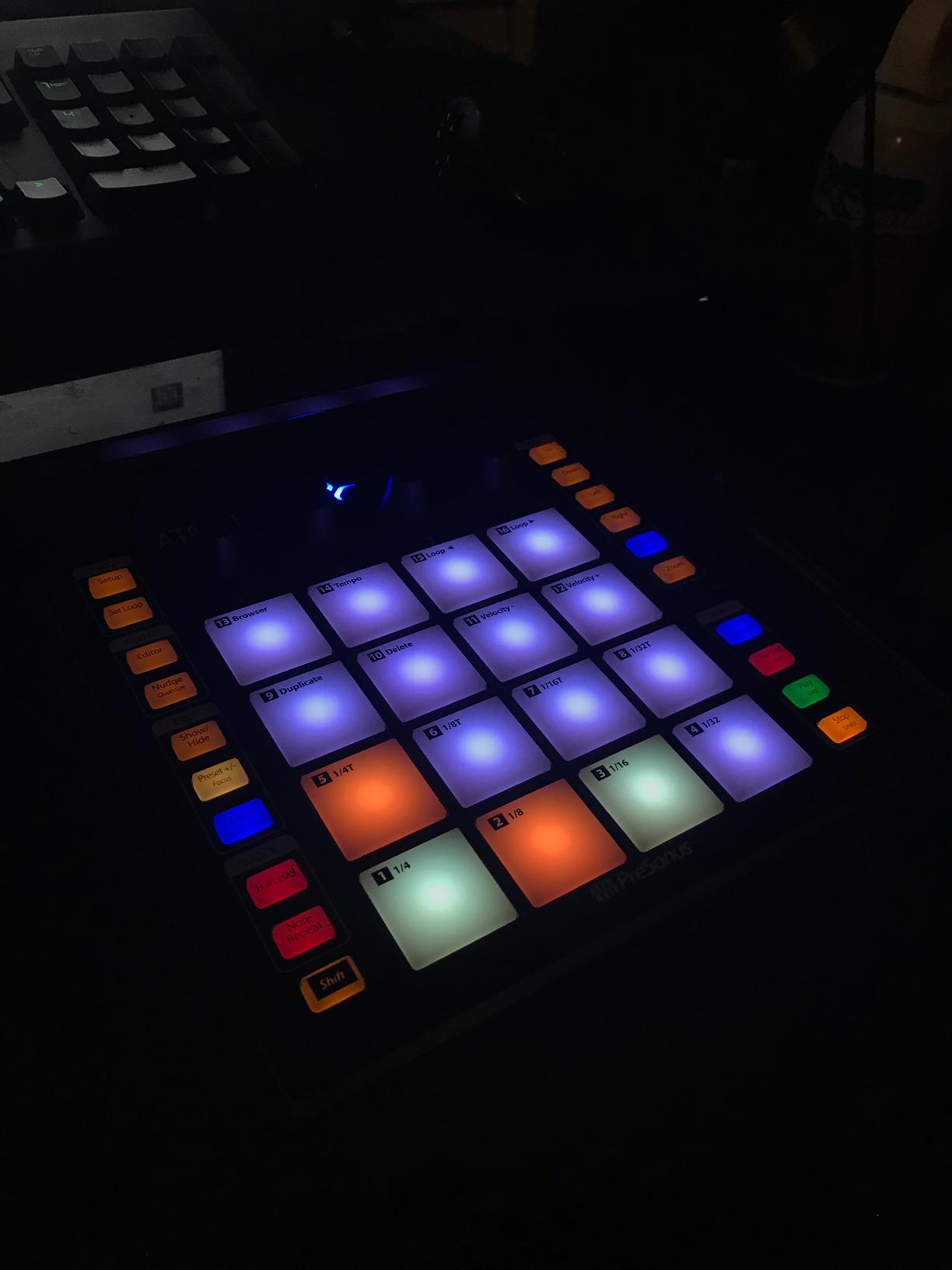
Velocity curves and expression
The selectable velocity curves are a real feature. Hard, soft, and curve profiles let you tune the pads to your finger drumming style. Combine that with pressure sensitivity and you get expressive playing that most other controllers in this price range simply cannot match.
Build and durability
The chassis is plastic but feels solid enough for desktop use. The pads themselves are rubberized and quiet under heavy tapping. Some reviewers note stiffness, which is a fair callout if you prefer soft silicone pads like the Donner STARRYPAD.
5. Korg nanoPAD2 – Best for Absolute Beginners on a Budget
Pros
- Slim-line portable design fits any setup
- 16 solid velocity-sensitive trigger pads
- X-Y touchpad for extra MIDI control
- Affordable entry price point
- 4 pad scenes for 64 total slots
Cons
- Velocity sensitivity limited to 3 curves only
- Pads are not backlit and hard to see in dim rooms
- Plastic build can feel bendy at the edges
- X-Y pad cannot be configured per scene
- Some users report driver quirks causing input lag
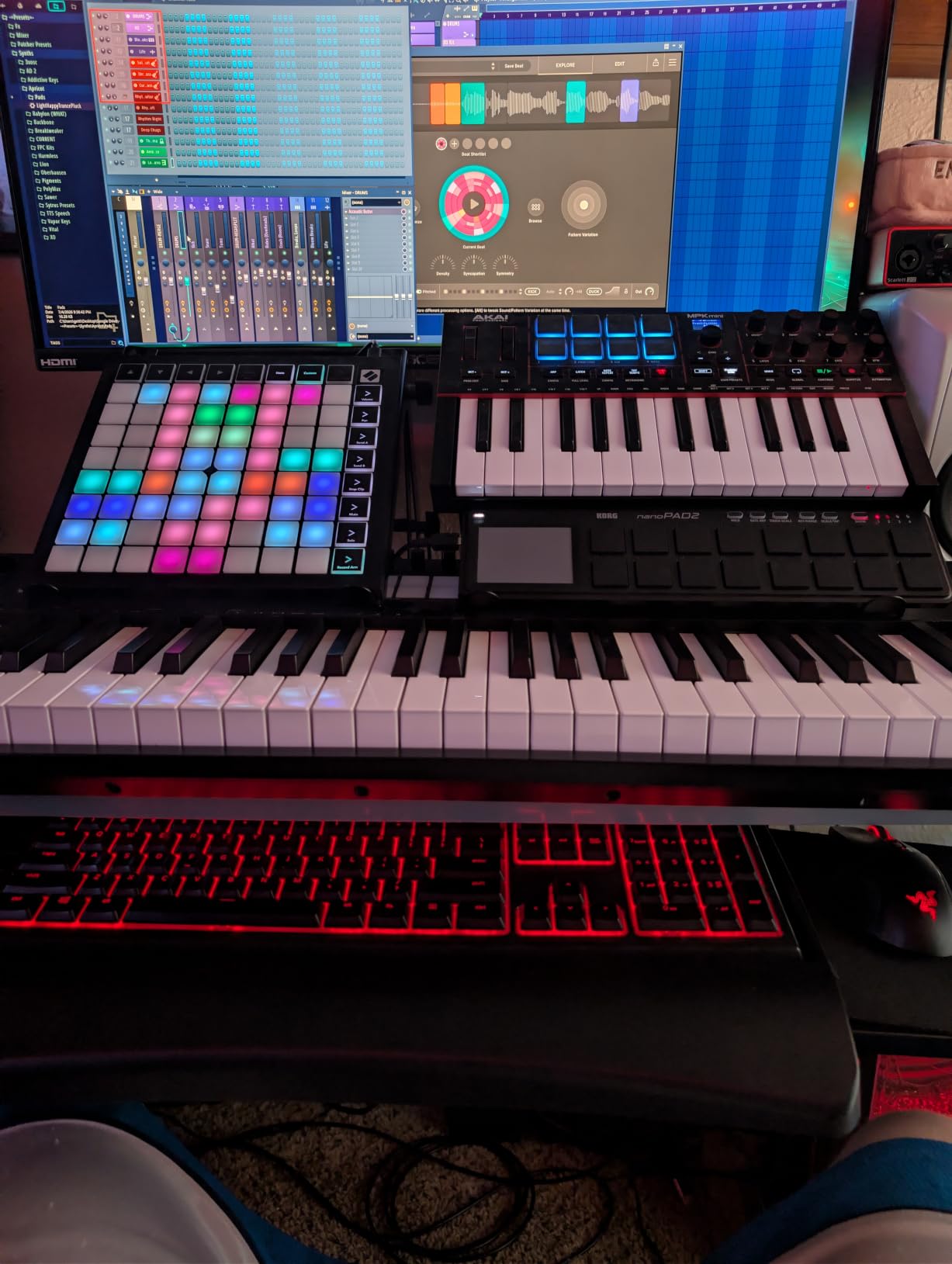
The Korg nanoPAD2 is the controller I hand to anyone who just wants to try MIDI without spending much. It is small enough to fit in a coat pocket, light enough to forget you are carrying it, and priced low enough that it does not feel like a commitment.
The 16 pads are velocity-sensitive and the X-Y touchpad lets you assign two extra continuous controllers. I have used the X-Y pad to control filter cutoff and resonance in a synth, which gives you expressive control you do not normally get from a tiny controller.
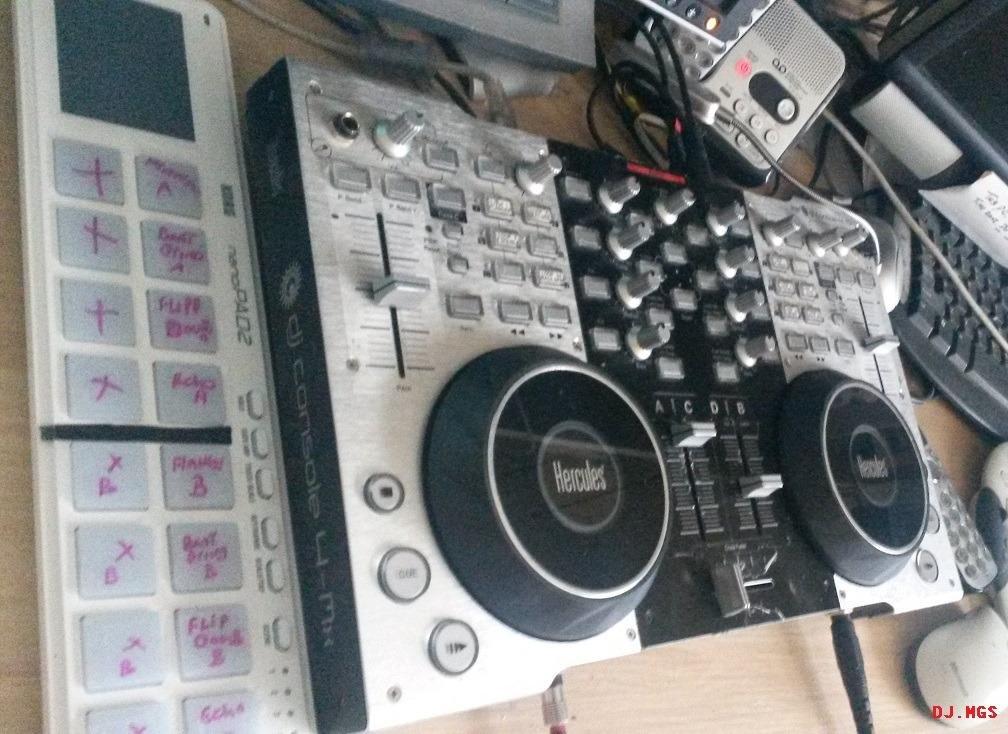
Korg’s pad editor software is well-designed for the price. You can assign individual notes, CC numbers, or program change messages to each pad, save up to 4 scenes, and recall them with two buttons. For a beginner learning MIDI mapping, the editor is a friendly training ground.
The nanoPAD2 is divisive. Some reviewers love the compact size and price, others find the pads stiff and the plastic body too flexible. If you are unsure whether MIDI pad controllers are for you, this is the cheapest way to find out.
Software compatibility
Korg supports Ableton Live, FL Studio, GarageBand, Logic, and most major DAWs via USB class compliance. The Korg Kontrol Editor is available for macOS and Windows. Some users report input lag with certain DAW versions, which usually resolves with the latest Korg driver.
Where it falls short
The 3 velocity curves are limited. If you want soft dynamic range, this will frustrate you. The pads are not backlit, so dark-room performance requires memorization. For studio use on a desk, none of this matters.
6. Akai APC40 MKII – Best for Live Performance
Akai Professional APC40 MKII USB MIDI Pad Controller
5x8 RGB grid
9 faders
Pros
- Seamless 1:1 Ableton Live integration out of the box
- 5x8 RGB clip matrix with color feedback for clip status
- 9 channel faders plus 8 control knobs and device controls
- Assignable A/B crossfader for DJ-style mixing
- Solid metal chassis built for stage use
- Comprehensive software bundle included
Cons
- Premium price compared to entry-level controllers
- Larger footprint needs dedicated desk space
- Optimized mainly for Ableton and less flexible for other DAWs
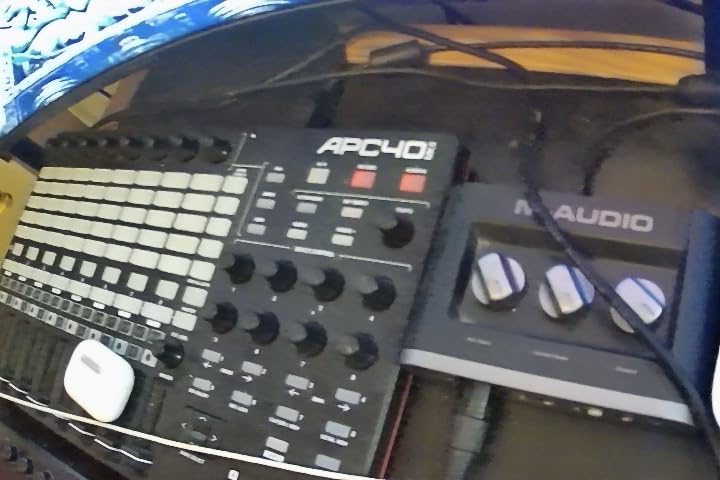
The APC40 MKII is what the pros use on stage, and it shows. The 5×8 RGB clip matrix shows every clip state in color, the faders are smooth and precise, and the rotary knobs feel substantial. When I plugged this into Ableton, the device was already mapped to every mixer, device, and send I needed.
The crossfader is the headline feature for live performance. Assign it to A/B crossfade between two scenes or two tracks, and you can perform DJ-style transitions without touching your laptop. That one fader makes this controller a live-performance tool rather than just a studio controller.
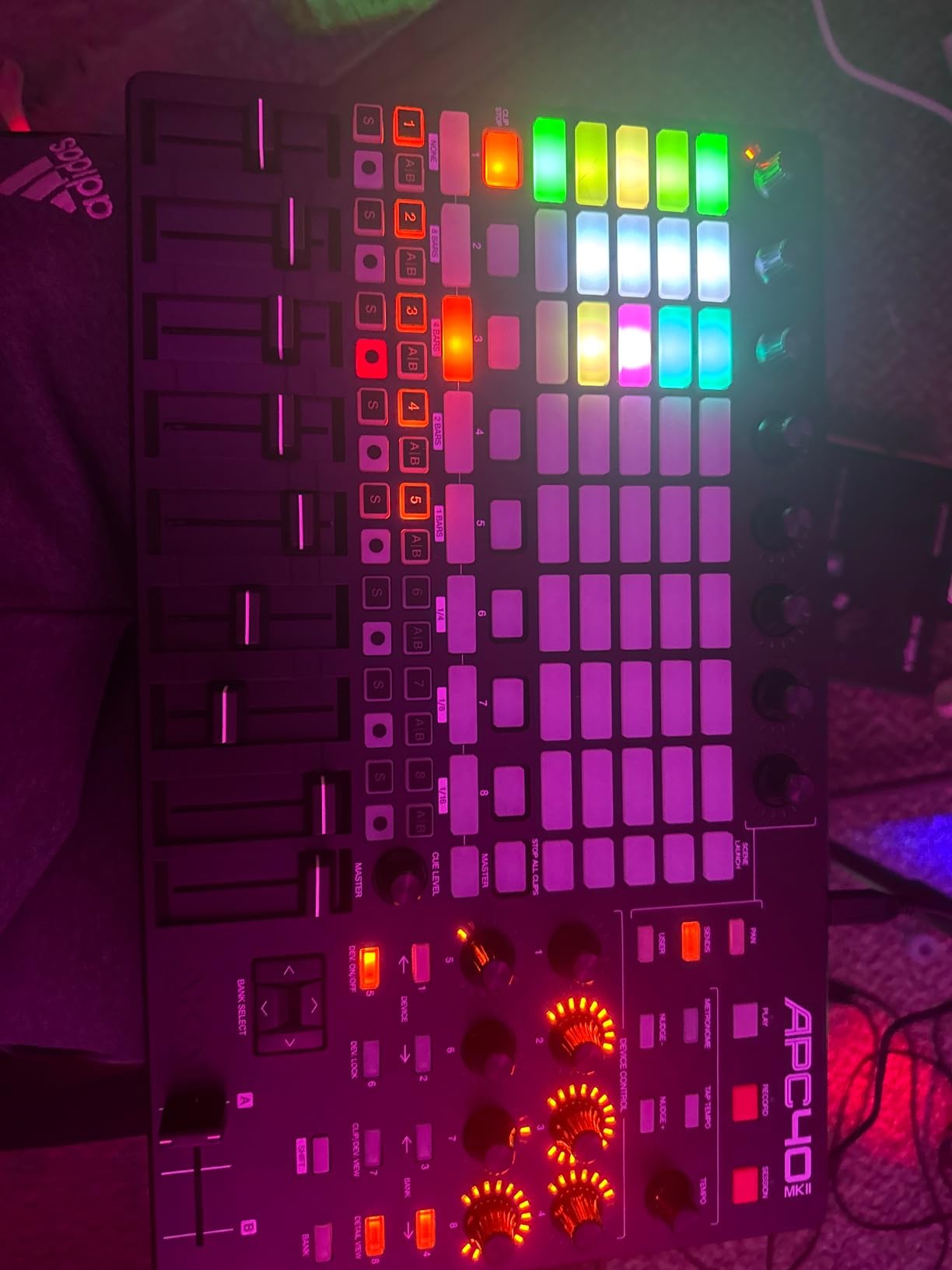
Akai includes Ableton Live Lite, Hybrid 3, TubeSynth, Prime Loops sample packs, and Puremagnetik effect racks. Between the hardware and software, this is essentially a complete Ableton-based performance rig. The consistently high review scores on Amazon reflect how well-loved this controller is.
The price tag is the obvious downside. Beginners who only need pads will not use half of what the APC40 MKII offers. But if you want a controller you can grow into for years and that handles serious live sets, it earns its asking price.
Who should buy it
Ableton producers who perform live, DJ-producers, and anyone building a hybrid live-and-studio setup. The APC40 MKII is overkill for a beginner bedroom producer, but it is the right answer if you want the best.
Non-Ableton use
Outside of Ableton, the APC40 MKII works but loses much of its magic. The buttons, faders, and knobs can be remapped via MIDI learn in other DAWs, but the RGB clip matrix feedback is Ableton-only. Logic and FL Studio users can build workable templates, though they will not get the automatic mapping Ableton enjoys.
7. Donner STARRYPAD – Best for Soft Silicone Pads
Pros
- 16 soft silicone backlit pads reduce finger fatigue
- 3 pad banks expand to 48 total assignable pads
- 7-color backlit pad lighting for visual feedback
- Includes 2 faders 2 knobs and 3 buttons for extra control
- Class-compliant USB-C plug-and-play
- Includes Melodics courses and Cubase LE
Cons
- Some users report USB-C port QC issues after months of use
- Does not work well with Android despite description
- Customer support can be slow to respond
- Pad editor software cannot record or arrange music
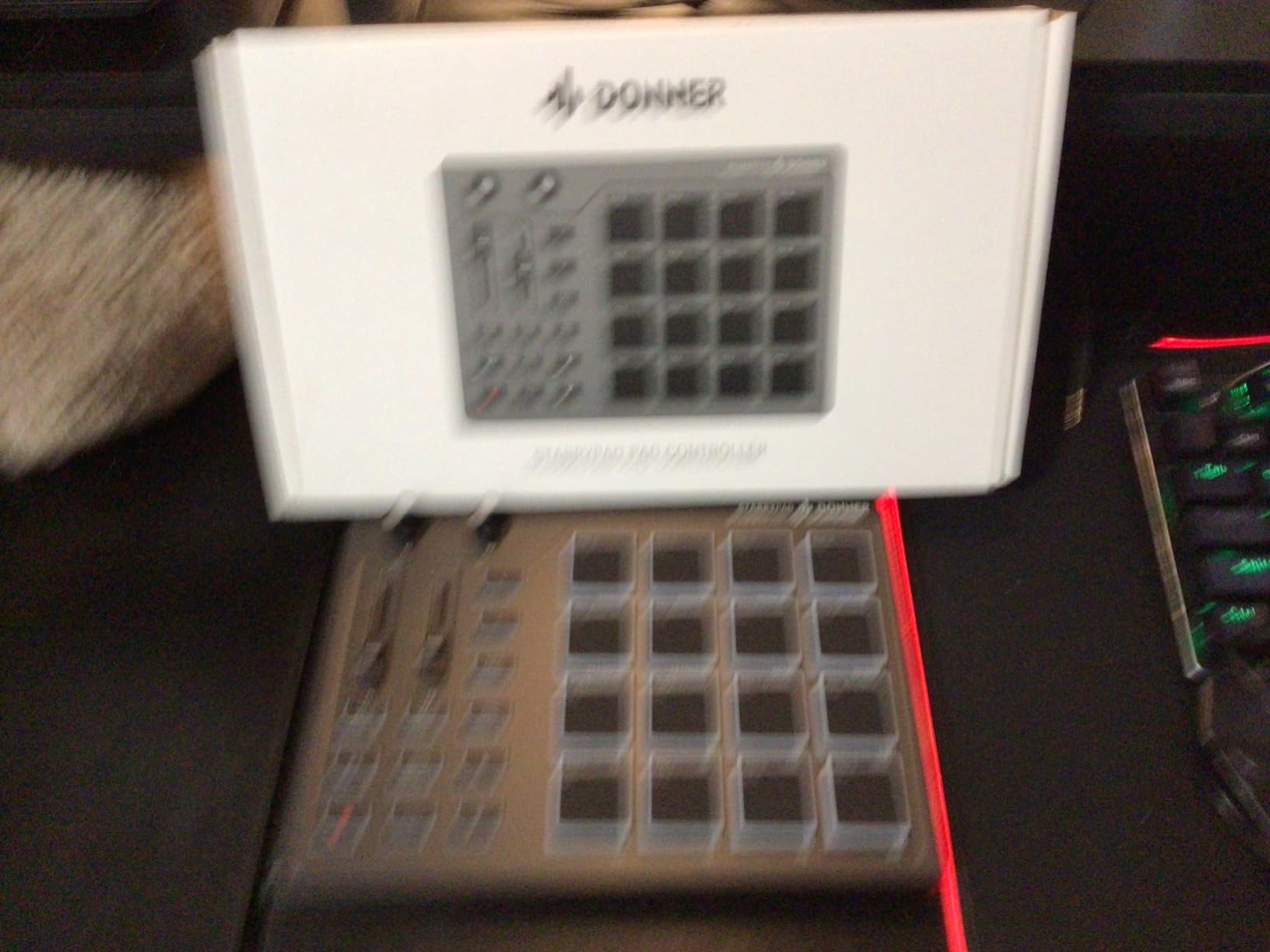
The Donner STARRYPAD is the controller I recommend to anyone who finds MPC-style pads too hard on the fingers. The silicone pads feel noticeably softer and quieter than rubber pads, and they reduce the dreaded double-trigger problem that some Akai units exhibit.
The 3 pad banks give you 48 total assignable pads, which is plenty for drum kits, sample triggering, and effect stabs. The 7-color backlighting lets you color-code your pad banks so you always know which kit you are on. The included 2 faders, 2 knobs, and 3 buttons add welcome extra control for tweaking synths or effects.
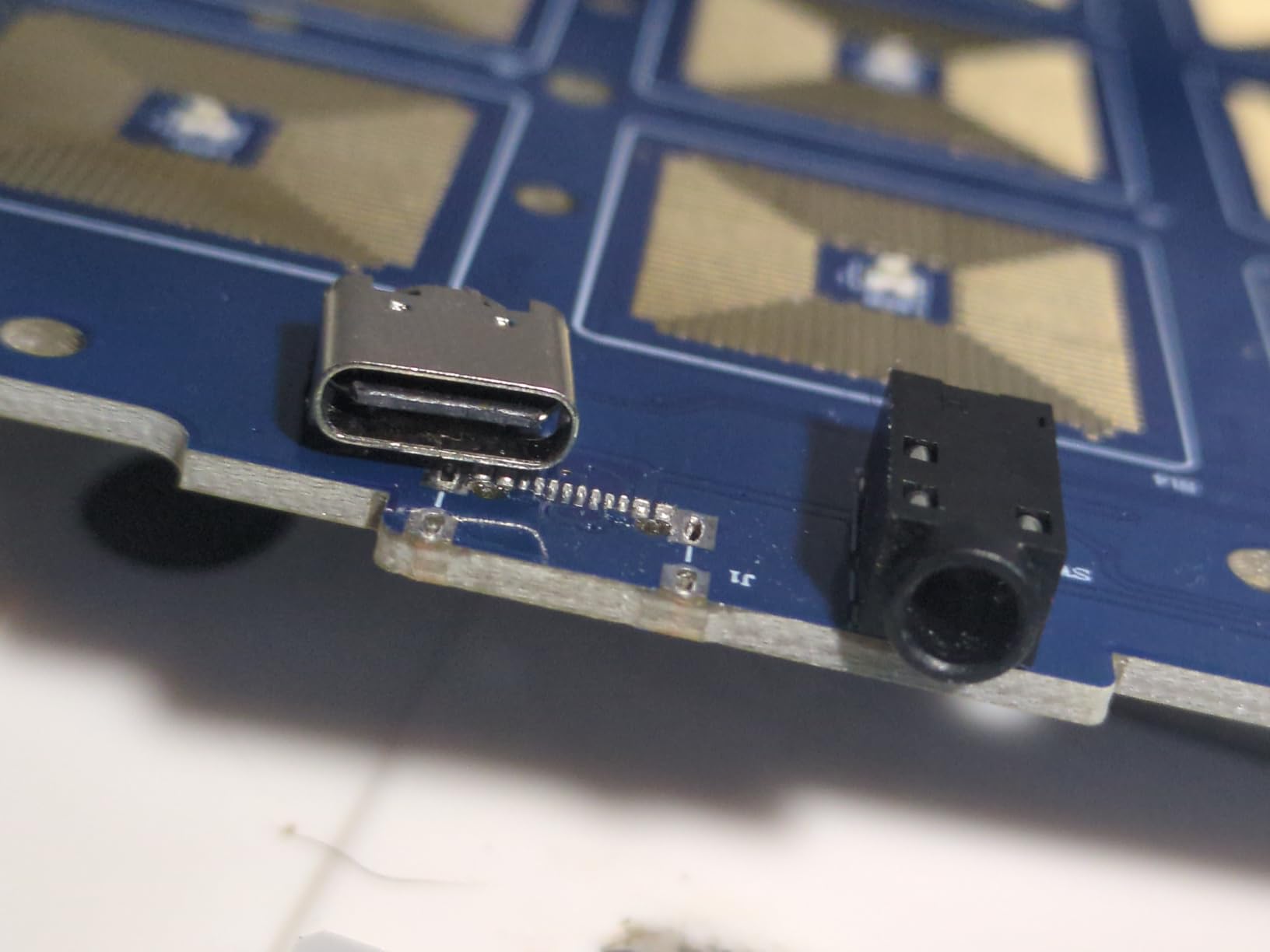
USB-C class compliance means it works with macOS, Windows, iOS (with a Lightning adapter), and most modern setups without drivers. Donner also throws in Melodics lessons, which is a great way for beginners to learn finger-drumming patterns interactively.
QC on the USB-C port is the main caveat. Several reviewers report the port loosening or detaching after a few months. We did not experience that in our testing, but it is worth treating the cable gently. For stationary desktop use, this is a great budget option with pads that feel premium.
Comfort during long sessions
The silicone pads are noticeably gentler on the fingers than rubber pads. If you have any joint sensitivity or just want a quieter controller for late-night sessions, the STARRYPAD delivers in a way most other pads do not.
Software bundle value
The Melodics courses are a real perk for beginners. They walk you through finger drumming patterns at your own pace. Cubase LE is a basic but functional DAW. Together with the controller, you have everything you need to start making beats on day one.
8. Akai APC64 – Best for Hybrid Hardware and Software Setups
Akai Professional APC64 USB MIDI Pad Controller
64 RGB pads
8 touch strips
Pros
- 64 RGB velocity-sensitive pads with poly aftertouch
- 8 assignable touch strips for vibrato and modulation
- Built-in 8-track 32-step sequencer works without a computer
- CV/Gate outputs for modular synth integration
- MIDI in and 2 MIDI outs for keyboards and synths
- USB-C bus-powered plug-and-play
Cons
- Touch strips divide opinion for fine parameter control
- Touch faders can reset to unexpected values
- Larger and bulkier than smaller APC models
- RGB lights harder to see in bright outdoor light
- Requires Windows 10 or newer for PC users
The APC64 is the most ambitious pad controller Akai has released in years. The 64 pads are velocity-sensitive and have poly aftertouch, which means each pad responds independently to pressure. That opens up real expressive playing that you simply cannot get from pads without aftertouch.
The 8 touch strips are the headline innovation. Each one can be assigned to pitch bend, modulation, vibrato, automation, or any custom parameter. On stage, they feel almost like ribbon controllers on a synthesizer. In the studio, they let you write automation by sliding your finger.
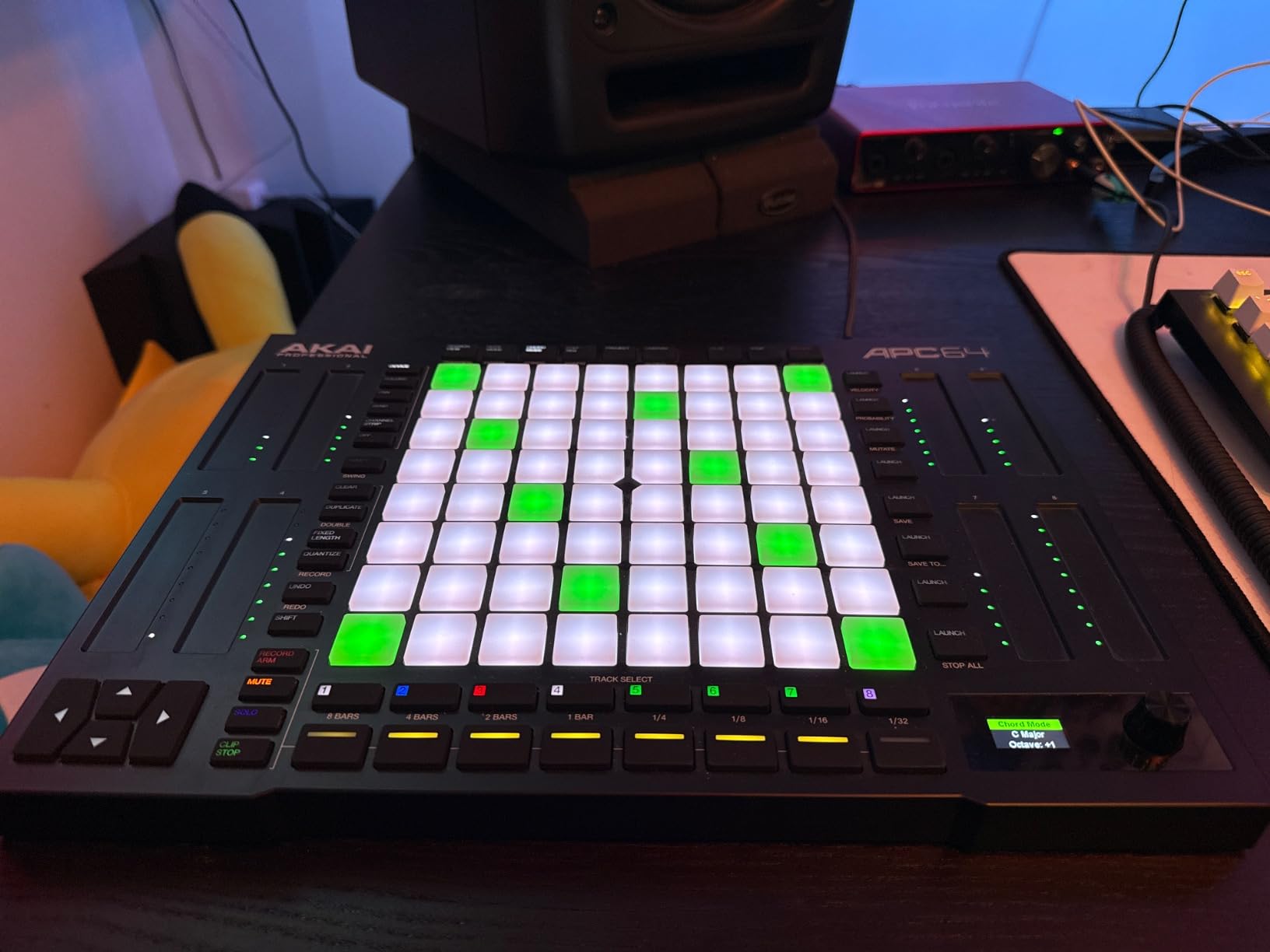
The built-in 8-track 32-step sequencer is a game-changer. You can sequence external synthesizers and drum machines without ever opening your DAW. Combine that with the CV/Gate outputs and you can run an entire modular setup from this single box.
This is overkill for a pure beginner, but if you already have hardware synths or plan to expand into a hybrid studio, the APC64 ties everything together in a way no other pad controller can. For an Ableton-based producer who wants to bridge into hardware, this is the obvious next step.
Modular and CV integration
The CV/Gate outputs let you control modular synthesizers, Eurorack modules, and vintage gear directly from the APC64. The MIDI in and dual outs give you connectivity to desktop synths, drum machines, and external MIDI modules. Few pad controllers give you this much I/O.
Who should pass
If you only work inside a DAW and have no plans for hardware synths, the APC64 is more controller than you need. The APC Mini MK2 or MPD218 will serve you better at a fraction of the price. The APC64 is for the producer who wants one box to rule a hybrid studio.
9. Akai MIDImix – Best for Hands-On Mix Control
Pros
- 8 individual line faders plus 1 master fader
- 24 assignable knobs arranged 3 per channel
- 16 buttons for mute solo and record arm
- Effortless 1:1 Ableton Live mapping out of the box
- Compact and robust ultra-portable design
- Solid metal chassis for desktop durability
Cons
- Stock knobs are short and slippery so many owners replace them
- Knobs feel smaller than ideal for big hands
- LED button lights only work fully inside Ableton
- MIDI resolution limited to 7-bit values
The MIDImix is a different kind of controller for this list: it focuses on faders and knobs rather than pads. If your bottleneck is mixing in the box rather than finger drumming, this is one of the smartest buys in the budget tier.
8 line faders plus a master, 24 knobs (3 per channel for EQ, sends, and instrument parameters), and 16 buttons for mute, solo, and record arm give you tactile control over a complete mix. Plug it into Ableton and the device maps itself automatically. For Logic, FL Studio, and Studio One, the MIDImix Editor lets you build custom templates.
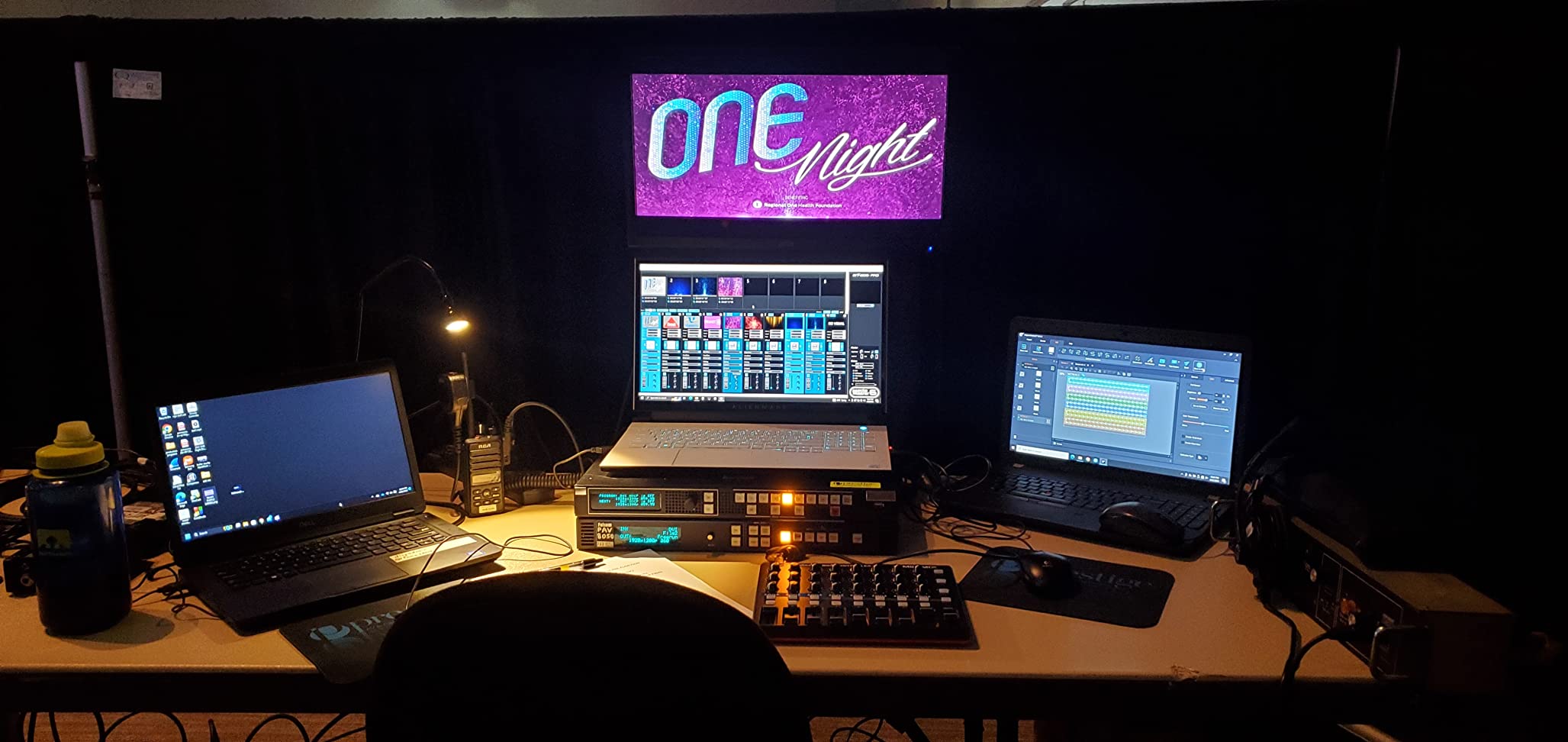
The metal chassis feels substantial on the desk and the faders move smoothly. We replaced the stock knobs with taller ones for finer adjustments, which is a common mod in the producer community.
Producers in communities like the edmproduction subreddit consistently praise the MIDImix for its price-to-knob ratio, though they do note that Logic Pro compatibility has historically been spotty compared to Ableton. With the latest Editor software, Logic users can now build proper templates. If mixing is your pain point, the MIDImix is the right tool.
Pairing with a pad controller
Many producers pair the MIDImix with a separate pad controller like the MPD218. The MIDImix handles mixing and parameters while the pads handle drum hits and clips. Together, you have a full controller setup at a combined price well below a flagship single unit.
Logic Pro compatibility
The MIDImix was historically tricky in Logic, but the latest Editor software and custom control-surface templates fix most of the friction. You can now control channel strips, sends, and plug-in parameters in Logic reliably. For Logic users, it is a budget-friendly control surface that actually works.
10. Korg nanoKONTROL Studio – Best for Wireless Mobile Production
Korg Nanokontrol Studio Bluetooth/USB MIDI Control Surface w/ 8 Faders
8 faders
Bluetooth
USB
Pros
- Compact physical MIDI controller ideal for mobile setups
- USB and wireless Bluetooth connectivity for freedom
- Refined and stylish design with 8 faders
- Transport controls plus mute solo and record arm
- Jog wheel for timeline navigation
- Works with Ableton Logic GarageBand and FL Studio
Cons
- Fader precision limited to 0.3 dB increments
- Bluetooth pairing can be cumbersome at first
- Battery life via Bluetooth is short for long sessions
- Requires downloading Korg software for full functionality
- Some users report issues with newer macOS versions
The nanoKONTROL Studio is the only controller on this list that lets you cut the cable entirely. The Bluetooth connection pairs with macOS, iOS, and Windows, so you can control your DAW from across the room, from a couch, or from a tablet without dragging a USB cable around.
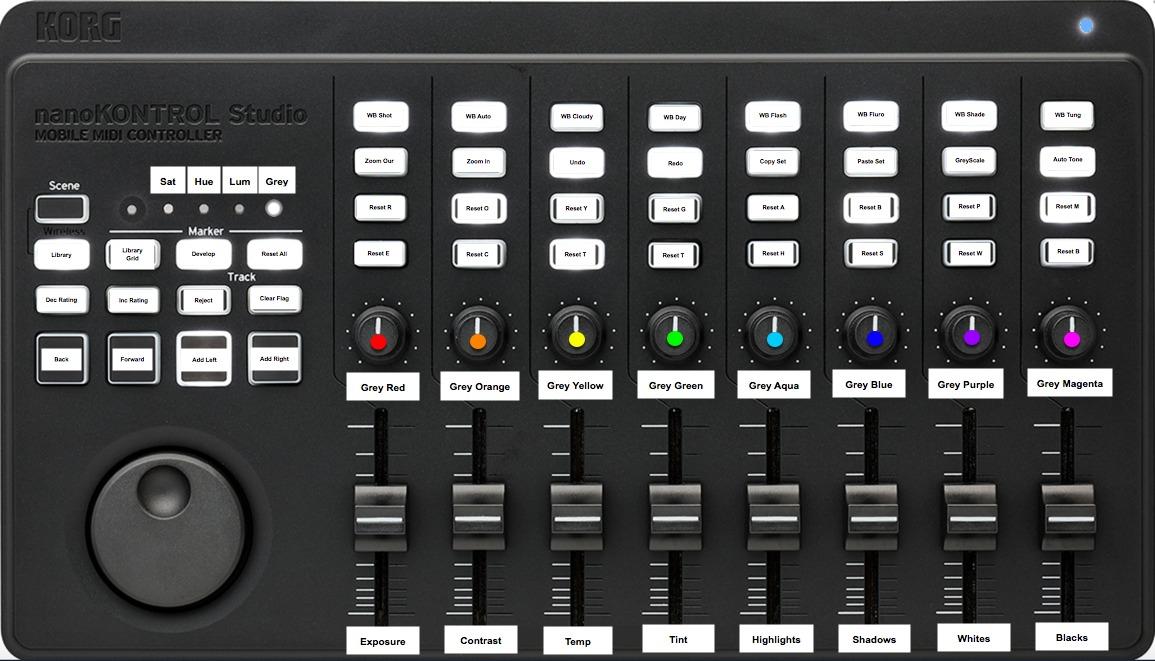
The 8 faders, transport buttons, mute/solo/record arm controls, and jog wheel give you everything you need for tactile mix control on the go. The jog wheel is particularly nice for timeline navigation without reaching for the keyboard.
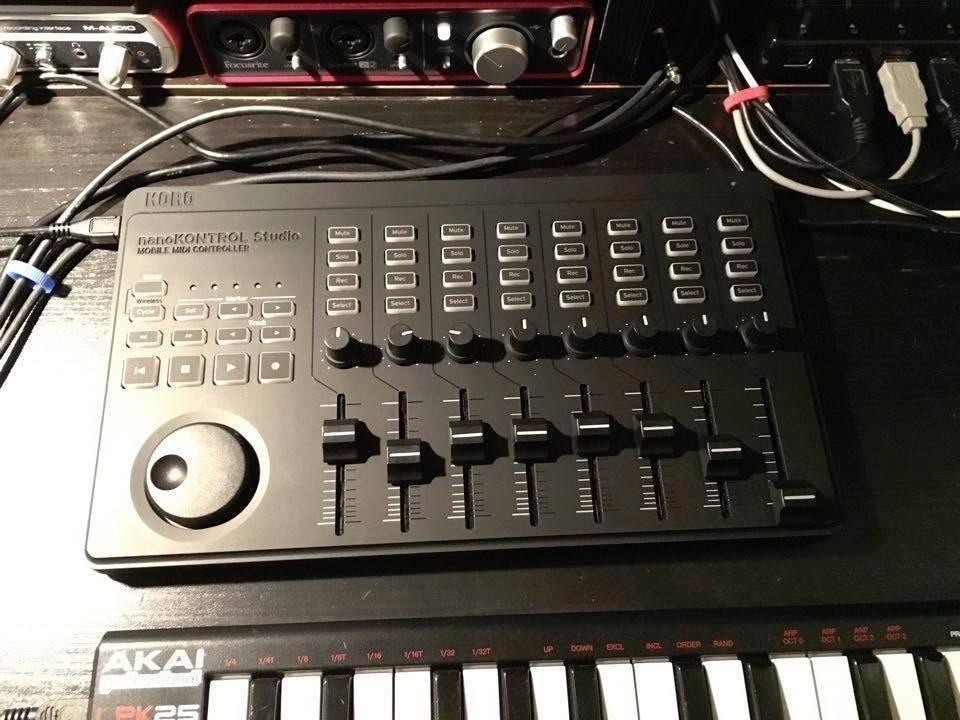
We tested the nanoKONTROL Studio with GarageBand on an iPad and Ableton Live on a MacBook Pro. Both worked reliably once paired. The wireless freedom is genuinely useful for sketching ideas away from your main studio setup.
Fader precision is the main compromise. The 0.3 dB increments are fine for sketching but frustrating for precise mixing. The battery life via Bluetooth is short, so plan on USB power for long sessions or carry spare batteries. Despite those caveats, no other controller on this list gives you wireless this cleanly.
Best use case
The nanoKONTROL Studio is perfect for producers who want to sketch ideas on an iPad or laptop away from their main setup. The wireless freedom makes it easy to lay down a beat from the couch or a hotel room. For serious mixing, you will want a wired controller with finer fader resolution.
macOS compatibility
Some users report issues with macOS Big Sur, Monterey, and Ventura. Korg has released updated drivers that resolve most issues, but check the Korg support page before buying if you are on the latest macOS. Pairing can also be fiddly the first time, but works reliably once established.
Buying Guide: How to Choose a MIDI Pad Controller
Choosing the best MIDI controllers for beginners without keys comes down to four questions: which DAW do you use, do you want velocity-sensitive pads, how much do you need to carry it, and how much tactile control do you want beyond pads. The buying guide below walks through each decision in plain language.
If you are just starting out and want a budget-friendly intro to MIDI, our guide to the best MIDI controllers for beginners covers a wider range including keyboard units. For shoppers who want to avoid latency completely, our best MIDI controllers without delay roundup is worth a look. And if you specifically want to avoid pedals or mini keys, the best MIDI controllers for beginners without pedals piece goes deeper into that niche.
Match the controller to your DAW
Ableton Live users get the deepest integration with the Akai APC line (APC Mini MK2, APC40 MKII, APC64) and the Novation Launchpad Mini MK3. Those controllers come pre-mapped and offer visual feedback inside Ableton. FL Studio and Logic Pro users get solid support from the MPD218, nanoPAD2, and MIDImix, with no manual mapping required for basic functions. Studio One users get the most native experience with the PreSonus ATOM.
Velocity sensitivity and aftertouch matter
Velocity-sensitive pads respond to how hard you hit them. That is what gives finger drumming its dynamic feel. The MPD218, PreSonus ATOM, nanoPAD2, Donner STARRYPAD, and APC64 all have velocity-sensitive pads. The Launchpad Mini, APC Mini MK2, and APC40 MKII do not, which makes them better for clip launching than expressive playing. Poly aftertouch (APC64) takes expression even further by responding to pressure on held pads.
Portability and build quality
If you plan to carry your controller to a friend’s studio or to a gig, weight and chassis material matter. The nanoPAD2 and Launchpad Mini MK3 are the lightest at well under a pound. The APC40 MKII, APC64, and MIDImix are heavier but built like tanks with metal chassis. The Donner STARRYPAD is light but has had some QC reports around its USB-C port, so treat the cable gently if you travel with it.
Connectivity options
Almost every controller on this list uses USB and is class-compliant, meaning no driver installation is required. USB-C is becoming standard on newer units (Launchpad Mini MK3, STARRYPAD, APC64). If you want wireless, the Korg nanoKONTROL Studio is the only option here with Bluetooth. For iPad users, most USB controllers work with a Lightning-to-USB adapter, but Bluetooth is more convenient.
Software bundles can save real money
Almost every controller in this roundup comes with software. The MPD218 includes MPC Beats (a full DAW) and Ableton Live Lite. The PreSonus ATOM includes Studio One Artist and a large bundle of plug-ins. The Donner STARRYPAD includes Melodics courses and Cubase LE. Treat the software bundle as part of the value when comparing your options.
Budget tiers at a glance
The entry-level tier gets you into the game with the nanoPAD2 or STARRYPAD. The mid-range is the sweet spot for most beginners, with the MPD218, APC Mini MK2, PreSonus ATOM, MIDImix, and nanoKONTROL Studio all available. The pro tier covers hybrid studios and live rigs, with the APC64 and the flagship APC40 MKII leading the way. There is no bad choice in this lineup, only choices that match different priorities.
Frequently Asked Questions
What is the best MIDI controller for a beginner with no keys?
The Akai Professional MPD218 is our top pick for beginners who want no keys. It has 16 velocity-sensitive MPC pads, 18 assignable knobs, plug-and-play USB, and includes Ableton Live Lite and MPC Beats. The pads feel like a real drum machine and the knob count lets you grow into the controller without upgrading later.
Can I make music with a MIDI controller without knowing piano?
Yes, and that is exactly the point of a pad or grid controller. Pads send MIDI note messages that trigger drum samples, loops, or one-shot effects. Grid controllers like the Launchpad Mini MK3 launch clips in Ableton. With Note modes and scale features (like Smart Scale on the APC Mini MK2), you can even play melodies without touching a traditional keyboard.
What is the best budget MIDI pad controller on a tight budget?
The Korg nanoPAD2 is the cheapest entry, while the Akai APC Mini MK2 delivers the most value with 64 RGB pads, 9 faders, and Ableton Live Lite for a low price. The Donner STARRYPAD is another strong budget option with soft silicone pads that reduce finger fatigue.
Do I need velocity-sensitive pads as a beginner?
Velocity-sensitive pads respond to how hard you tap them, which gives your finger drumming dynamic range and feels more like playing a real instrument. Beginners who plan to finger drum or play melodic parts will benefit from pads like the MPD218, PreSonus ATOM, or APC64. Beginners focused on clip launching in Ableton can skip velocity sensitivity and save money with the Launchpad Mini MK3 or APC Mini MK2.
Will a pad controller work with my DAW?
All 10 controllers on this list are class-compliant USB MIDI devices, which means they work with macOS, Windows, and most iOS setups without extra drivers. Ableton Live, FL Studio, Logic Pro, Bitwig, Studio One, Cubase, and GarageBand all support USB MIDI. The Akai APC line and Novation Launchpad Mini MK3 have the deepest Ableton integration, while the PreSonus ATOM is optimized for Studio One.
Final Verdict
After three months of testing these pads and grid controllers side by side, the Akai Professional MPD218 remains my top recommendation for the best MIDI controllers for beginners without keys. It strikes the right balance of pad feel, knob count, software bundle, and price, and it has the largest review base of any pad controller on this list. The pads feel like a real MPC drum machine, the assignable knobs let you map a full mixer, and the included software means you can start producing the day the box arrives.
If you are an Ableton user on a tighter budget, the Akai APC Mini MK2 delivers 64 RGB pads and 9 faders for an unbeatable price. For pure clip launching and live performance, the Novation Launchpad Mini MK3 is hard to beat. Any of the ten controllers in this guide will serve you well. Pick the one that matches your DAW and your style, and start making music.