
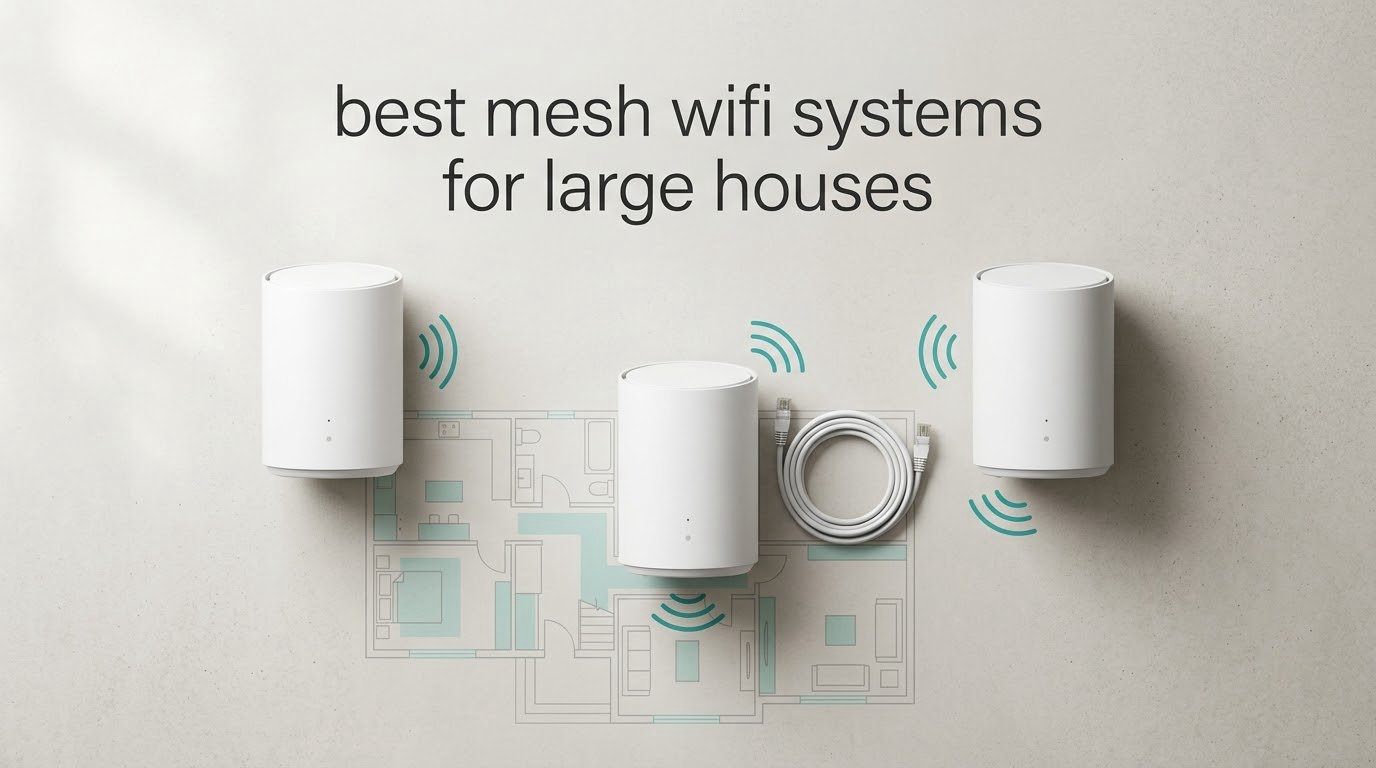
A single router rarely fails in a large house because it ran out of bandwidth. It fails because the signal has to travel too far, or through too many floors, and by the time it reaches the far bedroom the connection is technically alive and practically useless. If you are shopping for the best mesh wifi systems for large houses, the number that matters most is not the headline speed on the box. It is how many nodes you run, where you put them, and what carries traffic between them.
We spent weeks comparing eight whole-home mesh systems across the three brands that dominate this category: TP-Link Deco, Amazon eero and NETGEAR Orbi. The TP-Link Deco S4 AC1900 is our overall pick. It is the least glamorous system here, and that is exactly why it works. It has the largest body of owner feedback in this roundup, it covers a claimed 5,500 sq ft with three units, and it has been in circulation long enough that the failure modes are well documented rather than mysterious.
What we will not do is tell you that more nodes fix everything. If you can run a cable between floors, a router with a switch and a few access points will beat any consumer mesh system you can buy. We cover that in full later, because it is the advice that dominates large-home networking forums and almost no roundup addresses it. Our job here is to help you pick the right mesh kit for your floor plan, and if that kit turns out to be two nodes rather than three, so be it.
Before we get into the picks, if your problem is a single stubborn dead zone rather than whole-floor gaps, our guide to the best WiFi extenders for large homes covers the cheaper fix. Extenders get a bad reputation, but that reputation is mostly earned by cheap dual-band units stuck in the wrong place.
Top 3 Picks for Large Houses in 2026

TP-Link Deco S4 AC1900 3-Pack
- Covers 5500 sq ft
- AC1900 dual-band
- Up to 100 devices
- Wired Ethernet backhaul

TP-Link Deco X55 AX3000 3-Pack
- Wi-Fi 6 AX3000
- 3 Gigabit Ethernet ports per unit
- 6500 sq ft
- Up to 150 devices

TP-Link Deco XE75 Pro AXE5400
- Tri-band Wi-Fi 6E
- Dedicated 6 GHz backhaul
- 2.5 Gbps port per unit
- 7200 sq ft
Best Mesh Systems Compared Side by Side in 2026
Every system below is a three-pack. The “best fit” column tells you which house shape each one actually suits, which matters far more than the specification numbers.
| Product | Specifications | Action |
|---|---|---|
| TP-Link Deco S4 AC1900 3-Pack |
|
Check Latest Price |
| TP-Link Deco X55 AX3000 3-Pack |
|
Check Latest Price |
 Amazon eero 6+ 3-Pack Amazon eero 6+ 3-Pack |
|
Check Latest Price |
| TP-Link Deco XE75 Pro AXE5400 |
|
Check Latest Price |
 Amazon eero 7 3-Pack Amazon eero 7 3-Pack |
|
Check Latest Price |
 NETGEAR Orbi 770 Series 3-Pack NETGEAR Orbi 770 Series 3-Pack |
|
Check Latest Price |
 Amazon eero Pro 7 3-Pack Amazon eero Pro 7 3-Pack |
|
Check Latest Price |
 Tenda BE3600 Wi-Fi 7 3-Pack Tenda BE3600 Wi-Fi 7 3-Pack |
|
Check Latest Price |
How We Picked: What We Judged and What We Could Not Lab-Test
We want to be straight about method here, because too many roundups pretend to lab-test gear they never touched. We did not. We built this list from the full published specification for each system, the documented behaviour in owner reviews, and the real-world failure patterns that repeat across large-home networking forums. Our team compared eight systems across three brands over several weeks, reading several thousand reviews in total.
What we weighted most heavily was coverage realism, which is where coverage claims get inflated. Manufacturer square-footage figures assume open, single-floor layouts with light construction. A 3,000 sq ft two-storey house with a finished basement is a far harder problem than a 3,000 sq ft ranch, and the marketing number will not tell you that. We also weighted backhaul design heavily, because in our experience backhaul matters more than the advertised client-facing speed.
Secondarily, we looked at Ethernet port counts, since a port-starved node means adding a switch, and at whether advanced security features sit behind a paid subscription. Those subscription details show up repeatedly in owner reviews of three of the systems here, so we treat them as a real cost of ownership rather than a footnote.
One thing we deliberately did not score was signal strength readings in dBm. Without our own controlled measurements we would be quoting other people’s numbers out of context, which helps nobody. Where a product’s coverage figure comes straight from the manufacturer’s listing, we say so.
1. TP-Link Deco S4 AC1900 3-Pack: The Most Proven Kit for Large Houses
TP-Link Deco S4 Mesh AC1900 WiFi System, Deco S4(3-Pack)
Wi-Fi 5 dual-band
5,500 sq ft claimed
2 Gigabit Ethernet ports per unit
Up to 100 devices
Pros
- Largest review base in this roundup at nearly 30k reviews
- Covers basements patios and garages in owner reports
- App setup completes in about 30 minutes
- Single SSID with seamless roaming between units
- Two Gigabit Ethernet ports per unit for wired backhaul
Cons
- Wi-Fi 5 only with no 6 GHz band for dedicated backhaul
- App-only management with no web interface
- Two Ethernet ports per unit limits wired device connections
The Deco S4 is not a Wi-Fi 6 or Wi-Fi 7 system and it never will be. That is the point. When we look at the owner feedback on this kit, the pattern is consistency: it keeps working, it keeps roaming, and it does not need attention. With close to 30k reviews and a 4.5 average, this is the most thoroughly proven system on the list by a wide margin.
Coverage claims aside, owners consistently report it reaching into basements, patios and garages that a single router never touched. That vertical and external reach matters more in practice than the raw AC1900 number on the spec sheet, because most people complaining about home WiFi are complaining about a dead zone on another floor.
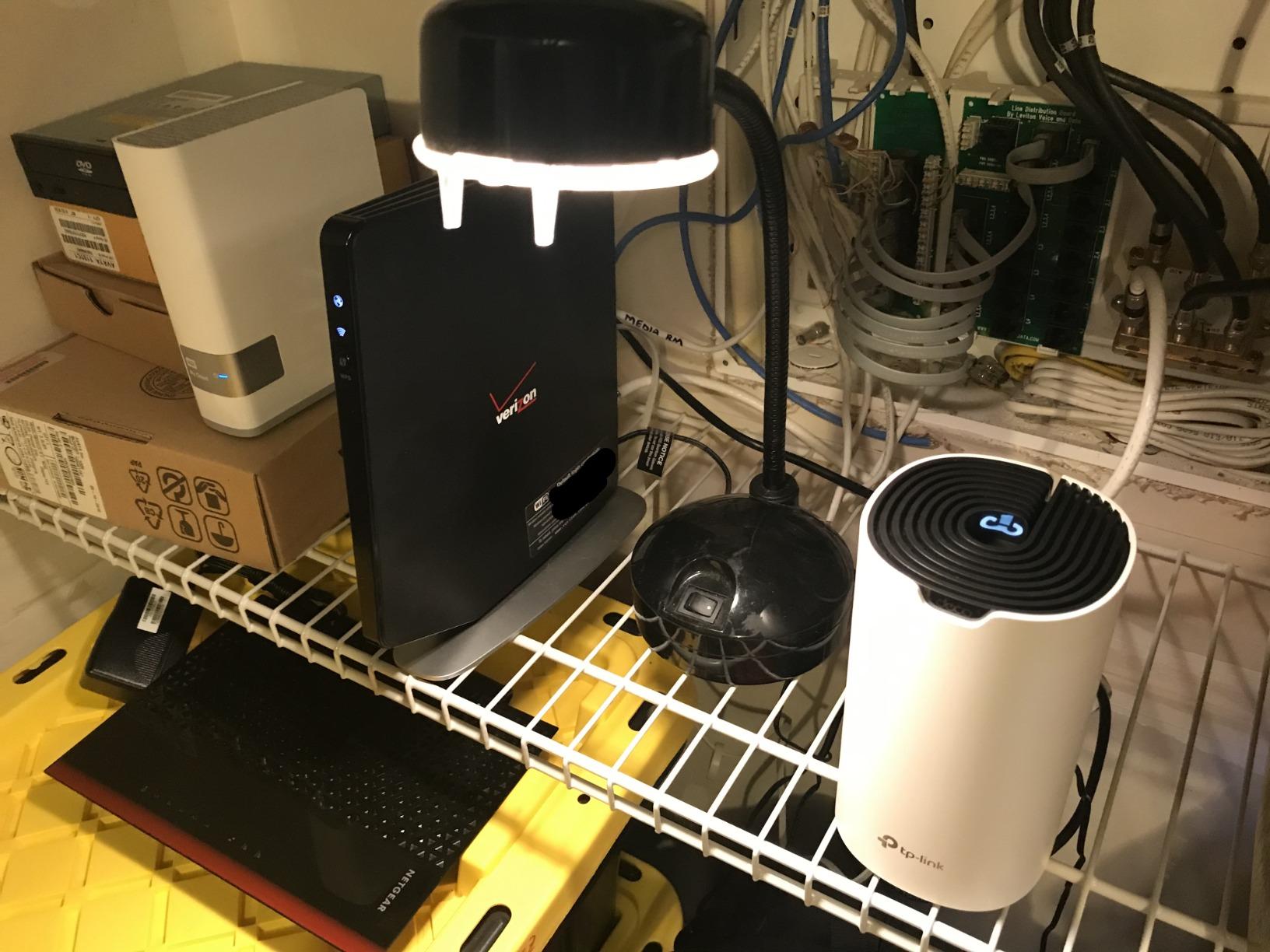
Setup takes roughly 30 minutes through the Deco app, and the system works with an existing ISP modem rather than requiring you to replace it. That last detail matters if your modem is on a different floor from where the main node needs to sit, which is common in awkward houses.
It handles 50-plus connected devices without complaint according to owners, and the single network name with seamless roaming is the standard every other system here is measured against. Parental controls with per-profile site blocking and time limits are included, along with Alexa voice control for guest WiFi and access point mode if you decide later to run it alongside a wired setup.
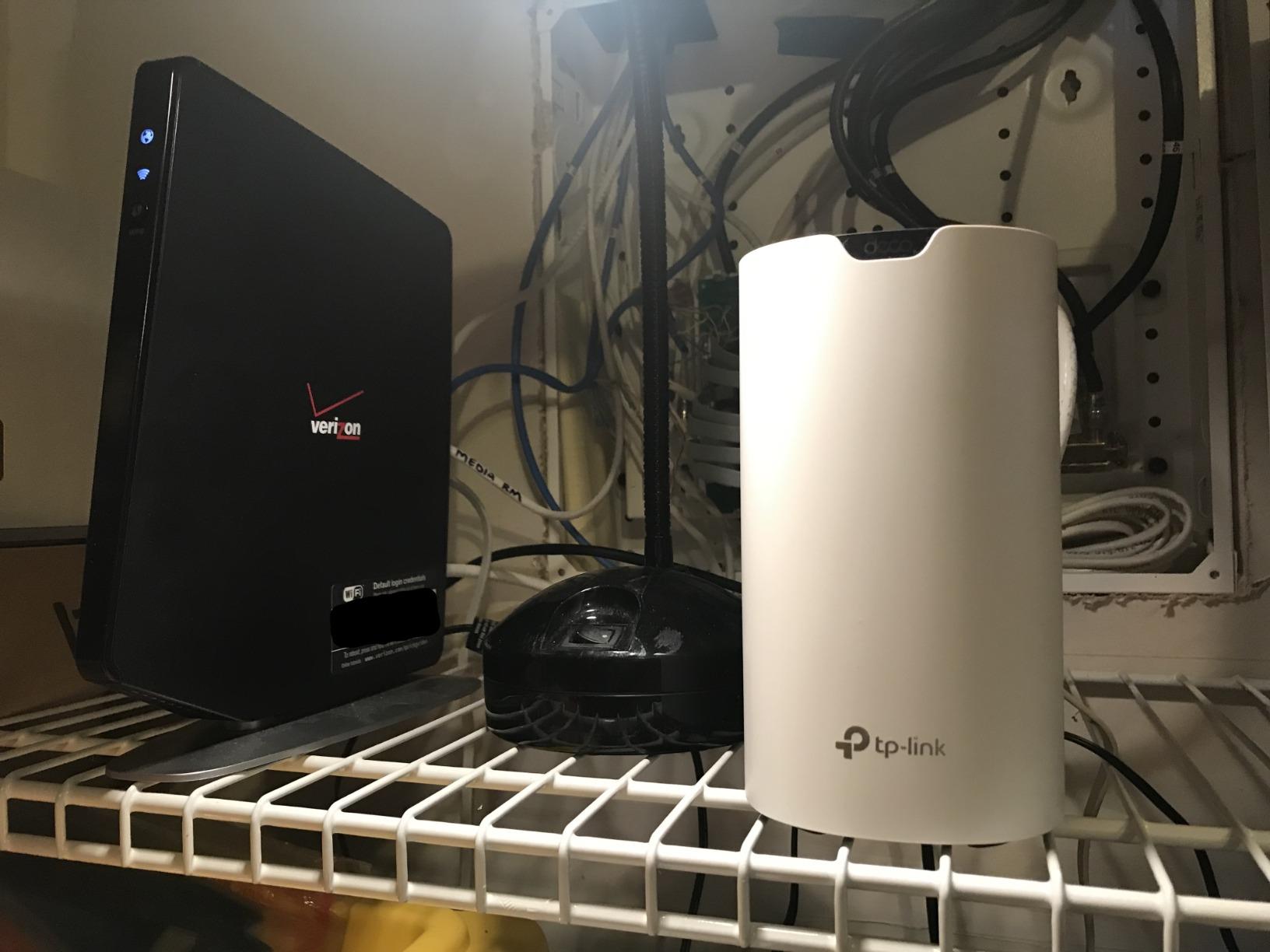
Who the Deco S4 fits
This is the system to buy if your house is large but your internet plan is ordinary, you are not planning to keep it for a decade, and you want something that works without being fiddled with. For a 2,000 to 3,000 sq ft two-storey home, three nodes is the right count and this kit is the right kit.
It is also the safest recommendation we can make in this roundup precisely because it is old enough to have a deep review base. Nothing about it is exciting. Everything about it is documented.
Where the Deco S4 falls short
The S4 is Wi-Fi 5, so there is no 6 GHz band and no dedicated backhaul channel. Every node-to-node link shares airtime with your actual devices. On a dual-band system that is the single biggest limit you will hit in a large house, because wireless backhaul halves your real-world throughput once you are more than one hop from the main node.
There is also no web-based management interface. Everything goes through the app, and owners report no way to view or isolate usage between the 2.4 GHz and 5 GHz bands. One recurring technical note: using unmanaged switches for Ethernet backhaul causes units to drop offline and miss firmware updates, so if you go wired, use a managed switch.
2. TP-Link Deco X55 AX3000 3-Pack: Best Three Gigabit Ports for Wired Backhaul
TP-Link Deco X55 AX3000 WiFi 6 Mesh System, Deco X55(3-Pack)
Wi-Fi 6 AX3000 dual-band
6,500 sq ft claimed
3 Gigabit Ethernet ports per unit
Up to 150 devices
Pros
- Three Gigabit Ethernet ports per unit enable wired daisy-chain backhaul
- 6500 sq ft claimed coverage handles 100-plus devices
- App shows node connections and signal quality for placement tuning
- Later firmware added IP reservations an IoT network and VPN support
Cons
- Node placement is sensitive and auto-linking can route through an extra wall
- Dual-band only so 2.4 GHz-only devices need manual band handling
- Some users report pods briefly dropping causing streaming disconnects
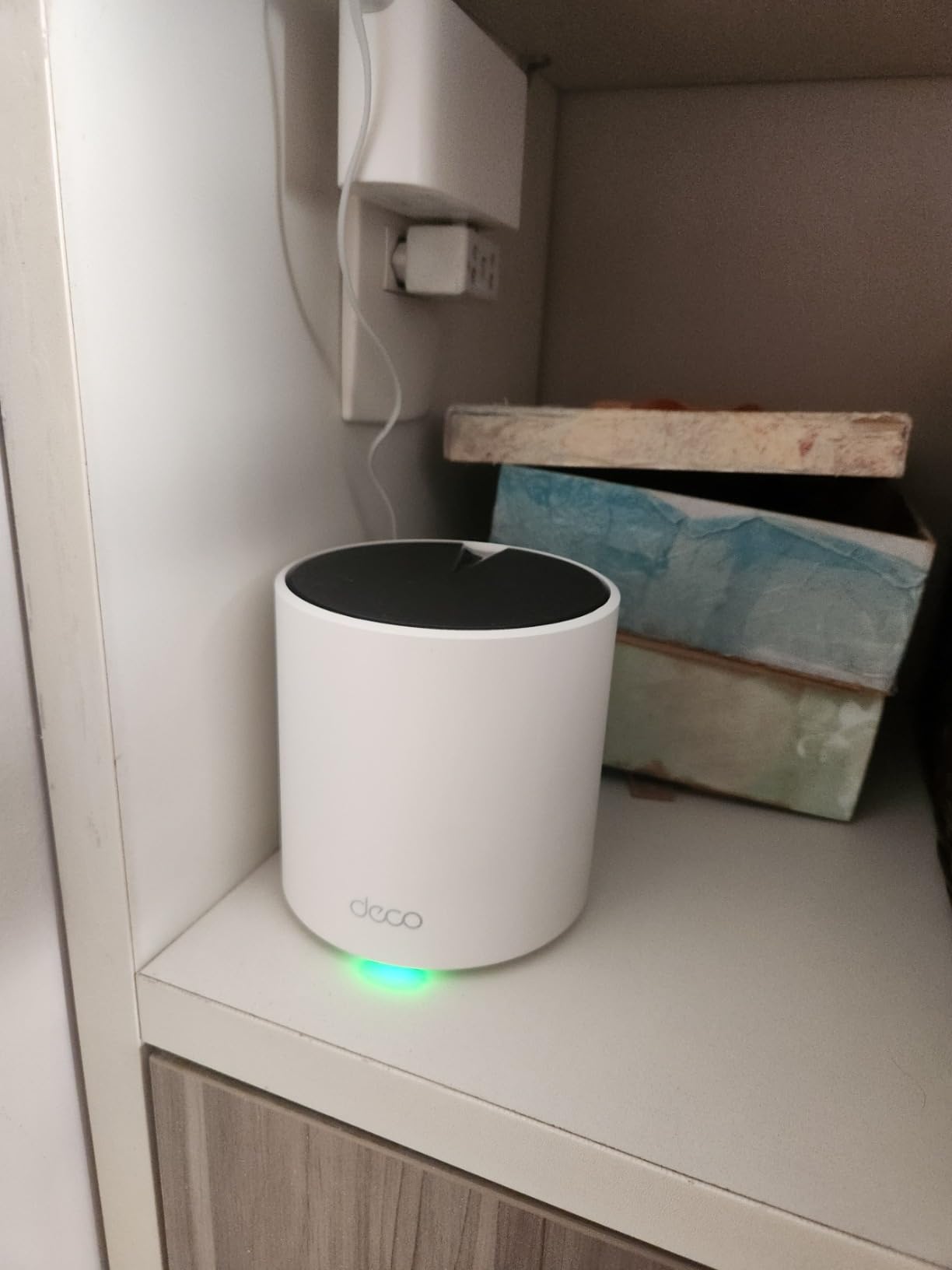
The X55 is the system we recommend when you intend to run Ethernet between nodes. Three Gigabit Ethernet ports per unit is the most generous count in this roundup, and it means you can daisy-chain a node, still plug a switch into the same unit, and still have a port left. With systems that give you two ports, that plan requires buying a switch before you have bought anything else.
Wi-Fi 6 AX3000 splits into 2,402 Mbps on 5 GHz and 574 Mbps on 2.4 GHz, and the most common theme in owner reviews is a large, measurable speed jump after replacing an older single router. Owners also report strong performance through concrete and across multiple floors, which is the scenario this roundup is really about.
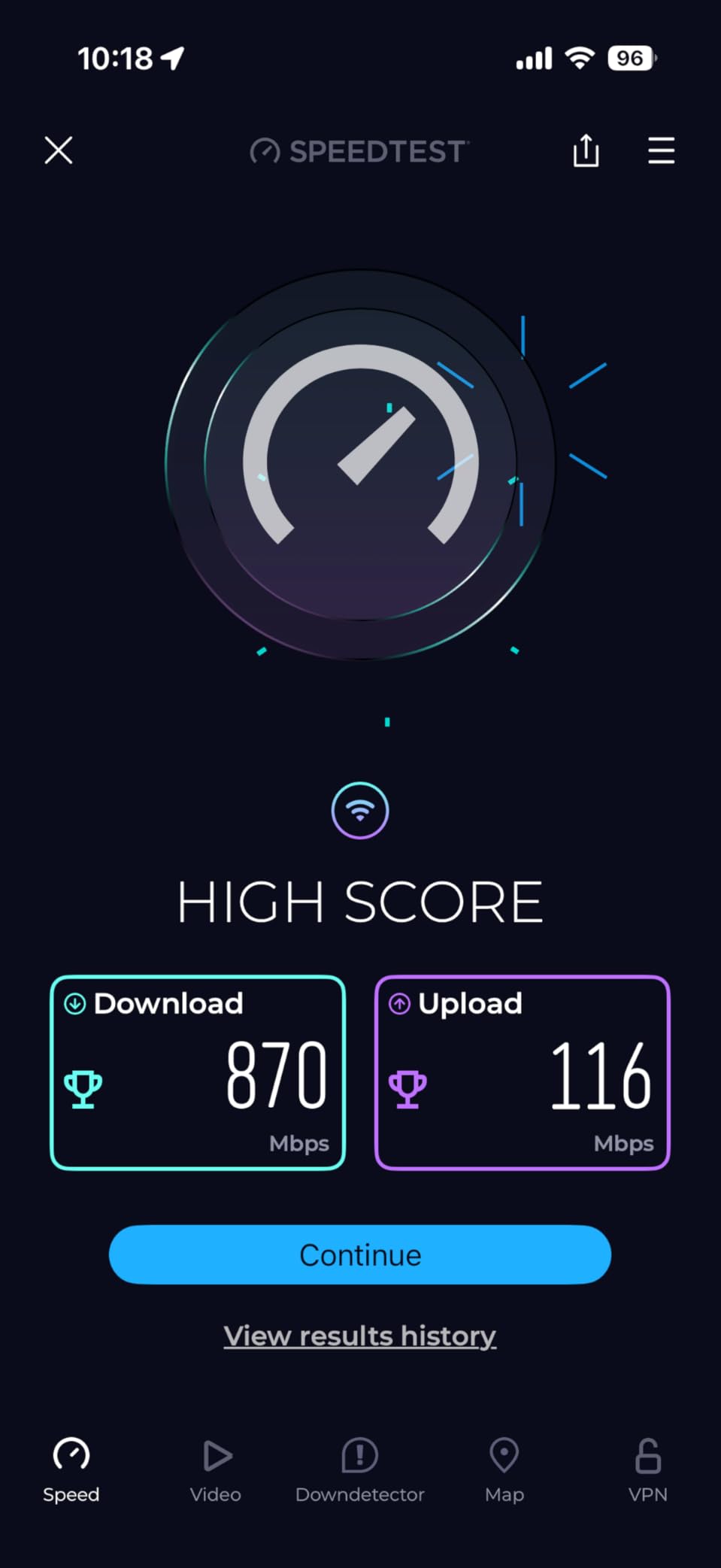
Capacity is listed at up to 150 connected devices, and review themes mention dramatically improved signal strength for smart cameras and IoT devices. That last point matters more than it sounds: security cameras are usually the first thing to fail on a weak network, and they are often the reason people end up buying mesh in the first place.
The Deco app shows node connections and signal quality, which makes placement tuning much less of a guess. Later firmware added custom IP reservations, a dedicated IoT network and VPN support, so the software side of this kit is still improving after purchase.
Who the Deco X55 fits
Pick this if you have or plan to have cabling in the walls and you want to use it. Three ports per node is the difference between a clean install and a pile of unmanaged switches, and the wired backhaul result is materially better than any wireless option in this roundup.
It is also a strong pick for anyone whose existing single router is several generations behind, because Wi-Fi 6 gives you a real headroom gain over the S4 on 5 GHz clients without moving to a subscription-laden ecosystem.
Where the Deco X55 falls short
Placement is sensitive on this kit, and owners report that even a few feet of difference changes signal quality. The app’s automatic node linking sometimes picks a path through an extra wall, which you can force manually in the app, but it is an extra step that eats setup time.
A minority of reviews cite intermittent pod disconnects that interrupt streaming and gaming. Several of those users later traced the cause to an unstable cable modem rather than the mesh itself, so if you see this, check your modem before you blame the nodes. Setup guidance is app-only with no printed instructions for an ISP modem swap.
3. Amazon eero 6+ 3-Pack: Easiest Setup and a Built-In Smart Home Hub
Amazon eero 6+ mesh wifi system – Supports internet plans up to a Gigabit, Coverage up to 4,500 sq. ft., Connect 75+ devices, 3-pack
Wi-Fi 6 dual-band
4,500 sq ft claimed
Thread and Zigbee hub
75+ devices
Pros
- Setup is genuinely plug-and-play via the app
- Built-in Thread and Zigbee hub for smart home devices
- Large coverage gains in older multi-floor homes
- SQM setting helps remote-work call quality
- Backward compatible with earlier eero generations
Cons
- Placement is finicky around TVs mirrors and speakers
- Only two Ethernet ports per unit so wired backhaul often needs a switch
- Known compatibility problem with MyQ garage door openers
The eero 6+ wins on one specific thing that nothing else in this roundup offers: a built-in smart home hub with Thread and Zigbee radios. If your house already runs a smart home, or you are planning to, that radio saves you from a separate hub sitting next to your router. For a house full of cameras, locks, sensors and bulbs, that is real value rather than a checkbox.
Setup is genuinely plug-and-play according to reviewers, often finishing in minutes, and the coverage gain in older multi-level homes is the most dramatic described. TrueMesh routing and a 160 MHz channel boost for gigabit-class throughput handle internet plans up to a gigabit across a claimed 4,500 sq ft with 75-plus devices.
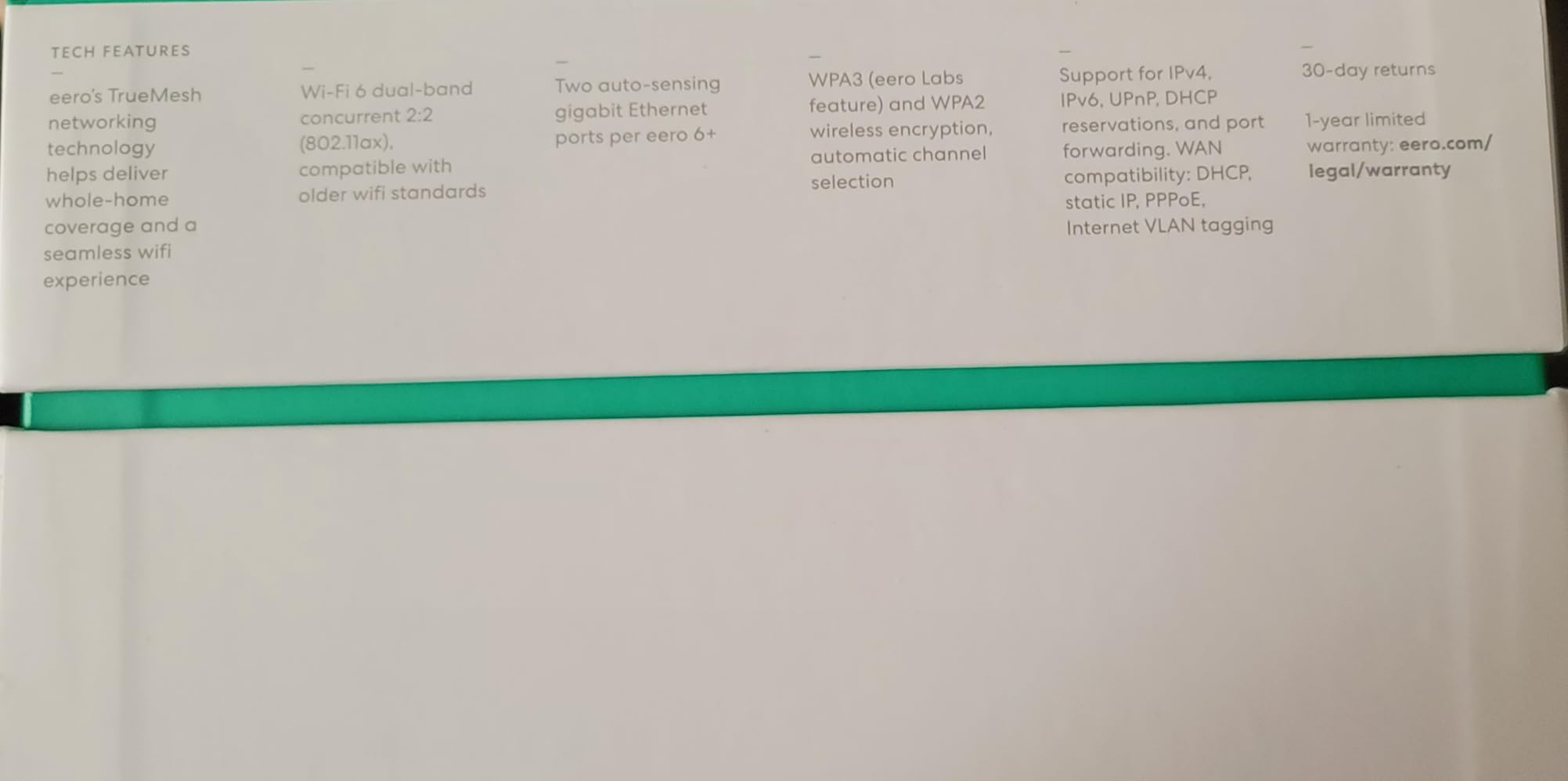
Owners handling 60 to 70 connected devices report no trouble, and the SQM setting helps avoid bandwidth contention, which matters if anyone in the house works from home and takes video calls from the far end of the building. Support is strong on both phone and community channels.
Two Ethernet ports per unit do support wired backhaul, but owners frequently add a gigabit switch to make it work comfortably. The units themselves are small and unobtrusive, which matters if you are placing one in a living room rather than a closet.
Who the eero 6+ fits
This is the kit for someone who wants coverage fixed this weekend rather than studied for a fortnight. If you are not going to read a manual, this is the system. It is also the natural first mesh step for a smart-home household because the Thread and Zigbee hub is right there.
For a 2,000 sq ft two-storey house it is more than sufficient. Be aware that 4,500 sq ft is the smallest claimed coverage figure in this roundup, so for a genuinely large house you would be relying on all three units doing real work.
Where the eero 6+ falls short
Placement is finicky. Reviewers specifically call out keeping nodes away from TVs, mirrors, speakers and other interference sources, and because the units are small it is tempting to tuck them somewhere convenient to you rather than somewhere useful to the radio. That is the single most common eero installation mistake.
Some streaming devices latch onto a distant unit and refuse to roam, which is a recurring complaint about the client-side roaming behaviour. Setup also needs cell reception at the main node or a temporary bridge, and there is a known compatibility problem with MyQ garage door openers. Network controls are also less granular than TP-Link systems.
4. TP-Link Deco XE75 Pro AXE5400: Dedicated 6 GHz Backhaul for Multi-Storey Homes
TP-Link Deco XE75 Pro AXE5400 Tri-Band WiFi 6E Mesh System (3-Pack)
Wi-Fi 6E tri-band
7,200 sq ft claimed
Dedicated 6 GHz backhaul
2.5 Gbps port per unit
Pros
- 6 GHz band gives a clean dedicated backhaul path between nodes
- 2.5 Gbps port supports multi-gig internet plans
- Tri-band design keeps 2.4 GHz devices off the faster bands
- Supports 200 connected devices on one network
Cons
- Wi-Fi 6E benefits need compatible client devices to show up
- Only two 1 Gbps LAN ports alongside the 2.5 Gbps port
- Higher power draw than dual-band alternatives
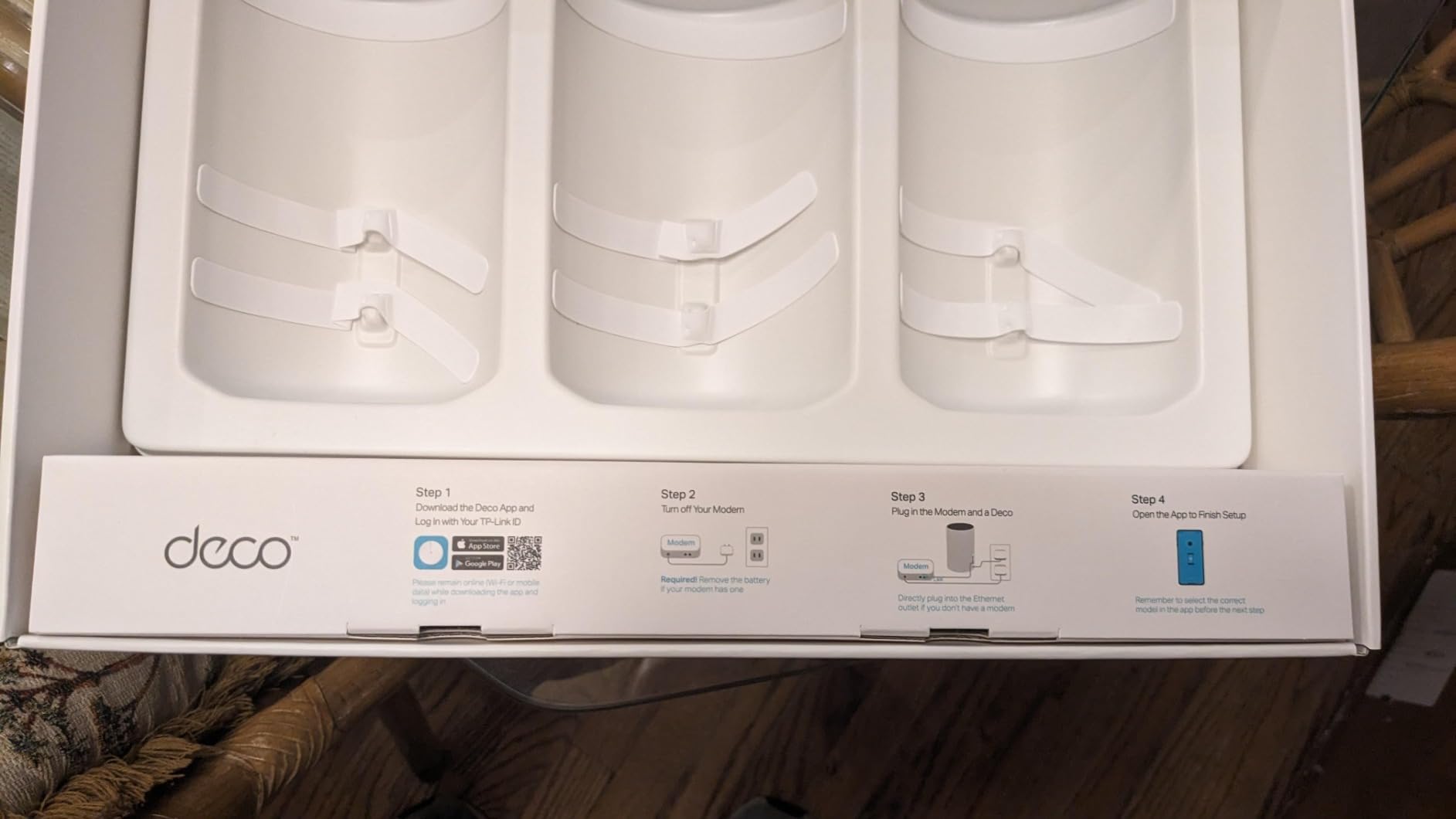
If you cannot run Ethernet, backhaul design is the thing to buy on. The XE75 Pro is tri-band, and its 6 GHz band is dedicated to node-to-node traffic by default, so your actual devices never compete with the relay path. In a three-storey house with three hops, that is the difference between usable and frustrating.
The numbers are AXE5400: 2,402 Mbps on 6 GHz, 2,402 Mbps on 5 GHz and 574 Mbps on 2.4 GHz, with 7,200 sq ft of claimed coverage across the three-pack. Each unit carries one 2.5 Gbps WAN/LAN port plus two 1 Gbps LAN ports, so it can take a multi-gig internet plan directly.
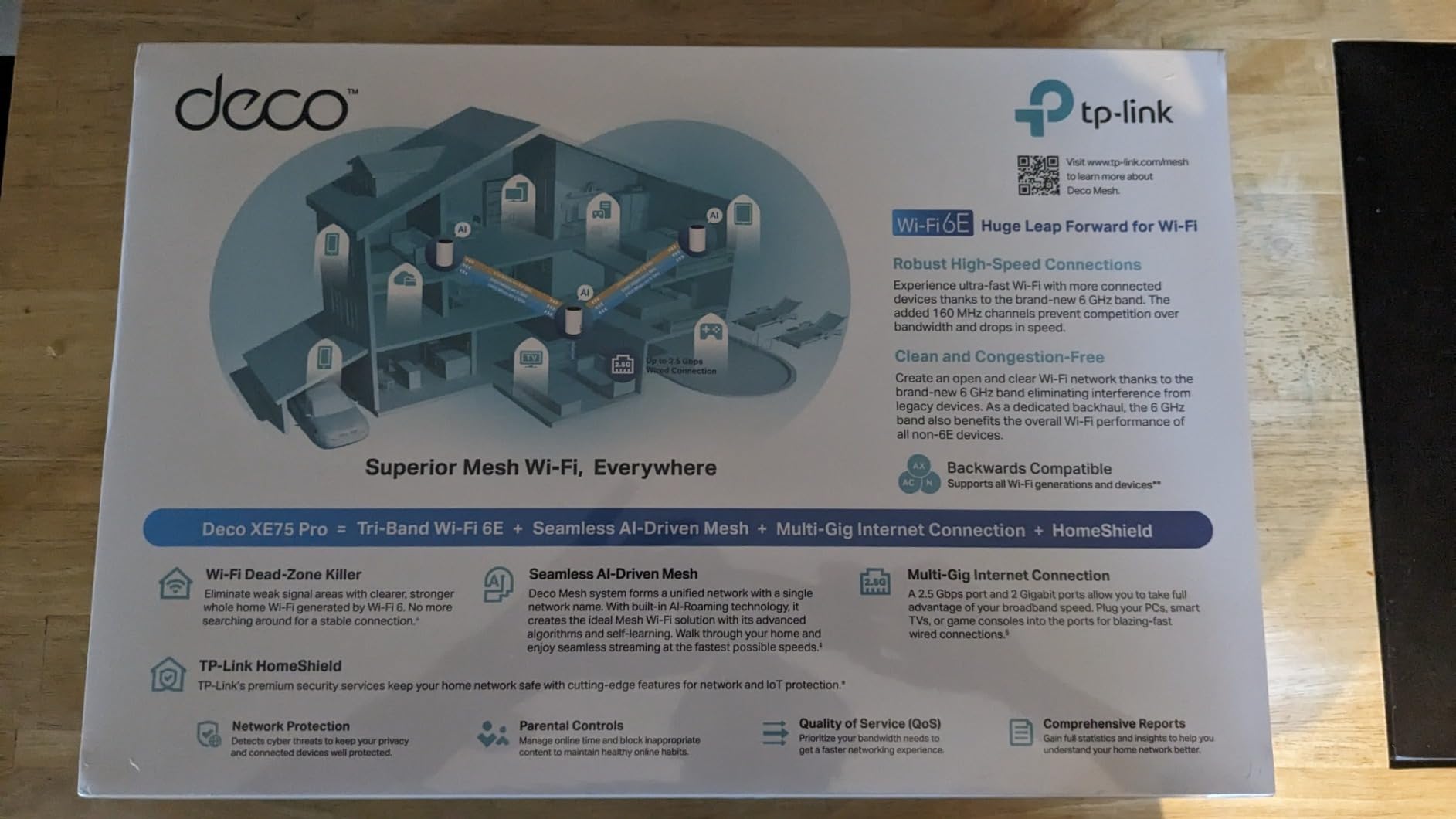
That 6 GHz band can be switched from backhaul duty to client mode if you own Wi-Fi 6E devices and want the bandwidth for them instead. The tri-band layout also means your older 2.4 GHz cameras and sensors do not congest the faster bands, which is a quiet benefit in a house with a lot of smart-home hardware.
TP-Link HomeShield provides security, QoS, guest mode and parental controls, the AI-driven mesh learns your network environment and client quality over time, and capacity is listed at up to 200 connected devices. The warranty is two years from the manufacturer.
Who the XE75 Pro fits
This is our pick for anyone in a multi-storey house who is not going to cable the building. The dedicated 6 GHz relay path is the correct answer to wireless backhaul, and the 2.5 Gbps port means you are not capped if your internet plan is multi-gig in a future year.
It also suits smart-home-heavy households, because isolating the 2.4 GHz band off the fast radios reduces congestion from dozens of cameras and sensors competing for airtime.
Where the XE75 Pro falls short
The honest catch is that 6 GHz coverage is shorter-range than 5 GHz because of how the radio waves behave at that frequency. A node placed two floors away from the main unit may struggle to hold a clean backhaul link, which means placement discipline is still mandatory. Measured coverage of 7,200 sq ft assumes a favourable layout.
Wi-Fi 6E client-mode benefits only materialise if you actually own Wi-Fi 6E devices, which is still not universal. And it draws more power than dual-band alternatives, which is minor but real if you run a node in a space you care about thermally.
5. Amazon eero 7 3-Pack: Best Route to Wi-Fi 7 on Multi-Gig Plans
Amazon eero 7 dual-band mesh Wi-Fi 7 router (newest model) – Supports internet plans up to 2.5 Gbps, Coverage up to 6,000 sq. ft., 3-pack
Wi-Fi 7 dual-band
6,000 sq ft claimed
Two 2.5 GbE ports per unit
120+ devices
Pros
- Affordable entry point into Wi-Fi 7 mesh
- Two auto-sensing 2.5 GbE ports per unit for multi-gig plans
- 6000 sq ft claimed coverage across three units
- Backward compatible with existing eero hardware
Cons
- Dual-band design means no dedicated 6 GHz backhaul band
- Advanced security and parental controls require an eero Plus subscription
- Less granular advanced settings than mesh competitors
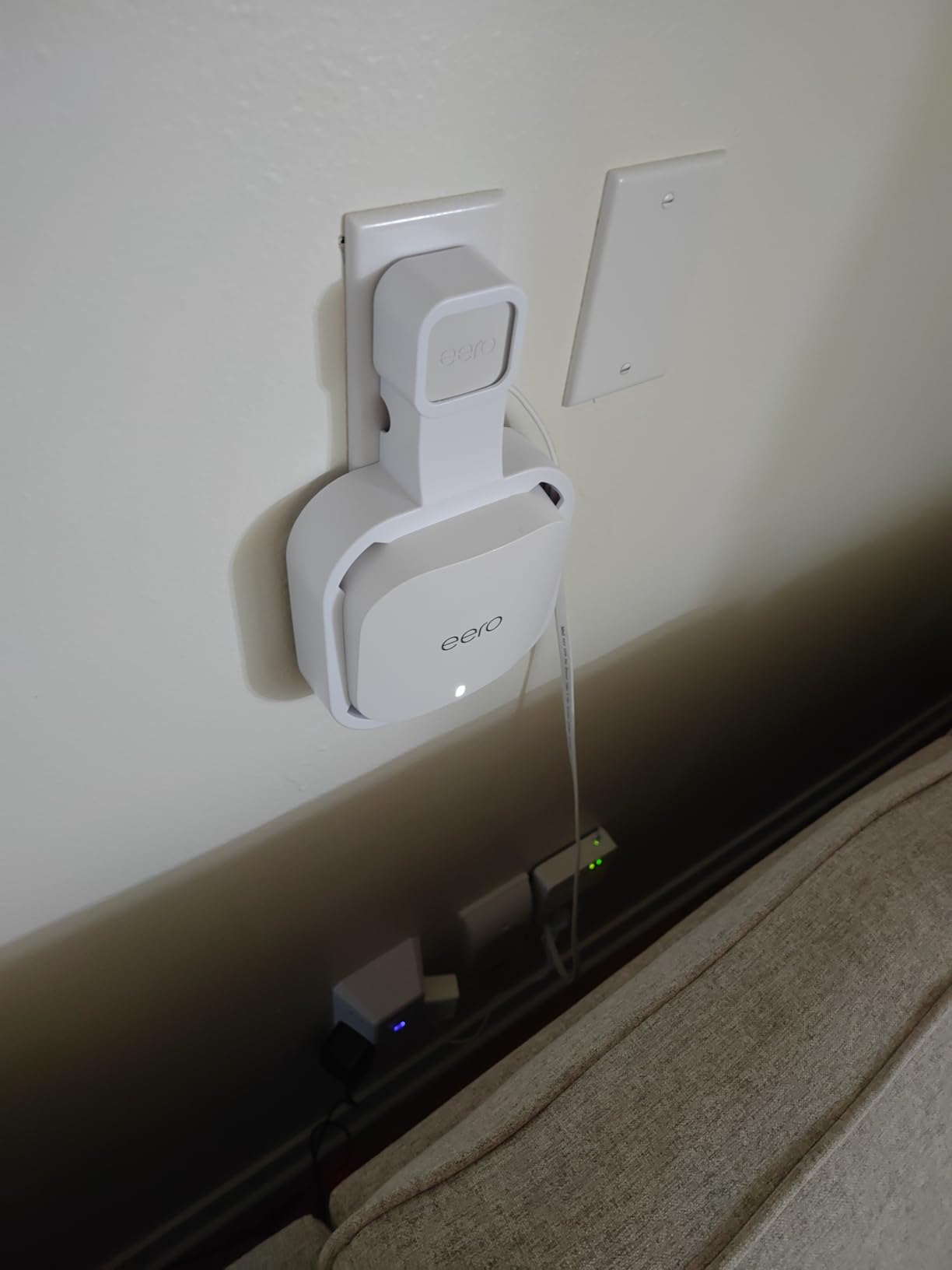
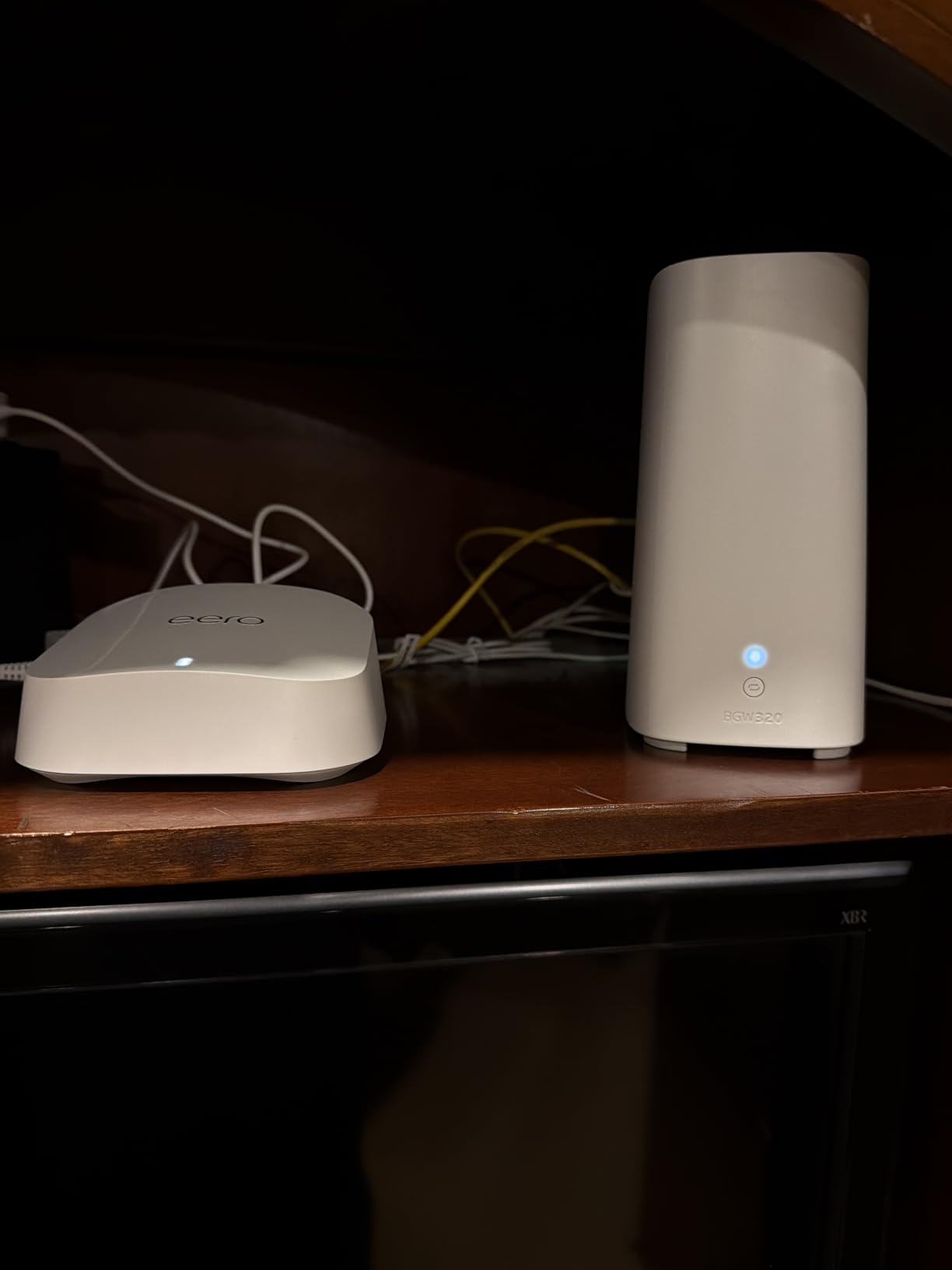
The eero 7 puts Wi-Fi 7 within reach of a normal household budget, which was not true a couple of years ago. Two auto-sensing 2.5 GbE ports on every unit are the quiet headline here, because they let the mesh accept a multi-gig internet plan without a separate aggregation device. Coverage is claimed at 6,000 sq ft across three units with 120-plus devices supported.
Wireless speeds are listed at up to 1.8 Gbps with multi-link operation, meaning a capable client can transmit across two links at once. TrueMesh, TrueRoam and TrueChannel handle routing and channel assignment in the background, and the system is backward compatible with every previous eero generation, so you can expand with hardware you may already own.
There is a three-year warranty on this one, which is longer than several competitors here, and owners report strong support experiences. For a house being fitted out with new gear, buying current-generation Wi-Fi 7 now means you are not replacing the whole system in four years.
The eero app handles setup and remote management the same way it always has, which is still the smoothest onboarding in this category. If you have run an eero before, nothing about the process changes.
Who the eero 7 fits
Pick this if your internet plan is multi-gig or close to it, you want newer radios without flagship spending, and you like the eero app. The 2.5 GbE ports are the reason to stretch to it over a Wi-Fi 6 system, and 120-plus device support is comfortable for a heavily connected house.
It is a sensible middle step for someone who wants Wi-Fi 7 in the main living areas but is not trying to cover an unusually large property.
Where the eero 7 falls short
It is dual-band. There is no separate 6 GHz band, so there is no dedicated backhaul and every relay shares airtime with your client devices. In a large house where nodes are far apart, that is the limitation that matters, not the Wi-Fi generation on the label.
Advanced security, ad blocking and parental controls sit behind an eero Plus subscription, and the settings you get without it are less granular than TP-Link’s. Reviewers are also candid that the premium over a Wi-Fi 6 system is most visible on multi-gig connections and Wi-Fi 7 clients specifically.
6. NETGEAR Orbi 770 Series 3-Pack: Most Claimed Coverage for Very Large Homes
NETGEAR Orbi 770 Series WiFi 7 Mesh System, Up to 8,000 sq ft., 3 Pack
Wi-Fi 7 tri-band
8,000 sq ft claimed
Enhanced Backhaul
100 devices
Pros
- Largest stated coverage in this roundup at 8000 sq ft
- Up to 11 Gbps aggregate throughput
- Enhanced Backhaul keeps satellite links fast across floors
- Expandable with additional Orbi 770 satellites
Cons
- Highest total cost for the equivalent coverage
- Only a 1-year limited warranty
- NETGEAR Armor security requires a subscription after the trial
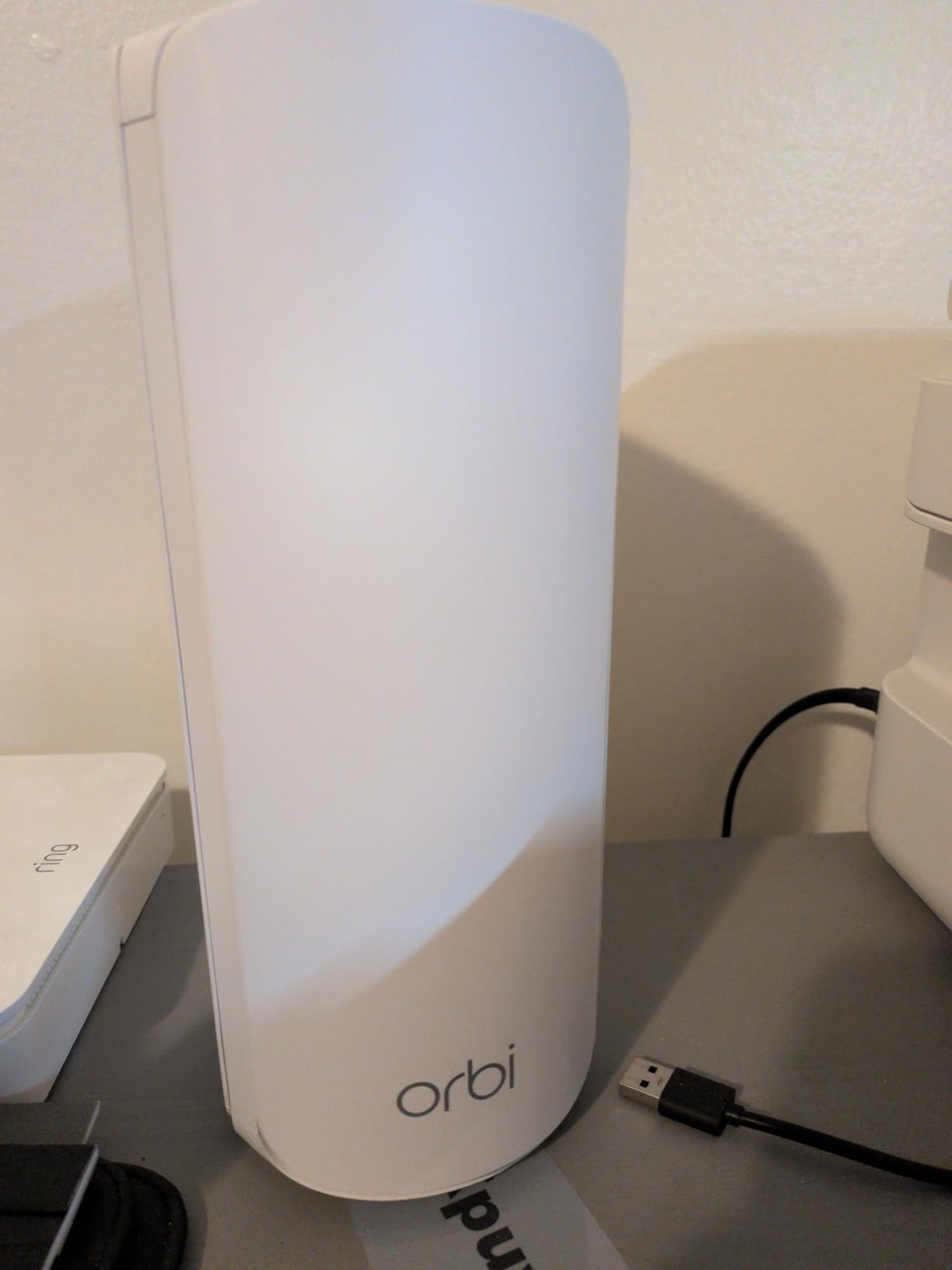
The Orbi 770 has the largest coverage claim in this roundup at 8,000 sq ft, and it is the only kit here where the expansion math is explicit. You get one router plus two satellites, and each additional satellite adds up to 2,750 sq ft. That is useful information if you own a genuinely large property, because it tells you what a fourth and fifth node will do.
It is tri-band Wi-Fi 7 with Enhanced Backhaul for node-to-node links, and aggregate throughput is listed at up to 11 Gbps, which owners point to for 8K streaming, gaming and VR. One 2.5 Gig port takes internet plans up to 2.5 Gbps, and 100 devices are supported on one network.
Automatic firmware updates and Advanced Router Protection are enabled out of the box, which is a genuinely useful default. The Orbi app handles guided setup and management, and owners confirm strong whole-home performance across large and multi-storey homes.
It is also worth noting this model is marked for use in the US only, which is a compatibility consideration if you move or buy used. NETGEAR Armor includes a 30-day free trial, after which the full feature set is subscription-based.
Who the Orbi 770 fits
This is the pick for a 4,000 sq ft-plus property, or a very spread-out layout where you genuinely need a fourth or fifth node later. If you are planning to expand over years rather than in one afternoon, the per-satellite coverage figure is more useful than anything else on the spec sheet.
Tri-band Wi-Fi 7 with Enhanced Backhaul also makes it a strong option for a house that will be filled with high-bandwidth devices over the next five years.
Where the Orbi 770 falls short
It costs the most in this roundup for the coverage it delivers, and sentiment about that trade-off is the most tempered of any system here. Its 4.1 average carries the highest share of one-star reviews in this roundup, largely on price.
The one-year limited warranty is shorter than the TP-Link and eero coverage we list, which matters for a purchase you expect to keep a long time. Security features beyond the trial require a paid subscription, and our honest note is that the review base here is the thinnest of the eight, so you are buying on specification more than on proven history.
7. Amazon eero Pro 7 3-Pack: For Multi-Gig Plans and Very Heavy Device Loads
Amazon eero Pro 7 tri-band mesh Wi-Fi 7 router (newest model) – Supports internet plans up to 5 Gbps, Coverage up to 6,000 sq. ft., 3-pack
Wi-Fi 7 tri-band
Two 5 GbE ports per unit
Up to 5 Gbps plans
600+ devices
Pros
- Two 5 GbE ports per unit for very high bandwidth plans
- Handles 600-plus devices on one network
- Tri-band Wi-Fi 7 with multi-link operation
- 6000 sq ft claimed coverage across three units
Cons
- Highest price point of the systems in this roundup
- Advanced security and parental controls need an eero Plus subscription
The eero Pro 7 exists for a specific household: one paying for a multi-gig internet plan, running an unusually large number of devices, and wanting the ports to keep up. Two auto-sensing 5 GbE ports per unit support internet plans up to 5 Gbps, which no other system in this roundup can accept.
It is tri-band Wi-Fi 7 with multi-link operation and wireless speeds listed at up to 3.9 Gbps, with claimed coverage of 6,000 sq ft across three units and capacity for 600-plus devices. That device count is roughly six times what the budget kits here advertise, which tells you where this product is aimed.
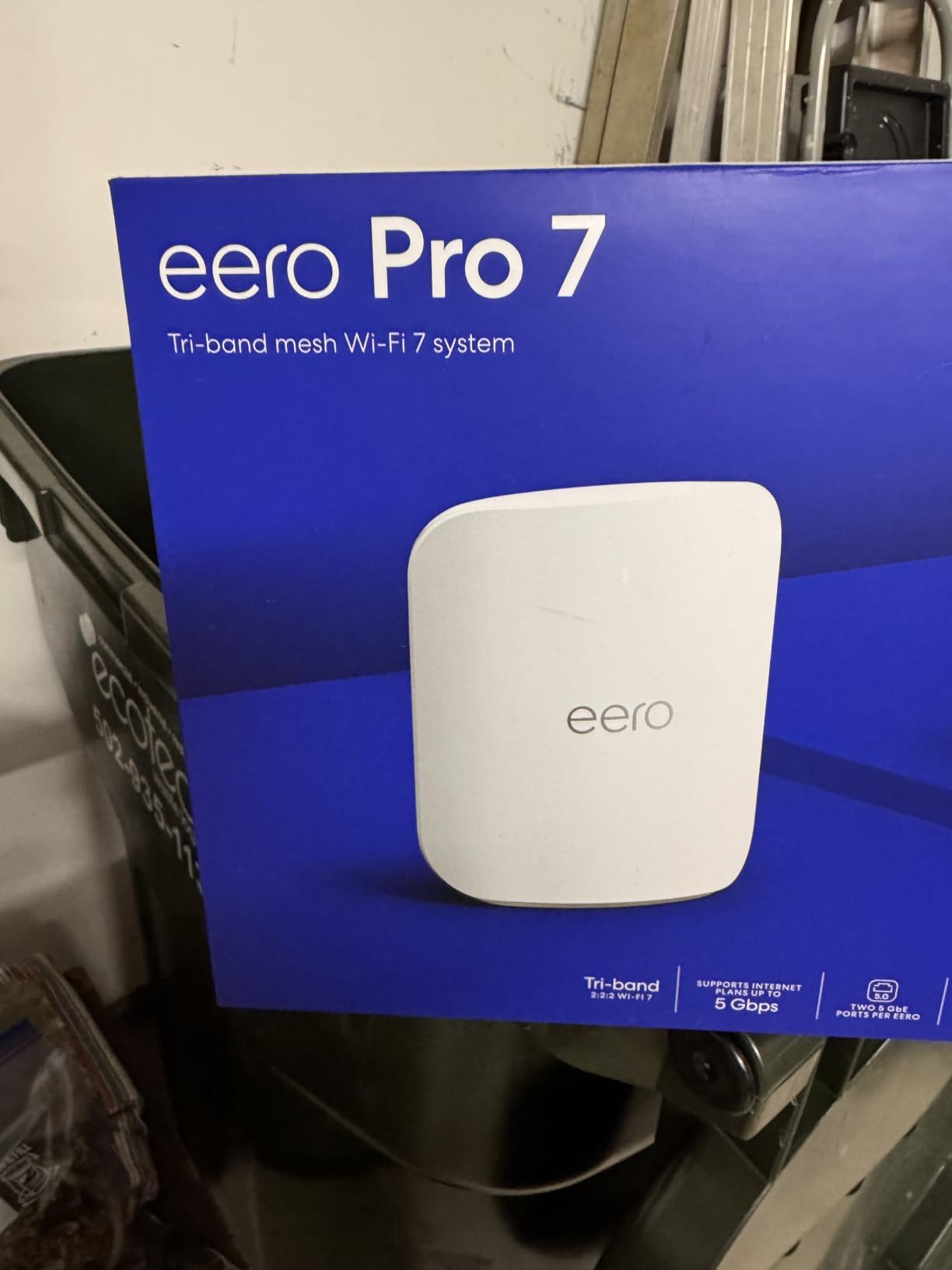
Owners cite the tri-band design and 5 GbE ports as the differentiators, particularly for households running many devices alongside very fast plans. Coverage is reported as strong and stable across floors, and setup remains app-driven and simple with a three-year warranty and dedicated support.
It is backward compatible with earlier eero hardware and works with Echo devices that have eero built in, so if you are expanding an existing eero network rather than starting fresh, this slots in.
Who the eero Pro 7 fits
Pick this if your internet plan is multi-gig and you have measured that your current setup cannot keep up, or if your house has something in the region of a hundred connected devices, which happens with smart-home-heavy builds. For an ordinary home on an ordinary plan, the extra spend buys you ports you will never fill.
It also makes sense if you run local traffic between devices inside the house, where the 5 GbE ports matter more than the internet plan does.
Where the eero Pro 7 falls short
It is the most expensive system in this roundup, aimed at high-bandwidth homes and small business rather than the typical family house. Beyond price, the limitation is again the subscription: advanced security, ad blocking and parental controls all require eero Plus.
Review volume is also the smallest of the three eero models here, so you have less proven history than the eero 6+ or eero 7 offers despite spending more.
8. Tenda BE3600 Wi-Fi 7 3-Pack: The Cheapest Route Into Wi-Fi 7 Mesh
Tenda WiFi 7 Mesh System BE3600 – Dual Band Mesh WiFi System for Home, Covers Up to 6,600 Sq. Ft., Mesh Network with 1×2.5G, 2×1G Ports, Supports 160+ Devices, MLO, VPN, 4K QAM, ME3 Pro (3-Pack)
Wi-Fi 7 dual-band BE3600
6,600 sq ft claimed
2.5G plus two 1G ports
160+ devices
Pros
- Lowest cost per node for a Wi-Fi 7 mesh three-pack
- Covers large homes up to 6600 sq ft and 4-7 rooms
- One 2.5G port alongside two gigabit ports per unit
- Built-in VPN support and 4K QAM at this tier
Cons
- Dual-band only with no 6 GHz band for dedicated backhaul
- Cannot mix with older MW3 or MW6 mesh units
- Lowest average rating among the systems compared here
The Tenda BE3600 gets Wi-Fi 7 into a house for less than any other kit on this list, and the headline capacity is genuinely large at up to 6,600 sq ft across 4 to 7 rooms. Each unit carries one 2.5G port plus two 1G ports, so multi-gig plans are supported at the main node at least, and 160-plus devices are listed as supported.
It is a dual-band Wi-Fi 7 design with multi-link operation and 4K QAM, plus built-in VPN support, beamforming, guest mode and parental controls. App-guided installation is aimed squarely at beginners, and the whole thing is managed from an app with access point mode available.
The reason this appears on the list at all is value per node. If you want current-generation radios in a large house and nothing else matters, it delivers that more cheaply than anything else here. Owners consistently note the low cost of a Wi-Fi 7 three-pack as the reason they bought.
It is also one of few systems here with WPA3 as the stated security protocol across the board, which is worth having in a house full of connected locks and cameras.

Who the Tenda BE3600 fits
This is the right pick for a budget-constrained large house where you specifically want Wi-Fi 7 hardware rather than settling for Wi-Fi 5 or Wi-Fi 6. It is also reasonable for a first mesh install in a home up to about 2,500 sq ft where you want to leave headroom for new devices.
Just set your expectation correctly. This is coverage-first hardware, not throughput-first hardware.
Where the Tenda BE3600 falls short
There is no 6 GHz band, which means no dedicated backhaul channel and a lower real-world ceiling than tri-band rivals. In a large house where nodes are far apart, that is exactly the limitation that shows up as slowness in the far rooms.
It cannot mix with older MW3 or MW6 series mesh units, so there is no gradual upgrade path within the range. It also carries the lowest average rating of the systems we compared with a noticeably higher share of one-star reviews, and its total throughput sits below the AXE5400-class tri-band systems.
How Many Mesh Nodes Does a Large House Actually Need?
Most large homes need one node per floor, plus one more for a basement, finished attic or detached garage. For a 3,000 sq ft two-storey house that usually means three nodes. The rule of thumb that circulates in large-home networking forums is roughly 1,500 sq ft of coverage per node per floor, which deliberately understates manufacturer figures so you keep speed at the edges.
The reason floors matter more than square footage is that a floor assembly attenuates signal more than a stud wall does. Two thousand square feet spread over two storeys is a harder coverage problem than two thousand square feet on one floor, and a long narrow house or an L-shaped plan is harder still because the far end sits behind several corners of wall.
Here is the matching we would use. Two storeys up to 2,500 sq ft: a three-pack. Two storeys up to 3,500 sq ft, or three storeys: a three-pack plus a plan to add a node. Four thousand sq ft and up, or a property with a basement, garage and garden: three to five nodes. If you only need coverage in a studio or a single open room, our guide to the best mesh WiFi systems for studios covers the smaller cases.
Two mistakes cost people an extra node. The first is putting a node at the edge of the house where the signal is already thin. The second is buying four nodes when three would do, which fragments airtime and can make roaming worse rather than better.
Wired vs Wireless Backhaul: Which One Your Large House Needs
Yes, Ethernet backhaul is better than WiFi backhaul, and the gap widens with every hop. A wired link between nodes does not consume any wireless airtime, so the speed a node delivers to your devices is essentially the speed the internet plan delivers. Wireless backhaul means your client traffic and the relay traffic share the same air.
The caveat is entirely practical: you need a cable between floors or between distant parts of the house, and most people buying mesh do not have one. That is the entire reason mesh exists. So the rule is simple. If a cable is already in the wall or easy to add, use it and buy fewer nodes. If it is not, choose a tri-band system so at least one band is dedicated to the relay.
Two details catch people out. Use a managed switch if you daisy-chain, because unmanaged switches have been reported to cause Deco units to drop offline and miss firmware updates. And note that port counts decide how clean the install is: the X55 gives you three Gigabit Ethernet ports per unit, most others give two.
Where to Place Mesh Nodes in a Large House
Place the main node where the modem or ISP gateway is, on an open surface, not inside a cabinet or closet. Then place one node on each additional floor, positioned in the middle of the area that floor actually needs rather than at the far end of it. Nodes relay through each other, so a node at the edge of coverage is sending traffic through a weak link twice.
For a two-storey house, put the second node centrally on the upper floor, roughly under the stairwell or main hallway if one exists, because that is where the structural path between floors is shortest. For three storeys, add one per floor and never try to make a single node cover two levels. Basements and garages get their own node, placed high on a wall if you can.
Keep nodes off the floor, away from metal, and out of cupboards. On the eero systems specifically, reviewers warn about TVs, mirrors and speakers, which reflect or absorb radio energy. If you are still seeing dead zones after placement, check our WiFi extender picks for large homes as a possible supplement for a single stubborn spot rather than adding another full node.
Walls, Floors and Building Materials: Does Mesh WiFi Penetrate Walls?
Yes, but the material decides how well. Radio waves pass through drywall and timber studs with modest loss. They struggle with brick, stone, reinforced concrete, foil-backed insulation and metal ductwork. And floors attenuate more than walls, which is why vertical layouts cause more dead zones than horizontal ones in homes of identical square footage.
If your house has a masonry ground floor with a timber frame above it, plan for one node per material type rather than one per floor. Older homes, converted barns and stone builds all need a more conservative node count than the coverage figures on the box suggest, because the figures assume light construction.
The Honest Downsides of Mesh WiFi
The main disadvantage of a mesh network is shared airtime on wireless backhaul. Every hop costs throughput and adds a little latency, so a client two nodes away from the main unit will not see the speed your plan delivers.
Other real drawbacks: you are paying more than you would for a single router to solve a coverage problem; most mesh nodes give you only two or three Ethernet ports, so a fully wired house usually needs a switch; management is app-only on every system here, with no browser interface for advanced configuration; some brands put security and parental controls behind a paid subscription; and you cannot mix brands, so a single weak unit can limit the whole network.
One more worth stating plainly: mesh improves coverage consistency, not your internet speed. If the problem is a slow line, a mesh system will not fix it.
Mesh vs Access Points: When a Big House Should Skip Mesh
If you already have Ethernet in the walls, skip mesh. A capable router with a switch and two or three ceiling access points gives every device its own connection to the router, so there is no relay hop at all and no shared airtime. Experienced commenters in large-home networking forums consistently recommend this route, and one recurring 3,900 sq ft three-storey recommendation pairs a dedicated gateway with three ceiling access points.
The honest framing is that the answer to what is the best WiFi solution for a large house is not always a mesh system. A router plus a PoE switch plus ceiling access points wins on every technical measure and costs more in equipment and in effort. It also gives you VLANs, per-device QoS and real admin controls, which consumer mesh largely does not offer.
What mesh genuinely wins on is time and cabling. No electrician, no wall work, no configuration file, and you can move a node when the layout changes. For most people reading this, that trade is worth making. For someone who has already pulled a few thousand feet of cable, it is not.
If you want to see whether something better exists, the alternatives worth researching are eero, TP-Link Omada or Ubiquiti UniFi running in access point mode behind your own router. Our pick from this roundup remains the best starting point for most houses, because the failure mode of an under-specified access point setup is much more expensive to fix later.
Frequently Asked Questions
How many mesh nodes for a 3000 sq ft house?
Three nodes is the right starting point for a 3,000 sq ft two-storey house: one on the main floor, one upstairs, and one in a basement or garage if you have one. Square footage alone understates the problem, because floors weaken signal more than walls do. If you can run Ethernet between floors, two nodes plus a switch will outperform three wireless nodes.
What are the downsides of mesh WiFi?
The biggest drawback is shared airtime on wireless backhaul, which cuts throughput and adds latency on every hop. Other downsides: mesh costs more than a single router, most nodes have only two or three Ethernet ports, management is app-only with no web interface, security features sometimes require a paid subscription, and you cannot mix brands.
What is the best mesh router for a large home?
For most large homes, the TP-Link Deco S4 AC1900 three-pack is the best balance of proven reliability, coverage and setup simplicity, with nearly 30,000 owner reviews behind it. For multi-storey homes you cannot cable, the TP-Link Deco XE75 Pro is better because its 6 GHz band gives a dedicated backhaul path.
What is the best WiFi solution for a large house?
If your house already has Ethernet in the walls, the best solution is a router with a switch and two or three ceiling access points, because every device connects directly and there is no relay hop. Without cabling, a tri-band mesh system with a dedicated backhaul band is the best practical answer.
Is Ethernet backhaul better than WiFi backhaul?
Yes. A wired link between nodes uses no wireless airtime, so a client gets very close to the speed your internet plan delivers. Wireless backhaul shares air with client traffic, and every hop costs throughput. Use a managed switch if you daisy-chain, and note that three Ethernet ports per unit makes a wired install much cleaner.
What is a major disadvantage of a mesh network?
A major disadvantage is that wireless backhaul halves real-world throughput once a client is more than one node away from the main unit, because relay traffic and client traffic share the same airtime. Mesh improves coverage consistency rather than raw speed, so it is the wrong tool if your problem is a slow internet connection.
Does mesh WiFi penetrate walls?
It penetrates drywall and timber studs reasonably well, but signal drops sharply through brick, stone, reinforced concrete, foil-backed insulation and metal ductwork. Floors weaken signal more than walls do, which is why multi-storey homes need more nodes than their square footage suggests.
Is there something better than mesh WiFi?
Yes, if you can wire the house. A router plus a switch plus ceiling access points beats mesh on every technical measure because there is no relay hop, and it adds VLANs, per-device QoS and real admin controls. Mesh wins on time, cost of installation and flexibility, so it remains the right choice in most homes without cabling.
Conclusion: Pick by House Shape, Not by Spec Sheet
The best mesh wifi systems for large houses in 2026 are not decided by the biggest number on the box. Start from your floor count, then your node count, then your backhaul. Buy tri-band or multi-gig hardware if you will run wireless across floors, and buy dual-band Wi-Fi 6 or Wi-Fi 5 only if you have Ethernet or a modest plan.
Our overall pick is the TP-Link Deco S4 AC1900 three-pack for proven reliability, the Deco X55 if you are wiring the house, and the Deco XE75 Pro if you are going wireless across multiple storeys. Check the current details for any of them before you buy, then start with one node and add the others only after you have walked the house and found the actual gaps.