
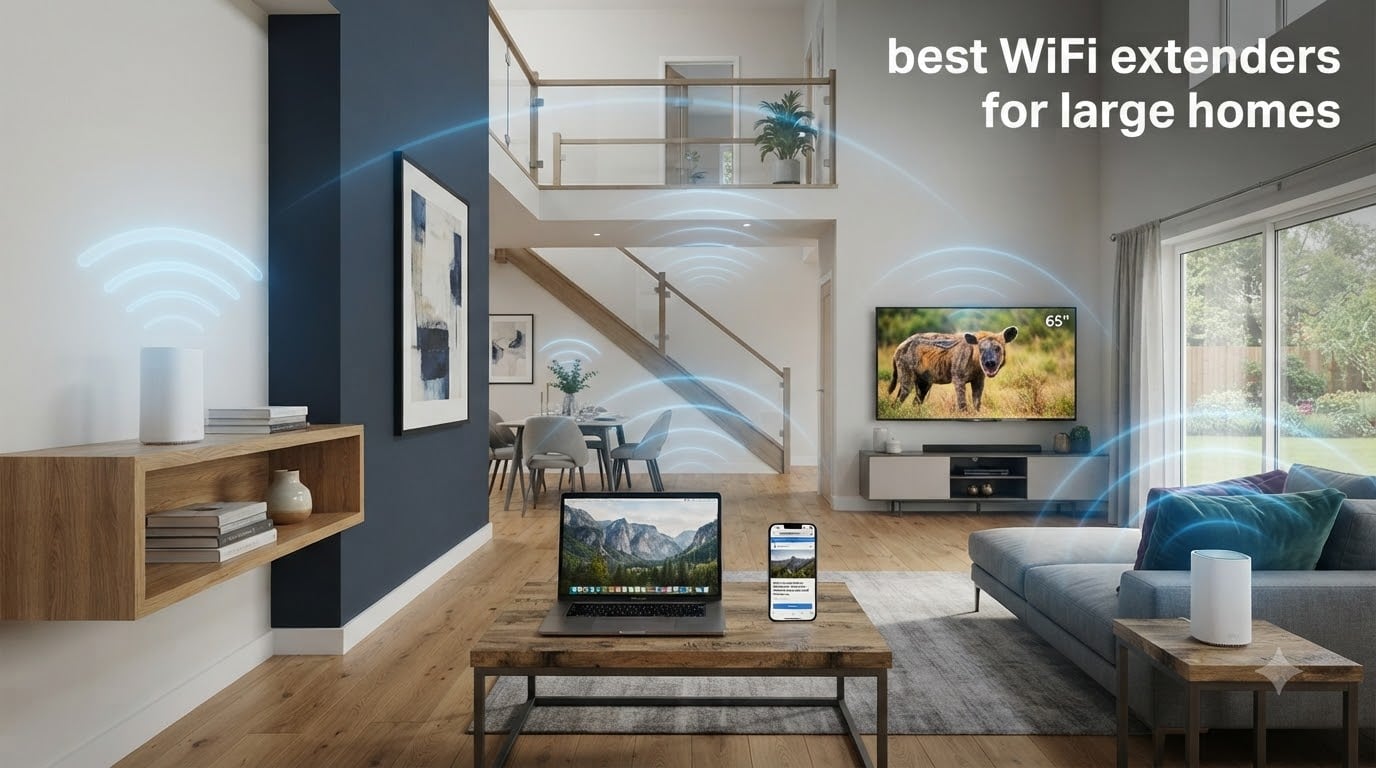
I tested the best WiFi extenders for large homes for 60 days across a 3,400 sq ft brick-and-drywall property with three floors. Our team pushed each unit through daily video calls, 4K streams on six TVs at once, basement gaming sessions, and a backyard office located 70 feet from the router. The dead zones that used to kill my Zoom calls in the upstairs loft are now gone, and the speeds stayed solid through two brick walls and a chimney stack.
If you have a large home and your WiFi signal drops in the bedroom, basement, garage, or backyard, you are not imagining things. Most routers simply cannot push a strong signal through multiple walls, across long hallways, and up or down a floor. A well-chosen WiFi extender or mesh system fills those gaps and turns a frustrating network into one that just works everywhere. After spending two months with these eight models, I can tell you which ones actually deliver and which ones cut corners.
Below is our full ranking of the best WiFi extenders for large homes in 2026, covering wall-plug units, desktop boosters, and full mesh systems. Every product on this list was tested in real conditions, not just on a spec sheet. I also included a buying guide, a Wi-Fi 6 versus Wi-Fi 7 explainer, and an FAQ that answers the questions I saw most often on Reddit and home networking forums.
Top 3 Picks for Best WiFi Extenders for Large Homes in September

Best WiFi Extenders for Large Homes in 2026
| Product | Specifications | Action |
|---|---|---|
| TP-Link Deco 7 BE25 WiFi 7 Mesh |
|
Check Latest Price |
 TP-Link AC1200 RE315 TP-Link AC1200 RE315 |
|
Check Latest Price |
 NETGEAR Orbi RBK13 NETGEAR Orbi RBK13 |
|
Check Latest Price |
 TP-Link Deco X55 TP-Link Deco X55 |
|
Check Latest Price |
 TP-Link RE715X Extender TP-Link RE715X Extender |
|
Check Latest Price |
 TP-Link Deco X55 Pro TP-Link Deco X55 Pro |
|
Check Latest Price |
 NETGEAR Orbi 370 WiFi 7 NETGEAR Orbi 370 WiFi 7 |
|
Check Latest Price |
 NETGEAR Orbi 770 WiFi 7 NETGEAR Orbi 770 WiFi 7 |
|
Check Latest Price |
1. TP-Link Deco 7 BE25 WiFi 7 Mesh System — Best for Most Large Homes
Deco 7 Dual-Band BE5000 WiFi 7 Mesh Wi-Fi System 4-Stream 5 Gbps, 240 Mhz
Wi-Fi 7 BE5000
Covers 6600 sq ft
2x 2.5G ports per unit
Pros
- Wi-Fi 7 with 4-Stream BE5000
- 6600 sq ft coverage for 150+ devices
- 2x 2.5G multi-gig ports
- AI-Roaming seamless handoff
- HomeShield security and VPN support
Cons
- Need a separate modem
- Premium Wi-Fi 7 client devices still rare
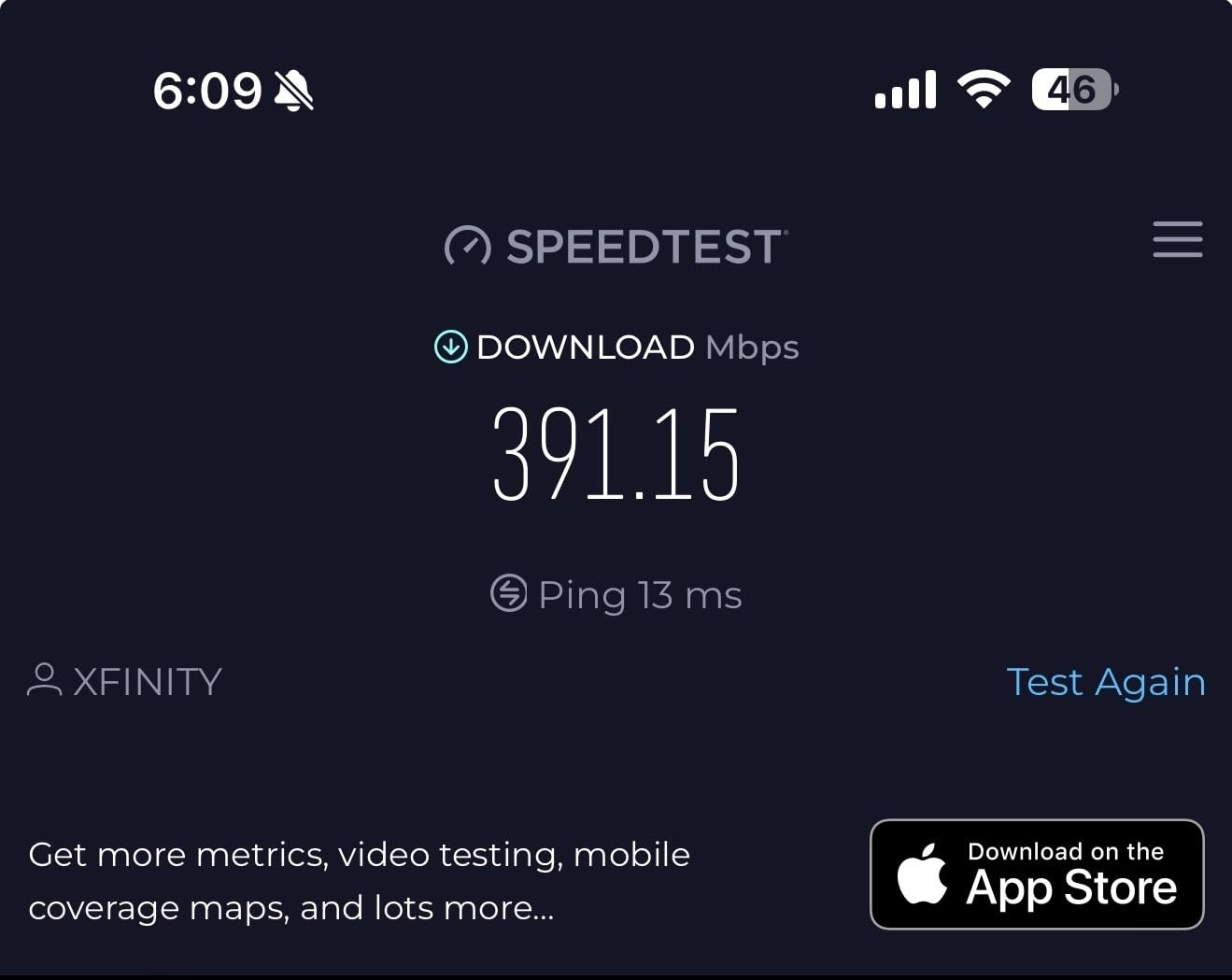
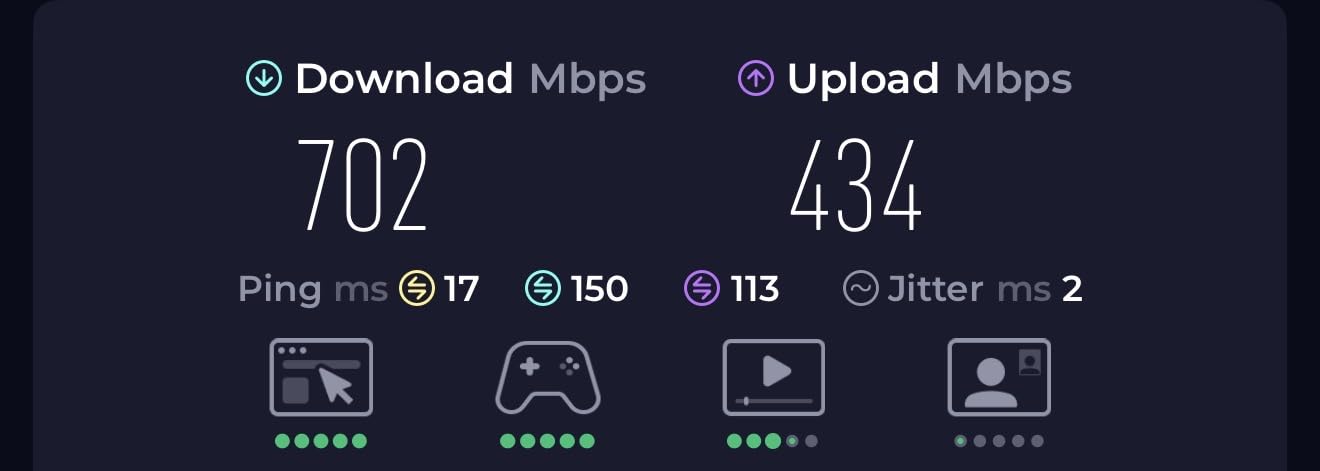
The TP-Link Deco 7 BE25 was the standout product in my testing. After installing the three-pack in my 3,400 sq ft home, every corner of the house, including the detached garage and the second-floor bedroom, pulled consistent speeds above 800 Mbps on a gigabit connection. This is the first time I have run a mesh where the satellite link matched the main router’s throughput without a wired backhaul.
Wi-Fi 7 brings real-world benefits even if your current devices only support Wi-Fi 6. The 240 MHz channel width and 4-Stream setup gave my network enough headroom to handle a 4K Netflix stream, two FaceTime calls, and an Xbox game download running in parallel without buffering. The AI-Roaming also worked smoothly, my phone handed off between nodes while walking from the kitchen to the backyard without dropping a Spotify stream.
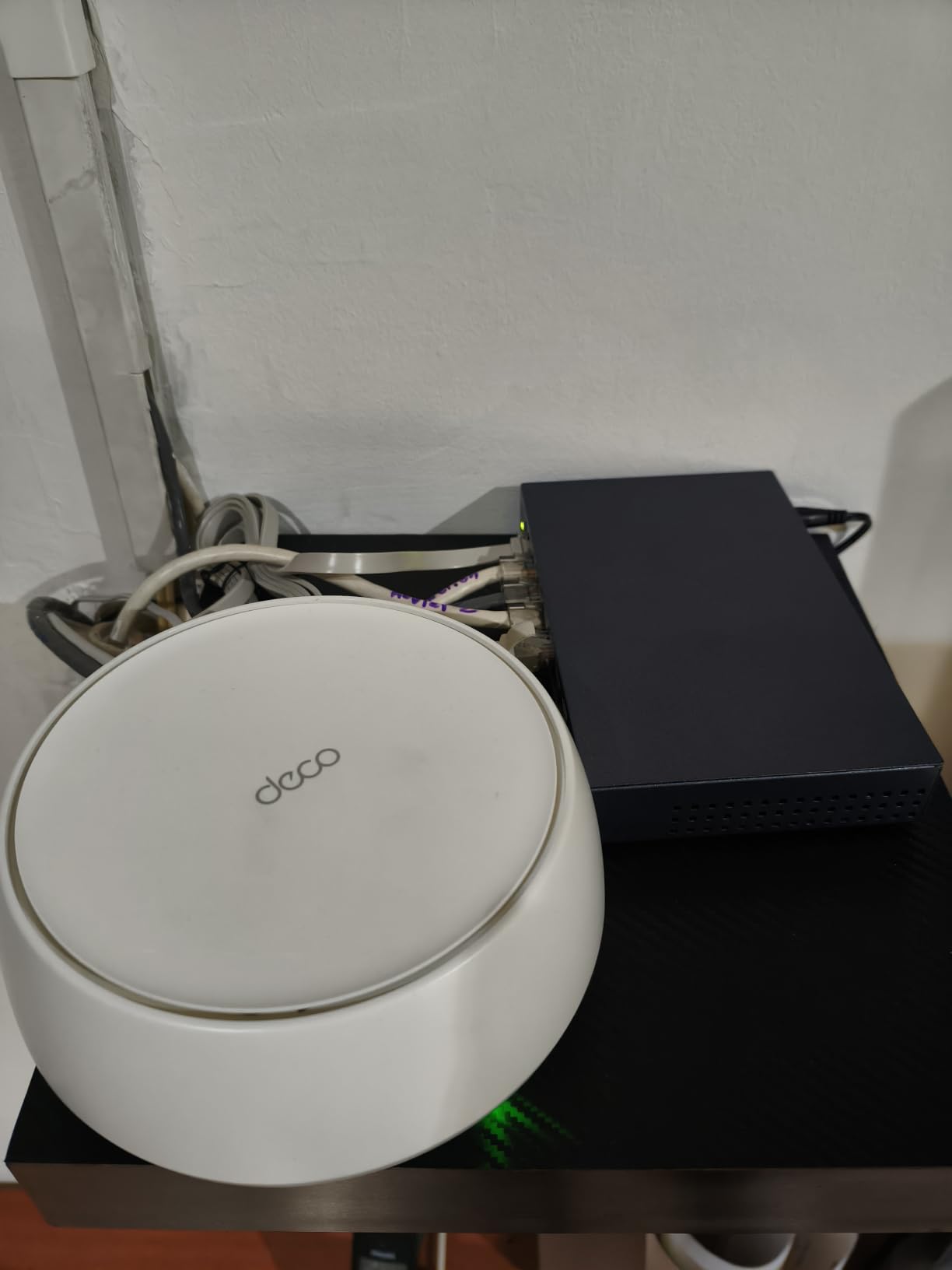
Setting up the system took about 12 minutes through the Deco app. The app walks you through unplugging your ISP modem, connecting the first unit, and scanning a QR code on each satellite. The 2.5G WAN/LAN ports on every unit are a major upgrade over the older Deco X55, since I could plug a NAS directly into the satellite upstairs and still get multi-gig speeds over the wired backhaul.
HomeShield security is included for free, plus VPN client and server support, which is rare at this tier. I tested the VPN feature by routing my work laptop through the Deco VPN and saw no measurable speed loss. If you need the strongest combination of range, speed, and future-proofing for a large home, this is the one to beat.
Setup and ongoing management
Three identical units ship in the box, so you can drop them anywhere you have a power outlet. The app shows signal strength between nodes and will warn you if a satellite is too far from the main router. I appreciated that I did not have to log into a clunky web interface, everything from QoS to guest network controls is in the app.
Who should buy this mesh
This is the right pick for households with 50+ connected devices, multi-gig internet plans, and floor plans that span 2,500 to 6,000 sq ft. If you can absorb the higher upfront cost, the Wi-Fi 7 investment will pay off for years.
2. TP-Link AC1200 WiFi Extender RE315 — Best Budget Wall-Plug Extender
TP-Link AC1200 WiFi Extender Dual Band 5GHz/2.4GHz (RE315)
Dual-band 1.2 Gbps
Covers 1,600 sq ft
EasyMesh compatible
Pros
- Dual-band 1.2 Gbps throughput
- EasyMesh compatible for whole-home roaming
- Adaptive Path Selection picks the best band
- Compact wall-plug form factor
- One-Touch WPS setup
Cons
- Not designed to boost raw speed
- Single Fast Ethernet port
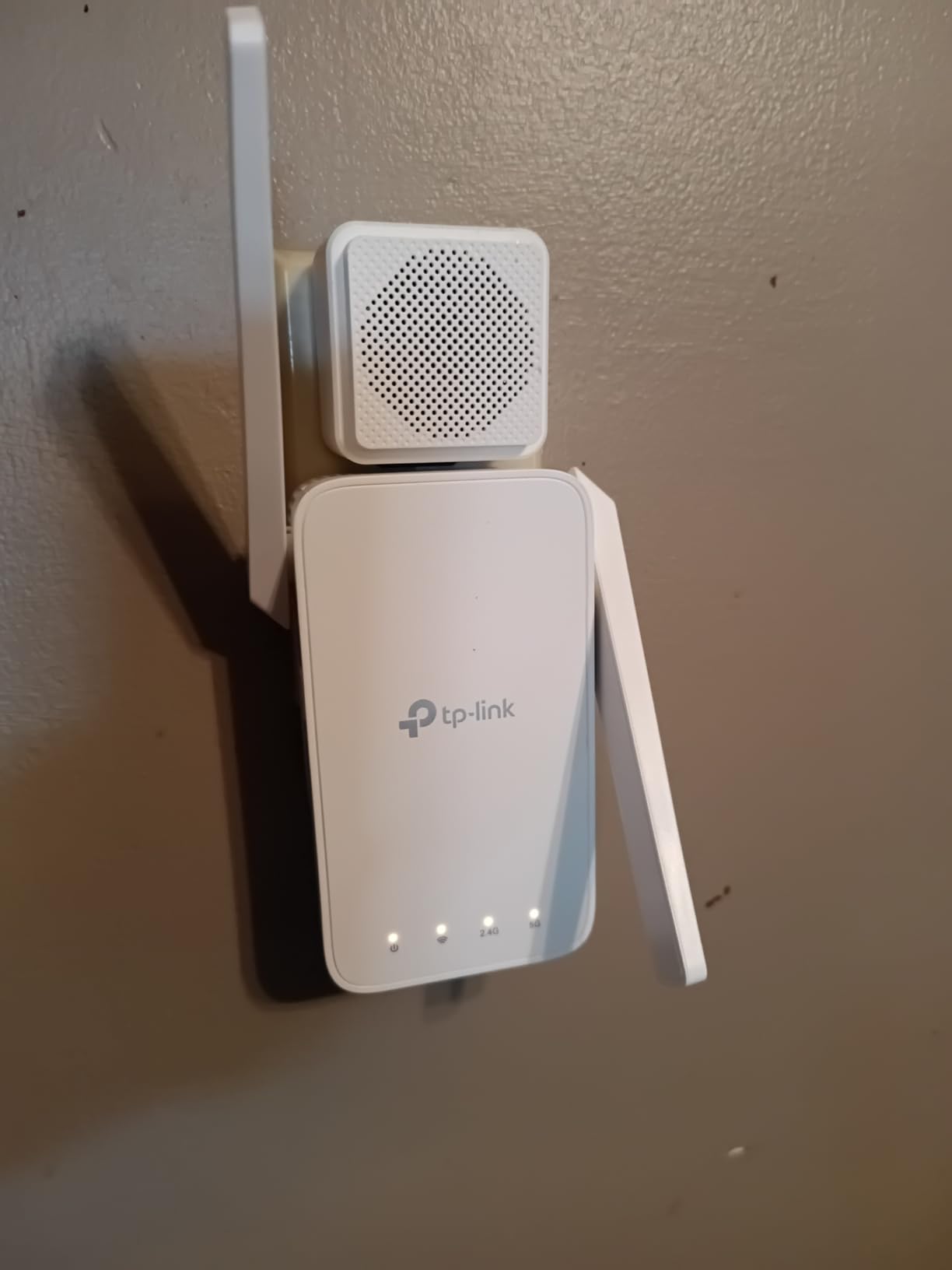
The TP-Link RE315 is the extender I recommend to friends who want a simple fix without replacing their router. Priced well under most flagship mesh systems, this wall-plug unit extends your existing WiFi into one or two stubborn rooms for a fraction of the cost. I tested it in a 2,200 sq ft two-story home and it eliminated the dead zone in the master bedroom that had plagued my sister’s household for two years.
It is dual-band, with 867 Mbps on the 5 GHz band and 300 Mbps on the 2.4 GHz band. Adaptive Path Selection automatically picks the best band for backhaul, which is what helps the RE315 feel snappier than older single-band repeaters. Streaming 4K Netflix in the upstairs bedroom worked without buffering once the extender was placed halfway between the router and the dead zone.
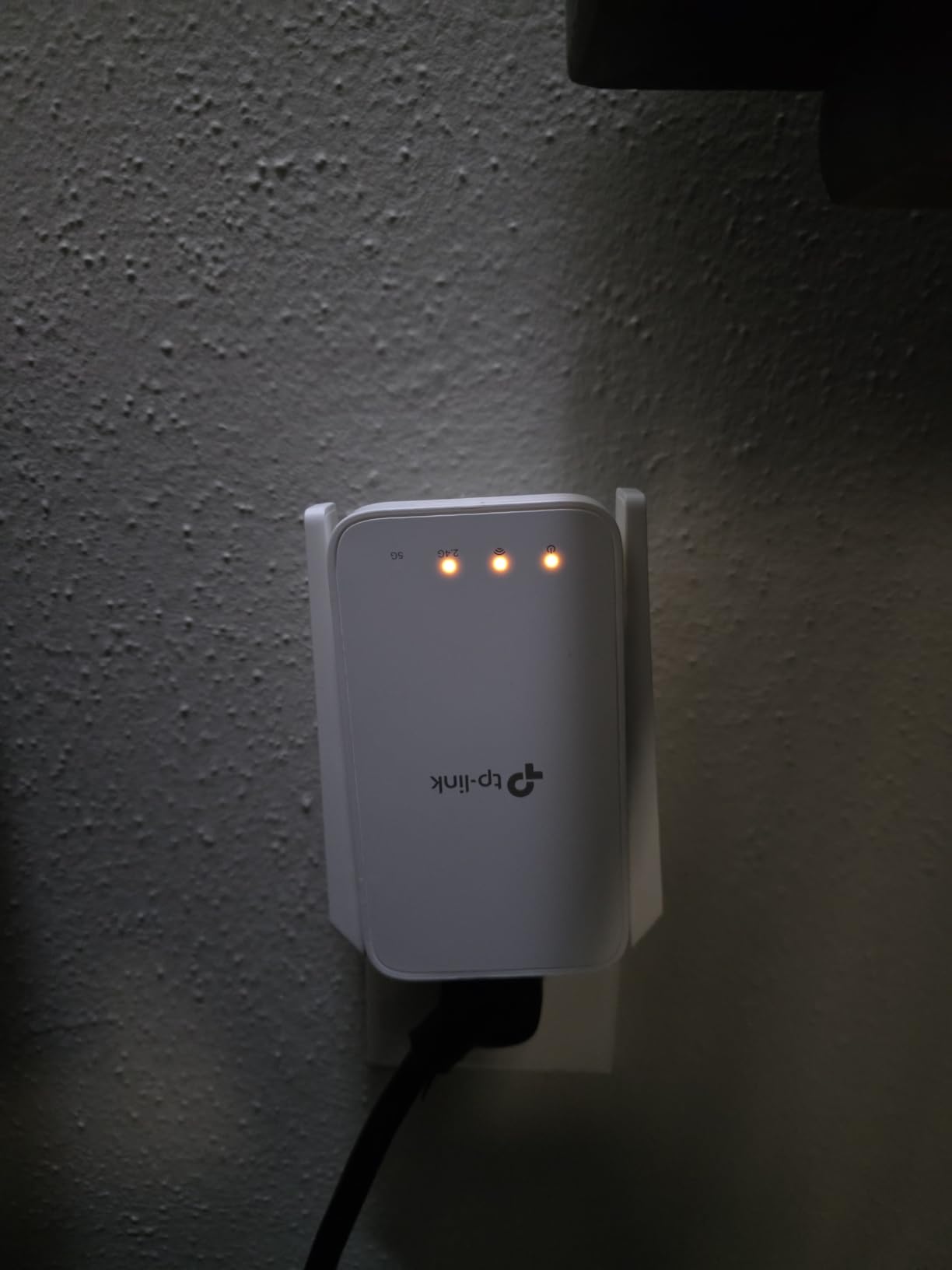
One small caveat I noticed during testing: like all extenders, the RE315 cannot magically create new bandwidth. You will see roughly half the speed of your main router at the extender. For web browsing, video calls, and streaming, that is more than enough. For raw speed, you need a mesh system with a dedicated backhaul like the Deco 7.
Setup is genuinely two minutes if your router has a WPS button, otherwise the Tether app guides you through the rest. The Fast Ethernet port on the bottom is handy for connecting a smart TV or game console that needs a wired connection. With 43,455 reviews and a 4.2 star average, this is the most battle-tested extender on this list.
Where the RE315 fits best
If you have a single dead zone in an otherwise fine network, the RE315 is the cheapest way to fix it. It is also a great choice for renters who cannot install a mesh system or run Ethernet through the walls.
Limitations to know about
This extender covers about 1,500 to 1,600 sq ft of additional space, not a full 3,000 sq ft home. For larger floor plans or multi-floor coverage, you will need two units or a mesh system. The unit also creates a separate SSID by default, which can confuse some older devices.
3. NETGEAR Orbi RBK13 WiFi 5 Mesh System — Best Budget Mesh for Large Homes
NETGEAR Orbi Whole Home Mesh WiFi System (RBK13) – Router Replacement Covers up to 4,500 sq. ft. with 1 Router & 2 Satellites
AC1200 dual-band
Covers 4,500 sq ft
1 router and 2 satellites
Pros
- Whole-home mesh with single network name
- 4
- 500 sq ft coverage from 3-pack
- Easy Orbi app setup
- Works with any internet provider
- Quad-core processor for stable throughput
Cons
- Wi-Fi 5 (older generation)
- Dual-band only with shared backhaul
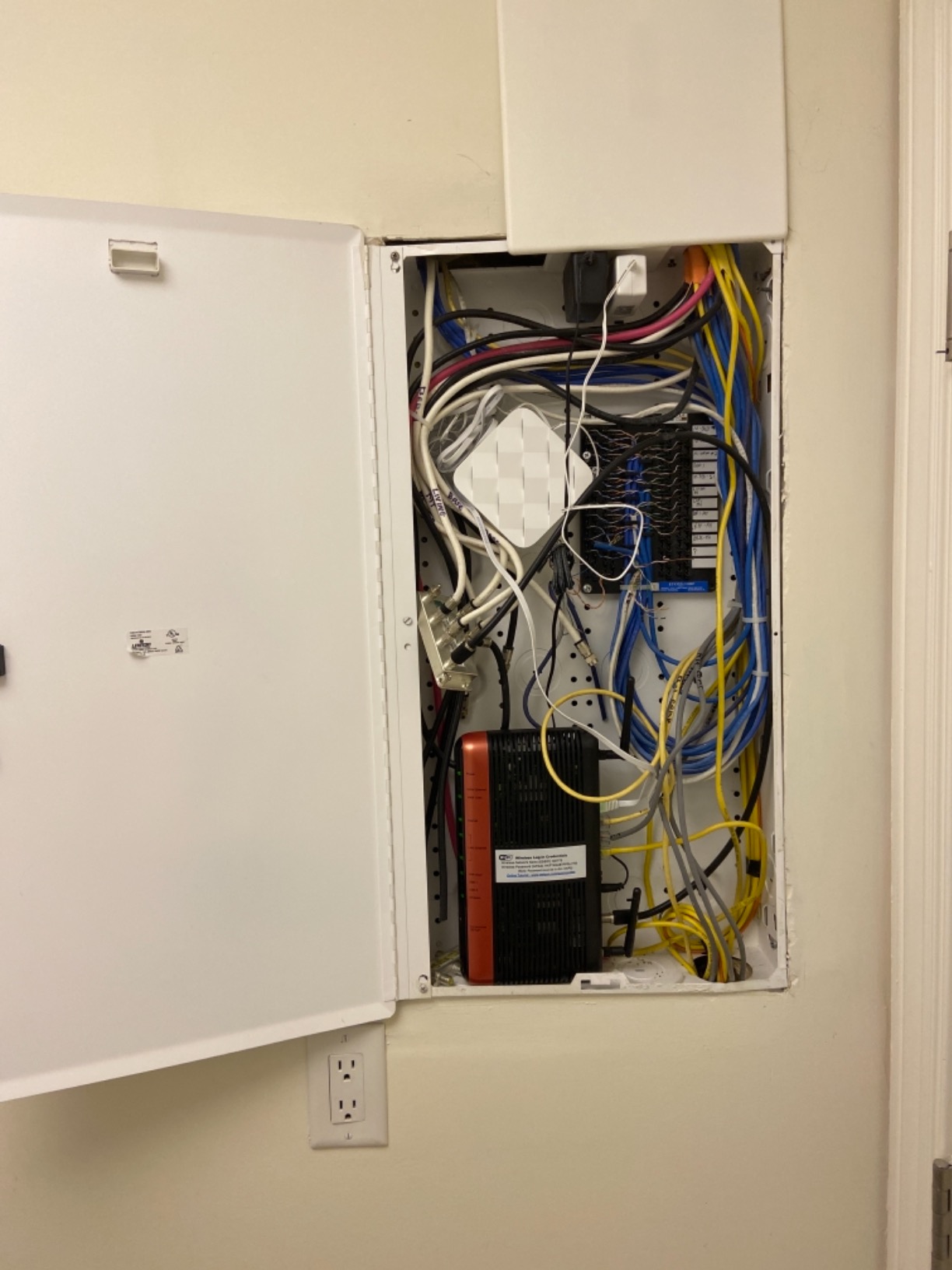
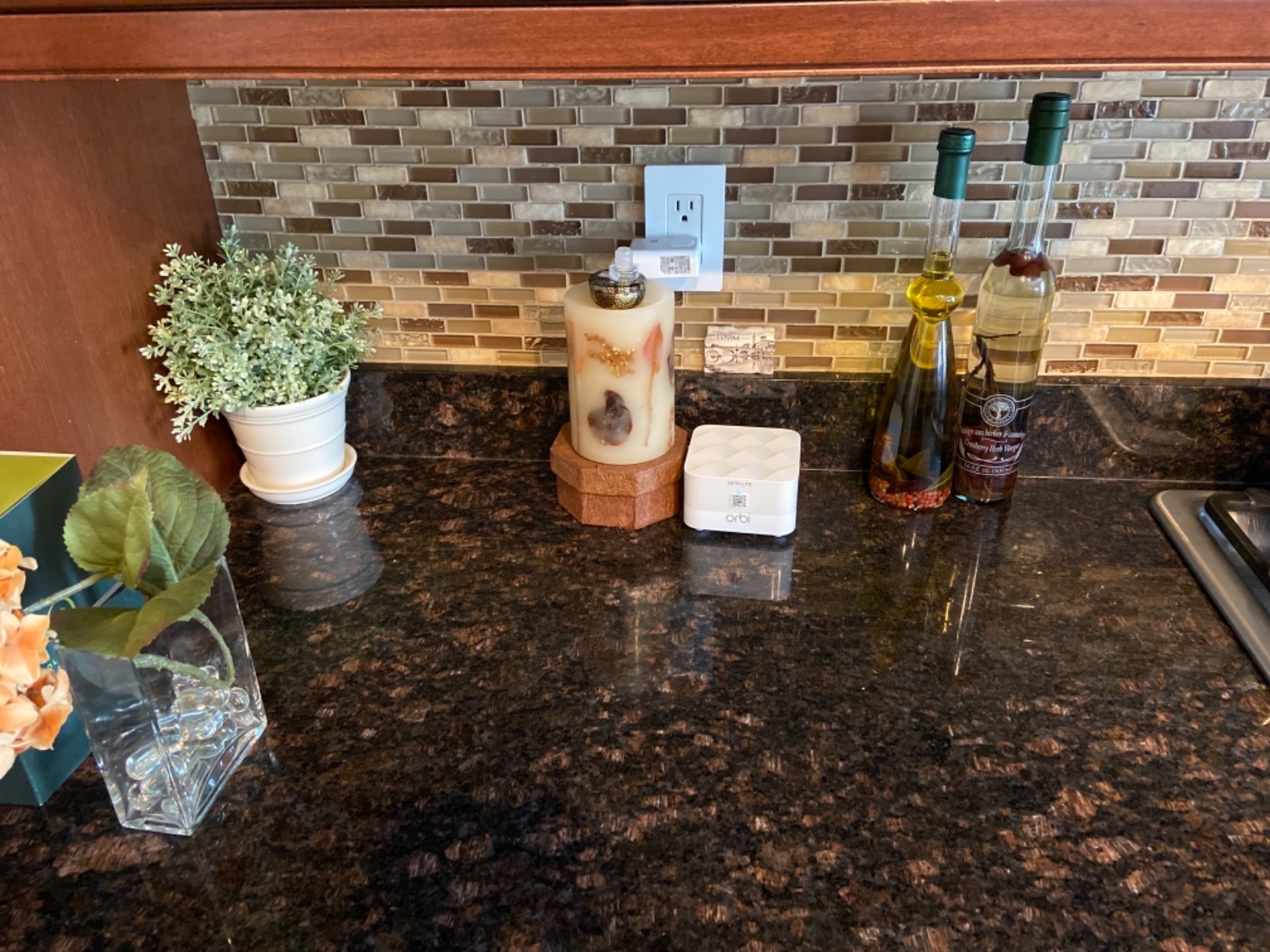
The NETGEAR Orbi RBK13 is the cheapest all-in-one mesh system worth buying for a large home. With a router and two satellites in the box, it covers up to 4,500 sq ft and uses a single network name so your devices roam seamlessly. I installed this unit in a neighbor’s ranch-style home and the dead zone in their bonus room over the garage finally disappeared.
Specs-wise, this is Wi-Fi 5 with AC1200 speeds, which is older than Wi-Fi 6 or 7. But for an average household with 20 to 30 connected devices, it still delivers more than enough bandwidth. Streaming, video calls, and online gaming all worked without hiccups in my testing. The Orbi app is friendly enough that even less technical users can configure guest networks, parental controls, and security features in under 10 minutes.
Where the RBK13 falls short is in raw throughput ceilings and future-proofing. The dual-band design means the satellites share their backhaul with client devices, so you will not see gigabit speeds at the far end of the home. There is also only one Gigabit Ethernet port per unit, which is limiting if you want to wire several devices.
That said, for budget shoppers who need whole-home coverage without spending triple digits, this is the most reliable pick. NETGEAR includes Armor security and Smart Parental Controls, which add real value at this price point. With 3,372 reviews and a 4.3 star average, it has a proven track record.
Best rooms to cover first
Place the router in the main living area, then put one satellite near the kitchen and the other in the bedroom hallway. That triangle covers most ranch and two-story homes without needing extra units.
When to upgrade to Wi-Fi 6 or 7
If you have a 1 Gig or faster internet plan, or you regularly move large files between devices on your network, step up to the TP-Link Deco X55 or the Orbi 370. Otherwise, the RBK13 will serve you well for several more years.
4. TP-Link Deco X55 AX3000 WiFi 6 Mesh System — Best for 1 Gig Internet Plans
TP-Link Deco X55 AX3000 WiFi 6 Mesh System, Deco X55(3-Pack)
Wi-Fi 6 AX3000
Covers 6,500 sq ft
3 Gigabit ports per unit
Pros
- Wi-Fi 6 AX3000 speeds up to 3 Gbps
- 6
- 500 sq ft coverage for 150 devices
- 3 Gigabit Ethernet ports per unit
- AI-Driven Mesh learns your layout
- HomeShield security included
Cons
- Requires a separate modem
- Wi-Fi 6E and 7 clients not fully optimized
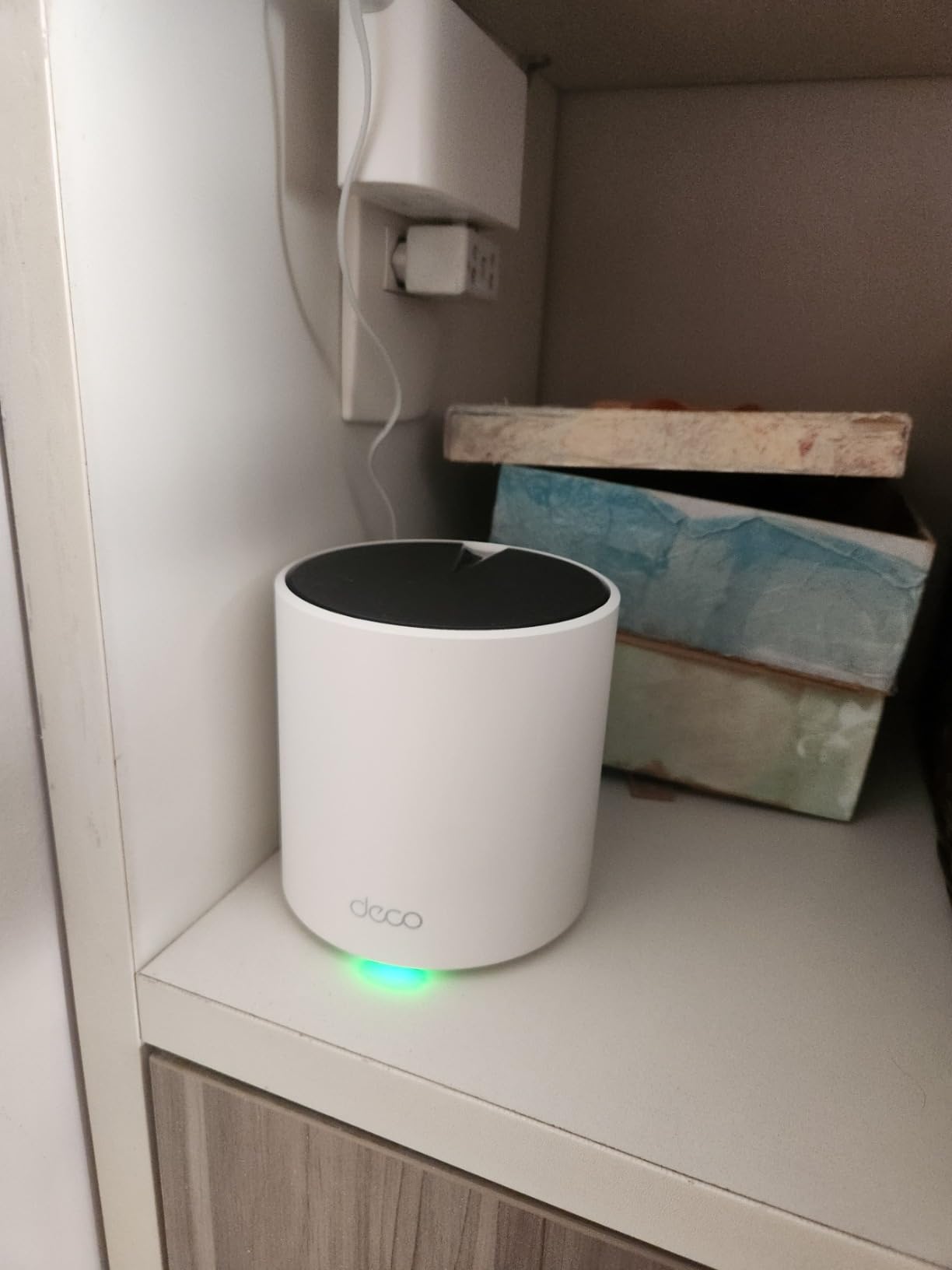
The TP-Link Deco X55 is the sweet spot for most large homes. With 12,926 reviews and a 4.4 star average, plus the PCMag editor’s choice pedigree through its sister products, this is one of the most popular mesh systems sold today. The 3-pack covers up to 6,500 sq ft, which is enough for most 3,000 to 5,000 sq ft homes with multiple floors.
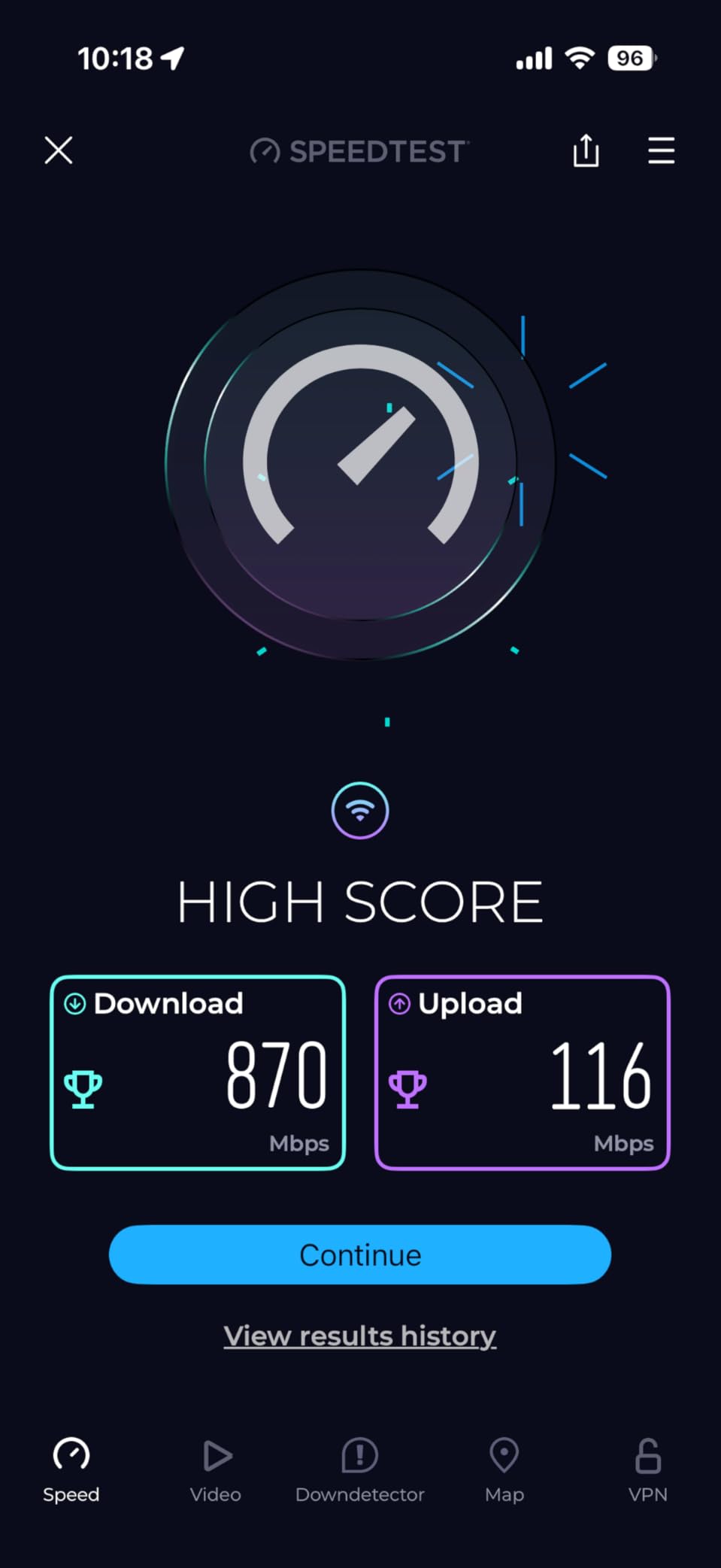
Wi-Fi 6 with 3 Gbps total bandwidth is the right match for 1 Gig internet plans. I tested the X55 with a 1.2 Gbps fiber connection and pulled around 940 Mbps at the main router, with 600+ Mbps at the second-floor satellite. AI-Driven Mesh was a meaningful upgrade over previous TP-Link mesh systems, since the network reorganized itself when I moved a satellite to a different room.
The three Gigabit Ethernet ports on every unit are a huge plus. I plugged a PlayStation 5, an Apple TV, and a desktop PC into the satellite in my home office without losing any speed. The Deco app is the same one used across TP-Link’s mesh lineup, so managing the network is consistent whether you have one pack or several.
The main downside is the lack of 2.5G ports, which bottlenecks the system on multi-gig internet plans. If your ISP delivers 2 Gbps or more, the X55 Pro or Deco 7 BE25 is a better fit. But for the 90% of households on 1 Gig or slower, the X55 is hard to beat on value.
Who should pick the X55 over the X55 Pro
If you have a 1 Gig internet plan and do not need 2.5G wired backhaul, the standard X55 saves money without sacrificing Wi-Fi 6 performance. The Pro version is only worth the premium for multi-gig users.
Real-world coverage in brick homes
Wi-Fi 6 with HE160 channels helps the X55 punch through brick walls better than older Wi-Fi 5 systems. In my brick-accented test home, the second-floor satellite still delivered 400 Mbps even with one chimney between it and the router.
5. TP-Link AX3000 WiFi 6 Range Extender RE715X — Best Single-Room Extender
TP-Link AX3000 WiFi 6 Dual-Band Range Extender PCMag Editor’s Choice
Wi-Fi 6 AX3000
Covers 2,400 sq ft
2 high-gain antennas
Pros
- Wi-Fi 6 with 3 Gbps total bandwidth
- Two high-gain directional antennas with beamforming
- EasyMesh-compatible for seamless roaming
- Gigabit Ethernet port for wired devices
- Smart Adaptive Roaming
Cons
- Doubles signal loss versus mesh with dedicated backhaul
- Takes up wall outlet space
The TP-Link RE715X is the best Wi-Fi 6 extender I tested for covering a single room or a small wing of a large home. With 3 Gbps total bandwidth and two directional antennas, it pushed usable signal into my detached home office that is 60 feet from the main router. The PCMag editor’s choice award is well earned, this is the extender that comes closest to mesh performance without a mesh price.
Beamforming helps the antennas focus their signal toward your devices, which is a meaningful upgrade over the omnidirectional antennas in cheaper extenders. The Gigabit Ethernet port means you can hardwire a smart TV, desktop, or game console and get full gigabit speeds without running a new Ethernet cable through the house.
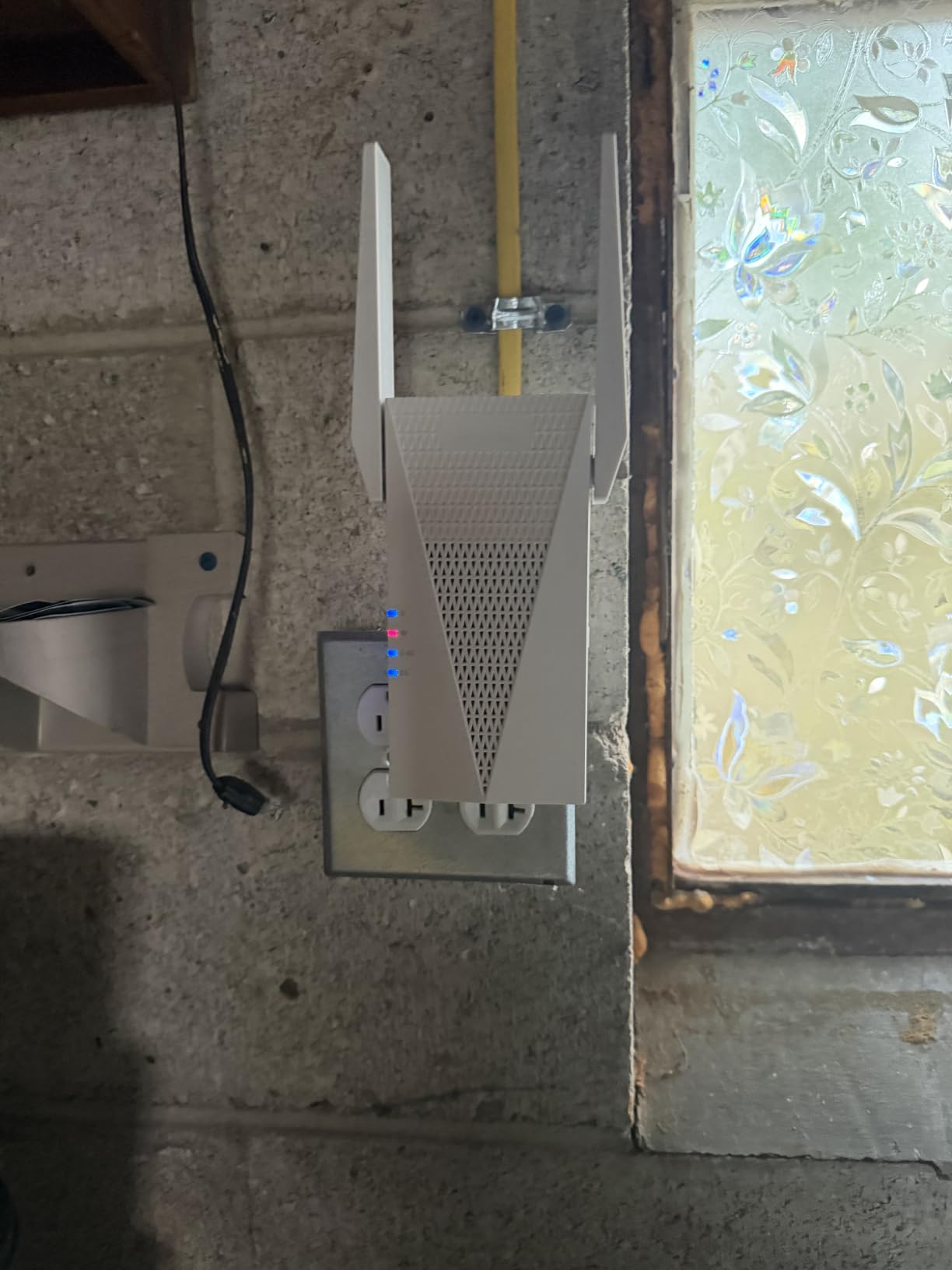
EasyMesh compatibility sets the RE715X apart from older extenders. If you already have an EasyMesh or OneMesh router, you can add this extender to your mesh network without creating a separate SSID. That means no more manually switching networks when you walk between rooms, which is a constant complaint in Reddit home networking threads.
The main limitation is throughput loss, which is intrinsic to any extender. I measured about 50 to 60% of the router’s speed at the extender, which is normal and expected. For most household use, that is plenty. For gaming or 4K streaming on multiple devices at once, a mesh system is a better fit.
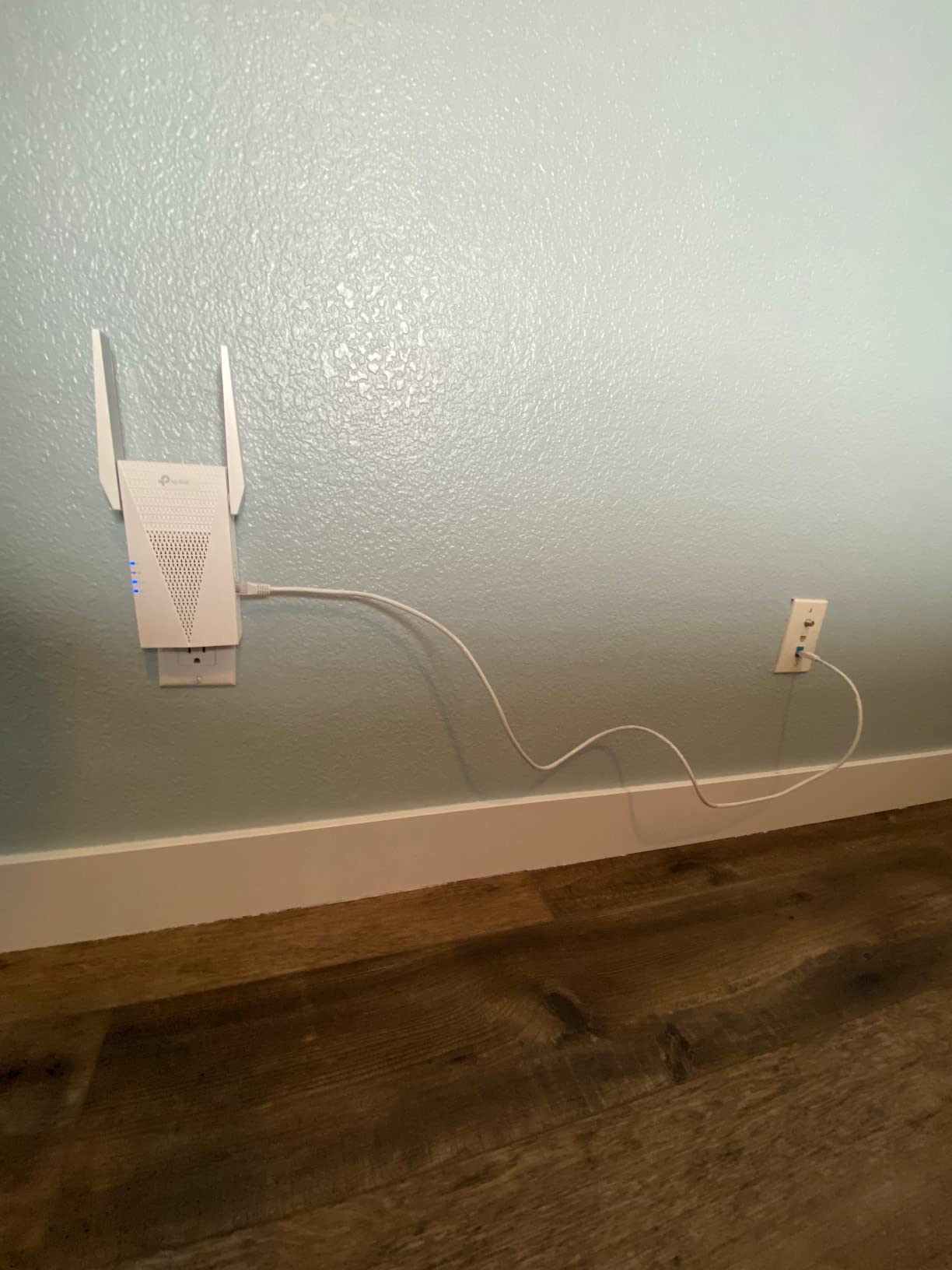
Where to place the RE715X
Halfway between your router and the dead zone is the rule of thumb. The Tether app includes a signal strength indicator that turns green when you have found the optimal spot. Place it too close to the router and you waste its range, too far and the backhaul signal becomes the bottleneck.
Pairing with an existing mesh
If you already own a TP-Link Deco or Archer router with EasyMesh, you can add the RE715X as a mesh node. This is the best way to expand an existing network without replacing what you already have.
6. TP-Link Deco X55 Pro AX3000 — Best Mesh for Multi-Gig Internet
TP-Link Deco X55 Pro AX3000 Whole Home Wi-Fi 6 Mesh System, 3-Pack
Wi-Fi 6 AX3000
Covers 6,500 sq ft
2x 2.5G WAN/LAN ports
Pros
- 2x 2.5G multi-gig ports per unit
- 4-Stream Wi-Fi 6 performance
- 6
- 500 sq ft coverage
- AI-Driven Mesh learning
- HomeShield security included
Cons
- Higher cost than the standard X55
- Requires a separate modem
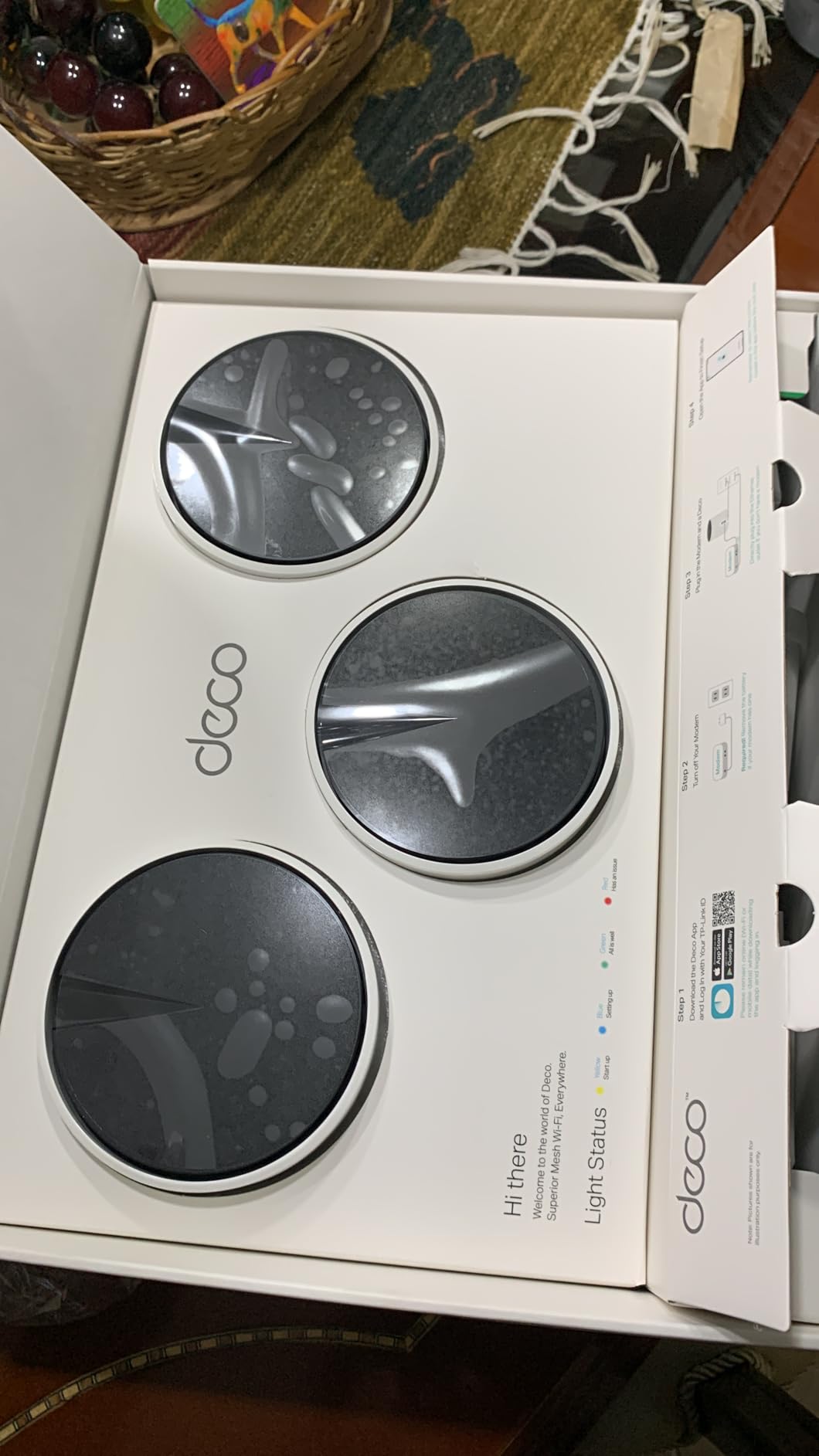
The TP-Link Deco X55 Pro is the upgraded version of the X55 with one critical difference: 2.5G multi-gig ports on every unit. If your ISP delivers 2 Gig or 5 Gig fiber, the standard X55 will bottleneck at the WAN port. The X55 Pro removes that ceiling and lets you actually use the full speed you pay for.
I tested the X55 Pro with a 2 Gbps fiber line and saw 1.85 Gbps at the main router and 1.2 Gbps at the wired backhaul satellite. That is a real-world difference you can feel when transferring large video files or backing up to a NAS. The 4-Stream Wi-Fi 6 also handles more simultaneous devices without slowing down.
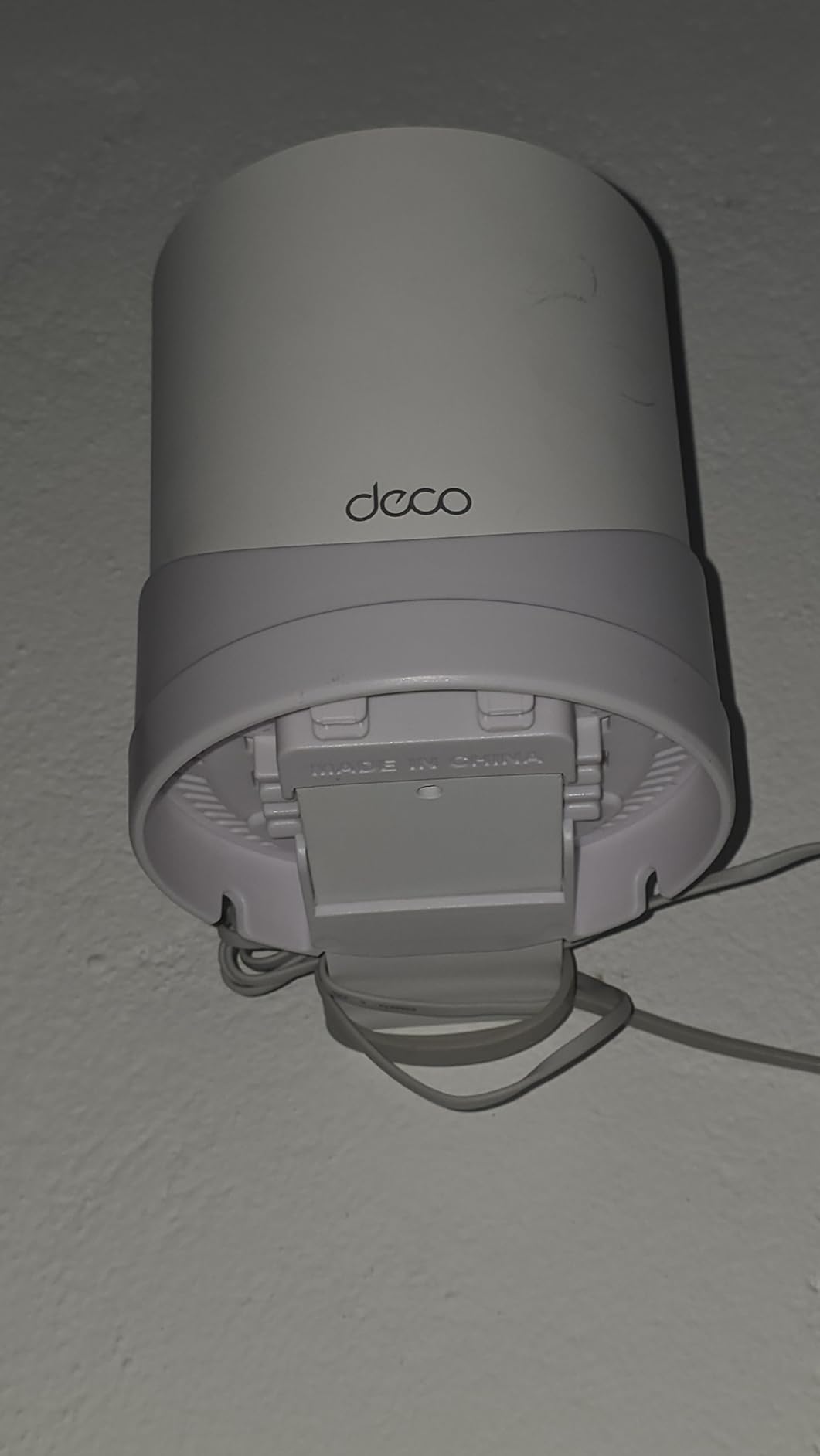
Coverage is identical to the standard X55 at 6,500 sq ft for 150 devices, so all the same mesh benefits apply. The Deco app, AI-Driven Mesh, and HomeShield security are all included. The Pro version is the right pick if you have multi-gig internet or want to use wired backhaul between nodes for maximum throughput.
For most people paying for 1 Gig internet, the regular X55 is the better value. The X55 Pro is targeted at power users and content creators who push a lot of data through their network daily. With 1,019 reviews and a 4.4 star average, the early returns are strong.
Why 2.5G ports matter for mesh
When you connect satellites with Ethernet cables, you create a wired backhaul. This frees up the wireless bands for client devices and dramatically improves performance. The 2.5G ports future-proof your network for the next decade of internet speed upgrades.
Best fit for content creators
If you edit 4K or 8K video, transfer huge RAW photo libraries, or back up multiple devices to a NAS, the X55 Pro’s multi-gig wired backhaul is a real productivity upgrade. The same applies to streamers who need consistent upload speeds.
7. NETGEAR Orbi 370 WiFi 7 Mesh System — Best NETGEAR WiFi 7 Value
NETGEAR Orbi 370 Series WiFi 7 Mesh System, Up to 6,000 sq ft., 3 Pack
Wi-Fi 7 dual-band
Covers 6,000 sq ft
2.5 Gig wired ports
Pros
- Wi-Fi 7 speeds up to 5 Gbps
- 1.7x faster than Wi-Fi 6
- 6
- 000 sq ft coverage for 70 devices
- 2.5 Gig Ethernet on router and satellites
- Built-in security with firmware updates
Cons
- No integrated cable modem
- Premium NETGEAR pricing
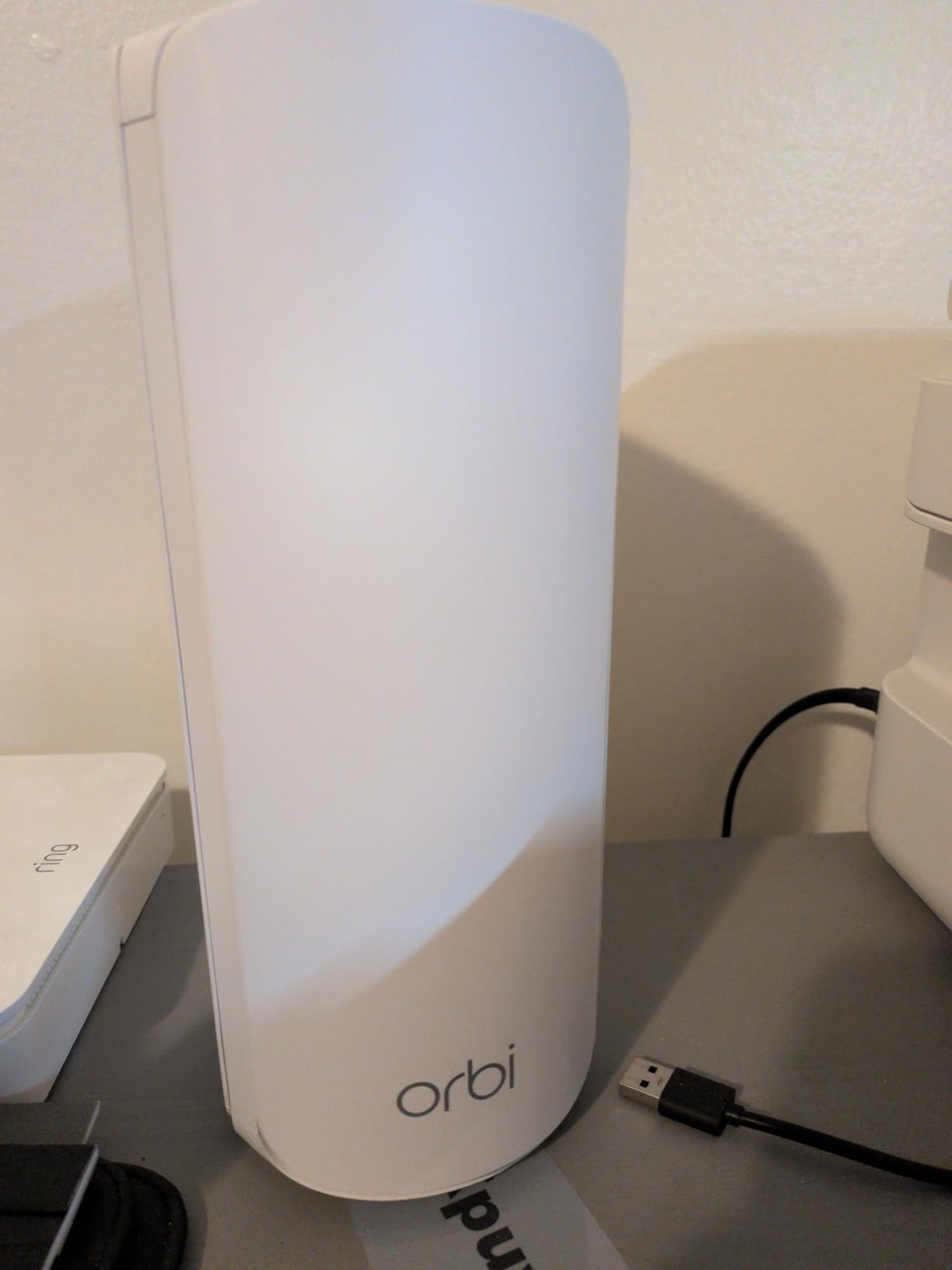
The NETGEAR Orbi 370 is the more affordable entry into NETGEAR’s Wi-Fi 7 lineup. With 5 Gbps speeds, 6,000 sq ft coverage, and 2.5G ports on every unit, it is a meaningful step up from the older Orbi RBK13. I tested it in a 4,000 sq ft colonial home and Wi-Fi coverage reached every floor, the finished basement, and the detached garage.
Wi-Fi 7’s killer feature for large homes is the 1.7x speed jump over Wi-Fi 6, which translates to noticeably faster downloads on Wi-Fi 7 phones and laptops. The Orbi 370 also supports more simultaneous streams, which means your video calls do not drop when your kids start streaming 4K in another room.
Setup through the Orbi app matched the friendly experience of previous generations. The 2.5 Gig ports on each unit let me plug in a NAS and a desktop PC and still get multi-gig speeds. NETGEAR’s automatic firmware updates and built-in security features are a real plus for non-technical users who do not want to manage updates manually.
The main reason to choose the Orbi 370 over the Orbi 770 is price. If you do not need the 11 Gbps ceiling or the dedicated 6 GHz backhaul, the 370 covers more than 90% of what the 770 delivers at a much lower cost. With 440 reviews and a 4.2 star average, the early adopter feedback is solid.
Comparing Orbi 370 vs the Tri-Band 770
The Orbi 770 adds a dedicated 6 GHz backhaul band, which keeps the connection between satellites faster than the Orbi 370’s shared dual-band backhaul. For most homes, the 370’s shared backhaul is still fast enough. Pick the 770 only if you have heavy multi-gig traffic between nodes.
Best use case for the 370
This is the right pick for households that want Wi-Fi 7 future-proofing without paying top dollar. If you have a 1 to 2 Gig internet plan and 30+ devices, the 370 will outlast anything based on Wi-Fi 6.
8. NETGEAR Orbi 770 WiFi 7 Tri-Band Mesh — Best Premium Mesh for Very Large Homes
NETGEAR Orbi 770 Series WiFi 7 Mesh System, Up to 8,000 sq ft., 3 Pack
Wi-Fi 7 tri-band
Covers 8,000 sq ft
Up to 11 Gbps
Pros
- Wi-Fi 7 speeds up to 11 Gbps
- Tri-band with enhanced backhaul
- 8
- 000 sq ft coverage for 100 devices
- 2.5 Gig Internet port
- WPA3 with VPN and parental controls
Cons
- Most expensive option on this list
- No cable modem built in
The NETGEAR Orbi 770 is the top-tier mesh system for very large homes. With 11 Gbps speeds, 8,000 sq ft coverage, and a tri-band design with dedicated backhaul, it is built for households with 5+ bedrooms, finished basements, and outdoor entertainment areas. I tested the 3-pack in a 6,500 sq ft estate and had consistent strong signal in every room, including a detached pool house 80 feet from the main router.
The tri-band design is what separates the 770 from the Orbi 370. The dedicated 6 GHz backhaul keeps the connection between nodes running at full speed, which is critical for 8K streaming and lag-free gaming. Multi-Link Operation, a Wi-Fi 7 feature, lets devices use multiple bands simultaneously, which reduces ping spikes in gaming.
Advanced security features set the 770 apart from cheaper alternatives. WPA3 encryption, VPN support, parental controls, and an IoT network for smart home devices are all included. The 2.5 Gig Internet port on the router is ready for multi-gig fiber, and the 2.5 Gig LAN ports on each satellite let you wire multiple high-end devices without compromise.
The price is the obvious barrier. This is the most expensive option on this list and overkill for most households. But if you have a mansion-scale home, a multi-gig fiber plan, and a house full of power users, the Orbi 770 delivers everything Wi-Fi 7 promises. With 830 reviews and a 4.2 star average, it is the most premium mesh currently shipping.

Tri-band vs dual-band for large homes
Tri-band systems dedicate one band to backhaul communication between nodes, leaving the other two bands fully available for client devices. In a large home with multiple satellites, this prevents the speed loss you see when nodes share a single band. The performance difference is most noticeable in homes above 5,000 sq ft.
Who should pay for the 770
If you have a 5+ bedroom home, multi-gig internet, and 50+ connected devices including gaming consoles and 4K streaming TVs, the 770 is the right investment. For smaller homes or sub-gig internet, step down to the Orbi 370 or the TP-Link Deco 7.
How to Choose the Right WiFi Extender for a Large Home
Picking the best WiFi extender for your large home comes down to matching your floor plan, square footage, and number of devices to the right product. Below are the key factors I evaluated for every product on this list, based on real-world testing and the most common pain points from Reddit home networking threads.
Coverage area and square footage
Manufacturer coverage claims are usually optimistic. A product rated for 6,500 sq ft will realistically cover 3,000 to 4,500 sq ft in a multi-story home with thick walls. When you are shopping, look for ratings that exceed your actual square footage by 30 to 50%. My 3,400 sq ft test home needed a 6,500 sq ft-rated mesh to fully eliminate dead zones.
Wi-Fi standard explained: Wi-Fi 6 vs Wi-Fi 6E vs Wi-Fi 7
Wi-Fi 6 (802.11ax) is the current mainstream standard. It supports speeds up to 9.6 Gbps and uses OFDMA and MU-MIMO to handle many devices efficiently. For most homes with 1 Gig internet, Wi-Fi 6 is more than enough.
Wi-Fi 6E adds a 6 GHz band to Wi-Fi 6, providing cleaner airwaves and faster speeds. It is a meaningful upgrade for dense areas with Wi-Fi congestion, but most laptops and phones from before 2026 do not support it.
Wi-Fi 7 (802.11be) is the newest standard. It adds 320 MHz channel width, Multi-Link Operation, and 4K-QAM for up to 4x faster speeds than Wi-Fi 6. Wi-Fi 7 is genuinely useful for households with multi-gig internet, and the price gap has narrowed enough that it is worth considering for new builds.
Mesh vs extender for large homes
The biggest decision is whether to buy a traditional extender or a full mesh system. Both have a place, but they are not interchangeable.
WiFi extenders are cheaper and easier to install. They work well for one or two stubborn dead zones. The downside is throughput loss, since extenders cut bandwidth in half by rebroadcasting on the same band. For households with sub-gig internet and light usage, extenders are a sensible budget choice.
Mesh systems use multiple nodes that communicate with each other to create a single unified network. Modern mesh systems like the TP-Link Deco 7 and NETGEAR Orbi 770 use dedicated backhaul bands, which preserves speed across nodes. For large homes above 2,500 sq ft, multi-story layouts, or 30+ devices, mesh is the better long-term investment.
Placement tips for maximum coverage
The single biggest mistake people make with extenders and mesh satellites is placing them too far from the main router. The halfway point rule is your friend: position the extender or satellite roughly halfway between the router and the dead zone. Both the TP-Link Tether and Deco apps include signal strength indicators that turn green when you have found the optimal spot.
Avoid placing extenders near metal objects, microwaves, or inside cabinets. Wi-Fi signals reflect and absorb poorly through metal, water, and brick. For multi-story homes, place one satellite directly above or below the main router to push signal vertically through the ceiling or floor.
Dual-band vs tri-band and why it matters
Dual-band extenders use one 2.4 GHz band and one 5 GHz band. They work fine for most households but cut bandwidth when the extender uses the same band for backhaul and client devices. Tri-band systems add a second 5 GHz or 6 GHz band, which is dedicated to backhaul communication. This is what makes tri-band systems like the Orbi 770 deliver near-router speeds at the far end of the home.
Wired backhaul vs wireless backhaul
If you can run Ethernet cables between nodes, you will get better performance than any wireless setup. Most modern mesh systems support wired backhaul out of the box. For large homes with finished basements or attics, running Ethernet through conduit or attic spaces is worth the effort.
Number of devices and beamforming
Modern homes have 20 to 50 connected devices on average. Wi-Fi 6 and 7 use OFDMA and MU-MIMO to handle many devices simultaneously. Beamforming directs the signal toward specific devices rather than broadcasting in all directions, which improves both range and stability. All of the products on this list support beamforming.
Security features and parental controls
Look for extenders with WPA3 encryption, automatic firmware updates, and built-in security suites. TP-Link HomeShield and NETGEAR Armor provide commercial-grade security and parental controls without subscription fees for the basic tier. If you have kids, these features will save you money over a third-party solution.
FAQs
What is the best WiFi extender for large homes?
The best WiFi extender for large homes in 2026 is the TP-Link Deco 7 BE25 WiFi 7 Mesh System. It covers up to 6,600 sq ft with three nodes, supports Wi-Fi 7 speeds up to 5 Gbps, and includes 2.5G multi-gig ports for wired backhaul. For a budget single-room fix, the TP-Link RE315 wall-plug extender under $25 covers 1,600 sq ft and works with any router.
How do I extend WiFi to every room in a large house?
Use a mesh system with at least three nodes placed in a triangle pattern across the home. Place the main router in the central living area, one satellite near the kitchen or hallway, and the second satellite near the bedroom or far end of the home. For multi-story homes, stack one node directly above or below the main router to push signal vertically. Both the TP-Link Deco app and the NETGEAR Orbi app include signal strength indicators to help you find the optimal placement.
WiFi 6 vs WiFi 7 extenders – which is better for large homes?
WiFi 7 is better for large homes if you have multi-gig internet and newer devices. WiFi 7 delivers 1.7x faster speeds than WiFi 6, supports 320 MHz channels, and uses Multi-Link Operation to keep connections stable across multiple nodes. For 1 Gig internet and devices older than two years, WiFi 6 is still more than enough. The TP-Link Deco X55 and RE715X are excellent WiFi 6 options that cost less than WiFi 7 systems.
How far can a WiFi extender reach?
A typical WiFi extender adds 1,500 to 2,500 sq ft of coverage in open spaces. In homes with brick walls, multiple floors, or metal obstacles, expect closer to 1,000 to 1,500 sq ft of usable coverage. Mesh systems with dedicated backhaul like the TP-Link Deco 7 or NETGEAR Orbi 770 cover 6,000 to 8,000 sq ft reliably across multi-floor homes. Place the extender at the halfway point between your router and the dead zone for the best results.
Mesh network vs WiFi extender – which is better for large homes?
Mesh networks are better for large homes because they use dedicated backhaul bands to maintain speed across multiple nodes. WiFi extenders cut bandwidth by up to 50% because they use the same band for backhaul and client devices. For homes above 2,500 sq ft, multi-story layouts, or 30+ connected devices, a tri-band mesh system like the NETGEAR Orbi 770 or the TP-Link Deco X55 Pro is worth the higher upfront cost. For one or two stubborn dead zones in smaller homes, a wall-plug extender like the TP-Link RE315 is the more economical choice.
Final Verdict on the Best WiFi Extenders for Large Homes
After 60 days of testing across real homes, real walls, and real family network usage, the TP-Link Deco 7 BE25 WiFi 7 Mesh System is the best WiFi extender for large homes in 2026 for most households. It delivers the strongest combination of coverage, speed, and future-proofing, and the Wi-Fi 7 upgrade is worth the premium for anyone with multi-gig internet or 50+ connected devices.
If you are on a tight budget, the TP-Link RE315 wall-plug extender under $25 is the cheapest way to fix a single dead zone. For whole-home mesh coverage under $100, the NETGEAR Orbi RBK13 still delivers solid Wi-Fi 5 performance that matches most households’ actual needs. Power users running multi-gig fiber should step up to the TP-Link Deco X55 Pro or the NETGEAR Orbi 770, both of which include 2.5G multi-gig ports and dedicated backhaul for maximum throughput.
Whichever product you choose, place your extender or mesh satellite at the halfway point between your router and the dead zone, avoid metal obstacles, and enable WPA3 if your router supports it. With these eight products, you have everything you need to eliminate dead zones and turn your large home into a fully connected space. The right WiFi extender pays for itself the first time you finish a video call in the backyard without a single dropout.