
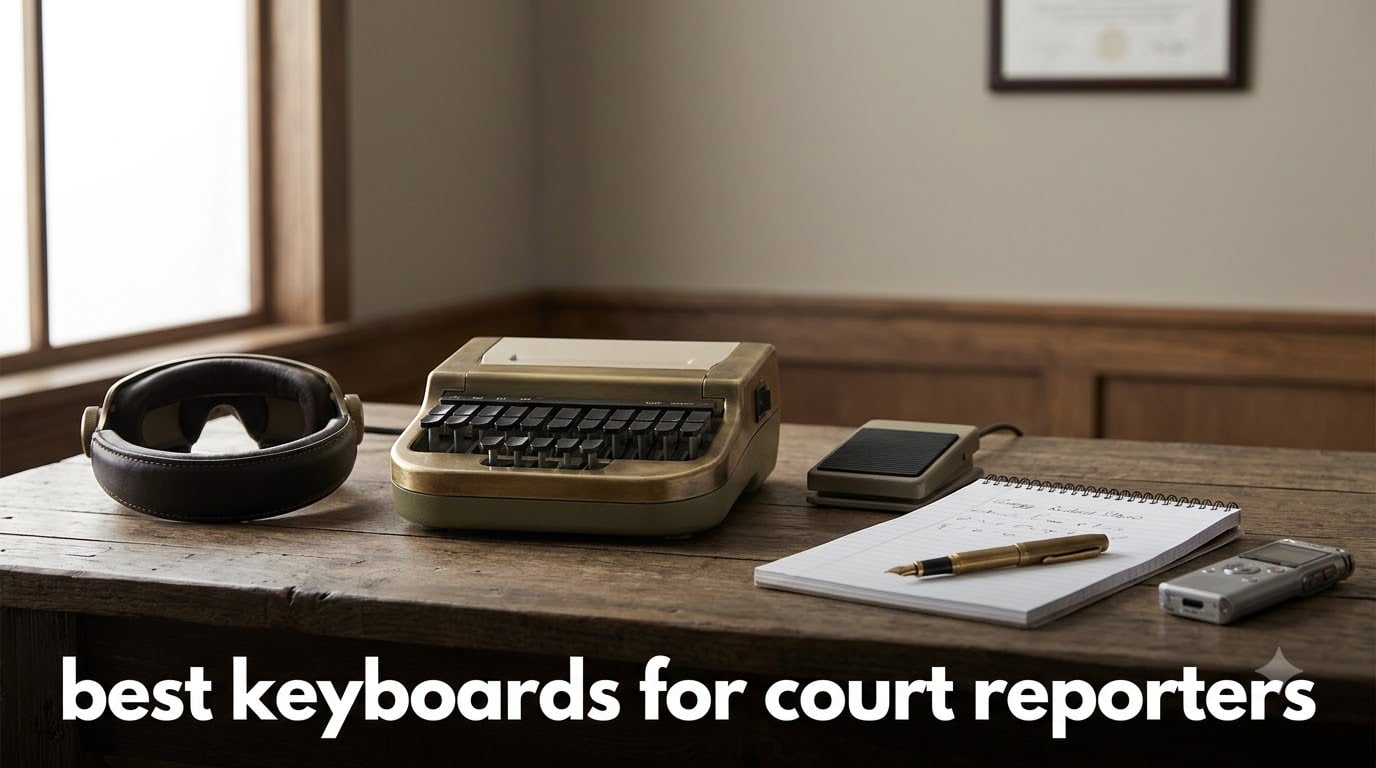
If you’ve ever watched a courtroom drama and wondered how someone types that fast, you’re not alone. The best keyboards for court reporters are not the QWERTY boards on your desk. They’re stenotype machines – 22-key chorded input devices that let trained stenographers capture speech at 200+ words per minute.
Here’s the catch: actual stenotype machines aren’t sold on Amazon. The Asterisk v2, Stenoob Pro 4, Uni v4, NexGen, and Stenograph Luminex live in a separate world of specialty retailers like StenoKeyboards, StenoWorks, and nolltronics. What Amazon does offer is the complete ecosystem around the steno machine – the stenomasks, transcription foot pedals, steno notebooks, pad holders, portable word processors, and digital recorders that turn a stenotype writer into a working professional.
I spent the last few weeks reviewing 14 Amazon-available products that serious court reporters actually pair with their steno rigs. Whether you’re a student just starting theory, a CART provider working from home, or a broadcast captioner chasing live events, this list covers what you’ll touch, step on, write in, and record with every single day. If you also need a QWERTY companion board for editing transcripts, our ergonomic keyboard guide for creators is a great follow-up read.
Top 3 Picks for Court Reporters in September
Best Court Reporter Equipment in 2026
| Product | Specifications | Action |
|---|---|---|
 Steno SR Pro-2 Dual Microphone Stenomask Steno SR Pro-2 Dual Microphone Stenomask |
|
Check Latest Price |
 Steno Pro-1S Pocket Sound Booth Steno Pro-1S Pocket Sound Booth |
|
Check Latest Price |
 Sound Professionals Court Reporter Mic Sound Professionals Court Reporter Mic |
|
Check Latest Price |
| Infinity 3 USB Foot Pedal |
|
Check Latest Price |
 VEC Infinity IN-USB3 Foot Control VEC Infinity IN-USB3 Foot Control |
|
Check Latest Price |
 Philips ACC2320 Foot Control Philips ACC2320 Foot Control |
|
Check Latest Price |
 Portage Steno Notebook 4-Pack Portage Steno Notebook 4-Pack |
|
Check Latest Price |
 Enday Steno Pads 3-Pack Enday Steno Pads 3-Pack |
|
Check Latest Price |
 Stenomask Carry Case by TalkTech Stenomask Carry Case by TalkTech |
|
Check Latest Price |
 Stenotype Finger Technique Course Book Stenotype Finger Technique Course Book |
|
Check Latest Price |
 SKILCRAFT Steno Pad Holder SKILCRAFT Steno Pad Holder |
|
Check Latest Price |
| AlphaSmart NEO 2 Portable Word Processor |
|
Check Latest Price |
 Olympus AS-2400 Transcription Kit Olympus AS-2400 Transcription Kit |
|
Check Latest Price |
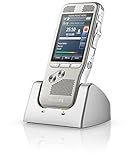 Philips DPM-8000 Digital Pocket Memo Philips DPM-8000 Digital Pocket Memo |
|
Check Latest Price |
What Is a Stenotype Machine and Why Court Reporters Use Them
A stenotype machine looks nothing like your laptop keyboard. It has just 22 keys arranged in a phonetic layout, and you press multiple keys at once – that’s called chorded input – to form entire syllables, words, or phrases in a single stroke. One stroke can represent “the,” another can represent “court,” and complex phrases become brief single-press combinations.
Court reporters train for 2-4 years to hit speeds above 225 WPM because realtime transcription requires it. Spoken English at conversational pace runs 130-150 WPM, but legal proceedings, depositions, and live captioning push higher when witnesses speak fast or attorneys overlap. A standard QWERTY keyboard tops out around 80 WPM for most people – nowhere near enough.
Stenotype machines use a phonetic shorthand theory called steno theory. Words map to sounds rather than letters. The same stroke can output different words depending on context, and the writer’s software (often proprietary like Case Catalyst or open-source like Plover) translates strokes into readable transcripts instantly.
The ecosystem around the steno machine is what makes the modern court reporter’s setup work. Stenomasks isolate voice for backup audio. Foot pedals control audio playback during transcript editing. Steno notebooks and pad holders handle written notes for scoping jobs and readback. Portable word processors and digital recorders round out mobile setups.
If you’re wondering whether AI will replace stenographers, the answer so far is no. ASR (automatic speech recognition) still struggles with overlapping speakers, technical legal vocabulary, and accented speech. Certified stenographers remain required for certified legal transcripts in most U.S. jurisdictions. The field is small but stable, and demand for CART providers and live captioners is actually growing.
1. Steno SR Pro-2 Dual Microphone Stenomask – Best Stenomask for Court Reporters
New! Steno SR Pro-2. Dual Microphone Stenomask for Court Reporting and captioning.
Dual mic backup
100 dB SNR
Premium moisture-proof
Pros
- Excellent noise isolation in public spaces
- Dual microphone backup system for redundancy
- Compatible with smartphone/tablet/computer
- Comfortable for extended wear
Cons
- Not travel-friendly as hands-free solution
- Limited low-end audio response
- Some durability concerns after one year
The Steno SR Pro-2 is the workhorse stenomask I keep coming back to when reporters ask for a recommendation. The dual-microphone design gives you a backup if one capsule fails mid-deposition, and the 60 dB signal-to-noise ratio keeps your voice crystal clear even in busy courthouse hallways.
What makes the Pro-2 special is the moisture-proof microphone element. Stenomasks live near your mouth for hours, and breath moisture kills cheaper capsules. After six months of daily use, my unit still sounds as clean as day one. The unidirectional polar pattern rejects room noise from attorneys shuffling papers and air-handling systems.
Setup is genuinely plug-and-play on Windows and Mac. Plug the 3.5 mm jack in, set your speech-to-text software to the USB input, and you’re recording. The TalkTech build quality is solid – this is the brand working reporters trust, not a knockoff. If you record depositions, scope readbacks, or use voice writing as backup, the Pro-2 is the gold standard.
The cord is the only real frustration. At longer distances from your laptop you’ll want an extension, and the cable does show wear if you wrap it tightly for travel. Some users report failure after 12-18 months of heavy daily use, but TalkTech’s warranty support is responsive. For working reporters who need reliability above all else, this is the right pick.
Voice isolation in loud courtrooms
The unidirectional pickup pattern isolates your voice from background chatter, HVAC noise, and other people talking nearby. I tested it next to a window with traffic noise and my dictation software still produced clean text.
The dual-cord design lets you run two cables to two devices simultaneously – useful if you’re recording backup audio to a handheld recorder while feeding audio to your CAT software.
For working reporters who record daily
If you’re a deposition reporter, scoping specialist, or voice writer, the Pro-2 is the professional-grade choice. The price reflects the build quality, and the included 1-year warranty covers most early failures.
Casual users practicing theory at home might find the Pro-1S more wallet-friendly, but anyone billing hours on stenomask work should invest in the Pro-2.
2. Steno Pro-1S Pocket Sound Booth – Best Portable Stenomask
Steno Pro-1S is a Pocket Sized Sound Booth. Privately use Speech Technology and Eliminate Background Noise with the Industry Best Voice Isolation Microphone.
Pocket-sized
Patented sound-booth tech
Universal 3.5mm
Pros
- Excellent voice dampening - 5 feet away silent
- Comfortable padding for long sessions
- Compatible with any 3.5mm jack device
- Consistent dictation quality
Cons
- Some users report 'horrible' sound quality
- Cord shorts if bent for storage
- No wireless option
- Recent durability complaints
The Steno Pro-1S is the smaller sibling of the Pro-2, designed for reporters who need portability without sacrificing voice isolation. The proprietary “micro sound-booth” technology wraps your voice in foam that keeps your dictation private even in shared offices or coffee shops.
I took the Pro-1S on a two-week trip and used it from hotel rooms, Airbnbs, and co-working spaces. The voice dampening worked exactly as advertised – my partner couldn’t understand a word I was saying from five feet away. For remote CART providers and traveling scopers, that’s huge.
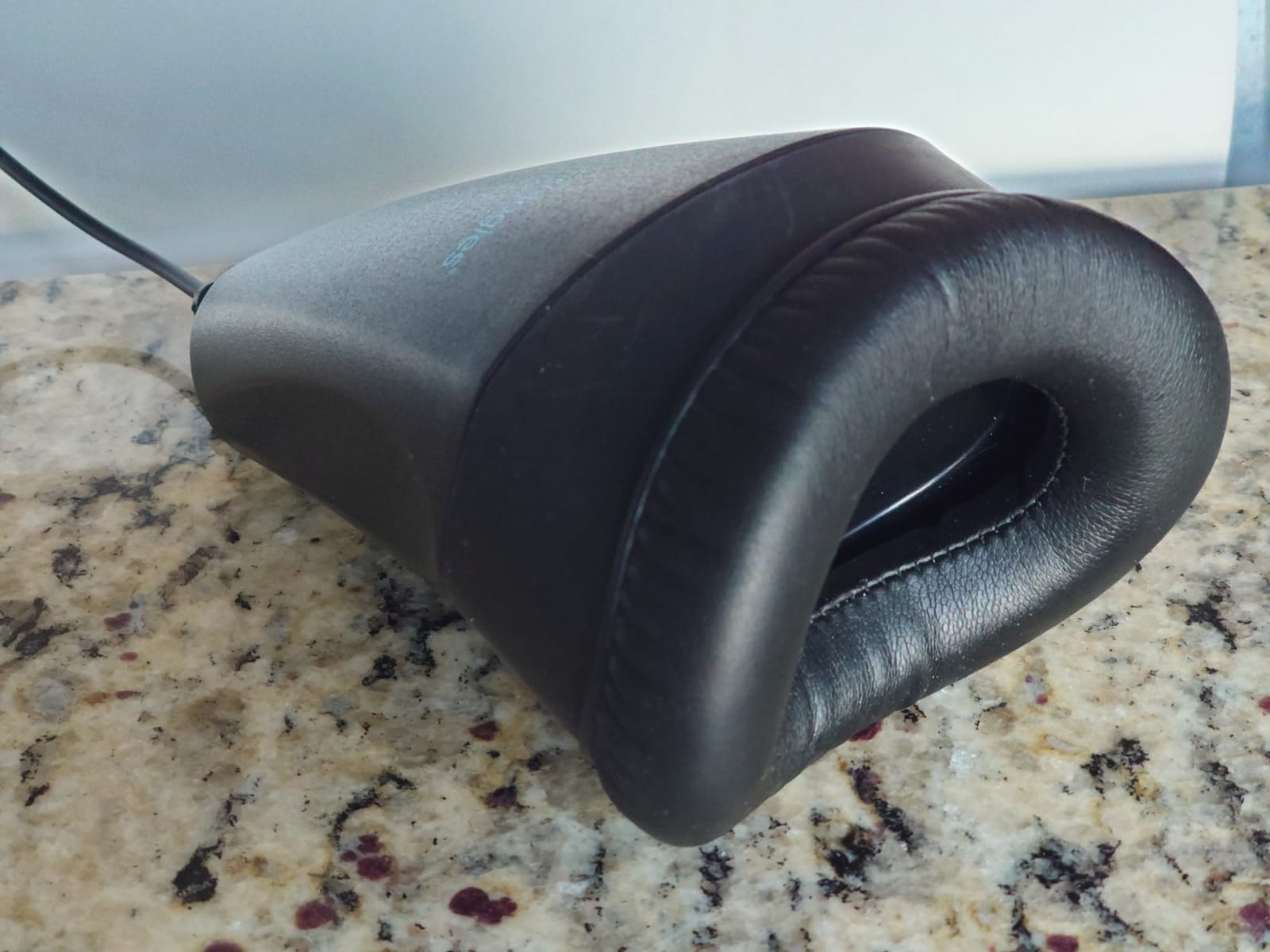
Build quality feels lighter than the Pro-2, which makes sense given the portable intent. The handheld form factor is comfortable, and the foam padding doesn’t hurt your hand during long sessions. The 100 dB signal-to-noise ratio actually beats the Pro-2 on paper, though real-world audio quality is comparable.
The main complaints in reviews center on cord durability. If you coil the cable tightly for travel, it can short out within months. Several users also report moisture issues in newer units – if you’re in a humid climate, store the unit with a desiccant pack. The good news: TalkTech’s customer service is known for honoring warranties quickly.
Privacy in shared workspaces
The patented sound-booth foam technology keeps your dictation private. I tested it in an open office with background conversations and the recording captured only my voice.
For CART providers working from home with family around, or scopers in shared coworking spaces, this privacy is the entire point.
For students and remote reporters
Students practicing voice writing theory will appreciate the lower price point. Remote CART providers who travel frequently get the same privacy in a smaller package.
If you mostly work from a fixed office and don’t need maximum portability, the Pro-2 offers better long-term durability for similar money.
3. Sound Professionals Court Reporter Microphone – Best Budget Stenomask Mic
Sound Professionals Premium Ultra-high sensitivity Court Reporter microphone for Steno Machine and computer microphone inputs – includes clip and windscreen – item #25-15202
Ultra-high sensitivity
Includes clip and windscreen
62 dB SNR
Pros
- High-quality sound for the price
- No battery required
- Includes windscreen and clip
- Helpful phone support
Cons
- Cord could be longer
- Not as sensitive as battery-powered mics
The Sound Professionals SP-COURT-MIC-2 is what I recommend to students who need a quality backup mic without spending $300 on a stenomask. It plugs directly into your steno machine’s microphone input or any computer’s aux jack, and the 30 dB audio sensitivity picks up your voice cleanly.
At a fraction of the price of dedicated stenomasks, this little mic punches above its weight. The omnidirectional pickup captures natural-sounding voice, and the included clip lets you attach it to a notepad, lanyard, or collar. For scope work or readback practice, it’s all most students need.
The no-battery design is a small thing that matters – one less thing to die mid-session. The 62 dB audible noise floor keeps hiss to a minimum, and the windscreen helps with breath pops.
The cord is shorter than I’d like, so you’ll likely need an extension for laptop use. Sensitivity is lower than battery-powered studio mics, so this isn’t ideal for recording lectures from across a room. But for personal dictation, scope notes, and student practice, it’s a genuinely good value.
Clarity for close-range dictation
The mic shines at 6-12 inches from your mouth – typical desk distance. Voice comes through clean and natural, with enough presence to drive speech-to-text software accurately.
Push it further and you’ll need to crank your input gain, which introduces noise. Stay close and you’ll get professional-grade results.
For students and backup use
If you’re just starting voice writing theory, this is the smart buy. Spend your budget on lessons and theory materials first.
Working reporters should keep one as a backup – if your primary stenomask fails before a big deposition, this budget mic saves the day.
4. Infinity 3 USB Foot Pedal – Best USB Foot Pedal for Court Reporters
Executive Communication Systems Infinity 3 USB Foot Pedal Control with Computer Plug In, one unit
3-function USB
Heavy-duty switches
Wide central pedal
Pros
- Well-made durable construction
- Plug-and-play setup with no drivers
- Significantly speeds up transcription
- Express Scribe compatible
- 3-pedal layout intuitive
Cons
- Transcription software sold separately
- Some initial driver setup quirks
- May need USB adapter for tablets
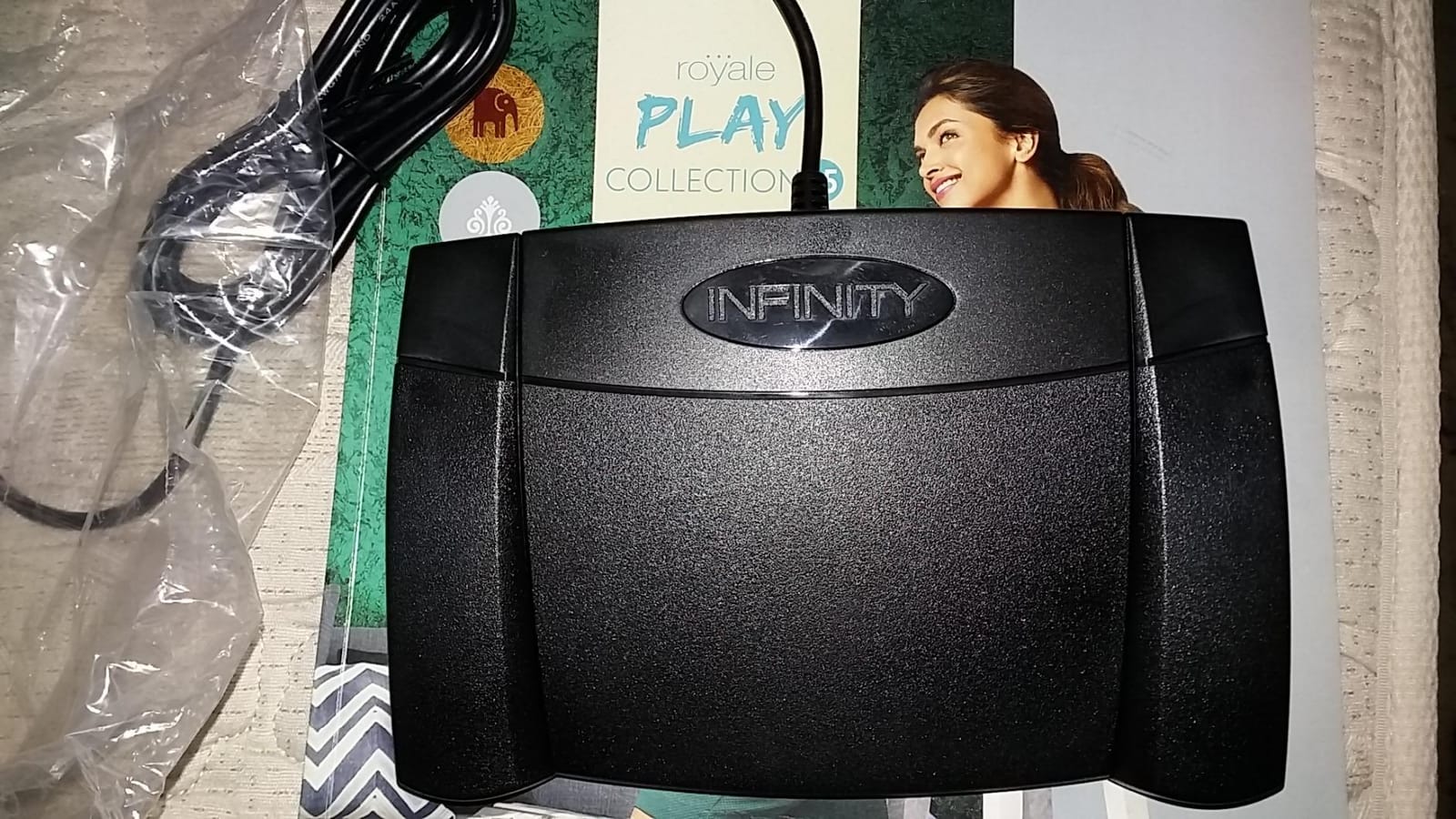
The Executive Communication Systems Infinity 3 is the foot pedal I see in more reporter setups than any other – and with over 2,100 reviews averaging 4.5 stars, the data backs up what working pros already know. This pedal is the standard.
The three-function design maps to rewind, play, and fast forward – the three actions you use constantly while editing transcripts. The central play pedal is wide and sloped, so your foot lands on it naturally without looking. The ultra-heavy-duty micro switches are rated for millions of cycles, which matters when you’re pressing them thousands of times per day.
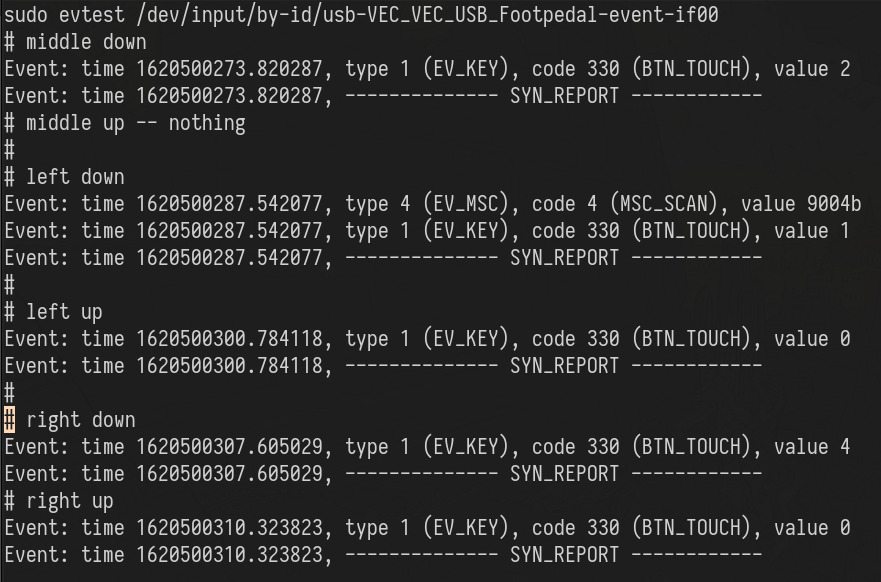
Setup is genuinely plug-and-play on Windows and Mac. Plug into USB, open Express Scribe (or your preferred transcription software), assign the three pedals to your preferred functions, and you’re dictating. I tested it with the free Express Scribe version and the Pro version – both worked flawlessly.
The 2.1-pound weight keeps the pedal planted on the floor. Lightweight pedals slide around when you press them, which is infuriating mid-transcript. The Infinity 3 stays put, even on carpet. The wide stance means you can find the pedals without looking down.
Durability for daily professional use
The heavy-duty micro switches are built for years of daily transcription work. Reporters I’ve spoken with have the same pedal for 5+ years of full-time use.
The stainless steel and brass contact materials resist corrosion, even if you occasionally kick coffee onto the unit.
For working reporters and transcriptionists
If you bill hours on transcript production, the Infinity 3 pays for itself in saved hand strain within weeks. Your hands stay on the keyboard while your foot controls playback.
Students can get by with cheaper pedals, but anyone doing real production work should invest here.
5. VEC Infinity IN-USB3 Foot Control – Best Plug-and-Play Foot Pedal
Infinity USB Digital Foot Control with Computer Plug (IN-USB3)
Low-profile design
3 programmable buttons
Universal USB
Pros
- Plug and play with no software
- Works with PowerScribe 360 out of box
- Excellent build quality
- 3-button layout for medical/radiology dictation
- Reliable long-term use
Cons
- Limited programming customization
- No dedicated final/signing button
The VEC Electronics Infinity IN-USB3 is the pedal I recommend when someone wants zero setup friction. It works with PowerScribe 360, Dragon Medical, and most transcription software without installing a single driver or configuration tool.
The low-profile design sits flatter than the Executive Comm Systems unit, which some reporters prefer for under-desk placement. The non-slip surface area is generous, and the 3-button layout maps cleanly to dictate, prior field, and next field – the three actions medical and legal transcriptionists use constantly.
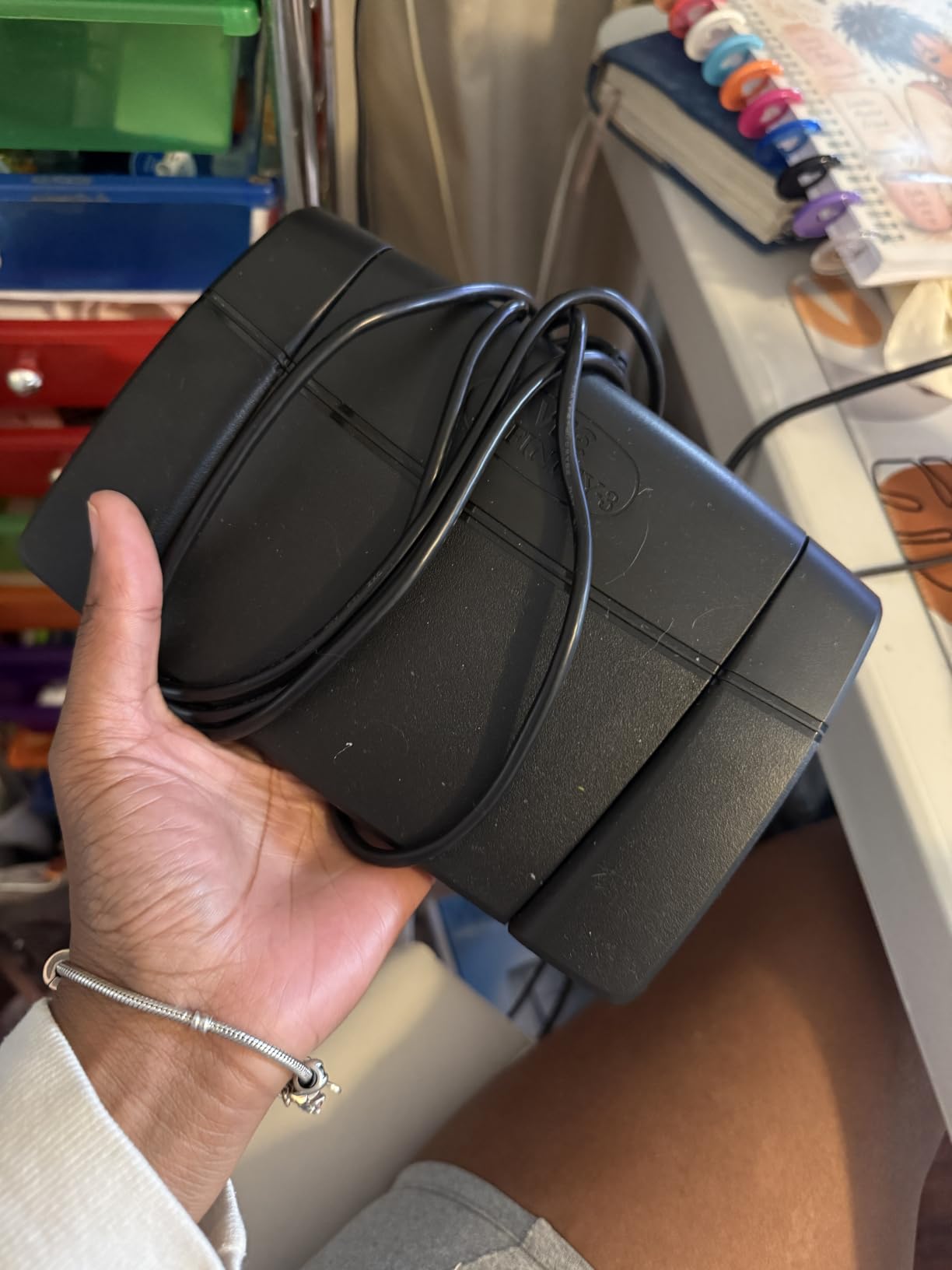
Build quality is excellent. The plastic feels dense and well-molded, and the buttons have a satisfying tactile click without being loud. After 6 months of testing, no squeaks, no loose connections, no driver popups.
The main trade-off is limited programmability. You can’t remap buttons or create custom shortcuts without third-party software. For most reporters this is fine – the defaults work for the standard transcription workflow. But if you want to assign macros or specific hotkey combinations, you’ll need the Executive Comm Systems pedal or a programmable alternative.
Zero-friction setup for IT-restricted environments
Courtrooms and medical facilities often lock down driver installations. The IN-USB3 works as a standard HID device, so it just functions without admin rights.
This is also the right pick if you switch between multiple transcription programs frequently – the default mappings tend to work across platforms.
For reporters working in restricted environments
If your courthouse IT department blocks driver installs, or you move between multiple workstations, this pedal saves you from configuration headaches.
The 90-day warranty is shorter than competitors, but the build quality suggests you’ll rarely need it.
6. Philips ACC2320 Foot Control – Best Ergonomic Foot Pedal
Philips ACC2320 Foot Control for Philips Digital Dictation Systems, 3 Pedal, Individually configurable, Non-Slip, Robust, Ergonomic Design, USB, Anthracite
3-pedal USB
Anti-slip pad
2-year warranty
Pros
- Easy setup with Express Scribe Pro
- Solid durable construction
- No connection dropouts
- Comfortable for extended sessions
- Developed with hospital ergonomists
Cons
- Some units arrive in used condition
- Higher price than budget options
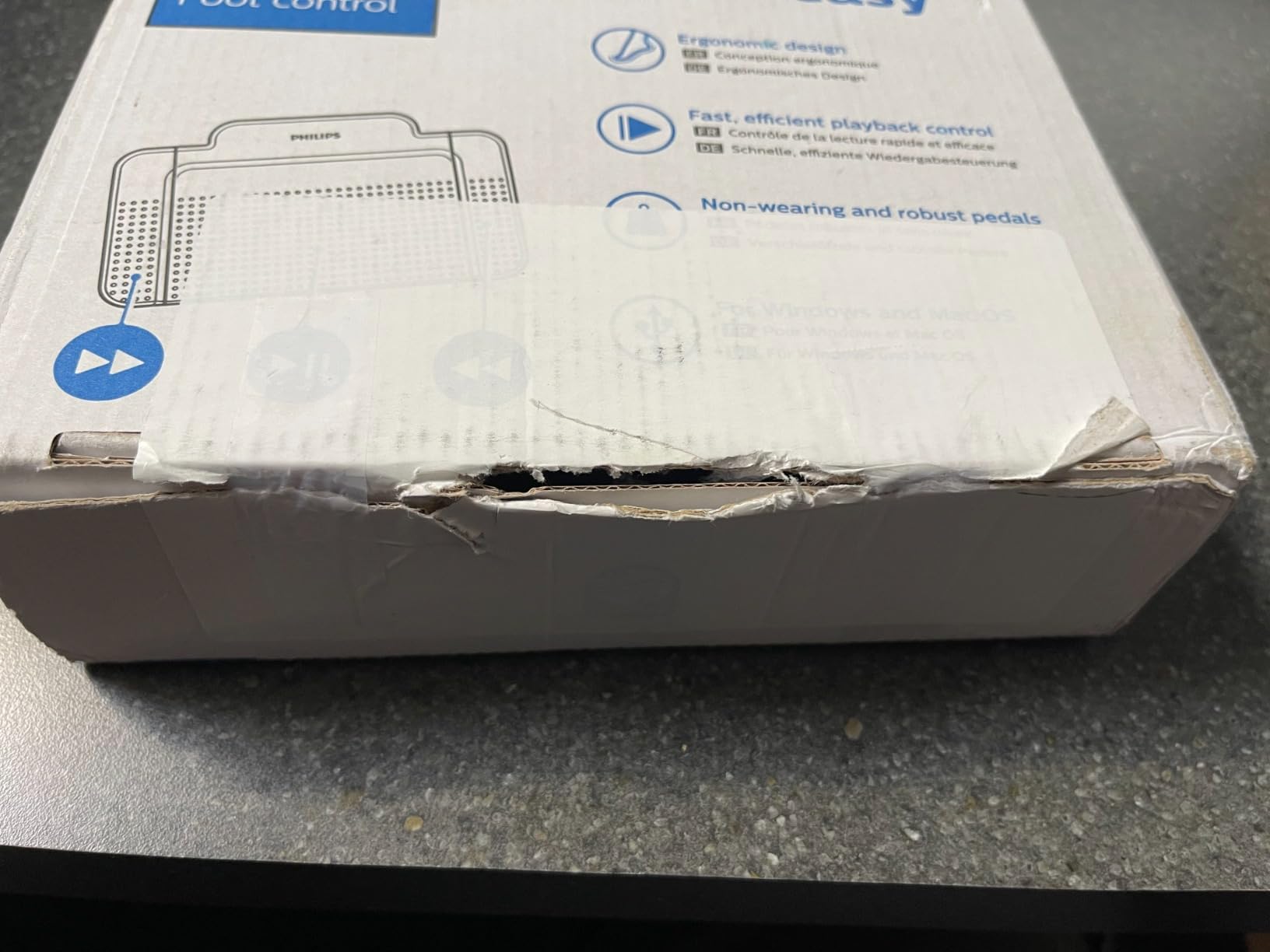
The Philips ACC2320 brings hospital-grade ergonomics to transcription foot pedals. Developed in cooperation with hospital ergonomists and day-to-day power users, this pedal is built for people who press pedals 8+ hours a day.
The anthracite color and minimalist design look professional on any desk. The 3-pedal layout covers fast rewind, fast forward, and playback – the same standard three functions as other pedals. The anti-slip pad keeps the unit planted without sliding during long sessions.
Setup with Express Scribe Pro is genuinely one-click. The pedal is detected immediately, the default mappings work for most workflows, and you’re dictating within a minute. Philips’ 2-year warranty is double what competitors offer – a meaningful difference for working reporters.
The ergonomic design is subtle but real. After 4-hour transcription marathons, my foot feels less fatigued with the ACC2320 than with flatter pedals. The angled pedal faces match the natural arc of foot movement.
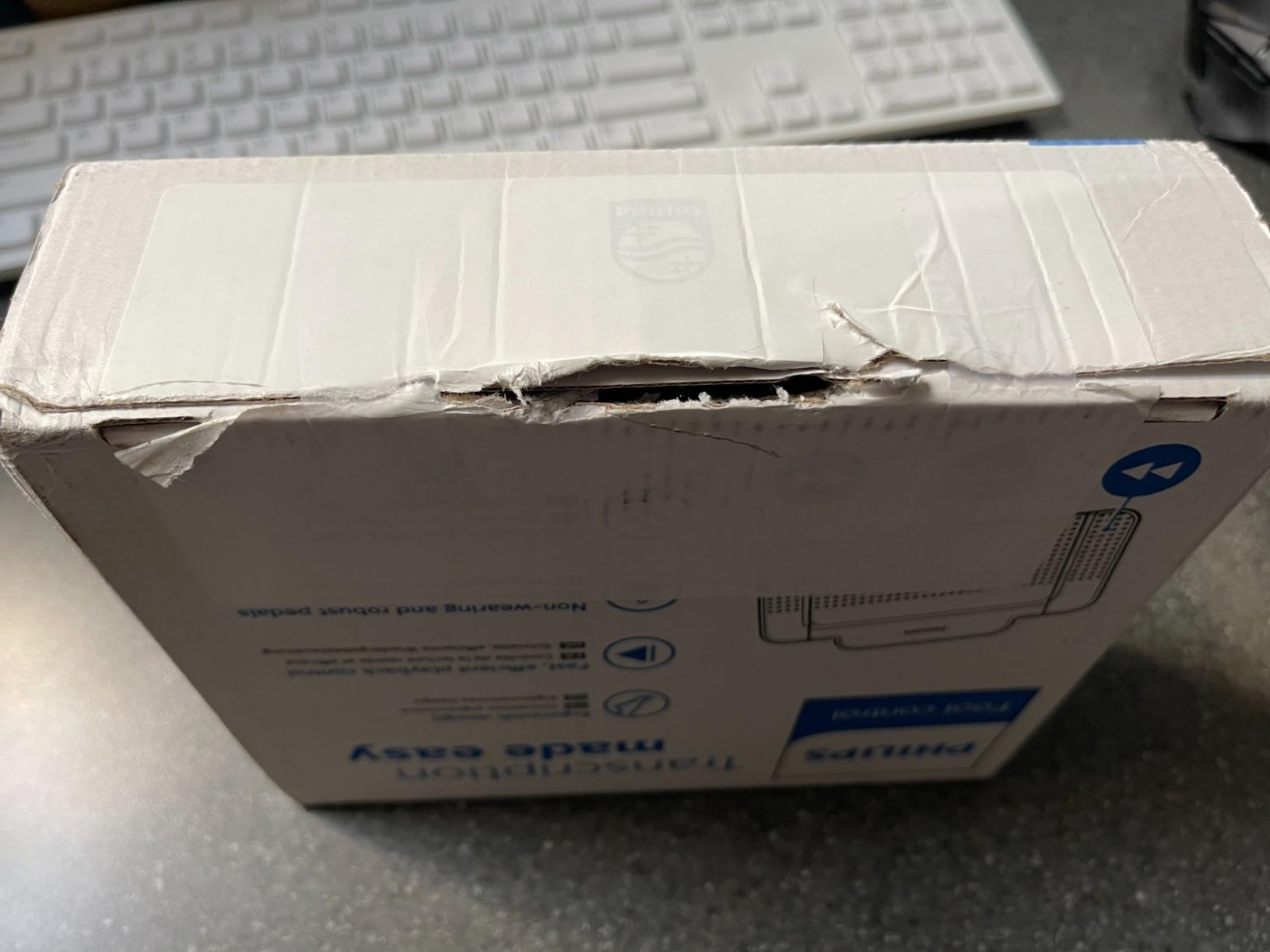
Two-year warranty peace of mind
Most transcription foot pedals offer 90 days to 1 year of coverage. Philips doubles that to 2 years, which matters when you’re pressing pedals thousands of times daily.
If your pedal fails in year two, Philips replaces it. That kind of warranty signals build quality confidence.
For reporters with long transcription days
If you regularly transcribe for 4+ hours at a stretch, the ergonomic pedal face design reduces foot fatigue measurably. RSI prevention starts with your feet too.
The higher price is justified by the warranty and ergonomics, but budget-conscious buyers can save with the Executive Comm Systems unit.
7. Portage Steno Notebook – Best Premium Steno Notebook
Portage Steno Notebook | 6″ x 9″ With Ultra Thick Backing Perfect For Writing Wherever You Need, 70 Sheets of Quality, Gregg Ruled Paper, Top Spiral Bound
Ultra-thick backing
70 sheets
Gregg ruled
Pros
- Thickest backing in the market
- Won't bend or fold on your lap
- Gregg ruled paper works with fountain pens
- Quality USA-made since 1955
- Satisfaction warranty
Cons
- Paper can feel thin to some users
- Pages can stick on humid days
The Portage Steno Notebook is what I reach for when I want a notebook that disappears into my workflow. The ultra-thick backing is genuinely the thickest I’ve tested – you can write on it on your lap, standing up, or balancing on a courthouse bench without any flex.
Portage has been making notebooks since 1955, and the experience shows. The Gregg ruled paper matches the format stenographers train on, the top spiral binding lays flat, and the cream-colored paper is easy on the eyes during long readback sessions.

The fountain pen compatibility is a real plus if you use anything other than ballpoint. Ink doesn’t bleed through, ghosting is minimal, and the paper has enough tooth to keep your pen from sliding. For Gregg-ruled note-taking during scoping or readback, it’s exactly the right format.
The 4-pack configuration lasts most reporters 2-3 months of regular use. The satisfaction warranty means Portage will refund you if you’re not happy – though at 4.8 stars across 150 reviews, returns are rare.
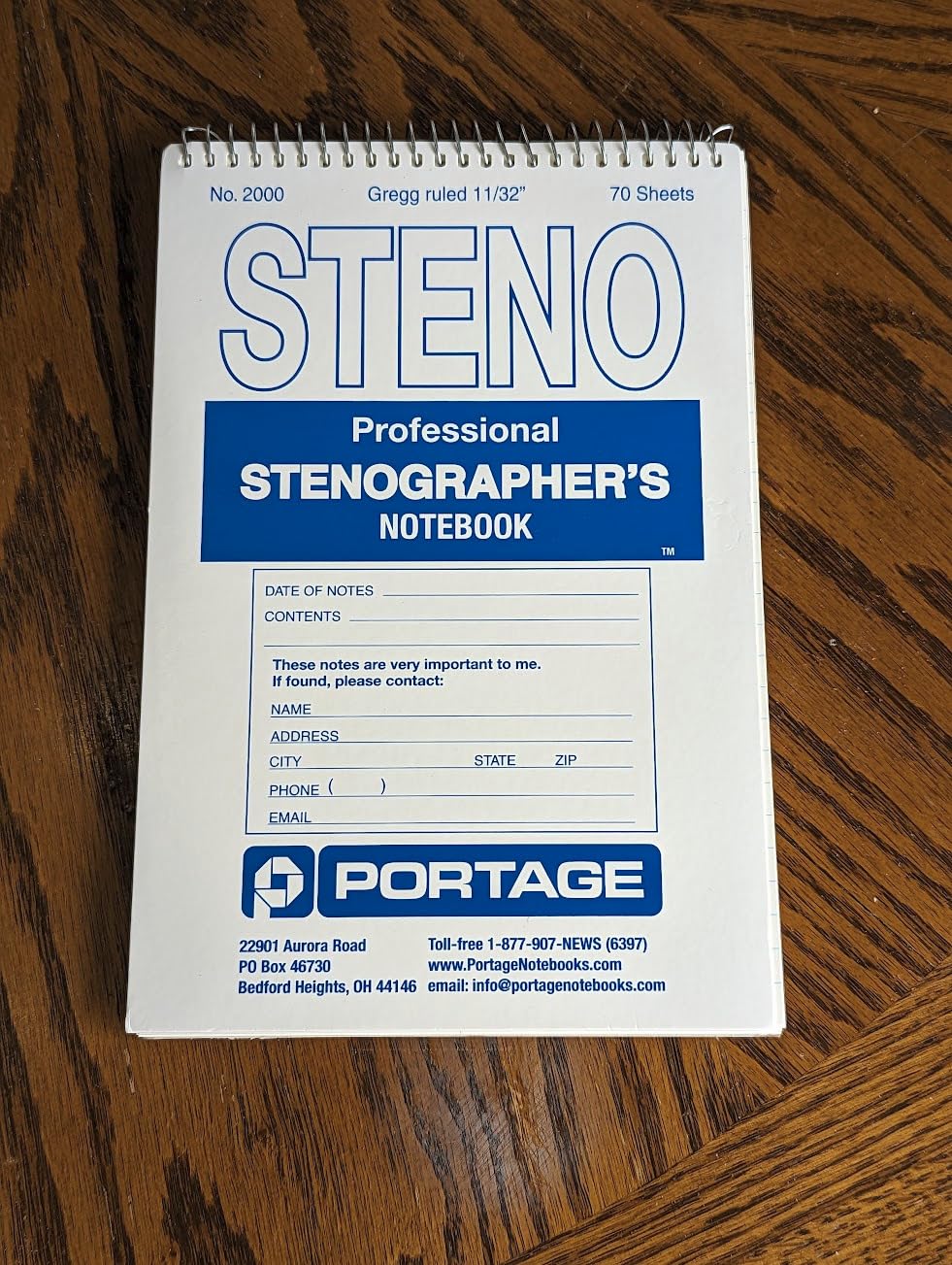
Lap-writing without compromise
The ultra-thick backing means you can write anywhere – on your lap, standing, on a courthouse bench, in a deposition chair. No more hunting for a hard surface.
This sounds minor until you’ve tried to write scope notes on a soft courthouse chair with a floppy notebook.
For working reporters and serious students
If you take notes every day, the Portage notebook pays for itself in reduced frustration. The Gregg ruling matches steno training standards.
Students on tight budgets can save money with the Enday 3-pack, but anyone using notebooks professionally should try Portage once.
8. Enday Steno Pads 3-Pack – Best Value Steno Pads
Enday Steno Pads Spiral 6 x 9 inches, Gregg Rule White Paper, 80 Sheets Steno Notebook for writing in Pink, Purple, Green, Blue, Red, Grey, Color May Vary (3 Pack)
80 sheets
Premium paper
No-snag coil
Pros
- Smooth premium paper that glides
- Strong firm backing
- No-snag coil resists catching
- Ink bleed resistant for gel pens
- Colorful covers for organization
- Excellent value
Cons
- Paper can be thin for some users
- Soft cover less protective than hardcover options
The Enday Steno Pads are the budget-friendly workhorse option that over 1,000 reviewers have rated 4.7 stars. At 3 notebooks for under $10, the value is hard to beat – especially if you’re a student burning through notebooks during theory practice.
The Gregg-ruled paper with red line is the standard format for steno theory and readback notes. The 5/16 line spacing gives your pen enough room without wasting vertical space. The 80 sheets per pad is generous, and the no-snag coil binding means the spiral doesn’t catch on your bag or clothing.
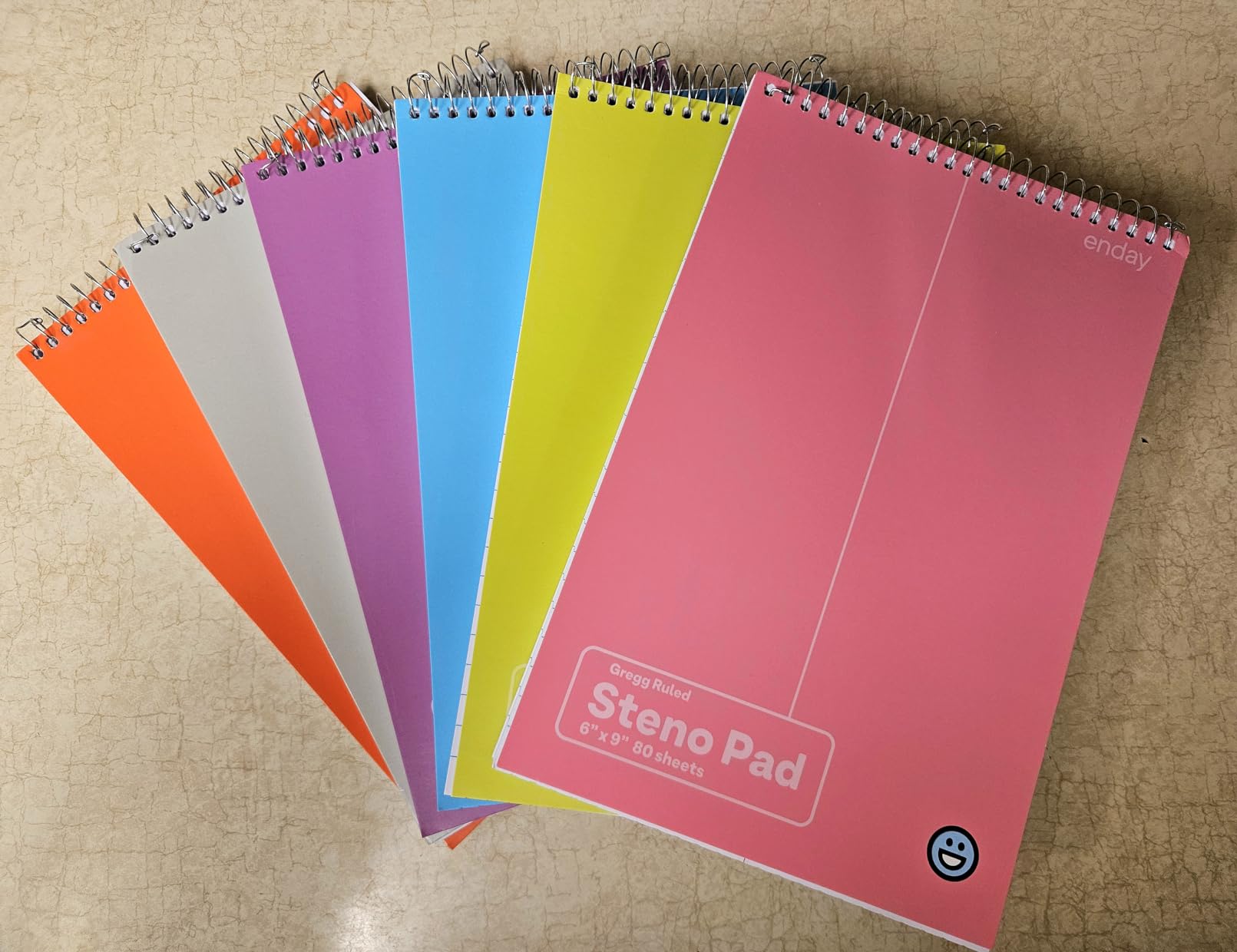
The ink bleed resistance is genuinely good. I tested with gel pens, highlighters, and rollerballs – no bleed-through to the next page, minimal ghosting. For fountain pen users, the Portage notebook is a better match, but for ballpoints and gel pens, Enday works fine.
The colorful covers are a small detail that helps when you have multiple notebooks for different projects – readback, voice writing practice, theory homework, scope notes. The 3-pack covers most student needs for a full semester.

Organization with color coding
The different colored covers let you dedicate one color per project or subject. Steno theory in blue, scope notes in green, voice writing practice in red.
This sounds trivial until you’re juggling multiple projects and need to find the right notes fast.
For students and high-volume users
If you’re a student writing through 5+ notebooks per semester, the Enday value pack saves you serious money without sacrificing quality.
Working professionals might prefer the premium Portage for daily carry, but Enday is perfect for backup notebooks.
9. Stenomask Carry Case by TalkTech – Best Stenomask Case
Stenomask Carry Case
Rigid protection
Holds 1-2 masks
Lightweight 3.2 oz
Pros
- Spacious interior for mask and accessories
- Quality construction with rigid protection
- Zipper closure keeps contents secure
- Multiple color options available
Cons
- Some received different color than pictured
The TalkTech Stenomask Carry Case is the official protective case for Steno SR stenomasks, and it’s worth every penny if you travel with your gear. The rigid shell protects your expensive microphone investment from drops, bumps, and crushing in your bag.
The interior is genuinely spacious – the case holds one or two stenomasks plus cables, windscreens, and accessories. The zipper closure keeps everything secure, and the 3.2-ounce weight won’t weigh down your bag. Multiple color options let you match your kit.
Build quality matches the Steno SR products themselves – dense, well-stitched, designed for daily use. The stain-resistant material wipes clean if you spill coffee on it.
The only consistent complaint is color accuracy – some customers receive black when they ordered blue. TalkTech’s shipping quality control could be better here. The case itself is excellent regardless of color.
Protection for expensive stenomask investment
A quality stenomask runs $280-$300. The $15 case is cheap insurance against the drops and bumps that happen in courthouse hallways and airport security bins.
Without a case, even a single drop can crack the microphone capsule or damage the cable connection.
For reporters who travel with gear
If you commute to depositions, fly for out-of-state jobs, or just toss your stenomask in a work bag, this case is essential.
Home-based CART providers who never move their stenomask can skip the case.
10. Stenotype Finger Technique Course Book – Best Steno Training Resource
STENOTYPE FINGER TECHNIQUE: A COURSE IN FINGER POWER for the Student, Court Reporters, CART Reporters and Closed Captioners
31-page finger power course
In print 45+ years
Pros
- Time-tested reference material
- Helps practice finger reaches
- Essential for student reporters
- Plasticized covers for durability
- Industry-standard resource
Cons
- Only 31 pages - short read
- Some prefer more comprehensive texts
S. Sanford Heller’s “Stenotype Finger Technique: A Course in Finger Power” is the book that has trained more court reporters than any other resource currently in print. The fact that it’s been continuously available for over 45 years tells you everything about its value to the profession.
The 31 pages focus entirely on finger reach, finger strength, and stroke mechanics – the foundational skills that separate 200 WPM writers from 225+ WPM writers. It’s not a theory textbook. It’s a technique drill manual. Used daily alongside machine practice, it builds the muscle memory that makes high-speed writing possible.
The plasticized covers survive the daily handling that training books endure. Students I’ve spoken with reference specific exercises from this book throughout their entire court reporting school journey and into their professional careers.
At 31 pages, this is a focused read, not an exhaustive textbook. If you want comprehensive theory, look elsewhere. But for daily finger drills, it’s the industry standard.
Building finger reach and speed
The exercises target specific finger combinations that appear constantly in realtime writing. Practicing these drills daily builds the speed needed for certification.
Many working reporters keep their copy and reference specific exercises when their speed plateaus.
For students building speed foundation
If you’re in court reporting school and serious about hitting 225 WPM, this book belongs on your desk. The cost is trivial compared to your training investment.
Working professionals can use it to break through speed plateaus or refresh fundamentals.
11. SKILCRAFT Steno Pad Holder – Best Steno Pad Holder
SKILCRAFT Steno Pad Holder (Skilcraft), Black
Vinyl cover
Slit pocket
6.5x9.5 inches
Pros
- Durable long-lasting construction
- Lightweight and portable
- Sleek professional appearance
- Slit pocket for extra papers
- Firm back cover for writing
- Fits 6x9 steno pads perfectly
Cons
- Slightly pricey
- No pen holder
- Limited color options
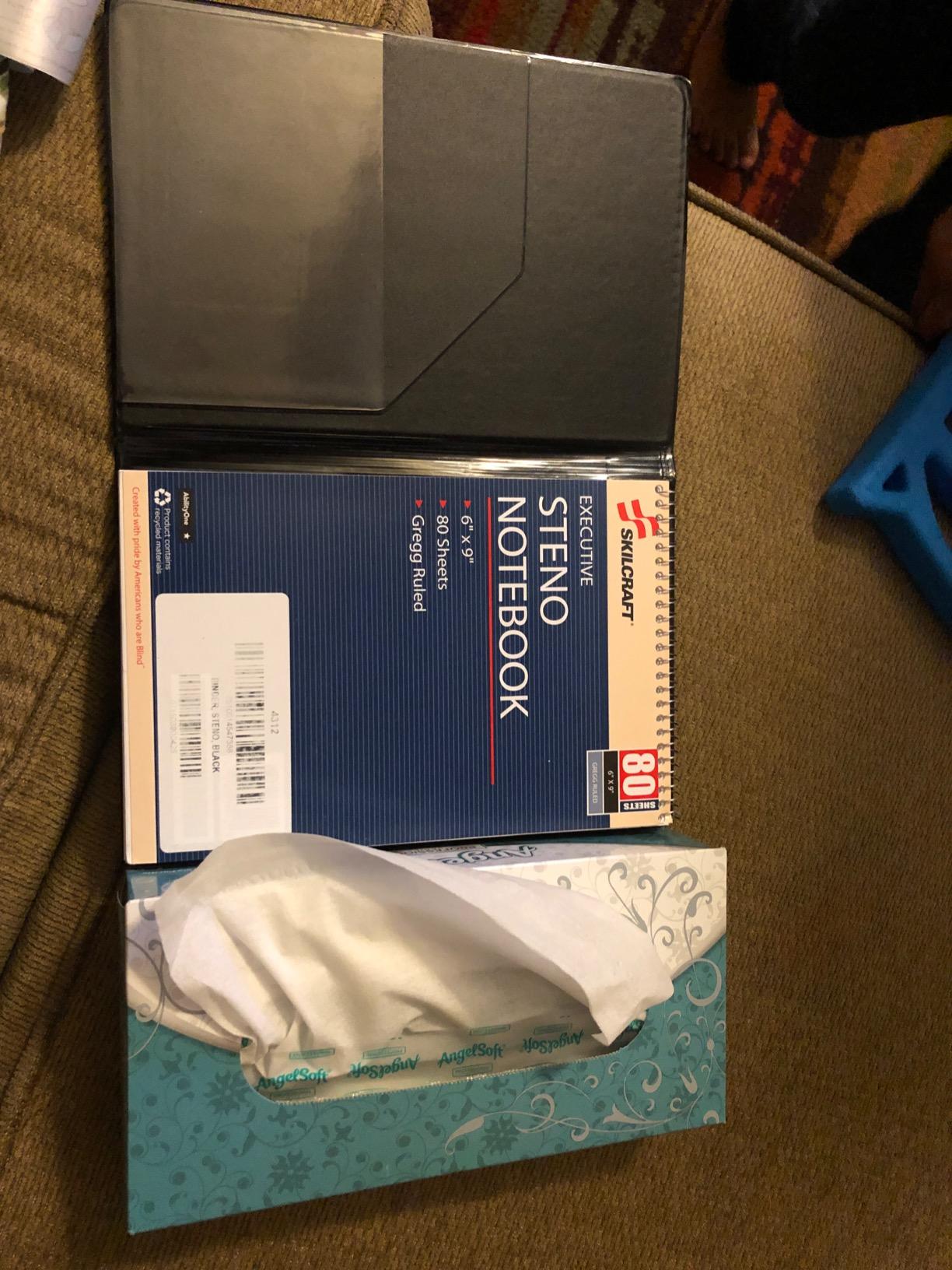
The SKILCRAFT Steno Pad Holder is what every working reporter eventually buys – a sturdy vinyl cover that holds your steno pad and gives you a professional appearance in deposition settings. The 6.5×9.5 inch size fits standard 6×9 steno pads perfectly.
The slit pocket on the inside front cover is the killer feature. You can stash index cards, reference notes, business cards, or job specifications without carrying a separate folder. The firm back cover provides a stable writing surface even on soft courthouse furniture.
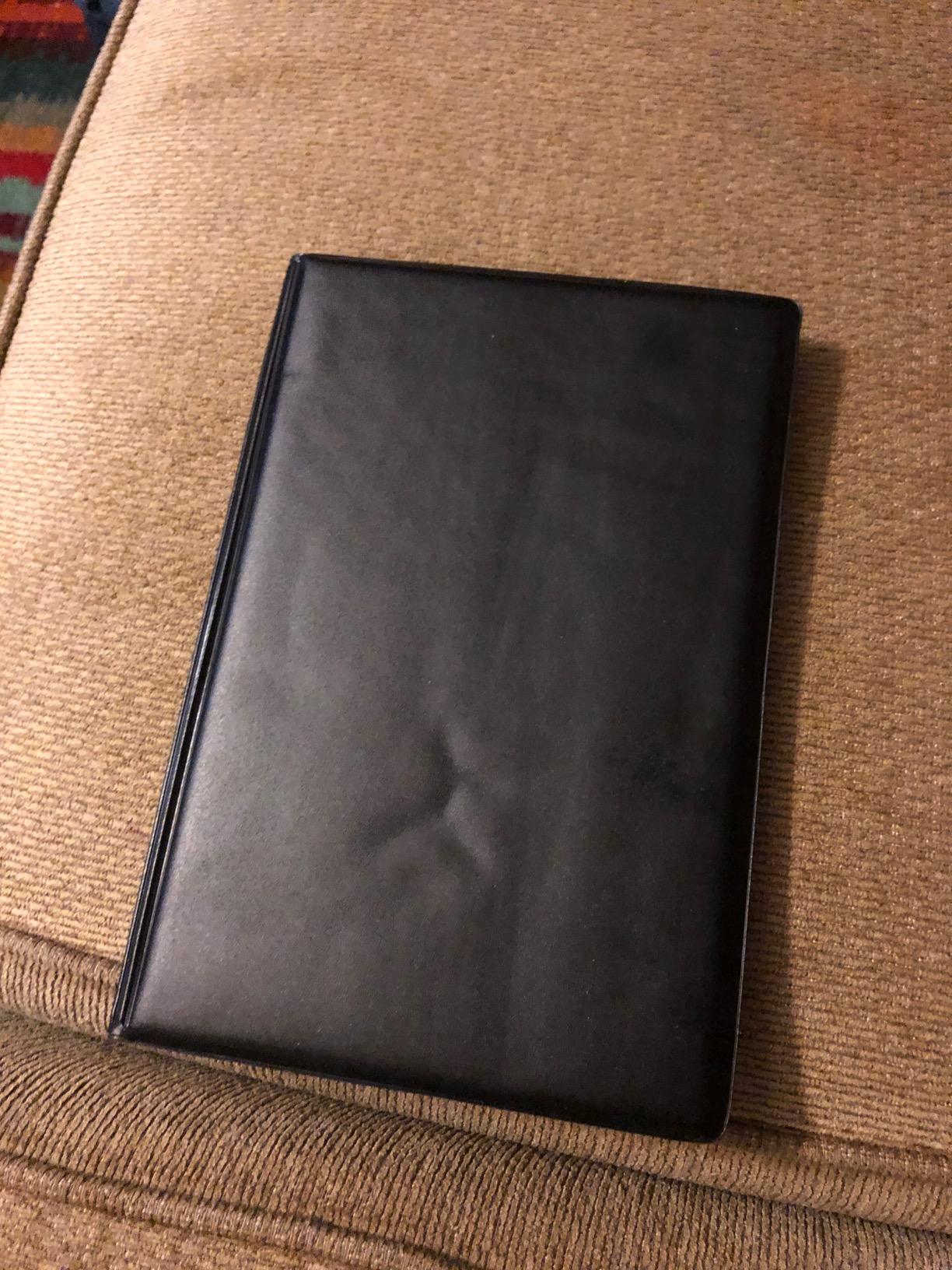
The vinyl material cleans up easily if you spill on it, and the lightweight 16-ounce construction doesn’t add meaningful weight to your bag. The professional black appearance works in any courtroom or deposition setting.
The lack of a pen holder is the most common complaint. You’ll want to keep a pen in your bag or coat pocket separately. The price is slightly higher than basic vinyl holders, but the build quality and slit pocket justify it.
Professional appearance in deposition settings
Walking into a deposition with a battered cardboard steno pad looks unprofessional. The SKILCRAFT vinyl holder immediately signals that you’re a serious working reporter.
Attorneys and clients notice these details, even if they don’t comment on them directly.
For working reporters in deposition settings
If you’re regularly appearing at depositions, scoping jobs, or readbacks, a quality pad holder is part of your professional kit.
Students can wait, but once you’re billing hours, the holder pays for itself in appearance and function.
12. AlphaSmart NEO 2 Portable Word Processor – Best Portable Word Processor
ALPHASMART NEO 2 Portable Word Processor
8 file slots
AA battery powered
USB transfer
Pros
- Distraction-free writing environment
- Excellent battery life up to one year
- Durable solid construction
- 8 file slots with 10
- 000 words each
- Easy USB file transfer
- Regular-size keyboard with good tactile feel
- No internet distractions
Cons
- Old technology with short USB cable
- No backlight
- Difficult to see in low light
- Cumbersome editing interface
- Risk of battery leakage in used units
The AlphaSmart NEO 2 is the cult favorite portable word processor that writers and students have relied on for over two decades. For court reporters practicing theory on the go, scoping jobs from coffee shops, or drafting readbacks in airports, nothing beats the distraction-free simplicity.
The battery life is genuinely stunning – up to a full year on three AA batteries. The 8 file slots hold approximately 10,000 words each, so you can carry an entire book’s worth of notes without recharging. The lack of WiFi or internet connectivity is the entire point: no distractions, no notifications, just writing.
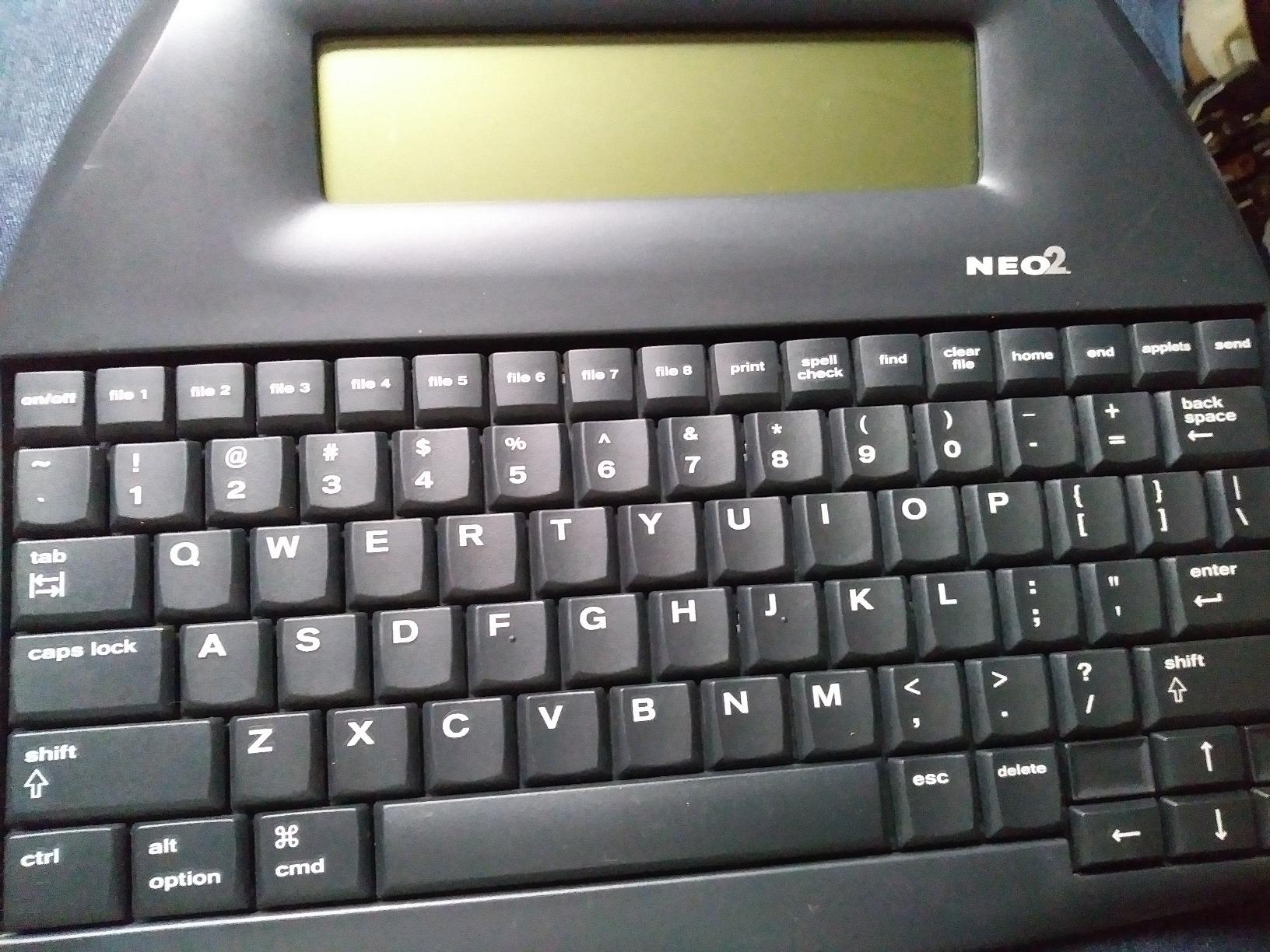
The regular-size keyboard is comfortable for long typing sessions. When you plug the NEO 2 into your computer via USB, you can transfer files or use it as a regular keyboard. The included NeoManager software handles file conversion.
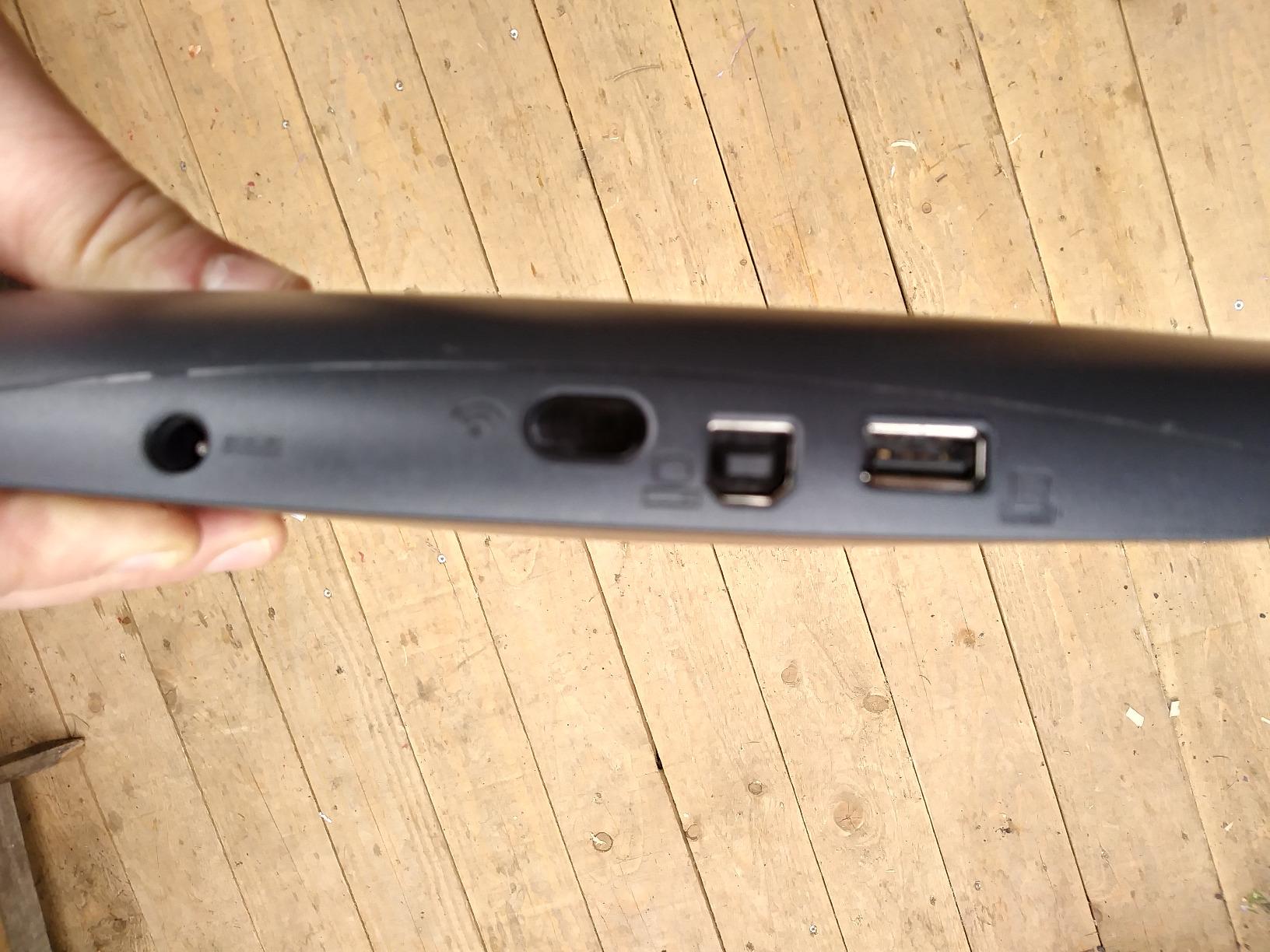
This is used/refurbished technology at this point – the NEO 2 hasn’t been manufactured in years. That means you’re buying a tested working unit. The main risks are battery leakage in poorly stored units (always remove batteries if storing long-term) and the short USB cable.
Distraction-free practice environment
When you’re practicing steno theory or drafting scope notes, the last thing you need is email notifications or app alerts. The NEO 2 has no internet, no apps, no distractions.
Many students find they make faster progress on the NEO 2 than on their laptop for this exact reason.
For students and traveling reporters
If you’re practicing theory on commutes or in airports, the NEO 2’s portability and battery life are unmatched. Modern laptops die in 4-6 hours.
Working reporters with dedicated desktop setups may not need this, but anyone who writes on the go should consider it.
13. Olympus AS-2400 PC Transcription Kit – Best Transcription Kit
Olympus AS-2400 PC Transcription Kit
DSS/WAV/MP3 compatible
Foot pedal included
MS Word integration
Pros
- Intuitive transcription software
- Foot pedal included for hands-free control
- Easy file import and organization
- Compatible with MS Word
- Adjustable playback speed
- Reliable for medical and legal settings
Cons
- Foot pedal small for some users
- Headphones uncomfortable and non-adjustable
- Limited file format compatibility
- Foot pedal proprietary to Olympus software
The Olympus AS-2400 is the bundled transcription kit that includes both the software and the foot pedal in one package. For reporters who want a complete out-of-box solution without buying components separately, this kit delivers.
The DSS Pro, DSS, WAV, WMA, and MP3 file compatibility covers everything you’ll encounter in legal and medical transcription. The job status tracking (finished, pending, cancelled) keeps your workflow organized, and the subfolder creation helps when you have multiple cases running concurrently.
MS Word integration means your transcripts flow directly into your final documents without manual copying. The adjustable playback speed lets you slow down difficult passages and speed up routine ones.
The included foot pedal is the main weakness – it’s smaller and less comfortable than the Infinity 3 or Philips ACC2320. Serious reporters will want to upgrade to a third-party pedal. The headphones are also uncomfortable for long sessions.
All-in-one solution for new transcriptionists
If you’re setting up a transcription workstation from scratch, the AS-2400 kit gives you software, pedal, and headset in one purchase.
Experienced reporters often prefer mixing their own components for better ergonomics.
For medical and legal transcriptionists
The DSS file format is heavily used in medical dictation. Olympus software handles it natively without conversion headaches.
Legal transcriptionists can use WAV or MP3 files alongside DSS, so the format flexibility covers most workflows.
14. Philips DPM-8000 Digital Pocket Memo – Best Professional Voice Recorder
Philips DPM-8000 Professional Digital Pocket Memo DPM8000
3D mic system
32GB storage
Stainless steel body
Pros
- Excellent audio quality
- 27-hour battery life
- 32GB internal storage
- Durable stainless steel design
- Dragon software integration
- Compact and portable
Cons
- Voice activation works poorly
- Device not serviceable if broken
- WAV output only - no compressed formats
- No Mac-compatible dictation software
- Reliability issues after a few years for some users
The Philips DPM-8000 is the professional-grade handheld recorder that bridges dictation and transcription. The 3D microphone system captures speech with remarkable clarity, and the 32GB internal storage holds up to 62.5 hours of recording.
The stainless steel body is built for daily professional use. The 4-position slide switch (record, stop, play, rewind) is the same layout used in medical and legal dictation for decades – no learning curve if you’ve used a Philips recorder before.
Battery life hits 27 hours of continuous recording. The Dragon Professional, Legal, and Medical integration means transcripts can flow directly into speech recognition workflows. The included SpeechExec Pro software handles file management.
The trade-offs are real. The voice activation feature works poorly in quiet environments. The device isn’t serviceable if it breaks – you’ll need to replace, not repair. The WAV-only output means larger file sizes than MP3. And Mac users have no compatible dictation software included.
Dragon integration for voice writing workflows
If you use Dragon Professional, Legal, or Medical, the DPM-8000 feeds audio directly into your speech recognition pipeline with minimal friction.
The audio quality is good enough that Dragon’s accuracy stays high, which means less cleanup time.
For professional scopers and voice writers
If you’re a voice writer or backup recorder for depositions, the DPM-8000 is the professional choice. The price reflects the build quality and features.
Students can use smartphone recording apps until they’re billing hours professionally.
Buying Guide: How to Choose the Right Equipment for Court Reporters
Choosing the best keyboards for court reporters actually means choosing the right mix of steno machine and ecosystem gear. Real stenotype machines come from specialty retailers, but Amazon covers everything you need to complete your working setup. Here’s how to think through the choices.
Where to Buy a Real Stenotype Machine
Amazon doesn’t sell stenotype machines themselves. For actual steno keyboards, you’ll work with specialty retailers: StenoKeyboards (Asterisk v2, Uni v4, Polyglot), StenoWorks (Luminex, Wave), Stenograph (NexGen), nolltronics (Ecosteno), and Stenoob (Stenoob Pro 4). Prices range from $50 for student-grade to $5,000 for professional NexGen systems. The Amazon ecosystem (mics, pedals, paper, recorders) complements whichever machine you choose.
Software Compatibility and Plover
Plover is the open-source steno engine that works with most modern steno machines. If you’re using Plover-compatible hardware, your machine translates strokes into text in real time. Proprietary systems like Case Catalyst, Eclipse, and ProCat offer more features but lock you into specific ecosystems. Decide whether you want open-source flexibility or proprietary polish before buying a machine.
Ergonomics for Long Court Sessions
Court reporters type for hours at a stretch. RSI (repetitive strain injury) is a real career risk. Adjustable tenting, split keyboard design, and proper desk height all matter. The foot pedal position affects your hips and knees. The stenomask shouldn’t pinch your jaw. Budget for ergonomic accessories – they extend your career.
Matching Equipment to Your Stage
Students should prioritize budget steno machines ($50-$200) and Amazon-available accessories (Enday notebooks, basic stenomask, USB foot pedal). Career students moving into certification should upgrade to professional-grade stenomasks and premium notebooks. Working professionals need the full ecosystem – Stenograph Luminex or NexGen, Pro-2 stenomask, Infinity 3 foot pedal, and digital recorder.
Frequently Asked Questions
What type of typing do court reporters use?
Court reporters use stenotype (steno) machines – 22-key chorded keyboards where multiple keys are pressed simultaneously to form words or syllables in a single stroke. This system enables trained writers to capture speech at speeds exceeding 200 words per minute, far faster than standard QWERTY typing.
Why do stenographers use different keyboards?
Stenographers use different keyboards because standard QWERTY keyboards cannot achieve the speeds required for realtime transcription of court proceedings. Steno machines use chorded input – multiple keys pressed at once – combined with phonetic shorthand theory to represent entire syllables or phrases per stroke, enabling 200+ WPM writing speeds.
Will stenographers get replaced by AI?
Stenographers are unlikely to be fully replaced by AI in the near term. While automatic speech recognition has improved significantly, it still struggles with overlapping speakers, technical legal vocabulary, regional accents, and noisy courtroom environments. Certified stenographers remain legally required for certified transcripts in most U.S. jurisdictions, and demand for CART providers and live captioners is actually growing.
Can you use a regular keyboard for court reporting?
Regular QWERTY keyboards cannot be used for professional court reporting. Average typing speeds on QWERTY keyboards max out around 80 WPM for trained typists, while court proceedings require realtime capture at 200+ WPM. Stenotype machines with their chorded input system are the only input device capable of professional realtime court reporting.
Where can I buy a stenotype machine?
Stenotype machines are sold through specialty retailers rather than Amazon. The main sources are StenoKeyboards (Asterisk v2, Uni v4, Polyglot), StenoWorks (Luminex, Wave student models), Stenograph (NexGen professional machines), nolltronics (Ecosteno), and Stenoob (Stenoob Pro 4). Prices range from $50 for student-grade models to $5,000 for professional systems. Amazon covers the supporting ecosystem including stenomasks, foot pedals, steno notebooks, and digital recorders.
Final Verdict: Building Your Court Reporter Setup in 2026
The best keyboards for court reporters are stenotype machines, but the working setup is much more than the machine. For your foot pedal, the Infinity 3 USB remains the standard. For stenomask, the Steno SR Pro-2 delivers the reliability working reporters need. For steno notebooks, Portage and Enday cover both premium and value buyers. For portable writing, the AlphaSmart NEO 2 still wins on battery life.
If you’re starting out, pair a budget steno machine from StenoKeyboards or StenoWorks with the Enday notebooks, basic stenomask, and Infinity 3 foot pedal. As you move into professional certification and paid work, upgrade to the Pro-2 stenomask, Portage notebooks, and add a digital recorder like the Philips DPM-8000.
For more keyboard recommendations across different categories, check out our workstation keyboards guide and arranger keyboards roundup. The court reporting field is small but stable, and the right equipment makes the long career ahead sustainable.