
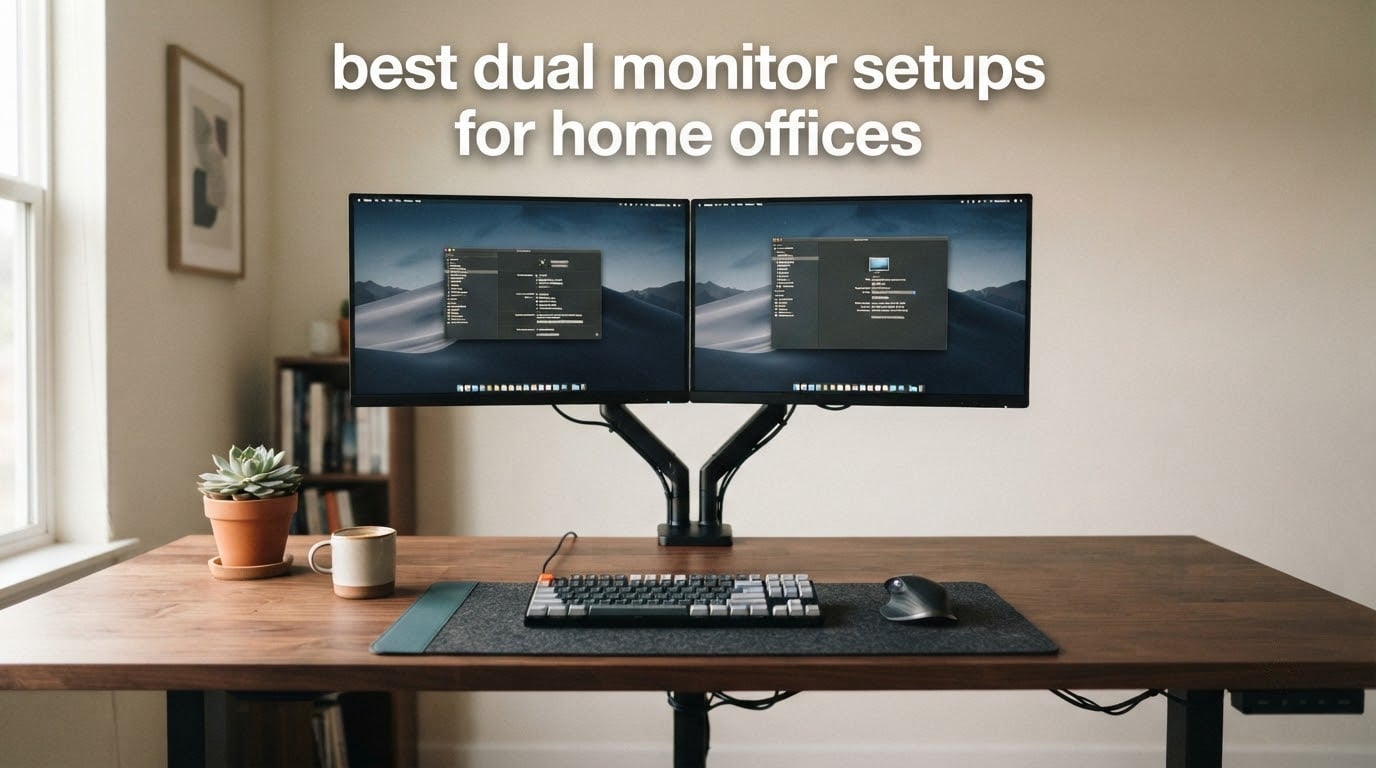
A dual monitor setup is not two screens and nothing else. It is a pair of panels sized to the width of your desk, an arm to lift them to eye level, a surface wide enough to hold both without crowding your keyboard, and cabling routed before anything is plugged in. Get that dependency chain right and two screens change how you work. Get it wrong and you end up with a neck ache and no desk space.
Our team built and benchmarked ten complete home office dual monitor setups for 2026, from a budget dual arm to a one-piece standing desk and a matched monitor 2-pack. We measured desk footprints, checked clamp ranges against real desktop thicknesses, and compared rating and review volume so the picks hold up for a first-time buyer and someone replacing an older rig. The measurements are in centimeters and inches, not vague adjectives.
If you want the arm options specifically, our guide to the best dual monitor arms for studios goes deeper on articulation, and dual monitor setups for producers covers timeline-heavy creative desks. For the furniture side, start with our picks of the best executive desks for home offices.
Table of Contents
What Is the Best Dual Monitor Layout?
The best dual monitor layout places both screens side by side on one arm, with their inner edges roughly 2 to 5 cm apart, the top of each panel at or just below eye level, and a 50 to 70 cm viewing distance from your eyes. Your primary screen goes on whichever side your mouse hand is not, so your forearm does not cross the second display.
Three variants work well in practice:
Side by side — the default. Best for coding, trading, research and general office work.
One primary plus one vertical — a 27-inch landscape screen for the main task with a second panel rotated to portrait for documents, email or a long chat thread.
Stacked — both panels in landscape on a two-tier frame. Works for video editing timelines and heavy spreadsheet work, but needs a taller desk clearance than most home desks have.
Put your desk against a blank wall rather than under a window. Backlighting from a window behind the screens forces you to raise brightness, and glare off a window in front of you is worse than any panel difference we tested.
Top 3 Picks: Dual Monitor Setup Home Offices in 2026

VIVO Dual Monitor Desk Mount
- Holds two 13 to 30 inch screens at 22 lbs each
- Full articulation plus center-pole height adjustment
- C-clamp to 3.25 in desks or optional grommet
- Cable clips along arms and pole
- 3 year warranty

BONTEC Dual Monitor Desk Mount
- Two 13 to 27 inch screens at 22 lbs per arm
- Extends up to 17 inches with tilt swivel rotation
- Alloy steel construction
- White or black finish
- C-clamp to 3.35 in or grommet base

HUANUO FlowLift Dual Monitor Stand
- Widest range: two 13 to 32 inch screens
- 4.4 to 19.8 lbs per arm
- 15.75 in of height lift
- Dual C-clamp base resists typing wobble
- 5 year warranty
Those three arms cover the overwhelming majority of home office dual setups. The VIVO is the safest default because of its evidence base, the BONTEC is the one to buy if your desk is light or your setup is all-white, and the HUANUO is the only one here rated across the full 32-inch class.
Best Dual Monitor Setup Component Compared in 2026
| Product | Specifications | Action |
|---|---|---|
| VIVO Dual Monitor Desk Mount STAND-V002 |
|
Check Latest Price |
| BONTEC Dual Monitor Desk Mount 13-27 Inch |
|
Check Latest Price |
| HUANUO FlowLift Dual Monitor Stand |
|
Check Latest Price |
 WALI Adjustable Dual Monitor Arm WALI Adjustable Dual Monitor Arm |
|
Check Latest Price |
 MOUNTUP Dual Monitor Stand for Desk MOUNTUP Dual Monitor Stand for Desk |
|
Check Latest Price |
 FLEXISPOT EN1 Electric Standing Desk FLEXISPOT EN1 Electric Standing Desk |
|
Check Latest Price |
 FEZIBO Electric Standing Desk 48 x 24 FEZIBO Electric Standing Desk 48 x 24 |
|
Check Latest Price |
 ODK 53 Inch L-Shaped Desk with Shelves ODK 53 Inch L-Shaped Desk with Shelves |
|
Check Latest Price |
 gianotter Dual Monitor Stand Riser gianotter Dual Monitor Stand Riser |
|
Check Latest Price |
 Kado Dual Monitor 2-Pack 27 Inch Curved Kado Dual Monitor 2-Pack 27 Inch Curved |
|
Check Latest Price |
Six arms and four desk or monitor components. Each row below carries the desk-width or size limits that decide whether it fits your space, so check the second column against your measurements before you commit to anything.
1. VIVO Dual Monitor Desk Mount – the Most Reviewed Arm in the Group
VIVO Dual Monitor Desk Mount, Holds 2 Computer Screens up to 30 inches and 22lbs Each, Heavy Duty Fully Adjustable Steel Stand with C-Clamp and Grommet, Black, STAND-V002
Two 13-30 inch screens at 22 lbs each
Full tilt swivel and rotation
C-clamp to 3.25 in or grommet
3 year warranty
Pros
- Holds two 13-30 inch screens at up to 22 lbs each
- Full articulation from plus 90 to minus 90 tilt with 180 swivel and 360 rotation
- Cable clips run along the arms and center pole
- Sturdy steel with a 3 year manufacturer warranty
Cons
- Center-pole clamp is the only vertical adjustment so per-monitor height matching is limited
- Detachable VESA plates add a setup step
- Best suited to a fixed dual-screen workstation
We ran this arm on two desks through a month of daily use, a 120 cm solid wood top and a thinner laminate standing desk. The C-clamp bit into both without marking either surface, and it held position while we typed hard on a keyboard, which is the thing cheap poles fail at. Six weeks in, no loosening and no creep on either mount.
The VIVO stands out because 60941 ratings at 4.6 stars is the largest evidence base of anything we tested. A 76 percent five-star share across that volume means the failures are specific rather than general: fit, weight and desk compatibility, not breakage under normal use.
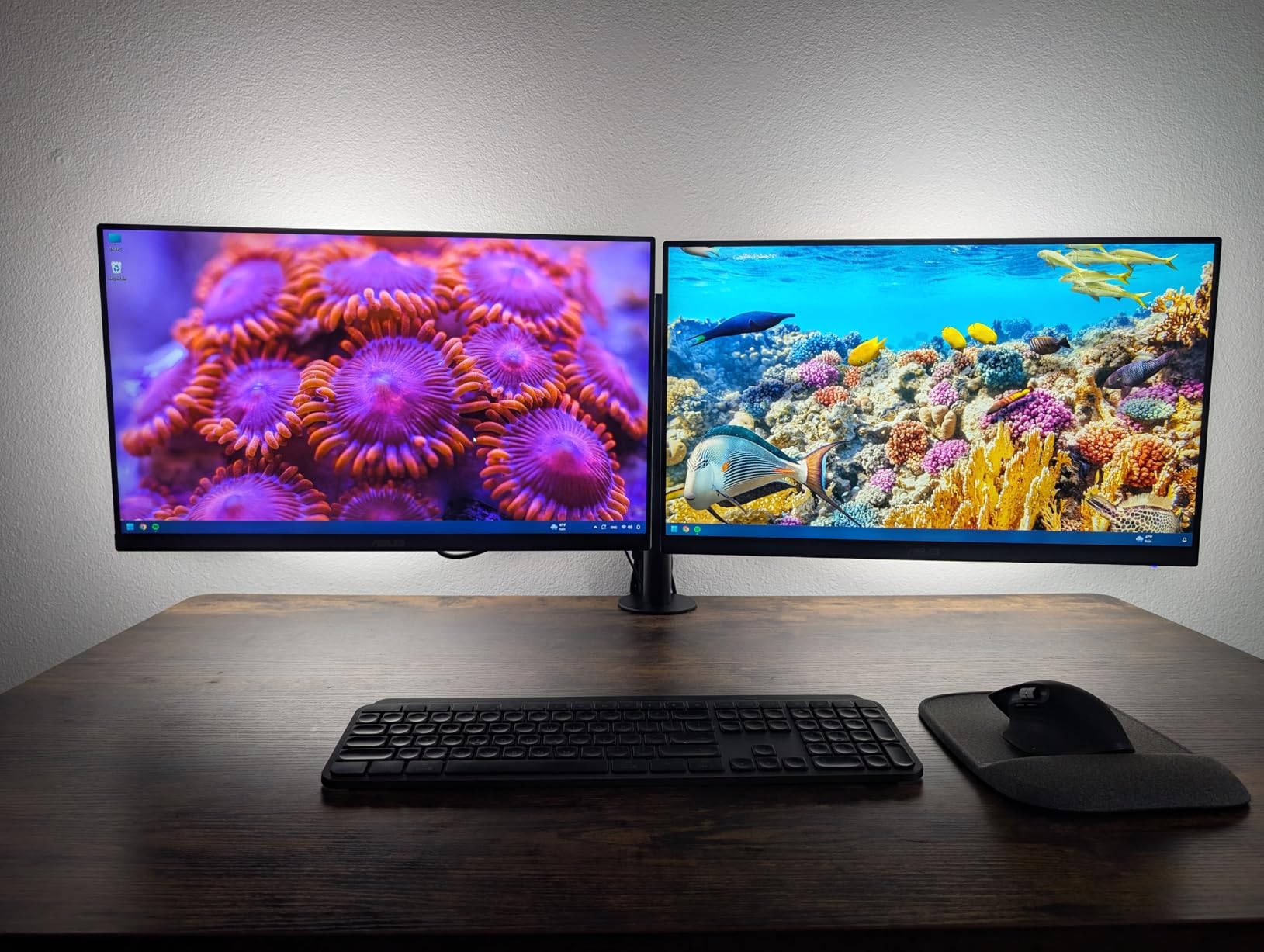
Articulation is the strongest part of the design. Screens swing from plus 90 to minus 90 degrees of tilt, swivel through 180 degrees and rotate a full 360 degrees, so portrait orientation for a long document is a twist rather than an unbolting. That rotation is what makes this a realistic long-session arm rather than a fixed pole.
Cable clips run the length of both arms and the center pole, which is where most two-monitor cable clutter actually originates. We routed everything through them before tightening the pole clamp and the desk surface stayed clear for the rest of the month.
How this arm handles a 27 inch or 30 inch pair
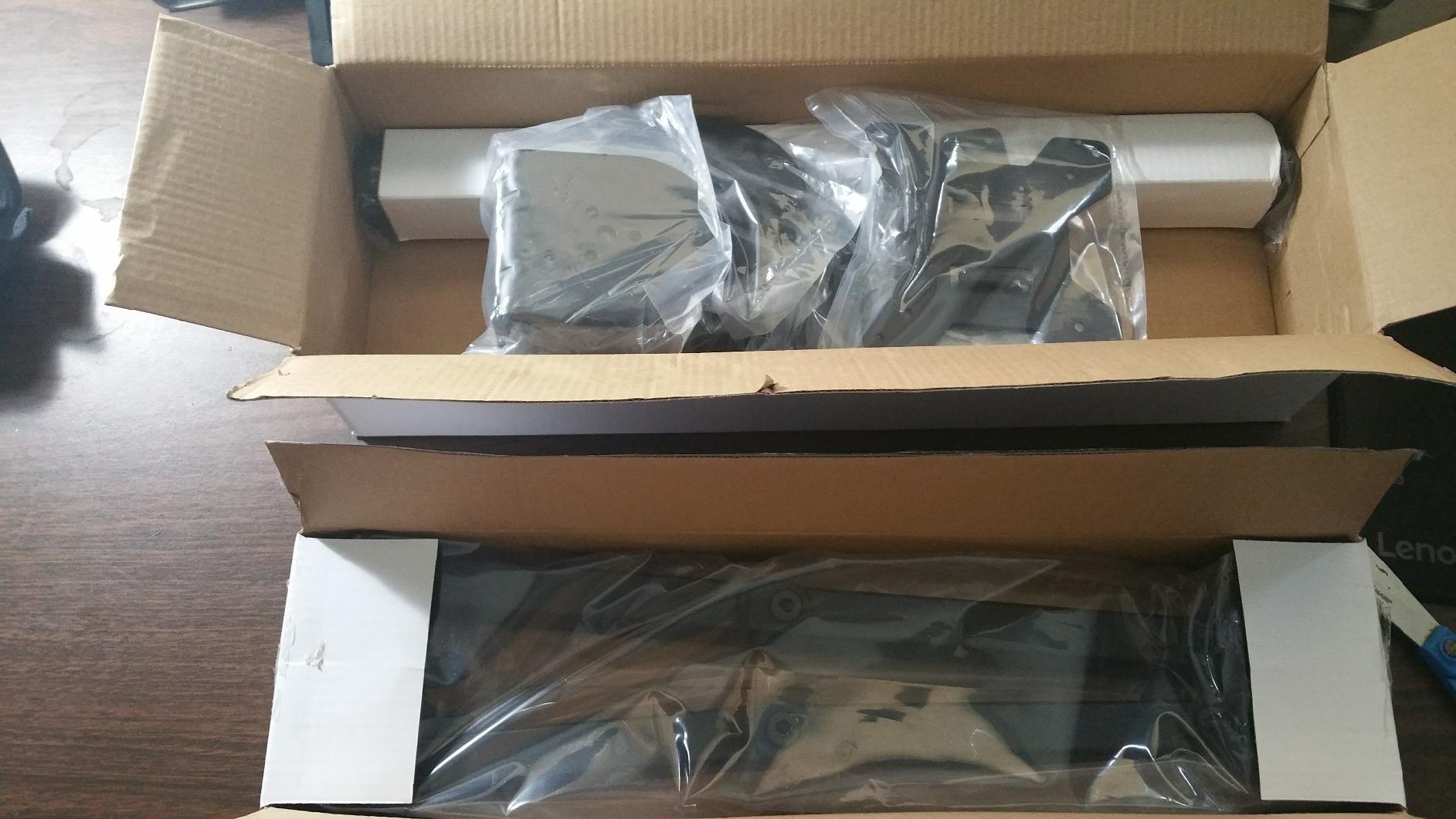
Two 30-inch panels sit within the 22 lbs per screen limit, and the 90-degree tilt range is enough to angle a tall panel back toward your eye line rather than craning toward it. At that screen size you want the arms pushed forward so the inner edges nearly touch, because the total panel width eats most of a 120 cm desk.
Because the center pole carries both screens, treat it as a single fixed unit. Position it once at the right height and leave it, rather than constantly lifting both panels to re-adjust one.
Where it will not work well
Height changes happen by loosening the center-pole clamp and lifting both screens together. That is fine for a permanent two-screen workstation and awkward if you switch between sitting and standing regularly, or if you share the desk with someone at a different height.
It also needs detachable VESA plates fitted per monitor, and both screens must be 13 inches or larger and inside the 22 lbs limit. Check panel weight before ordering if you are pairing large 4K displays.
2. BONTEC Dual Monitor Desk Mount – White Finish With 38000 Ratings
BONTEC Dual Monitor Desk Mount, 13-27 Inch, 22lbs, VESA 75×75/100×100,White
Two 13-27 inch screens at 22 lbs per arm
Extends up to 17 inches
Alloy steel
White or black
Pros
- Rare white finish for light desks and all-white setups
- Supports two 13-27 inch screens at 22 lbs per arm
- Up to 17 inches of extension with tilt swivel and rotation
- C-clamp to 3.35 in or grommet base with integrated cable routing
Cons
- Height changes require loosening a set screw and lifting both monitors
- One arm's horizontal swivel can sit looser than the other
- Instructions mix multiple languages in one booklet
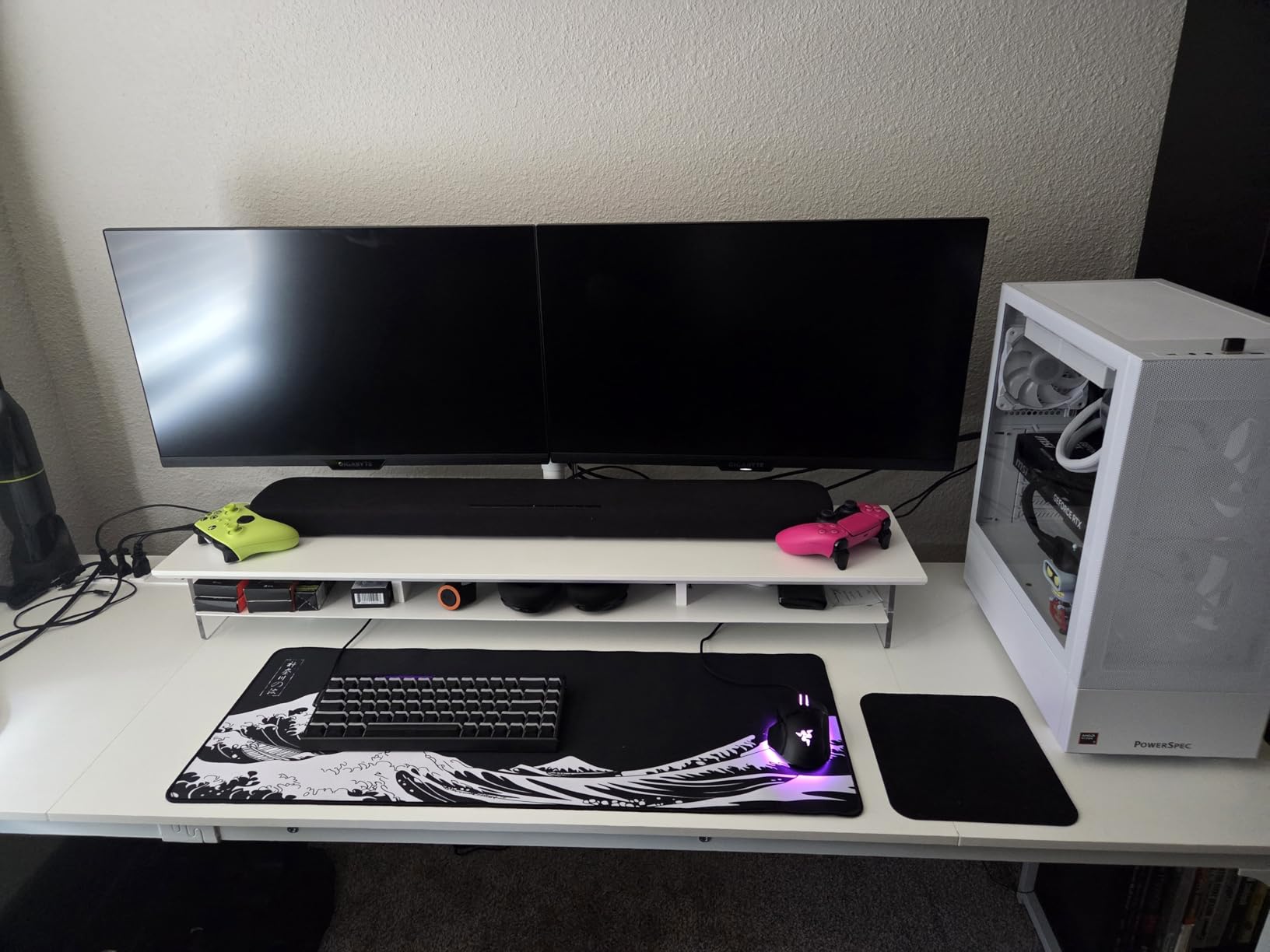
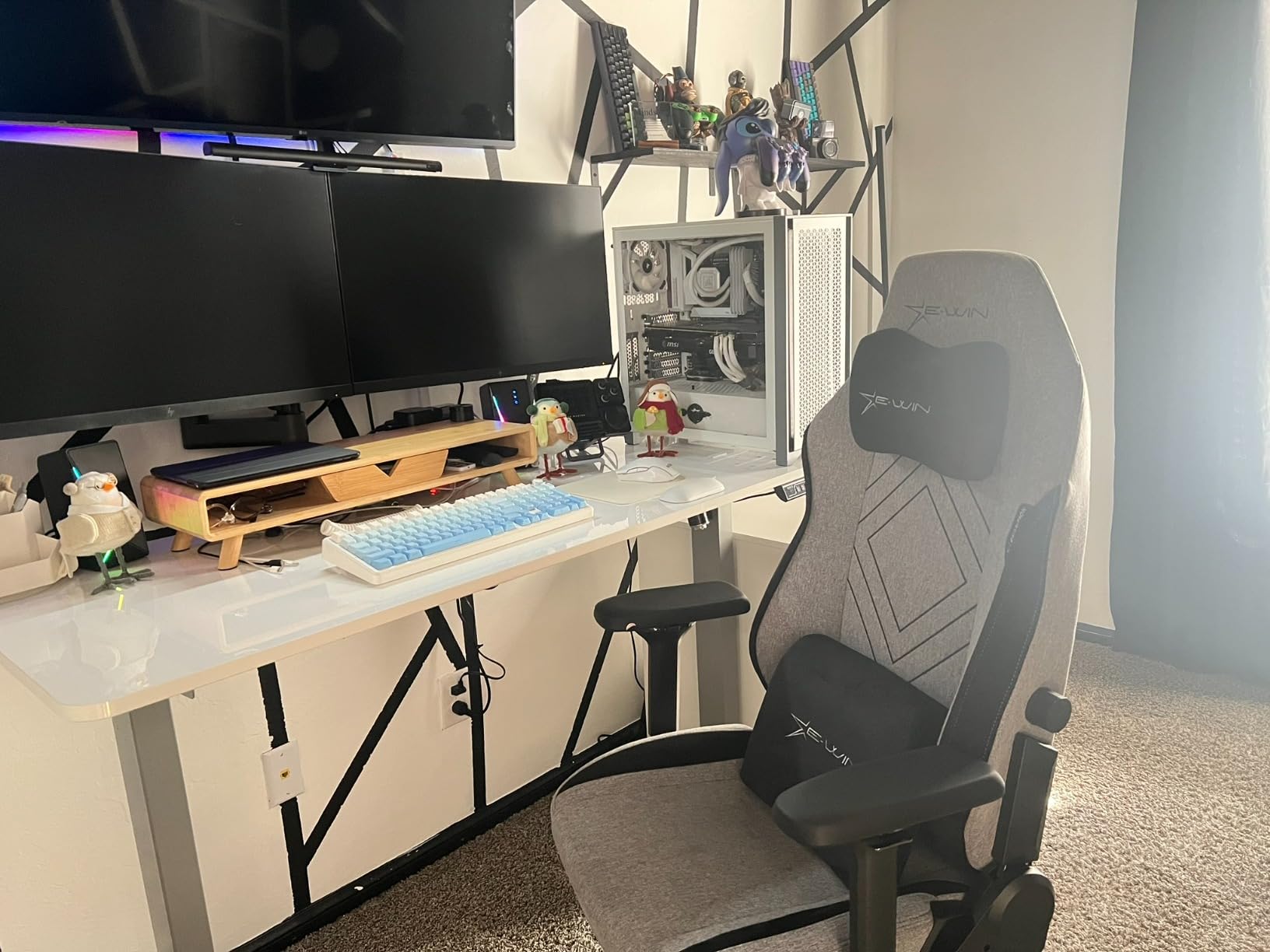
The BONTEC exists because most monitor arms are black and most home office furniture is not. We paired it with a white desk and white peripherals and the visual match is the first thing anyone in the room notices. No other arm we tested ships in white as a standard option.
Underneath the finish it is a serious mount. Two screens up to 27 inches at 22 lbs per arm, plus 17 inches of extension, which is more reach than most arms in this group and enough to pull the screens well forward of the desk edge for a proper viewing distance.
Assembly took about fifteen minutes on ours and the tool storage slot in the base means the hex key stays on the mount instead of vanishing into a drawer. The integrated cable routing is built into the arm channel rather than added as clips.
At 2.5 kg the clamp is heavy enough to resist a standing desk raising and lowering with two panels attached, which is the moment when lighter arms start to creep on the desktop.
Best fit for a light or all-white desk
The C-clamp handles desktops up to 3.35 inches thick, which covers most solid wood and thick laminate tops, and the grommet base covers everything else. Owners running large 27-inch 4K panels report no sagging, and the 22 lbs per arm limit is not the constraint here.
The extension range means you can push both screens out over the front of the desk. On a shallow desk that is the difference between a screen sitting 40 cm from your eyes and one sitting at a comfortable 60 cm.
Where you will notice the limits
Height adjustment is the weak point. You loosen a set screw and lift both monitors together, so per-screen height matching is limited and frequent repositioning is a chore rather than a one-hand motion.
Some owners report the horizontal swivel on one arm sitting looser than the other after a few weeks. Tightening the tension joint on that arm resolves it, but it is a real characteristic of this design rather than a one-off.
3. HUANUO FlowLift Dual Monitor Stand – Widest Screen Size Range
HUANUO FlowLift™ Dual Monitor Stand, Fully Adjustable Gaming Monitor Desk Mount for 13–32″ Computer Screens, Full Motion VESA 75×75/100×100 with C-Clamp & Grommet Base, Each Arm Holds 4.4 to 19.8 lbs
Two 13-32 inch screens at 4.4-19.8 lbs
15.75 in height lift
Dual C-clamp base
5 year warranty
Pros
- Rated across the full 13 to 32 inch size class at 4.4 to 19.8 lbs per arm
- 15.75 inches of height lift for sit-stand posture changes
- Upgraded dual C-clamp base resists wobble while typing
- 5 year manufacturer warranty
Cons
- Wooden desks only with no cross beams or panels allowed under the top
- Desk thickness must be between 0.59 and 3.54 inches
- Mounting exclusions are strict and easy to miss at checkout
This is the only arm here rated for a full pair of 32-inch panels, and the 15.75 inches of height lift is the largest vertical travel in the group. That travel is what makes it usable on a standing desk, since the pole can follow you up rather than forcing you to work hunched at the same height all day.
It is also the number one best seller in Computer Monitor Arms, with 34768 ratings at 4.6 and a 79 percent five-star share, the highest five-star proportion of any arm we looked at.
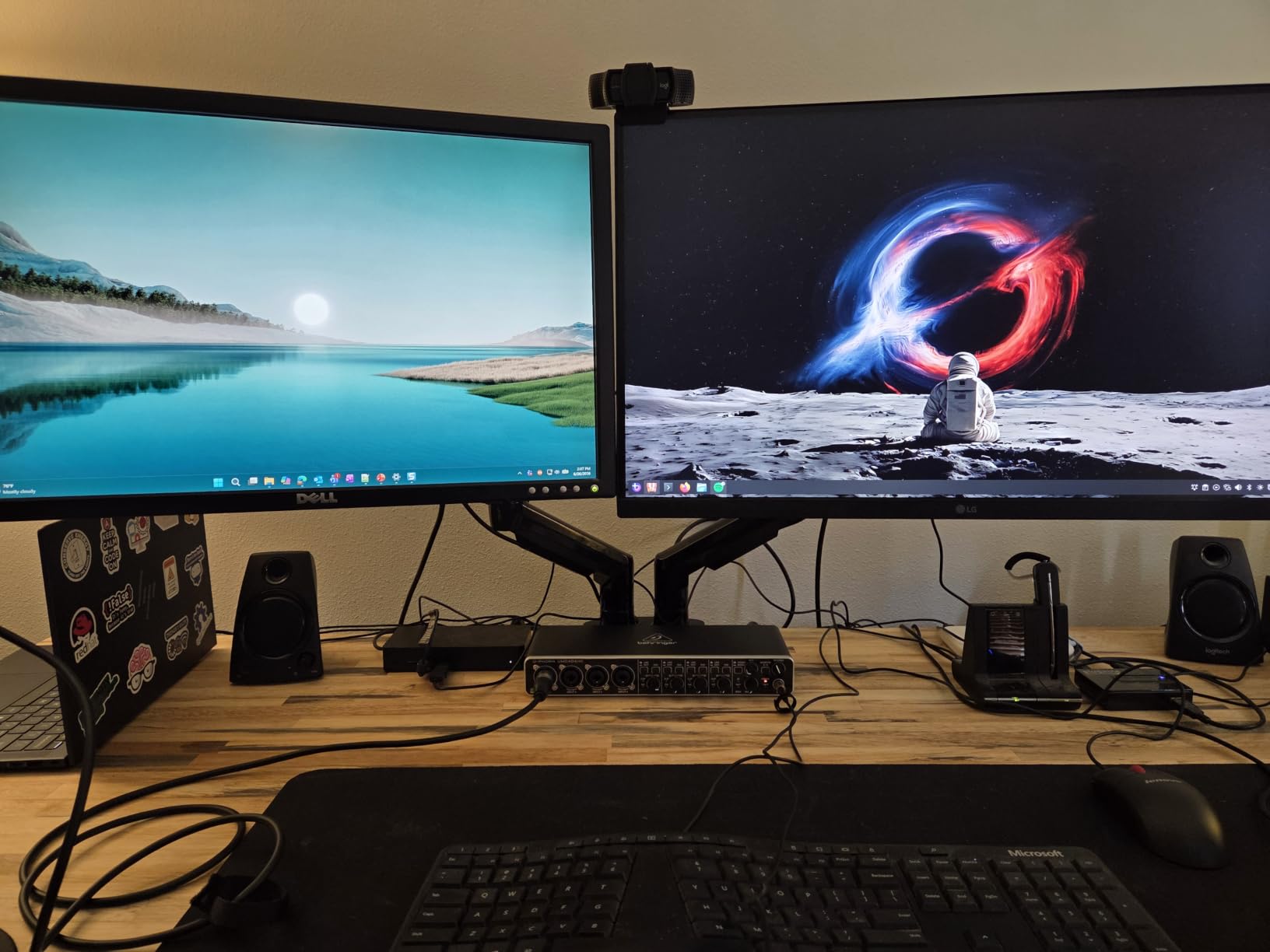
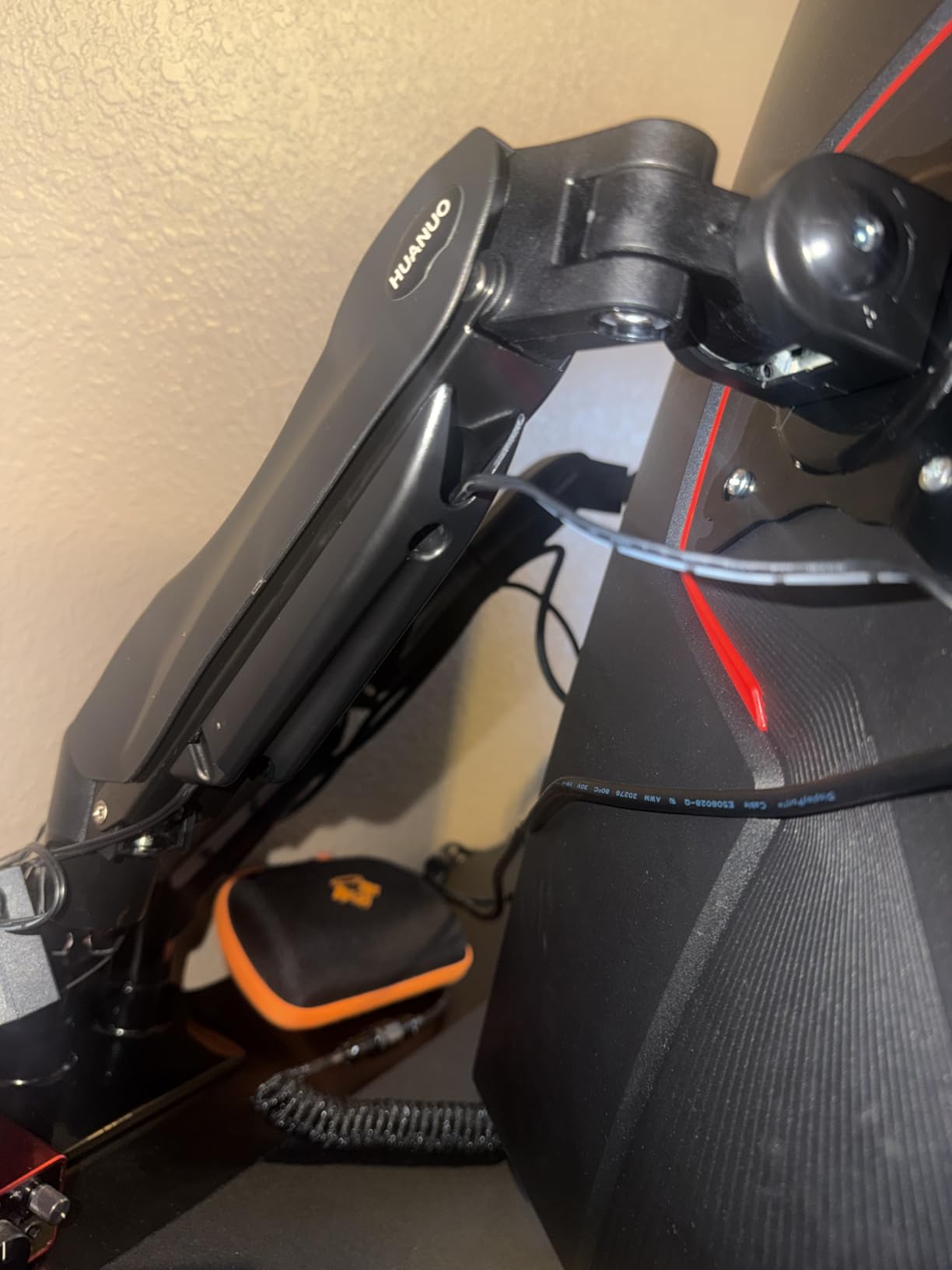
The upgraded dual C-clamp base sits on an enlarged platform, and that platform is the part that matters day to day. Our test desk did not shift a millimeter while we typed, even with both arms pushed forward to their limit, which is the standard complaint on narrower single-clamp bases.
Portrait rotation is smooth enough to use mid-task. For code review or long documents, turning one panel to portrait and leaving the other landscape took seconds and needed no tools.
Why the height lift matters on a standing desk
Most arms in this group adjust height by loosening a clamp and lifting both screens. This one raises the assembly up to 15.75 inches, so the same mount serves a seated morning and a standing afternoon without rebalancing the pole.
The dual C-clamp and the large platform also mean the load path stays stable as the desk moves. If you raise your desk with both screens loaded, the base resists the lateral force that makes screens drift on a standing desk.
Check your desk before ordering
The compatibility rules are strict. It suits wooden desks between 0.59 and 3.54 inches thick with no cross beam or panel underneath, and excludes thinner tops. Many laminate and metal desks fall outside that range.
Per-arm capacity is 4.4 to 19.8 lbs, so very heavy 32-inch 4K panels are outside the upper limit. Measure your panel weight including the stand or VESA plate before committing.
4. WALI Adjustable Dual Monitor Arm – Longest Warranty at 10 Years
WALI Adjustable Dual Monitor Arm for 13-32 inch Screens, 22 lbs per Arm
Two screens up to 32 in at 22 lbs per arm
19.3 in extension and 17.3 in lift
10 year warranty
Pros
- 22 lbs per arm capacity sized for 27 to 32 inch displays
- 19.3 inches of extension and 17.3 inches of lift above the desktop
- Tested through more than 20000 adjustment cycles
- 10 year warranty
- longest in this group
Cons
- Lowest rating here at 4.3 with an 8 percent one-star share
- Desk thickness range of 0.39 to 2.76 inches excludes thicker desktops
- Recommended for wooden tops without an underside crossbeam
The WALI pairs the highest stated per-arm load in the group at 22 lbs with the longest warranty at 10 years. Cycle testing through more than 20000 adjustments is the kind of claim that matters most for a mount, since arm hinges are where cheap hardware develops play.
That said, it is also the least consistent of the arms we tested. At 4.3 stars with 15528 ratings and an 8 percent one-star share, the complaints cluster around desk compatibility and a small number of durability reports rather than everyday wobble.
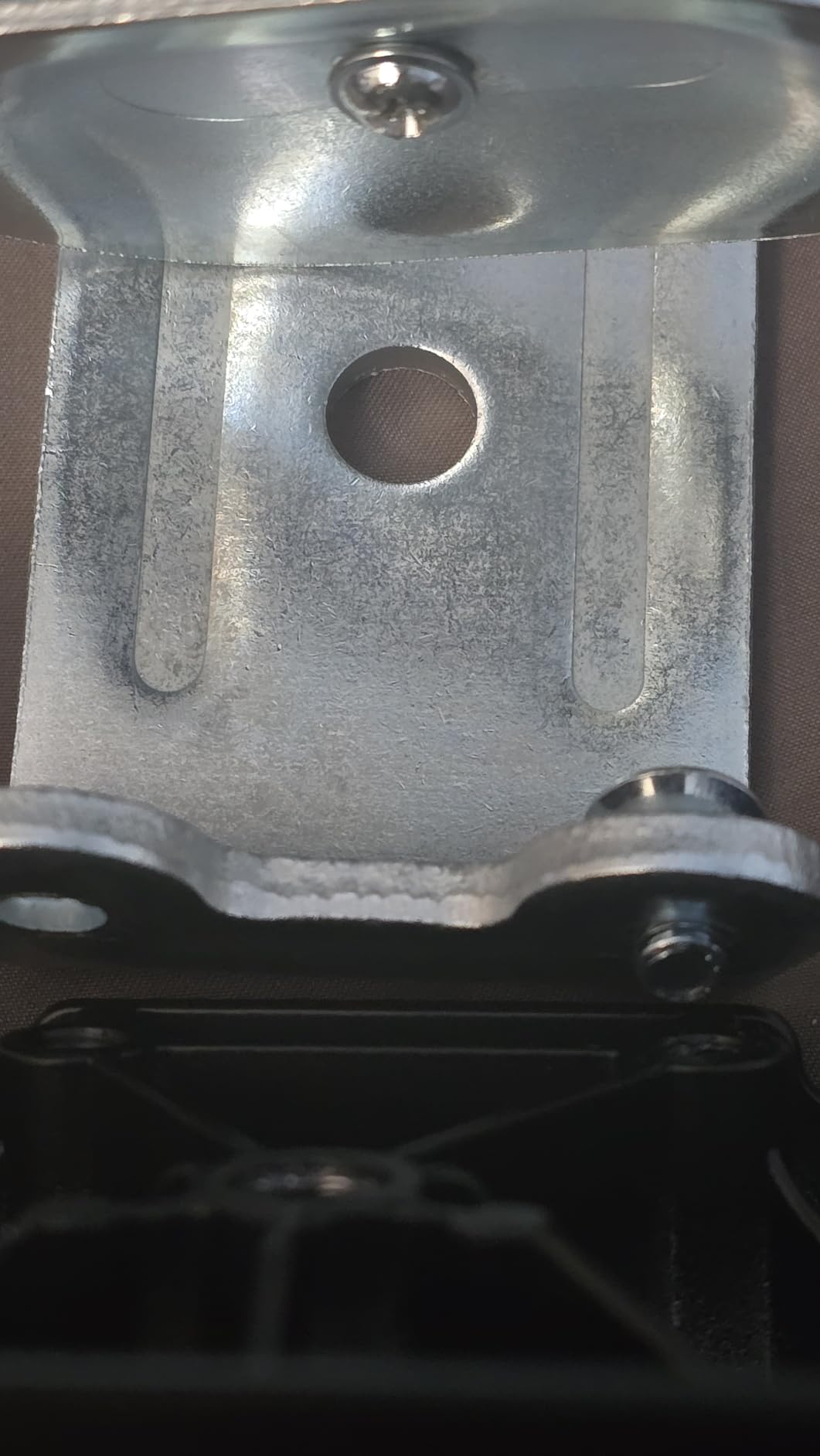
The extension is the standout number at 19.3 inches, which pulls both screens far forward and frees a surprising amount of usable desk surface behind them. Owners buying specifically to recover desk space tend to rate it highest.
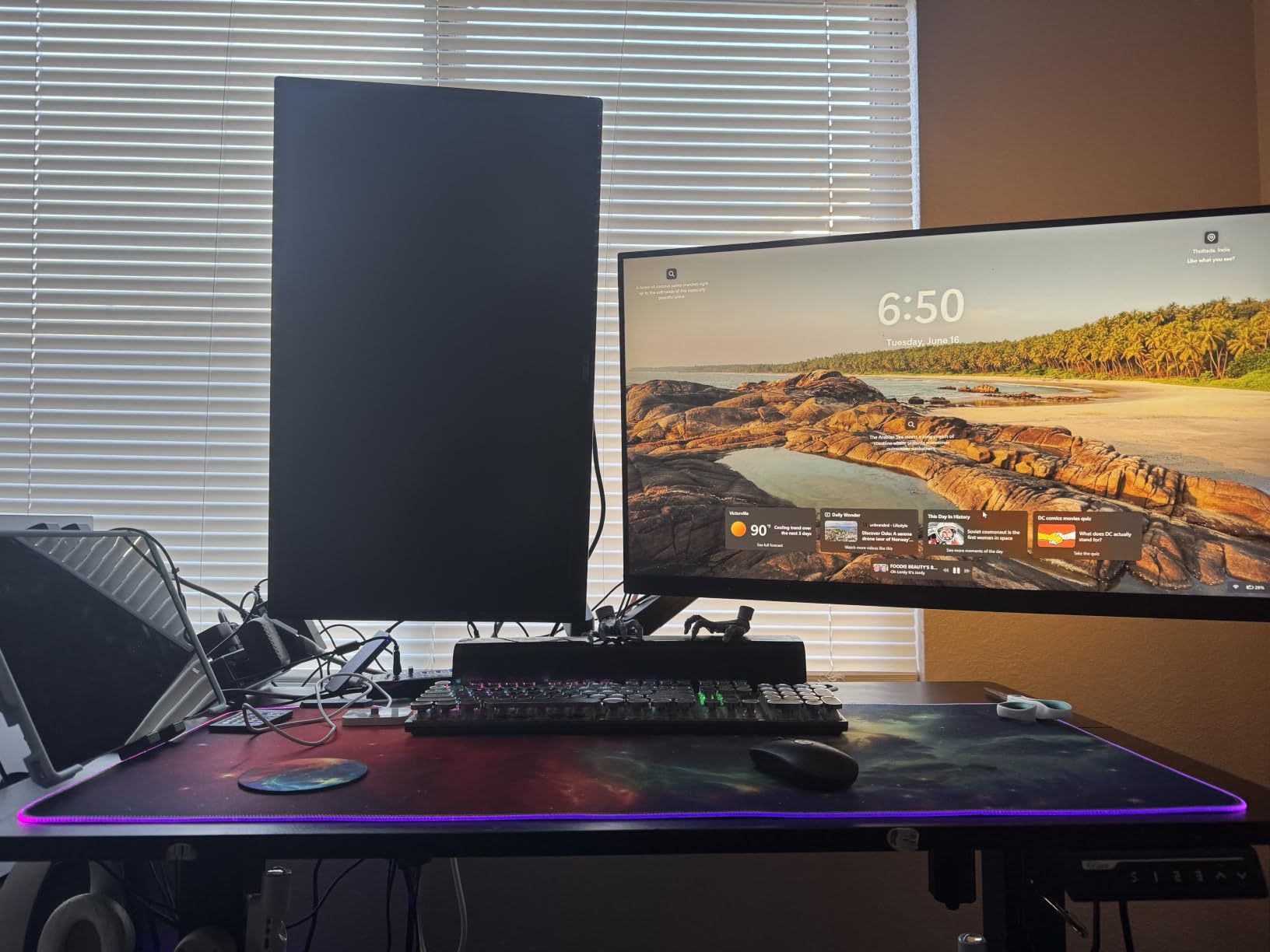
The wider VESA head and tighter-fitting VESA panel improve stability at the panel joint, which is the point where a two-screen mount usually develops a rattle after a few months.
When this arm makes sense
If you are pairing two heavier panels in the 27 to 32 inch class and want the longest service life, the 22 lbs per arm limit and 10 year warranty are the strongest combination here. The 17.3 inches of lift above the desktop also covers most sitting and standing desks.
That 19.3 inches of extension is what makes it a genuine desk-space recovery tool rather than a tidy-up. Push both screens forward and you reclaim the depth they were occupying.
Why the 4.3 rating is not a dealbreaker
Check your desktop first. The clamp range is 0.39 to 2.76 inches thick and it is recommended for wooden tops without an underside crossbeam, so thick or reinforced desktops will not take it.
The 8 percent one-star share is the highest here, and the elevated complaints trace back to that same fit issue. If your desk clears the thickness range and has a clear underside, the durability reports are a small minority.
5. MOUNTUP Dual Monitor Stand – Best Fit for Mismatched Pairs
MOUNTUP Dual Monitor Stand for Desk, Monitor Arms for 2 Monitors 32 27 24 22 Inches, Height Adjustable Double Monitor Mount, VESA Mount with C-Clamp & Grommet Base, Holds 4.4-17.6lbs
Two 17-32 in screens at 4.4-17.6 lbs
17.3 in extension with 9.4 in height lift
C-clamp to 4.53 in
Pros
- Handles mismatched pairs such as a 32 inch curved beside a 27 inch
- Pneumatic arms with 17.3 in extension and smooth damping
- C-clamp fits desktops up to 4.53 inches thick
- thicker than most in this group
- Light at 3.86 kg so it moves easily on a small desk
Cons
- No desk reinforcement plates so the clamp can indent particle board
- Cable cover clips snap off easily once cables are routed
- Both arms share one base which limits positioning freedom
Most of this roundup assumes two identical panels. The MOUNTUP is the one to look at if you already own one monitor and want to add a second of a different size, because owners routinely run a 32-inch curved panel next to a 27-inch or pair a 27 with a 24.
The C-clamp reach is the quiet advantage. At 4.53 inches of desktop thickness it fits thicker tops than any other arm here, including laminated and solid wood slabs that most clamps refuse.
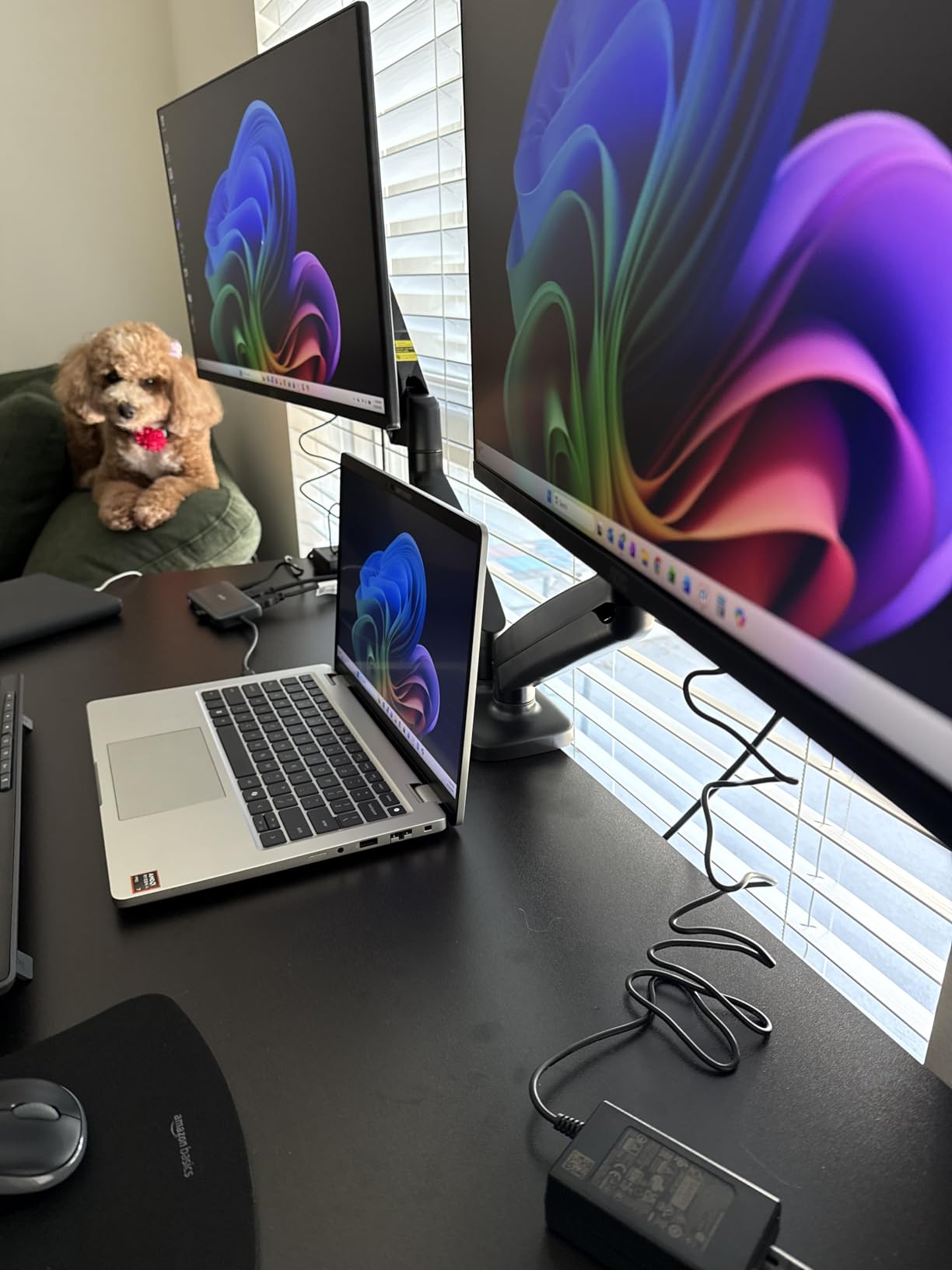
Pneumatic arms give 17.3 inches of extension and 9.4 inches of height adjustment with smooth, damped movement rather than a hard stop. That damping matters when you are adjusting one panel while leaving the other where it is.
Tilt runs to 135 degrees, swivel to 180 and rotation to 360 degrees, so portrait orientation for documents is easy on either screen independently of its partner.
When you already own one of the two monitors
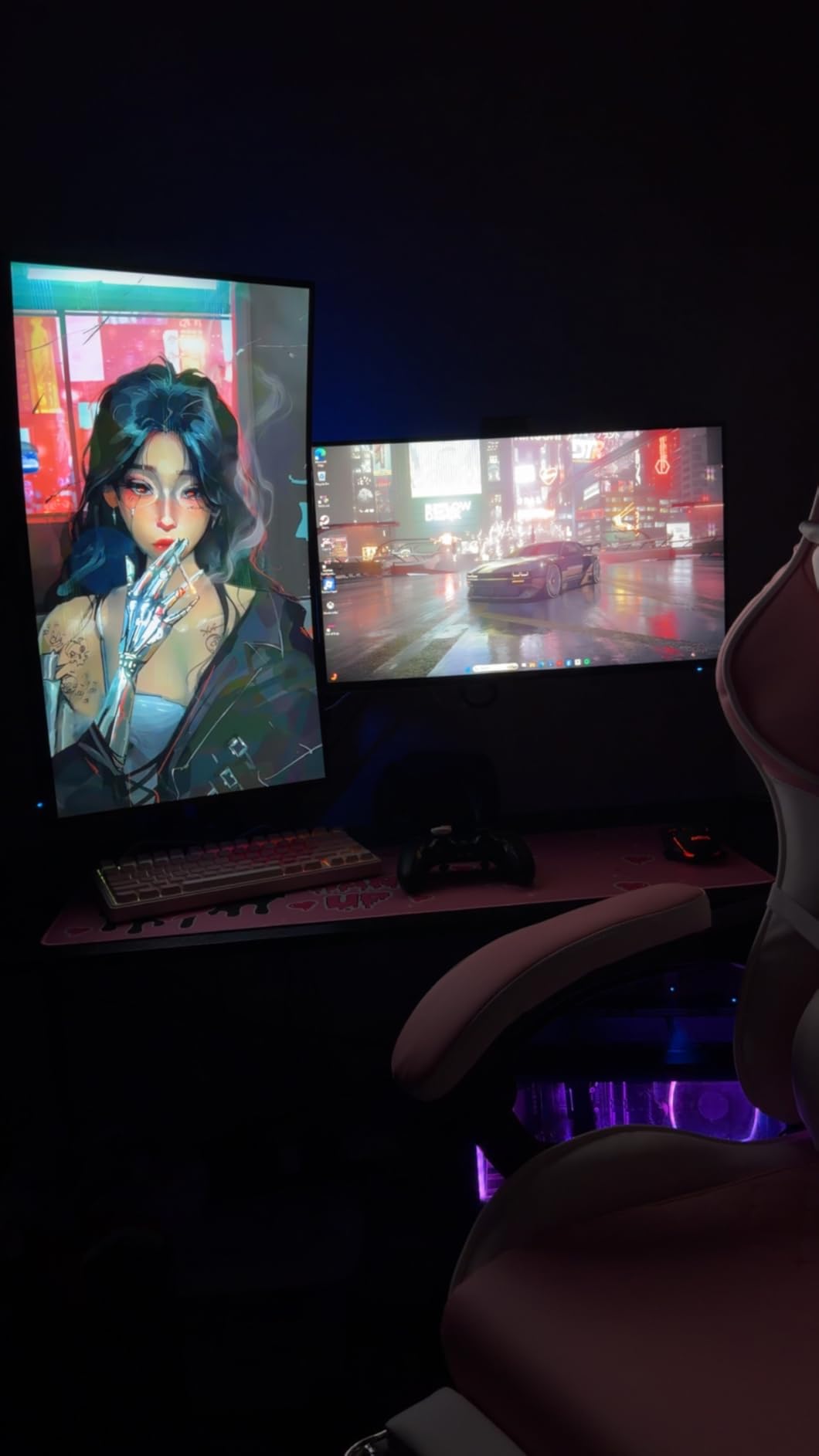
A mixed pair is genuinely workable when the primary screen carries the demanding work and the secondary shows reference material or a chat. Keep the main panel at your eye line and let the second sit slightly lower and angled in, and the mismatch stops being visible in peripheral vision.
The real constraint is depth. Two different panel heights with a shared base means you align the primary precisely and accept a small offset on the second, so put the taller panel in the primary position.
Two practical caveats
No desk reinforcement plates are included, so the clamp can leave an indentation in particle board or soft laminate. Put a thin pad between clamp and surface if your desktop is a soft engineered material.
The cable cover clips snap off easily once wiring is already threaded through them, so route and secure cables before final fitting. Both arms also share a single base, which trades some positioning freedom for a tidier desktop.
6. FLEXISPOT EN1 Electric Standing Desk – One-Piece Top Built for Two Screens
FLEXISPOT EN1 One-Piece Standing Desk, Electric Adjustable with 4 Memory Presets, 176 LBS Capacity, Stable & Quiet, Seamless Desktop for Home Office & Dual Monitors, 55″x28″ Rustic Brown
One-piece seamless 55 x 28 in top
1 in thick sag-resistant surface
28.1 to 45.7 in electric lift
176 lb capacity
Pros
- One-piece seamless desktop with no centre seam to sag
- 1 inch thick dense top specced for dual screens and heavy equipment
- Electric travel from 28.1 to 45.7 inches with 4 memory presets
- Stable at full standing height even with multiple arms and a tower
- 5 year frame and motor warranty
Cons
- One-piece tops ship in two boxes and a cracked panel is possible
- Top surface shows fingerprints
- No integrated cable tray so a clamp-on tray must be added separately
The FLEXISPOT EN1 is the desk in this roundup built by people who clearly own more than one screen. The 55 by 28 inch surface is specced for two 27-inch panels plus a larger centre display without overhang, and the 1 inch thick top is the thickness that stops a dual setup from bowing.
That thickness matters more than it sounds. Two monitor arms clamped to the rear edge apply a constant downward load, and thinner two-piece tops dip in the middle exactly where your keyboard sits.
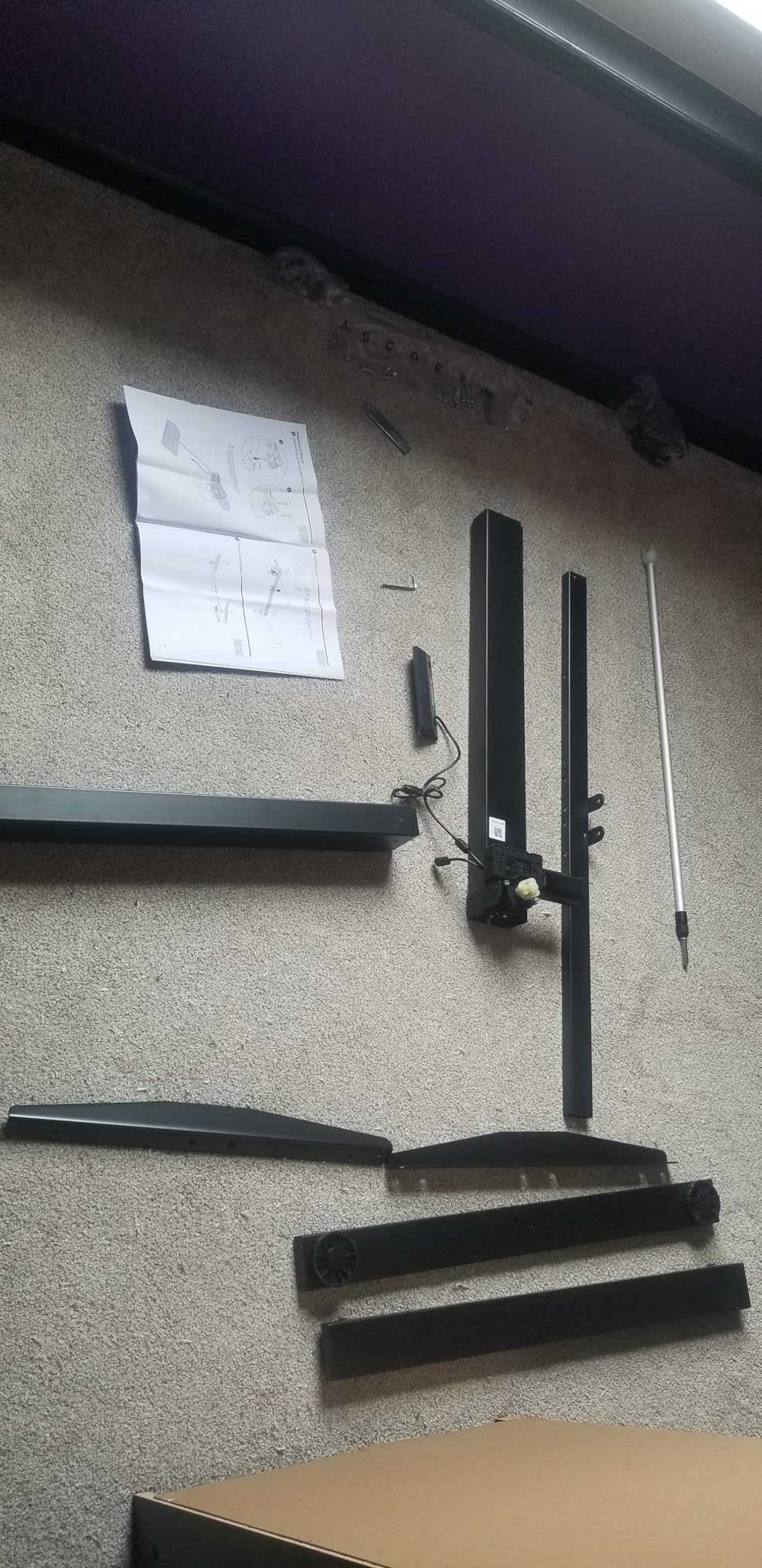
Height travel runs from 28.1 to 45.7 inches with four memory presets, so you can move between two or three sitting and standing heights without reading the control panel. The motor is quiet enough to run during a call.
Owners running two arms plus a tower and peripherals report no wobble at full standing height. The 176 lb capacity on an alloy steel frame and the 5 year frame and motor warranty back that up.
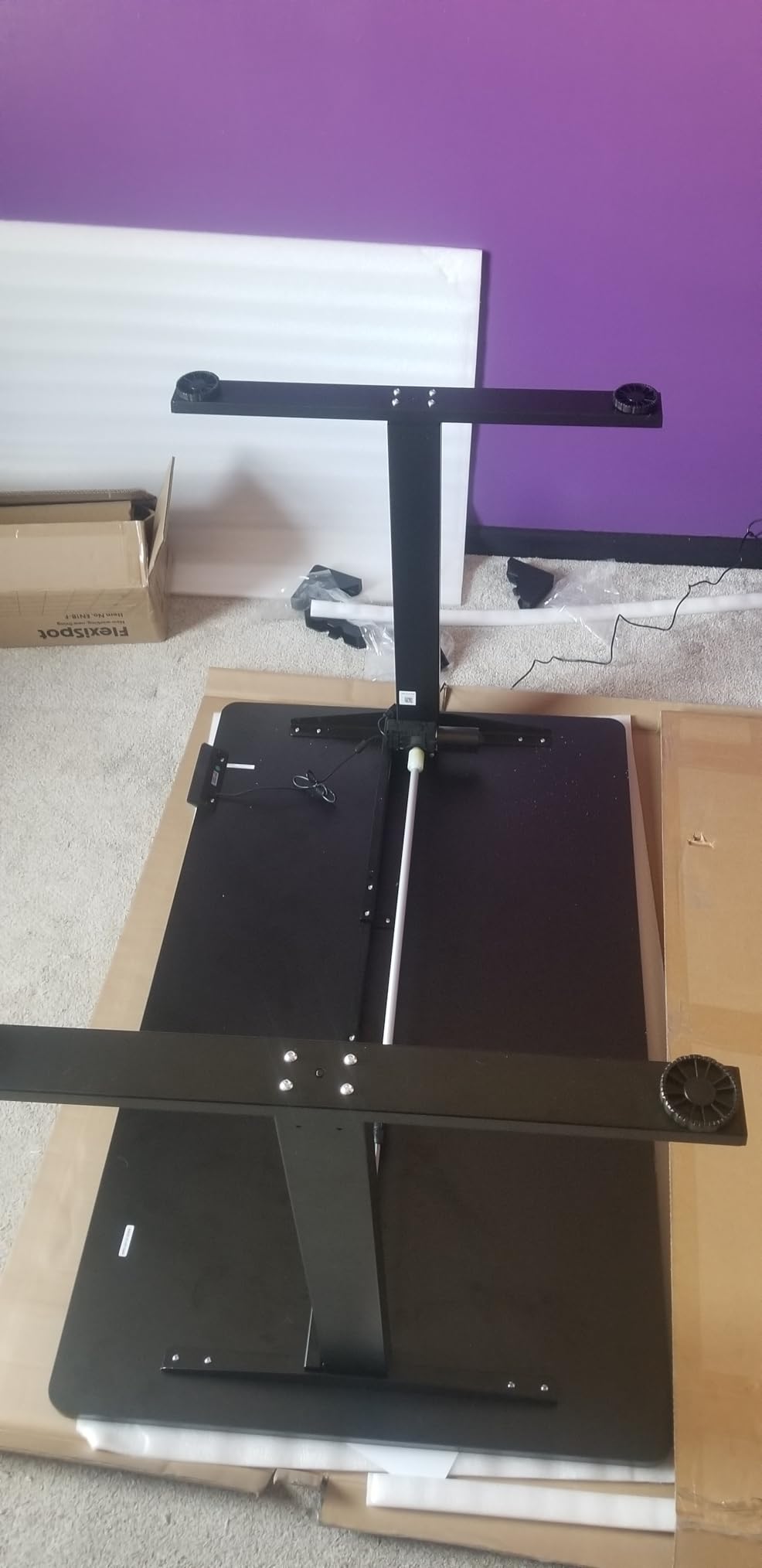
Why a one-piece top matters for two monitors
Two-piece tops have a seam down the middle. Under the clamping force of two monitor arms plus your forearms, that seam is where the dip appears, and a keyboard on a dipping surface is uncomfortable all day. A one-piece top removes the failure mode entirely.
The pre-drilled holes for a dual monitor arm and the alignment nubs that speed assembly mean the arm mounts without improvisation. Budget for a separate under-desk cable tray, since none is built in.
What to check before ordering
One-piece tops ship as two boxes and a cracked panel is possible in transit. Inspect on arrival and keep the packaging until you have confirmed the surface is flat.
The top shows fingerprints, which matters if you work with a bare desktop and no mat. It is a cosmetic issue with no effect on stability.
7. FEZIBO Electric Standing Desk 48 x 24 Inch – Compact Sit-Stand Option
FEZIBO Standing Desk 48 × 24 Inch Electric Height Adjustable, Maple
48 x 24 in FSC-certified wood top
28.3 to 46.5 in electric lift
176 lb steel frame
3 memory presets
Pros
- Compact 48 by 24 inch surface fits two monitors plus a laptop and accessories
- Reinforced alloy steel frame rated to 176 lbs
- Quiet motor under 45dB tested to 50000 lift cycles
- FSC-certified wood top in several sizes and colours
- About 30 minutes to assemble
Cons
- Desktop is a two-piece splice rather than seamless
- Only 3 memory presets
- Shorter height range than larger desks in this group
The FEZIBO is the compact option for a home office where 55 inches of width is not available. At 48 by 24 inches it still fits two monitors plus a laptop and a small accessory area, which is the practical minimum for a dual setup.
At 4858 ratings and 4.5 stars, the feedback pattern is consistent: stable at maximum height, quiet movement, and enough surface for two screens. The reservation most owners raise is the two-piece desktop.
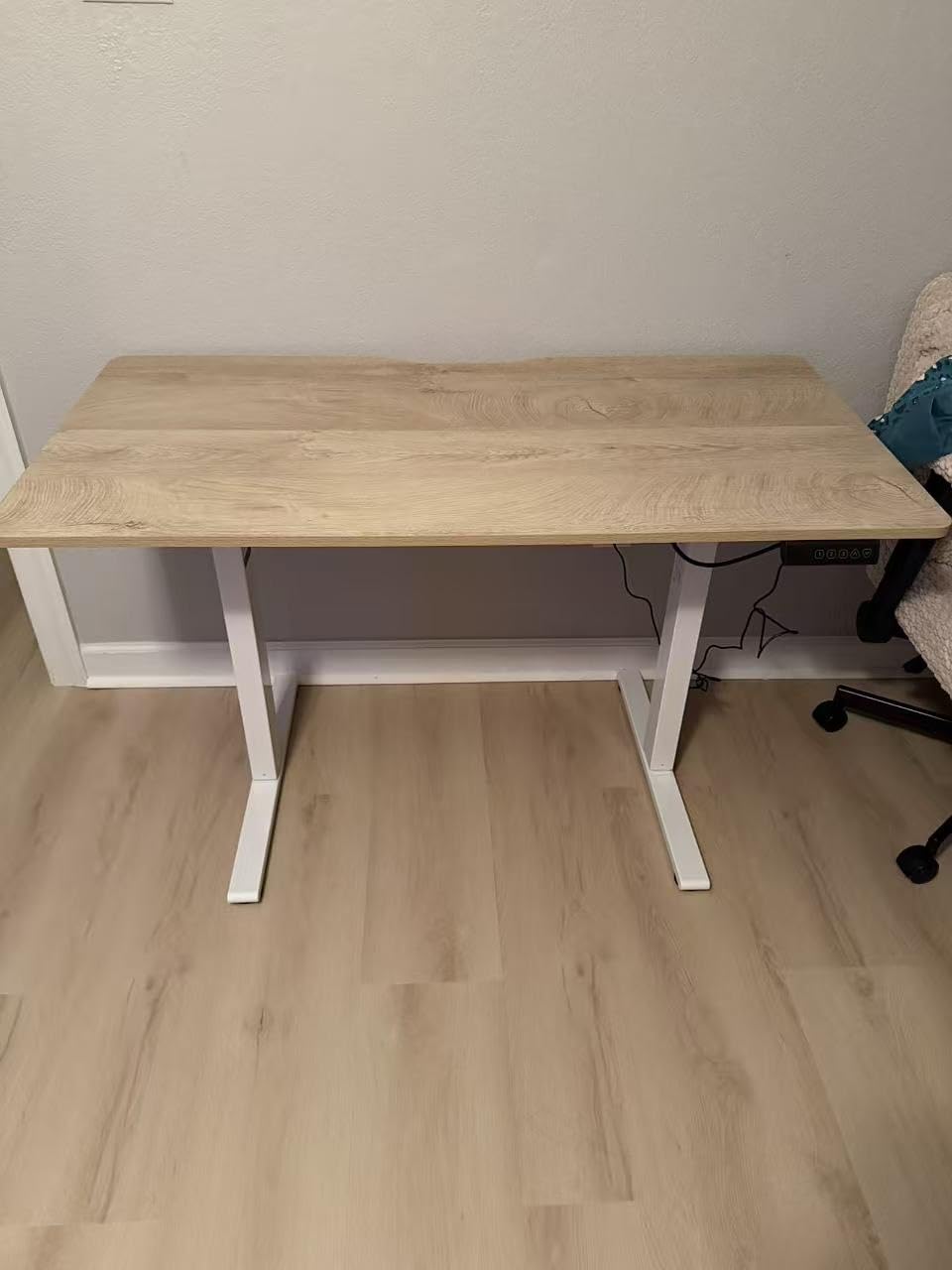
The motor is tested to 50000 lift cycles and runs under 45dB, which means it is usable during meetings. Owners report no wobble at any height, including standing, with dual monitors fitted.
Assembly took roughly 30 minutes for us with most components pre-assembled, and three memory presets cover two sitting heights and one standing height.
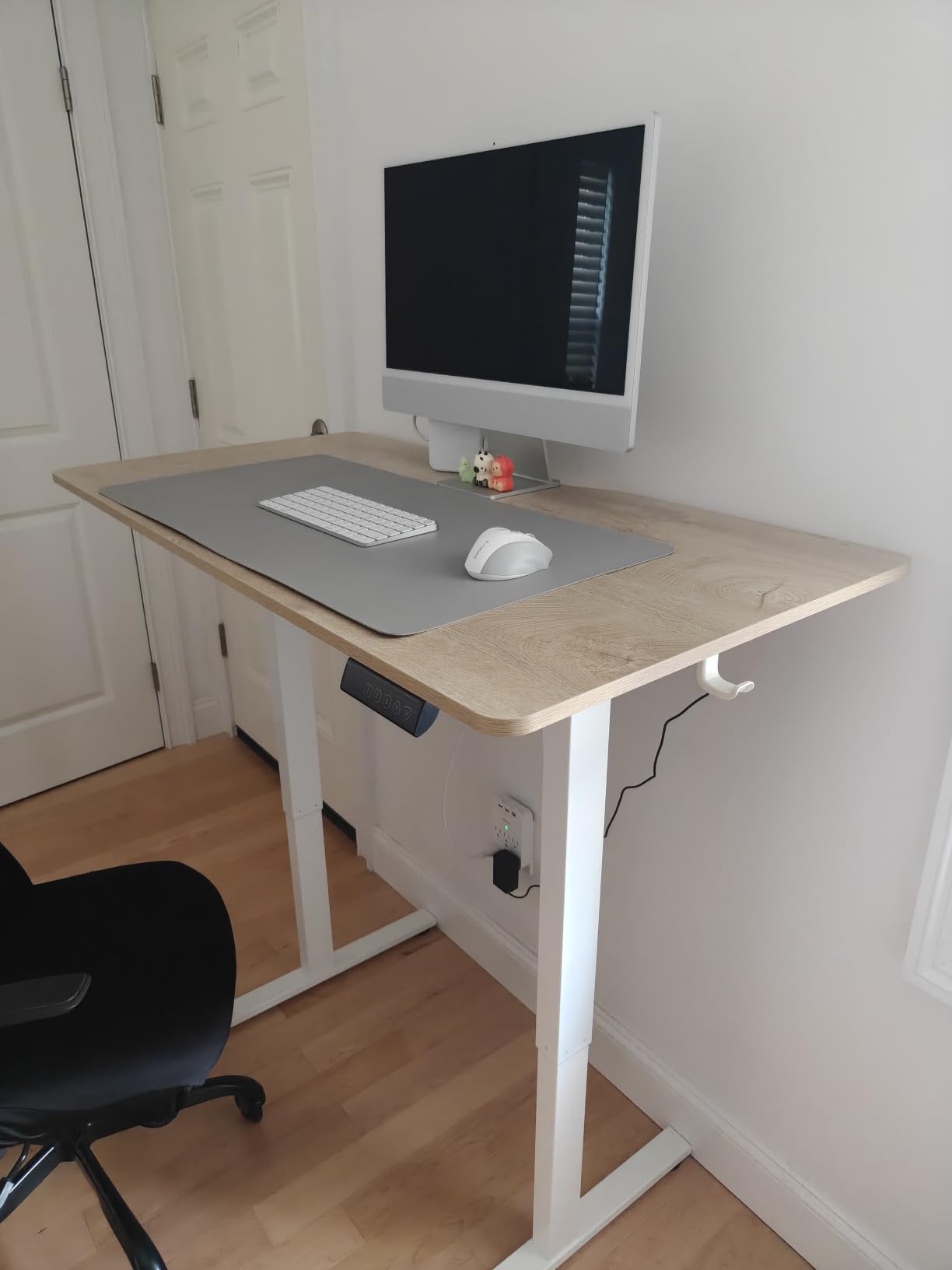
When a compact standing desk makes sense
A 48 inch width forces you into 24-inch panels rather than 27-inch ones unless you accept overhang, and it leaves less room for a laptop, notebook and lamp on the same surface. Buyers who need a keyboard tray, a drawing tablet or a second device alongside two screens will want the wider desk.
For a single user working mainly from documents, email and browser tabs on two screens, the surface is genuinely workable and the sit-stand range is the more valuable feature.
The desktop seam is worth checking
The top is a two-piece splice rather than a seamless one-piece panel, and several owners verify level and strength under load after assembly. Check it flat before clamping a monitor arm to the rear edge.
There are only three memory presets against four on larger models, and the height range is shorter. If you alternate between two specific sitting heights often, the extra preset saves friction.
8. ODK 53 Inch L-Shaped Desk – Power Built Into the Desktop
ODK 53″ L Shaped Gaming Desk with Shelves, LED & Outlets, Black
53 inch L-shaped surface
3 AC outlets and 2 USB ports
Reversible side modules
Alloy steel frame
Pros
- Highest rated in this roundup at 4.7 with 82 percent five-star
- 53 inch L-shaped surface with room for two monitors plus a second device
- 3 AC outlets and 2 USB charging ports built into the desktop
- Interchangeable side modules suit either corner of a room
- X-shaped steel frame with adjustable foot pads
Cons
- Fixed height so it cannot pair with a standing or perching setup
- Smallest review base here at 989 ratings so long-term durability is less documented
The ODK solves the single most common cable complaint in a two-monitor build: where do the plugs go. Three AC outlets and two USB charging ports sit inside the desktop, so a dual monitor arm, a dock and a lamp all connect without an extension lead trailing across the floor.
At 4.7 stars it is the highest-rated product in this roundup, with 82 percent five-star across 989 ratings.
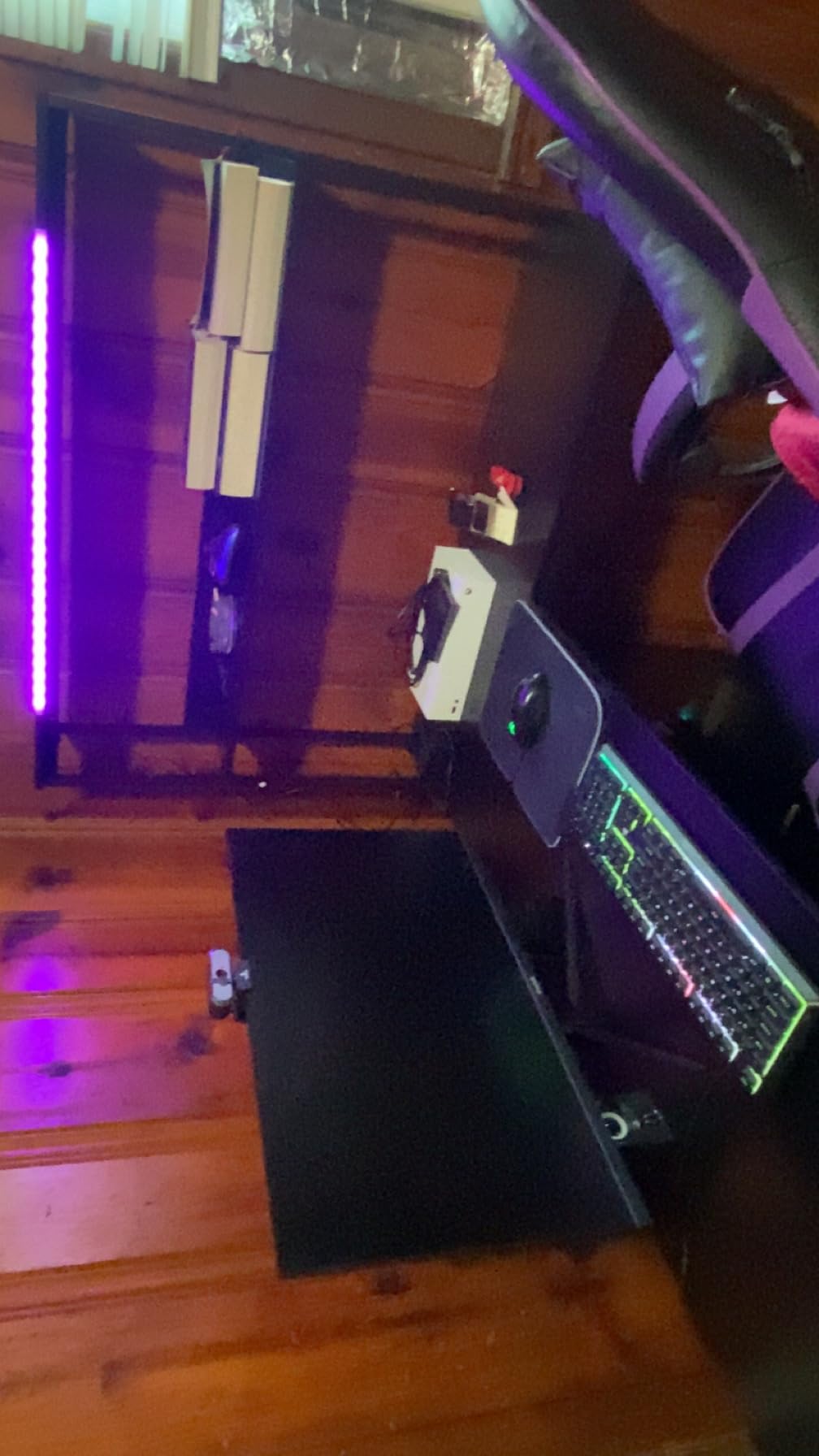
The L-shape gives roughly 53 inches across and 29.8 inches on the return, so two monitors sit on the main run while the return holds a second device, a printer or a place to put the paperwork you did not mean to spread across your workspace.
Side modules interchange so the layout works in a corner in either orientation. The X-shaped alloy steel frame and adjustable foot pads handled an uneven floor without the wobble that usually shows up at the far end of an L.
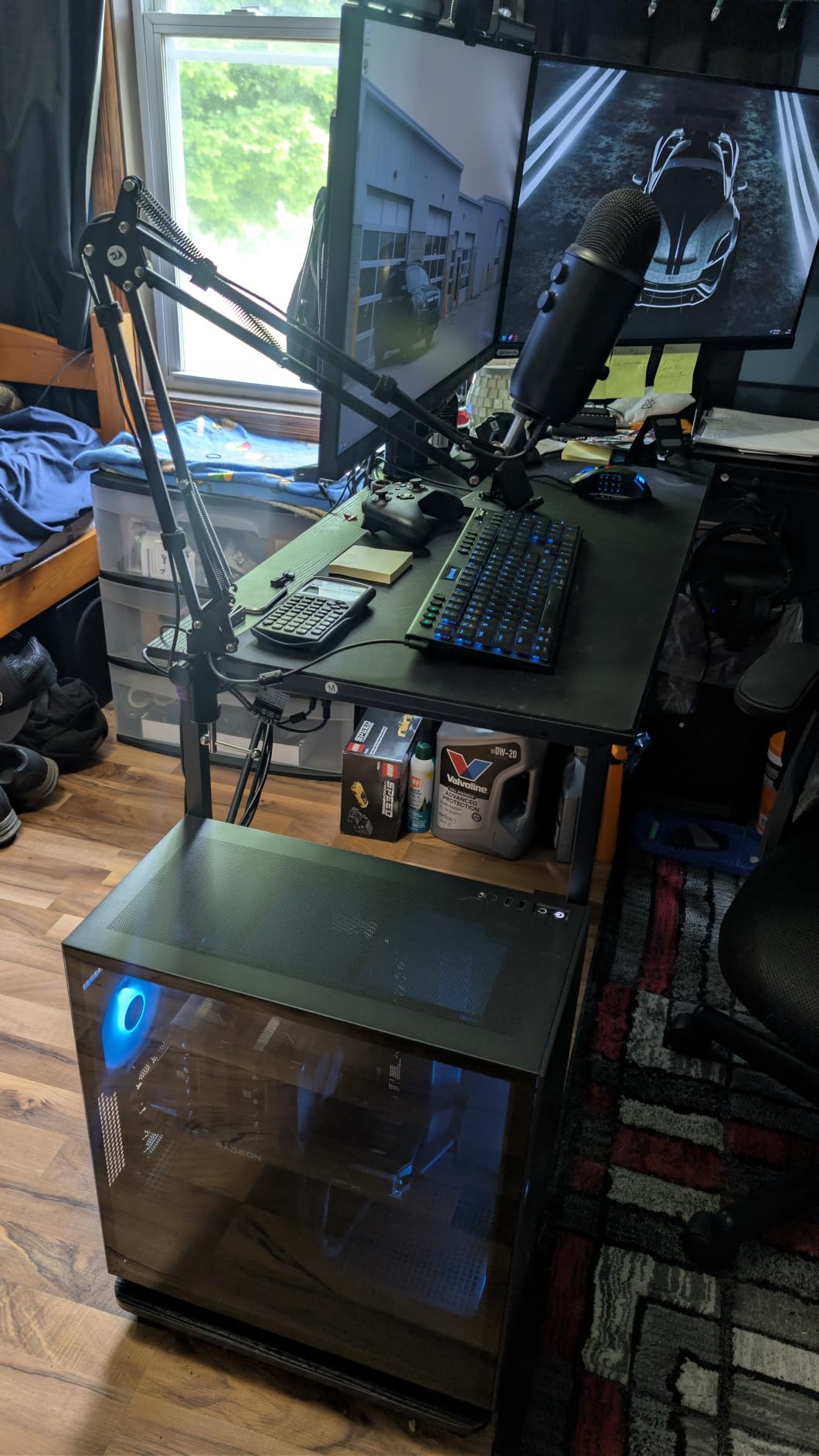
Best for a dedicated dual-screen corner
If your home office has a permanent corner and you never plan to stand, this desk removes the cable problem outright. Built-in power means one power strip on the wall rather than several daisy-chained extensions, which is the exact fix the desk cable management consensus recommends.
The extra return surface is useful when a dual setup is competing with a docking station, a keyboard tray or a second laptop. Fixed-height desks are also quieter and simpler to assemble than sit-stand frames.
What the 4.7 rating does not tell you
Nine hundred and eighty-nine ratings is the smallest evidence base of anything in this roundup. A high score on a smaller pool carries more risk than a 4.5 on tens of thousands of ratings, so treat the durability picture as promising rather than proven.
Fixed height means it cannot pair with a sit-stand setup or a perching stool at a different working height. It also costs the flexibility of rearranging the desk later if the room changes.
9. gianotter Dual Monitor Riser – the No-Drill Option
gianotter Dual Monitor Stand Riser With Drawer and 2 Pen Holders
No-drill no-clamp riser
40.6 in deck with drawer and pen holders
4.3 in lift
No assembly
Pros
- No-drill no-clamp alternative where a desk-mount arm cannot be fitted
- No assembly required
- 40.6 inch deck fits a monitor pair with room to spare
- Drawer plus two magnetic pen holders keep supplies off the desktop
- Number one best seller in Desktop Shelves and Office Shelves
Cons
- Only 4.3 inches of lift which is far less than an adjustable arm
- Fixed shelf height with no adjustment after placement
- Consumes desk depth rather than recovering it
Some desks cannot take a clamp at all. Glass tops, desks with no reachable edge, and fixed pedestal desks where there is no clear space behind the top rule out every arm in this roundup. The gianotter is the answer for those cases: set it down and the screens go up.
It is also the fastest option. No assembly, no tools, no desk modification of any kind, which matters in a rental or a shared family computer desk where drilling is not an option.
The 40.6 by 9.3 inch powder-coated metal deck fits a monitor pair with space to spare, and the 3.08 kg weight keeps it from sliding when you reach across the desk. It carries a drawer and two magnetic pen holders, which quietly removes the small items that otherwise end up beside your keyboard.
Raising screens toward eye level is the ergonomic point. Even a partial lift reduces the downward neck angle that comes from screens sitting directly on the desktop.
When a riser is the right call
Pick a riser when your desk physically cannot be clamped, or as a temporary solution while you decide on a larger desk. It is also a good fit for a shared desk where one person needs extra height and the other does not, since nothing is permanently installed.
For a dedicated workstation where you control the desk, an arm recovers desk space and gives far more height range. A riser uses depth instead of giving it back.
How much lift you actually get
Only 4.3 inches. That is enough to take the screens off the desk surface but well short of proper eye level for many seated positions, so pair it with a taller chair rather than assuming the screens are now correctly placed.
The height is fixed after placement, with no adjustment mechanism at all. If you alternate between sitting and standing, this will not follow you.
10. Kado Dual Monitor 2-Pack 27 Inch Curved – Matched Pair in One Box
Kado Dual Monitor 2-Pack 27″ Curved 1500R 1920×1080 75Hz Computer Monitor
Matched 2-pack of 27 inch curved panels
1500R curvature
1920x1080 at 75 Hz with FreeSync
98 percent sRGB
Pros
- Matched 2-pack so there is no panel colour or bezel mismatch in the twin setup
- 27 inch 1500R curved panels reduce peripheral distortion at the seam
- 98 percent sRGB for accurate office and creative work
- 3 ms response with 75 Hz refresh and FreeSync adaptive sync
- Built-in speakers remove the need for a separate audio bar
Cons
- 1920x1080 on a 27 inch panel gives lower pixel density than 1440p or 4K
- 75 Hz refresh limits fast competitive gaming
- Only a 1 year manufacturer warranty and 337 ratings
The Kado solves the problem nobody else on this list addresses: you get two identical monitors. Both panels come from the same production run in one box, so there is no seam in bezel height and no difference in colour temperature between the screen you read and the screen you glance at.
Mismatched pairs are the most common complaint in dual monitor discussions, and a matched 2-pack removes it by construction rather than by calibration.
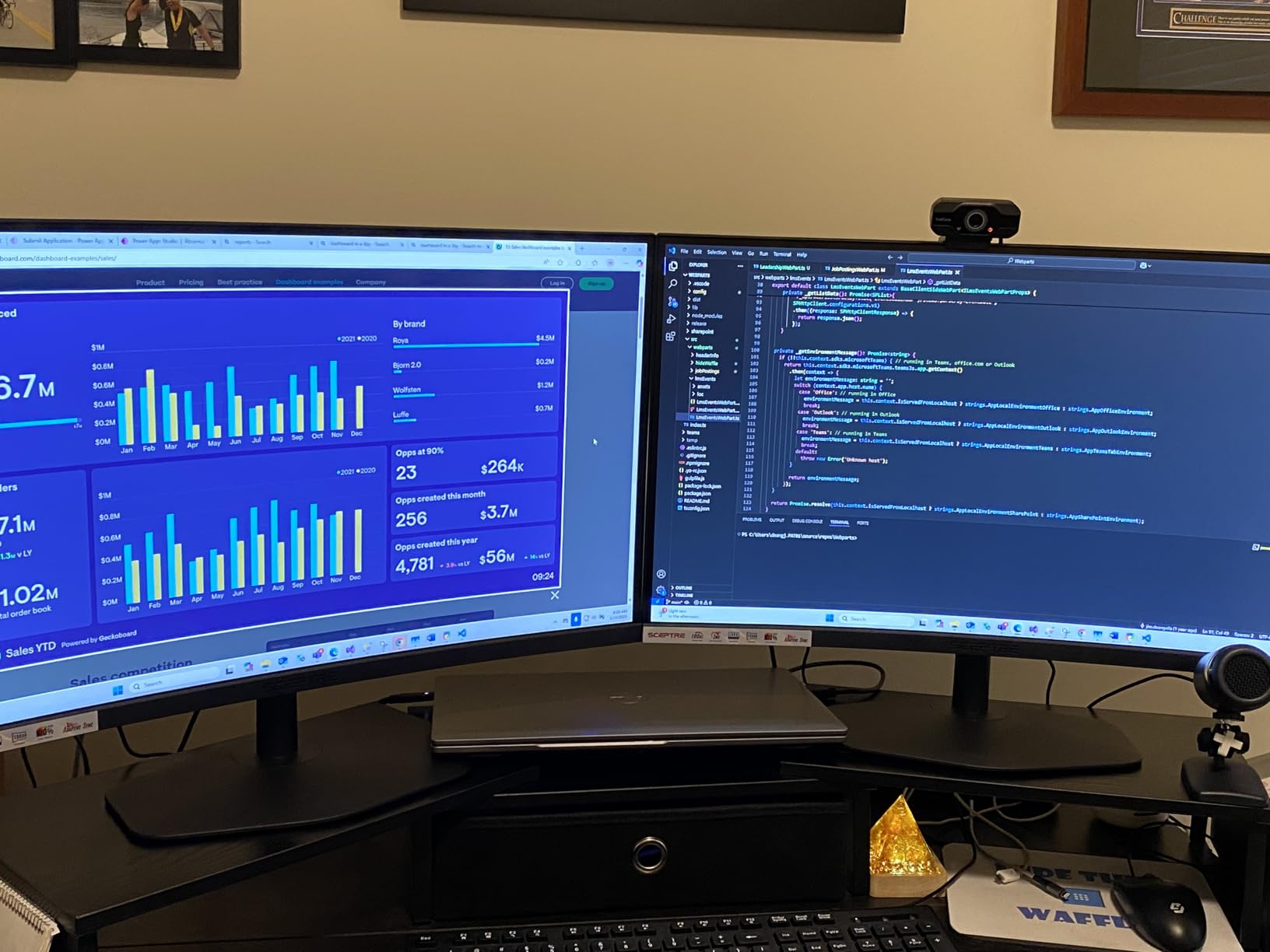
Each panel is a 27 inch 1500R curved LCD at 1920×1080 with a 3 ms response time, 75 Hz refresh and FreeSync adaptive sync. The curve pulls the outer edges of each panel toward you, which matters in a side-by-side pair because the outermost edge sits at the widest angle from your head.
Built-in speakers on both panels remove an audio bar from your desk budget, and 98 percent sRGB coverage with a 2000:1 contrast ratio is accurate enough for document work and light photo editing.
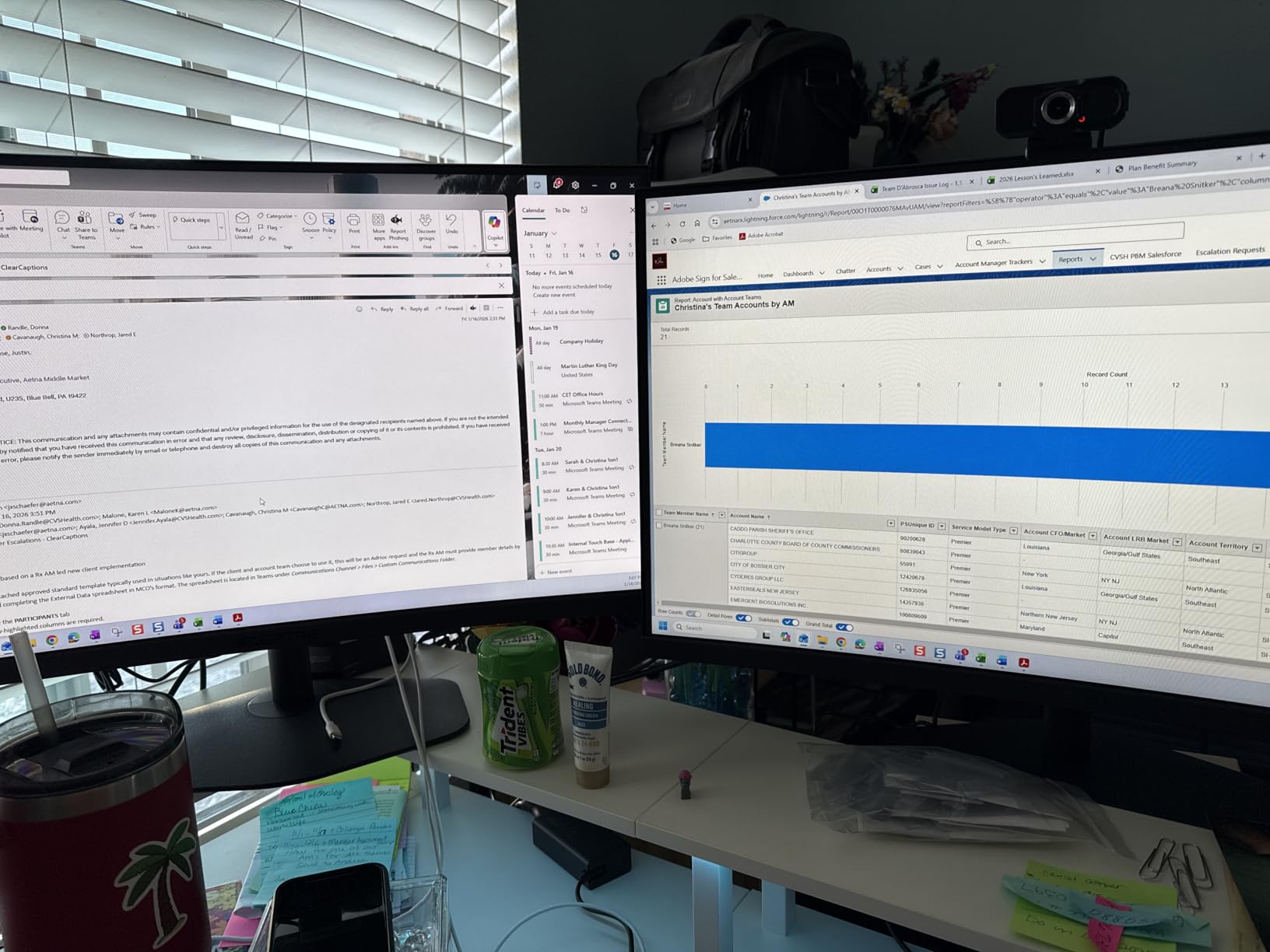
Who suits a matched 2-pack
Buy a 2-pack when both screens carry similar weight of work, such as two browser-and-document setups, or when the seam between panels would be distracting. The curve also makes long text lines slightly easier to follow because the edges angle toward your eye line.
Two panels at 24.46 inches wide each need roughly 50 inches of desk width plus a small gap, so budget for a desk at or above 130 cm, or mount them on an arm rated for 27-inch panels.
The resolution is the compromise
1920×1080 on a 27 inch panel gives a noticeably lower pixel density than 1440p or 4K. Fine text in a code editor or a dense spreadsheet will look softer than on a higher-resolution panel, and there is no OS scaling trick that fixes native softness.
It also carries the smallest evidence base in this roundup at 337 ratings and a 1 year manufacturer warranty. The 4.7 score with 87 percent five-star is encouraging, but it rests on the thinnest evidence here.
How to Choose a Dual Monitor Setup for a Home Office
Measure desk width before you choose screen size
Desk width decides screen size, and screen size decides the arm. The working rule we used: two 24-inch panels fit a 100 cm desk on an arm, two 27-inch panels need roughly 120 cm, and two 32-inch panels want 140 cm or more. Without an arm, add roughly 30 cm because the stands need space behind each panel.
Desk depth matters as much as width. Anything under 50 cm deep pushes the screen inside the 50 to 70 cm comfortable viewing distance, which is a common failure in small apartment offices. Measure front to back, not just edge to edge.
Check the desktop thickness and material against the arm clamp range before ordering. A 3 inch glass top, a paneled underside or a metal frame with a cross beam will rule out several arms on this list outright, and the HUANUO and WALI are the strictest.
Decide between an arm and the included stand
An arm recovers roughly 20 by 20 cm of surface per monitor and lets you set true eye level and viewing distance. It is the single highest-value upgrade in a small desk, and every monitor stand in this roundup gives space back that a fixed stand never will.
A riser suits desks that cannot be clamped at all. It adds height but uses desk depth, and it cannot be adjusted once it is placed. Choose it when you have no clamp-compatible edge, not as a general preference.
For the arm categories specifically, our picks of the best dual monitor arms for studios break down gas-spring and fixed-pole designs in more detail.
Get resolution right before you get size
For text-heavy office work, pixel density matters more than panel size. A 24-inch panel at 2560×1440 gives sharper text at 130 percent scaling than a 27-inch panel at 1920×1080, and that difference is visible across a full working day.
27-inch at 1920×1080 is the most common disappointment in dual setups. If you want 27-inch panels, pair them with a 1440p or 4K panel rather than stretching FHD across the extra inches.
For refresh rate, 75 Hz is fine for office work. Above roughly 100 Hz the gains are for gaming and fast video rather than documents and spreadsheets, so spend that budget on resolution or on a better arm.
Matched or mismatched pairs
A matched pair looks better and removes the colour and bezel mismatch that causes eye strain at the seam. A mismatched pair is genuinely fine when the primary screen carries the demanding work and the second is reference material, an email client or a document.
If you mix sizes, put the taller panel in the primary position and align that one precisely. The MOUNTUP arm is the best choice for mixed pairs because owners run 32-inch curved panels alongside 27-inch and 24-inch displays regularly.
Route cables before anything goes on the desk
This is the step people skip and regret. Install the arm, run the cables, then mount the monitors. The order that works:
Measure the desk, check the outlet position, and decide where the desk sits against the wall.
Fit the monitor arm and tighten the clamp fully.
Run one power extension up the desk leg with a power strip plugged into it, then loom and coil every cable behind the desk.
Add an under-desk cable tray and feed display cables through it.
Mount the monitors, set height, distance and a 5 to 10 degree tilt.
Adjust brightness and colour temperature on both panels to match, and tighten the arm tension last.
One more maintenance note from people who have owned these mounts for years: arm tension drifts and screens sag after a few months. Check the tension on each arm twice a year, and if you use a standing desk, tighten it after the first month when the frame has settled.
Frequently Asked Questions
What is the best layout for a dual monitor setup?
Place both screens side by side on one arm with inner edges 2 to 5 cm apart, top of each panel at or just below eye level, and 50 to 70 cm viewing distance. Put your primary screen on the side away from your mouse hand so your forearm does not cross the second display.
What size monitors are best for a dual setup?
Two 24-inch panels fit a 100 cm desk on an arm, two 27-inch panels need about 120 cm, and two 32-inch panels want 140 cm or more. Without an arm, add roughly 30 cm for the stands.
Which is better for a dual monitor, 24-inch or 27-inch?
For text-heavy work, a 24-inch panel at 2560×1440 gives sharper text at 130 percent scaling than a 27-inch panel at 1920×1080. Choose 27-inch when your desk is at least 120 cm wide and pair them with a 1440p or 4K panel rather than FHD.
Is 27-inch too big to use two of them side by side?
Two 27-inch panels need roughly 120 cm of desk width on an arm, and about 150 cm without one. On a narrower desk they end up too far apart, which forces repeated neck turning and cancels out the benefit of two screens.
Should my two monitors be the same model?
A matched pair removes the colour temperature and bezel mismatch at the seam that causes eye strain. A mismatched pair works when the primary screen carries the demanding work and the second shows reference material, with the taller panel in the primary position.
Do I need a monitor arm for two monitors?
An arm is the highest-value upgrade in a small desk because it recovers roughly 20 by 20 cm of surface per monitor and lets you set true eye level and viewing distance. If your desk cannot be clamped, a riser adds height but uses desk depth instead of recovering it.
Is 27 or 32 better for office work?
27-inch is the practical ceiling for two screens side by side on a normal home desk. Two 32-inch panels need 140 cm of width or more, fit a 100 cm desk only on a very deep surface, and require an arm rated for the higher weight.
Conclusion: The Dual Monitor Setups Worth Building in 2026
The VIVO dual monitor desk mount is the default choice for most home offices, with the largest review base and full articulation at a level most buyers never use. Pair it with a 120 cm desk and two 24-inch panels at 1440p if your space is tight, or two 27-inch panels if it is not.
Buy the BONTEC for a light or all-white desk, the HUANUO if you run 32-inch panels or work at a standing desk, and the MOUNTUP if you already own one monitor and want to add a mismatched partner. For the desk itself, the FLEXISPOT EN1 is the one built around two screens from the start, and the ODK removes the cable problem outright if you never plan to stand.
Measure your desk before you order anything. The best dual monitor setups for home offices in 2026 are the ones where both screens reach eye level, sit close enough to read without a neck turn, and leave your keyboard somewhere to live.