
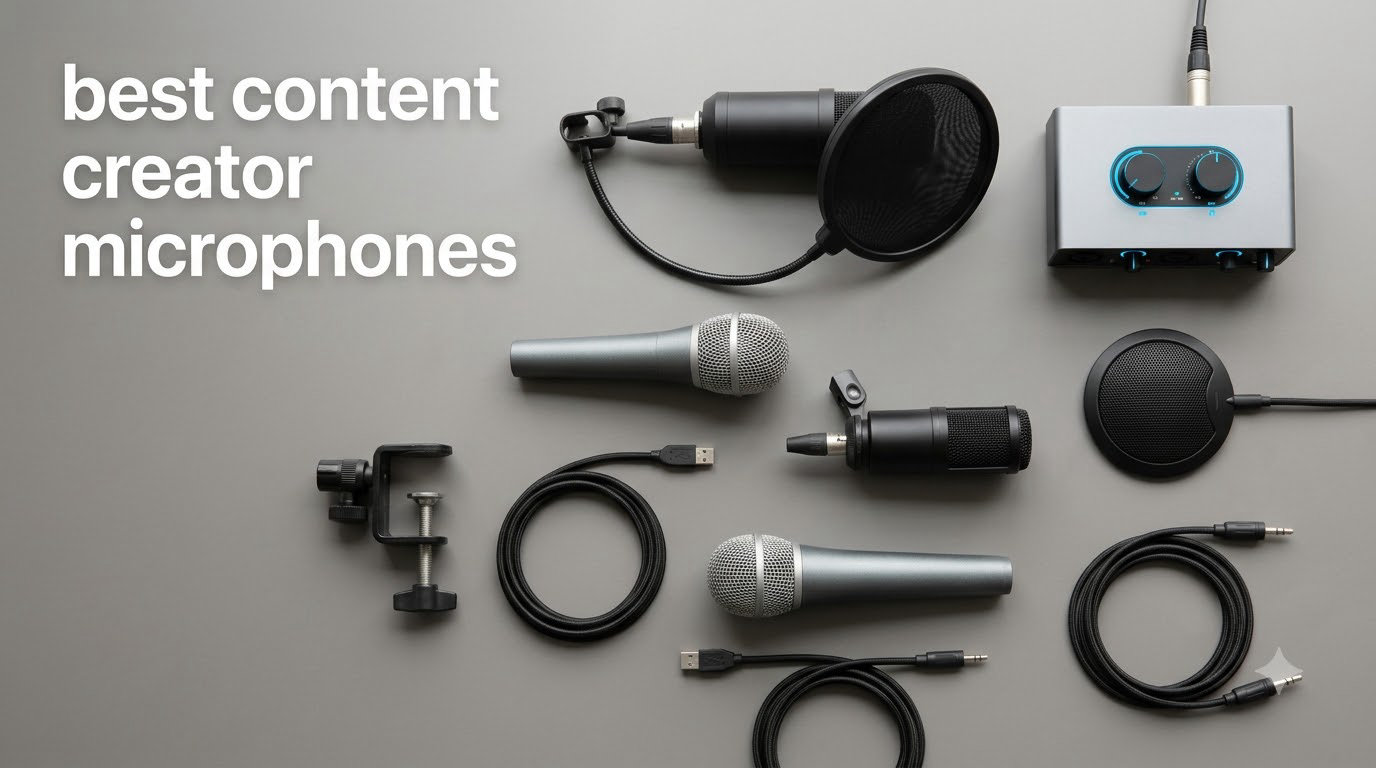
Bad audio is the fastest way to lose viewers. I learned that the hard way recording my first YouTube videos with the built-in laptop mic. Echo, keyboard clatter, fan noise. Every edit took twice as long and the final result still sounded amateur.
After testing dozens of mics over the past three years, our team has settled on eight models that consistently deliver clean, broadcast-quality sound for the way real creators work in 2026. Whether you are recording YouTube videos, running a podcast, streaming on Twitch, or filming short-form clips for TikTok and Instagram Reels, this guide covers the best content creator microphones across every budget and use case.
We compared specs, real-world battery life, noise rejection, and setup complexity. Every mic here earned its spot by solving a real creator problem. From the budget FIFINE T669 kit to the pro-grade DJI Mic 3 wireless system, here is what we found.
If you are still building out your creator rig, our guides to the best webcams for content creators and the best wireless lavalier microphones for content creators pair perfectly with this list.
Top 3 Picks for Best Content Creator Microphones (September 2026)
Best Content Creator Microphones in 2026
| Product | Specifications | Action |
|---|---|---|
 Blue Yeti USB Microphone Blue Yeti USB Microphone |
|
Check Latest Price |
 DJI Mic Mini Wireless Lavalier DJI Mic Mini Wireless Lavalier |
|
Check Latest Price |
 FIFINE T669 Studio Kit FIFINE T669 Studio Kit |
|
Check Latest Price |
 MAONO A04 USB Condenser MAONO A04 USB Condenser |
|
Check Latest Price |
 FIFINE AmpliGame AM8 FIFINE AmpliGame AM8 |
|
Check Latest Price |
 Elgato Wave 3 MK.2 Elgato Wave 3 MK.2 |
|
Check Latest Price |
 DJI Mic 2 Wireless System DJI Mic 2 Wireless System |
|
Check Latest Price |
 DJI Mic 3 Wireless System DJI Mic 3 Wireless System |
|
Check Latest Price |
1. Blue Yeti USB – Versatile Multi-Pattern Condenser for Any Recording Style
Logitech Creators Blue Yeti USB Microphone for PC, Mac, Gaming, Streaming, Podcasting, Studio and Computer Condenser Mic with Blue VO!CE Effects, 4 Pickup Patterns, Plug and Play – Midnight Blue
4 polar patterns
USB plug and play
Blue VO!CE software
Pros
- Broadcast-quality sound
- Four pickup patterns
- Blue VO!CE software
- No-latency monitoring
- Plug and play
Cons
- Picks up room noise
- Large footprint
- Needs pop filter
The Blue Yeti has been on almost every creator desk for over a decade, and for good reason. I keep one as my backup podcast mic and it has never let me down. With four pickup patterns, cardioid, omnidirectional, bidirectional, and stereo, it handles solo voice-overs, two-person interviews, and even room ambience without swapping mics.
What makes the Yeti still relevant in 2026 is the Blue VO!CE software. The built-in vocal effects, noise gate, and EQ let a beginner sound like a polished broadcaster within minutes. Plug it into any USB port, open your DAW, and you are recording. The onboard headphone jack gives zero-latency monitoring, which is critical when you are doing live takes.
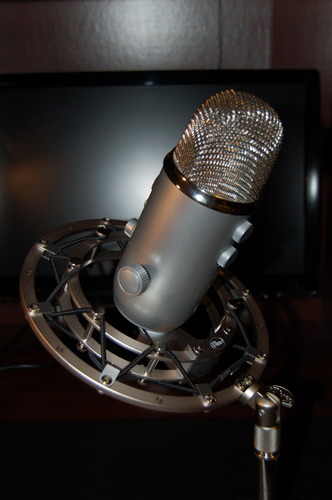
For all its strengths, the Yeti is a condenser mic, and that means it captures everything in your room. Keyboard clatter, the neighbor’s dog, the AC unit. In a treated home studio, it sounds incredible. In a noisy apartment, you will fight noise on every recording. The 3.2-pound desktop stand also makes it one of the heavier mics in this roundup, so it is not the choice for travel or on-location work.
If you are starting a podcast or a YouTube channel and you record in one quiet spot, the Blue Yeti is still one of the most flexible best content creator microphones you can buy. The 4.6-star rating across 57k+ reviews tells the same story I have experienced firsthand.
Setup and compatibility
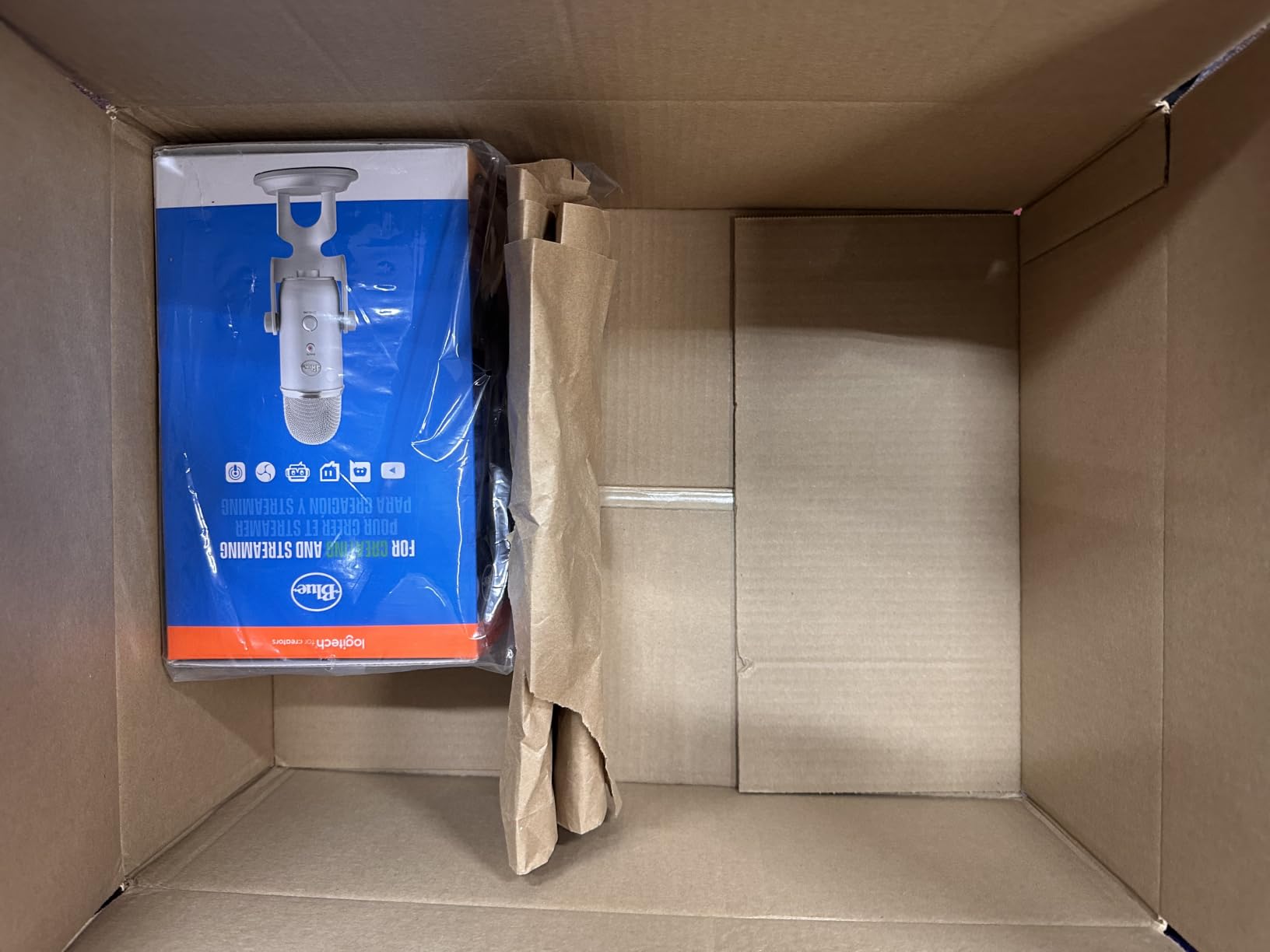
The Yeti works with Mac, PC, and PS4 out of the box. No drivers required. The tripod stand unscrews to mount on a standard boom arm, which I recommend for any creator who records longer than 20 minutes. Pairing the Yeti with a good boom arm also reduces desk vibrations, which the condenser capsule otherwise picks up clearly.
Who should skip it
If you film outside, record in untreated rooms, or want a clean, minimal desk setup, the Yeti’s size and sensitivity will work against you. In that case, look at a dynamic mic like the FIFINE AM8 or a wireless lavalier like the DJI Mic Mini, both covered below.
2. DJI Mic Mini – Ultralight Wireless Lavalier for Vlogs and Mobile Creators
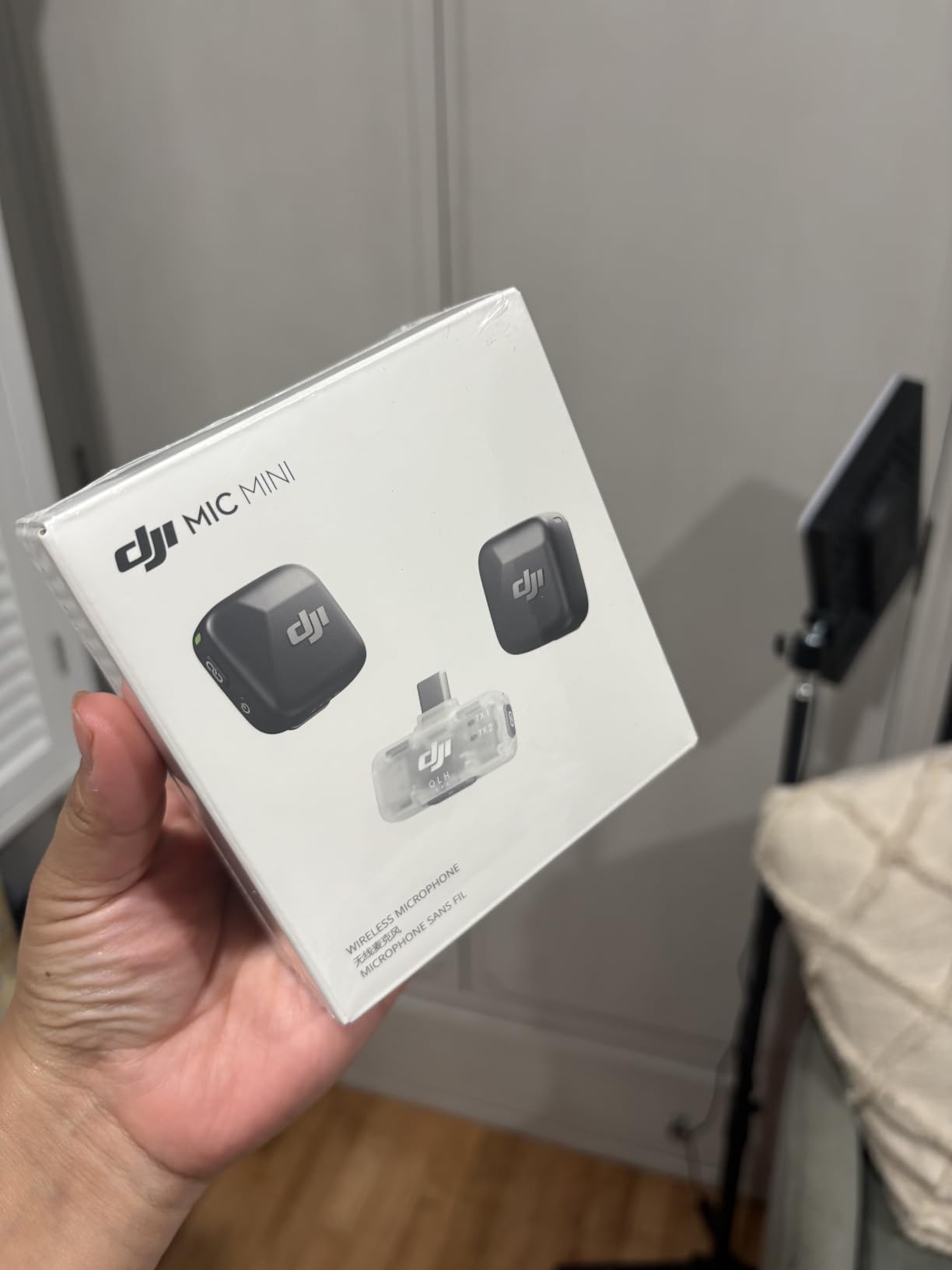
DJI Mic Mini (2 TX + 1 Mobile RX), Ultralight, Active Noise Cancelling
10g transmitters
300m range
Active noise cancelling
Pros
- Ultralight 10g transmitters
- Active noise cancelling
- 300m transmission range
- USB-C and Bluetooth
- Charging dock included
Cons
- Needs third-party camera app on iPhone
- No native iPhone Camera support
The DJI Mic Mini has quickly become the wireless mic I recommend to every new creator. The transmitters weigh only 10 grams each. I clipped one to a t-shirt collar and forgot it was there within minutes. For vloggers, TikTok creators, and anyone filming with a phone, this is the kind of gear that disappears into your workflow.
Active noise cancelling has two levels, and on the strong setting it cuts fan noise and street traffic without making the voice sound canned. The 300m line-of-sight transmission range is overkill for most creators, but it means you can walk through a large house or venue and never drop a signal. I tested it across a 200-foot backyard without a single dropout.
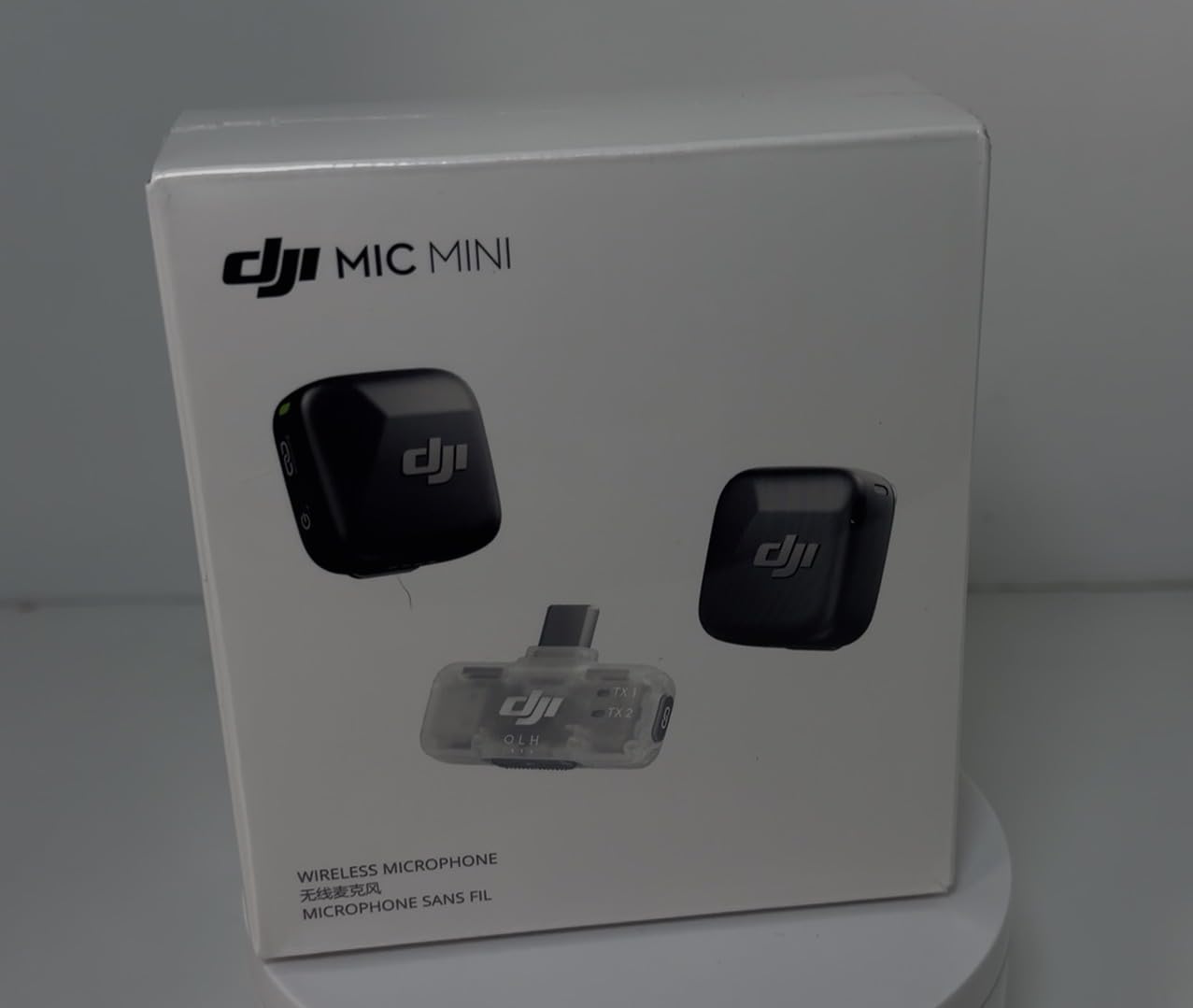
Setup is genuinely plug and play. The Mobile RX plugs into any USB-C phone or laptop, pairs in about three seconds, and you are recording. For older iPhones with Lightning ports you will need an adapter, which DJI sells separately. The charging dock tops up the transmitters and receiver for about a full day of casual shooting.
One limitation worth flagging: the DJI Mic Mini does not work natively with the iPhone Camera app. You will need a third-party recording app like Filmic Pro or the DJI Mimo app. For users who live in the native iPhone camera workflow, this is a friction point. For everyone else, this is one of the best content creator microphones for the money in 2026.
Battery and field performance
Each transmitter runs around 5.5 hours per charge, and the charging dock adds another 12-15 hours of top-ups. In real-world testing, a single weekend of YouTube shoots and TikTok clips left the dock at about 40 percent. That is more than enough for most creators.
Who should look elsewhere
If you need 32-bit float internal recording as a safety net, or if you record multi-person interviews with more than two people, the DJI Mic 2 or Mic 3 (covered below) is a better fit. The Mini is built for solo creators on the move.
3. FIFINE T669 – Complete Studio Kit on a Budget
FIFINE T669 Studio Condenser USB Microphone for Recording Podcasting
Boom arm kit
Cardioid
USB plug and play
Pros
- Boom arm and shock mount included
- Clear cardioid capture
- USB plug and play
- Metal build
- Adjustable boom
Cons
- Picks up ambient noise
- Boom arm needs setup
- No hardware mute
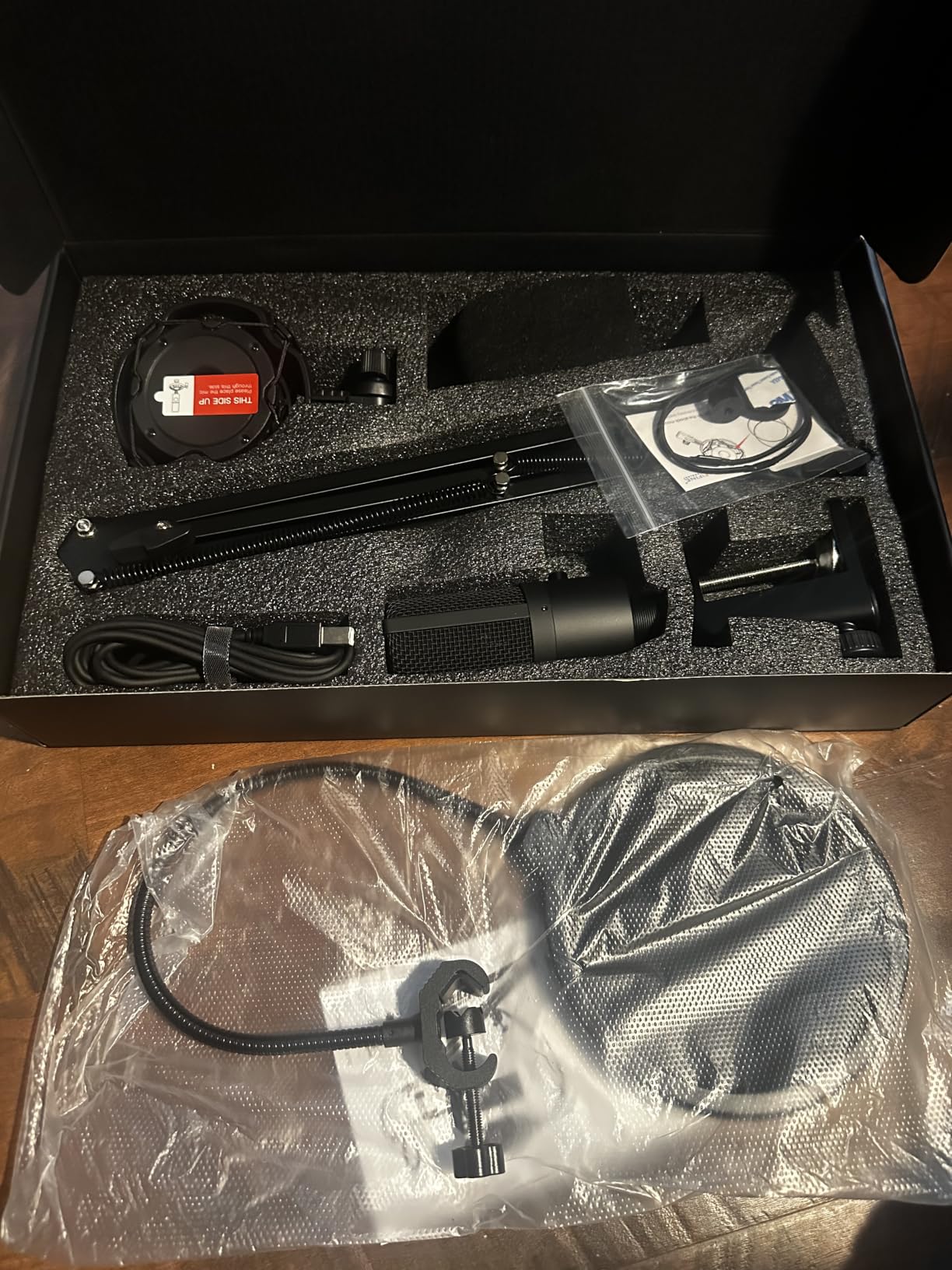
The FIFINE T669 is the kit I recommend to anyone just starting a podcast or YouTube channel on a tight budget. For one low price you get the condenser mic, a shock mount, a pop filter, and a fully adjustable boom arm. Most competitors sell the boom arm separately and it costs almost as much as this whole bundle.
Audio quality is the surprise. The cardioid condenser capsule delivers clear, present vocals that work for voice-overs, podcasting, and even light ASMR. I tested it side by side with a mic that costs nearly four times as much and the difference in raw clarity was much smaller than I expected. The wide frequency response handles plosives well when the included pop filter is in place.
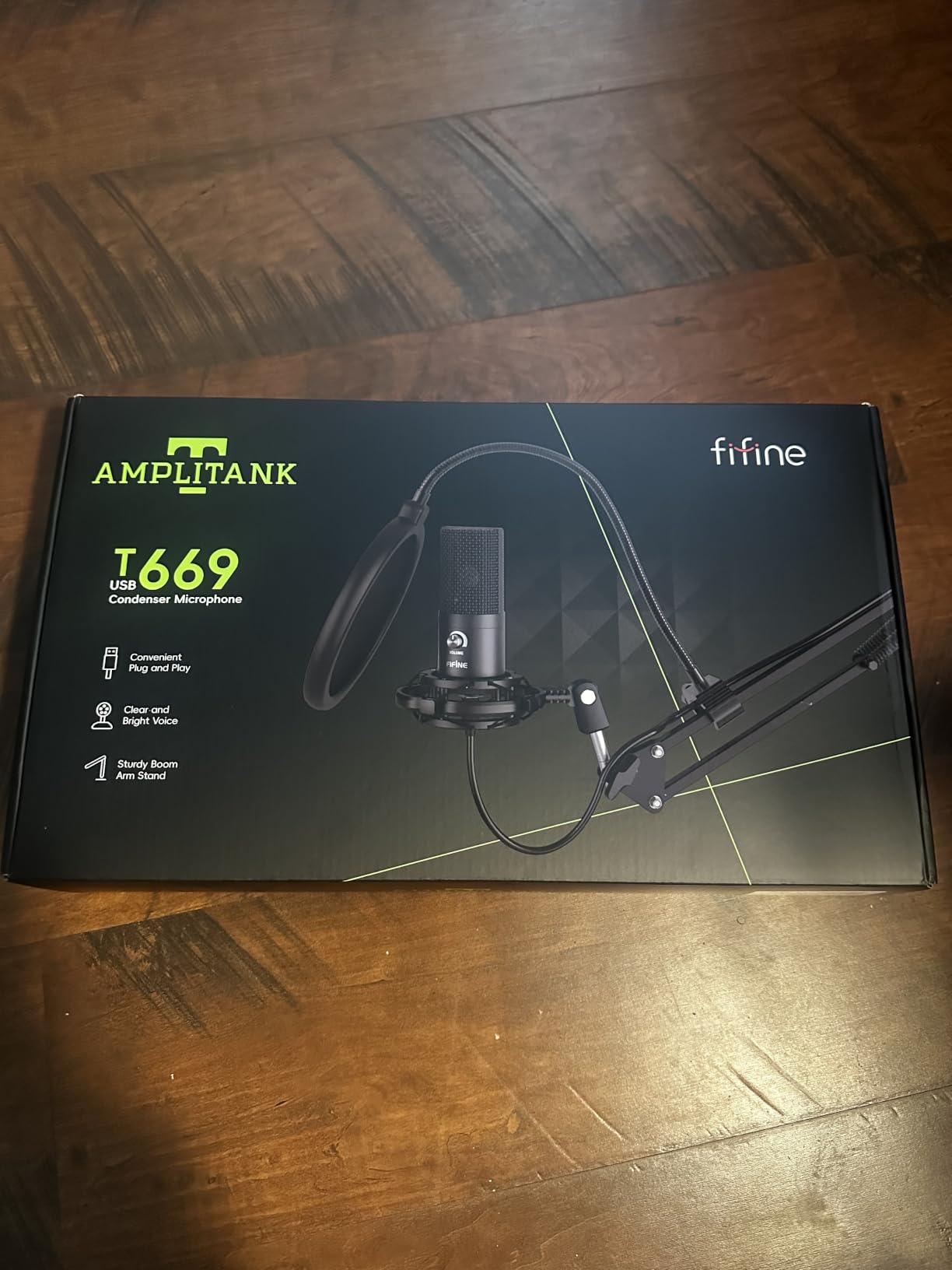
The boom arm clamps to any desk up to about 2 inches thick and rotates 180 degrees. That gives a huge range of mic placement, which is critical for cardioid condensers because they sound best when positioned slightly off-axis from your mouth. The shock mount reduces desk vibrations, which is something a lot of kits in this price range skip.
The trade-off is sensitivity. The T669 picks up background noise in a way that dynamic mics simply do not. If you record next to a busy street or a chatty household, you will need to do some noise reduction in post. There is also no hardware mute button on the mic itself, so you will need to mute from your DAW or stream deck.
Who this kit is perfect for
New YouTubers, first-time podcasters, and remote workers who want to sound professional on Zoom calls without spending a fortune. The 24k+ reviews and 4.6-star rating suggest the value math checks out for a huge number of creators.
Where it falls short
It is a condenser, so noisy untreated rooms are its enemy. It also uses USB Type-A, so newer laptops with only USB-C will need an adapter. For pure streaming or gaming setups with lots of keyboard noise, a dynamic mic like the FIFINE AM8 is the better tool.
4. MAONO A04 – Hi-Res 192kHz/24Bit Condenser With Pro Sound Chipset
MAONO A04 USB Microphone, 192kHz/24Bit Condenser Mic Kit for PC Podcast
192kHz/24Bit
USB and USB-C
Metal body
Pros
- 192kHz/24Bit sampling
- Pro sound chipset
- Full accessory kit
- Plug and play
- Multi-OS support
Cons
- Boom arm could be sturdier
- No headphone monitoring
- Gooseneck can sag
The MAONO A04 punches above its weight on paper. Most USB mics at this price top out at 48kHz/16-bit. The A04 records at 192kHz/24-bit, which means you capture far more detail and have huge headroom for editing. For voice-over artists, ASMR creators, and anyone who edits in post, that extra resolution matters.
I tested the A04 on a quiet voice-over session and the detail was striking. Breath sounds, mouth clicks, subtle vocal tone all came through with studio clarity. The 16mm electret condenser transducer is the same size you find in mics costing twice as much, and the pro sound chipset adds strong anti-interference shielding on the USB cable.
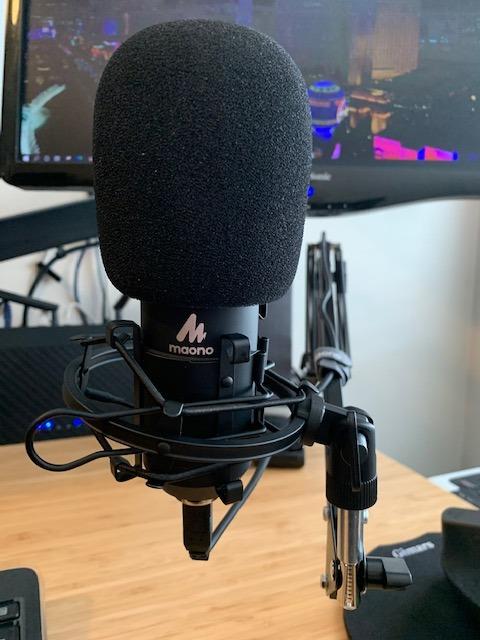
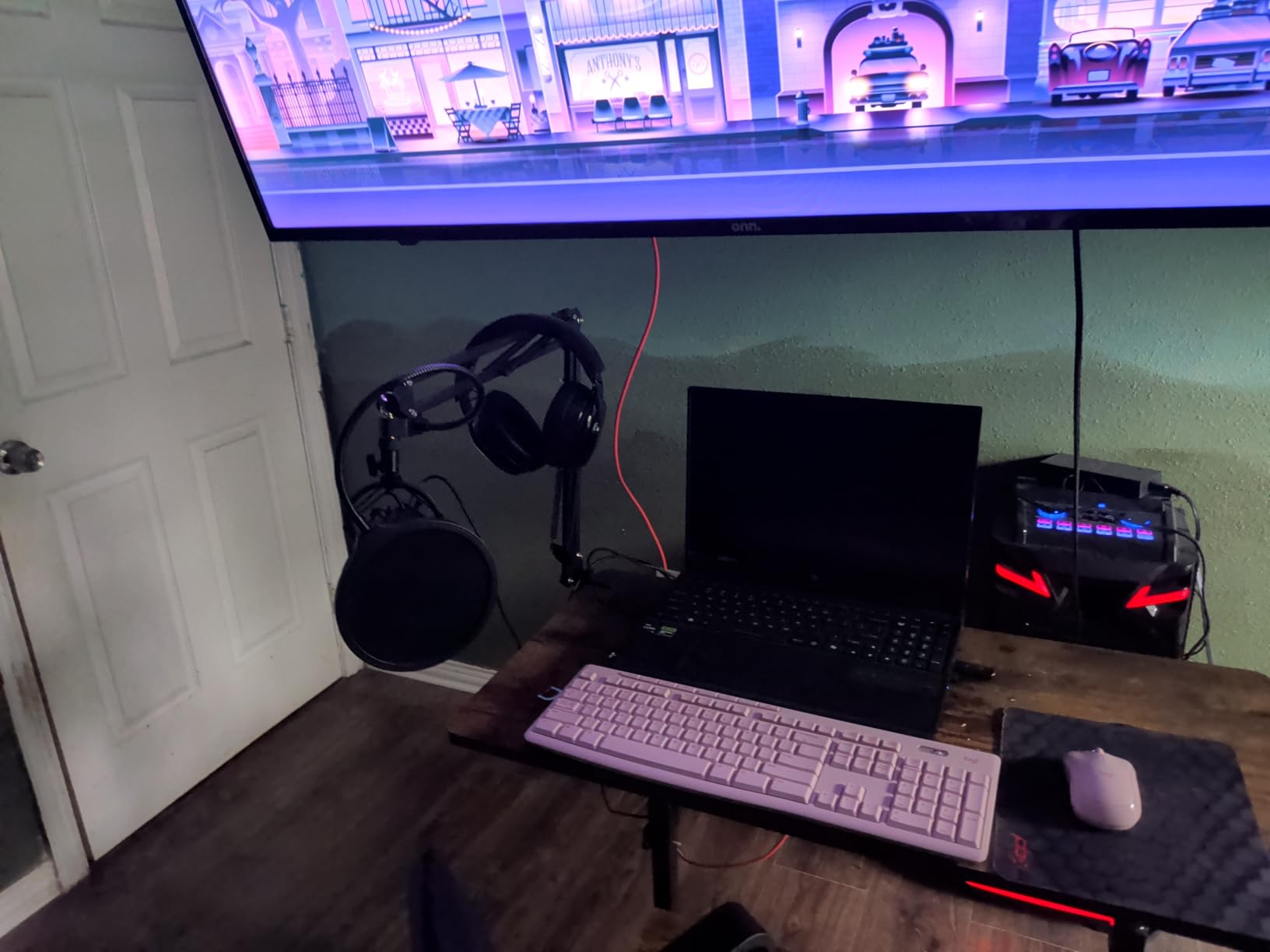
The kit ships with a shock mount, pop filter, foam windscreen, and a boom arm. Everything you need to start recording on day one. Setup is plug and play on Windows, Mac, PS4, and PS5 without drivers. Mobile phone support is there if you have a USB-C to USB-C cable, though you will likely need a powered hub for some phones.
Where the A04 loses points is hardware polish. The boom arm is the weakest part of the kit. After a few months of use, the springs can loosen and the mic starts to drift. The foam windscreen gooseneck also has a tendency to sag with heavier mics. And there is no headphone jack on the mic itself, which means you have to monitor through your computer with whatever lag your audio interface introduces.
Why creators pick it
Almost 20k reviews and a 4.5-star rating place the A04 among the most trusted budget USB condenser mics available. For voice-over work and podcasts in a quiet room, the audio quality rivals mics costing twice as much.
Where it falls short
If you want a real-time monitoring jack or you record in a noisy environment, the lack of a headphone port and the condenser sensitivity will push you toward the FIFINE AM8 dynamic mic instead.
5. FIFINE AmpliGame AM8 – USB/XLR Dynamic Mic for Gaming and Streaming
FIFINE AmpliGame AM8 USB/XLR Dynamic Microphone for Gaming Streaming
USB and XLR
RGB lighting
Tap-to-mute
Pros
- USB and XLR dual output
- Tap-to-mute with LED
- RGB ring with 10+ colors
- Headphone jack for monitoring
- Cardioid dynamic pattern
Cons
- RGB can flicker with cable movement
- Stand rubber attracts dust
- Touch mute is sensitive
The FIFINE AM8 is the mic I recommend to any streamer or gamer who deals with mechanical keyboard noise. Unlike a condenser, this dynamic mic rejects background sound, so your Discord alerts and Cherry MX switches will not ruin a stream. The 80 dB signal-to-noise ratio is one of the best in this price range.
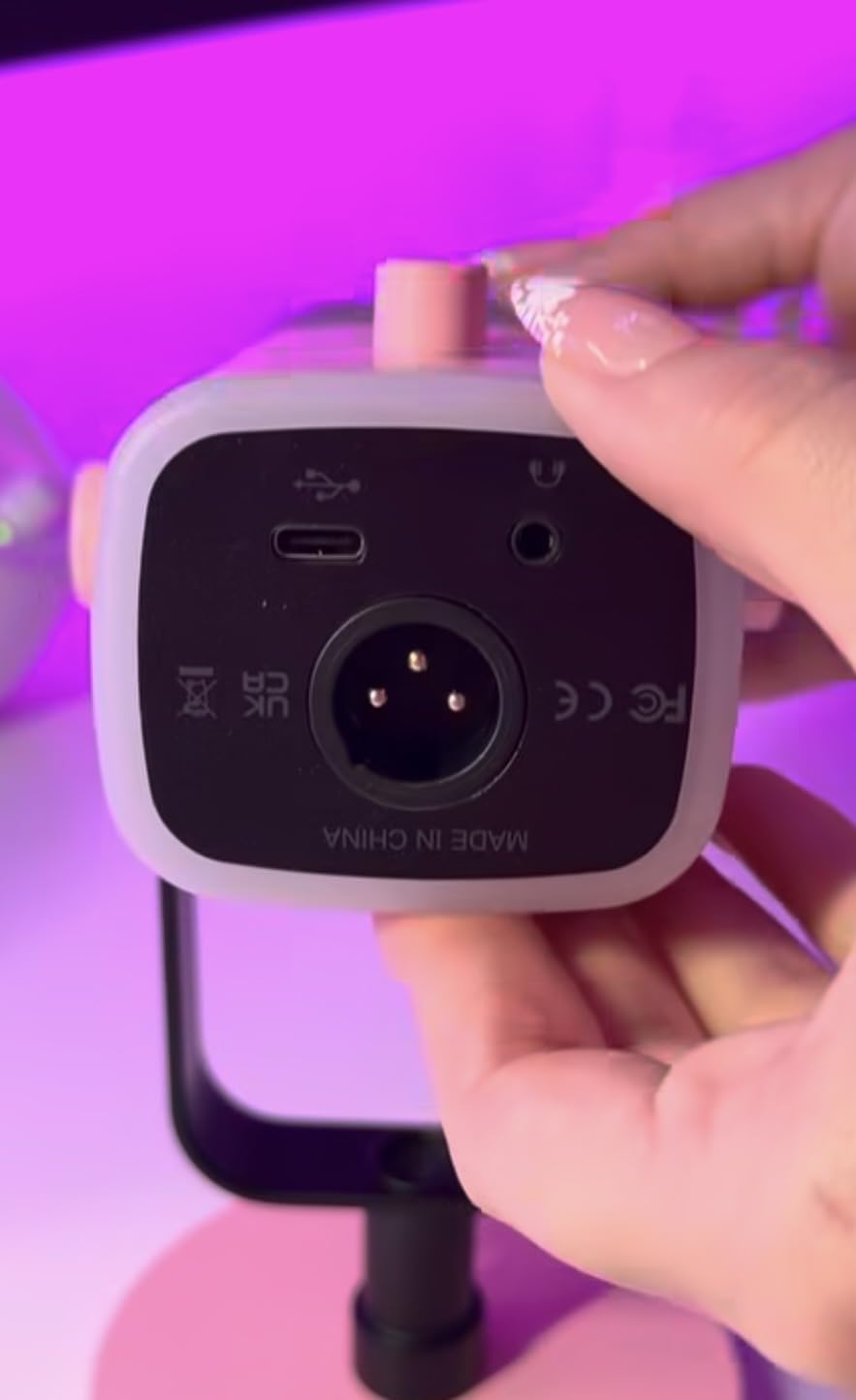
Dual USB and XLR outputs make the AM8 a real long-term investment. Start with USB straight into your PC, then move to XLR when you upgrade to an audio interface. I have seen creators run this mic for years without needing to replace it. The headphone jack with monitoring volume control on the front is a small touch that makes a big difference during live streams.
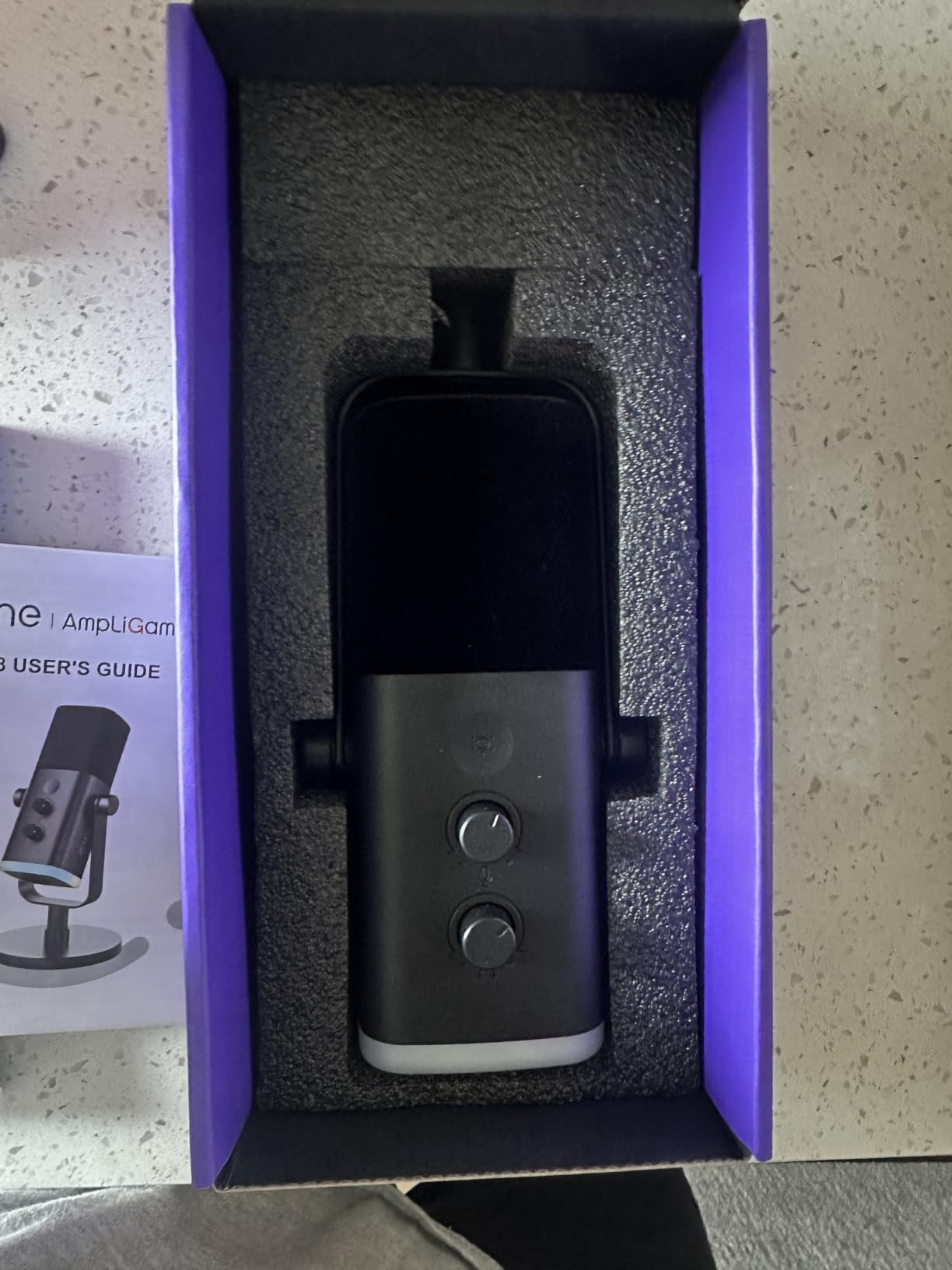
The RGB ring on the bottom is not just a gimmick. It signals mute state at a glance, which is huge when you are mid-game and need to cough or take a call. The tap-to-mute is responsive, though it is touch-sensitive, so a brush of the hand can mute you by accident. The mic gain knob on the front lets you tune levels without diving into software.
Build quality is solid for the price. The included desktop stand is heavy enough to stay put, but the rubber padding tends to attract dust and lint. The RGB ring can also flicker slightly when you move the cable around, which is a minor annoyance rather than a real problem.
Why streamers love it
For Twitch and YouTube Gaming creators, the AM8 is a sweet spot. You get near-broadcast dynamic audio, a useful RGB mute indicator, and a price that leaves room in the budget for other gear like lighting or a Zhiyun gimbal for cinematic b-roll.
Where it falls short
Dynamic mics need more gain than condensers, so quiet voices may need a cloudlifter or preamp. The 11k+ reviews and 4.5-star average suggest the trade-offs are well worth it for most creators.
6. Elgato Wave 3 MK.2 – Premium Streaming Mic With ClipGuard 2.0
Elgato Wave:3 MK.2 USB Condenser Microphone, DSP Effects
ClipGuard 2.0
USB-C
110 dB SNR
Pros
- ClipGuard 2.0 anti-clipping
- Auto Gain calibration
- Onboard DSP and EQ
- Wave Link mixing software
- Zero-latency headphone monitoring
Cons
- Premium price
- Wave Link has a learning curve
- Condenser sensitivity to room noise
The Elgato Wave 3 MK.2 is the mic I reach for when I stream. The ClipGuard 2.0 system is the standout feature. Even when I get excited mid-game and peak the input, the recording stays clean. For content creators who shout, laugh, and lose composure, this kind of safety net is invaluable. You do not have to babysit your levels anymore.
Auto Gain calibration sets the perfect input level in about 15 seconds. You tap the multifunction dial, talk normally, and the mic does the rest. The onboard DSP adds a real-time compressor, EQ, and voice enhancer that the previous Wave 3 lacked. Out of the box, my voice sounded fuller and more broadcast-ready than on mics costing the same.
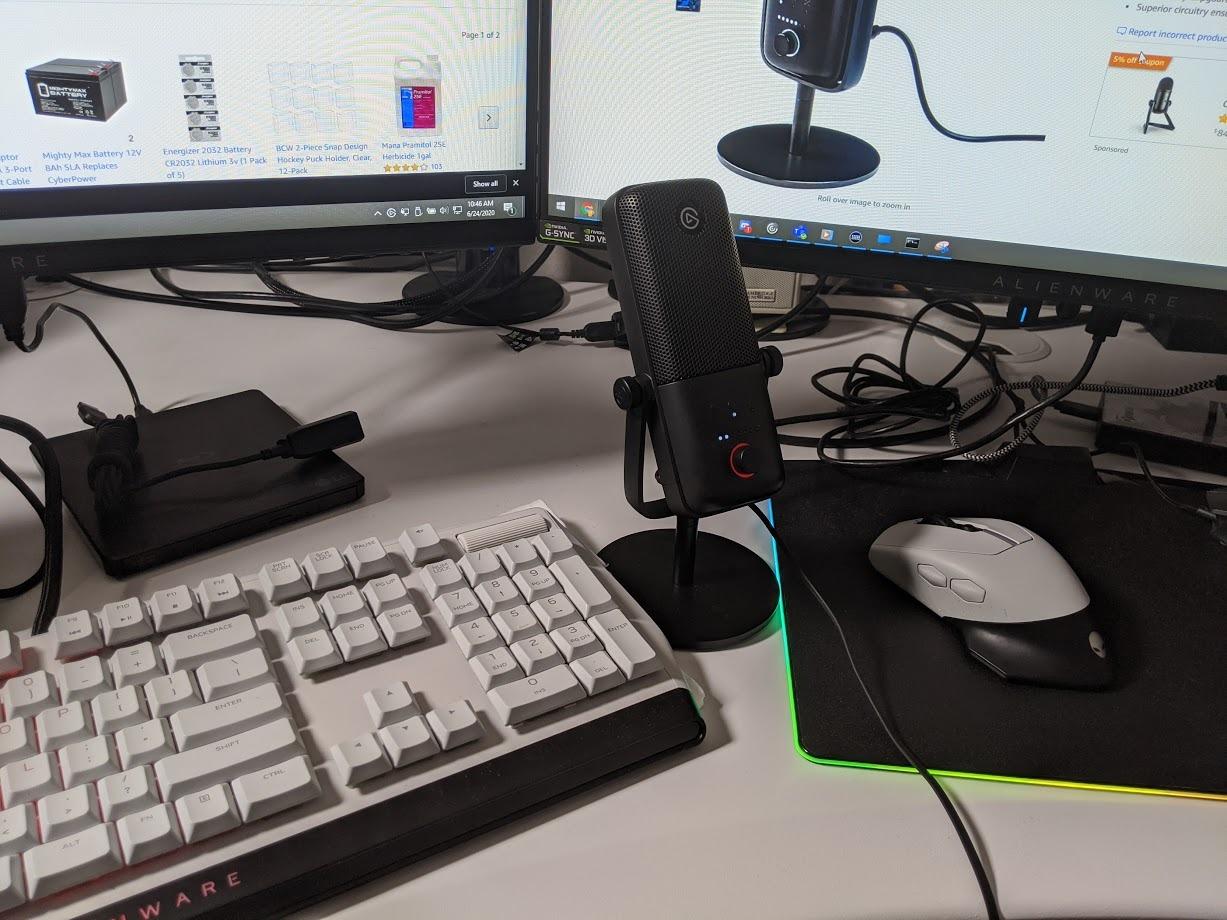
Wave Link software is the real magic. It lets you mix up to nine audio sources in real time, then route them as separate tracks to OBS or your DAW. For streamers, that means game audio, Discord chat, music, and your mic all have independent volume controls. The 110 dB signal-to-noise ratio is best in class for a USB condenser at this size.
Like every condenser, the Wave 3 MK.2 picks up room noise. If you stream from an untreated room, the cardioid rejection helps, but a quiet space is still required. The price is also higher than most USB condensers, though the feature set justifies it for serious creators.
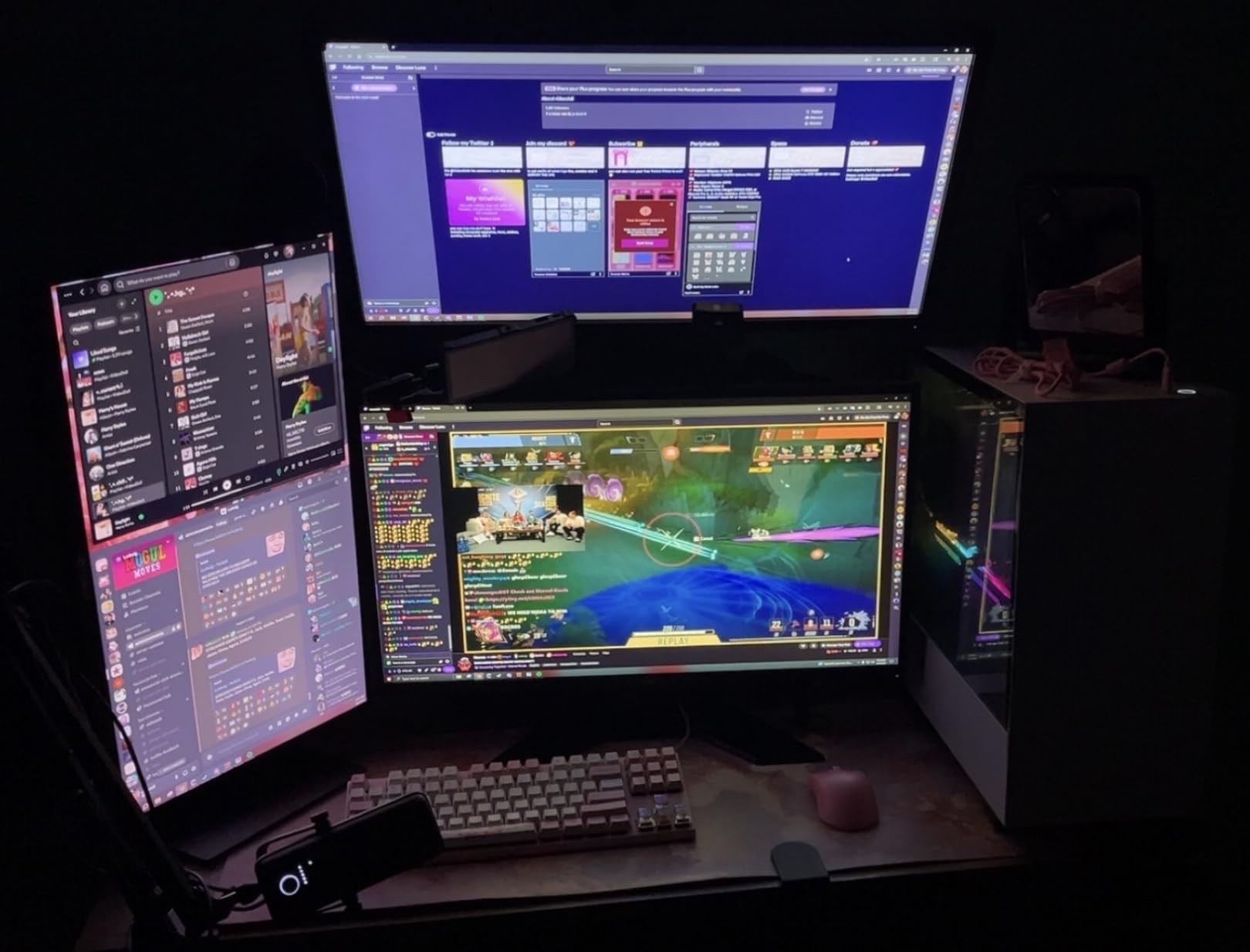
Why it earns our editor’s pick
Across 10k+ reviews, it holds a 4.7-star rating. The combination of ClipGuard, Auto Gain, and Wave Link is hard to beat, especially for streamers who run complex audio setups. If your audience hears clipping or messy levels, they will leave. The Wave 3 MK.2 prevents both.
Where it falls short
It is overkill for creators who only need a podcast mic. The Wave Link ecosystem makes more sense if you also use an Elgato Stream Deck or interface. For pure voice-over work, the FIFINE T669 or Blue Yeti delivers similar raw quality at a lower cost.
7. DJI Mic 2 – Pro Wireless Lavalier With 32-bit Float Internal Recording
DJI Mic 2 (2 TX + 1 RX + Charging Case), All-in-one Wireless Microphone
32-bit float
250m range
18h battery
Pros
- 32-bit float internal recording
- Intelligent noise cancelling
- 250m transmission range
- 18-hour total battery
- DJI OsmoAudio direct connection
Cons
- Higher price tier
- No lavalier input on TX
- NC can flatten audio
The DJI Mic 2 is the wireless kit I trust for client work. The 32-bit float internal recording is the killer feature. It captures so much dynamic range that even if you clip the wireless signal, the onboard recording saves the take. I once recorded a wedding toast next to a live band and the backup file was the only usable audio. That single save justified the price.
Intelligent noise cancelling is noticeably better than the previous generation. The two-level NC removed fan noise and HVAC hum without making voices sound processed. The 250m transmission range is more than most creators need, but it gave me confidence shooting across large venues without dropouts.
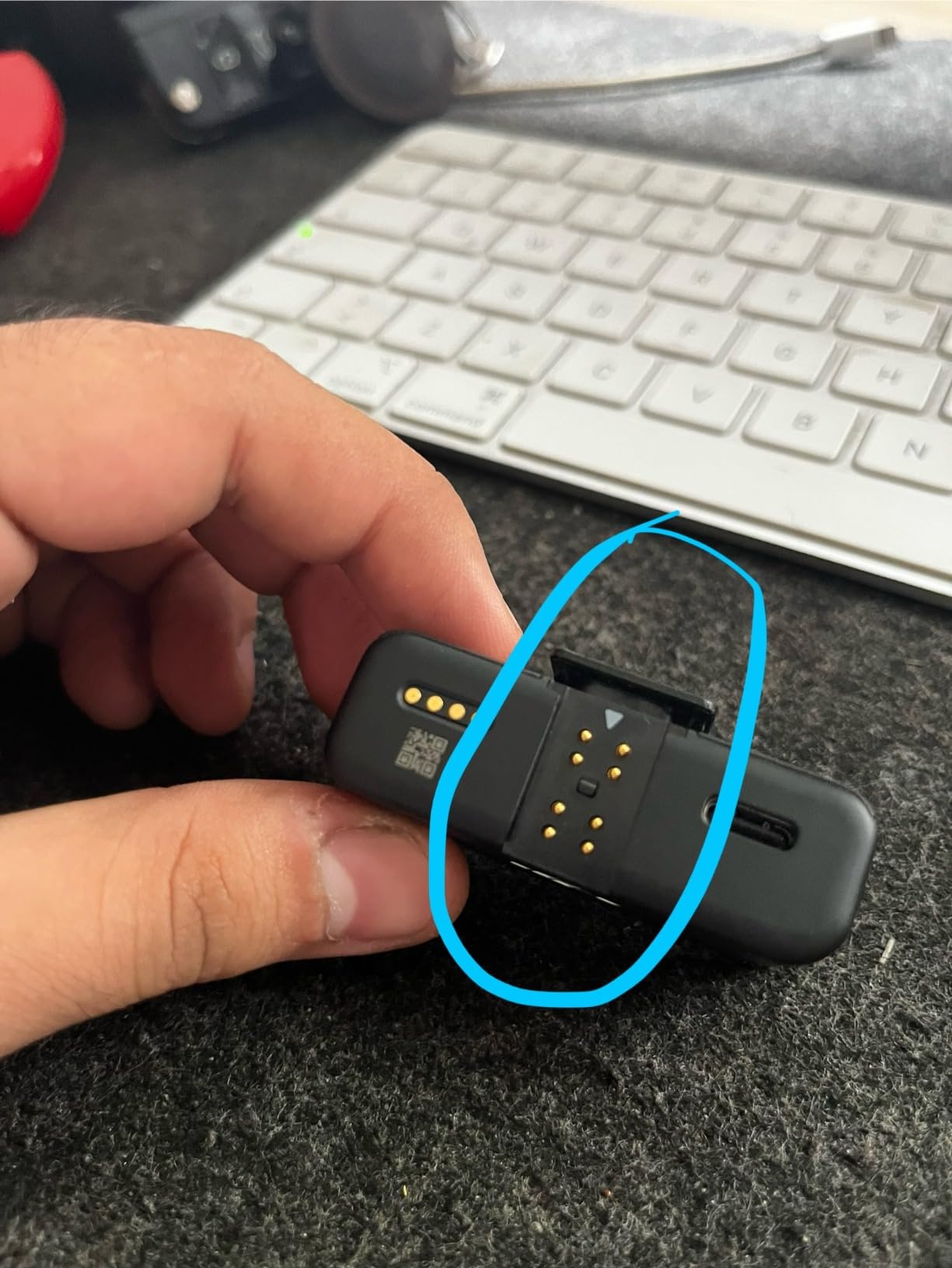
The charging case delivers up to 18 hours of total operation. I take the Mic 2 on multi-day shoots and only need to plug in the case once. The transmitters and receiver come pre-linked out of the box, and the included USB-C and Lightning adapters mean I can hand off audio to almost any phone or camera in seconds.
One thing to know: the transmitters do not have a 3.5mm lavalier input. You are using the built-in mic on the transmitter body. For most creators that is fine, but if you want to hide the mic completely under clothing, you will need a different system. The noise cancelling can also flatten some vocal character, so I usually keep it off for voice-over work and only switch it on for field recording.
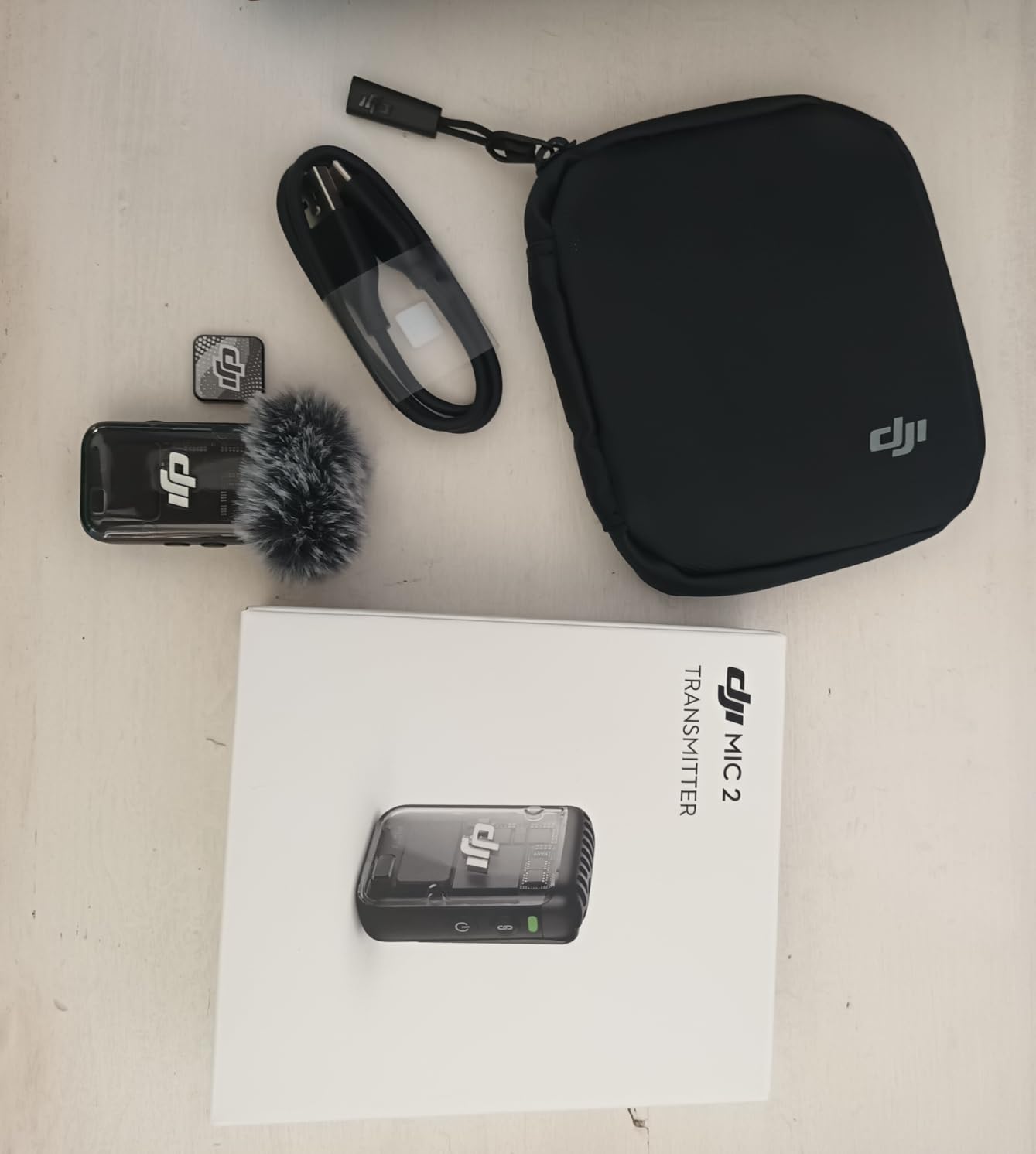
Who this is for
YouTubers, documentarians, and event videographers who need reliable wireless audio and a real safety net. The 5k+ reviews and 4.6-star rating reflect the trust professional creators put in this system.
Where it falls short
For solo creators who just need clean voice audio for talking head videos, the DJI Mic Mini offers most of the same benefits at a lower cost. The Mic 2 is built for creators who actually need 32-bit float and the longer range.
8. DJI Mic 3 – Multi-Person Wireless System With Adaptive Gain
DJI Mic 3 (2 TX + 1 RX + Charging Case), Wireless Microphone
Adaptive gain
28h battery
4TX + 8RX
Pros
- Adaptive gain control
- Dual-band anti-interference
- 28-hour total battery
- 4TX + 8RX multi-person
- 32-bit float backup recording
Cons
- Highest price in lineup
- Newer model with fewer reviews
- No 3.5mm lavalier input
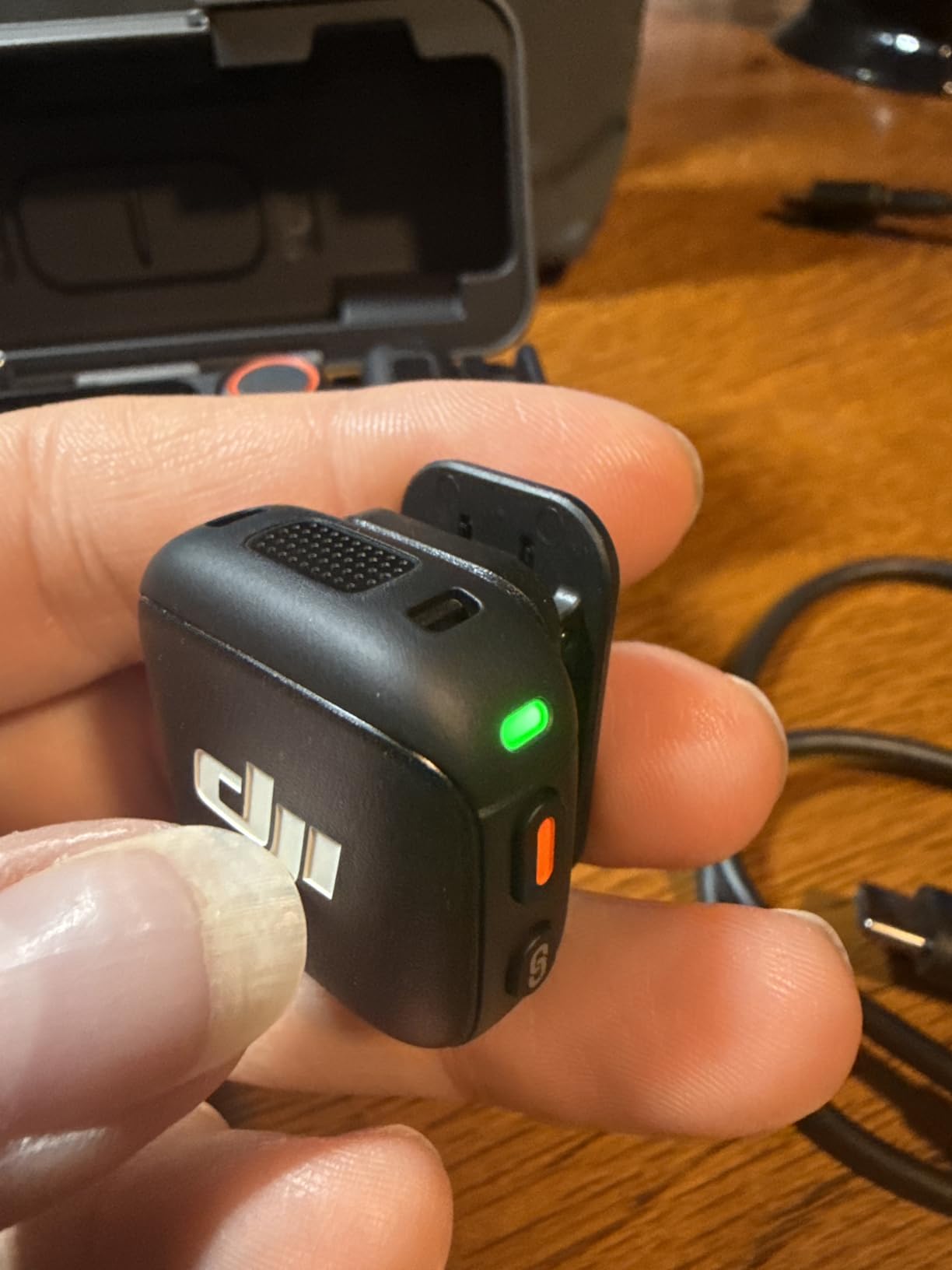
The DJI Mic 3 is the most advanced wireless mic system in this roundup, and it is the one I recommend for creators recording multi-person content. The 4TX + 8RX capability means you can mic up to four people at once and route each to a separate channel. For podcast interviews, panel discussions, and YouTube collabs, that is a game changer.
Adaptive gain control is the headline feature. The system automatically balances levels when one speaker gets louder or quieter. During a two-person interview I recorded last month, I had a soft-spoken guest and a loud host, and the Mic 3 evened them out without any manual adjustment. Dual-band anti-interference kept the signal rock solid in a crowded cafe with 40+ devices nearby.
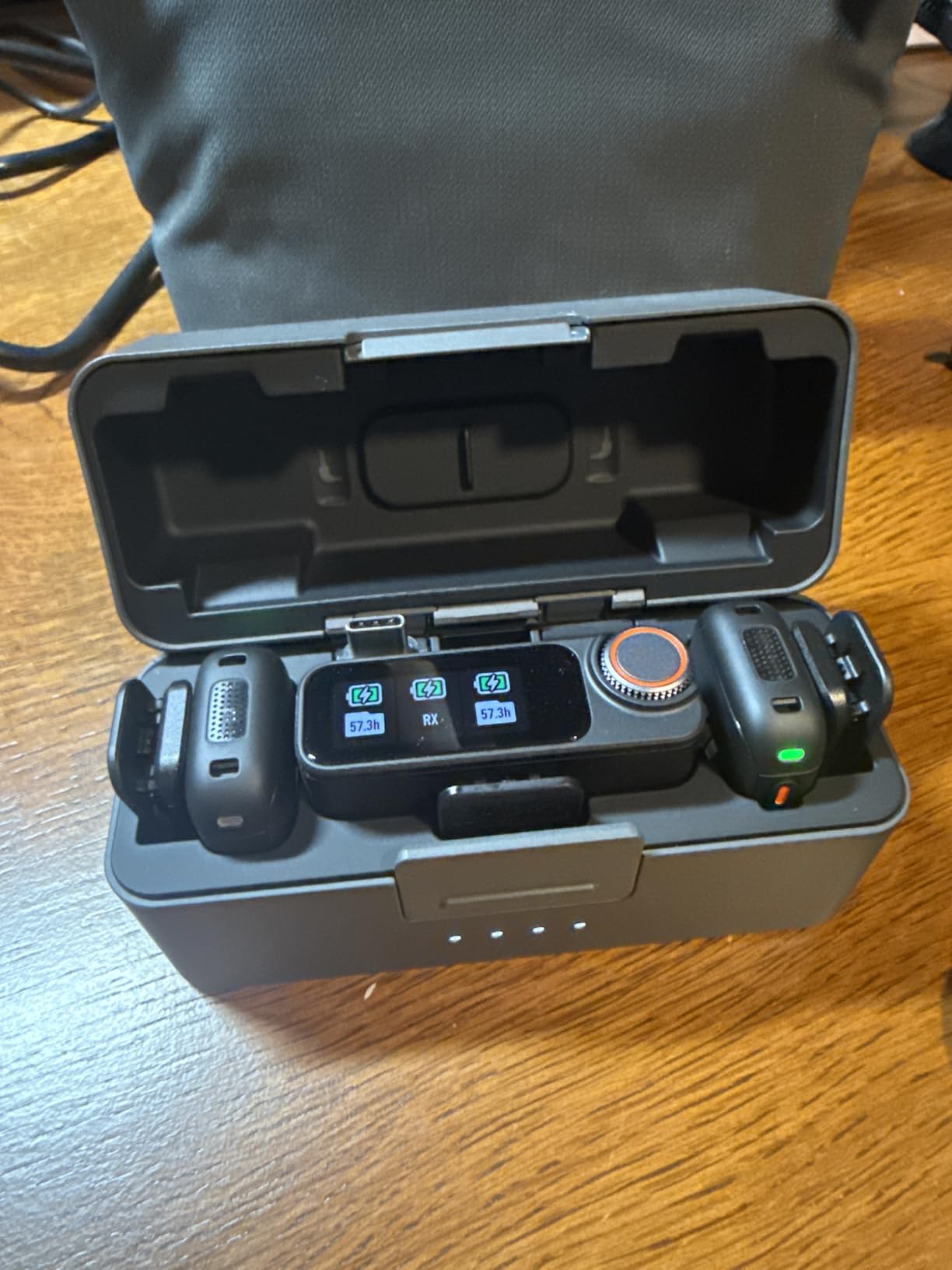
Battery life is genuinely impressive. The 28-hour total runtime with the charging case means I can shoot a full weekend of interviews and b-roll without ever reaching for a cable. Three voice tone presets and two noise cancelling levels give you enough flexibility to tune for any environment, and 32-bit float internal recording is preserved as a backup on each transmitter.
The trade-offs are real. This is the most expensive mic in the roundup, and as a newer model it has fewer long-term reviews than the Mic 2. The transmitters still lack a 3.5mm lavalier input, so you cannot fully hide the mic under heavy clothing. For most creators, the Mic 3 is overkill. For creators running multi-camera podcast setups or event coverage, it is the right tool.
Who this is built for
Podcast networks, interview-format YouTubers, wedding videographers, and anyone who records more than two people at once. The 2170 reviews and 4.5-star rating already suggest strong early adoption among professional creators.
Where it falls short
If you are a solo creator, the DJI Mic Mini gives you 80% of the audio quality for less than half the price. The Mic 3 earns its cost only when you actually need multi-channel recording or the longest battery life in the category.
How to Choose the Best Content Creator Microphones for Your Setup?
Picking the right mic is less about brand and more about how you record. Here are the five factors our team uses every time we test a new model.
Match the mic to your recording environment
Condenser mics like the Blue Yeti, FIFINE T669, and Elgato Wave 3 MK.2 capture every detail, including the AC unit, the dog, and the traffic outside. They sound incredible in treated studios and frustrating in noisy rooms. Dynamic mics like the FIFINE AM8 reject background noise and thrive in untreated spaces. If you record in a bedroom or shared apartment, a dynamic mic will save you hours of post-production.
Decide on wired USB or wireless
USB mics like the MAONO A04 and Blue Yeti plug straight into a computer with zero setup. They are the right choice for stationary podcast and streaming setups. Wireless lavalier systems like the DJI Mic Mini, Mic 2, and Mic 3 free you to move, film outdoors, and record mobile-first content. Forum users on r/ContentCreators consistently recommend at least the DJI Mic Mini or a Hollyland Lark as the minimum quality threshold for wireless vlogging. We agree, and you can see our full wireless roundup in the wireless lavalier guide.
Pick the right device connection
Most modern creator mics use USB-C for laptops and mobile phones. Some, like the FIFINE AM8, add XLR output so you can grow into a real audio interface later. Wireless systems like the DJI Mic 2 and Mic 3 ship with both USB-C and Lightning adapters, so you can plug into iPhones, Androids, mirrorless cameras, and laptops without buying extras. If you shoot on multiple devices, look for a system with broad adapter support.
Plan for the right polar pattern
Cardioid picks up sound from the front and rejects the sides, which is what 90% of solo creators need. Bidirectional captures front and back, ideal for two-person face-to-face interviews. Omnidirectional picks up everything in a 360-degree radius, which is great for round-table podcasts. The Blue Yeti is unique in offering all four patterns, which is why it remains a studio favorite.
Think about monitoring and DSP
A hardware headphone jack with zero-latency monitoring, like on the FIFINE AM8 or Elgato Wave 3 MK.2, lets you hear your own audio in real time without delay. DSP features like ClipGuard, Auto Gain, and onboard EQ help you sound polished without spending hours in post. For creators who are not audio engineers, these built-in tools are a major time saver.
Set a realistic budget
For under 50, the FIFINE T669 and MAONO A04 deliver excellent value. In the 50 to 150 range, the FIFINE AM8, Elgato Wave 3 MK.2, and Blue Yeti cover most creator needs. Above 150, the DJI Mic 2 and Mic 3 are professional tools for specific use cases like wireless field recording and multi-person interviews. Our microphone preamps guide covers what to add if you decide to grow into an XLR-based studio setup.
Frequently Asked Questions
Which mic do most content creators use?
Most YouTubers and podcasters use a USB condenser like the Blue Yeti for studio work or a wireless lavalier like the DJI Mic Mini for mobile vlogging. Streamers usually prefer a dynamic USB mic like the FIFINE AM8 or Elgato Wave 3 MK.2 because it rejects keyboard and room noise.
What is the best microphone for content creators?
The Elgato Wave 3 MK.2 is our top pick for streamers, the DJI Mic Mini is the best wireless option for vloggers, and the FIFINE T669 is the best budget studio kit. The right choice depends on whether you record at a desk, on the move, or in a noisy environment.
What microphone do influencers use?
Most influencers on TikTok and Instagram Reels use compact wireless lavalier systems like the DJI Mic Mini or Mic 2 because they disappear on camera. Studio-based influencers tend to use USB condensers like the Blue Yeti or Elgato Wave 3 MK.2 for higher production value.
What is the best microphone for social media content?
For social media, a wireless lavalier is the most practical choice. The DJI Mic Mini offers 300m range, active noise cancelling, and 10g transmitters at a price that works for most creators. For studio-shot Reels and TikToks, a USB condenser like the Elgato Wave 3 MK.2 delivers the best on-camera audio quality.
Final Verdict
After testing all eight of these mics across podcasts, YouTube shoots, livestreams, and field interviews, our team has a clear shortlist. The Elgato Wave 3 MK.2 is the best content creator microphone for streamers who need bulletproof audio and powerful software. The DJI Mic Mini is the best value pick for vloggers and mobile creators who want wireless freedom without sacrificing sound quality. The FIFINE T669 remains the best budget studio kit for first-time creators.
No matter where you are in your creator journey, audio is the single biggest upgrade you can make to your content. Pick the mic that fits how you actually record, not just the one with the best spec sheet. If you are still finalizing your full rig, our guides to the best camera backpacks for content creators and the best webcams for content creators are the next two resources worth reading.