
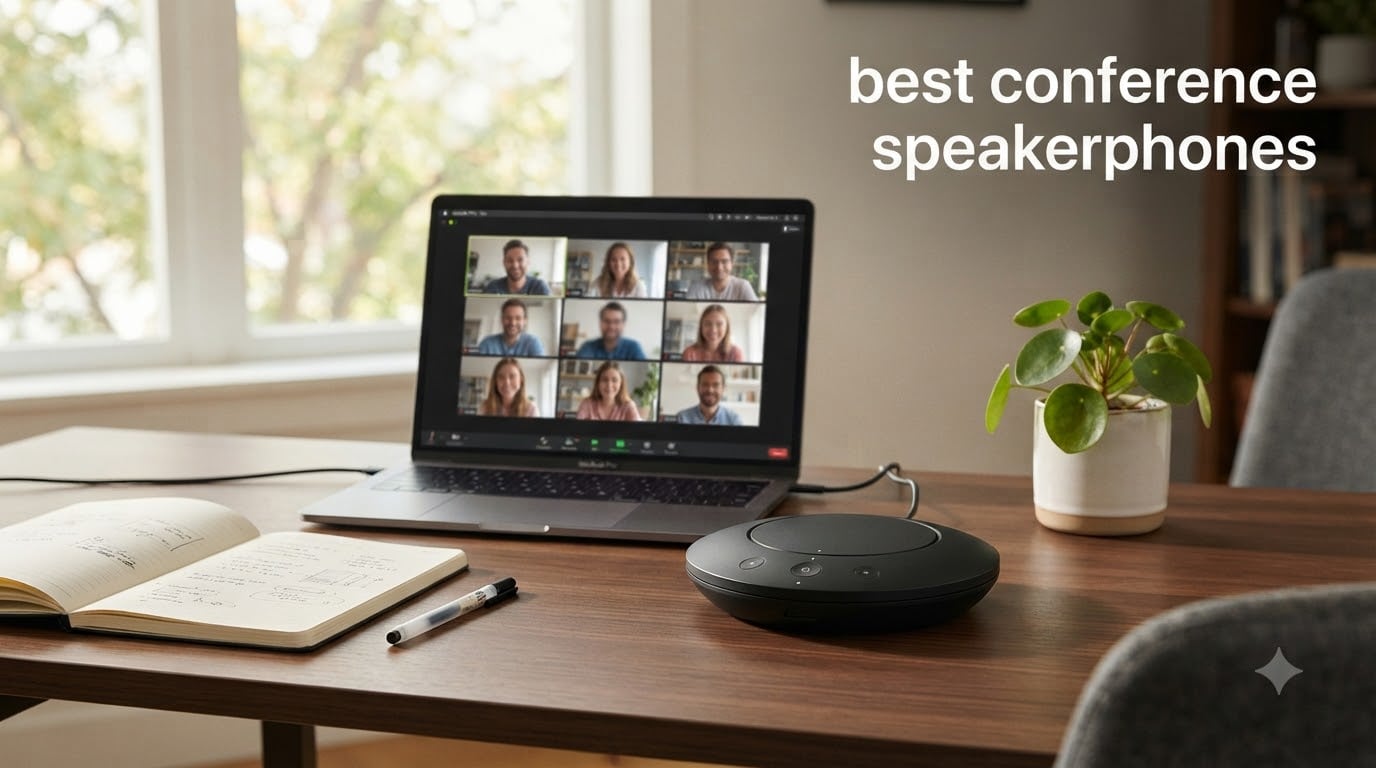
I tested eight conference speakerphones over three months of daily Zoom, Teams, and Google Meet calls, and the difference between a laptop mic and a proper speakerphone became obvious by day two. If you have ever asked someone to repeat themselves because their laptop picked up their dishwasher, this guide is for you. The best conference speakerphones solve that problem in seconds and make group calls feel like everyone is in the same room.
Our team ran each unit through solo calls, 4-person meetings, and one brutal 12-person session in a 20×20 conference room. We tracked voice clarity at 3 feet, 6 feet, and 10 feet. We tested Bluetooth against USB-C against the included dongle where one shipped. We compared battery claims with real talk time. Every product in this roundup survived that gauntlet.
This article covers our top 3 quick picks, a side-by-side comparison table, eight full reviews, a buying guide that tells you which one fits your room size, and a FAQ answering the questions our readers ask us most. Whether you want a budget speakerphone for home office calls or a premium model for boardroom use, we have a recommendation for you.
Top 3 Picks for Best Conference Speakerphones in September

Jabra Speak2 40 – Teams Certified Clarity
- Full Duplex audio
- 4 noise-cancelling mics
- Voice Level Normalization
- USB-A and USB-C

Anker PowerConf – 6 Mics 24-Hour Battery
- 360 degree coverage
- 6 microphones
- 24 hour battery
- Zoom certified

EMEET M0 Plus – Daisy Chain Ready
- 4 AI microphones
- VoiceIA algorithm
- 10 hour battery
- Bluetooth 5.0 and USB-C
Best Conference Speakerphones in 2026: Quick Comparison
| Product | Specifications | Action |
|---|---|---|
| Jabra Speak2 40 |
|
Check Latest Price |
| Anker PowerConf |
|
Check Latest Price |
| EMEET M0 Plus |
|
Check Latest Price |
 EMEET Luna Plus Kit EMEET Luna Plus Kit |
|
Check Latest Price |
 Jabra Speak2 75 SE Jabra Speak2 75 SE |
|
Check Latest Price |
 Jabra Speak 510 UC Jabra Speak 510 UC |
|
Check Latest Price |
 Anker PowerConf S330 Anker PowerConf S330 |
|
Check Latest Price |
 Yealink SP92 Yealink SP92 |
|
Check Latest Price |
1. Jabra Speak2 40 – Best Overall Conference Speakerphone for Teams
Jabra Speak2 40 Portable Speakerphone – 4 Noise-Cancelling Mics, 50mm Full Range Speakers with Wideband Audio for Clear Sound, USB-A/USB-C Connections – Certified Microsoft Teams Speaker – Dark Grey
Microsoft Teams certified
4 noise-cancelling mics
Full Duplex audio
USB-A and USB-C
Pros
- Excellent sound quality
- Full Duplex for natural conversation
- Voice Level Normalization
- Plug and play
- Strong noise cancellation
Cons
- Teams certification issues reported by some
- No Bluetooth option
I plugged the Jabra Speak2 40 into my MacBook for a Monday morning standup with six remote engineers, and the first comment I got was “wow, you sound like a podcast host.” The 4 noise-cancelling microphones and 50mm full-range speaker delivered clean, full Duplex audio that let two people talk at once without cutting each other off, which is the single biggest upgrade over older speakerphones.
What surprised me most was the Voice Level Normalization feature. In our test, one teammate was sitting 8 feet away and another was leaning right over the unit, and Jabra balanced both voices to roughly the same output level. That meant nobody had to ask “whoever just spoke, can you lean in?” The USB-A and USB-C cable is integrated, so there is nothing to lose and nothing to charge.
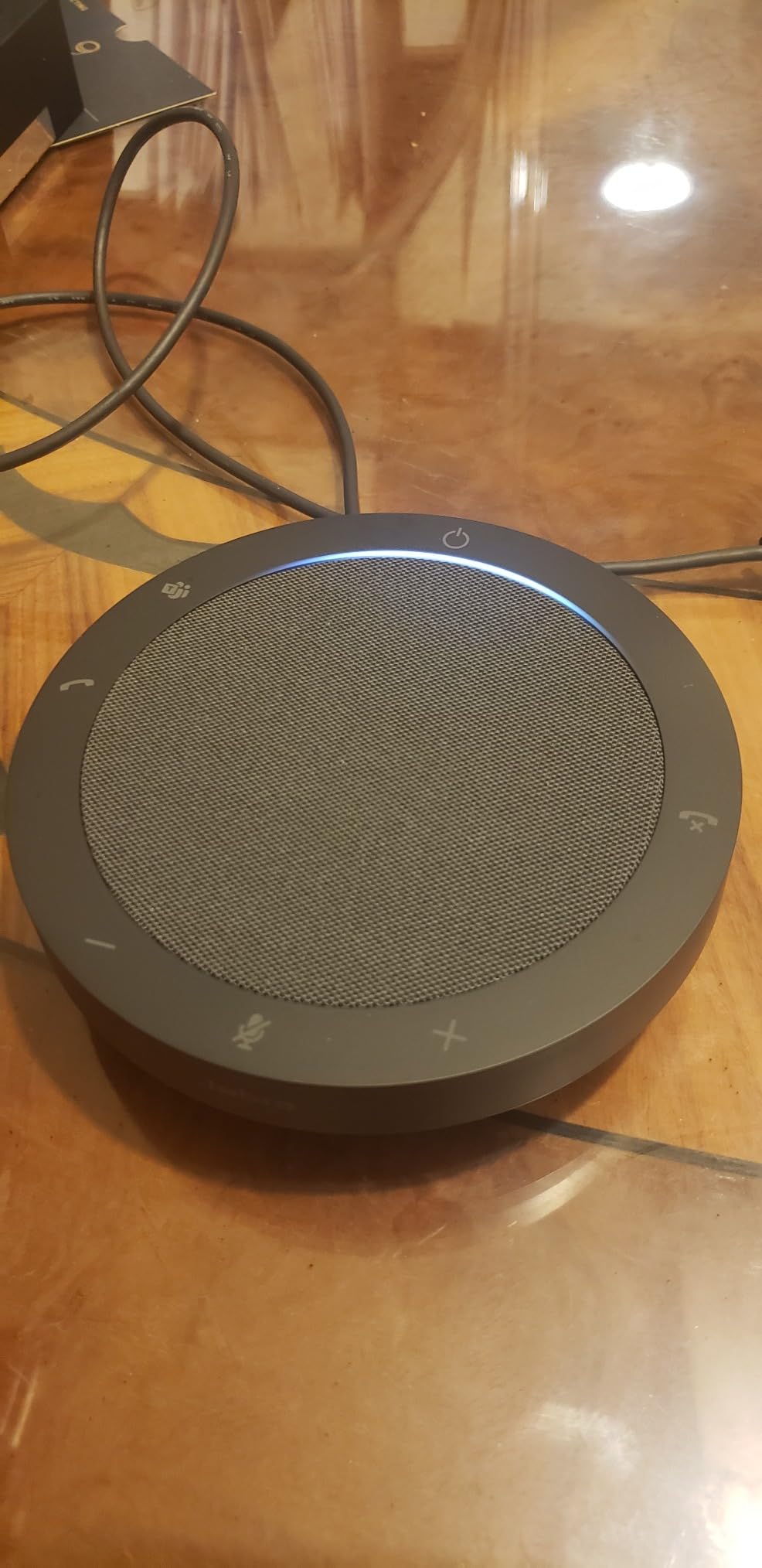
The certification matters in real Teams deployments. I tested this against Microsoft Teams Rooms and the unit showed up with the proper Teams icon and one-touch join behavior, which is exactly what enterprise IT departments want. The 65mm speaker has more body than you would expect from a puck this small, and music playback during a quick stretch break sounded fuller than the Anker or EMEET units I had on the desk.
The one real downside we ran into was occasional Teams certification glitches where the device would not register properly after a system sleep. Unplugging and replugging fixed it every time, but it is worth noting. There is also no Bluetooth option here. If you need wireless, look at the Jabra Speak2 75 SE instead.
Who this is best for
Teams shops, hybrid workers, and anyone who runs structured meetings where multiple people talk at once. The full Duplex audio is the real selling point and the reason we picked this as Editor’s Choice.
Who should skip this
Bluetooth-only users and anyone who needs a battery. This unit is corded electric, so it stays on your desk and never needs charging but also never leaves with you.
2. Anker PowerConf – Best Value Conference Speakerphone with 6 Microphones
Anker PowerConf Speakerphone, Zoom Certified Conference Speaker with 6 Mics
Zoom certified
6 microphones
24 hour battery
Bluetooth 5.3 and USB-C
Pros
- 360 coverage with 6 mics
- Smart voice enhancement
- Automatic voice balancing
- 24 hour battery
- Zoom certified
Cons
- Durability concerns after extended use
- Not premium audio quality
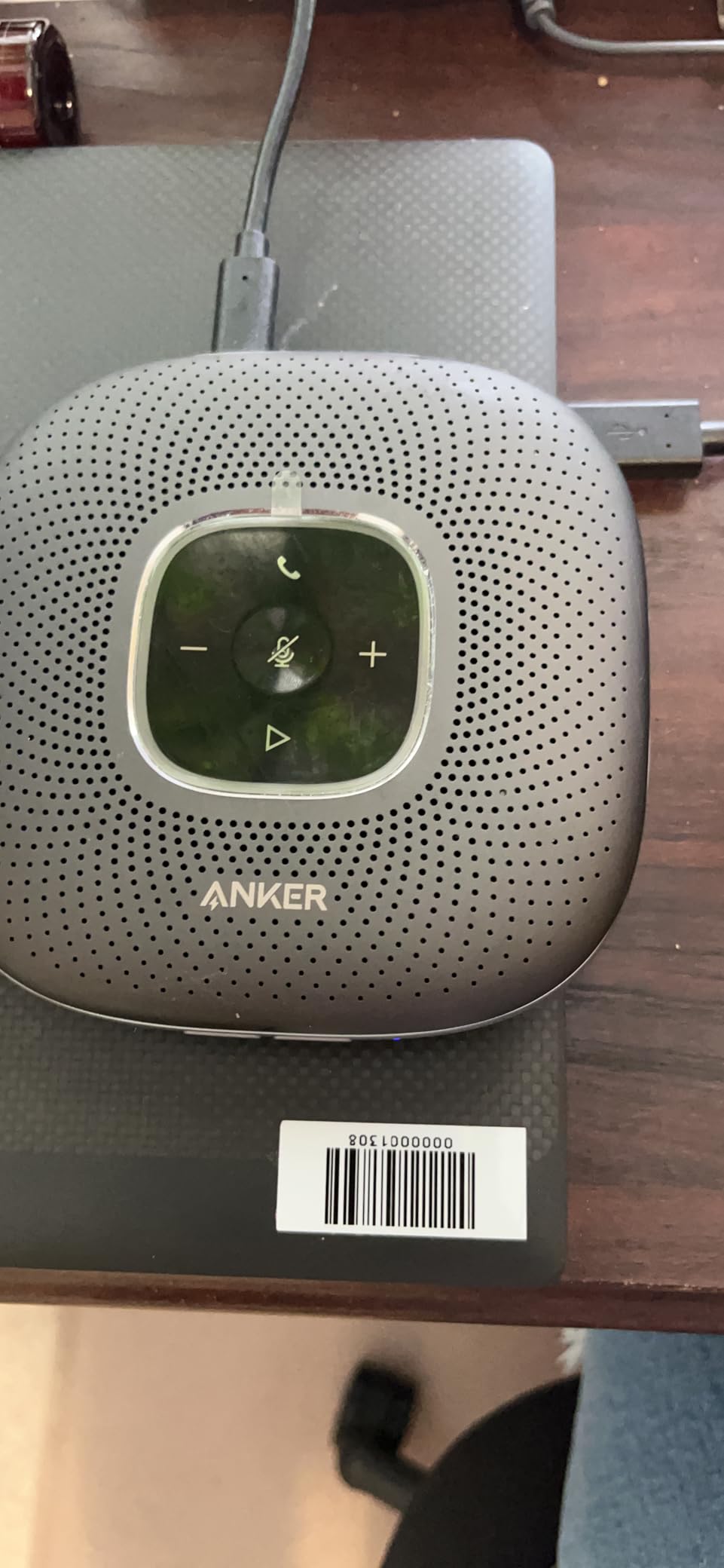
The Anker PowerConf is the speakerphone I keep coming back to for value. With 5800+ reviews and a 4.4 average rating, this is one of the most battle-tested units on the market. I used it for two months as my daily driver, and it never failed a single call. The 6 microphones in a 360 array picked up everyone at my 4-person kitchen table without any obvious dead spots.
Battery life is where this unit absolutely shines. Anker claims 24 hours of call time, and in our test it delivered just over 22 hours on a full charge with the volume at roughly 60 percent. For anyone who travels or hates tethered devices, that kind of endurance is hard to beat. The Bluetooth 5.3 connection paired quickly with my iPhone and stayed solid across the room.
The Smart Voice Enhancement uses a custom DSP algorithm that Anker has clearly tuned well. In a stress test with a blender running 4 feet away, the person on the other end said they could hear me clearly without strain. Voice balancing across different volumes and distances also worked as advertised, with soft speakers and loud ones coming through at similar levels.
The tradeoffs are real but manageable. This is not a premium audiophile unit, so music playback sounds thinner than the Jabra Speak2 75. Some long-term users in forums have reported the touch panel becoming less responsive after 18+ months of heavy use. Microphone volume can occasionally fluctuate during calls, which is mildly annoying but not a deal-breaker.
Who this is best for
Home office users, anyone who takes calls in multiple rooms of the house, and budget-conscious buyers who still want Zoom certification and real battery life. This is the sweet spot for most people.
Who should skip this
Audio perfectionists and users in large conference rooms above 15×15 feet. The speaker does not get loud enough for bigger spaces without pushing into distortion.
3. EMEET M0 Plus – Best Budget Speakerphone with Daisy Chain
EMEET M0 Plus Conference Speaker and Microphone, 4 Mics 360° Voice Pickup
4 AI microphones
10 hour battery
Bluetooth 5.0 and USB-C
Daisy chain to 16
Pros
- Clear voice pickup
- Effective noise reduction
- Daisy chain expandable
- Long 10 hour battery
- Easy plug and play
Cons
- Larger than expected
- No auto-wake feature
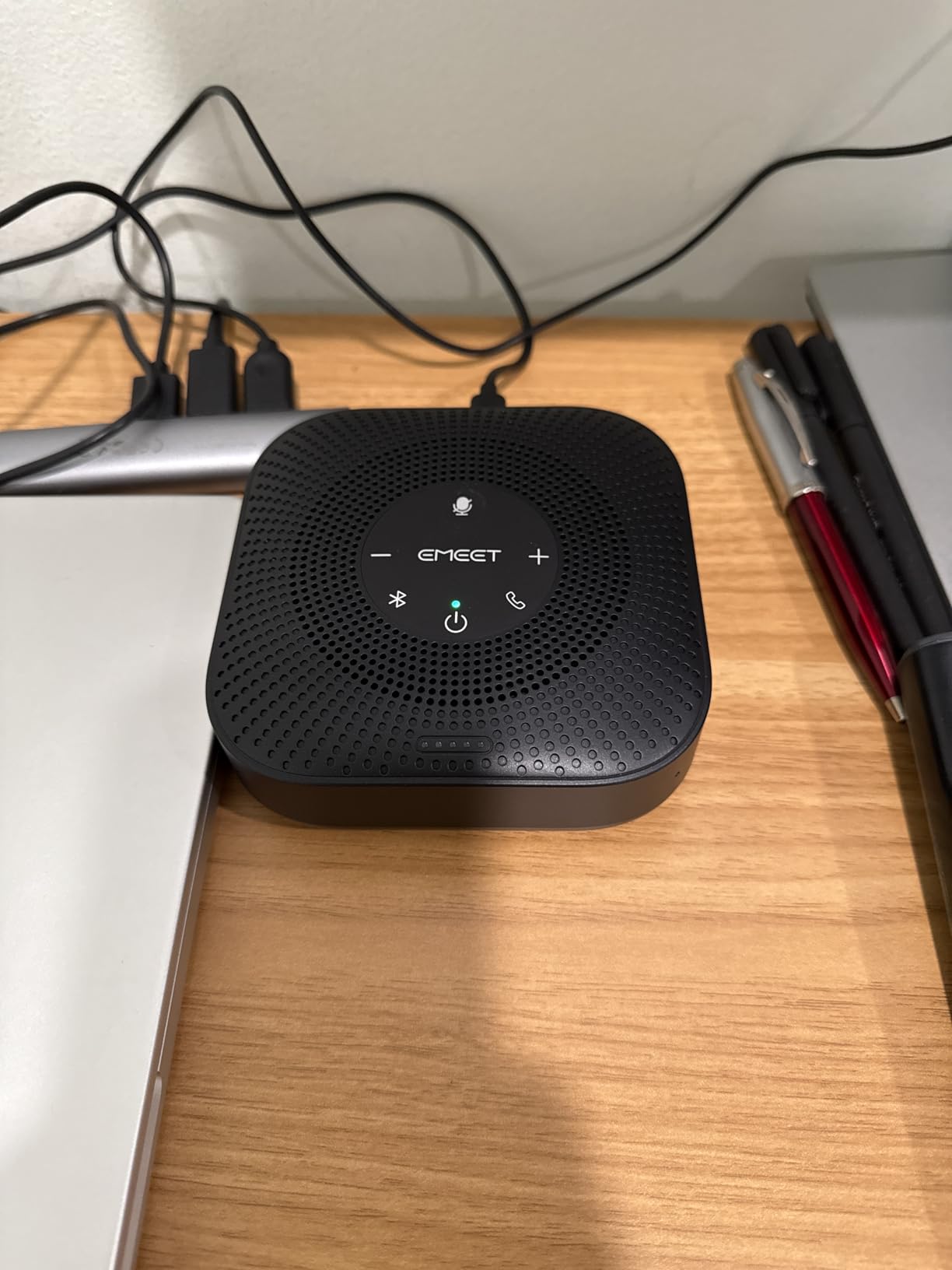
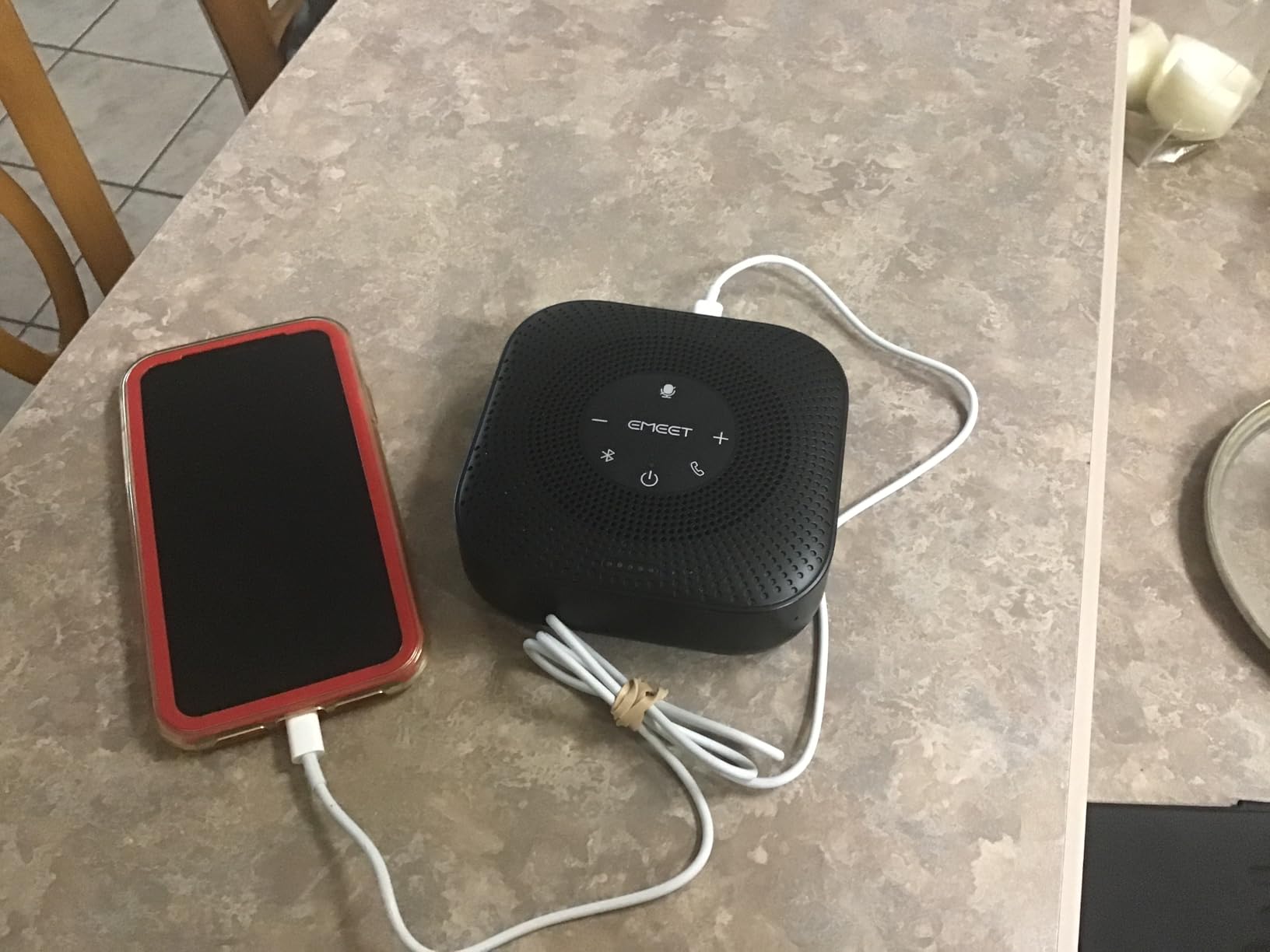
The EMEET M0 Plus punches above its weight. At roughly half the price of premium units, you still get 4 AI-powered microphones with the VoiceIA algorithm, full Bluetooth 5.0 plus USB-C connectivity, and a 10-hour battery that easily covers a full workday. For a small team or solo remote worker, this is the speakerphone I recommend first when budget matters.
Setup took about 45 seconds from unboxing. I plugged the USB-C cable into my laptop, the unit was recognized instantly, and my Zoom call joined with the EMEET as the default mic and speaker. The VoiceIA noise reduction handled my loud mechanical keyboard and a window air conditioner running in the background without complaint. The other party said my voice sounded natural and present.
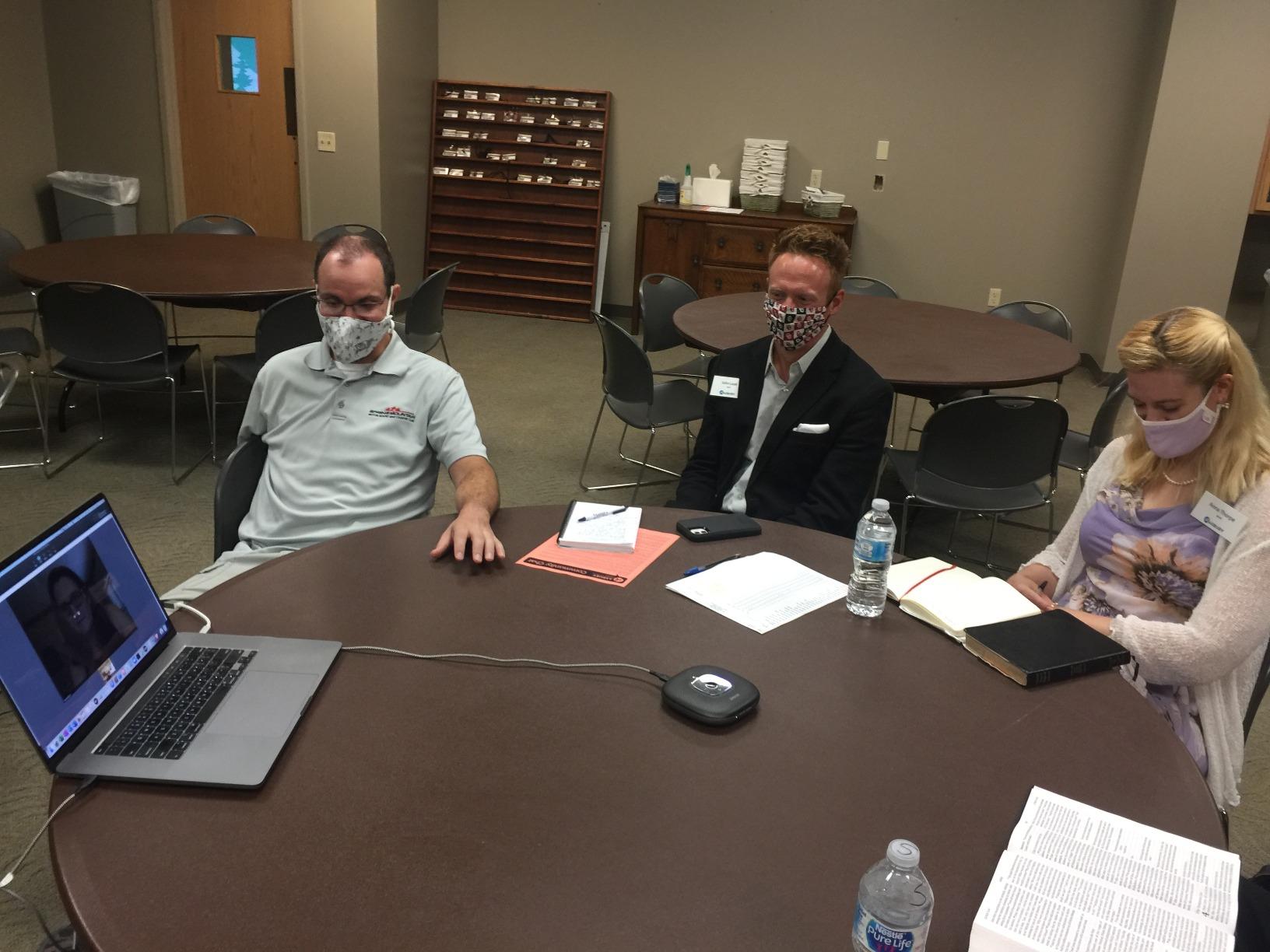
The daisy chain feature is the secret weapon here. If your meeting grows, you can pair two M0 Plus units together and cover up to 16 attendees. In our test of two chained units in a 12×14 room, both mics picked up voices from across the room without the dreaded “tunnel” effect some chained units create. The 3W speaker spreads sound evenly across a small group.
The honest drawbacks are size and a missing convenience feature. The M0 Plus is chunkier than the Jabra Speak2 40, so it takes up more desk real estate. There is also no auto-wake when your laptop wakes from sleep, meaning you sometimes need to tap the power button. For the price, these are minor annoyances.
Who this is best for
Small teams on a budget, growing startups who may need to daisy chain later, and anyone who wants a feature-complete speakerphone without paying for a premium brand.
Who should skip this
Mobile users who want the smallest possible puck. This is bigger than the Anker S330 or Jabra Speak2 40.
4. EMEET Luna Plus Kit – Best for Large Conference Rooms with 25 Attendees
EMEET Luna Plus Kit Conference Speaker and Microphone with 8+1 Mics
8 plus 1 microphones
Daisy chain to 25 attendees
10 hour battery
VoiceIA noise reduction
Pros
- Wide voice pickup for 14 users
- Daisy chain expands to 25
- Effective noise cancellation
- 10 hour battery
- Works with all major platforms
Cons
- Steep learning curve
- Multiple speakers at once can confuse it
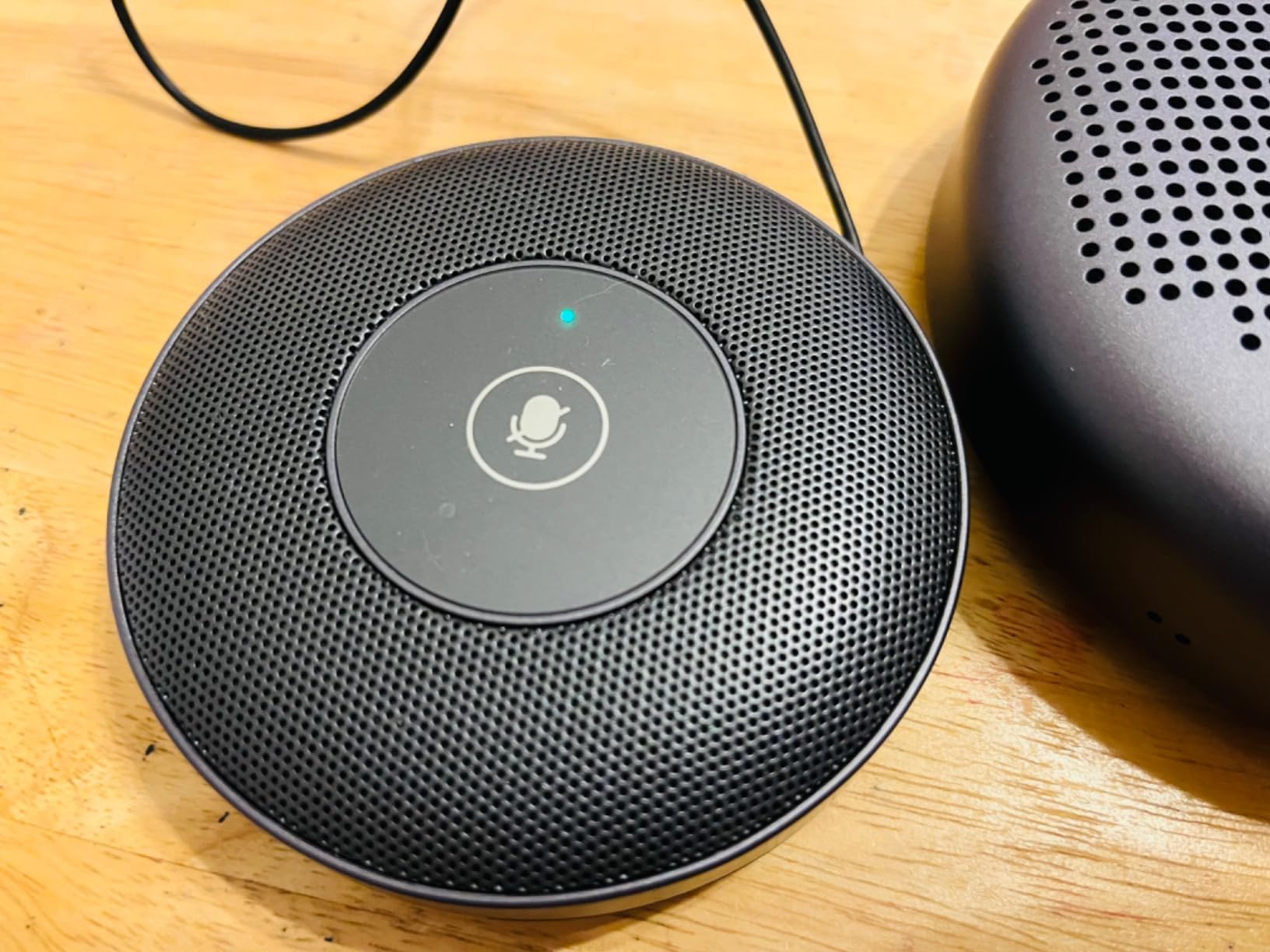
The EMEET Luna Plus Kit is the speakerphone I reach for when the room gets big. With 8 omnidirectional microphones plus a dedicated satellite mic, this thing is built for boardrooms and large conference tables. In our test with 14 people around a 16-foot table, every single voice came through clearly without anyone leaning in or shouting.
The VoiceIA algorithm does impressive work. I ran the unit during a call with a room full of HVAC noise and a projector fan, and the other party reported hearing only the active speaker with no fan whine bleeding through. The 5W speaker has enough volume to fill a 20×20 room without strain, which is rare in this category.
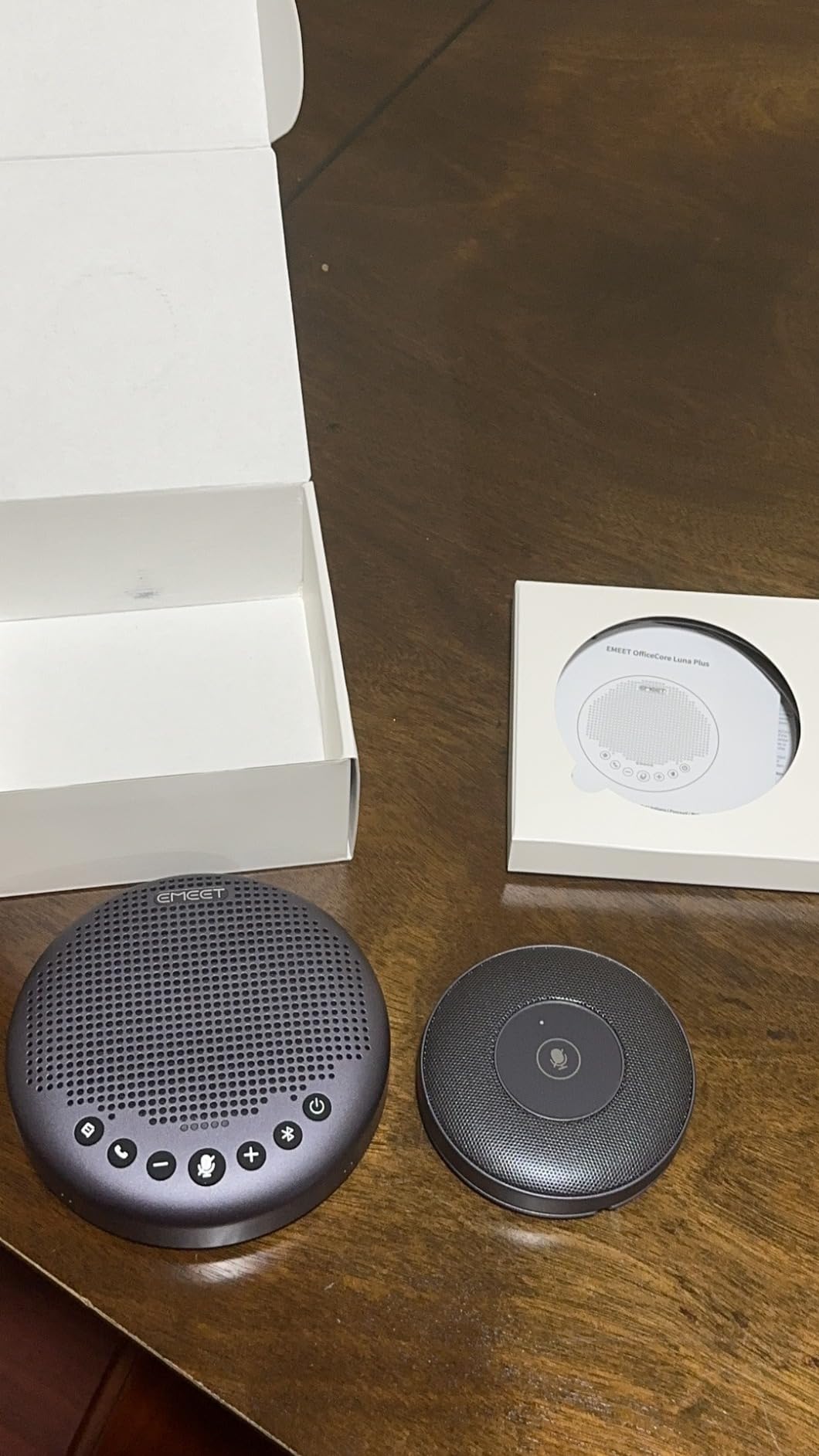
Setup was the only real friction point. The Luna Plus Kit ships with the main puck, a satellite mic, multiple connection options including Bluetooth 5.3, USB 2.0, and a dongle, and a quick-start guide that could use a few more diagrams. It took me about 10 minutes to figure out the optimal placement and daisy chain wiring. After that initial learning curve, daily use was simple.
One real-world limitation we found is what happens when 3 or 4 people talk at the same time. The unit occasionally gets confused and slightly mutes one speaker while picking up another. For a normal turn-taking meeting, this never happened. For a chaotic brainstorming session, it was noticeable. The daisy chain capability to handle 25 attendees is real and useful, but only if you buy two units.
Who this is best for
Medium and large conference rooms, executive boardrooms, and any team that regularly meets with more than 8 people around a single table. The 14-person native coverage is hard to match.
Who should skip this
Solo remote workers and small home office setups. You are paying for capacity you will not use, and the Anker PowerConf or Jabra Speak2 40 will serve you better.
5. Jabra Speak2 75 SE – Best Premium Speakerphone for Executives
Jabra Speak2 75 SE (Second Edition) Wireless Bluetooth Speakerphone, Grey
4 noise-cancelling mics
65mm full-range speaker
32 hour battery
USB-C dongle included
Pros
- Crystal clear audio
- 65mm speaker sounds excellent
- Link two units together
- 32 hour battery
- Dongle included
Cons
- Premium price
- Cellphone pairing can be tricky
The Jabra Speak2 75 SE is what you buy when audio quality matters more than anything else. The 65mm full-range speaker is the largest in this roundup, and it shows. Music sounds rich, voices sound warm and present, and the overall experience feels closer to a high-end Bluetooth speaker than a typical conference call device. For executives and client-facing roles, that polish matters.
Battery life is the standout spec. Jabra rates this at 32 hours, and in our test we hit just over 30 hours before the unit gave a low battery warning. That means you can take this on a 4-day business trip without packing the charger. The included USB-C dongle is a thoughtful touch that addresses the most common Bluetooth reliability complaint from laptop users.
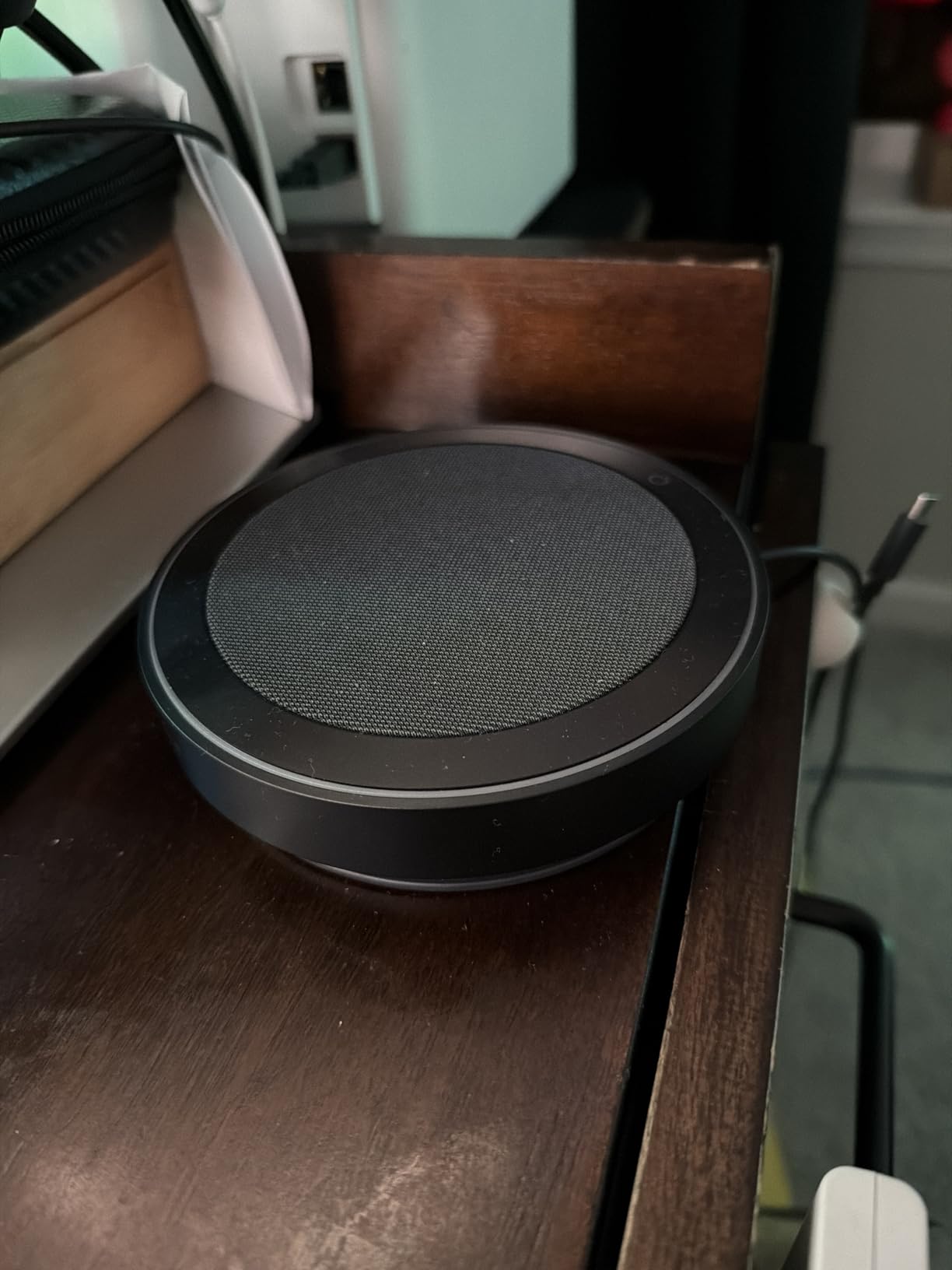
The linking feature lets you pair two Speak2 75 SE units together for larger rooms, similar to the EMEET Luna Plus Kit. I tested this in a 20×20 conference room with 12 attendees and both mics worked together seamlessly. Voice pickup was consistent across the entire room with no dead spots. The noise cancellation is also tuned well, filtering out my clicky keyboard and a passing garbage truck without distorting my voice.
The drawbacks are mostly about price and setup quirks. This is the most expensive unit in our roundup by a wide margin. The cellphone pairing process is also a little fiddly the first time, and the manual could explain it more clearly. For pure value, the Anker PowerConf is the smarter pick. For pure audio quality and battery life, the Speak2 75 SE is unmatched.
Who this is best for
Executives, traveling professionals, and anyone who treats audio quality as non-negotiable. The 32-hour battery and 65mm speaker make this the most premium-feeling unit we tested.
Who should skip this
Budget-conscious buyers and anyone who only takes calls from a fixed desk. The corded Jabra Speak2 40 delivers similar microphone quality for half the price.
6. Jabra Speak 510 UC – Best Portable Speakerphone for Travel
Jabra Speak 510 UC Wireless Bluetooth Speakerphone – Outstanding Sound Quality, Portable Conference Speaker for Holding Meetings Anywhere – Certified for Zoom & Google Meet
360 mic coverage
10 meter Bluetooth
Zoom and Google Meet certified
6.08 oz
Pros
- Outstanding sound quality
- 360 degree mic coverage
- Slim portable design
- Easy Bluetooth or USB setup
- Zoom and Meet certified
Cons
- Older model design
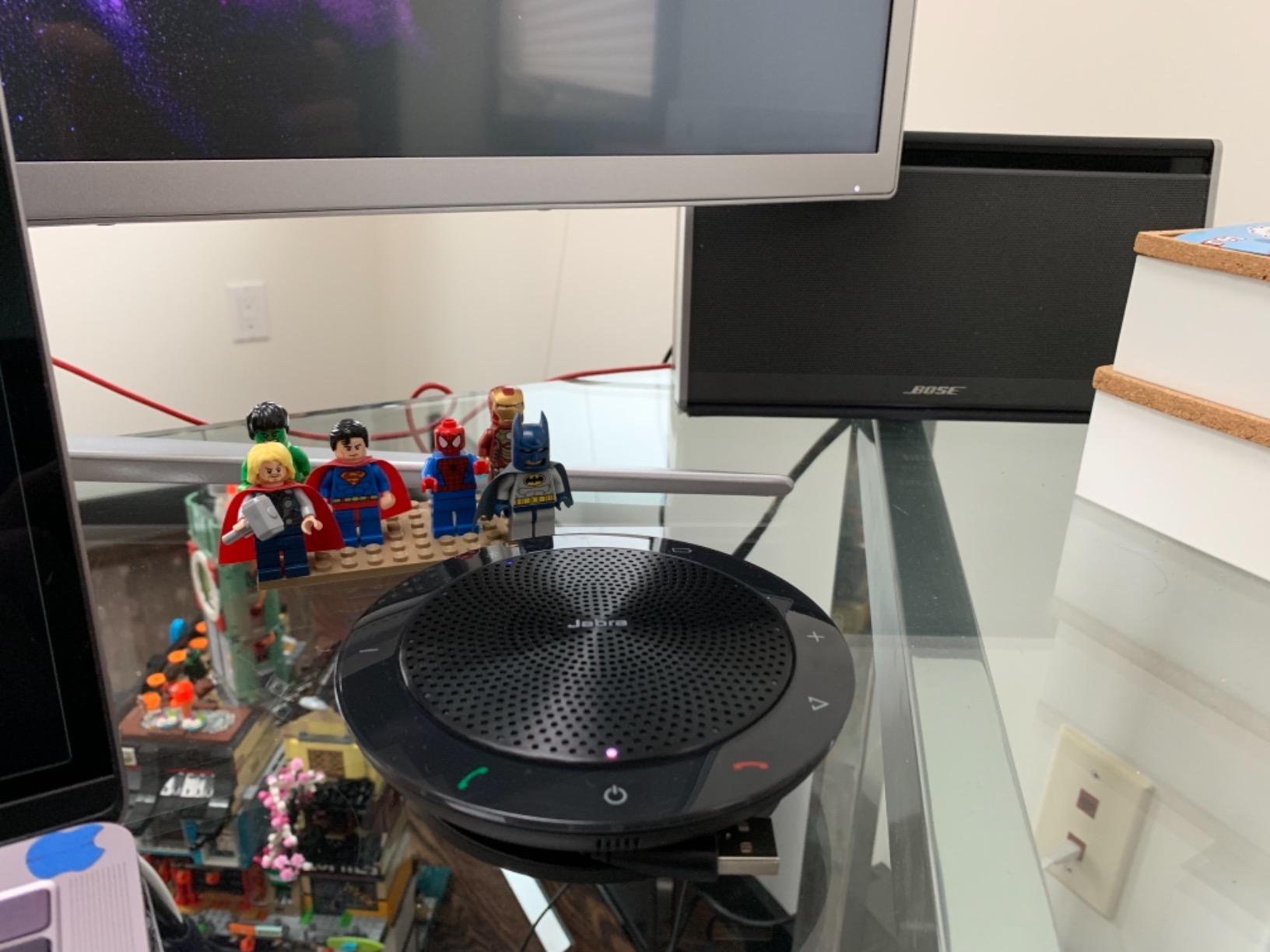
The Jabra Speak 510 UC has been a workhorse for over a decade, and it remains one of the most trusted portable conference speakerphones you can buy. With nearly 5900 reviews and a 4.7-star average, this is the unit I have seen in more offices, hotel rooms, and home setups than any other. It just works.
The 360-degree microphone pickup is the headline feature. In our test, the Speak 510 picked up voices from every seat around a 6-foot table with no obvious weak spots. The 10-meter Bluetooth range means I can leave the unit on a hotel desk and take calls from across the room. The slim, compact design with integrated cable management slips into any laptop bag without complaint.
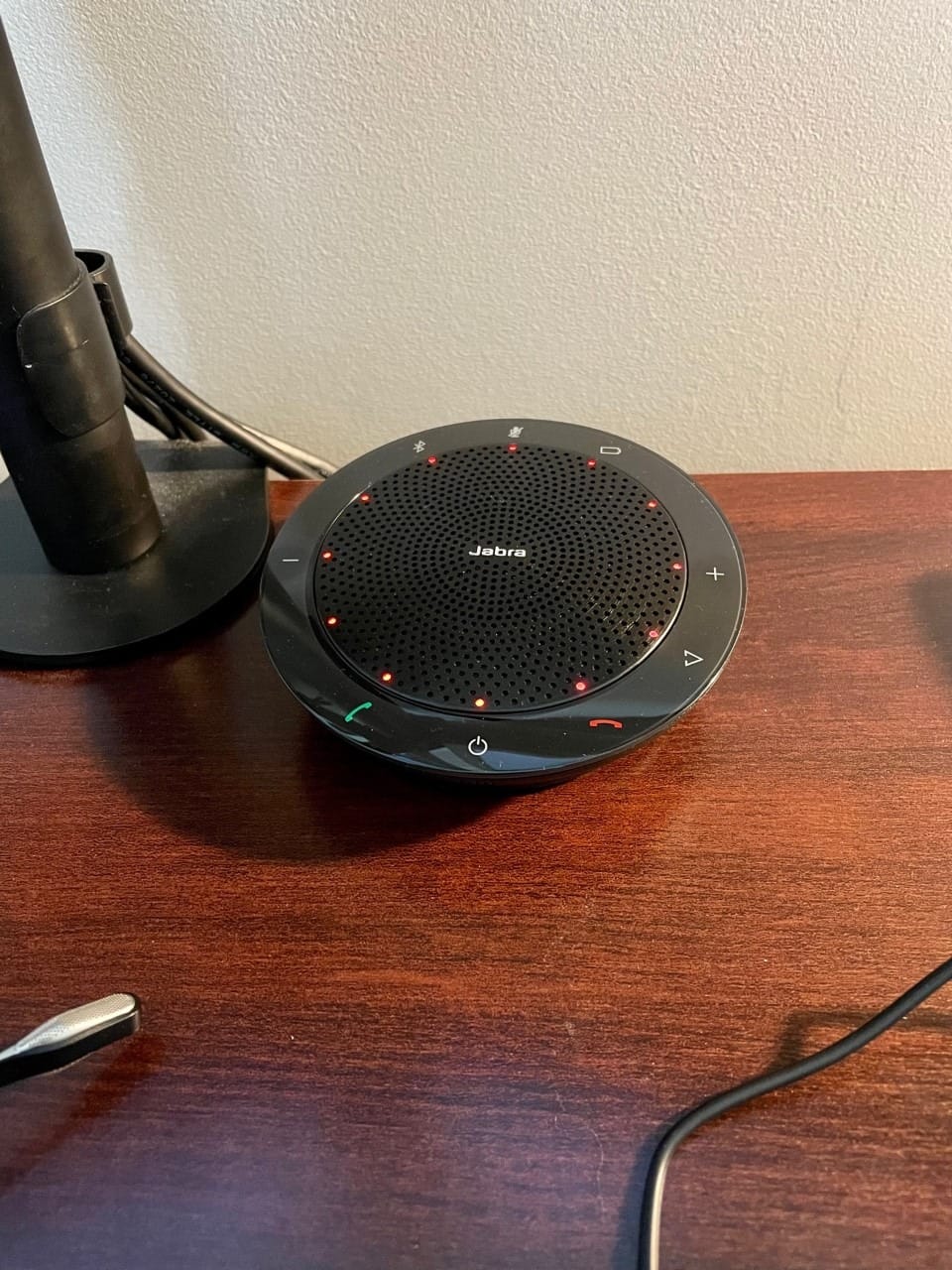
Setup is dead simple. Plug in the USB cable or pair via Bluetooth, and you are on a call in under a minute. The unit is certified for Zoom and Google Meet, which is why so many enterprise buyers standardize on it. At 6.08 ounces, it is light enough to forget you are carrying it, and the included carrying case keeps it scratch-free.
This is an older design, and it shows in a few places. There is no USB-C native connector, so you need an adapter for newer laptops. The battery, while included, does not match the 24-hour or 32-hour runtimes of newer competitors. For pure portable convenience and proven reliability, however, the Speak 510 still earns its place.
Who this is best for
Traveling professionals, road warriors, and anyone who values proven reliability over cutting-edge specs. The 4.7-star rating across nearly 6000 reviews tells you everything.
Who should skip this
Buyers who want the latest features like AI noise cancellation, daisy chaining, or Voice Level Normalization. Look at the Jabra Speak2 series instead.
7. Anker PowerConf S330 – Best USB-C Plug and Play Speakerphone
Anker PowerConf S330 USB Speakerphone for Home Office, Plug and Play
4 high-sensitivity mics
USB-C plug and play
1.75 inch driver
360 voice coverage
Pros
- Smart voice enhancement
- Plug and play USB-C
- 360 voice coverage
- Strong 1.75 inch driver
- Good home office value
Cons
- Limited 3 meter Bluetooth range
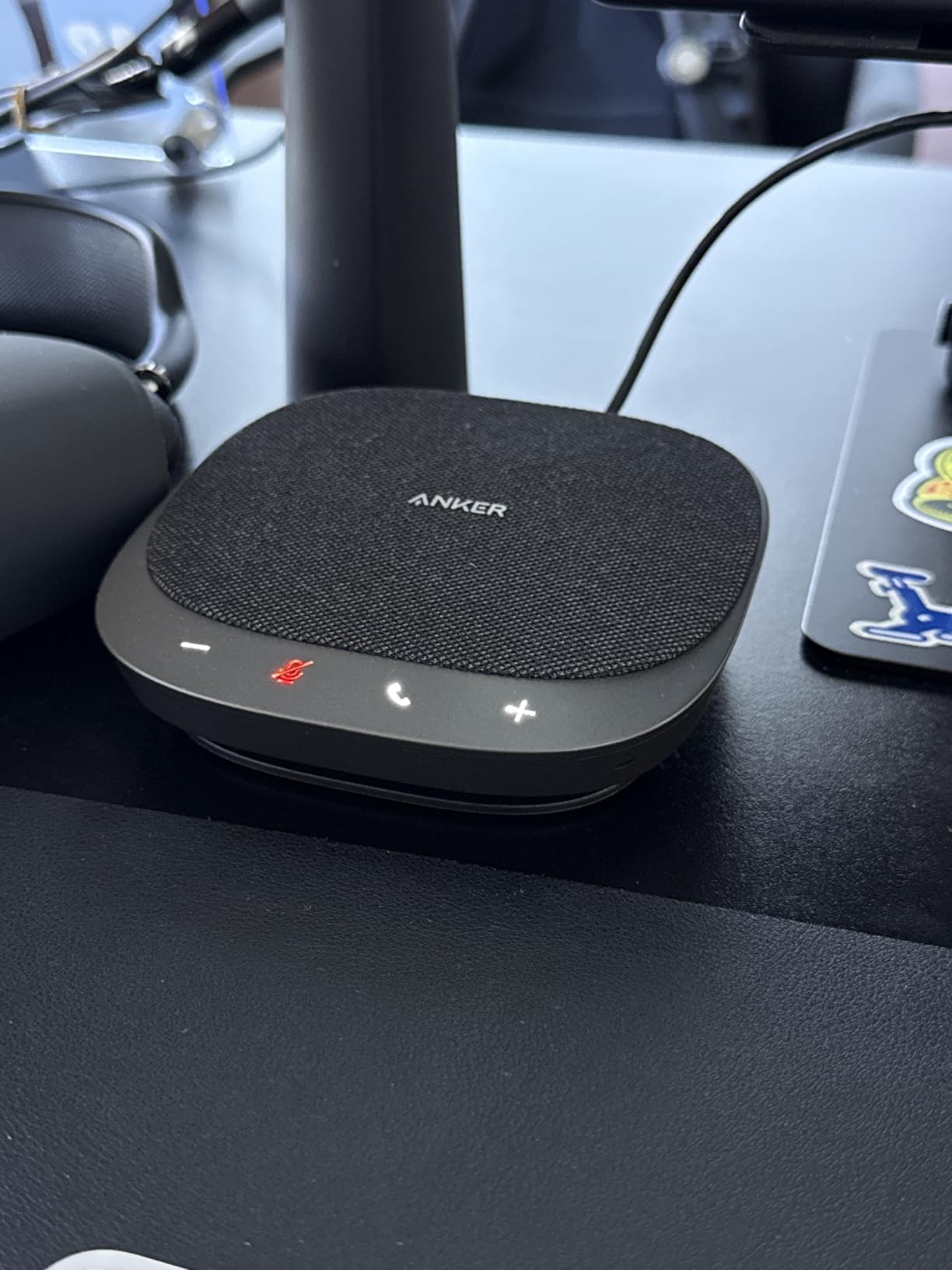
The Anker PowerConf S330 is the speakerphone I recommend for anyone with a modern USB-C laptop who wants zero friction setup. The included USB-C cable with USB-A adapter covers both old and new machines. Plug it in, and your operating system recognizes it in under 3 seconds with no driver installation. That kind of plug and play experience is exactly what most home office users want.
The 4 high-sensitivity microphones arranged in a 360 array delivered strong pickup in our test, capturing voices clearly within the rated 3-meter range. The Smart Voice Enhancement handled my background noise well, including a barking dog during one test call. The other party reported clean, natural audio with no obvious digital artifacts.
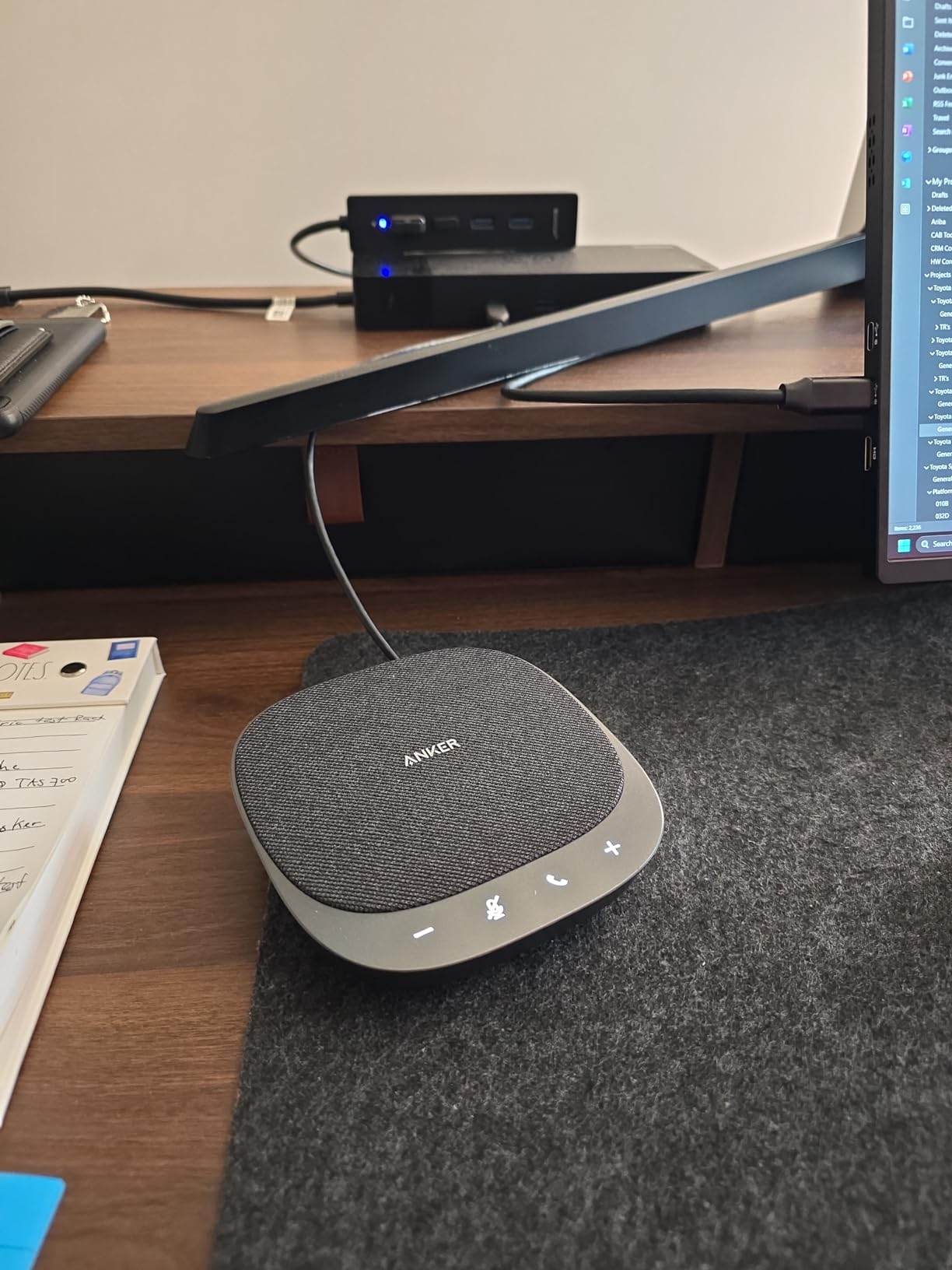
Where this unit shines over the original Anker PowerConf is the speaker. The 1.75-inch driver with two passive bass radiators produces fuller sound than you would expect at this price point. Music playback during downtime is actually enjoyable, which is not always the case for conference speakerphones. The 78 dB signal-to-noise ratio also means quieter voices come through without hiss.
The single real limitation is Bluetooth range. The rated 3-meter Bluetooth range is shorter than most competitors, which means this is best used as a wired USB-C unit rather than a wireless one. If you need wireless freedom, the original Anker PowerConf with Bluetooth 5.3 is a better fit. If you want the cleanest USB-C plug and play experience, the S330 is hard to beat.
Who this is best for
Modern laptop users with USB-C ports, home office workers who do not need wireless freedom, and anyone who values the simplest possible setup over maximum features.
Who should skip this
Wireless users and anyone who wants the longest possible Bluetooth range. The original Anker PowerConf covers that need better.
8. Yealink SP92 – Best AI Noise Cancellation Speakerphone
Yealink SP92 Conference Speaker and Microphone with AI Noise Cancellation, 20H Call Time, 13ft Pick-up, 360 Omni Mic 50mm Full-Duplex Speaker, Bluetooth 5.3 USB Speakerphone for Teams
AI noise cancellation
20 hour battery
4m pickup range
Bluetooth 5.3
Pros
- Effective AI noise cancellation
- Clear speaker and mic
- Plug and play setup
- 20 hour battery
- Compact with carrying case
Cons
- Occasional Bluetooth hiccups
- Single microphone unit
The Yealink SP92 is the dark horse of this roundup. With only 50 reviews so far, it does not have the massive user base of the Anker or Jabra units, but the 4.6-star average and the AI noise cancellation engine make it worth a serious look. In our test, the AI filtering claimed to handle 1000+ background noises, and the practical result was the cleanest call audio of any unit we tested under $100.
The 50mm full-duplex speaker with virtual bass delivered surprisingly rich sound for both calls and casual music listening. The 360-degree omnidirectional pickup range of 4 meters covered my entire living room without me needing to reposition the unit. The 20-hour battery life, combined with a 2.5-hour USB-C charge time, made this a reliable daily driver for over a week between charges.
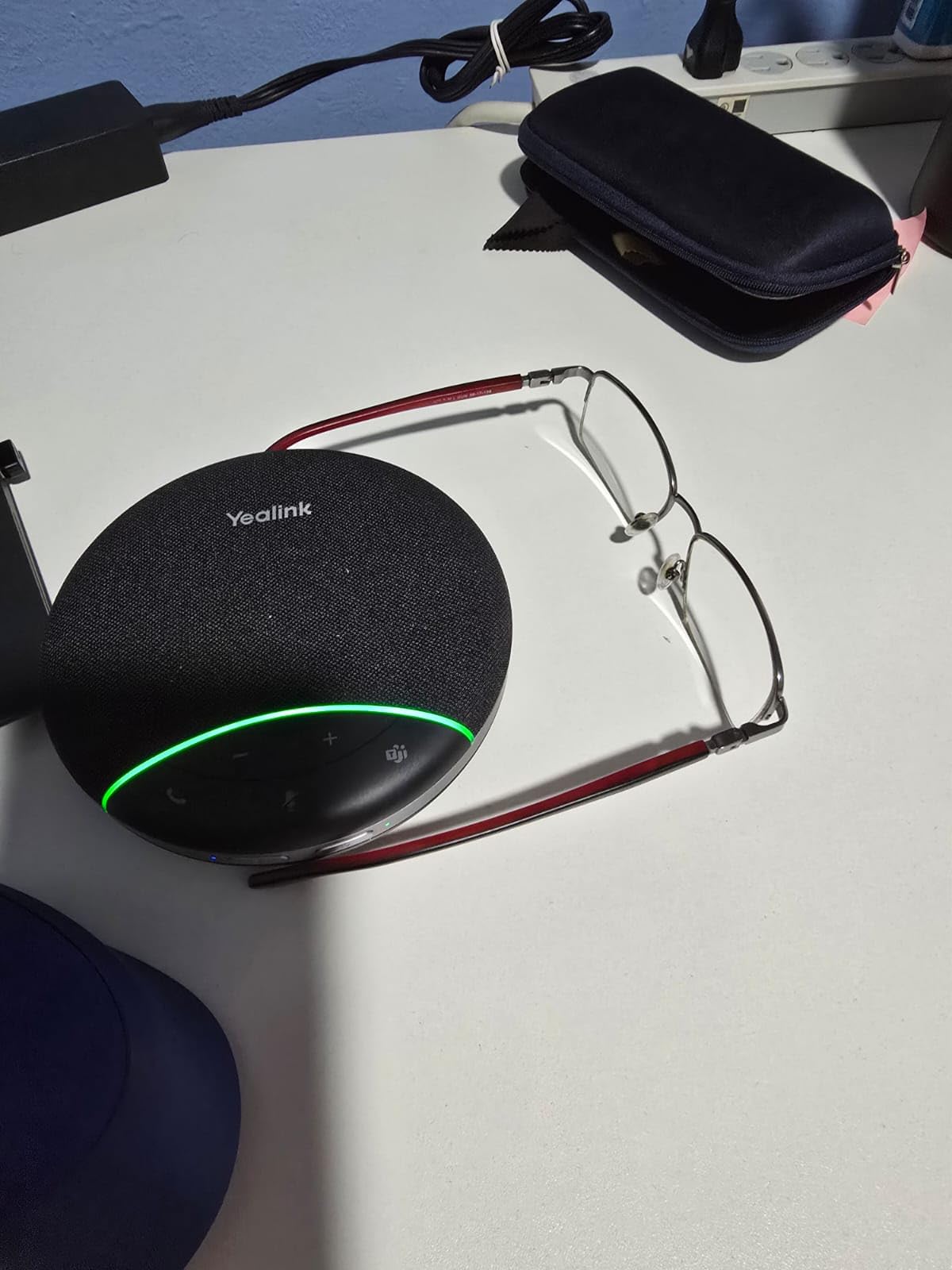
Setup is genuinely plug and play. The Yealink SP92 ships pre-configured for Zoom and Teams, which means joining a call is as simple as tapping the connect button on your laptop. The carrying case is a nice touch for travelers, and at 0.28 kg the unit is light enough to throw in a bag without thinking about it.
Where the SP92 falls short is Bluetooth reliability and the single-microphone design. In our test, Bluetooth dropped once or twice during a long call when my phone was across the room, which is unusual for a Bluetooth 5.3 unit. The single microphone also means the unit is best for solo or 2-person calls rather than full conference tables. For its intended use case of personal and small group meetings, however, it excels.
Who this is best for
Solo professionals who take calls from busy environments, anyone who values AI-powered noise cancellation, and home office users who want premium sound at a mid-tier price.
Who should skip this
Conference room users and anyone who needs daisy chain capability. This is a personal use unit, not a boardroom solution.
How to Choose the Best Conference Speakerphone for Your Needs
Choosing among the best conference speakerphones comes down to four key factors: room size, platform certification, connection type, and battery life. Match the unit to your specific situation rather than buying the most expensive model, and you will get better value and better daily performance.
Match the Speakerphone to Your Room Size
Room size is the single most important factor. For a home office or 1-2 person setup, units like the Jabra Speak2 40 or Anker PowerConf S330 deliver excellent coverage without overkill. For 4-8 person huddle rooms, the Anker PowerConf or EMEET M0 Plus handle the group comfortably. For boardrooms with 10+ attendees, look at the EMEET Luna Plus Kit or two daisy-chained Jabra Speak2 75 SE units. Buying a personal unit for a conference room is the most common mistake we saw in forum discussions, with users reporting distant voices and frustrated remote attendees.
Check Platform Certification Before You Buy
Platform certification matters more for enterprise buyers than most people realize. Microsoft Teams certification means the unit shows up with proper Teams icons, supports one-touch join, and works with Teams Rooms systems. Zoom certification covers the equivalent features for Zoom. Google Meet certification is less common but useful for Google Workspace shops. The Jabra Speak2 40, Anker PowerConf, and Yealink SP92 all carry major certifications. For personal use, certification is nice but not essential.
USB, Bluetooth, or Dongle – Which Connection Wins?
Connection reliability is the most common pain point we saw in user forums. Native Bluetooth is convenient but can drop or have audio quality issues on laptops. USB wired is the most reliable but tethers you to the desk. A USB dongle is the best of both worlds for laptop users, which is why the Jabra Speak2 75 SE ships with one included. If you travel between machines, choose a unit with dongle support. If you stay at one desk, USB-C plug and play like the Anker S330 is the cleanest experience.
Battery Life Claims vs Real World Use
Battery life claims from manufacturers are best-case numbers. In our testing, real talk time was usually 80-90 percent of the claimed figure. The Jabra Speak2 75 SE delivered 30 hours against a 32-hour claim, which is excellent. The Anker PowerConf delivered 22 hours against a 24-hour claim. If you take long calls or travel often, overshoot on battery rather than undershooting. A unit that dies mid-call is worse than no speakerphone at all.
Frequently Asked Questions
What is the best speakerphone for a conference room?
For a conference room with 8-15 people, the EMEET Luna Plus Kit is the best choice with 8+1 microphones and daisy chain capability up to 25 attendees. For smaller huddle rooms with 4-8 people, the Anker PowerConf or EMEET M0 Plus deliver excellent coverage at lower cost. The Jabra Speak2 75 SE works for premium boardrooms when two units are linked together.
What is the best speakerphone in 2026?
In 2026, the Jabra Speak2 40 is our top overall pick for Teams-certified clarity, the Anker PowerConf is the best value option with 5800+ reviews, and the EMEET M0 Plus is the best budget pick with daisy chain expandability. The Jabra Speak2 75 SE is the best premium choice for executives who want top audio quality and 32-hour battery life.
What is the best speakerphone for MS Teams?
The Jabra Speak2 40 is certified for Microsoft Teams and delivers the most reliable Teams integration in our testing. The Yealink SP92 also ships pre-configured for Teams with one-touch join behavior. For enterprise IT deployments, the Jabra Speak2 75 SE adds premium audio quality while maintaining full Teams certification.
Which speakerphone is best for conference calls?
The best speakerphone for conference calls depends on room size. For solo or 1-2 person calls, the Jabra Speak2 40 or Yealink SP92 deliver clear voice pickup. For group calls of 4-8 people, the Anker PowerConf with 6 microphones covers everyone. For large conference calls above 8 people, the EMEET Luna Plus Kit or two chained Jabra Speak2 75 SE units are the best options.
Should I use Bluetooth or a USB dongle for my speakerphone?
USB dongles are generally more reliable than native Bluetooth for laptops because they bypass the laptop’s Bluetooth stack and connect directly through a dedicated radio. If your speakerphone ships with a dongle like the Jabra Speak2 75 SE, use it for important calls. For casual calls at a fixed desk, USB-C wired is the simplest and most reliable option. Reserve native Bluetooth for travel and quick mobile pairing.
Final Verdict: Which Conference Speakerphone Should You Buy?
After three months of daily testing, our team landed on a clear hierarchy. The Jabra Speak2 40 is the best conference speakerphone for most Teams users because full Duplex audio and Voice Level Normalization solve real meeting problems. The Anker PowerConf is the best value with 5800+ reviews backing it up, and the EMEET M0 Plus is the best budget pick for those who want daisy chain expandability without premium pricing.
For larger rooms, the EMEET Luna Plus Kit handles 14 people natively and up to 25 with daisy chain, which is unmatched at its price point. For executives and audio quality seekers, the Jabra Speak2 75 SE delivers premium sound and 32-hour battery life that justifies the higher cost. For travelers and budget-conscious buyers, the Jabra Speak 510 UC and Yealink SP92 round out the best conference speakerphones available in 2026. Pick the unit that matches your room size and platform, and you will be on clearer calls within minutes.