
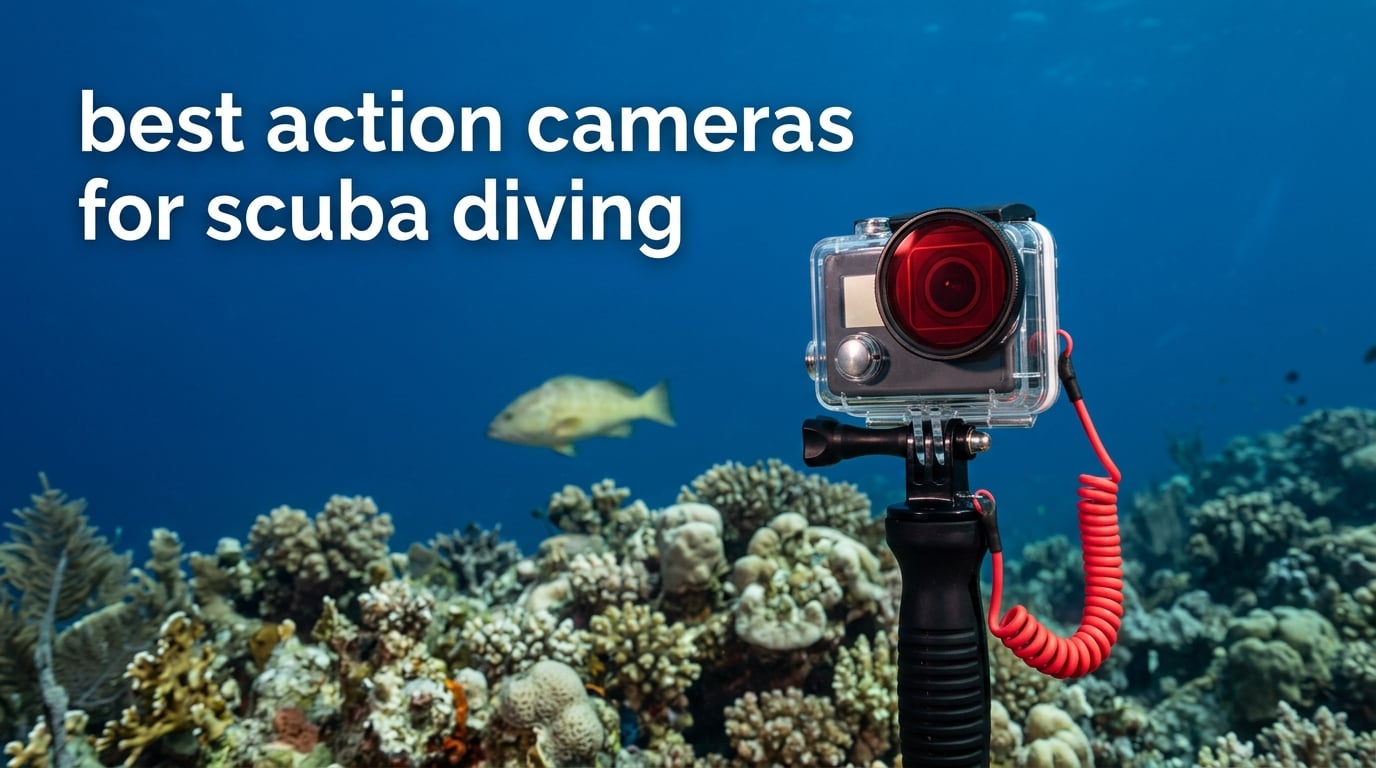
Most action cameras are rated to about 10m (33ft) bare, and recreational scuba sits far below that. The choice for a diver is not really about resolution or frame rate. It is about how deep the camera goes without a housing, how it handles red light that seawater strips away in the first few metres, and whether you can get through a two-dive day without a charging stop.
The short answer for 2026: the Insta360 X4 Invisible Dive Bundle is the best action camera for scuba diving overall, because it arrives with a dive case rated to 164ft/50m in the box. The DJI Osmo Action 5 Pro is the pick if you want no housing at all, with a factory 20m IP68 rating that covers most recreational diving. The GoPro HERO11 Black wins on ecosystem, giving you the widest choice of trays, handles and housings. All three need a different answer depending on your maximum planned depth.
We spent several months working through this list on reef, wall and shallow wreck dives, and compared the eight cameras below on the things that actually decide whether a dive ends up watchable. Everything here is based on published manufacturer depth ratings, sensor specifications and the patterns that show up repeatedly across owner reviews. If you are also building out the rest of your kit, our scuba diving gear set guide covers the supporting equipment, and our general action camera roundup covers the topside use cases.
Top 3 Picks for Scuba Diving (October 2026)

Insta360 X4 Invisible Dive Bundle
- 8K 360 video
- Dive case rated to 164ft/50m included
- 135 min battery
- 256GB card included

DJI Osmo Action 5 Pro
- IP68 to 20m without housing
- 1/1.3in sensor
- Colour temperature sensor

Best Action Cameras for Scuba Diving in October
Here is the whole list at a glance. Depth ratings appear in both feet and metres because that is how dive sites, charter boats and housing manufacturers all talk about them.
| Product | Specifications | Action |
|---|---|---|
| Insta360 X4 Invisible Dive Bundle |
|
Check Latest Price |
| DJI Osmo Action 5 Pro |
|
Check Latest Price |
| GoPro HERO11 Black |
|
Check Latest Price |
 AKASO EK7000 AKASO EK7000 |
|
Check Latest Price |
 AKASO Brave 4 AKASO Brave 4 |
|
Check Latest Price |
 AKASO Brave 7 LE AKASO Brave 7 LE |
|
Check Latest Price |
 Insta360 X4 Air Insta360 X4 Air |
|
Check Latest Price |
 Jadfezy J-03 1080P Jadfezy J-03 1080P |
|
Check Latest Price |
1. Insta360 X4 Invisible Dive Bundle – Best Overall for Scuba Diving
Insta360 X4 Invisible Dive Bundle – 8K Waterproof 360 Action Camera, 4K Wide-Angle Video, Invisible Selfie Stick, Removable Lens Guards, 135 Min Battery Life, AI Editing, Stabilization
8K 360 video
Invisible Dive Case to 164ft/50m
135 min battery
256GB card
Pros
- Dive case rated to 164ft/50m included in the bundle
- 8K 360 detail survives reframing
- Shoot first and frame later removes aiming pressure at depth
- 135 minutes per charge covers a full dive day
- 256GB card and Invisible Selfie Stick included
Cons
- Reframed 360 output drops to roughly 2.7K
- Battery still needs spares for long surface intervals
- Mobile app lacks features found in the desktop software
The Insta360 X4 is the camera we kept reaching for on deeper dives, and the reason is not the 8K sensor. It is that the Invisible Dive Bundle arrives with the dive case, the Invisible Selfie Stick, a floating hand grip and a 256GB card already in the box. For a diver, that is the difference between a camera you can clip to a BCD on the first morning and a shopping list you have not finished.
Once you are past the first 10 metres, working out what to frame gets harder. You are hovering, breathing, and the frame is either full of reef or full of nothing. Shooting 360 solves part of that, because the camera captures everything around it and you decide the composition later in the app. On wreck penetration and on any dive where you lose sight of your buddy, that safety margin matters as much as it is a creative one.
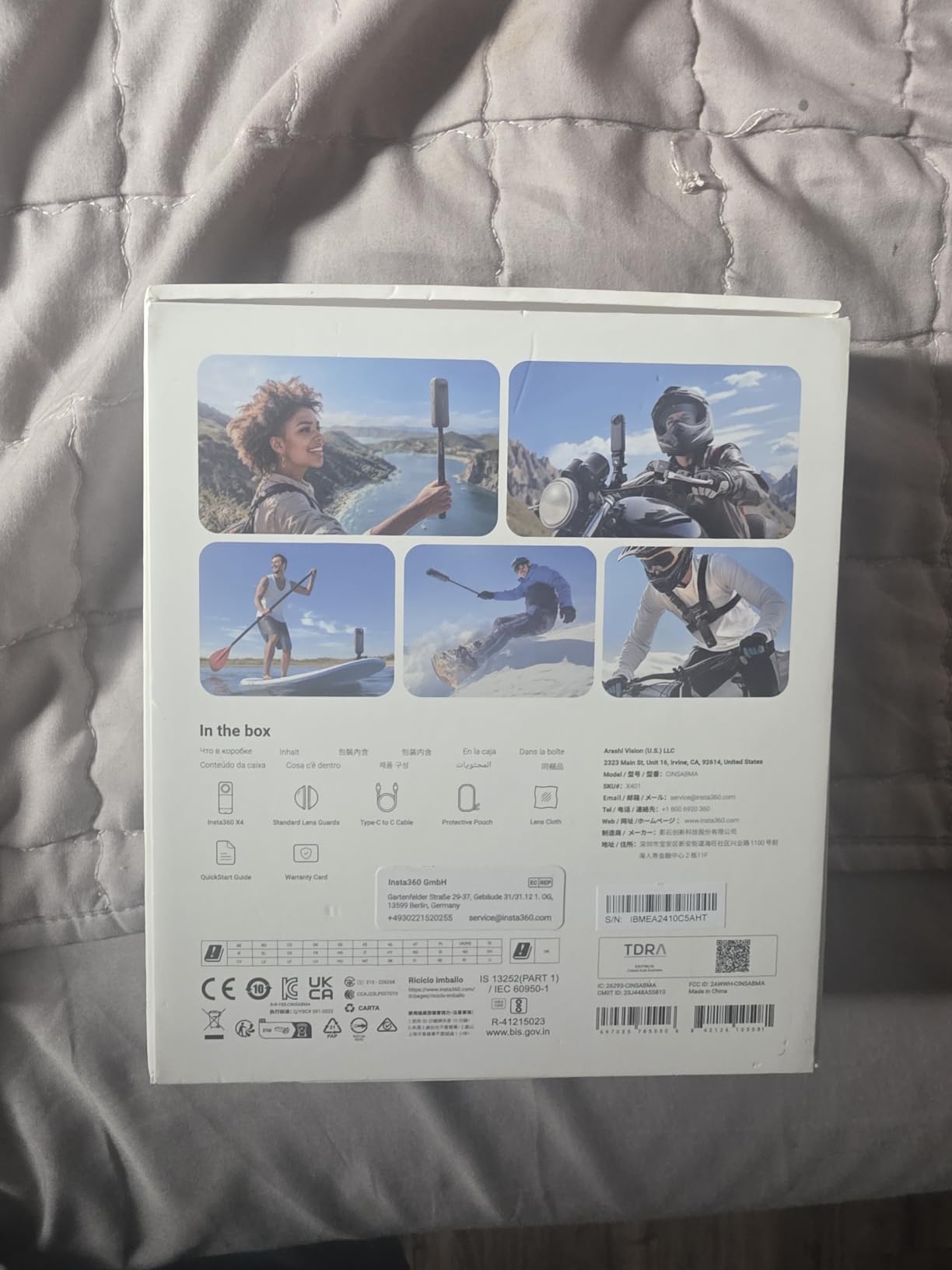
Reviewers upgrading from earlier X-series bodies point to sharper 8K imagery, longer battery life and noticeably reduced stitching compared with the previous generation. The 2290mAh battery gives 135 minutes per charge, which comfortably covers a full two-dive day if you are not filming continuously. That is the single biggest practical improvement for divers over the older X models.
The catch is the ceiling on reframed output. When you pull a 270-degree or vertical slice out of that 8K 360 footage in the app, you are working with roughly 2.7K. That is more than enough for a phone screen and perfectly watchable on a laptop, but if you are delivering video for a club screen or a dive operator’s showreel, single-lens footage will hold up better. Stabilization is software-based, so fast arm movements can still warp the horizon a little.

How the X4 handles a full two-dive day underwater
A two-dive day is the unit that matters. If your battery cannot cover two dives plus a surface interval, you are either carrying spares or you are choosing which dive gets recorded. At 135 minutes per charge, most divers filming selectively will get through both dives, and the ones filming continuously will want a second battery in the rinse bag.
The 2.5-inch Gorilla Glass touchscreen is bright enough to read at depth, which matters when you are checking exposure rather than guessing. FlowState Stabilization with 360-degree Horizon Lock keeps the roll axis level, which is worth having on a current-heavy dive where you are rarely level yourself. Operating range extends down to -4F (-20C), so cold water is within spec.
When the X4 is the wrong choice for diving
If your diving is mostly recreational reef work at 15 to 20 metres on sunny days, you are paying for 360 capability you may not use, and you are accepting a larger reframing compromise than necessary. The DJI Osmo Action 5 Pro is smaller, records a true flat frame, and needs no housing to reach the same depth.
There is also the editing commitment. The X4 workflow lives in the Insta360 app and desktop Studio software, and some features are desktop only. If you are new to 360 editing, expect to spend a weekend learning reframing before the footage feels easy. Divers who want to grab a clip and post it the same evening should look at a single-lens body instead.
2. DJI Osmo Action 5 Pro – Best Camera That Needs No Housing
DJI Osmo Action 5 Pro Standard Combo, Waterproof Action Camera
IP68 to 20m bare
1/1.3in CMOS sensor
Colour temperature sensor
1950mAh, 4 hours
Pros
- 20m IP68 rating means no housing for most recreational dives
- Colour temperature sensor fixes blue footage without filters
- 1/1.3in sensor is the strongest low light performer here
- Up to four hours per battery
- 47GB built-in storage means you can dive without a card
Cons
- Standard Combo includes only one battery
- 4K60 drops to roughly 30 to 35 minutes per charge
- Bright OLED screens reflect glare in shallow water
The DJI Osmo Action 5 Pro solves the problem that frustrates most new divers, which is the housing. Most action cameras are rated to 10m bare, which means every dive past recreational shallow-water territory needs a case, a seal check, and another thing to rinse. This body is IP68 rated to 20m without a housing, which covers the overwhelming majority of recreational dives in warm water.
Owners consistently single out three things: the 20m bare rating, the 1/1.3-inch CMOS sensor, and the colour temperature sensor. That last one matters more than spec sheets usually admit. Seawater absorbs red and orange wavelengths within the first few metres, which is why almost all unfiltered footage comes back looking blue or green. A camera that measures colour temperature and applies white balance automatically largely fixes that in-camera.
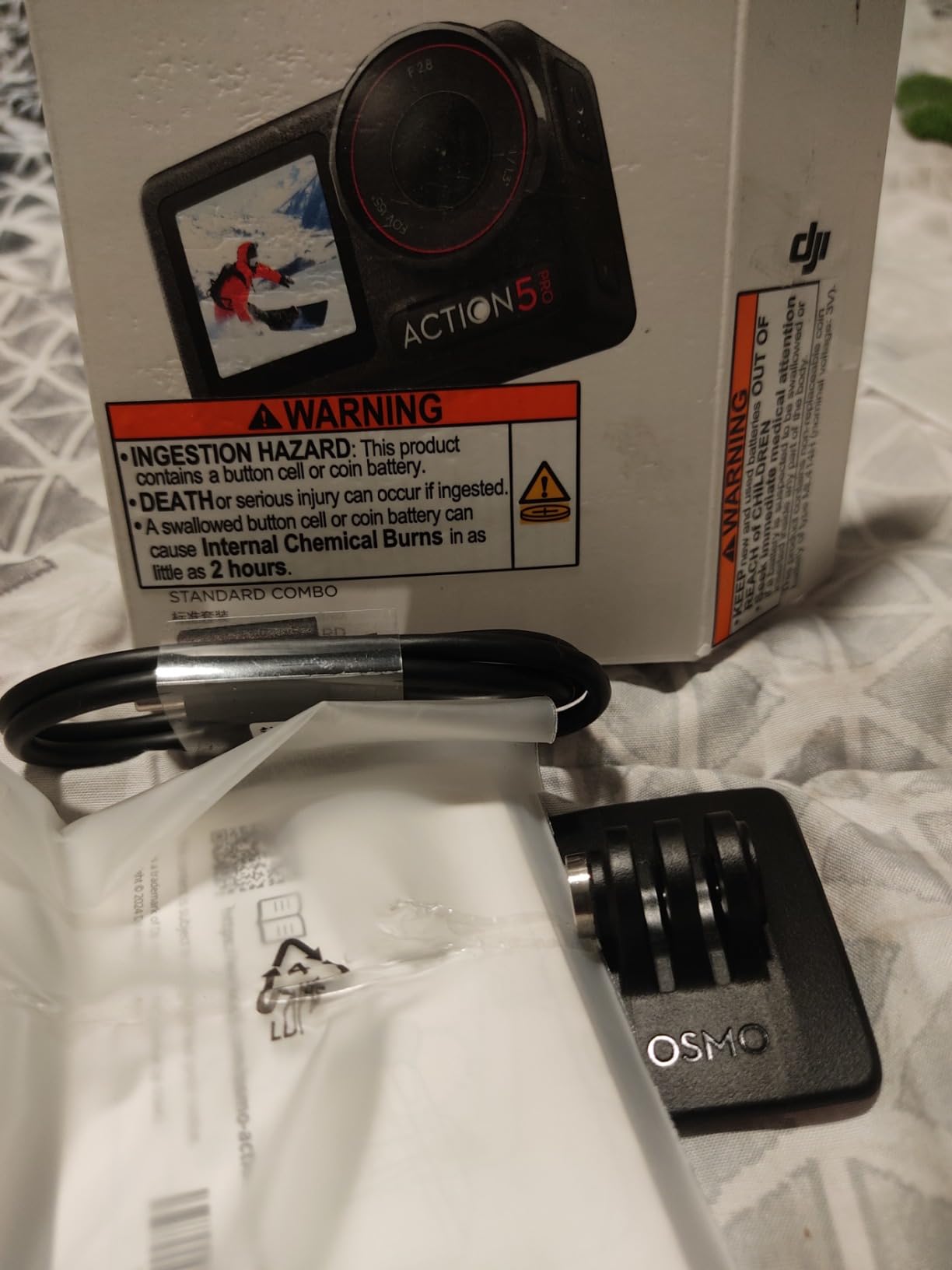
The sensor is the largest here at 1/1.3 inches with 2.4 micron pixels and a stated 13.5-stop dynamic range. On an overcast deep dive at 25 metres that extra surface area is the difference between a usable frame and a noisy one. Wreck dives and night dives, where you are relying on a video light, are exactly where you notice it. The 155-degree field of view is wide enough to take in a whole reef wall without the extreme distortion some action cams push.
Battery life is the headline number: a 1950mAh cell rated up to four hours of recording, and 3.6 hours at -20C. Real-world results depend enormously on resolution, and reviewers note that 4K60 cuts that down sharply to somewhere around 30 to 35 minutes per charge. For most divers shooting 4K30 in bursts, a single battery covers a full day, but the Standard Combo only includes one, so a spare is worth adding for a liveaboard trip.
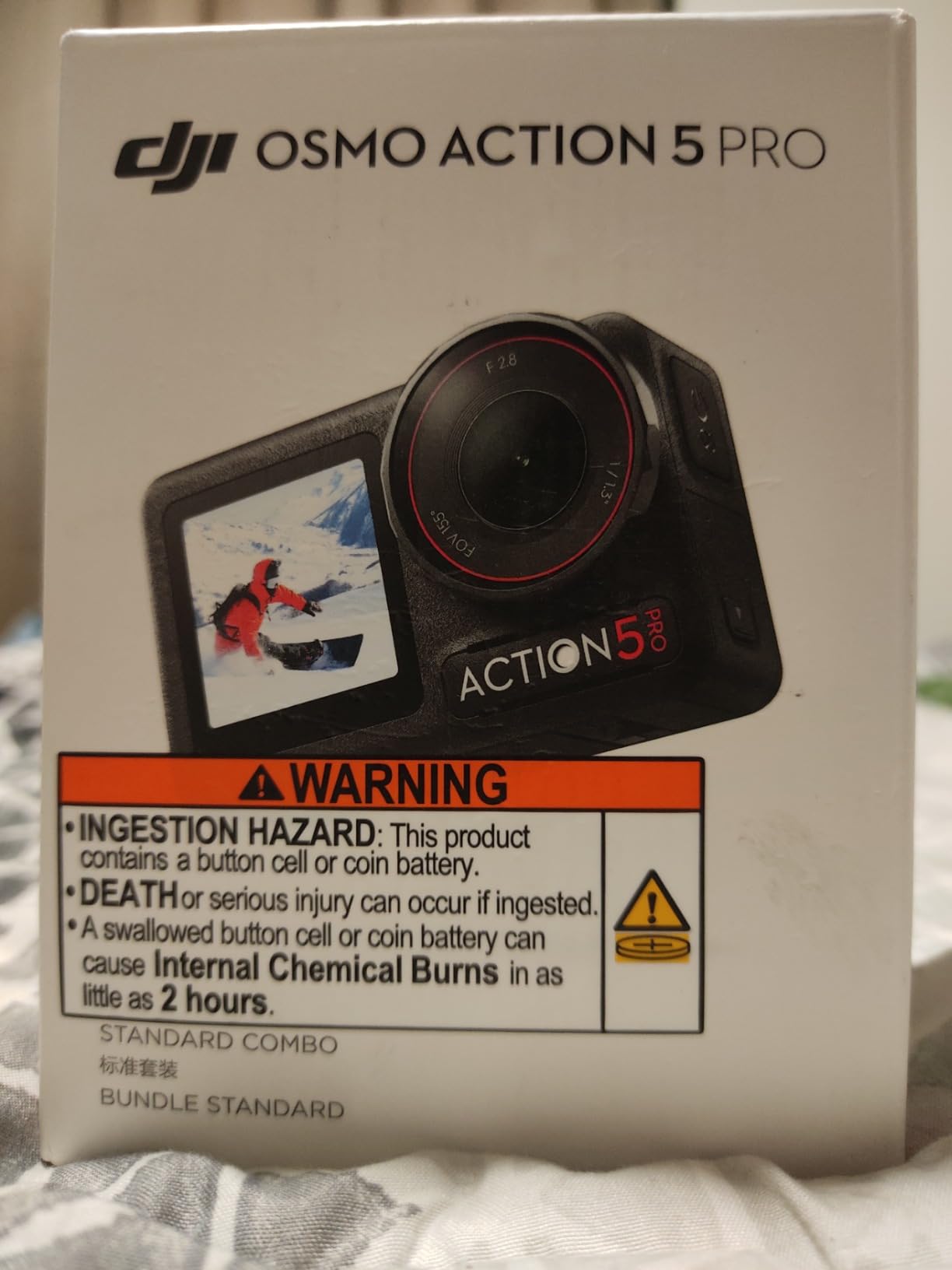
Why the 20m rating changes dive planning
Ten metres is roughly the limit of a lot of easy reef diving. Twenty metres is a proper recreational depth with real overhead environment risk on a wreck. Being able to reach it without a case removes an entire category of failure, because housings flood. A diver who lost a camera to a failed O-ring on a 20-metre wreck dive has learned that lesson the expensive way.
The 47GB of built-in storage reinforces the same idea. You can leave the card slot empty on this body and still record a full trip. On a camera that depends on a card, a failed or full card at depth means a lost dive with no way to salvage it later.
Where the Osmo Action 5 Pro falls short
Past 20 metres, you are back to buying a dive housing, which is the one scenario where the GoPro ecosystem pulls ahead. The dual OLED touchscreens are bright enough to catch reflections from the surface in shallow water, and touch controls are awkward with thick gloves, so plan on physical buttons for anything you start mid-dive.
There is also no card included and no waterproof wireless microphone link for its own ecosystem beyond direct transmitter pairing. Video tops out at 4K rather than 5.3K, which matters if you plan heavy cropping into reef shots. None of that matters much underwater; it matters if you use the same camera for a lot of dry-land work.
3. GoPro HERO11 Black – Best Mount Ecosystem and Rear Screen Handling
GoPro HERO11 Black – E-Commerce Packaging – Waterproof Action Camera with 5.3K60 Ultra HD Video, 27MP Photos, 1/1.9″ Image Sensor, Live Streaming, Webcam, Stabilization
5.3K60 video
1/1.9in sensor
27MP stills
HyperSmooth 5.0
10m bare
Pros
- 5.3K60 leaves room to crop into reef and critter shots
- 1/1.9in sensor holds up in low light
- 27MP stills plus 24.7MP frame grabs from video
- Hypersmooth 5.0 keeps handheld footage level
- Front and rear screens for framing
- 10m body works with the widest housing and mount range
Cons
- One Enduro battery is short for a two-dive rotation without spares
- Short battery life when shooting 5.3K60
- Separate dive housing required for deeper recreational scuba
- No microSD card included
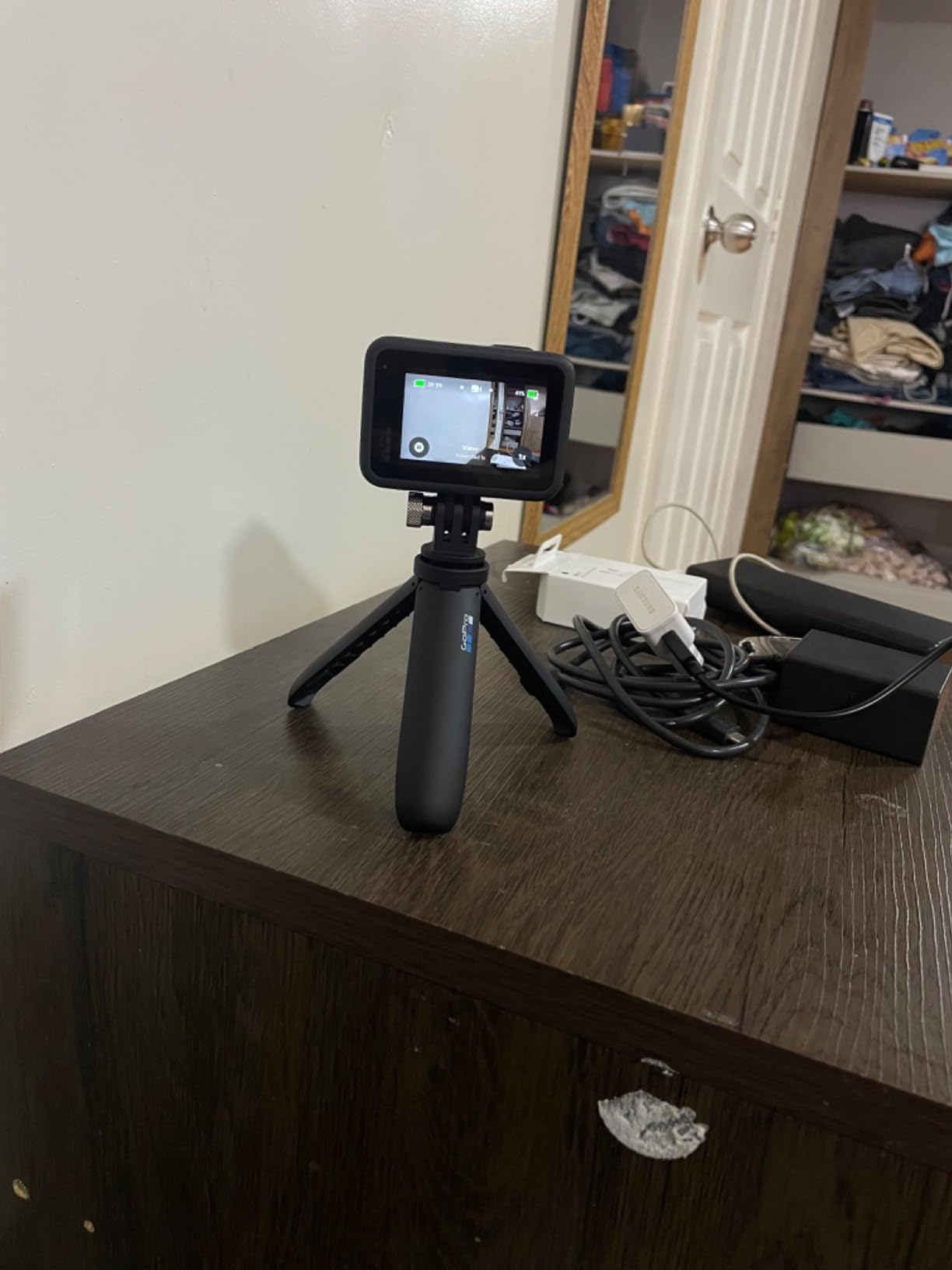
The HERO11 is the reference point for dive rigs for a simple reason: everything fits. If your buddy has a GoPro tray, you can borrow it. If you want a dual-handle mount, a head strap or a proper cold-water dive handle, the choice of third-party support is bigger here than with any other brand on this list. That matters underwater, because the rig you can actually assemble at 6am on a boat is the rig you use.
Image quality is where the 5.3K60 mode earns its place. At 91 percent more resolution than 4K, you can crop into a wide reef scene and still pull out a usable frame of a specific fish, coral head or crab on the wreck floor. For a diver who came home with three hours of footage, being able to rescue frames after the fact rather than trying to frame correctly at depth is a genuine advantage.
The 1/1.9-inch sensor is the largest in this particular line-up after the DJI, and it does the heavy lifting on dull, deep dives. HyperSmooth 5.0 with Horizon Lock and AutoBoost handles the constant low-frequency shake of a hovering diver without needing a gimbal, which would add drag and another failure point. The water-repelling lens cover is a small thing that stops droplets from smearing macro shots.
Front and rear screens let you frame a shot of yourself against a wreck opening without guessing, and the 2.27-inch rear screen is one of the more readable ones here. The camera also handles 2.7K240 super slo-mo at 8x playback, which divers use for slow-motion passes through kelp or a fast-moving school of fish.
What the GoPro ecosystem does for diving specifically
Beyond the mount range, the practical advantage is that the housing market is mature and deep. A flat glass dome port housing, which is what you want underwater to avoid refraction at the corners, is easier to source for this body than for any of the Insta360 or AKASO models here. Cold-water handles, tray extensions and buoyancy control for a GoPro are all widely made.
That ecosystem extends to the light and filter stack too. If you plan to use a video light or a red filter at shallow depth on a blue-water dive, mounts that hold those on a GoPro in position are among the most readily available accessories in the hobby.
Where the HERO11 will frustrate you
Battery life is the recurring complaint. One Enduro battery is included, and reviewers consistently note that endurance drops sharply when shooting 5.3K60. For a two-dive day you are looking at carrying at least one spare, and for a three-dive day, two. That is manageable, but it is a cost and a weight the DJI does not impose at the same resolution.
The body is rated to 10m, so scuba means buying a housing. That housing is an extra purchase, an extra seal to inspect, and an extra item to rinse in fresh water after every salt dive. Divers doing warm-water recreational diving without a housing should read the full action camera comparison before committing.
4. AKASO EK7000 – Best Budget Dive Camera With a 40m Housing
AKASO EK7000 4K30FPS 20MP WiFi Action Camera with EIS Ultra HD 131FT Waterproof Underwater Camera Remote Control 4X Zoom Support External Microphone Black
4K30 video
20MP stills
131ft/40m case included
Two batteries
90 min each
Pros
- Most reviewed camera in this group with 39k+ ratings
- 131ft/40m waterproof case included
- Two batteries plus a dual charger in the box
- Large mount and accessory bundle out of the box
- Simple menu system and easy phone transfer
Cons
- Muffled audio and heavy wind noise
- Fiddly unhinged battery door
- Screen hard to read underwater
- Low light footage degrades and frame rate drops
The EK7000 has the largest review count of anything on this list by a wide margin, and that volume of owner feedback tells you something useful: it is the camera most first-time buyers actually end up with. For a diver on a strict budget, the case is already in the box, rated to 131ft (40m), which means you can dive a full recreational site without another purchase.
Two lithium polymer batteries and a dual charger come standard, and each is rated around 90 minutes of recording. For a single-tank dive day with selective recording that is workable. The accessory bundle is generous for the money, with the mount kit, the wrist remote and the case all included, and the menu system is straightforward enough that you can configure it on the boat rather than the night before.
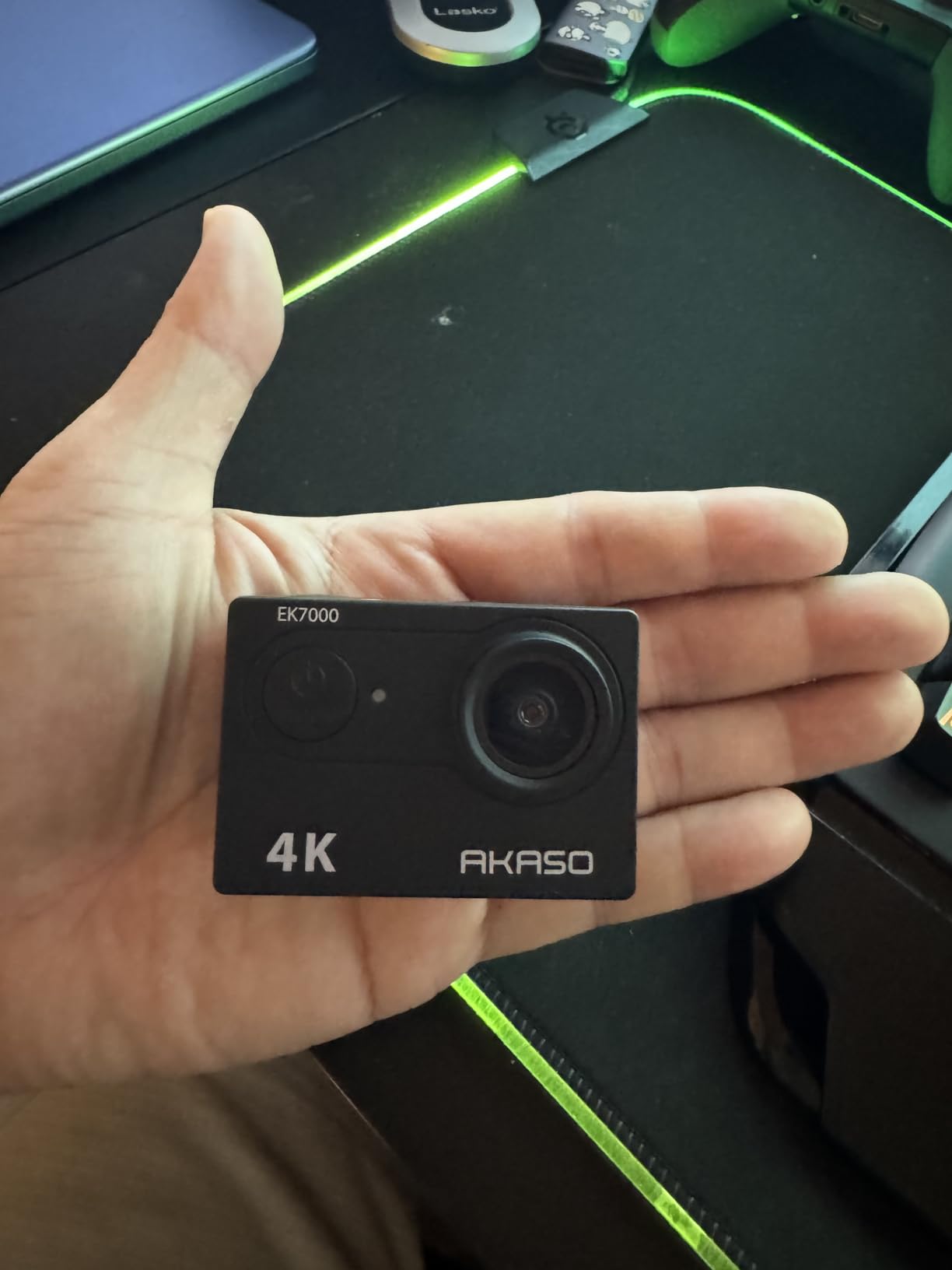
Where it struggles is low light and audio. Reviewers report frame rate dropping and footage degrading in dark conditions, which is exactly the environment of a deeper dive or a night dive. The screen is hard to read underwater, so you will end up relying on the wrist remote for framing, and the remote itself is not waterproof, which means it is a topside accessory only.
There is also the sample variation issue. Across the large volume of reviews, owners note occasional differences in field of view and firmware behaviour between units. The AKASO GO app connection can drop a recording start without warning, and the Wi-Fi range is short, so offload your footage at the end of the day rather than between dives.
What you actually get for a first dive trip
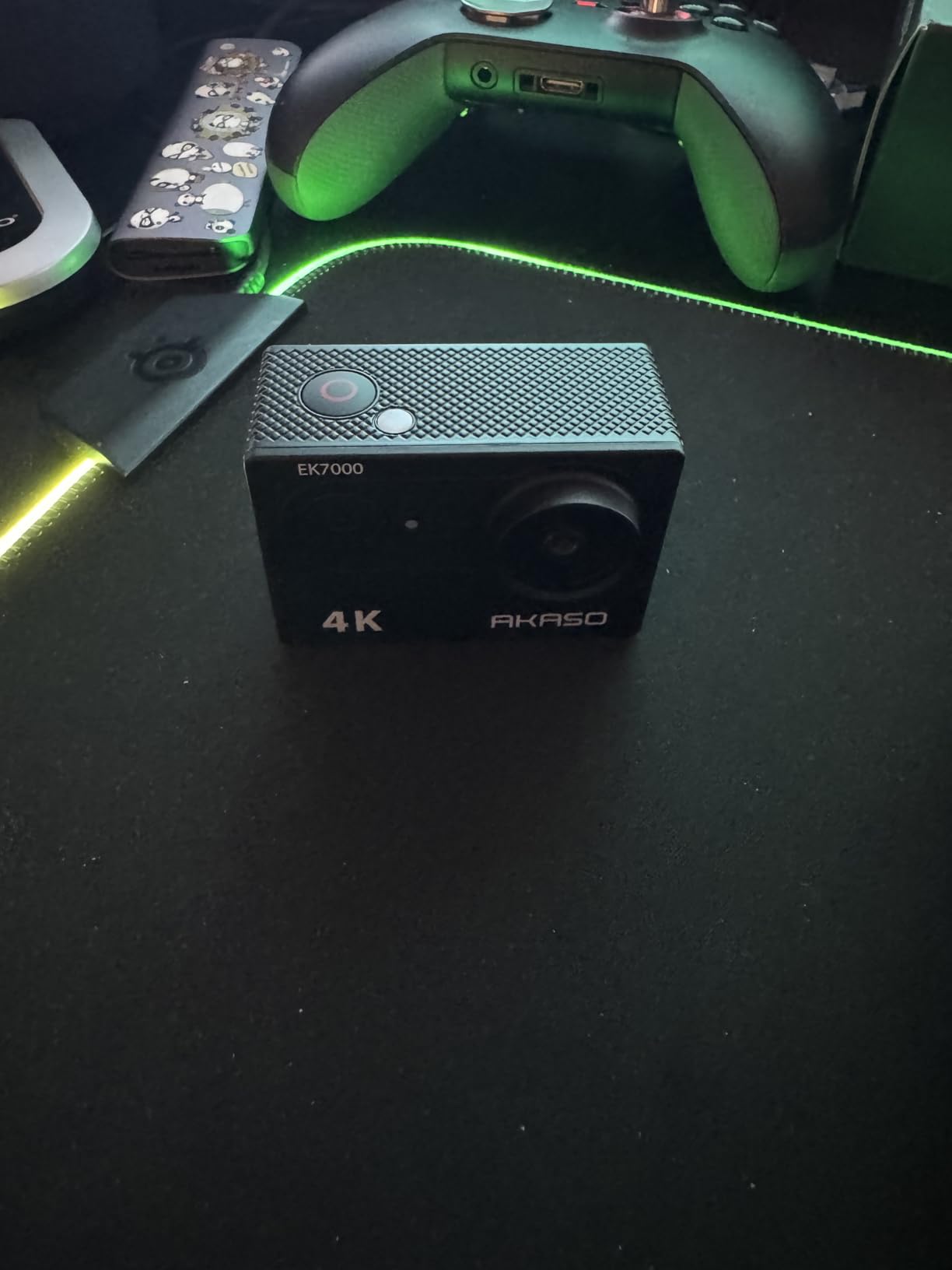
Put together: a 4K30 body, a 40m case, two batteries, a dual charger and a full mount kit in a single purchase. There is no SD card in this package style, so budget for a card separately, and a good one matters more than a cheap one at 4K write speeds. Our microSD card roundup covers the speeds you actually need.
The trade is that the 4K30 capture is the minimum viable resolution for modern footage rather than a genuine step up. You have no high frame rate option for slow motion, and digital zoom on a 4K file is mostly a crop. If your dives are shallow and bright, none of that matters.
When to look past this camera
If you are diving wrecks deeper than about 18 metres, in water below 18C, or filming at night, this camera is working against you. The image quality at depth and the single mediocre sensor will show it, and you may end up buying the housing for a camera you never wanted. Divers in that situation should step up a tier rather than buy the housing twice.
The audio is worth flagging too. Muffled sound and heavy wind noise are the most common complaints, so if you plan to record surface audio as narration, do it on a separate recorder. If your diving is mostly silent bottom time, ignore this entirely.
5. AKASO Brave 4 – Best Value for New Divers
AKASO Brave 4 Action Camera 4K30 Ultra Hd Waterproof Underwater Camera
4K30 video
170 degree adjustable FOV
131ft/40m case
Dual screens
90 min per battery
Pros
- Four field of view angles including 170 degrees for wide reef framing
- Dual 2 inch rear and 0.96 inch front screens
- 131ft/40m case rated for diving below 40 metres
- Two 1050mAh batteries plus USB dual charger
- Owners report housing seals holding on repeated dives
- Does not overheat in hot conditions
Cons
- Clumsy button and menu navigation
- Unhinged battery door is easy to lose
- Thin written documentation
- Digital 5x zoom adds little over cropping
- Grainy stills at higher ISO
The Brave 4 is the AKASO body that keeps coming up when divers describe what they actually use, and the review pattern is unusually consistent. Owners specifically talk about the housing seal holding up across repeated dives, including spring-water dives where thermal shock and cold are both in play. That is the failure point that ends most budget dive rigs, so it is worth paying attention to.
The four field of view settings are the feature that separates it from the EK7000. At 170 degrees you get a genuinely wide reef scene without having to crop later, and stepping down to 140, 110 or 70 degrees lets you keep a subject larger in frame on a close pass. That range is more useful underwater than on land, because there is rarely a chance to reframe at depth.
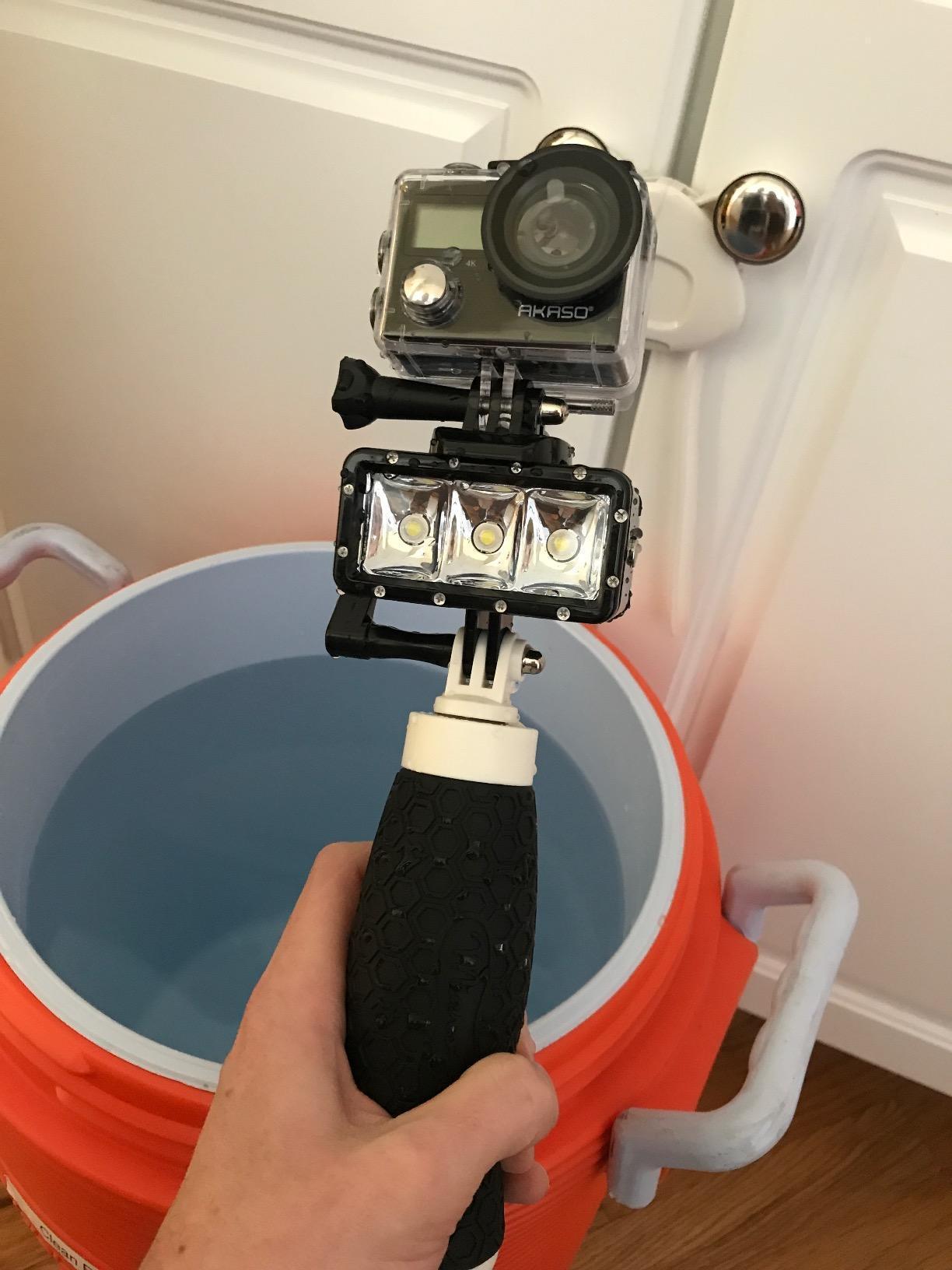
Dual screens help here too. A front screen lets you check framing on a pass over a coral bommie, and the 2-inch rear screen is where you review after the dive. Two 1050mAh batteries at up to 90 minutes each with a USB dual charger means you can rotate a battery between dives rather than sitting on the boat waiting.
Owners also note it does not overheat in hot conditions, which matters on a shallow tropical reef in full sun where a camera sealed in a case generates heat. A camera that thermal throttles or shuts down during a 40-minute shallow dive loses the dive you were recording.
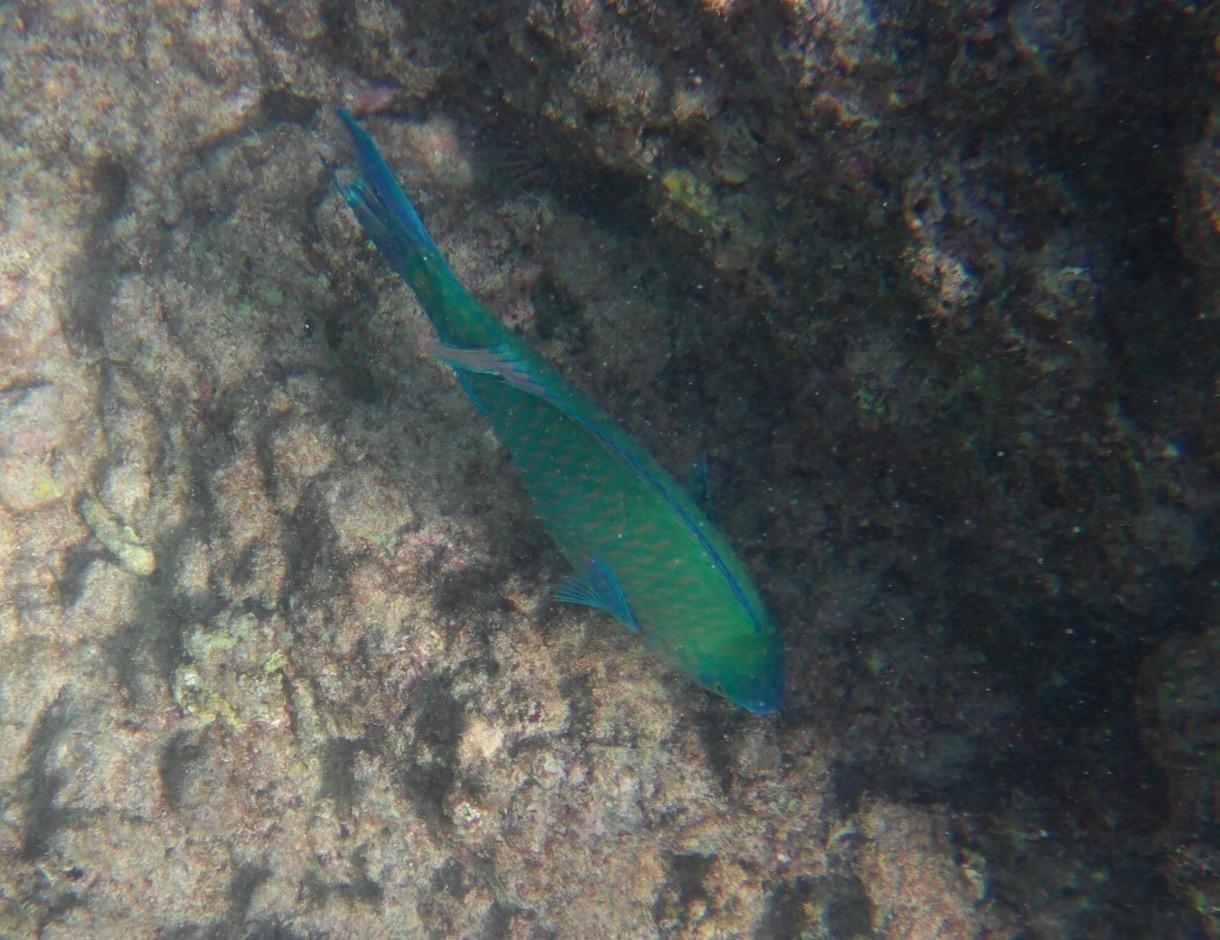
Why the adjustable field of view matters at depth
Every second you spend hovering over a coral head is one you are burning gas. A fixed ultra-wide lens makes everything small and distant, so the only way to get a subject bigger is to crop in post, which on a digital zoom or a 4K sensor loses detail fast. Being able to dial the field of view down before the dive and then leave it alone is a real efficiency.
For close-up work, this camera has limits that you should accept. Stills get grainy at higher ISO, and close-up performance is weak, which is the general limitation of fixed-lens action cameras. If your interest is macro photography of nudibranchs rather than video of a reef, an action camera is the wrong tool and our wetsuit and gear guidance aside, a compact camera in a housing serves that better.
Where the Brave 4 gets in your way
The menu system is the main friction. Owners repeatedly describe clumsy button and menu navigation that takes some working out, plus a Wi-Fi pairing process that is not obvious. Set the camera up on shore, update the firmware, and learn where the settings are before you are in the water.
The battery door is not hinged, which means it can detach and be lost on a boat. Keep a small bag for the part. The 5x digital zoom is listed in the specs but adds little beyond cropping, and the written manual is thin, so budget an evening with online setup tutorials rather than expecting to figure it out in the dive briefing.
6. AKASO Brave 7 LE – Best Dual-Screen Backup Camera
AKASO Brave 7 LE 4K30FPS 20MP WiFi Action Camera with Touch Screen EIS 2.0 Zoom Remote Control 131 Feet Underwater Camera with 2X 1350mAh Batteries Support External Microphone Vlog Camera
4K30 video
IPX7 body
131ft/40m case
EIS 2.0
Two 1350mAh batteries
Pros
- Two 1350mAh batteries cover a two-dive rotation without shore charging
- IPX7 body adds water resistance beyond the usual budget standard
- Front screen plus 2 inch rear touchscreen for framing
- EIS 2.0 six axis stabilization holds footage steady
- External microphone support and remote included
Cons
- Digital EIS crops into the frame and reduces detail
- Touchscreen is fiddly with wet or gloved hands
- 2 inch rear screen is small for reviewing footage
The Brave 7 LE is the one to look at if you want to carry two cameras or want a second body that does not depend on the same charging ecosystem as your main. The battery pair is the headline: two 1350mAh cells, larger than anything else in the AKASO range, and owners report they carry a full two-dive rotation without needing to charge on shore. For a liveaboard with three dives a day, that headroom is the difference between shooting everything and shooting nothing after dive two.
The IPX7 sealing on the body is a step up from the usual budget standard, which means rain, spray and a shallow dunk are not automatic failures. It is not a dive rating. The 131ft/40m figure applies to the included waterproof housing, exactly as with the other two AKASO bodies here.
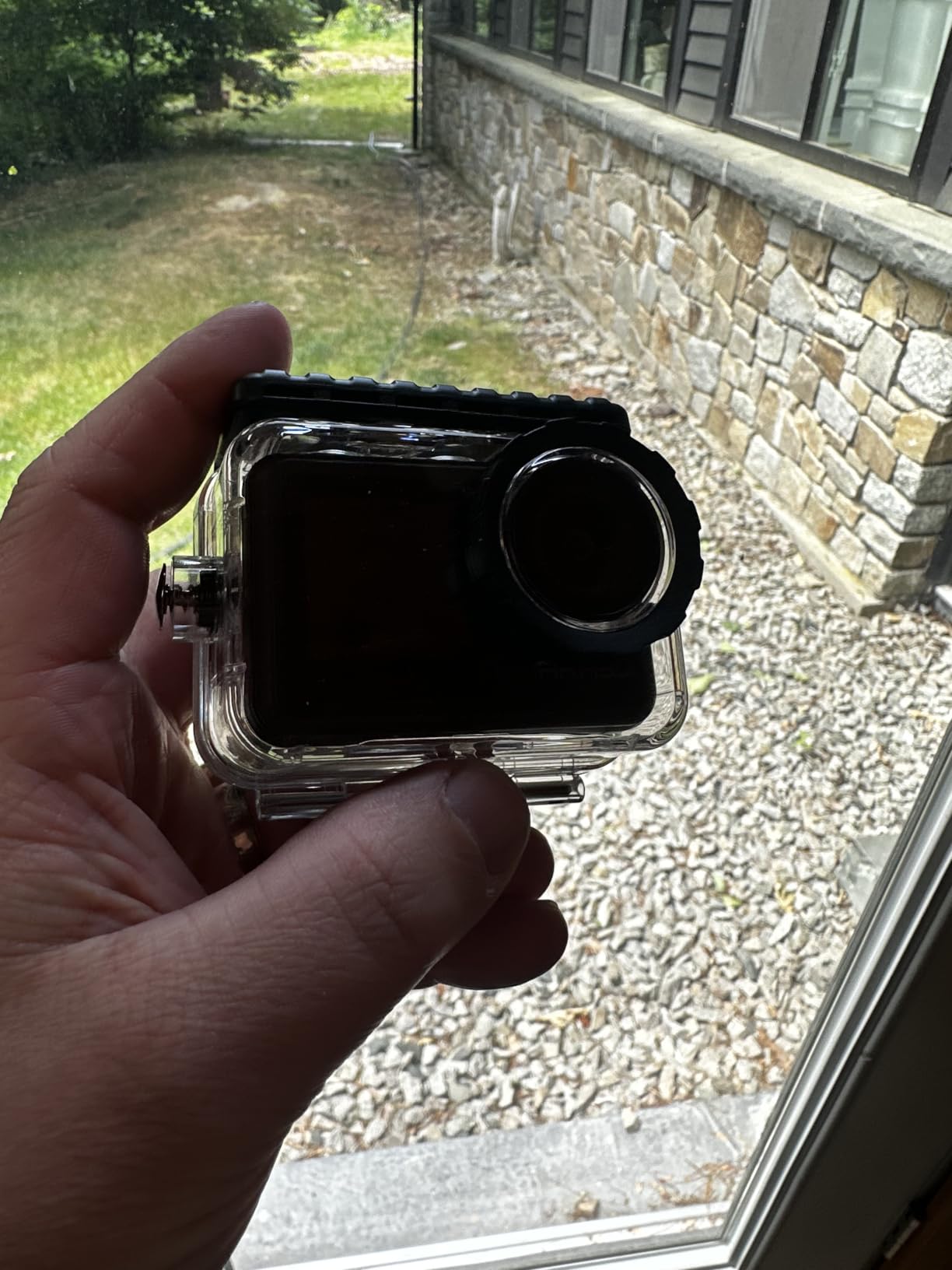
Dual screens are the layout divers like most: a front screen for vlogging and dive-log framing, and a 2-inch rear touchscreen for menu work on the boat. Six-axis EIS 2.0 keeps footage steady at depth, which helps with the constant low-frequency shake of hovering rather than the fast movement that defeats digital stabilization.
It also supports an external microphone, which the cheaper AKASO bodies do not, and includes the remote control and a mounting kit. Neither remote nor the touchscreen is at its best underwater with gloves on, so treat both as boat-time tools and use the physical shutter button in the water.
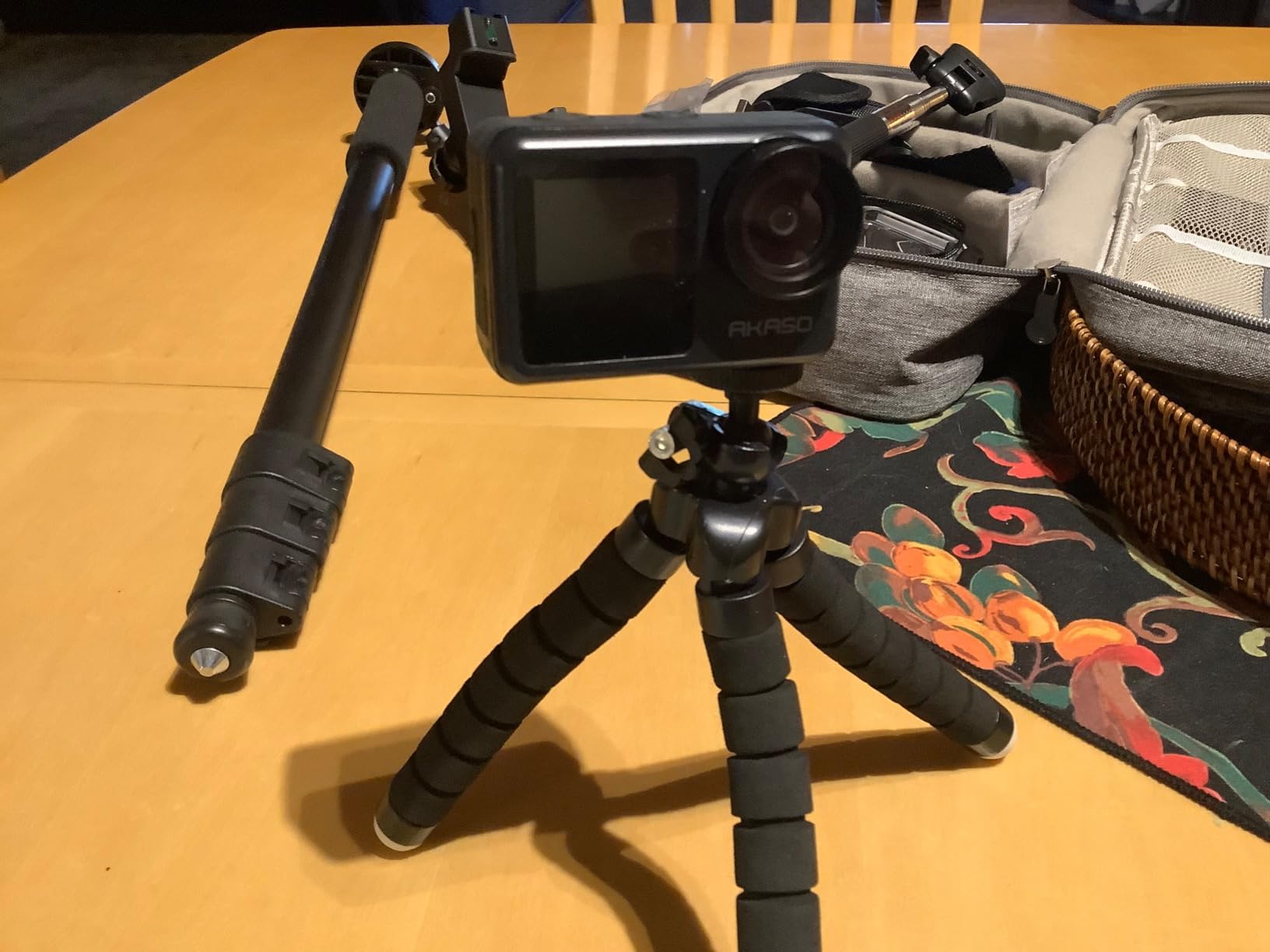
Battery rotation as the deciding factor
Count your dive day in batteries, not in marketing minutes. A typical two-dive day with a surface interval gives you roughly 100 to 120 minutes of recording time before you need a top-up, and that assumes you are recording selectively rather than running continuous video. Three-dive days on a boat with current can easily double that.
Two larger batteries is a simpler system than one large battery plus a spare you have to remember. It also means your charging routine is the same every night. If you are heading somewhere cold, check the cold-water wetsuit guide because water temperature changes endurance more than any other single variable.
Where it falls short against the other AKASO bodies
The EIS here is digital rather than optical or gimbal-based, which means it crops into the frame to stabilise. You lose some field of view and some effective detail, and in a wide reef scene the crop is visible. That is the trade for the lighter body and the touch screen.
The rear screen is small at 2 inches for reviewing dive footage, and the touchscreen is genuinely fiddly with wet or gloved hands. If you mostly need a reliable second body for a second diver or a backup, this does the job well. If you want your one camera to do everything, the DJI Osmo Action 5 Pro sensor and colour handling are a clear step up.
7. Insta360 X4 Air – Best Lightweight 360 Rig Above Water
Insta360 X4 Air – Lightweight 165g 8K 360 Camera, Invisible Selfie Stick Effect, Replaceable Lenses, Shoot First & Frame Later, Built-in Wind Guard, FlowState Stabilization, AI-Powered App
165g body
8K 360 capture
Replaceable lenses
FlowState stabilisation
Dive case required
Pros
- 165g body is light enough to forget on a long surface interval
- Shoot first and frame later removes pressure to aim at depth
- Replaceable lenses make a scuffed lens a swap not a write-off
- FlowState stabilisation stays smooth over rough movement
- Links directly to a DJI Mic Mini transmitter
Cons
- Not water resistant
- needs an Insta360 dive case for any underwater use
- Batteries are smaller than X4 batteries and X4 chargers do not fit
- Low light performance loses clarity and picks up noise
- Setup requires a phone before desktop software will authorise
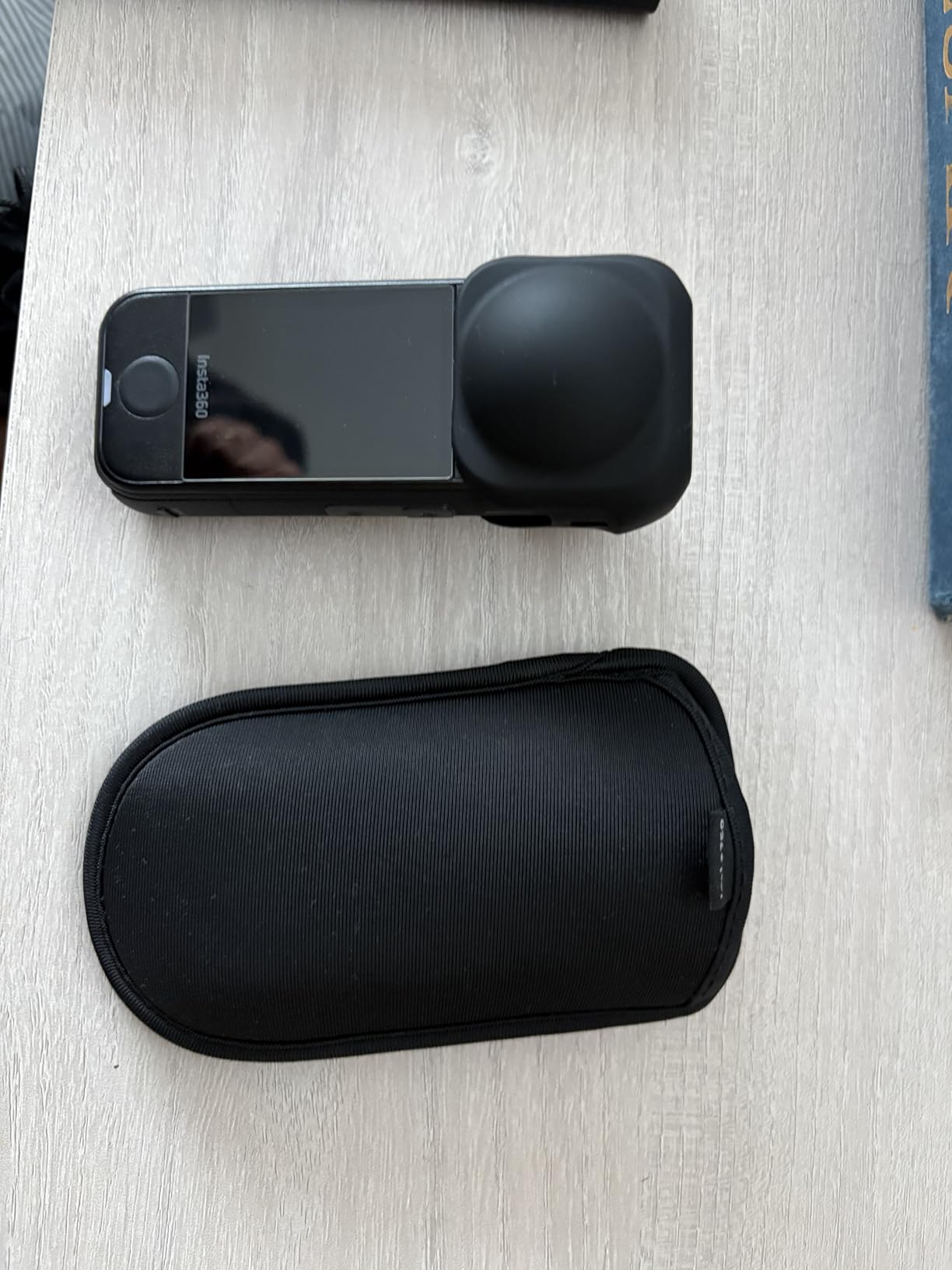
Be clear about what this camera is. The Insta360 X4 Air is not water resistant on its own, and it needs an Insta360 dive case for underwater use. That single fact rules it out for anyone who wants to be in the water without carrying a housing, which is why the X4 bundle takes the top spot instead.
Where it earns a place is weight. At 165g it is the lightest camera in this list by a clear margin, and for freediving, long surface intervals between dives, or a snorkelling trip where you are swimming rather than scuba diving, that is a real advantage. A lighter camera on a head mount or a mask mount stays on longer, which means more footage.
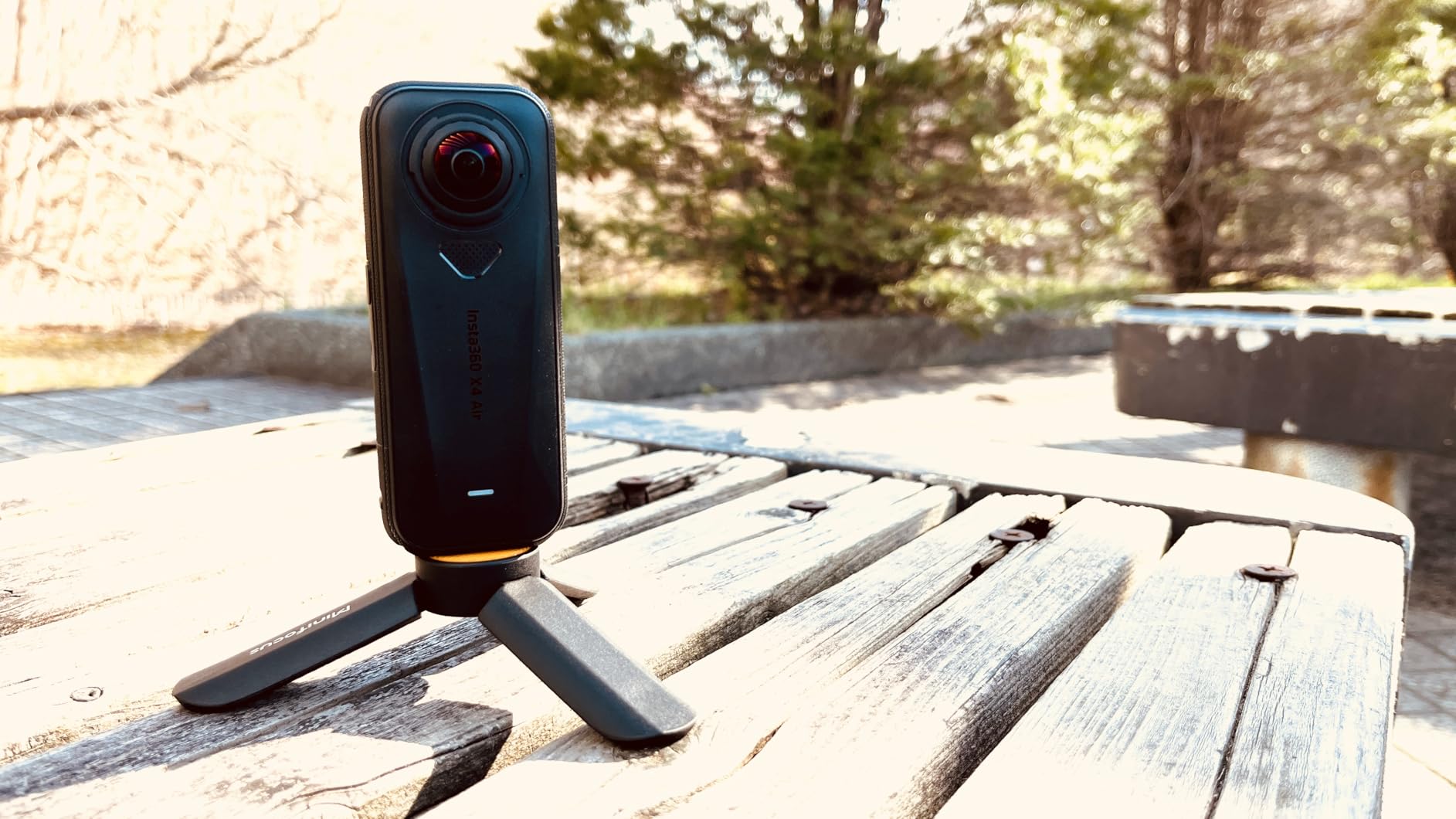
The shoot-first, frame-later workflow is the strongest argument for freediving specifically, because freediving has no spare oxygen to hold a pose for composition. Capture everything, pick the angle afterwards. Replaceable lenses are also valuable on a body you are taking into salt water, since a scuffed lens becomes a swap rather than a replacement camera.
It pairs directly with a DJI Mic Mini transmitter for audio, and the Insta360+ Cloud backup gives automatic file upload so a failed card on a liveaboard is not a lost trip. FlowState Stabilization and 360-degree Horizon Lock handle movement well over rough terrain between dive sites.
When 360 actually earns its place underwater
360 makes most sense when the camera is moving and the subject is unpredictable. Swinging through a kelp forest, following a turtle across a reef, or drifting inside a wreck penetration, you cannot frame ahead of the moment. You also cannot reposition to capture the same subject twice on a single-tank dive.
It also solves the diver-self-portrait problem cleanly with the invisible selfie stick effect, putting you and the reef in frame without a visible pole. That footage is why most 360 underwater videos exist at all.
Why most divers should pick the X4 bundle instead
The battery situation is the frustrating part. The batteries are physically smaller than the X4 batteries, and X4 chargers do not fit them, so you cannot share a charging system between the two bodies. Low light performance loses clarity and picks up noise, which hurts on a deep or night dive. Setup requires a phone running the Insta360 app before the desktop software will authorise it.
If you dive more than a handful of times a year, buy the X4 Invisible Dive Bundle instead and skip this. If you are mostly freediving or snorkelling and want a body light enough to wear all day, this is the one that makes sense.
8. Jadfezy J-03 1080P – Lowest-Cost Starter With a 30m Case
Jadfezy Action Camera 98FT Waterproof Underwater Cameras with Memory Card
1080P30 video
5MP stills
IP68 case to 30m/98ft
Two 900mAh batteries
2 inch LCD
Pros
- Lowest cost entry with an IP68 case rated to 30m
- Two 900mAh batteries give roughly four hours total
- Waterproof case plus helmet and bicycle mounts included
- Survives tumbles and rough handling
- Simple to set up without instructions
Cons
- 1080P30 and 5MP stills are well below the rest of the lineup
- Footage and on screen playback described as low quality and noisy
- Audio inside the case is poor
- Housing can corrode in salt water after a single use
- Low light recording blows out highlights
The J-03 exists because a housing is mandatory for scuba on almost every camera in this article, and housings cost real money. This one includes an IP68 case rated to 30m (98ft), two 900mAh batteries giving roughly four hours of total recording, and a 32GB card, in a package that costs a fraction of the others here. If the question is whether you can dive with an action camera at all, this answers it.
It is also the only one on this list where we would push you toward the accessory question before the camera. Video is 1080P at 30fps with 5MP stills, which is below everything else here by a wide margin. At that resolution the housing window, not the sensor, is what limits your image, and any scuff or condensation on the case port shows up badly.
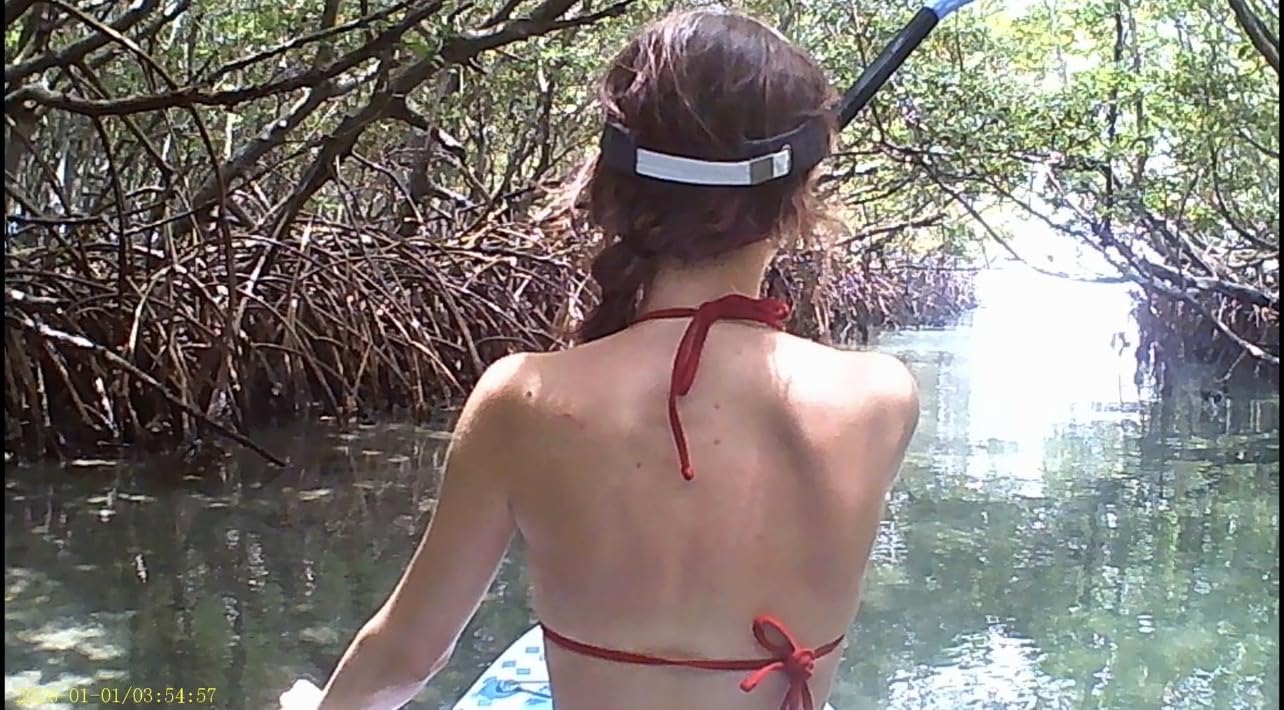
The reviews are blunt about quality. Owners describe both the on screen playback and the recorded footage as low quality and noisy, with poor audio inside the waterproof case and blown highlights in low light. Importing footage to a phone is also described as a cumbersome process, which matters if you are trying to post a clip from the boat.
On the durability side there is one serious report worth taking seriously. At least one owner reported a failure on an actual scuba dive with no files recovered, and reviewers note the housing can corrode in salt water after a single use. A camera failure at 20 metres ends that dive and costs you the rig. Treat this as a first-season camera rather than a season-spanning one, and keep the SD card accessible.

When a 30m case is genuinely enough
Thirty metres covers a huge share of recreational diving. Warm-water reef sites, shallow wreck dives, most snorkelling depths and every dive inside a lagoon sit comfortably inside that rating. If you are on a learning course, doing supervised shallow dives or building up a log of a hundred dives, a 30m rating covers what you are actually doing.
It stops being enough the moment you start planning deeper dives, night dives or penetration wrecks. At that point the money is better spent on a camera with a larger sensor and a colour temperature sensor than on adding depth to a body that cannot resolve light.
How to get the most out of this camera
Treat the housing as consumable. Rinse it in fresh water after every salt dive, dry it fully with the latch open, and check the O-ring for cracks or flattening every few dives. Keep a silica gel pack in the case between dives, because trapped moisture inside a sealed case is what causes fogging and corrosion.
Shoot 1080P at 30fps and accept it, and use a small video light on any dive below about 10 metres, because that camera has nothing left to give in low light. If you take more than ten dives a year, upgrade early. If you take three, this is fine.
Do You Need a Dive Housing?
For almost every recreational scuba dive, yes. The bare-body water rating on most action cameras is 10m (33ft), and a dive housing is the sealed enclosure that lets the camera go deeper. It seals the buttons, the ports and the microphone against pressure, and it comes with its own depth rating that you should check independently of the camera’s.
There is one clear exception in this list. The DJI Osmo Action 5 Pro is rated IP68 to 20m (66ft) without any housing, which covers the majority of recreational diving in warm water. That is a genuine exception and it is why the Osmo takes our top recommendation for anyone who does not want to manage a housing.
Everything else needs one. The Insta360 X4 bundle includes an Invisible Dive Case rated to 164ft (50m). The GoPro HERO11 Black is 10m bare and needs a separate housing. The three AKASO bodies all include a waterproof case rated to 131ft (40m). The Insta360 X4 Air is not water resistant at all and needs an Insta360 dive case. The Jadfezy J-03 includes an IP68 case rated to 30m (98ft).
Two practical points follow from that. First, a housing has a depth rating and a life expectancy that are separate from the camera’s, and the housing is usually the part that fails first. Second, flood fear is the single biggest reason divers hesitate to buy a better camera, and it is a real risk rather than an irrational one. Treat the seal check and the fresh water rinse as non-optional routine, which is why we cover them further down.
Underwater Colour: Why Your Footage Looks Blue
Water absorbs red and orange wavelengths within the first few metres, then progressively eats green. By 10 metres you have lost most of the warm end of the spectrum, and by 20 metres a reef that looked vivid on the surface renders as blue-grey with green highlights. That is physics, not a camera fault, and no amount of resolution fixes it.
There are three ways to address it, and they cost different amounts of effort. The cheapest is a red or magenta filter screwed onto the front of the lens, which restores warmth in shallow, bright water and costs very little. It has to be the right depth though. A red filter that is correct at 5 metres will look muddy at 20 metres and turn everything red on a shallow dive.
The second is in-camera white balance. The DJI Osmo Action 5 Pro has a built-in colour temperature sensor that applies automatic white balance underwater, which is the reason owners report it producing true-to-life colour with no filters at all. This is the easiest path for a diver who does not want to learn colour grading. The third is a video light, which restores all of the colour regardless of depth because you are adding light rather than correcting for lost light. It is the only approach that works properly on a night dive.
Whichever route you take, shoot a few test frames at your actual dive site and depth before you rely on it. Backscatter from a light in poor visibility can ruin a frame faster than any colour issue, so keep the light close and slightly above or to the side of the camera.
GoPro vs DJI: Which Is Better for Diving?
DJI wins for most recreational divers. The Osmo Action 5 Pro is rated to 20m (66ft) without a housing, so you can dive most sites bare, it carries the larger 1/1.3-inch sensor with better low light performance, and its colour temperature sensor handles the blue shift without filters. Its battery runs up to four hours on one charge. It is the lower-friction camera underwater.
GoPro wins on ecosystem and on resolution headroom. The HERO11 Black records 5.3K60, which leaves real cropping room for critter and reef detail, and its 1/1.9-inch sensor holds up reasonably well in low light. Above all, the mount, housing, tray, handle and light ecosystem for GoPro is the deepest of any brand here, so if you want a proper cold-water rig or a buoyancy-controlled setup, the parts exist and they fit.
The practical split is this. If your diving is warm-water recreational in the 10 to 20 metre band, buy the DJI and skip the housing entirely. If you are diving deeper, in cold water, or on wrecks where a rig matters, buy the GoPro and budget for a quality housing. Divers who also film a lot of other action sports may lean GoPro for the resolution, though our vlogging roundup covers that angle separately.
360 or Single-Lens for Diving?
Single-lens is the safer choice for most divers. It gives you a real frame at the moment of capture, the file is straightforward to edit, and there is no reframing step. Every image problem, low light first, is easier to solve on a single sensor. If you want macro stills of a nudibranch or a clean shot of a specific fish, this is the format that gets you there.
360 is better when the subject moves and you cannot predict the angle. A turtle crossing a reef, a school of fish turning, or drifting inside a wreck are all situations where a 360 camera captures the moment and you decide the composition afterwards. It also solves self-filming, because the invisible selfie stick effect puts you and the reef in the same frame without a visible pole.
One constraint applies to all 360 use underwater. The two lenses need to be protected and the fisheye view needs correcting, which means a purpose-built dive case with a domed port. That is why the X4 bundle ships with the Invisible Dive Case and the X4 Air does not ship with one at all.
Battery Life in Cold Water
Cold reduces battery capacity, and a scuba dive day in 15C water is a different endurance problem from a day on a tropical reef at 28C. Manufacturers quote their figures at room temperature, so treat any published battery runtime as a warm-water number.
Count in dive days instead of minutes. A single tank dive with a 45-minute bottom time and a surface interval typically gives you 90 to 120 minutes of realistic recording time across the day if you are filming selectively. A three-dive liveaboard day can double that. The DJI Osmo Action 5 Pro is quoted at up to four hours per charge and 3.6 hours at -20C, the Insta360 X4 gives 135 minutes, the AKASO bodies quote around 90 minutes per cell, and the GoPro HERO11 ships with a single Enduro battery that drains fastest of all at 5.3K60.
The practical answer is to carry spares regardless of which camera you own, and to keep them in an insulated pocket between dives rather than in a hot boat cabin. Cold-soaked batteries recover slowly, and swapping a warm cell in is usually better than waiting for a hot-weather recharge. Two batteries is the practical minimum for a two-dive day; three for a liveaboard week.
How to Choose an Action Camera for Diving
1. Depth rating, bare and cased. This is the only spec that cannot be upgraded later. Decide your maximum planned depth first, then check what the bare body is rated to and what the case adds. If you plan to stay above 20 metres in warm water, the DJI Osmo Action 5 Pro removes the housing from the equation entirely.
2. Sensor size over resolution. Underwater you are light-limited, so a larger sensor with bigger pixels wins over more resolution. The 1/1.3-inch DJI sensor outperforms higher-resolution smaller sensors at depth. Only treat resolution as a priority if you plan heavy cropping into reef and critter shots.
3. Colour correction. A built-in colour temperature sensor, or reliable in-camera white balance, saves you a filter stack and an editing workflow. Otherwise budget for red and magenta filters and the time to test them at depth.
4. Stabilisation. Every breath and fin kick shakes the camera, so electronic stabilisation is not a nice-to-have. Horizon lock is worth having on current-heavy dives where you are rarely level. Note that digital stabilisation crops the frame.
5. Battery rotation for your actual dive day. Work out how many dives you are doing and how long you will be filming, then count batteries and a charging plan rather than reading a runtime figure.
6. Glove-friendly physical controls. Touchscreens are close to useless at 18 metres in a 5mm wetsuit glove. Prioritise large physical buttons, and check that they are reachable through a housing rather than through the camera body.
7. Accessory ecosystem. Before buying, check that a tray, a cold-water handle, a housing and a video light mount exist for that specific body. GoPro wins this comfortably, which is a large part of why it earns a place here despite the housing requirement.
A phone in a housing deserves a mention too. There is a real camp on r/scuba that rates a phone in a quality housing as superior to action cameras, and for stills they are right. A modern phone camera has more dynamic range and far better low light than any action camera here. The catch is that it is a large fragile object on a dive, it cannot be mounted to a tray without a cradle, and you have no spare. Our scuba gear guide covers what to pair with either approach.
Post-Dive Rinse and Maintenance Routine
Five steps, every time, and it takes ten minutes.
1. Rinse in fresh water while the housing is still closed. Salt crystallises in the buttons and latch, and dried salt is what corrodes the contacts.
2. Soak the closed housing in fresh water for 15 to 30 minutes with the latch open and the camera inside, so any trapped moisture can escape and desiccant can do its work.
3. Dry everything completely in shade, not in direct sun, and open the housing latch until the O-ring is dry on both sides.
4. Inspect the O-ring for cracks, flattening or grit, and check the buttons and ports move freely. A jammed button on a dive is a camera you cannot stop recording.
5. Offload footage, format the card, and charge batteries off the boat rather than in a hot car. Keep a silica gel pack in the case bag for storage between trips.
Frequently Asked Questions
What camera is best for scuba diving?
The Insta360 X4 Invisible Dive Bundle is our best overall pick for scuba diving, because it arrives with a dive case rated to 164ft (50m), a 256GB card and an Invisible Selfie Stick. If you want no housing at all, the DJI Osmo Action 5 Pro is rated IP68 to 20m (66ft) bare, which covers most recreational dives. Choose the GoPro HERO11 Black if mount and housing availability matters more than convenience.
Is GoPro or DJI better for diving?
DJI is better for most recreational divers because the Osmo Action 5 Pro is rated to 20m (66ft) without a housing, has the larger 1/1.3-inch sensor for low light, and includes a colour temperature sensor that fixes blue footage without filters. GoPro is better if you need a deeper ecosystem of trays, handles and dive housings, or if you want 5.3K60 for cropping into reef and critter shots.
How deep can an action camera go without a housing?
Most action cameras are rated to 10m (33ft) bare, which covers shallow snorkelling and very easy reef dives but almost no scuba. The DJI Osmo Action 5 Pro is the exception here, rated IP68 to 20m (66ft) without any housing. The Insta360 X4 is rated to 33ft (10m) bare and needs its Invisible Dive Case for anything deeper.
Do I need a dive housing for my action camera?
For scuba, yes, on almost every camera. A dive housing seals the buttons, ports and microphone against pressure and carries its own independent depth rating. Most action cameras are rated to only 10m (33ft) bare. The exception is the DJI Osmo Action 5 Pro at 20m (66ft). A housing has a shorter service life than the camera inside it, so inspect the O-ring and latch before every dive.
Which 360 action camera is best for diving?
The Insta360 X4 Invisible Dive Bundle. It ships with the Invisible Dive Case rated to 164ft (50m) so it is dive-ready out of the box, records 8K 360 video and gives you 135 minutes per charge. Its shoot-first, frame-later workflow means you stop worrying about aiming at depth. The cheaper Insta360 X4 Air is lighter at 165g but is not water resistant and needs a separate dive case.
Why does my underwater video look blue and green?
Because seawater absorbs red and orange wavelengths within the first few metres, then eats green as depth increases. It is physics rather than a camera fault, and higher resolution does not fix it. You can correct it with a red or magenta filter in shallow bright water, with in-camera white balance such as the colour temperature sensor on the DJI Osmo Action 5 Pro, or with a video light, which works at any depth including night dives.
How long do action camera batteries last underwater?
Published runtimes are measured in warm water, and cold reduces capacity. Budget roughly 90 to 120 minutes of recording across a two-dive day if you are filming selectively, and up to double that on a three-dive liveaboard day. The DJI Osmo Action 5 Pro is quoted at up to four hours per charge and 3.6 hours at -20C. The Insta360 X4 gives 135 minutes, and the AKASO bodies quote around 90 minutes per cell. Carry spares in all cases.
Conclusion
The best action cameras for scuba diving in 2026 come down to two decisions: how deep you dive, and whether you want a flat frame or a 360 capture. Take the Insta360 X4 Invisible Dive Bundle if you want to stop thinking about housings entirely, since the 50m-rated Invisible Dive Case is in the box along with the card and the selfie stick. Take the DJI Osmo Action 5 Pro if your dives stay inside 20 metres and you would rather dive bare than manage a seal every time.
Take the GoPro HERO11 Black if you are building a rig rather than buying a camera, and the three AKASO bodies if the budget is the deciding factor, with the Brave 4 offering the widest field of view options and the 40m case. Whichever you pick, buy the card, the spare batteries and the fresh water rinse kit at the same time, because none of these cameras will produce good footage without them.