
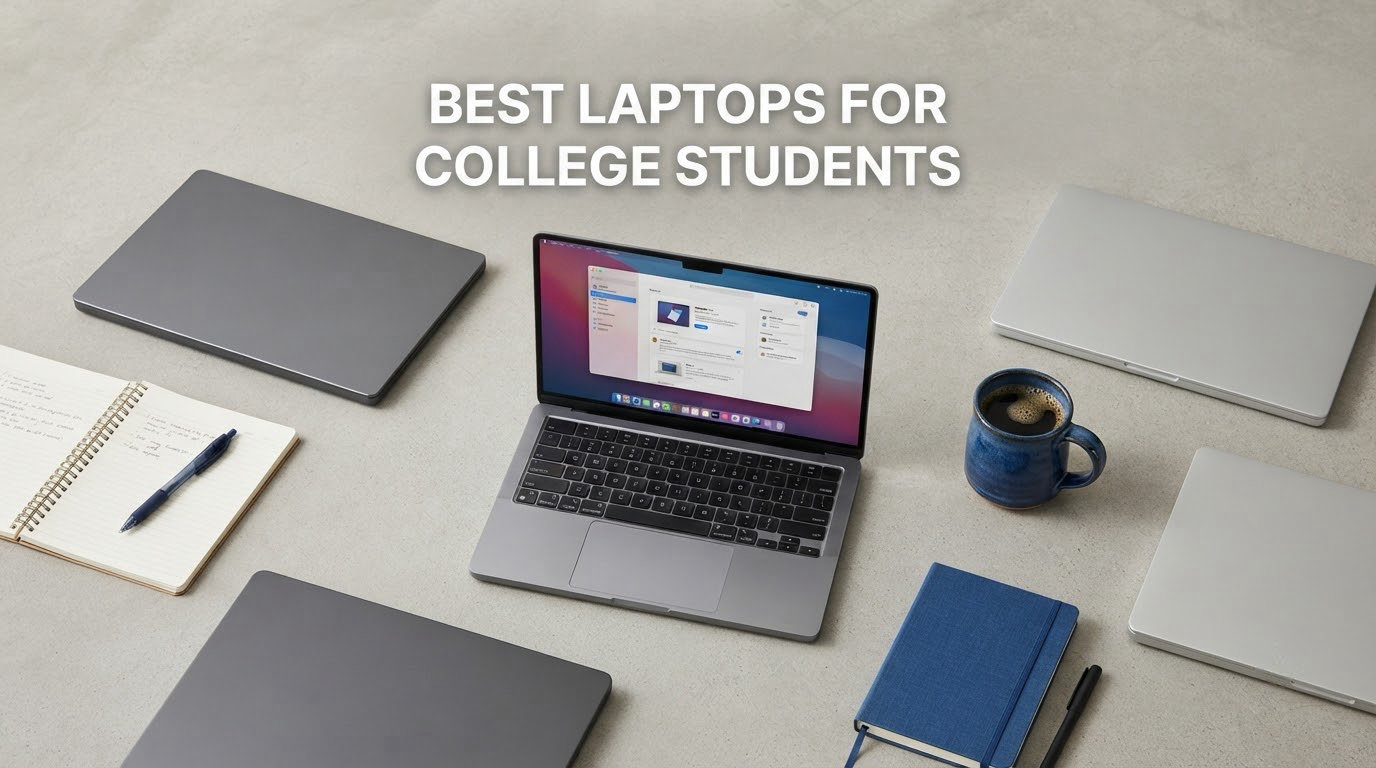
Buying the best laptops for college students comes down to four things: a battery that survives a full day of back-to-back classes, enough memory to run a dozen browser tabs plus a video call, a screen you can read in a bright lecture hall, and a body light enough to carry all day without wrecking your shoulders. The Apple MacBook Air 13-inch with the M5 chip is the machine we recommend first for most students in 2026, because it delivers up to 18 hours of claimed battery life, weighs 2.71 pounds, and ships with 16GB of unified memory and a 512GB SSD that will carry a student all the way through graduation.
That said, the MacBook Air is only right for about half the people reading this. If your major runs AutoCAD, MATLAB, clinical nursing software, or the full Adobe suite, you need Windows and you need more memory than most machines in this roundup offer. If you are on a tight budget and mostly write, browse, and attend Zoom lectures, a Chromebook will carry you through four years and cost a fraction of the premium machines.
We spent weeks going through owner reviews and specification sheets for the twelve laptops below, looking at the same things students complain about on r/laptops, r/LaptopForStudent, and r/SuggestALaptop. The recurring fears are always the same. The first is that the machine dies two weeks before finals. The second is buying something that cannot run the software your program requires. The third is the 8GB of soldered memory trap, where a laptop that felt fast on day one starts stuttering by year two.
The rest of this guide covers all twelve picks in detail, then breaks down how to choose by major, operating system, and budget. If you are furnishing a dorm room this year, our best microscopes for students guide covers the other piece of kit that quietly ruins a semester.
Top 3 Picks for College Students in 2026


Acer Chromebook 315
- 15.6-inch full HD IPS
- Wi-Fi 6 and HDMI
- 10 hour claimed battery
- Chrome OS
Best Laptops at a Glance in October
| Product | Specifications | Action |
|---|---|---|
| Apple MacBook Air 13-inch (M5) |
|
Check Latest Price |
| Apple MacBook Neo 13-inch |
|
Check Latest Price |
 HP OmniBook 3 17.3-inch HP OmniBook 3 17.3-inch |
|
Check Latest Price |
 ASUS VivoBook 15 ASUS VivoBook 15 |
|
Check Latest Price |
 HP Chromebook 14 HP Chromebook 14 |
|
Check Latest Price |
 Dell 15.6-inch FHD Dell 15.6-inch FHD |
|
Check Latest Price |
 ASUS Chromebook Flip CX1 ASUS Chromebook Flip CX1 |
|
Check Latest Price |
 Lenovo V15 Ryzen 7 170 Lenovo V15 Ryzen 7 170 |
|
Check Latest Price |
 Samsung Chromebook Plus 12.2-inch Samsung Chromebook Plus 12.2-inch |
|
Check Latest Price |
 Lenovo 14-inch FHD Touchscreen Chromebook Lenovo 14-inch FHD Touchscreen Chromebook |
|
Check Latest Price |
| Acer Chromebook 315 |
|
Check Latest Price |
 HP 14-inch HD Laptop HP 14-inch HD Laptop |
|
Check Latest Price |
1. Apple MacBook Air 13-inch (M5) – Best Overall for College Students
Apple 2026 MacBook Air 13-inch Laptop with M5 chip: Built for AI, 13.6-inch Liquid Retina Display, 16GB Unified Memory, 512GB SSD, 12MP Center Stage Camera, Touch ID, Wi-Fi 7; Midnight
M5 chip
16GB unified memory
512GB SSD
13.6-inch Liquid Retina
Up to 18 hour battery
2.71 pounds
Pros
- Up to 18 hours of claimed battery life covers a full lecture day
- 2.71 pound body with an aluminium chassis
- 13.6-inch Liquid Retina display with 1 billion colors
- Two Thunderbolt 4 ports plus MagSafe and a headphone jack
- 12MP Center Stage camera frames you well in online classes
Cons
- Costs more than most Windows machines in this roundup
- Only three ports and no SD card slot
- Storage cannot be upgraded after purchase
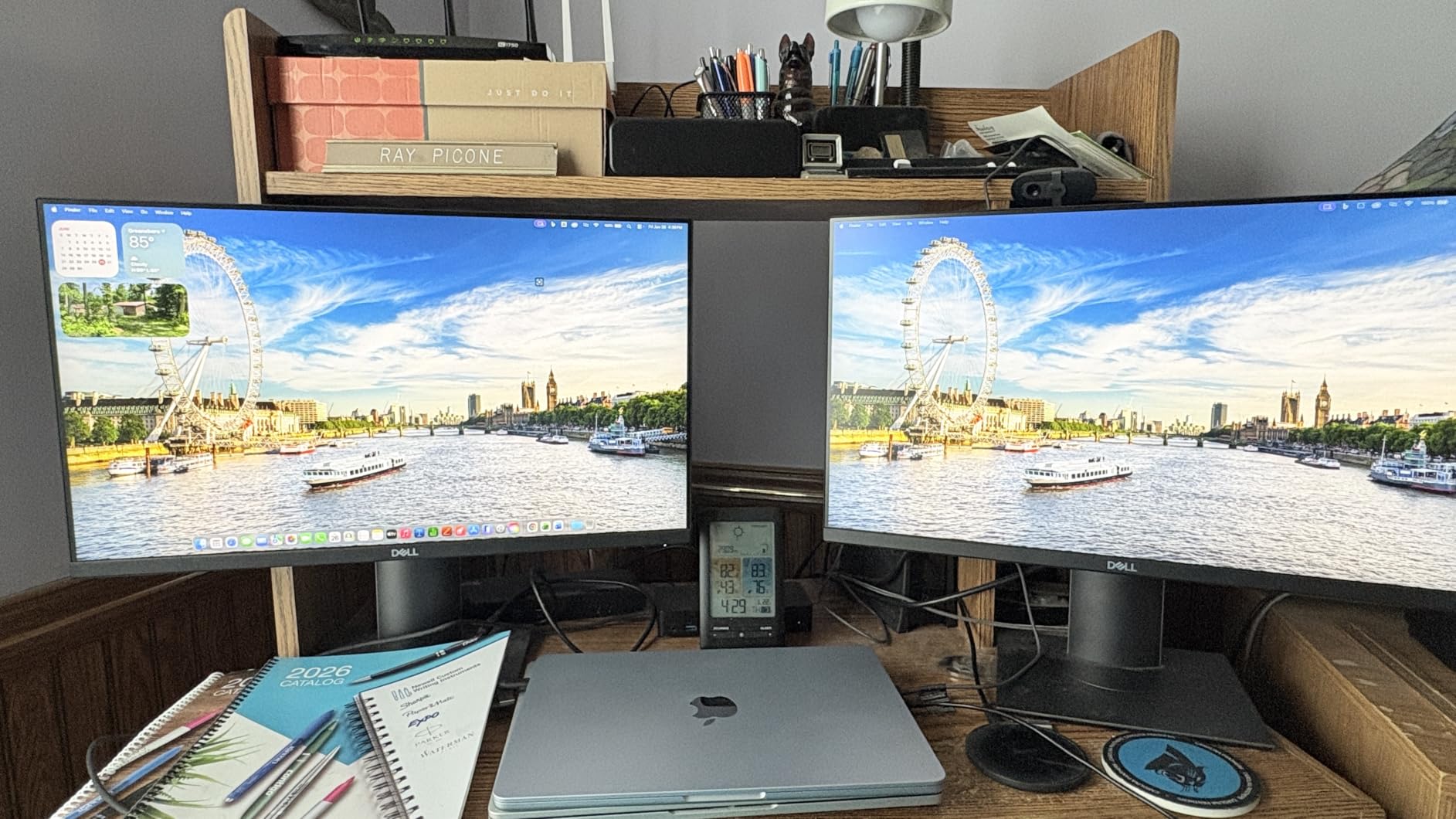
This is the laptop we hand to a student who has not told us their major and does not want to think about it. The M5 chip runs everything a typical undergraduate touches: Microsoft Office, Zoom, a browser with forty tabs open, Spotify, and a video editor for a film class.
The 2.71-pound weight is the number that matters most on a campus. You can carry this from a 9am lecture to a library desk to a late group project without thinking about it, and the 13.6-inch screen still gives you a real document workspace rather than a cramped one.
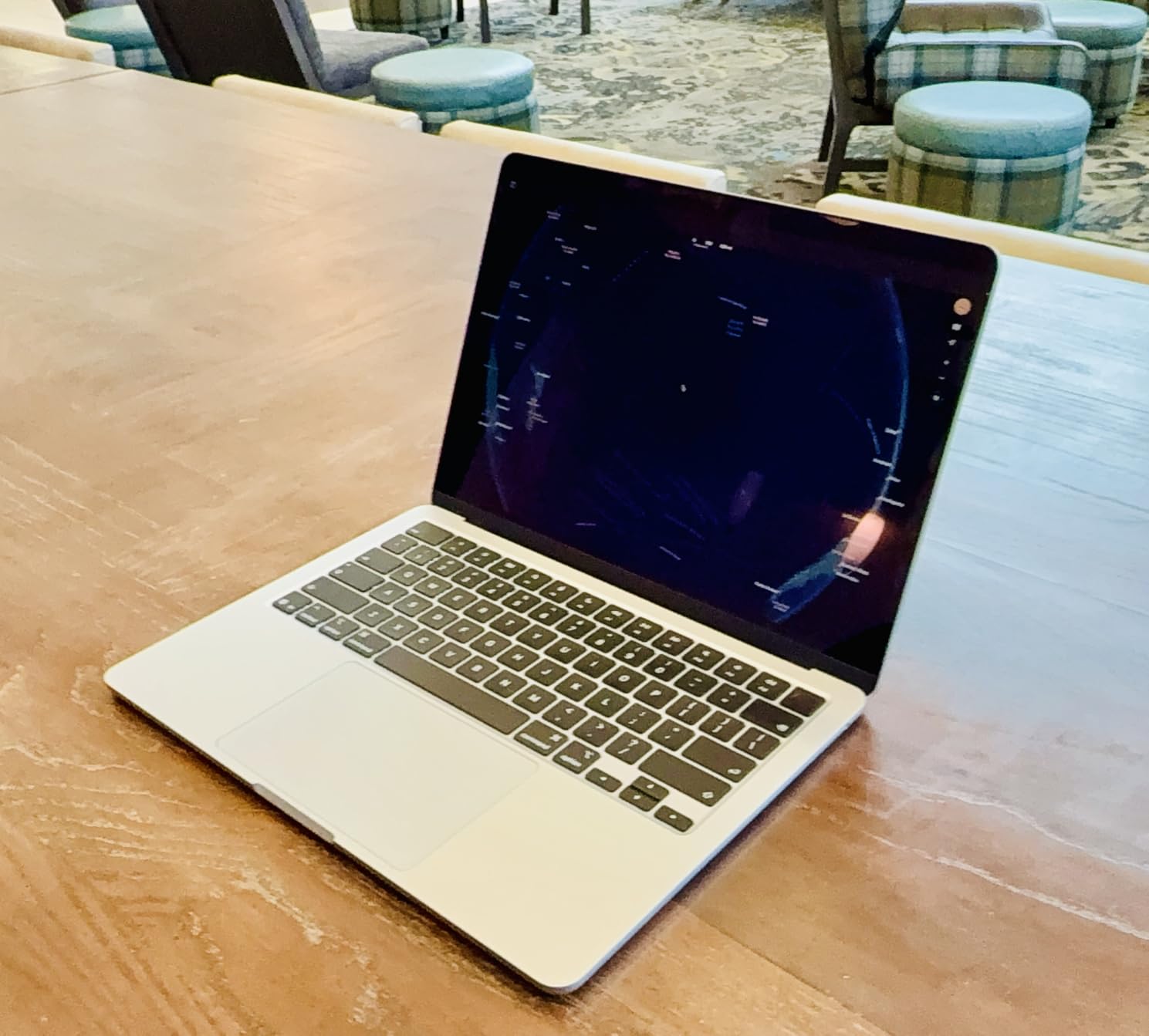
Battery life is where this machine separates itself from the pack. Apple claims up to 18 hours, and owners writing about school use describe it as covering a full day of classes without a charger hunt. Fast charging via MagSafe means a coffee-stop top-up is realistic.
The 512GB SSD is the generous part. Students accumulate a lot: video recordings, datasets, downloaded textbooks, a Steam library. A 256GB drive fills up within a semester, and this one cannot be upgraded later, so the larger number is worth paying for.
When this is the right call
Choose the MacBook Air if your program allows macOS, you travel between buildings all day, and you want the machine to still feel fast in year four. It also holds resale value better than almost anything else here, which matters if you plan to sell at graduation.
Apple Intelligence and the Neural Engine handle on-device AI tools without draining the battery, and the four-speaker system with Spatial Audio makes a dorm room less bleak.
When you should look elsewhere
If your program requires Windows-only engineering software, a lab machine, or gaming, this is the wrong tool. Engineering students should read our equipment guides for student practice rooms while they think about it, but seriously: check your department’s software list first.
Parents buying a machine that a child will hammer for four years should also know that repairability is poor. The sealed aluminium chassis is why the weight is so low, and it is also why a battery swap means a service visit.
2. Apple MacBook Neo 13-inch – Best Value Pick for Students
Apple 2026 MacBook Neo 13-inch Laptop with A18 Pro chip: Built for AI and Apple Intelligence, Liquid Retina Display, 8GB Unified Memory, 256GB SSD Storage, 1080p FaceTime HD Camera; Blush
A18 Pro chip
8GB unified memory
256GB SSD
13-inch Liquid Retina 500 nits
Up to 16 hour battery
2.71 pounds
Pros
- Genuinely strong Apple build quality far above its tier
- Fanless design runs silent and cool
- 2.71 pounds with a rigid recycled aluminium enclosure
- 1080p FaceTime HD camera works well for online classes
- Up to 16 hours of claimed battery life
Cons
- 8GB of memory is fixed and cannot be upgraded
- Only two USB-C ports and one is USB 2.0
- No backlit keyboard
- 500 nit screen is dim outdoors
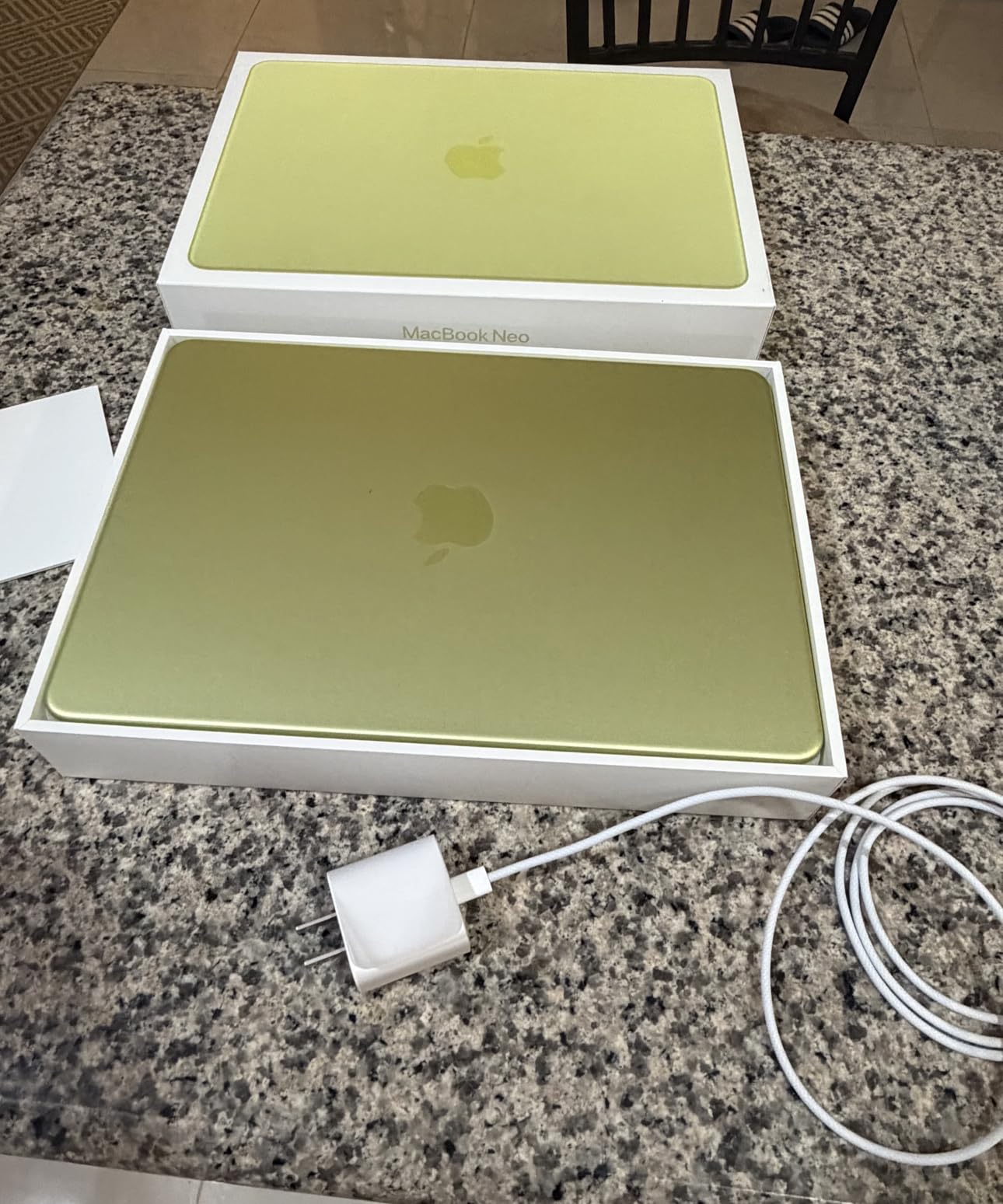
The MacBook Neo is the cheapest Mac, and the reaction from owners is consistently surprise. People arriving from an old budget Windows laptop describe the jump in chassis rigidity, trackpad quality, and screen clarity as night and day.
The A18 Pro chip is the same class of silicon Apple put in high-end phones, and being fanless it makes no noise at all. In a lecture hall or a library that is a genuine advantage over the fan-driven Windows machines in this list.
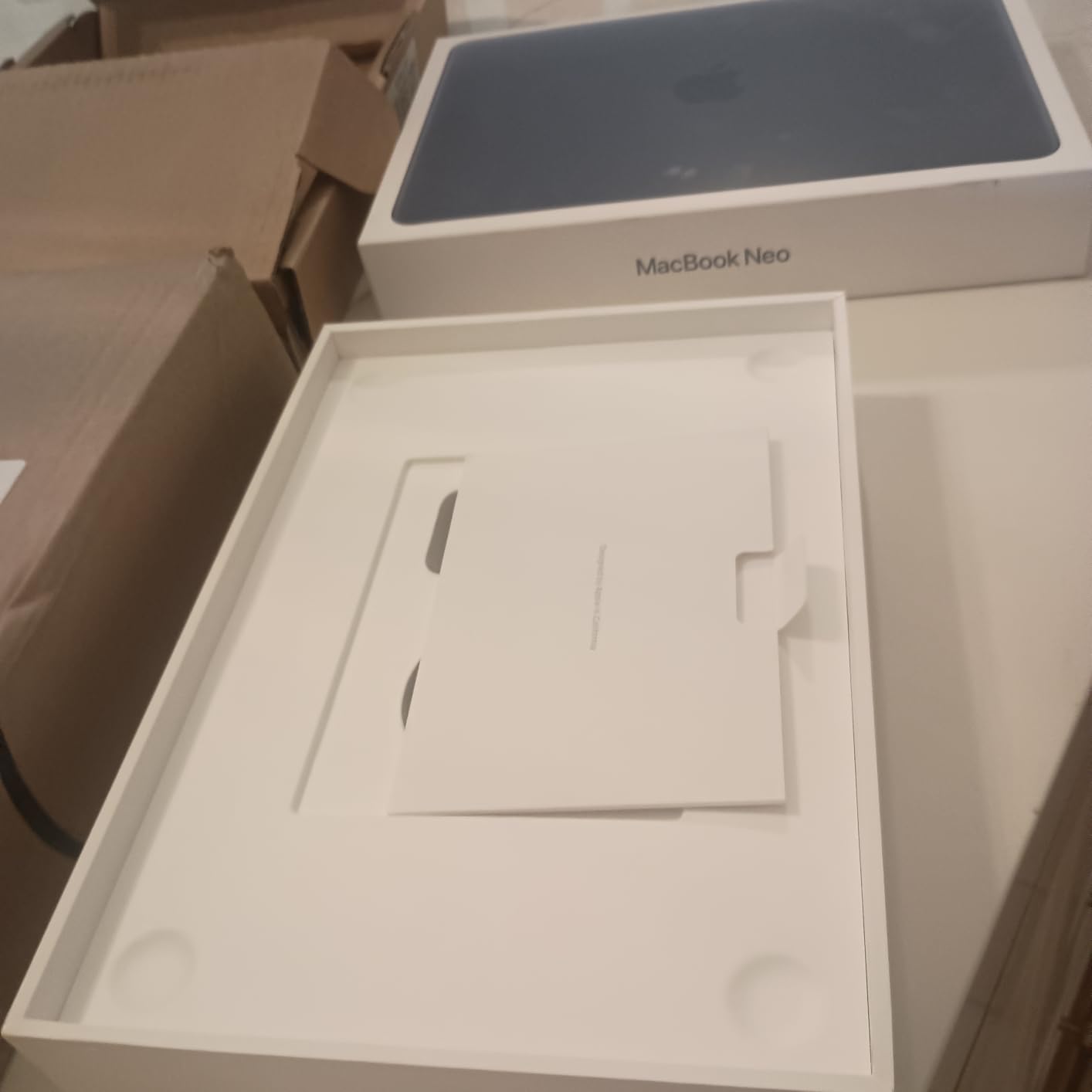
Two things to know before you commit. First, the 8GB of unified memory is soldered and cannot be upgraded, and this is the exact anxiety that shows up over and over in student forums: will 8GB last me four years? For writing, browsing, and Office, yes. For running virtual machines, local video editing, or large data sets, no.
Second, there is no backlit keyboard. That matters more than you would think if you take notes in dim lecture halls, which most students do at some point.
When this is the right call
Pick the Neo for a communications, business, or liberal arts student who wants a laptop that feels expensive and lasts. The trackpad and speakers are better than every Windows machine in this roundup, and the 1080p camera is a step up from the 720p sensors on the cheaper Chromebooks.
It is also a solid backup option for families splitting the cost, or for a student who needs a machine that survives resale after the degree.
When you should look elsewhere
Skip it if you are a computer science major running Docker containers, if you play games, or if you regularly work outdoors in bright light where the 500 nit panel struggles. Students in design programs who need colour-accurate work should step up to the MacBook Air.
The two-port selection also means you will be carrying a dongle for anything beyond a phone charger and a pair of headphones.
3. HP OmniBook 3 17.3-inch – Best for a Big Screen
HP OmniBook 3 17.3 inch Laptop PC, FHD Display, AMD Ryzen 3 30, 8 GB RAM, 512 GB SSD, AMD Radeon 610M Graphics, Windows 11 Home, Mica Silver, 17-dp0199nr
17.3-inch FHD IPS 300 nits
AMD Ryzen 3 30
8GB LPDDR5
512GB NVMe SSD
Backlit keyboard
4.4 pounds
Pros
- Large 17.3-inch screen is easy on the eyes for long reading sessions
- Full-size backlit keyboard with a numeric keypad
- 512GB PCIe NVMe SSD is a generous amount of storage
- Wi-Fi 6 and Bluetooth 5.4
- 45W GaN charger tops up 50 percent in about 45 minutes
Cons
- 4.4 pounds is heavy for a laptop carried between classes
- 300 nit screen is dim in bright rooms
- Preinstalled Microsoft software adds clutter
- Integrated Radeon 610M graphics are not for gaming
If you sit at a desk more than you roam, the 17.3-inch panel is the reason to look at this machine. Two documents side by side, a textbook PDF next to your notes, a spreadsheet next to a video call: you get the room to do it without shrinking everything.
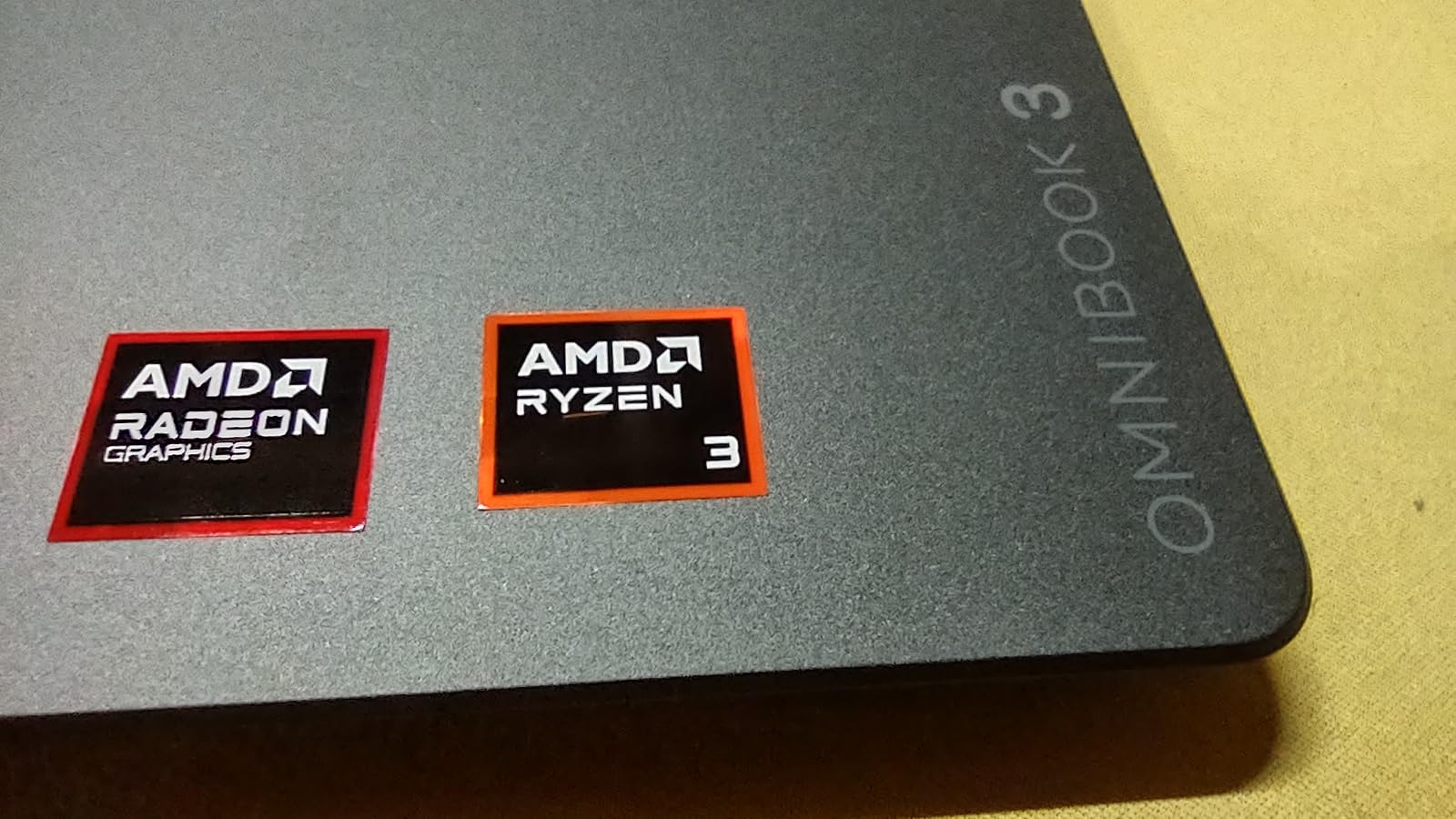
The Ryzen 3 30 is a four-core, eight-thread chip that handles browsing, documents, streaming, and light photo editing without complaint. It is not a machine for heavy compilation or gaming, but the workload of a first-year student is mostly not that.
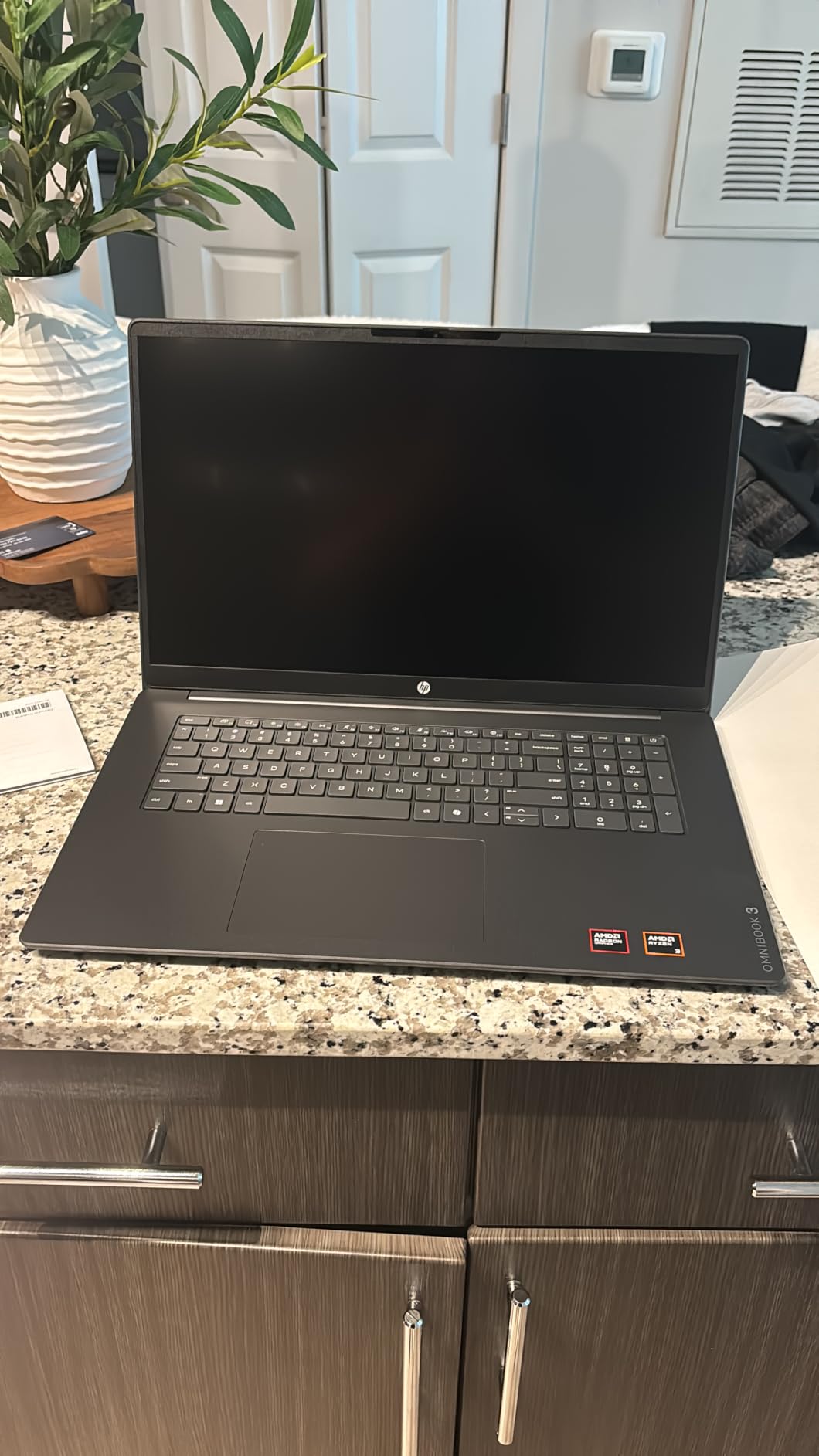
Owners buying this as a gift for a student highlight the backlit keyboard and the numeric keypad. Both are rare at this tier, and both make long typing sessions noticeably more comfortable.
HP claims up to 14 hours and 15 minutes of battery life from the 41Wh cell. Real results vary, but the fast charge figure is the more useful one: roughly 45 minutes to half capacity means a lunch break is a viable top-up.
When this is the right call
This suits nursing and business students who work from a fixed spot, anyone with vision needs who want larger text, and students who type long papers and dislike cramped keyboards. The 512GB drive means you will not be managing storage in your first year.
It also makes a decent shared family machine for a home office or a first apartment.
When you should look elsewhere
Do not buy this if your day involves walking across campus between buildings. At 4.4 pounds, plus the charger, it is a real shoulder load by the end of a day, and the chassis is not built to absorb drops.
Anyone who needs colour-accurate work should skip the 300 nit, 62.5 percent sRGB panel. And the 8GB of LPDDR5 is soldered, so it stays 8GB for the life of the machine.
4. ASUS VivoBook 15 – Best for Backlit Typing on a Budget
ASUS VivoBook 15 Thin and Light Laptop, 15.6” FHD, Intel Core i3-8145U CPU, 8GB RAM, 128GB SSD, Windows 10 in S Mode, F512FA-AB34, Slate Gray
15.6-inch FHD NanoEdge
Intel Core i3-8145U
8GB DDR4 up to 12GB
128GB M.2 SSD
Backlit keyboard
3.8 pounds
Pros
- Backlit chiclet keyboard with fingerprint reader at this price point
- 128GB M.2 drive sits in a slot you can replace yourself
- 15.6-inch FHD display with narrow bezels
- Full port selection including USB-C and HDMI
- Ergolift hinge raises the keyboard for a better typing angle
Cons
- 128GB storage is far too small for a degree
- Core i3-8145U is an older 8th generation dual-core chip
- Wi-Fi 5 and Bluetooth 4.1 are dated
- Comes in Windows 10 S mode
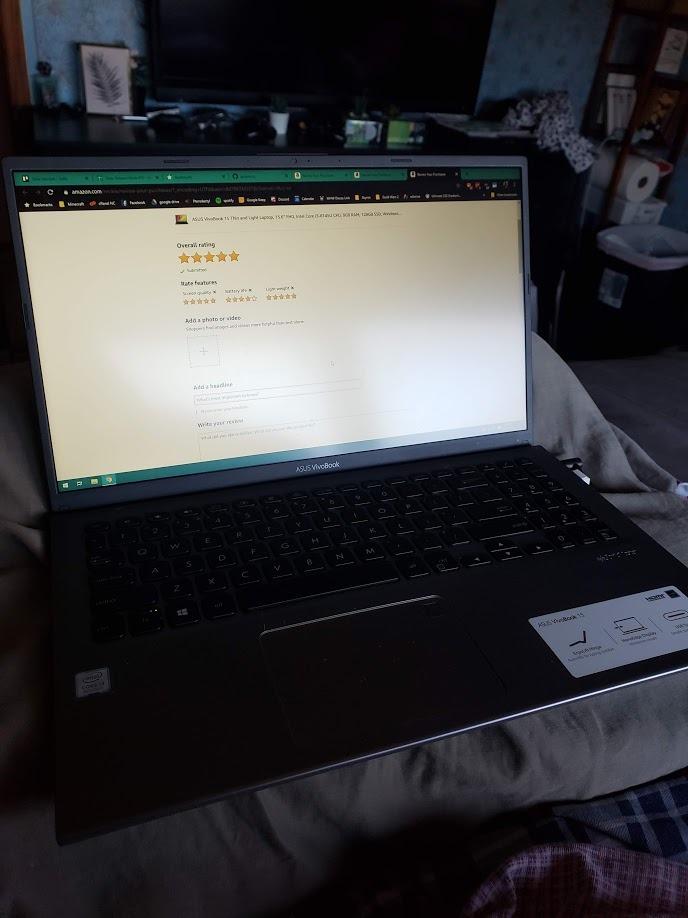
The VivoBook 15 keeps turning up in student recommendations because of one feature: a backlit keyboard with a fingerprint reader on a machine at the bottom of the price range. Most competing laptops at this level give you neither.
It is also one of the few machines here you can upgrade yourself. The 8GB of DDR4 sits in a single slot with capacity up to 12GB, and the 128GB M.2 drive is a standard replaceable module, so a cheap SSD and a memory stick transform this into a much more capable machine for very little money.
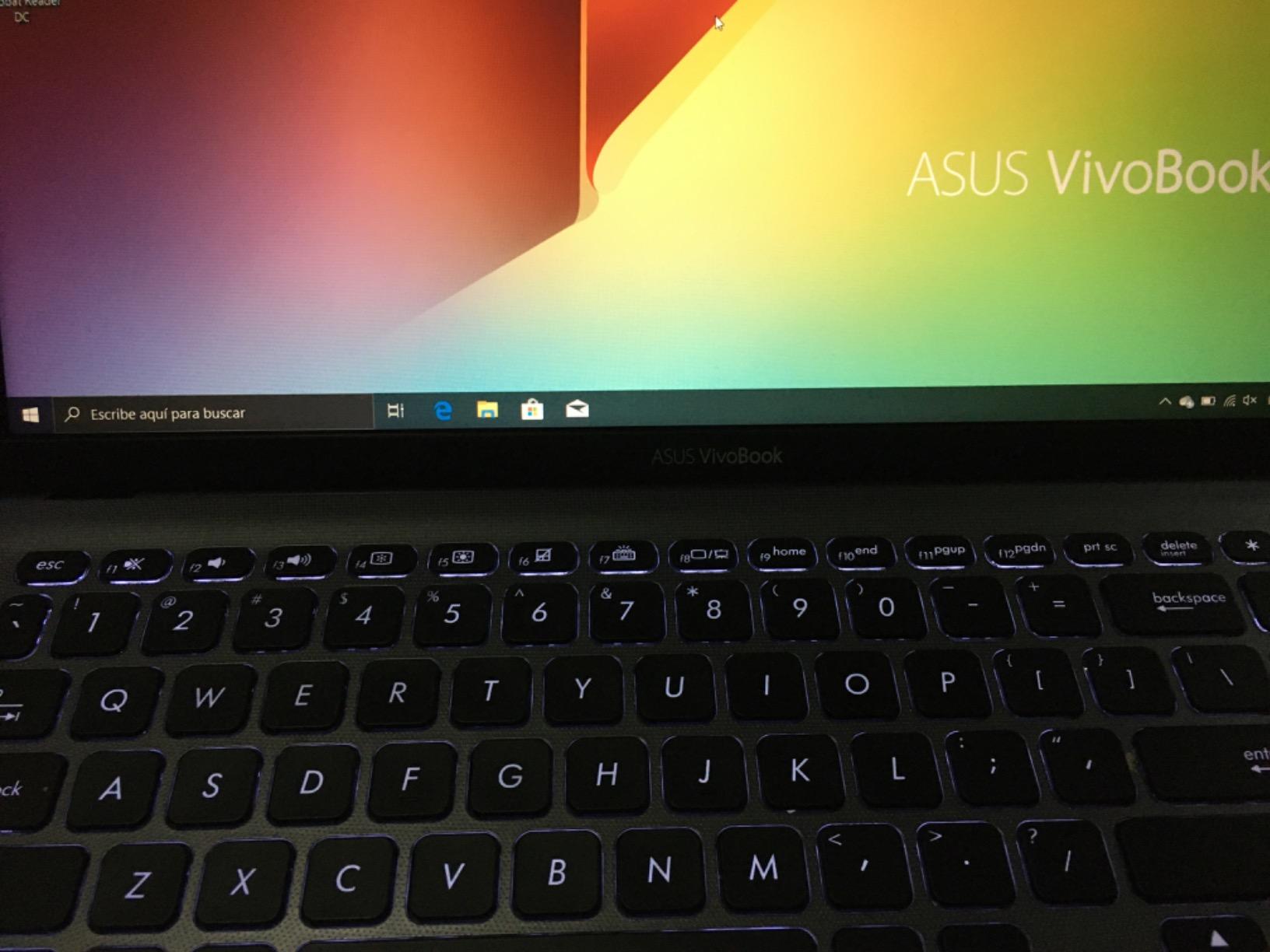
The 15.6-inch full HD panel has narrow bezels on all four sides, which makes the laptop look and feel more modern than its age suggests. At 3.8 pounds it is heavier than an ultrabook but fine for a day on campus.
Where the honesty is required: the Core i3-8145U is an 8th-generation dual-core part. It runs Office and browsing well, but it is slow by modern standards, and the Wi-Fi 5 radio will feel dated on a crowded campus network.
When this is the right call
Buy this if your budget is genuinely tight, you type long documents, and you are willing to add an SSD in the first month. The backlit keyboard and fingerprint reader make it feel more premium during daily use than the price suggests.
It is a reasonable first-year machine, and the upgrade path is the reason it is here rather than a newer but sealed competitor.
When you should look elsewhere
Do not buy it as your only machine for four years without planning the storage upgrade. A 128GB drive is unusable once Office, a browser, and a few applications are installed, and cloud storage does not replace an application drive.
Also skip it if you need current-generation wireless, a modern processor for coding, or Windows 11 out of the box rather than after a mode switch.
5. HP Chromebook 14 – Best Lightweight Chromebook for School
HP Chromebook 14 Laptop, Intel Celeron N4120, 4 GB RAM, 64 GB eMMC, 14″ HD Display, Chrome OS, Thin Design, 4K Graphics, Long Battery Life, Ash Gray Keyboard (14a-na0226nr, 2022, Mineral Silver)
14-inch HD anti-glare
Intel Celeron N4120
4GB RAM
64GB eMMC
Up to 14 hour battery
3.2 pounds
Pros
- Up to 14 hours of claimed battery life covering a full school day
- 3.2 pounds and thin enough for any backpack
- Chrome OS updates itself and needs no maintenance
- Anti-glare screen and a genuine multi-touch trackpad
- ENERGY STAR certified and EPEAT Silver registered
Cons
- 1366x768 resolution is low by modern standards
- 4GB of RAM limits heavy multitasking
- 64GB eMMC fills quickly and cannot be upgraded
This is the most-reviewed laptop in our entire list, and the reason is simple. It does the four things a student actually does every day: write, browse, attend video calls, and stream. It does them quietly for a full day on a charge, and it weighs 3.2 pounds.
Chrome OS handles web-based coursework, Google Docs, and the Android app store without any setup. The Fast Charge system brings it from empty to half capacity in about 45 minutes, which turns any café into a power source.
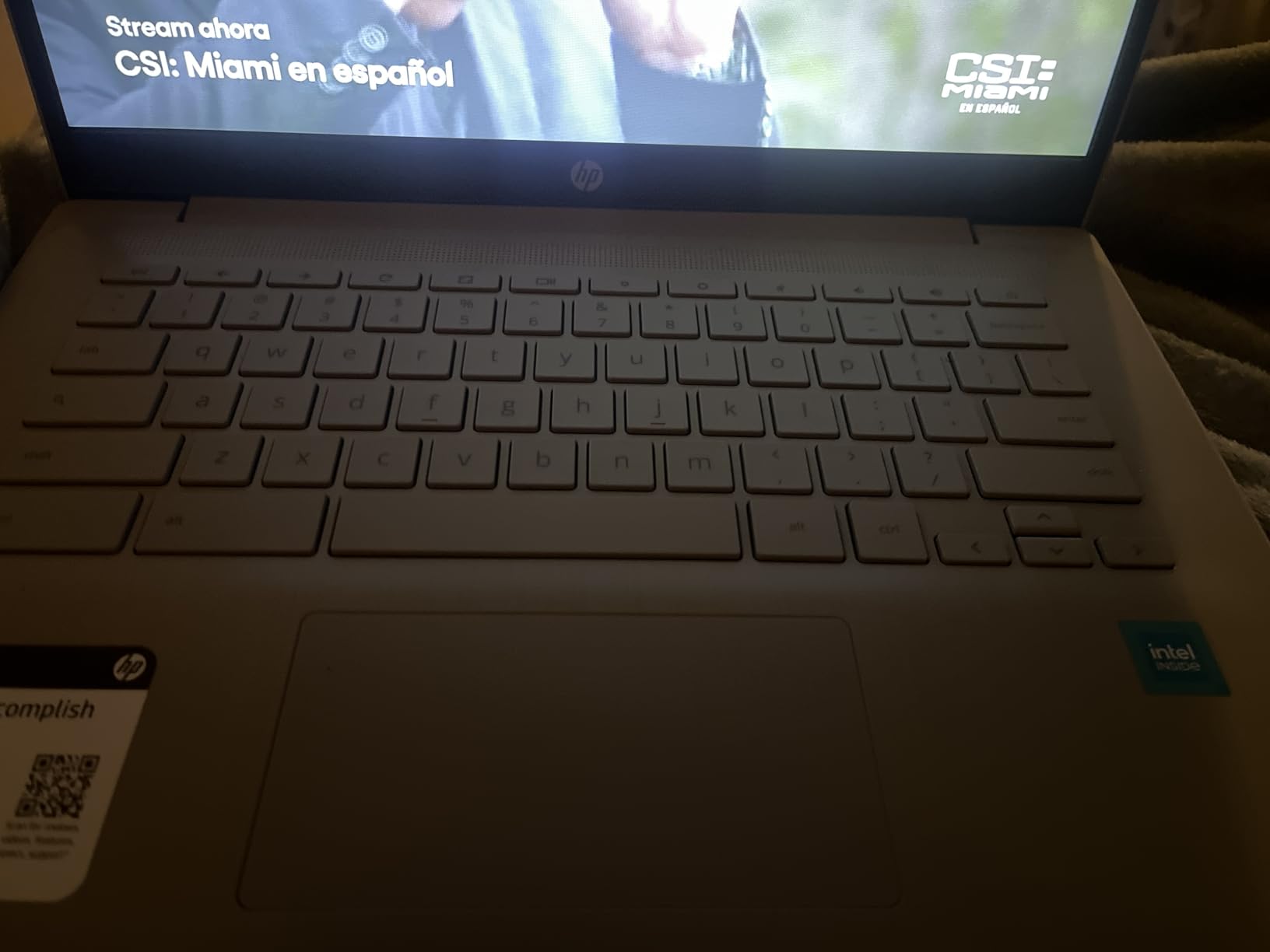
The anti-glare treatment on the 14-inch display is more valuable than it sounds. Lecture halls are aggressively lit, and a matte panel is the difference between readable and squinting.
Where it stops: the 1366×768 resolution is genuinely low, and if you are reading dense PDFs or writing long-form essays you will notice the softness. The Celeron N4120 is fine for browsing but struggles when you have many tabs and a video call open together.
When this is the right call
For writing majors, education students, and anyone whose coursework lives in a browser, this is enough. Many students carry a Chromebook for four years and never open a Windows-only application.
It is also the safest first laptop to buy, because there is nothing to break and nothing to maintain.
When you should look elsewhere
Move up if your major requires desktop software, if you need to run simulations or virtual machines, or if you plan to keep large media libraries on the machine. The 64GB of storage is also not user-upgradeable, so treat it as a working drive only.
If you want a better screen at a similar weight, the Acer Chromebook 315 below runs full HD.
6. Dell 15.6-inch FHD – Best for Business and Accounting Majors
Dell 15.6 Laptop, FHD, Intel Core 3 100U, 8 GB RAM, Windows 11 Home
15.6-inch FHD 120Hz
Intel Core 3 100U
8GB DDR4 up to 16GB
512GB SSD
Numeric keypad
4.2 pounds
Pros
- Separate numeric keypad with a calculator hotkey is a real time saver on spreadsheets
- 512GB SSD and upgradeable 8GB memory
- 120Hz anti-glare display is smooth for scrolling
- One year of onsite service support
- Dell ComfortView reduces blue light during long sessions
Cons
- No backlit keyboard and no fingerprint reader
- 250 nit brightness is dim
- 4.2 pounds is heavy for daily carrying
- Intel UHD Graphics are not for gaming
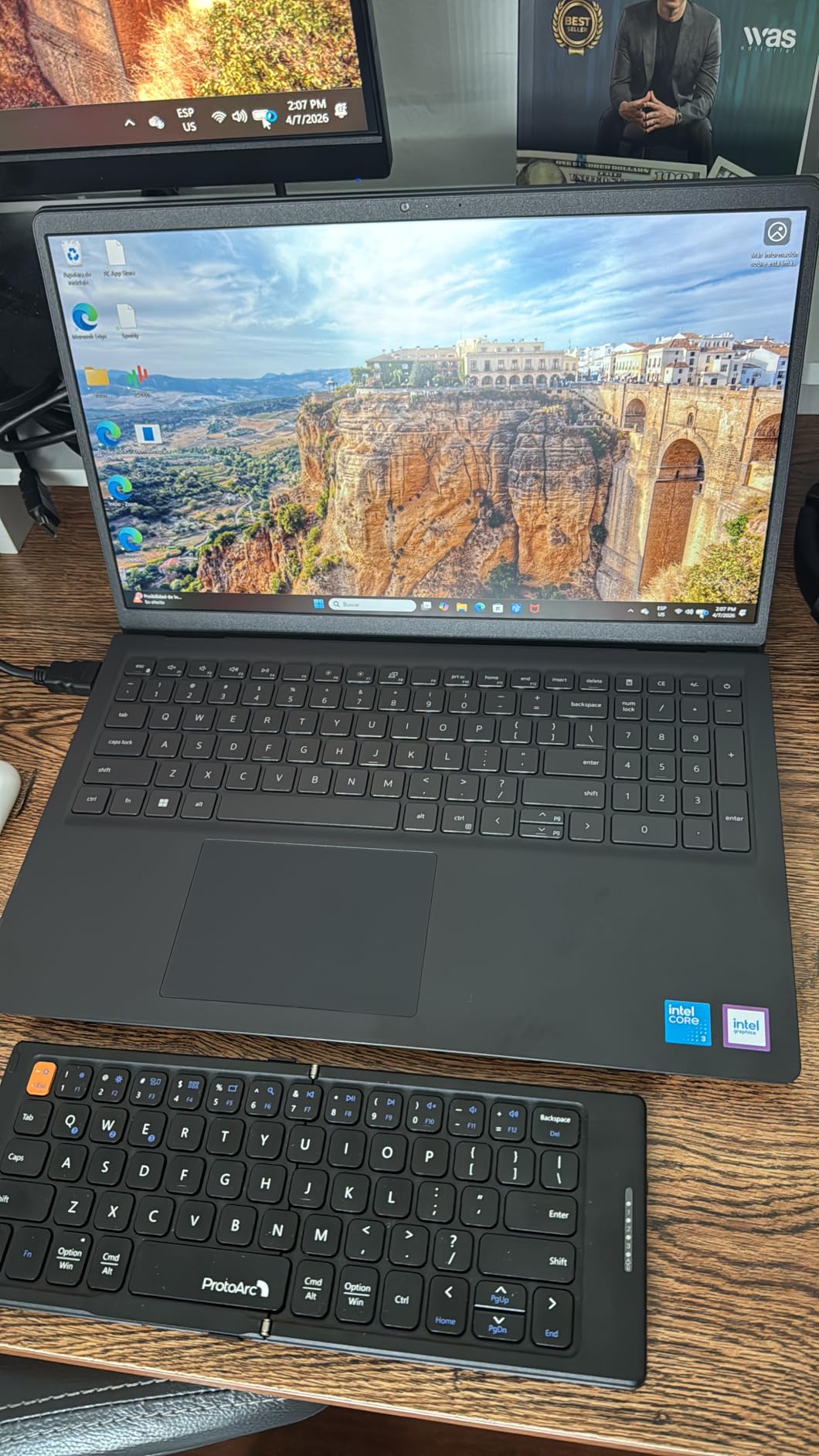
The Dell 15 has one feature that no other laptop in this list can match at the price, and business students notice it immediately: a full keyboard with a separate numeric keypad and a dedicated calculator key. If you are building financial models, entering data, or working in Excel, that keypad pays for itself in saved time.
Underneath, the Intel Core 3 100U is a capable 12th-generation part, and the 8GB of DDR4 sits in a single slot that accepts up to 16GB. The 512GB SSD is the right starting point for four years of coursework.
The 120Hz refresh rate is a small specification that makes a large difference in daily feel. Scrolling through a document or a research database at 120Hz looks noticeably smoother than the 60Hz panels on most laptops in this range.
One year of onsite service is included, which matters for a student who cannot afford to lose a week of notes to a dead drive with finals approaching.
When this is the right call
This is the pick for accounting, finance, marketing, and supply chain majors. It is also a strong general-purpose choice for any student whose work is documents, spreadsheets, and research rather than code or design.
The port selection includes HDMI, an SD card reader, and USB-A, which covers most of what a student plugs in during a four-year degree.
When you should look elsewhere
The lack of a backlit keyboard is a genuine drawback for evening study, and 250 nits makes the screen hard to read outdoors. At 4.2 pounds it is a desk machine rather than a daily carry machine.
Anyone doing design work, video editing, or gaming should look at the Ryzen-based Lenovo V15 or the MacBook Air instead, because integrated Intel graphics will not carry that load.
7. ASUS Chromebook Flip CX1 – Best 2-in-1 for Students
ASUS Chromebook Flip CX1 Convertible Laptop, 14″ FHD NanoEdge 360-degree Touchscreen, Intel Celeron N4500 Processor, 128GB eMMC Storage, 8GB RAM, ChromeOS, Transparent Silver, CX1400FKA-AS88FT
14-inch FHD NanoEdge touchscreen
Intel Celeron N4500
8GB LPDDR4X
128GB eMMC
360 degree hinge
Up to 11 hour battery
Pros
- 360-degree hinge gives clamshell
- tent
- stand
- and tablet modes
- Full HD 1920x1080 touchscreen at a Chromebook price
- 8GB of RAM gives more headroom than most budget Chromebooks
- MIL-STD 810H tested for durability
- Two USB-C and two USB-A ports plus a microSD reader
- Three months of Google One AI Premium included
Cons
- Celeron N4500 is a modest dual-core chip
- 128GB eMMC is small and not upgradeable
- No backlit keyboard
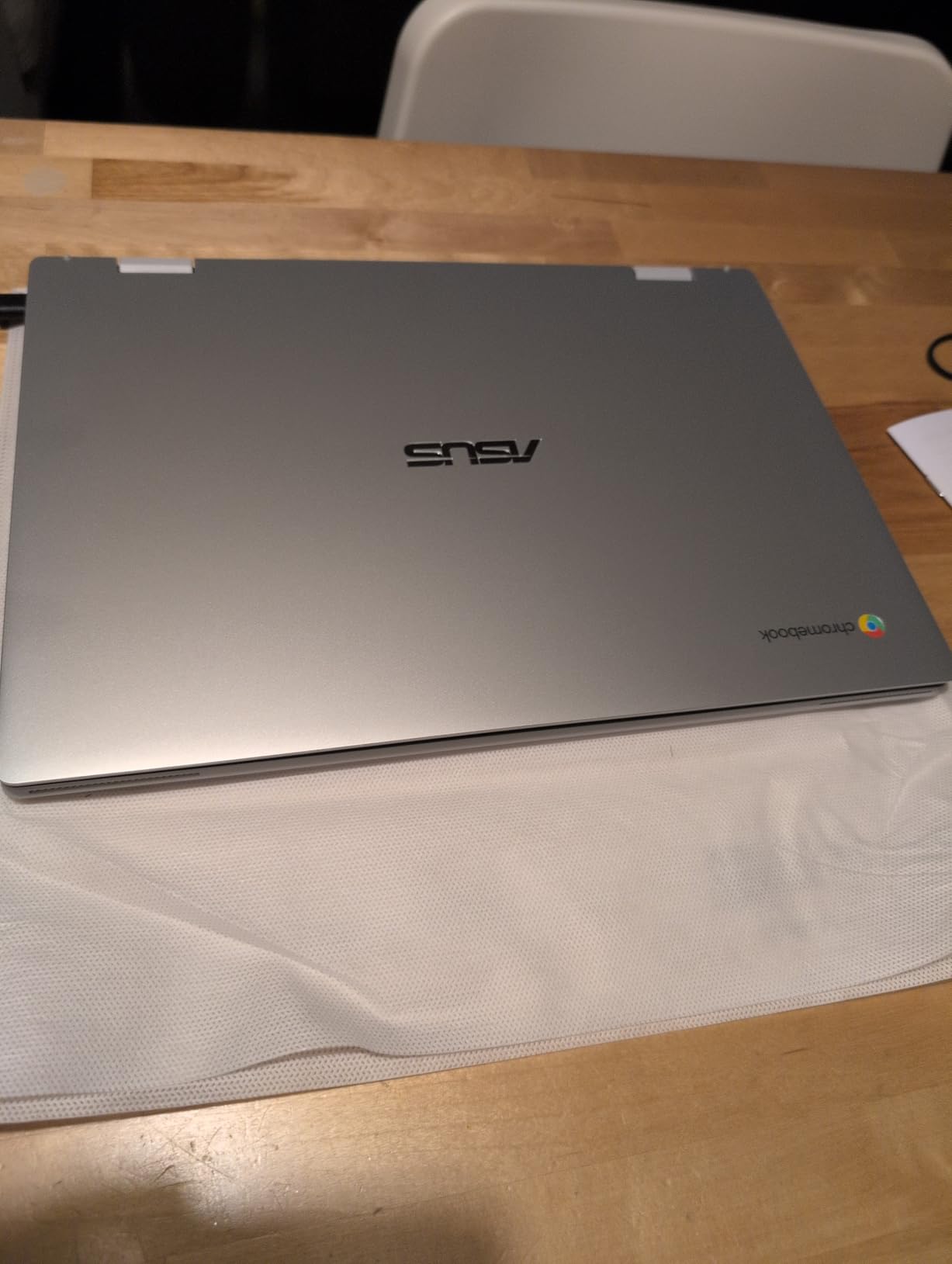
The Chromebook Flip CX1 solves a problem most students hit in their first semester: reading a lecture and taking notes on the same screen. Flip the display forward into tent mode and the keyboard is out of the way, which is far more useful in a lecture hall than a flat laptop plus a paper notebook.
The 14-inch full HD NanoEdge touchscreen at this price is unusual. Most budget Chromebooks ship a lower-resolution panel, and this one is sharp enough to read a PDF comfortably.
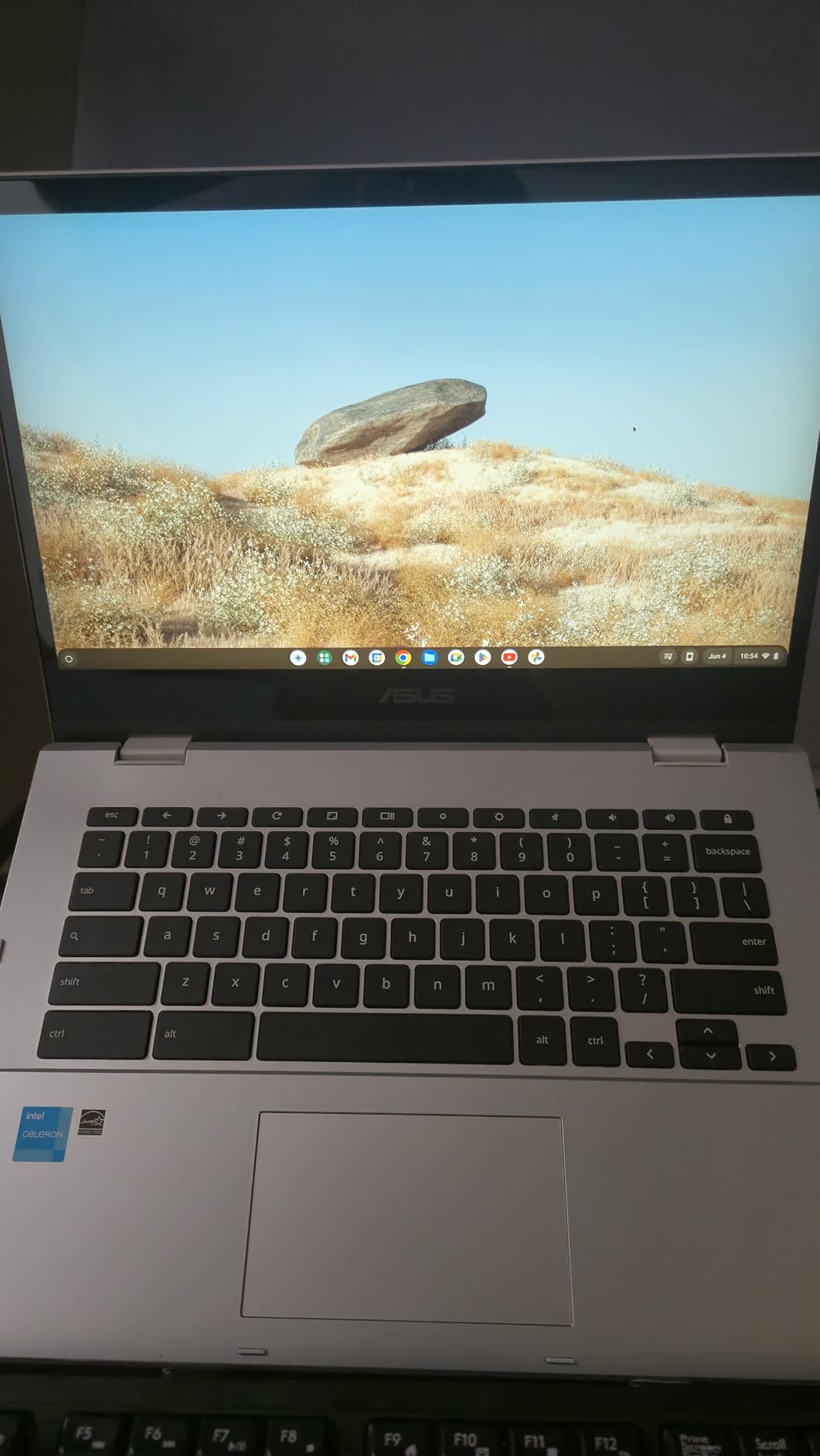
At 3.59 pounds, the Flip is light enough to carry all day, and the MIL-STD 810H testing is a meaningful data point for anyone worried about dorm life and backpack abuse. That is a standardised durability test, not a marketing phrase.
Three months of Google One AI Premium come included, which covers Gemini Advanced and cloud storage while the subscription runs. Treat it as a trial of the AI tooling your classmates will be using, not as a permanent feature.
When this is the right call
Pick the Flip if you take handwritten-style notes, if you annotate readings for class, or if you want a single device that doubles as a reading tablet for the library. The 8GB of memory also makes it noticeably smoother than the 4GB Chromebooks in this list.
It works well for education, nursing theory courses, and any program built around web-based platforms.
When you should look elsewhere
Skip it if you need Windows applications, if your work involves heavy data or simulation software, or if you are buying a machine you will use outdoors for long sessions. The 128GB of storage is fixed and the Celeron chip will not speed up.
If your budget stretches further, the Samsung Chromebook Plus below includes a stylus in the box, which saves a separate purchase.
8. Lenovo V15 (Ryzen 7 170) – Best for Upgradeable Specs
Lenovo Laptop V15 G6, AMD Ryzen 7 170, 16GB RAM, 512GB SSD, Windows 11 Pro
AMD Ryzen 7 170
16GB DDR5 up to 64GB
512GB NVMe SSD with spare M.2 slot
15.6-inch FHD 300 nits
Windows 11 Pro
3.5 pounds
Pros
- 16GB of DDR5 memory expandable to 64GB
- Second M.2 slot for extra storage later
- Ryzen 7 170 with Radeon 680M handles heavier workloads
- Privacy shutter and fingerprint reader with BitLocker at this price
- Ethernet port
- HDMI
- USB-C with DisplayPort
- Wi-Fi 6
- Supports two external 4K monitors without a dock
- MIL-STD 810H tested with a one year Lenovo warranty
Cons
- Sold and resealed by a third-party seller rather than by Lenovo directly
- 300 nit display with a modest 45 percent color gamut
- Windows 11 Pro includes features most students will never use
On paper this is the most future-proof machine in the roundup, and on the expansion side nothing else comes close. It ships with 16GB of DDR5 memory that can go to 64GB, plus a spare M.2 slot, so you can double your storage in year two with a single cheap drive.
That expansion path answers the single most common student fear on forums: buying something that will feel slow in year three. With memory and storage you can add, this machine has room to grow with a demanding major.
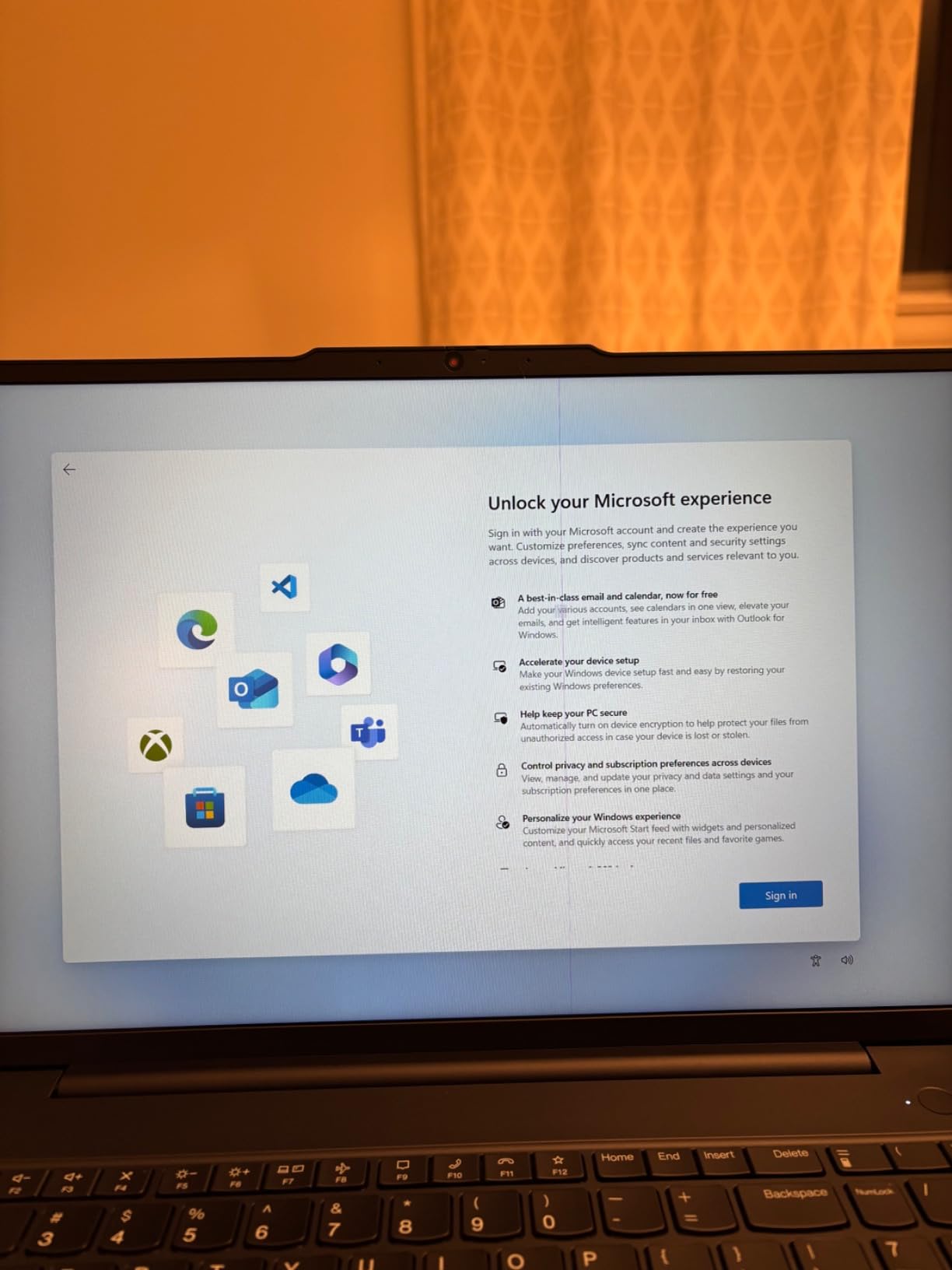
The Ryzen 7 170 is an eight-core chip with Radeon 680M integrated graphics, which is a real step up from the dual-core parts in the cheaper machines here. It handles code editors, light Linux work, and multiple heavy browser tabs without complaining.
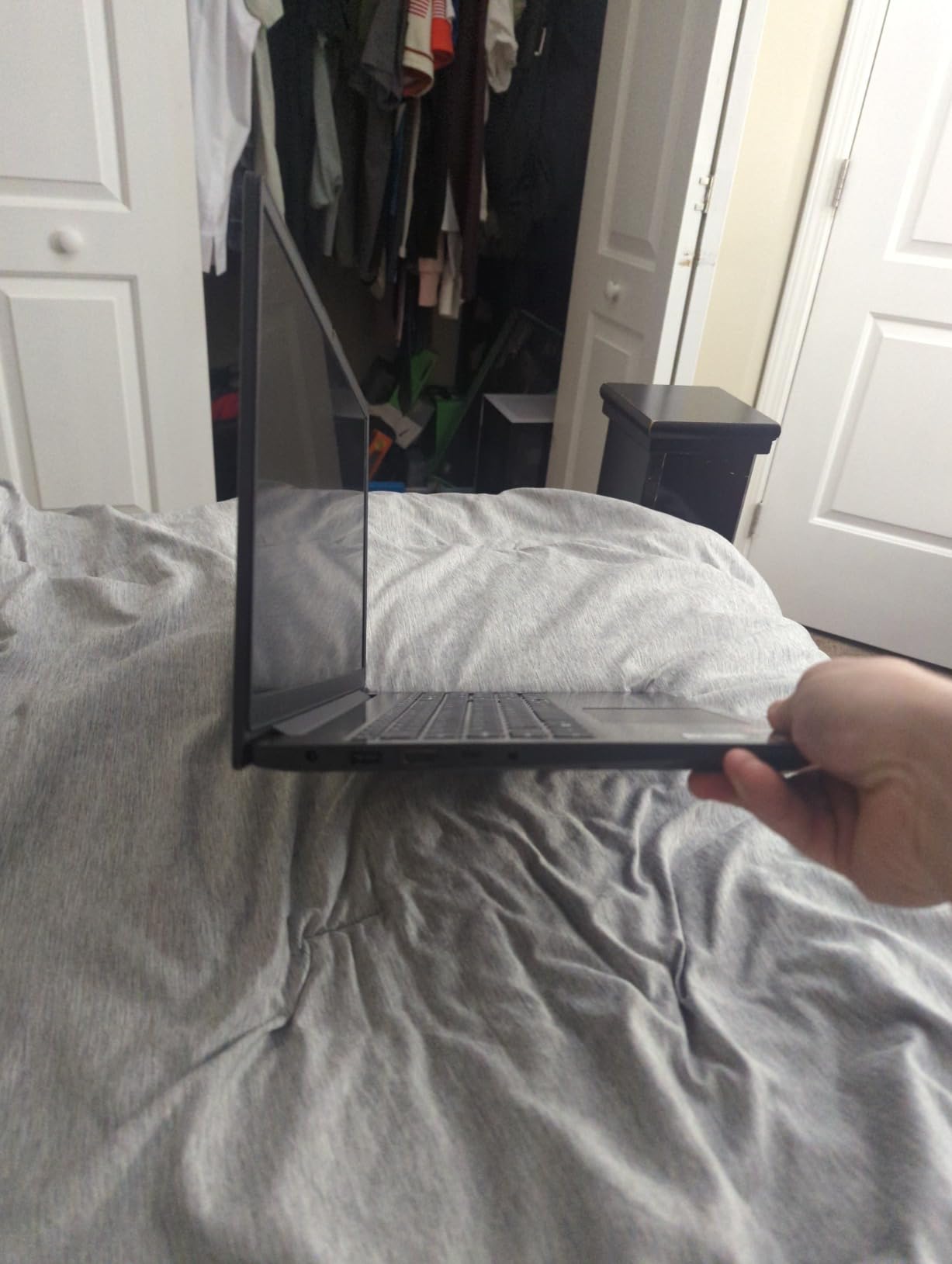
The port selection is genuinely business-class: RJ-45 Ethernet, HDMI, two USB-A, and a USB-C port with power delivery and DisplayPort, enough to drive two 4K monitors at 60Hz without a docking station.
When this is the right call
This is the pick for computer science, engineering, and IT students who want headroom and the ability to upgrade. The 16GB starting point is the correct floor for four years of coding, containers, and coursework databases.
It is also a good choice for anyone who wants the security features of a business machine, since BitLocker, a fingerprint reader, and a webcam privacy shutter are unusual in consumer laptops.
When you should look elsewhere
Note that this unit is sold and resealed by a third-party seller rather than by Lenovo directly, so confirm the warranty terms with the seller before you commit. The display is a modest 300 nit panel with a narrow colour gamut, so skip it for design work.
Windows 11 Pro also brings Remote Desktop and BitLocker features that most students will never touch, which is fine but is not extra value for you.
9. Samsung Chromebook Plus 12.2-inch – Best Bundle for Note-Taking
Samsung 12.2″ FHD 2-in-1 Touchscreen Chromebook Plus Laptop for Business&Students, Intel Dual-Core, 4GB RAM, 224GB Storage(64GB eMMC+160GB Docking Station Set), Stylus Pen, Wireless Mouse, Silver
12.2-inch FHD touchscreen
360 degree hinge
Intel Celeron 3965Y
4GB RAM
64GB eMMC plus dock storage
2.98 pounds
Pros
- Lightest machine in the roundup at 2.98 pounds
- Bundled docking station adds a 128GB SSD plus stylus pen and wireless mouse
- 360 degree hinge converts to a tablet for handwritten notes
- Spill resistant build suits a dorm desk
- 12.2-inch full HD touchscreen in a compact body
Cons
- Intel Celeron 3965Y is slow and apps can freeze under load
- Only 4GB of RAM limits multitasking
- Highest share of one-star reviews in this group
- 720p camera is below the 1080p standard
- A significant portion of the storage depends on the bundled dock
The reason this machine is on the list is the box contents. You get a 7-in-1 docking station with a 128GB SSD and a 32GB microSD card, a stylus pen, and a wireless mouse. If you were going to buy those three things anyway, this is where the value shows up.
At 2.98 pounds it is the lightest laptop here, and the compact 12.2-inch body works well in a small study space where a 15-inch machine is too big. The 360-degree hinge makes it a decent note-taking tablet with the bundled pen.
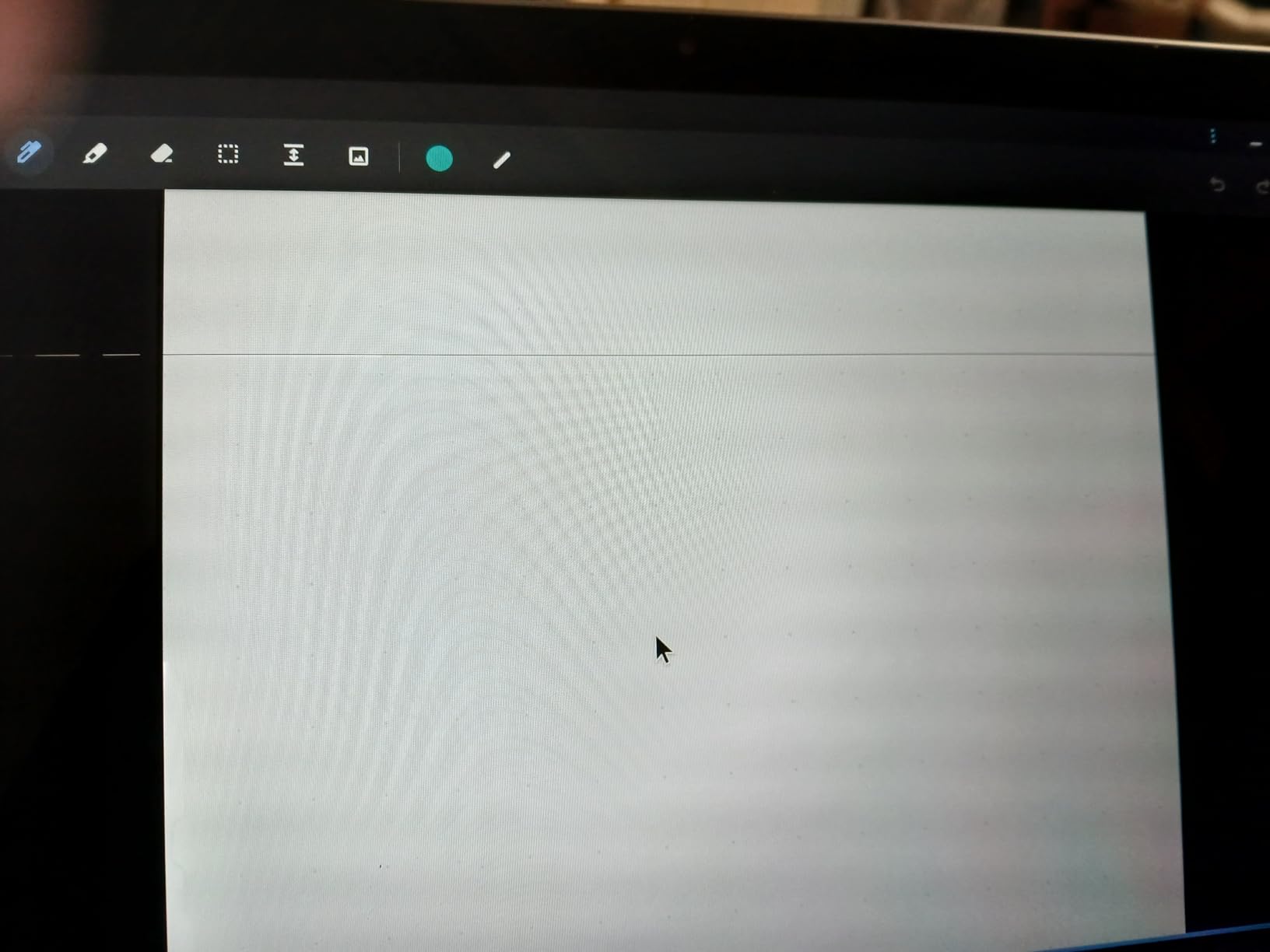
We want to be straight about the weakness, because owner reviews are split on it. The Intel Celeron 3965Y is a slow, low-voltage dual-core chip, and a notable group of buyers report the machine freezing during writing assignments. That is exactly the scenario you cannot afford during finals week.
The 4GB of memory is the underlying reason. It is fine for one task at a time and frustrating for three, and the 720p camera is visibly softer than the 1080p sensors elsewhere in this roundup.
When this is the right call
Choose the Samsung Chromebook Plus if you want the lightest possible machine, if you take handwritten notes and want a stylus included, or if the bundled dock and mouse genuinely appeal to you as a complete setup rather than parts.
It suits a student who travels between home and campus and works in small spaces.
When you should look elsewhere
Skip it if you run many applications at once, if you depend on Zoom quality for group work, or if reliability under load matters more than the accessories. For the same general use with more memory headroom, the ASUS Chromebook Flip CX1 has 8GB of RAM.
Also be clear-eyed about the storage: 64GB is internal, and the rest depends on a dock you have to carry and connect.
10. Lenovo 14-inch FHD Touchscreen Chromebook – Best With a Backlit Keyboard
Lenovo Flagship Chromebook, 14” FHD Touchscreen Slim Thin Light Laptop Computer, 8-Core MediaTek Kompanio 520 Processor, 4GB RAM, 64GB eMMC, WiFi 6,Chrome OS, Abyss Blue
MediaTek Kompanio 520 octa-core
4GB RAM
64GB eMMC
14-inch FHD IPS touchscreen
Backlit keyboard
2.86 pounds
Pros
- Backlit keyboard at a very low price
- 2.86 pound body is one of the lightest full size laptops here
- Full HD 1920x1080 IPS touchscreen
- Up to 13.5 hours of claimed battery life
- Wi-Fi 6 connectivity
- Privacy shutter on the 720p webcam
Cons
- 4GB RAM and 64GB storage struggle with many apps open
- Trackpad is widely criticized as unresponsive and imprecise
- Keyboard feels wide and plastic
- Only a 90-day warranty
- Chrome OS only with no Windows software compatibility
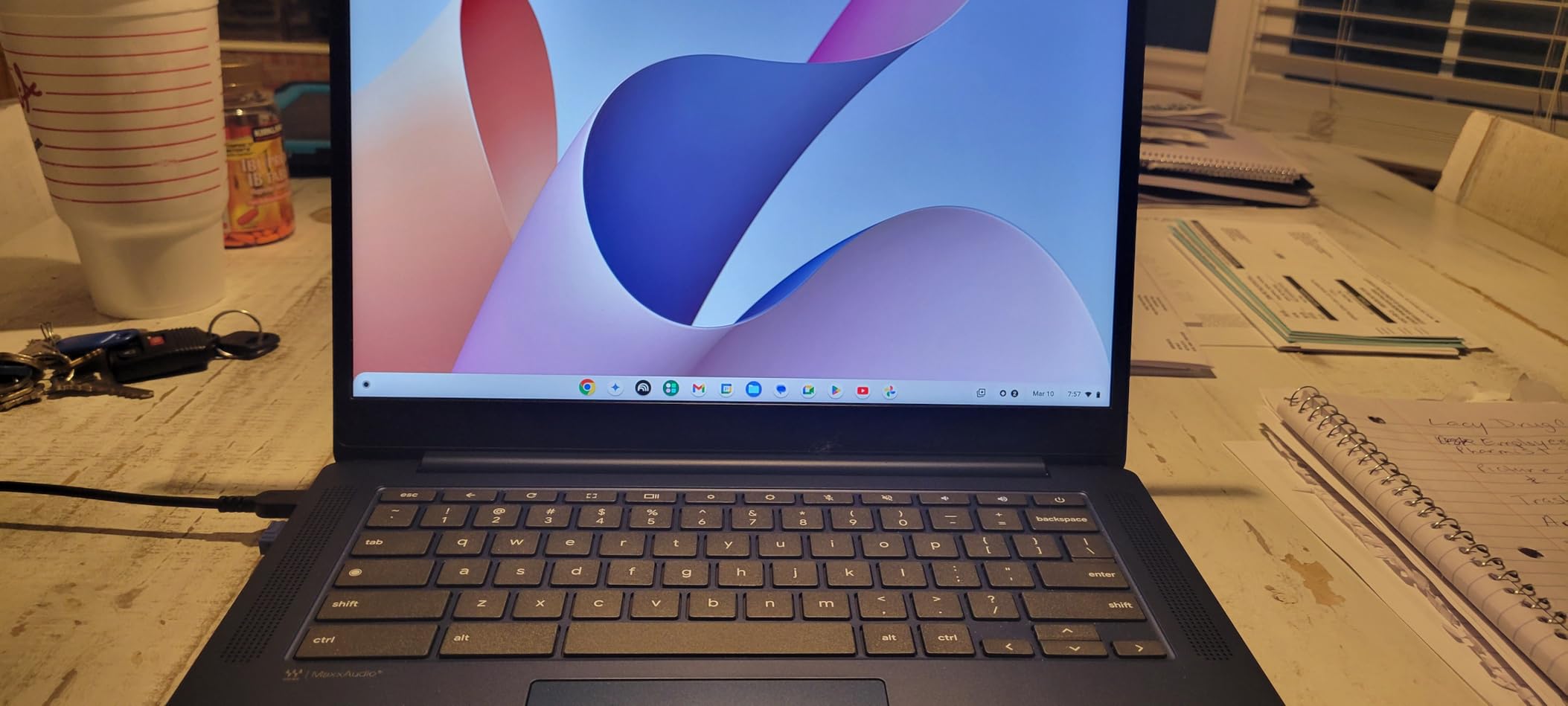
A backlit keyboard, a full HD touchscreen, and a 2.86-pound body: those three specifications together are the reason this Chromebook stands out from the pack at the bottom of the price range. Most machines at this level give you one of them, not all three.
The Kompanio 520 is an octa-core chip built with battery life as the priority, and HP-style fast charging aside, the claimed 13.5 hours is among the more realistic figures in this roundup.
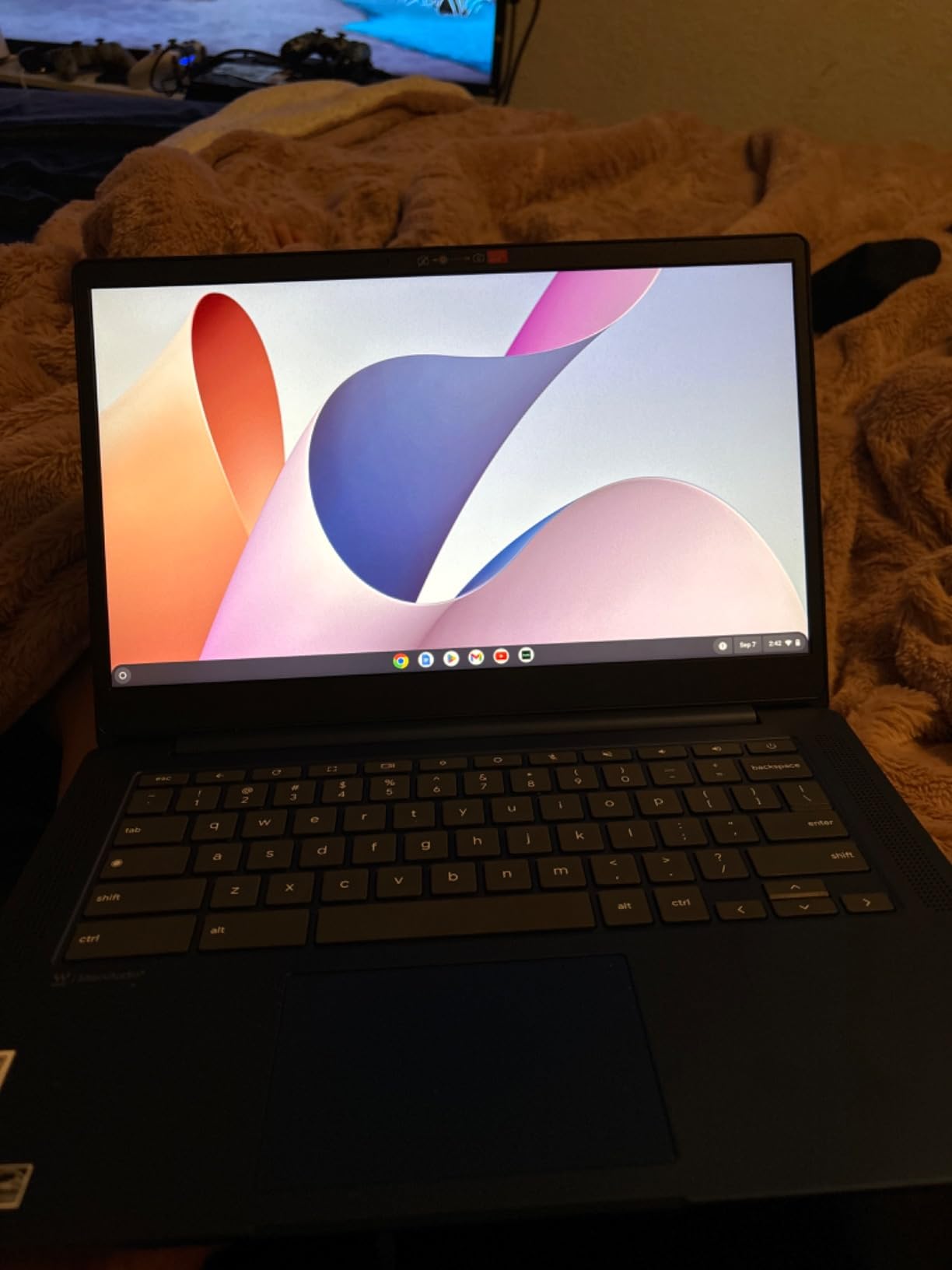
Owners mostly accept the trade-offs, describing it as a fair-price travel and school machine that boots quickly and pairs with a Google account in moments.
The complaint that comes up most often is the trackpad. It is described as unresponsive and imprecise, and on a ChromeOS machine the trackpad carries a lot of the navigation load, so this is worth knowing before you buy. Several owners also report units that stopped charging within a short period, and the warranty here is only 90 days, which is the shortest coverage in this roundup.
When this is the right call
Pick this if you write at night, study in libraries with dim lighting, or want the lightest full-size Chromebook with a sharp screen. The full HD panel is a genuine upgrade over the 1366×768 models at a similar weight.
It handles documents, research, video calls, and streaming comfortably, and the Chrome OS update model means no maintenance.
When you should look elsewhere
With 4GB of memory and 64GB of storage, this machine struggles once you have a dozen tabs and a video call running together. If you multitask heavily, choose a Chromebook with 8GB instead.
The 90-day warranty is a real concern for a machine you expect to keep for four years. If you want a longer warranty and a full HD screen on a bigger budget, the Acer Chromebook 315 is the alternative.
11. Acer Chromebook 315 – Best Low-Cost FHD Chromebook
Acer Chromebook 315 Laptop, Celeron N4500, 15.6″ Full HD IPS Display, 4GB LPDDR4X, 64GB eMMC, Wi-Fi 6, DTS Audio, USB Type-C, Chrome OS, CB315-4H-C8XU, Silver
Intel Celeron N4500 dual-core
4GB LPDDR4X
64GB eMMC
15.6-inch FHD IPS
Up to 10 hour battery
3.5 pounds
Pros
- Lowest cost machine in this roundup with a 15.6-inch full HD screen
- Boots quickly and is simple to set up
- Large display and full-size keyboard suit writing and note-taking
- Wi-Fi 6 with dual-band MU-MIMO and Bluetooth 5.1
- Two USB-C ports with DisplayPort over USB-C plus HDMI
- 100GB Google Drive storage included
Cons
- Celeron N4500 is slow
- particularly during web browsing
- 4GB RAM and 64GB storage limit multitasking
- Not a touchscreen
- 250 nit brightness is modest
The Acer Chromebook 315 is the cheapest way to get a full HD 15.6-inch screen, and for a student whose main job is writing papers and reading PDFs, screen quality matters more than processor speed. Owners consistently describe the value here as excellent.
Connectivity is better than the price suggests. Two USB-C ports with DisplayPort over USB-C means you can drive an external monitor or use a docking station, plus two USB-A ports and HDMI.
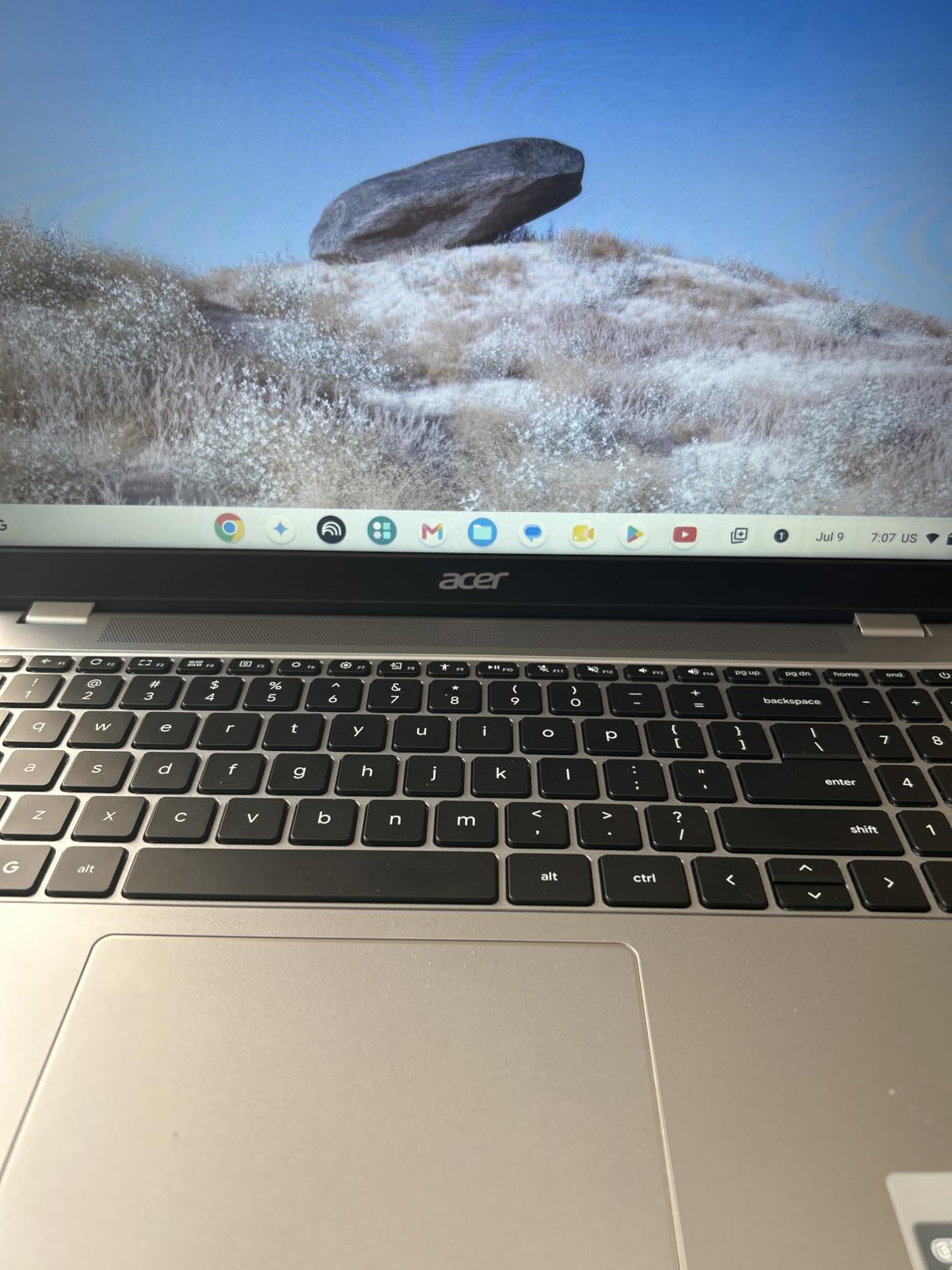
Chrome OS auto-updates, boots in seconds, and includes Microsoft Office compatibility through Docs, Sheets, and Slides. It needs no maintenance, which matters for a student who has never owned a computer before.
The recurring caveat is performance. The Celeron N4500 is a dual-core chip, and buyers report it as slow during web browsing. It is workable if you work in one application at a time; it is frustrating if you do not.
When this is the right call
This suits a student on the tightest possible budget who writes, browses, and joins video calls. The large screen is genuinely useful for research papers, and the one-year international warranty is longer than the coverage on some cheaper alternatives.
It is also a good second machine for a family, or a backup that a student can keep in a dorm while a more capable laptop lives in a backpack.
When you should look elsewhere
If you need touch input, this is the wrong choice. If your work involves spreadsheets large enough to tax a dual-core chip, step up. And if you expect to run anything beyond a browser, the 4GB of memory is the limiting factor, not the screen.
Note also that 250 nits is dim for outdoor work, and one reviewer reports the panel measuring closer to 13 inches than advertised, so check the screen before committing.
12. HP 14-inch HD Laptop – Best Starter Windows Machine
HP 14″ Laptop 2026 Edition, Intel Processor, 4GB RAM, 128GB Storage
Intel Processor N150
4GB LPDDR5 RAM
128GB UFS storage
14-inch HD anti-glare
Windows 11 Home
3.3 pounds
Pros
- Windows 11 at a very low cost
- One year of Microsoft Office 365 Personal with 1TB OneDrive included
- 3.3 pound body with a full-size keyboard and numeric keypad
- Anti-glare display with narrow bezels
- Wi-Fi 6
- USB-C
- USB 3.2
- HDMI
- and a 3.5mm audio jack
Cons
- Intel N150 struggles with anything beyond basic tasks
- 4GB of RAM and 128GB of storage is very limited
- 1366x768 resolution is low
- No backlit keyboard and no fingerprint reader
This is the simplest answer to the question of whether you need a Windows machine at all. The HP 14-inch runs Windows 11, comes with a full year of Microsoft Office 365 and 1TB of OneDrive, and weighs 3.3 pounds.
For a first-year student who opens email, writes in Word, joins a Zoom lecture, and streams a lecture recording in the evening, that is enough. The bundled Office subscription removes the single most common complaint about cheap Windows laptops.
Beyond that, the Intel N150 is a low-power 4-core chip that reviewers consistently describe as struggling with anything beyond basic tasks. The 4GB of RAM and 128GB of storage are the real constraints, and neither can be upgraded.
The 1366×768 anti-glare display is serviceable in a dorm but soft by modern standards, and there is no backlit keyboard for evening work.
When this is the right call
Buy this if your budget is the deciding factor and you know you only need Windows for Office and a browser. It is a better fit than a Chromebook if a specific course requires a Windows application and you have no way to test it before buying.
It also works as a dedicated writing machine, a dorm-room second device, or a machine for a family member who needs Windows and nothing more.
When you should look elsewhere
Do not buy a 4GB machine expecting it to last a full degree without limits. You will run out of memory in a few years of accumulated applications and browser tabs, and there is no upgrade path when that happens.
If you can stretch the budget, the Dell 15.6-inch gives you 8GB, a 512GB SSD, a 120Hz full HD screen, and memory you can expand to 16GB. That is a far safer four-year platform.
Battery Life and Weight Compared Across All 12 Picks
Battery life is the number students care about most, and the figures below come from the manufacturers and from owner reports, since the same machine varies with screen brightness, Wi-Fi, and how many tabs you are running. Treat them as expectations, not measurements.
For all-day runtime the MacBook Air 13-inch leads on its claimed 18 hours, with the MacBook Neo close behind at 16. Among the Chromebooks, the HP Chromebook 14 is quoted at up to 14 hours, the Lenovo 14-inch at 13.5, the ASUS Flip CX1 at 11, and the Acer Chromebook 315 at 10. The HP OmniBook 3 claims up to 14 hours and 15 minutes from a larger 41Wh cell.
Weight tells the portability story just as clearly. The lightest options are the Lenovo 14-inch Chromebook at 2.86 pounds, the Samsung Chromebook Plus at 2.98, and the two Apple machines at 2.71 each. The heaviest are the HP OmniBook 3 at 4.4 pounds and the Dell 15.6 at 4.2, both of which are desk machines rather than daily carry machines.
The practical rule: if you carry your laptop between buildings, anything under 3.5 pounds keeps the difference between a good day and a sore shoulder. If you work from a fixed desk, the bigger screens and fuller keyboards in this roundup are worth the extra weight.
How to Choose a Laptop for College in 2026
Start with your major’s software list, not with a brand. Download the heaviest application your program requires and check its system requirements, because that single step prevents the most expensive mistake in this whole guide: buying a beautiful machine that cannot run the software you are graded on.
Then apply four filters. Here is what actually matters, in order.
1. Memory: treat 8GB as the floor, and 16GB as the target. Students repeatedly ask whether 8GB will last four years, and the honest answer is that it depends on the major and whether you can upgrade. Browsing, documents, and video calls run fine on 8GB. Running a virtual machine, a container stack, a local video editor, or a large data set does not. Several machines in this roundup have soldered memory that cannot be added later, so if you are buying 8GB, check whether the slots are upgradeable. The Lenovo V15 and the ASUS VivoBook 15 both allow an upgrade; the MacBook Neo and most Chromebooks do not.
2. Storage: 512GB is the sensible starting point. A 256GB drive fills up within a semester once Windows, Office, a browser, and a handful of applications are installed, and 64GB eMMC drives on Chromebooks are working storage only. 512GB is comfortable. If you are stuck with 128GB, treat the machine as a secondary device or plan to add storage yourself.
3. Weight: pick a number and stick to it. Under 3.5 pounds means you carry it everywhere without noticing. Between 3.5 and 4 pounds is manageable for most students. Above 4 pounds, you are buying a desk machine, and that is a perfectly good decision as long as you are honest about it.
4. Screen: resolution and brightness, in that order. A 1366×768 panel is visibly soft when you are reading a research paper, so full HD at 1920×1080 is worth paying for. Brightness matters if you study in a bright room; 250 nits struggles outdoors and 300 nits is acceptable indoors. Anti-glare is the feature people forget and then appreciate.
Next, the operating system decision, which is the most repeated question on student forums. Choose macOS if your program permits it, you value battery life and build quality, and you want the machine to feel fast in year four. The MacBook Air 13-inch and the MacBook Neo cover roughly ninety-five percent of what undergraduates actually do. Choose Windows if your major requires Windows-only software, you want the widest compatibility, or you want repairable and upgradeable hardware. Choose ChromeOS if your coursework lives in a browser, your budget is constrained, or you want a machine that maintains itself. Chromebooks handle documents, research, video calls, and streaming for four years for many majors.
Before you buy, run this software compatibility check. Find your department’s required software list. Confirm the operating system that software supports. Open the vendor’s system requirements page and check the memory and processor minimums. If the software is Windows-only, a Chromebook is out. If it needs a discrete GPU or more than 16GB of memory, your budget needs to be realistic. If you can run the application on a trial machine at the library or a friend’s laptop, do that before spending anything.
A few more things worth checking. A backlit keyboard matters for evening study and most students underestimate it. Ports matter more over four years than people expect: at least one USB-C, one USB-A, HDMI, and a headphone jack saves you a dongle. A numeric keypad is worth having for business and accounting work. And a webcam above 720p makes a visible difference in recorded lectures and group presentations, which is why the 1080p cameras on the two Apple machines and the HP OmniBook 3 are worth noting.
One last question, because students raise it every year: should you buy a refurbished machine to save money? A refurbished laptop from a reputable seller can be a sensible way to get a better screen, more memory, and a better keyboard for the same money. Check that the warranty transfers with the device, that the battery health is reported, and that the operating system licence is included. Avoid anything sold without a warranty at all, like the Lenovo Chromebook in this list, where coverage is only 90 days.
One more practical note for music students assembling a dorm setup: our guides to the best alto saxophones for students and the best acoustic guitar cases for college cover the other half of a practice room.
Frequently Asked Questions
What laptop do most college students use?
Most students end up with a Windows laptop or a MacBook, and those two account for the large majority of what we see in classrooms. Within those, the most common configurations are a 14- to 15.6-inch full HD screen with 16GB of memory and a 512GB SSD, running Windows 11 or macOS. Chromebooks remain popular in K-12 settings and among students whose coursework is entirely browser-based.
Which laptop brand is best for college students?
There is no single best brand, but each has a distinct strength. Apple builds the most reliable machines with the best battery life and resale value. Lenovo offers the widest range and the best upgradeable business-style models. Dell is strong on service, keyboards, and numeric keypads. HP covers everything from low-cost Windows machines to large-screen laptops, and ASUS and Acer cover the budget Chromebook and convertible market.
Is HP or Dell better for college?
For a student on a budget, HP generally offers more screen and feature variety, including large 17.3-inch panels and backlit keyboards. For students who want service and a business-style typing experience, Dell is stronger, with numeric keypads, 120Hz full HD panels, and onsite warranty service on many models. Both brands cover the range from entry-level Windows laptops to more capable machines.
Do MacBooks have better battery life than Windows laptops?
In most cases, yes. The Apple machines in this roundup claim up to 18 hours and 16 hours of battery life, while the comparable Windows and Chromebook models are quoted between 10 and 14 hours and 15 minutes. The gap narrows on models with higher-brightness screens or larger batteries, but as a general rule a MacBook will outlast its Windows equivalent on a single charge.
Are MacBooks or Windows better for college students?
It depends entirely on your major. Choose a MacBook if your program allows macOS, you travel between classes, and you want the strongest battery life and resale value. Choose Windows if your program requires Windows-only software such as AutoCAD, MATLAB, or clinical applications, or if you want upgradeable memory and storage. Check your department’s software list before deciding.
How long should a college laptop last?
Most students use the same machine for all four years of a degree, and anything bought now should comfortably cover that span if it has 16GB of memory and a 512GB SSD. Planning to use the machine for five or six years, or to run demanding software, means you should prioritise upgradeability over polish.
Conclusion: The Best Laptops for College Students in 2026
After working through twelve machines, the recommendation comes down to what your major requires. If it allows macOS and you carry your laptop between classes, the MacBook Air 13-inch with the M5 chip is the strongest all-round choice, with up to 18 hours of claimed battery life, 16GB of memory, and a 2.71-pound body that will not get tiring. If the budget is tighter, the MacBook Neo gives you the same kind of build quality and most of the same experience for less, at the cost of fixed 8GB of memory and no backlit keyboard.
For Windows users who need headroom, the Lenovo V15 with 16GB of DDR5 and a spare storage slot is the one to buy. For business and accounting majors, the Dell 15.6-inch wins on the numeric keypad alone. And if your coursework lives in a browser, the Acer Chromebook 315, the HP Chromebook 14, or the ASUS Chromebook Flip CX1 will carry you through a degree for a fraction of the cost.
Whichever you choose, buy it with 16GB of memory and 512GB of storage if you can afford it, keep it under 3.5 pounds if you will carry it every day, and check your department’s software list before you spend a cent. That single check prevents most of the regrets we see.