
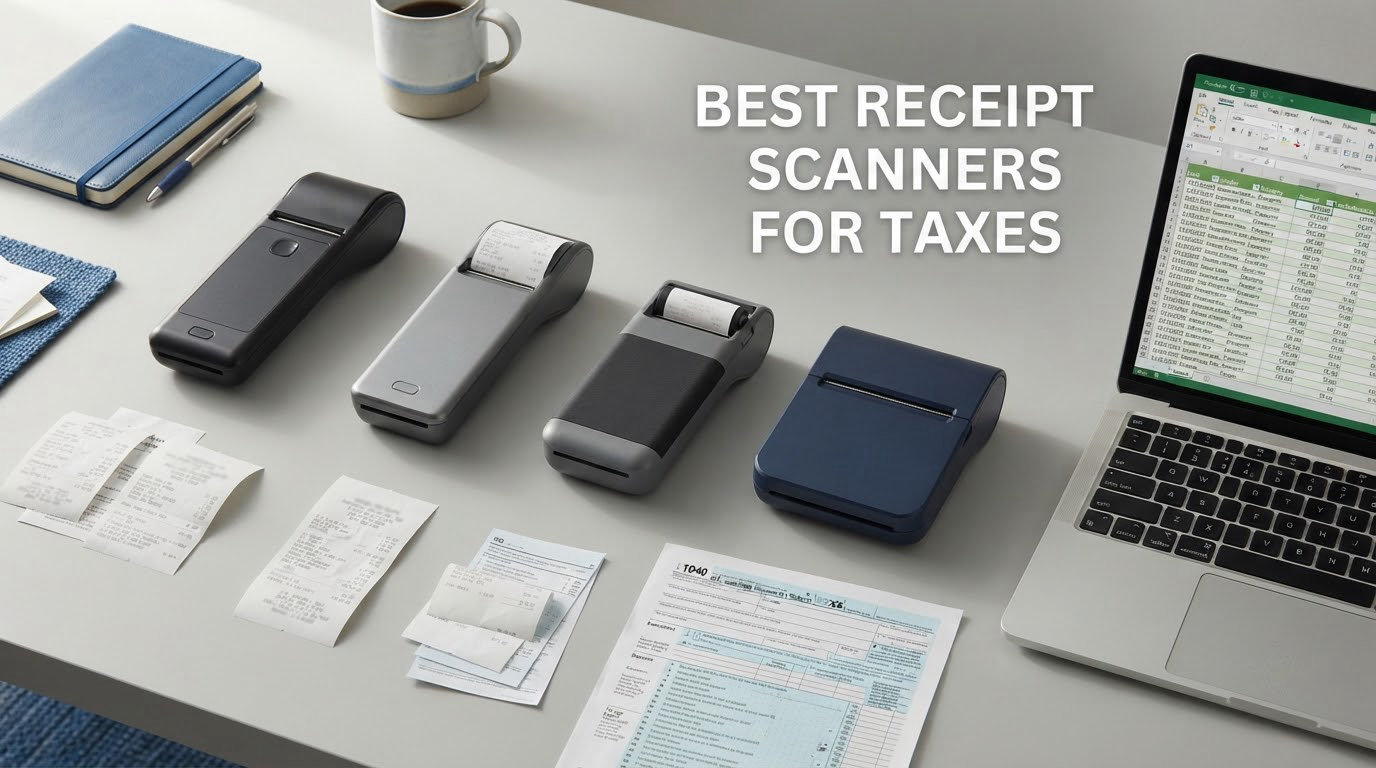
Tax season does not start in January. It starts the moment a receipt leaves your hand, and by the time you sit down to file, the thermal paper has faded, the corner is soft and the total is a grey smear. The best receipt scanners for taxes solve a storage problem, not a filing problem: they turn a growing pile of paper into a searchable, dated, categorized digital record before the paper loses its evidence.
Our answer up front: the Brother DS-640 is the best receipt scanner for taxes for most people. It reads up to 16 pages per minute, ships with free OCR software, runs on Windows, Mac and Linux, and it carries more owner reviews than any other model in this guide, which means its weaknesses are already well documented.
We compared eight scanners across the range, from a 9.44 ounce single-sheet model to a 100-sheet wireless desktop unit. The list below covers the hardware side of receipt capture. If your problem is ongoing expense tracking rather than a paper archive, read our receipt scanner picks for small business first, since that workflow depends more on software than on glass.
Top 3 Picks: Receipt Scanner Picks for Taxes (October 2026)
Three models cover most tax-preparation situations. The DS-640 handles a mixed pile quickly, the Epson WorkForce ES-50 is the one to pack in a bag, and the Doxie Pro is the pick when you want duplex scanning on a small desk without a subscription.
Best Receipt Scanners for Taxes in 2026
All eight models appear below with the specifications that decide a tax-archive job: throughput, feeder size, optical character recognition and where the file ends out. Every unit we tested is a hardware scanner, so the deciding question is how much paper you have and where it lives. Our broader document scanner guide covers larger-format paper if you are archiving more than receipts.
| Product | Specifications | Action |
|---|---|---|
 Brother DS-640 Brother DS-640 |
|
Check Latest Price |
 Epson WorkForce ES-50 Epson WorkForce ES-50 |
|
Check Latest Price |
 Doxie Pro Doxie Pro |
|
Check Latest Price |
 Canon imageFORMULA R10 Canon imageFORMULA R10 |
|
Check Latest Price |
 ScanSnap iX1300 ScanSnap iX1300 |
|
Check Latest Price |
 Brother DS-740D Brother DS-740D |
|
Check Latest Price |
 Epson WorkForce ES-400 II Epson WorkForce ES-400 II |
|
Check Latest Price |
 Epson WorkForce ES-580W Epson WorkForce ES-580W |
|
Check Latest Price |
What none of these devices do is read your receipts into QuickBooks Online, Xero or tax-prep software. Every model here produces a searchable PDF or JPEG; the categorization, coding and export step still belongs to your accounting package or a receipt-capture app. Keep that in mind if your bottleneck is data entry rather than paper.
1. Brother DS-640 – Best Overall Receipt Scanner for Taxes
Brother DS-640 Compact Mobile Document Scanner, (Model: DS640)
16 ppm
300 dpi
Single sheet feed
Windows Mac Linux
Pros
- Fastest-feeling single-sheet scan speed in this list at up to 16 ppm with no color penalty
- One USB cable both powers and connects
- Free iPrint and Scan software with cloud email and OCR destinations
- Works on Windows Mac and Linux via TWAIN WIA ICA and SANE drivers
Cons
- Single-sided only so pages must be flipped by hand
- One page at a time with no automatic document feeder
- Micro-USB cable means USB-C-only laptops need an adapter
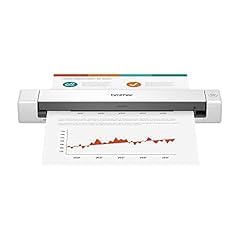
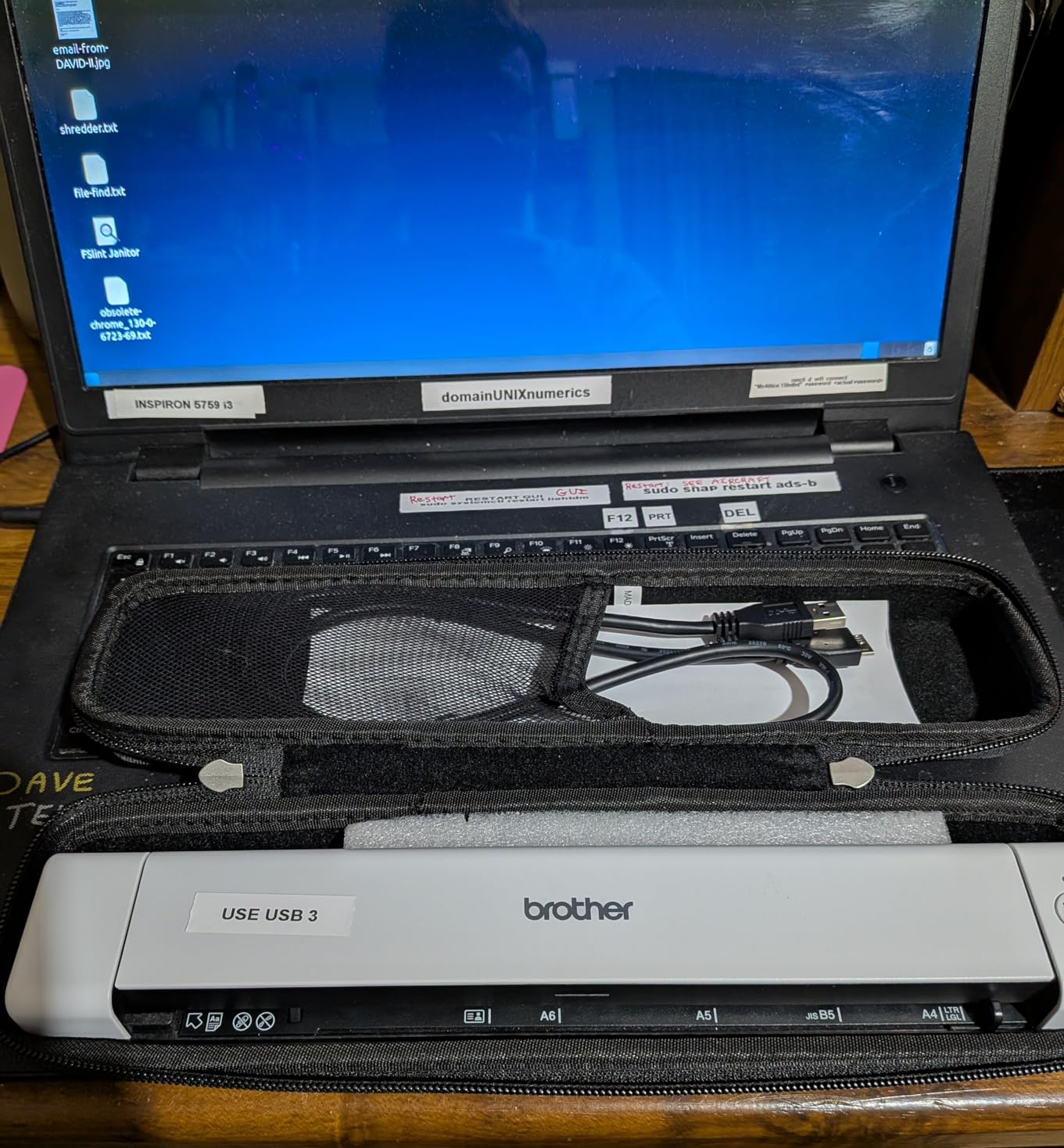
The DS-640 is the scanner I keep recommending to freelancers who have a shoebox, a duffel bag of client receipts and no intention of buying software. It weighs about 1.5 pounds, measures under 12 inches long and draws power from the same micro USB 3.0 cable that carries the data, so it works from a laptop in a cafe without hunting for an outlet.
Throughput is the standout. At up to 16 pages per minute with no color speed penalty, it clears a stack of thermal receipts noticeably faster than units that slow down the moment color is detected. The bundled Brother iPrint and Scan app handles Scan-to PC, network, cloud, email and OCR destinations, and automatic color detection, rotation and bleed-through prevention handle most cleanup before you see the file.
What makes it the right tax pick is platform reach. It is one of the few scanners here with full Linux support through SANE drivers, which matters if you run a Linux laptop or a self-hosted bookkeeping stack and do not want a driver hunt every time you scan.
Resolution is 300 dpi with 48-bit or 24-bit color and 8-bit greyscale. That is below the 600 dpi offered by the Doxie Pro and Canon R10, but for a thermal receipt the limiting factor is usually paper contrast rather than sensor resolution, and the text enhancement tools do more work than extra dots per inch would.
What to check before you buy
Decide honestly whether you will feed pages one at a time. There is no automatic document feeder, so a 400-receipt backlog means 400 separate feeds. For most tax-season catch-up work that is fine, and flattening crumpled paper before you scan takes longer than the scanning itself.
Check your laptop ports. The included cable is micro USB and it is short, so a USB-C-only machine needs an adapter or a USB 3.0-to-C cable. Owners running receipt-heavy workflows also report occasional false paper-jam errors on long receipts, which usually clear on a re-feed.
Where it falls short for tax work
It is single-sided, so two-sided forms need manual flipping. Receipts are almost always one side, but if you are also scanning W-9s, signed statements or lease paperwork, that becomes friction fast.
It captures an image and searchable text; it does not categorize an expense or match a line item to a bank transaction. If your real cost is data entry, pair it with a capture app rather than expecting the scanner to do bookkeeping.
2. Epson WorkForce ES-50 – Best Lightweight Scanner for a Paper Backlog
Epson Workforce ES-50 Compact & Lightweight Mobile Document Scanner
5.5 seconds per page
1200 dpi
9.44 ounces
USB powered
Pros
- Lightest scanner in this guide at 9.44 ounces with a 1.3 inch tall body
- Scans a page in as little as 5.5 seconds
- Handles crumpled thermal receipts well once flattened
- Nuance OCR produces searchable PDFs and editable Word and Excel files
- USB powered with no battery or external adapter
Cons
- Single-sheet manual feed with no duplex so pages must be flipped by hand
- No paper guides so alignment matters on each feed
- Some owners report recurring black streak lines across scans
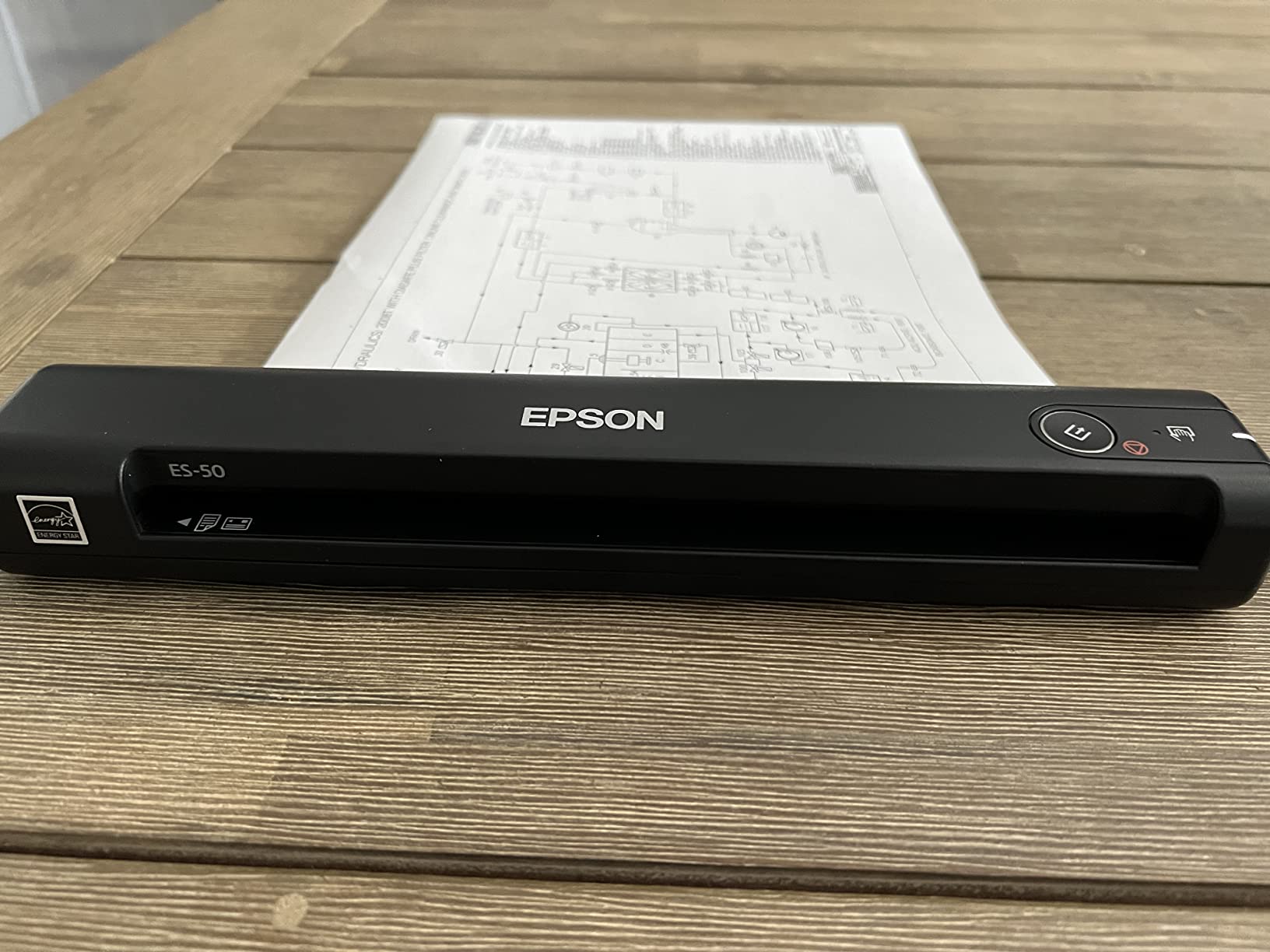
The ES-50 is the one I put in a carry-on. At 9.44 ounces and 1.3 inches tall it is the smallest unit in this roundup by a wide margin, and it runs entirely off USB power, so there is no battery to age out and no charger to lose.
It is also the only model here with 1200 dpi resolution and 16 bpp color depth, which is more than a thermal receipt needs but useful when the same device touches handwritten notes or a faded invoice. Nuance OCR turns each scan into a searchable PDF or an editable Word or Excel file, and Epson ScanSmart handles the reviewing and saving.
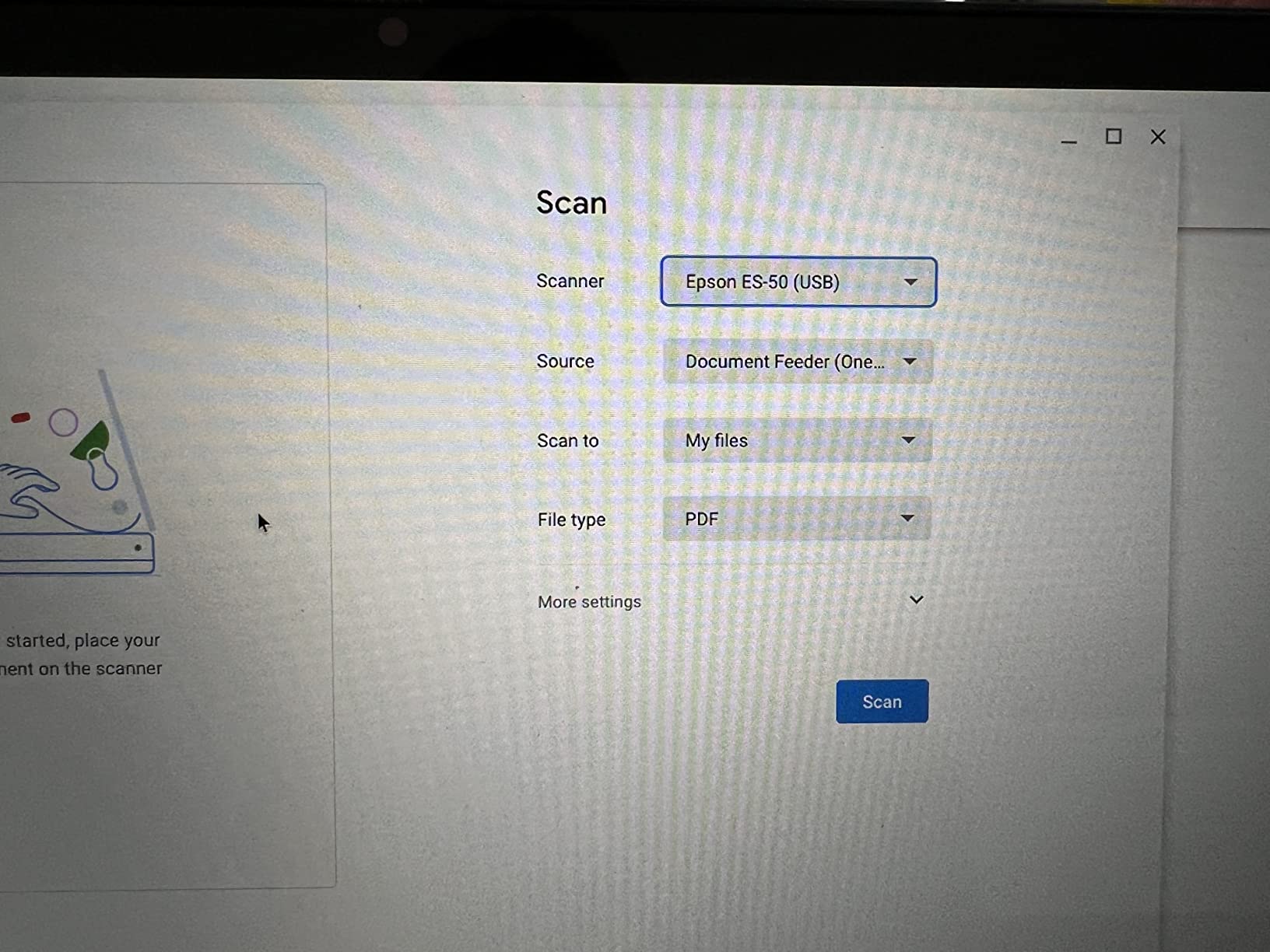
Receipts up to 8.5 by 72 inches fit through the feed path, so long till roll and fuel slips are not a problem. The automatic feeding mode combines multiple single sheets into one file, which matters more than it sounds when you want one PDF per vendor instead of 300 loose files.
Owners frequently point out that this unit replaced a far more expensive receipt-scanning purchase for occasional digitizing. That is the honest use case: a once-a-year clear-out of a drawer, not a daily workflow.
What to check before you buy
There are no paper guides, so every page needs careful alignment. On a crumpled receipt that means flatten first, then feed slowly, and expect the odd re-feed when the sheet sits at an angle.
Confirm you want a single-sheet manual feed with no duplex. Two-sided tax paperwork will need a page turn between every scan, which is the main reason this model ranks second rather than first.
Where it falls short for tax work
A minority of owners report recurring black streak lines running across scans, plus durability complaints from units kept in a bag for more than a year. If your backlog is a one-time project this rarely matters; if you want a permanent travel tool, factor it in.
Like the DS-640, it is wired only. Wireless sharing would need the higher-tier ES-60W, which is outside this price bracket and not in our list.
3. Doxie Pro – Best Duplex Feeder for a Home Desk
Doxie Pro – Duplex Document Scanner and Receipt Scanner for Home and Office with Amazing Software for Mac and PC
Automatic duplex
22 ppm
600 dpi
20 sheet feeder
Pros
- True automatic duplex captures both sides in a single pass
- Up to 22 pages per minute at 600 dpi and 24-bit color
- Collapsible feeder folds to under 3 inches tall for drawer storage
- Direct feed slot handles thick or delicate paper the ADF would jam on
- Software includes OCR auto crop rotation and contrast boost with no subscription
Cons
- Wired only with no wireless or Bluetooth connectivity
- ADF holds about 20 sheets so it is not built for heavy office runs
- No official Linux version of the software and no Chromebook app
The Doxie Pro is the model I recommend when the shoebox also contains a year of two-sided paperwork. It is one of only two units here with true automatic duplex, and the fold-flat feeder means it lives in a drawer between tax seasons rather than occupying desk space all year.
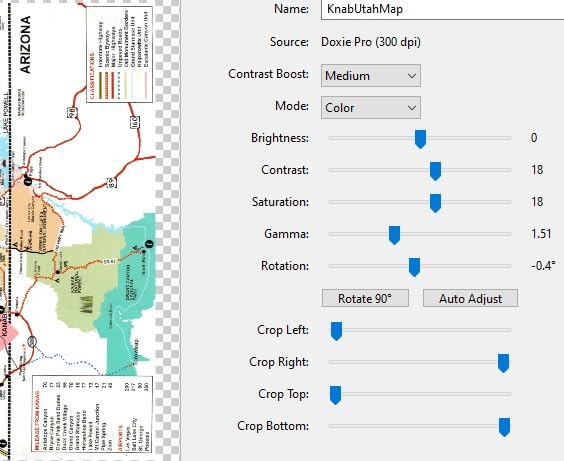
It scans at up to 22 pages per minute black-and-white at 600 dpi with 24-bit color, handles media up to 11 by 17 inches, and ships with power adapters for the US, UK and Euro outlets plus a replacement paper pad and a microfiber cloth. The included software does OCR, automatic cropping, rotation and contrast boost, and can stitch pages into a single document.
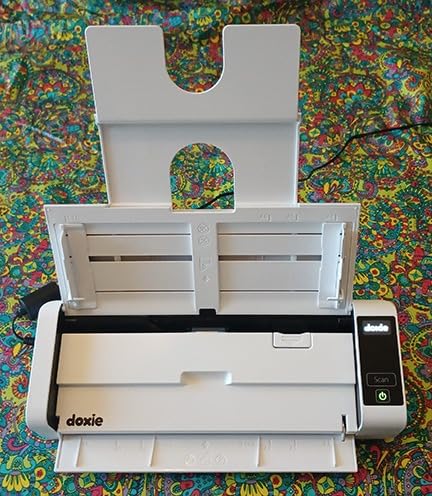
Two details matter more than the spec sheet suggests. The direct feed slot bypasses the feeder for thick, folded or curled receipts that would otherwise trigger a jam, and there is no subscription attached to the software, so nothing stops working when you next need it.
At 4.6 stars from 687 reviews, it holds the highest average rating of the eight scanners here. That sample is smaller than the rest, so treat the score as a strong signal rather than a settled verdict.
What to check before you buy
Count your two-sided paperwork. If most of your backlog is single-sided receipts, the duplex advantage shrinks and the 20-sheet feeder becomes the constraint, since it is one of the smallest in this roundup.
Confirm your platform. There is no official Linux version and no Chromebook app, and a few owners note the software is unpolished next to the bundled utilities on the Epson models.
Where it falls short for tax work
It is wired only, with no wireless or Bluetooth, so every scan runs through a cable to a computer. For a home desk that is rarely a problem; for a shared office it rules the device out.
Jams do appear when the feeder is overfilled or fed mixed paper sizes, and photo scanning is not a strength despite being advertised. Owners also note there is no SD card save option like some other Doxie models carry.
4. Canon imageFORMULA R10 – Best for Users Who Do Not Want to Install Software
Canon imageFORMULA R10 – Portable Document Scanner, USB Powered, Duplex Scanning, Document Feeder, Easy Setup, Convenient, Perfect for Mobile Users, White
Duplex at 12 ppm
600 dpi
20 sheet feeder
Built-in software
Pros
- Scanning software is built in and requires no installation
- Updates itself automatically
- 600 dpi with 24-bit color and a duplex 20-sheet feeder
- Preview and edit tools let you straighten trim and save custom scan buttons
- Handles receipts business cards plastic cards reports and legal documents
Cons
- Slowest throughput in this roundup at about 12 pages per minute
- USB only with no wireless or network scanning
- 20-sheet feeder needs refilling for a large archive
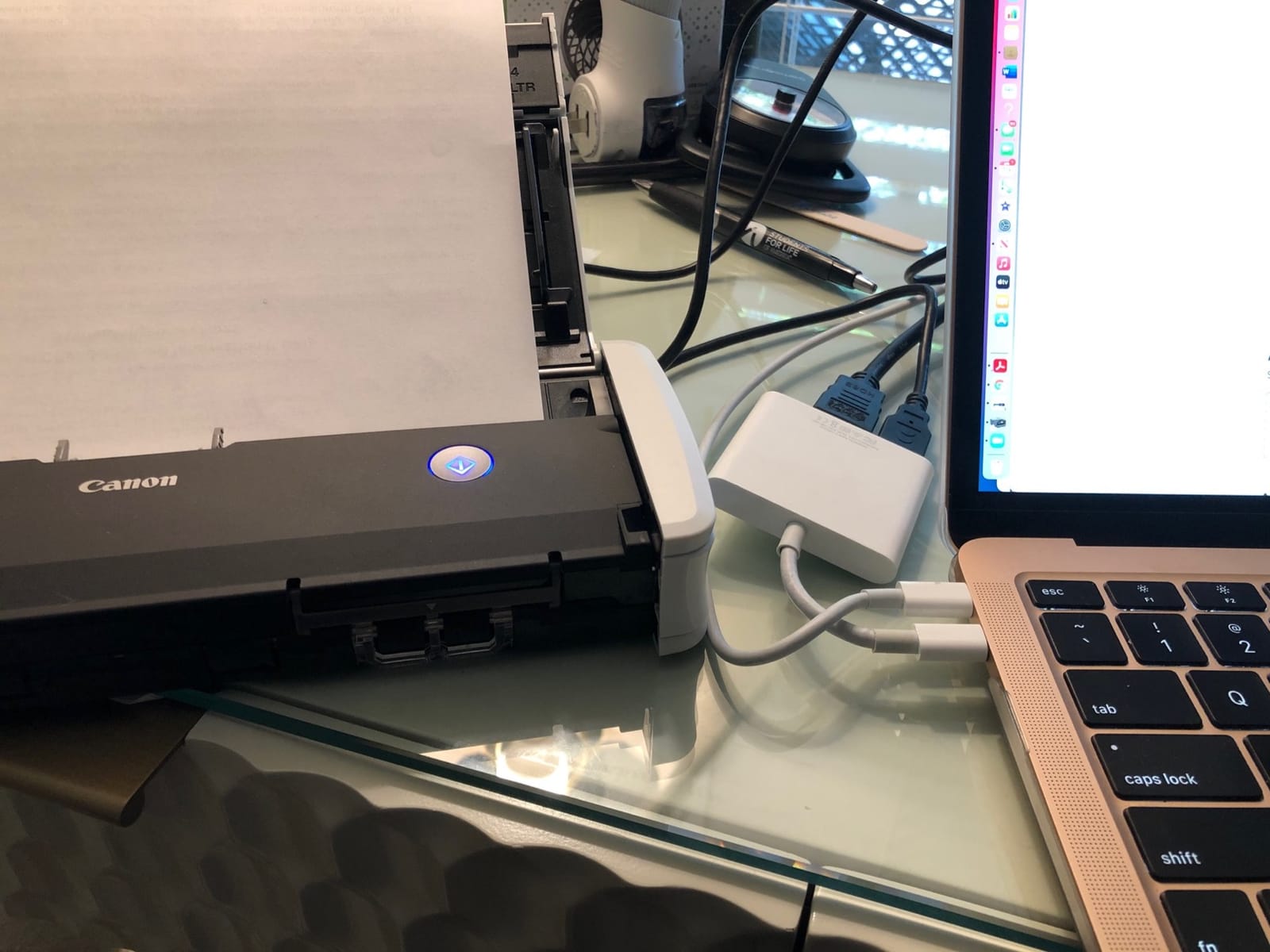
The R10 answers a specific complaint we hear constantly: the scanner works fine, but the software install does not. Canon’s scanning software is built into the device, needs no installation and updates itself, which removes the most common reason a good scanner ends up unused.
It is also genuinely portable. At 998 grams and 1.57 inches tall it moves between a home office, a classroom and a remote desk without a power adapter, since the unit is USB powered and draws 2.5 watts, dropping to 0.7 watts in energy saving mode. Canon suggests a daily volume of about 500 scans, which is well above a tax-season burst.
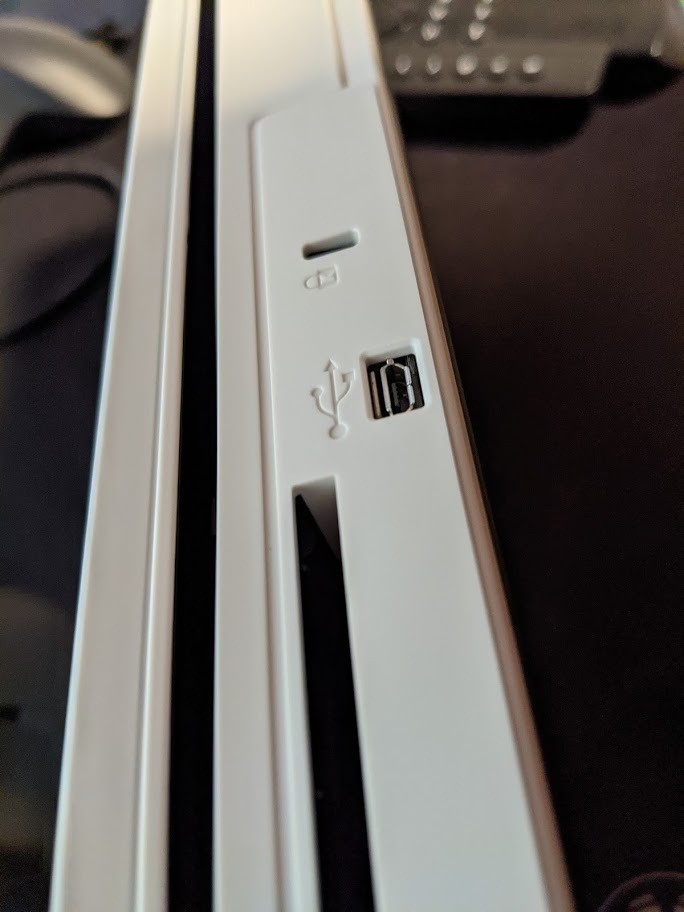
For files, it produces searchable PDFs and JPEGs at 600 dpi in color, black-and-white or grayscale, with duplex capture of both sides at up to 12 pages per minute. It works on Windows and Mac and is ENERGY STAR certified with a one-year Advanced Exchange warranty.
Receipts are an explicitly supported media type, alongside business cards, plastic and embossed cards, reports and legal documents. That makes it a safe generalist when the archive is mixed.
What to check before you buy
Measure your backlog against 12 pages per minute. It is the slowest unit here, so a large archive takes roughly twice as long as the ES-400 II or the ES-580W would, and the speed gap widens on duplex pages.
Decide whether a 20-sheet feeder is enough. It means repeated refills during a big clear-out, though the built-in software keeps each batch tidy without a separate install step.
Where it falls short for tax work
It is USB only, so it needs a computer nearby and cannot join a network share. If a shared office is your setup, the wireless models cover that gap better.
Canon states the device is not intended for scanning photographs or photo paper. If you also digitize family records or prints, our photo scanner guide covers that separate job.
5. ScanSnap iX1300 – Best Wireless Scanner That Runs Without a Computer
ScanSnap iX1300 Wireless or USB Double-Sided Color Document Scanner, White
30 ppm duplex
600 dpi
USB or Wi-Fi
20 sheet feeder
Pros
- Connects over USB or Wi-Fi and can scan with no computer attached
- Sends files to Mac PC mobile devices cloud services or Chromebook
- Up to 30 ppm duplex with automatic de-skew color optimization and blank page removal
- One-touch start with no driver setup
- QUICK MENU turns scanning into a drag-and-drop into desktop apps
Cons
- 20-sheet feeder is smaller than most desktop models in this class
- ScanSnap Home takes some configuring for advanced workflows
- Setup needs current operating system versions
The iX1300 is the pick when the receipts arrive on a phone and the computer is not always within reach. It connects over USB or Wi-Fi and can run standalone, sending scans directly to a Mac, PC, mobile device, cloud service or Chromebook through the mobile app.
Throughput is strong for its size: up to 30 pages per minute duplex through a 20-sheet automatic document feeder, at 600 dpi with 48-bit color and a CIS sensor. Automatic de-skew, color optimization and blank page removal run without intervention, and one-touch start means no driver setup.
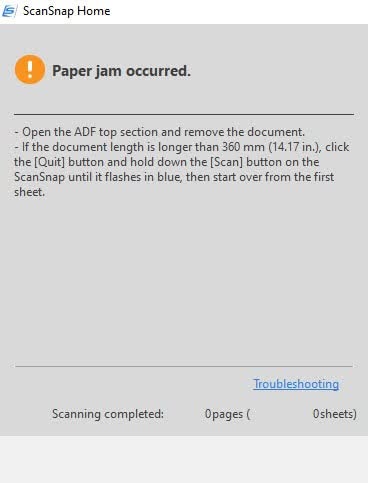
The space-saving foldable design is the quiet advantage. At 4.4 pounds and 3.3 inches tall, it is a real desktop ADF scanner that flattens when the tax season is over, unlike the taller desktop units that occupy a corner permanently.
ScanSnap Home manages documents, receipts, business cards and photos in one place, and QUICK MENU turns a finished scan into a drag-and-drop into your favorite desktop application.
What to check before you buy
Look at the feeder size before the speed. Twenty sheets caps each run, so the 30 ppm figure only applies in short bursts before you refill, and a big archive means many refills.
Check your operating system against the supported list, which runs from Windows 11 and macOS Monterey to current iOS, iPadOS, Android and ChromeOS. Older machines mean an older scanner.
Where it falls short for tax work
This is a document-focused CIS scanner, so it handles plastic cards and thick items but is not built for photographic originals. For mixed personal archiving you would want a second device.
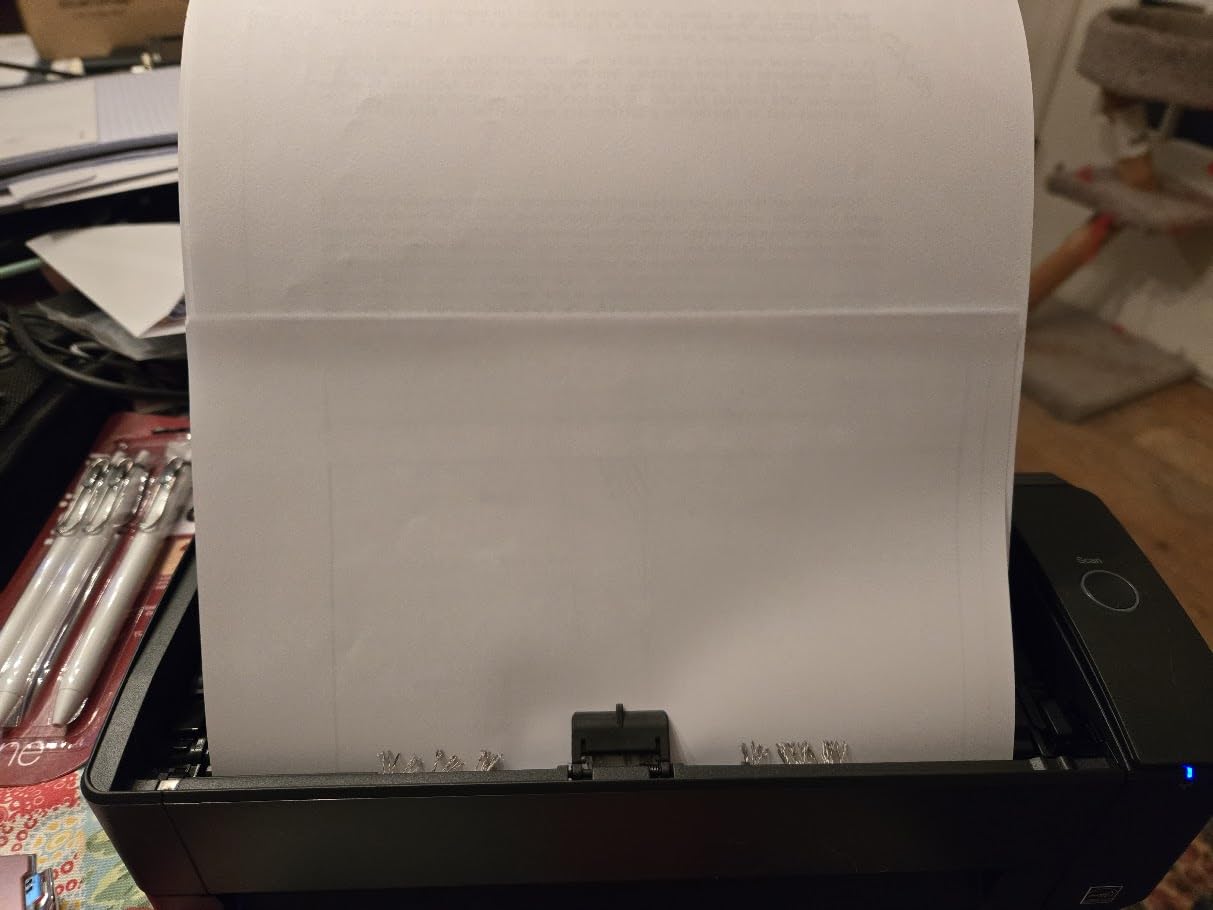
Owners report that configuring ScanSnap Home for advanced workflows takes real effort. The default one-touch path is excellent; the deeper settings take an afternoon before they pay off.
6. Brother DS-740D – Best Portable Duplex Scanner
Brother DS-740D Duplex Compact Mobile Document Scanner
Duplex at 16 ppm
300 dpi
25 sheet feeder
Linux support
Pros
- True single-pass duplex in a body under one foot long
- 25-sheet feeder is unusually generous for a portable scanner
- About 1.4 pounds and powered by a single USB cable
- Scans receipts up to 72 inches using the long narrow paper setting
- Works on Windows Mac and Linux with SANE drivers
Cons
- Reported jams clear only after unplugging and replugging the USB cable
- Long receipts need the document size changed from Auto or they trigger jam errors
- Bundled USB cable is short and receipt software needs manual field-box training
The DS-740D answers the most common complaint about the DS-640, which is single-sided scanning, without turning into a desktop machine. It does single-pass duplex at up to 16 pages per minute with no color speed penalty, and it folds flat to free roughly 11 inches of desk space.
The 25-sheet feeder is unusually generous at this size, and the 1.4-pound body still travels easily. Automatic color detection and adjustment, rotation, bleed-through prevention, text enhancement and color drop all run on scan.
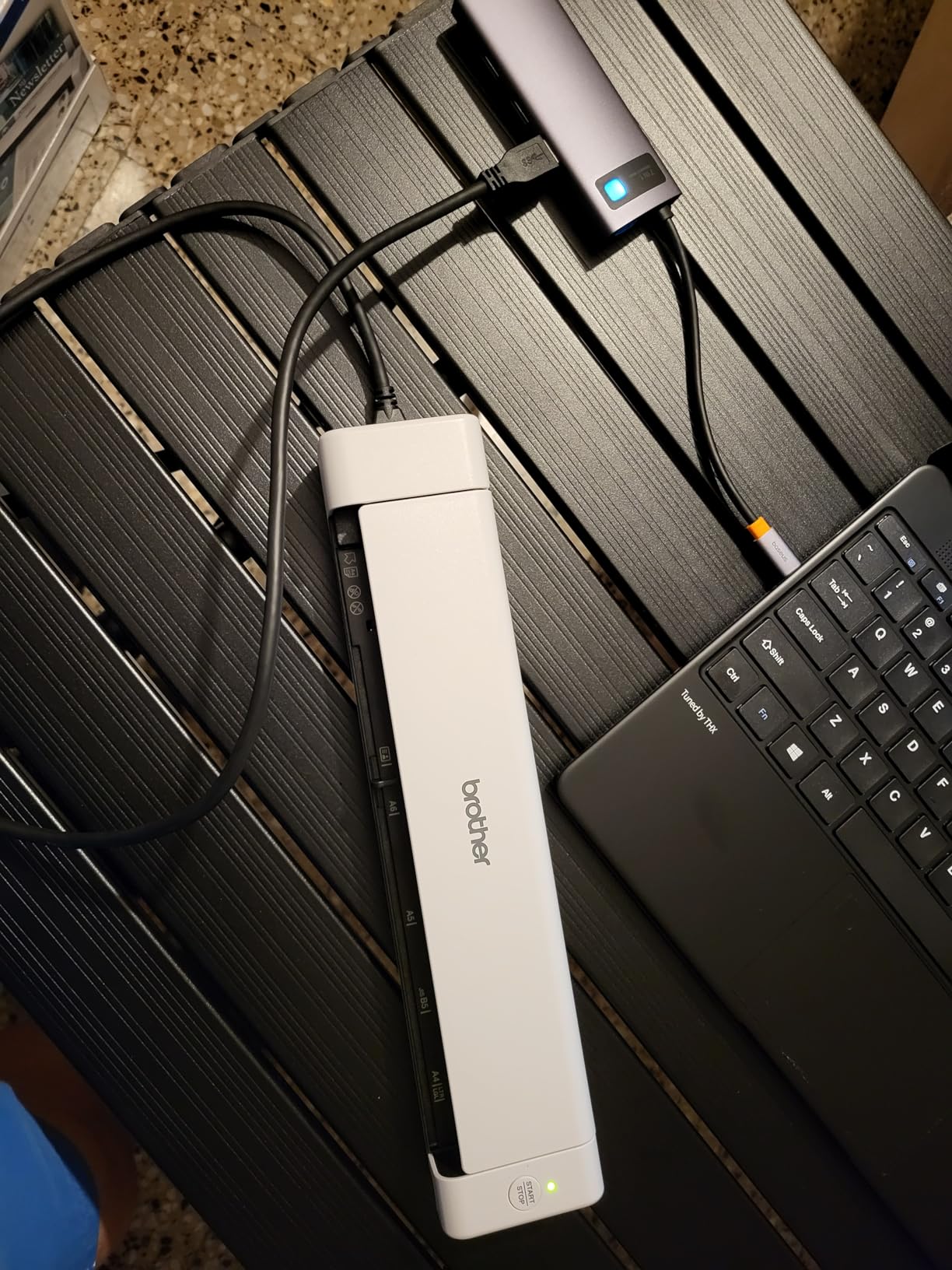
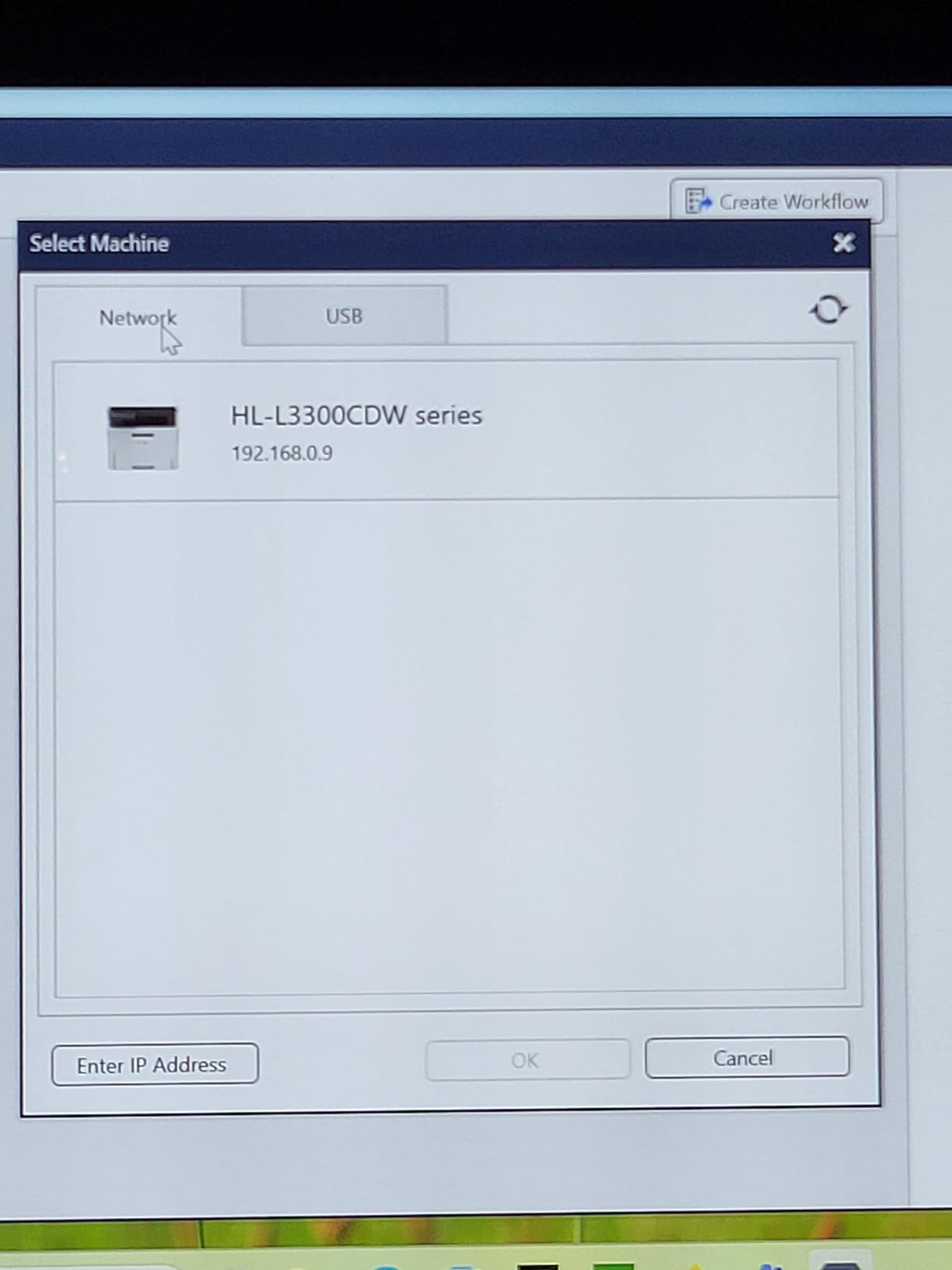
Two details make it practical for receipts specifically. It can be taught to scan receipts up to 72 inches long through the long paper narrow width setting, and it is powered by the included micro USB 3.0 cable, so no outlet is needed.
Color output is a strength that owners call out, with some scans reading more clearly than the paper original. That is useful on faded thermal receipts, where a slight contrast gain changes whether OCR succeeds.
What to check before you buy
Change the document size setting from Auto before you scan a long receipt. Left on automatic, long receipts are a well-known trigger for false jam errors, and the fix is a one-time setting change rather than a hardware problem.
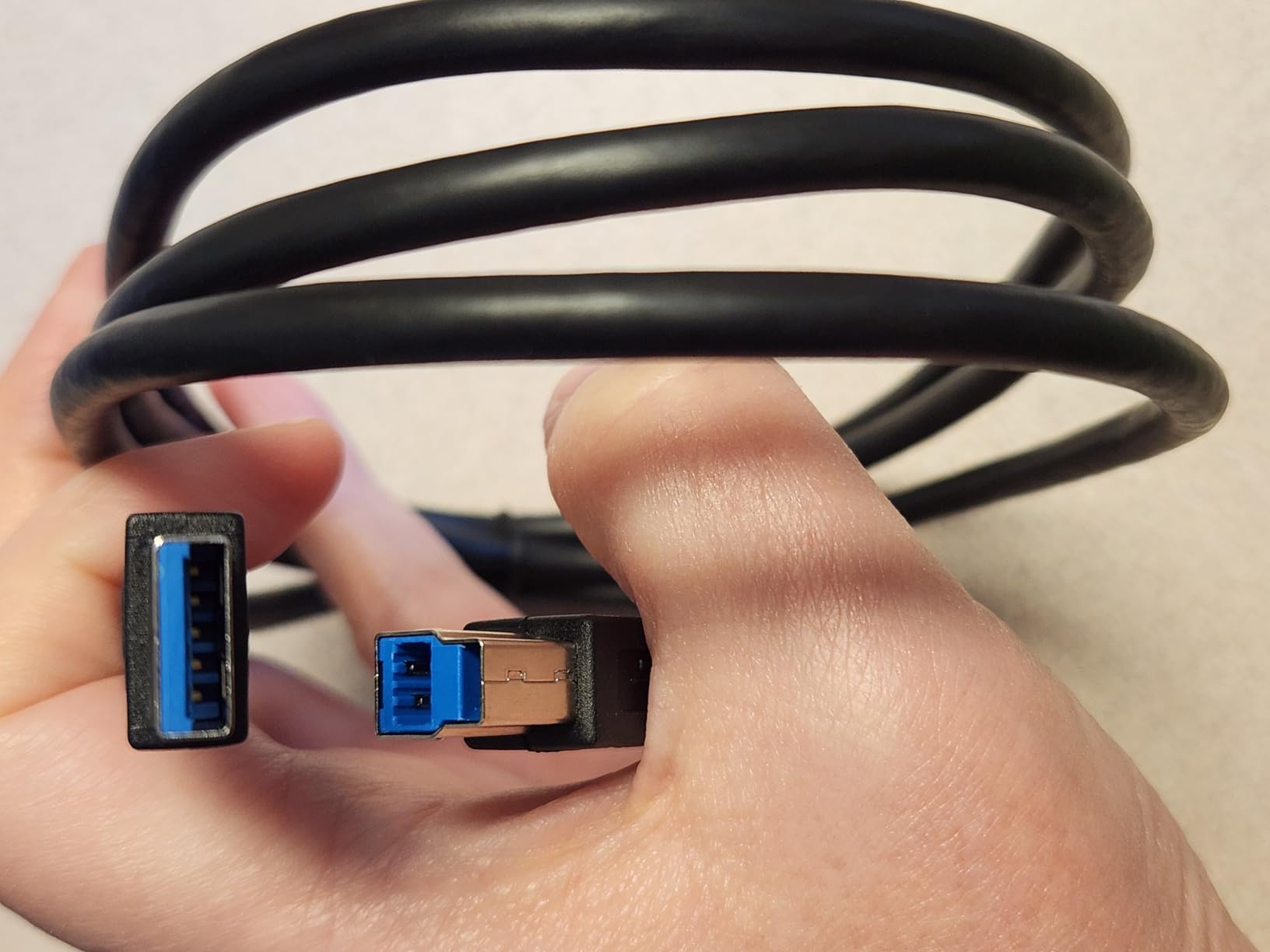
Check your ports again. The included micro USB cable is short, so plan for an adapter on a USB-C-only laptop and for the cable reach to actually work on your desk.
Where it falls short for tax work
Brother’s receipt and OCR software requires manual field-box training and cannot resize capture boxes. It is a document scanner that also handles receipts, not a receipt specialist, and users migrating from dedicated receipt software notice the downgrade.
It is not suited to 11 by 14 inch paper or large multi-sheet batches. Clearing a jam also means unplugging and replugging the USB cable rather than opening a feed tray.
7. Epson WorkForce ES-400 II – Best Wired Desktop Scanner for Shoebox Volumes
Epson Workforce ES-400 II High-Speed Color Duplex Desktop Document Scanner
50 sheet feeder
Duplex
300 dpi
Ultrasonic double feed
Pros
- 50-sheet automatic document feeder handles batch scanning well
- Duplex color scanning in a single pass
- Ultrasonic double feed detection and dynamic skew correction reduce missed pages
- Scans directly to email Dropbox Evernote Google Drive and OneDrive
- OCR produces searchable PDFs and editable Word and Excel files
Cons
- USB only with no built-in wireless or network scanning
- Requires a computer or Mac to run the bundled workflow
- 300 dpi is modest for archiving photographs
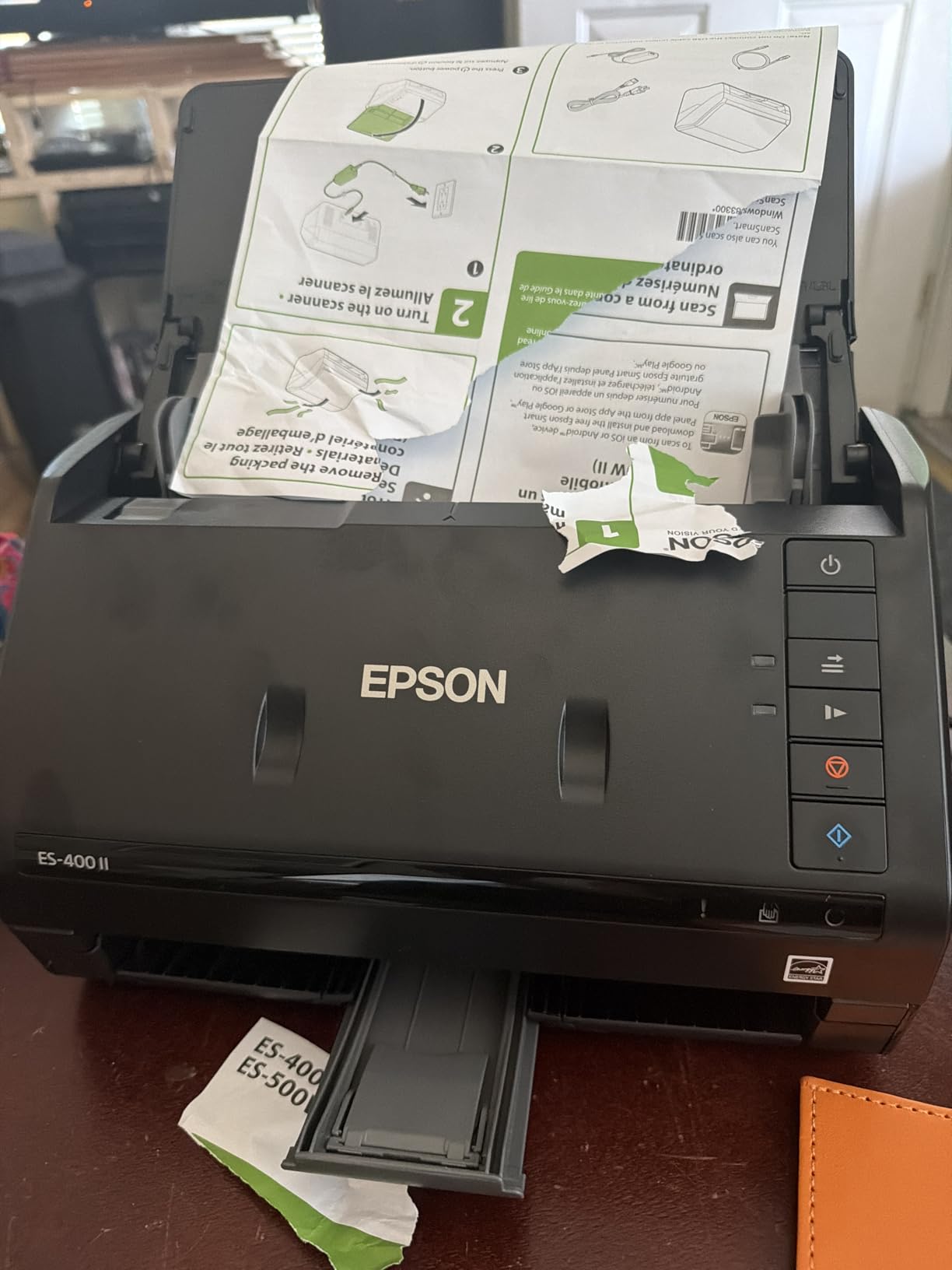
When the backlog is measured in shoeboxes rather than envelopes, feeder capacity decides the job. The ES-400 II takes 50 sheets per load, more than double the portable models here, and it runs duplex color in a single pass at up to 300 dpi with a CCD sensor.
The two features that matter most in a tax archive are ultrasonic double feed detection and dynamic skew correction. Skewed thermal receipts are the norm, and automatic correction is the difference between a clean file and an afternoon of manual straightening.
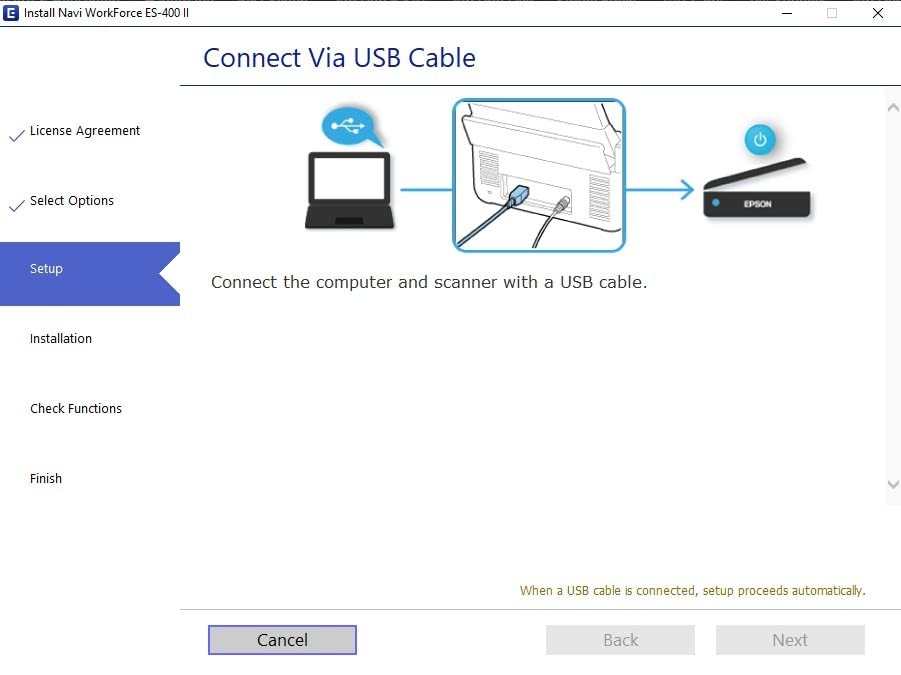
Output is a searchable PDF or an editable Word or Excel file, with automatic file naming, auto crop, blank page removal and background removal applied before saving. You can send straight to email, Dropbox, Evernote, Google Drive and OneDrive, and a bundled TWAIN driver lets it work inside existing document management software.
At 4.5 stars across 1,257 reviews, owners describe it as dependable rather than exciting, which is exactly what a year-end project wants.
What to check before you buy
It needs a computer or Mac nearby, and the connection is USB only. If your scanning happens at a shared bench or a reception counter with no machine in reach, the wireless models are a better structural fit.
Measure the desk footprint. At 11.6 inches square and 6.9 inches tall it is a fixed installation, not a drawer item, which is fine year-round but worth deciding before you buy.
Where it falls short for tax work
Resolution tops out at 300 dpi, which is fine for receipts and statements but limits photographic archiving. It also draws noticeably more power than the USB-powered portable units.
While 50 sheets is generous here, it is still smaller than office-class feeders. Very large archives will need repeated loads, and owners note the 300 dpi ceiling as the most common complaint alongside the wired-only connection.
8. Epson WorkForce ES-580W – Best High-Volume Wireless Scanner
Epson Workforce ES-580W Wireless Color Duplex Desktop Document Scanner
100 sheet feeder
35 ppm duplex
Wireless
4.3 inch touchscreen
Pros
- 100-sheet automatic document feeder is the largest in this roundup
- Up to 35 pages per minute with single-step duplex capture
- 4.3-inch touchscreen sets up scans without a computer
- Saves directly to USB email Dropbox Evernote Google Drive and OneDrive with no computer attached
- OCR produces searchable PDFs and editable Word and Excel files
Cons
- Costs more than the wired desktop models in this roundup
- 300 dpi resolution limits photographic scanning quality
- Wireless setup and touchscreen navigation take some learning
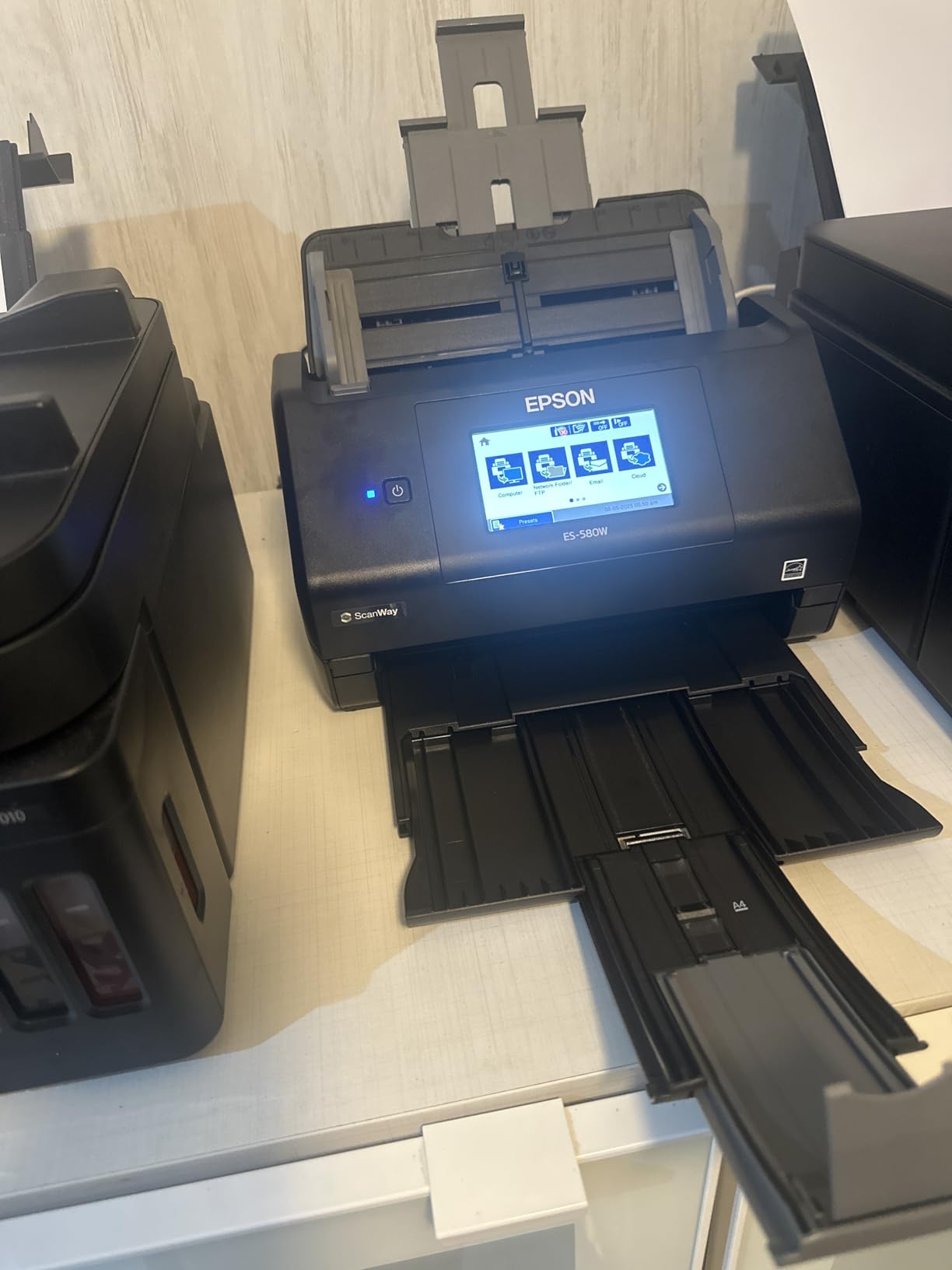
The ES-580W is what we recommend when more than one person feeds the scanner, or when nobody sits at a desk. The 4.3-inch touchscreen handles setup on the device itself, and it saves directly to USB, email, Dropbox, Evernote, Google Drive and OneDrive with no computer connected.
Capacity is the headline: a 100-sheet automatic document feeder, the largest in this roundup, with up to 35 pages per minute and single-step duplex capture. At 300 dpi and 30-bit color with a CCD sensor, it handles receipts and full paperwork in the same load.
For receipt work specifically, the processing options are useful. Auto crop, blank page deletion, background removal, dirt detection and skew correction all apply on scan, and dirt detection is a genuine help on thermal receipts that have picked up grime from a wallet.
Scans go to smartphones, tablets, computers or cloud accounts over Wi-Fi, and OCR turns them into searchable PDFs or editable Word and Excel files. It carries a one-year limited warranty in the US and Canada.
What to check before you buy
Confirm your network will support it. Wireless setup needs Wi-Fi configuration and a compatible network, and if your office blocks wireless devices the touchscreen advantage disappears.
Price it against the wired ES-400 II. The 100-sheet feeder and wireless sending are real gains, but if one person scans alone from a desk, the wired model covers the same archive work for less.
Where it falls short for tax work
Resolution is 300 dpi, so photographic originals are out of scope. For receipts and tax forms that is not a limitation, but it is worth knowing before the device becomes a catch-all scanner.
Owners note the touchscreen firmware and menu navigation need a short learning period, and the wireless configuration is the step most likely to stall during a busy tax week.
How to Choose a Receipt Scanner for Taxes
Start with volume, because it decides everything else. Under about 200 receipts a year, a single-sheet portable model like the ES-50 or DS-640 is enough and the feeder size is irrelevant. Between 200 and 1,000, a duplex unit with a 20 to 25 sheet feeder such as the Doxie Pro, Canon R10 or DS-740D cuts the work substantially. Above 1,000, the 50-sheet ES-400 II or the 100-sheet ES-580W is the sensible floor.
Next, decide between a paper archive and ongoing capture. A hardware scanner is the right tool for a backlog that already exists. If receipts need to be captured at the point of purchase, an app on the phone that pushes straight into your bookkeeping package beats any scanner on this list, because the bottleneck is capture discipline rather than throughput.
Then check what the tool does with the data, because this is where hardware disappoints. Every scanner here produces a searchable PDF or image. None categorizes an expense, maps a merchant to your chart of accounts or matches a line item to a bank transaction. If a tool that only captures a total will not support tax-category splits or job coding, confirm your accounting package handles that step before you commit to a hardware purchase.
Connectivity is the fourth filter. Wired units are simpler and cheaper, wireless units let several people share one machine, and computer-free models suit a counter or a shared office where no computer is nearby. Linux users should note that the Brother DS-640 and DS-740D carry SANE driver support while the Doxie Pro software has no official Linux version.
Finally, think about what happens to the paper afterwards. If you shred originals, keep the digital file organised by vendor, date and expense category from day one, because a searchable PDF nobody can locate is no better than a shoebox. A monthly fifteen-minute sweep beats a two-week dig in April.
Are Scanned Receipts Accepted by the IRS?
Yes, generally. The IRS accepts electronic records and copies, and it has stated that receipts and supporting documents can be kept in electronic form rather than on paper. What matters is not the device that captured the image, but whether the record is complete, legible and retained properly.
In practical terms, a scanned or photographed receipt should reproduce the whole document, including the vendor, the date, the total and any tax line you intend to claim. Scans that crop the total, that are too dark to read, or that only capture a partial page are the ones that cause problems. Do not alter the contents of a receipt image to fill in a missing figure; if information is missing, support the deduction with other documentation.
Retention is the part people get wrong. The IRS generally asks for records that support a deduction for the period in question, and a common working rule is at least three years for many taxpayers and at least seven years for certain types of records, including those connected with payroll, asset sales and certain investments. If you are unsure which applies to you, keep the longer period.
Two practical habits follow from this. Keep the electronic file rather than the paper, and store it somewhere with a backup, because a record you cannot retrieve is not a record. If you are digitizing an old backlog where receipts have already faded, capture them now even if some are hard to read, because a poor image is still better evidence than no image at all.
Frequently Asked Questions
What is the best receipt scanner for taxes?
For most people the Brother DS-640 is the best receipt scanner for taxes. It scans up to 16 pages per minute, includes free OCR software, runs on Windows, Mac and Linux, and has more owner reviews than any other model here. Choose the Epson WorkForce ES-50 if you need something lighter, or the Doxie Pro if you want automatic duplex on a small desk.
What is the best scanner for scanning tax documents?
For mixed tax paperwork rather than receipts alone, the Doxie Pro offers automatic duplex, 600 dpi and a 20-sheet feeder in a body that folds flat. The Epson WorkForce ES-400 II handles larger archives with a 50-sheet feeder, and the ES-580W adds a 100-sheet feeder plus wireless sending. All three produce searchable PDFs with OCR.
Are scanned receipts accepted by the IRS?
Generally yes. The IRS accepts electronic records and copies as long as they reproduce the whole document and are retained properly. Keep the vendor, date, total and tax line legible in the image, do not alter the contents to fill gaps, and follow the applicable retention period, which is often at least three years for many taxpayers and longer for certain records.
What is the best way to keep track of receipts for taxes?
Capture receipts when the purchase happens rather than at the end of the quarter. File each one by vendor, date and expense category in a searchable cloud folder, then run a short monthly reconciliation sweep so nothing piles up. Digitise any existing paper backlog before thermal receipts fade further, and keep the file backed up in a second location.
What are the best apps for scanning tax receipts?
For ongoing expense capture, a dedicated receipt app usually beats hardware because it pushes data straight into your bookkeeping package. Dext and Wave are consistently named as accuracy leaders by bookkeepers, while Wave and Zoho Expense cover the free tier. For a one-time paper backlog, a general scanning app plus manual filing is often enough.
Can I just use my phone to scan receipts for taxes?
Yes, for most people. A phone scanning app auto-crops, batches and stores images in a way that satisfies record-keeping requirements, and it removes the habit of receipts accumulating in a bag. A hardware scanner earns its place when you have a large existing archive, need duplex or high-volume batch feeding, or want consistent results without holding a phone over each page.
Conclusion
The Brother DS-640 is our pick as the best receipt scanner for taxes, because speed, free OCR and broad platform support cover the widest range of real backlog jobs. If your archive includes two-sided paperwork, the Doxie Pro is the step up. If a shared team or a large volume drives the decision, the Epson ES-580W handles the most paper without a computer in the loop.
Whichever you pick, the value only shows up if the file is organised and the paper is dealt with afterwards. Specifications and availability were verified in October 2026, and we may earn a commission on purchases made through our links.