
The best printer for cardstock is a color inkjet with a straight rear paper feed and a manufacturer-stated media thickness that clears your heaviest stock. Our pick for most people is the Epson EcoTank ET-2800, because cartridge-free ink keeps the cost of a 100-card batch reasonable and its flat path handles cover weight without the bending a bottom cassette causes.
That single sentence hides the real problem with cardstock printing. Almost every printer lists a maximum media weight, and almost every one of those numbers is measured on smooth, flat, untextured stock fed through the main tray. The moment you load a handmade, pearlescent, curled or pre-scored sheet, the U-turn inside that tray bends it and pulls a second sheet along with it.
We spent several evenings with ten of the best printers for cardstock, feeding them everything from 65 lb cover through 300 gsm board, and tracked the failures as closely as the wins. The result is a list where the paper path matters more than the resolution number on the box.
Two things are worth knowing before you read further. First, gsm and millimetres are not interchangeable, and a spec sheet claiming 300 gsm support says nothing about whether your particular brand of textured stock will feed. Second, a laser printer can handle cardstock, but toner is a powder melted by a hot fuser, so card that is not rated for that heat will curl, and the color is flat where an inkjet can render a smooth gradient. Our picks below cover both camps, with the two Brother lasers included for people printing in volume rather than art.
Everything here is a real specification taken from the manufacturer listing, not an estimate. Where reviewers reported a problem we have written it down rather than smoothing it over, because the recurring complaint on printer forums is a machine that met its published gsm rating and still refused to feed the exact card the buyer had bought.
Top 3 Picks for Best Printers for Cardstock (October 2026)

Epson EcoTank ET-2800
- Cartridge-free ink tanks
- 8.5 x 14 inch media
- Flatbed scanner
- 5760 x 1440 dpi


Canon MegaTank G3270
- Explicit card stock support
- Custom long formats
- 6000 black pages per set
- 4800 x 1200 dpi
Two of those three are ink tanks rather than cartridges, which is not a coincidence. On r/printers the most repeated piece of advice for anyone printing color in volume is simple: buy the tank. A bottle-fed machine removes the per-page cost that makes card projects expensive, and it removes the cartridge swaps that happen mid-batch.
Best Printers for Cardstock at a Glance in 2026
| Product | Specifications | Action |
|---|---|---|
| Epson EcoTank ET-2800 |
|
Check Latest Price |
 Canon PIXMA TR8620a Canon PIXMA TR8620a |
|
Check Latest Price |
| Canon MegaTank G3270 |
|
Check Latest Price |
| Canon PIXMA iX6820 |
|
Check Latest Price |
 Epson EcoTank Photo ET-8550 Epson EcoTank Photo ET-8550 |
|
Check Latest Price |
 Epson EcoTank ET-15000 Epson EcoTank ET-15000 |
|
Check Latest Price |
 HP Smart Tank 5003 HP Smart Tank 5003 |
|
Check Latest Price |
 Brother MFC-L8930CDW Brother MFC-L8930CDW |
|
Check Latest Price |
 Brother HL-L3295CDW Brother HL-L3295CDW |
|
Check Latest Price |
 Brother INKvestment 6960 Brother INKvestment 6960 |
|
Check Latest Price |
Read the maximum media size column first, because it decides which card formats you can print at all. Anything at 8.5 x 14 inches handles letter, legal and A4, which covers folded A5 and 5×7 work; the 11 x 17 and 13 x 19 machines unlock 8×10, 11×17 and full 12×12 scrapbook pages in a single sheet.
1. Epson EcoTank ET-2800 – Best Overall for Everyday Cardstock
Epson EcoTank ET-2800 Wireless Color All-in-One Supertank Printer – Black
Inkjet
5760 x 1440 dpi
8.5 x 14 inch
Simplex
100 sheets
Flatbed
Pros
- Cartridge-free ink drops per-page cost sharply
- Flatbed scanner and copier built in
- Handles 8.5 x 14 inch card without refilling
- Vivid detailed color and crisp text
Cons
- No automatic duplex
- 100-sheet capacity is small for card batches
- Heavier media needs careful manual loading
The ET-2800 is the machine we keep coming back to because it solves the two problems that stop people printing cards: ink cost and paper capacity. Each set of ink bottles is rated at up to 4,500 black pages and 7,500 color pages, roughly 90 individual cartridges, and Epson states up to two years of ink ships in the box.
On 65 lb and 80 lb cover it is untroubled. Load one sheet at a time into the rear feed, set the media type to card stock, and the sheet travels flat rather than being forced around the cassette roller. Textured stock needs a slower hand, letting the feed roller take the sheet itself.
Color quality is where the 5760 x 1440 dpi spec earns its place. Full-bleed gradients came out smooth rather than banded, and black text on dark card stayed legible. At 11.4 pounds and 14.8 by 22.8 by 10 inches it disappears into a craft corner when the batch is done.
At 10 pages per minute black and 5 color this is a hobby and small-batch machine, and the 100-sheet capacity means refilling more often than a laser owner ever will.
Who the ET-2800 suits
Anyone making tens of cards a month rather than thousands, on 65 to 110 lb cover, who wants ink costs that do not spike every time a cartridge runs dry. It also suits a crafter printing an 8×10 panel to mount onto a folded base.
Where it falls short
There is no automatic duplex, so a two-sided card means flipping the sheet by hand and rechecking alignment. The 100-sheet input tray is also modest, so a 200-card order means two refills and more attention to the media setting.
2. Canon PIXMA TR8620a – Best for a Home Office That Also Duplexes
Canon PIXMA TR8620a – All-in-One Printer Home Office|Copier|Scanner|Fax|Auto Document Feeder | Photo, Document | Airprint (R), Android, Black, Works with Alexa
Inkjet
4800 x 1200 dpi
8.5 x 14 inch
Auto duplex
200 sheets
20-sheet ADF
Pros
- Rear feed tray handles heavier non-standard stock well
- Automatic duplex plus a 20-sheet ADF
- Five individual ink tanks so you replace one color
- Adjustable touchscreen with clear controls
Cons
- Canon mobile app is slow and unreliable
- ADF does not accept double-sided originals
- Scan resolution tops out at 600 dpi
The TR8620a is the pick when the printer has to earn its place on a desk as well as in a craft room. Borderless printing runs up to 8.5 x 11 inches and in square format, which is exactly the panel size most card makers mount onto a folded base.
Capacity is the practical win: 200 sheets split across a 100-sheet cassette and a 100-sheet rear feed, and that rear feed is where card stock belongs. Owners consistently report heavier and non-standard media handling well in it rather than in the bottom tray.
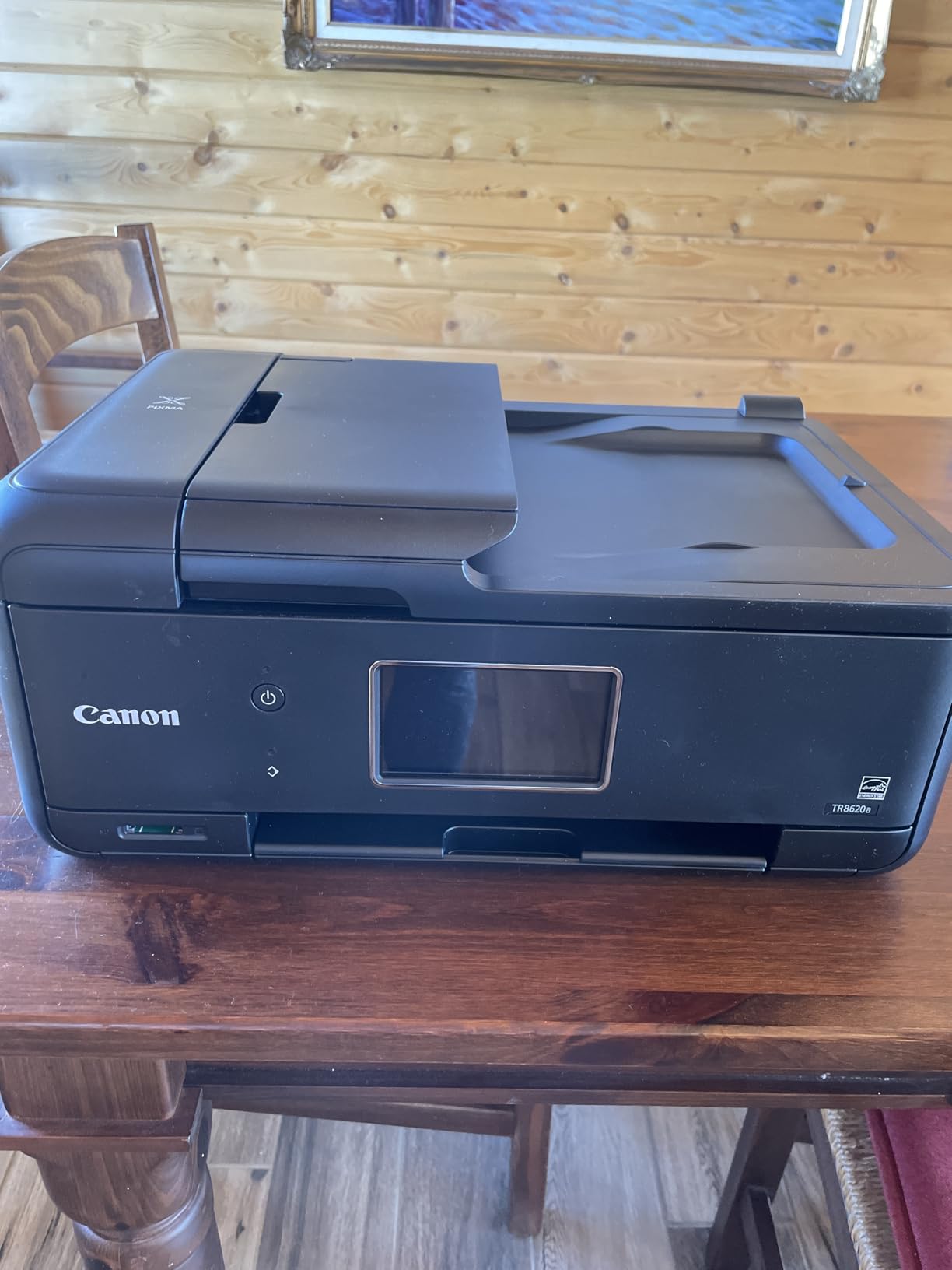
Automatic duplex is genuine rather than driver-assisted, and at 15 pages per minute black and 10 color it keeps pace with a small order of thank-you notes. Five individual ink tanks mean a magenta-heavy design does not force you to replace black, magenta and yellow at once, and the 20-sheet ADF takes the copying side off your hands.
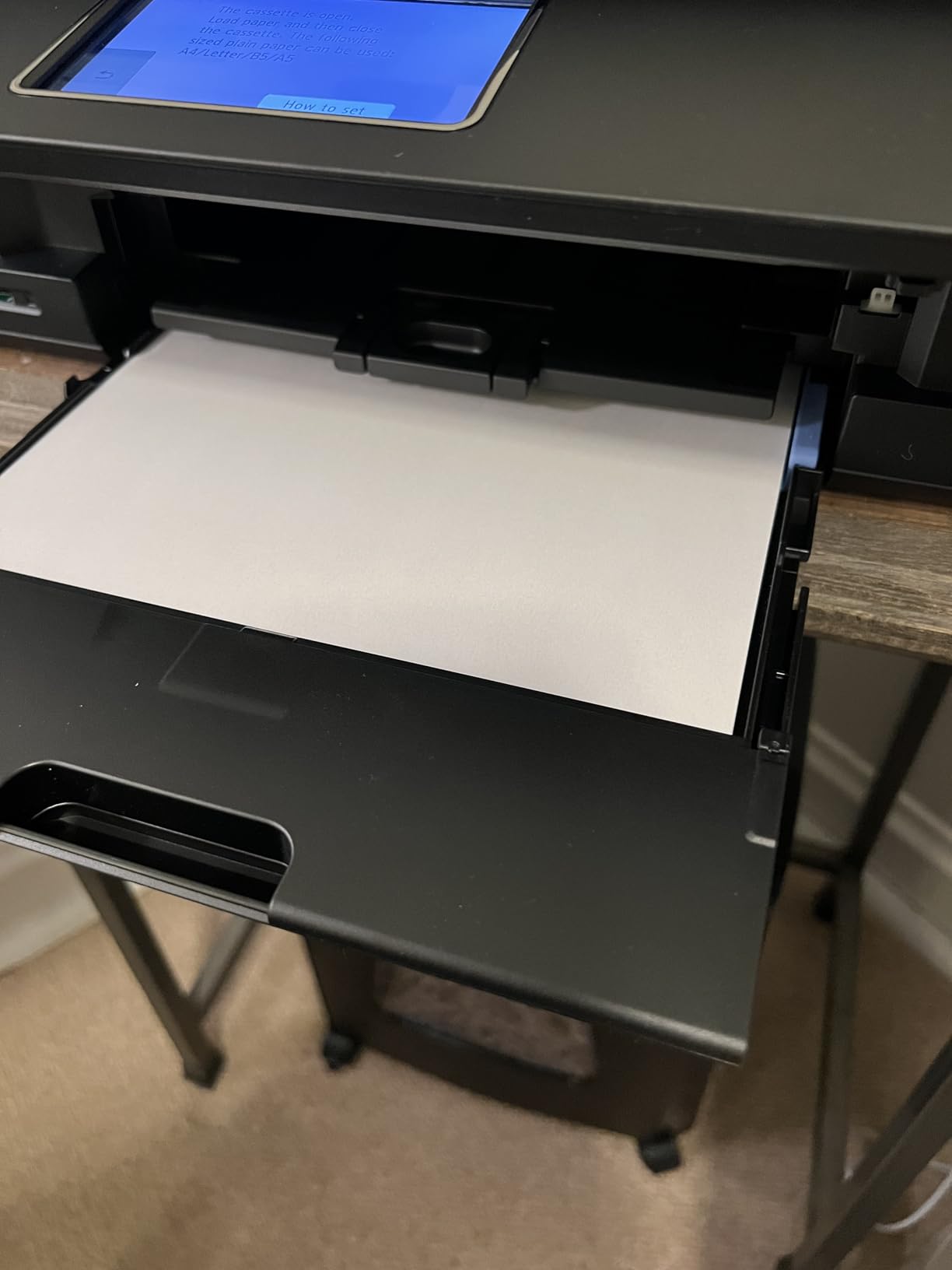
What you gain with duplex
If your card concept uses a printed back, duplex is the difference between a two-minute job and a two-hour one. The automatic unit keeps registration tight on a full sheet, which matters when a folded card has to line up front to back.
What to watch
The Canon mobile app draws the most criticism in reviews, described as slow and unreliable, so set the printer up from a computer first. The ADF handles single-sided originals only, and scan resolution tops out at 600 dpi, fine for proving a layout and useless for archiving artwork.
3. Canon MegaTank G3270 – Budget Pick Ink Tank With Explicit Card Stock Support
Canon MegaTank G3270 All-in-One Wireless Color Printer
Inkjet
4800 x 1200 dpi
8.5 x 14 inch
Simplex
100 sheets
1.35 inch LCD
Pros
- Card stock is a listed supported media type
- Up to 6000 black and 7700 color pages per ink set
- Custom paper sizes from 2.1 inches wide
- Backlit square LCD
Cons
- Single-sided printing only
- 100-sheet capacity is small for card jobs
- No document feeder or fax
Card stock support is not marketing language on this one; it appears in the supported media list alongside envelopes and glossy photo paper. That single line removes most of the guesswork when you are checking whether a printer can do the job before you buy it.
Economically it is the strongest entry here. Up to two years of ink is included, and one set covers up to 6,000 black and white or 7,700 color pages, so a hundred-card run of full-bleed art does not eat a cartridge budget. A 1.35-inch square backlit LCD gives you enough feedback to confirm the media type, and borderless printing is supported. At 13.2 pounds it moves between a craft table and an office shelf without much thought.
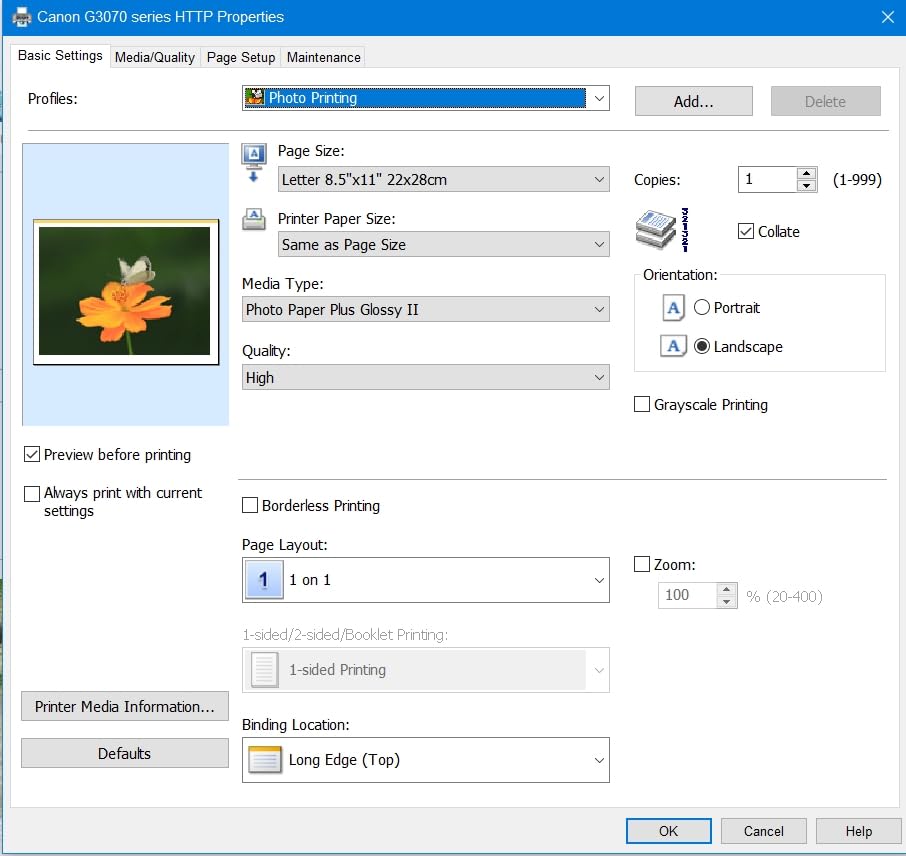
Borderless printing is supported and a 1.35-inch backlit LCD lets you confirm the media type without guessing. At 11 pages per minute black and 6 color it keeps pace with an unhurried craft session.
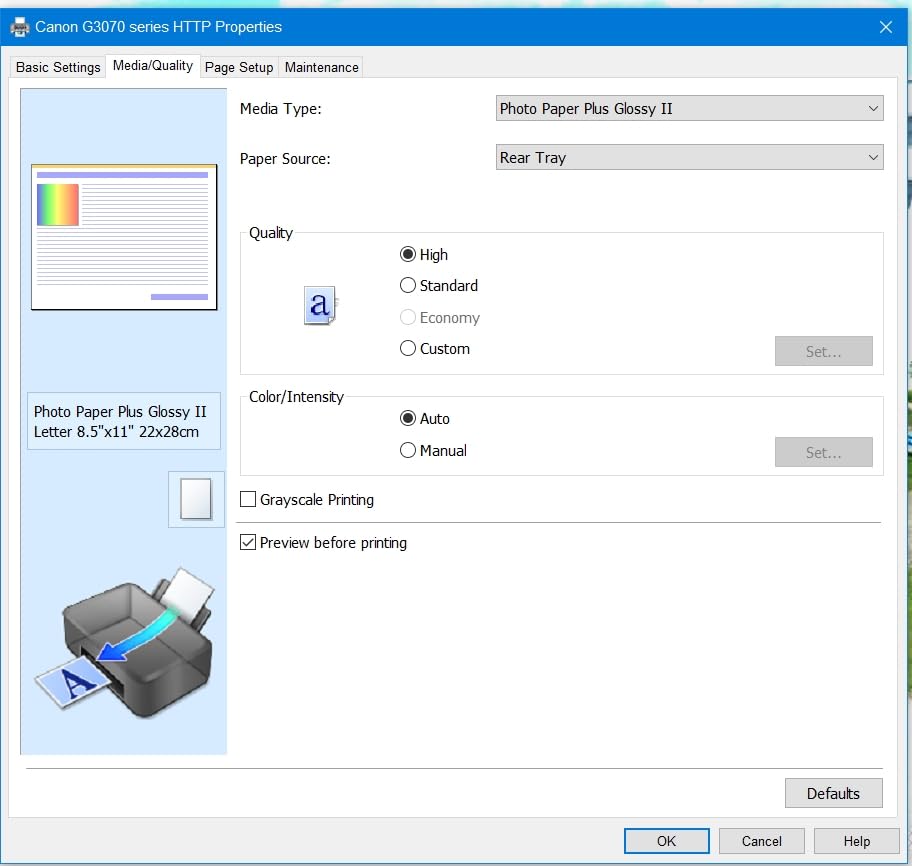
Why the media list matters
Most listings bury supported media in a spec table nobody reads. When card stock appears by name, the manufacturer has usually tested it, and that is the closest thing to a guarantee you will get before opening the box.
It also means the paper handling firmware is tuned for the stiffness of card, which reduces the fussy adjustment cycle that catches textured and coated stock in machines that were never tested with it.
Where it does not stretch
Single-sided printing is the headline limitation, and for a folded card that is often what you want anyway. The 100-sheet input is genuinely small for card work, where a partial jam can waste a sheet you cannot reuse, and there is no document feeder and no fax. Canon does commit to five years of spare part availability, which is worth more than it sounds for a machine you intend to keep past the ink cycle.
4. Canon PIXMA iX6820 – Best Wide Format at 13 x 19 Inches
Canon Pixma iX6820 Wireless Business Printer with AirPrint and Cloud Compatible, Black,23.0” (W) x 12.3” (D) x 6.3” (H)
Inkjet
9600 x 2400 dpi
13 x 19 inch
150 sheets
5 ink tanks
Ethernet
Pros
- Wide format up to 13 x 19 inches plus custom long formats
- Excellent color and smooth transitions
- Four-ink setup uses far less ink than eight-ink machines
- Prints card stock cleanly with accurate color
Cons
- No USB or Ethernet cable included
- Ink level sensor warns before inks are empty
- Paper feed can be finicky and need adjustment
This is the printer that turns a 12×12 scrapbook page into a single print rather than four taped quadrants. Maximum media size is 13 x 19 inches, and Canon lists custom long paper support for banners and tall formats beyond that.
Color is the reason serious print buyers gravitate here. The 9600 x 2400 dpi maximum resolution and five individual ink tanks with 5,120 nozzles produce vivid output with smooth transitions, and reviewers single out card stock as printing cleanly with accurate color. The four-ink layout uses far less ink than the eight-ink photo machines it out-resolves on paper.
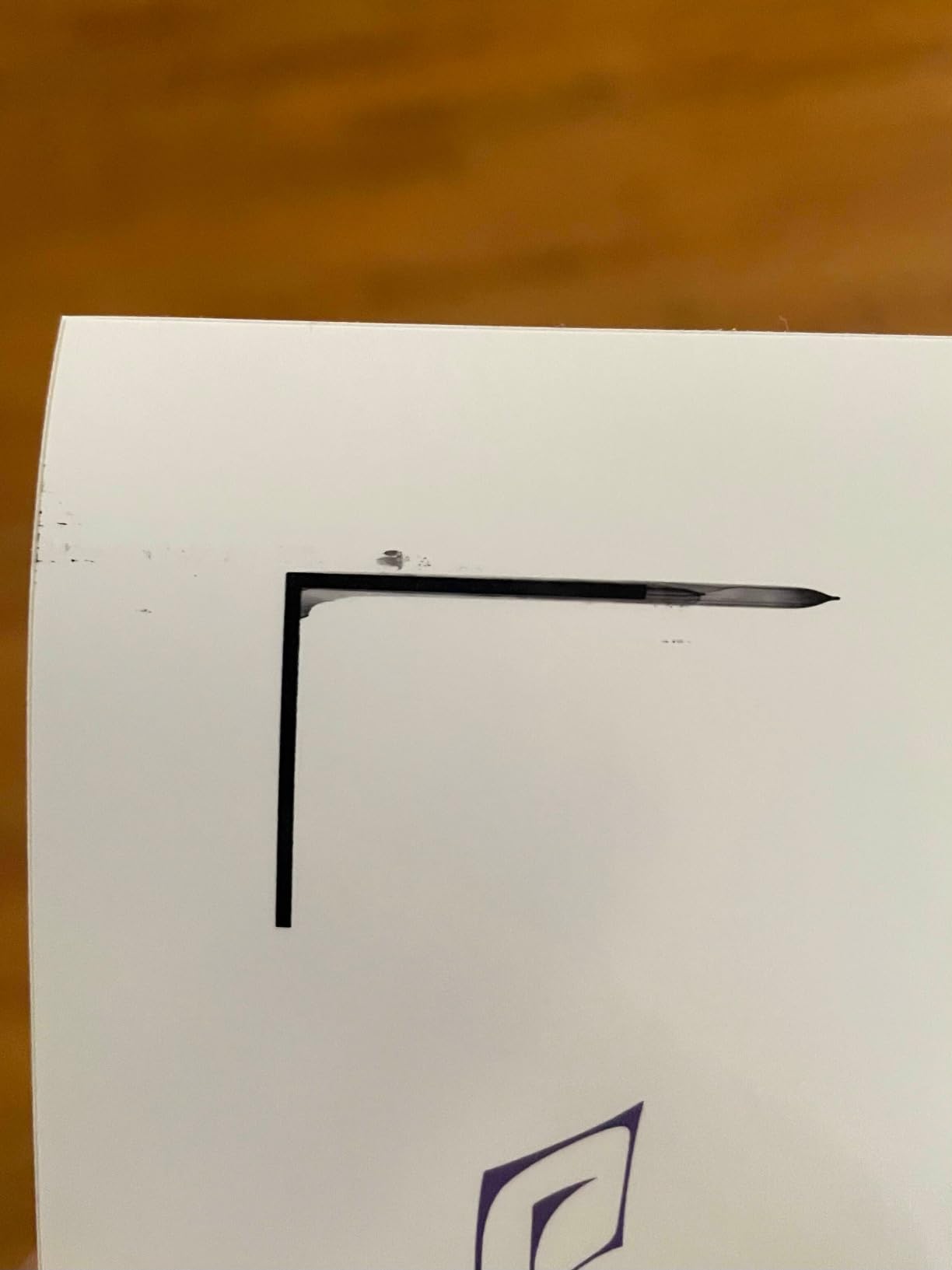
Output is 14.5 pages per minute black and 15 color, and connectivity is the rare Ethernet plus wireless plus USB combination. The 150-sheet auto sheet feeder and 140-sheet output stack handle a full card run in one go.
When 13 x 19 earns its cost
A single wide sheet means no visible seam across the middle of a scrapbook layout and no registration guesswork at the joins. For a 12×12 page printed on letter paper you would be cropping four times and reassembling, and the alignment almost never disappears under a photo.
It also lets you print two 8×10 card fronts on one sheet, which is the most common way crafters cut their per-card ink cost. Laser owners have no equivalent trick at this size.
What to expect in daily use
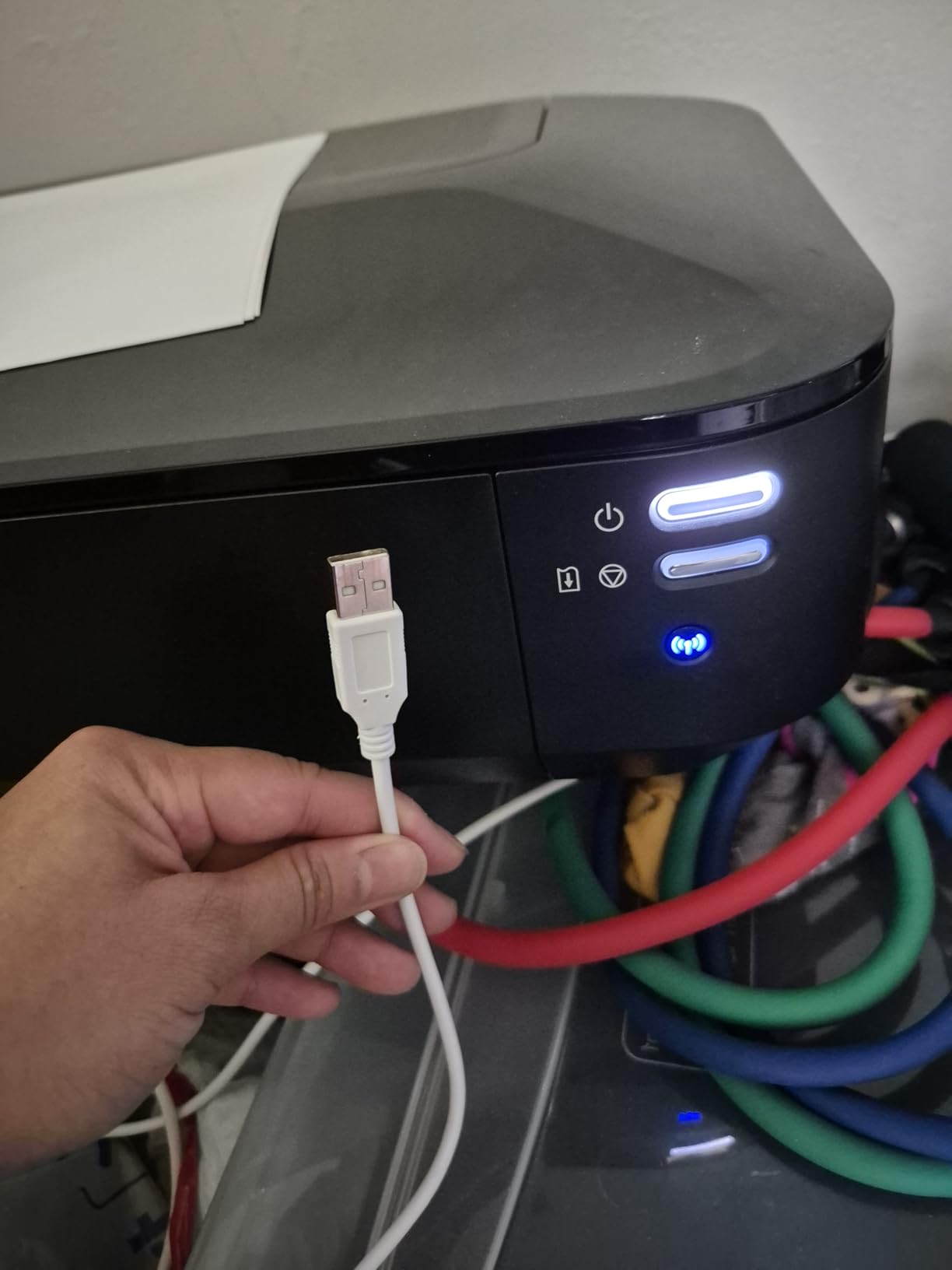
No cables are included, so budget for a USB or network cable, and the wireless setup is not intuitive on first run. The ink level sensor triggers early, well before the tanks are empty, so treat the warning as a prompt rather than an emergency. Paper feed is the most reported weakness, sometimes needing manual adjustment, and full 8.5 x 11 photo-quality pages run slower than expected. Dye inks here are not waterproof and can fade.
5. Epson EcoTank Photo ET-8550 – Best Photo Quality on Thick Stock
Epson EcoTank Photo ET-8550 Wireless Wide-Format All-in-One Tank Printer
Inkjet
5760 x 1440 dpi
13 x 19 inch
Auto duplex
100 sheets
6-color
Pros
- Lab-quality glossy output with six-color Claria ET inks
- Ink bottles make large-format photo printing far cheaper
- 13x19 with a dedicated 4x6 photo tray
- Large color touchscreen with copy and scan
Cons
- Automatic paper tray selection is unreliable
- Flatbed scanner has no document feeder
- Initial setup takes a couple of hours
- Occasional ink drop spotting
The ET-8550 is the only machine here with a six-color ink system, and that is the whole point. Claria ET Premium inks add a gray and a light magenta, which is what lets skin tones and pastel gradients in a greeting card print smoothly instead of showing the banding a four-ink tank produces.
It handles the card formats that matter: 13×19, 11×17, 8×10, 5×7, 4×6, 3.5×5, A3, A4, Legal, Letter, Executive, A6 and Half Letter. A motorized output tray takes the weight of a large sheet without buckling.
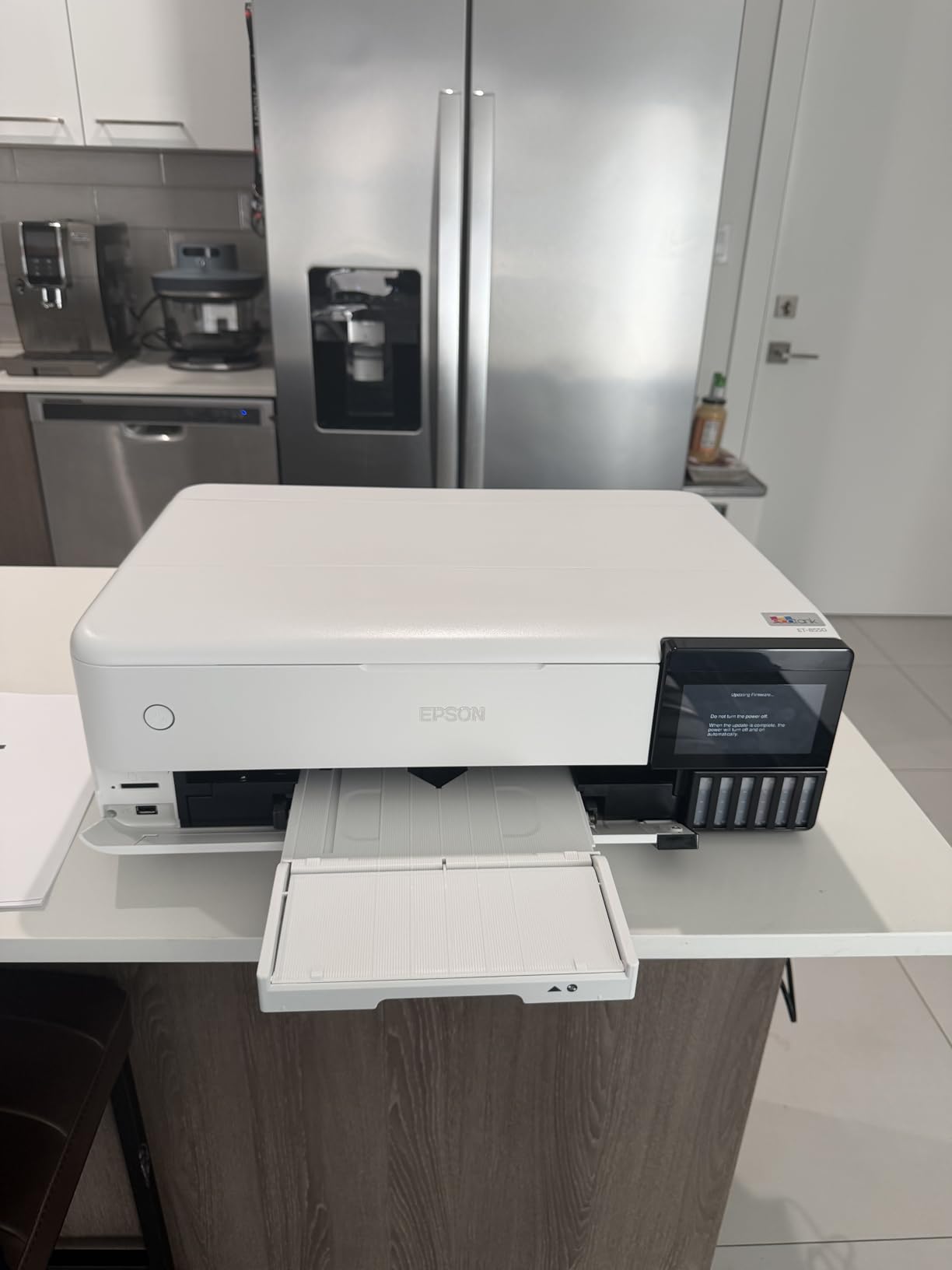
Ink economics are what pull in small businesses. Epson rates 4×6 photos at about four cents each, ships up to two years of ink in the box, and covers up to 6,200 color pages per set, where each set equals roughly 100 individual cartridges. At 16 pages per minute black and 12 color with a large color touchscreen, you can crop and copy without a computer. A dedicated 4×6 photo tray sits alongside the motorized output tray.
It is quiet in operation and reasonably fast for 13×19 output, which matters if you are working late on an invitation order. The flatbed scanner and copier are built in, so you can proof a design before committing expensive card stock.
What six inks buy you
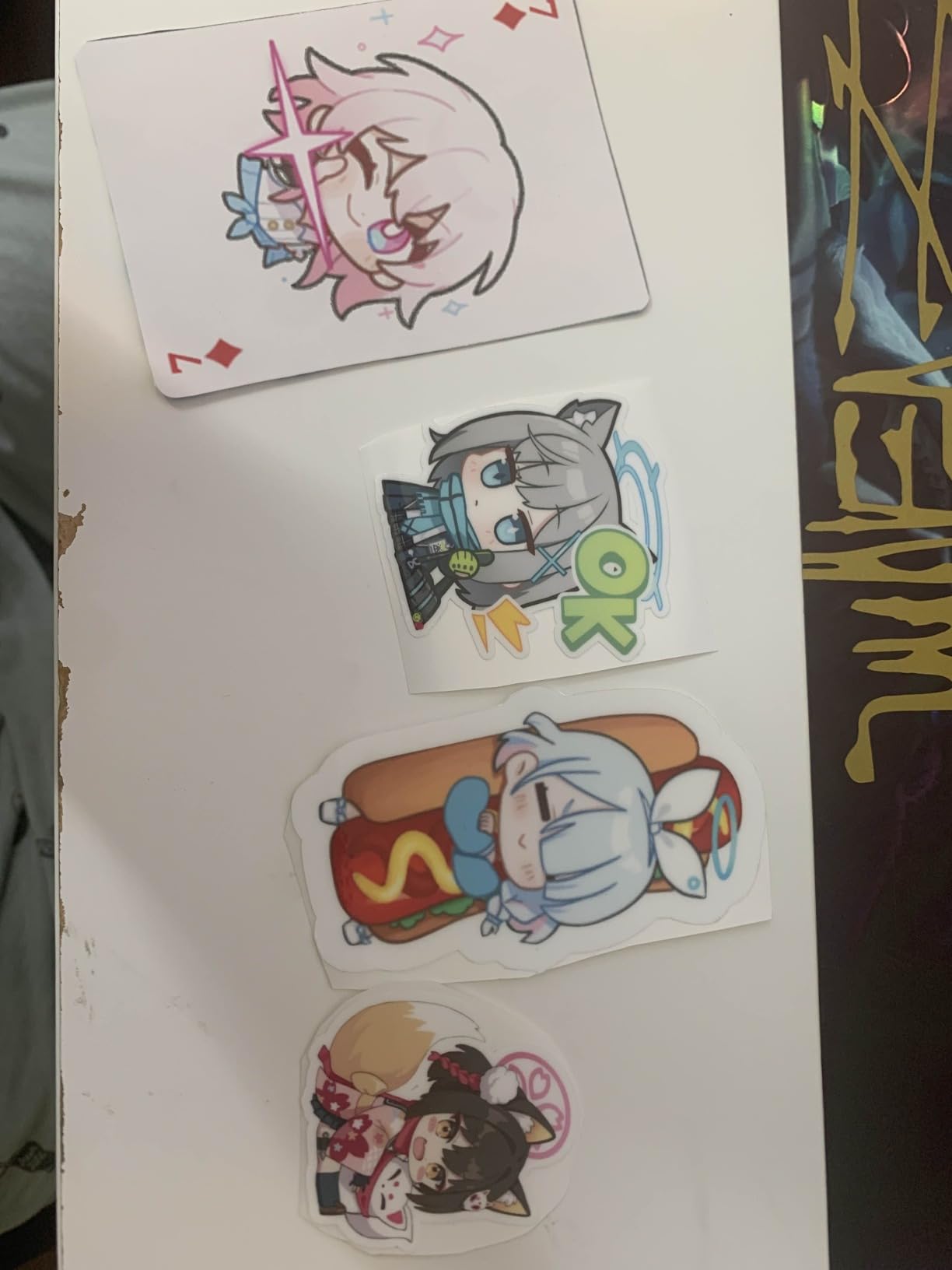
Two extra colors means half the ink coverage per pass, so a transition does not have to be built from four large dabs. On a full-bleed pastel card, a four-ink tank shows soft banding a six-ink tank does not.
The setup and scanner trade-offs
Budget an afternoon for first setup, since removing tape from many crevices takes a couple of hours and expecting less is a common source of frustration. Automatic paper tray selection is unreliable, so select the tray manually. The flatbed scanner has no document feeder and cannot scan 11×17 originals, and occasional ink drop spotting needs a deep clean. Borderless 13×19 prints can leave wider borders than expected.
6. Epson EcoTank ET-15000 – Best for Small Business Card Runs
Epson EcoTank ET-15000 Wireless All-in-One Wide-Format Supertank Printer
Inkjet
4800 x 1200 dpi
Wide format
250 sheets
Auto duplex
ADF and fax
Pros
- Handles card stock and wide format reliably
- Oversized black tank gives very low cost on heavy jobs
- Print copy scan and fax in one body
- Flawless handling on double-sided booklet runs
Cons
- 11 x 17 media must be loaded in the rear holder
- Paper selection prompts are unclear and cause jams
- Auto duplex only for 8.5 x 11
If you are running a real order rather than a craft session, the ET-15000 is the one. The 250-sheet capacity and a 33,000 page monthly duty cycle put it in small-office territory, and owners report flawless paper handling on 12 x 18 double-sided booklet runs.
The double-size black tank is the reason it suits high-volume black and white work such as the inside of a card, while color work is capped at nine pages per minute. Print, copy, scan and fax all live in one body, with a sheetfed ADF for the paperwork side, and USB 2.0, Ethernet and Wi-Fi mean it can sit on a shared network.
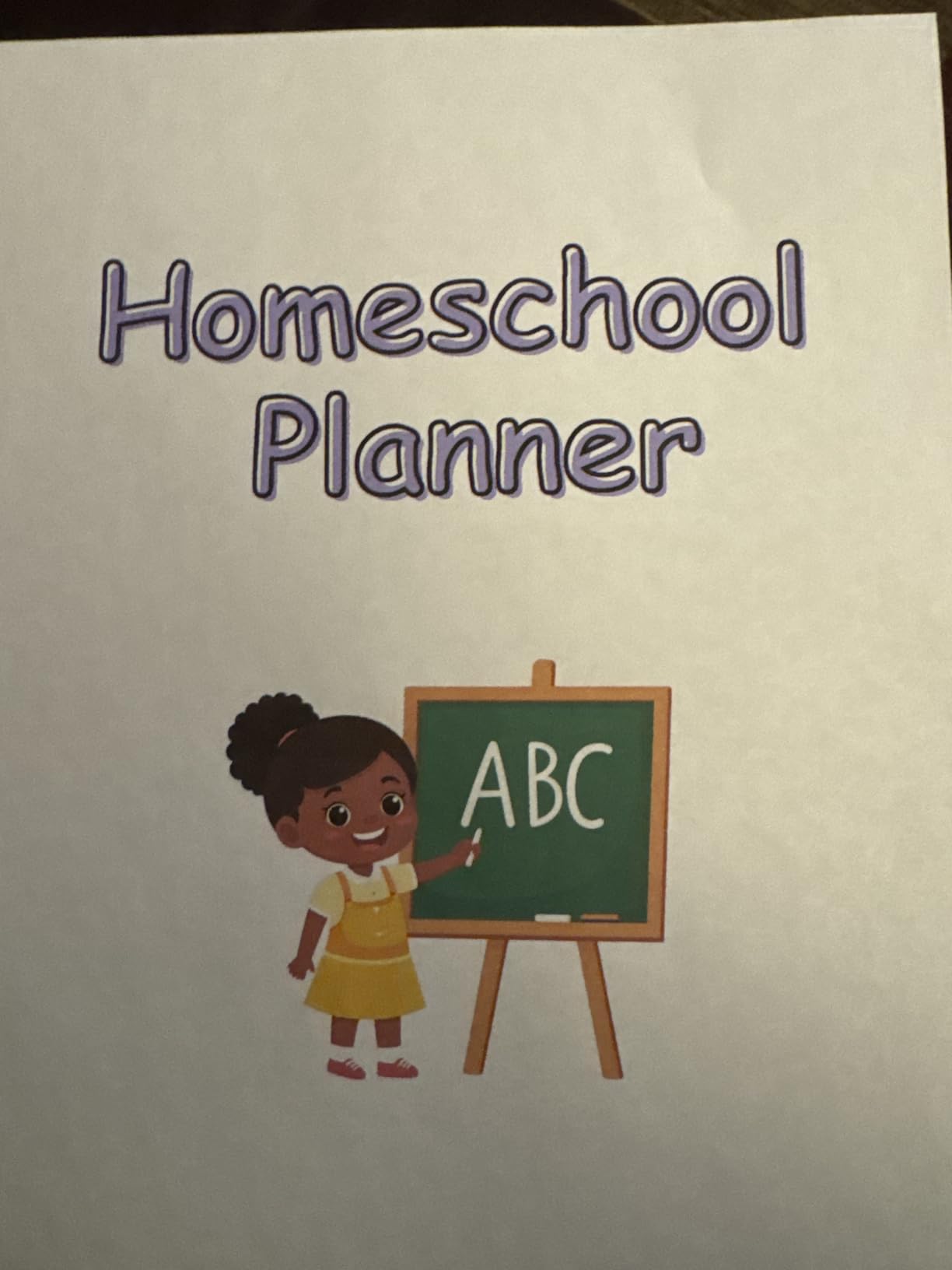
Reviewers specifically name card stock, wide-format photos, stickers and printable iron-on as media it handles reliably, which matters for a business that prints invitations in the morning and labels in the afternoon. Print speed is 17 pages per minute black and 9 color, and a number of owners convert the machine for sublimation printing, which says a lot about how far they push it.
Where the duty cycle pays off
A 33,000 page monthly duty cycle means a market stall order or a season of wedding invitations does not trigger the thermal protection a home printer throws up mid-batch. The wide format also lets you print two 5×7 fronts or a full 8×10 panel per sheet, so cost per finished card drops simply by using a bigger sheet.
The wide-format loading catch
There is no dedicated tray for 11 x 17, so that media has to go in the rear holder, which means switching trays mid-run. Automatic duplex only works for 8.5 x 11, so larger formats need manual duplex. Owners also report unclear paper selection prompts that lead to jams, and a small share of units arriving defective with ink lines that will not prime, so keep the packaging until you have run a full test page.
7. HP Smart Tank 5003 – Best Budget Refillable Inkjet
HP Smart Tank 5003 Wireless All-in-One Ink Tank Printer, Scanner, Copier with up to 3 Years of Ink Included, Best-for-Home, Cartridge-Free Refillable, AI-Capable (9B2D3A)
Inkjet
4800 x 1200 dpi
Legal size
100 sheets
Manual duplex
Flatbed
Pros
- Mess-free cartridge-free bottle refill system
- Up to 3 years and 6000 pages of ink in the box
- Compact and lightweight with borderless printing
- Sharp text and rich color for the class
Cons
- Manual duplex only
- Flatbed scanner with no document feeder
- 100-sheet input is small for card volume
- Slower at 10 ppm black and 5 ppm color
The Smart Tank 5003 is the entry point into bottle-fed printing, and the refill system is the standout. You plug the HP ink bottle directly into the cartridge-free tank rather than pouring, so there is no nozzle to wipe and no spill to clean.
HP rates up to three years of ink in the box and up to 6,000 color or black pages out of the box, which is unusually generous for a first printer. Borderless printing is supported on paper sizes from 4×6 up to 8.5×14 legal, and it handles AirPrint, HP ePrint, Mopria, USB and Wi-Fi, so phones and laptops print without configuration.
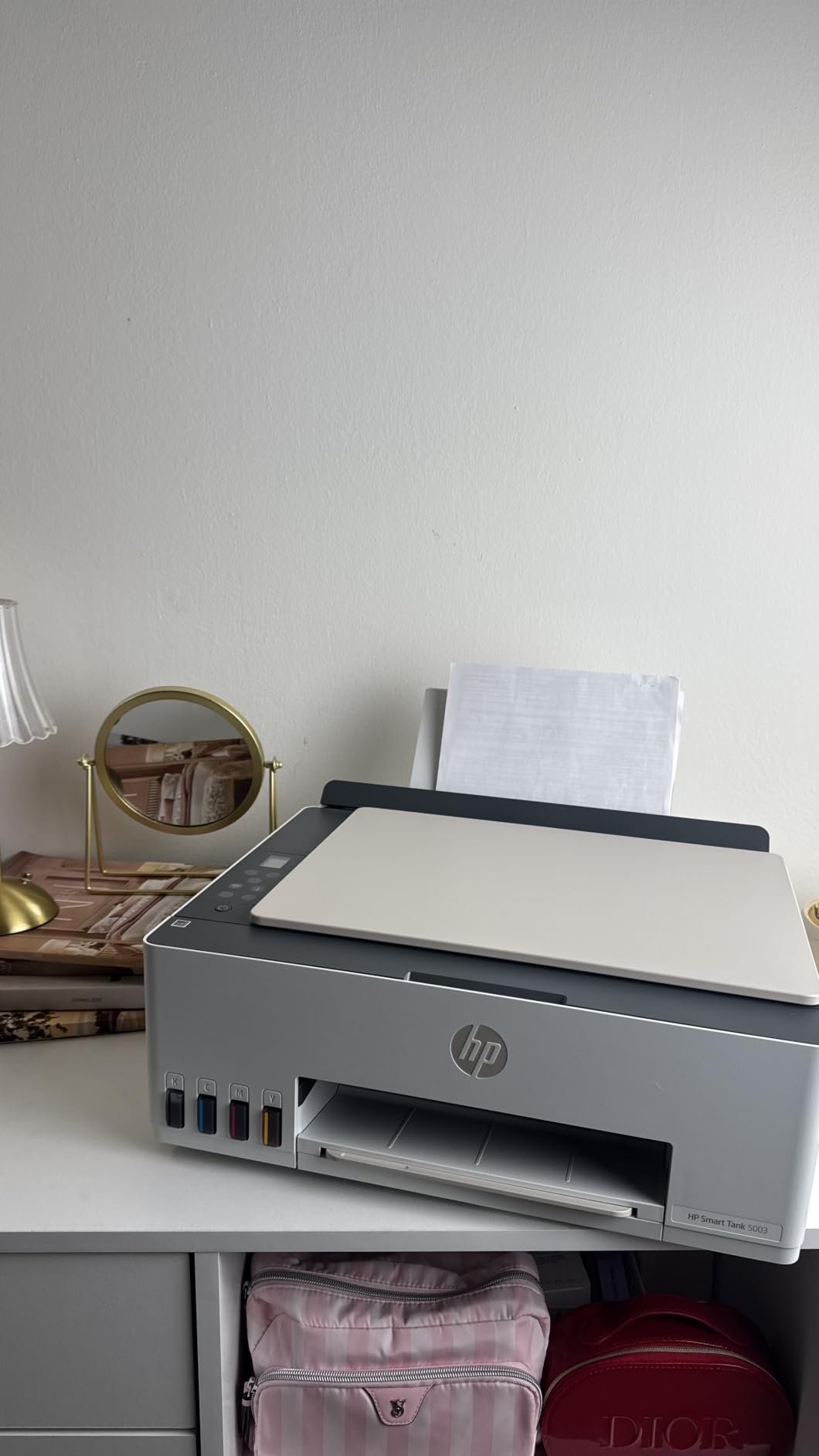
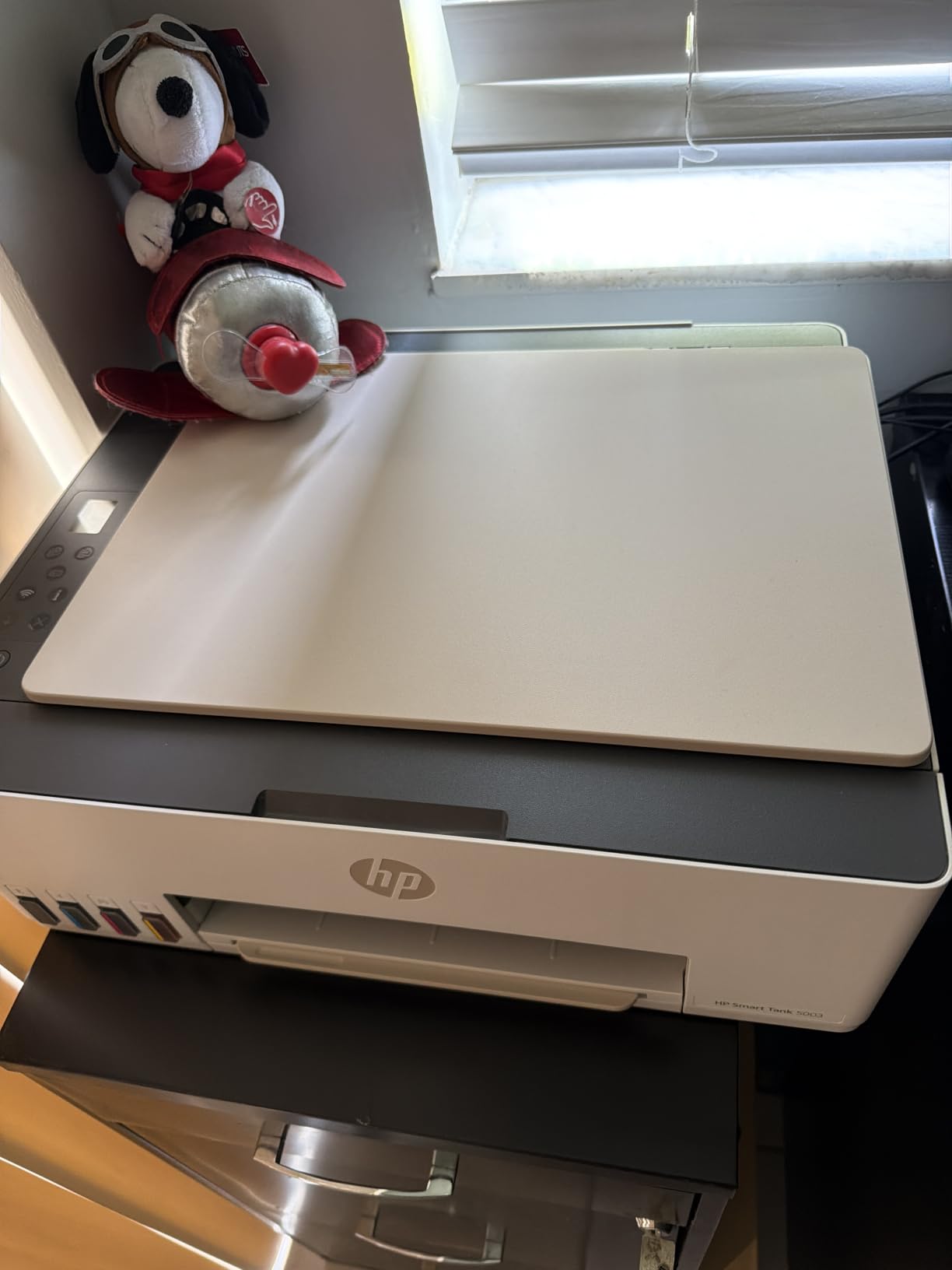
At 11.1 pounds and 17.11 by 14.23 by 6.19 inches it is the smallest machine in this roundup, and the flattest, so it fits a shelf rather than a cabinet. Output runs 10 pages per minute black and 5 color at up to 4800 x 1200 optimized dpi, with sharp text and rich color for the price tier.
What you get for a first tank
Nothing here is premium, and that is the point. The three-year ink allowance means a hobbyist printing a few dozen cards a year will not top up for most of the first two years, which removes the running cost objection that stops beginners. Borderless support on legal and letter sizes covers the most common card panel in one machine.
Where it stops
Duplex is manual, driver support only, so two-sided card work means turning the sheet yourself. The scanner is flatbed with no document feeder, the 100-sheet input is small for card volume, and at 5 pages per minute color it is slow on a party order. The reviewer base is also small at 226 ratings, so long-term reliability is less well documented than for the machines above it.
8. Brother MFC-L8930CDW – Best Laser Option for High Volume
Brother MFC-L8930CDW Business Color Laser All-in-One Printer with Duplex Print, Scan, Copy, Low-Cost Printing, and Advanced Security Features
Laser
2400 x 600 dpi
Legal size
1,340 sheets
Auto duplex
80-page ADF
Pros
- Highest rated in this roundup at 4.4 stars
- 33 ppm in both color and black
- Automatic duplex with an 80-page two-sided ADF
- 1340-sheet capacity plus enterprise security
Cons
- Toner is unsuited to photo quality or heavy specialty media
- Large and heavy at 71.2 pounds
- Toner costs more per page than ink tank alternatives
This is the machine to buy when the card run is measured in hundreds and the artwork is a logo or a wordmark rather than a photograph. At 33 pages per minute in both color and black, it is an office tool that happens to take card.
Capacity is the headline number: 1,340 sheets, more than double the next largest tray in this roundup. An 80-page ADF scans two-sided at up to 104 pages per minute, and the included toner covers 3,000 pages black and 1,800 color, with a super high yield option rated at 7,500 black and 6,500 color.
Dual-band Wi-Fi, Gigabit Ethernet and an NFC card reader for authentication make it a fit for a shared room, and security is treated seriously with triple layer security, EPEAT Gold and ENERGY STAR certification. Buyers report sharp, consistent color and black output with 77 percent five-star ratings across the set.
Why a laser earns its place on card
Toner is a powder that a fuser melts onto the sheet, so it sits on top of heavy stock rather than soaking into it. On a business card or a boxed set of thank-you notes that is a benefit, because the card can be handled immediately without waiting for a droplet to dry.
Speed and duplex do the real work. A laser that needs no manual turning prints a full run without the interruption that dominates an inkjet batch, and the print forum consensus is blunt about the weak point: it is hard to find a laser that picks up heavy cardstock reliably.
Where toner falls down
Reviewers are consistent that laser toner is not suited to photo quality or heavy specialty media. Coated, pearlescent and textured card will not render gradients or photographs the way an inkjet does, and coated surfaces can cause the fuser to struggle.
It is also the largest object here at 71.2 pounds and 21.6 inches tall, and toner running costs more per page than an ink tank alternative.
9. Brother HL-L3295CDW – Best Compact Color Laser With Card Stock Support
Brother HL-L3295CDW Wireless Compact Digital Color Printer with Laser Quality Output, Duplex, NFC, Mobile & Ethernet | Includes 2 Month Refresh Subscription Trial ¹, Amazon Dash Replenishment Ready
Laser
2400 x 600 dpi
8.5 x 14 inch
250 sheets
Auto duplex
2.7 inch screen
Pros
- Card stock listed as supported media
- Automatic duplex at 31 ppm in color and black
- Compact footprint for a color laser
- Wi-Fi NFC Ethernet and USB connectivity
Cons
- Laser output unsuited to photo quality or very heavy stock
- 250-sheet capacity is modest for a small office
- No scanner or copier in this model
Card stock appears in this machine’s supported media list alongside envelopes, glossy photo paper, labels and plain paper. That is a rarer signal than it should be, and it is the clearest evidence that Brother has tested the stock rather than guessing at it.
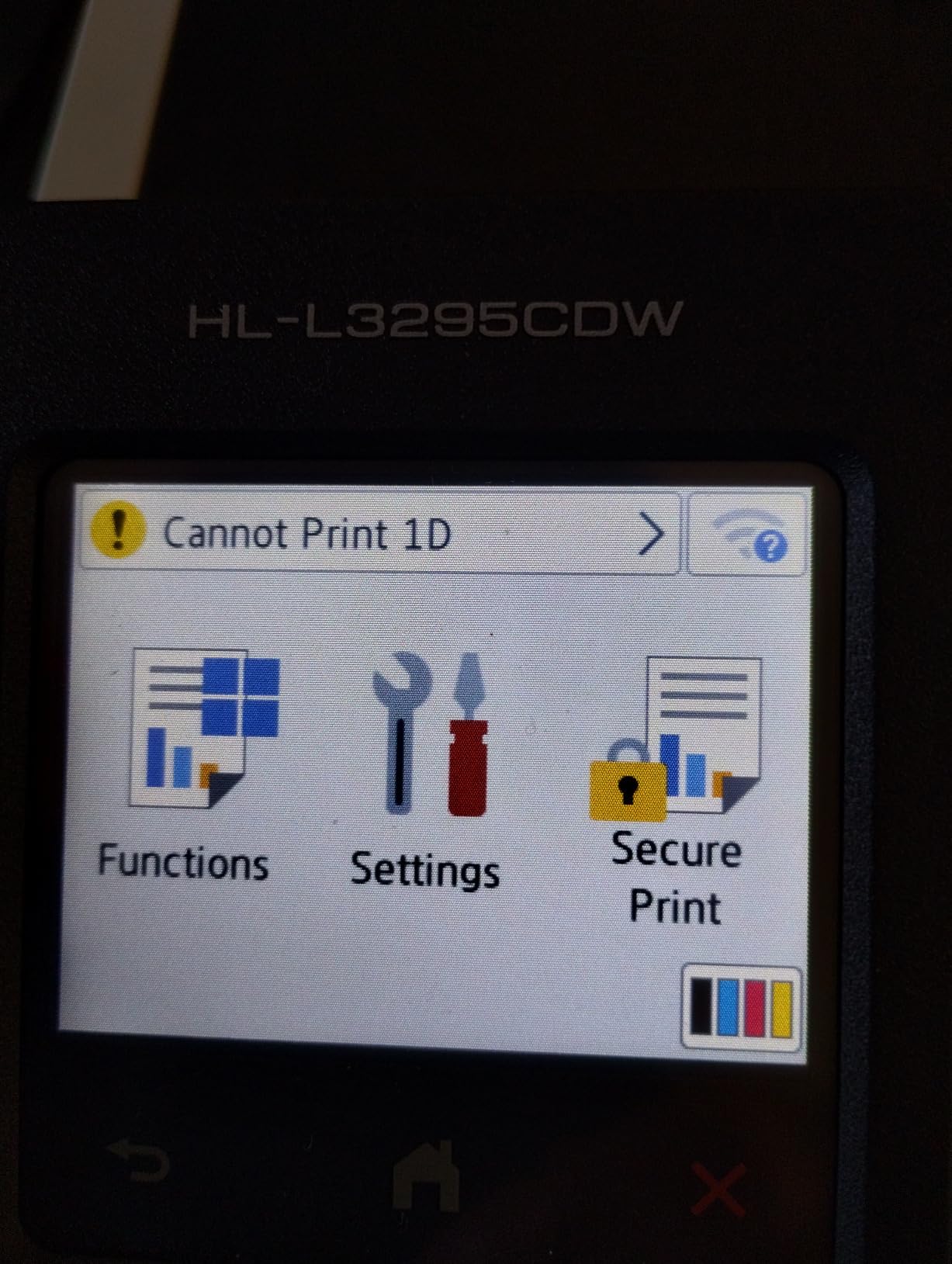
Speed of 31 pages per minute in both color and black with automatic duplex puts it close to the MFC-L8930CDW at a fraction of the size and weight, at 36.8 pounds and 15.7 by 17.8 by 10.8 inches, with first page out in under 12.5 seconds. A 2.7-inch color touch screen handles setup and cloud printing directly from Google Drive, Dropbox and Evernote, and a Refresh EZ Print subscription trial is included.
It takes Brother Genuine TN229 toner, with TN229XXL super high yield options, and covers a maximum run of 250 copies per batch. At 167 ratings this is one of the least documented machines here, so the long-term picture is thinner than the specification sheet suggests.
When a compact laser makes sense
If you have already decided against ink on your heaviest card, this is the tidier option. It fits on a small shelf, prints duplex without being asked, lists the media you need by name, and avoids the ink drying question entirely.
A maximum run of 250 copies per batch suits a market stall or a wedding order, where a run either completes on the machine or becomes a bigger job. The 250-sheet tray is the same number, so plan a refill mid-order rather than mid-design.
What it will not do
There is no scanner or copier, so a business that also needs to digitize artwork should look at the MFC-L8930CDW or the INKvestment 6960 instead. The 250-sheet capacity is modest for an office, and as with any laser, output is not suited to photo quality or very heavy specialty media.
10. Brother INKvestment 6960 – Best 11 x 17 All-in-One at Speed
Brother INKvestment 6960 Wireless Color Inkjet All-in-One Printer with 11”x17” Capabilities and 3.5” Color Touchscreen | Includes Refresh Subscription Trial(1) (MFC-J6960DW)
Inkjet
up to 1200 x 4800 dpi
Ledger 17 x 11 inch
500 sheets
Auto duplex
50-page ADF
Pros
- Prints scans copies and faxes up to 11 x 17 in one body
- 31 ppm black and 30 ppm color
- 500 sheets plus a 100-sheet multipurpose tray
- 50-page single-pass duplex ADF
Cons
- ADF and flatbed copies come out faint
- Some owners reported repeated head clogs
- About 10 minutes to transfer a single page from a PC
- Wireless pairing is difficult
Ledger-size 17 x 11 inch paper is the format here, and this machine applies it to every function, not just printing. A double-sided invitation or a small poster comes out of print, copy, scan or fax at that size.
Speed is exceptional for ink at this capability: 31 pages per minute black and 30 color, using MAXIDRIVE piezo technology. Capacity is 500 sheets across two trays plus a 100-sheet multipurpose tray that takes twenty or more sheets for longer jobs, and a 2-year limited warranty is the longest in this roundup.
A 50-page single-pass duplex ADF copies and scans both sides in one pass, and ink is Brother Genuine LC506, with 1,800 page yield black and 750 page yield each of cyan, magenta and yellow included. Wi-Fi Direct, Ethernet, USB and Brother Mobile Connect cover connections, with cloud print and scan to Google Drive, Dropbox, Box and OneDrive.
Best suited to
Small offices and drafters who need 11×17 in every function rather than only on the print path. The multipurpose tray taking twenty or more sheets means a batch of card blanks can be loaded without a second trip. At up to 1,200 x 4,800 dpi it is not a photo-resolution machine, so this is one for crisp text, line art and craft prints rather than gallery photographs.
Known problems to weigh
Owners report ADF and flatbed copies coming out faint enough to require maximum density settings, so budget time for calibration. Several owners also reported ink head clogs twice within five weeks, needing repeated deep cleans, which is a real risk to plan around.
A single page transferring from a computer took about ten minutes for some users, wireless pairing is described as difficult and not staying connected, and paper positioning in the trays is fiddly with no auto tray switching. At 56 ratings this is the least documented machine here, and 51.4 pounds means it needs a proper shelf.
Cardstock Weight Cheat Sheet: What Each Printer Tier Handles
Here is the reference we wish every listing included. The naming on Amazon and the naming in a manual use two different systems, and that mismatch is the largest single source of confusion in printer discussions.
80 lb cover weight and 200 gsm describe roughly the same sheet. 110 lb cover is about 300 gsm. 100 lb is closer to 270 gsm. The numbers are not interchangeable with thickness: 300 gsm is not automatically 0.30 mm, because a fluffy handmade sheet at 300 gsm can be thicker than a dense one, and a textured sheet grips the feed roller harder at the same weight.
So use the following as a realistic guide rather than a promise:
65 lb and 80 lb cover (roughly 170 to 200 gsm): every printer in this roundup handles this. It is standard craft weight, and the only question is duplex and borderless support.
100 lb and 110 lb cover (roughly 270 to 300 gsm): feed one sheet at a time through the rear or manual feed on any of the inkjets here. Loading it in a bottom cassette is where jams start.
250 to 300 gsm chipboard: this is the rear feed and manual feed only. Expect to set the media type to card stock every time, because the default plain paper setting under-feeds.
Textured, pearlescent, handmade or pre-scored card: no published gsm rating guarantees these. They can meet a spec sheet and still refuse to feed, which is why the panel-and-mount workflow below exists.
Coated and glossy card: check drying time with inkjet. A saturated full-bleed print on coated stock needs a moment before it can be stacked or scored.
The other half of the cheat sheet is sheet size. A card front of 5×7, 7×5, A6 or 8×10 needs a machine printing at least 8.5 x 11, which all ten here do. A 10-inch scrapbook page needs 11 x 17 or 13 x 19 paper, and full 12×12 pages need 13 x 19, which narrows the field to the iX6820, the ET-8550, the ET-15000 and the INKvestment 6960 for the first case and just two machines for the second.
Inkjet vs Laser for Cardstock
Color inkjet wins on cardstock for anything with artwork, and laser wins on cardstock for anything with a lot of it. That is the whole comparison.
An inkjet sprays liquid dye or pigment ink and needs time to dry. It renders gradients, photographs and soft artwork properly, and a six-ink system like the one in the ET-8550 will hold a pastel sky without banding.
A laser uses powdered toner melted by a heated fuser, so the card must be rated for that heat. The output is crisp, immediate, waterproof to handling and fast, but flat: no photographic gradients, and heavy specialty media is a poor match. The print forum consensus is blunt about the limit, with owners noting it is hard to find a laser that picks up heavy cardstock.
If you also want a machine for documents, our guides to the best color laser printers and the best monochrome laser printers cover that side of the market in detail.
How to Check If a Printer Can Handle Your Cardstock
Work through these six steps before you buy, and you will not be surprised after the box opens.
Check the media type list. If card stock is not named, treat the weight rating as untested.
Find the maximum thickness in millimetres. A stated millimetre figure is more honest than a gsm figure, because it reflects the actual sheet the manufacturer will feed.
Look for a rear or straight-through feed. A sheet that enters flat does not bend, and a sheet that does not bend does not jam or pick up a second one.
Confirm the maximum sheet size. If your finished card is larger than the largest listed media, you will be printing panels and trimming.
Plan to load one sheet at a time. Multi-sheet pickup is normal above 80 lb even on good printers, and one sheet at a time costs you nothing but time.
Test your actual cardstock brand. Print a single test page, set the media type correctly, and only then run a batch.
Why Printers Jam on Cardstock and How to Fix It
Almost every cardstock jam has the same root cause: the sheet is being forced around a bend it was not designed to survive. Work down this list in order.
Stop the job and remove the sheet. Do not pull a partially fed sheet; open the rear door so the roller releases it.
Flatten the card. A curled sheet will not register. Run it flat under something heavy overnight and try again.
Load a single sheet. This fixes the majority of jams immediately, because heavy stock grabbing a second sheet is the classic failure.
Move the job to the rear feed. Load card stock in the straight-through path rather than the bottom cassette and let the feed roller pull it in.
Set the media type to card stock. The plain paper setting under-feeds, and a thicker setting that is too high can cause a roller stall instead.
Lower the paper guide tension and check the guides are square. A crooked guide pinches the leading edge and the sheet stops dead.
Step down one weight and retry. If the same brand jams at 110 lb, run 80 lb and mount the heavier stock, which is the panel-and-mount method below.
Card Size to Printer Sheet Size Matching
Match your finished card to the largest sheet your printer can take, because anything larger means printing a panel and trimming it.
A6 and 5×7 (4.25 x 6.25, 5 x 7): fits any machine in this roundup, including all letter-size models.
7×5 and A5 folded: a single sheet of letter paper gives you two folded cards, so a 100-sheet tray can produce 200 finished cards.
8×10: needs 11 x 17 paper, which narrows the field to the ET-15000, the ET-8550, the iX6820 and the INKvestment 6960.
10-inch scrapbook page: fits 11 x 17, so the same four machines cover it.
12×12 scrapbook page: needs 13 x 19 paper, so the choice narrows to the ET-8550 and the iX6820. The INKvestment 6960 reaches 17 x 11 ledger, which is 11 x 17 rather than 12 x 12, so it does not take a full 12×12 in one sheet.
Note the practical gain from wide format: one 13×19 sheet carries two 8×10 panels, which halves the ink cost per card before you print a single test page.
Dye vs Pigment Ink for Cardstock Printing
Dye ink is liquid, translucent and vivid, which is why it wins on gradients and photographs. It is not waterproof and it can fade in light over time, so a dye-printed wedding card is a keepsake with a shelf life.
Pigment ink is suspended rather than dissolved, so it sits on the surface, resists water and fades slowly, but at the cost of some brightness. It is what produces reliable black and small text on heavy stock.
Most of the machines here, including the iX6820, use a dye-based setup where a bright result is the priority. If your cards will be handled, wiped or stored for years, look for a pigment option such as an office-class model, and accept a flatter color for the durability.
The Panel-and-Mount Workflow for Extra-Heavy Card
When your design calls for 300 gsm chipboard and your printer tops out lower, print the artwork on lighter stock and mount it. This is a legitimate production method rather than a workaround, and it is the answer most forum users arrive at independently.
Print the artwork at 5×7 or 8×10 on 80 lb card using borderless printing, let it dry fully, and trim to size. Cut a matching window in a slightly larger piece of your heavy base, and the printed panel becomes the visible face with the thickness you wanted underneath.
Adhesive foam squares lift the panel and stop it curling, and a bone folder or scoring board gives the fold a clean edge. The visible result matches what a full heavy-stock print would have looked like, and the machine only ever sees 80 lb stock, which is inside its comfort zone.
If you are turning this into a business, print-and-mount also lets you reuse artwork across card sizes. Our guides to the best sublimation printers cover the other common small-batch decoration route.
Frequently Asked Questions
What is the best printer for printing on thick cardstock?
The best printer for thick cardstock is a color inkjet with a straight rear paper feed and a stated media thickness that covers your heaviest stock. Our overall pick is the Epson EcoTank ET-2800, whose cartridge-free ink keeps a card batch affordable. For 300 gsm board and 13×19 formats, the Canon PIXMA iX6820 and Epson EcoTank Photo ET-8550 handle the widest range of heavy media.
Does cardstock need a special printer?
It needs a printer with a straight paper path and a manufacturer-stated thickness limit that covers your stock. Most printers list a maximum media weight, but that number is measured on smooth, flat, supported sheets. Textured, handmade, curled or pre-scored cardstock often jams even when it meets the published gsm rating, so set the media type to card stock and load one sheet at a time in the rear feed.
How do I know if my printer can handle cardstock?
Check four things in the manufacturer specification. First, confirm card stock is named in the supported media list. Second, find the maximum thickness in millimetres, which is more reliable than a gsm figure. Third, confirm a rear or straight-through feed exists, because a bottom cassette forces the sheet around a U-turn that bends it. Fourth, confirm the maximum sheet size covers your finished card.
Why does my printer keep jamming when I print on cardstock?
The usual cause is multi-sheet pickup. Heavy card grabs a second sheet as the feed roller starts, and the extra thickness then stalls the roller. Fix it by loading one sheet at a time in the rear feed, setting the media type to card stock rather than plain paper, flattening any curled sheet, and checking the paper guides are square. If the same brand still jams, step down one weight and use the panel-and-mount method instead.
What printer takes 300gsm card?
You need a wide-format model with a rear feed and a high stated thickness. In this roundup the Epson EcoTank Photo ET-8550 and the Canon PIXMA iX6820 both print up to 13 x 19 inches and are the strongest choices for 300 gsm work. For a smaller budget, the Epson EcoTank ET-15000 handles wide formats but loads 11 x 17 in the rear holder. Remember that textured and pre-scored stock may not feed even on these machines.
The Bottom Line on the Best Printers for Cardstock
For most people the Epson EcoTank ET-2800 is the right answer, because a straight paper path and bottle-fed ink solve the two things that stop card projects: expensive color and bent sheets. The Canon PIXMA TR8620a is the upgrade when you need real duplex and an office-grade ADF, and the Canon MegaTank G3270 is the value pick with card stock named in its media list.
Go wide only when the card demands it. The Canon PIXMA iX6820 and the Epson EcoTank Photo ET-8550 both reach 13 x 19, which unlocks full 12×12 scrapbook pages, two 8×10 panels per sheet and the best color in this roundup, and the Epson EcoTank ET-15000 covers 11 x 17 for a small business running real orders.
For volume, the two Brother lasers print card fast and duplex without intervention, at the cost of gradients, photographs and very heavy specialty media. Whatever you choose, set the media type to card stock, load one sheet at a time, and test your actual brand of stock before a batch. That habit, more than any spec, is what separates a good print from a spoiled one.
These are the best printers for cardstock in 2026, and every specification above comes from the manufacturer listing for the exact model. Check the latest price before you buy, since these machines move often.