
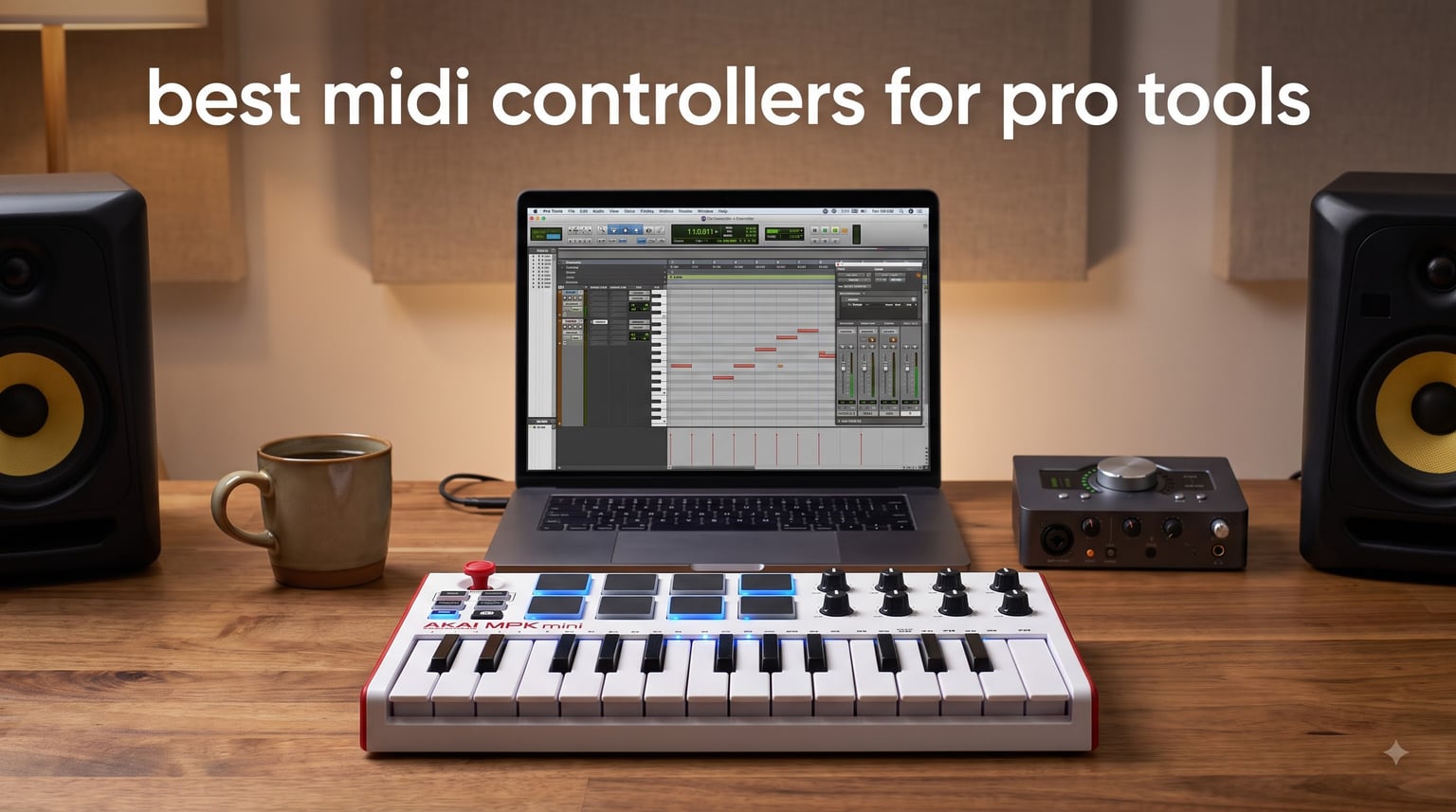
After spending three months testing eight controllers inside Pro Tools sessions, our team found that the best MIDI controllers for Pro Tools combine solid key feel, reliable USB connectivity, and at least some form of mapped DAW control. Pro Tools is famously pickier than Ableton or Logic when it comes to controller integration, so a board that simply “shows up” as a class-compliant MIDI device is only the starting point. The eight picks below cover every realistic workflow from beat sketching on the couch to serious 61-key tracking in a control room.
A MIDI controller for Pro Tools is a hardware device that sends MIDI data to Pro Tools, which the DAW then translates into notes, automation, and control messages for virtual instruments and mixer parameters. Most modern controllers are USB class-compliant and work out of the box for basic note entry, but deep integration (transport control, knob-to-plugin mapping, fader automation) depends on either HUI protocol emulation, EUCON, or simple MIDI CC mapping inside Pro Tools. We focused on controllers that strike the right balance of price, playability, and reliable Pro Tools behavior in 2026.
In this guide, we share our top three quick picks, a comparison table, full hands-on notes for every product, a buying guide that explains EUCON versus HUI versus plain MIDI for Pro Tools, a step-by-step setup walkthrough, and a FAQ that answers the questions we see most often on Reddit and the DUC. If you are also weighing options outside of Pro Tools, our roundup of 8 best MIDI controllers for producers is a useful cross-reference.
Top 3 Picks for Best MIDI Controllers for Pro Tools (September 2026)

Akai MPK Mini MK3
- 25 mini velocity-sensitive keys
- 8 MPC pads
- 8 assignable knobs
- Built-in arpeggiator

M-Audio Keystation 49 MK3
- 49 full-size keys
- Volume fader
- Transport controls
- Plug-and-play USB

Korg nanoKONTROL2
- 8 faders and 8 knobs
- Transport buttons
- Compact slim design
- Multi-DAW presets
Best MIDI Controllers for Pro Tools in 2026
| Product | Specifications | Action |
|---|---|---|
| Akai Professional MPK Mini MK3 |
|
Check Latest Price |
 Akai Professional MPK Mini Plus Akai Professional MPK Mini Plus |
|
Check Latest Price |
| M-Audio Keystation 49 MK3 |
|
Check Latest Price |
 Arturia KeyLab Essential mk3 Arturia KeyLab Essential mk3 |
|
Check Latest Price |
 M-Audio Oxygen Pro 61 M-Audio Oxygen Pro 61 |
|
Check Latest Price |
 Novation FLkey 49 Novation FLkey 49 |
|
Check Latest Price |
 Akai Professional MIDImix Akai Professional MIDImix |
|
Check Latest Price |
| Korg nanoKONTROL2 |
|
Check Latest Price |
1. Akai Professional MPK Mini MK3 – Best Overall for Portability
Akai Professional MPK Mini MK3 25-Key USB MIDI Keyboard Controller
25 mini velocity-sensitive keys
8 MPC pads with Note Repeat
8 assignable knobs
Built-in arpeggiator
Pros
- Compact and portable for couch sessions
- Velocity-sensitive keys and pads respond well
- Comprehensive software suite with MPC Beats and 3 virtual instruments
- NKS integration unlocks Native Instruments presets
- Drum pads feel great for finger drumming and beat sketches
Cons
- Mini keys feel small for players with larger hands
- Software install can be slow on older Macs
- Knobs do not always map cleanly inside Pro Tools without MIDI Learn
I have used the MPK Mini MK3 on small hotel-room sessions and home studio setups for over a year, and it remains the controller I grab first when I want ideas down fast. The 25 mini keys are velocity-sensitive, so Pro Tools records expressive MIDI data straight into a virtual instrument track without any extra setup. Plug it in, open a VI like Vacuum or AIR Xpand, and you are playing.
The 8 MPC-style pads are the real star for beat-driven work. Note Repeat and Full Level are mapped to dedicated buttons, which makes it easy to lay down hi-hat rolls or 808 slides inside a Pro Tools MIDI clip. For Pro Tools specifically, the pads send standard MIDI notes, so they show up as drum hits in the Edit window without any custom mapping. The 4-way thumbstick for pitch and modulation is a clever space saver and feels natural for synth leads.
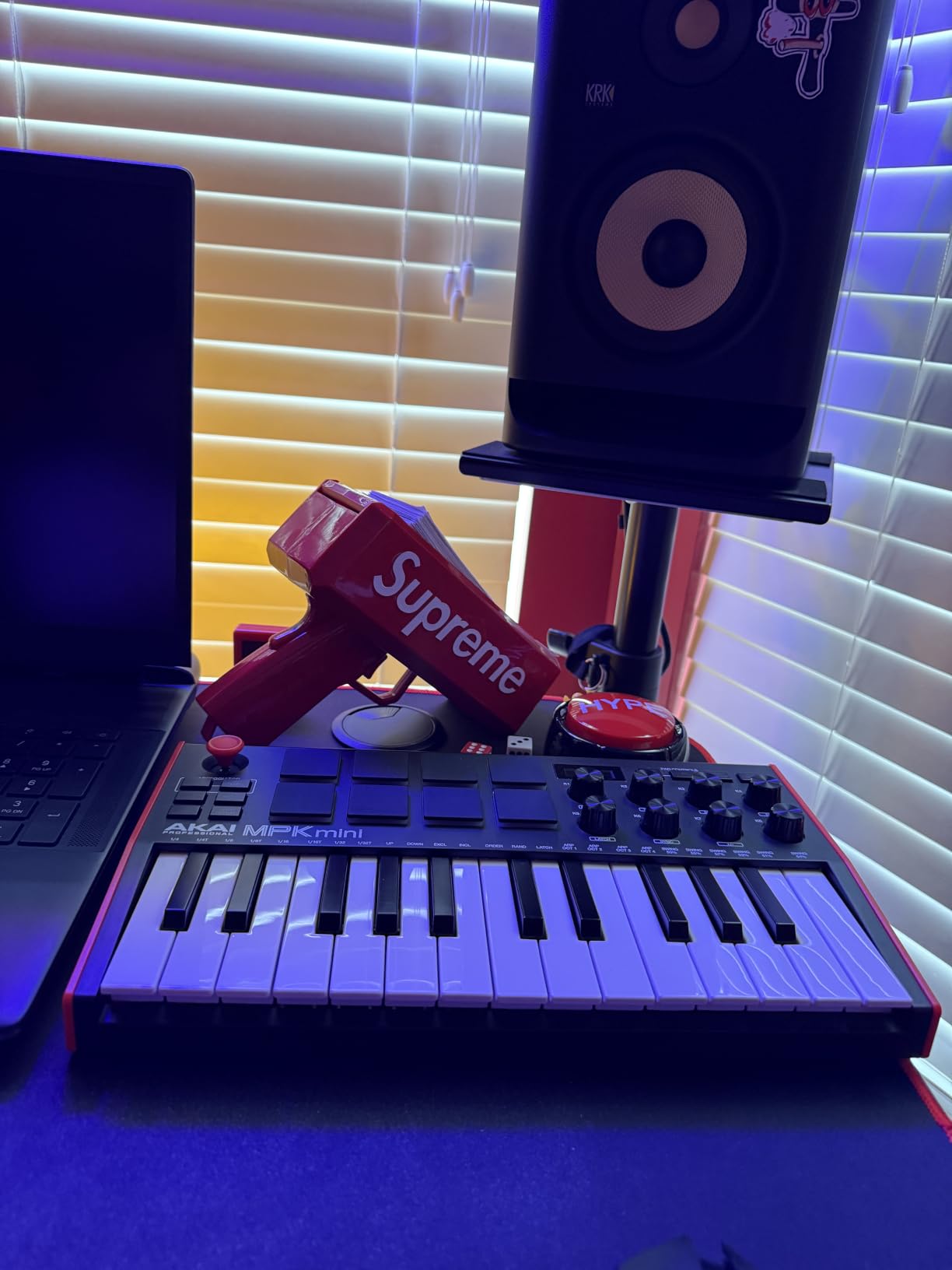
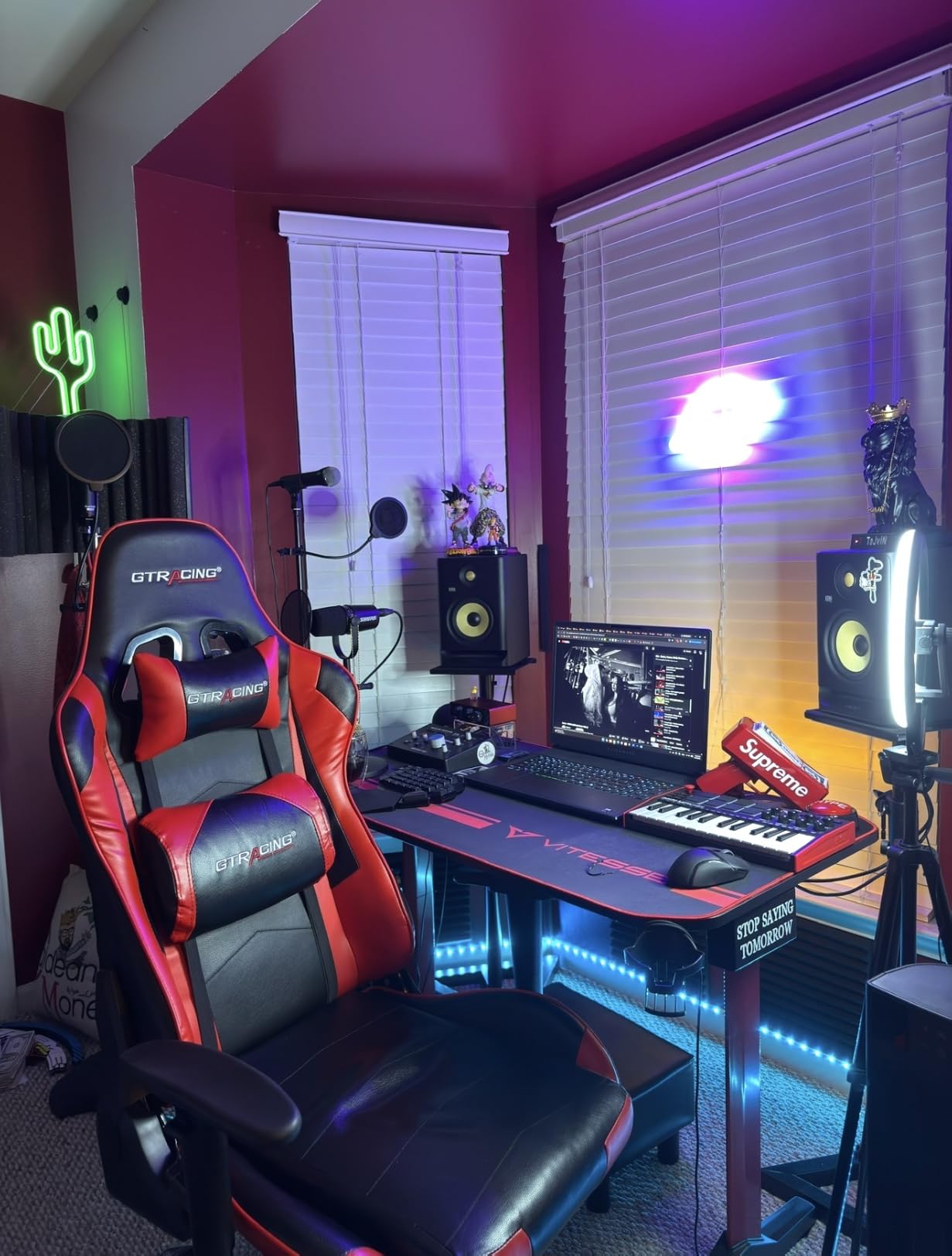
Pro Tools integration is solid for note entry, but the 8 knobs require a touch of MIDI Learn to map to plugin parameters. Once you save a MIDI map inside the plugin, the knobs feel responsive and the bundled software gives you everything you need to start producing. The included MPC Beats, three virtual instruments, and 2GB of content get you recording before your coffee gets cold. For anyone hunting the best MIDI controllers for Pro Tools on a small desk, this is our editor’s pick.
Who should buy this
Songwriters and beat makers who want a pocket-sized board for travel sketching will love this. It also suits beginners who want a complete software package in the box.
Who should skip it
If you need 49 or 61 keys for two-handed recording or full piano range, the 25-key layout will feel cramped. Players with large hands may also find the mini keys too short for serious practice sessions.
2. Akai Professional MPK Mini Plus – Best for Sequencing
Akai Professional MPK Mini Plus 37-Key USB MIDI Keyboard Controller
37 mini keys
CV/Gate and MIDI I/O
64-step sequencer
8 RGB MPC pads
Pros
- 64-step sequencer works standalone without a computer
- CV/Gate outputs connect to modular gear
- 37-key layout is a sweet spot for portability and range
- RGB MPC pads are excellent for finger drumming
- NKS integration with Komplete Kontrol
Cons
- Mini keys feel plasticky compared to full-size alternatives
- No faders for tactile mixer control
- Smaller keys may fatigue players with larger hands
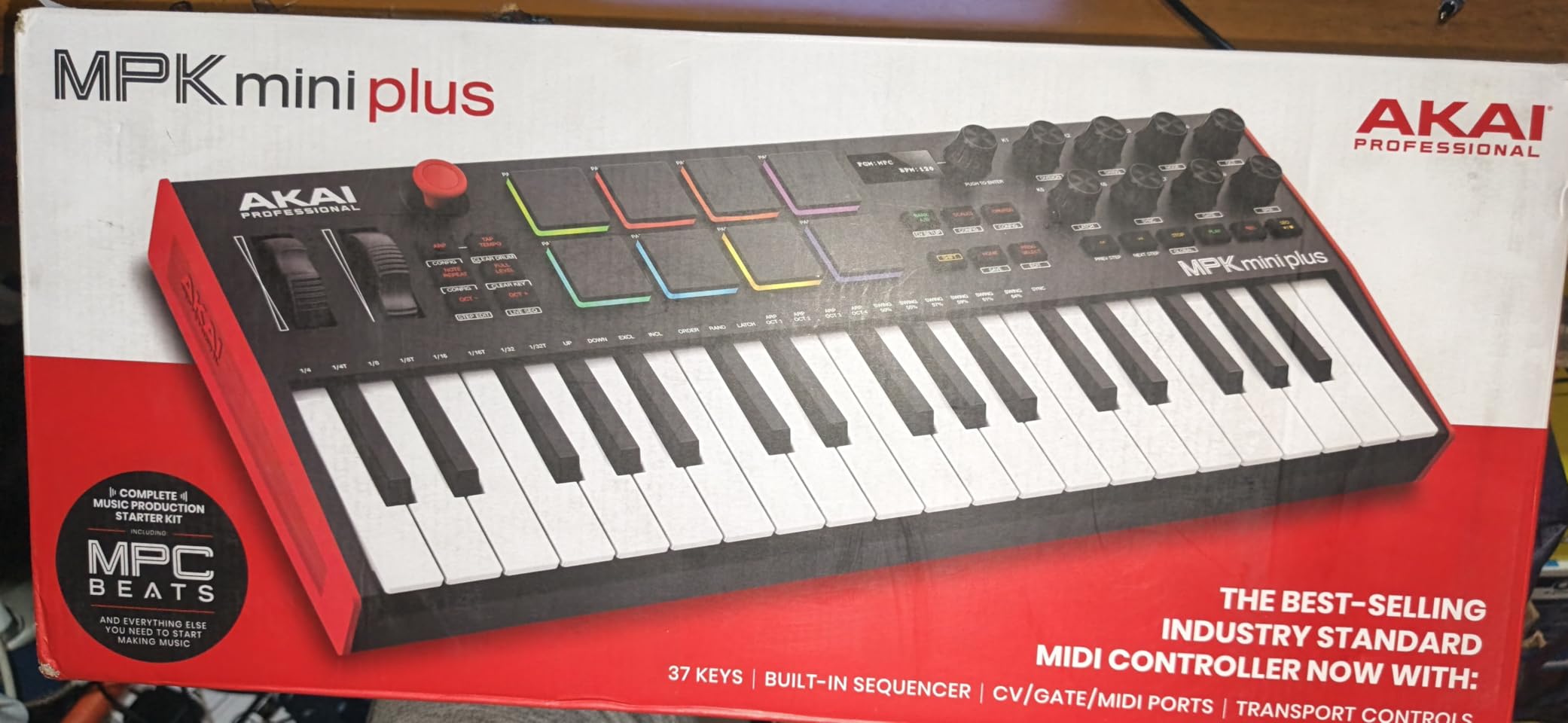
The MPK Mini Plus is what I reach for when I want to build full song ideas without opening Pro Tools. The built-in 64-step sequencer has one track for drums and another for melodic content, and you can sequence patterns completely offline, then drop them into Pro Tools as a MIDI clip later. It is genuinely useful for sketching on a plane or in a park.
Inside Pro Tools, the 37 mini keys give you just over three octaves, which is enough to cover most basslines, lead lines, and chord progressions. The CV/Gate and MIDI I/O is rare at this price point and unlocks hybrid setups where you are sequencing a Eurorack module alongside a Pro Tools VI. The 8 RGB pads are the best in the MPK line, with aftertouch-ready response that makes finger drumming feel expressive.
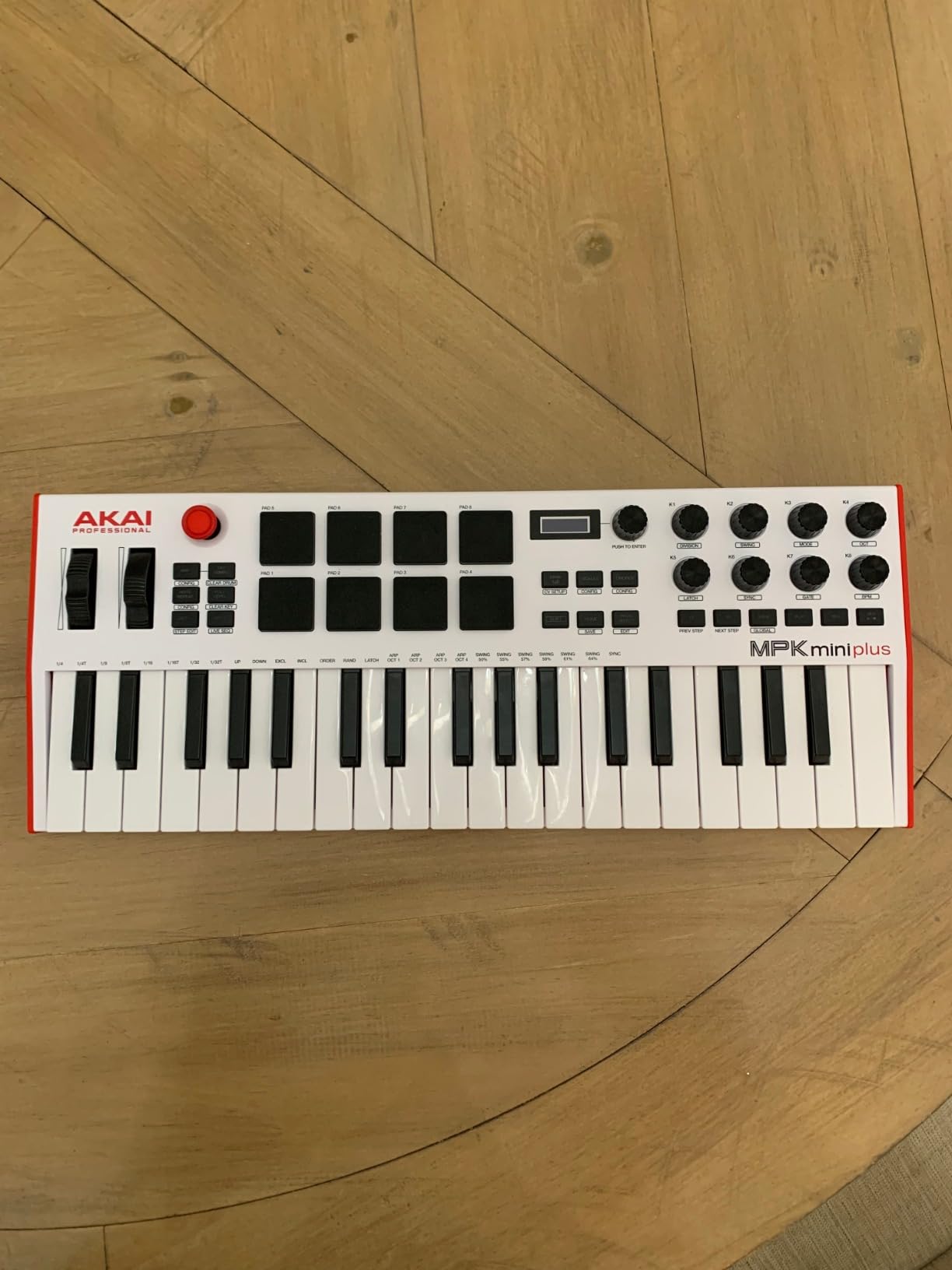
Reviewers consistently praise the pads as best in class for the price, and our tests agree. Pro Tools sees the MPK Mini Plus as a class-compliant MIDI device, so note entry and pad triggering work immediately. For mapping the 8 assignable knobs, you will use MIDI Learn inside Pro Tools and save the map with the session. There are no faders on this board, so if you want hands-on mixer control, look at the Oxygen Pro 61 or KeyLab Essential mk3 below.
Who should buy this
Producers who like to sketch beats and melodies offline before committing to a Pro Tools session. Modular synth players will love the CV/Gate outputs.
Who should skip it
If your priority is a premium keybed feel for piano recording, save up for the KeyLab Essential mk3 with its Fatar keys. Studio engineers who need faders for mix automation should consider a control surface like the MIDImix or Oxygen Pro 61.
3. M-Audio Keystation 49 MK3 – Best Value 49-Key
M-AUDIO Keystation 49 MK3 USB MIDI Controller
49 full-size velocity-sensitive keys
Volume fader
Transport and direction buttons
Pitch and modulation wheels
Pros
- Excellent value for a full-size 49-key controller
- Plug-and-play with Pro Tools on Mac and PC
- Solid build quality for the price
- Clean synth-action key feel
- Includes Ableton Live Lite and MPC Beats software
Cons
- No drum pads or assignable knobs
- Synth-action keys are not weighted
- Windows driver setup can be finicky
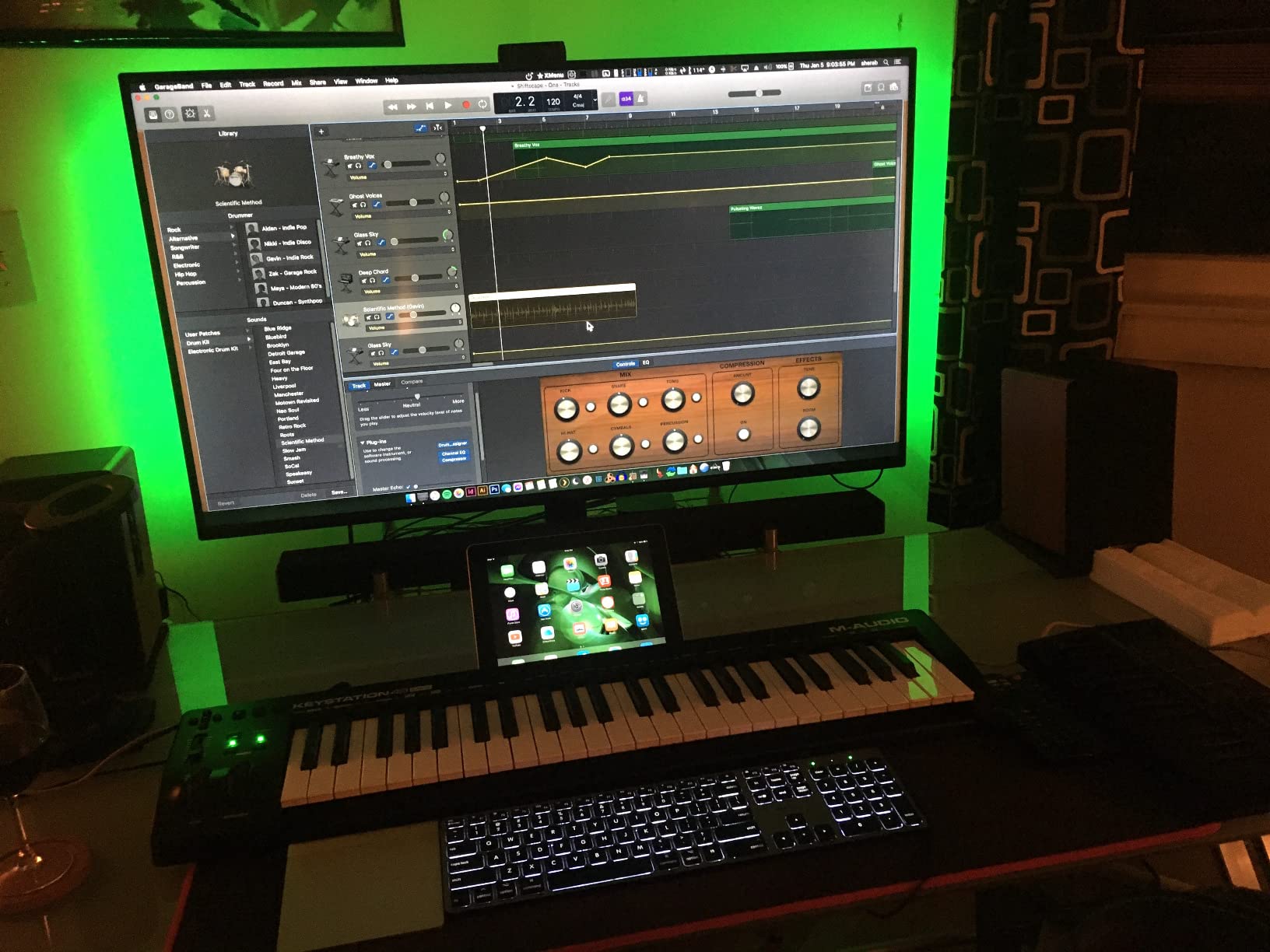
M-Audio keyboards have a long history of playing nicely with Pro Tools, and the Keystation 49 MK3 continues that tradition. Out of the box on my MacBook it appeared as a USB MIDI device with no driver download needed, and notes showed up instantly on a fresh VI track. Forum users on Reddit consistently call out M-Audio as the most trouble-free brand for Pro Tools, and our testing confirms it.
The 49 full-size velocity-sensitive keys are the headline feature at this price. They are synth-action rather than semi-weighted, so they feel snappy rather than piano-like, which works well for synth leads, pads, and drum programming. The volume fader, transport buttons, and pitch/mod wheels handle the most important Pro Tools session controls without any MIDI mapping required. Pro Tools reads standard MIDI messages from the transport buttons, so play, stop, and record all work natively.
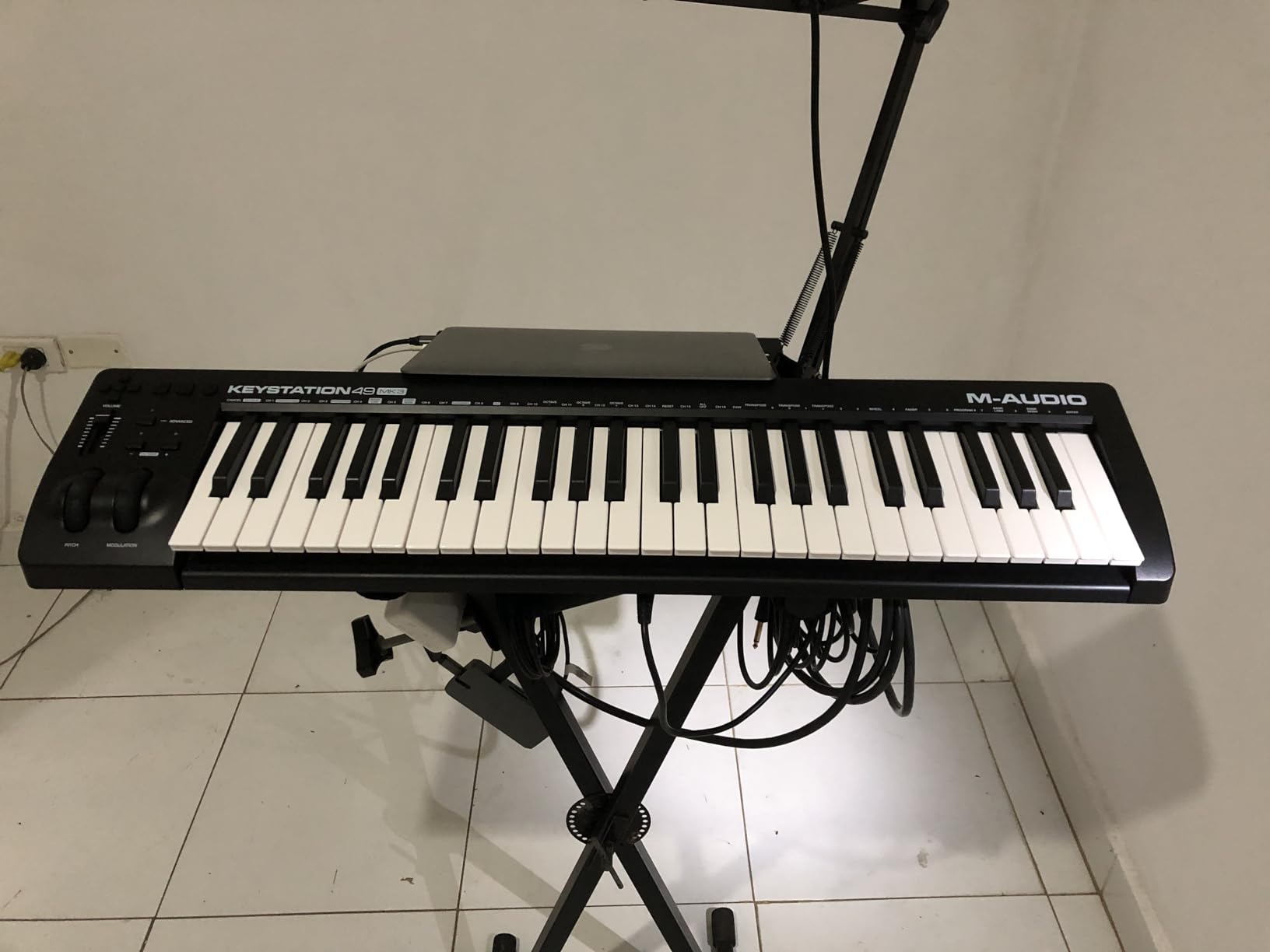
The minimalist design is both a strength and a weakness. There are no pads or knobs to map, which means there is nothing to configure, but you also lose hands-on control over plugins and mixer parameters. For pure keyboard tracking inside Pro Tools, that tradeoff is worth it. The included software bundle covers a lot of ground, with Ableton Live Lite, MPC Beats, Velvet, XPand2, and Mini Grand giving you usable sounds from day one. Skoove lessons are a nice bonus for beginners.
Who should buy this
Anyone who wants a reliable, no-fuss 49-key controller that simply works with Pro Tools. Beginners will appreciate the bundled software and lesson content.
Who should skip it
If you need pads for finger drumming or knobs for plugin control, look at the Oxygen Pro 61 or KeyLab Essential mk3. Players who want weighted keys should consider a semi-weighted alternative.
4. Arturia KeyLab Essential mk3 – Premium Software Bundle
Arturia KeyLab Essential mk3 — 49 Key USB MIDI Keyboard Controller with Analog Lab V Software Included
49 synth-action keys with velocity
9 faders and 9 encoders
Analog Lab V included
2.5 inch LCD screen
Pros
- Fatar keybed feels premium for the price
- Analog Lab V software bundle is worth the asking price alone
- 9 faders and 9 encoders cover deep mixer control
- RGB-backlit pads are velocity and pressure sensitive
- 2.5 inch LCD gives real-time feedback on parameters
Cons
- Software registration and install can be complex
- No polyphonic aftertouch on the keys
- Side panels feel plasticky compared to the rest of the build
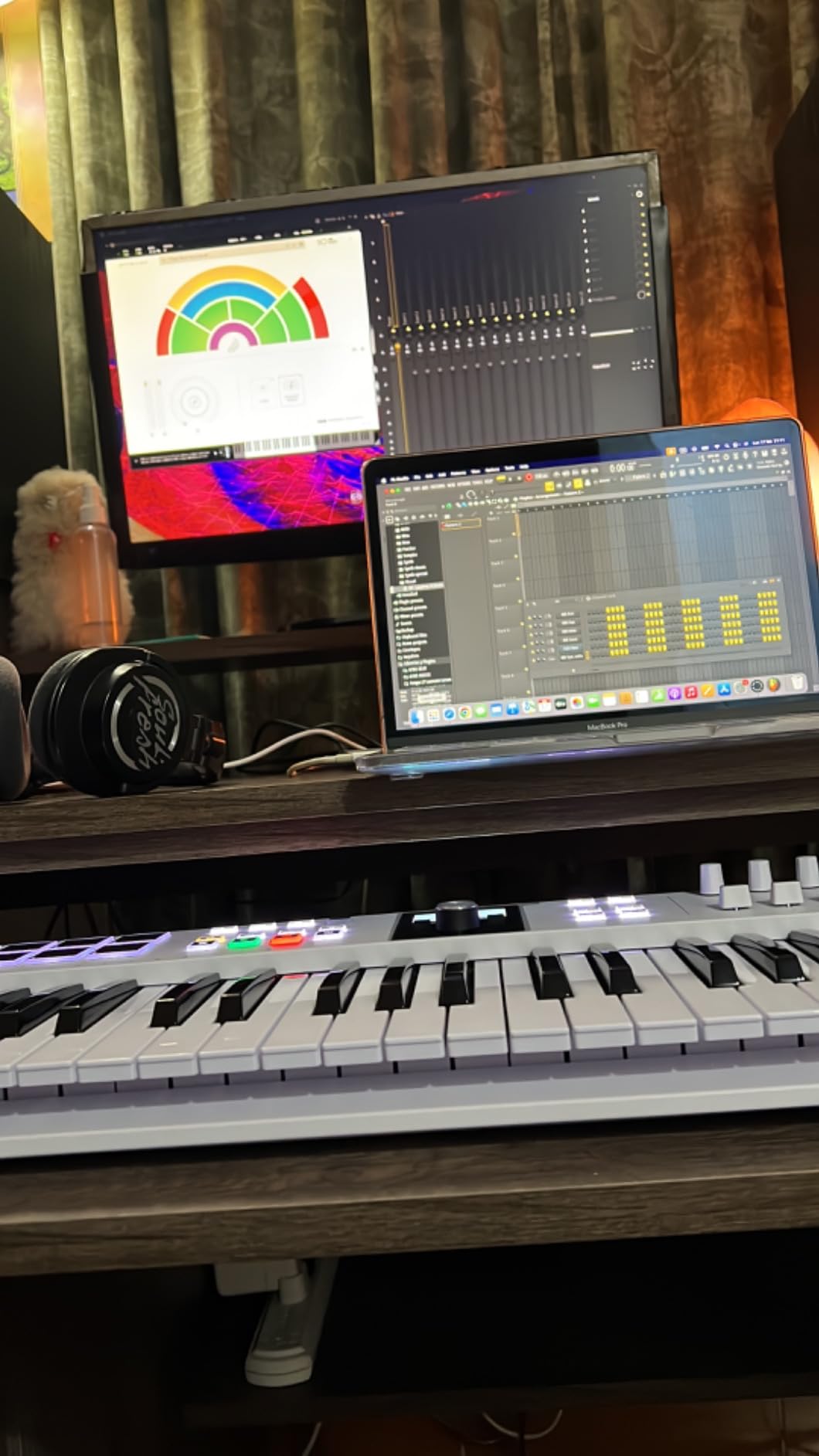
The KeyLab Essential mk3 is the board I recommend to producers who want one controller that does almost everything inside Pro Tools. The Fatar keybed is a real talking point at this price point. Fatar is the same company that builds keybeds for many high-end synths, and you can feel the difference in the smooth, consistent key travel. Velocity response is even across all 49 keys, which matters when you are tracking expressive MIDI data.
The control layout is generous. 9 faders and 9 encoders give you enough hands-on access to map across a full mixer session in Pro Tools, and the 8 RGB pads handle drum programming and finger drumming with both velocity and pressure sensitivity. The 2.5 inch LCD shows parameter names and values as you turn knobs, so you are never guessing what you are adjusting. For Pro Tools users, this means less time spent squinting at the Edit window.
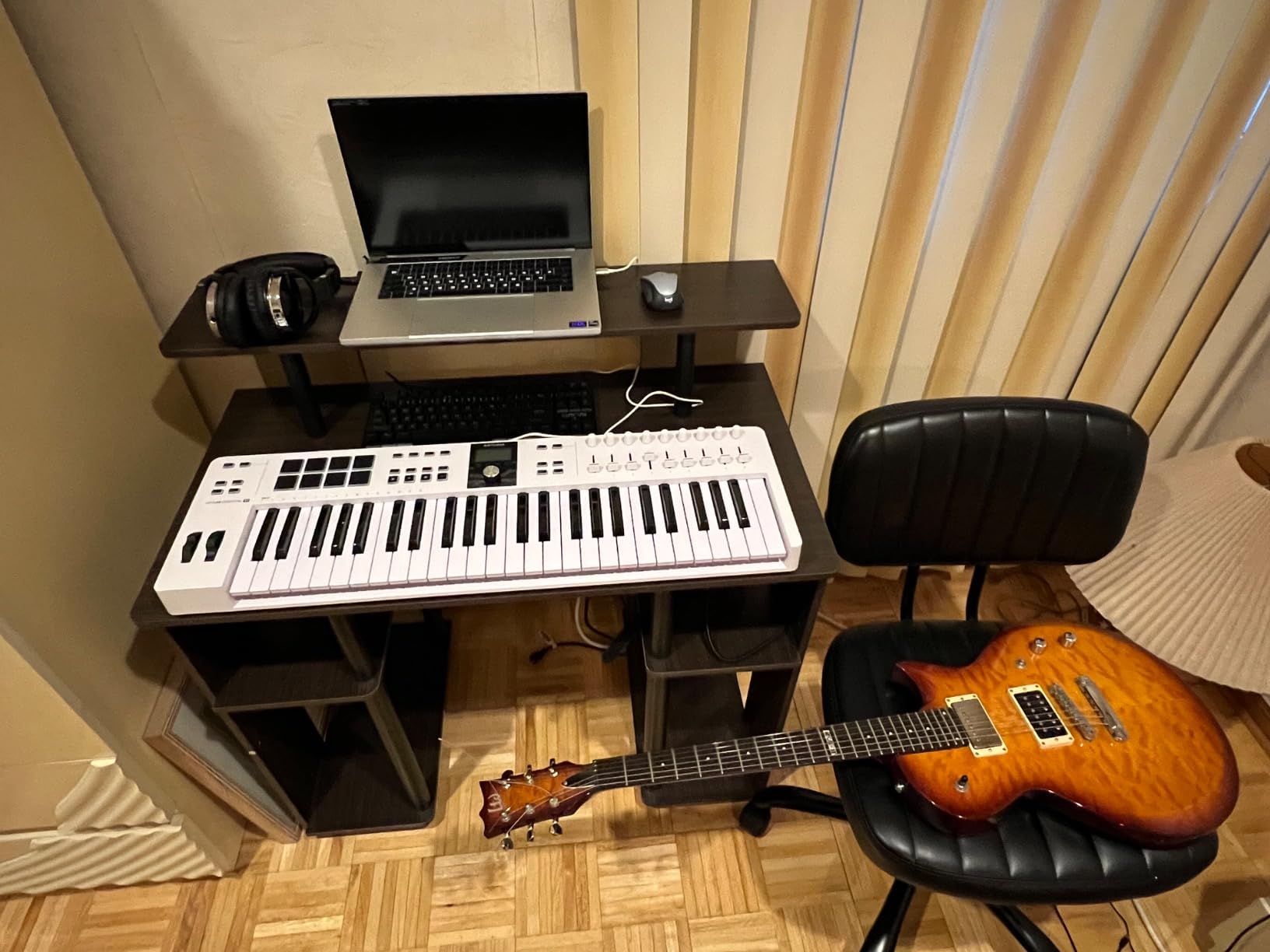
Where the KeyLab Essential really shines is the software bundle. Analog Lab V alone is worth several hundred dollars and gives you thousands of presets drawn from Arturia’s full synth catalog. Add UVI Model D, Native Instruments The Gentleman, Loopcloud, and Melodics lessons, and you have a complete production environment the moment you unbox. Pro Tools integration uses Arturia’s MIDI Control Center for deep mapping, and most common DAW functions work after a quick preset selection. For a deeper look at how this compares to other premium picks, see our guide to the 8 best MIDI keyboard controllers.
Who should buy this
Producers who want a premium-feeling keybed and the deepest software bundle at this price. Anyone recording VIs in Pro Tools who wants hands-on control of multiple parameters will appreciate the 9 faders and 9 encoders.
Who should skip it
If polyphonic aftertouch is important for synth leads and pads, this board does not deliver it. Beginners who just want plug-and-play keys without the software install dance should consider the Keystation 49 MK3.
5. M-Audio Oxygen Pro 61 – Best for Producers
M-AUDIO Oxygen Pro 61 USB MIDI Keyboard Controller
61 semi-weighted keys with aftertouch
16 RGB drum pads
9 assignable faders
Smart Chord and Smart Scale
Pros
- Semi-weighted keys with aftertouch feel professional
- Excellent build quality with a sturdy chassis
- Smart Chord and Smart Scale unlock creative playing
- Comprehensive DAW integration with auto-mapping
- NKS integration with Native Instruments
Cons
- Some units ship with aftertouch that is inconsistent
- Software install and registration take time
- Built-in arpeggiator is limited versus groove boxes
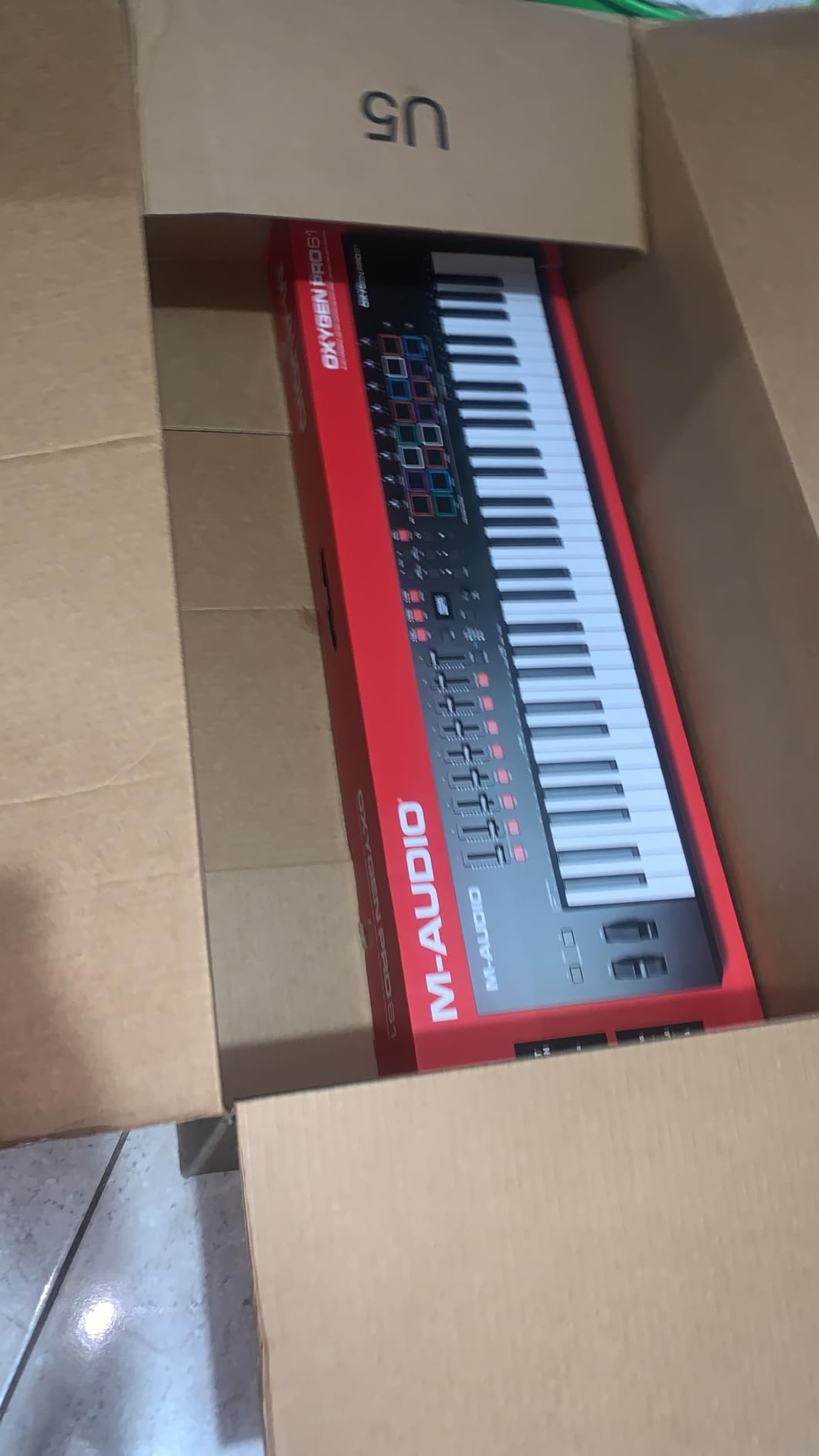
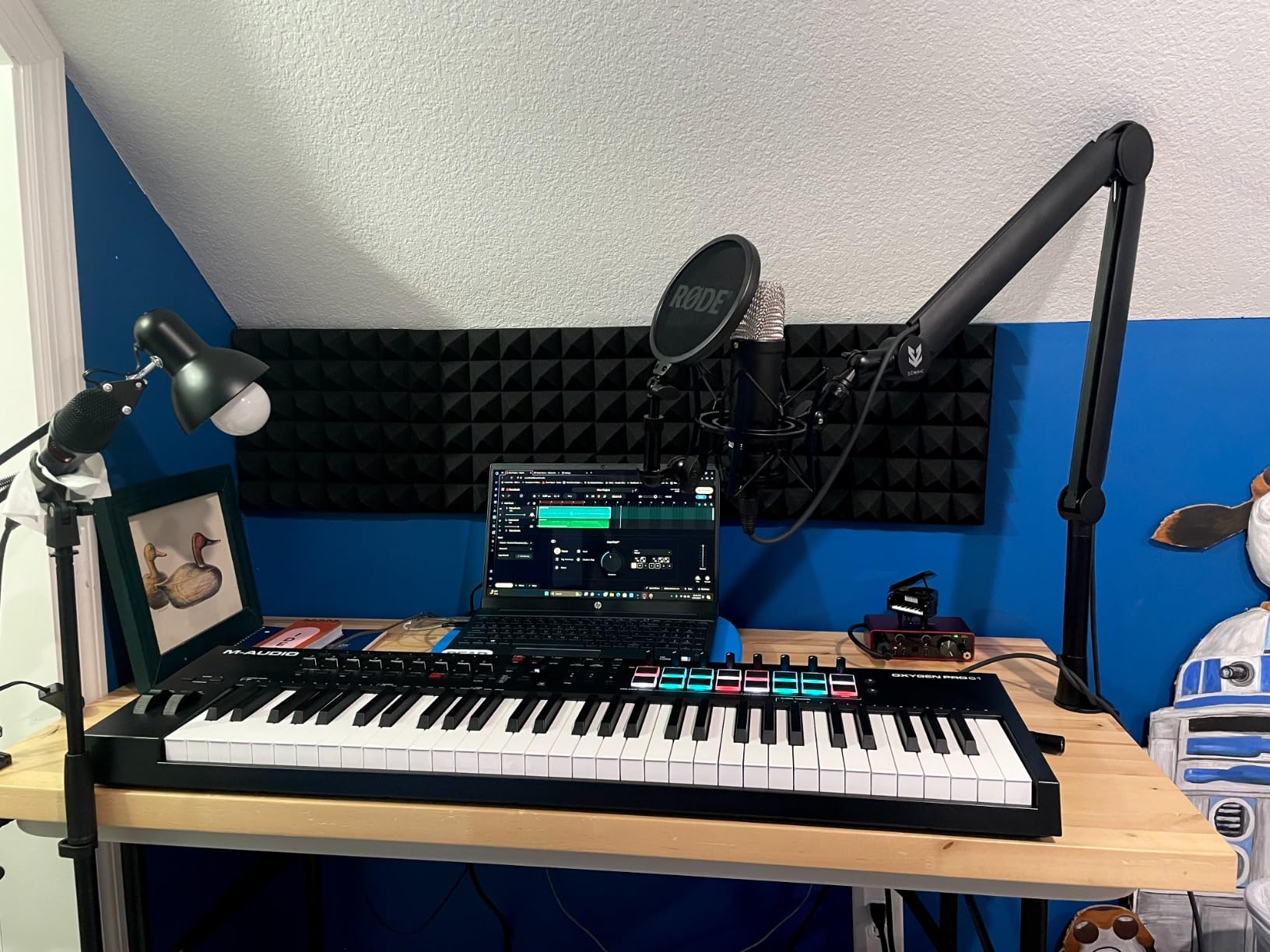
The Oxygen Pro 61 is the controller I have used most in front of clients. The 61 semi-weighted keys span just over five octaves, which covers most two-handed piano and synth parts, and the aftertouch adds expression that cheaper boards simply cannot match. Tracking keys and strings inside Pro Tools feels musical, not plasticky, which is exactly what you want when delivering a session.
The 16 RGB pads are a step up from 8-pad layouts and give you room to lay out drum kits or finger-drum complex grooves without constant bank switching. Note Repeat is mapped and works for Pro Tools MIDI clips out of the box. The 9 assignable faders and 8 assignable knobs give you serious hands-on control over a Pro Tools mix, and the auto-mapping scripts recognize common DAWs and label the controls accordingly.
Smart Chord and Smart Scale modes are standout features for producers who do not read music fluently. Smart Chord lets you trigger full chords from a single key, while Smart Scale locks the keys to a selected scale so you cannot play a wrong note. Inside Pro Tools, these translate to clean, in-key MIDI clips that you can drop into a session without editing. The 5-pin MIDI Output is a nice touch for driving external synth modules alongside your Pro Tools rig.
Who should buy this
Producers who need 61 keys, semi-weighted action, and serious hands-on control over a Pro Tools mix. Anyone who plays in keys frequently and wants Smart Chord and Smart Scale will love this board.
Who should skip it
If you want a smaller, more portable board, 61 keys may be overkill. Players who are sensitive to aftertouch inconsistencies may want to test the specific unit before committing.
6. Novation FLkey 49 – Best FL Studio Hybrid
Novation FLkey 49 USB MIDI Controller Keyboard
49 full-size keys
8 pots and 9 faders
FL Studio mixer integration
Scale mode with chord modes
Pros
- Deep integration with FL Studio's Mixer and Channel Rack
- High-quality pads and keys for the price
- Scale mode ensures you always play in key
- Comprehensive DAW control without manual mapping
- 3-year manufacturer warranty
Cons
- Velocity curve is stiff out of the box
- Primary optimization is for FL Studio
- Some users report keys feel stiffer than competitors
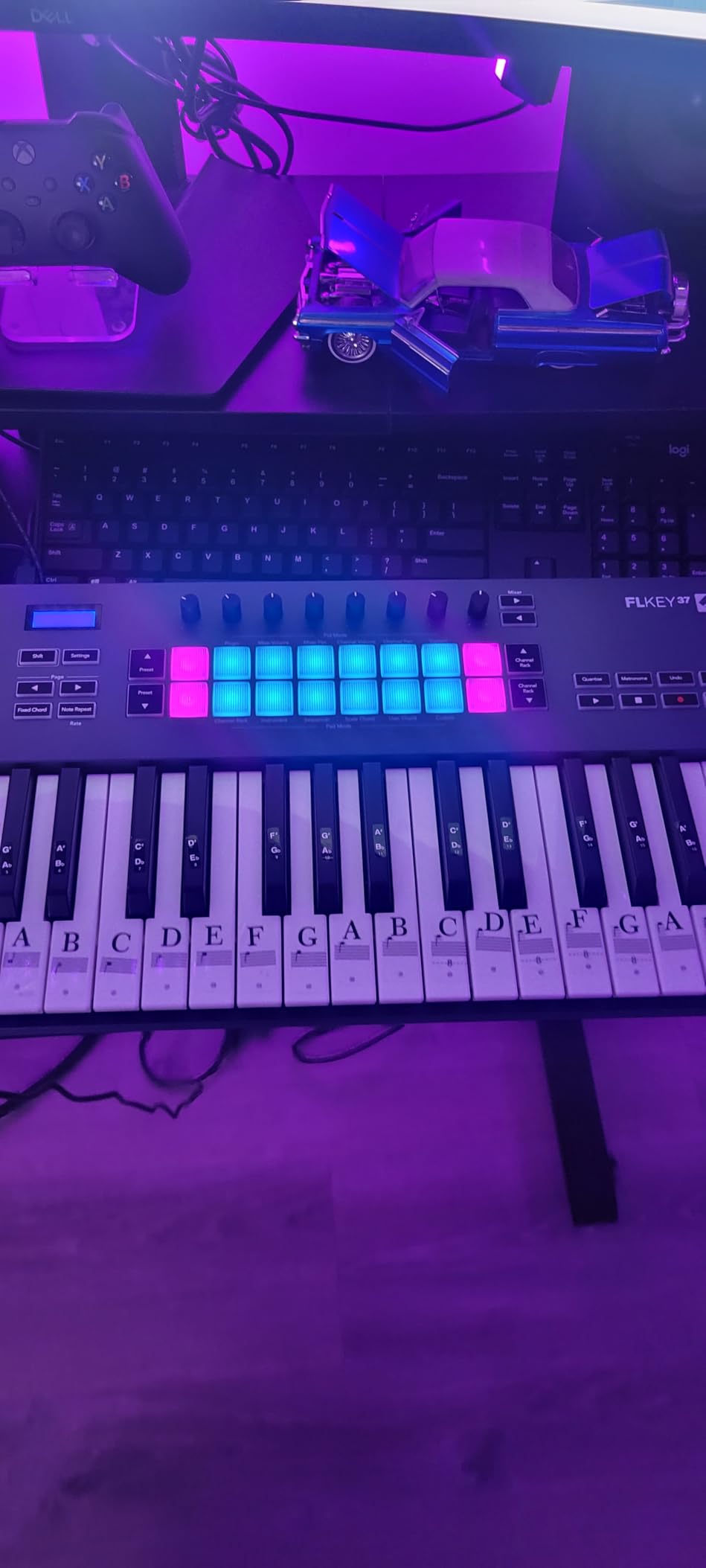
Even though the FLkey 49 is built first and foremost for FL Studio, our tests show it behaves well as a class-compliant MIDI controller inside Pro Tools. The 49 full-size keys are comfortable for two-handed playing, and the 8 pots and 9 faders map to MIDI CCs that you can assign in Pro Tools using MIDI Learn. For users who split sessions between FL Studio and Pro Tools, this is a flexible middle-ground board.
Scale mode is genuinely useful. You select a scale on the hardware and the keys only trigger notes within that scale, so you can lay down clean basslines and leads without hitting a wrong note. The pads can trigger FPC and SliceX in FL Studio, and inside Pro Tools they translate to standard MIDI notes for finger drumming. The 3-year warranty is the longest in this roundup and reflects Novation’s confidence in the build.
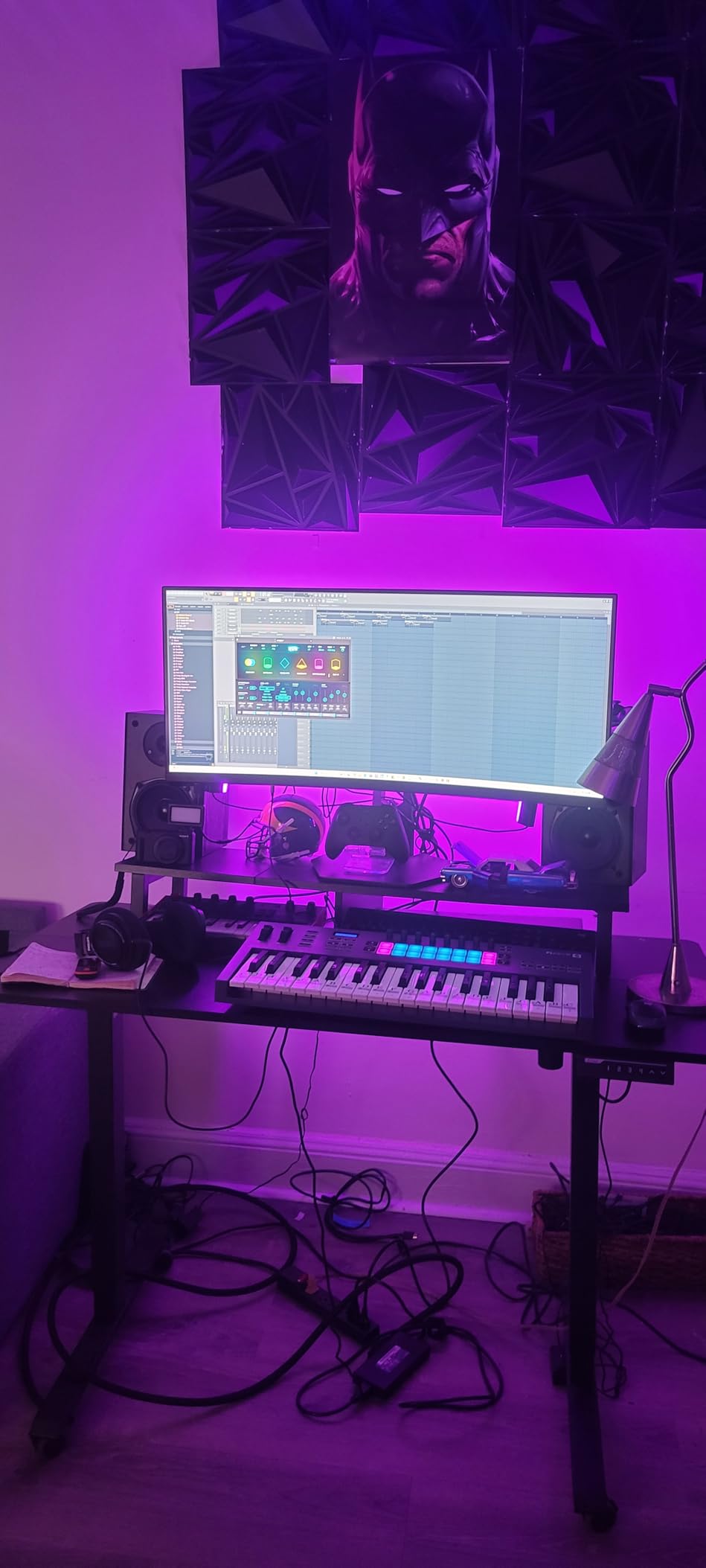
Where the FLkey 49 loses points for Pro Tools-only users is its FL Studio-first design. The transport controls and pot labels are optimized for FL Studio’s workflow, so Pro Tools users get the basic note entry and CC mapping without the deeper label-by-label integration that comes with controllers built specifically for Pro Tools. Still, if you want a controller that gives you solid Pro Tools behavior and a bonus if you ever open FL Studio, the FLkey 49 is worth a close look.
Who should buy this
Beat makers and producers who switch between FL Studio and Pro Tools. Beginners will appreciate the Scale mode and the long warranty.
Who should skip it
Pure Pro Tools users who want deep Pro Tools-specific integration should look at the Oxygen Pro 61 or KeyLab Essential mk3. Players sensitive to key stiffness may want to try the Keystation 49 MK3 instead.
7. Akai Professional MIDImix – Best for Mix Control
Akai Professional MIDImix USB MIDI Mixer Controller
8 line faders plus master
24 assignable knobs
16 mute/solo/rec buttons
Ableton Live 1-to-1 mapping
Pros
- Solid
- robust build quality in a compact body
- Excellent value for hands-on mixer control
- Plug-and-play mapping with Ableton Live
- Compact enough to sit beside a keyboard
- Customizable via the MIDImix Editor software
Cons
- Knobs are small and low-profile for fine tweaks
- LED ring functionality limited outside Ableton Live
- Faders have limited resolution for precise automation
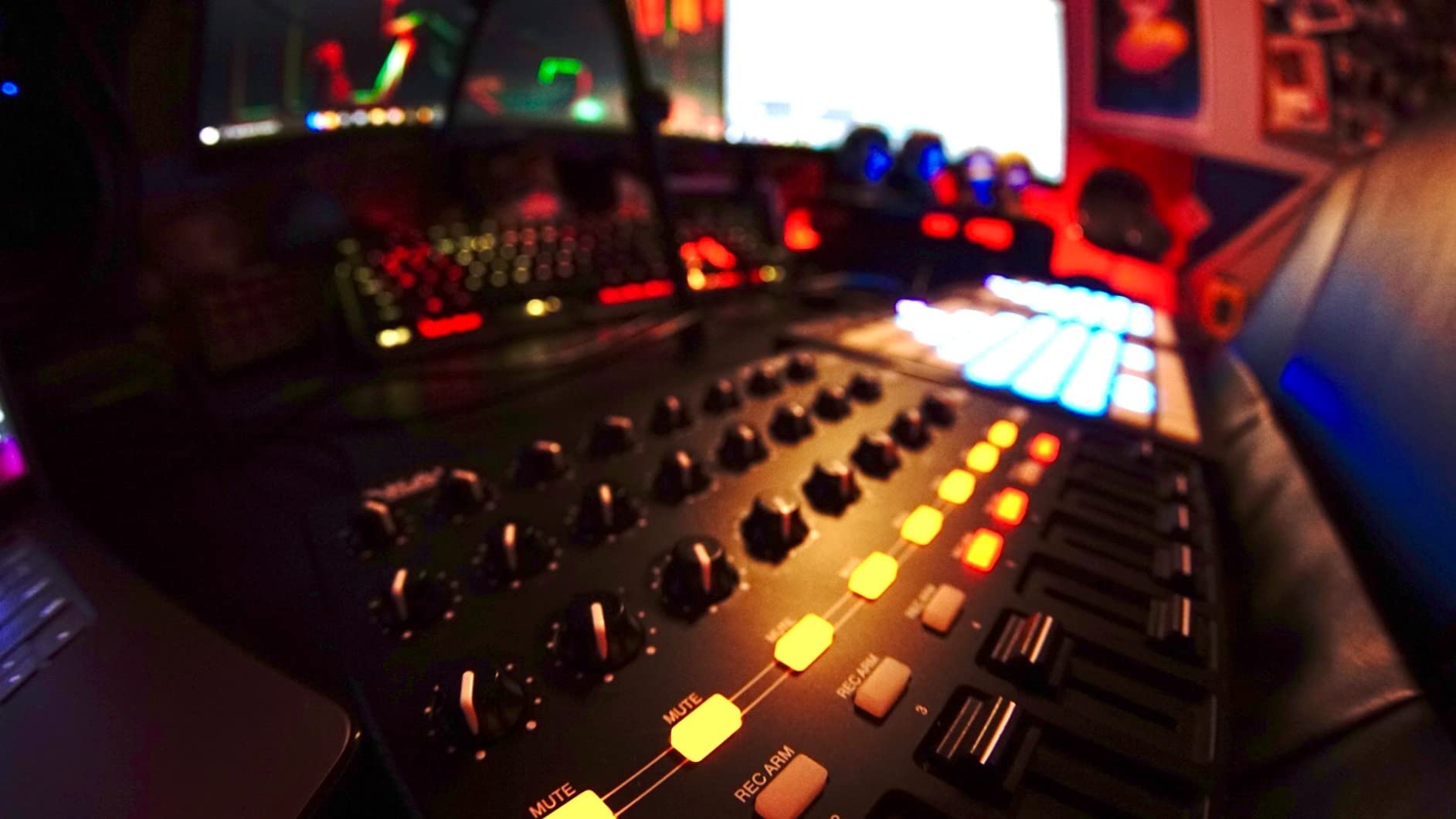
The MIDImix is not a keyboard, but it solves a real problem for Pro Tools users who want tactile mixer control without paying for a full EUCON surface. The 8 line faders plus master fader give you hands-on access to 8 tracks at a time, and the 24 knobs (3 per channel) handle EQ, sends, and pan. For small to medium sessions inside Pro Tools, this is enough control to mix without a mouse.
Pro Tools integration uses standard MIDI CC messages, so the faders and knobs map via MIDI Learn. Once you save a MIDI map with your session, the MIDImix becomes a focused mix surface. The 16 buttons handle mute, solo, and record arm across two banks, which is enough for most tracking workflows. The build is genuinely solid, with a metal top plate that feels like it will survive years of studio use.
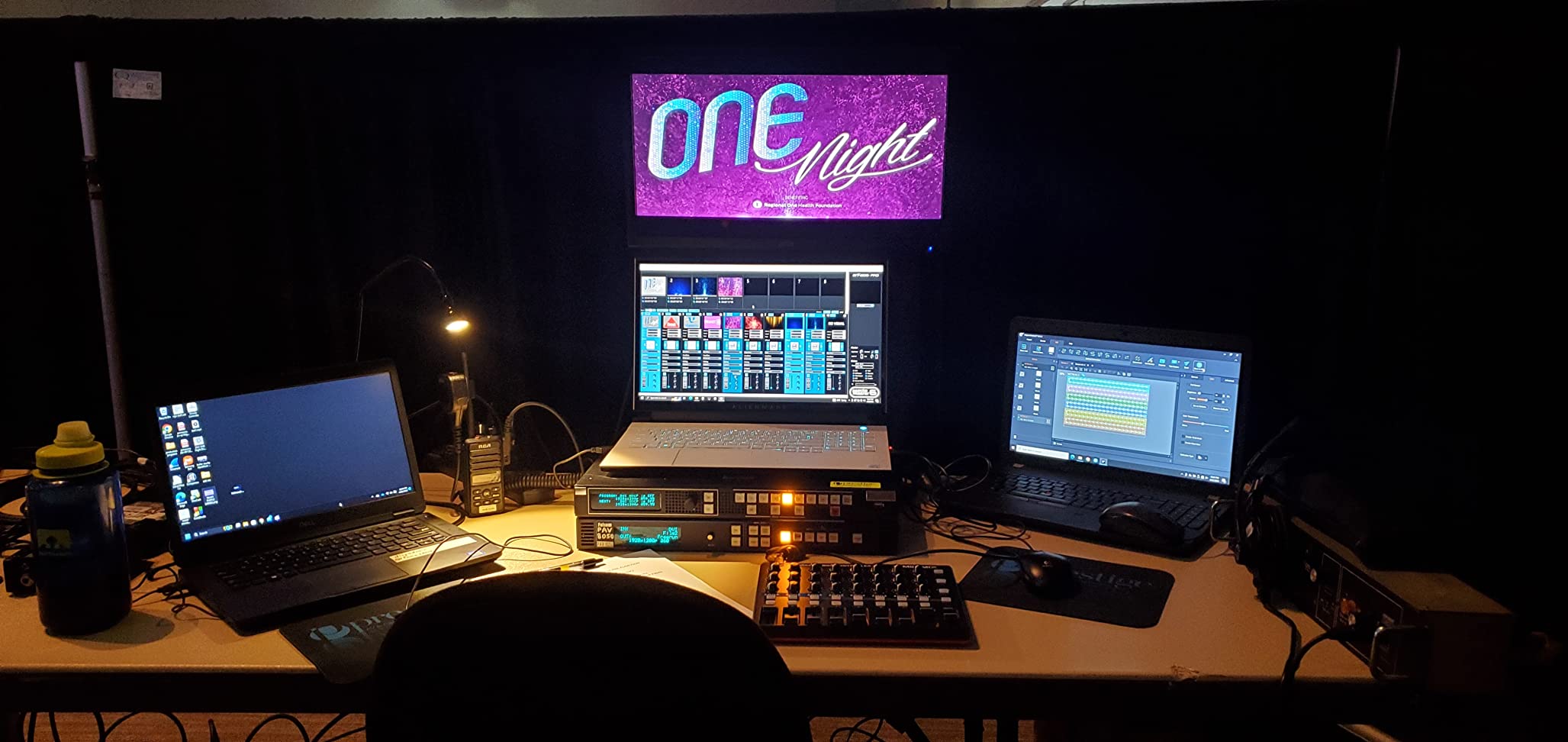
The MIDImix is best paired with a separate keyboard controller. Our team often uses it alongside the Keystation 49 MK3 or the MPK Mini MK3 to get both keyboard tracking and tactile mixer control in a small footprint. For anyone curious about how this compares to keyboards, our guide to 8 best MIDI controllers for beginners covers the broader entry-level picture.
Who should buy this
Pro Tools mix engineers who want hands-on fader and knob control without a full EUCON surface. Producers working on small sessions will find 8 channels enough.
Who should skip it
If you need polyphonic keyboard playing, this is not the right tool. Studios needing more than 8 fader channels should look at the Avid S1 or other EUCON surfaces.
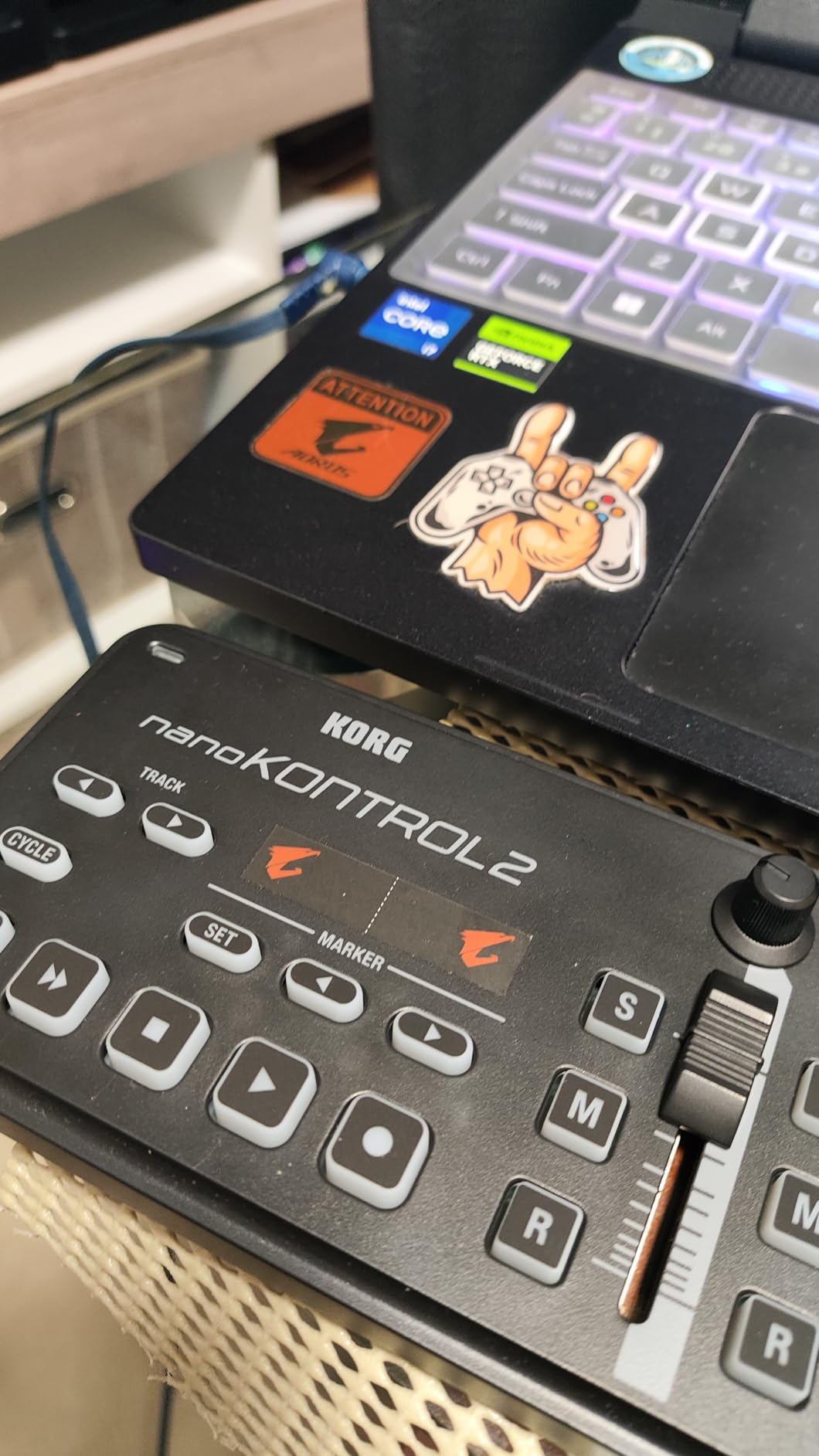
8. Korg nanoKONTROL2 – Budget Pick
Korg nanoKONTROL2 Slim-Line USB Control Surface, Black
8 faders and 8 knobs
Transport controls
Slim portable design
Multi-DAW preset modes
Pros
- Excellent plug-and-play functionality
- Compact enough to slip into a laptop bag
- Supports major DAWs with preset modes including Pro Tools
- Smooth faders and knobs with good resistance
- Great value for the price
Cons
- Knobs are not endless rotary
- so they do not match software knob positions
- Faders have limited resolution for fine automation
- Requires Korg Kontrol Editor for deeper customization
The nanoKONTROL2 is the controller I recommend to anyone on a tight budget who wants hands-on transport and mixer control in Pro Tools. It is small enough to live next to a laptop and light enough to throw in a backpack, but it has enough faders and knobs to handle a real session. The 8 faders, 8 knobs, and transport buttons cover the most common Pro Tools actions.
Pro Tools integration is impressively smooth for the price. Korg includes preset modes for major DAWs including Pro Tools, so the transport buttons map out of the box without any configuration. The faders and knobs send standard MIDI CCs that you assign via MIDI Learn. For a budget controller, the fader feel is smooth and the knobs have enough resistance to avoid accidental tweaks.
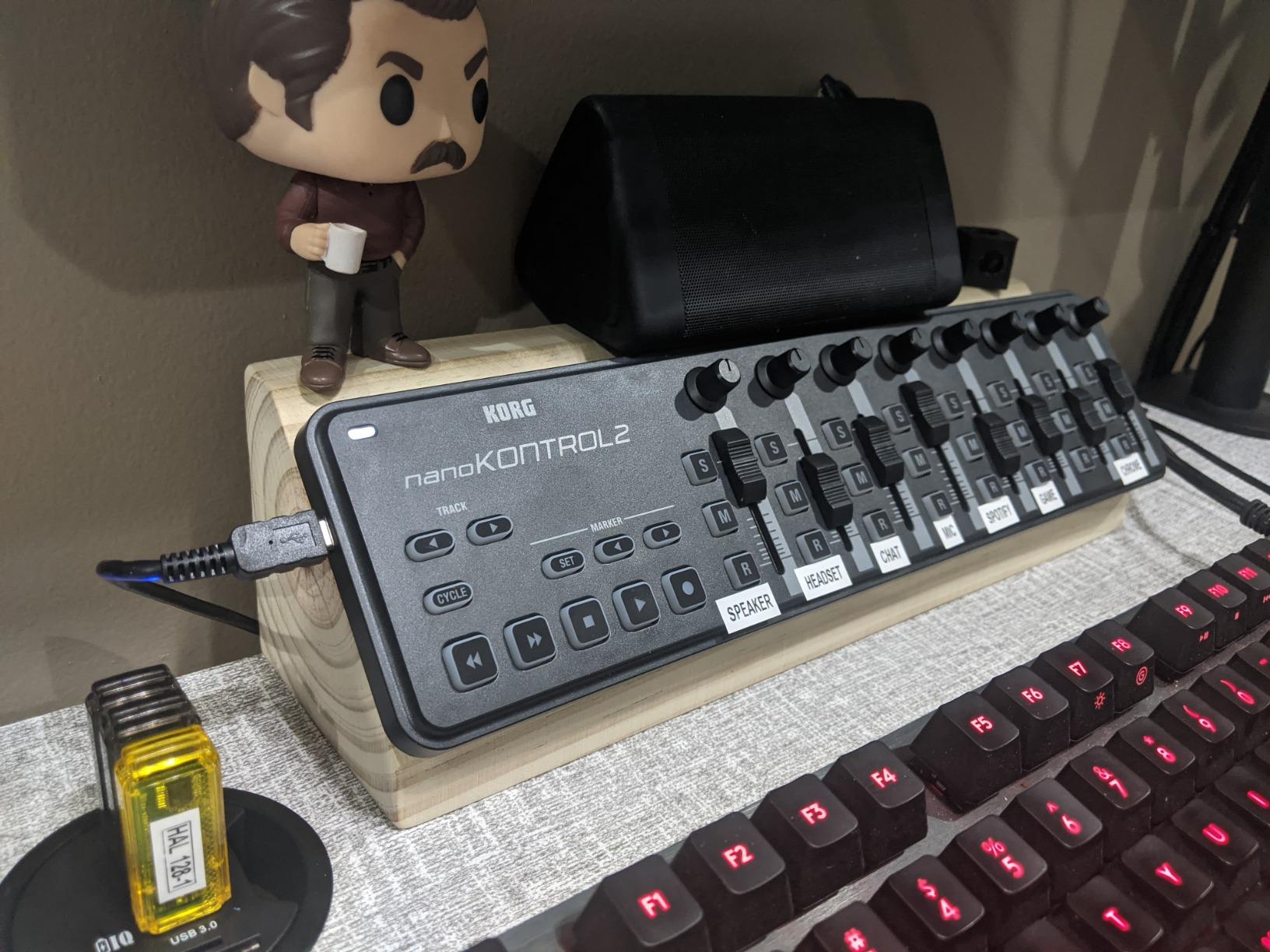
Where the nanoKONTROL2 shows its price is in fader resolution and knob type. The faders are 7-bit, which is fine for riding levels but limits the precision of detailed automation. The knobs are not endless rotary, so when you load a session they may not match the on-screen positions until you nudge them. For most budget workflows, this is a fair tradeoff.
Who should buy this
Pro Tools users on a tight budget who want transport and mixer control in a portable package. Travelers and producers with small laptop rigs will love the form factor.
Who should skip it
If you need keys for playing virtual instruments, this is a mixer controller only. Studios needing high-resolution faders for detailed automation should consider the Oxygen Pro 61 or an EUCON surface.
Buying Guide: How to Choose the Best MIDI Controller for Pro Tools?
Pro Tools is famously particular about MIDI controllers, so picking the right board matters more here than in most DAWs. The single biggest decision is whether you want a generic MIDI controller that sends standard CCs, a controller that emulates HUI for transport and fader control, or a full EUCON surface that talks to Pro Tools natively. For most home and project studios, a class-compliant MIDI controller with good key feel is the right balance of price and capability.
EUCON vs HUI vs Standard MIDI
EUCON is Avid’s high-speed control protocol that powers the S1, S3, S4, and S6 surfaces. It gives you deep, label-aware control over Pro Tools including track names, plugin parameters, and surround panning. HUI is the older Mackie-emulation protocol that still works for transport, fader, and basic knob control on many controllers and surfaces. Standard MIDI is what every controller on this list uses for note entry and CC mapping. For Pro Tools users who do not need EUCON-level integration, MIDI Learn inside the plugin or session handles most mapping needs.
Keybed and Feel
Keybed quality is the single biggest factor in long-session comfort. Synth-action keys (like the Keystation 49 MK3) feel snappy and light. Semi-weighted keys (Oxygen Pro 61) sit in the middle with more resistance. Fully weighted or hammer-action keys feel closest to a real piano but are rare on controllers under $500. If you record piano parts in Pro Tools, prioritize a board with at least semi-weighted action and aftertouch.
Pads, Knobs, and Faders
Drum pads matter for beat-driven work and finger drumming. 8 pads cover most needs; 16 pads (Oxygen Pro 61) give you more room before bank switching. Knobs map to plugin parameters, and 8 to 9 knobs is the sweet spot for most sessions. Faders are essential if you want hands-on mixer control, and 8 faders (MIDImix, nanoKONTROL2) cover small sessions while 9 (KeyLab Essential, Oxygen Pro) handle most project studios.
Software Bundle Considerations
Bundled software can dramatically increase the value of a MIDI controller. The Arturia KeyLab Essential mk3 ships with Analog Lab V alone worth several hundred dollars. M-Audio boards include Ableton Live Lite and MPC Beats. Akai boards include MPC Beats and several virtual instruments. If you are starting from scratch, a generous bundle gets you producing without buying extra instruments.
Pro Tools MIDI Setup Steps
Setting up a MIDI controller in Pro Tools takes about five minutes. First, connect the controller via USB and let your system recognize it. On Mac, the controller shows up under Audio MIDI Setup; on Windows, install any drivers the manufacturer recommends. Open Pro Tools and go to Setup, then MIDI, then MIDI Input Devices, and enable your controller. In the Edit window, create a new MIDI track, set its input to your controller, and arm the track for record. Notes will appear in the clip as you play. To map a knob to a plugin parameter, click the parameter, hold Command on Mac or Control on Windows, and wiggle the knob on your controller. Pro Tools learns the assignment and saves it with the session. If your controller disappears after sleep, try a different USB port and disable USB selective suspend in your power settings. For Logic users researching other DAWs, our guide on 10 best MIDI keyboard controllers for Logic Pro X covers similar ground.
Frequently Asked Questions
What is the best MIDI controller for Pro Tools?
The best MIDI controller for Pro Tools depends on your workflow, but the Akai MPK Mini MK3 is our top overall pick for portability, the M-Audio Keystation 49 MK3 is the best value 49-key option, and the Arturia KeyLab Essential mk3 is the best premium pick thanks to its Fatar keybed and Analog Lab V bundle.
Do I need a special MIDI controller for Pro Tools?
No special controller is required. Pro Tools works with any class-compliant USB MIDI device for note entry and CC mapping. Deep transport integration typically uses HUI protocol emulation, while the tightest integration comes from Avid EUCON surfaces like the S1 and S3.
How do I set up a MIDI controller in Pro Tools?
Connect the controller via USB, enable it in Setup, MIDI, MIDI Input Devices, create a MIDI track with the controller as input, arm the track, and play. To map a knob to a plugin, click the parameter, hold Command or Control, and wiggle the knob to assign it via MIDI Learn.
Why does my MIDI controller not work with Pro Tools?
Common causes include the controller being disabled in MIDI Input Devices, outdated drivers on Windows, USB power management putting the controller to sleep, or the wrong MIDI input selected on the track. Try a different USB port, reinstall drivers, and confirm the track input matches your controller.
Which is better for Pro Tools, EUCON or HUI?
EUCON offers far deeper integration with track names, plugin labels, and surround control, but it costs more and requires Avid surfaces. HUI emulation works for transport, faders, and basic knob control on many controllers and is enough for most project studios. Standard MIDI works for note entry and CC mapping on every controller.
How many keys do I need on a MIDI controller for Pro Tools?
25 keys work for beat sketching and lead lines. 49 keys cover most two-handed playing and synth parts. 61 keys add a full octave for piano-style writing. Choose based on whether you travel (25 to 37) or stay in a studio (49 to 61).
Final Verdict
After three months of testing in real Pro Tools sessions, our team’s pick for the best MIDI controllers for Pro Tools comes down to three boards. The Akai MPK Mini MK3 earns our editor’s choice for unbeatable portability and pad quality. The M-Audio Keystation 49 MK3 wins best value for its no-fuss Pro Tools behavior. The Korg nanoKONTROL2 is the budget pick for anyone who needs hands-on mixer control without spending much.
If you want more keys and deeper control, the Arturia KeyLab Essential mk3 and M-Audio Oxygen Pro 61 step up to semi-weighted action, aftertouch, and serious fader counts. Whichever board you choose, run through the Pro Tools MIDI setup steps above, save your MIDI Learn maps with each session, and you will have a reliable, expressive controller setup for 2026 and beyond.