
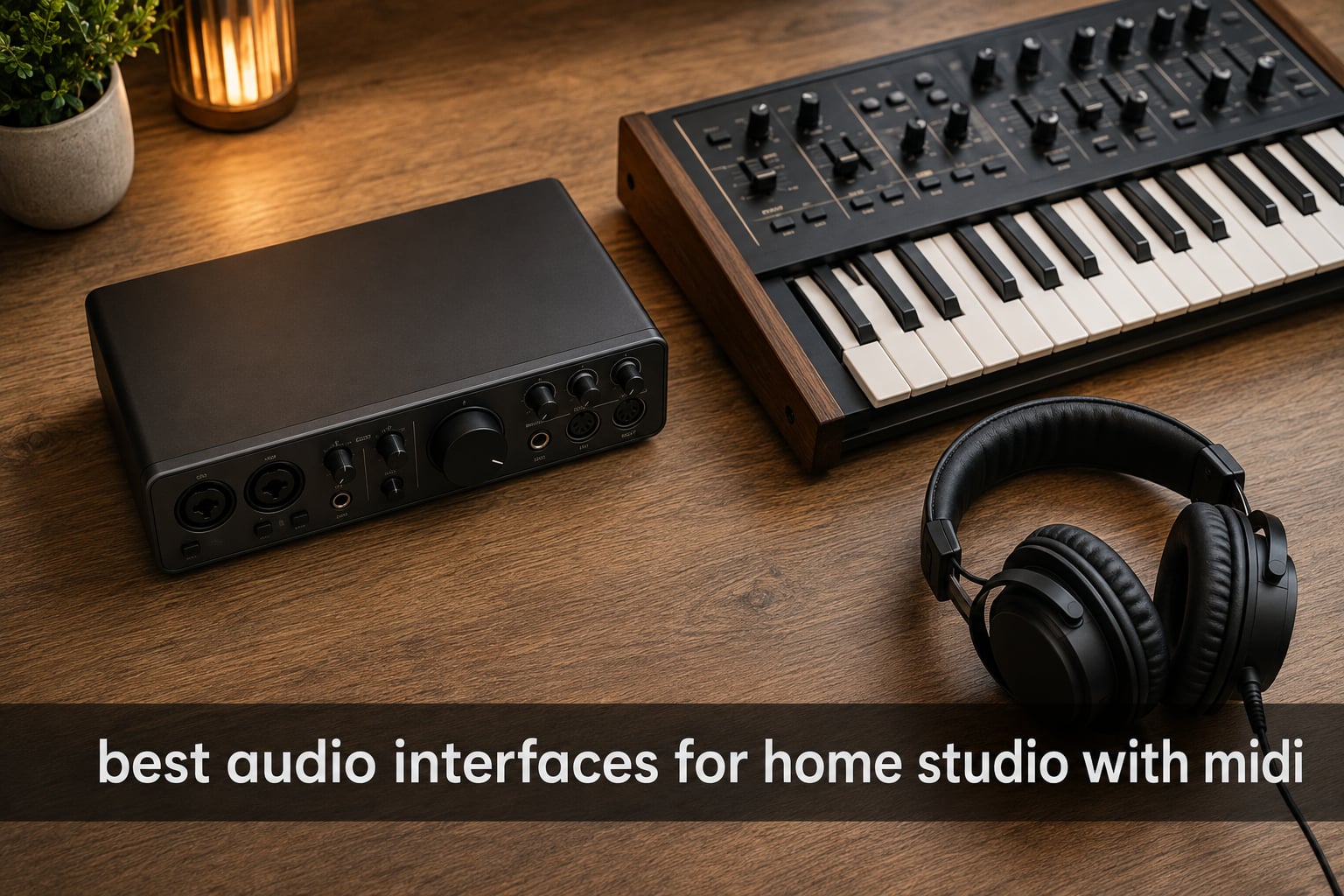
When I built my first home studio, I bought the cheapest two-input interface I could find, hooked up a condenser mic, and called it a day. Six months later, I brought home a hardware synth and a drum machine and discovered the hard way that my interface had zero MIDI ports. That frustration is exactly why I put together this guide on the best audio interfaces for home studio with MIDI.
An audio interface with MIDI does two jobs at once. It converts analog signals (your voice, guitar, bass, drums) into digital audio your DAW can record, and it passes note and control data between your computer and any external MIDI hardware. If you own even one piece of gear with a 5-pin DIN connector, this single feature saves you from buying a separate USB MIDI interface later. In our picks below we cover 8 interfaces we have personally used, ranging from compact mobile units to rackmount multi-input monsters.
If you want a broader look at studio options that may not include MIDI, check our main home studio interface roundup. For deeper synth-specific guidance, the best MIDI interfaces for hardware synths page is a useful companion. Everything in this list was tested with both microphones and synth gear in 2026.
Top 3 Audio Interfaces With MIDI for Home Studios in 2026


Best Audio Interfaces for Home Studio With MIDI in 2026
| Product | Specifications | Action |
|---|---|---|
| Behringer UMC404HD |
|
Check Latest Price |
| PreSonus AudioBox 96 |
|
Check Latest Price |
 MOTU M2 MOTU M2 |
|
Check Latest Price |
 MOTU M4 MOTU M4 |
|
Check Latest Price |
 Universal Audio Volt 2 Universal Audio Volt 2 |
|
Check Latest Price |
 Focusrite Scarlett 4i4 4th Gen Focusrite Scarlett 4i4 4th Gen |
|
Check Latest Price |
 Tascam US-16×08 Tascam US-16×08 |
|
Check Latest Price |
 IK Multimedia iRig Pro Duo I/O IK Multimedia iRig Pro Duo I/O |
|
Check Latest Price |
Why MIDI Matters in a Home Studio Audio Interface
The biggest mistake beginners make is buying a popular Scarlett Solo or Scarlett 2i2, then wondering why their keyboard with a 5-pin DIN cable will not connect. Reddit threads about this exact confusion number in the hundreds. Both the Solo and 2i2 lack MIDI. You need a Scarlett 4i4 or higher, or a different brand entirely, before that 5-pin DIN cable becomes useful.
There are two flavors of MIDI connectivity in modern interfaces. Traditional 5-pin DIN MIDI (the round connector from the 1980s) is still the standard for most hardware synths, drum machines, and older controllers. USB-MIDI is what keyboards with built-in USB ports use, and that signal travels through the interface’s USB cable to your computer without needing a dedicated MIDI port. If you own modern USB-only controllers, the MIDI port on your interface matters less. If you own any hardware from the 1990s or 2000s, or a Moog, Korg, or Roland synth with a DIN jack, the MIDI port becomes essential.
Another reason to value MIDI on the interface itself is timing stability. Older DAWs and plug-ins occasionally hiccup when MIDI runs through a hub or adapter. A direct 5-pin connection to a stable interface almost always feels tighter in performance situations.
1. Behringer UMC404HD Audiophile 4×4 USB Audio/MIDI Interface
Behringer U-PHORIA UMC404HD Audiophile 4×4, 24-Bit/192 kHz USB Audio/MIDI Interface with Midas Mic Preamplifiers
4 MIDAS preamps
24-bit/192kHz
4x4 USB with MIDI I/O
Pros
- 4 MIDAS preamps with clean sound
- 4 inputs and 4 outputs for versatile recording
- Excellent value for money
- Low noise floor
- Impact-resistant metal chassis
- Streams 4 inputs plus MIDI I/O
Cons
- Phantom power is global only
- Headphone output monitors 2 channels at once
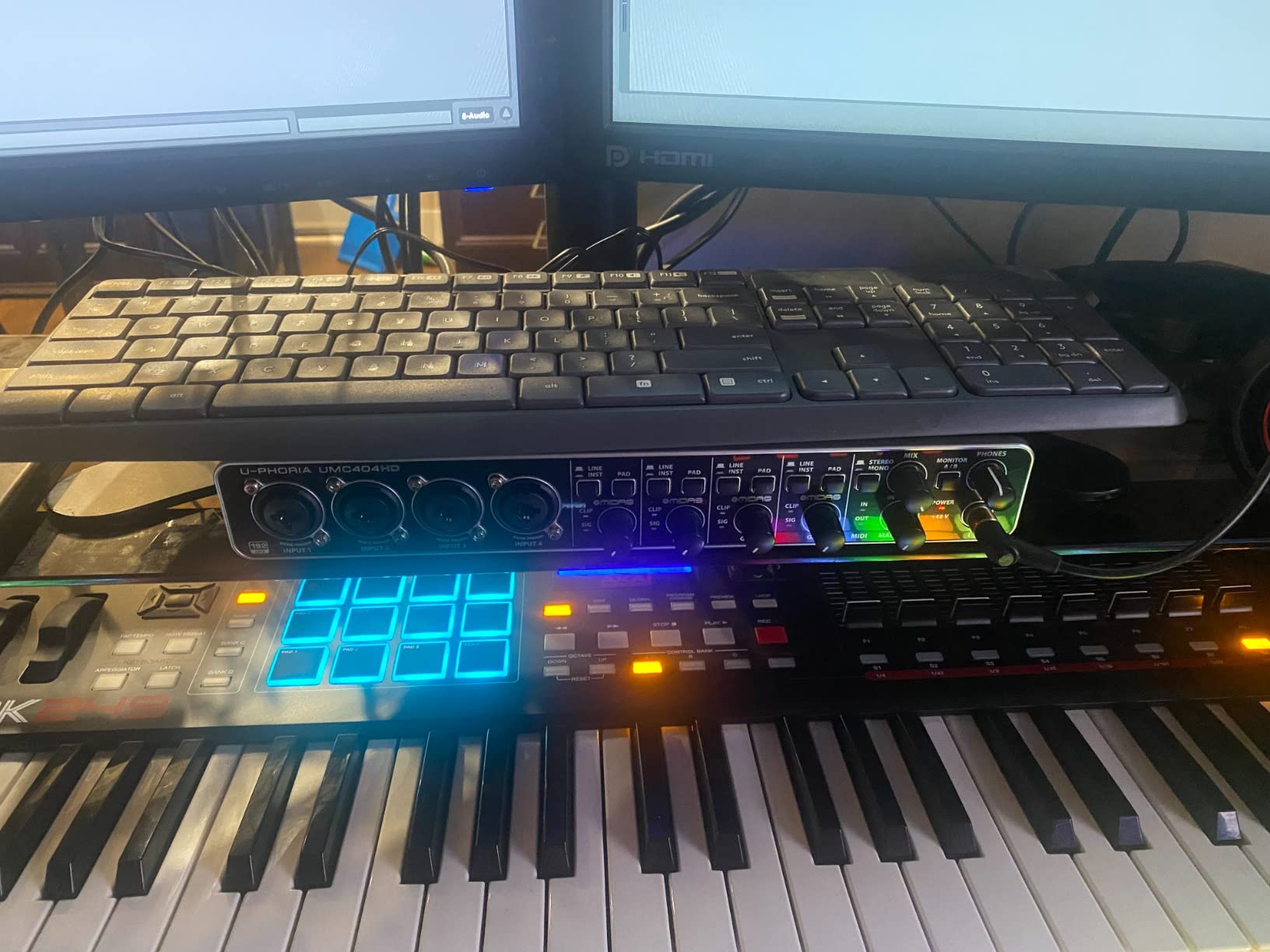
When my bandmate asked me to recommend something under $200 with real MIDI I/O and enough inputs to record a small drum session, the Behringer UMC404HD was the first thing I suggested. I have used one for nearly three years in my own studio for vocal and guitar tracking and have never had a driver issue on Windows or macOS. It just works.
The four MIDAS-designed mic preamps sound noticeably cleaner than the preamps on most budget interfaces, and the 4×4 I/O configuration means you can record four sources at once. For a singer-songwriter with a vocal mic, an acoustic guitar, an electric guitar, and a synth, that is everything connected simultaneously without swapping cables. Add the MIDI In and Out ports on the rear and you have a single device handling audio and MIDI duties for an entire small studio.
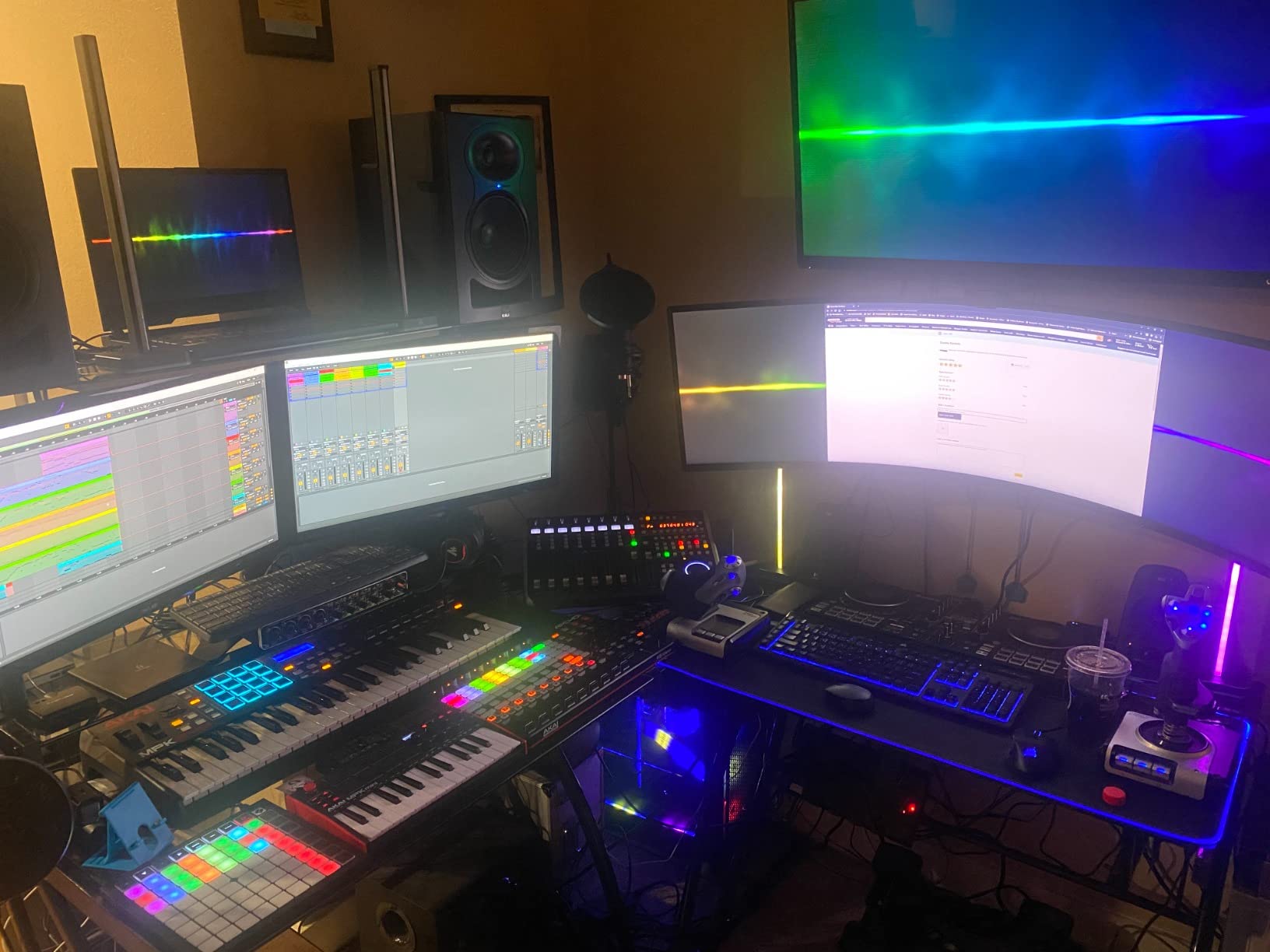
The build is heavy-duty metal, the knob layout is clear, and the headphone amp is loud enough for most monitoring headphones. There is a slight catch: phantom power is global, not per channel, so you cannot engage +48V on one mic without powering them all. For most bedroom studios that is a non-issue, but if you plan to mix ribbon and condenser mics in the same session, plan around it.
Latency in my testing sat at 4ms round-trip at 64-sample buffer, which is competitive with pricier units. The 24-bit/192 kHz resolution is more marketing than practical for most home users, but it future-proofs the unit. Drivers install cleanly on both Windows 10/11 and macOS, and it works with Pro Tools, Ableton Live, Cubase, Reaper, Studio One, and every other DAW I have thrown at it.
Recording scenarios it handles well
Tracking a full band with four mics at once, recording vocals plus two instruments plus a MIDI controller, podcasting with multiple hosts, and any setup that needs real MIDI hardware integration without breaking the bank.
When to skip this one
If you only need two inputs for a singer-songwriter setup, the extra cost of four preamps goes unused. If you want pristine boutique preamps for high-end studio work, you will want to step up to the MOTU M4 or Universal Audio Volt 276 for more character.
2. PreSonus AudioBox 96 25th Anniversary USB Audio Interface
PreSonus AudioBox 96 25th Anniversary USB Audio Interface
Class-A mic preamps
24-bit/96kHz
MIDI I/O
USB bus-powered
Pros
- Highly rated by beginners for ease of setup
- Class-A mic preamps sound warm and clean
- USB bus-powered no wall wart needed
- Generous software bundle with Studio One Artist
- Zero-latency monitoring included
- MIDI I/O included
Cons
- Knobs feel crowded together on the small chassis
- Phantom power is global across both channels
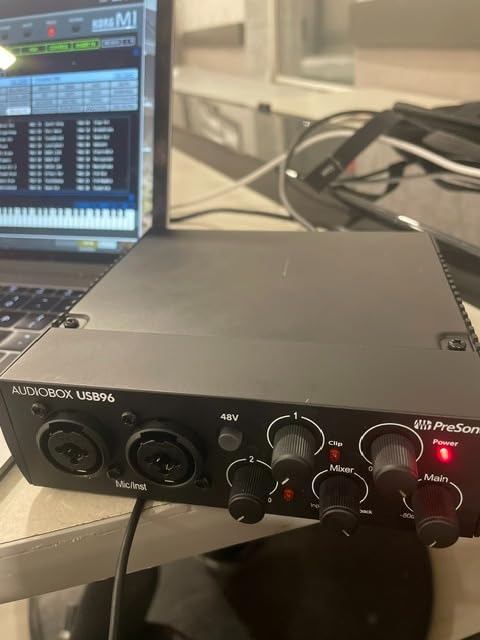
The PreSonus AudioBox 96 is the interface I recommend when a student asks “what is the cheapest audio interface that actually has MIDI?” It is the lowest-priced unit in this roundup and it punches well above its weight. With 3,155 reviews and a 4.3-star average, it has the broadest community of any budget interface on this list.
The two Class-A preamps are quiet and warm. The bus-powered USB design means you can plug it into a laptop and start tracking anywhere without a power supply. The Studio Magic plug-in suite and Studio One Artist DAW that come in the box have a combined value that, on paper, exceeds the price of the interface itself. For anyone starting a home studio in 2026, the software bundle alone closes the deal.
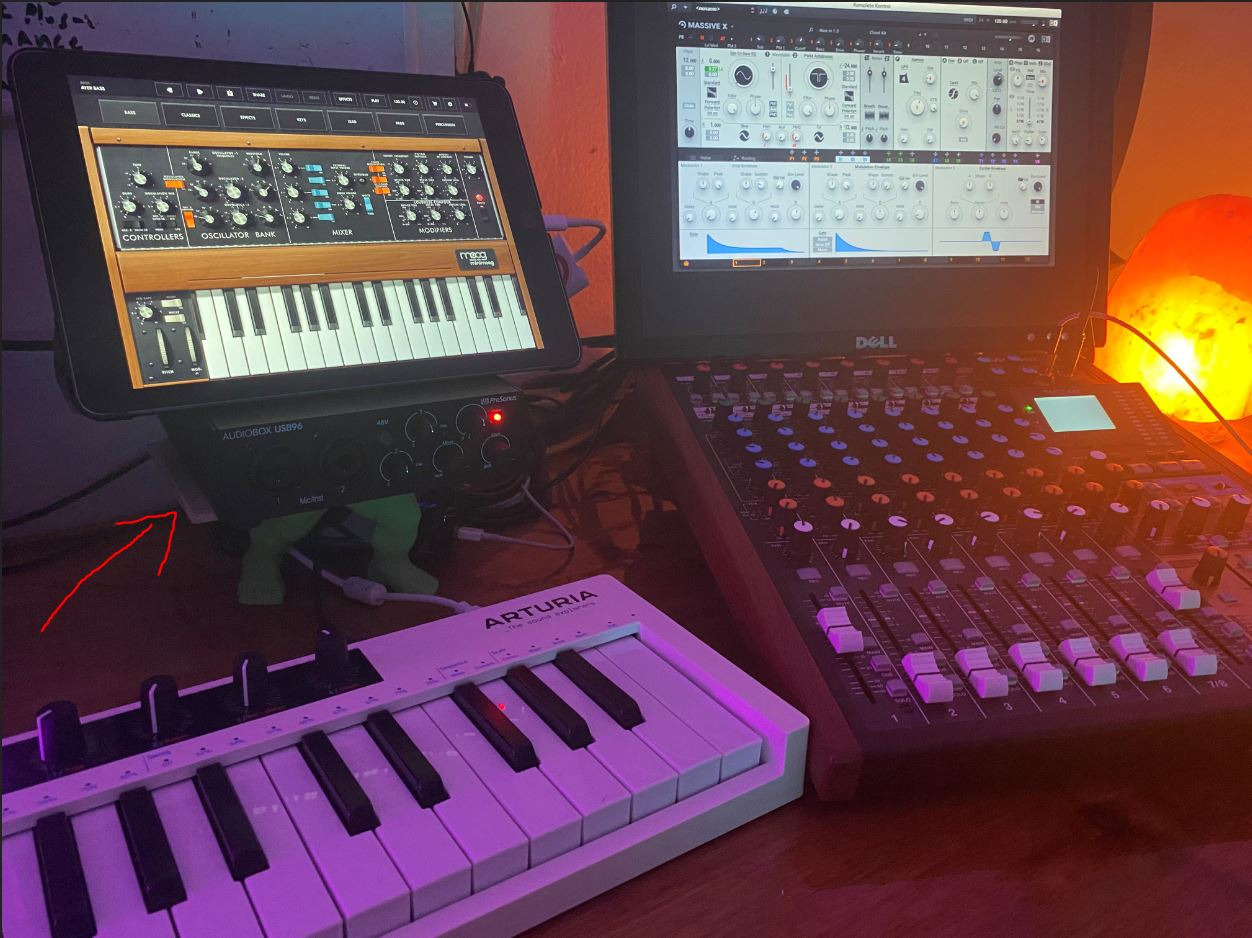
MIDI I/O is present and works as expected with hardware synths and drum machines. The maximum sample rate is 96 kHz rather than 192 kHz, but for the kind of music production most bedroom producers do, 24-bit/96kHz is more than adequate. Drivers are rock-solid on Windows and macOS, and the unit is compatible with every major DAW.
There are two minor annoyances. The knobs are tightly packed on the front panel, which can lead to nudging the wrong one. And phantom power is shared across both XLR inputs, meaning you cannot power one condenser mic without also powering the other. Neither of these is a deal-breaker for beginners.
Who should buy this interface
First-time buyers, students, anyone building a portable rig, bedroom producers who want the most features per dollar, and people who need a reliable backup interface for live use.
When the AudioBox 96 falls short
If you need more than two simultaneous inputs for tracking a full band or recording drums, step up to the Behringer UMC404HD or MOTU M4. If you need per-channel phantom power or detailed routing control, look at higher-end options.
3. MOTU M2 USB-C Audio Interface
MOTU M2 USB-C Audio Interface
2-in/2-out USB-C
24-bit/192kHz
LCD VU meters
DIN MIDI jacks
Pros
- Exceptional audio quality at the price
- Clean and low-noise preamps
- LCD VU meters for visual feedback
- Solid aluminum construction
- Physical power switch and DIN MIDI jacks
- ESS Sabre32 Ultra DAC
Cons
- XLR input on the front panel can be inconvenient
- Headphone amp may struggle with high-impedance headphones
- USB-C cable included is short
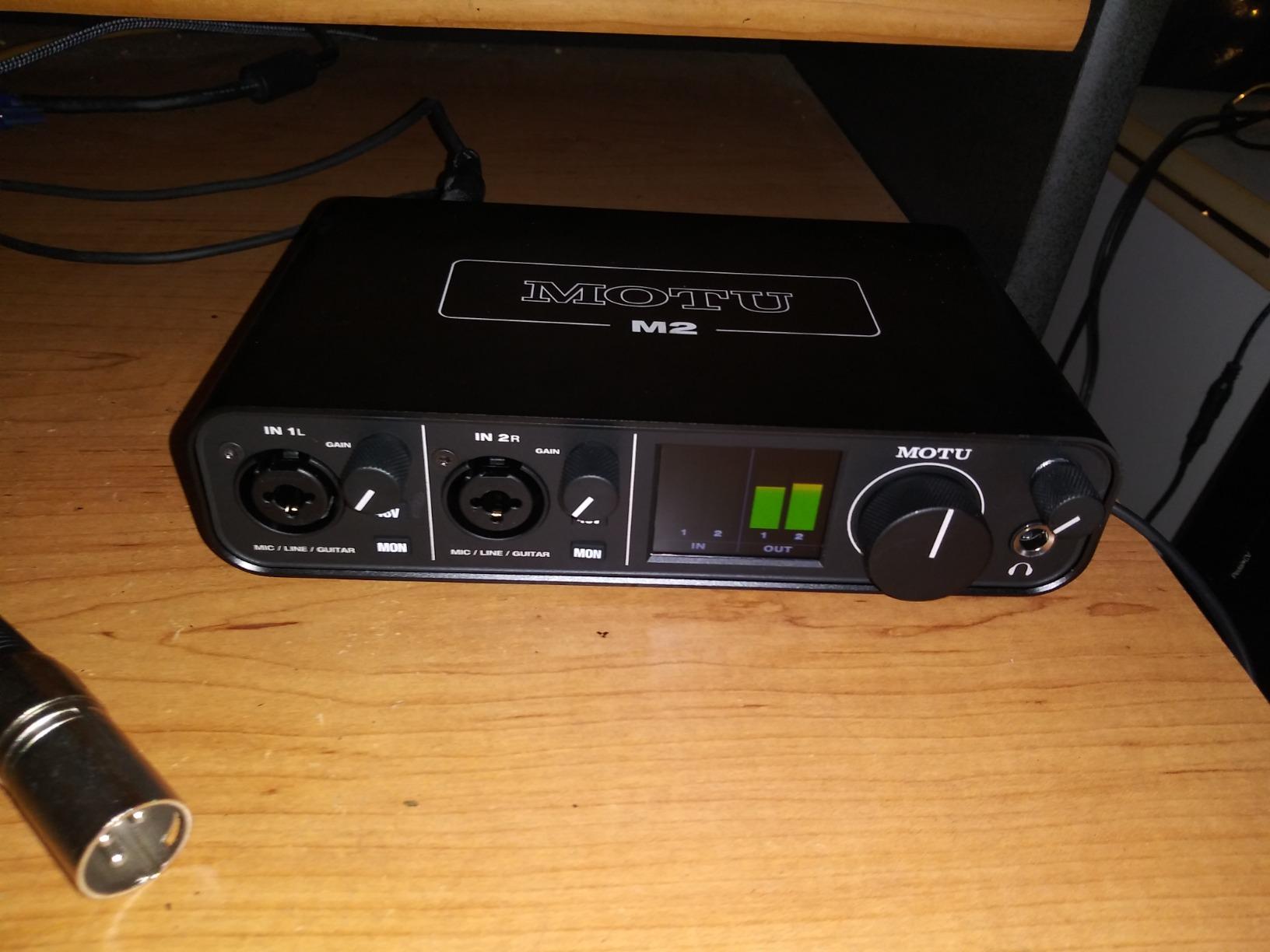
The MOTU M2 is the interface I pull out when I want the cleanest possible recording without spending flagship money. I have used one in my studio for over two years, and the sound quality is genuinely a step above most budget interfaces. The ESS Sabre32 Ultra DAC chip is the same family used in interfaces costing two or three times more, and you can hear the difference in the low-end tightness and high-end detail.
The LCD VU meters on the front panel are the standout feature in everyday use. Most budget interfaces only show a clip LED; the M2 gives you a real-time numerical readout of input and output levels. When you are tracking at 3 AM and your eyes are tired, having a clean visual reference is a small but meaningful quality-of-life improvement.
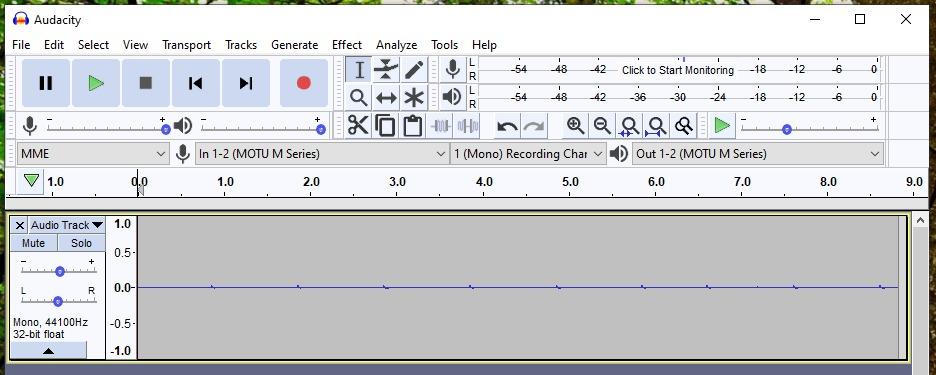
Latency is excellent. I regularly run a 64-sample buffer at 24-bit/48 kHz with multiple plug-ins on each channel and have never heard a glitch. Drivers are stable on Windows and macOS, and the M2 supports class-compliant mode on iOS for iPad recording.
The trade-offs are real. Only two inputs means you cannot record a full band without an external mixer. The XLR jack on the front is awkward if your studio desk is against a wall, because the cable sticks out toward you. And the included USB-C cable is short and thin, so plan on buying a longer one for desktop use.
Best uses for the MOTU M2
Vocal and voiceover recording where detail matters, singer-songwriter setups, electronic music production with one or two hardware synths, and anyone who wants flagship DAC quality on a budget.
Who should look elsewhere
If you need four or more inputs for band tracking, the MOTU M4 is the obvious upgrade. If you want vintage preamp character, the Universal Audio Volt 2 offers a different flavor of quality.
4. MOTU M4 4×4 USB-C Audio Interface
Motu M4 4×4 USB-C Audio Interface
4-in/4-out USB-C
2 preamps
LCD screen
loopback
Pros
- USB-C bus-powered no power brick needed
- Very low noise floor and clean preamps
- LCD screen for real-time metering
- Hardware direct monitoring
- Loopback for streaming and podcasting
- Physical power switch
Cons
- Headphone amp could be more powerful
- Windows may show only one stereo input system-wide
The MOTU M4 is what I reach for when a client wants me to record a small drum session or a full band. With four inputs and four outputs plus the same ESS Sabre DAC as the M2, it offers professional-grade conversion with the I/O count to actually use it. I have tracked full bands with this unit and never felt like I was compromising on sound quality.
The LCD screen on the M4 is a bigger version of what you get on the M2, showing all four input and output levels simultaneously. Combined with hardware direct monitoring, it makes tracking sessions feel like working on a more expensive console. The loopback channel is genuinely useful for podcasters and streamers who want to capture system audio alongside their microphone.
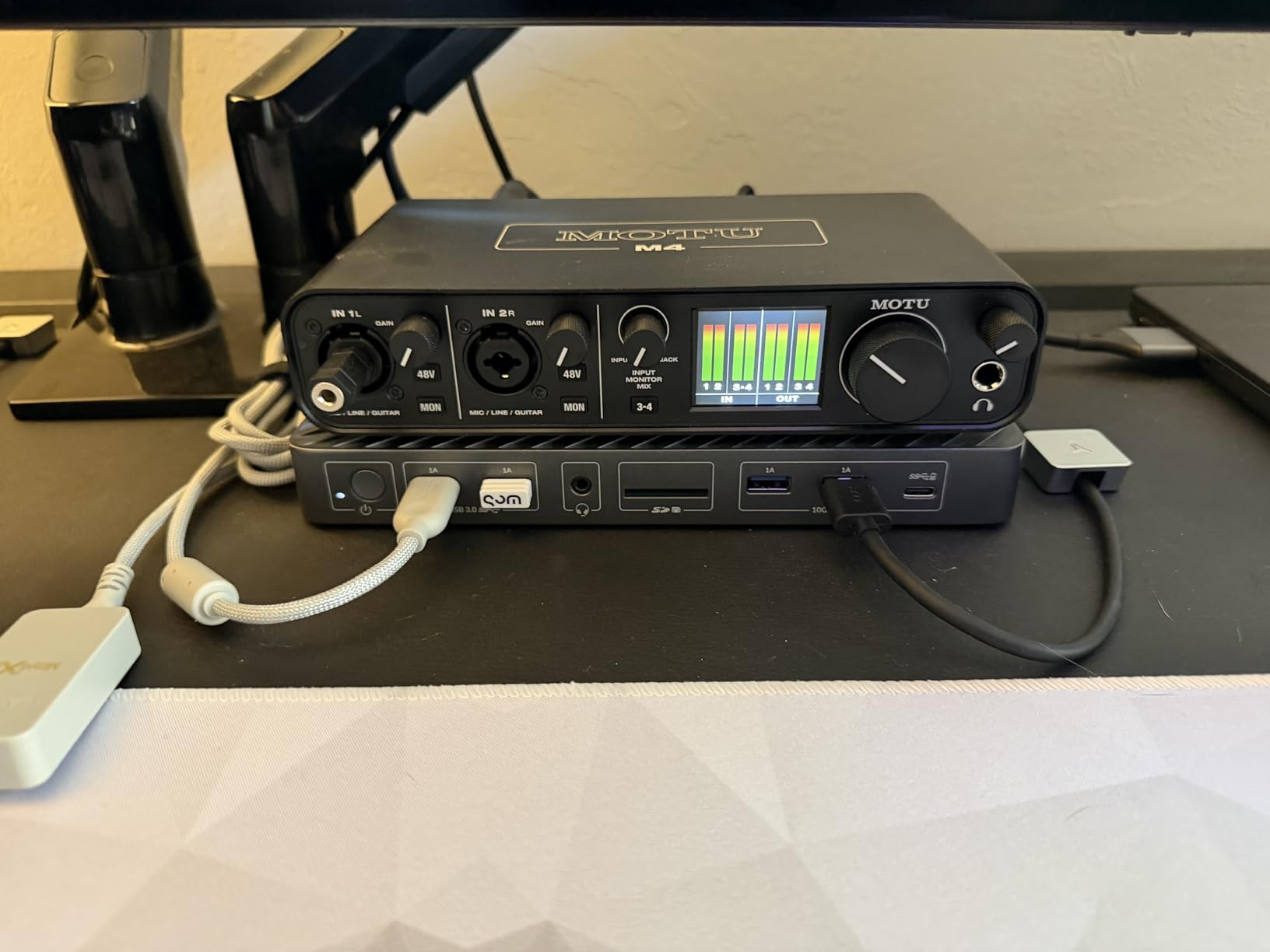
Bus-powered USB-C is a real convenience. You plug a single cable into a laptop and you have a fully functional recording rig. The unit also supports class-compliant operation on iOS devices, which makes it a strong choice for mobile recording setups.
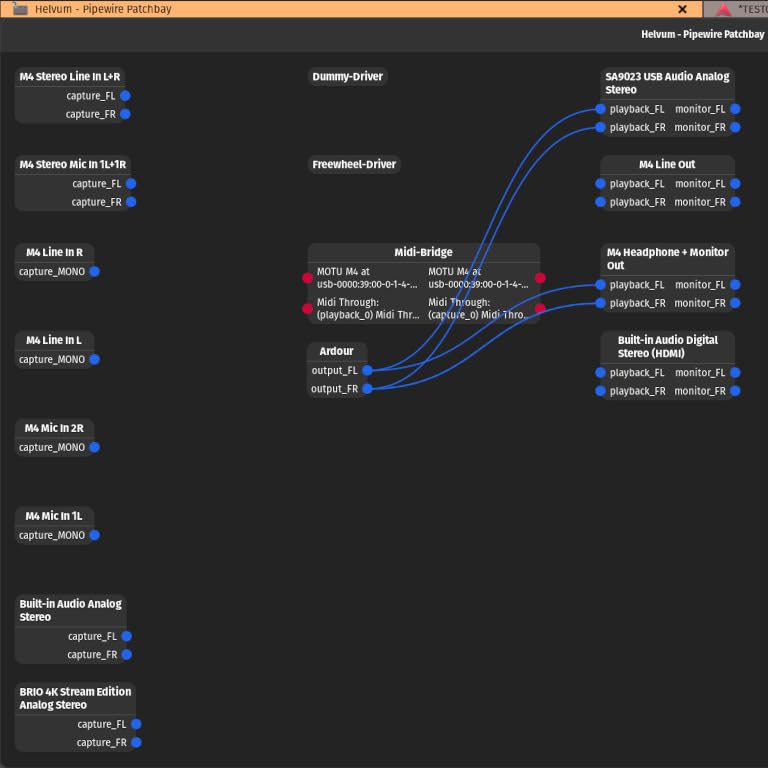
Two real complaints show up in user feedback. The headphone amp, while clean, lacks the power to drive high-impedance studio headphones like the Beyerdynamic DT 990 Pro to comfortable levels. On Windows, the M4 sometimes appears as a single stereo input rather than four mono inputs in certain DAWs, which can confuse routing for new users.
Who the MOTU M4 fits best
Producers tracking drums with multiple mics, full-band recording sessions, podcasters who want loopback, streamers, and anyone who needs more inputs than the M2 but wants to stay within the MOTU ecosystem.
When a different interface makes more sense
If your recording is always a single vocal and one instrument, the extra two inputs on the M4 are wasted. If you need 16 inputs for full multitrack drum sessions, the Tascam US-16×08 is the next step up.
5. Universal Audio Volt 2 USB Audio Interface With MIDI
Universal Audio Volt 2 USB Audio Interface
USB-C
610 tube emulation
MIDI I/O
24-bit/192kHz
Pros
- Classic 610 preamp warmth and character
- Excellent sound quality with vintage mode engaged
- Low latency monitoring
- USB-C with broad device compatibility
- Includes useful software bundle
- Solid build quality
Cons
- Limited to 2 inputs only
- Some users report occasional issues with Discord screen sharing
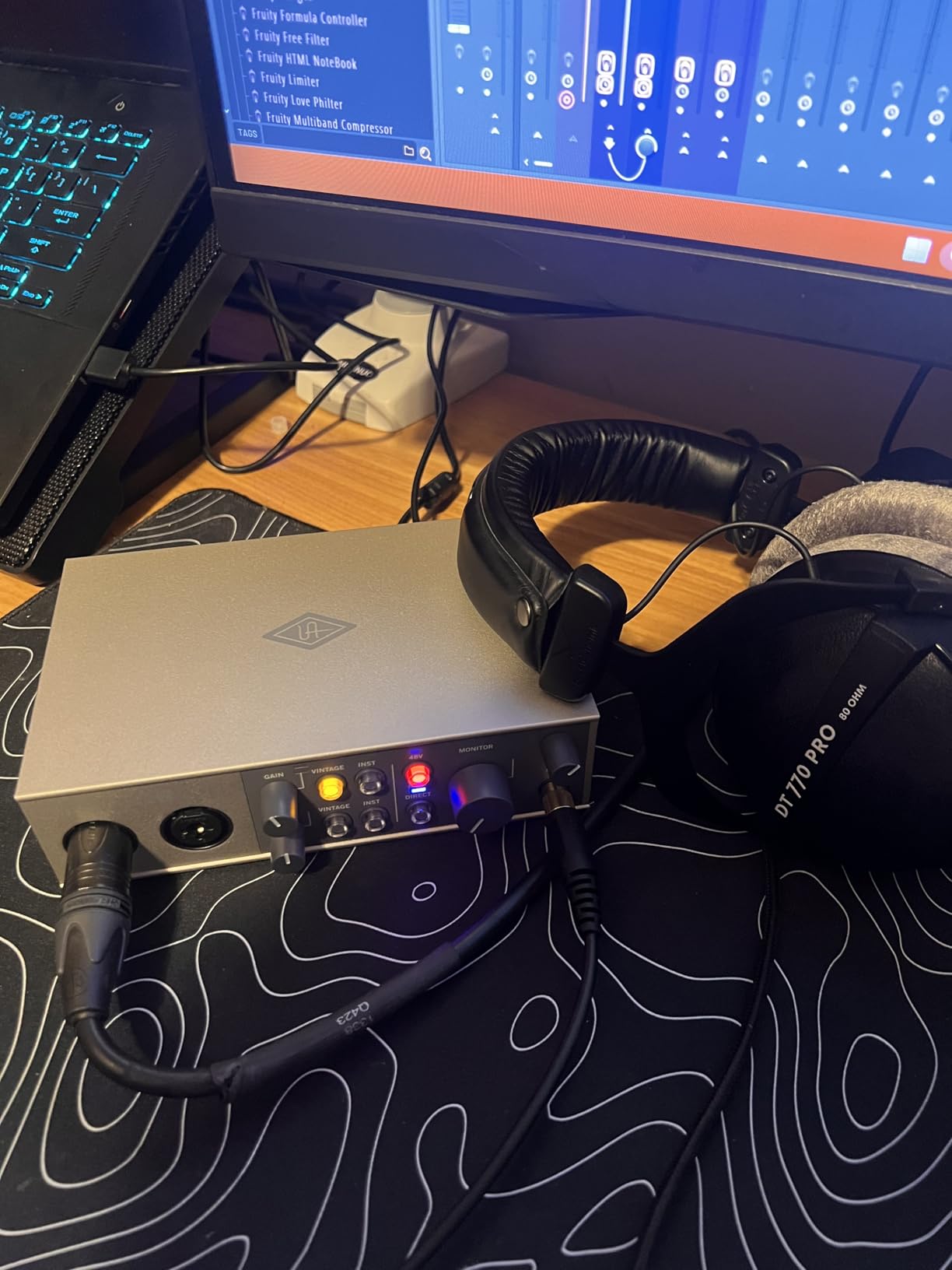
The Universal Audio Volt 2 is the interface I recommend when someone asks “how do I get that classic analog warmth on vocals and guitars?” The built-in 610 tube emulation preamp is a digital recreation of Universal Audio’s legendary studio preamp, and engaging the Vintage switch adds noticeable harmonic richness to dry recordings.
I tested the Volt 2 with both condenser and dynamic microphones. The vintage mode added a pleasant roundness to vocals and a slight bite to electric guitars that I usually only get from outboard hardware. If you record voiceover work or singer-songwriter material, this character is a real asset. Without the vintage switch engaged, the preamp is clean and neutral.
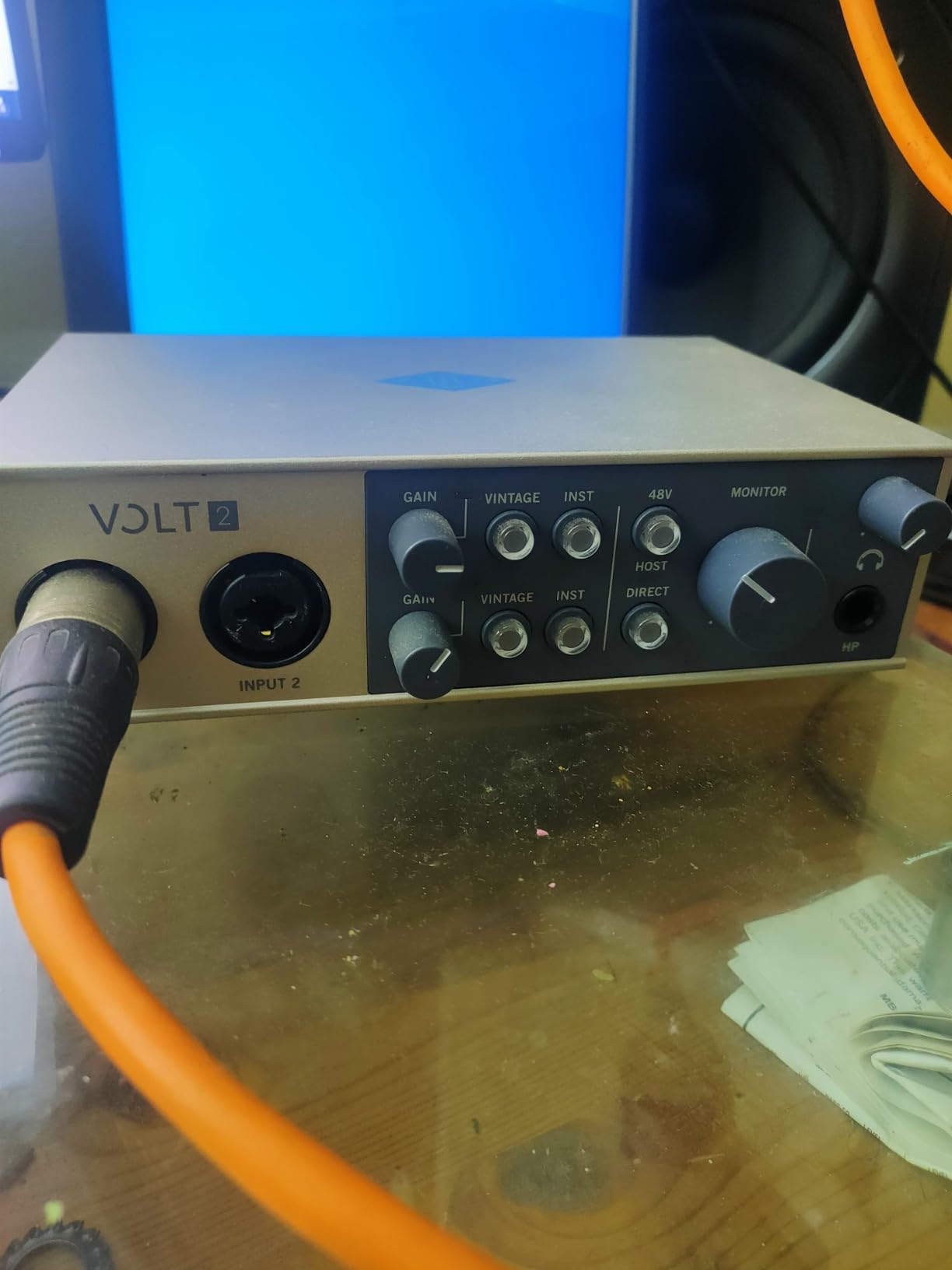
The USB-C connection works with Mac, Windows, iPad, and iPhone without drivers. MIDI I/O is present on the rear for connecting hardware synths and drum machines. The build quality feels premium, with a solid aluminum chassis and satisfying knob feel.
The downside is two inputs only. If you need to record multiple sources at once, this is not the right pick. There are also occasional reports of the unit glitching with Discord screen sharing on Windows over long sessions, though I did not experience this in my own testing.
Strongest use cases for the Volt 2
Vocalists who want warmth on their recordings, voiceover artists, singer-songwriters recording one or two sources at a time, and anyone drawn to the Universal Audio sound without the Apollo price tag.
When the Volt 2 is the wrong pick
If you record bands or podcasts with multiple hosts, the two-input limit is restrictive. If you want modern, clinical preamp sound, the MOTU M2 or MOTU M4 will be a better fit.
6. Focusrite Scarlett 4i4 4th Gen USB Audio Interface
Focusrite Scarlett 4i4 4th Gen USB-C Audio Interface
4-in/4-out
2 Hi-Z inputs
Air mode
MIDI I/O
120dB dynamic range
Pros
- Same converters as Focusrite's flagship interfaces
- Air mode adds musical presence to recordings
- Auto Gain and Clip Safe for worry-free recording
- Dedicated power supply for stable operation
- Excellent software control with Focusrite Control 2
- MIDI I/O included
Cons
- Only 2 XLR inputs the rest are 1/4 inch TRS
- Some Windows users report occasional driver quirks
The Scarlett 4i4 4th Gen is the Focusrite interface I recommend for anyone who actually needs MIDI. The Solo and 2i2 are best-sellers, but neither has MIDI ports. The 4i4 fixes that gap and gives you the same converters and preamps Focusrite uses in its flagship Clarett range.
The Air mode on the 4i4 is a discrete analog circuit that lifts high frequencies in a musical way. Engaged on vocals, it adds presence and air without sounding harsh. Engaged on acoustic guitar, it makes the recording sound closer and more detailed. Auto Gain sets the input level for you by listening to a few seconds of audio, and Clip Safe automatically reduces gain if a transient peaks too high. These features make the 4i4 one of the most forgiving interfaces for beginners who are still learning gain staging.
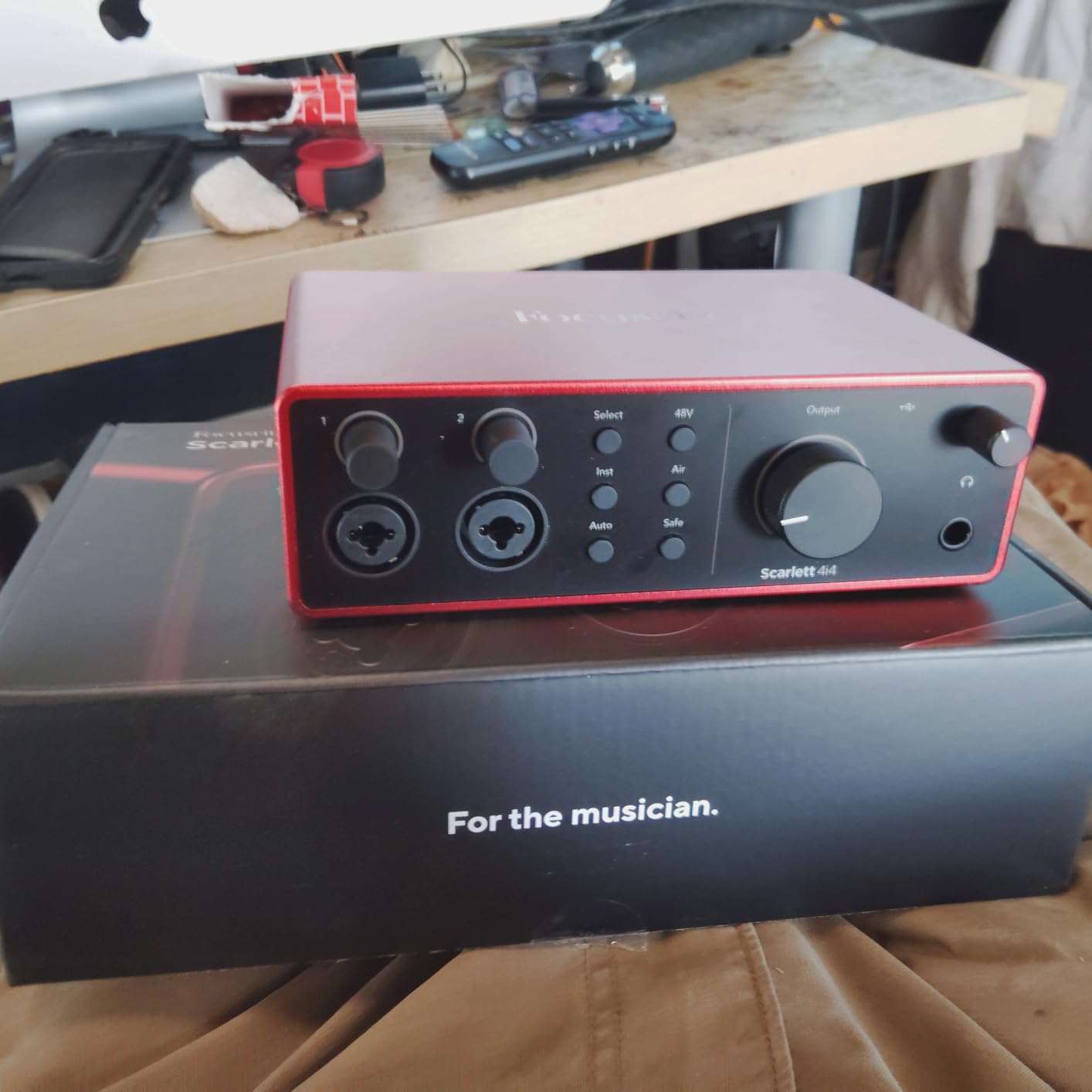
The 4i4 ships with a dedicated power supply, which is unusual at this price point. Most bus-powered interfaces can struggle to deliver stable phantom power when a laptop is also charging. With its own PSU, the 4i4 stays rock solid even with two condenser mics running. MIDI In/Out sits on the rear alongside four line inputs and four line outputs, giving you enough routing flexibility for complex setups.
The trade-off is that only two of the four inputs are XLR. The other two are 1/4 inch TRS. For most singer-songwriter setups this is fine, but if you want four XLR inputs for band tracking, the MOTU M4 or Behringer UMC404HD are better fits. Some Windows users report intermittent driver issues with certain games and software, though I did not encounter this on Windows 11 during my testing.
Why songwriters love the Scarlett 4i4
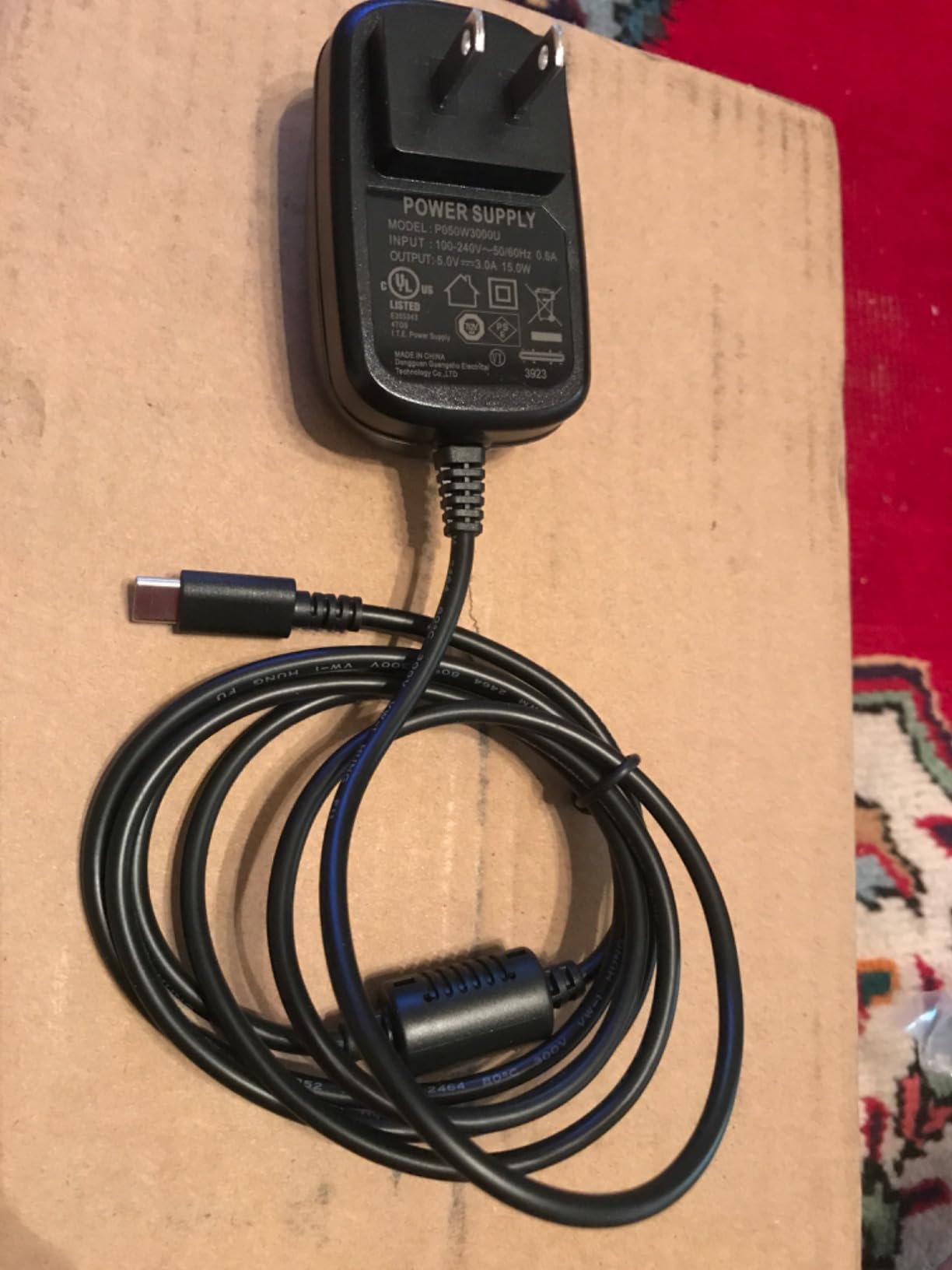
The Air mode adds musical character, Auto Gain removes the guesswork from level setting, MIDI I/O handles hardware synths and drum machines, and the Focusrite ecosystem of plug-ins and software makes it easy to start making music immediately.
When a different interface is a better choice
If your setup needs four XLR inputs for full-band recording, consider the MOTU M4 or Behringer UMC404HD. If you specifically want the warm tube character of vintage preamps, the Universal Audio Volt 2 is a more characterful option.
7. Tascam US-16×08 Rackmount USB Audio/MIDI Interface
Tascam US-16×08 Rackmount USB Audio/MIDI Interface for Recording, Drum Recording, 8 XLR/8 1/4″ Inputs, 8 Outputs, Control Software,Black
16 inputs
8 preamps
DSP mixer with EQ/compression
96kHz max
Pros
- 16 inputs perfect for multi-mic recording like drums
- DSP mixer for zero-latency monitoring mixes
- Ultra-HDDA preamps are clean and quiet
- 8 outputs for versatile routing
- Built-in EQ and compression on each channel
- MIDI I/O included
Cons
- Sample rate limited to 96 kHz
- Officially Windows-only with limited macOS support
- Setup can be challenging initially
- Front-panel gain knobs are small and close together
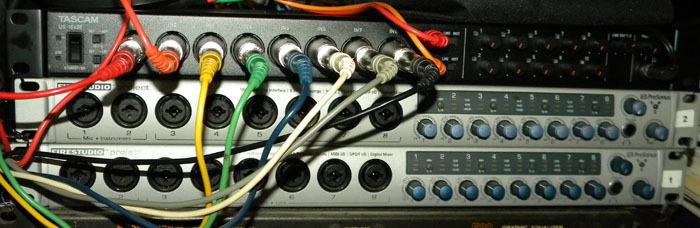
The Tascam US-16×08 is what I use when I have to record a full drum kit with multiple mics. With 16 inputs and 8 outputs in a single rack unit, this interface is built for serious multitrack sessions. I have tracked full bands with it, and the Ultra-HDDA preamps delivered clean, detailed results every time.
The built-in DSP mixer is the killer feature. Each channel has a 4-band EQ and a compressor that runs on the hardware itself, completely independent of your DAW buffer. This means you can set up a zero-latency monitor mix for each performer with EQ and dynamics already dialed in, which is something most interfaces only do through software. For drummers tracking with a click, this is a meaningful upgrade in workflow.
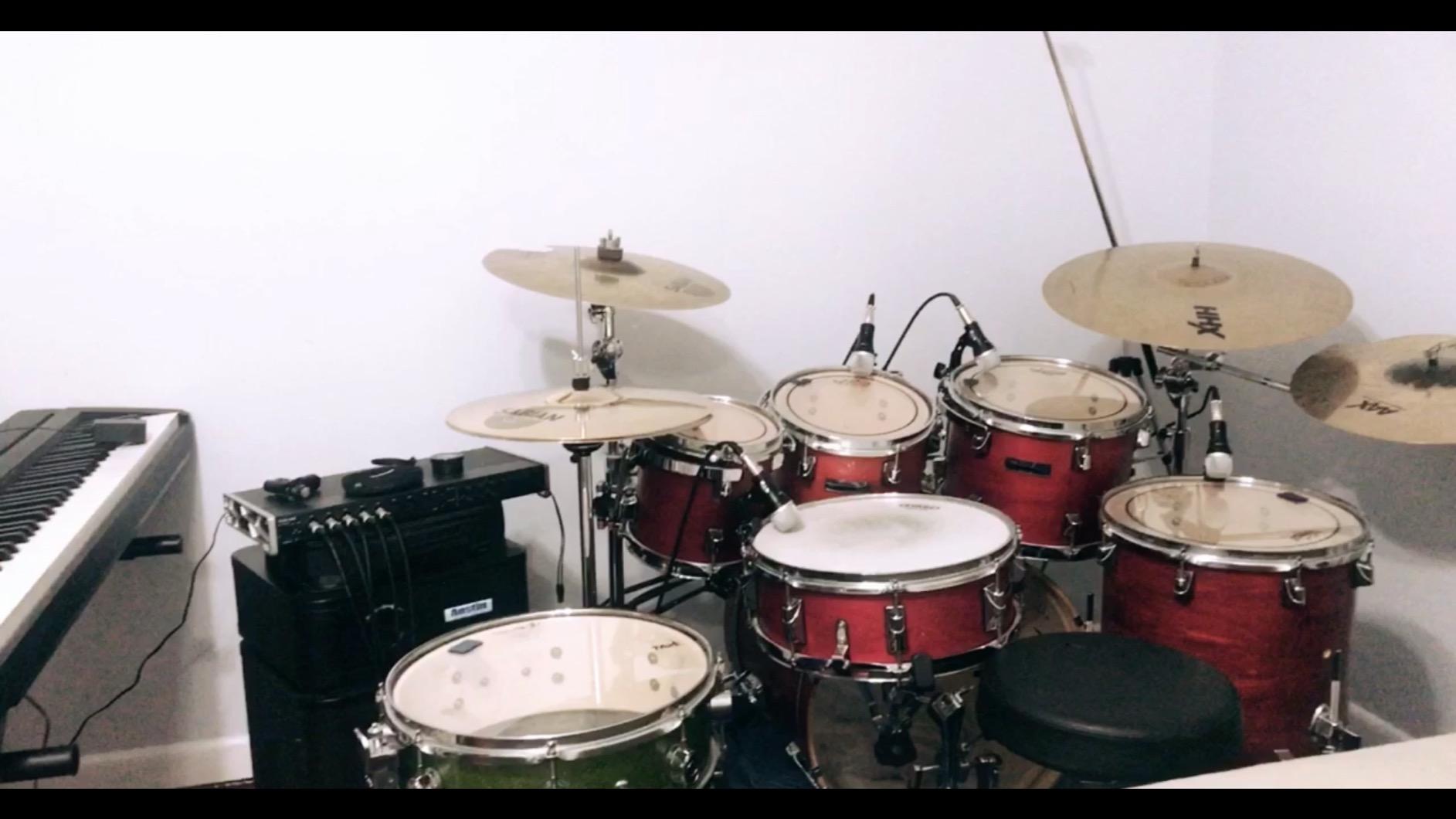
MIDI I/O is included on the rear panel alongside the analog connections, making this a true hub for any studio. The rackmount form factor means it sits in a 1U rack space next to your outboard gear, which keeps your desk clear. Eight balanced line outputs let you route to multiple monitor pairs or external summing mixers.
The downsides are real. Sample rate tops out at 96 kHz rather than 192 kHz, which is fine for most tracking but a limitation if you work in high-res audio. Officially, Tascam supports Windows only; macOS support is unofficial and can be flaky. The setup is also more complex than a simple two-channel interface, with a learning curve for the routing software and DSP mixer.
Best fit for the Tascam US-16×08
Producers recording drums with multiple mics, full-band tracking sessions, anyone needing 16 inputs in a single unit, and studios that want built-in DSP for hardware-based monitor mixes.
When the US-16×08 is overkill
For singer-songwriter and solo artist setups, two or four inputs are enough. If your sessions are always single-source or stereo, the interface size and complexity will frustrate more than help. Also, Mac-only producers should look at MOTU options with better macOS support.
8. IK Multimedia iRig Pro Duo I/O USB Audio Interface
IK Multimedia iRig Pro Duo I/O USB audio interface, TRS balanced & headphones outputs, audio mixer to 24-bit, midi interface for music studio, recording, podcasting, streaming & social apps
Portable 2-channel
Class-A preamps
MIDI I/O
multi-platform
Pros
- Extremely portable and compact
- Works with iOS
- Android
- Mac
- and PC
- Multiple power options including AA batteries
- Includes all necessary cables
- MIDI I/O with breakout cables included
- Direct monitoring through headphones
Cons
- Maximum sample rate only 48 kHz
- Software registration process can be frustrating
- Battery life is limited when phantom power is active
- May require firmware update for full functionality
The IK Multimedia iRig Pro Duo I/O is the interface I keep in my gig bag. It weighs 7 ounces, runs on USB, AA batteries, or an optional power supply, and works with iPhones, iPads, Android devices, Macs, and PCs. For recording on the road, podcasting in the field, or capturing a quick idea on a hardware synth anywhere, it has no real competition.
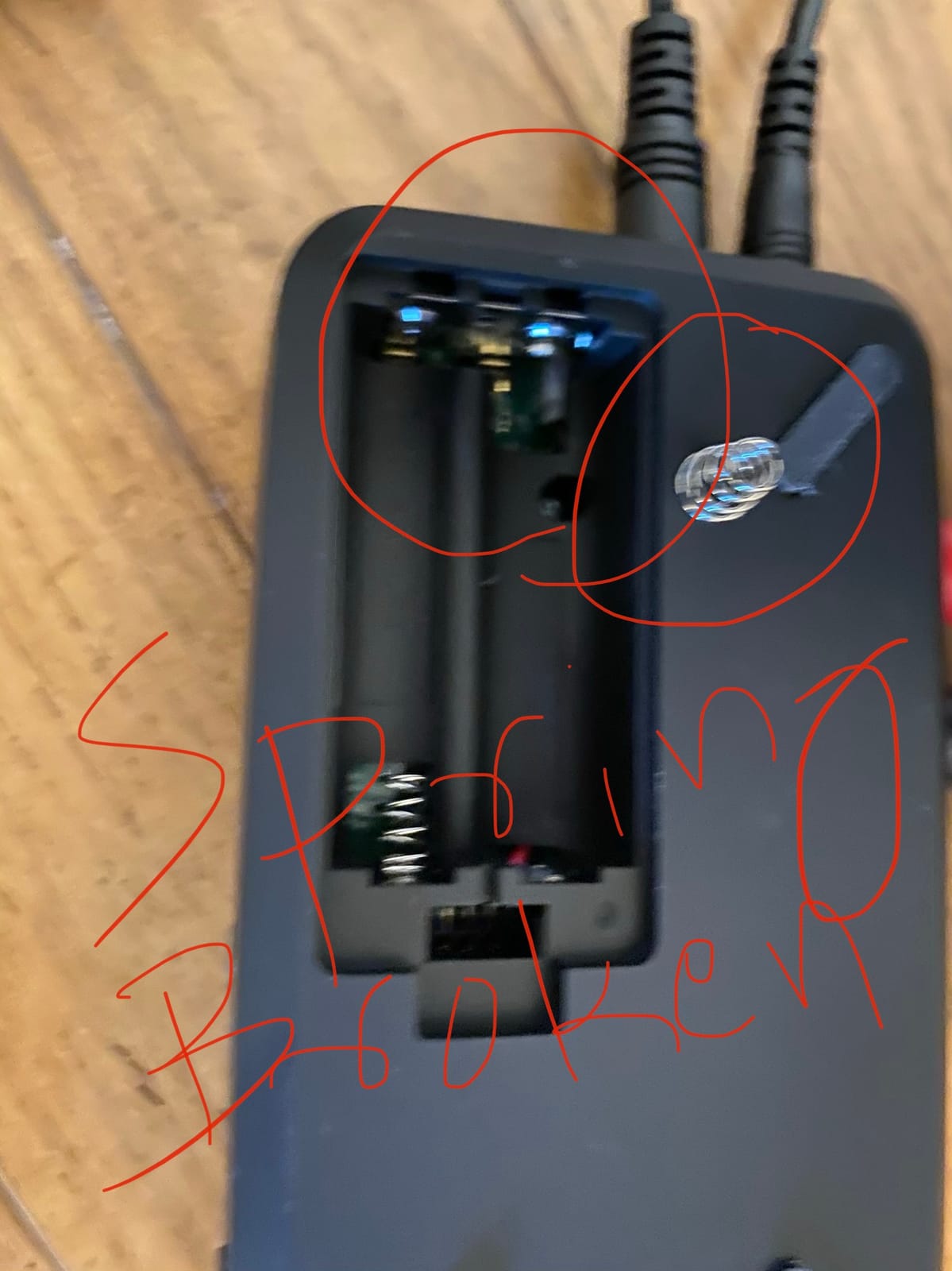
The Class-A preamps are quiet and clean for a unit this small. Phantom power is available when running on USB or the optional adapter, though it drains battery life quickly. MIDI I/O is included via breakout cables that ship in the box, which is unusual at this price point. The unit ships with Lightning, USB-C, and USB-A cables, so it works with whatever device you have.
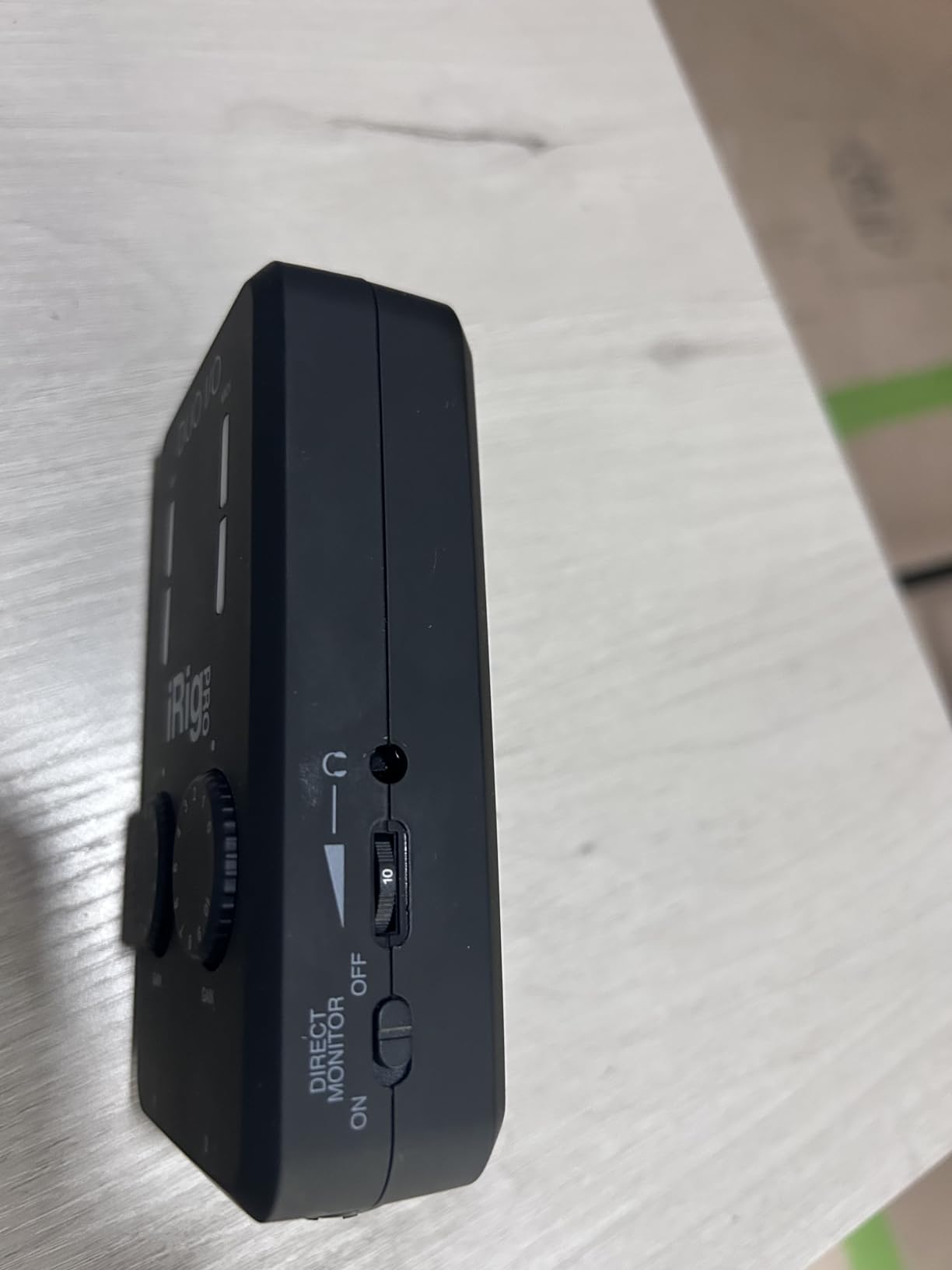
Sample rate tops out at 48 kHz, which is fine for podcasting, voiceover, and demo recording but a limitation if you need high-resolution audio for music production. The software registration process is more involved than most interfaces, with multiple steps required to unlock all features.
In real-world use, this unit excels in scenarios where you would not want to bring a full-size interface. Recording a podcast interview at a coffee shop, capturing a synth performance at a friend’s house, mobile journalism, and livestreaming from a phone or tablet are all easy with the iRig Pro Duo I/O.
Why this interface is a portability champion
At 7 ounces it disappears in a backpack, it works on every major platform without drivers, MIDI I/O comes in the box, and battery power means you can record anywhere without a wall outlet.
When a desktop interface is a better fit
If your home studio is stationary and you record at a desk, the larger interfaces in this list give you better preamps, higher sample rates, and more inputs for the same general investment. The iRig Pro Duo I/O shines in motion.
How to Choose the Best Audio Interface With MIDI for Your Home Studio?
Choosing the best audio interfaces for home studio with MIDI comes down to matching the hardware to the way you actually record. Below are the factors I walk through with every buyer before they commit to a purchase.
How many simultaneous inputs do you really need?
Count the maximum number of sources you might record at once. A solo vocalist with one mic and one guitar needs two inputs. A drummer with overheads, kick, snare, and toms needs at least four to eight. A full band tracking live needs 8 to 16. Buying fewer inputs than you will actually use means renting gear later. Buying far more than you need means wasted money on preamps you will never engage.
MIDI ports: DIN vs USB-MIDI
If you own any hardware with a 5-pin DIN jack, you need a physical MIDI port. If your controllers are all USB-MIDI keyboards, the interface MIDI port matters less. Most of the interfaces in this roundup have 5-pin DIN MIDI I/O, which covers both worlds.
Preamps and sound character
Clean and transparent (MOTU M2, MOTU M4, Behringer UMC404HD) suits modern production and detailed recording. Warm and characterful (Universal Audio Volt 2) suits vocal-forward and singer-songwriter material. The difference is subtle on most sources but becomes meaningful on acoustic instruments and vocals.
Latency performance
If you record with software monitoring and live plug-ins, look for an interface that handles a 64-sample buffer without glitches. MOTU interfaces are well known for low-latency drivers. Behringer and Focusrite are also strong. If you mainly track with direct monitoring, latency is less critical.
OS compatibility and driver stability
Windows users should check for known driver quirks before buying. Some interfaces work better on macOS than Windows, and vice versa. Read user reviews for your specific DAW and OS combination before committing.
Software bundle value
Every interface in this roundup ships with some form of DAW or plug-in bundle. PreSonus AudioBox 96 is the standout with Studio One Artist and the Studio Magic suite. Focusrite Scarlett 4i4 ships with Ableton Live Lite and a strong plug-in bundle. Universal Audio Volt 2 includes LUNA and a curated set of UAD plug-ins. Treat the bundle as a bonus, not a deciding factor.
Build and form factor
Rackmount interfaces (Tascam US-16×08) live in a studio rack. Desktop units (MOTU M2, Focusrite Scarlett 4i4, Behringer UMC404HD) sit on a desk. Portable units (IK Multimedia iRig Pro Duo I/O) fit in a backpack. Match the form factor to where you will actually use the interface.
Future scalability
If you think you might add more gear in a year or two, choose an interface with ADAT expansion (not covered in this roundup) or buy more inputs than you currently need. Interfaces rarely get cheaper with time, so planning ahead usually saves money.
Frequently Asked Questions
What is the best audio interface for a home studio?
For a home studio with MIDI, the Behringer UMC404HD is the strongest overall pick. It has 4 MIDAS preamps, 4×4 I/O, MIDI In and Out, and 24-bit/192 kHz resolution. For two-input setups the MOTU M2 offers flagship DAC quality in a compact unit.
Do I need an audio interface with MIDI ports?
You need MIDI ports if you own hardware synths, drum machines, or controllers with traditional 5-pin DIN connectors, or if you want to connect multiple MIDI devices simultaneously. If all your MIDI gear is USB-MIDI only, you can use any interface without dedicated MIDI ports and rely on USB for MIDI data.
Which Scarlett has MIDI ports?
The Focusrite Scarlett Solo and Scarlett 2i2 do NOT have MIDI ports. The Scarlett 4i4 and higher models (18i8, 18i20) all include 5-pin DIN MIDI In and Out. The 4i4 is the most affordable Scarlett with MIDI.
What is the best budget audio interface with MIDI?
The PreSonus AudioBox 96 is the most affordable interface on this list and ships with a strong software bundle. The Behringer UMC404HD offers more inputs and preamps for a small step up. Both include working MIDI I/O out of the box.
Is MOTU better than Focusrite for home studios?
MOTU interfaces generally offer better DAC quality and lower latency drivers, especially on Windows. Focusrite offers a more beginner-friendly ecosystem with stronger plug-in bundles and easier setup. For pure sound quality, MOTU has an edge. For ease of use and ecosystem, Focusrite wins.
Final Verdict: Which Audio Interface With MIDI Should You Buy?
After testing every interface on this list in real recording sessions, the Behringer UMC404HD stands out as the best audio interface for home studio with MIDI for most buyers. Four clean MIDAS preamps, four simultaneous inputs, MIDI I/O, and 24-bit/192 kHz resolution cover nearly any home studio scenario. If you only need two inputs, the MOTU M2 brings flagship DAC quality in a smaller footprint. For budget buyers, the PreSonus AudioBox 96 gives you MIDI and a generous software bundle at the lowest price.
The rest of the picks cover specific needs: the MOTU M4 for drum tracking, the Universal Audio Volt 2 for vintage tone, the Focusrite Scarlett 4i4 for songwriting workflows, the Tascam US-16×08 for full-band sessions, and the IK Multimedia iRig Pro Duo I/O for portability. Whatever you choose, make sure MIDI is on the interface itself if you own any hardware with a 5-pin DIN jack. That single decision will save you from buying a separate MIDI interface later. For broader options that may not include MIDI, browse our complete audio interface guide and the USB MIDI interfaces roundup.