
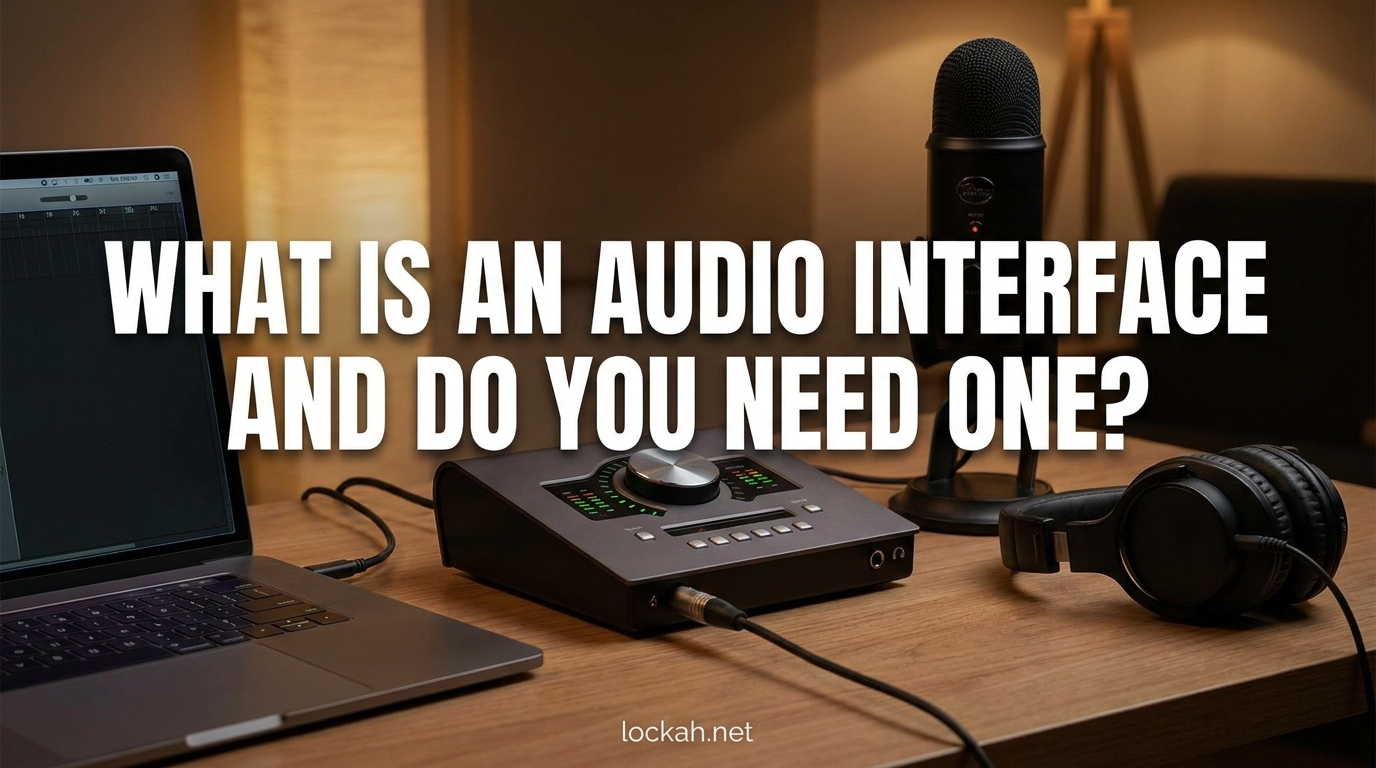
An audio interface is the bridge between your instruments or microphones and your computer. If you’ve ever wondered why your recordings sound thin, why you hear annoying delays while singing, or whether you really need to spend money on extra gear, this guide will give you clear answers.
I have spent years recording music, podcasts, and voiceovers in home studios. I started with nothing but a laptop’s built-in microphone and gradually worked my way up through every possible configuration.
By the end of this article, you will understand exactly what is an audio interface and do you need one for your specific situation.
Table of Contents
What is an Audio Interface?
An audio interface is an external device that converts analog audio signals from microphones and instruments into digital data your computer can process, and back again for playback through speakers or headphones.
Think of it as an external sound card designed specifically for recording and playback. While your computer has a built-in sound card, it is optimized for basic tasks like video calls and system sounds, not professional audio work.
Why Your Computer’s Built-In Audio Falls Short?
Your laptop or desktop sound card does a decent job for everyday tasks. However, it lacks the quality components needed for capturing nuanced audio.
The preamps in built-in audio are noisy and weak. They cannot provide enough clean gain for professional microphones. There is also no way to connect an XLR microphone, which is the standard for quality recording.
The Signal Flow Explained
Here is the simple path your audio takes:
Microphone or Instrument -> Audio Interface Preamp -> Analog-to-Digital Converter -> Computer
For playback, the process reverses:
Computer -> Digital-to-Analog Converter -> Headphones or Studio Monitors
This conversion process is what makes an audio interface essential for quality recording.
How an Audio Interface Works?
Understanding the mechanics helps you make better decisions about what features actually matter for your setup.
Analog-to-Digital Conversion (ADC)
Sound exists in the physical world as analog waves. Your computer only understands digital data, ones and zeros. The ADC samples your analog signal thousands of times per second and creates a digital representation.
Higher quality converters capture more detail. This is why expensive interfaces sound better than cheap ones. The conversion happens in the background, but it determines everything about your recording quality.
Digital-to-Analog Conversion (DAC)
When you play back audio, the DAC converts those digital ones and zeros back into analog signals your headphones or speakers can produce as sound.
Good DACs reveal details in your music you never noticed before. This is why even casual listeners can hear a difference when upgrading to a dedicated audio interface.
Mic Preamps and Gain
Microphones output very weak signals. A preamp amplifies that signal to a usable level before conversion.
Cheap preamps add noise when you turn up the gain. Quality preamps give you clean, transparent amplification. This matters most when recording quiet sources like acoustic guitars or soft-spoken podcast guests.
Phantom Power
Condenser microphones require external power to operate. Audio interfaces provide 48V phantom power through the XLR cable.
Without phantom power, condenser mics simply do not work. This is a major limitation of built-in audio and USB microphones.
Connection Types
Most interfaces connect via USB, which is sufficient for most users. Thunderbolt and USB-C offer lower latency for demanding professional setups. FireWire still exists on older interfaces but is largely obsolete.
Latency and Buffer Size
Latency is the delay between making a sound and hearing it back through your headphones. It is measured in milliseconds.
Buffer size determines how much audio data your computer processes at once. Smaller buffers mean lower latency but require more computer power. Larger buffers reduce strain on your CPU but create noticeable delays.
Built-in audio typically has high latency, making real-time monitoring frustrating. Audio interfaces include direct monitoring, which lets you hear your input with zero latency.
Why You Need an Audio Interface?
Now that you understand how they work, let me explain the practical benefits that justify the investment.
Dramatically Better Sound Quality
The difference between built-in audio and a dedicated interface is night and day. Recordings gain depth, clarity, and professional polish.
I remember the first time I plugged a proper condenser mic into an interface. The vocals I had been struggling to capture suddenly sounded radio-ready. The noise floor dropped, the transients became crisp, and the overall character improved instantly.
Use Professional XLR Microphones
XLR is the professional standard for microphones. USB mics have their place, but XLR mics offer superior sound, better build quality, and the ability to upgrade individual components.
With an interface, you can use industry-standard mics like the Shure SM7B, Electro-Voice RE20, or any classic studio microphone.
Low Latency Monitoring
When recording vocals or instruments, hearing yourself with delay makes performance nearly impossible. You end up speaking slowly or playing out of time.
Direct monitoring on audio interfaces routes your input directly to your headphones, bypassing the computer entirely. You hear yourself in real time with no lag.
Phantom Power for Condenser Mics
As mentioned earlier, condenser microphones require 48V phantom power. These mics capture more detail and sensitivity than dynamic mics, making them preferred for vocals, acoustic instruments, and podcasting.
An interface unlocks access to the vast world of condenser microphones.
Multiple Simultaneous Inputs
Recording a full band or podcast with multiple hosts requires multiple inputs. Most interfaces offer at least two microphone inputs, with larger models providing eight or more.
You can record a guitar and vocal simultaneously on separate tracks. You can mic a drum kit with multiple microphones. You cannot do this with a single USB microphone or built-in audio.
Proper Connections for Studio Monitors
Studio monitors require balanced connections for noise-free audio. Audio interfaces provide the proper outputs, usually with volume control.
This creates a complete monitoring chain from computer to interface to speakers, optimized for accurate sound reproduction.
Key Features of Audio Interfaces
When shopping for an interface, these are the features that matter most.
Preamps and Gain Control
Look for interfaces with clean, transparent preamps that offer at least 60dB of gain. This ensures you can drive quiet microphones like the SM7B without noise.
Individual gain knobs for each input give you control over your levels. Some interfaces include pad switches for loud sources like drums or amplified guitars.
Input Types
XLR inputs accept microphones. Line inputs accept synths, drum machines, and other line-level sources. Instrument DI inputs accept guitars and basses directly without needing an amplifier.
Combo jacks that accept both XLR and quarter-inch cables are convenient. Dedicated instrument inputs preserve your tone when recording electric guitar.
Headphone and Monitor Outputs
Multiple headphone outputs let collaborators monitor during recording. Separate volume controls for headphones and monitors are essential for workflow efficiency.
Monitor control buttons for dim, mute, and mono summing help during mixing.
Sample Rate and Bit Depth
Most interfaces handle 44.1kHz/16-bit as a minimum. Higher-end models offer 96kHz/24-bit or even 192kHz. For most users, 48kHz/24-bit provides excellent quality without excessive file sizes.
MIDI I/O
If you use keyboard controllers, synthesizers, or drum machines, MIDI ports let you send note and clock data between devices. USB MIDI is common now, but dedicated MIDI ports free up USB slots.
Direct Monitoring and Cue Mix
The ability to blend direct input with computer playback lets you create custom monitor mixes. This is essential for recording with backing tracks.
Audio Interface vs USB Microphone (2026)
This is the most common question from beginners. Here is a clear breakdown to help you decide.
| Feature | Built-In Audio | USB Microphone | Audio Interface + XLR Mic |
|---|---|---|---|
| Sound Quality | Poor | Good | Excellent |
| Microphone Options | None | Limited | Unlimited |
| Multiple Inputs | No | No | Yes |
| Phantom Power | No | Built-in | Yes |
| Latency | High | Medium | Low |
| Upgrade Path | None | Replace entirely | Upgrade components |
| Cost | Free | $50-250 | $150-500+ |
When USB Microphones Make Sense
USB mics are perfect for beginners, casual podcasters, and anyone on a tight budget. They offer plug-and-play simplicity without additional gear.
If you are recording solo voice content and do not need multiple inputs, a quality USB mic like the Audio-Technica AT2020USB+ or Blue Yeti delivers respectable results.
When You Should Choose an Interface
Once you need multiple microphones, want to record instruments, or demand the absolute best sound quality, an interface becomes necessary.
The upgrade path also favors interfaces. You can swap microphones, upgrade preamps, or add outboard gear over time. A USB mic is a dead end.
When You Might Not Need an Audio Interface
Despite their benefits, interfaces are not mandatory for everyone. Here are situations where you can skip the investment.
Casual Video Calls and Gaming
If you just need clear audio for Zoom meetings or Discord chat, a decent USB headset or webcam microphone suffices. An interface would be overkill.
Solo Podcasting with USB Mics
Many successful podcasters record entire shows on USB microphones. If you are just starting and only recording yourself, a USB mic gets you publishing faster.
On-the-Go Recording
Portable recorders like the Zoom series let you capture high-quality audio anywhere without a computer. Some people prefer this workflow to carrying an interface and laptop.
Strict Budget Constraints
A quality interface plus XLR microphone costs $200 minimum. If that breaks your budget, start with what you can afford and upgrade later.
Decision Checklist
You probably do NOT need an audio interface if:
- You only record yourself talking
- You never record instruments
- You are satisfied with your current USB mic quality
- You have no plans to add more microphones
- Your budget is under $150
You DO need an audio interface if:
- You want to record with multiple microphones
- You record electric guitar, bass, or keyboards
- You demand professional broadcast quality
- You experience frustrating latency with your current setup
- You want to use specific XLR microphones
Who Needs an Audio Interface Most?
Certain users benefit more from interfaces than others. Here are the primary use cases.
Musicians Recording at Home
Guitarists, singers, and producers need interfaces to capture instruments and vocals properly. The ability to record DI guitars and re-amp them later is a game-changer.
Electronic music producers benefit from MIDI connectivity and multiple outputs for external hardware.
Podcasters with Multiple Hosts
Interview shows and co-hosted podcasts require multiple microphone inputs. An interface with two or more XLR inputs lets you record each voice on its own track for better mixing control.
Streamers Seeking Professional Audio
Competitive streamers know that audio quality matters as much as video. An interface enables clean voice processing, separate audio routing for game and mic, and the ability to use broadcast-standard microphones.
Voiceover Artists and Narrators
Audiobook narrators and commercial voice talent require pristine audio quality. Interfaces provide the clean signal chain and low noise floor that clients demand.
Home Studio Enthusiasts
If you are building a permanent recording space, an interface is the foundation of your signal chain. Everything else connects to and through it.
Frequently Asked Questions
Is an audio interface really necessary?
An audio interface is necessary if you want to use XLR microphones, record multiple sources simultaneously, achieve professional sound quality, or monitor with zero latency. For casual voice recording with a USB mic, it is optional.
What is the point of an audio interface?
An audio interface converts analog audio to digital for your computer and back again for playback. It provides better converters, microphone preamps, phantom power, and low-latency monitoring than built-in computer audio.
Do I need an audio interface if I’m not recording?
If you only consume audio and never record, an interface is optional. However, music producers and audio engineers often use interfaces for accurate playback through studio monitors even when not recording.
Do I need a computer to use an audio interface?
Most audio interfaces require a computer to function as they rely on the computer for processing and storage. However, some standalone interfaces and digital mixers can record directly to USB drives or SD cards without a computer.
Can you record without an audio interface?
Yes, you can record using USB microphones that have built-in ADC, or using your computer’s built-in microphone. However, the quality will be significantly lower than recording with a dedicated audio interface and professional XLR microphone.
Conclusion
So what is an audio interface and do you need one? An audio interface is an external sound card that converts analog audio to digital and back, providing superior recording quality, low latency, and access to professional microphones.
You need one if you are serious about recording music, hosting multi-person podcasts, streaming professionally, or building a home studio. You can skip it if you are casually recording yourself with a USB microphone on a tight budget.
My recommendation: start with what you have, upgrade when you hit limitations. If your recordings sound thin, if latency drives you crazy, or if you need multiple inputs, it is time to buy an audio interface. The improvement in sound quality alone justifies the investment for anyone creating content regularly.