
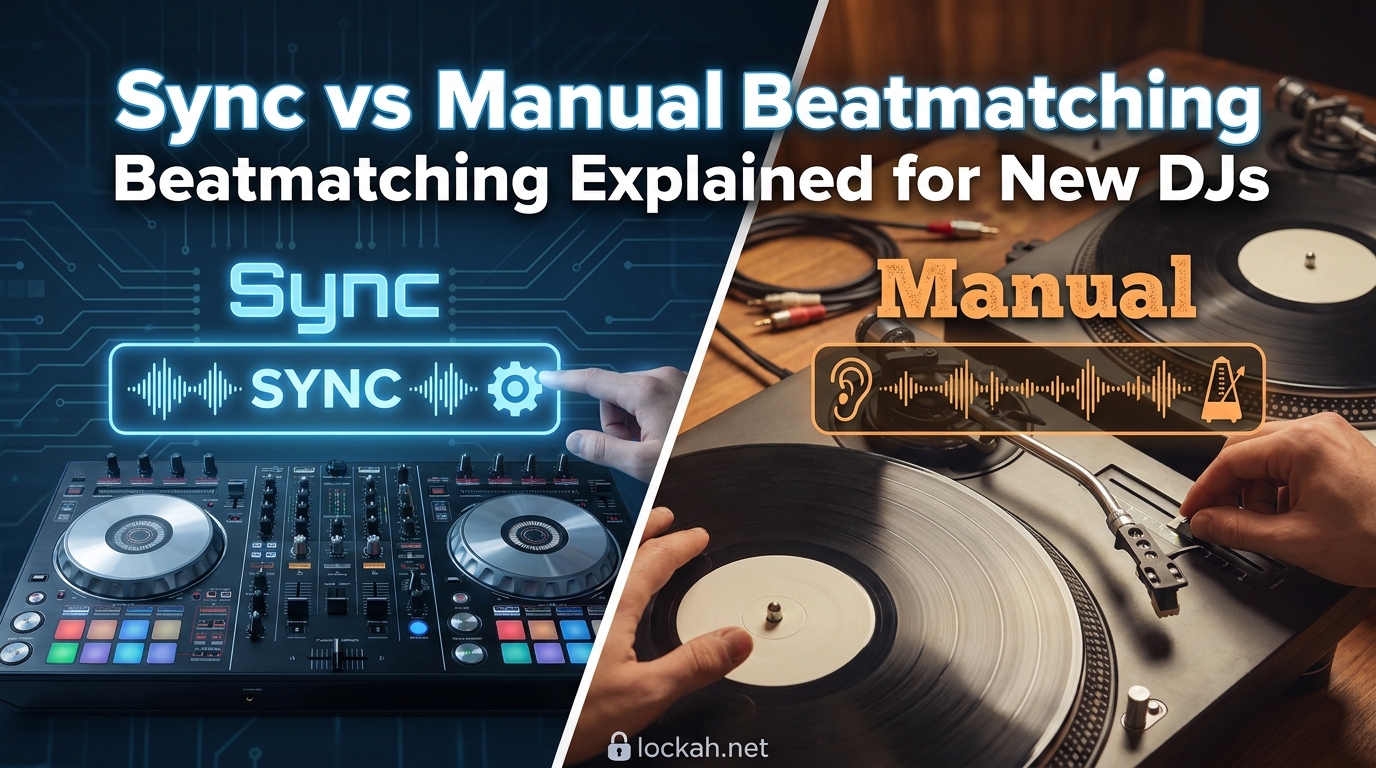
Walking into DJing as a beginner feels overwhelming. You have got controllers, software, and endless techniques to learn. Then someone tells you that using the sync button is cheating. Suddenly you are worried about being judged before you have even played your first set.
I have been there. After helping dozens of new DJs find their footing, I can tell you this: both sync and manual beatmatching have their place. The real question is not which one is better. It is understanding when and why to use each method.
This guide breaks down sync vs manual beatmatching explained for new DJs in plain terms. You will learn what beatmatching actually means, how to do it manually, what the sync button really does, and why learning both skills makes you a more versatile DJ.
Table of Contents
What Is Beatmatching and Why Does It Matter?
Beatmatching is the technique of aligning two tracks so their beats play in perfect sync. When two songs are beatmatched, their kick drums hit at exactly the same time. This creates smooth transitions between tracks instead of jarring clashes.
Think of it like rowing a boat. If everyone rows at different speeds, the boat moves erratically. When everyone rows together, the boat glides smoothly. Beatmatching gets your tracks rowing together.
The technique involves two main elements: matching the BPM (beats per minute) of both tracks and adjusting their timing so the beats align. BPM is simply how fast a song plays. A house track might be 128 BPM while a hip-hop track might be 85 BPM.
Why does this matter? Without beatmatching, your mixes sound amateurish. Tracks clash against each other. The energy drops. Dancers get confused. Proper beatmatching keeps the flow going and the dance floor moving.
Beyond the technical aspect, beatmatching develops your ear like a musician. You start hearing the structure of songs naturally. This understanding helps you pick better transition points and read the crowd more effectively.
Key DJ Terminology You Need to Know
Before diving into techniques, let us clarify some terms that confuse many beginners.
BPM (Beats Per Minute): This measures how fast a track plays. Higher BPM means faster tempo. Most electronic music falls between 120-140 BPM. Hip-hop often sits between 80-100 BPM.
Beat Grid: DJ software analyzes tracks and places visual markers on the waveform showing where each beat falls. This grid helps the sync function work. However, beatgridding is only 65 to 80 percent accurate depending on your software and music style.
Phrasing: Musical phrases are sections of a song, typically 8, 16, or 32 beats long. Matching phrases means starting your next track at the beginning of a phrase when the current track is also at a phrase start. This sounds more natural than just matching beats.
Cue Points: These are markers you set on important parts of a track, like the first beat of the intro or the start of a breakdown. They let you jump instantly to those points.
How Manual Beatmatching Works?
Manual beatmatching means using your ears and hands to sync tracks without computer assistance. It is the traditional method used by DJs for decades before digital DJing existed.
The process involves listening to both tracks simultaneously through your headphones, identifying when the beats drift apart, then making adjustments until they lock together. It sounds complex at first, but breaks down into manageable steps.
Step 1: Match the BPM Using the Pitch Fader
Start by playing your current track through the main speakers. Load your next track but keep it in your headphones only. Look at the BPM display for both tracks, then adjust the pitch fader on the new track until the BPM numbers match.
The pitch fader changes the playback speed of a track. Sliding it up makes the track faster and raises the pitch slightly. Sliding it down slows the track and lowers the pitch. Small adjustments make big differences in BPM.
Do not worry if the tracks sound slightly different in pitch. Most modern DJ software has a key lock feature that keeps the pitch consistent while changing speed.
Step 2: Align the Beats Using the Jog Wheel
Once BPMs are matched, you need to align the beats. Play both tracks and listen through your headphones. You will hear a galloping sound when the beats are not aligned, like horses running at slightly different speeds.
Use the jog wheel to nudge the track forward or backward until the kicks hit together. The jog wheel is the large spinning platter on your controller or CDJ. Touching it briefly while the track plays lets you make tiny timing adjustments.
Some DJs prefer using the pitch bend buttons instead of the jog wheel. Both achieve the same result. Find what feels natural for you.
Step 3: Monitor and Make Micro-Adjustments
Even when beats are aligned, they will drift over time. Tracks are not perfectly consistent. One might be slightly faster or slower than its displayed BPM. You need to listen continuously and make tiny corrections.
This monitoring skill takes practice. You will learn to hear when tracks are drifting apart before it becomes obvious to the crowd. With experience, corrections become almost automatic.
The Sync Function Explained
The sync button on modern DJ controllers and software automatically matches BPM and aligns beats for you. Press it, and the software snaps the new track into time with the playing track.
How does it work? The software reads the beat grid it has analyzed for each track. It knows exactly where each beat falls and the exact BPM. When you hit sync, it adjusts the new track’s speed to match the master track and aligns the beats based on those grid markers.
Sounds perfect, right? And it often is. For straightforward electronic music with consistent tempos, sync works brilliantly. It frees you up to focus on EQ mixing, effects, and track selection.
But sync has limitations that every DJ needs to understand. Beat grids are not always accurate. Older tracks, live recordings, and songs with variable BPM can throw off the algorithm. When the grid is wrong, sync will confidently give you the wrong result.
Variable BPM tracks are especially problematic. Many genres like drum and bass, jungle, and even some techno tracks change speed throughout the song. Sync assumes constant BPM and will struggle with these.
There is also the scenario of playing on unfamiliar equipment. Club CDJs might not have your prepared tracks analyzed. Vinyl obviously has no sync at all. Manual skills become essential in these situations.
Sync vs Manual Beatmatching: Direct Comparison (2026)
Let us compare these methods side by side so you can understand their strengths and weaknesses.
Manual Beatmatching Pros:
- Works with any track regardless of beat grid accuracy
- Develops your musical ear and understanding
- Essential for vinyl and CDJs without analyzed tracks
- Builds confidence and versatility as a DJ
- No reliance on software that might glitch
Manual Beatmatching Cons:
- Takes significant practice to master
- Slower than pressing one button
- Can be stressful during live performances
- Requires good headphones and monitoring setup
Sync Pros:
- Instant and consistent results
- Frees attention for creative mixing
- Helps beginners focus on other skills first
- Perfect for complex routines with multiple decks
Sync Cons:
- Depends on accurate beat grids
- Fails with variable BPM tracks
- Does not work on unanalyzed equipment
- Can create dependency that limits versatility
The reality is most experienced DJs use both. They might use sync for straightforward transitions while saving manual skills for challenging tracks or backup situations.
Why Learn Manual Beatmatching First?
Given that sync works so well, why do experienced DJs still recommend learning manual beatmatching? Several important reasons exist.
First, manual beatmatching trains your ear like a musician. You develop an instinctive feel for tempo and timing. This understanding translates to better track selection, more creative transitions, and the ability to read a crowd’s energy.
Second, manual skills provide redundancy. Technology fails. Software glitches. Beat grids get corrupted. When sync lets you down at a crucial moment, manual skills save your set.
Third, many professional environments use CDJs without your analyzed library. Festival slots, club residencies, and back-to-back sets often involve equipment without your prepared tracks. Manual beatmatching becomes essential.
Finally, there is the respect factor within DJ culture. While attitudes are changing, many experienced DJs view manual beatmatching as a fundamental skill. Understanding it earns respect and opens opportunities.
This does not mean you should feel ashamed for using sync while learning. Every beginner should use the tools available. But dedicating time to manual practice pays dividends throughout your DJ career.
Understanding Phrasing and the Rule of 32
Many beginners confuse beatmatching with phrasing. They are related but distinct concepts. Understanding both elevates your mixing.
Phrasing refers to the musical structure of tracks. Most dance music is built in sections of 8, 16, or 32 beats. These sections contain musical ideas that resolve at their end. A vocal line might start at the beginning of a 32-beat phrase and end as the phrase completes.
The Rule of 32 states that you should start your next track at the beginning of a 32-beat phrase when the current track is also at a 32-beat phrase boundary. This creates the most natural-sounding transitions because musical elements align structurally.
Beatmatching gets the tempos aligned. Phrasing gets the musical structure aligned. You need both for professional-sounding mixes. A perfectly beatmatched transition at the wrong phrase sounds awkward and disjointed.
Most modern DJ software shows phrase markers on waveforms. Learning to read these while also understanding beatmatching helps you plan transitions that sound intentional and musical.
Tips for Beginners Starting Out
Here are practical tips from my experience teaching new DJs.
Start with similar BPM tracks. Trying to beatmatch a 128 BPM house track with an 85 BPM hip-hop track is frustrating as a beginner. Pick two tracks within 5 BPM of each other for your first attempts.
Use tracks with clear kick drums. Beatmatching relies on hearing the beat clearly. Tracks with muddy or inconsistent kick patterns make this harder. Choose electronic music with prominent, steady kicks.
Focus on one technique at a time. Do not try to learn manual beatmatching, EQ mixing, and effects simultaneously. Master getting two tracks in sync first. Add other skills once that feels comfortable.
Practice with the screen covered. Once you understand the basics, try beatmatching without looking at the BPM display or waveforms. This forces you to rely on your ears, which is the whole point of manual beatmatching.
Use sync without shame. If you are playing for friends or at your first gig and feel nervous, use sync. It is better to play a clean set with sync than a messy set because you were too proud to press the button. Build manual skills during practice sessions.
Common Mistakes to Avoid
Watch out for these pitfalls that trip up many beginners.
Relying only on waveforms. Visual beatmatching using the on-screen waveforms works, but it does not develop your ear. If you ever play on equipment without screens, you will be lost. Use waveforms as a training aid, not a crutch.
Ignoring phrasing. Beatmatching the tempos is only half the battle. Starting a track mid-phrase sounds amateurish even if the BPMs are perfect. Always check phrase alignment.
Over-correcting with the pitch fader. Beginners often make large pitch adjustments when small nudges would suffice. If beats are only slightly off, use the jog wheel, not the pitch fader. Large pitch changes create more problems than they solve.
Giving up too quickly. Manual beatmatching takes weeks or months to feel natural. Expect to struggle initially. Keep practicing even when it feels impossible. The breakthrough moment comes suddenly after consistent effort.
FAQs
Why do DJs not use beat sync?
Many DJs avoid relying solely on beat sync because it depends on accurate beat grids, which are only 65-80% accurate depending on software and music style. Sync also fails with variable BPM tracks, unanalyzed equipment at clubs, and can create dependency that limits versatility. Professional DJs value manual beatmatching as a backup skill and for developing musical understanding.
What is the rule of 32 in DJing?
The Rule of 32 states that you should start your next track at the beginning of a 32-beat phrase when the current track is also at a 32-beat phrase boundary. Dance music is typically structured in sections of 8, 16, or 32 beats. Aligning these phrases creates natural-sounding transitions because musical elements resolve together. Beatmatching aligns tempos; phrasing aligns musical structure. Both are needed for professional mixes.
Do professional DJs use sync?
Yes, many professional DJs use sync, but most also know how to beatmatch manually. They typically use both methods depending on the situation. Sync works well for straightforward transitions and complex routines. Manual beatmatching is essential when playing on unfamiliar equipment without analyzed tracks, handling variable BPM songs, or when technology fails. The most versatile DJs are comfortable with both approaches.
Sync vs Manual Beatmatching Explained: Your Next Steps
Understanding sync vs manual beatmatching explained for new DJs comes down to this: both skills are valuable tools in your DJ toolkit. Sync is not cheating. Manual beatmatching is not obsolete.
Start by learning manual beatmatching to develop your ear and build confidence. Use sync when it makes sense, especially while learning other skills. The goal is becoming a versatile DJ who can handle any situation.
Practice regularly, be patient with yourself, and remember that even professional DJs had to learn this once. Your first successful manual beatmatch feels incredible. That moment when two tracks lock together perfectly is worth every frustrating practice session.
Keep mixing, keep learning, and most importantly, enjoy the music.