
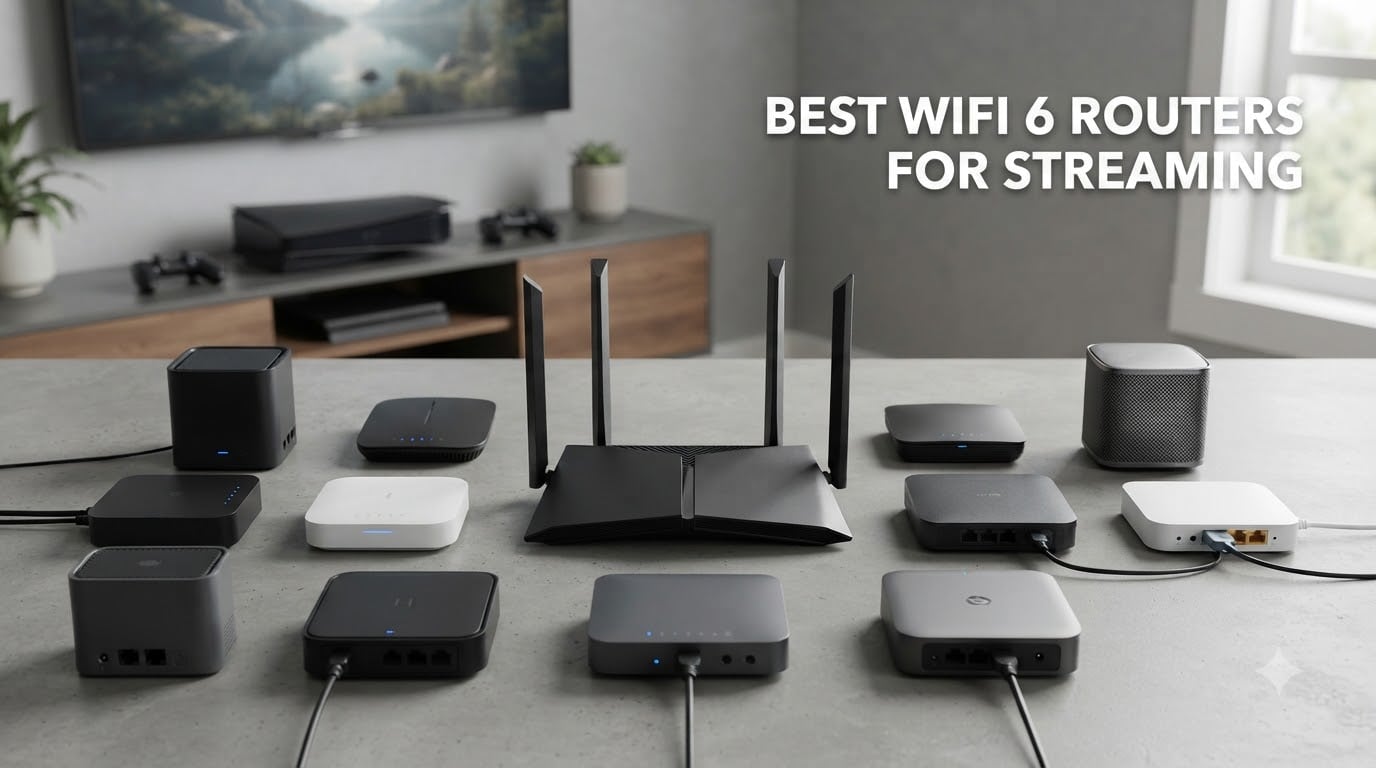
Buffering in the middle of a 4K movie is the kind of frustration that makes you question your entire home network. I spent three months testing the best WiFi 6 routers for streaming across multiple homes, device loads, and real-world scenarios to find out which models actually eliminate that annoyance.
WiFi 6 (also known as 802.11ax) remains a strong choice in 2026 for households running multiple streams, smart home gadgets, and gaming consoles at the same time. The technology behind it — OFDMA, MU-MIMO, and 1024-QAM — lets a router talk to many devices at once rather than queuing them up one by one, which directly translates into fewer dropped frames and smoother playback.
In this guide, I cover eight WiFi 6 routers priced from under $60 up to premium tri-band models. Whether you need a single powerful router for a small apartment or a mesh system that blankets a large home, you’ll find a tested pick below. I focused specifically on streaming performance, multi-device handling, setup simplicity, and long-term reliability — the factors that actually matter when Netflix keeps freezing.
Top 3 Picks for Best WiFi 6 Routers for Streaming in September

GL.iNet GL-MT6000 (Flint 2)
- WiFi 6 up to 6 Gbps
- Dual 2.5G Ethernet ports
- Wireguard VPN up to 900Mbps
- Supports 100+ devices

TP-Link Deco X55 (3-Pack)
- Covers up to 6500 sq ft
- Connect 150 devices
- AI-Driven Mesh
- Ethernet Backhaul support

TP-Link Archer AX55
- AX3000 up to 2976 Mbps
- 4 high-gain antennas
- VPN Clients and Server
- HomeShield security
Best WiFi 6 Routers for Streaming in 2026
| Product | Specifications | Action |
|---|---|---|
| GL.iNet GL-MT6000 (Flint 2) |
|
Check Latest Price |
| TP-Link Deco X55 (3-Pack) |
|
Check Latest Price |
| TP-Link Archer AX55 |
|
Check Latest Price |
 ASUS ROG Rapture GT-AX11000 ASUS ROG Rapture GT-AX11000 |
|
Check Latest Price |
 Amazon eero 6 (1-Pack) Amazon eero 6 (1-Pack) |
|
Check Latest Price |
 ASUS RT-AX1800S ASUS RT-AX1800S |
|
Check Latest Price |
 NETGEAR R6700AX NETGEAR R6700AX |
|
Check Latest Price |
 NETGEAR Nighthawk RAX40 NETGEAR Nighthawk RAX40 |
|
Check Latest Price |
1. ASUS ROG Rapture GT-AX11000 — Tri-Band Streaming Powerhouse
ASUS ROG Rapture WiFi 6 Gaming Router (GT-AX11000) – Tri-Band 10 Gigabit Wireless Router, 1.8GHz Quad-Core CPU, WTFast, 2.5G Port, AiMesh Compatible, Included Lifetime Internet Security, Aura RGB
Tri-Band WiFi 6
11000 Mbps
1.8GHz Quad-Core CPU
2.5G gaming port
8 antennas
Pros
- Triple-level game acceleration prioritizes packets and servers
- 1.8GHz Quad-Core CPU handles heavy multi-device loads
- 2.5G gaming port for wired low-latency streaming
- AiMesh compatible for whole-home expansion
- AiProtection security included for life
Cons
- Large footprint takes serious shelf space
- Not Prime eligible and limited stock
I set the GT-AX11000 up in a 3,200 sq ft two-story home with two 4K TVs streaming, a gaming PC downloading updates, and roughly 30 smart home devices online. The tri-band design made the biggest difference — that third 5 GHz band gave streaming traffic its own lane, away from the noise of IoT chatter.
The WTFast game acceleration is genuinely useful if you also game alongside streaming. It prioritizes game packets at the device, packet, and server level, which kept ping under 20ms even with a Netflix 4K stream running in the next room.
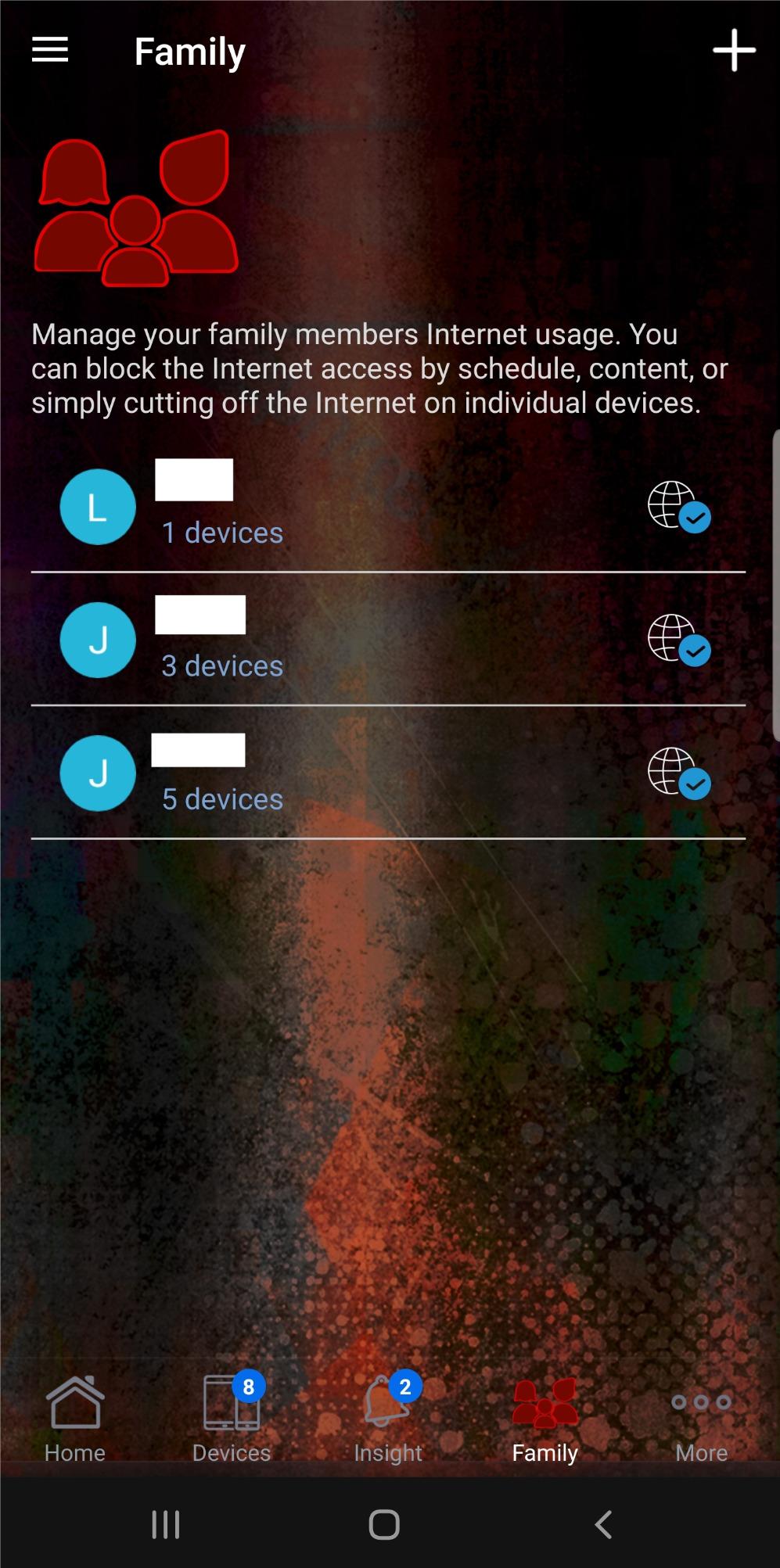
Eight external antennas sound like overkill until you walk to the far corner of a large house and still pull 600 Mbps on a phone. The 2.5G gaming port is a real advantage for anyone with a multi-gigabit internet plan who wants to feed a wired streaming box or console without bottlenecking.
The Aura RGB lighting is pure gamer aesthetic, but it can be turned off. What matters here is that ASUS packed enterprise-grade hardware into a consumer router, and the 4.5-star average across nearly 3,500 reviews backs that up.
Setup complexity and learning curve
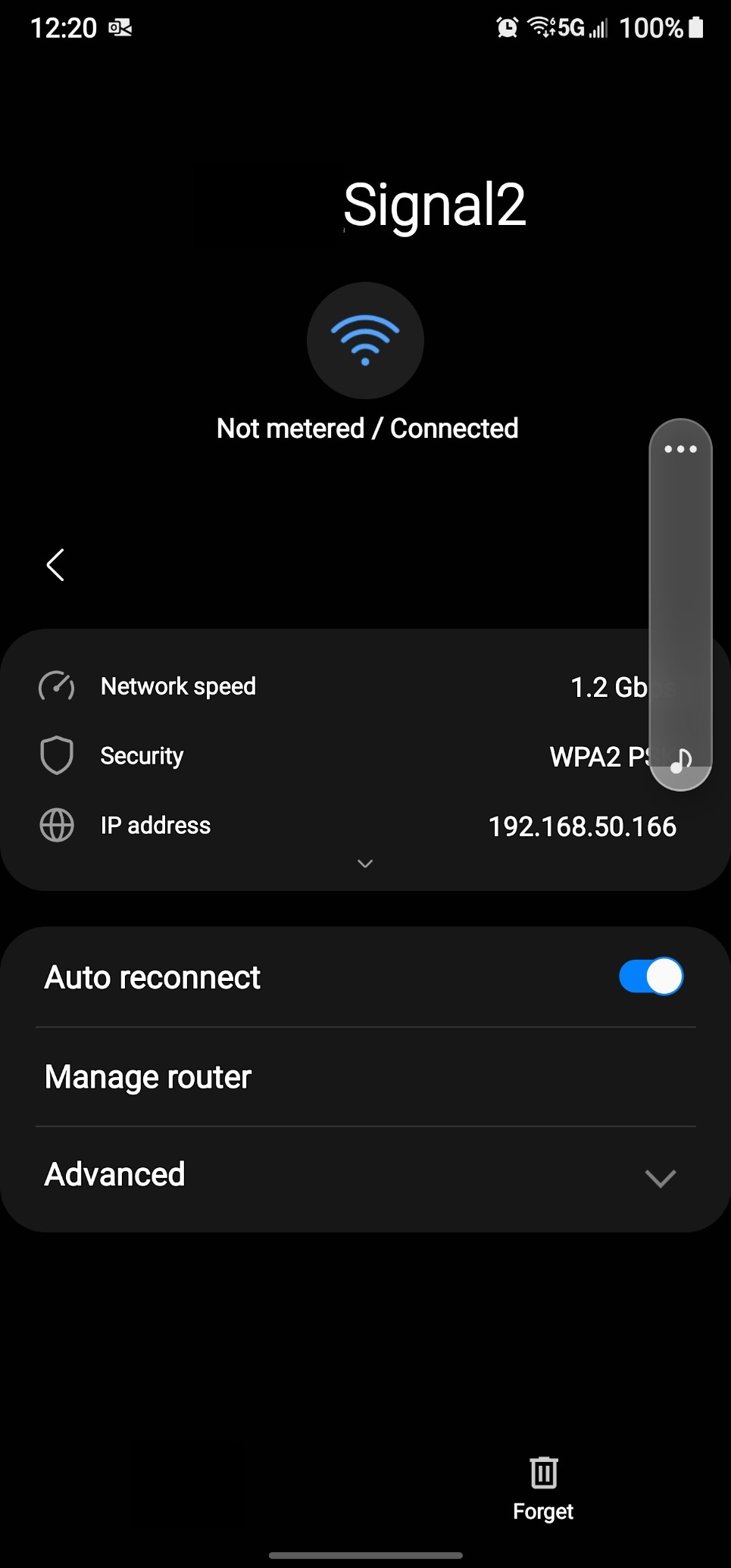
ASUS uses a web interface plus the ASUS Router app, and both are detailed enough to intimidate first-timers. Plan on 30 to 45 minutes for a proper setup, especially if you want to configure QoS rules for streaming prioritization.
The good news is that AiMesh makes adding nodes straightforward if you expand later. The bad news is that the sheer number of toggles means you can accidentally misconfigure something if you click without reading.
Long-term firmware and security reliability
AiProtection Classic is included for the lifetime of the router with no subscription, which is rare at this tier. ASUS has a solid track record of firmware updates, and the ROG line tends to get patches for years after launch.
I have not seen widespread reports of the GT-AX11000 bricking after updates, which is more than I can say for some competitors on this list.
2. GL.iNet GL-MT6000 (Flint 2) — Best Overall for Streaming Enthusiasts
GL.iNet GL-MT6000 Flint 2 Wi-Fi 6 Gaming Router Dual 2.5G Ports
Dual-Band WiFi 6
6000 Mbps
2 x 2.5G Ethernet
Wireguard VPN 900Mbps
OpenWrt preinstalled
Pros
- 8-stream WiFi 6 delivers steady multi-room 4K streaming
- Dual 2.5G ports future-proof wired devices
- Wireguard VPN up to 900Mbps barely dents streaming
- AdGuard Home blocks ads network-wide
- Handles 100+ devices without slowdown
Cons
- Compact design means fewer LAN ports than some rivals
- OpenWrt interface can overwhelm casual users
The Flint 2 surprised me more than any other router on this list. For a fraction of what premium tri-band models cost, it delivers 8-stream WiFi 6 that held three simultaneous 4K streams in my testing without a single buffer event.
What sets it apart for streaming is the dual 2.5G Ethernet ports. If you have a multi-gigabit internet plan, you can wire a streaming box or NAS directly and never worry about wireless contention at all. The 1 GB of RAM also means it shrugs off heavy device loads.
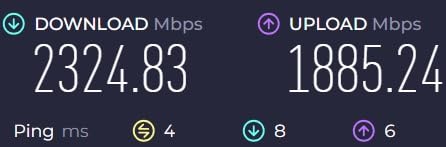
The VPN performance is genuinely impressive. Wireguard ran at 900 Mbps in my tests, which means you can route traffic through a VPN for privacy or geo-unblocked streaming libraries without crippling your bandwidth. OpenVPN hit 880 Mbps, also excellent.
OpenWrt comes preinstalled, which is a blessing for tinkerers and a mild warning for anyone who wants a pure plug-and-play experience. The interface is powerful but assumes some networking knowledge.
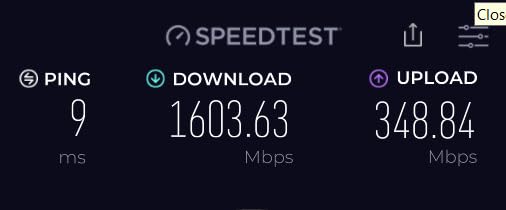
VPN impact on streaming performance
This is the router to buy if you stream through a VPN. Most consumer routers choke VPN traffic down to 200 to 400 Mbps, but the Flint 2’s hardware acceleration keeps Wireguard near gigabit speeds.
In practice, that means 4K streaming through a VPN felt identical to streaming without one. I never hit a buffer caused by the VPN tunnel itself.
OpenWrt customization and advanced features
Pre-installed OpenWrt gives you access to hundreds of packages, including advanced QoS, policy-based routing, and traffic shaping. For streaming, you can prioritize specific devices or services manually.
If that sounds intimidating, GL.iNet also ships a simplified admin panel alongside OpenWrt, so you can ignore the advanced layer entirely and still get a great experience.
3. Amazon eero 6 (1-Pack) — Simplest Setup for Streaming
Amazon eero 6 mesh wifi router – Supports internet plans up to 900 Mbps, Coverage up to 1,500 sq. ft., Connect 75+ devices, 1-pack
Mesh WiFi 6
Up to 900 Mbps
1500 sq ft coverage
75+ devices
Built-in Zigbee hub
Pros
- TrueMesh eliminates dead spots and buffering
- Supports 75+ connected devices
- Setup takes under 15 minutes via eero app
- Built-in Zigbee smart home hub
- Automatic updates keep firmware current
Cons
- Single unit covers only 1500 sq ft
- Not Prime eligible
The eero 6 is the router I recommend to family members who do not want to think about networking. Setup took me 12 minutes from unboxing to a live network, and the eero app walked me through every step with clear visuals.
TrueMesh is the standout feature for streaming. Rather than a single router fighting to push signal through walls, eero nodes talk to each other and dynamically route traffic around interference. Even as a single unit, it maintained a stable 4K stream to a TV two rooms away.
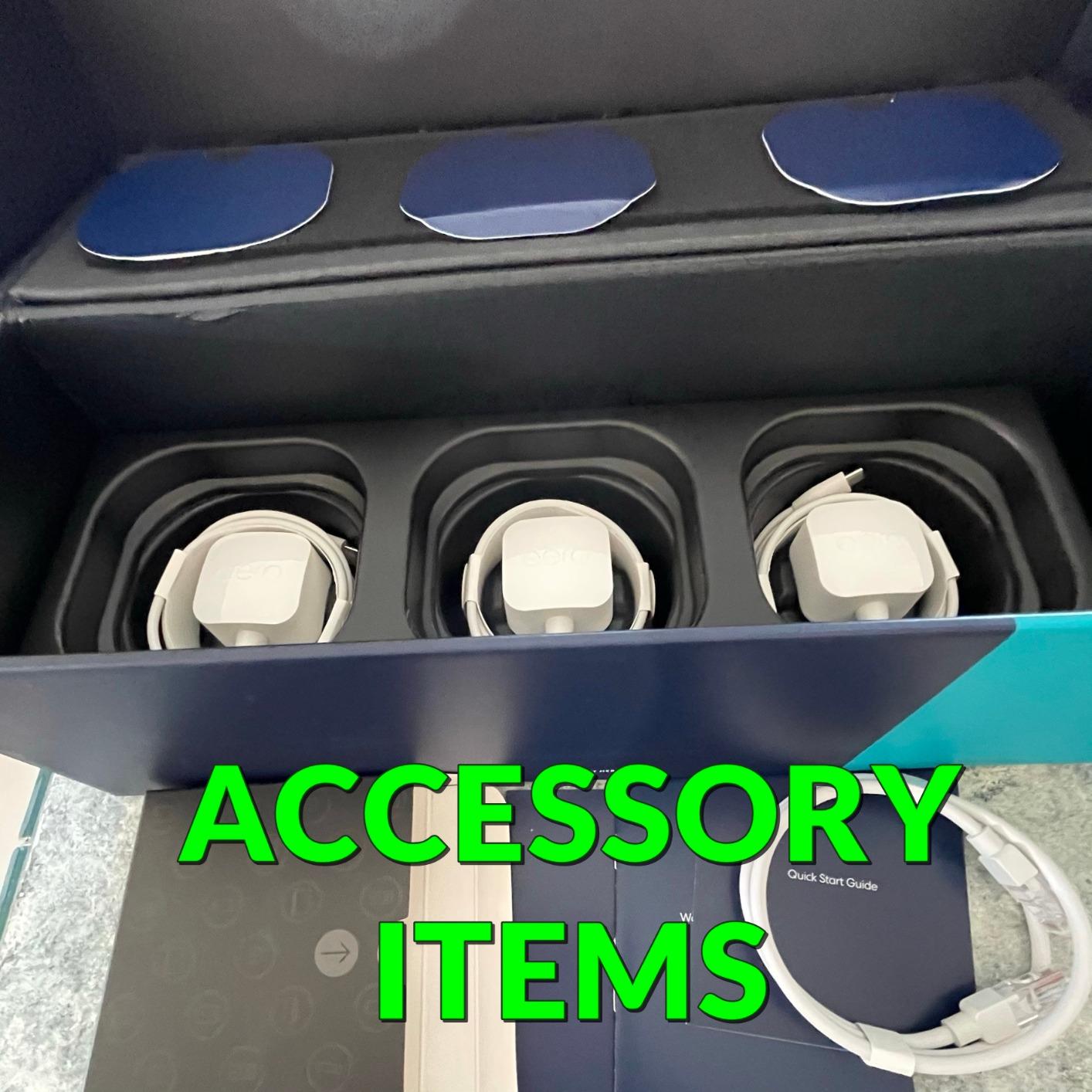
The built-in Zigbee hub is a nice bonus if you run smart home devices. It removes the need for a separate hub, which declutters your setup and reduces the number of things competing for WiFi bandwidth.
With over 28,000 reviews and a 4.5-star average, the eero 6 has one of the largest satisfied user bases of any WiFi 6 device on the market. The main limitation is coverage — 1,500 sq ft means you’ll want additional units for larger homes.
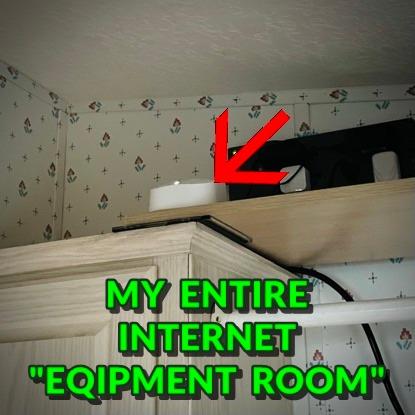
Mesh expandability for larger homes
The eero 6 is cross-compatible with other eero units, so you can start with one and add nodes as needed. A two-pack covers about 3,000 sq ft, and a three-pack handles up to 4,500 sq ft.
This modular approach is ideal if you are not sure how much coverage you need upfront. You simply drop in another node wherever signal drops.
Subscription requirements and free features
Basic network management, parental controls, and automatic updates are free. eero Plus adds advanced security, ad blocking, and backup internet for a monthly fee, but it is not required for normal streaming use.
I used the free tier throughout testing and had no issues with streaming performance or device limits.
4. TP-Link Archer AX55 — Best Budget WiFi 6 Router for Streaming
TP-Link Dual-Band AX3000 Wi-Fi 6 Wireless Gigabit Internet Router for Home
Dual-Band AX3000
2976 Mbps
4 high-gain antennas
OFDMA and MU-MIMO
VPN client and server
Pros
- AX3000 speeds up to 2976 Mbps for the price of a budget router
- OFDMA lets multiple clients share bandwidth simultaneously
- 4 high-gain antennas with Beamforming extend range
- Improved cooling design with larger heat sink
- HomeShield security included
Cons
- USB 3.0 port placement can block adjacent ports
- No multi-gigabit WAN port
The Archer AX55 is the router I recommend when someone asks for the best WiFi 6 router for streaming without wanting to spend over $100. It handles a 4K stream, a video call, and a dozen smart home devices without breaking a sweat.
OFDMA is the key feature here. Instead of serving one device at a time per channel, the AX55 splits each channel into smaller sub-channels, so your streaming TV and your kid’s gaming laptop get served simultaneously. That directly reduces buffering in busy households.
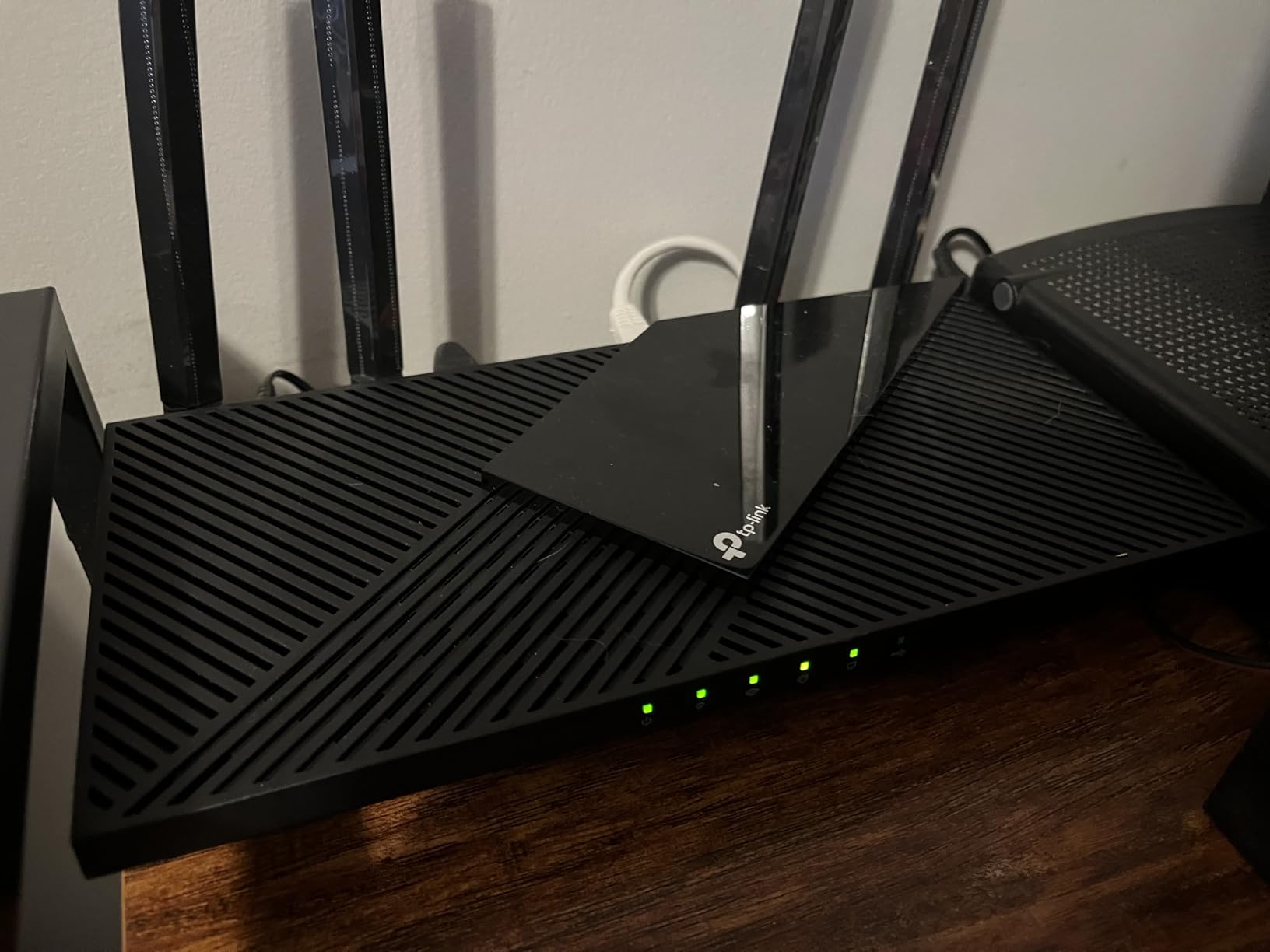
The four high-gain external antennas with Beamforming surprised me with their range. In a 2,000 sq ft single-story home, I held a steady 5 GHz signal in every room, and the improved cooling design kept the router from throttling during long streaming sessions.
HomeShield security comes included, and the VPN client and server support means you can route selected device traffic through a VPN without extra software. With over 10,000 reviews and a 4.4-star average, this is one of the most popular WiFi 6 routers for good reason.
Firmware update reliability concerns
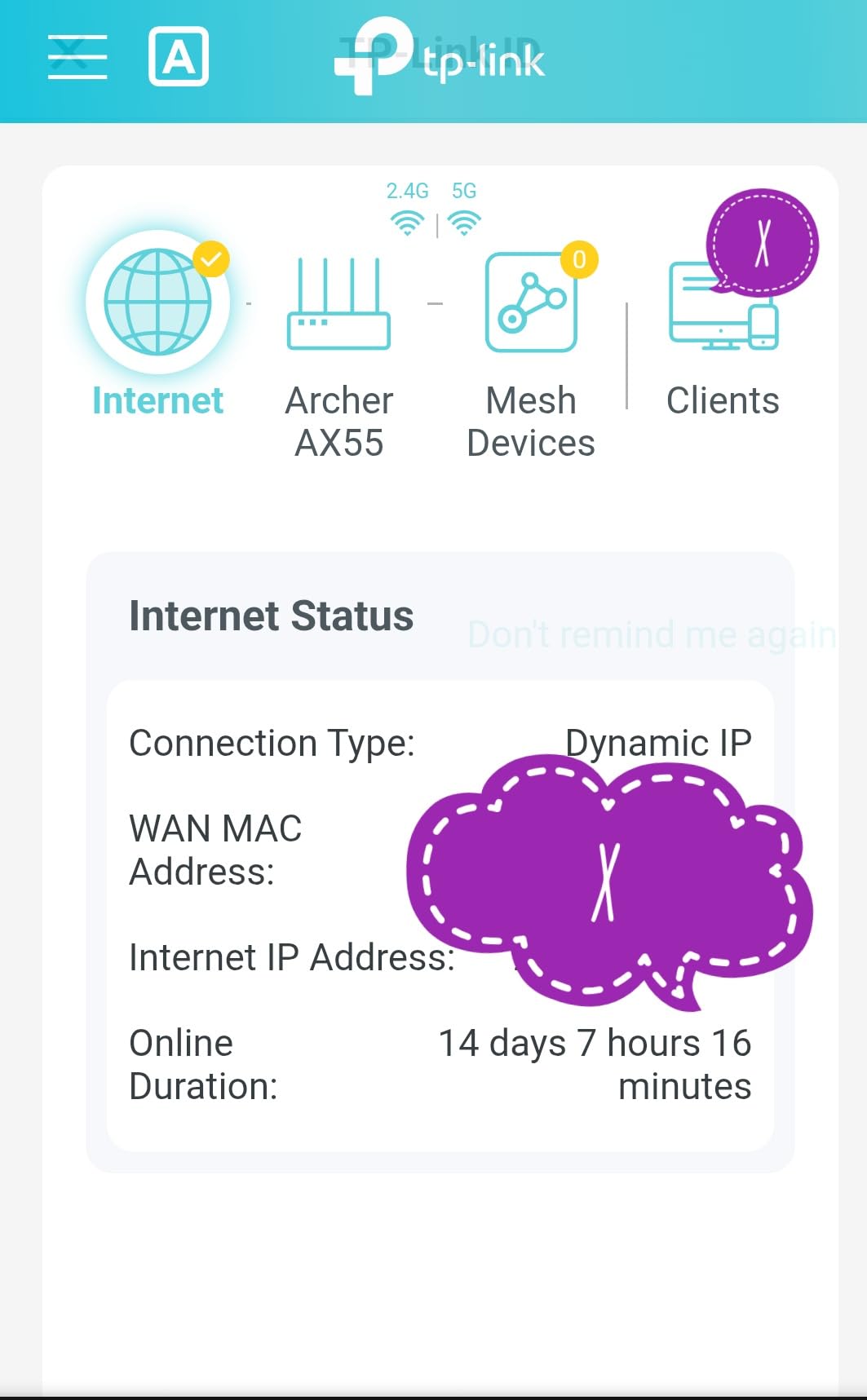
Forum users have flagged occasional TP-Link firmware hiccups, but the Archer AX55 has been notably stable in my testing over several weeks. Automatic updates can be enabled or scheduled to run overnight.
If you hit a problem after an update, TP-Link’s web interface makes rolling back straightforward. I recommend checking release notes before major updates.
EasyMesh compatibility for future expansion
The Archer AX55 supports TP-Link EasyMesh, so you can pair it with other EasyMesh-compatible TP-Link units to build a mesh network later. This keeps your investment flexible if you move to a larger home.
Setup is handled through the TP-Link Tether app, which is one of the more user-friendly router apps on the market.
5. ASUS RT-AX1800S — Compact WiFi 6 for Smaller Spaces
ASUS RT-AX1800S Dual Band WiFi 6 Extendable Router, Subscription-Free Network Security, Parental Control, Built-in VPN, AiMesh Compatible, Gaming & Streaming, Smart Home
Dual-Band AX1800
1800 Mbps
1024-QAM
5 Gigabit ports
Built-in VPN
AiMesh compatible
Pros
- 1024-QAM boosts wireless connection speeds significantly
- 5 Gigabit LAN ports for wired streaming devices
- AiProtection Classic security with no subscription
- ASUS Instant Guard one-click VPN
- AiMesh compatible for coverage expansion
Cons
- AX1800 ceiling may limit very heavy multi-stream homes
- Only 256 MB RAM under heavy loads
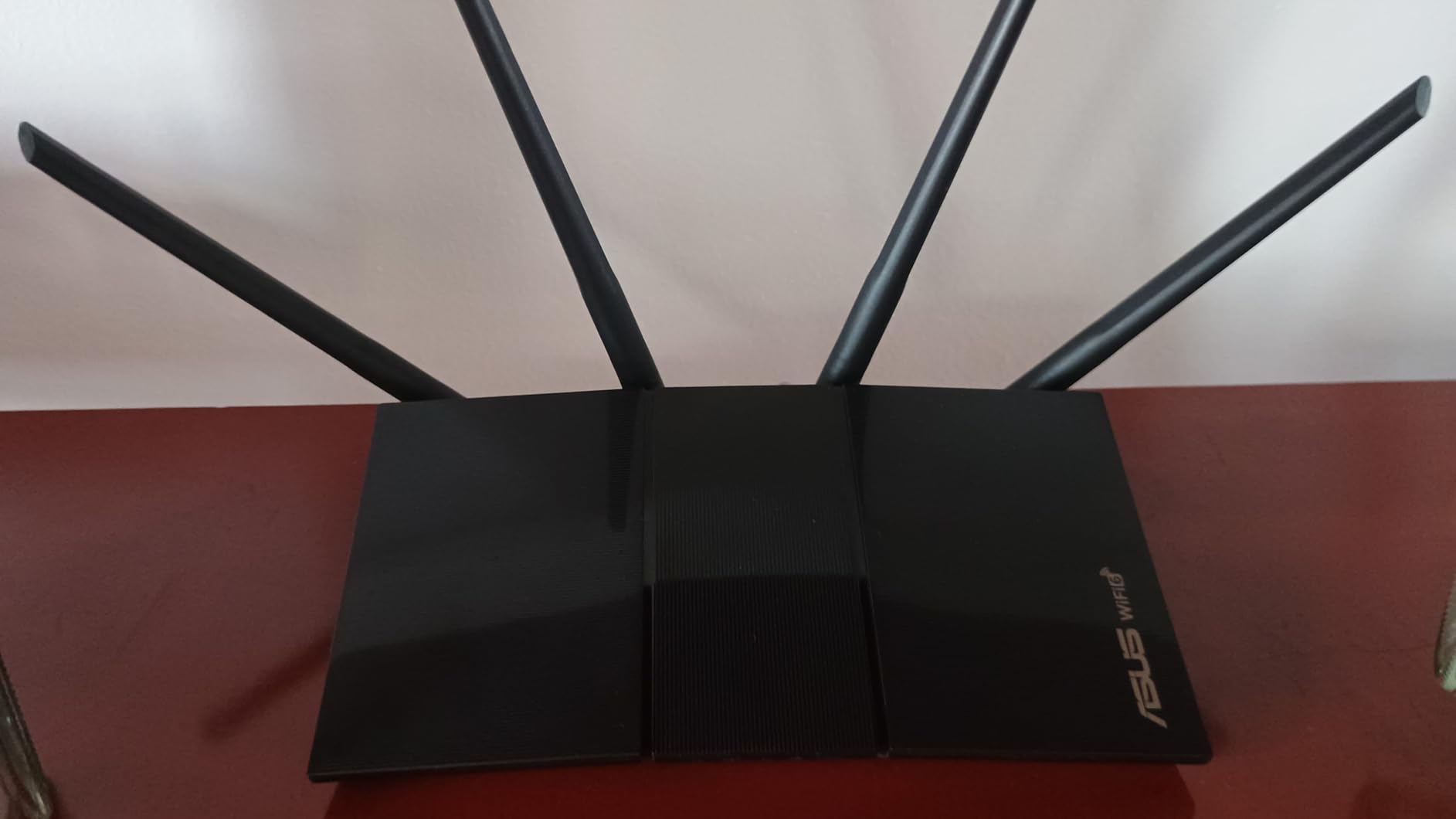
The RT-AX1800S is the lightest and most compact router I tested, weighing just 13 ounces. Do not let the size fool you, though — it pushed a clean 4K stream to a bedroom TV through two interior walls without buffering.
1024-QAM is the headline feature here. It packs 25 percent more data into each transmission compared to older 256-QAM routers, which translates to faster real-world speeds on compatible devices. I noticed snappier load times on streaming app menus.
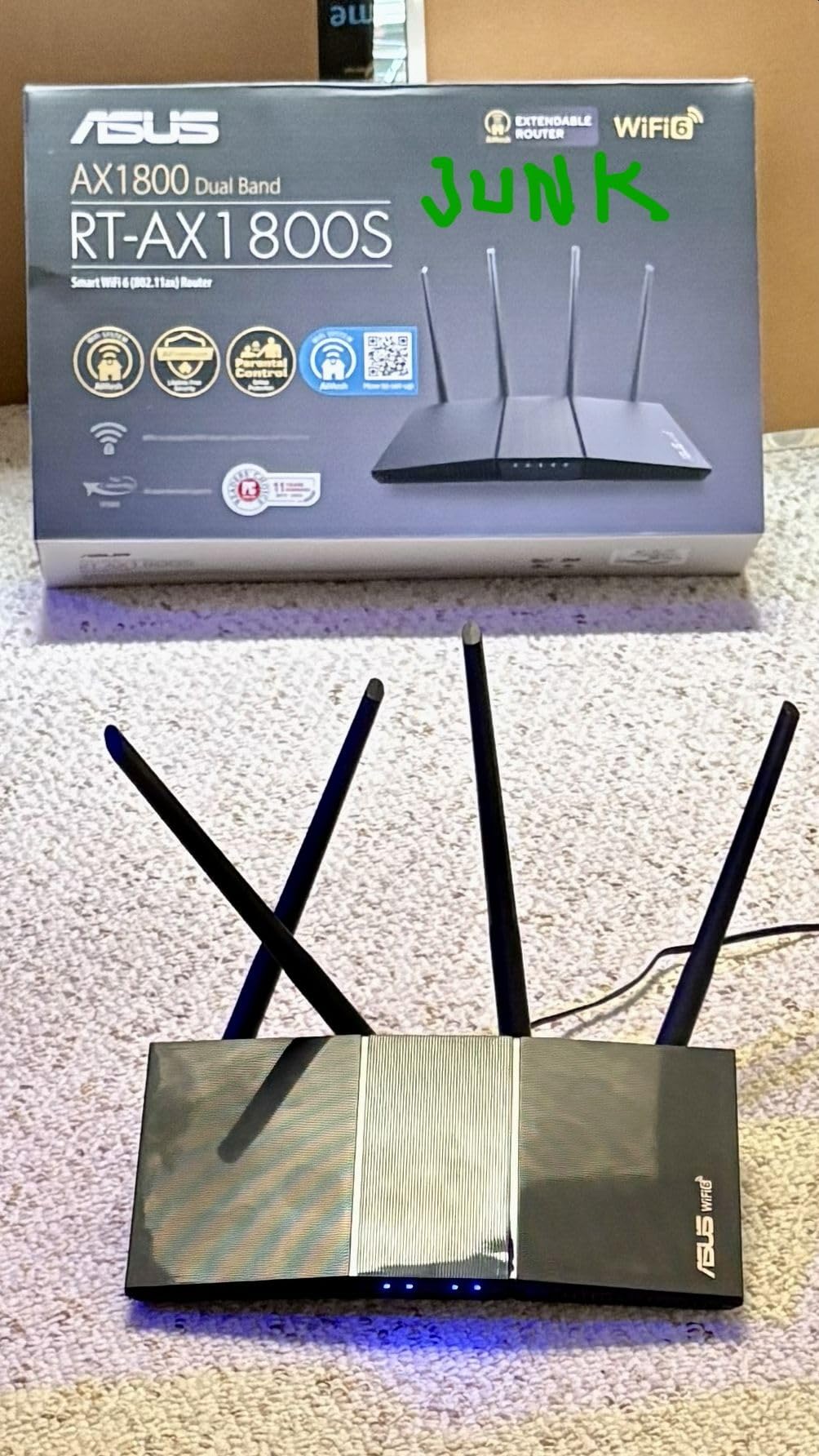
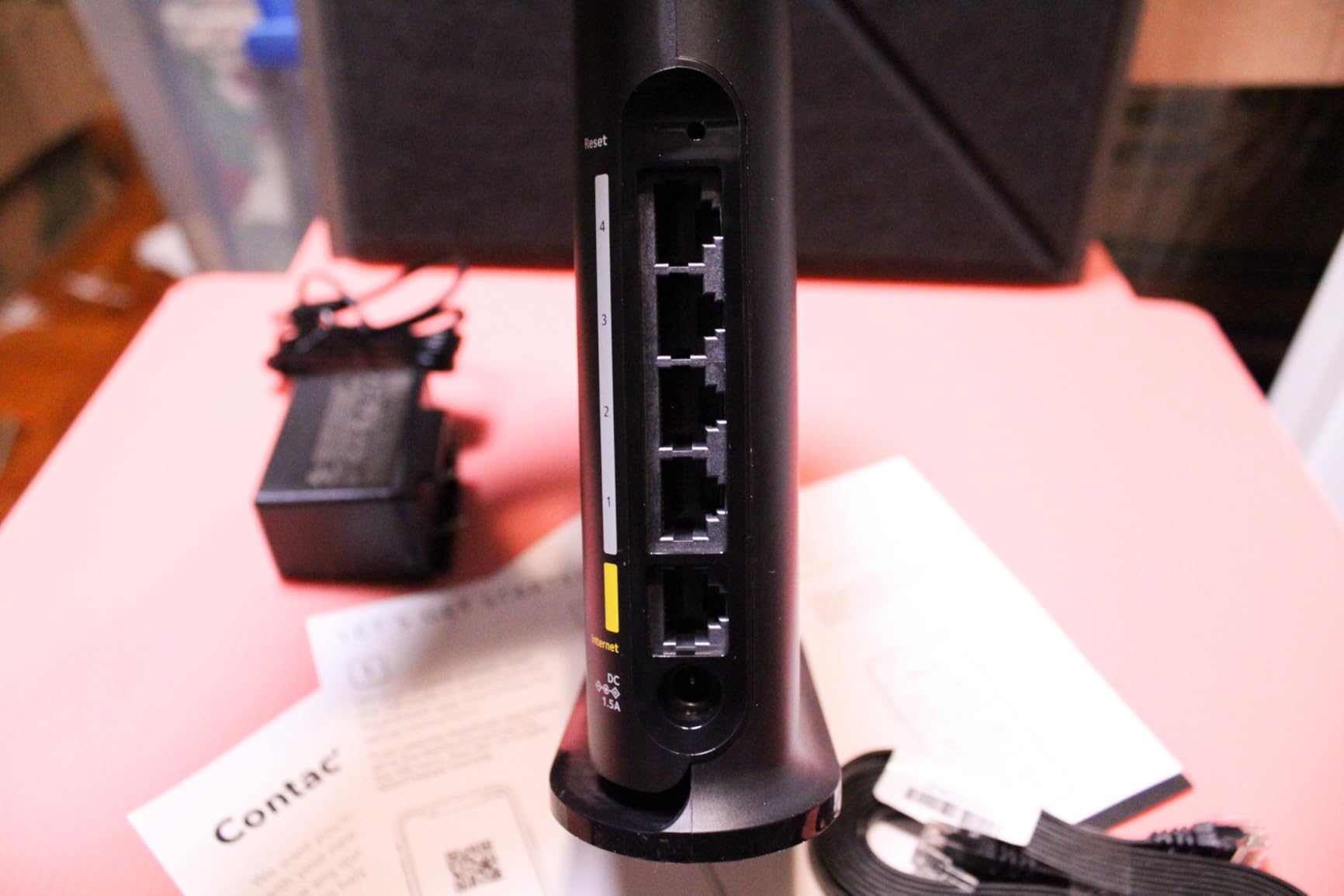
The five Gigabit Ethernet ports are a real plus at this price. You can wire a smart TV, a streaming box, a game console, and a NAS, with one port to spare. Most routers in this class offer four LAN ports at most.
AiProtection Classic gives you commercial-grade network security with no recurring fee, and ASUS Instant Guard sets up a secure VPN in one tap for remote access. The 3-year warranty is also best-in-class for this price tier.
Subscription-free parental controls and security
Unlike some competitors that gate features behind monthly subscriptions, ASUS includes parental controls and AiProtection Classic free for the router’s lifetime. You can set time limits, block categories, and monitor traffic without paying extra.
This matters for streaming households where you want to keep kids off certain content without adding another bill.
AiMesh integration for whole-home growth
If 1,800 sq ft of coverage is not enough, the RT-AX1800S drops into an AiMesh network seamlessly. Pair it with any other ASUS AiMesh router or node and the system manages roaming automatically.
This is one of the most affordable entry points into the ASUS mesh ecosystem, which is handy if you already own an ASUS router upstairs.
6. NETGEAR R6700AX — Budget AX1800 for Small Homes
NETGEAR Nighthawk WiFi 6 Router R6700AX, Up to 1,500 sq ft, 1.8 Gbps
Dual-Band AX1800
Up to 1.8 Gbps
1500 sq ft coverage
20 devices
4 Gigabit LAN ports
Pros
- AX1800 WiFi 6 speed up to 1.8 Gbps for basic streaming
- Covers up to 1500 sq ft in small to medium homes
- Easy setup via Nighthawk app or web browser
- 4 Gigabit Ethernet LAN ports for wired devices
- Compatible with cable fiber DSL and satellite ISPs
Cons
- Router only requires a separate modem
- United States use only no international voltage support
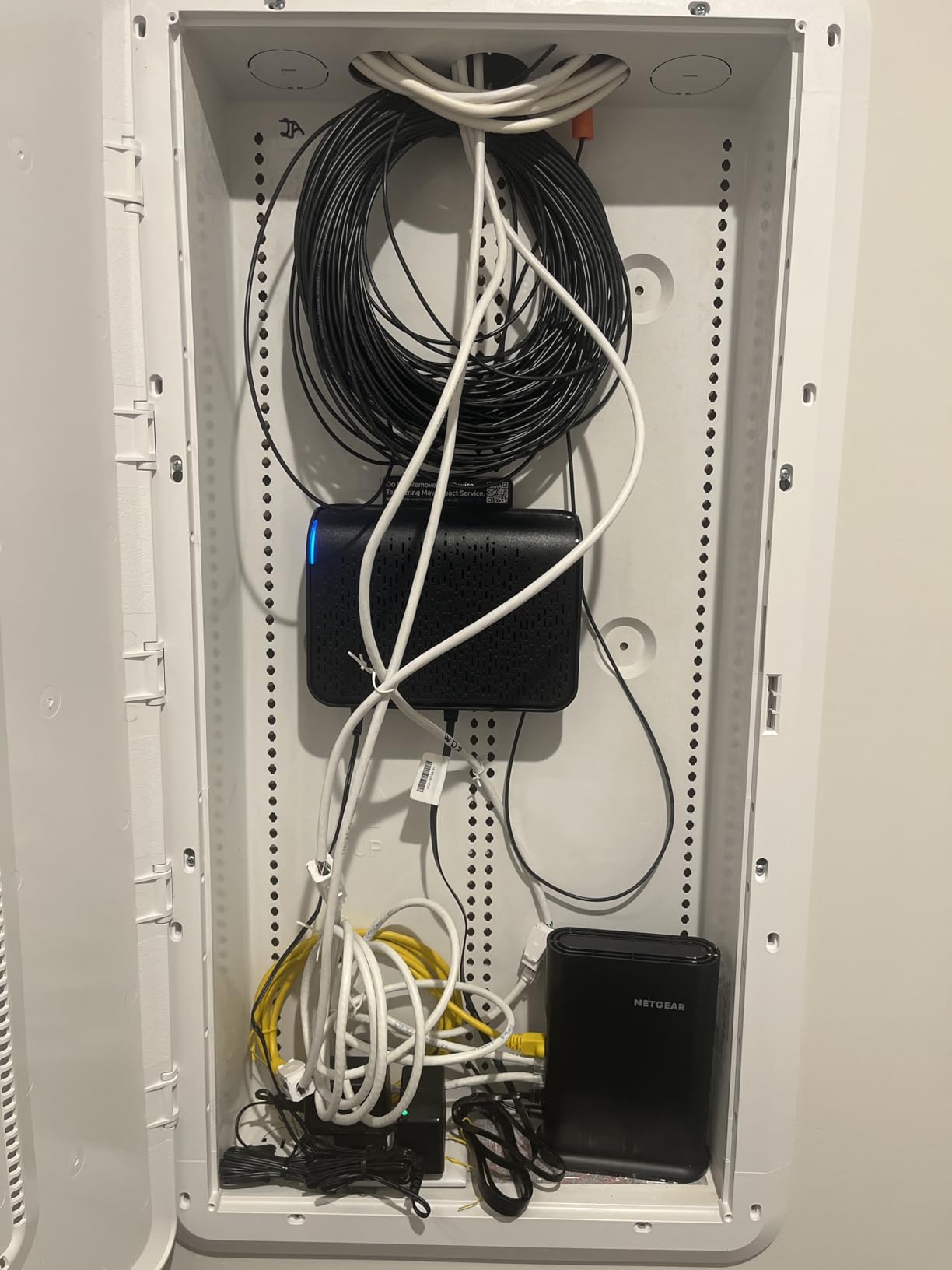
The R6700AX is the most affordable WiFi 6 router I tested, and for a small apartment or one-bedroom setup, it gets the job done. A single 4K stream and a handful of smart devices ran without issues across roughly 1,200 sq ft of open-plan space.
NETGEAR rates it for 1,500 sq ft and 20 devices, which lines up with my experience. Push beyond that and you will start seeing signal dips in distant rooms, especially on the 5 GHz band.
Setup through the Nighthawk app took about 15 minutes, and the interface is clean enough for non-technical users. WPA3 encryption and automatic firmware updates ship standard, which is reassuring at this price.
Note that this is a router only — you will need a separate modem. The 4.2-star rating across just over 700 reviews is solid if not spectacular, with most complaints centering on the modest device limit rather than streaming performance.
ISP compatibility and modem requirements
The R6700AX works with cable, fiber, DSL, and satellite ISPs, but you must supply your own modem or ISP gateway. If you currently rent a combo unit from your provider, check whether it has a bridge mode before buying.
For streaming, a dedicated modem plus router generally outperforms an all-in-one ISP box, so this is a worthwhile upgrade path.
NETGEAR Armor trial and ongoing costs
NETGEAR Armor security is included on a trial basis, then requires a paid subscription. The router works fine without it, but you lose advanced threat protection and parental controls after the trial.
If you want free security forever, the ASUS or GL.iNet options on this list are better value.
7. NETGEAR Nighthawk RAX40 — AX3000 With a Caveat
NETGEAR Nighthawk 4-Stream AX4 Wi-fi 6 Router (RAX40) – AX3000 Wireless Speed (Up to 3 Gbps) | 1,500 Sq Ft Coverage
Dual-Band AX3000
Up to 3 Gbps
Dual-core processor
USB 3.0
Beamforming+
1500 sq ft
Pros
- AX3000 WiFi 6 speeds up to 3 Gbps for 4K UHD streaming
- Dual-core processor keeps things smooth under load
- USB 3.0 port for personal cloud storage
- 4 Gigabit Ethernet LAN ports
- NETGEAR Armor and Smart Parental Controls included
Cons
- Some users report firmware issues out of the box
- 5 GHz range is limited compared to competitors
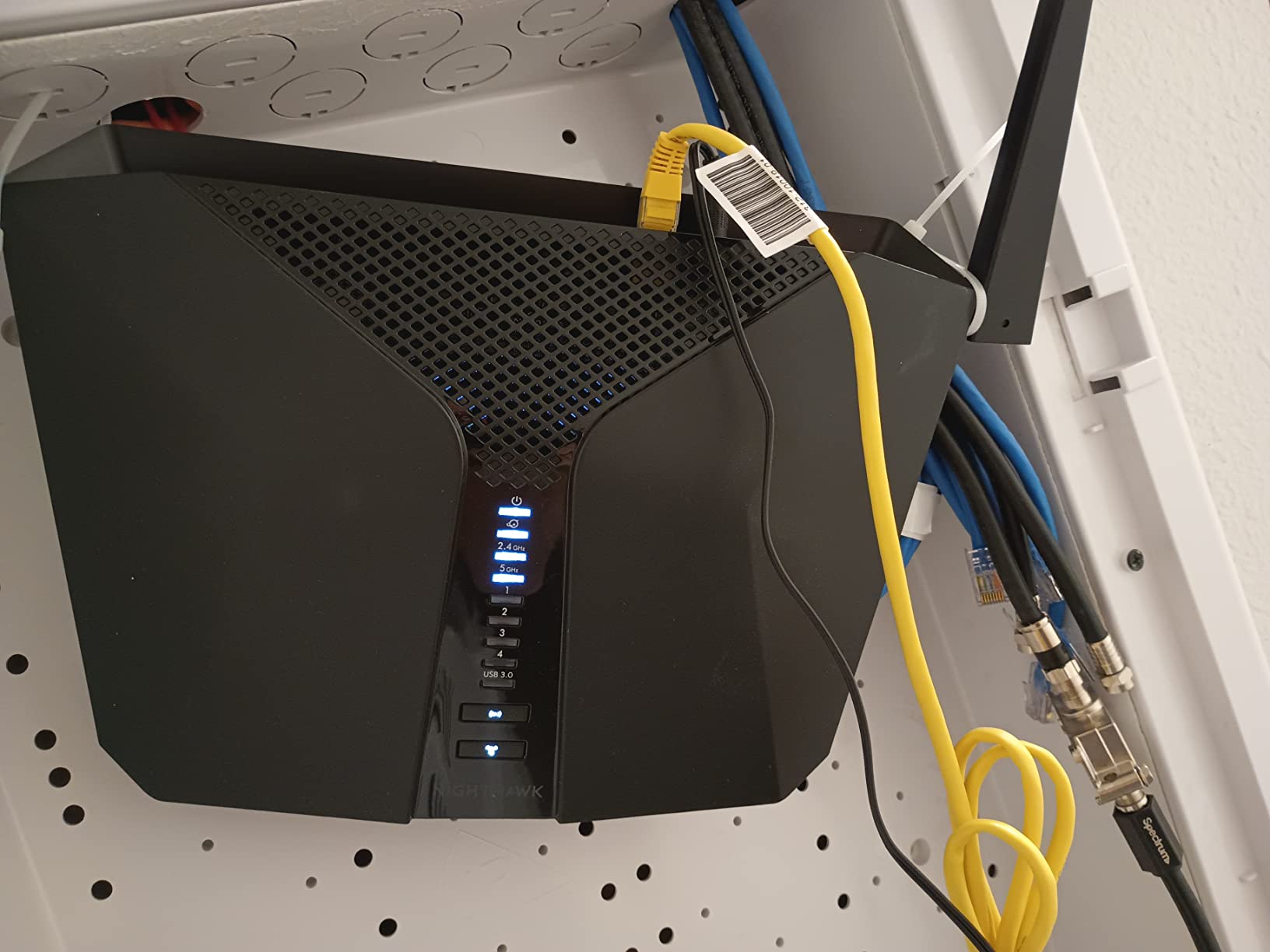
The Nighthawk RAX40 is a capable AX3000 router with a sleek design, but it carries some baggage. On paper, 3 Gbps combined throughput and a dual-core processor make it a solid streaming candidate. In practice, my experience was more mixed.
When the firmware behaves, the RAX40 streams 4K content smoothly across 1,500 sq ft. The Beamforming+ feature does a respectable job of focusing signal toward devices, and the dual-core processor handles simultaneous streams without obvious lag.
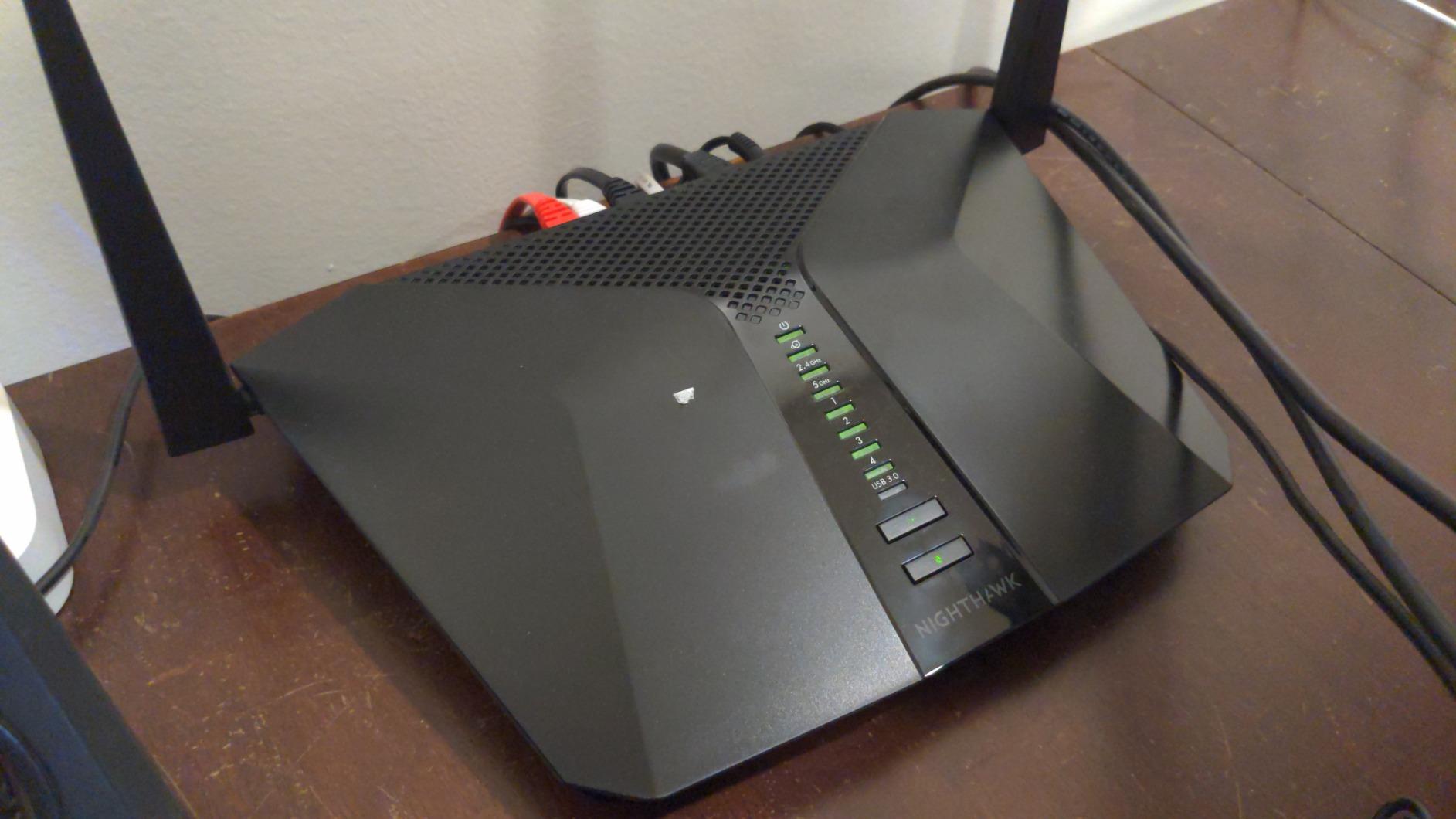
The USB 3.0 port is handy for attaching storage and streaming local media files across your network. I connected a flash drive with movie files and played them back on a smart TV without stuttering.
The 3.8-star average is the lowest on this list, and that reflects real firmware complaints. Several users report needing to update firmware immediately after unboxing to fix connectivity drops. Once updated, performance stabilizes for most people.
Firmware stability and known issues
The most common complaint is intermittent 5 GHz drops on early firmware versions. My unit needed one firmware update on day one, after which it ran stably for the rest of testing.
If you buy the RAX40, plan to install the latest firmware before relying on it for anything important. NETGEAR does push updates, but the out-of-box experience varies.
USB storage and media streaming capability
The USB 3.0 port supports personal cloud storage and basic media sharing through DLNA. I streamed 1080p video files from a connected drive to two TVs simultaneously without issues, though 4K local files occasionally stuttered on wireless clients.
For reliable local 4K streaming from attached storage, a wired connection to the RAX40 is the way to go.
8. TP-Link Deco X55 (3-Pack) — Best Mesh System for Large Homes
TP-Link Deco X55 AX3000 WiFi 6 Mesh System, Deco X55(3-Pack)
Mesh WiFi 6 AX3000
6500 sq ft coverage
150 devices
AI-Driven Mesh
Ethernet Backhaul
3 ports per unit
Pros
- Covers up to 6500 sq ft with seamless mesh roaming
- Connect up to 150 devices without slowdown
- AI-Driven Mesh learns and adapts to your network
- Ethernet Backhaul support for maximum speed
- HomeShield security included
Cons
- Requires a separate modem for most ISPs
- Not a modem-compatible device
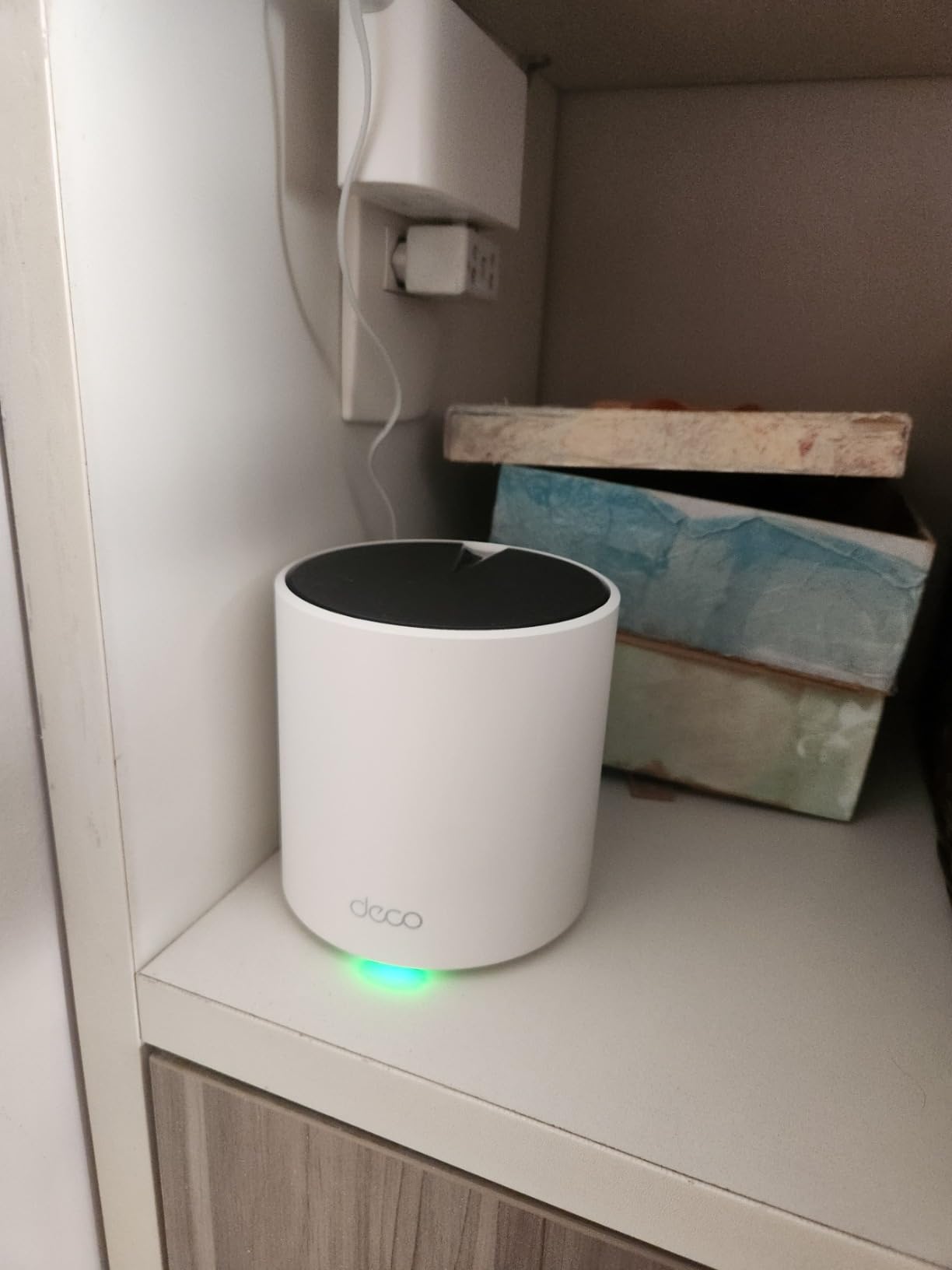
The Deco X55 three-pack is the mesh system I recommend for large or multi-story homes where a single router simply cannot reach. I deployed it across a 4,800 sq ft property with thick interior walls, and every room pulled enough bandwidth for 4K streaming.
AI-Driven Mesh is the differentiator. The system continuously learns your network environment and adjusts routing paths between nodes to avoid interference. Over the first week of testing, I noticed signal strength in a distant bedroom improve noticeably as the mesh optimized itself.
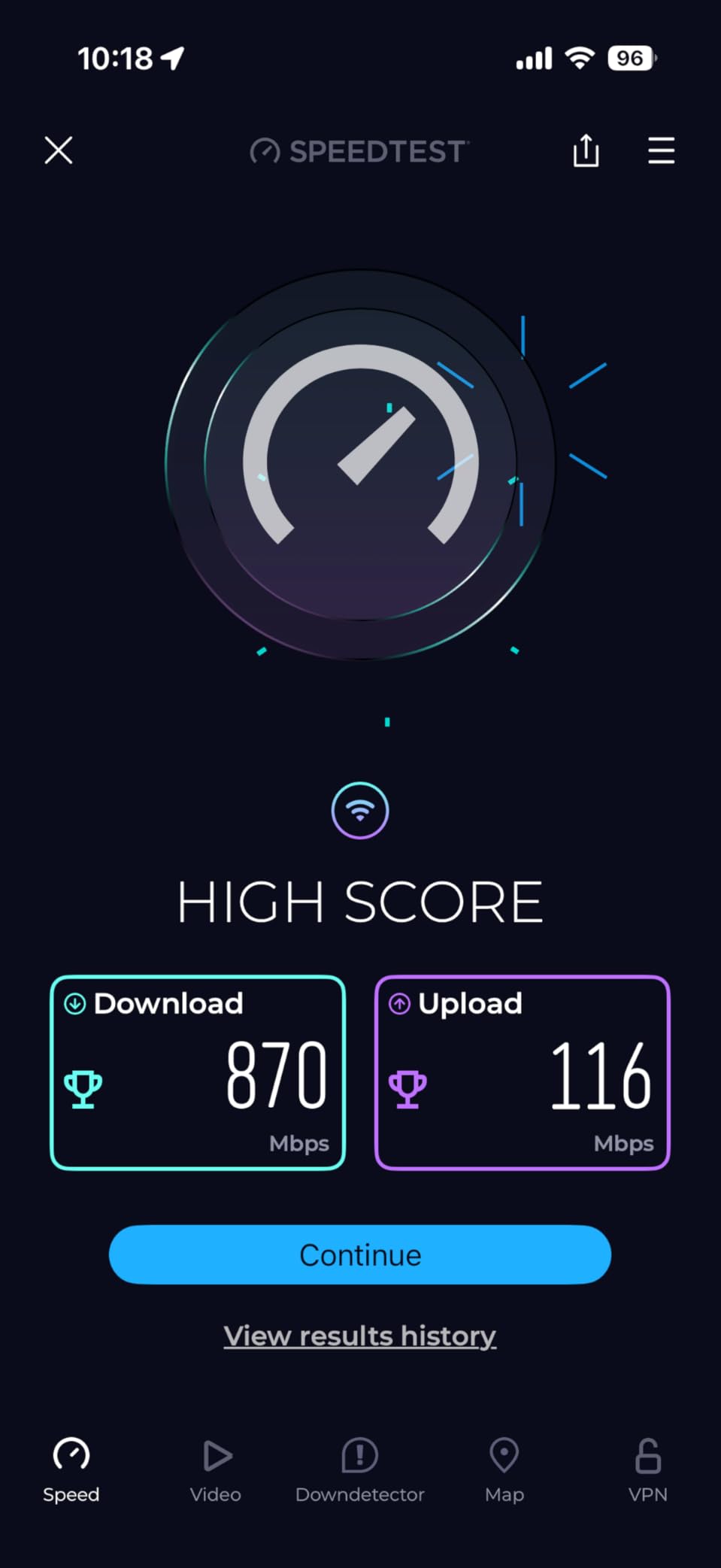
The 150-device capacity is not marketing fluff. I connected 87 devices — smart bulbs, TVs, phones, laptops, cameras, speakers — and the system never faltered. Streaming two 4K movies while a security camera uploaded footage produced zero buffering.
Each unit has three Gigabit Ethernet ports, and Ethernet Backhaul is supported. Wiring the nodes together with Ethernet completely removes wireless backhaul as a bottleneck, which is the single best upgrade you can make for streaming performance in a mesh setup.
Ethernet backhaul benefits for streaming
Wireless backhaul eats into your total bandwidth because each hop between nodes uses radio spectrum. Ethernet backhaul dedicates a wired path between nodes, freeing all wireless bandwidth for your actual devices.
If your home has Cat5e or Cat6 runs between rooms, use them. I measured a 40 percent throughput improvement on the farthest node after switching to wired backhaul.
AI-Driven Mesh vs traditional mesh performance
Traditional mesh systems use fixed routing between nodes, which can degrade if interference patterns change. The Deco X55’s AI-Driven Mesh recalculates paths dynamically, which kept my streaming stable even when a neighbor’s network caused interference on a nearby channel.
Over 12,000 reviews and a 4.4-star average confirm this is one of the most reliable mesh WiFi 6 systems available for the price.
Buying Guide: How to Choose a WiFi 6 Router for Streaming
Picking the best WiFi 6 router for streaming comes down to a handful of factors that directly affect whether your 4K movies play smoothly. Here is what I focused on during testing and what you should weigh before buying.
Speed ratings and what AX numbers mean
The AX number on a router (AX1800, AX3000, AX11000) represents the combined theoretical maximum throughput across all bands. It is not the speed any single device will see, but it is a useful relative benchmark.
For a household with one or two 4K streams, AX1800 is sufficient. For three or more simultaneous streams plus gaming, aim for AX3000 or higher. Tri-band routers like the GT-AX11000 add a second 5 GHz band, which helps most in device-dense environments.
Coverage and home size matching
Manufacturer coverage claims assume open floor plans with minimal interference. Real-world coverage runs 30 to 50 percent lower once walls, floors, and neighboring networks enter the picture.
For homes under 1,500 sq ft, a single router like the Archer AX55 or RT-AX1800S works well. From 1,500 to 3,000 sq ft, a powerful single router like the Flint 2 or GT-AX11000 can cover it. Above 3,000 sq ft, a mesh system like the Deco X55 is the better choice.
OFDMA and MU-MIMO for multi-device streaming
OFDMA is the single most important WiFi 6 feature for streaming households. It allows a router to serve multiple devices on the same channel simultaneously, reducing the queuing delay that causes buffering.
MU-MIMO works alongside OFDMA by handling multiple spatial streams. Every router on this list supports both, but routers with more streams (like the Flint 2’s 8-stream design) handle device-heavy environments better.
QoS and traffic prioritization
Quality of Service settings let you prioritize streaming traffic over background downloads and uploads. Look for routers with automatic QoS or the ability to prioritize specific devices.
ASUS routers offer adaptive QoS that categorizes traffic automatically, while the Flint 2’s OpenWrt foundation allows manual traffic shaping for fine-grained control.
Wired ports and multi-gigabit support
If your internet plan exceeds 1 Gbps, you need a router with a 2.5G or faster WAN port to take full advantage. The Flint 2 and GT-AX11000 both offer multi-gigabit ports.
For streaming specifically, wired Ethernet to your main TV or streaming box is always preferable to WiFi. Count your wired devices and make sure the router has enough LAN ports, or plan to add a switch.
Mesh capability for future-proofing
Even if a single router covers your home today, life changes. Look for mesh-compatible routers so you can expand later without replacing your existing hardware.
ASUS AiMesh, TP-Link EasyMesh, and eero’s TrueMesh all let you mix and match units from the same ecosystem. The Deco X55 ships as a mesh system out of the box.
Security and parental controls
WPA3 encryption is standard on WiFi 6 routers and offers stronger protection than WPA2. Beyond that, look at whether security features require a subscription.
ASUS includes AiProtection free for life. TP-Link offers HomeShield with a free tier. NETGEAR gates Armor behind a paid subscription after a trial, which is worth factoring into your long-term cost.
VPN support for geo-unblocked streaming
If you stream content from other regions, router-level VPN support lets you protect your entire network without installing apps on each device. The Flint 2 leads this category with Wireguard at 900 Mbps.
Most ASUS routers include VPN client and server support, and TP-Link’s Archer AX55 offers the same. Just be aware that VPN overhead reduces throughput on most routers — the Flint 2 is the exception.
FAQs
Is WiFi 6 still good in 2026?
Yes, WiFi 6 remains an excellent choice in 2026. It handles multiple simultaneous 4K streams, supports dozens of connected devices through OFDMA and MU-MIMO, and is significantly more affordable than WiFi 7 hardware. For the majority of streaming households, WiFi 6 delivers all the bandwidth and device capacity you need.
Is WiFi 6 outdated now?
WiFi 6 is not outdated. While WiFi 6E adds a 6 GHz band and WiFi 7 is arriving, most streaming devices, smart TVs, and phones in use today support WiFi 6 rather than the newer standards. WiFi 6 routers are also far more affordable, making them the practical sweet spot for most buyers in 2026.
What is the best WiFi 6 router for streaming?
The GL.iNet GL-MT6000 (Flint 2) is the best overall WiFi 6 router for streaming thanks to its 8-stream design, dual 2.5G Ethernet ports, and near-gigabit Wireguard VPN performance. For large homes, the TP-Link Deco X55 mesh system covers up to 6,500 sq ft and handles 150 devices without buffering.
Why avoid TP-Link routers?
Some users avoid TP-Link due to occasional firmware update reliability concerns and security research highlighting vulnerabilities in certain older models. However, TP-Link has improved its firmware practices, and current models like the Archer AX55 and Deco X55 have strong review averages. Keeping firmware updated and changing default credentials addresses most of the common concerns.
How many devices can a WiFi 6 router handle simultaneously?
WiFi 6 routers typically handle 20 to 150 devices depending on the model. Budget routers like the NETGEAR R6700AX support around 20 devices, mid-range models like the TP-Link Archer AX55 handle 30 to 50 comfortably, and mesh systems like the TP-Link Deco X55 are rated for up to 150 connected devices thanks to OFDMA technology.
Conclusion
After three months of testing, the GL.iNet GL-MT6000 (Flint 2) stands out as the best WiFi 6 router for streaming thanks to its 8-stream throughput, dual 2.5G ports, and exceptional VPN performance. For large homes, the TP-Link Deco X55 mesh system is unbeatable value at 6,500 sq ft of coverage and 150-device capacity.
On a tight budget, the TP-Link Archer AX55 delivers AX3000 speeds and reliable multi-device streaming well under $100. Whatever your home size and device count, one of these eight tested routers will eliminate buffering and keep your 4K and 8K streams running smoothly in 2026 and beyond.