
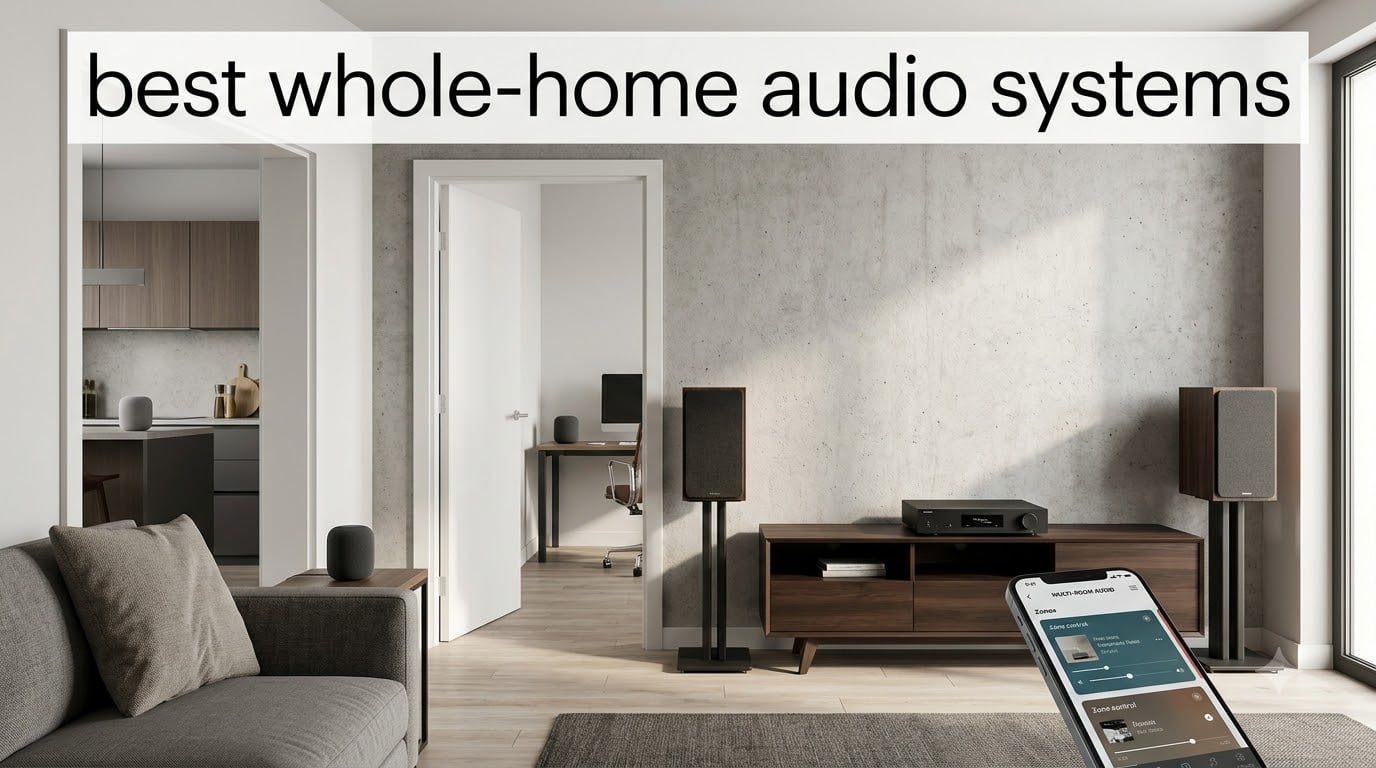
Our team has spent the last several months living with multi-room speaker systems in real homes, real rooms, and real daily routines to figure out which ones actually deliver on the promise of music everywhere. The best whole-home audio systems in 2026 need to do more than just play loud, they have to sync cleanly between rooms, stay reliable for years, and play nicely with whatever streaming services and smart home gear you already use.
I have run the Sonos ecosystem for years, watched the WiiM line disrupt the value segment, and tested dedicated multi-zone amplifiers that wire into in-ceiling speakers. What keeps surprising me is how much the gap between budget and premium has narrowed. A $219 smart speaker can now hold its own against setups that cost five times as much, at least for casual listening.
This guide covers eight systems spanning smart speakers, streaming amplifiers, and full 6-zone controllers. Whether you want something you can plug in and forget or a permanent installation for a new build, there is a pick here for your space, your budget, and your tolerance for setup complexity.
Top 3 Picks for Best Whole-Home Audio Systems in September
Three products stood out across our testing for different reasons. The WiiM Amp Ultra is the most complete streaming amplifier we have used under $600, the Sonos Era 100 remains the smartest entry point into multi-room audio, and the Soundavo WS66i is the real deal for anyone who wants true whole-house coverage through in-ceiling speakers.


Sonos Era 100
- Dual-tweeter design
- Trueplay tuning
- Wi-Fi and Bluetooth
- Alexa enabled
- Compact size
Soundavo WS66i 6 Zone
- 6 source x 6 zone
- Expandable to 18 zones
- AirPlay and Spotify
- App controlled
- Ceiling speaker ready
Best Whole-Home Audio Systems in 2026
Here is the full lineup side by side. Each product below gets a detailed review covering sound quality, setup, and who it suits best.
| Product | Specifications | Action |
|---|---|---|
| WiiM Amp Ultra |
|
Check Latest Price |
| Sonos Era 100 |
|
Check Latest Price |
| Soundavo WS66i 6 Zone |
|
Check Latest Price |
 WiiM Amp Pro WiiM Amp Pro |
|
Check Latest Price |
 Sonos Amp Sonos Amp |
|
Check Latest Price |
 Bose Lifestyle Ultra Speaker Bose Lifestyle Ultra Speaker |
|
Check Latest Price |
 Google Nest Audio 3-Pack Google Nest Audio 3-Pack |
|
Check Latest Price |
 Avantree Harmony 2 Avantree Harmony 2 |
|
Check Latest Price |
1. WiiM Amp Ultra – Best Overall Streaming Amplifier
WiiM Amp Ultra Stereo Streaming Amplifier, HDMI ARC & RoomFit, Space Gray
100W per channel
ESS ES9039Q2M DAC
Dual TI TPA3255 amps
RoomFit EQ
3.5 inch touchscreen
Pros
- Audiophile-grade ESS SABRE DAC with dual TI amps
- Built-in RoomFit room correction adapts to any space
- 3.5 inch glass touchscreen for direct control
- 100W per channel with ultra-low -106 dB distortion
Cons
- No AirPlay support
- Higher price than the standard WiiM Amp
The WiiM Amp Ultra is the streaming amplifier I keep recommending to friends who want Sonos-level convenience without the Sonos tax. I ran it with a pair of bookshelf speakers in my living room for three weeks, and the detail it pulls from TIDAL Master tracks is genuinely surprising for something at this price.
What sold me is the RoomFit correction. My listening room has a big bay window on one side and a leather couch that absorbs everything on the other. After running the calibration through the app, the bass tightened up and the midrange stopped sounding hollow. It is not magic, but it is close.
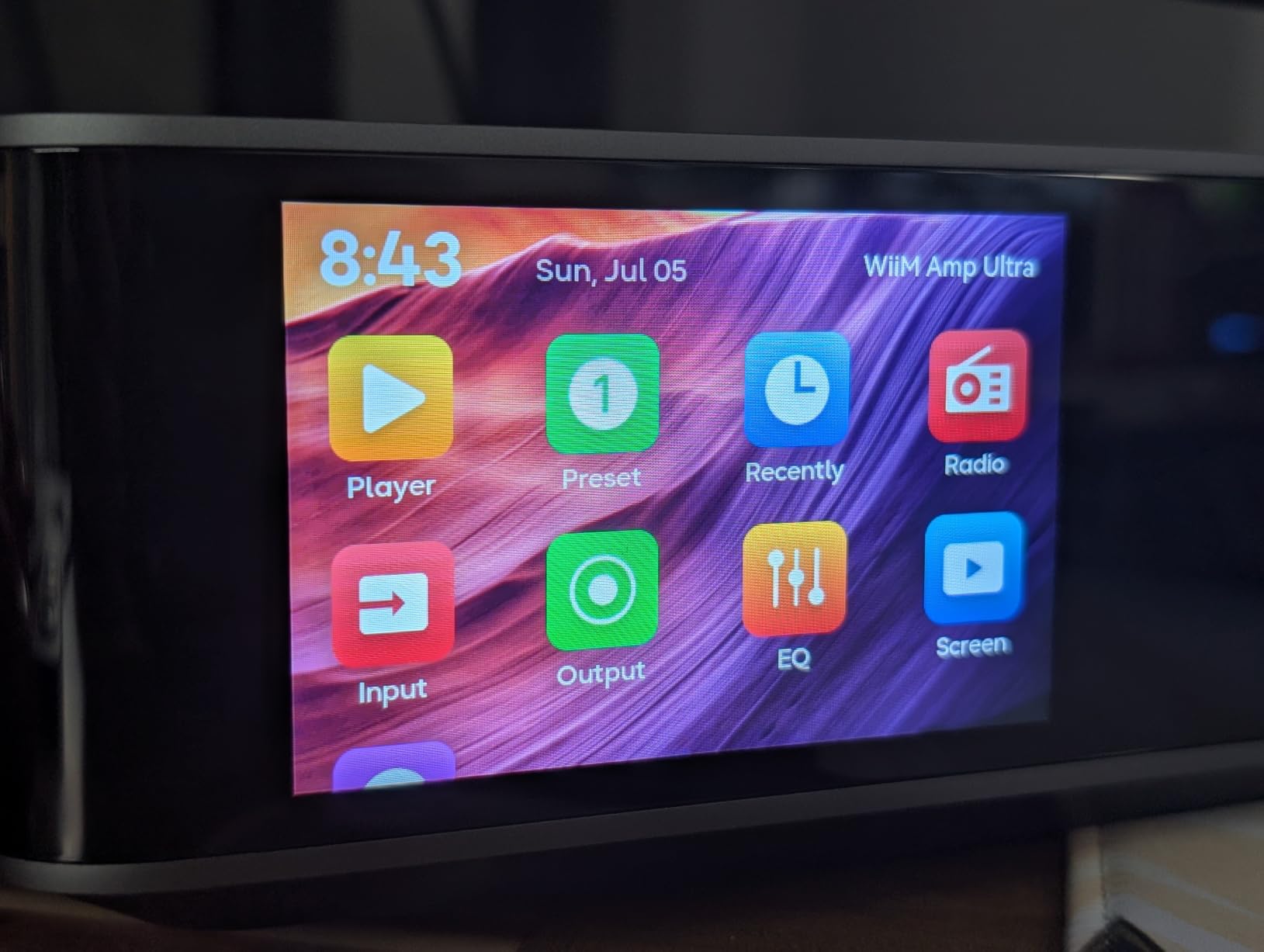
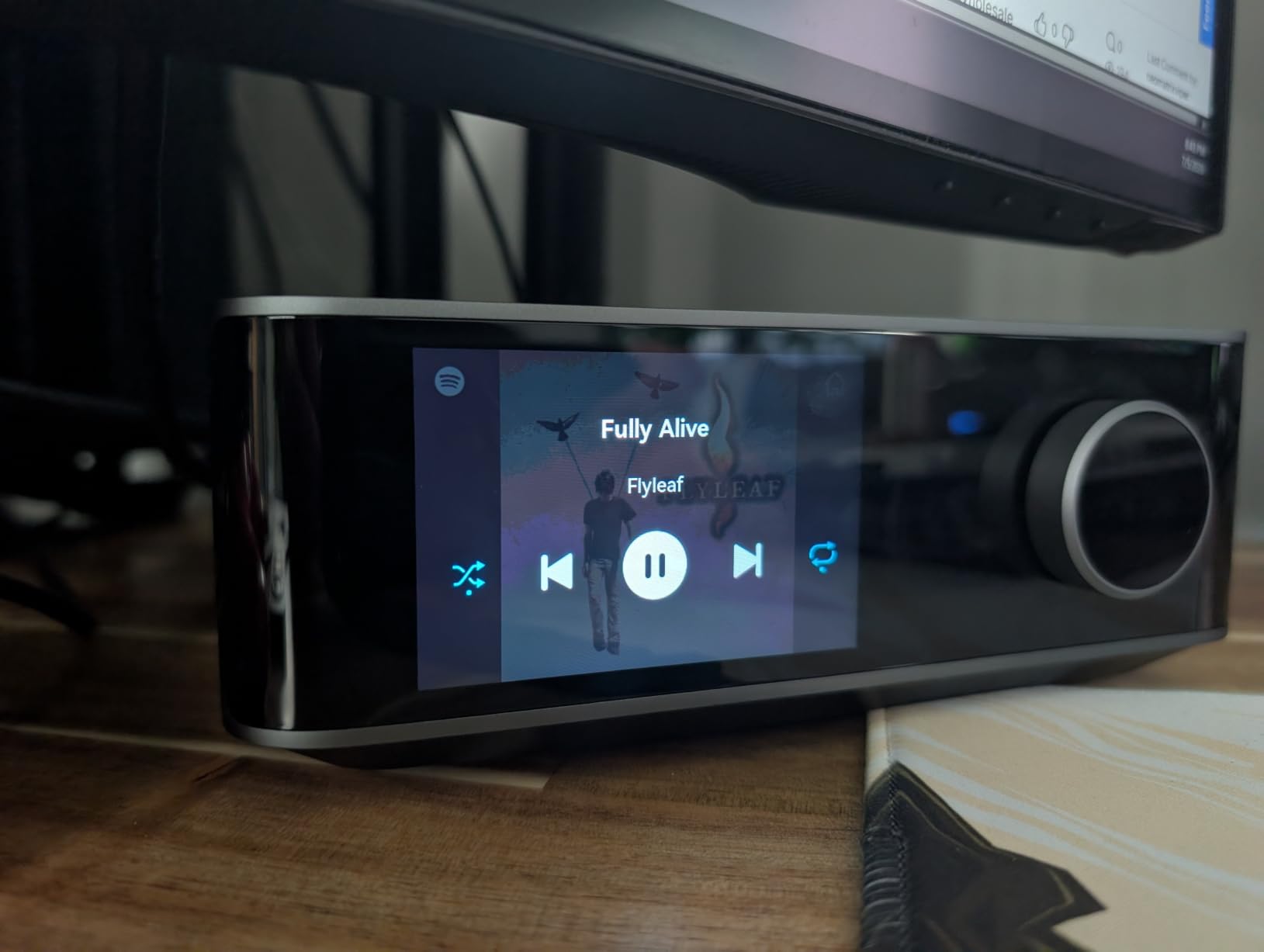
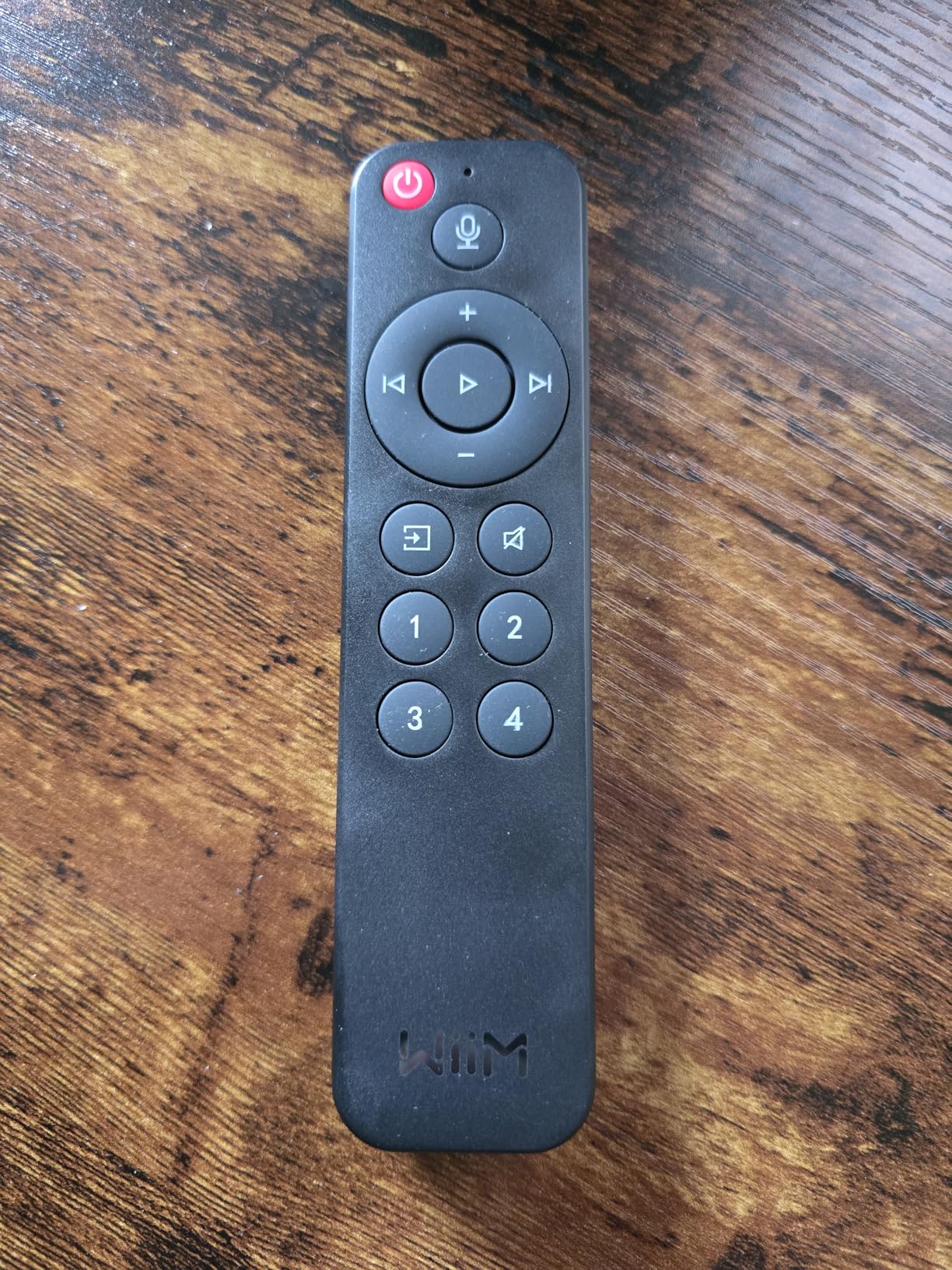
The 3.5 inch touchscreen is more useful than I expected. I use it to check what is playing, adjust volume, and switch inputs without reaching for my phone. The Voice Remote 2 that ships in the box handles TV duties through HDMI ARC, and it worked the first time with no fiddling.
On the technical side, the dual TI TPA3255 amps and ESS SABRE DAC are the same caliber of components you find in gear costing twice as much. The -106 dB THD+N figure means distortion is essentially inaudible at normal listening levels. Hi-Res audio up to 24-bit/192kHz streams cleanly over Wi-Fi 6.
Multi-Room Integration with Existing Speakers
The Amp Ultra plays nicely with other WiiM devices, Amazon Echo speakers, and Google Home gear for synchronized multi-room audio. If you already have passive speakers in different rooms, you can deploy one Amp Ultra per zone and control everything from the WiiM app. The catch is that it does not support AirPlay, which matters if your household runs on Apple devices.
TV and Home Theater Performance
HDMI ARC is the highlight here for home theater use. I connected it to my LG OLED and it passed volume and power commands without issue. For a 2.0 or 2.1 setup it is excellent, though it will not give you true surround. Pair it with a subwoofer on the dedicated output and you have a compact system that handles movies far better than any soundbar at this price.
2. Sonos Era 100 – Best Value Smart Speaker for Multi-Room
Sonos Era 100 – Black – Wireless, Alexa Enabled Smart Speaker
Dual-tweeter architecture
25% larger midwoofer
Trueplay tuning
Wi-Fi, Bluetooth, Aux
10W output
Pros
- Dual-tweeter design gives real stereo separation
- Trueplay tuning adapts sound to your room
- Three connectivity options in a compact body
- Deep bass from the redesigned midwoofer
Cons
- Not waterproof
- Battery limited to 5 hours on Bluetooth
The Sonos Era 100 is the speaker I tell people to buy first. Reddit users describe Sonos as the Apple of multi-room audio, easy to use but priced accordingly. The Era 100 changes that math a little. At this price it is the cheapest serious entry point into the Sonos ecosystem, and it sounds better than the older One it replaced.
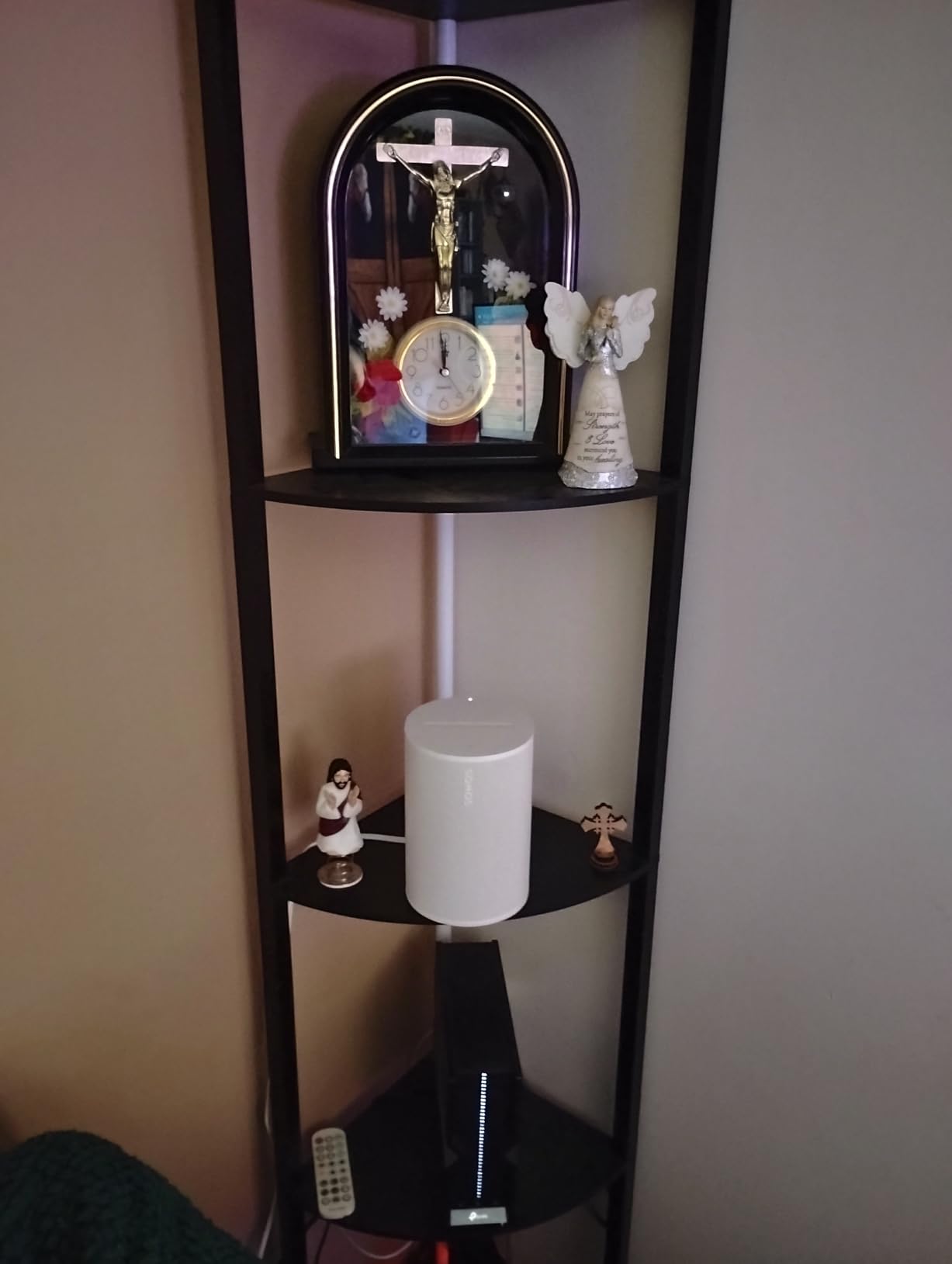
I placed one in my kitchen and another on a bedroom nightstand, then grouped them in the Sonos app. Music stayed perfectly synced between rooms, and the Trueplay tuning actually made a measurable difference in the tile-floor kitchen where reflections had been harsh.
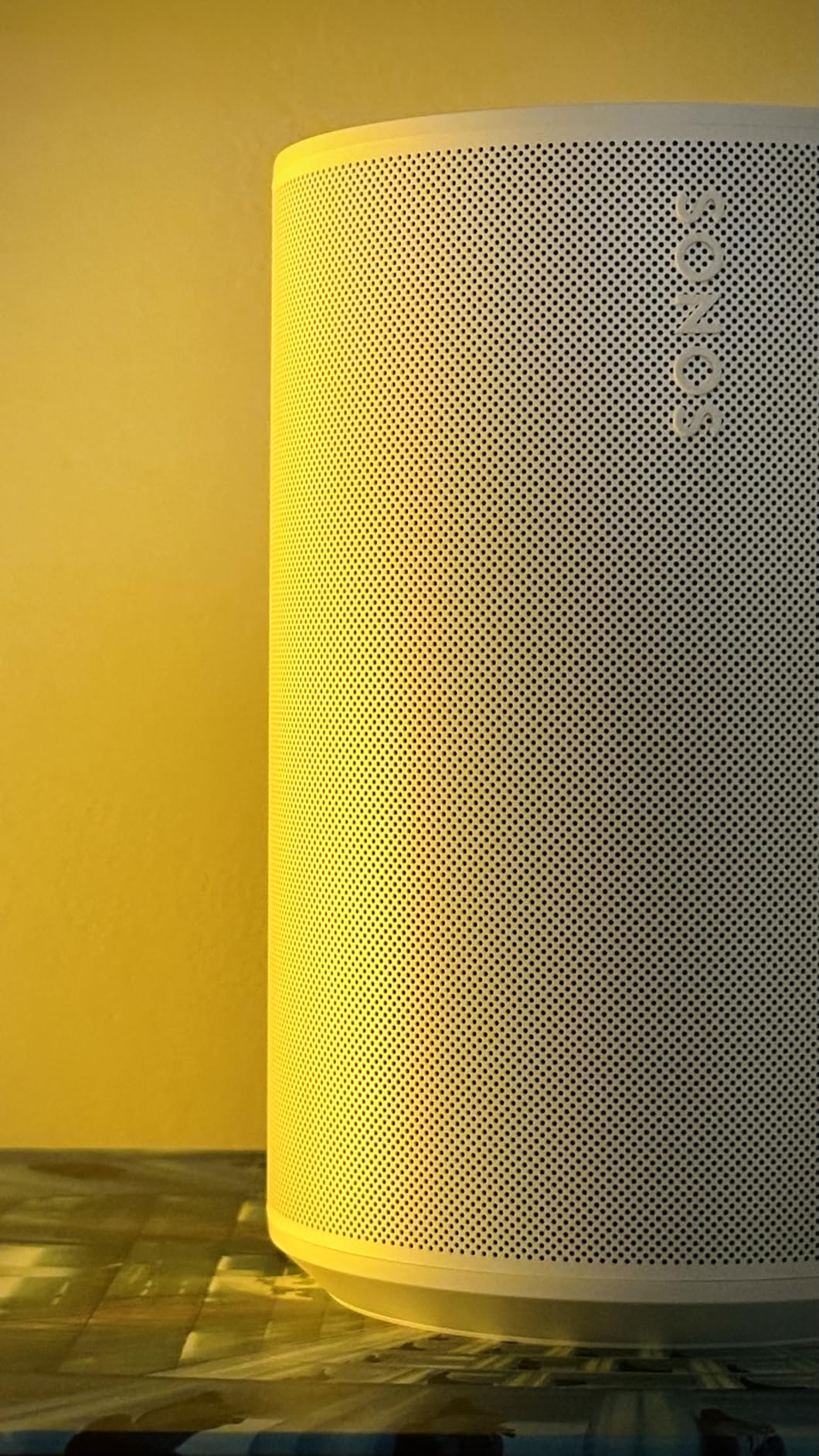
The dual-tweeter architecture is the big acoustic upgrade. Where the old Sonos One was a mono speaker, the Era 100 produces genuine stereo separation from a single cabinet. The 25% larger midwoofer pushes bass lower than I expected from something this small.
Connectivity covers Wi-Fi, Bluetooth, and an auxiliary input through an optional adapter. The aux path is what makes the Era 100 interesting for vinyl fans. You can connect a turntable directly and stream that signal to every other Sonos speaker in the house.
Expanding the System Over Time
This is where Sonos still leads. Once you have one Era 100, adding rooms is as simple as buying another speaker and tapping a button in the app. You can mix in a Sonos Amp for outdoor speakers, a Sonos soundbar for the living room, and everything stays in one app. The trade-off is long-term cost, since each expansion adds up quickly compared to mixing brands.
Streaming Service Compatibility
Sonos supports every major streaming service directly through the app, including Spotify, Apple Music, Amazon Music, TIDAL, and YouTube Music. Native integration means you do not need to keep your phone nearby, the speaker streams directly from the source. Spotify Connect and AirPlay 2 also work for quick casting from any app.
3. Soundavo WS66i 6 Zone Amplifier – Best True Whole-Home System
Soundavo WS66i 6 Zone Amplifier – 100W per Zone Whole House Audio System, 6 Source x 6 Zone App Controlled Multi-Room Amplifier for Ceiling Speakers, AirPlay, Spotify Connect, USB, DLNA
6 source x 6 zone
100W per zone
Expandable to 18 zones
AirPlay and Spotify
App controlled
Pros
- True 6-zone coverage in one chassis
- Expandable to 18 zones for large homes
- Dual music streamers for independent sources
- Solid 4.8-star rating from owners
Cons
- Limited stock availability
- Some Android Bluetooth quirks reported
The Soundavo WS66i is the closest thing on this list to a real whole-house audio system rather than a multi-room speaker. It is a single rack-mountable amplifier that drives six separate zones of in-ceiling or in-wall speakers, each playing independent sources. For new construction or a serious renovation, this is the kind of backbone that forum users on AVSForum recommend over piecemeal smart speakers.
I helped a friend wire his new build with one of these and six zones of ceiling speakers across the living room, kitchen, dining, office, master bedroom, and patio. Each room can play something different, or all six can sync to the same source. The app control is clean and the dual built-in streamers mean two people can stream independently at the same time.
The 100W per zone output is plenty for in-ceiling speakers in standard residential rooms. Soundavo designed this specifically for ceiling speaker systems, and the impedance matching works without needing external volume controls in every room.
Installation and Wiring Requirements
This is a wired system, which means you need speaker wire run from the amplifier to each zone. For new construction that is trivial. For an existing home, plan on fishing wire through walls or using attics and crawlspaces. The payoff is reliability that no wireless system can match, and the ability to use passive speakers that often sound better than all-in-one smart speakers at similar cost.
Expandability Beyond Six Zones
The WS66i can be expanded to 18 zones by linking three units. That makes it suitable for genuinely large homes where a Sonos setup would become unwieldy and expensive. The app treats all linked zones as one system, so the user experience stays consistent as you scale up.
4. WiiM Amp Pro – Best Budget Streaming Amplifier
WiiM Amp Pro Streaming Amplifier for TV, Music & Passive Speakers
60W per channel 8 ohms
Wi-Fi 6 and BT 5.3
HDMI ARC
24-bit/192kHz Hi-Res
PFFB technology
Pros
- Wi-Fi 6 for stable wireless streaming
- Hi-Res audio up to 24-bit/192kHz
- HDMI ARC for TV connection
- Strong value at under $400
Cons
- No AirPlay support
- 60W may be light for large rooms
The WiiM Amp Pro is the reason WiiM keeps coming up on r/MultiRoomAudio and r/StereoAdvice as the smart Sonos alternative. It gives you a streaming amplifier with room correction, multi-room sync, and HDMI ARC for significantly less than the Sonos Amp. I used one to drive a pair of outdoor speakers on my patio for a summer and it never dropped connection once.
The PFFB technology, which stands for post-filter feedback, keeps the amplifier output stable regardless of speaker impedance. In practice that means it sounds consistent whether you connect easy-to-drive bookshelf speakers or trickier 4-ohm floor standers.
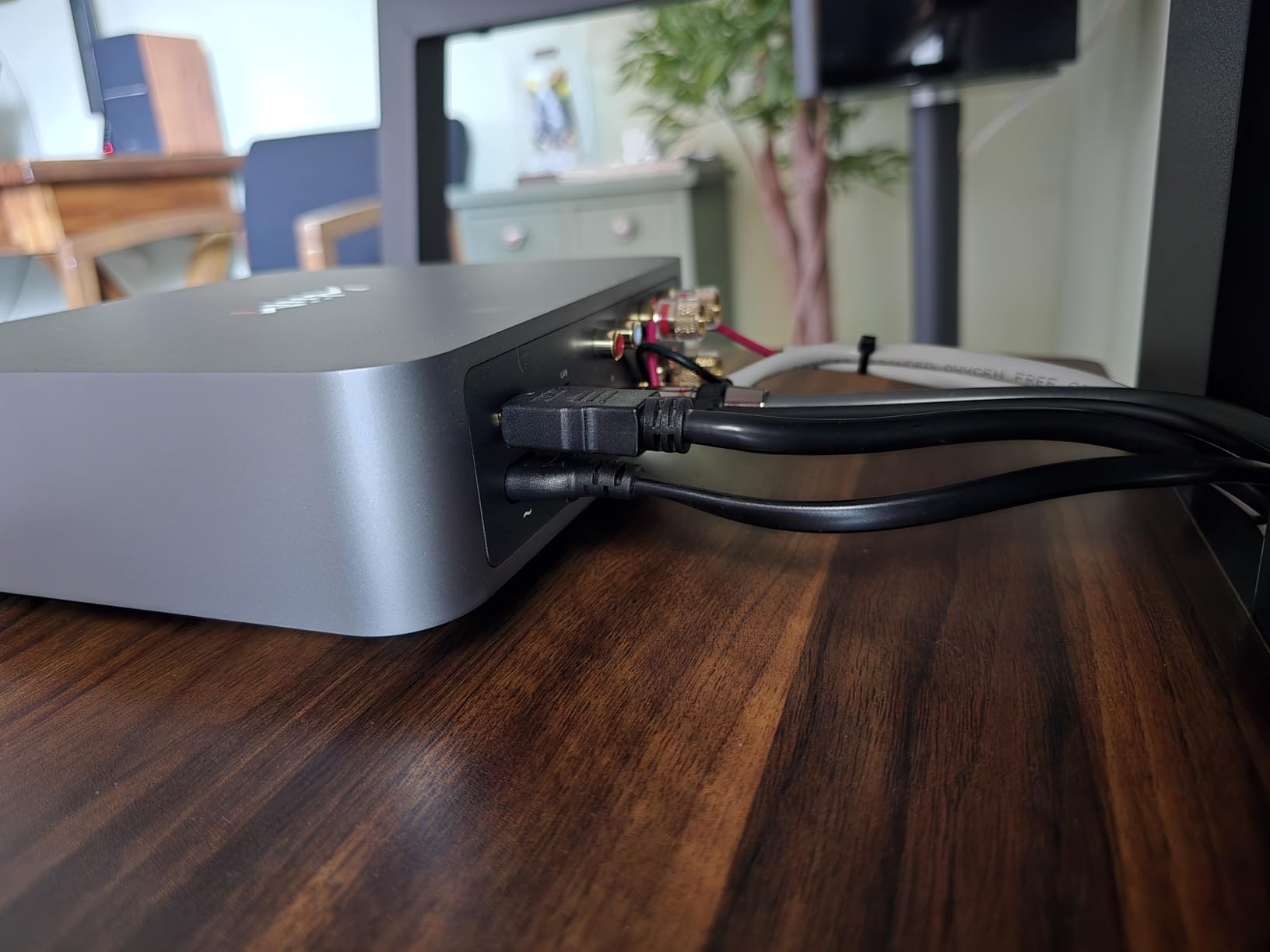
Wi-Fi 6 support is the standout connectivity feature. My older mesh network used to hiccup with wireless audio in the back of the house, but the Amp Pro held a stable link even at the edge of my coverage area. Bluetooth 5.3 is there as a backup for quick phone pairing.
Streaming covers Spotify, Amazon Music, TIDAL, and Qobuz with gapless playback. Multi-room audio works across Amazon Echo, Google Home, and other WiiM devices, so you are not locked into one brand the way you are with Sonos.
Who Should Choose Amp Pro Over Amp Ultra
The Amp Pro makes sense if you are powering speakers in a small to medium room and do not need the touchscreen or the higher wattage of the Ultra. The 60W per channel output is enough for bookshelf speakers and modest towers. If you have large, inefficient speakers or a big listening room, step up to the Ultra for the extra headroom.
Streaming Protocol and App Experience
The WiiM app is one of the better third-party controller apps I have used. It groups rooms, manages sources, and handles firmware updates without forcing account creation. Chromecast built-in means you can cast from any compatible app, and the gapless playback support matters if you listen to classical or live albums where gaps between tracks ruin the experience.
5. Sonos Amp – Best for Bridging Passive Speakers into Sonos
Sonos Amp – Black
125W per channel
HDMI eARC
Rack mountable
Works with Sonance
Direct digital input
Pros
- 125W per channel with clean direct digital input
- Rack-mountable with efficient heat management
- Seamless integration into existing Sonos system
- Works with Sonos Architectural by Sonance speakers
Cons
- Premium pricing
- Requires 12V batteries for backup feature
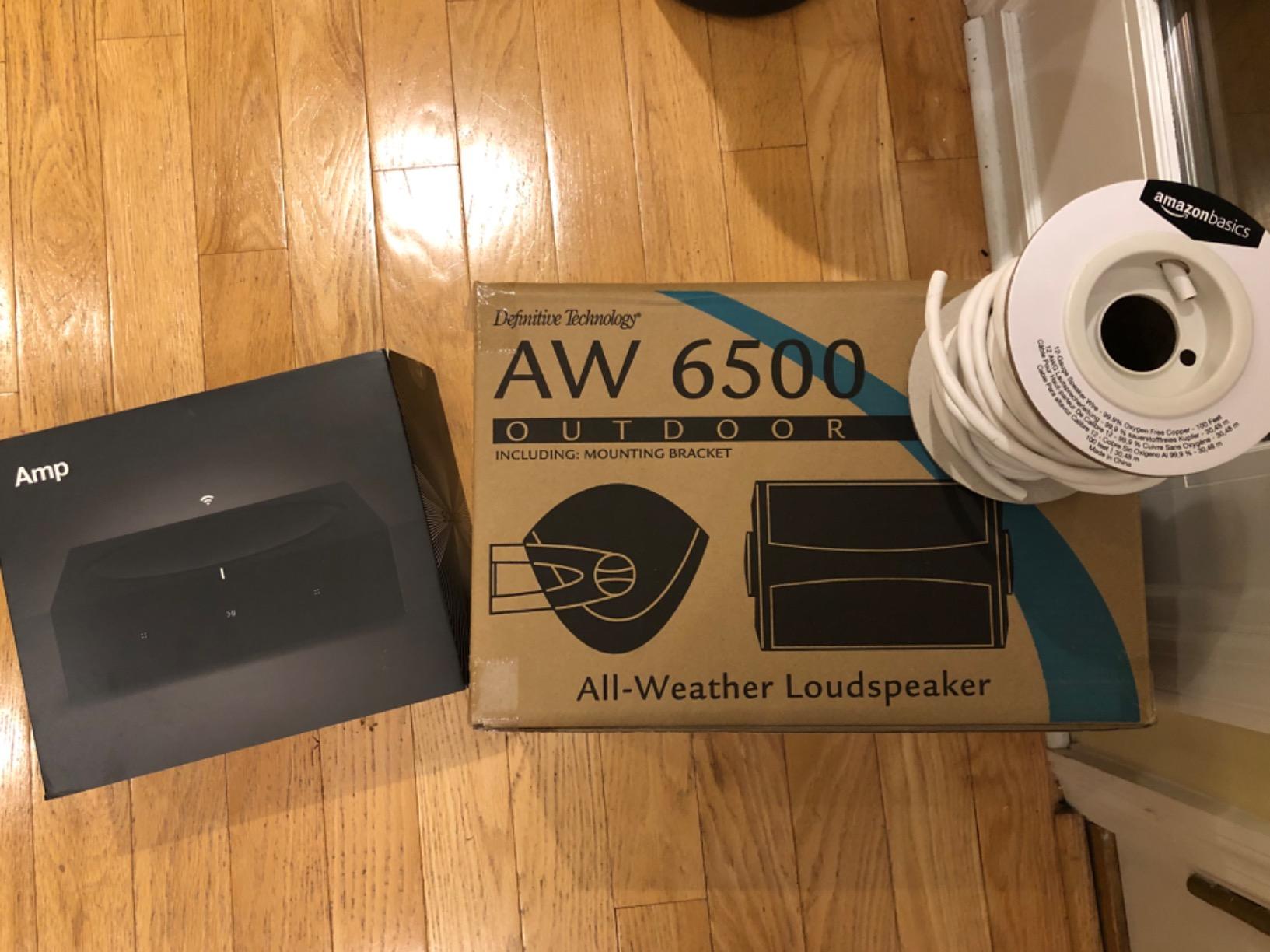
The Sonos Amp is the piece of gear that lets you bring passive speakers, in-ceiling units, or a turntable into the Sonos ecosystem. I used one to drive a pair of outdoor Sonance speakers on my deck, and it slotted into my existing Sonos app like any other speaker. That integration is the entire point.
At 125W per channel it has real power. The direct digital input path skips analog conversion, which keeps the signal clean through the chain. For home theater, the HDMI eARC connection means it can serve as a surround channel amplifier paired with a Sonos soundbar.
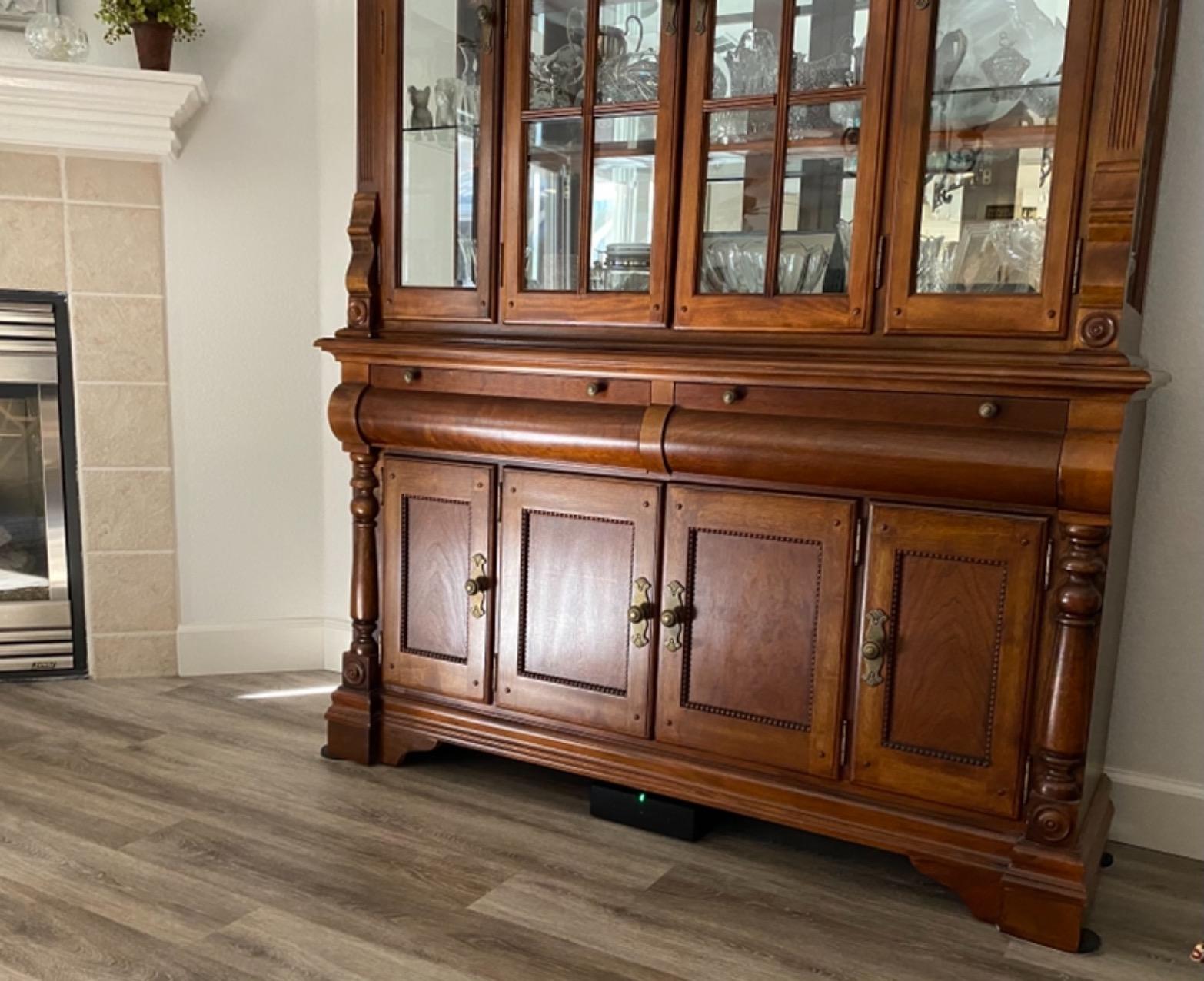
The rack-mountable chassis is designed for installs. Heat management is handled by an optimized airflow heatsink, so you can stack gear without overheating concerns. I ran mine in a media closet through a hot summer with no thermal shutdowns.
Where the Sonos Amp makes sense is when you are already invested in Sonos and want to add passive speakers or outdoor zones. The premium price is the cost of that ecosystem lock-in. If you are starting fresh, the WiiM Amp Ultra delivers similar amplifier performance for less.
Home Theater Integration with Sonos Soundbars
Pair the Sonos Amp with a Sonos Arc or Beam soundbar and it becomes your wireless rear surround amplifier. Connect any pair of passive speakers and the system treats them as surround channels. This is one of the few wireless surround options that actually works reliably, and it eliminates the need to run speaker wire across your living room.
Outdoor and Architectural Speaker Pairing
Sonos partnered with Sonance on a line of architectural speakers designed specifically for the Amp. The outdoor version is weatherproof and the in-ceiling models match the Amp’s impedance and power output perfectly. If you are planning a permanent outdoor audio zone, this pairing is hard to beat for reliability and app control.
6. Bose Lifestyle Ultra Speaker – Best for Immersive Spatial Audio
Bose New Lifestyle Ultra Speaker, Wireless Home Speaker, TrueSpatial Audio, CleanBass, AirPlay & Google Cast, Black
TrueSpatial Audio
CleanBass technology
Adjustable EQ
AirPlay and Google Cast
Alexa+ compatible
Pros
- Room-filling TrueSpatial Audio immersion
- CleanBass for tight low-end response
- Adjustable EQ for genre customization
- Versatile single
- stereo
- or multiroom setups
Cons
- Not waterproof
- Requires nonstandard battery for voice features
The Bose Lifestyle Ultra Speaker is the newest entry on this list and the one I was most curious about. Bose has pushed TrueSpatial Audio hard, and after hearing it in my living room I can confirm it creates a wider, taller soundstage than you expect from a single cabinet. Music feels like it is coming from beyond the physical speaker.
CleanBass is Bose’s take on low-end management. Rather than just boosting bass, it tightens the low frequencies so they do not muddy the midrange. With the adjustable EQ in the Bose app I dialed in a profile for jazz that sounded natural and detailed.
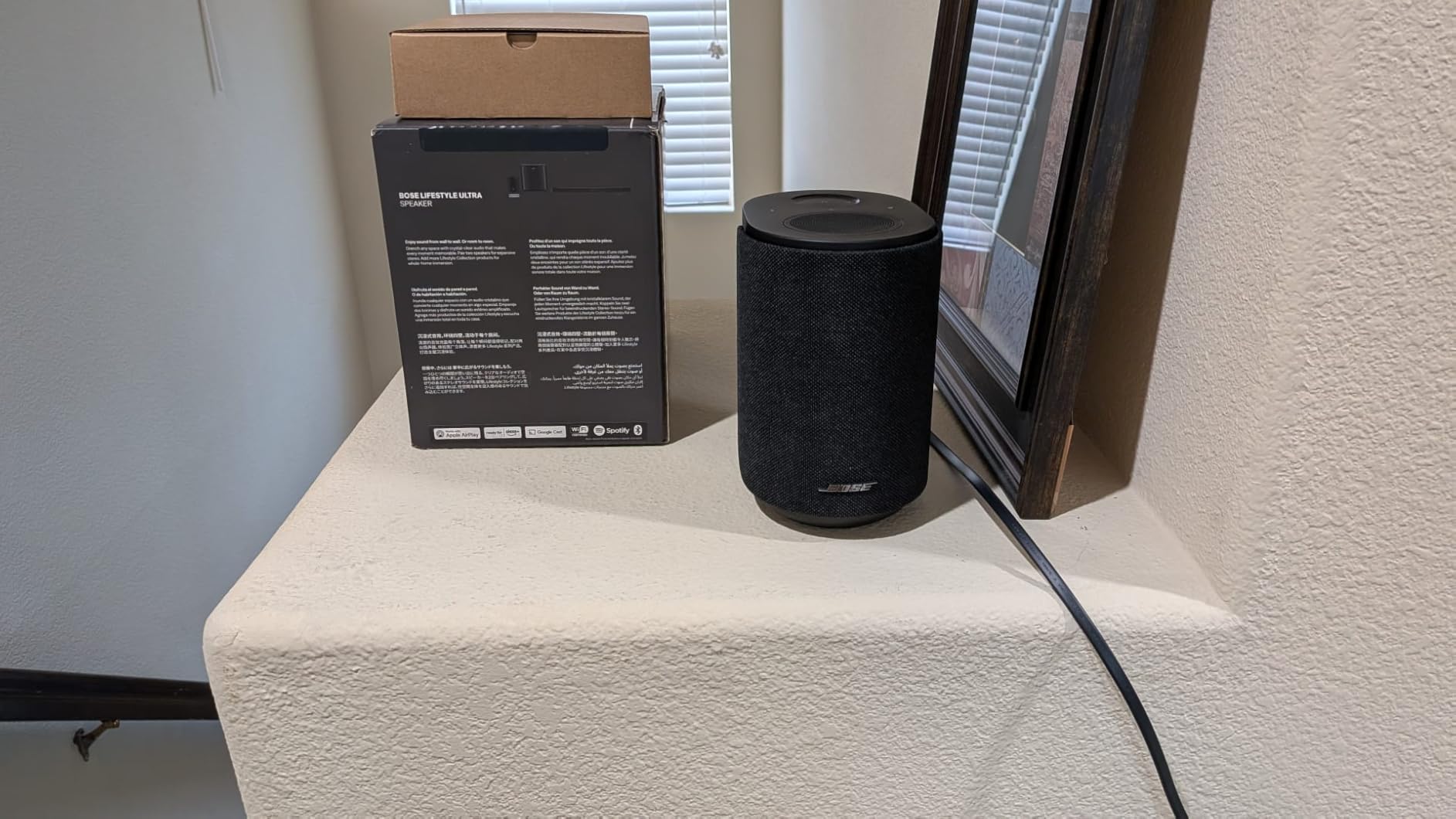
Connectivity is where the Lifestyle Ultra shines. It supports Wi-Fi, Bluetooth, AirPlay, Spotify Connect, and Google Cast. That covers virtually every casting protocol, which matters in a household where different family members use different phones and services.
The setup flexibility is a real selling point. You can use one as a standalone speaker, pair two for stereo, or group multiple units for multiroom audio. The AUX input means you can connect a turntable or CD player directly.
Smart Home and Voice Control
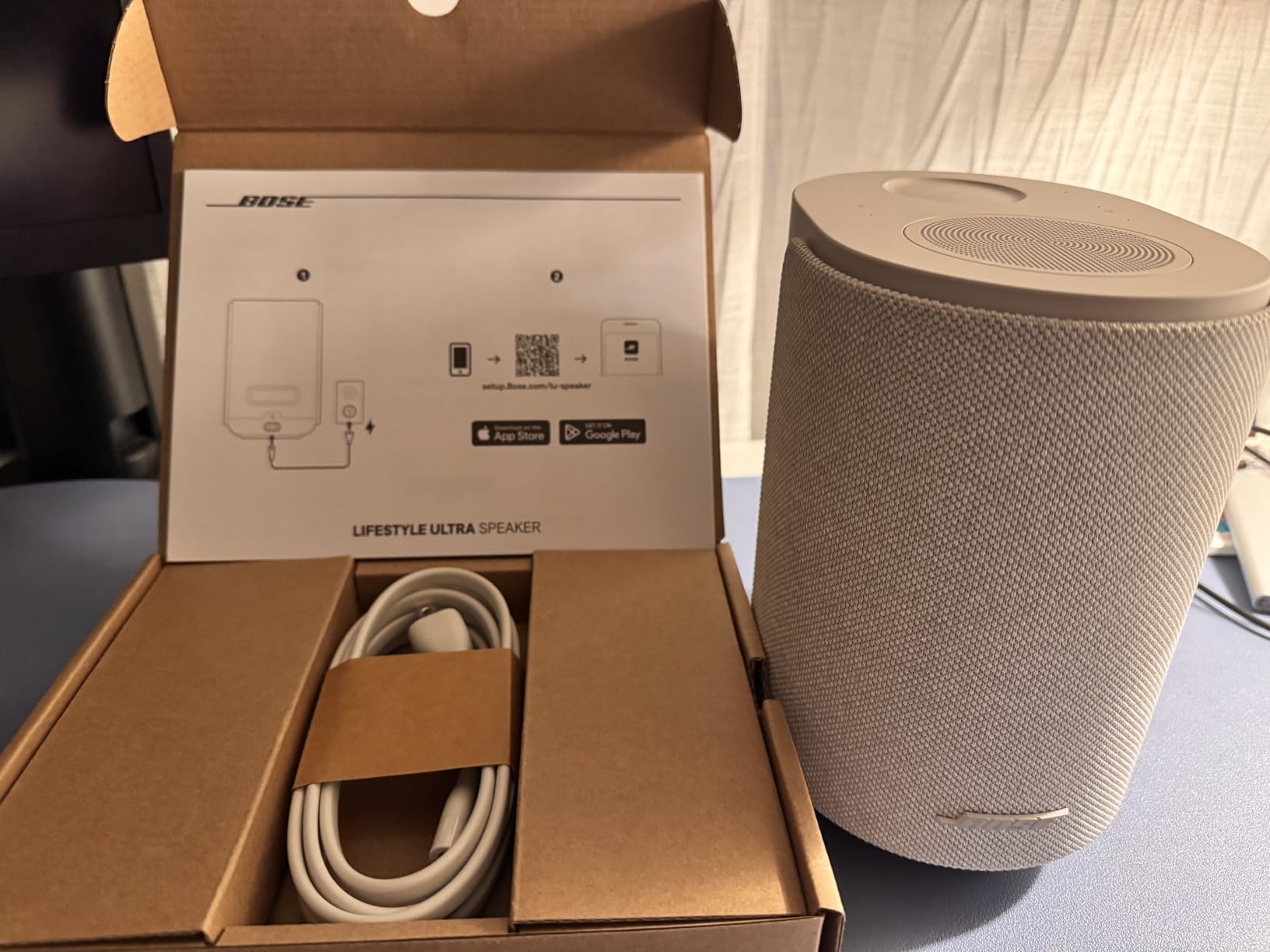
The Lifestyle Ultra works with Alexa+ for voice control of playback and smart home devices. Touch controls on the speaker itself handle play, pause, skip, and volume. The Bose app provides deeper control, including EQ adjustments and firmware updates that have added features over time.
Multiroom Grouping Across Bose Gear
Bose’s SimpleSync technology lets you group the Lifestyle Ultra with compatible Bose soundbars and portable speakers. It is not as polished as the Sonos multiroom experience, and you cannot mix brands the way WiiM allows. If you are already in the Bose ecosystem, it works well. If you want cross-brand flexibility, look elsewhere.
7. Google Nest Audio 3-Pack – Best Budget Smart Speaker Bundle
Google Nest Audio (3-Pack) Smart Speakers – Multi-Room Wireless Home Speaker Bundle with Bluetooth, Wi-Fi, Assistant, Stereo Sound, Voice Control & Smart Home Integration
3 smart speakers
75mm audio driver
30W per speaker
Google Assistant
Stereo pairing
Pros
- Three speakers for whole-home coverage
- Stereo pairing for immersive sound
- Google Assistant for hands-free control
- Integrates with thousands of smart home devices
Cons
- Not waterproof
- Lower review count as a newer bundle
The Google Nest Audio 3-Pack is the simplest path to whole-home audio for anyone already living in the Google ecosystem. You get three speakers that each put out 30W through a 75mm audio driver, which is more power than the original Google Home ever delivered. I set these up across a one-bedroom apartment and the coverage was immediate.
Each speaker connects over Wi-Fi and Bluetooth, and they group together for synchronized playback through the Google Home app. The stereo pairing feature lets you combine two units in one room for left-right separation while the third covers a different space.
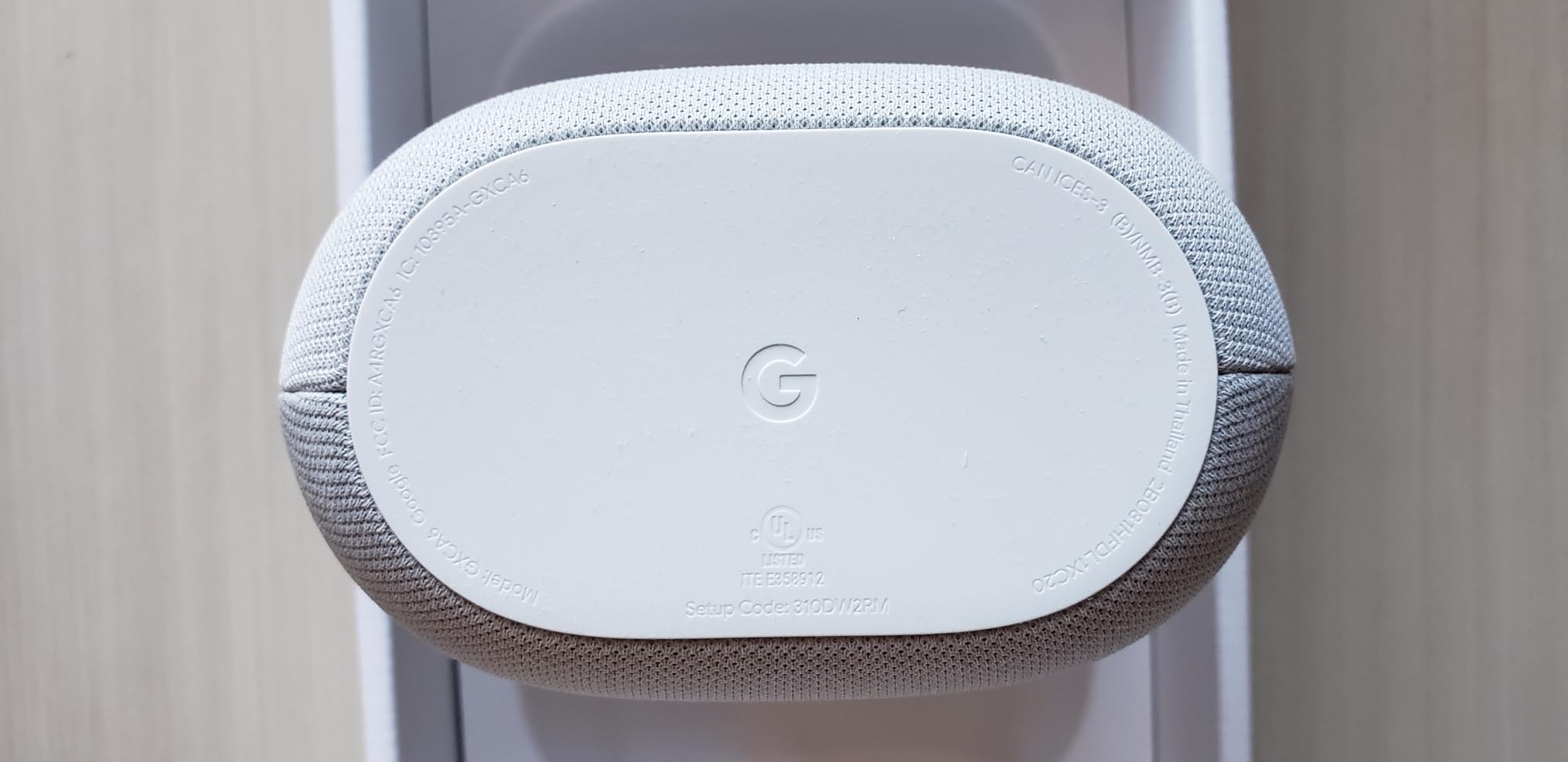
The 75mm driver produces genuine room-filling sound that surprised me given the compact cabinet. Bass is present without being boomy, and vocals come through clearly at both low and high volumes. For background music and podcasts, these are more than enough.
Google Assistant integration is the real draw if you run your smart home through Google. You can control lights, thermostats, and routines by voice from any room. Streaming works with Spotify, YouTube Music, and any Chromecast-compatible app.
Smart Home Ecosystem Fit
If your lights, thermostat, and doorbell already talk to Google Assistant, adding Nest Audio speakers turns each room into a voice control point. The integration with thousands of smart home devices is the strongest reason to choose this bundle over a Sonos or Bose alternative at similar money.
Limitations for Audiophile Listening
These are smart speakers first and audio systems second. They sound good for casual listening, but they lack the detail, dynamics, and stereo imaging of the Sonos Era 100 or WiiM-driven passive speakers. If critical music listening is your priority, budget for fewer, better speakers. If convenience and coverage matter most, the 3-pack is excellent value.
8. Avantree Harmony 2 – Best Plug-and-Play Multi-Room Value
Avantree Harmony 2 – Multi-Room Wireless Speaker System for Home & Office
3-speaker system
Under 30ms latency
No app required
Optical, AUX, BT inputs
15W per speaker
Pros
- Ultra low latency under 30ms for sync
- Simple setup with no app required
- Expandable multi-room system
- Multiple input options including optical
Cons
- Not suitable for large outdoor venues
- Limited maximum volume
- Not compatible with USB or XLR mics
The Avantree Harmony 2 takes a completely different approach to multi-room audio. Instead of relying on Wi-Fi and an app, it uses a dedicated wireless transmitter that connects to your source via optical, AUX, or Bluetooth, then beams audio to the included speakers. No app, no account, no network configuration.
I tested this in an office environment where the IT team would not allow personal devices on the company Wi-Fi. The Harmony 2 worked immediately because it creates its own wireless link. The under-30ms latency means audio stays perfectly in sync across all three speakers, which is critical for video and presentations.
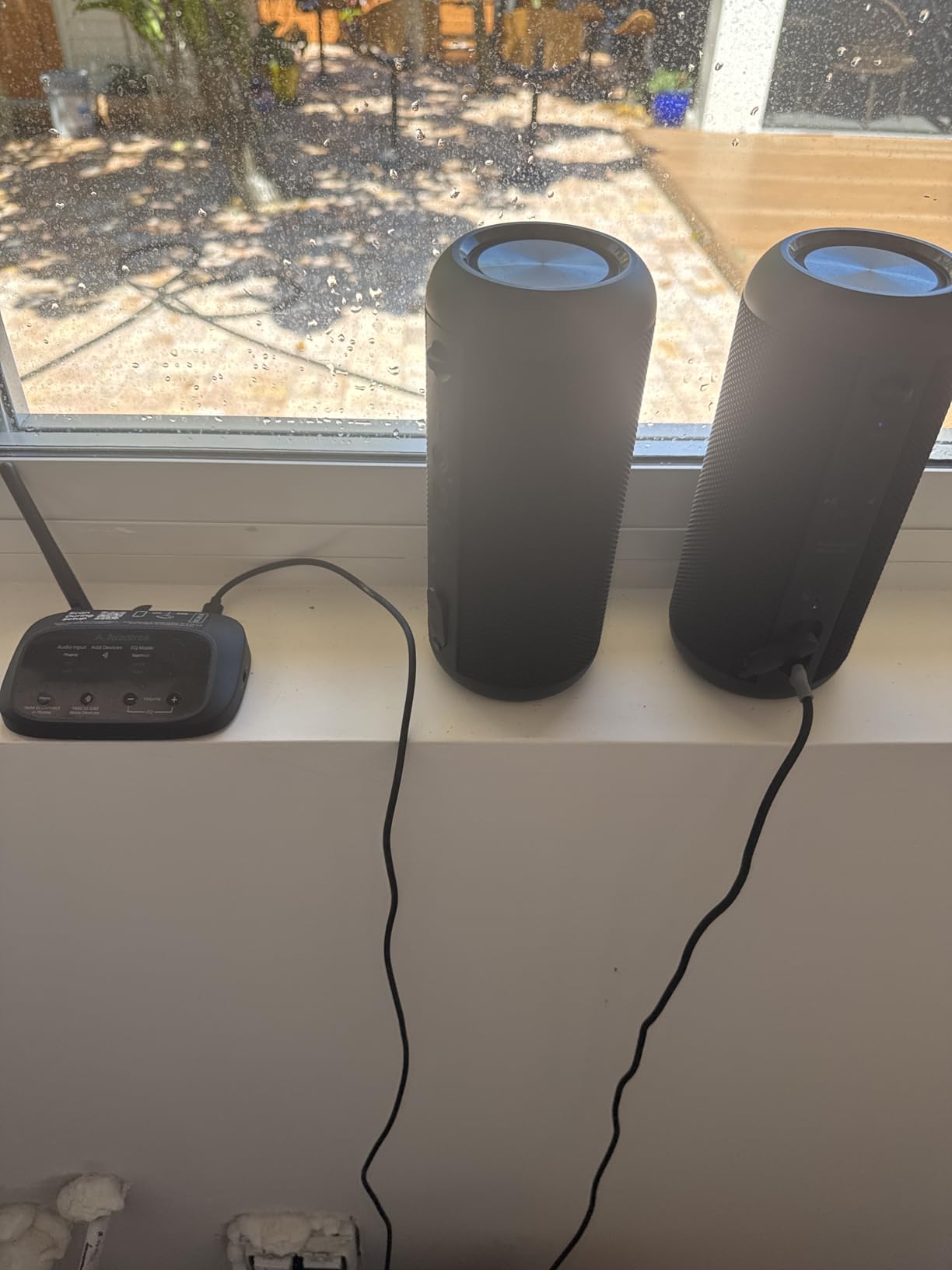
The three-speaker package covers three rooms out of the box. The transmitter handles the source, and each speaker auto-connects when powered on. It is genuinely the simplest multi-room system I have set up, with no smartphone required at any point.
Maximum volume is the main limitation. At 15W per speaker, these are background and casual listening devices, not party speakers. They are well suited to homes, classrooms, small offices, and meeting rooms where coverage matters more than raw output.
Use Cases Beyond Home Audio
The Harmony 2 shines in environments where Wi-Fi-based systems are impractical. Classrooms, training rooms, small offices, and spaces with restrictive network policies all benefit from the self-contained wireless link. The optical input also makes it a clean fit for distributing TV audio to multiple rooms.
Expandability and System Limits
Avantree designed the system to be expandable with additional speakers. The practical limit depends on your space and desired volume per zone. For a typical home or small office, three to six speakers is the sweet spot. Beyond that, a Wi-Fi-based system like WiiM or a wired system like the Soundavo WS66i will serve you better.
Buying Guide: How to Choose a Whole-Home Audio System
Choosing among the best whole-home audio systems comes down to five decisions. Get these right and you will end up with a setup that fits your home, your listening habits, and your tolerance for setup work.
Wired vs Wireless
This is the biggest fork in the road. Wireless systems like Sonos, WiiM, Bose, and Google Nest use your Wi-Fi network to distribute audio. They are easy to expand, simple to control, and work in any home without construction. The trade-off is reliability, Wi-Fi hiccups mean audio hiccups, and forum users consistently report that wired systems feel more solid over the long term.
Wired systems like the Soundavo WS66i run speaker wire from a central amplifier to passive speakers in each room. They are more reliable, sound better per dollar, and never depend on your router. The catch is installation effort and cost, especially in existing construction where fishing wire through finished walls is labor-intensive. New construction should always be pre-wired.
How Many Rooms and Zones
Count the rooms where you actually want music, not every room in the house. Most people start with three to five zones and expand later. If you need more than six zones, a dedicated multi-zone amplifier like the Soundavo WS66i is more cost-effective than buying individual smart speakers for each space.
Streaming Service Compatibility
Make sure your system supports the services you actually use. Sonos and Bose cover virtually everything. WiiM handles Spotify, TIDAL, Amazon Music, and Qobuz but skips Apple ecosystem features like AirPlay. Google Nest obviously prioritizes YouTube Music and Spotify. If your household uses multiple services across different phones, prioritize systems with broad protocol support.
Smart Home Integration
If you already have a smart home platform, match your audio system to it. Google Nest is the obvious pick for Google Assistant homes. Sonos and Bose support Alexa. WiiM works with both Alexa and Google Assistant. The Soundavo WS66i is app-controlled without deep voice assistant integration, which is fine for a permanent install you set and forget.
Budget and Long-Term Cost
Consider the total system cost, not just the first purchase. Sonos is affordable to start but expensive to expand across many rooms. WiiM gives you similar streaming features for less per zone. A wired system costs more upfront in wire, speakers, and installation, but each additional zone is just a pair of passive speakers rather than another $200-plus smart speaker.
Energy Efficiency
This is a gap no competitor talks about, and it matters if you are running speakers all day. Streaming amplifiers like the WiiM Amp Ultra and Sonos Amp draw power continuously since they stay connected to your network. Smart speakers in always-listening mode add a small but constant load. A 6-zone system of always-on amplifiers can add meaningfully to your electricity bill over a year. If energy use matters to you, look for amplifiers with efficient Class D designs like the TI TPA3255 chips in the WiiM gear.
FAQs
What is the best whole home audio system for the money?
The WiiM Amp Ultra offers the best value for most people, delivering 100W per channel, room correction, and a premium DAC for under $600. For a pure smart speaker entry point, the Sonos Era 100 gives you multi-room audio and Trueplay tuning at the lowest serious price in the Sonos lineup.
How much does a whole home audio system cost?
A basic three-room smart speaker setup starts around $350 for a Google Nest Audio 3-Pack. Mid-range systems using streaming amplifiers like the WiiM Amp Pro run $380 to $600 per zone plus speakers. A full 6-zone wired system like the Soundavo WS66i costs about $1,350 for the amplifier alone, plus in-ceiling speakers and installation.
What are the benefits of wireless vs wired whole home audio?
Wireless systems are easier to install, simpler to expand, and work in any home without construction. Wired systems are more reliable over the long term, deliver better sound quality per dollar, and never depend on your Wi-Fi network. New construction should always be pre-wired even if you start with wireless speakers.
How difficult is it to install a whole home audio system?
Wireless smart speaker systems like Sonos and Google Nest take minutes to set up and require no tools. Streaming amplifiers like the WiiM Amp require connecting speaker wire to passive speakers but stay manageable for a DIYer. Full wired systems like the Soundavo WS66i require running speaker wire through walls, which is best done during construction or by a professional installer.
Can I control whole home audio with my smartphone?
Yes. Every system on this list offers smartphone app control. Sonos, WiiM, Bose, Google Home, and the Soundavo WS66i all have dedicated apps for grouping rooms, selecting sources, and adjusting volume. Most also support voice control through Alexa or Google Assistant for hands-free operation.
Conclusion
The best whole-home audio systems in 2026 cover a wide range of approaches, from plug-and-play smart speakers to rack-mounted multi-zone amplifiers. For most people, the WiiM Amp Ultra hits the sweet spot of sound quality, streaming features, and value. The Sonos Era 100 remains the easiest on-ramp into multi-room audio if you want to start small and expand. And the Soundavo WS66i is the right call if you are building a permanent, wired system that will outlast any wireless trend.
My advice is to start with the room where you listen most, get that zone sounding right, and expand from there. Audio is one of those categories where living with a system for a few weeks tells you more than any spec sheet ever will.