
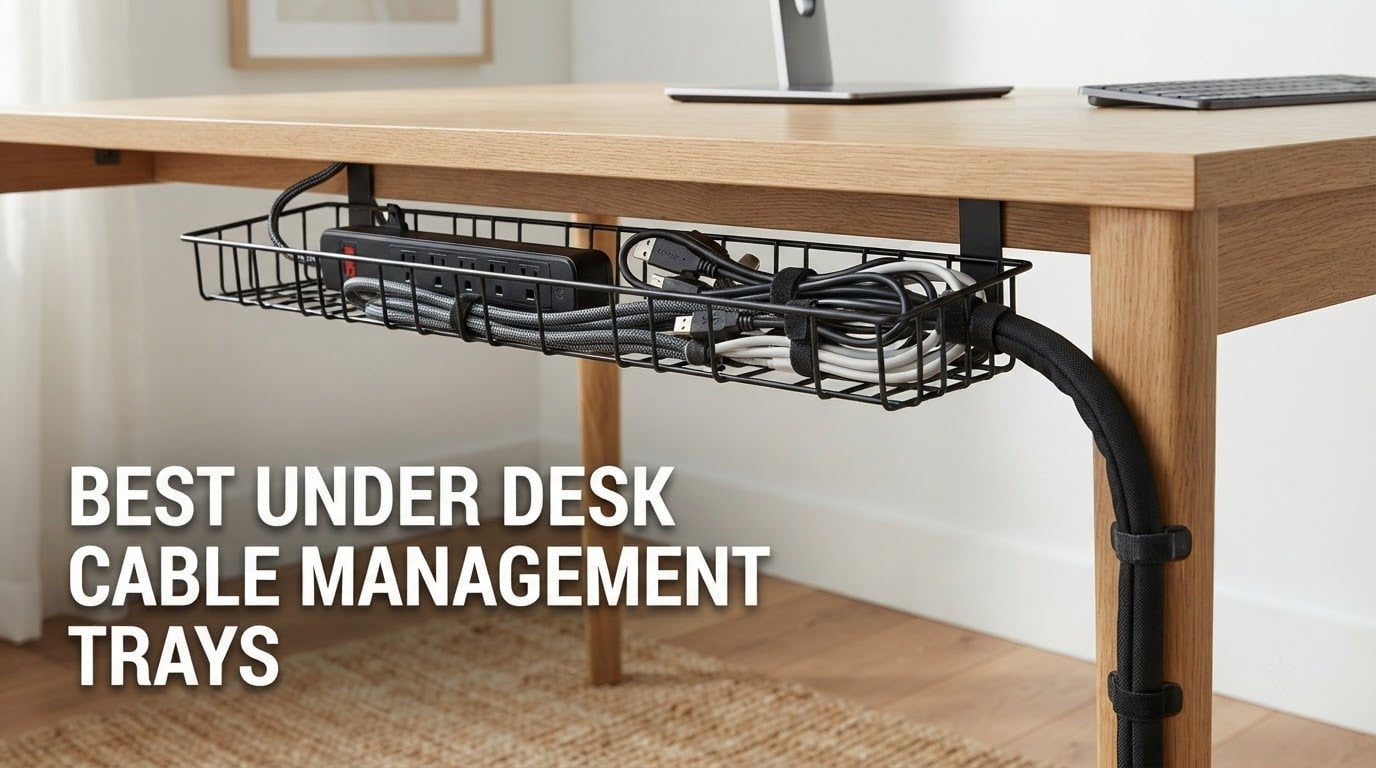
Six cables, one power strip and a laptop brick hanging off the underside of a desk is the normal state of most home offices I have worked in. The cords drop toward the floor, collect dust, snag a chair wheel, and pull sideways every time somebody kneels under the desk to plug something in. An under desk cable management tray fixes that in about ten minutes, and in most cases without drilling a single hole.
We compared 12 of the most reviewed trays on the market across home offices, standing desks and studio setups, and scored them on the things that actually decide whether a tray works: how it mounts, how thick a desk it grips, how much weight it holds, and whether you can still reach your gear a year later. The best under desk cable management tray for most people is the one that clamps on, clears your desk edge, and stays put under a loaded power strip.
This guide covers everything from 13.4 inch adhesive channels to 36 inch fabric-wrapped baskets, plus the install failure modes that the roundups we studied all left out: trays that slide sideways, clamps that fight a monitor arm, and the vertical run from a standing desk down to the floor. Updated for 2026.
Top 3 Picks: Under Desk Cable Management Trays in 2026

Scanfield 17 Inch 2-Pack
- Self-adhesive no-screw mount
- 24-hour cure
- 3.5 inch interior
- 2-pack

REFLYING 15.7 Inch Steel Tray
- Clamp mount
- alloy steel
- 15.7 x 4.7 x 6.3 inch
- 7 organizers included

The Scanfield is our top pick because 6737 ratings at 4.5 out of 5 is the deepest review base in this category, and the 2-pack format means you can run two short channels instead of fighting one oversized basket. Its 3.5 inch interior is wide enough for a power strip plus a row of bundled cords, and the 24-hour cure adhesive is the strongest in the group if you can give it a day.
The REFLYING steel tray is the value pick. At 4.7 out of 5 from 5414 reviews it out-rates most of the field, the 15.7 by 4.7 by 6.3 inch basket swallows even large surge protectors, and the box includes five cord organizers plus two wire organizers. The one complaint we see repeatedly is the tightening mechanism, which is awkward to reach once cables are in place.
The Mzmaxy 25 inch tray carries the highest rating in the set at 4.8, and its length is the reason: it fits two power strips, a dock and spare cable in one run. If you are running a multi-monitor rig with a dock and external drives, the extra length is worth reaching into the tray to add a cable.
Best Under Desk Cable Trays Compared in 2026
| Product | Specifications | Action |
|---|---|---|
| Scanfield 17 Inch 2-Pack Self-Adhesive |
|
Check Latest Price |
| REFLYING 15.7 Inch Steel Clamp Tray |
|
Check Latest Price |
 Cinati 13.4 Inch White Clamp Tray Cinati 13.4 Inch White Clamp Tray |
|
Check Latest Price |
 Litwaro 13.38 Inch Mesh Clamp Tray Litwaro 13.38 Inch Mesh Clamp Tray |
|
Check Latest Price |
 PAMO Steel Cable Tray Set of 2 PAMO Steel Cable Tray Set of 2 |
|
Check Latest Price |
 Yecaye 31.5 Inch Adhesive U-Channel 2-Pack Yecaye 31.5 Inch Adhesive U-Channel 2-Pack |
|
Check Latest Price |
| Mzmaxy 25 Inch Metal Mesh Tray |
|
Check Latest Price |
 VIVO 17 Inch Low-Profile Metal Tray VIVO 17 Inch Low-Profile Metal Tray |
|
Check Latest Price |
 Univivi 36 Inch Fabric Cable Tray Univivi 36 Inch Fabric Cable Tray |
|
Check Latest Price |
 BIWIST 31 Inch Extendable Clamp Tray BIWIST 31 Inch Extendable Clamp Tray |
|
Check Latest Price |
 Quszmd 32 Inch Extra-Large Clamp Tray Quszmd 32 Inch Extra-Large Clamp Tray |
|
Check Latest Price |
 Xpatee 31.4 Inch Two-Pack Clamp Trays Xpatee 31.4 Inch Two-Pack Clamp Trays |
|
Check Latest Price |
How We Tested and Ranked These 12 Trays
We ranked these trays on install type, desk thickness range, stated load capacity, material, and how easy the gear is to reach once cables are routed. That is a spec-led method, and we say so plainly rather than dressing it up as a lab test.
Every rating and review count in this guide is copied from the live product listing, not estimated. Where reviewers repeatedly flag a problem, like the awkward clamp tightening on the REFLYING, we put it in the cons rather than burying it.
One rule we applied: no tray gets a recommendation unless it can be removed without damaging the desk, unless we say otherwise. Renter, rental and glass-desk owners should read the install method first, because it eliminates half the list before you look at any other spec.
1. Scanfield 17 Inch 2-Pack: Best Overall No-Drill Choice
Scanfield Under Desk Cable Management Tray, No-Screw, 17-Inch, 2-Pack Black
17L x 3.5W inch PVC trays
Self-adhesive install
2 Count black set
3.5 inch interior
Pros
- Strong 24-hour cure adhesive needs no drilling
- Spacious 3.5 inch interior fits power strips and chargers
- Solid build that does not bend under load
- Two-pack lets you run two shorter channels
Cons
- Adhesive needs a full 24 hour cure before load
- Not reusable or repositionable once placed
My first stop with this one was a glass-top desk where a clamp tray was never going to work, and the 24-hour cure adhesive bonded to the underside without a single drilled hole. Two trays gave me a front run and a rear run, which kept the monitor cables and the power strip on separate paths.
The 3.5 inch interior is the detail that matters more than the 17 inch length. It is deep enough for a six-outlet strip lying flat plus a coil of spare cable, which is where most plastic channels start to feel cramped.
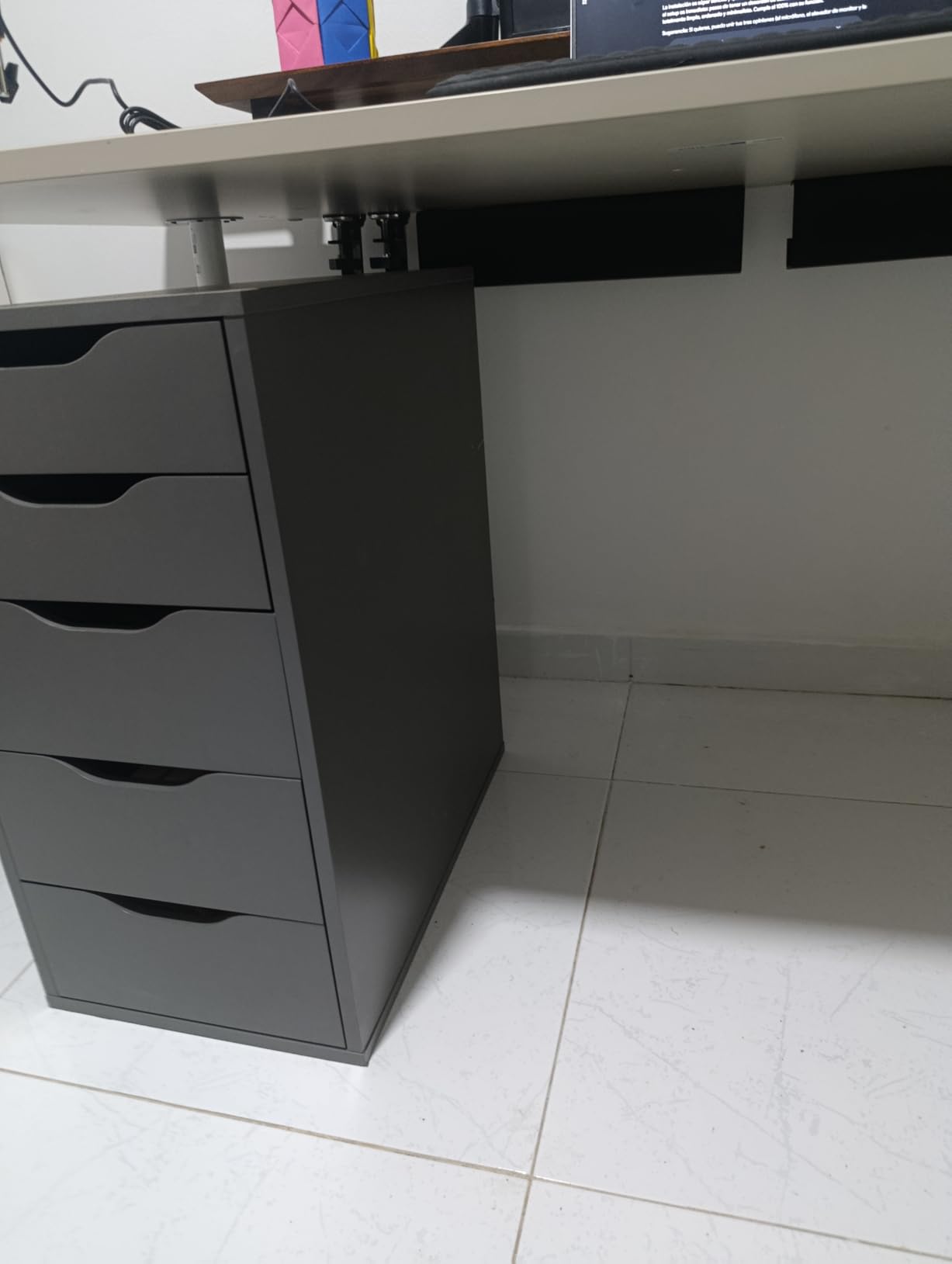
Buyers consistently describe a visible drop in desk clutter and a build that does not flex, and the 5 star share of 74% reflects that. The listing ranks in the top 20 for cable raceways, which tells you how much traffic this design gets.
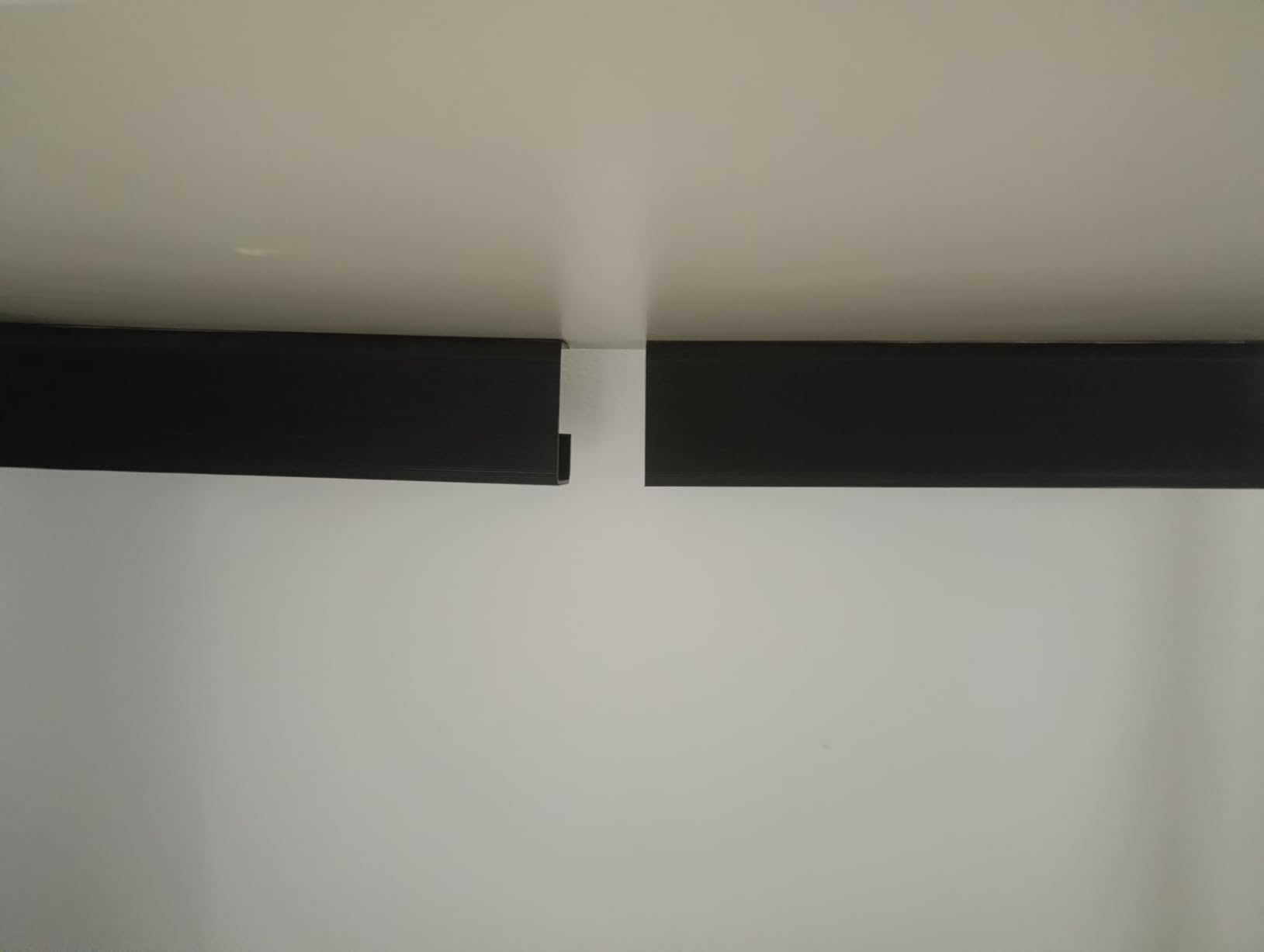
The catch is patience. The adhesive needs 24 hours before you load it, so plan the install for an evening and mount everything the day before. Move it later and you will be scraping adhesive off a desktop.
Who It Suits Best
Glass, marble and metal desktops, where a clamp has nothing to grip. It is also the safest pick for renters and for anyone whose landlord would rather not see screw holes.
The 2-pack format suits L-shaped desks better than a single long channel, since you can run one tray down each leg of the L and keep the corner junction readable.
Where It Falls Short
Standing desks that move daily. An adhesive mount is fixed at install height, and a rigid adhesive joint will fight the motion instead of flexing with it. Users on r/StandingDesk consistently favour clamp trays for that reason.
Textured or painted wood also gives you trouble. Forum readers add a second layer of 3M VHB tape as a workaround, and that fix works better than most factory backings on rough finishes.
2. REFLYING 15.7 Inch Steel Tray: Best Value Clamp Mount
Under Desk Cable Management Tray No Drill Steel Tray Black
15.7 x 4.7 x 6.3 inch alloy steel
Clamp mount, 7 pieces
Silicone pads
Powder coated
Pros
- Powder-coated carbon steel stays quiet and stable
- Clamp mount works on wood
- glass
- metal and marble
- Holds even large surge protectors
- Silicone pads protect the desktop
- Includes 5 cord organizers and 2 wire organizers
Cons
- Clamp nuts are awkward to reach once cables are installed
- Very large power bricks may not clear the tray height
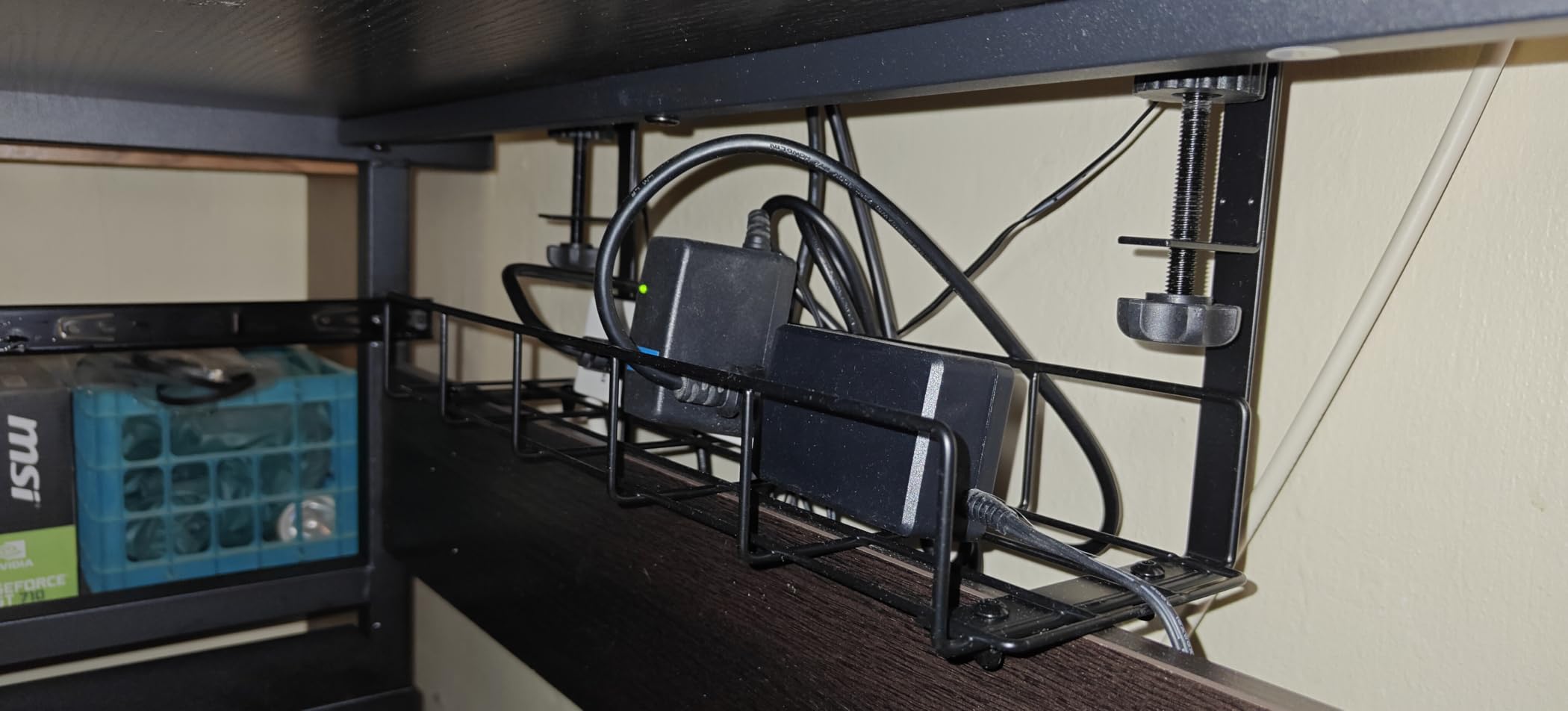
This is the tray I reach for when somebody wants steel, no drilling, and a generous opening without moving up to a much larger format. At 4.7 out of 5 across 5414 reviews it has one of the strongest rating-to-review combinations in the whole category.
The 4.7 inch width and 6.3 inch height are unusually deep for a tray this size. Deep means power bricks and wall-wart adapters sit down inside rather than hanging off the edge, which is the single most common complaint about shallow mesh baskets.
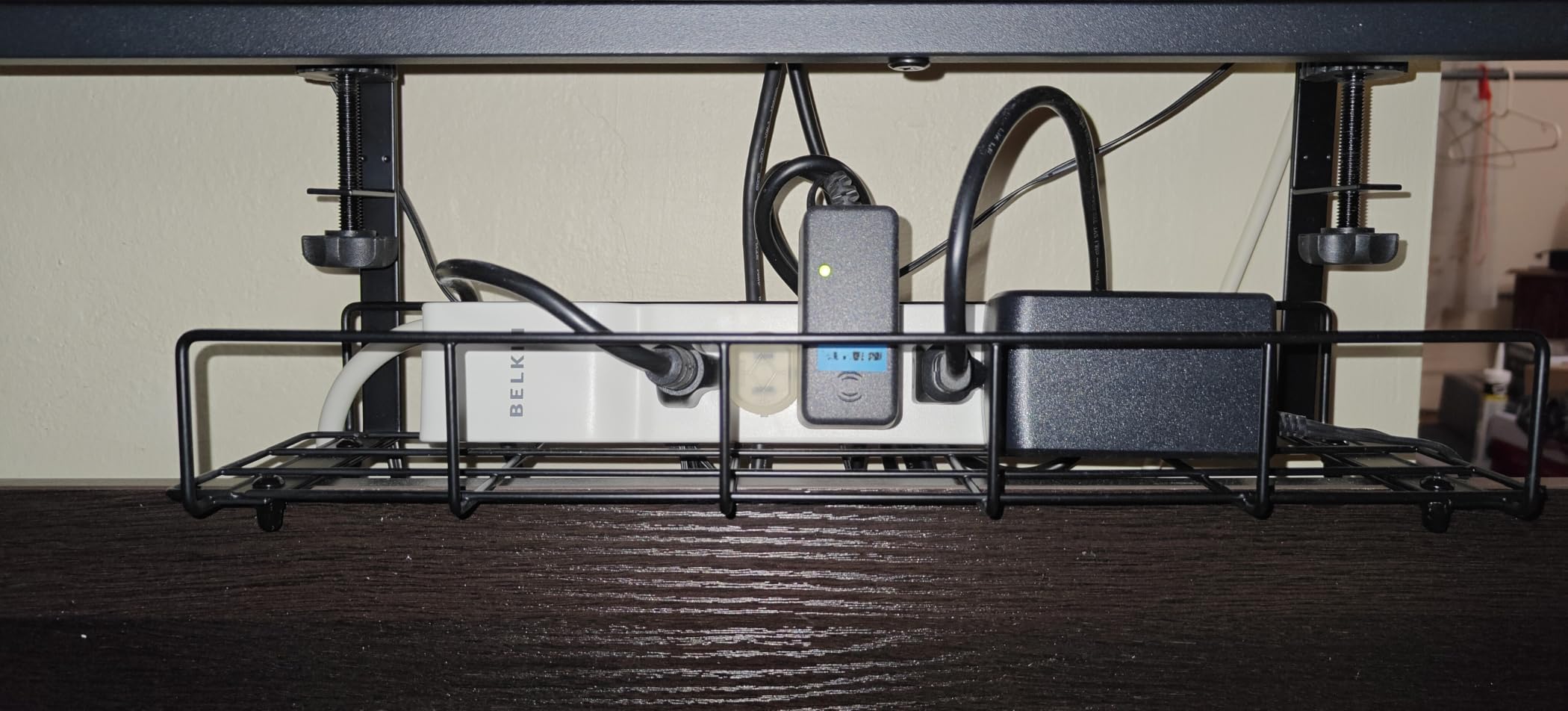
Reviewers call out that it fits standing desks securely and that the included velcro ties and holders do real work on day one. The clamp also works across wood, glass, metal and marble, which makes it the safest general recommendation here.
Tighten it before you route anything. The nuts sit at a depth that is genuinely hard to reach once a bundle of cables is in the way, and that is the most common complaint in the reviews.
Who It Suits Best
Anyone on a standing desk who wants a no-drill option that travels with the frame. A clamp mount moves with the desk and leaves nothing behind when you move house or swap desks.
It also suits people carrying heavy loads. A large surge protector plus a couple of laptop bricks sit low and stable in the wide opening instead of perch on a rail.
Where It Falls Short
Desks with a modesty panel or back board. The deep 6.3 inch body needs clearance behind the edge, and forum readers report roughly 4.75 inches of usable depth on drawer-equipped standing desks.
Tight spaces and monitor arm users should also be careful. The clamp occupies the rear centre zone, the same place most monitor arms take, and there is no offset mounting option here.
3. Cinati 13.4 Inch White Clamp Tray: Best White Finish
Under Desk Cable Management Tray White, Cinati Wire Organizers No Drill, Cable Tray with Clamp for Wire Management, Cord Organization Box for Office, Home – No Damage to Desk
13.4 x 4.6 x 3.1 inch metal
Clamp fits 0.4 to 2.4 inch
10 lb capacity
2 year warranty
Pros
- Widest desk thickness range in the set at 0.4 to 2.4 inch
- Anti-scratch mats protect the desktop
- Fully welded powder-coated metal resists rust
- Opening mounts inward or outward
- Comes with 4 cable clips and 6 cable ties
Cons
- 13.4 inch width is tight for very large power strips
The white finish is the reason this one is on the list at all, and the reason is practical rather than cosmetic. A white or light-wood desk with a black steel basket under it always reads as a half-finished install, and this tray simply disappears.
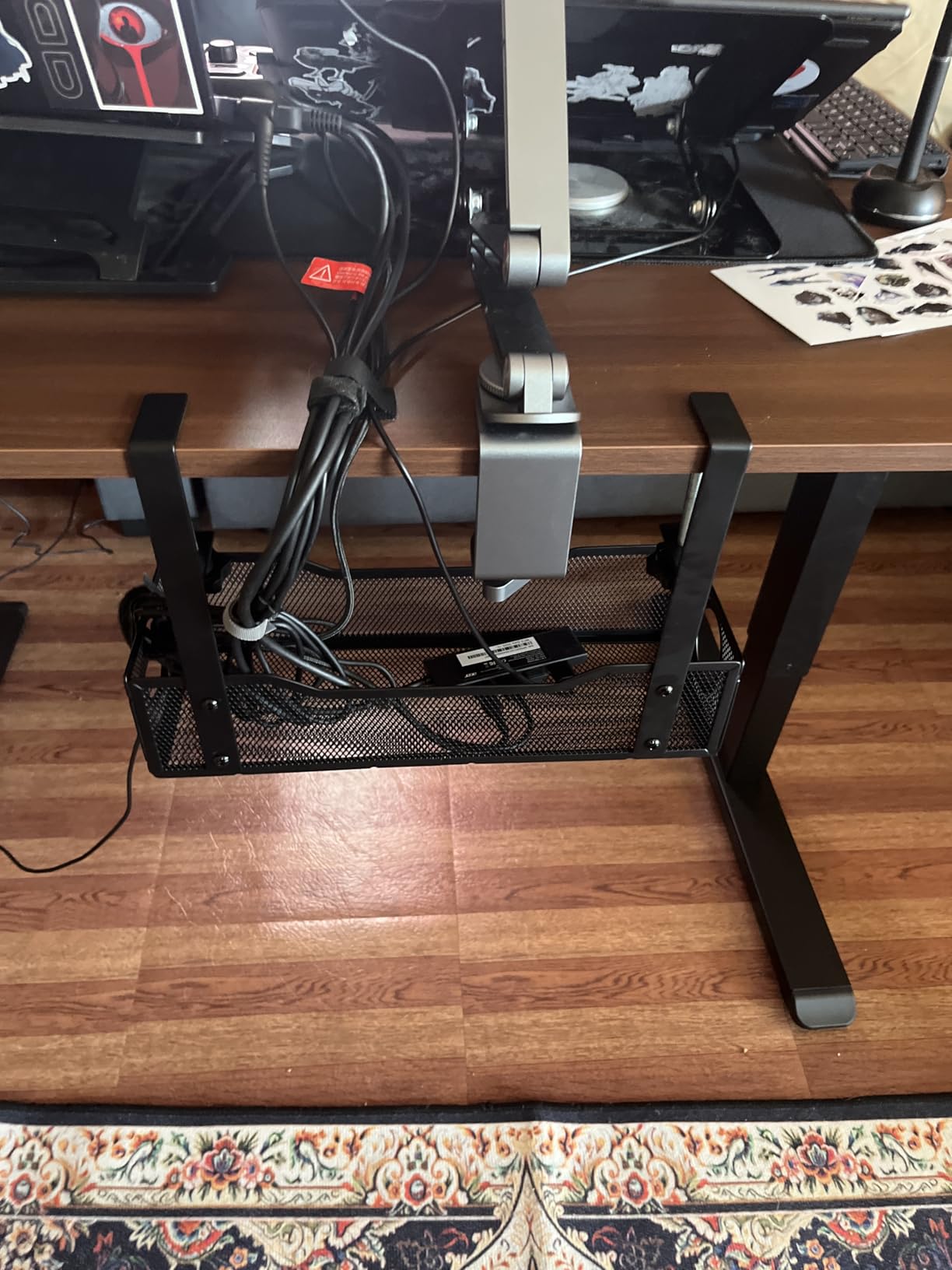
The 0.4 to 2.4 inch clamp range is the widest in this roundup. That matters on a thick butcher-block or laminated executive desk, where most clamp trays bottom out around 2 inches and refuse to bite.
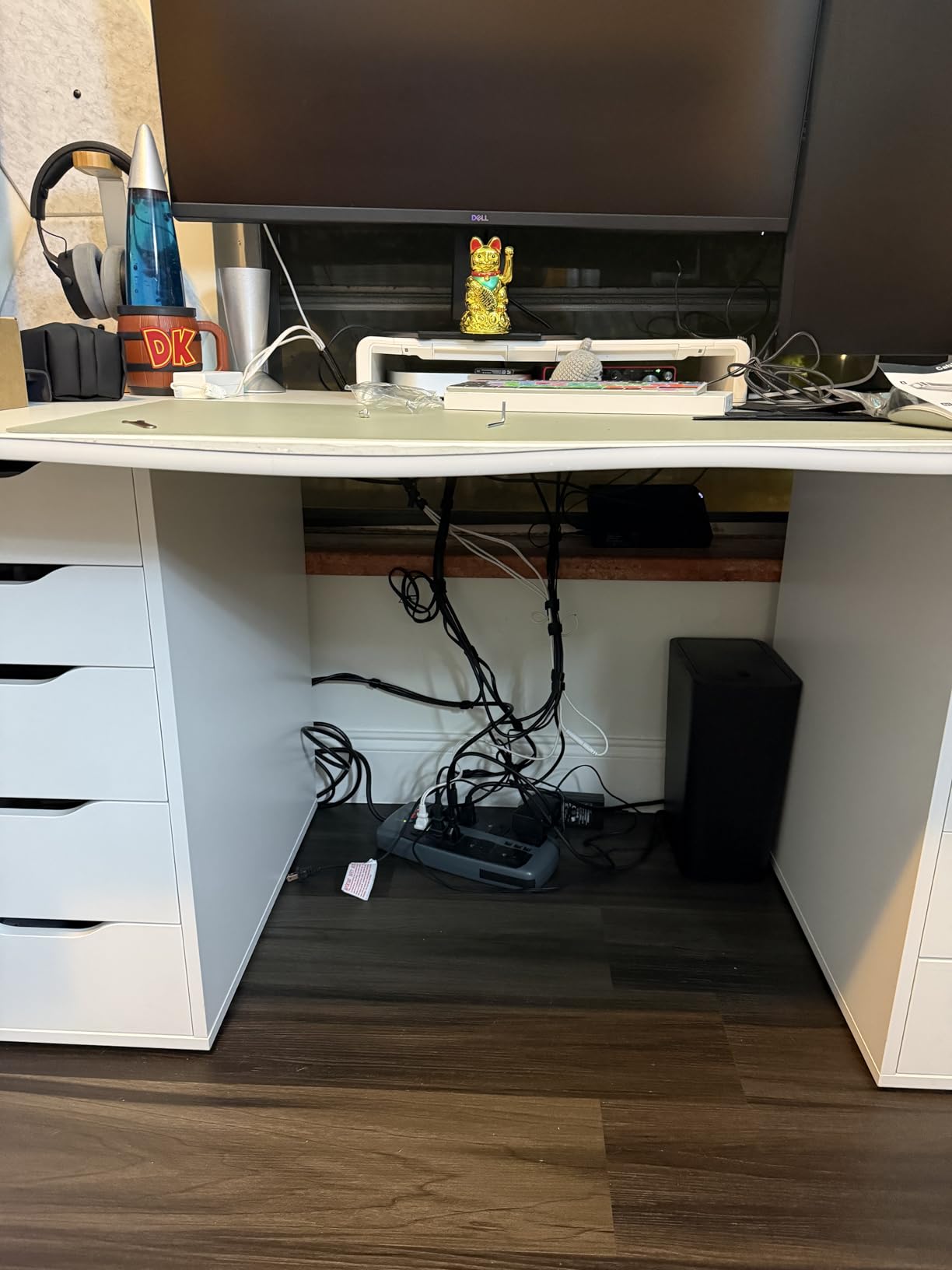
Buyers rate the welded powder-coated build, the anti-scratch mats and the tidy routing at 4.7 out of 5 across 4277 reviews. The inward or outward mounting choice means you can flip the opening away from your knees.
A two-year manufacturer warranty also stands above most of the metal trays here, where one year or none is more common. That is a small thing, but it reflects how the joinery is finished.
Who It Suits Best
Minimalist and studio desks where a visible black basket ruins the look. It is the tray I recommend when the desk is white and the chair is light grey.
It also suits thick desktops, because 2.4 inches of clamp reach is unusual. If your desk edge is chunky, this is one of very few no-drill options that will grip it.
Where It Falls Short
Large power strips. At 13.4 inches long and 4.6 inches wide, a twelve-outlet surge protector is close to the limit, and bulky laptop bricks are a squeeze.
If you plan to add a dock, external drives and a second strip, size up to the 16 or 25 inch variant in the same range rather than stretching this one.
4. Litwaro 13.38 Inch Mesh Tray: Fastest Install
Under Desk Cable Management Tray No Drill, Metal Mesh Cable Management Under Desk with Clamp Mount, 2 Hole Cable Tray with Wire Management and Cord Organizer for Home Office Standing Desk
13.38 x 4.72 inch carbon steel mesh
Clamp fits 0.4 to 2 inch
15 lb load
1 year warranty
Pros
- Assembles in about three minutes with no tools
- Carbon steel mesh holds 15 lbs without bending
- Soft rubber pads protect the desk edge
- Two cable pass-through holes per side
- Mesh resists dust and improves airflow
Cons
- Tight fit with very bulky power strips
- Items deep in the tray are hard to reach
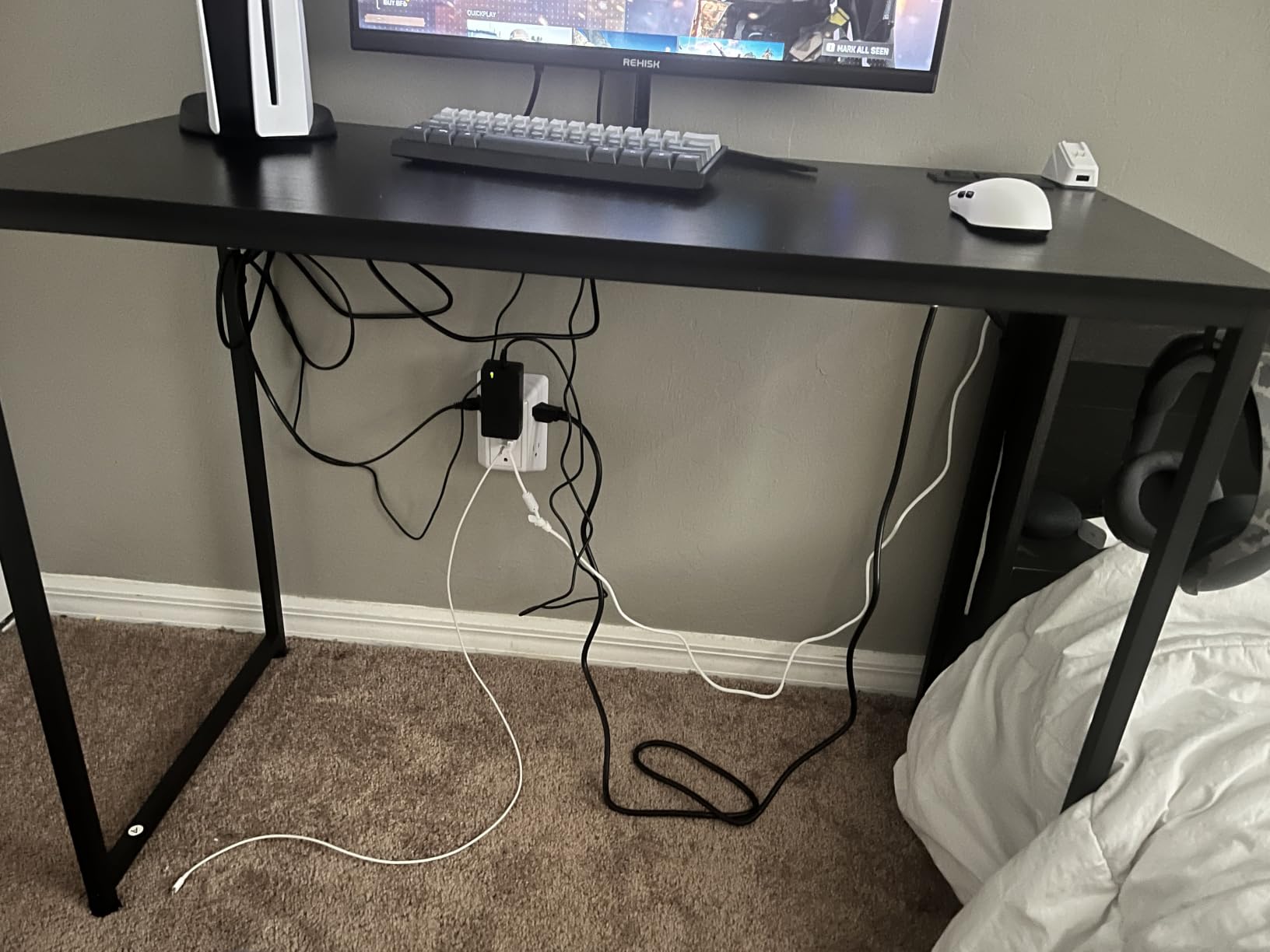
Of everything we mounted this year, this was the one that went from box to desk with the least fuss. The listing states assembly in three minutes or less, and that claim held up on a standard wooden desk.
The 15 lb load rating is generous for a mesh tray of this size. Mesh itself is the reason: an open grid moves air around a power supply, so a loaded strip runs cooler than it would inside a closed channel.
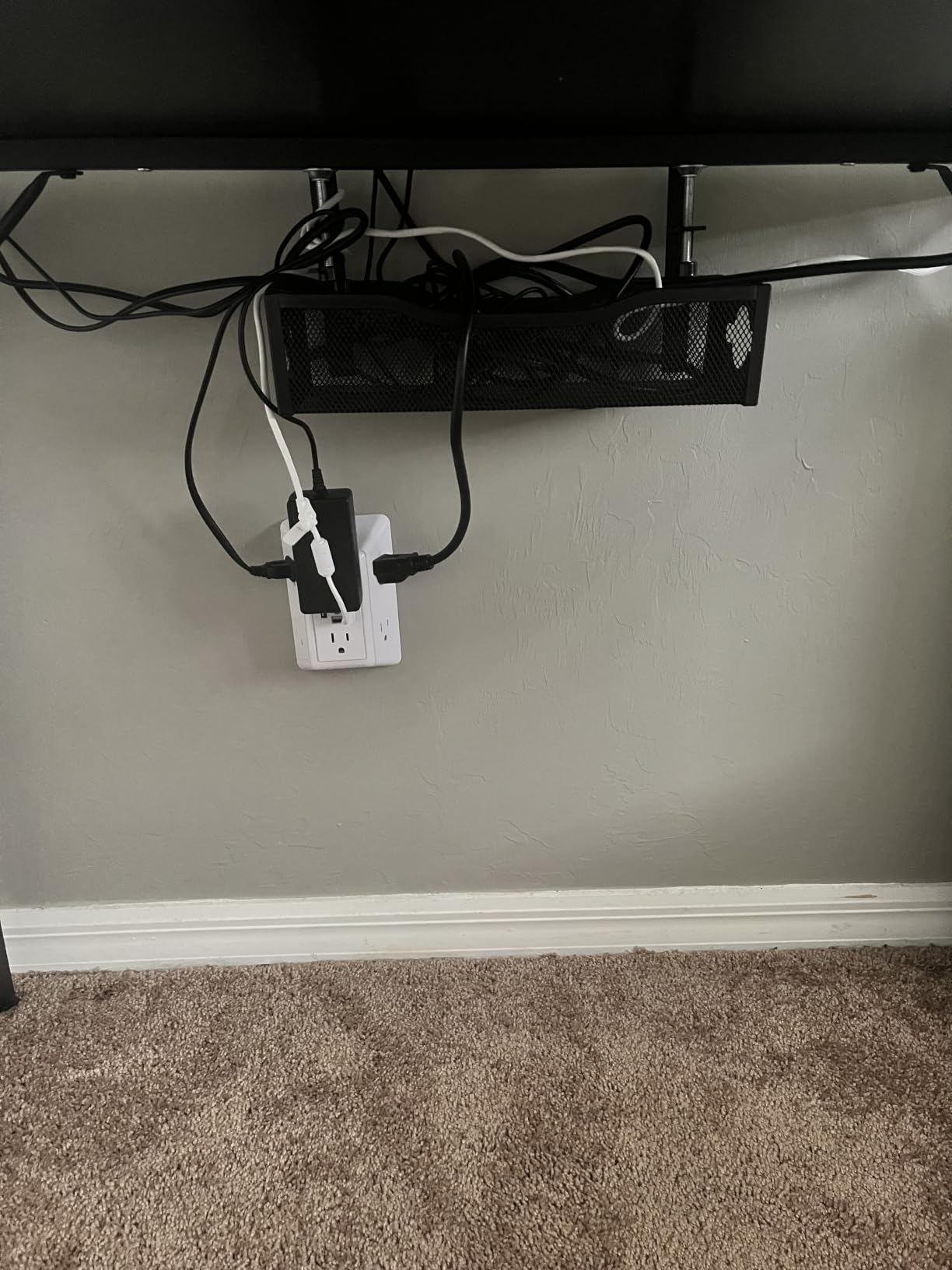
Reviewers describe a sturdy, stable basket that declutters a desk noticeably, and the two side holes per panel let you feed cables through rather than lifting everything out to add one more.
The 0.4 to 2 inch clamp range is the most common in the category, so measure first if your desk is unusually thick. Rubber pads on the clamp stop the metal from marking the edge.
Who It Suits Best
First-time installers. If you have never fitted a tray, the tool-free assembly and simple clamp mean there is a good chance you get it right the first attempt.
Audio and studio desks also benefit from mesh, because open sides shed dust from a room where you already have a lot of gear generating heat.
Where It Falls Short
Oversized power bricks. Several reviewers note the space gets tight once a brick and a full-length strip are both inside, and mesh has less give than a solid curved basket.
Deep reach is the other limit. Adding a cable means lifting the bundle out or fishing past the frame, so plan your routing before you fill it.
5. PAMO Steel Cable Tray Set of 2: Premium Rigid Build
PAMO Cable Management Under Desk, Set of 2 – Black
Set of two 17.32 inch steel trays
1mm coated steel
Screw-in mount
Includes ties and guides
Pros
- 1mm coated steel holds multi-socket strips and heavy bricks
- Beveled easy-access openings keep cables reachable
- Flat-head screws included for fast mounting
- Compatible with monitor mounts and height-adjustable desks
- Rounded powder-coated edges in a clean industrial look
Cons
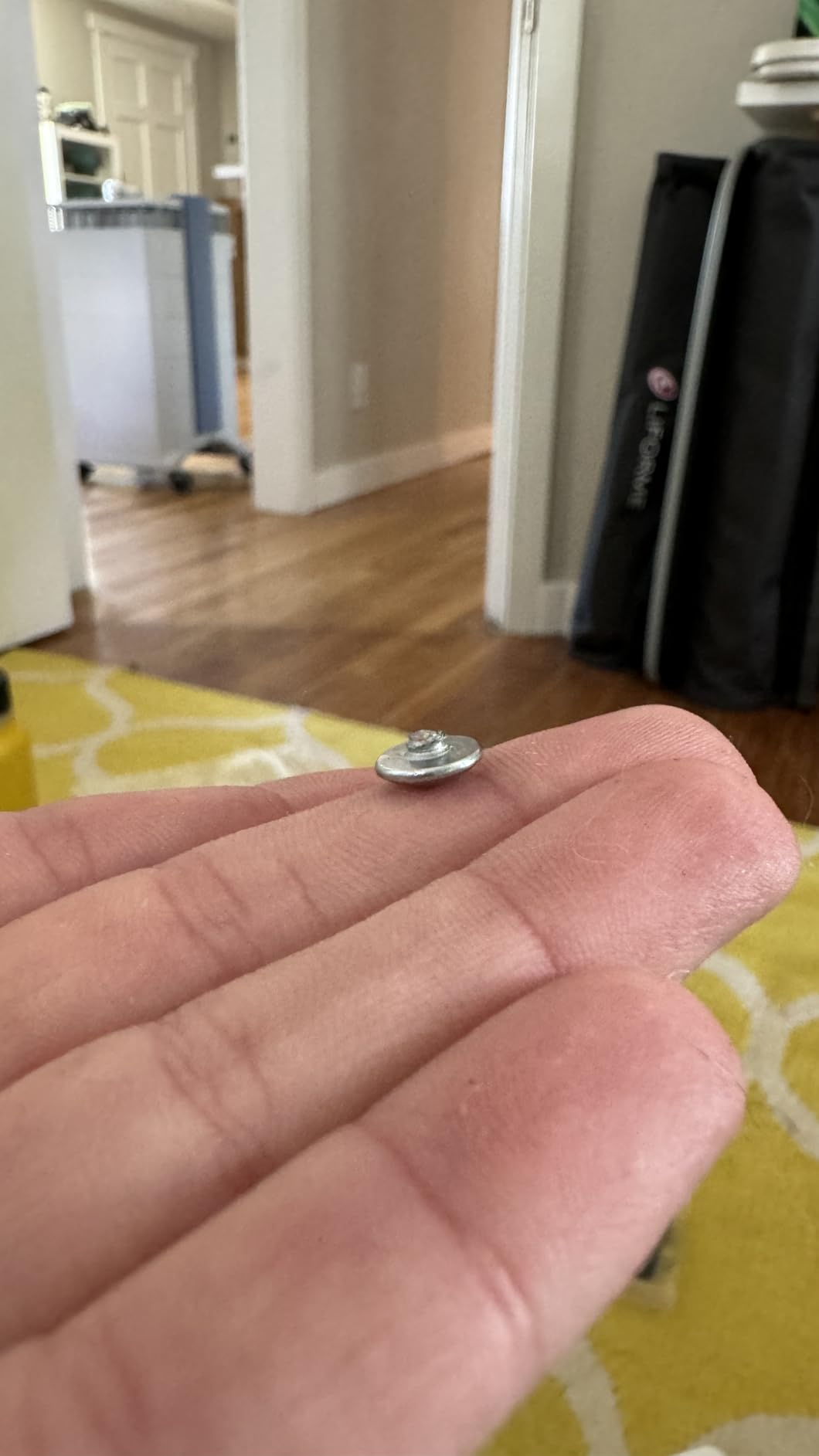
- Screw-in installation requires drilling into the desktop
PAMO is the pick when you own your desk and you never plan to move it. Screw-in mounting is the most rigid option here, and at 1mm of coated steel this is the tray that stopped worrying me about sag under a heavy load.
Two trays give you a 34.6 inch total run once they are spaced apart, which is more than enough to split power on one side and signal on the other without cables crossing.
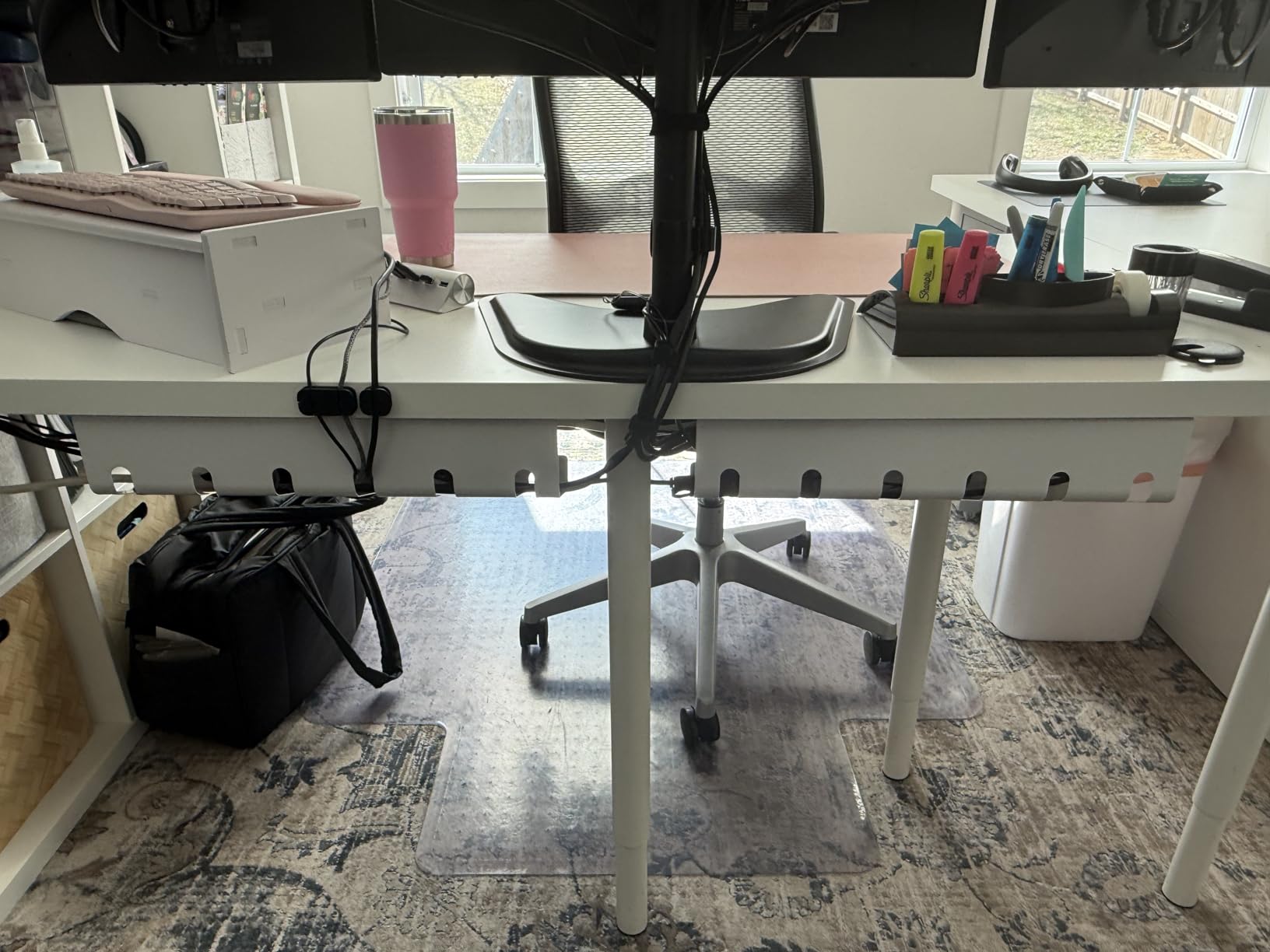
The beveled easy-access design is the detail I appreciate most. Rather than a closed face, the front edge is cut back so you can add or swap a lead without unplugging the whole strip, which matters if you reconfigure gear often.
Reviewers also single out the compatibility with monitor mounts and height-adjustable desks. Since it is screwed to the underside, it does not fight a monitor arm the way a rear-edge clamp can.
Who It Suits Best
Home offices with a fixed wooden desk where drilling is allowed and permanence is a feature. If you will never move the desk, screw-in is strictly better than adhesive.
Heavy-load desks are the other case. Multi-socket strips, a UPS and several laptop bricks are exactly the payload the 1mm steel was chosen for.
Where It Falls Short
Rentals, glass tops and marble. This is the one tray in the top five that cannot be removed without patching screw holes, and on stone it is simply not an option.
It also offers no height adjustment, so an uneven underside or a desk with a crossbar means the tray may sit proud of the surface. Measure the drop before ordering.
6. Yecaye 31.5 Inch Adhesive U-Channel 2-Pack: Longest Adhesive Run
Yecaye 2 Pack Cable Management Under Desk, 31.5 in, Black
Two 15.7 inch PVC channels,31.5 inch total
2mm hard PVC
Adhesive mount
6 lb capacity
Pros
- Tool-free adhesive mounting on any smooth surface
- Drop-in open design with no hinged lid
- 31.5 inches of total tray length
- Five cutouts per tray for routing as the desk moves
- Includes 4 cable holders and 6 cable ties
Cons
- Adhesive will not hold on textured surfaces
- Lower rating reflects mixed adhesion and plastic durability reports
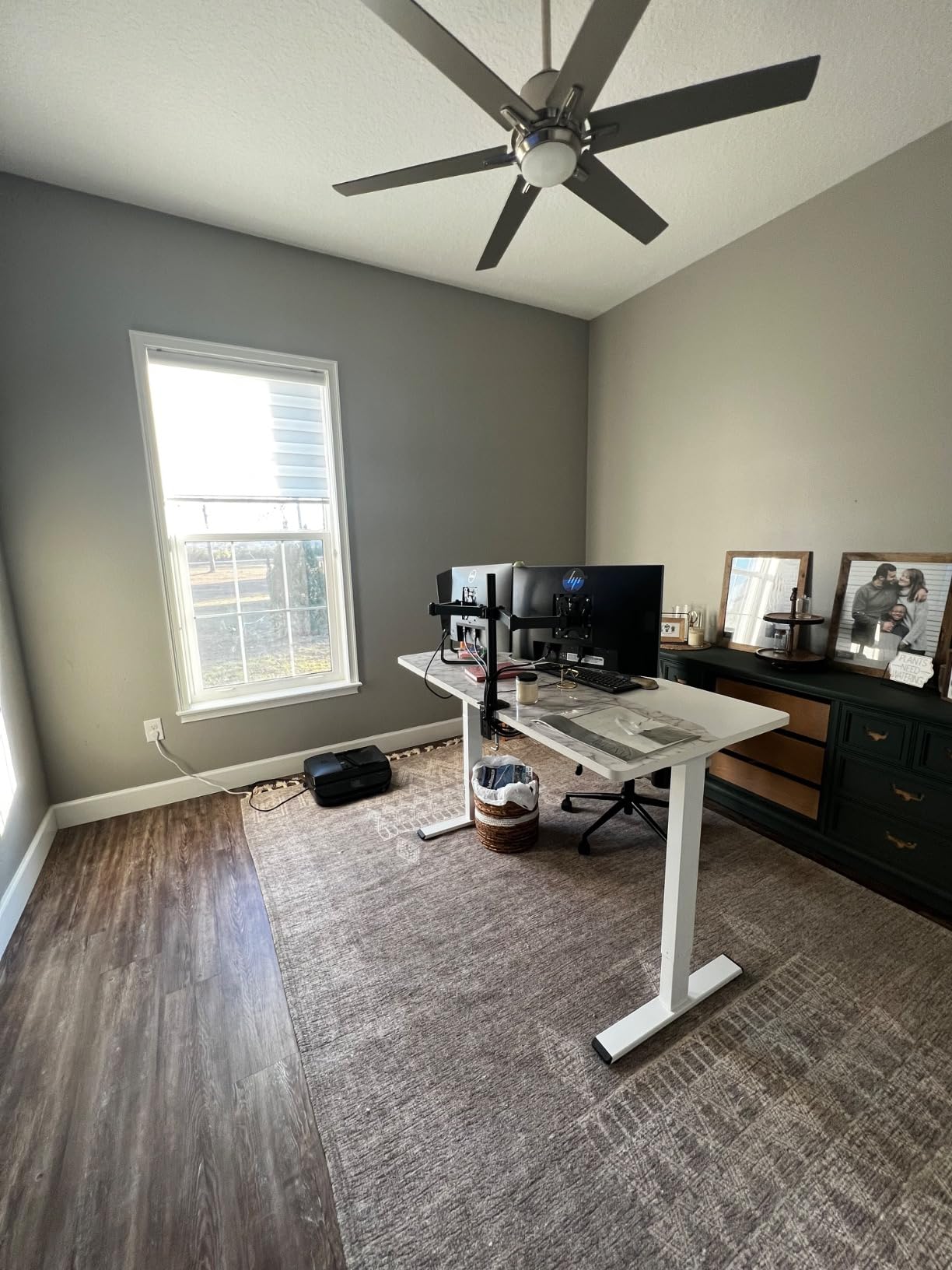
Two channels at 15.7 inches each give you 31.5 inches of run, which is the longest adhesive installation in this group. The open-top drop-in design means loading a power strip takes seconds, since there is no lid to lift.
The five pre-drilled cutouts per tray, each 1.2 by 1.2 inches, are not decoration. They are what lets a cable leave the channel and still move with a height-adjustable desk rather than tugging against the adhesive.
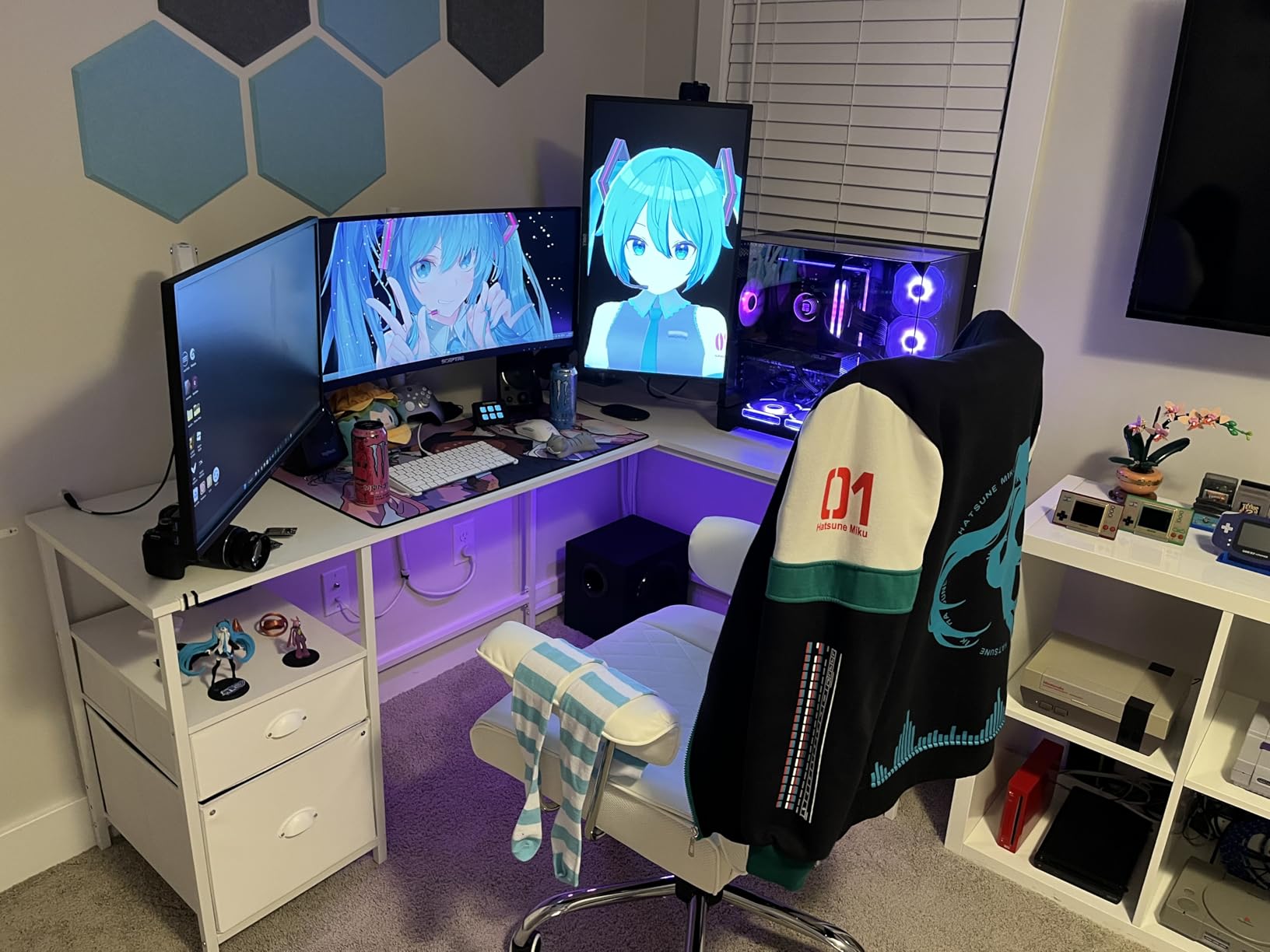
At 4.2 out of 5 across 2016 reviews, this is the lowest-rated tray here, and the reviews are honest about why. Adhesion on textured surfaces is the recurring problem, and 2mm hard PVC yellows and cracks faster than steel.
Load capacity is 6 lbs after a 24 hour cure, which is fine for a strip and some bricks but not a stack of both. Treat this as a tidy channel rather than a heavy-duty basket.
Who It Suits Best
Light cable loads on smooth undersides: glass, coated metal, or a laminate panel. If the load is a laptop brick and a few adapters, the open channel is more than enough.
Height-adjustable desks are actually handled better than they first appear, because the top opening and sidewall cutouts give cables a path that tolerates vertical travel.
Where It Falls Short
Textured paint, fabric-wrapped panels and rough composite surfaces. The bond is the whole mechanism here, and there is no mechanical backup when it lets go.
Heavy loads and long-term durability. Forum consensus is strong on this: metal trays are preferred precisely because plastic sags, cracks and yellows, and this is the most plastic-forward option in the list.
7. Mzmaxy 25 Inch Metal Mesh Tray: Best for Dual Power Strips
Mzmaxy Cable Management, 25” Cable Management Under Desk, Cable Tray
25 inch metal mesh tray
15 lb capacity
Clamp fits 0.4 to 2 inch
3 month warranty
Pros
- 25 inch length holds two strips
- adapters
- a switch and spare cable
- Highest rated tray in the set at 4.8 out of 5
- Mesh aids visibility and limits heat buildup
- Non-slip rubber pads leave no marks on the desktop
Cons
- No hinged or fold-down access
- no dedicated zip-tie bar
- Clamp brackets are less rigid than the tray itself
At 4.8 out of 5 from 1241 reviews, this carries the highest average rating in the roundup. More useful is the reason behind it: 25 inches of mesh is the first length here that comfortably holds two power strips side by side.
If you run a dock, external drives, a network switch and a display, that second strip is the difference between organised and still-chaotic. The mesh also keeps gear visible, so you can see what is in there.
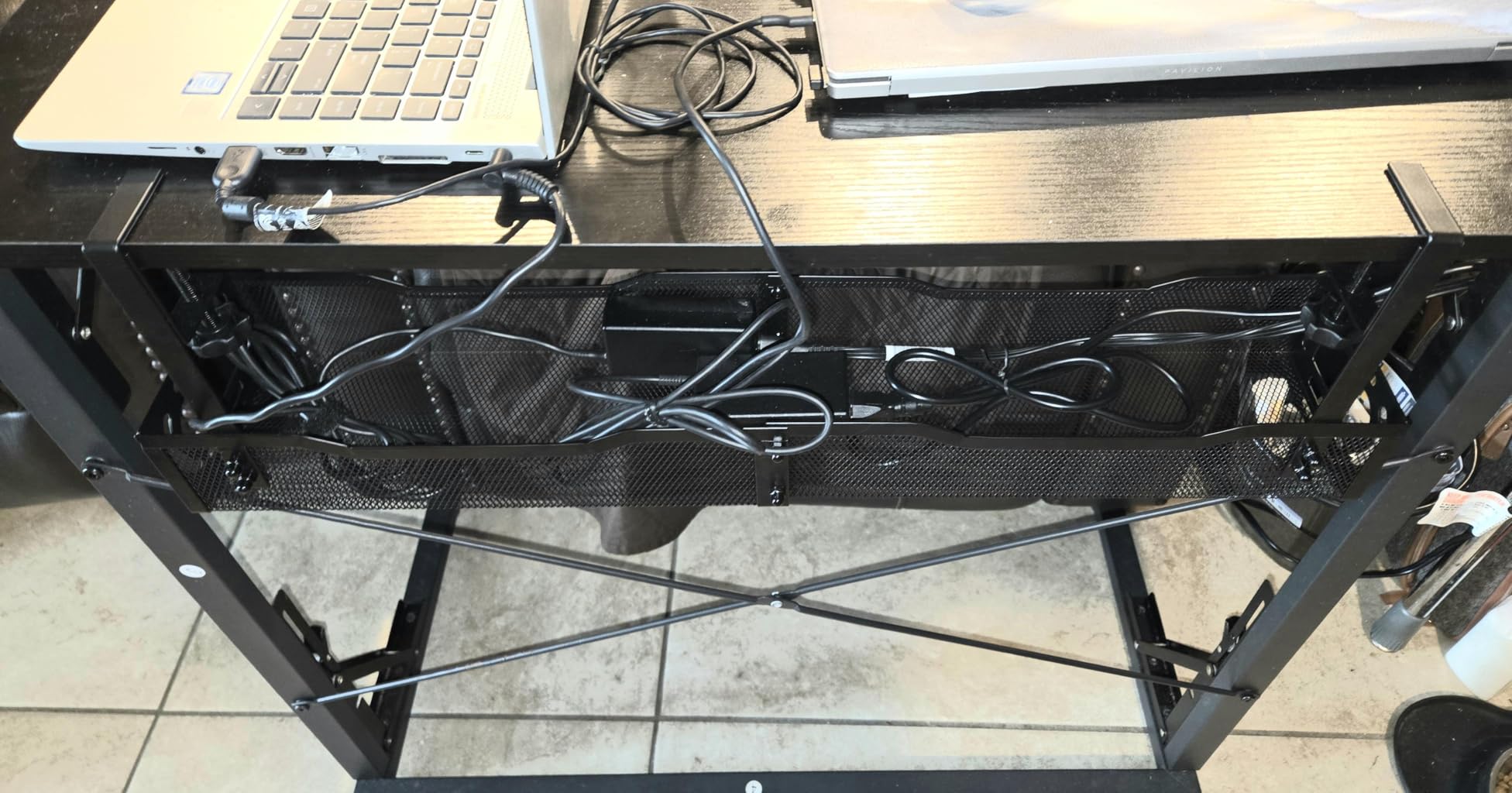
Two-part screw-together assembly takes about three minutes, and the clamp carries non-slip rubber pads so the desktop stays unmarked. Cut-out ends let you drop a strip in without unplugging the whole desk.
Reviewers report it stays rigid under heavy power bricks, which is a real complaint about lighter mesh trays. The weak point is access, since there is no fold-down panel.
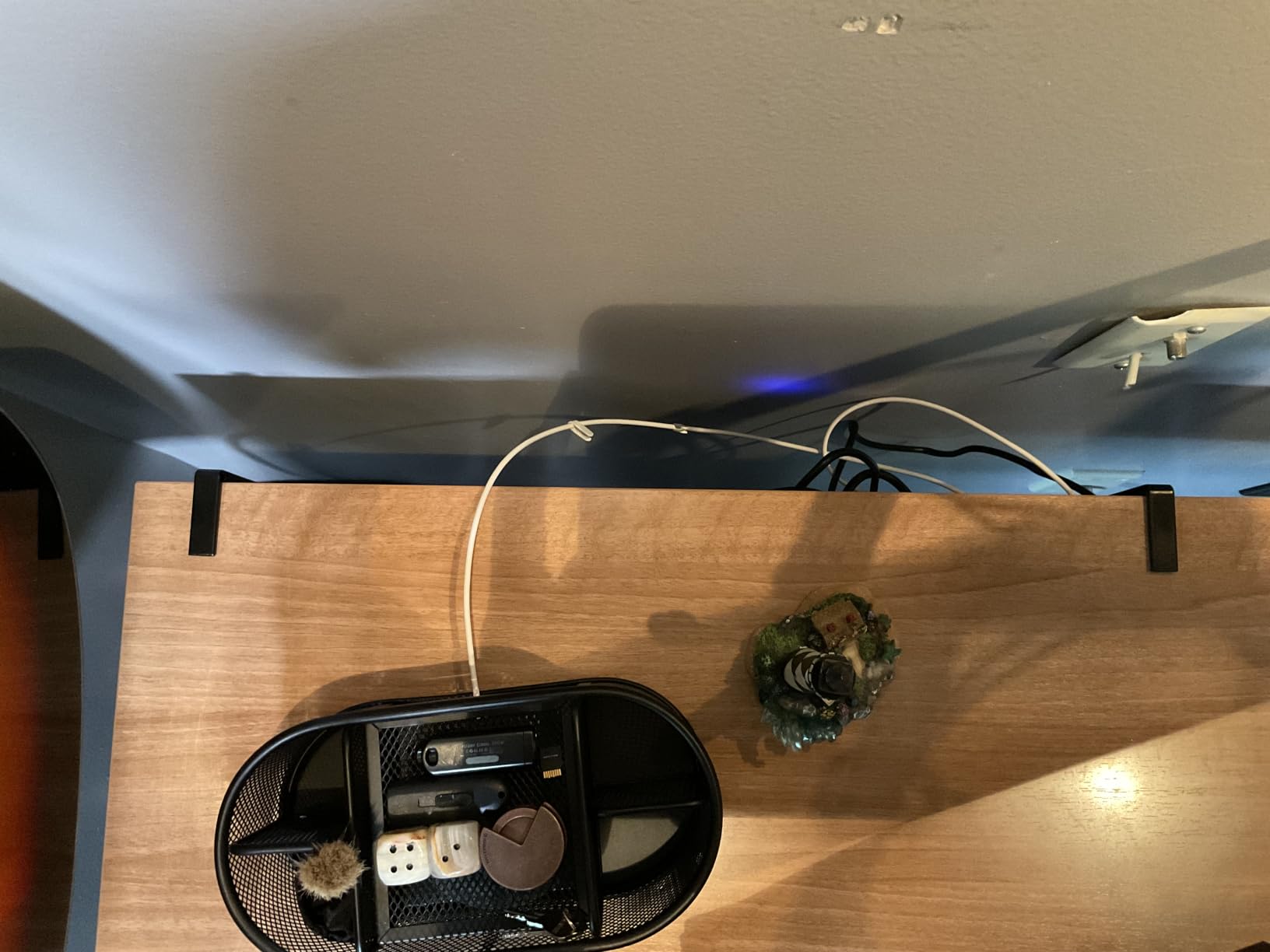
Who It Suits Best
Multi-monitor and gaming desks with a dock, plus anyone who has genuinely run out of strip sockets. Length is the whole argument for this tray.
It also suits anyone who wants to see their gear. Open mesh shows every cable, so debugging a dead port does not mean emptying the basket first.
Where It Falls Short
Frequent gear swaps. With no hinged access and no dedicated tie bar, cables attach to the mesh frame, so adding a lead means reaching in past everything already loaded.
The clamp brackets are the least rigid part of the assembly according to reviews, so it is worth checking the tray for lateral movement after a heavy load goes in.
8. VIVO 17 Inch Low-Profile Tray: Best Minimalist Mount
VIVO Black 17 in Under Desk Cable Management Tray, DESK-AC06-1C
16.5 x 3 inch metal rack
Screw-in mounting, 11 lb capacity
11 inch hole spacing
1 year warranty
Pros
- Low-profile black design disappears under a modern desk
- Partially closed body hides cords with a front access opening
- Durable metal supports 11 lbs without bending
- Screws included with holes pre-spaced 11 inch apart
Cons
- Screw-in mounting requires drilling
- Shallow 3 inch width limits it to strips and slim bricks
This is the tray to buy when the desk is visible from a low angle and a deep basket would show every cable you own. At 3 inches wide it is a partial enclosure rather than a bin, and that restraint is the entire point.
Screw-in mounting with pre-spaced holes 11 inches apart makes it the fastest permanent install here. Two screws, no assembly, no bracket geometry to fight.
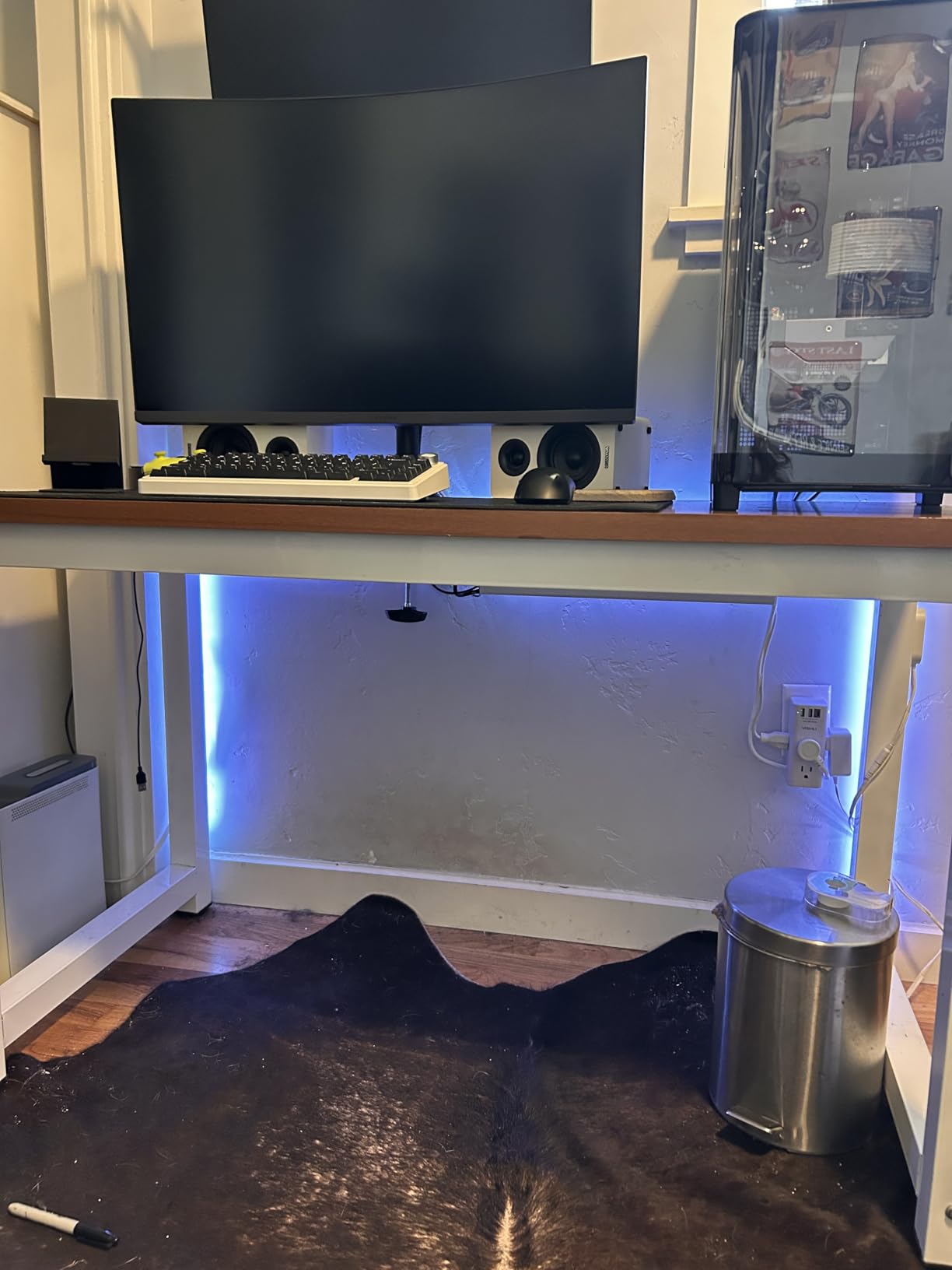
Owners like the discreet profile and straightforward mounting under wood or particle board, and the 1-year warranty covers a straightforward product. The front opening still gives you access to the cords behind it.
At 11 lbs of capacity it is adequate rather than generous. The 3 inch width is the real constraint, since anything deep has to sit outside the tray.
Who It Suits Best
Standing desks that raise high. A shallow tray mounted flat to the underside stays hidden at standing height, where a deep basket becomes the first thing you see, and forum readers make exactly this point.
Minimalist setups also suit it, since the partially closed body hides cords rather than displaying a grid of them.
Where It Falls Short
Power bricks and anything bulky. The 3 inch width is a real limit, and reviewers note it suits power strips and slimmer chargers rather than a full desk of adapters.
Glass, marble and rentals are all out, because the mount is two screws and nothing else. If you cannot drill, move to a clamp model.
9. Univivi 36 Inch Fabric Tray: Best Full Concealment
Univivi No Drill Under Desk Cable Management Tray, 36 inch Cable Management
36 x 5.5 x 5.5 inch fabric tray
600D flame-retardant oxford
Clamp or screw install
3.1 pounds
Pros
- 36 inch capacity fits strips
- monitor bricks
- a dock and more
- Fabric wrap conceals cables completely
- Clamp or screw mounting suits wood
- glass and metal
- Built-in ties and velcro strap heavy items
- Unfolds for easier gear changes
Cons
- Higher cost than the mesh alternatives
- Needs at least 5.3 inches of clear edge for the clips
- Internal support rod can be a different colour to the fabric
Every mesh tray on this list still shows you your cables. This one does not, and reviewers describe that as a step up rather than a cosmetic preference. Thick 600D flame-retardant oxford fabric wraps a metal frame.
Thirty-six inches is the second-longest format here, and it is the only tray that comfortably takes a large monitor brick plus a dock plus a power strip in one run. The built-in ties and velcro strap are what keep a heavy load from shifting.
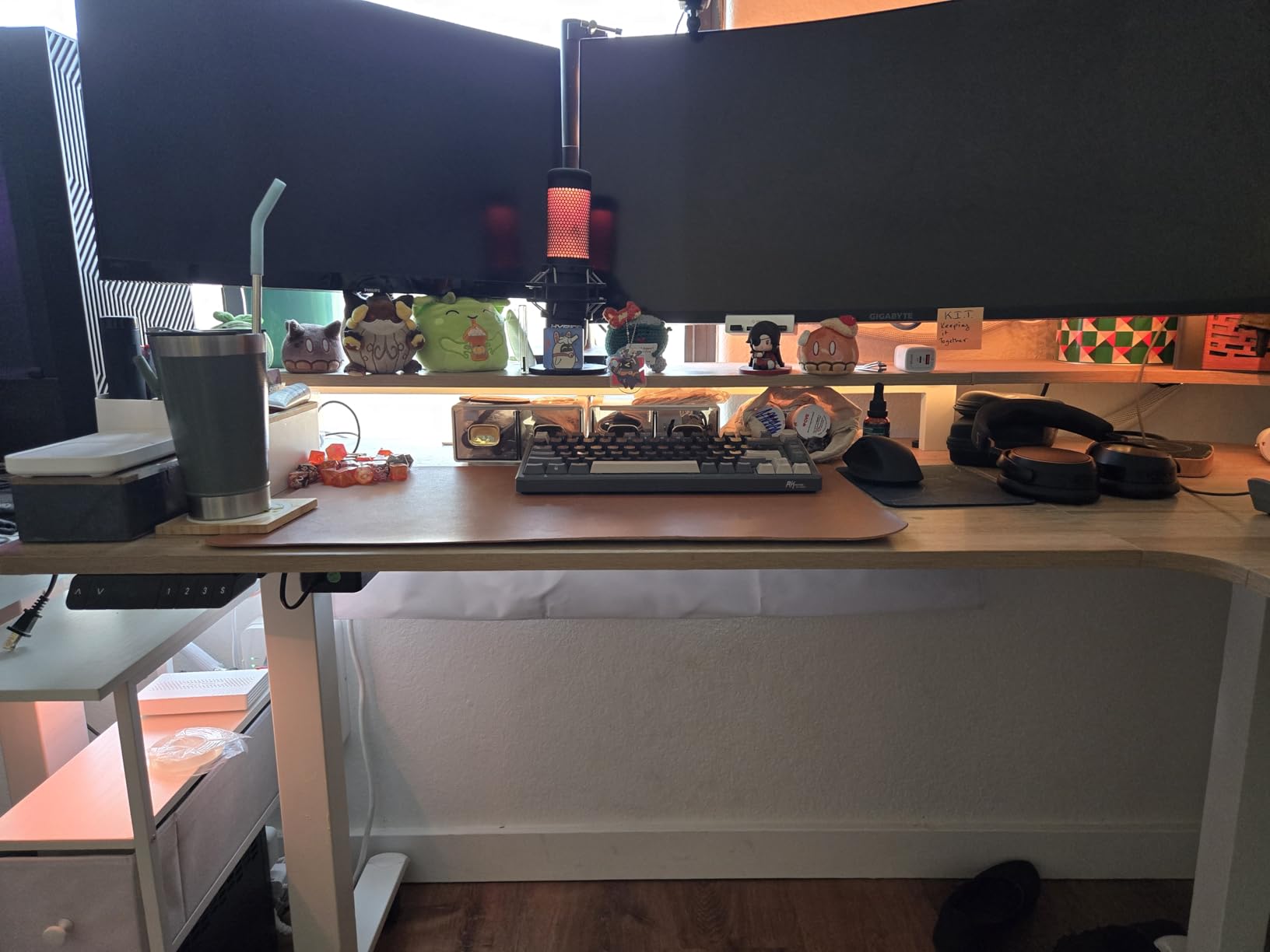
Install it with the clamp and it moves with a standing desk; use the screws and it becomes permanent. That flexibility is unusual in a fabric design, which normally forces one or the other.
It unfolds for loading, so you are not feeding cables through a 5.5 inch gap. That single design choice removes the reach-in problem that annoys people about mesh baskets.
Who It Suits Best
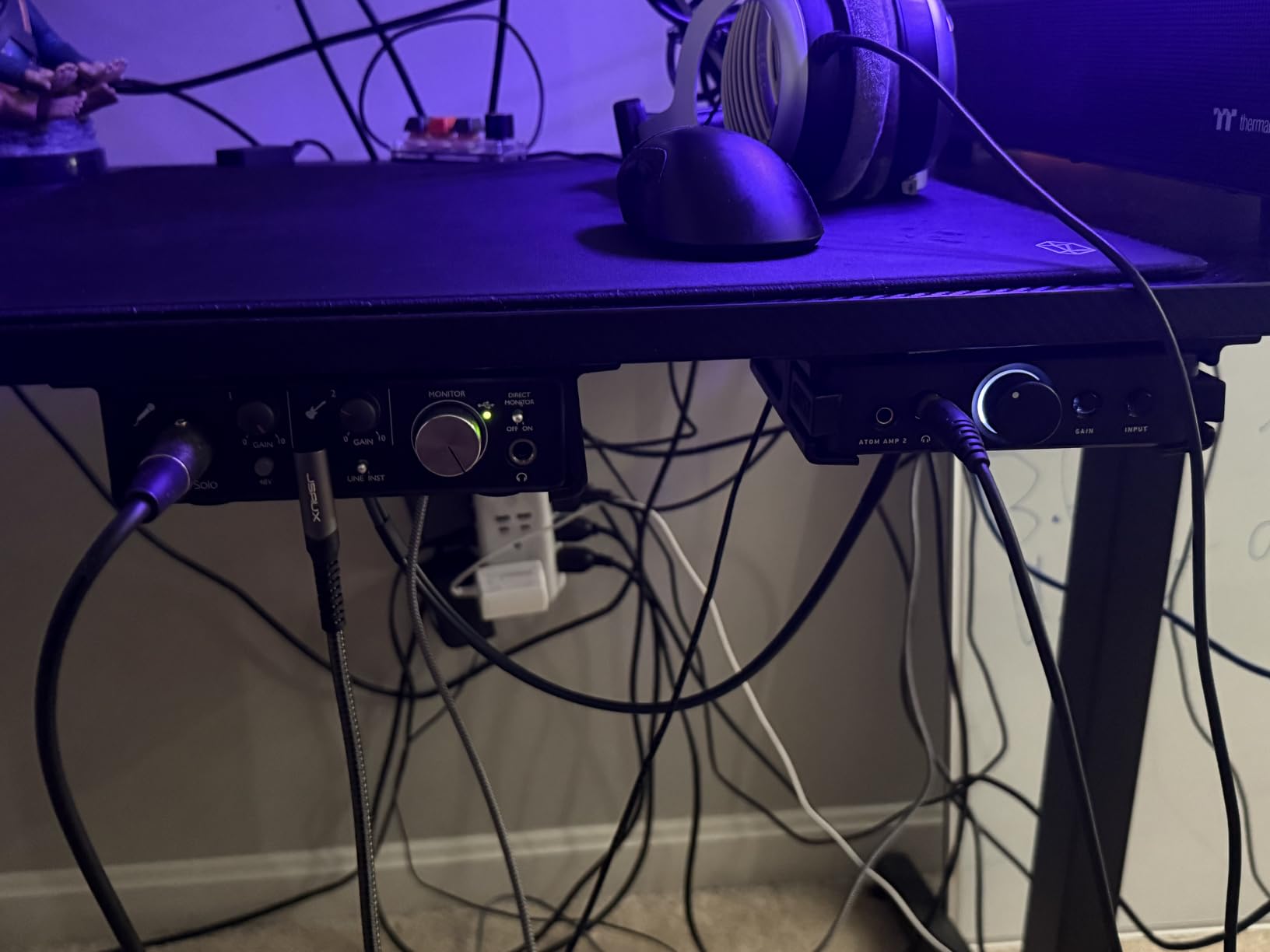
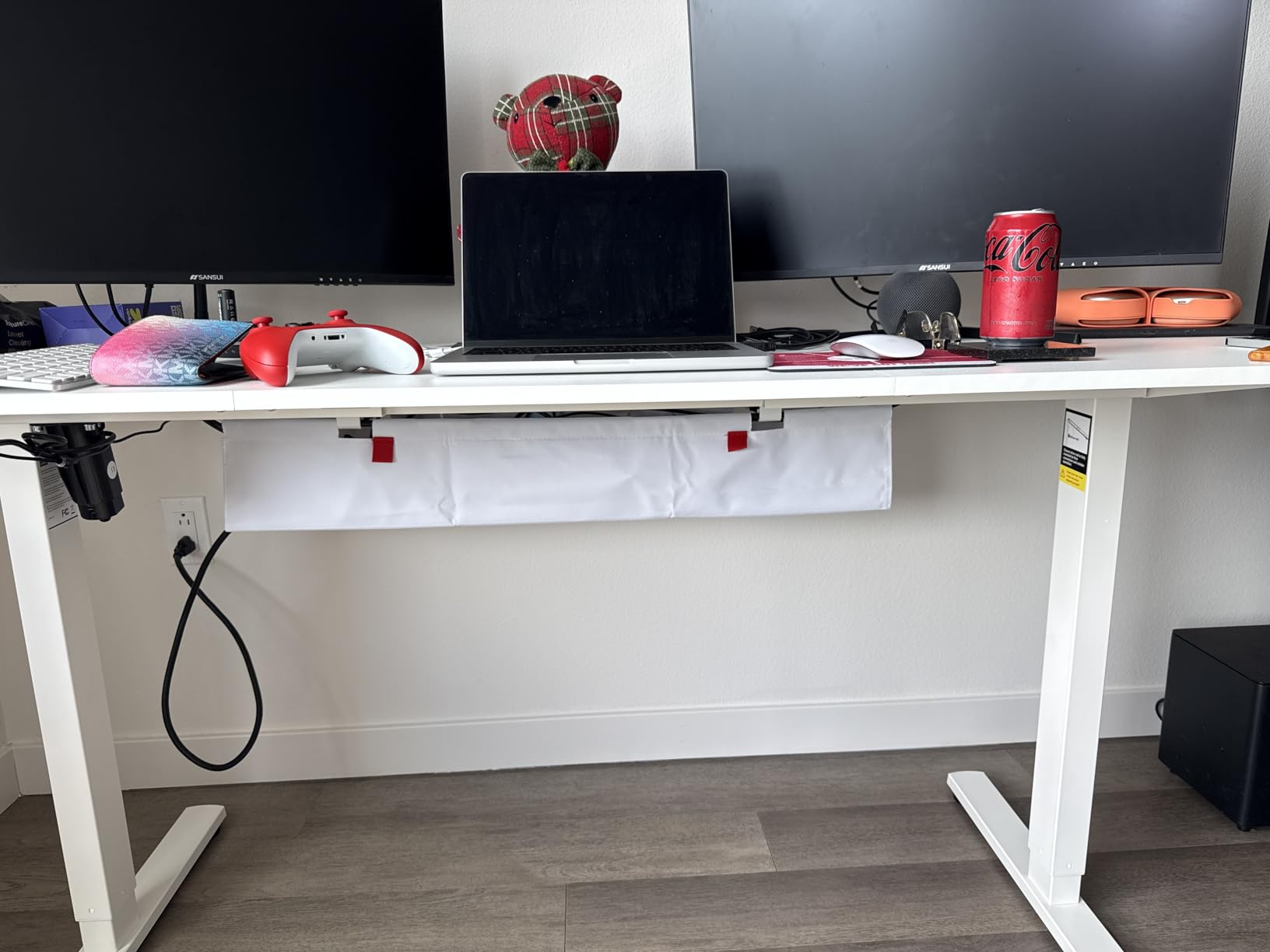
Audio and music production desks. A studio desk accumulates patch bay cables, XLR runs and monitor controller leads, and a mesh basket turns that into a thicket. A wrapped fabric tray makes it disappear instead.
Anyone who has given up on cable aesthetics entirely, or wants the tray to blend with a black or grey desk, will find this more satisfying than any metal option.
Where It Falls Short
Clear edge space. The clips need at least 5.3 inches of clear table edge, and desks with a back board or limited rear opening are the recurring problem in reviews.
Cost and the colour-mismatch caveat. It is one of the more expensive picks here, and some units ship with an internal support rod that does not match the fabric.
10. BIWIST 31 Inch Extendable Tray: Best Adjustable Format
No Drilling Extendable Under Desk Cable Management, Metal Cable Management Tray Under Desk with Clamp, Retractable Power Strip Cord Holder for Wire Management 31Inch(1 Pack Black Extendable 31′)
Extends to 31 inch max
Holds 3 power strips
Carbon steel hollow frame
Clamp mount plus velcro ties
Pros
- No-drill clamp mounting leaves the desk undamaged
- Extends to 31 inches and adapts to desk width
- Holds up to three 9.45 x 4.33 inch power strips
- Carbon steel build does not sag under load
- Hollow design improves airflow and limits dust
Cons
- Can feel flimsy at full extension
- Included screws are soft alloy with rounded edges
- Clamp range limits very thick or very thin desks
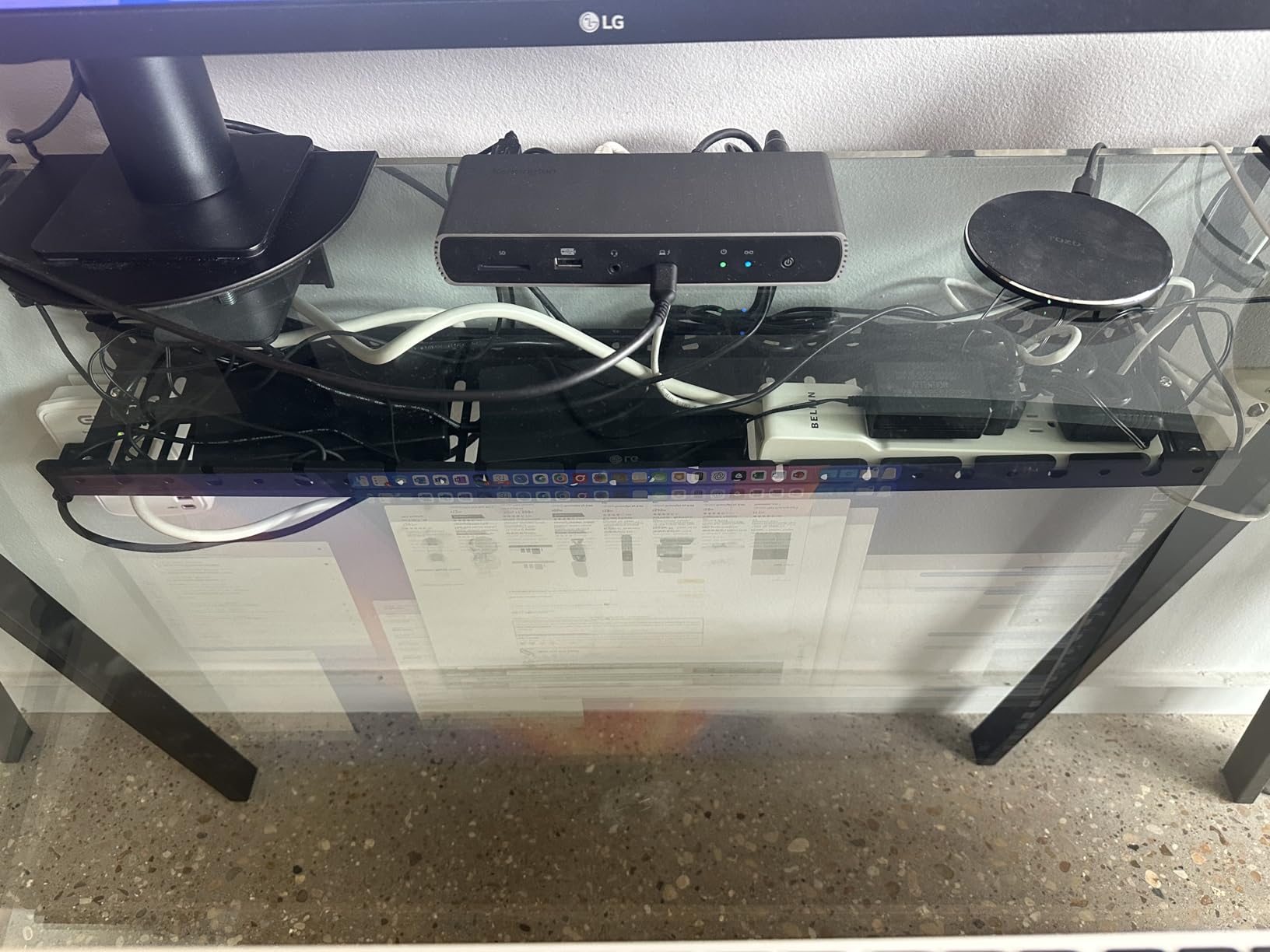
One tray covering three power strips in a 31 inch span is a genuinely useful idea, because most desks do not need a fixed 36 inches and a fixed 15 inches is too short for a multi-device setup. This one telescopes between the two.
Install took under ten minutes in our test on a wooden desk, and the carbon steel hollow frame vents heat better than a closed channel while holding its shape under load.
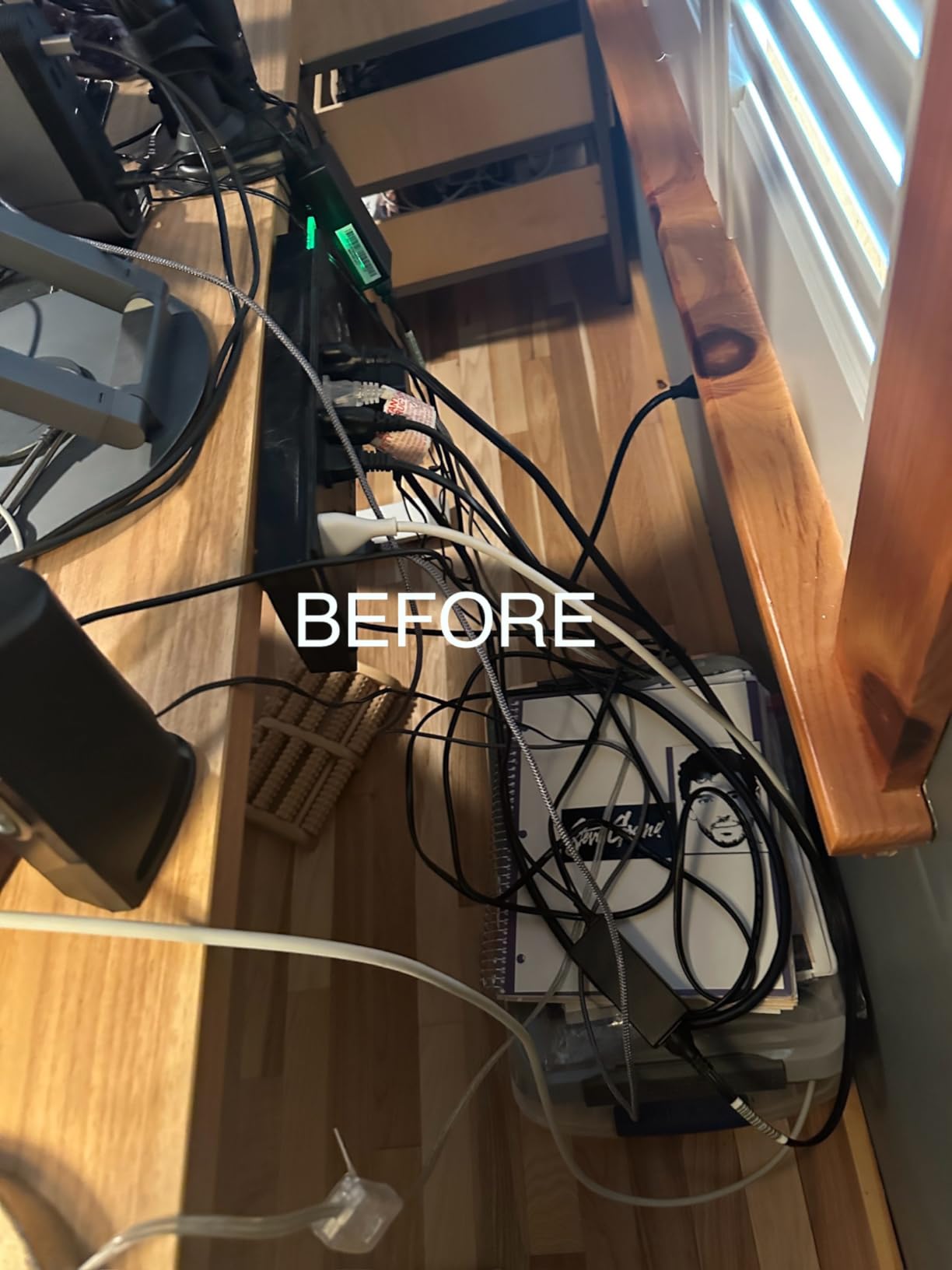
Owners report a year-plus of steady use and that it genuinely lifts a power strip off the floor, which is the outcome that matters. The included velcro ties help bundle runs, though the bundle is small for larger setups.
Check the extension before you load it. At full 31 inches the frame can feel slightly flimsy, and the clamp range will not suit every desk thickness at the extremes.
Who It Suits Best
Desks that straddle two sizes, or setups you expect to grow. Extendable means you are not guessing at future cable volume on the day you order.
Anyone consolidating several strips into one run will find the three-strip capacity genuinely useful, and the hollow frame keeps things cool without a solid floor.
Where It Falls Short
Hardware quality. Reviews repeatedly flag soft alloy screws with rounded socket edges, occasionally crooked threading, so budget time to replace one or two before assembly.
It also stays visible from low angles, and the velcro tie bundle runs out quickly once you are bundling a full desk plus a monitor arm.
11. Quszmd 32 Inch Extra-Large Tray: Best for Wide Desks
32″ Under Desk Cable Management Tray, Quszmd Wire Organizer No Drill, Black
32 x 4.72 inch metal mesh
Clamp fits 0.4 to 2.4 inch
Soft protective pads
1 year warranty
Pros
- 32 inch extra-large tray holds strips
- adapters and bulky chargers
- Sturdy metal that supports weight without sagging
- No-drill adjustable clamp installs in minutes
- Open mesh sides aid airflow and routing
- Mounts inward or outward under the desk
Cons
- Mounting arms can be too wide for limited rear openings
- Instructions are unclear and the parts list is missing
- Adds about 1 cm of desk depth when mounted inward
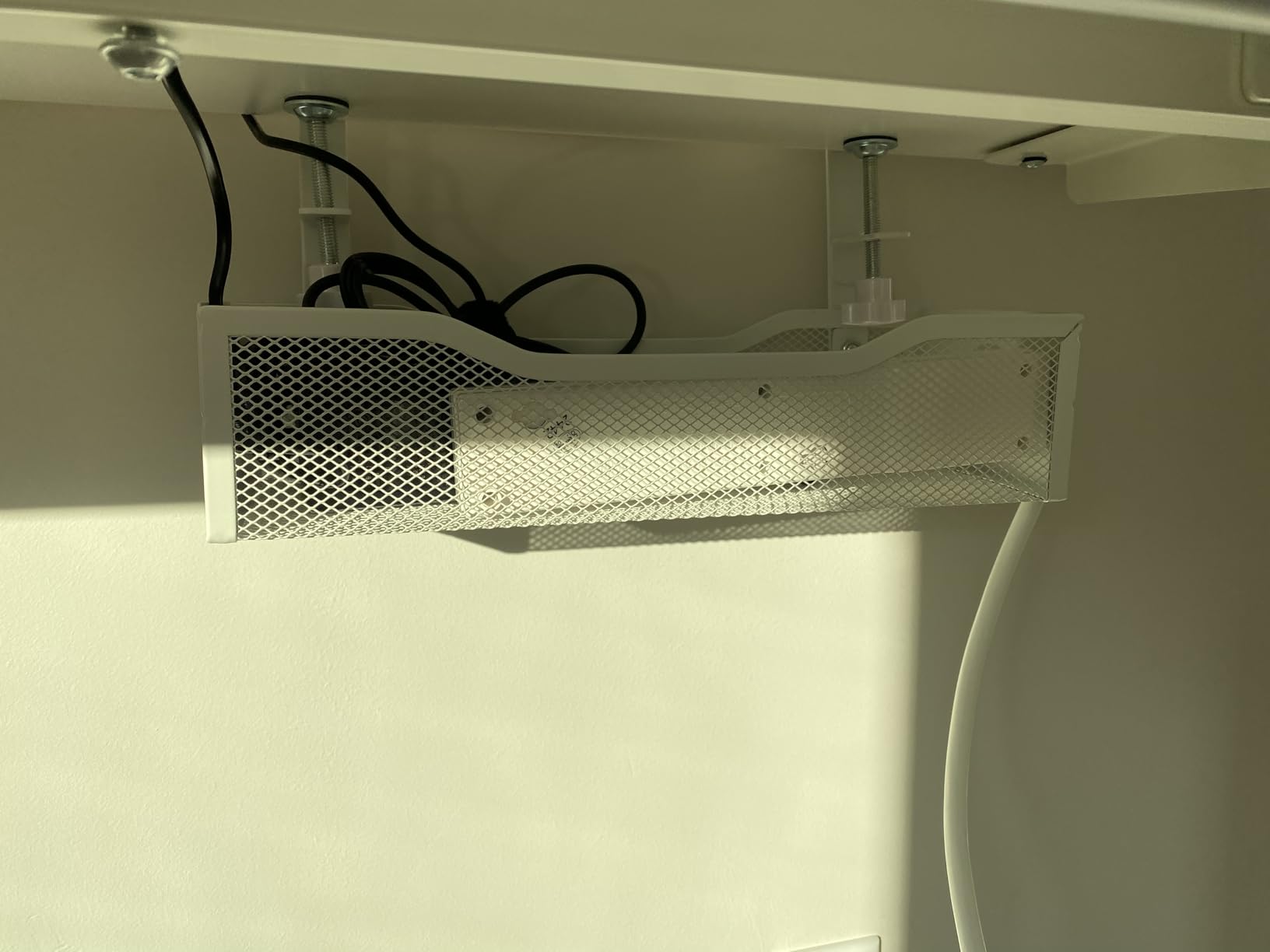
Thirty-two inches of open mesh is the format for a 60 inch or wider executive desk, where a 15 inch tray leaves most of the span bare and a 48 inch basket overhangs a compact desk entirely. This length sits in the useful middle.
The clamp reaches 0.4 to 2.4 inches, so it handles a thick top as well as a thin veneer, and soft pads prevent scratches and pressure marks on the edge.
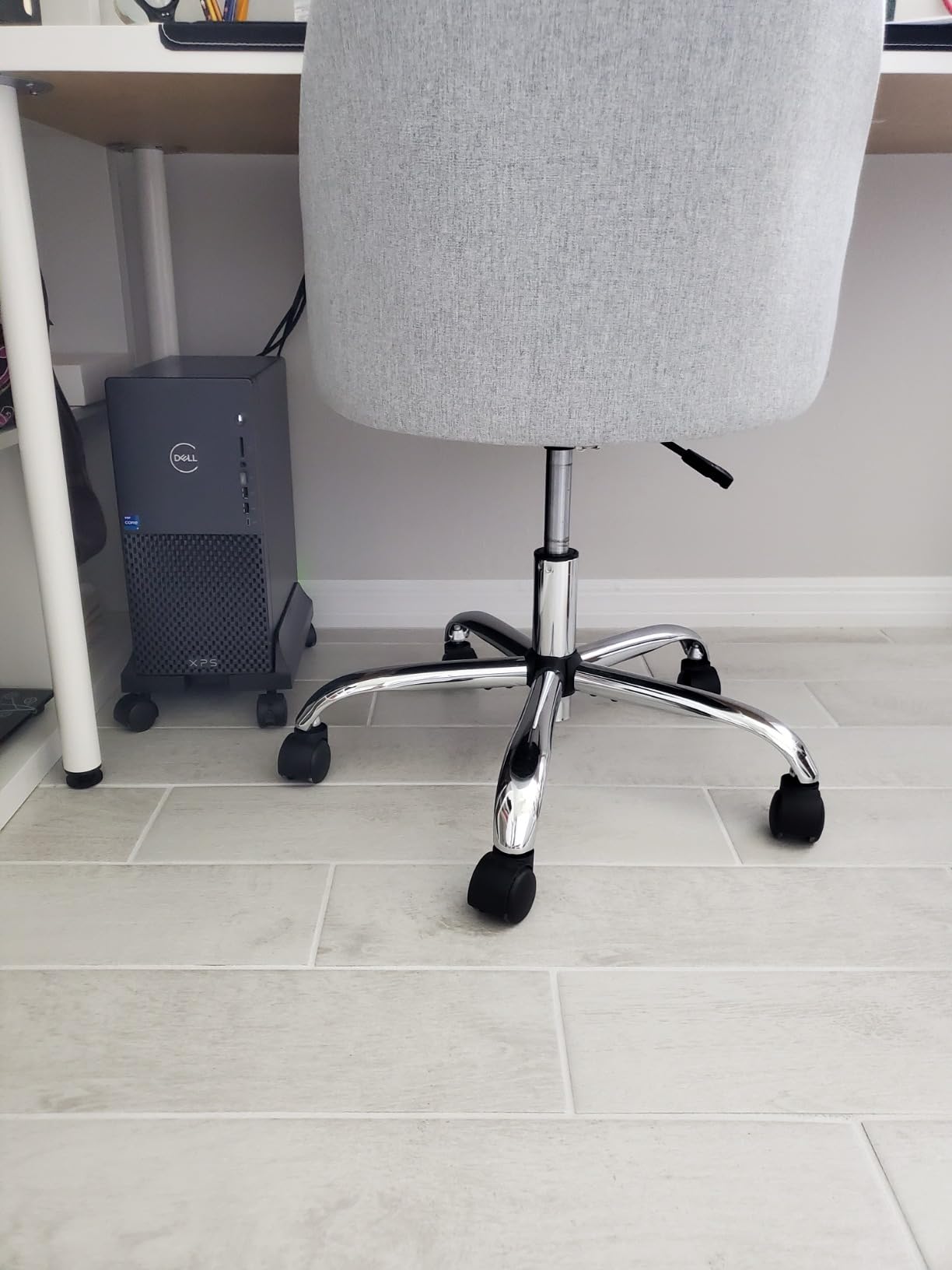
Buyers report quick, damage-free installs and strong satisfaction on height-adjustable desks, with the inward or outward mounting letting you match the tray to the leg position.
Assembly documentation is the weak spot. Reviews mention instructions that are hard to follow, a missing parts list, and at least one box arriving without all its screws, so check the contents before you start.
Who It Suits Best
Large fixed desks and wide standing frames where cable volume is high. Three monitors, a dock and a printer is the kind of load this length was designed for.
Desks with no back board are the ideal case. Owners specifically call out that the clamps fit cleanly when there is no rear panel eating into the mounting zone.
Where It Falls Short
Desks with a narrow rear opening. The mounting arms can be too wide to fit, which is the same clearance problem reported for nearly every deep tray in this category.
Wide surge protectors and laptop bricks also sit awkwardly rather than nesting flatly, and mounting inward adds roughly 1 cm to the desk depth.
12. Xpatee 31.4 Inch Two-Pack: Best Two-Tray Value Run
Xpatee 2 Pack Cable Management Under Desk Tray, 31.4″ No Drill Under Desk Wire Management with Upgraded Clamp, Metal Cord Organizers for Desk with Cable Organizers, PC Cable Management Rack, Black
Two 15.7 x 4.7 x 5.9 inch trays
31.4 inch combined run
10 lb per tray
2 year warranty
Pros
- Two trays create a 31.4 inch run at a low per-tray cost
- Fully welded powder-coated metal resists rust and dust
- Clamp-on install needs no drilling
- Anti-scratch pads protect the desktop
- Two open sides allow strip installation without unplugging
Cons
- Sags slightly once loaded with a power bar and bricks
- Short soft screws make assembly awkward
- Fixed clamp positions can collide with desk items
Two independent trays beat one long tray for most layouts, because you can space them to match your leg positions and route power on one side and signal on the other. Aligned, they make a 31.4 inch run.
The clamp reaches 0.4 to 2.4 inches, takes anti-scratch pads, and mounts inward or outward. The kit also includes 4 cable clips and 8 cable ties, which is the most complete box among the clamp options here.
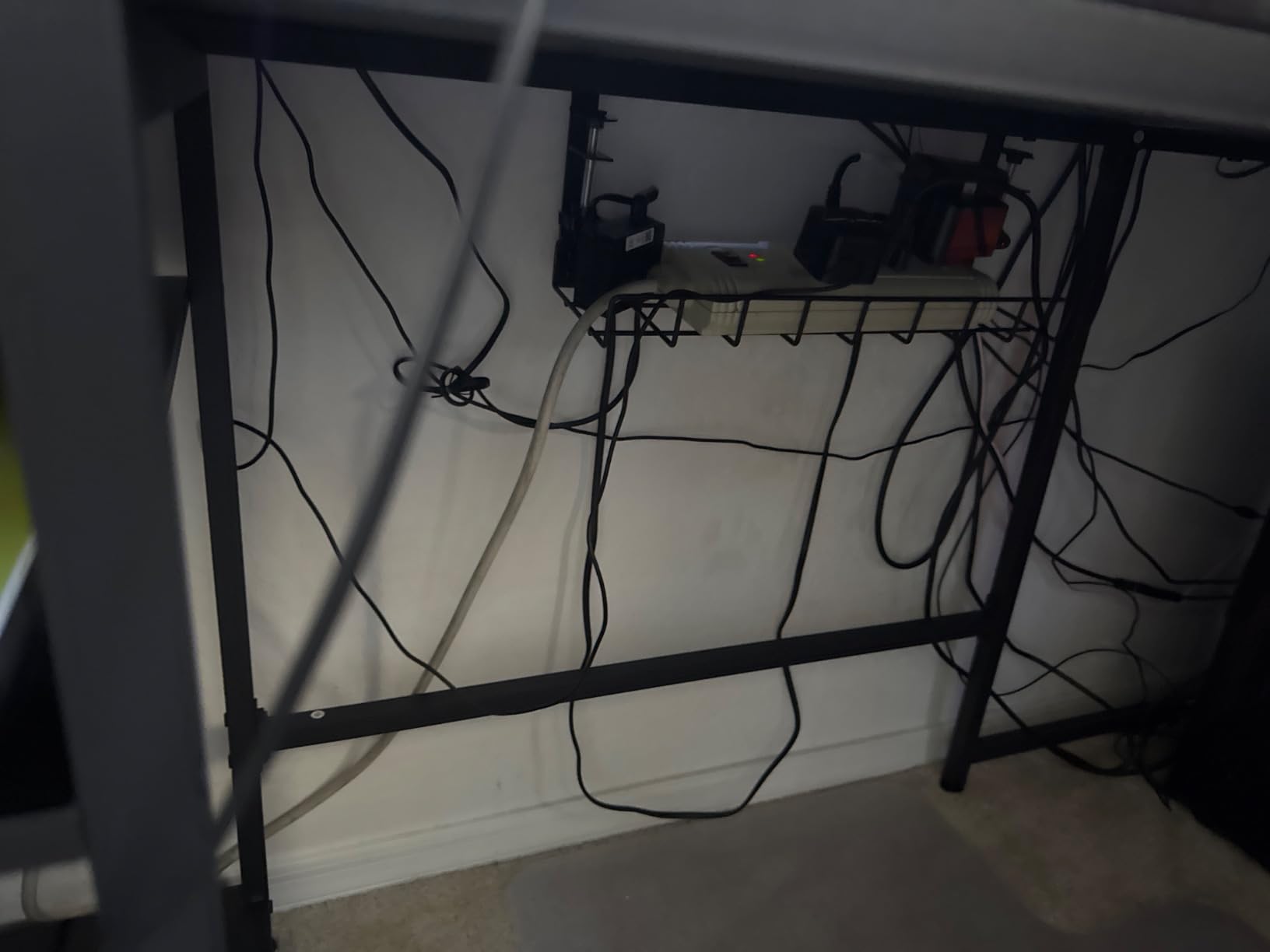
At 4.6 out of 5 across 632 reviews, owners cite strong value from the two-pack format and enough width for a twelve-outlet surge protector plus accessories. The two-year warranty is also among the longer ones here.
Sagging under a full load is the recurring criticism, along with short, soft screws and fixed clamp positions. Check for lateral movement once a strip and bricks are loaded.
Who It Suits Best
L-shaped and corner desks, where one tray cannot follow the geometry. Two trays let you run one down each return and keep the corner clear.
Power and signal separation also suits editing or streaming desks, where you do not want audio and power leads bundled into the same run.
Where It Falls Short
Very heavy single-tray loads. Owners report slight sag once a power bar and bricks are both in the same basket, so split the load across the two trays.
Assembly quality and a small number of defective units that wobble and will not stay attached. Inspect the hardware before mounting.
How to Choose an Under Desk Cable Management Tray
The best way to organize cables under a desk is a five-step method
First, decide the install method, because it eliminates half the options immediately. Second, measure your desk thickness and the clearance behind the edge. Third, count your actual load rather than guessing. Fourth, pick a tray length that matches your desk width. Fifth, route the vertical run to the floor separately from the tray, so the cables flex as one unit when a standing desk moves.
Attach cables to the underside of a desk with one of three methods
A clamp grabs the desk edge and needs no hole at all, a screw-in mount bolts permanently to the underside, and an adhesive mount sticks to a smooth surface. Clamp is the default for most people because it reverses in seconds and moves with a standing desk.
Screw-in wins on fixed wooden desks where you will never move, because nothing can shake loose. Adhesive is the only real option on glass and marble, and it is the least forgiving when a heavy strip is involved.
Measure four things before you buy
Measure desk thickness at the rear edge, the clearance between the underside and the floor, the width of the desk at the mounting point, and the position of your monitor arm clamp. Those four numbers decide whether a tray fits at all, and no amount of reading recovers from a bad measurement.
Also check the edge profile. Most clamp trays want a flat-edged top, and a bullnose or heavily rounded edge will stop a clamp from seating properly, which is the most common install failure reported on forums.
Do the weight math on your real load
A six-outlet surge protector is roughly 1.5 to 2 lbs, a laptop brick about 0.5 to 1 lb, and a small USB hub around 0.5 lb. Add those up, then leave headroom, because published capacity is a static number and a real load shifts when you move a strip.
Adhesive mounts rate around 6 lbs after a full cure, and mesh metal trays commonly claim 10 to 15 lbs. If your running total sits near a limit, either split the load across two trays or move to screw-in steel.
Match tray length to desk width
A 13.4 inch tray suits a compact 40 inch desk, a 15.7 inch tray covers a 48 to 55 inch desk, a 25 inch tray handles a 60 inch desk with room for a dock, and 31 to 36 inch formats suit wide or L-shaped layouts. Oversized trays do not centre on small desks, which is a complaint that shows up repeatedly in reviews.
If you are between sizes, two short trays usually beat one long one. They are easier to position around legs and monitor arms, and they spread a heavy load instead of concentrating it.
Glass, marble and standing desks need different answers
On glass or marble, a clamp tray is out entirely, so adhesive is the only route. Choose a shallow or low-profile adhesive channel and keep the load light, because heat under a stone top and a heavy strip are a poor combination for tape.
On a standing desk, prefer a clamp mount and a tray that sits close to the underside, so it stays hidden at standing height. Allow slack for the full travel range, or the run will snag. Our standing desk picks are covered in more detail in our cable trays for standing desks guide.
Watch for monitor arm clamp conflicts
Monitor arms and tray clamps both want the rear centre of the desk, and they physically collide. Move the tray toward a leg, choose a tray that mounts inward so the clamp sits further forward, or confirm the arm has a post mount that clears the tray.
This is the install failure most often left out of other roundups, and it is the one that ends with a tray in a drawer. Measure the monitor clamp position before you pick a format.
Route cables beyond the tray as a system
The tray handles the horizontal run under the desk. The vertical run down to the floor needs its own solution, and a fabric sleeve is the most reliable: it bundles cables so they flex as one unit instead of tangling independently when the desk moves. Desk-leg clips and reusable velcro ties handle the rest.
For a studio desk, a fabric-wrapped tray also solves the visual problem that mesh cannot. If your setup runs audio gear, our cable management boxes for studios guide covers the vertical and floor-level side of the build.
Troubleshoot the four common failures
A tray that slides sideways under a heavy strip needs the clamp retightened and a velcro strap fixing the strip to the tray, not more weight on the clamp. A clamp that will not grip usually means the edge is rounded or past the stated thickness range. Adhesive that peels is nearly always a textured surface or heat. Sagging mesh means the load exceeds what one tray was built for.
All four have the same root cause, which is skipping the measurements. If cables are disappearing into a wall or behind furniture in the rest of your setup, our in-wall cable management kits guide covers the other end of the run.
Frequently Asked Questions
What is the best way to organize cables under my desk?
Pick the install method first, then measure. Clamp trays grab the desk edge and need no drilling, screw-in trays are the most rigid on a fixed wooden desk, and adhesive trays are the only option on glass. Next measure your desk thickness and the clearance behind the rear edge, then count your real load: a six-outlet surge protector is roughly 1.5 to 2 lbs, a laptop brick about 0.5 to 1 lb. Buy a tray length that matches your desk width, and route the vertical run to the floor through a fabric sleeve so cables flex as one unit.
How do I attach cables to the underside of a desk?
There are three practical methods. A clamp-on tray grips the desk edge and reverses in seconds without marking the surface, which makes it the default for most people and for standing desks. A screw-in tray bolts directly to the underside and is the most rigid option, ideal for a fixed wooden desk you will never move. A self-adhesive tray sticks to any smooth surface and is the only real option on glass or marble, though it needs a full 24 hour cure before load and can peel on textured paint.
How can I hide cables under my desk without making holes?
Use a clamp-on or adhesive tray instead of a screw-in model. A clamp tray grabs the desk edge with silicone or rubber pads, so it leaves no holes and no marks, and it can be repositioned or removed whenever you move desks. Adhesive trays also need no holes and are the only workable choice on a glass or marble top, though they are less forgiving under a heavy power strip. Both are fully reversible, which is why they are the standard answer for rentals.
What size under desk cable tray do I need for my desk?
Match the tray to the desk width rather than to the cable count. A 13.4 inch tray suits a compact 40 inch desk, a 15.7 inch tray covers a 48 to 55 inch desk, and a 25 inch tray handles a 60 inch desk with room for a dock. Formats from 31 to 36 inches suit wide or L-shaped layouts. If you sit between two sizes, two short trays are usually better than one long one, because they position around desk legs and split a heavy load instead of concentrating it.
Are clamp-on or adhesive under desk cable trays better?
Clamp-on is better for almost every desk, because it is stronger, adjustable and fully reversible, and it moves with a standing desk instead of fighting the motion. Adhesive is the better answer only when clamping is impossible, such as on glass, marble or a desk with no grippable edge. Adhesive mounts rate around 6 lbs after a 24 hour cure and can fail on textured paint or in heat, so if a load is heavy and the surface is smooth, use a clamp tray or add a second layer of mounting tape.
Why does my under desk cable tray keep sliding?
Almost always the clamp is not tight enough for the load, or the load is moving inside the tray. Retighten the clamp, then fix the power strip to the tray frame with a reusable velcro strap so weight transfers to the tray rather than pushing against the clamp. If the clamp is already tight, check that your desk thickness falls inside the stated range, since a clamp outside its range cannot grip. Round or bullnose desk edges also stop a clamp seating properly.
Final Pick by Desk Type in 2026
The best under desk cable management tray for most homes is the Scanfield 17 inch 2-pack, because 6737 ratings and a 24-hour cure adhesive cover the widest range of surfaces without drilling, and two channels fit an L-shaped desk better than one long basket.
On a standing desk, go clamp-on: the REFLYING steel tray for depth, or the Mzmaxy 25 inch tray if you need room for two power strips and a dock. On a white or thick desktop, the Cinati clamp tray reaches 2.4 inches and comes in white.
On a fixed wooden desk you will never move, the PAMO set of two is the most rigid and the most comfortable to load. On glass or marble, adhesive is the only route. For a studio desk where cable runs pile up, the Univivi 36 inch fabric tray conceals everything mesh cannot.
Whichever you choose, measure first and route the floor run through a sleeve. Those two steps fix more failed installs than any tray on this list. If you are still deciding between desk and studio gear, start with a cable-free controller to cut the signal clutter in the first place, as we cover in our MIDI controller guide.