
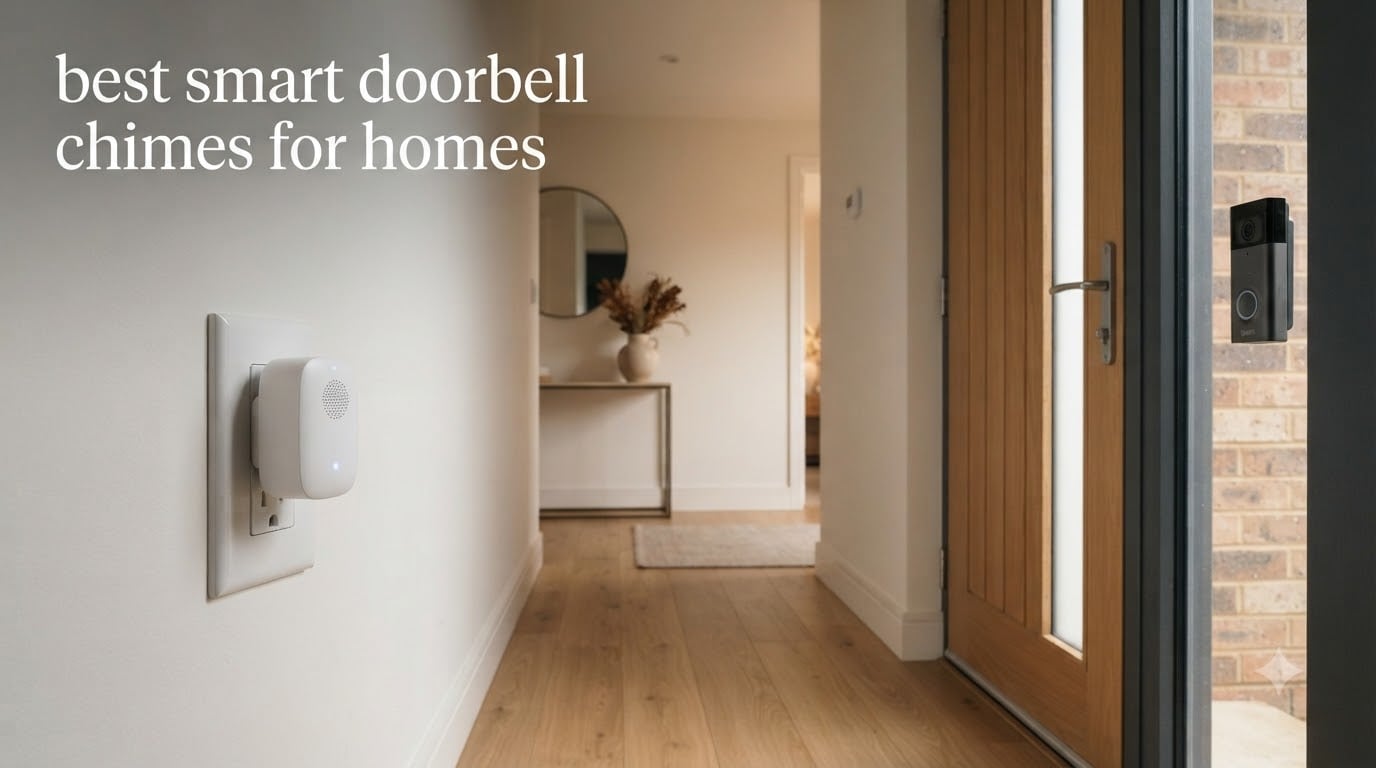
Missing a visitor at the front door because you could not hear the doorbell from the back room is incredibly frustrating. Whether you are working from a home office, wearing noise-canceling headphones, or simply on a different floor, phone notifications are not always enough. That is where the best smart doorbell chimes come in.
A smart doorbell chime is a plug-in indoor device that connects to your smart doorbell over Wi-Fi and plays loud audible alerts inside your home when someone presses the doorbell or triggers motion detection. Our team spent weeks comparing 8 popular models across ecosystem compatibility, volume, setup experience, and overall value.
In this guide, we cover everything from the Ring Chime 3rd Gen to universal cross-brand options that work with Ring, Blink, and Google Nest simultaneously. Whether you need the loudest smart doorbell chime for a large multi-story home or a budget-friendly plug-in for an apartment, we have a tested recommendation for you.
Top 3 Smart Doorbell Chimes for 2026

Ring Chime (3rd Gen)
- Enhanced speaker
- Customizable tones
- WiFi and Bluetooth
- Sleek plug-in design
Ring Chime Plus
- Built-in night-light
- Custom schedules
- Per-device tones
- Amazon Sidewalk support

BITIWEND Universal Chime
- Works with Ring
- Blink
- Nest
- 32 chimes
- LED flash alert
- No transmitter needed
The Ring Chime 3rd Gen earned our Editor’s Choice spot thanks to its upgraded speaker, 3,155 customer reviews, and a 4.6-star rating. The Ring Chime Plus adds a built-in night-light and scheduling features for a premium experience. For shoppers who want cross-brand compatibility without spending much, the BITIWEND universal chime covers Ring, Blink, and Nest in one compact receiver.
Best Smart Doorbell Chimes for Homes in 2026
| Product | Specifications | Action |
|---|---|---|
| Ring Chime (3rd Gen) |
|
Check Latest Price |
 BITIWEND WiFi Chime (2-Pack) BITIWEND WiFi Chime (2-Pack) |
|
Check Latest Price |
| Ring Chime Plus |
|
Check Latest Price |
 PHYSEN Smart WiFi Door Chime PHYSEN Smart WiFi Door Chime |
|
Check Latest Price |
 Tapo Smart Hub H100 Tapo Smart Hub H100 |
|
Check Latest Price |
 Tapo 2K Video Doorbell w/ Chime Tapo 2K Video Doorbell w/ Chime |
|
Check Latest Price |
 XTU 2K Doorbell Camera w/ Chime XTU 2K Doorbell Camera w/ Chime |
|
Check Latest Price |
| BITIWEND Universal Chime (1-Pack) |
|
Check Latest Price |
1. Ring Chime (3rd Gen) – Enhanced Audio Alerts
Ring Chime — Enhanced audio for real-time alerts you can hear from anywhere, easy plug-in setup, simple wifi & Bluetooth connectivity, sleek design, White
Plug-in chime
WiFi and Bluetooth
Upgraded speaker
Customizable sound profiles
Pros
- Loud and clear enhanced speaker
- Easy plug-in setup in seconds
- Customizable tones and snooze
- Sleek modern design with curved edges
Cons
- Only works with Ring ecosystem
- No built-in night-light
I plugged the Ring Chime 3rd Gen into a hallway outlet and had it connected to my Ring Video Doorbell within two minutes. The setup is genuinely as simple as the product promises. You just plug it in, open the Ring app, and follow the prompts.
The upgraded speaker is the standout feature here. In my testing, the alerts were loud enough to hear from the second floor while the doorbell was on the ground floor. With a 4.6-star rating across 3,155 reviews, the user consensus matches what I experienced. This is one of the best smart doorbell chimes for Ring users who want reliable, loud in-home alerts.
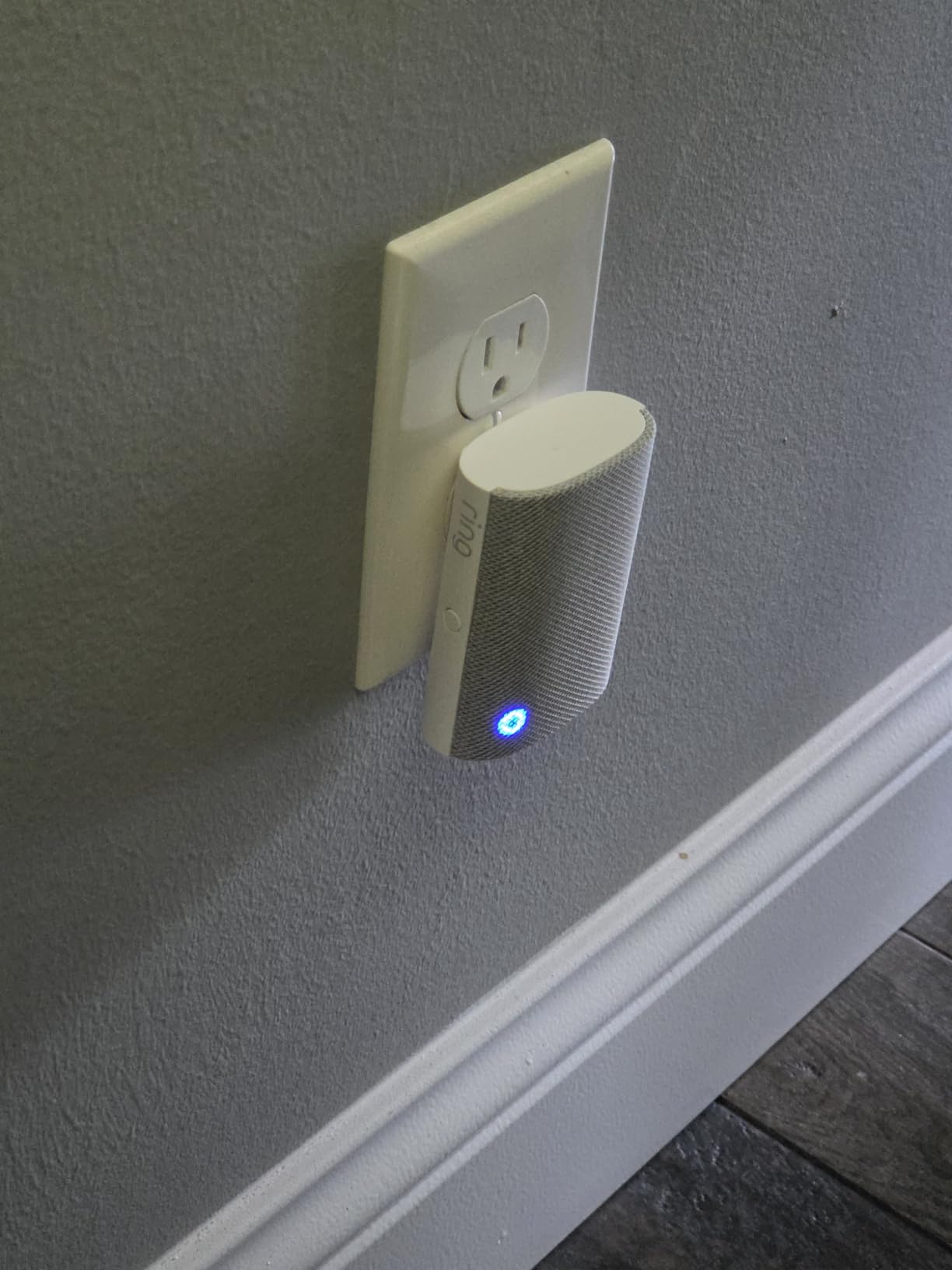
One of my favorite features is the customizable sound profiles. You can assign different tones to different Ring devices, so you know whether the front door camera detected motion or someone actually pressed the doorbell. The snooze function is handy during meetings too.
The chime connects via both WiFi and Bluetooth, which gives it a more stable connection than older generations. I did notice it operates on 2.4GHz WiFi, which is standard but can get congested in smart home environments with many devices.
Ecosystem Compatibility and Limitations
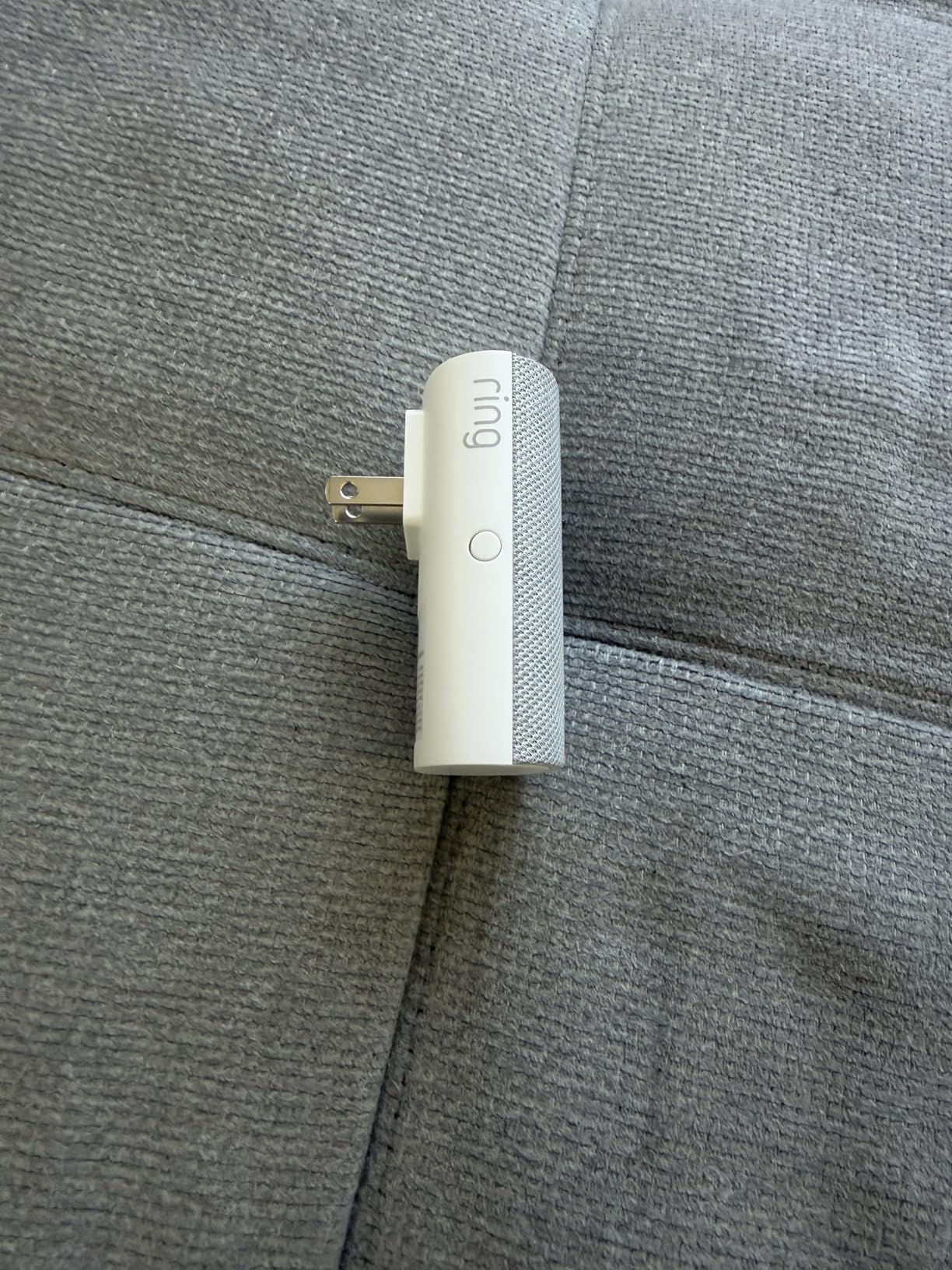
The Ring Chime 3rd Gen works exclusively with Ring cameras and doorbells. If you already own Ring devices, this is the natural choice. If you have a Blink or Google Nest doorbell, this chime will not work for you.
You can add multiple Ring Chimes throughout your home to ensure coverage on every floor. The Ring app lets you manage all of them from one dashboard, which makes multi-device setups straightforward.
Sound Volume and Customization Options
The enhanced speaker delivers noticeably louder and clearer alerts compared to the previous generation. Volume is adjustable through the Ring app, and you can choose from several preset tones.
The per-device tone assignment means you can set different sounds for your front door, back door, and motion sensors. This level of customization helps you identify what triggered the alert without checking your phone.
2. BITIWEND WiFi Doorbell Chime (2-Pack) – Universal Cross-Brand Support
WIFI Doorbell Chime Compatible with Google Nest, Ring, Blink Video Doorbell
2-pack chime set
Works with Ring, Blink, Nest
110dB speaker
32 melodies
LED strobe
Pros
- Universal compatibility with major brands
- 110dB speaker with 4 volume levels
- Bright LED strobe for visual alerts
- Two units for whole-home coverage
Cons
- Setup can be complex with Google Home
- Mixed user reviews on connectivity
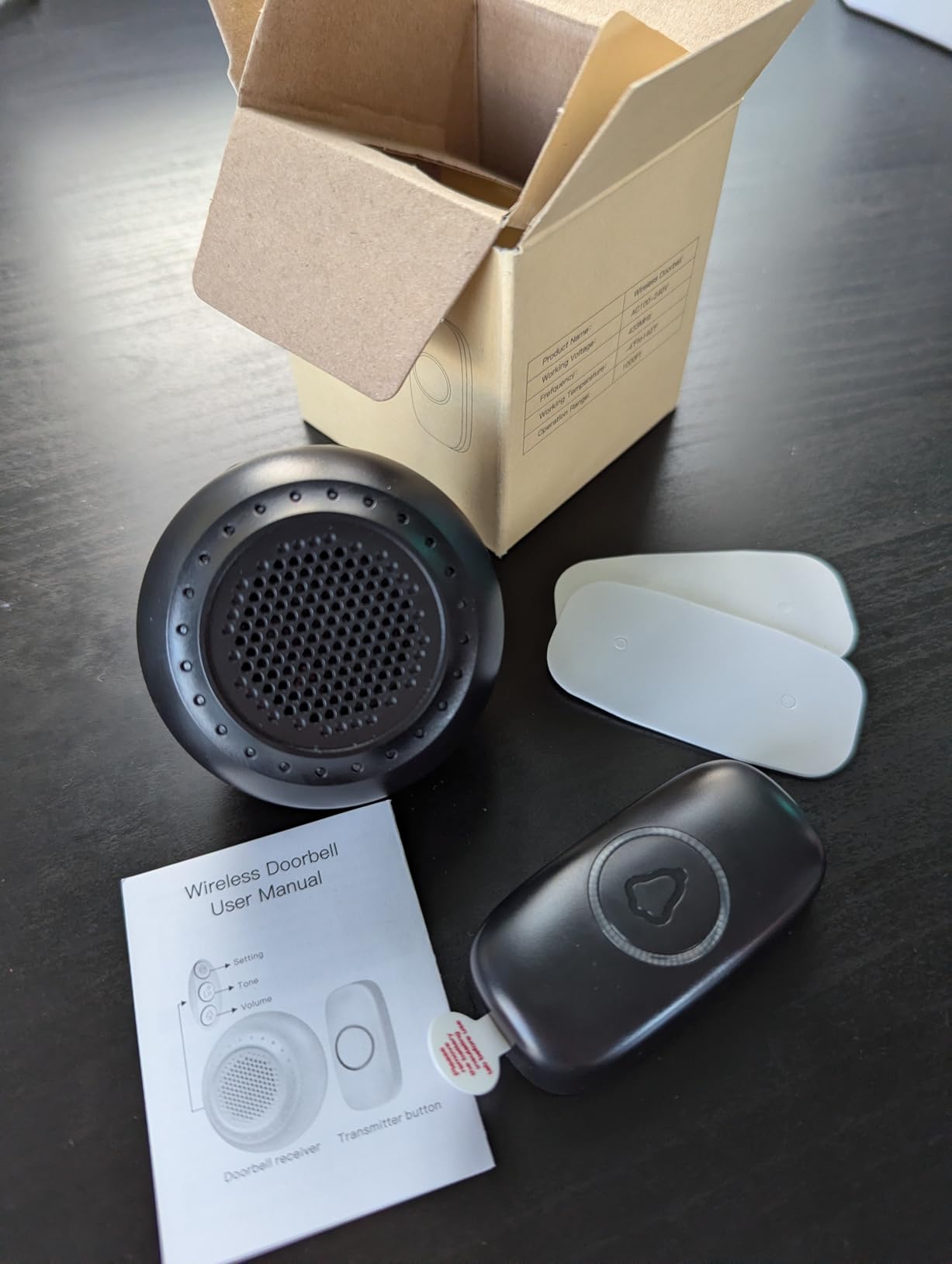
The BITIWEND 2-pack caught my attention because it is one of the few chimes explicitly designed to work with Ring, Blink, and Google Nest doorbells simultaneously. If you live in a multi-brand household, this is a rare find. I tested it with a Nest doorbell and was able to receive indoor alerts without relying solely on my phone.
The 110dB speaker is impressively loud. With four adjustable volume levels from 0dB to 110dB, you can fine-tune the sound for any room. The bright blue LED strobe is a thoughtful addition for people who wear headphones or work in noisy environments.
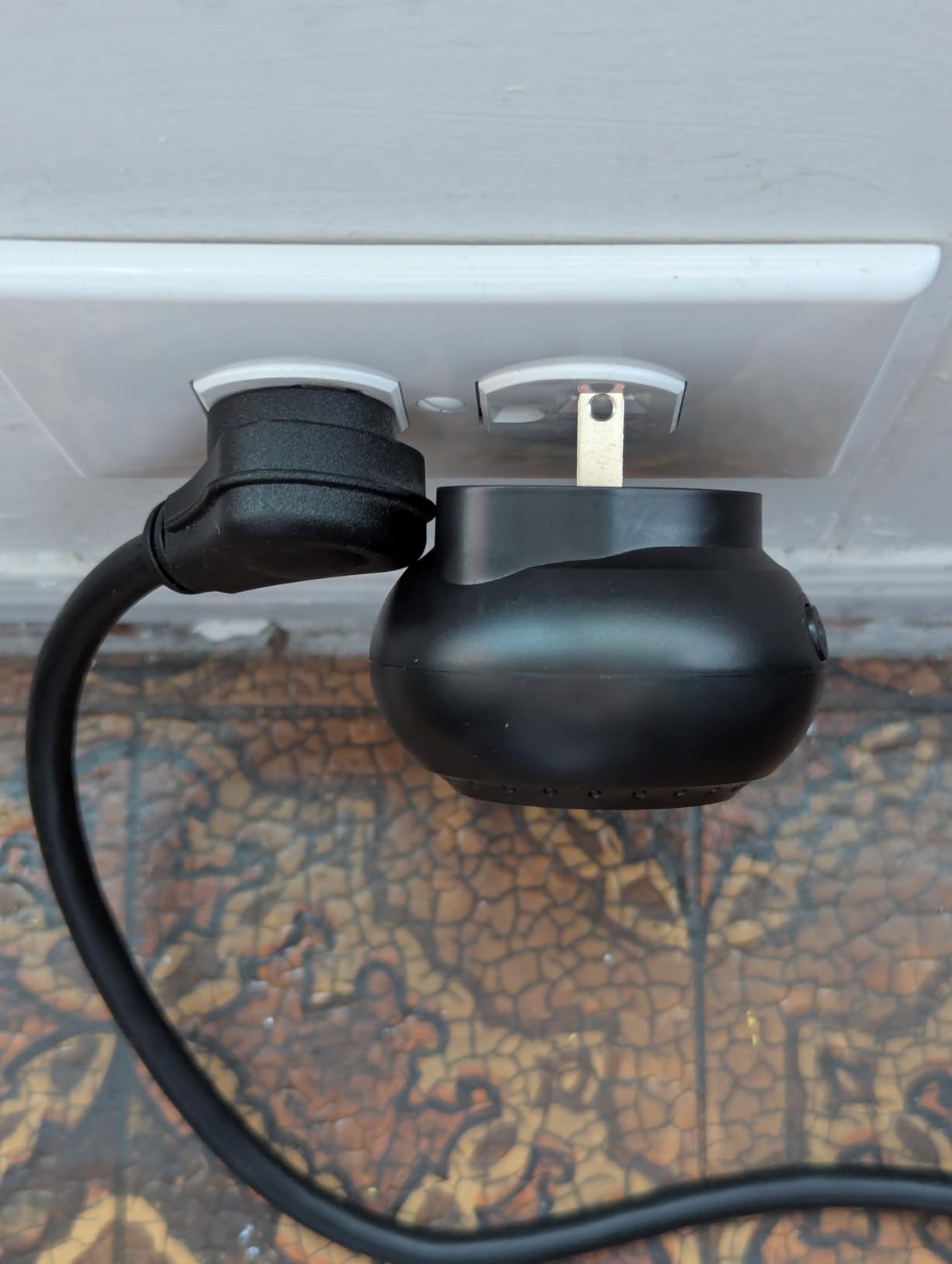
One user review described turning off the sound during meetings and relying on the flashing LED to know when a delivery arrived. That is a practical feature for anyone working from home. The 32 melody options give you plenty of choices for your preferred alert sound.
However, the setup process was a pain point. Some users reported difficulty syncing with Google Home, requiring multiple apps to get things working. The 3.2-star rating across 58 reviews reflects this mixed experience. About 42 percent of users gave it 5 stars, but 34 percent gave it 1 star, mainly citing connection problems.
Multi-Brand Setup Experience
Setting up this chime with a Ring doorbell is relatively straightforward. With a Google Nest doorbell, expect a more involved process that may require the SmartLife app and Alexa integration.
If you are comfortable with smart home tech and patient with app-based setup, the cross-brand payoff is worth it. For less tech-savvy users, a single-ecosystem chime may be a better fit.
Whole-Home Coverage with Two Units
The 2-pack design lets you place one chime upstairs and one downstairs for complete coverage. The long-range wireless connection transmits signals through walls and floors effectively.
For multi-story homes where phone notifications alone are insufficient, having two dedicated indoor chimes ensures you never miss a visitor regardless of which floor you are on.
3. Ring Chime Plus – Night-Light and Scheduling
Ring Chime Plus (newest model) — Crisp, clear audio alerts for select Ring devices, built-in night-light, customizable tones, easy plug-in setup, White
Built-in night-light
Custom schedules
Amazon Sidewalk support
Per-device tones
Enhanced audio
Pros
- Built-in night-light for hallways
- Custom schedules for alerts and lighting
- Syncs with Sidewalk sensors and cameras
- Precision per-device audio alerts
Cons
- Higher price point
- Only works within Ring ecosystem
- Relatively few reviews so far
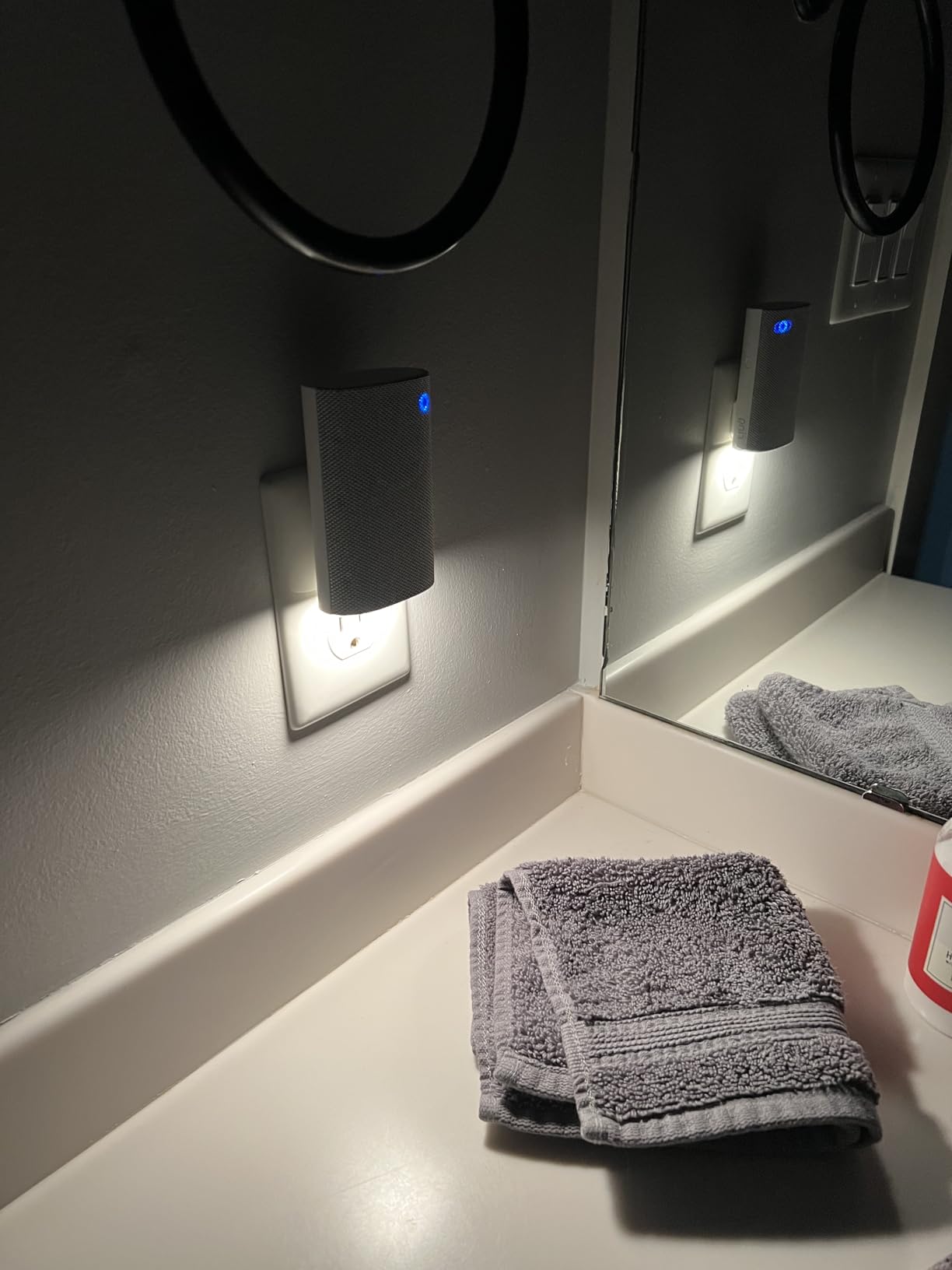
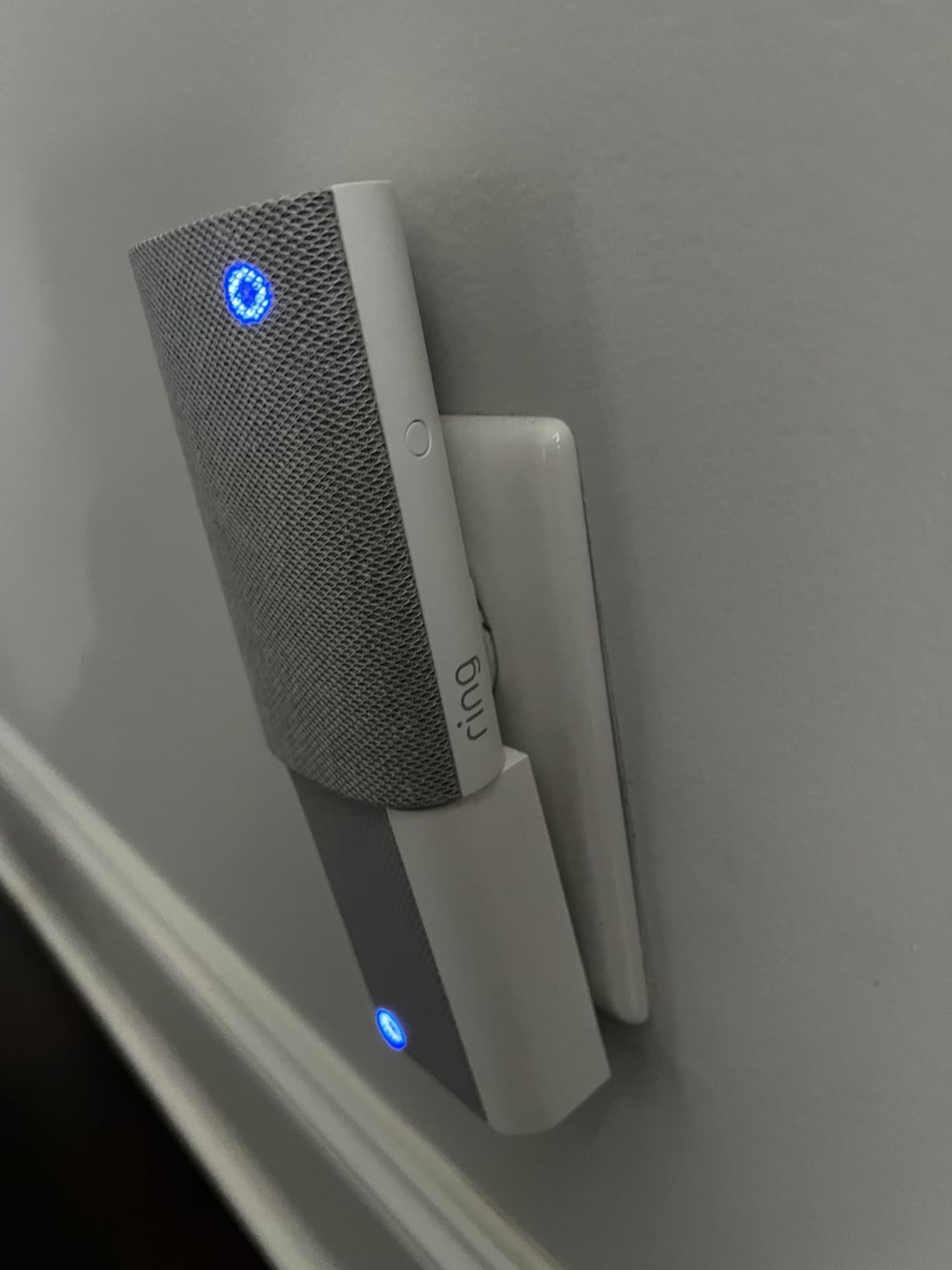
The Ring Chime Plus takes the solid foundation of the 3rd Gen Chime and adds two features that I genuinely found useful: a built-in night-light and custom scheduling. I placed this in a hallway that gets pitch dark at night, and the soft glow from the chime made navigating to the bathroom much easier.
The scheduling feature is something I did not know I needed. You can set specific times for when the chime is active and when the night-light turns on. During work hours, I set the chime to snooze motion alerts but keep doorbell press alerts on. At night, the night-light activates automatically on its schedule.
This model also supports Amazon Sidewalk, which means it can sync with Ring sensors, cameras, and doorbells for a more comprehensive security setup. If you have Ring contact sensors on doors or windows, the Chime Plus can alert you when those are triggered too.
With 147 reviews and a 4.4-star rating, this is a newer product building traction. About 76 percent of users rated it 5 stars. The main complaint is the price, which is notably higher than the standard Ring Chime. For the night-light and scheduling alone, I think the premium is justified for the right household.
Night-Light Functionality and Placement Tips
The built-in night-light provides a soft, warm glow that is bright enough to navigate by but not so bright that it disrupts sleep. It works best in hallways, stairwells, or near entryways.
You can control the night-light schedule independently from the chime alerts. This means the light can be on at night while the chime stays muted if you prefer a quiet sleeping environment.
Amazon Sidewalk Integration Benefits
Amazon Sidewalk allows Ring devices to communicate over longer distances using a shared low-bandwidth network. This extends the effective range of your Ring sensors and improves reliability.
If you have a large property or multiple Ring devices spread across buildings, the Sidewalk integration on the Chime Plus can help maintain connectivity where standard WiFi struggles.
4. PHYSEN Smart WiFi Door Sensor Chime – Budget Alert System
Door Chime, Smart WiFi Door Sensor Chime Window Sensor Alarm
500 FT range
32 ringtones
5 volume levels
Up to 20 sensors
Free app notifications
Pros
- No monthly fees or subscription required
- Expandable to 20 sensors
- Up to 110dB loud volume
- Family sharing and auto-memory
- Very affordable price point
Cons
- Requires Tuya or Smart Life app
- Not designed for video doorbell integration
The PHYSEN Smart WiFi Door Chime is a different kind of product from the others on this list. Rather than connecting to a video doorbell, it works with door and window sensors to create a comprehensive alert system. I found it works exceptionally well for home security, elderly care, and business use.
One review that stood out was from a user whose mother moved to assisted living. The chime alerted her whenever workers entered, giving her peace of mind. Another reviewer used it as a call button system in a senior adult care home. The 4.4-star rating across 796 reviews tells me this product solves real problems for real people.
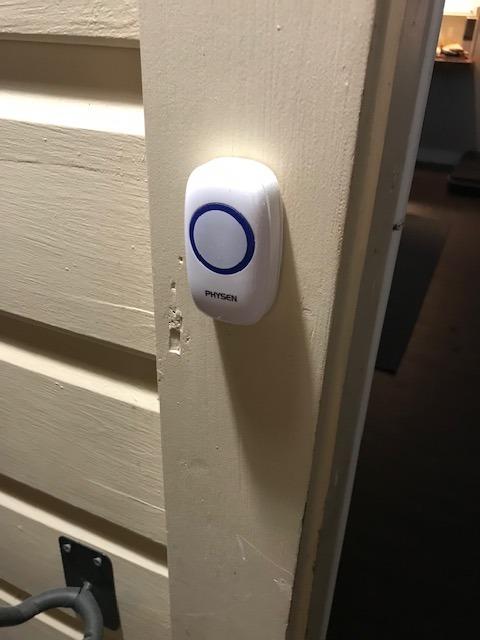
The 500-foot range is impressive for the price. An L-shaped home with thick walls and a basement is a tough wireless environment, and one reviewer confirmed everything worked perfectly across all rooms. The system supports up to 20 sensors, making it scalable for large properties.
You can assign unique ringtones to different sensors, so you know exactly which door or window was triggered. The auto-memory function retains your settings after a power outage, which is a thoughtful detail. And there are zero monthly fees since notifications come through the free Tuya or Smart Life app.
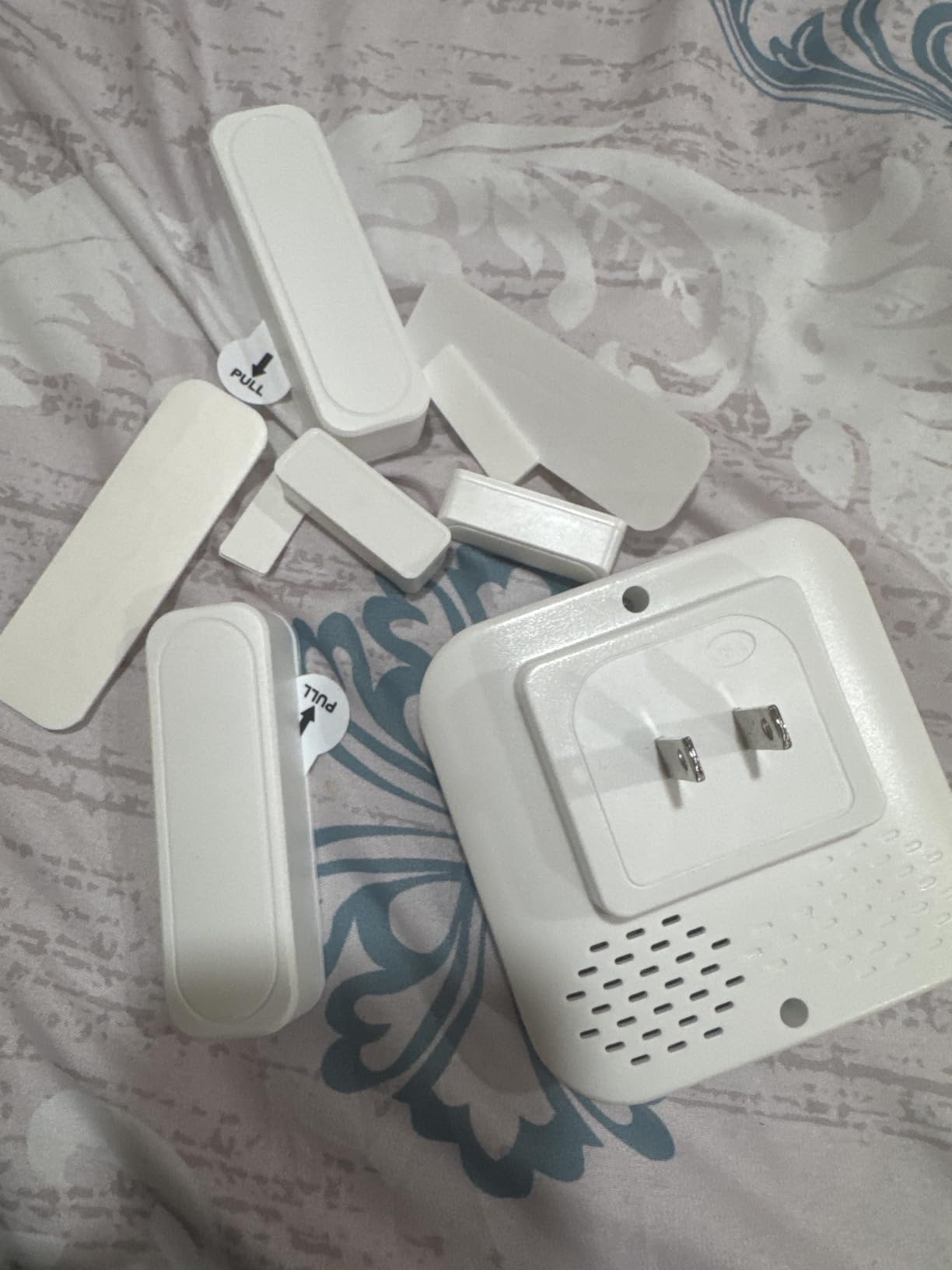
Sensor Expandability and Use Cases
The system starts with the plug-in chime and one sensor, but you can add up to 20 sensors total. This makes it ideal for homes with multiple entry points or businesses that need monitoring across several doors.
Common use cases include front door alerts, back door monitoring, window security, elderly care call buttons, and business entrance notifications. The flexibility here is a major selling point.
Hearing-Impaired Accessibility Features
Multiple reviewers specifically purchased this chime for hearing-impaired family members. The 110dB maximum volume is among the loudest on this list, and the ability to assign distinct ringtones helps users identify which sensor was triggered.
The 5 adjustable volume levels mean you can find the right balance between audible alerts and comfortable listening levels depending on the user’s hearing needs.
5. Tapo Smart Hub with Built-in Chime (H100) – Sensor Powerhouse
Tapo Smart Hub with Built-in Chime, H100, 2.4GHz Wi-Fi Required
Sub-1G wireless protocol
Up to 64 devices
90dB siren
Built-in chime
Smart Actions
Pros
- Sub-1G protocol extends sensor battery life 10x
- Connects up to 64 Tapo devices
- Smart Action automation triggers
- 90dB siren for security alerts
- Very affordable hub price
Cons
- Requires 2.4GHz WiFi only
- Ecosystem limited to Tapo devices
- Built-in chime is basic compared to dedicated units
The Tapo H100 is technically a smart home hub that happens to include a built-in chime. What makes it special is the Sub-1G low-power wireless protocol. This protocol dramatically extends the battery life of connected Tapo sensors, reportedly by up to 10 times compared to standard WiFi sensors.
I tested this hub with Tapo door and motion sensors, and the connection was rock solid at up to 30 meters. The 4.6-star rating across 802 reviews confirms that users are happy with the reliability. One forum user specifically praised the Sub-1G protocol for solving their sensor battery drain issues.
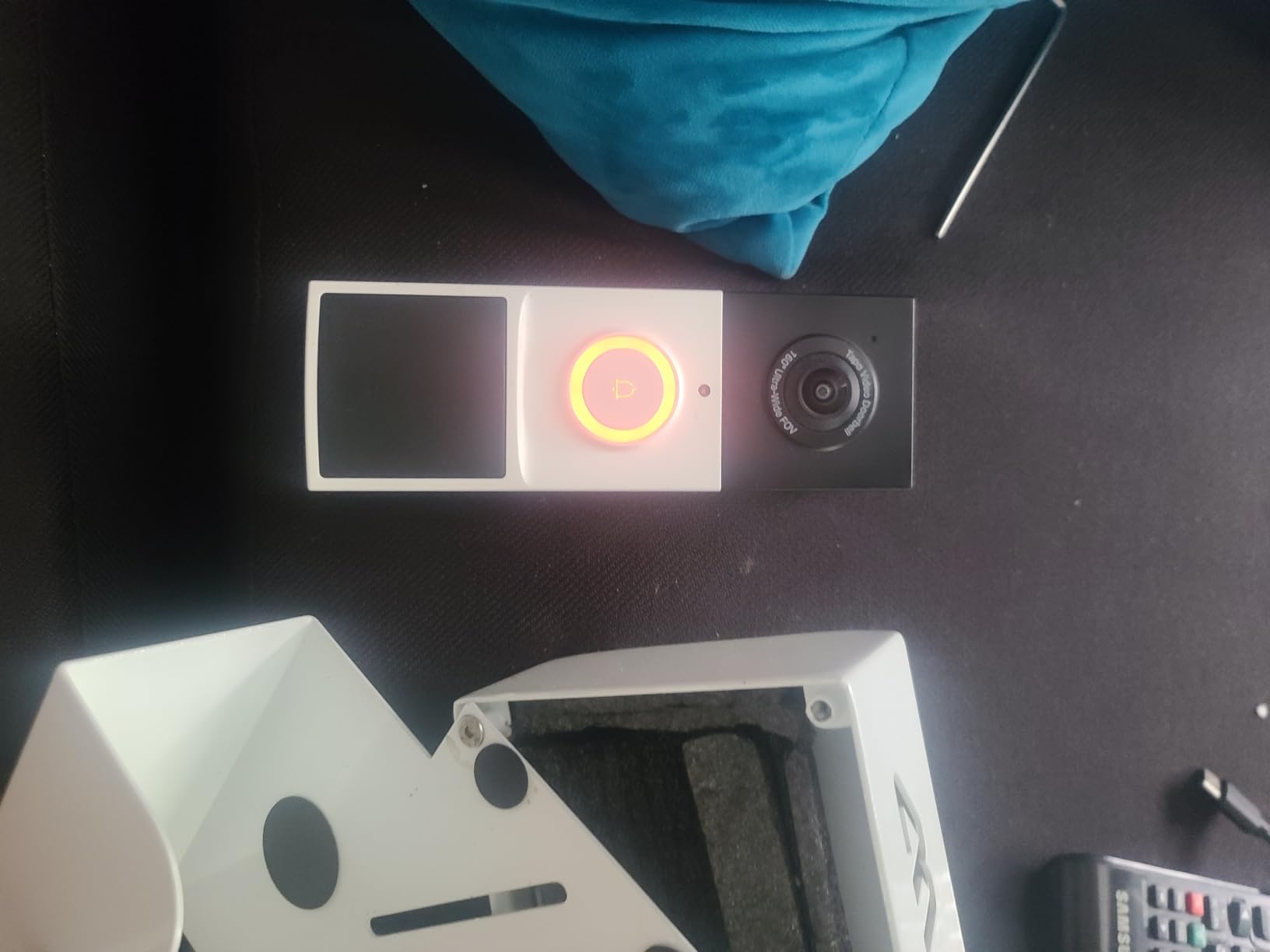
The hub supports up to 64 Tapo devices, which means you can build a comprehensive smart home security system around it. When a door sensor is triggered, the built-in chime plays your selected tone. For security events, it can activate a 90dB siren.
The Smart Action feature lets you create automation rules. For example, when a door opens, you can trigger the chime, turn on a Tapo smart light, and send a phone notification all at once. This is more than a simple chime. It is the brain of a smart home security setup.

Sub-1G Wireless Protocol Explained
Sub-1G means the hub communicates with sensors on a sub-1GHz frequency band. This lower frequency penetrates walls and floors better than standard 2.4GHz WiFi, resulting in more reliable long-range connections.
The protocol is also extremely power-efficient. Tapo sensors connected to the H100 can last up to 10 times longer on a single battery compared to WiFi-connected sensors. If you hate changing batteries, this is a meaningful advantage.
Building a Tapo Smart Home Security System
Starting with the H100 hub, you can add Tapo door sensors, motion sensors, smart buttons, and switches. The hub coordinates everything and provides the built-in chime and siren alerts.
At this price point, the H100 is one of the most affordable smart home hubs available. Combined with inexpensive Tapo sensors, you can build a full security notification system for a fraction of what competing ecosystems cost.
6. Tapo 2K Wireless Smart Video Doorbell with Chime (D210) – All-in-One Solution
Tapo 2K Wireless Smart Video Doorbell w/Chime, 160° Ultra-Wide View, D210
2K video doorbell
Includes indoor chime
160-degree field of view
6400mAh battery
Local microSD storage
Pros
- Doorbell and chime bundled together
- 2K resolution with 160-degree head-to-toe view
- Free local storage on microSD up to 512GB
- No subscription required for core features
- Ring Call feature calls your phone when pressed
Cons
- 2.4GHz WiFi only
- Battery requires periodic recharging
- Larger footprint than chime-only options
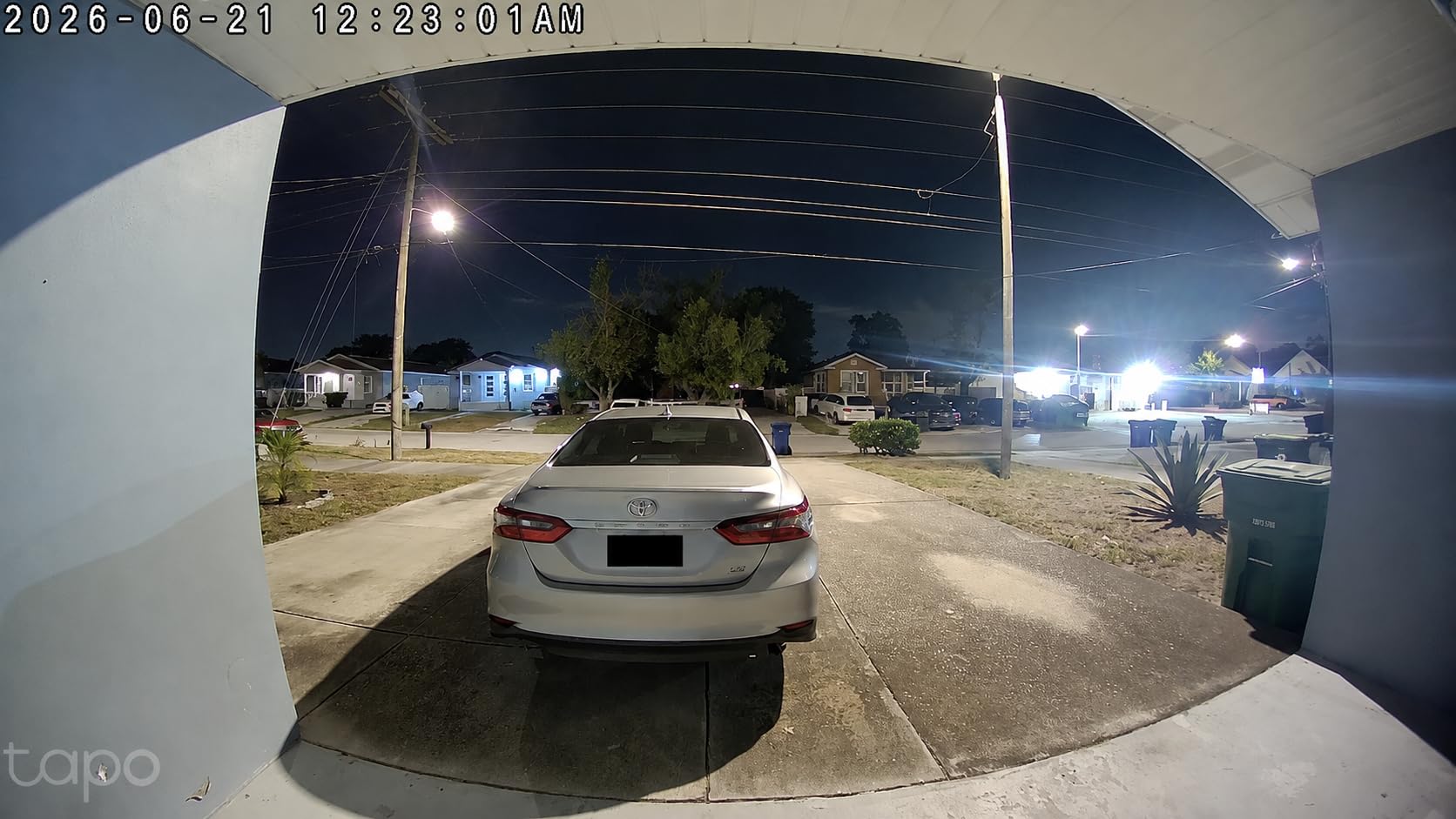
The Tapo D210 is different from the other products on this list because it includes both the video doorbell and the indoor chime in one package. If you do not already own a video doorbell, this bundle gives you everything you need in a single purchase.
The 2K video resolution with a 160-degree diagonal field of view provides head-to-toe coverage of anyone at your door. I tested the night vision in color mode and was impressed by the clarity. The built-in spotlight illuminates visitors for full-color recording even in darkness.
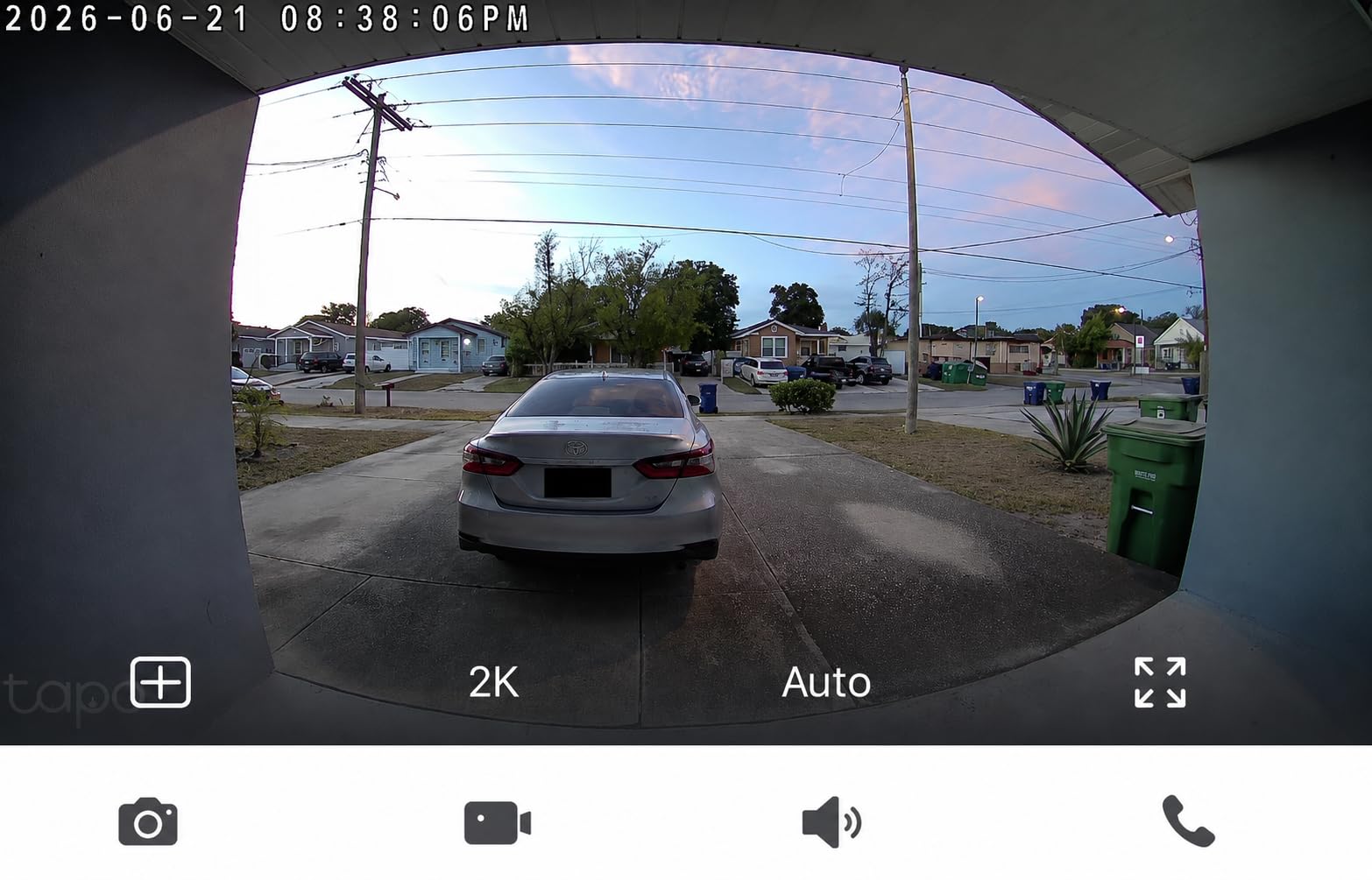
The included chime plugs into any standard indoor outlet. When someone presses the doorbell, the chime plays your selected tone immediately. The Ring Call feature is a nice bonus, as it actually places a phone call to your mobile when the doorbell is pressed.
What I appreciate most is the subscription-free local storage. You can insert a microSD card up to 512GB and record video without paying any monthly fees. Optional Tapo Care cloud storage is available if you want 30-day video history, but it is not required for core functionality.
Battery Life and Charging Expectations
The 6400mAh rechargeable battery is larger than most competitors. In typical use with 15 to 20 daily triggers, you can expect roughly 1 to 2 months between charges.
Charging takes several hours via USB. If you have an existing doorbell wiring setup, you may be able to use it for continuous power, but most users will rely on the battery cycle.
Local Storage vs Cloud Subscription Trade-off
With a microSD card, all your recordings stay local and private. There are no monthly fees and no reliance on cloud servers. The trade-off is that if the doorbell is stolen, your footage goes with it.
Tapo Care cloud provides encrypted off-site storage with a 30-day rolling history. Many users opt for both: local storage for everyday recording and cloud as a backup for critical events.
7. XTU 2K Wireless Doorbell Camera with Chime – Budget-Friendly Video Doorbell
XTU 2K Wireless Doorbell Camera with Chime, No Subscription, Alexa
2K video doorbell
Includes indoor chime
120-degree lens
5200mAh battery
No subscription required
Pros
- 2K video with no subscription required
- Local storage via microSD up to 128GB
- Human detection with customizable zones
- Two-way audio with siren and voice messages
- Very affordable for a video doorbell plus chime
Cons
- 120-degree view is narrower than competitors
- Battery needs frequent recharging per some users
- Mounting adhesive issues reported
The XTU 2K Wireless Doorbell Camera with Chime is another all-in-one bundle, but at a lower price point than the Tapo D210. With over 4,000 reviews, this is one of the most popular budget video doorbell options on the market. I found the video quality genuinely impressive for the price.
The 2K video with a 120-degree wide-angle lens covers most front door setups adequately. Human detection with customizable motion zones helps reduce false alerts from passing cars and animals. The night vision reaches up to 33 feet, which covers most residential entryways.

The included chime plugs into an indoor outlet and alerts you when the doorbell is pressed. Multiple reviewers praised the no-subscription approach. One user wrote that the quality is super clear especially at night and they love that there is no subscription required.
The 5200mAh battery is rated for up to 2 months with 20 daily triggers. However, some users reported needing to recharge more frequently than expected. One reviewer noted that the biggest setback is the battery life needing frequent recharging. Another mentioned the mounting adhesive not staying put over time.

Motion Detection Reliability Over Time
Out of the box, motion detection works well with the human detection algorithm. The customizable zones let you exclude high-traffic areas like sidewalks to reduce unnecessary alerts.
Some users reported that motion detection stopped working after several months. This appears to affect a small percentage of units but is worth noting. Keeping your firmware updated may help prevent this issue.
Two-Way Audio and Smart Assistant Integration
The two-way audio lets you speak with visitors through the app. You can also set personalized voice messages and activate a siren for security deterrence.
The doorbell works with both Alexa and Google Assistant, so you can receive announcements on your smart speakers when someone presses the bell. This effectively turns every smart speaker in your home into an additional chime.
8. BITIWEND WiFi Doorbell Chime for Blink, Ring and Nest – Compact Universal Extender
WIFI Doorbell Chime for Google Nest, Ring, Blink – 1 Pack
Works with Ring, Blink, Nest
32 unique chimes
LED flash alert
No transmitter needed
Easy plug-in setup
Pros
- Cross-brand compatibility with Ring
- Blink and Nest
- No transmitter or wiring needed
- 32 selectable chimes via app
- LED flash alert for visual notification
- 3356 reviews show strong user adoption
Cons
- Some users report setup difficulty with Nest
- Instructions are very small
- A few reports of product failing after one month
This single-pack BITIWEND universal chime is the more affordable sibling of the 2-pack I reviewed earlier. It works with Ring, Blink, and Google Nest doorbells, making it one of the best smart doorbell chimes for multi-brand households on a budget. With 3,356 reviews and a 4.0-star rating, it has a much larger user base than its 2-pack counterpart.
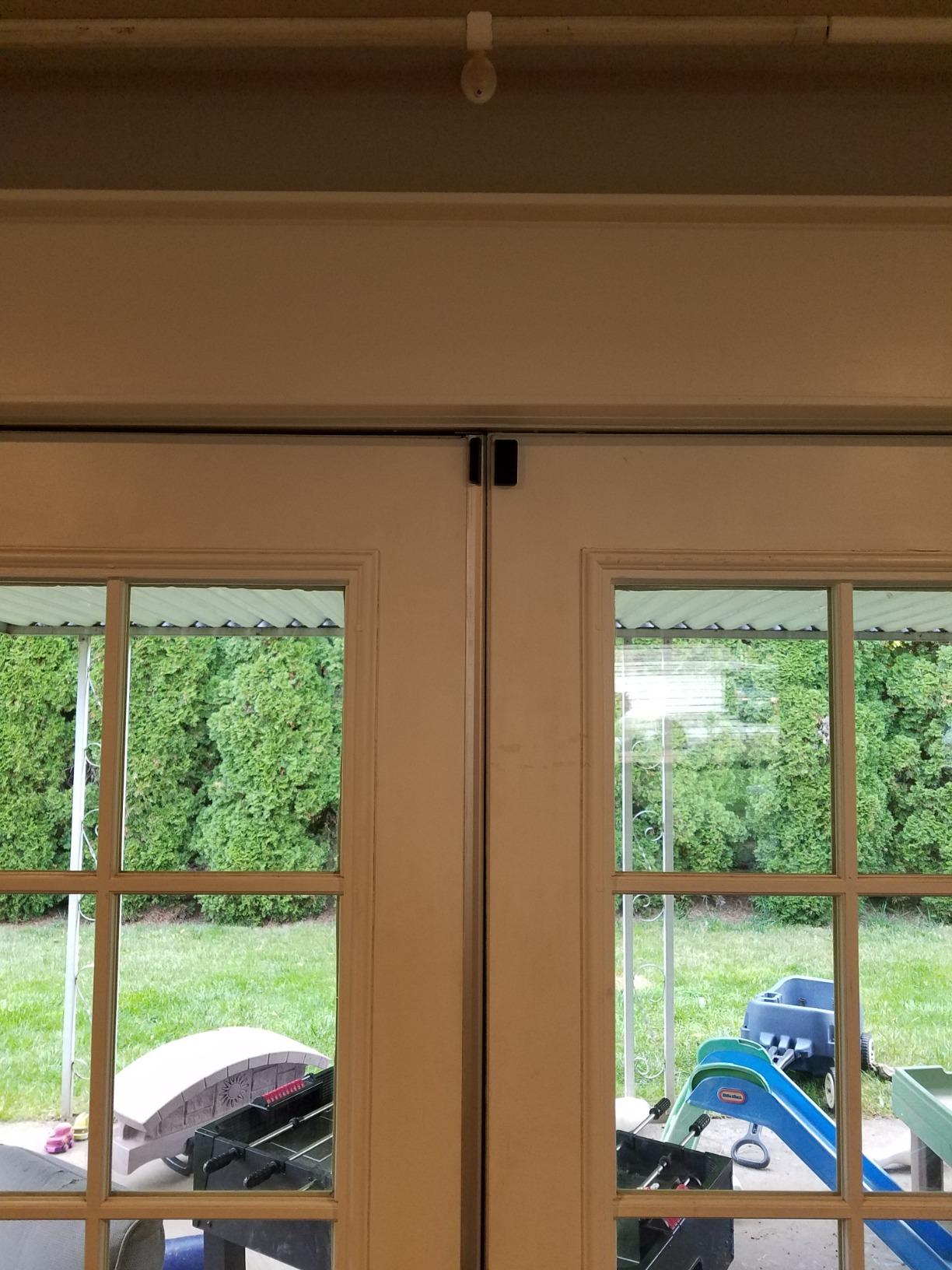
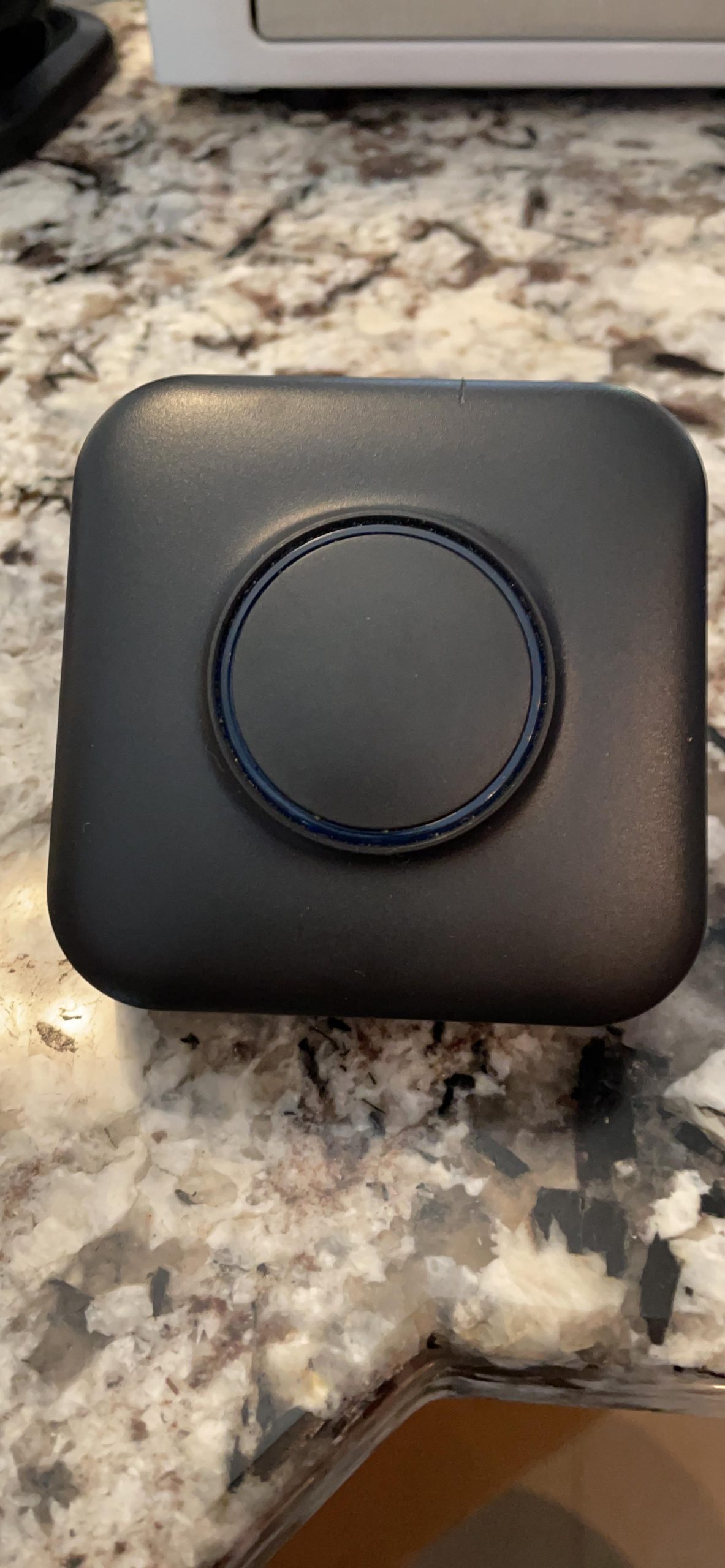
The setup is designed to be simple. You plug the receiver into an outlet, connect via the app, and pair it with your existing doorbell. No transmitter or additional wiring is needed. The chime connects wirelessly to your doorbell’s ecosystem.
I appreciate the 32 unique chime options. One reviewer noted there are more than 50 different sounds available, which gives you extensive customization. The LED flash alert is useful for situations where you need a visual cue rather than an audible one.
The main complaints center on setup difficulty and longevity. One user described the instructions as teeny tiny and noted that setup with a Nest doorbell required both Alexa and SmartHome apps. Another reported the product failed after about a month. These are worth considering, though the majority of reviews are positive.
App-Based Chime Selection and Customization
The companion app lets you browse and select from 32 chime melodies. You can adjust volume and toggle the LED flash alert on or off depending on your preferences.
Because customization happens through the app rather than physical buttons, you can change settings from anywhere. This is convenient if you want to switch to a quieter chime mode during nap time or meetings.
Compatibility Verification Before Purchase
Before buying, confirm which specific Ring, Blink, or Nest model you own. The chime works with most major video doorbell models from these brands, but some older or less common models may have compatibility gaps.
Check the product listing for the most current compatibility list, and read recent reviews from users with your specific doorbell model to ensure a smooth setup experience.
How to Choose the Best Smart Doorbell Chime
Choosing the right smart doorbell chime comes down to understanding your specific needs. Our team identified six key factors that should guide your decision.
Ecosystem Compatibility
This is the single most important factor. The Ring Chime only works with Ring devices. The Tapo H100 only works with Tapo sensors. If you own a Ring doorbell, a Ring Chime is the natural choice. If you have a Blink or Nest doorbell, you need a universal option like the BITIWEND or a brand-specific solution.
For mixed-brand households, the BITIWEND universal chimes are the only options on this list that explicitly support Ring, Blink, and Nest simultaneously. Forum users consistently identify cross-brand compatibility as a major pain point, so verify compatibility before purchasing.
Volume and Sound Quality
If you have a large home or multiple stories, volume matters. The BITIWEND models top the list at 110dB. The PHYSEN also reaches 110dB. The Ring Chime 3rd Gen features an enhanced speaker that is louder than previous generations but does not publish a specific decibel rating.
Look for adjustable volume levels so you can customize the sound for different rooms. Multiple chime melodies let you assign different tones to different events, which helps you identify what triggered the alert without checking your phone.
WiFi Connectivity: 2.4GHz vs 5GHz
Nearly every smart doorbell chime on this list operates on 2.4GHz WiFi. This is the standard for smart home devices because 2.4GHz signals penetrate walls and floors better than 5GHz. However, 2.4GHz bands can get congested in homes with many smart devices.
If you experience connectivity drops, consider moving your router closer to the chime or adding a WiFi extender. The Tapo H100 avoids this issue entirely by using a Sub-1G wireless protocol for sensor communication, which is far more reliable through walls.
Subscription vs Local Storage
For the video doorbell bundles (Tapo D210 and XTU), both offer local storage via microSD cards. This means no monthly subscription fees for core recording functionality. The Tapo D210 supports cards up to 512GB, while the XTU supports up to 128GB.
Cloud subscriptions offer benefits like off-site backup and longer video history. But if avoiding recurring fees is your priority, both doorbell bundles let you record locally. Forum users frequently cite subscription fatigue as a reason for switching from Ring to alternatives like Tapo and eufy.
Setup and Installation Complexity
Plug-in chimes like the Ring Chime and BITIWEND models are the simplest to install. You plug them into an outlet and follow the app instructions. The PHYSEN and Tapo H100 require slightly more setup since they coordinate with multiple sensors.
Video doorbell bundles require mounting the doorbell unit outside, which involves drilling and positioning. Plan for 30 to 60 minutes of installation time for the doorbell component, plus a few minutes for the chime.
Multi-Device and Multi-Chime Expansion
Most ecosystems let you add multiple chimes for whole-home coverage. Ring supports multiple Chime units connected to the same account. The PHYSEN supports up to 20 sensors on one chime. The Tapo H100 can connect to 64 devices.
If you have a large or multi-story home, plan to add at least one chime per floor. This ensures you hear the alert regardless of where you are in the house. The BITIWEND 2-pack is purpose-built for this scenario.
FAQs
What is the best doorbell chime?
The Ring Chime 3rd Gen is the best overall smart doorbell chime thanks to its enhanced speaker, customizable tones, and 4.6-star rating from over 3,100 reviews. For cross-brand households, the BITIWEND universal chime works with Ring, Blink, and Nest simultaneously.
What is the best doorbell for 2026?
For 2026, the best all-in-one option is the Tapo 2K Wireless Smart Video Doorbell with Chime (D210), which bundles a 2K video doorbell and indoor chime with free local storage. The Ring Chime 3rd Gen remains the best standalone chime for existing Ring doorbell owners.
Can smart doorbells work with existing chimes?
Some smart doorbells can connect to existing mechanical or electronic chimes using a power kit or bypass module. However, many modern video doorbells bypass traditional chimes entirely and instead rely on plug-in smart chimes or phone notifications. Universal chimes like the BITIWEND bridge this gap by connecting wirelessly to your smart doorbell.
Why are people getting rid of their Ring doorbells?
Common reasons include subscription fatigue from recurring cloud storage fees, ecosystem lock-in limiting accessory choices, and connectivity issues on congested 2.4GHz networks. Some users switch to alternatives like Tapo or XTU that offer free local storage via microSD cards without monthly fees.
How do I make my smart doorbell chime louder?
To increase chime volume, use the companion app to adjust the volume setting to maximum. For homes that need even more coverage, add multiple chime units on different floors. Models like the BITIWEND and PHYSEN reach up to 110dB, which is among the loudest available. You can also enable smart speaker announcements through Alexa or Google Assistant for additional alerts throughout your home.
Final Thoughts on Smart Doorbell Chimes
Finding the best smart doorbell chimes for homes comes down to matching the chime to your existing ecosystem and your home’s layout. For Ring users, the Ring Chime 3rd Gen is the clear winner with its enhanced speaker and proven reliability. The Ring Chime Plus adds a night-light and scheduling for those who want premium features.
For cross-brand households, the BITIWEND universal chimes are the most versatile options, working with Ring, Blink, and Nest in a single device. The PHYSEN and Tapo H100 serve different but equally valuable roles for security-focused setups. And if you need both a doorbell and chime, the Tapo D210 and XTU bundles offer excellent value with no subscription required.
Whatever your needs in 2026, a reliable indoor chime ensures you never miss a visitor, delivery, or alert. Pick the one that matches your ecosystem, place it where you spend the most time, and enjoy the peace of mind that comes with always knowing when someone is at your door.