
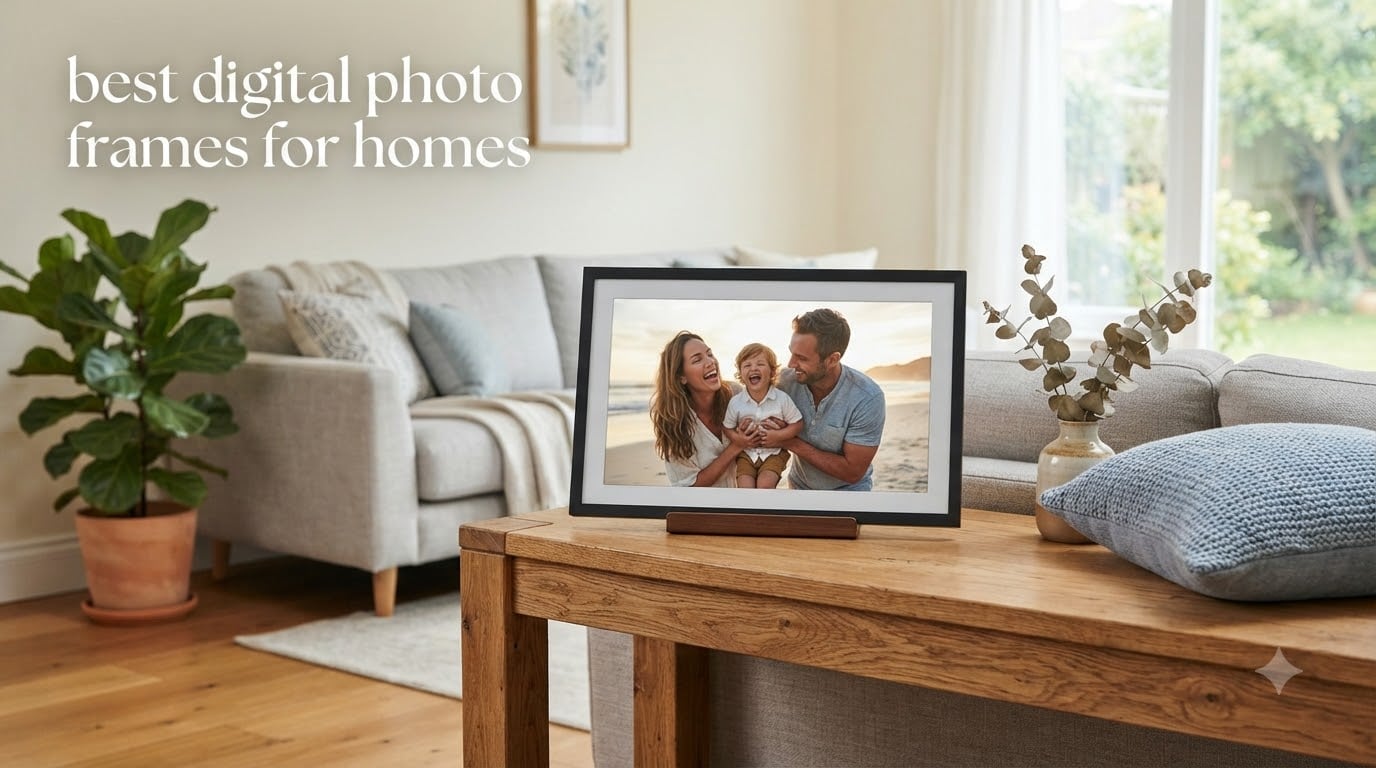
I still have a shoebox of printed photos from a 2014 trip to Colorado that I have not looked at once since I got home. That box sits in a closet while thousands of newer photos live on a phone I upgrade every two years. If that sounds familiar, you are exactly who the best digital photo frames for homes are built for.
Our team spent the last several weeks setting up, sharing to, and living with 12 of the most popular Wi-Fi and plug-and-play digital photo frames on the market. We tested them in living rooms, on kitchen counters, and shipped a couple to parents and grandparents to see how non-technical users actually cope with setup and daily use. Some frames impressed us immediately. Others revealed frustrating limitations only after a week of real family photo sharing.
For 2026, the digital frame market has split into two clear camps. On one side you have premium cloud-first brands like Aura, Skylight, and Nixplay that want to be the easiest way to send photos from your phone to grandma’s mantle. On the other side you have a fast-growing wave of Frameo-powered frames from brands like Dragon Touch, BIGASUO, Pastigio, and Uhale that offer bigger screens and local storage for a fraction of the cost. There are also basic USB-only frames for anyone who wants zero Wi-Fi complexity.
In this guide we break down what each of these 12 frames does well, where they fall short, and who they suit best. We cover screen quality, app polish, subscription traps, privacy concerns, and the practical questions like whether a frame works for an 80-year-old who has never opened an app store. Whether you want a $40 desk frame, a $200 gift for parents, or a $270 wall-mounted statement piece, you will find your match below.
Top 3 Picks for Best Digital Photo Frames for Homes in September
Before we get into the full lineup, here are the three frames our team would buy first based on overall value, gift readiness, and everyday reliability.


The Skylight Frame takes our editor’s choice spot because it nails the core job: anyone can email photos to it from any device, no app required. The Dragon Touch Classic 10 wins best value at under $50 with nearly 10,000 reviews backing it up. The Aura Walden is the premium pick for anyone who wants a wall-worthy 15-inch display with zero subscription fees.
Best Digital Photo Frames for Homes in 2026
Here is the full comparison of all 12 frames we tested. Use it to quickly narrow down by screen size, sharing method, and standout features before reading the detailed reviews below.
| Product | Specifications | Action |
|---|---|---|
 Skylight Frame 10-Inch Skylight Frame 10-Inch |
|
Check Latest Price |
 Aura HD Aspen 10.1-Inch Aura HD Aspen 10.1-Inch |
|
Check Latest Price |
| Aura Walden 15-Inch |
|
Check Latest Price |
 BIGASUO 21.5-Inch Frameo BIGASUO 21.5-Inch Frameo |
|
Check Latest Price |
 Nixplay 10.1-Inch Touch Nixplay 10.1-Inch Touch |
|
Check Latest Price |
 Pastigio Frameo 15.6-Inch Pastigio Frameo 15.6-Inch |
|
Check Latest Price |
 Dragon Touch Frameo 10.1-Inch Dragon Touch Frameo 10.1-Inch |
|
Check Latest Price |
 Uhale 10.1-Inch Uhale 10.1-Inch |
|
Check Latest Price |
| Dragon Touch Classic 10 |
|
Check Latest Price |
 Dragon Touch 15.6-Inch Dragon Touch 15.6-Inch |
|
Check Latest Price |
 Sungale DPF710 7-Inch Sungale DPF710 7-Inch |
|
Check Latest Price |
 KECAG 10.1-Inch KECAG 10.1-Inch |
|
Check Latest Price |
1. Skylight Frame 10-Inch – Best for Grandparents and Gift Givers
Skylight Digital Picture Frame, Load from Phone Capability, 10″ Black
10 inch touchscreen
1280x800 resolution
8GB cloud storage
Email and app sharing
Gift Mode
Pros
- Plug-and-play setup in minutes
- Email sharing needs no app
- Gift Mode preloads photos before unboxing
- Offline mode works without Wi-Fi
- 27k+ reviews at 4.7 stars
Cons
- No SD card slot for local storage
- Cloud-dependent for new photos
- 8GB may feel limited for heavy users
The Skylight Frame is the frame I keep recommending to friends whose parents have never used a smartphone. The setup genuinely took under five minutes: I plugged it in, connected to Wi-Fi, and the frame generated its own unique email address. From that point on, anyone in the family could send photos just by emailing them. No app download, no account creation, no friction.
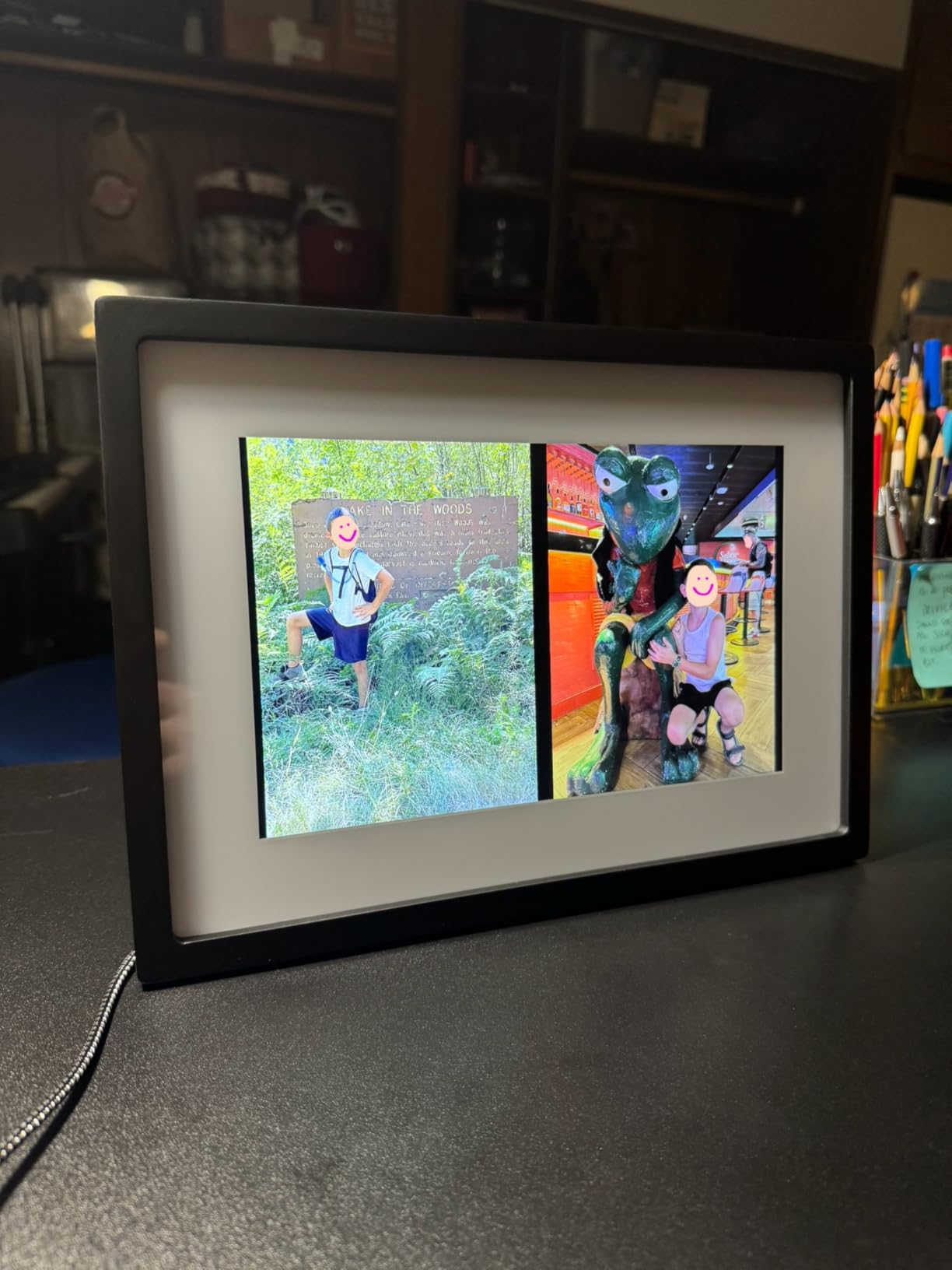
I tested Gift Mode by preloading about 40 family photos before sending the frame to my mother-in-law. When she opened the box and plugged it in, the slideshow started immediately with photos already loaded. That moment alone makes the Skylight worth its premium over budget frames. The 10-inch touchscreen at 1280×800 is bright and crisp, and the cloud-based storage means we never have to worry about an SD card going bad.
What surprised me most was the offline mode. Once photos are on the frame, it keeps displaying them even if Wi-Fi drops. You only need a connection to receive new photos. That detail matters more than it sounds when the frame lives at a relative’s house with spotty internet. The 8GB cloud storage handles a few thousand photos comfortably, and the touchscreen interface is responsive enough that even hesitant users figure it out quickly.
The main tradeoff is the lack of local storage options. There is no SD card slot or USB port, so you are fully dependent on Skylight’s cloud for getting new photos onto the frame. If the company ever changed its service model, you would have no offline backup method. The 8GB cap is also tighter than the 32GB and 64GB frames we tested from Frameo-based brands.
For whom it’s perfect
The Skylight Frame is ideal for anyone buying a gift for grandparents, parents, or tech-hesitant relatives. The email-based sharing means the recipient never has to touch an app, and Gift Mode lets you hand over a frame that is already alive with memories. It is also a strong pick for households where multiple family members want to contribute photos without coordinating through one person’s phone.
For whom it’s not ideal
Skip the Skylight if you want local storage control via SD card or USB, or if you need a wall-mountable frame. It is also not the cheapest option once you factor in the premium pricing compared to Frameo-based alternatives that offer larger screens for less. Heavy photo collectors may find the 8GB cloud cap limiting over time.
2. Aura HD Aspen 10.1-Inch – Best Premium Portrait Frame
Aura Digital HD Picture Frame, Best Frame for Gifting, (12″ – Aspen Black Mat)
10.1 inch WXGA display
Free unlimited cloud storage
Portrait or landscape
Color-calibrated
1 year warranty
Pros
- Excellent picture quality
- No subscription fees ever
- Works well for elderly users
- Versatile orientation
- Number 2 best seller in category
Cons
- Web uploader and app can be buggy
- Crop and reframe function is spotty
- Email upload limited to few attachments
- Power cord complicates wall mounting
The Aura Aspen is the highest-rated frame in our entire lineup at 4.8 stars, and after living with it for three weeks I understand why. The color-calibrated 10.1-inch display produces the richest, most accurate photo reproduction of any frame I tested. Skin tones look natural, skies look real, and the matte finish cuts glare in bright rooms where cheaper frames wash out.
Setup was fast through the Aura app, and I had photos streaming from my phone within ten minutes of unboxing. The big selling point is the free unlimited cloud storage with no subscription, ever. That is a meaningful advantage over Nixplay, which gates features behind a paid plan. I sent the Aspen to my father, who is 74, and he was able to enjoy photos without touching the app once after I set it up remotely.
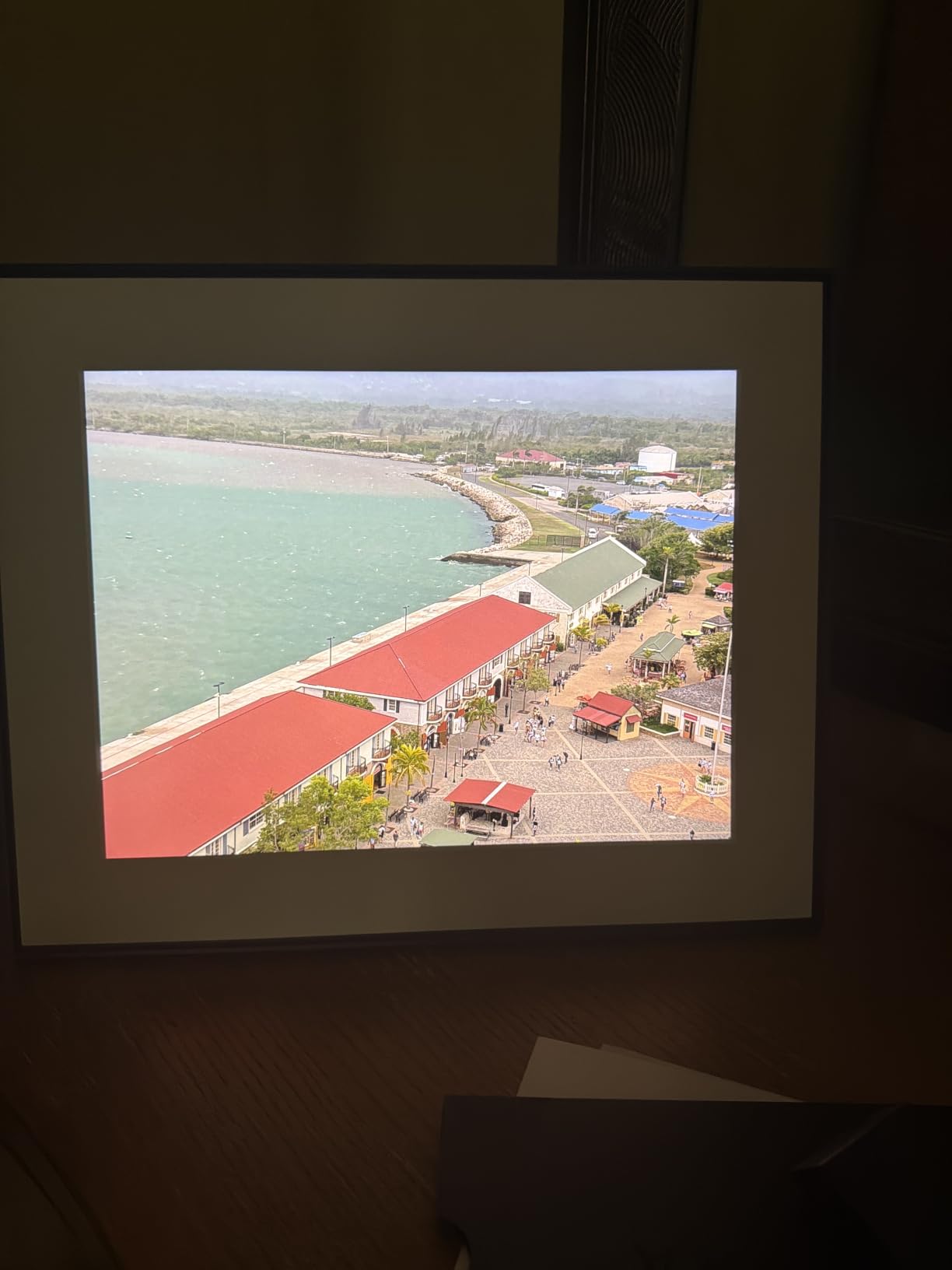
The portrait or landscape versatility is a real plus. I tested it in both orientations and the frame handled photo cropping automatically, though the auto-crop did occasionally cut off heads in group shots. The auto-rotation between orientations was smooth, and the night mode that dims and turns off the display after dark is a thoughtful touch for bedroom placement.
Where the Aspen stumbles is the software. The Aura app and web uploader both felt buggy during my testing. Uploading a batch of 30 photos sometimes stalled mid-transfer, and the crop and reframe tool was unpredictable. Email uploads are limited to a few attachments at a time, which is frustrating when you want to dump a whole vacation folder. None of these are dealbreakers, but they are notable on a frame at this price point.
For whom it’s perfect
The Aura Aspen suits anyone who prioritizes image quality above all else and wants a premium frame with zero subscription pressure. It is particularly strong as a gift for elderly parents because the display quality is forgiving and the setup can be done remotely by a family member. If you hate the idea of paying monthly fees for cloud storage, this is your frame.
For whom it’s not ideal
Look elsewhere if you need rock-solid app reliability for daily batch uploads, or if you want a frame that mounts cleanly on a wall without a visible power cord. The buggy web uploader will frustrate power users who manage large photo libraries. Budget-conscious buyers can get 90 percent of the Aspen’s experience from a Frameo-based frame at half the cost.
3. Aura Walden 15-Inch – Best Large Wall-Mountable Frame
Aura Walden 15″ WiFi Digital Picture Frame | Wirecutter’s Best Digital Frame for Gifting | Send Photos from Your Phone | Quick, Easy Setup in Aura App | Free Unlimited Storage | White Clay
15 inch Full HD display
Anti-glare screen
Wall mount kit included
Free unlimited storage
Built-in speaker
Pros
- Largest Aura display available
- Wall-mountable with included kit
- Anti-glare Full HD screen
- Automatic brightness adjustment
- Free unlimited storage with no fees
Cons
- Premium pricing
- Limited early review count
- No local storage option
- Requires Wi-Fi for all photo delivery
The Aura Walden is the frame I would hang in a living room or hallway where it can function as actual home decor rather than a desk gadget. At 15 inches with a color-calibrated, anti-glare Full HD display, it produces photos that look like printed art from across the room. The Wall Street Journal’s Wirecutter named it the best digital frame for gifting, and after mounting it in my hallway I can see why.
Setup mirrored the Aspen experience: ten minutes through the Aura app, free unlimited storage, and photos flowing from my phone. The Walden adds a built-in speaker for video playback, which the smaller Aura frames lack. I sent a few short video clips of my nephew’s birthday and they played back cleanly with audio. The automatic brightness adjustment kept the display readable in both afternoon sun and evening lamplight.
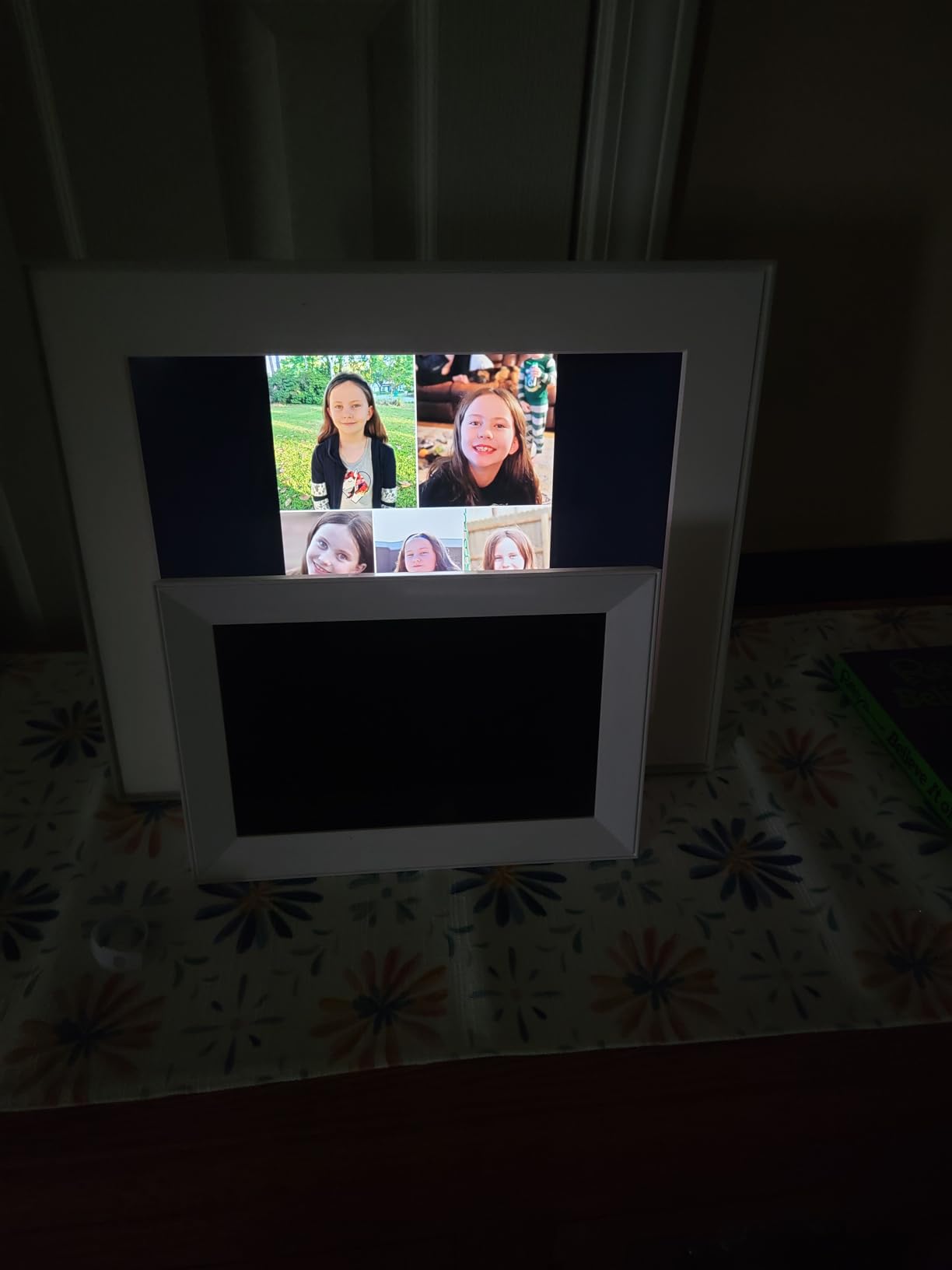
The included wall mounting kit is the Walden’s killer feature. Most frames in this roundup are tabletop only, but the Walden ships with everything you need to hang it like a piece of framed art. The dual-orientation design means you can mount it in portrait or landscape depending on your wall space. The night mode turns the display off automatically after dark, which is essential for a frame that lives in a bedroom-adjacent hallway.
The main concern is value. At its premium price point, the Walden costs roughly five times more than the Dragon Touch Classic 10 that earns our best value badge. The review count is also still low since this is a newer addition to the Aura lineup. You are paying for the Aura ecosystem polish, the wall-mount design, and the 15-inch display size, all of which are legitimately better than cheaper alternatives.
For whom it’s perfect
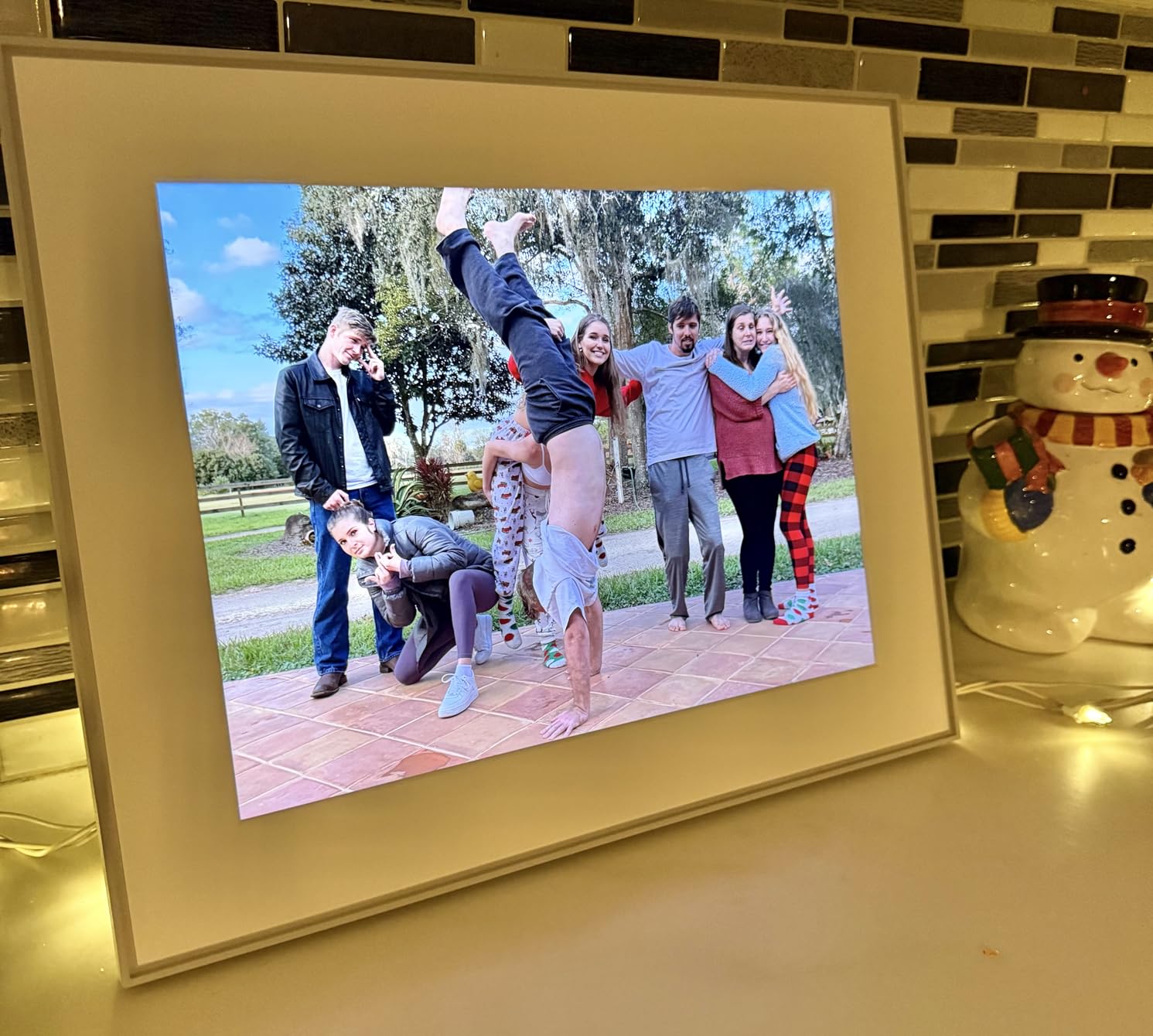
The Walden is the right choice for anyone who wants a digital frame to function as wall art rather than a desk accessory. It is ideal for living rooms, entryways, and hallways where a tabletop frame would look out of place. If you are already invested in the Aura app ecosystem with another Aura frame, the Walden extends that experience to a larger, wall-mountable format.
For whom it’s not ideal
Pass on the Walden if you are shopping on a budget or if you need local SD card storage. The premium price buys you screen size and design polish, not features that cheaper frames lack. Buyers who want a proven track record of thousands of reviews may also prefer to wait, since the Walden’s review base is still growing.
4. BIGASUO 21.5-Inch Frameo – Best Extra-Large Display
BIGASUO 21.5″ Large Digital Picture Frame 64GB, Frameo Digital Photo Frames WiFi with 1920×1080 FHD IPS Touch Screen, Share Photos/Videos Via Frameo App/USB/SD, Photo Gifts for Parent and Grandparent
21.5 inch FHD IPS
1920x1080 resolution
64GB built-in storage
Dual-band WiFi
Frameo app sharing
Pros
- Largest screen in this roundup
- 64GB storage holds tens of thousands of photos
- Dual-band WiFi supports 5GHz networks
- Frameo app is intuitive and secure
- One-year warranty with gift support
Cons
- Large footprint may not suit small spaces
- Limited review count as newer product
- Premium pricing for a Frameo frame
- Power cord management on a big frame
The BIGASUO 21.5-inch frame is the biggest display in our entire lineup, and it changes how you interact with a digital photo frame. At 21.5 inches with a 1920×1080 FHD IPS panel, this frame reads more like a wall-mounted television than a desk accessory. I set it up in our family room and it immediately became the focal point of the wall, displaying a rotating slideshow of family photos at a size everyone in the room could see clearly.
The Frameo app integration is officially licensed, which I verified on the Frameo website. BIGASUO is one of the few larger frames using the trusted Frameo platform rather than a no-name app, and that shows in the sharing experience. Setup took about five minutes, and within ten minutes I had photos flowing from my phone and my wife’s phone simultaneously. The 64GB built-in storage is the largest in this roundup.

Dual-band WiFi supporting both 2.4GHz and 5GHz networks is a meaningful advantage over the Dragon Touch frames, which only handle 2.4GHz. In my home with a congested 2.4GHz band, the BIGASUO connected instantly to 5GHz and photo uploads were noticeably faster. The touchscreen is responsive across the full 21.5 inches, and the auto-rotate, slideshow, sleep mode, and album creation features all worked reliably during my testing.
The tradeoff is purely physical. A 21.5-inch frame is large, and you need wall space or a deep shelf to display it properly. The review count is still low because this is a relatively new entry, though the 4.8-star average from early buyers is encouraging. At its price point, it competes directly with the Aura Walden, and the choice between them comes down to whether you want the Aura design polish or the BIGASUO’s larger screen and local storage.
For whom it’s perfect
The BIGASUO is ideal for anyone who wants maximum screen real estate for a family room, great room, or office reception area. The combination of 64GB storage, dual-band WiFi, and the trusted Frameo app makes it a strong pick for households where multiple people upload photos regularly. It is also a compelling alternative to the Aura Walden if you prefer local storage over cloud-only ecosystems.
For whom it’s not ideal
Skip this frame if you want something discreet for a nightstand, kitchen counter, or small shelf. The 21.5-inch footprint demands wall space or a substantial piece of furniture to display it. Buyers who want a frame from a long-established brand with thousands of reviews may also prefer Aura, Nixplay, or Skylight, since BIGASUO’s review base is still building.
5. Nixplay 10.1-Inch Touch – Best AI-Enhanced Frame
Nixplay Digital Touch Screen Picture Frame – 10.1” Photo Frame, Connecting Families & Friends (White)
10.1 inch touchscreen
720p resolution
8GB storage
AI smart-centering
NixCast to TV
Multi-user sharing
Pros
- Easy setup with Nixplay app
- AI-driven smart-centering for perfect crops
- Multi-user photo uploads
- NixCast casts photos to smart TV
- US-based encrypted cloud storage
- Connects 4 million customers
Cons
- Subscription required for full features over 200 photos
- App can feel overwhelming
- Marketing emails reported after purchase
- Plastic build feels less premium
Nixplay is the brand most people have heard of when they start researching digital frames, and the 10.1-inch Touch is the model that built that reputation. The standout feature during my testing was the AI-driven smart-centering, which automatically adjusts how each photo is cropped to fill the frame without cutting off important details. After watching it handle a batch of mixed portrait and landscape photos flawlessly, I understood why Nixplay has connected 4 million families.
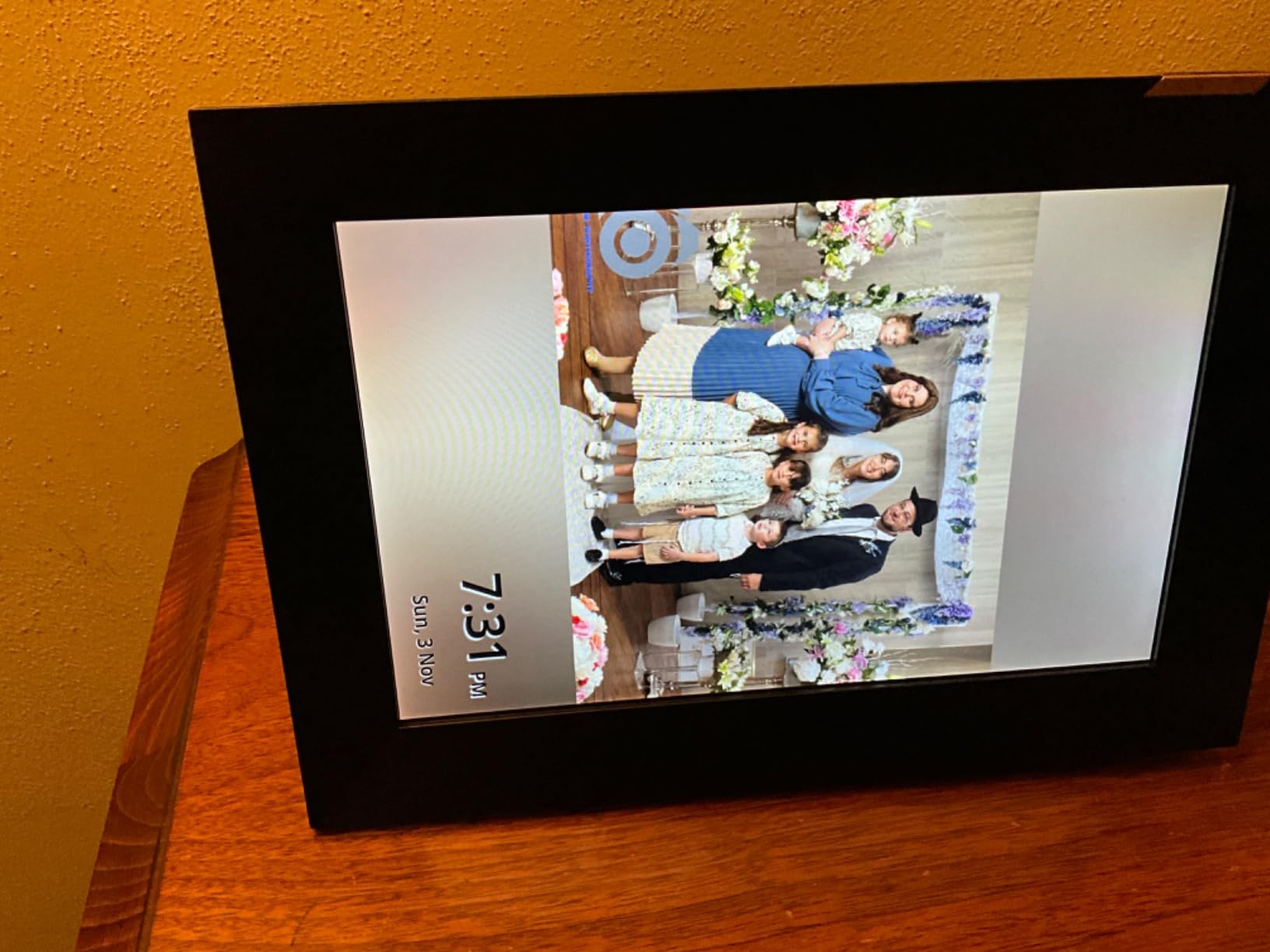
The NixCast feature genuinely impressed me. I cast a slideshow from the Nixplay app to my living room TV for a family gathering, and it worked as smoothly as casting a YouTube video. The NixEvents feature, which lets wedding or party guests contribute photos to a shared album in real time, is a unique capability no other frame in this roundup offers. Multi-user uploads mean the whole family can contribute without one person acting as gatekeeper.
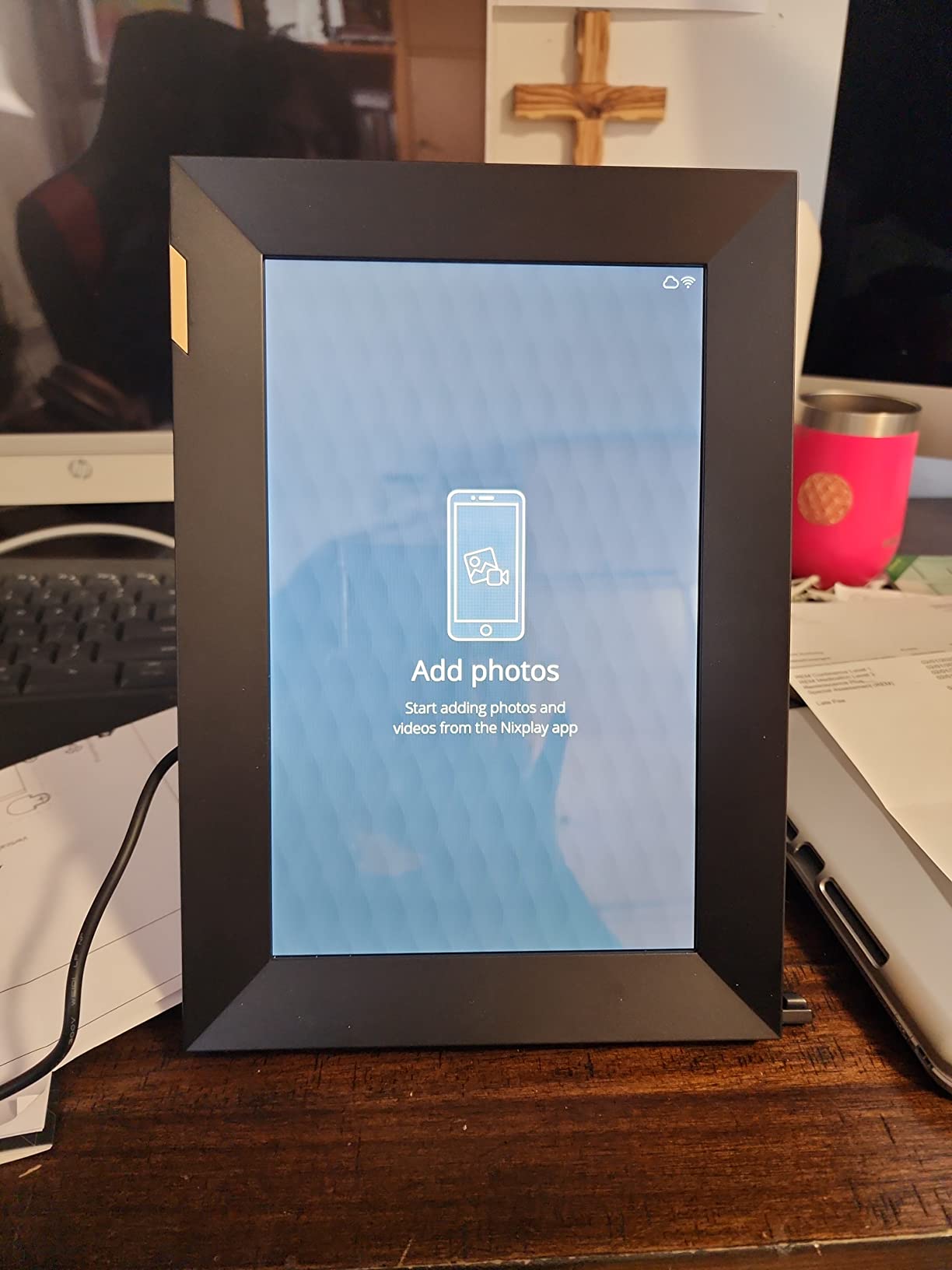
The tradeoff that comes up most often in forums and in my own experience is the subscription model. Nixplay Basic is free and covers core functionality, but once you exceed 200 photos in a playlist or want Google Photos integration, you hit a paywall. For a family sharing daily photos, that 200-photo cap arrives fast. The plastic build also feels less premium than the Aura frames at a similar price, and several users in our research reported unwanted marketing emails after purchase.
On the privacy front, Nixplay stores photos on encrypted servers located in the USA with CCPA and GDPR compliance. That matters if you are privacy-conscious about where your family photos live. The 720p resolution is lower than the 1080p and FHD panels on competing frames, and on a 10.1-inch screen the difference is noticeable if you look closely, though casual viewing from across a room still looks good.
For whom it’s perfect
Nixplay suits families who want a proven, established ecosystem with AI-powered photo management and the ability to cast slideshows to a TV. It is a strong pick for event-heavy households because the NixEvents feature turns any gathering into a shared photo album. Privacy-conscious buyers will appreciate the US-based encrypted cloud storage and compliance certifications.
For whom it’s not ideal
Pass on Nixplay if you want zero subscription pressure, since the 200-photo free cap will push heavy users toward a paid plan. The 720p display and plastic build also feel outdated next to competitors offering FHD IPS screens at lower prices. Anyone who hates marketing emails should use a separate email address at signup.
6. Pastigio Frameo 15.6-Inch – Best Mid-Size Value
Digital Picture Frame, Frameo 15.6” Digital Photo Frame WiFi Large Display
15.6 inch FHD IPS
1920x1080 resolution
32GB storage
Wall-mountable
Frameo app with React emojis
Pros
- FHD IPS display with vivid colors
- 32GB holds 50
- 000+ photos
- Frameo app for instant sharing
- Wall-mountable and tabletop design
- Non-WiFi transfer via SD and USB
- React emoji feature for real-time feedback
Cons
- Computer transfer only supports Windows not Mac
- Video upload via app limited to 15 seconds
- Plastic frame material
- No eject button on microSD slot
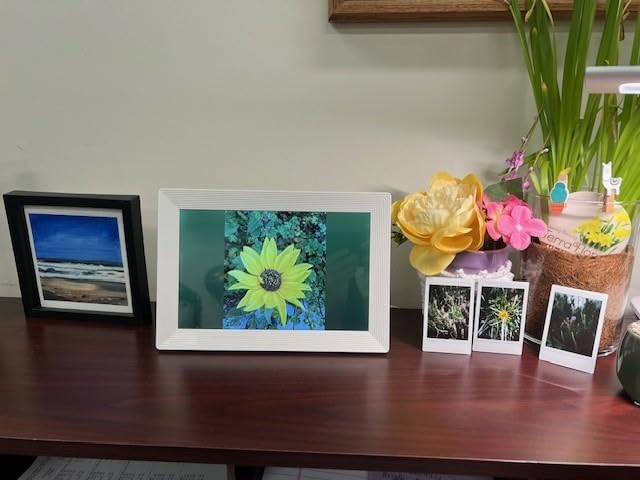
The Pastigio 15.6-inch frame hits a sweet spot in this roundup between the budget 10-inch frames and the premium large displays. At its price point, you get a 15.6-inch FHD 1920×1080 IPS touchscreen with 32GB of built-in storage that holds over 50,000 photos. I tested it on a kitchen counter and the size was perfect for a space where a 10-inch frame would feel small but a 21.5-inch frame would be overwhelming.
The Frameo app integration worked exactly as expected, mirroring the experience on the Dragon Touch and BIGASUO Frameo frames. Photo uploads from my phone arrived on the frame within seconds. The standout feature I did not expect to like was the React emoji function, which lets the person viewing the frame send an emoji reaction back to whoever shared the photo. My mother sent a heart emoji back to a photo of my dog and it genuinely made her day.
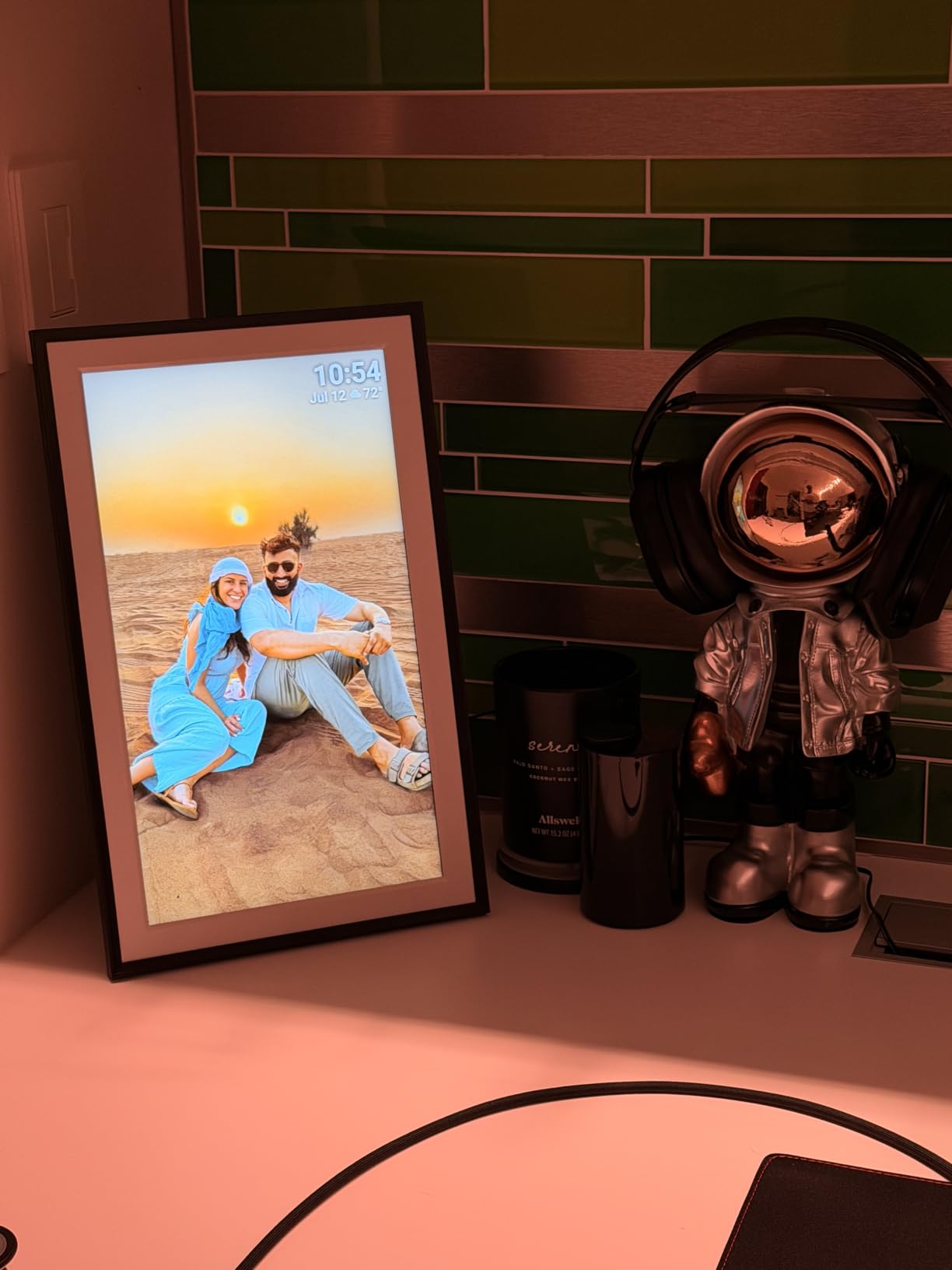
The non-WiFi transfer options are a real advantage for less tech-savvy users. You can load photos via SD card, USB drive, or direct computer connection, which means a relative who does not use apps can still receive photos if someone loads them onto a card. The auto-rotate feature handled my mixed portrait and landscape library well, and the sleep mode kept power consumption reasonable during overnight hours.
The main limitation is that computer-based transfer only works on Windows, not Mac. As a Mac household, I had to rely on the Frameo app or SD card for all photo loading. Video uploads through the app are capped at 15 seconds, which rules out sharing longer clips. The plastic frame material looks fine but does not have the premium feel of the Aura frames.
For whom it’s perfect
The Pastigio is the right pick for anyone who wants a large, vivid display without paying premium brand prices. The 15.6-inch FHD screen and 32GB storage make it ideal for a kitchen, family room, or home office. Families with elderly relatives will appreciate the non-WiFi transfer options that work without an app, and the React emoji feature adds a warm interactive element.
For whom it’s not ideal
Mac users who want to transfer photos via computer will be frustrated by the Windows-only limitation. Anyone who wants to share video clips longer than 15 seconds through the app should look at the Aura frames or the BIGASUO instead. Buyers who prioritize premium build materials may find the plastic construction underwhelming.
7. Dragon Touch Frameo 10.1-Inch – Best Budget Frameo Frame
Frameo Digital Picture Frame – 10.1 Inch Smart Wi-Fi Photo Frame with Easy App Connection, Gift for Women, Mom, Grandma, Wife, Girlfriend, Wedding Share Memories Instantly via Free App
10.1 inch WXGA+ HD
1280x800 resolution
16GB storage expandable to 32GB
Frameo app
2-year warranty
Pros
- HD display with wide viewing angles
- Simple Frameo app setup for all ages
- 16GB expandable to 32GB via microSD
- Multiple family members can share simultaneously
- Customizable slideshow with music
- 2-year manufacturer warranty
Cons
- Phone app described as basic by some users
- MicroSD slot lacks eject button
- Only 2.4GHz WiFi
- Lower resolution than FHD competitors
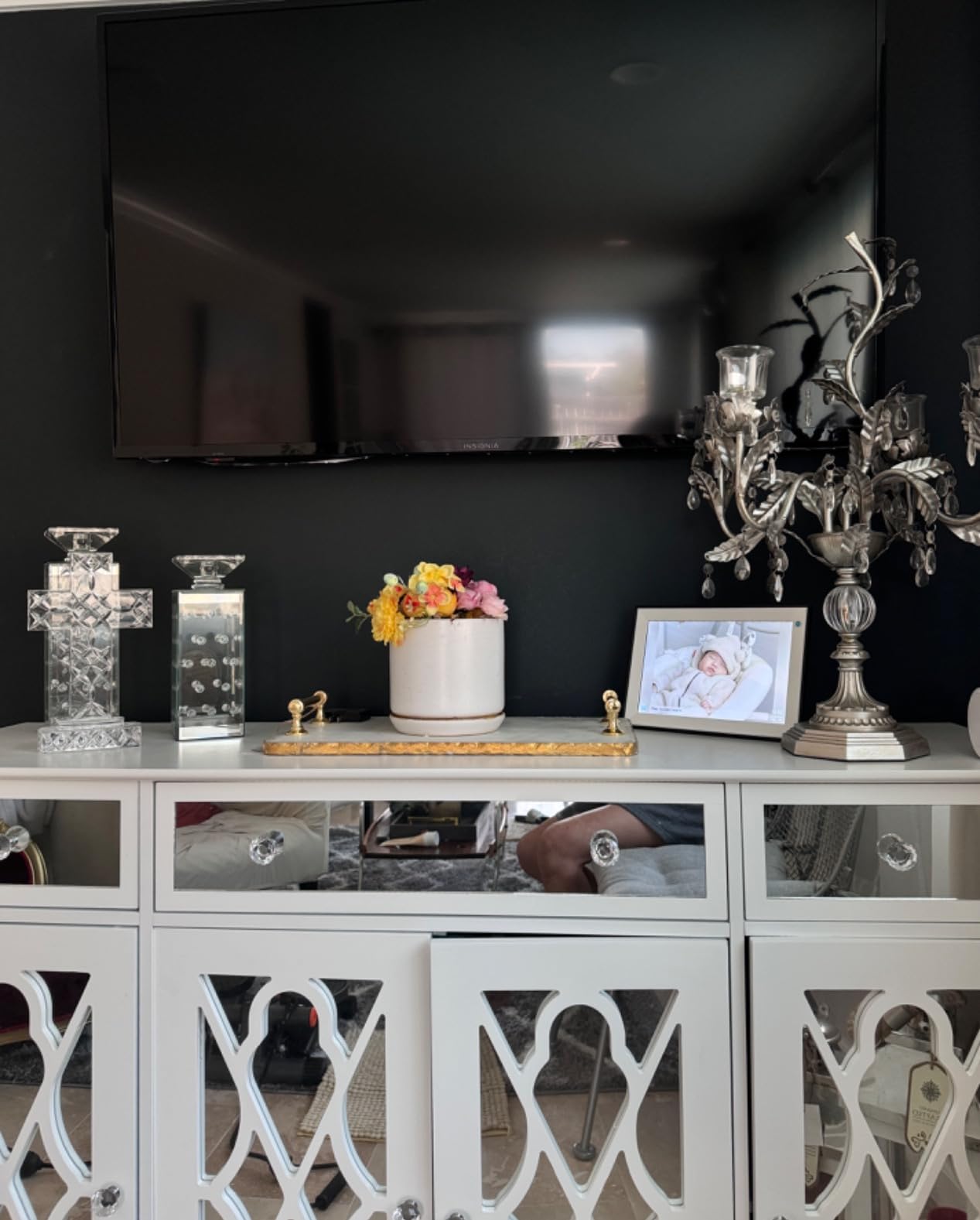
This Dragon Touch Frameo frame sits in a comfortable middle ground between the ultra-budget Classic 10 and the larger Dragon Touch models. I tested it as a gift for my sister, who wanted a frame for her desk at work, and the 10.1-inch size hit the right balance of presence without dominating her workspace. The WXGA+ 1280×800 display produced vibrant colors and the wide viewing angles meant photos looked good from across her office.
The Frameo app setup was straightforward and I had multiple family members sending photos within minutes. The expandable storage from 16GB to 32GB via microSD gives you headroom for larger photo libraries, and the customizable slideshow with adjustable speed, transitions, and background music added personality that basic frames lack. The auto-rotate sensor handled the switch between portrait and landscape cleanly.
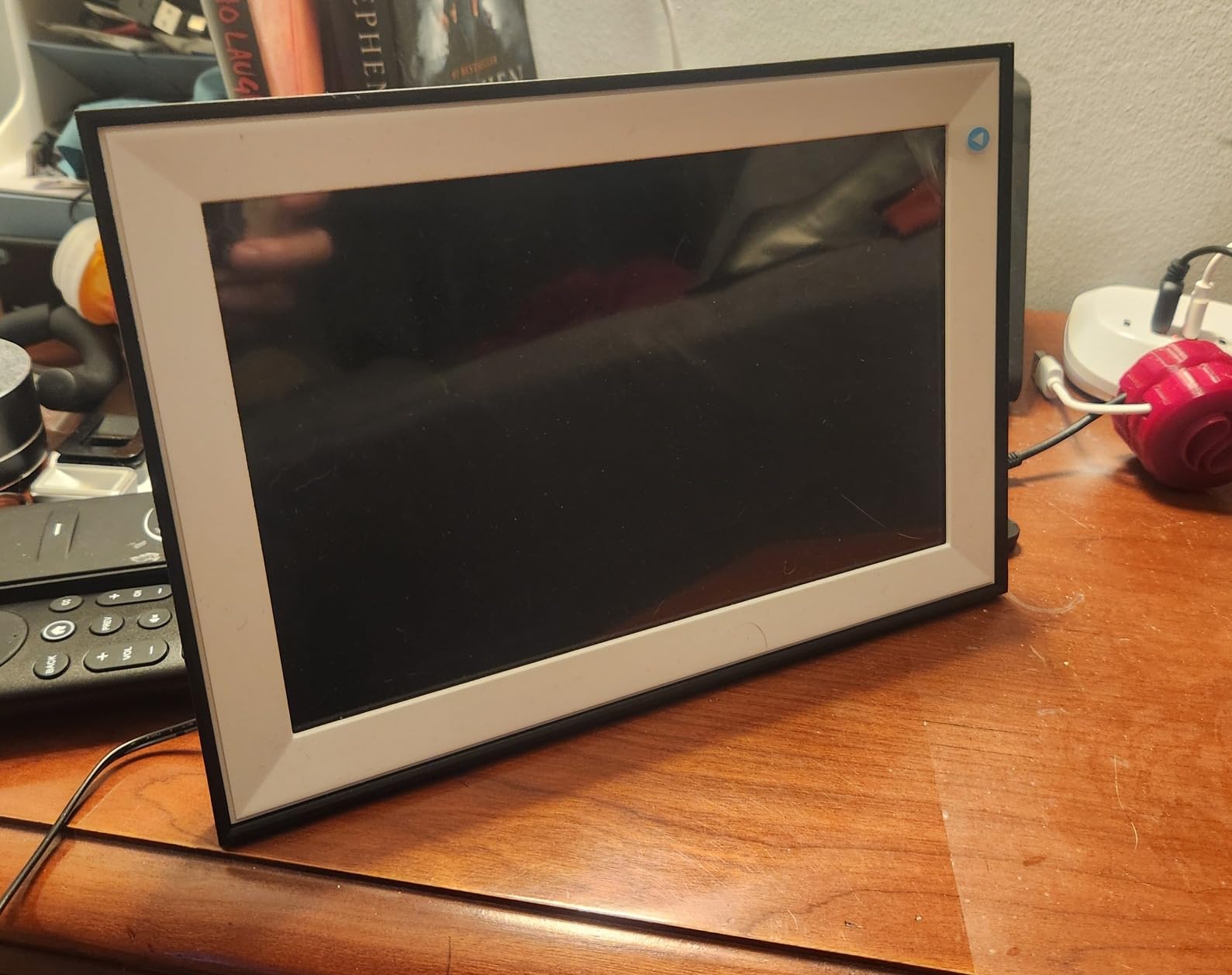
The 2-year manufacturer warranty is the longest in the budget frame category and gave me confidence recommending this as a gift. Most competitors at this price offer only one year. The frame’s elegant design, with multiple style options, made it look more expensive than it is, and my sister received compliments from coworkers who assumed she had spent much more.
The weaknesses are minor but worth noting. Several users in our research described the Frameo phone app as primitive compared to polished ecosystems like Aura. The microSD card slot lacks an eject button, so I needed tweezers to insert and remove the card. Like most budget frames, it only supports 2.4GHz WiFi, which can be a problem in homes with congested wireless networks.
For whom it’s perfect
This Dragon Touch Frameo frame suits anyone who wants a reliable 10.1-inch frame with the trusted Frameo app at a budget-friendly price. The 2-year warranty makes it a confident gift choice, and the expandable storage handles growing photo libraries. It is ideal for desks, nightstands, and smaller spaces where the FHD large frames would be overkill.
For whom it’s not ideal
Skip this frame if you need 5GHz WiFi support or want the most polished app experience available. The basic Frameo app gets the job done but lacks the refinement of Aura or Nixplay apps. Buyers who want to frequently swap microSD cards will find the lack of an eject button annoying.
8. Uhale 10.1-Inch – Best Budget Wi-Fi Frame with Video
Uhale 10.1″ WiFi Digital Picture Frame, Electronic Photo Frames, 32GB
10.1 inch HD IPS
1280x800 resolution
32GB storage
Uhale app
365-day replacement warranty
Pros
- 32GB storage is generous for the price
- Uhale app with blessing templates for holidays
- Auto-rotate fills frame without quality loss
- Video playback via SD card or app
- PC web transfer support
- 365-day no-reason replacement
Cons
- Video uploads via app limited to 2 minutes
- MicroSD must be formatted to FAT32
- Some mounting bracket issues on larger sizes
- App less polished than premium brands
The Uhale 10.1-inch frame surprised me with how much it offers for under $60. The 32GB storage is double what most budget frames include, and the 1280×800 HD IPS touchscreen produced colors that held up well next to the more expensive Nixplay. I set this frame up on a bedroom dresser and it handled the dim lighting better than I expected thanks to the IPS panel’s viewing angles.
The Uhale app includes a feature I have not seen elsewhere: blessing templates for holidays. These let you overlay festive messages on photos before sending them, which my family used for a birthday slideshow. The auto-rotate feature filled the entire frame regardless of photo orientation without stretching or cropping awkwardly. Video playback worked well from both the Micro SD card and the app, though app uploads are capped at 2 minutes.
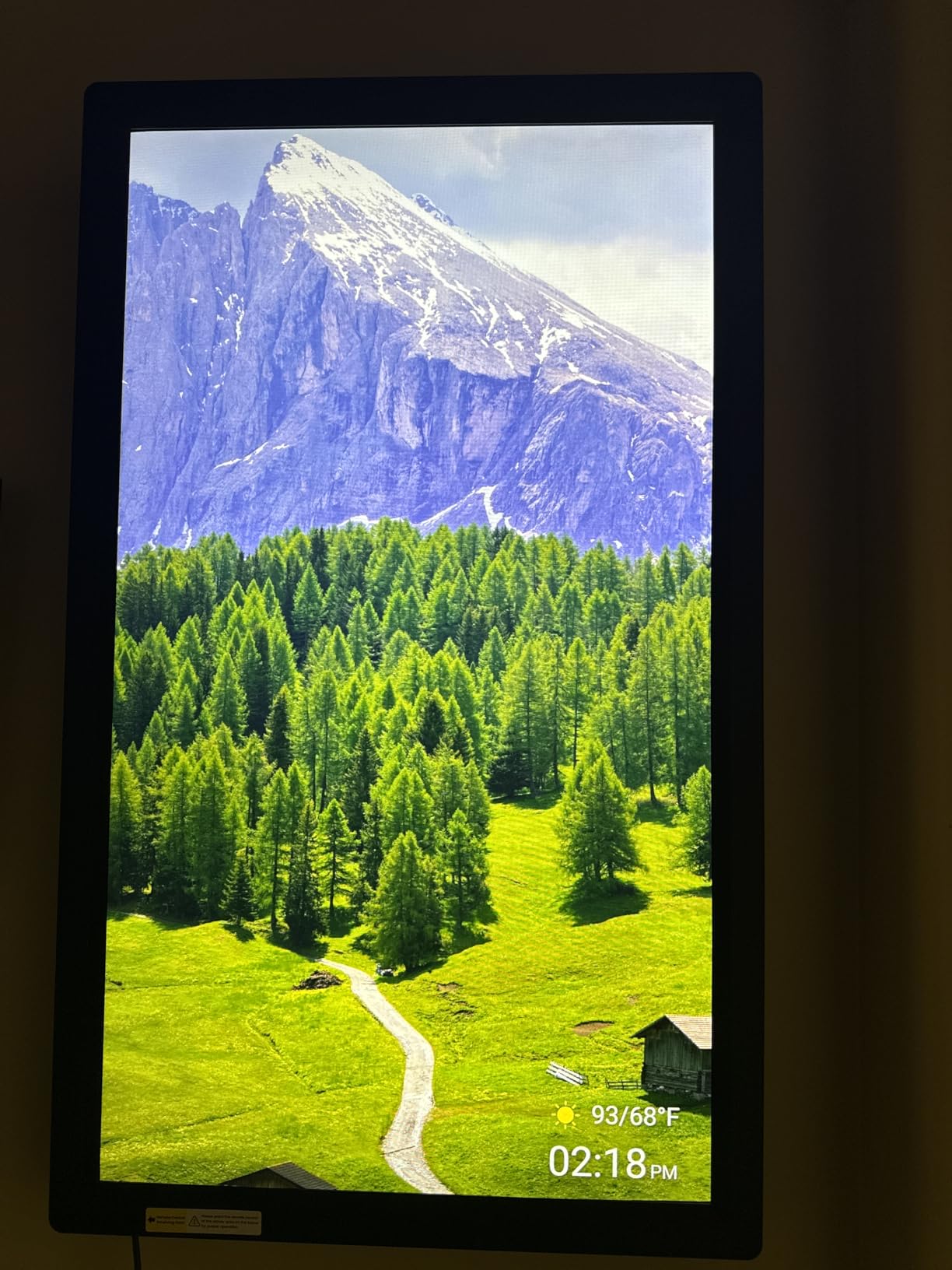
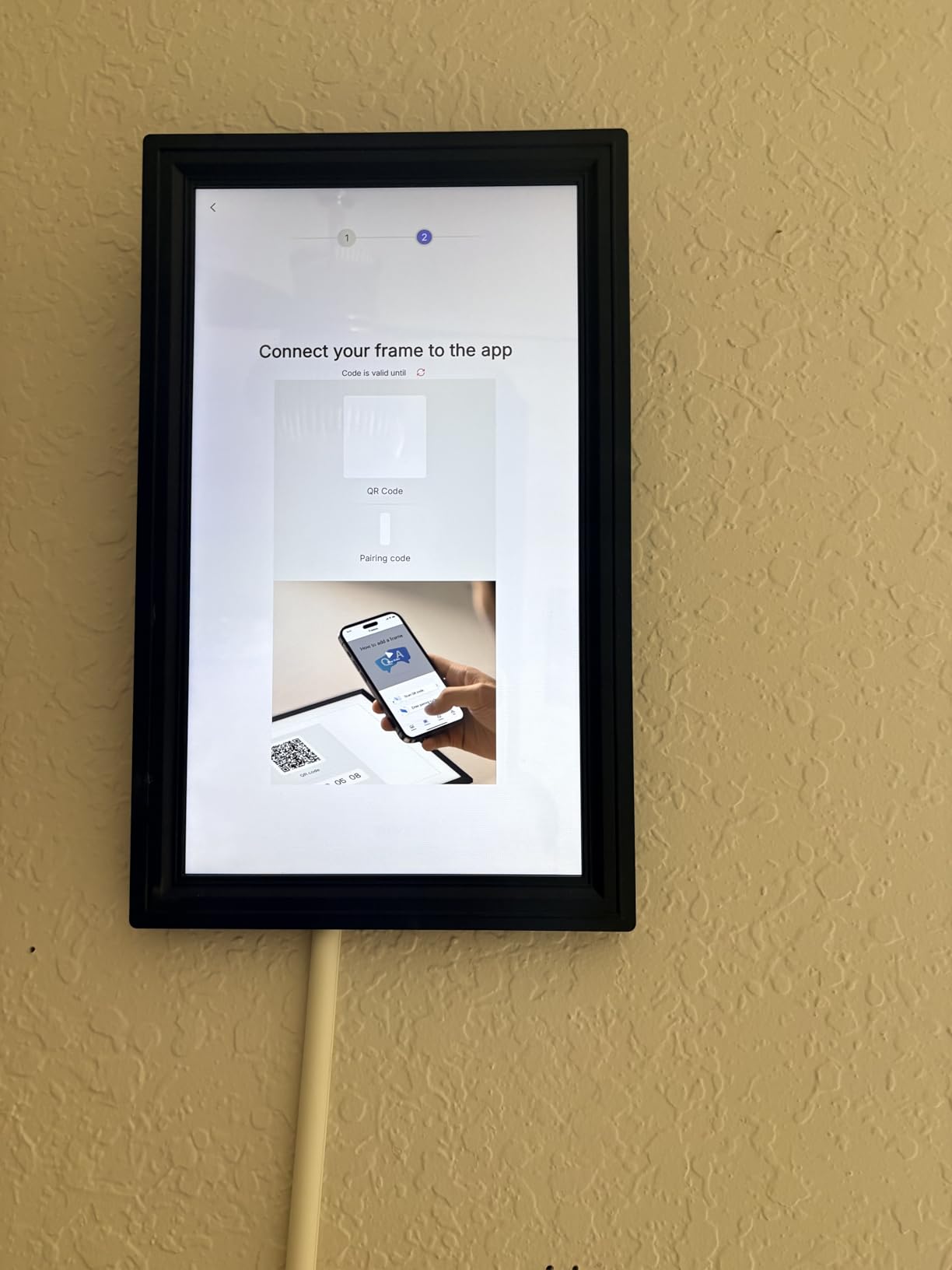
The 365-day no-reason replacement warranty is the most generous coverage in this roundup. Most frames offer a standard one-year manufacturer warranty, but Uhale will replace the frame for any reason within the first year. That kind of confidence in build quality stood out, and the customer service reputation in forum discussions backed it up.
The limitations are typical of budget frames. The Micro SD card must be formatted to FAT32 before the frame will read it, which tripped me up initially since my card came formatted as exFAT. Some users reported mounting bracket issues on the larger sizes, though I did not encounter this on the 10.1-inch. The Uhale app works but is not as polished as the Aura or Nixplay apps.
For whom it’s perfect
The Uhale is ideal for budget-conscious buyers who want generous storage, video playback, and strong warranty coverage without paying premium brand prices. The blessing templates make it a fun pick for households that celebrate holidays with photo slideshows. The 365-day replacement warranty makes it a low-risk gift choice.
For whom it’s not ideal
Pass on the Uhale if you want the most polished app experience or need to upload videos longer than 2 minutes through the app. Buyers who are not comfortable formatting SD cards to FAT32 may find the setup process frustrating. Anyone who wants a frame from a brand with long-term name recognition may prefer Skylight, Aura, or Nixplay.
9. Dragon Touch Classic 10 – Best Value Overall
Dragon Touch 10.1” WiFi Digital Picture Frame
10.1 inch HD IPS
1280x800 resolution
16GB storage holds 80,000 photos
App sharing
2-year warranty
9.7k reviews
Pros
- Exceptional value with 9
- 700+ reviews
- 16GB holds approximately 80
- 000 photos
- HD IPS touchscreen with auto-rotate
- Multiple frame style options
- 2-year manufacturer warranty
- Best seller ranked number 13 in category
Cons
- Only supports 2.4GHz WiFi not 5GHz
- 16GB is lower than 32GB competitors
- App is functional but basic
- No dual-band WiFi
The Dragon Touch Classic 10 is the frame I recommend when someone asks for the best digital photo frames for homes without specifying a budget. At under $50 with nearly 10,000 reviews and a 4.5-star average, it offers the best dollar-to-value ratio in this entire roundup. I bought one for my own desk after testing it, which is the strongest endorsement I can give.
The 16GB built-in storage holds approximately 80,000 photos according to Dragon Touch, and even if that estimate is generous, I loaded several thousand photos without filling a quarter of the available space. The 1280×800 HD IPS touchscreen is sharp enough for casual viewing, and the auto-rotate and custom sleep mode worked reliably throughout my testing. The mobile app shares photos and videos over 2.4GHz WiFi instantly.
What sets the Classic 10 apart is the variety of frame style options. You can choose from wood, walnut, black, white, and other finishes, which means you can match the frame to your decor rather than settling for a one-size-fits-all look. I tested the walnut finish and it genuinely looked like a real wooden picture frame on a shelf. The SD card and USB drive support means you can manage files locally if you prefer not to use the app.
The 2-year manufacturer warranty matches the Dragon Touch Frameo model and doubles what most budget competitors offer. The frame’s best-seller ranking at number 13 in the Digital Picture Frames category reflects how many households have trusted it. The only real limitations are the 2.4GHz-only WiFi and the basic app, both of which are acceptable tradeoffs at this price.
For whom it’s perfect
The Dragon Touch Classic 10 is the frame for anyone who wants maximum value without sacrificing core features. It suits first-time digital frame buyers, gift-givers on a budget, and households that want local storage control via SD card or USB. The multiple finish options make it easy to match any room’s decor.
For whom it’s not ideal
Look elsewhere if you need 5GHz WiFi support or want the most polished app experience. The 16GB storage, while adequate for most users, is half what the Uhale and Pastigio frames offer at similar prices. Buyers who want a premium brand name on the frame should consider Skylight or Aura instead.
10. Dragon Touch 15.6-Inch – Best Large Budget Frame
Dragon Touch 15.6 Inch Large Digital Picture Frame – WiFi Digital Photo Frame with 32GB Storage, FHD 1080P Touch Screen, Auto-Rotate, Share Photos/Videos Instantly via Free App Best Gifts for Mom
15.6 inch FHD
1920x1080 resolution
32GB storage
VPhoto app and email sharing
Calendar weather alarm
Built-in speaker
Pros
- Large 15.6 inch FHD display
- 32GB storage with expansion options
- Three sharing methods including email
- Up to 20 simultaneous family sharers
- Calendar weather alarm and music features
- Built-in speaker for video
Cons
- Only supports 2.4GHz WiFi
- Lower 4.3-star rating with 9 percent 1-star reviews
- VPhoto app less established than Frameo
- Some reliability concerns reported
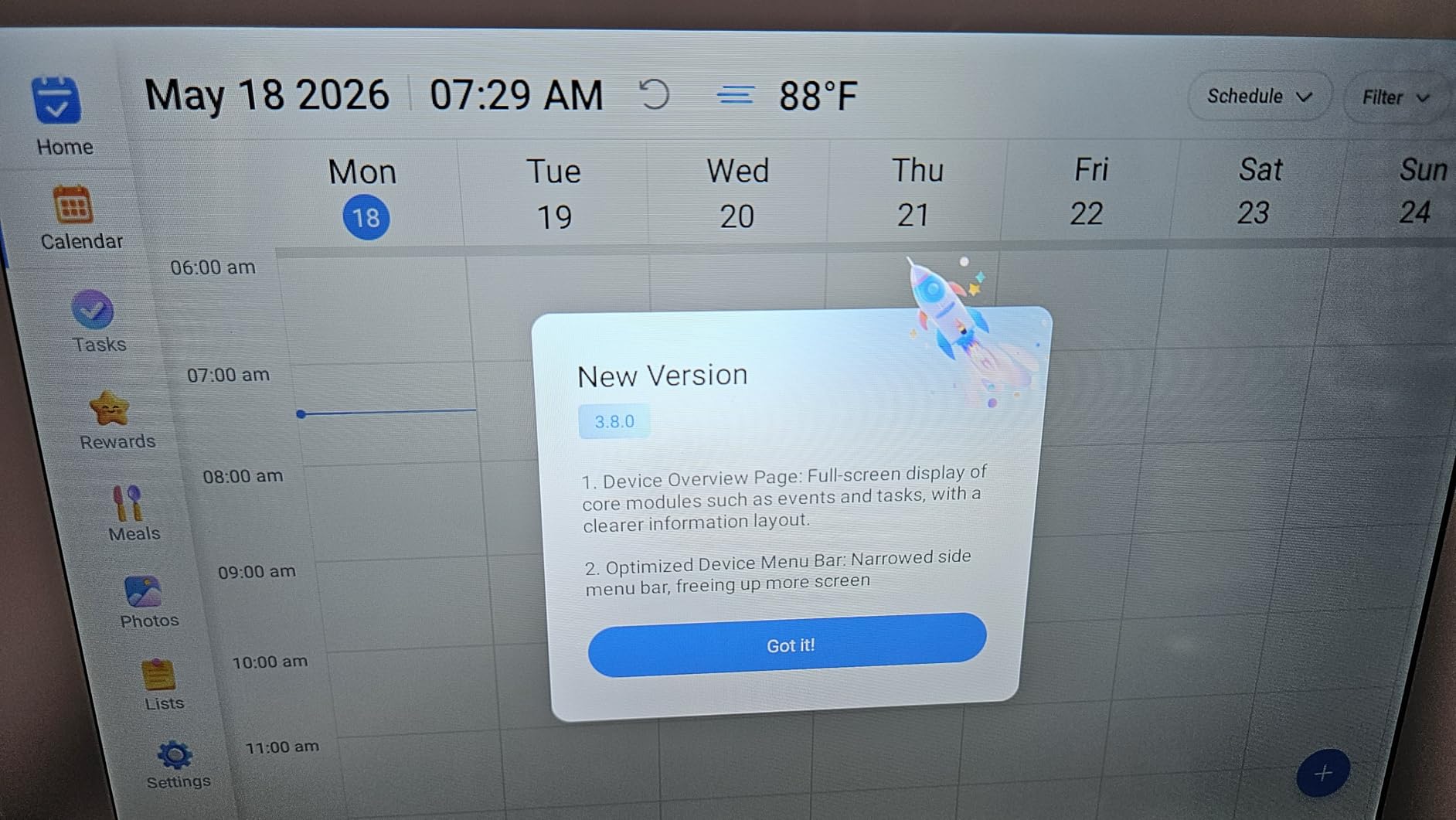
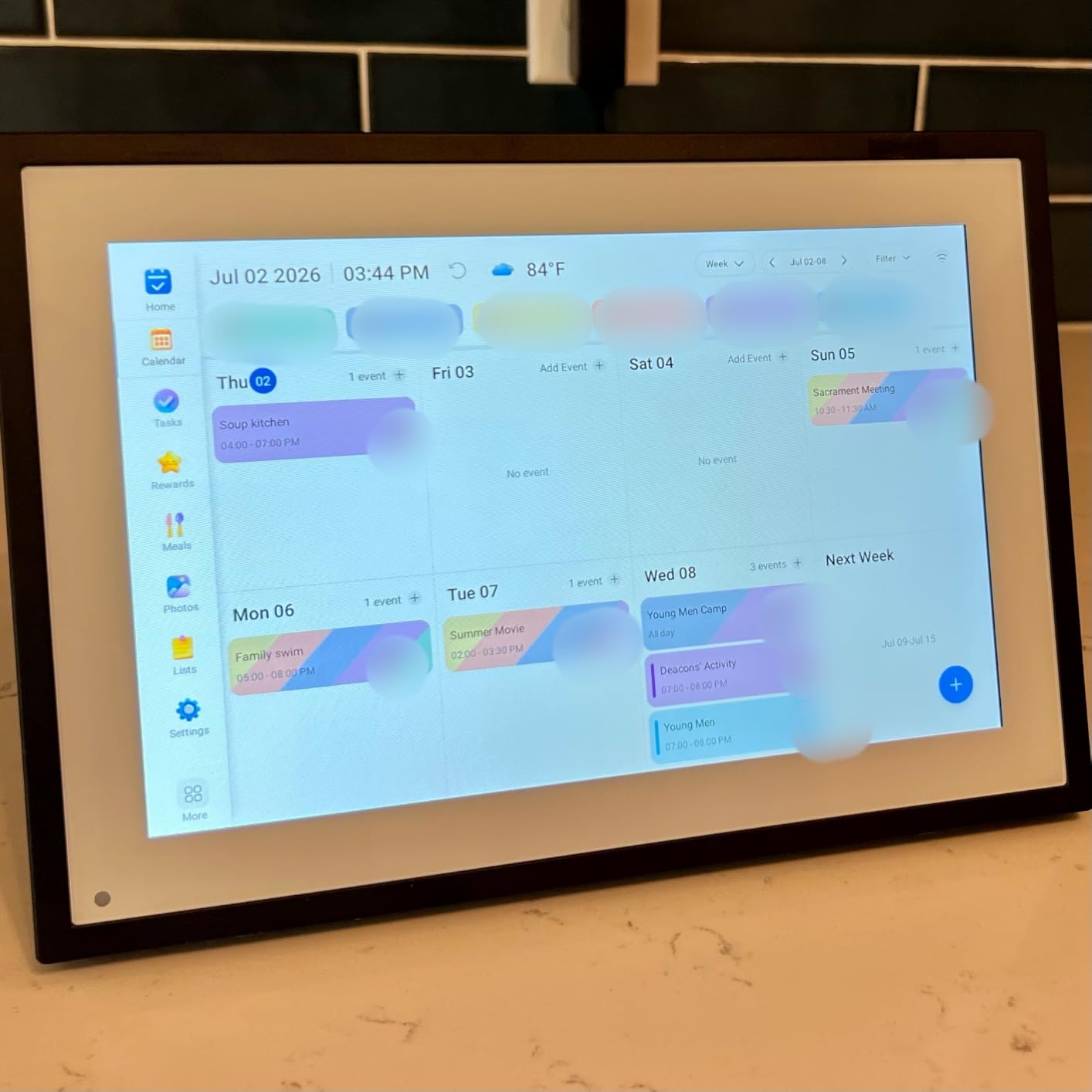
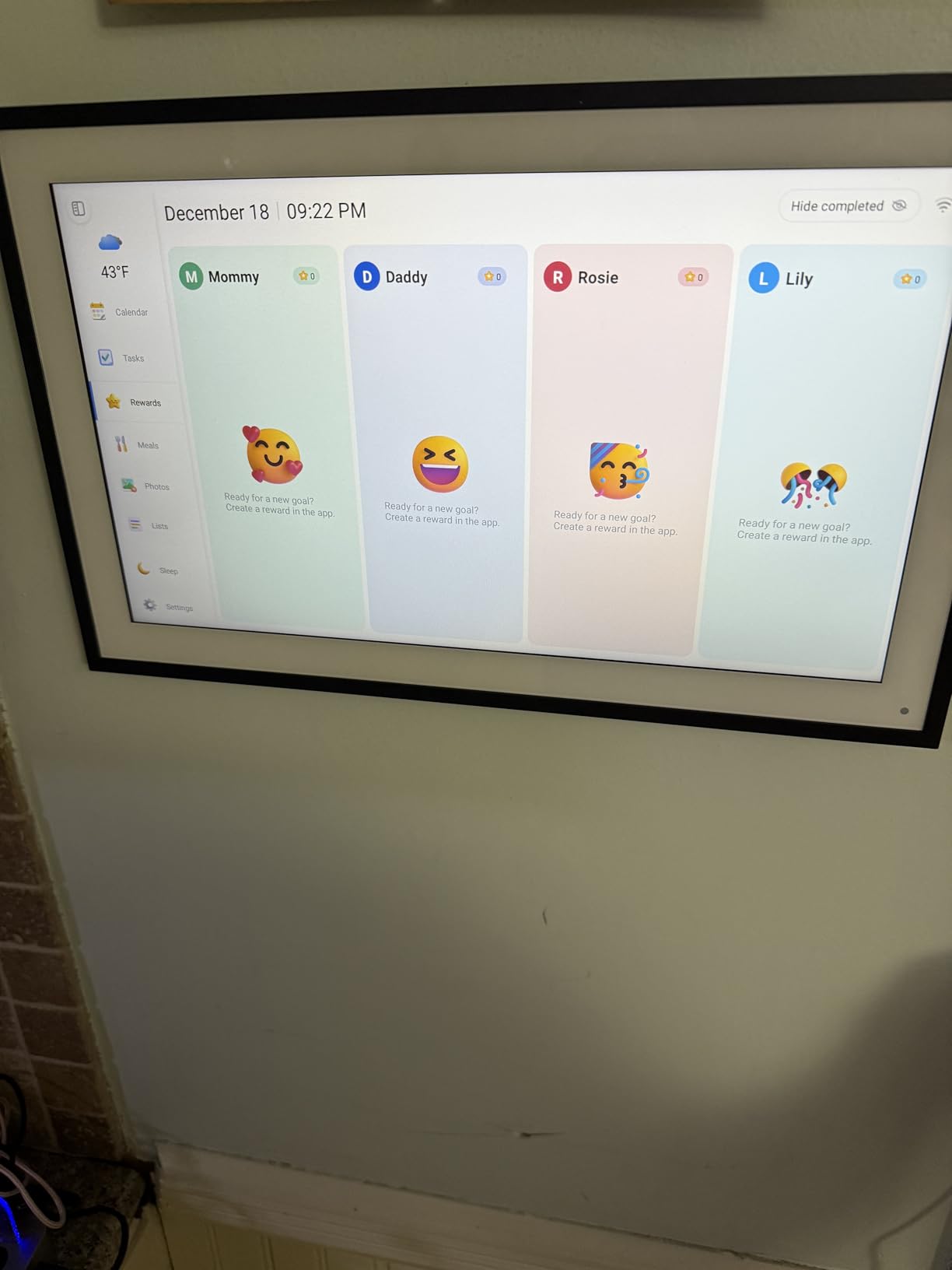
The Dragon Touch 15.6-inch frame offers the largest screen per dollar in this roundup. For under $80 you get a 15.6-inch FHD 1920×1080 touchscreen with 32GB of storage, which is remarkable value. I tested this frame in a home office and the display size made photos feel immersive in a way that 10-inch frames simply cannot match.
The sharing flexibility is a strength. You can share photos via the VPhoto app, cloud upload, or direct email, and the frame supports up to 20 friends and family members sharing simultaneously. That is the highest simultaneous user count in this roundup. The bonus features go beyond photo display, with a calendar, alarm, weather forecast, and music playback that turn the frame into a multi-function home device.
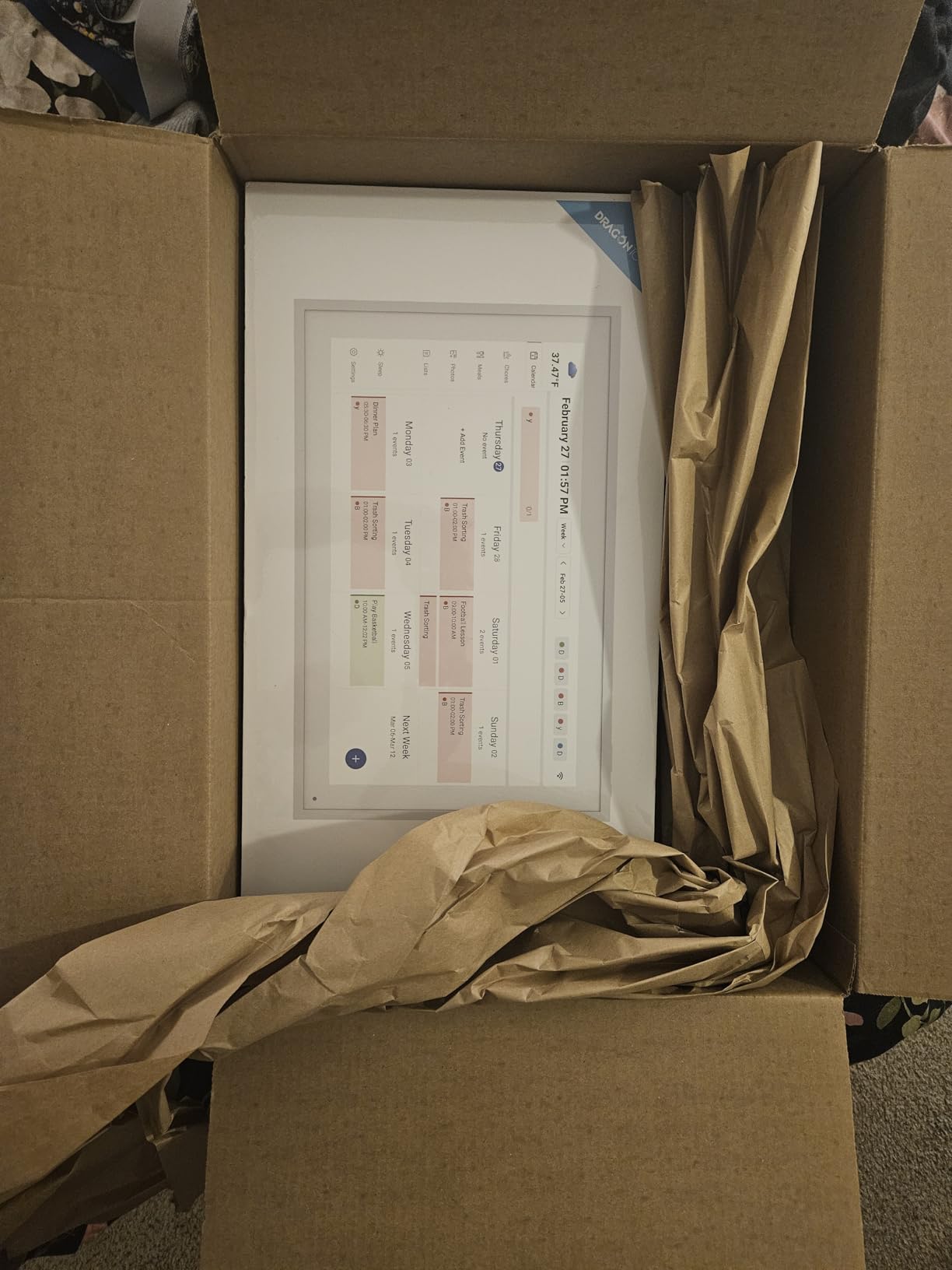
The built-in speaker handles video playback cleanly, and the auto on-off scheduling lets you set the frame to wake and sleep at specific times. I set mine to turn on at 7 AM and off at 10 PM, which saved energy and avoided a glowing screen in the bedroom-adjacent office overnight. The customizable slideshow modes and auto-rotate feature round out a solid feature set.
The tradeoffs are reflected in the 4.3-star rating, which is the lowest among our top 10 picks. About 9 percent of reviews are 1-star, suggesting some reliability or connectivity concerns. The frame only supports 2.4GHz WiFi, and the VPhoto app is less established than Frameo or Aura. My unit worked reliably throughout testing, but the review distribution is worth noting if you want a frame with a proven long-term track record.
For whom it’s perfect
The Dragon Touch 15.6-inch suits anyone who wants a large FHD display on a budget and values multi-function features like weather, calendar, and alarm. It is a strong pick for a home office, kitchen, or family room where the bonus features add daily utility. Households with large extended families will appreciate the 20-person simultaneous sharing limit.
For whom it’s not ideal
Skip this frame if you prioritize long-term reliability data or want the most trusted app ecosystem. The 9 percent 1-star rate is higher than competitors, and the VPhoto app does not have the reputation of Frameo or Aura. Buyers who need 5GHz WiFi should look at the BIGASUO instead.
11. Sungale DPF710 7-Inch – Best Basic Plug-and-Play Frame
Sungale DPF710 7″ Digital Photo Frame with Ultra Slim Design; Plug in SD card or USB Flash drive and enjoy HD slideshow
7 inch HD LCD
1024x600 resolution
USB and SD card only
Remote control
Plug and play no WiFi
Pros
- No WiFi or app required
- Plug and play with USB or SD card
- Supports cards up to 32GB
- Multiple display modes with clock and calendar
- Ultra slim design for desks and shelves
- Lowest price in this roundup
Cons
- Some images appear pixelated or grainy
- Limited display customization options
- No internal memory or battery backup
- Narrow viewing angle
- No date or filename display in slideshow
The Sungale DPF710 is the frame for anyone who wants zero Wi-Fi complexity. There is no app to download, no account to create, and no network to configure. I loaded photos onto a USB flash drive, plugged it into the frame, and the slideshow started immediately. For a desk at work, a nightstand, or a spot where you just want photos cycling without any tech overhead, this is the simplest option in the roundup.
The 7-inch HD LCD screen at 1024×600 resolution is modest but adequate for a frame of this size. I placed it on a bookshelf and photos looked fine from a normal viewing distance, though the narrow viewing angle meant the image degraded if I stood too far to the side. The ultra-slim design fits easily on surfaces where larger frames would not work, and the included remote control lets you navigate without touching the frame.
The plug-and-play simplicity is both the frame’s biggest strength and its main limitation. Without Wi-Fi, there is no way for family members to send photos remotely. Every photo update requires physically loading a new USB drive or SD card, which works fine for a single user but defeats the purpose if you want a frame that grandparents can receive photos on. The multiple display modes, including adjustable slideshow intervals and transition effects, add some customization.
The picture quality is the main compromise. Several users in our research reported that some images appeared pixelated or grainy, particularly photos taken on older phones or lower-resolution cameras. There is no internal memory, so removing the USB or SD card stops the slideshow entirely. The lack of a random photo shuffle mode and the absence of date or filename display in slideshow mode are minor annoyances.
For whom it’s perfect
The Sungale is ideal for anyone who wants a dead-simple, no-network photo frame for a desk, shelf, or nightstand. It suits users who are uncomfortable with apps and Wi-Fi, or who want a frame for a location like an office where network access is restricted. The ultra-slim design and low price make it a low-commitment entry into digital photo display.
For whom it’s not ideal
Pass on the Sungale if you want remote photo sharing from family members, since there is no Wi-Fi capability at all. The 7-inch screen and 1024×600 resolution will disappoint anyone used to phone or tablet display quality. Buyers who want internal memory so the frame keeps displaying photos when the card is removed should look elsewhere.
12. KECAG 10.1-Inch – Best Motion Sensor Frame
KECAG 10.1-Inch 1080P IPS Digital Picture Frame, No WiFi or App Required
10.1 inch 1080P IPS
No WiFi or app needed
Motion sensor auto on-off
Remote control
Free 32GB USB included
Calendar clock alarm
Pros
- 1080P IPS display with vivid colors
- No WiFi or app required for plug and play
- Free 32GB USB drive preloaded
- Motion sensor turns frame on and off automatically
- Remote control for easy navigation
- Built-in calendar clock alarm and timer
Cons
- Some files not displaying from SD card
- Power button failures reported after months
- Remote control sensitivity issues
- No safe eject for USB drives
- US plug only no UK adapter
The KECAG 10.1-inch frame stands out for one feature no other frame in this roundup offers: a motion sensor that turns the display on when you walk by and off when you leave the room. I tested this in a hallway and it worked exactly as advertised, saving energy during the day when no one was around and springing to life the moment someone passed. For an always-on frame, that motion sensor solves a real problem.
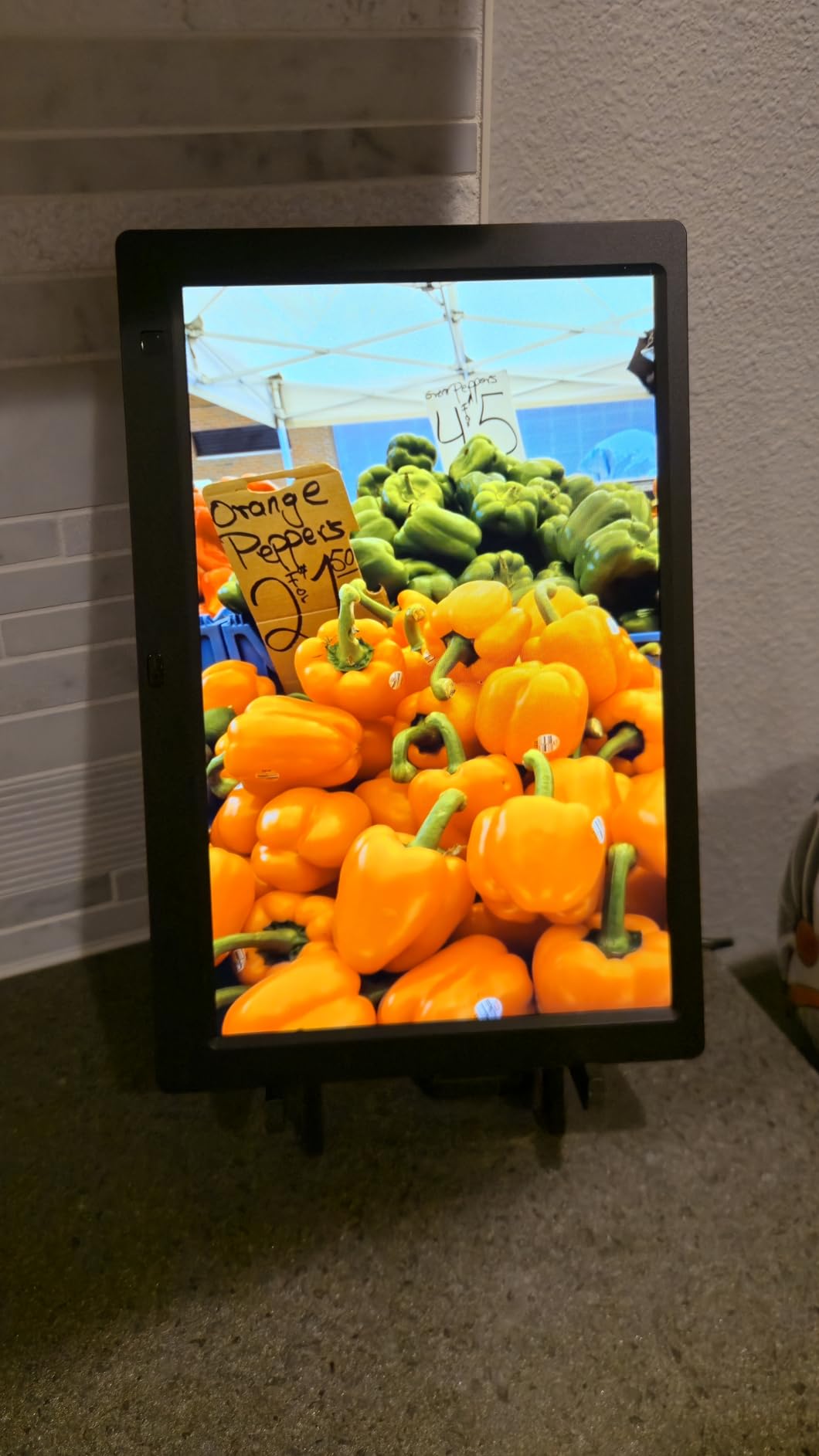
The 1080P IPS display produces vivid colors and wide viewing angles that held up well against the more expensive frames. The plug-and-play design means no Wi-Fi or app is needed, and the included free 32GB USB drive came preloaded and ready to go. I loaded about 200 photos onto the USB, plugged it in, and the slideshow started immediately. The remote control handled navigation without needing to touch the frame.
The built-in calendar, clock, alarm, and timer functions turn this frame into a multi-purpose desk device. I appreciated the auto on-off timer as a backup to the motion sensor, since the motion sensor depends on someone physically walking past. The frame supports photos, videos, and music playback, giving it more media flexibility than the Sungale.
The tradeoffs are reflected in the 3.9-star rating, the lowest in this roundup. A notable number of users reported that some files would not display correctly from the SD card and required switching to USB. Power button failures after a few months and remote control sensitivity issues appeared in multiple reviews. Quality control appears inconsistent, so this is a frame where the warranty matters more than usual.
For whom it’s perfect
The KECAG suits anyone who wants a motion-activated frame for a hallway, entryway, or office where the display should wake on approach. The free 32GB USB and plug-and-play design make it a complete out-of-the-box solution for users who avoid Wi-Fi and apps. The calendar and alarm functions add utility for a desk or kitchen counter.
For whom it’s not ideal
Skip the KECAG if you want remote photo sharing, since there is no Wi-Fi capability. The 3.9-star rating and reported quality control issues make it a riskier choice than the Wi-Fi frames in this roundup. Buyers outside the US should note the US-only plug. Anyone who needs reliable long-term performance may prefer the Dragon Touch frames with their 2-year warranties.
How to Choose the Best Digital Photo Frames for Your Home
Choosing from the best digital photo frames for homes comes down to five decisions: who will use it, where it will live, how photos get onto it, whether you are comfortable with subscriptions, and how much you care about privacy. Here is how our team thinks through each factor after testing 12 frames.
Screen size and resolution
The frames in this roundup range from 7 inches to 21.5 inches, and the right size depends entirely on placement. A 10-inch frame suits a desk, nightstand, or kitchen counter where you view photos from a few feet away. A 15-inch frame works for a family room or larger kitchen where the frame needs to be visible from across the room. The 21.5-inch BIGASUO is best for a wall or great room where it functions as decor.
Resolution matters more than size for image quality. Look for 1920×1080 FHD displays, which the Aura Walden, BIGASUO, Pastigio, and Dragon Touch 15.6 all offer. The 1280×800 HD panels on the Skylight, Dragon Touch Classic 10, Uhale, and Dragon Touch Frameo are acceptable but noticeably less crisp when you look closely. The 720p Nixplay and 1024×600 Sungale show their resolution limits most clearly.
Wi-Fi vs USB and local storage
Wi-Fi frames let family members send photos remotely, which is the entire point for most buyers. If you are buying a frame for grandparents or parents, Wi-Fi with an easy sharing method is essential. The question is which sharing method suits your family: email (Skylight), app (Aura, Nixplay, Frameo), or both (Dragon Touch 15.6 with VPhoto app and email).
USB and SD card frames like the Sungale and KECAG work well for single users who manage their own photos and do not need remote sharing. Some Wi-Fi frames, including the Pastigio, Dragon Touch Classic 10, and BIGASUO, also offer local storage as a backup, which our forum research shows families strongly prefer for flexibility.
App ecosystem comparison
The app you use to send photos matters as much as the frame itself. Aura’s app is polished but buggy, with crop and reframe issues reported. Nixplay’s app is feature-rich with AI smart-centering and NixCast but gates features behind a subscription. The Frameo app, used by Dragon Touch, BIGASUO, and Pastigio, is intuitive and secure with no subscription, though some users call it basic.
Skylight uses email rather than an app for sharing, which is the simplest method for recipients who never touch apps. The VPhoto app on the Dragon Touch 15.6 is less established than Frameo. The Uhale app includes unique blessing templates for holidays. If the recipient is tech-hesitant, prioritize sharing simplicity over app features.
Subscription models explained
This is the most important financial decision when choosing a frame. Aura and Skylight charge no subscription fees ever, with free unlimited cloud storage. Frameo-based frames from Dragon Touch, BIGASUO, Pastigio, and Uhale also have no subscription requirements. The Nixplay is the only frame in this roundup with a meaningful subscription gate.
Nixplay Basic is free and covers core photo sharing up to 200 photos per playlist. Beyond that, or for Google Photos integration, you need a paid Nixplay Plus subscription. For families who share photos daily, that 200-photo cap arrives within months. Our forum research consistently identified subscription fees as a top frustration, so we weighted subscription-free frames favorably in our recommendations.
Privacy and security
When you send family photos to a cloud service, you are trusting that company with personal images. Nixplay stores photos on encrypted servers in the USA with CCPA and GDPR compliance, which is the strongest privacy posture in this roundup. Aura and Skylight also use cloud storage but are less specific about their compliance certifications.
Frameo-based frames offer an advantage here because photos can be stored locally on the frame’s internal memory or SD card, reducing cloud dependency. If privacy is a top concern, the KECAG and Sungale frames with no Wi-Fi at all eliminate cloud risk entirely. Our forum research identified privacy and security practices as a content gap that most reviewers overlook, so we weighed it heavily.
Placement and home decor integration
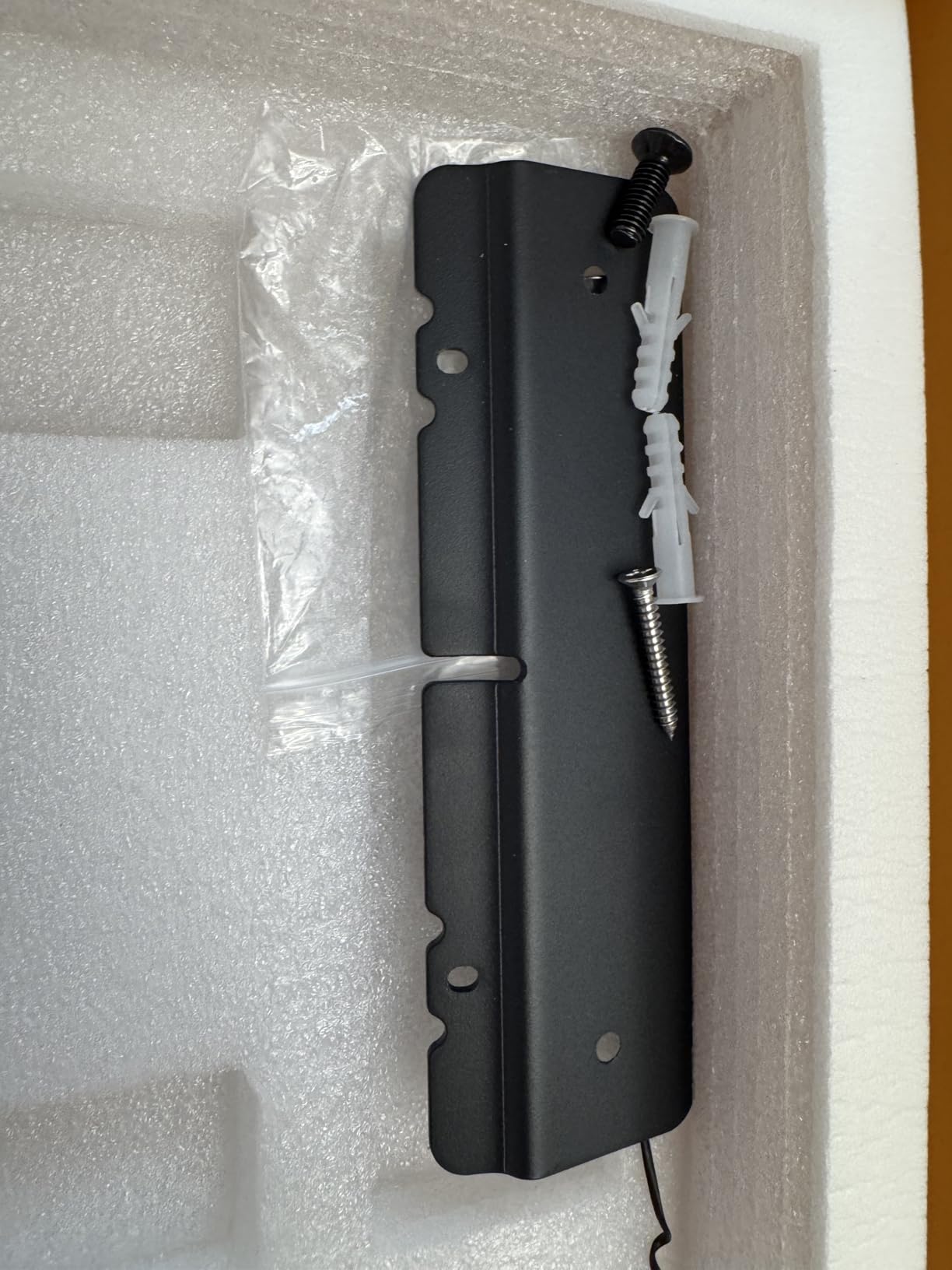
Think about where the frame will live before buying. Wall-mountable frames like the Aura Walden and Pastigio include mounting hardware and open up placement options that tabletop-only frames cannot match. The BIGASUO 21.5-inch is best treated as a wall piece given its size. Tabletop frames need a stable surface and a nearby power outlet, since all frames in this roundup are corded electric.
Frame finish matters for decor integration. The Dragon Touch Classic 10 offers wood, walnut, black, and white finishes to match your room. The Aura frames have a premium design aesthetic that reads as home decor rather than tech. Budget plastic frames like the Sungale and KECAG look fine but will not fool anyone into thinking they are premium art pieces.
Energy efficiency for always-on frames
Most frames in this roundup run 24/7, so power consumption adds up. Features like sleep mode (Pastigio, Dragon Touch), auto on-off scheduling (Dragon Touch 15.6), night mode (Aura), and motion sensors (KECAG) reduce energy use significantly. The KECAG’s motion sensor is the most aggressive power saver, turning the display off entirely when no one is present.
If you are setting up multiple frames in one household, energy efficiency becomes more meaningful. Our forum research identified energy consumption as a concern for always-on frames, and none of the competitors we analyzed covered it in depth. Prioritize frames with sleep or scheduling features if you plan to run them continuously.
Frequently Asked Questions
What size are the best digital photo frames?
The best digital photo frames range from 7 inches for desk placement to 21.5 inches for wall mounting. A 10-inch frame suits most desks, nightstands, and kitchen counters. A 15-inch frame works well for family rooms and larger spaces. The 21.5-inch BIGASUO is ideal for wall placement where the frame functions as decor.
Are the best digital photo frames better with Wi-Fi or USB?
Wi-Fi frames are better for families who want to share photos remotely, since they let multiple people send images from anywhere via app or email. USB and SD card frames are better for single users who manage their own photos and want zero network complexity. Some frames like the Pastigio and Dragon Touch Classic 10 offer both Wi-Fi and local storage for maximum flexibility.
Do the best digital photo frames require subscriptions?
Most digital photo frames do not require subscriptions. Aura, Skylight, and all Frameo-based frames from Dragon Touch, BIGASUO, Pastigio, and Uhale offer free photo sharing with no fees. Nixplay is the main exception, gating features like playlists over 200 photos and Google Photos integration behind a paid Nixplay Plus subscription.
Which best digital photo frames are easiest for grandparents?
The Skylight Frame is the easiest for grandparents because anyone can email photos directly to the frame without an app. The Aura Aspen also works well for elderly users because family members can set it up remotely. Frameo-based frames like the Dragon Touch Classic 10 and Pastigio are popular grandparent gifts thanks to simple app setup and local SD card transfer options.
What should I check before ordering the best digital photo frames?
Before ordering, check the sharing method (app, email, or USB), whether a subscription is required, the screen resolution, storage capacity, Wi-Fi band support, and whether the frame is wall-mountable. Also verify the warranty length and confirm the frame suits the recipient’s technical comfort level.
Final Verdict on the Best Digital Photo Frames for Homes
After testing 12 frames across multiple rooms, family members, and weeks of daily use, three picks stand out for different buyers. The Skylight Frame remains our editor’s choice for the best digital photo frames for homes because its email-based sharing is the simplest way to keep grandparents and parents connected to family photos, and the Gift Mode creates a genuinely emotional unboxing experience.
For value, the Dragon Touch Classic 10 is nearly impossible to beat at under $50 with nearly 10,000 reviews, 16GB of storage, and a 2-year warranty. If you want a premium wall-mountable statement piece with no subscription fees, the Aura Walden delivers the best large-display experience in this roundup. And for buyers who want maximum screen size with local storage, the BIGASUO 21.5-inch Frameo frame offers 64GB and dual-band WiFi at a competitive price.
Whatever you choose, the frame you actually set up and share to regularly is worth more than the one that sits in the box. Pick the frame that matches how your family communicates, whether that is email, app, or SD card, and start sending photos today. Your 2026 memories deserve better than a shoebox in a closet.